Nikon D80 DSLR Camera Instruction Manual
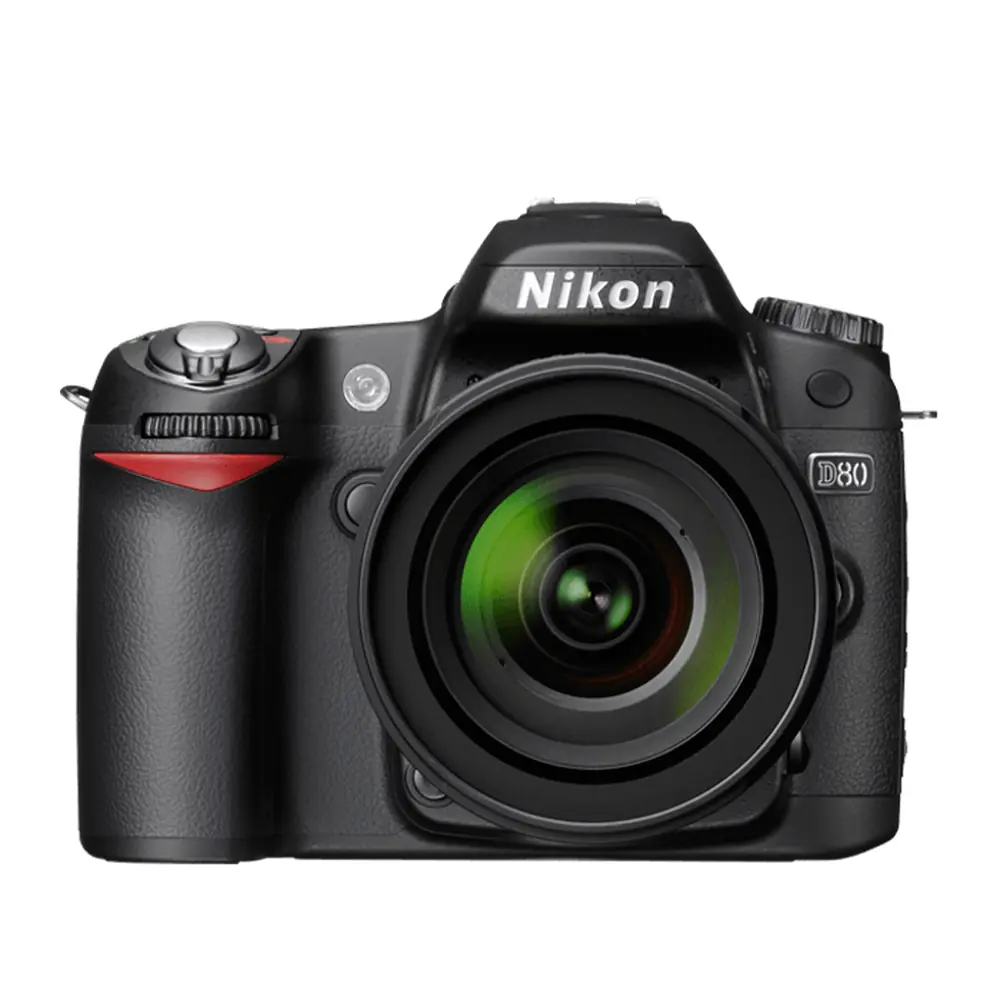
Nikon D80 DSLR Camera
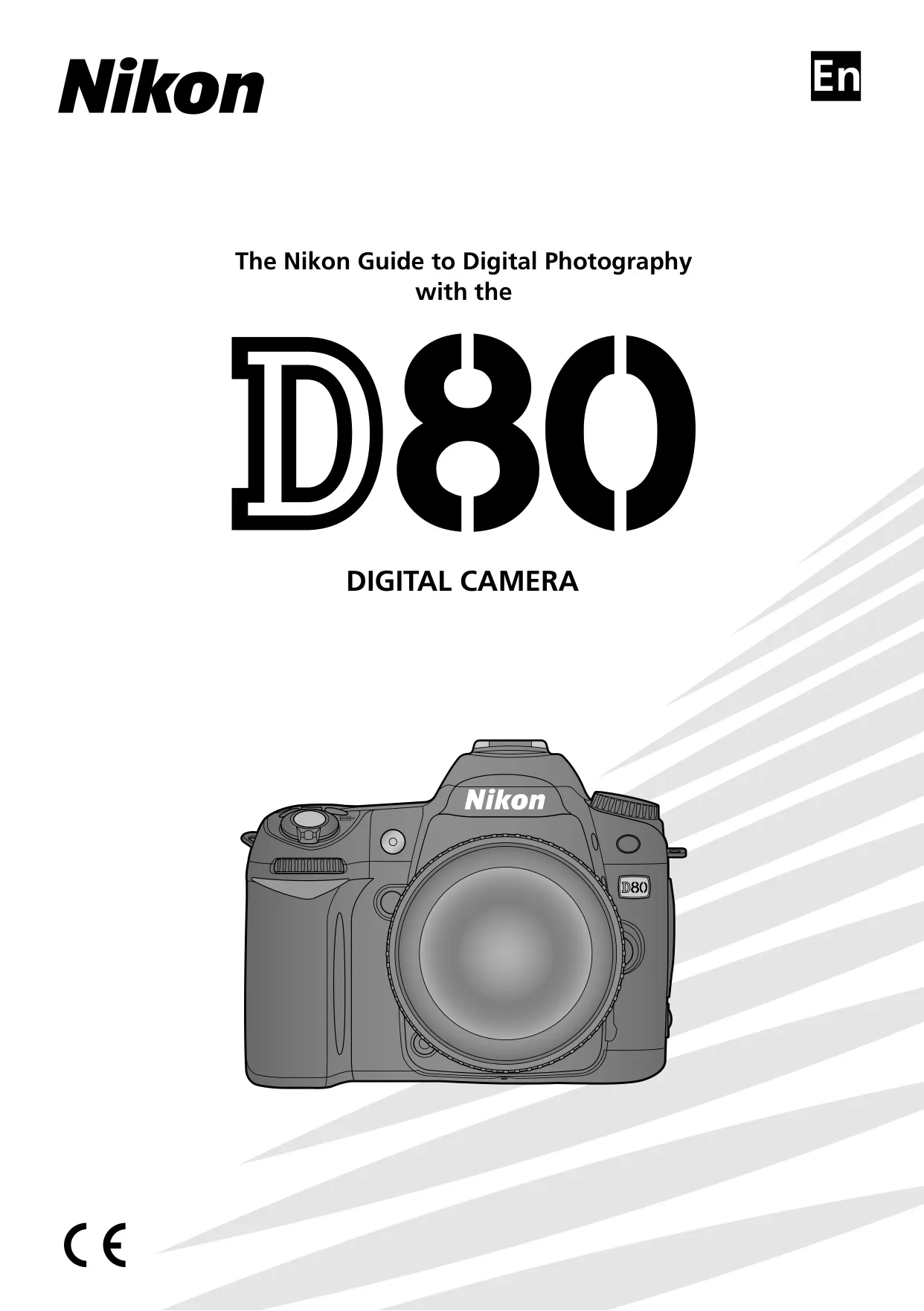










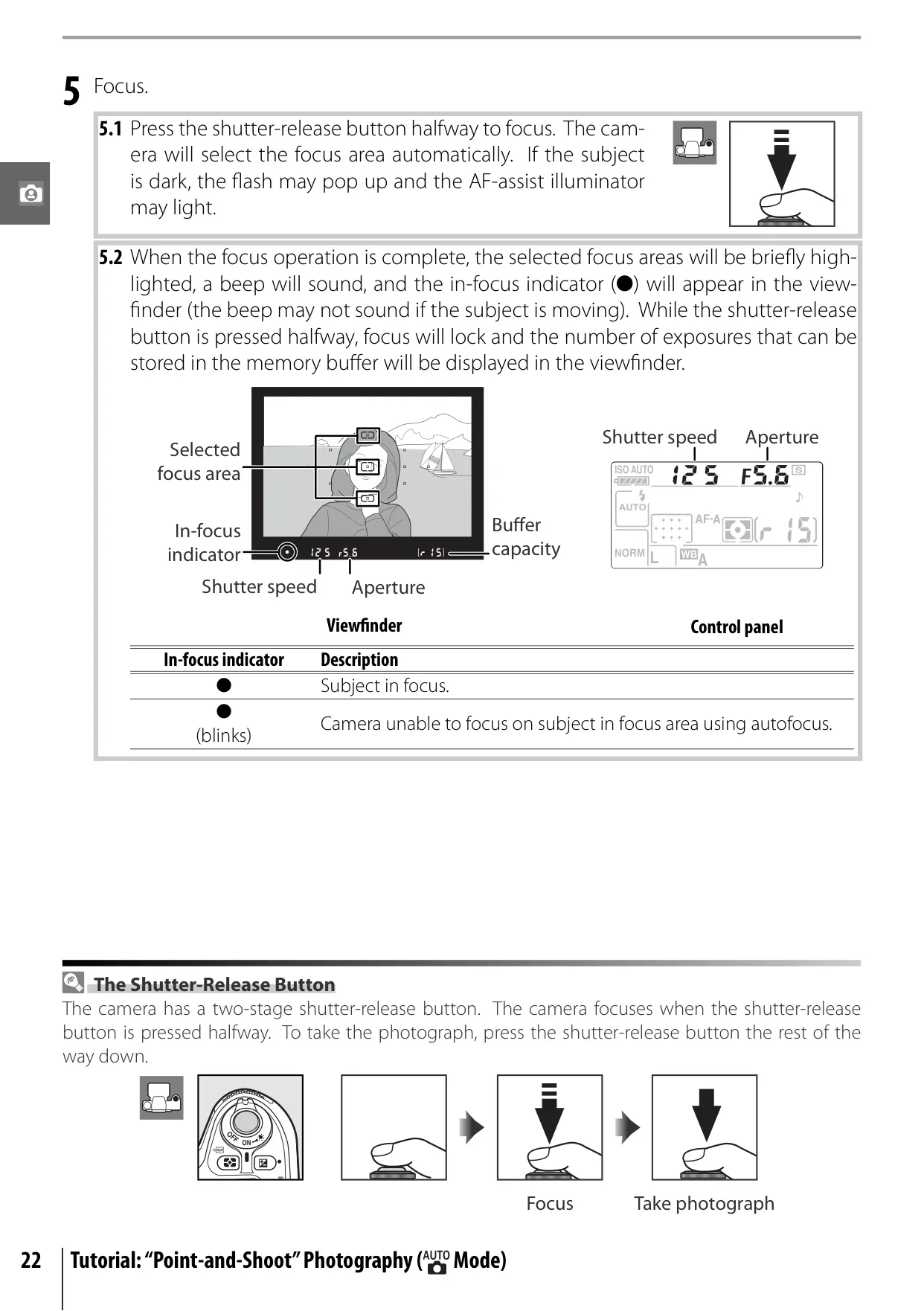
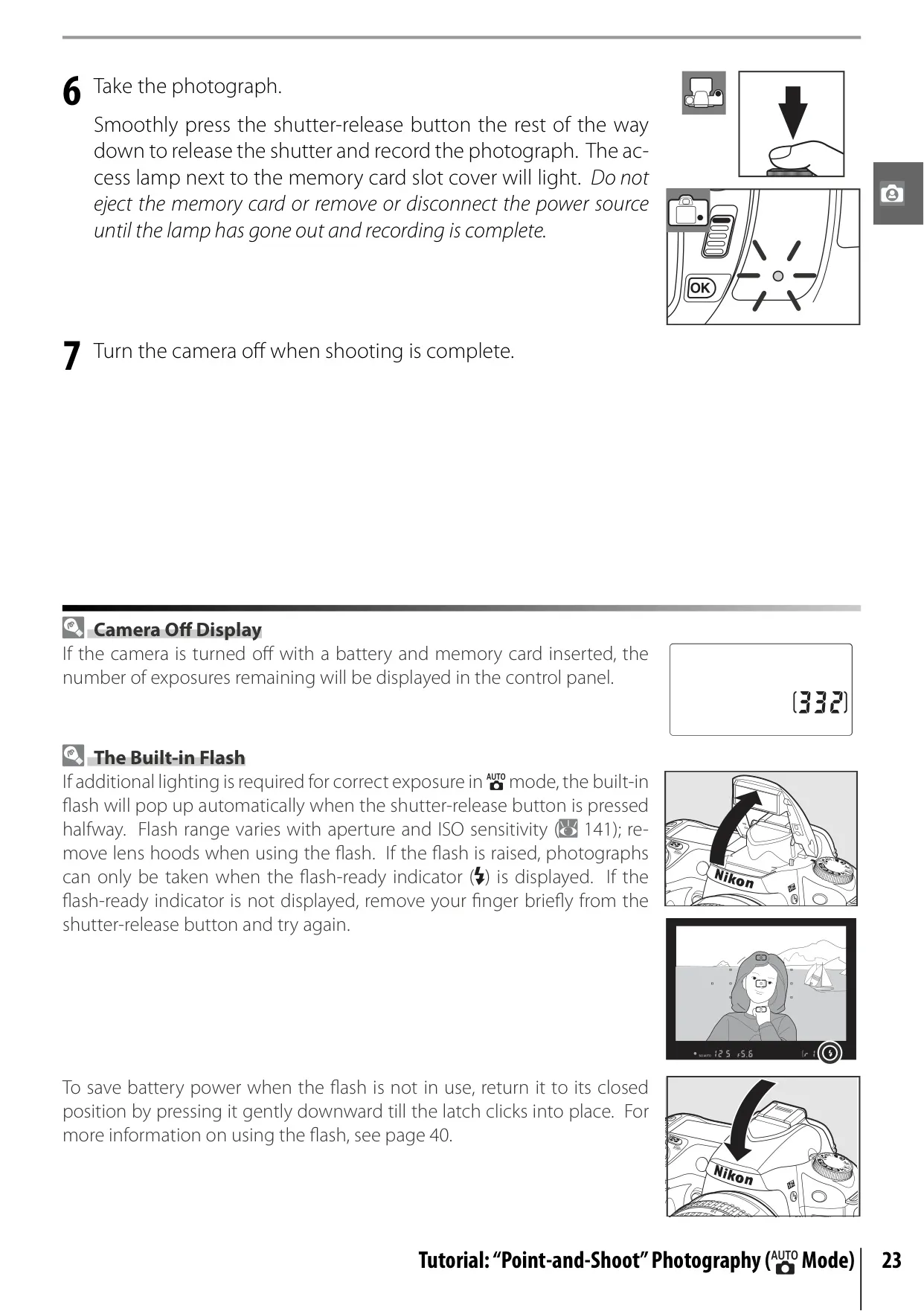
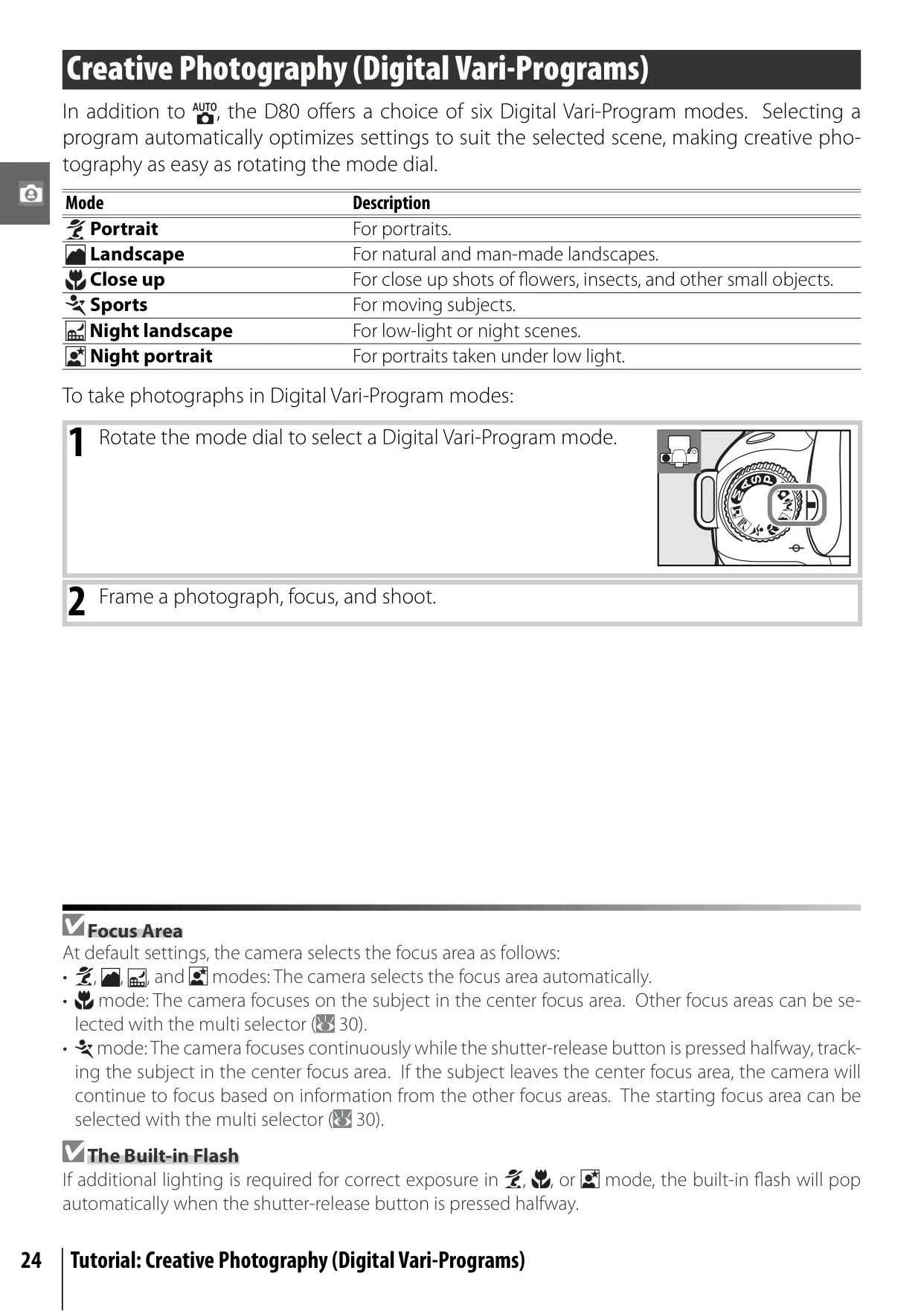
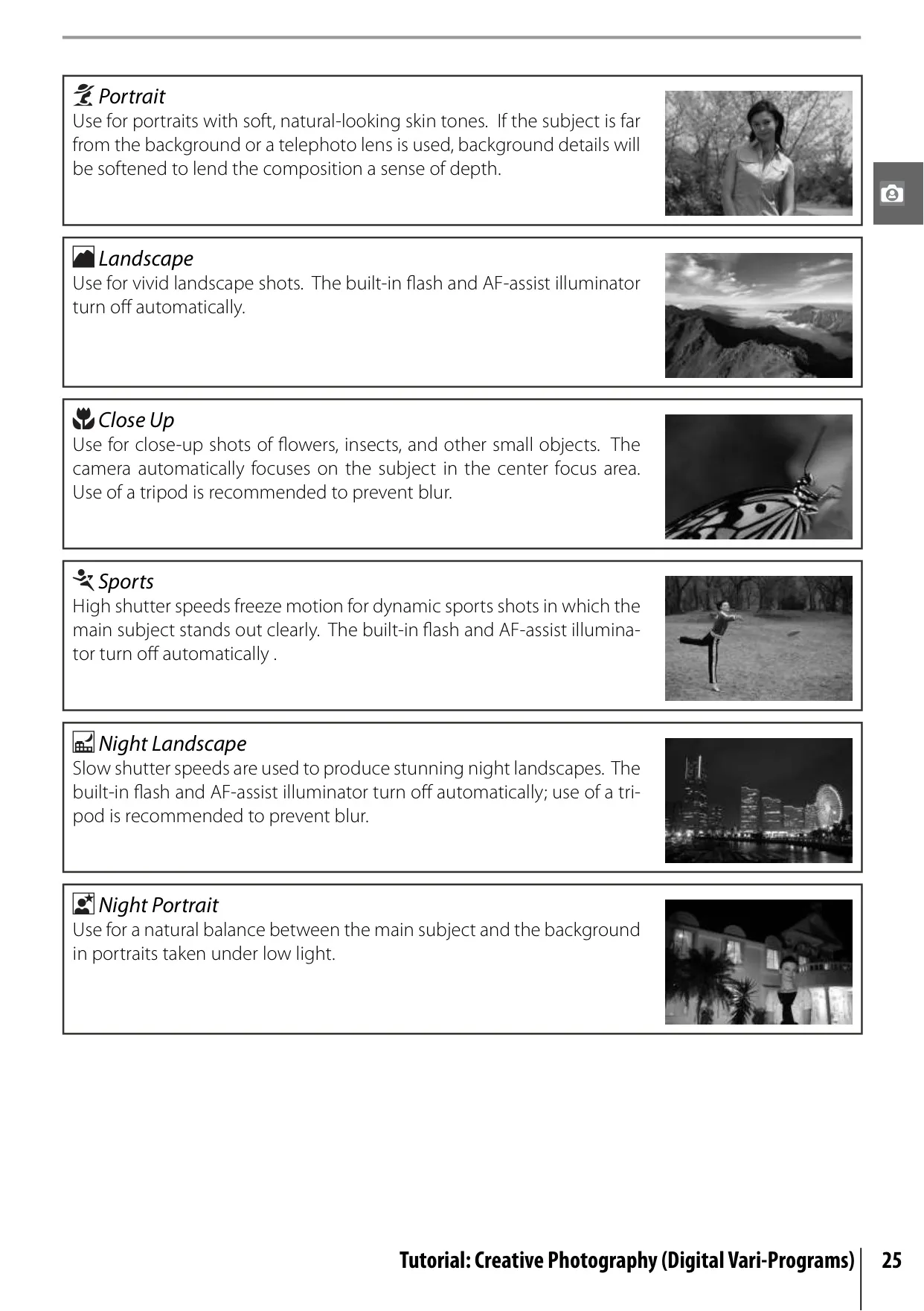







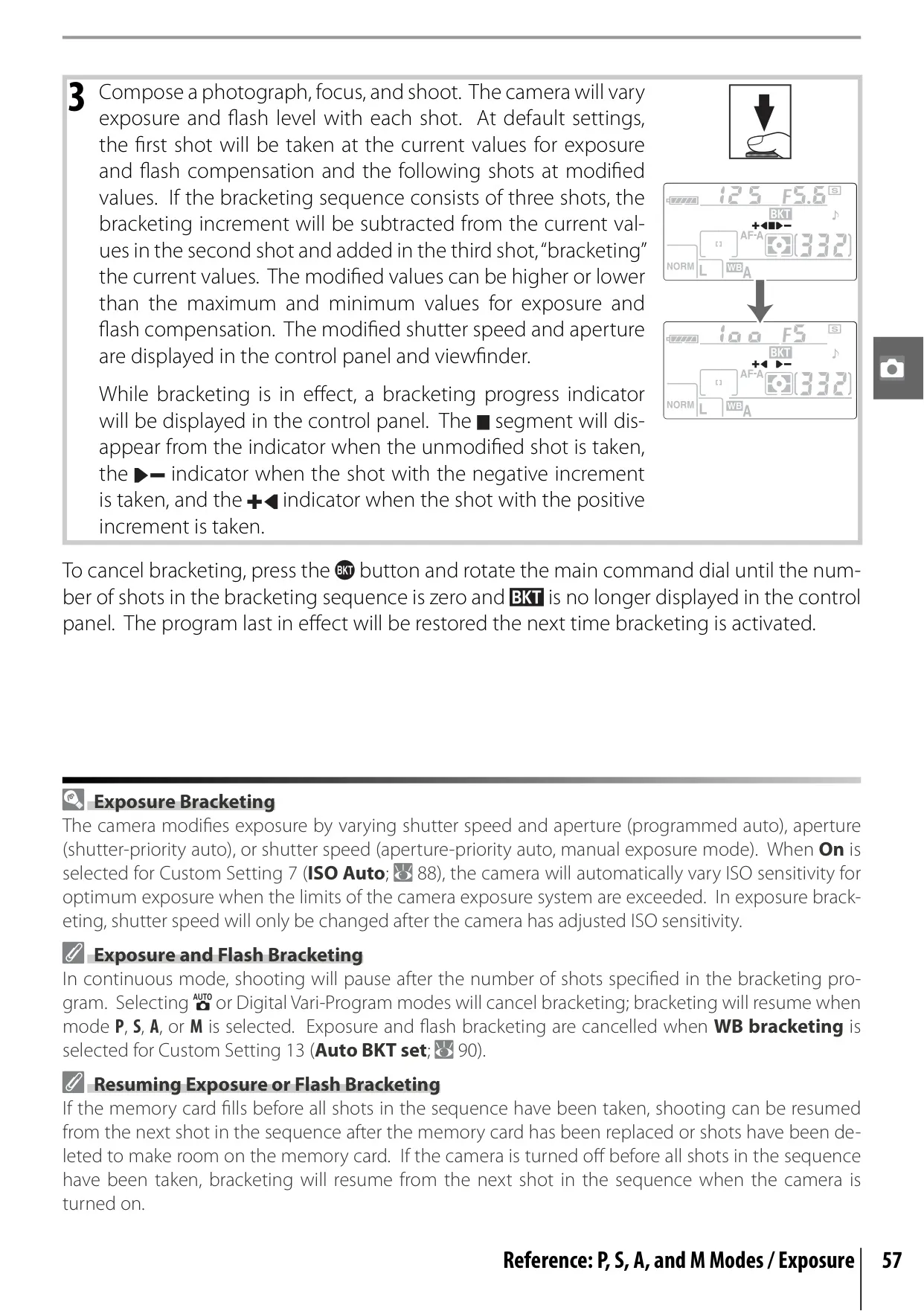
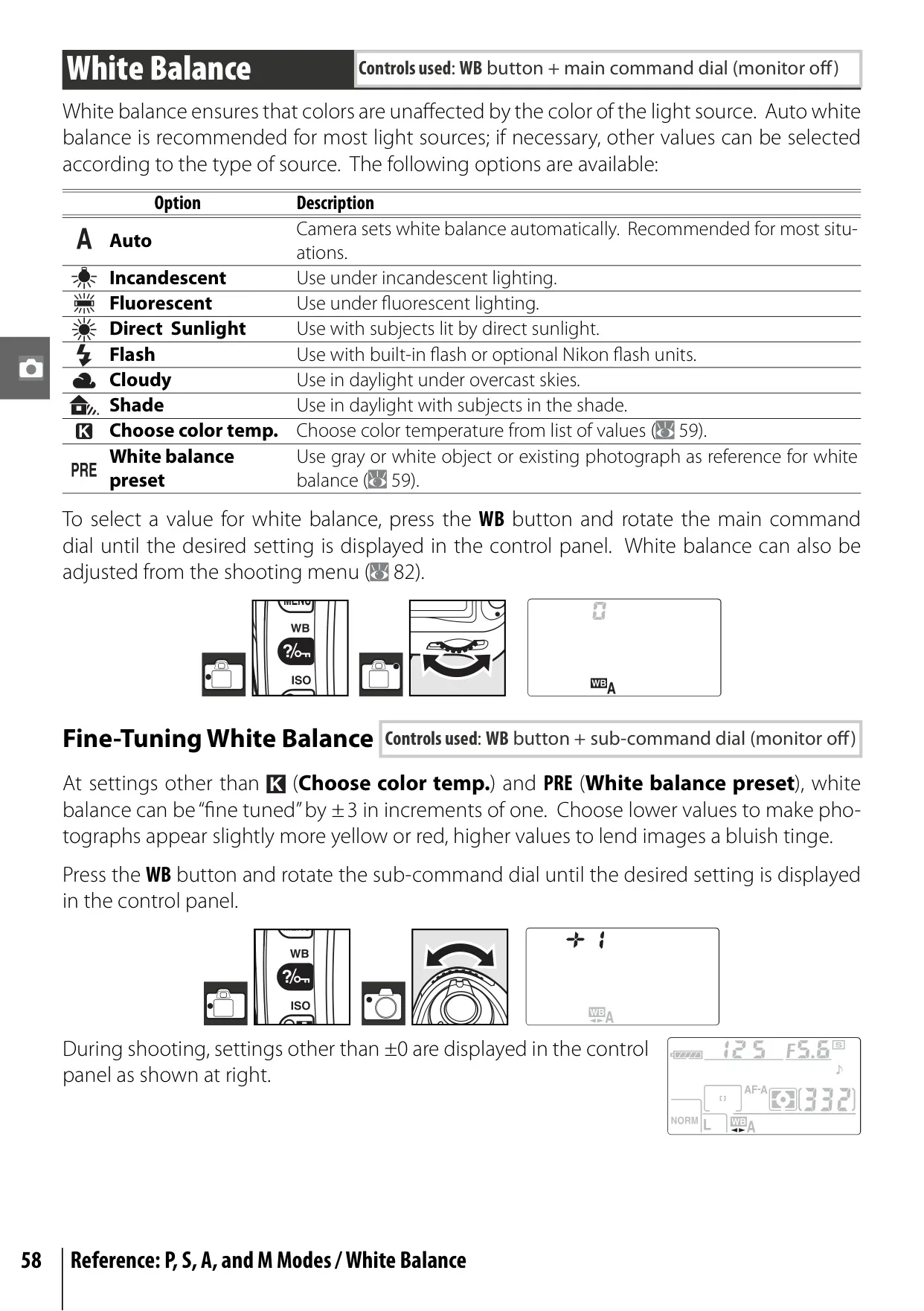
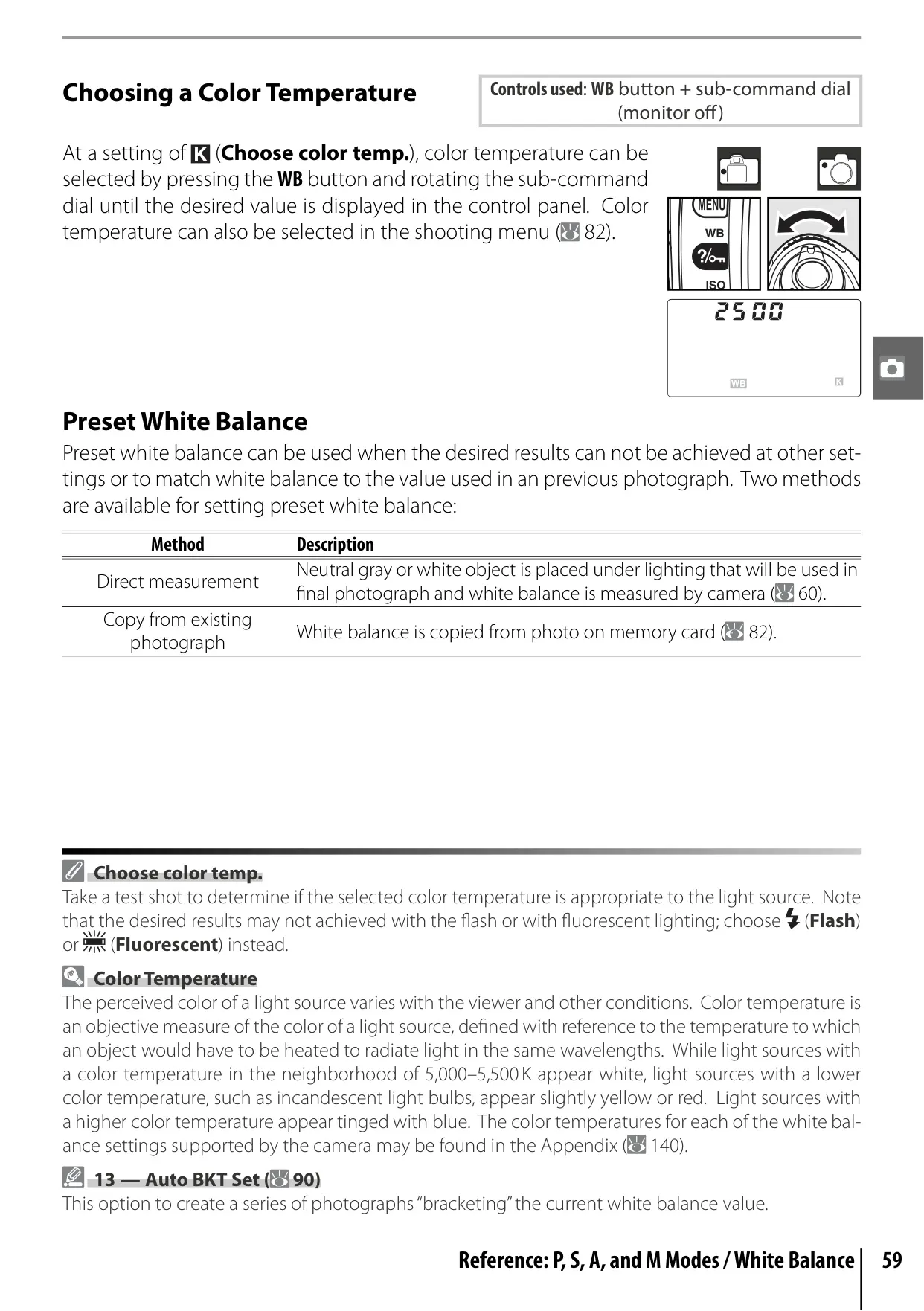
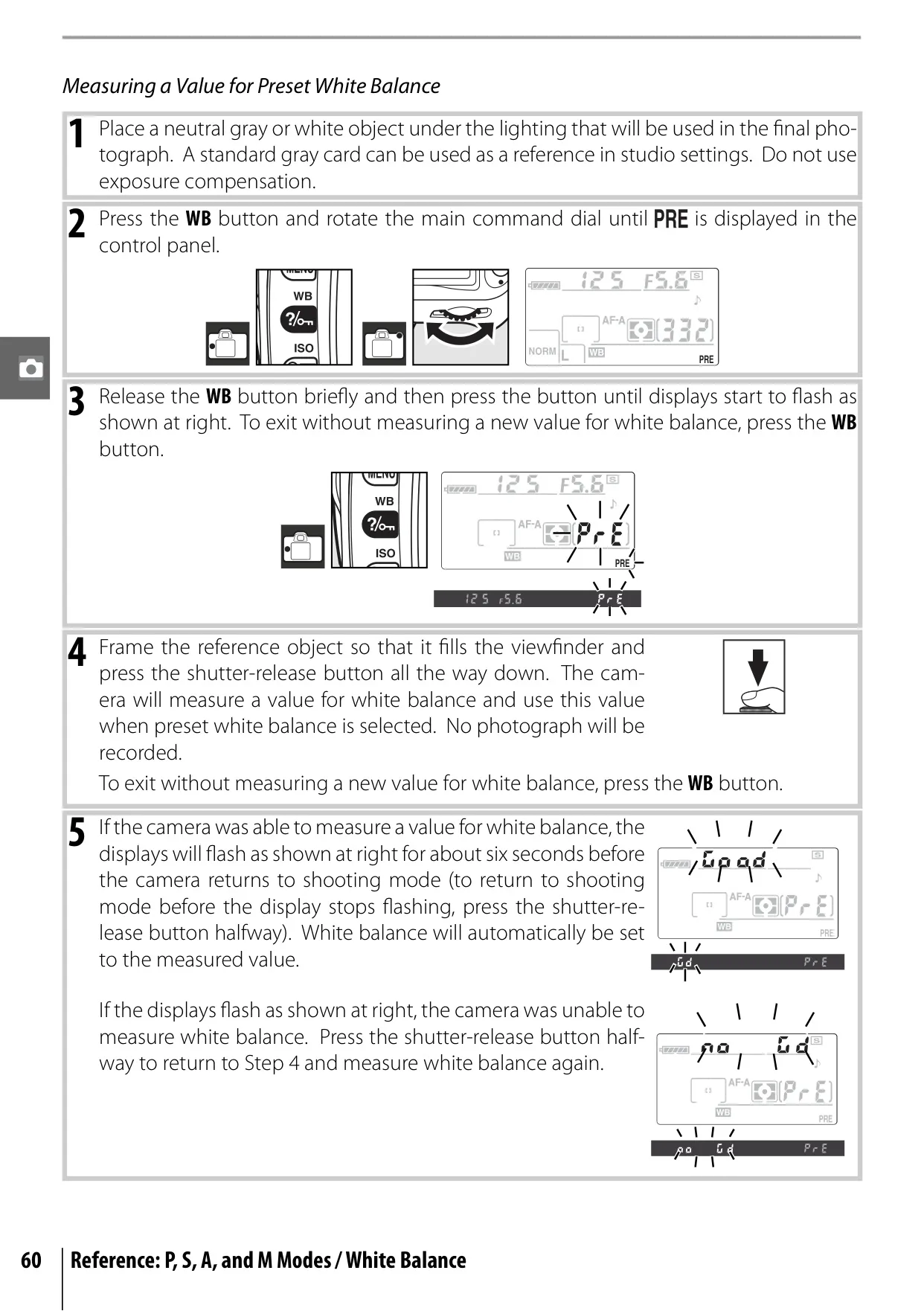




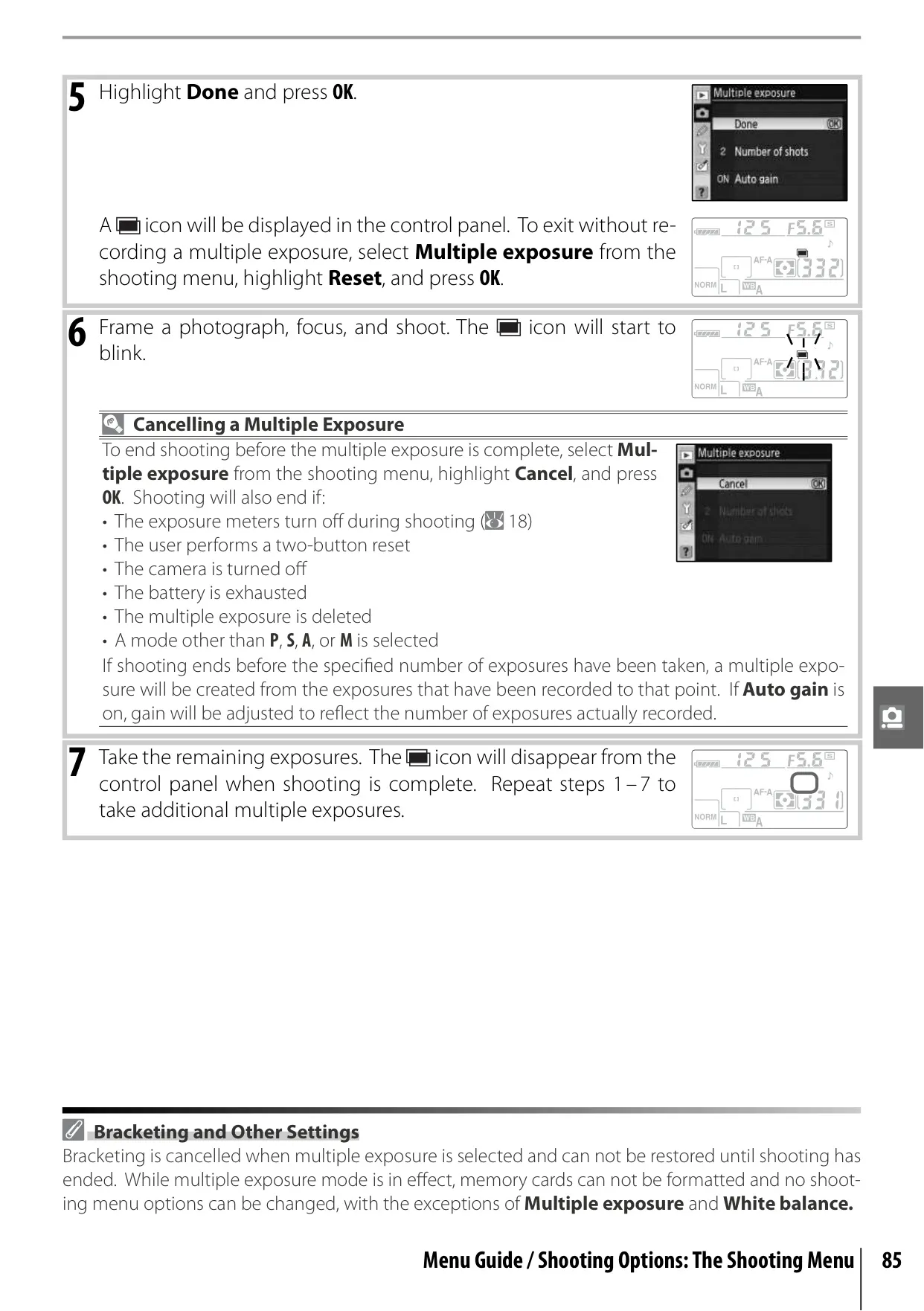
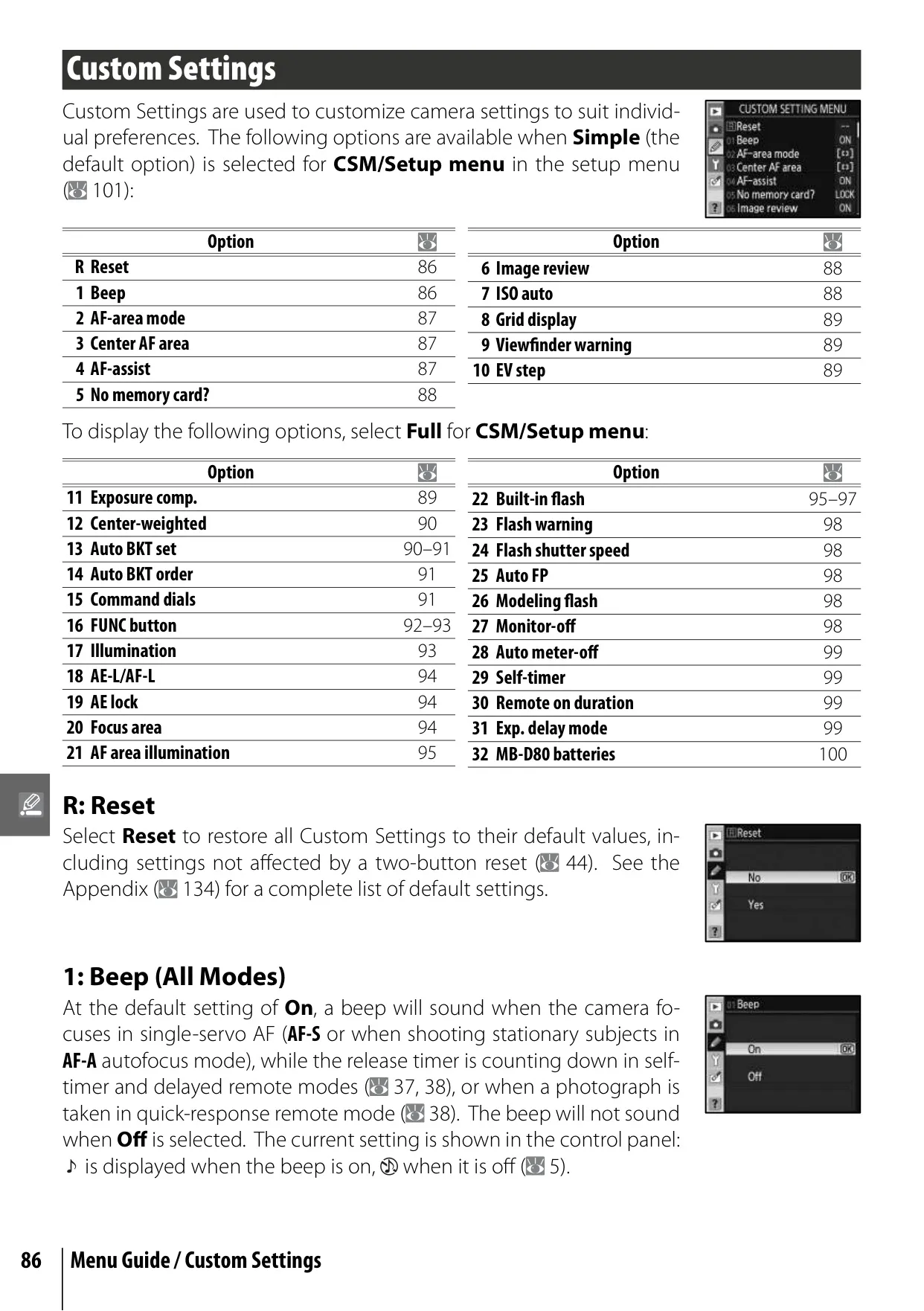
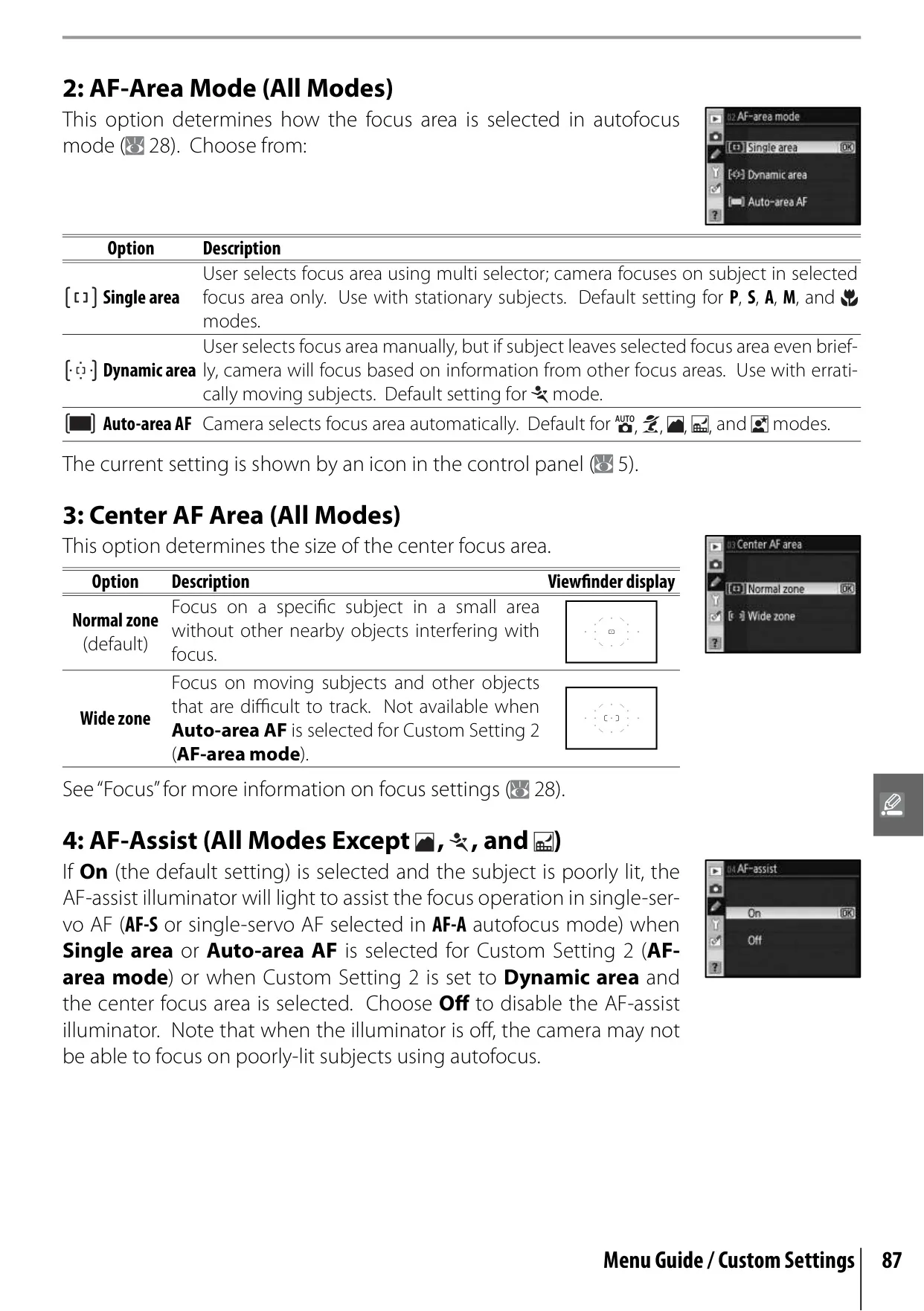
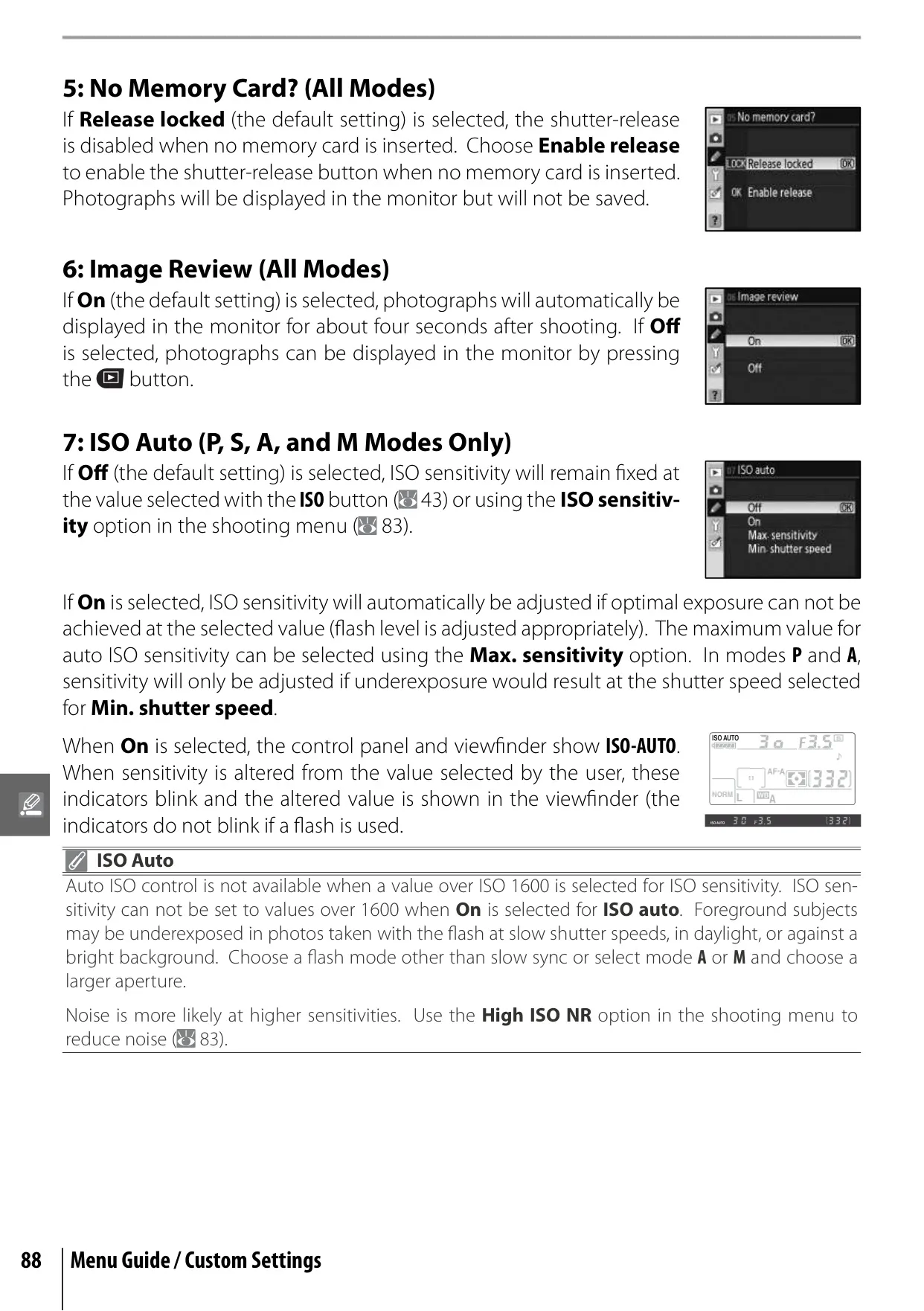
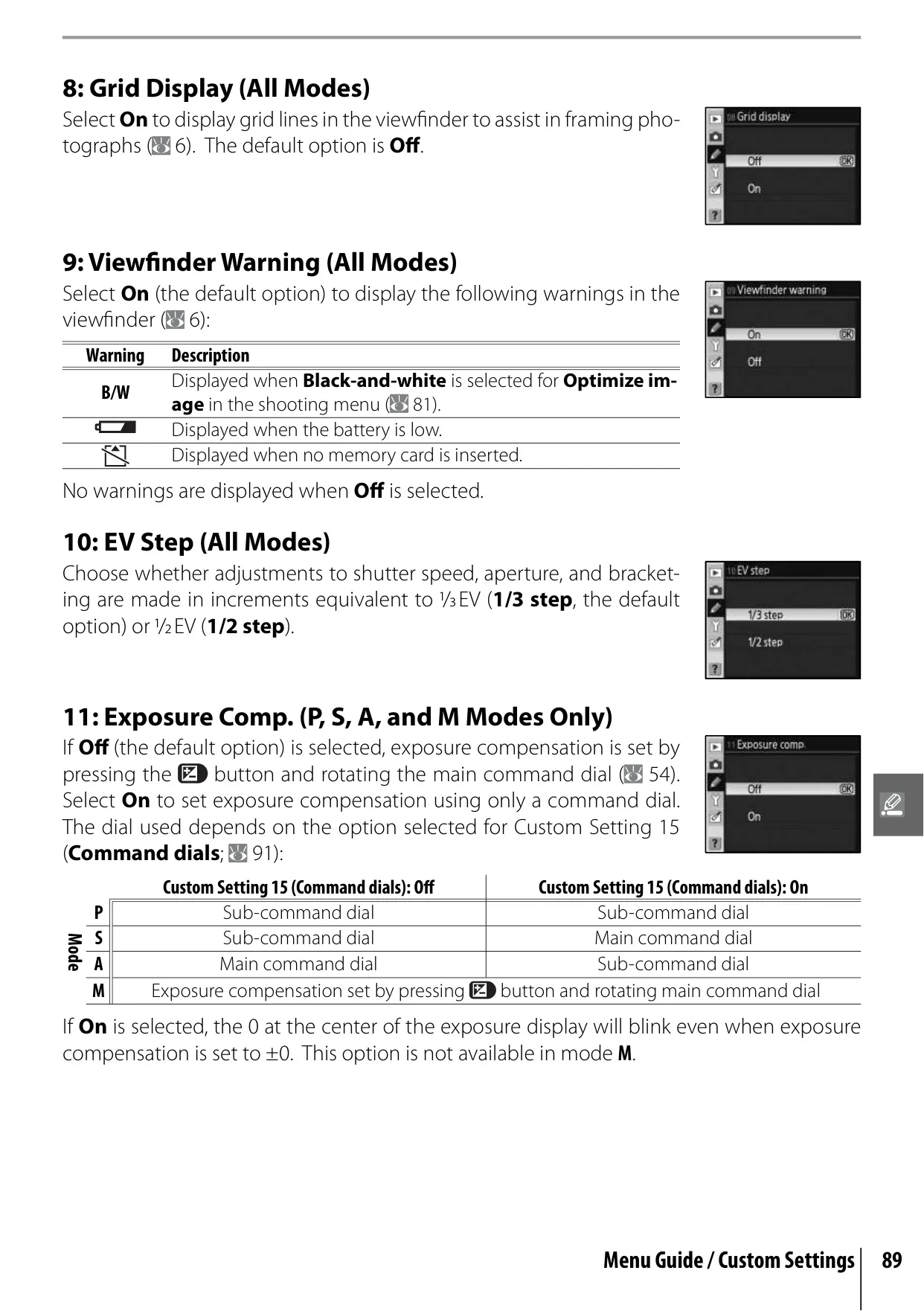
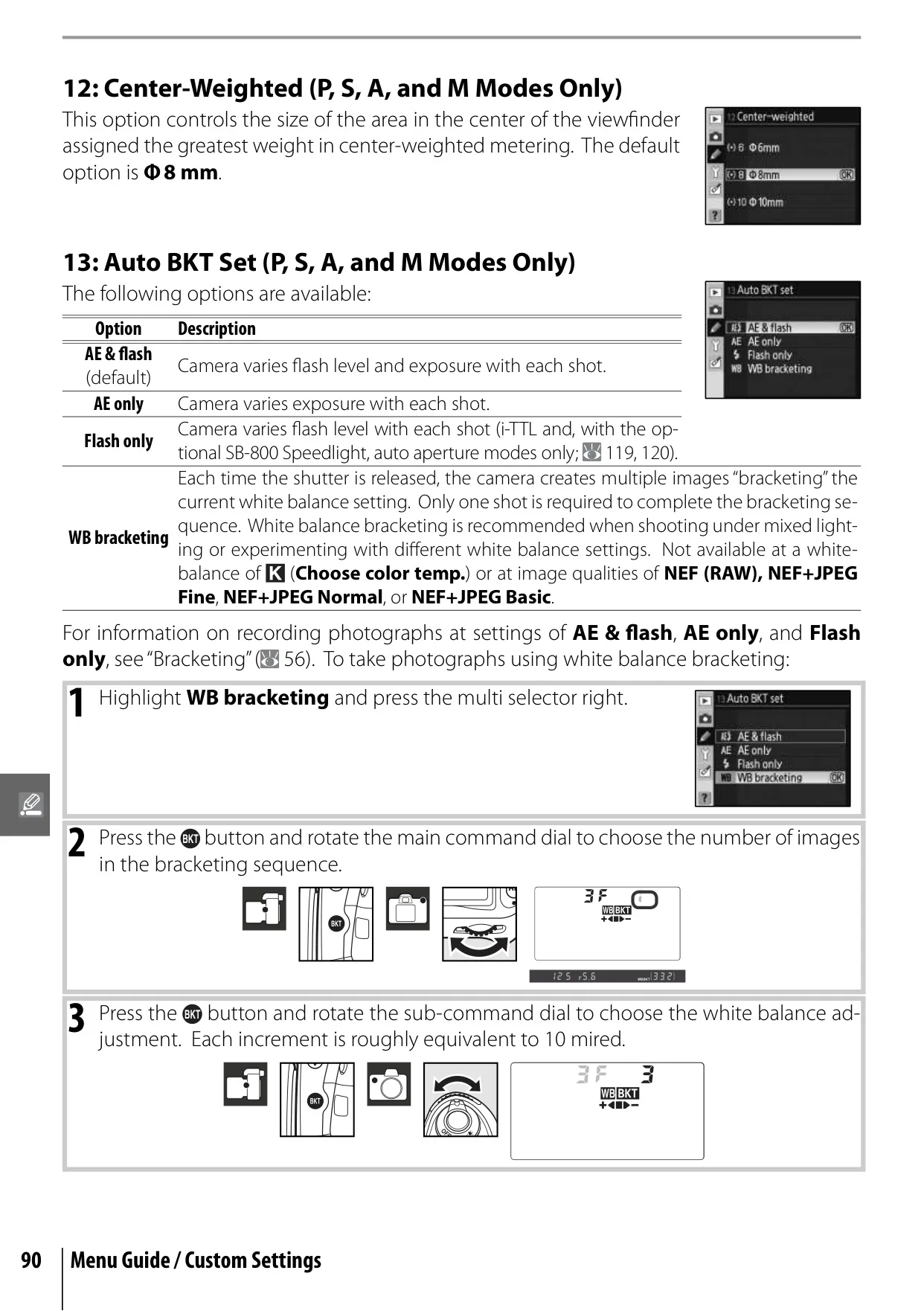
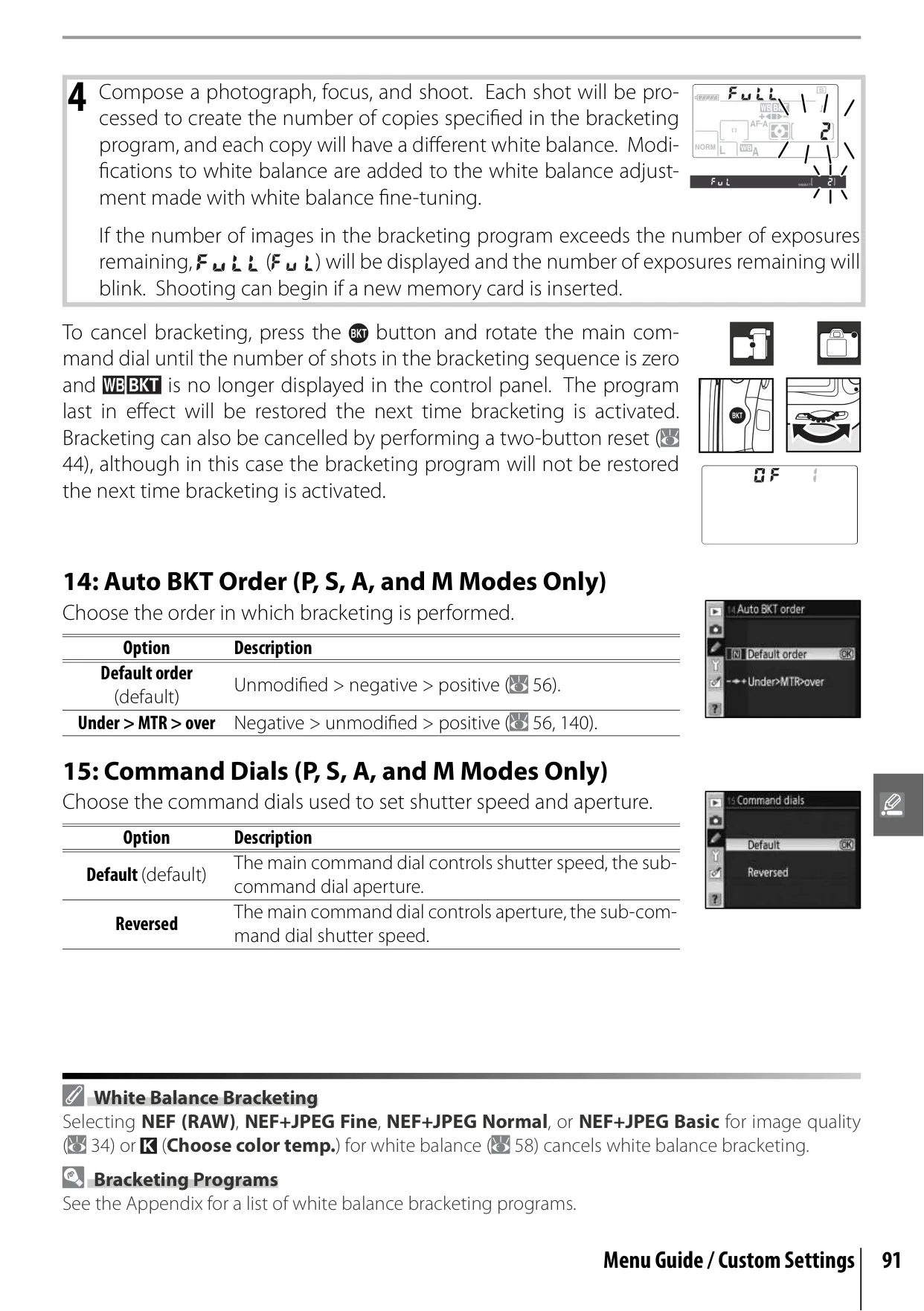
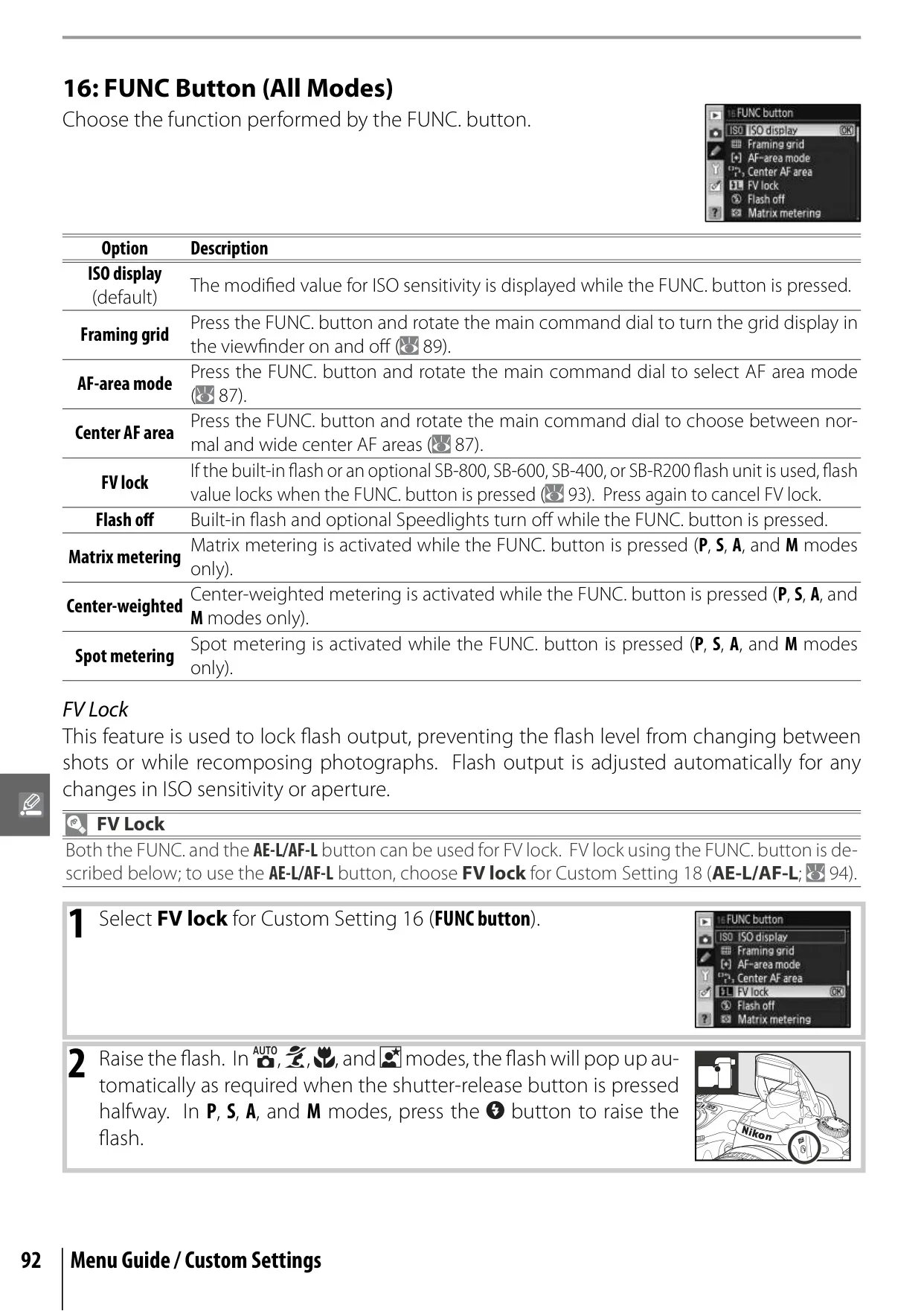















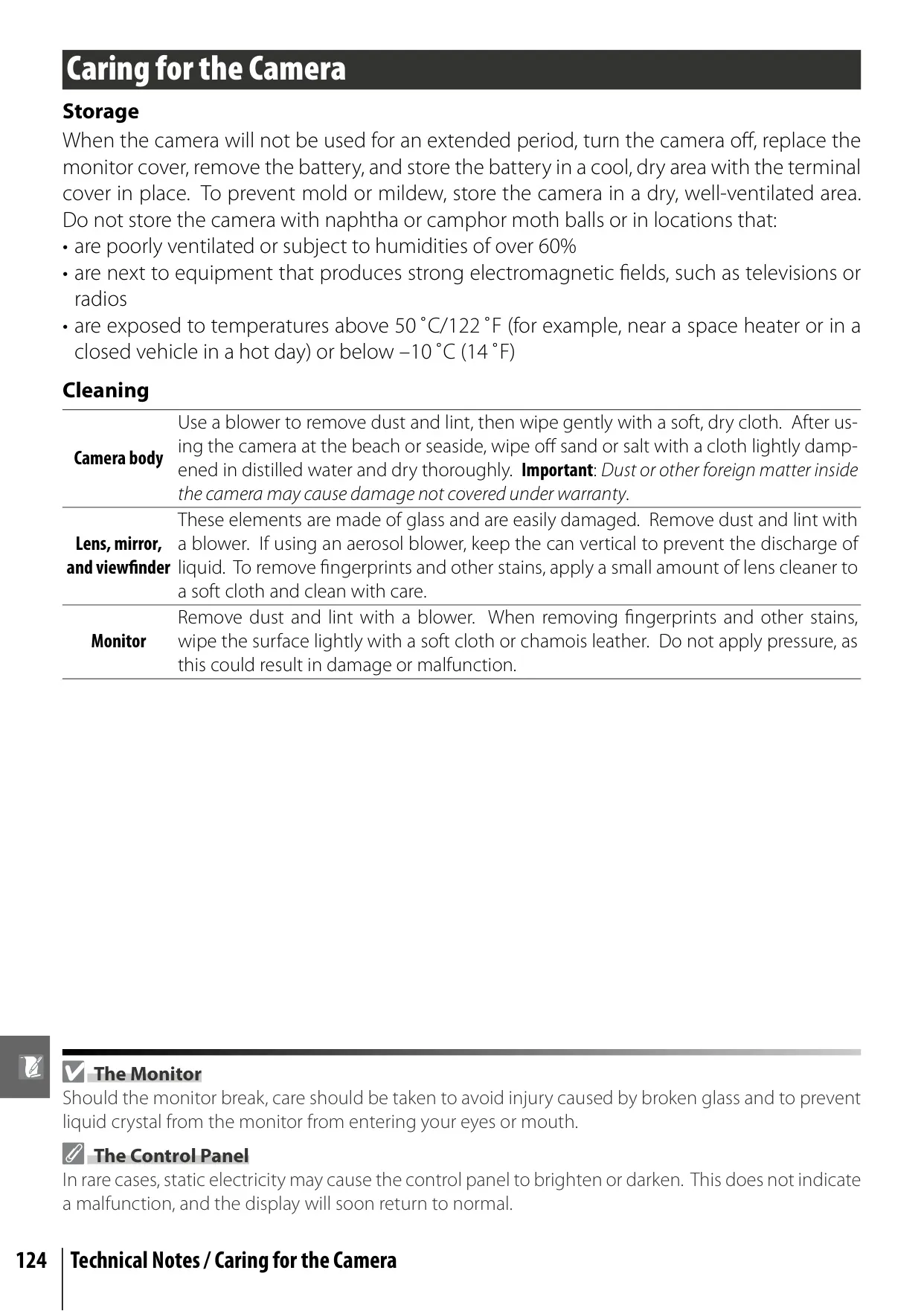
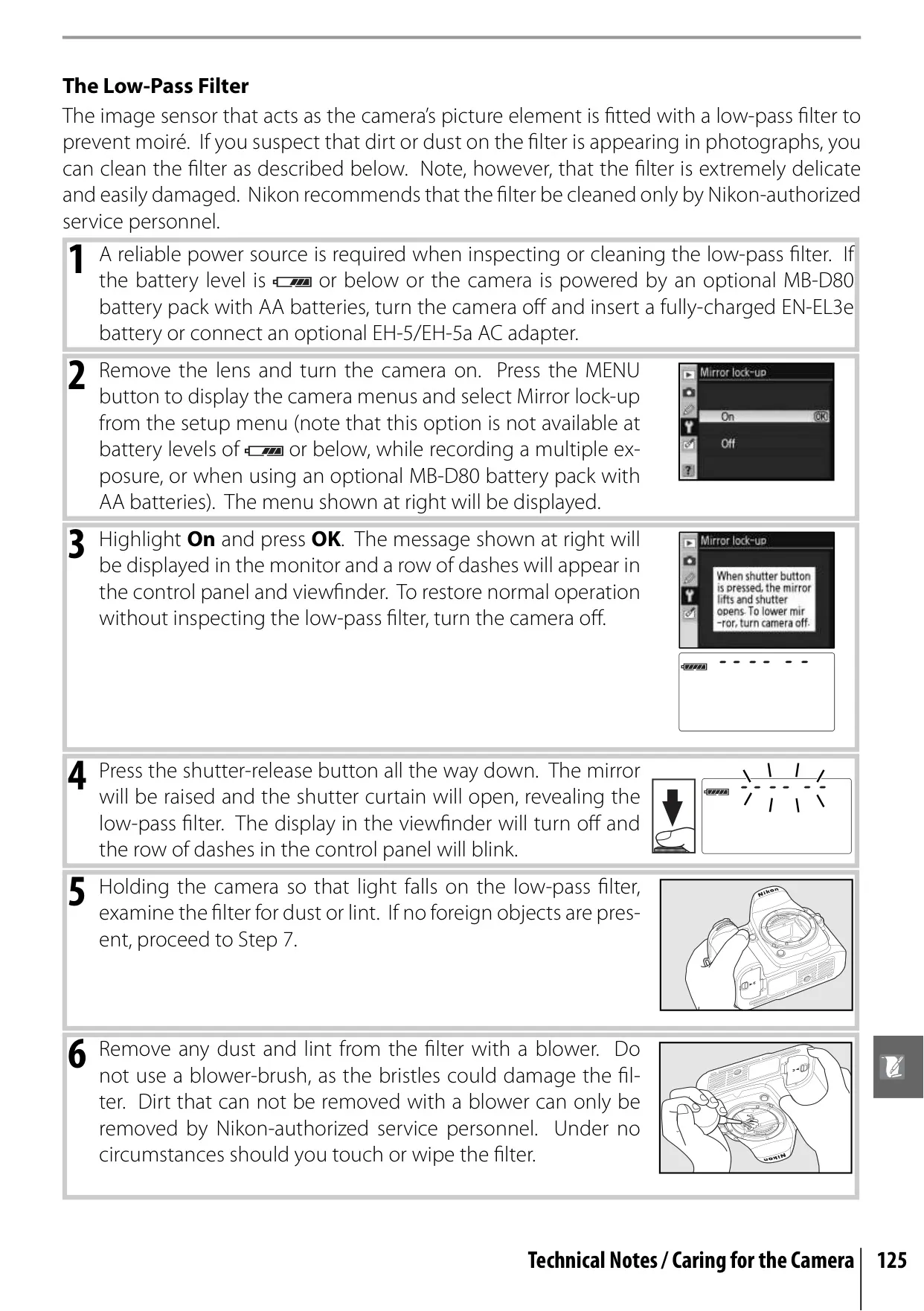


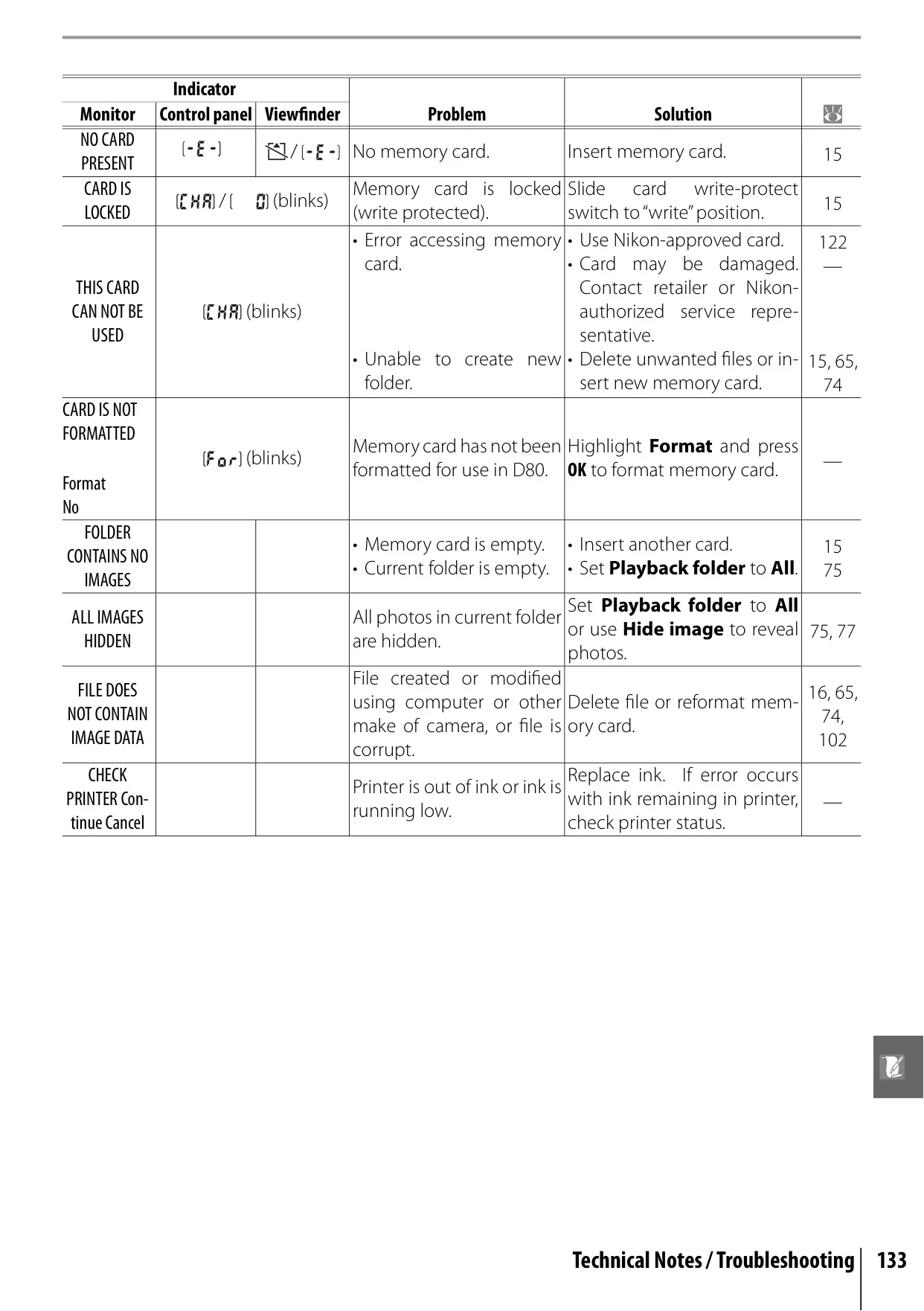








Nikon D80 DSLR Camera Instructions
Here we offer the Nikon D80 DSLR Camera manual completely free and in English. We have cataloged this manual in the SLR Cameras section on Manualverse, and it has been rated by 1 users with an average rating of 5. If you have any specific questions about Nikon D80 DSLR Camera, we suggest checking the Frequently Asked Questions (FAQs) section of this manual.
Product Images
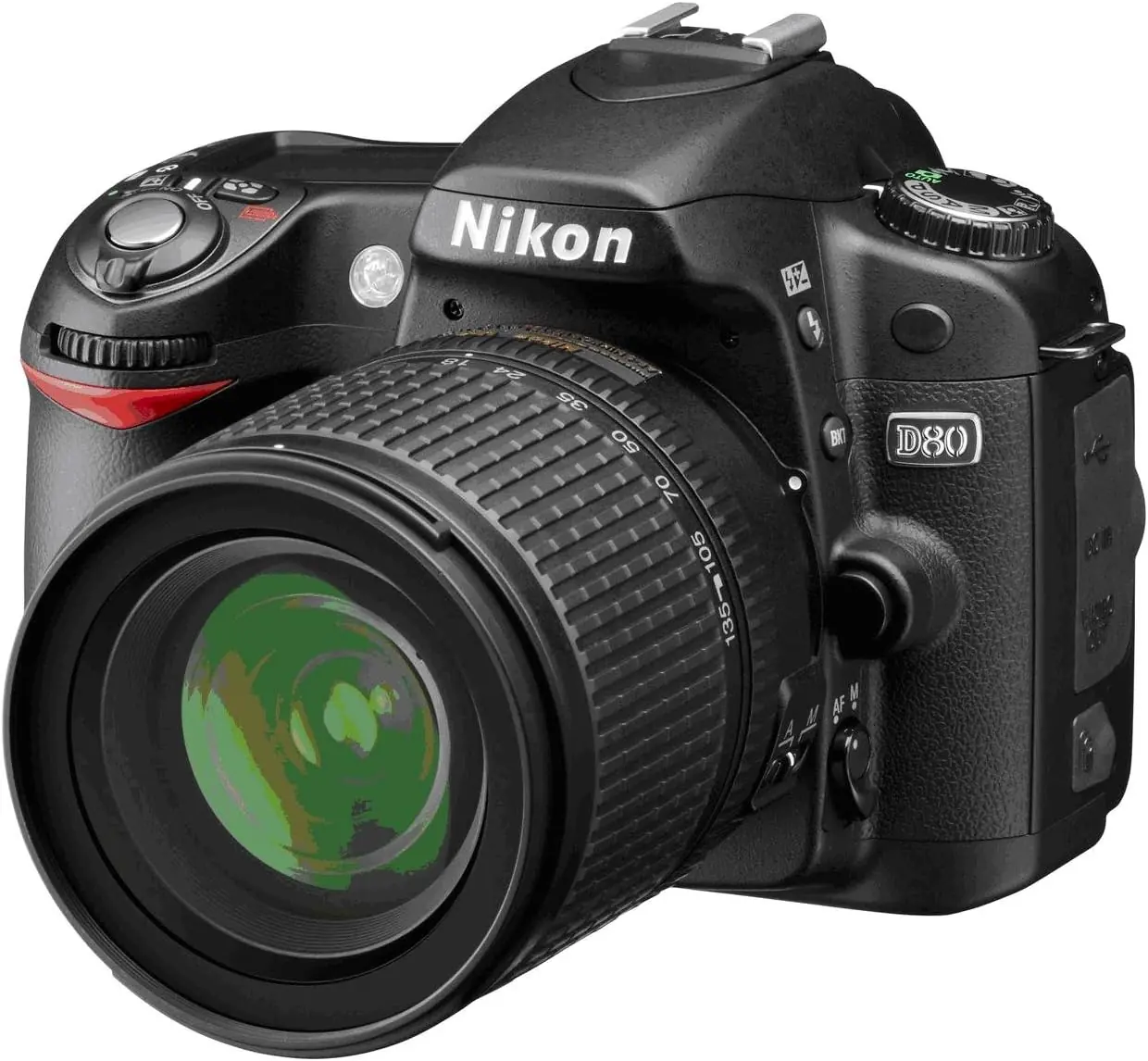
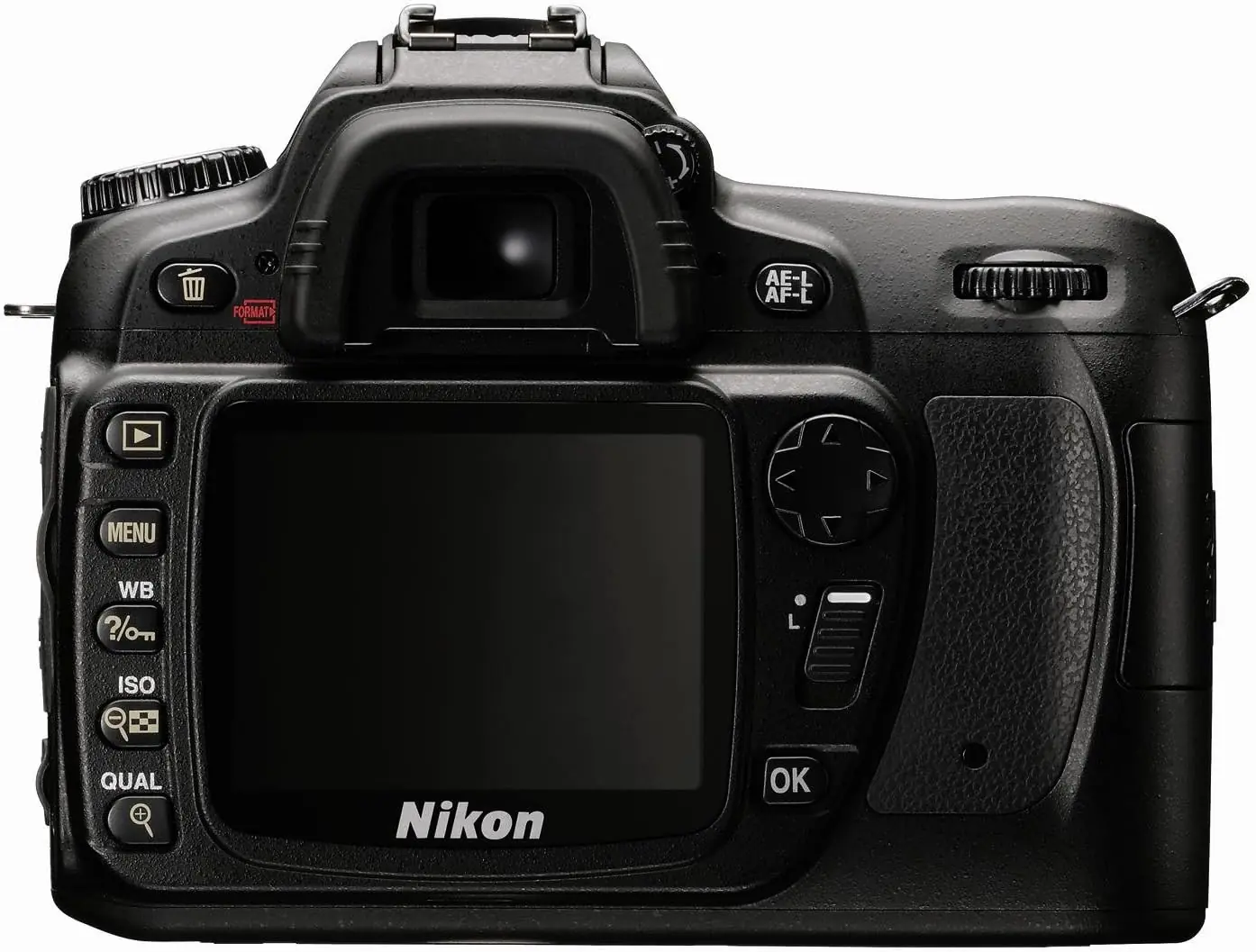
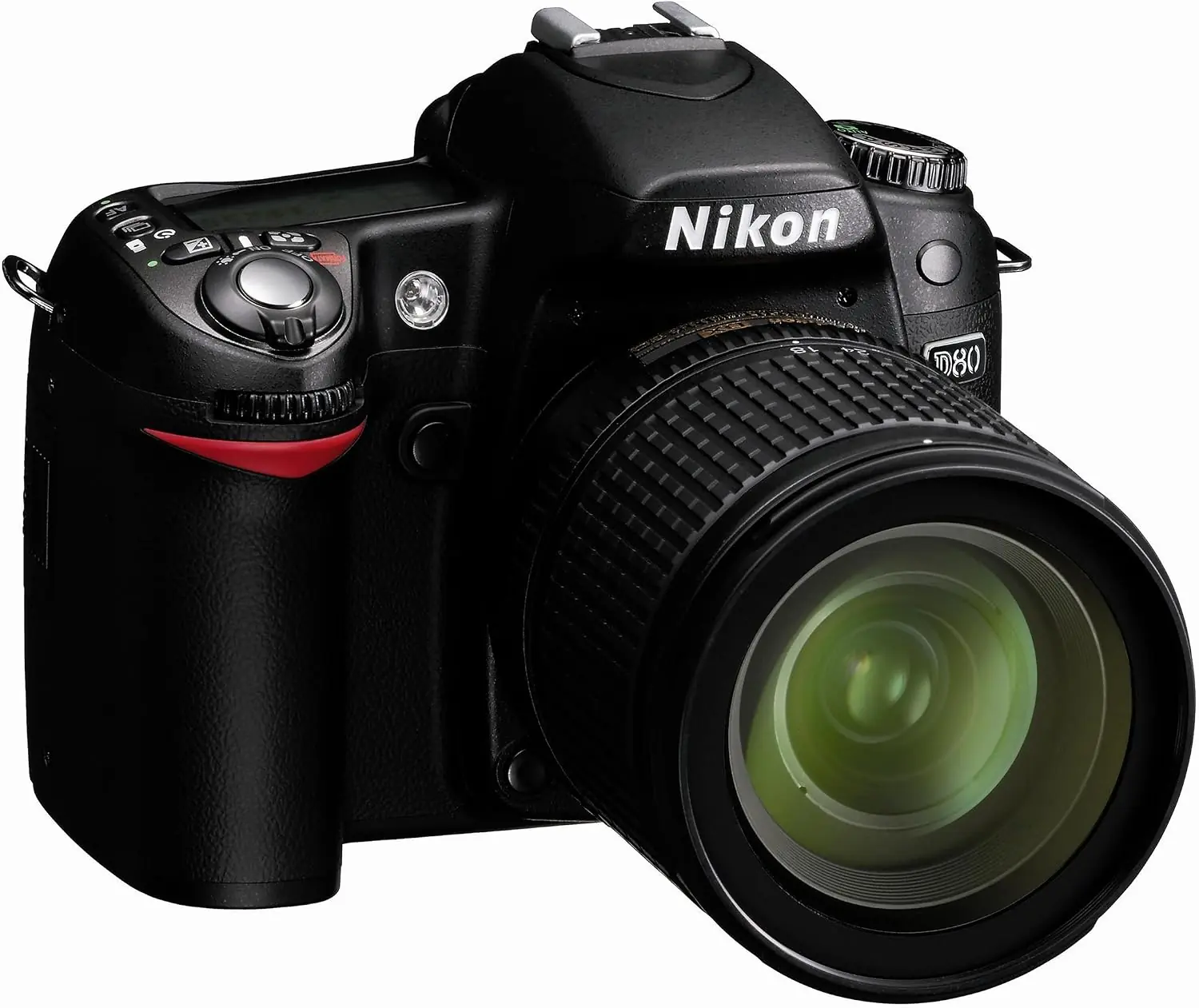
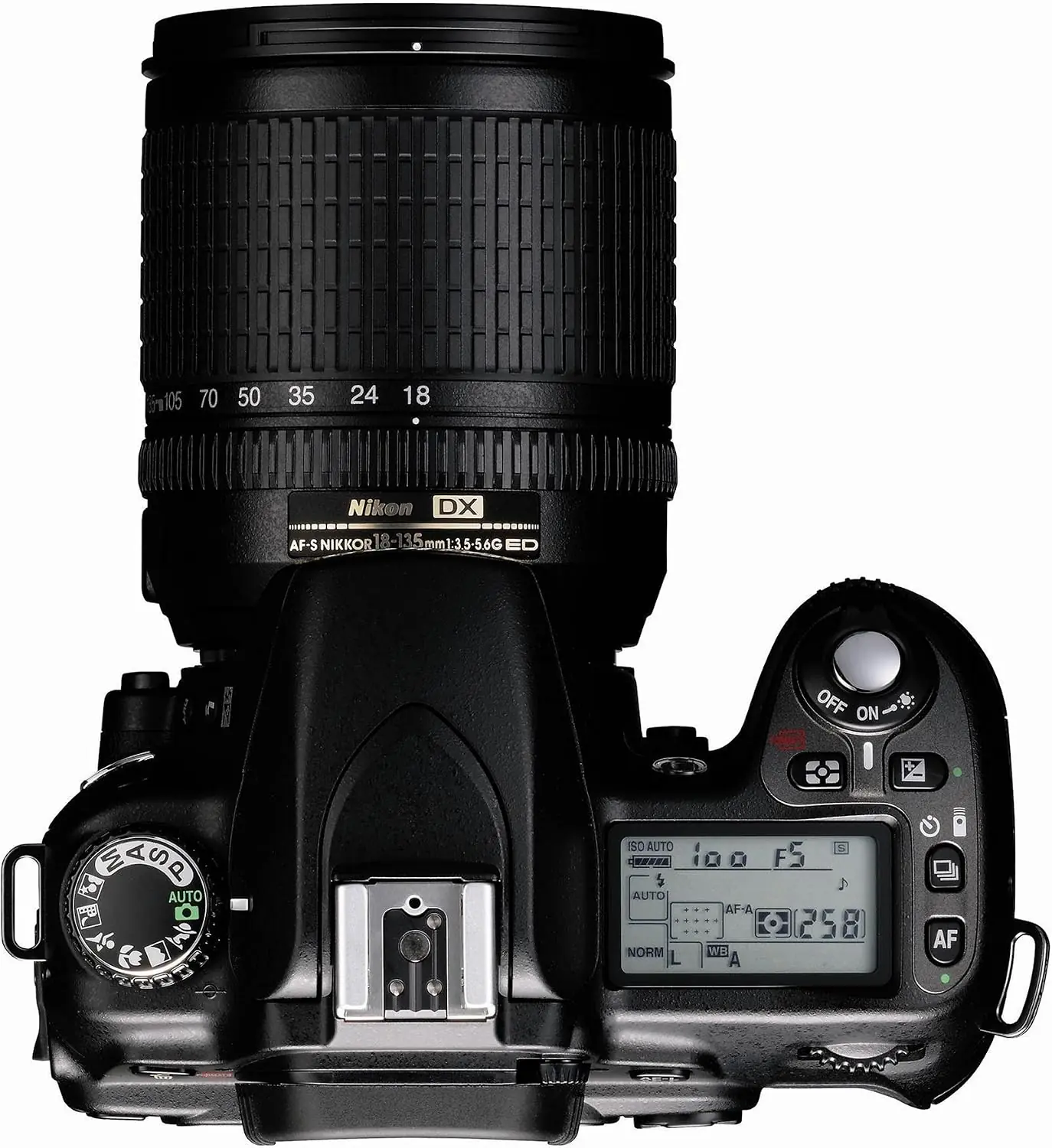
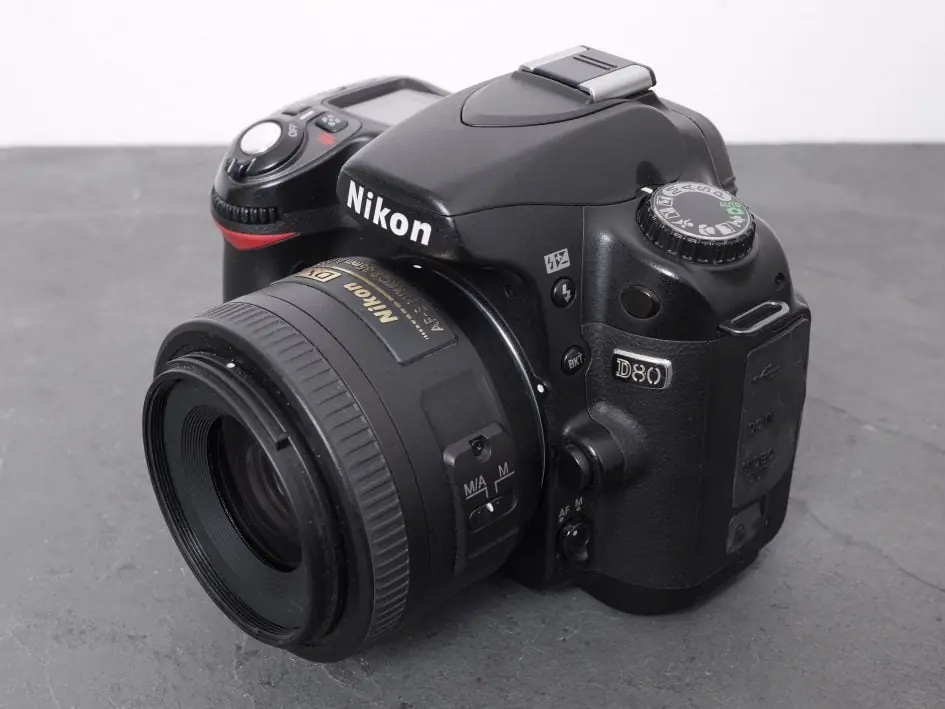
Nikon D80 DSLR Camera Specifications
| Feature | Specification |
|---|---|
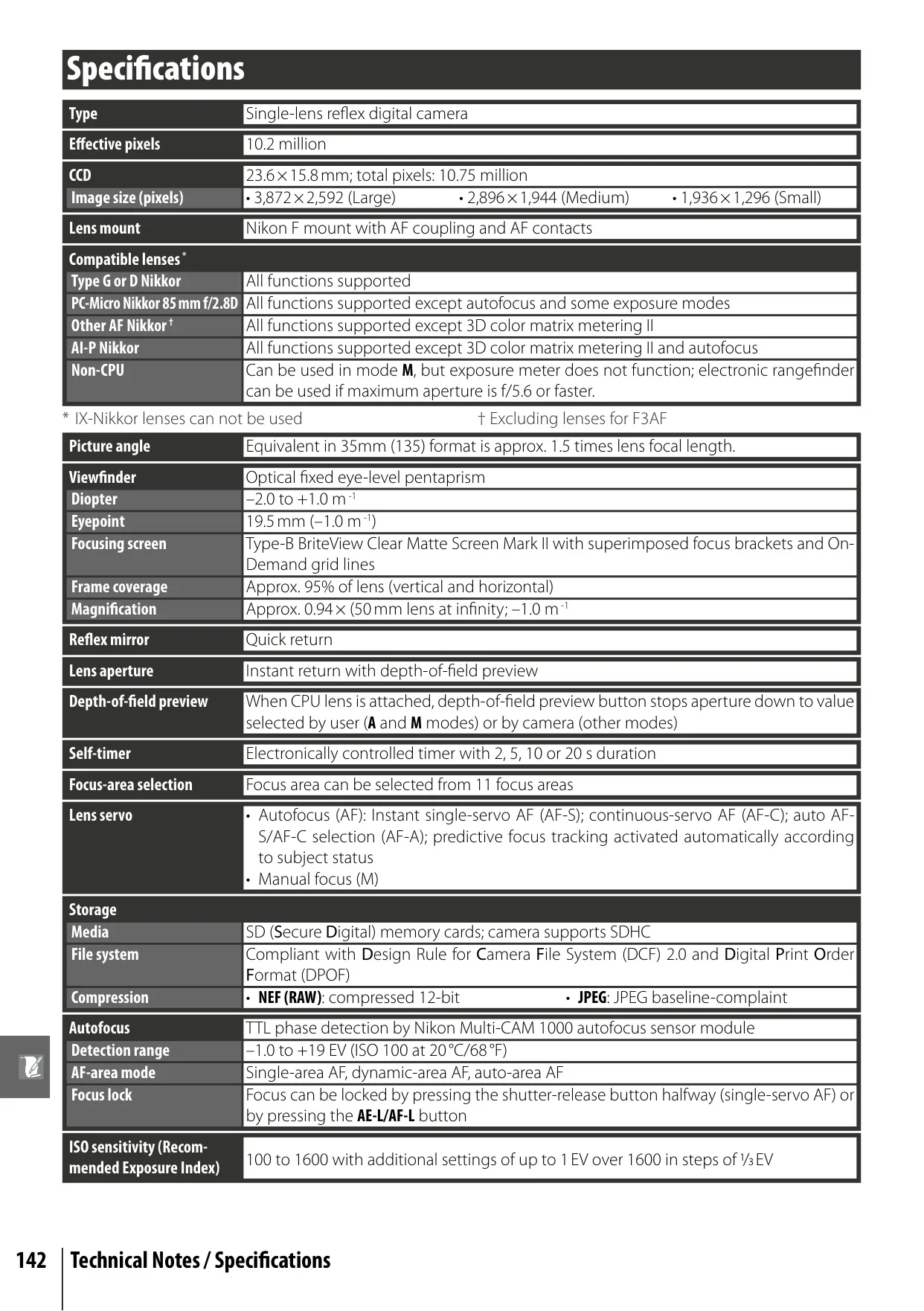
| Type | Single-lens reflex digital camera |
| Effective Pixels | 10.2 million |
| Image Sensor (CCD) | 23.6 × 15.8 mm; total pixels: 10.75 million |
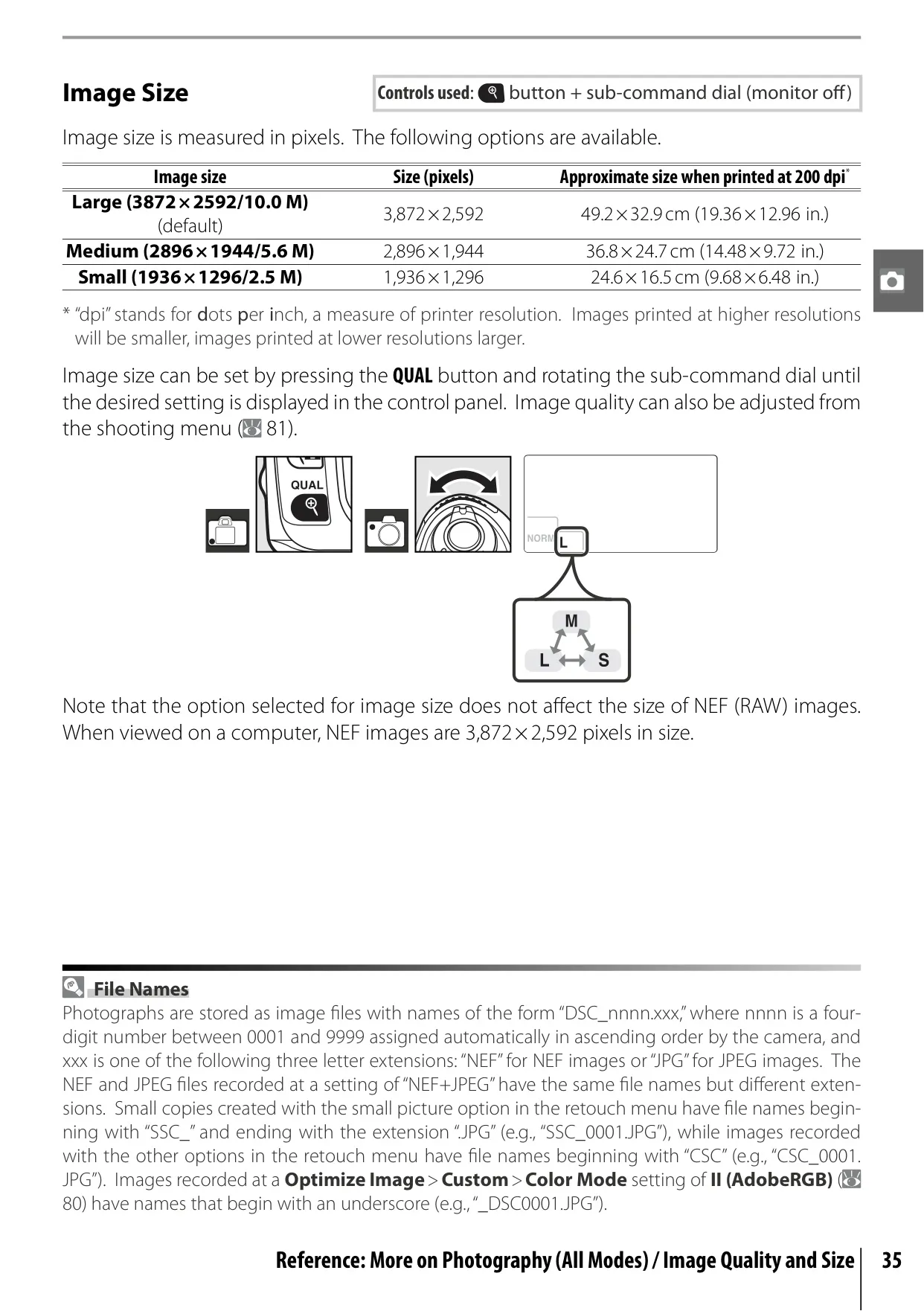
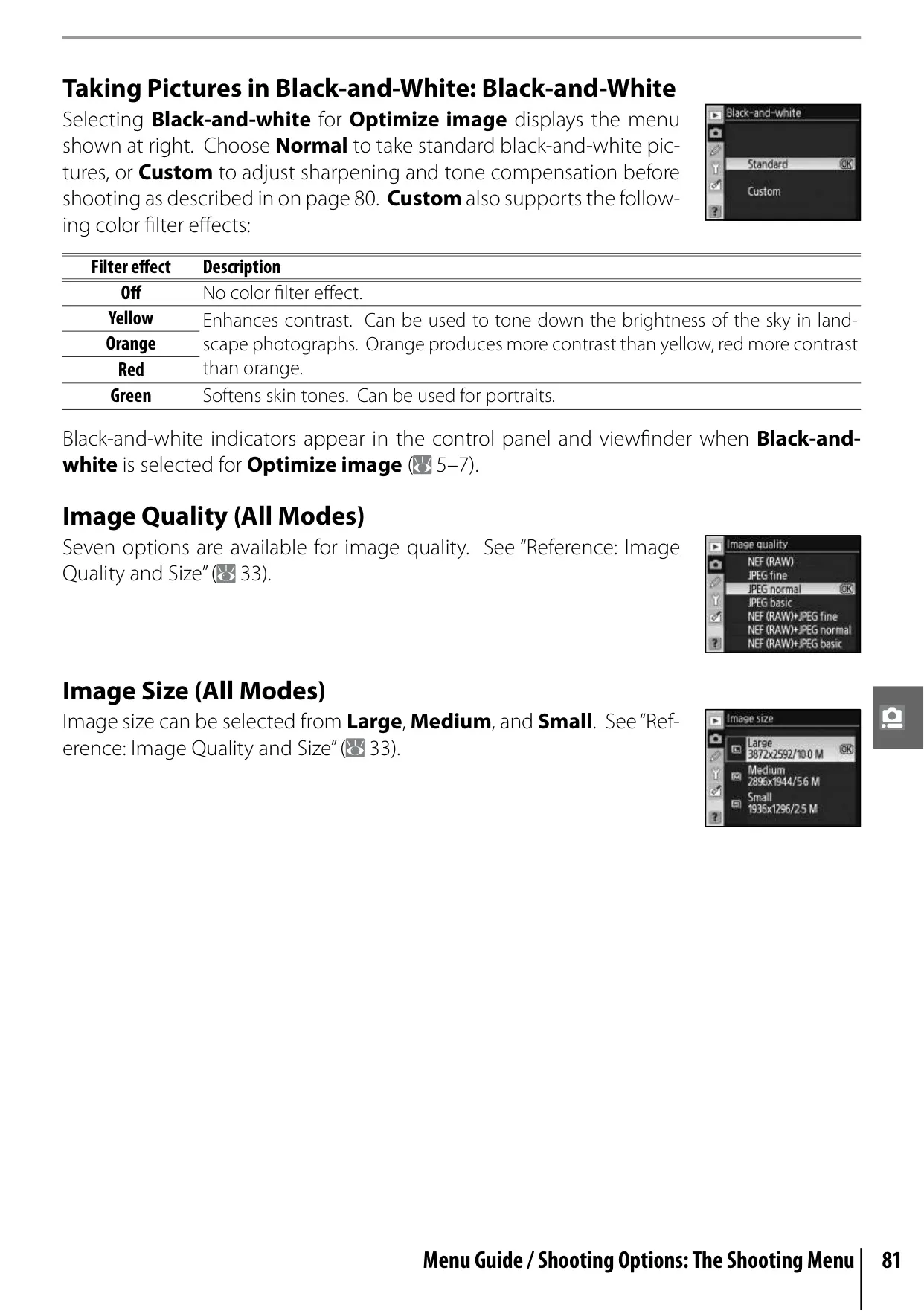
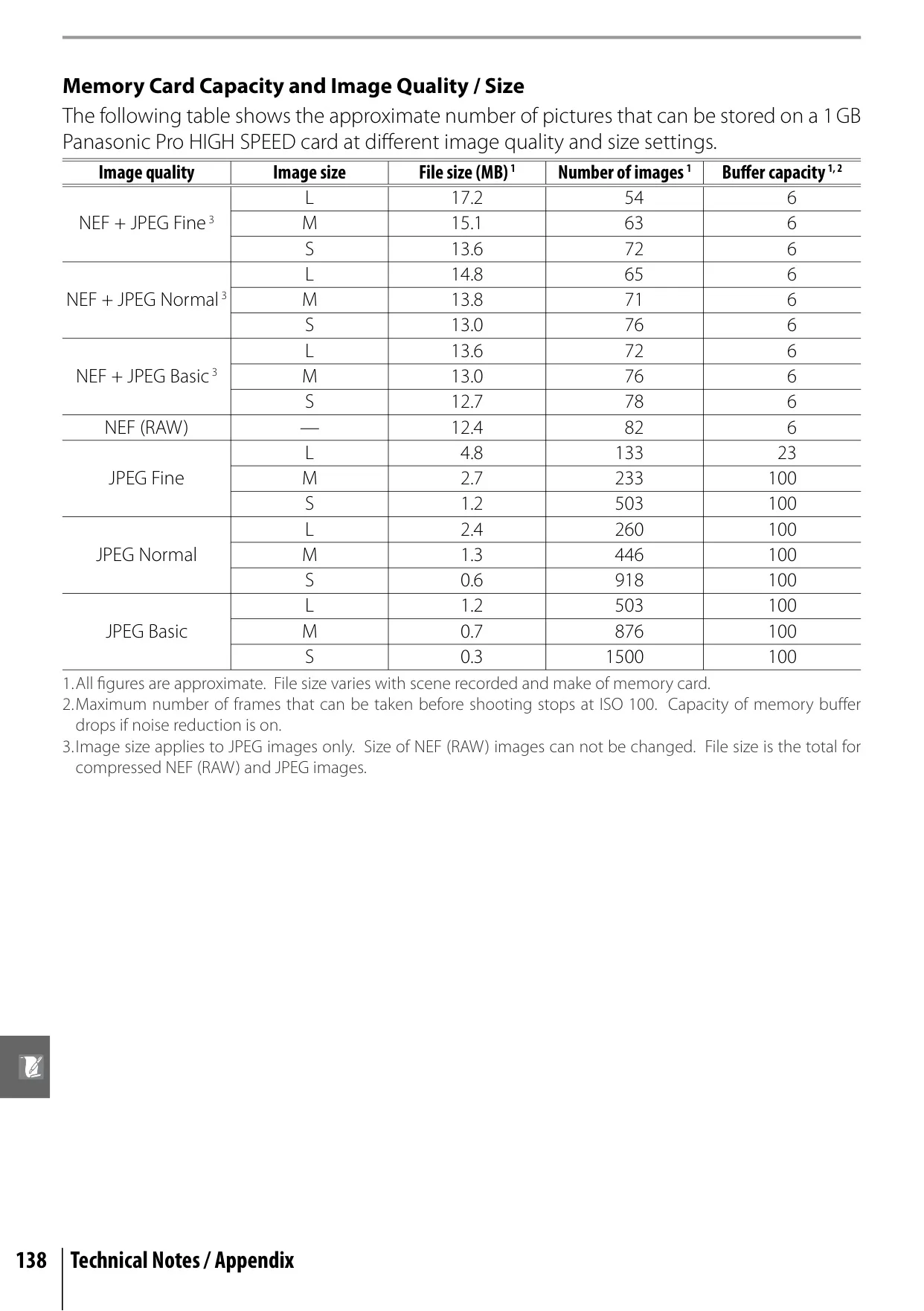
| Image Size (pixels) | Large: 3,872 × 2,592; Medium: 2,896 × 1,944; Small: 1,936 × 1,296 |
| Lens Mount | Nikon F mount with AF coupling and AF contacts |
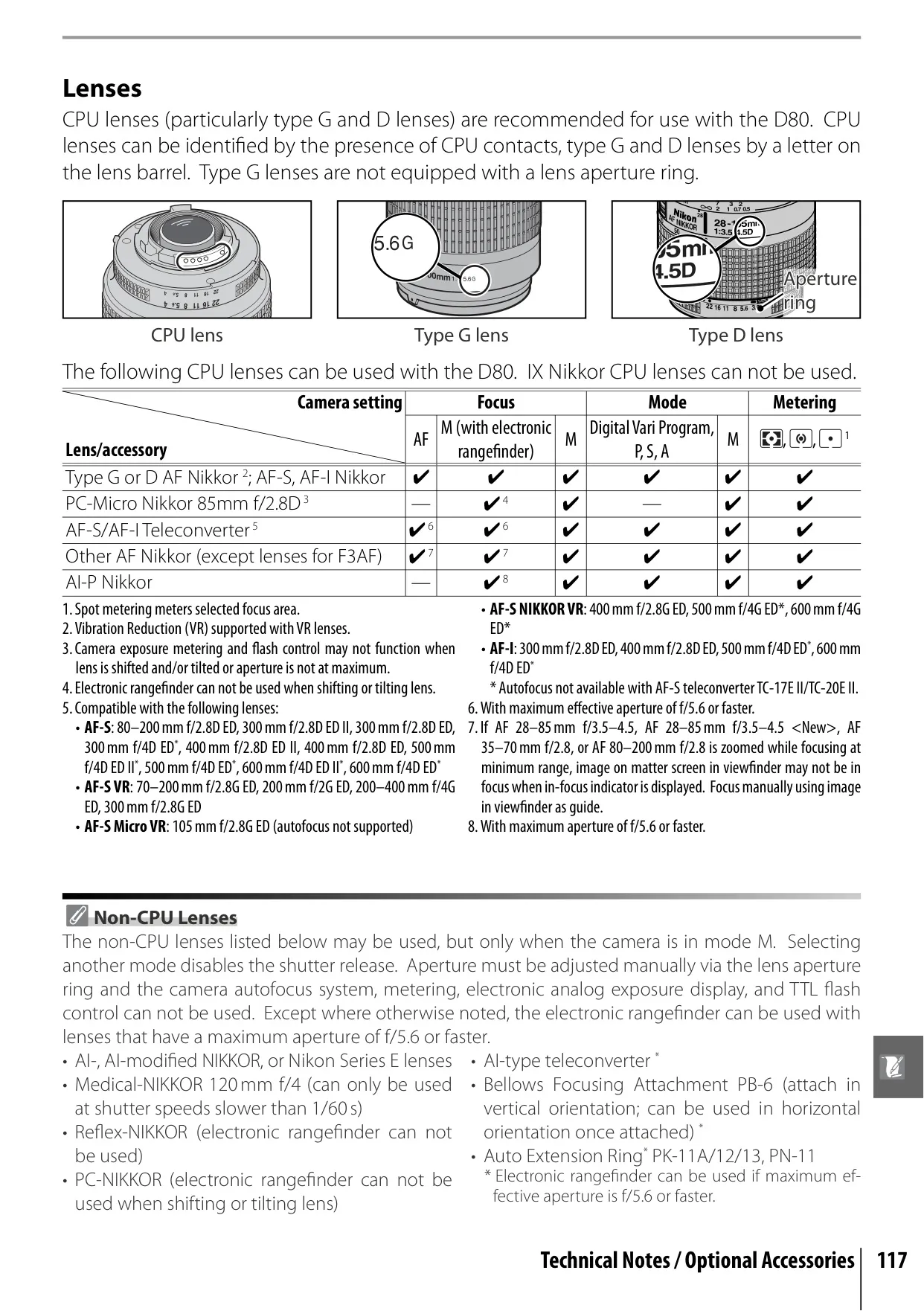
| Compatible Lenses | Type G or D Nikkor (all functions); PC-Micro Nikkor 85mm f/2.8D (most functions); Other AF Nikkor (excluding 3D color matrix metering II); AI-P Nikkor (excluding 3D color matrix metering II & AF); Non-CPU (Manual mode only, no exposure meter) |
| Picture Angle | Approx. 1.5 times lens focal length (35mm format equivalent) |
| Viewfinder | Optical fixed eye-level pentaprism; 95% frame coverage; 0.94x magnification |
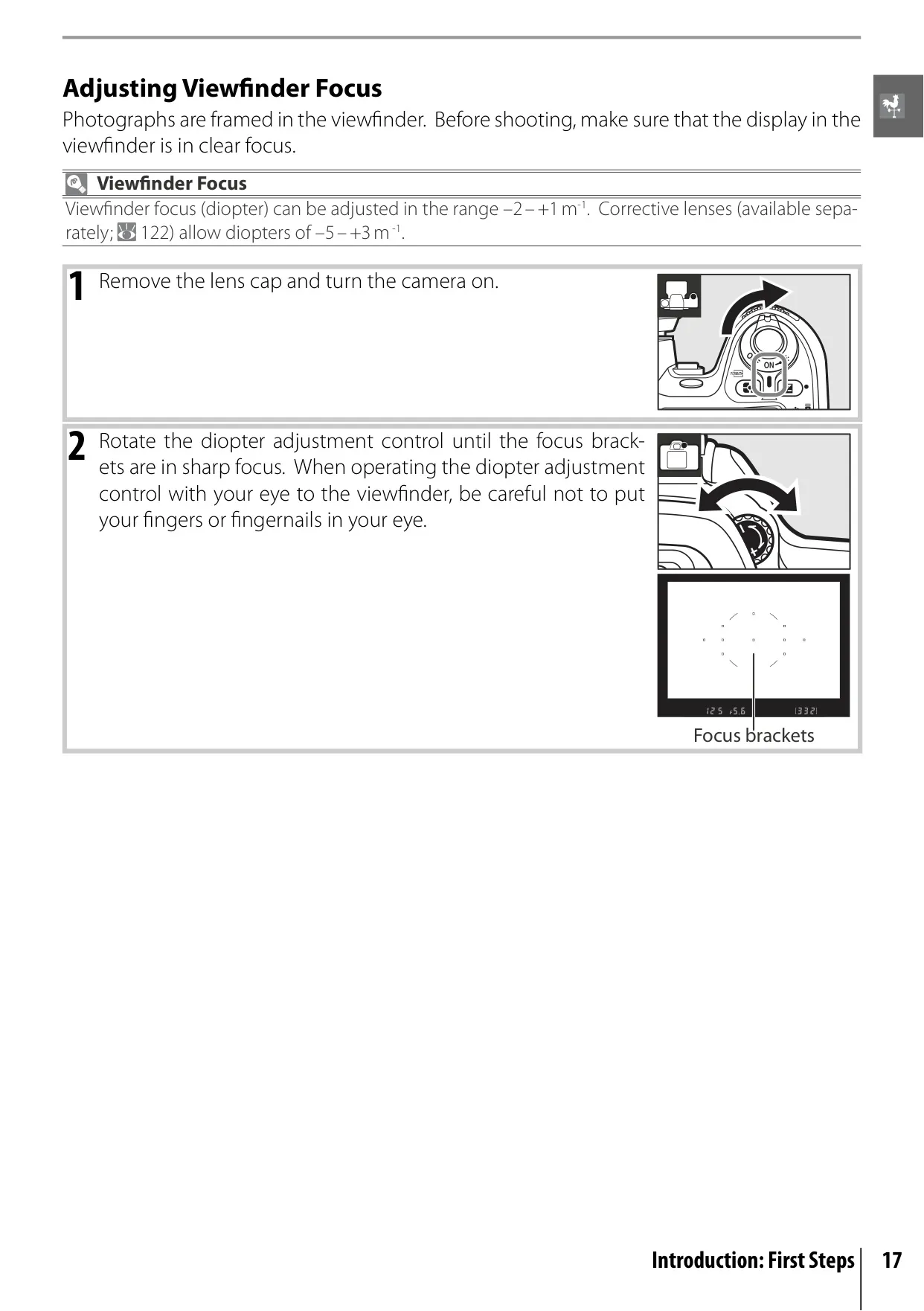
| Diopter Adjustment | –2.0 to +1.0 m-1 |
| Focusing Screen | Type-B BriteView Clear Matte Screen Mark II with superimposed focus brackets and On-Demand grid lines |
| Autofocus System | TTL phase detection by Nikon Multi-CAM 1000 autofocus sensor module; 11 focus areas |
| AF Detection Range | –1.0 to +19 EV (ISO 100, 20°C/68°F) |
| AF-Area Mode | Single-area AF, dynamic-area AF, auto-area AF |
| ISO Sensitivity (Recommended) | 100 to 1600 (expandable to H 1.0 equivalent, approx. ISO 3200) in 1/3 EV steps |
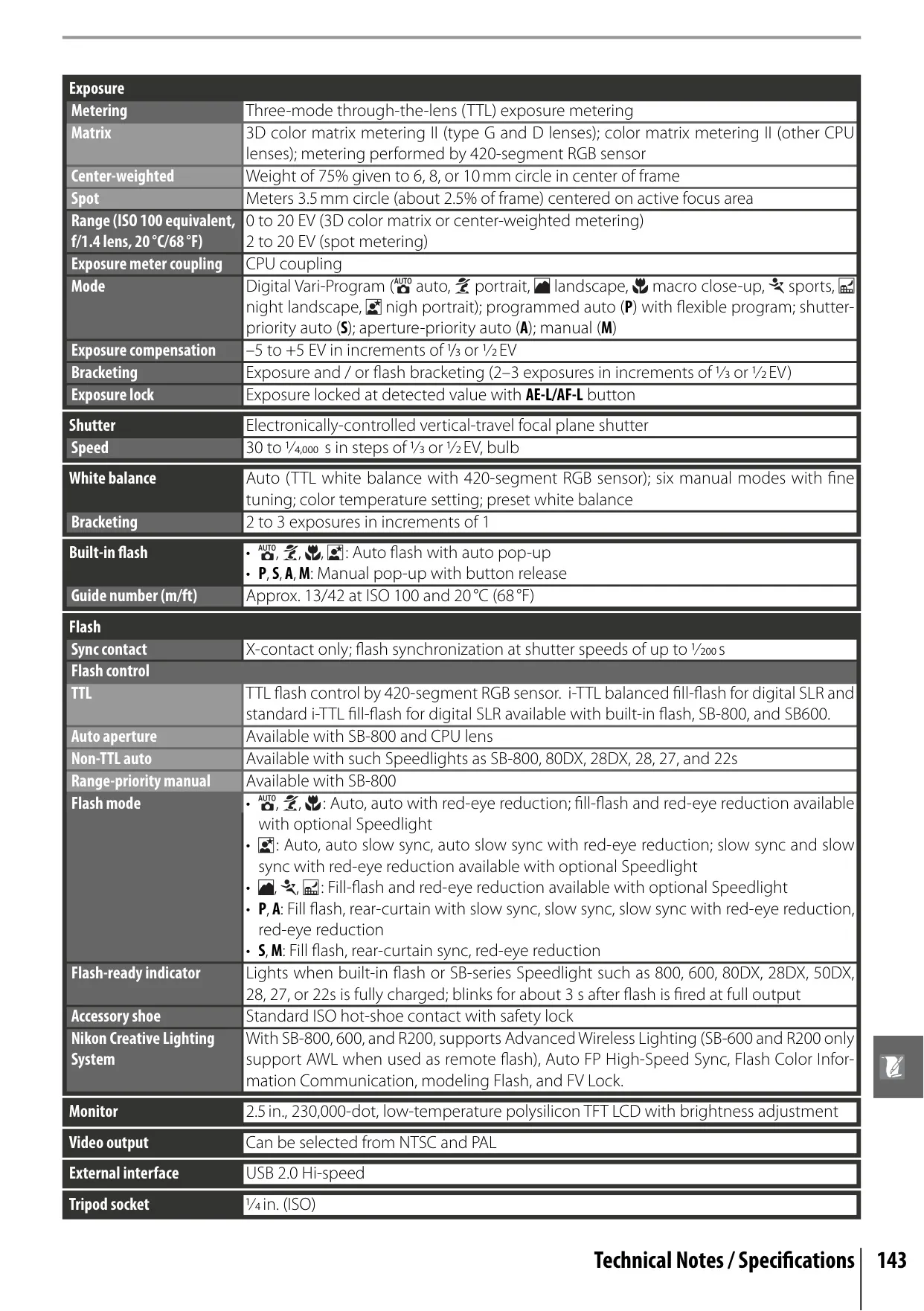
| Shutter Type | Electronically-controlled vertical-travel focal plane shutter |
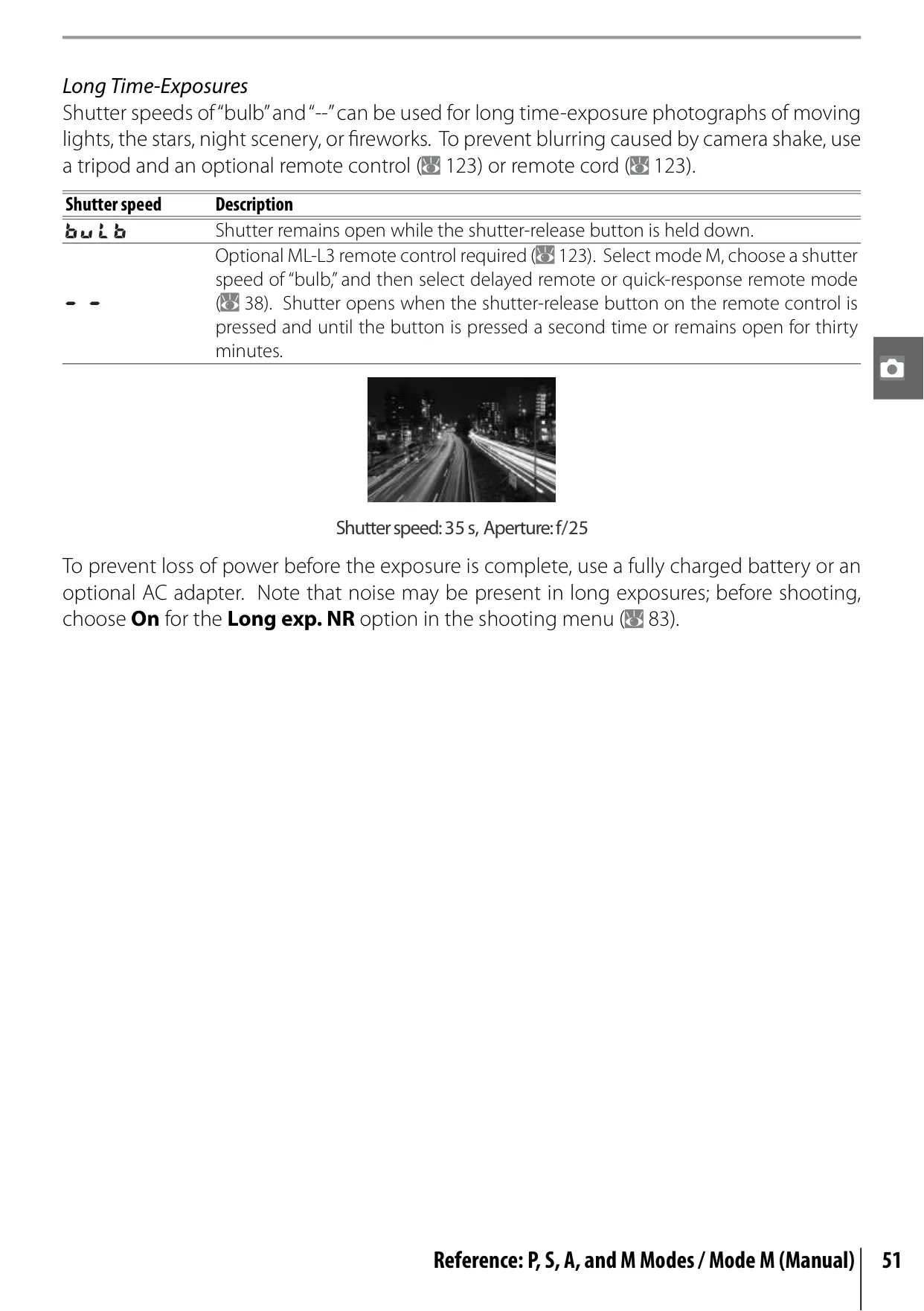
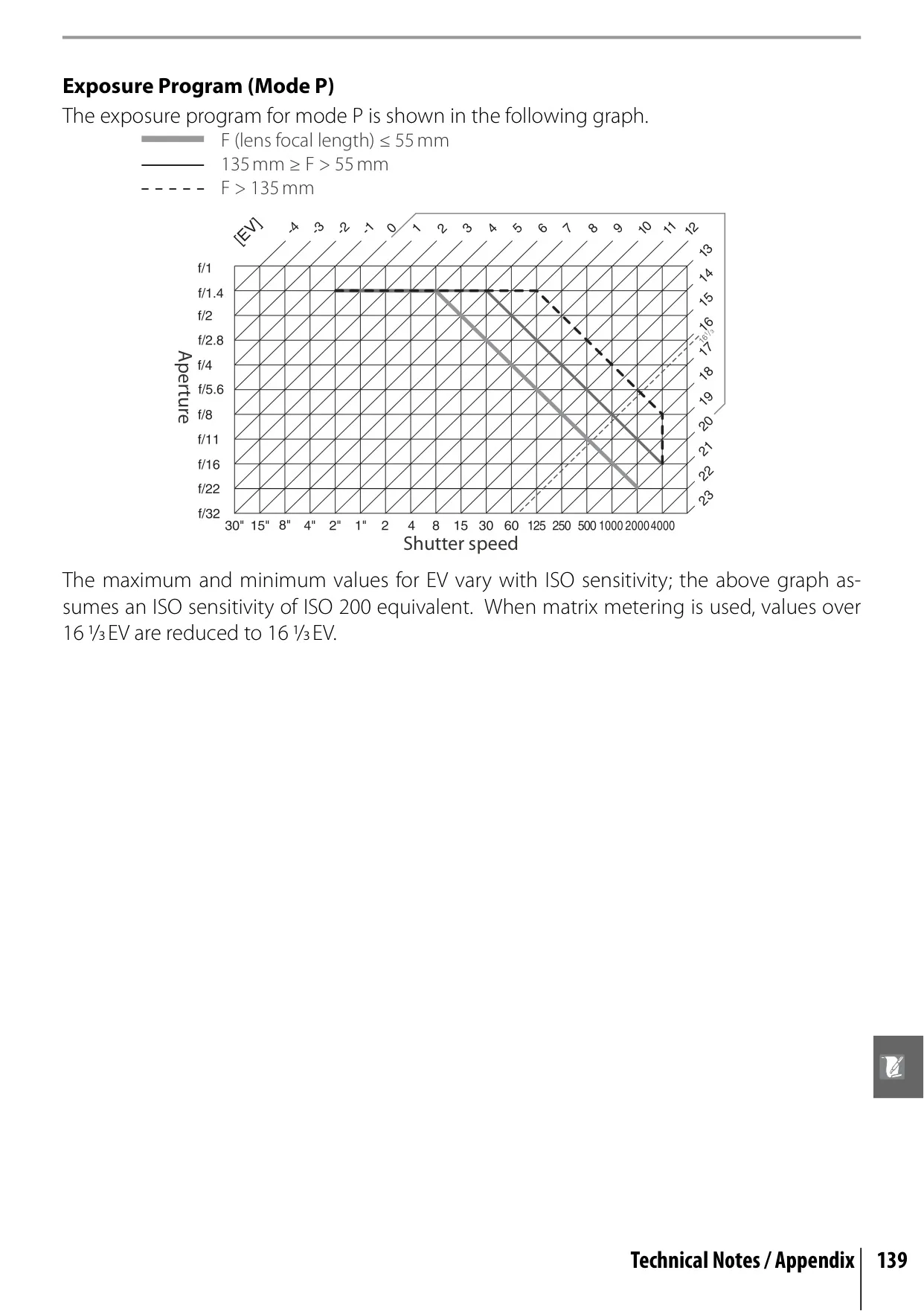
| Shutter Speed | 30 to 1/4000 s in 1/3 or 1/2 EV steps, Bulb |
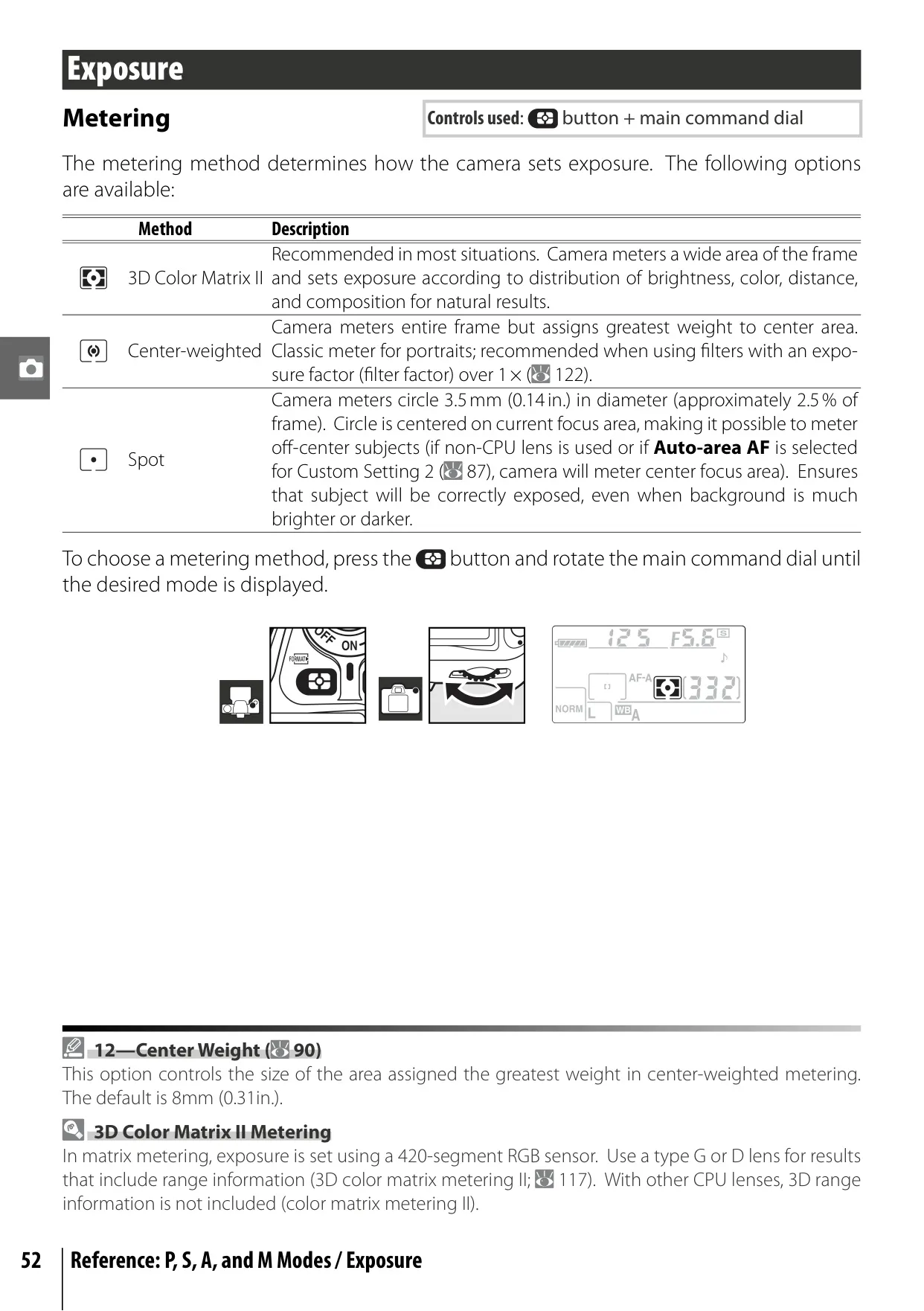
| Metering System | Three-mode TTL exposure metering (3D Color Matrix II, Center-weighted, Spot) |
| Exposure Modes | Digital Vari-Program (7 modes), P, S, A, M |
| Exposure Compensation | –5 to +5 EV in 1/3 or 1/2 EV steps |
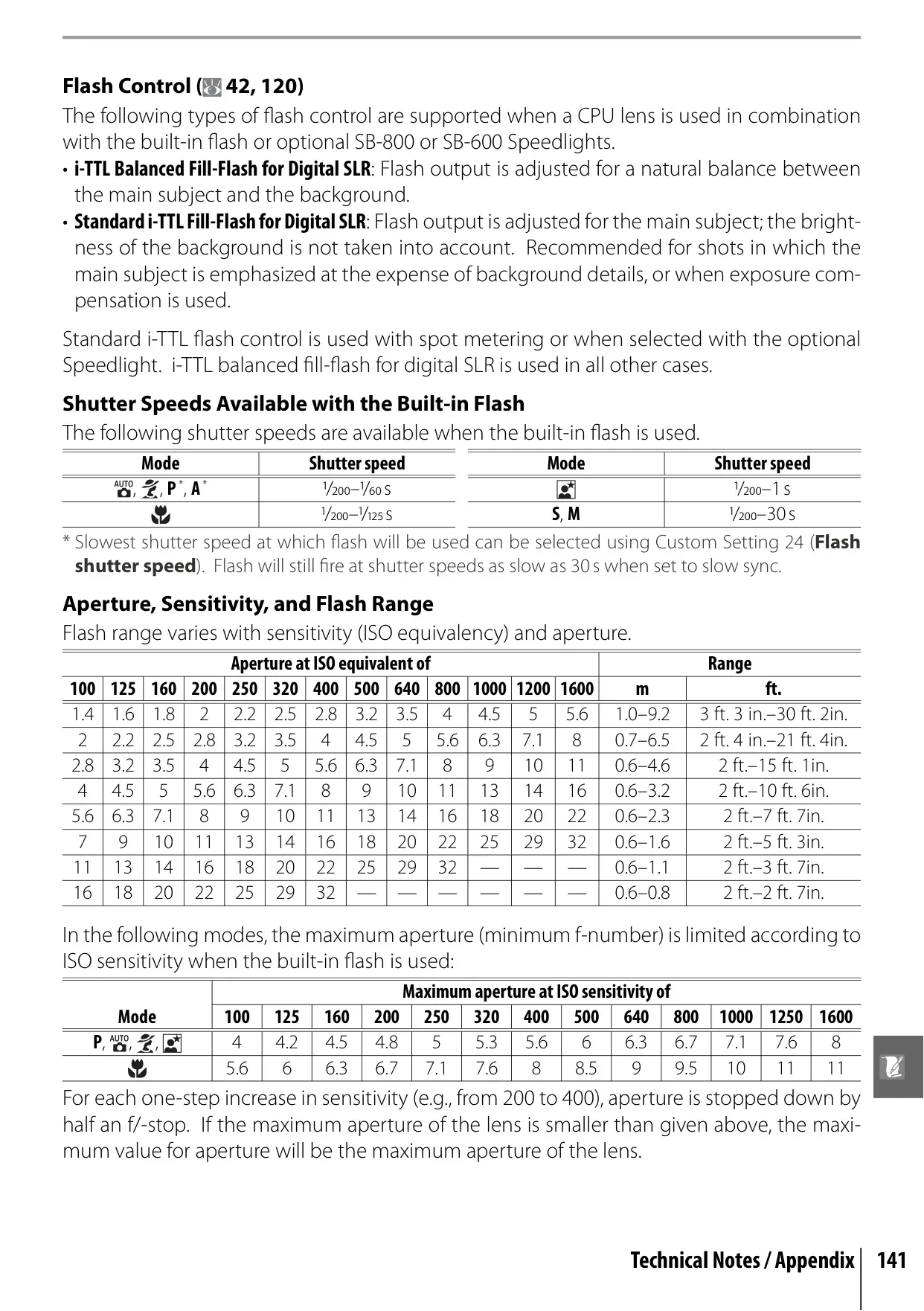
| Built-in Flash | Auto pop-up (Digital Vari-Program modes); Manual pop-up (P, S, A, M); Guide Number: approx. 13/42 (m/ft, ISO 100, 20°C/68°F) |
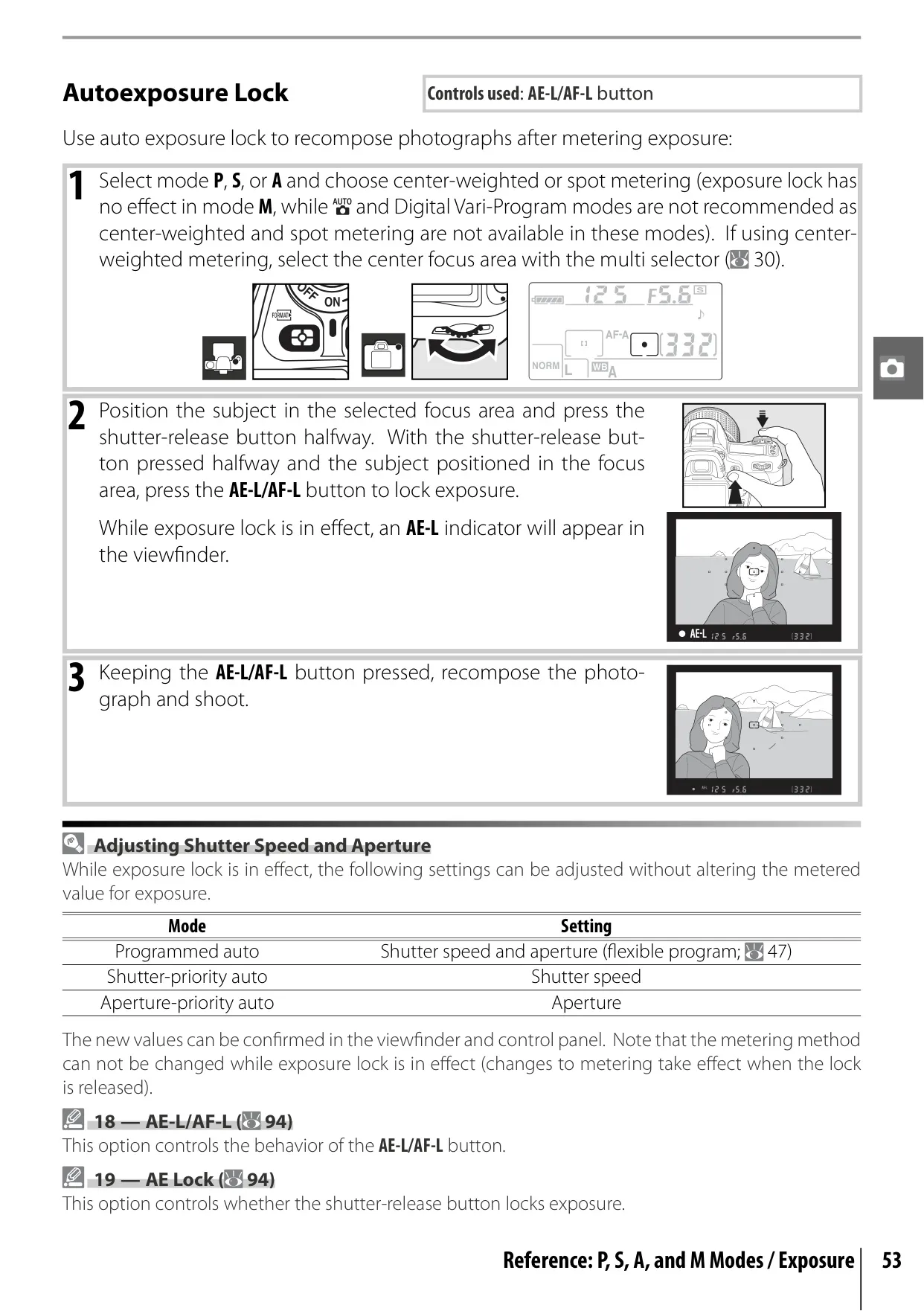
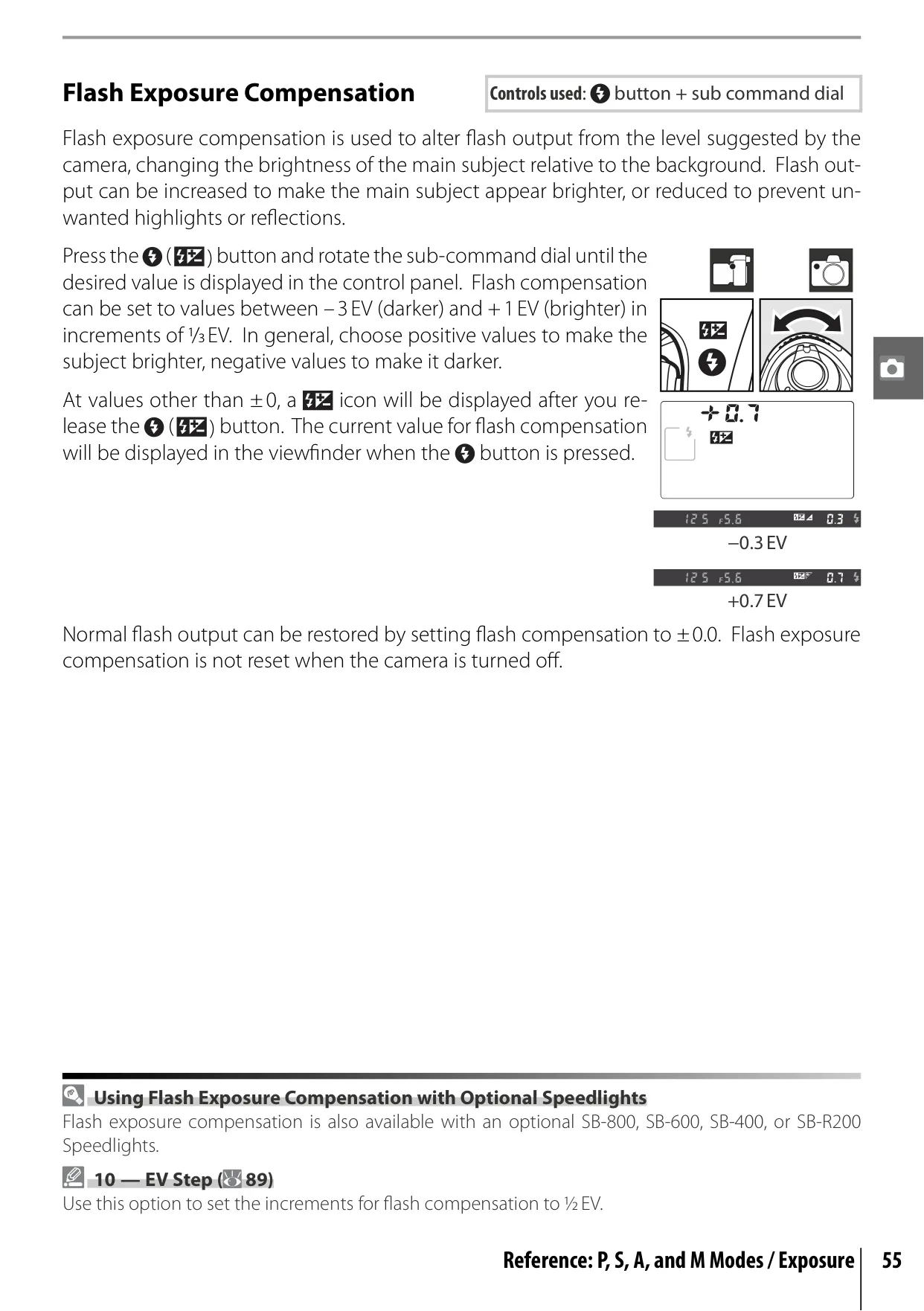
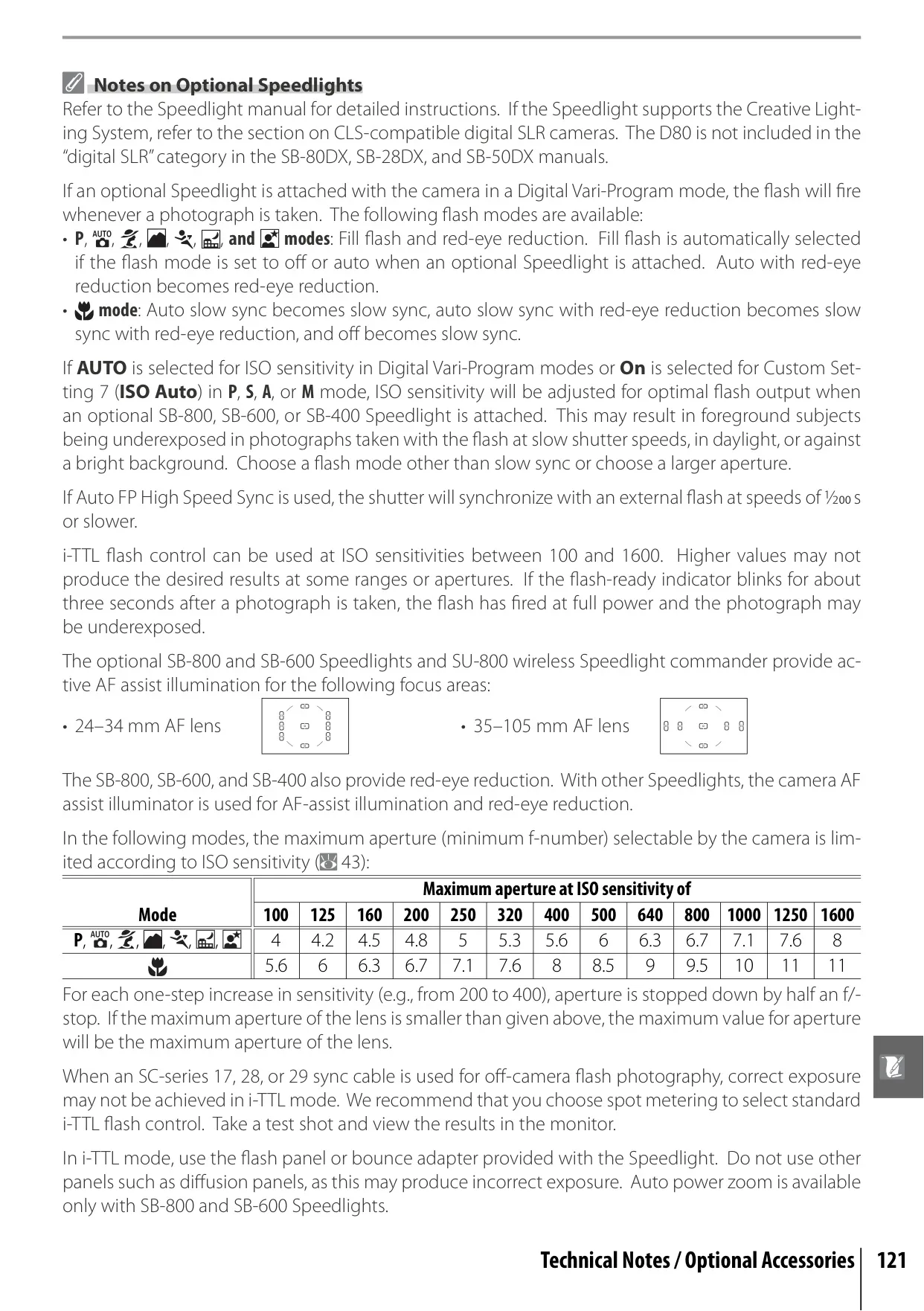
| Flash Control | i-TTL (built-in, SB-800, SB-600); Auto aperture (SB-800, CPU lens); Non-TTL auto (various Speedlights); Range-priority manual (SB-800) |
| Flash Sync Speed | Up to 1/200 s |
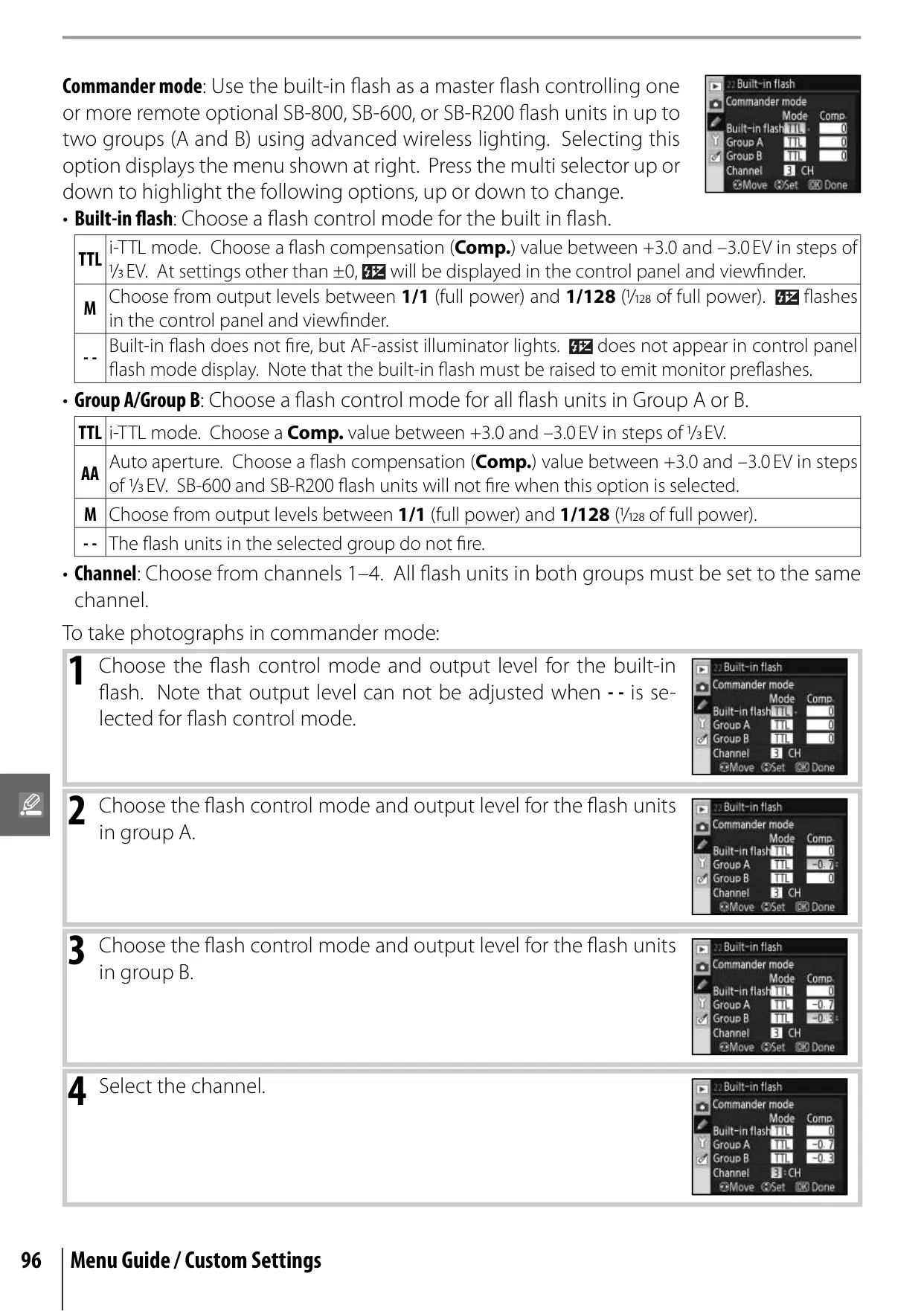
| Nikon Creative Lighting System | Supports Advanced Wireless Lighting, Auto FP High-Speed Sync, Flash Color Information Communication, Modeling Flash, FV Lock (with compatible Speedlights) |
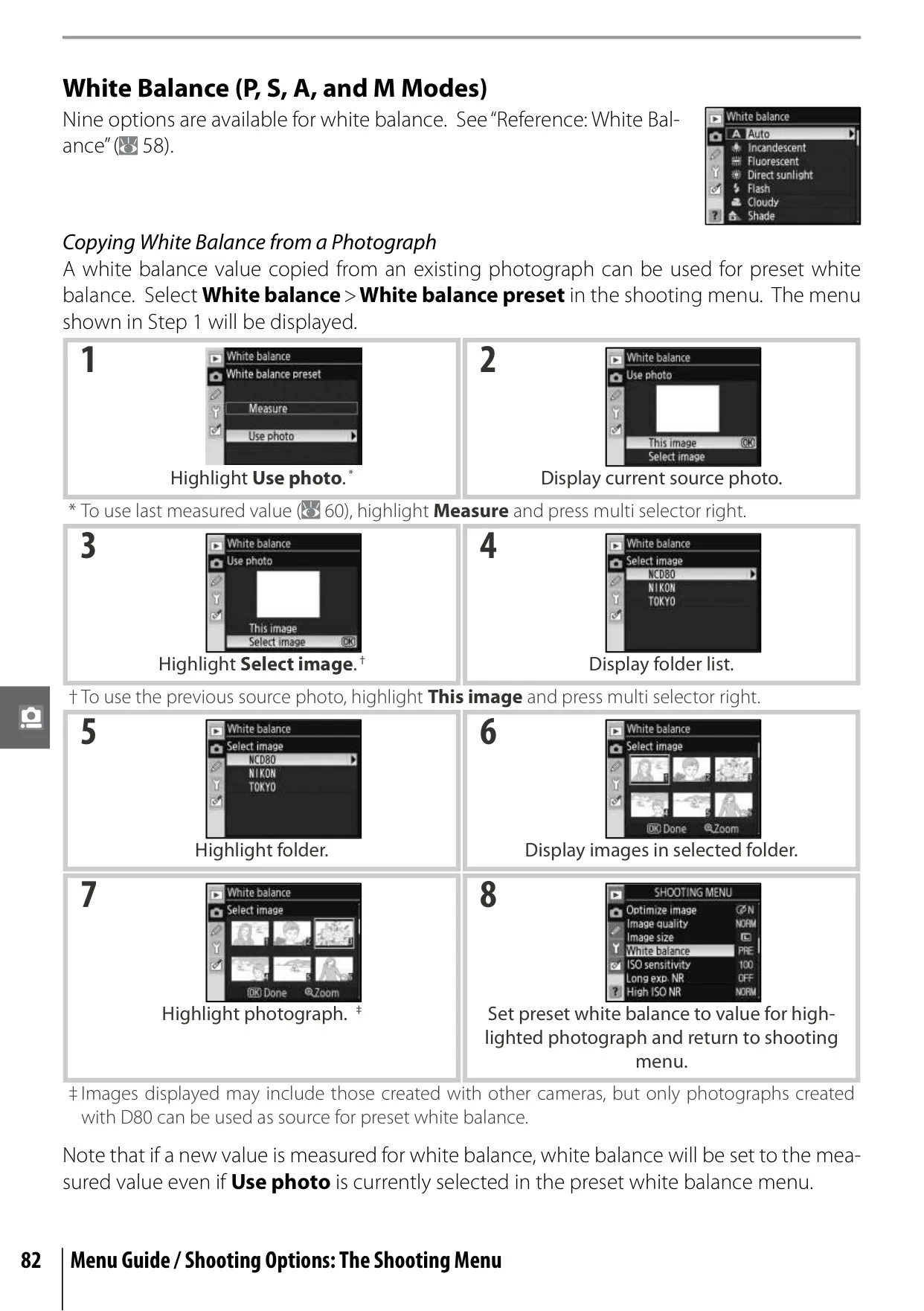
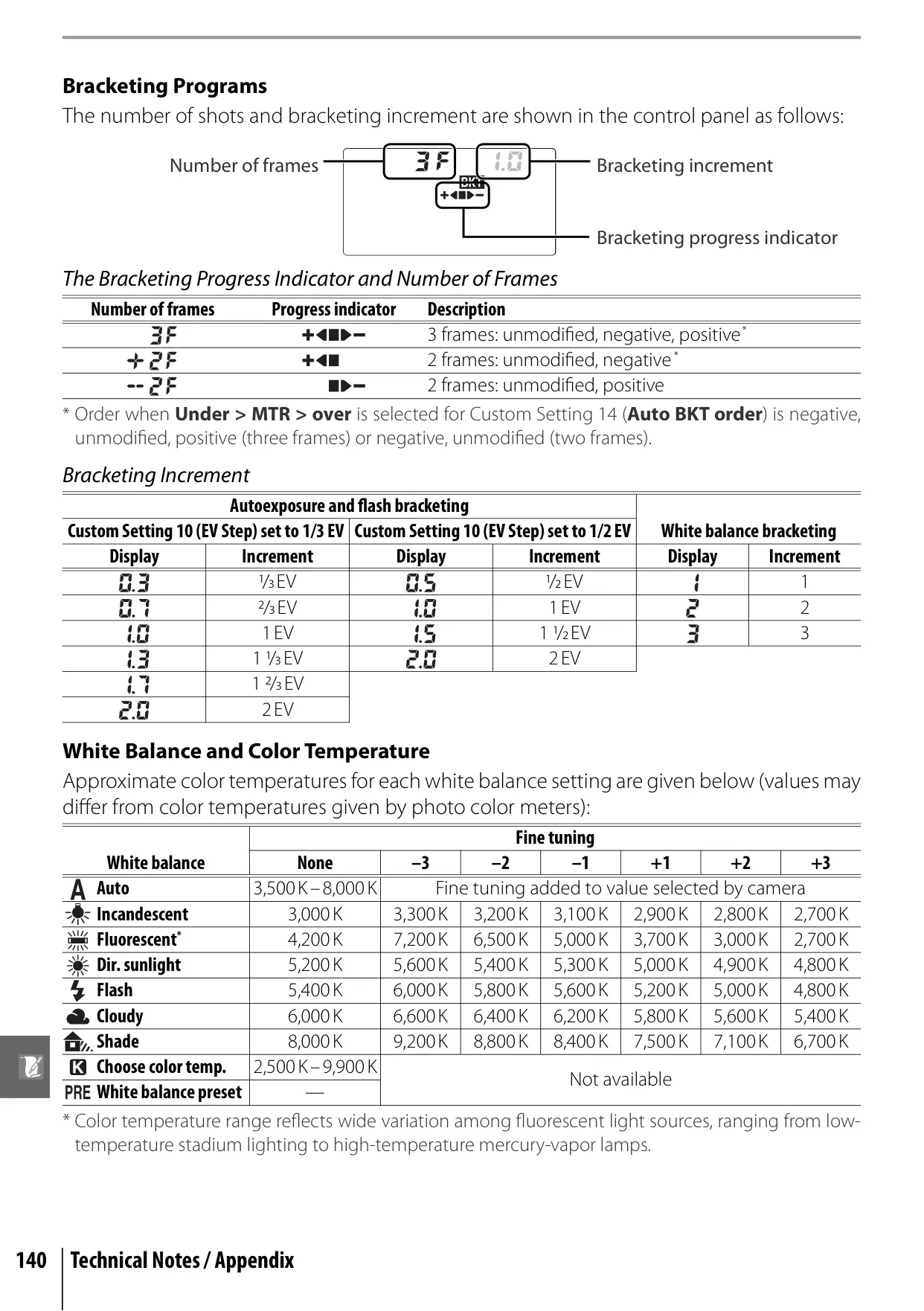
| White Balance | Auto (TTL with 420-segment RGB sensor); 6 manual modes with fine-tuning; color temperature setting; preset white balance |
| Monitor | 2.5-inch, 230,000-dot, low-temperature polysilicon TFT LCD with brightness adjustment |
| Storage Media | SD (Secure Digital) memory cards; supports SDHC |
| File System | DCF 2.0, DPOF compliant |
| File Format | NEF (RAW) compressed 12-bit; JPEG baseline-compliant |
| External Interface | USB 2.0 Hi-speed, Video output (NTSC/PAL) |
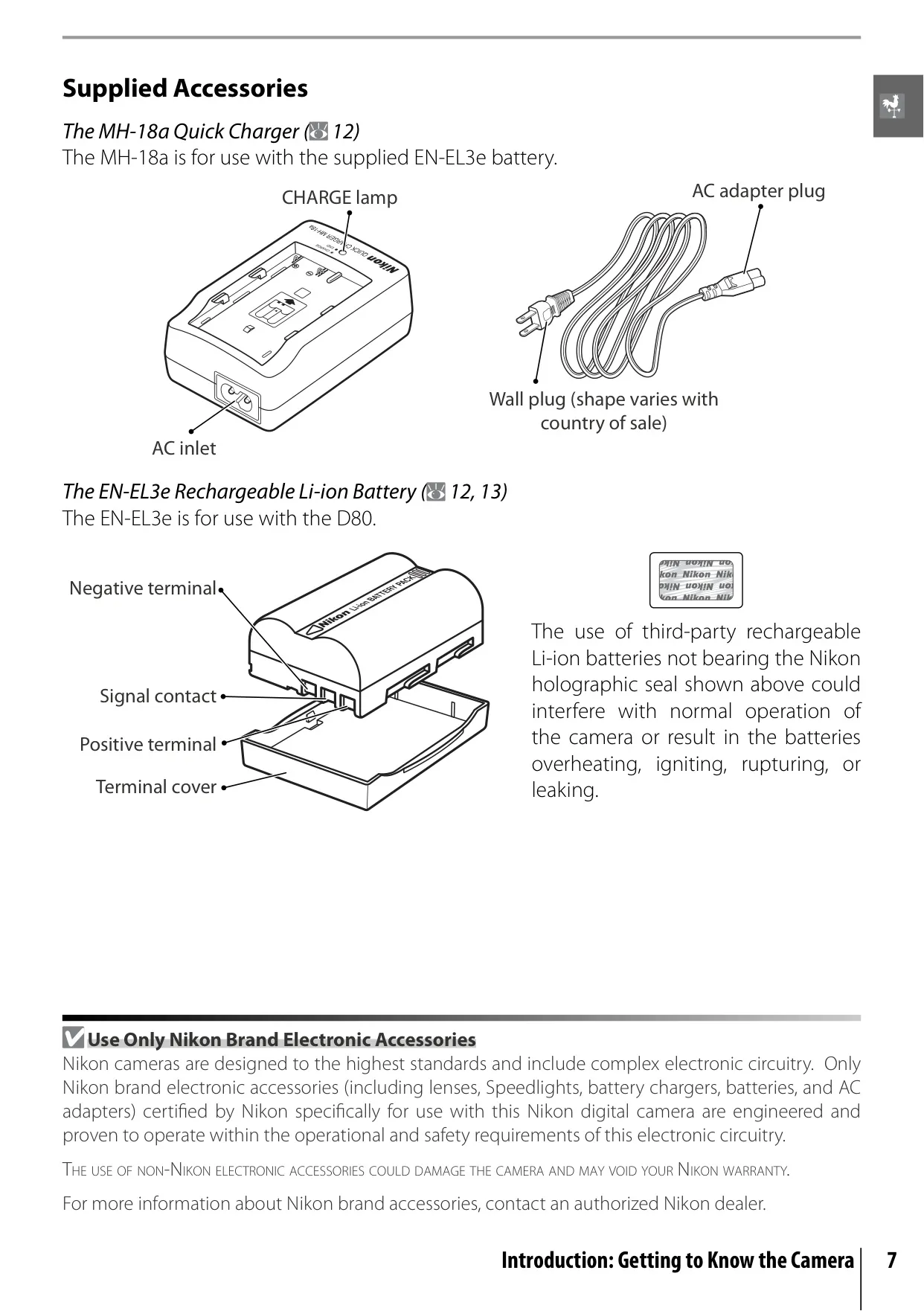
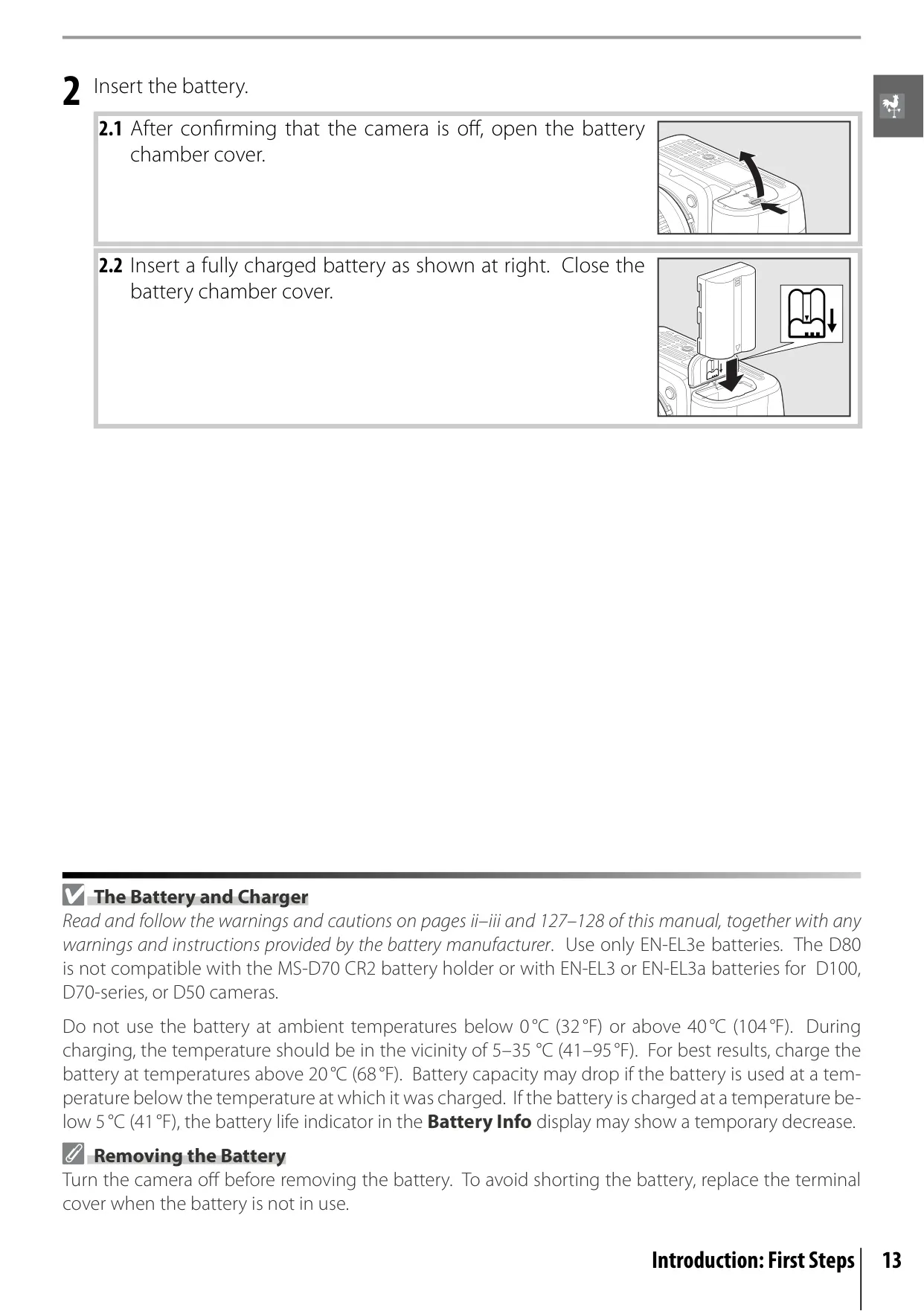
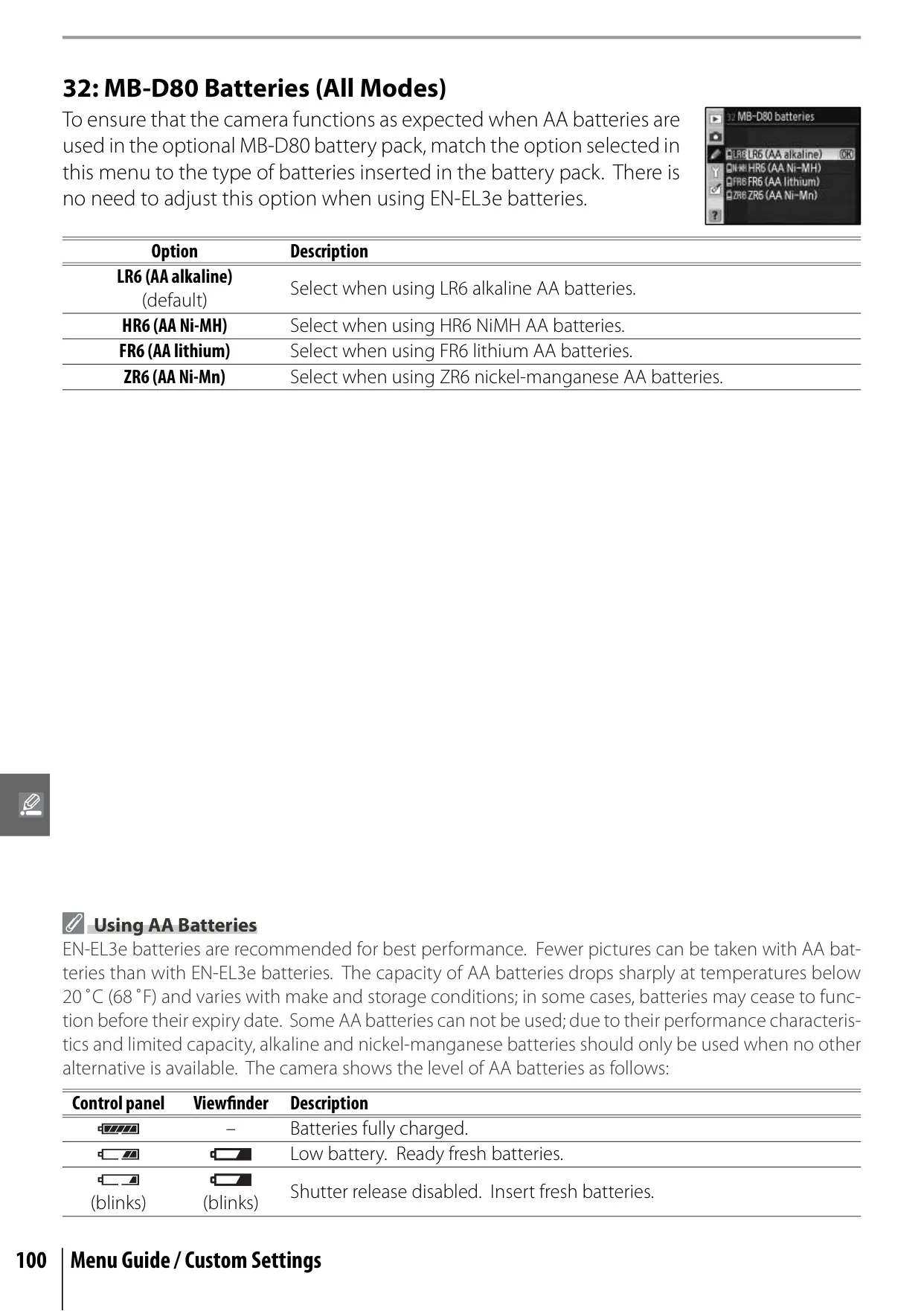
| Power Source | One Nikon EN-EL3e Li-ion battery (included); optional MB-D80 Multi-Power battery pack or EH-5/EH-5a AC adapter |
| Dimensions (W x D x H) | Approx. 132 × 103 × 77 mm (5.2 × 4.1 × 3.0 in.) |
| Weight | Approx. 585 g (1 lb. 5 oz.) without battery, memory card, etc. |
| Operating Environment | Temperature: 0 to +40°C (+32 to 104°F); Humidity: Less than 85% (no condensation) |
Nikon D80 DSLR Camera Details
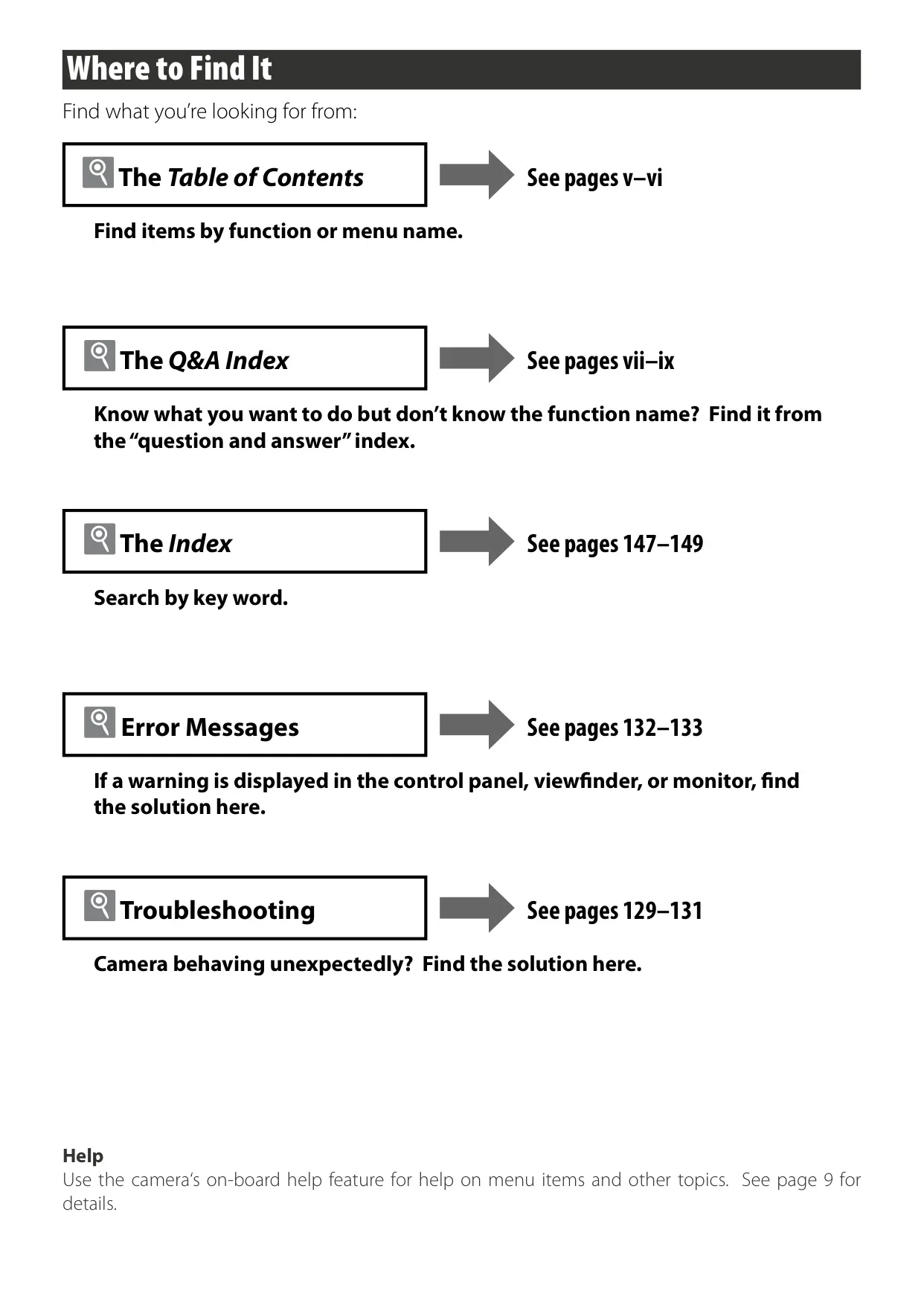
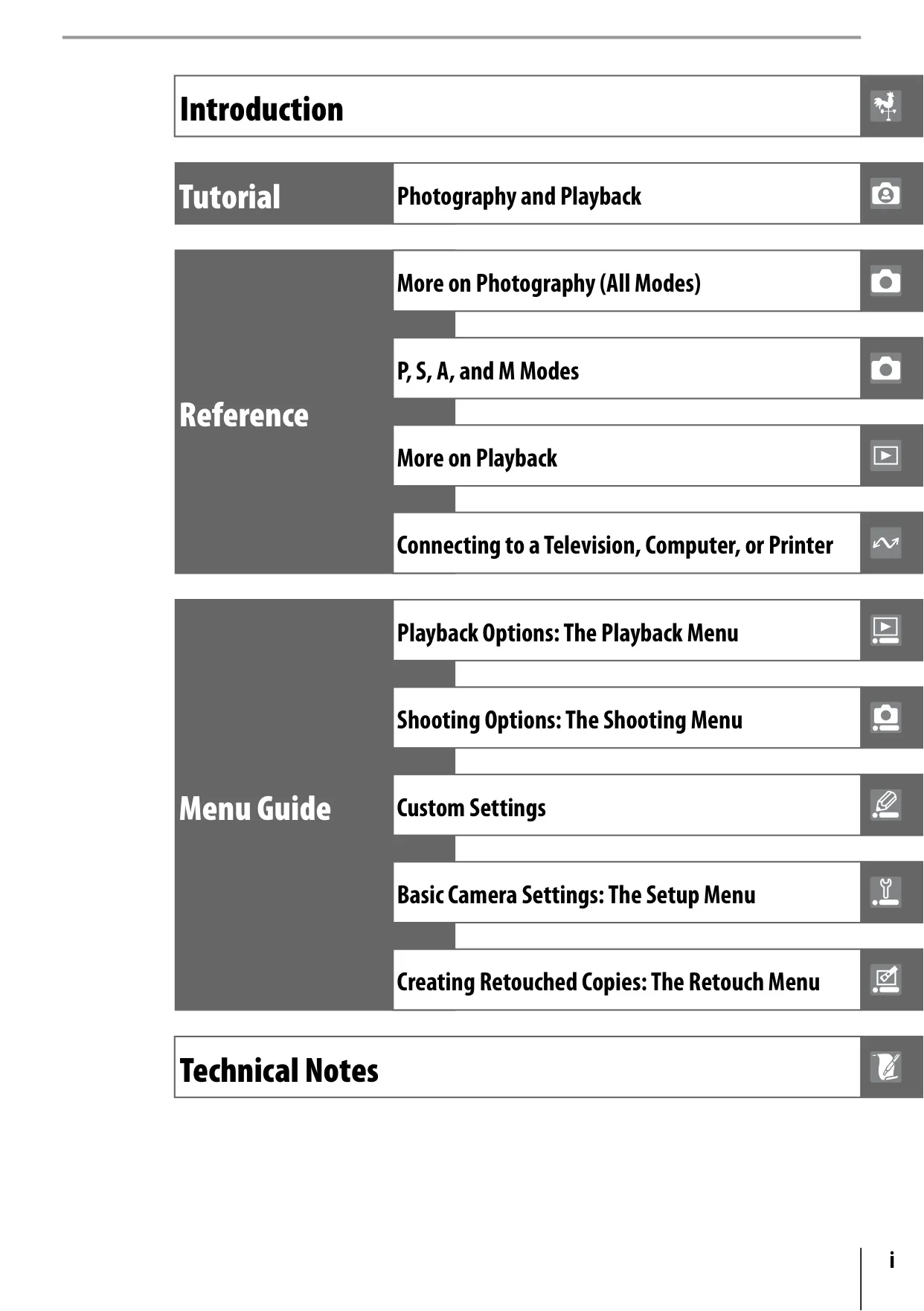
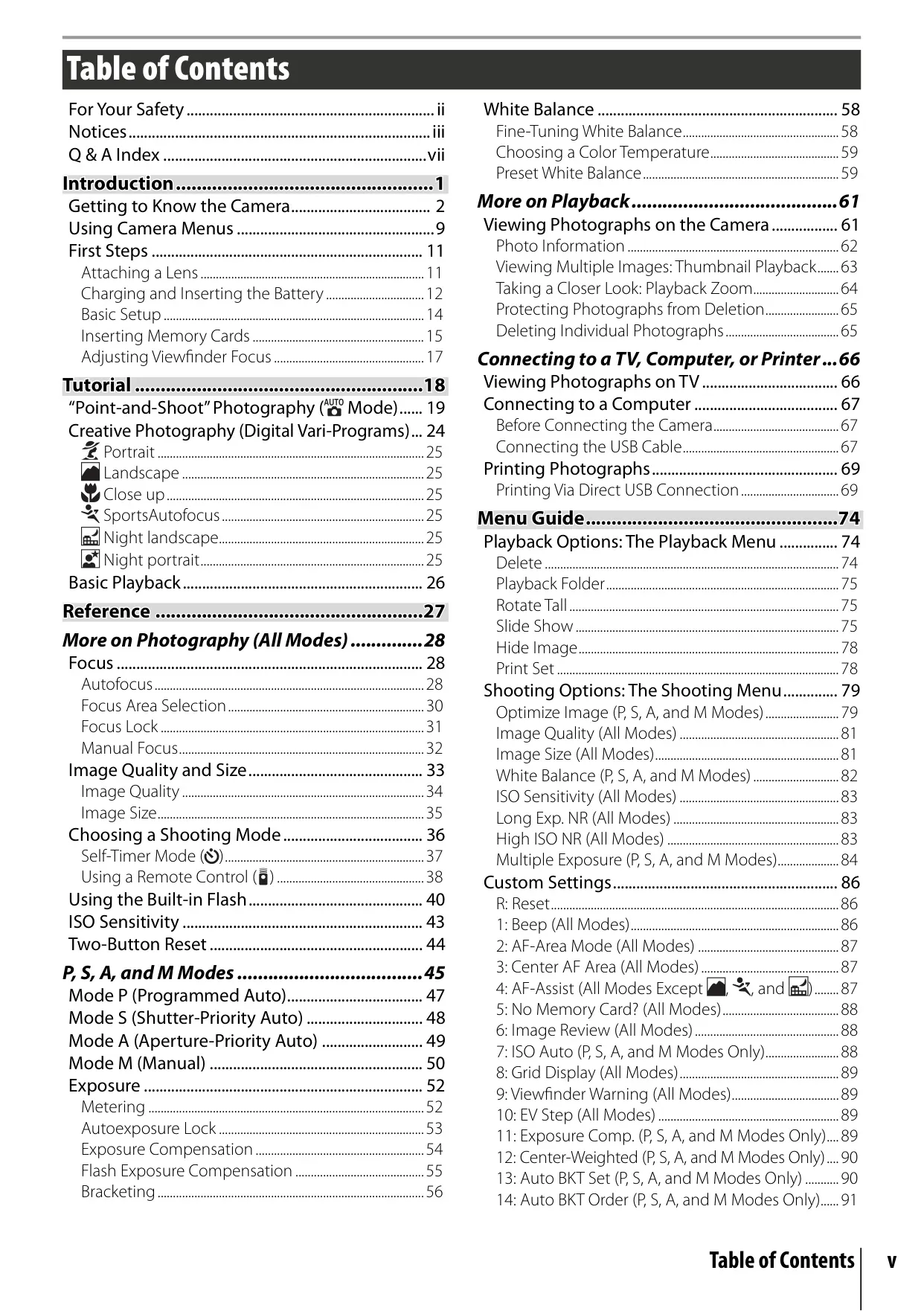
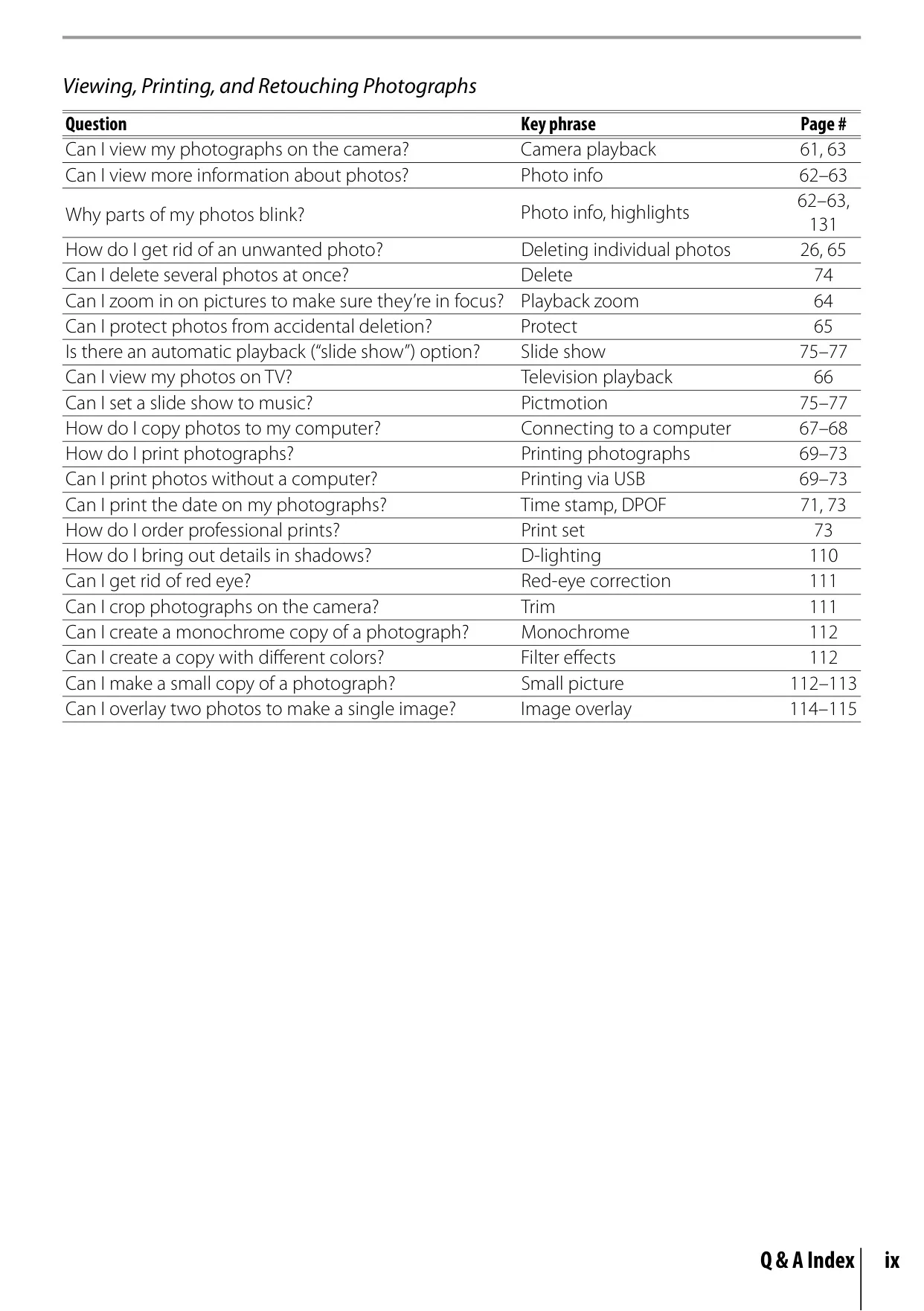
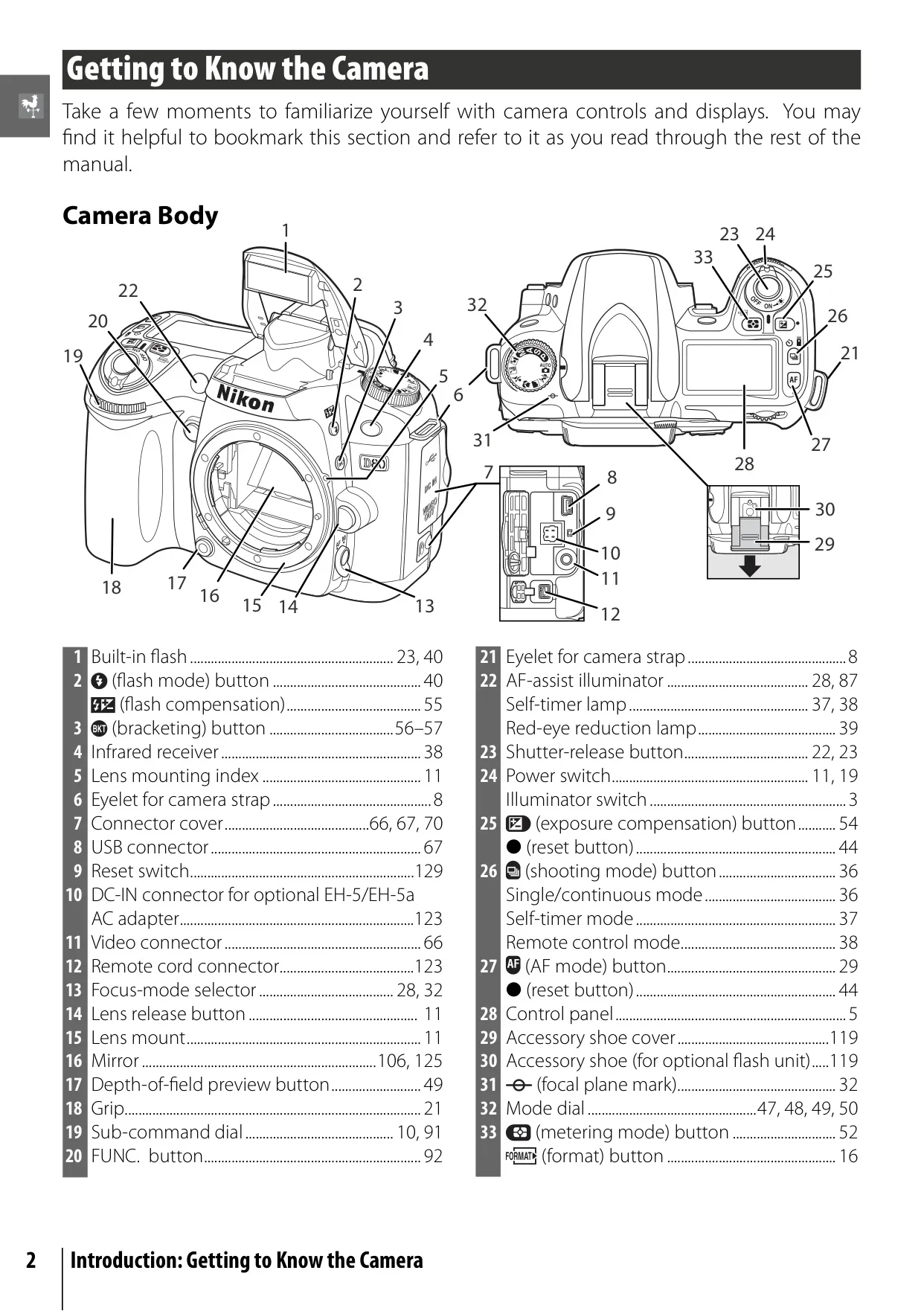
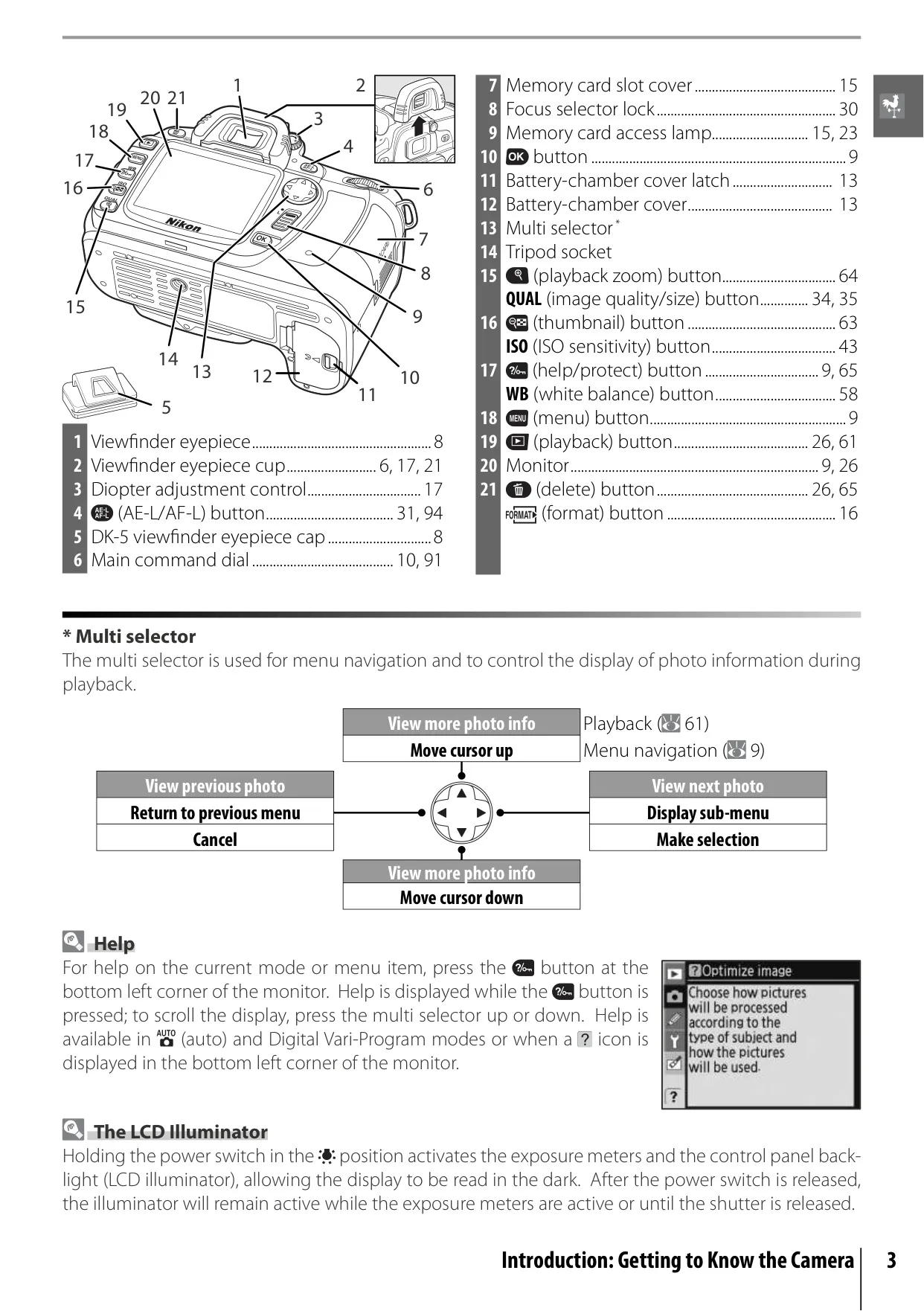
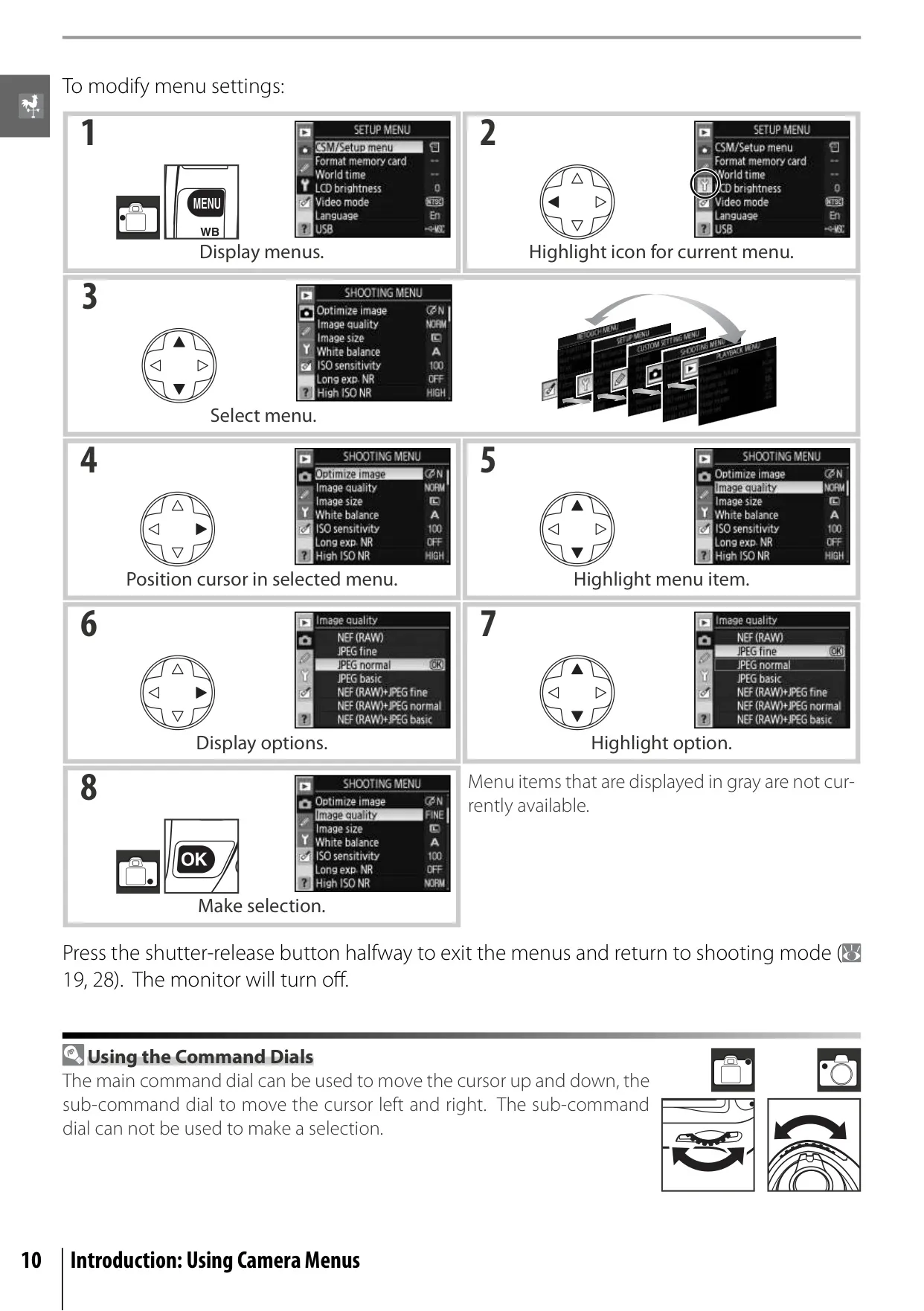
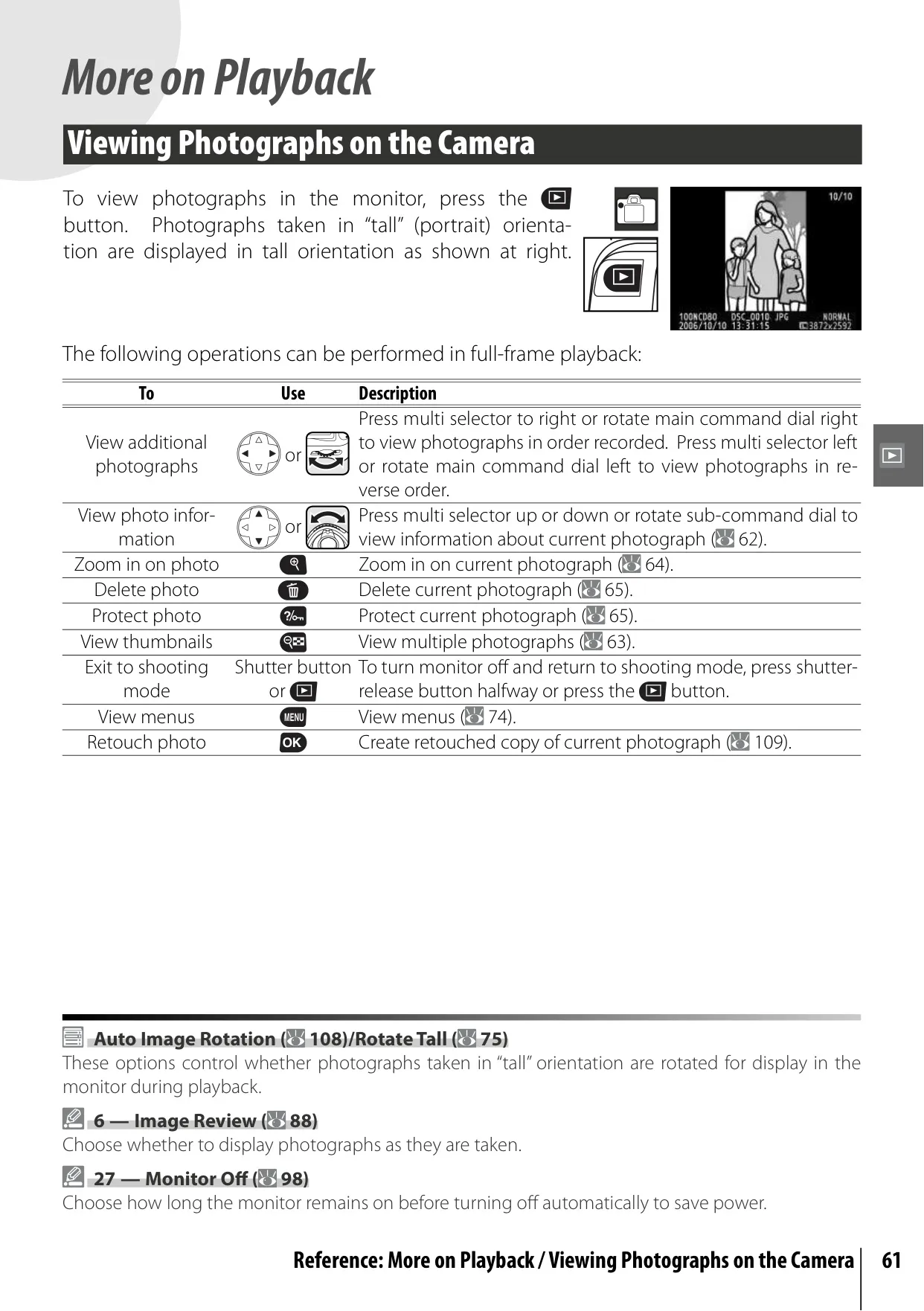
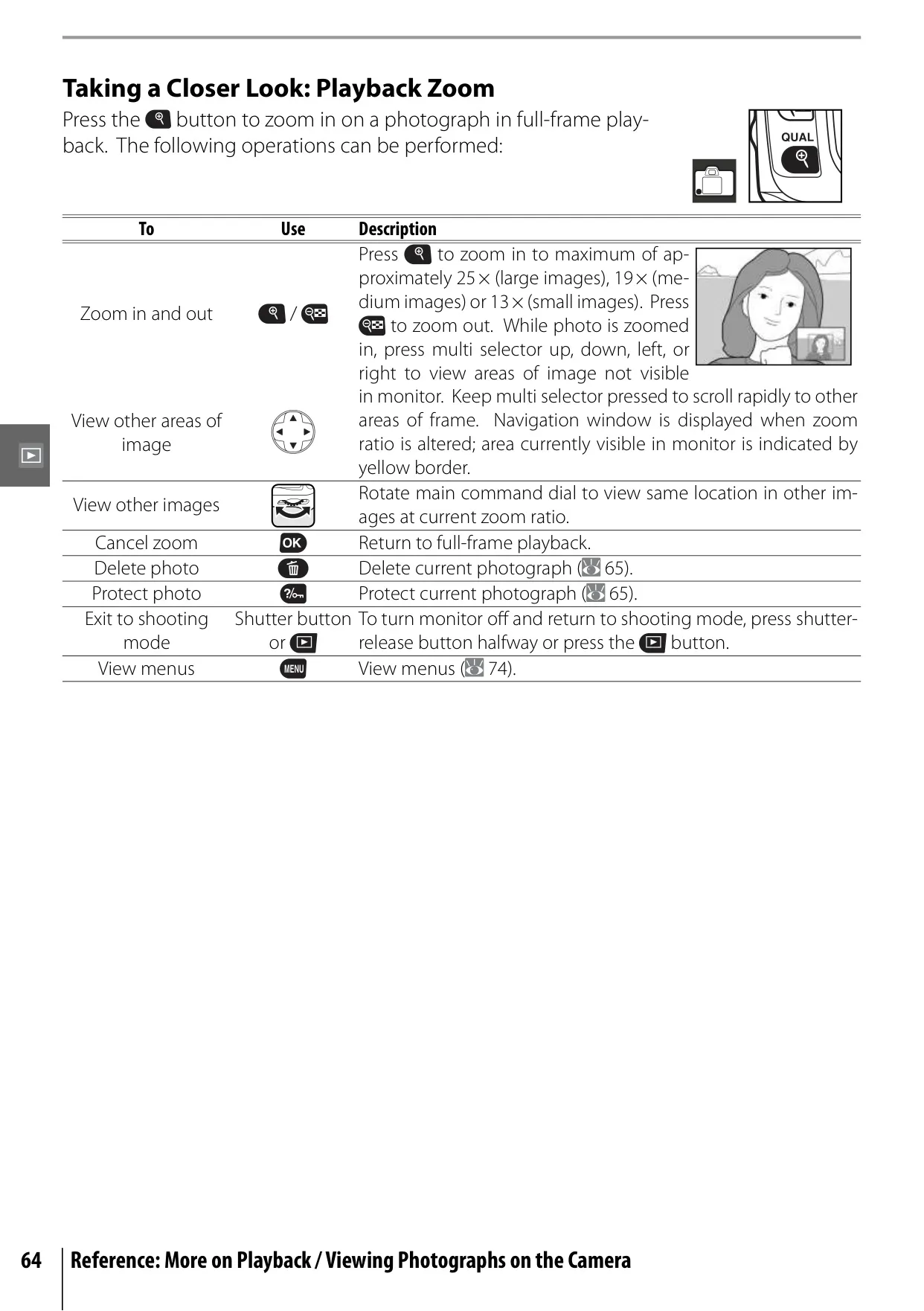
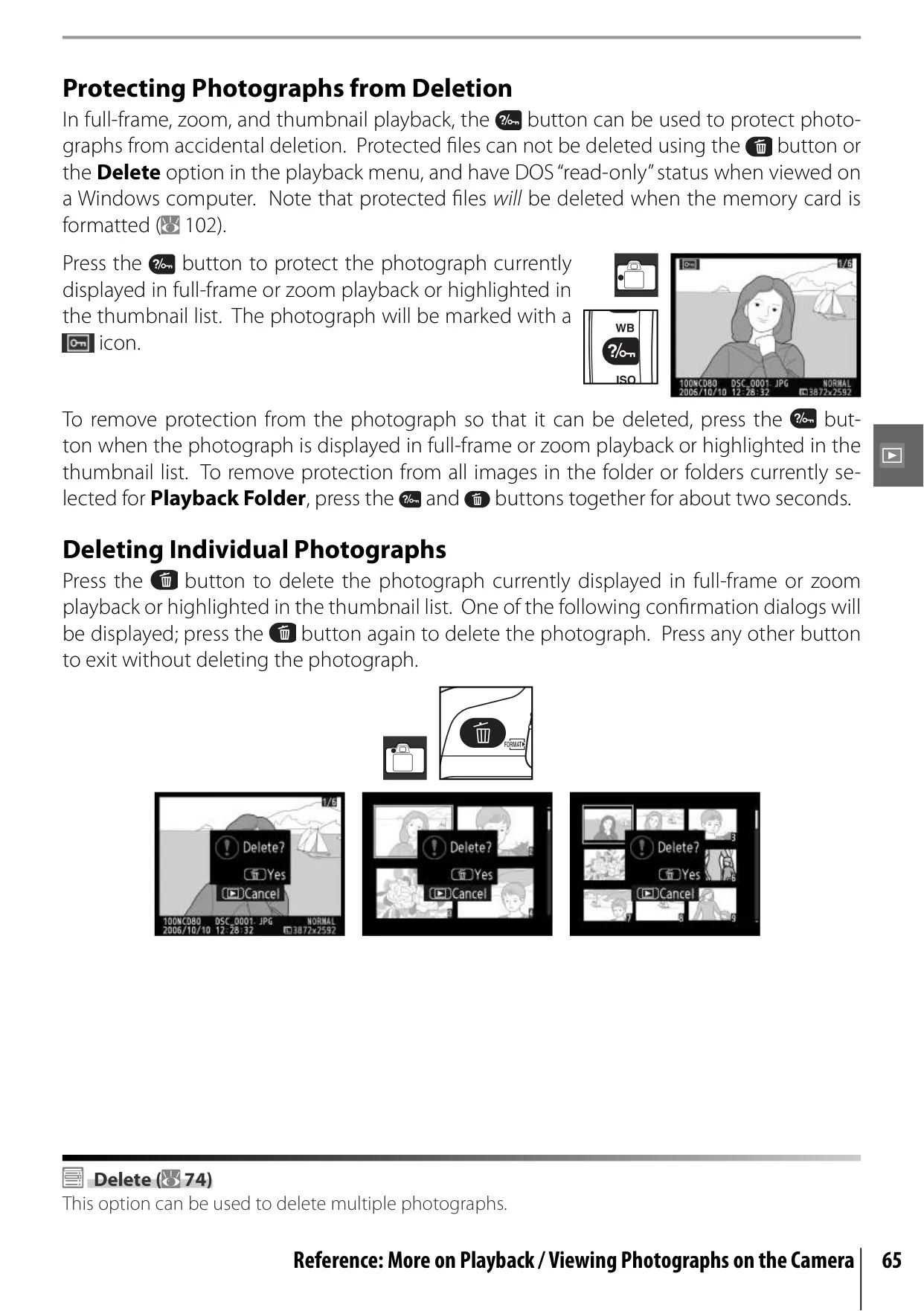
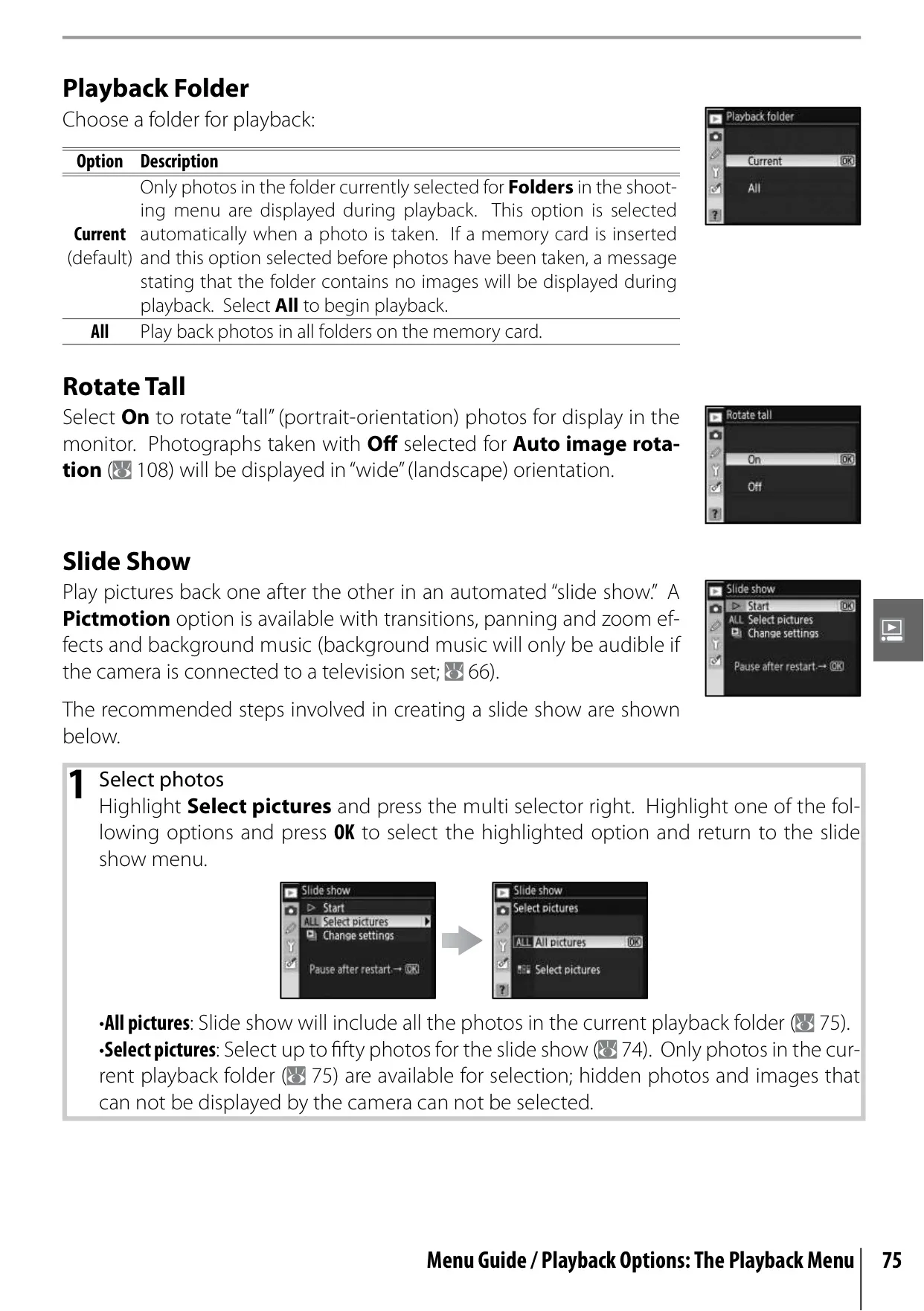
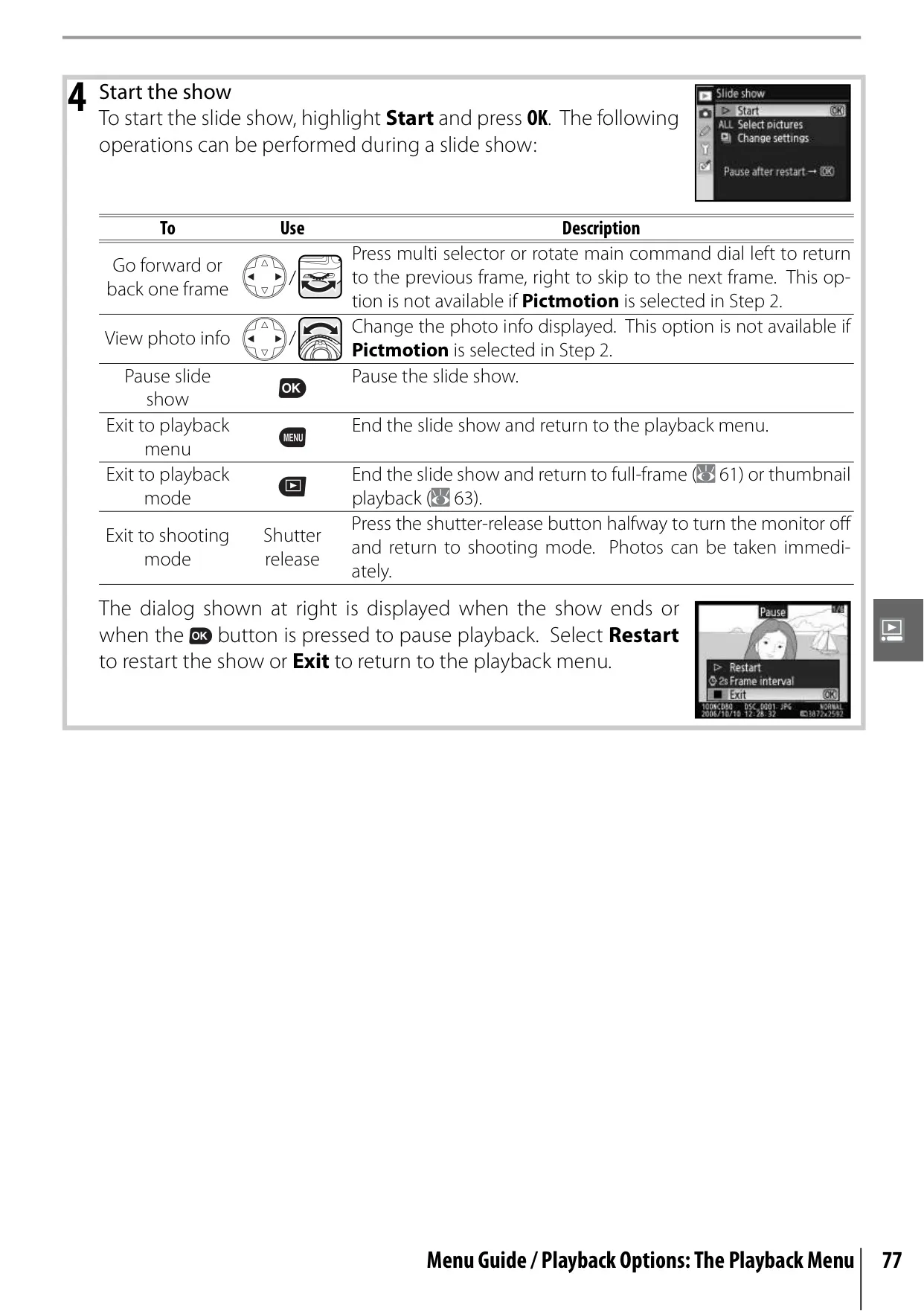
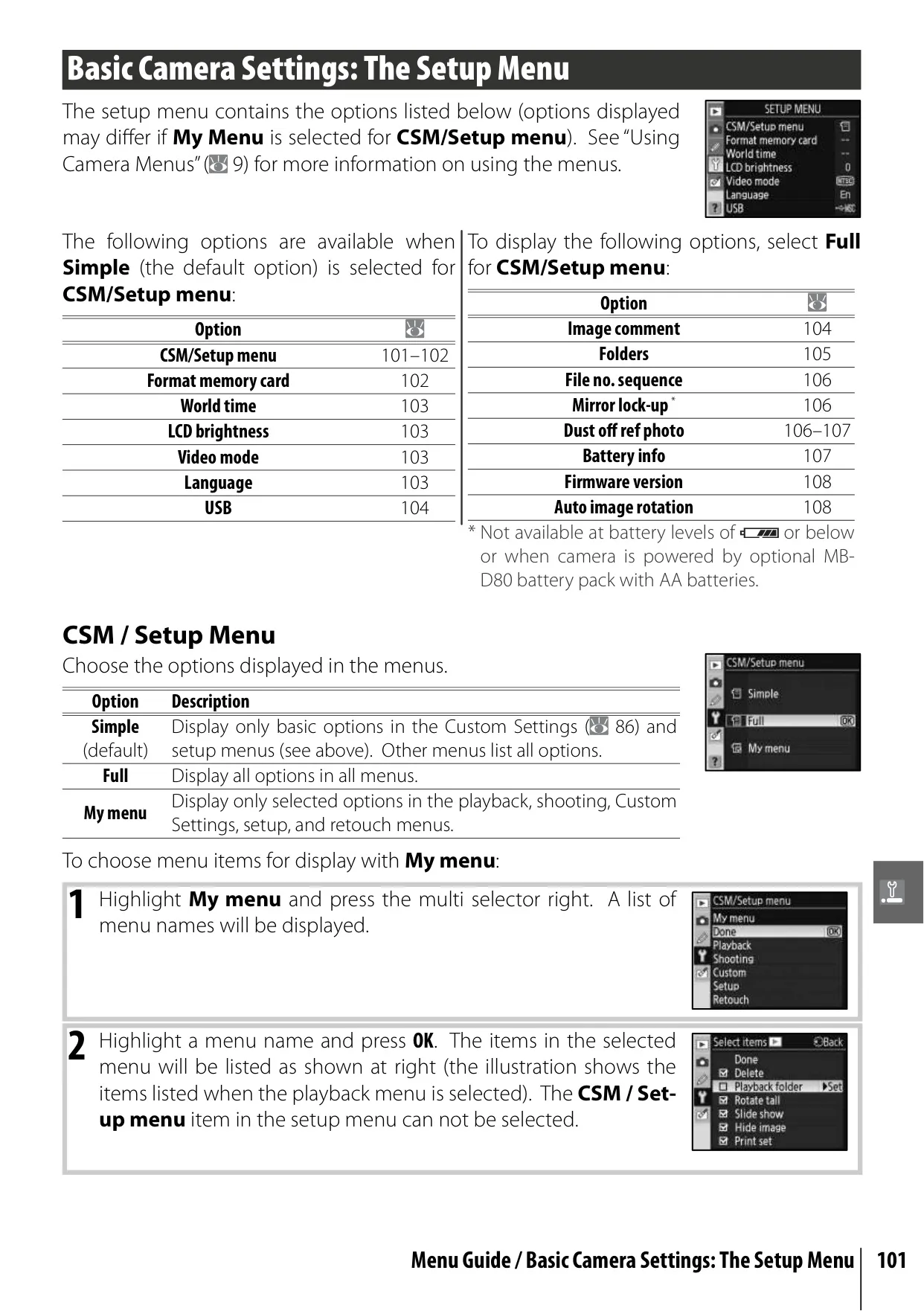
The Nikon D80 is a sophisticated yet accessible digital SLR camera, designed to empower photographers with a wide array of creative and practical features. Its manual emphasizes intuitive navigation through comprehensive indexes, including a Table of Contents, a Q&A Index, and a detailed keyword index, complemented by an immediate on-board help system. This ensures users can quickly find answers and understand the camera's many functions without interrupting their workflow.
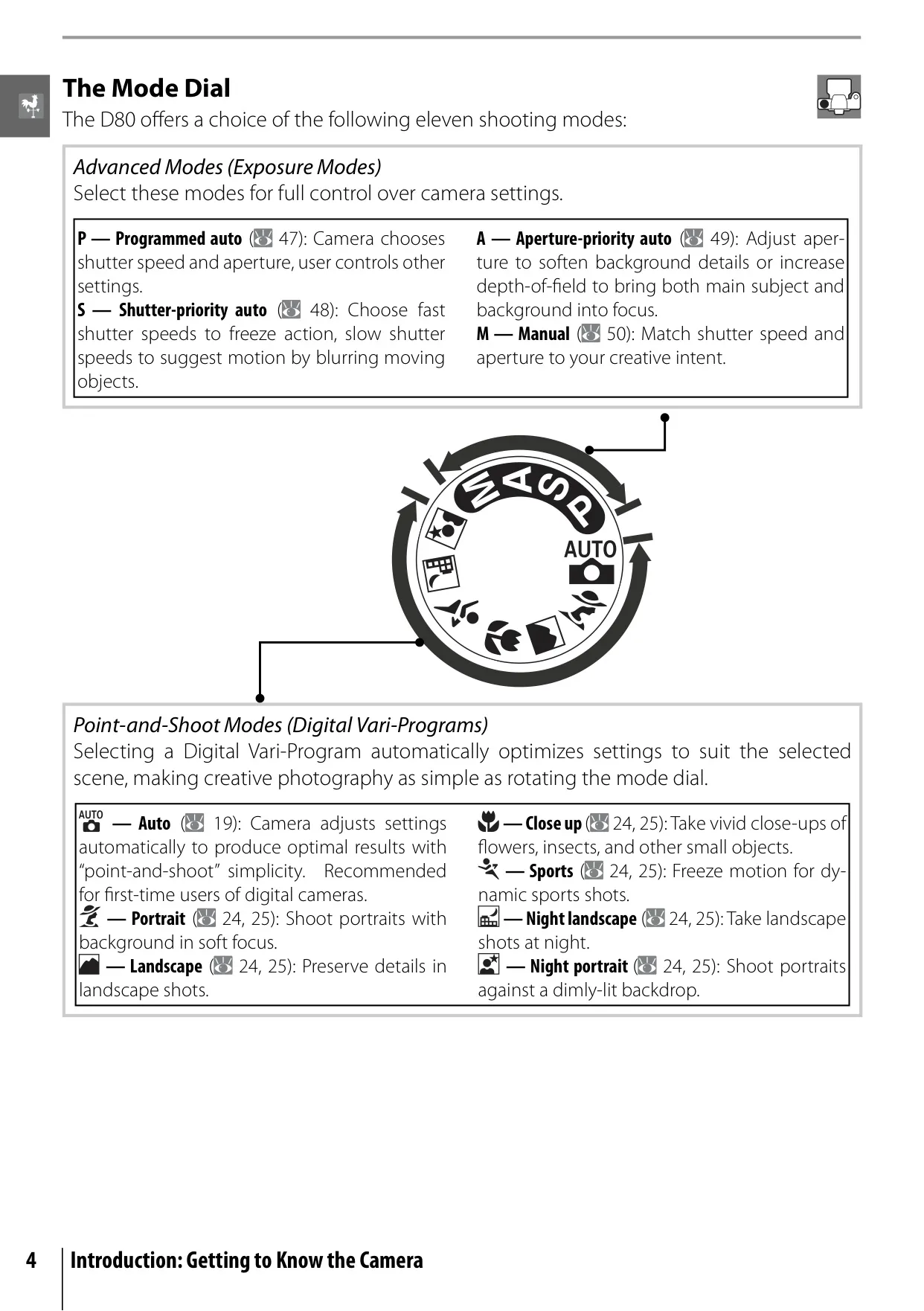
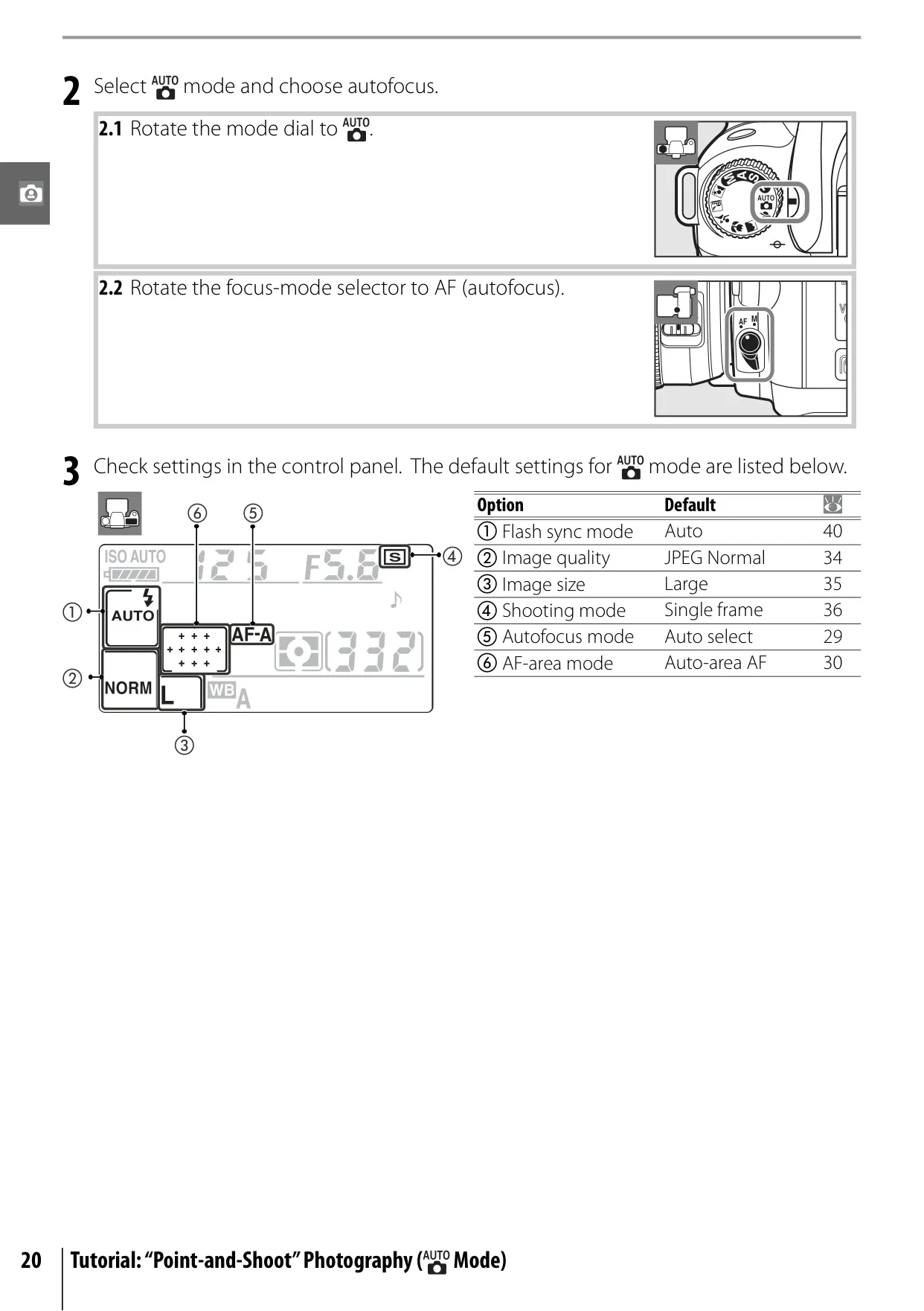
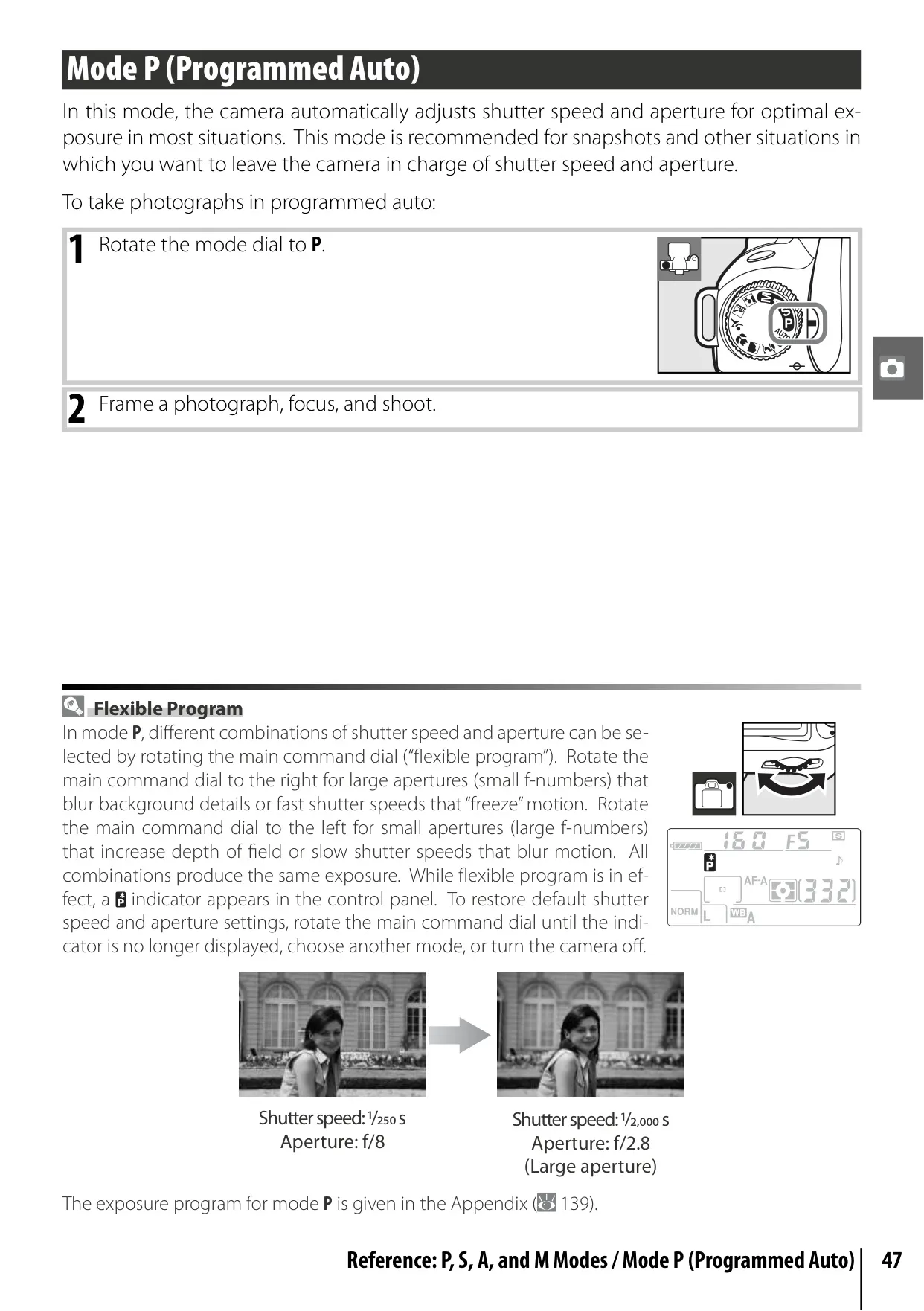
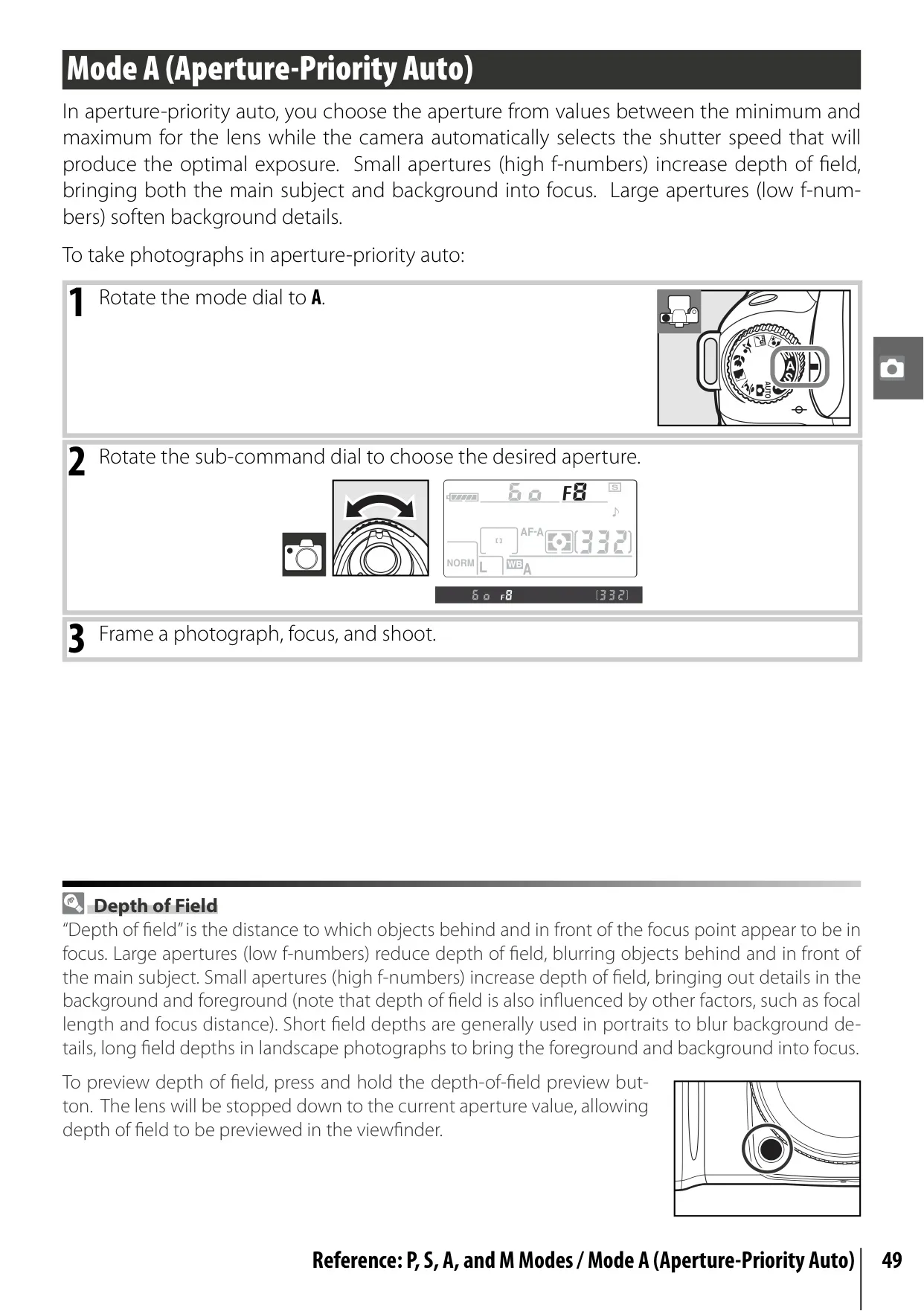
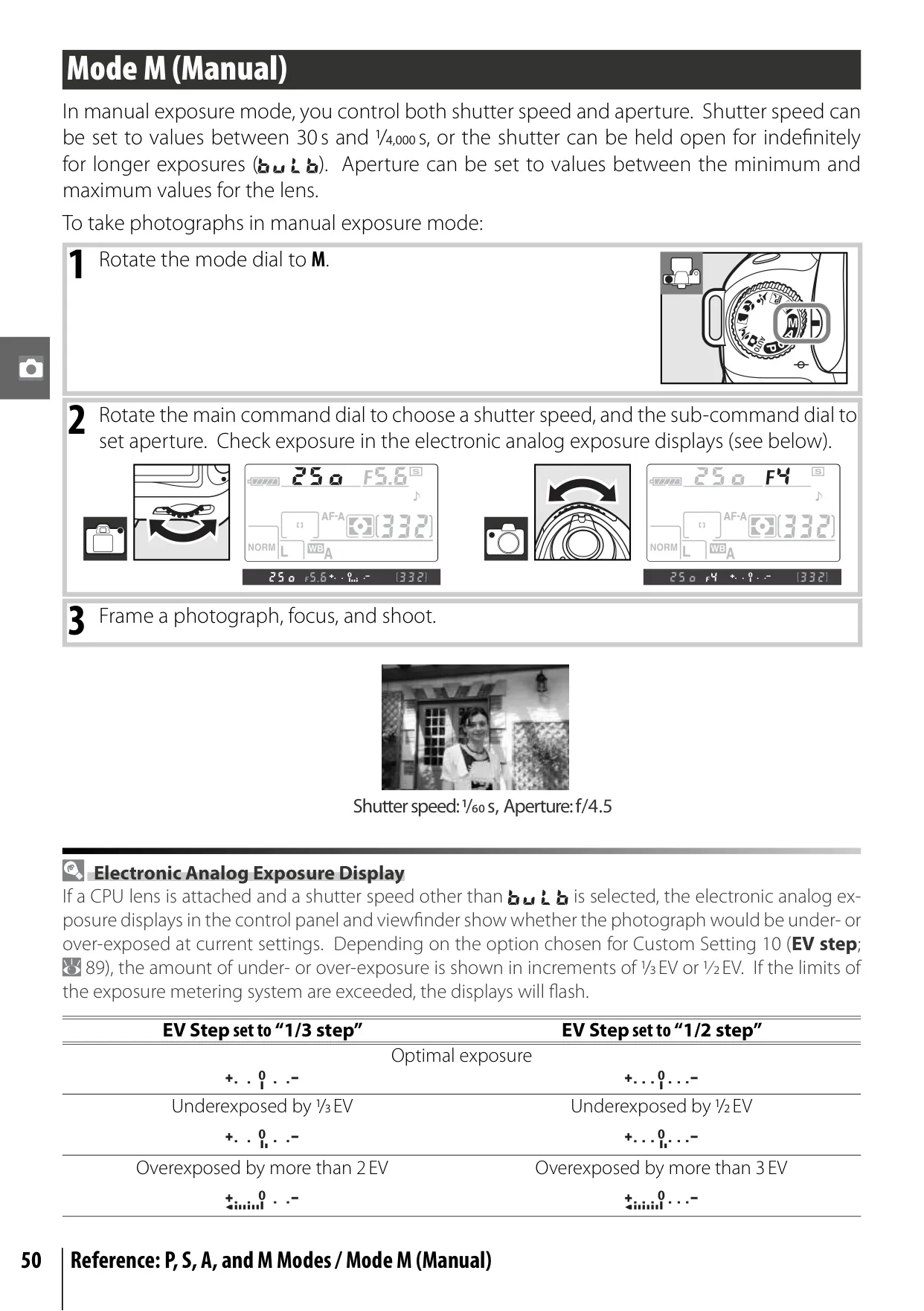
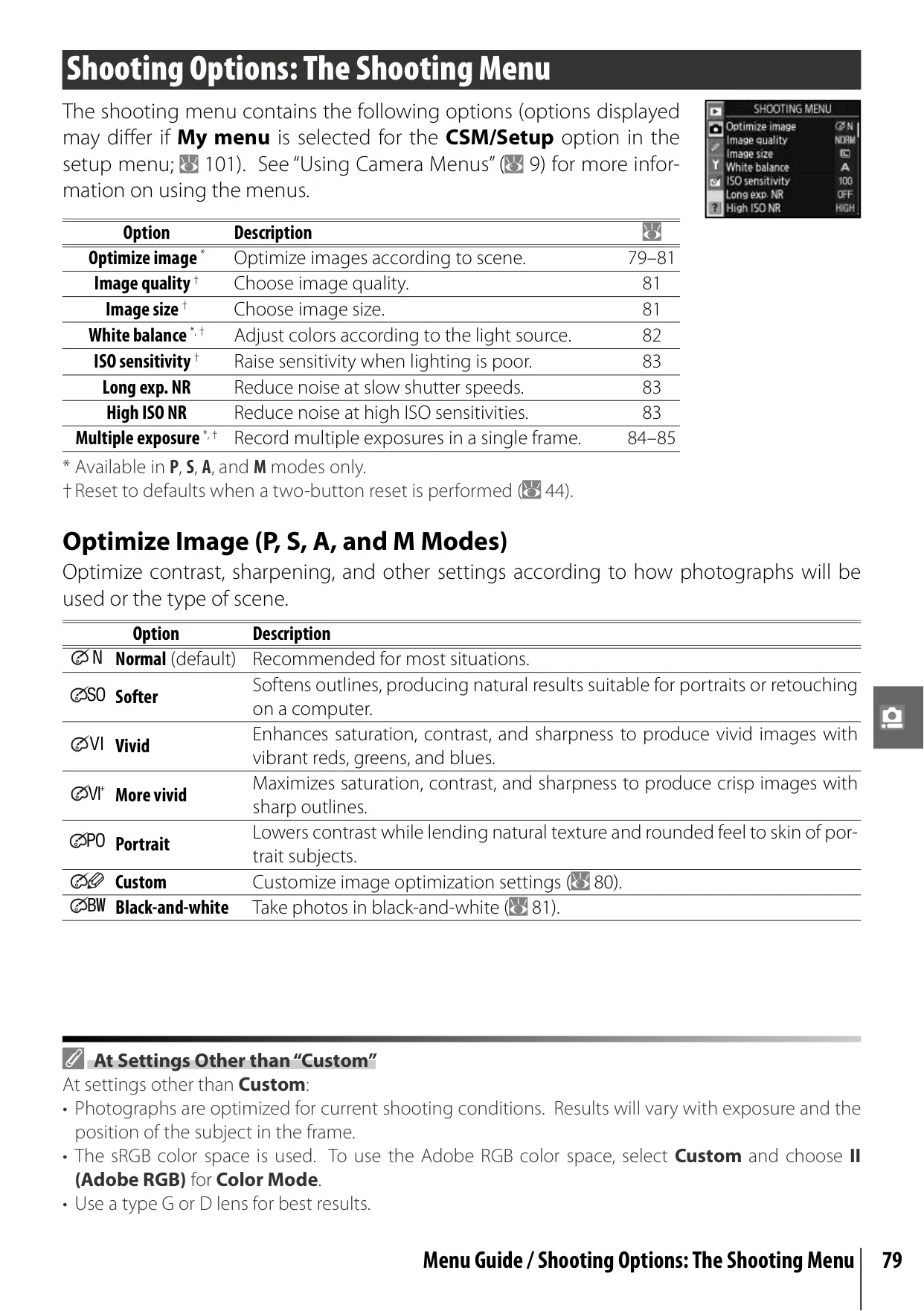
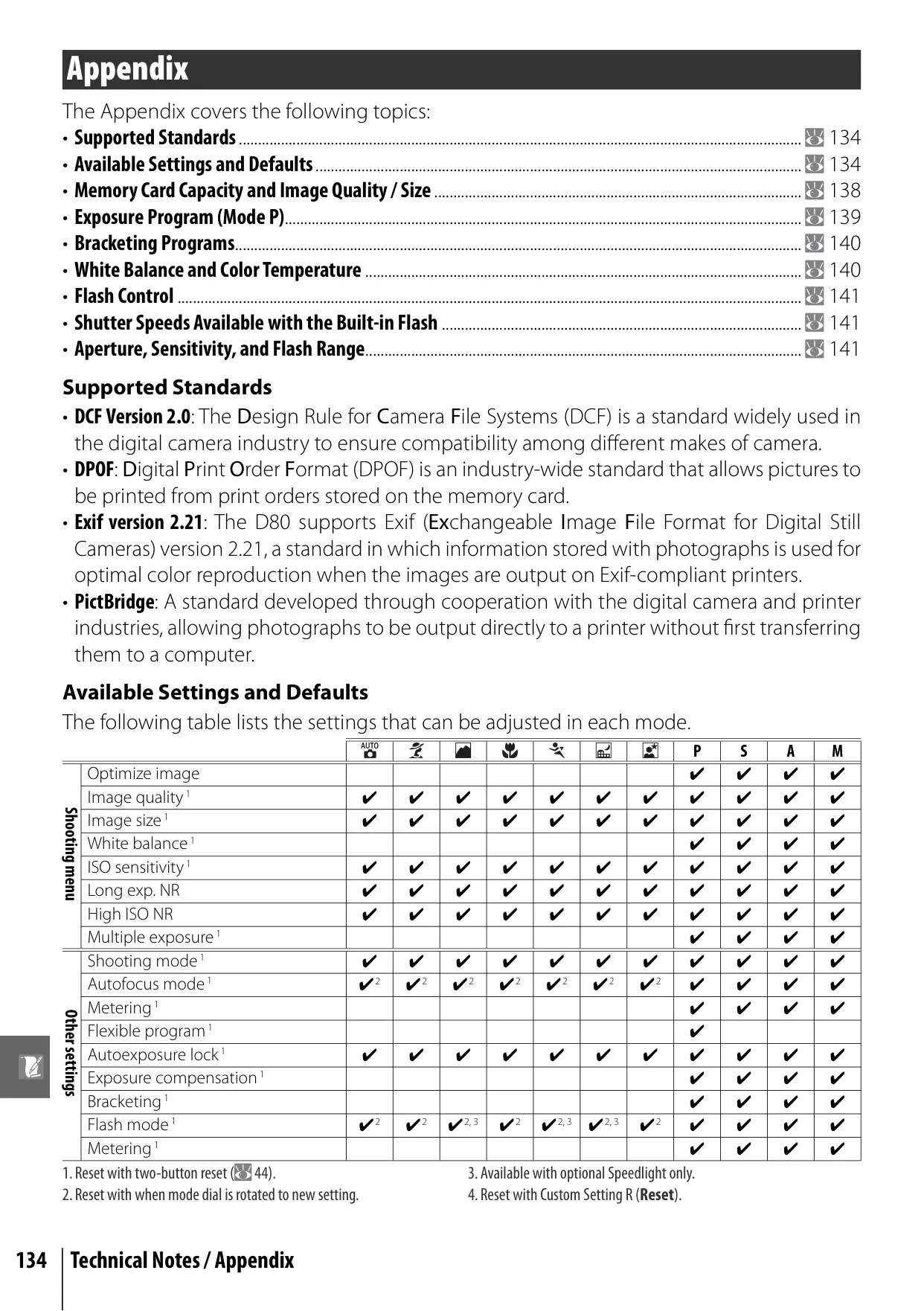
Beyond its robust specifications, the D80 offers eleven distinct shooting modes. These include a straightforward Auto mode for beginners and six Digital Vari-Program modes (Portrait, Landscape, Close up, Sports, Night Landscape, Night Portrait) that automatically optimize camera settings for specific scenarios. For greater artistic control, professional P, S, A, and M modes allow photographers to precisely dictate exposure settings, enabling techniques like blurring backgrounds or freezing fast action.
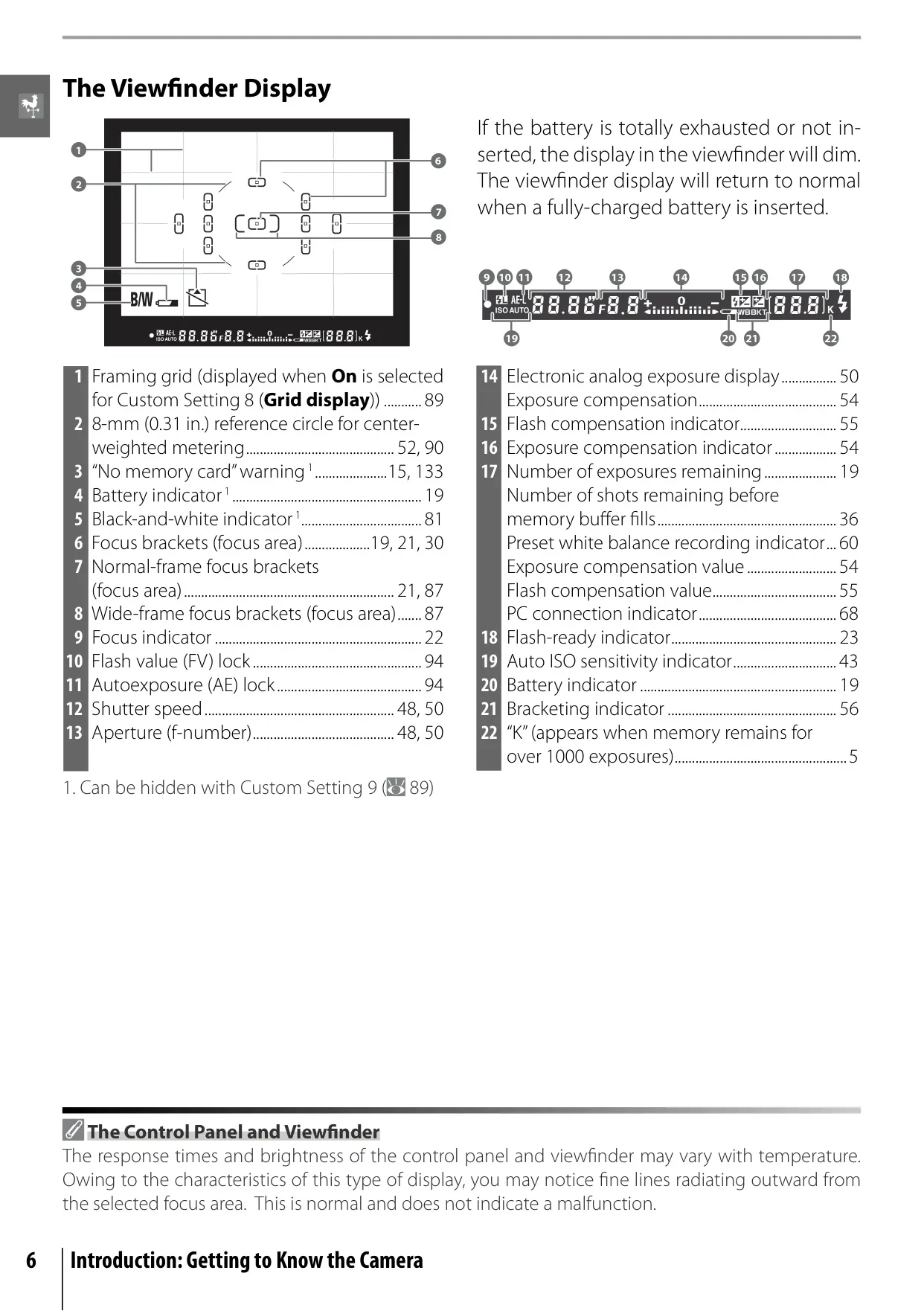
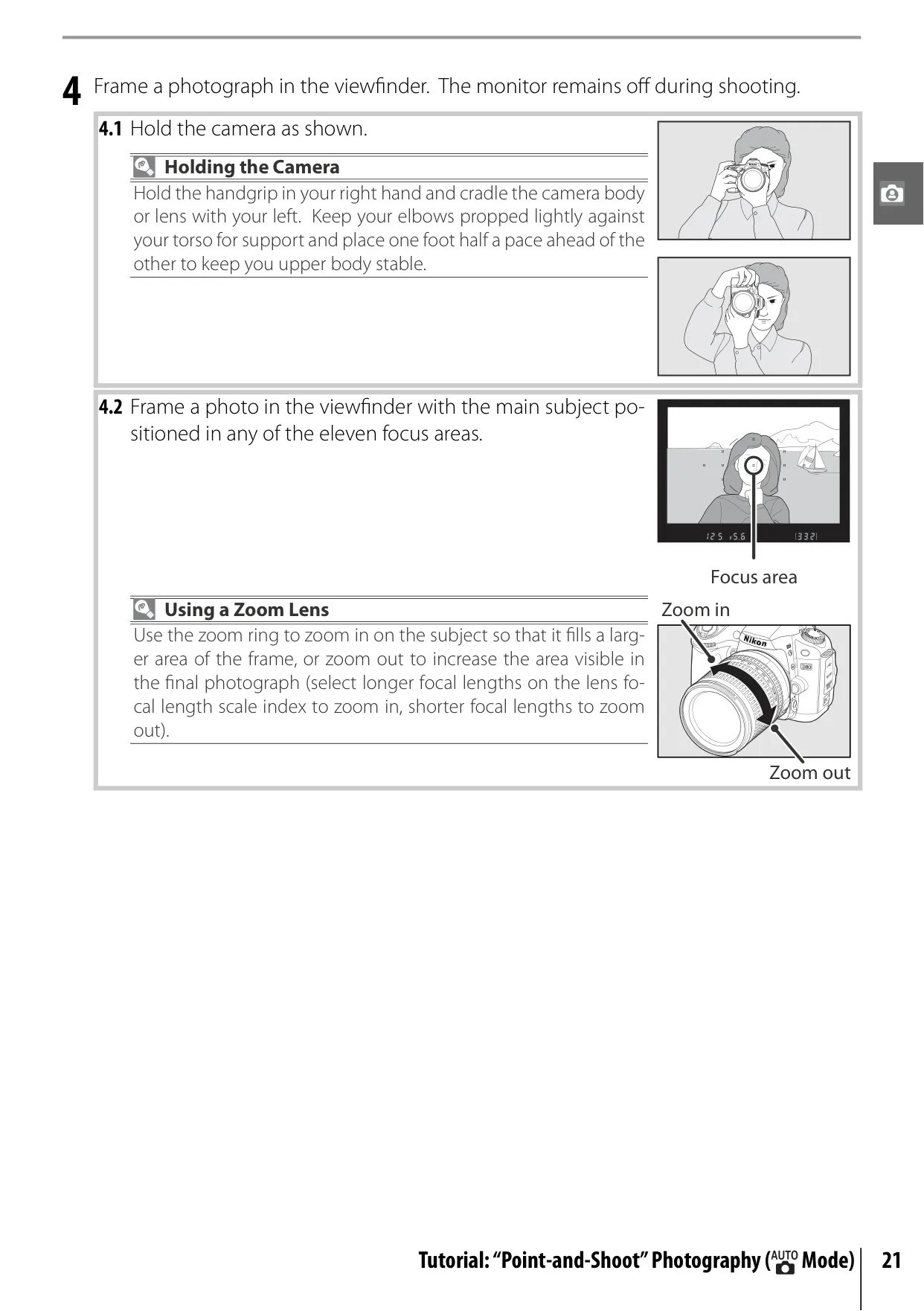
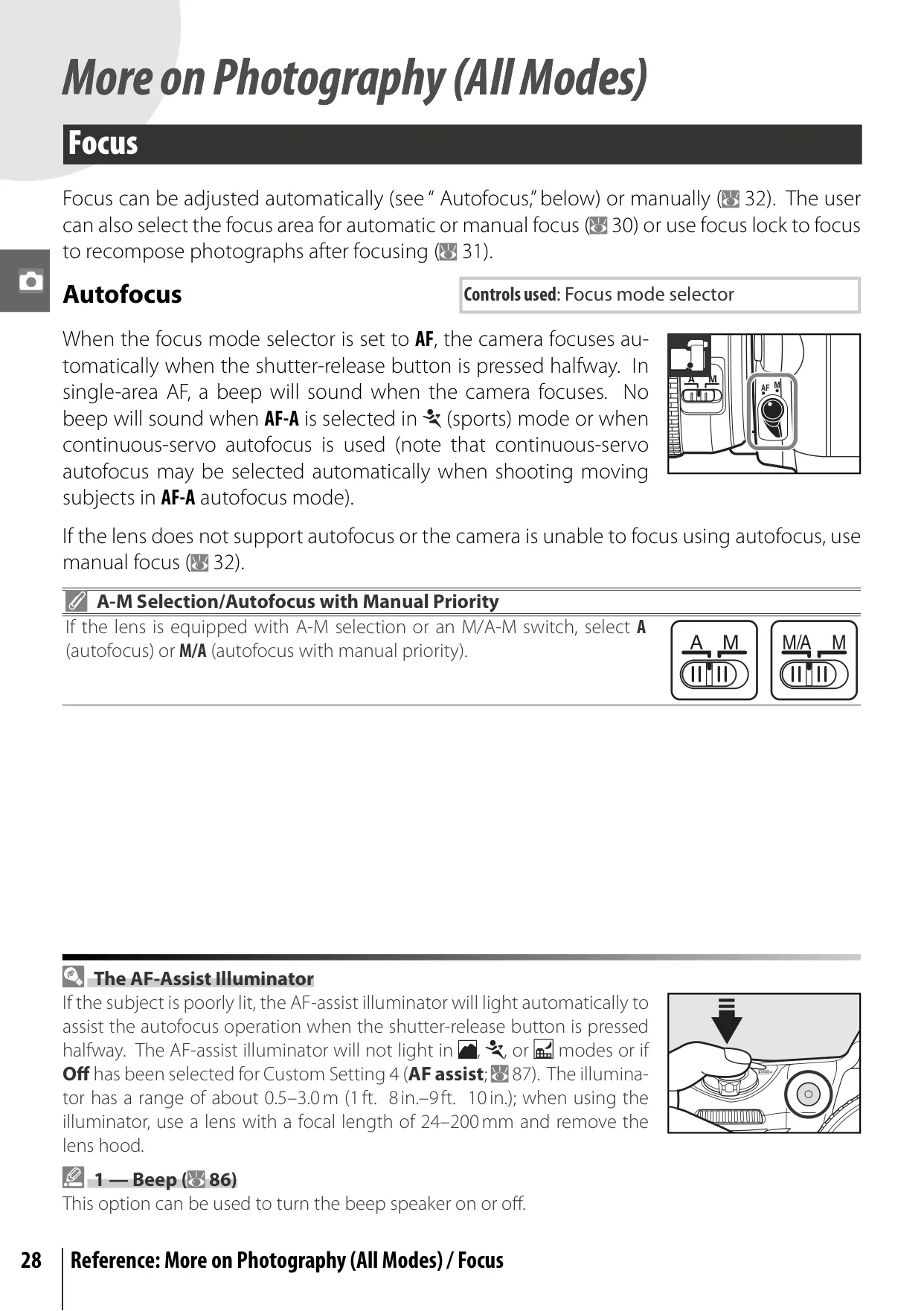
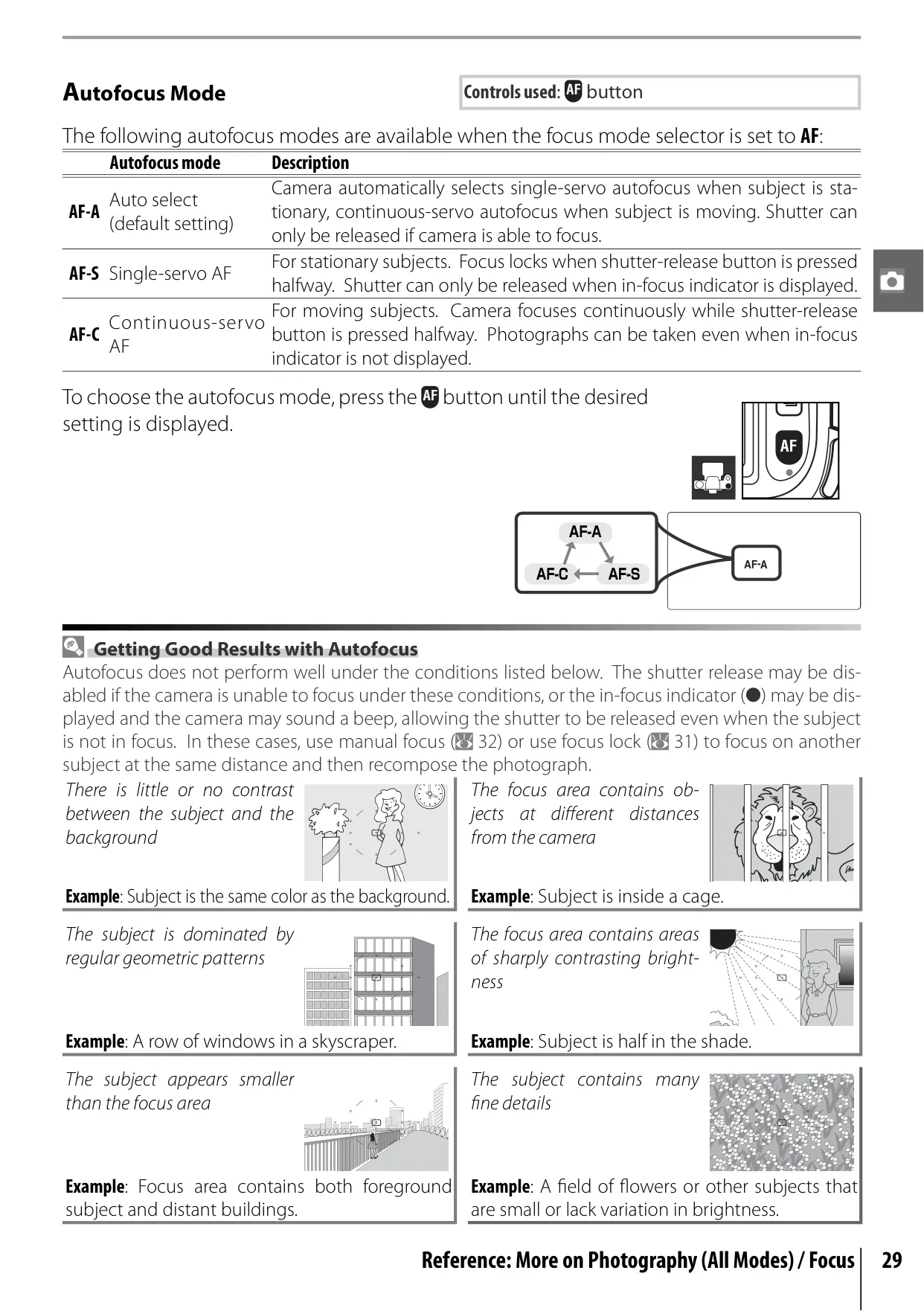
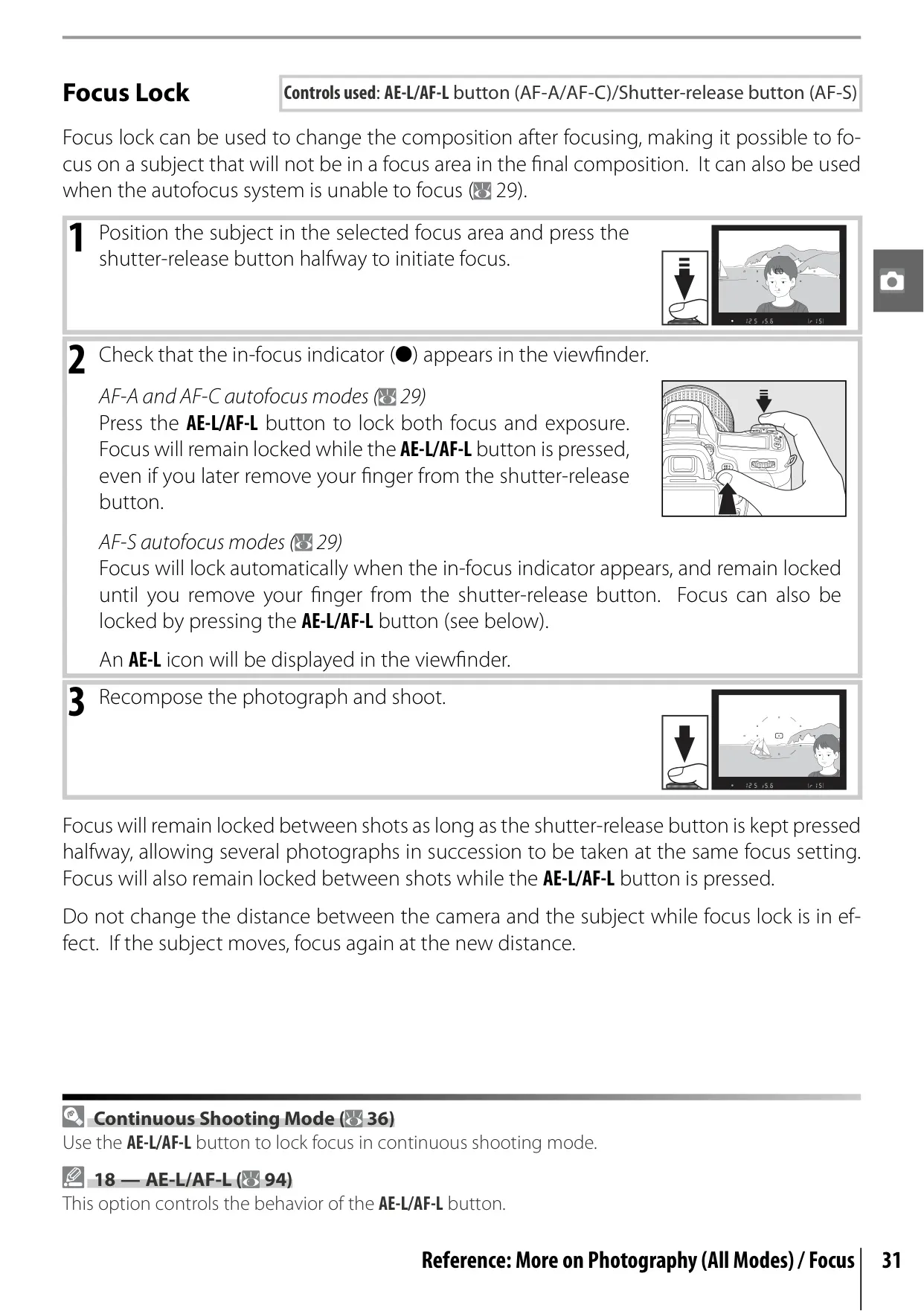
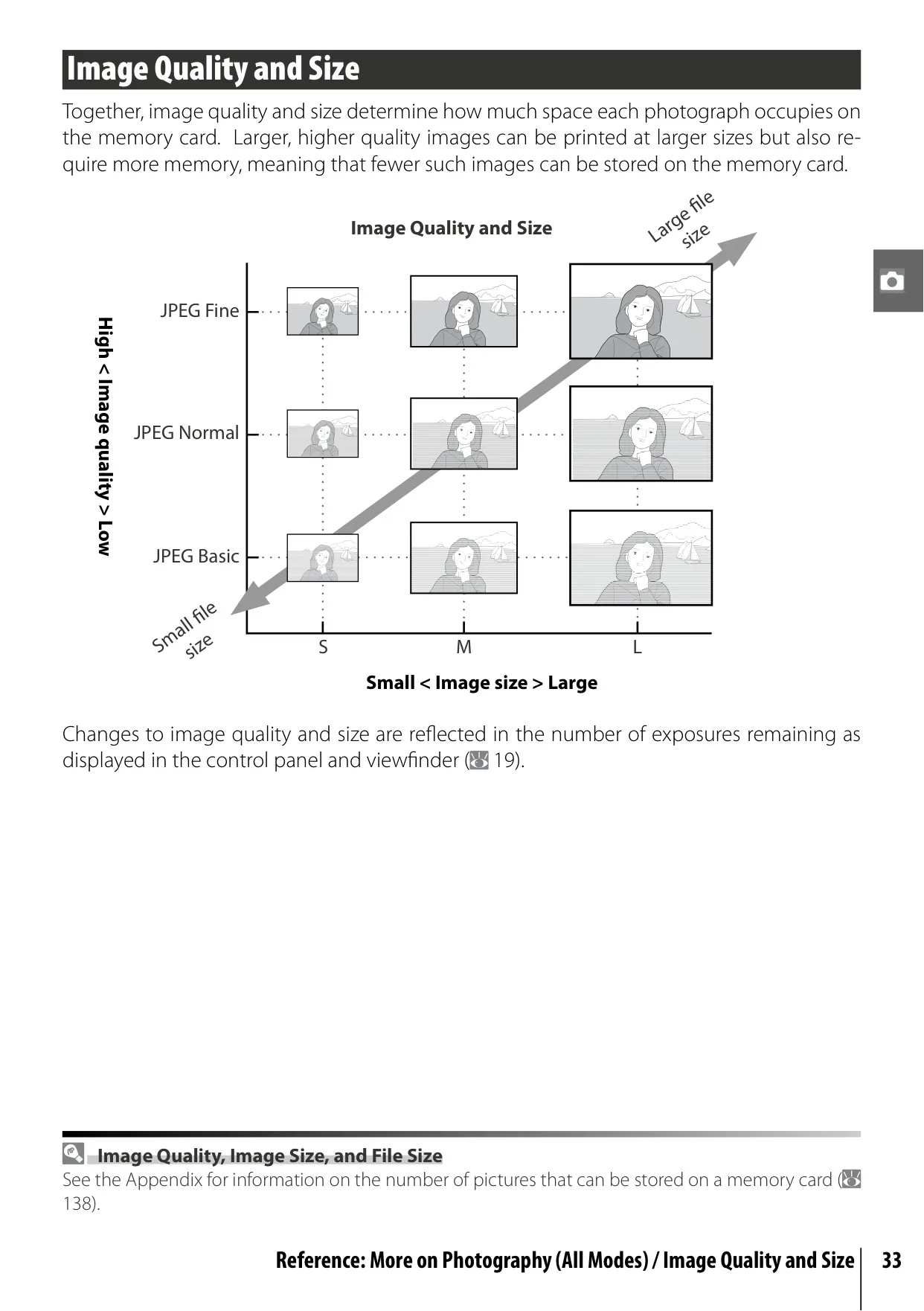
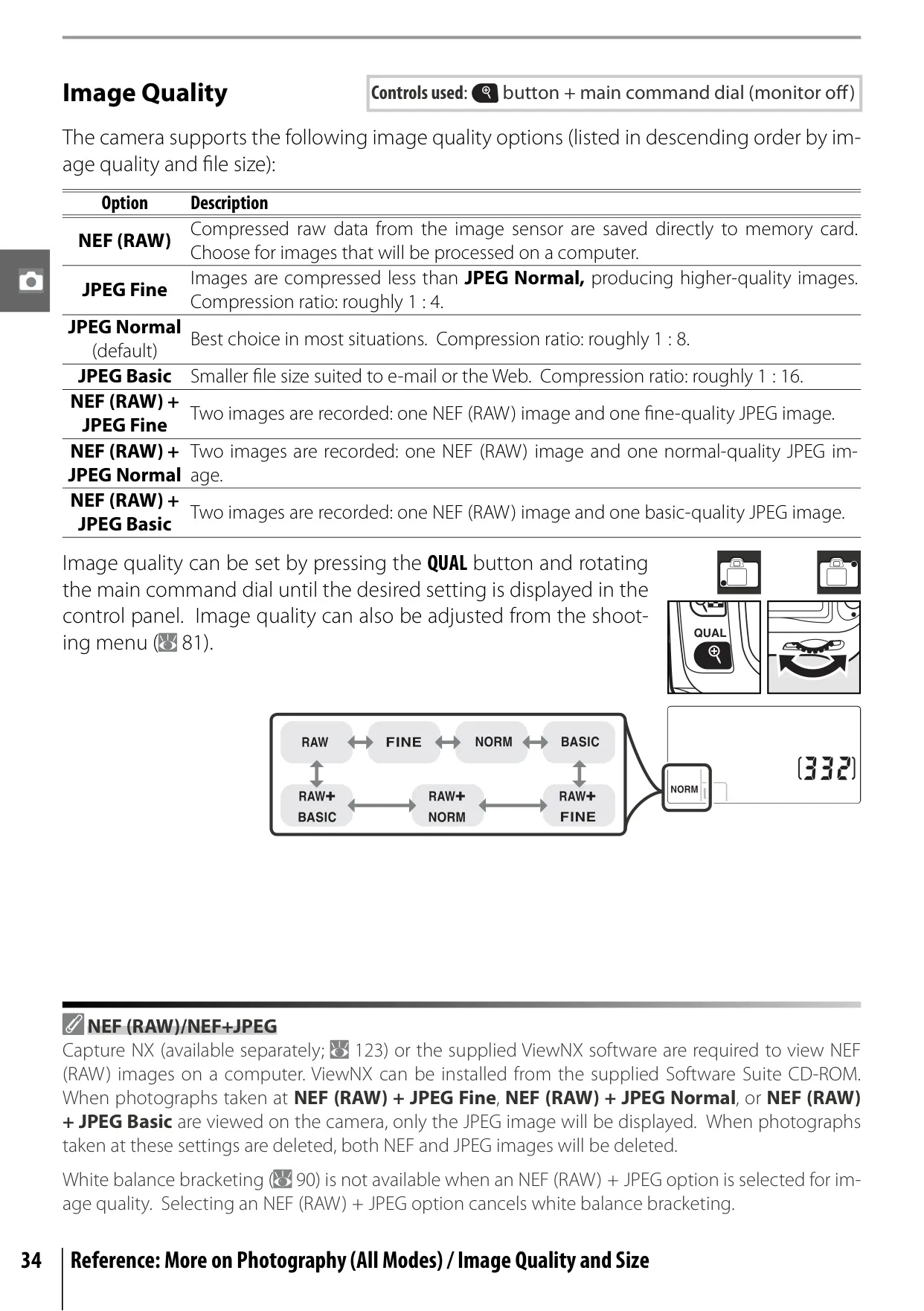
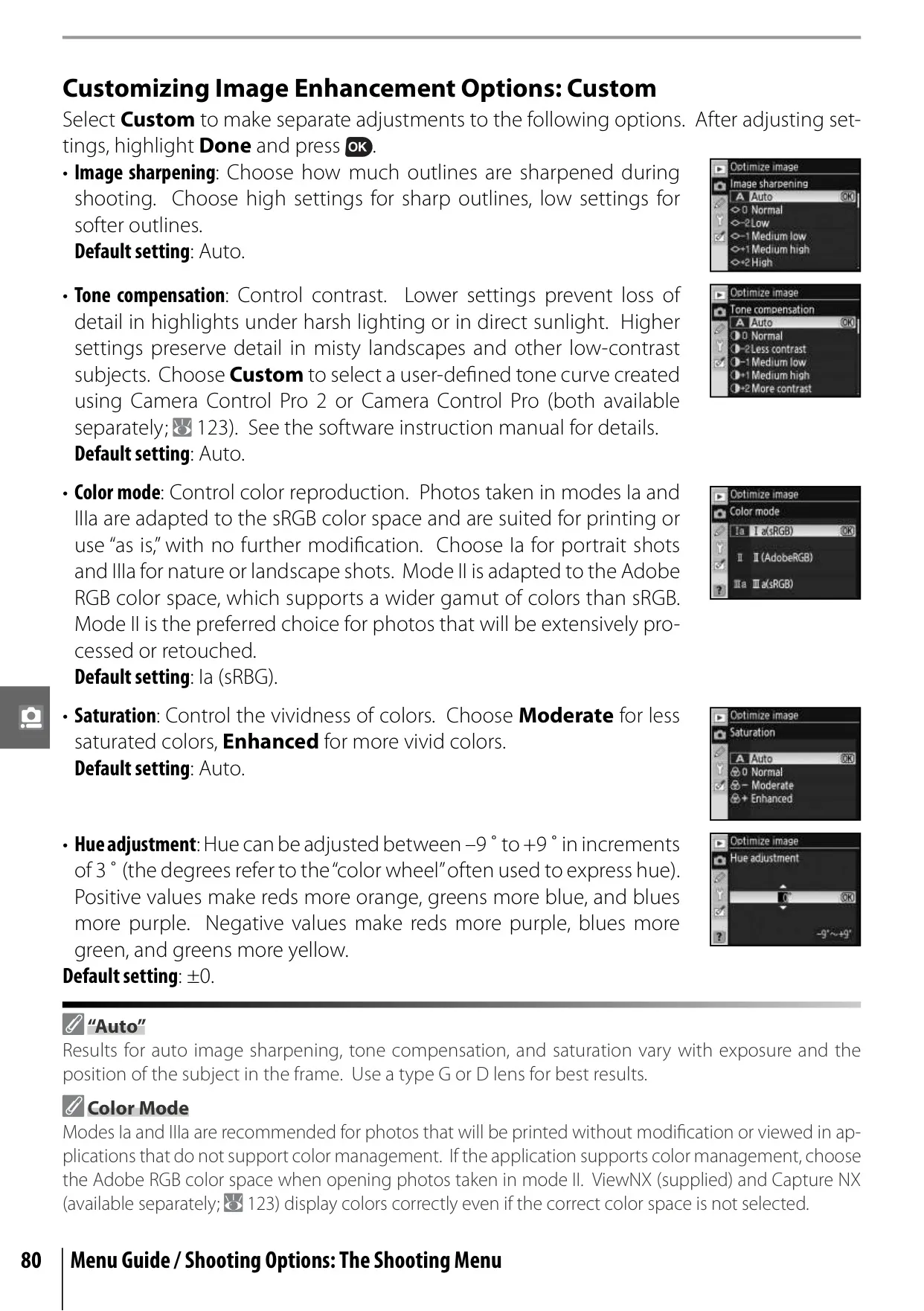
The camera's focusing system is highly versatile, supporting eleven selectable focus areas and various autofocus modes (AF-A, AF-S, AF-C) that adapt to subject movement. A focus lock feature allows for recomposing shots after focus is achieved. Image quality and size are adjustable, offering options from high-resolution NEF (RAW) files, ideal for extensive post-processing, to smaller JPEG files suitable for sharing or web use, giving photographers flexibility in managing their images.
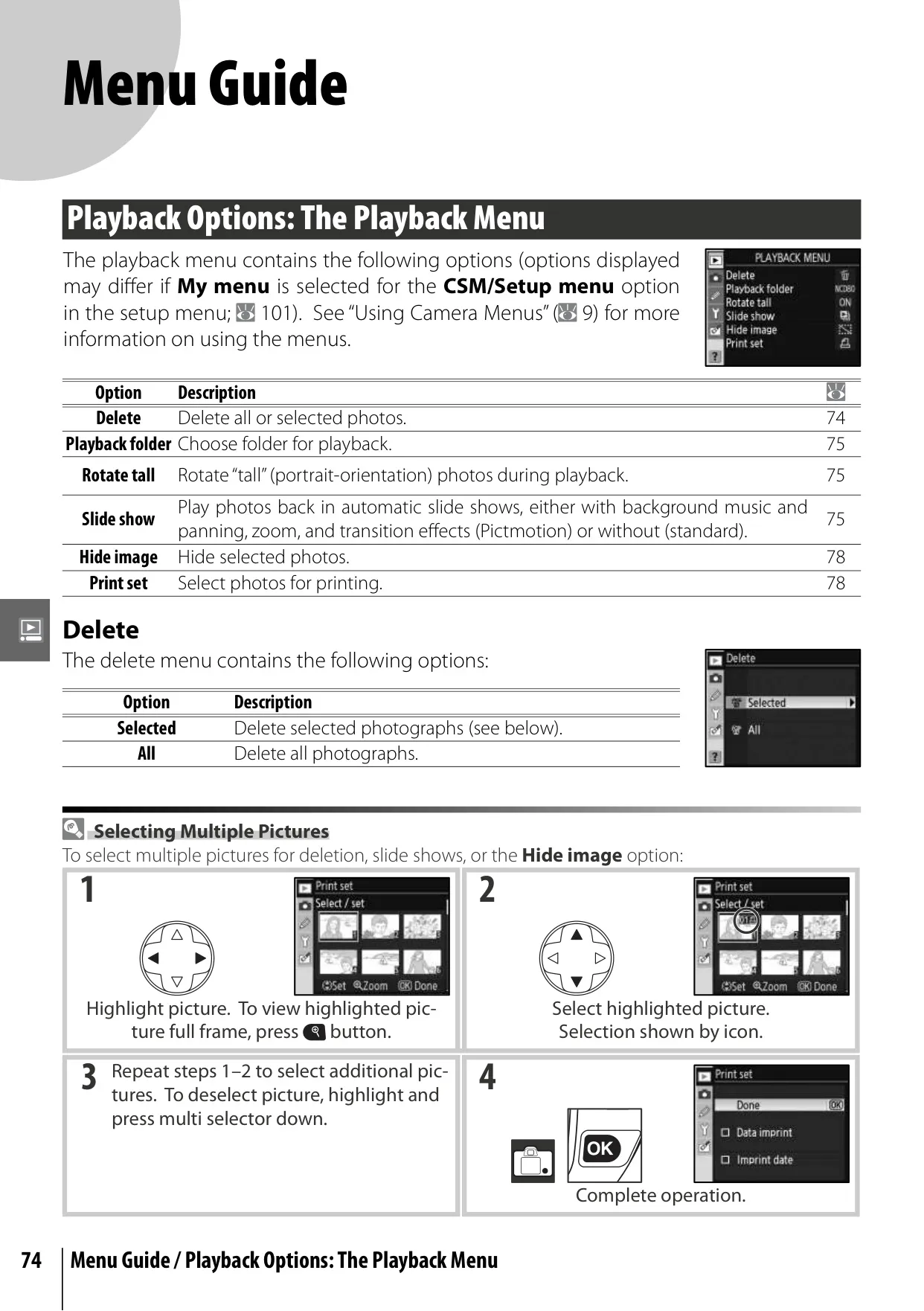
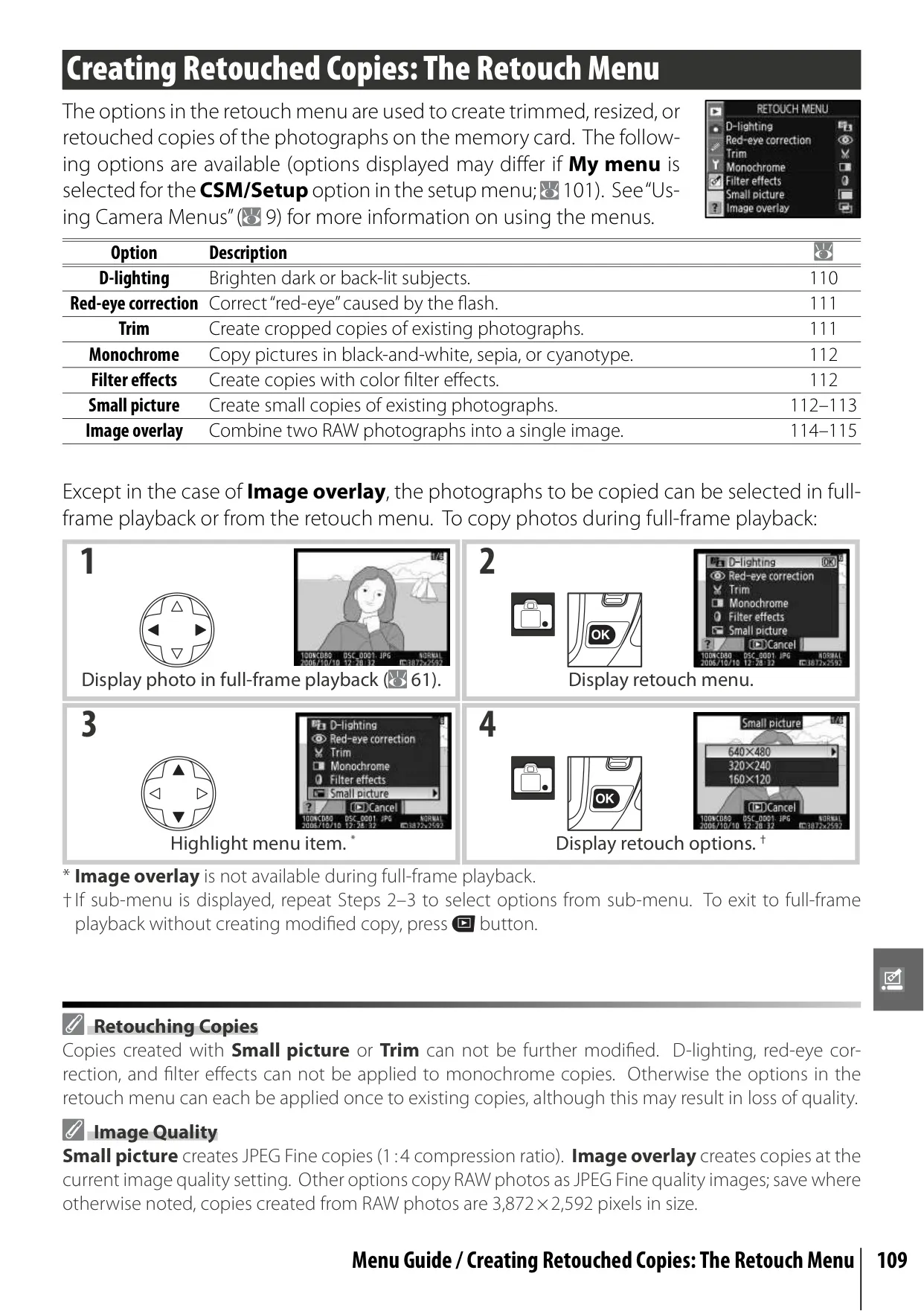
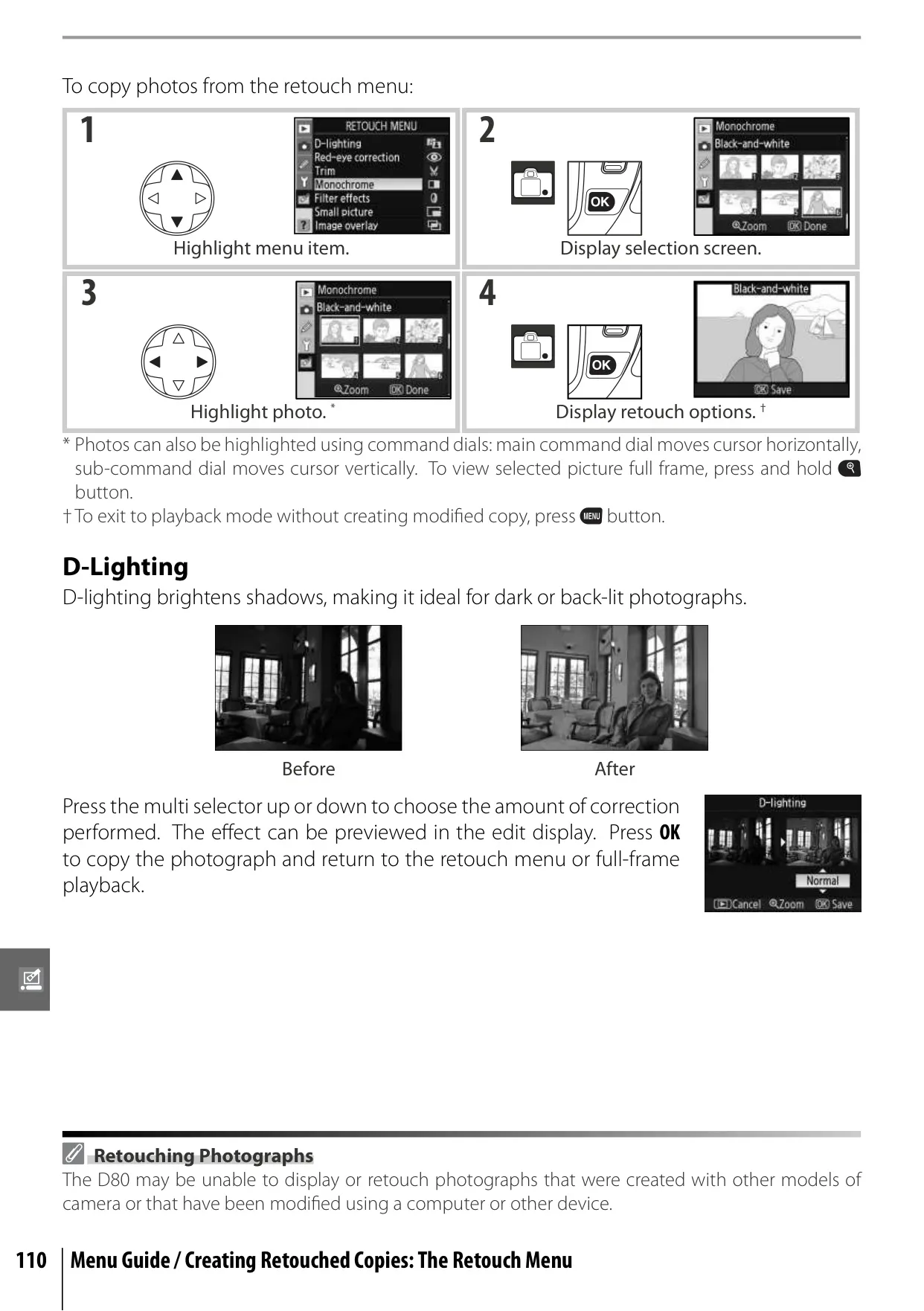
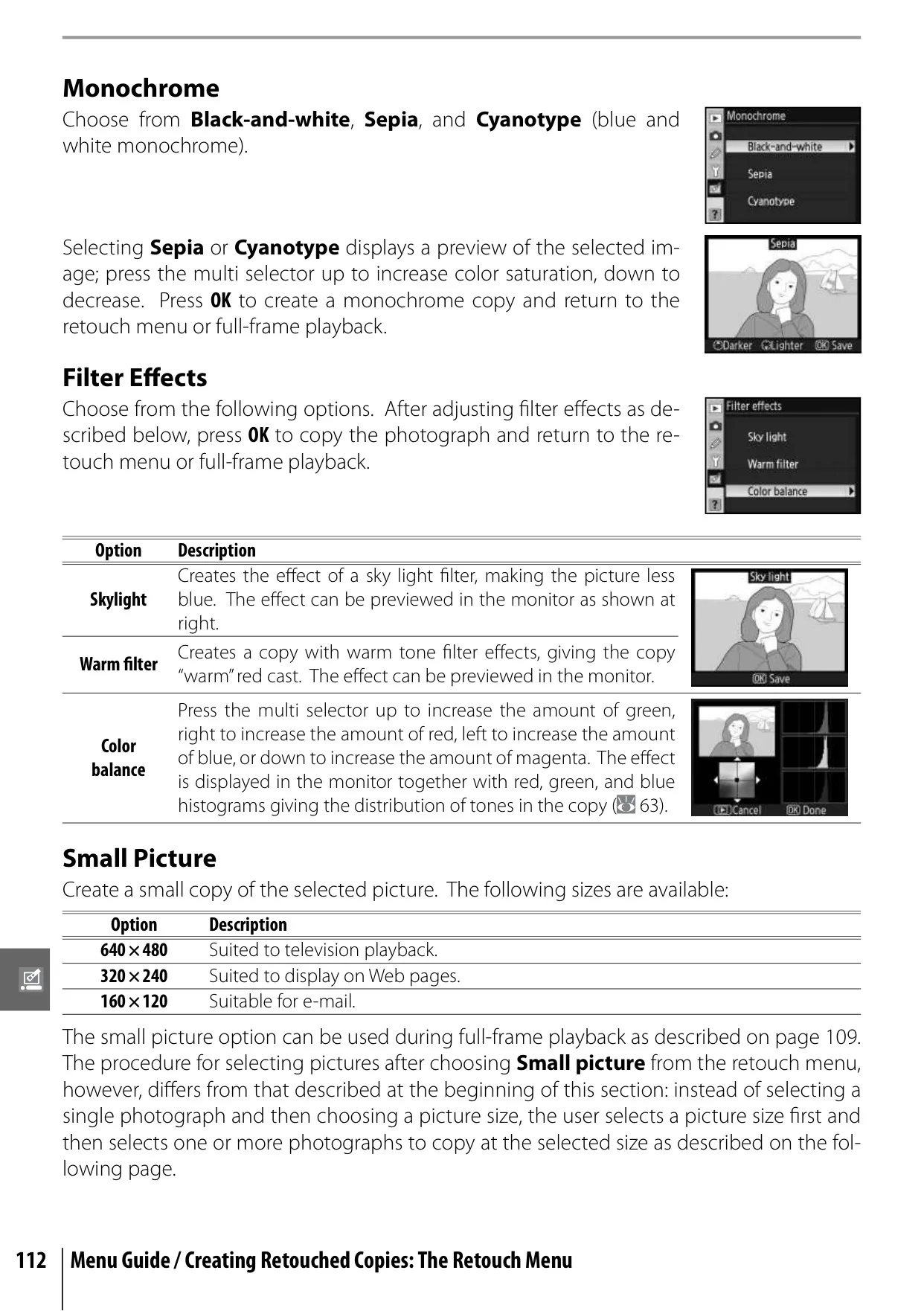
Post-capture, the D80 shines with its in-camera retouching capabilities. The Retouch Menu provides tools like D-Lighting to enhance shadow detail, red-eye correction, trimming (cropping) for precise composition, and conversion to monochrome (black-and-white, sepia, cyanotype). Unique filter effects and an Image Overlay function, which combines two RAW images into a single new one, further expand creative possibilities directly within the camera.
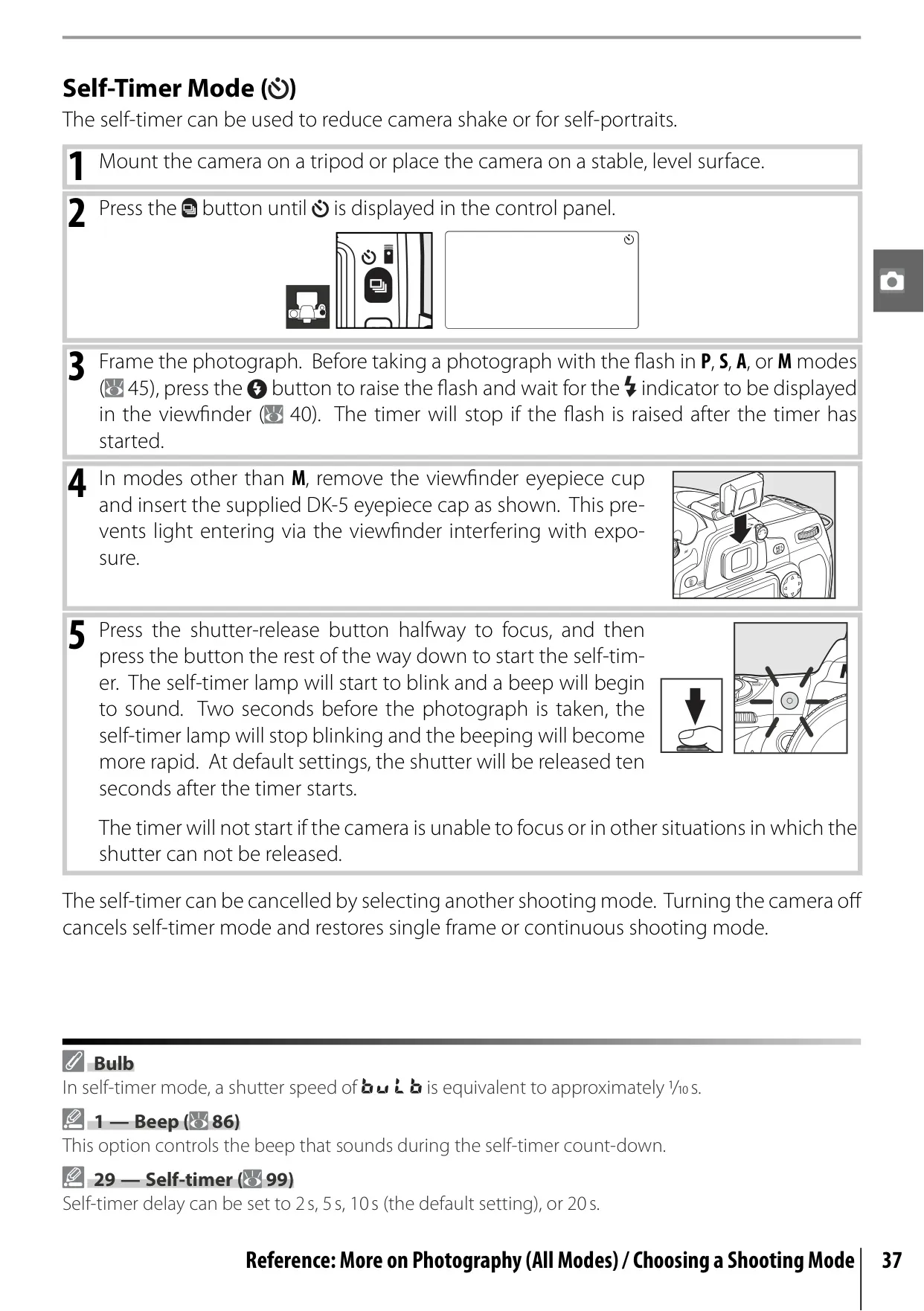
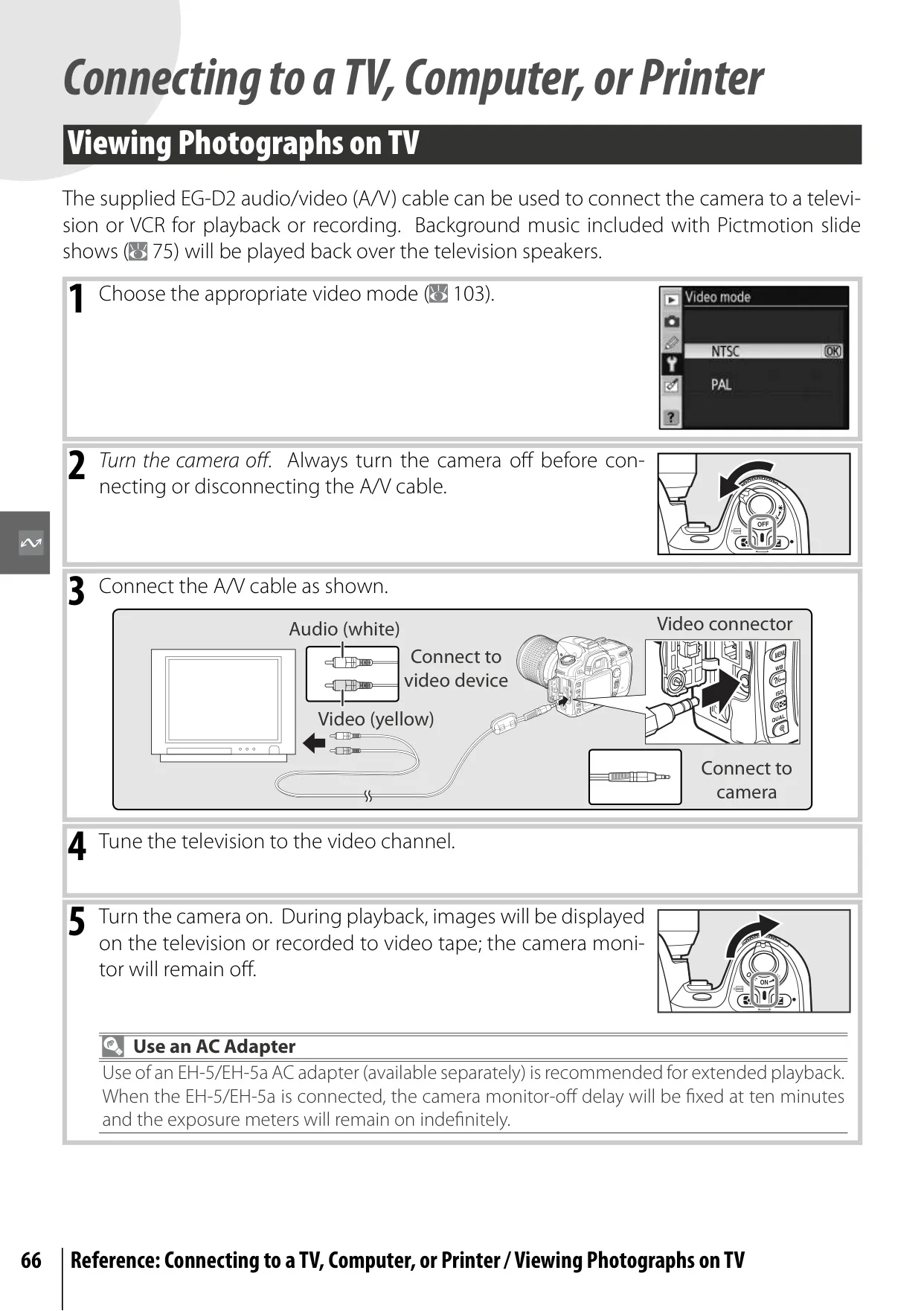
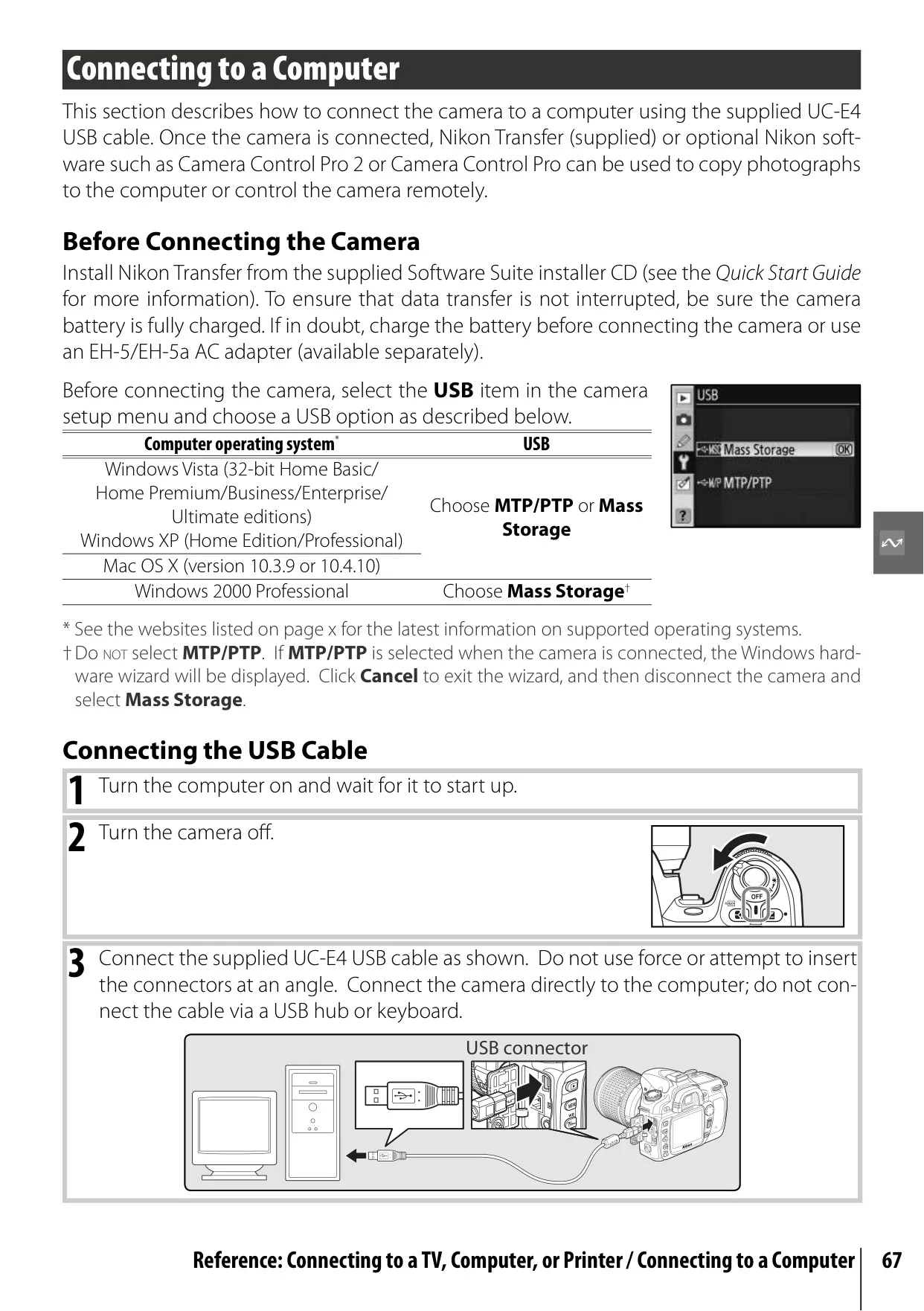
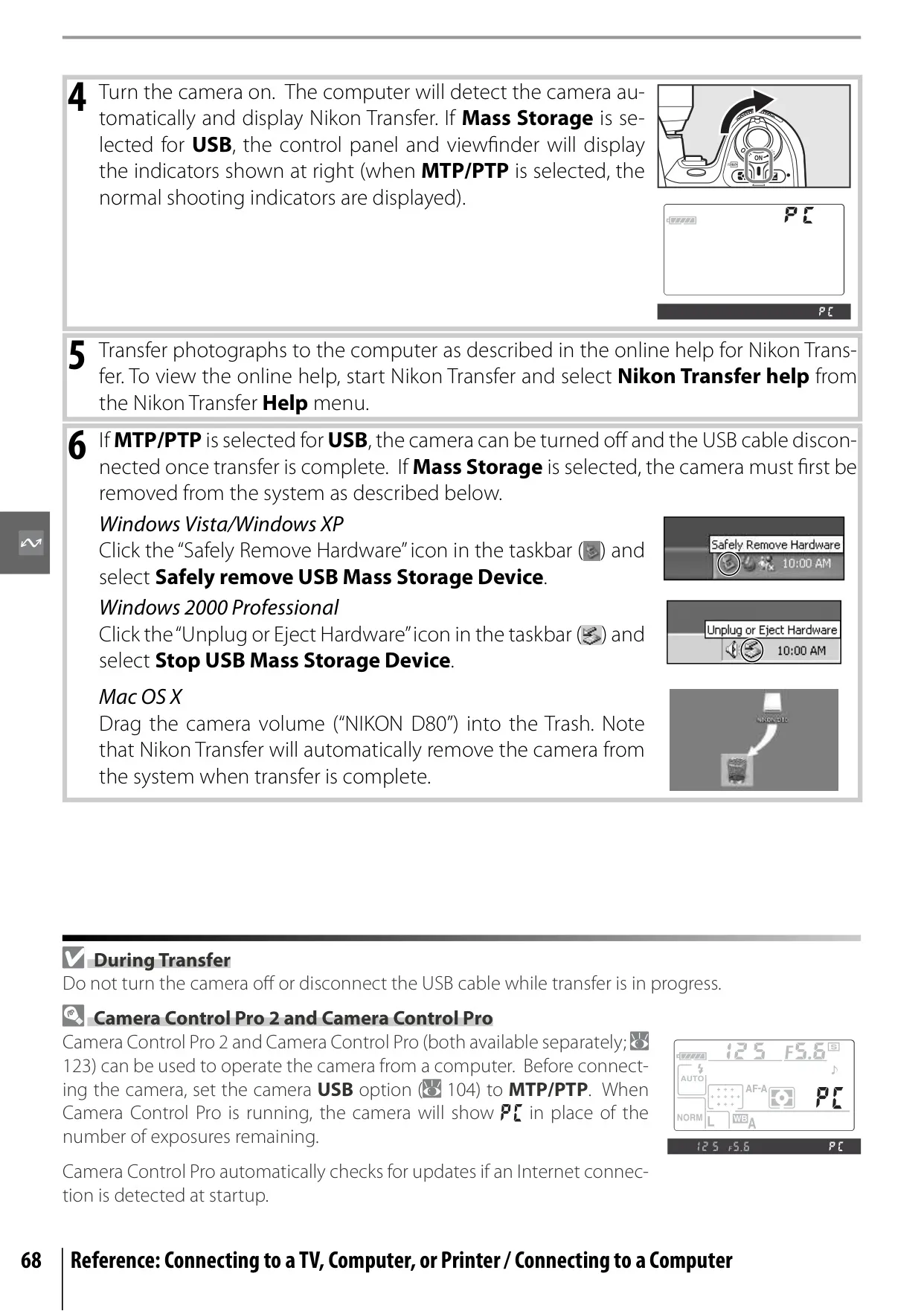
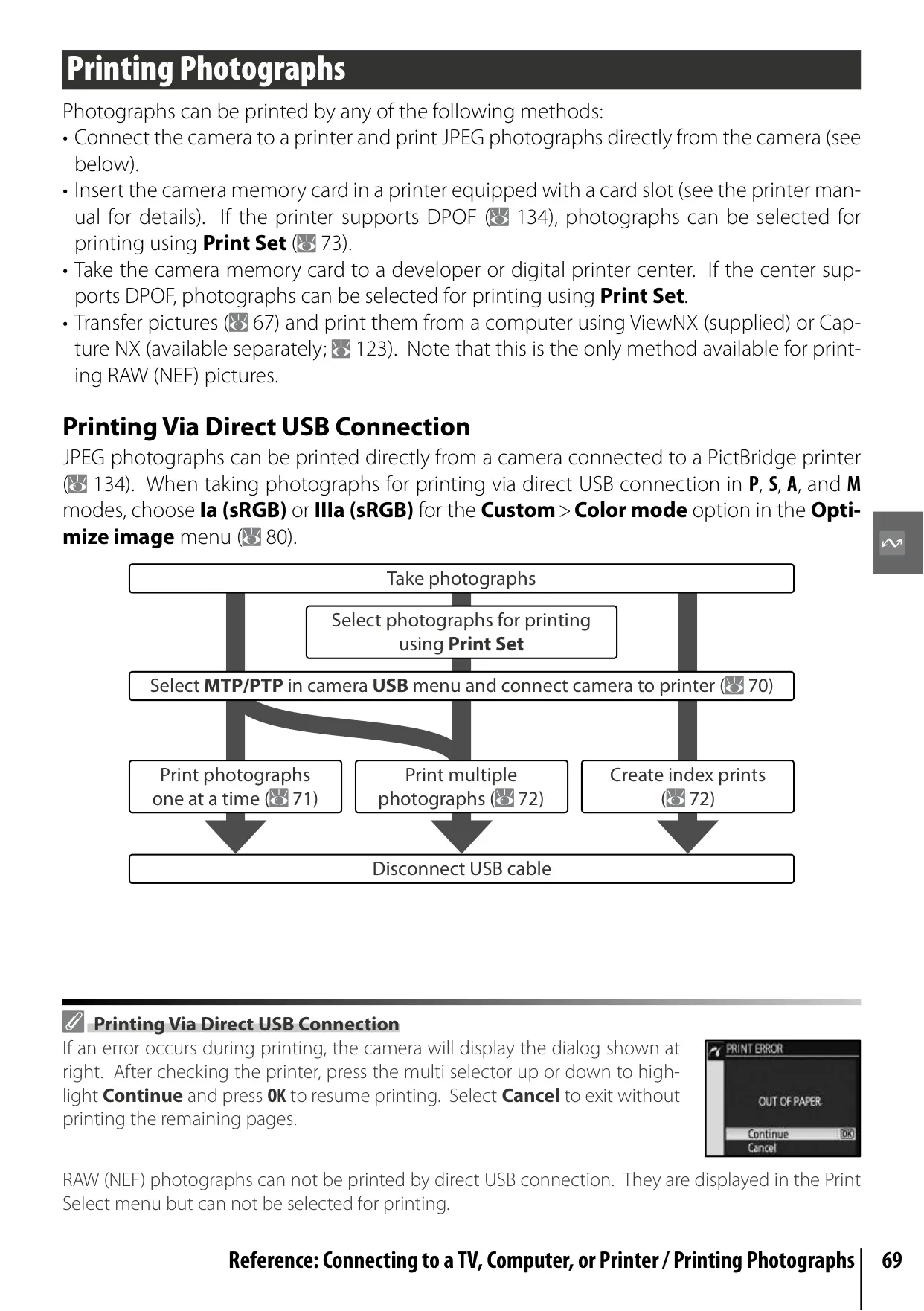
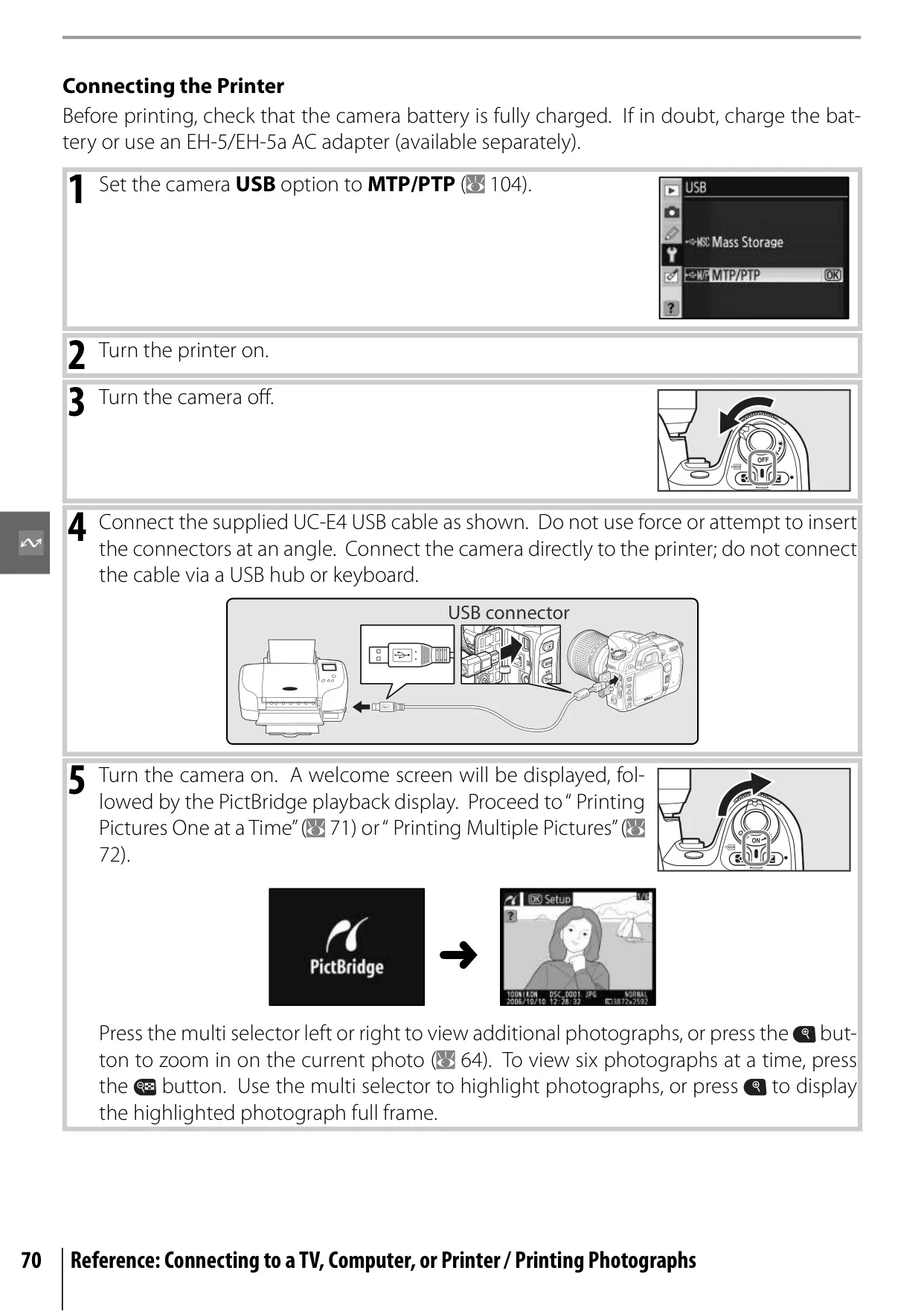
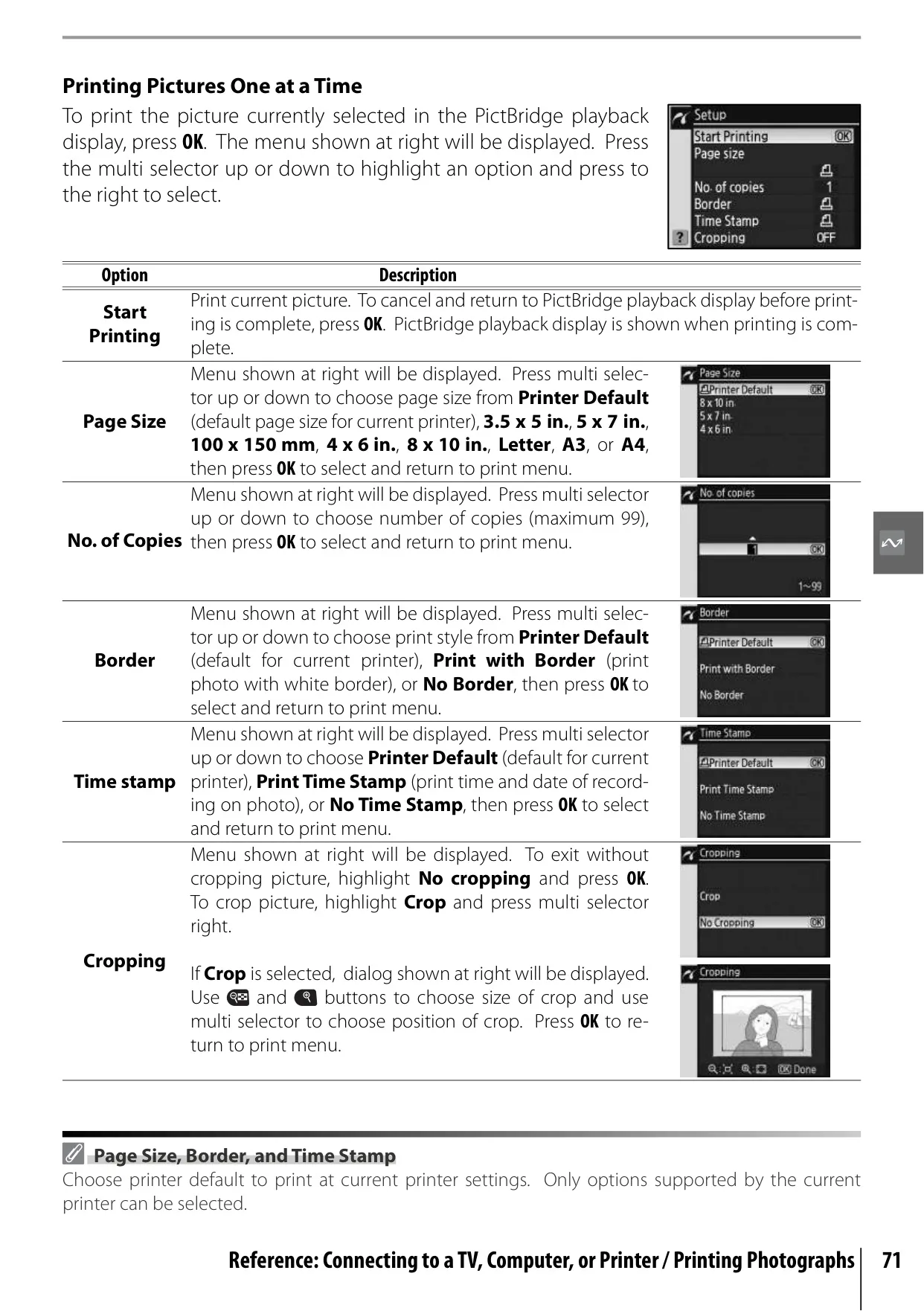
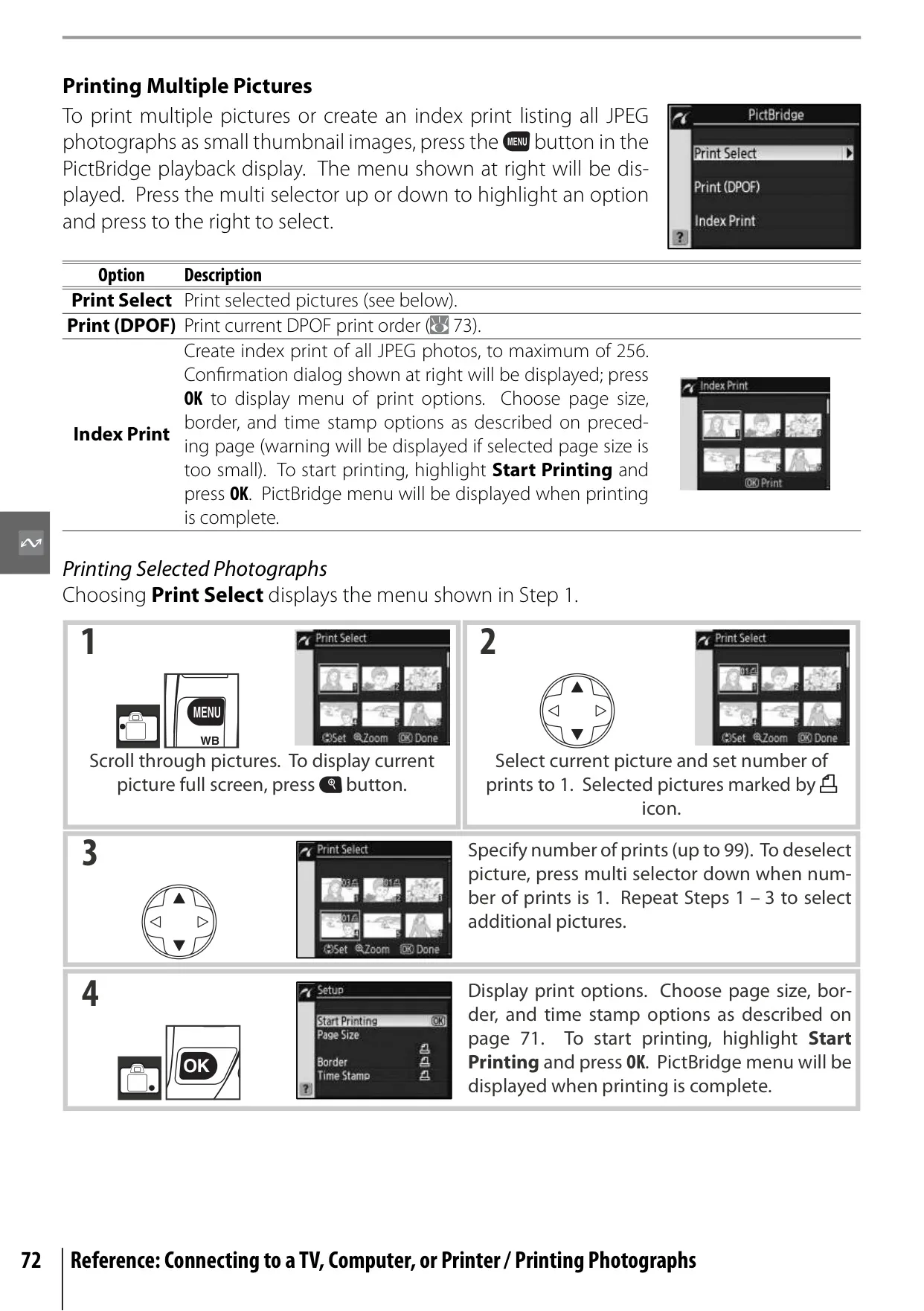
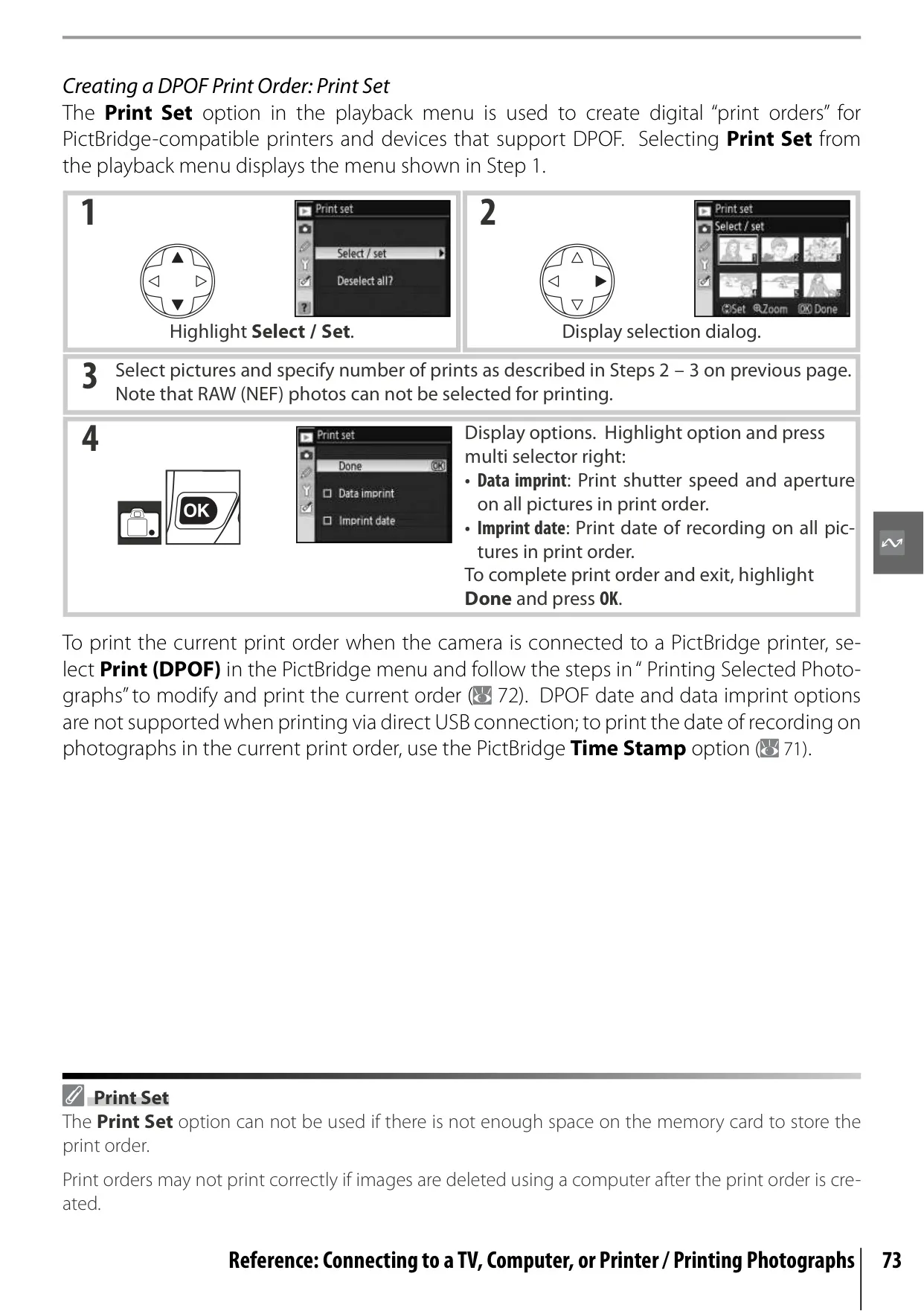
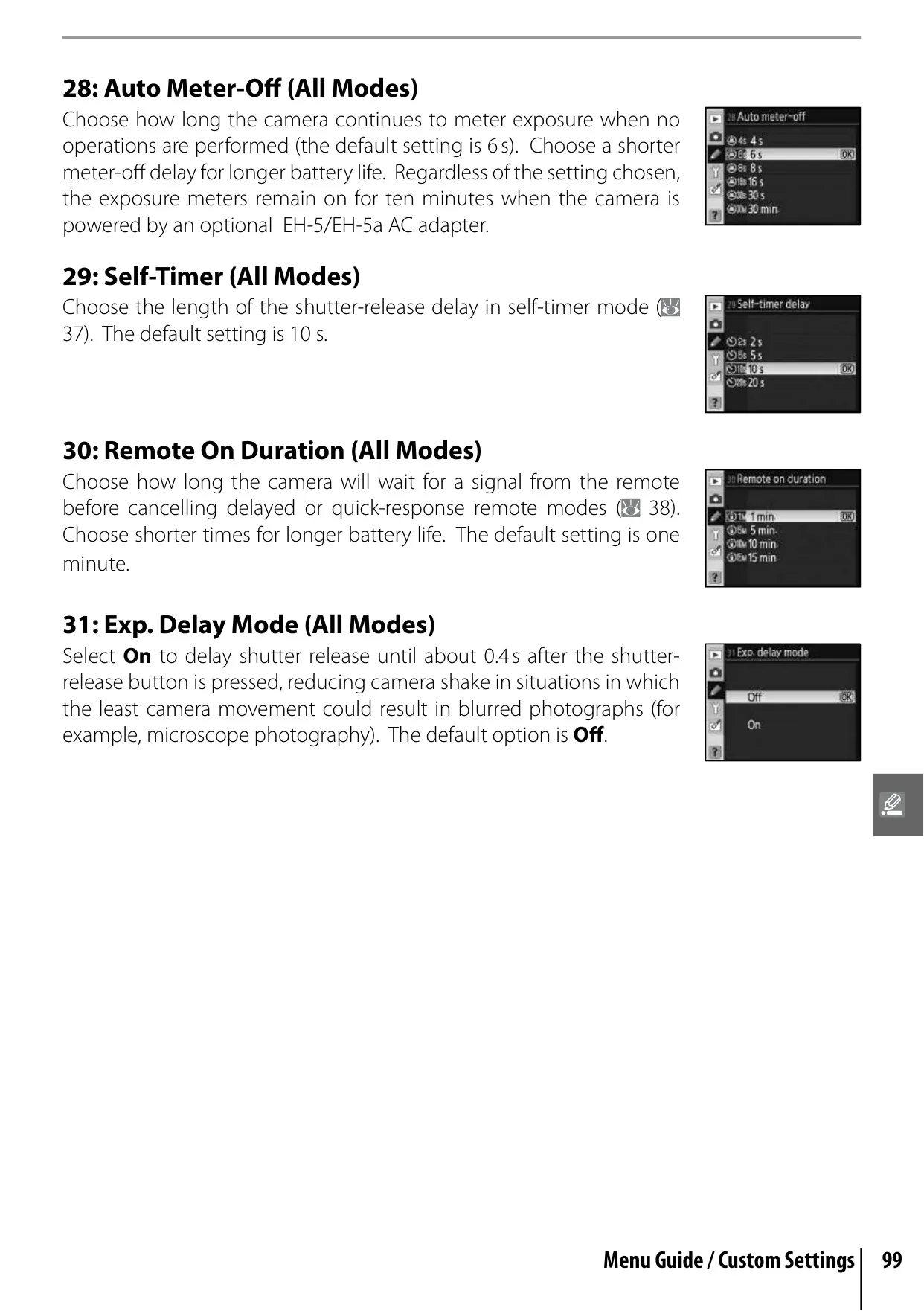
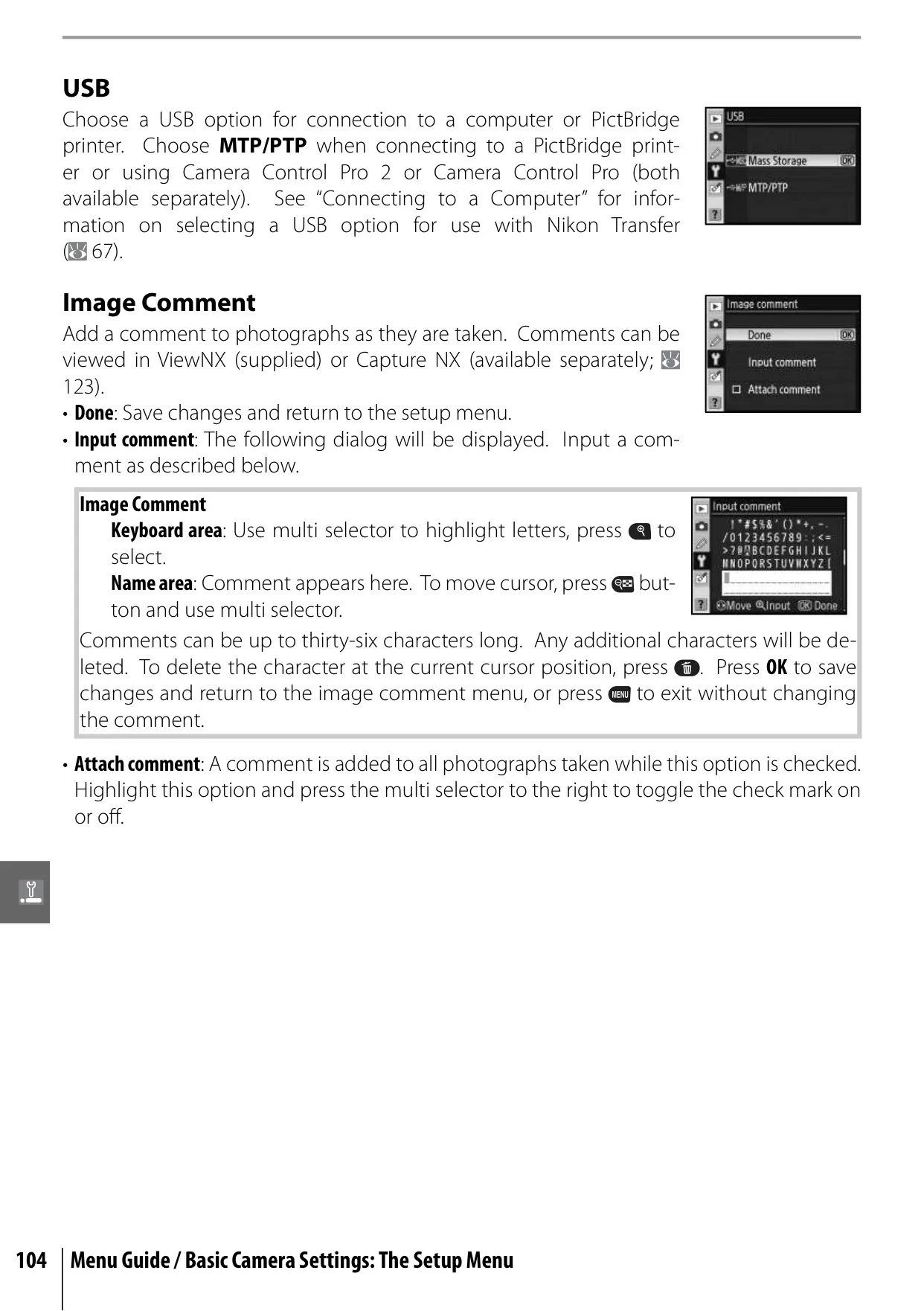
Connectivity is also a strong suit, with options to view photos on a television via A/V cable, transfer to a computer using USB with Nikon Transfer or Camera Control Pro, or print directly to PictBridge-compatible printers. The D80's Custom Settings Menu offers 32 personalized options, allowing extensive customization of operational behavior, from beep sounds and command dial assignments to self-timer delays, ensuring the camera adapts seamlessly to individual shooting styles.
Frequently Asked Questions (FAQs)
Can't find the answer you need? Here are some frequently asked questions about the Nikon D80 DSLR Camera, and we answer them below.