Nikon D300 DSLR Camera Instruction Manual
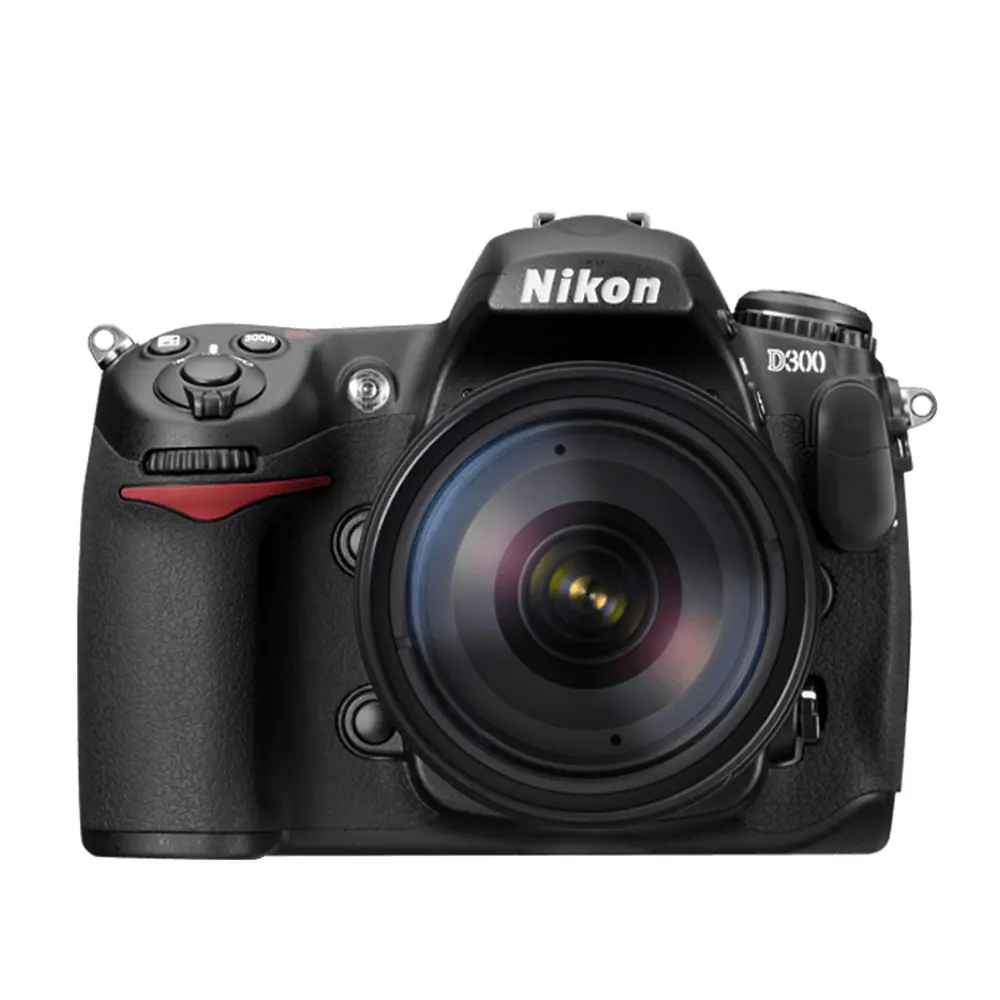
Nikon D300 DSLR Camera

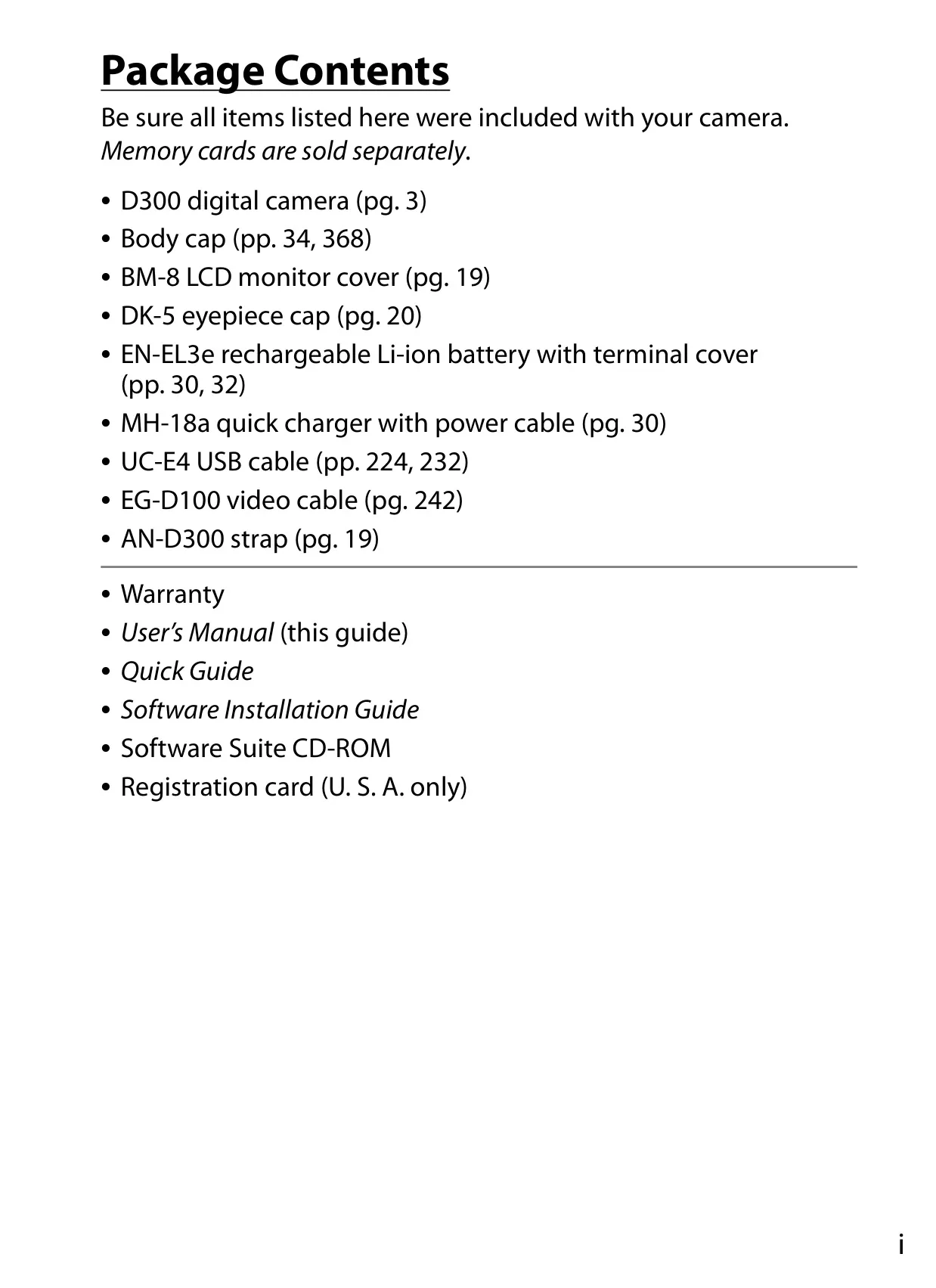

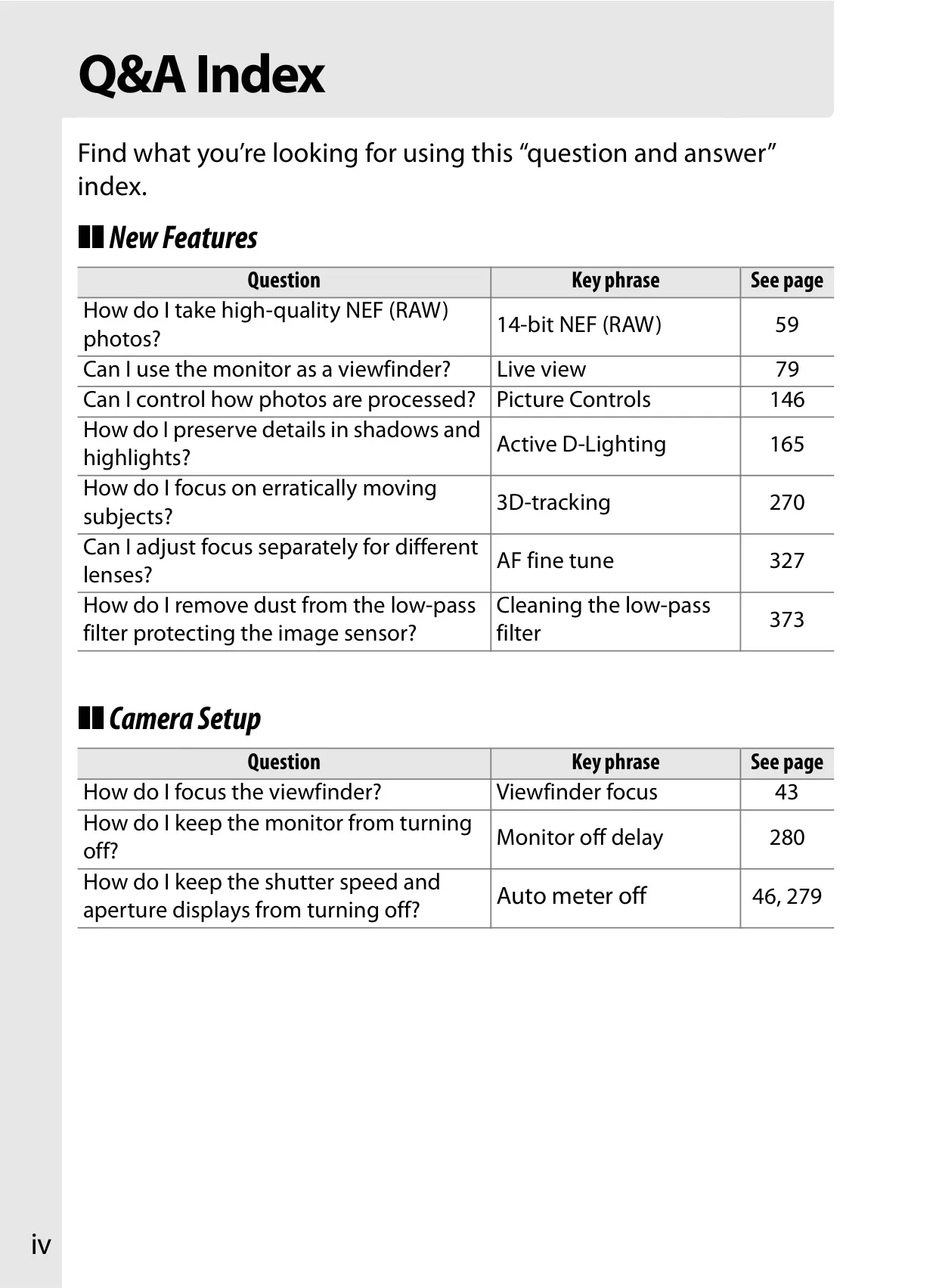


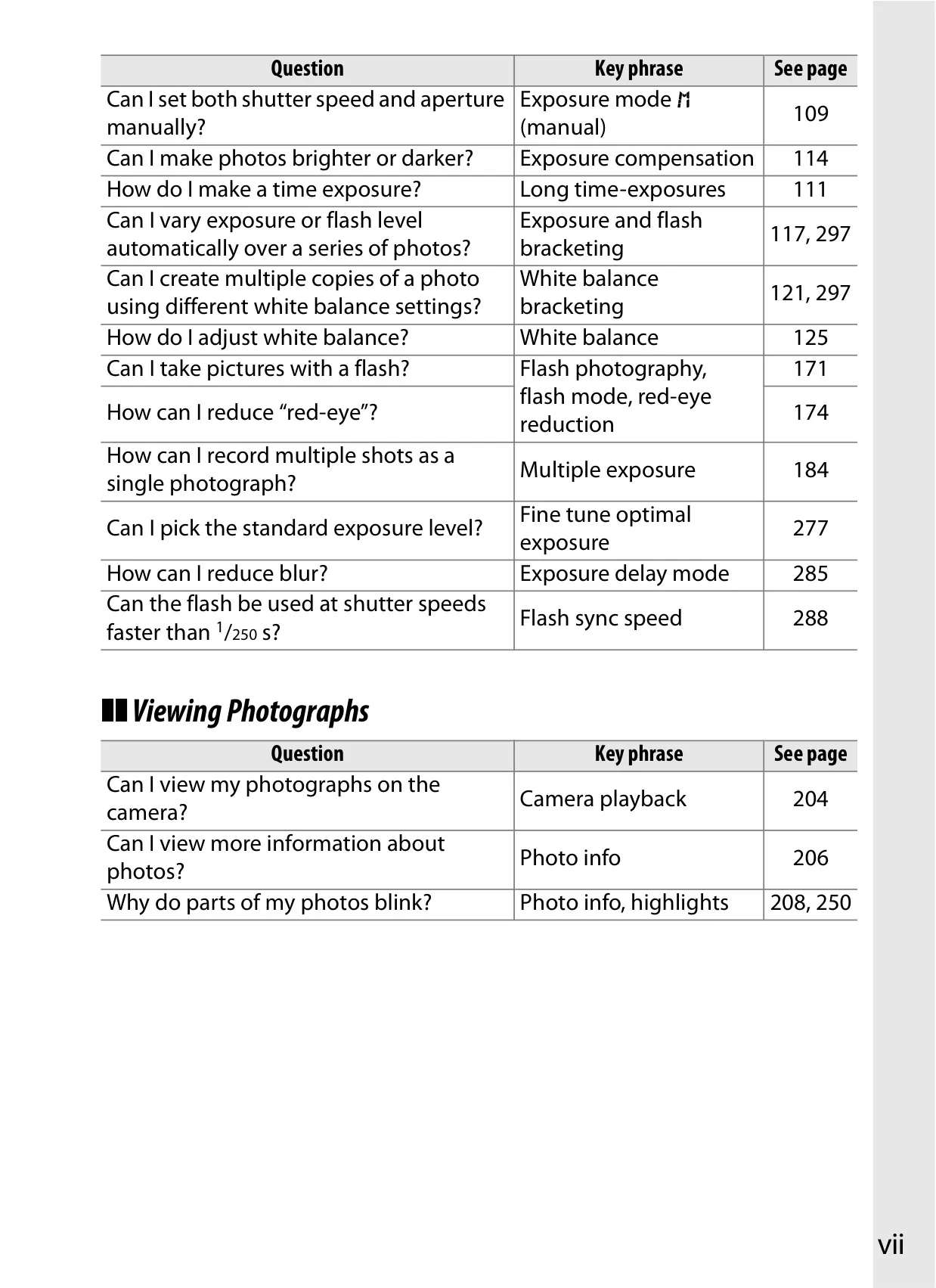
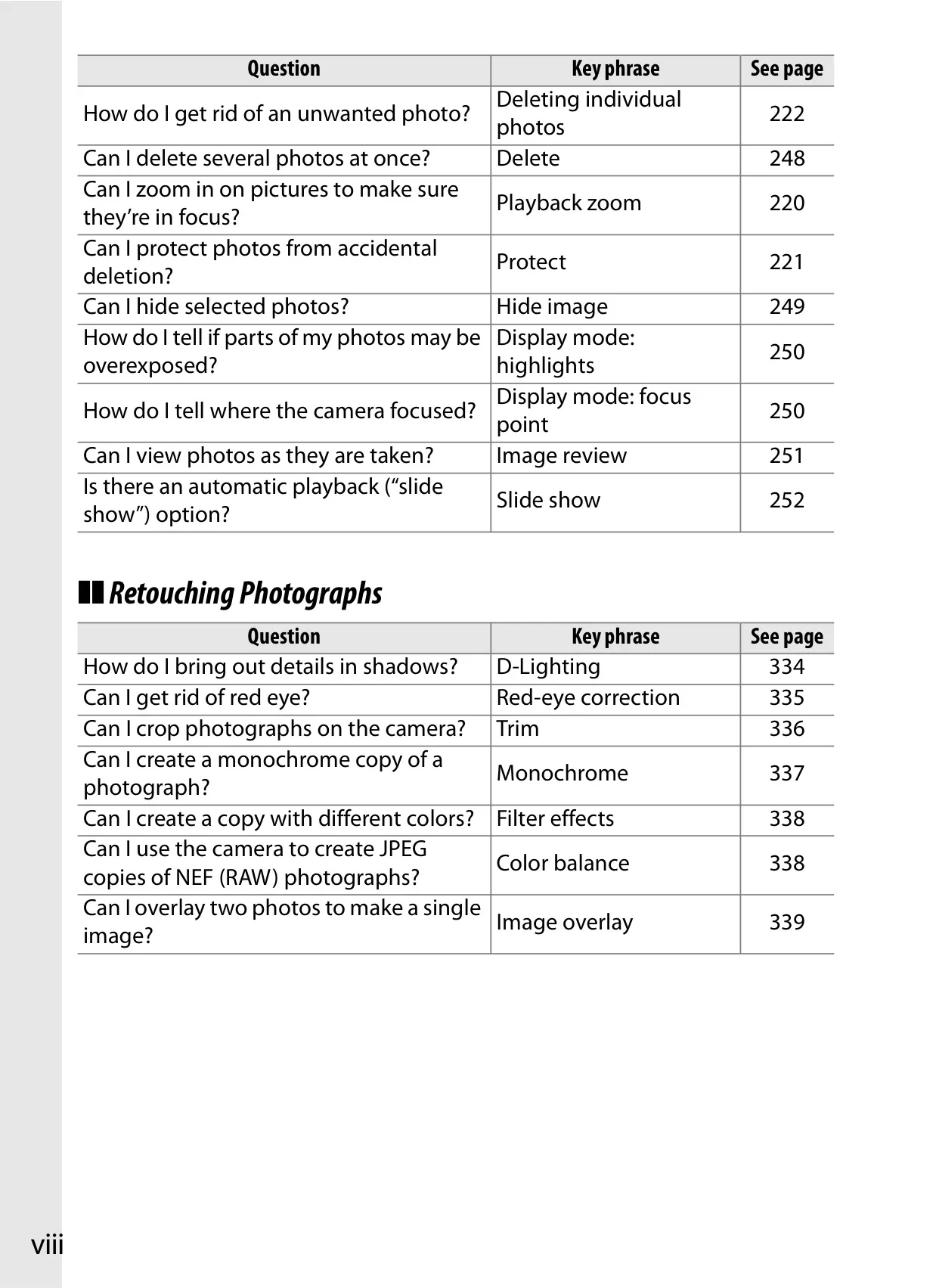


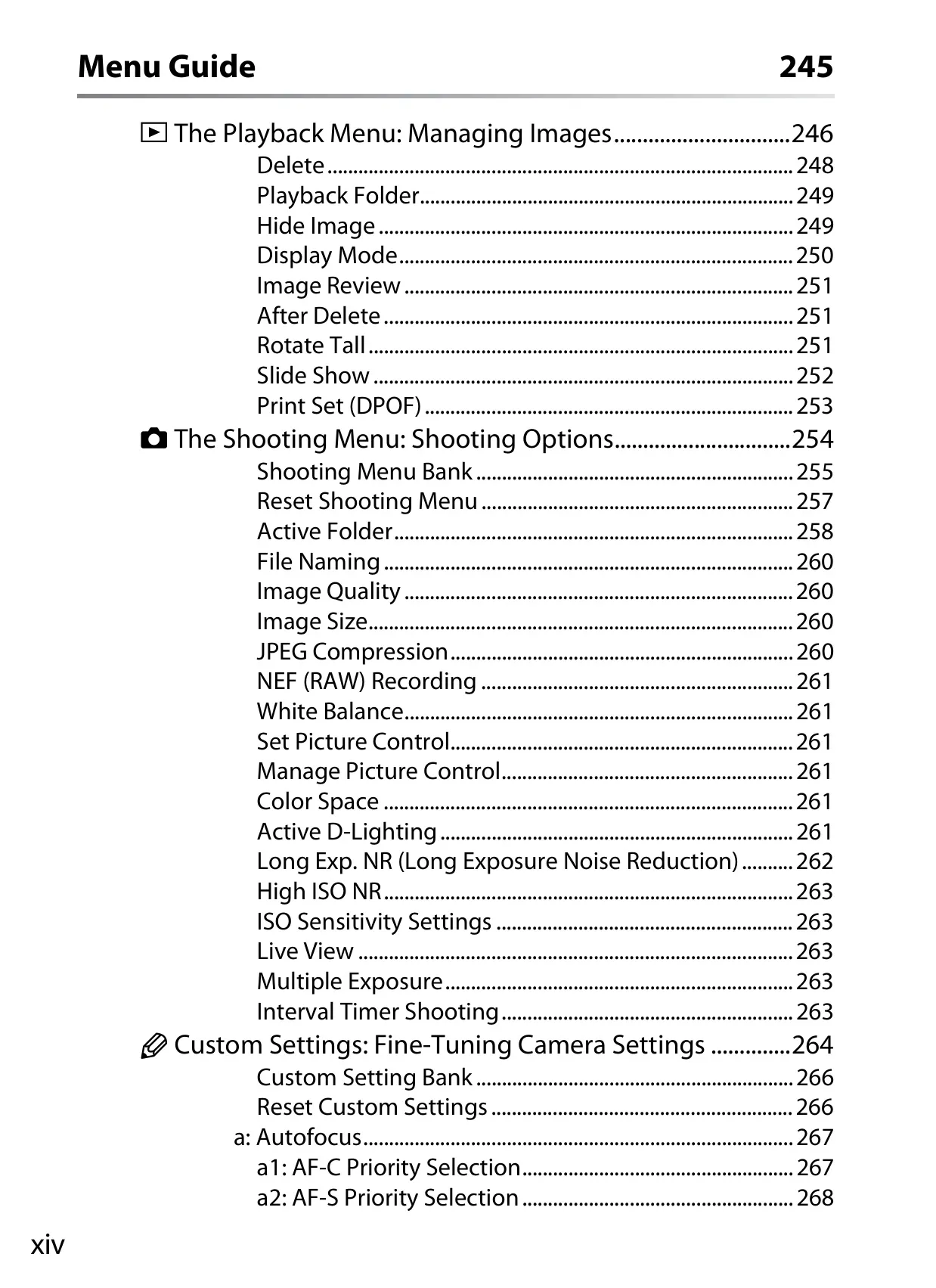

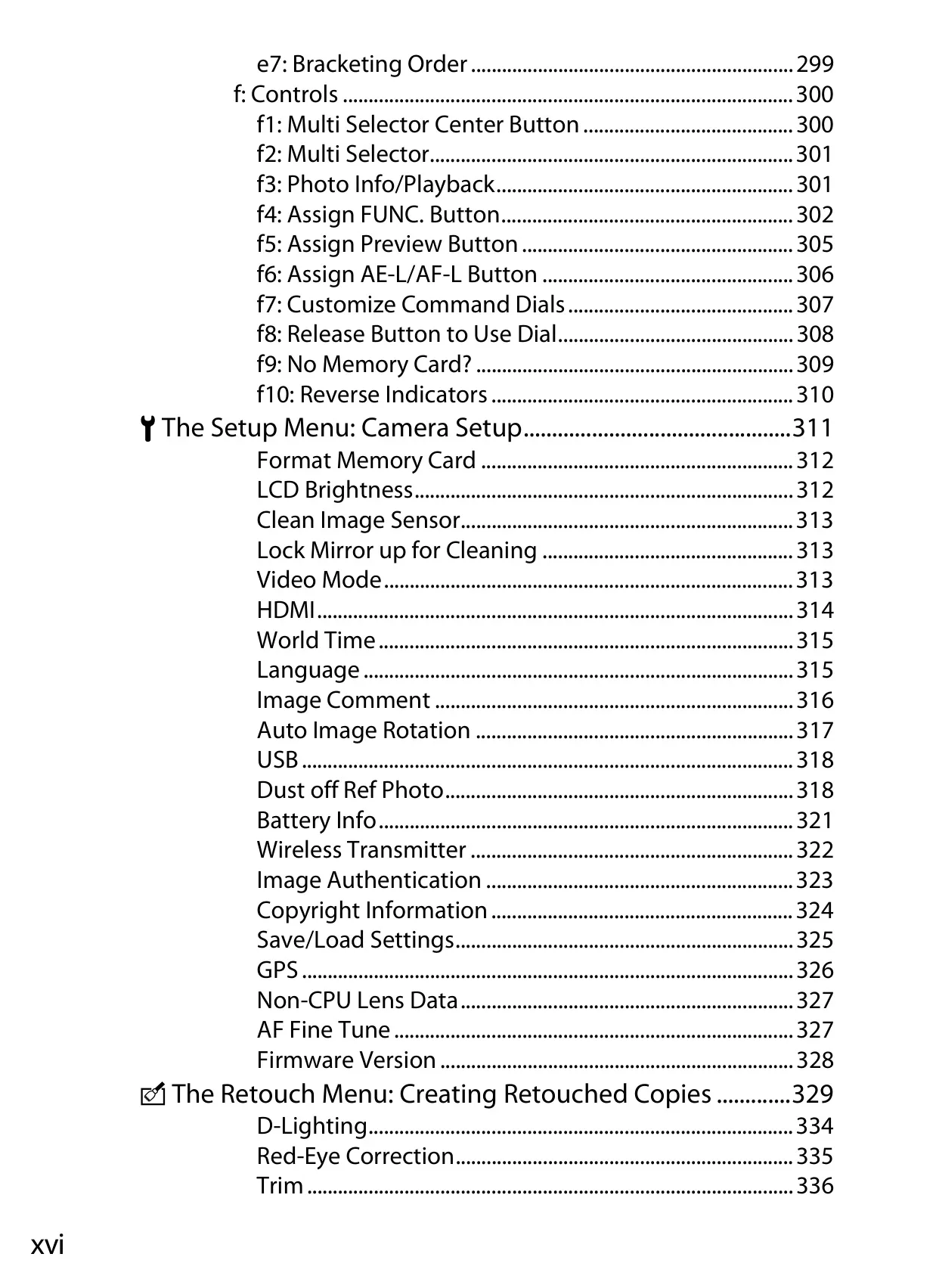
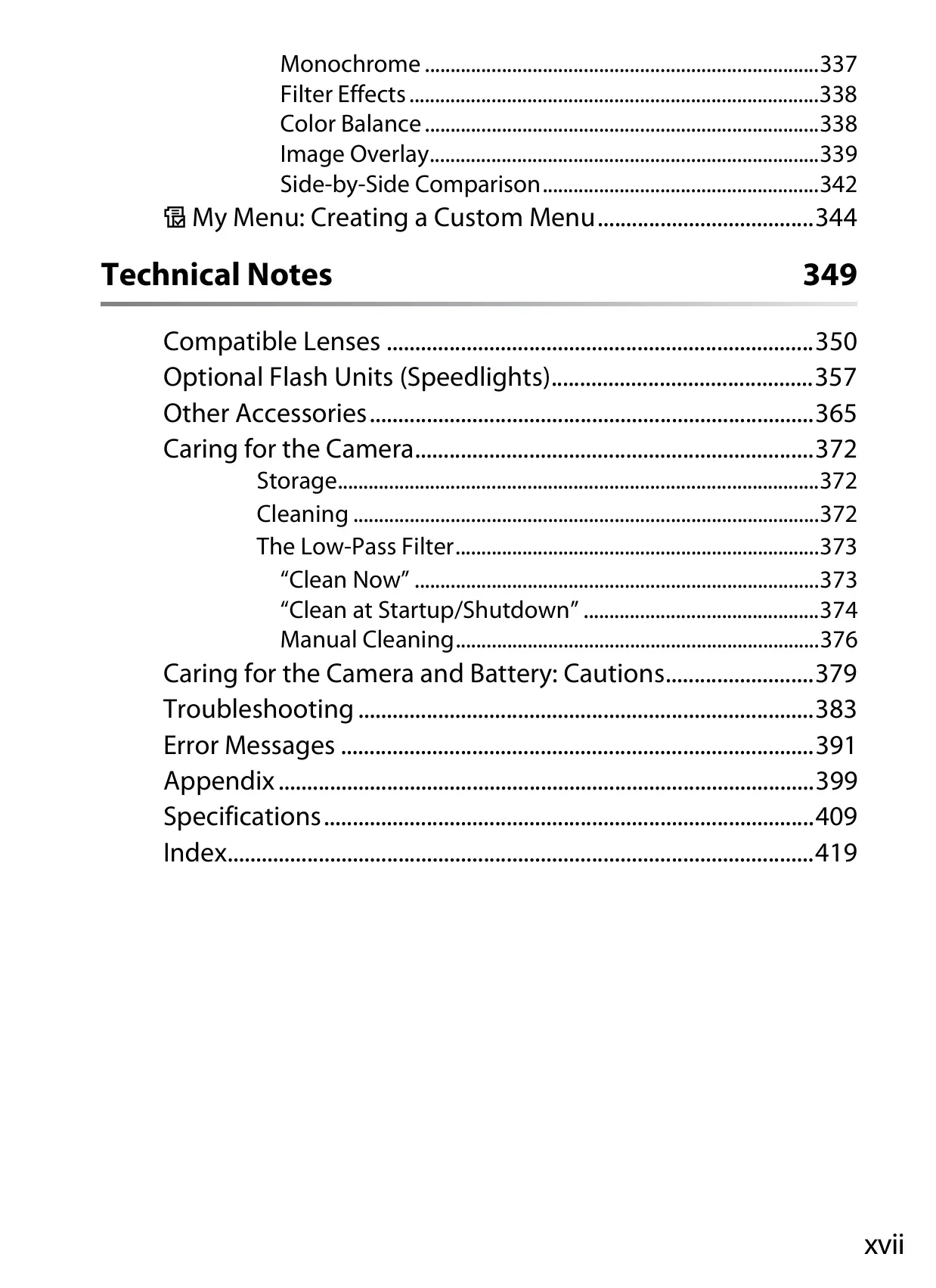





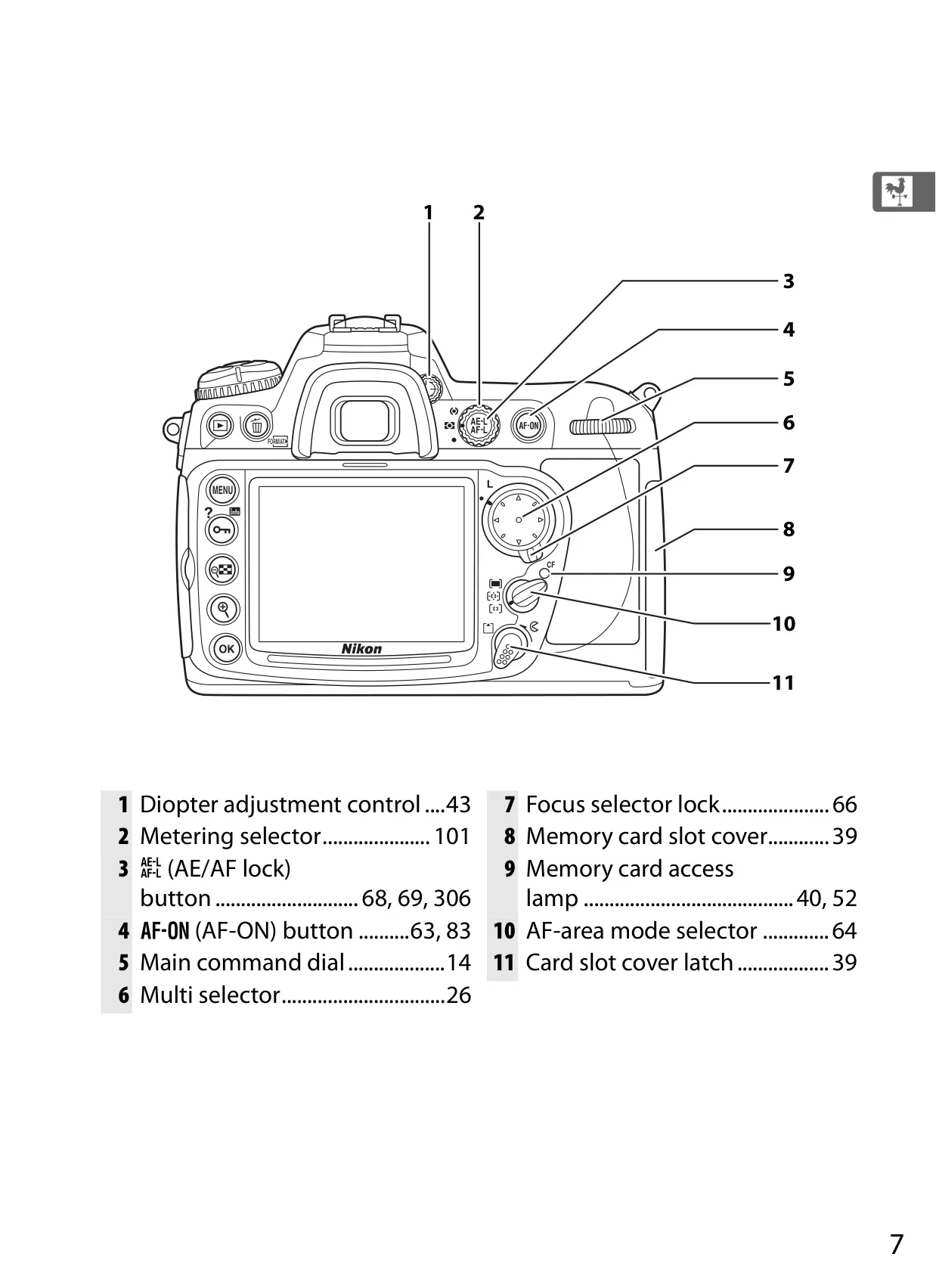


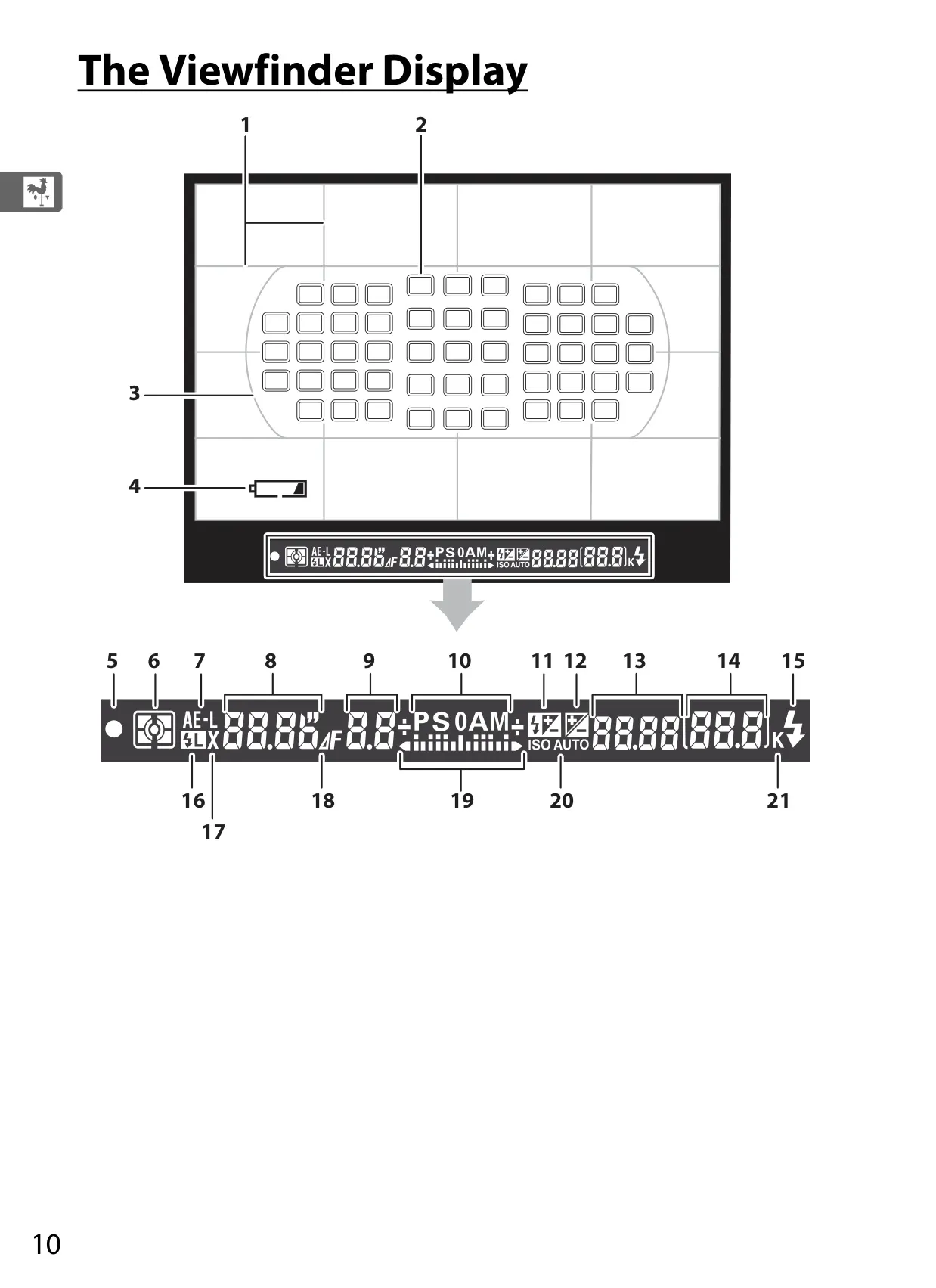


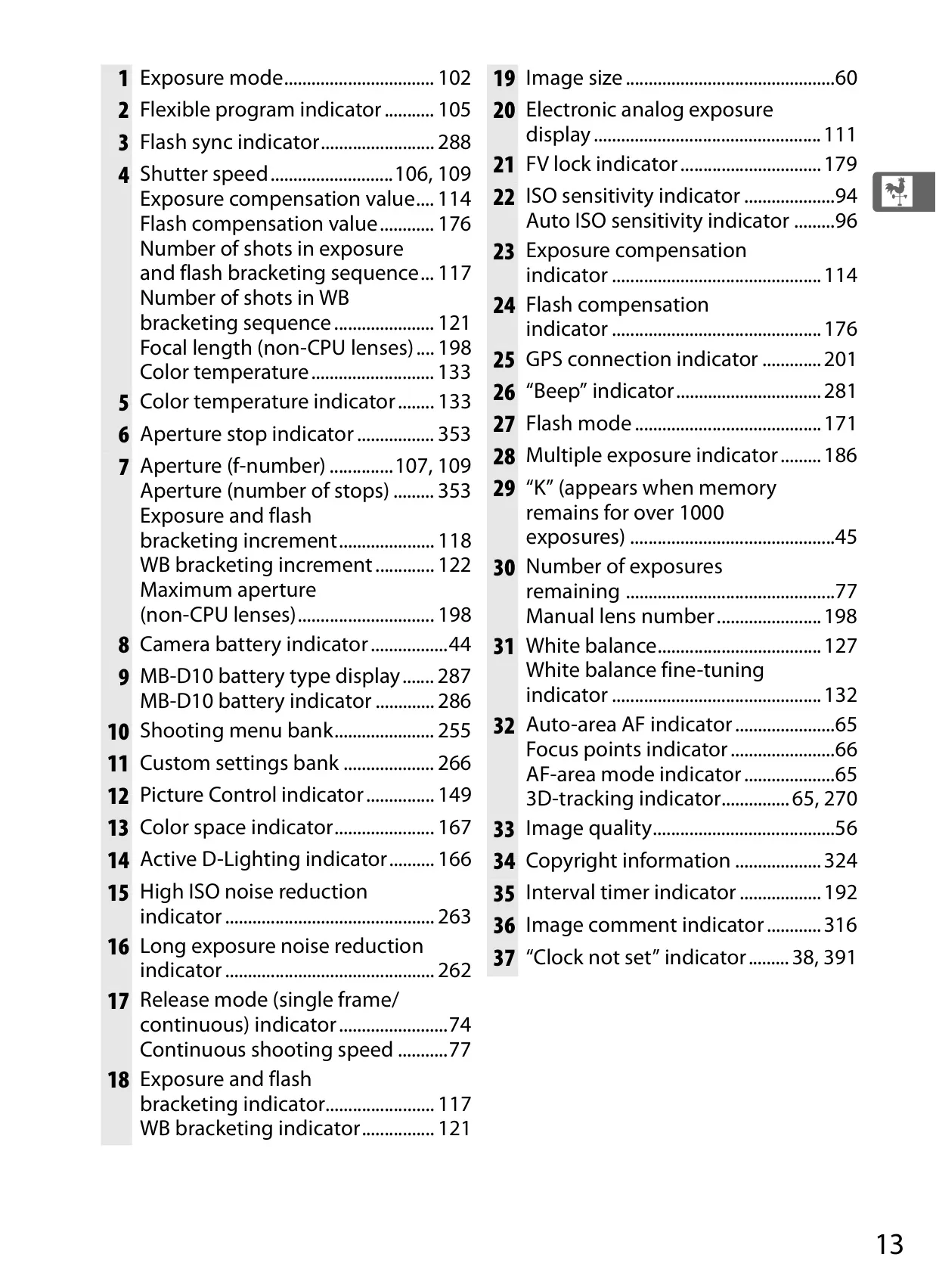
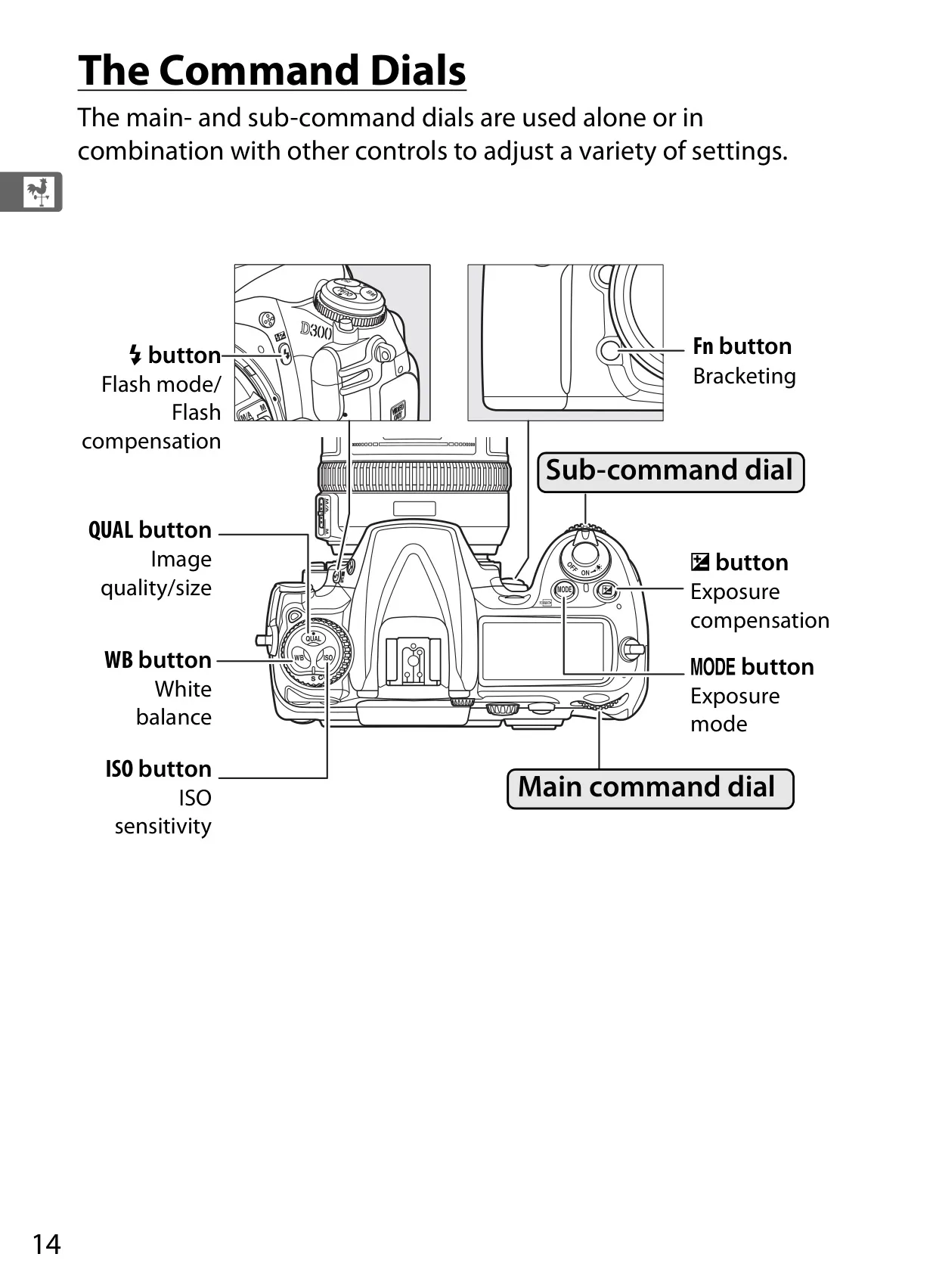
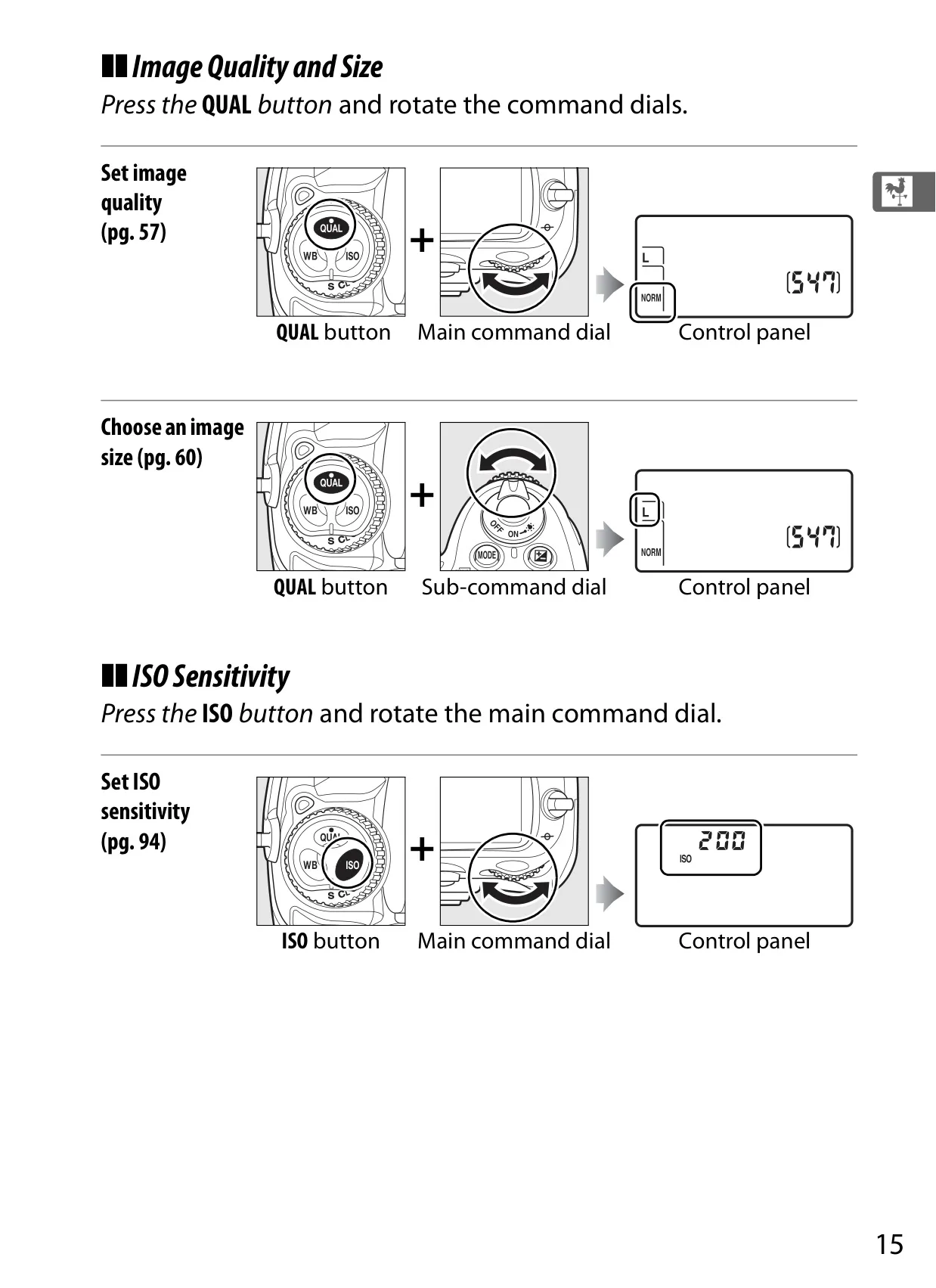


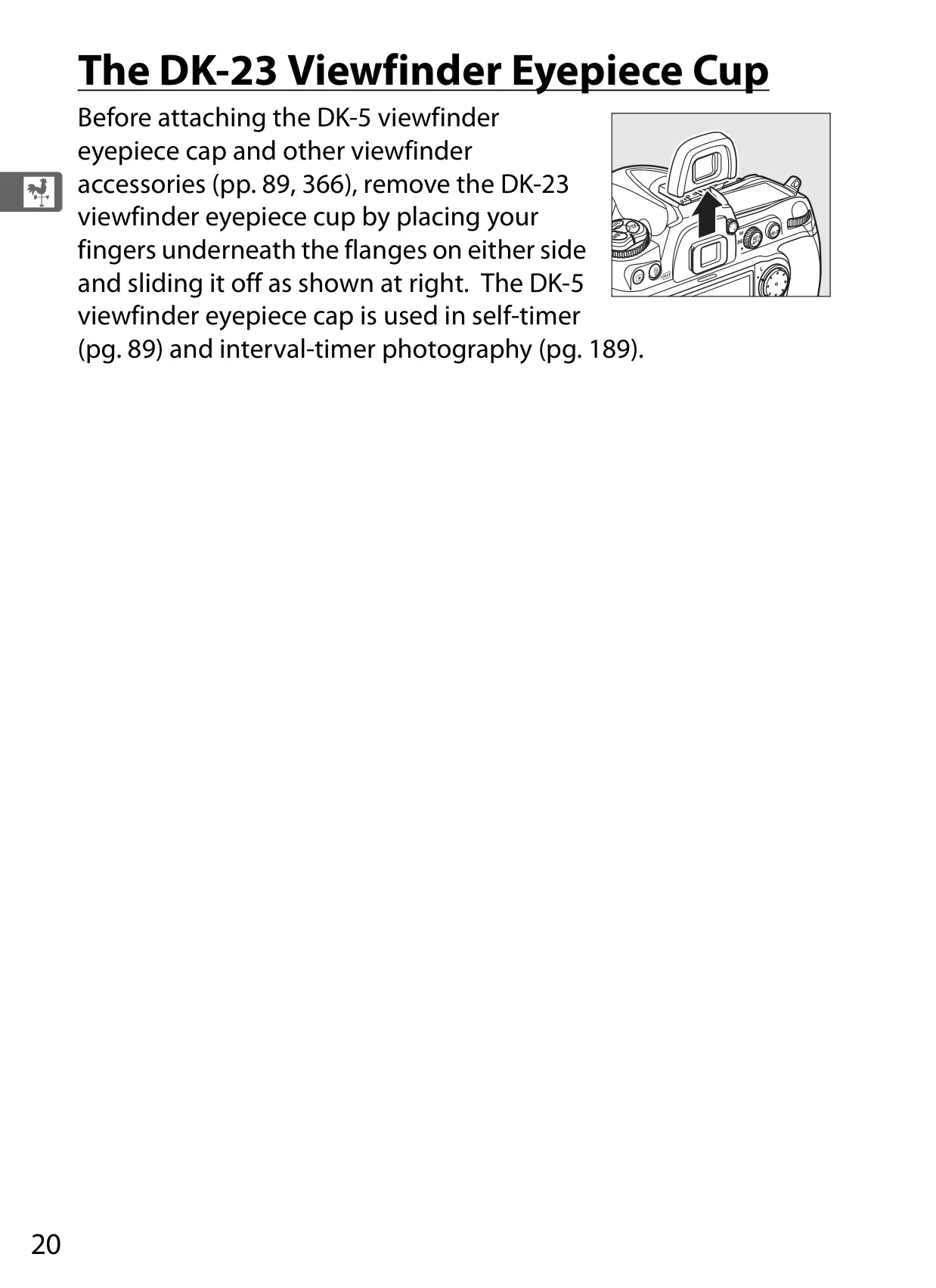

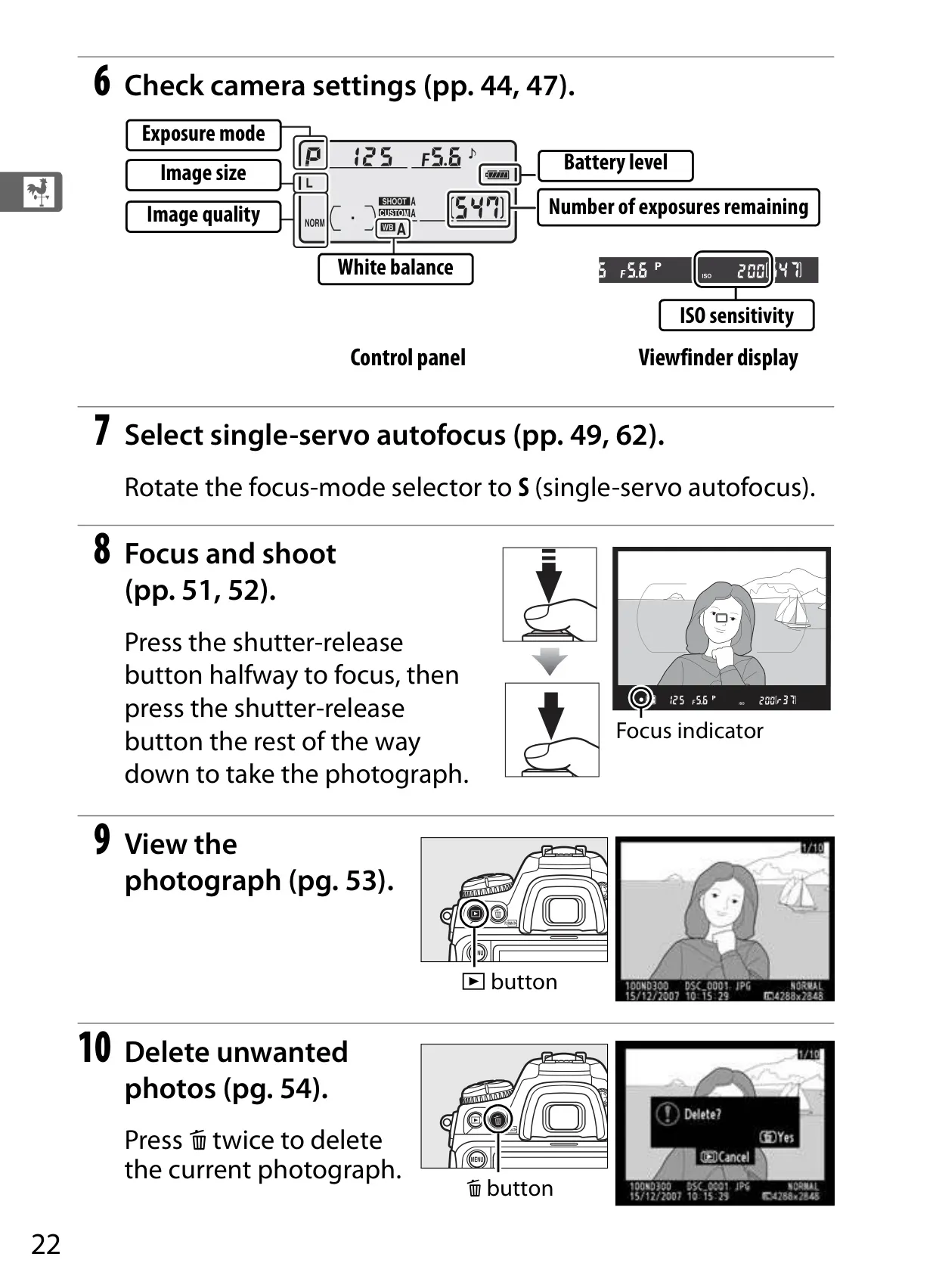


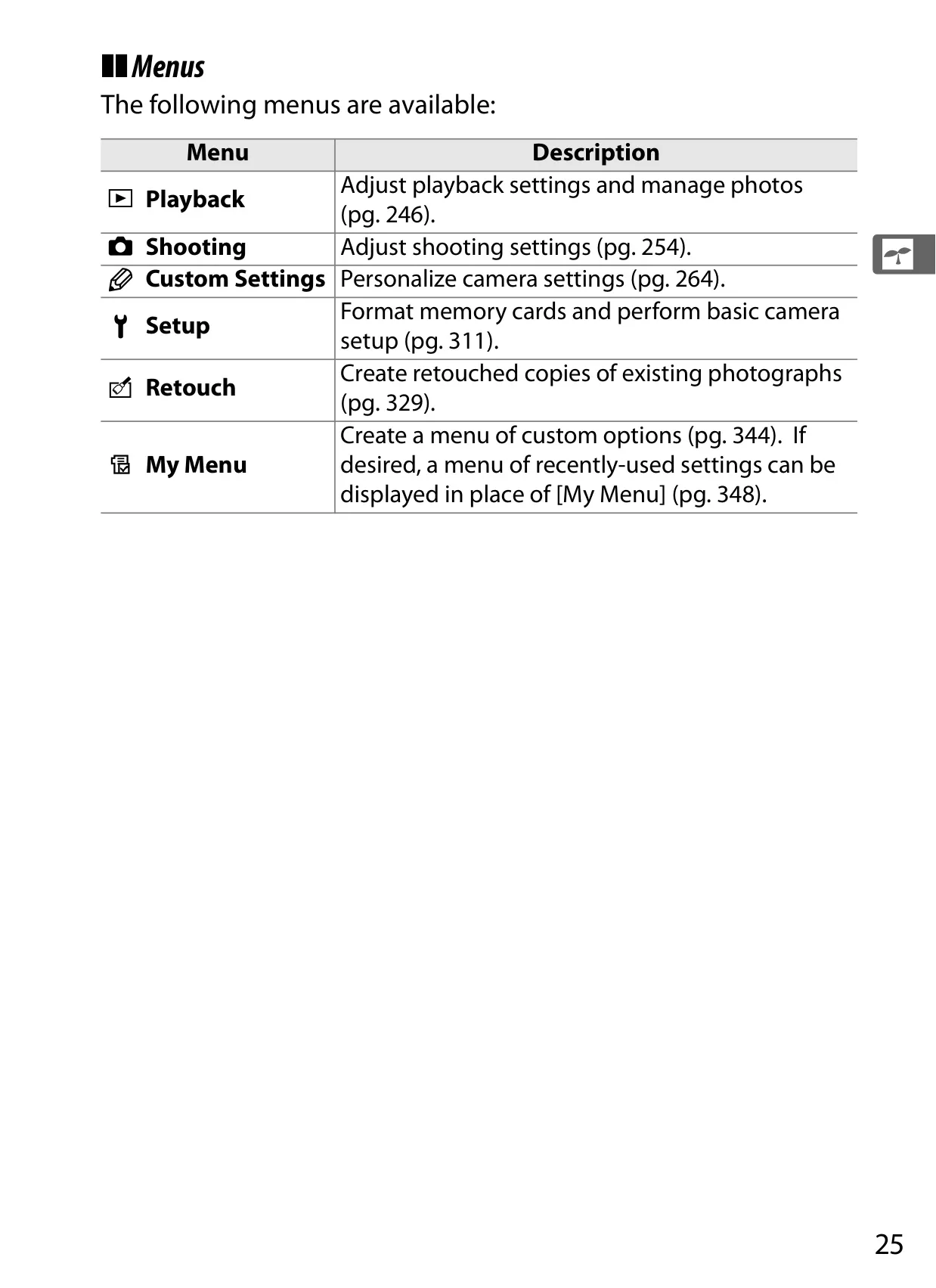








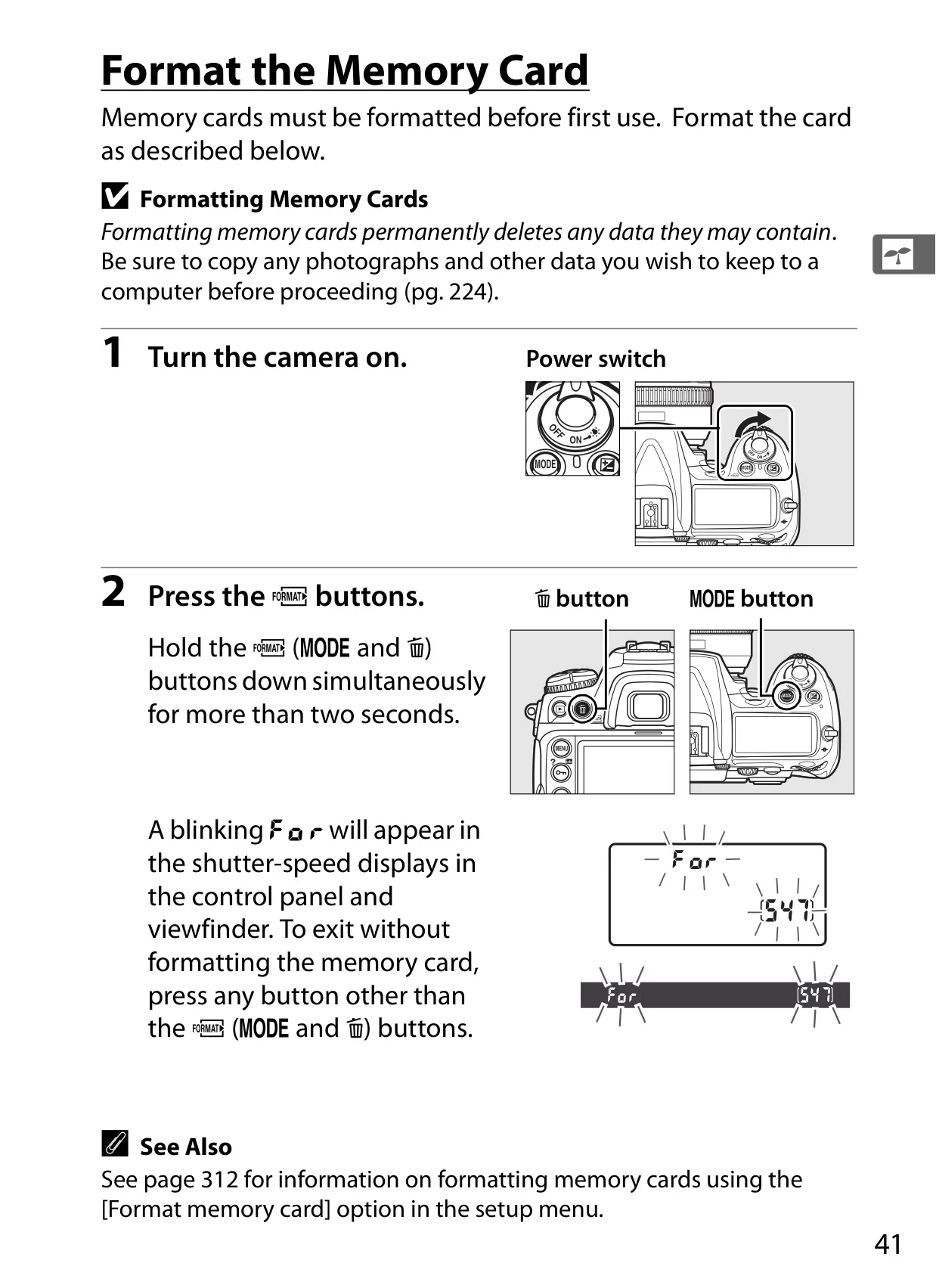


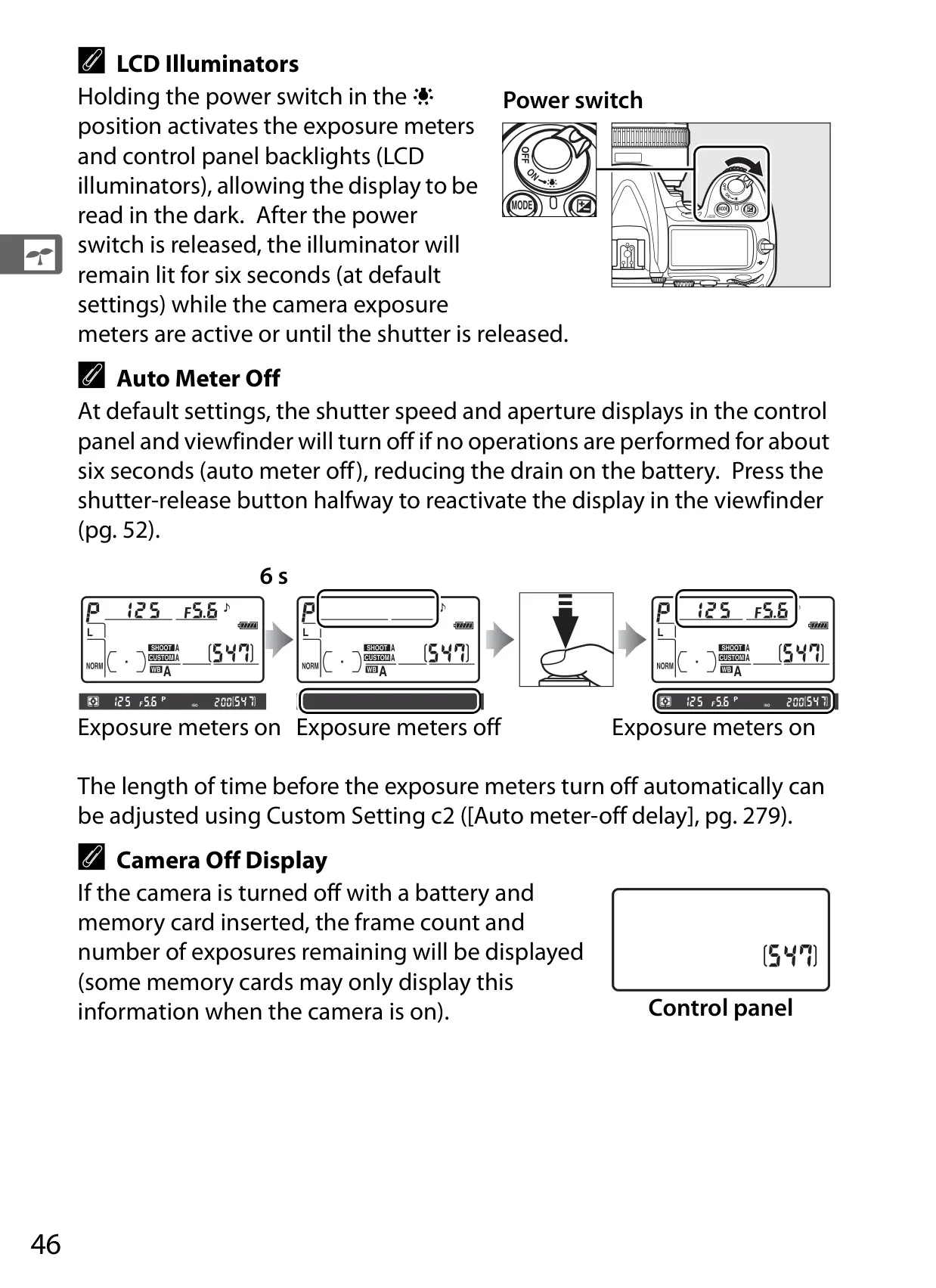


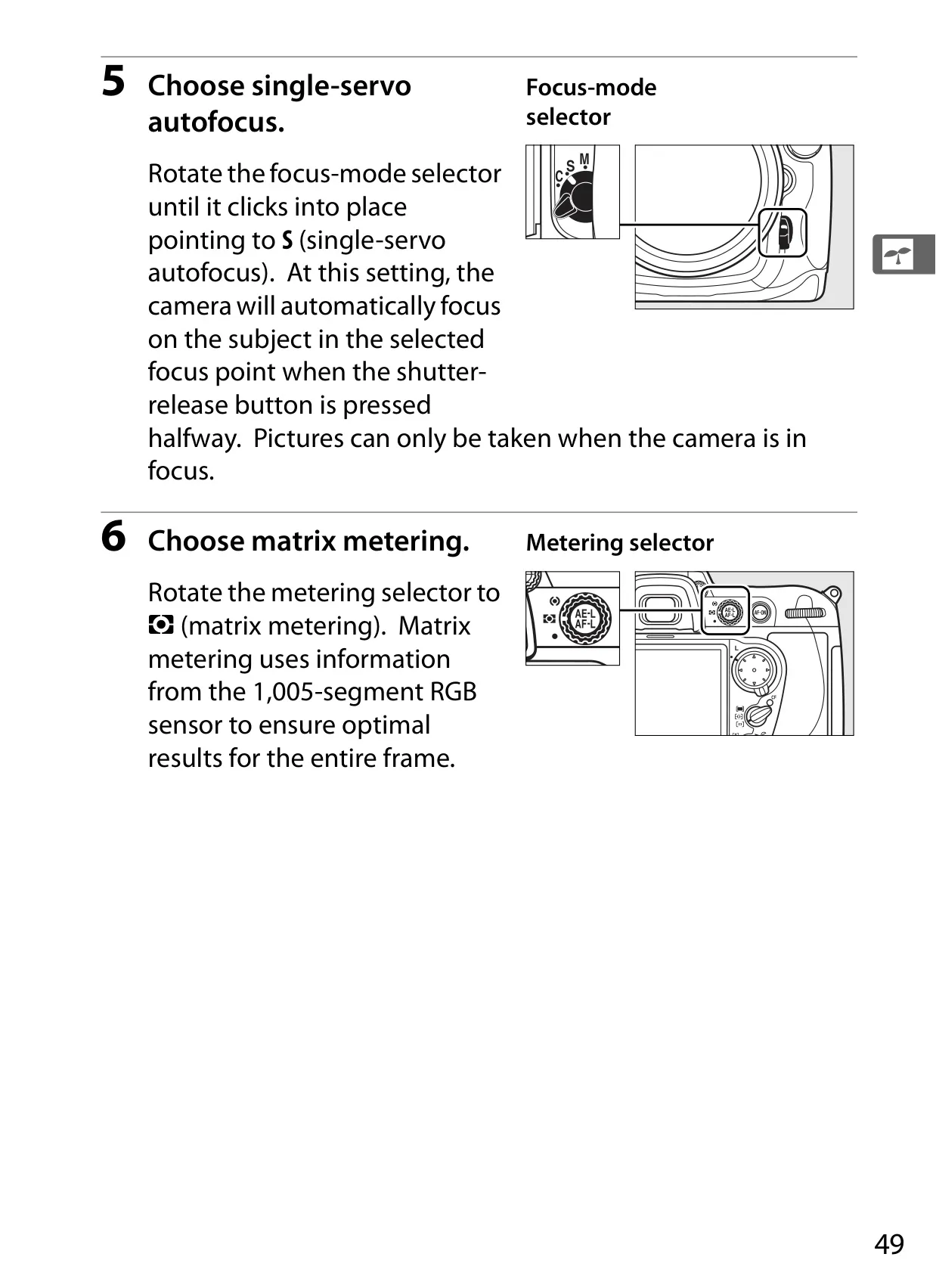


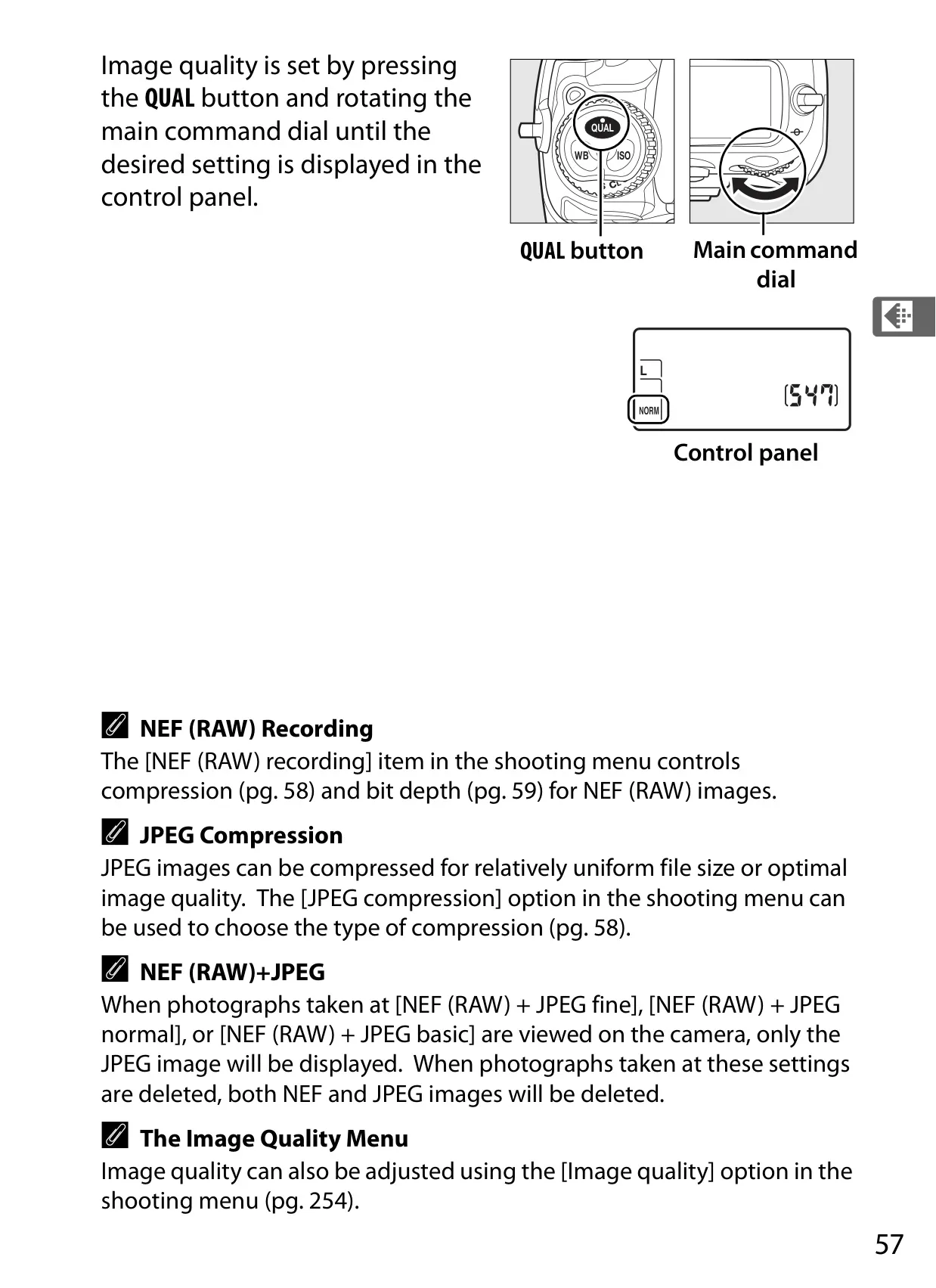























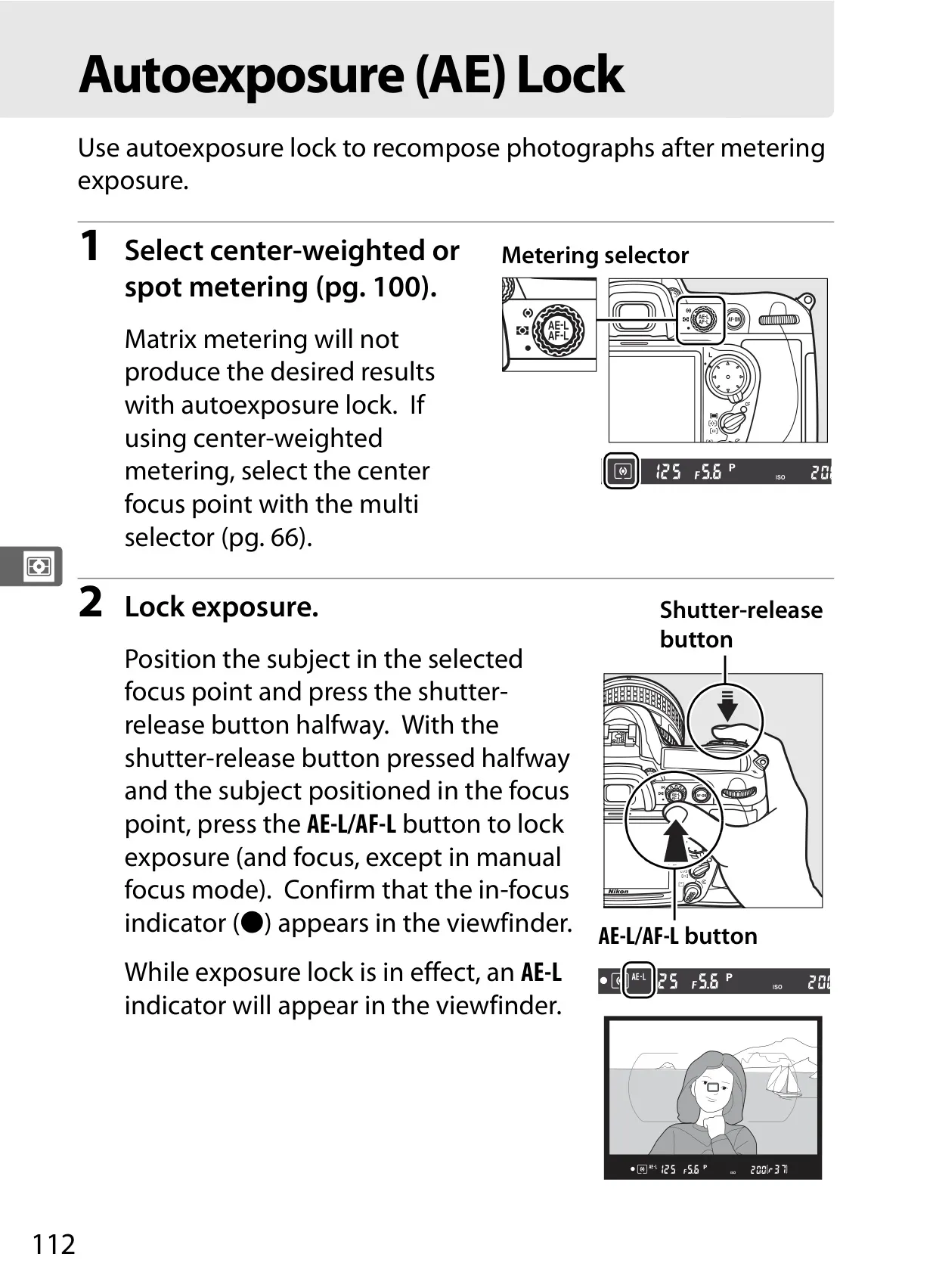

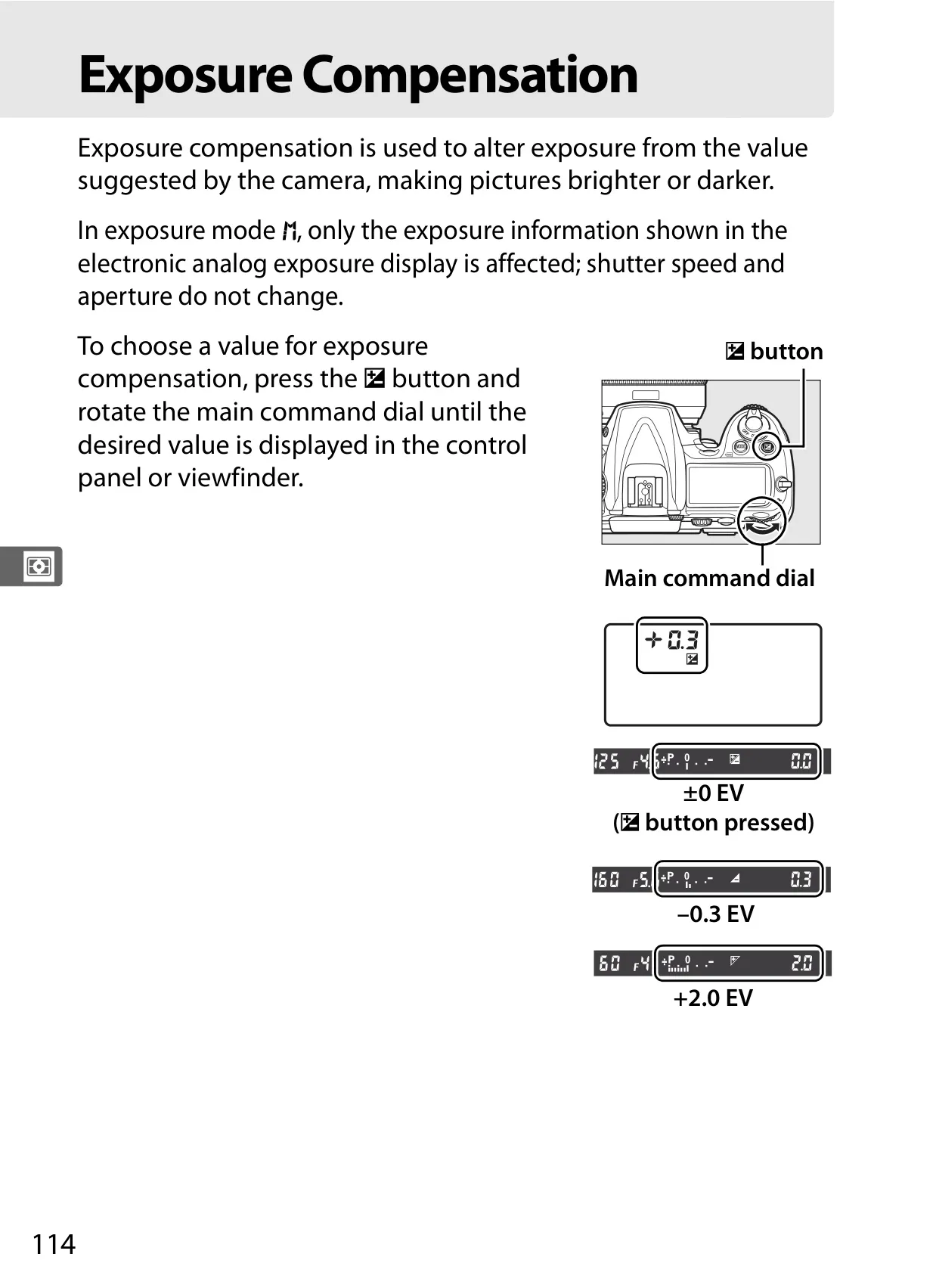
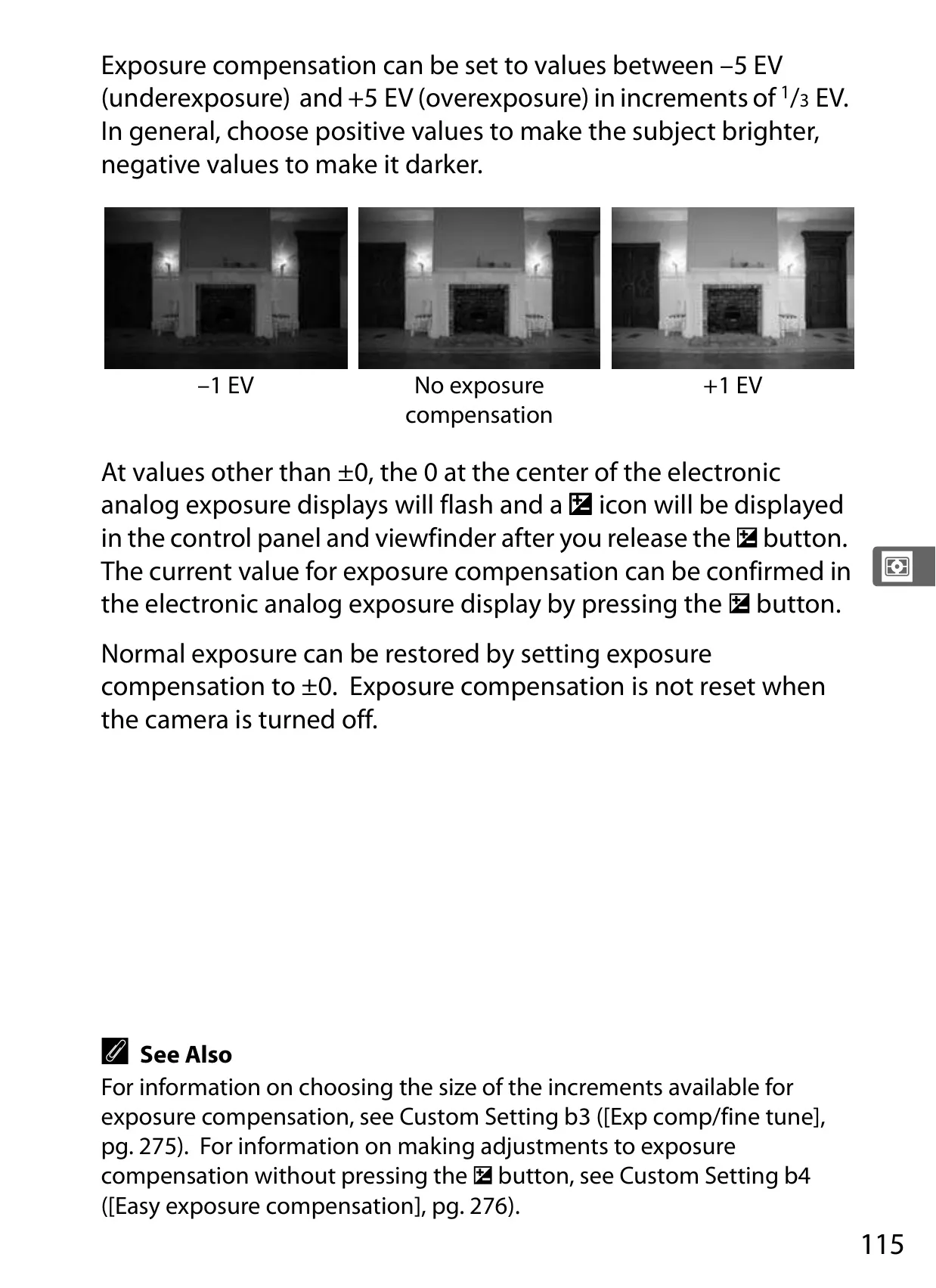
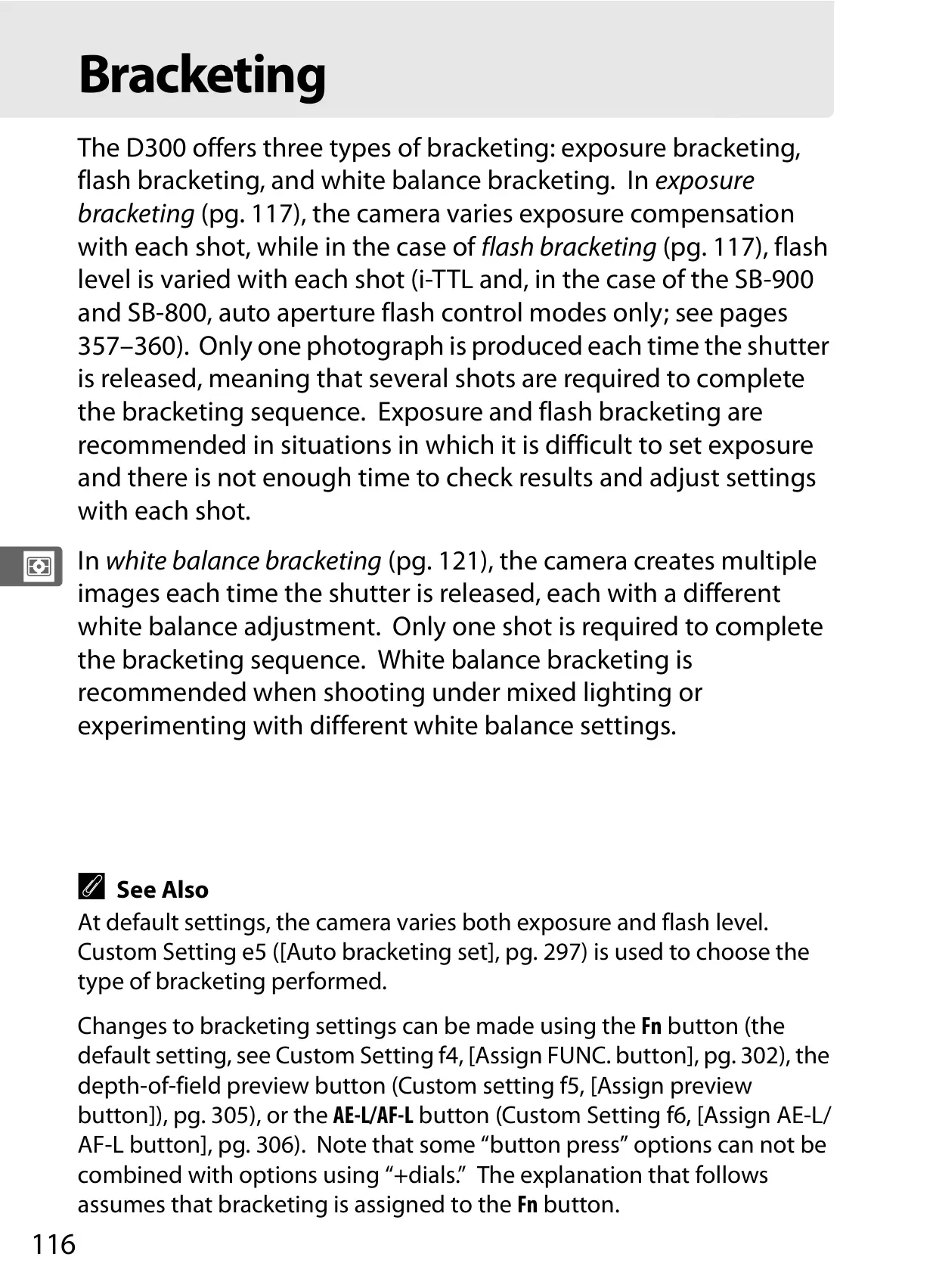









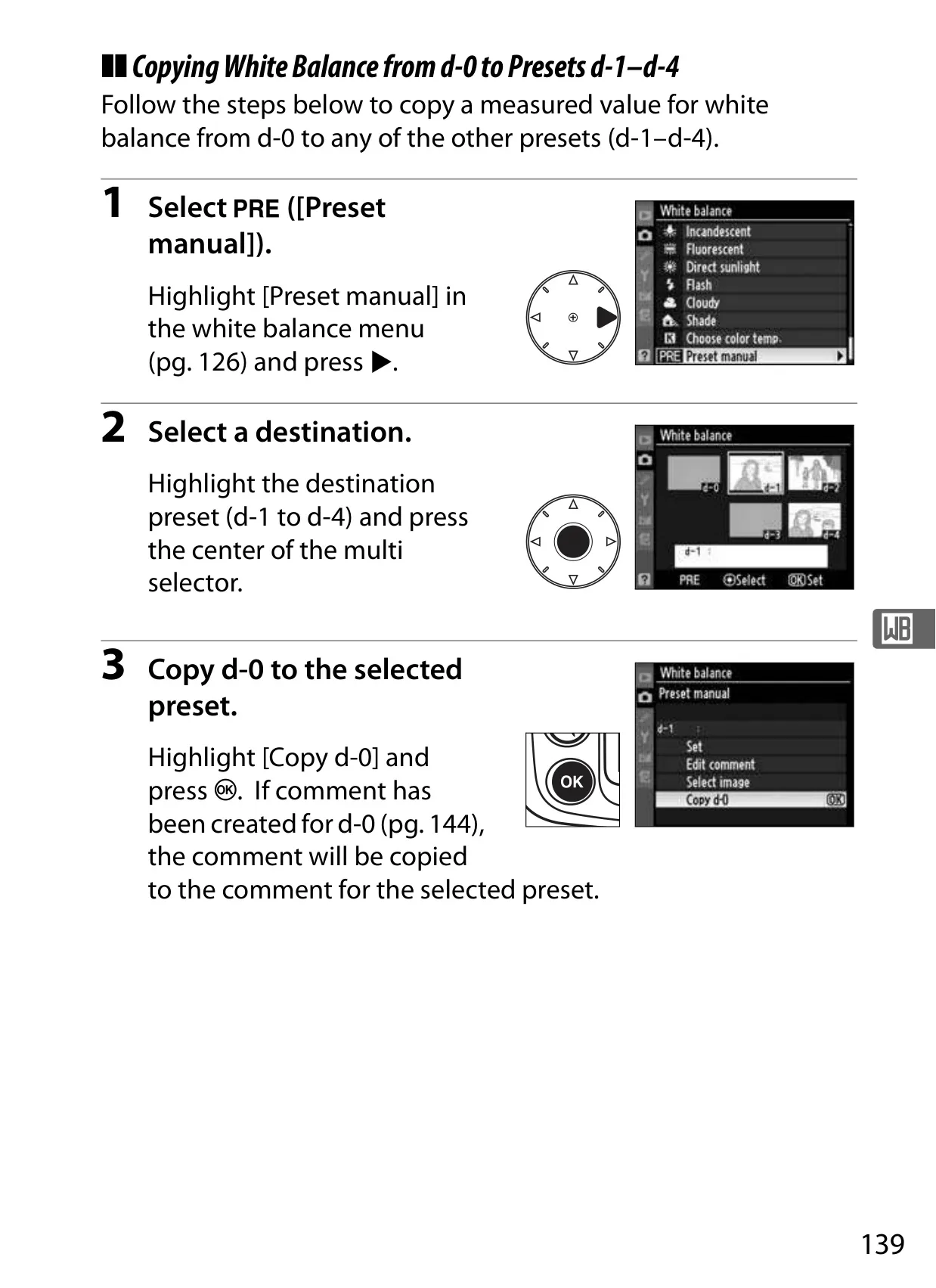

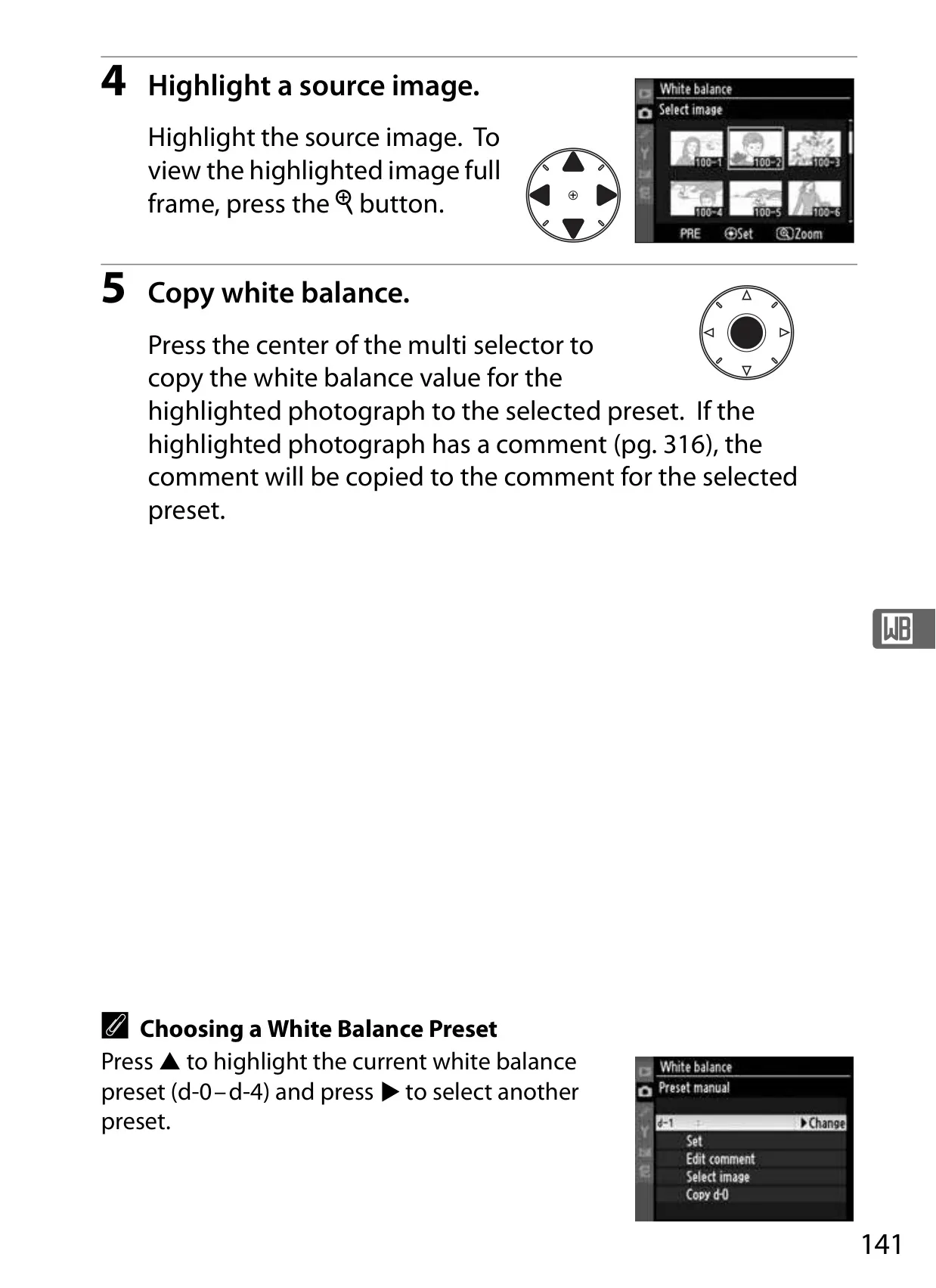
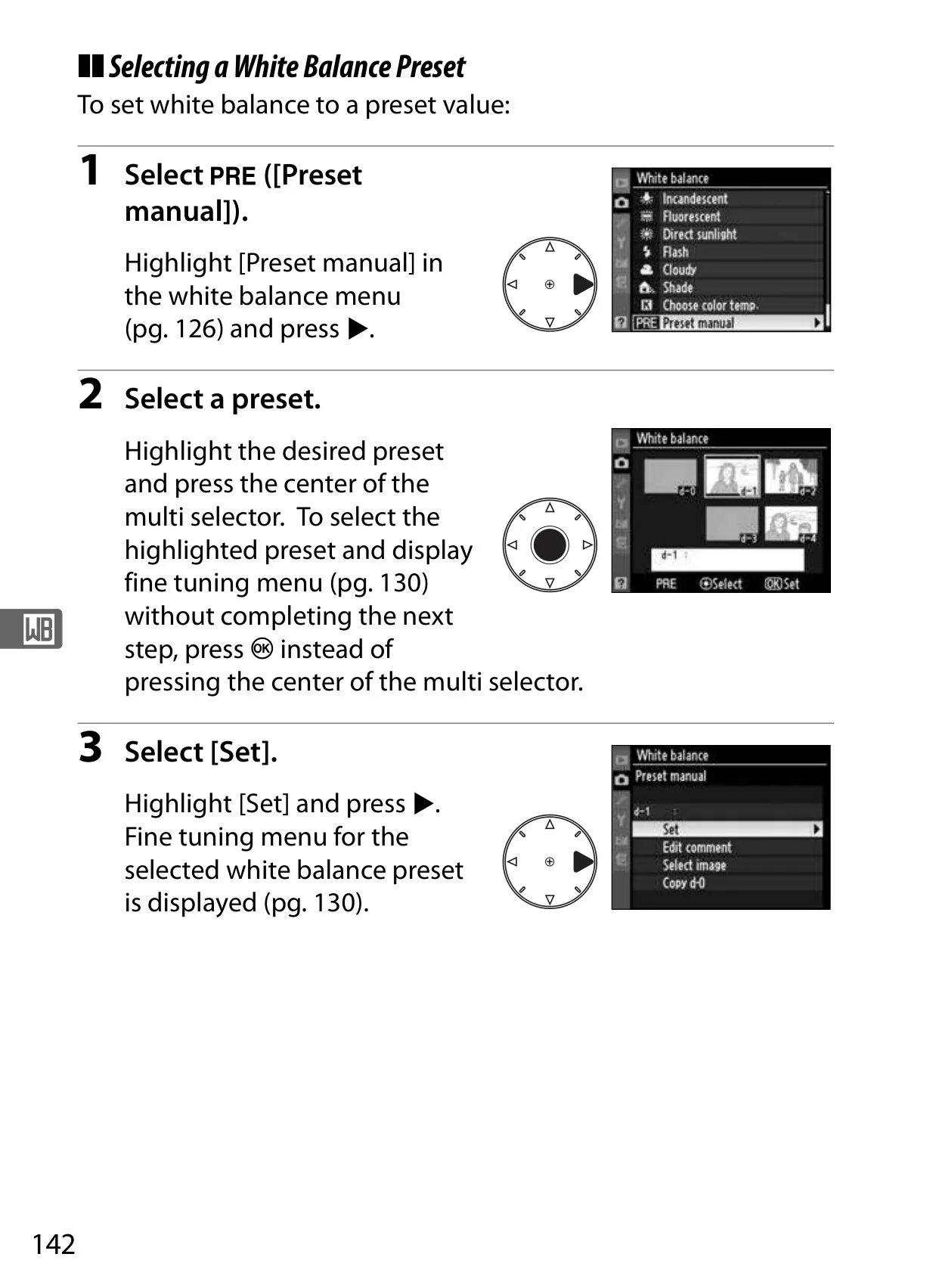


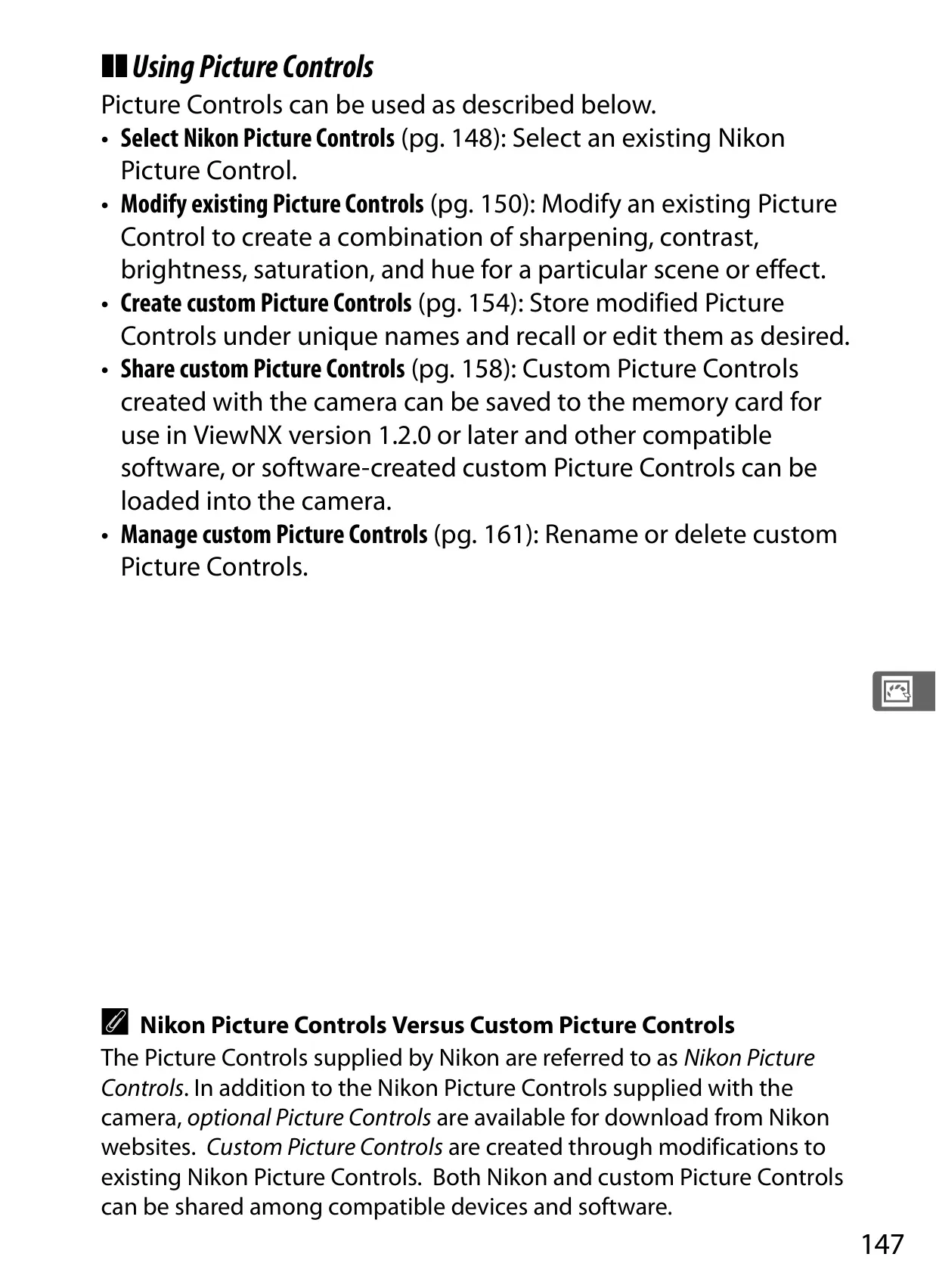























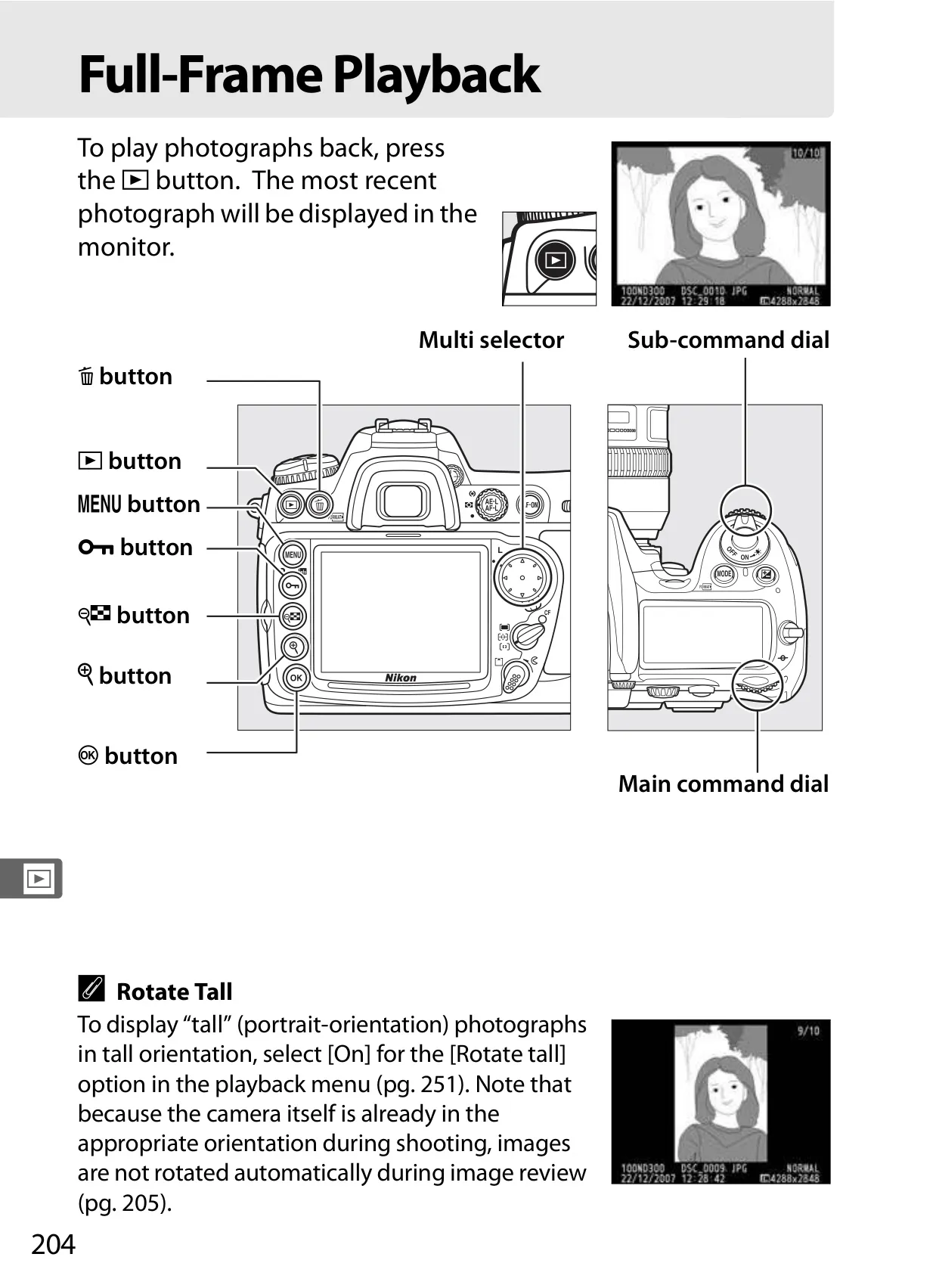

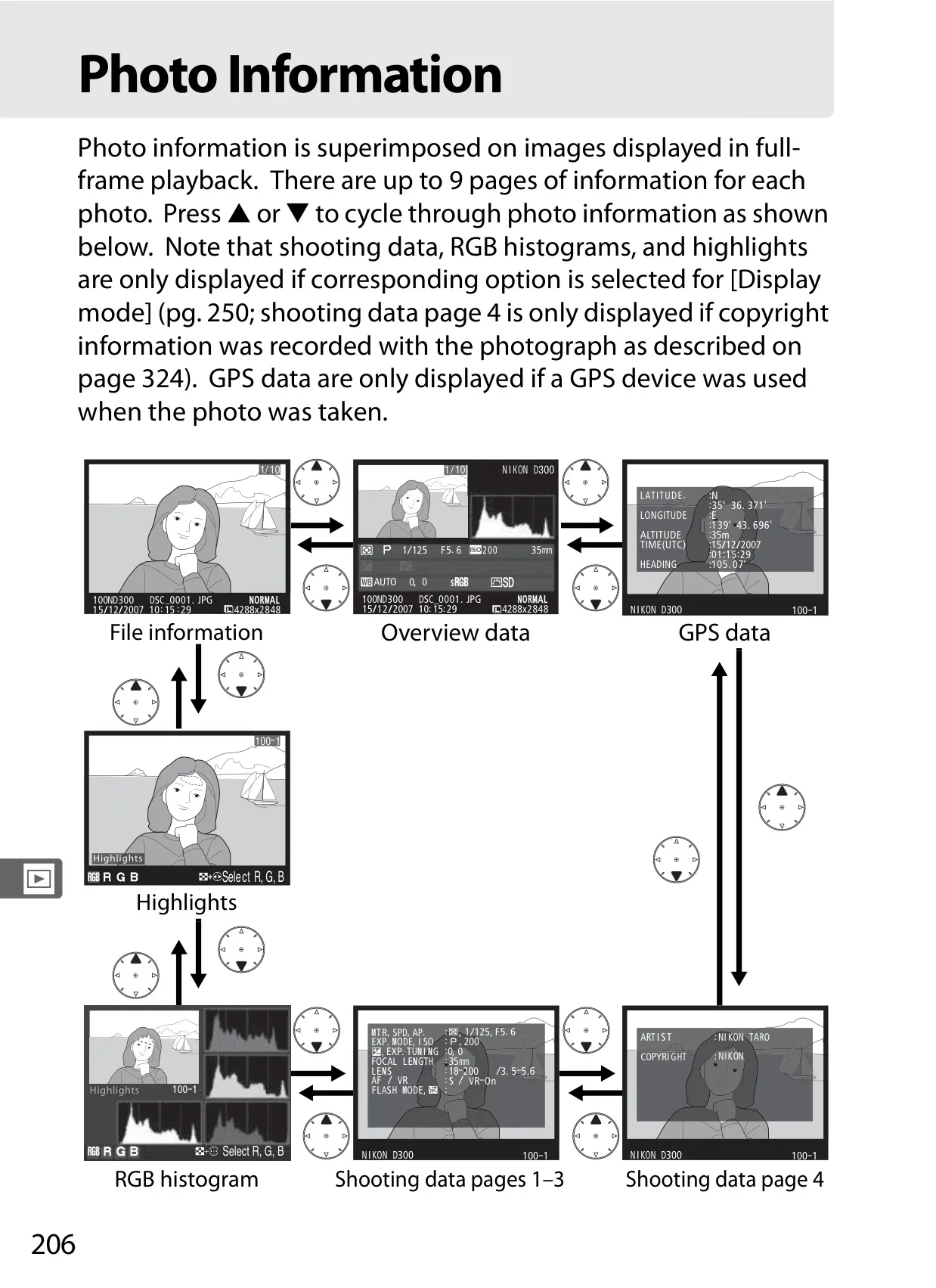


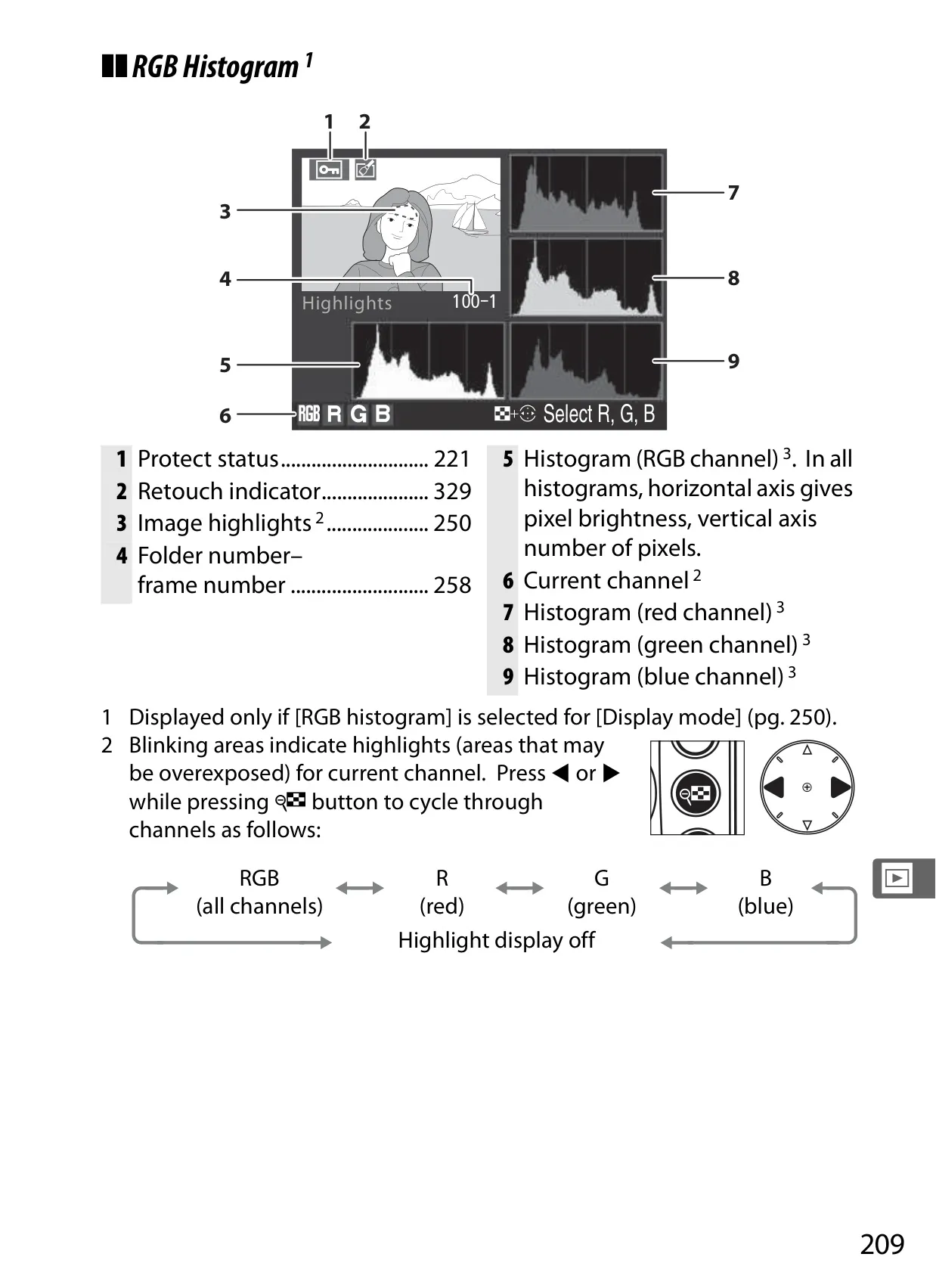


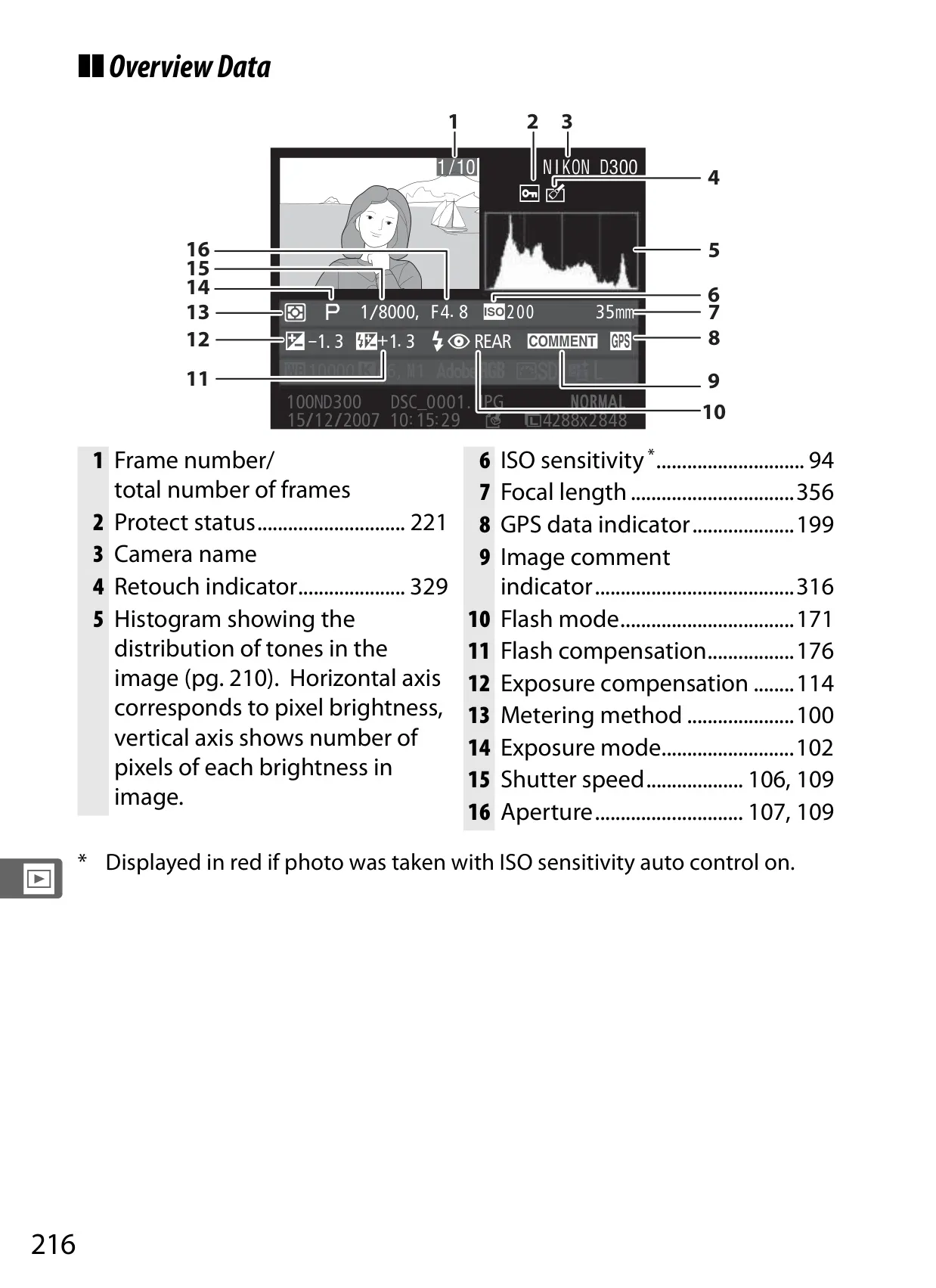


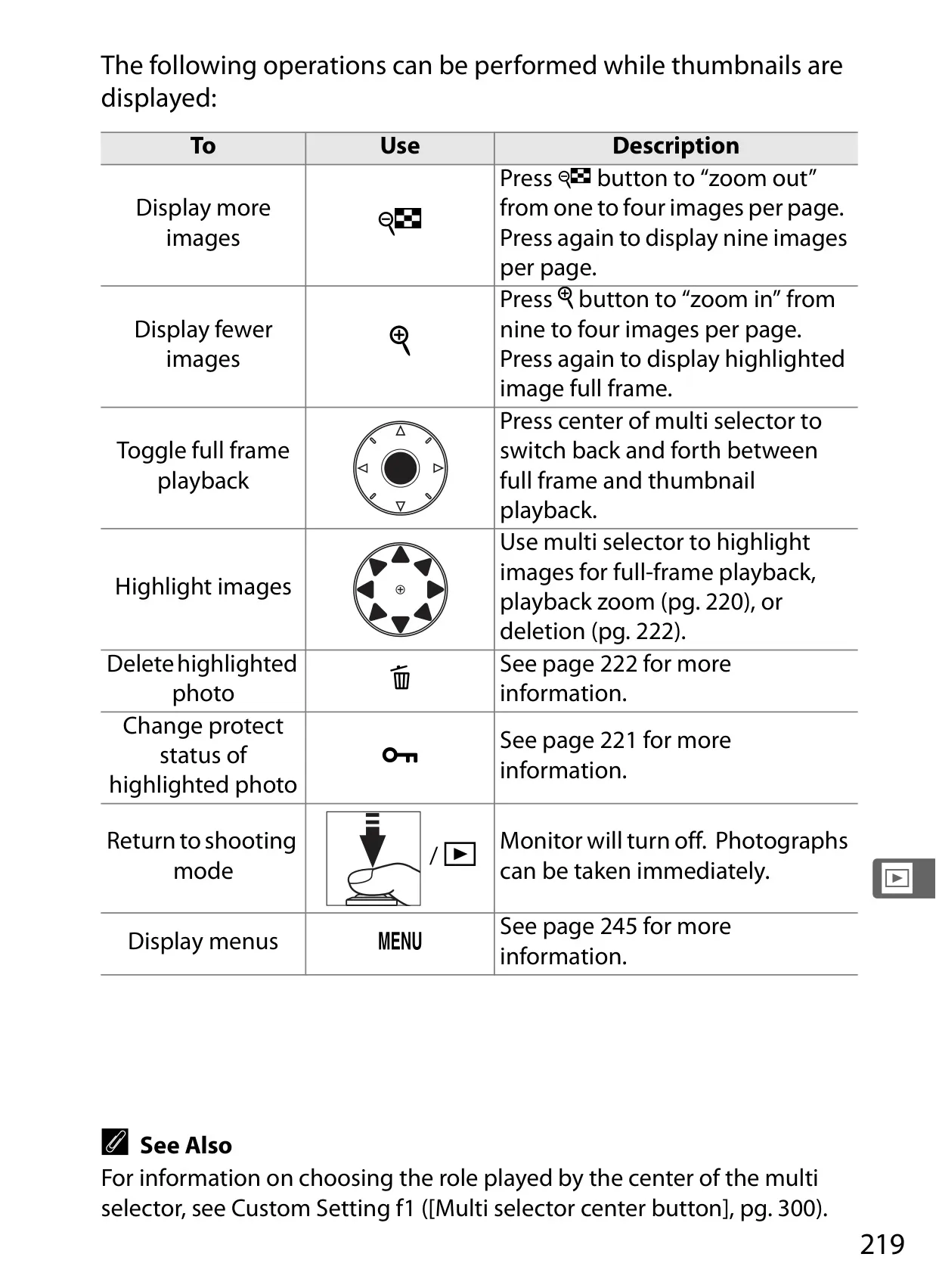


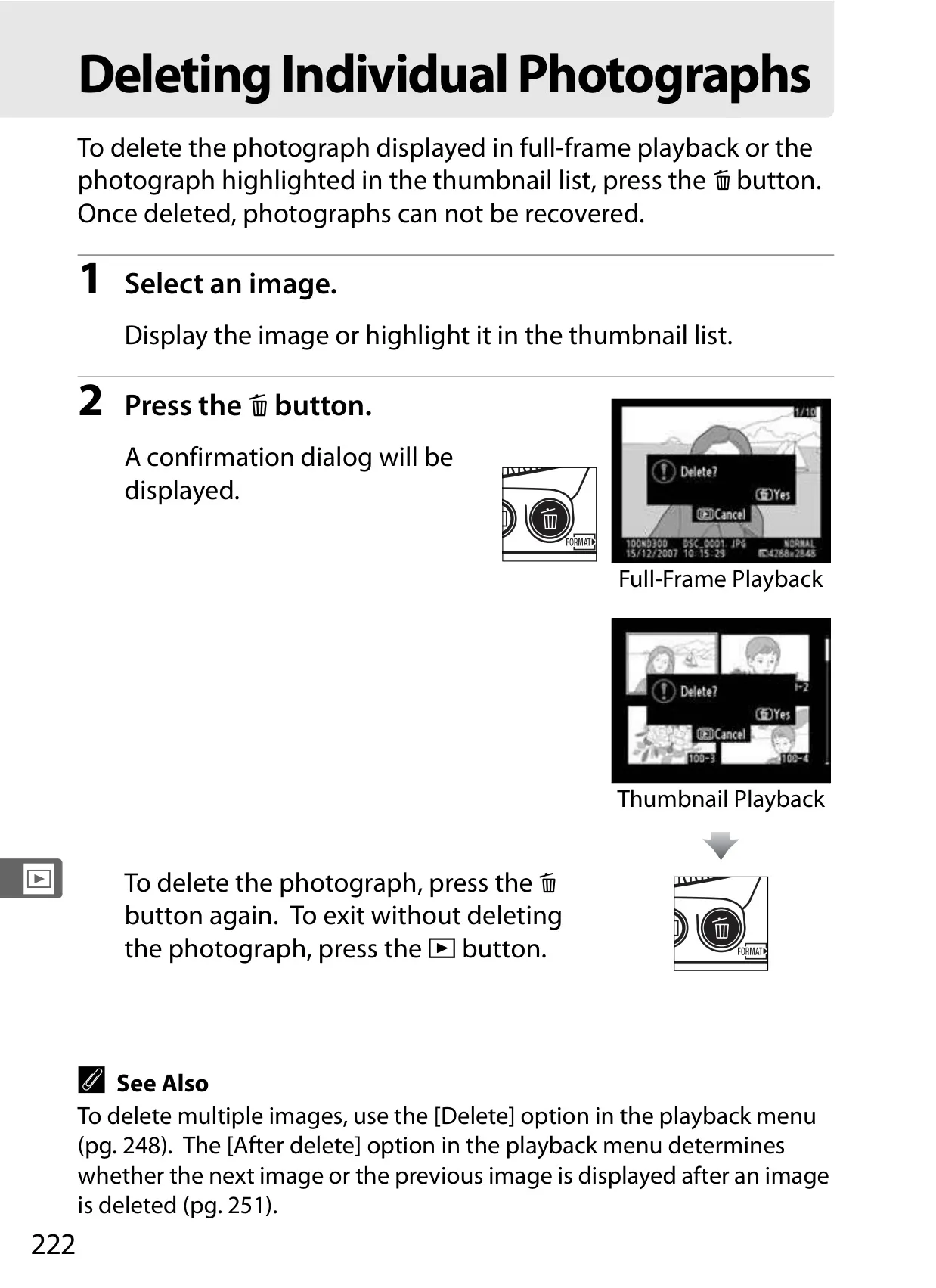
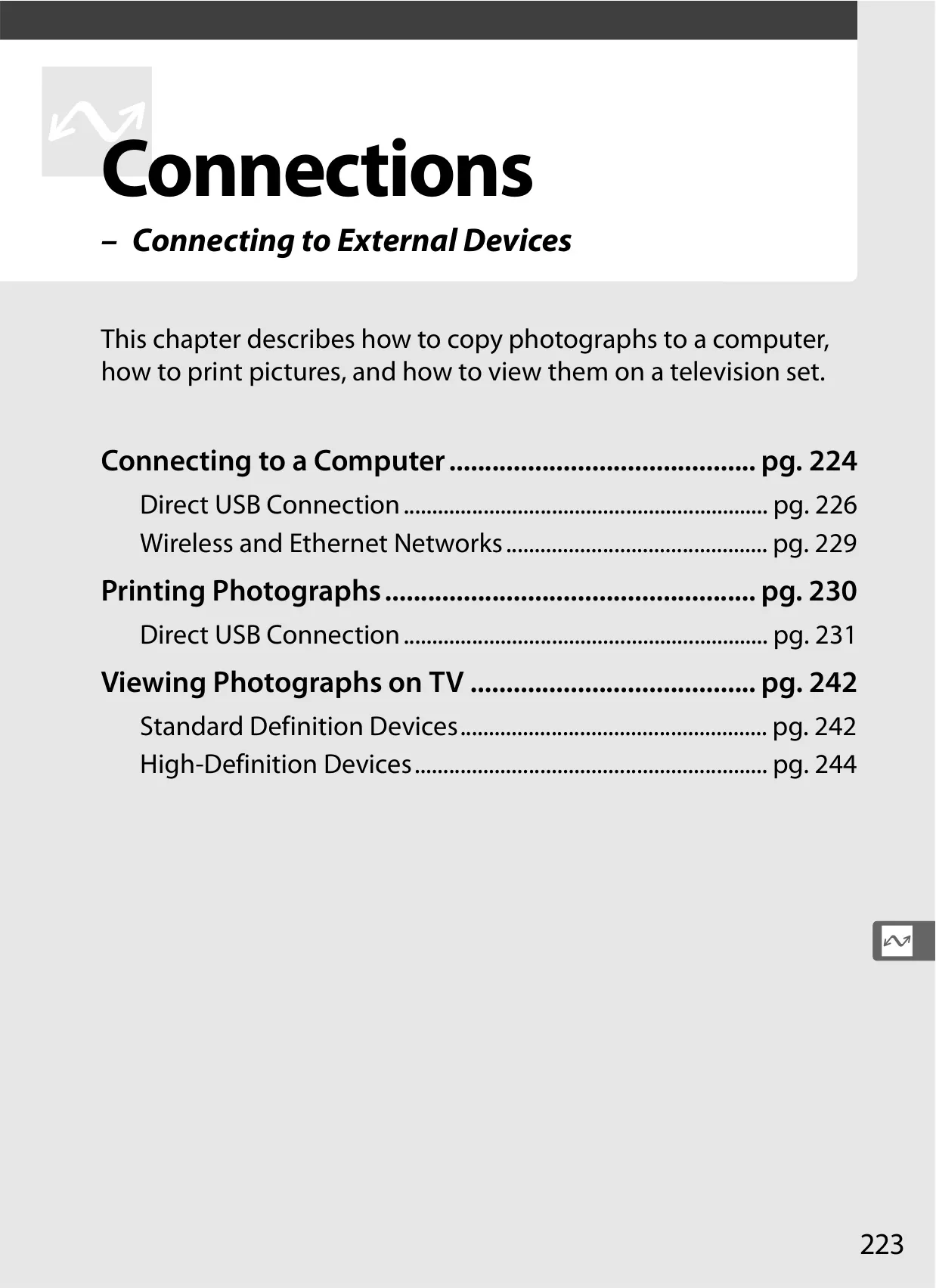
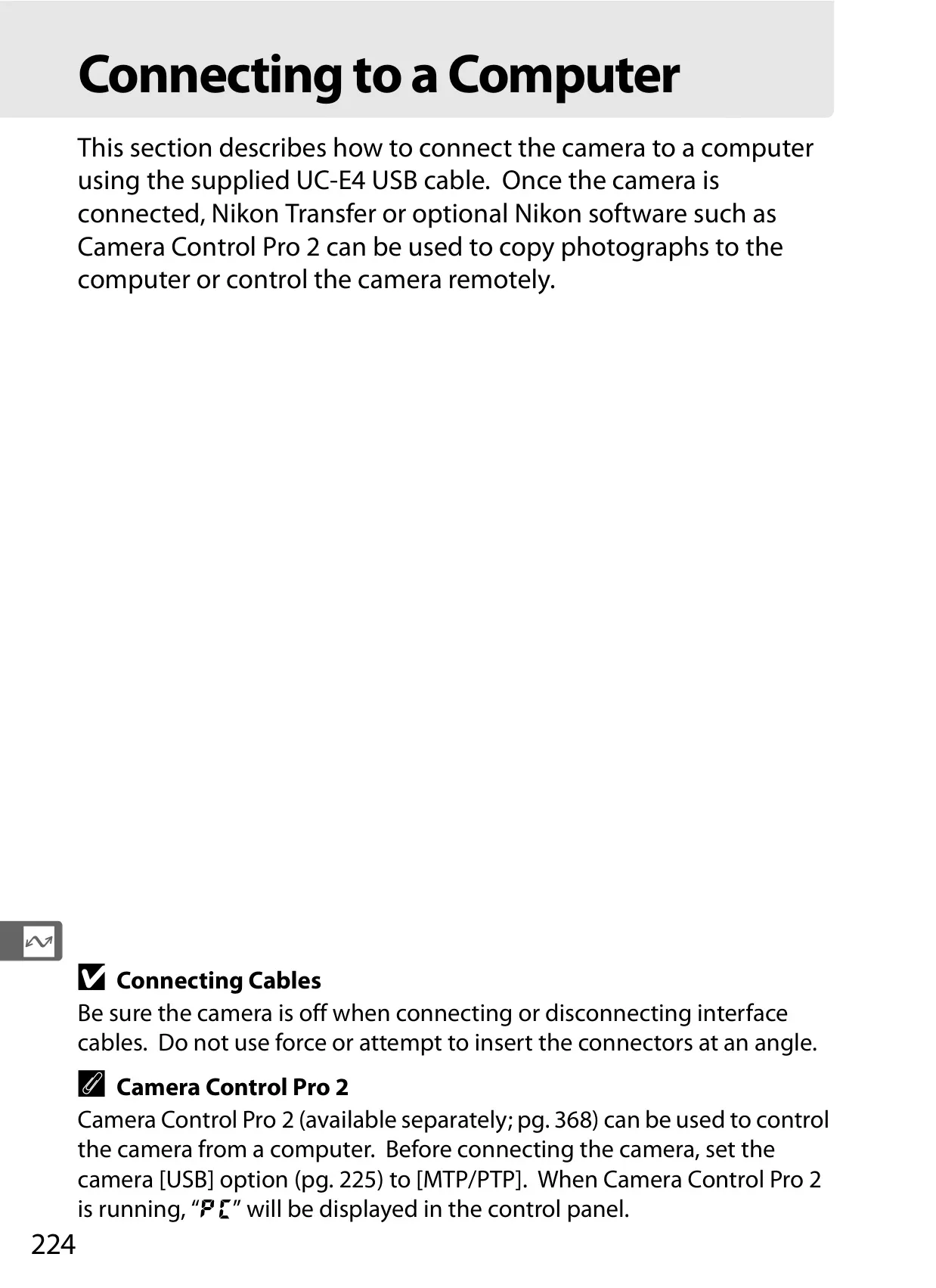















































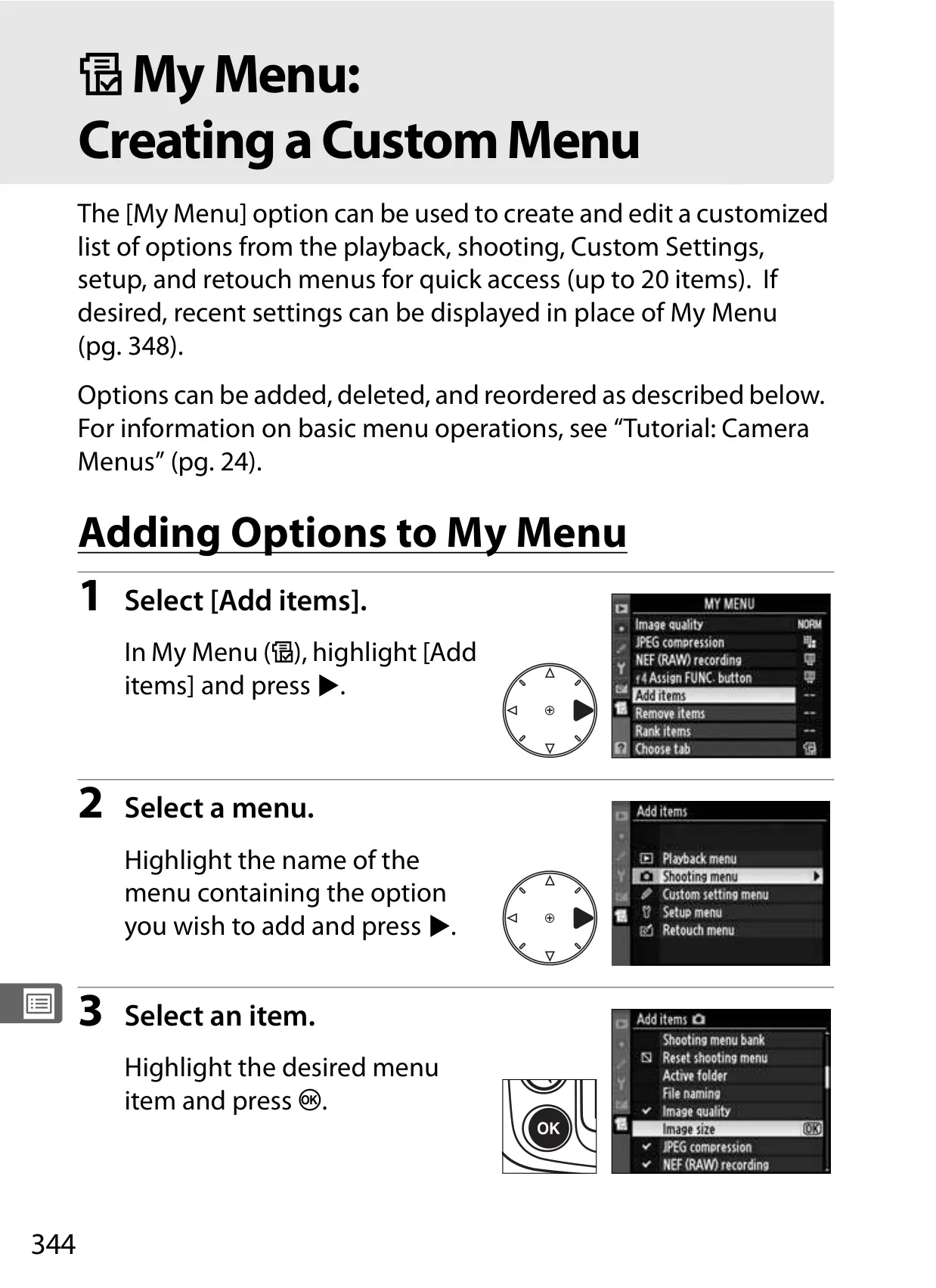


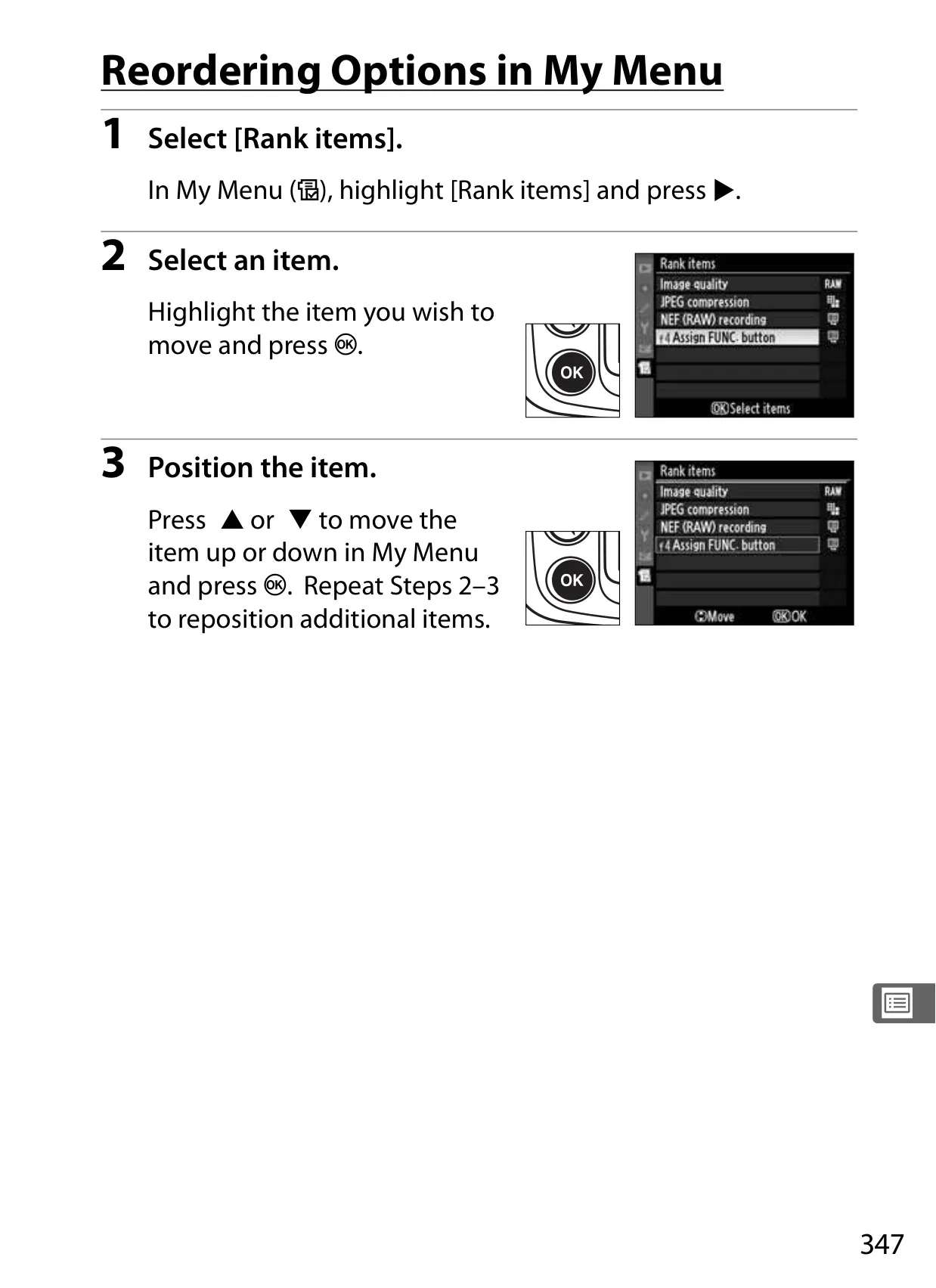
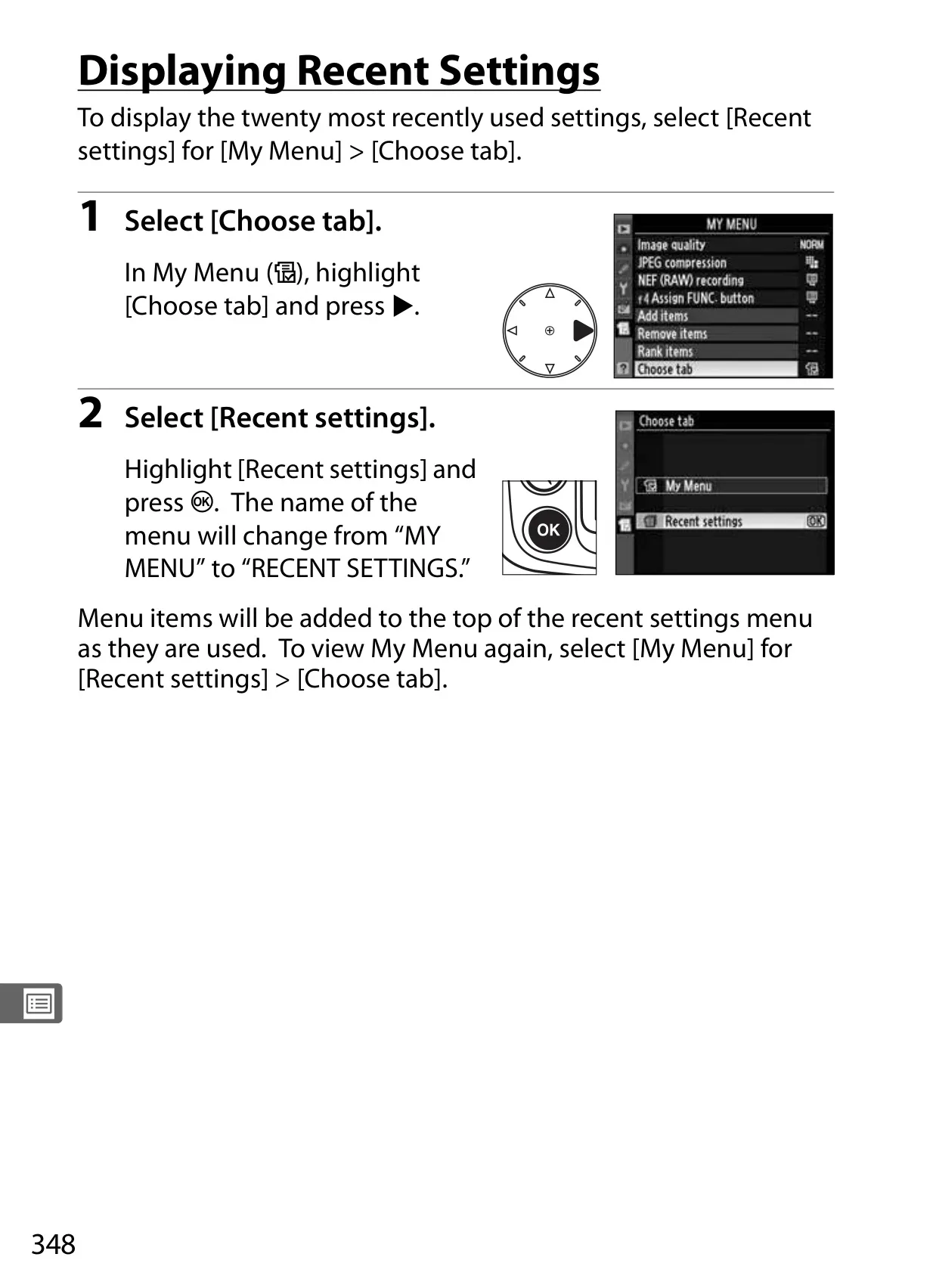

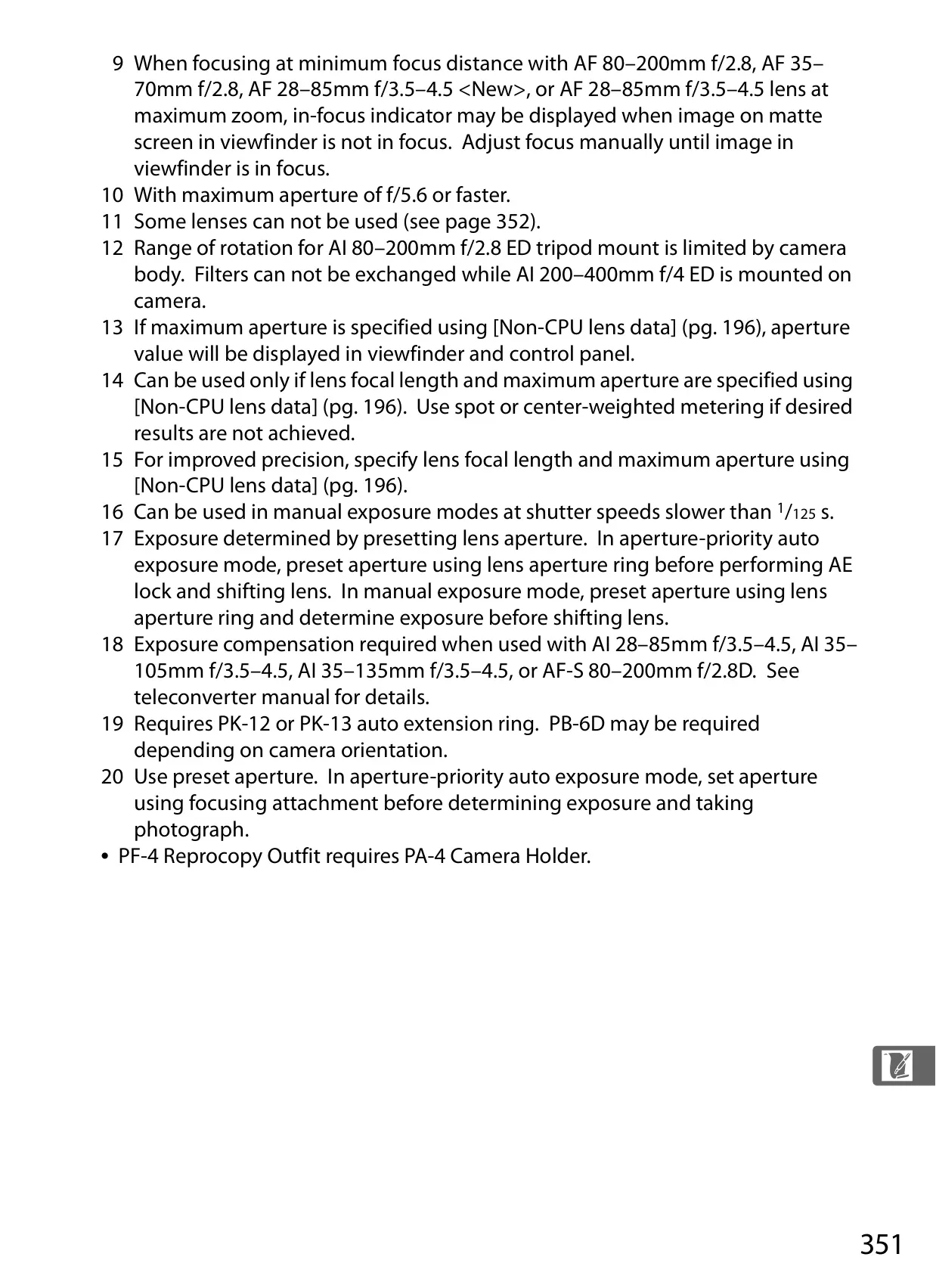

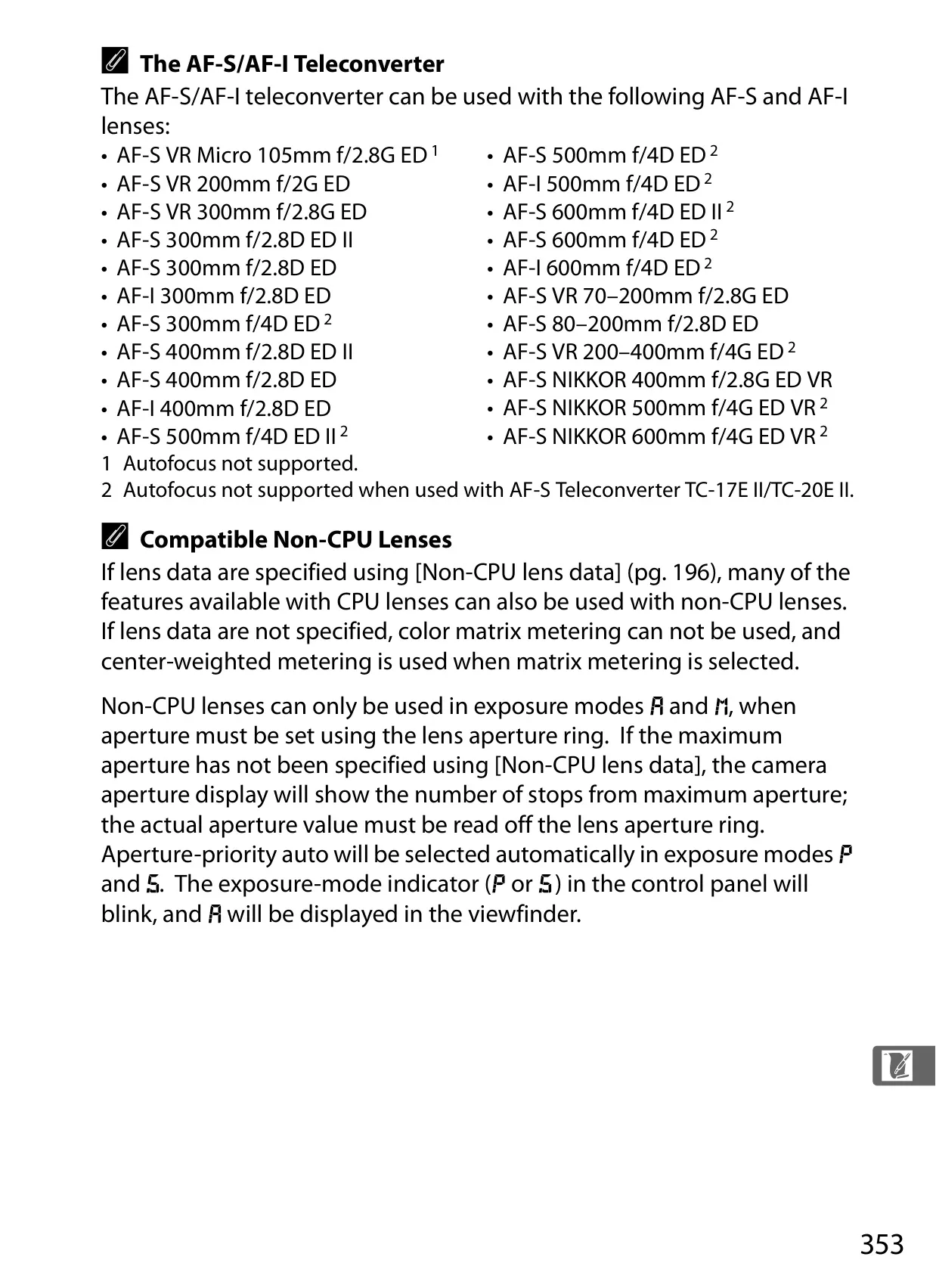
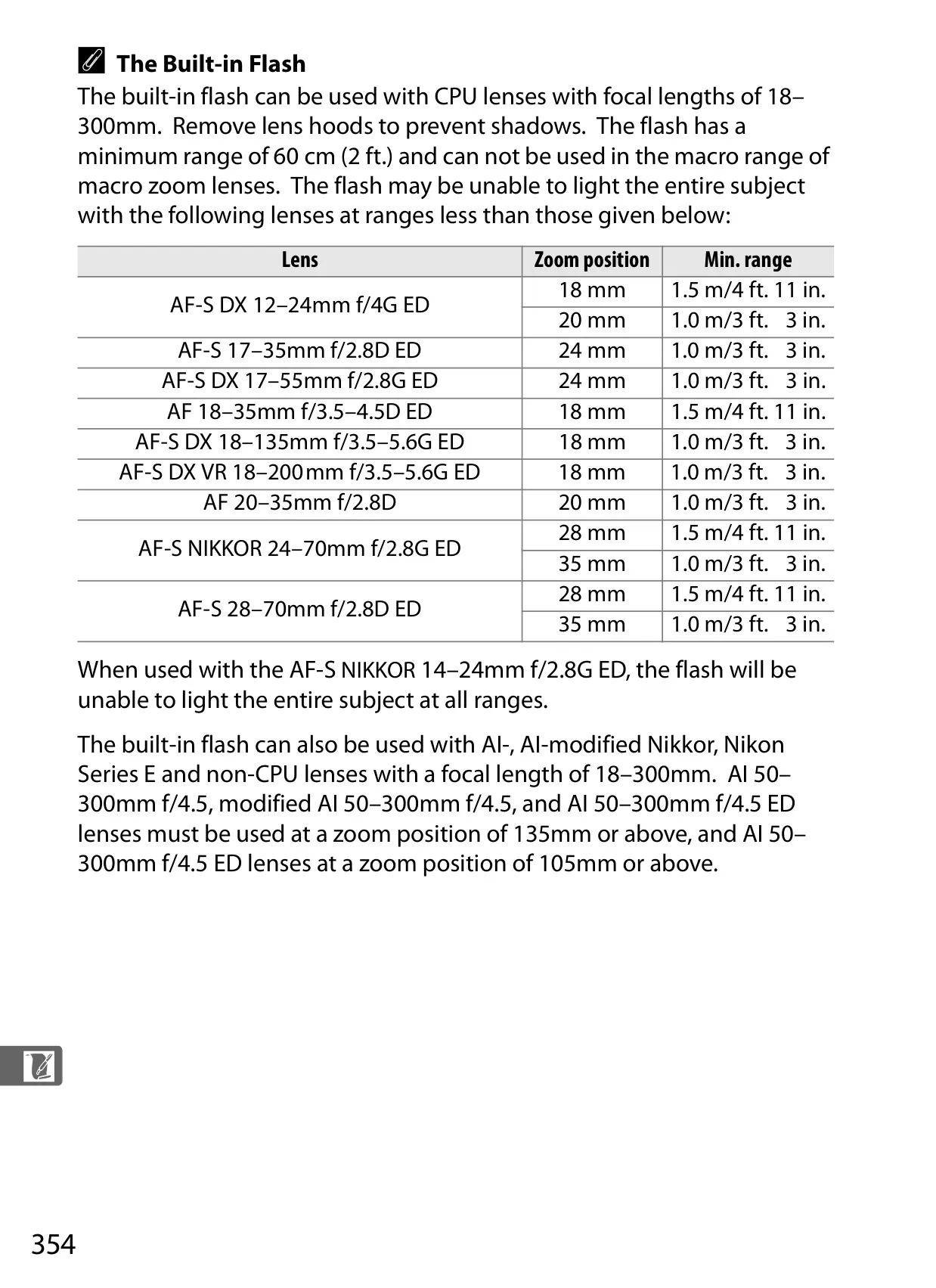


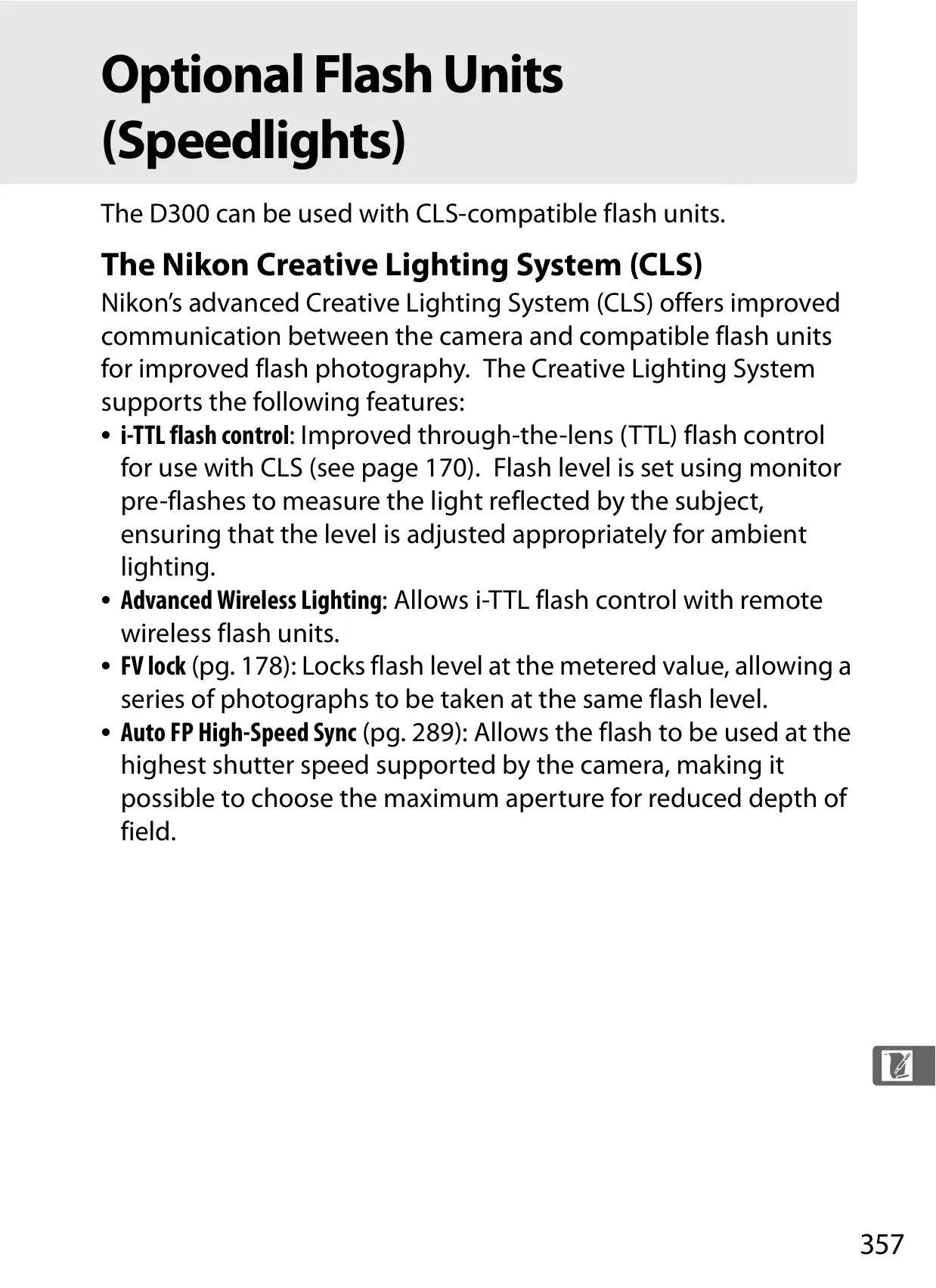


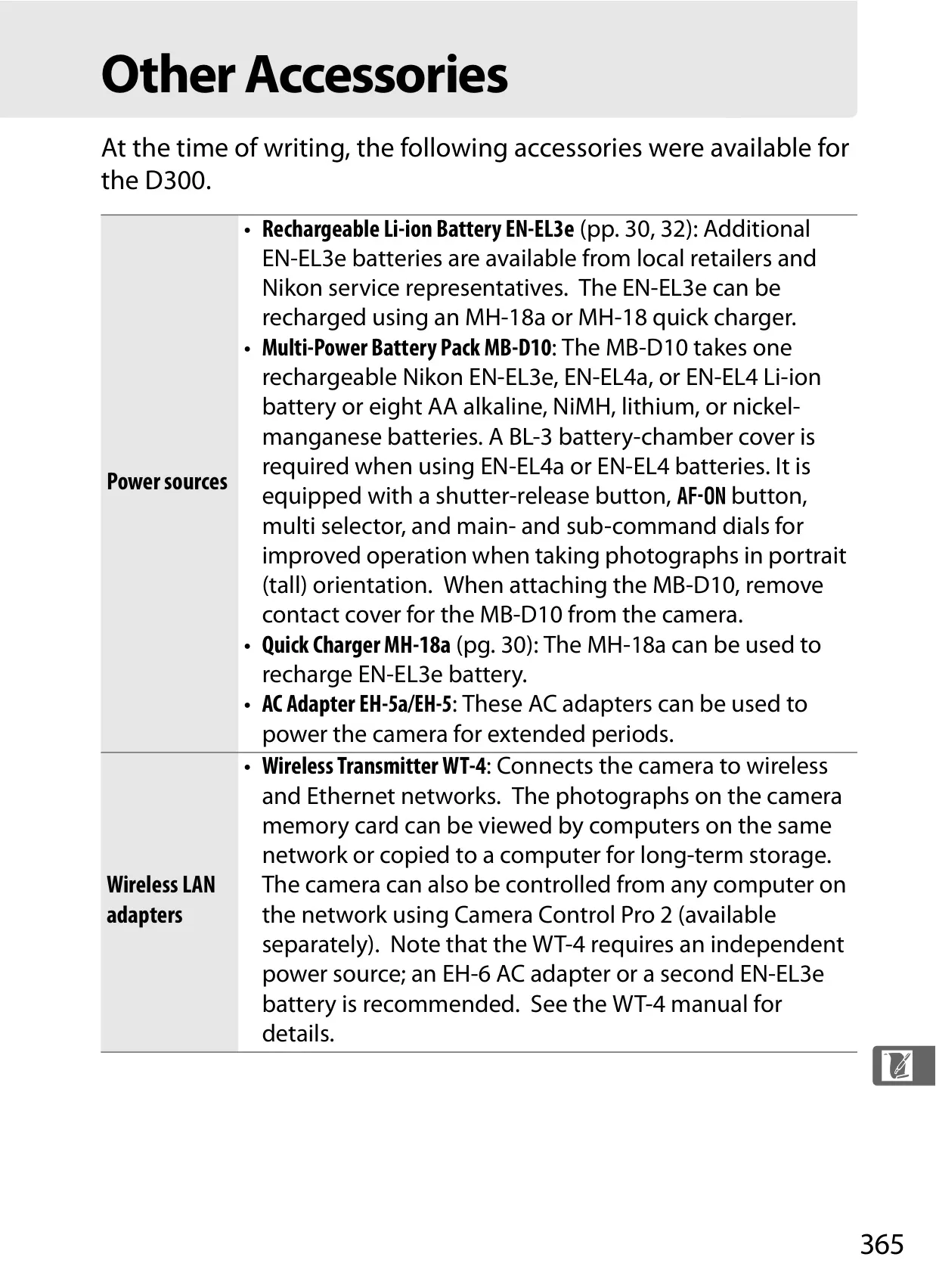


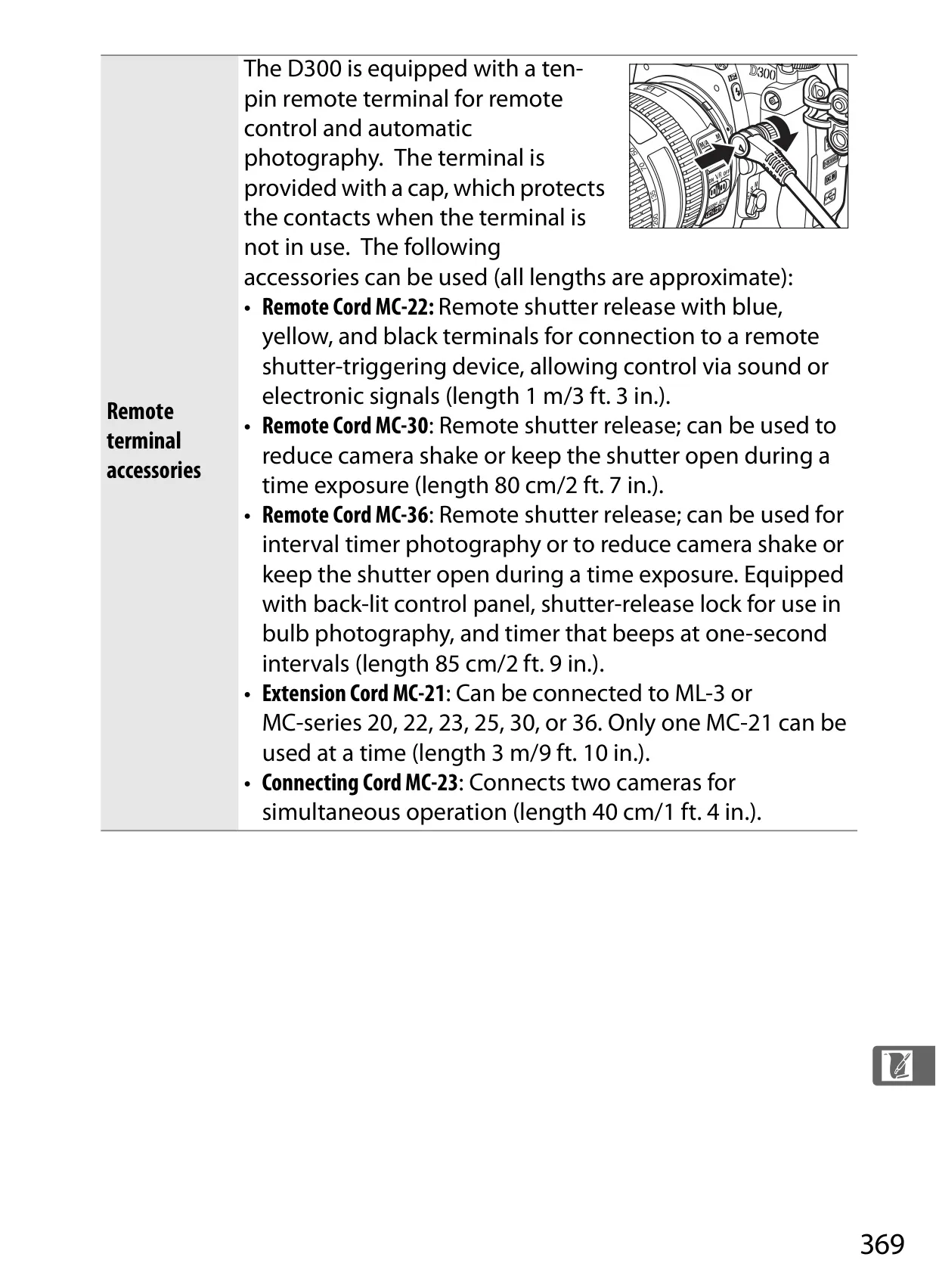
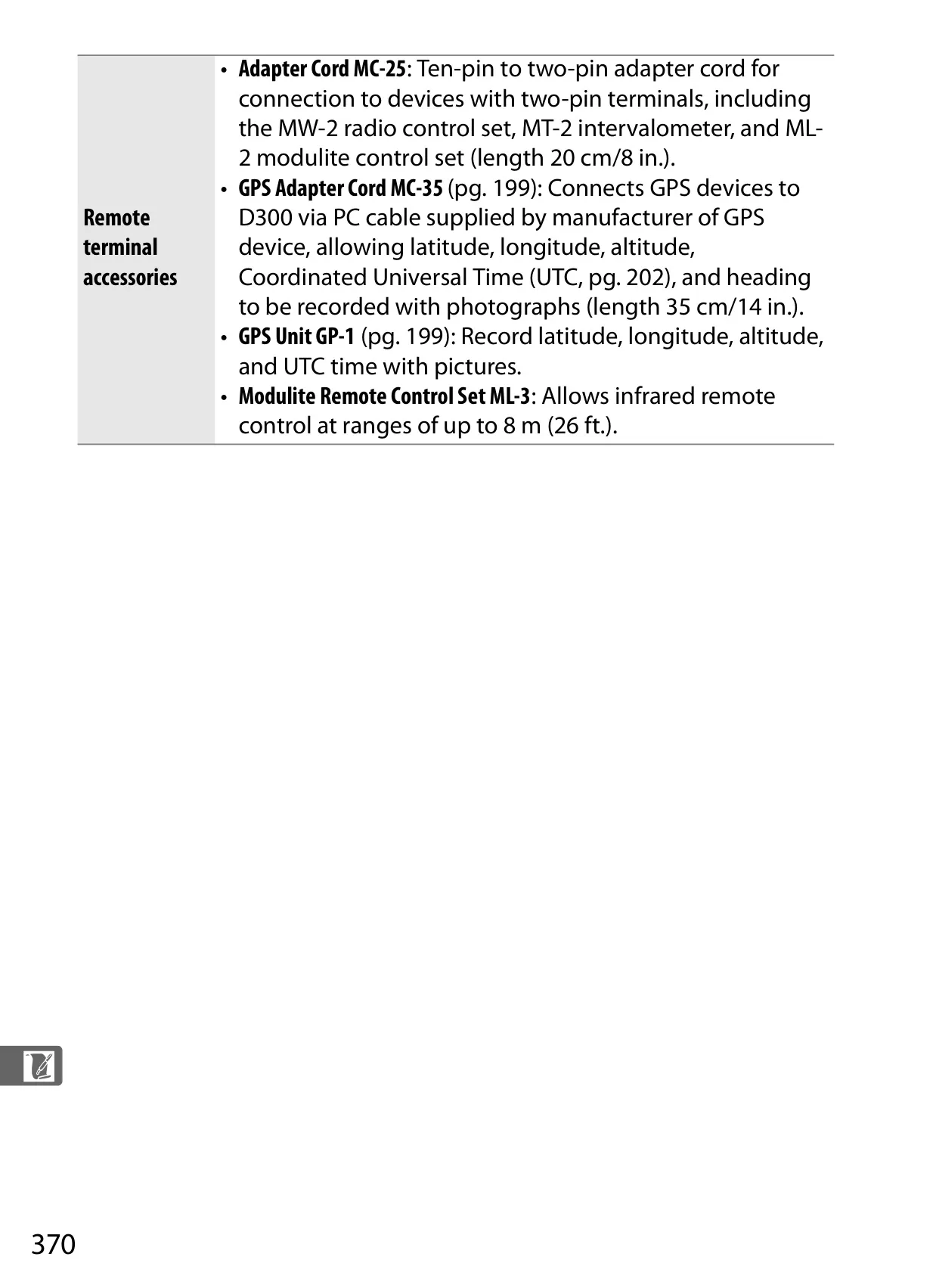


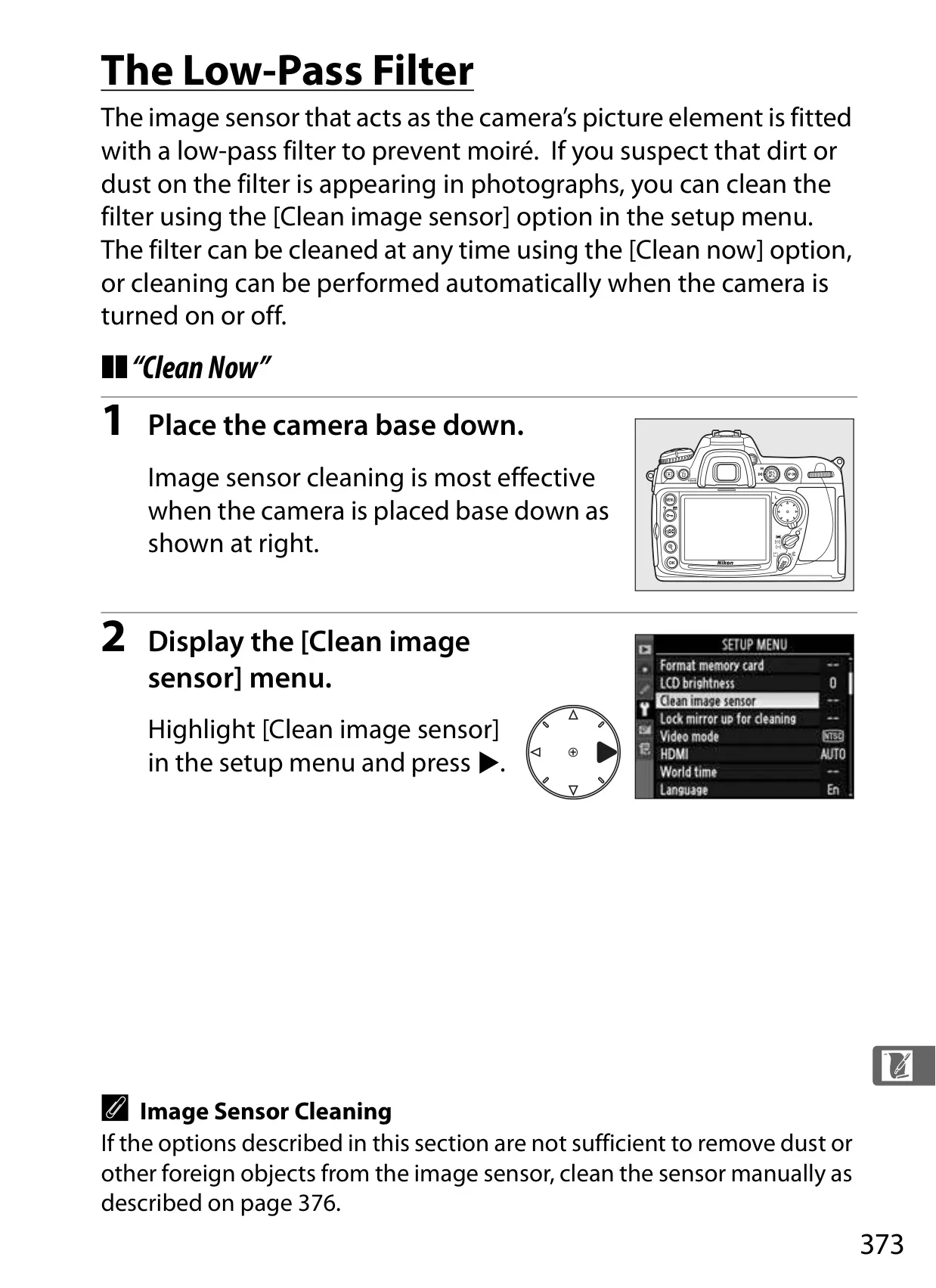


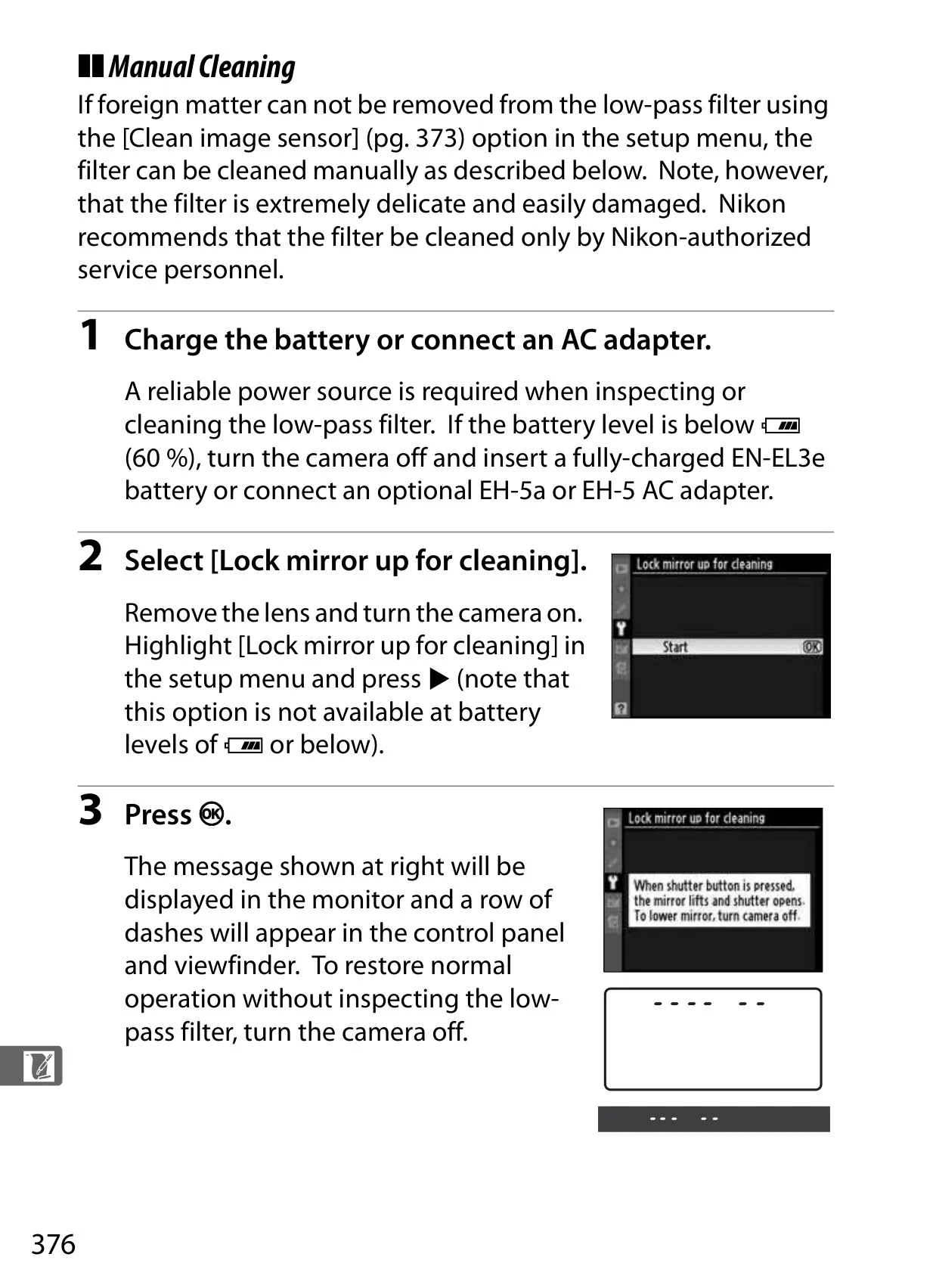


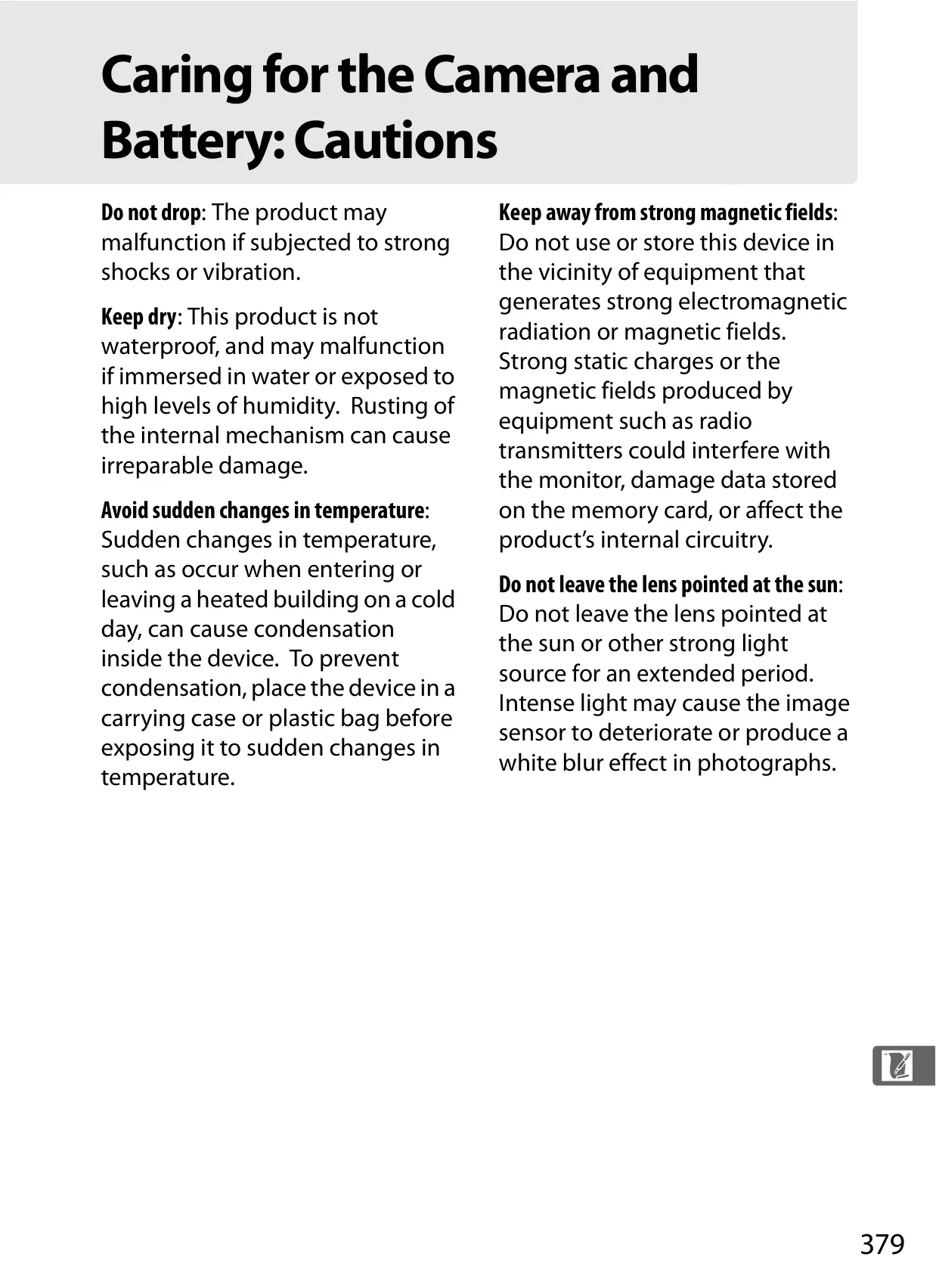


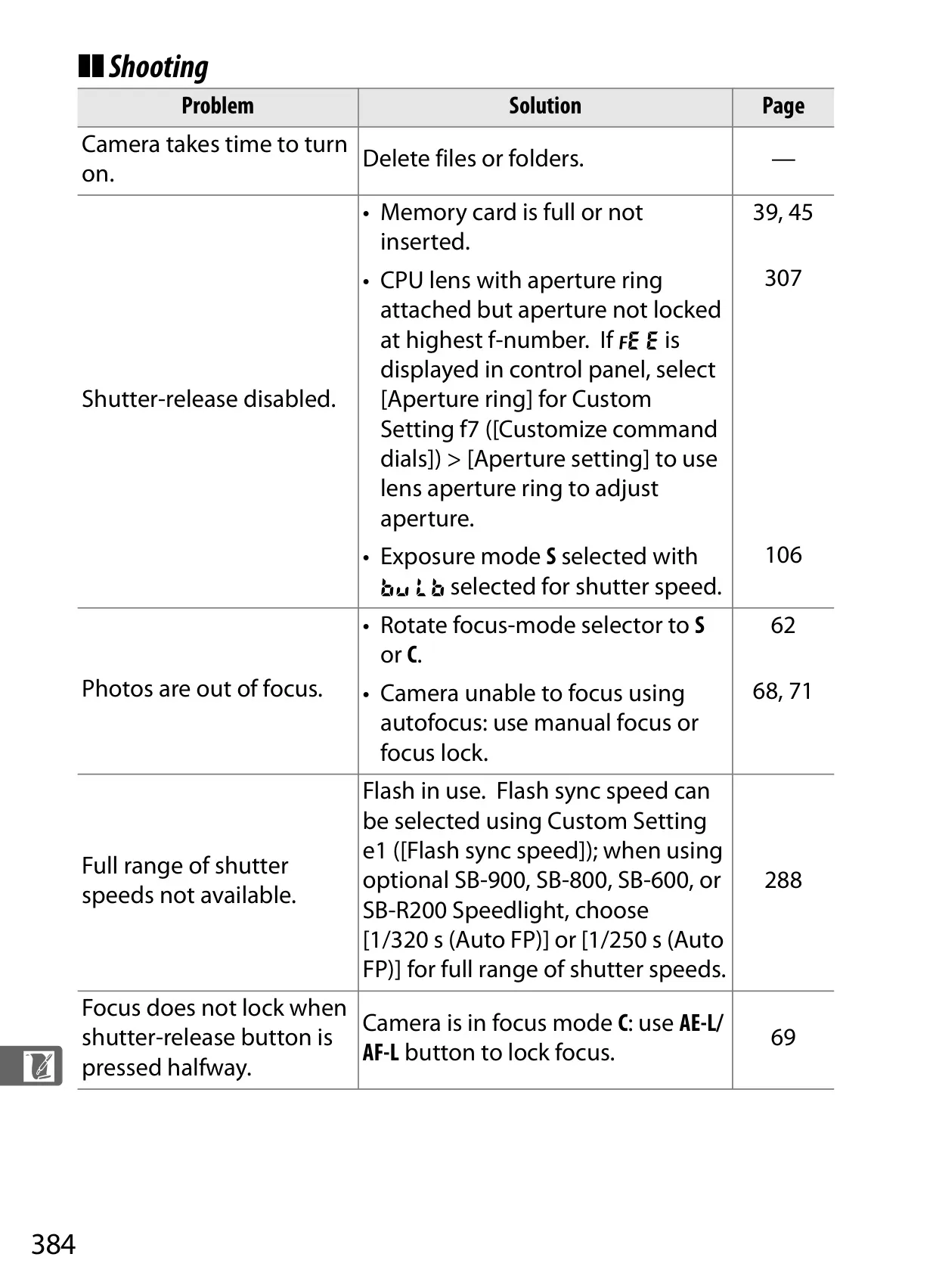
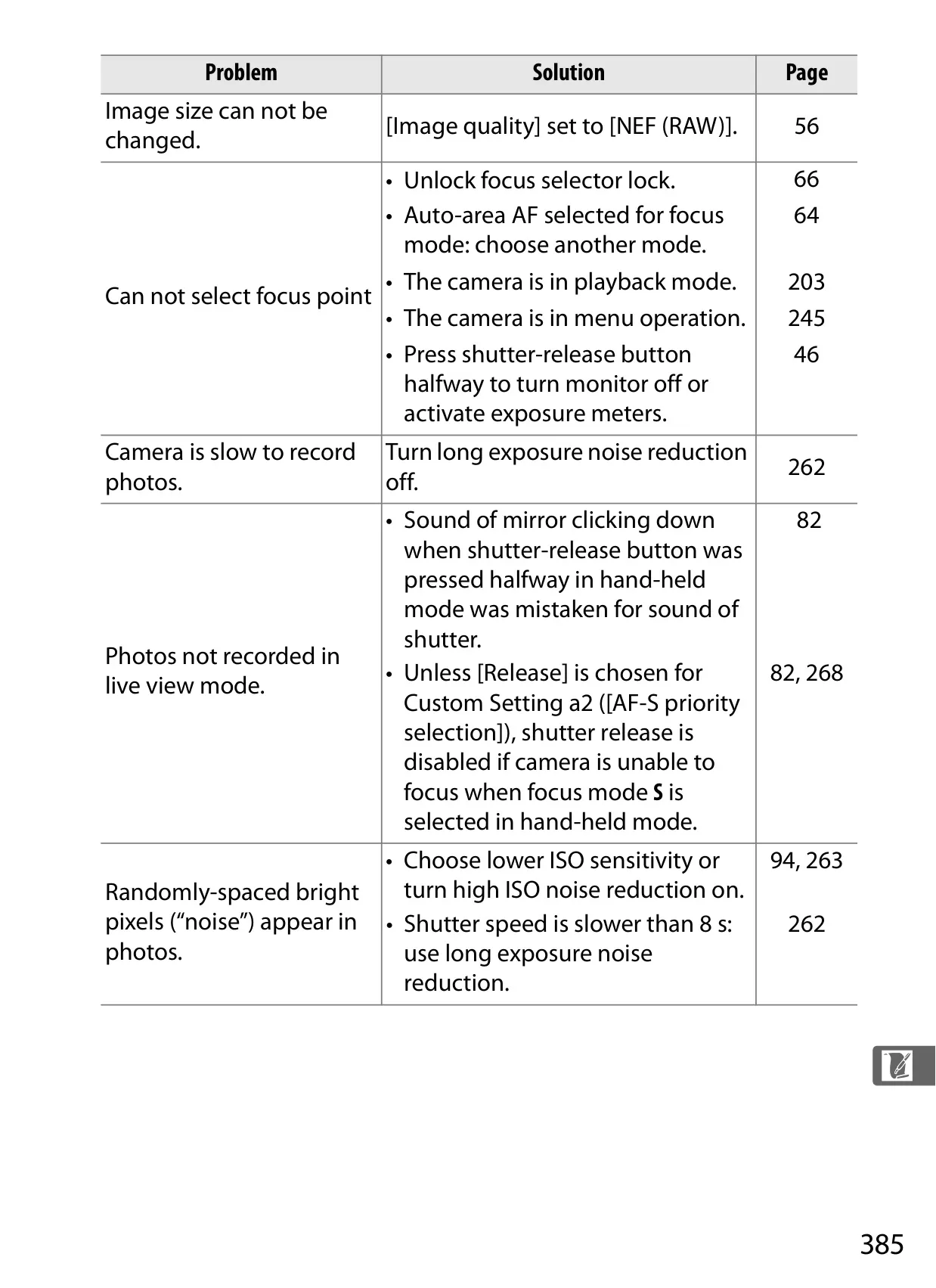
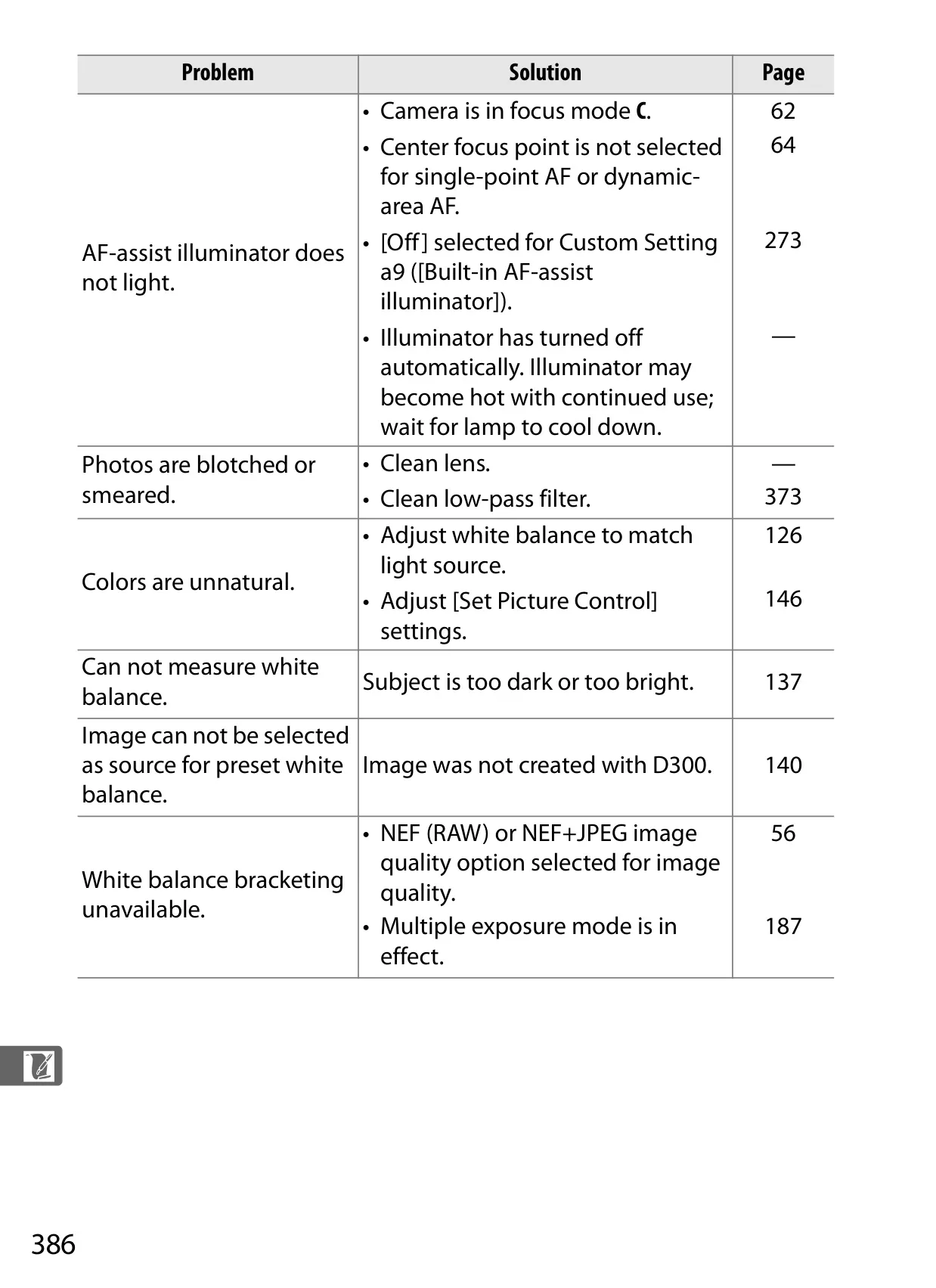
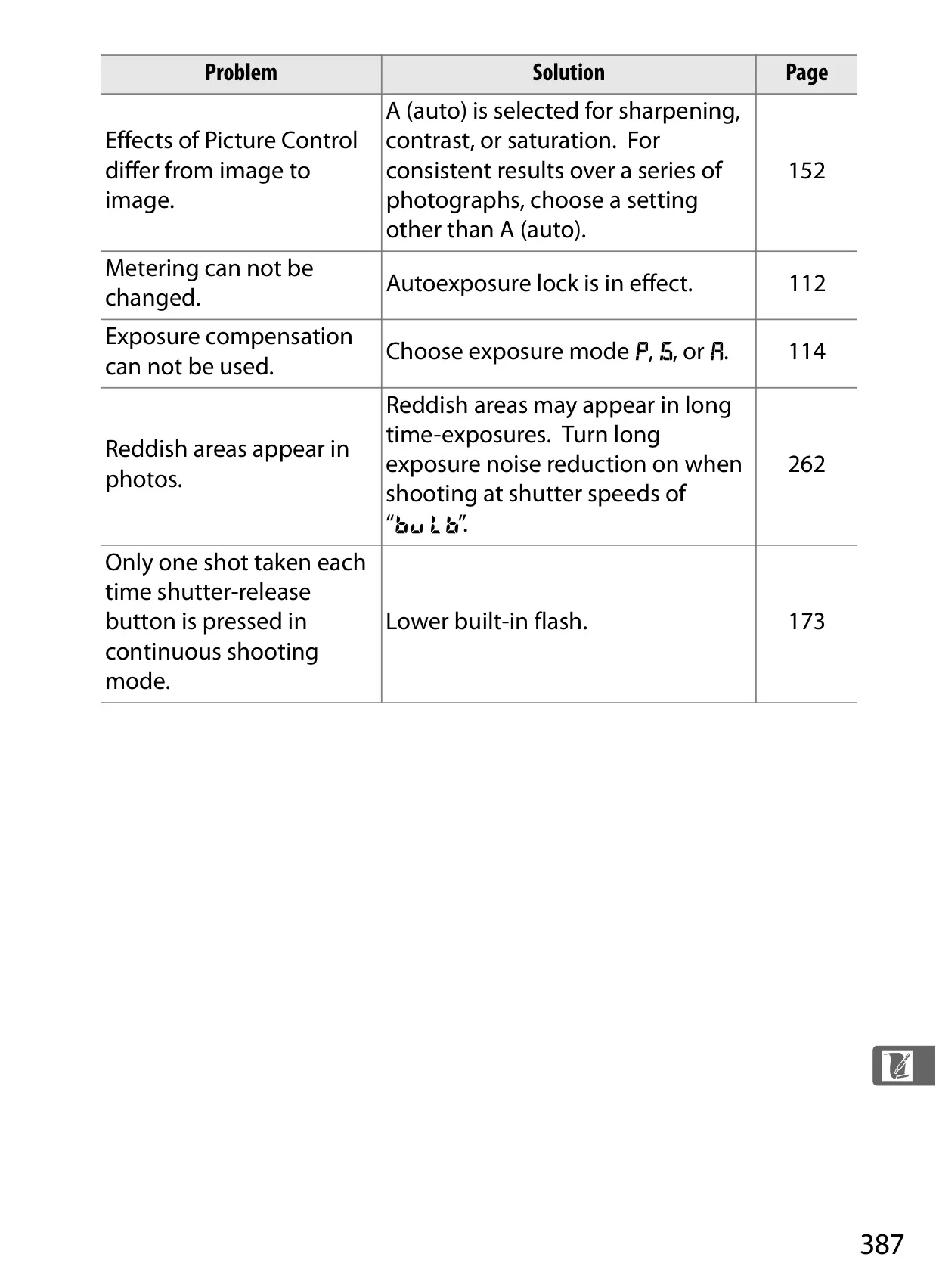
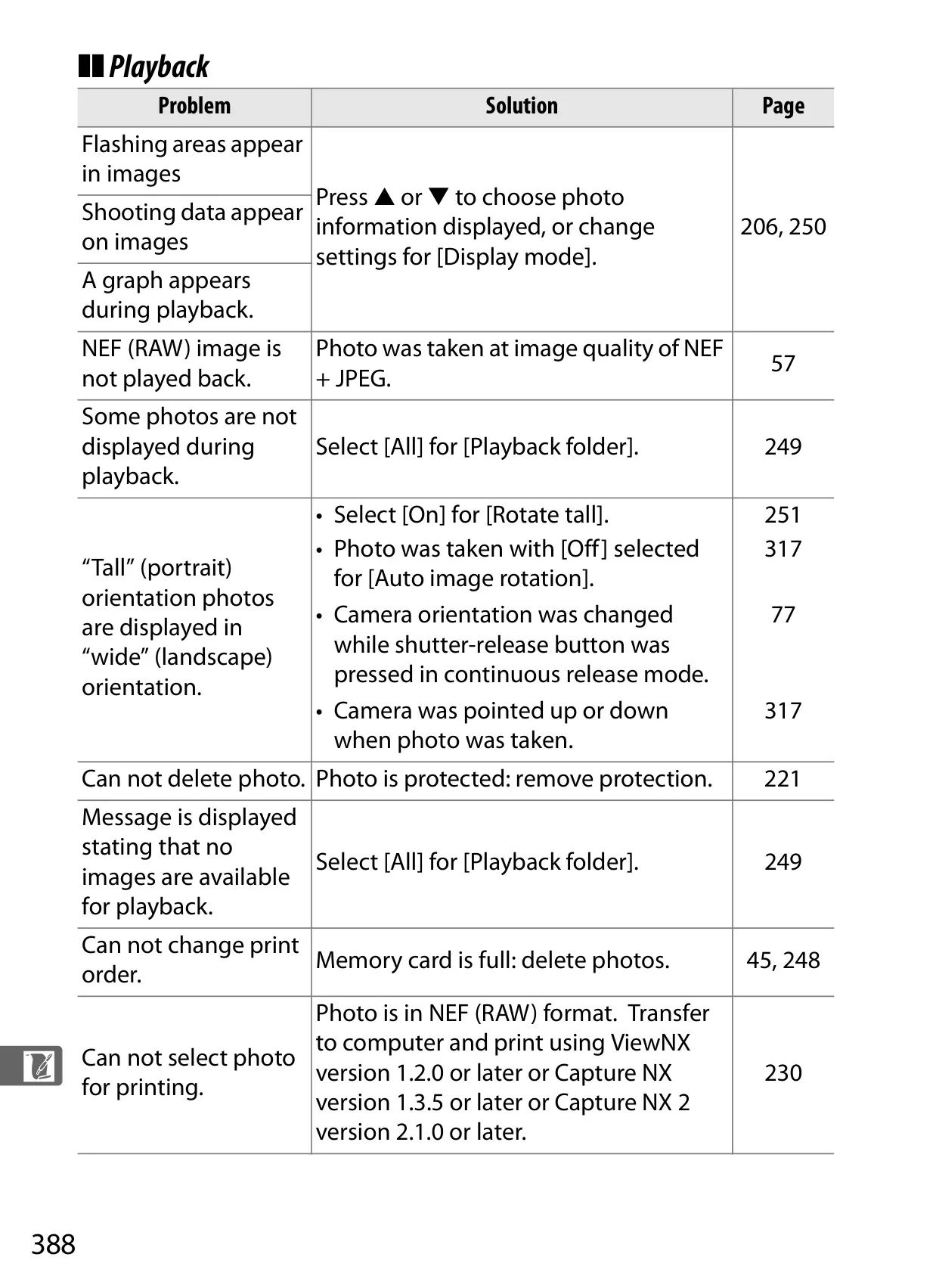


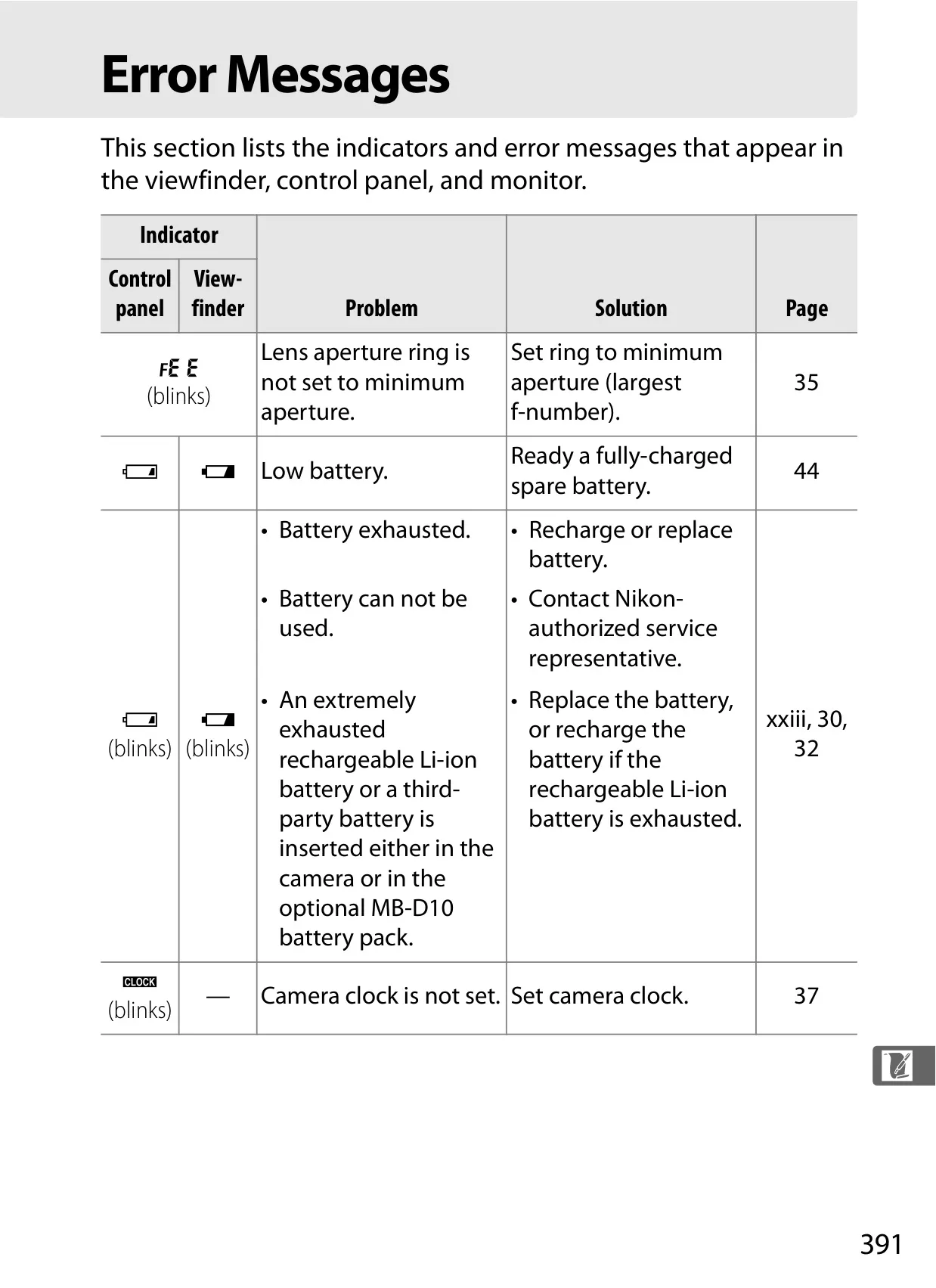

















Nikon D300 DSLR Camera Instructions
Here we offer the Nikon D300 DSLR Camera manual completely free and in English. We have cataloged this manual in the SLR Cameras section on Manualverse, and it has been rated by 1 users with an average rating of 5. If you have any specific questions about Nikon D300 DSLR Camera, we suggest checking the Frequently Asked Questions (FAQs) section of this manual.
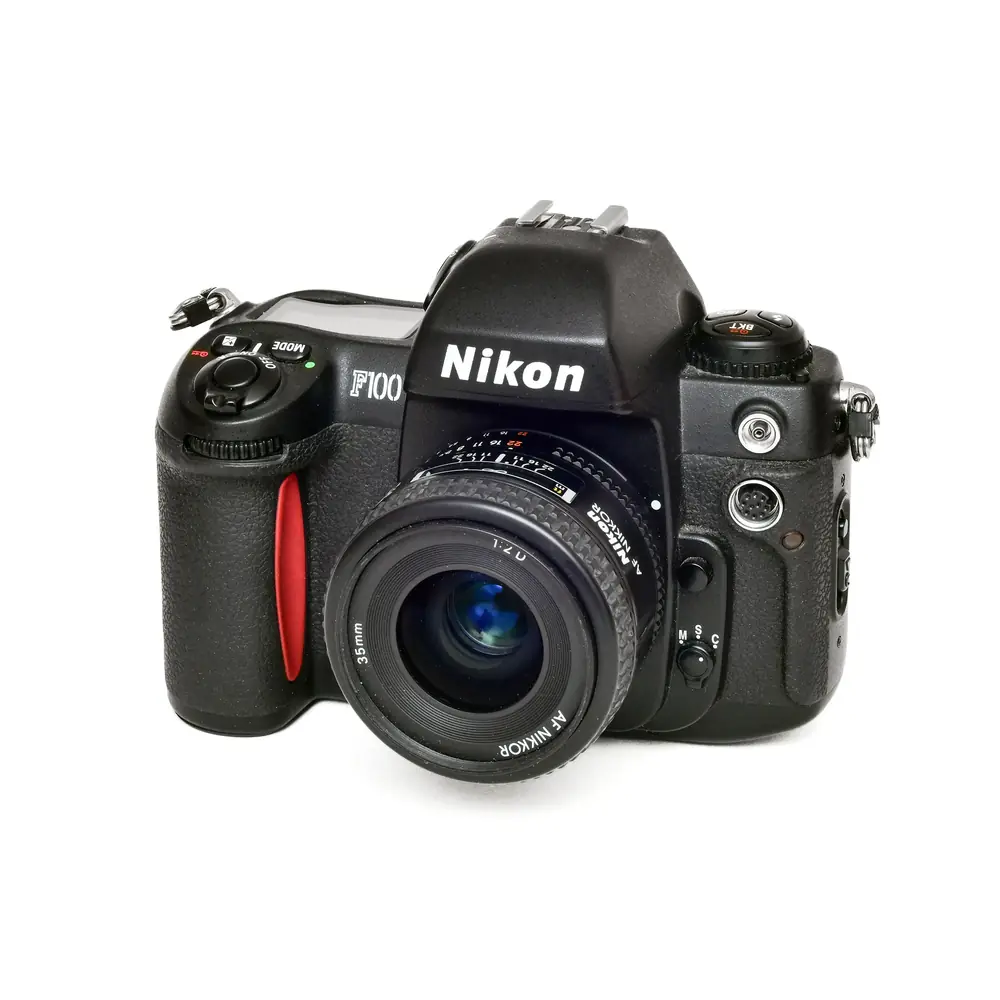
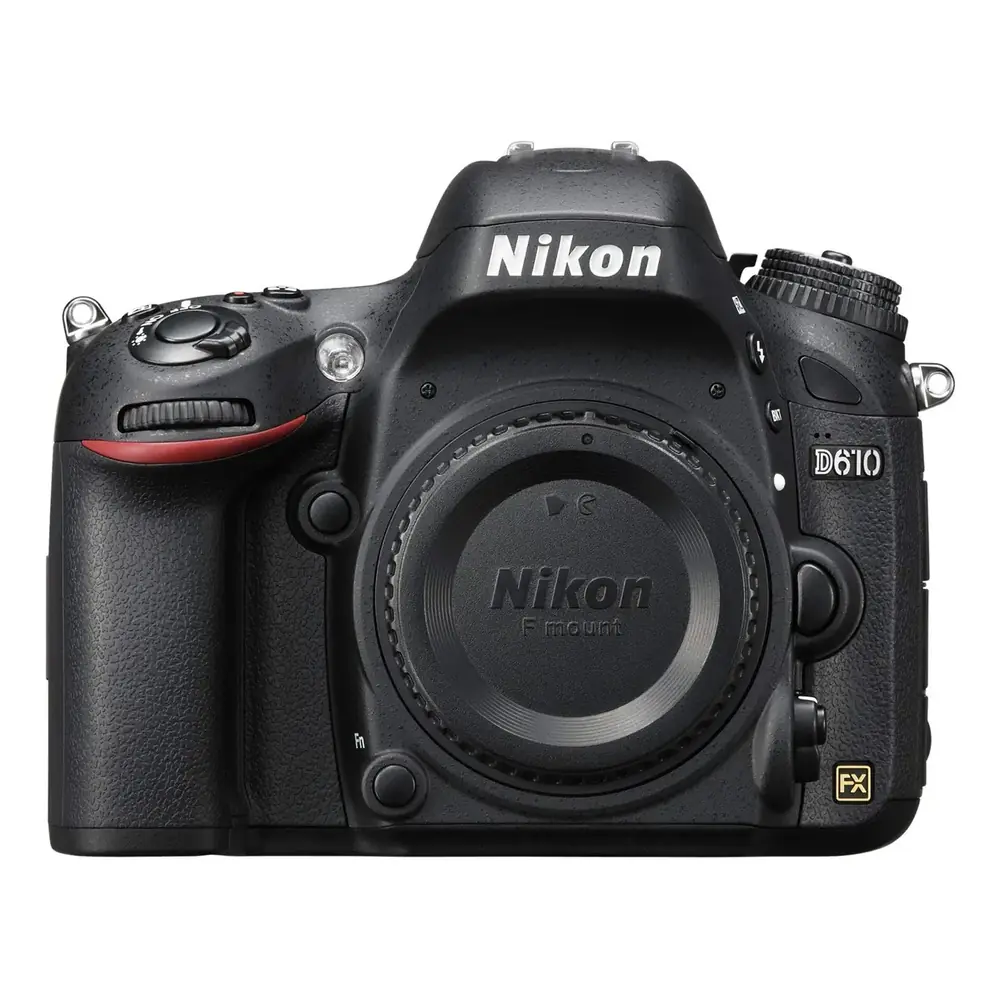
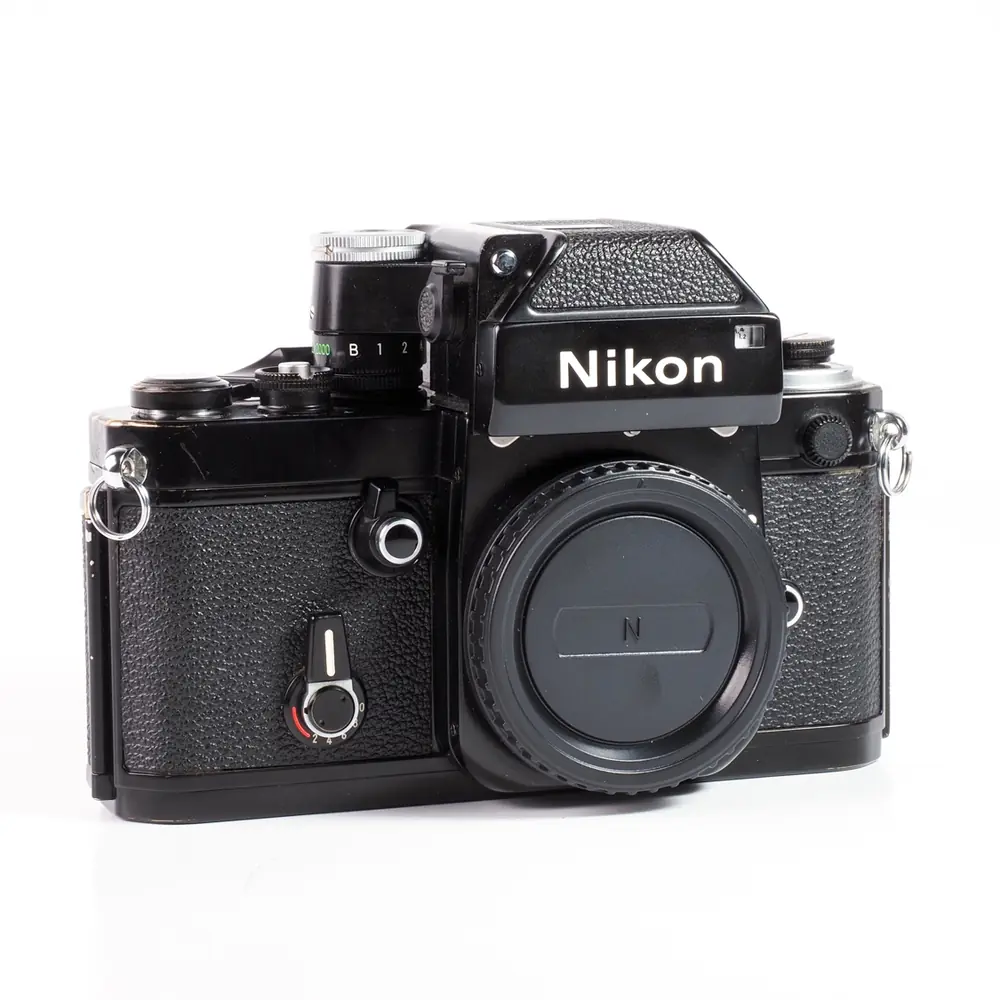
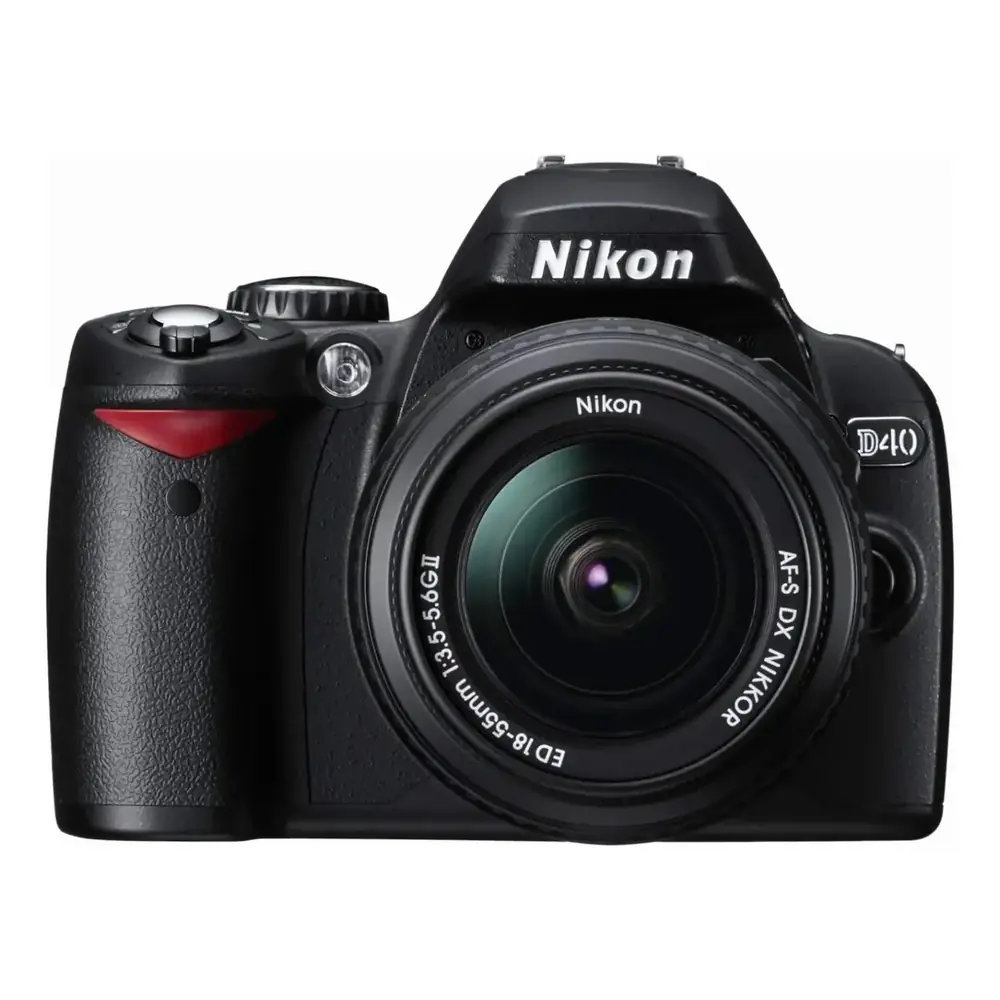
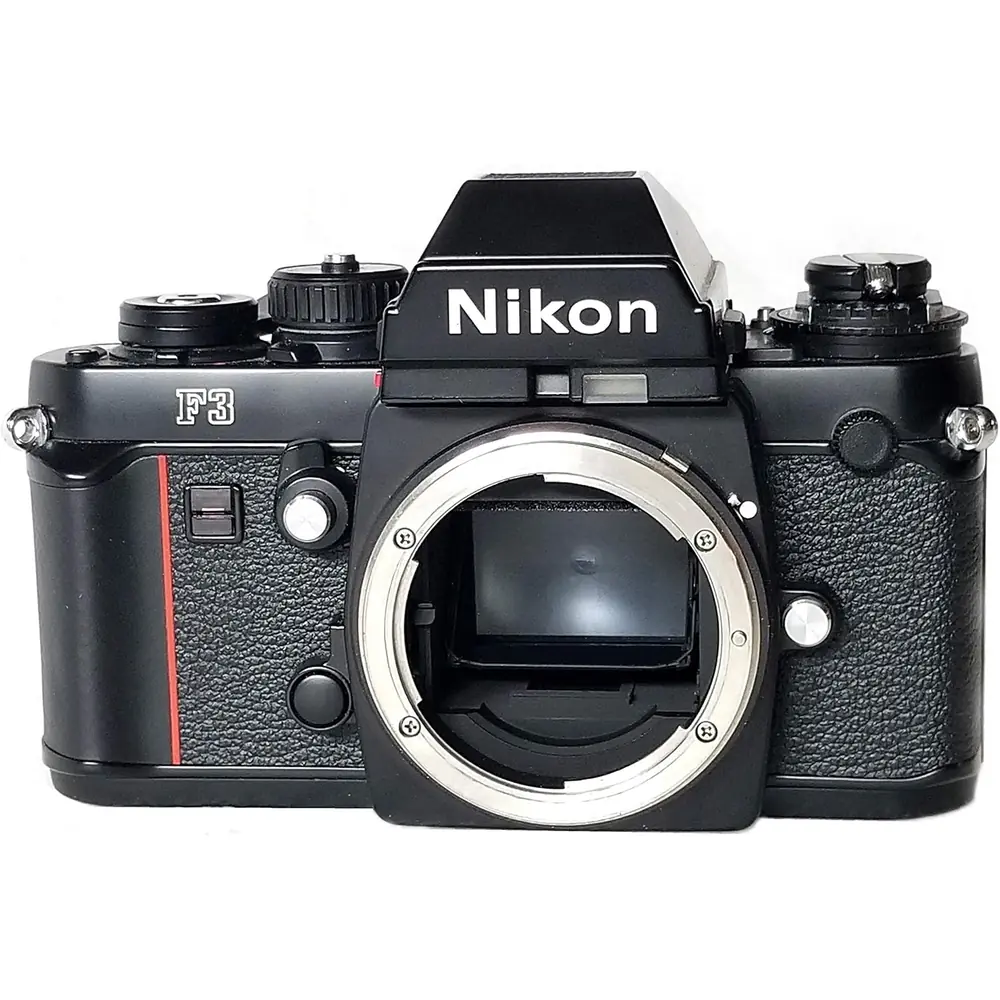
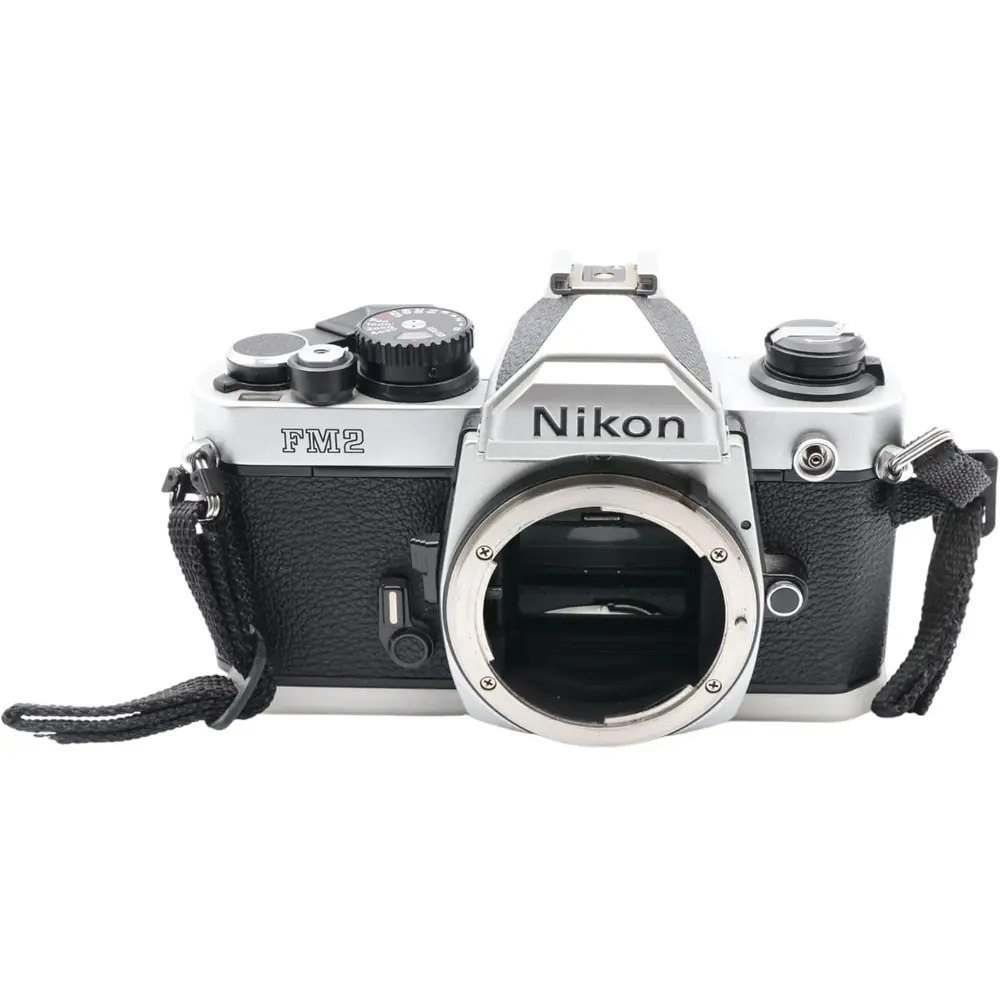
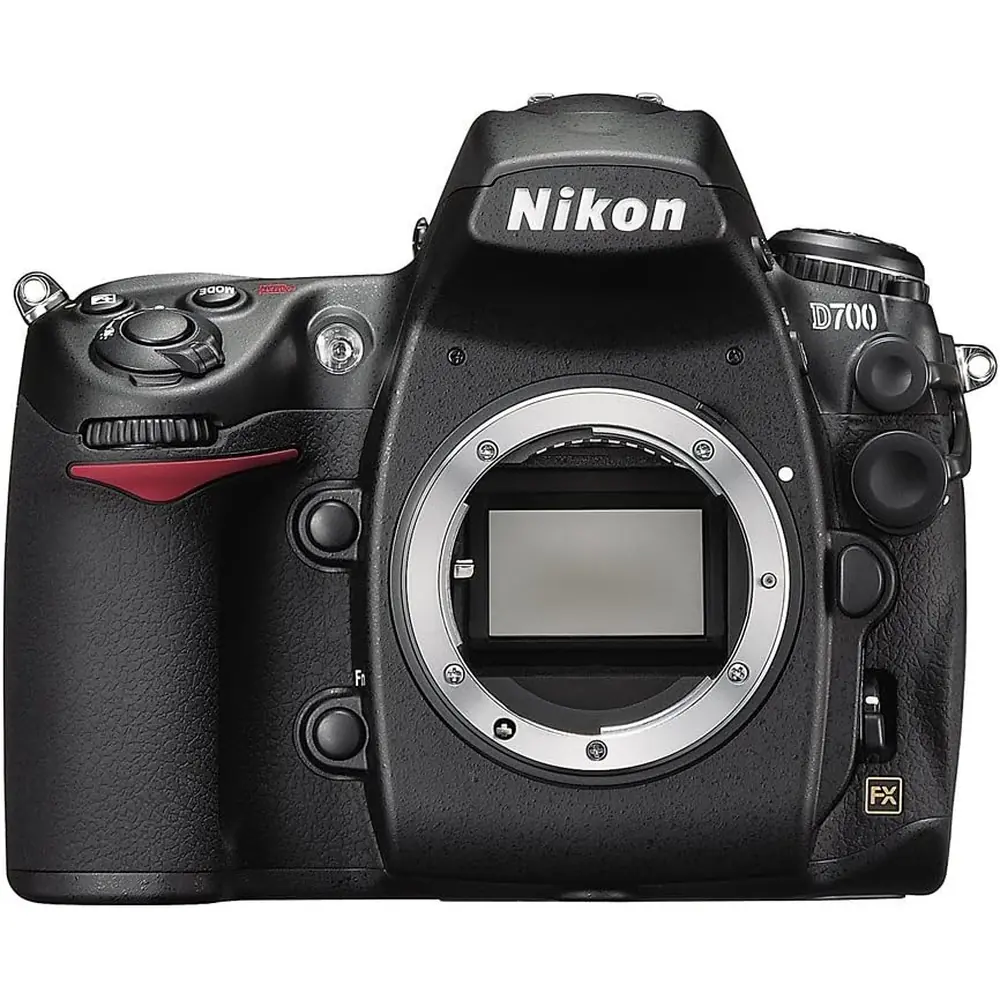
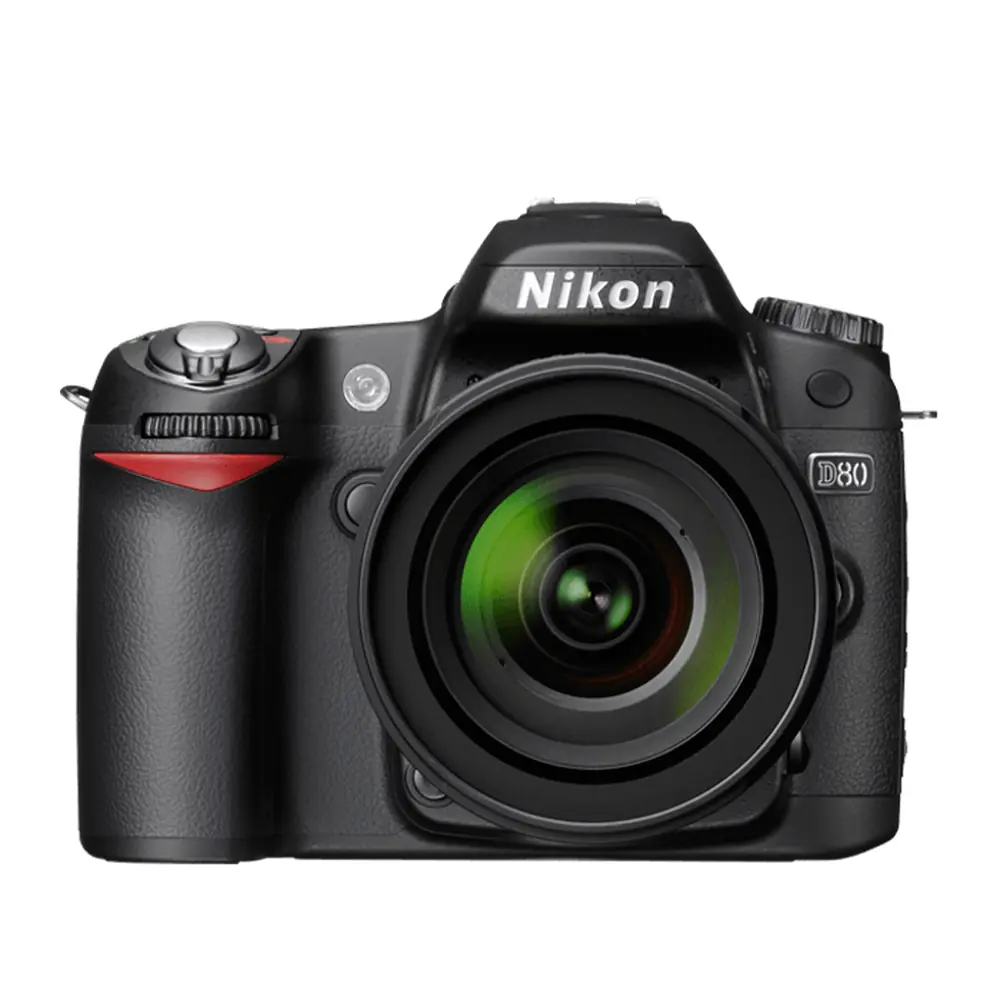
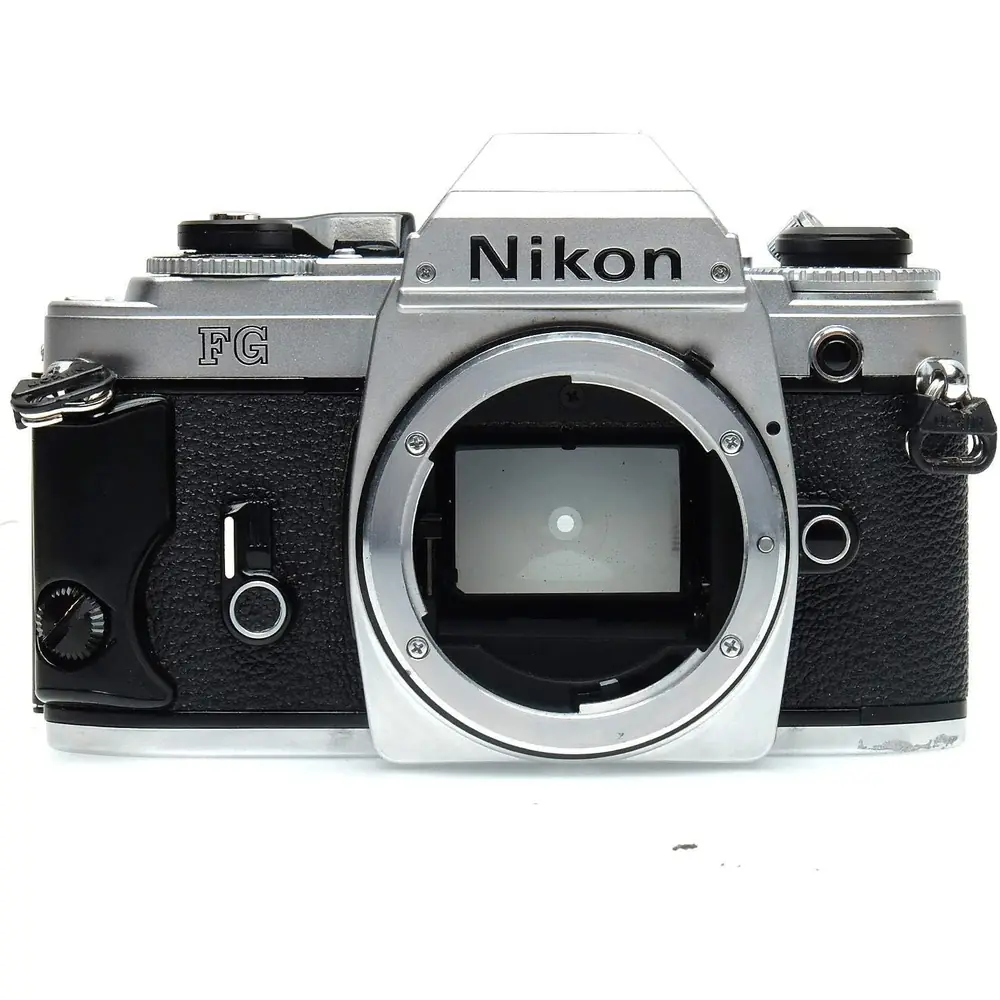
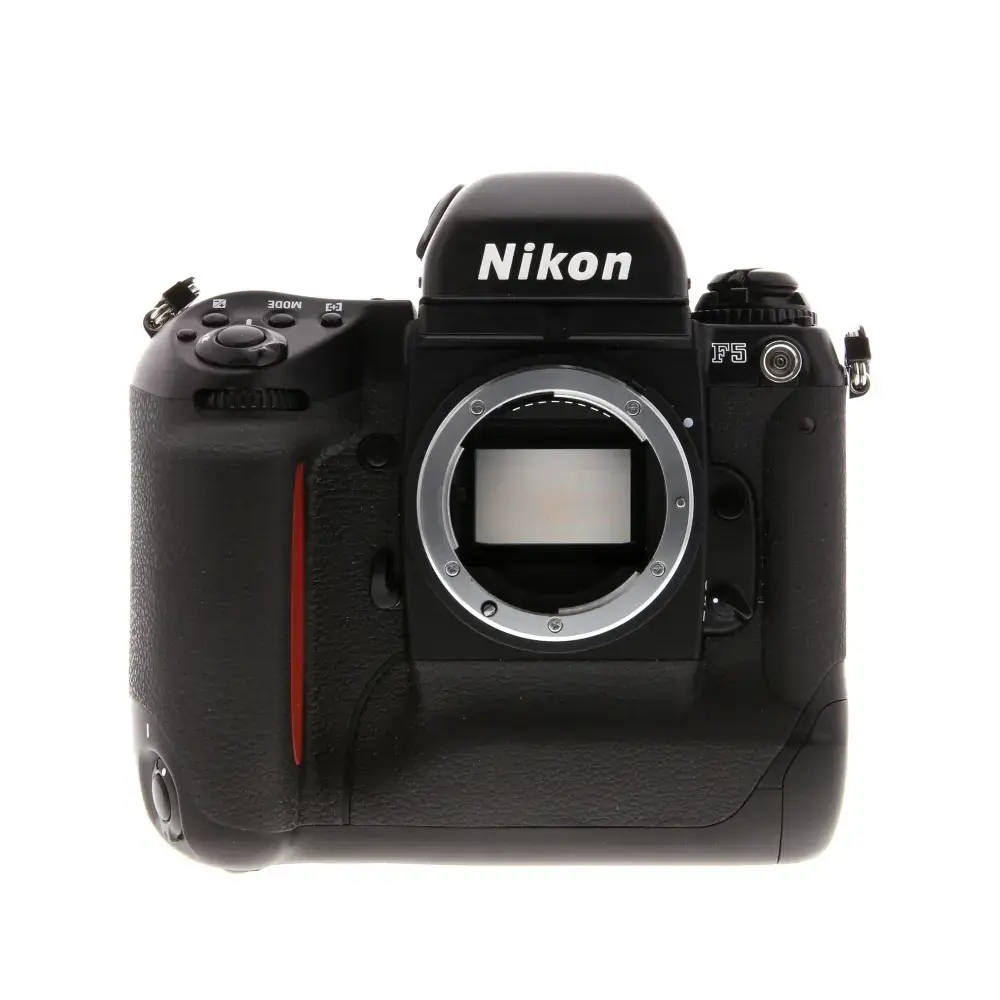
Product Images
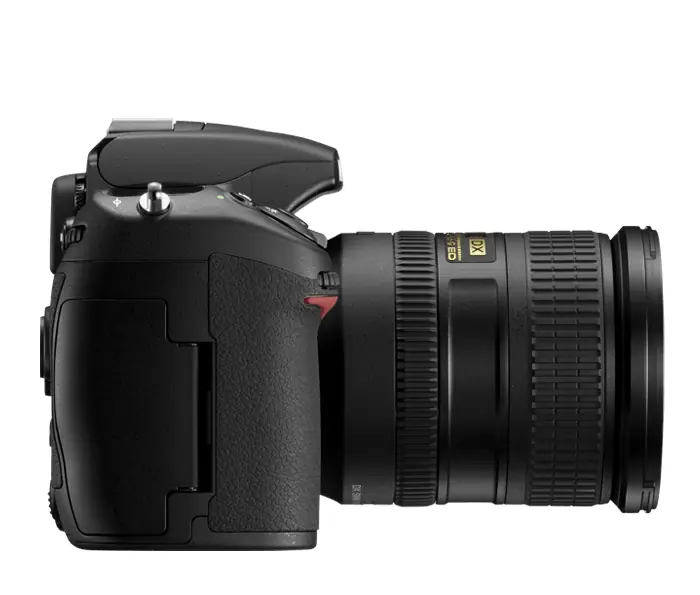
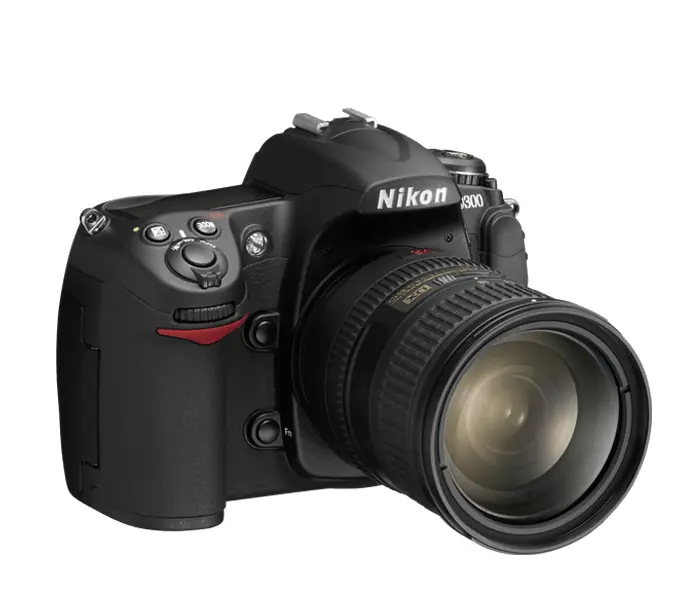
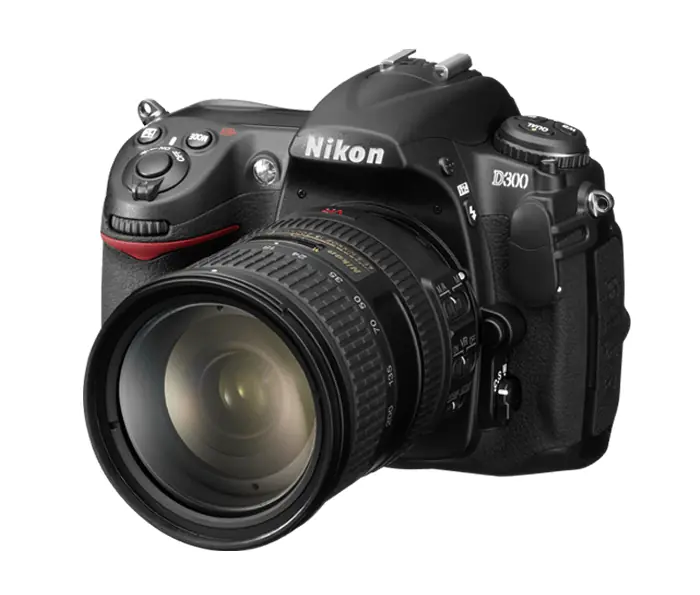
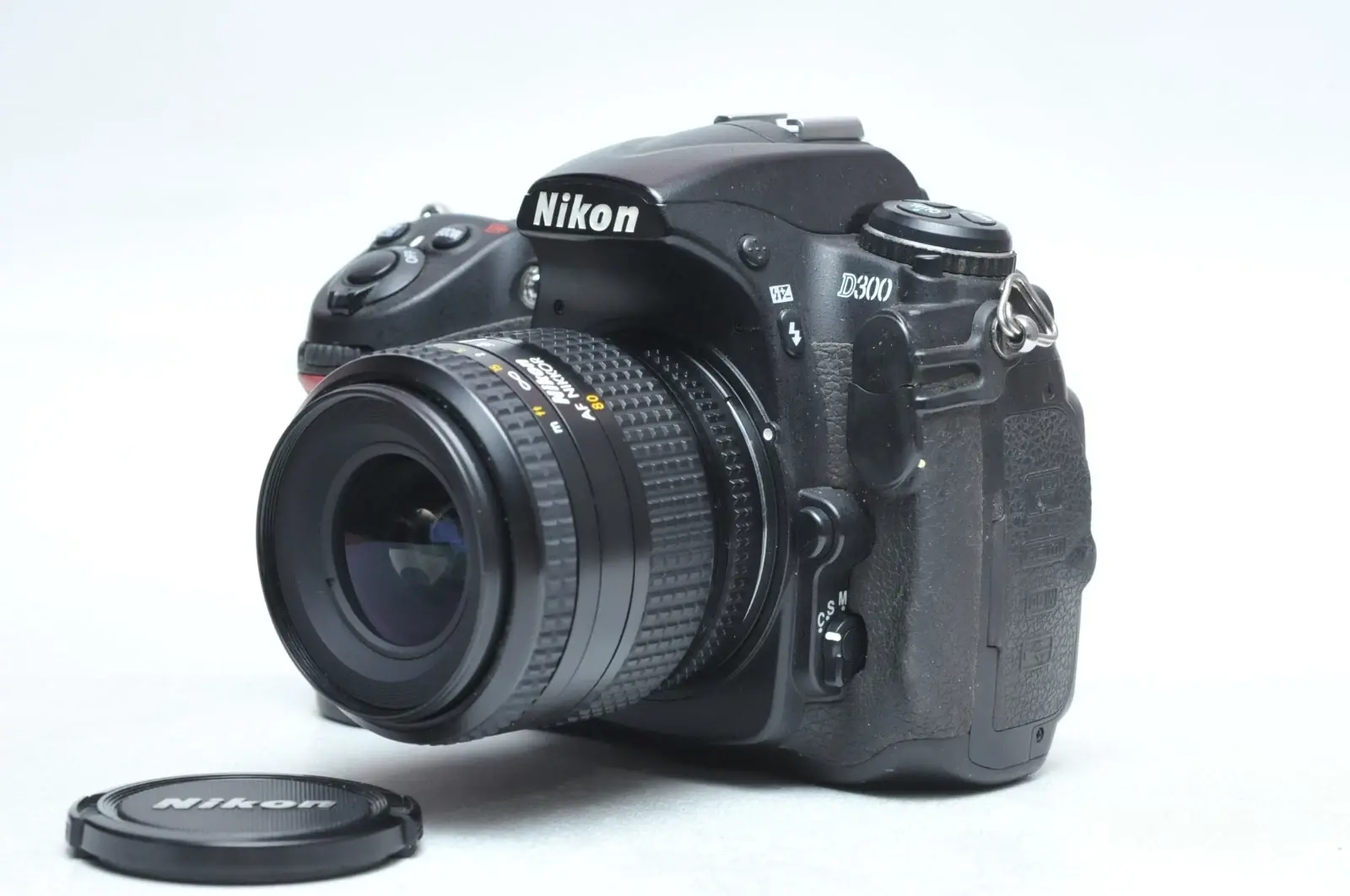
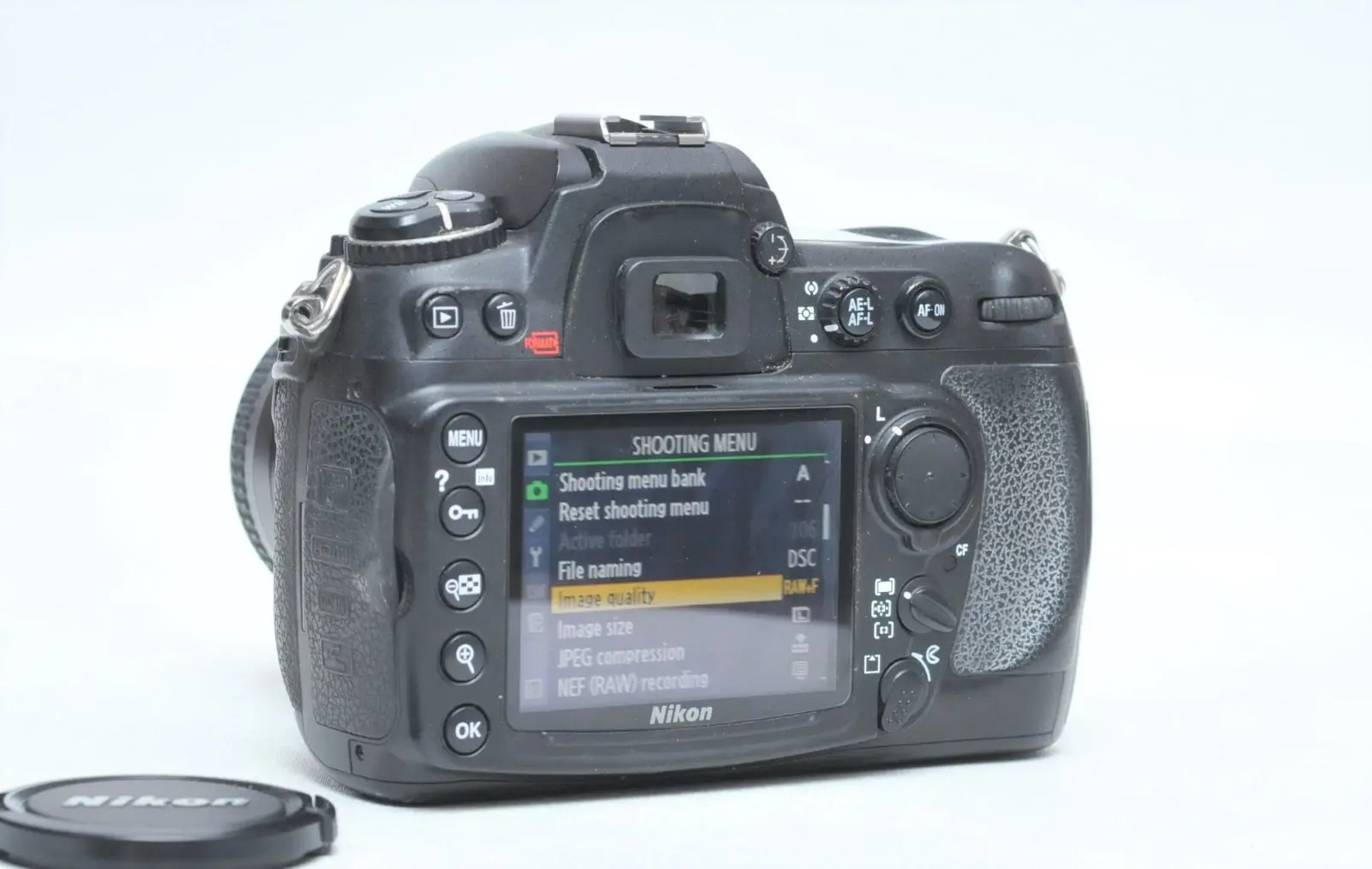
Nikon D300 DSLR Camera Specifications
| Feature | Specification |
|---|---|
| Camera Type | Single-lens reflex digital camera |
| Lens Mount | Nikon F mount (with AF coupling and AF contacts) |
| Effective Pixels | 12.3 million |
| Image Sensor | 23.6 × 15.8 mm CMOS sensor (Nikon DX format) |
| Total Pixels | 13.1 million |
| Image Sizes (pixels) | L: 4,288 × 2,848; M: 3,216 × 2,136; S: 2,144 × 1,424 |
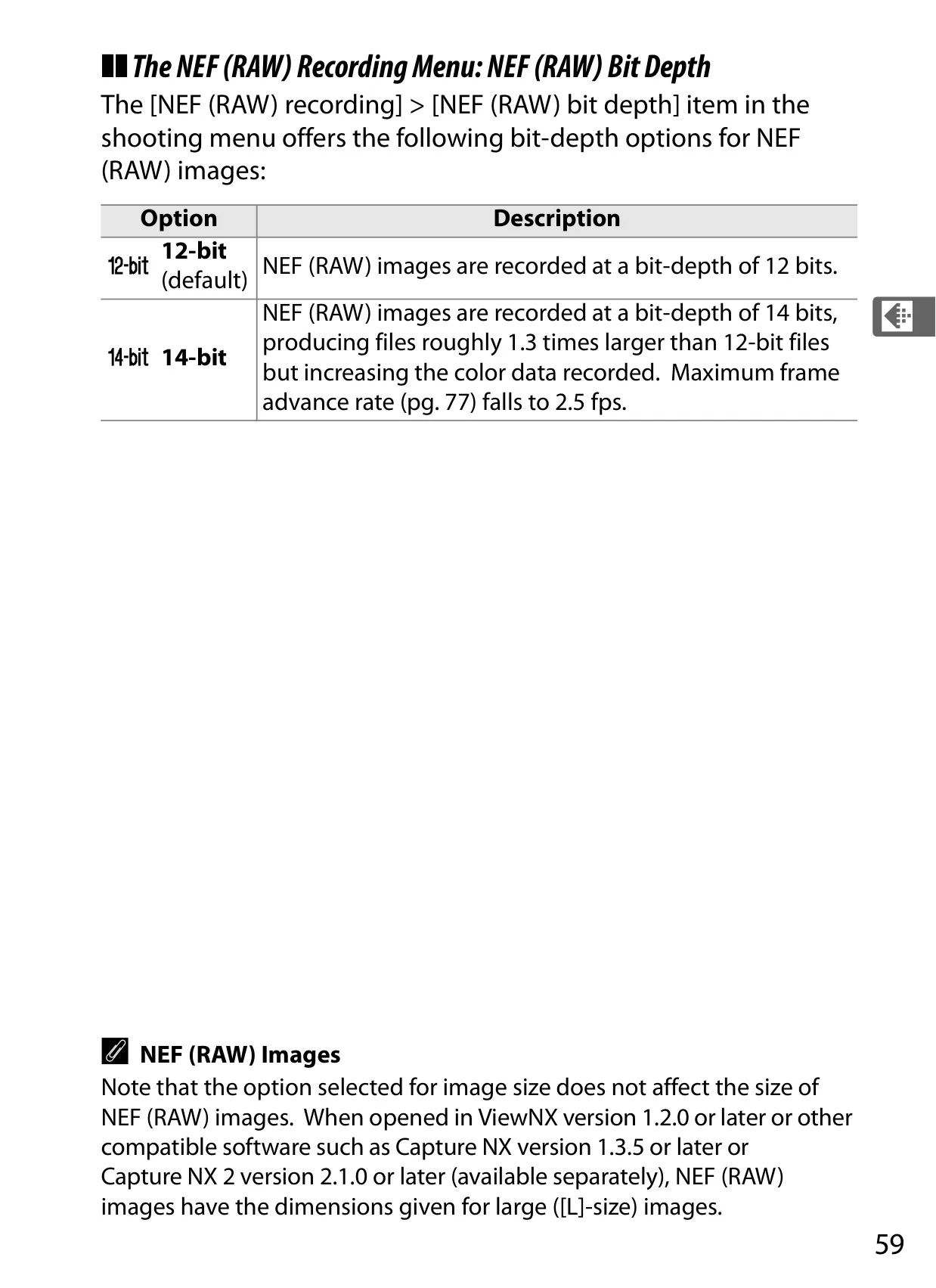
| File Formats | NEF (RAW) (12 or 14 bit), TIFF (RGB), JPEG, NEF (RAW)+JPEG |
| Storage Media | Type I and II CompactFlash memory cards (UDMA compliant), microdrives |
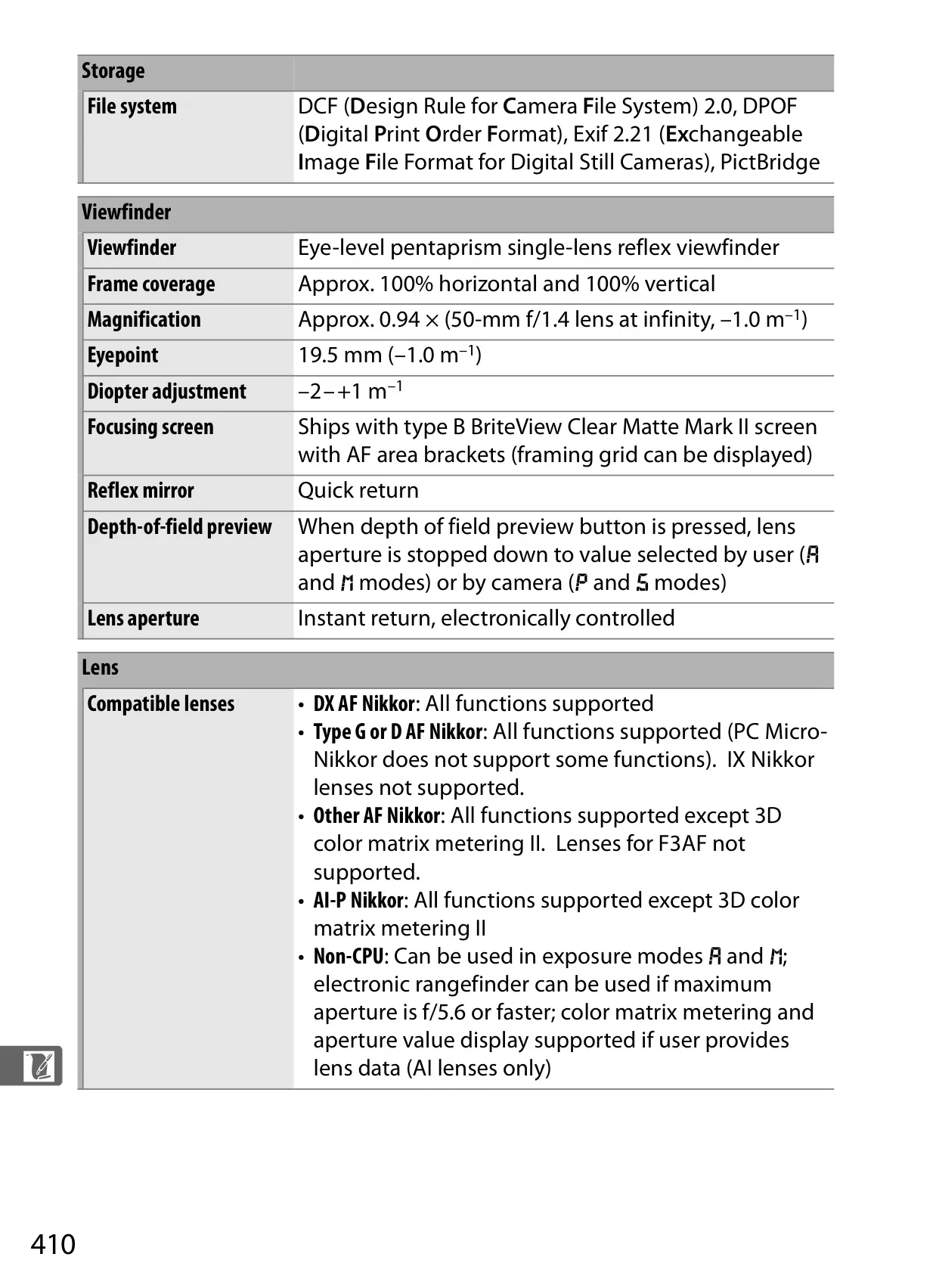
| Viewfinder Coverage | Approx. 100% horizontal and 100% vertical |
| Viewfinder Magnification | Approx. 0.94 × |
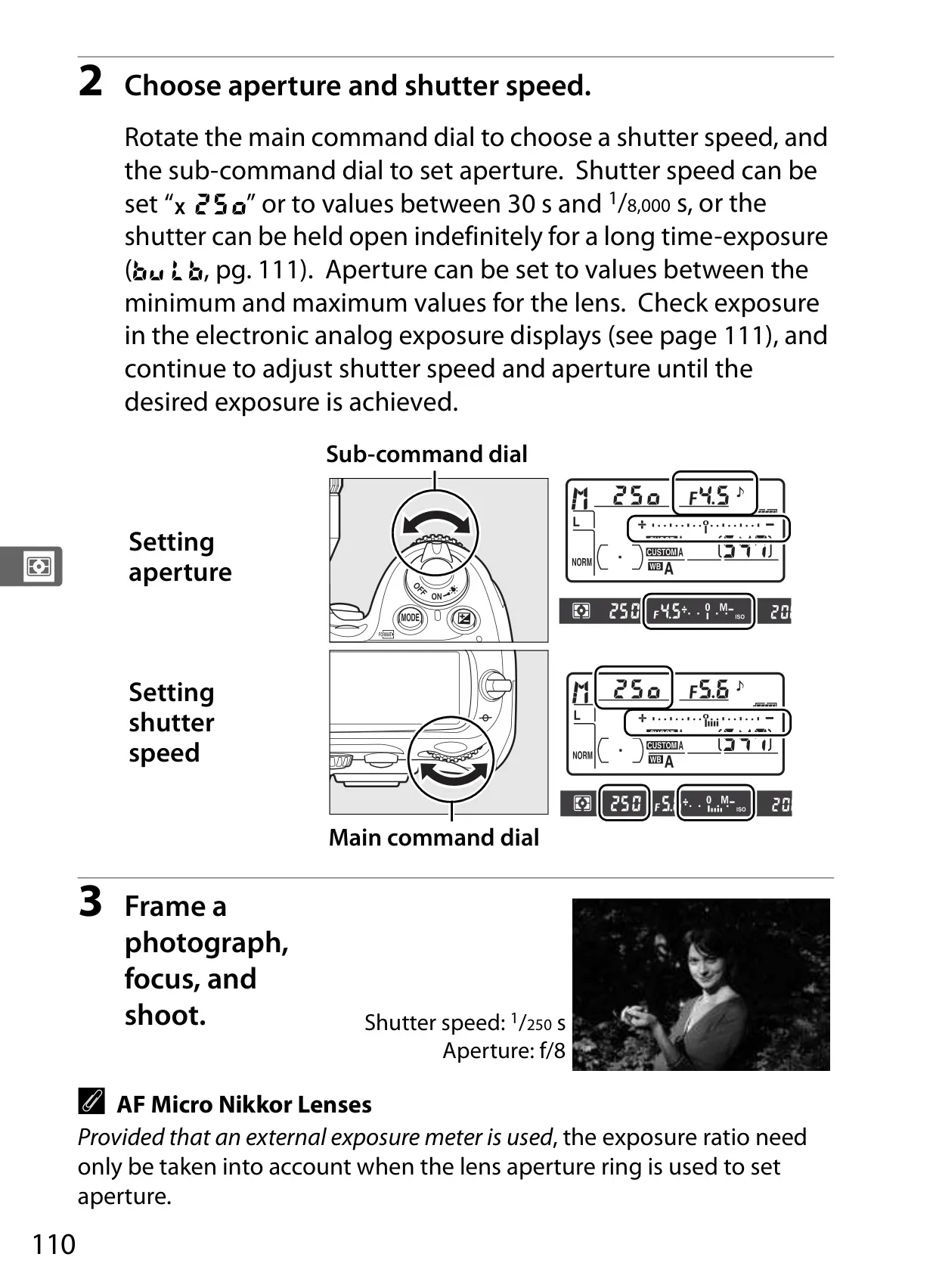
| Shutter Speed | 1/8000 to 30 s (in 1/3, 1/2, or 1 EV steps), bulb, X250 |
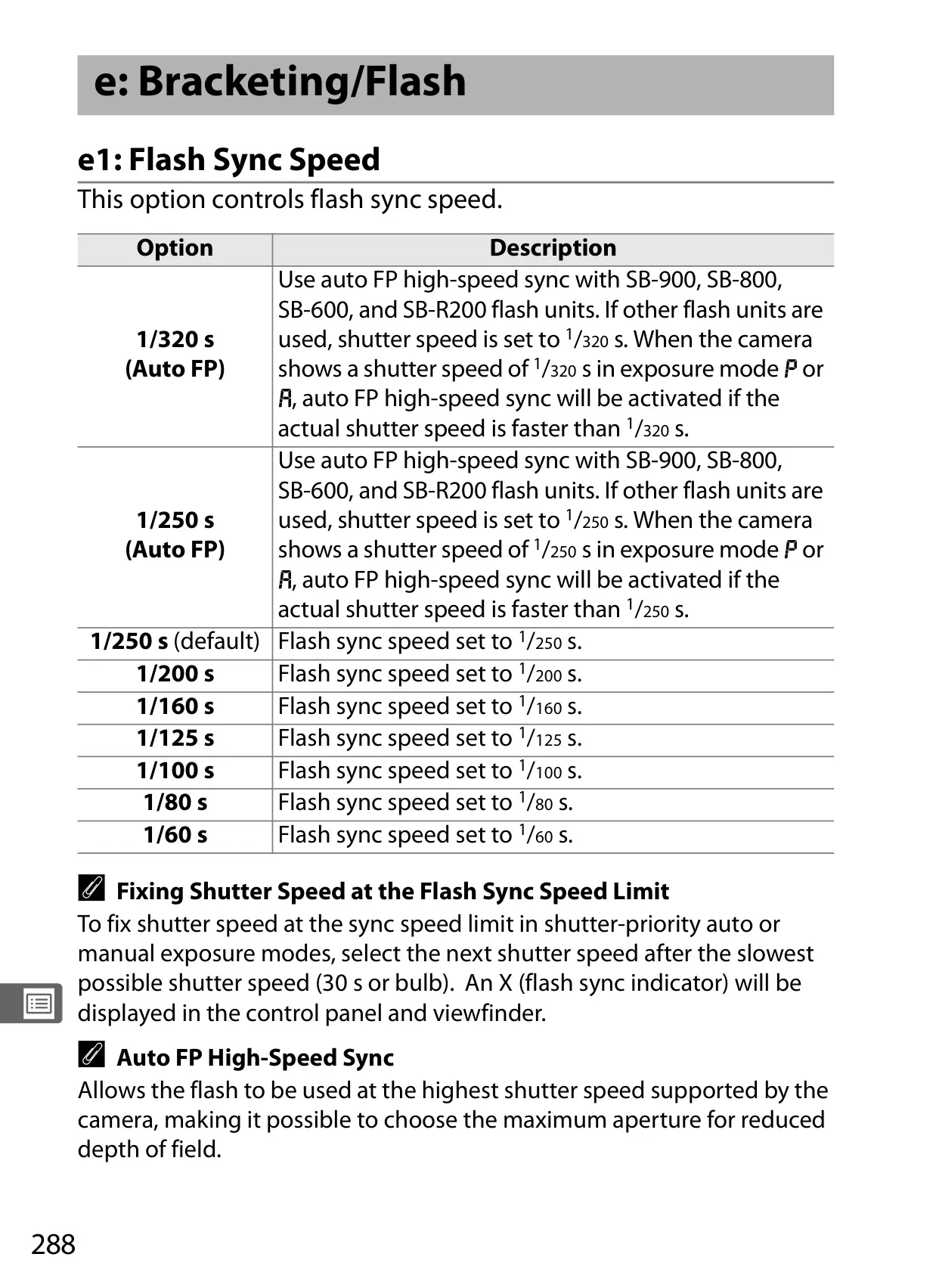
| Flash Sync Speed | X=1/250s; synchronizes at 1/320s or slower |
| Frame Advance Rate (EN-EL3e) | Up to 6 fps |
| Frame Advance Rate (MB-D10/AC Adapter) | Up to 7 (CL) or 8 fps (CH) |
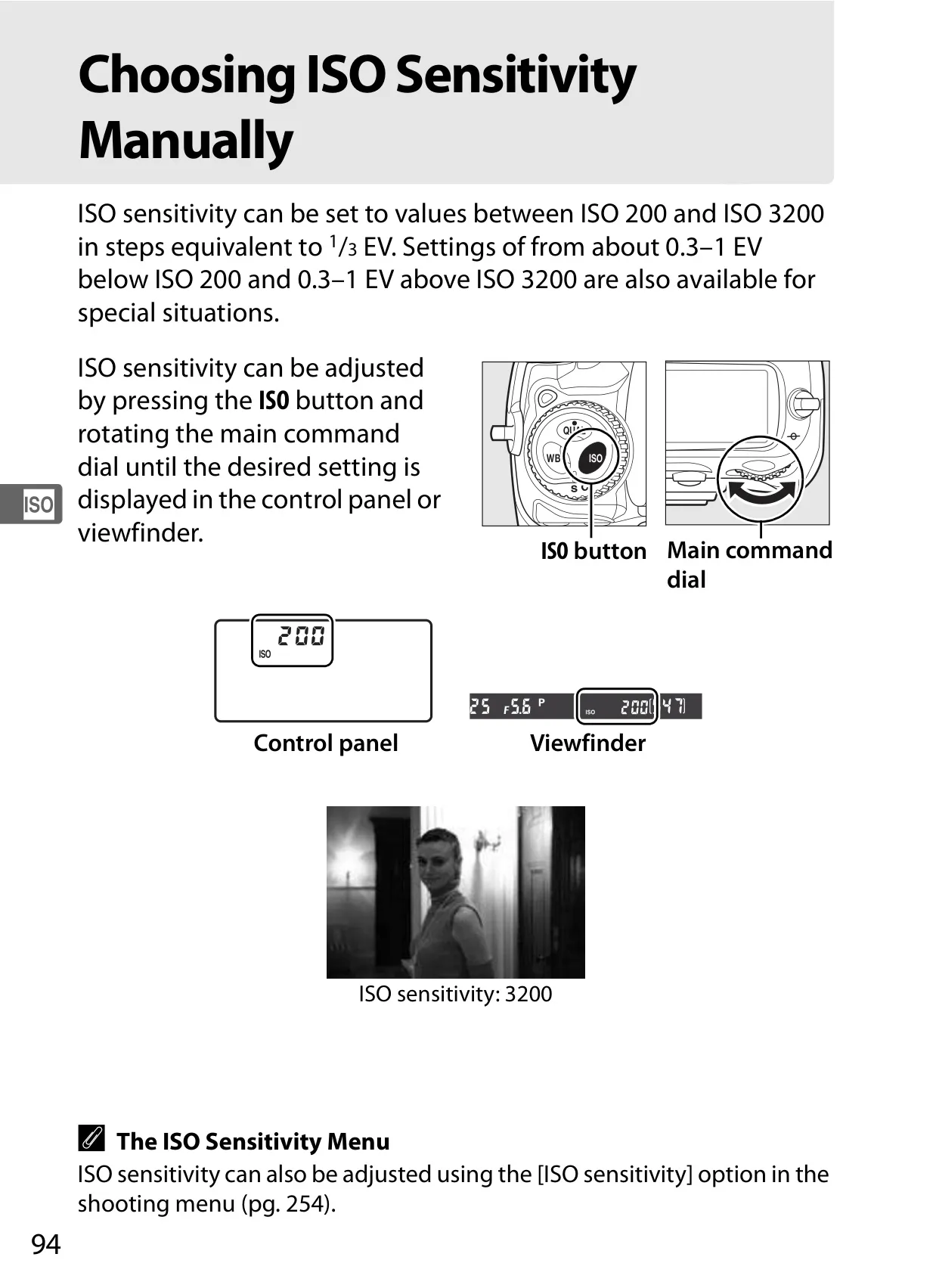
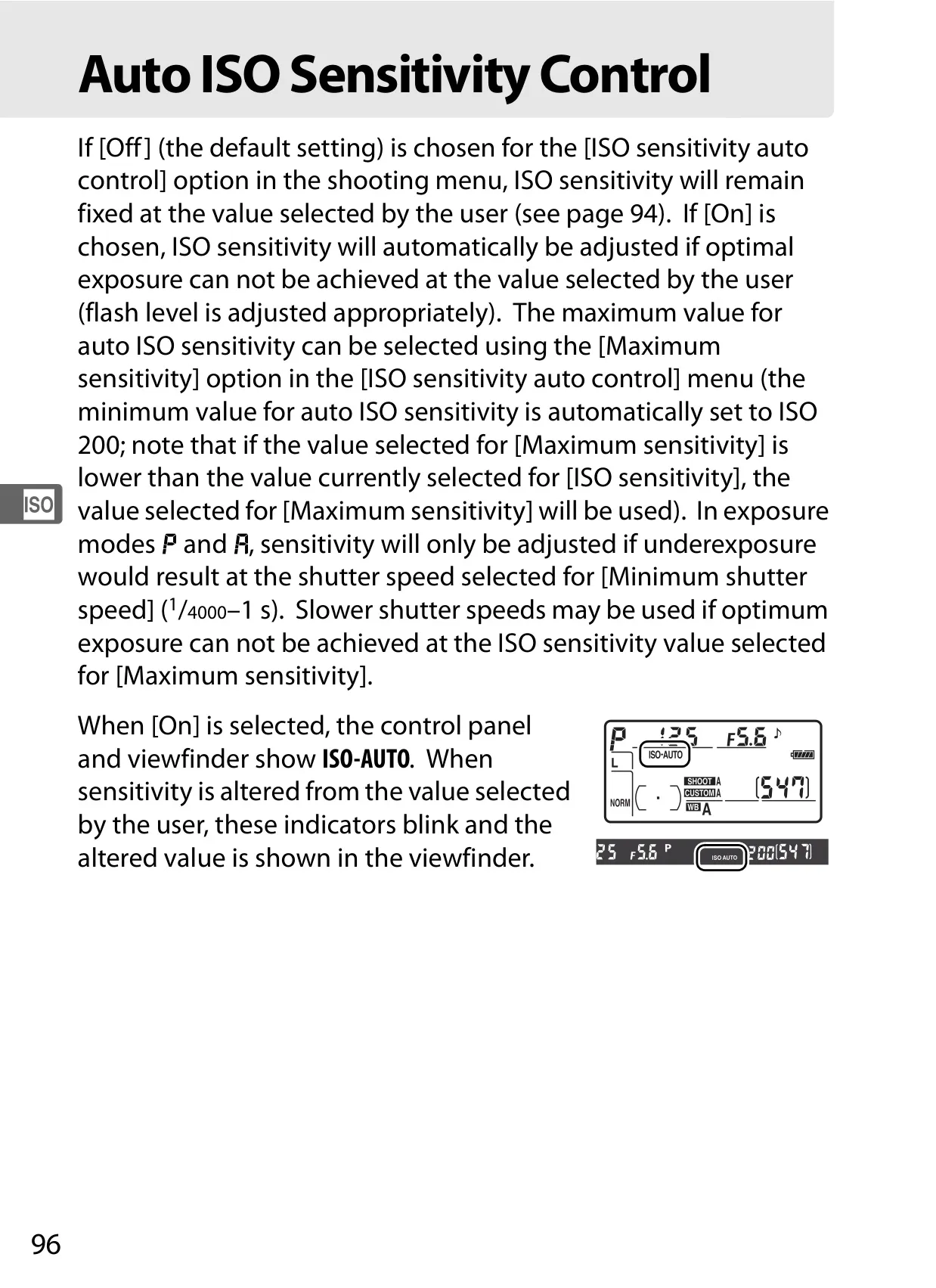
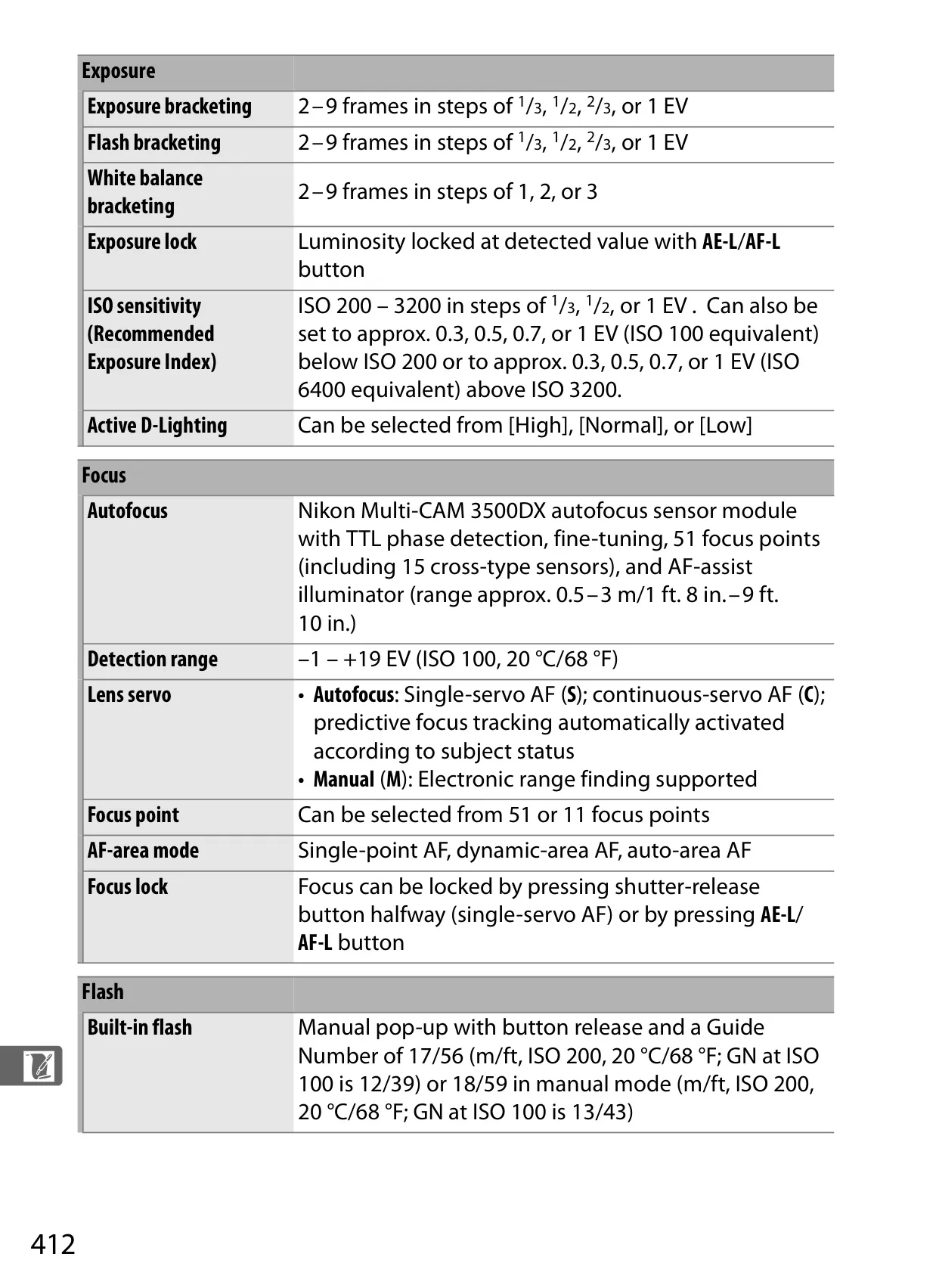
| ISO Sensitivity | ISO 200 – 3200 (expandable to LO 0.3-1 and HI 0.3-1) |
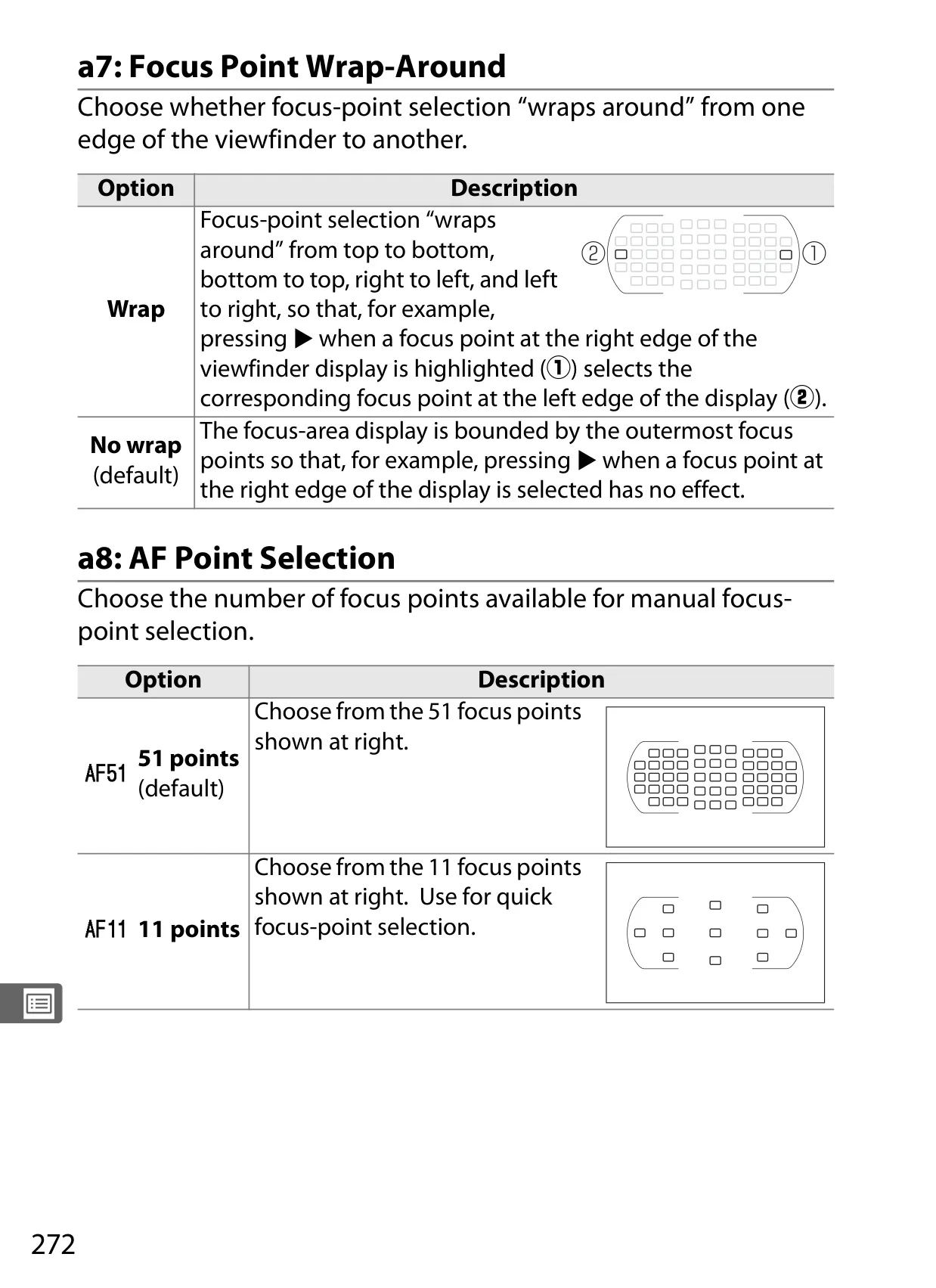
| Autofocus System | Nikon Multi-CAM 3500DX with TTL phase detection, 51 focus points (15 cross-type) |
| AF Detection Range | –1 to +19 EV (ISO 100, 20 °C/68 °F) |
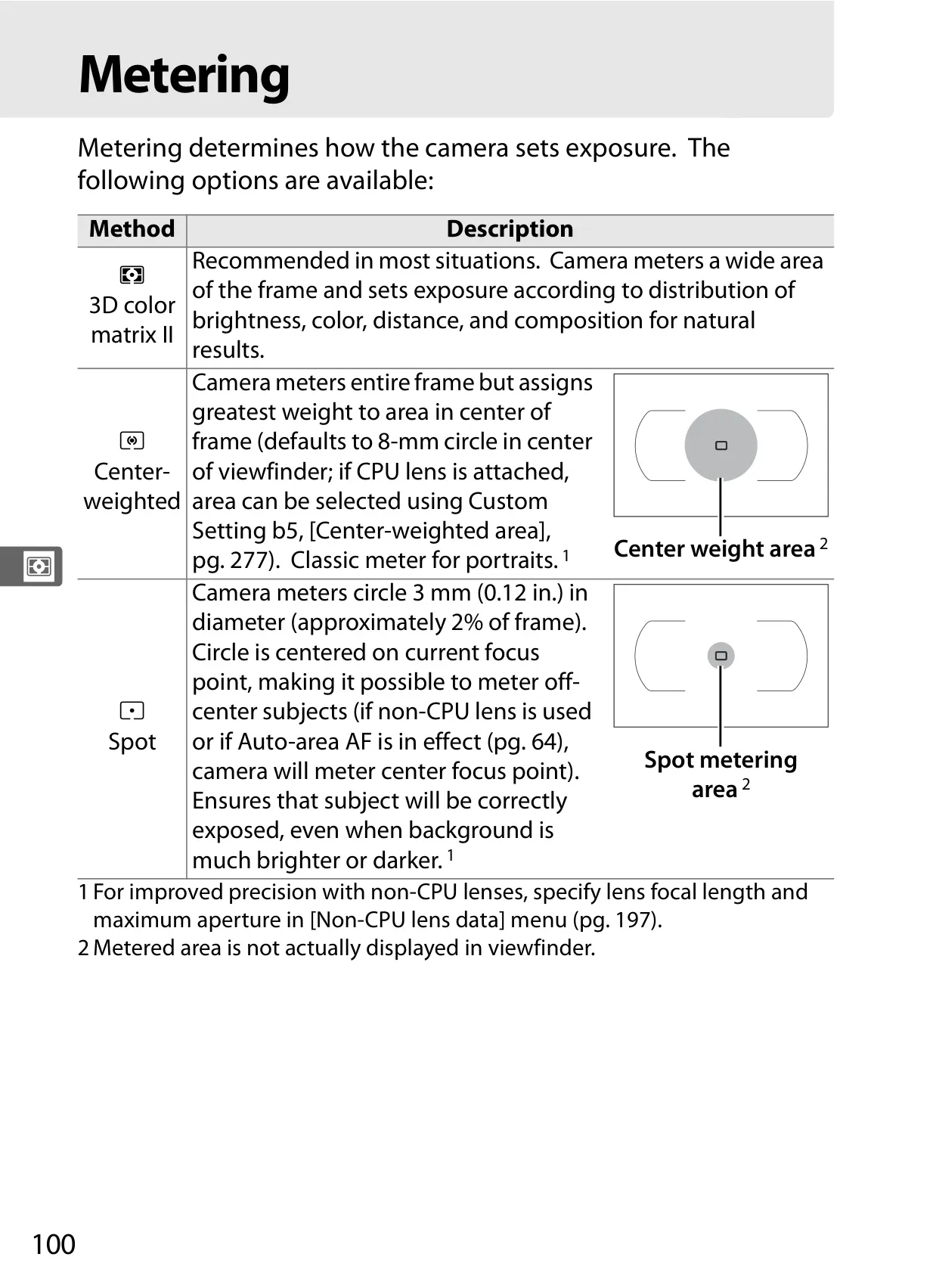
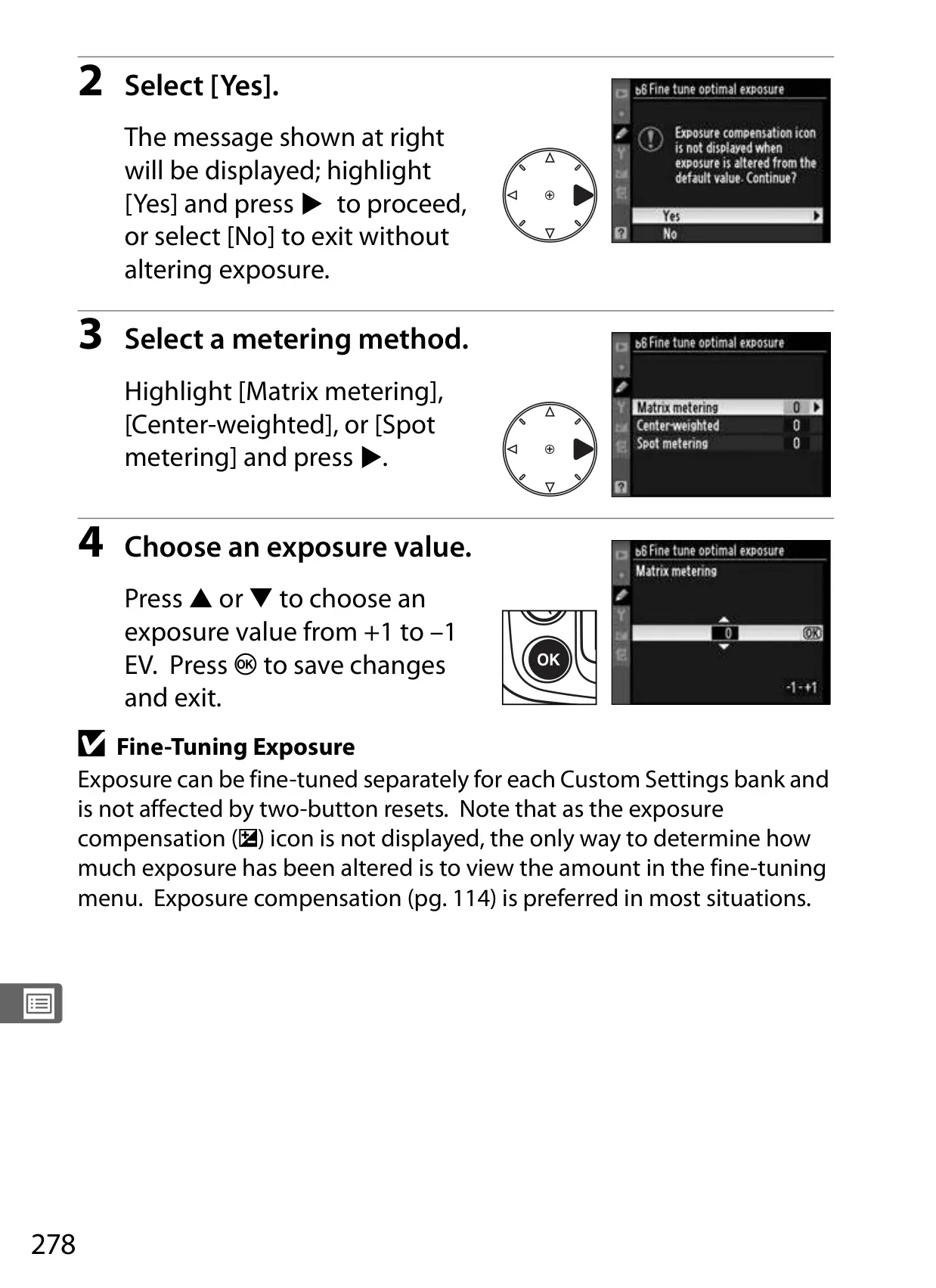
| Metering Methods | Matrix (3D color matrix II), Center-weighted, Spot |
| Exposure Compensation | –5 to +5 EV (in 1/3, 1/2, or 1 EV steps) |
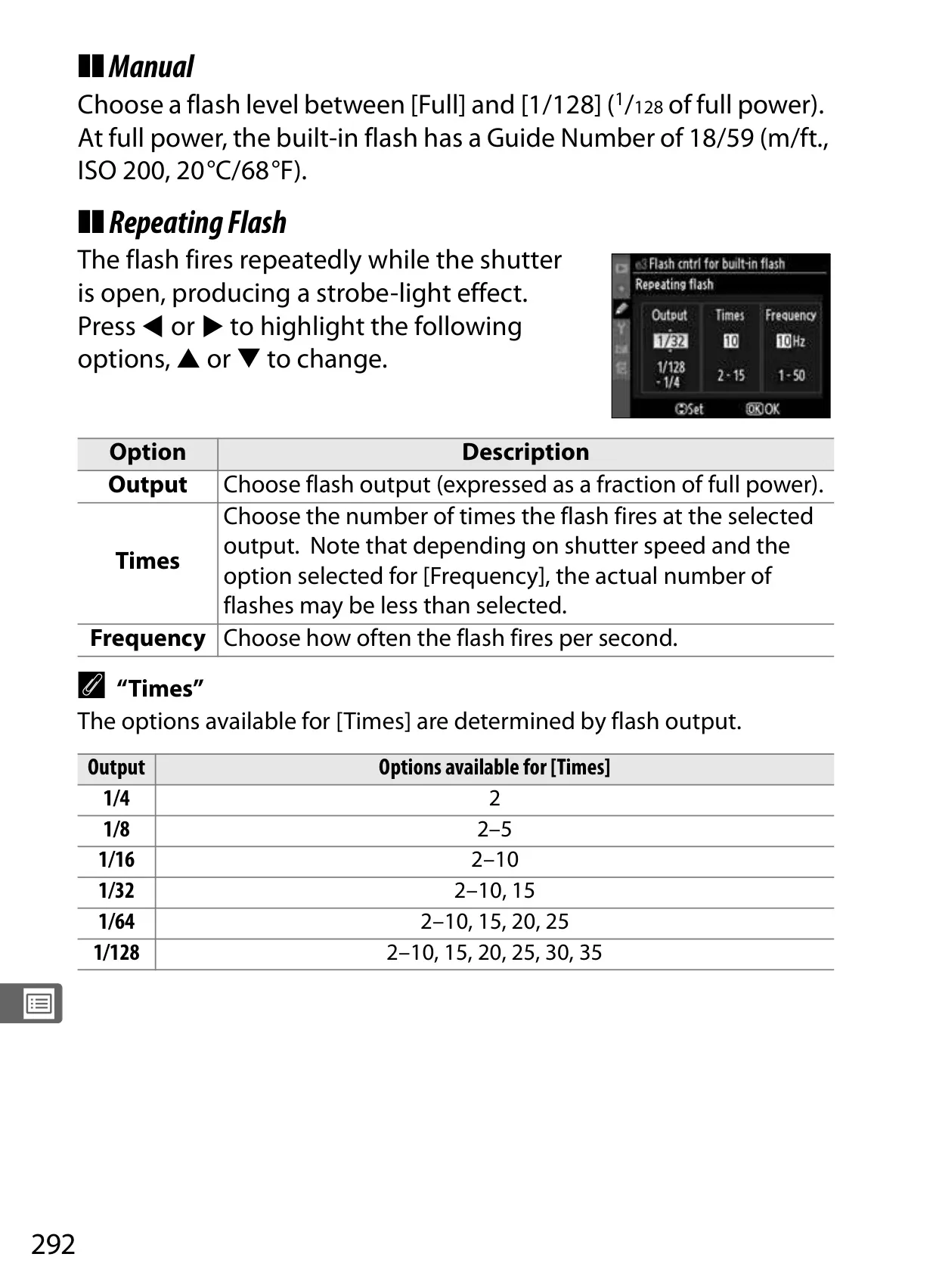
| Built-in Flash Guide Number | 17/56 (m/ft, ISO 200) |
| Monitor | 3-in., 920,000-dot (VGA) TFT LCD with 170° viewing angle |
| Interface | Hi-Speed USB, Video Output (NTSC/PAL), HDMI (Type A) |
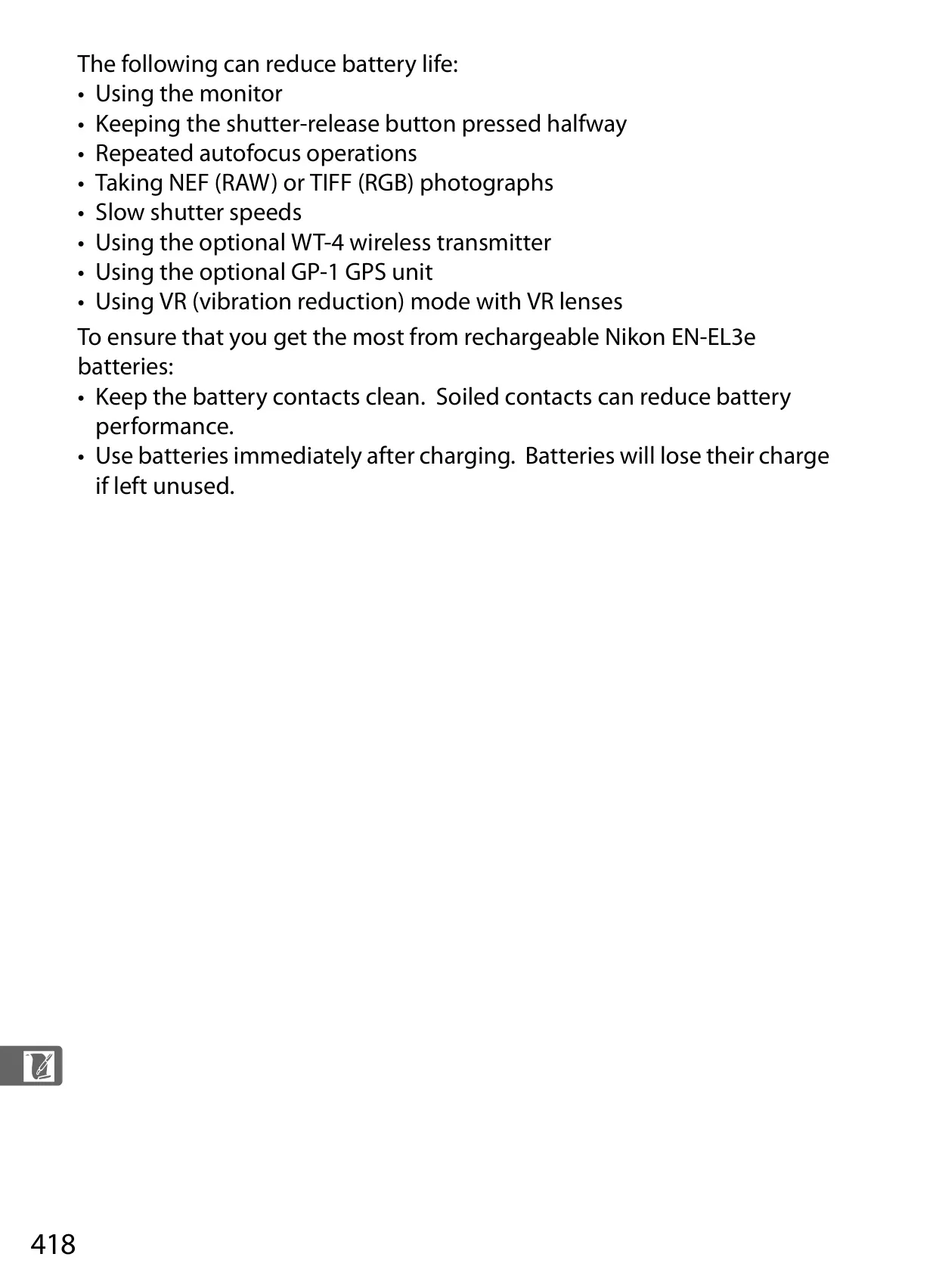
| Power Source | One rechargeable Li-ion EN-EL3e battery |
| Dimensions (W × H × D) | Approx. 147 × 114 × 74 mm (5.8 × 4.5 × 2.9 in.) |
| Weight | Approx. 825 g (1.82 lb.) without battery, memory card, etc. |
Nikon D300 DSLR Camera Details
The Nikon D300 manual details a highly customizable and robust digital SLR camera, designed for photographers who demand precise control and exceptional image quality. It thoroughly covers advanced functionalities, enabling users to adapt the camera to a vast array of photographic situations. The documentation emphasizes the D300's professional-grade capabilities, moving beyond basic operation to explore its full creative potential.
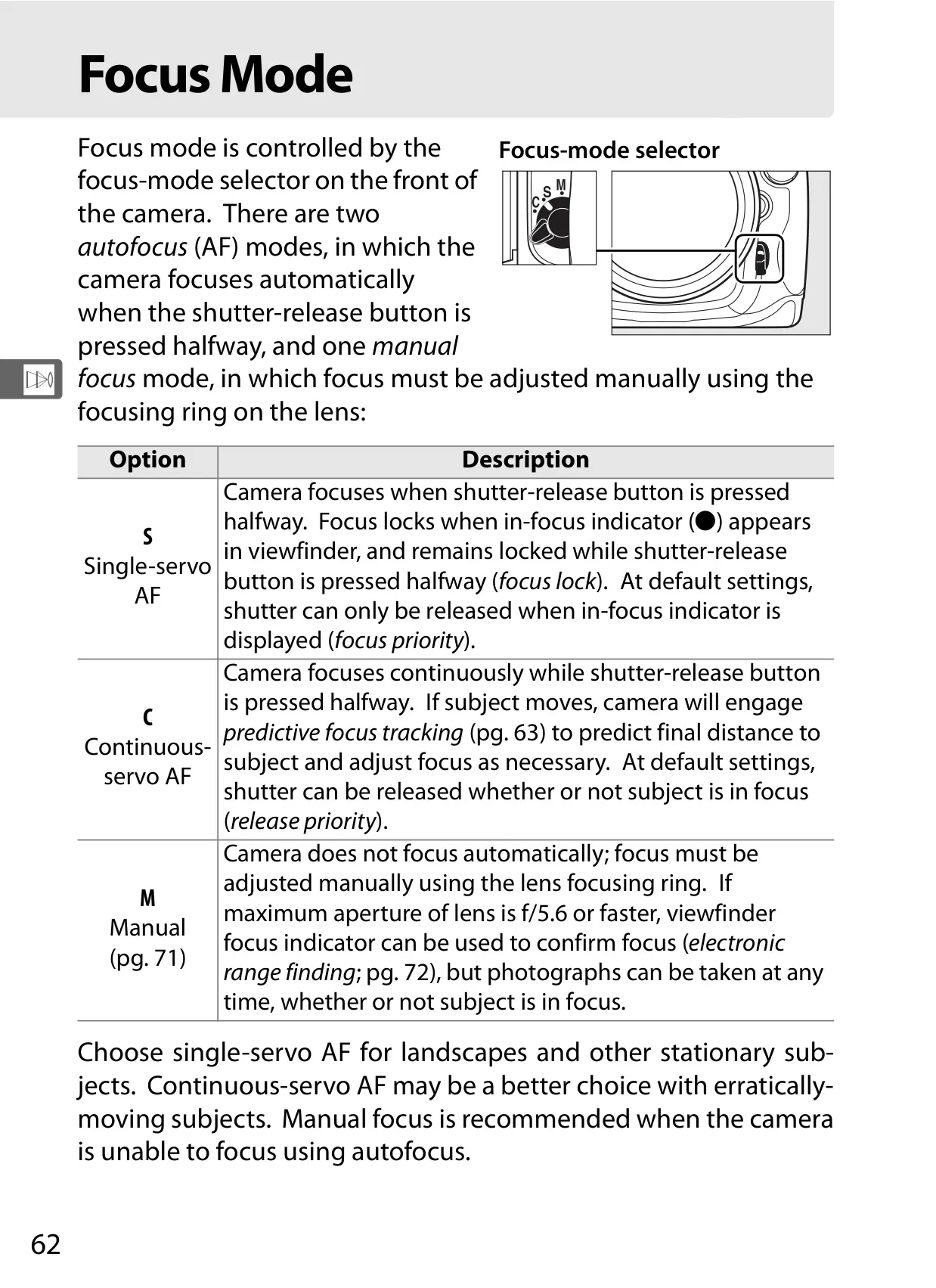
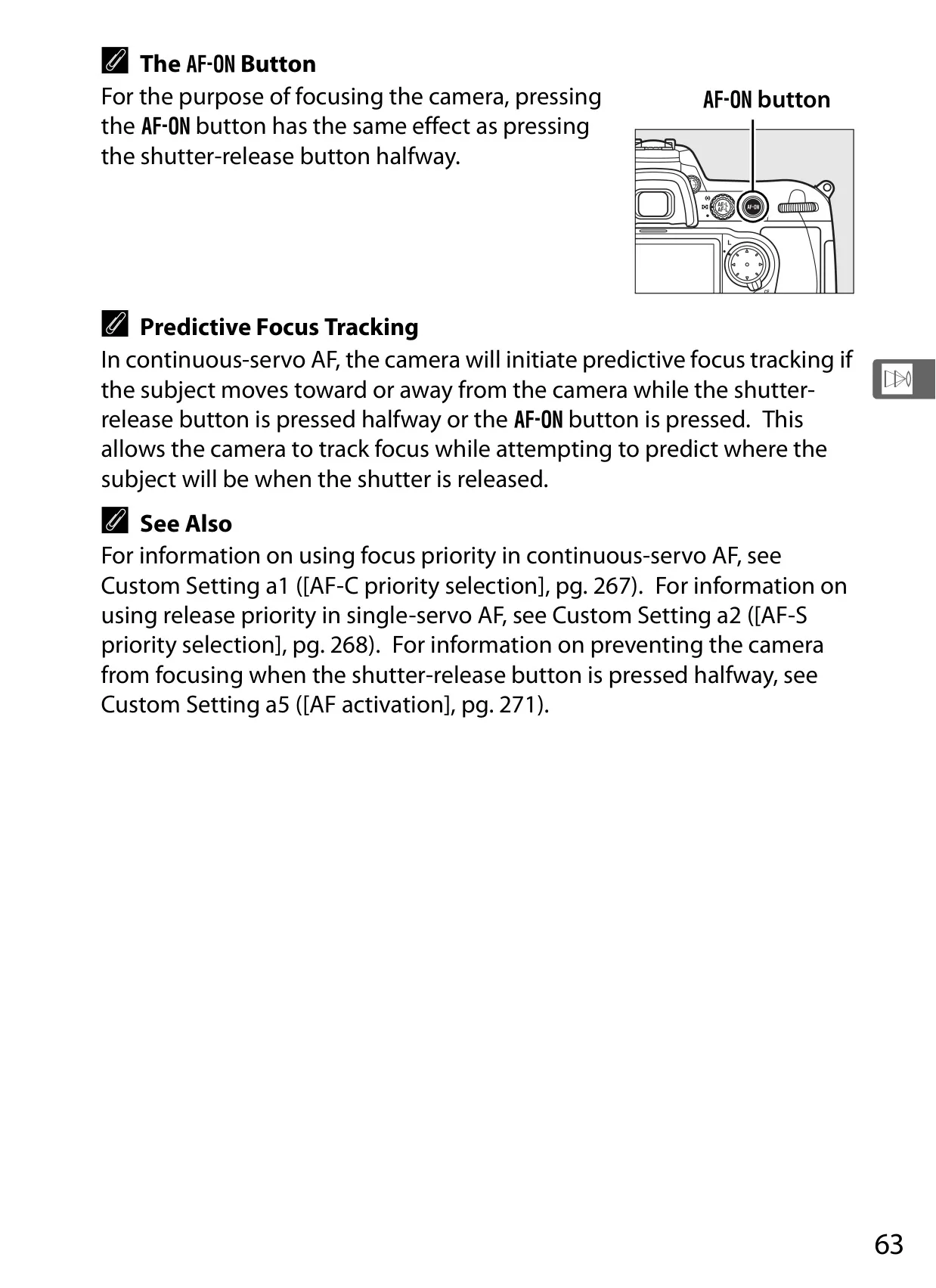
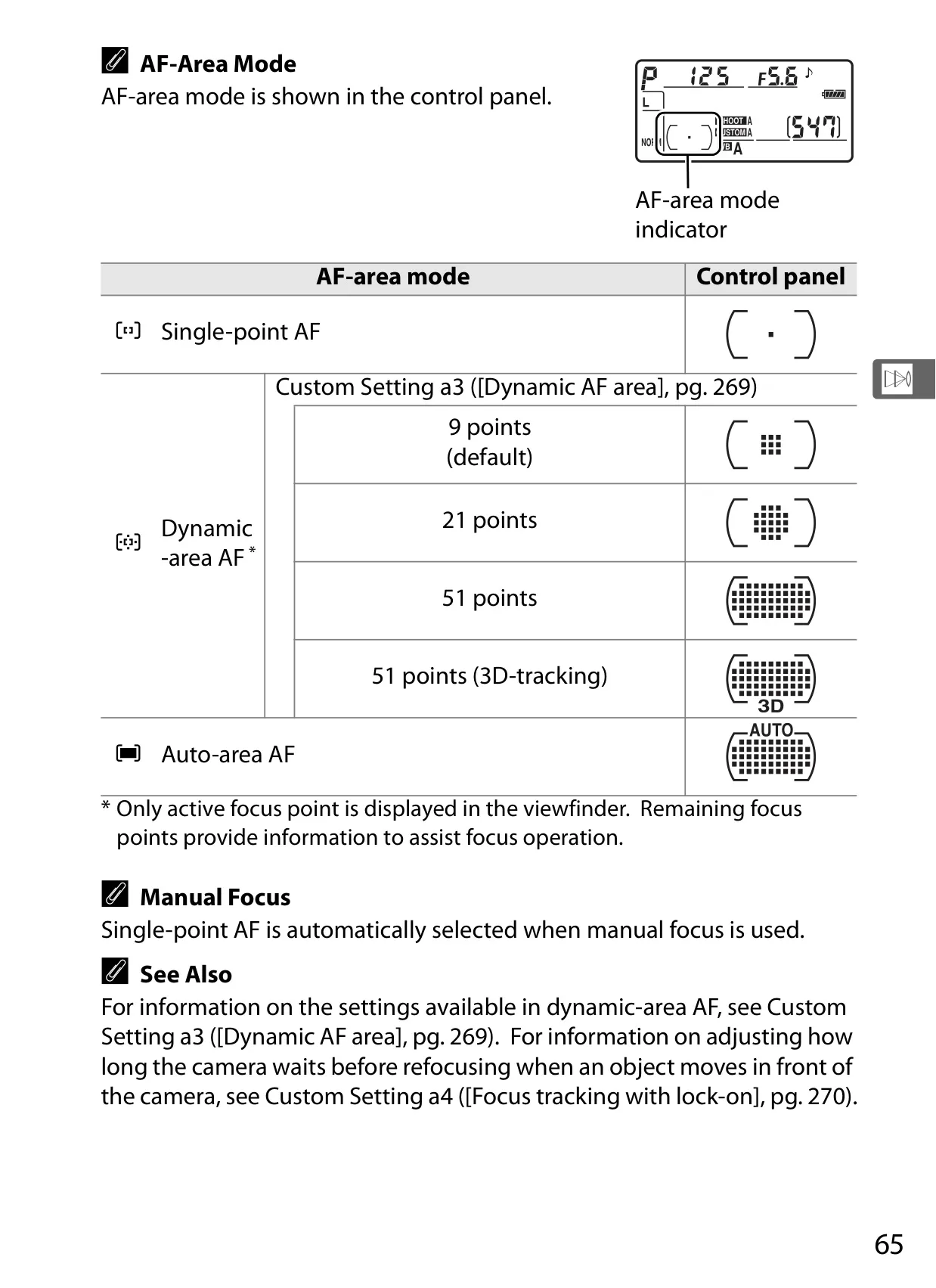
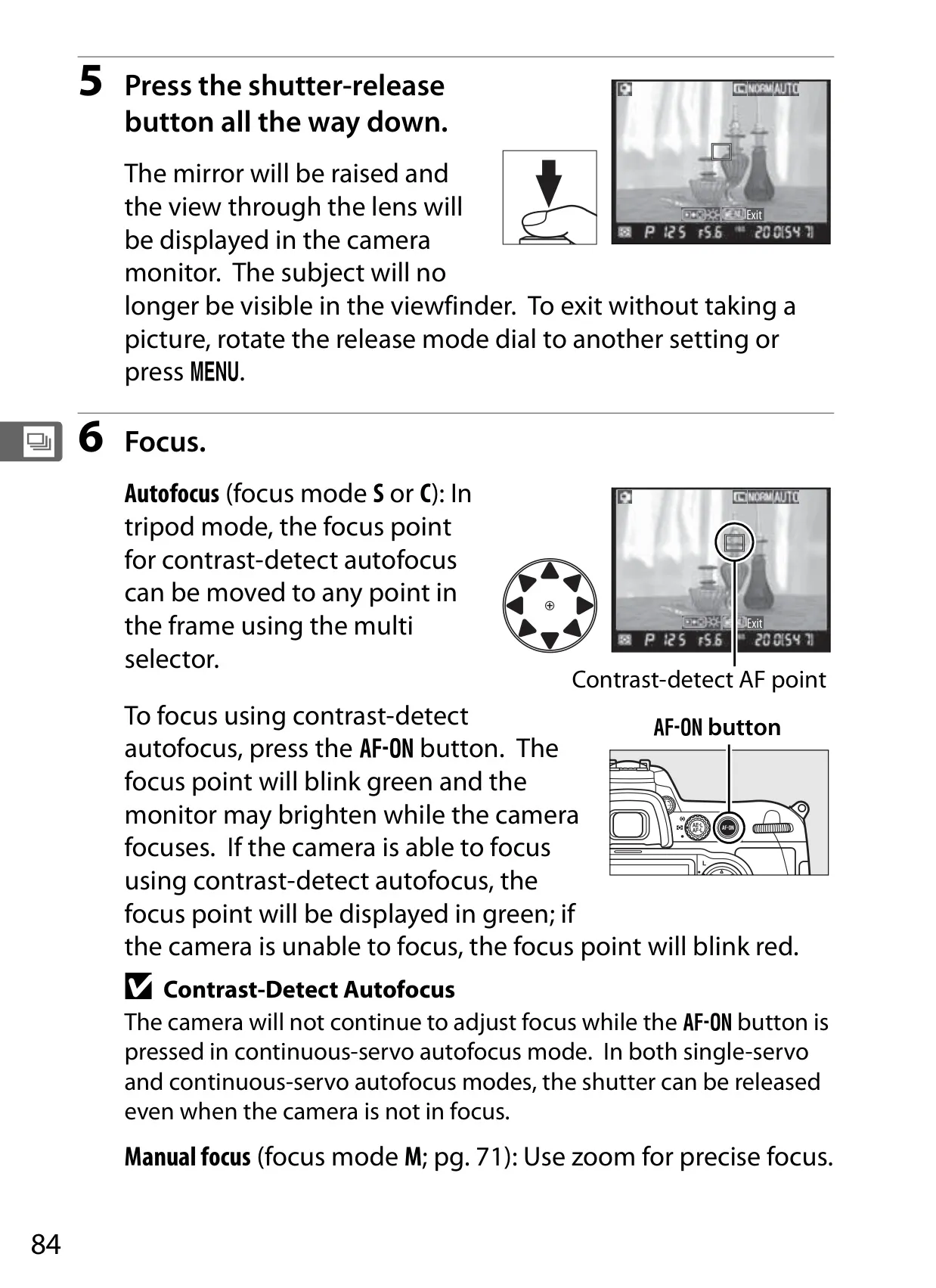
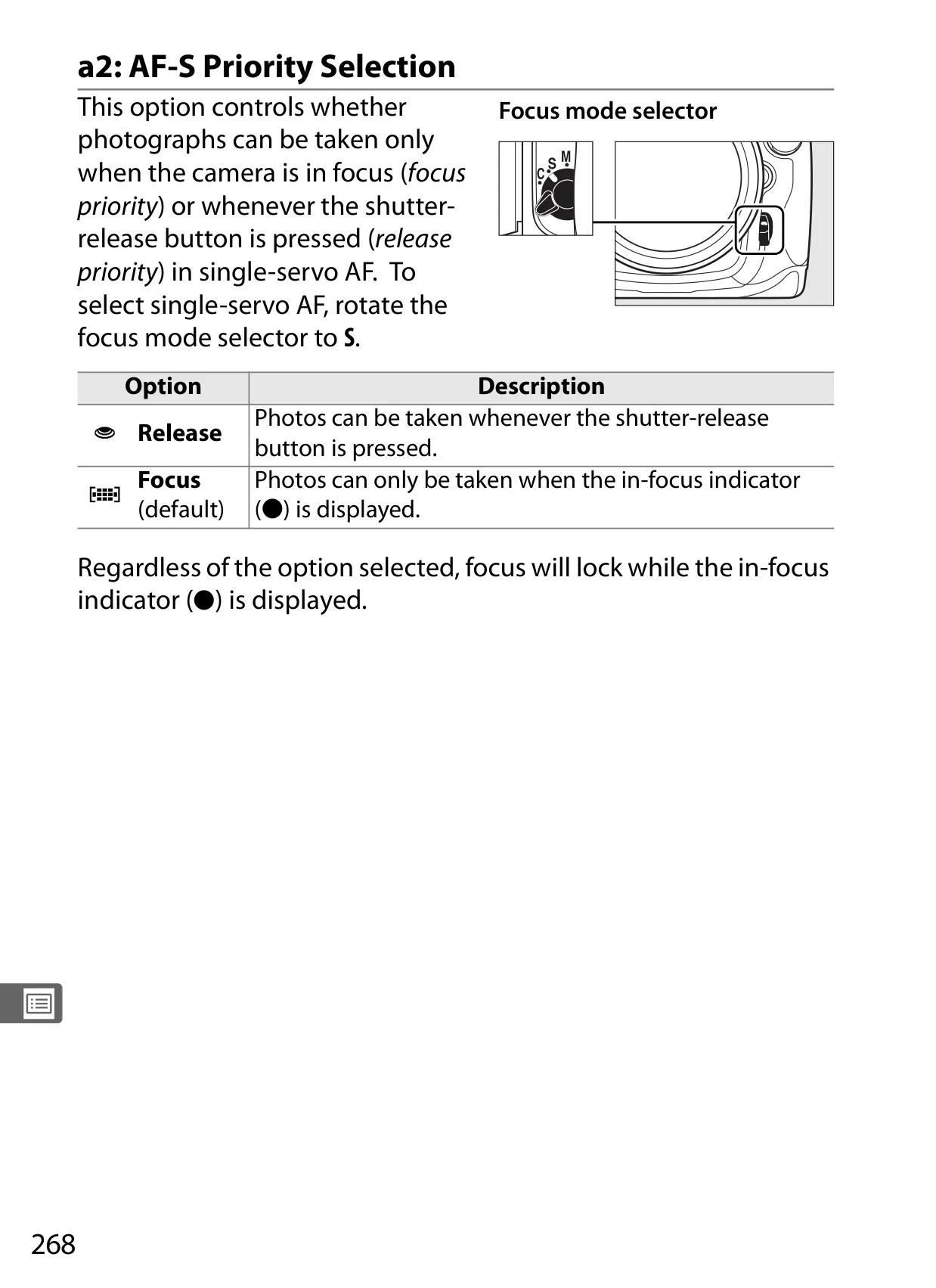
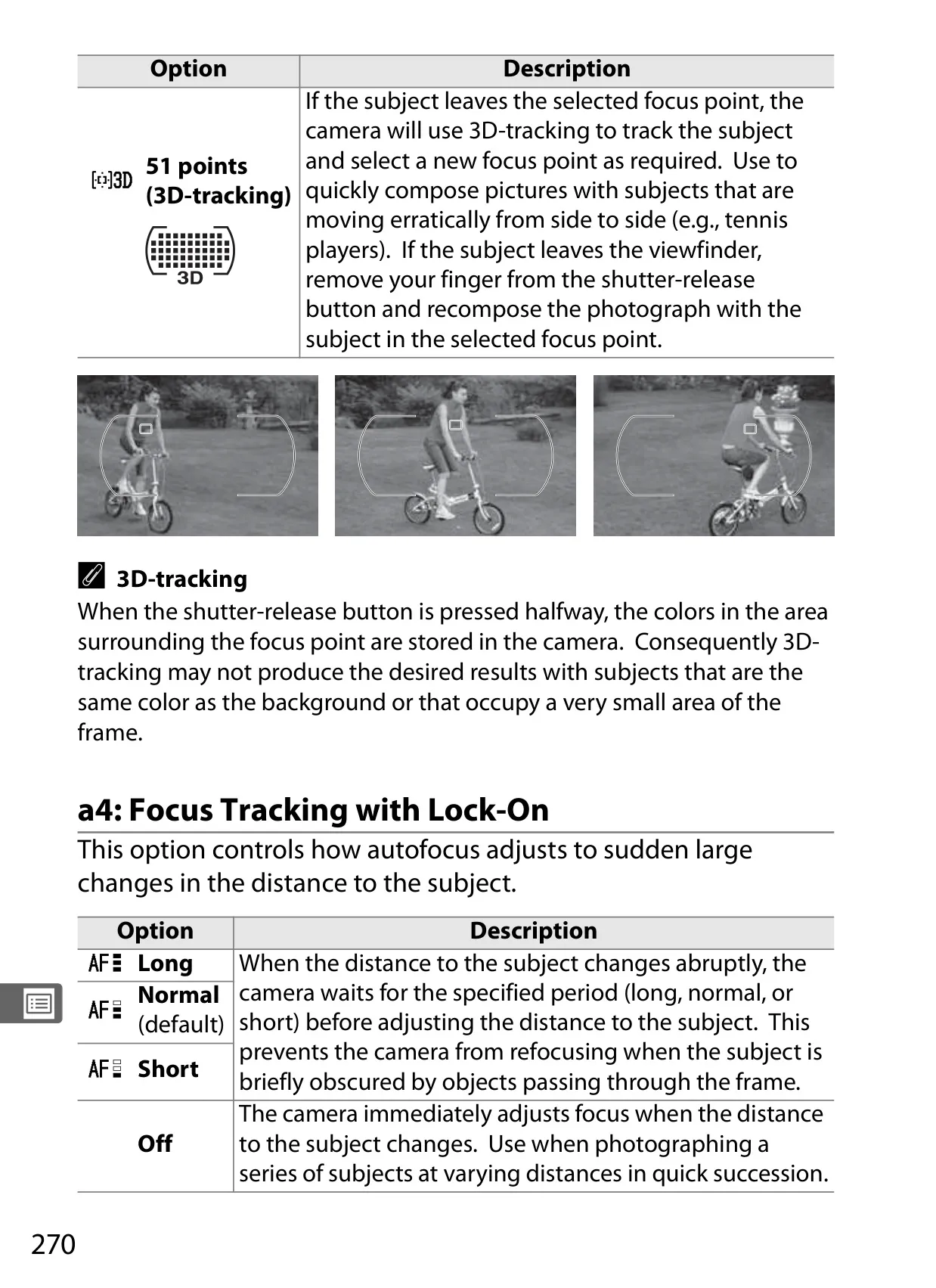
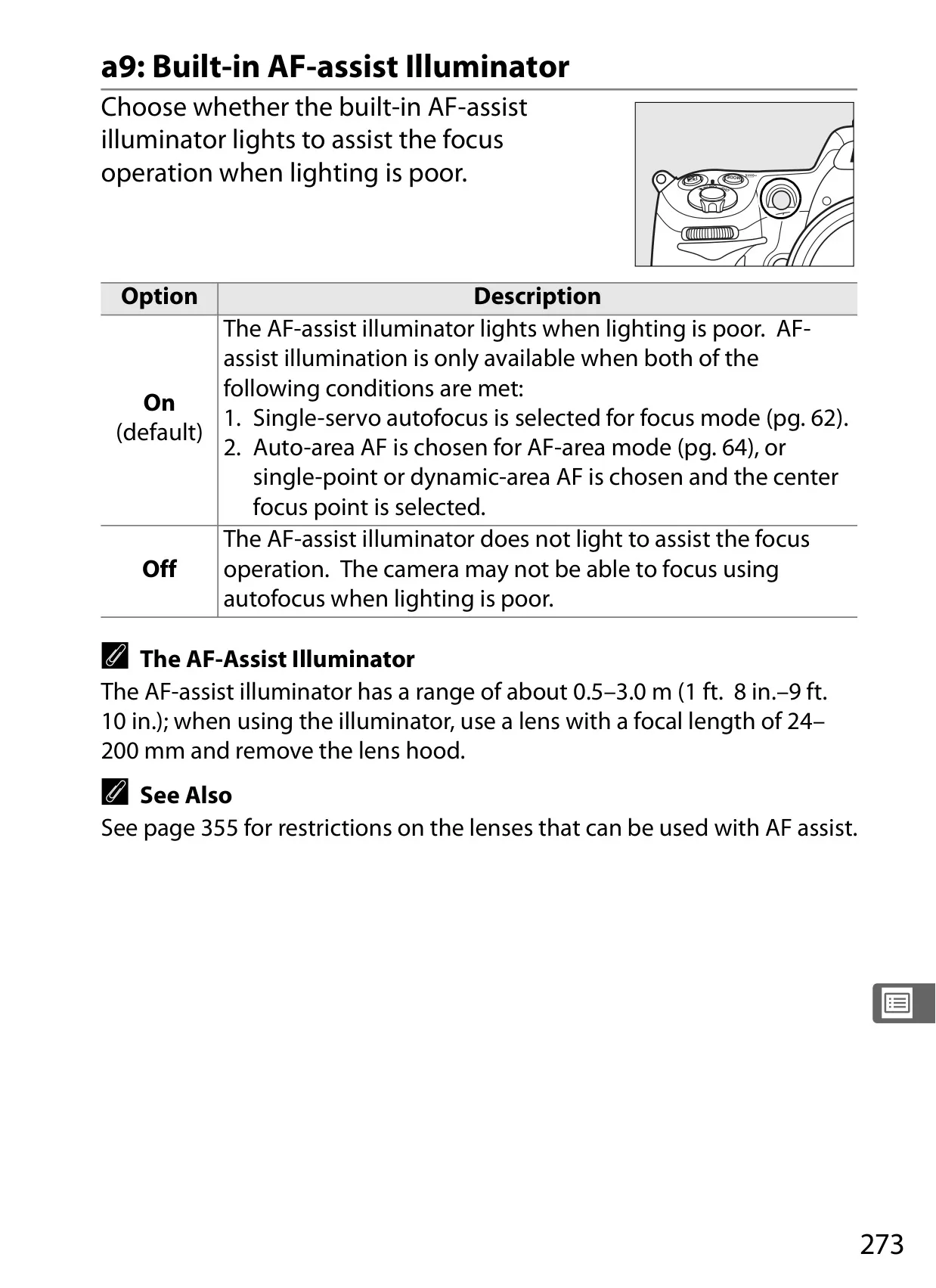
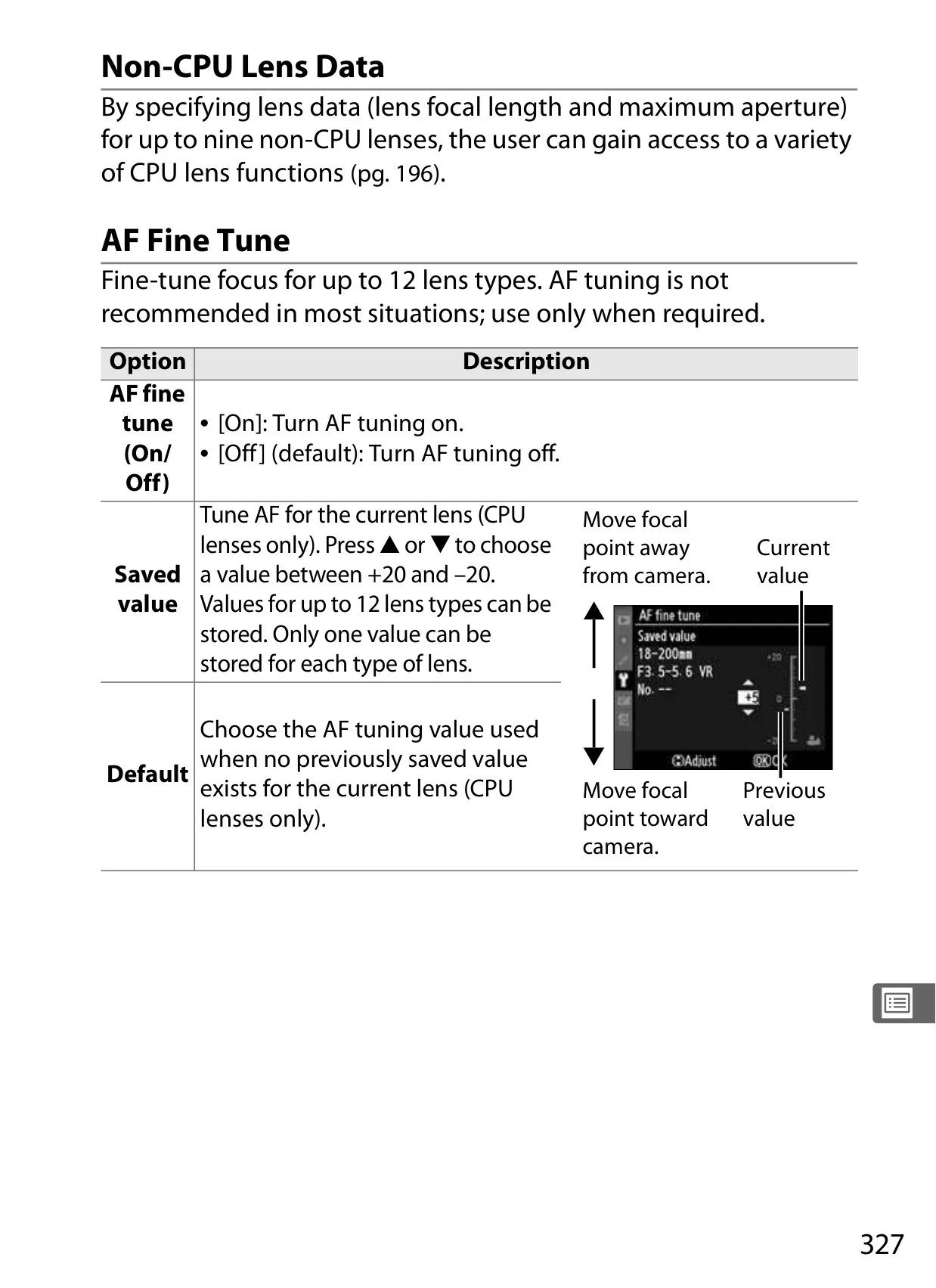
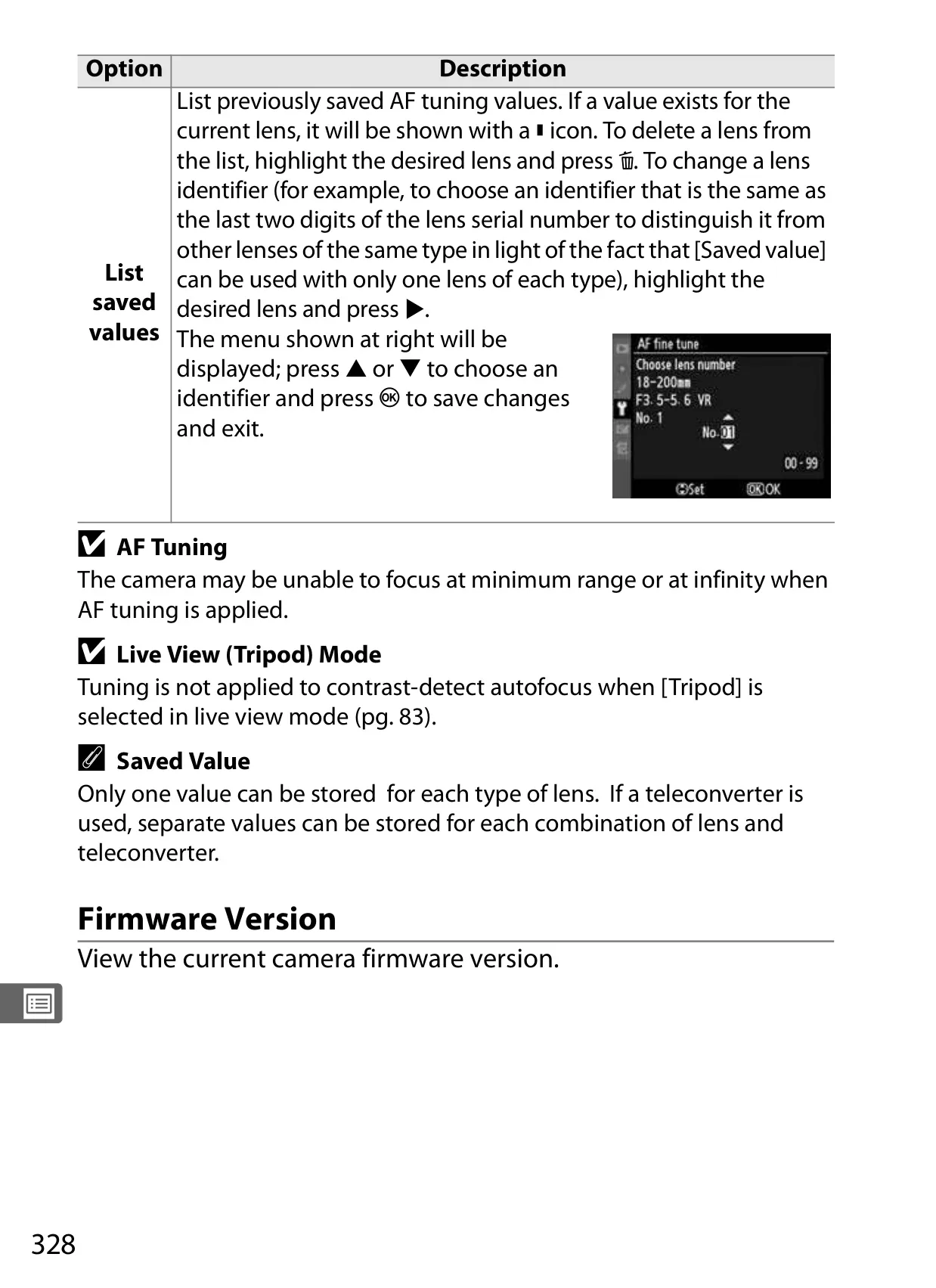
One of the camera's standout features is its sophisticated autofocus system. The manual explains how to leverage the 51-point Multi-CAM 3500DX module, including Dynamic-area AF for tracking unpredictable subjects and 3D-tracking which intelligently follows subjects across the frame. Fine-tuning AF for specific lenses further enhances focus accuracy, a critical detail for professionals.
The D300's Live View mode offers immense flexibility for composing shots. Whether using Hand-held mode for quick adjustments or Tripod mode for meticulous, magnified focusing, the manual guides users through optimizing this feature. This allows for precise composition and critical focus verification directly on the high-resolution LCD, a benefit for macro or studio work.
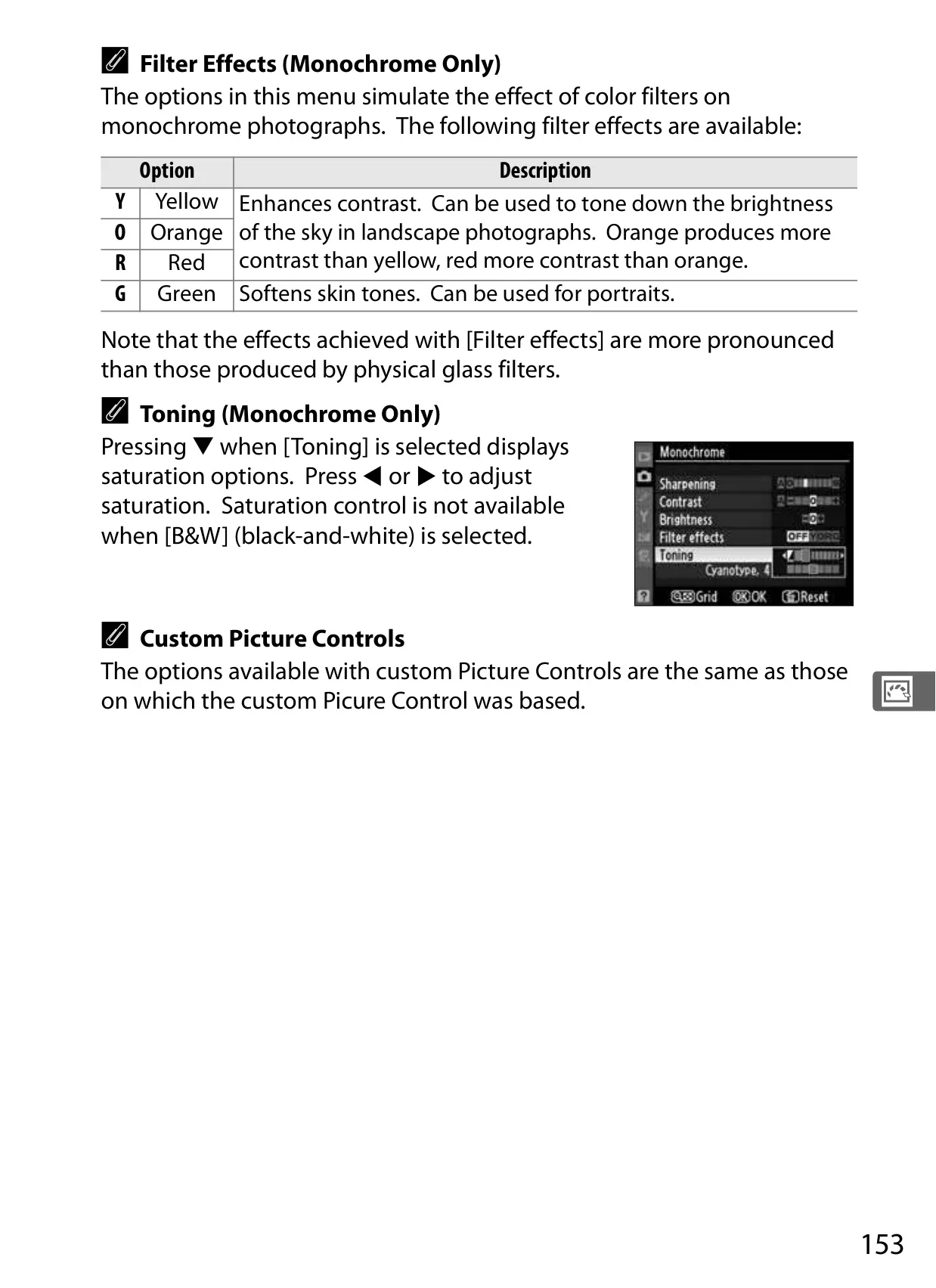
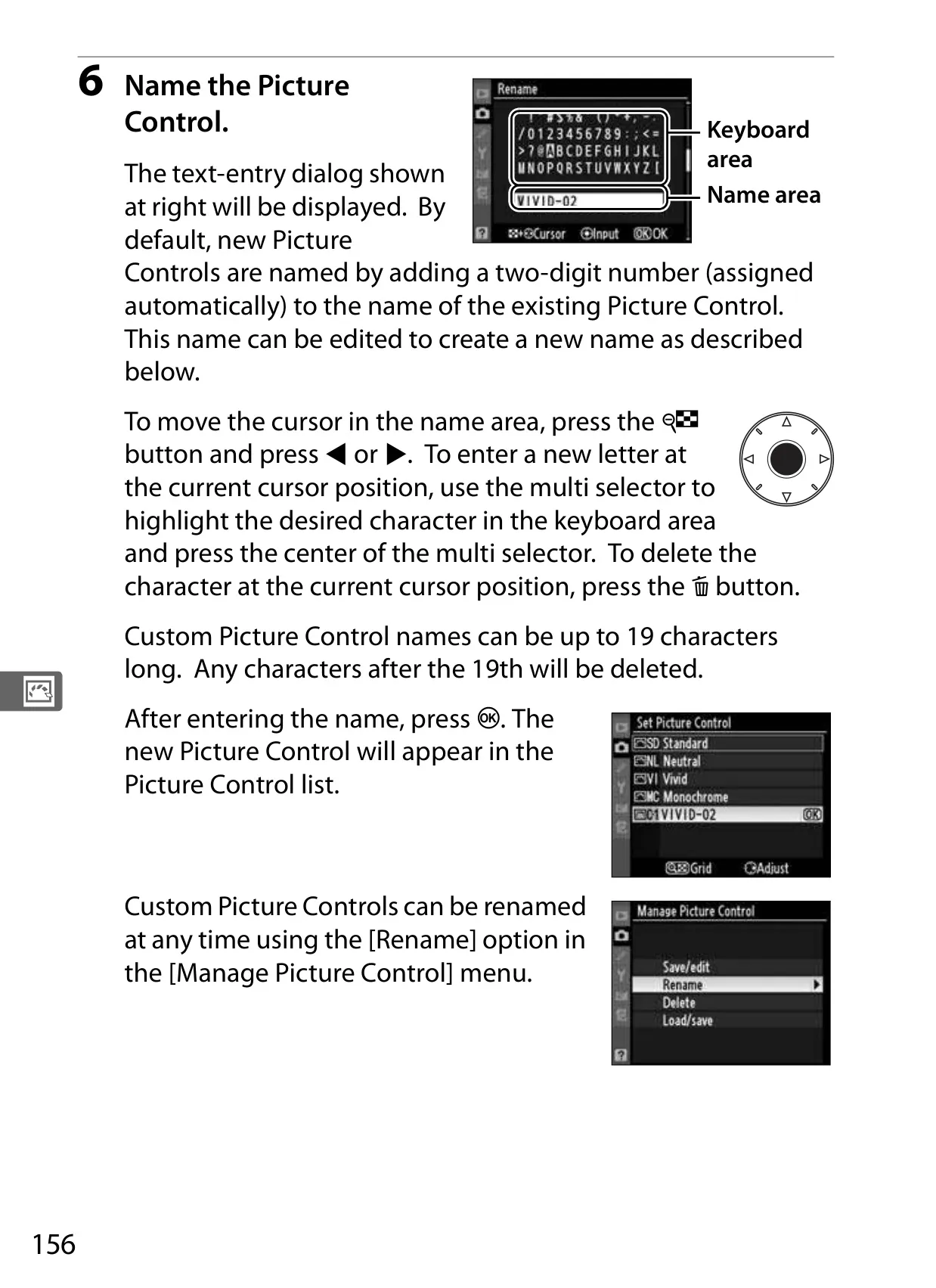
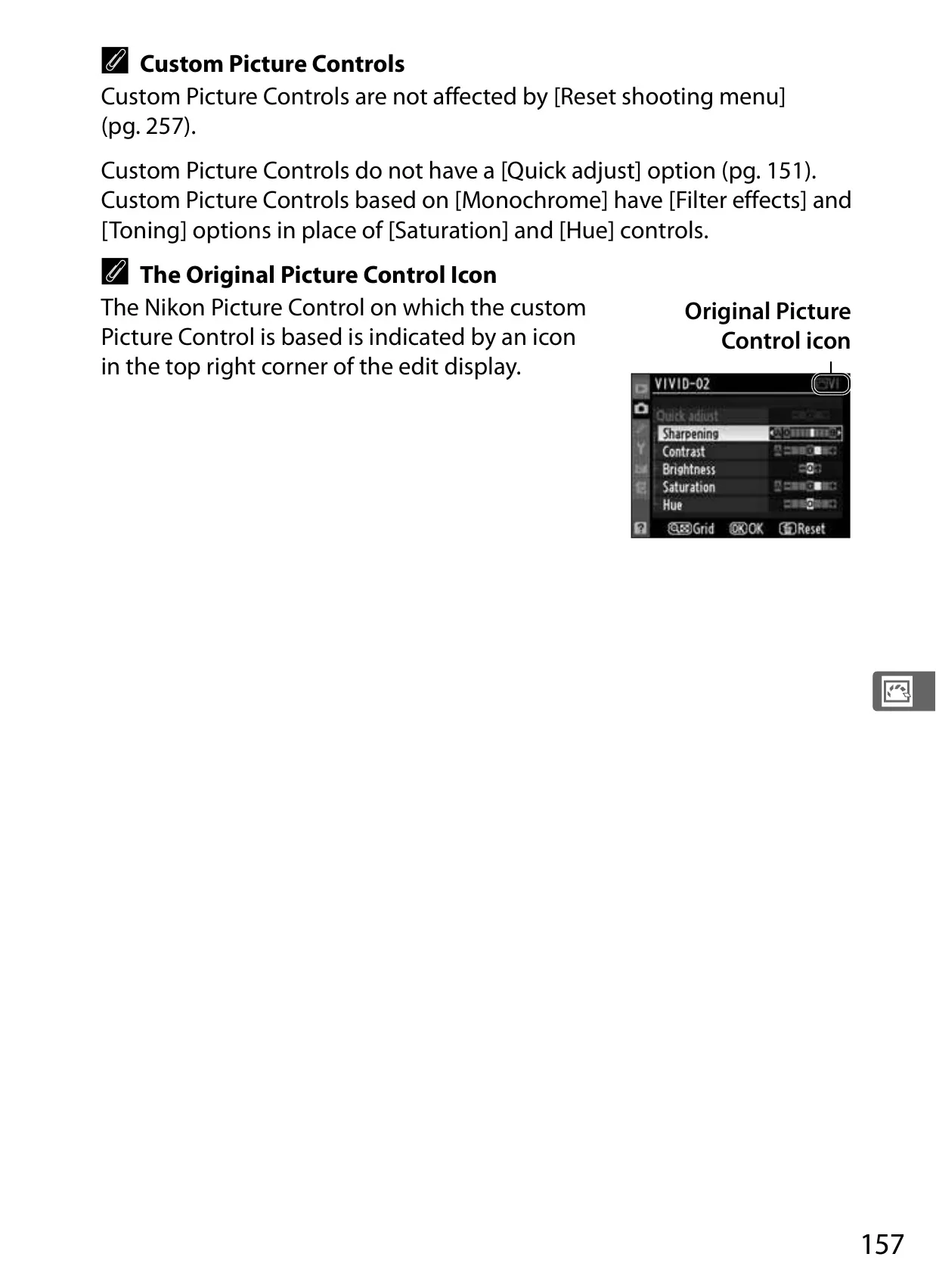
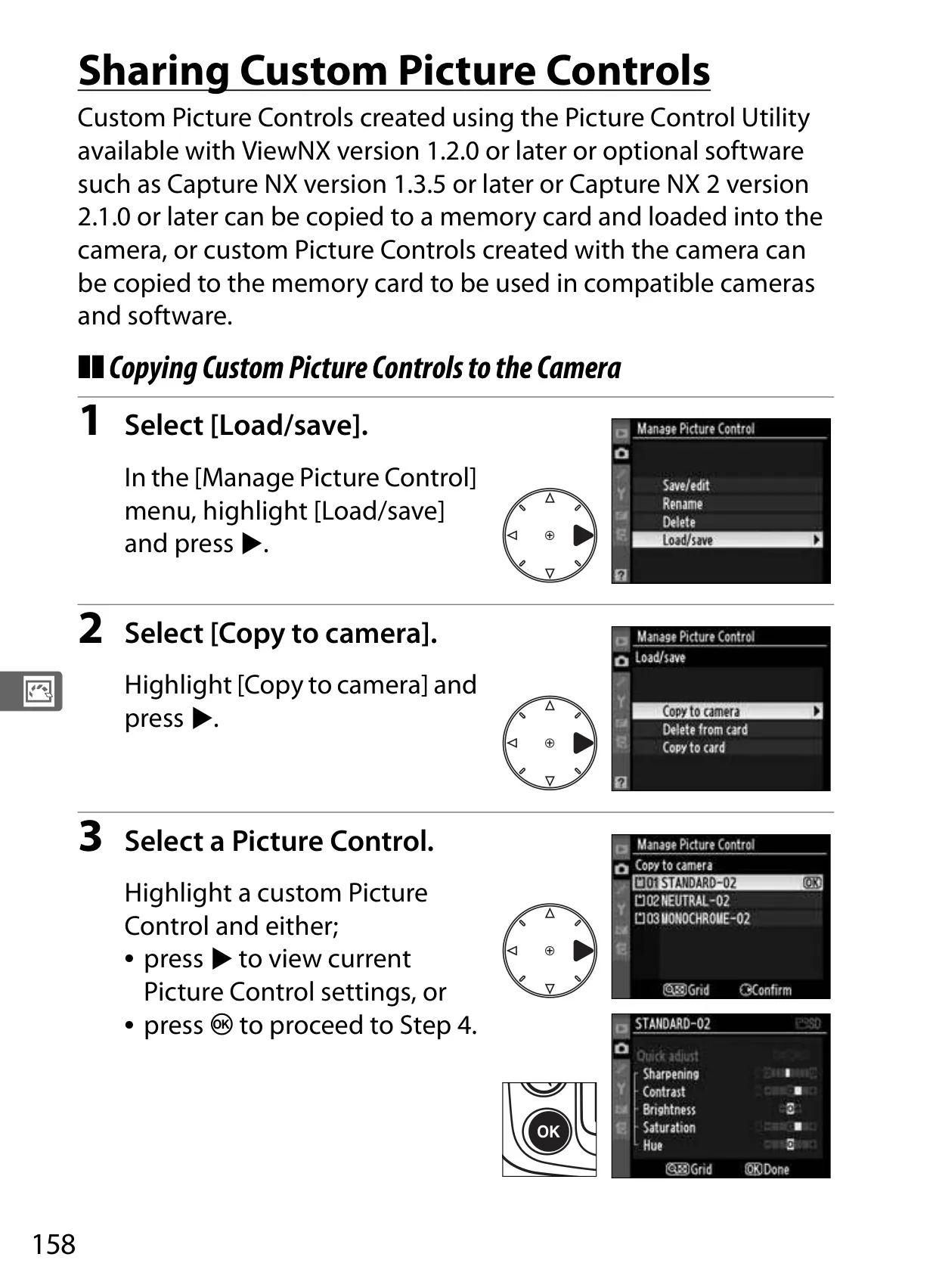
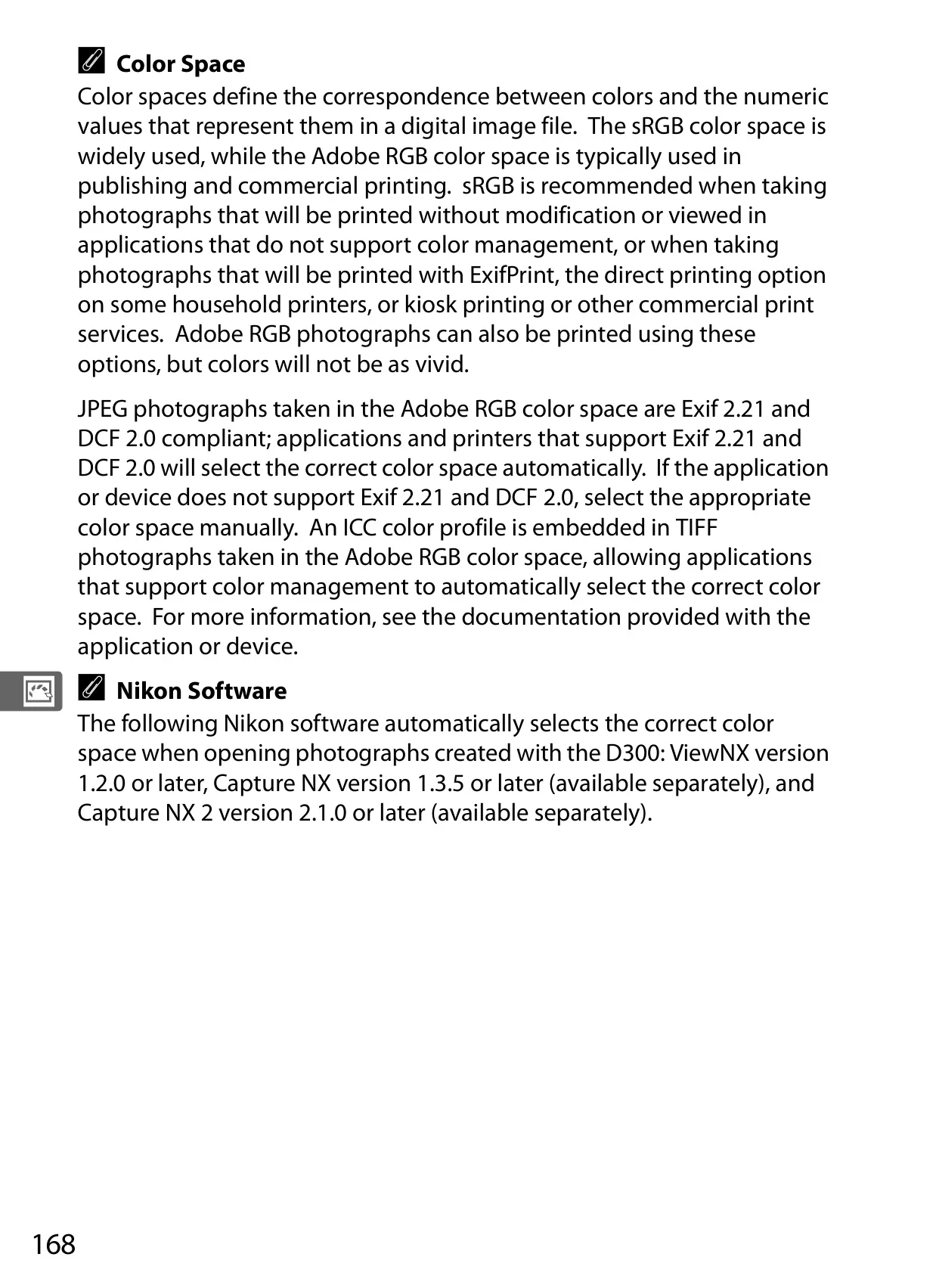
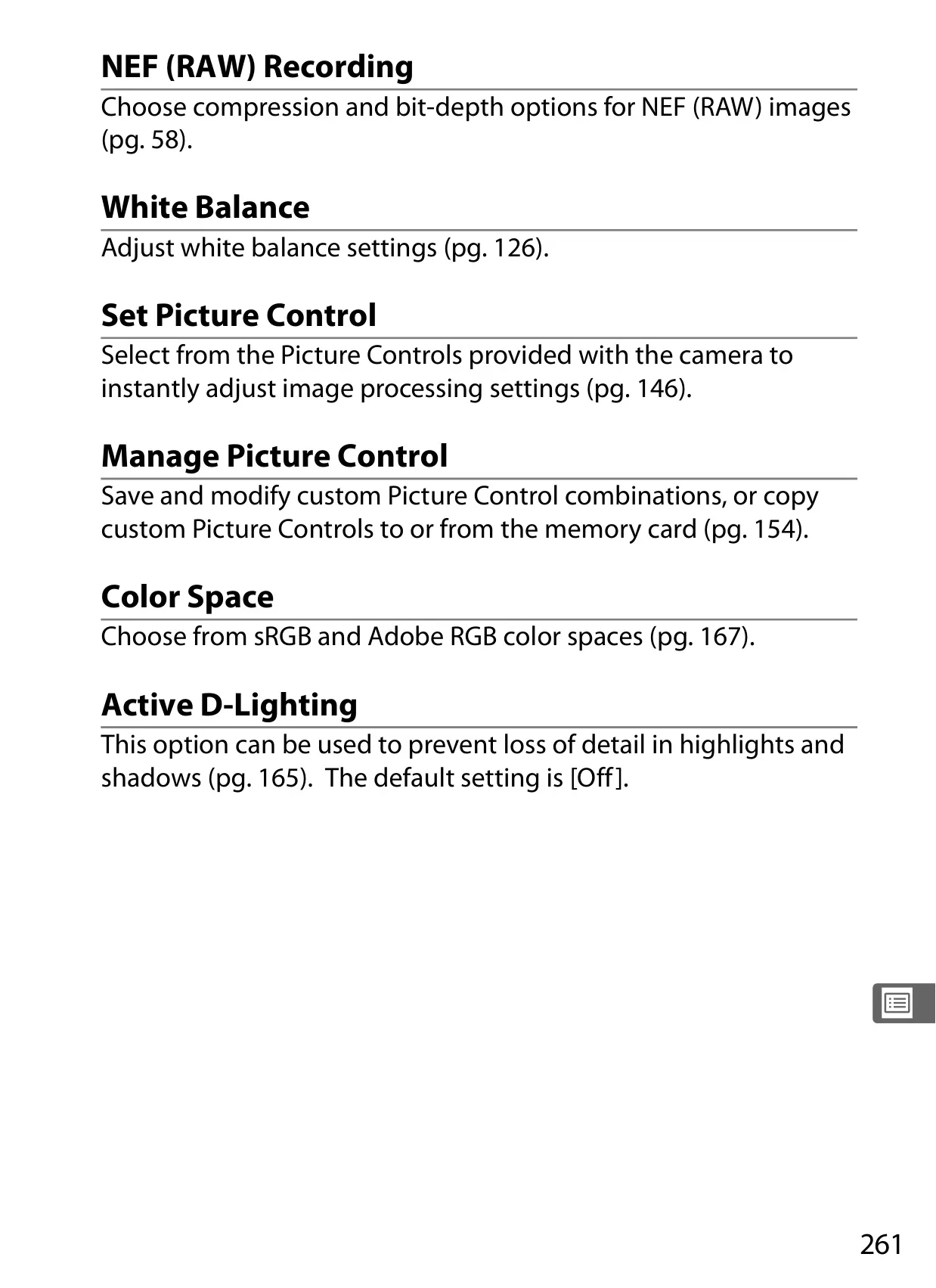
Beyond capture, the camera offers extensive image enhancement through its Picture Control System. Users can select from presets like Standard, Neutral, Vivid, and Monochrome, or create custom Picture Controls by adjusting parameters such as sharpening, contrast, and hue. This level of in-camera processing saves significant post-production time and ensures consistent artistic vision.
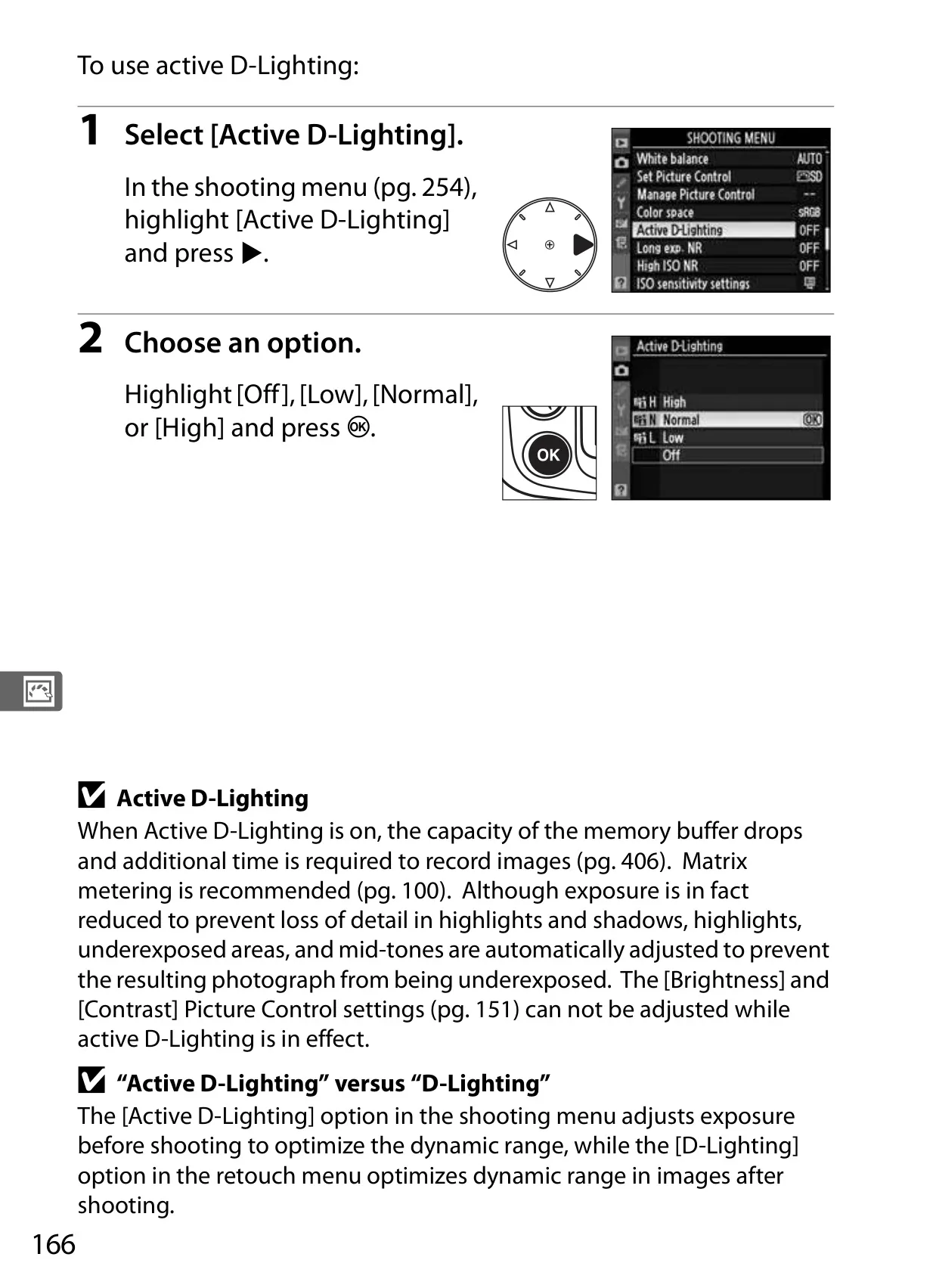
Active D-Lighting is another powerful tool, meticulously detailed in the manual. This feature actively preserves details in both bright highlights and deep shadows, preventing blown-out skies or lost shadow textures in high-contrast scenes. It's particularly useful for landscape and outdoor portrait photography, where dynamic range can be a challenge.
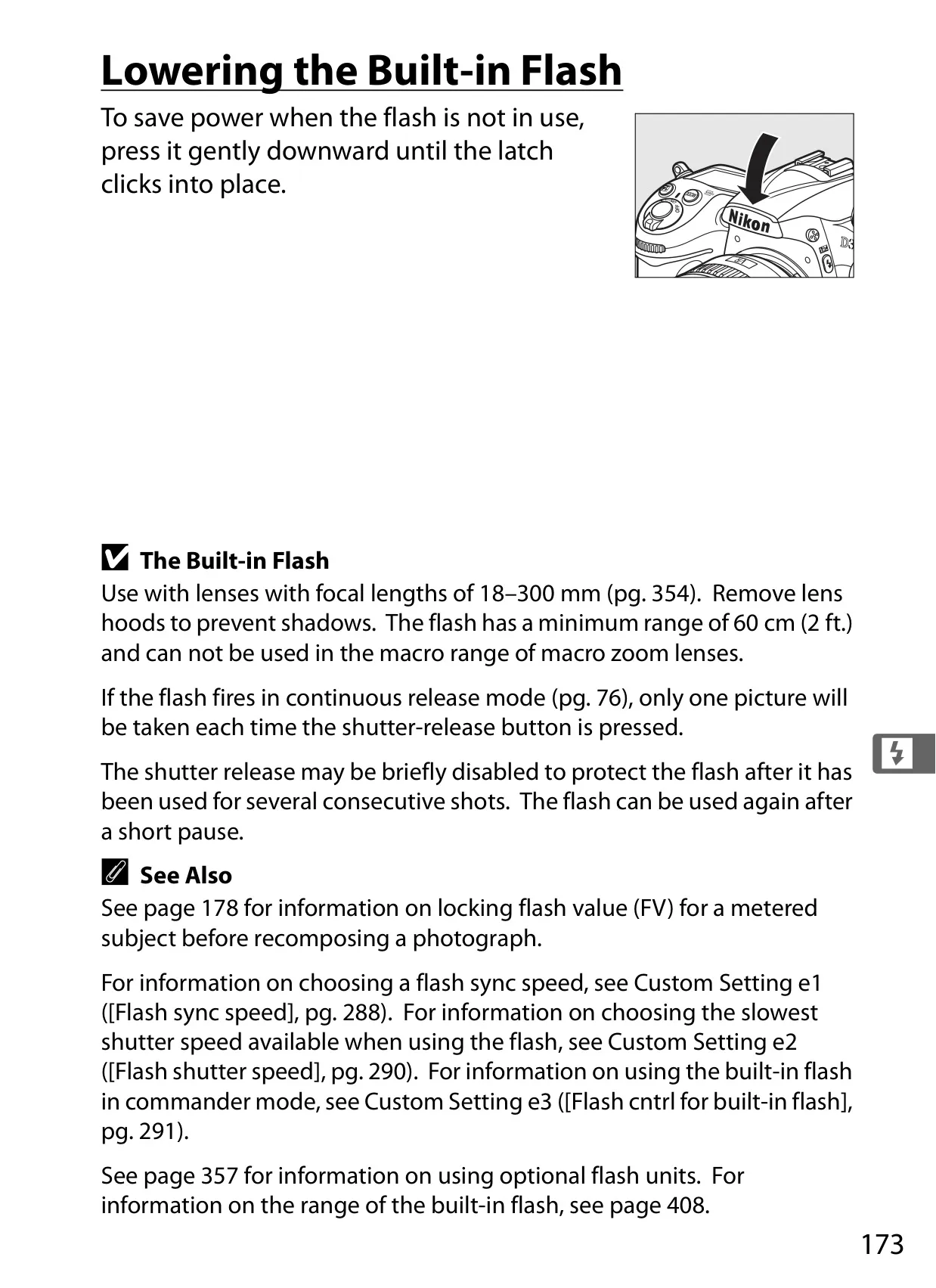
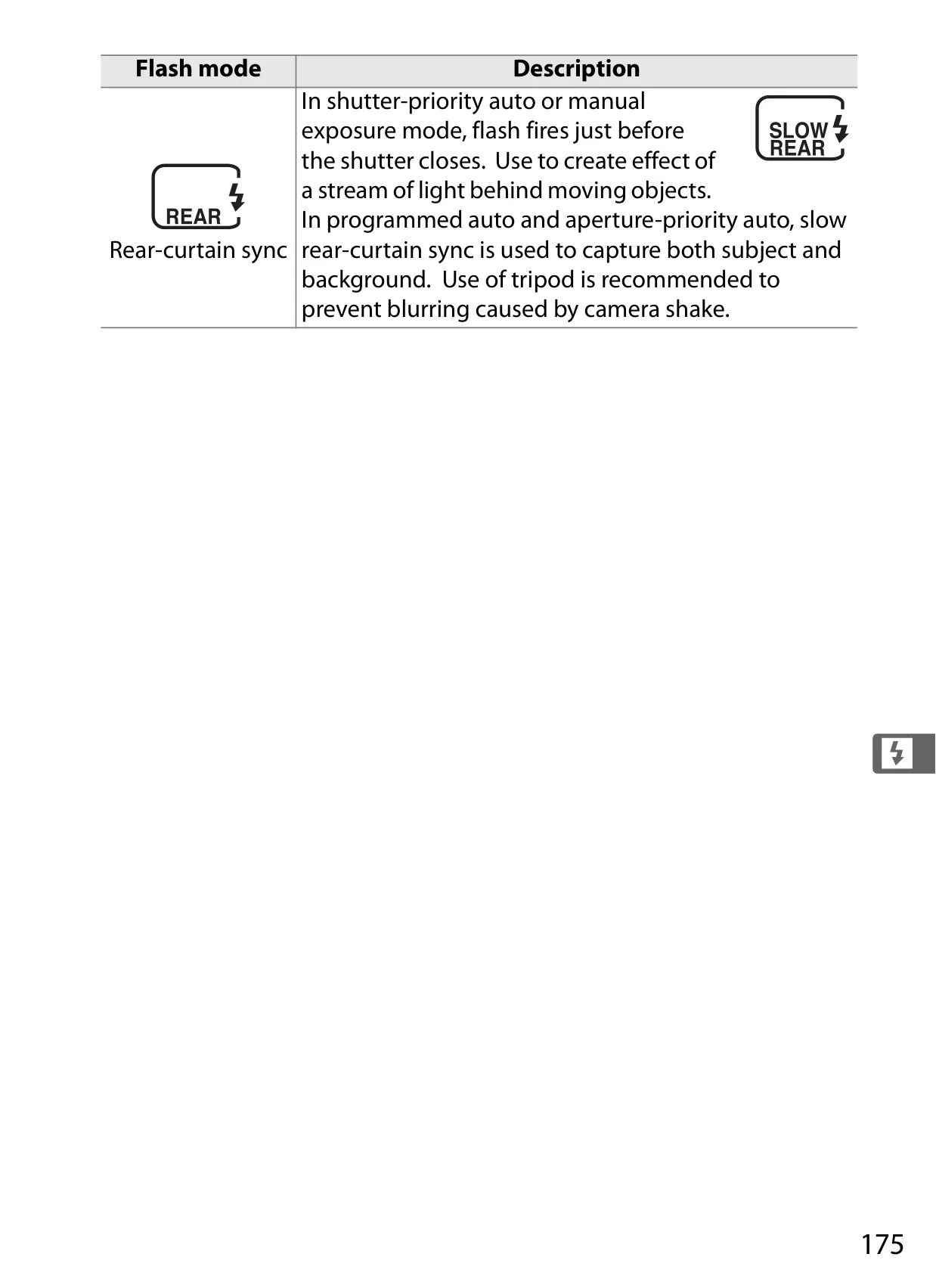
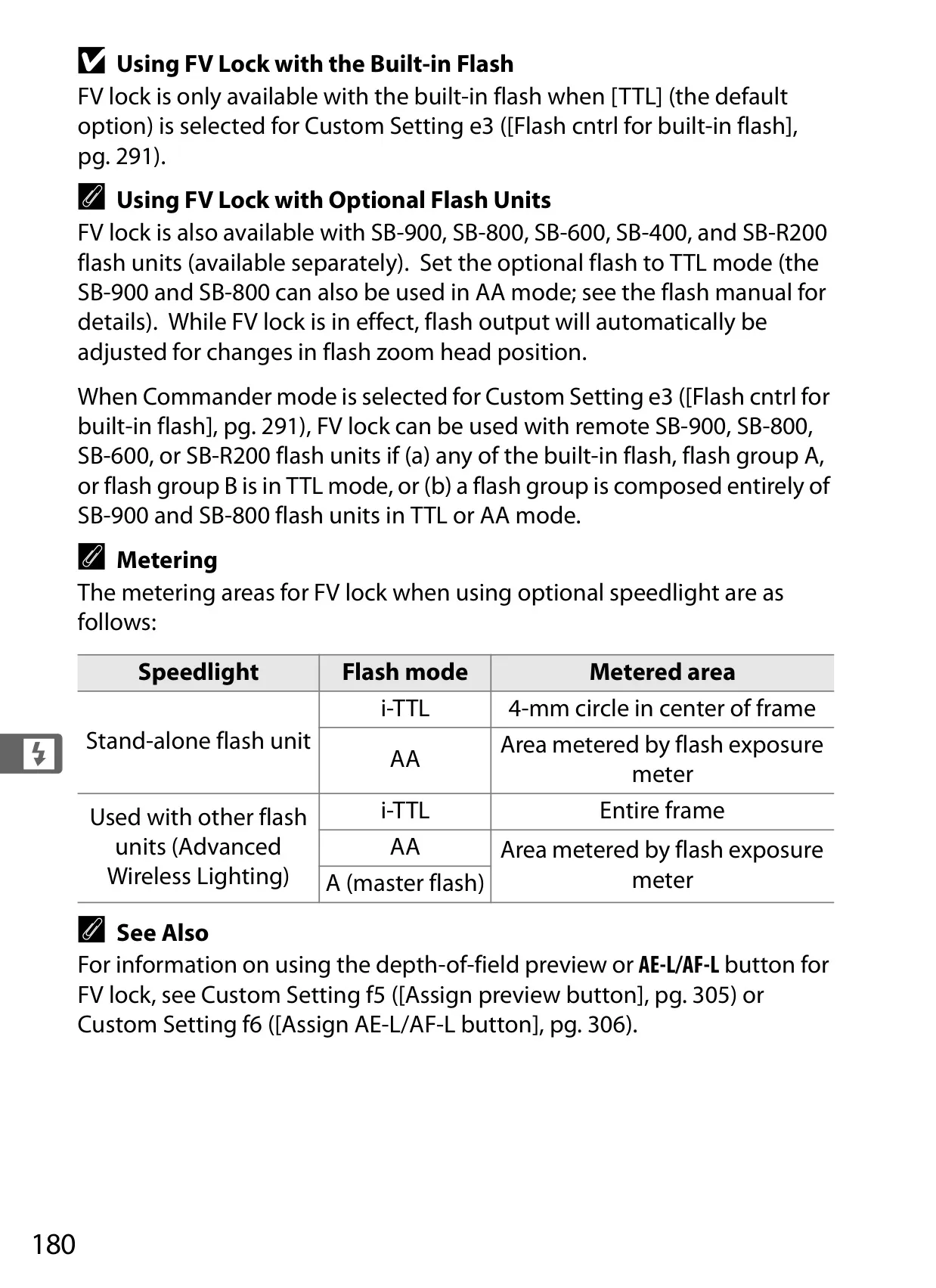
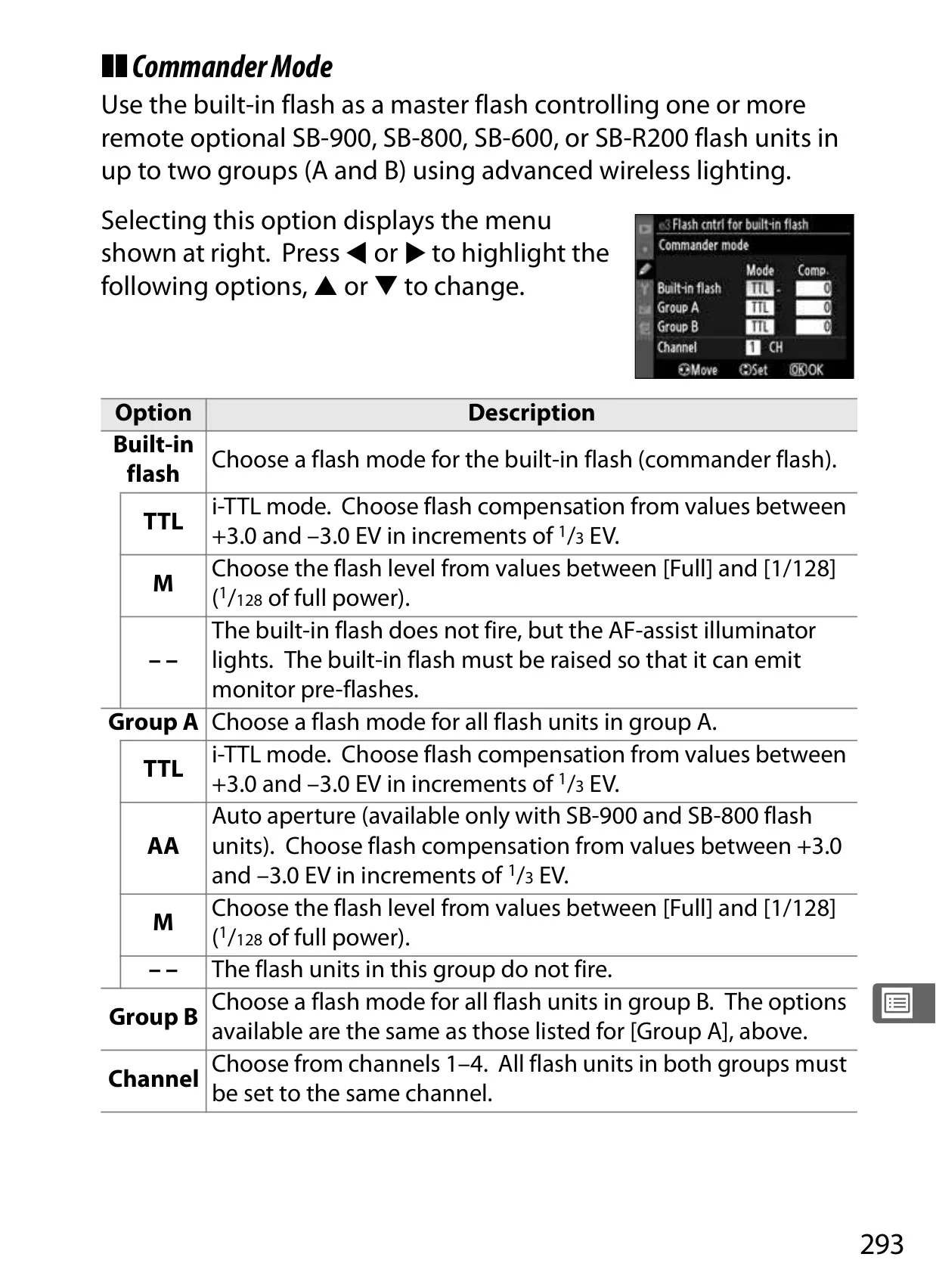
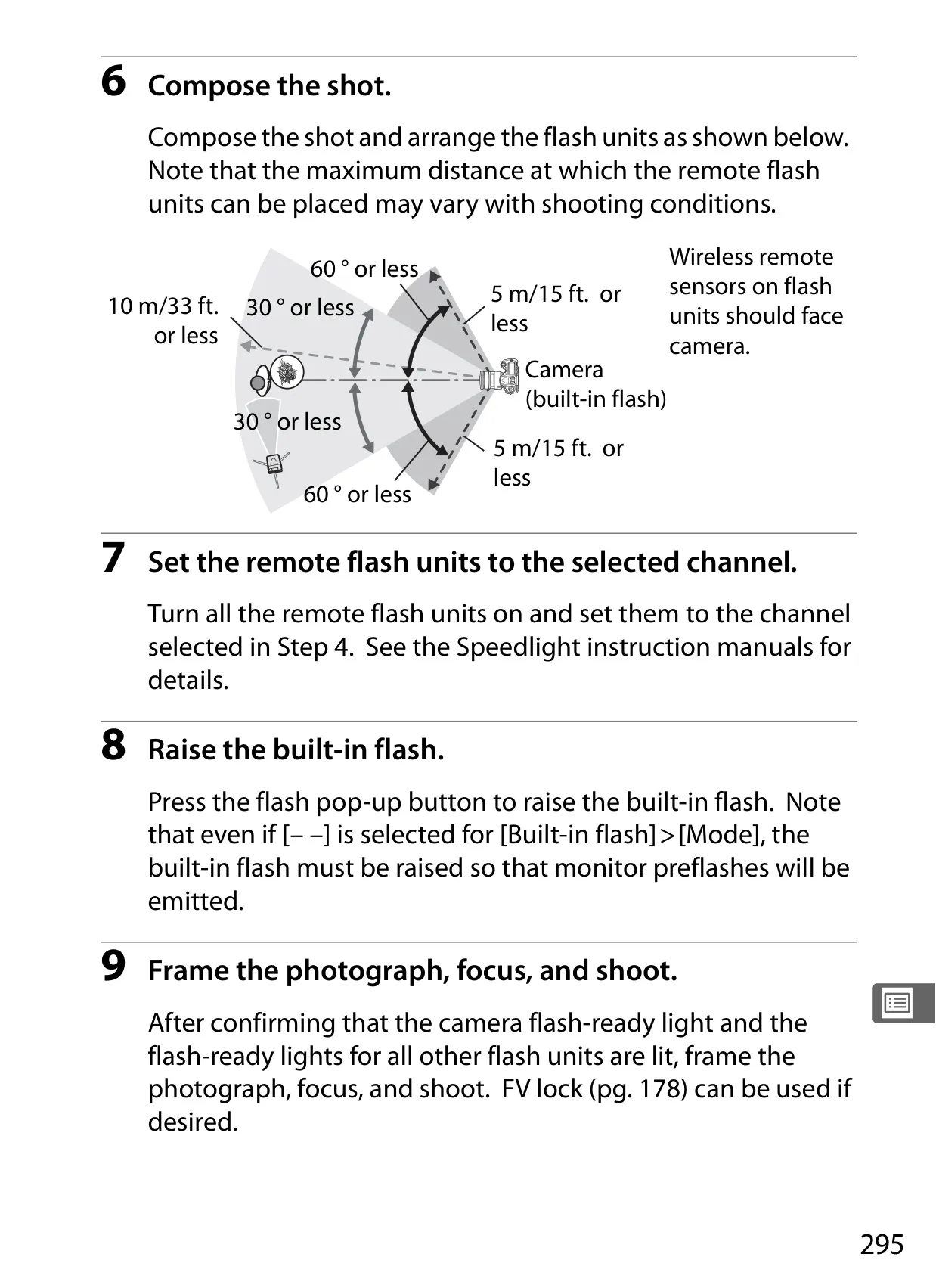
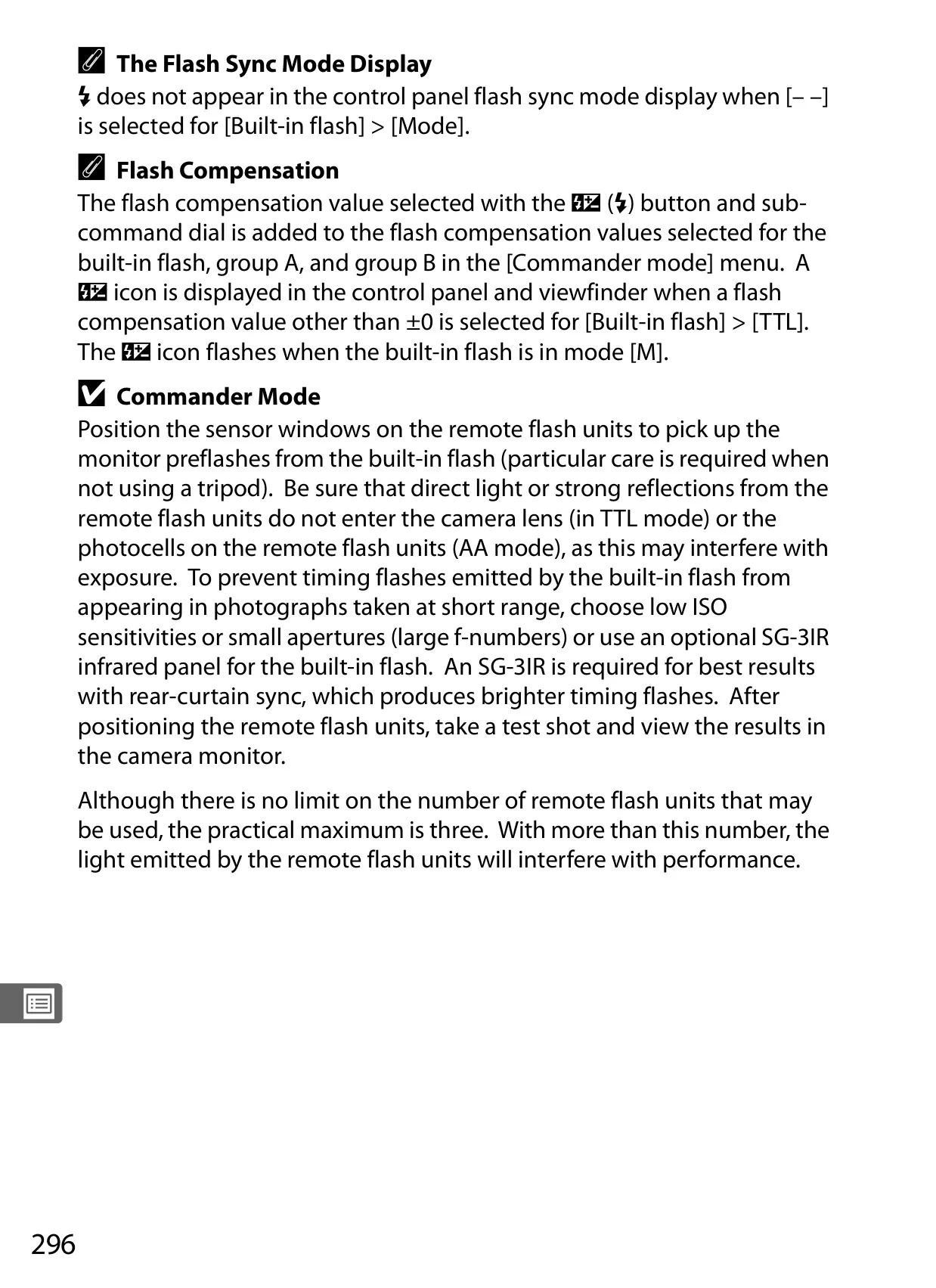
For lighting, the D300 integrates with the Nikon Creative Lighting System (CLS). The manual covers advanced techniques like Advanced Wireless Lighting, allowing multiple Speedlights to be controlled wirelessly. FV Lock (Flash Value Lock) ensures consistent flash output on a subject even when recomposing, offering predictable results in complex flash setups.
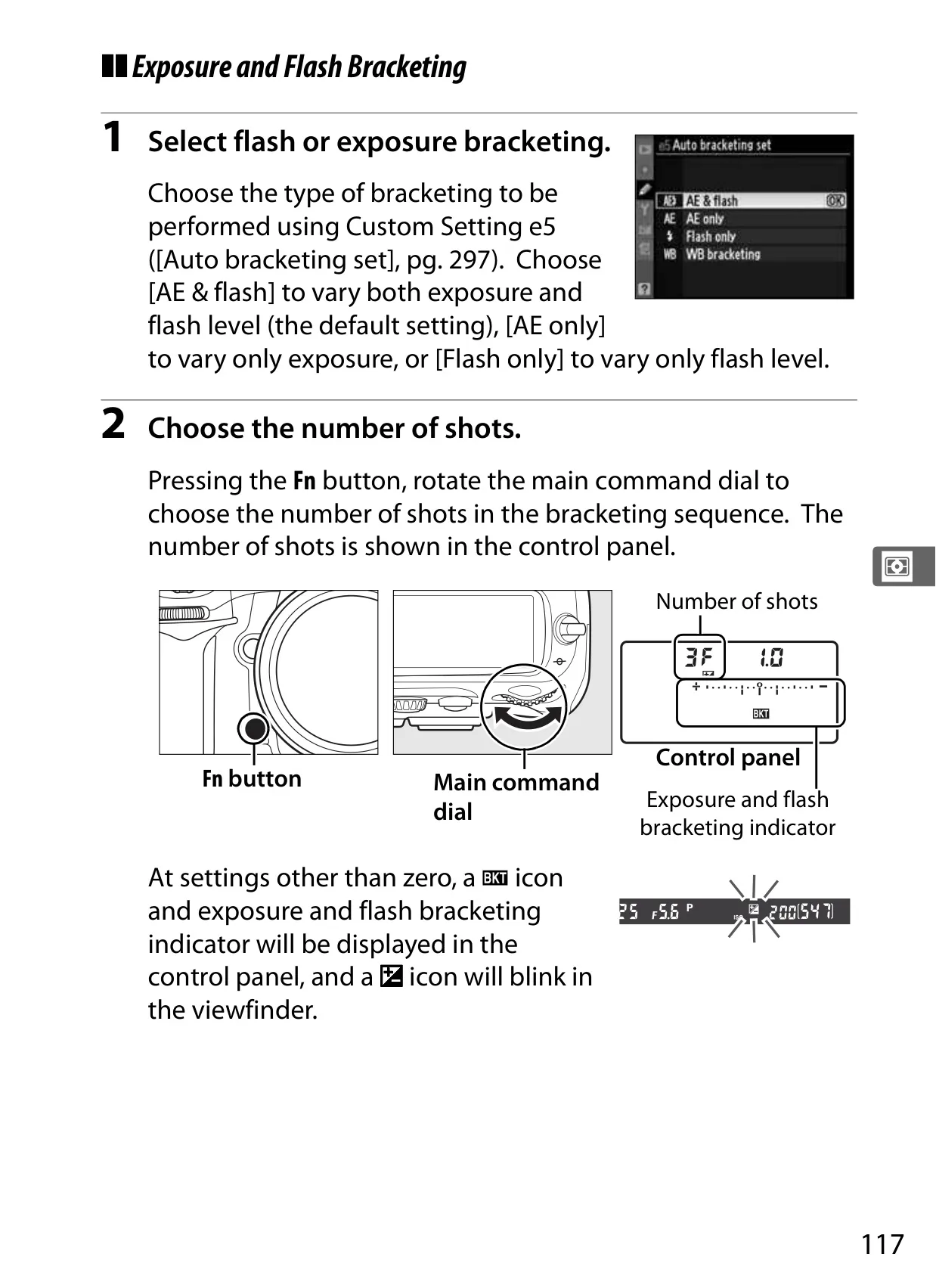
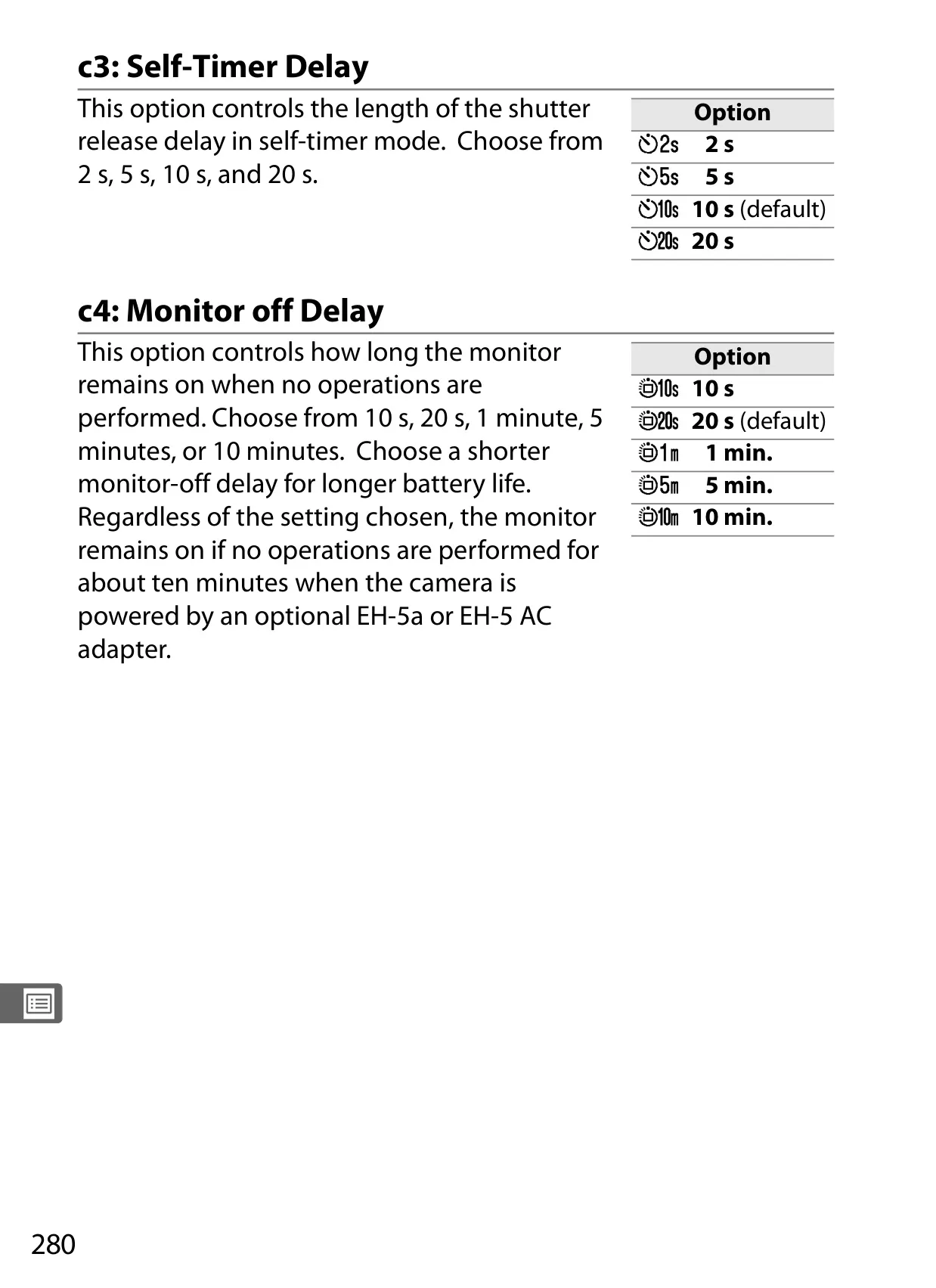
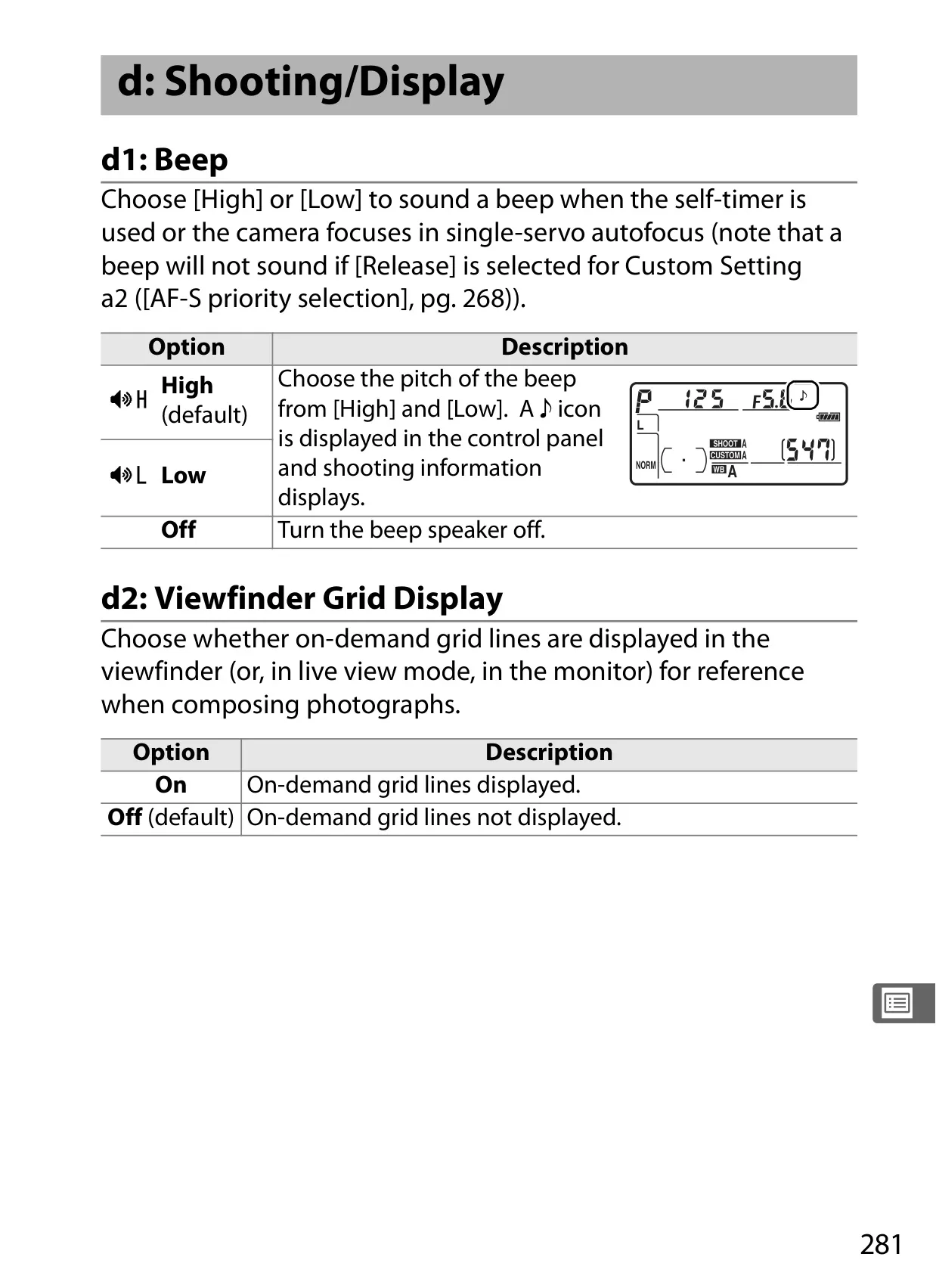
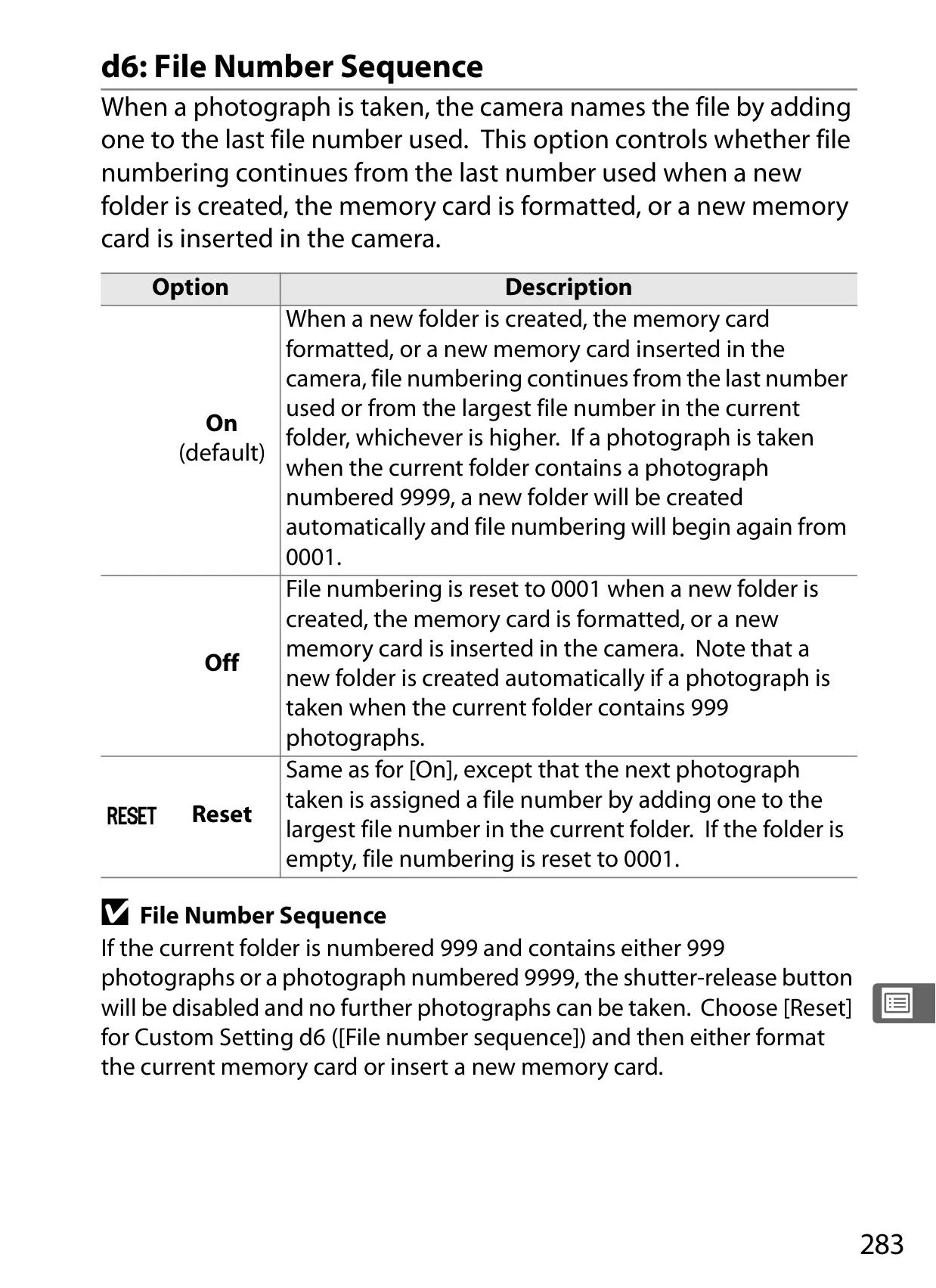
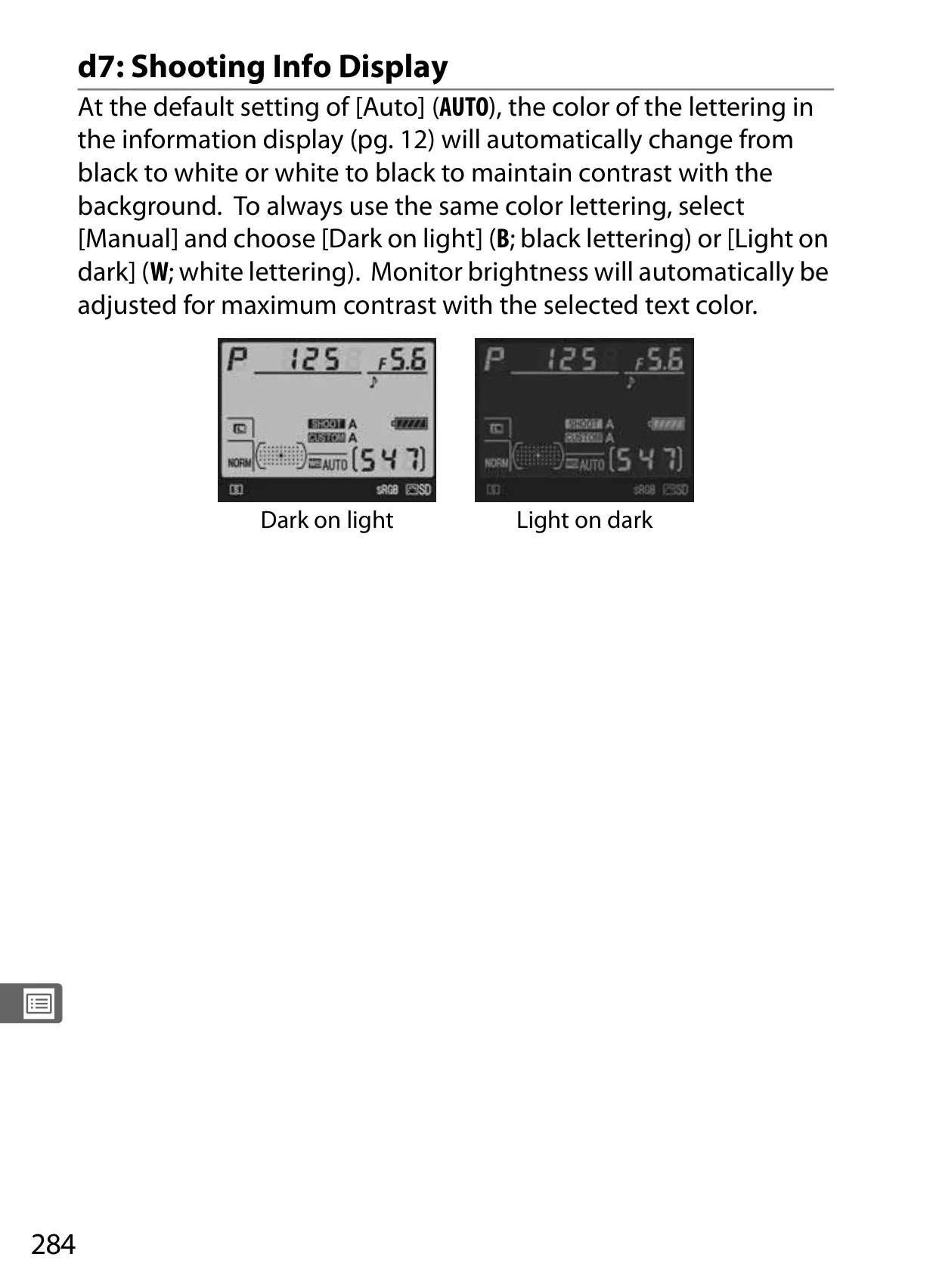
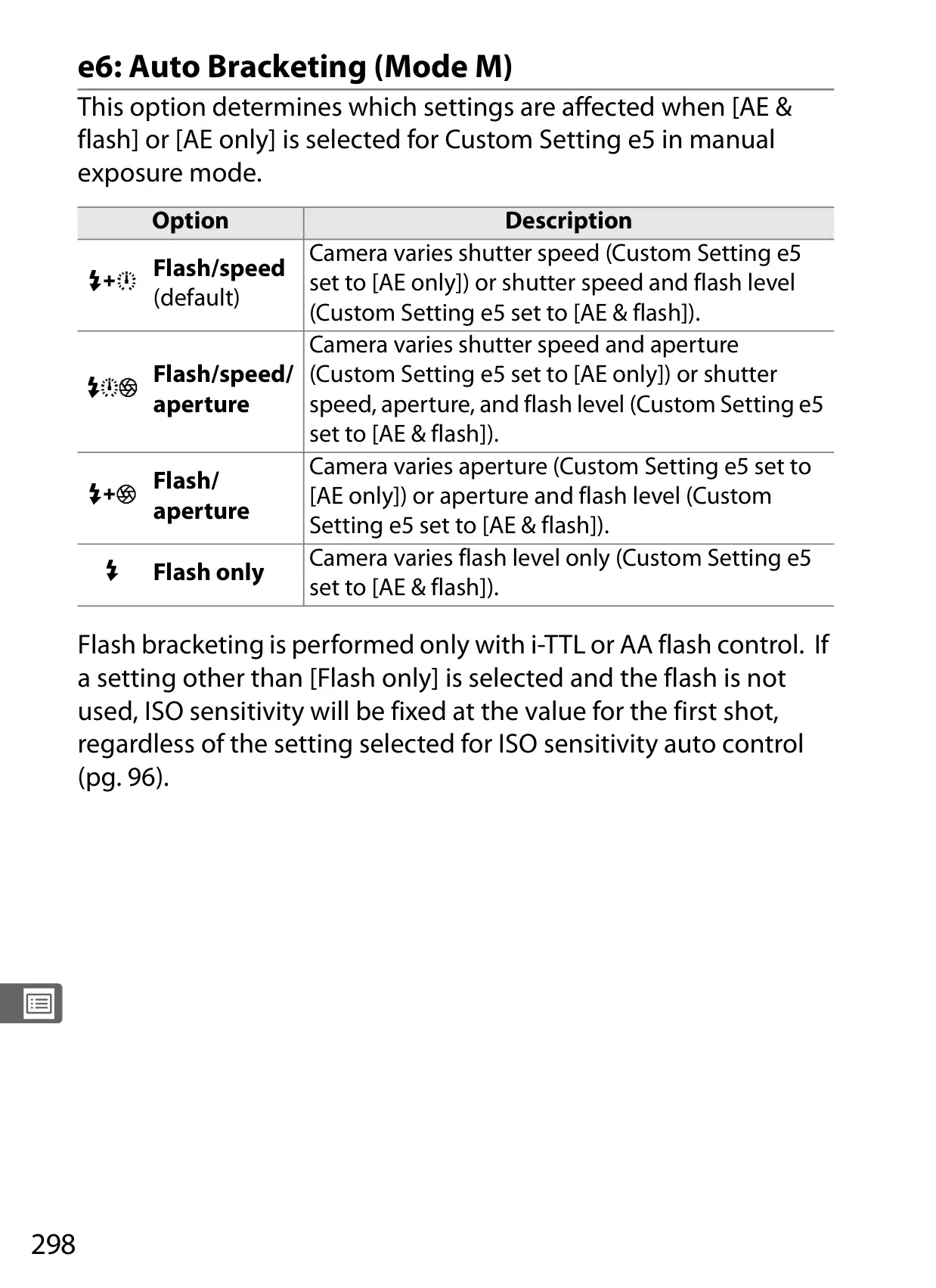
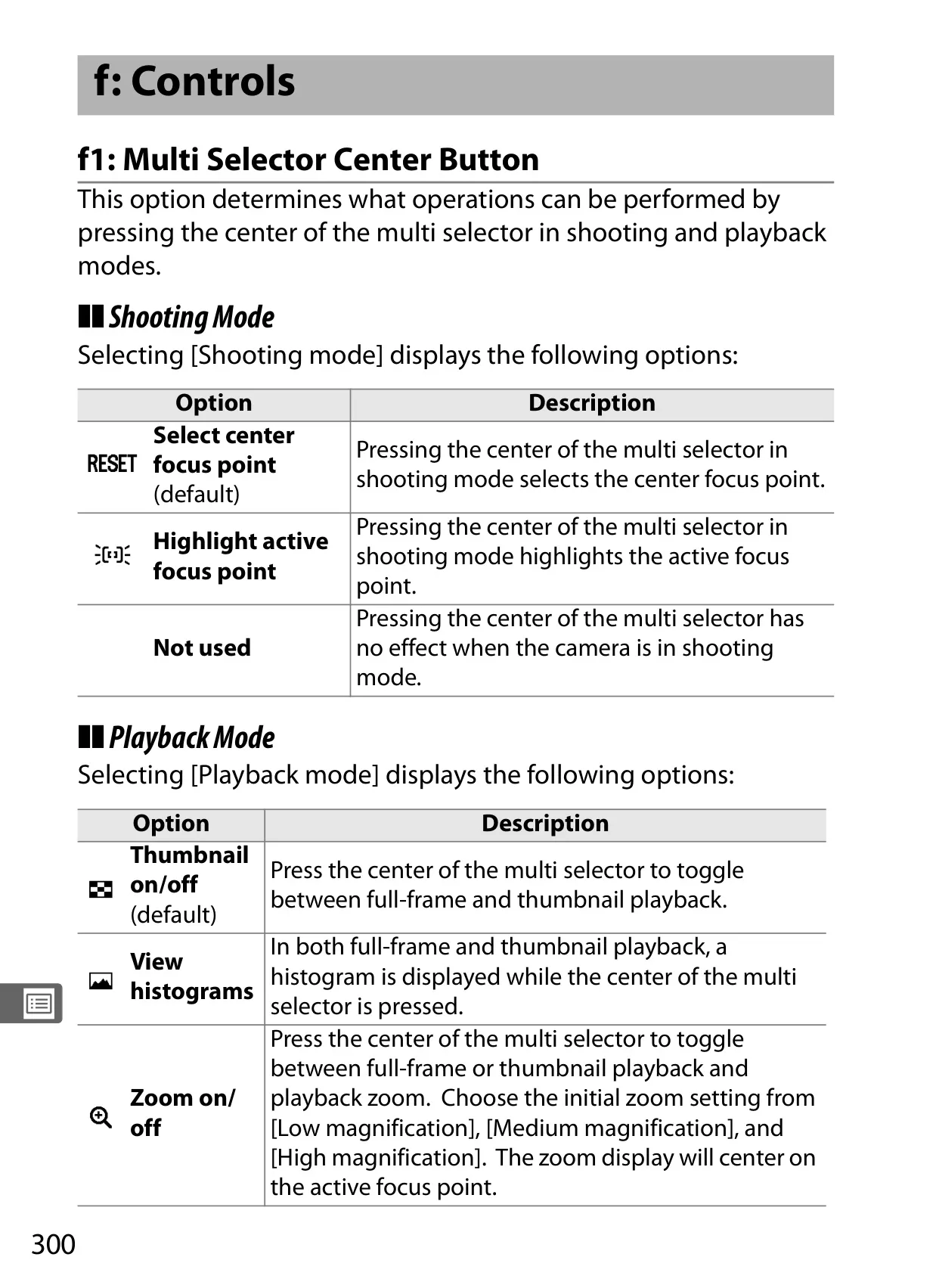
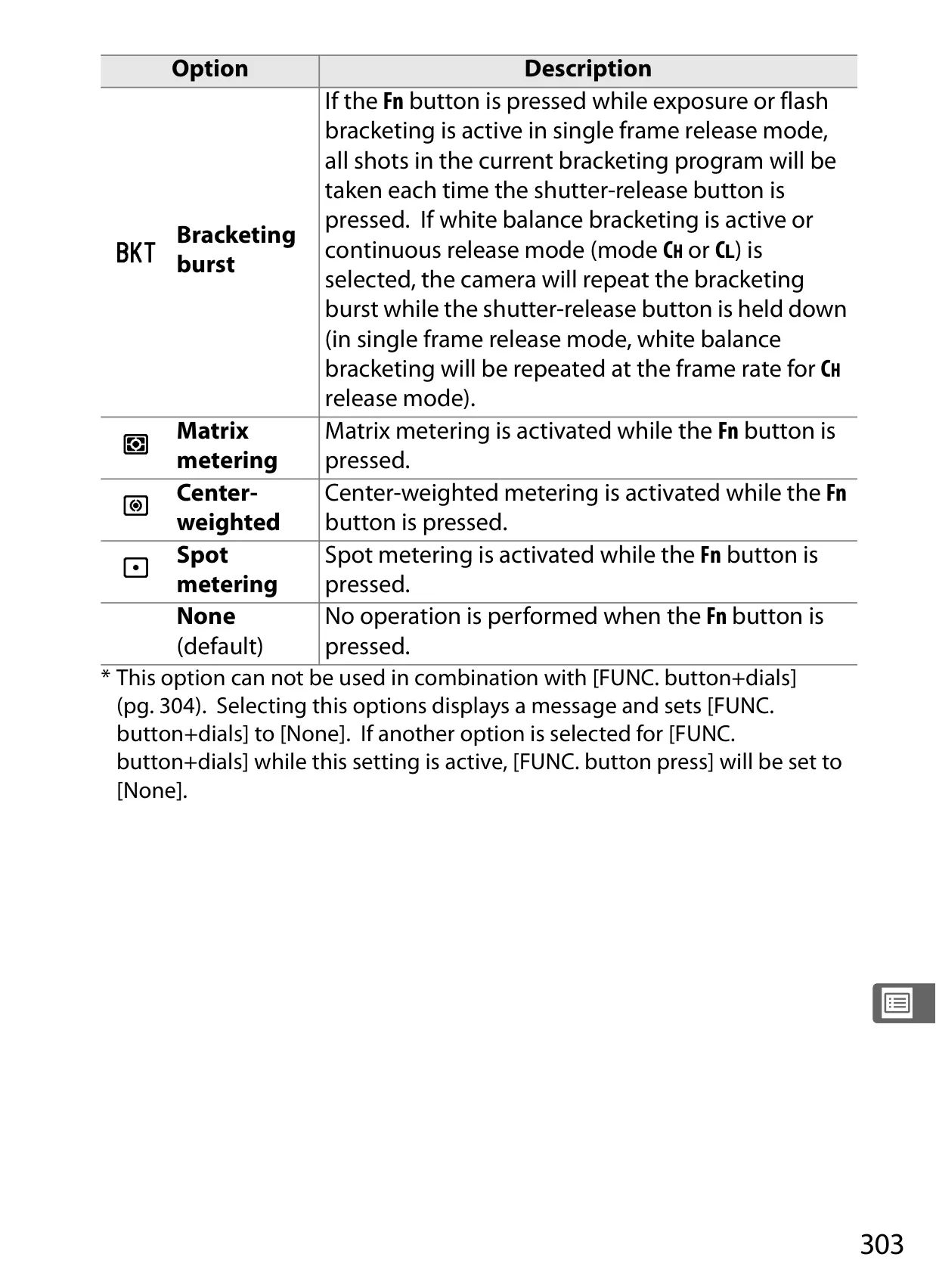
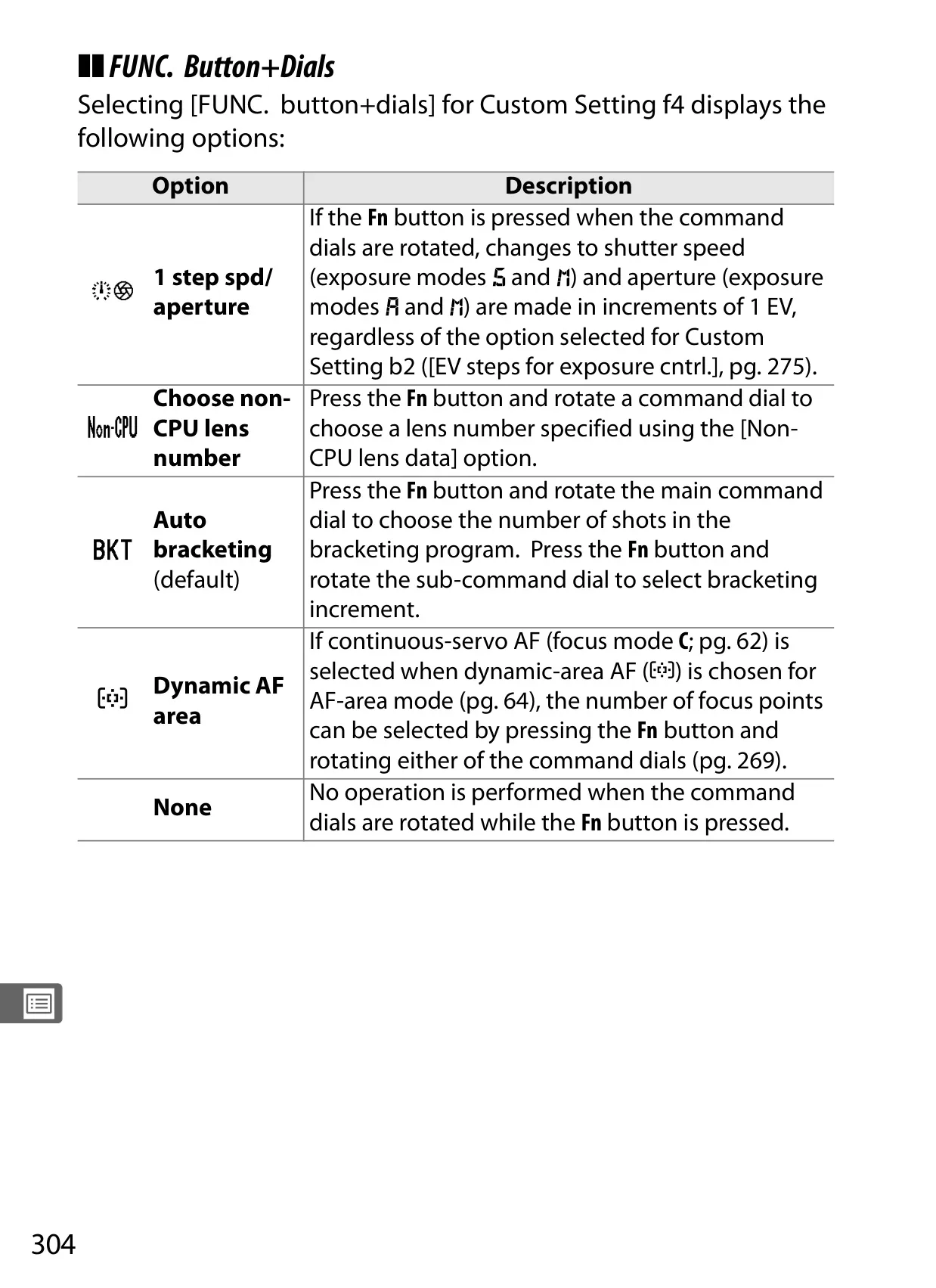
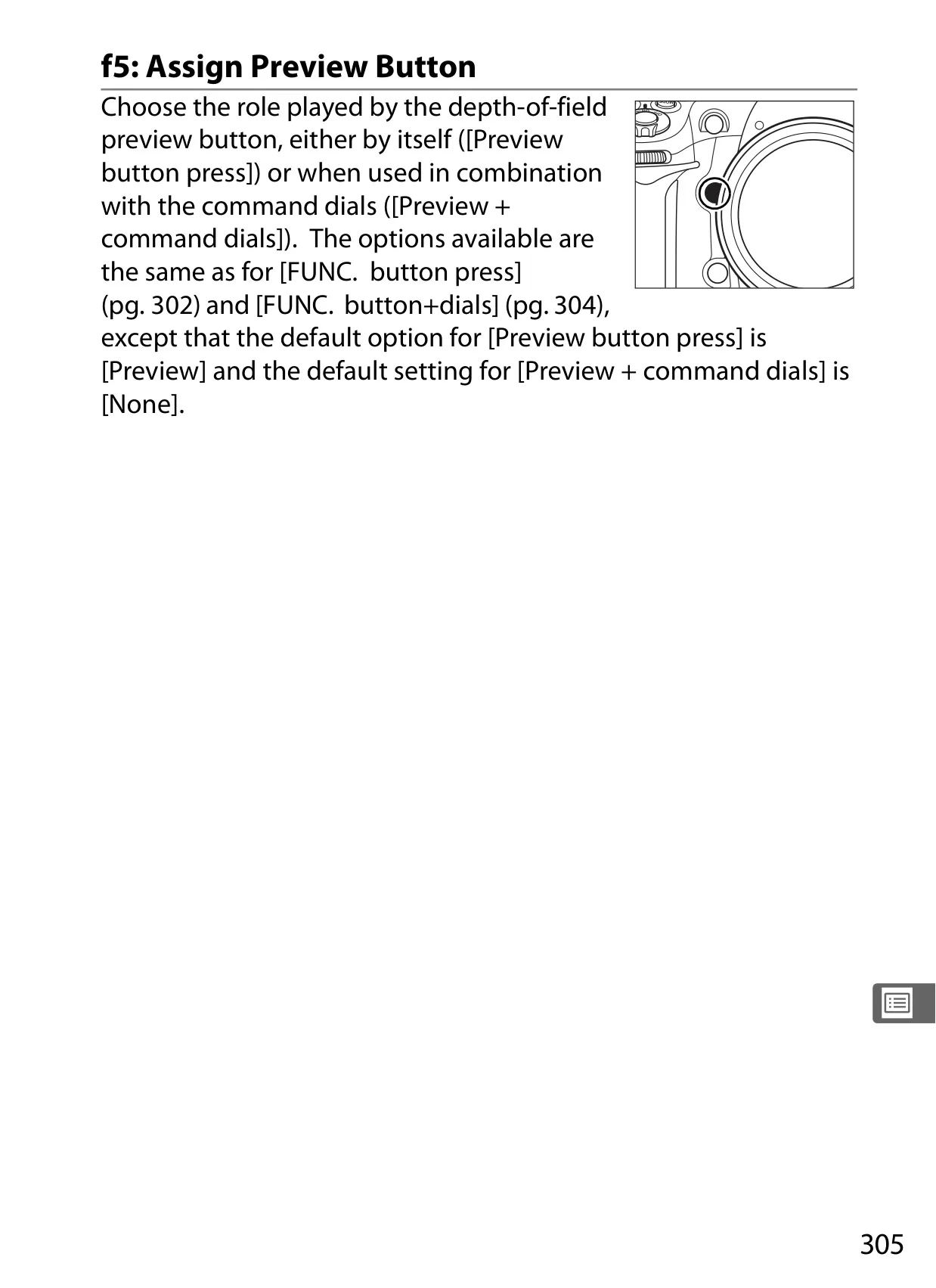
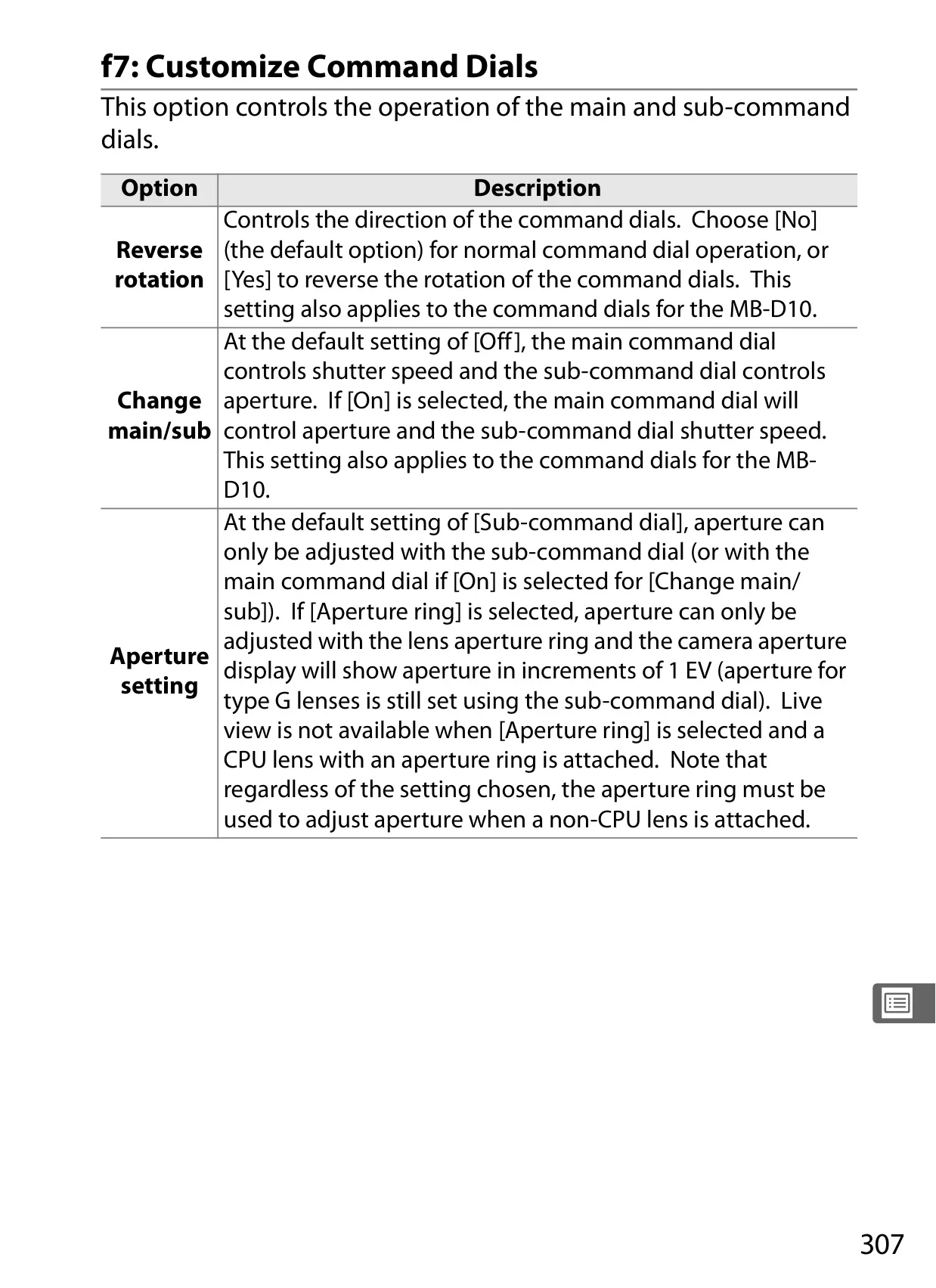
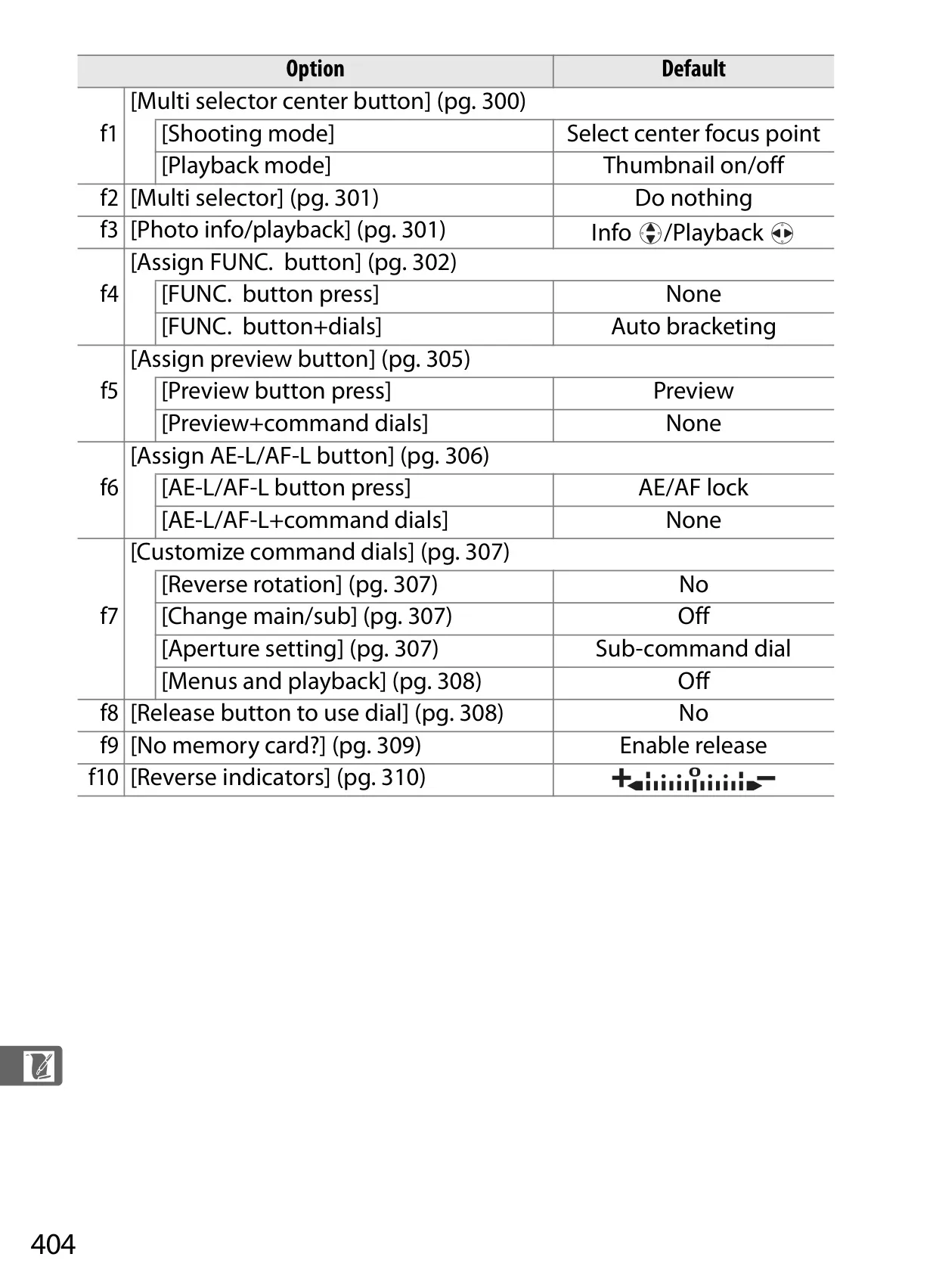
The camera's deep customization options are presented through its Custom Settings Menu, categorized into Autofocus, Metering/Exposure, Timers/AE Lock, Shooting/Display, Bracketing/Flash, and Controls. This allows photographers to tailor nearly every operational aspect, from command dial functions to self-timer delays, creating a truly personalized shooting experience.
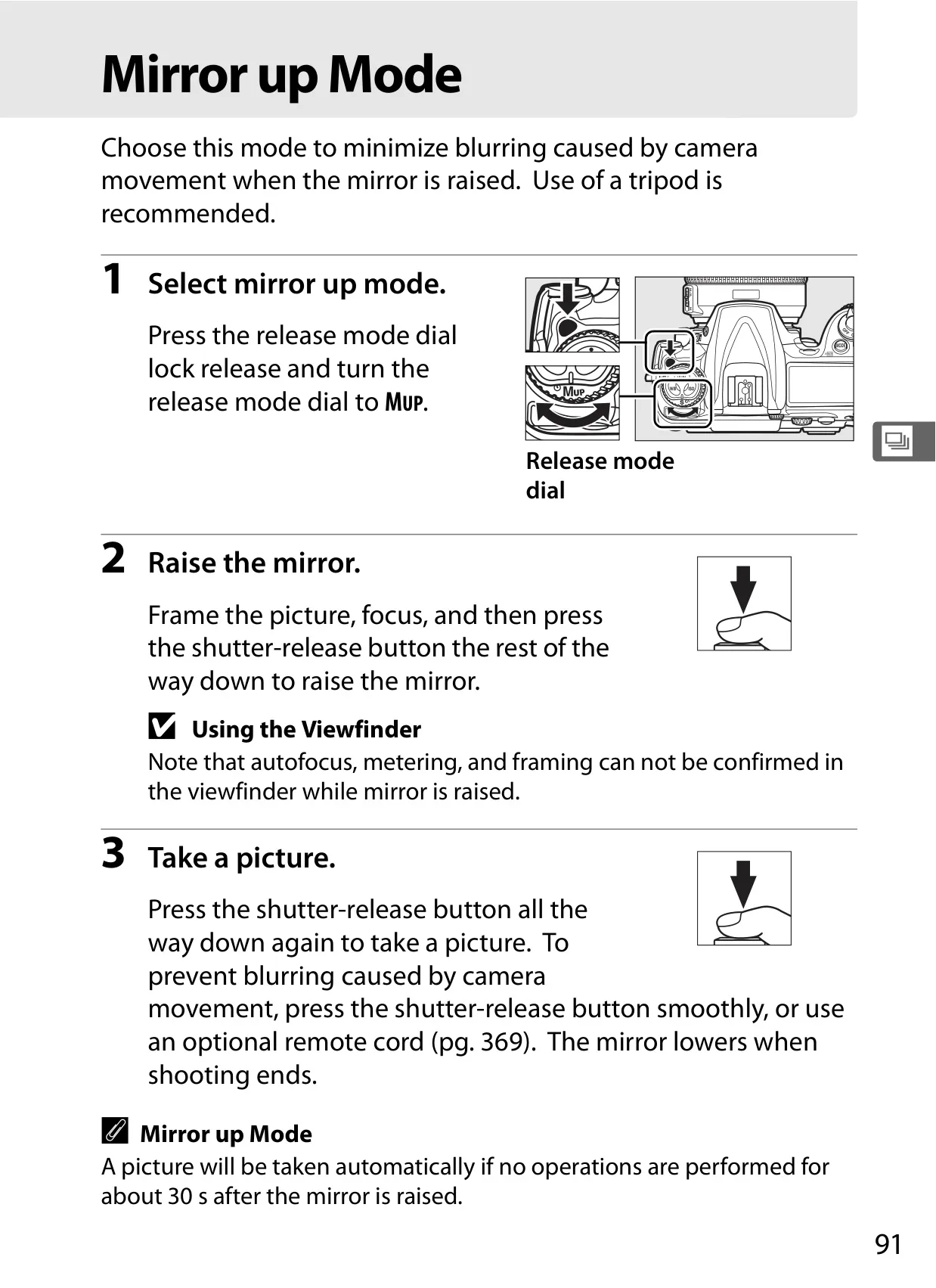
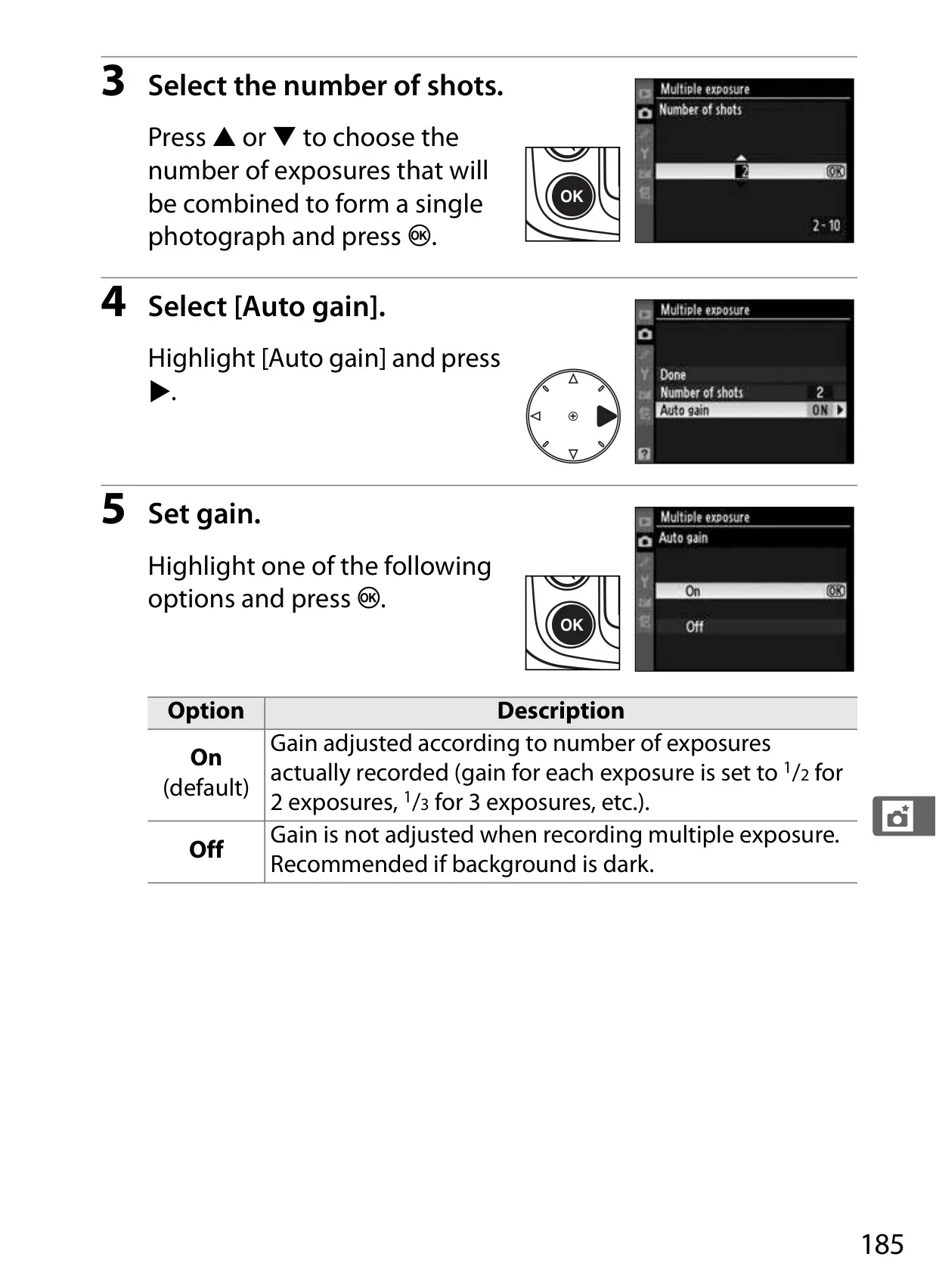
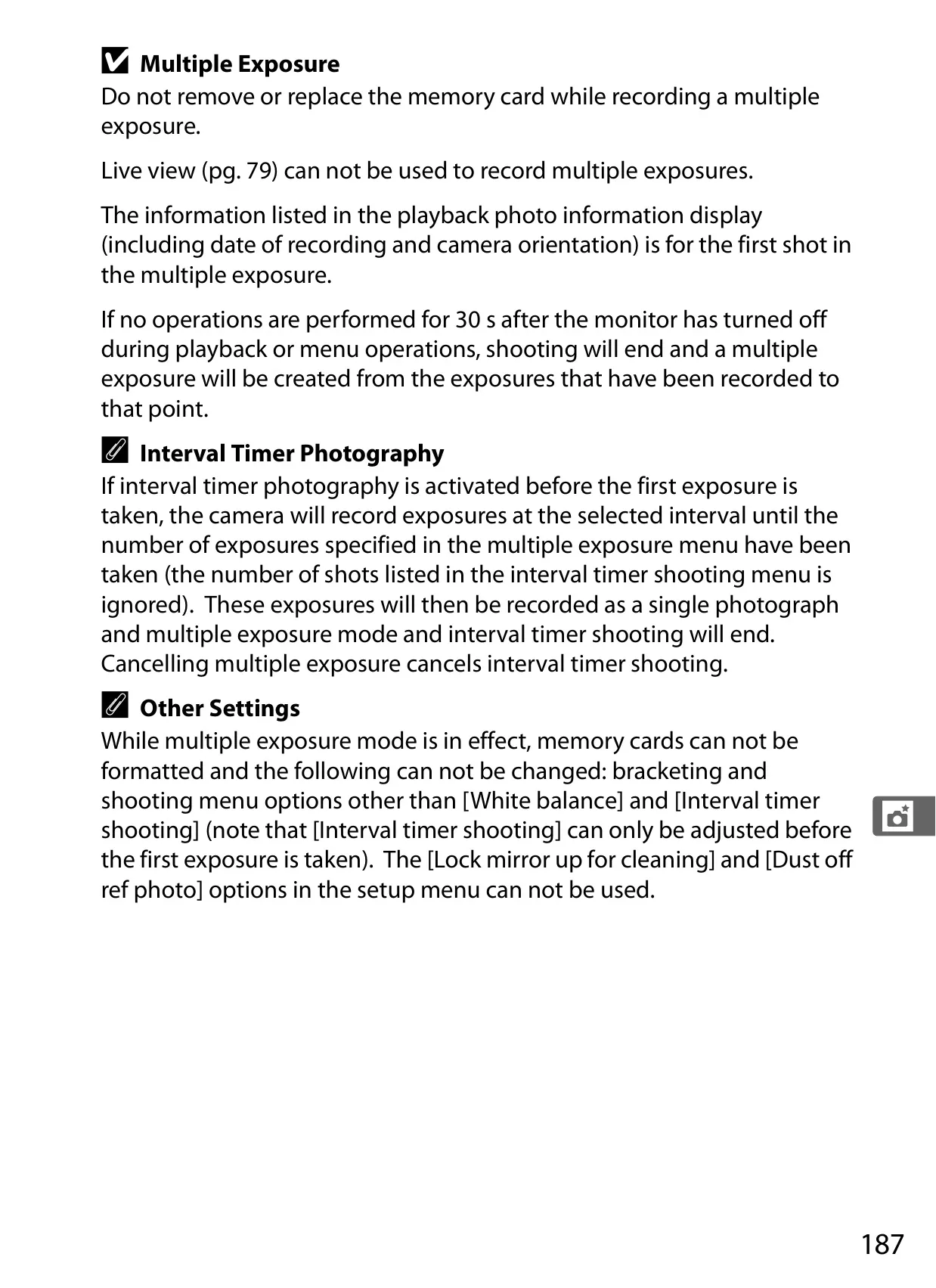
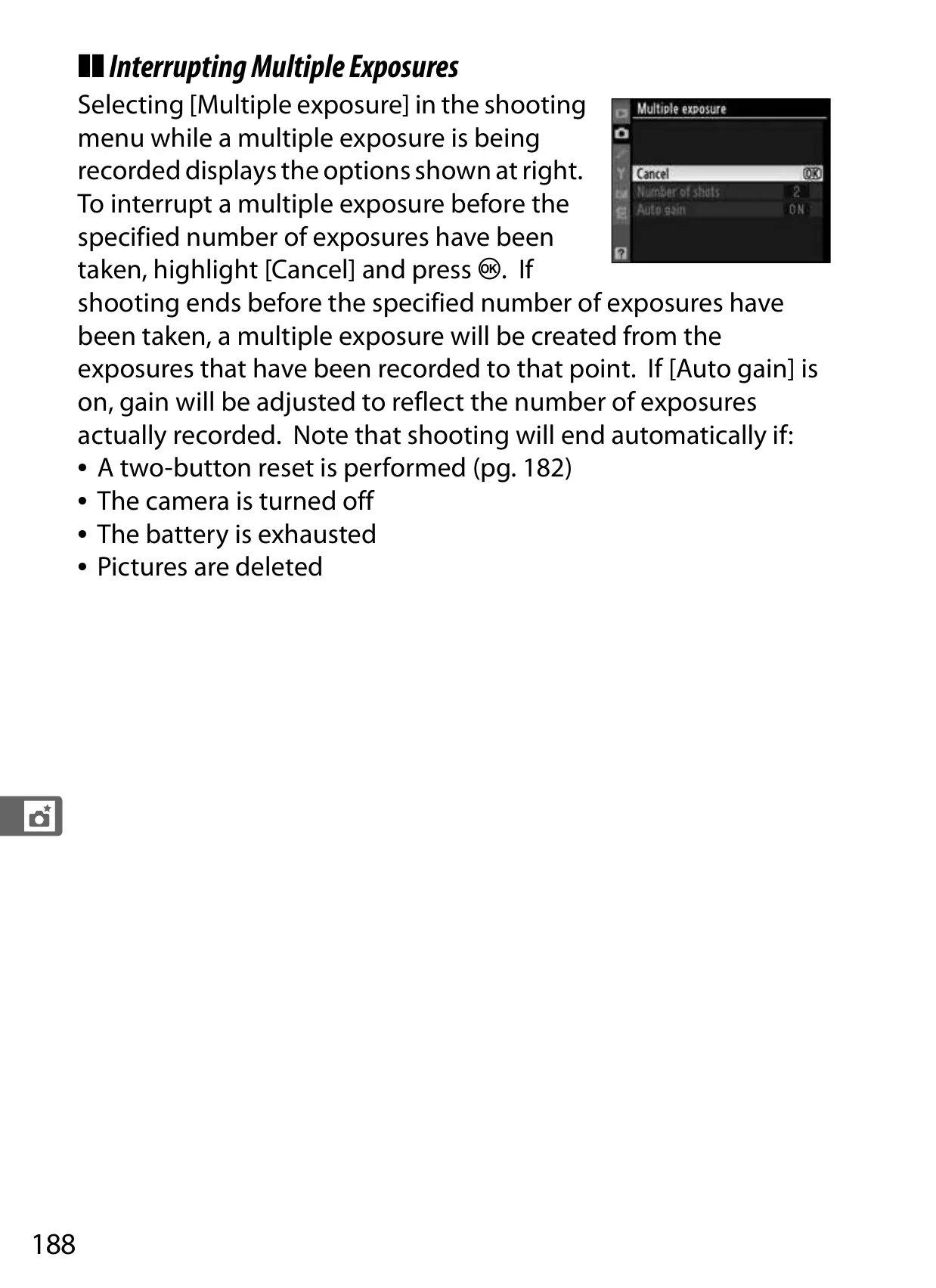
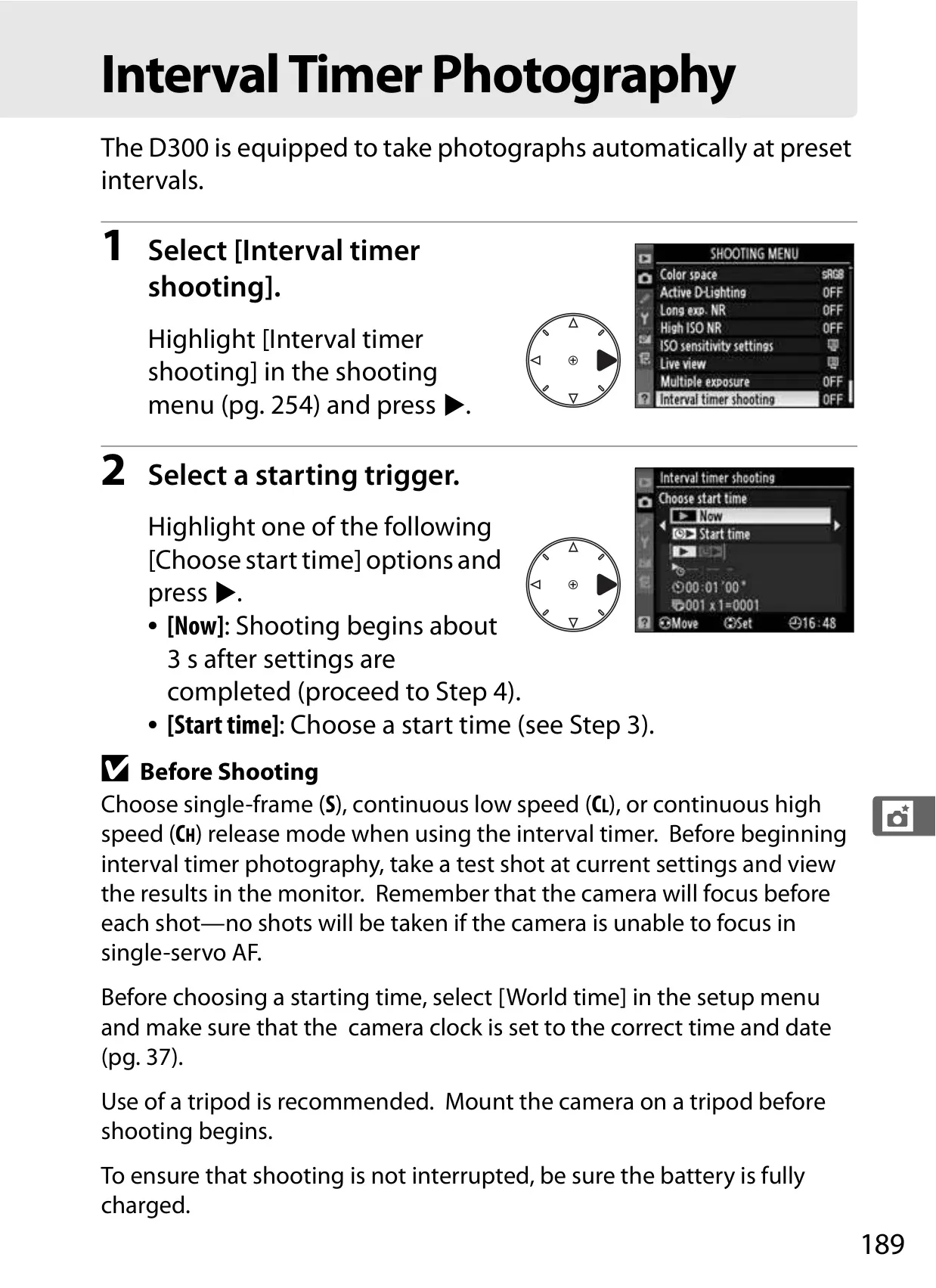
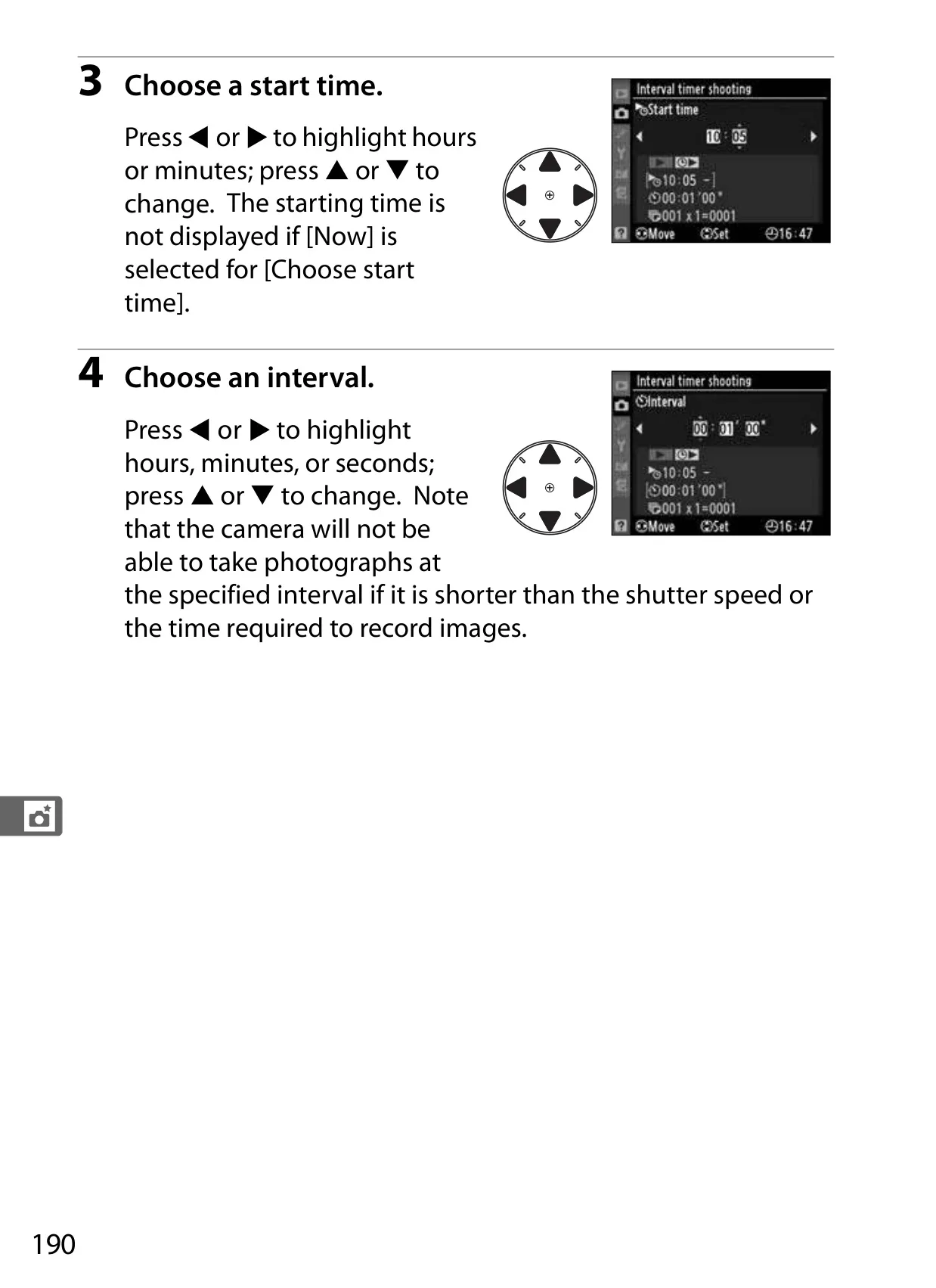
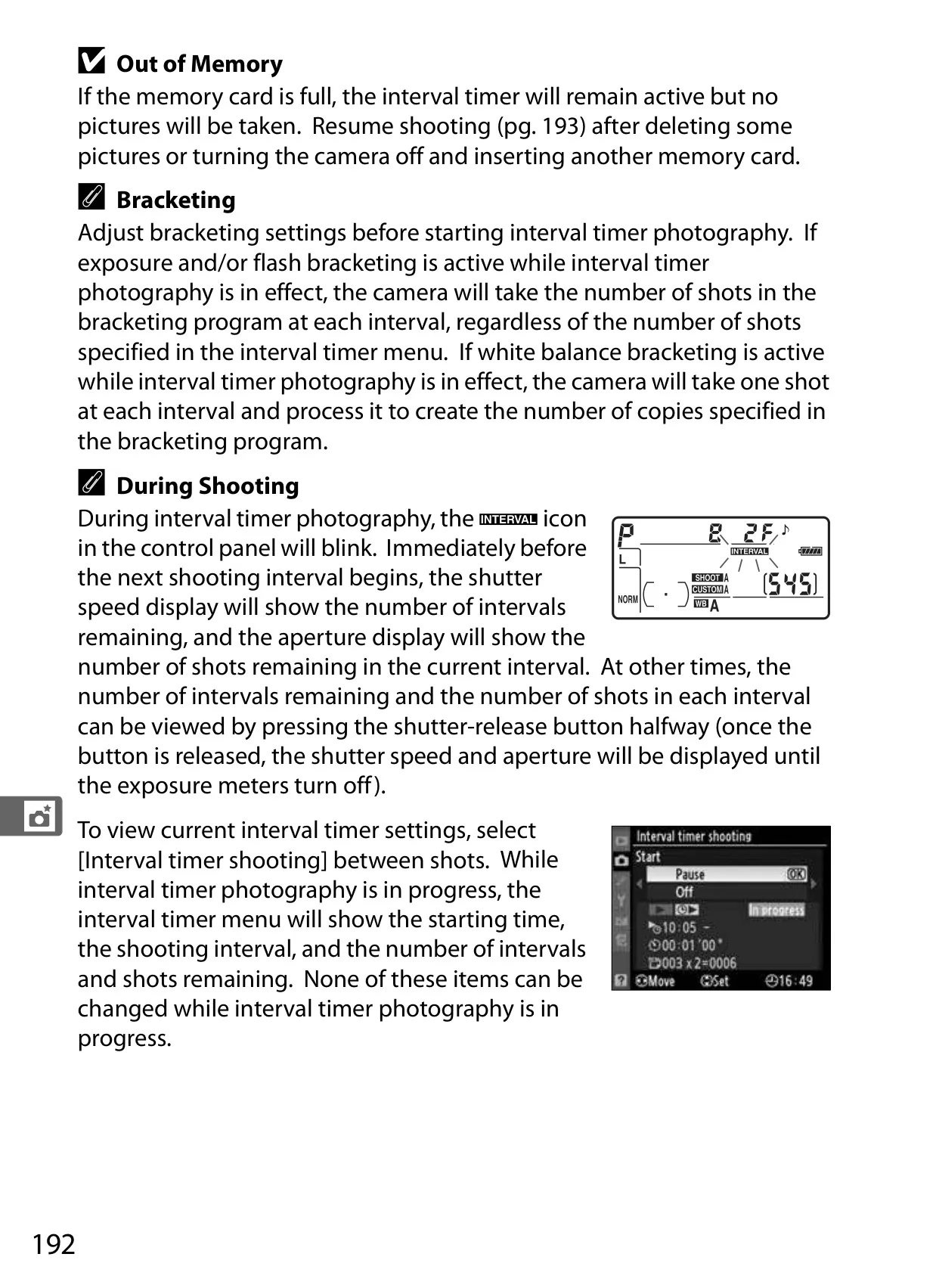
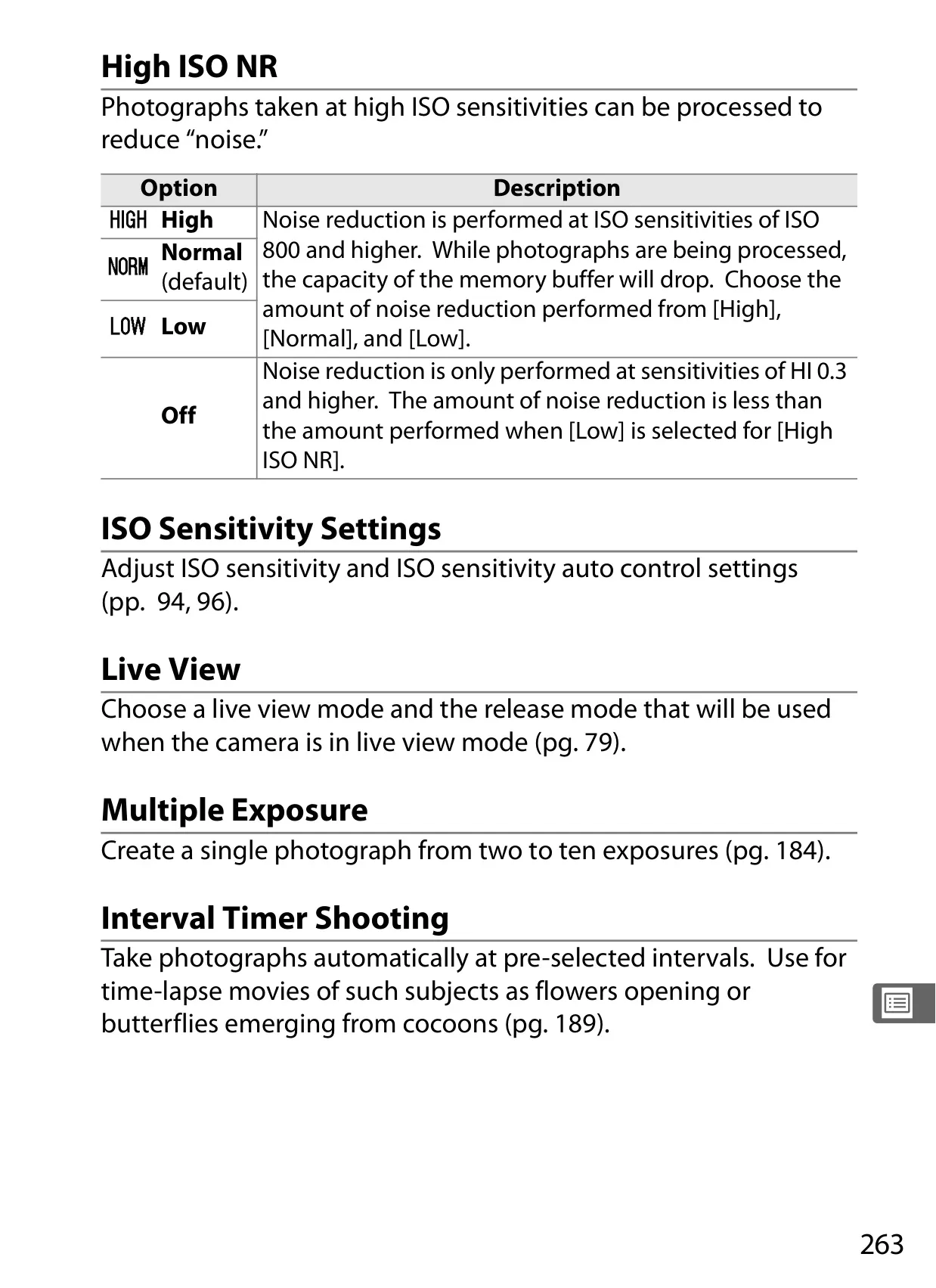
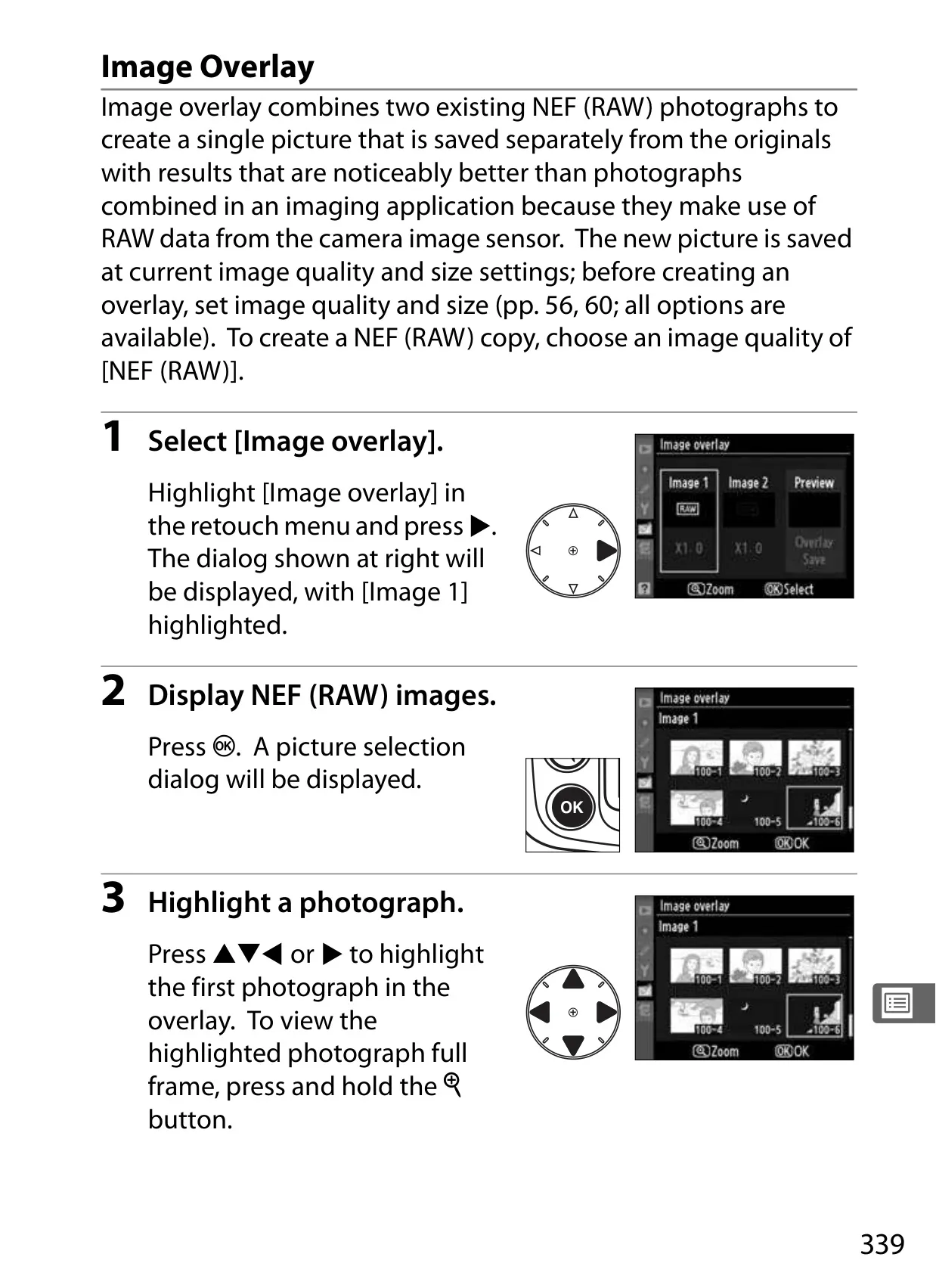
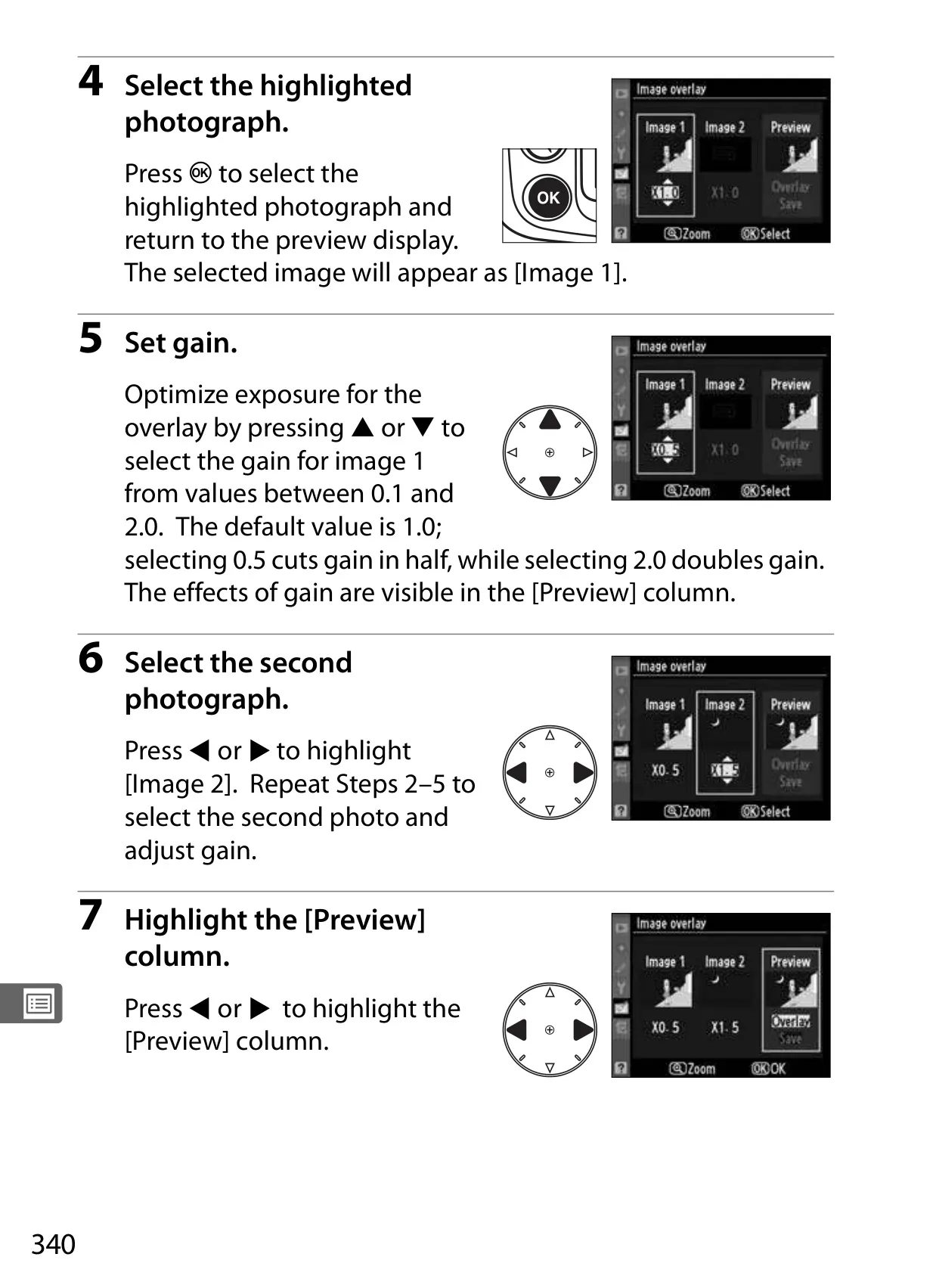
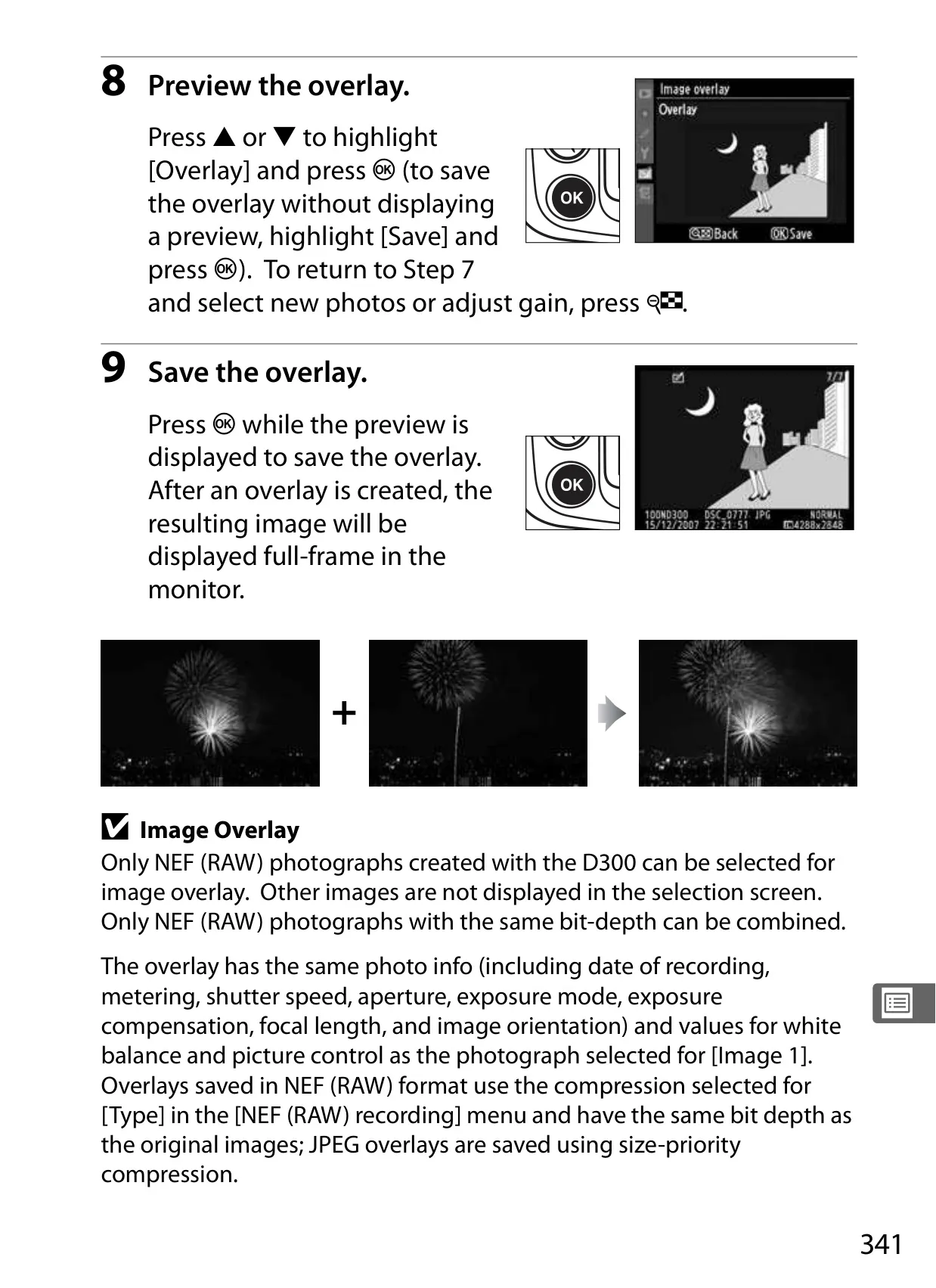
Specialized shooting modes like Multiple Exposure enable creative overlays directly in-camera, using RAW data for superior results. Interval Timer Photography transforms the D300 into a time-lapse powerhouse, capturing sequences automatically at user-defined intervals. These features greatly expand the camera's utility for artistic and scientific projects.
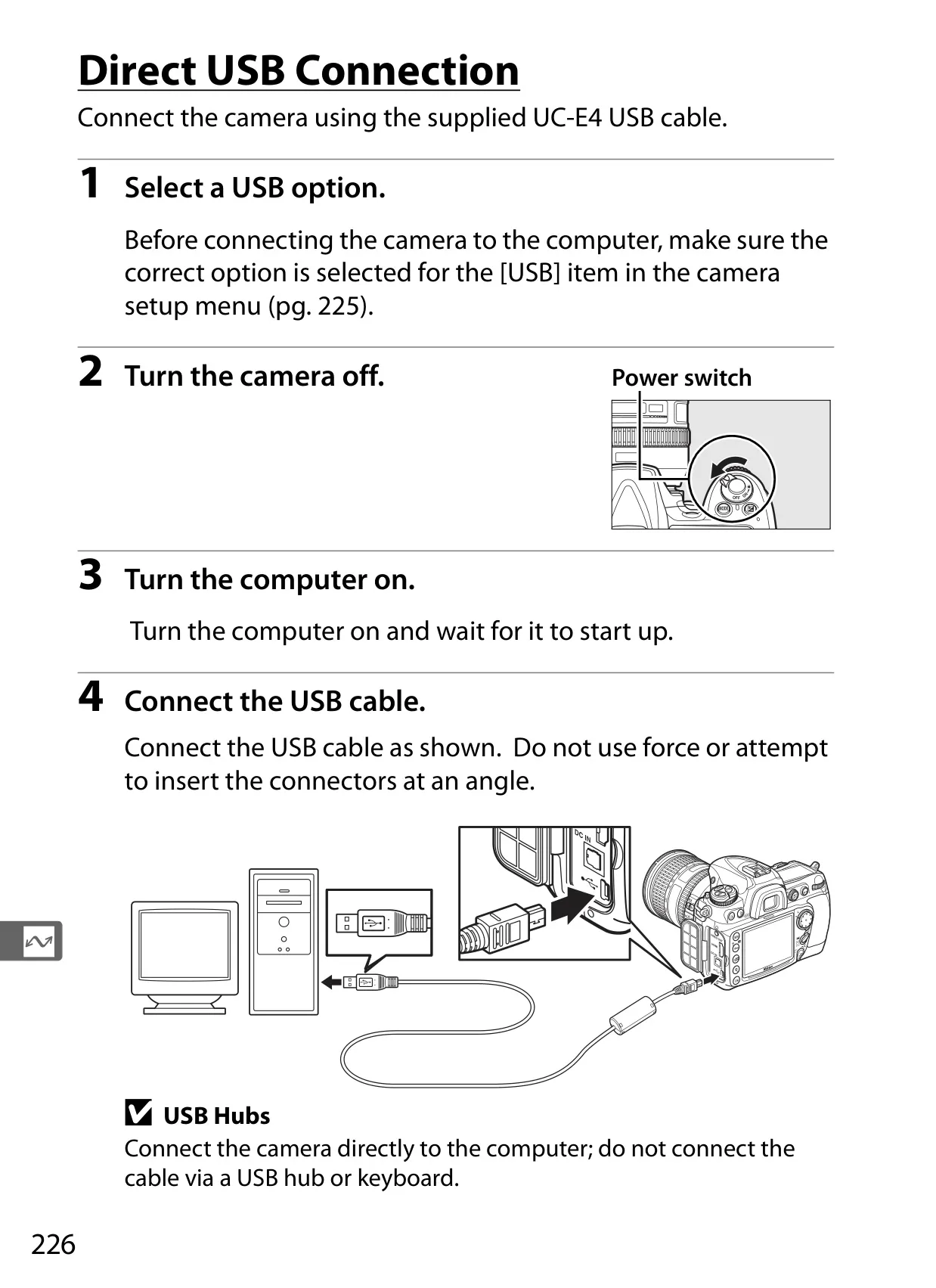
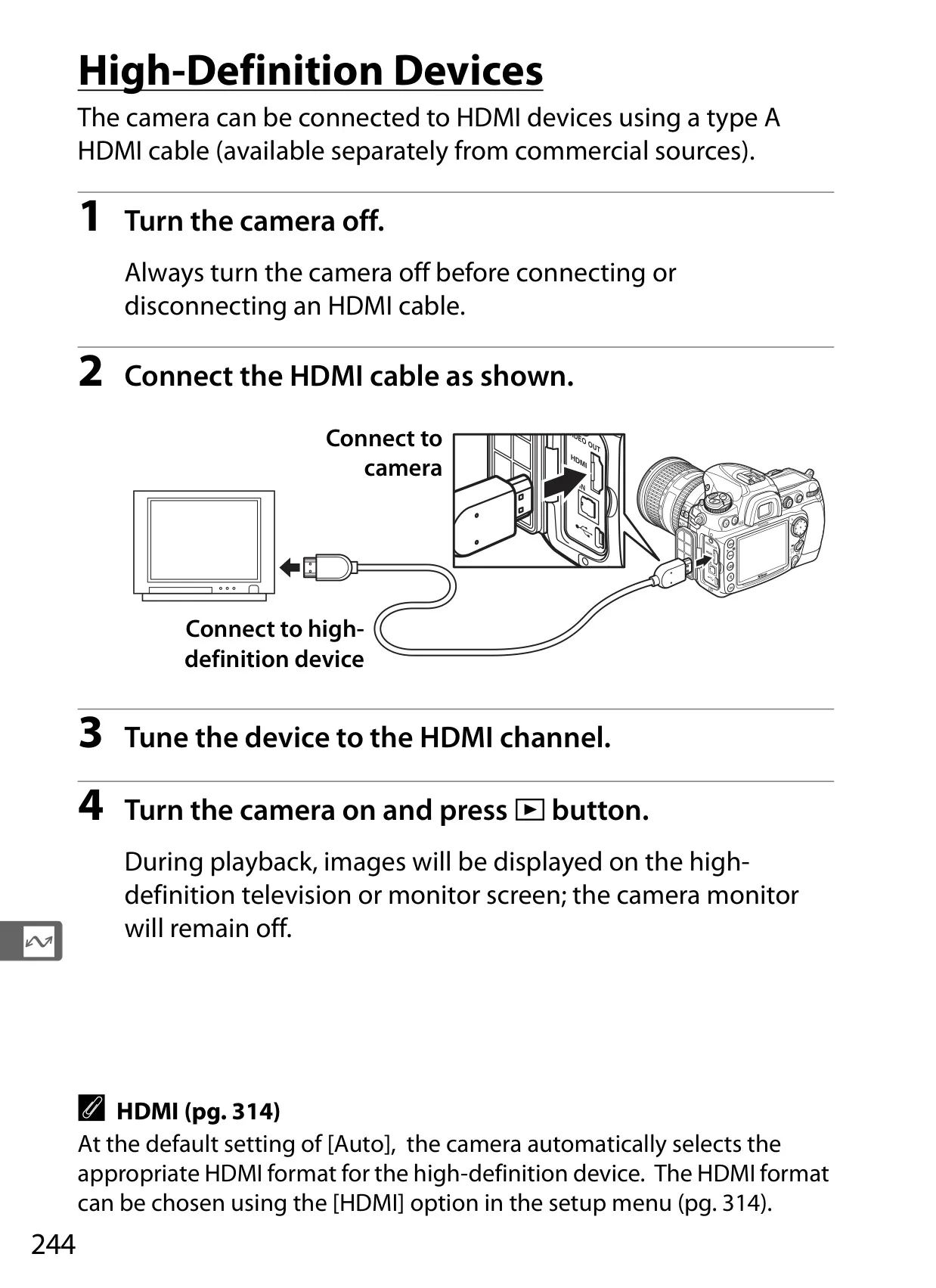
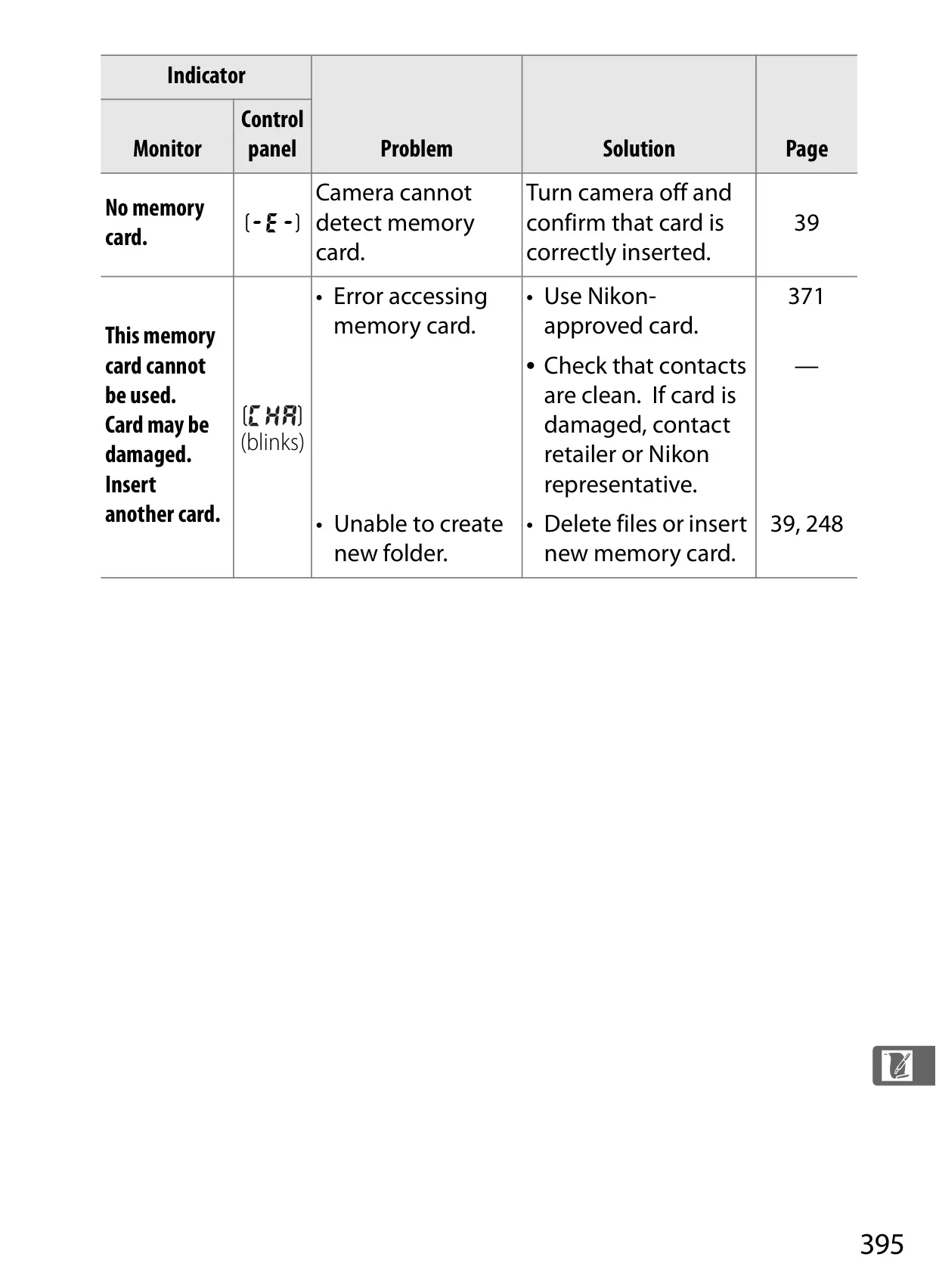
Finally, the manual addresses connectivity and data integrity. It outlines connecting to computers, televisions (via Video or HDMI), and optional wireless transmitters. Features like Image Authentication embed verifiable data, crucial for legal or archival purposes. The inclusion of Copyright Information directly within image metadata further enhances professional workflow and intellectual property protection.
Frequently Asked Questions (FAQs)
Can't find the answer you need? Here are some frequently asked questions about the Nikon D300 DSLR Camera, and we answer them below.