Nikon D200 DSLR Camera Instruction Manual
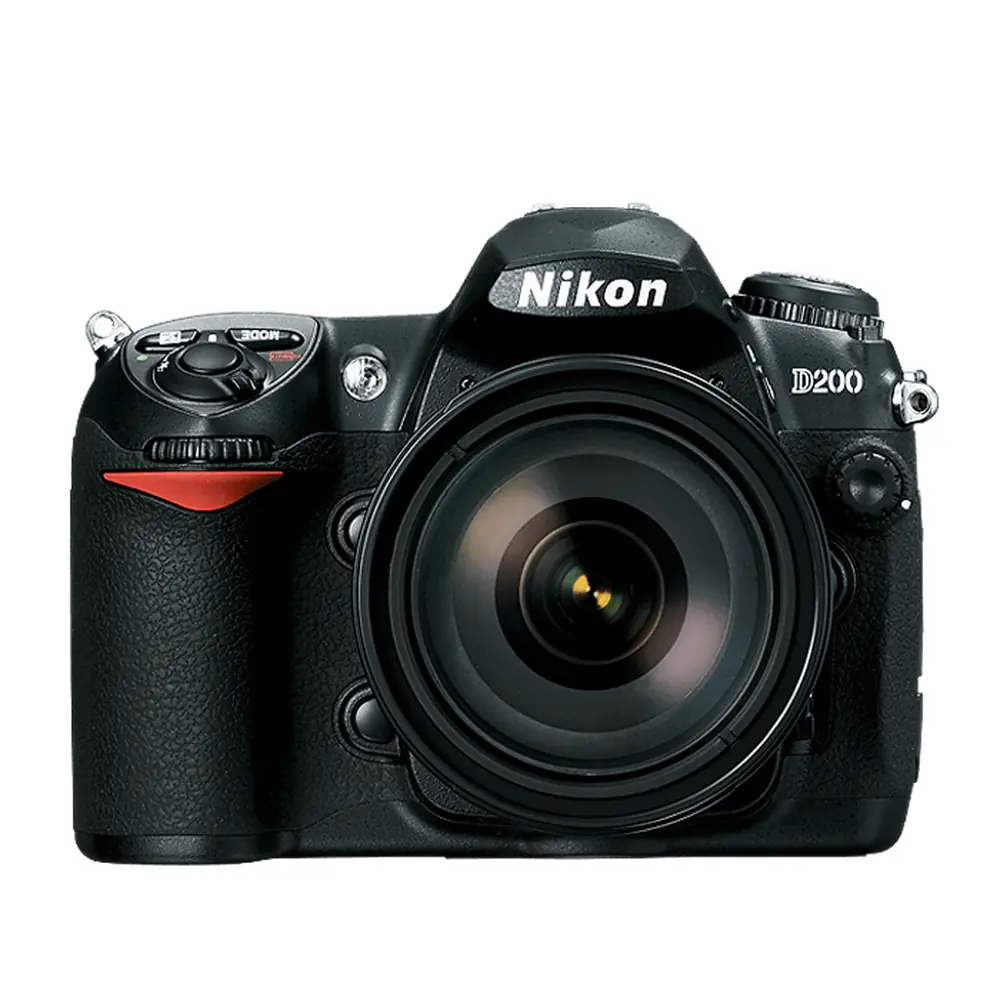
Nikon D200 DSLR Camera


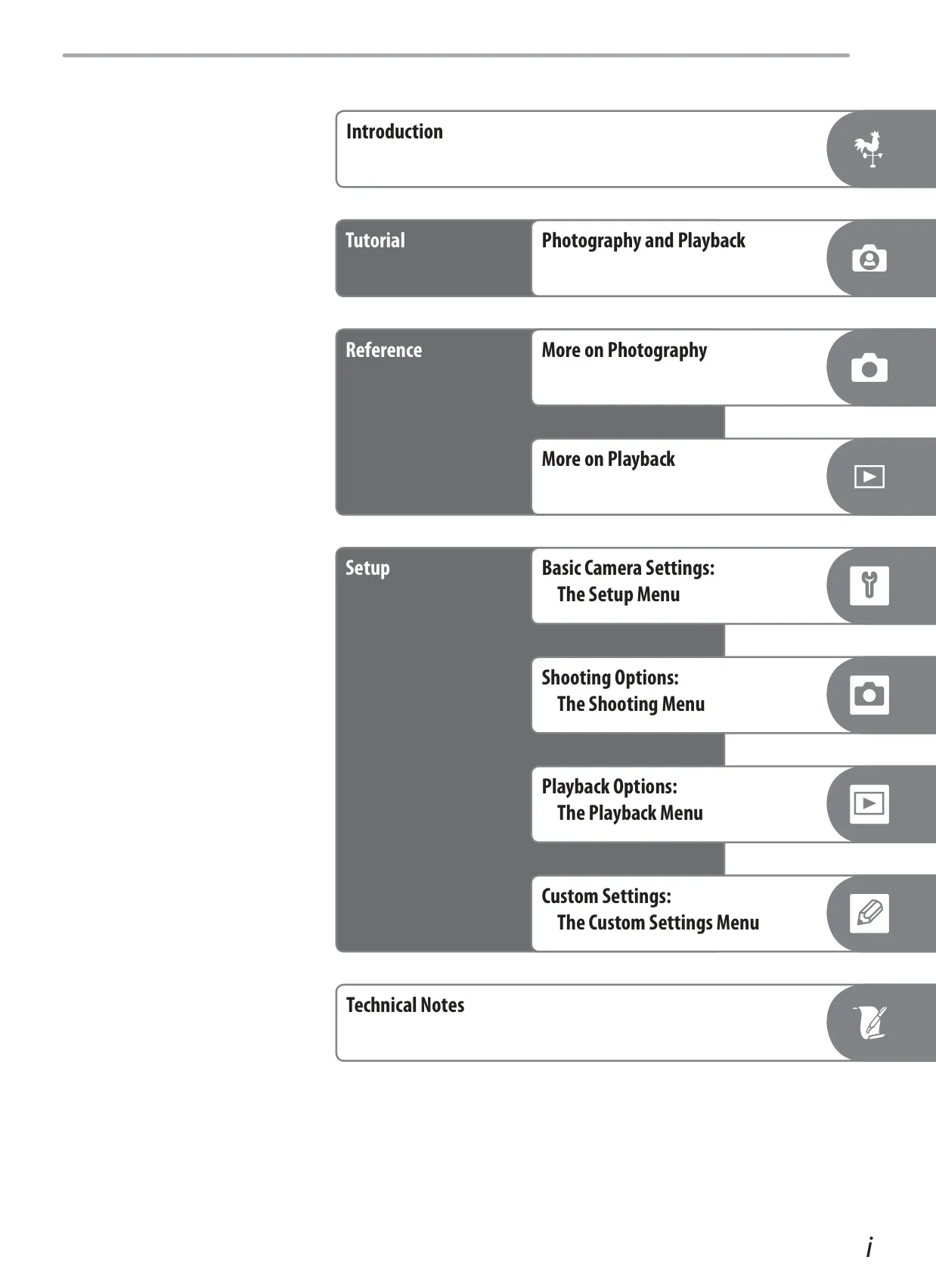








































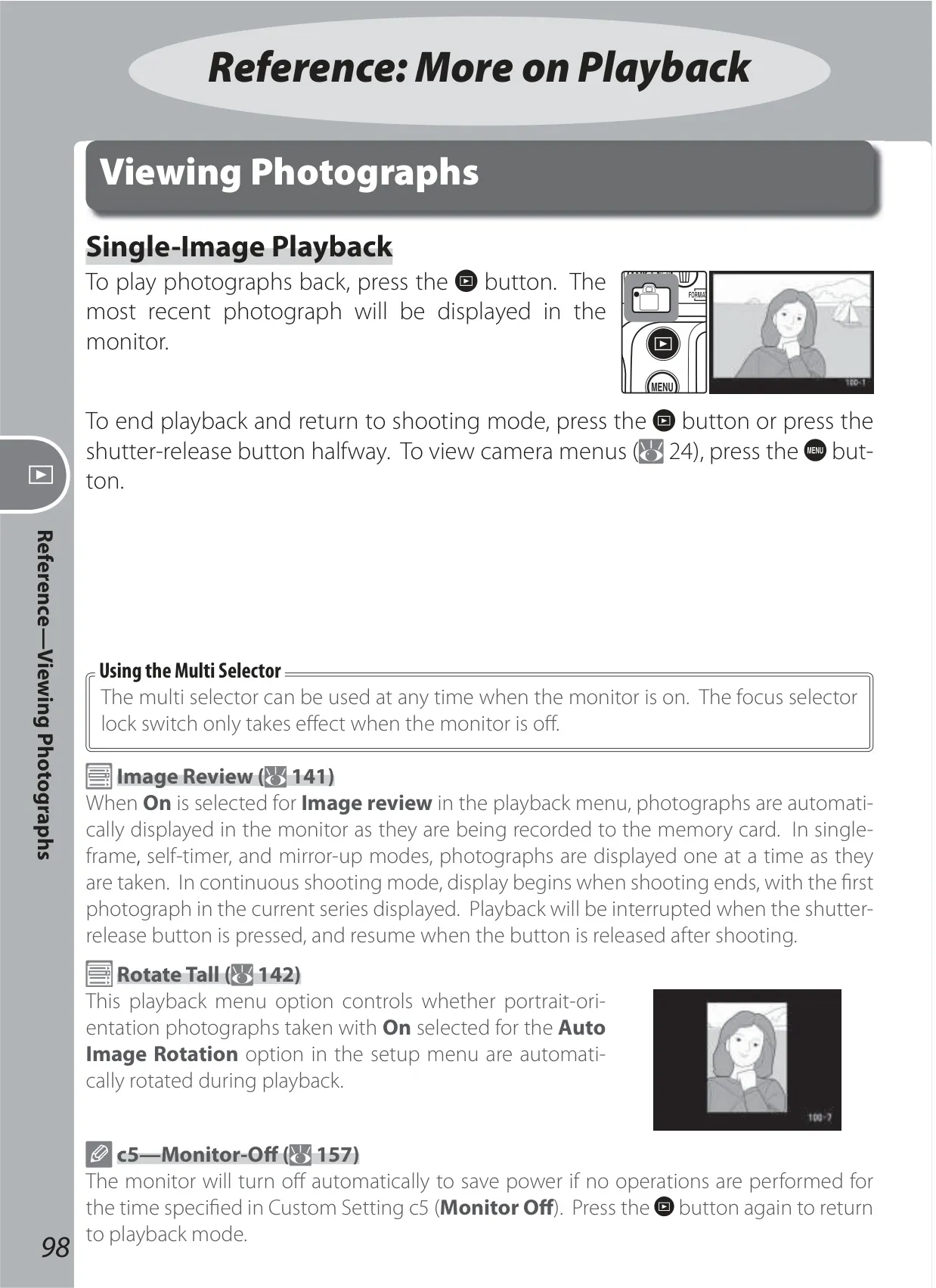
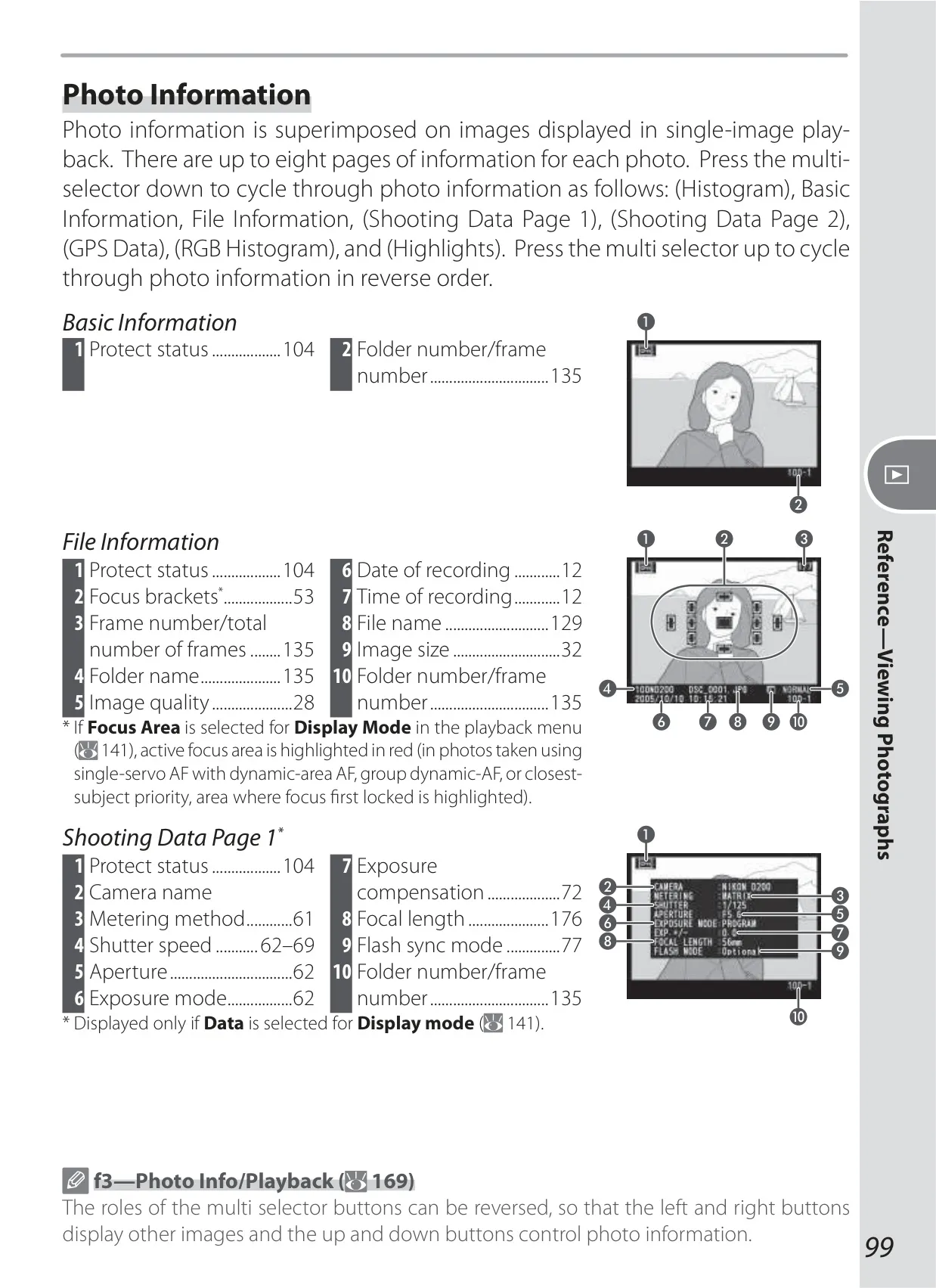


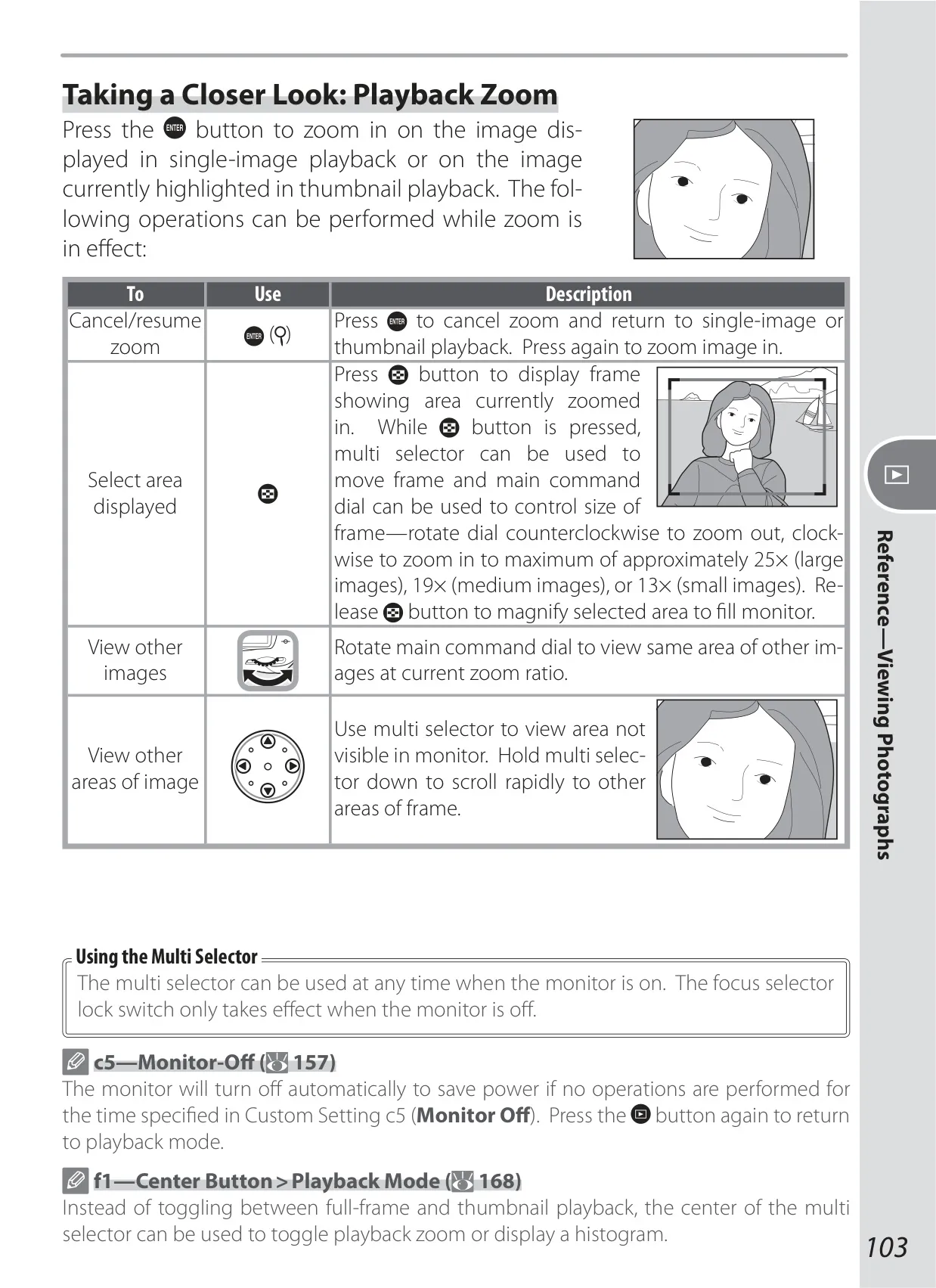


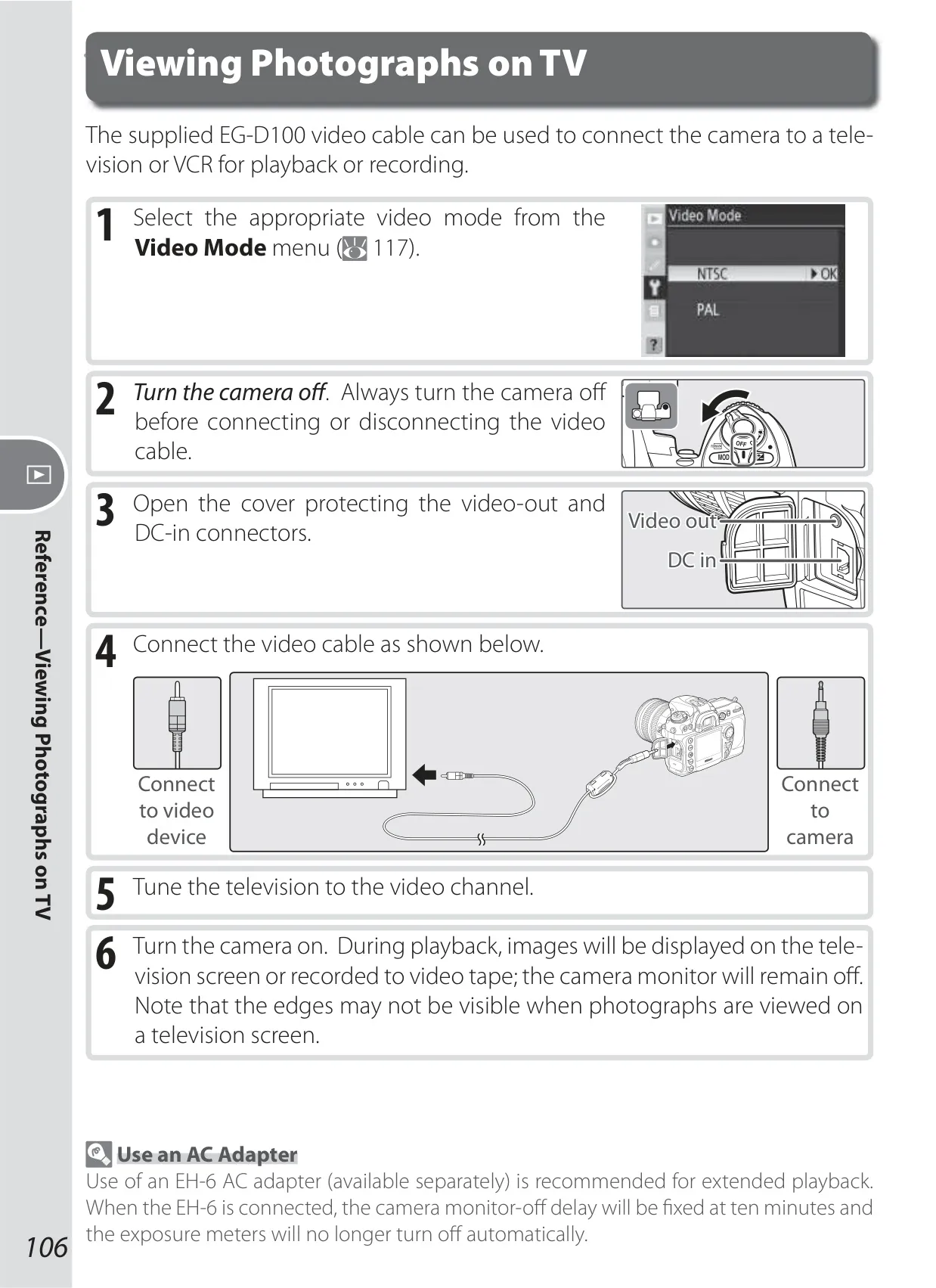




















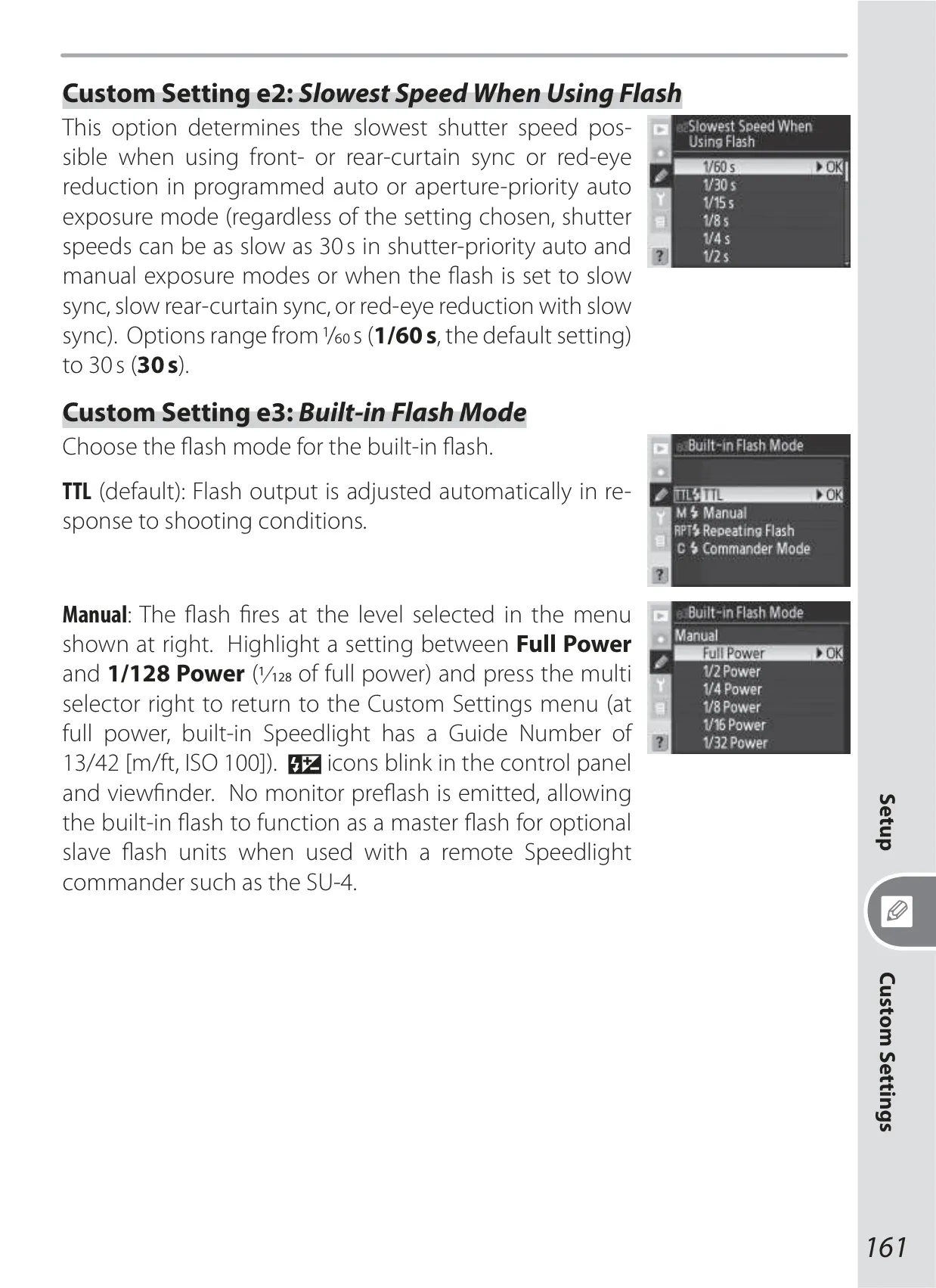
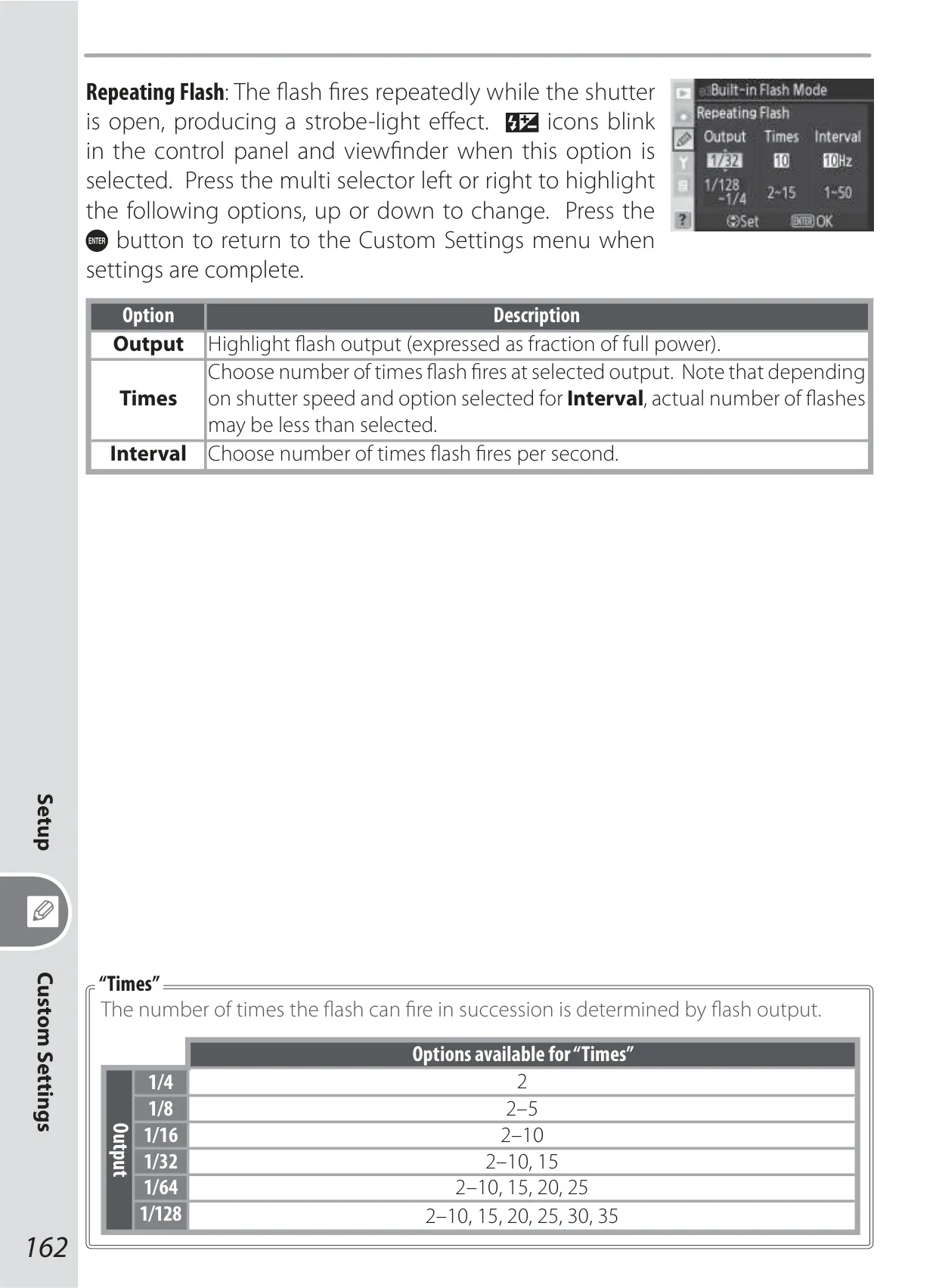
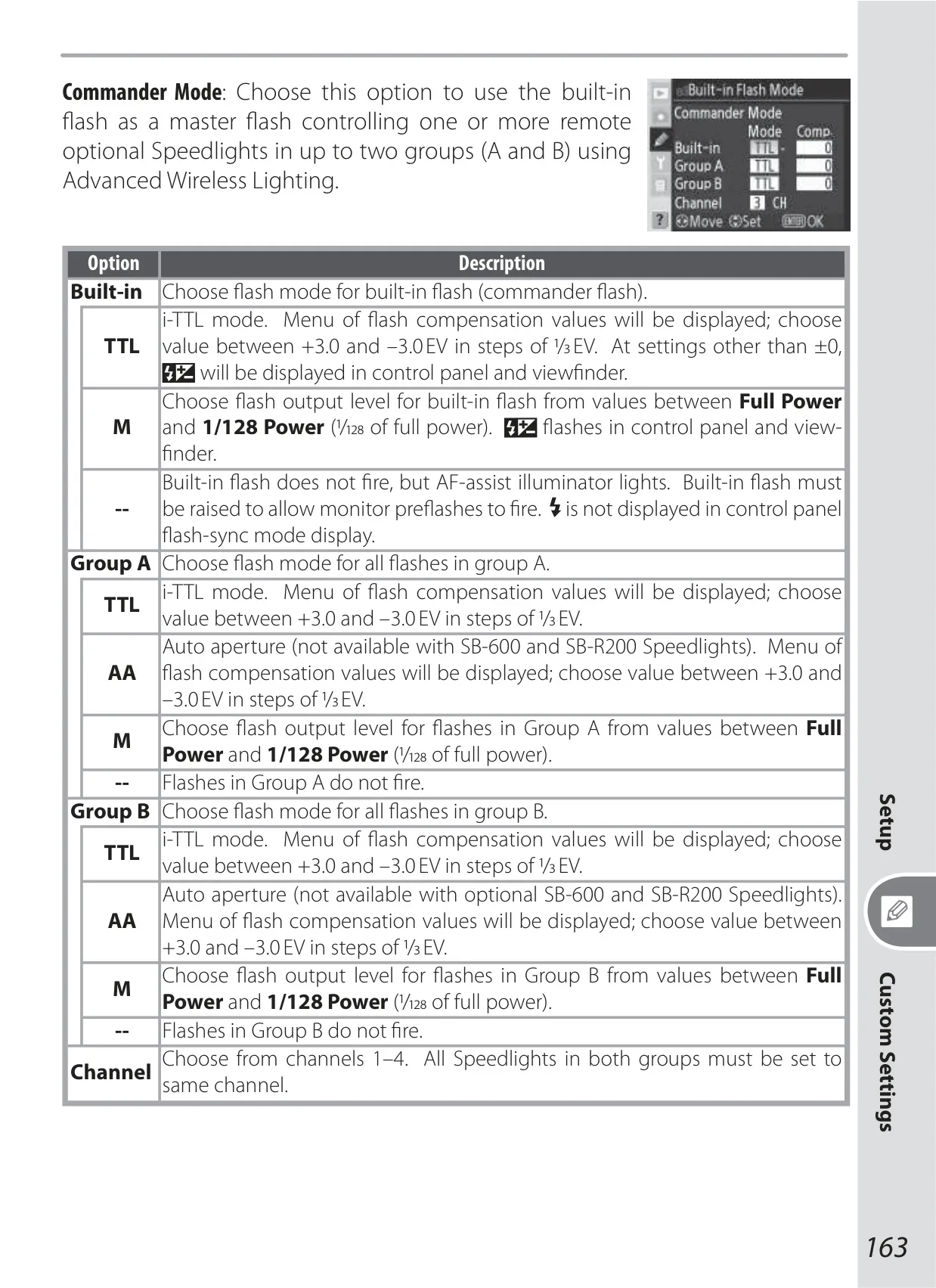


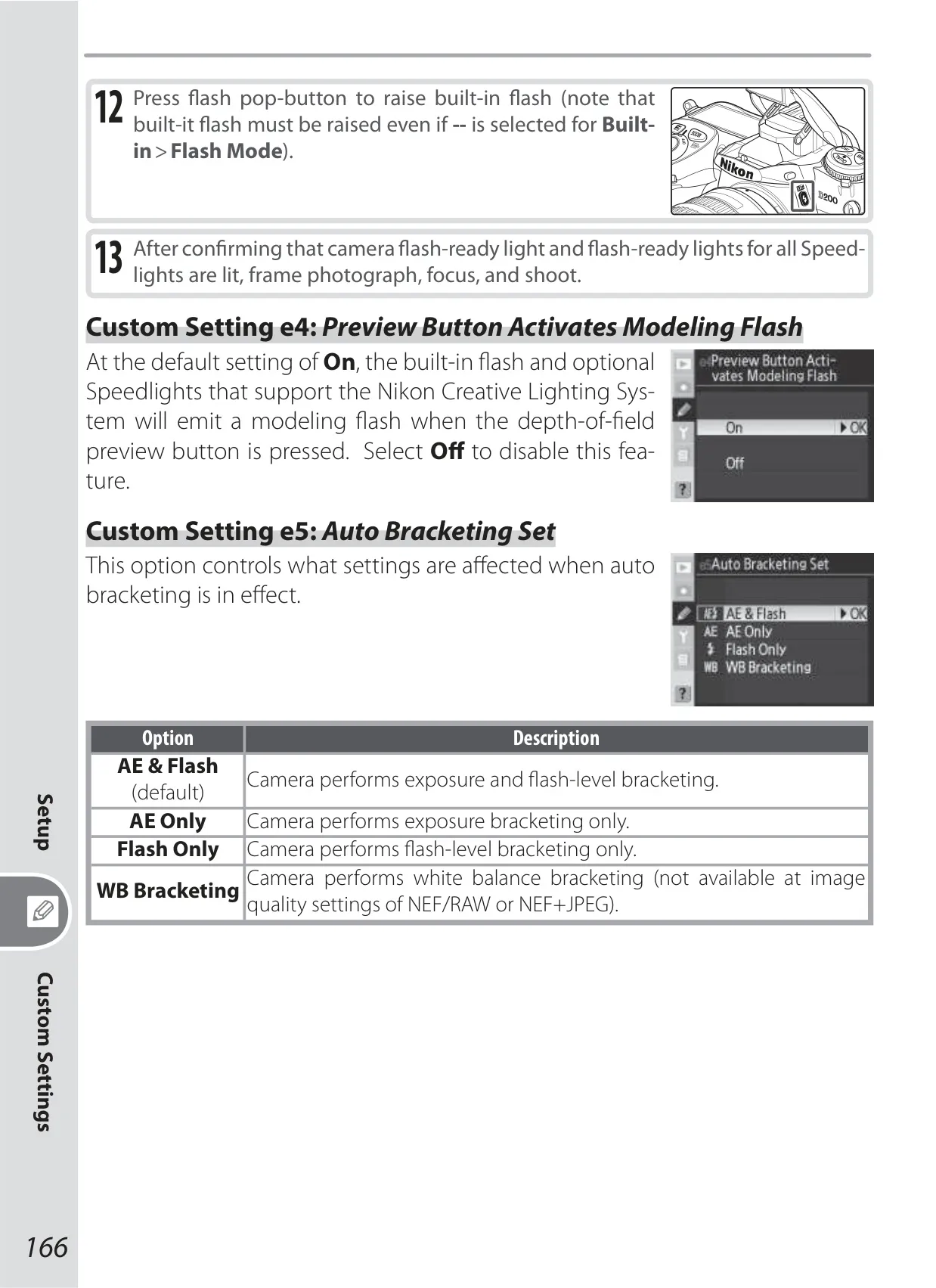

















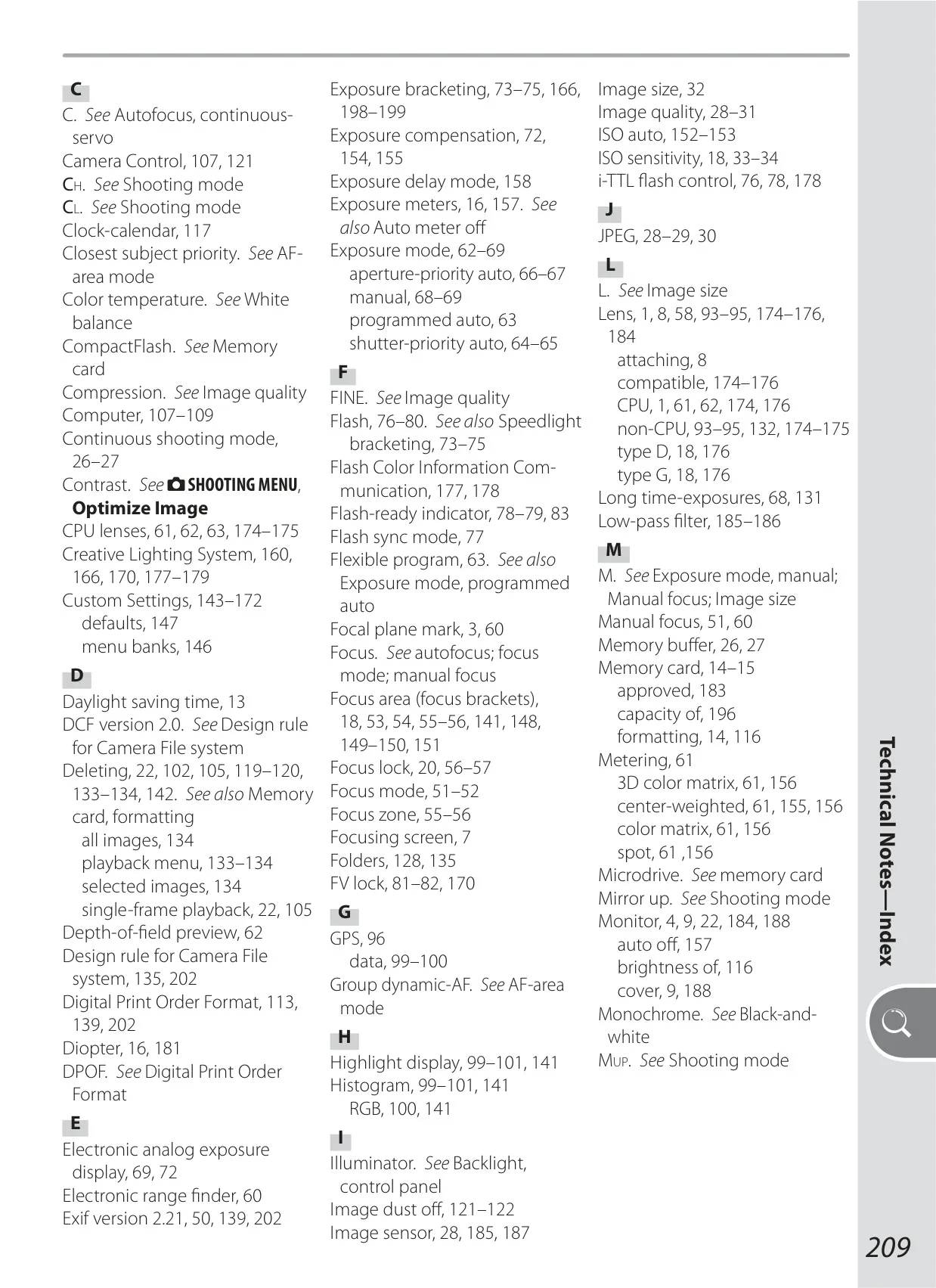




Nikon D200 DSLR Camera Instructions
Here we offer the Nikon D200 DSLR Camera manual completely free and in English. We have cataloged this manual in the SLR Cameras section on Manualverse, and it has been rated by 1 users with an average rating of 5. If you have any specific questions about Nikon D200 DSLR Camera, we suggest checking the Frequently Asked Questions (FAQs) section of this manual.
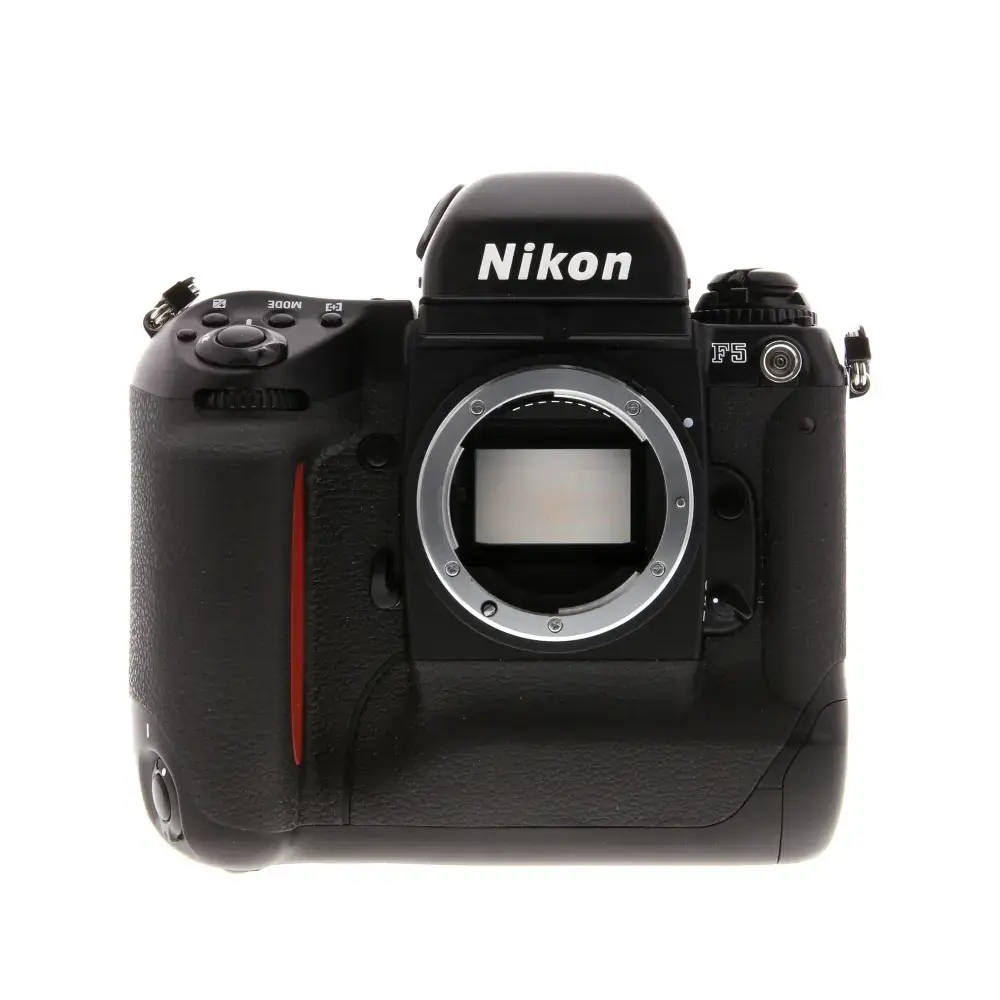
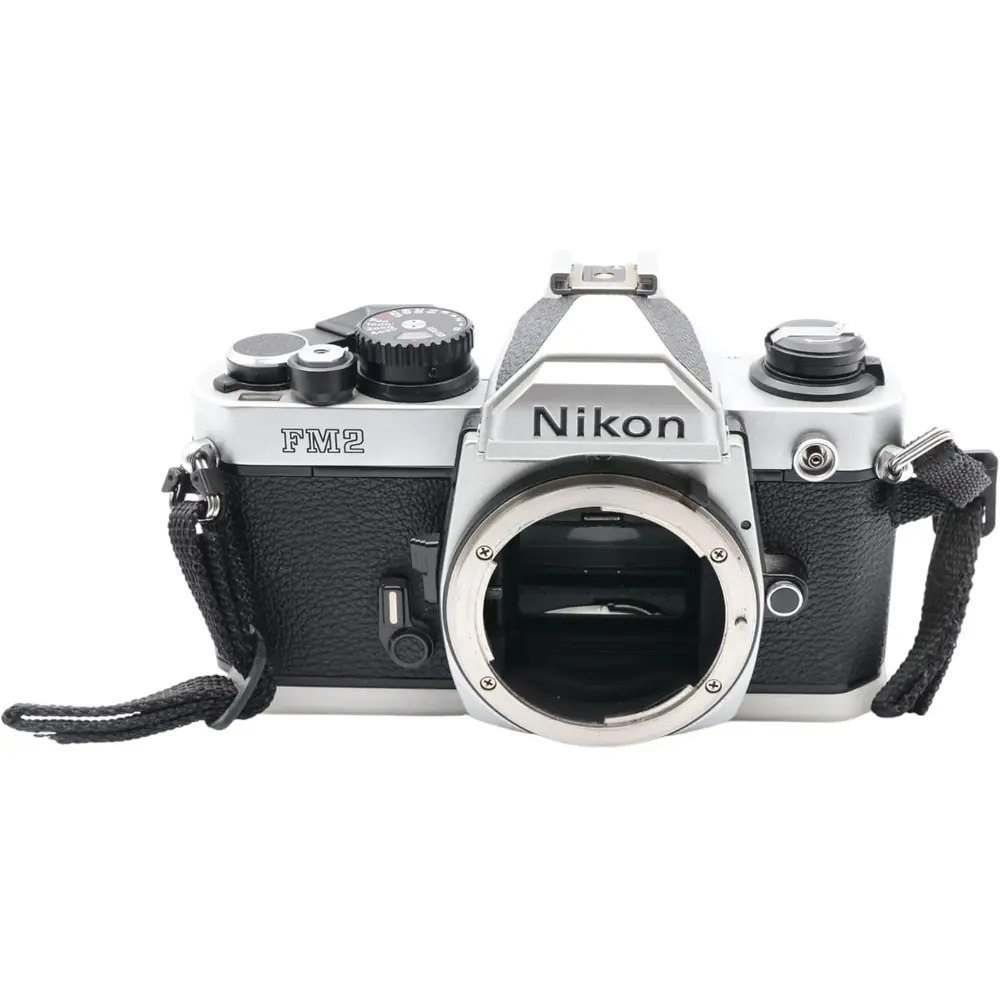
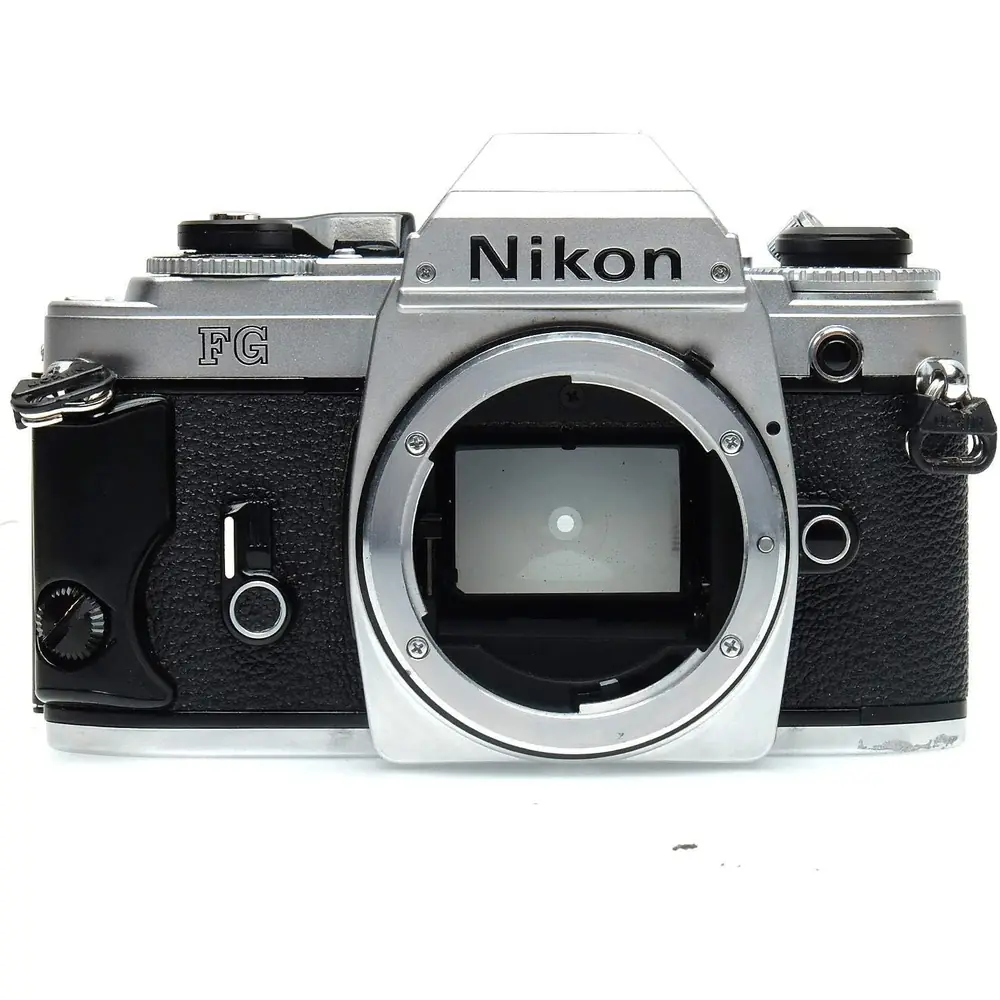
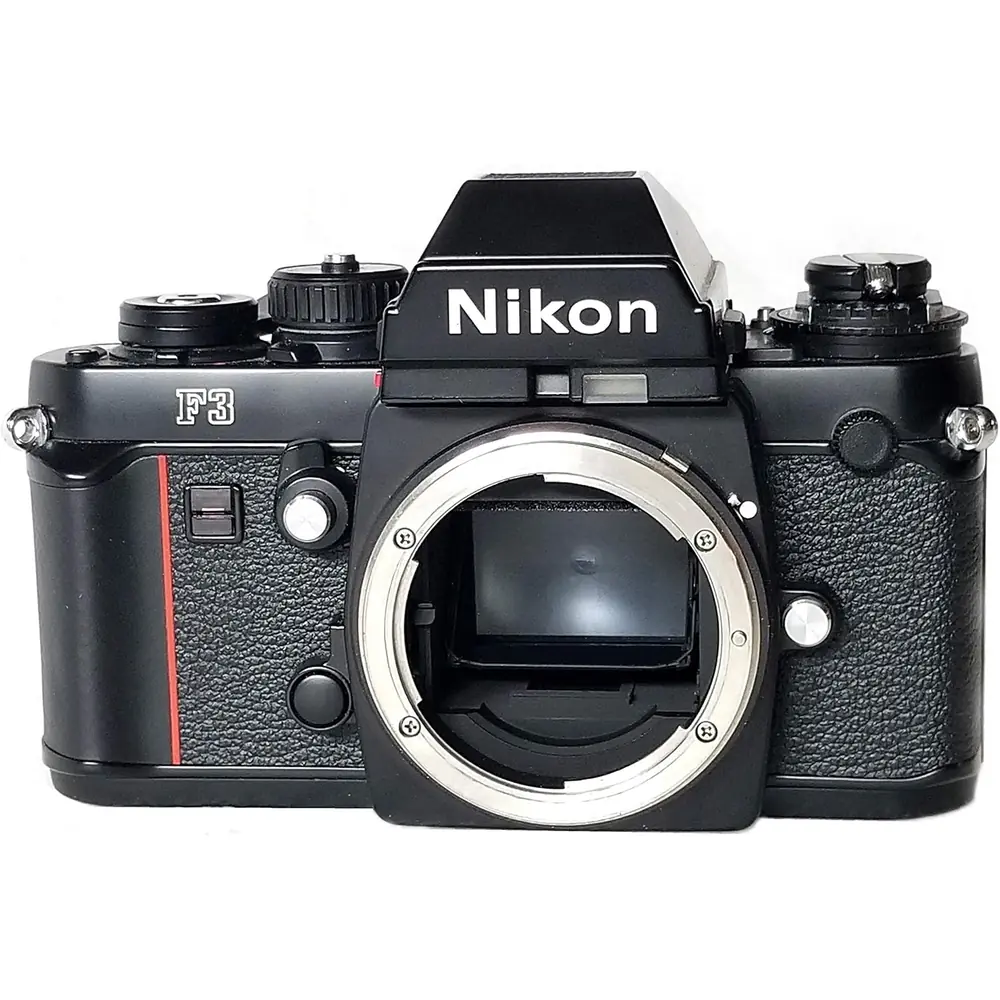
Product Images
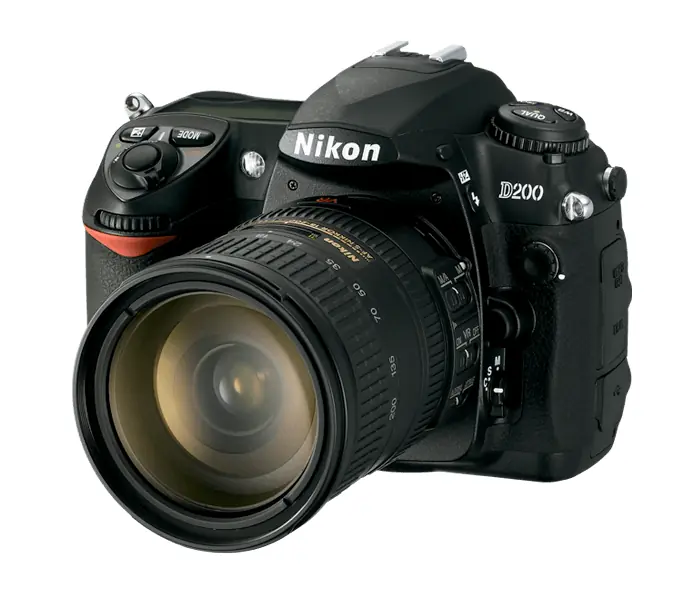
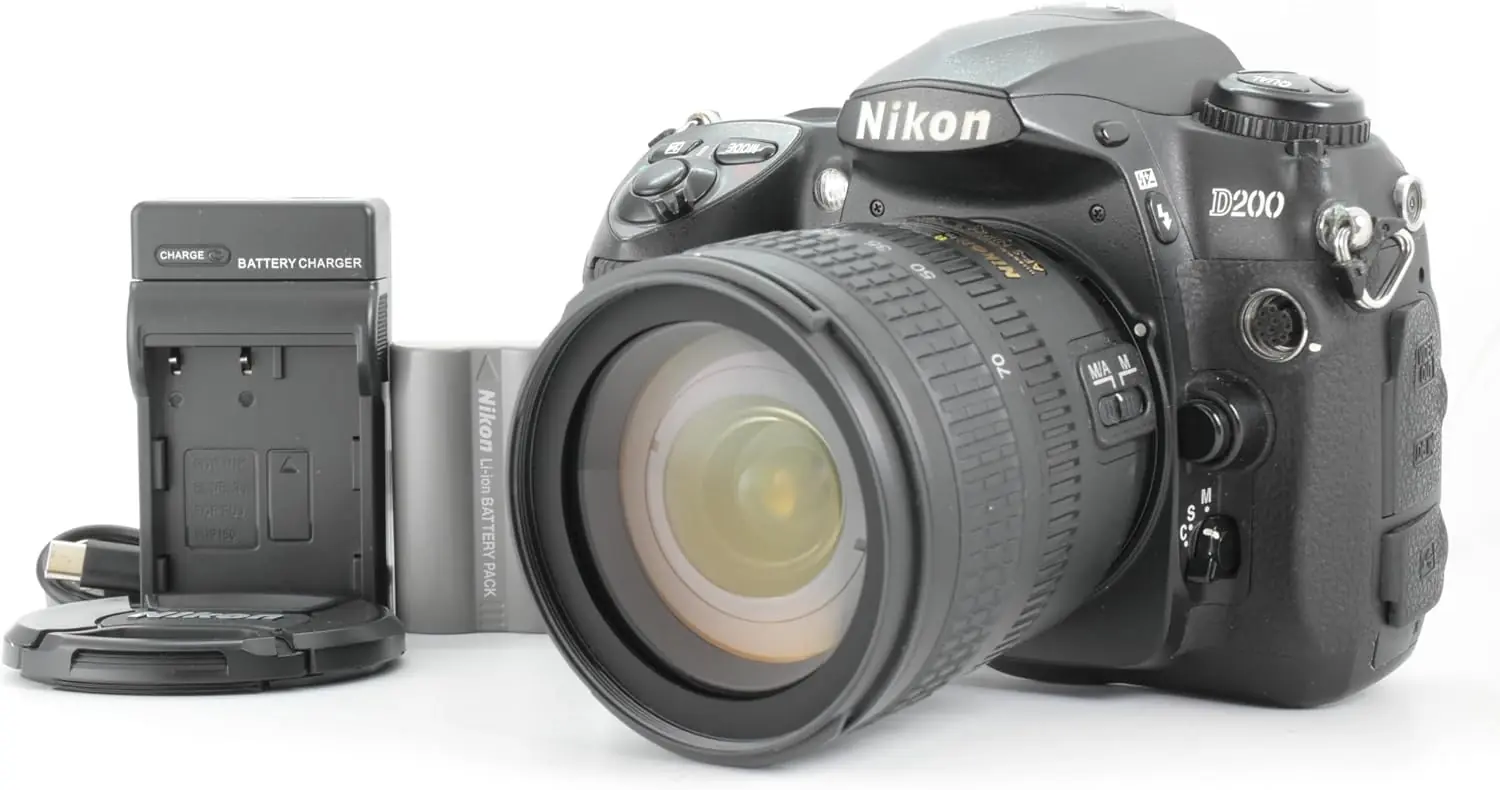
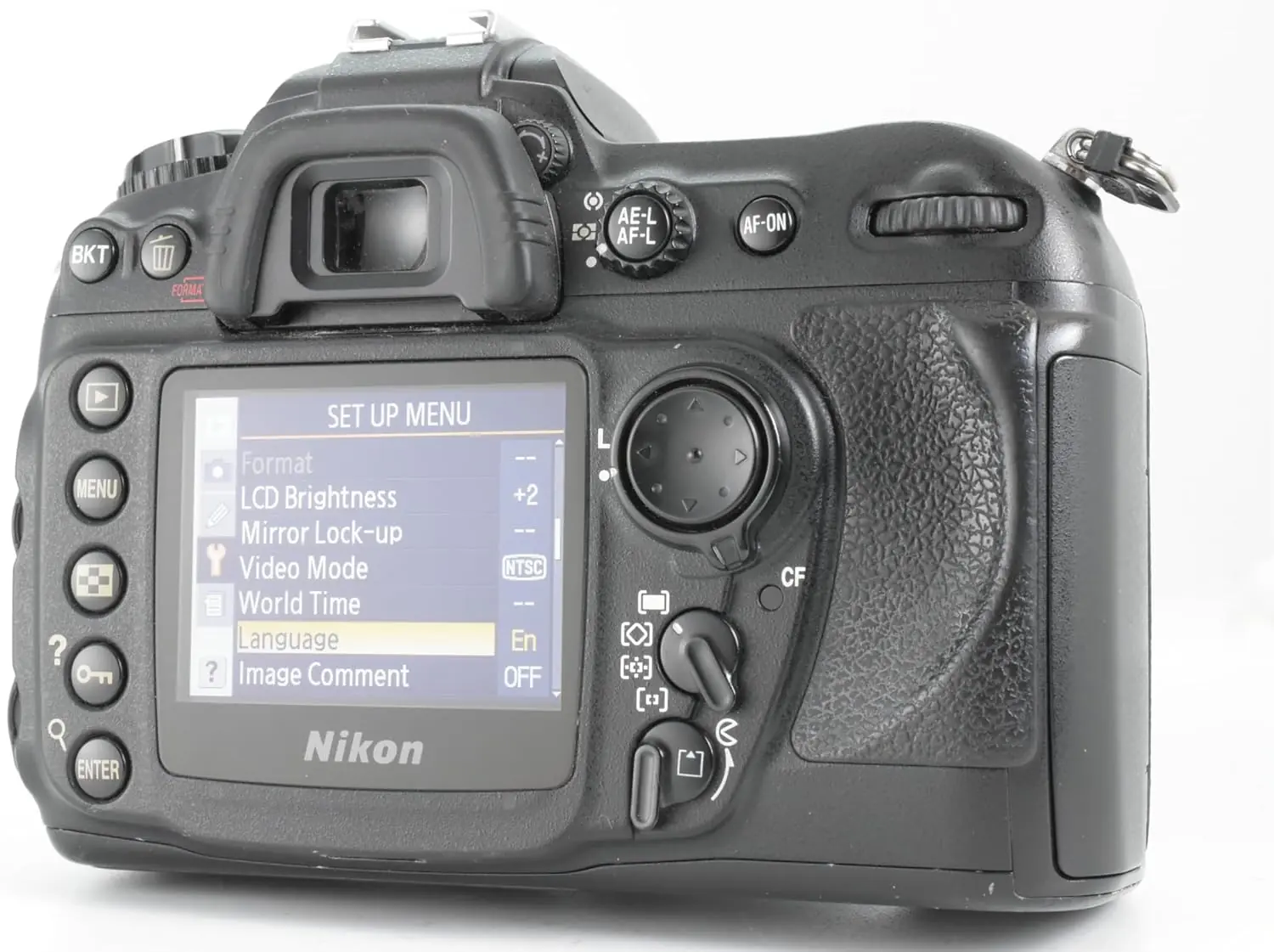
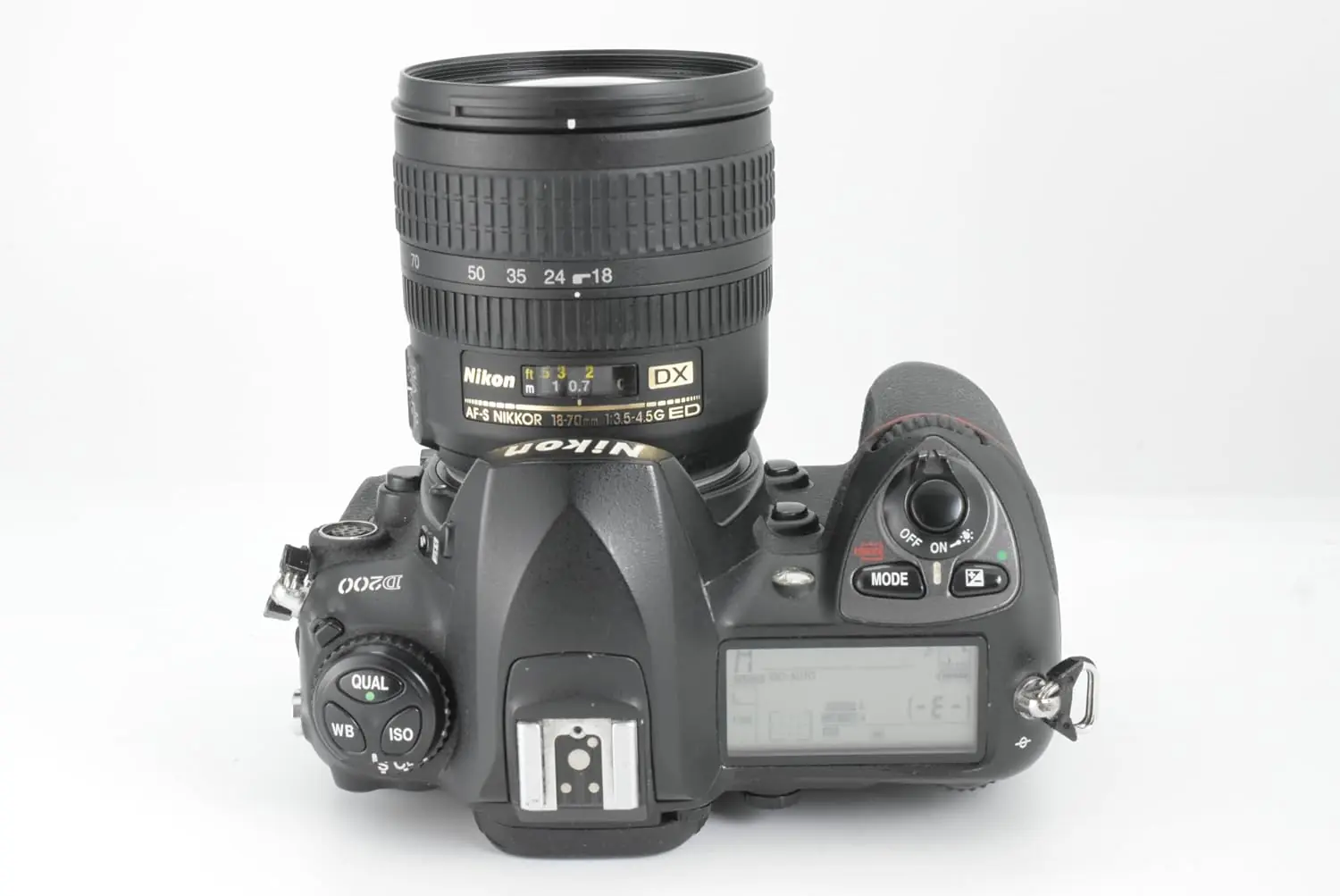
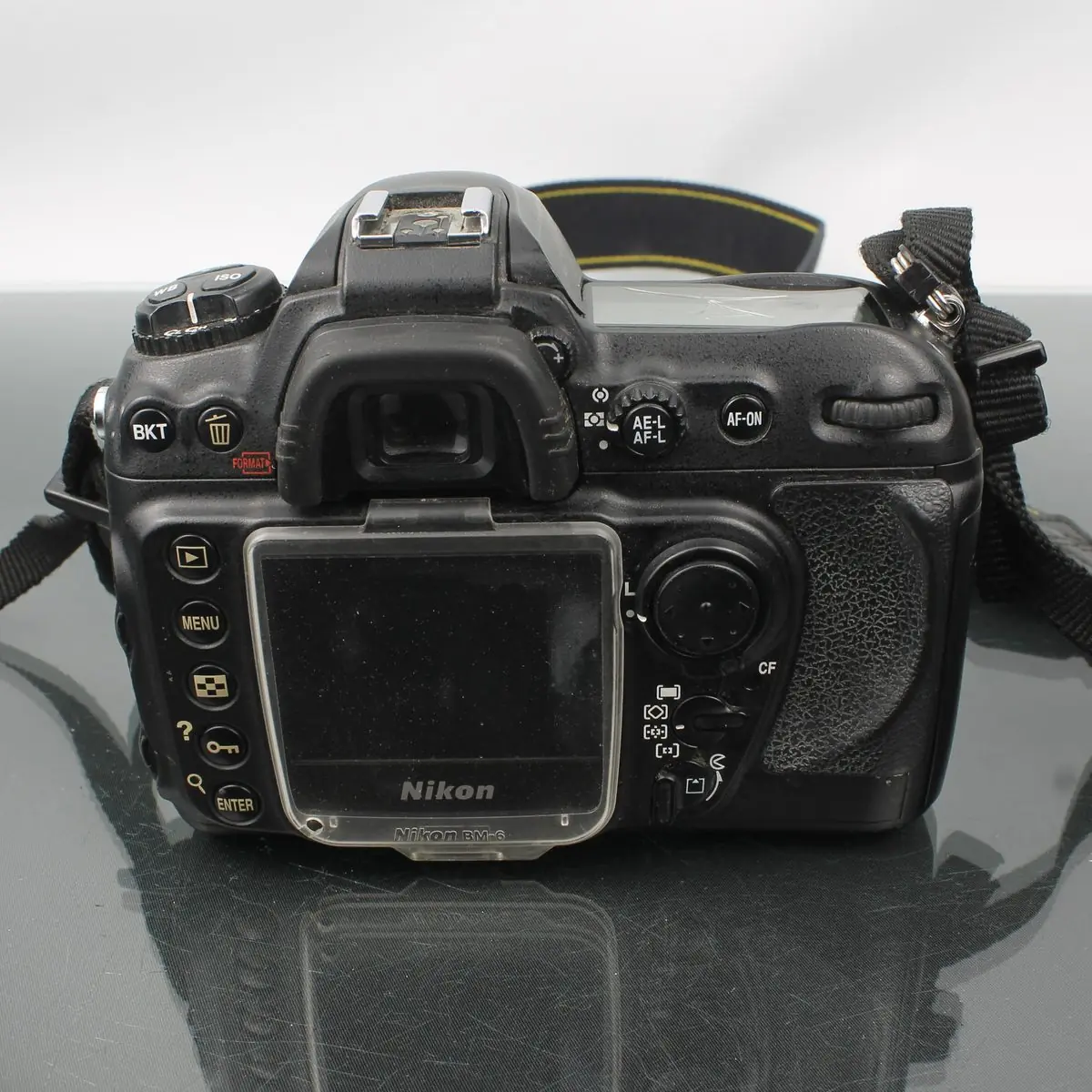
Nikon D200 DSLR Camera Specifications
| Feature | Specification |
|---|---|
| Type | Single-lens reflex digital camera with interchangeable lenses |
| Effective Pixels | 10.2 million |
| CCD Sensor | 23.6 × 15.8 mm; total pixels: 10.92 million |
| Image Size (pixels) |
Large: 3872 × 2592 Medium: 2896 × 1944 Small: 1936 × 1296 |
| Lens Mount | Nikon F mount (with AF coupling and AF contacts) |
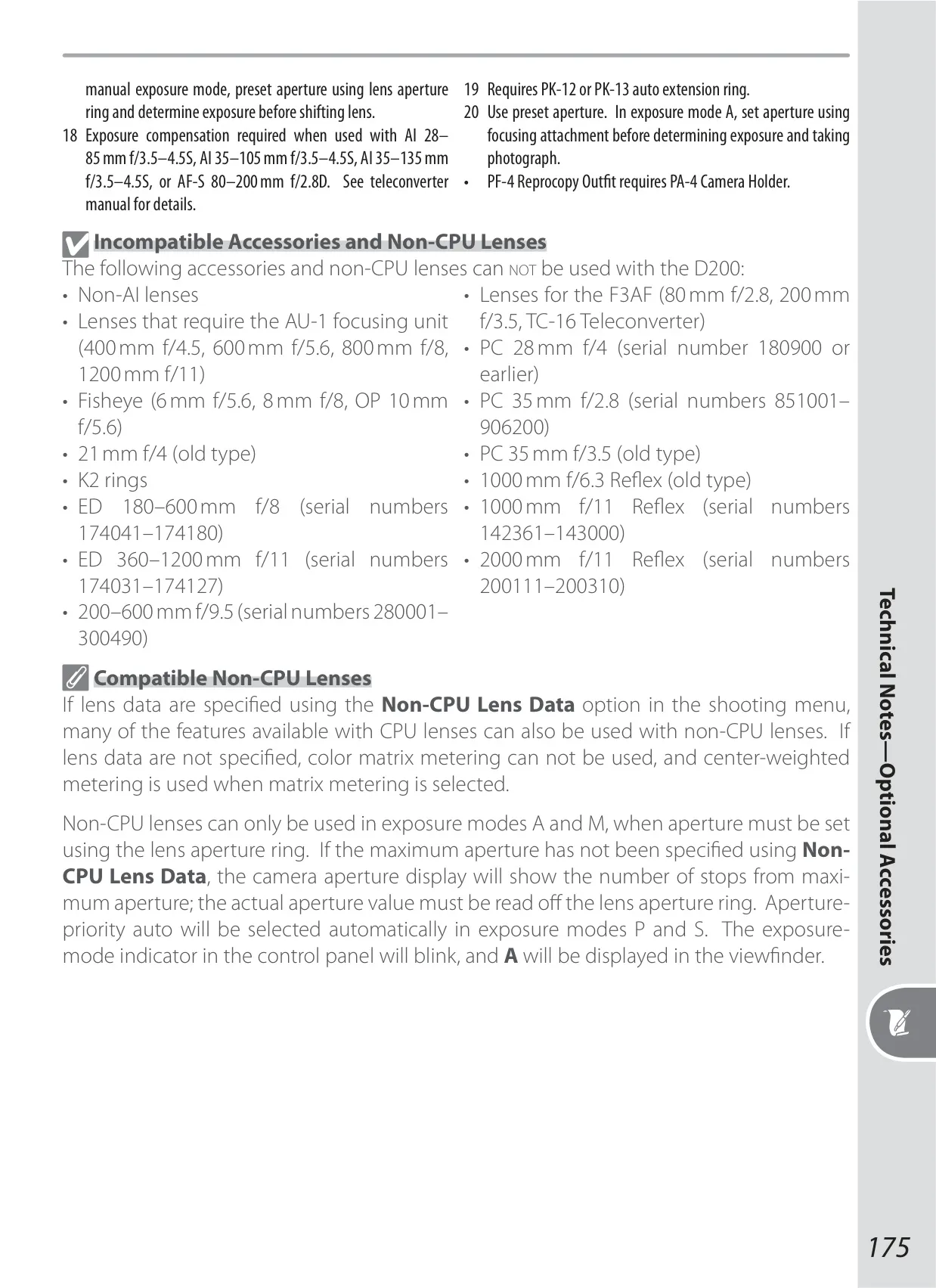
| Compatible Lenses | Type G or D AF Nikkor (all functions supported); Micro Nikkor 85 mm f/2.8D (all functions except autofocus and some exposure modes); Other AF Nikkor (excluding lenses for F3AF, all functions except 3D color matrix metering II); AI-P Nikkor (all functions except 3D color matrix metering II and autofocus); Non-CPU (A and M modes supported, electronic rangefinder if f/5.6 or faster; color matrix metering, i-TTL balanced fill-flash, and aperture value display supported if user provides lens data) |
| Picture Angle | Equivalent in 35-mm format is approximately 1.5 times lens focal length |
| Viewfinder | Optical fixed eye-level pentaprism, approx. 95% frame coverage, 0.94× magnification |
| Diopter Adjustment | –2.0 to +1.0 m–1 |
| Focusing Screen | Type B BriteView clear matte screen Mark II with superimposed focus brackets and On-Demand grid lines |
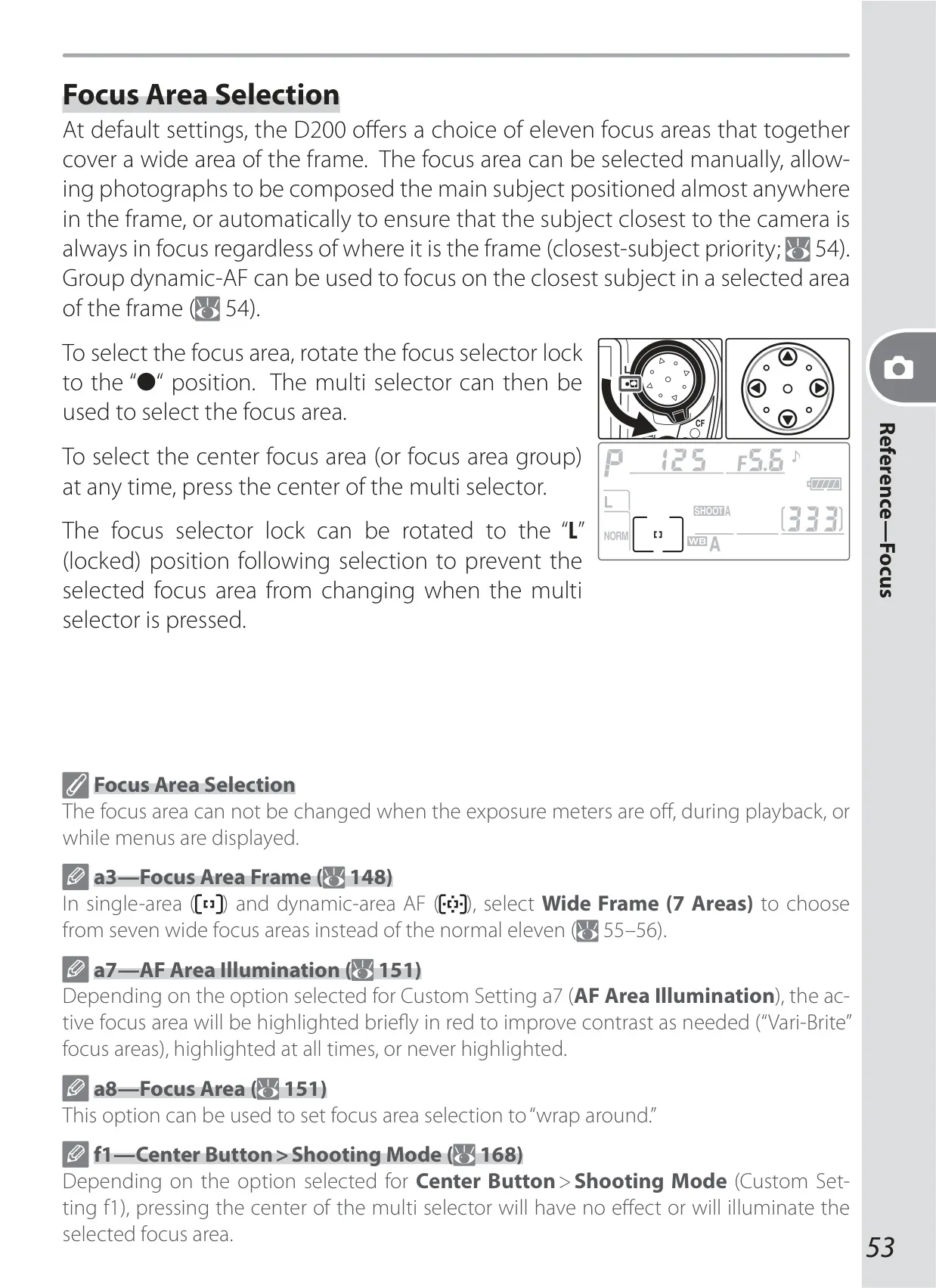
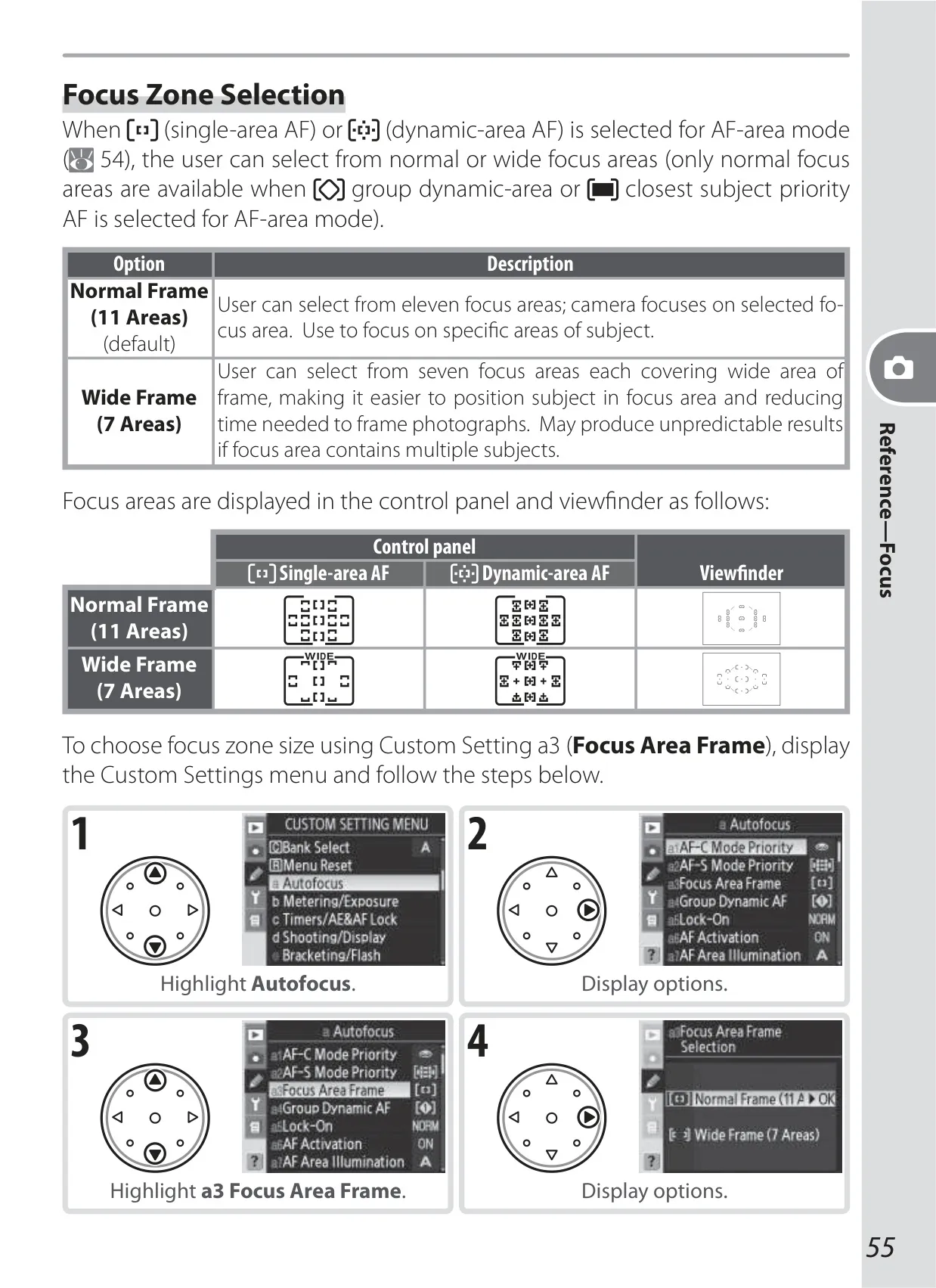
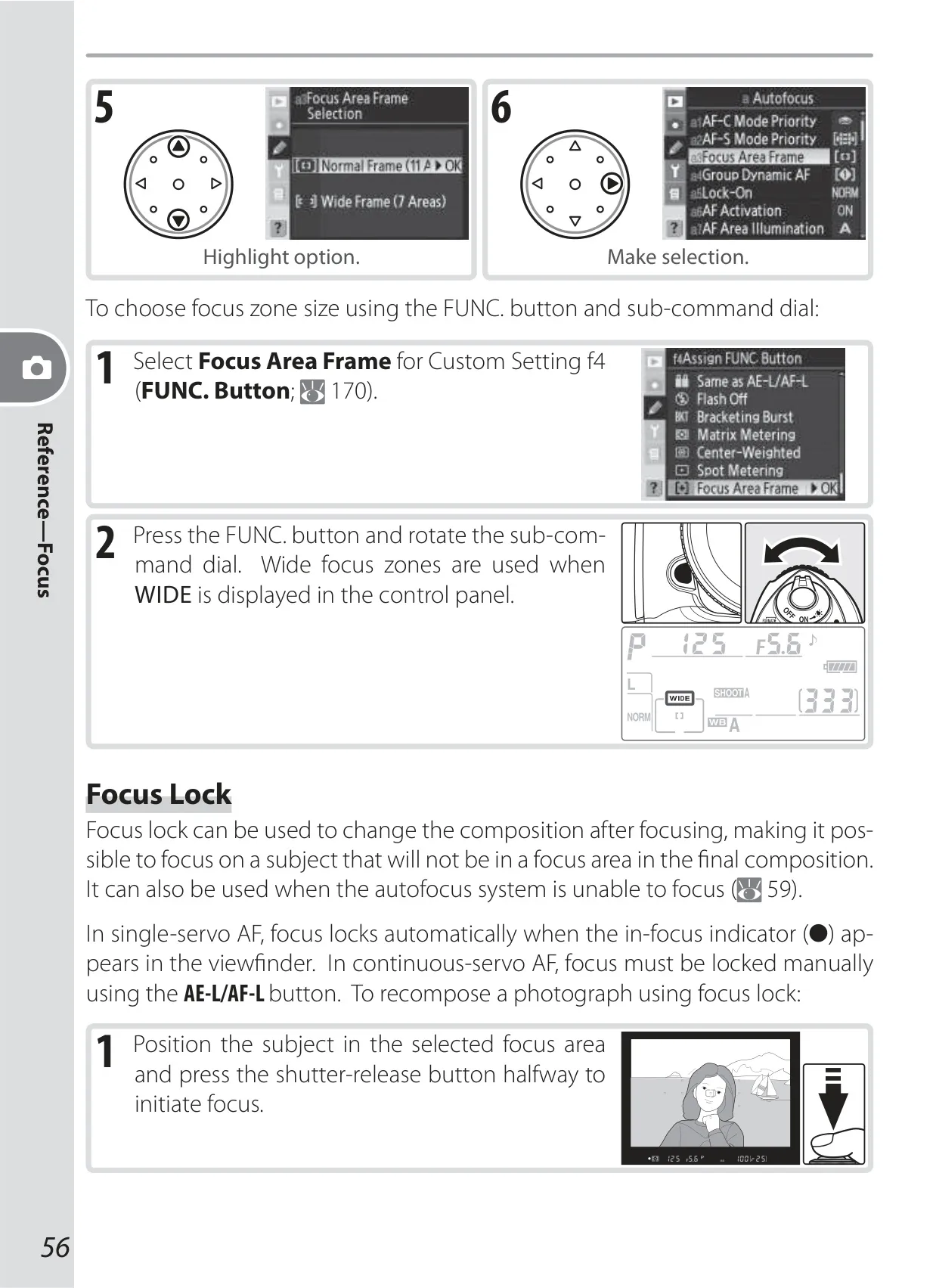
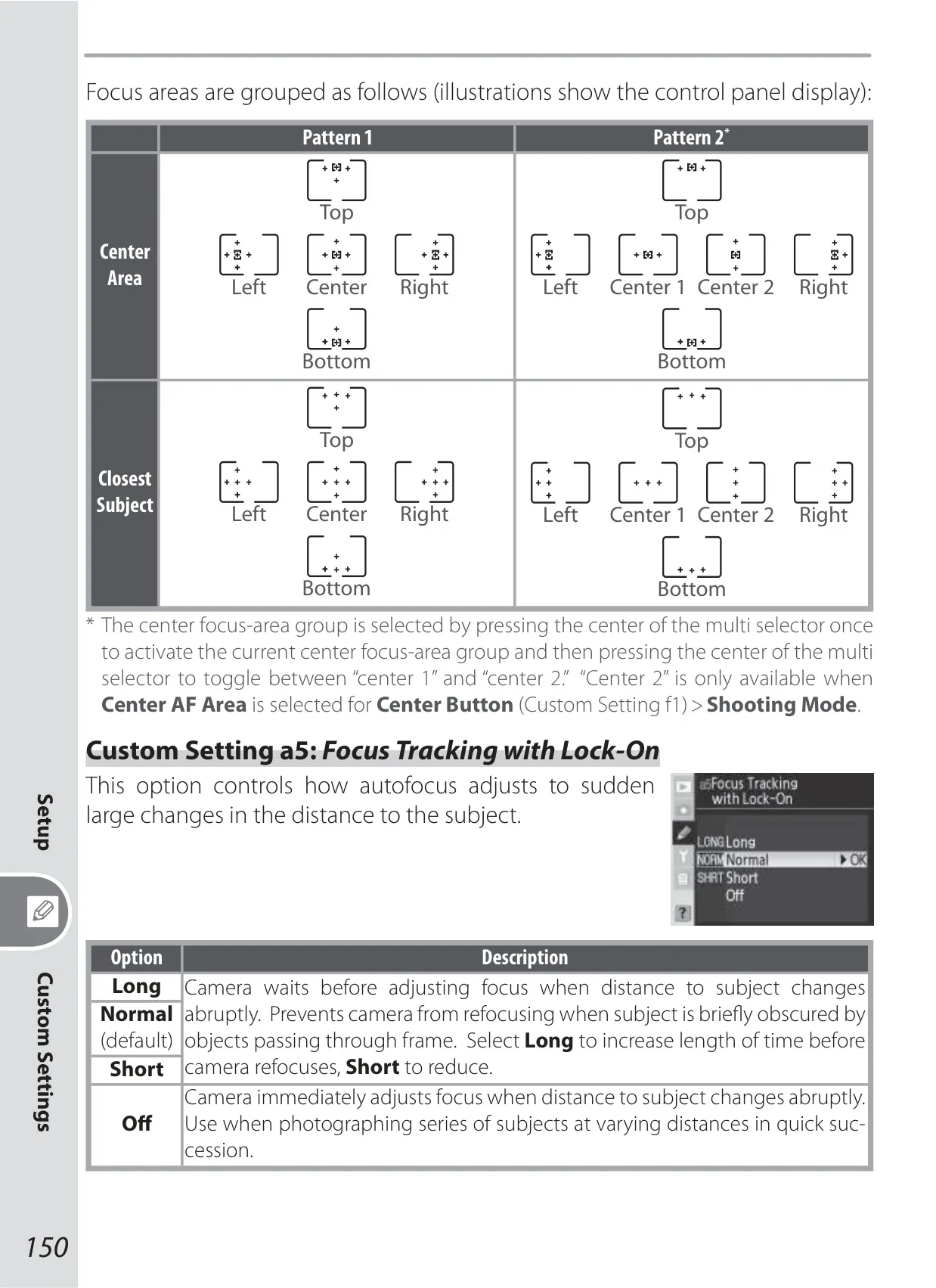
| Focus-Area Selection | Normal: 11 areas; Wide: 7 areas |
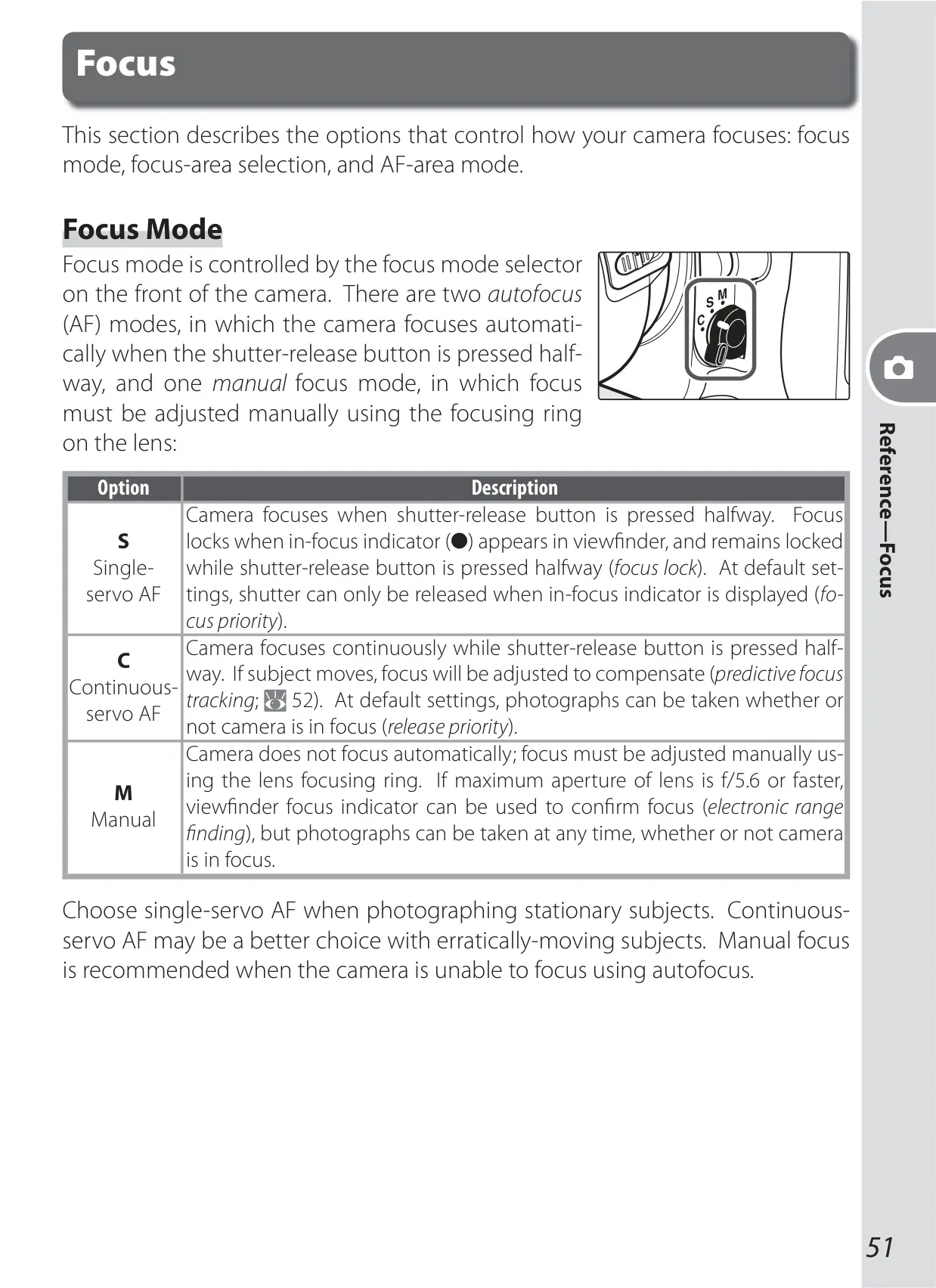
| Lens Servo | Single-servo AF (S); continuous-servo AF (C); manual (M); predictive focus tracking automatically activated |
| Autofocus | TTL phase detection by Nikon Multi-CAM1000 autofocus sensor module (Detection range: –1 to +19 EV) |
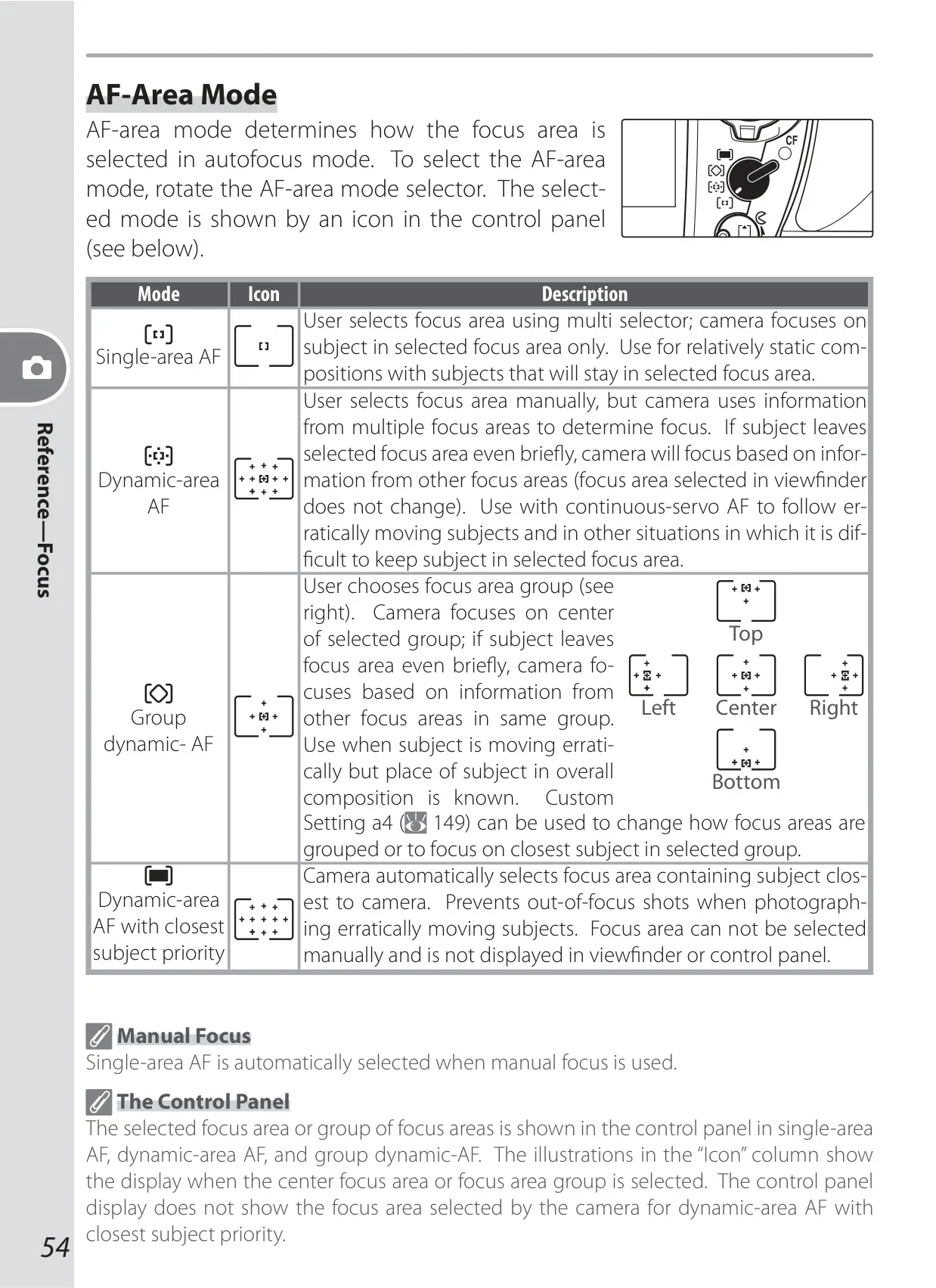
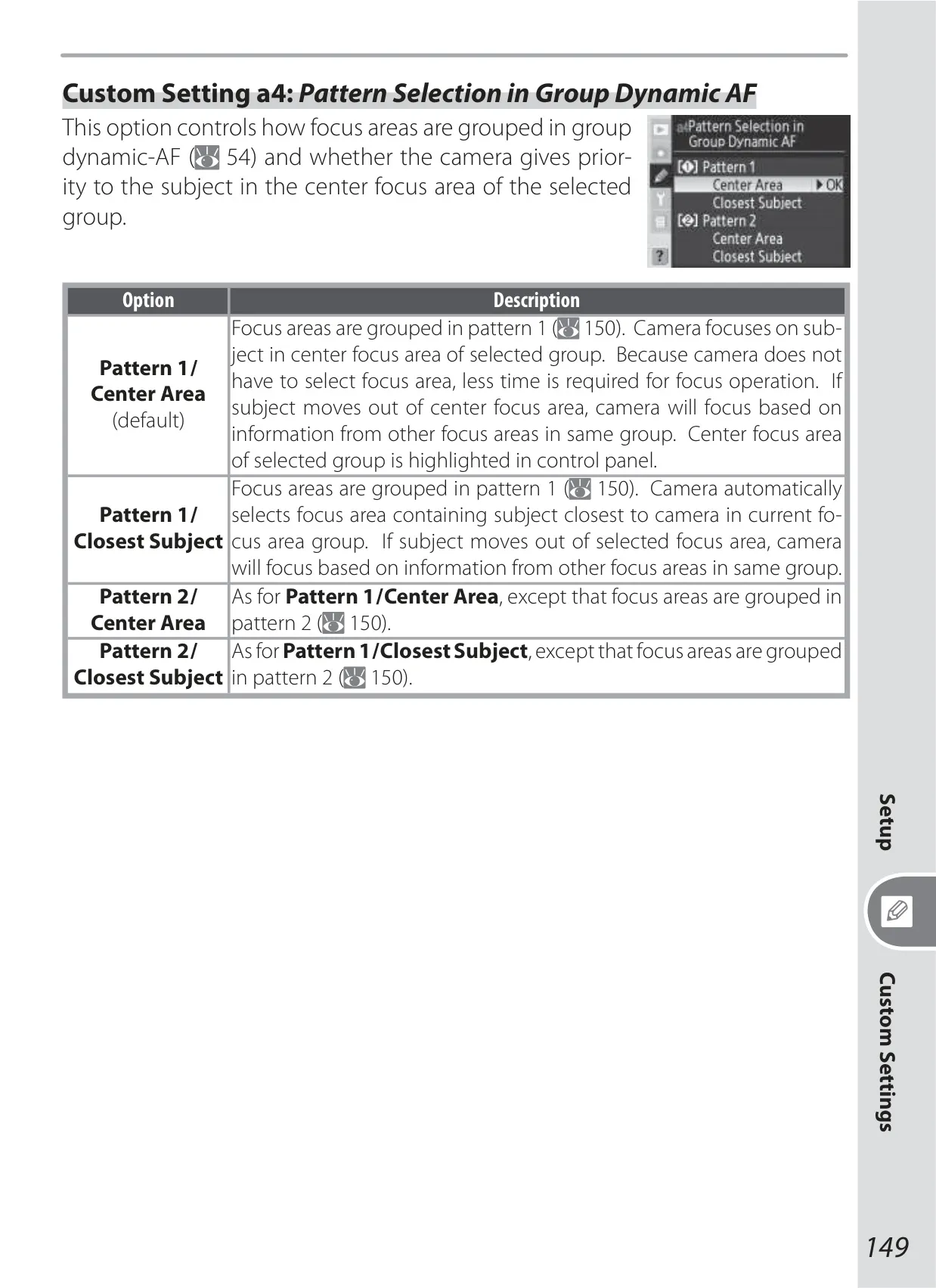
| AF-Area Mode | Single-area AF, dynamic-area AF, group dynamic-AF, dynamic-area AF with closest subject priority |
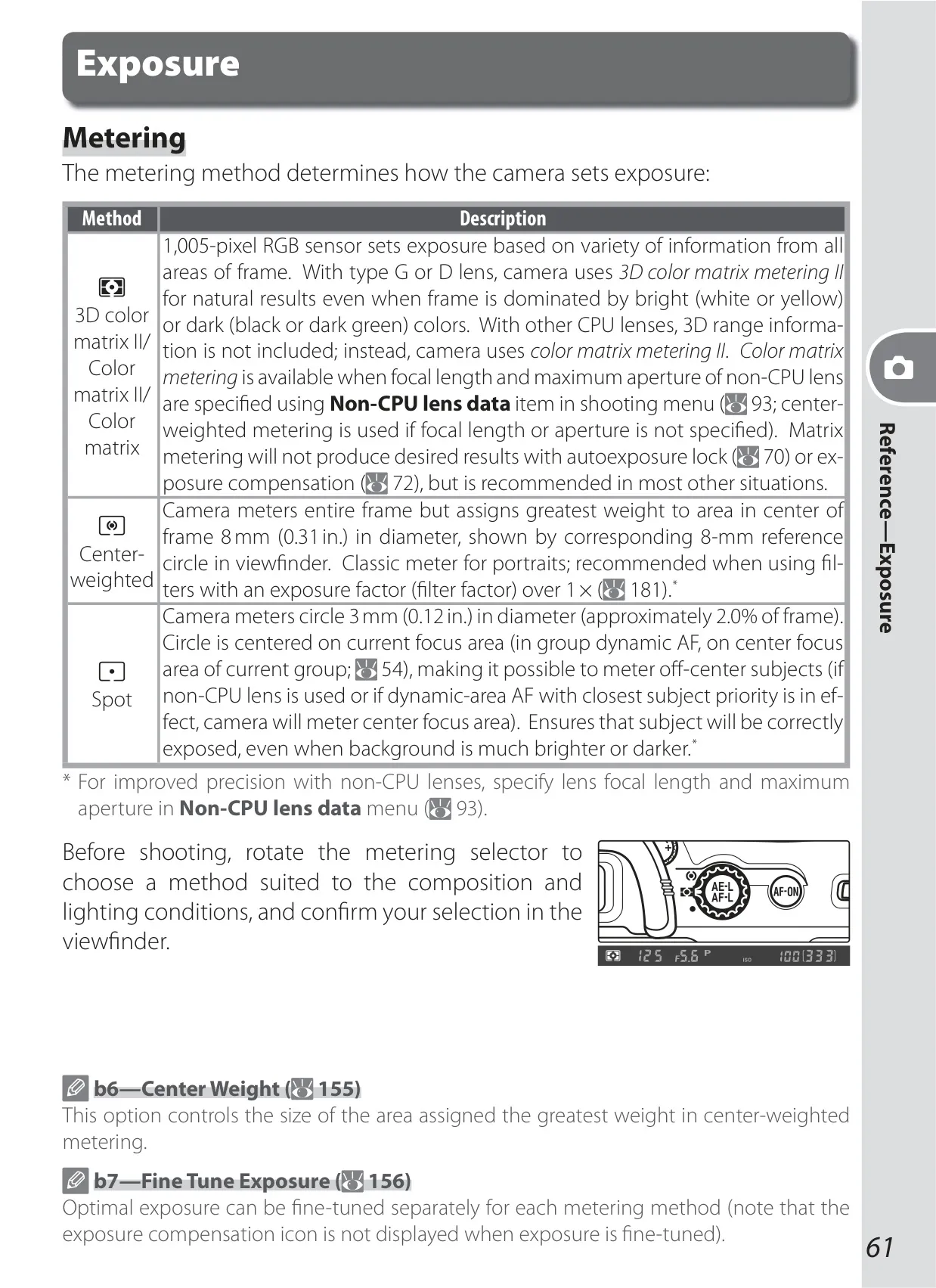
| Metering | Three-mode through-the-lens (TTL) exposure metering: 3D color matrix metering II (type G and D lenses), Color matrix metering II (other CPU lenses), Center-weighted (6, 8, 10, or 13-mm circle), Spot (3-mm circle) |
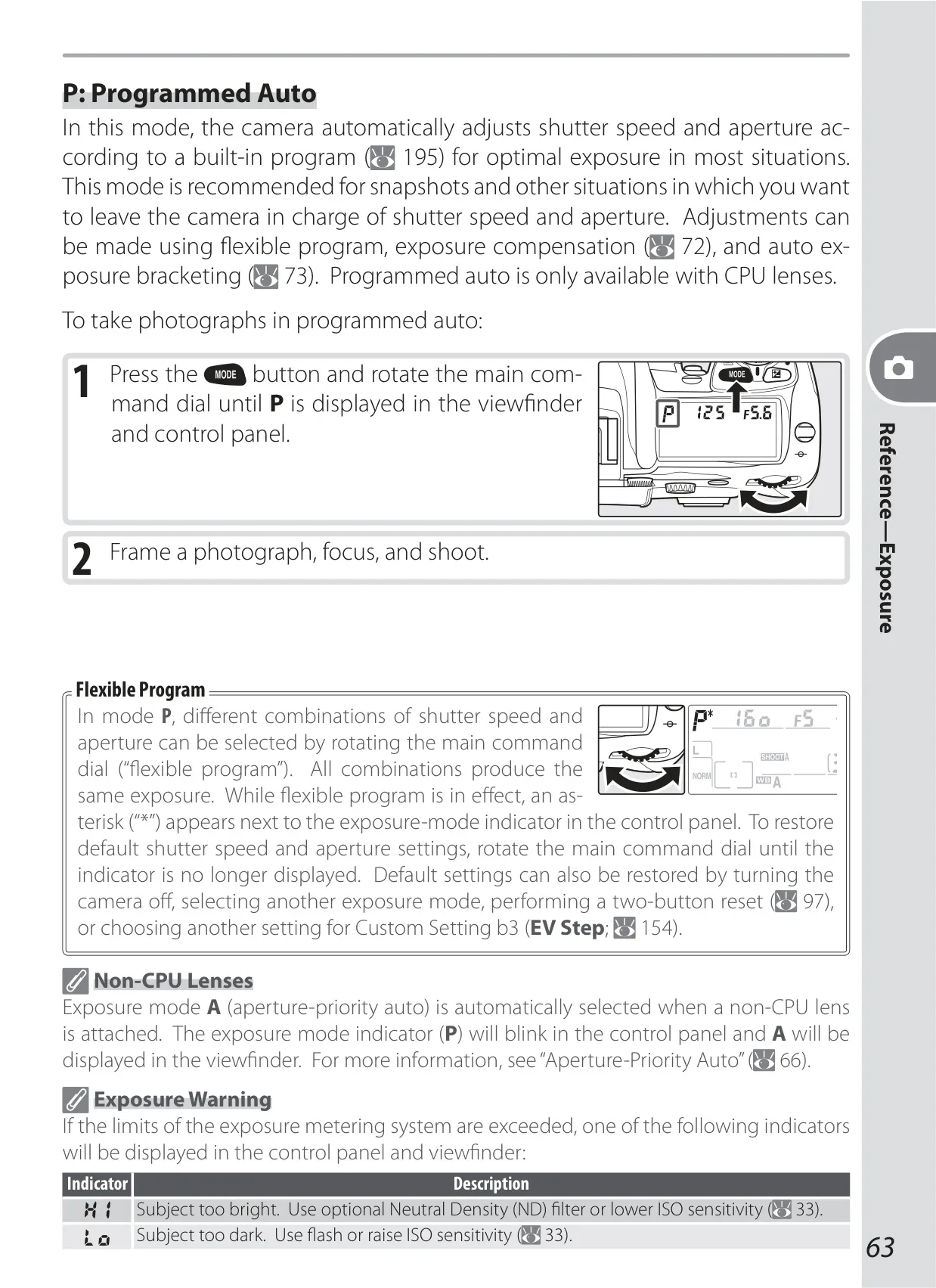
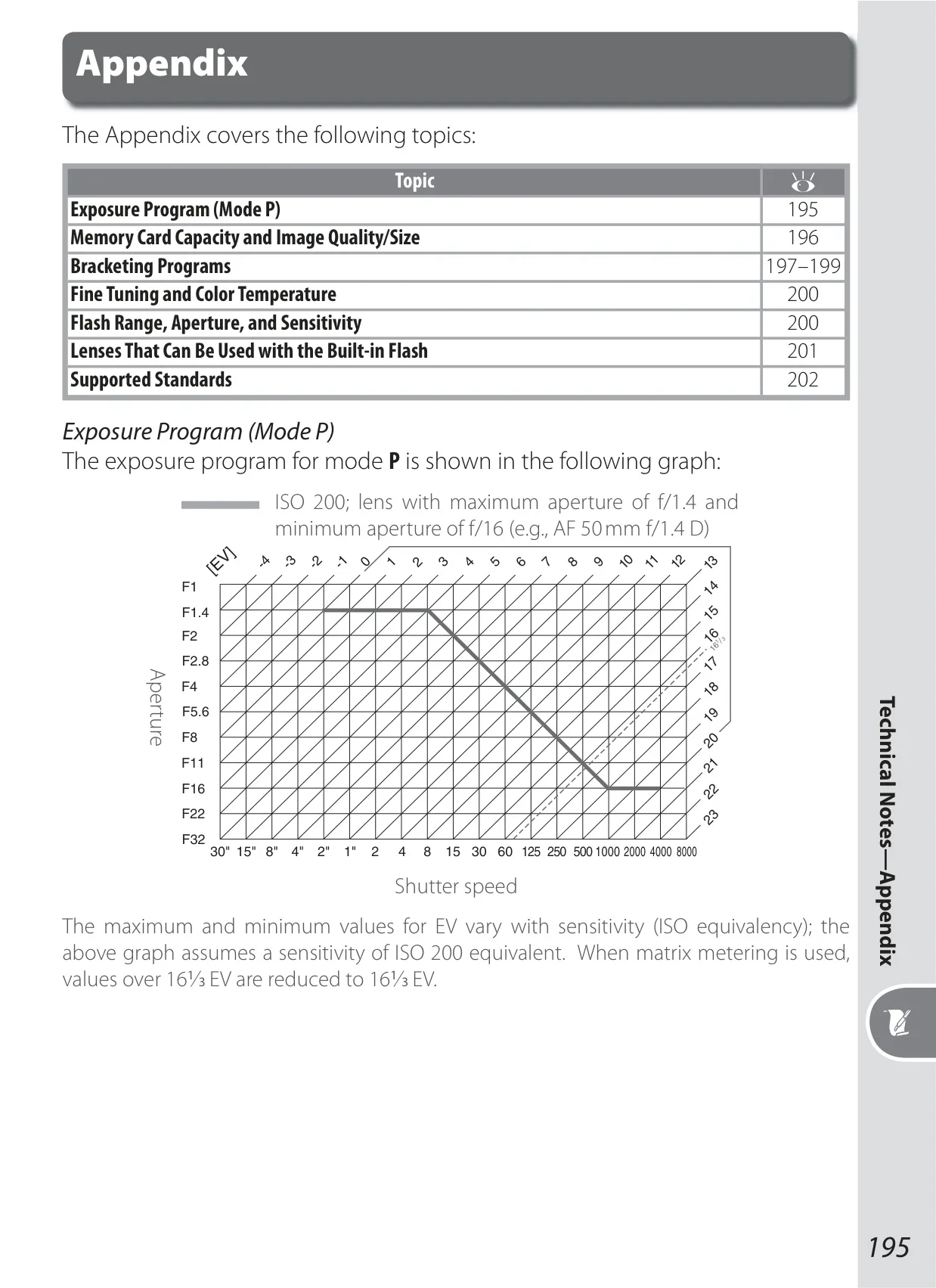
| Exposure Control Modes | Programmed auto (P), shutter-priority auto (S), aperture-priority auto (A), manual (M) |
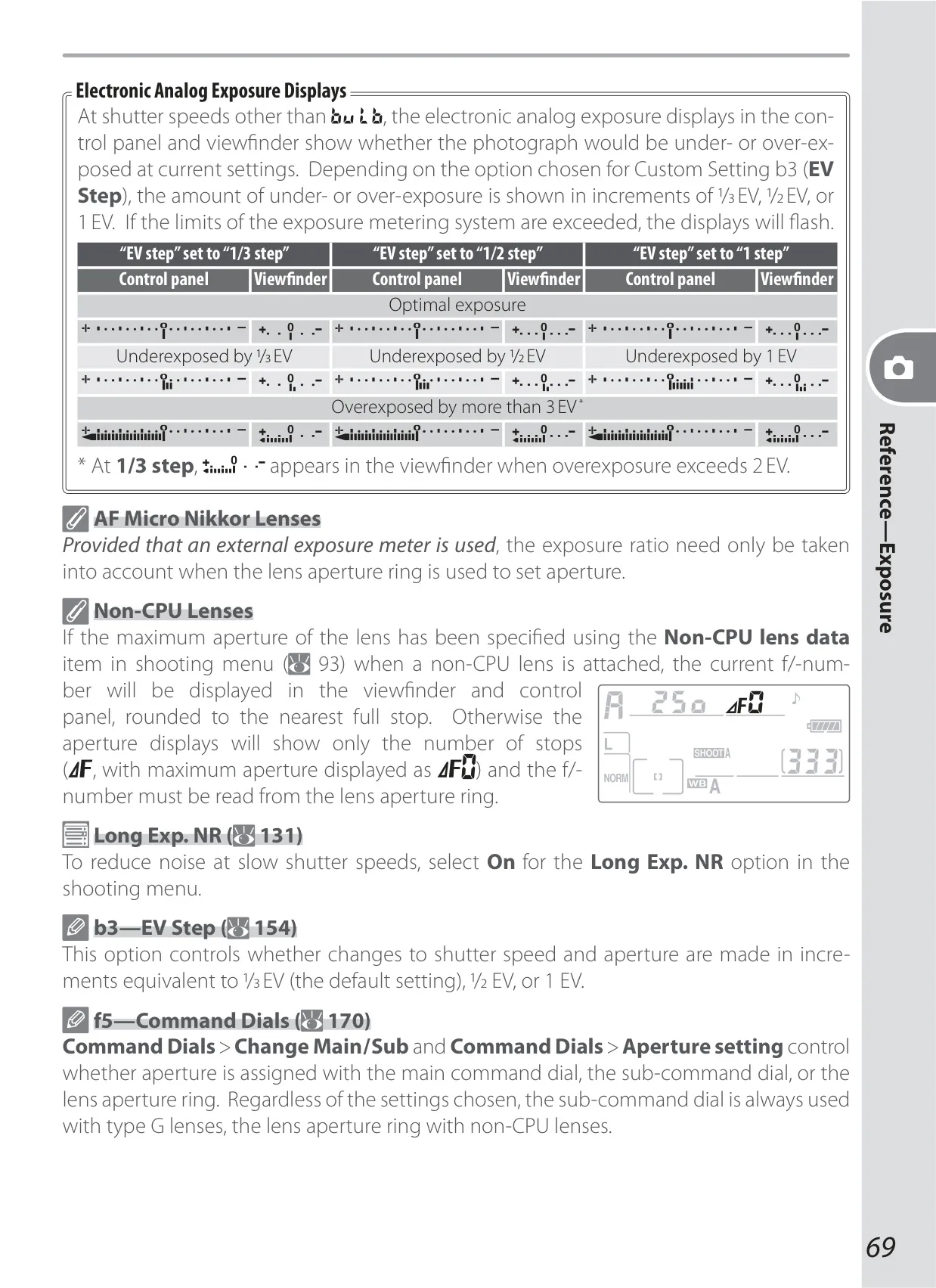
| Exposure Compensation | –5 to +5 EV in 1/3, 1/2, or 1 EV increments |
| Shutter Speed | 30 to 1/8000 s in 1/3, 1/2, or 1 EV steps, Bulb |
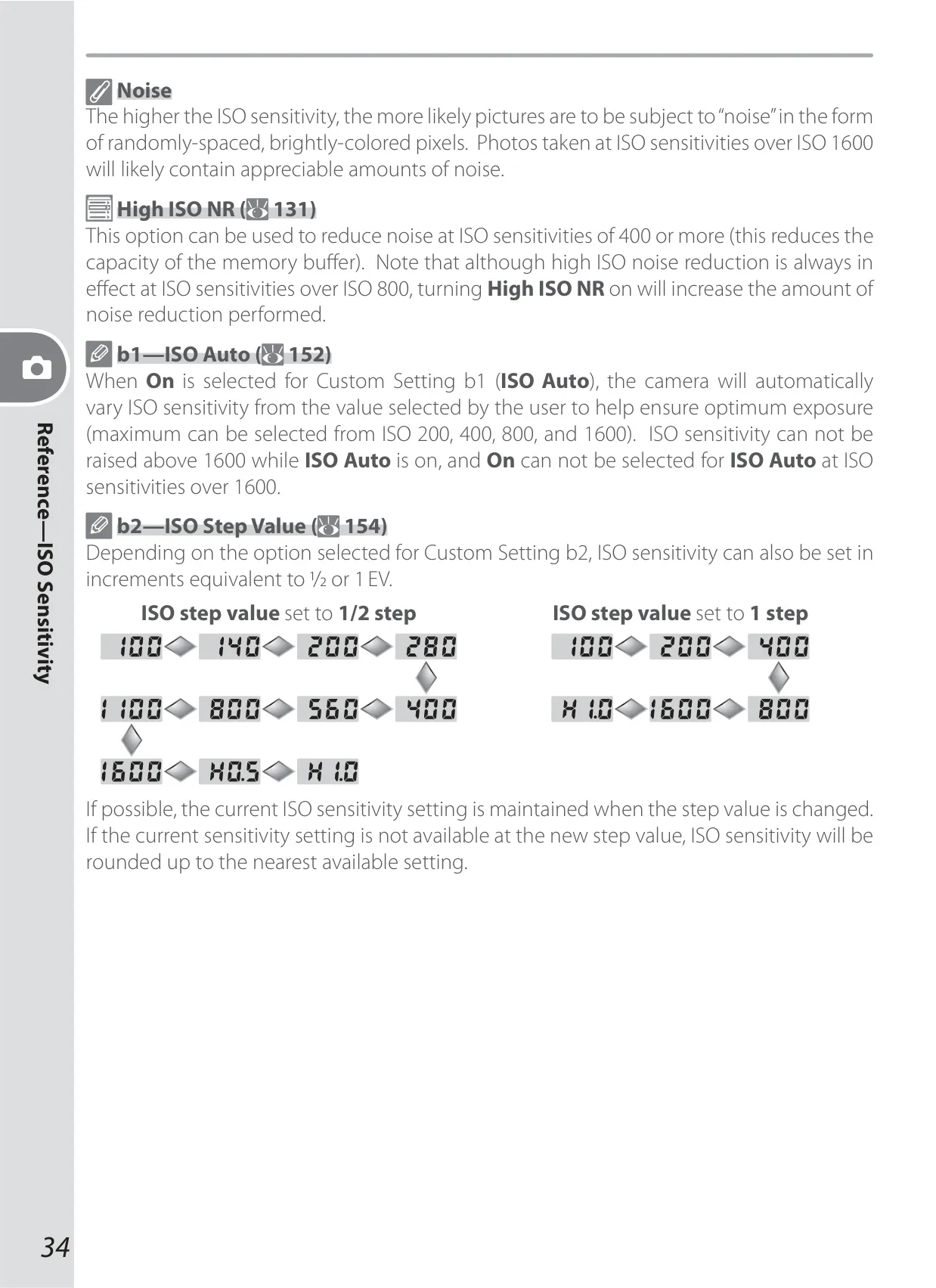
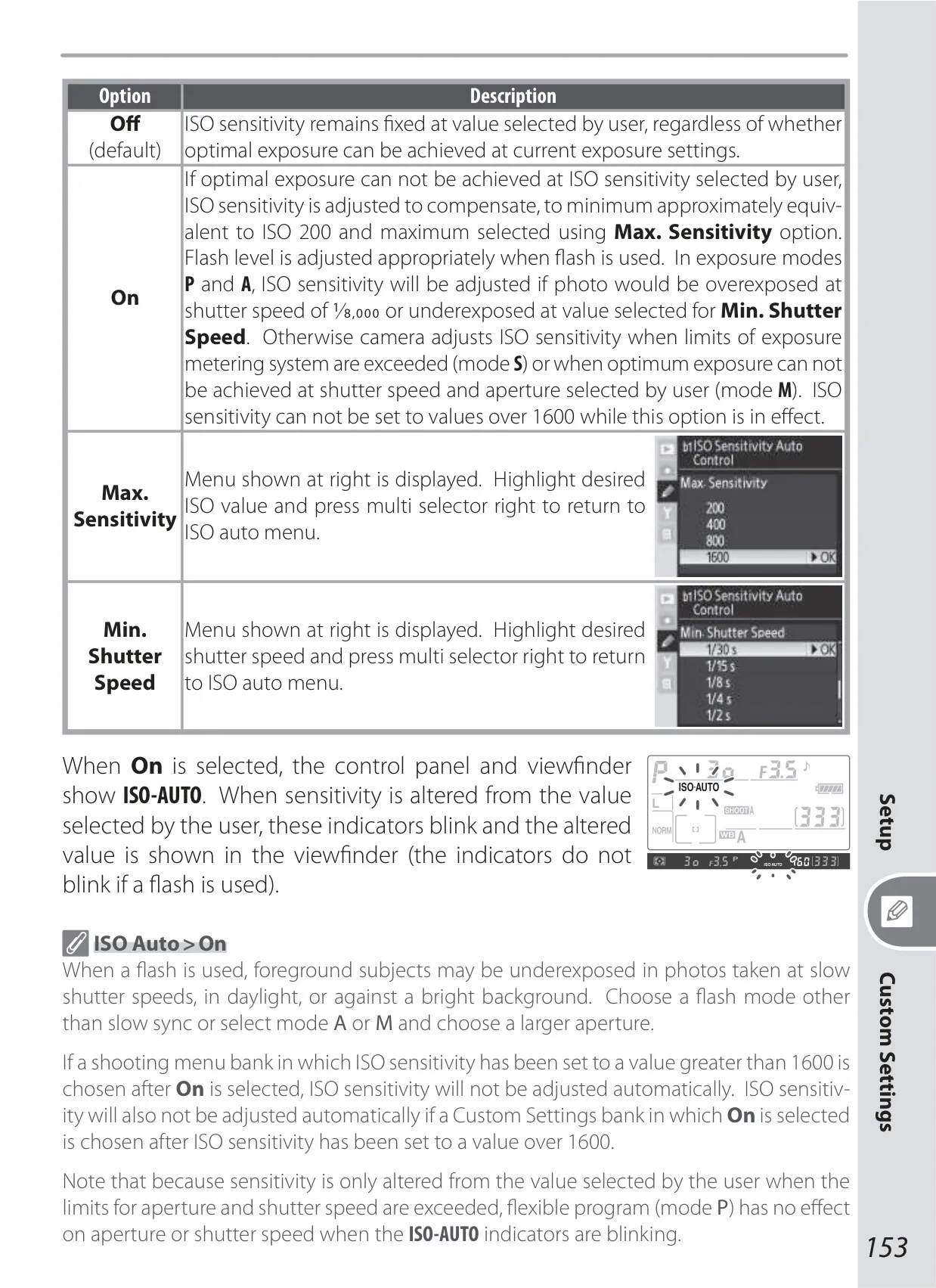
| ISO Sensitivity | 100–1600 in 1/3, 1/2, or 1 EV steps (expandable up to 1 EV over 1600); auto gain to 1600 |
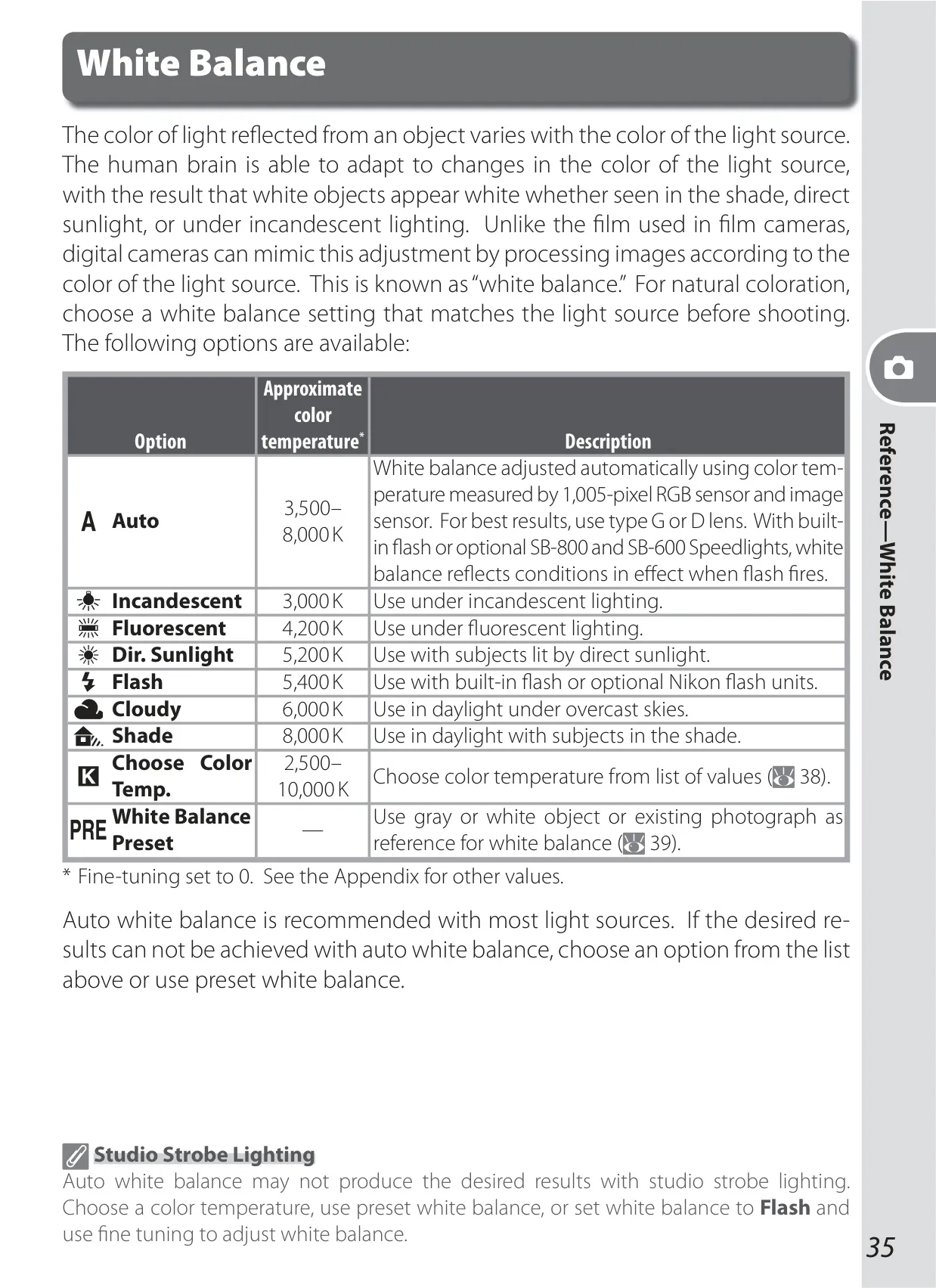
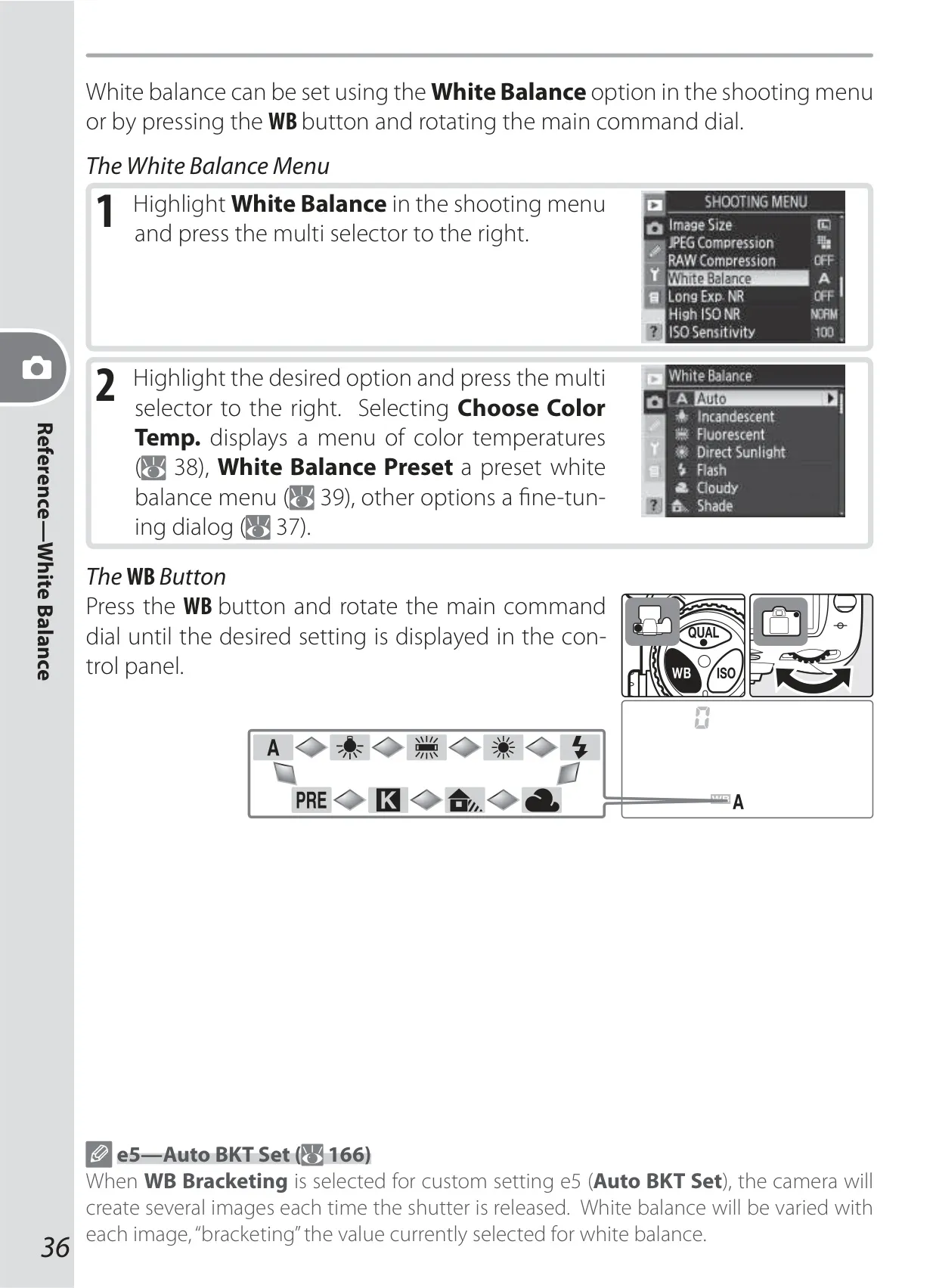
| White Balance | Auto (TTL with 1,005 pixels RGB sensor), six manual modes with fine-tuning, color temperature setting, and preset white balance |
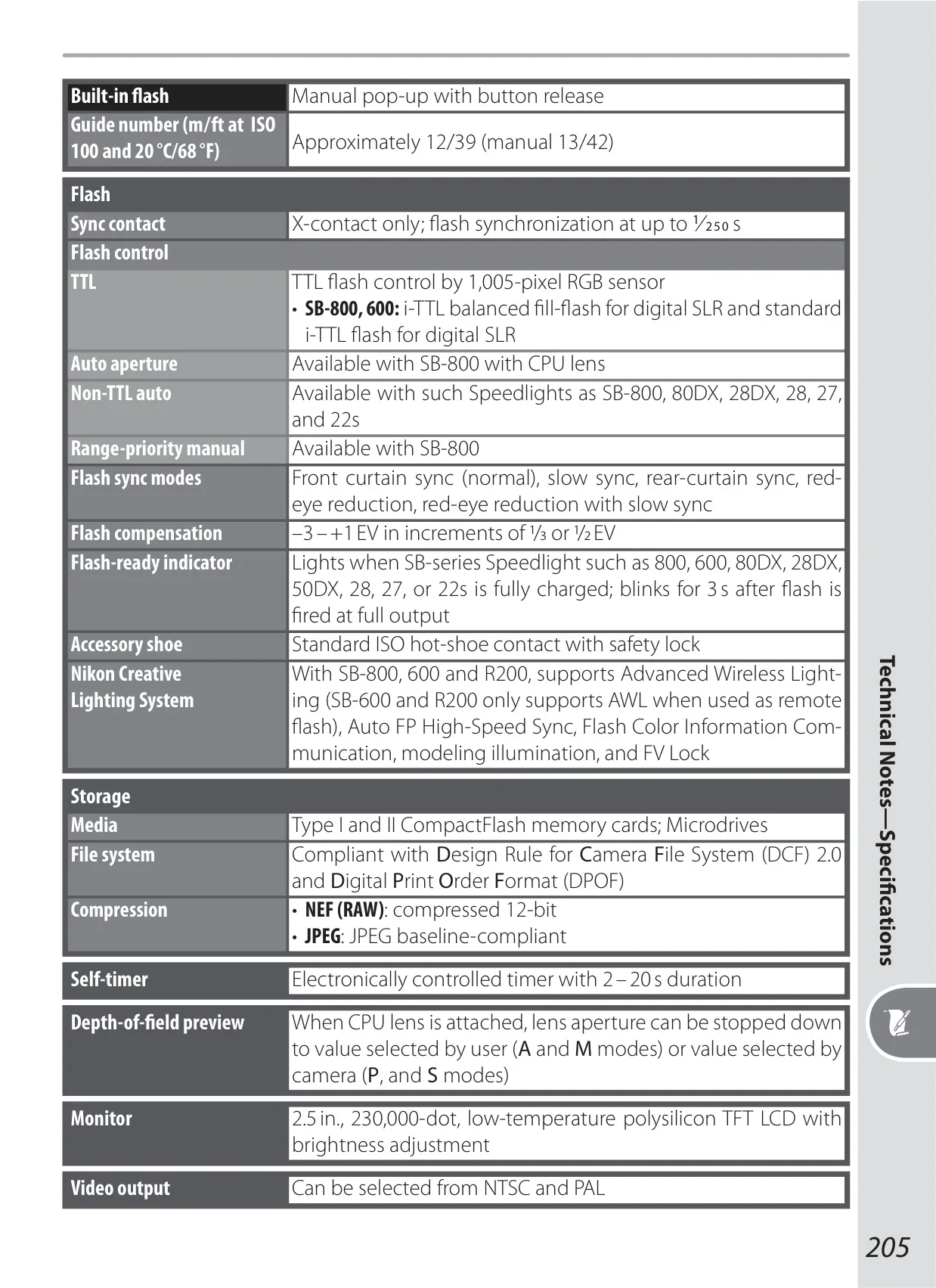
| Built-in Flash | Manual pop-up, Guide number approx. 12/39 m/ft (ISO 100, 20°C); manual 13/42 |
| Flash Sync Speed | Up to 1/250 s |
| Storage Media | Type I and II CompactFlash memory cards; Microdrives |
| Monitor | 2.5 in., 230,000-dot, low-temperature polysilicon TFT LCD with brightness adjustment |
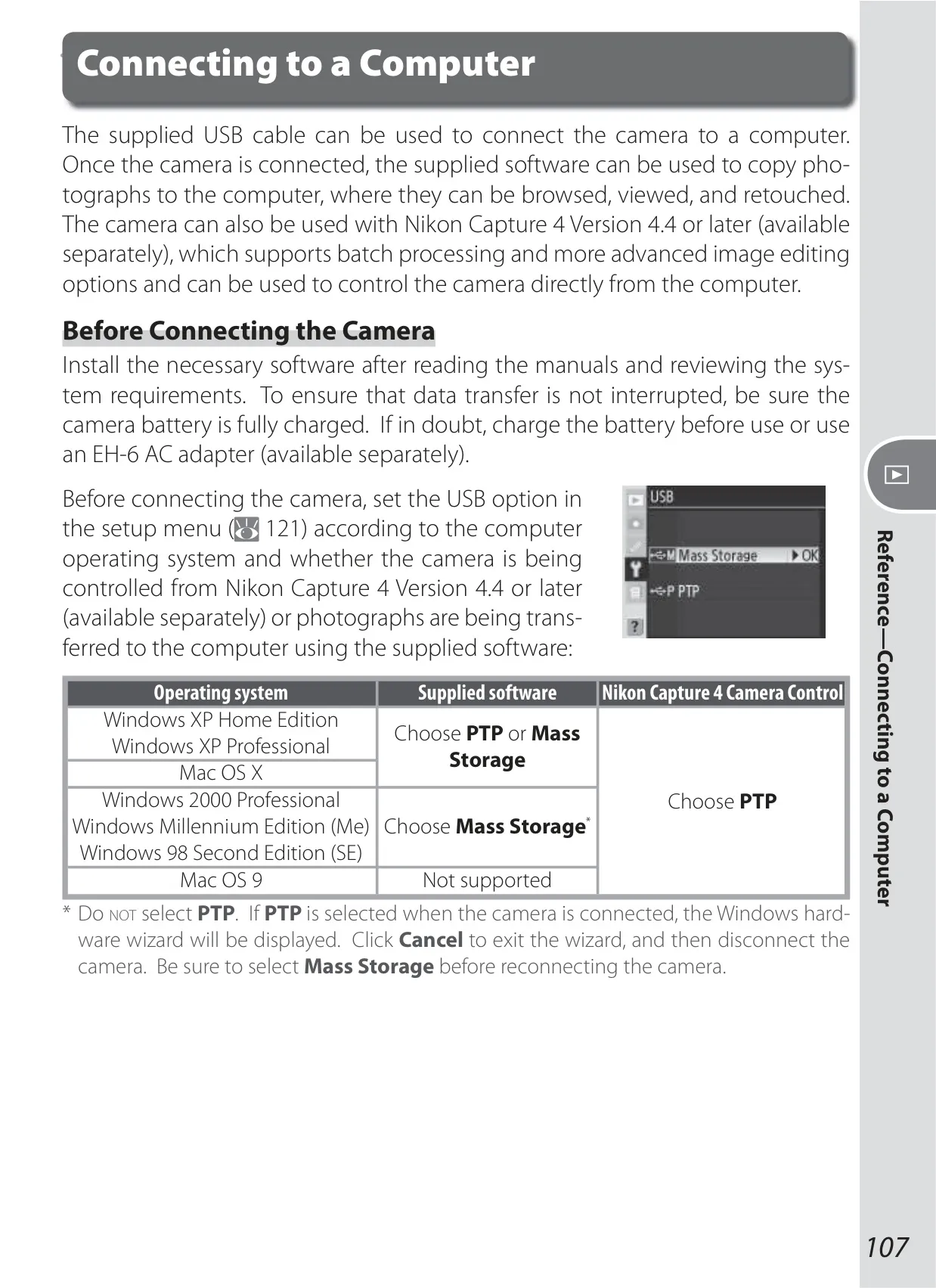
| External Interface | USB 2.0 Hi-speed |
| Power Source | One rechargeable Nikon EN-EL3e Li-ion battery; optional MB-D200 battery pack or EH-6 AC adapter |
| Dimensions (W × H × D) | Approximately 147 × 113 × 74 mm (5.8 × 4.4 × 2.9 in.) |
| Weight | Approximately 830 g (1 lb 13 oz) without battery, memory card, body cap, or monitor cover |
Nikon D200 DSLR Camera Details
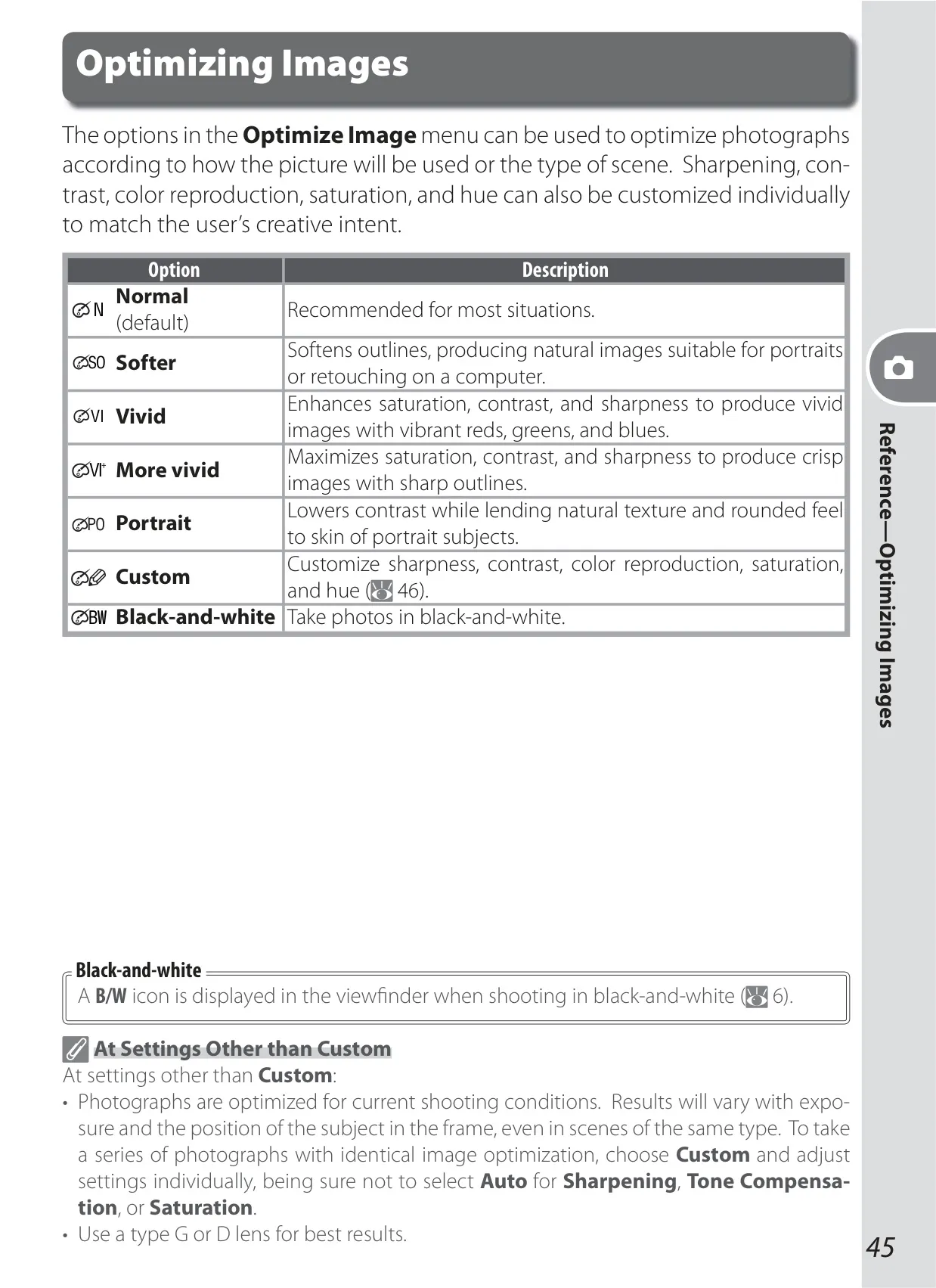
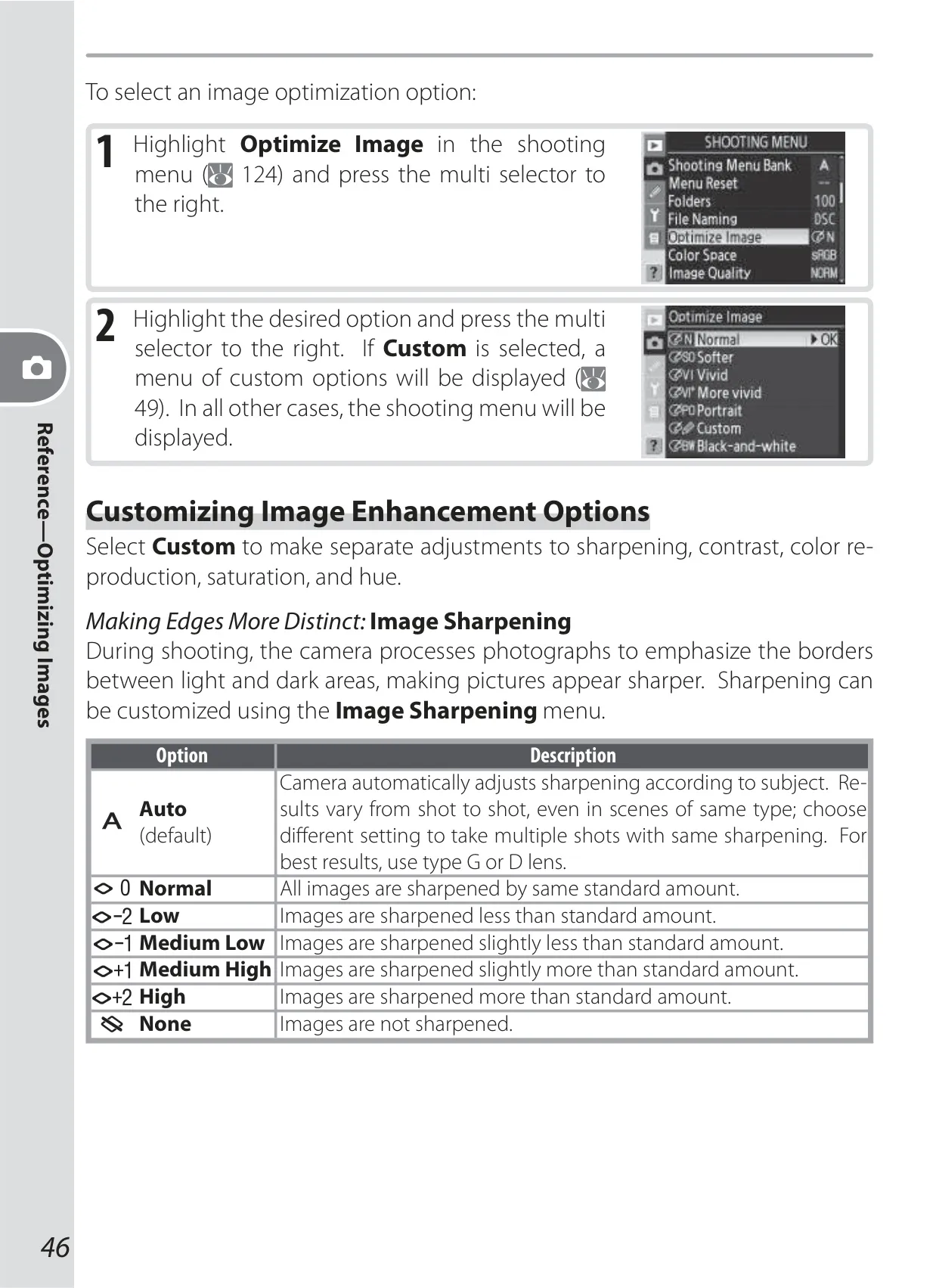
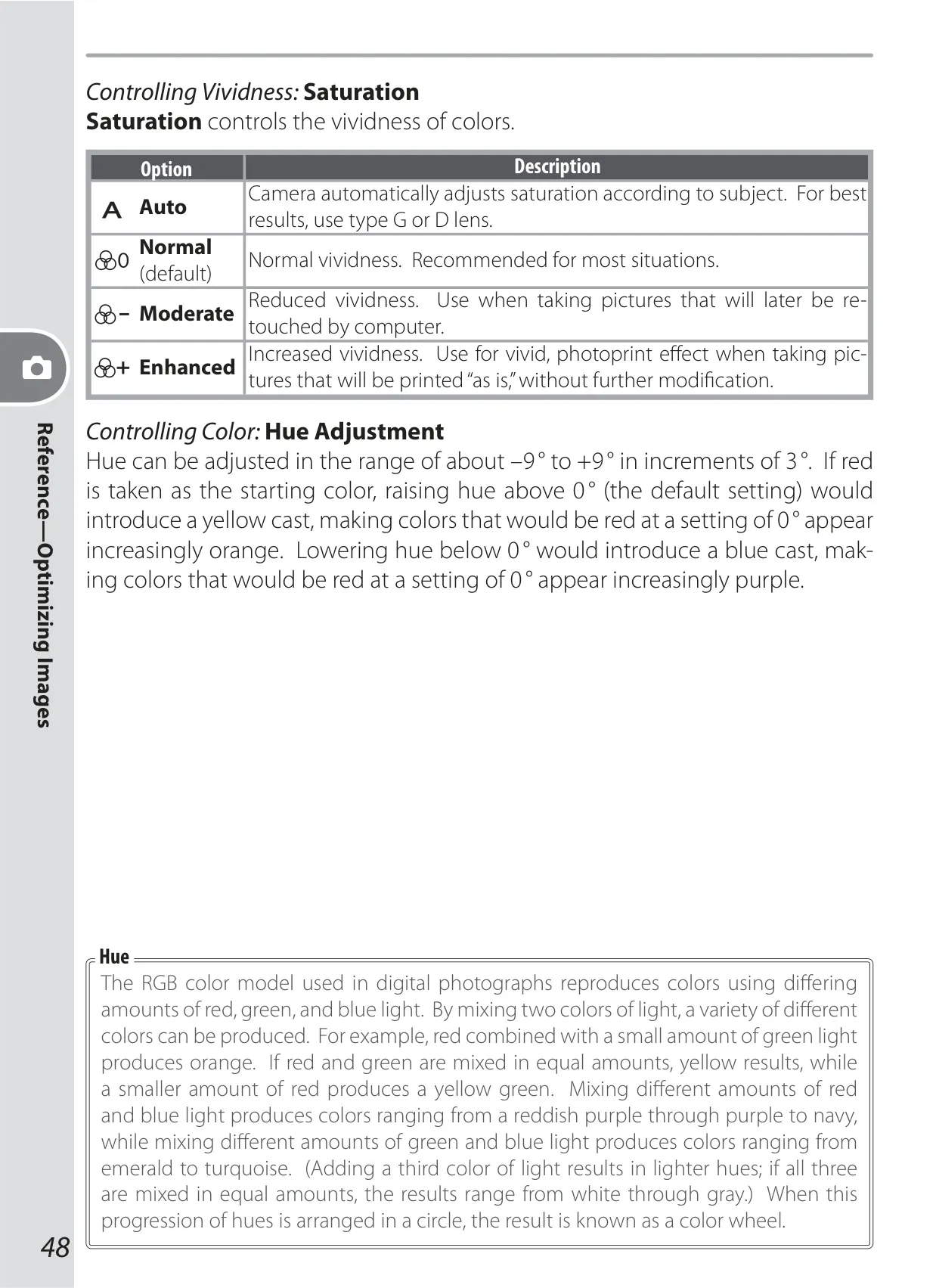
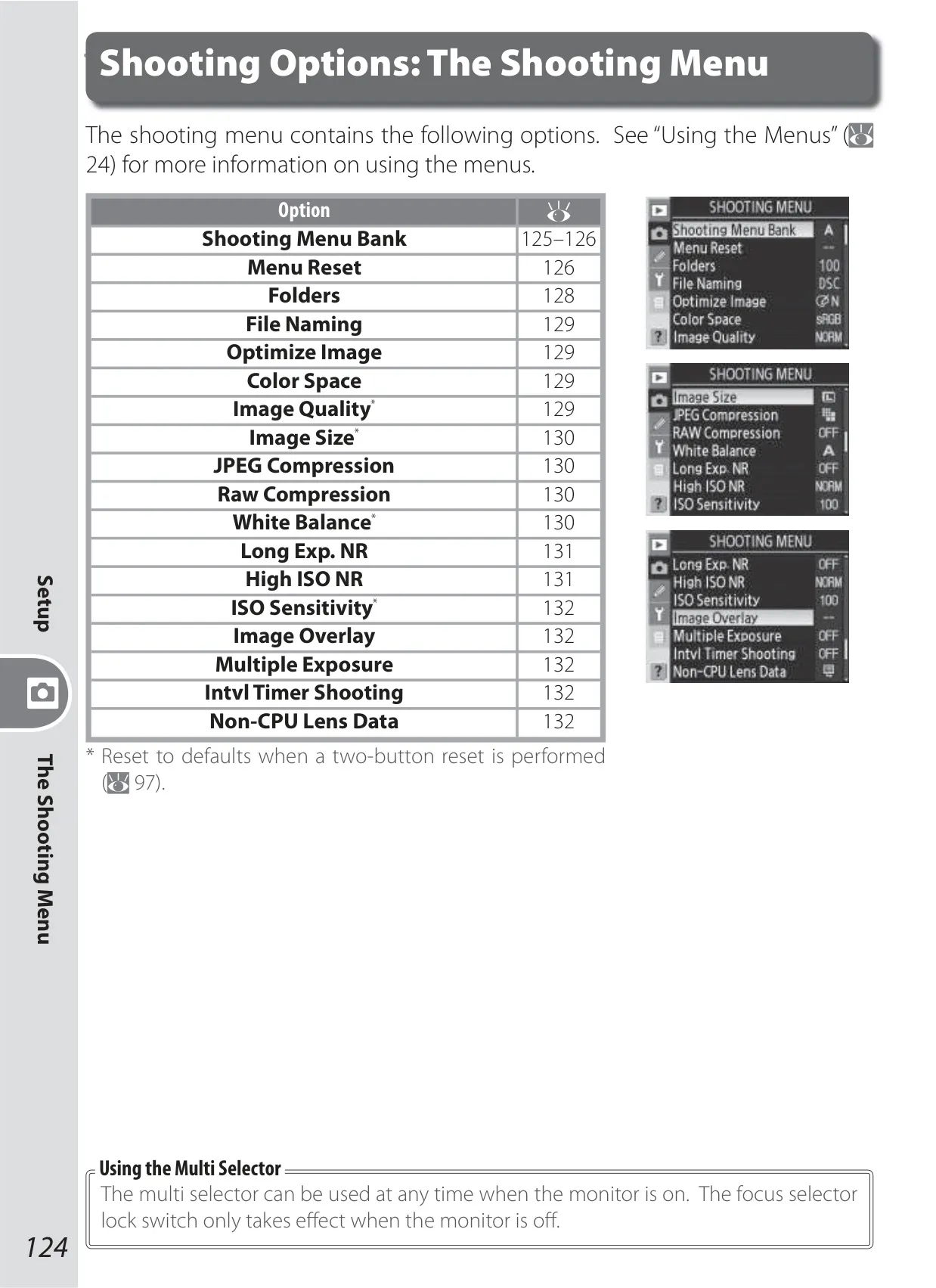
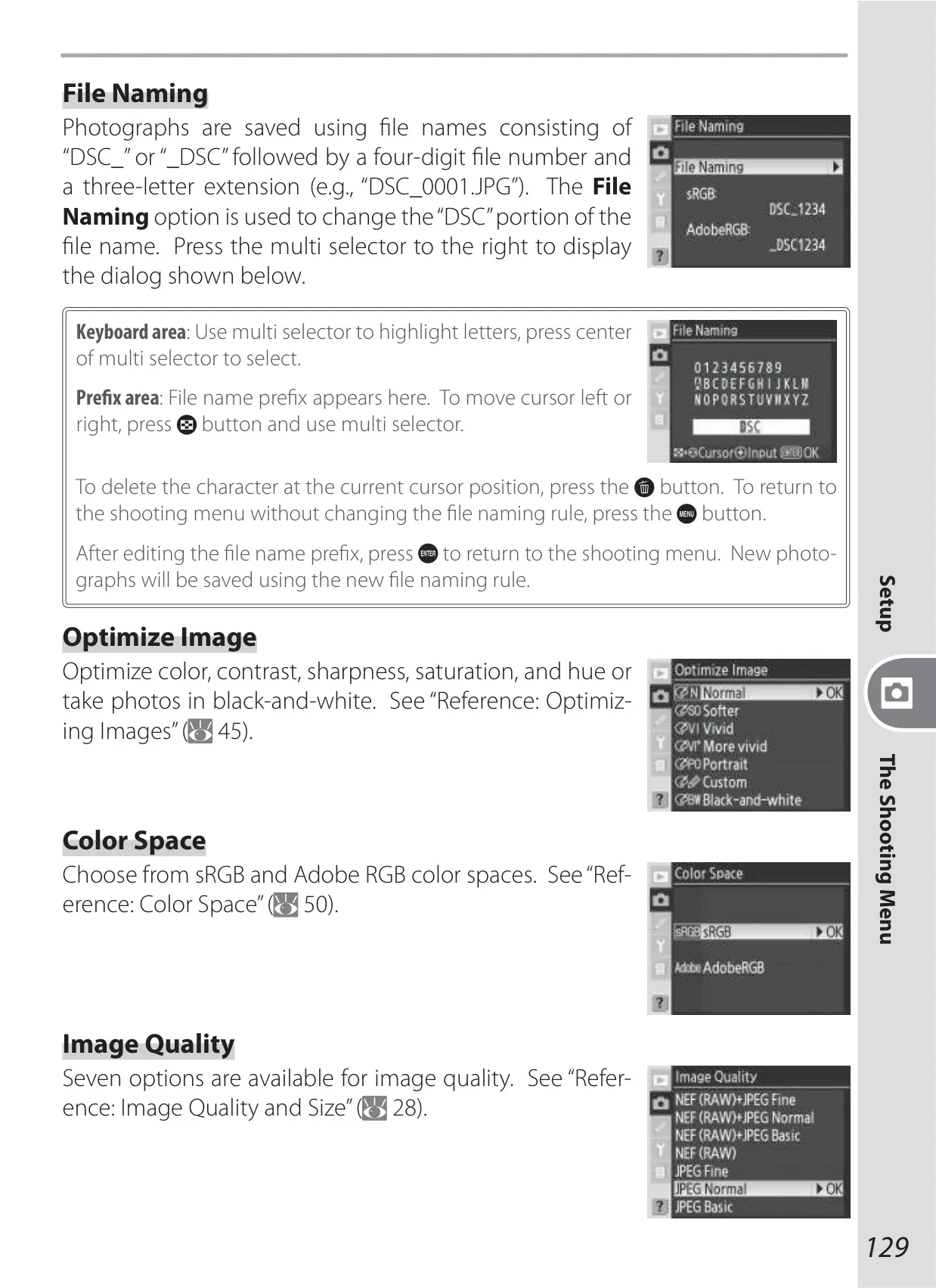
The Nikon D200 DSLR Camera extends far beyond its core specifications, offering advanced features that empower photographers with substantial creative control and workflow efficiency. The Optimize Image menu is a prime example, allowing users to deeply influence image aesthetics by customizing sharpening, contrast, color reproduction, saturation, and hue. Beyond standard presets like Vivid or Portrait, this granular control enables precise adjustments to match an artistic vision without immediate post-processing.
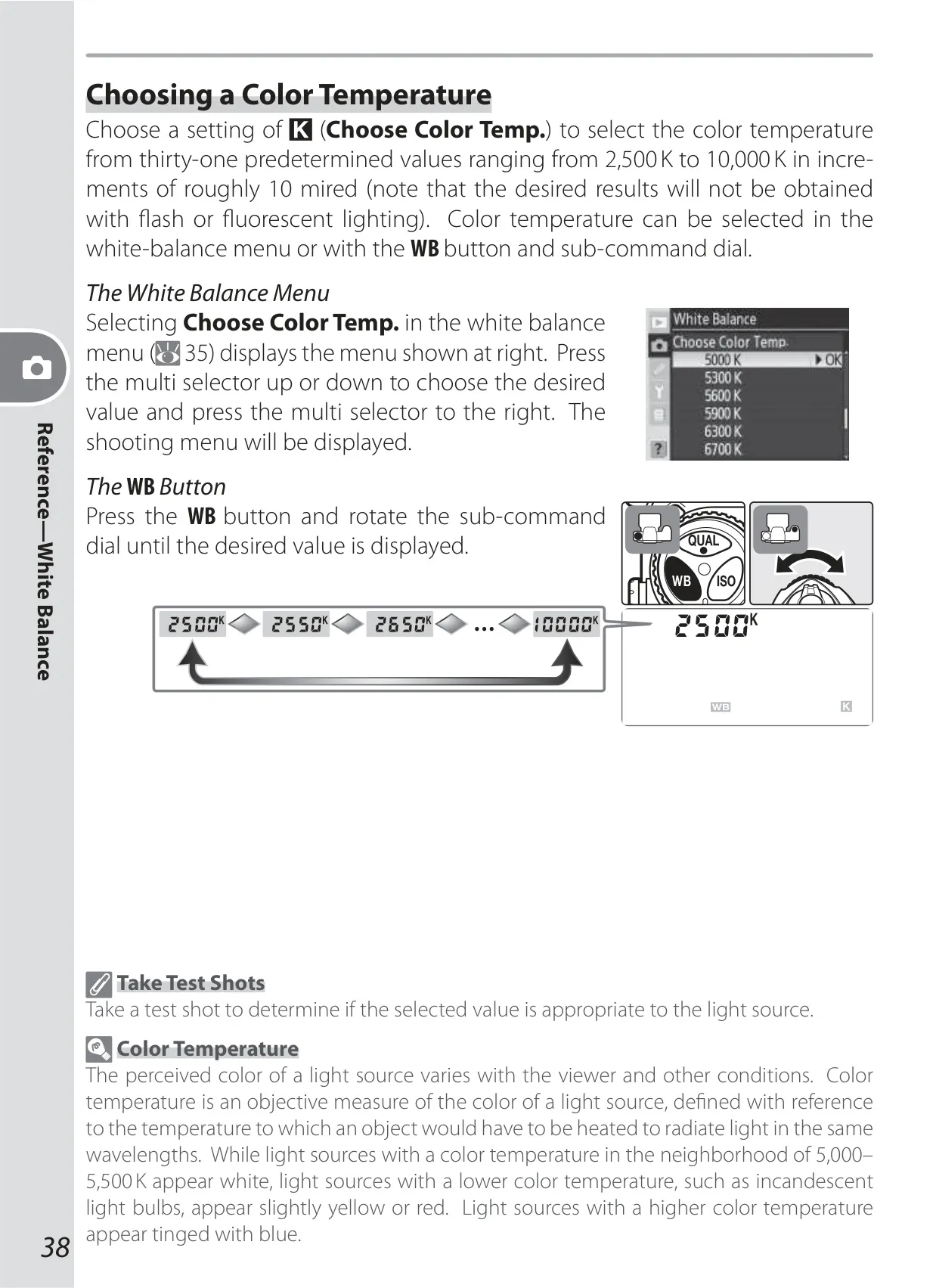
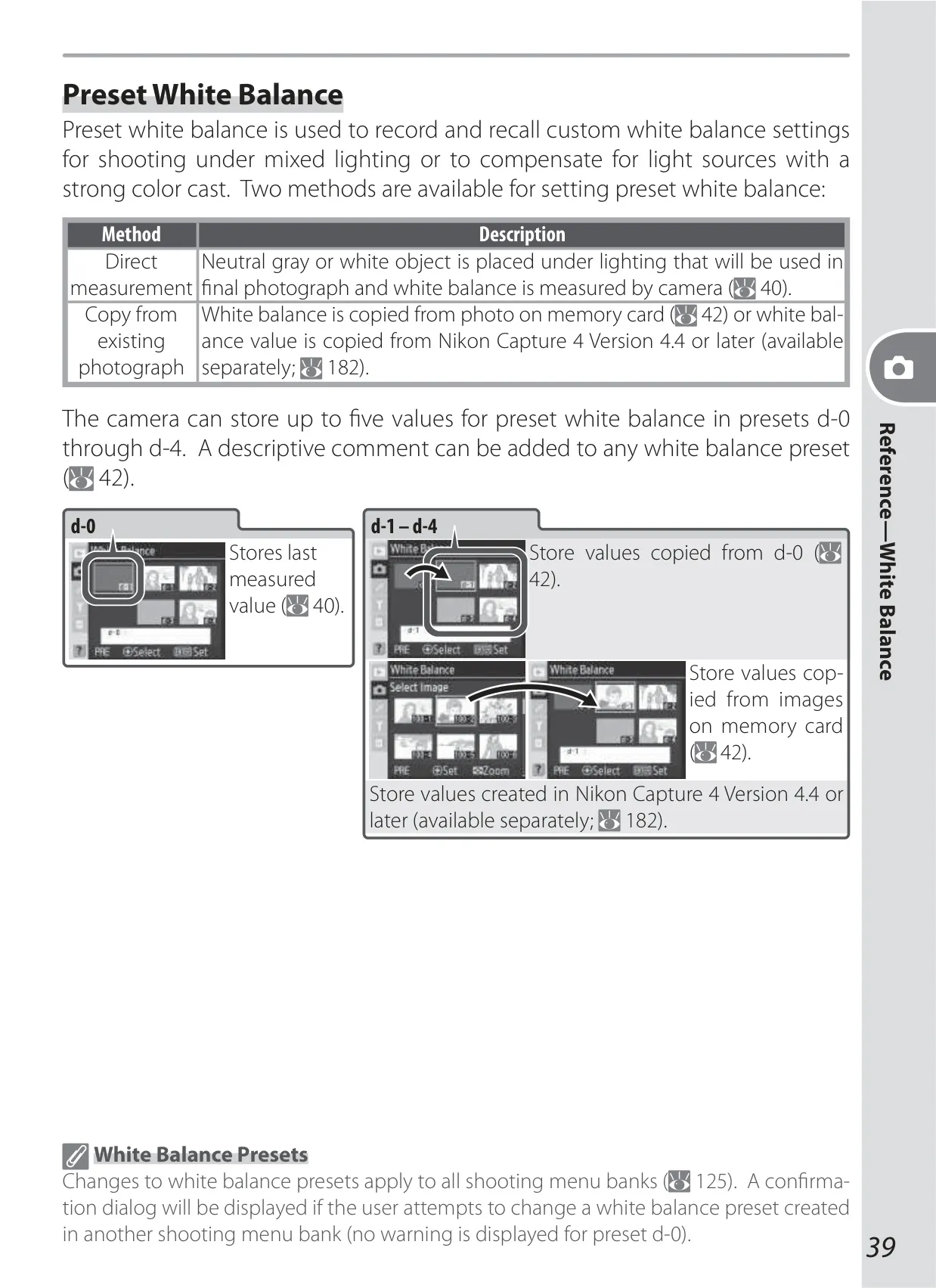
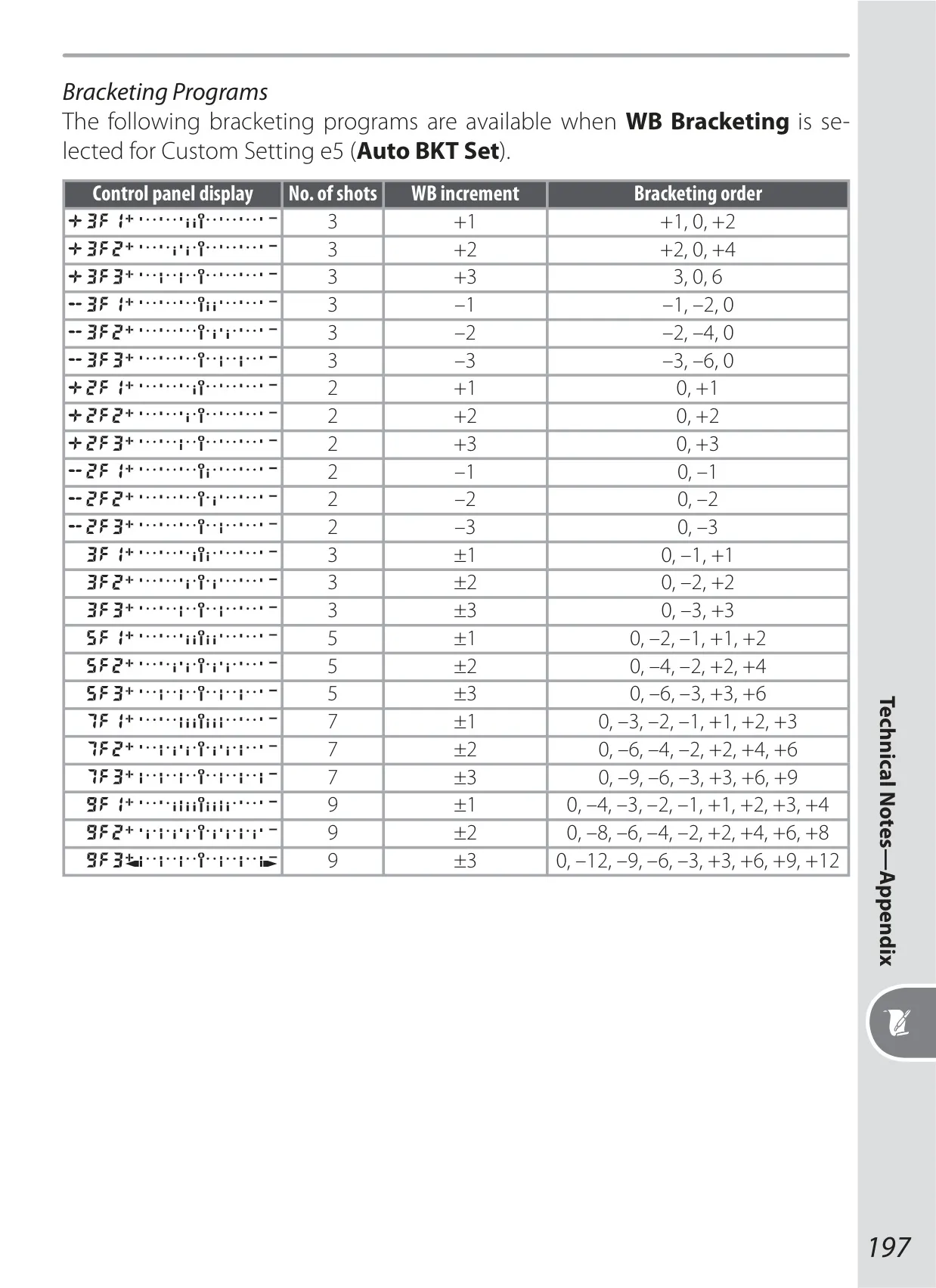
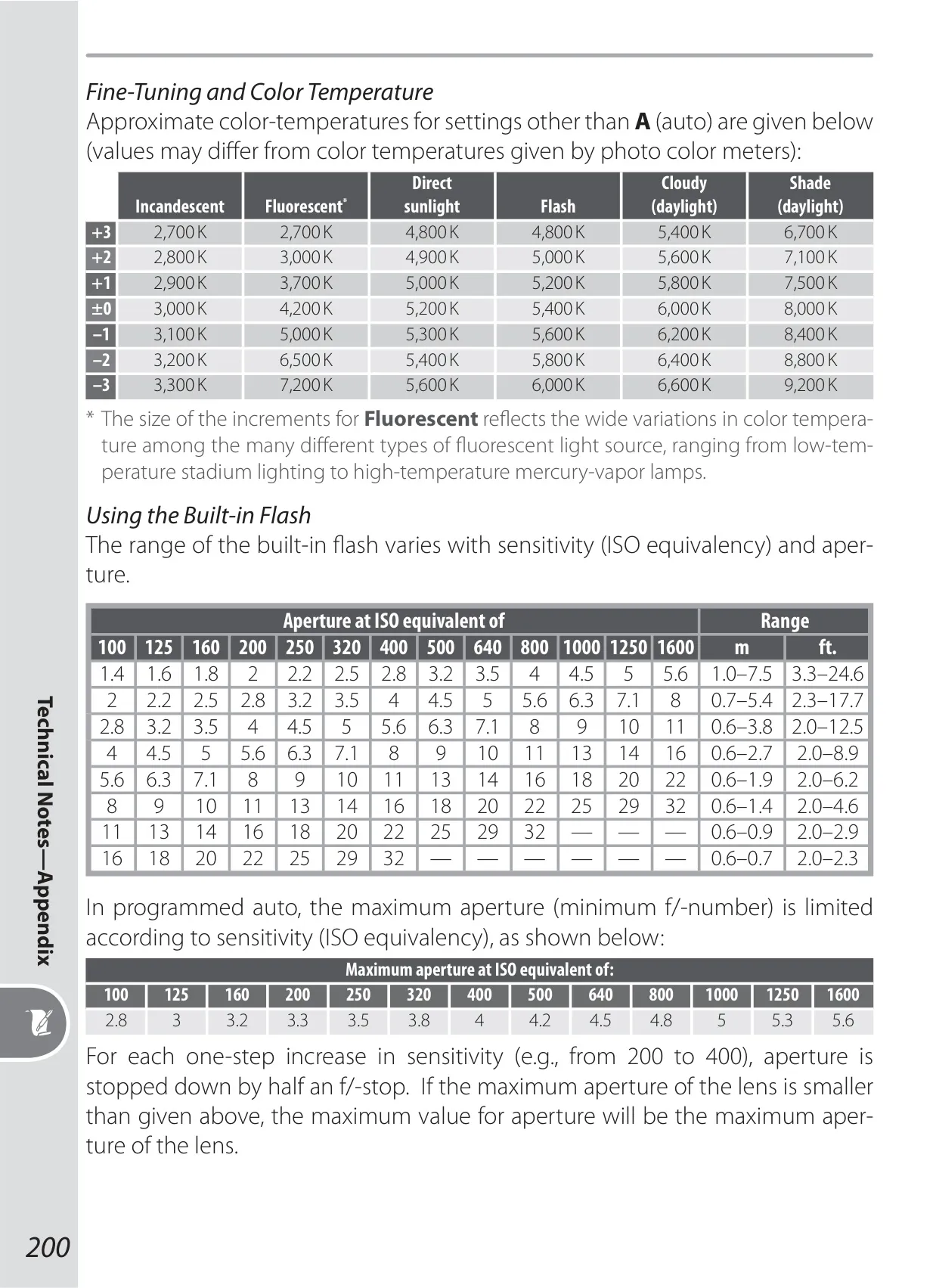
White balance control on the D200 is exceptionally versatile, moving beyond automated settings. Photographers can fine-tune existing white balance presets or directly select specific color temperatures, ranging from 2,500 K to 10,000 K. This crucial flexibility is invaluable for handling challenging mixed lighting conditions or for intentionally imparting warm or cool tonal casts to images, ensuring either natural or artistically altered coloration as desired.
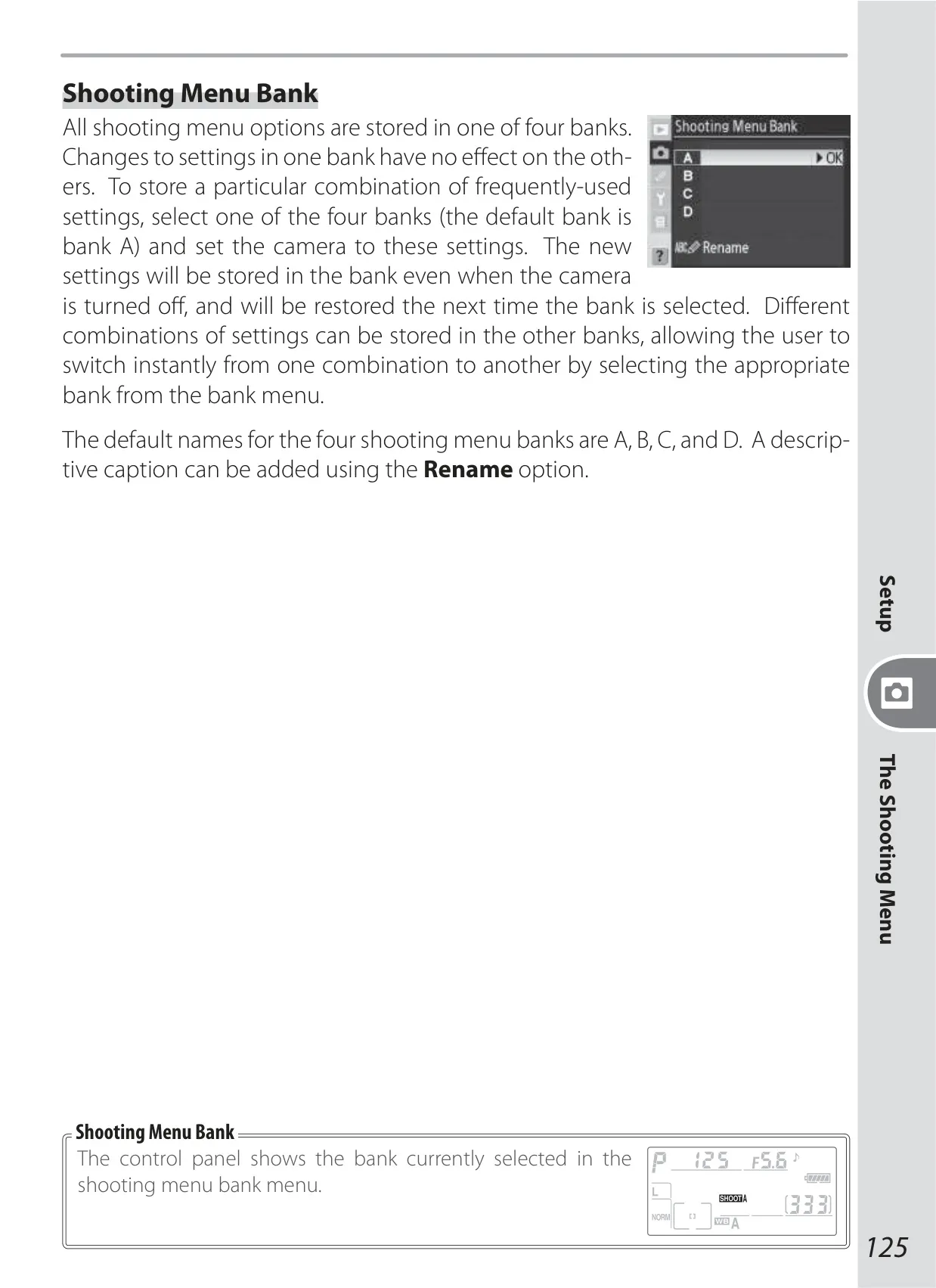
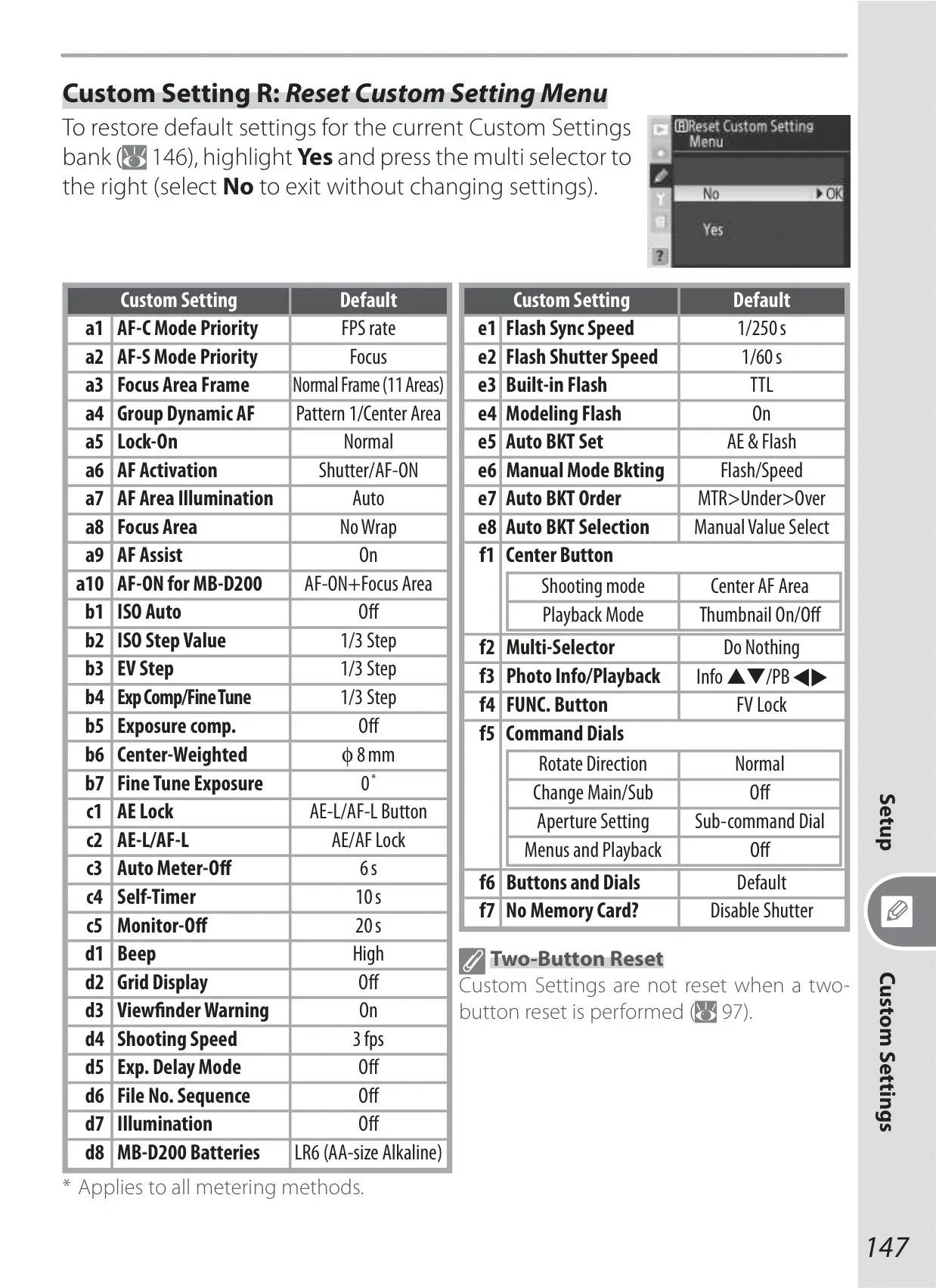
To streamline user workflow, the camera implements both Custom Settings Banks and Shooting Menu Banks. These four distinct banks enable photographers to store and quickly recall entire camera configurations for different shooting scenarios. For instance, one can rapidly switch from a portrait setup to a landscape or action-oriented one, minimizing menu navigation during critical shooting moments and ensuring preferred settings are always readily accessible. Banks can even be renamed for easy identification.
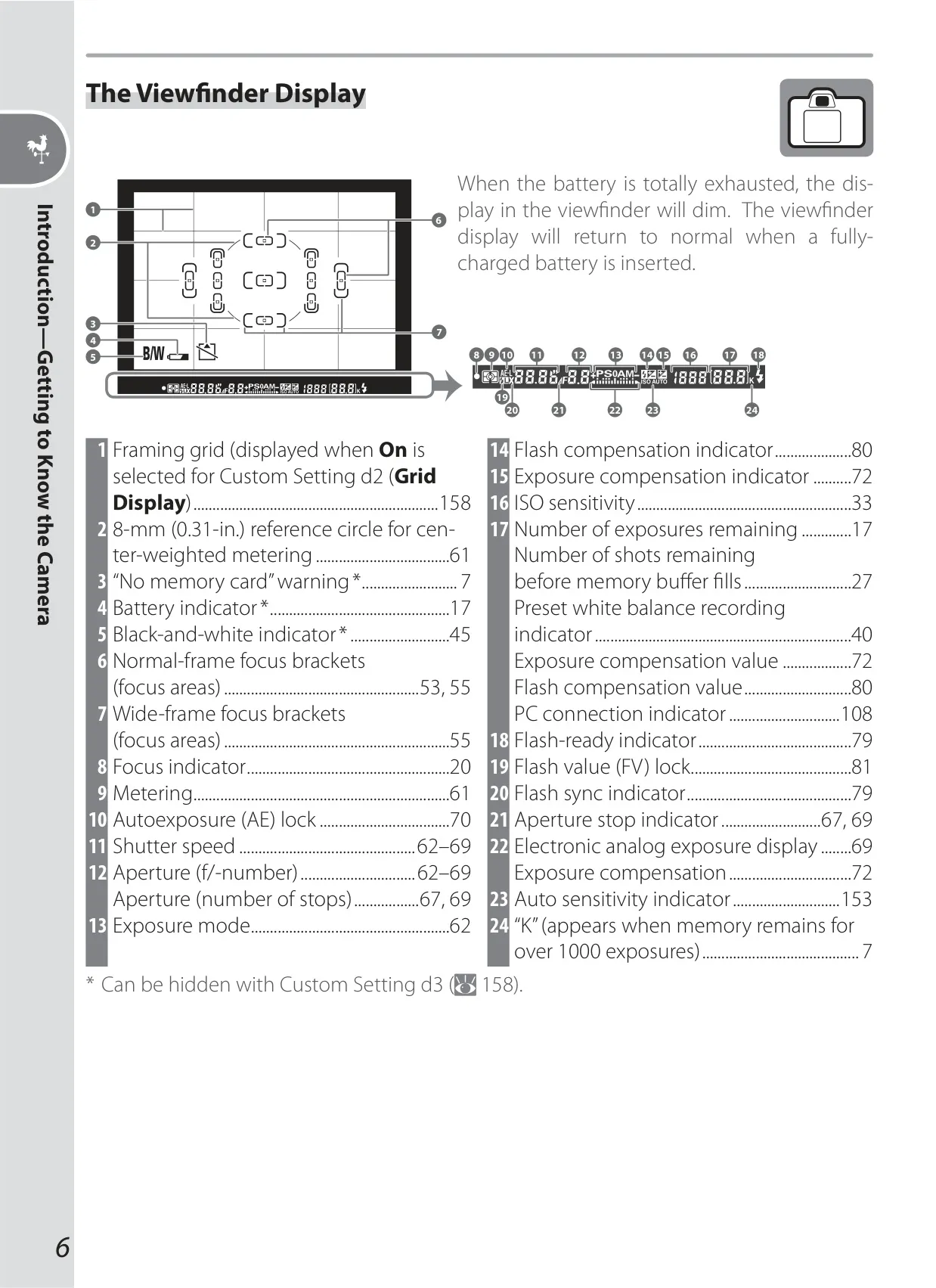
The viewfinder provides an Advanced Focusing Screen Display with "Vari-Brite" focus areas that illuminate in red against dark backgrounds, significantly enhancing visibility and aiding focus confirmation. Additionally, on-demand grid lines can be superimposed, serving as a valuable compositional aid. This thoughtful integration improves the user's interaction and accuracy while framing photographs, especially in challenging visual environments.
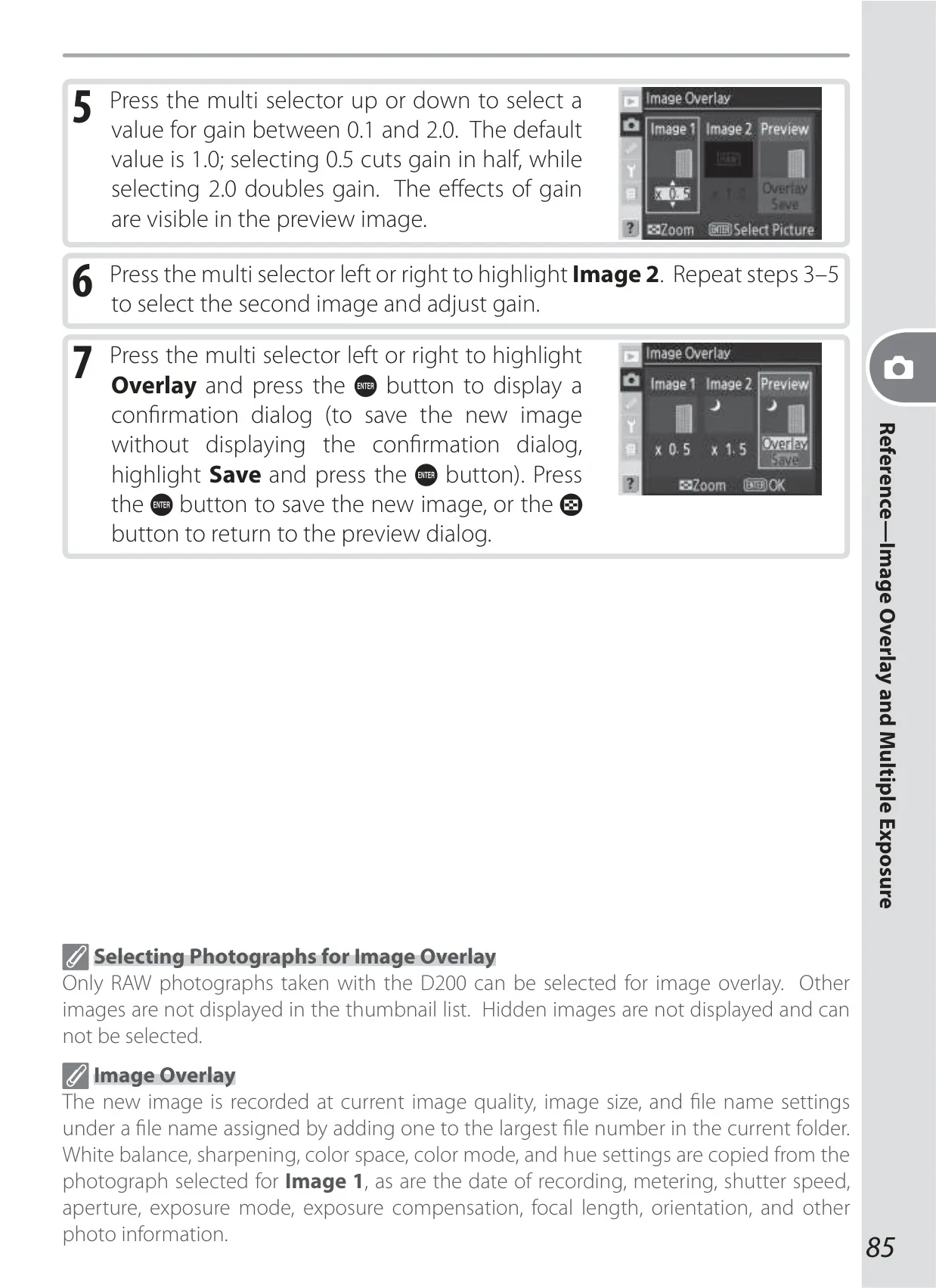
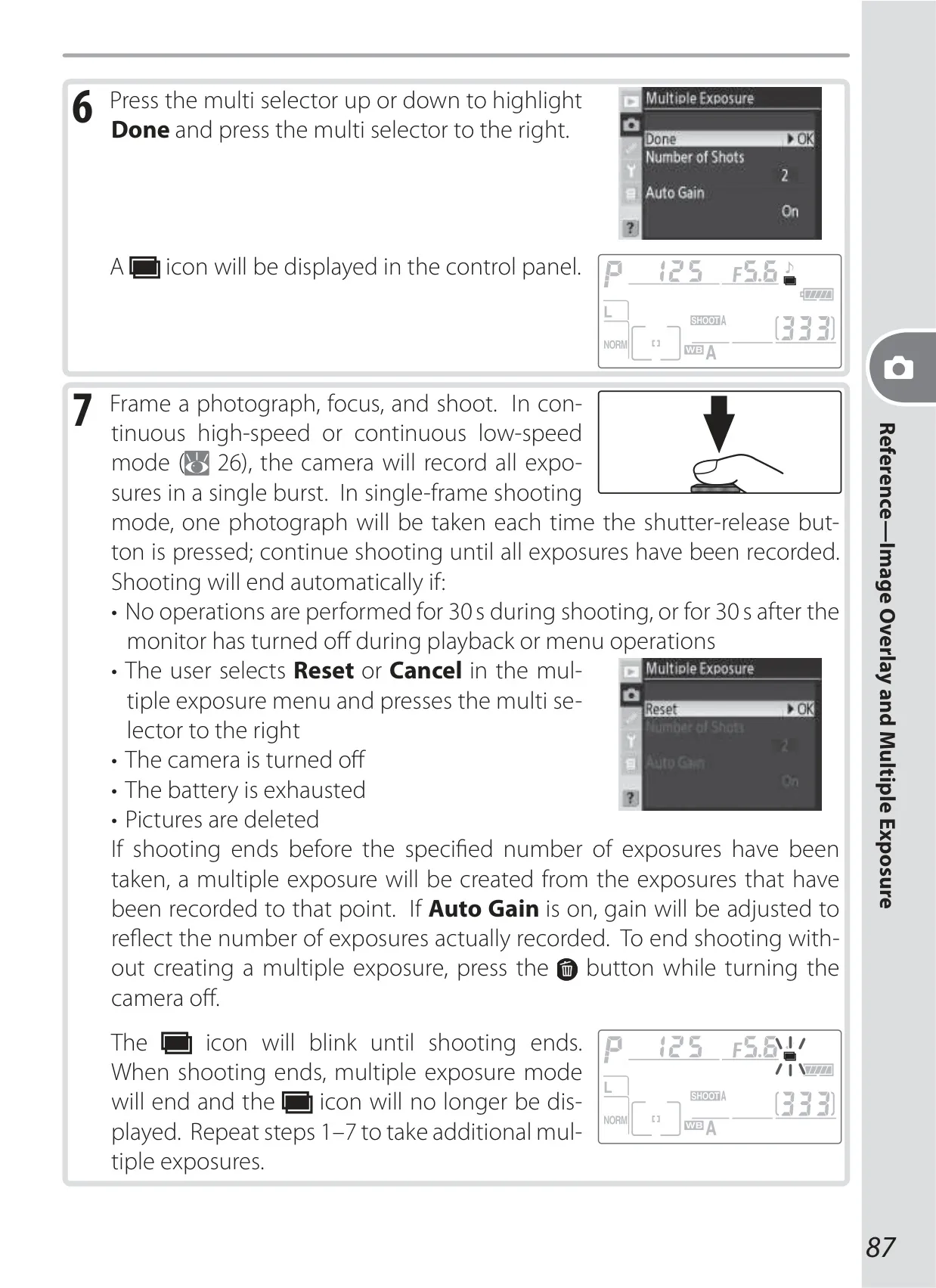
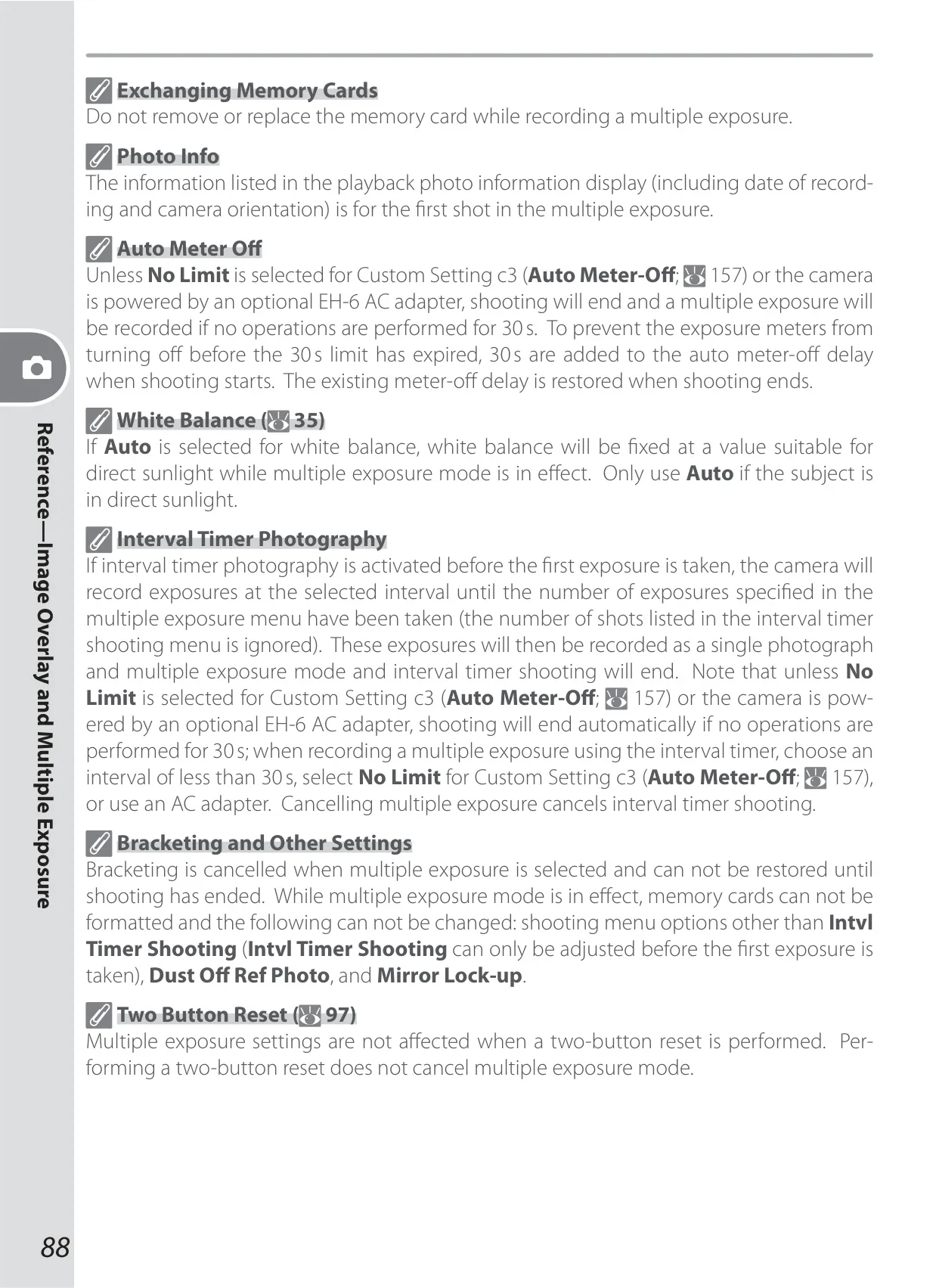
For creative in-camera image manipulation, the D200 includes powerful features like Image Overlay. This function allows the combination of two existing RAW files into a single, new image, facilitating unique artistic composites. Furthermore, Multiple Exposure enables the layering of 2 to 10 live exposures to produce distinctive artistic effects, with optional auto-gain adjustment to maintain proper overall exposure. These tools encourage experimental photography directly within the camera system.
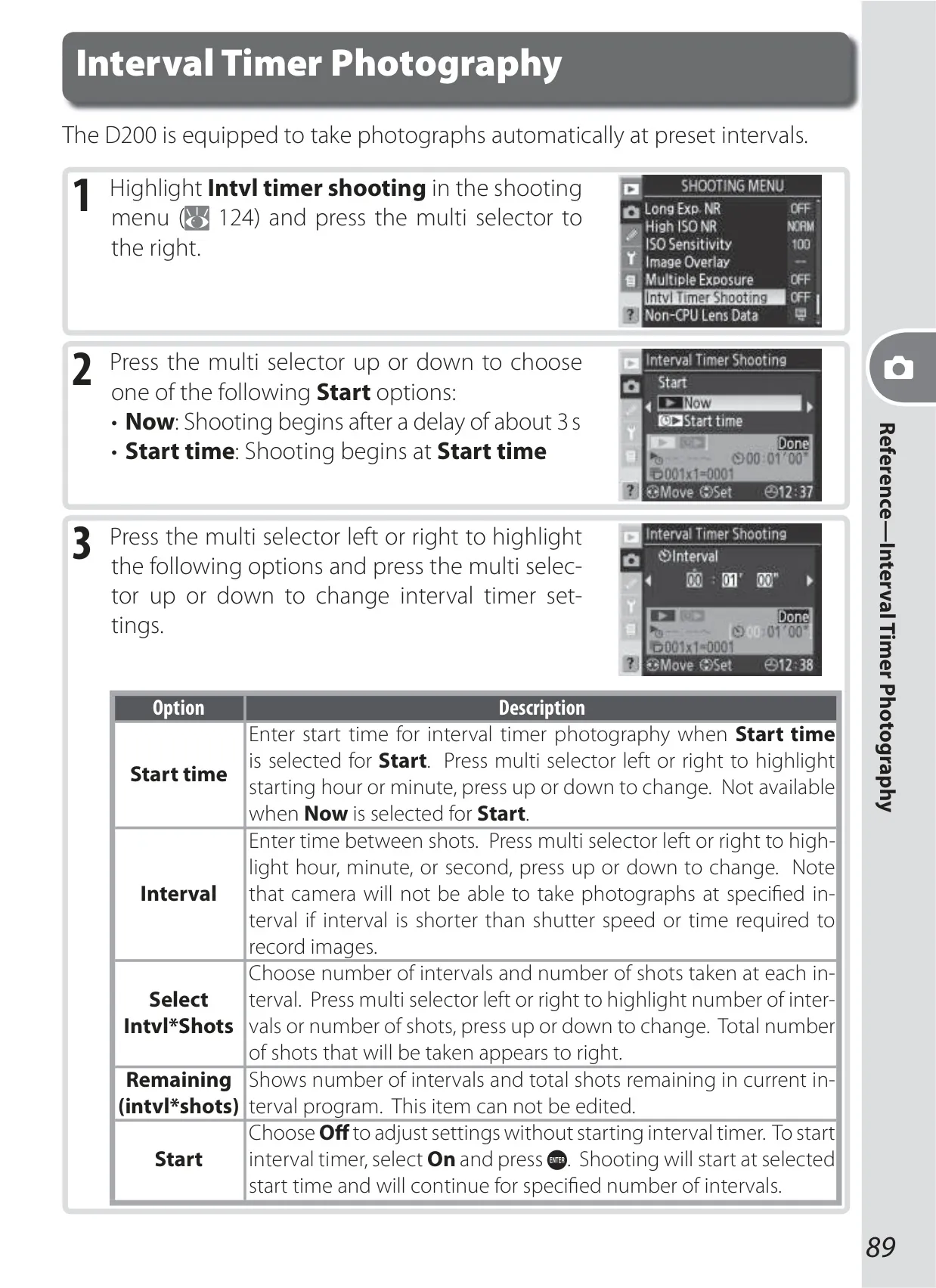
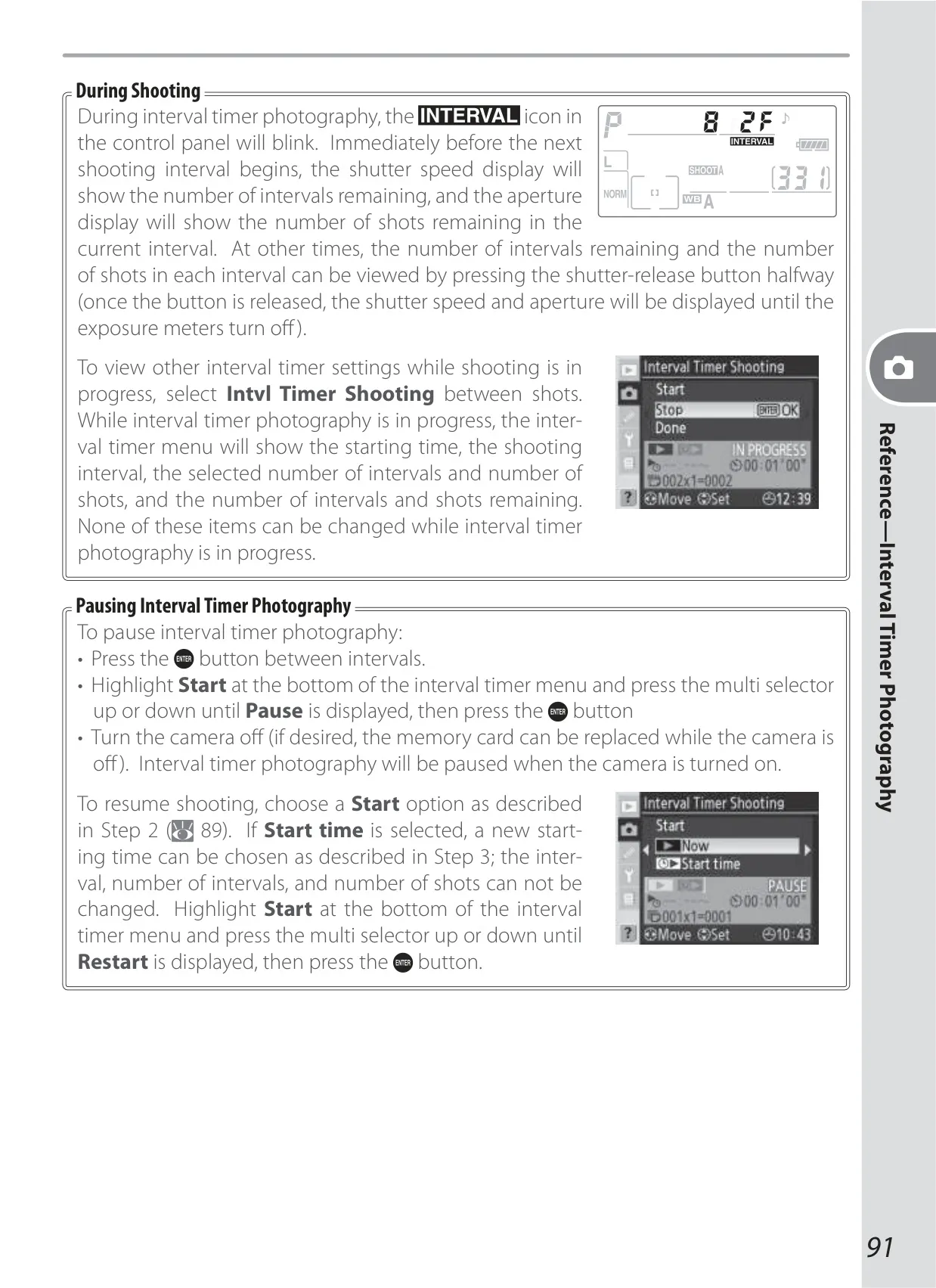
The camera integrates Interval Timer Photography for capturing dynamic sequences over time. Users can program the camera to take a series of photos automatically at specified intervals, which is ideal for time-lapses of natural phenomena or construction projects. This automation frees the photographer from constant manual intervention, making it possible to capture subtle changes over extended periods with precision.
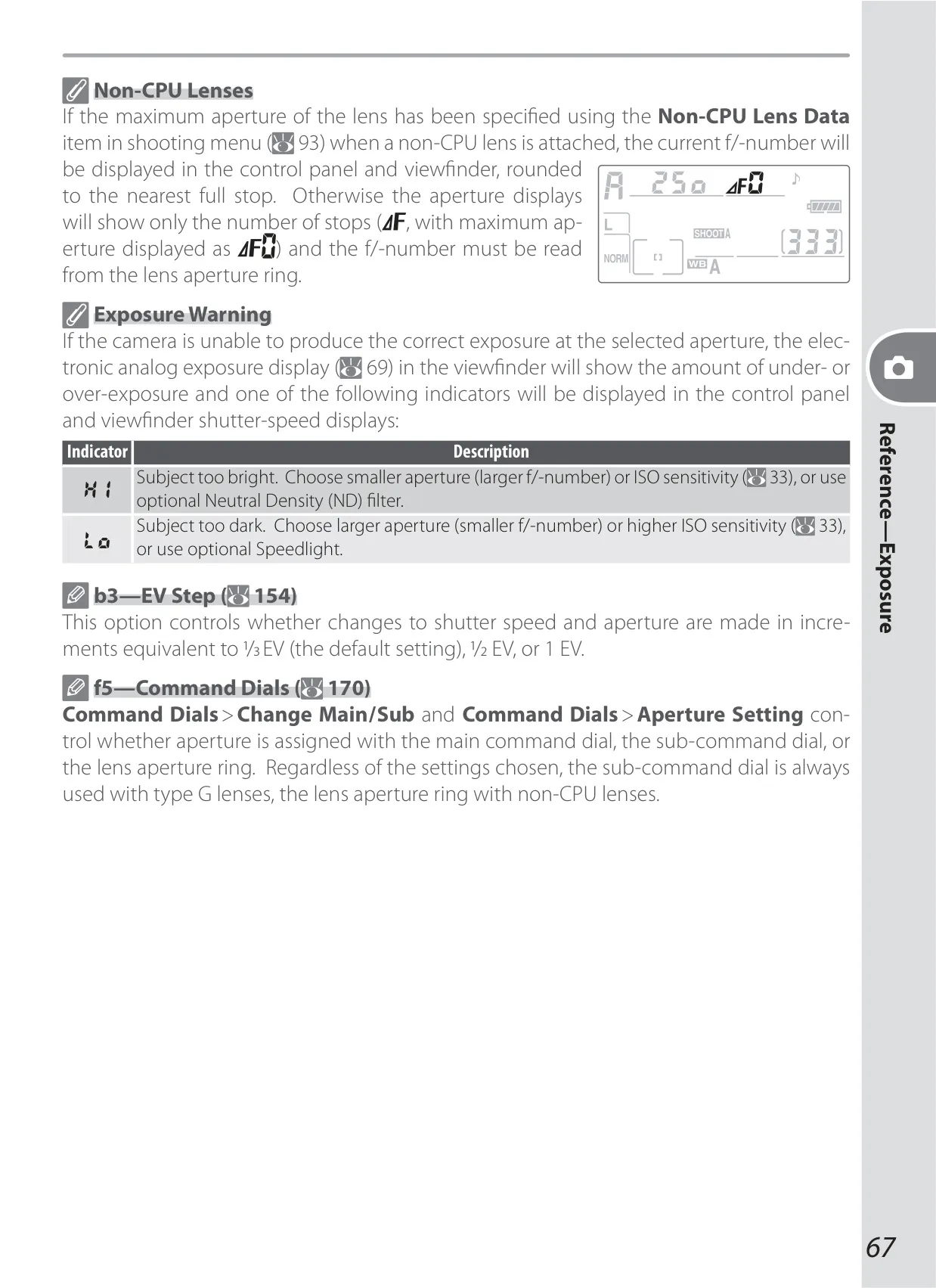
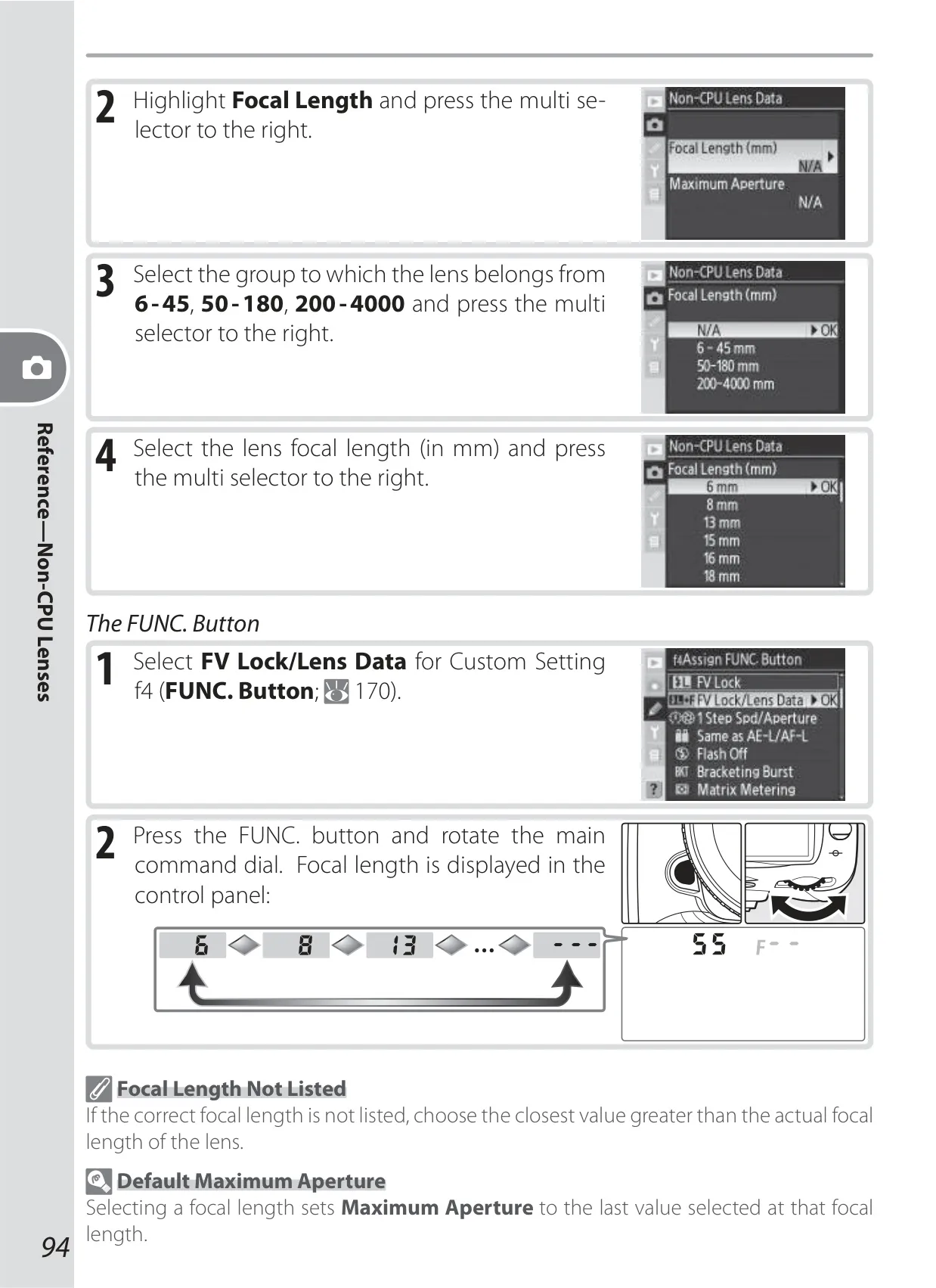
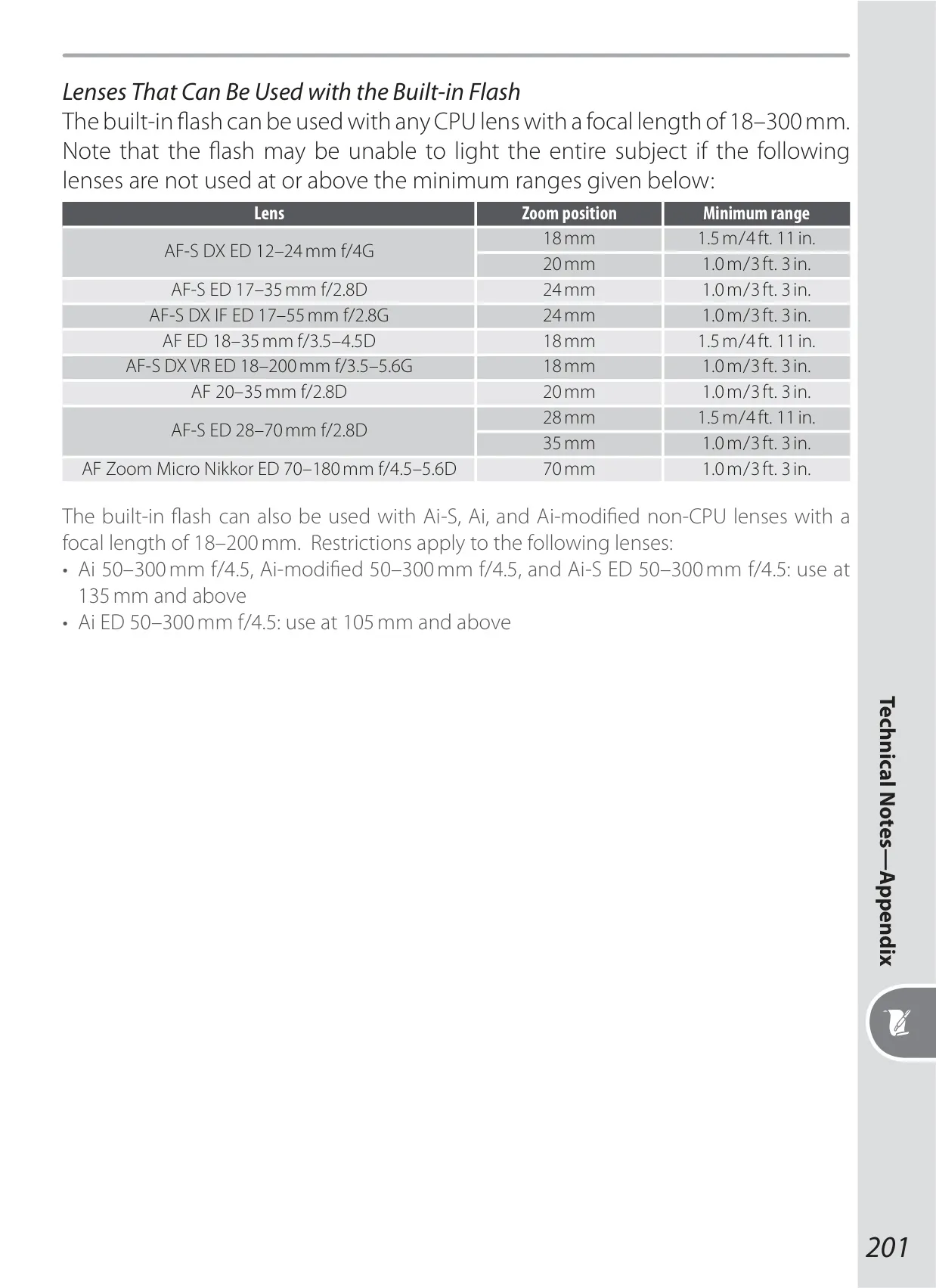
Bridging legacy optics with digital capabilities, the D200 offers robust support for non-CPU lenses. Users can manually input focal length and maximum aperture data, which then enables modern metering, i-TTL balanced fill-flash, and aperture value display for these older lenses. This expands the photographic possibilities by making a wider range of vintage and specialized glass fully functional with the D200’s advanced systems.
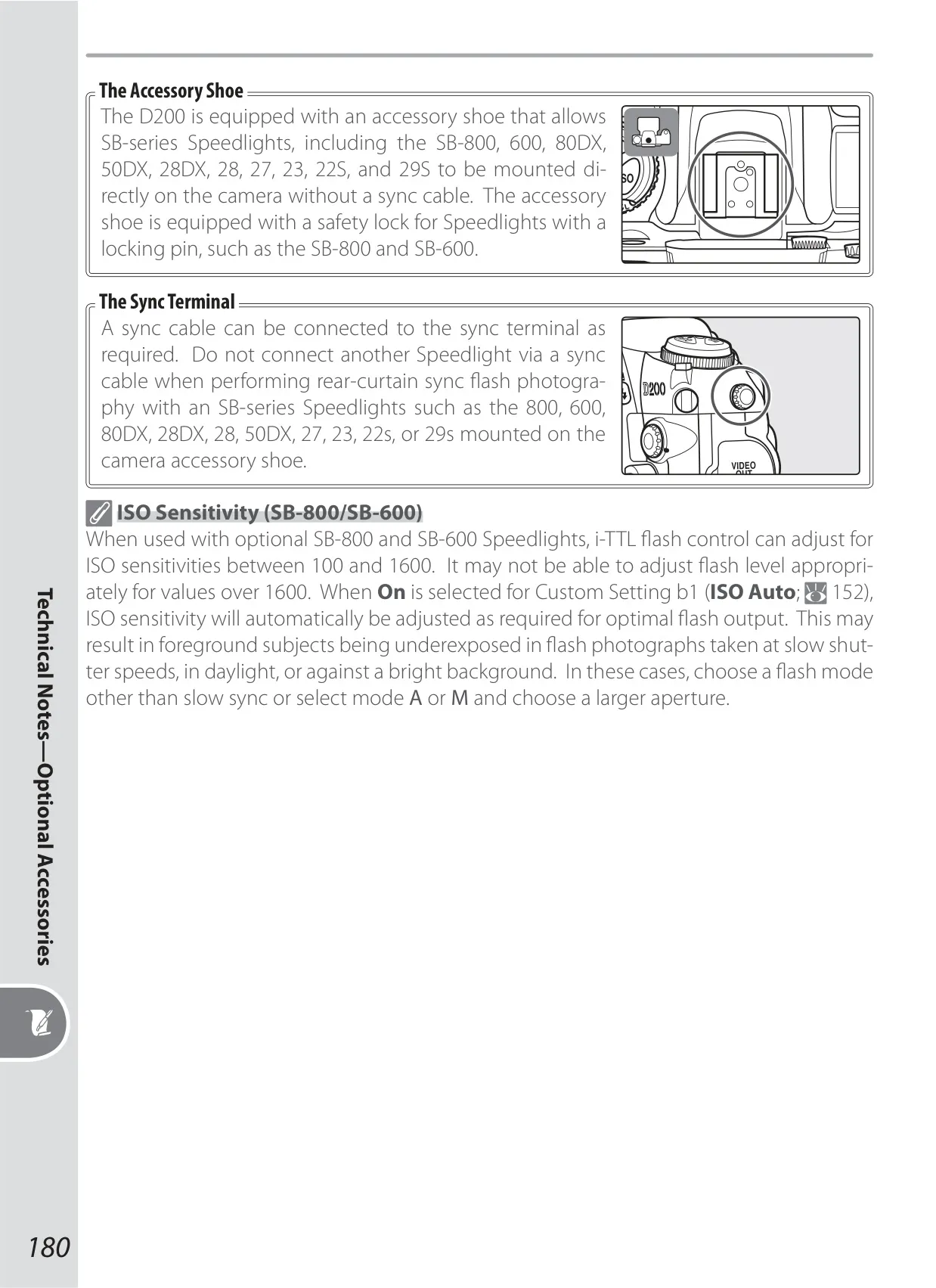
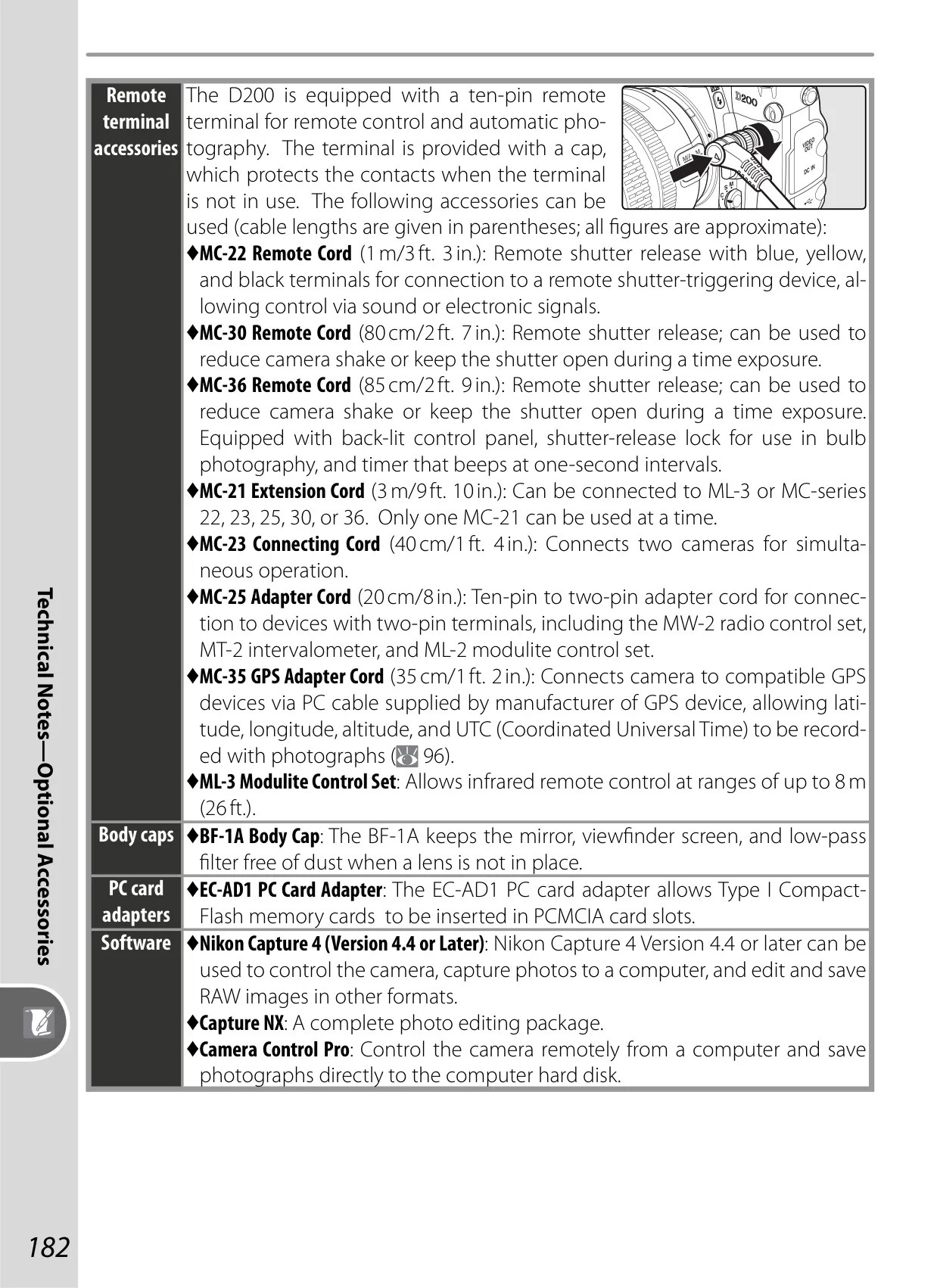
Adding a modern touch, the D200 supports GPS unit integration via an optional MC-35 adapter cord. When connected to compatible Garmin and Magellan devices, the camera automatically embeds precise location data—latitude, longitude, altitude, and Coordinated Universal Time (UTC)—directly into the image's EXIF metadata. This geotagging capability is invaluable for documenting travel, scientific fieldwork, or simply organizing photographs by location.
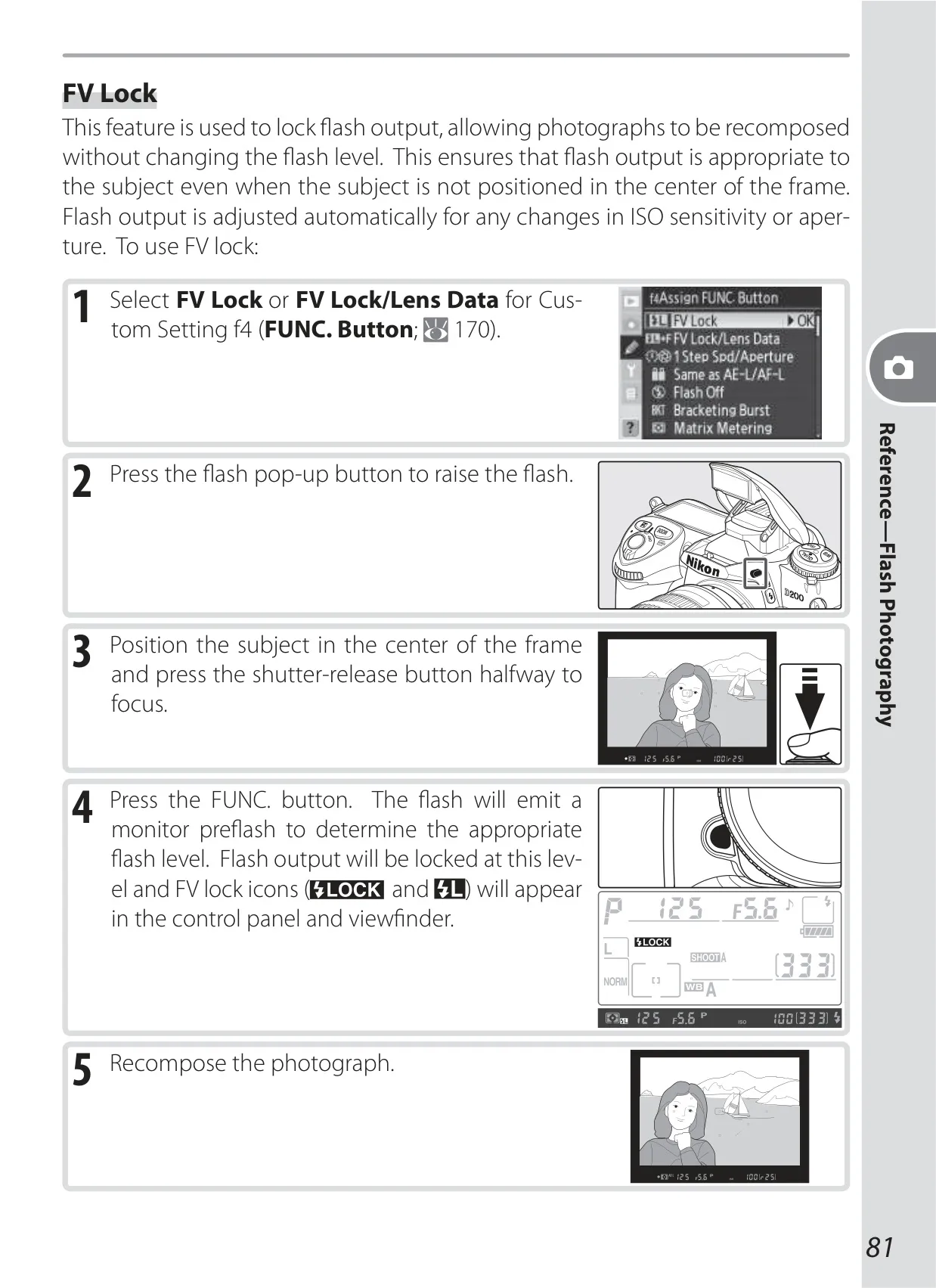
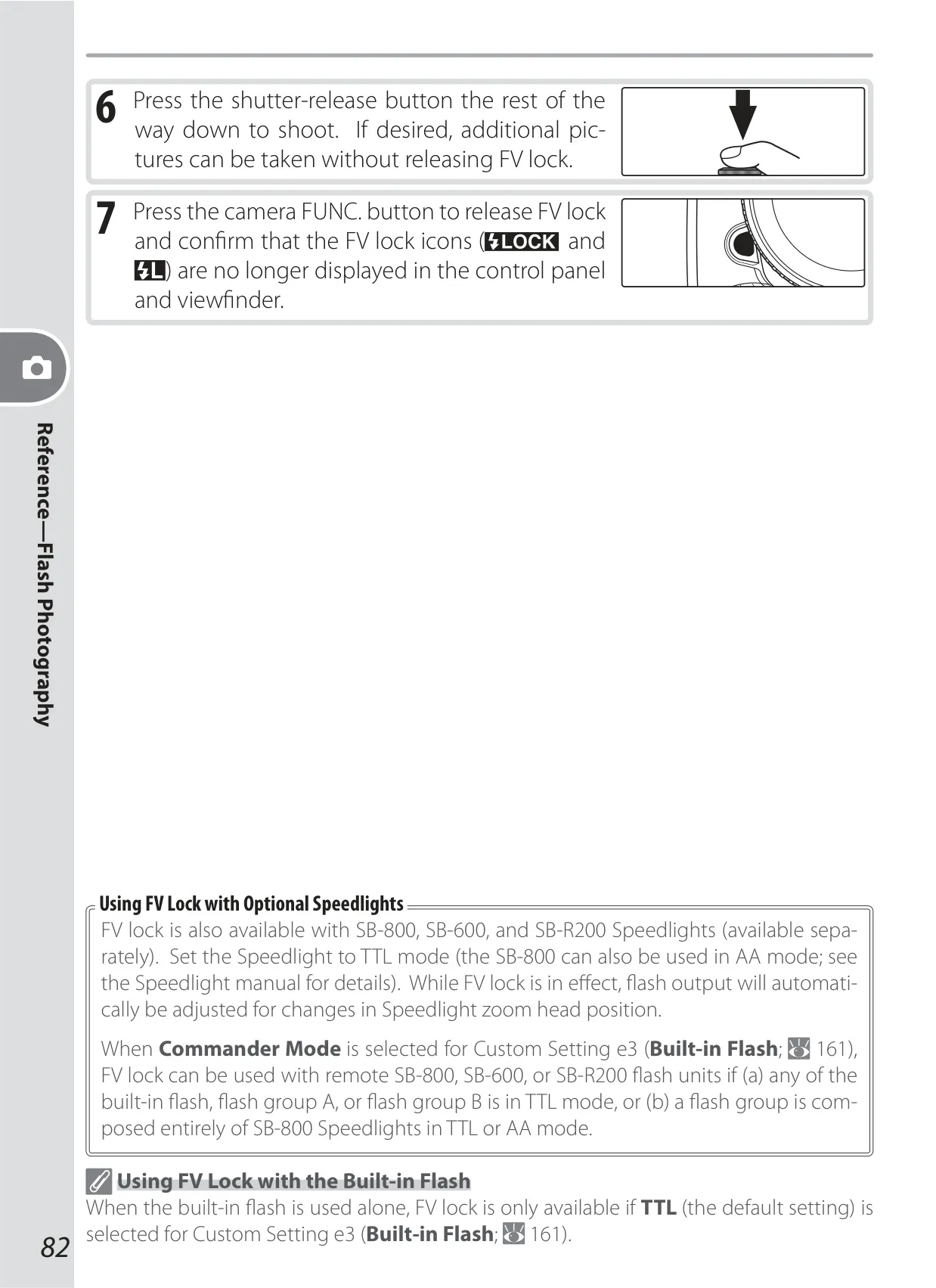
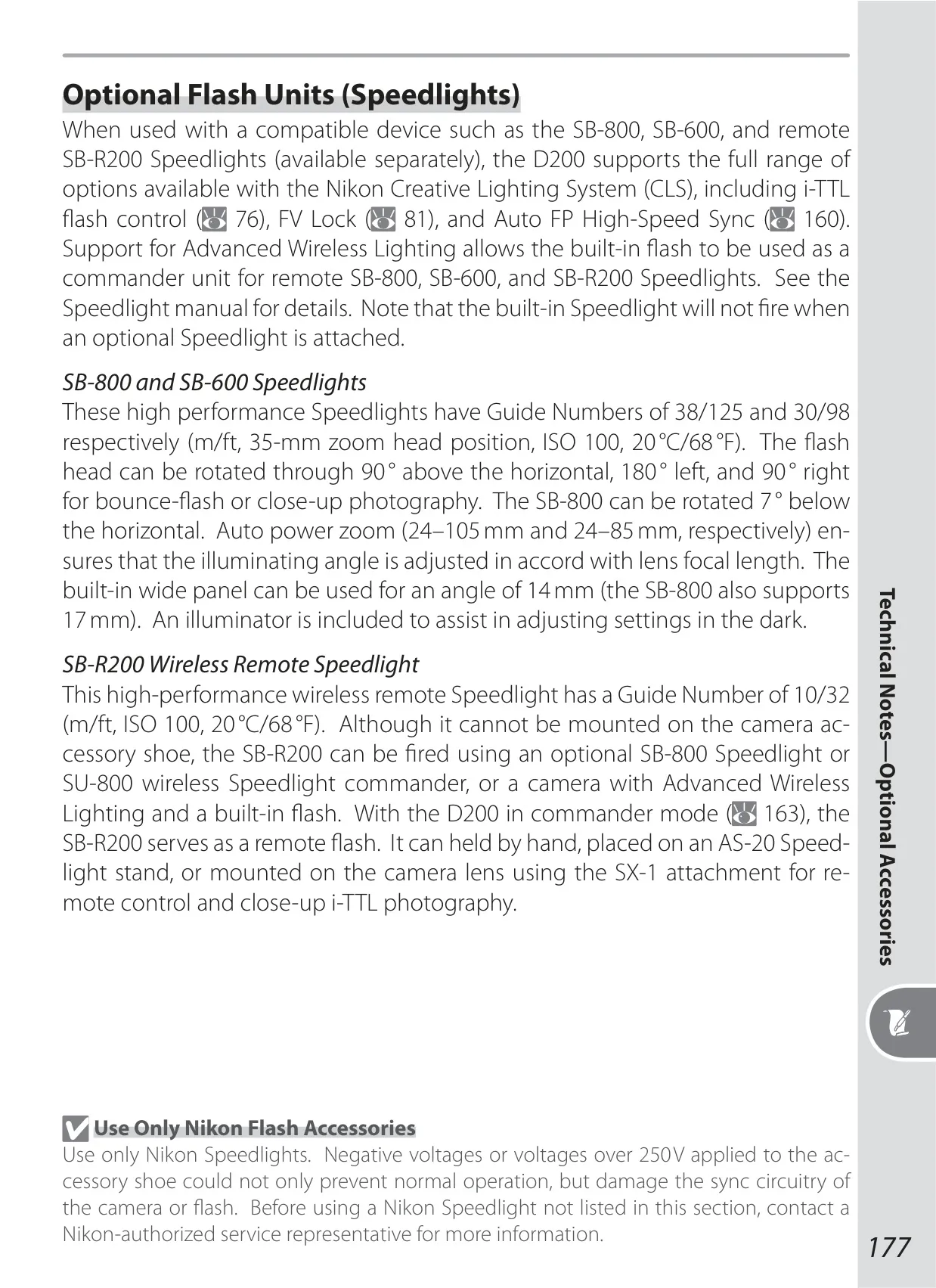
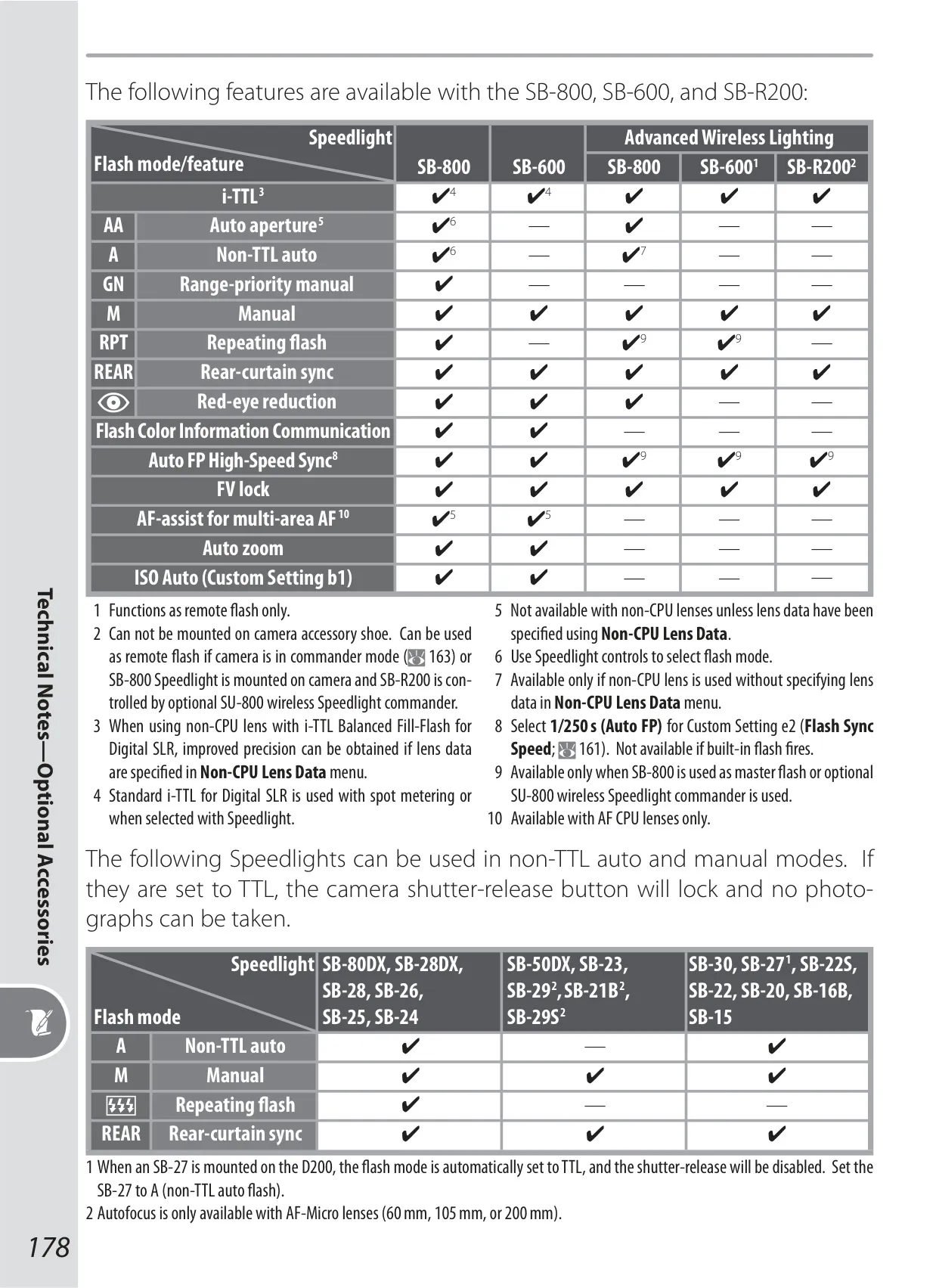
Flash control is further enhanced by FV Lock (Flash Value Lock). This sophisticated feature allows photographers to lock the flash output level on a subject, ensuring consistent illumination. The flash intensity remains constant even if the shot is recomposed, or the subject moves off-center. This provides meticulous control over artificial light, crucial for precise portraiture or complex lighting setups.
Frequently Asked Questions (FAQs)
Can't find the answer you need? Here are some frequently asked questions about the Nikon D200 DSLR Camera, and we answer them below.