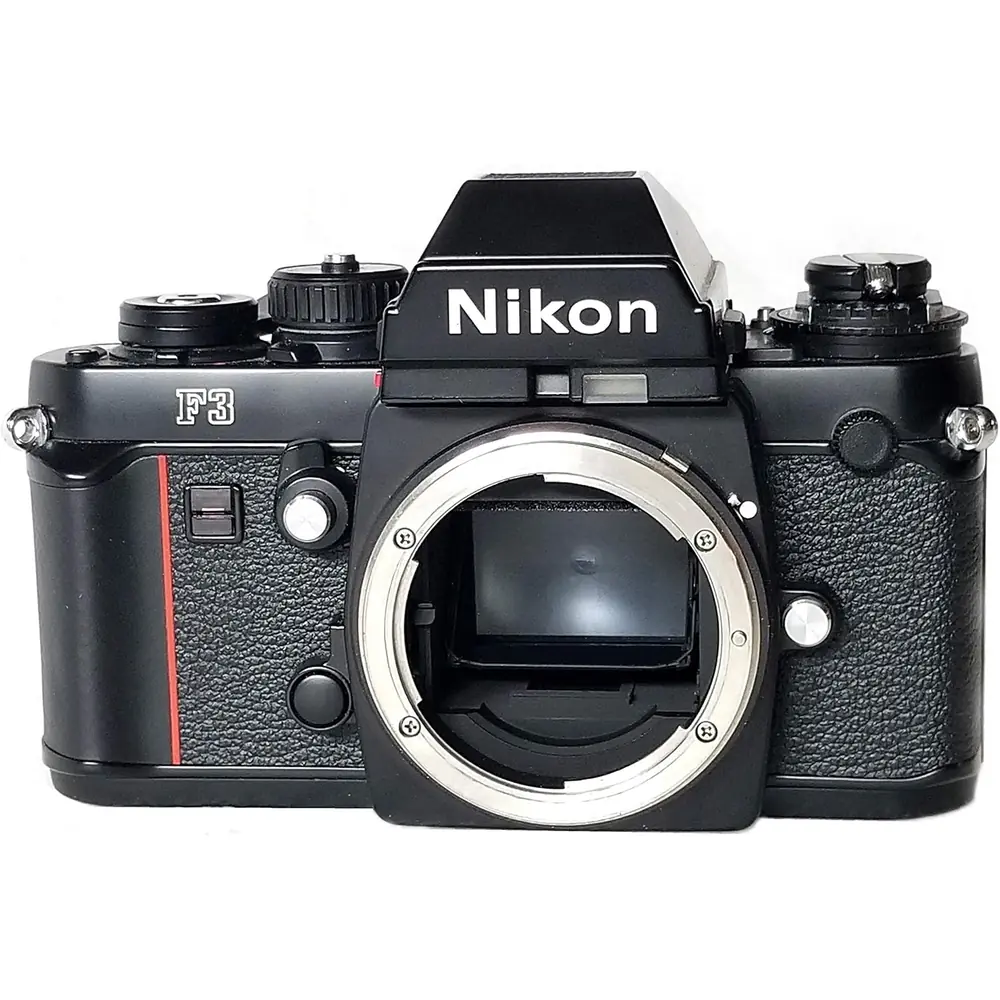
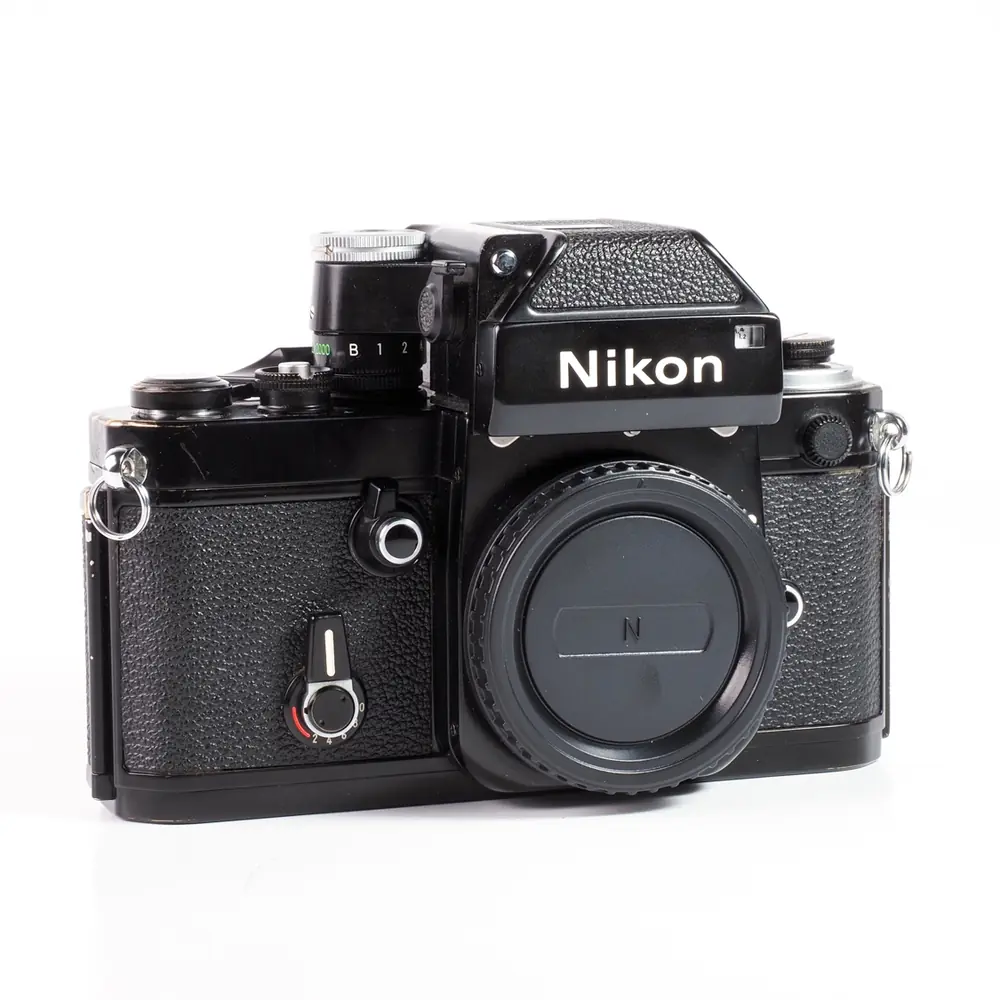
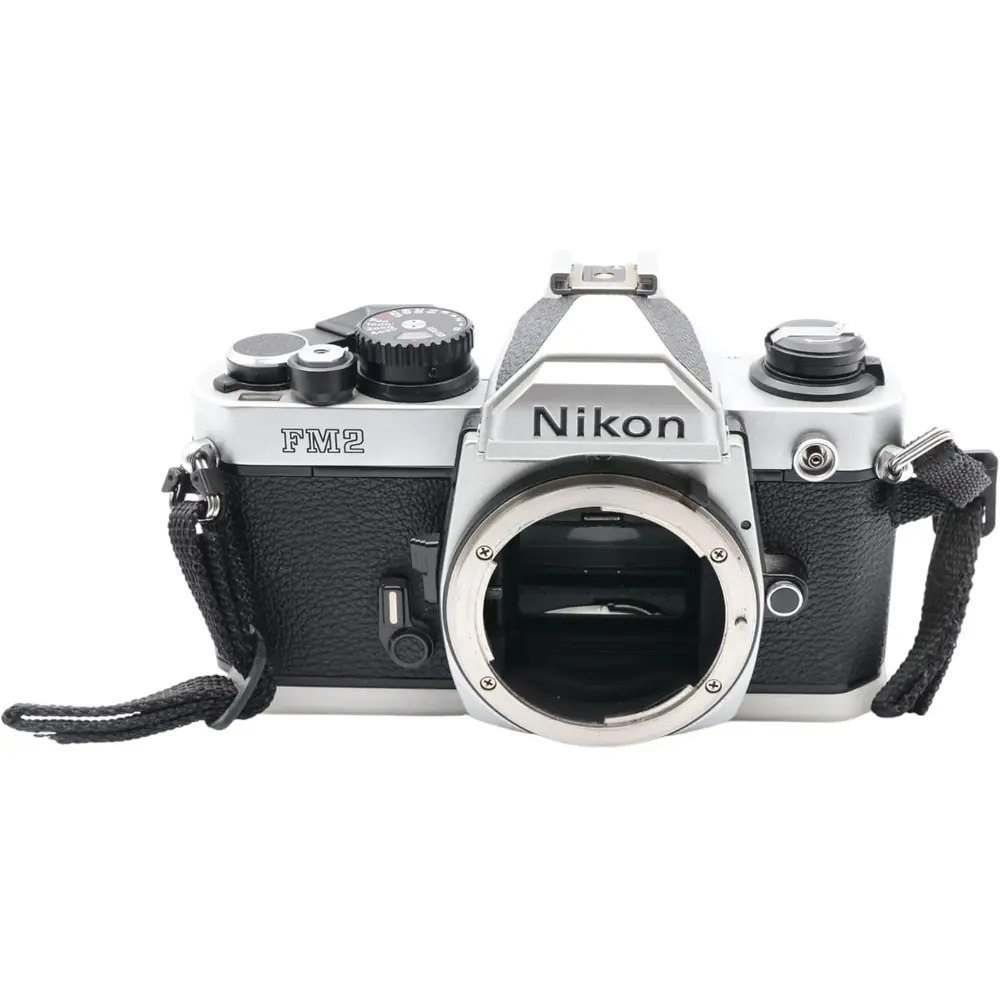
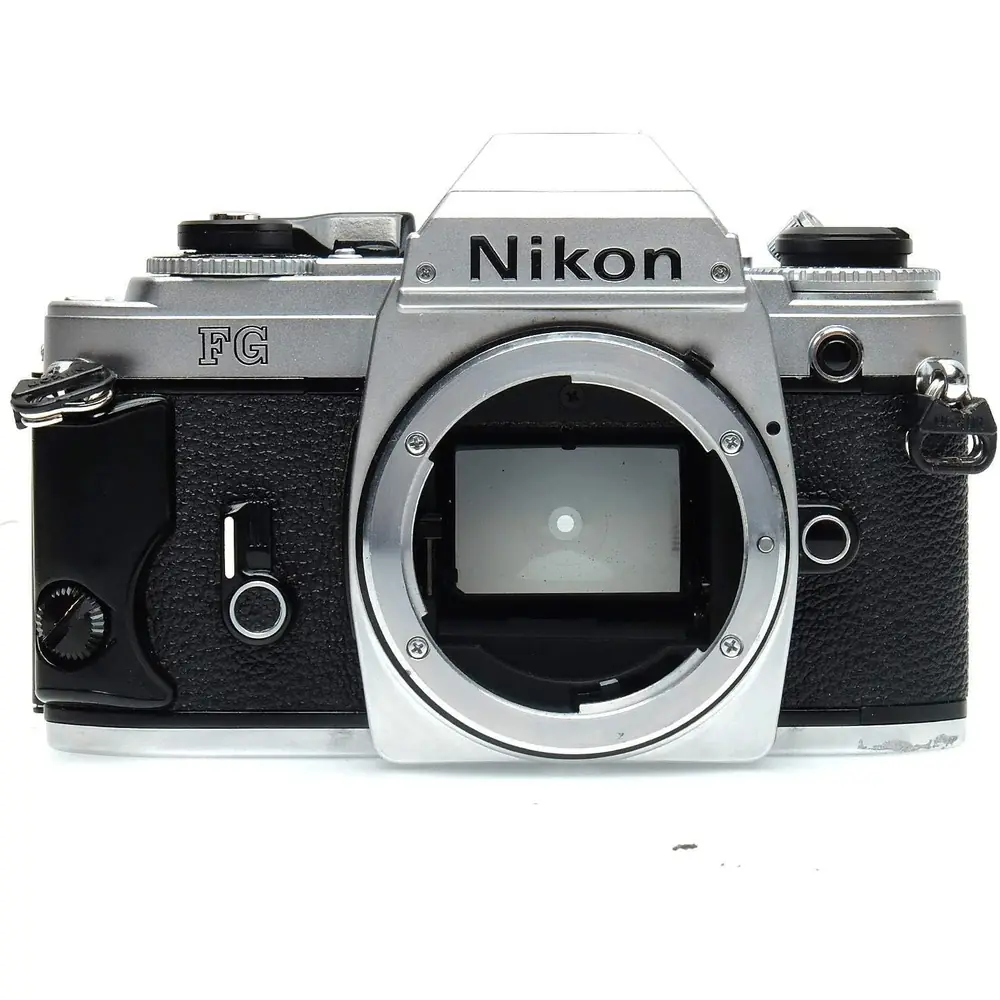
Nikon F5 Analog SLR Camera Instruction Manual
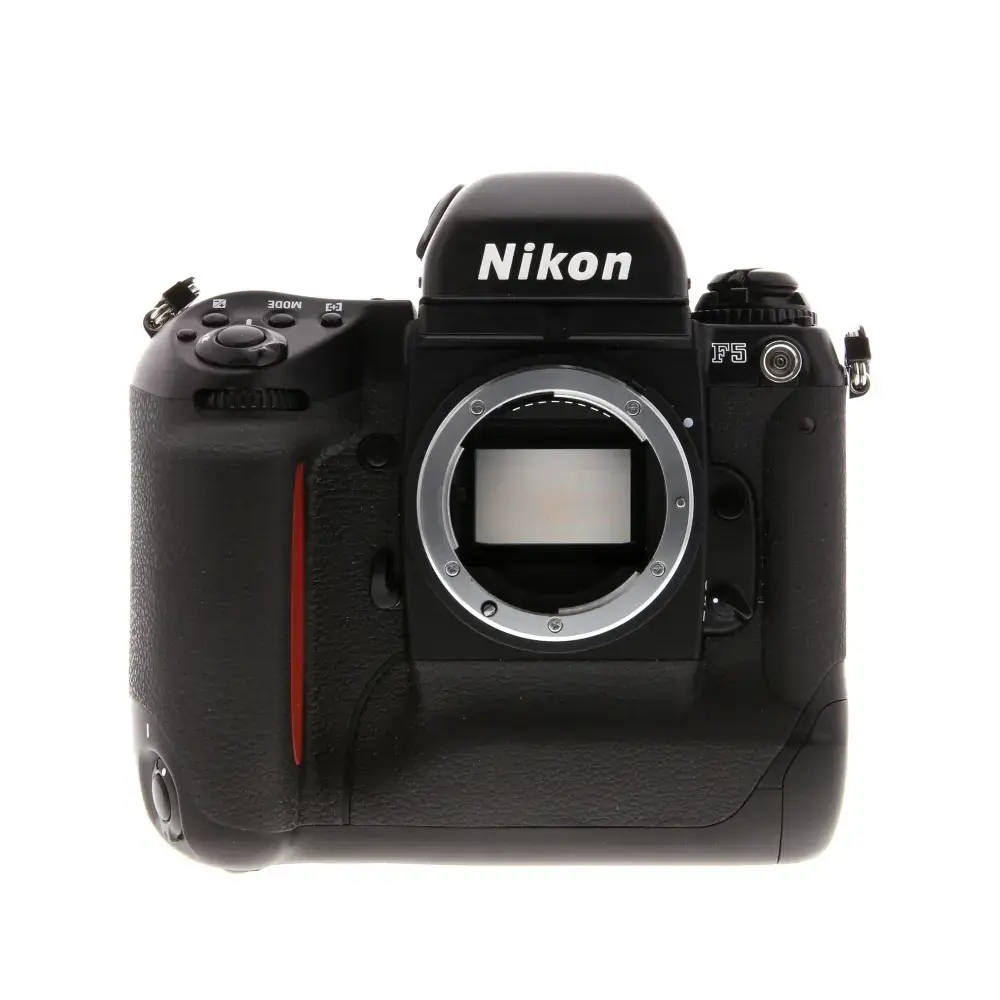
Nikon F5 Analog SLR Camera


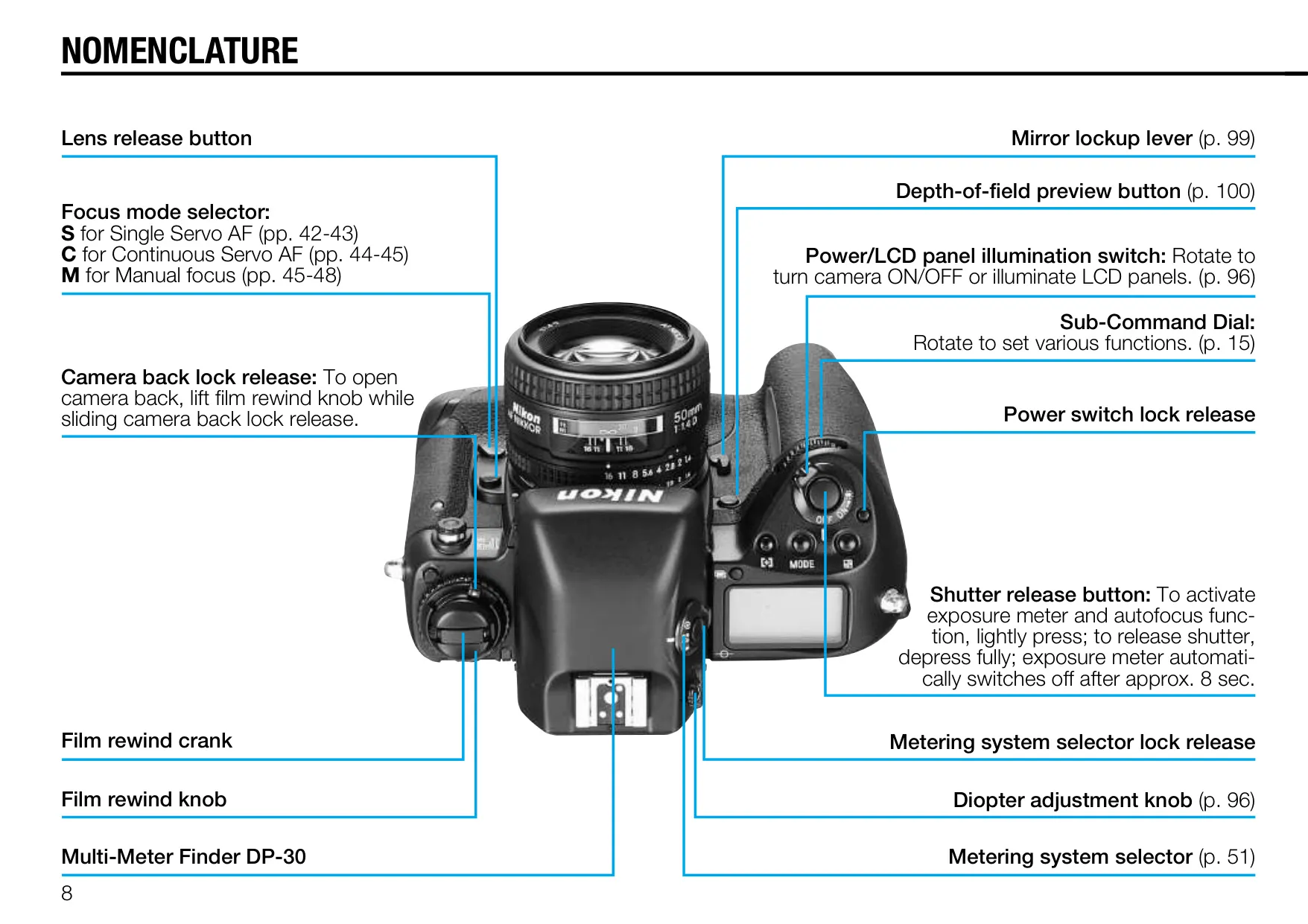


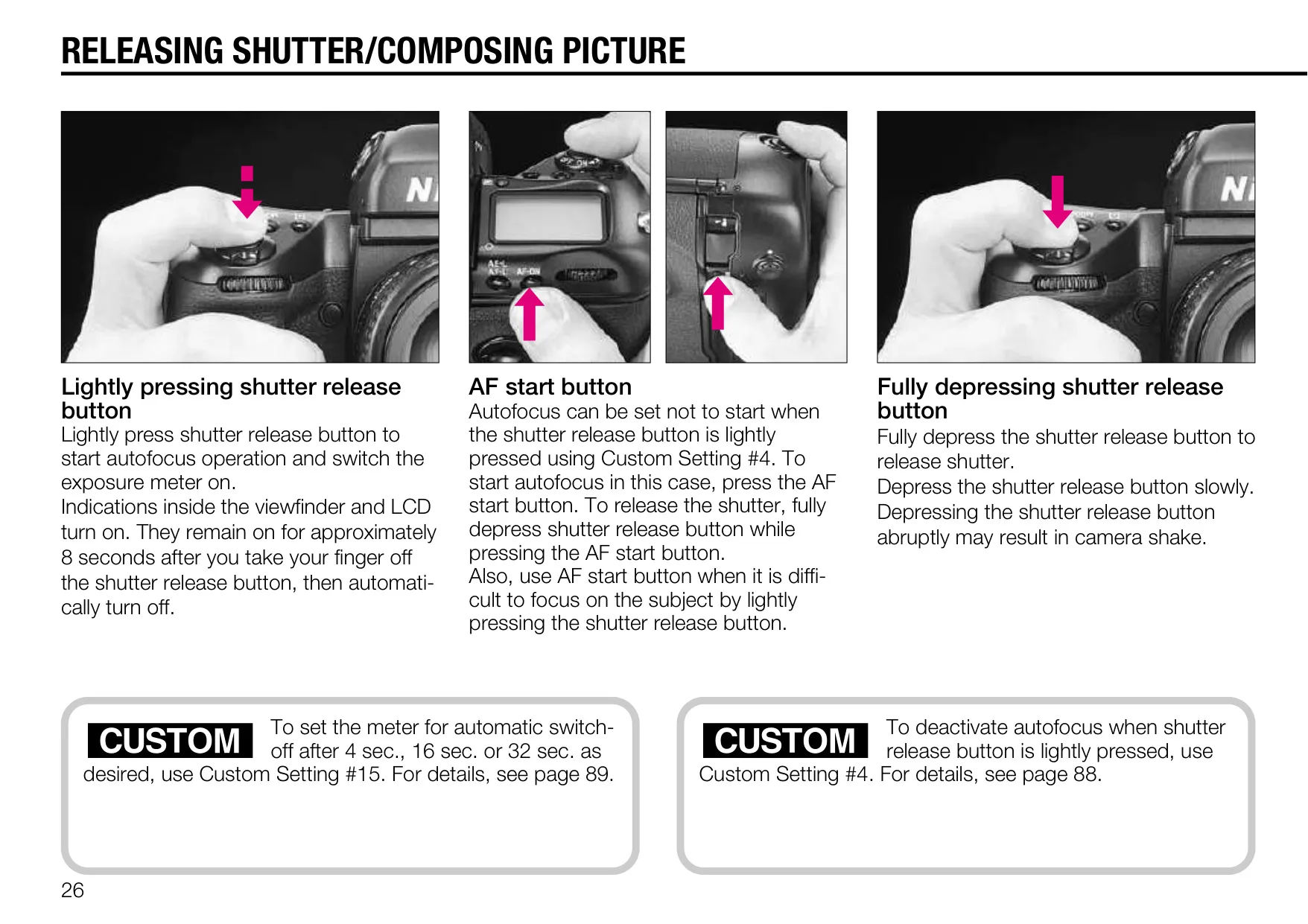


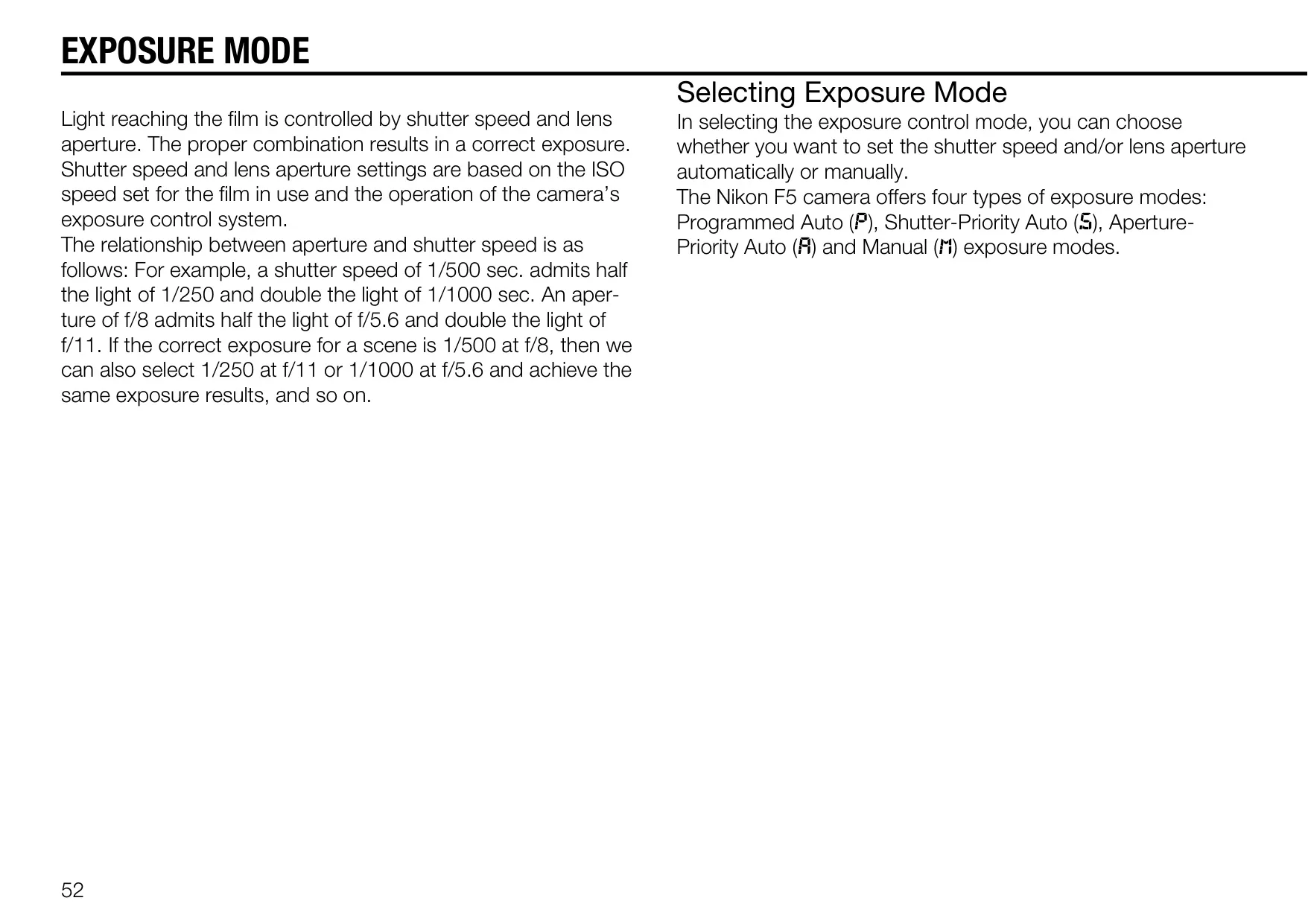












Nikon F5 Analog SLR Camera
















Nikon F5 Analog SLR Camera Instructions
Here we offer the Nikon F5 Analog SLR Camera manual completely free and in English. We have cataloged this manual in the SLR Cameras section on Manualverse, and it has been rated by 1 users with an average rating of 5. If you have any specific questions about Nikon F5 Analog SLR Camera, we suggest checking the Frequently Asked Questions (FAQs) section of this manual.
Product Images


Nikon F5 Analog SLR Camera Specifications
| Feature | Specification |
|---|---|
| Camera Type | Integral-motor autofocus 35mm single-lens reflex |
| Picture Format | 24mm x 36mm (standard 35mm film format) |
| Lens Mount | Nikon F mount (compatible with Nikkor and Nikon F mount lenses) |
| Autofocus System | Nikon Multi-CAM1300 autofocus module with 5 selectable focus areas |
| AF Detection Range | Approx. EV –1 to EV +19 (ISO 100, f/1.4 lens) |
| Autofocus Modes | Single Servo AF (Focus-Priority), Continuous Servo AF (Release-Priority), Focus Tracking |
| Electronic Rangefinder | Available in Manual focus mode (f/5.6 or faster lenses) |
| Exposure Metering | 3D Color Matrix, Center-Weighted, Spot Metering |
| Metering Range | EV0 to EV20 (3D Color Matrix, Center-Weighted); EV2 to EV20 (Spot) at ISO 100 with f/1.4 lens |
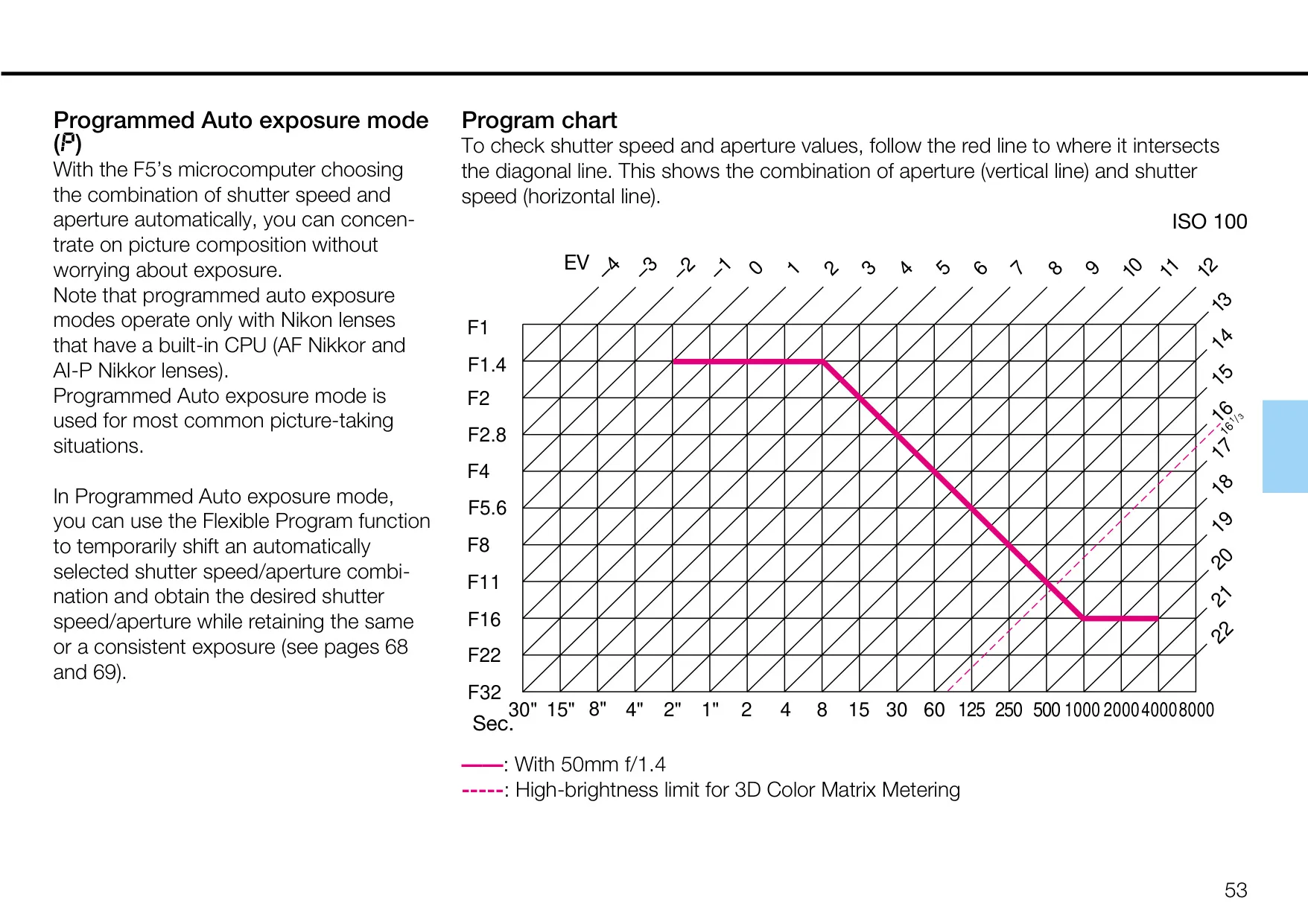
| Exposure Modes | Programmed Auto, Shutter-Priority Auto, Aperture-Priority Auto, Manual |
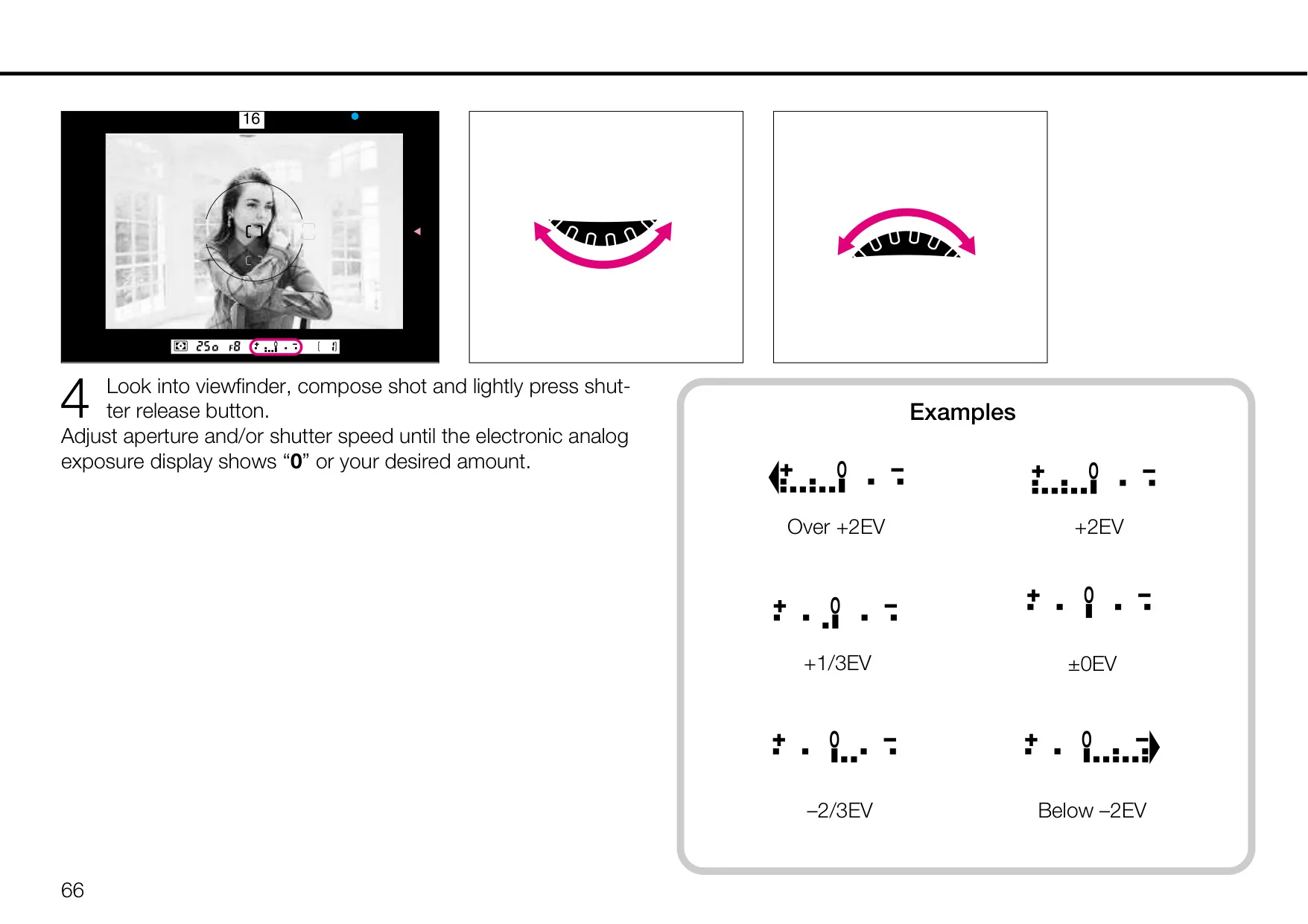
| Exposure Compensation | ±5 EV range in 1/3 EV steps |
| Shutter Type | Electromagnetically controlled vertical-travel focal-plane shutter |
| Shutter Speeds | 1/8000 to 30 seconds (in 1/3 steps), Bulb setting |
| Film Advance Speed | CH (Continuous High): Approx. 8 fps (Ni-MH), 7.4 fps (AA) CL (Continuous Low): Approx. 3 fps CS (Continuous Silent): Approx. 1 fps |
| Film Speed Range | ISO 25 to 5000 (DX-coded film), ISO 6 to 6400 (manual setting) |
| Self-timer | Electronically controlled, 10-second duration (customizable 2-60 seconds) |
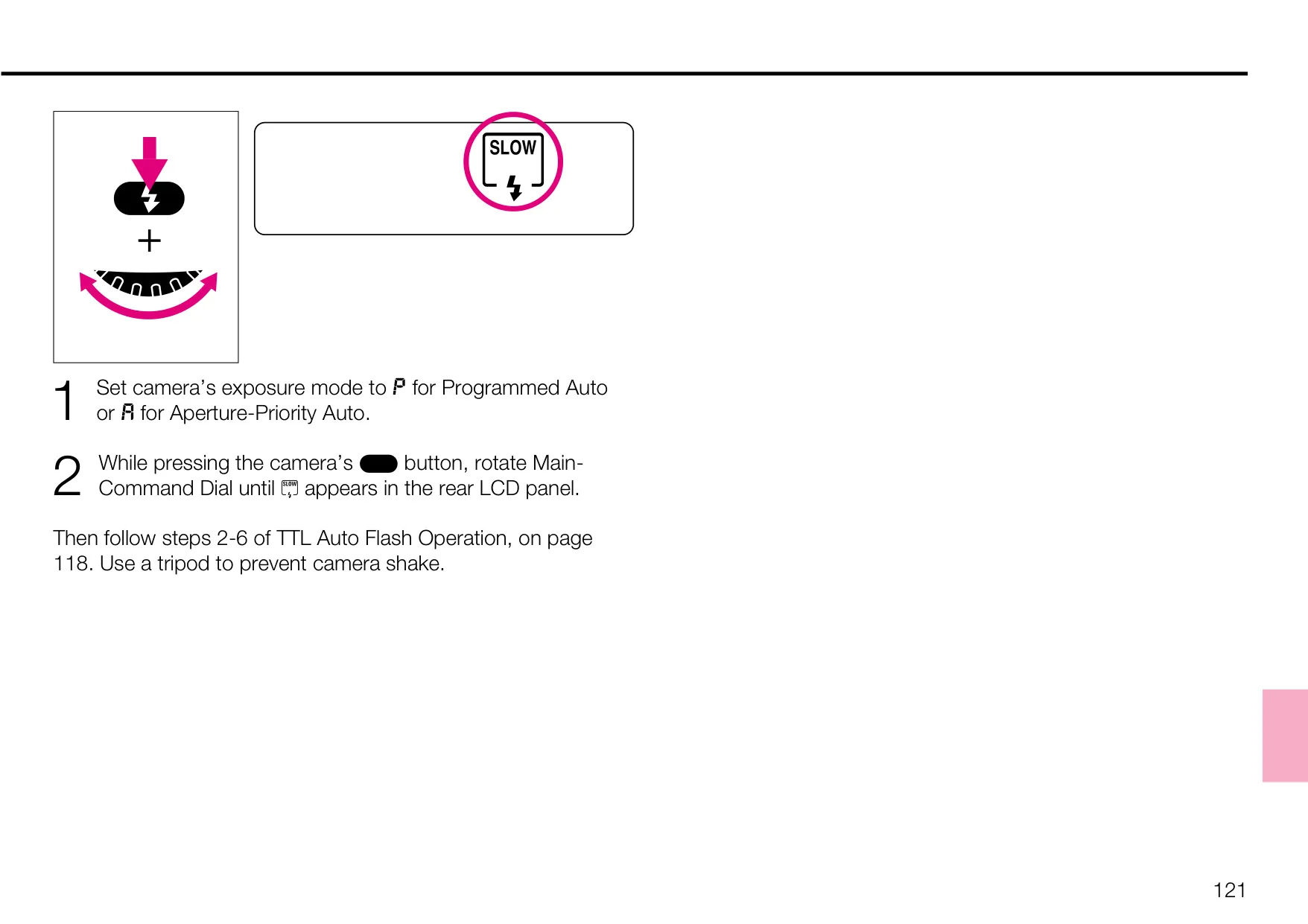
| Flash Sync Speed | 1/250 to 1/60 sec. (normal sync), 1/250 to 30 sec. (slow sync), 1/300 TTL High-Speed Sync (customizable) |
| Power Source | Eight AA-type batteries or optional Ni-MH Battery Unit MN-30 |
| Dimensions (WxHxD) | Approx. 158 x 149 x 79mm (6.2 x 5.9 x 3.1 inches) |
| Weight | Approx. 1,210g (42.7 oz.) without batteries |
Nikon F5 Analog SLR Camera Details
The Nikon F5 is a pinnacle of analog SLR camera engineering, designed to meet the rigorous demands of professional photographers across various fields. Its robust construction features an all-metal, die-cast chassis, complemented by a moisture- and dust-resistant metal exterior cover. This durable build ensures reliability even in challenging environments, distinguishing it as a true workhorse camera.
A pioneering aspect of the F5 is its self-diagnostic, self-adjusting, high-performance shutter, tested for an impressive 150,000 cycles. This exclusive shutter monitor actively detects performance inaccuracies and automatically readjusts for optimal precision in subsequent shots, providing truly dependable operation in every frame.
Beyond basic focus modes, the F5 incorporates Nikon’s exclusive new cross-ranged, five-area autofocus sensor (Multi-CAM1300) system. This advanced sensor covers a significantly wider area in both horizontal and vertical ranges within the viewfinder, enhancing accuracy for various subjects. Focus brackets change color to clearly indicate the selected focus area.
The camera's metering capabilities extend beyond standard options with the innovative 1,005-sensor Nikon 3D Color Matrix Meter. This system not only reads brightness and contrast but also analyzes the scene's color distribution, integrating distance information from D-type Nikkor lenses for unparalleled exposure control. The Center-Weighted Meter’s sensing area size is also customizable through Custom Settings.
For rapid shooting, the F5 boasts powerful new motors and CPU, enabling a high-speed film advance of up to 8 frames per second (fps), even during automatic Focus Tracking operations. It also includes a near-silent Cs film advance mode, making it suitable for discreet photography where noise is a concern.
User control is paramount with the F5, featuring a dedicated AF start button that can activate autofocus independently of the shutter release. This allows photographers to maintain focus without inadvertently triggering the shutter. A vertical-shooting shutter release button is also provided for improved ergonomics during portrait-oriented shots.
The F5 offers a comprehensive menu of 24 Custom Settings, allowing photographers to personalize camera behavior to an unprecedented degree. These settings enable modifications to autofocus priority, bracketing order, command dial rotation, self-timer duration, and flash synchronization options like 1/300 High-Speed Flash Sync.
Connectivity is a key feature, with the option to link the F5 to a personal computer via the Multi-Control Back and dedicated software like Photo Secretary. This allows for downloading shooting information, creating custom settings, remote control, and even program shooting, demonstrating Nikon's forward-thinking approach to professional photography workflows.
The camera's commitment to quality is underscored by a three-year guarantee against manufacturing defects, highlighting its professional-grade reliability. Nikon also recommends regular servicing, ensuring the F5 remains a dependable tool for years to come.
Frequently Asked Questions (FAQs)
Can't find the answer you need? Here are some frequently asked questions about the Nikon F5 Analog SLR Camera, and we answer them below.