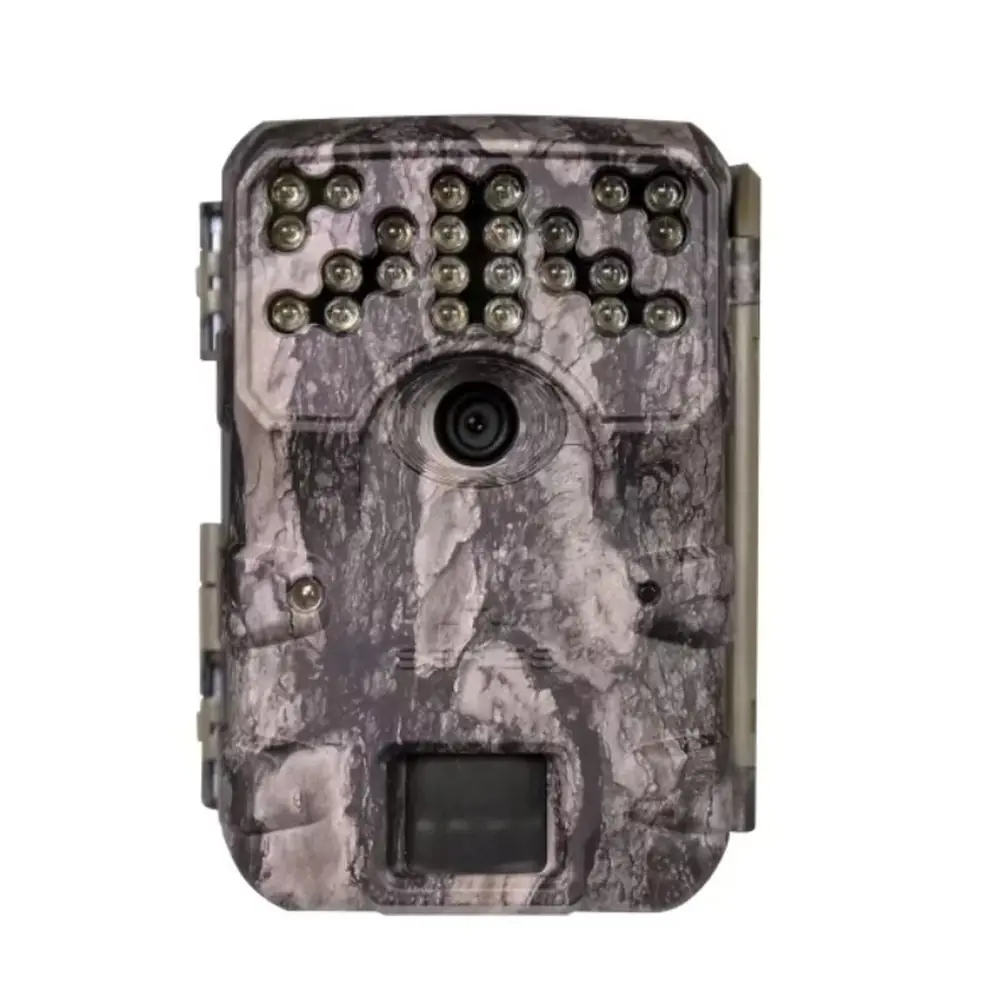
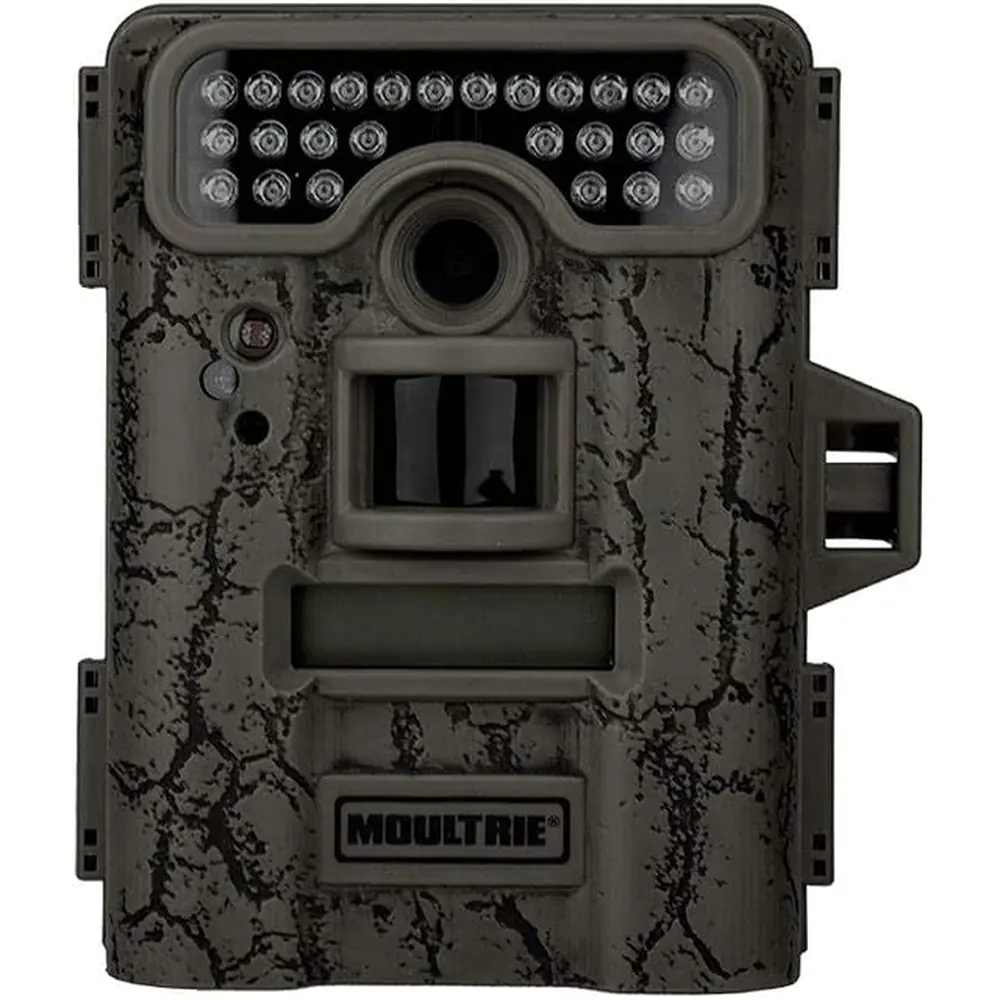
Moultrie W-40i (MCG-13239) Digital Game Camera Instruction Manual
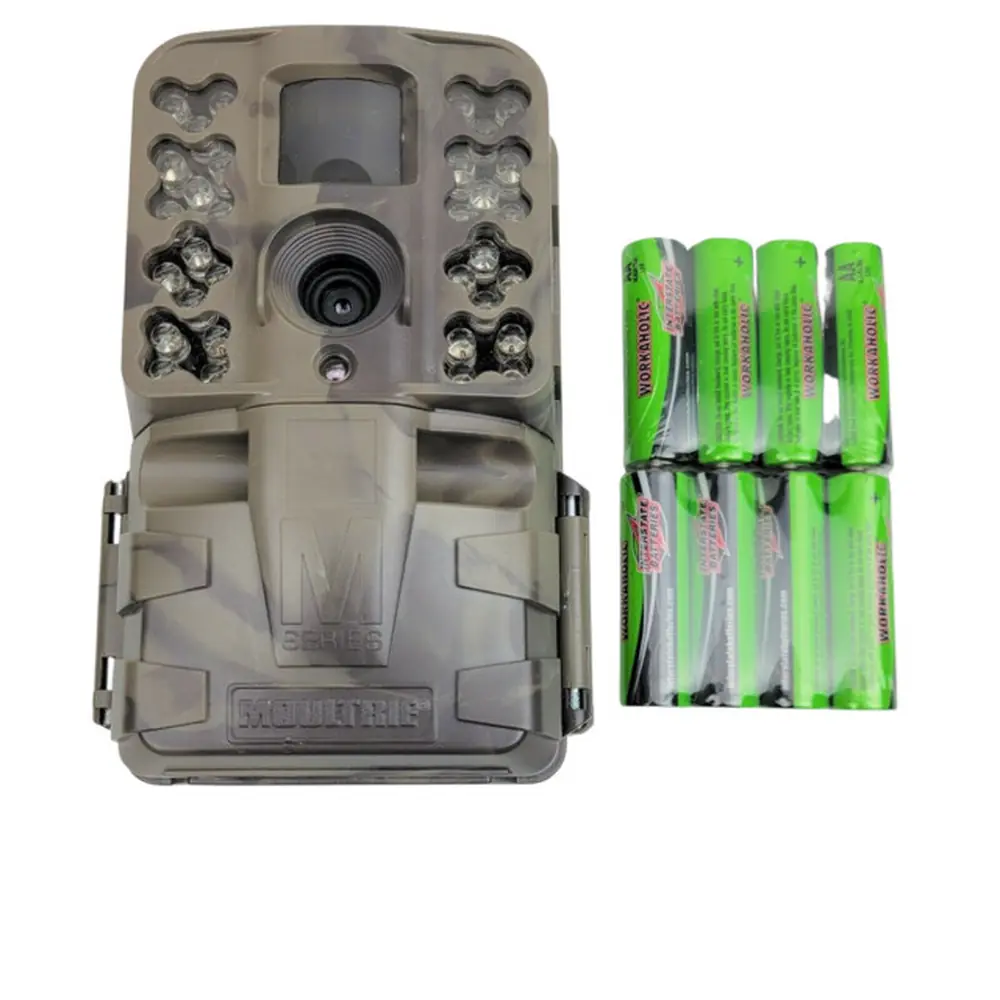
Moultrie W-40i (MCG-13239) Digital Game Camera
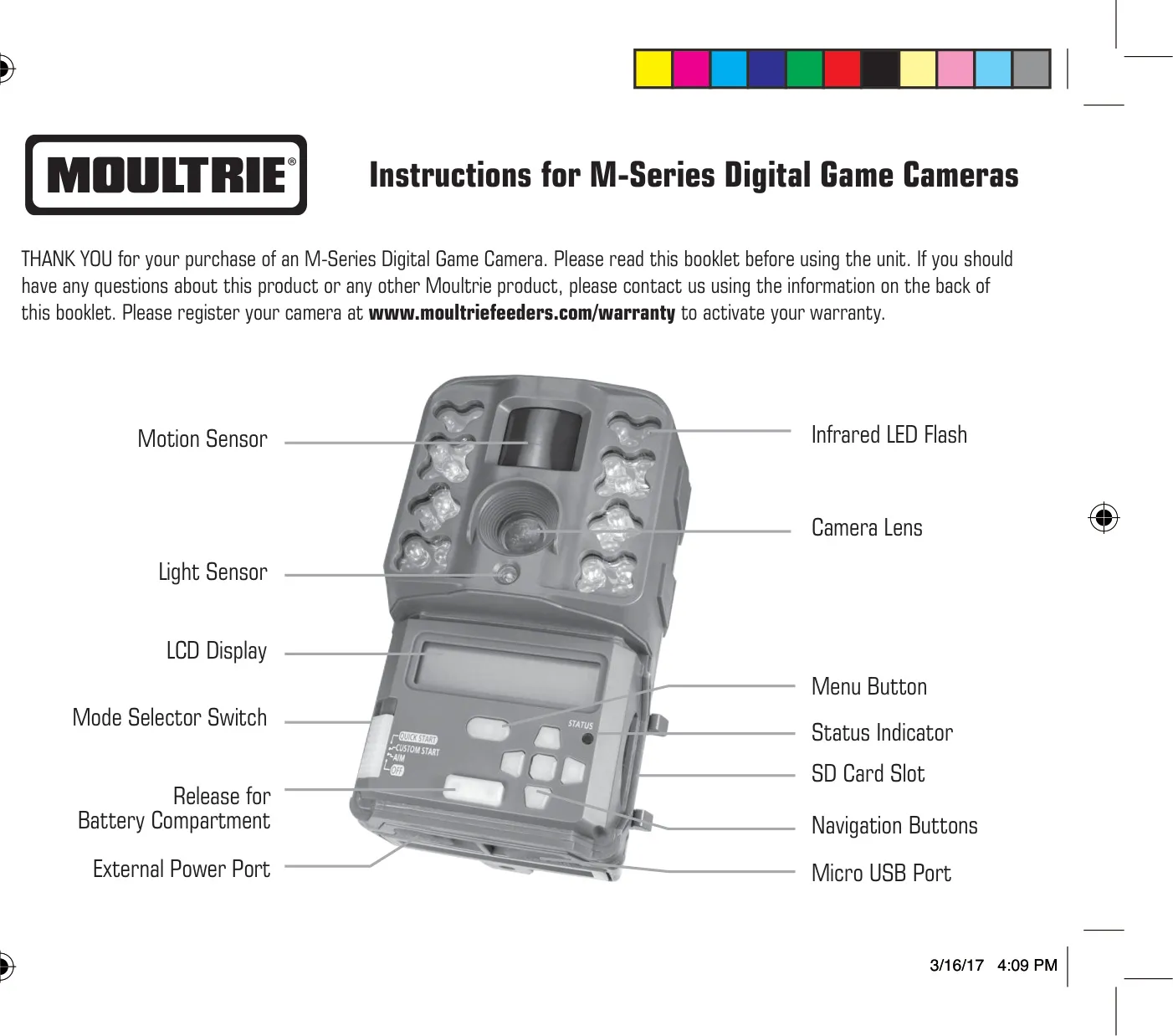








Moultrie W-40i (MCG-13239) Instructions
Here we offer the Moultrie W-40i (MCG-13239) Digital Game Camera manual completely free and in English. We have cataloged this manual in the Digital Game Cameras section on Manualverse, and it has been rated by 1 users with an average rating of 5. If you have any specific questions about Moultrie W-40i (MCG-13239) Digital Game Camera, we suggest checking the Frequently Asked Questions (FAQs) section of this manual.
Product Images


Moultrie W-40i (MCG-13239) Digital Game Camera Specifications
| Feature | Specification |
|---|---|
| Model Number | W-40i (MCG-13239) |
| Power Source | 8 x AA Alkaline or Lithium batteries, External power port (Moultrie accessories only) |
| Memory Card Support | SD Card, up to 32GB (Class 4 or higher recommended) |
| Photo Resolution Options | Enhanced (5664 x 3186), High (3840 x 2160), Medium (2688 x 1512), Low (1920 x 1080) |
| Video Quality Options | FULL HD (1920 x 1080), HD (1280 x 720) |
| Video Length Options | 5, 10, 30, 60, 90 seconds (Night videos max 30 seconds) |
| Detection Delay Options | None, 10 sec, 30 sec, 1 min, 5 min, 10 min, 30 min |
| PIR Sensitivity Settings | High, Low |
| Multi-Shot Options | 1 (OFF), 3 BURST (max 4MP), 3 TRIGGERED |
| Timelapse Interval Options | 10, 30 seconds / 1, 5, 10, 15, 30 minutes / 1, 2, 3, 6, 12 hours / 1 day |
| Warranty | 2-year limited warranty (upon registration) |
| USB Port | Micro USB (for data transfer, cable not included) |
| Image Review Software | PC compatible (downloadable), Not Mac-compatible |
| Cellular Compatibility | Moultrie Mobile® when combined with Field Modem MV1 (sold separately) |
Moultrie W-40i (MCG-13239) Details
The Moultrie W-40i (MCG-13239) digital game camera offers a robust set of features designed for versatile wildlife monitoring. Beyond its core specifications, the camera incorporates several user-friendly elements. It features a visible motion sensor, an infrared LED flash for low-light conditions, a light sensor, and an easily readable LCD display. Navigation is managed through dedicated Menu, OK, UP/DOWN, and LEFT/RIGHT buttons, facilitating setup and even manual picture taking.
Powering the W-40i is straightforward, utilizing eight AA alkaline or lithium batteries, with clear polarity indicators in the battery tray. For extended deployment, an external power port is provided, compatible exclusively with Moultrie power accessories, ensuring optimal performance and maintaining warranty validity. Data storage relies on an SD card, and the camera includes a micro USB port for direct connection to a computer, streamlining image and video retrieval.
Setting up the W-40i can be done quickly using the "Quick Start" mode, which applies predefined factory settings, allowing users to rapidly deploy the camera by only adjusting the date and time. For more tailored observation, the "Aim" mode is invaluable; it activates a red LED on the camera's front to visually confirm motion detection within the desired target area, simplifying precise camera placement.
The camera supports three distinct capture modes to suit various scouting needs. "Motion Detect" triggers photos or videos when movement or heat is sensed. "Time Lapse" captures images at regular, user-defined intervals. For comprehensive coverage, the "Motion + Time Lapse" mode combines both, allowing the camera to operate in different modes during specific programmed times of the day, maximizing capture opportunities.
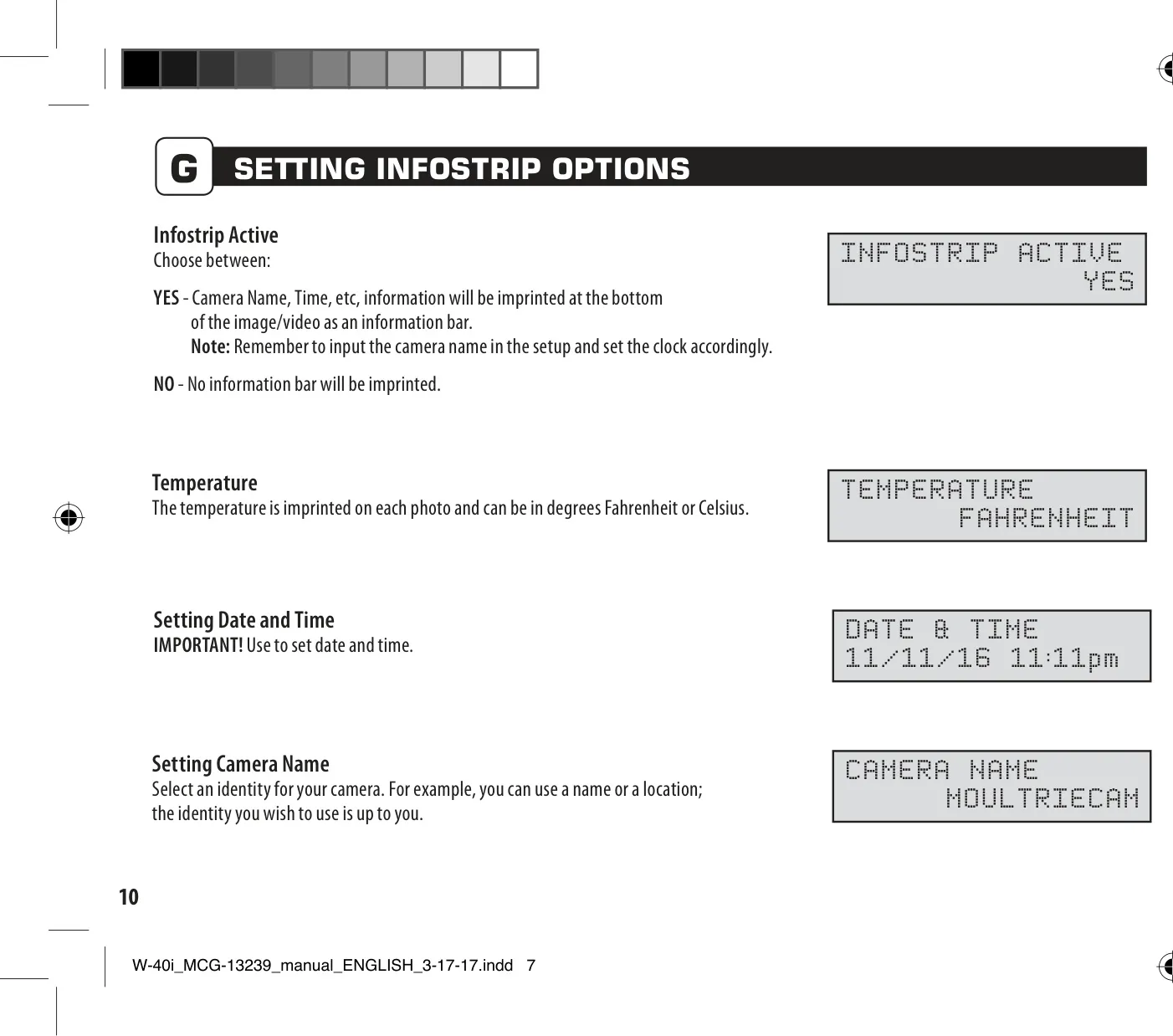
Enhancing image quality and informational utility, the W-40i includes the "Motion Freeze" feature. When enabled, this setting optimizes night photos by adjusting exposure time to reduce blur from moving subjects, which can slightly impact the flash range. Additionally, the "Infostrip Active" option allows for crucial data—such as the camera's name, timestamp, and temperature (in Fahrenheit or Celsius)—to be imprinted directly onto each captured image or video, providing valuable context.
Memory management is flexible, offering "Managed Memory" options. Users can select "OVERWRITE OLDEST" to ensure continuous recording by replacing older files when the SD card reaches capacity, or "DO NOT OVERWRITE," which stops recording once the card is full. For security, a 5-digit security code can be set, preventing unauthorized access to camera settings, though users are advised to carefully remember their chosen code.
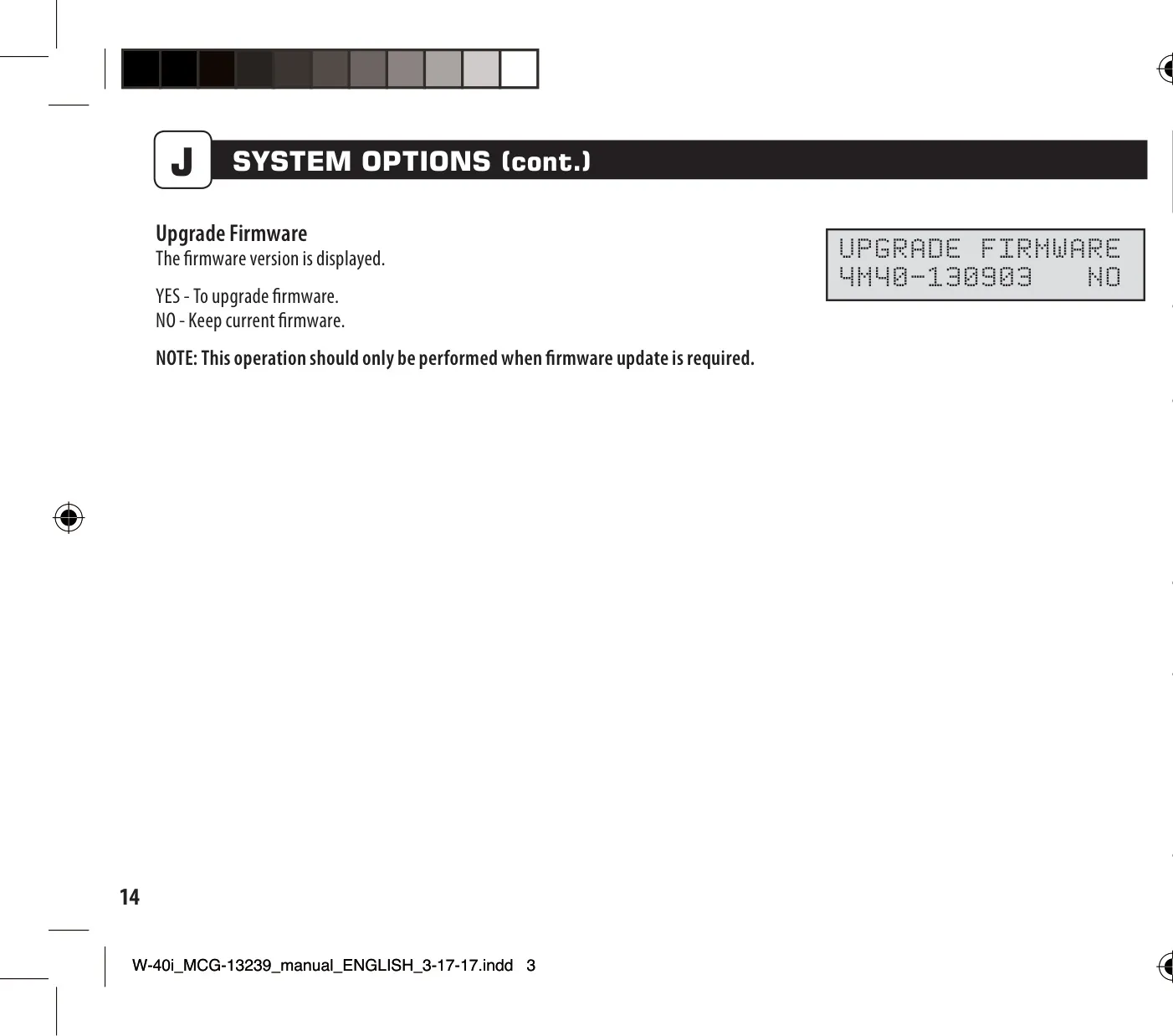
System maintenance features include a "Factory Reset" option to revert all settings to their original defaults, and a "Firmware Upgrade" capability, ensuring the camera's software can be kept up-to-date. Furthermore, the W-40i is designed for modern connectivity, being compatible with Moultrie Mobile® cellular service when used with the Moultrie Field Modem MV1, opening possibilities for remote monitoring and data access.
Frequently Asked Questions (FAQs)
Can't find the answer you need? Here are some frequently asked questions about the Moultrie W-40i (MCG-13239) Digital Game Camera, and we answer them below.