Moultrie MLB-800i (MCG-12618) Instruction Manual

Moultrie MLB-800i (MCG-12618)








Moultrie MLB-800i Instructions
Here we offer the Moultrie MLB-800i (MCG-12618) manual completely free and in English. We have cataloged this manual in the Digital Game Cameras section on Manualverse, and it has been rated by 1 users with an average rating of 5. If you have any specific questions about Moultrie MLB-800i (MCG-12618), we suggest checking the Frequently Asked Questions (FAQs) section of this manual.
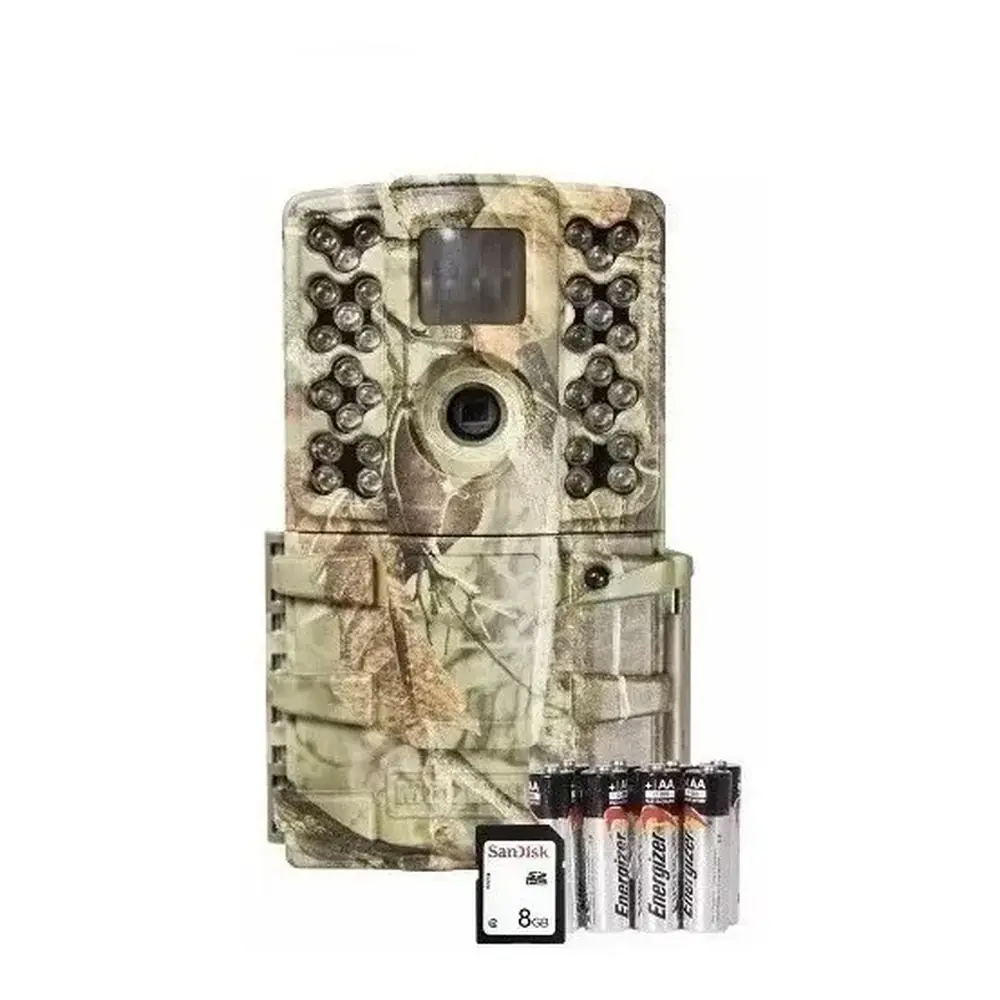
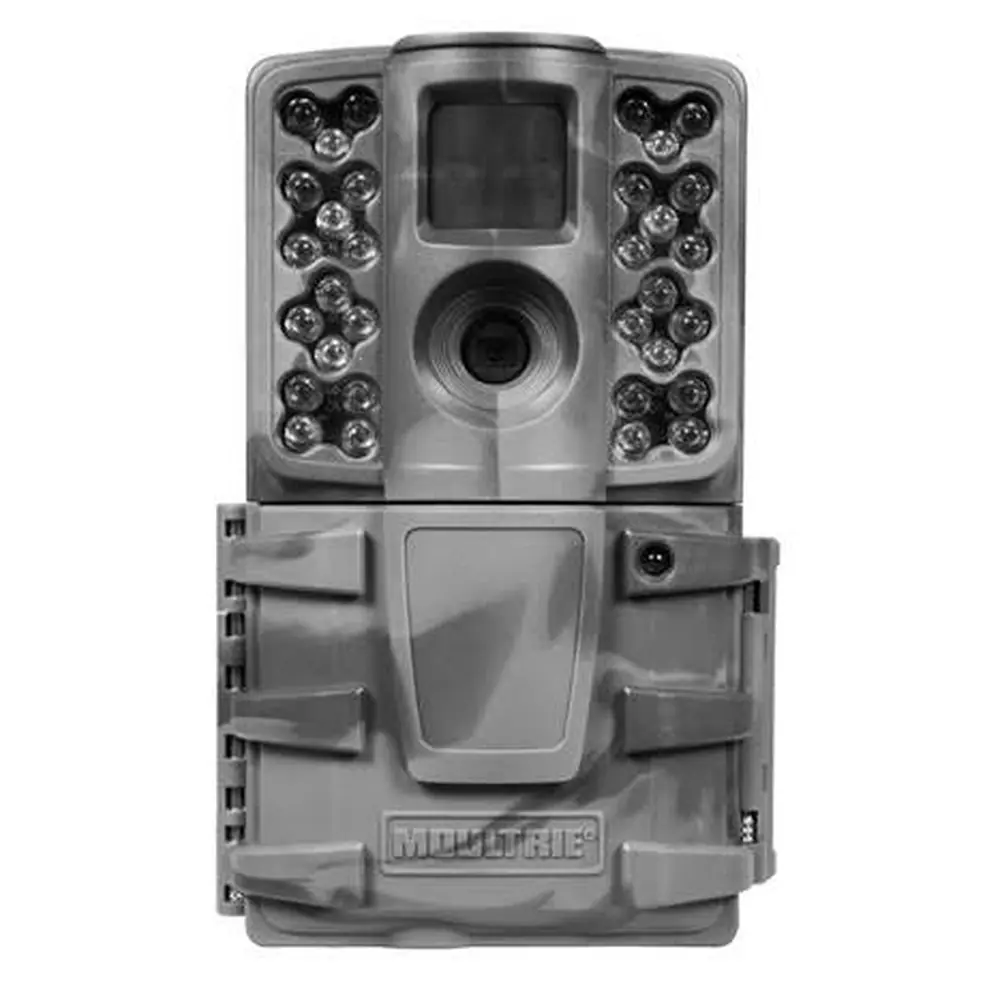
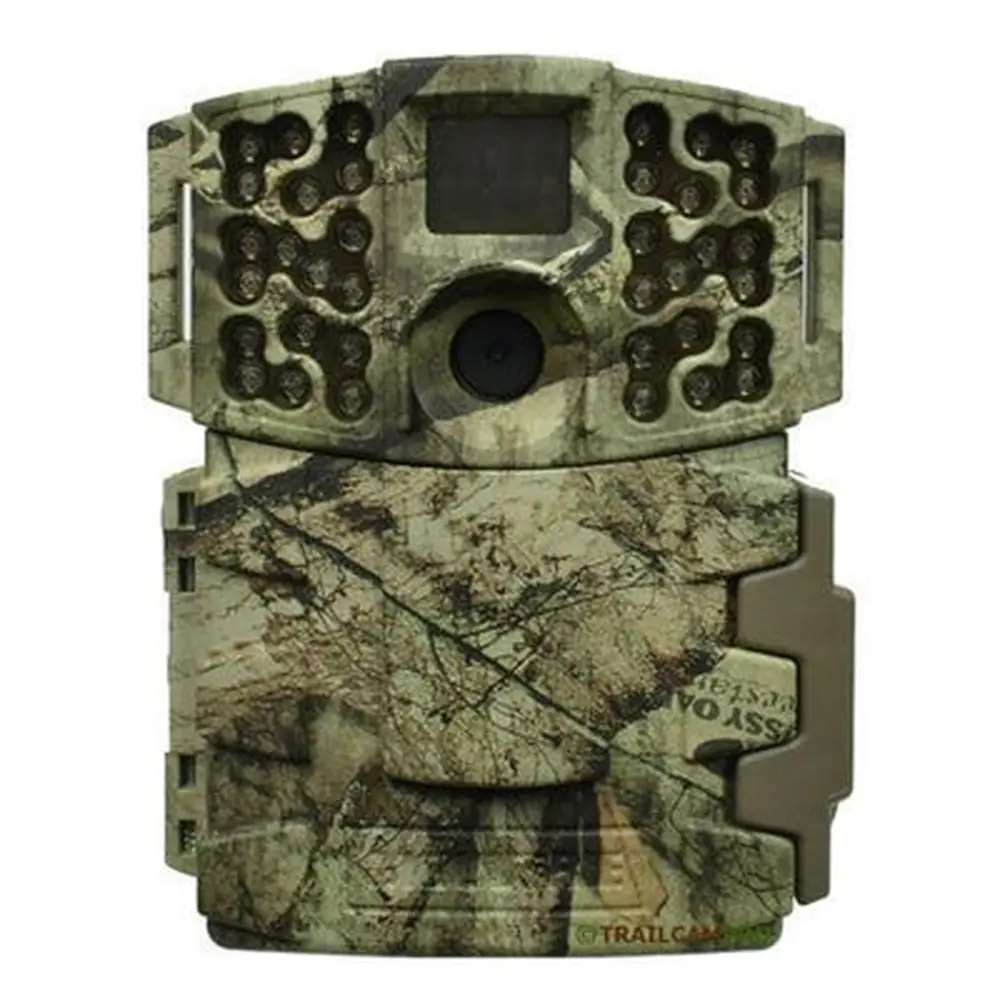
Product Images


Moultrie MLB-800i (MCG-12618) Digital Game Camera Specifications
| Feature | Specification |
|---|---|
| Model Number | MCG-12618 |
| Operational Modes | Motion Detect, Time Lapse, Motion + Time Lapse |
| Still Photo Resolution | 8.0 MP (Enhanced: 3840x2160, High: 2688x1512, Medium: 1920x1080, Low: 1280x720) |
| Video Resolution | HD 1280x720, VGA 640x480 |
| File Formats | JPEG (Still Pictures), AVI (Video Clips) |
| SD Memory Card Support | Up to 32 GB, Class 4 or higher (not included) |
| Power Supply | 8 AA Alkaline or Lithium batteries (not included) |
| Default Photo Quality | HIGH (4 MP) |
| Default Video Quality | HD (1280x720) |
| Default Video Length | 10 Seconds |
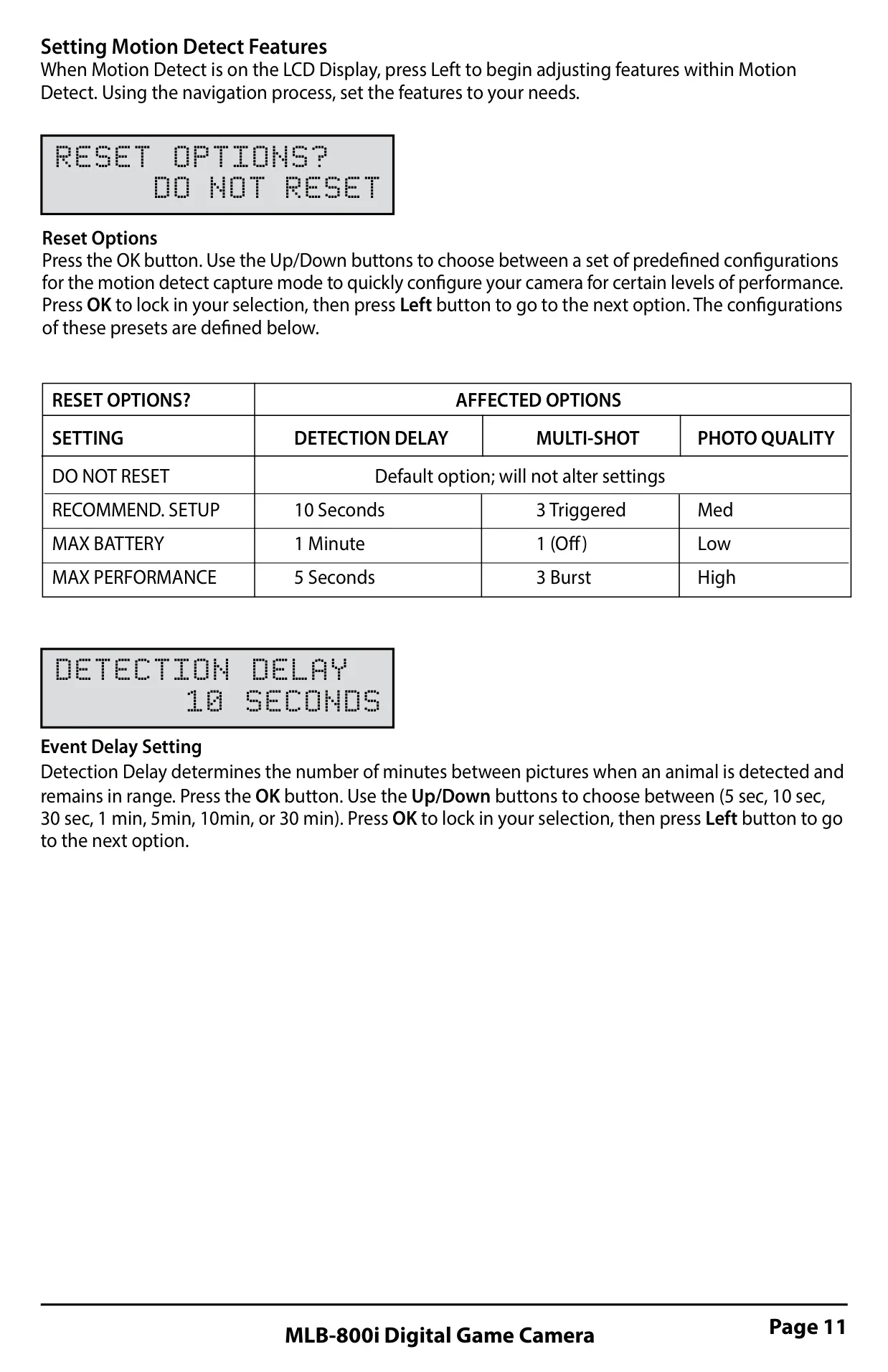
| Default Detection Delay | 10 Seconds |
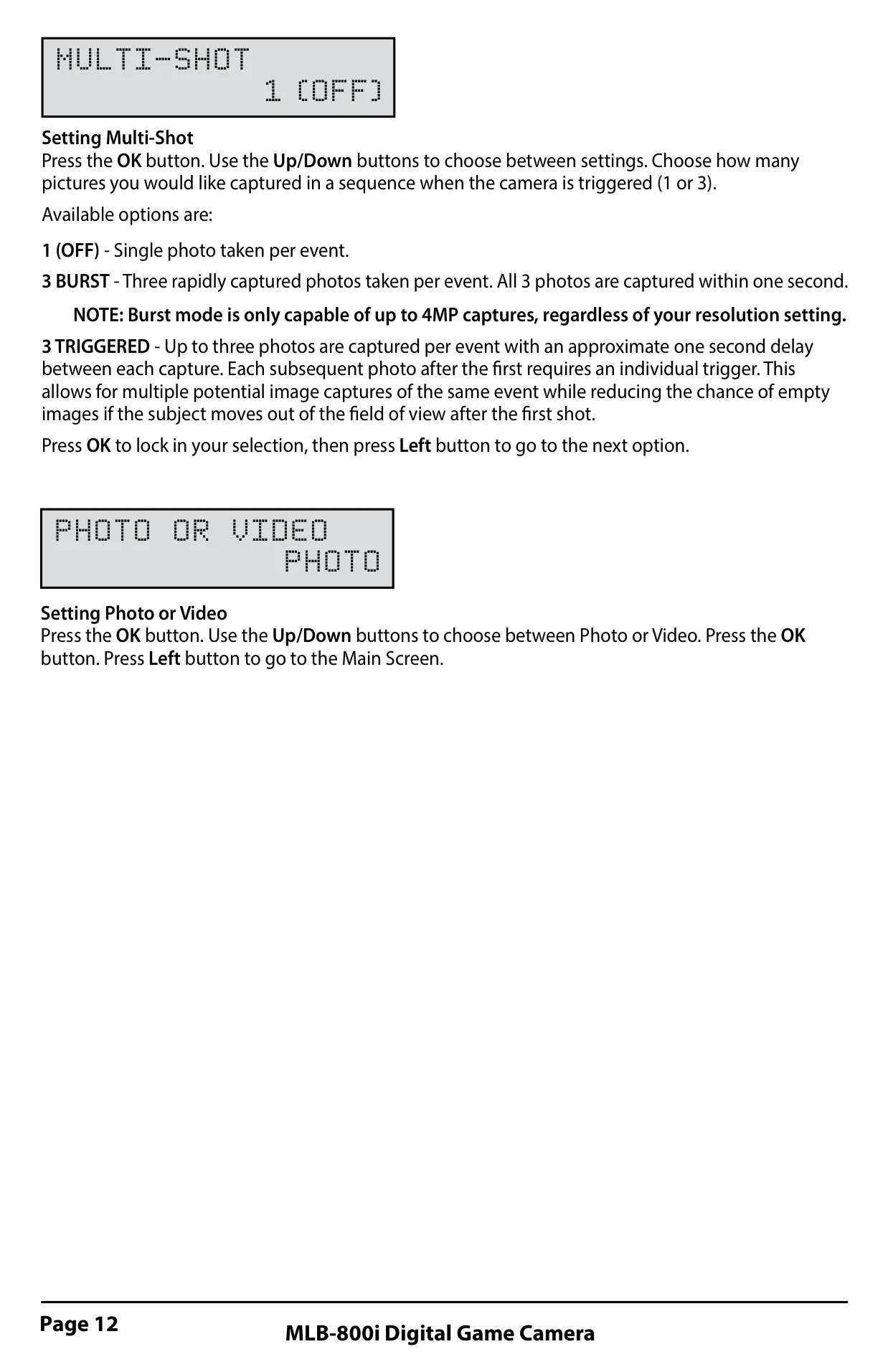
| Default Multi-Shot | 1 (OFF) |
| Default Time Lapse Interval | 10 Seconds |
| Default Time Lapse Programs/Day | 2 Programs |
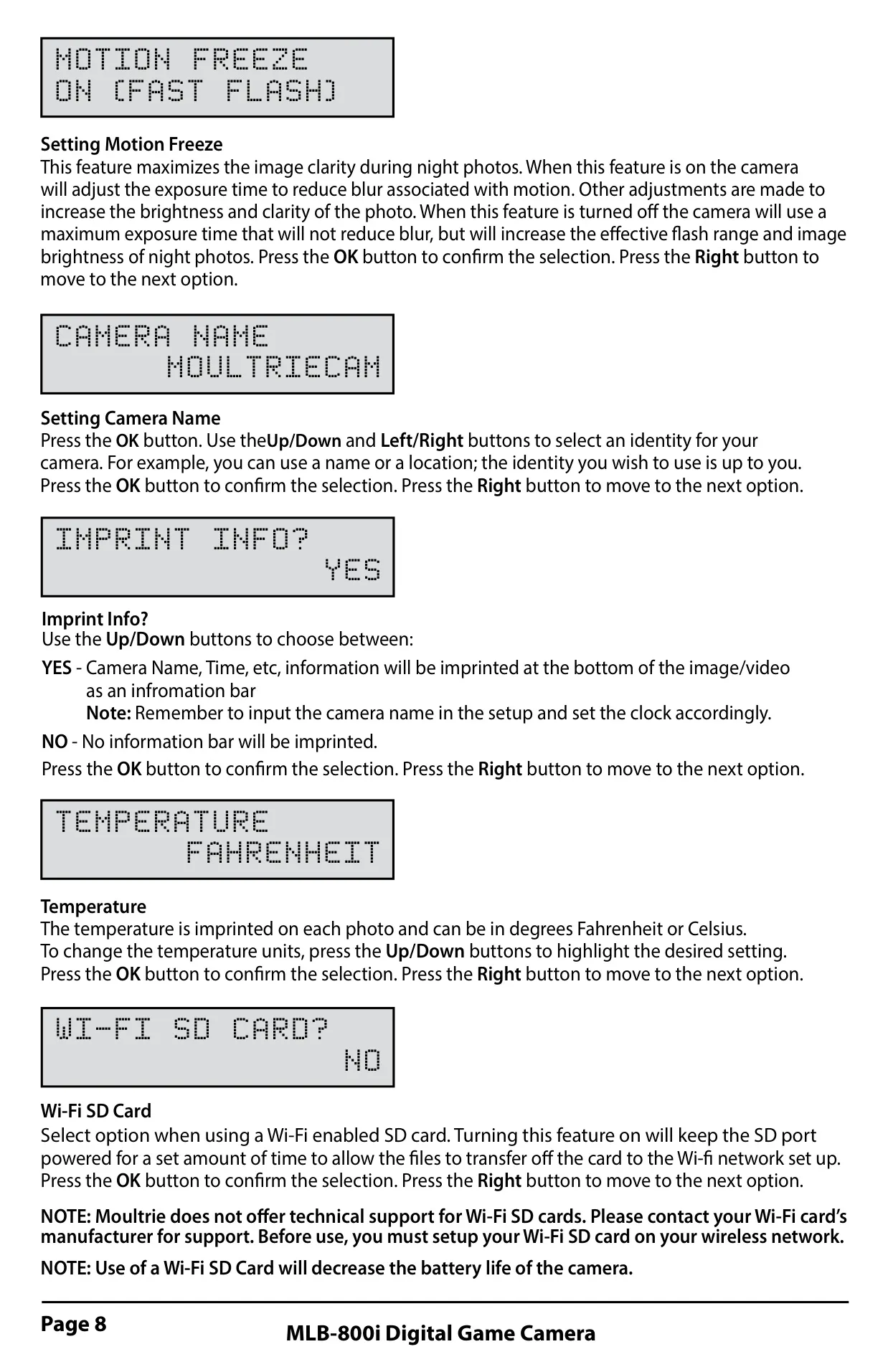
| Default Motion Freeze | ON (FAST FLASH) |
| Default Imprint Info | YES |
| Default Temperature Unit | FAHRENHEIT |
| Default Camera Name | MOULTRIECAM |
| Default Security Code | 00000 |
| Default Managed Memory | DO NOT OVERWRITE |
Moultrie MLB-800i (MCG-12618) Details
The Moultrie MLB-800i digital game camera offers a comprehensive suite of features designed for efficient wildlife monitoring. Its front view includes an Infrared LED Flash, Camera Lens, Status Indicator, OK/Select Button, Light Sensor, Navigation Buttons, Menu Button, OFF/IR AIM/ON power switch, SD Card Slot, Motion Sensor, and an LCD Display. A convenient push-button release is provided for the battery compartment.
The camera's bottom view reveals an External Power Port, a USB Port for data transfer, the Battery Tray, and a standard 1/4” 20 Mount for versatile mounting options. The `IR Aim` setting activates a red LED on the front of the camera, which remains lit when motion is detected, assisting in precise camera placement for optimal target area coverage.
Beyond basic functionality, the Menu Button serves multiple purposes, including waking the camera from power-saving mode, turning on the display, and navigating between Camera Setup and the Main Screen. The `OK`, `Up/Down`, and `Left/Right` buttons facilitate selection, modification, and confirmation of menu options, with the `OK` button also enabling manual picture capture.
Powering the device requires eight AA alkaline or lithium batteries, easily installed in the ejectable battery tray. The camera is designed to accept SD cards up to 32GB (Class 4 or higher) for storing photos and videos, with an important note that an SD card is essential for camera operation.
Connectivity is enhanced through a USB port, allowing direct download of images and videos to a computer using a micro-B to USB cable (sold separately). For extended field life, the external power port is compatible only with Moultrie PowerPanel, AC Adapter, or Battery Box accessories, ensuring warranty validity and camera safety.
The MLB-800i boasts three distinct capture modes: Motion Detect, Time Lapse, and Motion + Time Lapse. Motion Detect triggers photos or videos upon animal detection, with configurable shots per event. Time Lapse captures photos at set intervals during specified daily programs, offering up to two distinct schedules. Motion + Time Lapse combines both modes, operating in Time Lapse during programmed intervals and switching to Motion Detect for the rest of the day.
Setup and programming are user-friendly, starting from a default screen that displays capture type, delay countdown, image count, and battery level. The camera enters sleep mode after 30 seconds of inactivity to conserve power, easily reactivated by pressing the menu button. Customizable settings include photo quality (with four resolution options), video quality (HD or VGA), and video length (from 5 to 90 seconds).
The Motion Freeze feature improves night photo clarity by adjusting exposure time to reduce blur from motion, while Imprint Info allows for stamping details like camera name and time onto images. Users can also select Fahrenheit or Celsius for temperature readings. For advanced users, an `AC Connected` option keeps the camera active when connected to an external power supply, boosting performance.
A Security Code provides protection with a 5-digit customizable password, though users are cautioned to remember it or face potential charges for reset. The `Managed Memory` setting offers control over SD card capacity, allowing either overwriting of the oldest files or ceasing capture once the card is full. An `Upgrade Firmware` option keeps the camera software up-to-date.
For post-capture analysis, Moultrie offers free Time Lapse software, PlotStalker, downloadable from their website. This software allows users to scroll through images, search for activity within defined regions, and even convert photo sequences into time-lapse videos with adjustable frame rates and resolutions. This powerful tool significantly enhances the utility of the collected images for detailed observation.
Various Moultrie accessories, such as tree mounts, AC adapters, camera power panels, and battery boxes, are available to enhance the camera's functionality and extend its field life. These accessories provide solutions for mounting flexibility and prolonged operation, making the MLB-800i a versatile choice for long-term deployments. Proper battery care is emphasized to ensure optimal performance and longevity.
Frequently Asked Questions (FAQs)
Can't find the answer you need? Here are some frequently asked questions about the Moultrie MLB-800i (MCG-12618), and we answer them below.