Moultrie BC-800i Kit (MCG-14008) Instruction Manual
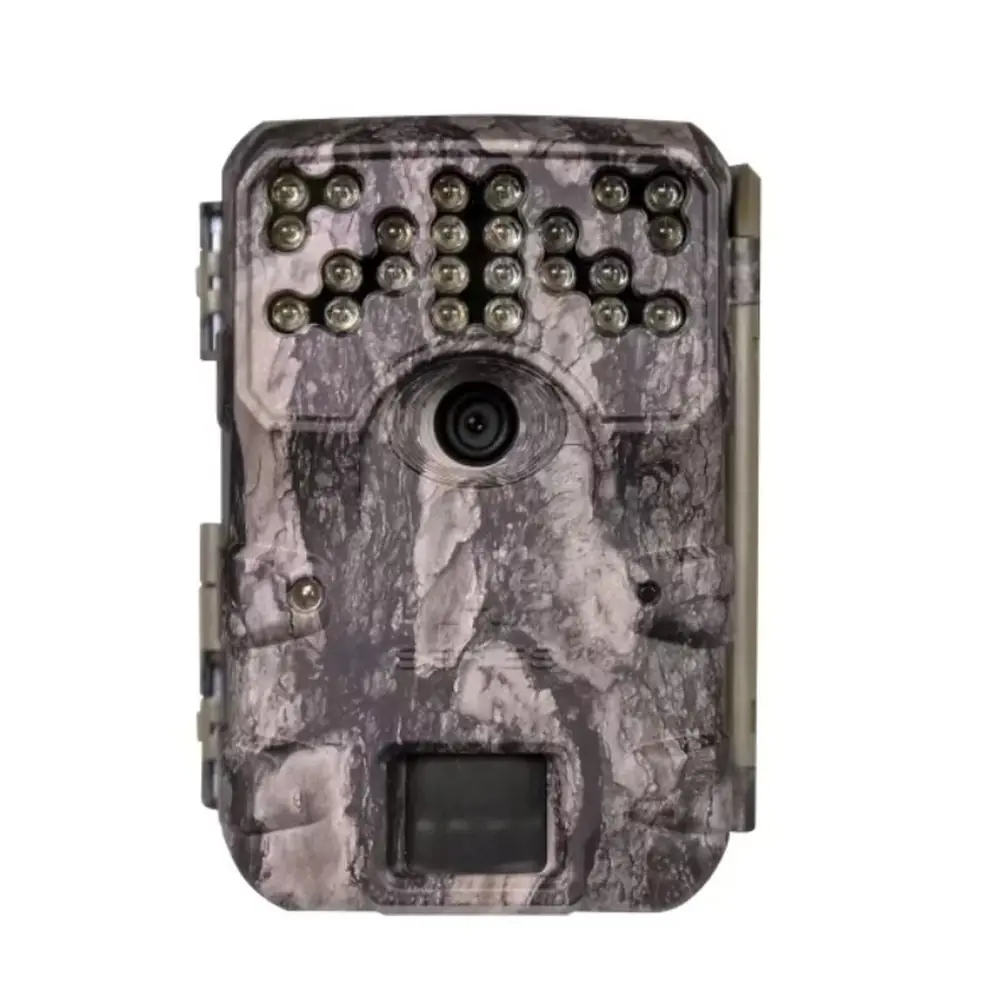
Moultrie BC-800i Kit (MCG-14008)






Moultrie BC-800i Kit (MCG-14008)

Moultrie BC-800i Kit Instructions
Here we offer the Moultrie BC-800i Kit (MCG-14008) manual completely free and in English. We have cataloged this manual in the Digital Game Cameras section on Manualverse, and it has been rated by 1 users with an average rating of 5. If you have any specific questions about Moultrie BC-800i Kit (MCG-14008), we suggest checking the Frequently Asked Questions (FAQs) section of this manual.
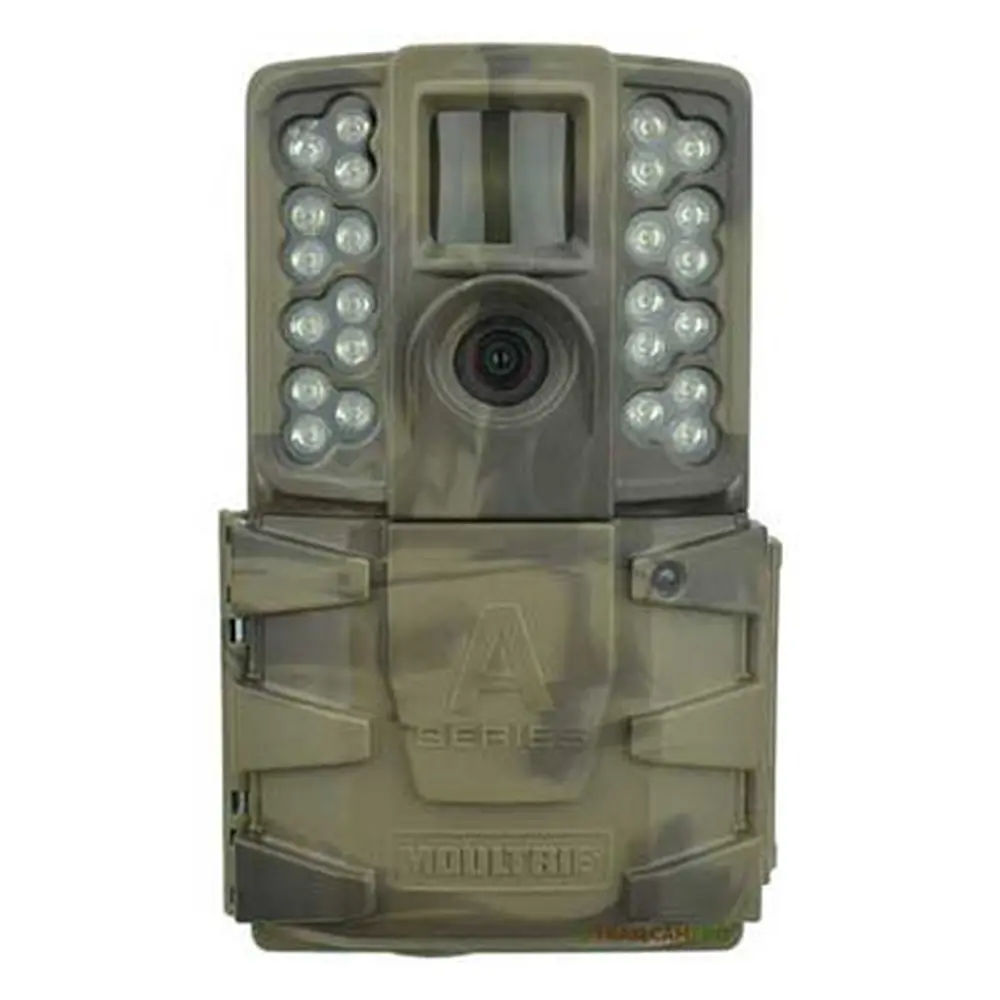
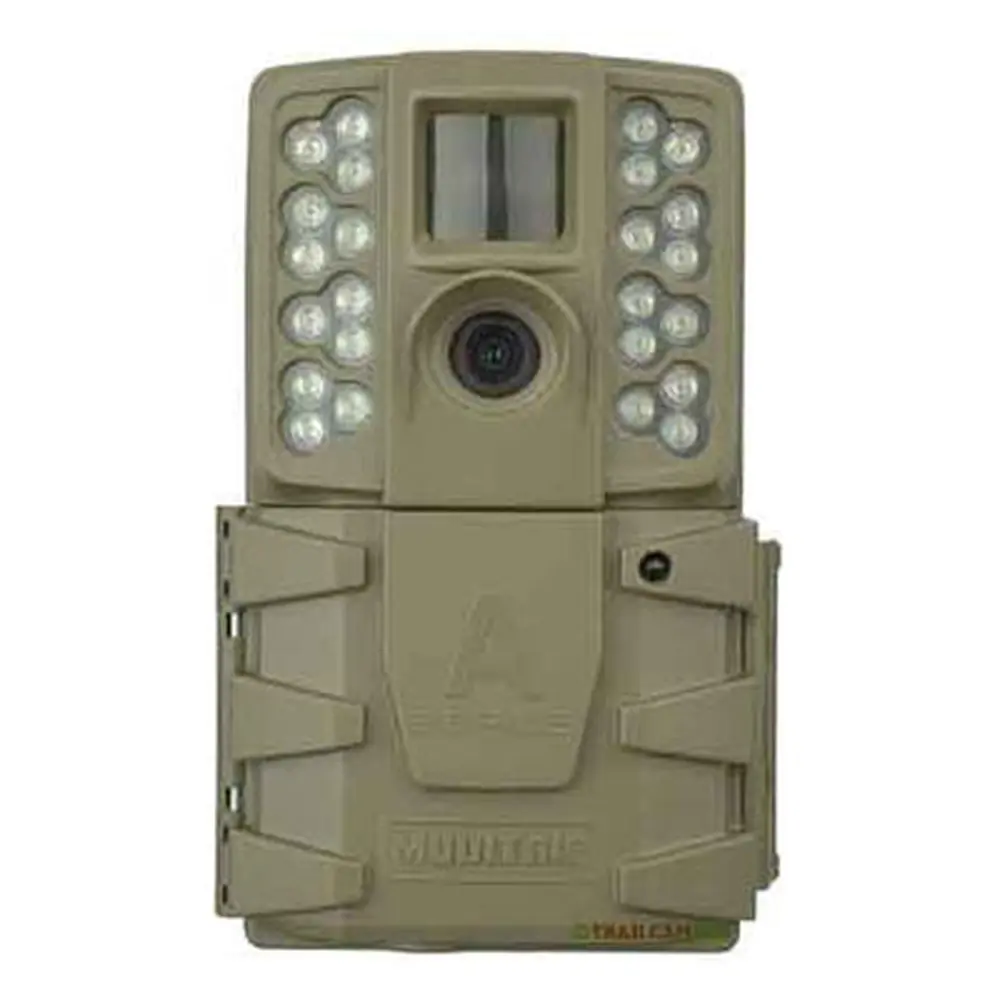
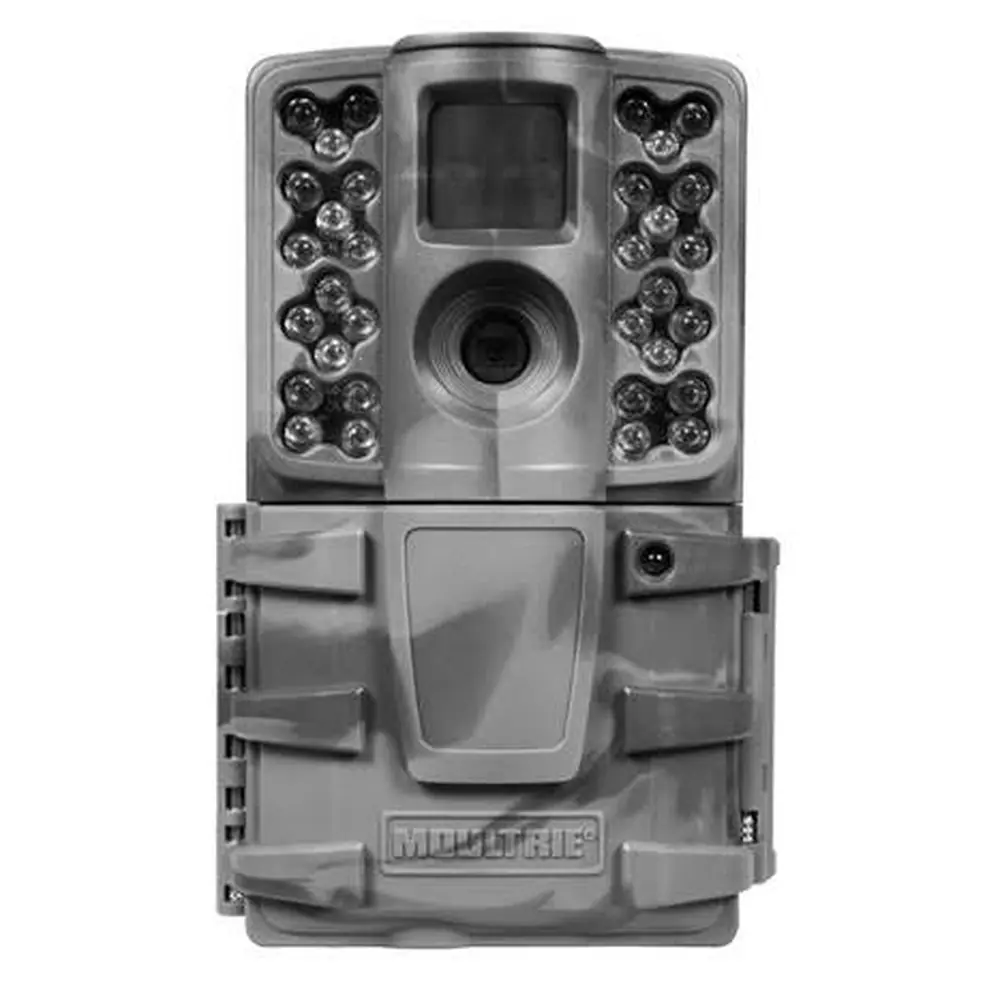
Product Images



Moultrie BC-800i Kit (MCG-14008) Specifications
| Feature | Specification |
|---|---|
| Model Number | MCG-14008 |
| Resolution | 30MP |
| Trigger Speed | 0.4 seconds |
| Detection Range | 60 feet |
| Video Resolution | HD 720p |
| Flash Type | Invisible Flash |
| Flash Range | 60 feet |
| Power Source | 8 AA Batteries |
| Battery Life (Shots) | Approximately 19,000 shots |
| SD Card Compatibility | SDHC Class 10, up to 32 GB |
| External Power Port | Yes (Micro USB) |
| Included Accessories | Batteries, SD Card, Mounting Strap |
| Warranty | 1 year standard, 2 years with product registration |
| Moultrie Mobile Compatibility | Yes, with Moultrie® Field Modem (sold separately) |
Moultrie MCG-14008 Details
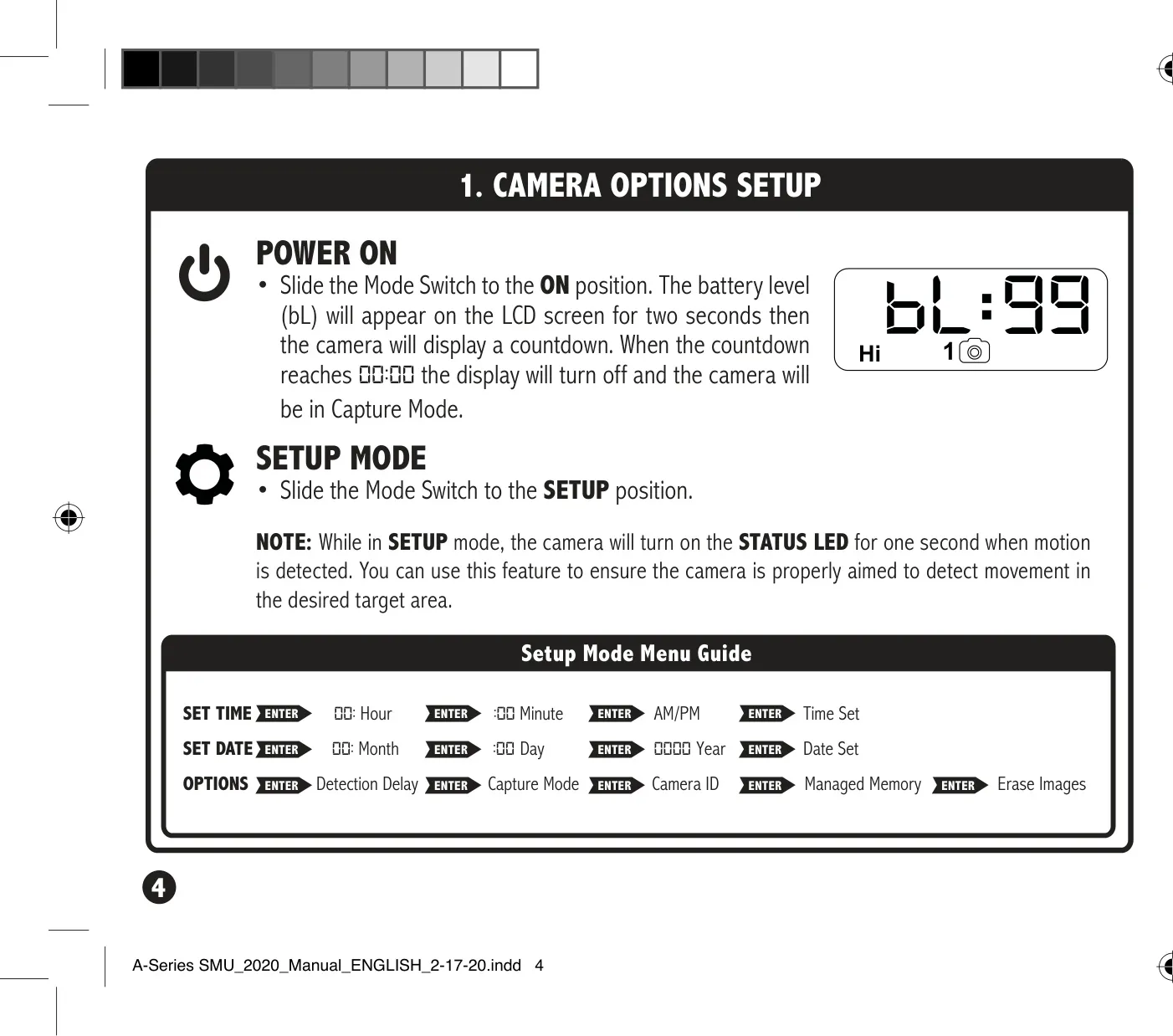
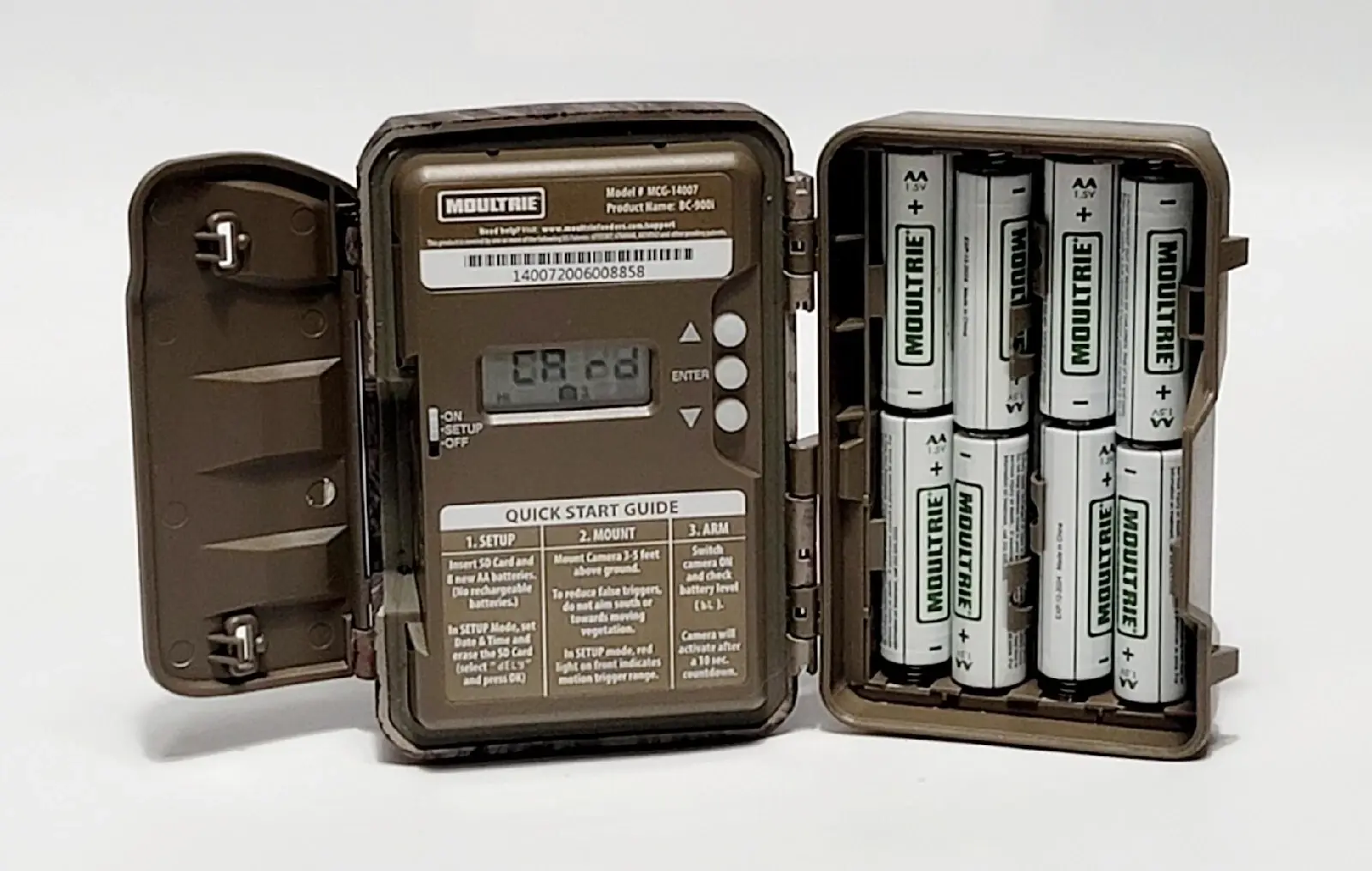
The Moultrie BC-800i Kit (MCG-14008) game camera is designed for straightforward operation and reliable performance in the field. Its easy setup instructions guide users through initial power-up, including battery and SD card installation. Users simply open the camera cover, insert eight AA batteries, and slide an SD card into its designated slot until an audible click confirms it is fully seated. This ensures the camera is ready for immediate deployment after basic configuration.
Upon initial setup, the camera features a convenient Mode switch with an ON position for active use and a SETUP position for configuring settings. In SETUP mode, the camera's STATUS LED briefly illuminates when motion is detected, serving as a practical tool for ensuring optimal aim and target area coverage. This visual feedback helps users precisely position the camera to capture desired activity, minimizing missed shots or false triggers from extraneous movement.
Users can customize several operational parameters to suit their specific monitoring needs. The camera allows for setting the detection delay, which determines the amount of time between consecutive captures once motion is detected. Options typically include 0, 15, or 30 seconds, and 1 or 5 minutes, providing flexibility for various wildlife behaviors. The intuitive navigation buttons (UP/DOWN) and ENTER button facilitate quick adjustments through the menu system.
For organization and efficient data management, the BC-800i Kit offers a Camera ID feature. Users can assign an ID number from 1 to 9, which will be displayed on captured images. This is particularly useful when deploying multiple cameras, allowing for easy identification of footage origins. Additionally, the Managed Memory option allows users to select whether the camera overwrites the oldest files when the SD card is full or stops recording once capacity is reached.
Maintenance and longevity are also key considerations. The manual emphasizes important battery information, recommending the exclusive use of Alkaline or Lithium batteries (such as Energizer™ or Moultrie branded). Users are advised against mixing old and new batteries or different battery types. For prolonged periods of inactivity, removing the batteries is suggested to prevent potential leakage and damage, contributing to the camera's overall durability.
Frequently Asked Questions (FAQs)
Can't find the answer you need? Here are some frequently asked questions about the Moultrie BC-800i Kit (MCG-14008) Digital Game Camera, and we answer them below.