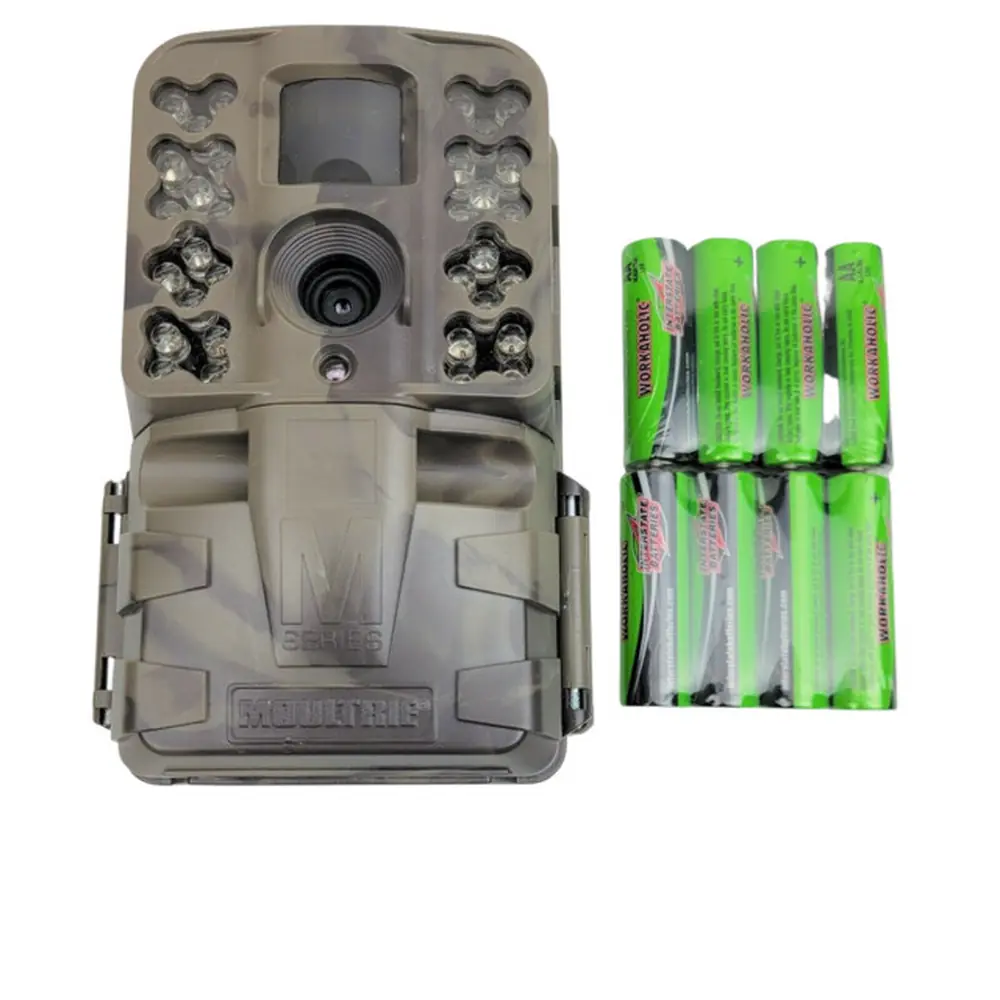
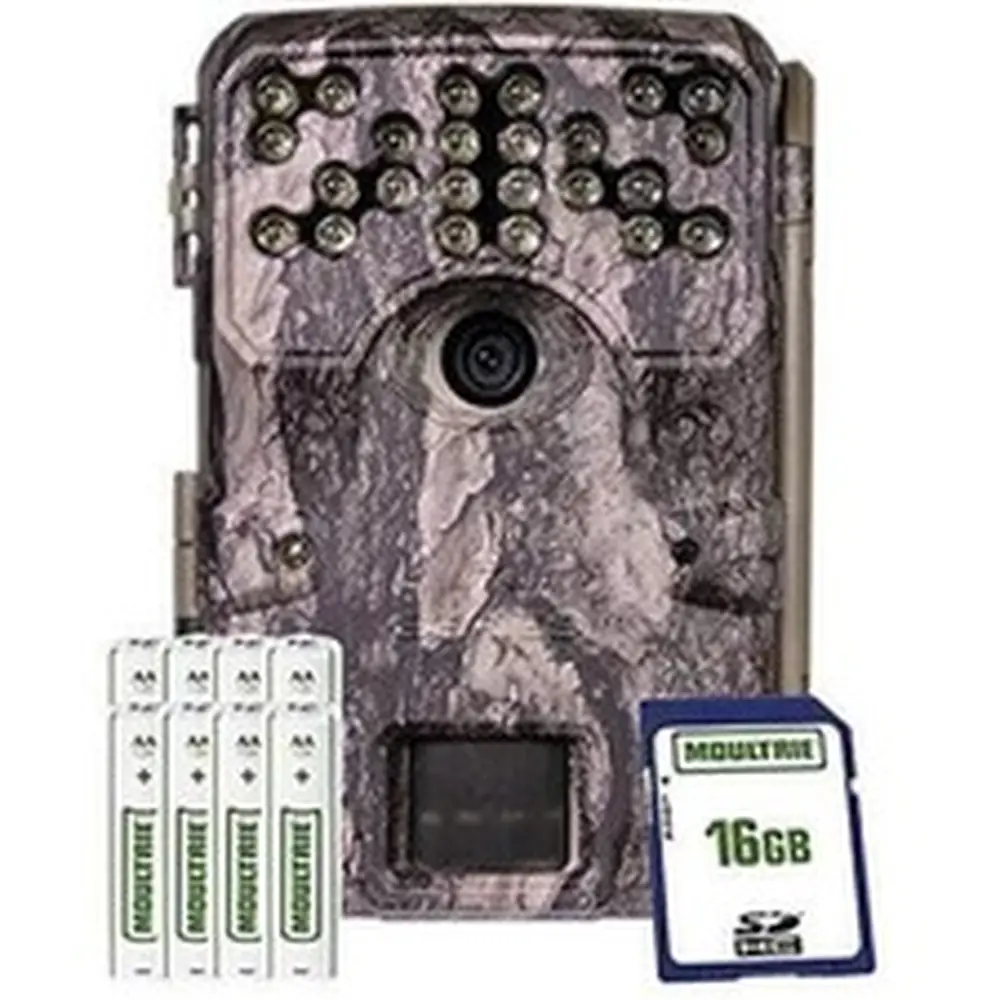
Moultrie AC-800 Bundle (MCG-14005) Instruction Manual

Moultrie AC-800 Bundle (MCG-14005)






Moultrie AC-800 Bundle (MCG-14005)
Moultrie AC-800 Bundle Instructions
Here we offer the Moultrie AC-800 Bundle (MCG-14005) manual completely free and in English. We have cataloged this manual in the Digital Game Cameras section on Manualverse, and it has been rated by 1 users with an average rating of 5. If you have any specific questions about Moultrie AC-800 Bundle (MCG-14005), we suggest checking the Frequently Asked Questions (FAQs) section of this manual.
Product Images


Moultrie AC-800 Bundle (MCG-14005) Specifications
| Feature | Specification |
|---|---|
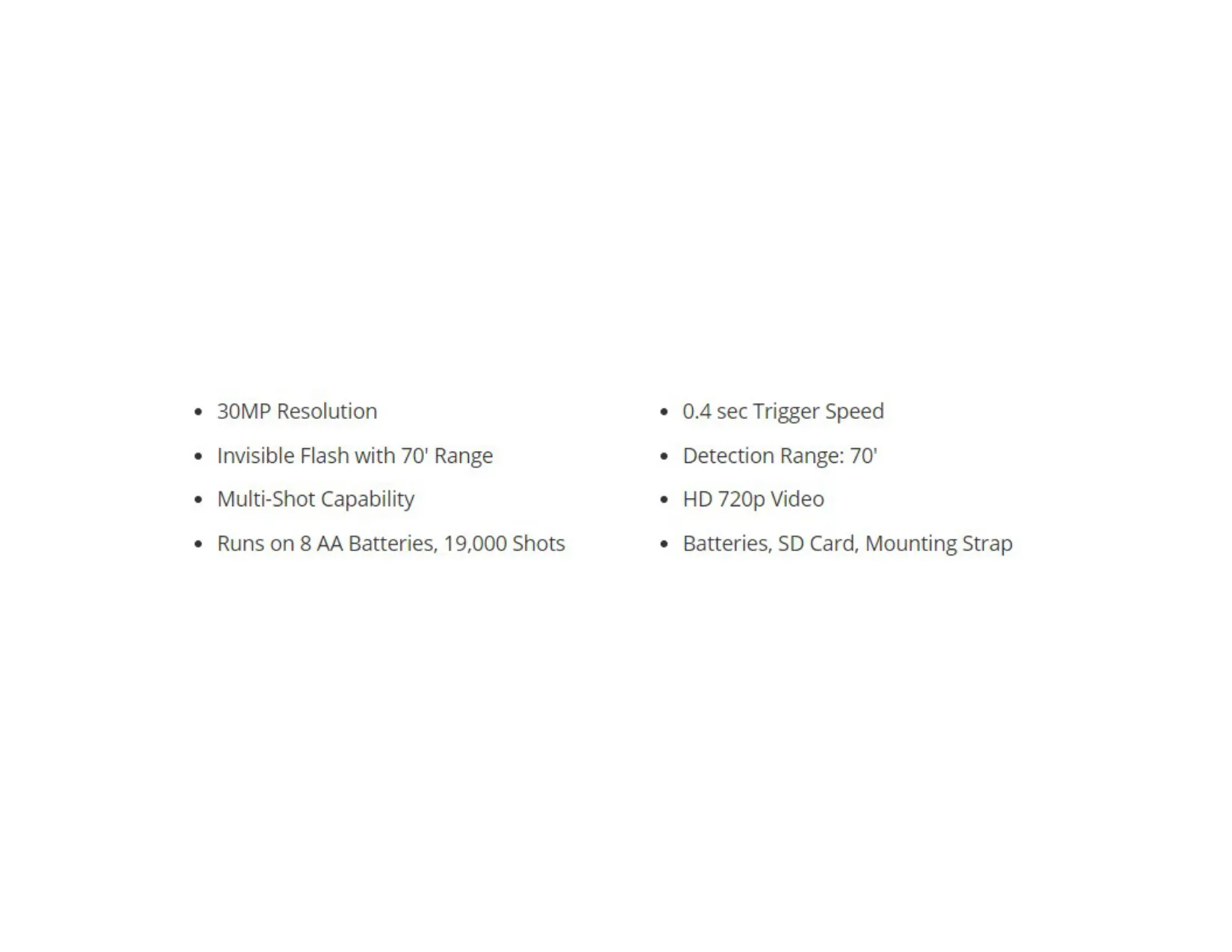
| Resolution | 30MP |
| Trigger Speed | 0.4 seconds |
| Detection Range | 70 feet |
| Video Recording | HD 720p |
| Flash Type | Invisible Infrared |
| Flash Range | 70 feet |
| Multi-Shot Capability | Yes |
| Power Source | 8 AA Batteries |
| Battery Life (approx.) | 19,000 shots |
| Memory Card Support | SDHC Class 10 up to 32 GB (SD card included) |
| External Power Port | 12V compatible |
| Included Accessories | Batteries, SD Card, Mounting Strap |
| Warranty | 1 year (extendable to 2 years with registration) |
Moultrie MCG-14005 Details
The Moultrie AC-800 Bundle (MCG-14005) provides a comprehensive solution for game camera users, designed for ease of use from setup to image management. Getting started is straightforward, requiring the installation of eight AA batteries, ensuring correct polarity. Following this, a recommended SDHC Class 10 SD card, up to 32 GB, is inserted until an audible click confirms its secure placement. The camera relies on an SD card for operation, making its inclusion in the bundle particularly convenient.
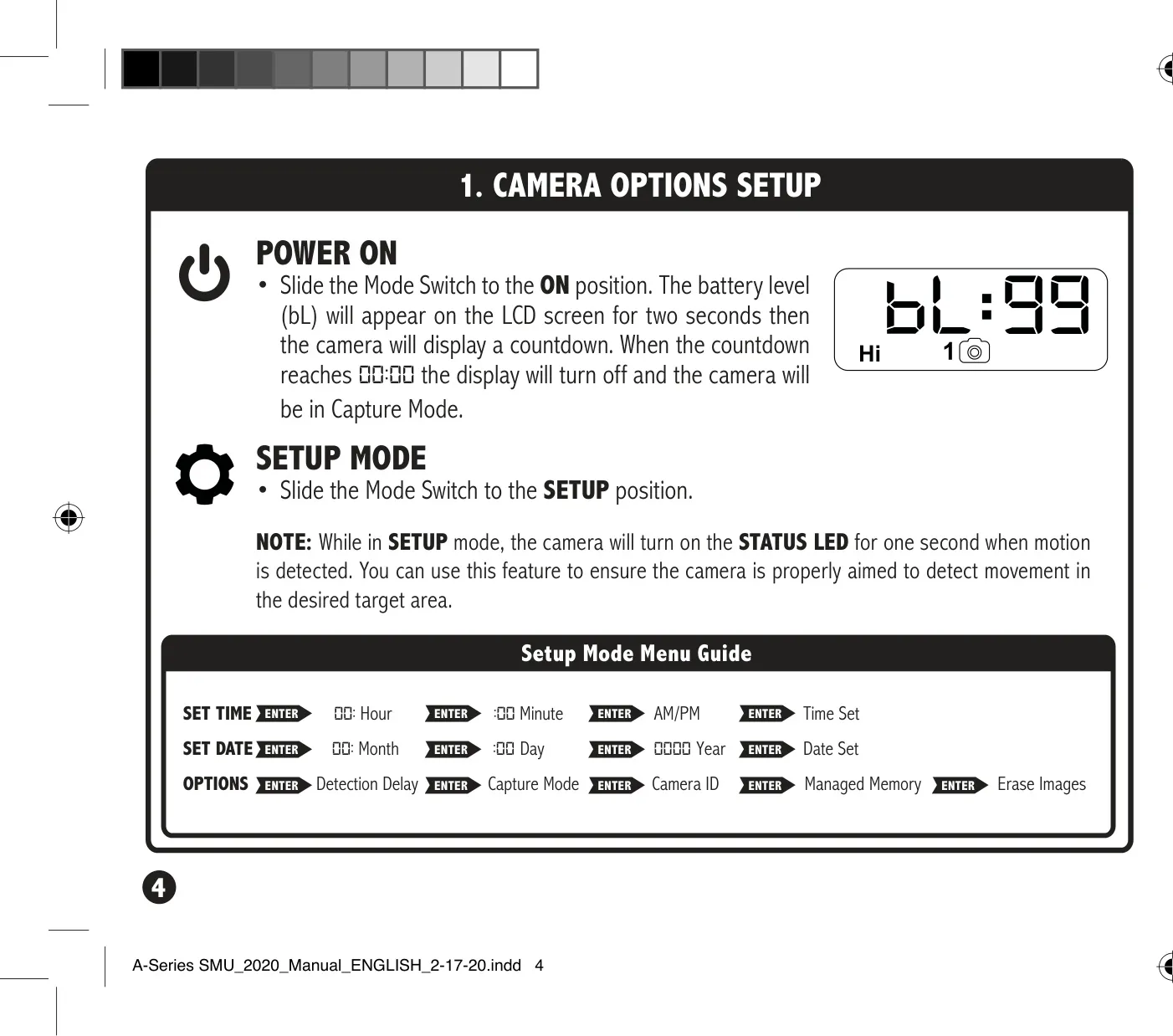
Initial configuration involves sliding the mode switch to SETUP, allowing for the precise setting of time and date using the intuitive UP/DOWN buttons and the ENTER key. This crucial first step ensures accurate timestamps on all captured images and videos. The camera's user-friendly interface guides you through adjusting hours, minutes, AM/PM, month, day, and year, making the process quick and efficient for all users.
Beyond basic setup, the AC-800 offers several configurable options to optimize performance. Users can adjust the Detection Delay, determining the interval between successive captures when motion is detected. Options range from 0, 15, or 30 seconds to 1 or 5 minutes, providing flexibility to capture distinct events or continuous activity. The camera also features various Capture Modes, allowing you to tailor how images or videos are recorded based on your specific monitoring needs and preferences for wildlife observation.
For efficient organization of captured media, the camera includes a Camera ID feature. This allows users to assign a unique identifier (from 1-9) to the unit, which is then displayed on all images it captures. This is especially useful for managing multiple cameras across different locations. Additionally, the camera incorporates Managed Memory settings, giving you control over storage behavior; you can choose to have older files overwritten when the SD card becomes full, or halt recording once capacity is reached.
Proper camera placement is vital for optimal performance, and the AC-800 bundle provides clear guidance. It recommends mounting the camera to a tree or pole approximately three feet from the ground. Tips include facing the camera North or South to prevent overexposure from direct sunlight and clearing brush from its front to avoid false triggers. For tracking game trails, the manual advises positioning the camera to look down the trail rather than directly across it, enhancing detection accuracy. Power management is also key, with a low battery indicator at 15% and support for external 12V power sources, while batteries can act as a backup.
Frequently Asked Questions (FAQs)
Can't find the answer you need? Here are some frequently asked questions about the Moultrie AC-800 Bundle (MCG-14005) Digital Game Camera, and we answer them below.