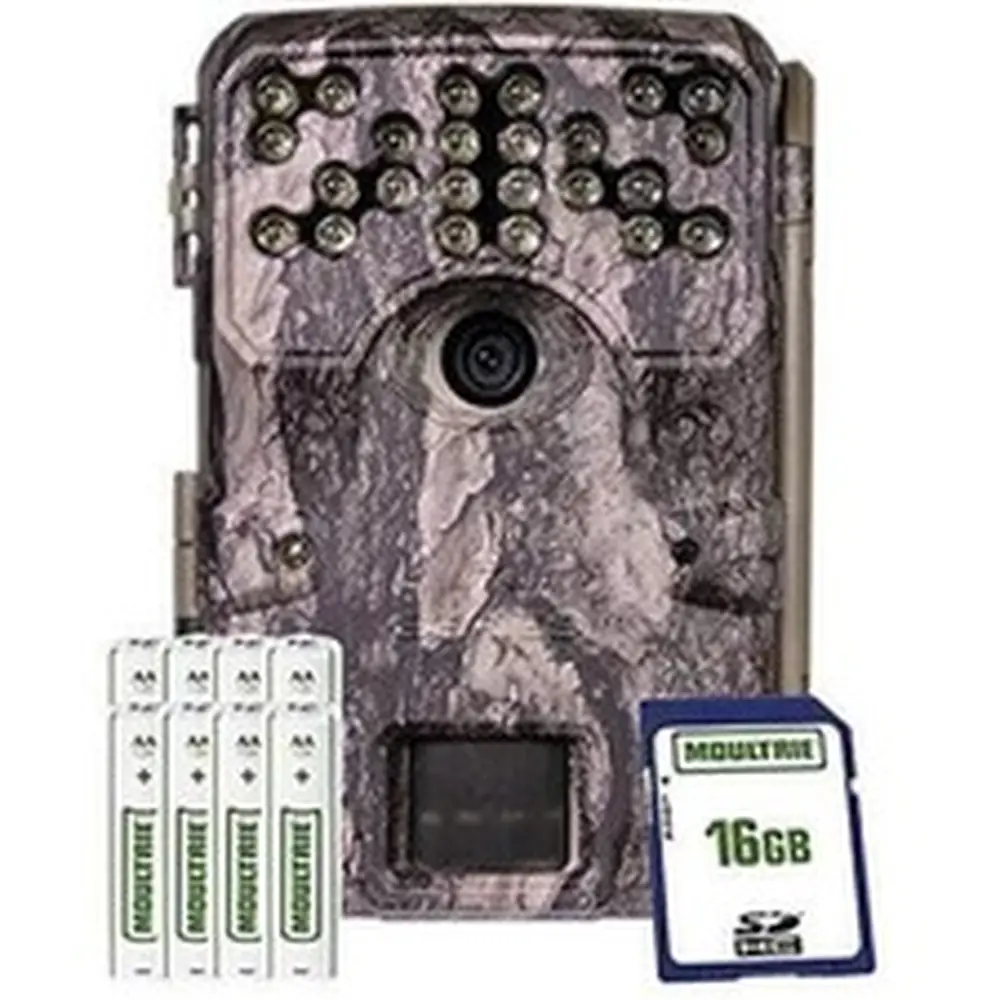
Moultrie D444 (MCG-12591) Digital Game Camera Instruction Manual
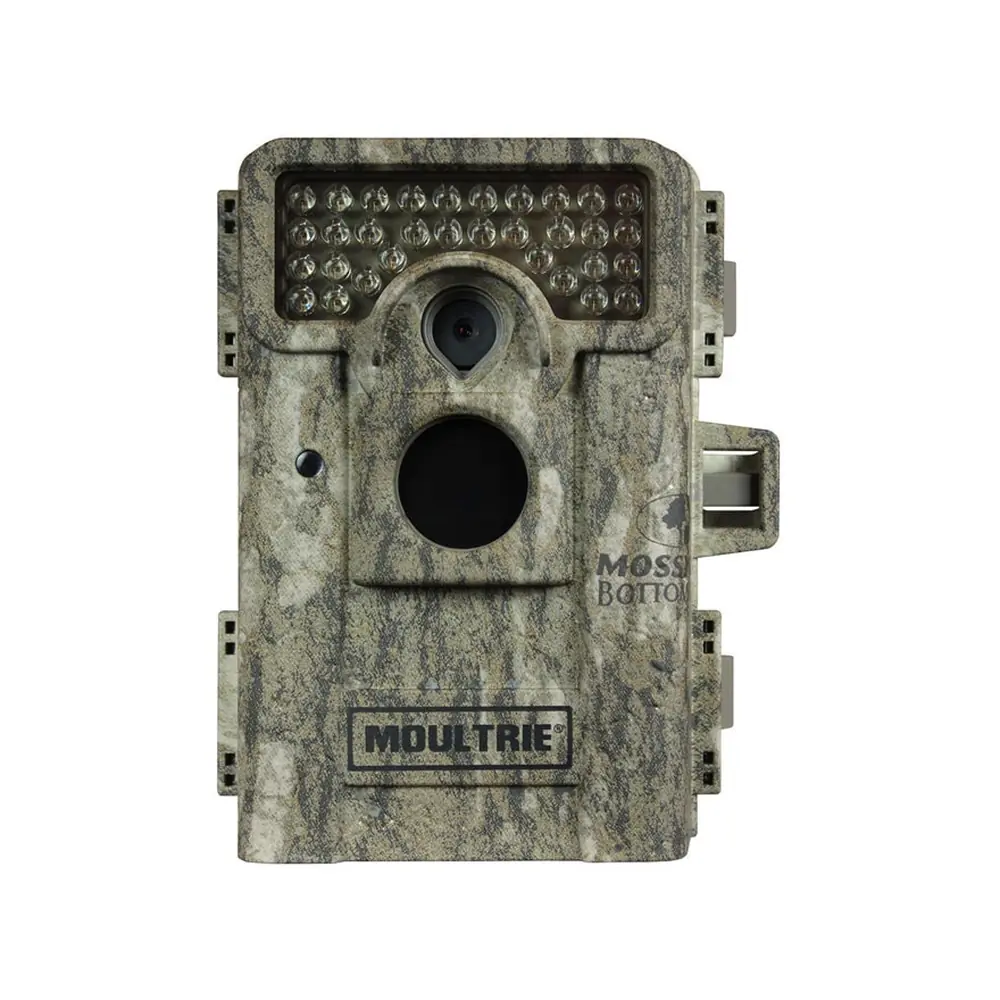
Moultrie D444 (MCG-12591) Digital Game Camera









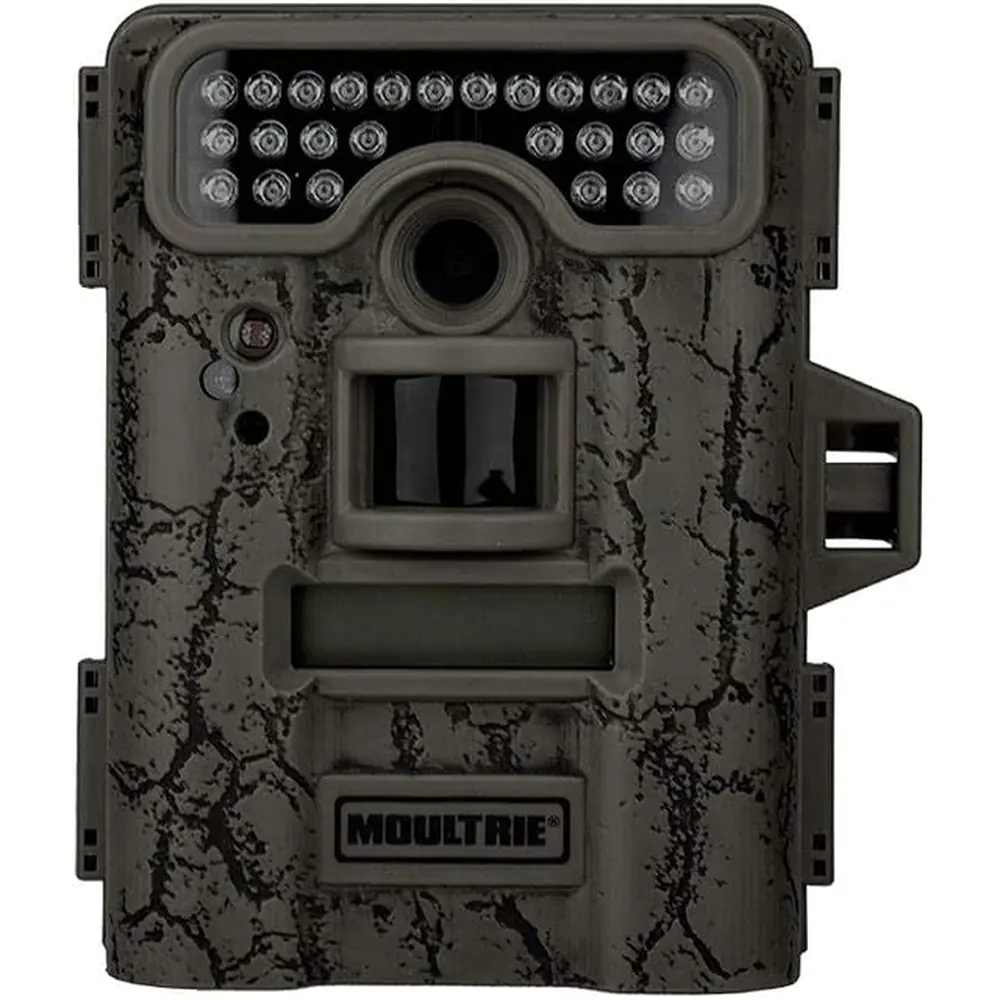
Moultrie D444 (MCG-12591) Digital Game Camera
Moultrie D444 (MCG-12591) Instructions
Here we offer the Moultrie D444 (MCG-12591) Digital Game Camera manual completely free and in English. We have cataloged this manual in the Digital Game Cameras section on Manualverse, and it has been rated by 1 users with an average rating of 5. If you have any specific questions about Moultrie D444 (MCG-12591) Digital Game Camera, we suggest checking the Frequently Asked Questions (FAQs) section of this manual.
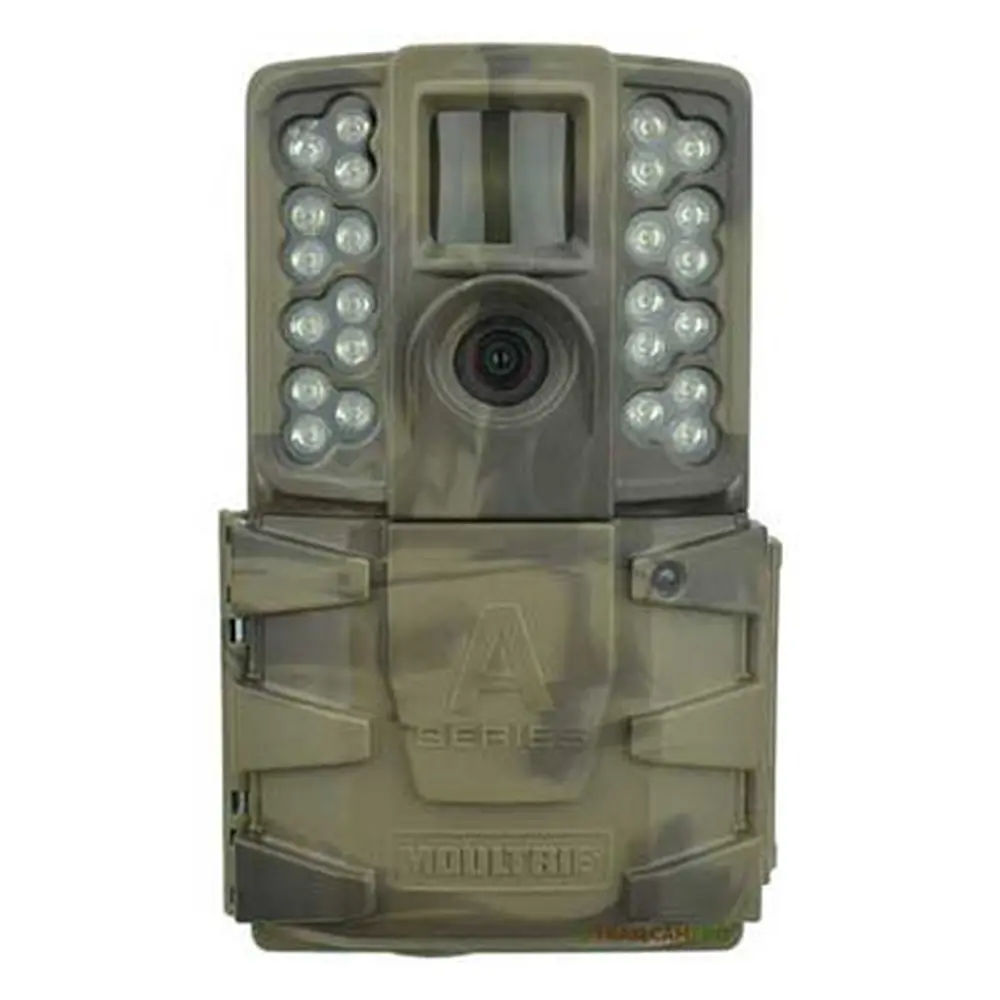
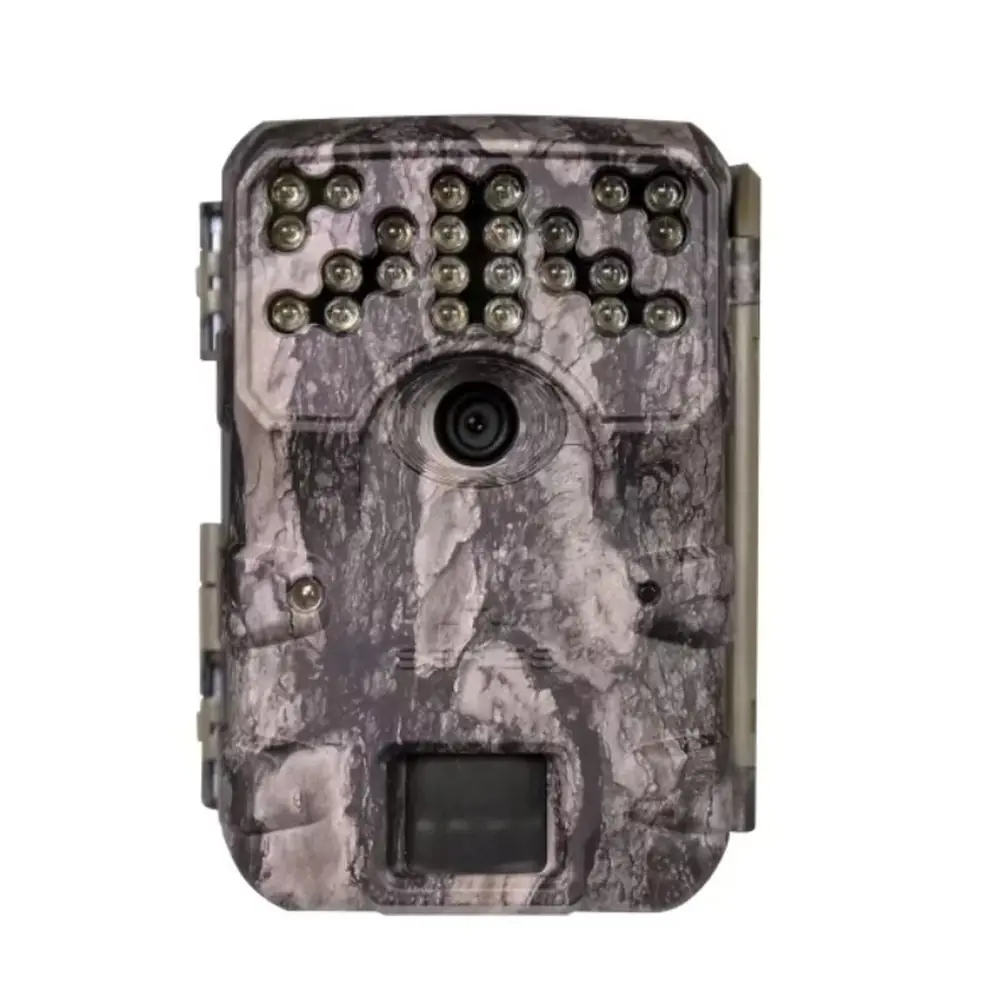
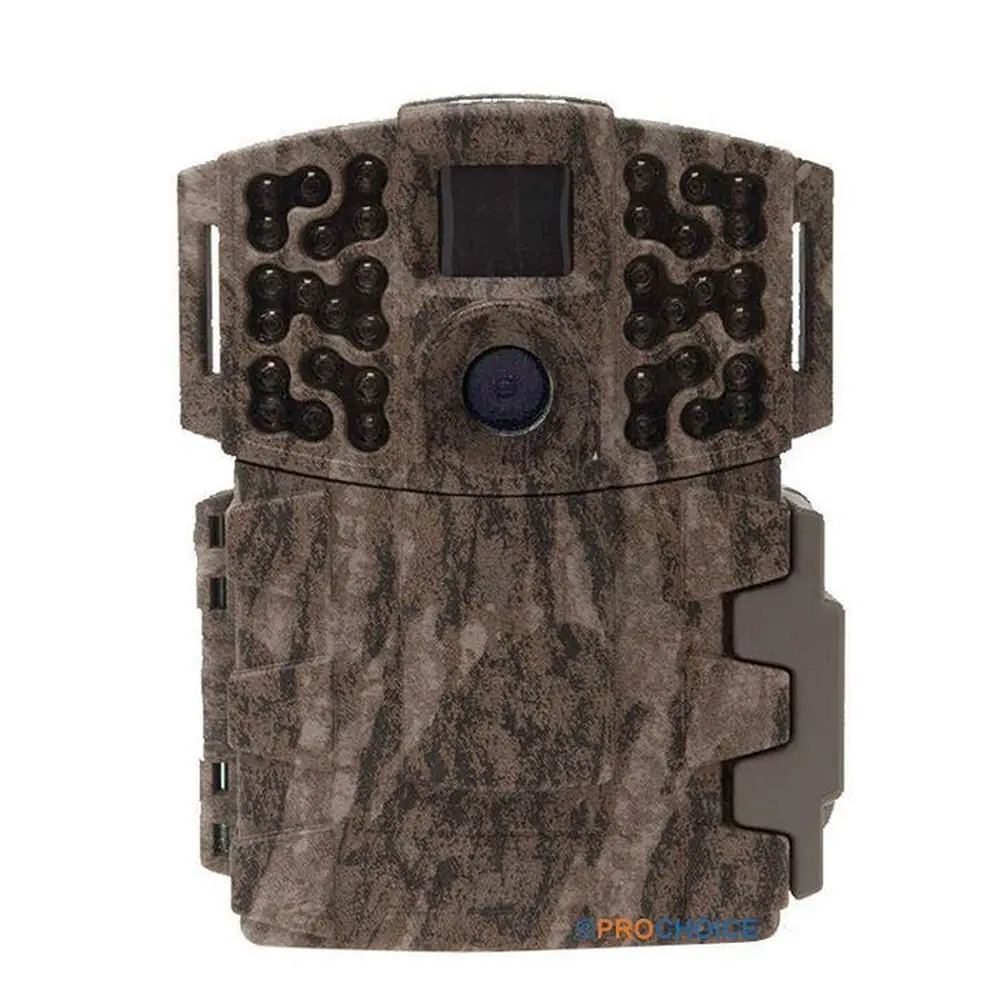
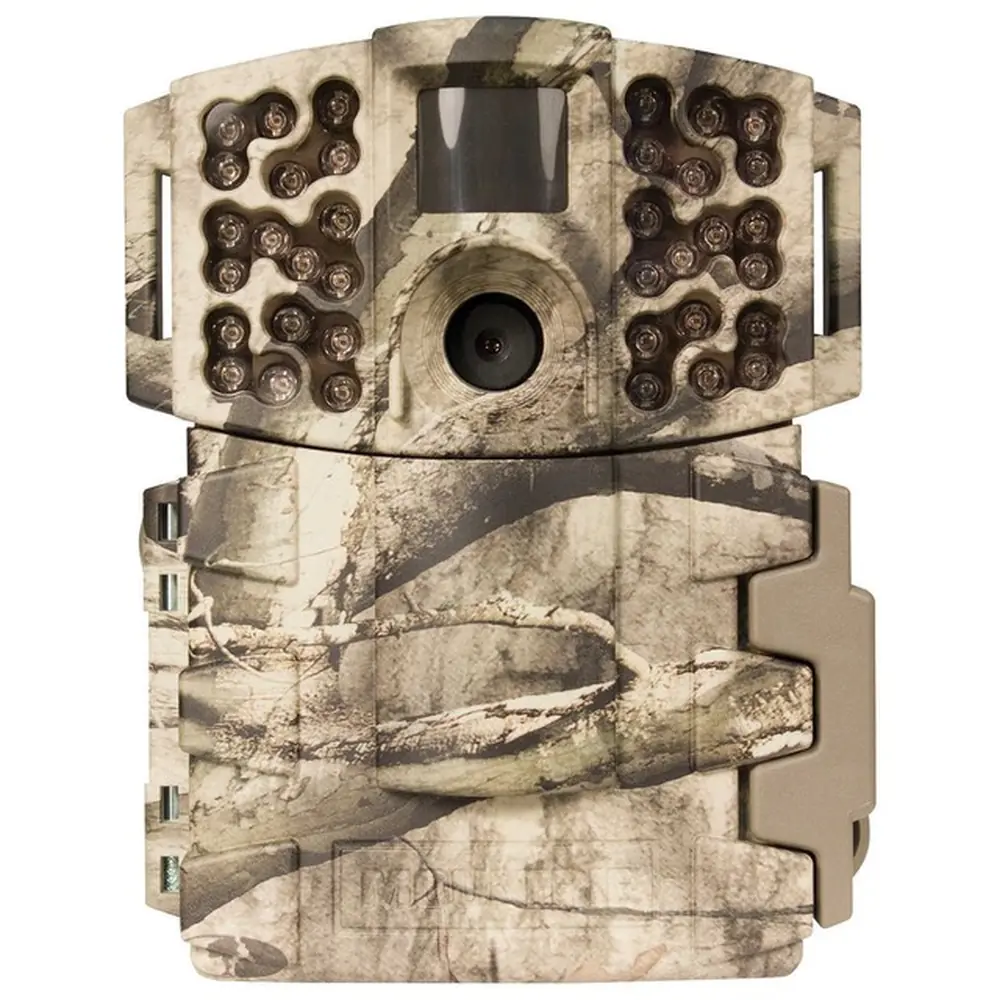
Product Images


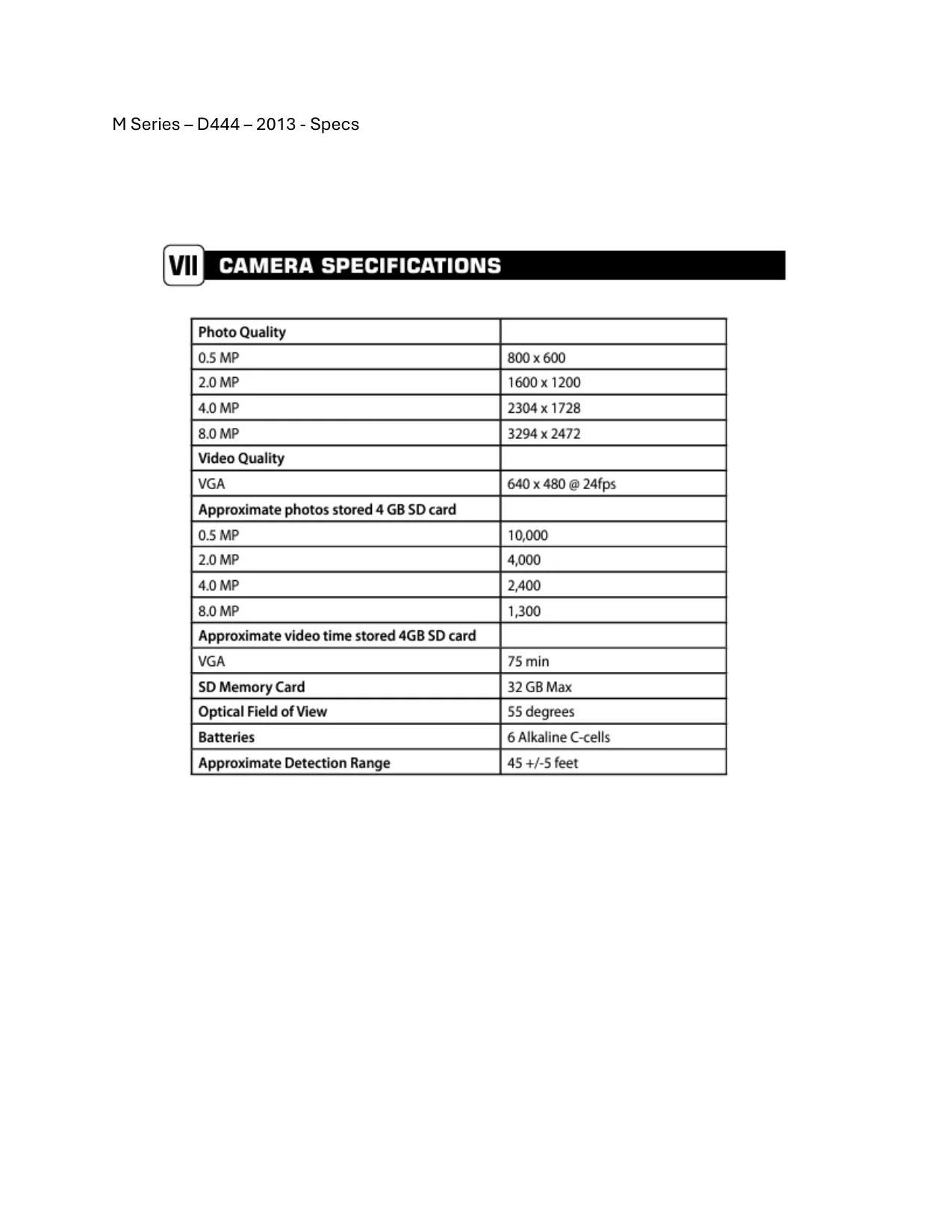
Moultrie D444 (MCG-12591) Digital Game Camera Specifications
| Feature | Specification |
|---|---|
| Photo Quality (0.5 MP) | 800 x 600 |
| Photo Quality (2.0 MP) | 1600 x 1200 |
| Photo Quality (4.0 MP) | 2304 x 1728 |
| Photo Quality (8.0 MP) | 3294 x 2472 |
| Video Quality (VGA) | 640 x 480 @ 24fps |
| Approx. photos stored (4GB SD card, 0.5 MP) | 10,000 |
| Approx. photos stored (4GB SD card, 2.0 MP) | 4,000 |
| Approx. photos stored (4GB SD card, 4.0 MP) | 2,400 |
| Approx. photos stored (4GB SD card, 8.0 MP) | 1,300 |
| Approx. video time stored (4GB SD card, VGA) | 75 minutes |
| SD Memory Card Support | Up to 32 GB Max |
| Optical Field of View | 55 degrees |
| Batteries | 6 Alkaline C-cells |
| Approximate Detection Range | 45 +/-5 feet |
Moultrie D444 (MCG-12591) Details
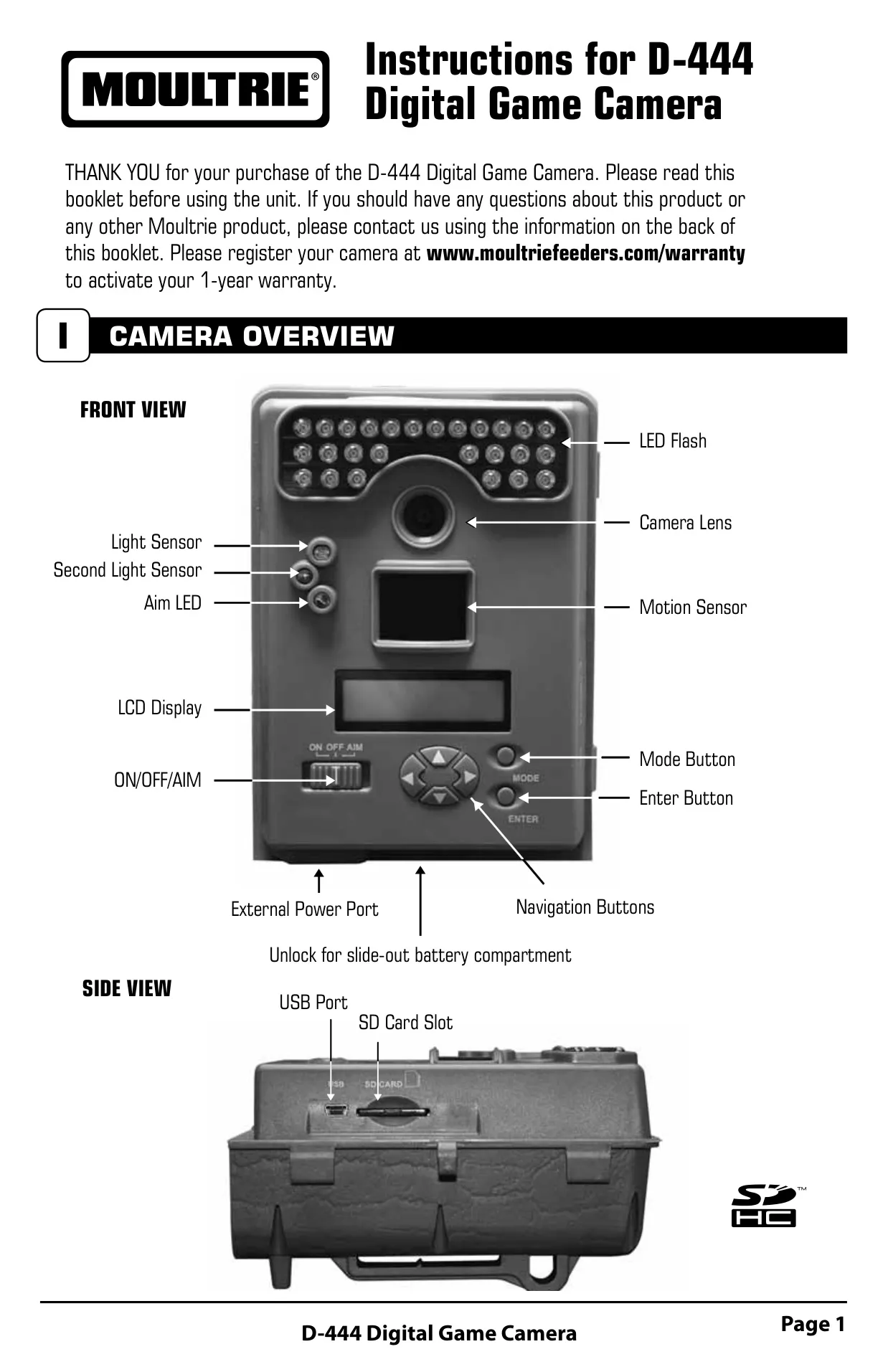
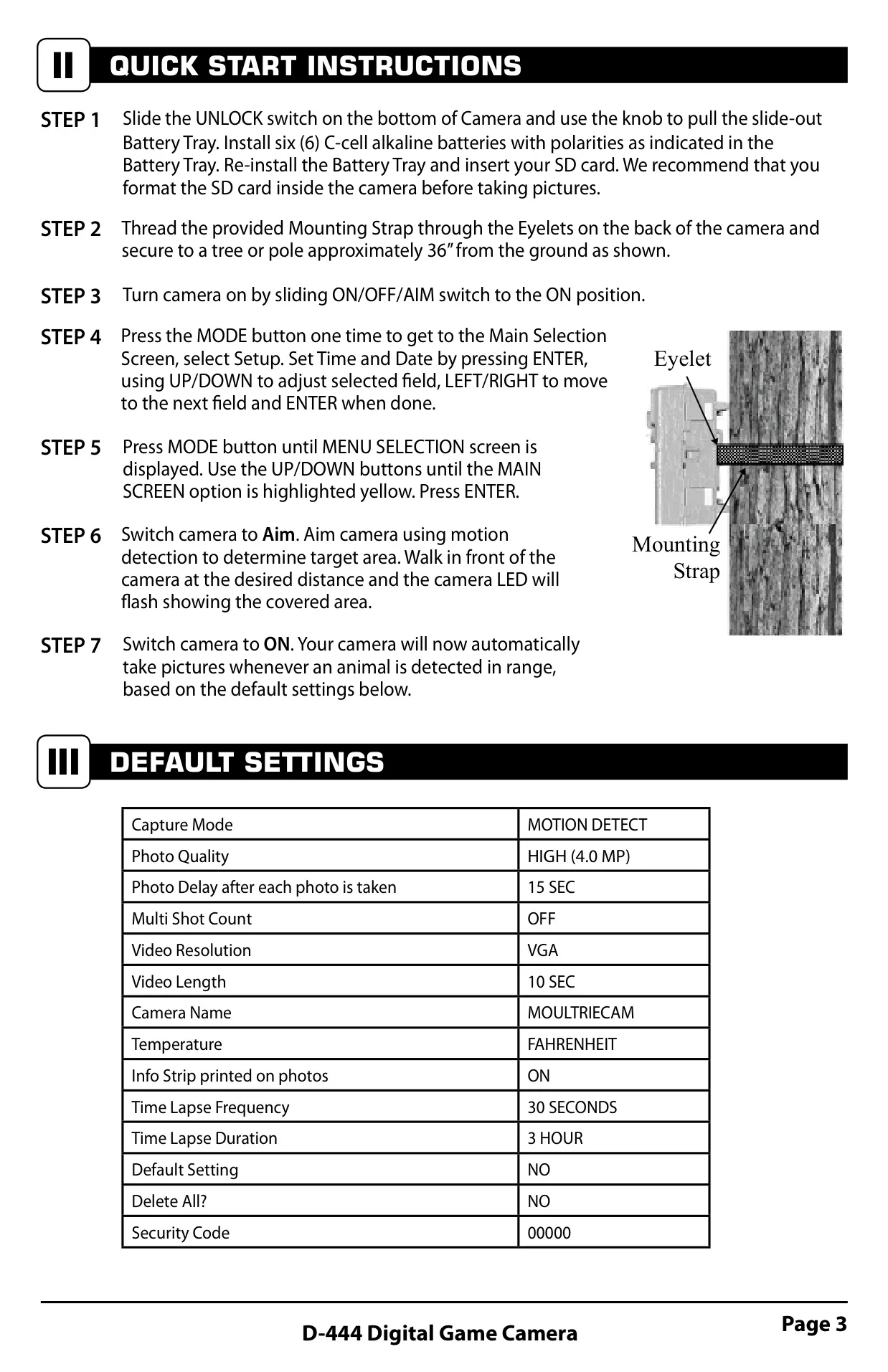
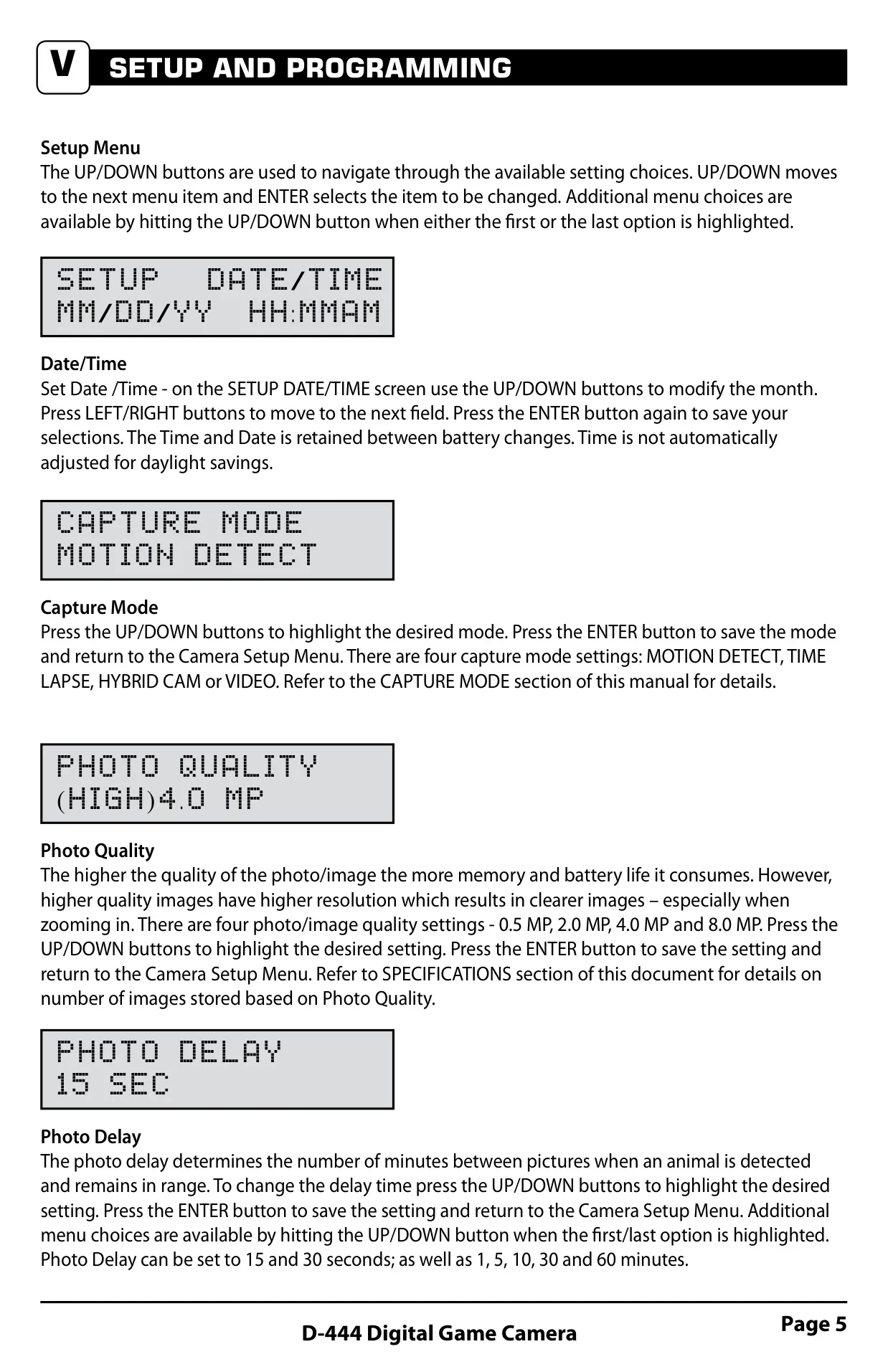
The Moultrie D444 Digital Game Camera offers a robust set of features designed for effective game surveillance. Its user interface is straightforward, featuring an LCD display, Mode, Enter, and Navigation buttons (Up/Down, Left/Right). The Mode button allows selection between Camera Setup and the Main Screen, also serving to wake the camera from power-saving mode. The Enter button confirms selections and can manually trigger a picture, while navigation buttons cycle through options.
Powering the device requires six C-cell alkaline batteries, housed in an easily accessible slide-out compartment. An SD card, sold separately, is essential for operation and supports capacities up to 32GB for storing photos and videos. It is highly recommended to format the SD card directly within the camera for optimal performance before use. The camera also includes a USB port for convenient data transfer to a computer, and an external power port exclusively for Moultrie PowerPanel or Battery Box accessories.
One notable feature is the AIM mode. When activated, the PIR (Passive Infrared) sensor detects motion, and a red LED on the camera's front illuminates for two seconds, indicating the target area for motion detection. This helps users precisely position the camera to capture desired activity, ensuring efficient setup and minimizing wasted shots. This aiming functionality is crucial for proper field deployment.
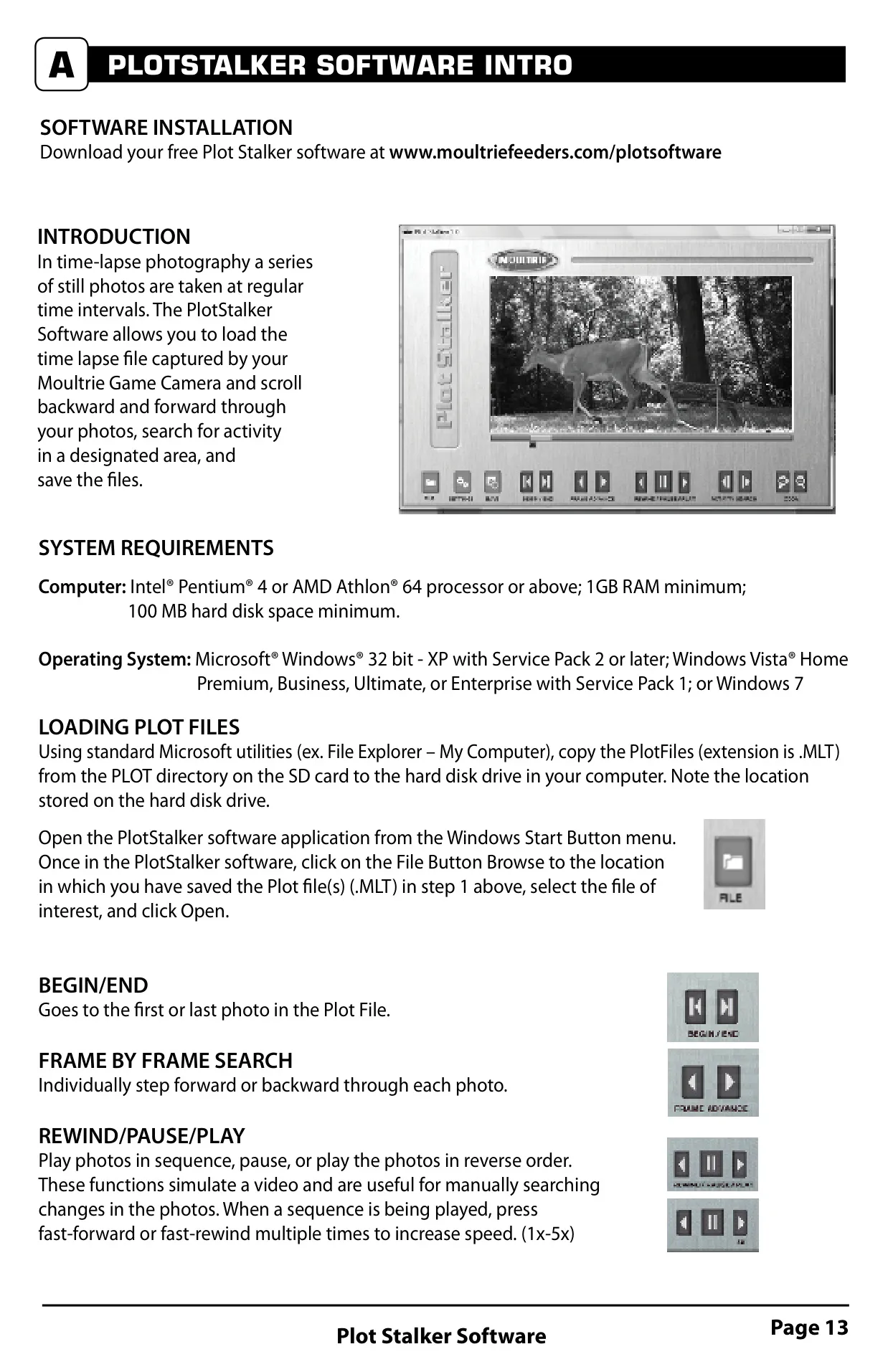
Beyond the standard motion detection, the D444 offers flexible capture modes. Time Lapse Mode takes photos at user-defined intervals during specific periods of the day, creating an .MLT file viewable with the Moultrie Plot Stalker software. The camera automatically adjusts to sunrise and sunset times, capturing morning and evening sequences. Another intelligent option is Hybrid Cam Mode, which operates in Time Lapse during the day and switches to Motion Detect mode at night, optimizing for varying light conditions.
Users can customize various operational parameters. The Multi-Shot setting allows for capturing 2, 3, or 4 photos per trigger, with options for standard or faster shot sequences. Video capture length is configurable, with a maximum of 20 seconds for nighttime infrared videos. A personalized Camera Name can be imprinted on photos for easy identification, especially when managing multiple cameras in different locations.
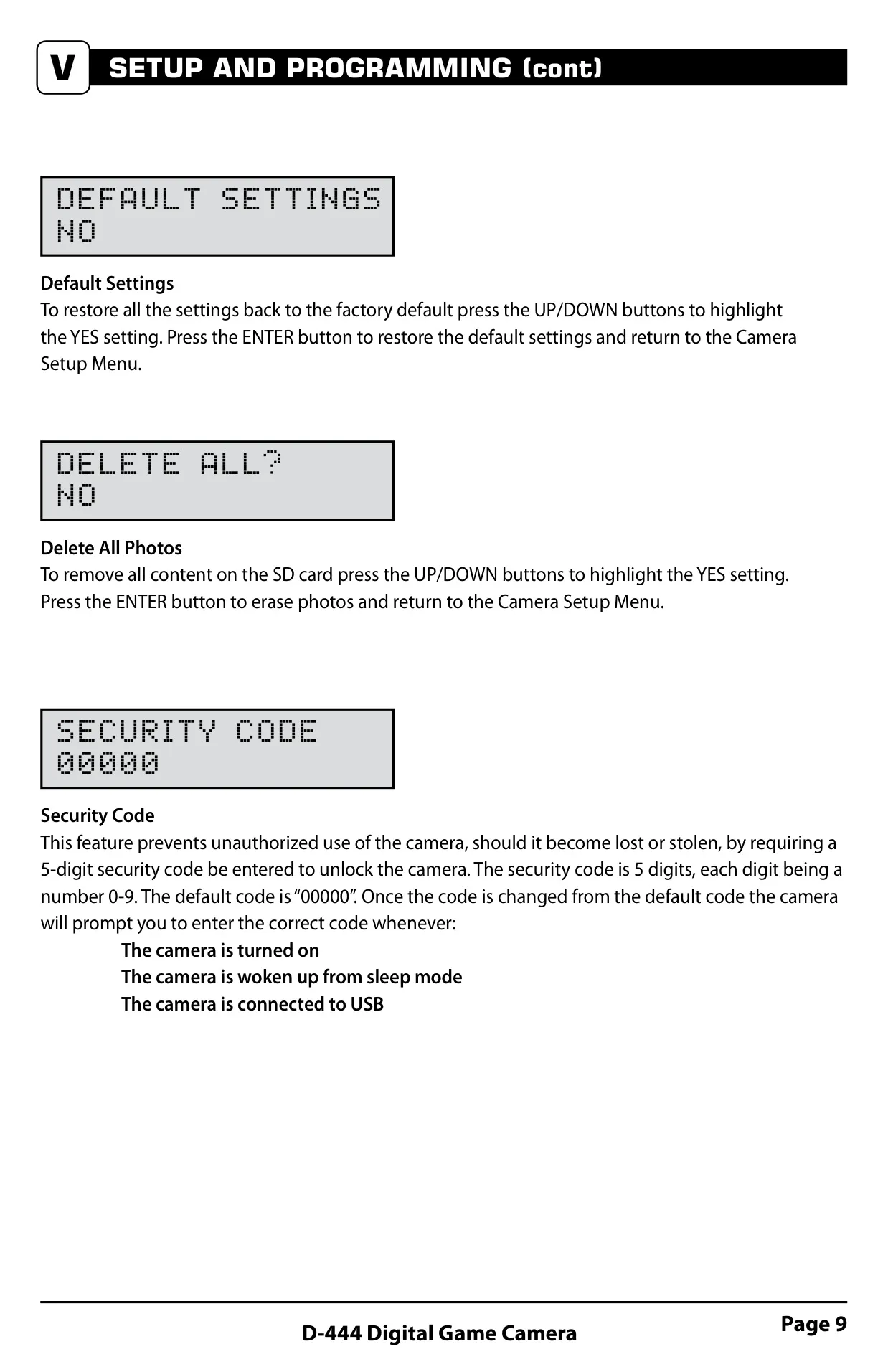
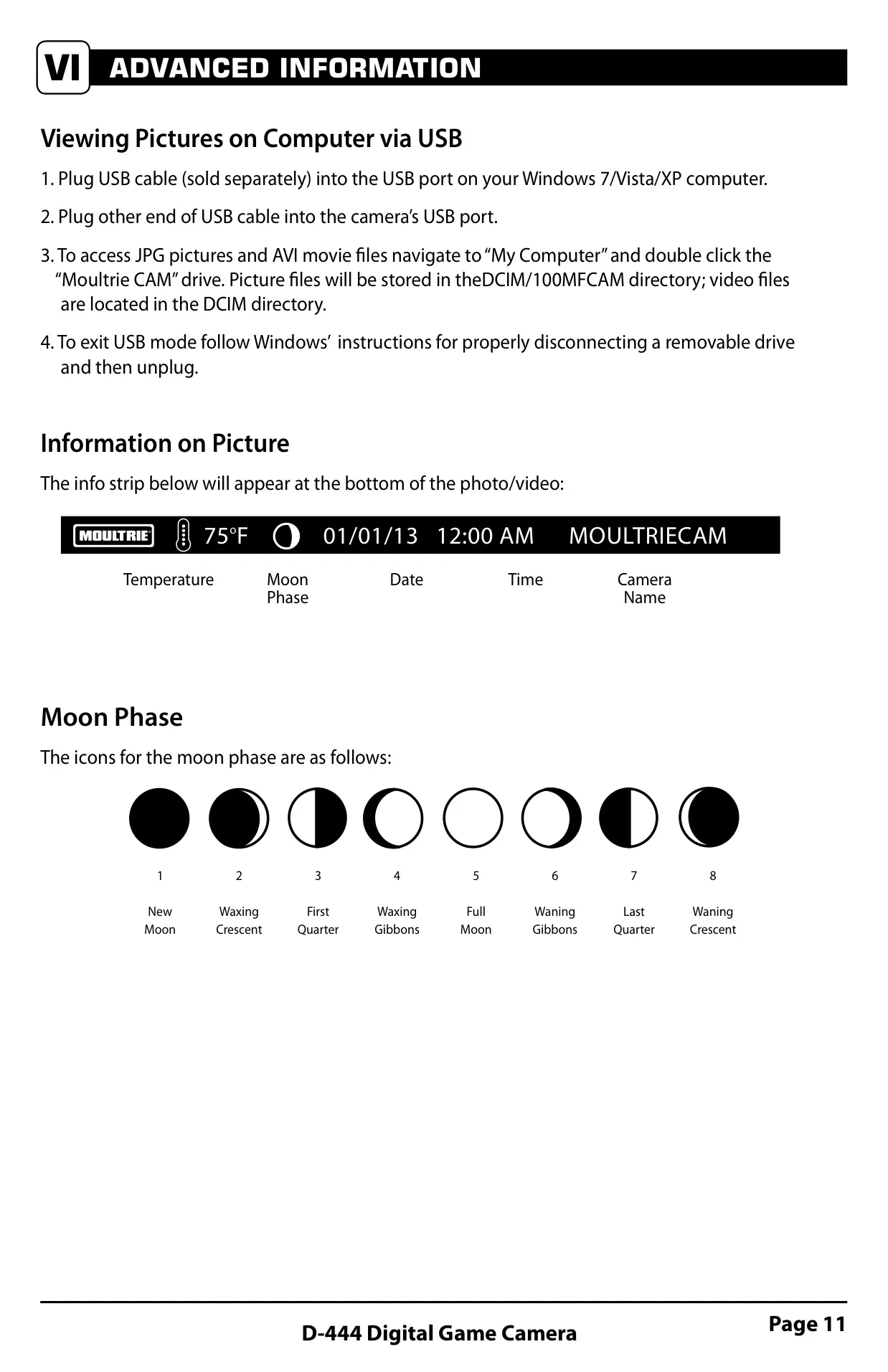
The D444 also provides an Info Strip option, which, when enabled, imprints valuable data like temperature (Fahrenheit or Celsius), moon phase, date, time, camera name, and the Moultrie logo onto each photo. This contextual information is invaluable for analyzing game patterns and environmental conditions. For security, a 5-digit Security Code prevents unauthorized access, requiring input upon startup or waking from sleep mode.
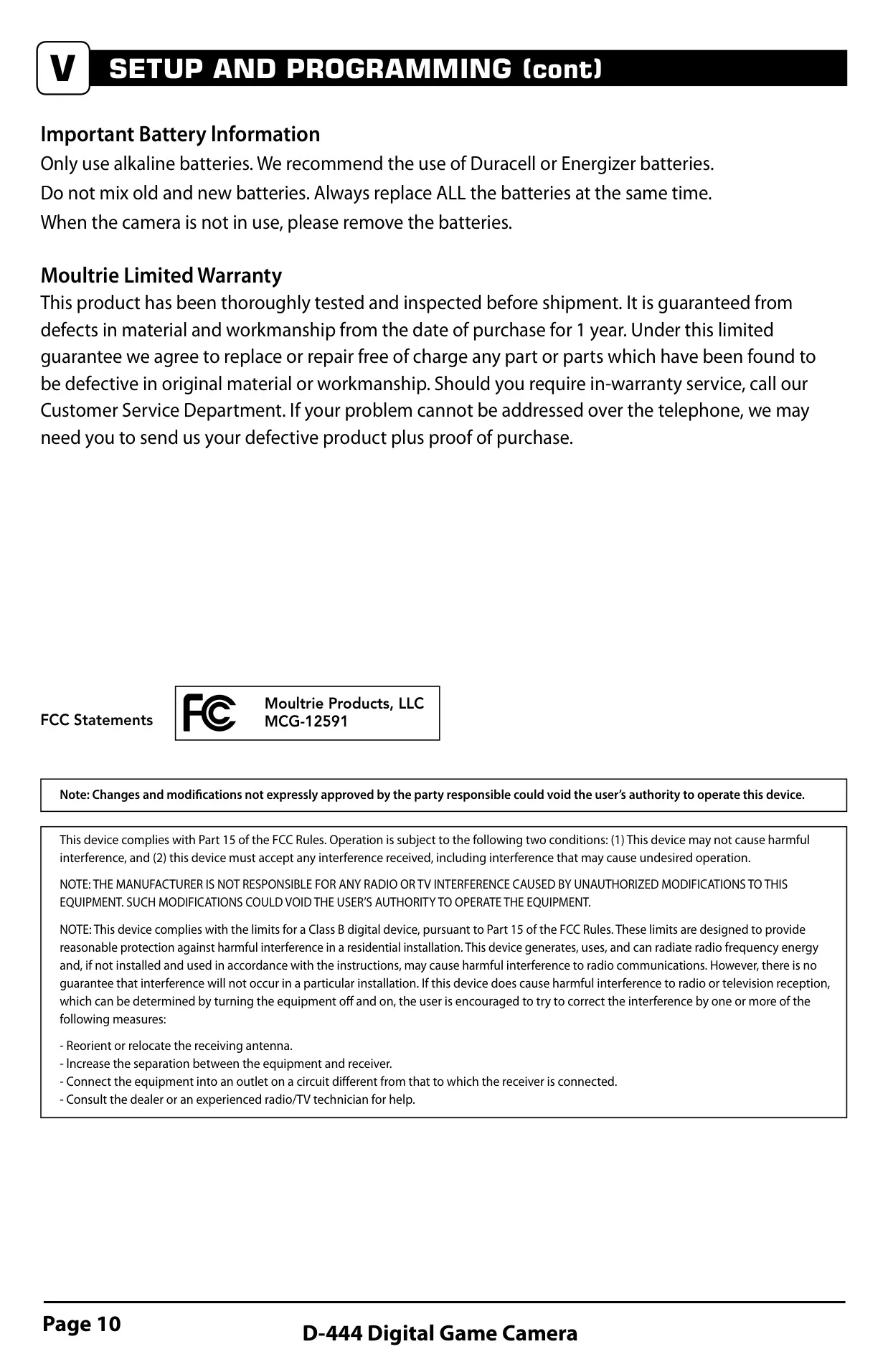
Maintenance and troubleshooting are streamlined with features like restoring Default Settings, which reverts all configurations to factory defaults, and a Delete All Photos option to quickly clear the SD card. Moultrie recommends using Duracell or Energizer alkaline C-cell batteries, emphasizing not to mix old and new batteries and to remove them when the camera is not in use to prevent damage and preserve battery life.
Frequently Asked Questions (FAQs)
Can't find the answer you need? Here are some frequently asked questions about the Moultrie D444 (MCG-12591) Digital Game Camera, and we answer them below.