Moultrie A-20 (MCG-13129) Digital Game Camera Instruction Manual

Moultrie A-20 (MCG-13129) Digital Game Camera





Moultrie A-20 (MCG-13129) Digital Game Camera

Moultrie A-20 (MCG-13129) Instructions
Here we offer the Moultrie A-20 (MCG-13129) Digital Game Camera manual completely free and in English. We have cataloged this manual in the Digital Game Cameras section on Manualverse, and it has been rated by 1 users with an average rating of 5. If you have any specific questions about Moultrie A-20 (MCG-13129) Digital Game Camera, we suggest checking the Frequently Asked Questions (FAQs) section of this manual.
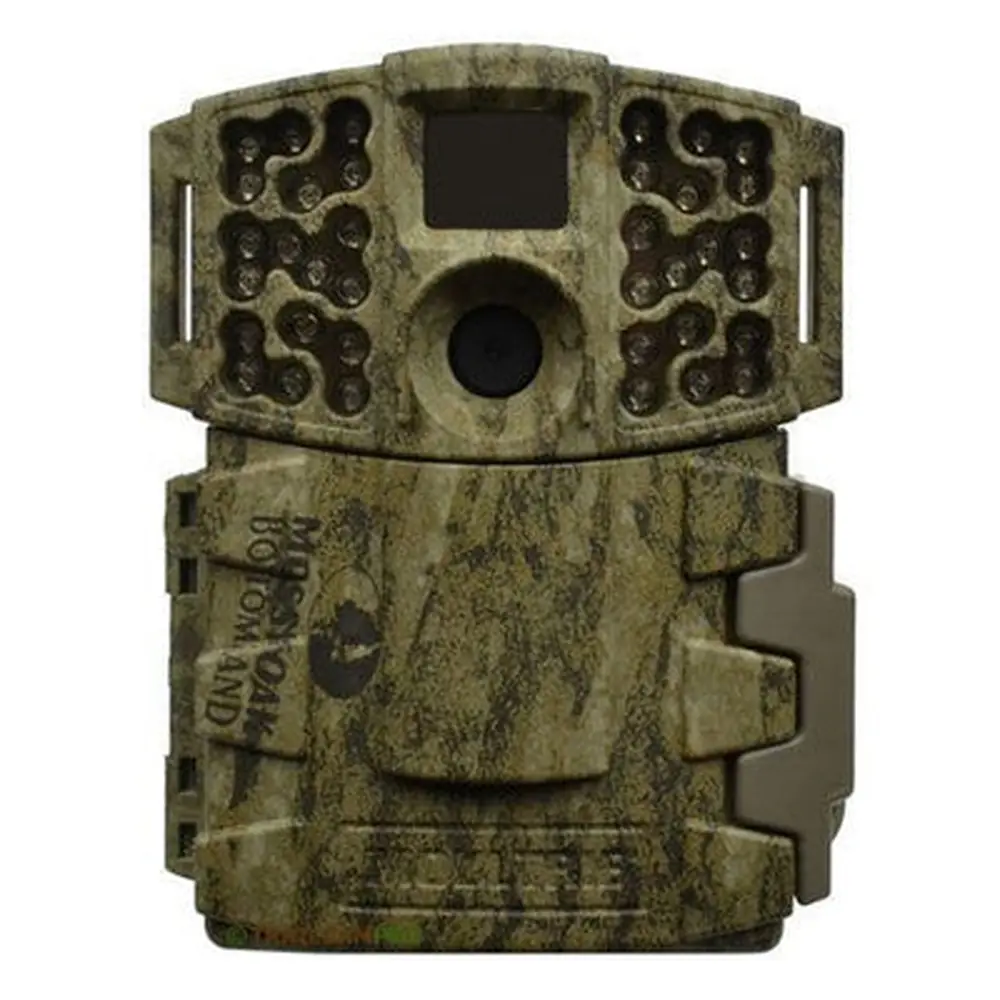
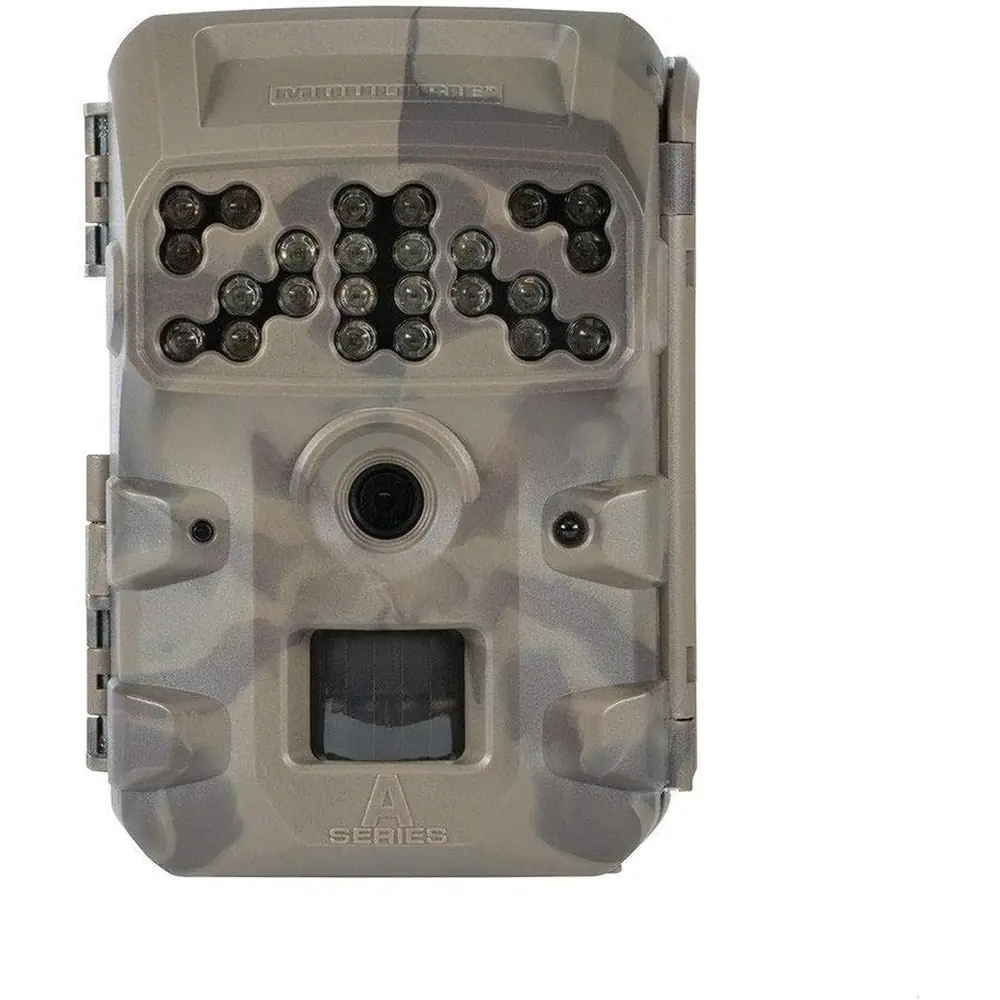
Product Images



Moultrie A-20 (MCG-13129) Digital Game Camera Specifications
| Feature | Specification |
|---|---|
| Operational Modes | Game Detect/Video |
| Resolution | 12.0 MP |
| Still Resolutions | JPEG Low 1600x1200, High 4000x3000 |
| Video Resolutions | AVI - 640x480 |
| SD Memory Card Support | Up to 32 GB (not included) |
| Power Supply | 8 AA lithium or alkaline batteries (not included) |
| Flash Type | 850nm infrared |
Moultrie A-20 (MCG-13129) Details
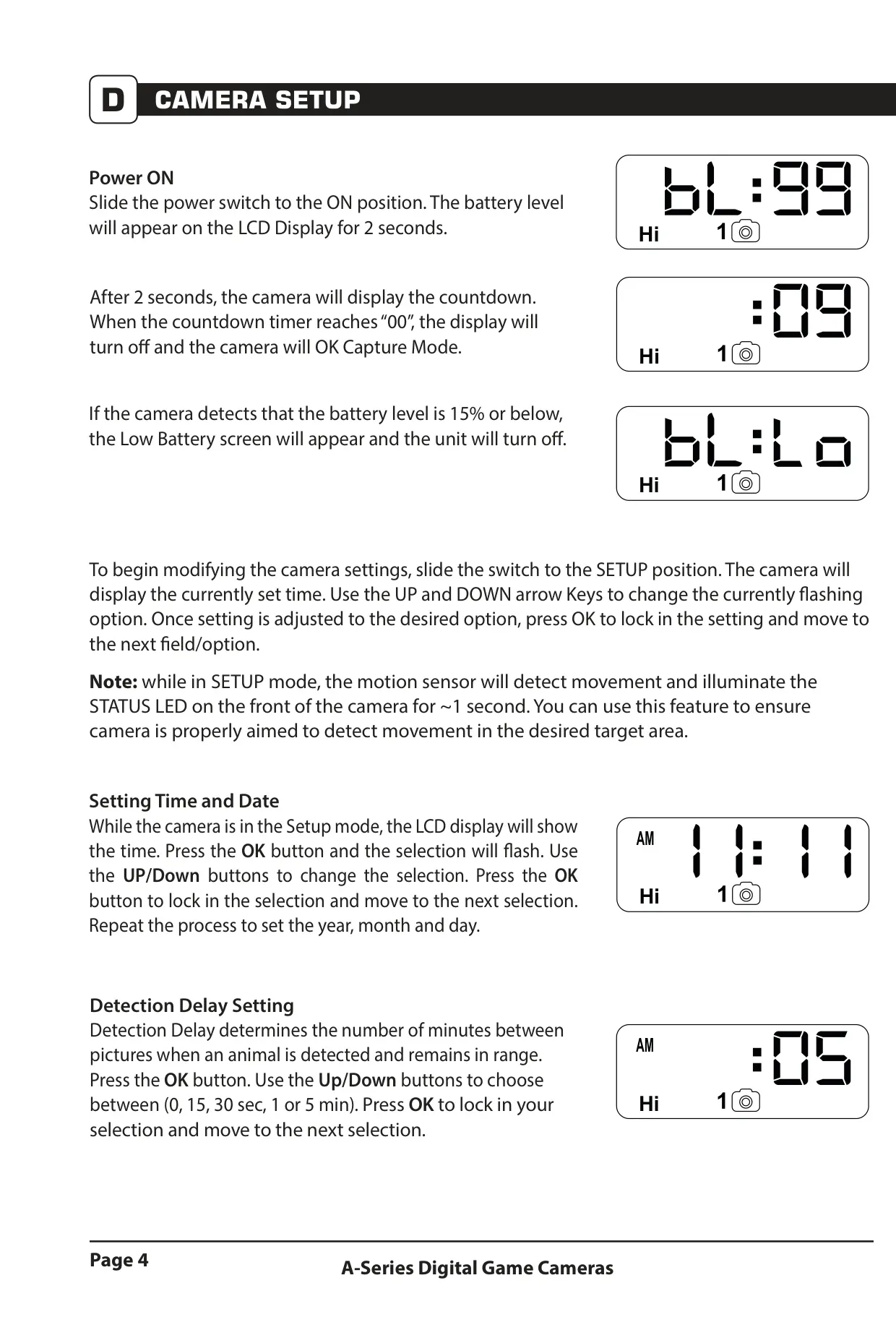
The Moultrie A-20 Digital Game Camera ensures reliable wildlife monitoring with straightforward setup. Install eight AA Alkaline or Lithium batteries (Energizer™ recommended) with camera OFF, matching polarity. An SD memory card up to 32GB is essential; insert until it clicks. Powering ON displays battery level, then counts down to silent capture mode, turning off the display to conserve energy.
Optimal camera placement is crucial. Mount the A-20 approximately 3 feet high on a tree or pole using the strap. Aim slightly downward along trails and face North or South to minimize sun glare. Clear brush from the camera's front to prevent false triggers from wind, ensuring accurate detection of wildlife.
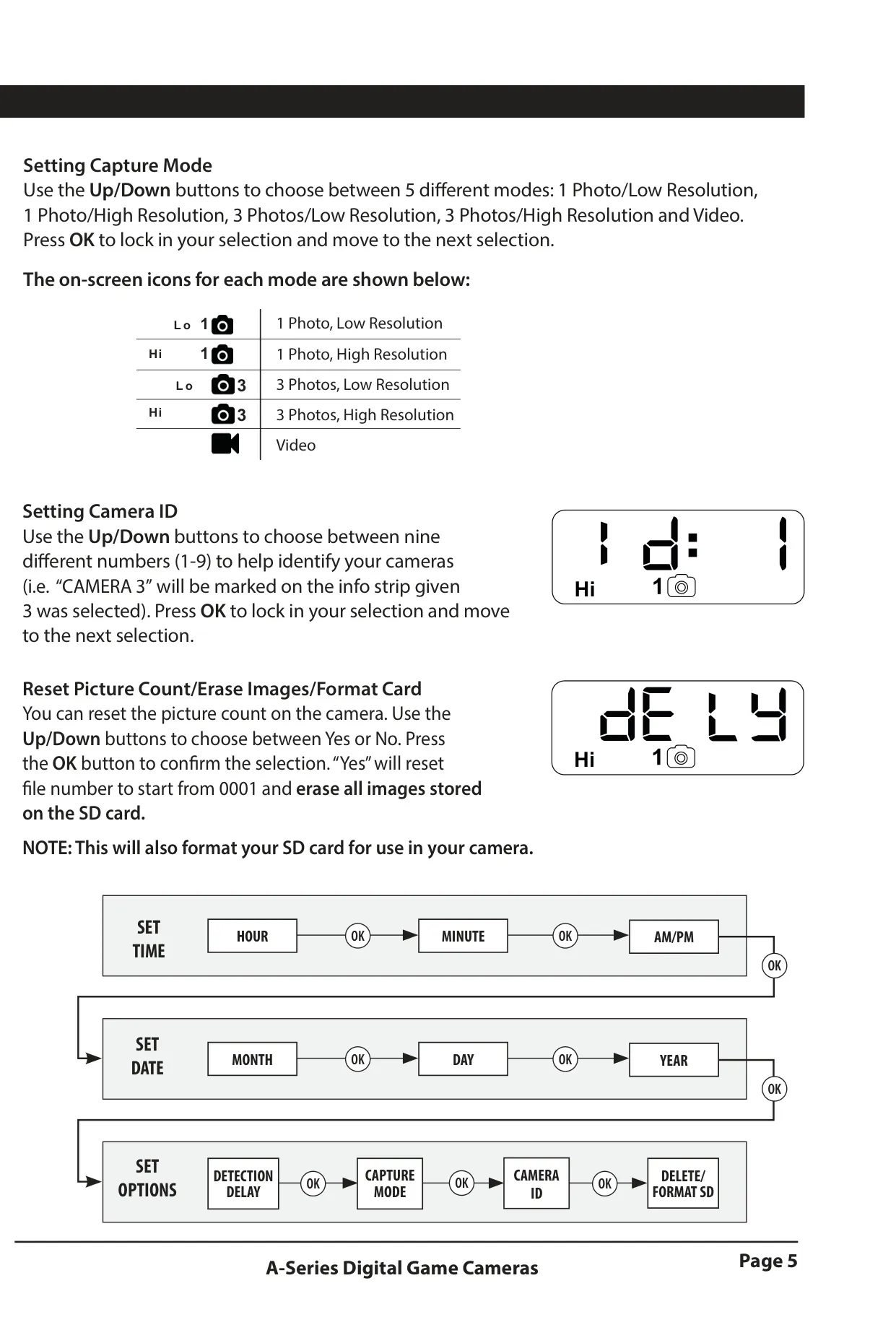
The camera's SETUP mode offers extensive customization. Precisely set time and date for accurate timestamps. 'Detection Delay' (0, 15, 30 seconds, 1 or 5 minutes) controls intervals between captures, preventing redundant photos and optimizing battery/memory. Five distinct Capture Modes (1 Photo/Low, 1 Photo/High, 3 Photos/Low, 3 Photos/High, Video) provide flexibility.
A unique Camera ID (1-9) can be assigned in SETUP mode to simplify managing multiple units. This mode also facilitates critical maintenance: reset picture count, erase all images, and format the SD card. Formatting optimizes performance, but permanently deletes all data, so backup first. Illuminated status LED confirms motion detection for precise aiming.
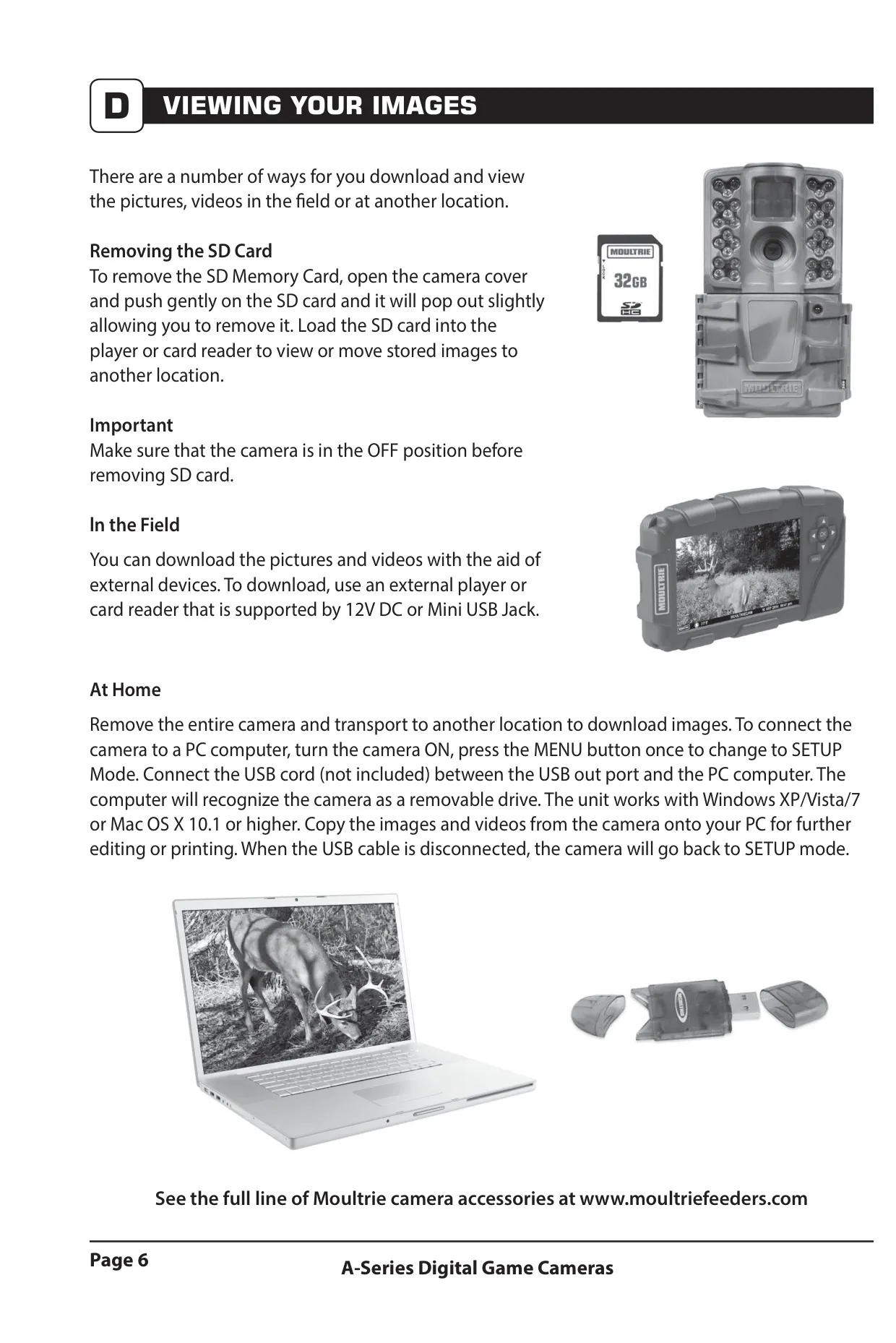
Viewing captured media is convenient. The SD card removes easily (camera OFF) for use with an external player or card reader. For home review, connect the camera (in SETUP mode) to a PC via a Mini USB cable (not included). It acts as a removable drive for file transfer (Windows XP/Vista/7, Mac OS X 10.1+).
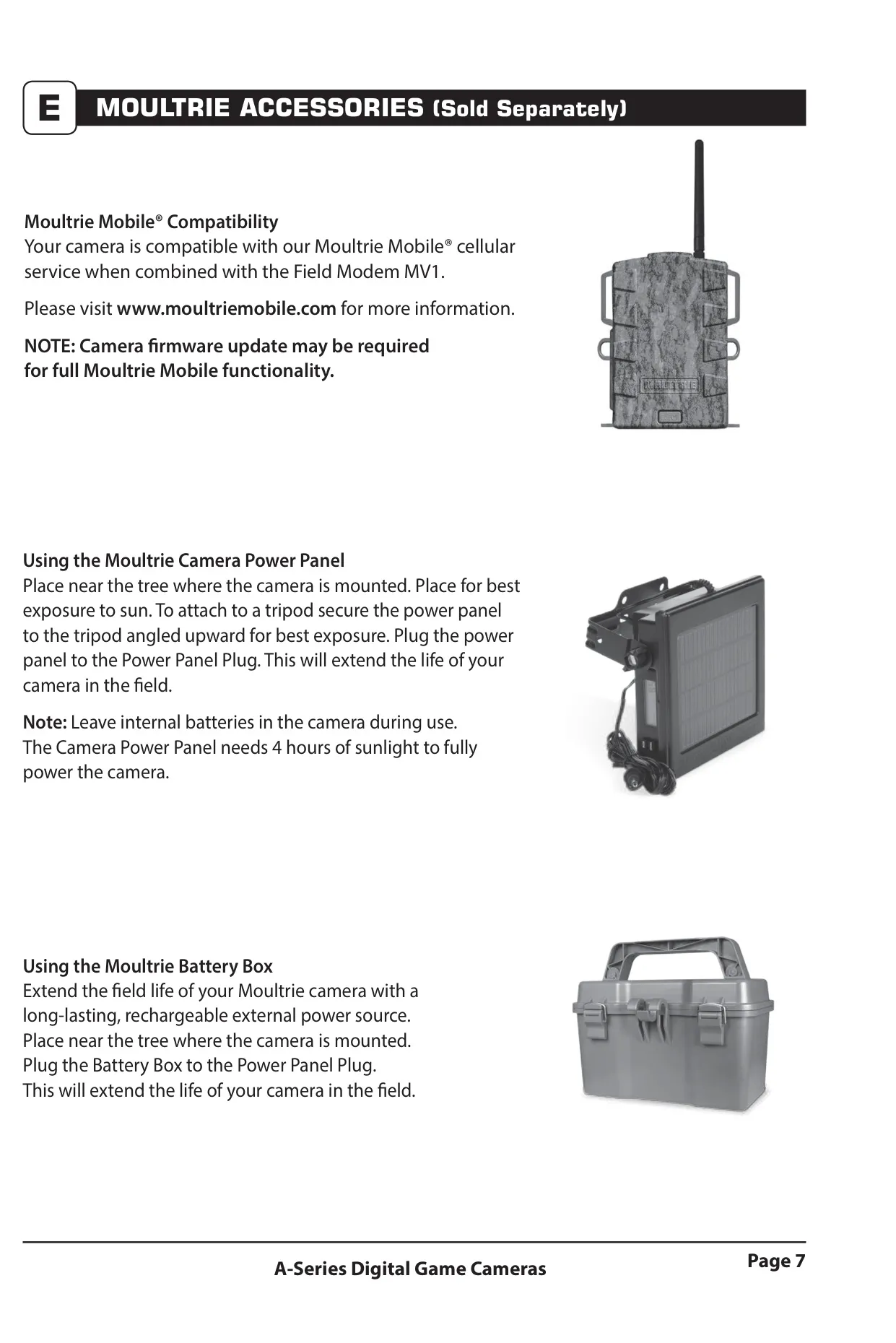
Extend field operation with external power accessories. The A-20 is compatible with Moultrie Mobile® cellular service via the Field Modem MV1 (firmware update may be needed). Options like the Moultrie Camera Power Panel (solar) and Moultrie Battery Box provide long-lasting power. Internal batteries should always remain installed.
Proper battery care is vital for longevity. Use recommended Alkaline or Lithium batteries, never mixing old and new; replace all eight simultaneously. Remove batteries entirely when the camera is not in use for prolonged periods to prevent corrosion and ensure peak operational readiness.
Moultrie backs the A-20 with a 2-year limited warranty, covering material/workmanship defects. Register online at www.moultriefeeders.com/warranty to activate. Troubleshooting and customer service contact information are available on the Moultrie website for support and operational questions.
Frequently Asked Questions (FAQs)
Can't find the answer you need? Here are some frequently asked questions about the Moultrie A-20 (MCG-13129) Digital Game Camera, and we answer them below.