Moultrie A-700 (MCG-13334) Instruction Manual

Moultrie A-700 (MCG-13334)






Moultrie A-700 (MCG-13334)
Moultrie A-700 (MCG-13334) Instructions
Here we offer the Moultrie A-700 (MCG-13334) manual completely free and in English. We have cataloged this manual in the Digital Game Cameras section on Manualverse, and it has been rated by 1 users with an average rating of 5. If you have any specific questions about Moultrie A-700 (MCG-13334), we suggest checking the Frequently Asked Questions (FAQs) section of this manual.
Product Images
-1.webp)
-2.webp)
-3.webp)
-4.webp)
-5.webp)
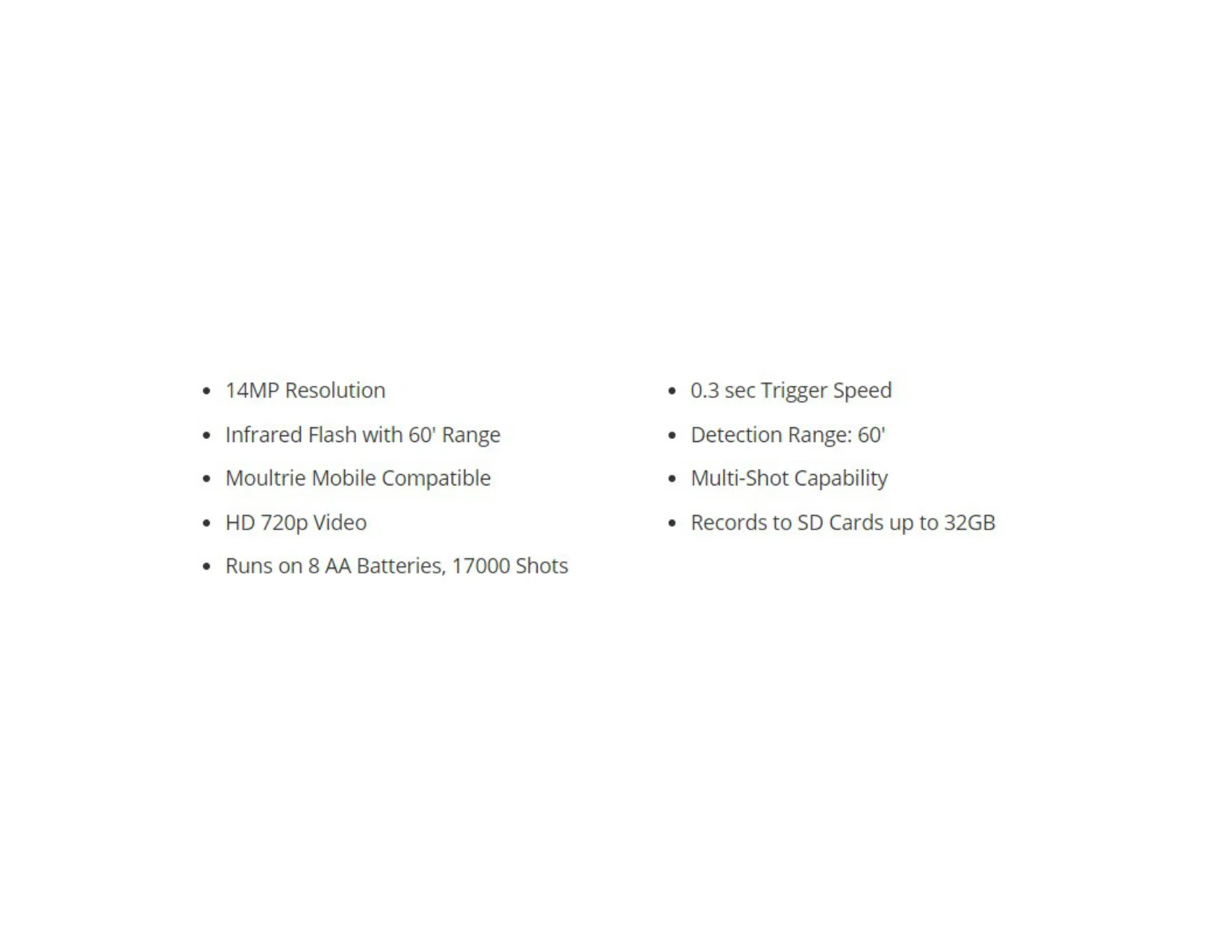
Moultrie A-700 (MCG-13334) Digital Game Camera Specifications
| Feature | Specification |
|---|---|
| Model Number | MCG-13334 |
| Resolution | 14 MP |
| Trigger Speed | 0.3 seconds |
| Flash Type | Infrared |
| Flash Range | 60 feet |
| Detection Range | 60 feet |
| Video Resolution | HD 720p |
| SD Card Support | SDHC Class 10 up to 32 GB |
| Power Source | 8 AA Batteries |
| Battery Life (Estimated) | 17,000 shots |
| Warranty | 2 years |
| Moultrie Mobile Compatibility | Yes (with Moultrie Field Modem) |
| Multi-Shot Capability | Yes |
Moultrie A-700 (MCG-13334) Details
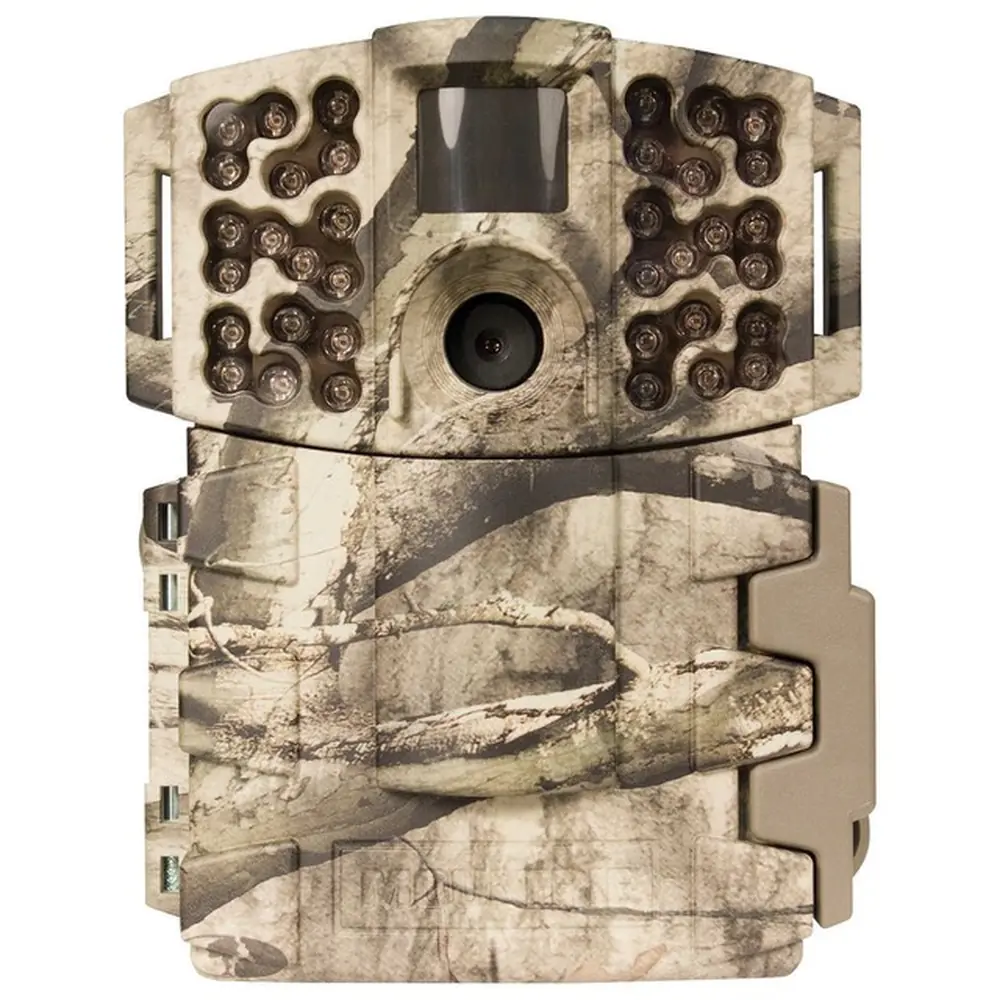
The Moultrie A-700 (MCG-13334) digital game camera is designed for straightforward operation and reliable performance in the field. Its easy setup instructions guide users through installing eight AA batteries and an SD card. It is crucial to use SDHC Class 10 SD cards up to 32 GB for proper functionality. The camera also features an external 12V power port, allowing batteries to serve as a convenient backup power source, ensuring continuous operation even if external power is lost.
For optimal image capture, proper camera placement is key. The manual suggests mounting the camera approximately three feet from the ground using the provided strap. To prevent overexposure, the camera should face either North or South, avoiding direct sunlight. Clearing brush from the front of the camera helps prevent false triggers, ensuring that only relevant movement is captured. When monitoring game trails, it's recommended to position the camera looking down the trail rather than directly across it for better coverage.
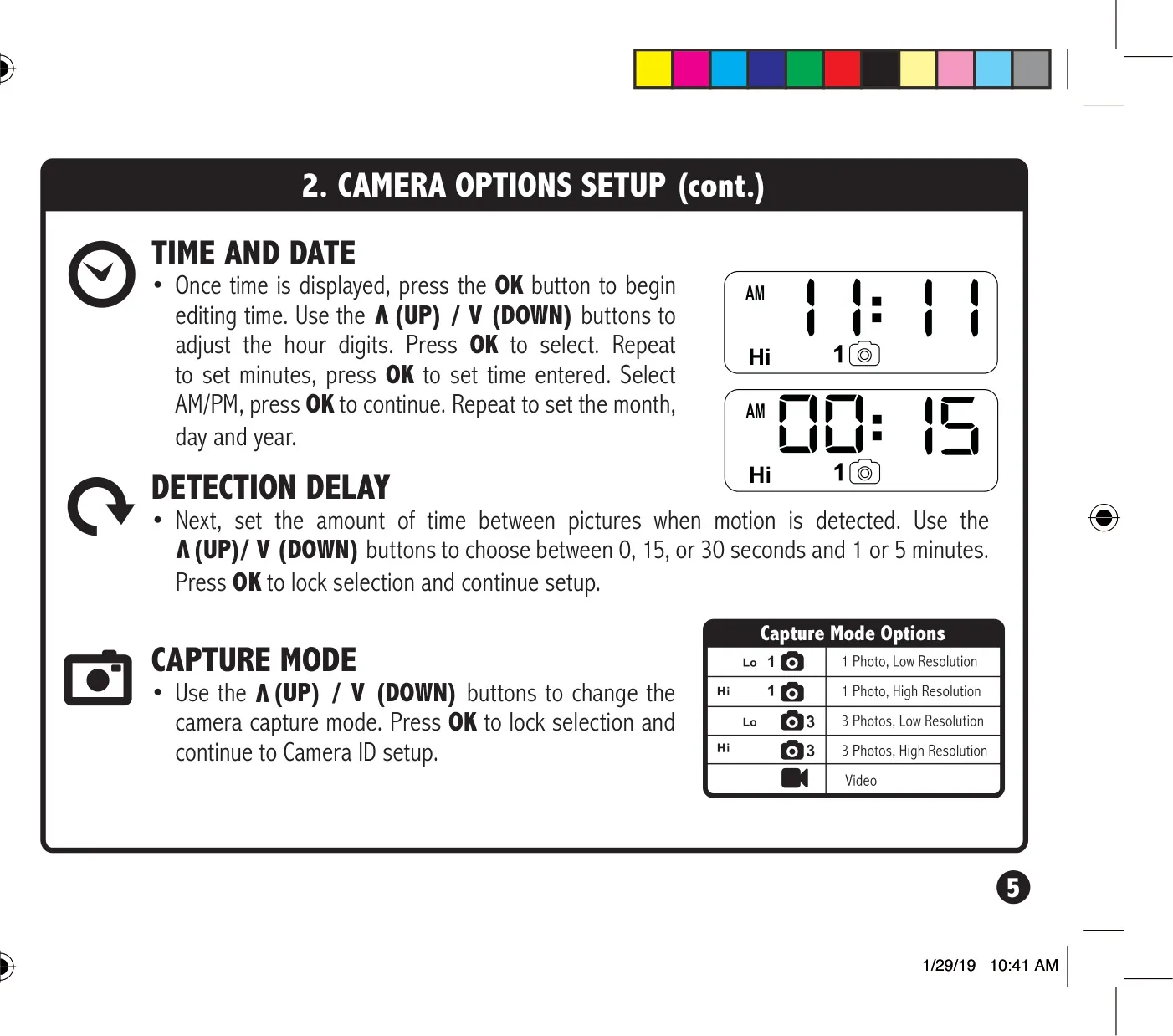
Setting up the camera's functions is done through the intuitive SETUP mode. Here, users can adjust the time and date, which are critical for accurate record-keeping. A unique feature in SETUP mode is the activation of a STATUS LED for one second when motion is detected. This allows for precise aiming of the camera, ensuring its detection zone covers the intended target area effectively before switching to capture mode.
The A-700 offers adjustable detection delay options, allowing users to choose the interval between successive pictures after motion is detected. Available settings include 0, 15, or 30 seconds, and 1 or 5 minutes, providing flexibility based on monitoring needs. Users can also set a camera ID number (from 1 to 9), which will be displayed on captured images, making it easy to identify footage from specific cameras in multi-camera setups. The camera supports a multi-shot capability to ensure comprehensive capture.
Maintenance and data management are made simple with the erase images function. By navigating to "dELY" (Delete Yes) in the setup menu and pressing OK, all images stored on the SD card can be reformatted and deleted, effectively resetting the picture count. The camera also informs users of low battery conditions by displaying "bL:L0" when the power level drops to 15% or below, prompting timely battery replacement to avoid interruptions in monitoring. Moultrie recommends using only Alkaline or Lithium batteries, emphasizing not to mix old and new batteries or different battery types, and to always replace all eight batteries simultaneously.
Finally, the A-700 is compatible with Moultrie Mobile® cellular service when paired with a Moultrie® Field Modem, offering an advanced option for remote monitoring. The product comes with a 2-year limited warranty, requiring registration on the Moultrie website for activation. Comprehensive troubleshooting tips and support resources are available online, ensuring users can get assistance with any operational questions or issues they might encounter.
Frequently Asked Questions (FAQs)
Can't find the answer you need? Here are some frequently asked questions about the Moultrie A-700 (MCG-13334) Digital Game Camera, and we answer them below.