Moultrie A-900i (MCG-14002) Instruction Manual

Moultrie A-900i (MCG-14002)







Moultrie A-900i (MCG-14002)
Moultrie A-900i (MCG-14002) Instructions
Here we offer the Moultrie A-900i (MCG-14002) manual completely free and in English. We have cataloged this manual in the Digital Game Cameras section on Manualverse, and it has been rated by 1 users with an average rating of 5. If you have any specific questions about Moultrie A-900i (MCG-14002), we suggest checking the Frequently Asked Questions (FAQs) section of this manual.
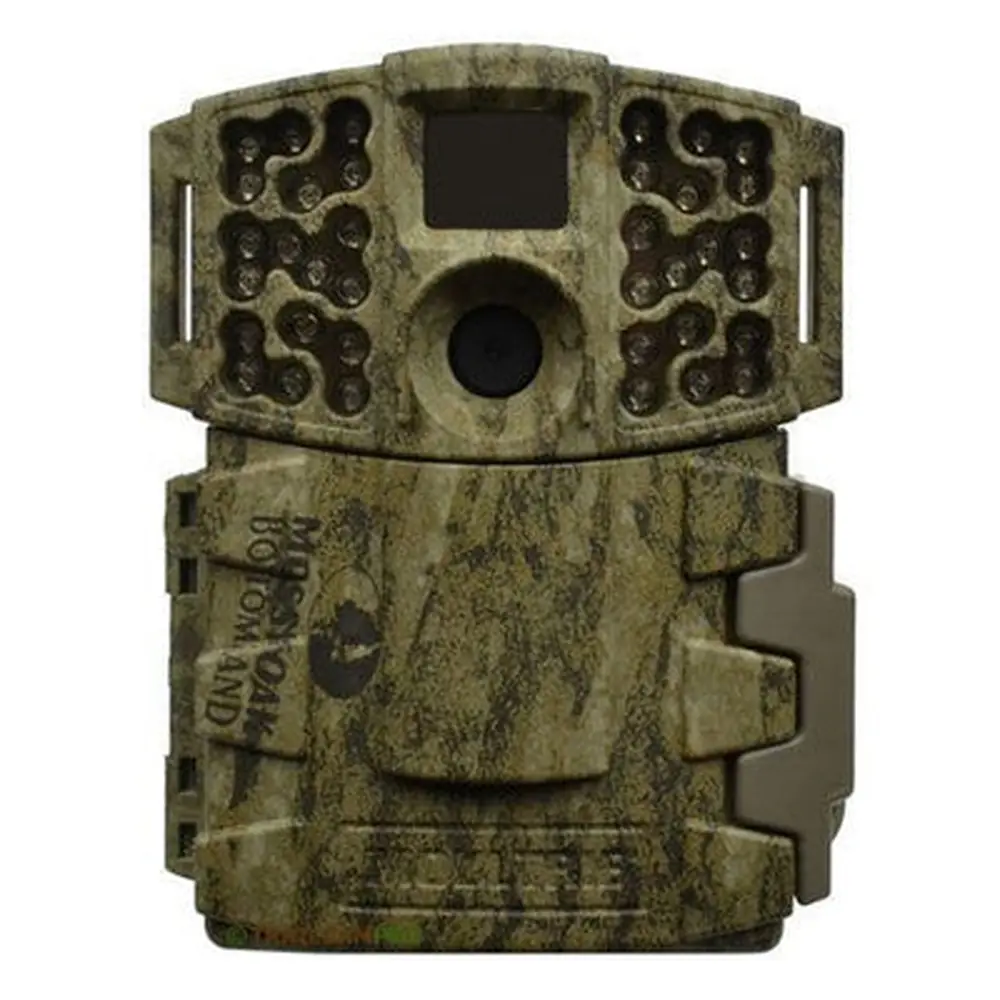
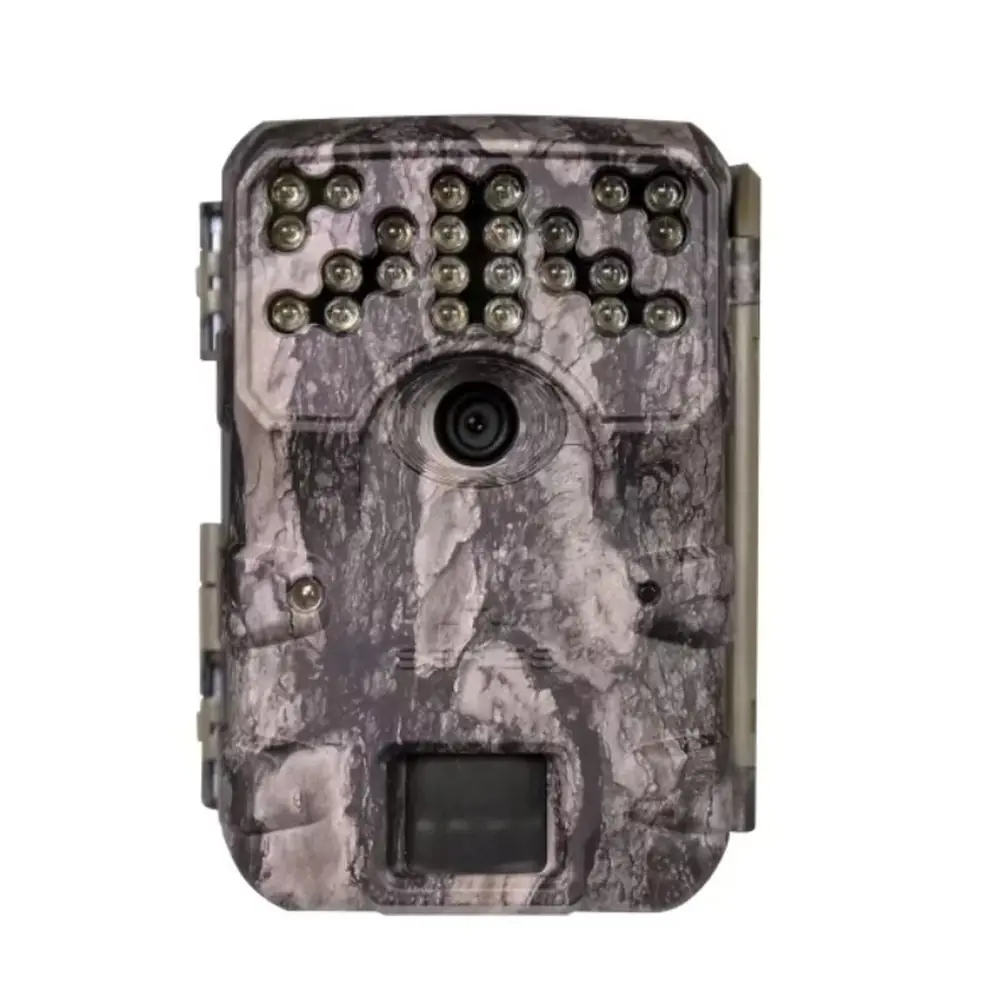
Product Images


Moultrie A-900i (MCG-14002) Specifications
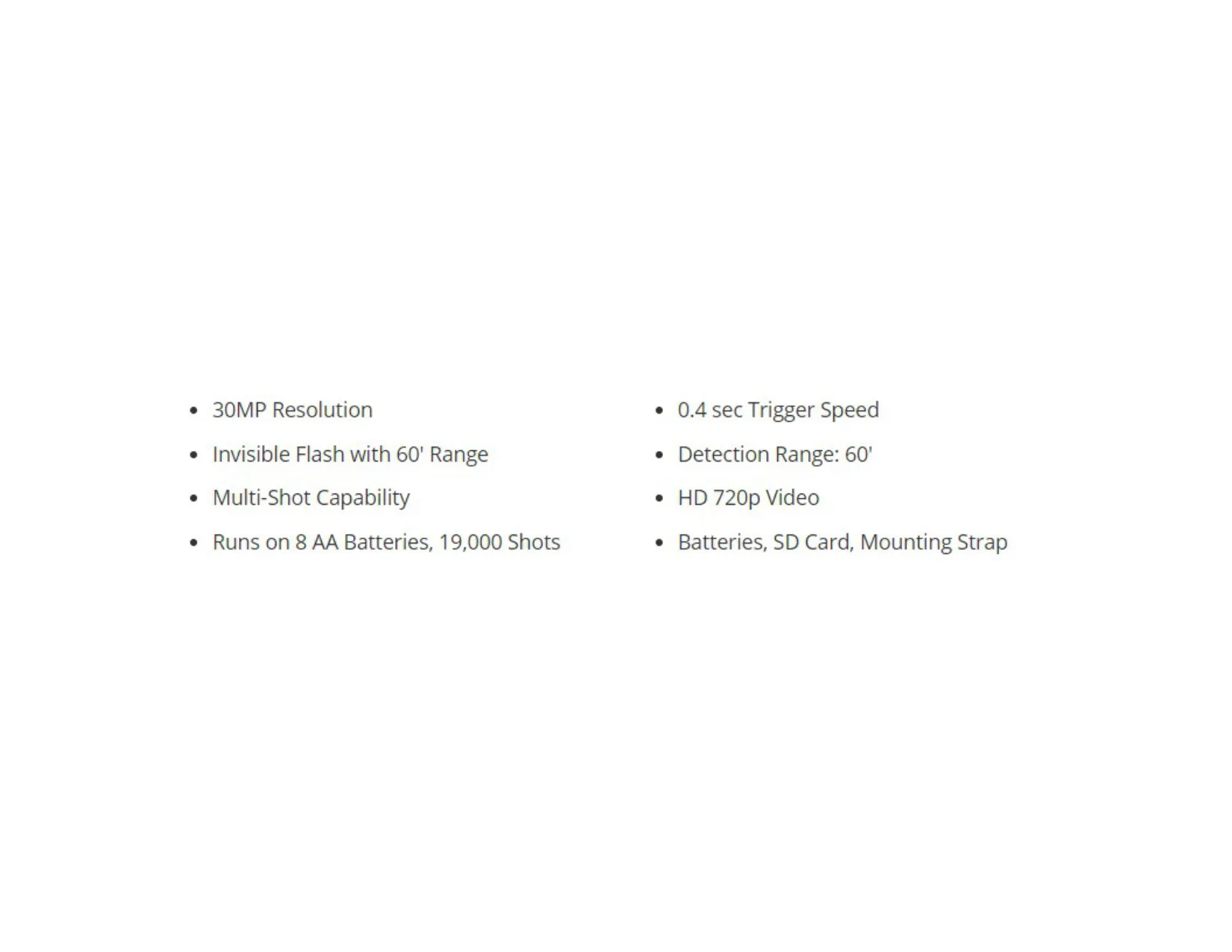
| Feature | Specification |
|---|---|
| Model Name | Moultrie A-900i |
| Model Number | MCG-14002 |
| Resolution | 30MP |
| Trigger Speed | 0.4 seconds |
| Detection Range | 60 feet |
| Video Resolution | HD 720p |
| Flash Type | Invisible Flash |
| Flash Range | 60 feet |
| Shot Capability | Multi-Shot |
| Power Source | 8 AA Batteries |
| Estimated Battery Life | 19,000 Shots (with 8 AA Batteries) |
| Standard Warranty | 1 year |
| Extended Warranty | 2 years (with registration within 60 days of purchase) |
| Memory Management | Selectable ON/OFF (Managed Memory) |
| Connectivity | Micro USB Port, External Power Port |
| FCC Compliance | Part 15 Class B Digital Device |
| Included Accessories | Batteries, SD Card, Mounting Strap |
Moultrie A-900i (MCG-14002) Details
The Moultrie A-900i (MCG-14002) game camera is designed for user convenience and robust field performance. Its intuitive interface includes navigation buttons, an LCD display, and a mode selector slider, making setup and operation straightforward for any user. This design ensures that configuring settings, viewing status, and managing images can be done quickly and efficiently, even in remote locations where external tools are not readily available.
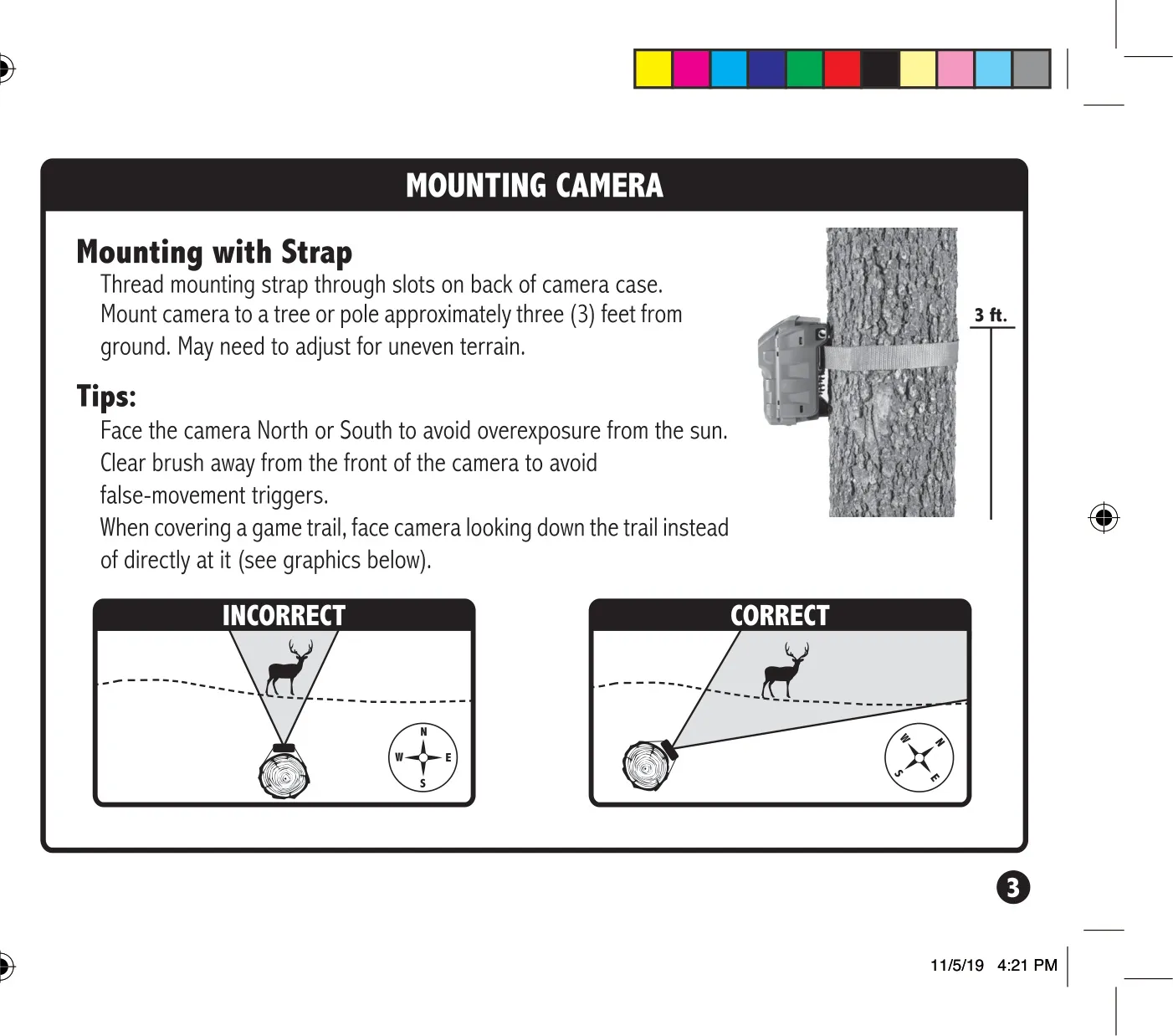
Mounting the camera is made simple with the included strap. For optimal performance, the manual advises positioning the camera approximately three feet from the ground, adjusting for uneven terrain as needed. To prevent overexposure from direct sunlight and false triggers, it's recommended to face the camera North or South and clear any brush from its immediate front. When monitoring game trails, pointing the camera down the trail rather than directly across it can yield more effective results.
A useful feature of the A-900i is the ability to assign a Camera ID. Users can select a number between 1 and 9, which will then be displayed on all captured images. This functionality is particularly beneficial for individuals operating multiple cameras, allowing for easy identification of which camera captured specific photos or videos without needing to be physically present at the camera's location.
Image management on the Moultrie A-900i includes a function to erase all images and reset the picture count on the SD card. By navigating to the "dELY" (Delete Yes) option and pressing ENTER, users can quickly reformat and clear the SD card. Additionally, the camera offers Managed Memory settings, allowing users to choose "ON" to have the oldest files automatically overwritten with new images once the SD card reaches full capacity, or "OFF" to stop saving new images when the card is full.
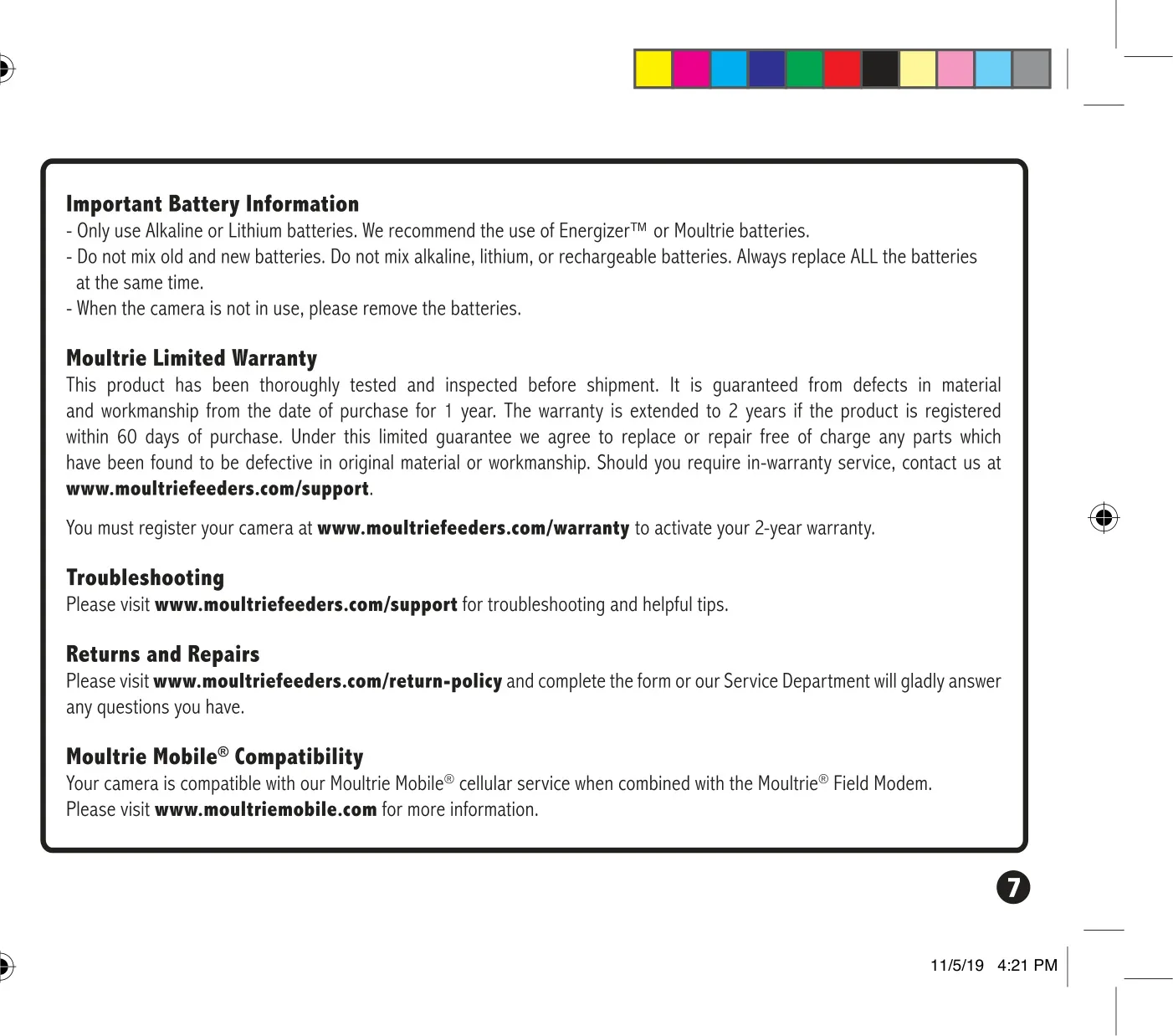
For power, the A-900i uses 8 AA batteries, and Moultrie recommends using either Alkaline or Lithium batteries, specifically Energizer or Moultrie brands. It is crucial to always replace all batteries at the same time and avoid mixing old and new batteries, or different types (alkaline, lithium, rechargeable). Removing batteries when the camera is not in use helps preserve their life and prevents potential damage to the unit. The camera also supports external power through its dedicated port.
Moultrie provides a standard 1-year limited warranty for the A-900i, which can be extended to 2 years by registering the product within 60 days of purchase on their website. Comprehensive support resources, including troubleshooting guides and return policies, are available online. Furthermore, the A-900i is compatible with Moultrie Mobile cellular service when paired with a Moultrie Field Modem, offering enhanced monitoring capabilities for users seeking remote access to their camera data.
Frequently Asked Questions (FAQs)
Can't find the answer you need? Here are some frequently asked questions about the Moultrie A-900i (MCG-14002), and we answer them below.