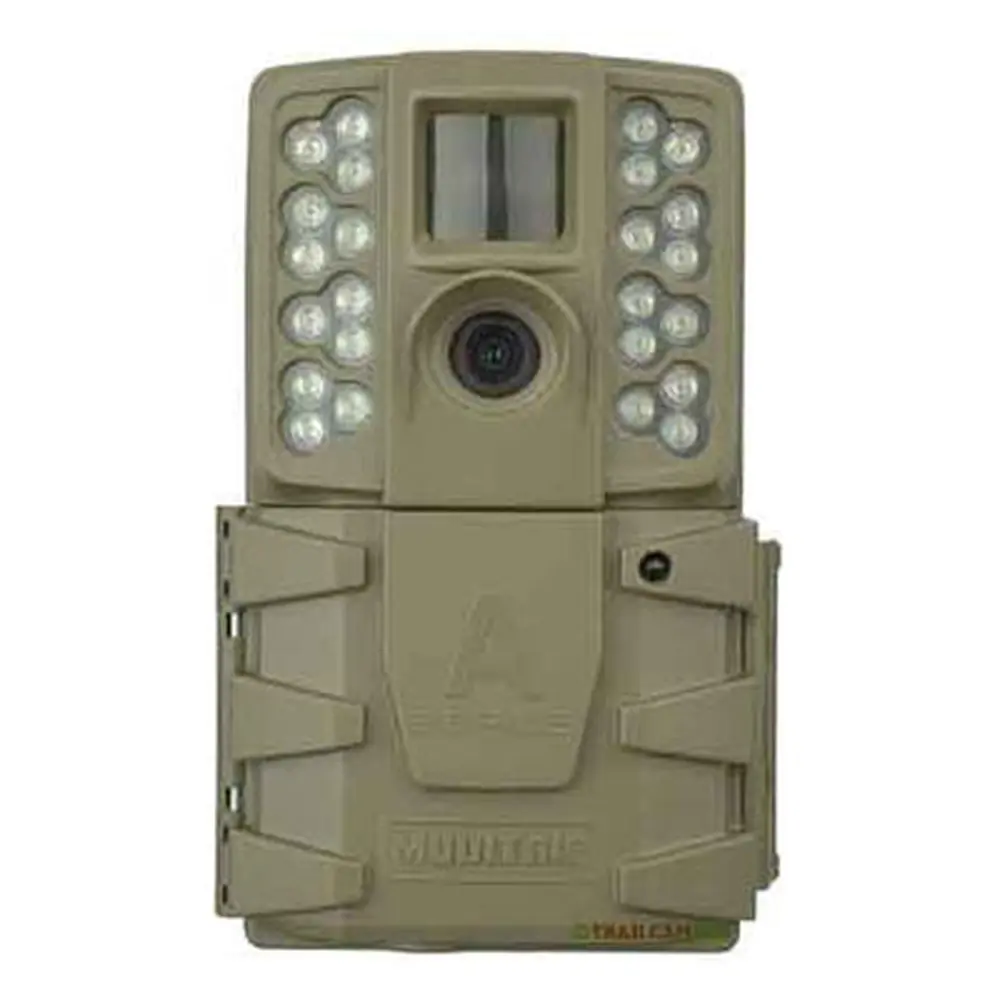
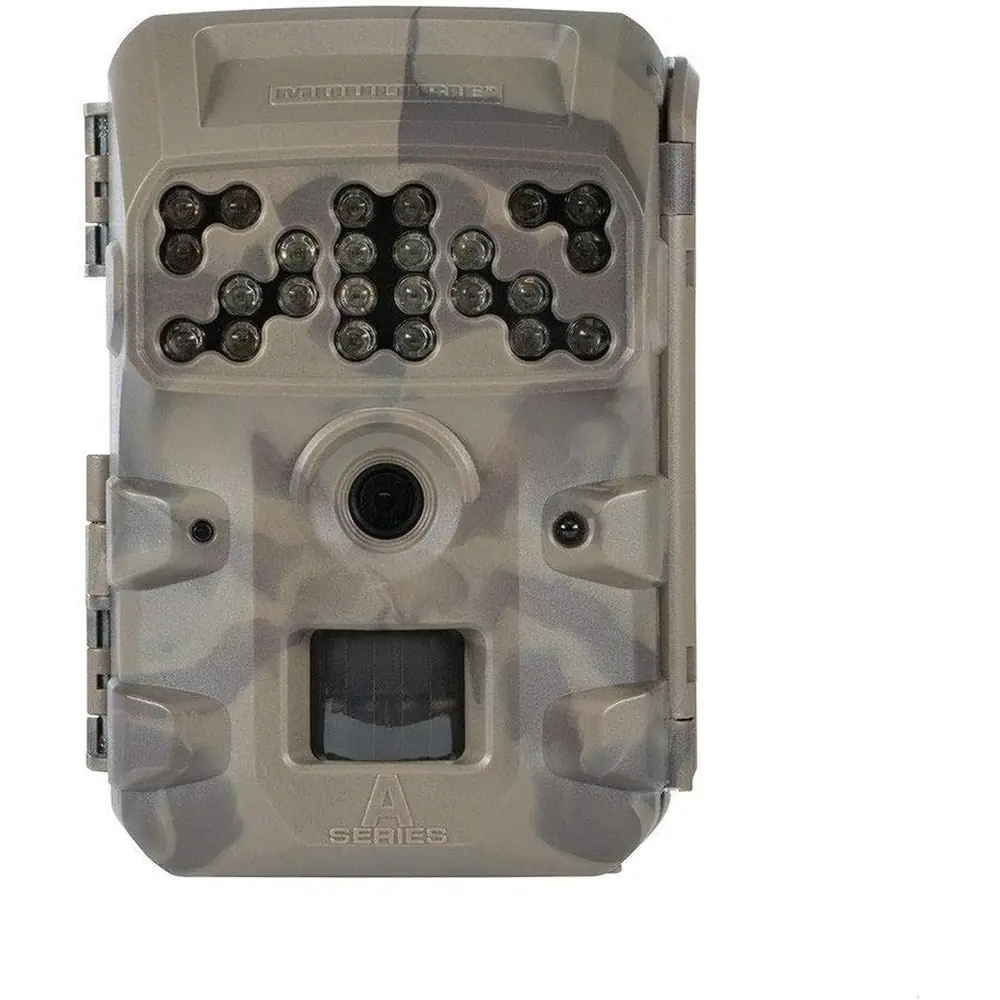
Moultrie M-990i (MCG-12634) Digital Game Camera Instruction Manual
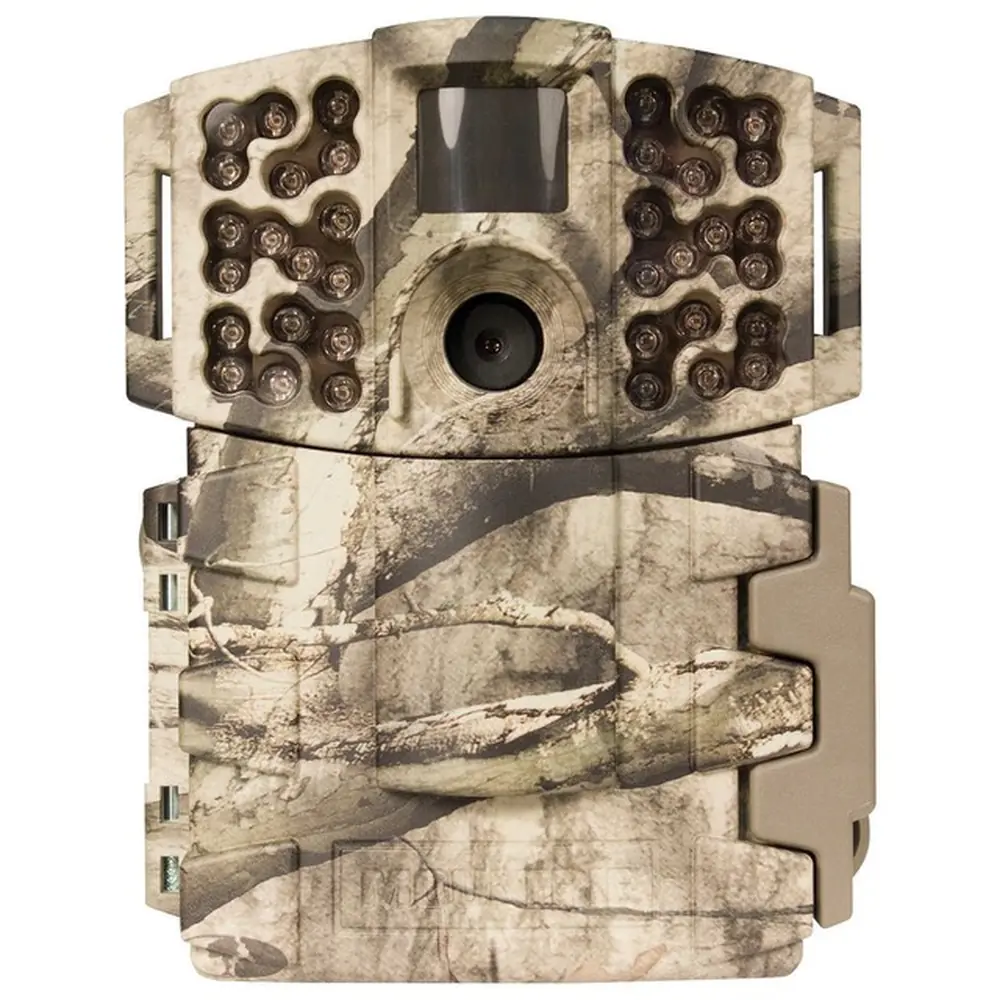
Moultrie M-990i (MCG-12634) Digital Game Camera Instruction Manual
Moultrie M-990i (MCG-12634) Digital Game Camera


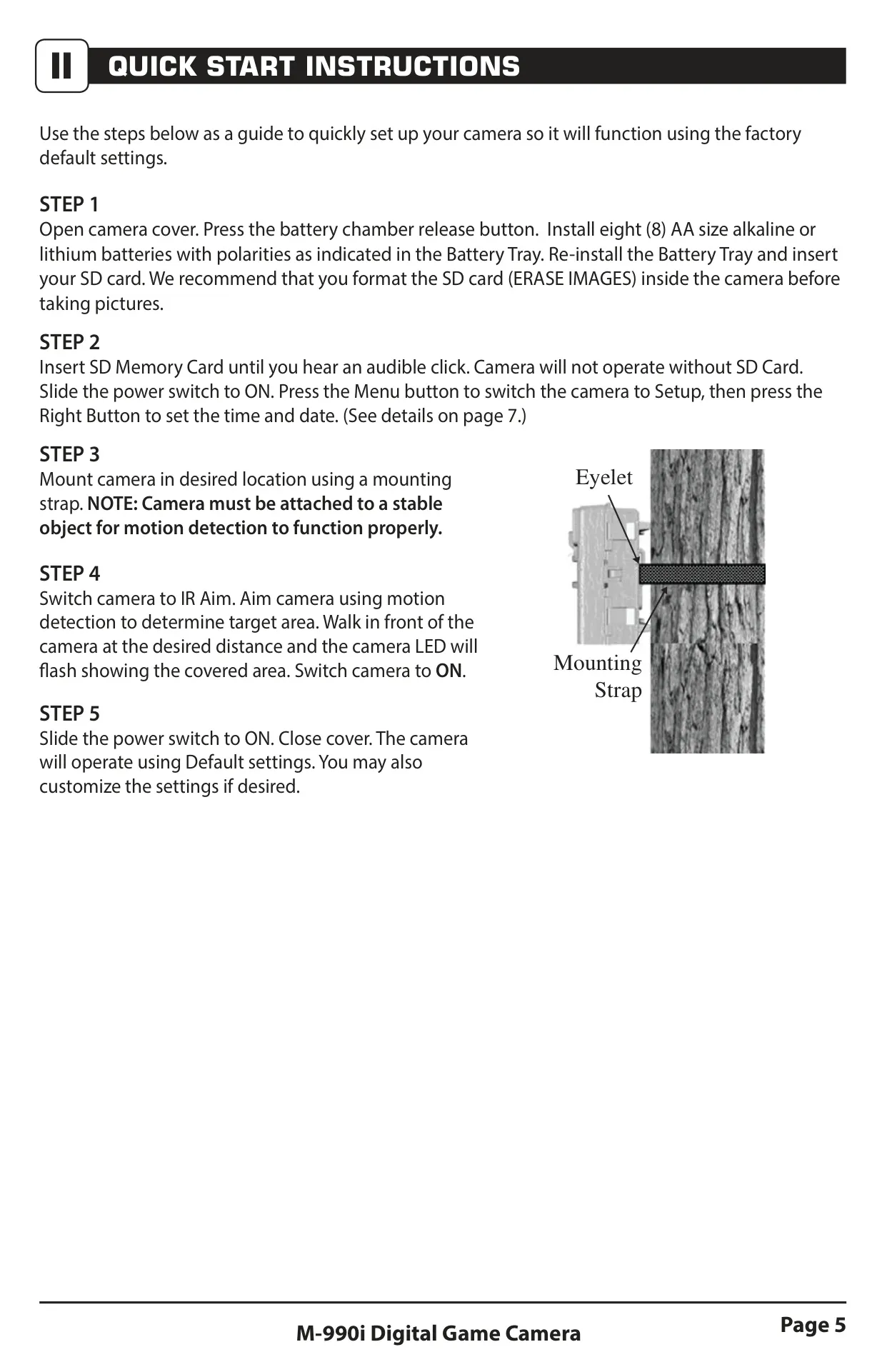








Moultrie M-990i (MCG-12634) Digital Game Camera

Moultrie M-990i (MCG-12634) Instructions
Here we offer the Moultrie M-990i (MCG-12634) Digital Game Camera manual completely free and in English. We have cataloged this manual in the Digital Game Cameras section on Manualverse, and it has been rated by 1 users with an average rating of 5. If you have any specific questions about Moultrie M-990i (MCG-12634) Digital Game Camera, we suggest checking the Frequently Asked Questions (FAQs) section of this manual.
Product Images



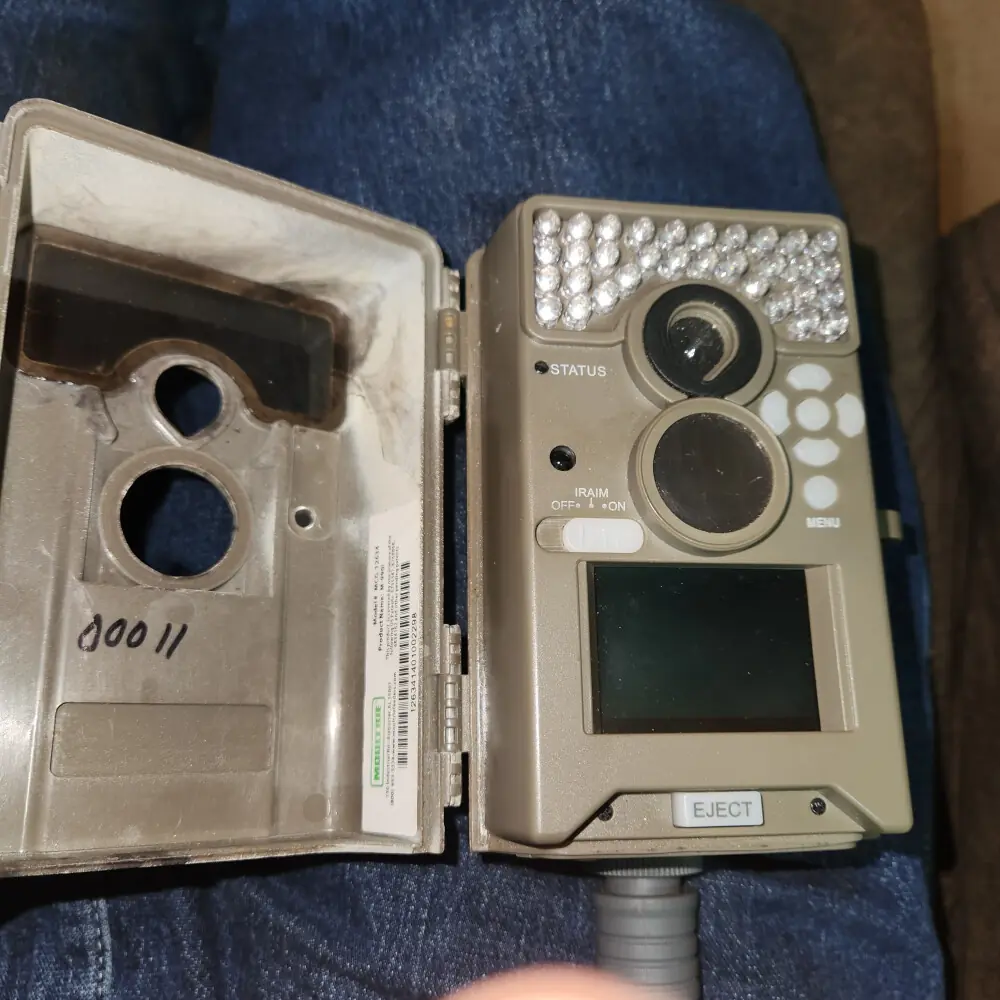
Moultrie M-990i (MCG-12634) Digital Game Camera Specifications
| Feature | Detail |
|---|---|
| Operational Mode | Motion Detect / Time Lapse / Motion + Time Lapse |
| Resolution (Still) | 10.0 MP |
| Still Resolutions (JPEG) | Low: 1280 x 720, Med: 1920 x 1080, High: 2688 x 1512, Enhanced: 4224 x 2376 |
| Video Resolutions (AVI) | VGA: 640 x 480, HD: 1280 x 720 |
| SD Memory Card | Up to 32 GB, Class 4 or higher (not included) |
| Format | JPEG (Still pictures), AVI (Video clips) |
| Power Supply | 8 AA Alkaline or Lithium batteries (not included) |
Moultrie M-990i (MCG-12634) Details
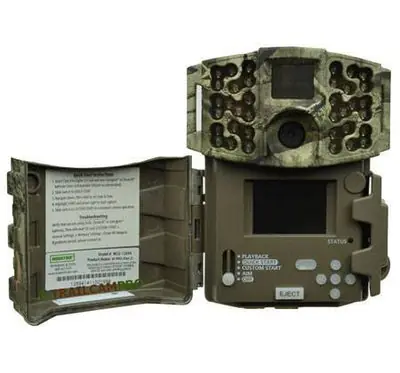
The Moultrie M-990i (MCG-12634) Digital Game Camera is designed for versatile field monitoring. It features an IR Aim mode that activates a red LED upon motion detection, allowing users to accurately position the camera and ensure the sensor covers the intended area. This functionality is crucial for precise setup and effective surveillance.
Navigation is intuitive with an OK/Select button, Up/Down/Left/Right buttons, and a Menu button controlling its functions. The integrated LCD display simplifies the setup and programming processes. The Menu button also serves to awaken the camera from its power-saving sleep state, conserving battery life during inactive periods.
Powering the device are eight (8) AA alkaline or lithium batteries. For media storage, an SD card slot supports cards up to 32GB (Class 4 or higher), which are essential for photo and video capture. Users are advised to format the SD card directly within the camera for optimal performance and compatibility.
Connectivity options include a USB port for direct PC connection to download media. Additionally, an External Power Port is exclusively compatible with Moultrie's PowerPanel, AC Adapter, or Battery Box accessories. It's important to note that using unauthorized power sources will void the product warranty and could potentially damage the camera.
The M-990i offers three versatile capture modes: Motion Detect, which triggers recording based on movement; Time Lapse, for capturing images at predefined intervals; and Motion + Time Lapse, which combines both for comprehensive monitoring. These modes provide significant flexibility to adapt to various outdoor observation scenarios.
Users can extensively customize image and video settings. This includes selecting from four photo quality resolutions, reaching up to 10MP (Enhanced: 4224x2376), and two video quality options, including HD (1280x720). The camera also allows for toggling video sound and adjusting video length from 5 to 90 seconds, catering to specific recording needs.
A notable advanced feature is Motion Freeze, which enhances clarity in night photos by minimizing motion blur, though it may slightly reduce the flash range. The camera can also imprint information such as its name and capture time directly onto images or videos, which is valuable for organization and post-analysis of recordings.
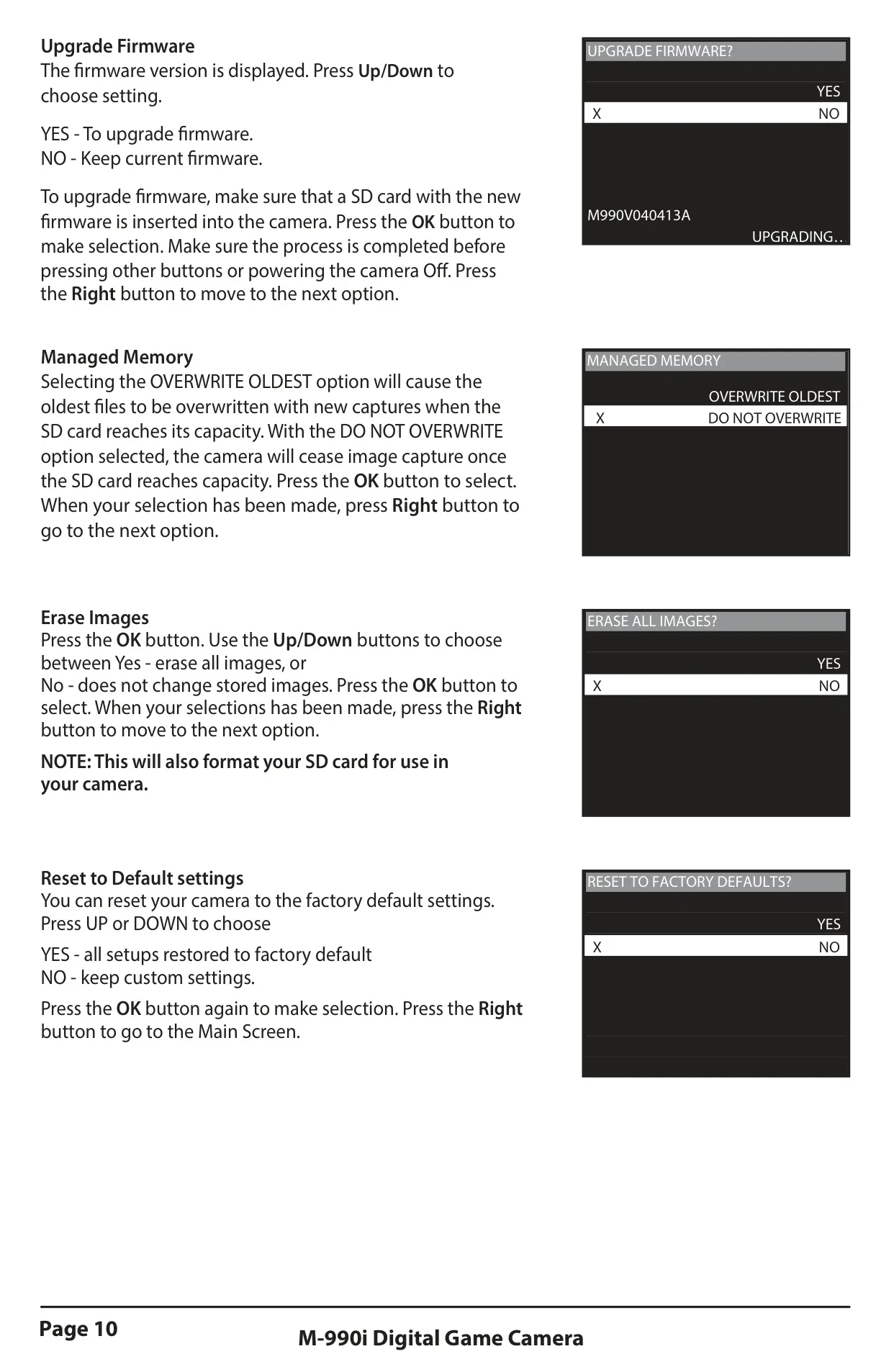
For efficient data handling, the Managed Memory setting lets users decide if the camera should overwrite the oldest files when the SD card reaches capacity or stop recording. The device also supports firmware upgrades via an SD card, ensuring it remains updated with the latest performance enhancements and features released by the manufacturer.
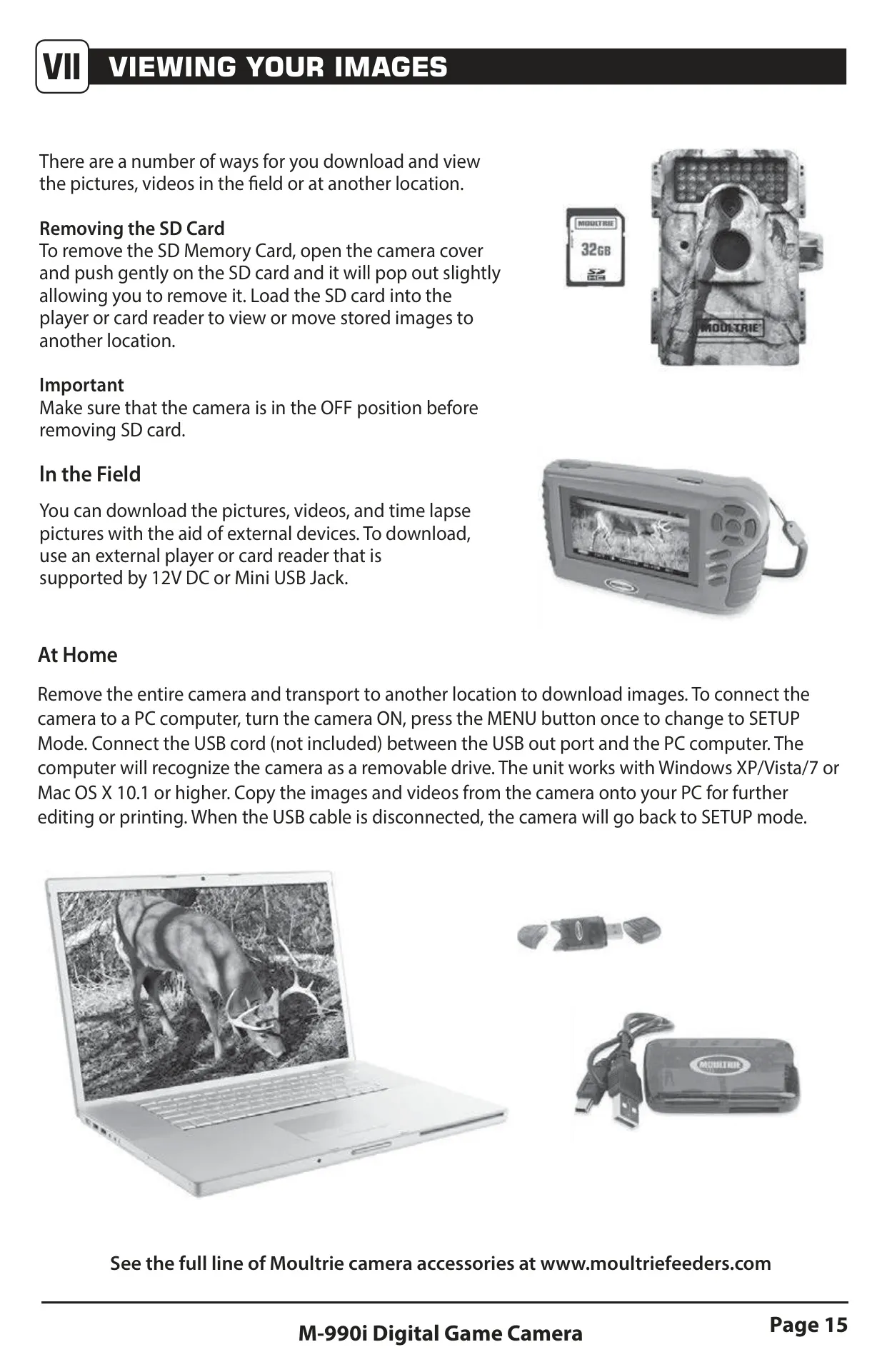
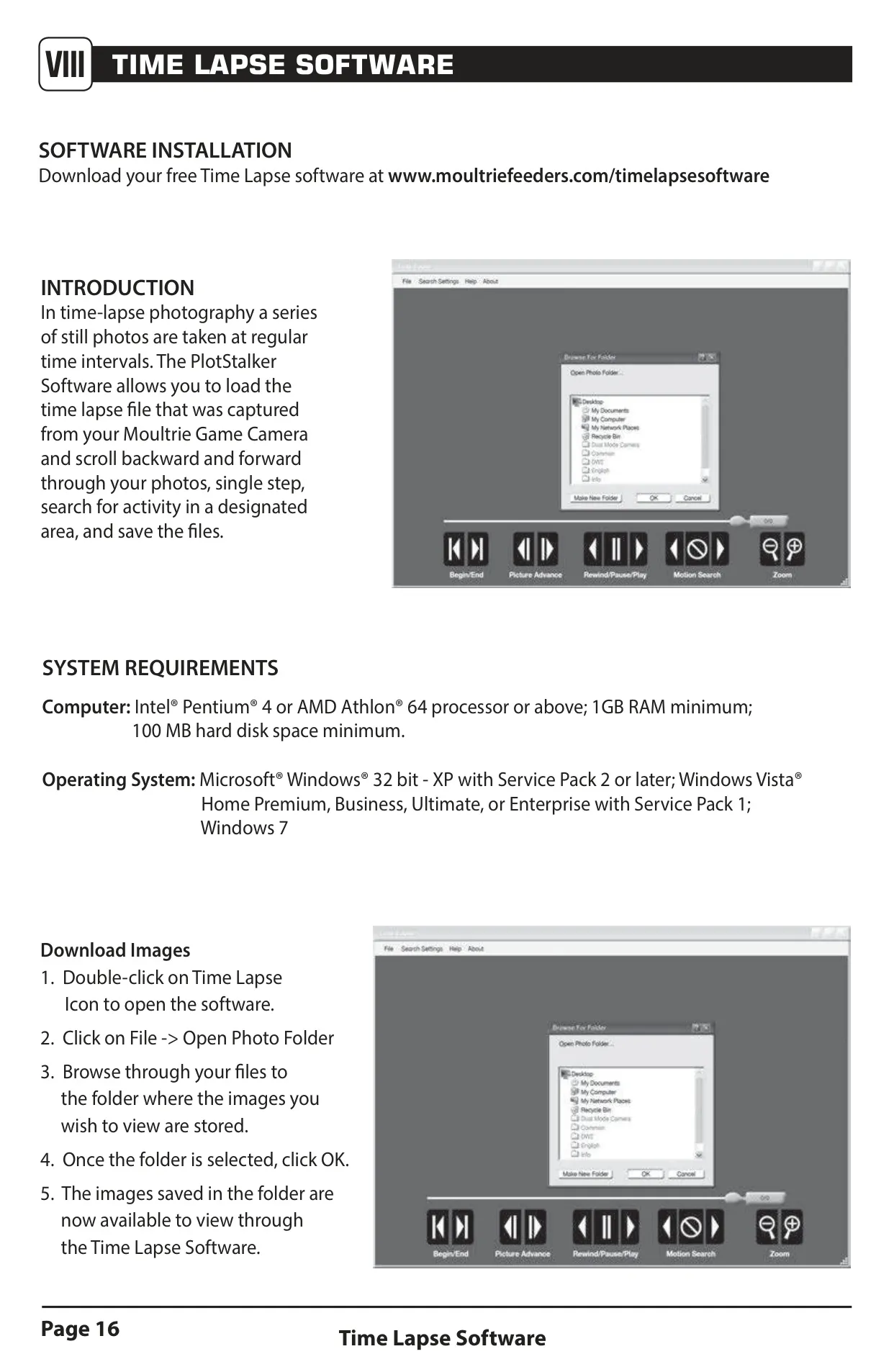
Viewing captured media is convenient; users can remove the SD card, connect to external field devices, or directly link the camera to a computer via the USB port. Moultrie further supports its users with free Time Lapse software for Windows, providing tools to manage, view, and even create dynamic videos from time-lapse photo sequences.
Security is addressed with an optional 5-digit security code to prevent unauthorized access. Moreover, the camera integrates seamlessly with various Moultrie accessories like a Tree Mount for flexible positioning, an AC Adapter, a PowerPanel for solar charging, and a Battery Box for extended operational life in the field, increasing its adaptability.
Frequently Asked Questions (FAQs)
Can't find the answer you need? Here are some frequently asked questions about the Moultrie M-990i (MCG-12634) Digital Game Camera, and we answer them below.