Moultrie GM-30i (MCG-13147) Digital Game Camera Instruction Manual
Moultrie GM-30i (MCG-13147) Digital Game Camera




Moultrie GM-30i (MCG-13147) Instructions
Here we offer the Moultrie GM-30i (MCG-13147) Digital Game Camera manual completely free and in English. We have cataloged this manual in the Digital Game Cameras section on Manualverse, and it has been rated by 1 users with an average rating of 5. If you have any specific questions about Moultrie GM-30i (MCG-13147) Digital Game Camera, we suggest checking the Frequently Asked Questions (FAQs) section of this manual.
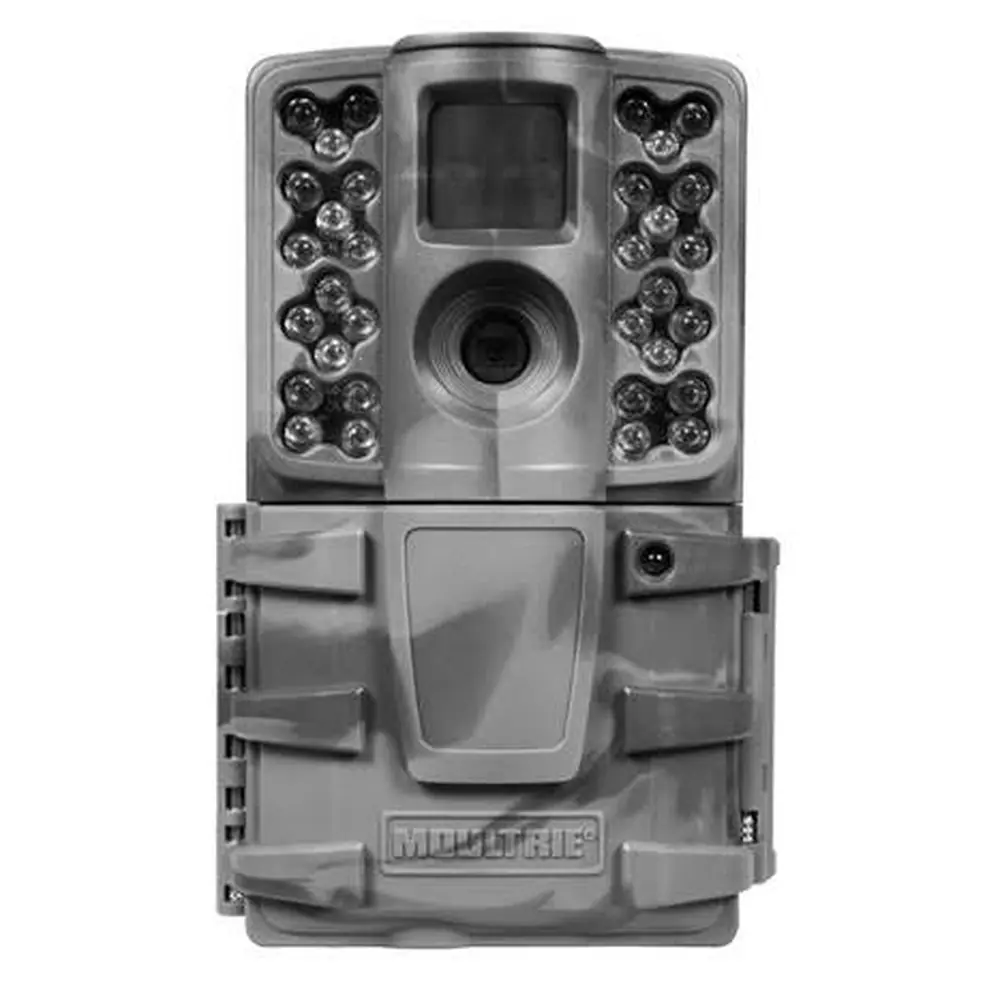
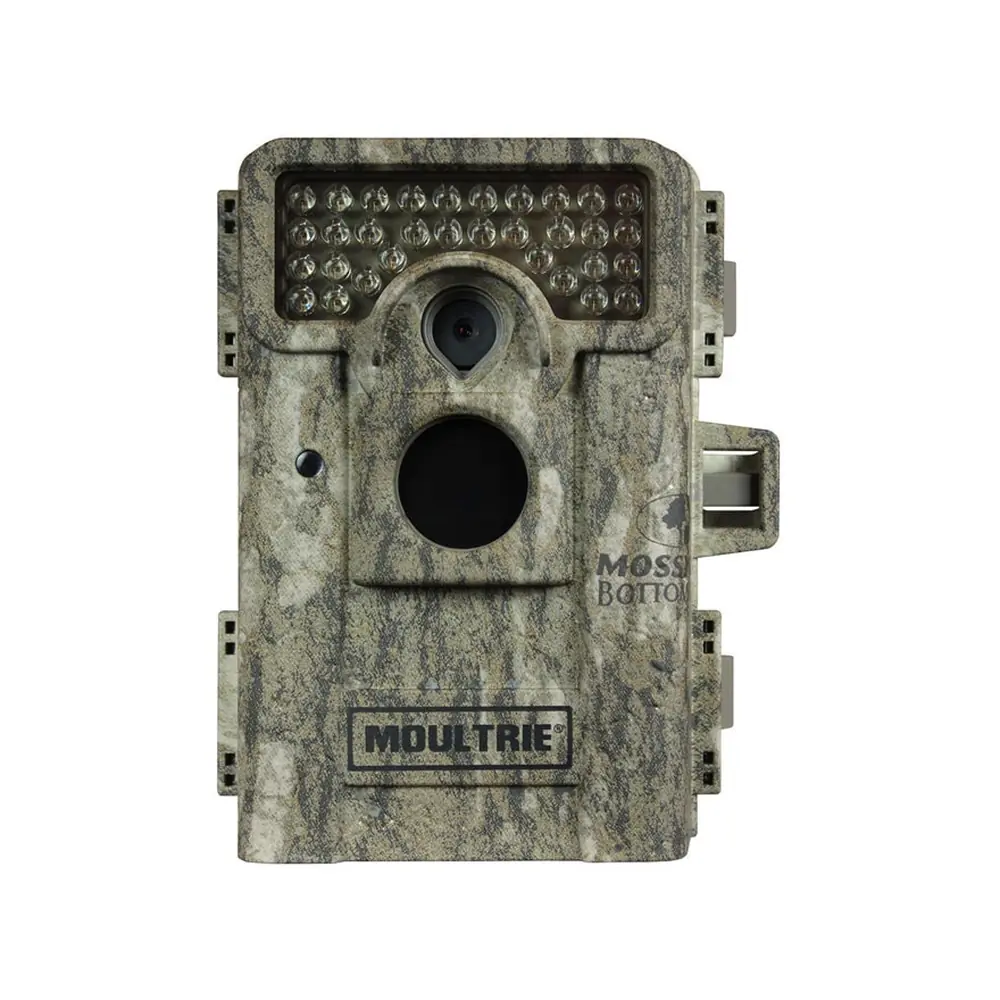
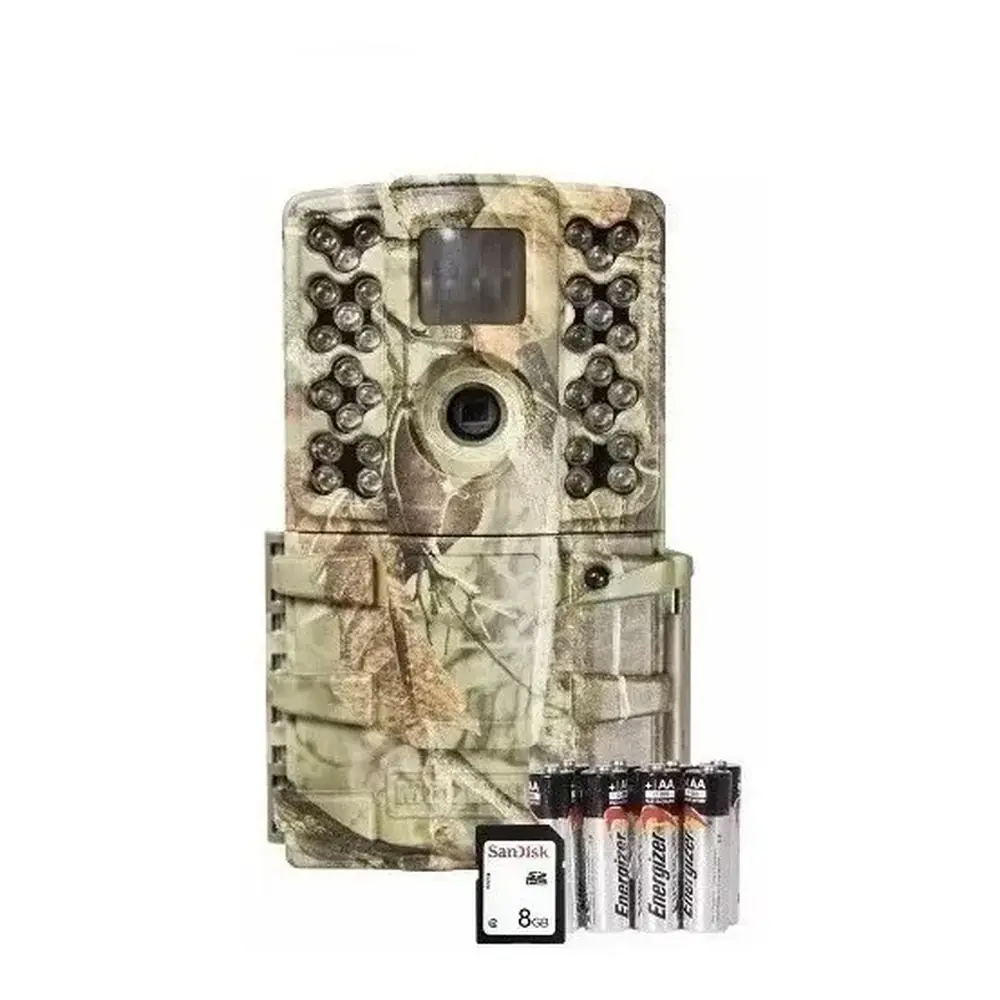
Product Images


Moultrie GM-30i (MCG-13147) Digital Game Camera Specifications
| Feature | Specification |
|---|---|
| Operational Modes | Game Detect / Video |
| Still Resolution | 14.0 MP |
| JPEG Still Resolutions | Low: 1600 x 1200, High: 4320 x 3240 |
| Video Resolution | AVI - 640 x 480 (VGA) |
| SD Memory Card Support | Up to 32 GB (not included) |
| Power Supply | 8 AA lithium or alkaline batteries (not included) |
| Flash Type | 940nm infrared |
Moultrie GM-30i (MCG-13147) Details
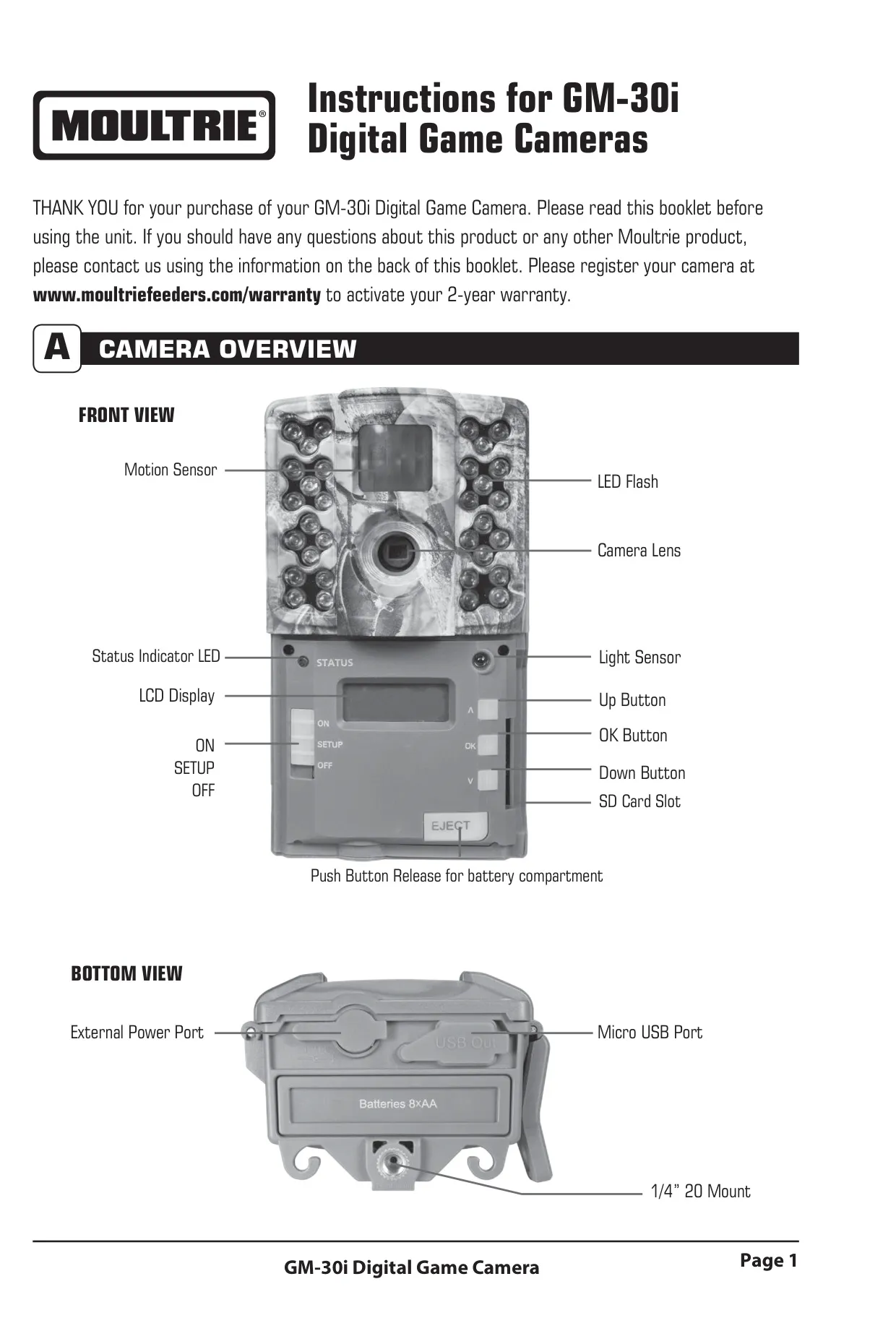
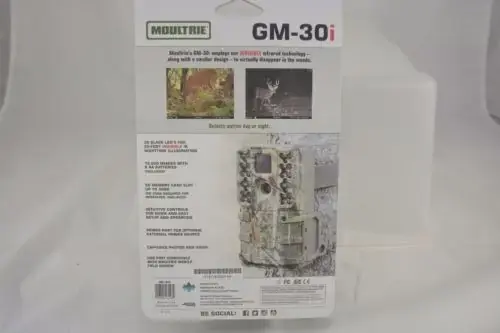
The Moultrie GM-30i Digital Game Camera offers a robust set of features designed for efficient wildlife monitoring. Its front view includes essential components like a motion sensor, LED flash, camera lens, status indicator LED, light sensor, and an LCD display for easy navigation. Control buttons (Up, OK, Down) alongside ON, SETUP, and OFF modes provide intuitive operation. An accessible SD card slot is conveniently located.
The camera's bottom view reveals an external power port, a micro USB port, and a 1/4” 20 mount, offering versatile power and mounting options. For battery installation, the camera requires 8 AA Alkaline or Lithium batteries. It is crucial to ensure the camera is in the OFF position when loading or unloading batteries to prevent damage.
Inserting an SD memory card, up to 32 GB, is a simple process, requiring the front cover to be opened. The camera will not function without a properly installed SD card. Once powered ON, the LCD display briefly shows the battery level before initiating a countdown and entering capture mode.
Mounting the GM-30i is straightforward using the included strap. It is recommended to position the camera on a tree or pole approximately 3 feet high. For optimal results, face the camera North or South to prevent overexposure from direct sunlight and clear any brush from the front to avoid false triggers caused by wind.
During setup, the camera features a helpful aiming assistant. While in SETUP mode, the motion sensor detects movement and briefly illuminates the STATUS LED on the camera's front. This allows users to confirm the camera is accurately positioned to capture activity within the desired target area before deployment.
Users can customize various settings, including the time and date, using the Up and Down arrow buttons and the OK button to confirm selections. A crucial setting is the Detection Delay, which determines the interval between consecutive pictures when an animal remains within detection range. Options include 0, 15, 30 seconds, or 1 or 5 minutes.
The camera offers a variety of capture modes to suit different monitoring needs. These include single photos at Low or High resolution, three-photo bursts at Low or High resolution, and video capture. Each mode is clearly indicated by on-screen icons for easy selection.
An innovative feature is the Camera ID setting, allowing users to assign a number from 1 to 9. This is particularly useful for identifying footage from multiple cameras in the field. Additionally, a combined "Reset Picture Count/Erase Images/Format Card" option enables users to reset file numbering, delete all stored images, and format the SD card, ensuring it is optimized for the camera.
For viewing captured images and videos, the SD card can be easily removed by gently pushing it until it pops out. The files can then be accessed using an external player or card reader. At home, the camera can be connected to a Windows XP/Vista/7 or Mac OS X 10.1+ PC via a Micro USB port (cable not included), allowing the camera to be recognized as a removable drive for direct file transfer.
The Moultrie GM-30i is compatible with Moultrie Mobile® cellular service when paired with the Field Modem MV1, though a firmware update may be necessary for full functionality. Moultrie also offers accessories like the Camera Power Panel and Battery Box, which extend field life. Importantly, internal batteries should remain in the camera even when using these external power sources.
Frequently Asked Questions (FAQs)
Can't find the answer you need? Here are some frequently asked questions about the Moultrie GM-30i (MCG-13147) Digital Game Camera, and we answer them below.