Moultrie A-30i (MCG-13202) Instruction Manual

Moultrie A-30i (MCG-13202)





Moultrie A-30i (MCG-13202)

Moultrie A-30i (MCG-13202) Instructions
Here we offer the Moultrie A-30i (MCG-13202) manual completely free and in English. We have cataloged this manual in the Digital Game Cameras section on Manualverse, and it has been rated by 1 users with an average rating of 5. If you have any specific questions about Moultrie A-30i (MCG-13202), we suggest checking the Frequently Asked Questions (FAQs) section of this manual.
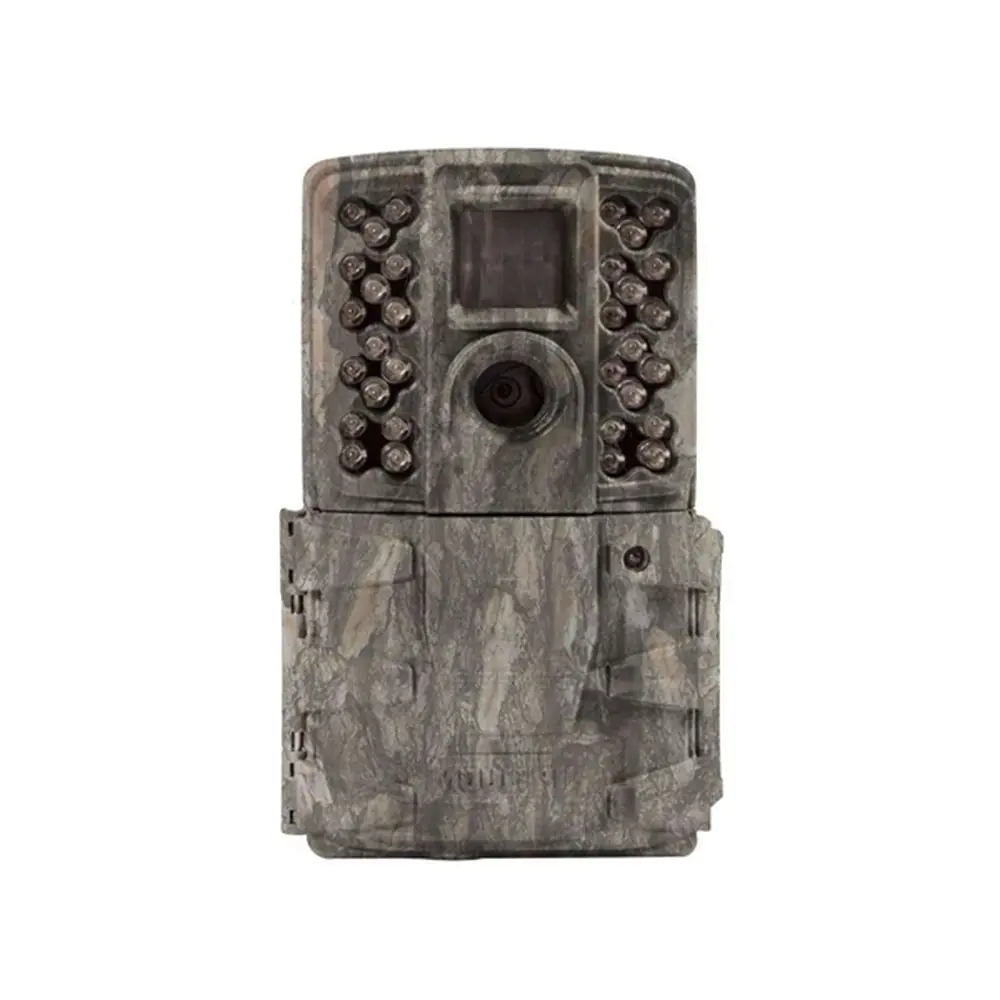
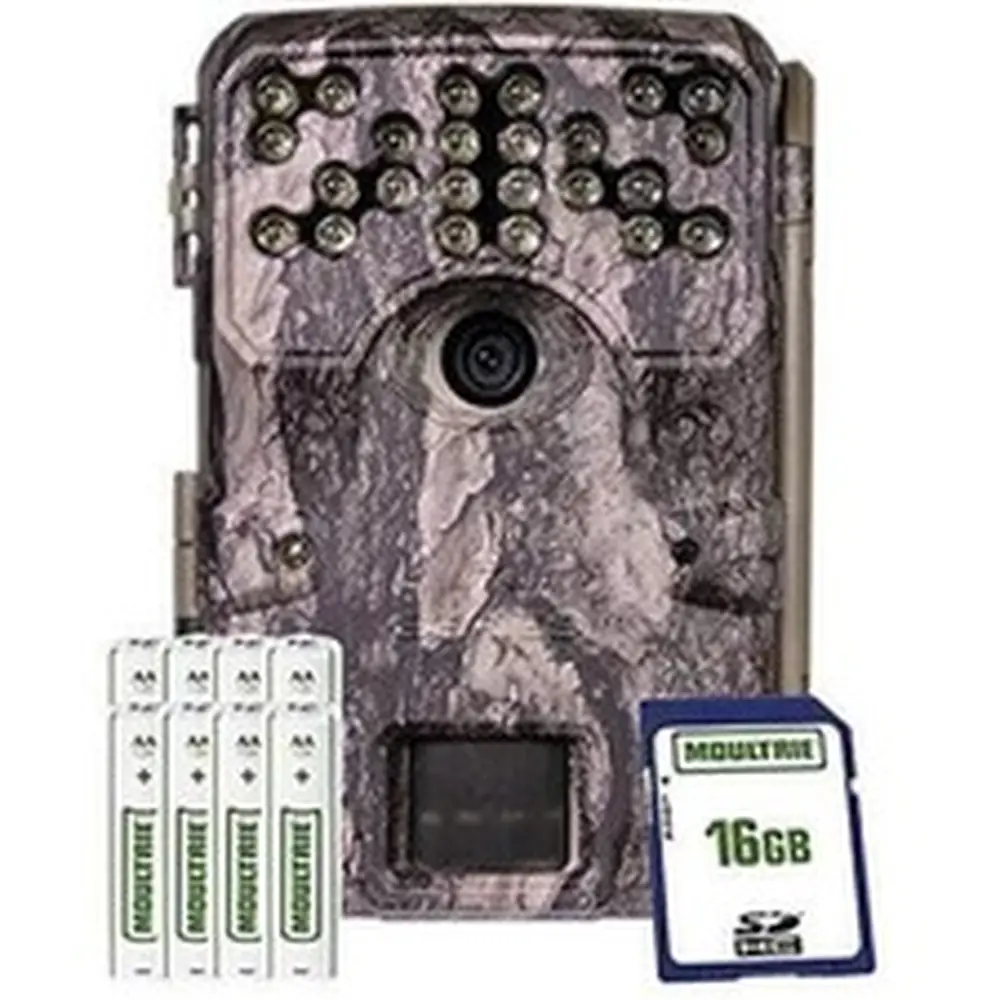
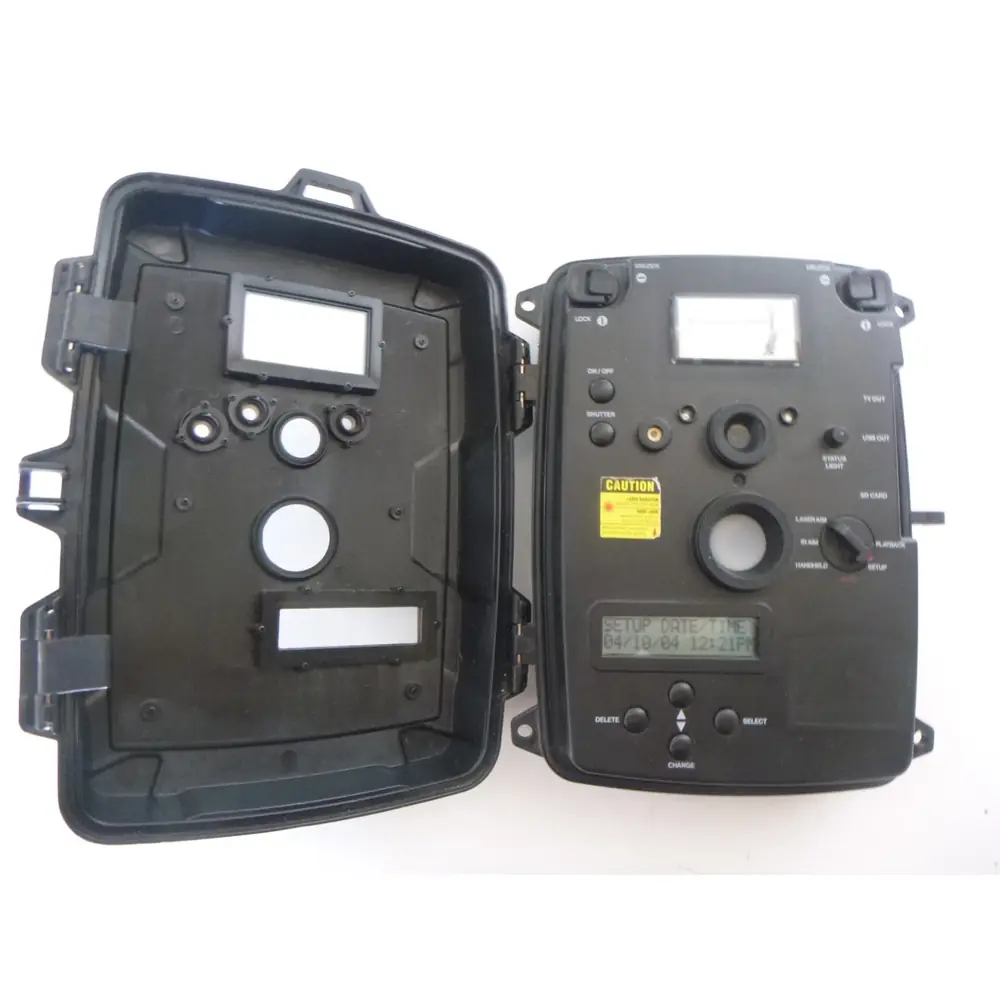
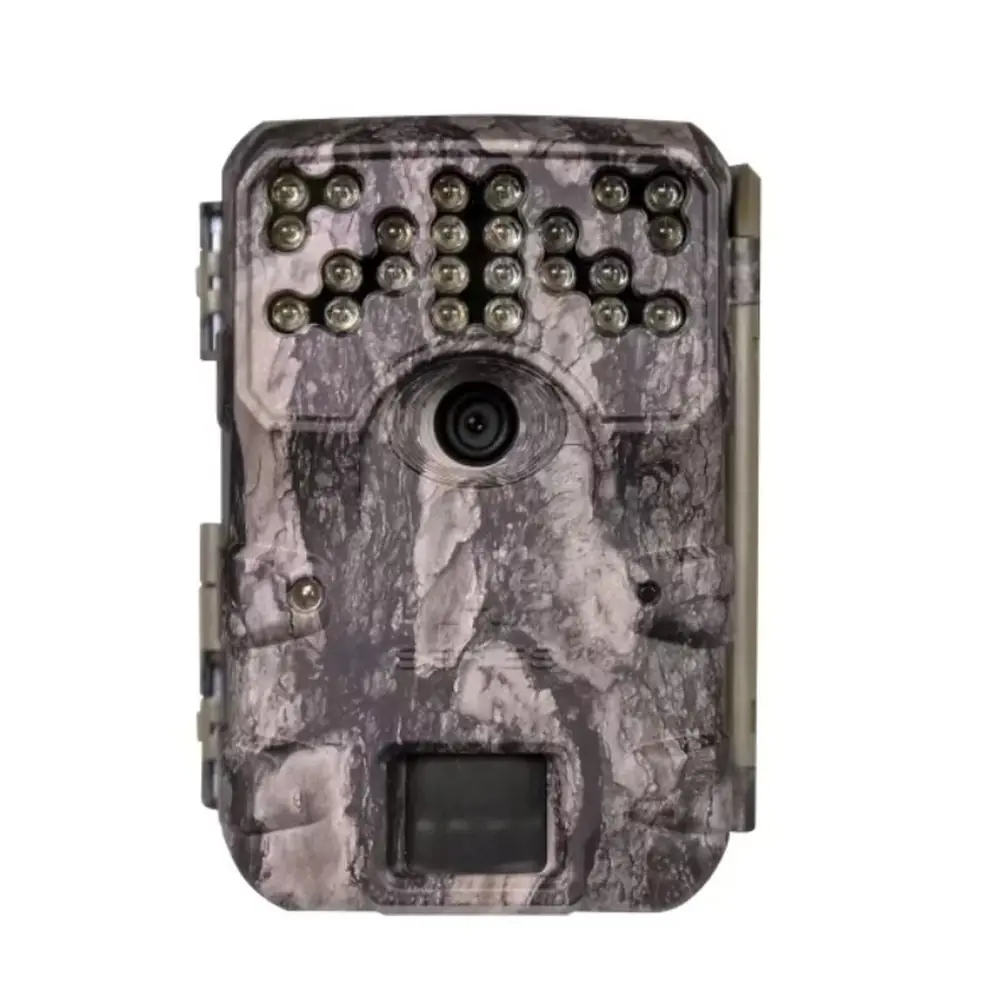
Product Images


Moultrie A-30i (MCG-13202) Specifications
| Feature | Specification |
|---|---|
| Image Resolution | 12MP |
| Video Resolution | 720p |
| PIR Motion Sensor Range | 60 ft |
| Flash Type | 24-LED Invisible Infrared |
| Flash Range | 70 ft |
| Motion Trigger Speed | > 0.7 seconds |
| Memory Card Support | SD/SDHC up to 32GB |
| Battery Type | 8 AA Alkaline or Lithium |
| External Power Option | Yes |
| Warranty | 2 Years |
Moultrie A-30i (MCG-13202) Details
The Moultrie A-30i (MCG-13202) digital game camera is engineered for straightforward wildlife monitoring and security applications. Its intuitive design features an LCD display and easy-to-use control buttons, including an OK button and dedicated Up/Down buttons. These controls allow users to navigate settings efficiently, making initial setup and ongoing adjustments simple even for those new to trail cameras. The camera prioritizes user experience with its clear interface.
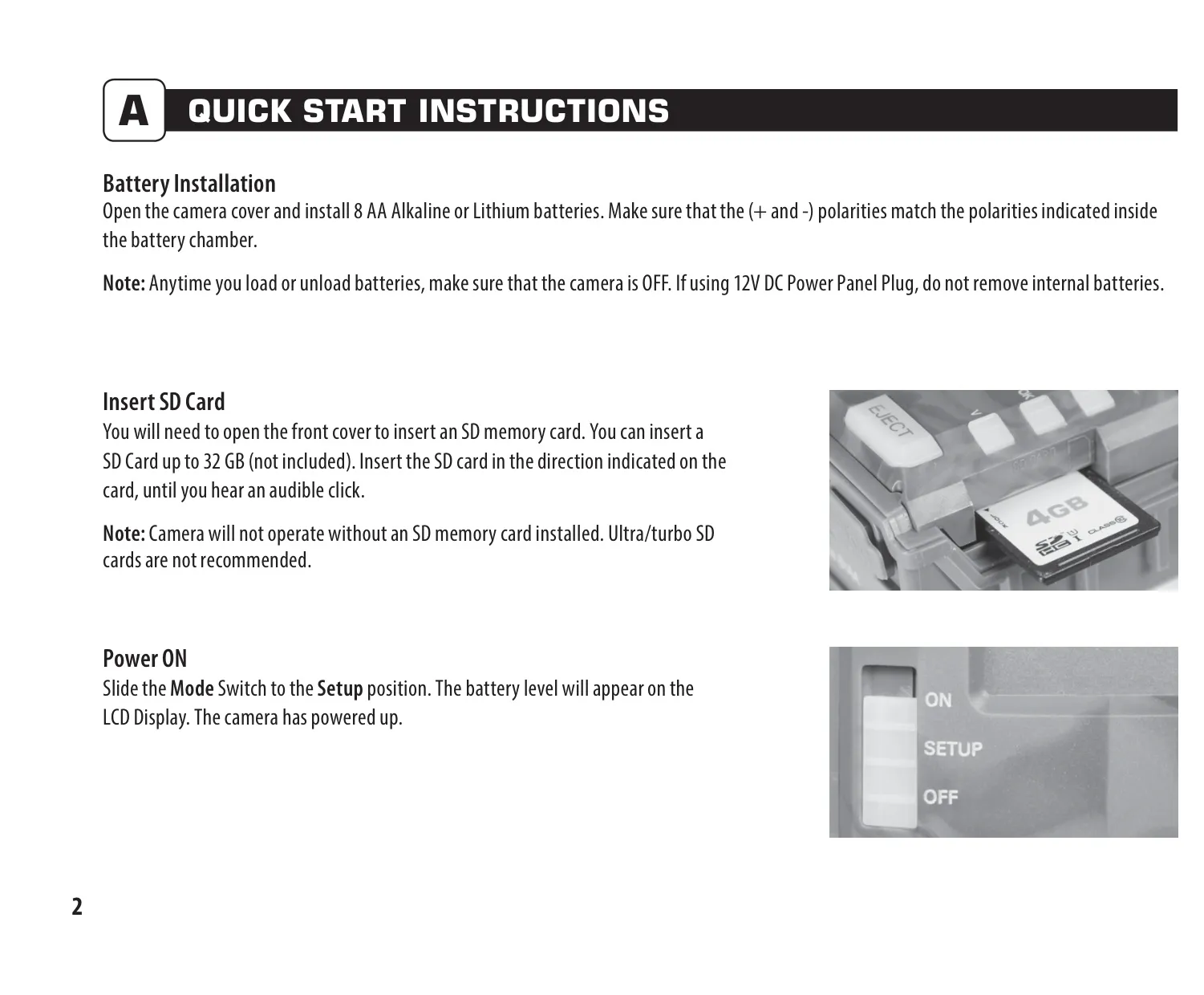
Getting started with the A-30i is a quick process. Users need to install 8 AA Alkaline or Lithium batteries, ensuring the camera is turned OFF during installation. An SD memory card, up to 32GB, is also required and must be inserted until an audible click is heard; the camera will not function without one. Moultrie advises against using Ultra/turbo SD cards. Once powered on, the camera's LCD will display the battery level, confirming readiness for deployment.
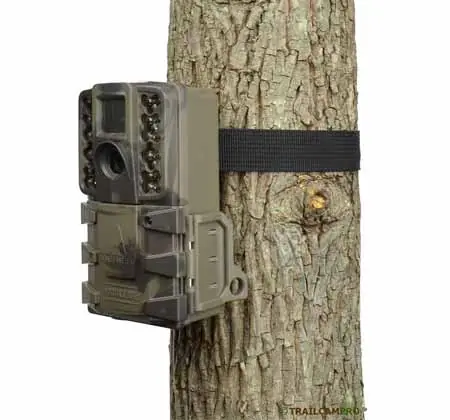
Proper mounting is crucial for optimal performance. The A-30i should be secured to a tree or pole approximately 3 feet high using the provided strap. For capturing trail activity, it's recommended to face the camera slightly downwards along the trail. To prevent overexposure from the sun and minimize false triggers, position the camera facing north or south and ensure that any brush or obstructions are cleared from its front, enhancing detection accuracy.
The camera offers flexible configuration options accessible via the SETUP mode. Users can precisely set the current time and date, ensuring accurate timestamps on all captured photos and videos. This process involves using the OK button to select fields and the Up/Down buttons to adjust values, then locking in each selection. The camera's motion sensor also illuminates a status LED in SETUP mode, aiding in aiming for desired detection areas.
Customizing capture behavior is straightforward with settings for Detection Delay and Capture Mode. Detection Delay allows users to specify the interval between consecutive captures, with options ranging from 0, 15, or 30 seconds to 1 or 5 minutes. Capture Modes include various combinations of photo quantity (1 or 3 photos) and resolution (Low or High), alongside options for High or Low Resolution video. A Camera ID feature helps distinguish between multiple units.
Additional utility settings enhance camera management. Users can choose to reset the picture count, which also offers the option to erase all images and format the SD card simultaneously. This is a crucial step for preparing a new card or clearing an existing one, ensuring optimal compatibility and performance within the camera. It’s important to remember that this action is irreversible, permanently deleting all stored media.
For longevity and reliable operation, Moultrie emphasizes important battery information: always use Alkaline or Lithium batteries, avoid mixing old and new ones, and remove batteries when the camera is not in use. The A-30i is backed by a robust 2-year limited warranty, which can be activated by registering the camera online. This warranty covers defects in material and workmanship, providing peace of mind for users.
Should any issues arise, Moultrie provides extensive support resources. Their website offers troubleshooting guides and helpful tips. For returns or repairs, a dedicated online form is available, or customers can contact their service department directly via phone. Furthermore, the A-30i boasts compatibility with Moultrie Mobile® cellular service when paired with the Field Modem MV1, offering advanced remote monitoring capabilities.
Frequently Asked Questions (FAQs)
Can't find the answer you need? Here are some frequently asked questions about the Moultrie A-30i (MCG-13202), and we answer them below.