Moultrie A-30 (MCG-13201) Instruction Manual
Moultrie A-30 (MCG-13201)





Moultrie A-30 (MCG-13201)

Moultrie A-30 (MCG-13201) Instructions
Here we offer the Moultrie A-30 (MCG-13201) manual completely free and in English. We have cataloged this manual in the Digital Game Cameras section on Manualverse, and it has been rated by 1 users with an average rating of 5. If you have any specific questions about Moultrie A-30 (MCG-13201), we suggest checking the Frequently Asked Questions (FAQs) section of this manual.
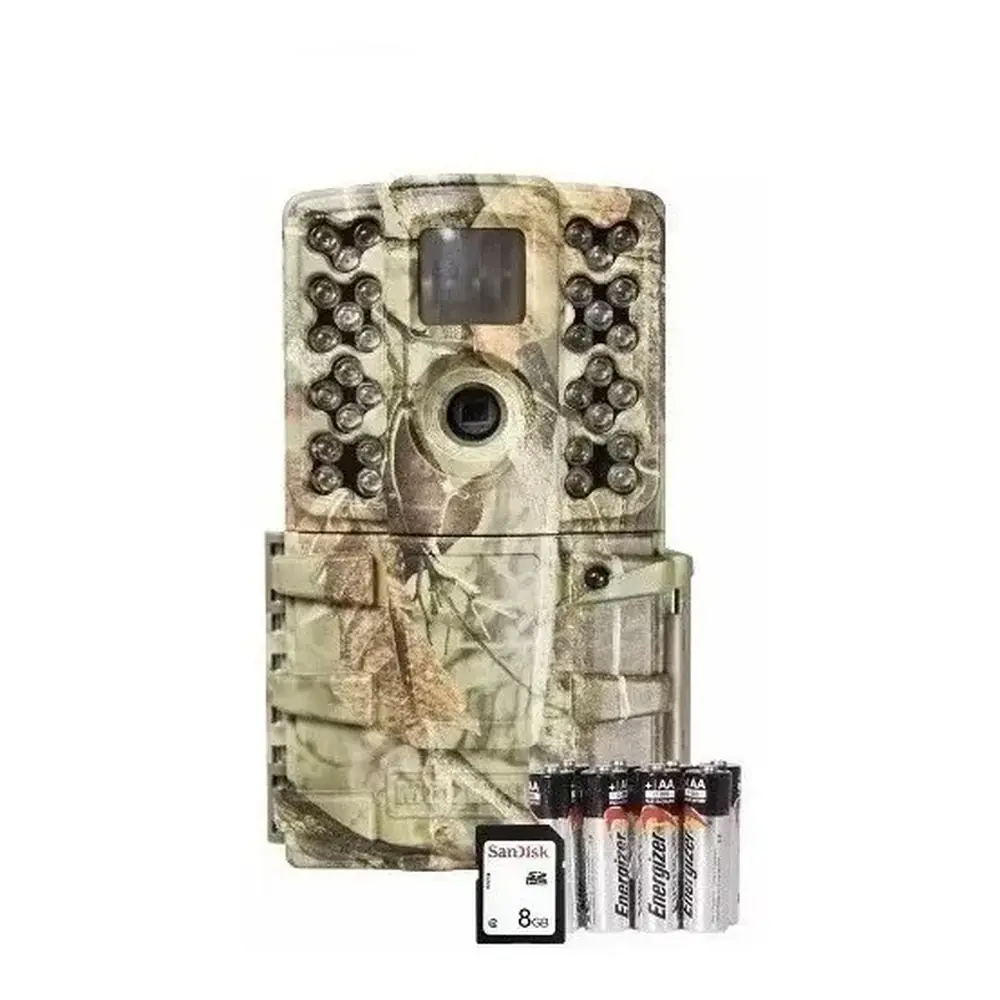
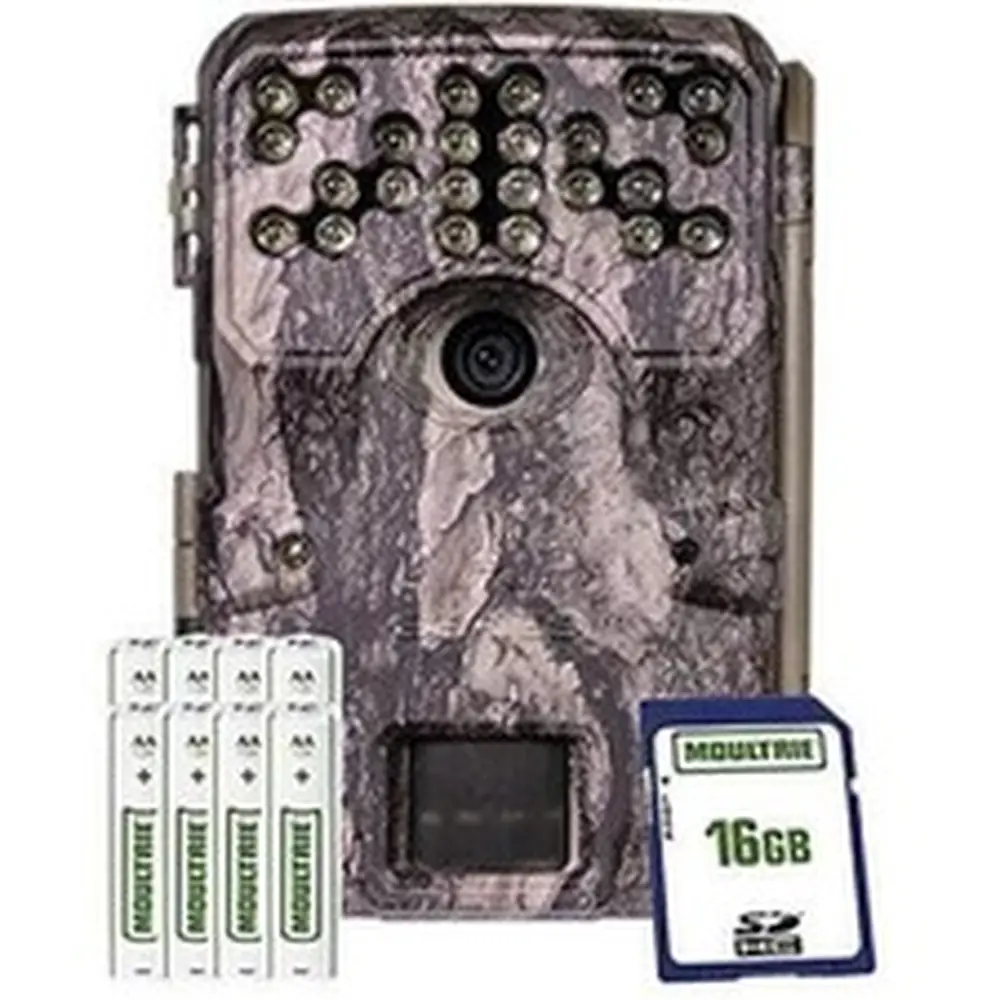
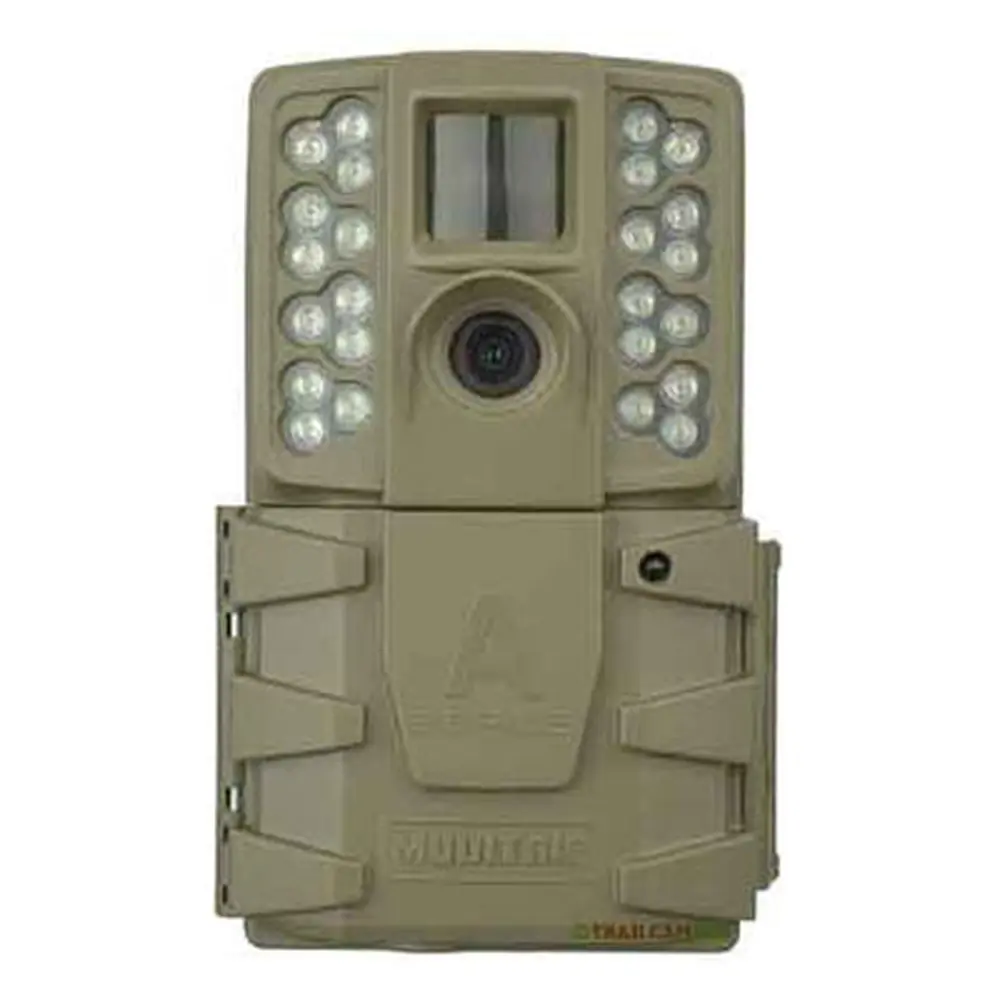
Product Images


Moultrie A-30 (MCG-13201) Specifications
| Feature | Specification |
|---|---|
| Resolution | 12 Megapixels |
| Video Resolution | 720p |
| Infrared Flash Type | 24-LED Invisible Infrared |
| Flash Range | 70 feet |
| PIR Motion Sensor Range | 60 feet |
| Motion Trigger Speed | > 0.7 seconds |
| Memory Card Type | SD/SDHC Cards up to 32GB |
| Battery Type | 8 AA Alkaline or Lithium |
| External Power Compatibility | 12V DC Power Panel Plug |
| Warranty | 2 years (upon registration) |
Moultrie A-30 (MCG-13201) Details
The Moultrie A-30 (MCG-13201) digital game camera is engineered for straightforward deployment and reliable performance in the field. Its intuitive design features a clear LCD display, a mode selector switch, and easily accessible OK and Up/Down buttons, streamlining the setup process. Users will appreciate the convenience of the external power port and a micro USB port for enhanced connectivity options. Furthermore, the camera incorporates a status indicator light and a light sensor, providing real-time operational feedback and optimizing image capture based on ambient conditions.
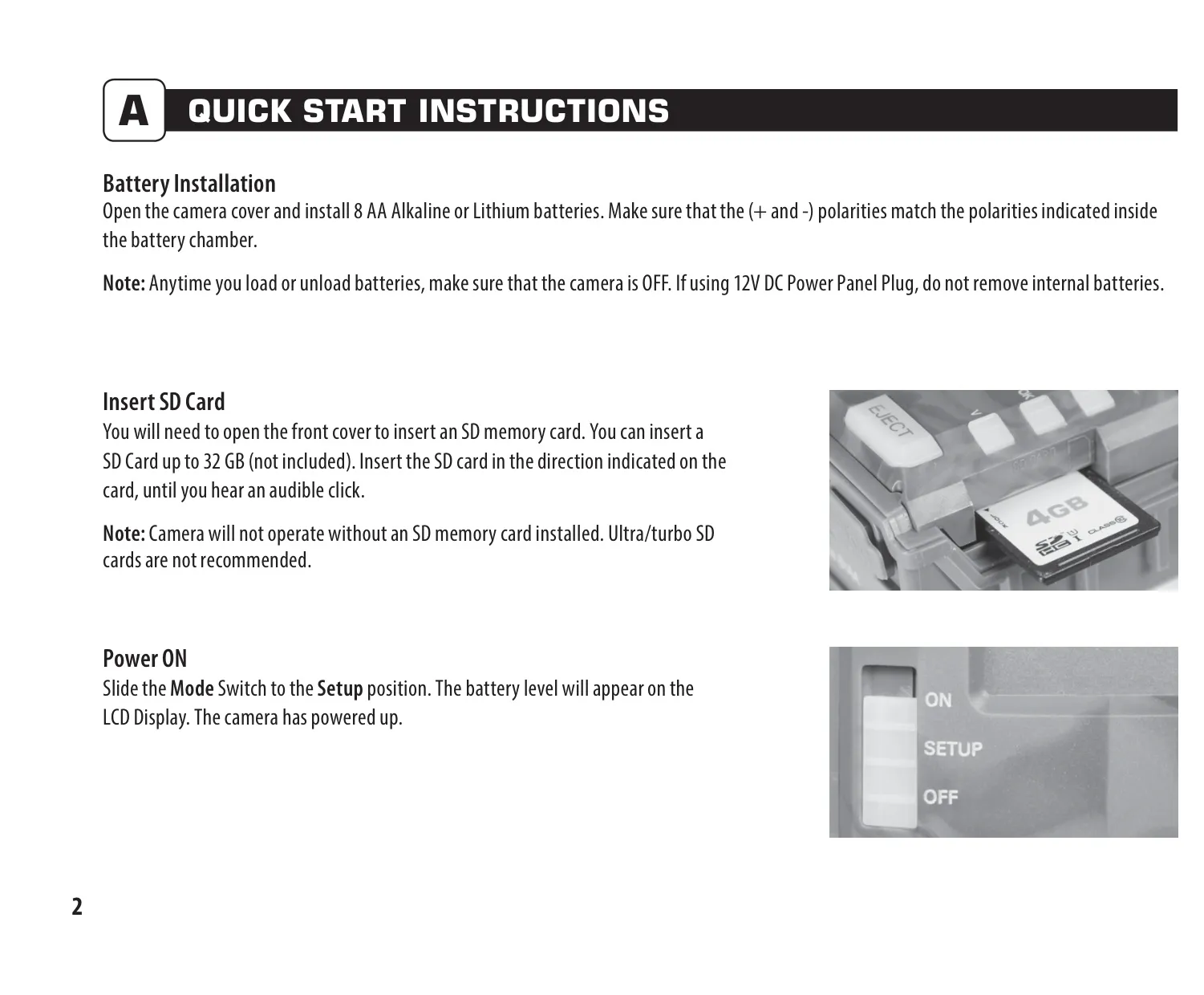
Battery management is crucial for extended field use, and the A-30 offers important guidelines. It is recommended to exclusively use Alkaline or Lithium batteries, with Energizer being a suggested brand. Users are advised never to mix old and new batteries, always replacing all eight AA batteries simultaneously for optimal performance. To prevent potential issues and preserve battery life, it is essential to ensure the camera is in the OFF position when inserting or removing batteries, and to remove them entirely if the camera will be stored for an extended period.
The camera's functionality hinges on the proper installation and management of an SD memory card. While supporting cards up to 32GB, Moultrie specifically advises against using Ultra/turbo SD cards to ensure compatibility and stable operation. An audible click confirms correct SD card insertion, and it's critical to note that the camera will not function without a card properly installed. The camera also offers a convenient utility within the setup menu to format the SD card, which simultaneously erases all stored images and resets the picture count to 0001.
Setting up the A-30 is a user-friendly experience, starting with the ability to precisely configure the time and date, including year, month, day, hour, and AM/PM settings. The 'Detection Delay' feature allows users to specify intervals between successive captures after motion is detected, offering options from 0, 15, or 30 seconds, to 1 or 5 minutes, providing flexibility for various monitoring scenarios. A helpful STATUS LED in setup mode momentarily illuminates upon motion detection, assisting in accurate camera aiming.
Versatility in image and video capture is a key strength of the A-30. Users can choose from five distinct capture modes: single photo at low resolution, single photo at high resolution, three photos burst at low resolution, three photos burst at high resolution, or video recording in either high or low resolution. This range of options allows the camera to adapt to different monitoring needs, whether prioritizing image quality, multi-shot sequences, or video surveillance. Additionally, a Camera ID feature enables users to assign a unique identifier from 1 to 9, which is then imprinted on the image info strip, facilitating the organization of photos from multiple cameras.
For mounting, the camera includes a strap, designed for secure placement on trees or poles at an approximate height of three feet. Practical tips enhance effectiveness: facing the camera north or south helps prevent overexposure from direct sunlight, and clearing any brush from in front of the lens minimizes false triggers caused by wind movement. When positioning along a trail, aiming the camera with a slight downward angle can optimize detection and capture. The Moultrie A-30 also offers compatibility with the Moultrie Mobile® cellular service when paired with the optional Field Modem MV1, allowing for advanced remote monitoring capabilities.
Frequently Asked Questions (FAQs)
Can't find the answer you need? Here are some frequently asked questions about the Moultrie A-30 (MCG-13201), and we answer them below.