Moultrie W-400 (MCG-13483) Instruction Manual

Moultrie W-400 (MCG-13483)






Moultrie W-400 (MCG-13483)

Moultrie W-400 (MCG-13483) Instructions
Here we offer the Moultrie W-400 (MCG-13483) manual completely free and in English. We have cataloged this manual in the Digital Game Cameras section on Manualverse, and it has been rated by 1 users with an average rating of 5. If you have any specific questions about Moultrie W-400 (MCG-13483), we suggest checking the Frequently Asked Questions (FAQs) section of this manual.
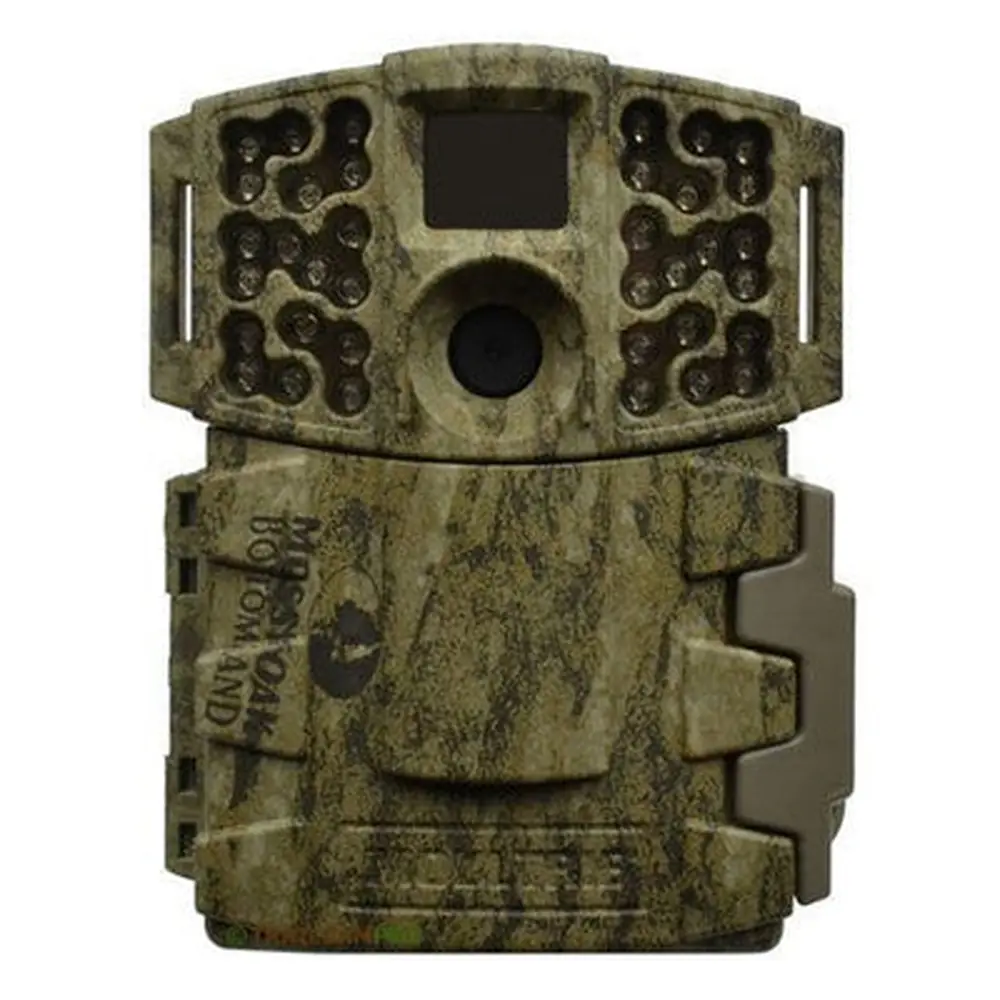
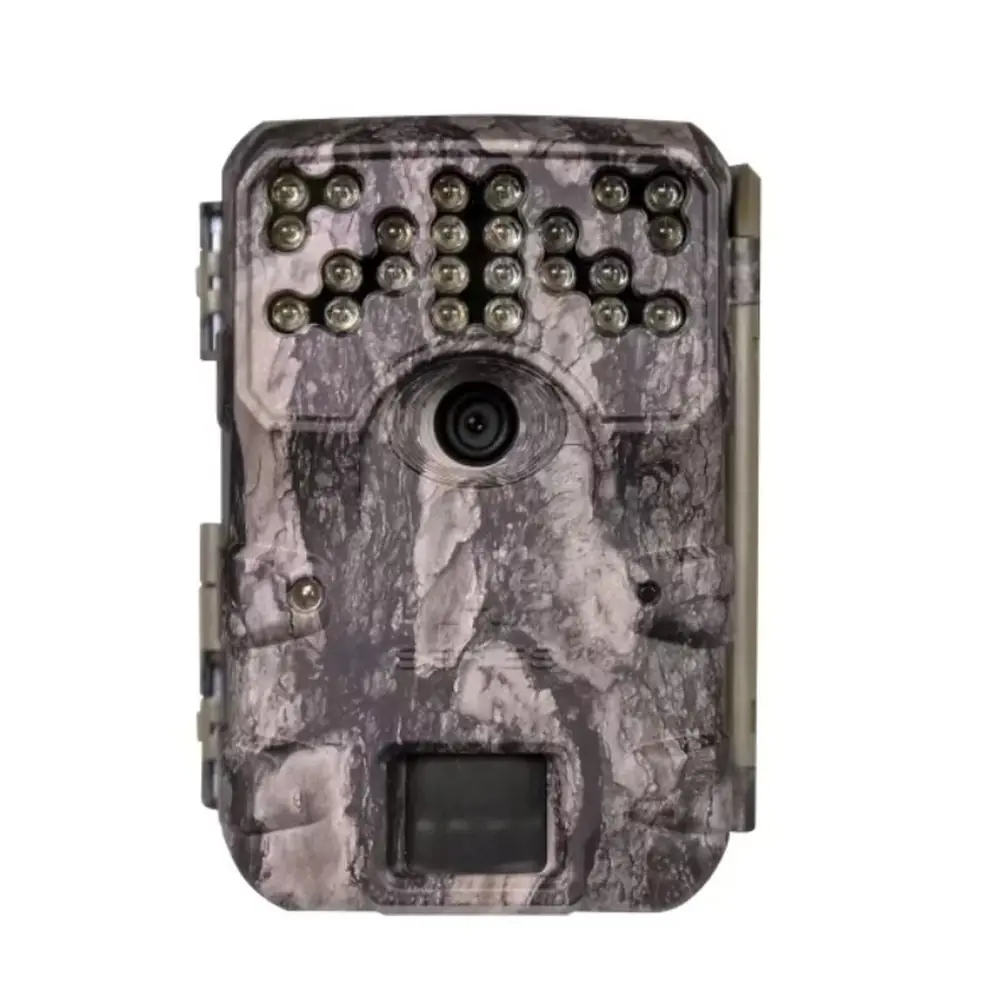
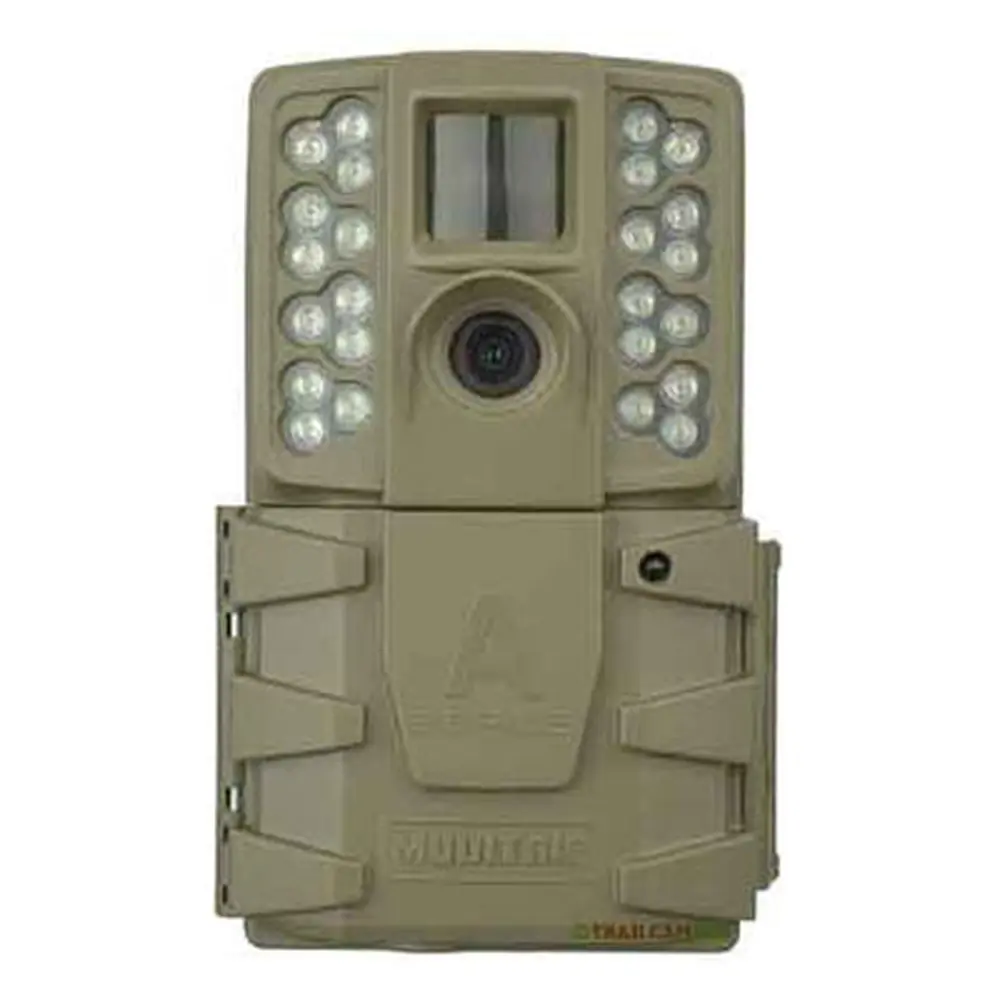
Product Images
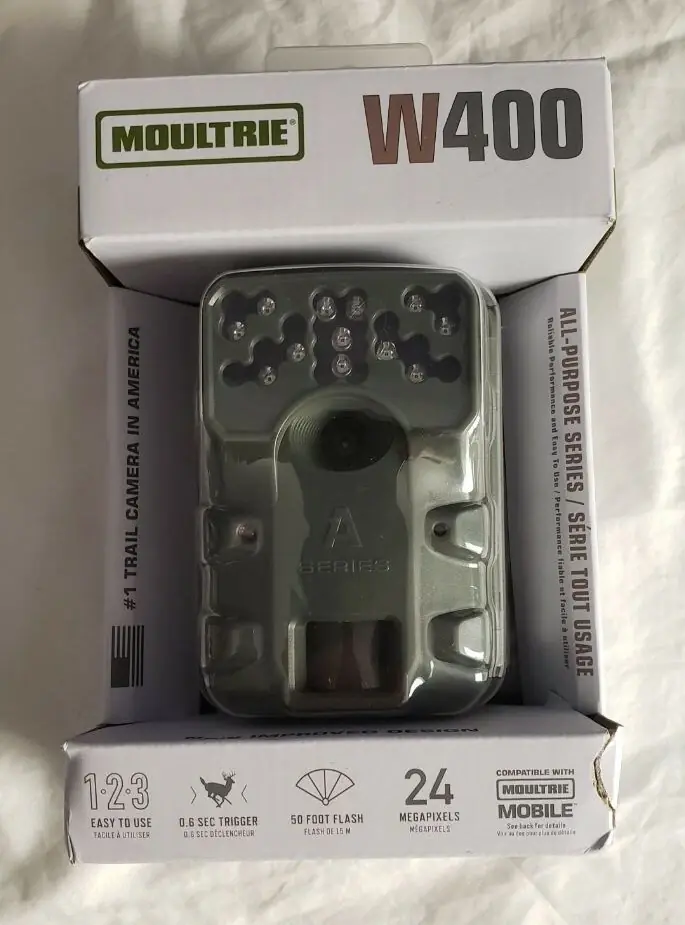
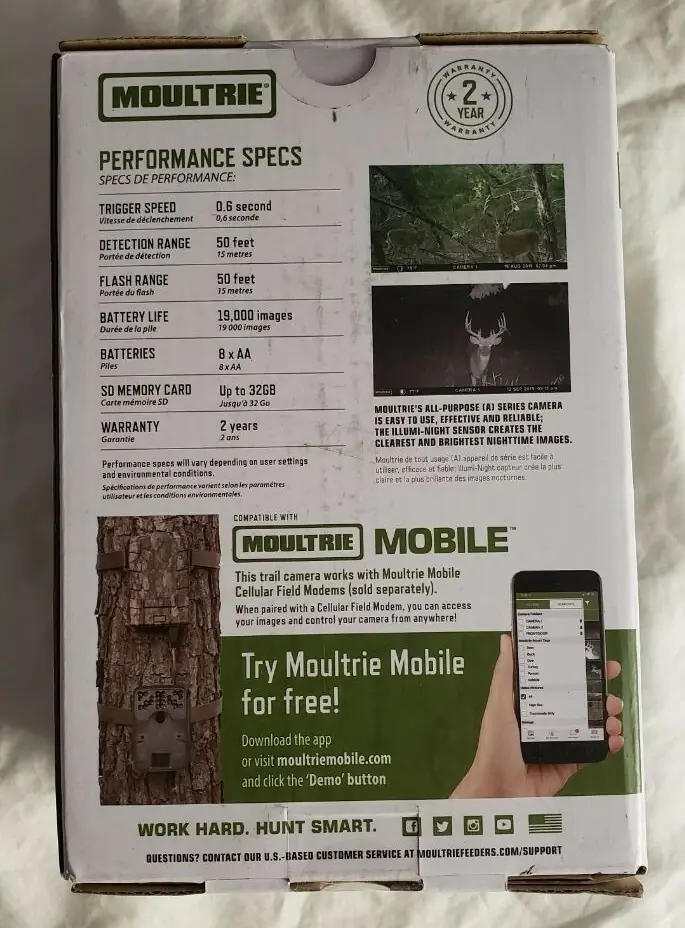


Moultrie W-400 (MCG-13483) Specifications
| Feature | Specification |
|---|---|
| Resolution | 30MP |
| Trigger Speed | 0.4 seconds |
| Detection Range | 70 feet |
| Video Capability | HD 720p Video |
| Flash Type | Invisible Flash |
| Flash Range | 70 feet |
| Power Source | 8 AA Batteries |
| Estimated Shots per Battery Set | 19,000 shots |
| SD Card Compatibility | SDHC Class 10 up to 32 GB |
| Warranty | 1 year (extendable to 2 years with registration) |
| Included Accessories | Batteries, SD Card, Mounting Strap |
Moultrie W-400 (MCG-13483) Details
The Moultrie W-400 (MCG-13483) game camera prioritizes a straightforward setup process, ensuring users can deploy it quickly in the field. Initial setup involves opening the camera cover to install eight AA batteries, carefully observing polarity. Following this, an SDHC Class 10 SD card, up to 32 GB, must be inserted into its dedicated slot until an audible click confirms secure placement. Without an SD card, the camera will not operate. The camera is then ready for basic configuration through its intuitive mode switch and navigation buttons.
Mounting the W-400 is made easy with the included strap, which threads through slots on the back of the camera case. It is recommended to mount the camera approximately three feet from the ground, adjusting for uneven terrain as needed. For optimal image quality and to prevent overexposure, the manual advises facing the camera North or South. Furthermore, users should clear any brush from the camera's front to avoid false motion triggers and position it to look down a game trail rather than directly across it for better coverage.
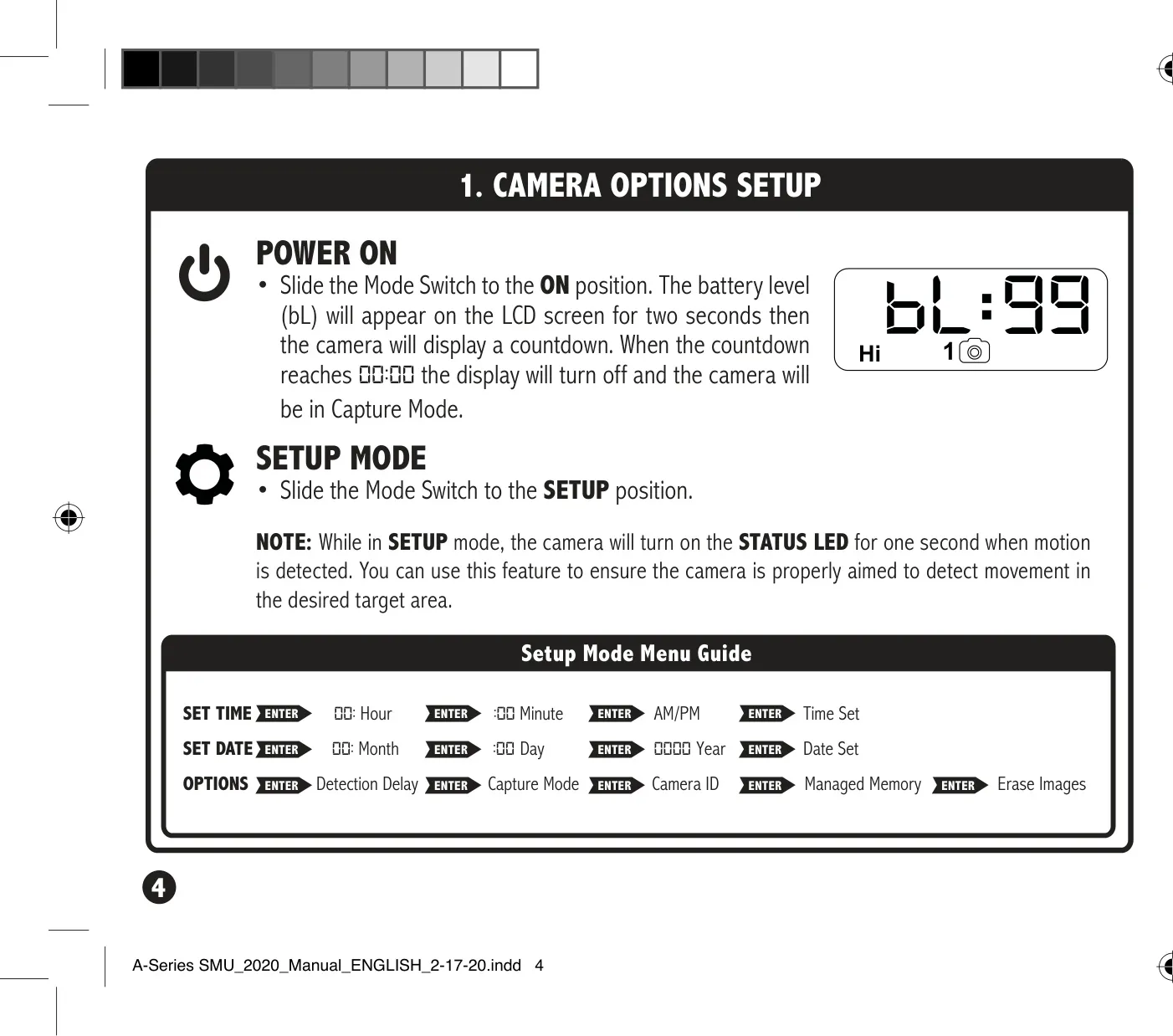
Once powered on, the camera displays the battery level (bL) for two seconds, followed by a countdown before entering Capture Mode. In SETUP mode, a key feature is the STATUS LED, which illuminates for one second upon motion detection. This visual feedback is incredibly useful for accurately aiming the camera to ensure it covers the intended target area, minimizing guesswork and optimizing surveillance efforts in diverse environments.
Beyond initial setup, the Moultrie W-400 offers several configurable options accessible in SETUP mode. Users can precisely set the time and date, which are critical for accurate image logging. The Detection Delay feature allows for custom intervals between pictures after motion is detected, offering choices like 0, 15, or 30 seconds, or 1 or 5 minutes, providing flexibility for different monitoring scenarios. This control helps manage storage and battery life effectively based on observed animal activity.
The camera also includes a Capture Mode selector, allowing users to choose how the camera records activity. A unique Camera ID can be set (from 1-9), which will be displayed on captured images, proving useful when managing multiple cameras. For storage management, the Erasing Images function allows for quick reformatting and deletion of all content on the SD card. Additionally, Managed Memory offers options to either overwrite the oldest files when the SD card is full or disable saving new images once capacity is reached.
Frequently Asked Questions (FAQs)
Can't find the answer you need? Here are some frequently asked questions about the Moultrie W-400 (MCG-13483) Digital Game Camera, and we answer them below.