Moultrie A-40i PRO (MCG-13272) Instruction Manual

Moultrie A-40i PRO (MCG-13272)







Moultrie A-40i PRO (MCG-13272)
Moultrie A-40i PRO Instructions
Here we offer the Moultrie A-40i PRO (MCG-13272) manual completely free and in English. We have cataloged this manual in the Digital Game Cameras section on Manualverse, and it has been rated by 1 users with an average rating of 5. If you have any specific questions about Moultrie A-40i PRO (MCG-13272), we suggest checking the Frequently Asked Questions (FAQs) section of this manual.
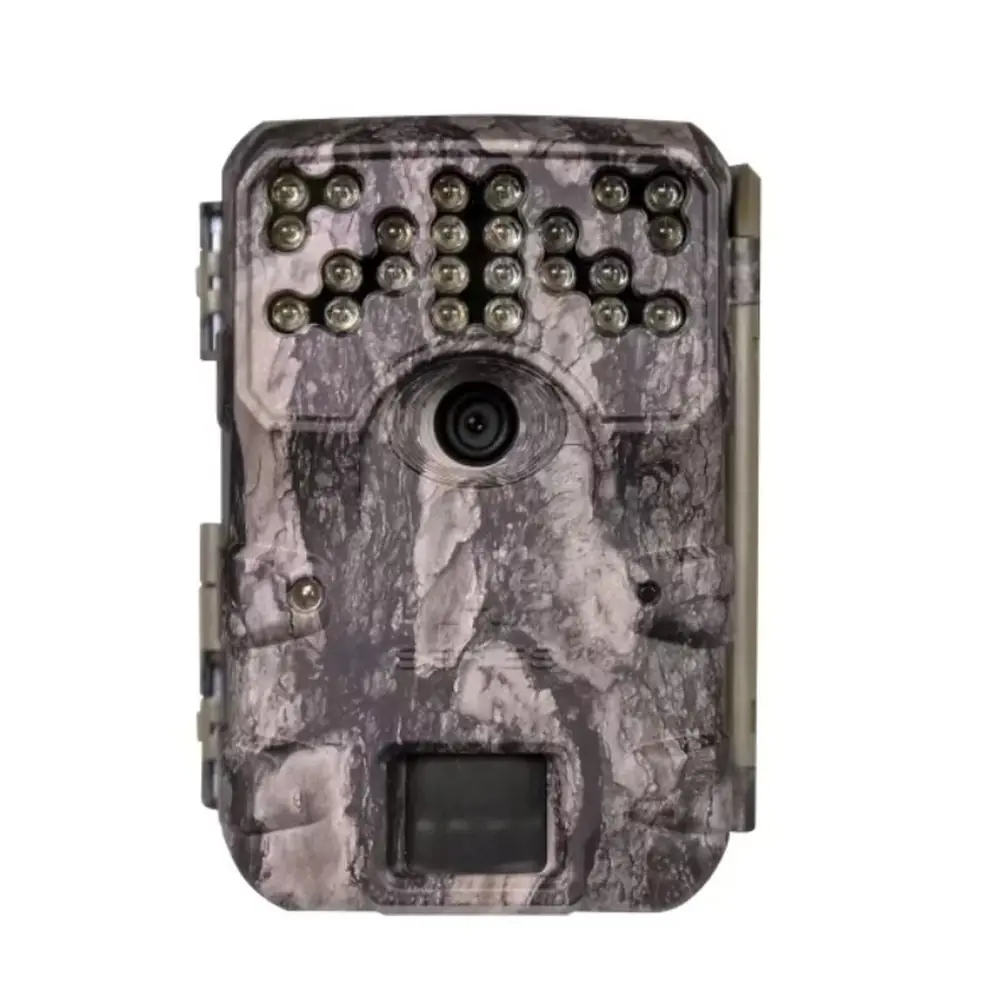
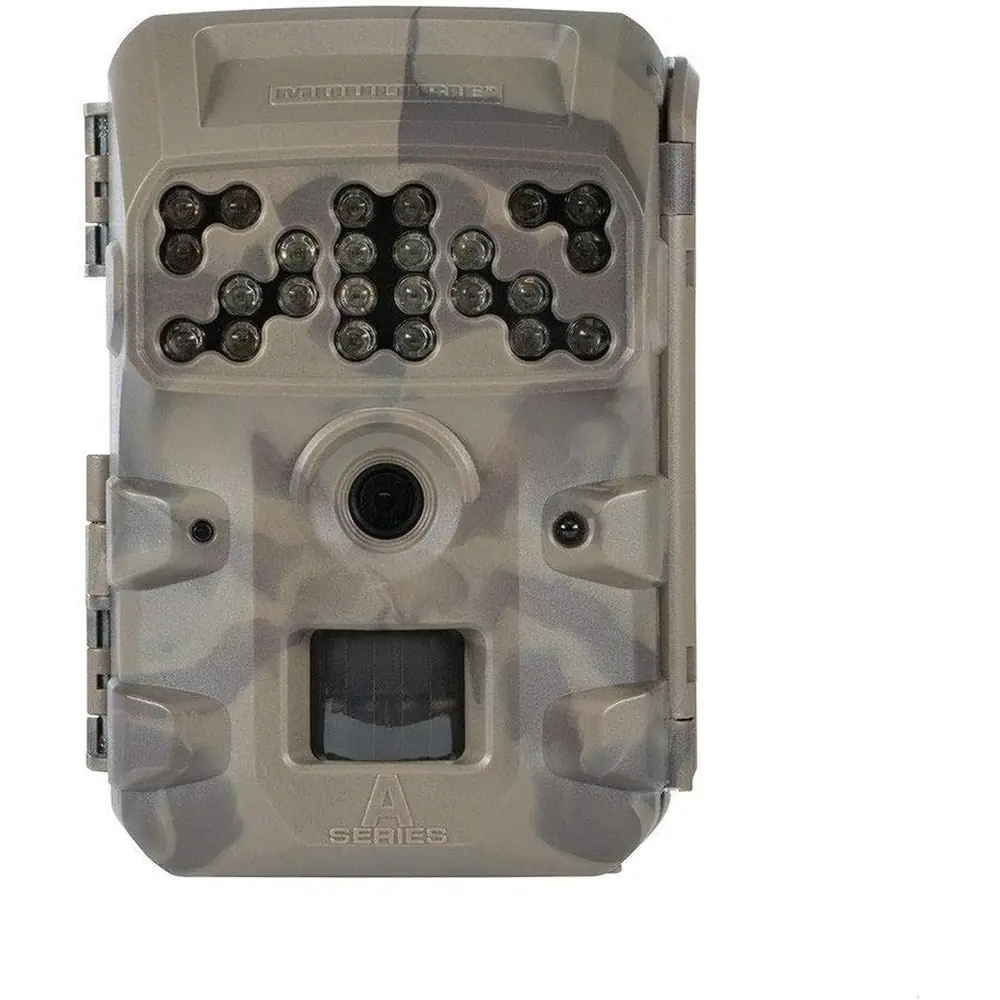
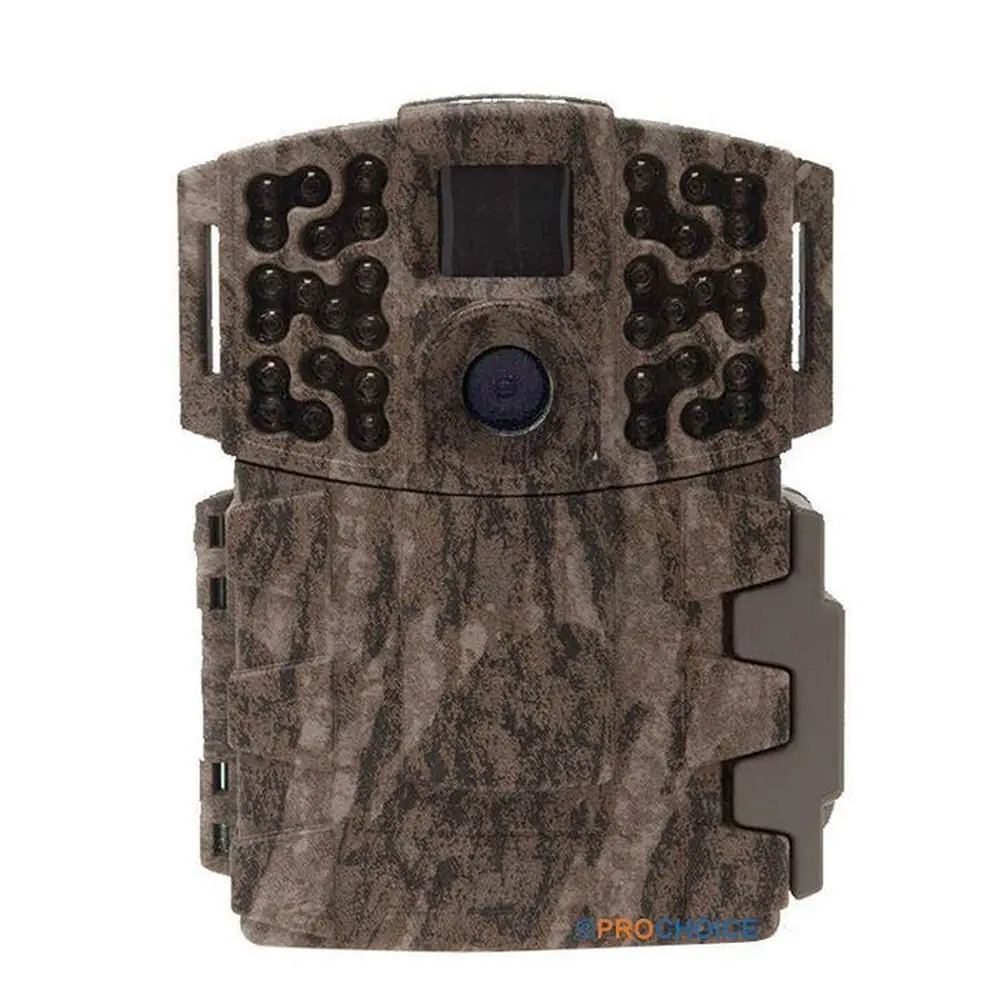
Product Images


Moultrie A-40i PRO (MCG-13272) Digital Game Camera Specifications
| Feature | Specification |
|---|---|
| Image Resolution | IP Resolution |
| Trigger Speed | 0.7 seconds |
| Flash Type | Invisible Infrared LED |
| Flash Range | 70 feet |
| Detection Range | 70 feet |
| Video Capability | Yes, with Sound |
| Memory Card Type | SD/SDHC |
| Maximum Memory Card Capacity | 32 GB |
| Battery Type | 8 AA Alkaline or Lithium batteries |
| External Power Port | Yes |
| Warranty | 2 Years (requires registration) |
Moultrie A-40i PRO (MCG-13272) Details
The Moultrie A-40i PRO (MCG-13272) is a robust digital game camera designed for efficient wildlife monitoring. Its design integrates essential components such as a motion sensor, an invisible infrared LED flash, and a camera lens, all contributing to its discreet operation. The front panel features a status indicator, a light sensor, and an LCD display for easy navigation and status checks. User interaction is facilitated by a mode selector switch, an OK button, and dedicated up/down buttons, making setup straightforward and intuitive for field use.
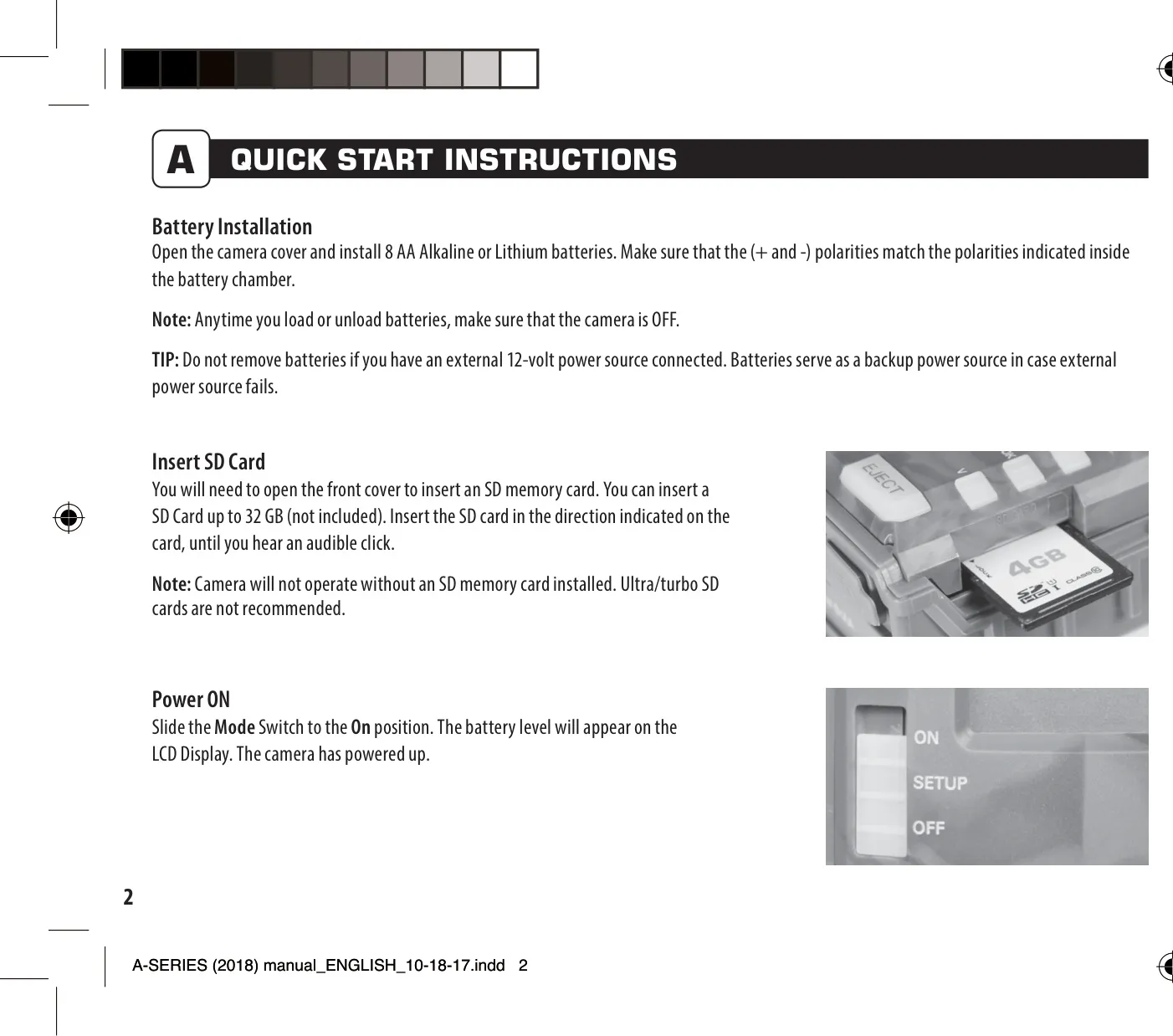
For power and storage, the A-40i PRO supports 8 AA alkaline or lithium batteries, with a convenient release mechanism for the battery compartment. It also includes an external power port, providing flexibility for longer deployments. A micro USB port is integrated for potential data transfer or firmware updates. The device accommodates an SD card slot, crucial for capturing and storing images and videos, with support for cards up to 32 GB, although ultra/turbo SD cards are explicitly not recommended for optimal performance.
Mounting the camera is made simple with built-in strap slots, allowing secure attachment to a tree or pole, ideally around three feet high. Strategic placement is key; users are advised to face the camera north or south to prevent overexposure from direct sunlight and to tilt it slightly downward if covering a trail. Clearing brush away from the camera's front can prevent false triggers, ensuring that only genuine animal movements activate the recording system.
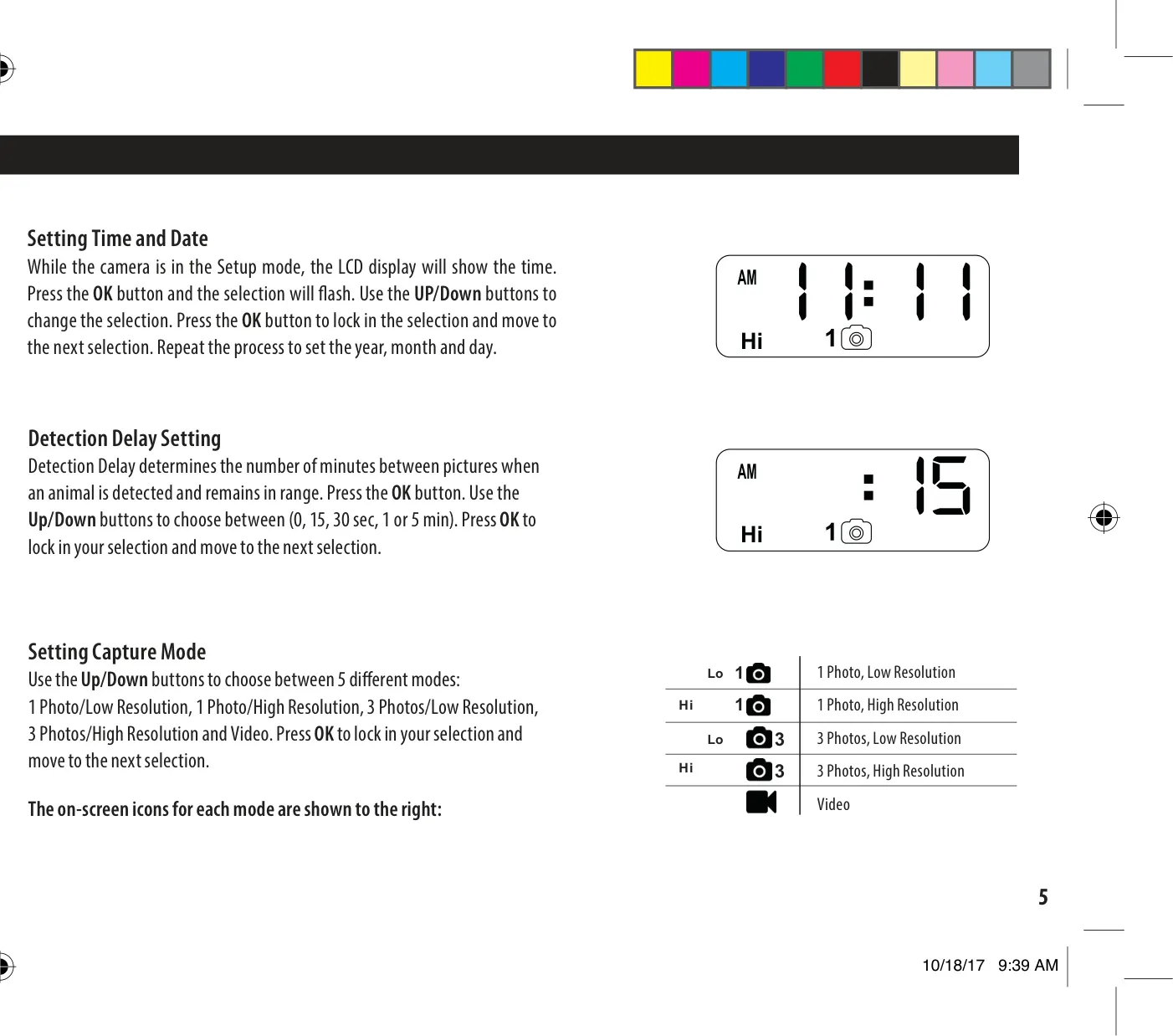
The camera's setup mode offers several configurable options. Users can precisely set the time and date, including hour, minute, AM/PM, year, month, and day, using the OK and up/down buttons. A detection delay setting allows adjustment of the interval between consecutive captures after an animal is detected, with options ranging from 0, 15, or 30 seconds to 1 or 5 minutes, providing control over recording frequency and battery life.
Versatile capture modes cater to various surveillance needs, including single photos in either low or high resolution, three-photo bursts in low or high resolution, and video recording with sound. An additional feature allows users to set a Camera ID (from 1 to 9), which will be marked on the information strip of captured media, aiding in the identification of footage from multiple cameras. The camera also provides functionality to reset the picture count, erase images, or format the SD card, streamlining media management directly from the device.
Frequently Asked Questions (FAQs)
Can't find the answer you need? Here are some frequently asked questions about the Moultrie A-40i PRO (MCG-13272), and we answer them below.