Moultrie A-700i (MCG-13335) Instruction Manual
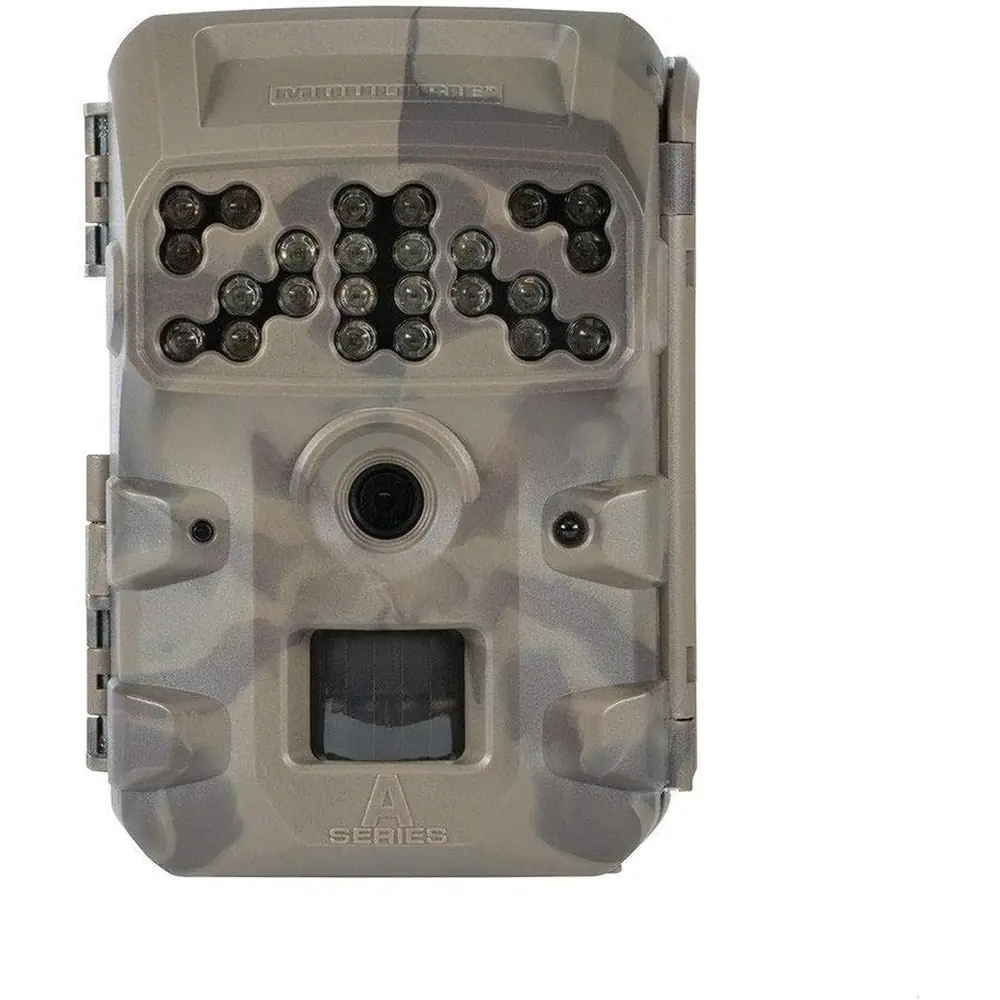
Moultrie A-700i (MCG-13335)






Moultrie A-700i (MCG-13335)

Moultrie A-700i (MCG-13335) Instructions
Here we offer the Moultrie A-700i (MCG-13335) manual completely free and in English. We have cataloged this manual in the Digital Game Cameras section on Manualverse, and it has been rated by 1 users with an average rating of 5. If you have any specific questions about Moultrie A-700i (MCG-13335), we suggest checking the Frequently Asked Questions (FAQs) section of this manual.
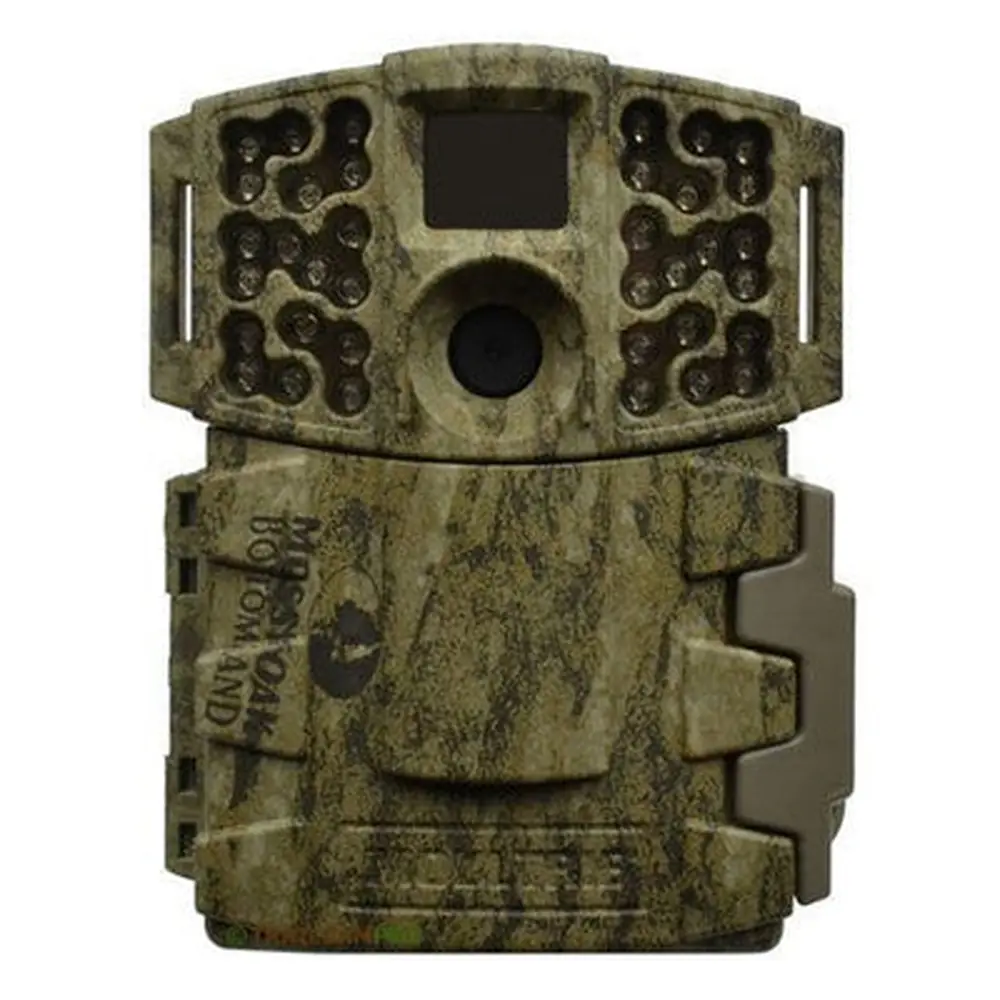
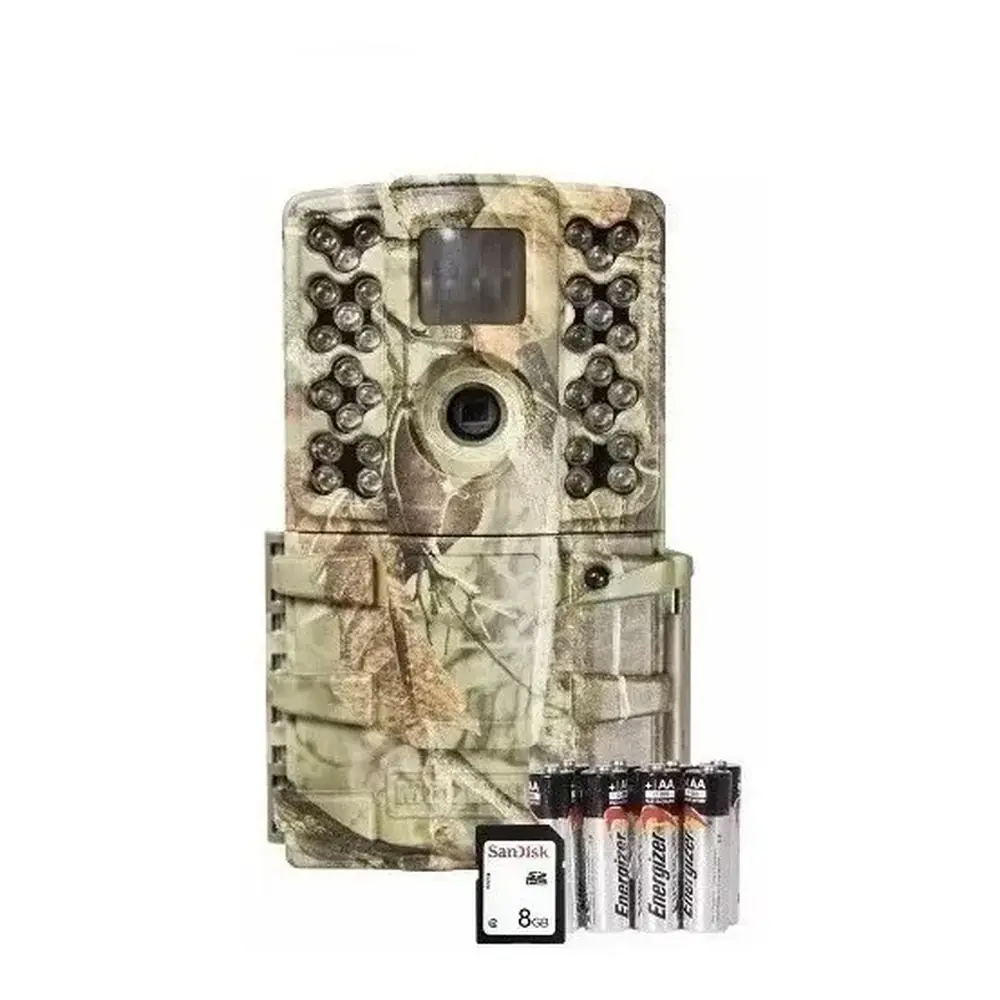
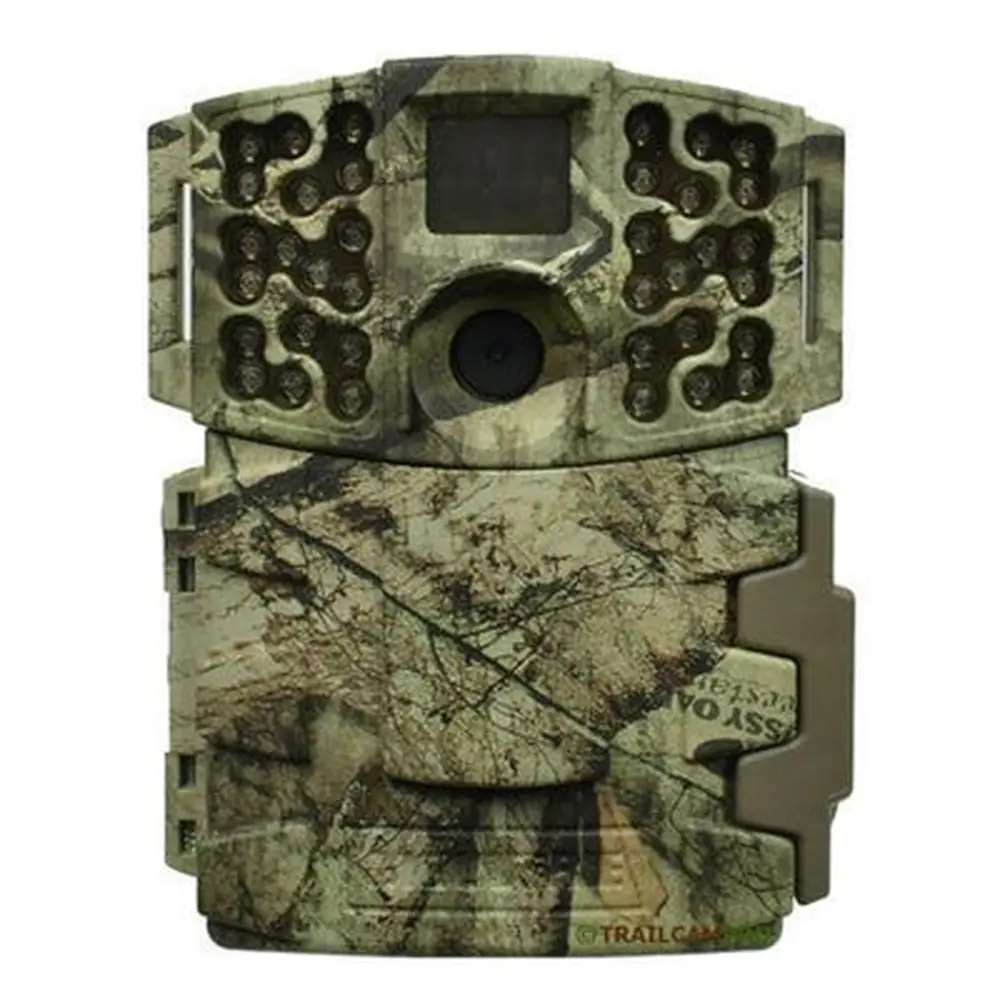
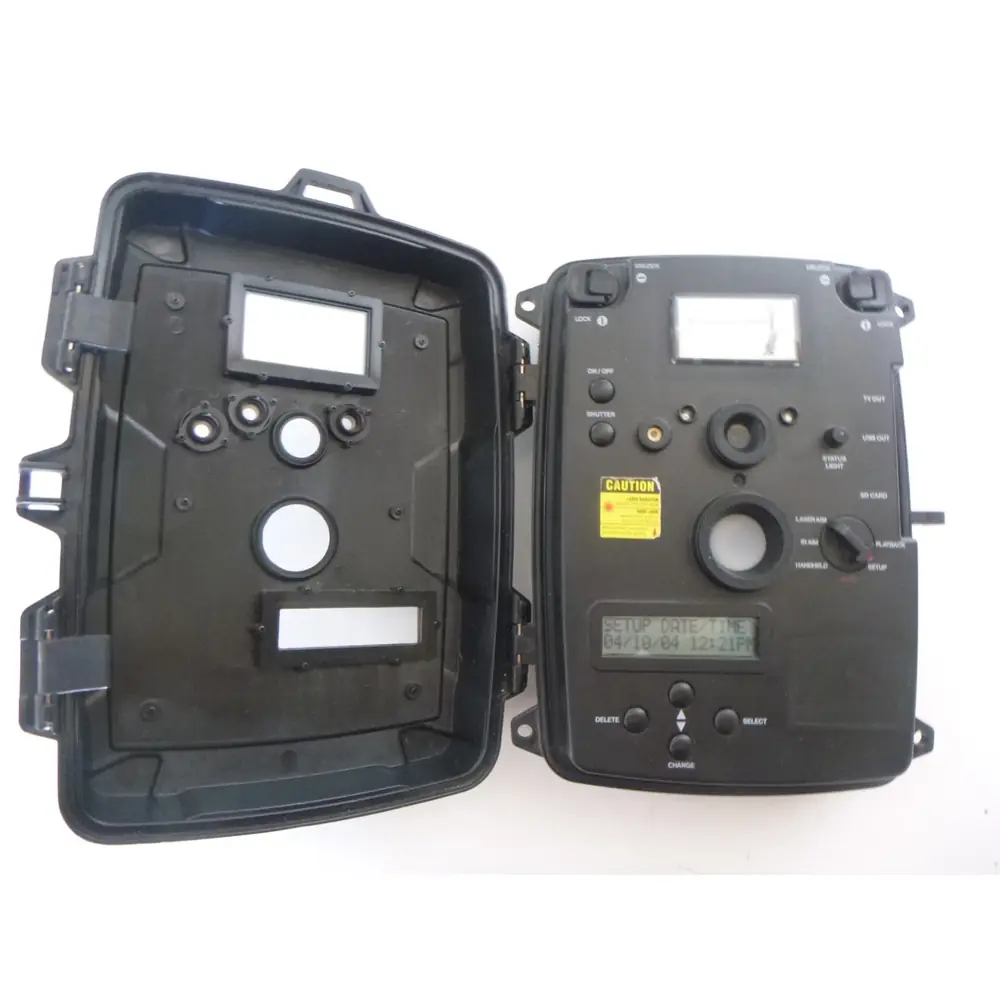
Product Images


Moultrie A-700i (MCG-13335) Digital Game Camera Specifications
| Feature | Specification |
|---|---|
| Model Name | Moultrie A-700i |
| Model Number | MCG-13335 |
| Resolution | 14 MP |
| Trigger Speed | 0.3 seconds |
| Flash Type | Invisible Flash |
| Flash Range | 50 feet |
| Detection Range | 50 feet |
| Video Resolution | HD 720p |
| Multi-Shot Capability | Yes |
| Storage Media | SD Cards up to 32 GB |
| Power Source | 8 AA Batteries |
| Battery Life (Approximate) | 17,000 Shots |
| Moultrie Mobile Compatibility | Yes (with Moultrie Field Modem) |
Moultrie A-700i (MCG-13335) Details
The Moultrie A-700i (MCG-13335) digital game camera is engineered for straightforward use and reliable outdoor performance, capturing wildlife activity with its advanced features. Its easy setup process begins with installing eight AA batteries and an SD card. Users then simply slide the mode switch to SETUP to adjust time and date, and finally to ON to begin operation. This streamlined approach ensures that the camera can be deployed quickly by anyone, regardless of their technical expertise, making it an ideal choice for hunters and wildlife enthusiasts alike.
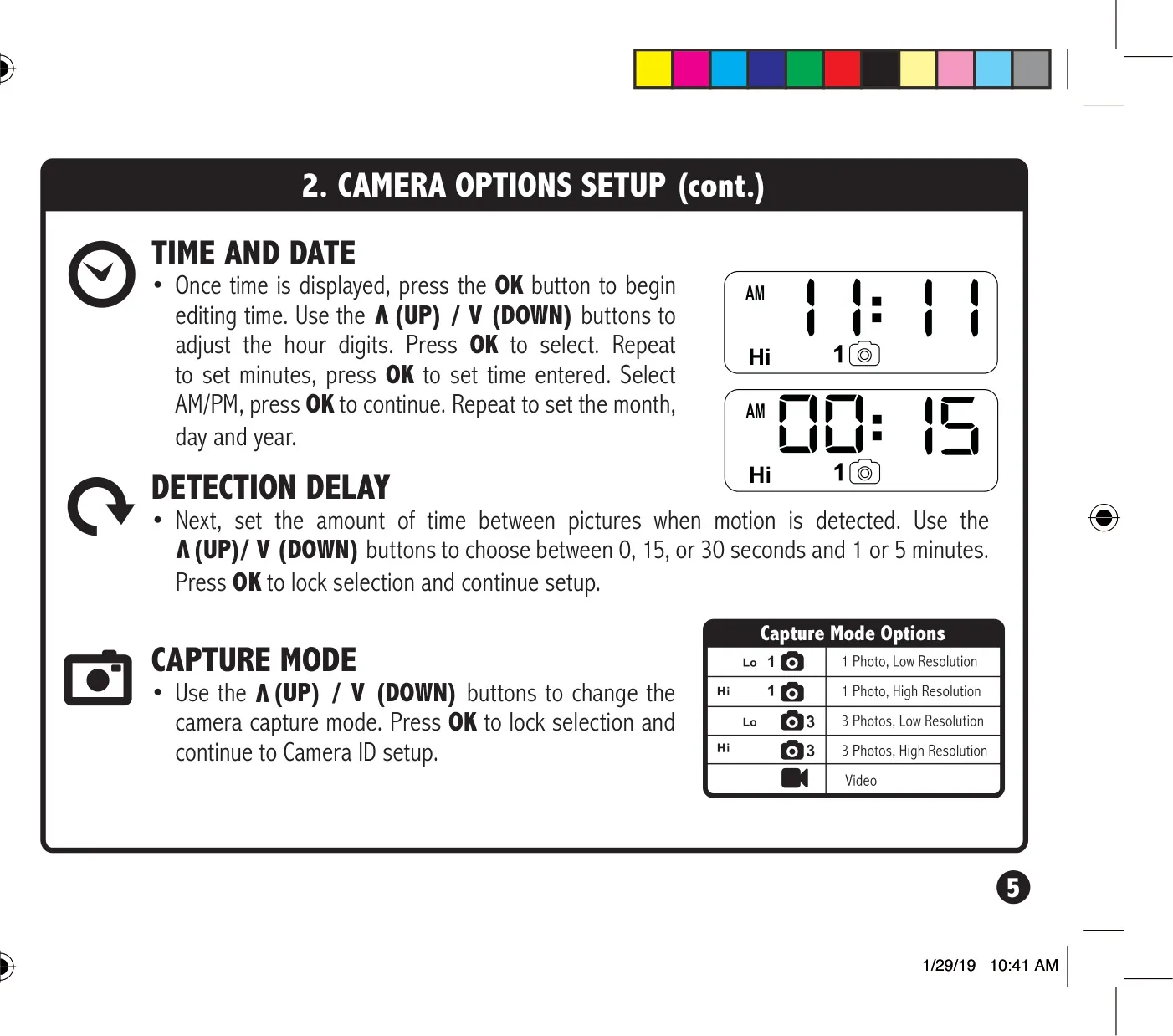
For optimal performance, Moultrie recommends using SDHC Class 10 SD cards with a capacity of up to 32 GB. The camera features a clear LCD display and intuitive navigation buttons for accessing settings. Users can configure the detection delay between captured images, choosing intervals of 0, 15, or 30 seconds, or 1 or 5 minutes. This flexibility allows for tailoring the camera's behavior to specific scouting needs, whether observing fast-moving game or monitoring a static location for extended periods.
Powering the A-700i are eight AA batteries, with a recommendation for Alkaline or Lithium types from brands like Energizer™ or Moultrie. It is crucial to replace all batteries simultaneously and avoid mixing old with new, or different battery chemistries, to ensure consistent power delivery and extend the camera's operational life. The camera also supports an external 12V power source, with the internal AA batteries acting as a backup, preventing interruptions in footage capture.
Mounting the camera is made easy with a provided strap that threads through slots on the back. For best results, it should be positioned approximately three feet from the ground, with adjustments for uneven terrain. Important tips include facing the camera North or South to prevent sun overexposure and clearing brush from its front to avoid false triggers. When monitoring game trails, aiming the camera down the trail rather than directly at it significantly improves detection accuracy.
The SETUP mode is particularly useful for precise aiming, as the STATUS LED will flash for one second when motion is detected. This visual feedback helps users confirm the camera is covering the desired target area effectively. Additionally, the camera supports setting a unique ID number (1-9) for images, which is valuable when managing multiple cameras. The camera's functionality also extends to erasing images and resetting the picture count directly from the device, providing convenient on-site management of captured data.
Frequently Asked Questions (FAQs)
Can't find the answer you need? Here are some frequently asked questions about the Moultrie A-700i (MCG-13335) Digital Game Camera, and we answer them below.