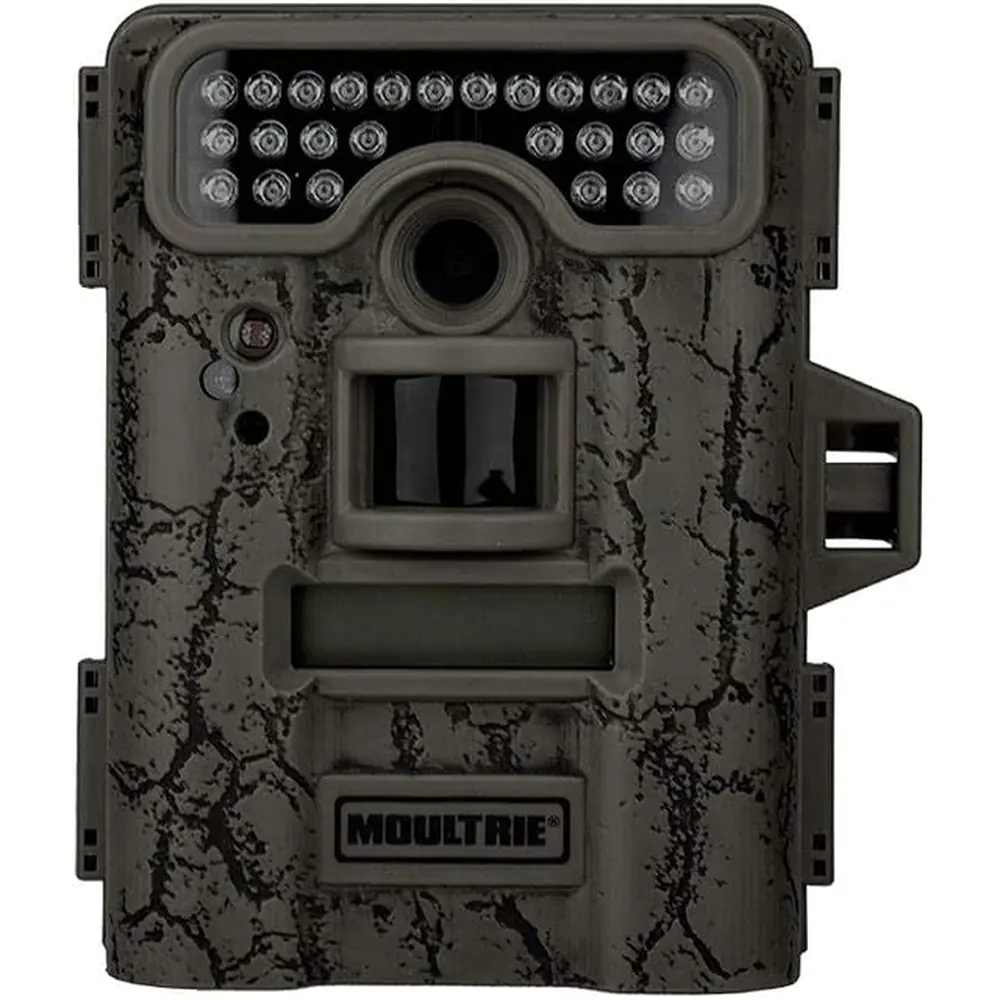
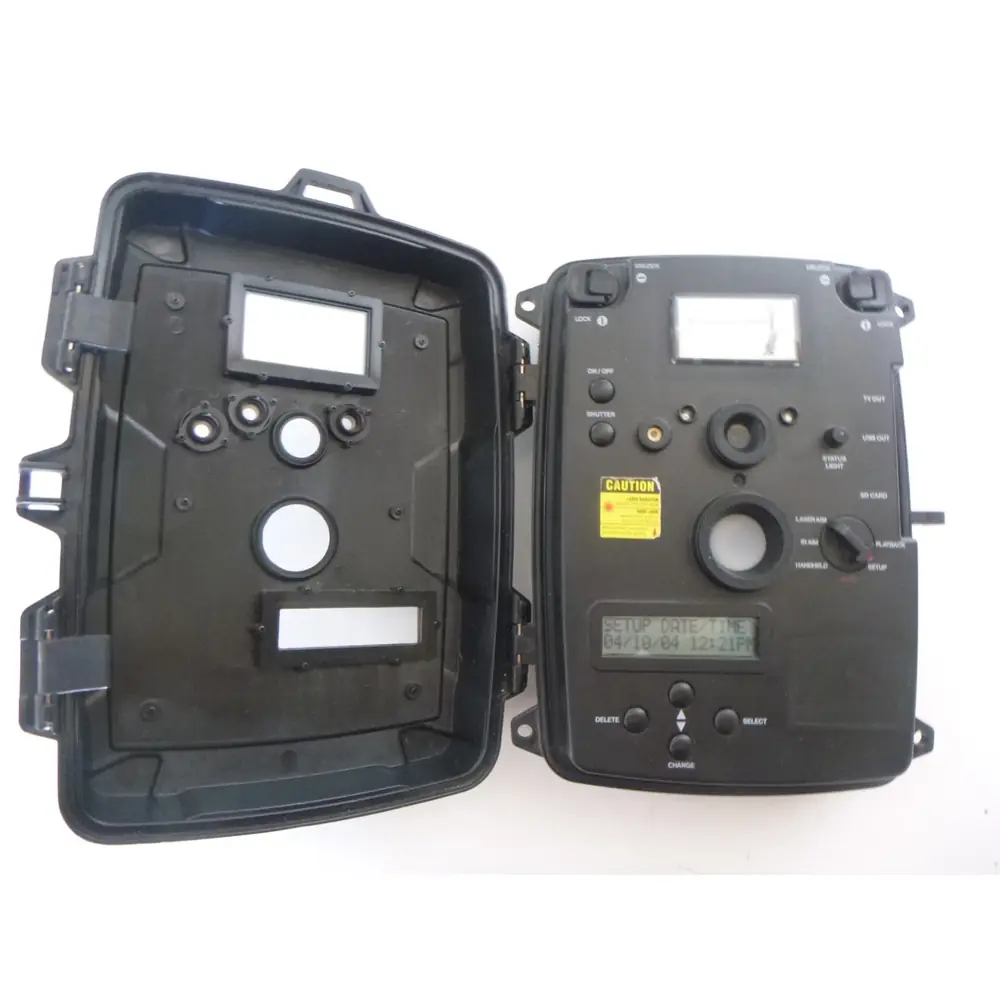
Moultrie W-900iXT (MCG-12621) Instruction Manual

Moultrie W-900iXT (MCG-12621)








Moultrie W-900iXT Instructions
Here we offer the Moultrie W-900iXT (MCG-12621) manual completely free and in English. We have cataloged this manual in the Digital Game Cameras section on Manualverse, and it has been rated by 1 users with an average rating of 5. If you have any specific questions about Moultrie W-900iXT (MCG-12621), we suggest checking the Frequently Asked Questions (FAQs) section of this manual.
Product Images


Moultrie W-900iXT (MCG-12621) Digital Game Camera Specifications
| Feature | Specification |
|---|---|
| Model Number | W-900iXT (MCG-12621) |
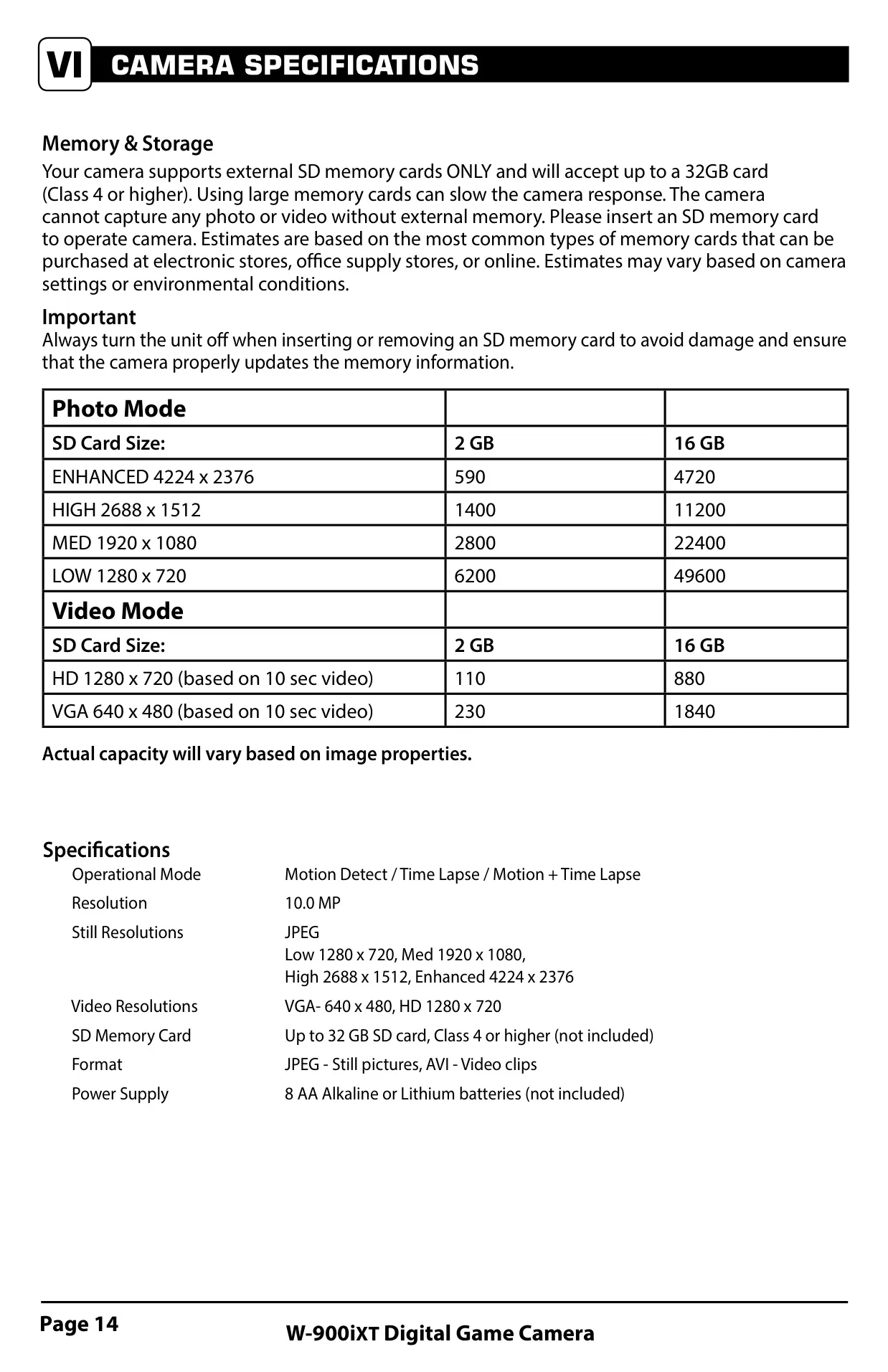
| Operational Modes | Motion Detect, Time Lapse, Motion + Time Lapse |
| Still Image Resolution (Max) | 10.0 MP (Enhanced: 4224 x 2376) |
| Additional Still Resolutions | High: 2688 x 1512 (4 MP), Medium: 1920 x 1080 (2 MP), Low: 1280 x 720 (0.9 MP) |
| Video Resolutions | HD: 1280 x 720, VGA: 640 x 480 |
| File Formats | JPEG (Still pictures), AVI (Video clips) |
| SD Memory Card Support | Up to 32 GB, Class 4 or higher (not included) |
| Power Supply | 8 AA Alkaline or Lithium batteries (not included) |
| External Power Port | Compatible with Moultrie PowerPanel, AC Adapter, or Battery Box (sold separately) |
| USB Port Type | Micro-B (for connection to PC via Micro-B to USB cable, not included) |
| Mounting Options | 1/4" 20 Mount (bottom), Eyelet for mounting strap |
| Warranty | 1-year limited (requires online registration) |
Moultrie W-900iXT (MCG-12621) Details
The Moultrie W-900iXT (MCG-12621) digital game camera boasts an intuitive user interface for streamlined field operation. It features an LCD display for navigation, accompanied by OK/Select, Up/Down, Left/Right buttons, and a dedicated Menu button for setup access. A critical three-position power switch controls OFF, IR AIM, and ON modes. The IR Aim function is vital for precise camera placement, as it illuminates a red LED indicator when motion is detected within the target area, ensuring optimal coverage before the camera begins active monitoring. This design prioritizes ease of use and effective deployment.
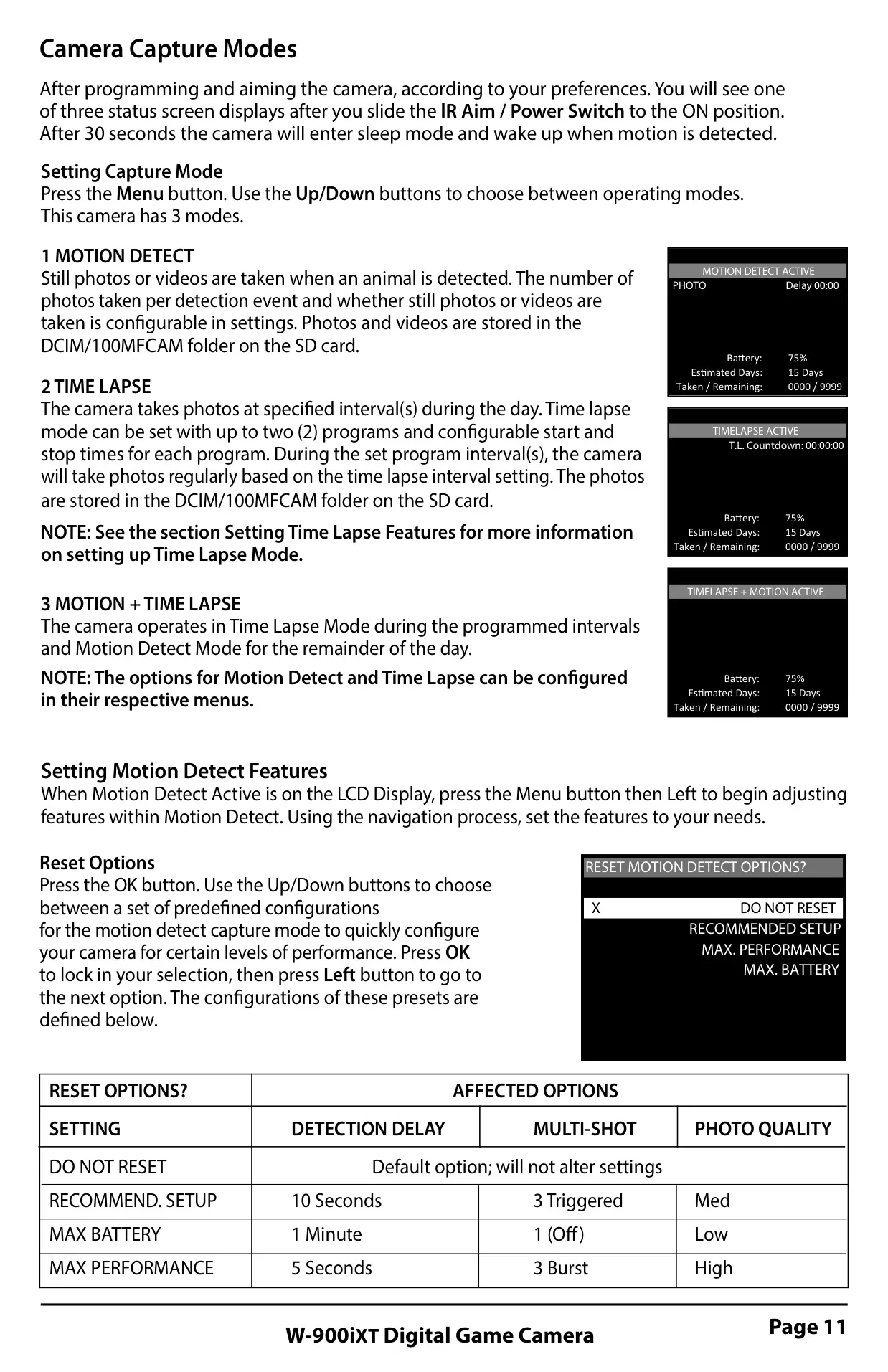
Versatility is key with three distinct capture modes. Motion Detect Mode efficiently captures still images or videos solely when triggered by movement. For comprehensive daily monitoring, Time Lapse Mode photographs at user-defined intervals throughout programmed periods, supporting up to two independent daily programs. The advanced Motion + Time Lapse Mode intelligently combines both functionalities: operating in time-lapse during specified intervals and seamlessly switching to motion detection for the remainder of the day. This intelligent hybrid mode maximizes data collection, capturing both environmental changes and specific animal activity without constant manual adjustment.
Beyond its core specifications, the W-900iXT offers extensive customization for image and video capture quality. Users can select from four photo quality settings, ranging from Low (0.9MP) to Enhanced (10MP), and two video quality options (HD or VGA). Video recording length is adjustable from 5 to 90 seconds, with an option to enable or disable audio. To overcome low-light challenges, the unique Motion Freeze feature significantly improves night photo clarity by adjusting exposure time, thereby reducing blur from subject movement while simultaneously enhancing image brightness and overall detail.
The camera incorporates thoughtful features for extended field deployment and secure data management. The "AC Connected" setting optimizes performance when an external power source like a Moultrie PowerPanel is utilized, preventing the camera from entering sleep mode between detections, thus improving responsiveness. For efficient storage management, the "Managed Memory" option allows users to choose between overwriting the oldest files once the SD card is full or stopping image capture, ensuring critical footage is retained. Furthermore, a 5-digit security code option is available to protect camera settings from unauthorized changes.
Customization extends to specific capture scenarios through predefined Reset Options for motion detection, including "Recommended Setup," "Max Battery," and "Max Performance." These presets simplify camera configuration for varied needs. For tailored image sequences, the Multi-Shot setting allows for either a single photo per event, a rapid 3 BURST sequence (ideal for fast-moving subjects, limited to 4MP), or 3 TRIGGERED photos with a one-second delay between each, increasing the likelihood of capturing desired shots effectively. This flexible multi-shot system adapts to different subject behaviors.
Frequently Asked Questions (FAQs)
Can't find the answer you need? Here are some frequently asked questions about the Moultrie W-900iXT (MCG-12621) Digital Game Camera, and we answer them below.