Moultrie M40i (MCG-13182) Digital Game Camera Instruction Manual

Moultrie M40i (MCG-13182) Digital Game Camera




Moultrie M40i (MCG-13182) Digital Game Camera

Moultrie M40i (MCG-13182) Instructions
Here we offer the Moultrie M40i (MCG-13182) Digital Game Camera manual completely free and in English. We have cataloged this manual in the Digital Game Cameras section on Manualverse, and it has been rated by 1 users with an average rating of 5. If you have any specific questions about Moultrie M40i (MCG-13182) Digital Game Camera, we suggest checking the Frequently Asked Questions (FAQs) section of this manual.
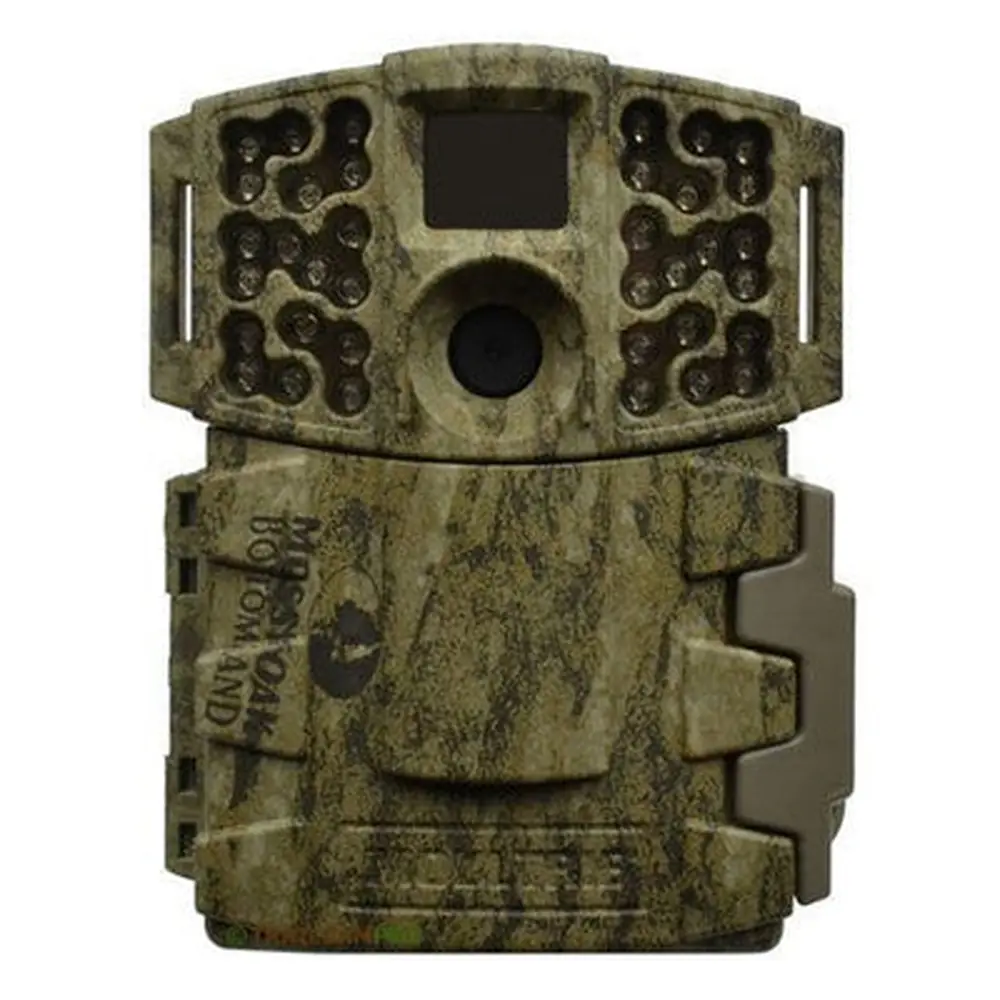
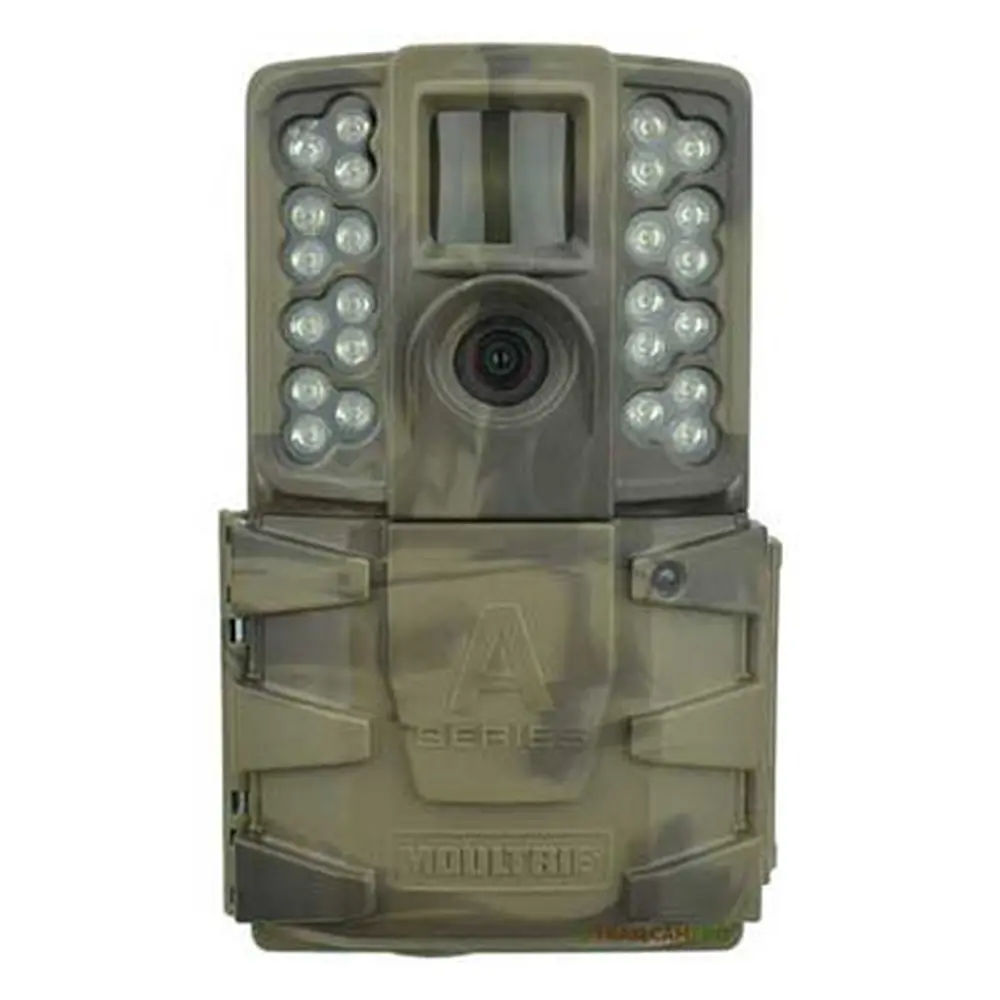
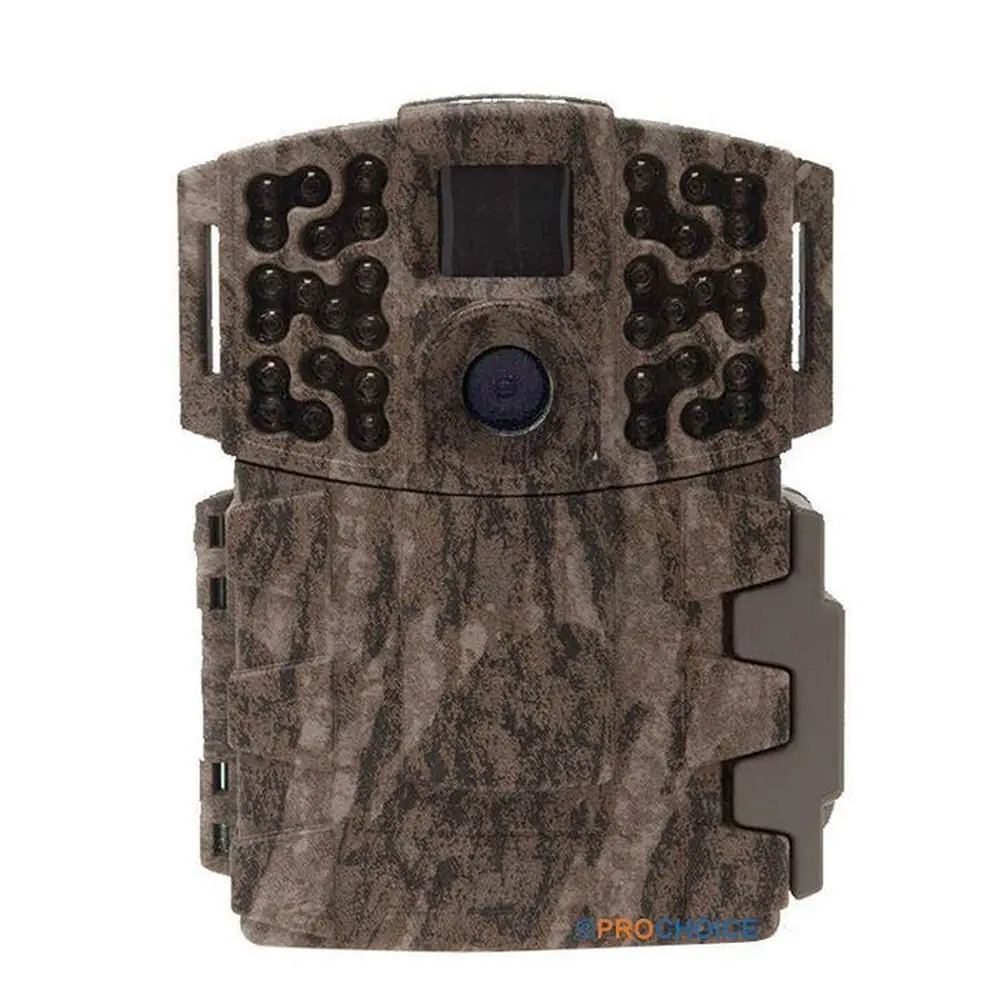
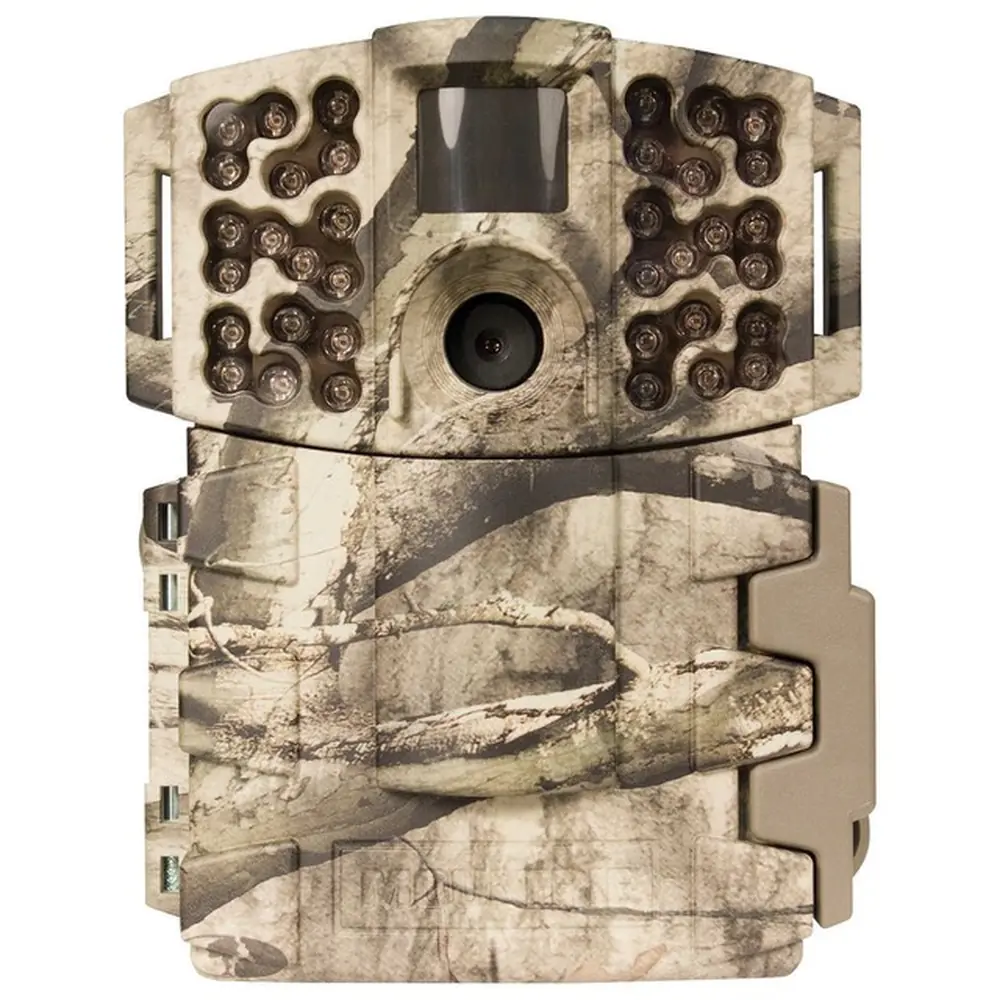
Product Images


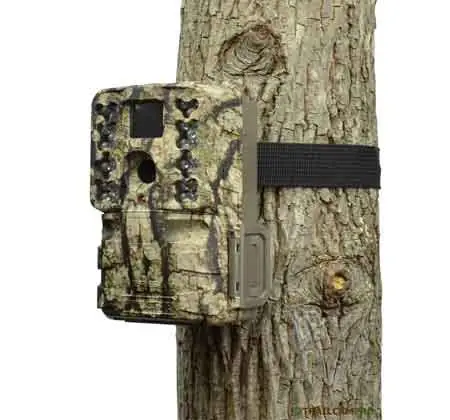
Moultrie M40i (MCG-13182) Specifications
| Feature | Specification |
|---|---|
| Model | Moultrie M40i (MCG-13182) |
| Image Resolution | 16 MP |
| PIR Motion Sensor Range | 80 feet |
| Flash Type | 32-LED Invisible IR Flash |
| Flash Range | 80 feet |
| Trigger Speed | 0.3 seconds |
| Video Resolution | HD 1080p |
| Storage Media | SD/SDHC Cards up to 32GB (Class 4 or higher recommended) |
| Power Source | 8x AA Alkaline or Lithium Batteries; External Power Port |
| Night Imaging | Motion Blur Reduction for Night Shots |
| Shooting Modes | Motion Detect, Time Lapse, Motion + Time Lapse |
Moultrie M40i (MCG-13182) Details
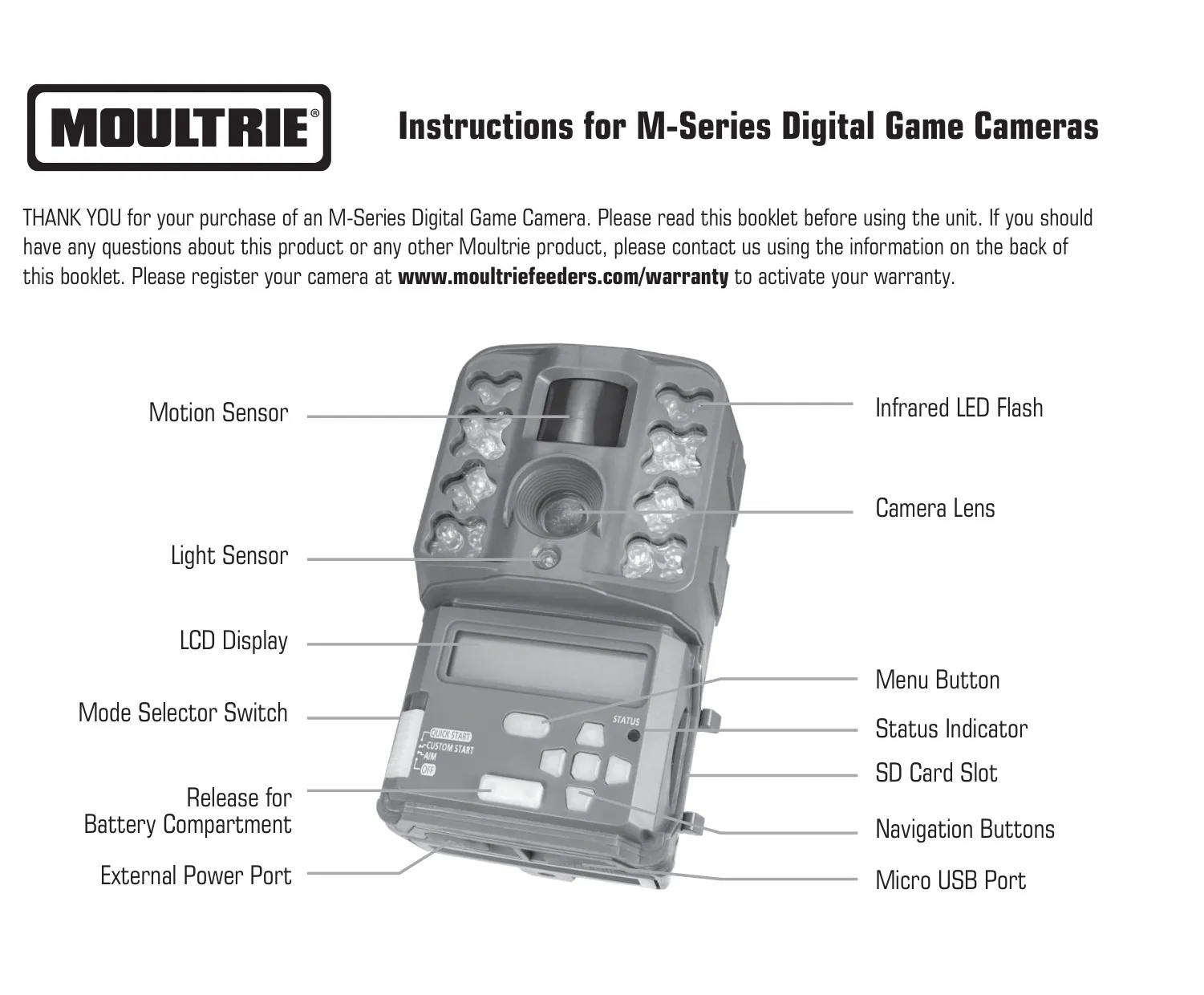
The Moultrie M40i camera is designed for user-friendliness, featuring an intuitive LCD display and robust navigation buttons (Menu, OK, UP/DOWN, LEFT/RIGHT) for effortless setting adjustments. Its mode selector switch offers Aim for precise targeting, Custom Start for personalized configurations, and Quick Start for instant operation with default settings. Connectivity includes a micro USB port for direct photo and video transfer to a computer, and an external power port compatible with Moultrie's proprietary power accessories, ensuring versatile power options for extended field deployment.
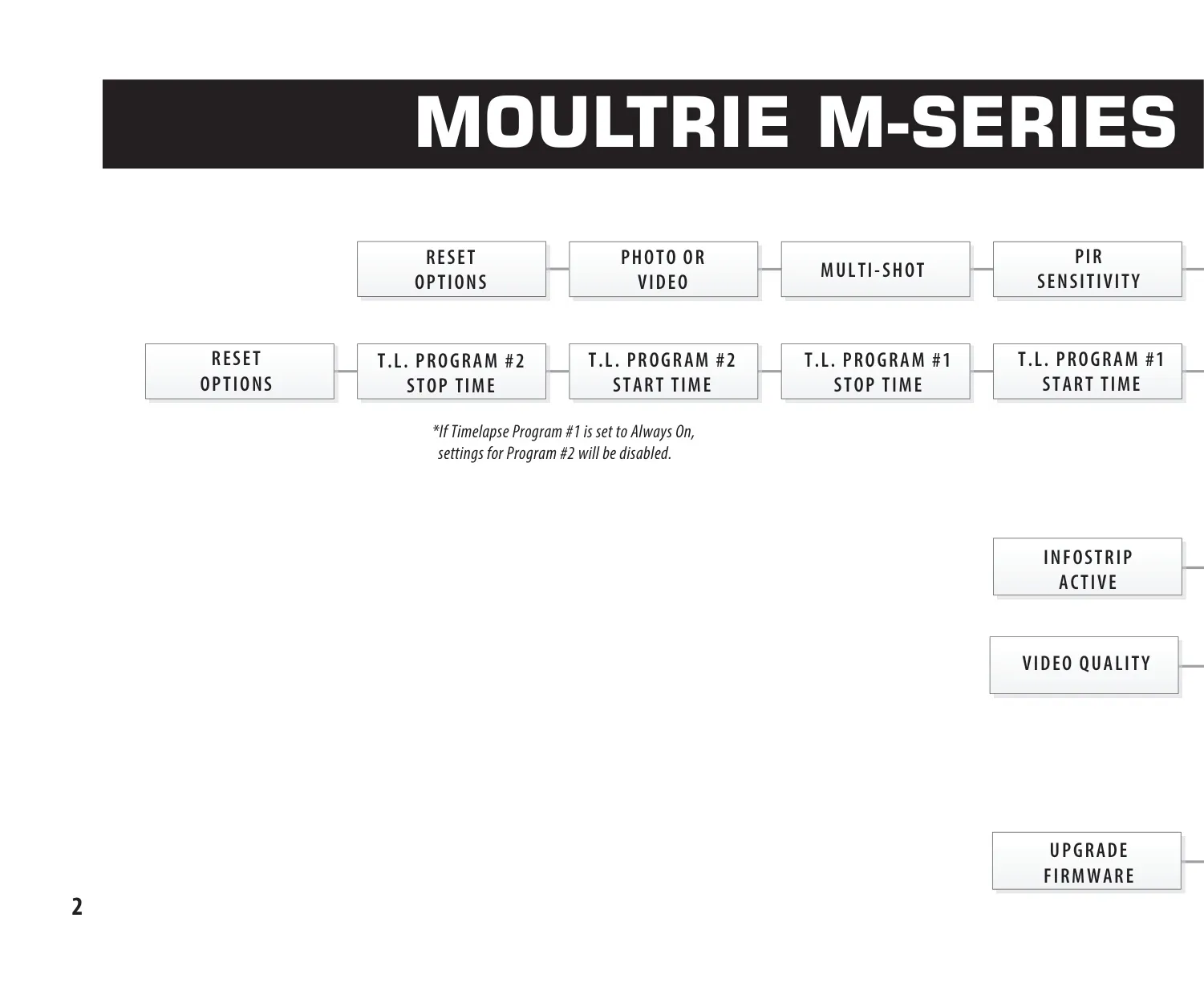
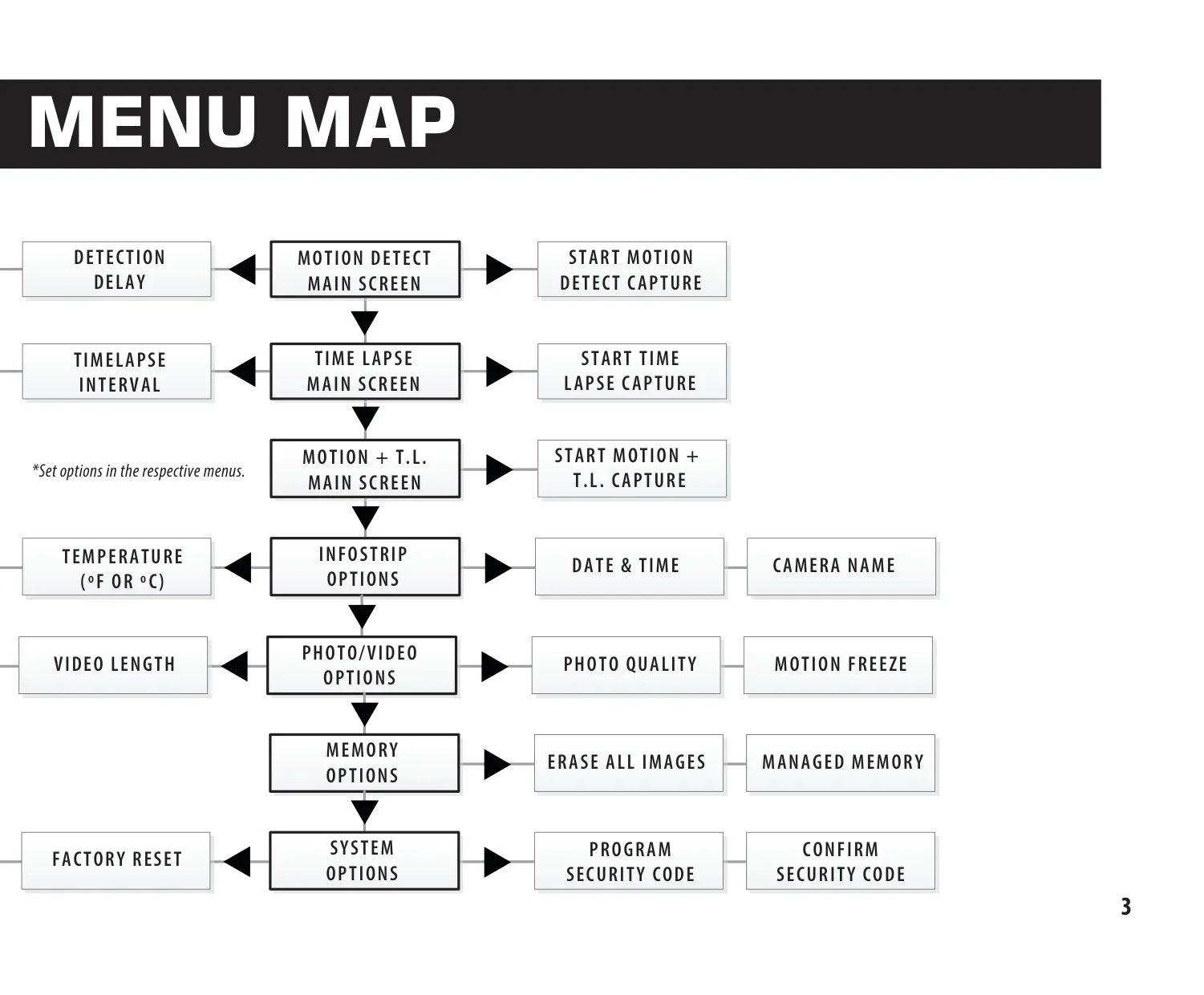
The M40i excels in customizable capture. Its Motion Detect mode allows fine-tuning Detection Delay from 'None' to 30 minutes, and adjusting PIR Sensitivity to 'High' for open fields or 'Low' for dense cover. The Multi-Shot feature offers options for single, 3 BURST (rapid 4MP), or 3 TRIGGERED photos with a one-second interval, increasing success rates for active wildlife. For timed surveillance, Time Lapse mode offers varied capture frequencies and two programmable Start/Stop schedules, thoughtfully disabling Program #2 if Program #1 is set to 'Always On'.
This camera delivers flexible image and video quality options. Photo resolutions span from Enhanced (5376x3024) down to Low (1920x1080). For superior night imaging, the Motion Freeze feature can be activated to reduce blur in moving subjects by using a faster flash and adjusted exposure. Alternatively, disabling it maximizes exposure time for extended flash range and brighter night photos. Video recording supports HD (1280x720) and FULL HD (1920x1080) quality, with lengths up to 90 seconds, although night videos are limited to 30 seconds.
Efficient data management is key with the M40i. The Infostrip option allows imprinting vital details like camera name, timestamp, and temperature (Fahrenheit or Celsius) directly onto images and videos, simplifying organization. For SD card management, users can select Managed Memory to 'Overwrite Oldest' files once capacity is reached, or 'Do Not Overwrite', which halts recording. The 'Erase All Images' function not only clears the card but also formats it, ensuring optimal performance and compatibility with the camera system.
To safeguard camera settings, the M40i offers an optional 5-digit Security Code; remembering this code is vital, as resets may incur fees. System maintenance features include Firmware Upgrades and a Factory Reset option to revert to default settings. Power is supplied by eight AA alkaline or lithium batteries, with Energizer being the recommended brand for best performance. It is critical to always replace all batteries simultaneously and to remove them when the camera is not in use, preventing damage from mixed battery types or prolonged inactivity.
Frequently Asked Questions (FAQs)
Can't find the answer you need? Here are some frequently asked questions about the Moultrie M40i (MCG-13182) Digital Game Camera, and we answer them below.