Moultrie M-888i (MCG-13068) Instruction Manual
Moultrie M-888i (MCG-13068)










Moultrie M-888i (MCG-13068)

Moultrie M-888i (MCG-13068) Instructions
Here we offer the Moultrie M-888i (MCG-13068) manual completely free and in English. We have cataloged this manual in the Digital Game Cameras section on Manualverse, and it has been rated by 1 users with an average rating of 5. If you have any specific questions about Moultrie M-888i (MCG-13068), we suggest checking the Frequently Asked Questions (FAQs) section of this manual.
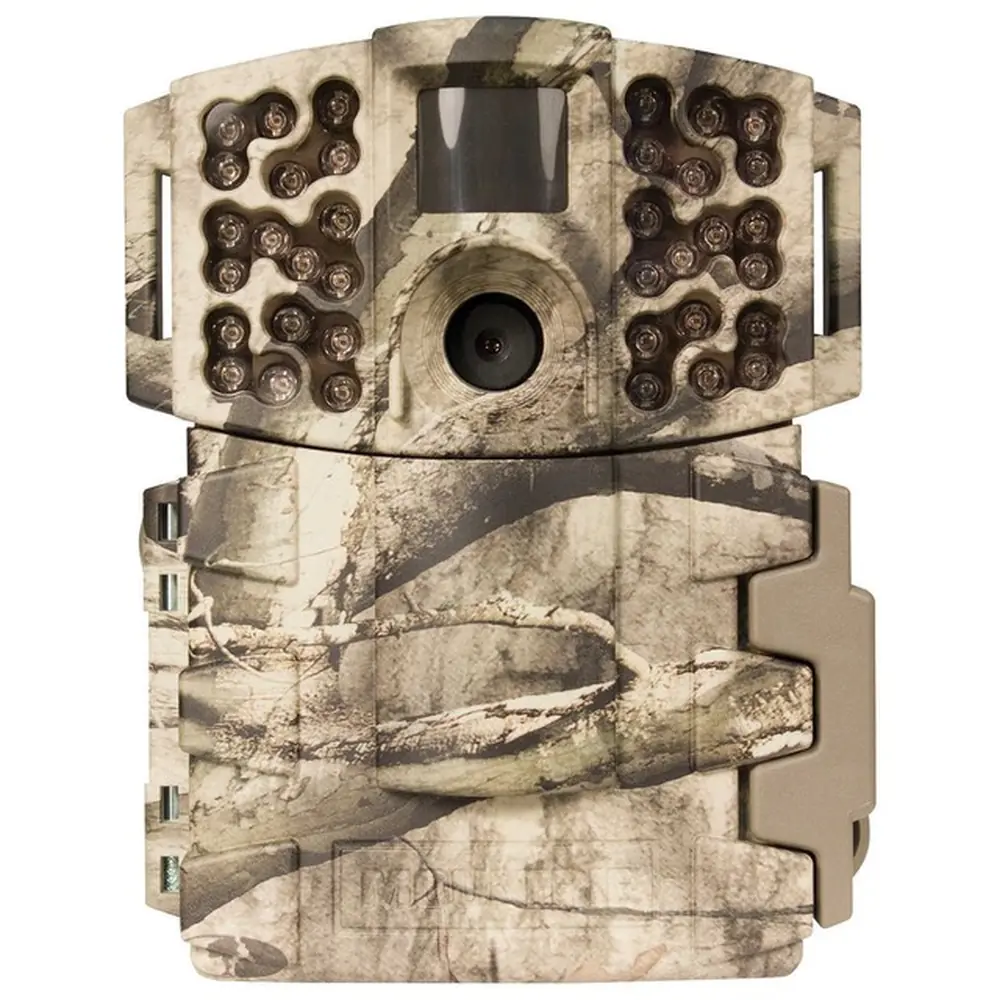
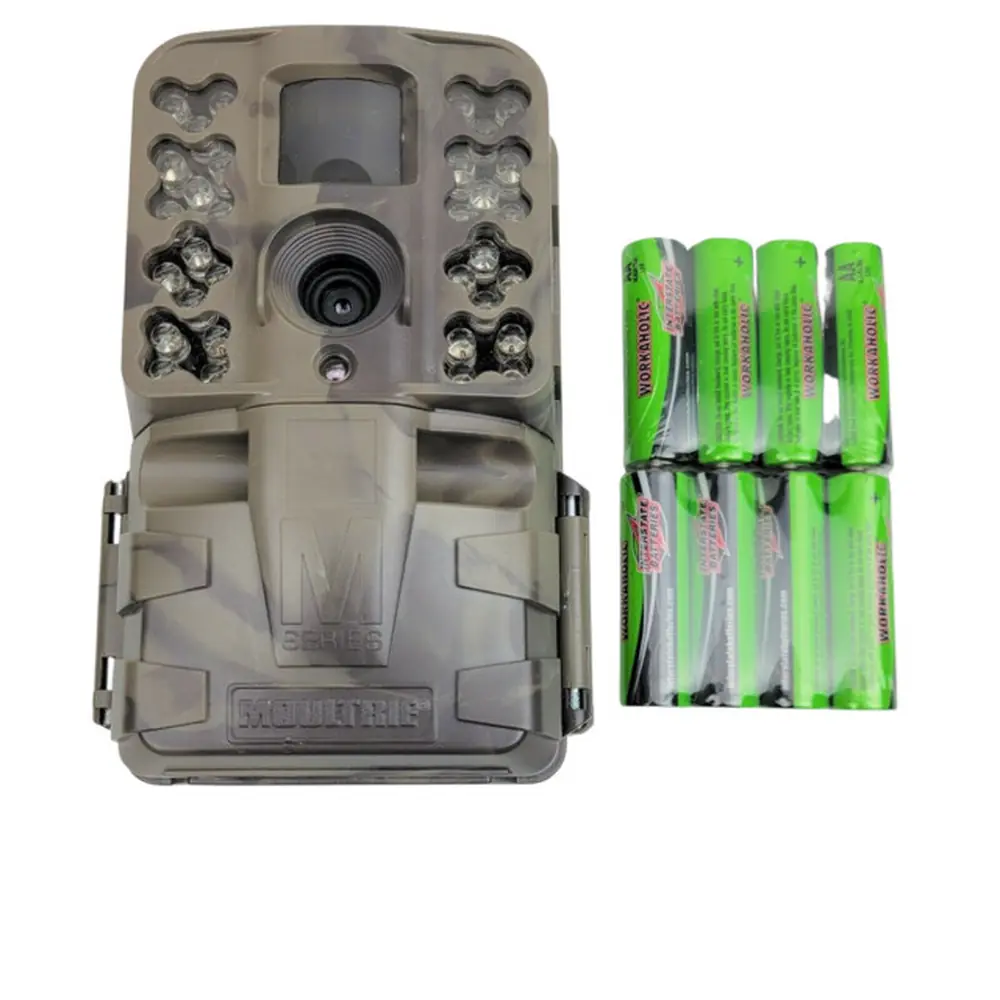
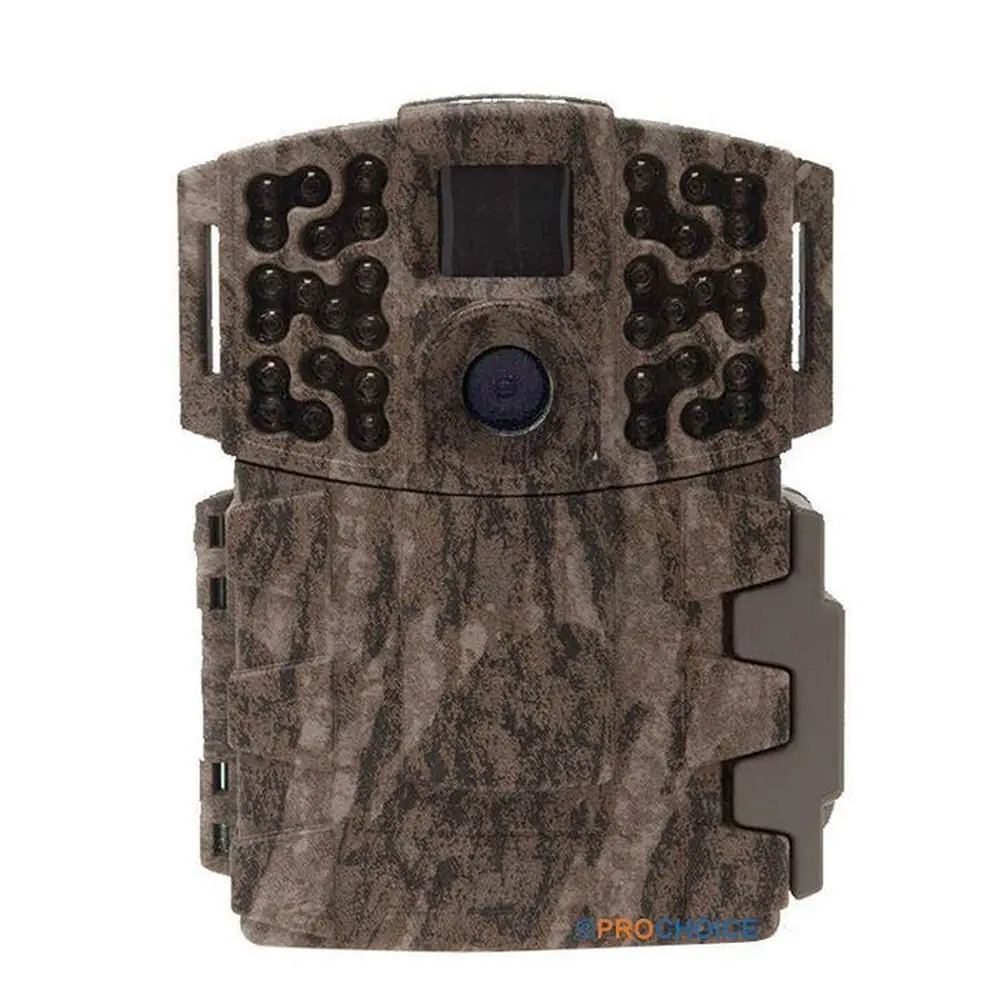
Product Images


Moultrie M-888i (MCG-13068) Digital Game Camera Specifications
| Feature | Specification |
|---|---|
| Model Identifier | MCG-13068 |
| Operational Modes | Motion Detect / Time Lapse / Motion + Time Lapse |
| Still Resolution (Max) | 14.0 MP |
| Still Resolutions (JPEG) | Low 1920 x 1080, Med 2688 x 1512, High 3840 x 2160, Max Zoom 4992 x 2808 |
| Video Resolutions (AVI) | VGA 640 x 480, HD 1280 x 720 |
| SD Memory Card | Up to 32 GB, Class 4 or higher (not included) |
| File Formats | JPEG (Still pictures), AVI (Video clips) |
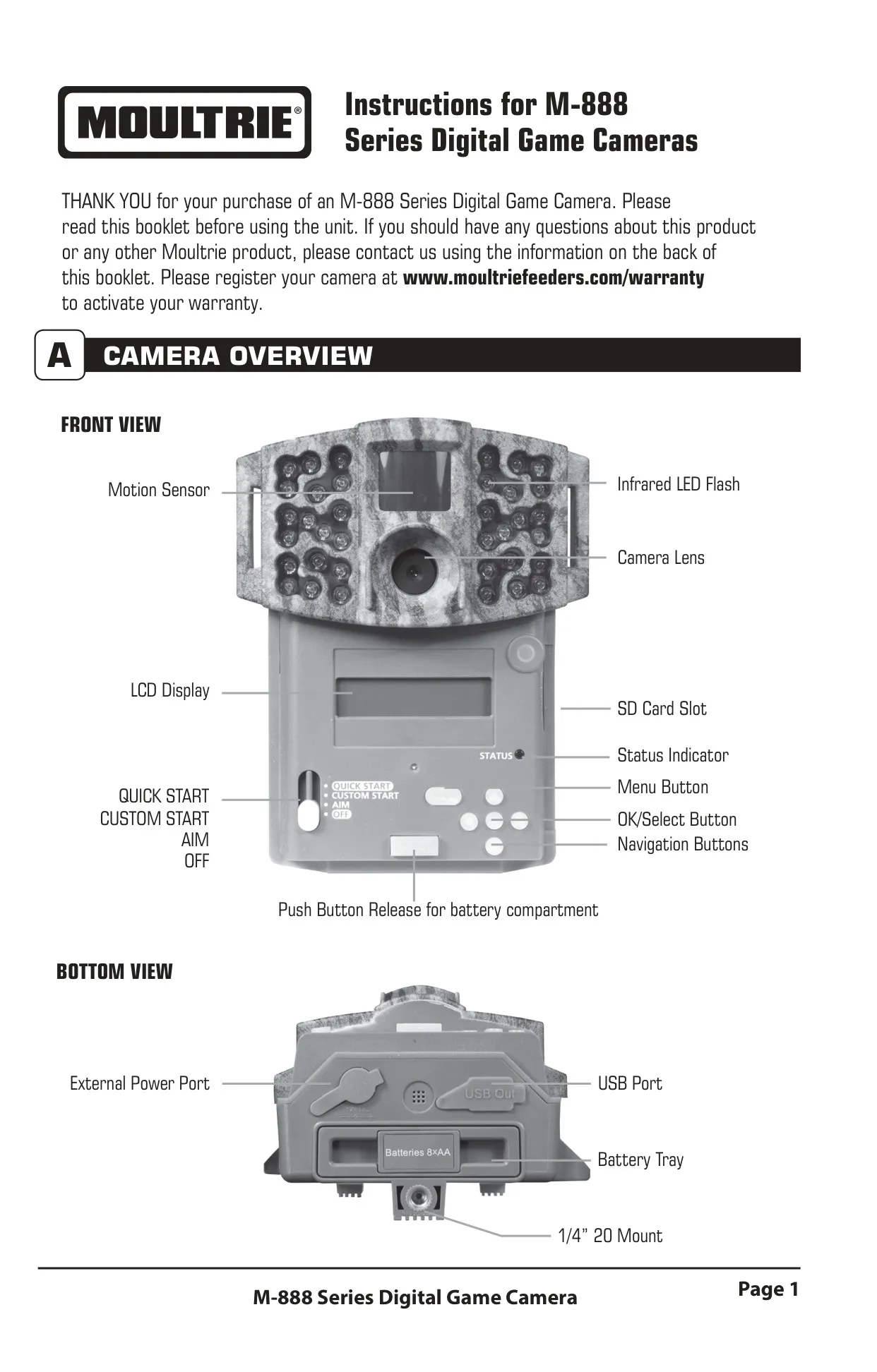
| Power Supply | 8 AA Alkaline or Lithium batteries (not included) |
| External Power Port | Yes (Moultrie PowerPanel, AC Adapter, Battery Box compatible) |
| USB Port | Micro-B to USB (cable not included) |
| Mounting Options | 1/4” 20 Mount, Eyelet for Mounting Strap |
| Display | LCD Display |
| Flash Type | Infrared LED Flash |
| Motion Sensor | PIR Motion Sensor |
| Default Date/Time | 01/01/2016 11:11pm |
| Default Photo Quality | MED (4 MP) |
| Default Video Quality | HD (1280 x 720) |
| Default Video Length | 10 SECONDS |
| Default Motion Freeze | ON (FAST FLASH) |
| Default Camera Name | MOULTRIECAM |
| Default Infostrip Active | YES |
| Default Temperature Unit | FAHRENHEIT |
| Default AC Connected | NO |
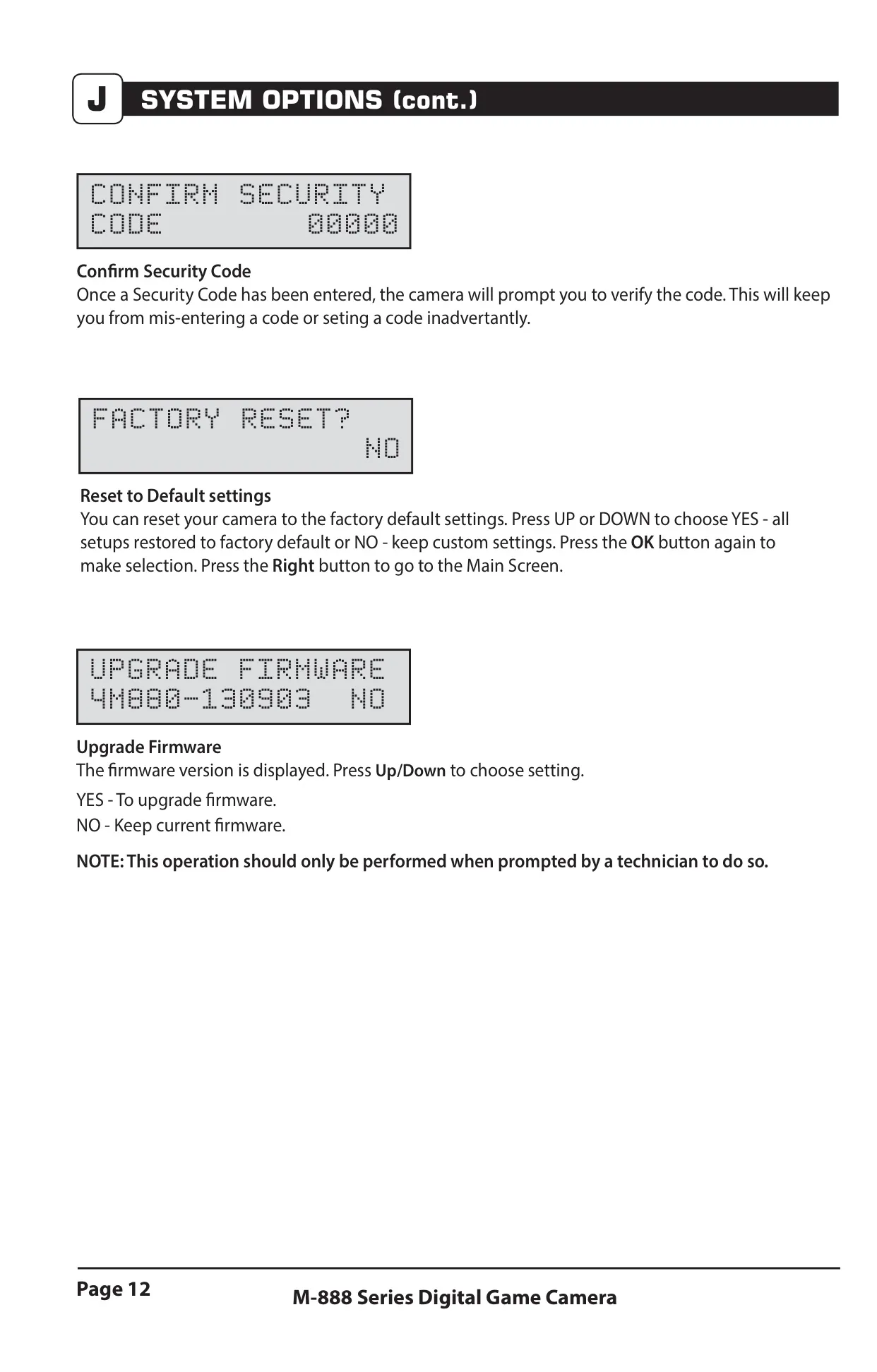
| Default Program Security Code | 00000 |
| Default Managed Memory | DO NOT OVERWRITE |
| Default Motion Detect Delay | 10 SECONDS |
| Default PIR Sensitivity | HIGH |
| Default Multi-Shot | 1 (OFF) |
| Default Photo or Video Mode | PHOTO |
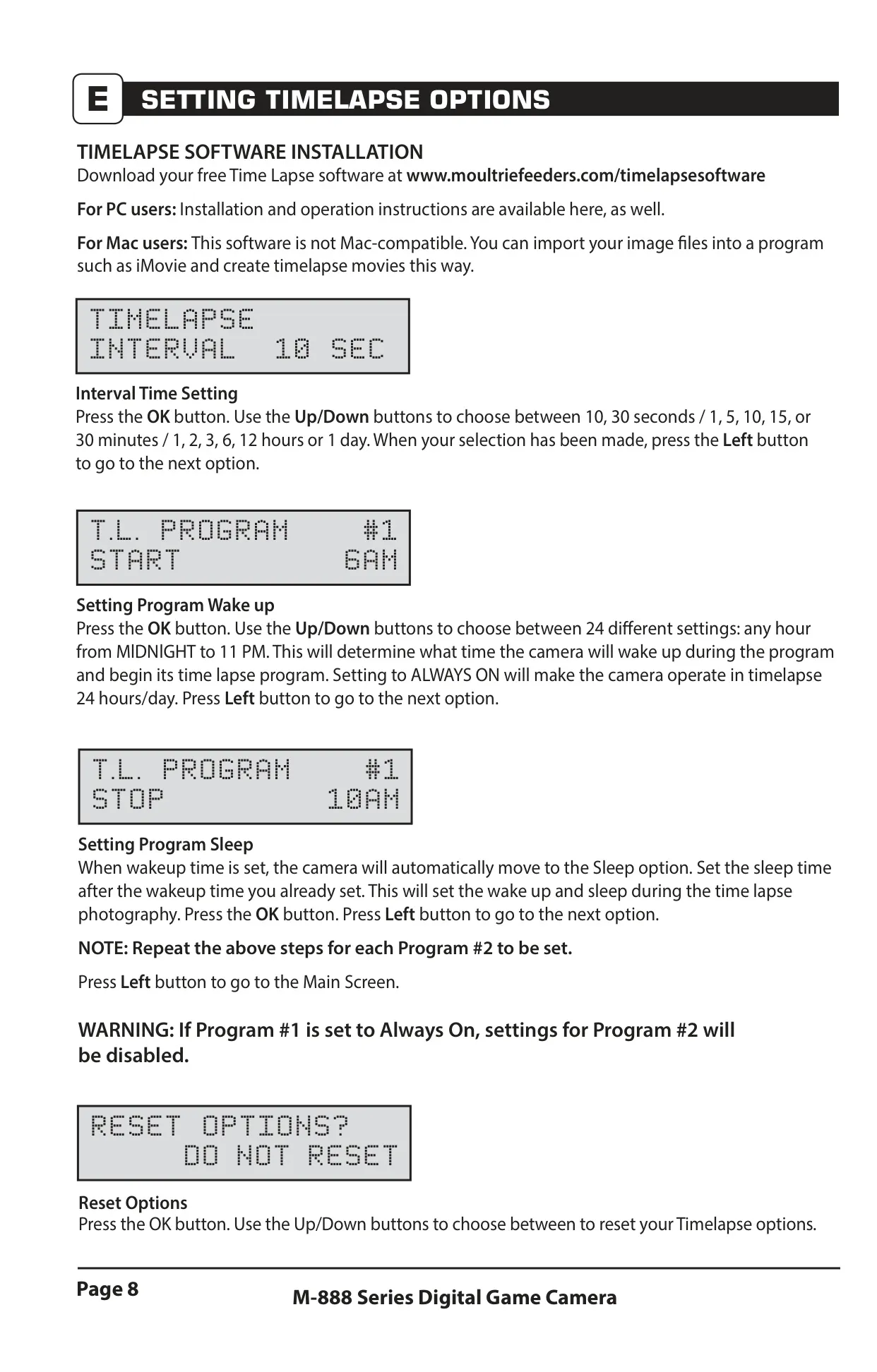
| Default Time Lapse Interval | 10 SECONDS |
| Default Time Lapse Programs/Day | 2 PROGRAM |
| Default T.L. Program #1 Start Time | 6 AM |
| Default T.L. Program #1 Stop Time | 9 AM |
| Default T.L. Program #2 Start Time | 4 PM |
| Default T.L. Program #2 Stop Time | 7 PM |
| Warranty | 2 Years Limited Warranty |
Moultrie M-888i (MCG-13068) Details
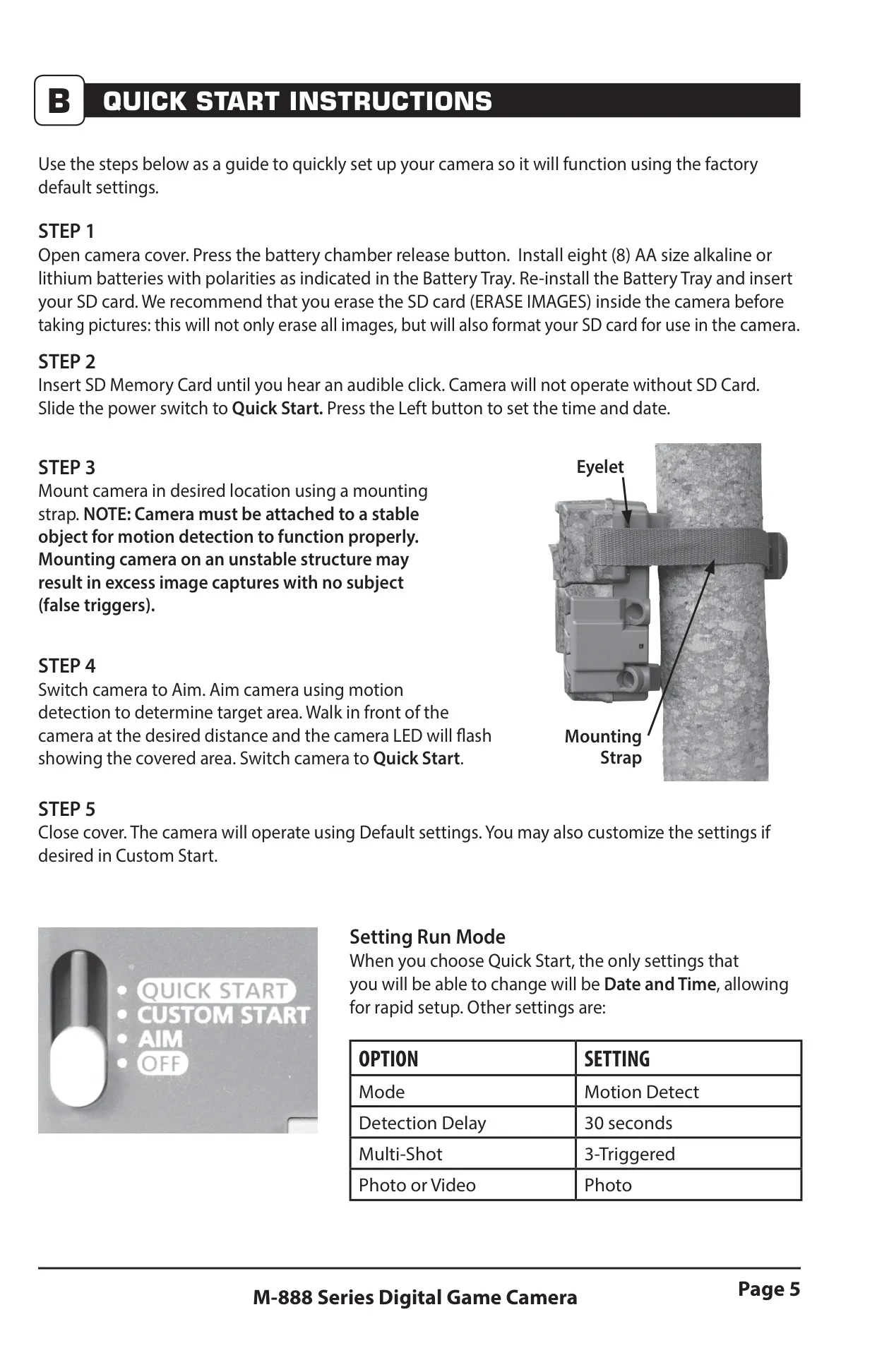
The Moultrie M-888i digital game camera offers a versatile user experience through its intuitive interface and distinct operational modes. Users can quickly set up the camera using the Quick Start mode, which applies factory default settings, allowing only for date and time adjustments. For more granular control, the Custom Start mode provides access to a comprehensive menu map, enabling users to tailor every setting to their specific scouting needs. The Aim mode is particularly useful during setup, activating the red LED status indicator to visually confirm the motion detection area, ensuring optimal camera placement.
Beyond basic capture, the M-888i features advanced imaging capabilities designed to enhance surveillance. The Multi-Shot setting allows for various capture sequences, including a single photo, 3 BURST (three rapidly captured photos within one second, limited to 4MP), or 3 TRIGGERED (up to three photos with a one-second delay between captures, each requiring a separate trigger). This flexibility helps capture more comprehensive event data. For clearer night imagery, the Motion Freeze feature optimizes exposure time, reducing blur associated with subject movement while also boosting brightness and overall clarity in low-light conditions.
Efficient memory management and security are also key aspects of the M-888i. The Managed Memory option gives users control over how the SD card handles capacity limits; it can either overwrite the oldest files to continue capturing new images or cease capture once the card is full. For safeguarding camera settings and data, a 5-digit Security Code can be set, preventing unauthorized access. Users are advised to remember this code, as a lost code may require customer support intervention, potentially incurring charges.
The camera's power versatility is noteworthy, offering both battery operation and external power options. While powered by 8 AA batteries, an External Power Port allows connection to Moultrie-specific accessories such as the PowerPanel, AC Adapter, or Battery Box, extending field life significantly. The "AC Connected" system option, when enabled with an external power supply, keeps the camera active, eliminating sleep states between captures for improved speed and performance. Using non-Moultrie power sources will void the product warranty.
Data retrieval and viewing are made convenient with multiple options. Images and videos can be accessed directly by removing the SD card and inserting it into a compatible reader or external device. Alternatively, the camera can be connected to a PC (Windows XP/Vista/7 or Mac OS X 10.1 and higher) via a Micro-B to USB cable, functioning as a removable drive for easy file transfer. This ensures that users can quickly review their captured content whether in the field or at home.
The M-888i also integrates with the broader Moultrie ecosystem, notably being compatible with Moultrie Mobile® cellular service when paired with the Field Modem MV1. This connectivity allows for remote monitoring and data transmission, though a camera firmware update might be necessary for full functionality. The camera is built to withstand outdoor conditions and comes with a 2-year limited warranty, reinforcing its reliability for long-term use in game scouting and surveillance.
Frequently Asked Questions (FAQs)
Can't find the answer you need? Here are some frequently asked questions about the Moultrie M-888i (MCG-13068), and we answer them below.