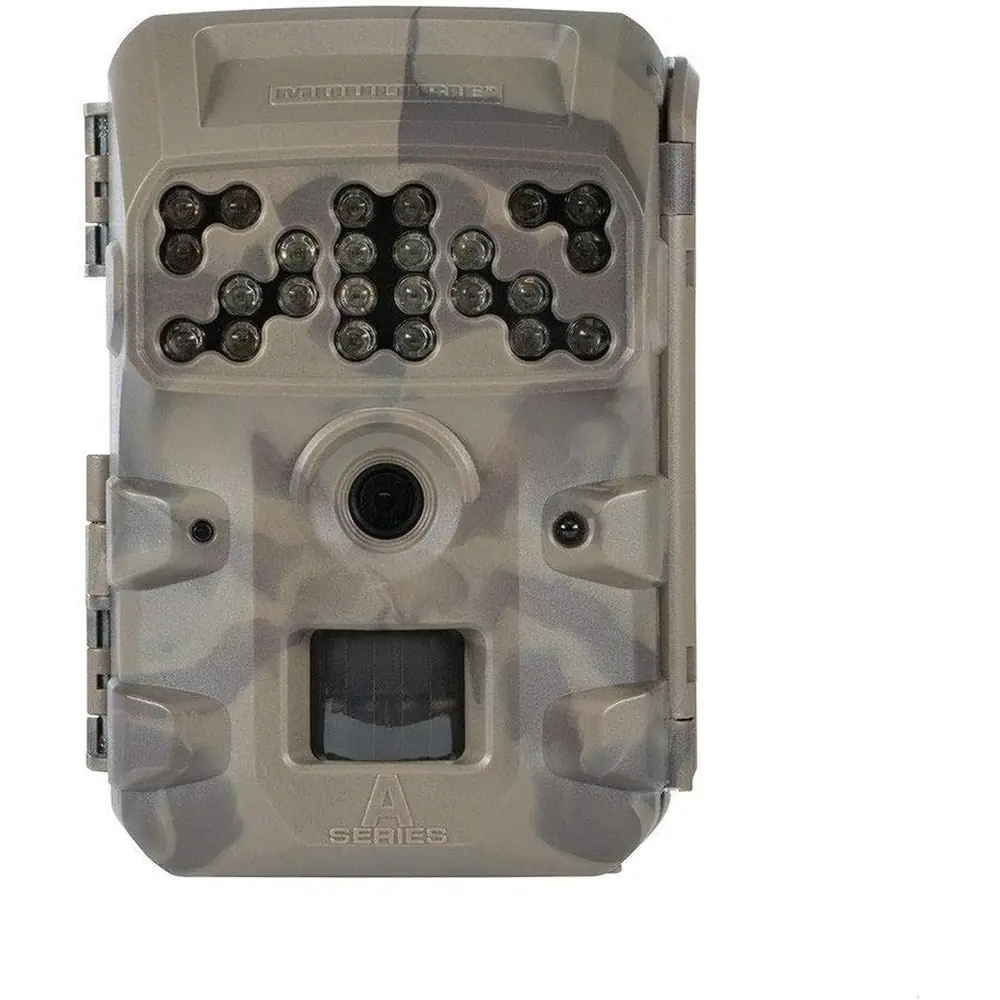
Moultrie AC-900i Kit (MCG-14004) Instruction Manual

Moultrie AC-900i Kit (MCG-14004)






Moultrie AC-900i Kit (MCG-14004)
Moultrie AC-900i Kit Instructions
Here we offer the Moultrie AC-900i Kit (MCG-14004) manual completely free and in English. We have cataloged this manual in the Digital Game Cameras section on Manualverse, and it has been rated by 1 users with an average rating of 5. If you have any specific questions about Moultrie AC-900i Kit (MCG-14004), we suggest checking the Frequently Asked Questions (FAQs) section of this manual.
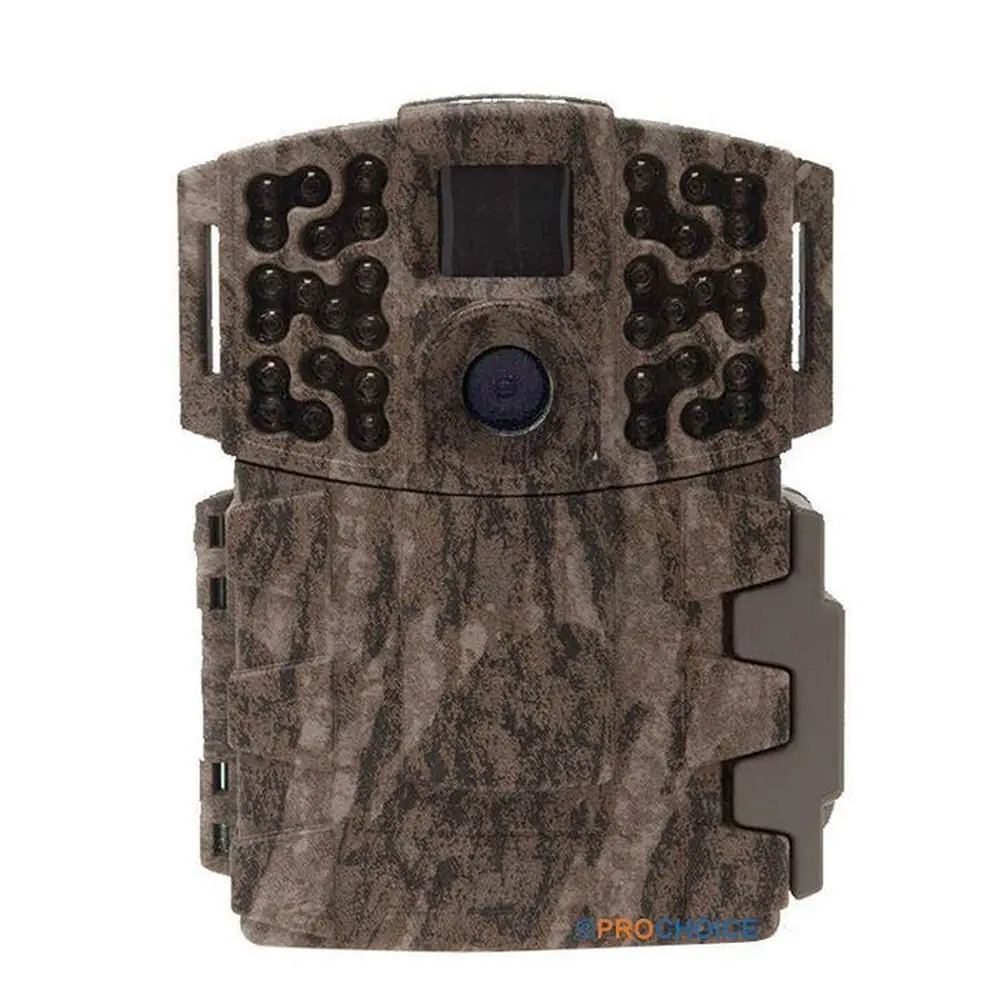
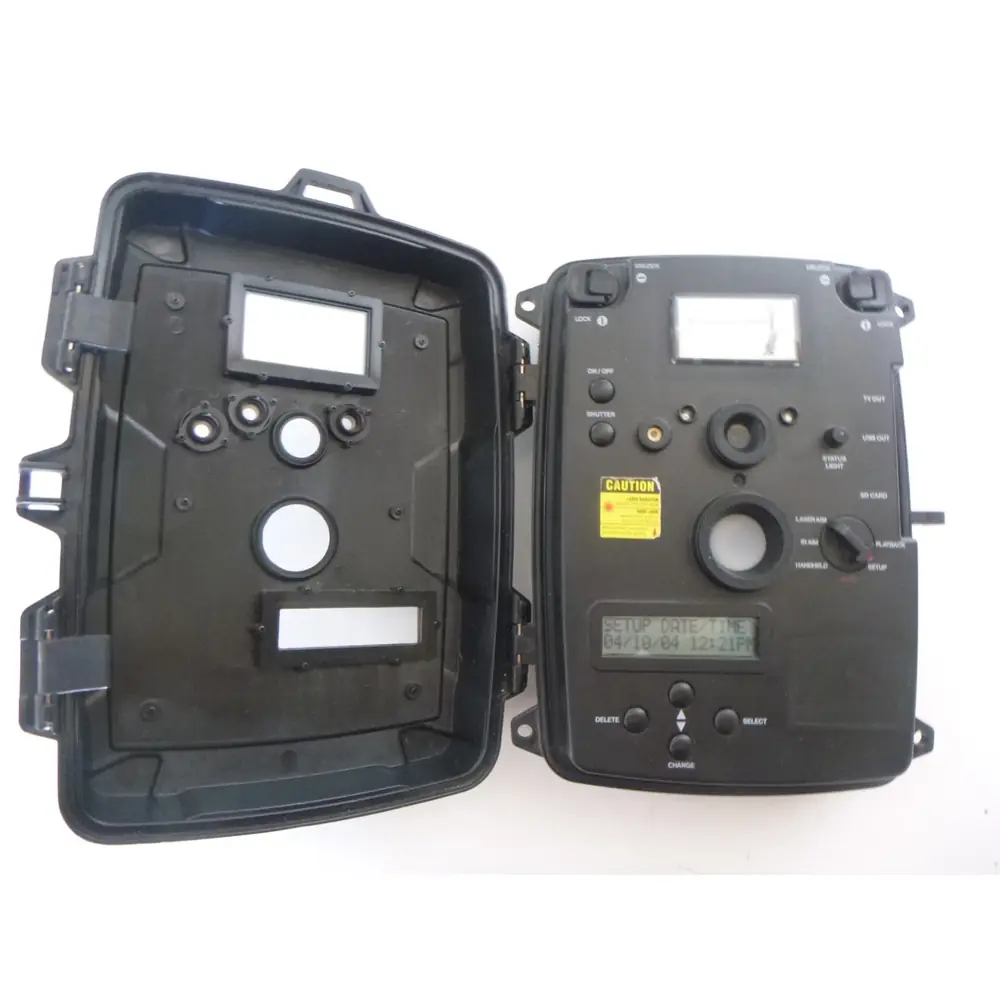
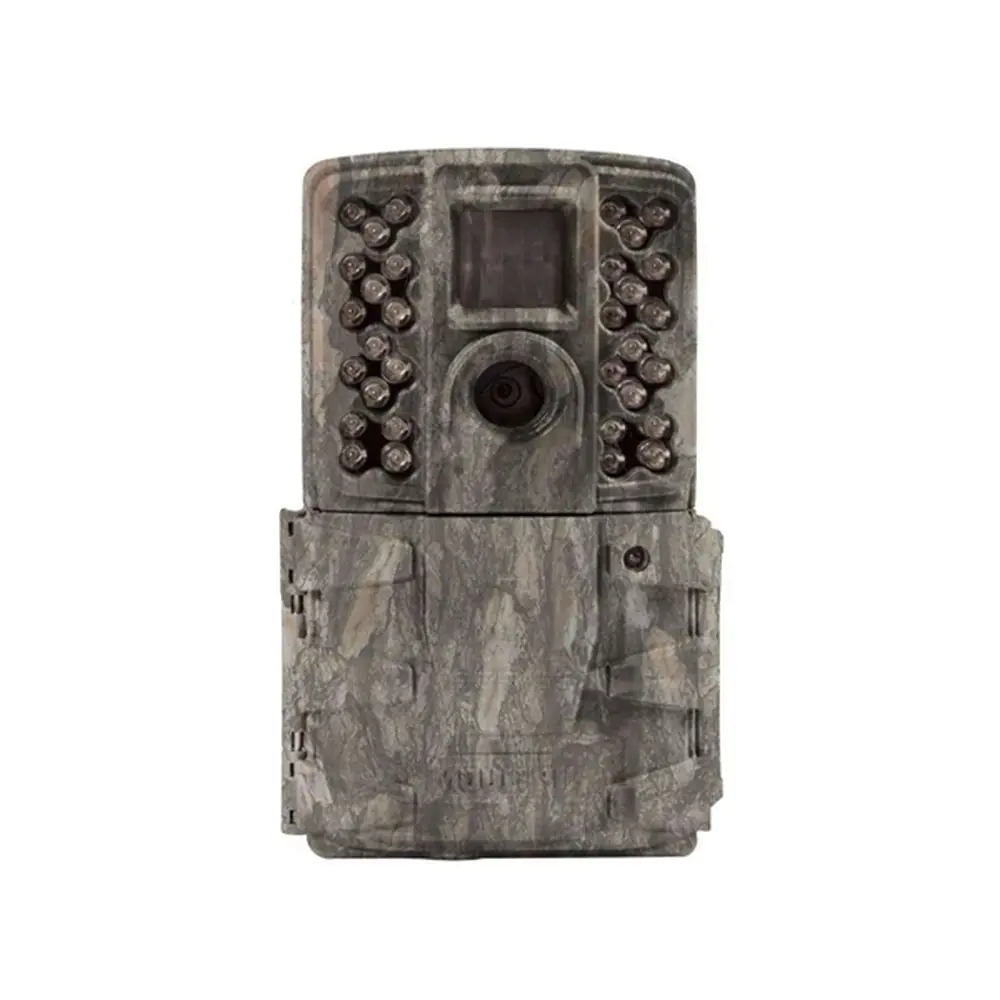
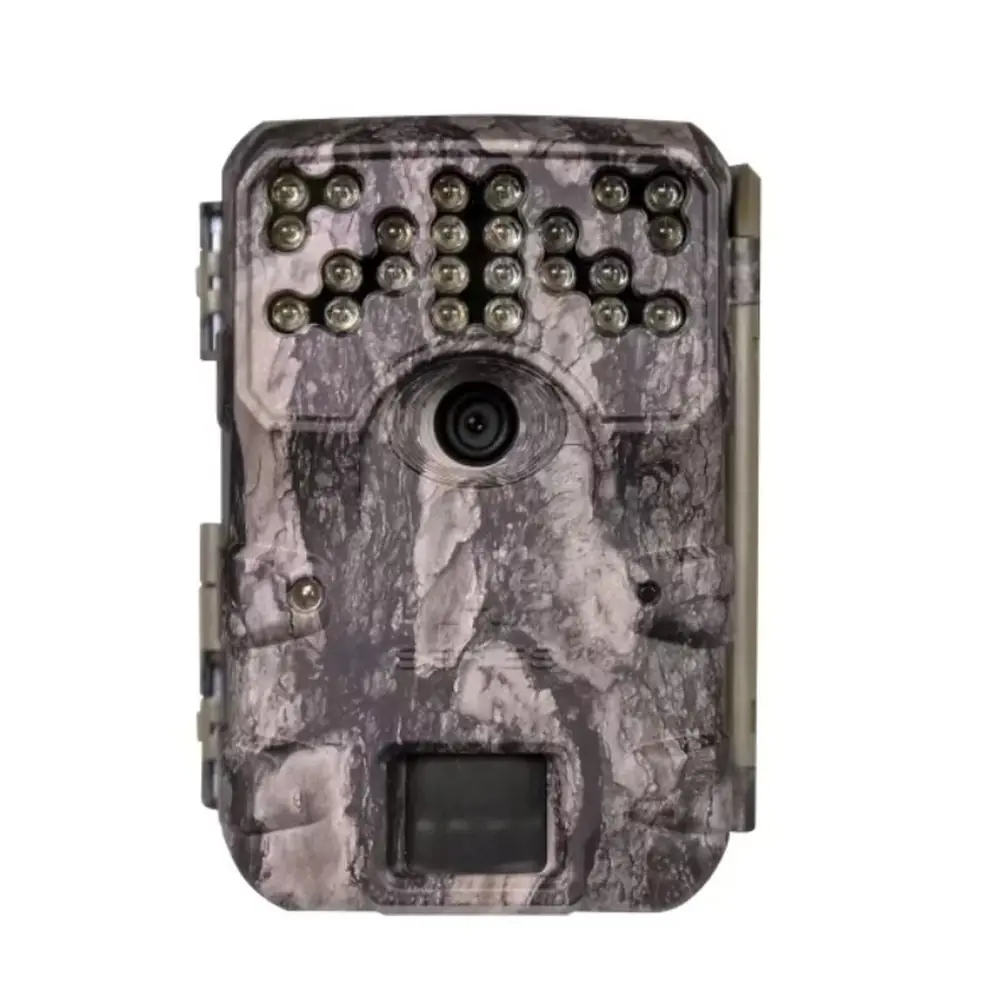
Product Images


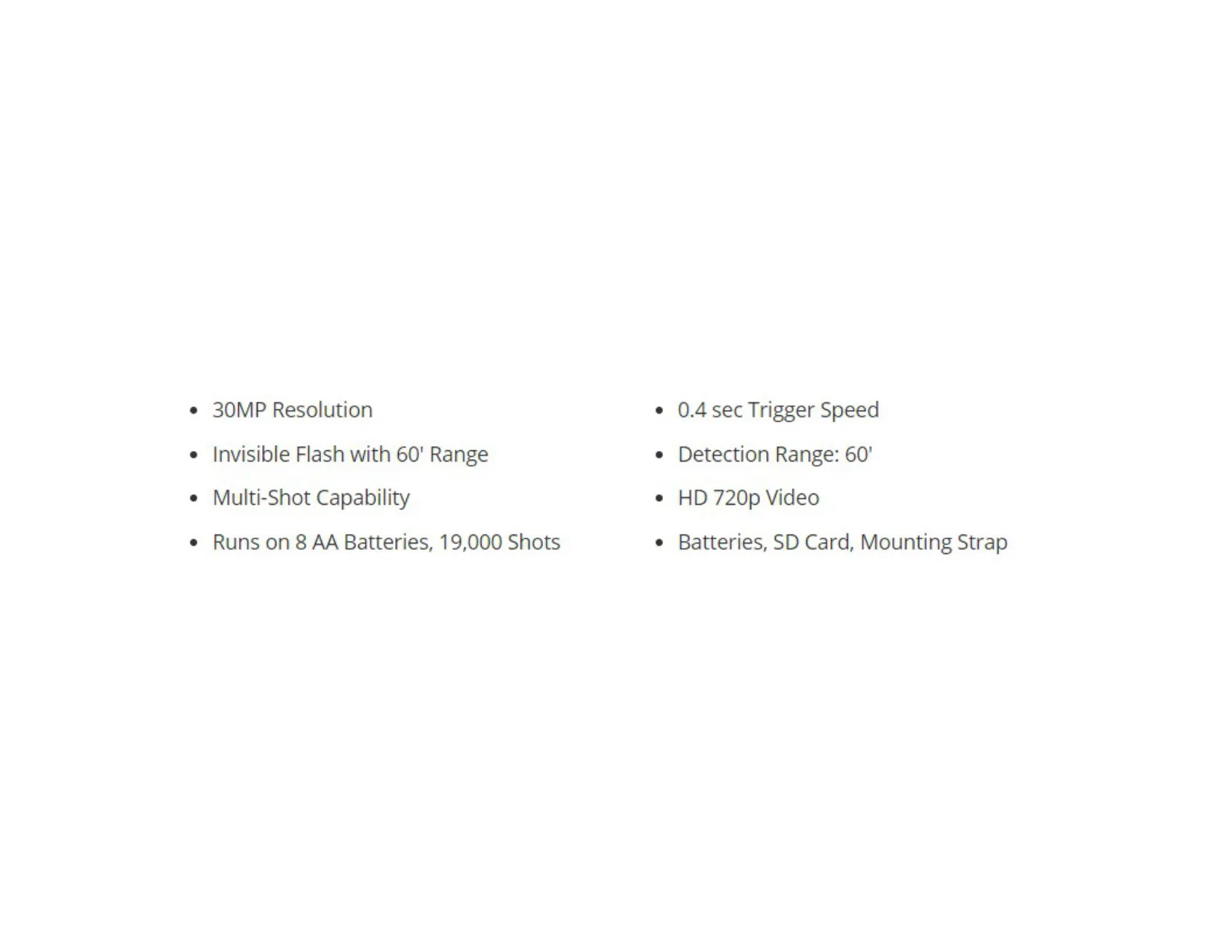
Moultrie AC-900i Kit (MCG-14004) Specifications
| Feature | Specification |
|---|---|
| Resolution | 30MP |
| Trigger Speed | 0.4 seconds |
| Detection Range | 60 feet |
| Video Resolution | HD 720p |
| Flash Type | Invisible Flash |
| Flash Range | 60 feet |
| Multi-Shot Capability | Yes |
| Battery Type | 8 AA Batteries |
| Estimated Battery Life | 19,000 Shots |
| SD Card Support | SDHC Class 10 up to 32 GB |
| External Power Port | 12V Compatible |
| Micro USB Port | Yes |
| Included Accessories | Batteries, SD Card, Mounting Strap |
Moultrie MCG-14004 Details
The Moultrie AC-900i Kit (MCG-14004) is designed for straightforward deployment, ensuring users can quickly set up their game camera without hassle. The process begins with simply opening the camera cover to install eight (8) AA batteries, observing the indicated polarity. Following this, an SDHC Class 10 SD card, with a recommended capacity of up to 32 GB, must be inserted into its designated slot until an audible click confirms proper seating.
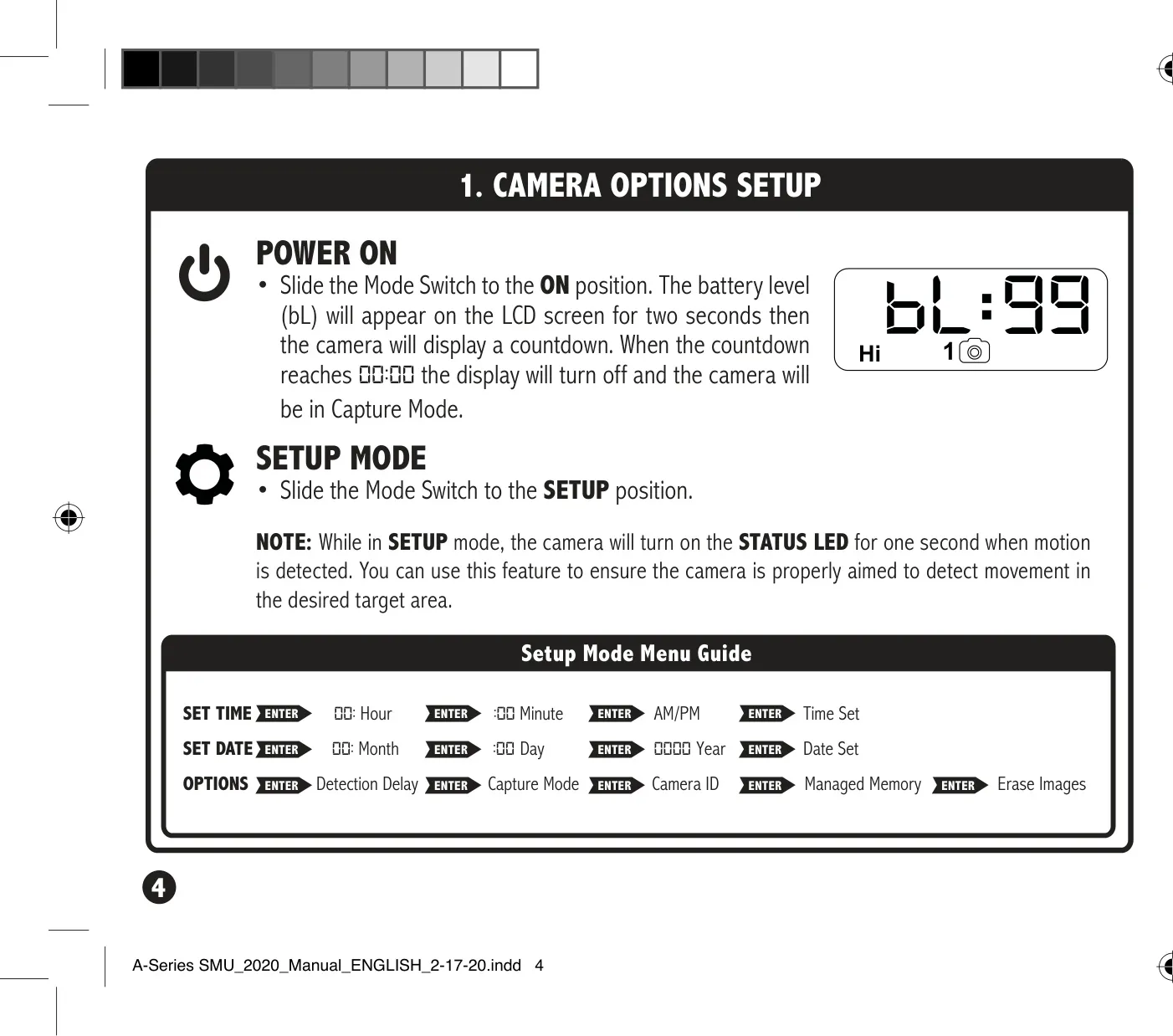
Initial configuration is streamlined through the camera's SETUP mode. By sliding the Mode switch to SETUP, users can easily access the menu to adjust the current time and date. The intuitive UP/DOWN buttons facilitate precise adjustments to hours, minutes, AM/PM, month, day, and year, with the ENTER button confirming each selection. This initial setup is crucial for accurate timestamping of all captured images and videos.
Mounting the AC-900i camera is flexible, primarily using the included strap threaded through slots on the back of the case. It is recommended to mount the camera approximately three feet from the ground, adjusting for any uneven terrain to ensure optimal coverage. For best results, position the camera facing North or South to mitigate overexposure from direct sunlight. Additionally, clear any brush from the camera's front to prevent false triggers.
The AC-900i offers several customizable options to tailor its operation to specific needs. Users can set the Detection Delay, which controls the interval between pictures once motion is detected. Options range from 0, 15, or 30 seconds to 1 or 5 minutes. This feature is vital for managing card space and capturing subsequent activity efficiently. The camera also includes various Capture Mode options, allowing users to select their preferred image or video capture settings.
Further personalization is available through the Camera ID feature, allowing assignment of a number from 1-9 to identify images from specific cameras in multi-camera setups. The Managed Memory function provides control over SD card usage; setting it to "ON" enables the camera to overwrite older files when the card is full, while "OFF" will prevent further saving once capacity is reached. Important battery information suggests using only Alkaline or Lithium batteries, avoiding mixes, and removing them when the camera is not in use.
Moultrie stands behind the AC-900i Kit with a limited warranty, offering one year of coverage for material and workmanship defects, extendable to two years upon product registration within 60 days of purchase. Support resources for troubleshooting and repairs are readily available online. Furthermore, the camera is compatible with Moultrie Mobile® cellular service when paired with a Moultrie® Field Modem, offering remote monitoring capabilities for enhanced game management.
Frequently Asked Questions (FAQs)
Can't find the answer you need? Here are some frequently asked questions about the Moultrie AC-900i Kit (MCG-14004) Digital Game Camera, and we answer them below.