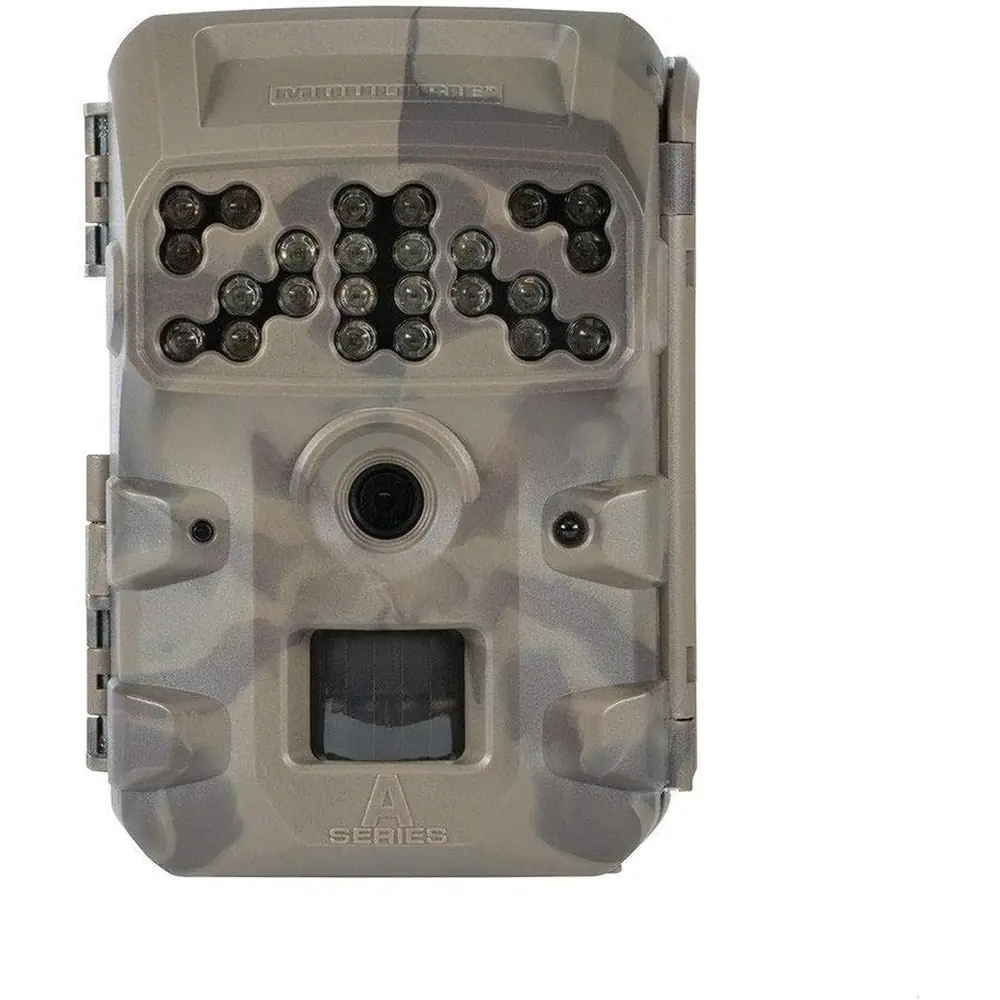
Moultrie A-35 (MCG-13212) Instruction Manual

Moultrie A-35 (MCG-13212)





Moultrie A-35 (MCG-13212)
Moultrie A-35 (MCG-13212) Instructions
Here we offer the Moultrie A-35 (MCG-13212) manual completely free and in English. We have cataloged this manual in the Digital Game Cameras section on Manualverse, and it has been rated by 1 users with an average rating of 5. If you have any specific questions about Moultrie A-35 (MCG-13212), we suggest checking the Frequently Asked Questions (FAQs) section of this manual.
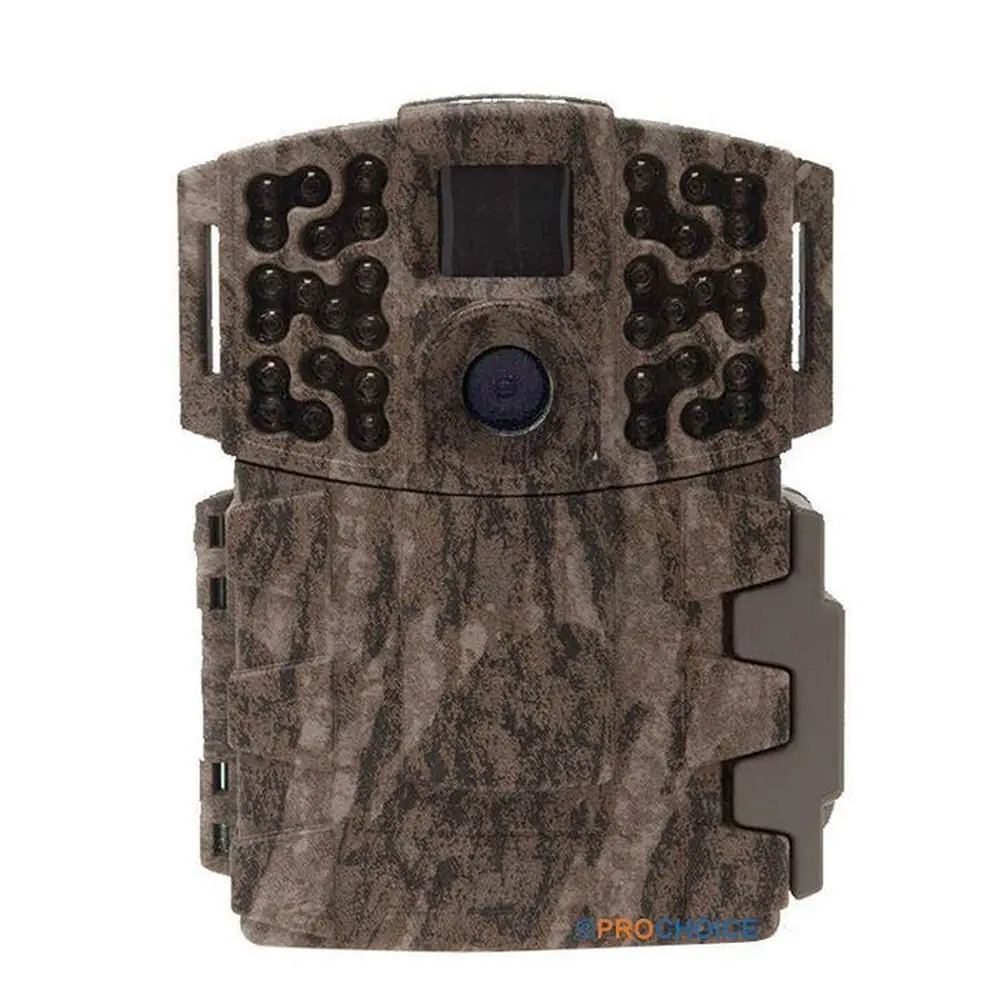
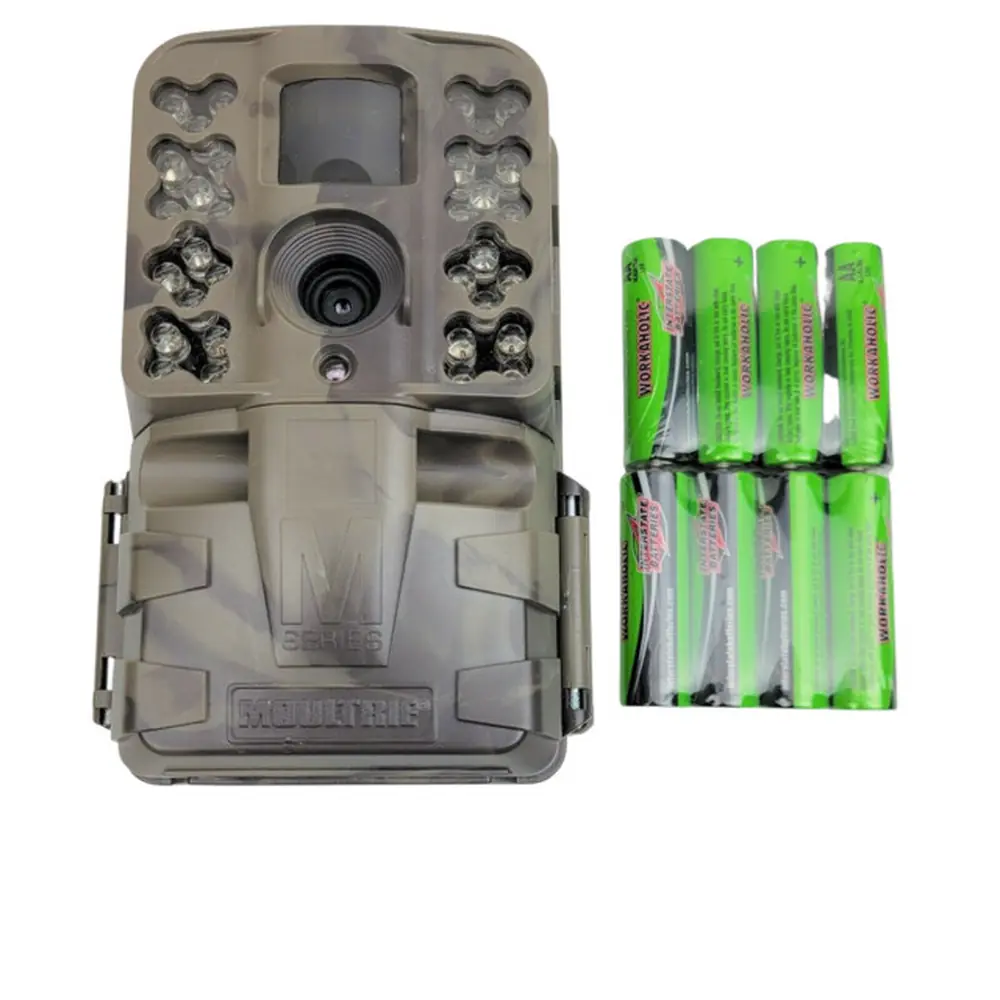
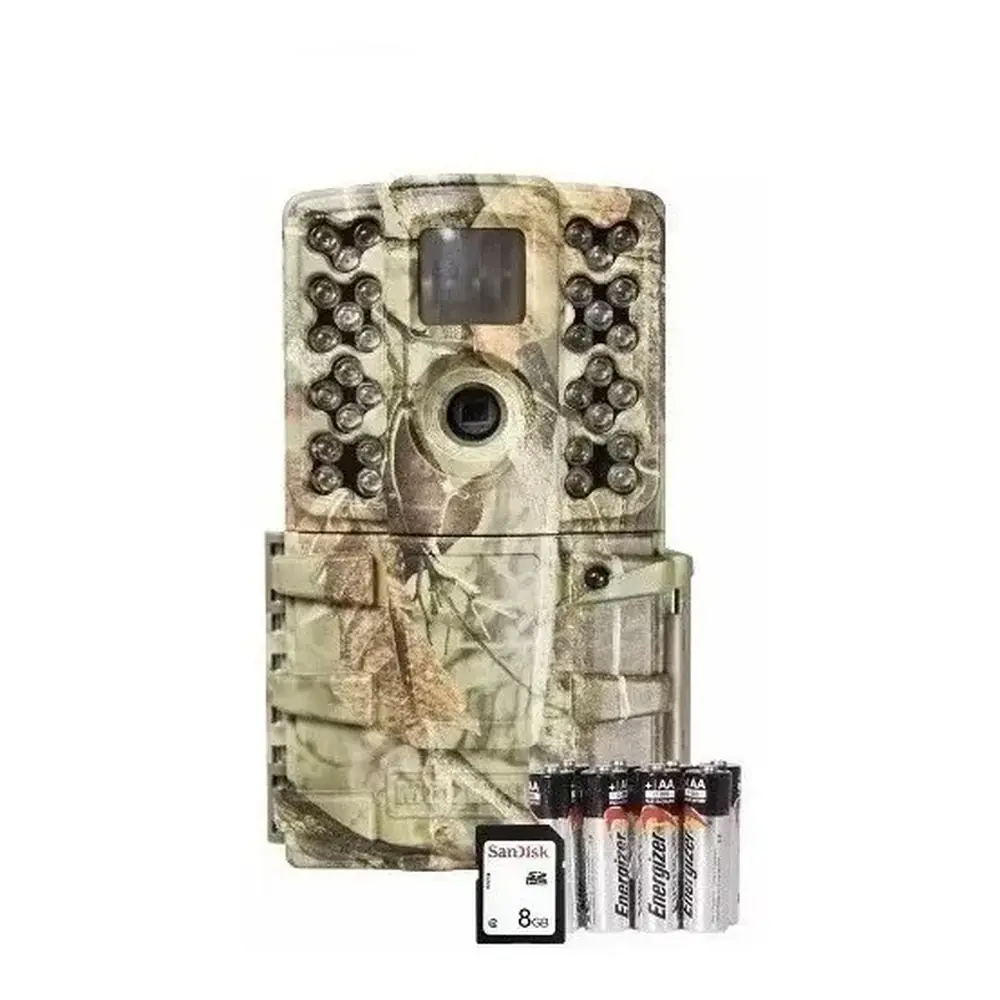
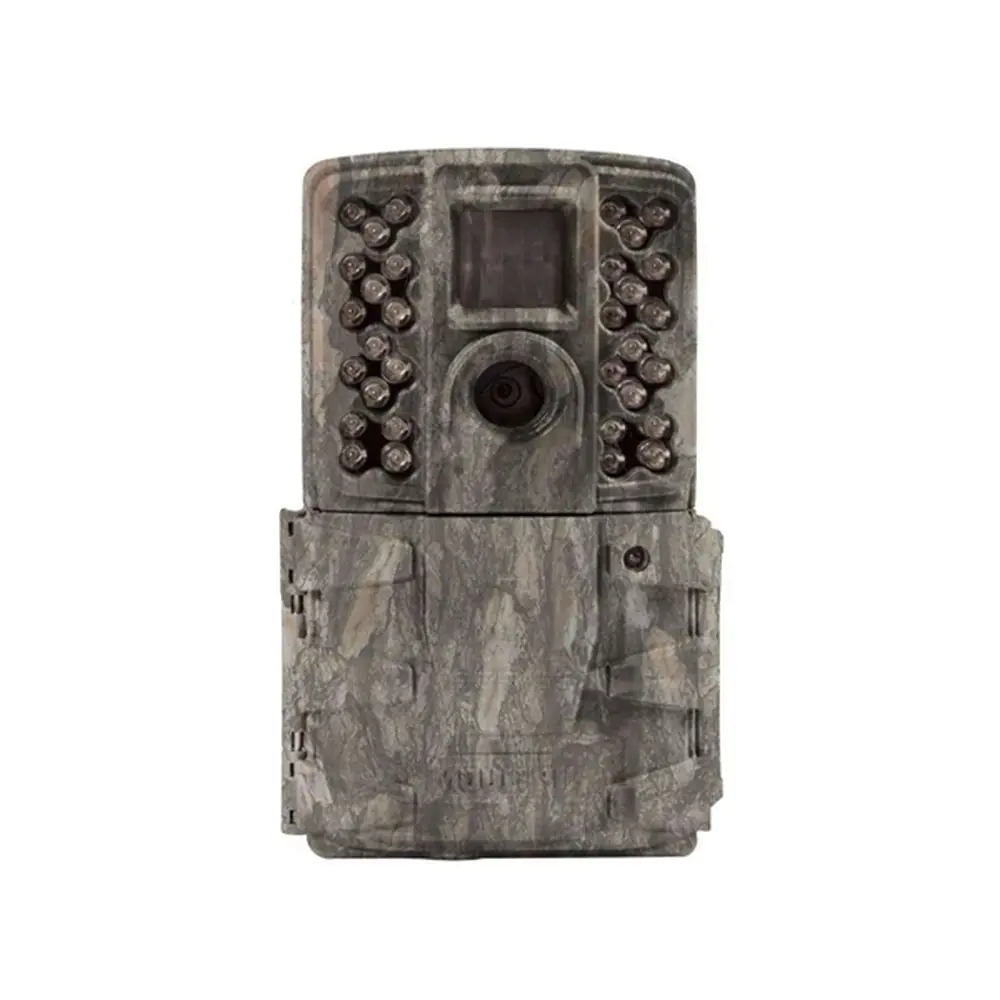
Product Images
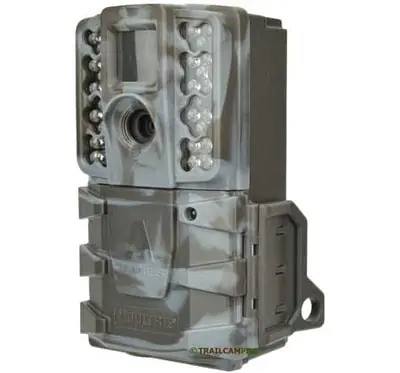
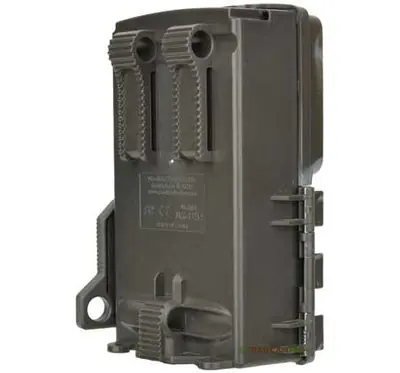


Moultrie A-35 (MCG-13212) Specifications
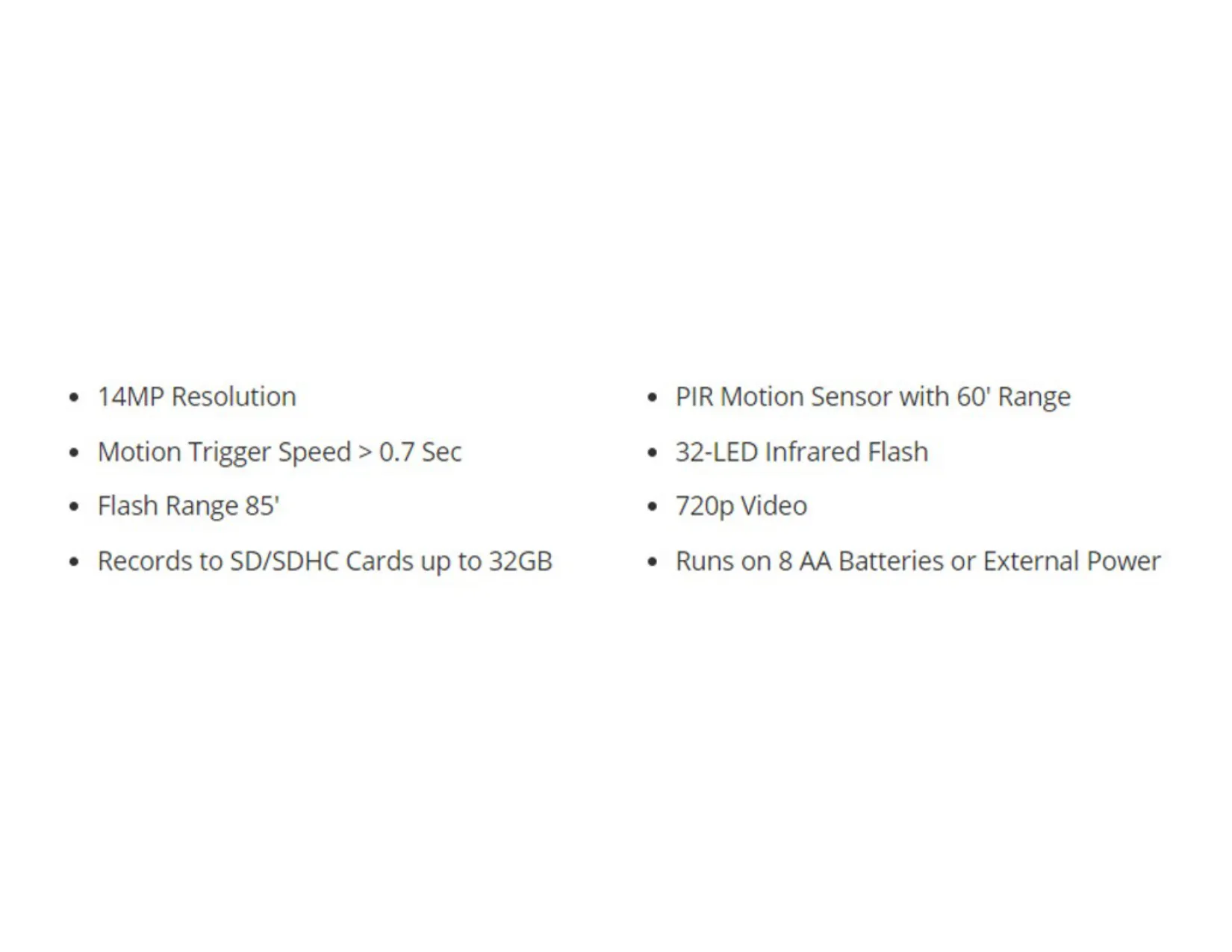
| Feature | Specification |
|---|---|
| Resolution | 14MP |
| PIR Motion Sensor Range | 60 feet |
| Infrared Flash Type | 32-LED Infrared |
| Flash Range | 85 feet |
| Video Resolution | 720p |
| Motion Trigger Speed | > 0.7 seconds |
| SD Card Compatibility | SD/SDHC Cards up to 32GB |
| Power Source | 8 AA Batteries or External 12V DC Power |
| Warranty | 2 Years (after online registration) |
Moultrie A-35 (MCG-13212) Details
The Moultrie A-35 (MCG-13212) digital game camera is designed for ease of use and reliable performance in the field. Users are encouraged to read the accompanying booklet to fully understand its functionalities and to register their camera online to activate the 2-year limited warranty. This ensures comprehensive support and protection for your investment.
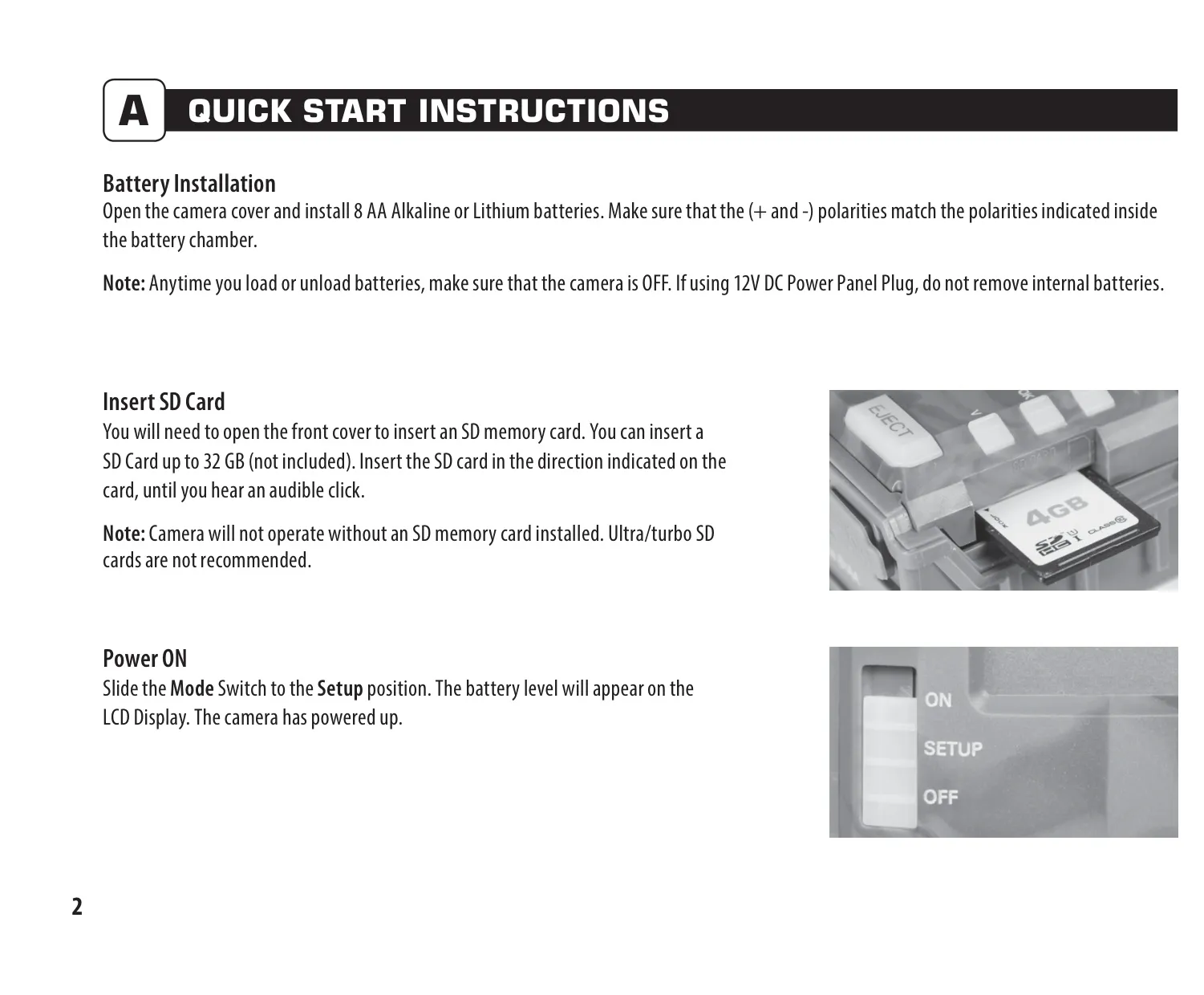
For power, the A-35 requires eight AA Alkaline or Lithium batteries. It is crucial to install or remove batteries only when the camera is OFF to prevent operational issues. If utilizing an external 12V DC Power Panel Plug, the internal batteries should remain installed. This flexible power option provides extended operational time, which is essential for remote surveillance.
An SD memory card, with a capacity of up to 32 GB, is essential for the camera's operation and is not included with the unit. It is important to note that Ultra/turbo SD cards are not recommended, as they may cause compatibility issues. Proper insertion of the SD card, until an audible click is heard, ensures secure data storage.
Mounting the Moultrie A-35 is straightforward, typically involving a strap threaded through slots on the back of the camera, securing it to a tree or pole approximately 3 feet high. For optimal motion detection, it is recommended to face the camera down a trail at a slight downward angle. Aiming the camera north or south helps mitigate overexposure from direct sunlight, enhancing image quality.
The camera offers various adjustable settings through its SETUP mode, accessible via the mode selector switch. Users can precisely set the time and date, along with the detection delay, which controls the interval between successive pictures (0, 15, 30 seconds, 1 or 5 minutes). This allows for customization based on monitoring needs.
Capture mode options include 1 Photo/Low Resolution, 1 Photo/High Resolution, 3 Photos/Low Resolution, 3 Photos/High Resolution, and High/Low Resolution Video. This versatility allows users to prioritize image count, quality, or video recording. Additionally, a Camera ID feature, allowing selection from 1 to 9, helps identify specific cameras when multiple units are deployed.
A crucial function available in the setup menu is the ability to reset the picture count, erase all images, and format the SD card. Selecting "Yes" for this option will not only reset the file numbering but will also permanently delete all existing photos and videos and prepare the card for optimal use in the camera. This is a powerful tool for maintaining card health.
Moultrie emphasizes the use of only Alkaline or Lithium batteries, specifically recommending Energizer for best performance. To ensure longevity and avoid damage, mixing old and new batteries is advised against, and all batteries should be replaced simultaneously. Furthermore, when the camera is not in active use, removing the batteries is a good practice to prevent leakage and extend battery life.
The A-35 is designed with compatibility in mind, specifically with the Moultrie Mobile cellular service when paired with the Field Modem MV1. This integration allows for remote access and management of camera data, offering advanced surveillance capabilities. Users seeking troubleshooting assistance or information on returns and repairs can access dedicated resources on the Moultrie website or contact their customer service department.
Frequently Asked Questions (FAQs)
Can't find the answer you need? Here are some frequently asked questions about the Moultrie A-35 (MCG-13212), and we answer them below.