Moultrie W-800 (MCG-13484) Instruction Manual
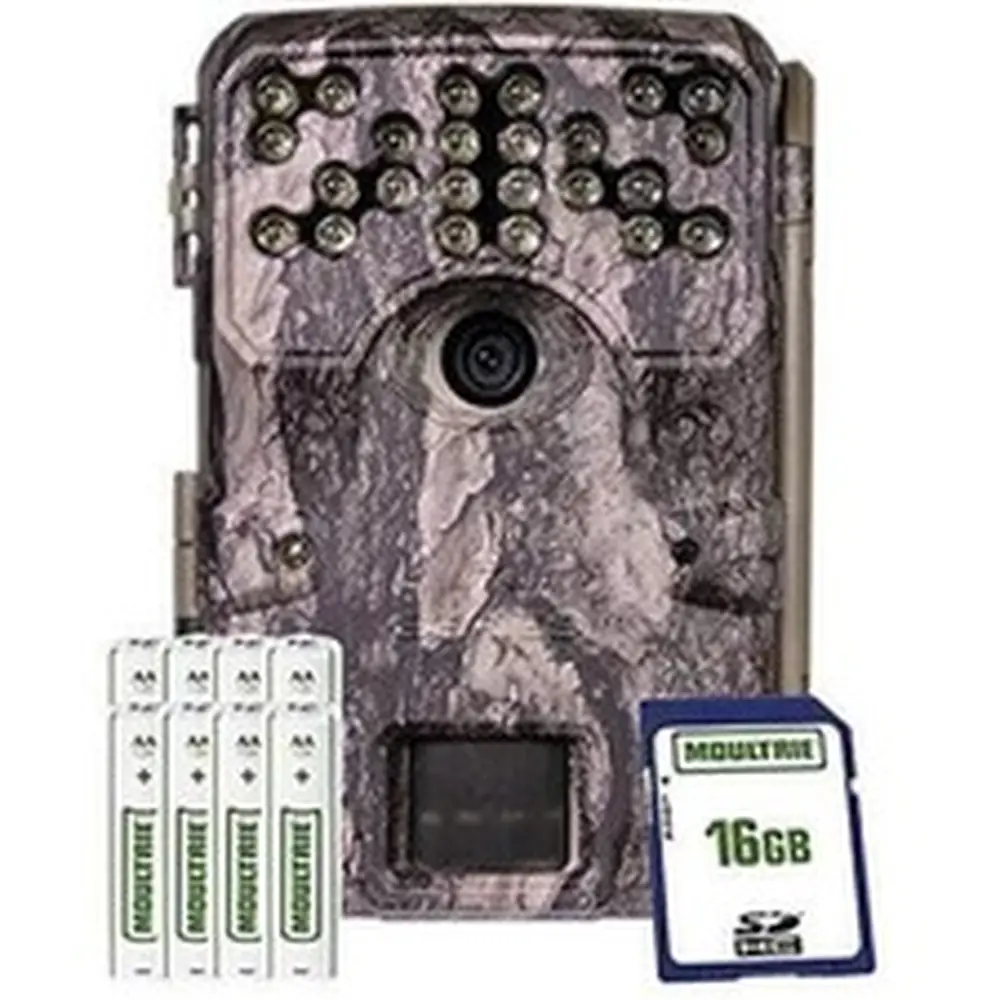
Moultrie W-800 (MCG-13484)






Moultrie W-800 (MCG-13484)

Moultrie W-800 (MCG-13484) Instructions
Here we offer the Moultrie W-800 (MCG-13484) manual completely free and in English. We have cataloged this manual in the Digital Game Cameras section on Manualverse, and it has been rated by 1 users with an average rating of 5. If you have any specific questions about Moultrie W-800 (MCG-13484), we suggest checking the Frequently Asked Questions (FAQs) section of this manual.
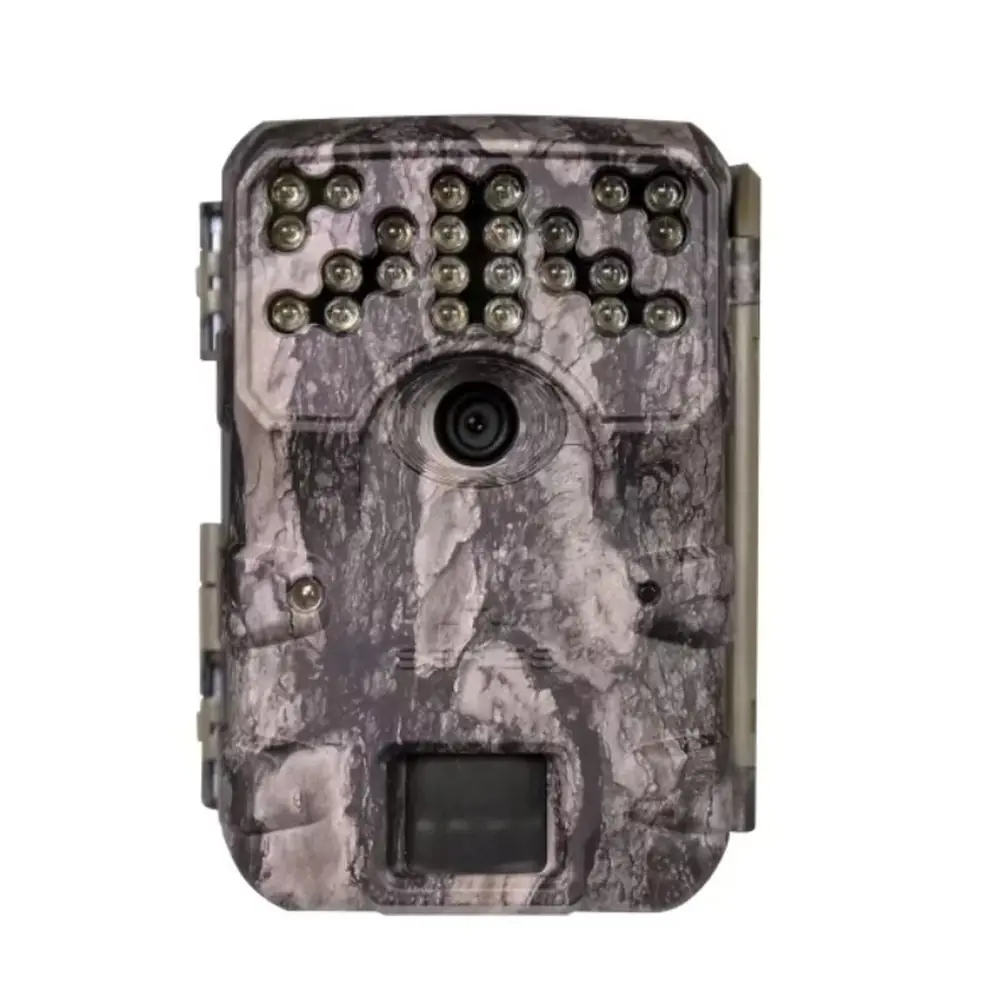
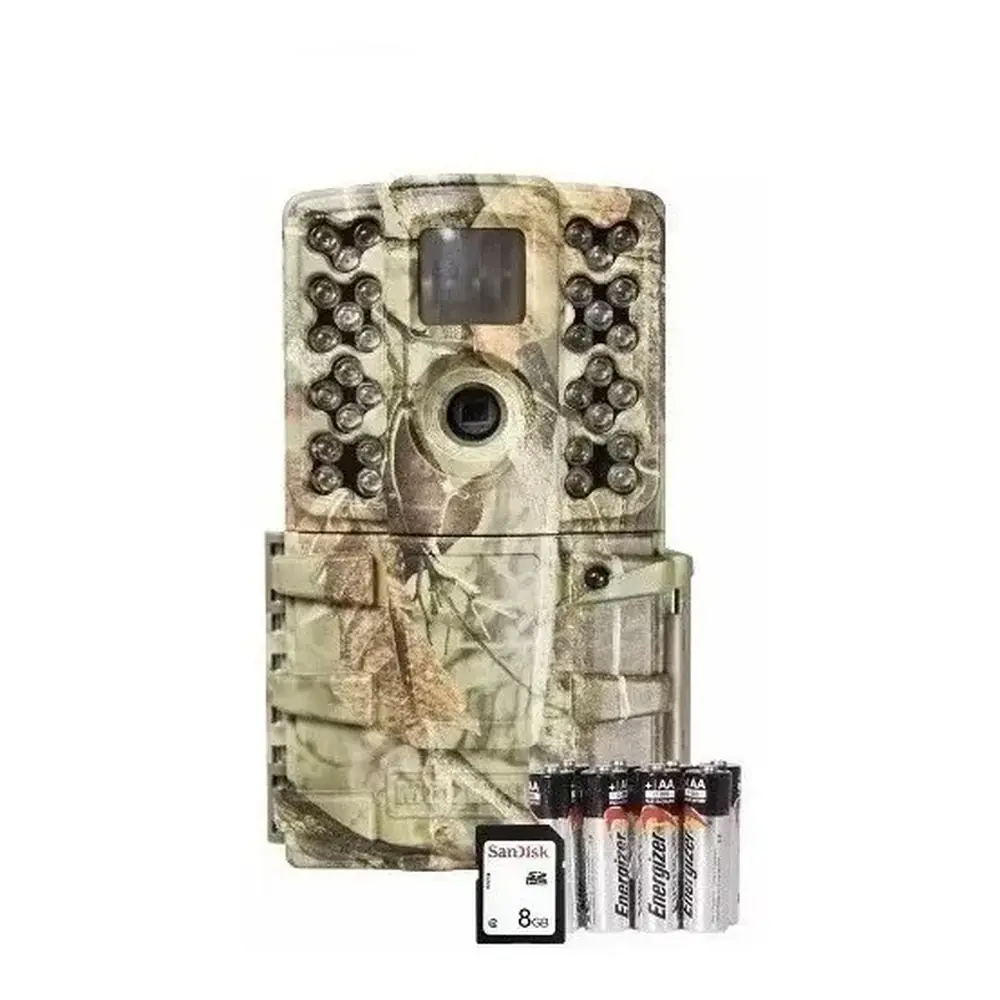
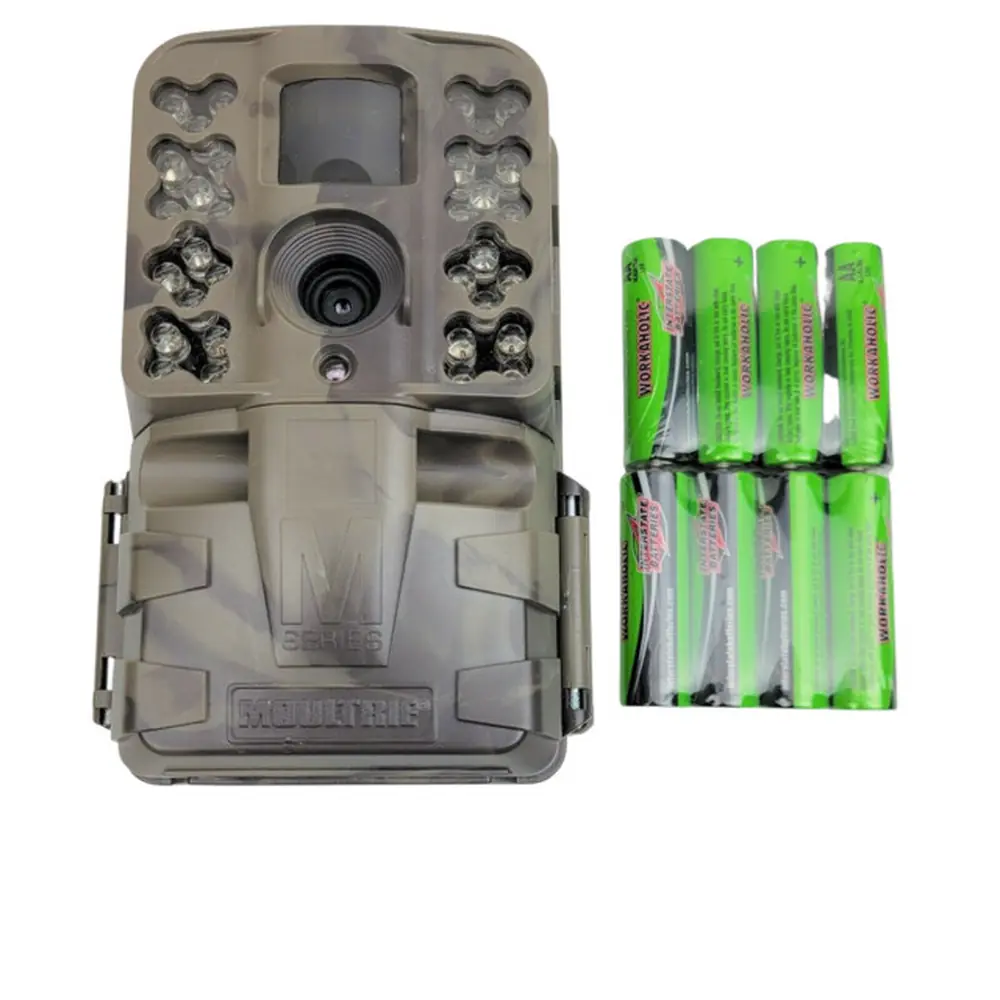
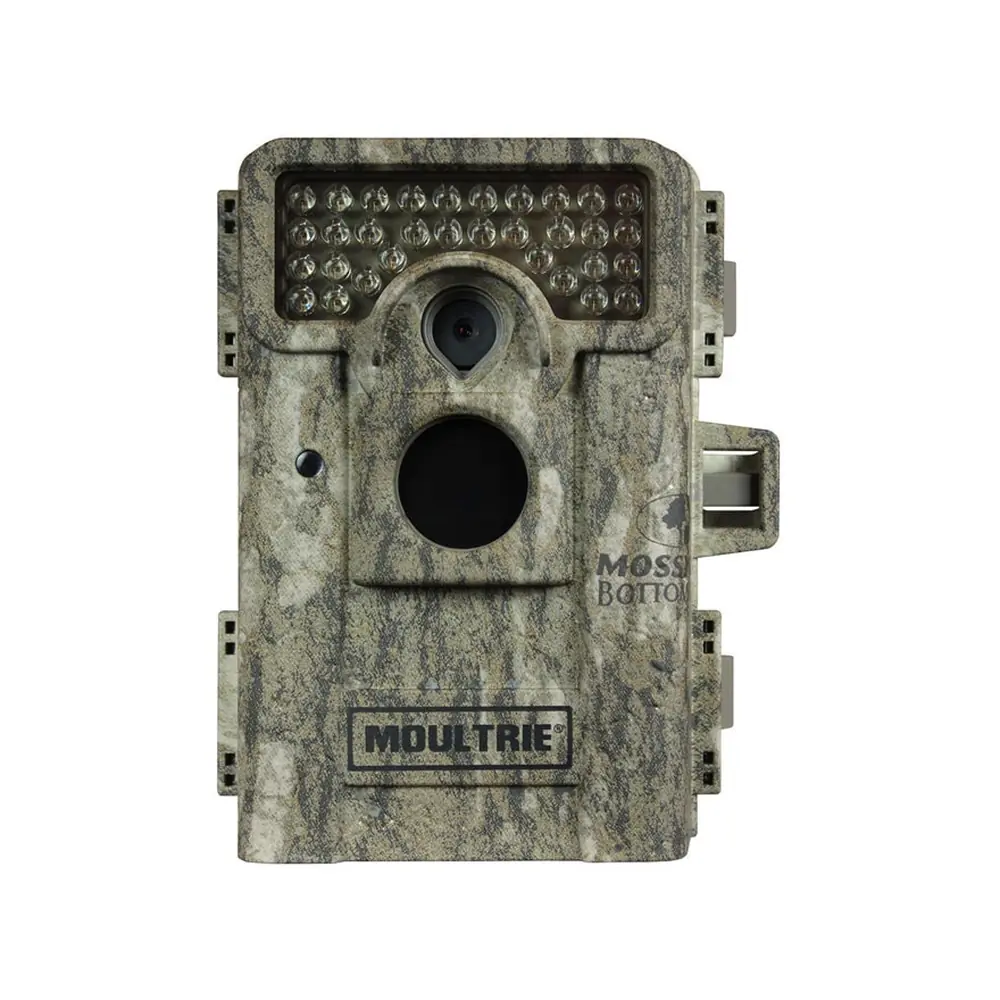
Product Images


Moultrie W-800 (MCG-13484) Digital Game Camera Specifications
| Feature | Specification |
|---|---|
| Model Number | MCG-13484 |
| Resolution | 30MP |
| Trigger Speed | 0.4 seconds |
| Detection Range | 70 feet |
| Video Resolution | HD 720p |
| Flash Type | Invisible Flash |
| Flash Range | 70 feet |
| Power Source | 8 AA Batteries |
| Estimated Battery Life | 19,000 shots |
| Recommended SD Card | SDHC Class 10, up to 32 GB |
| External Power Port | 12V compatible |
| Data Port | Micro USB |
| Included Accessories | Batteries, SD Card, Mounting Strap |
| Standard Warranty | 1 year (extendable to 2 years with registration) |
| Moultrie Mobile Compatibility | Yes (requires Moultrie® Field Modem) |
Moultrie W-800 (MCG-13484) Details
The Moultrie W-800 (MCG-13484) game camera is engineered for straightforward deployment and reliable performance in the field. Setting up the camera is a quick process, starting with the installation of eight AA batteries, carefully following the indicated polarities, and inserting an SD card until it audibly clicks into place. The camera requires an SD card to operate effectively, with SDHC Class 10 cards up to 32 GB being highly recommended for optimal functionality and ample storage for high-resolution images and HD video captures.
Mounting the W-800 is made easy with the included strap, designed to securely fasten the camera to a tree or pole approximately three feet from the ground. Users should consider adjusting the height for uneven terrain to ensure a clear field of view. To prevent overexposure, it is advisable to face the camera either North or South, away from direct sunlight. Additionally, clearing brush from the camera's front helps avoid false triggers caused by vegetation movement, optimizing detection accuracy.
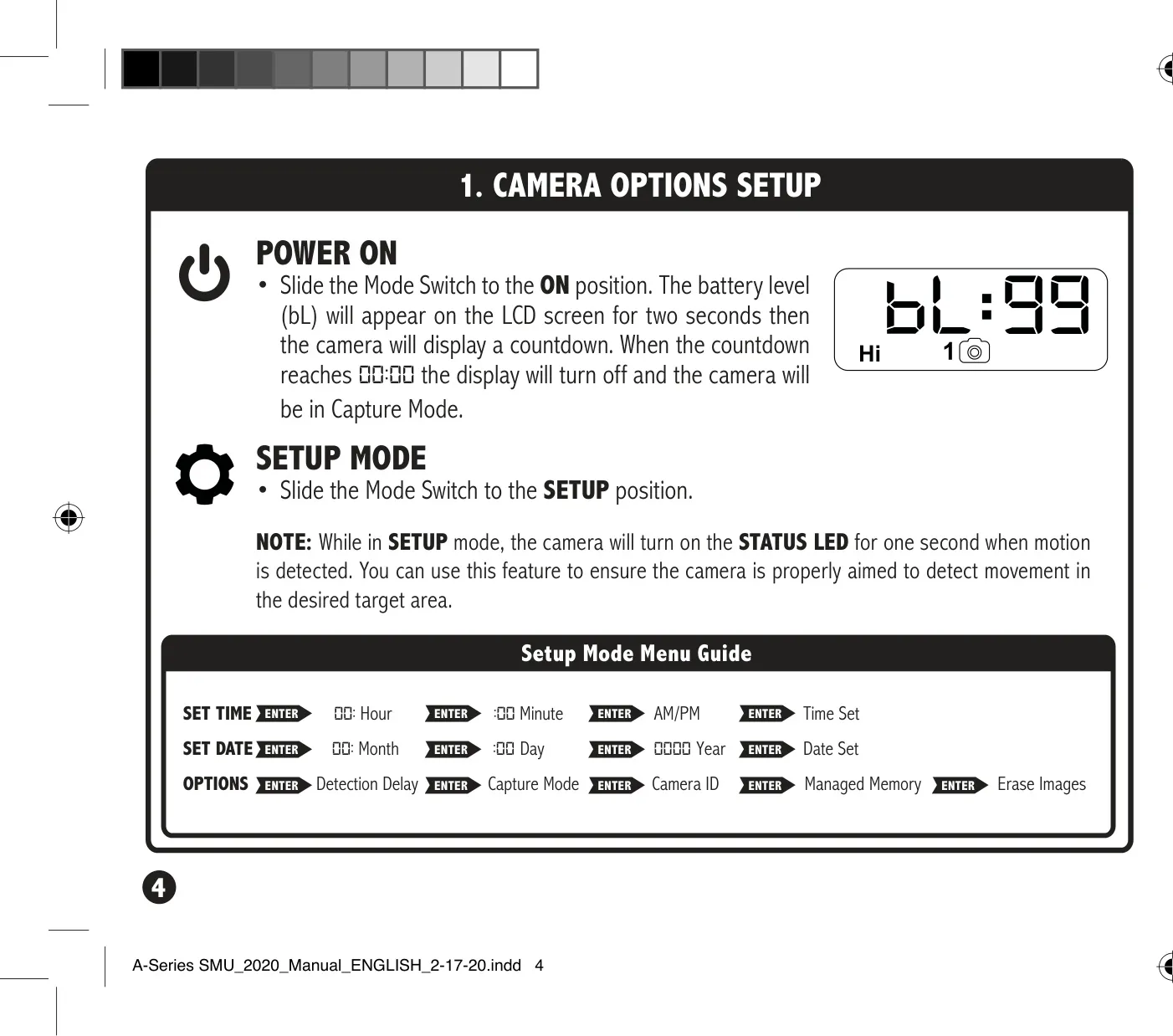
Beyond initial setup, the W-800 offers several configurable options to fine-tune its operation. In setup mode, the camera's STATUS LED flashes for one second upon motion detection, a valuable feature for precisely aiming the camera at the desired target area. This allows users to confirm that the camera's detection zone covers the intended game trail or feeding spot, minimizing missed opportunities and ensuring effective monitoring.
Customization extends to key operational parameters like the detection delay, which dictates the time interval between consecutive captures after motion is detected. Users can select delays of 0, 15, or 30 seconds, or 1 or 5 minutes, allowing for tailored monitoring based on specific needs. While the manual mentions changing the capture mode, the specific modes available are not detailed in this documentation, suggesting flexibility in how images or videos are recorded.
For efficient image management, the Moultrie W-800 incorporates a Managed Memory feature. When set to "ON," this function ensures that the oldest files on the SD card are automatically overwritten as new images are captured once the card reaches full capacity. This prevents the camera from ceasing operation due to a full card, guaranteeing continuous surveillance. Alternatively, setting it to "OFF" will stop the camera from saving new images once the card is full, preserving existing data.
Users can also assign a unique Camera ID (ranging from 1-9) to their device, which will be conveniently displayed on all captured images. This feature is particularly useful for identifying which specific camera captured an image, especially when deploying and managing multiple units across different locations. Additionally, the camera provides a straightforward option to erase all images stored on the SD card by navigating to "dELY" (Delete Yes) in the menu, which securely reformats the card for fresh use.
The product’s initial warranty period of one year can be readily extended to two years by simply registering the product online at Moultrie's website within 60 days of purchase. This generous extension underscores Moultrie's robust commitment to customer support and product longevity, offering users peace of mind and prolonged coverage for their investment in the W-800.
Frequently Asked Questions (FAQs)
Can't find the answer you need? Here are some frequently asked questions about the Moultrie W-800 (MCG-13484) Digital Game Camera, and we answer them below.