Honeywell Vista 250FBP Security System Instruction Manual
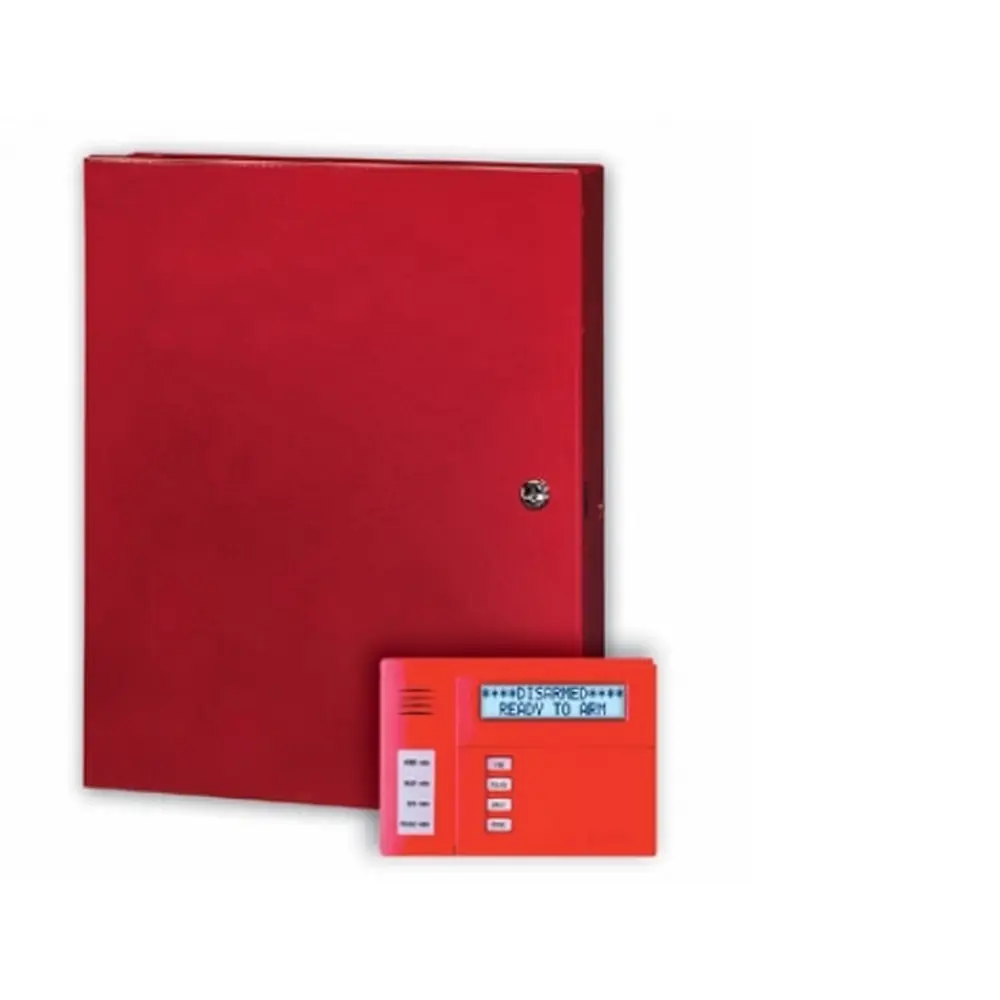
Honeywell Vista 250FBP Security System










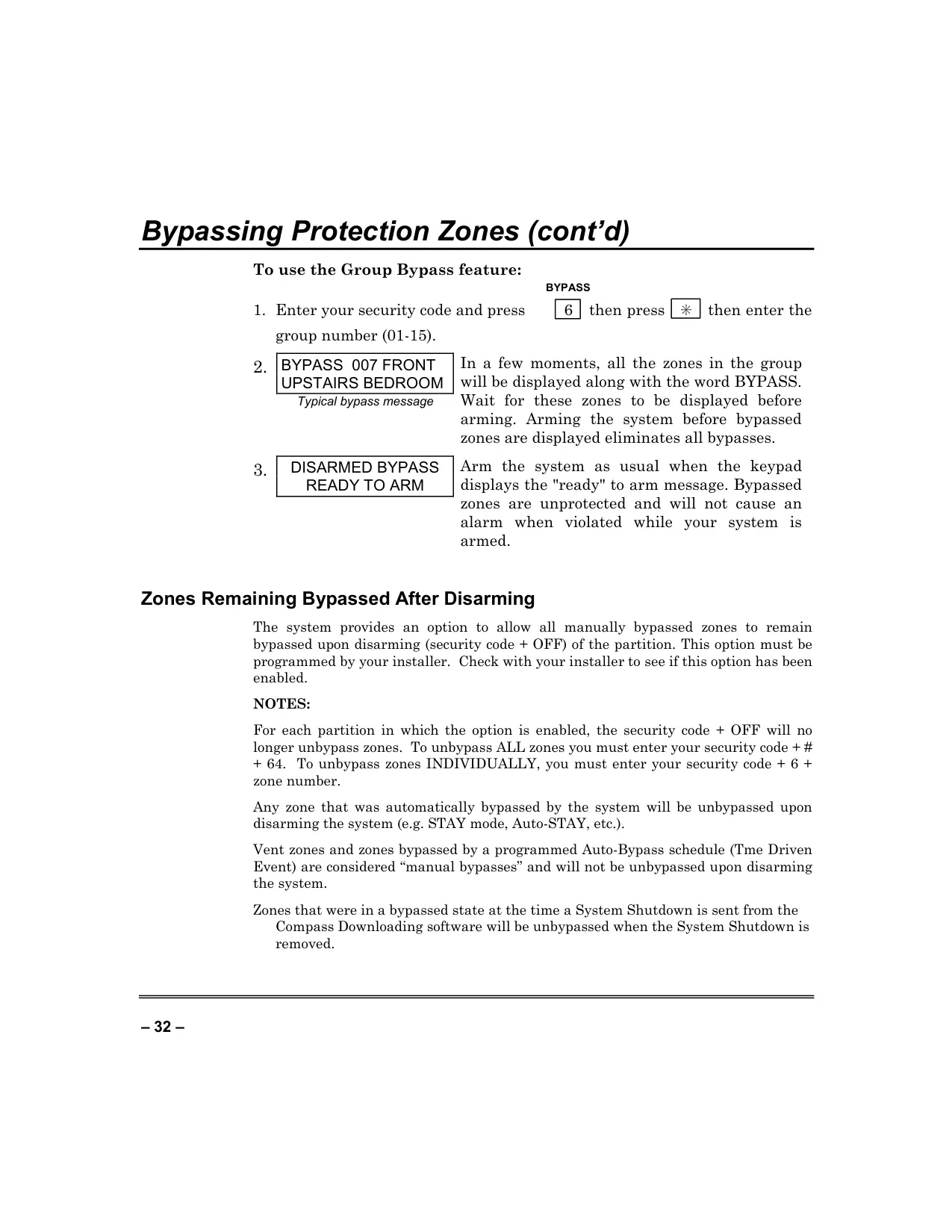

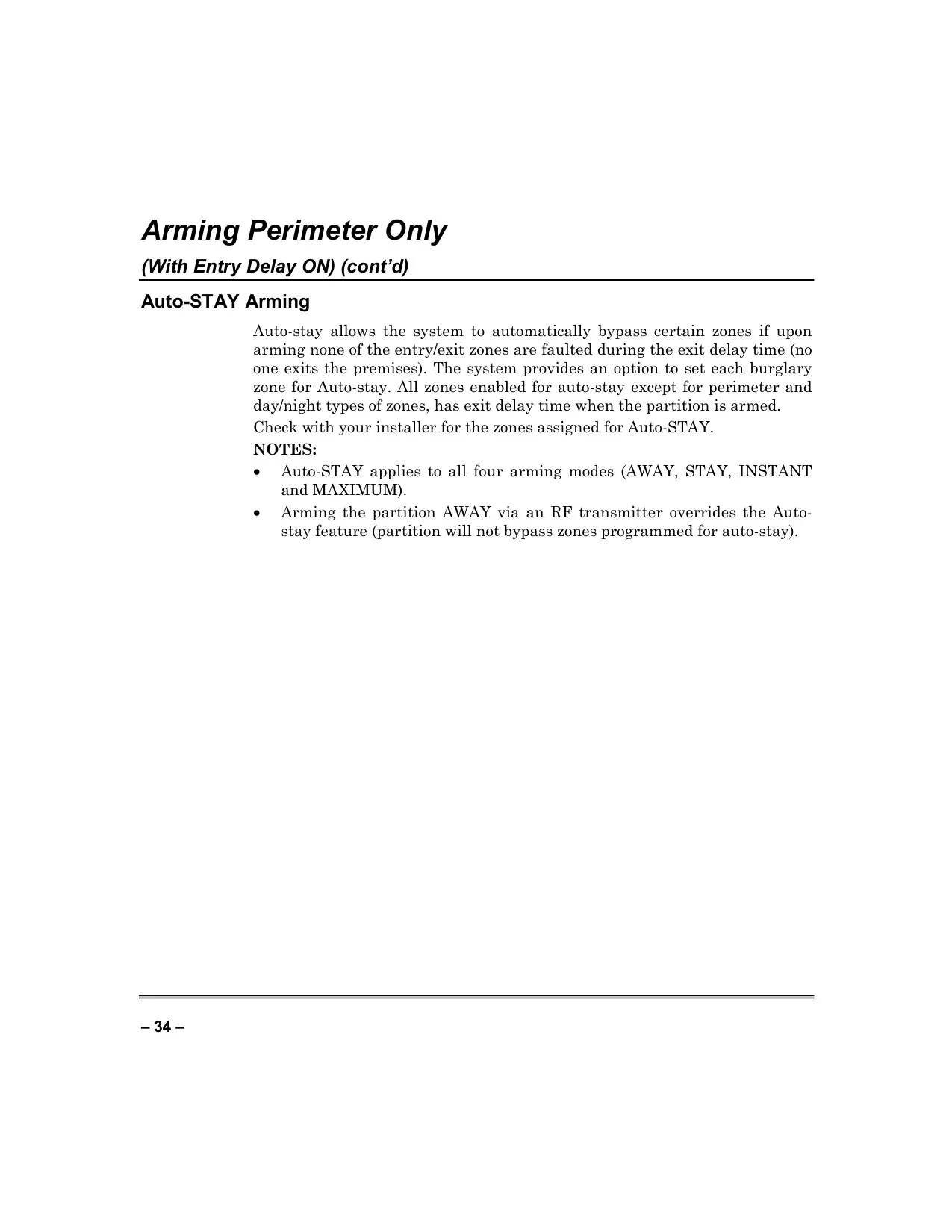


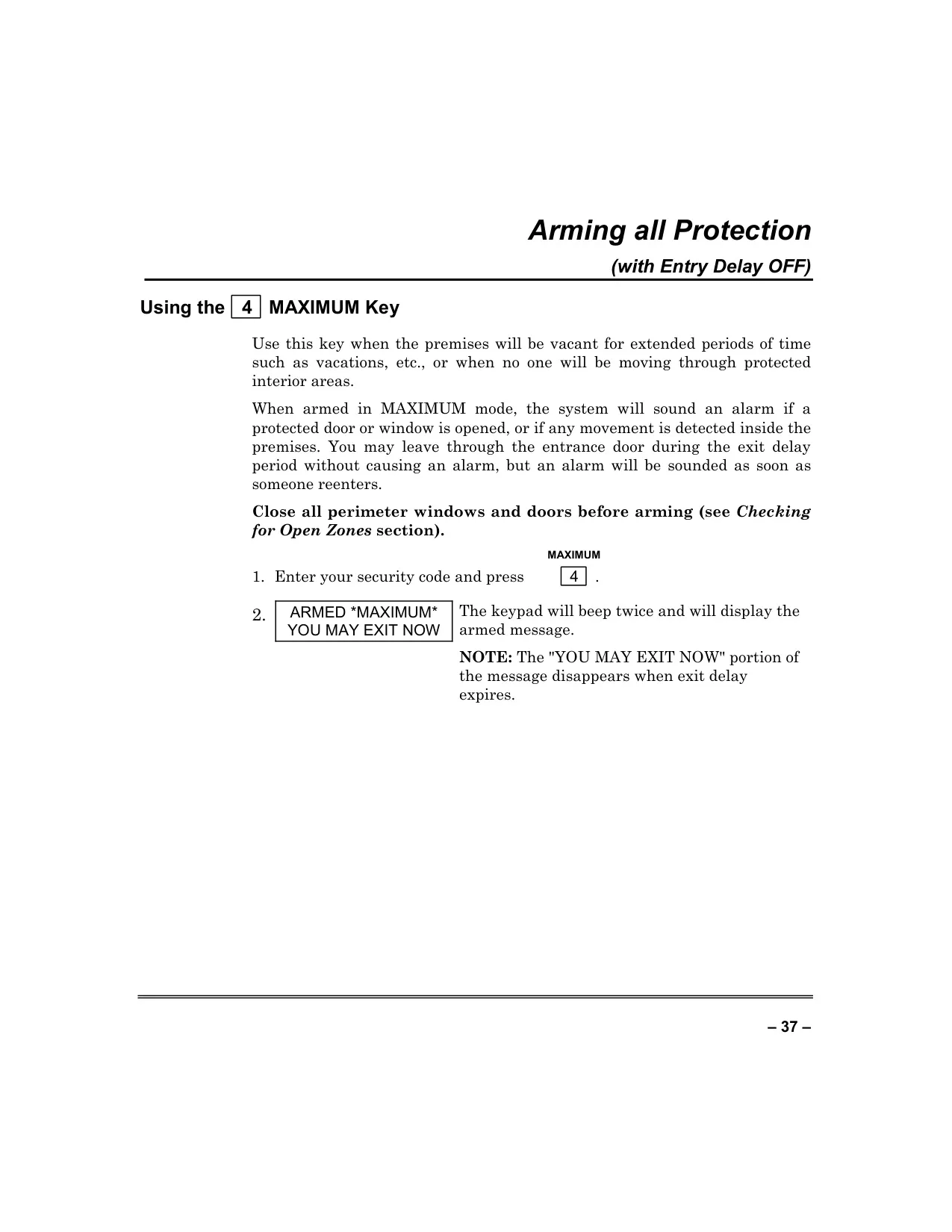
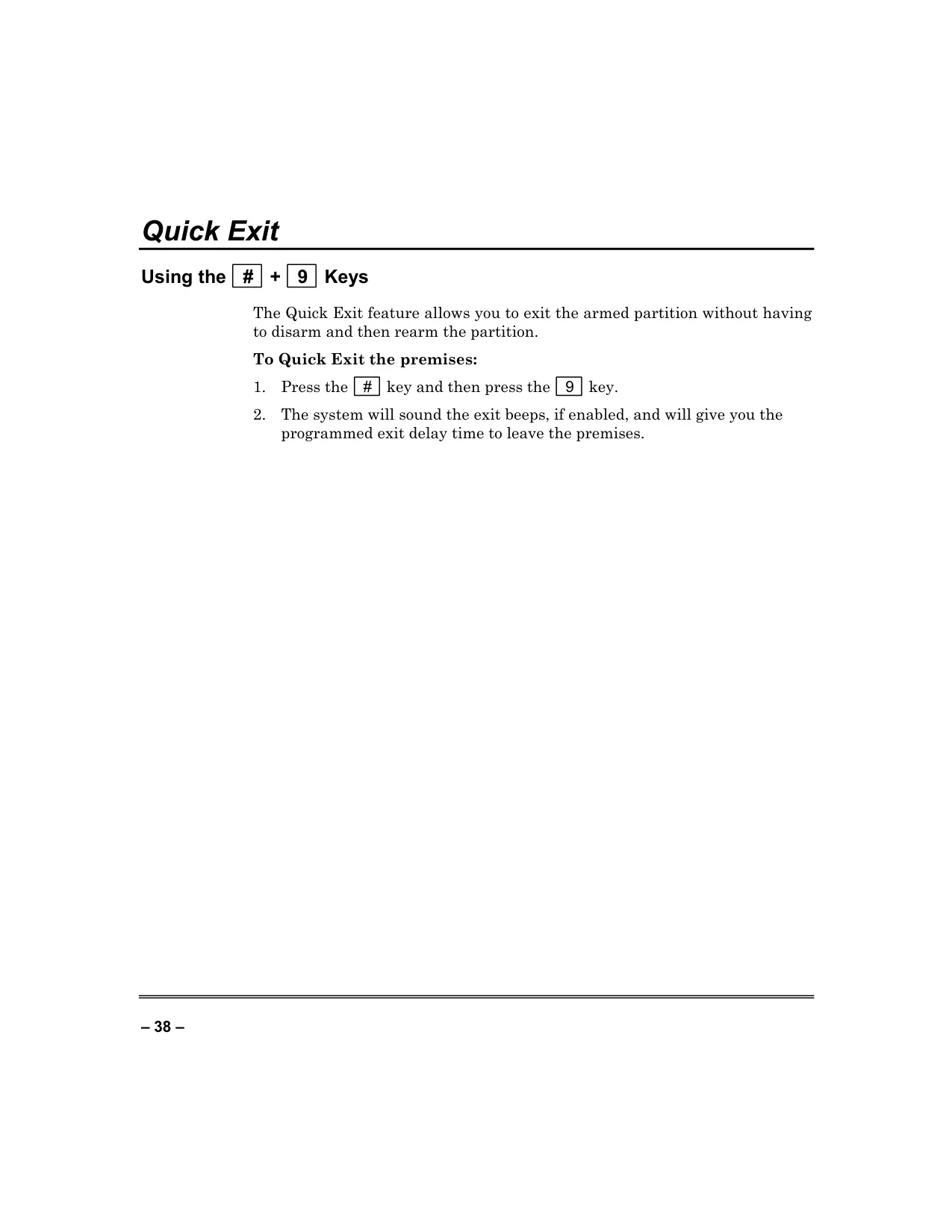
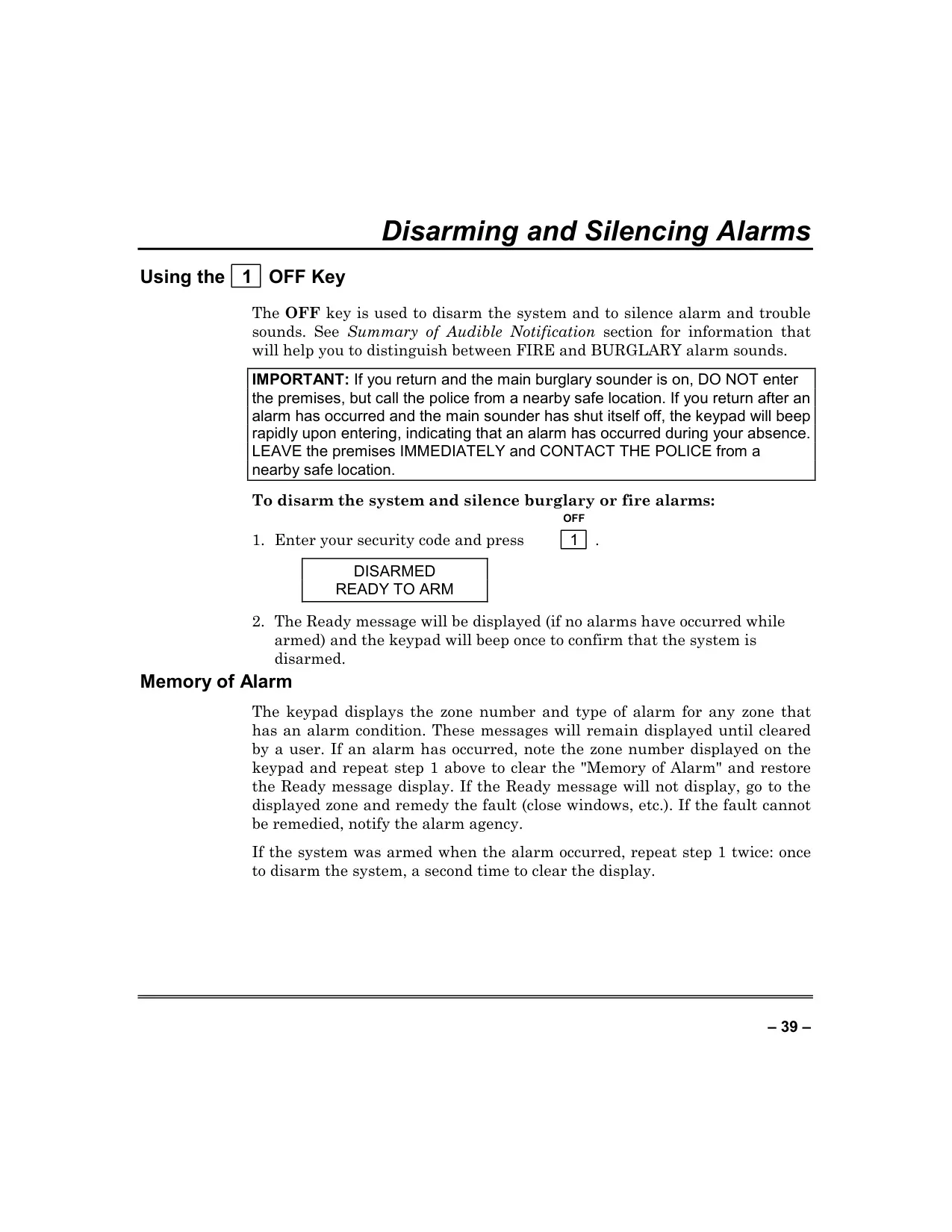

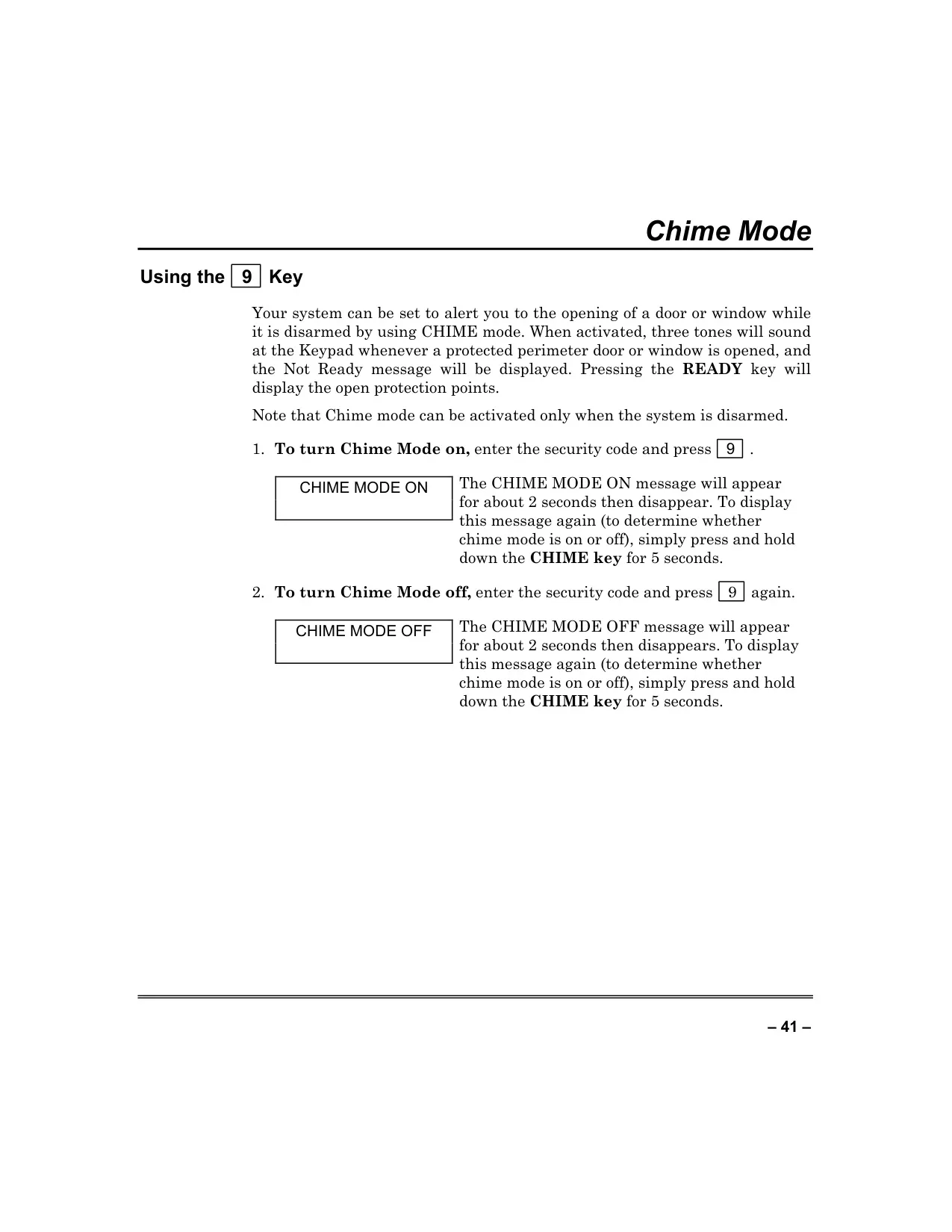
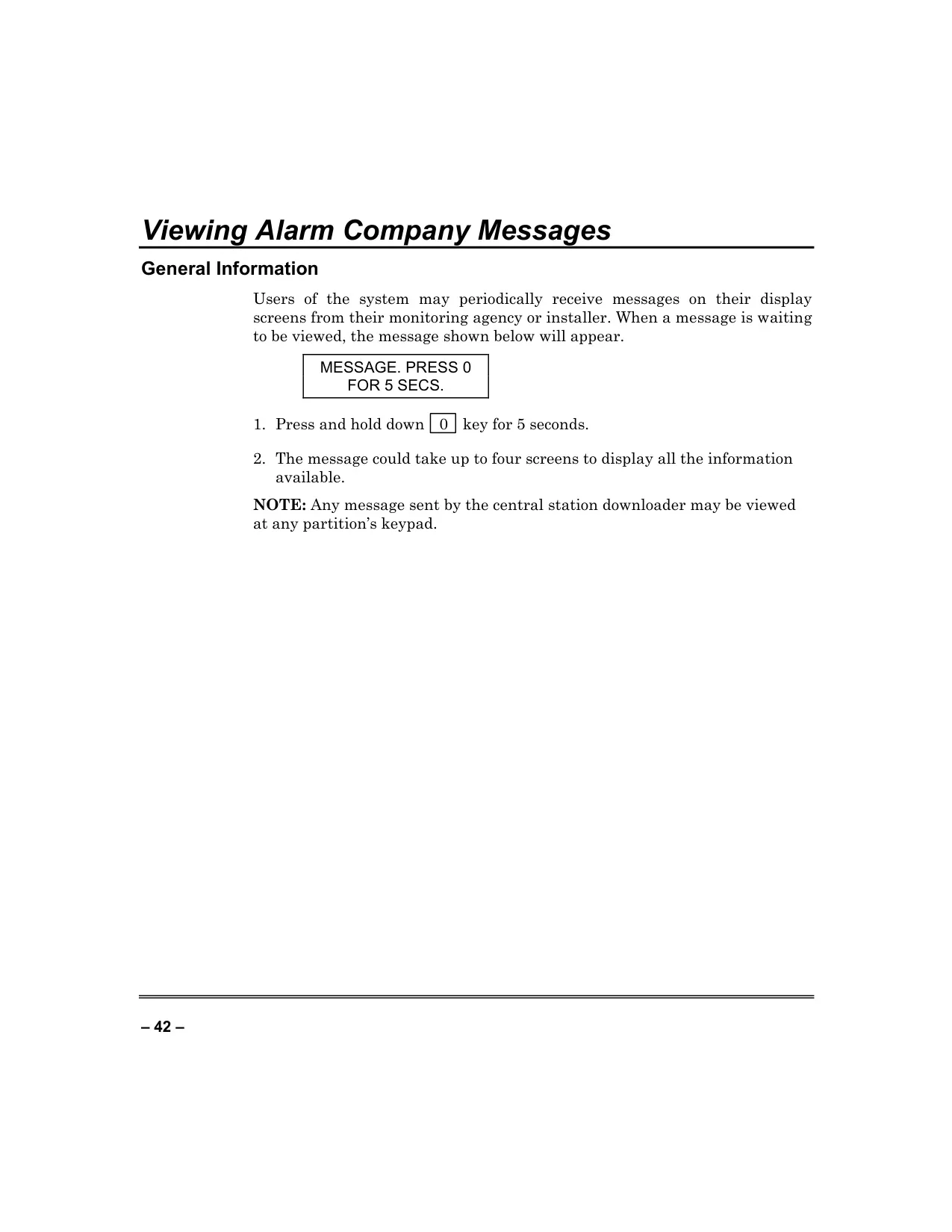

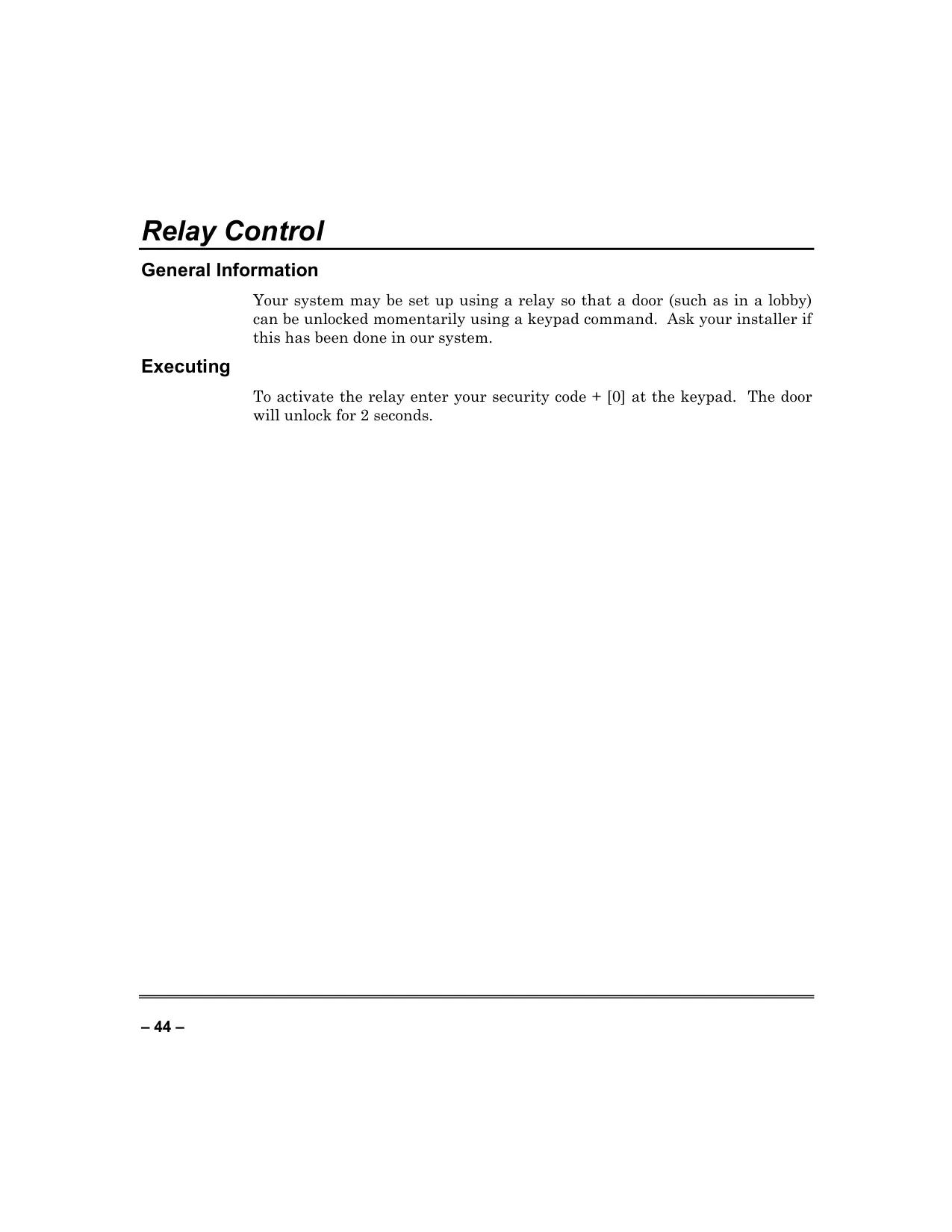















Honeywell Vista 250FBP Security System



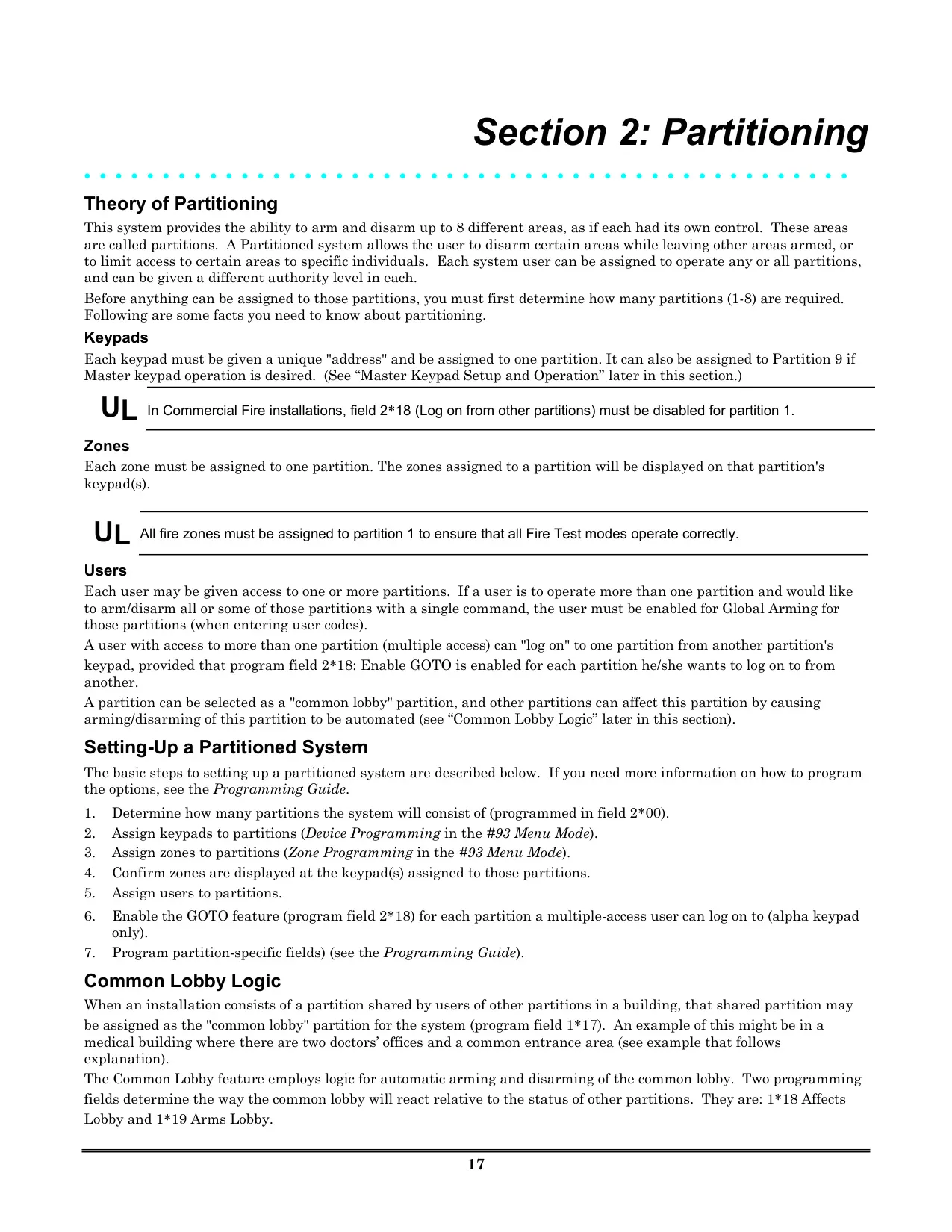
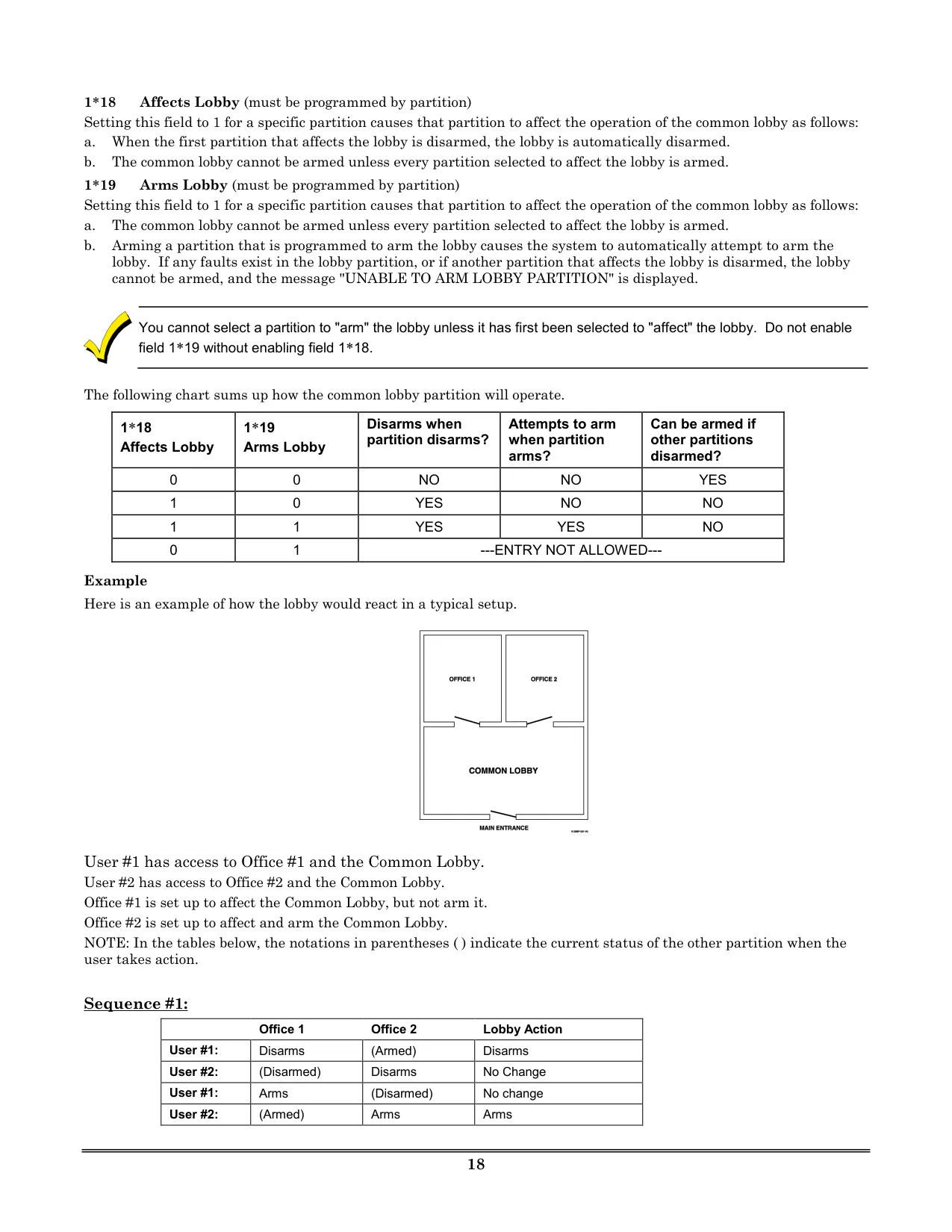
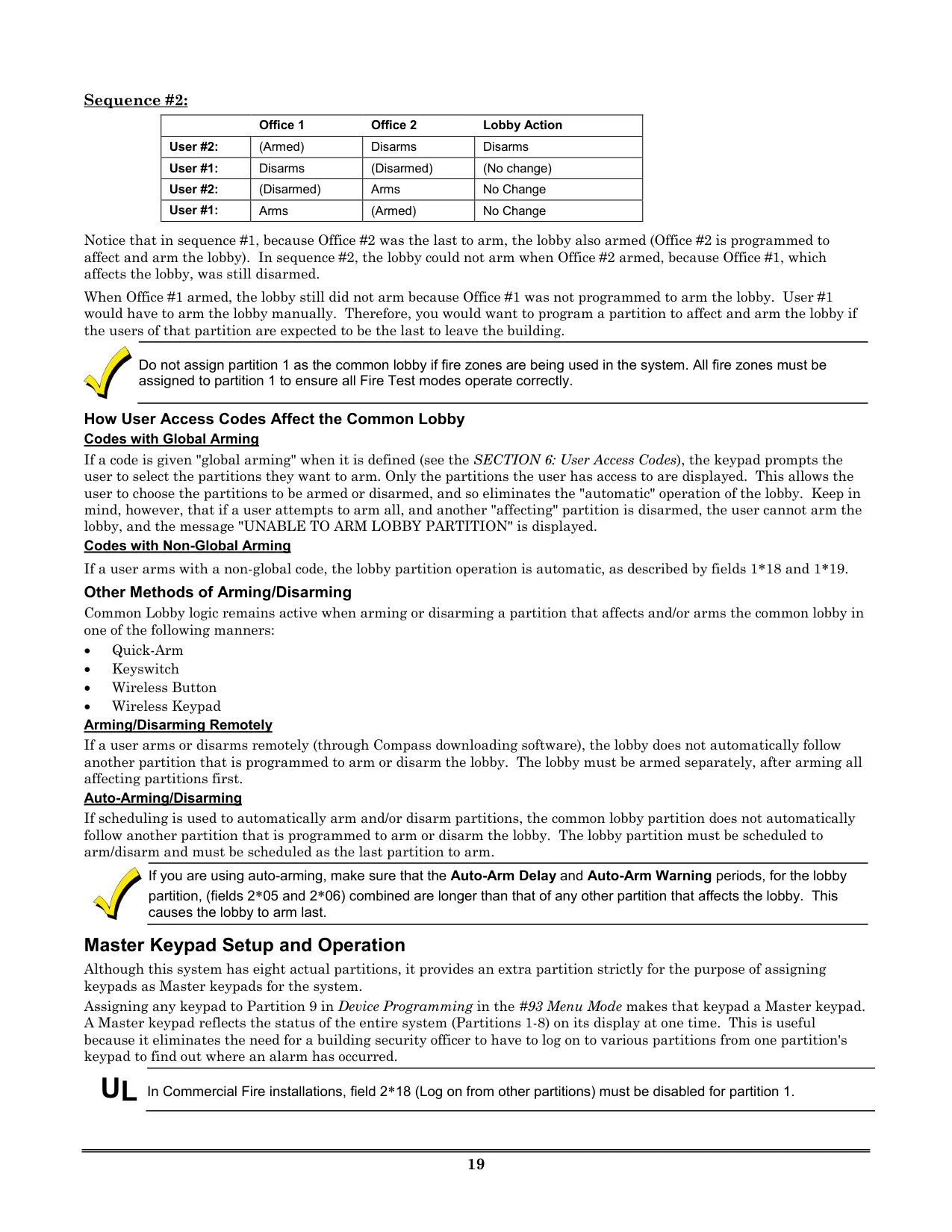
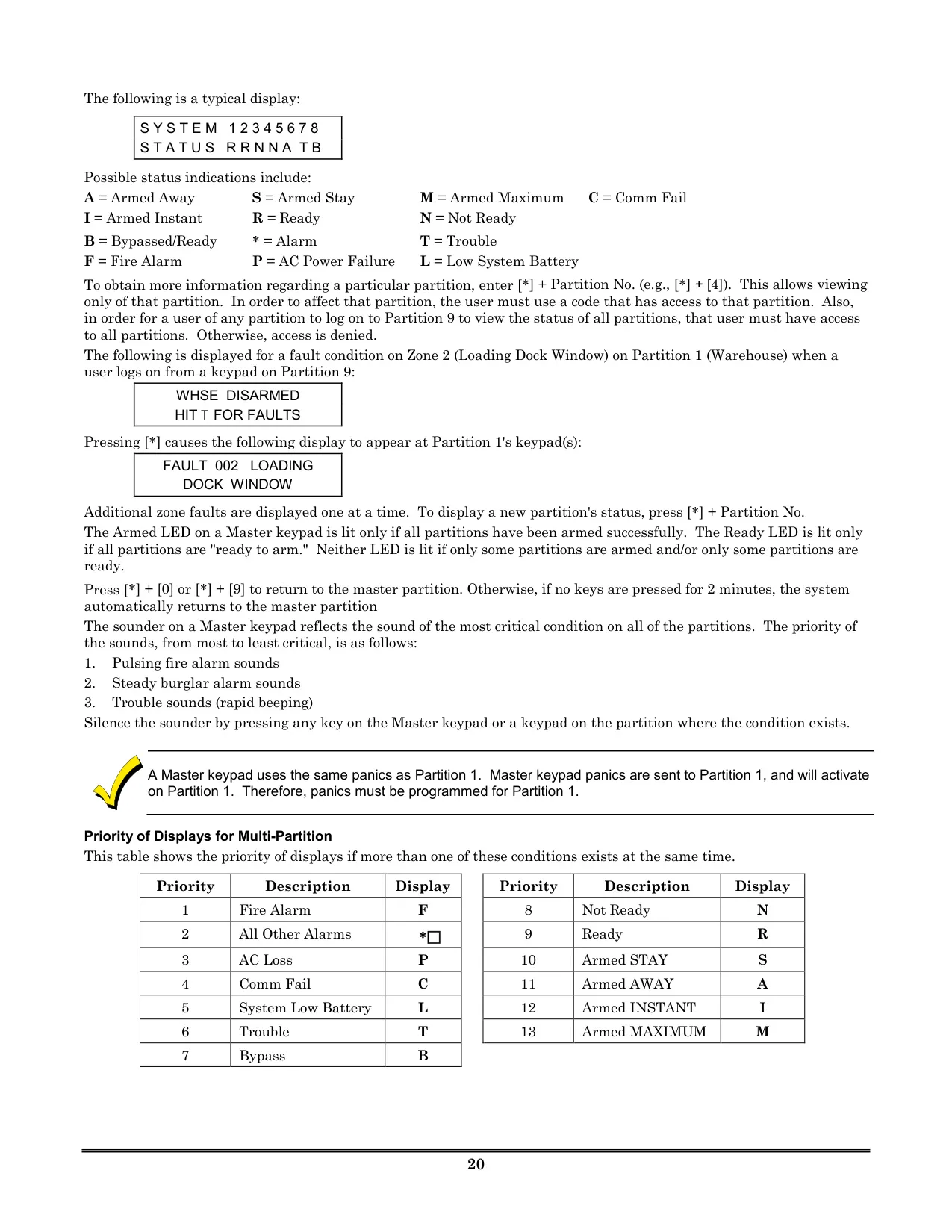




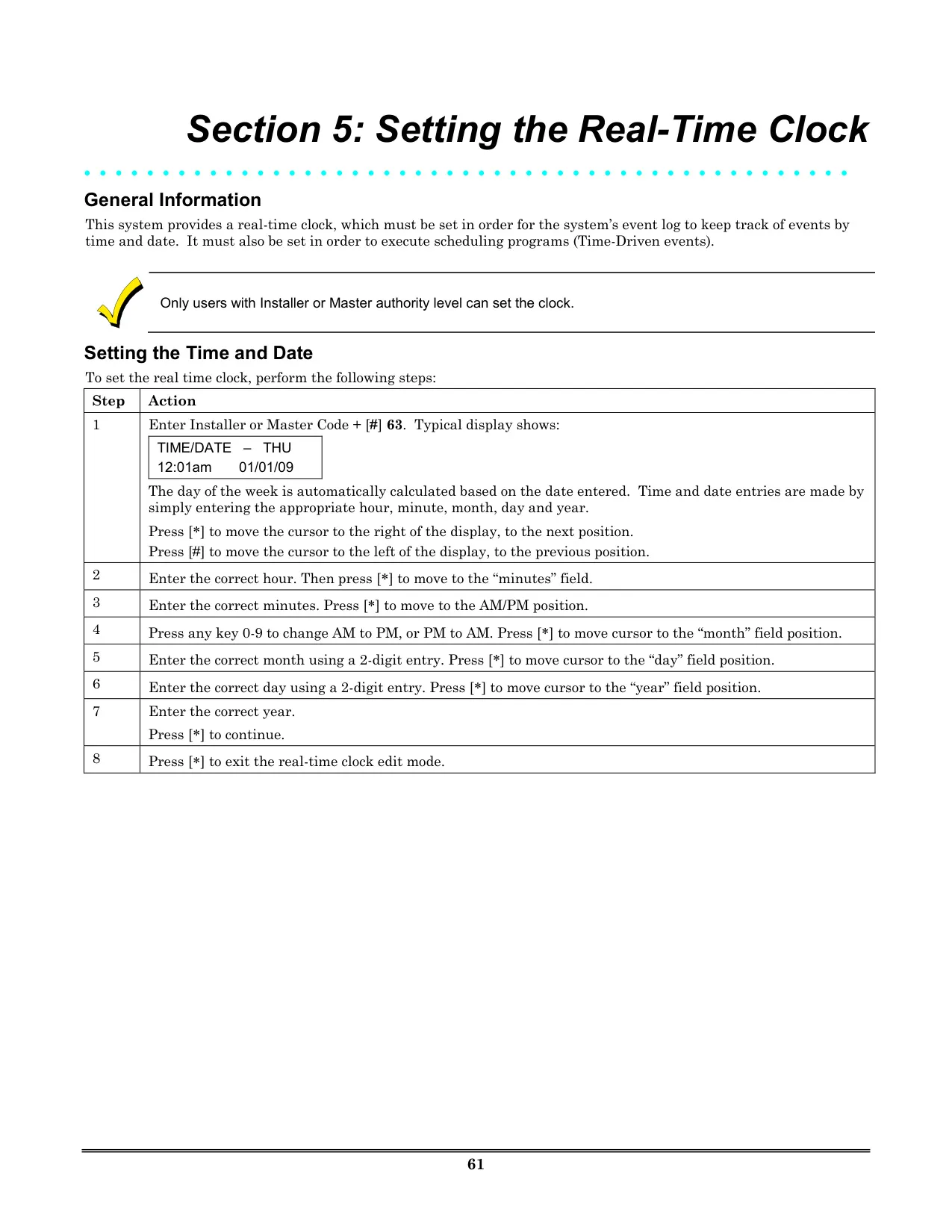

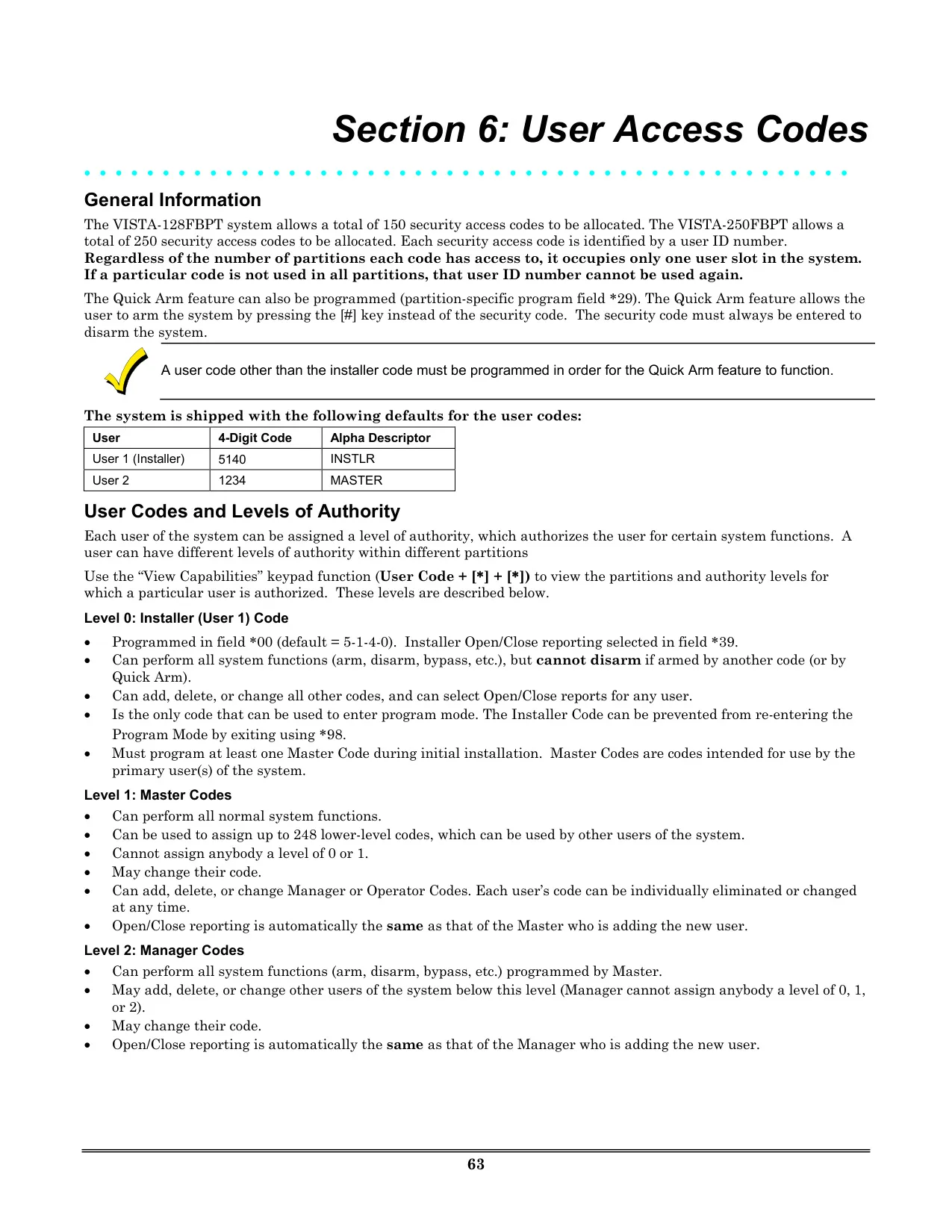
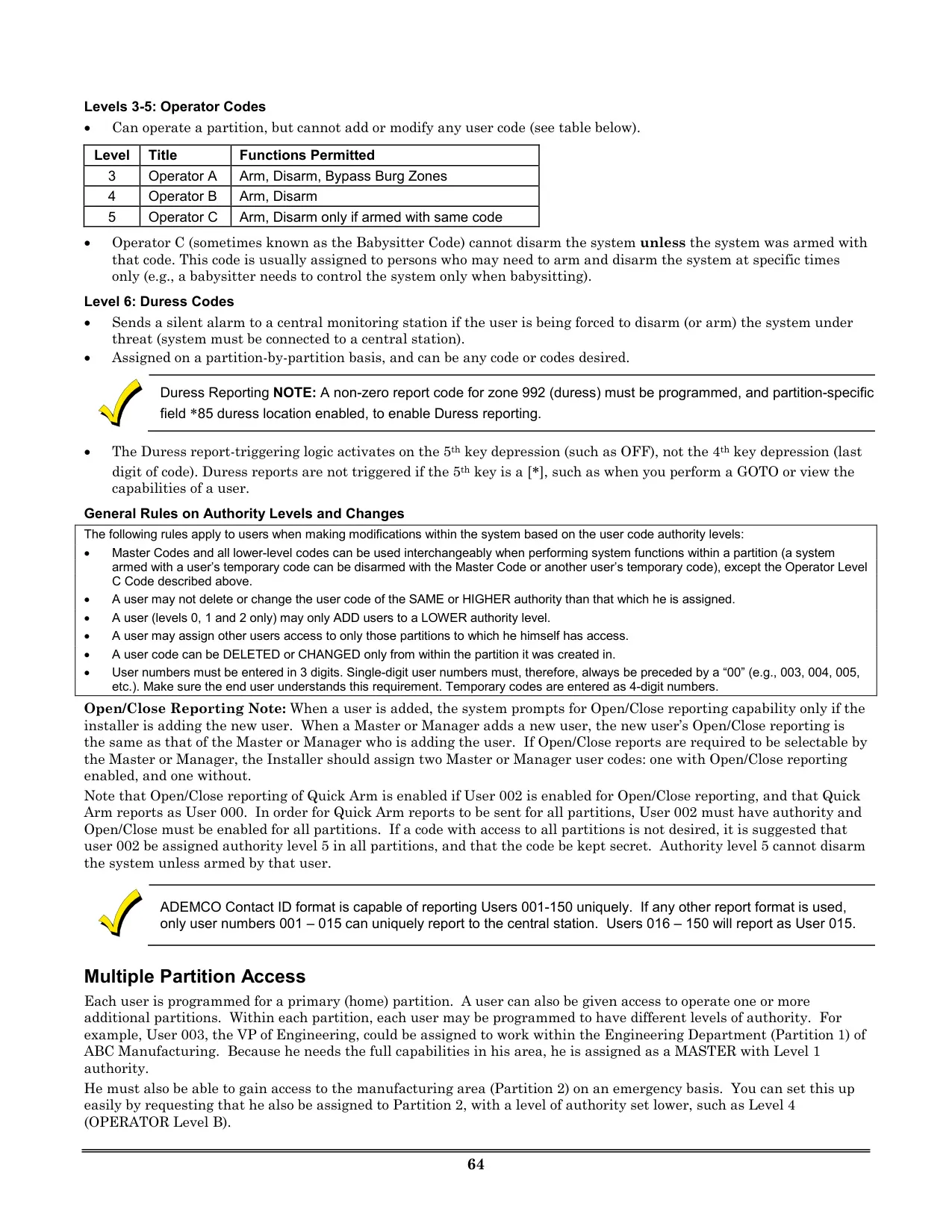
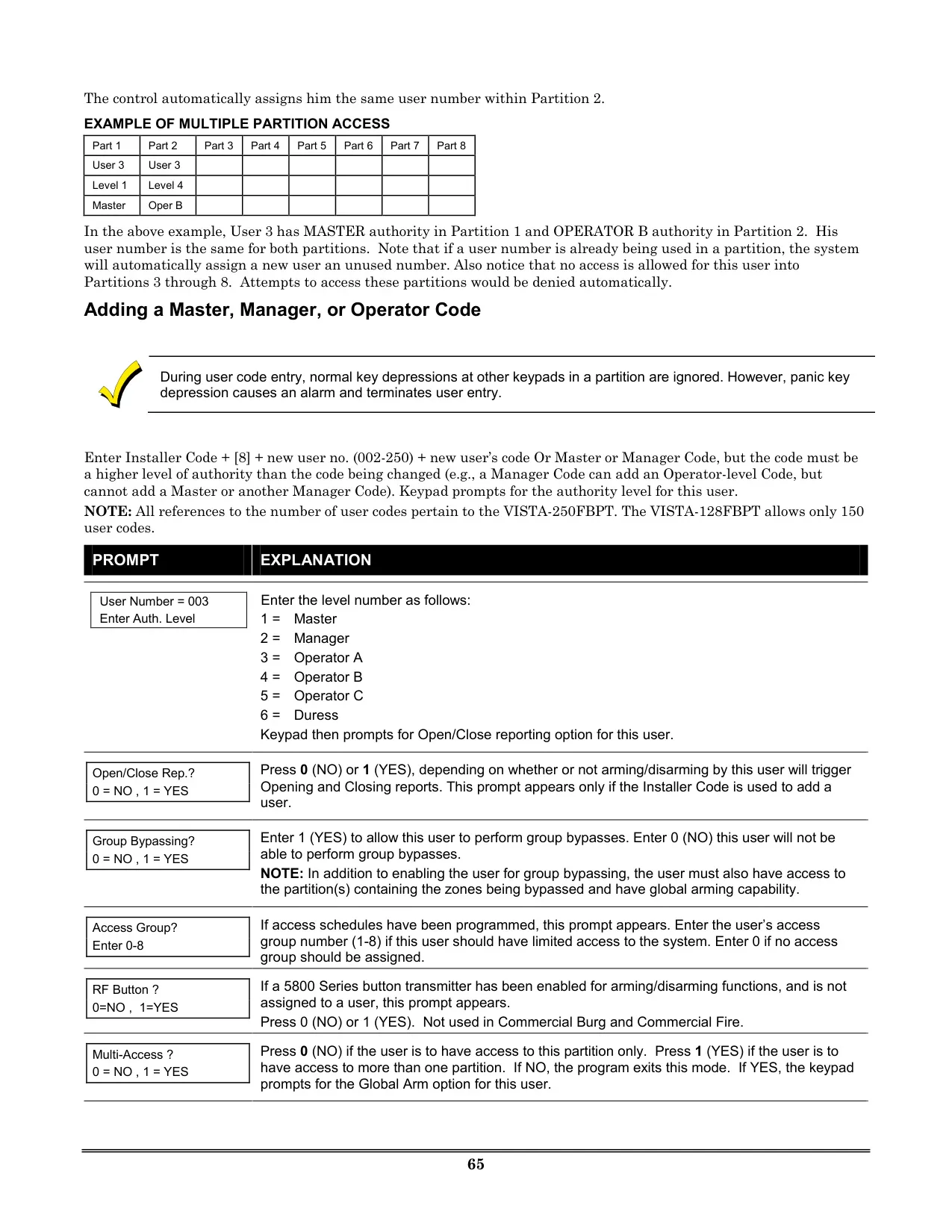








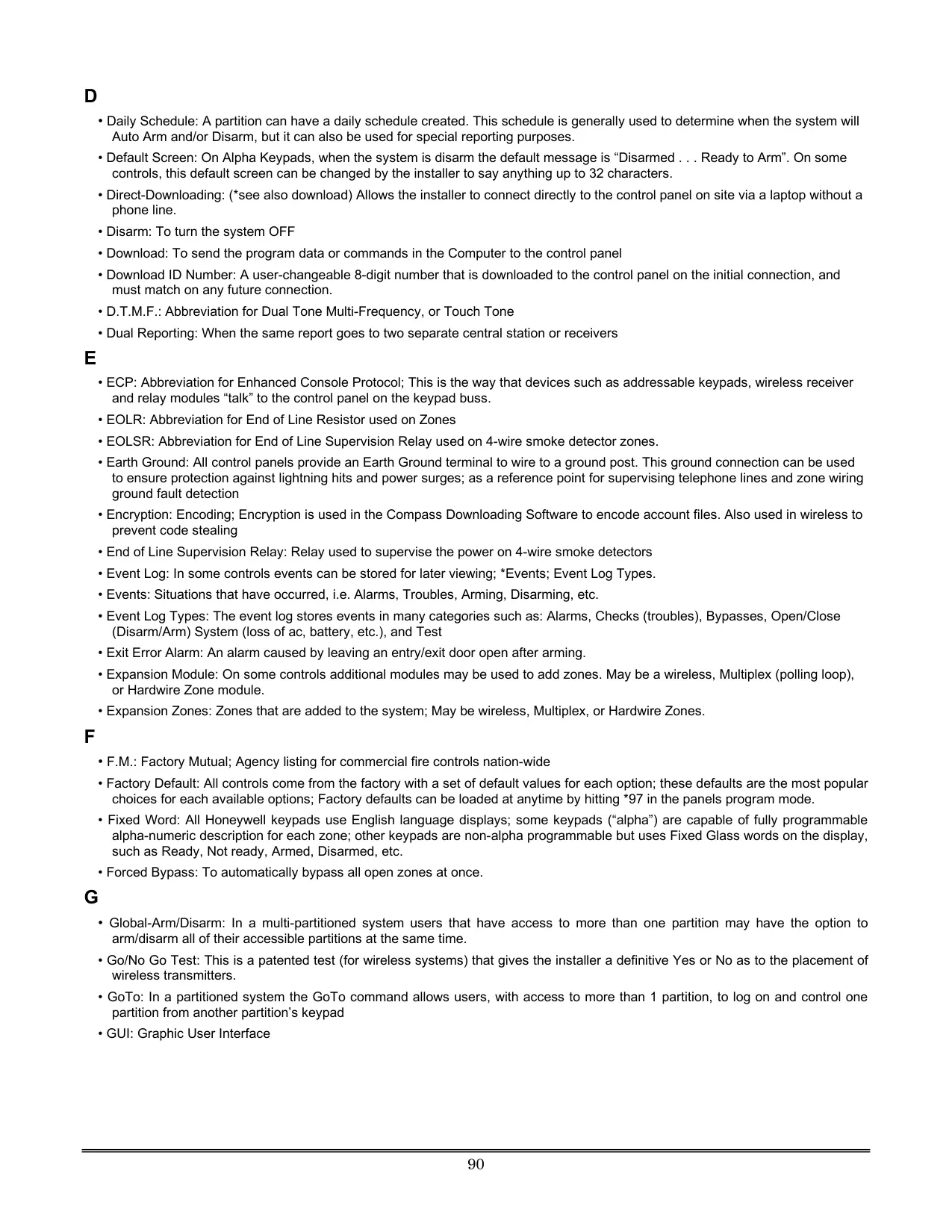

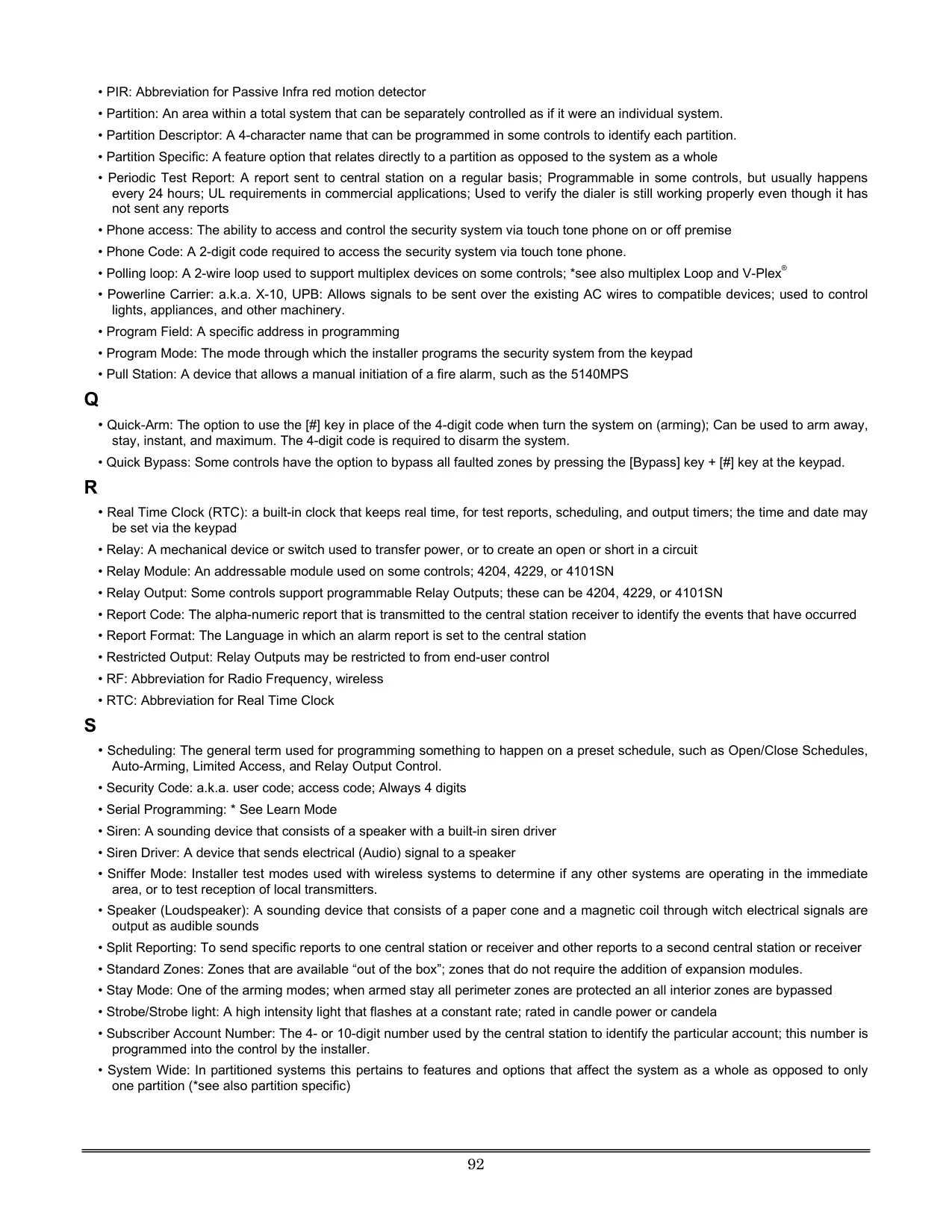
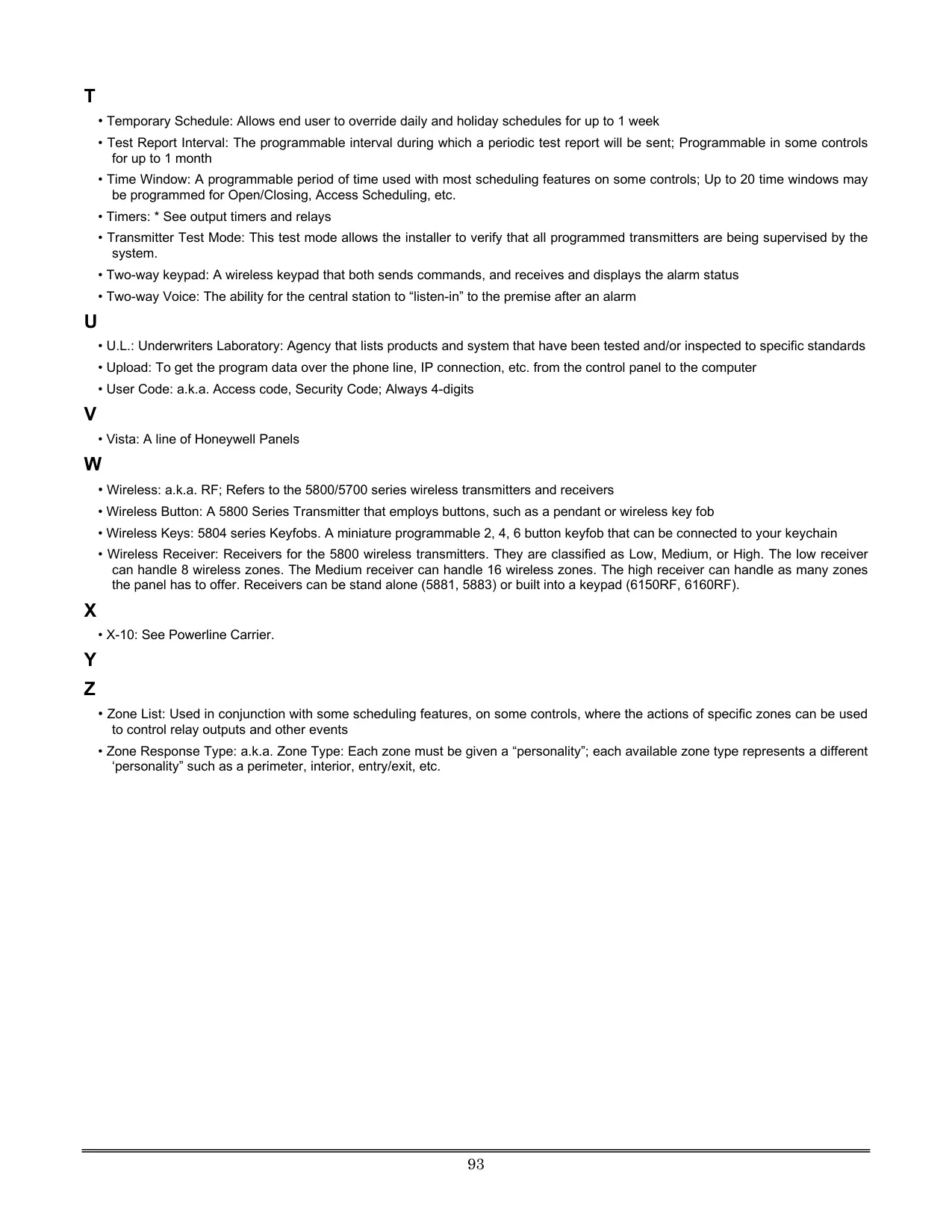

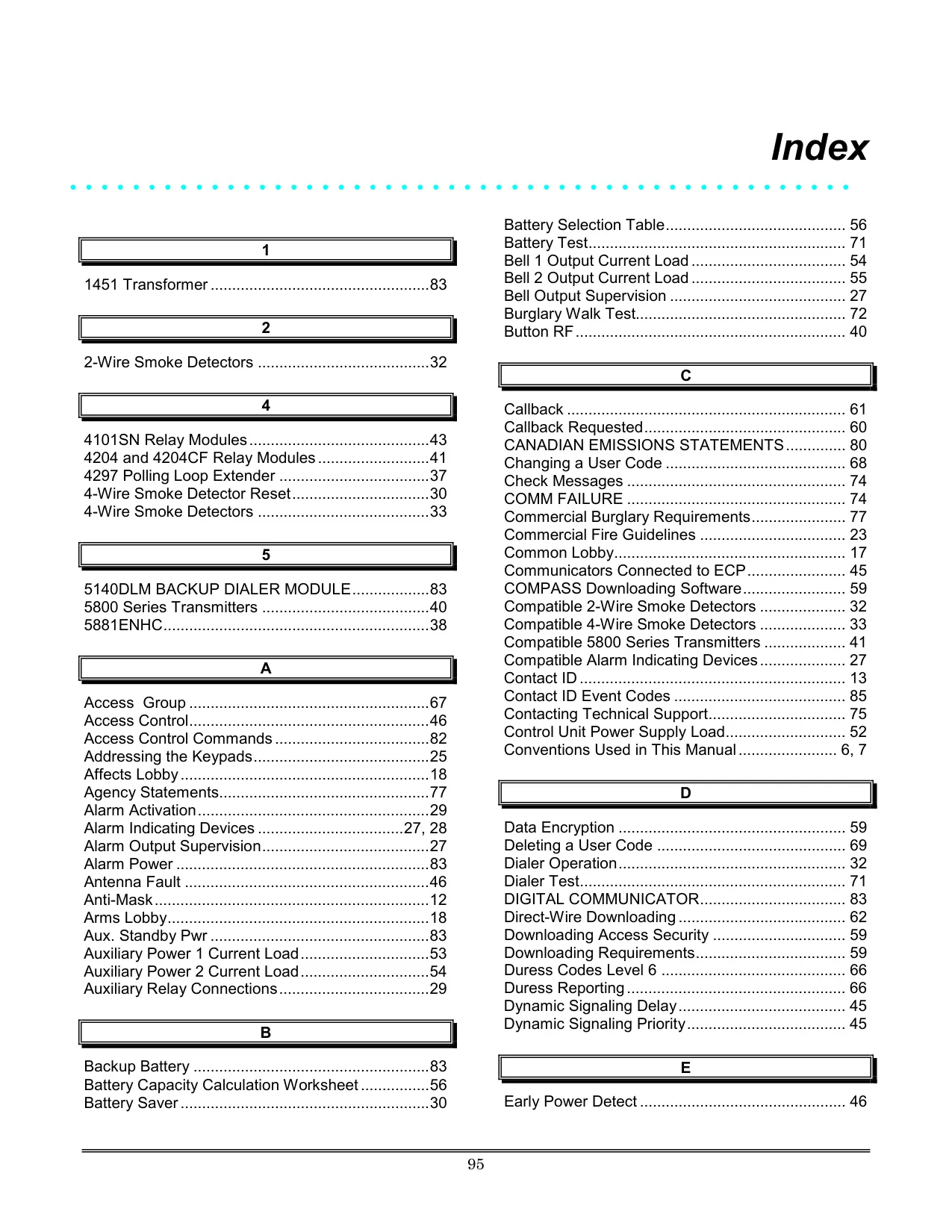




Honeywell Vista 250FBP Security System
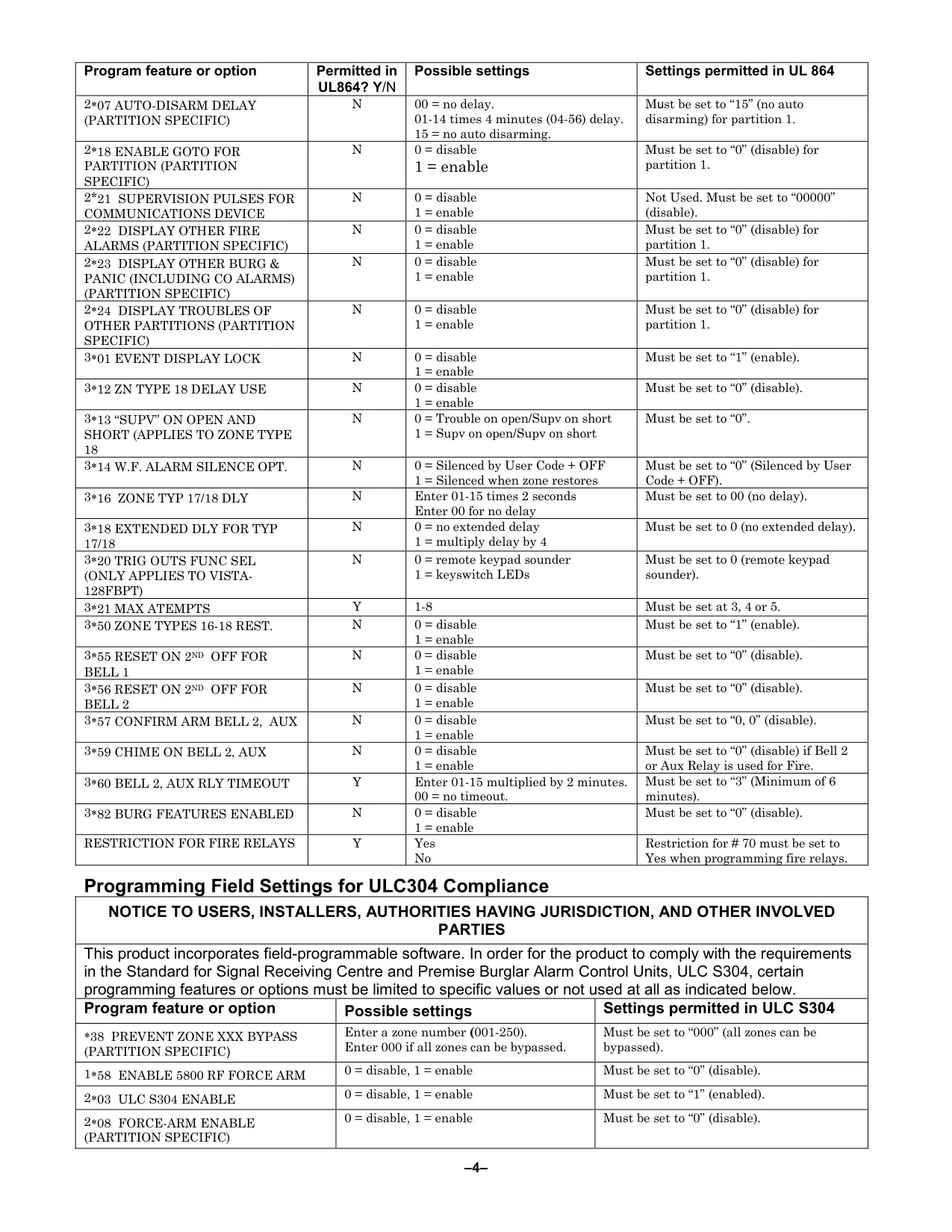
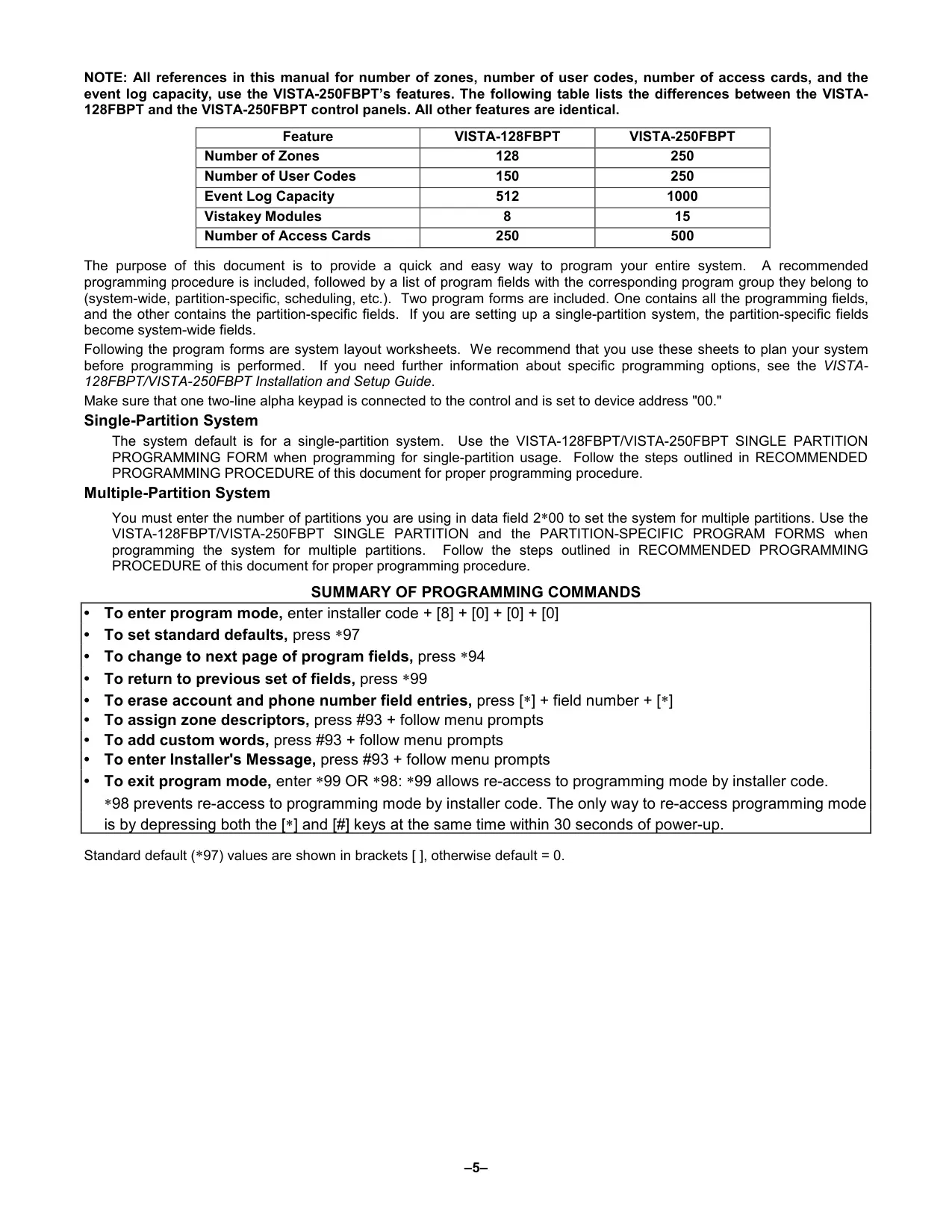
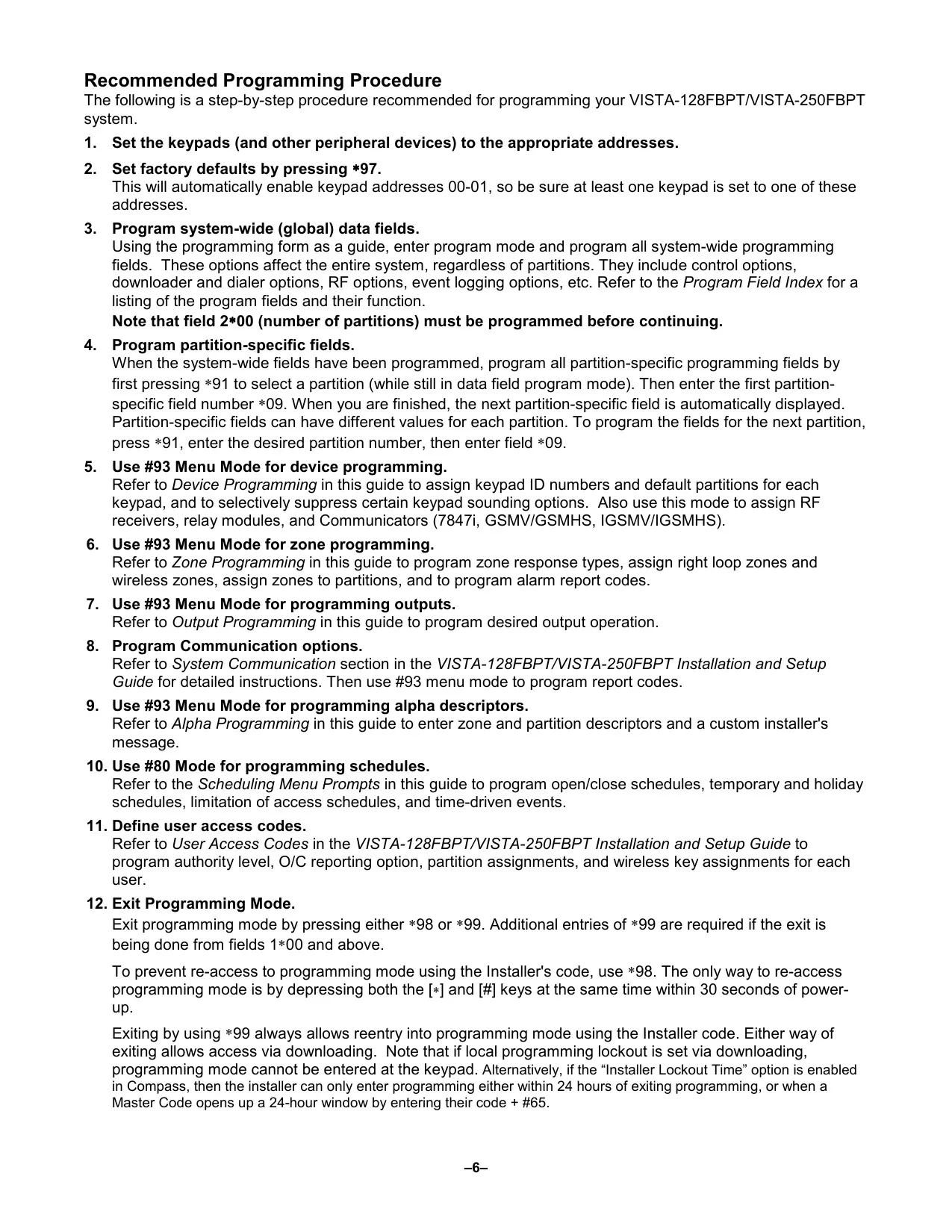
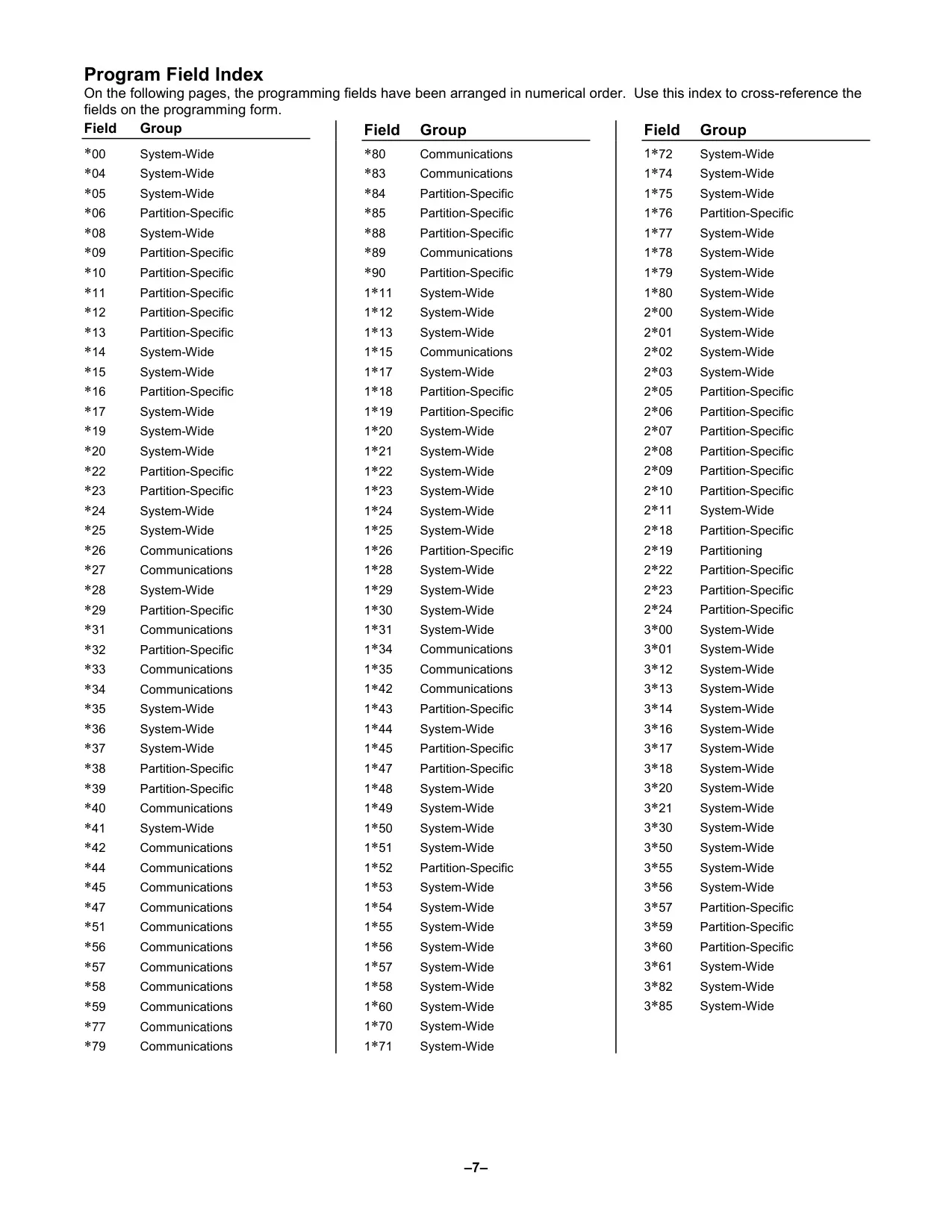
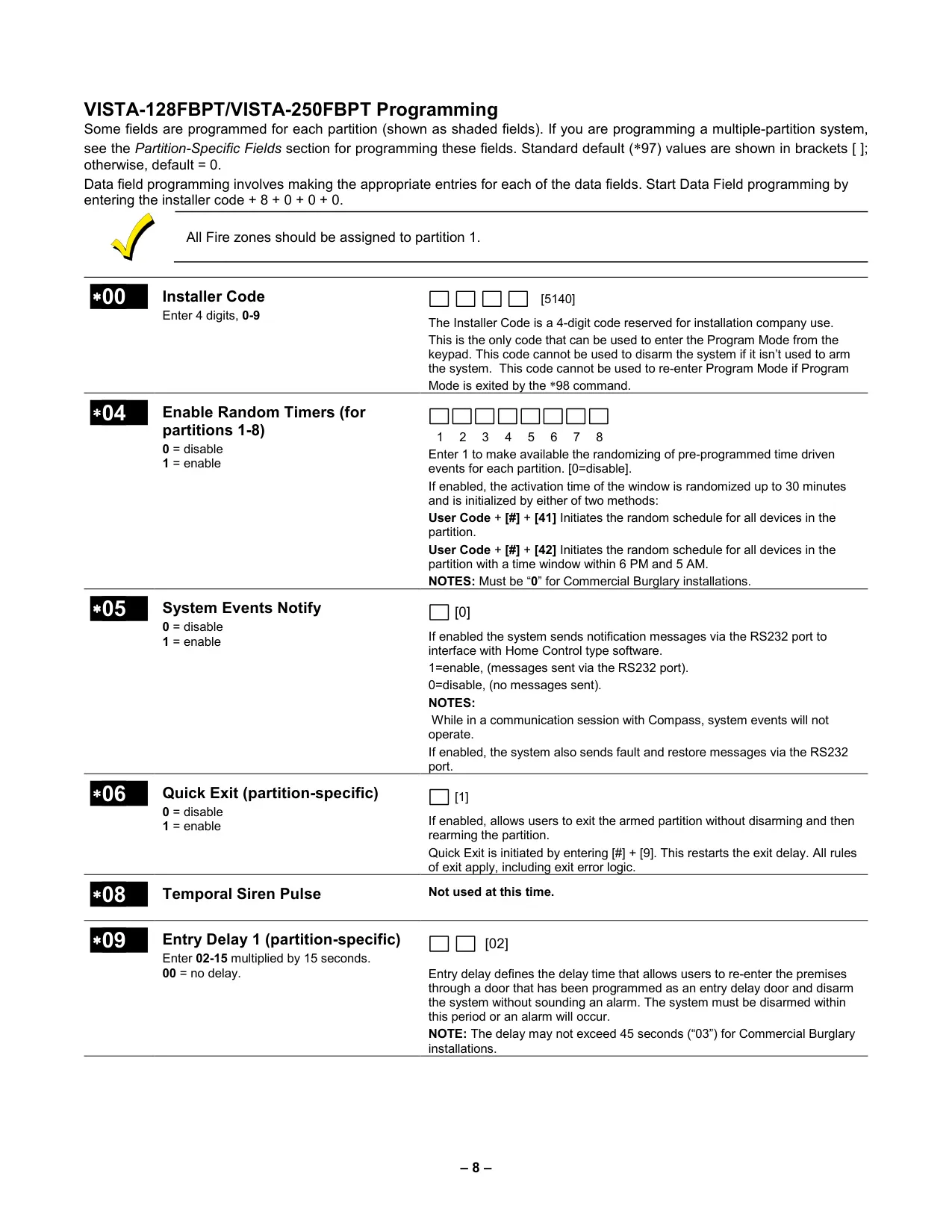
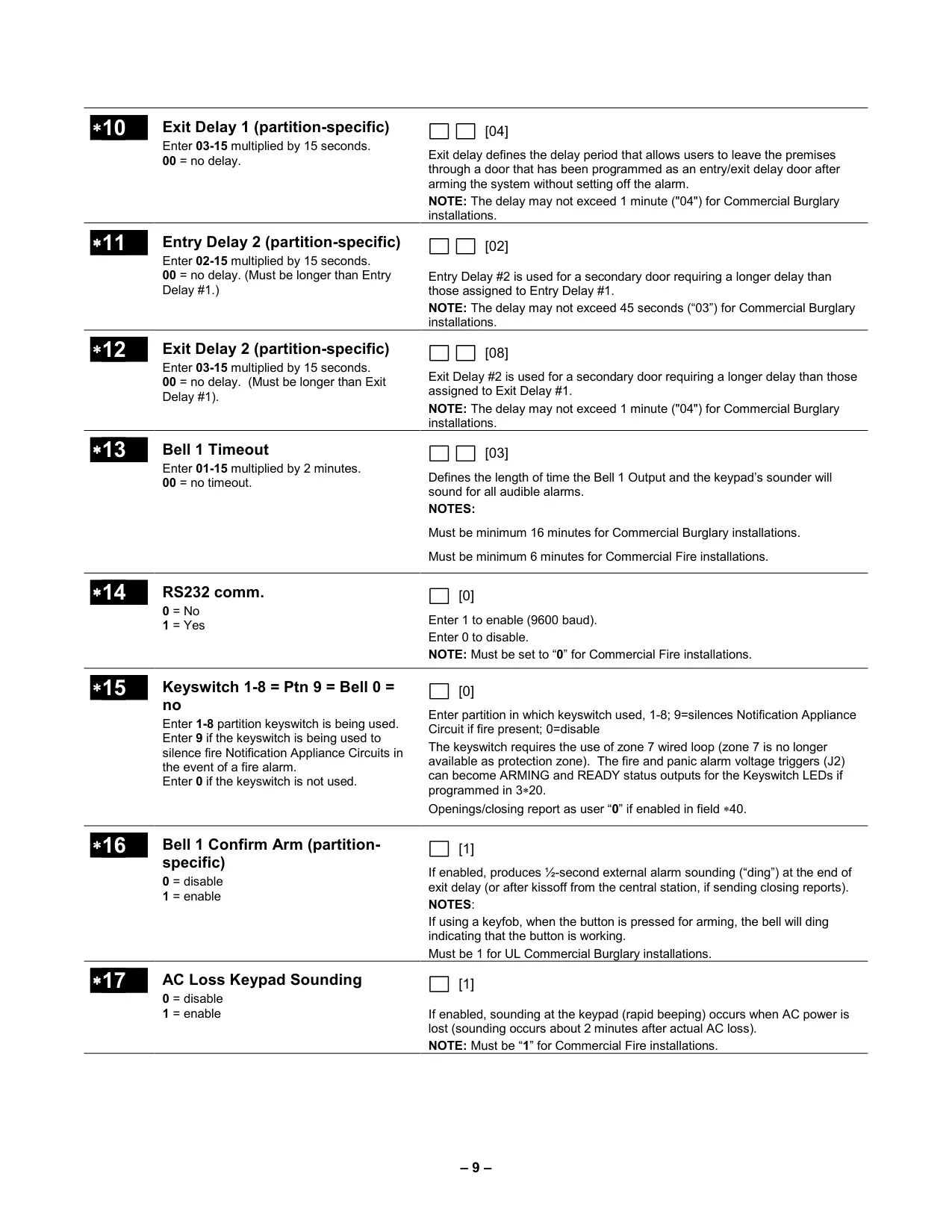
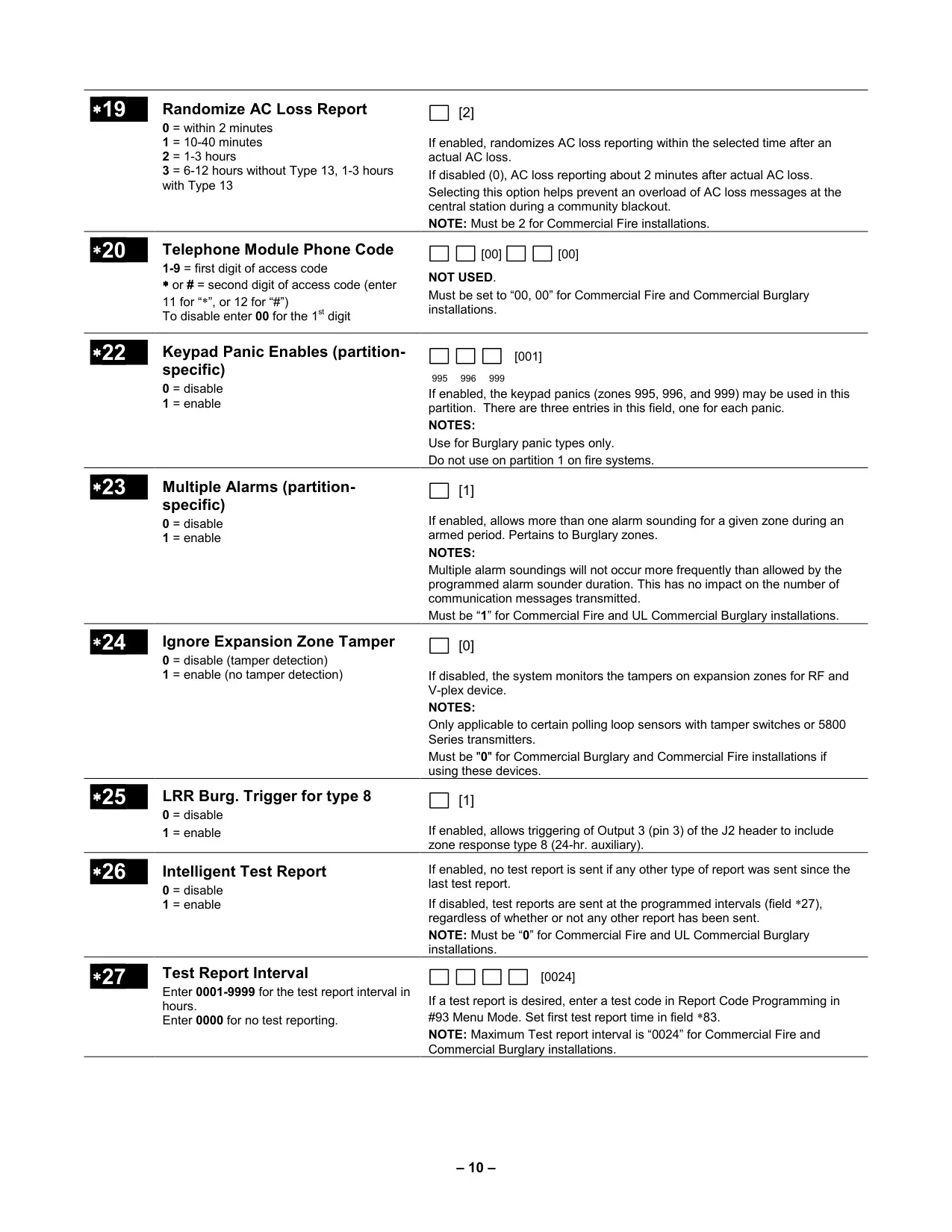
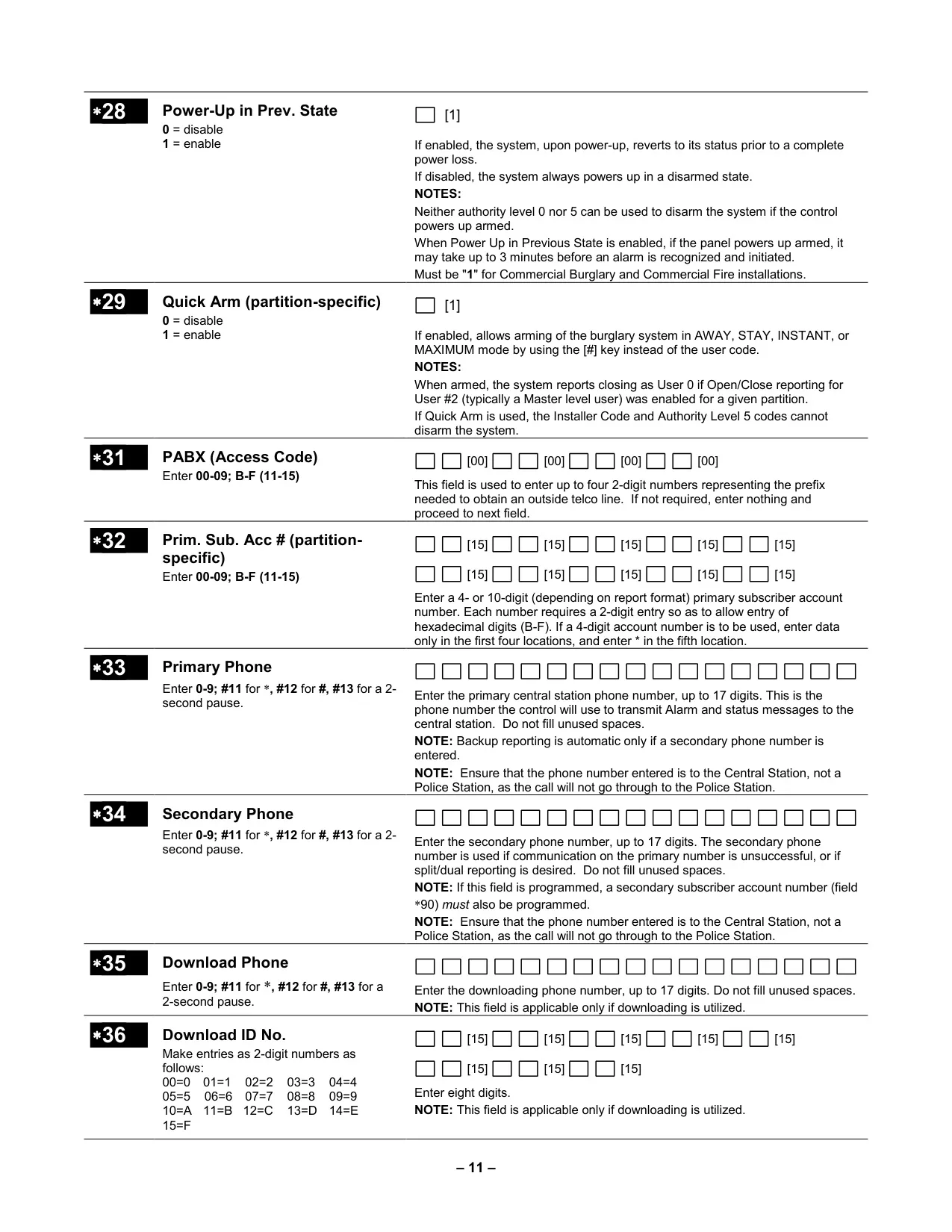
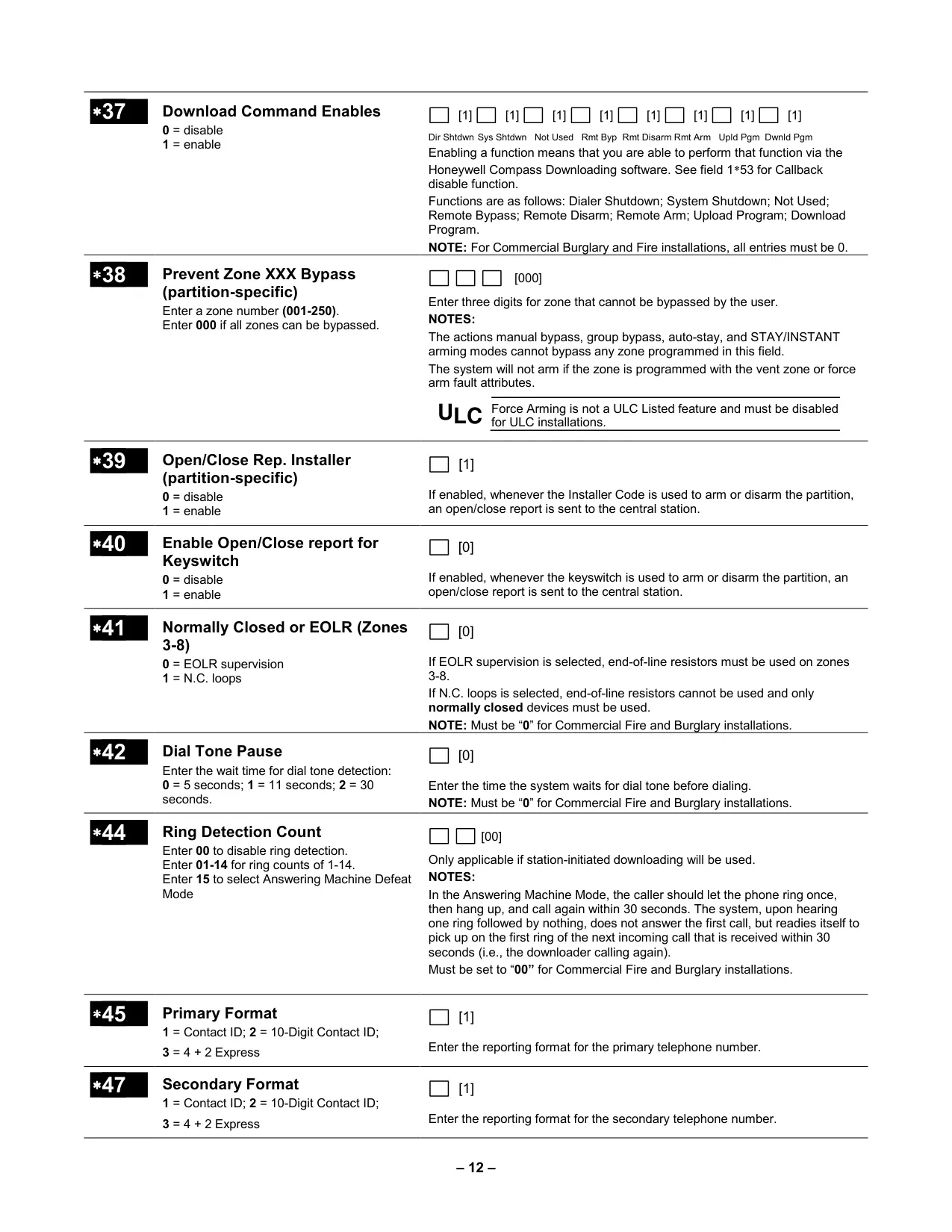
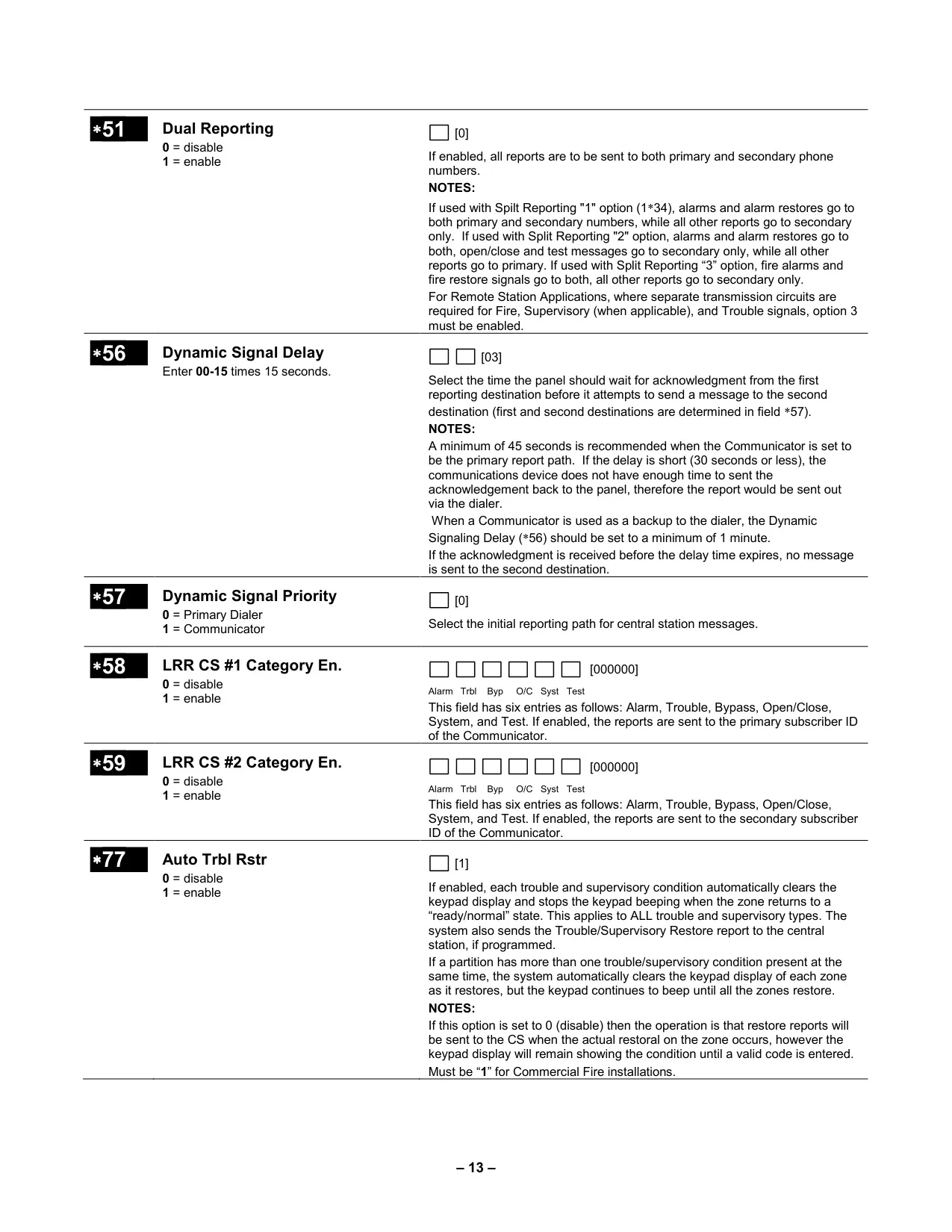
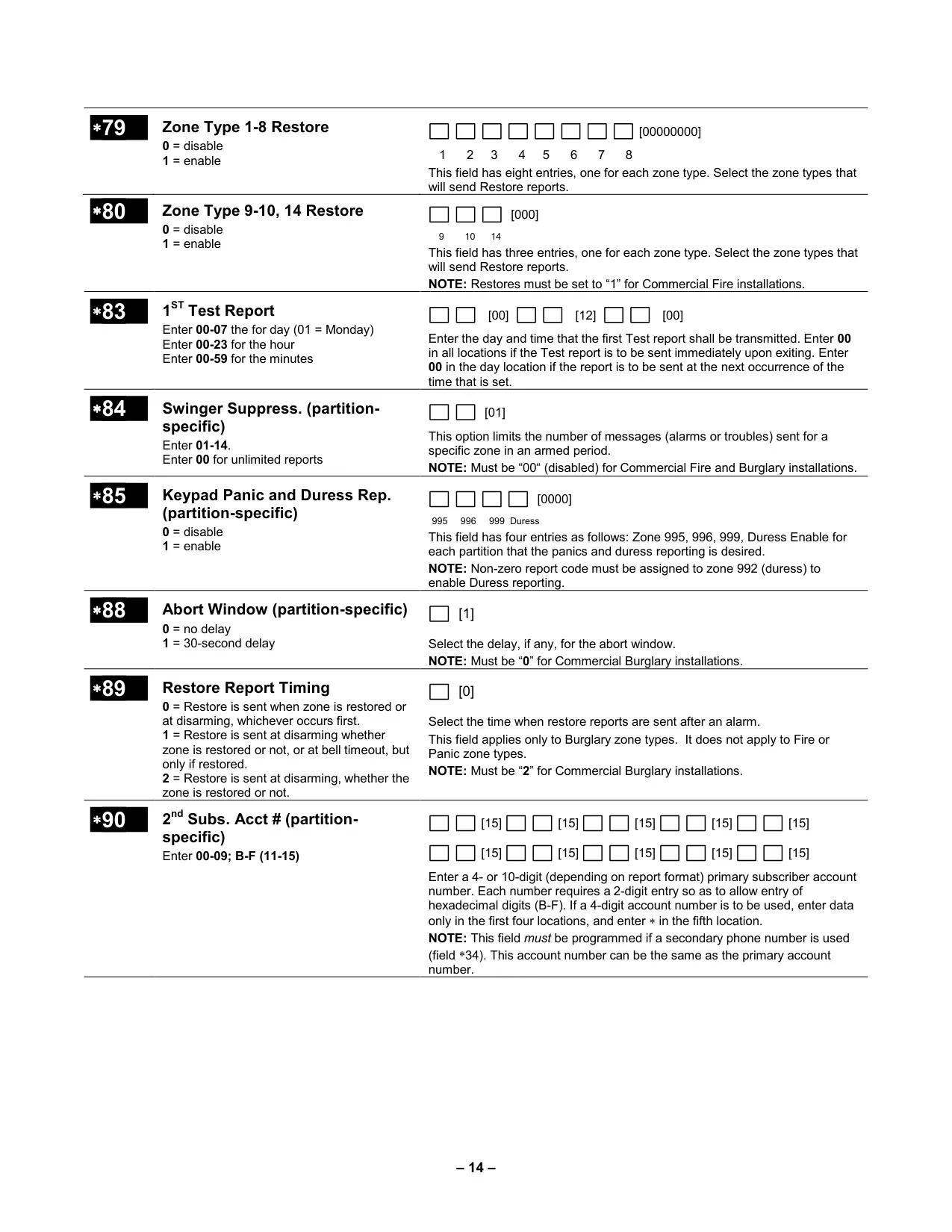
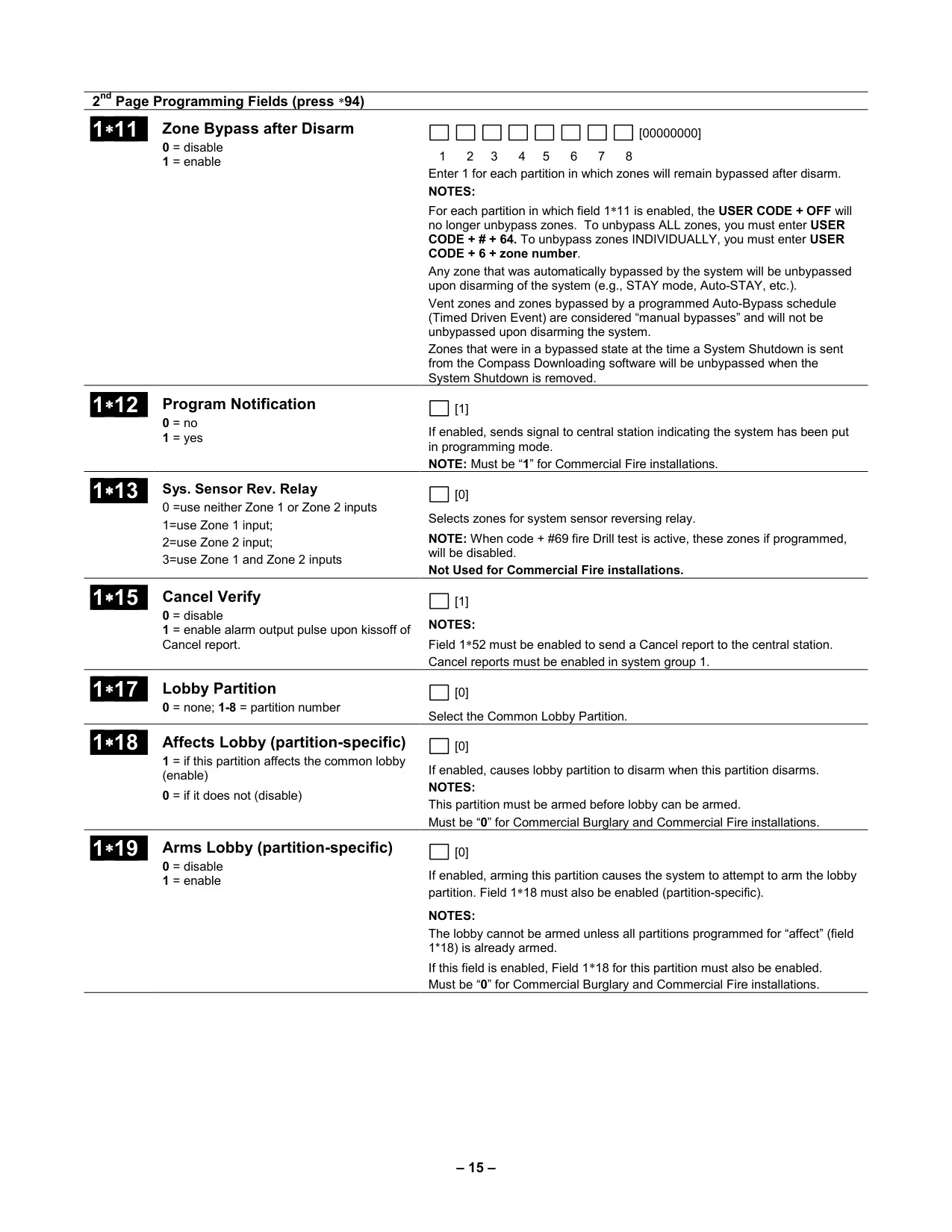
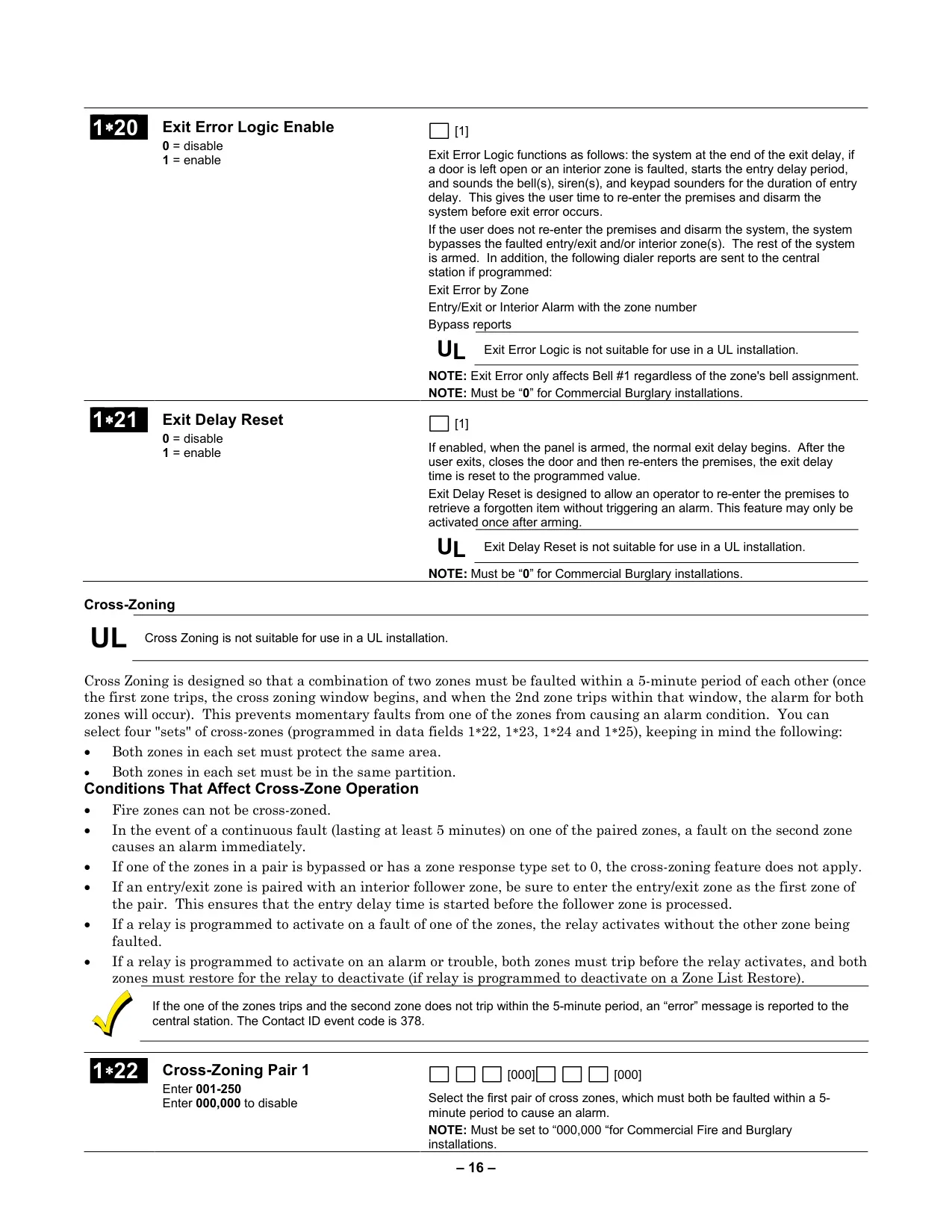
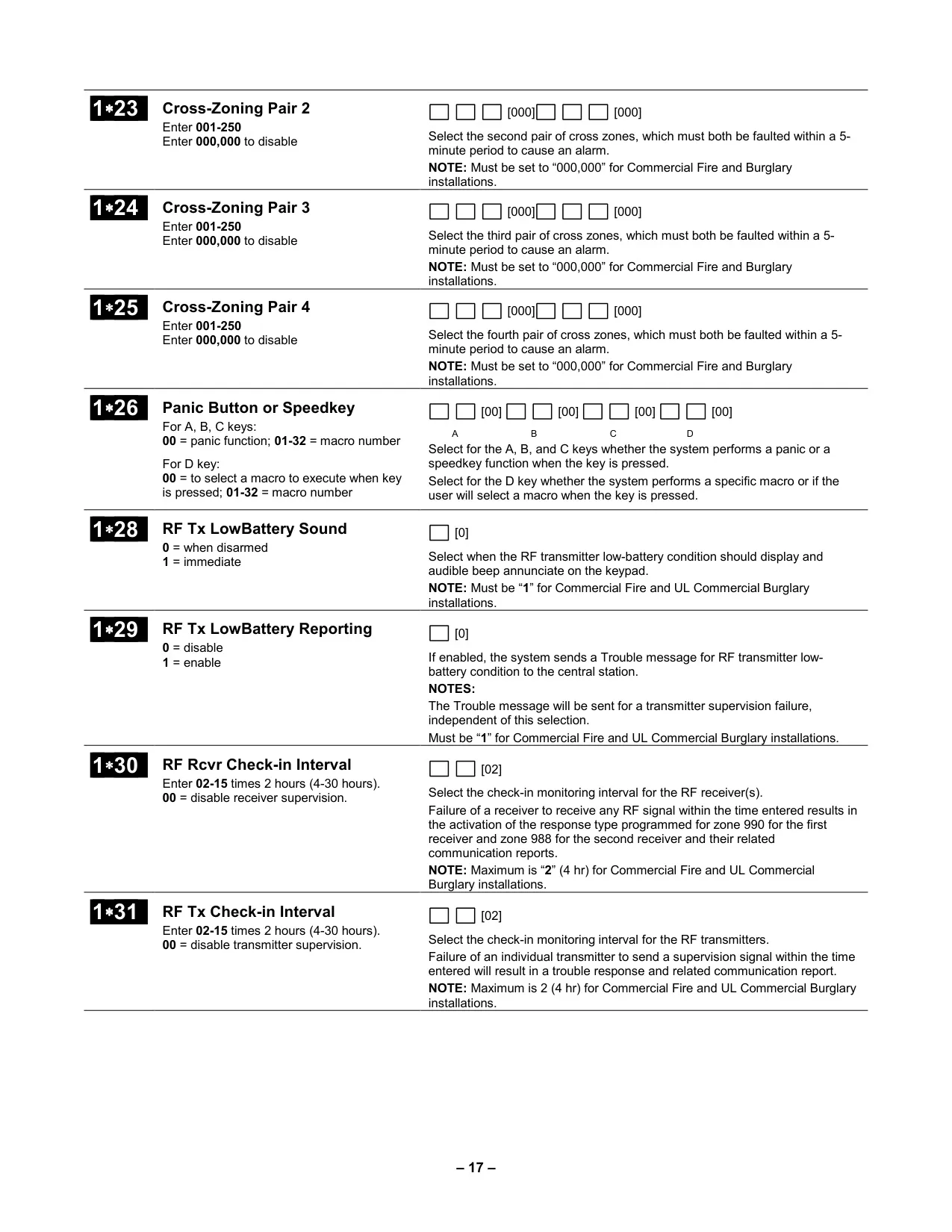
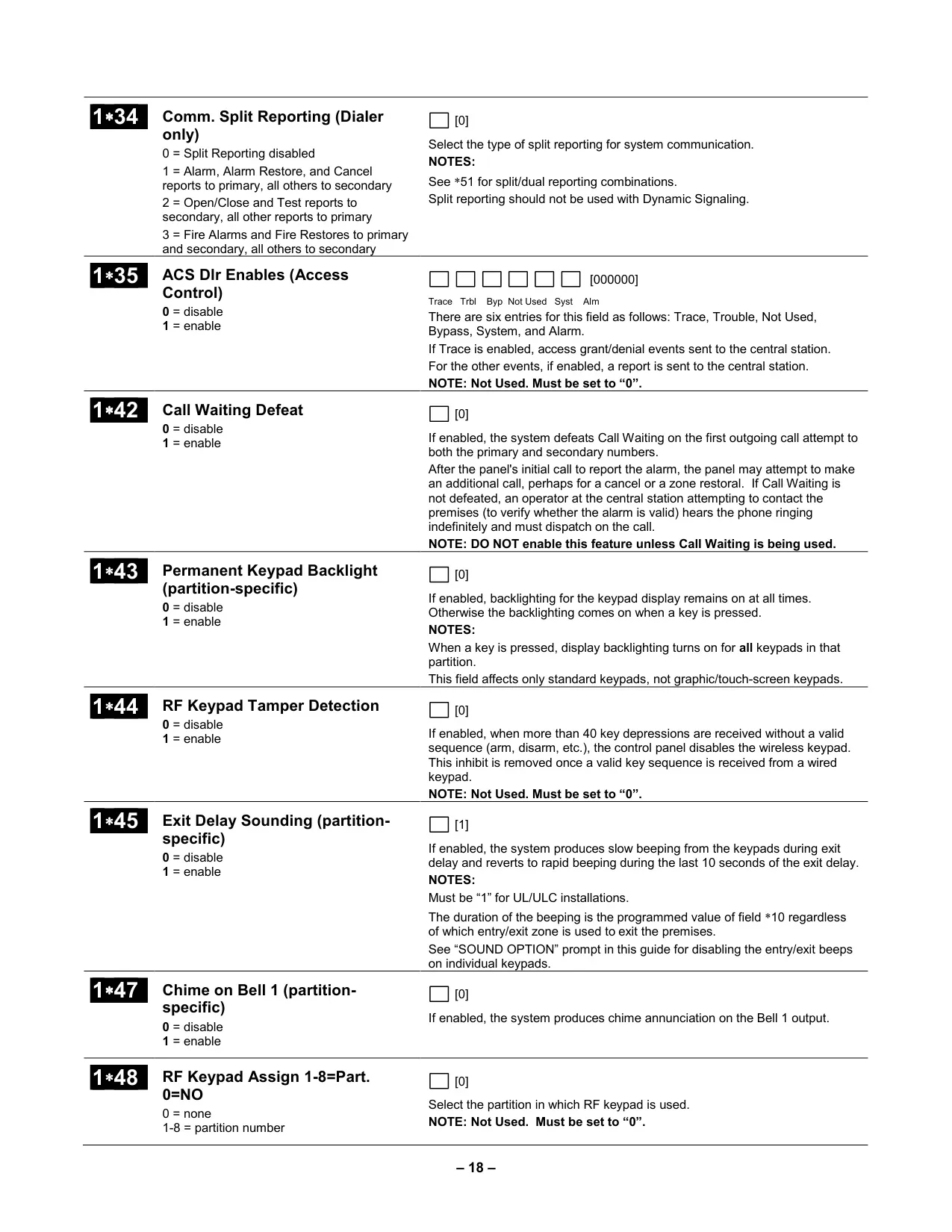
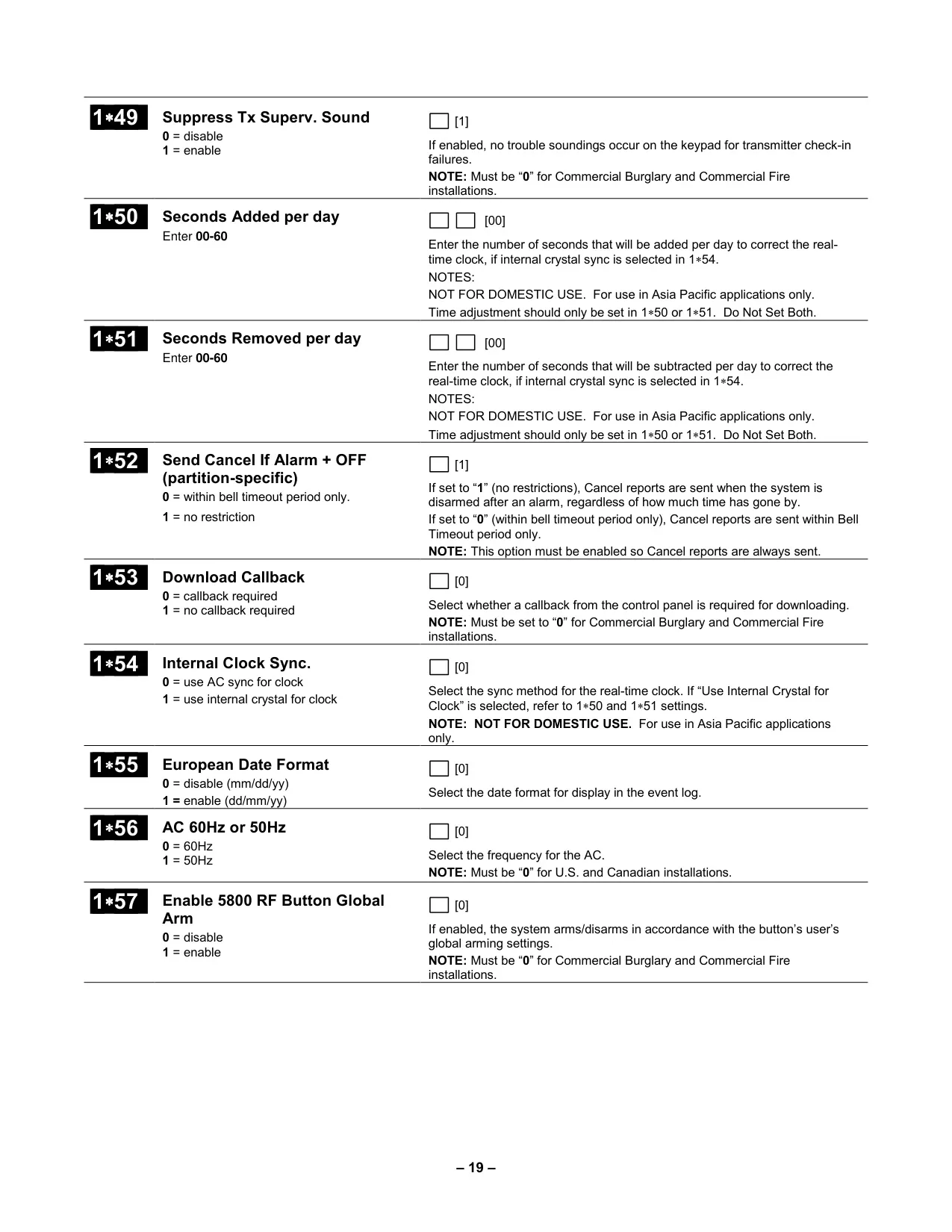
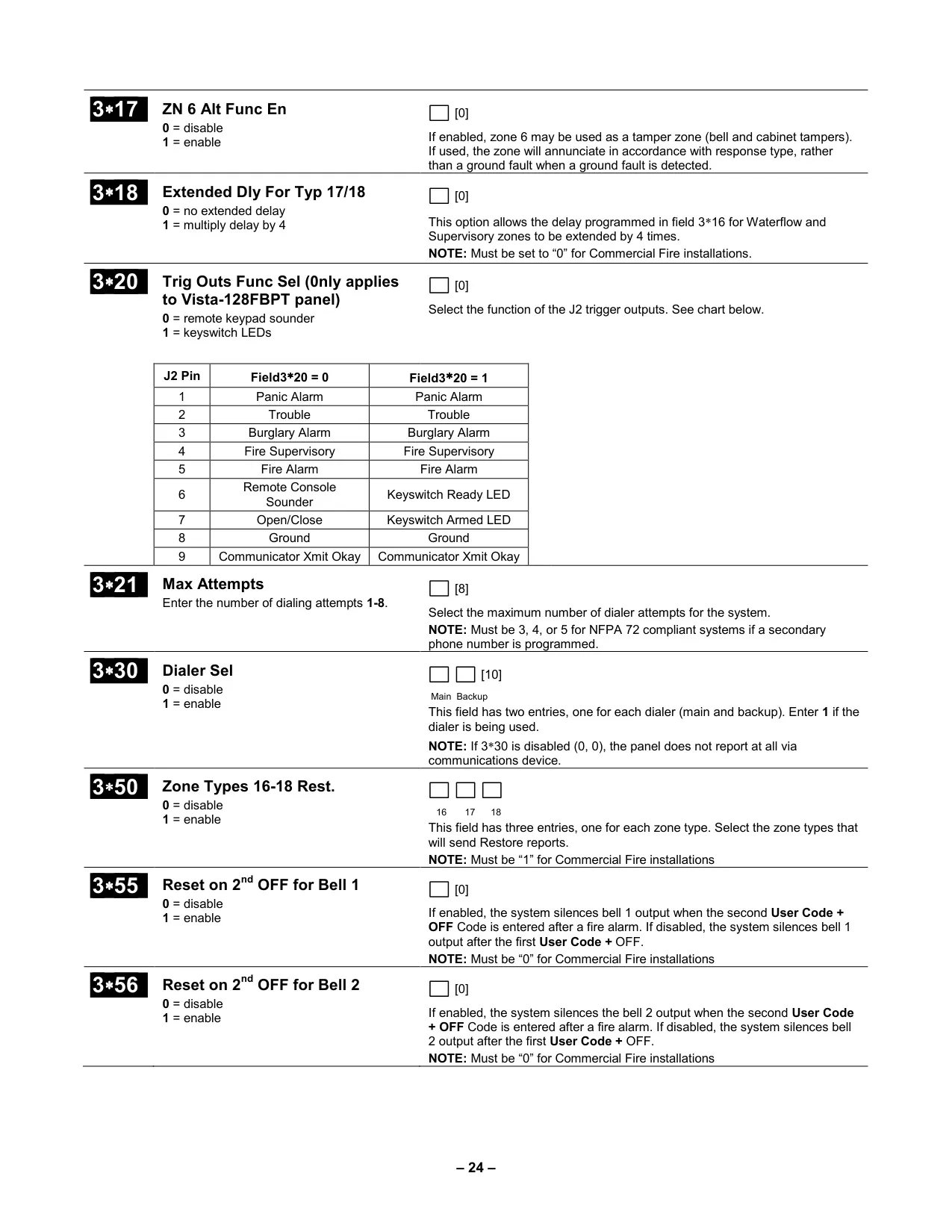
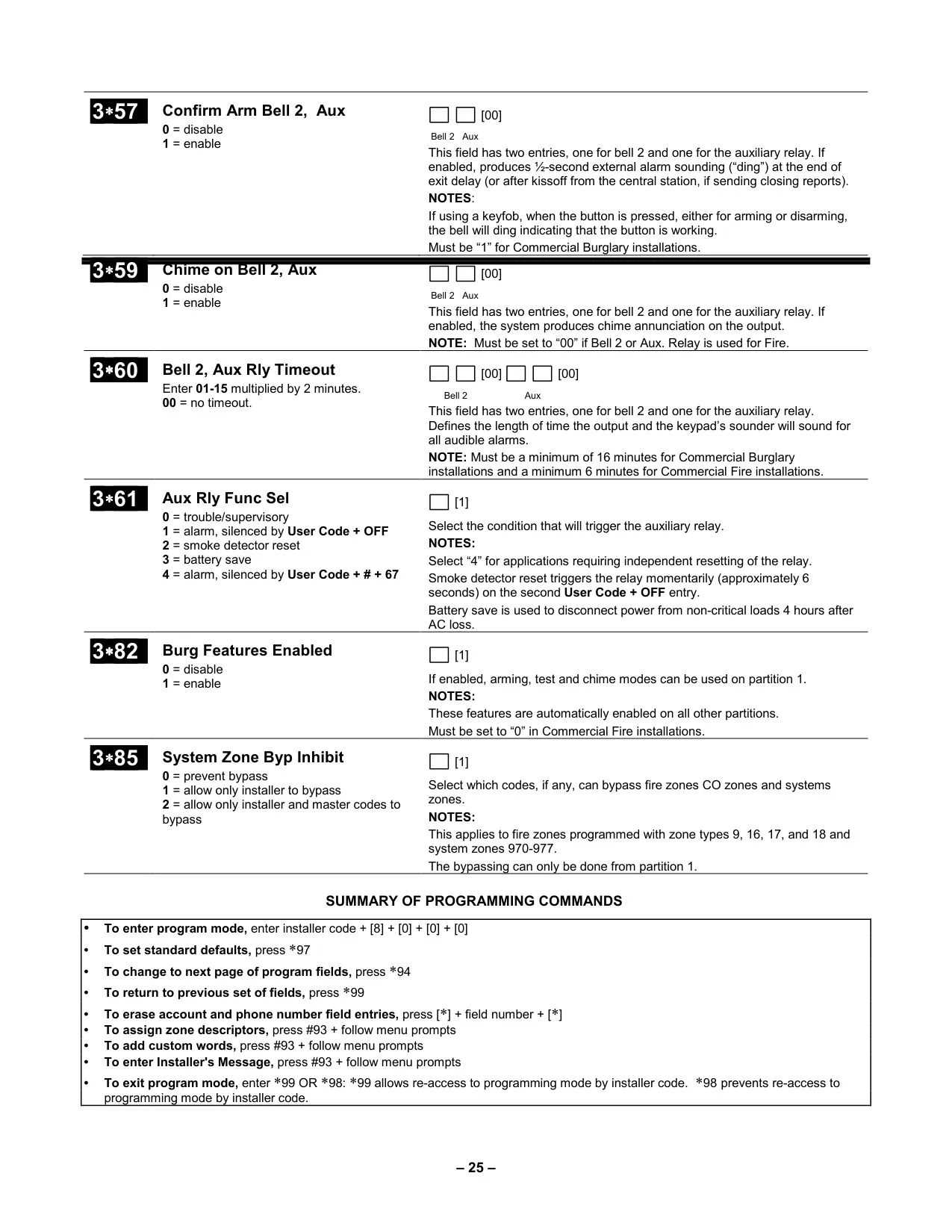
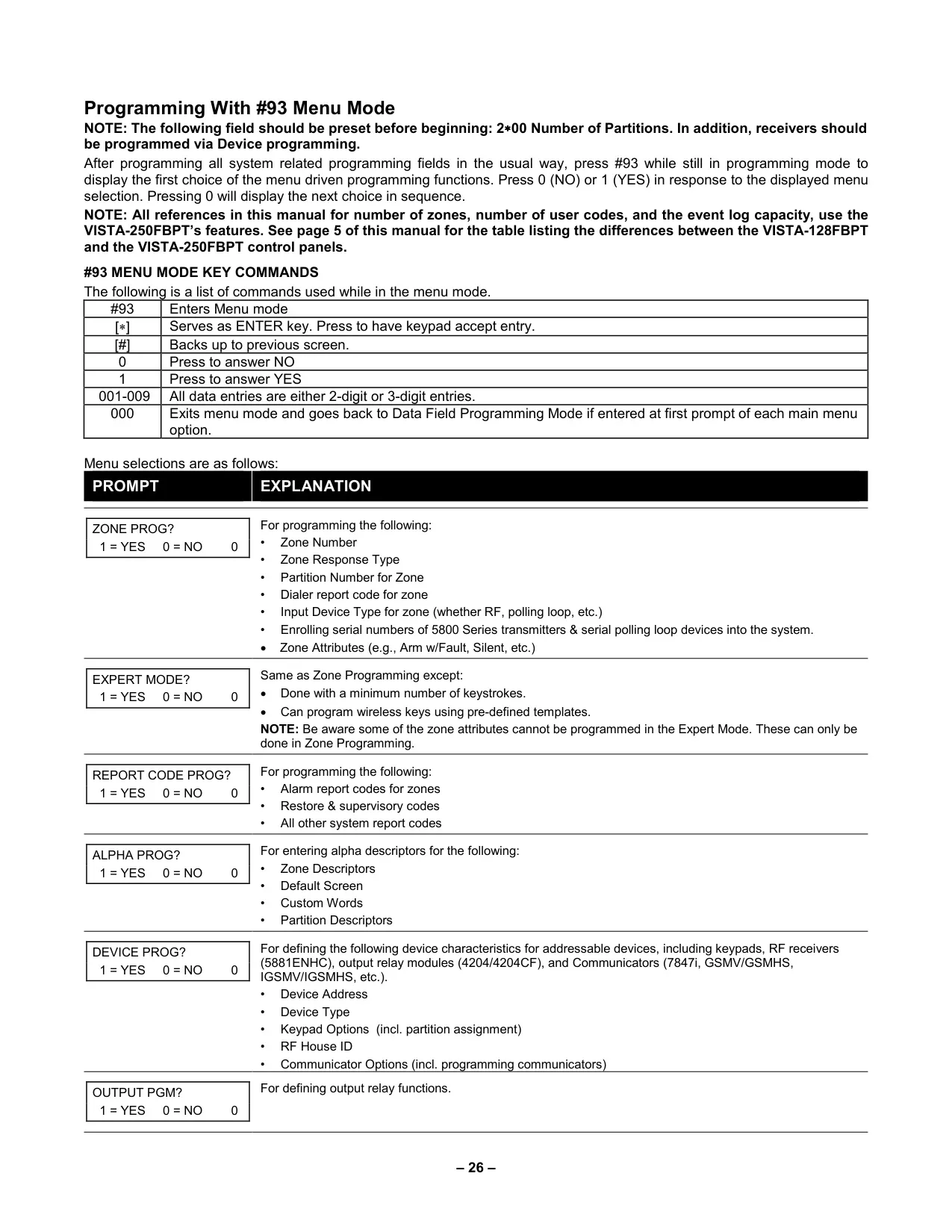
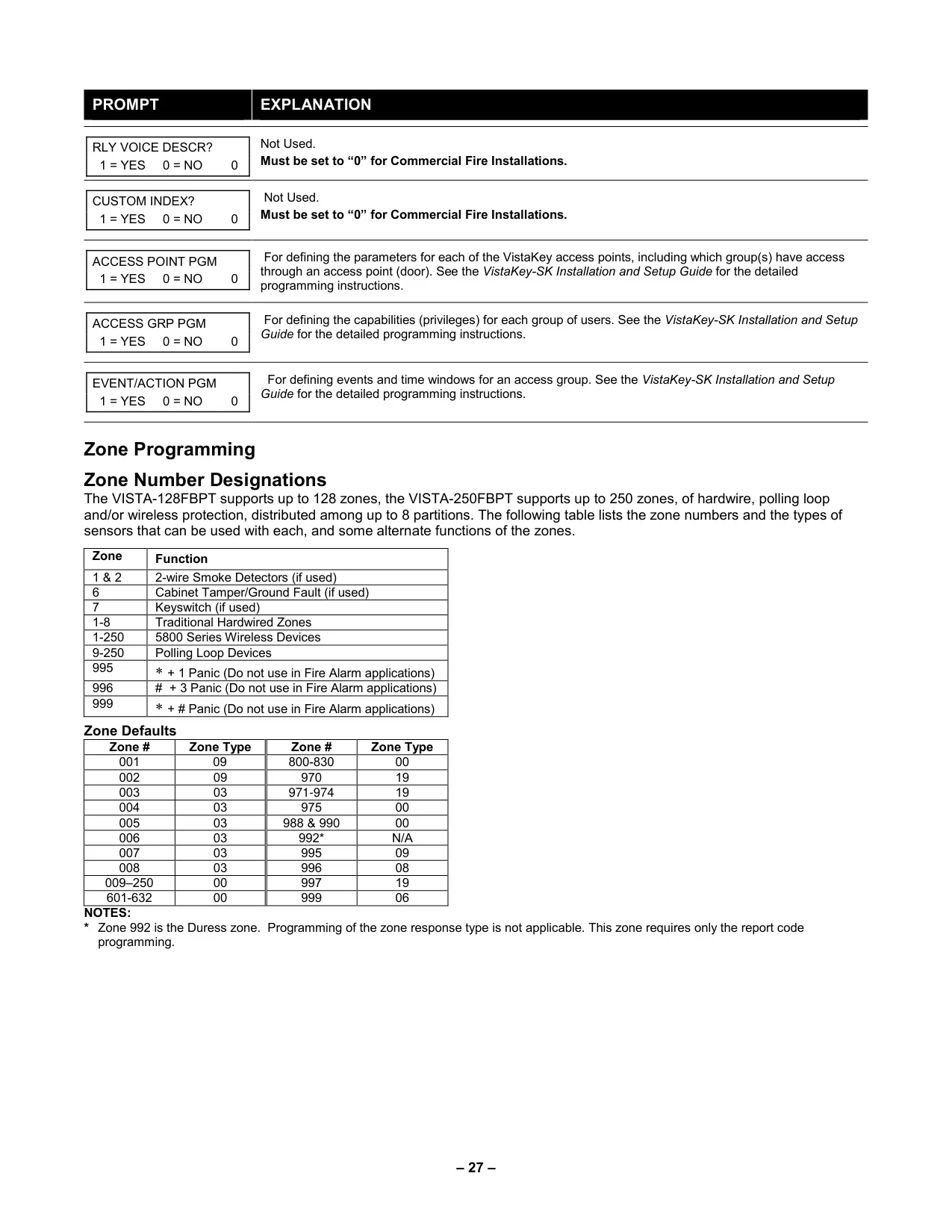
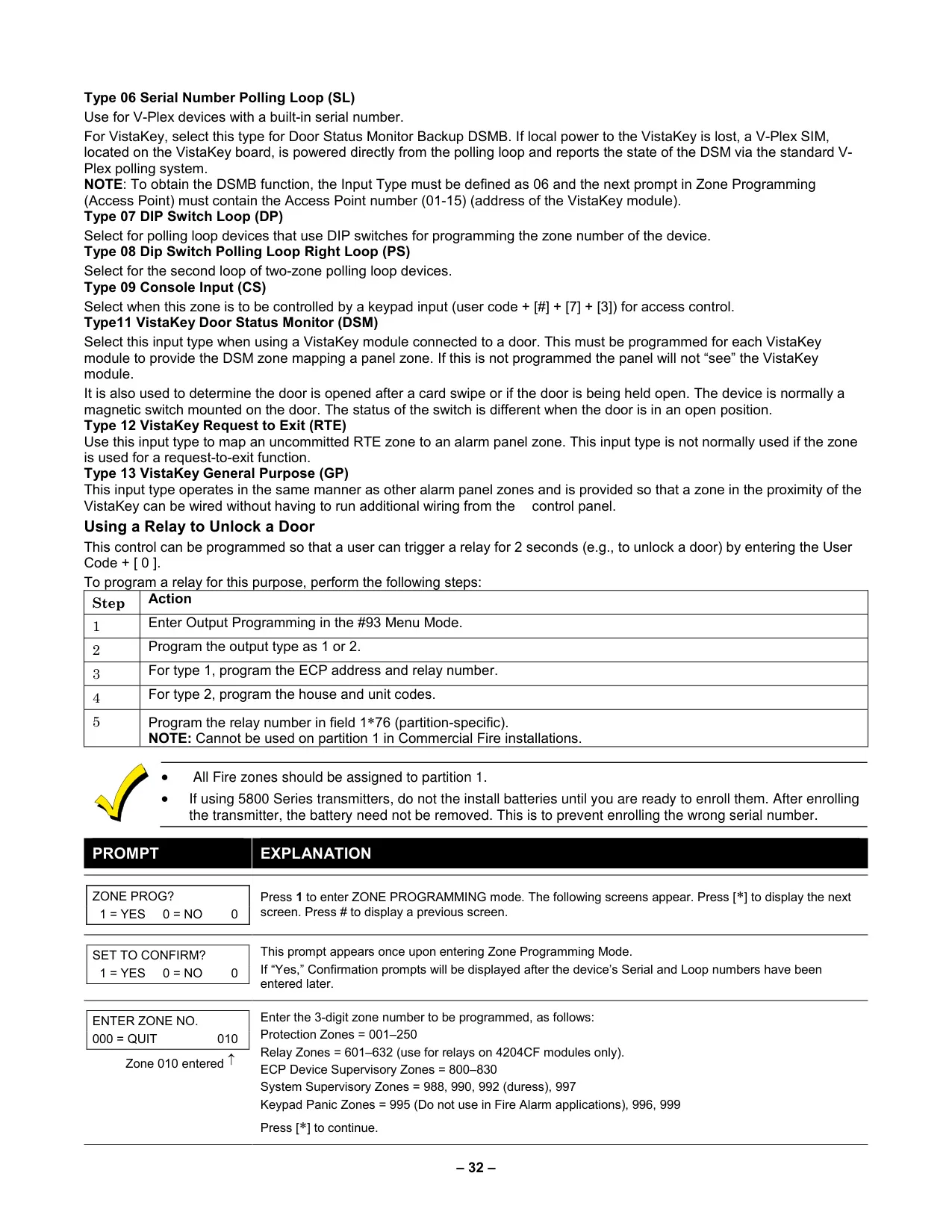
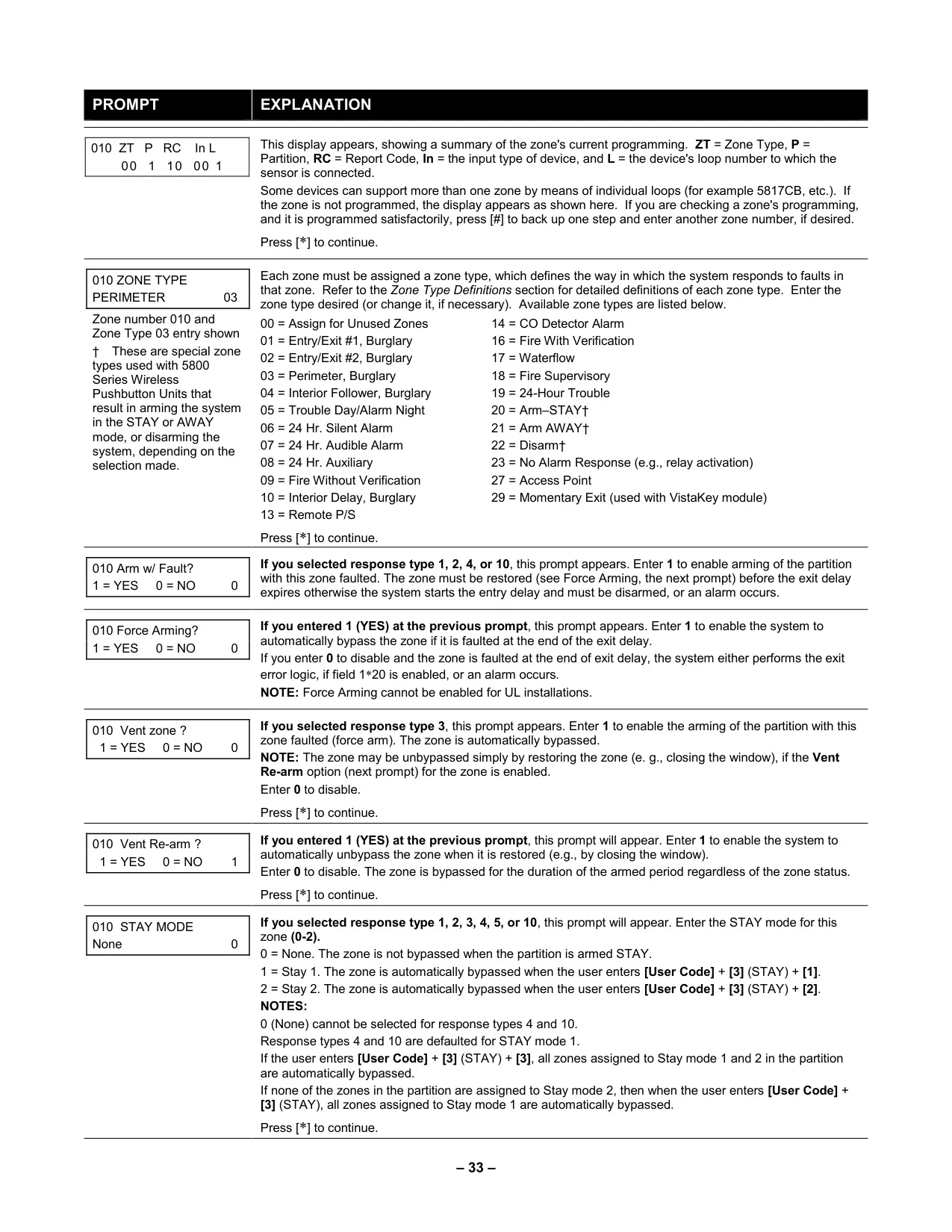
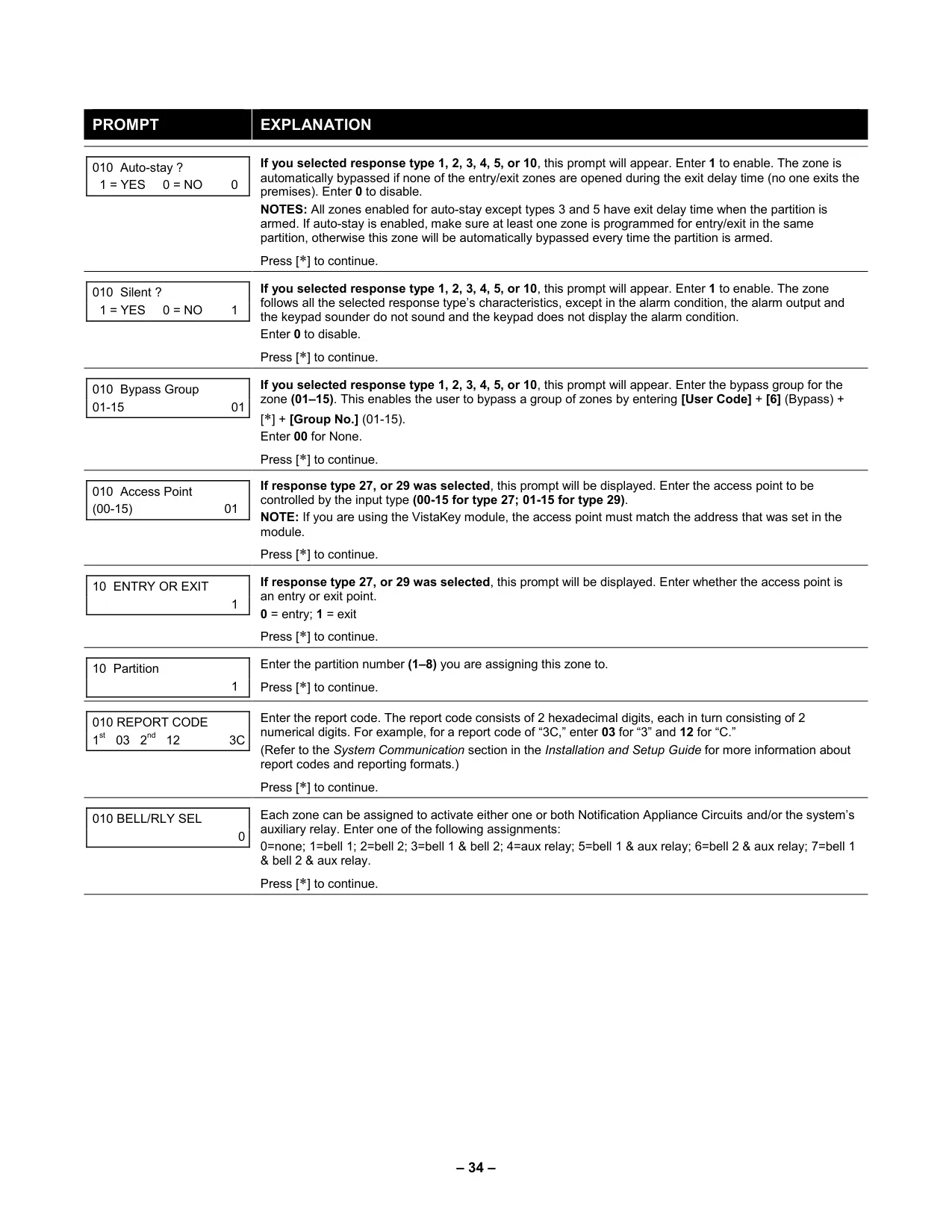
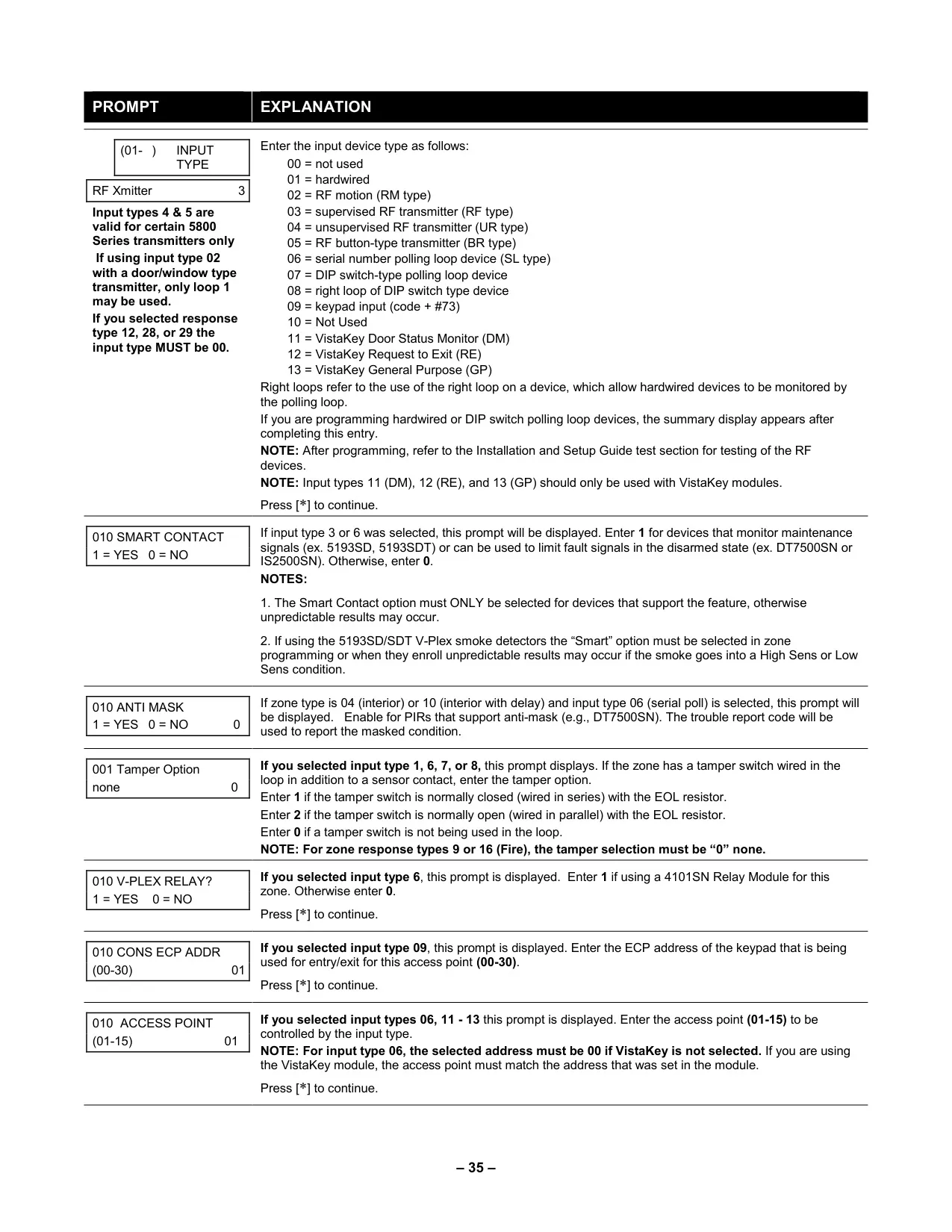

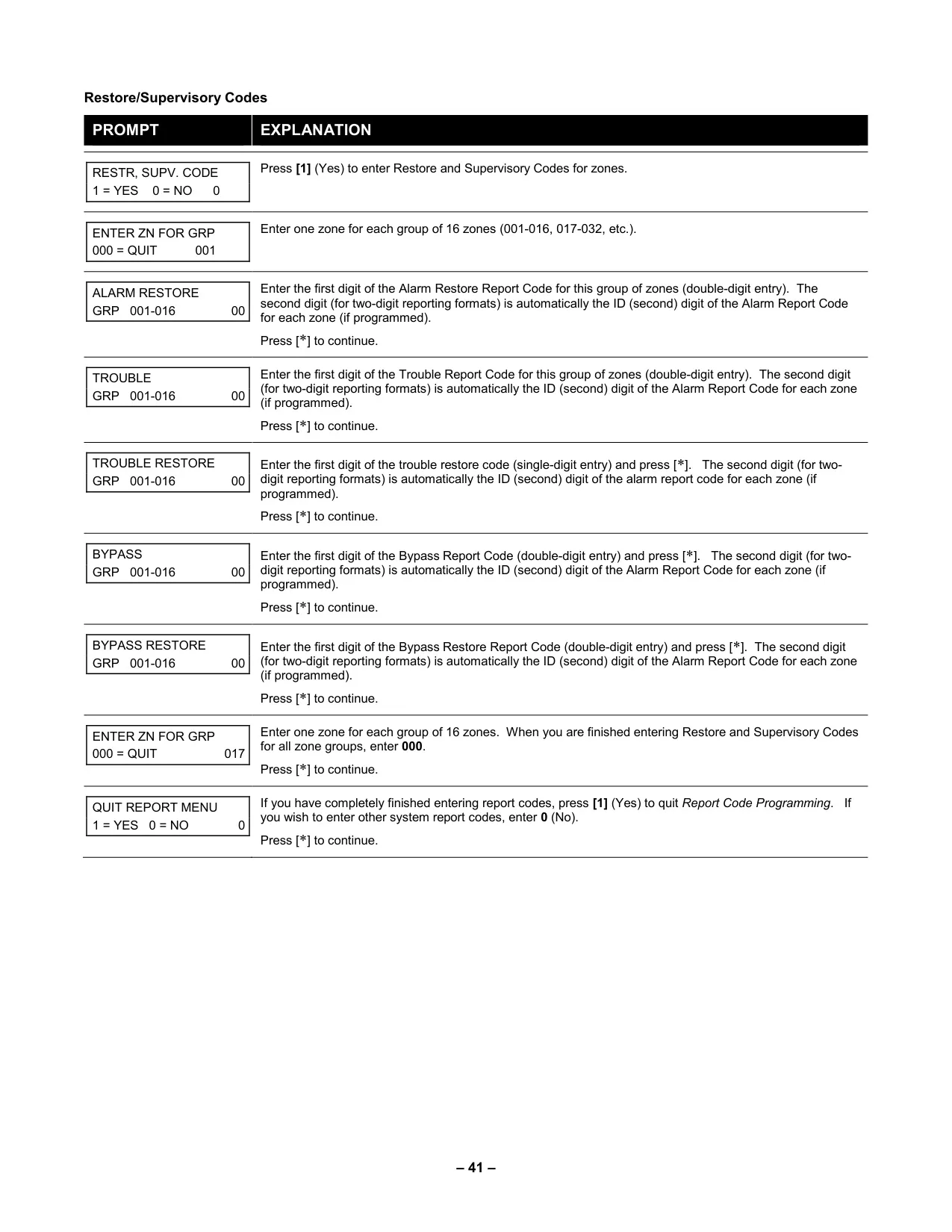
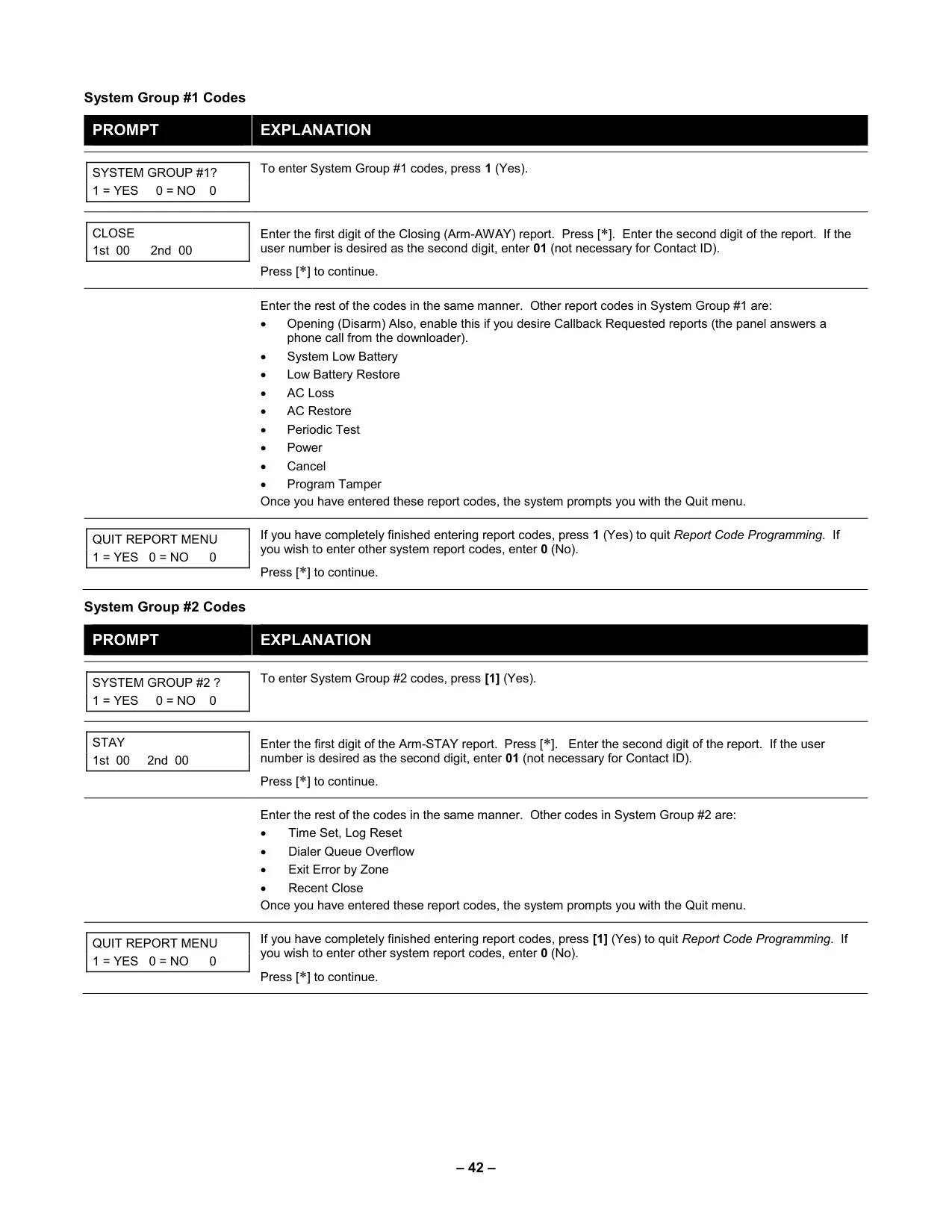
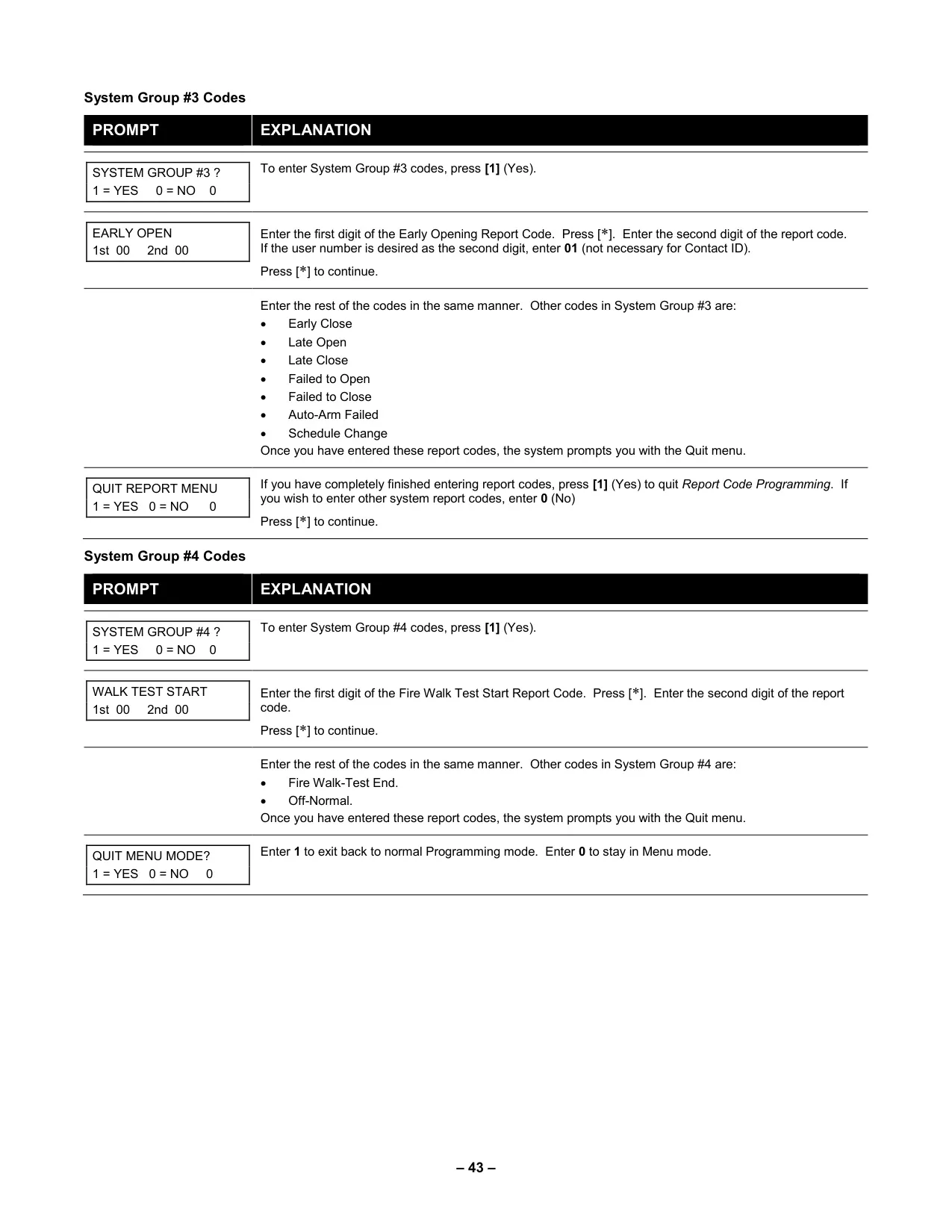
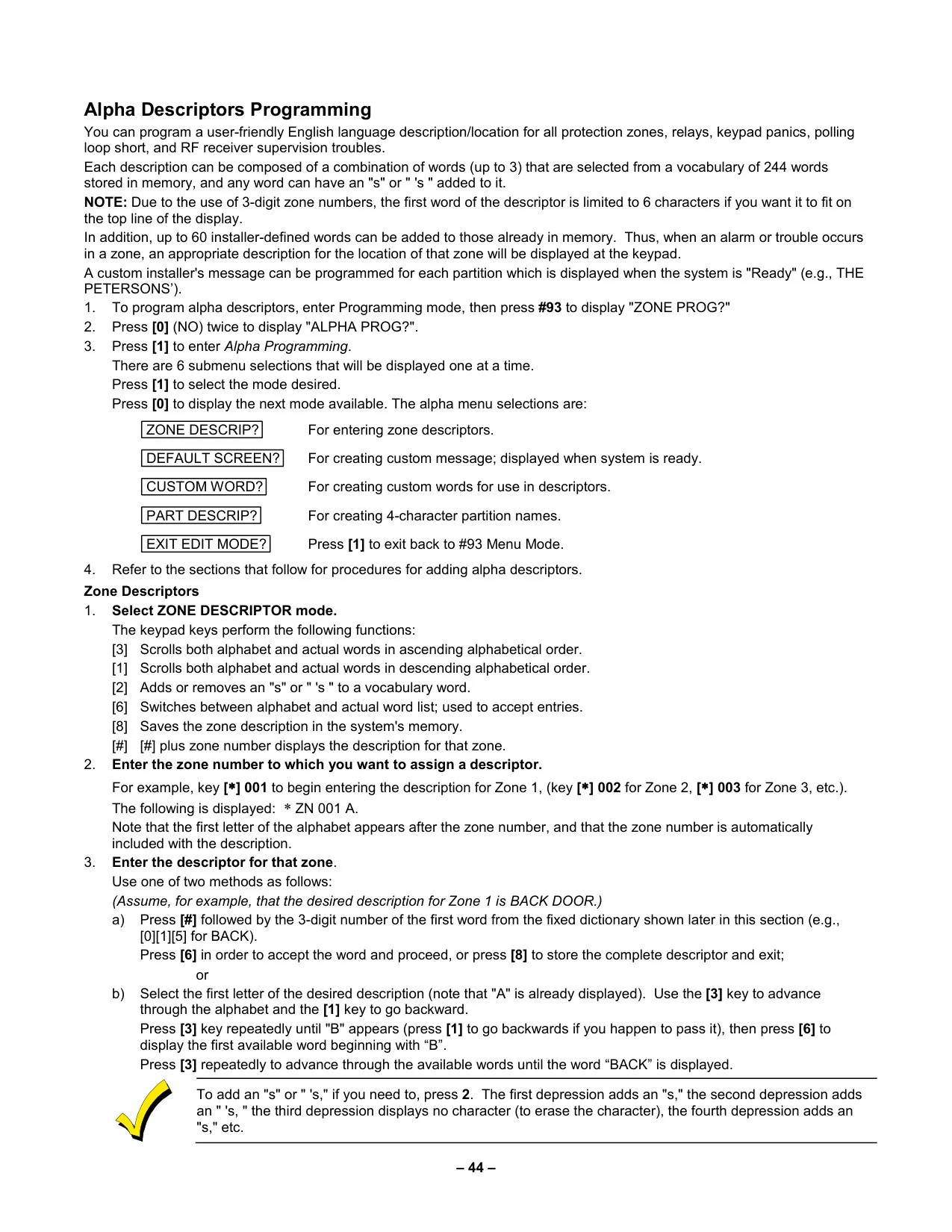
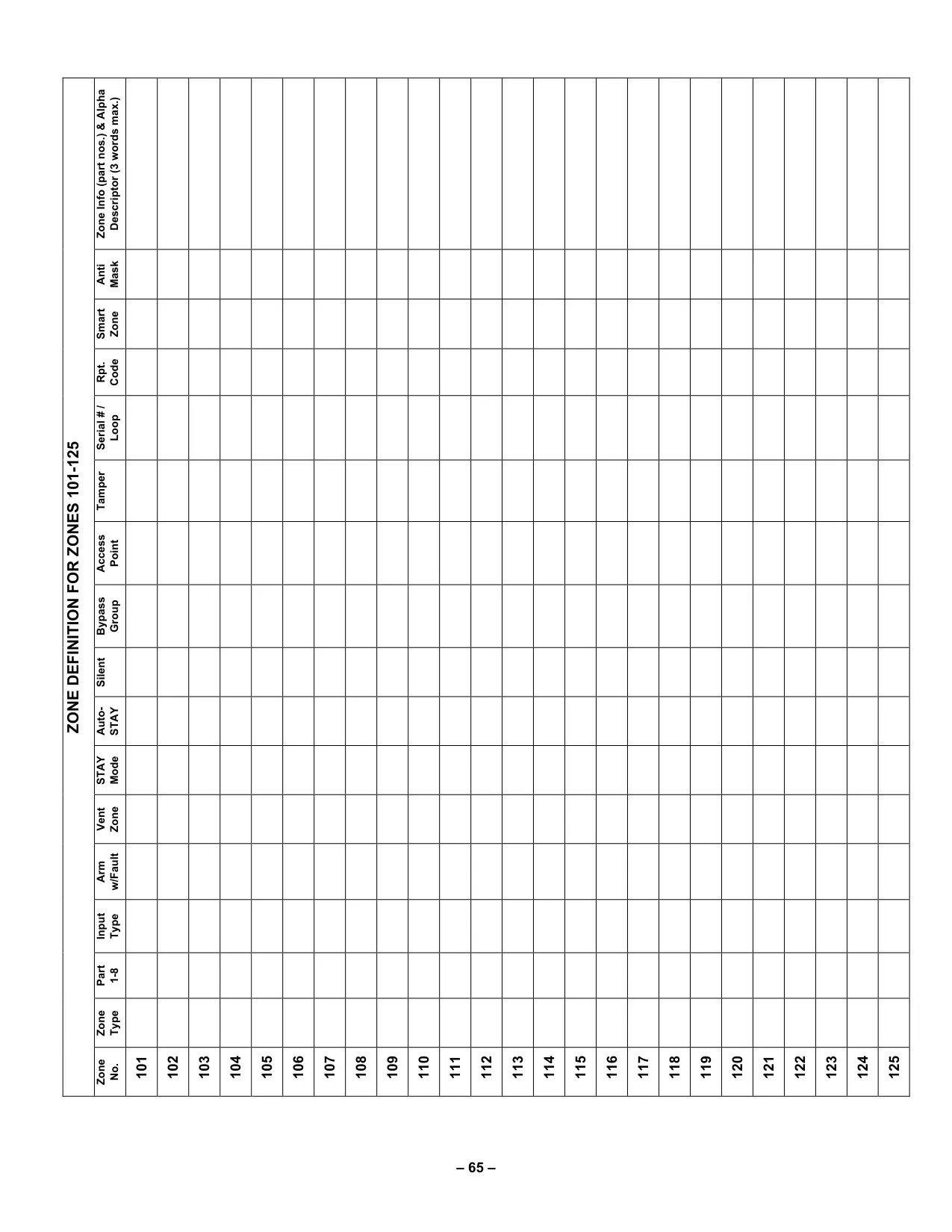
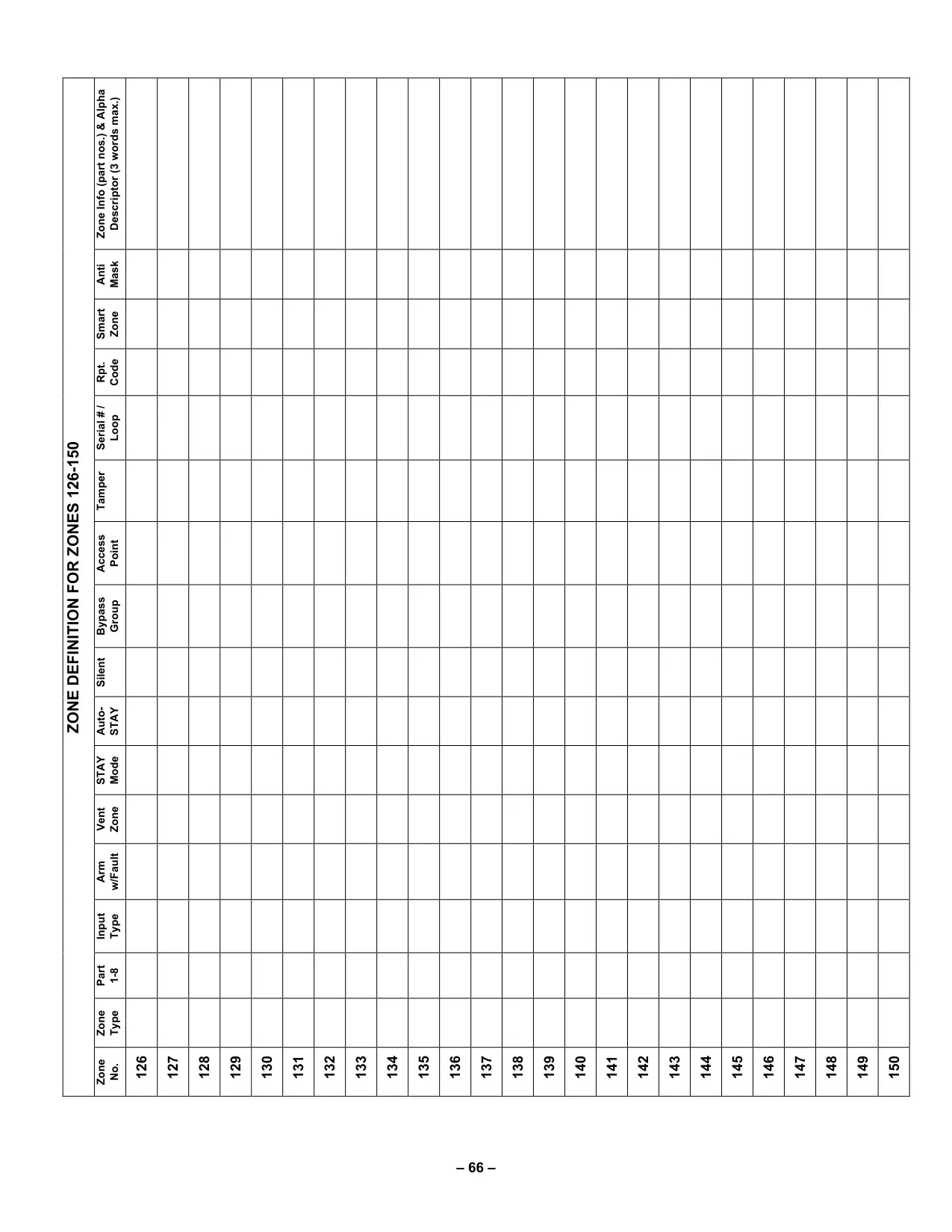
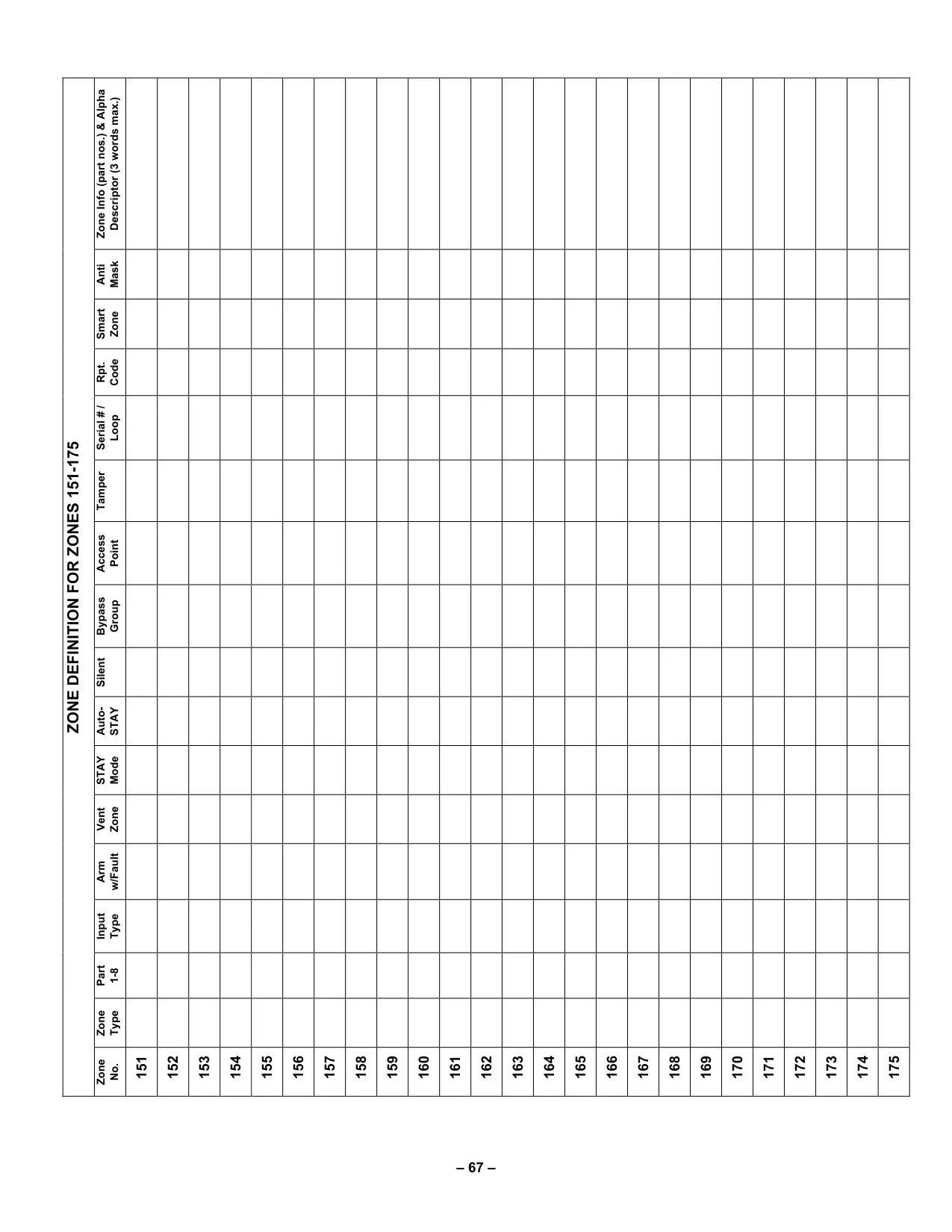
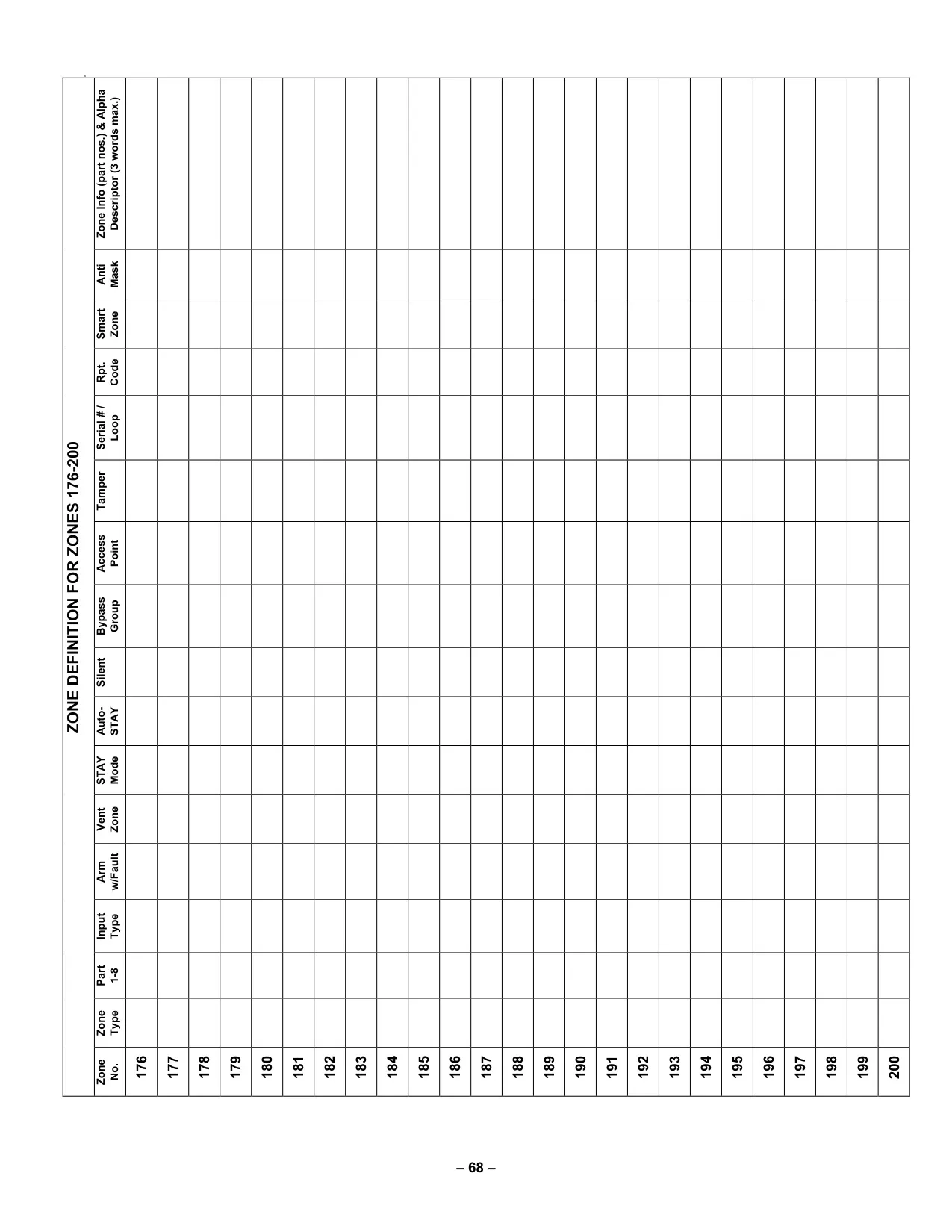





Honeywell Vista 250FBP Security System
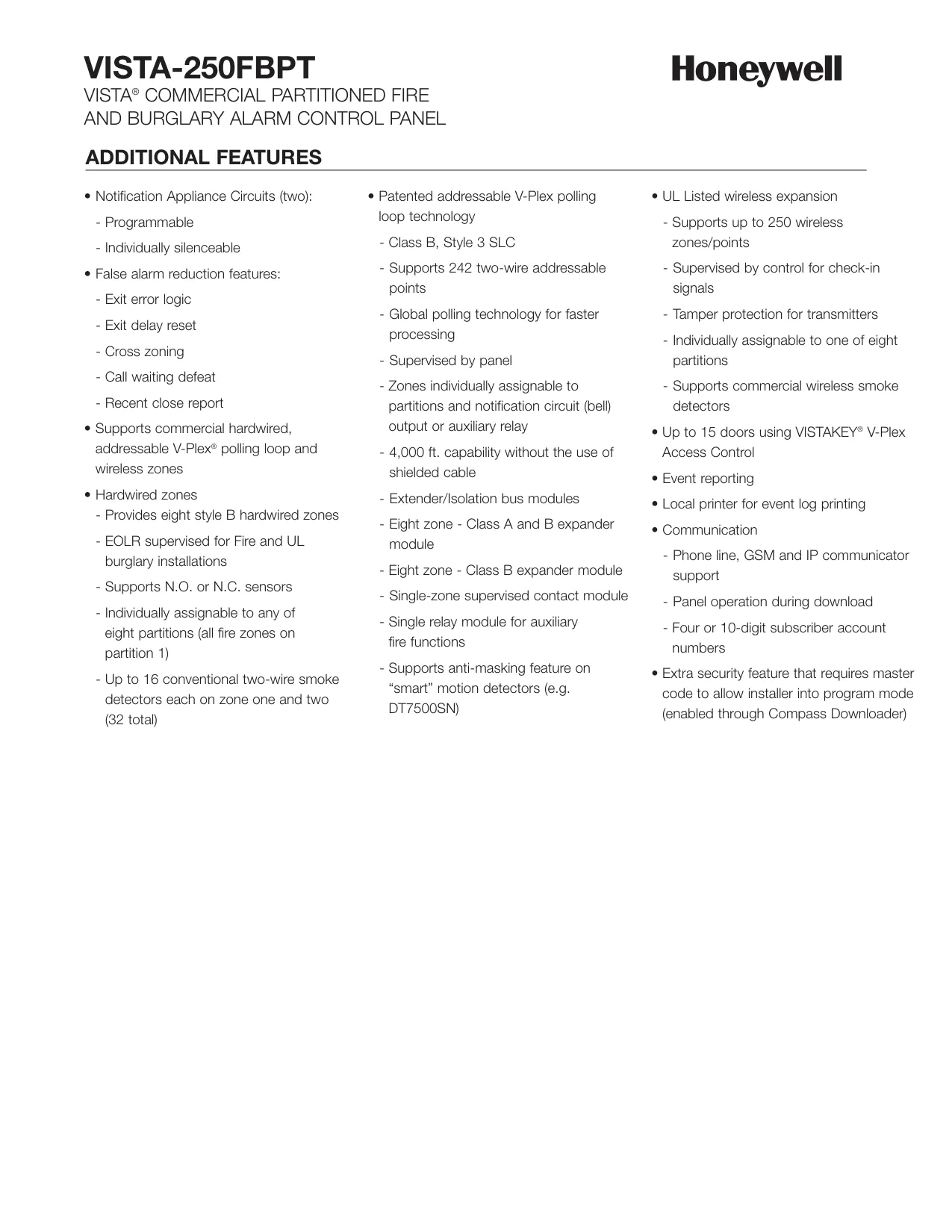
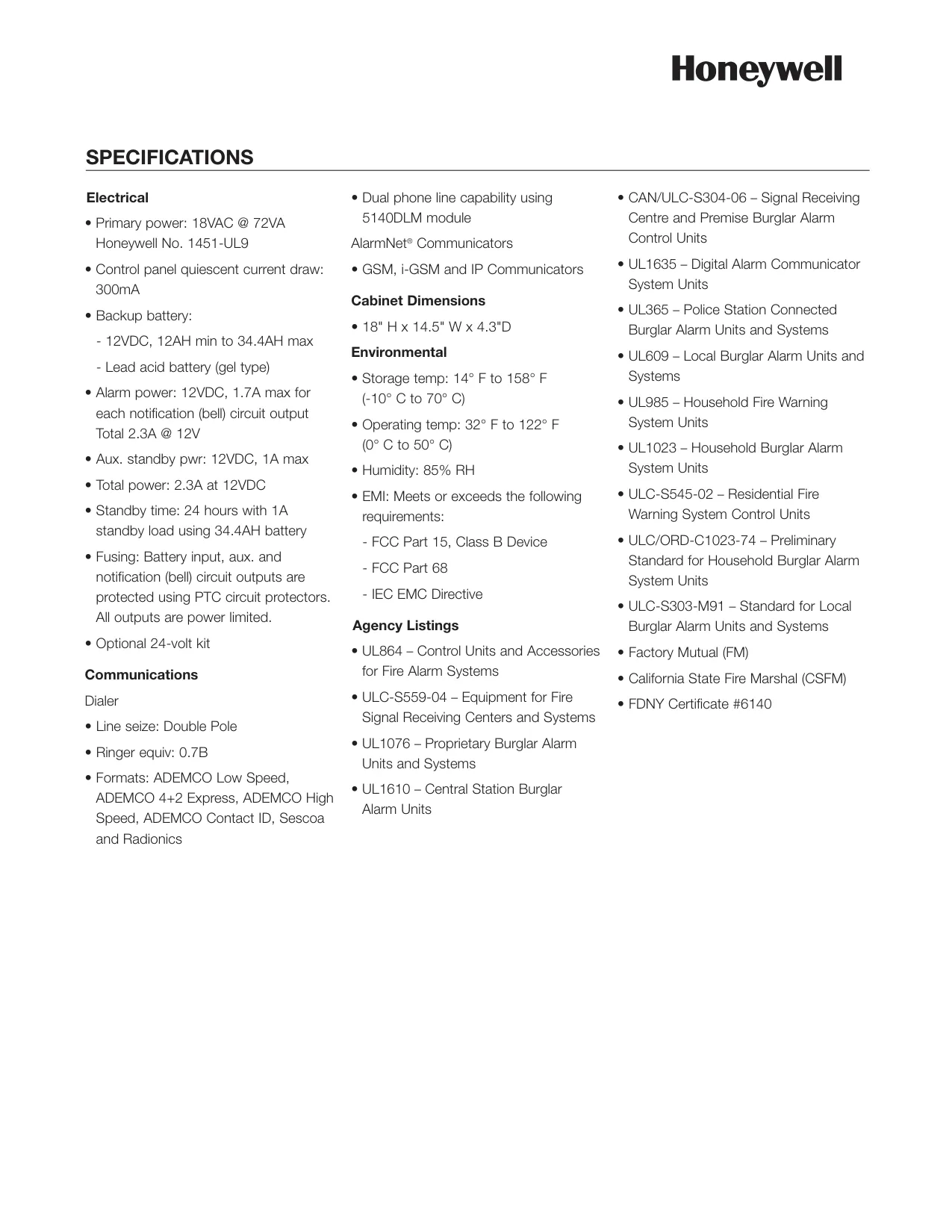
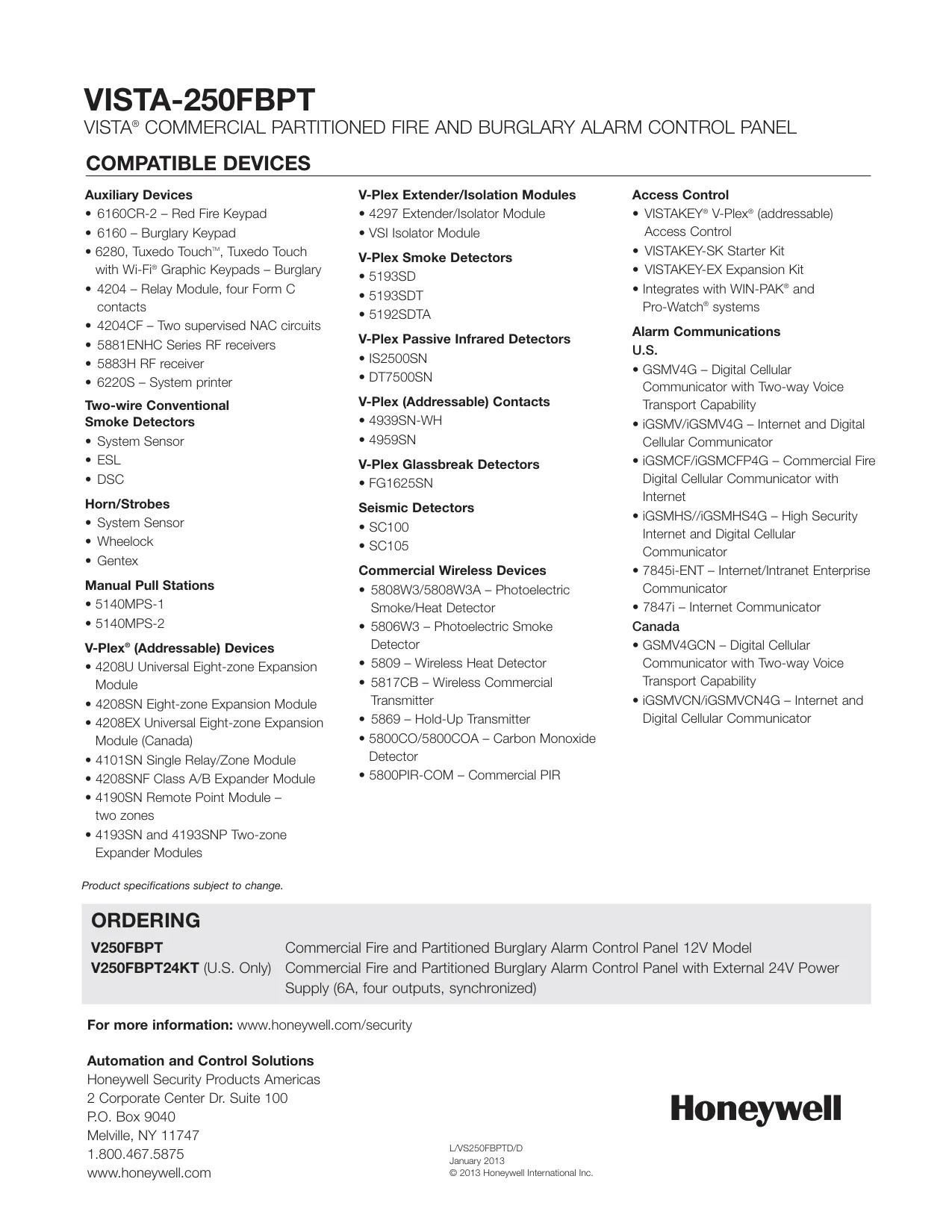
Honeywell Vista 250FBP Instructions
Here we offer the Honeywell Vista 250FBP Security System manual completely free and in English. We have cataloged this manual in the Security Systems section on Manualverse, and it has been rated by 1 users with an average rating of 5. If you have any specific questions about Honeywell Vista 250FBP Security System, we suggest checking the Frequently Asked Questions (FAQs) section of this manual.
Product Images
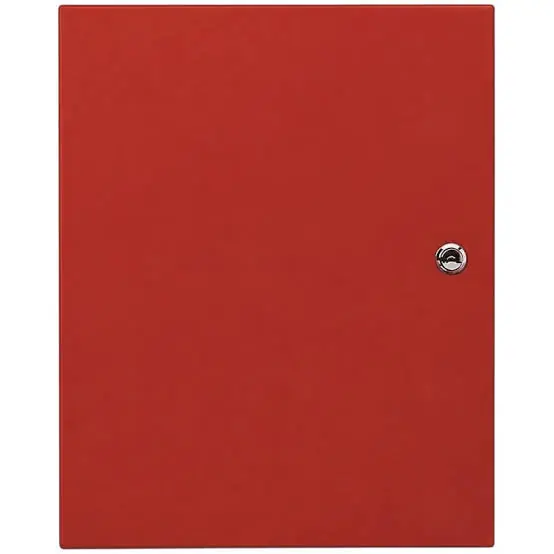
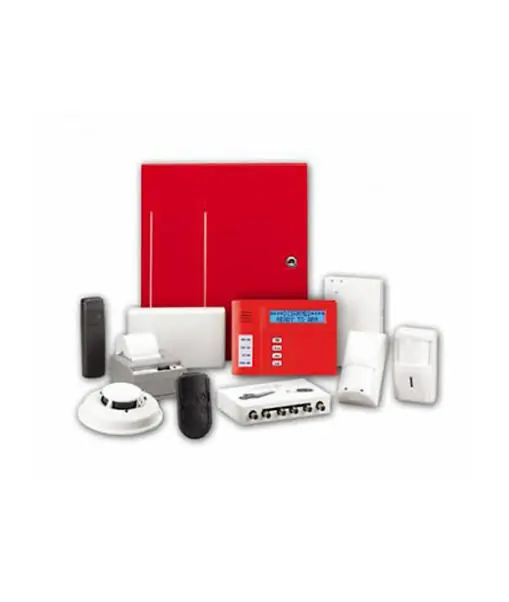
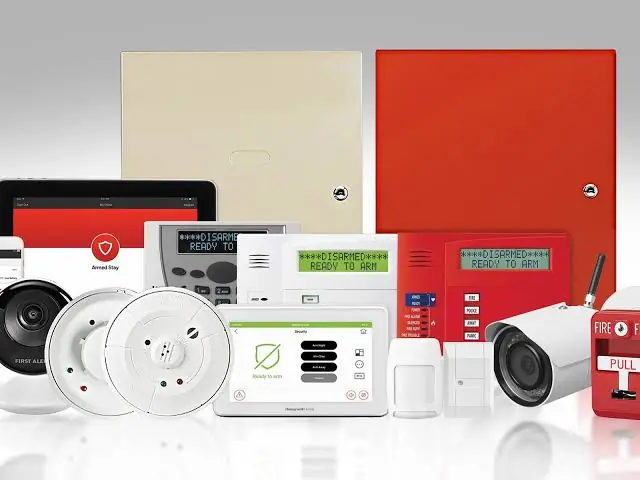
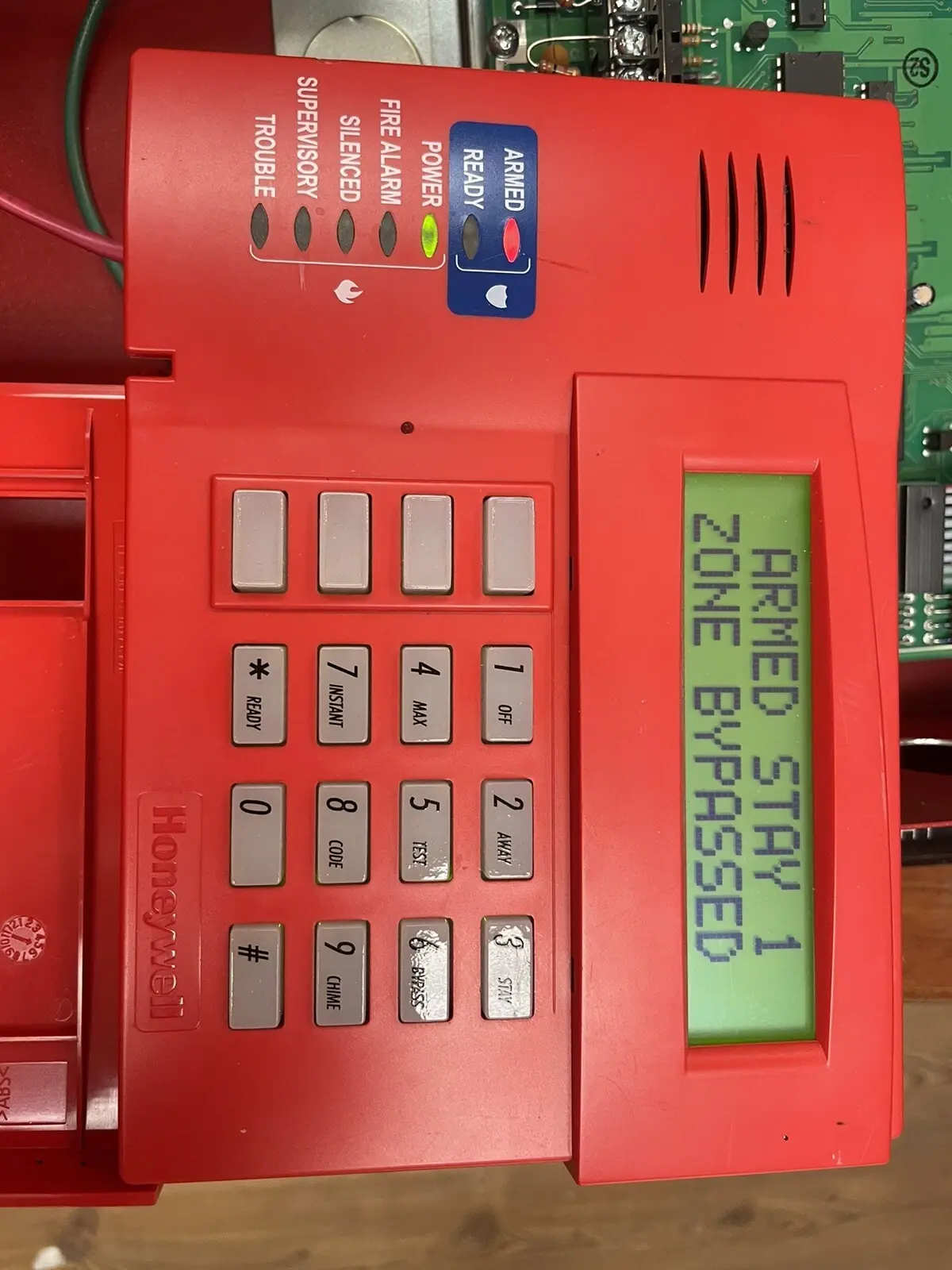
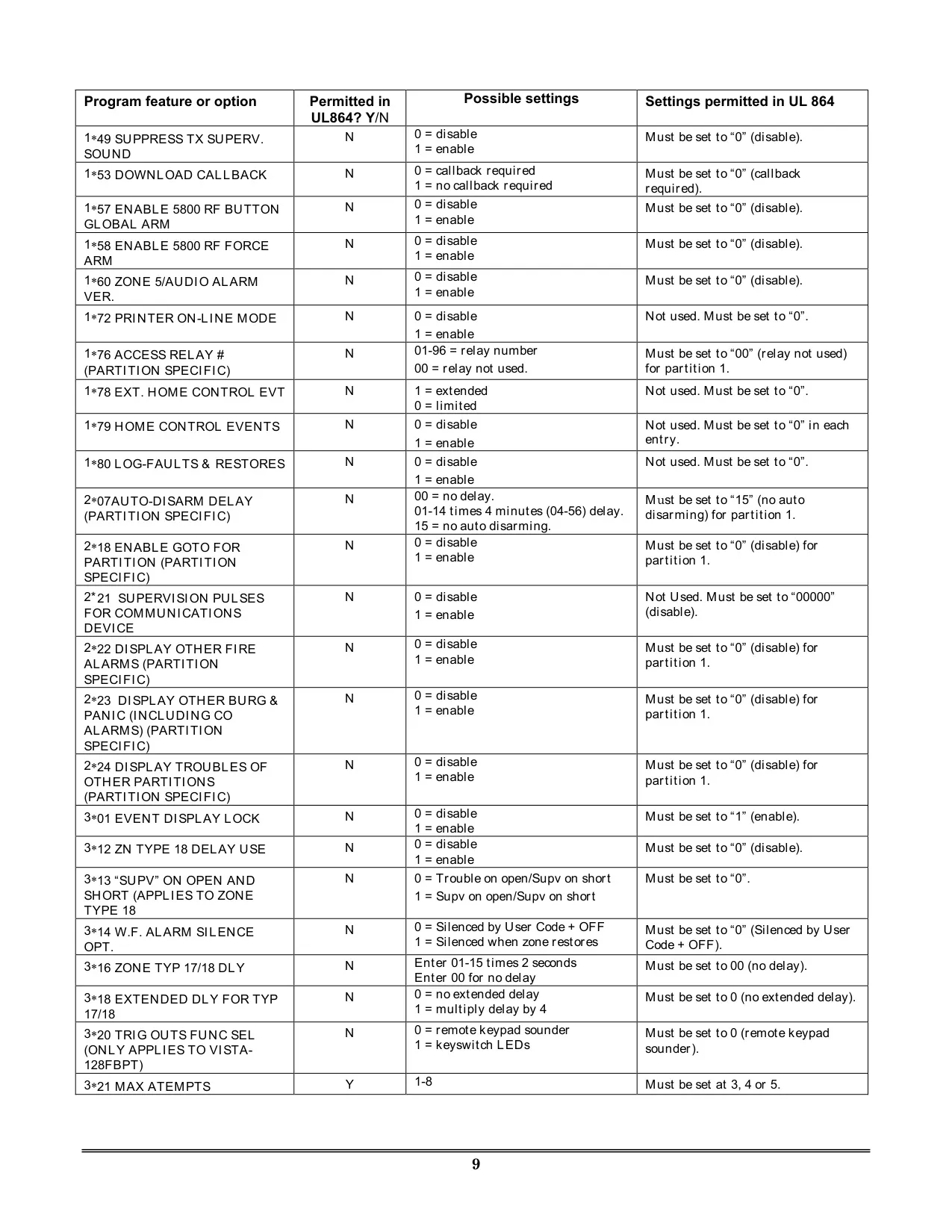
Honeywell Vista 250FBP Security System Specifications
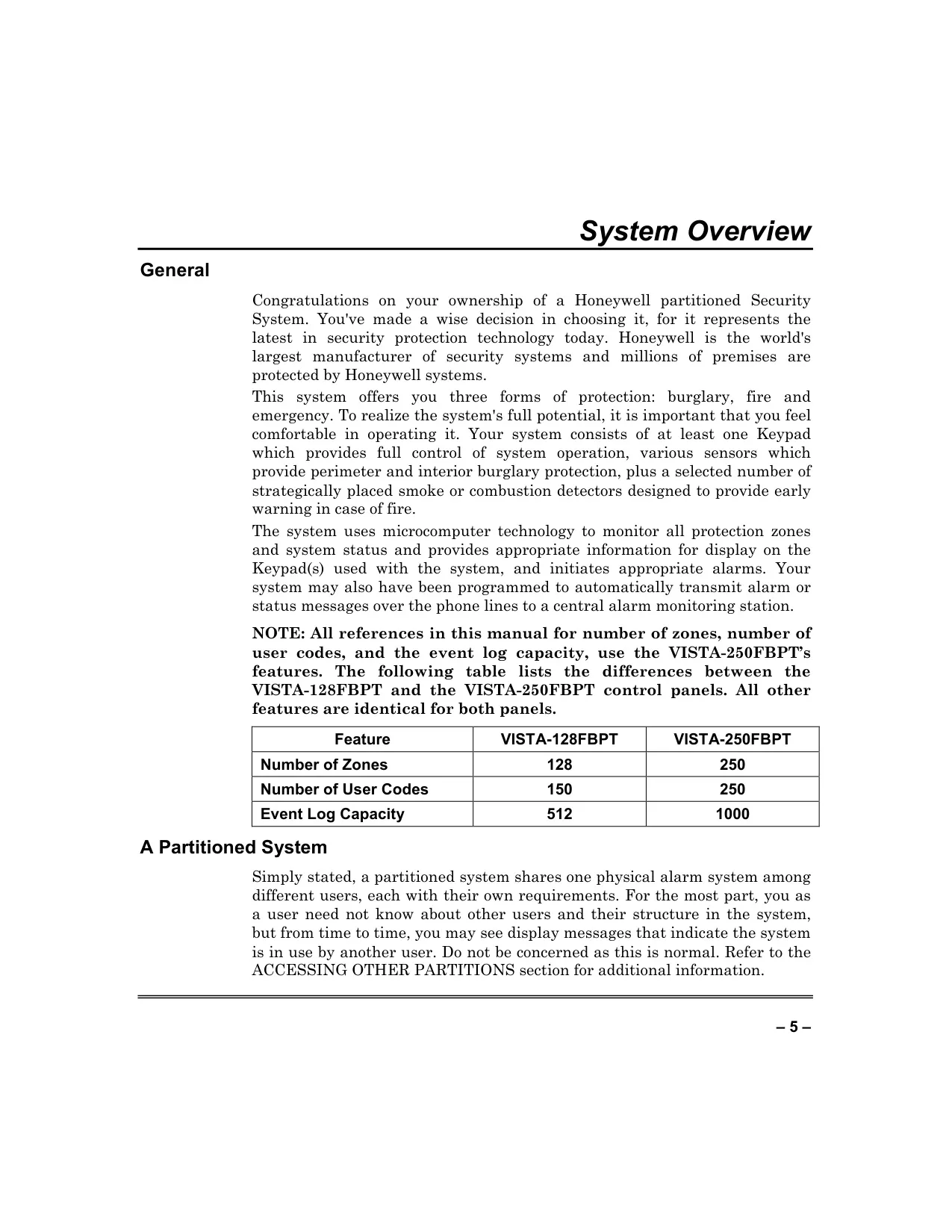
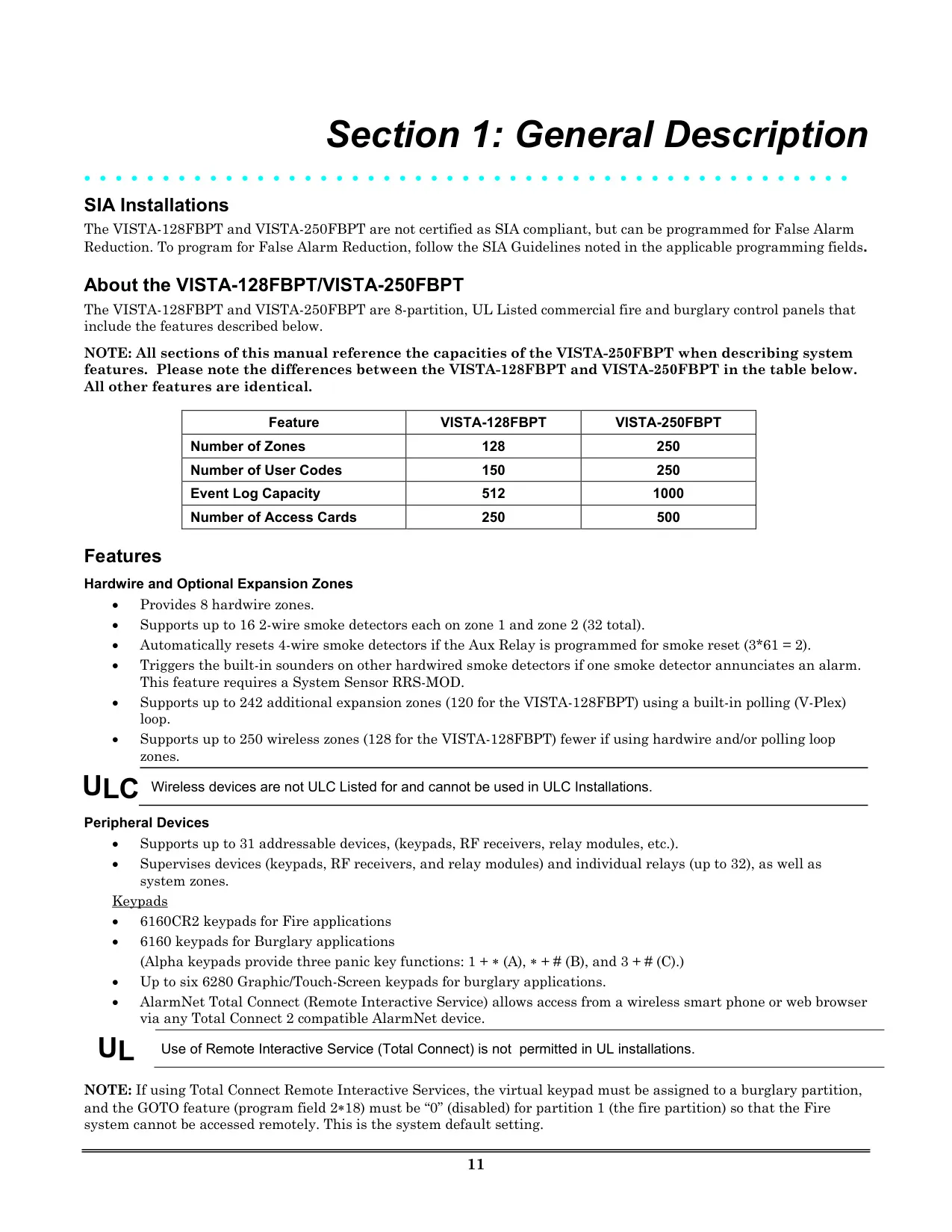
| Feature | Specification |
|---|---|
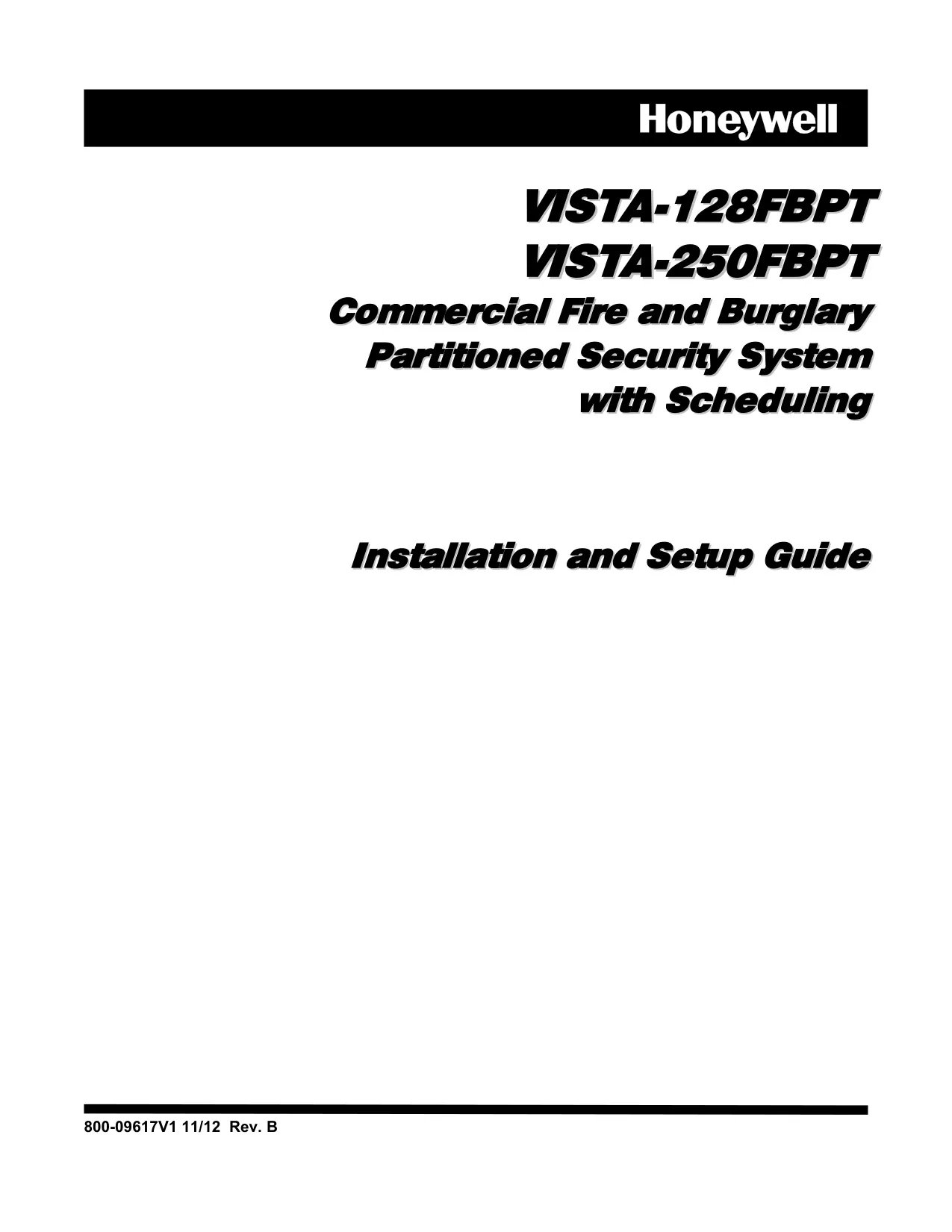
| System Model | VISTA-250FBPT Commercial Fire and Burglary Partitioned Security System |
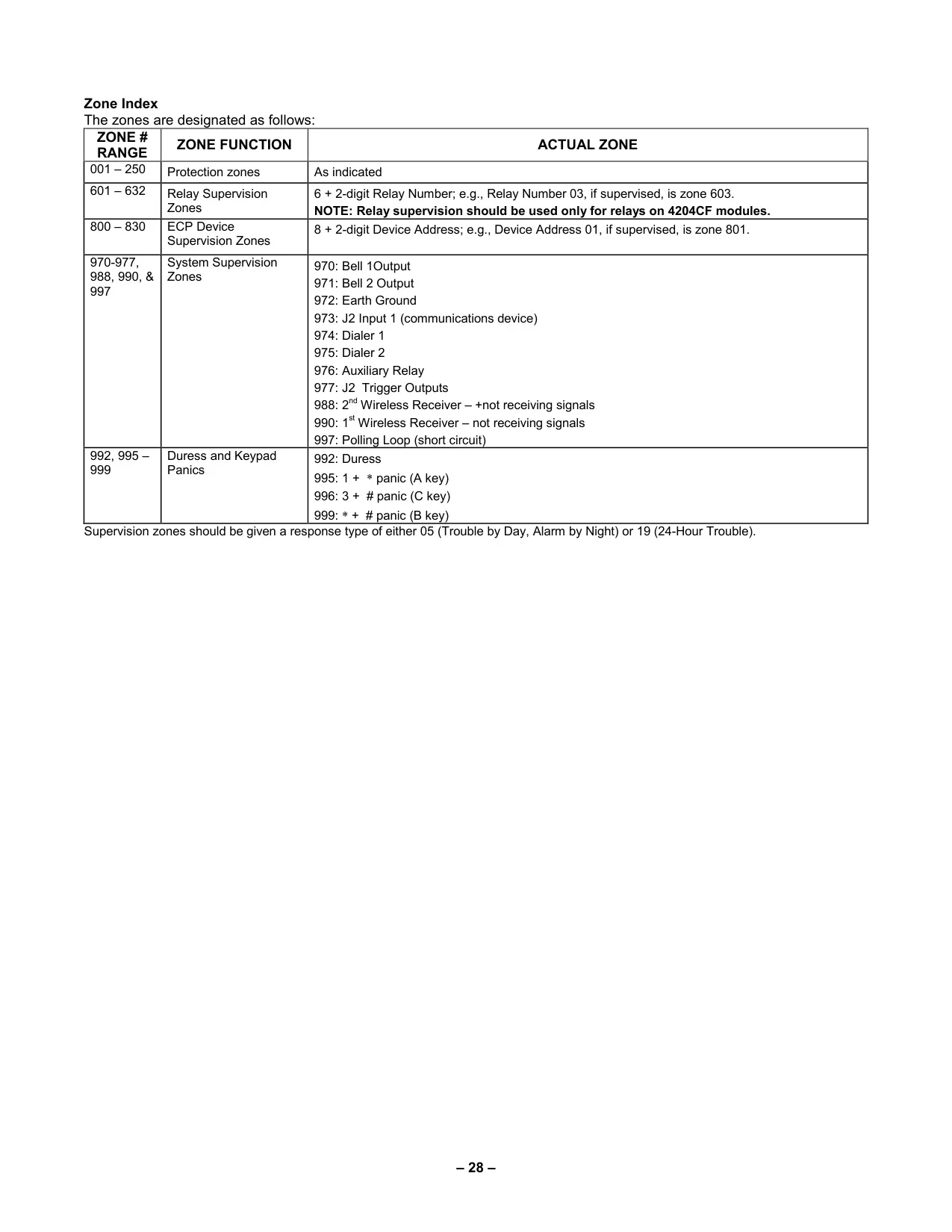
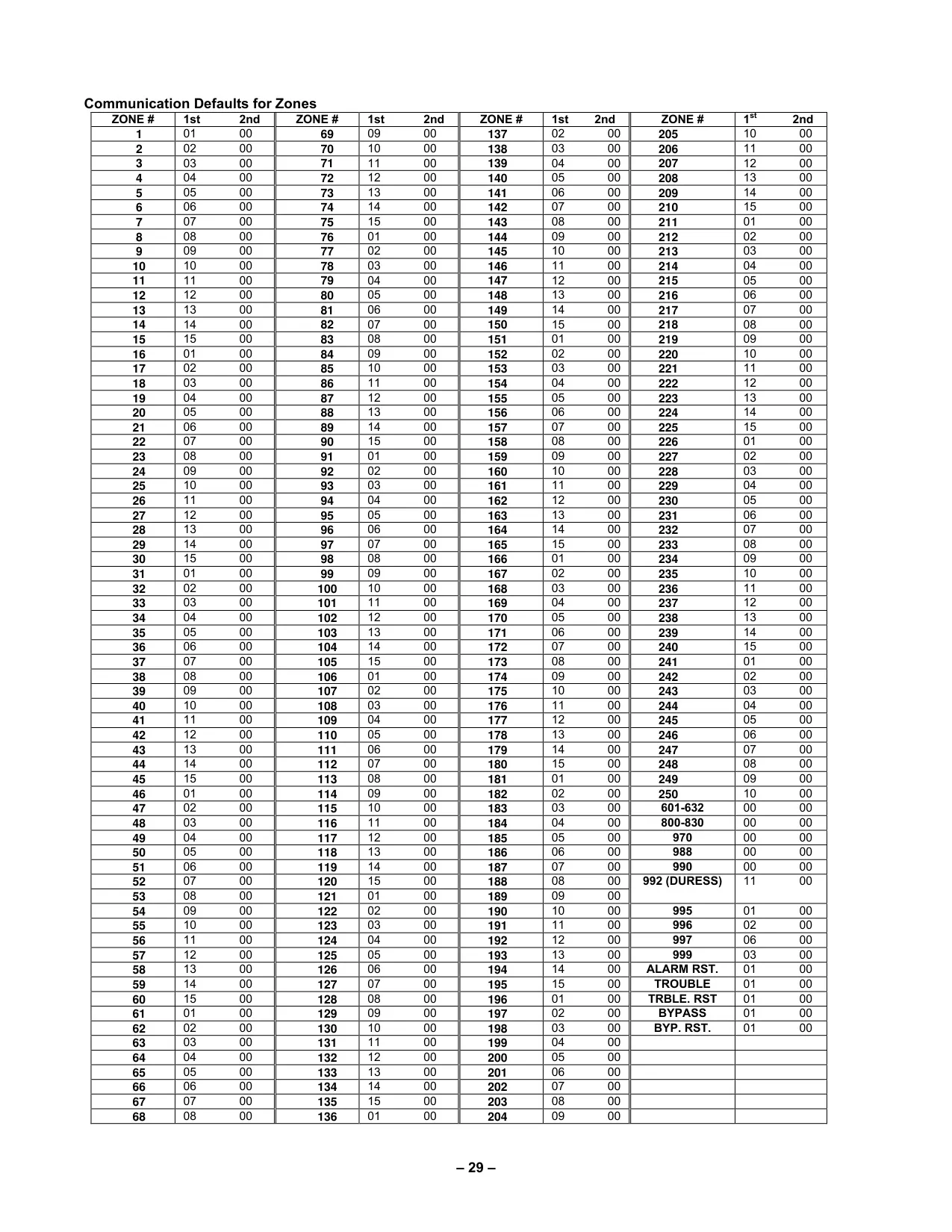
| Number of Zones | 250 |
| Number of User Codes | 250 |
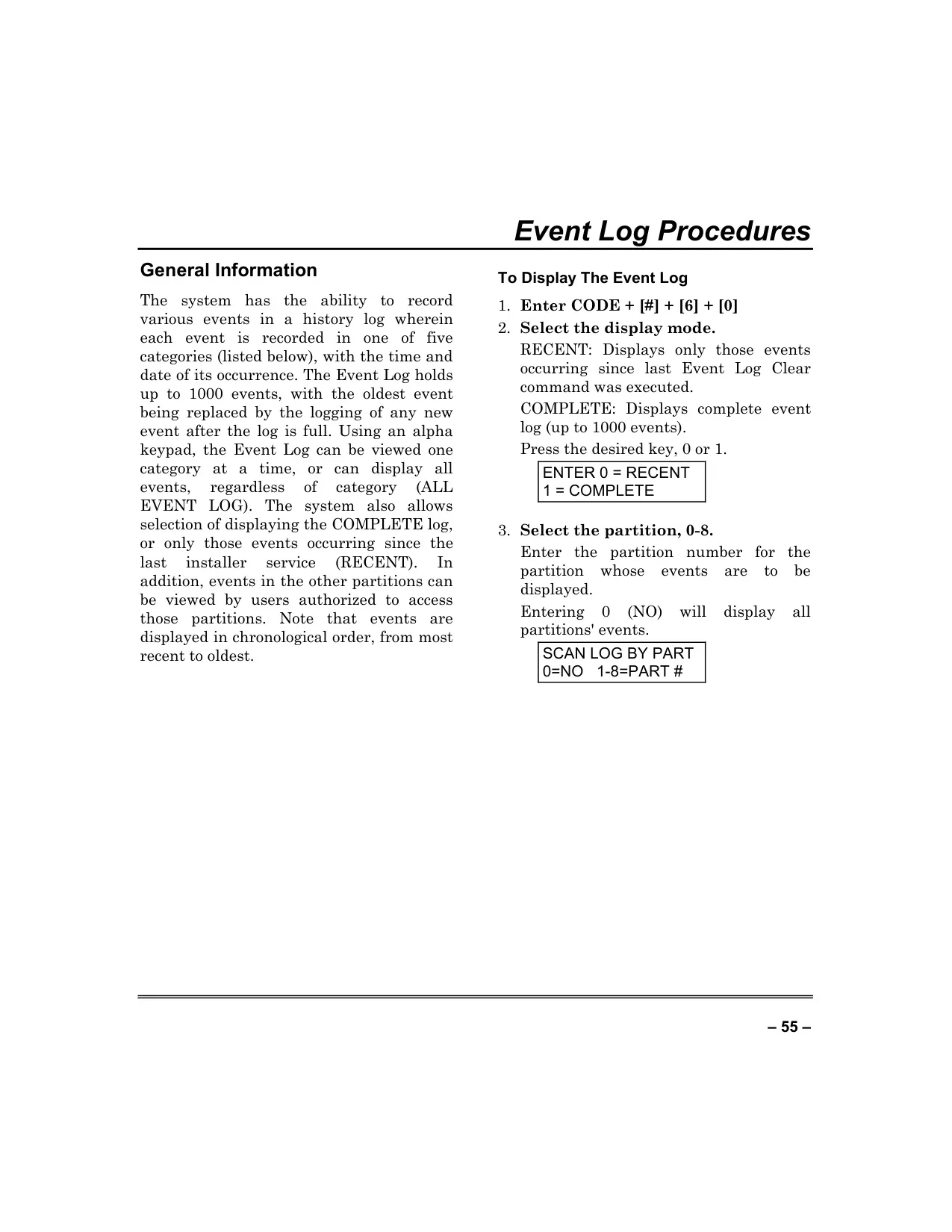
| Event Log Capacity | 1000 events |
| Partitions Supported | Up to 8 user-definable partitions, plus a Master (partition 9) |
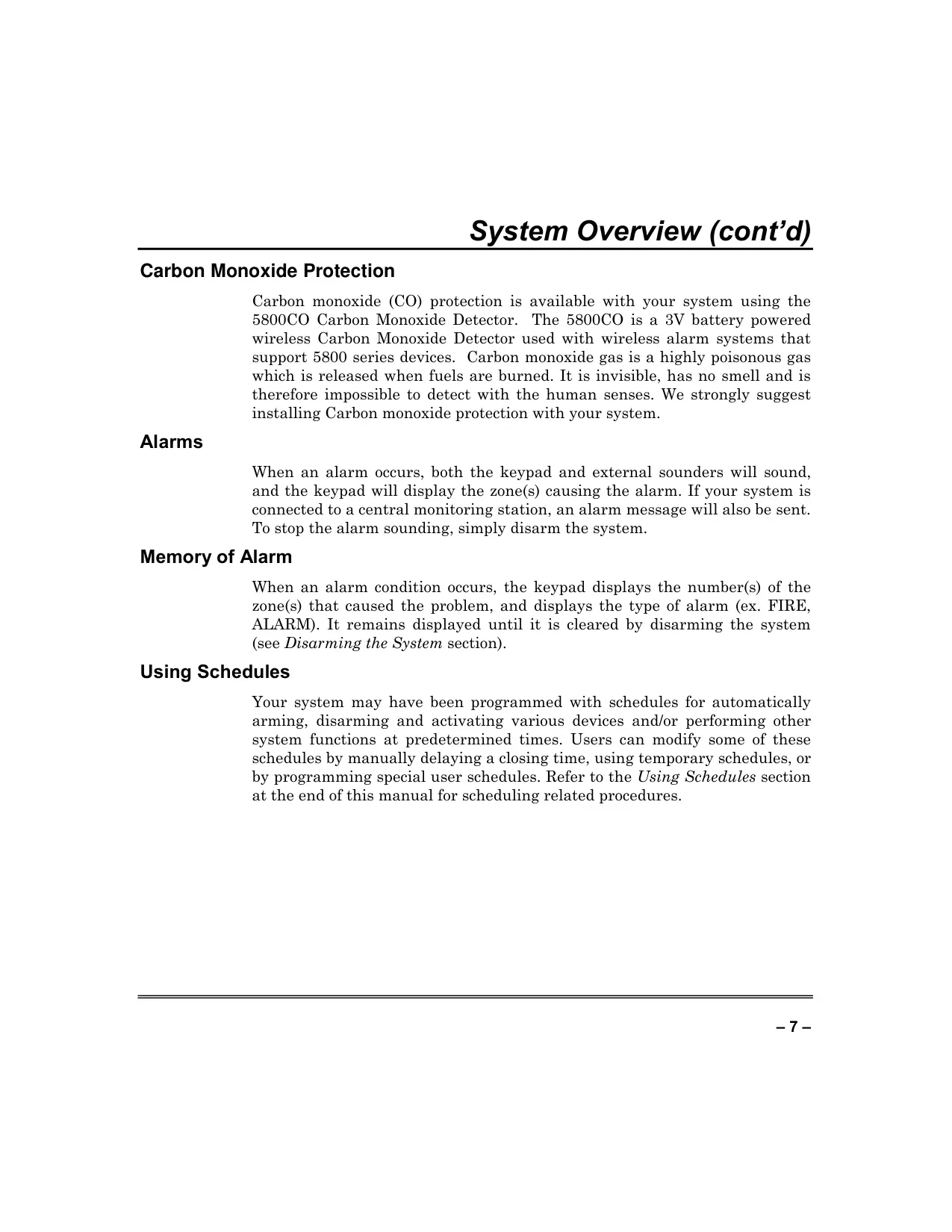
| Protection Types | Burglary, Fire, Emergency, Carbon Monoxide |
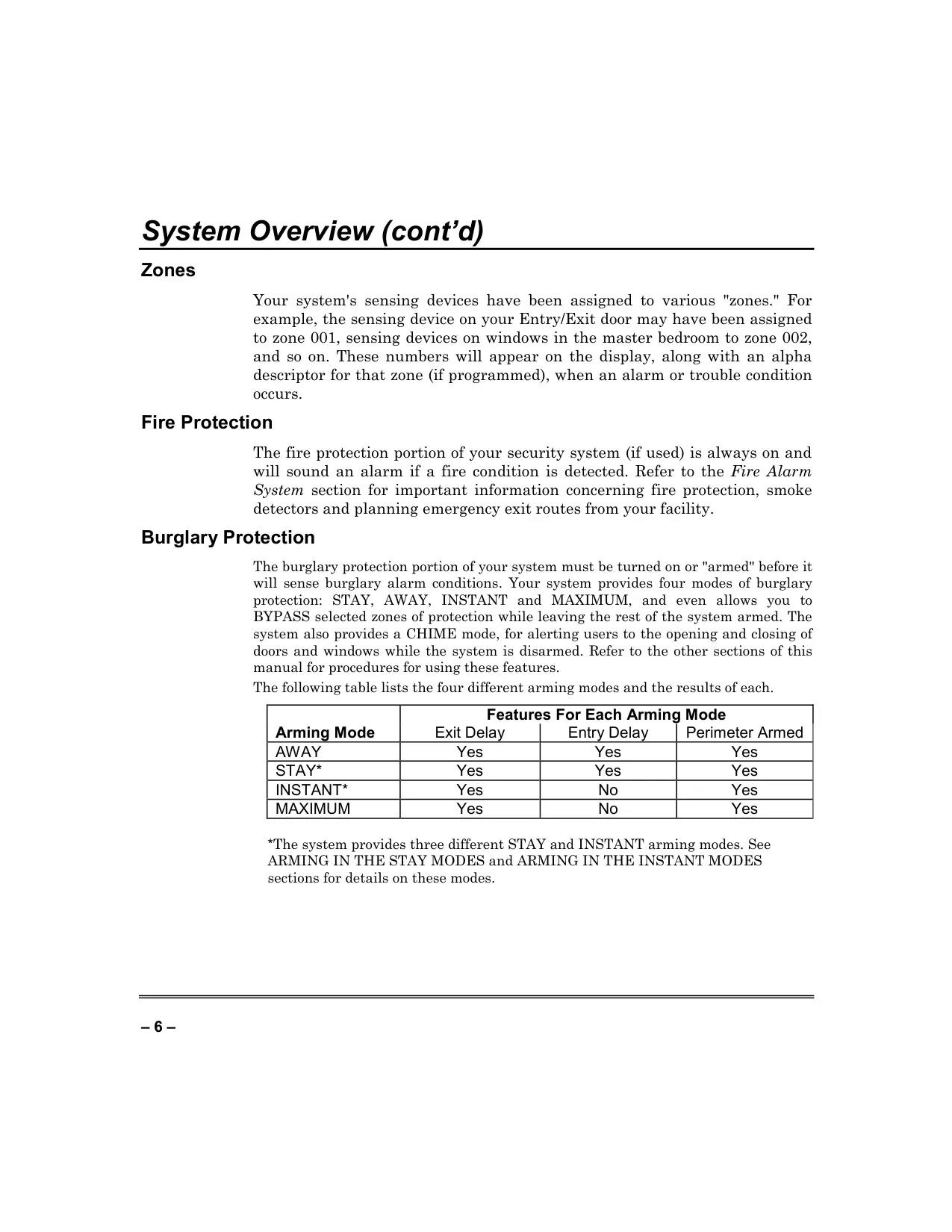
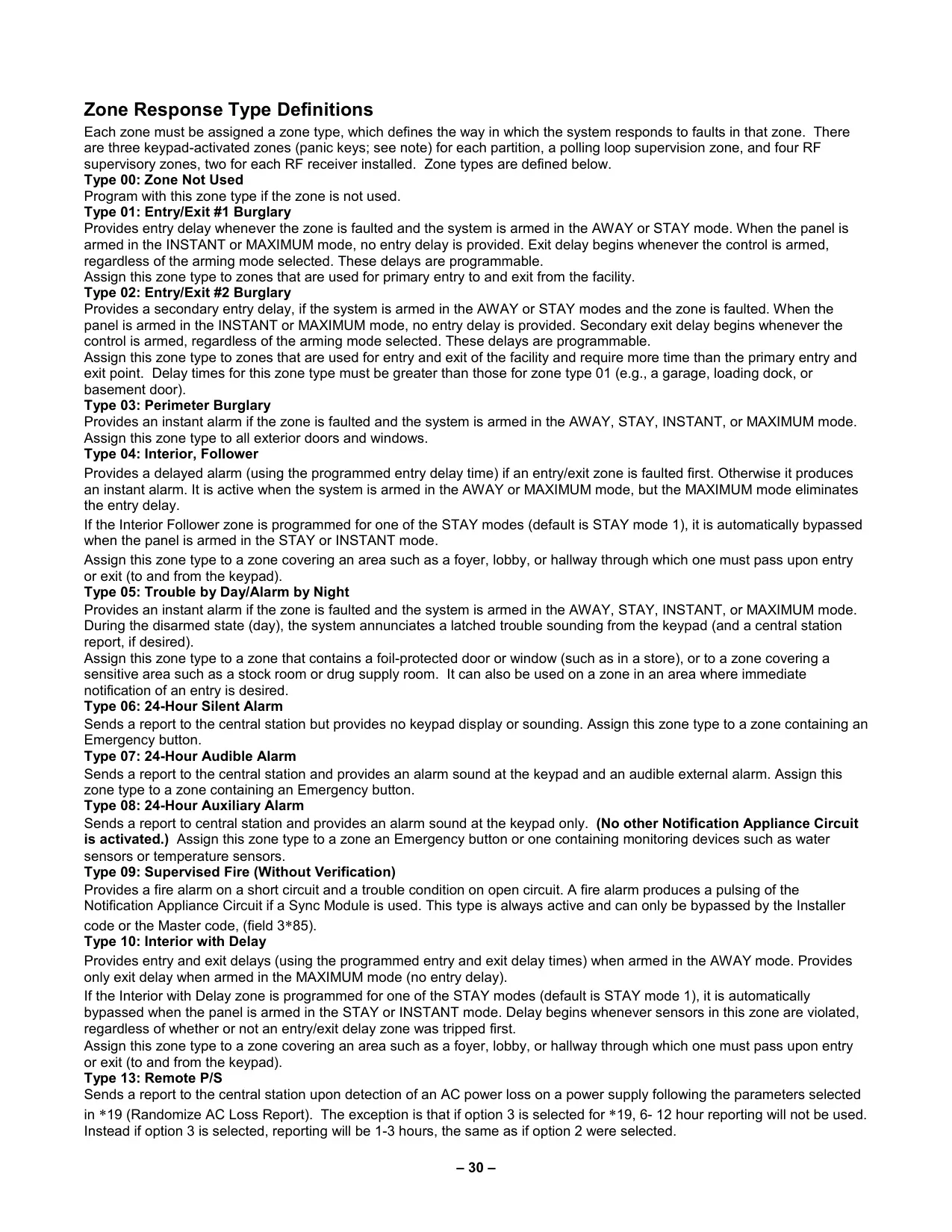
| Burglary Arming Modes | AWAY, STAY (1, 2, 3), INSTANT (1, 2, 3), MAXIMUM |
| Carbon Monoxide Detector | Supports 5800CO Wireless Carbon Monoxide Detector |
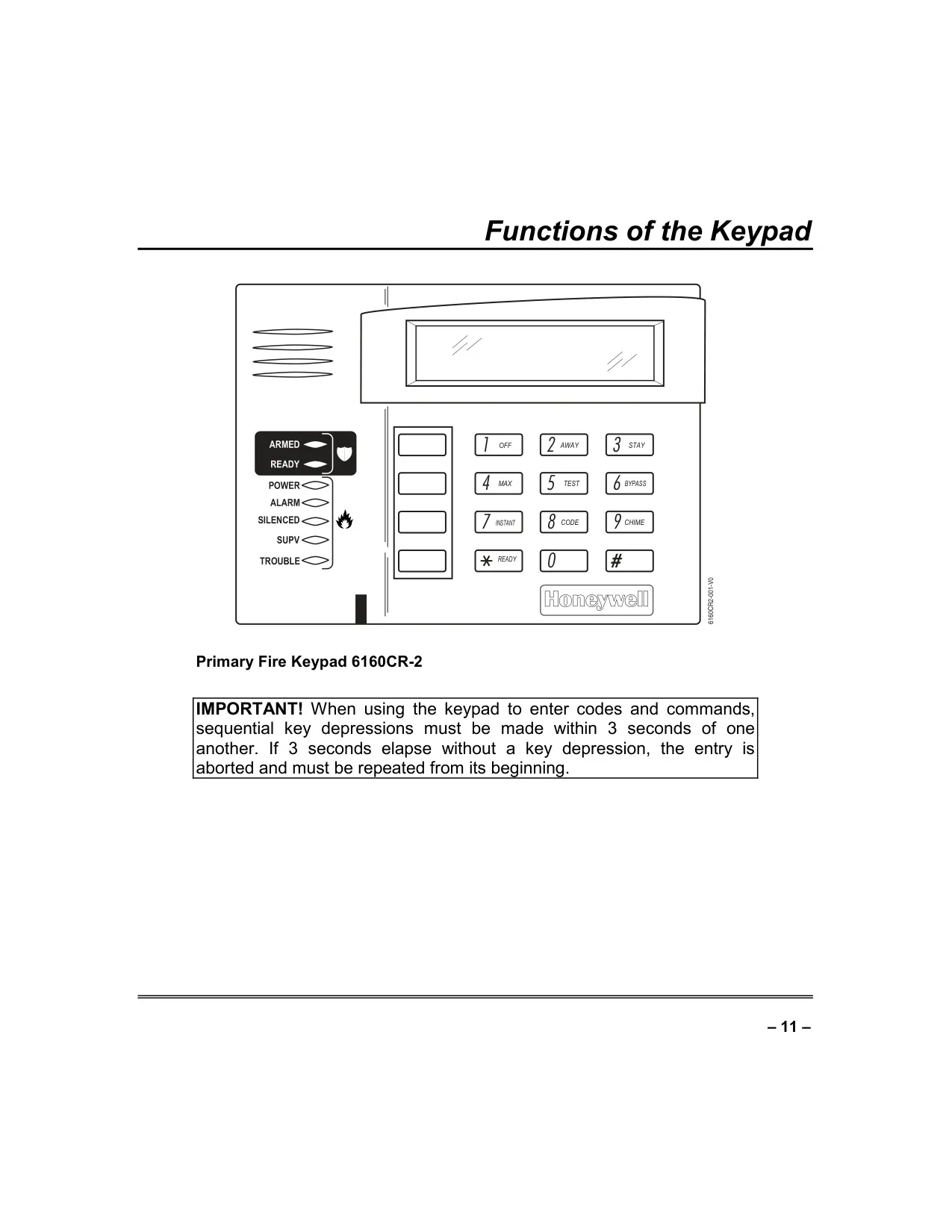
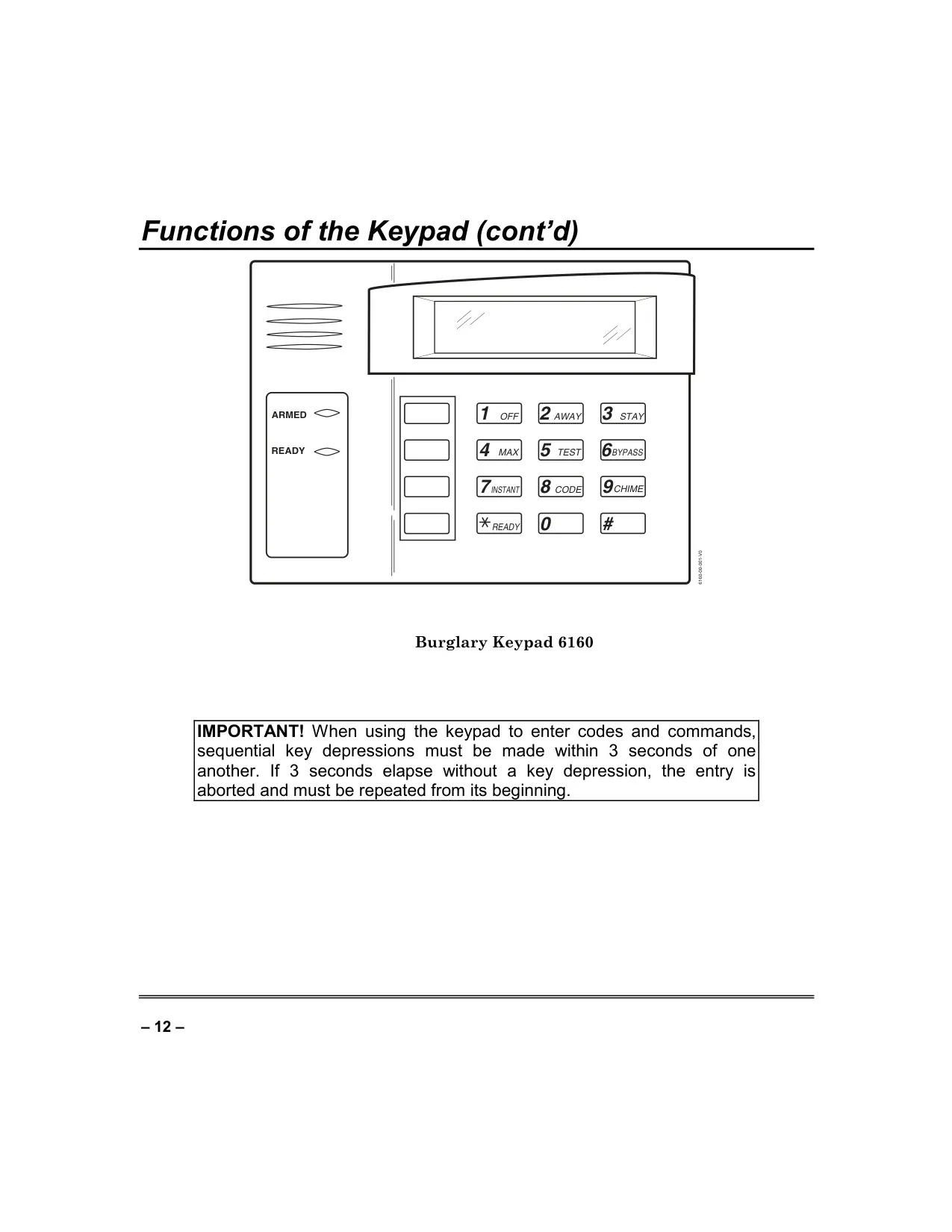
| Keypad Type | Alpha Keypad (2-line, 32-character alphanumeric LCD) |
| Keypad Backlighting | Programmable (Always On or On Key Press) |
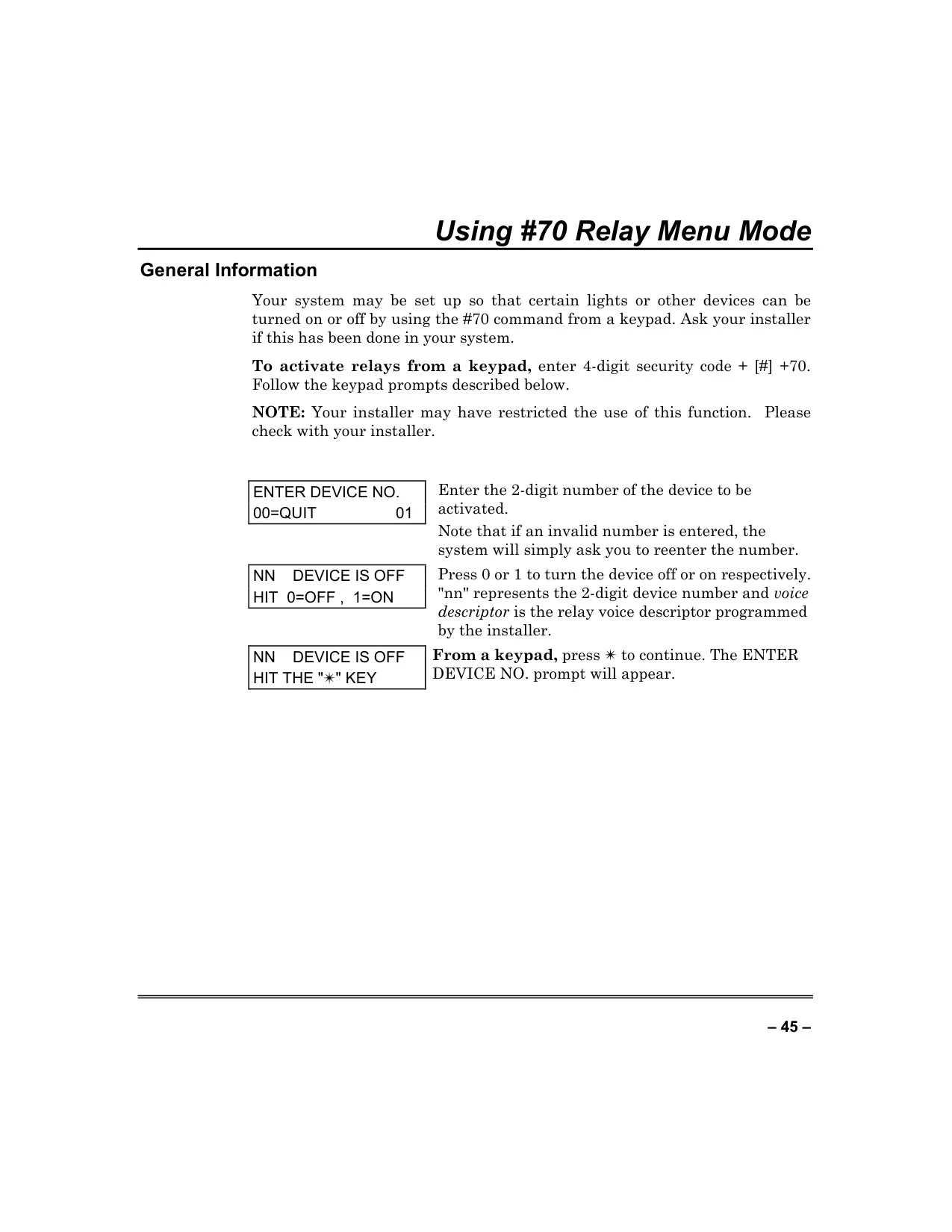
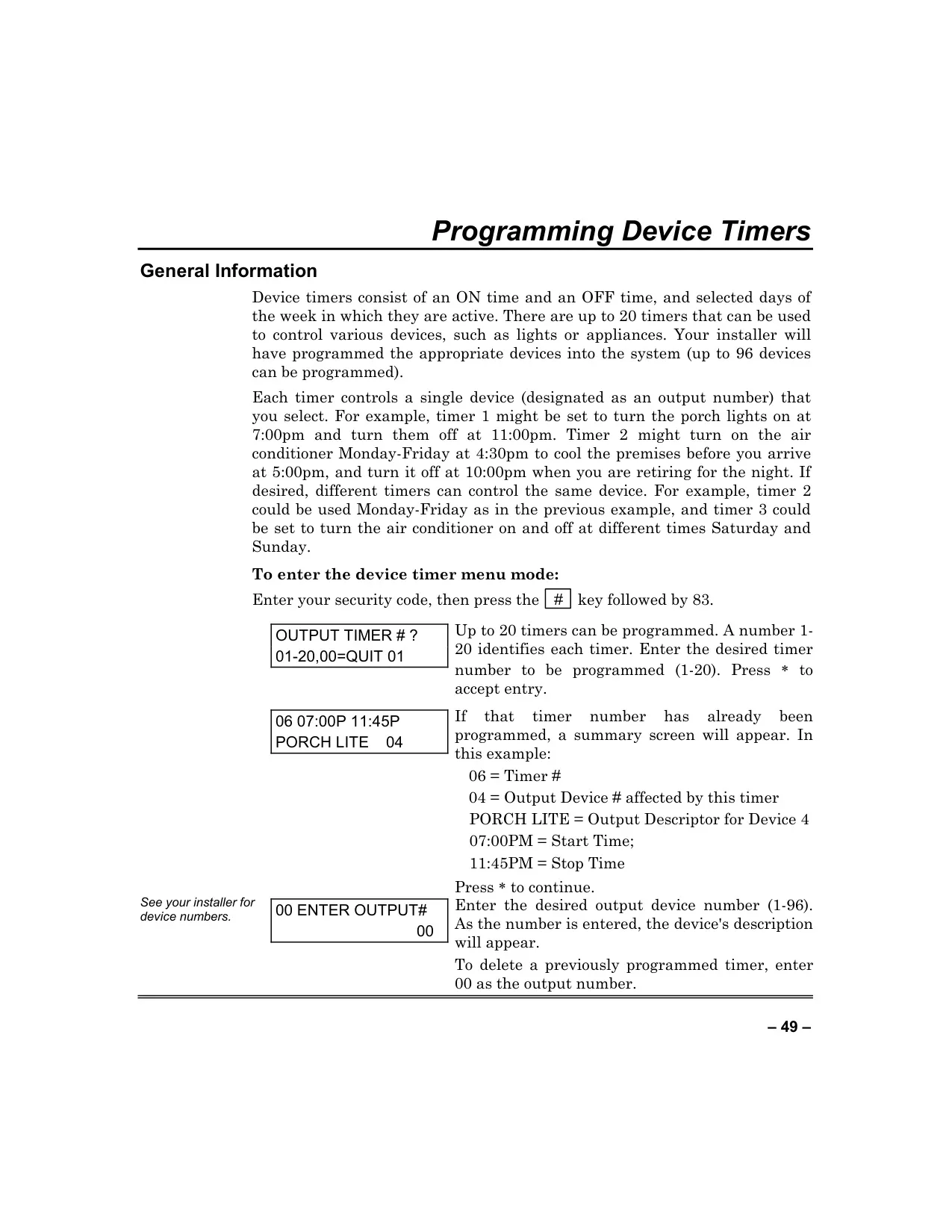
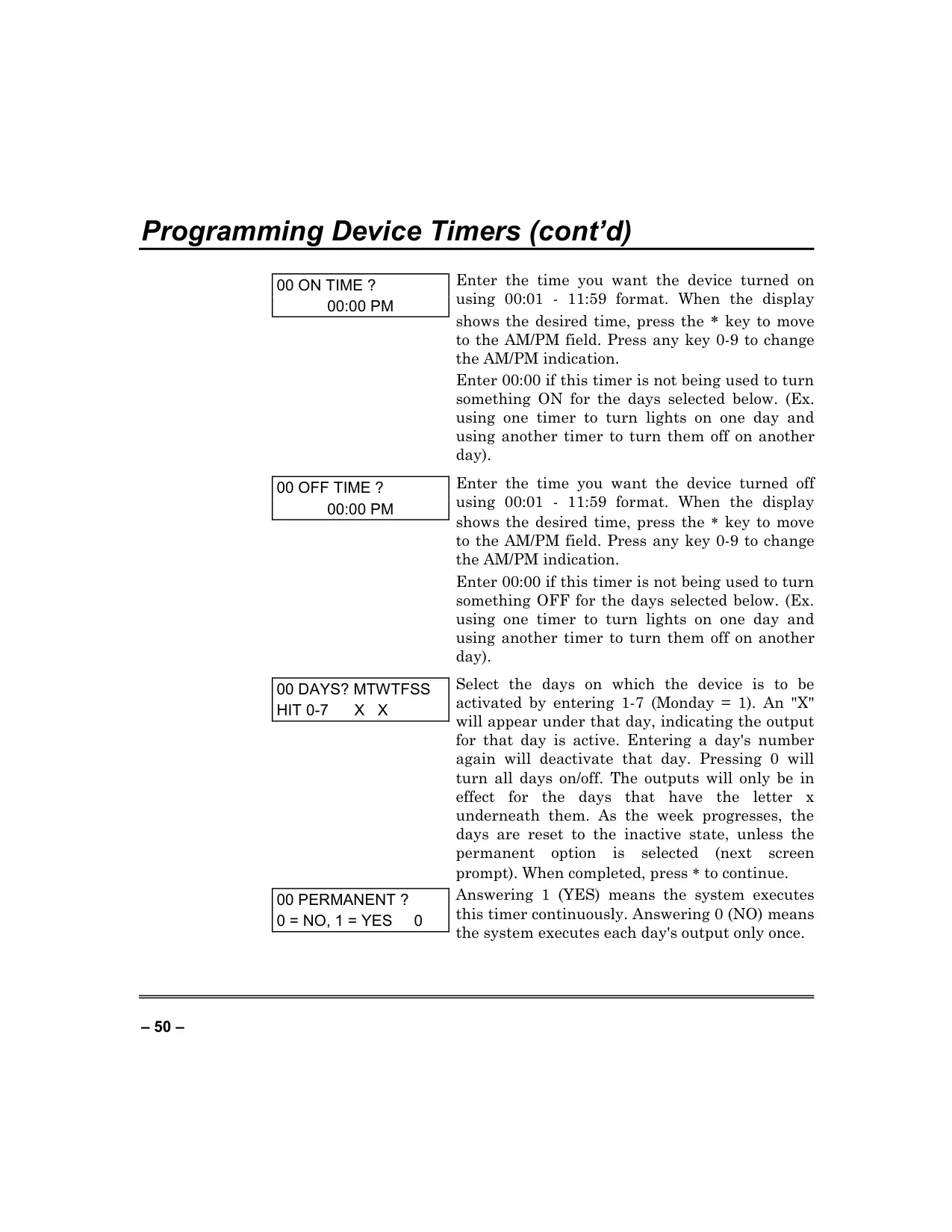
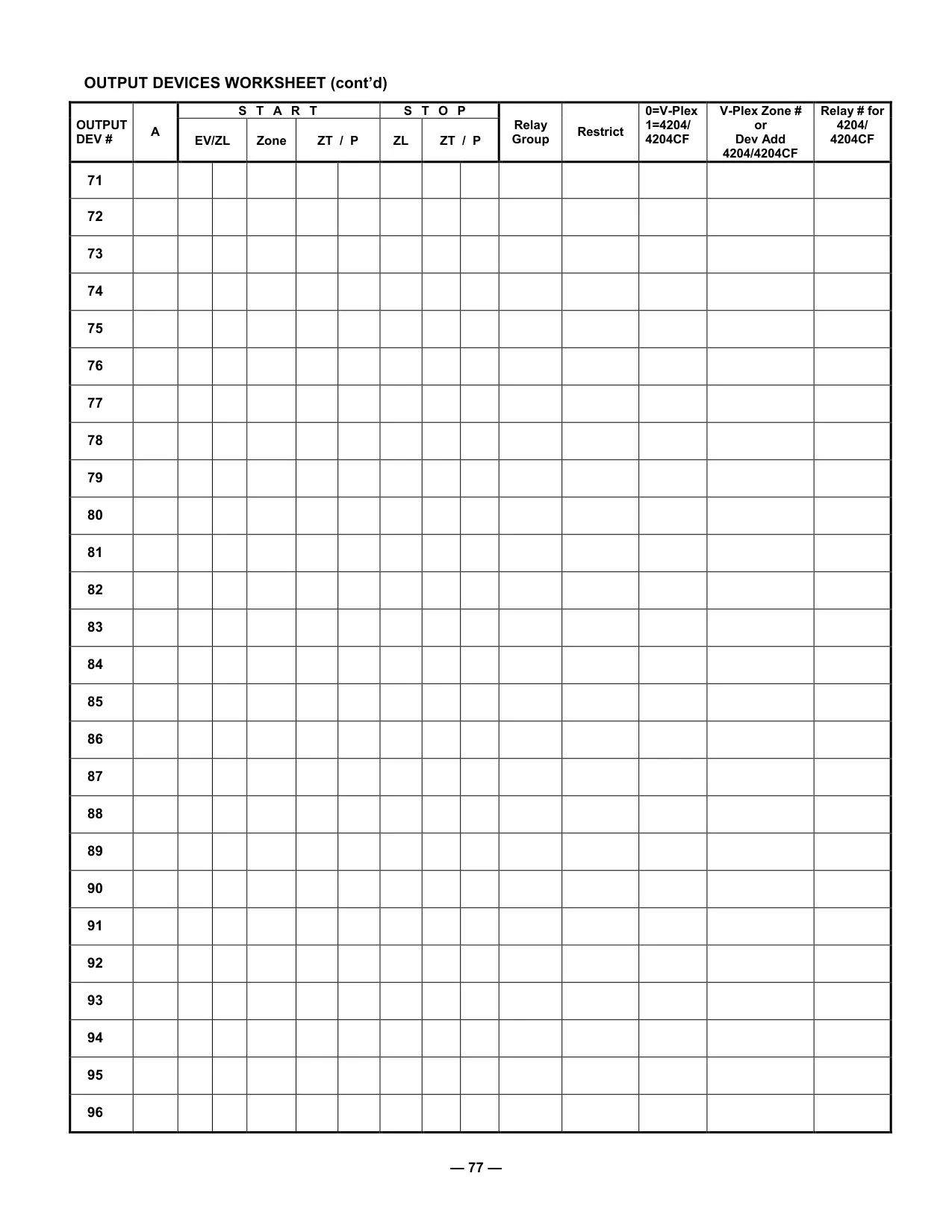
| Device Timers | Up to 20 configurable timers controlling up to 96 devices |
| Communication Interface | Phone lines to central alarm monitoring station (Dialer 1, Dialer 2) |
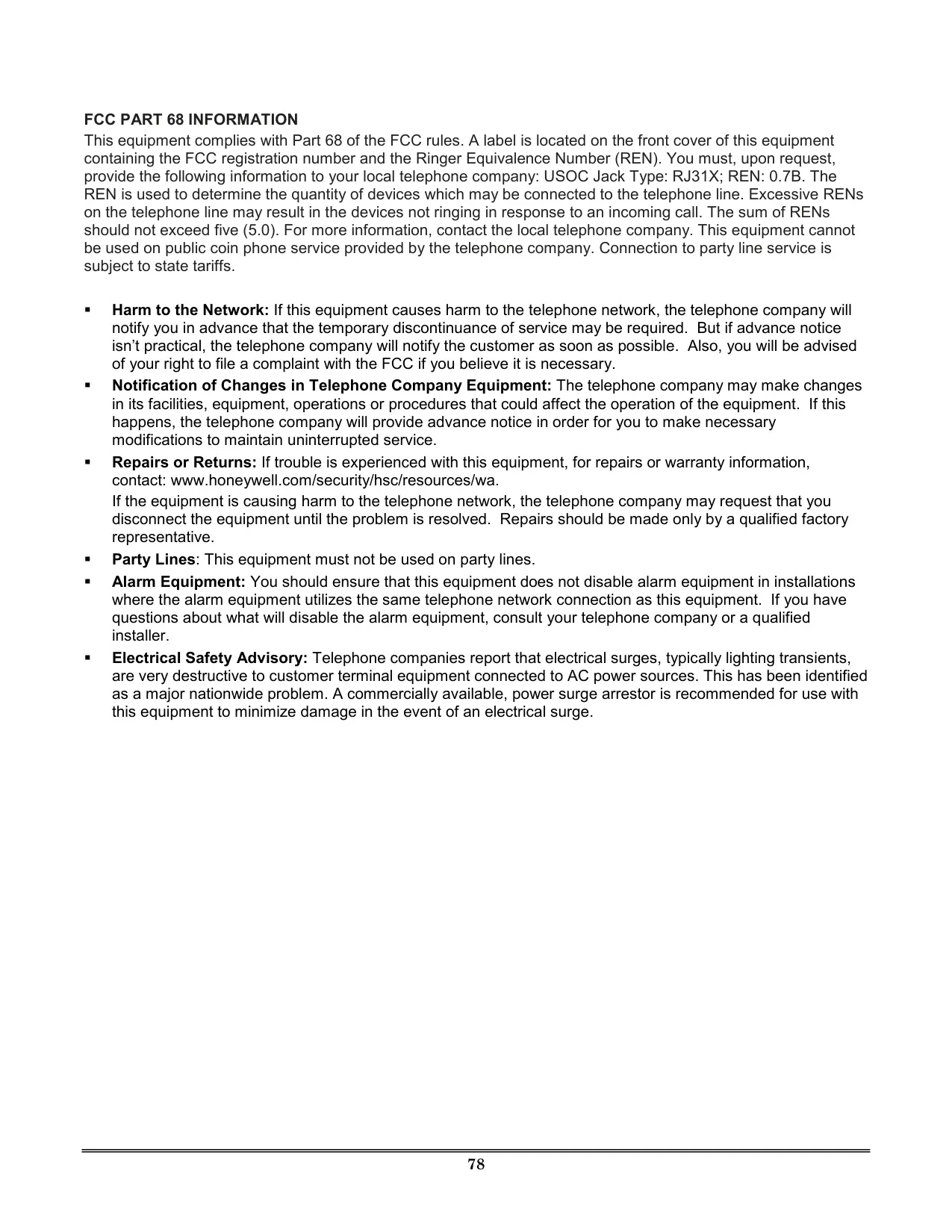
| Telephone Interface Jack Type | RJ31X (USOC) |
| Ringer Equivalence Number (REN) | 0.7B |
| Wireless Sensor Support | 5800 series devices |
| Warranty | Two-Year Limited Warranty (exceptions apply for specific components) |
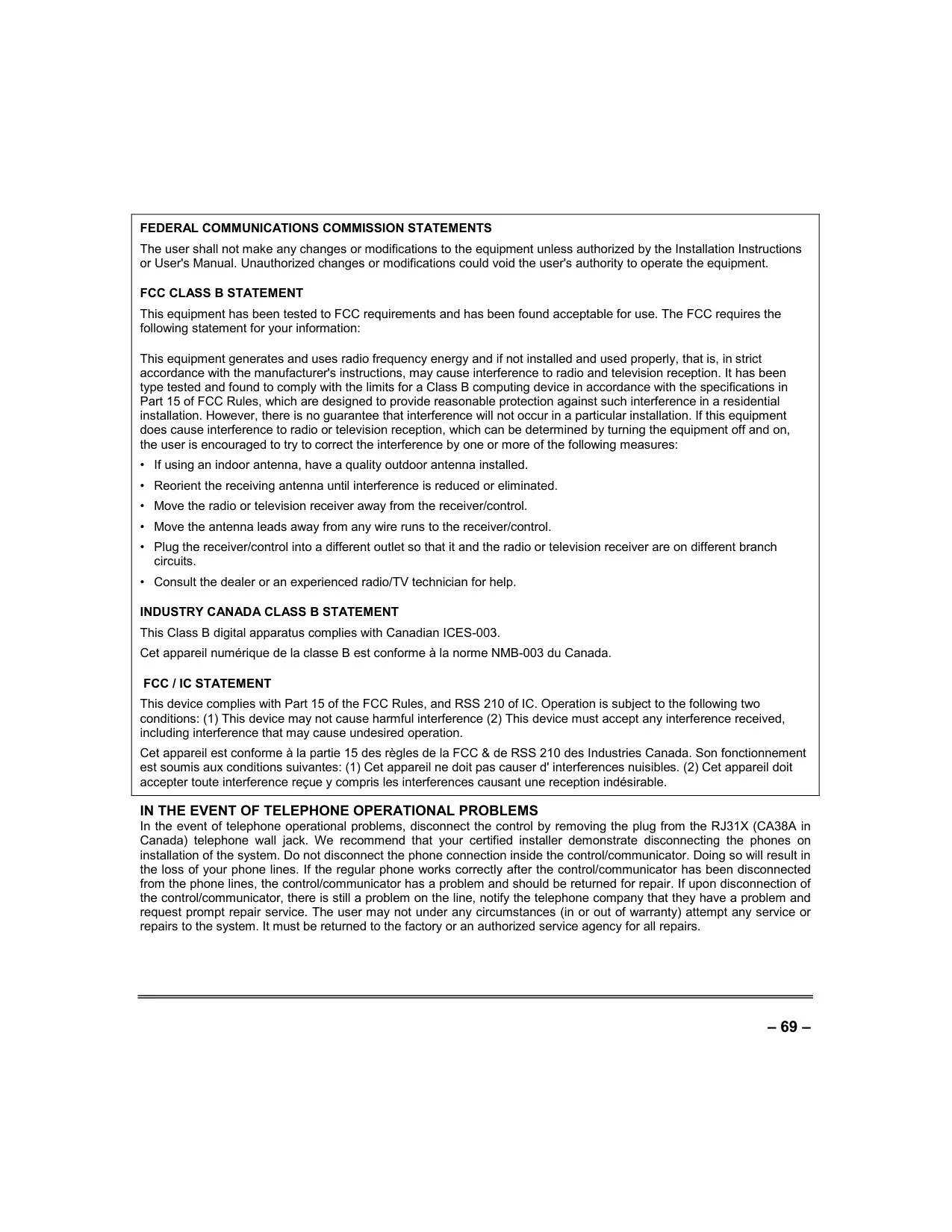
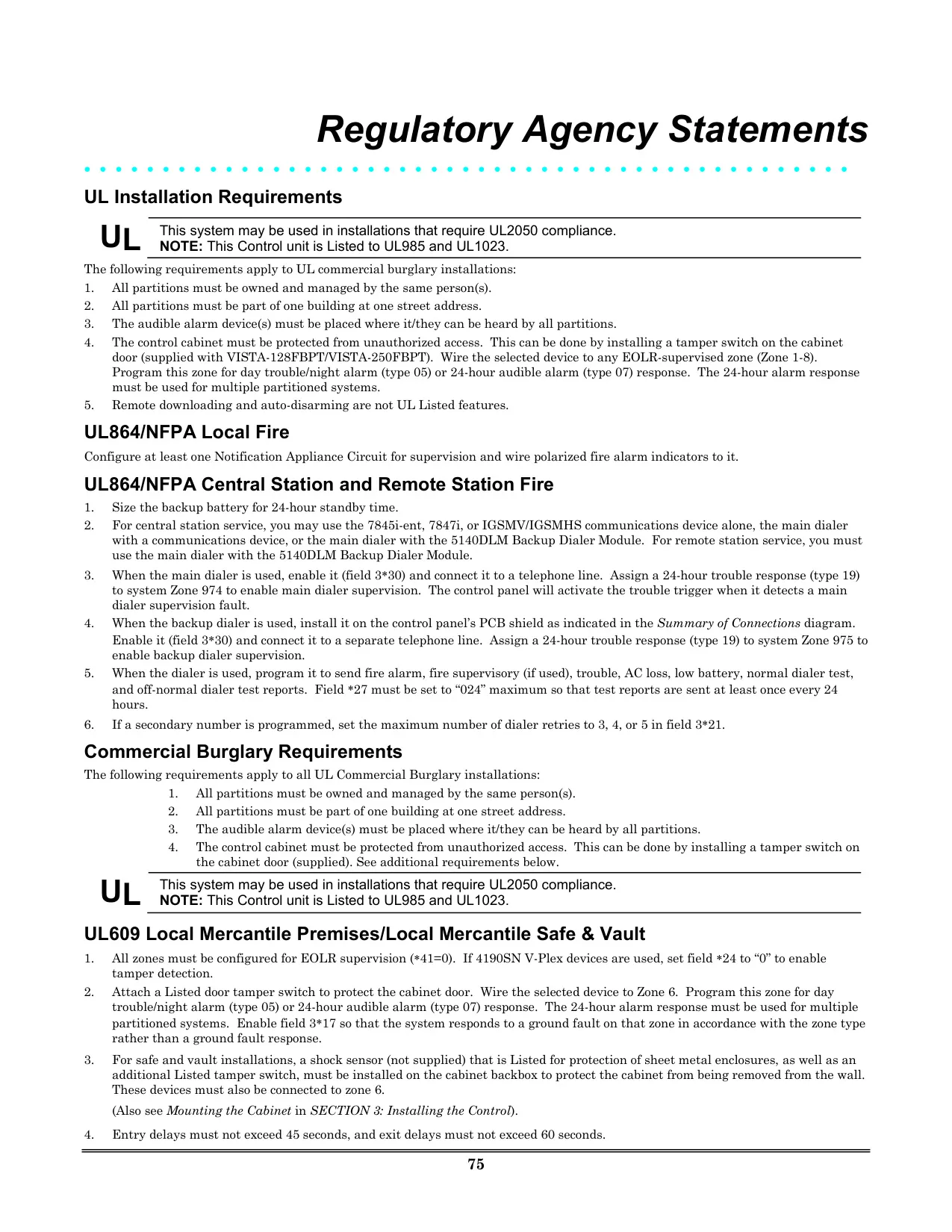
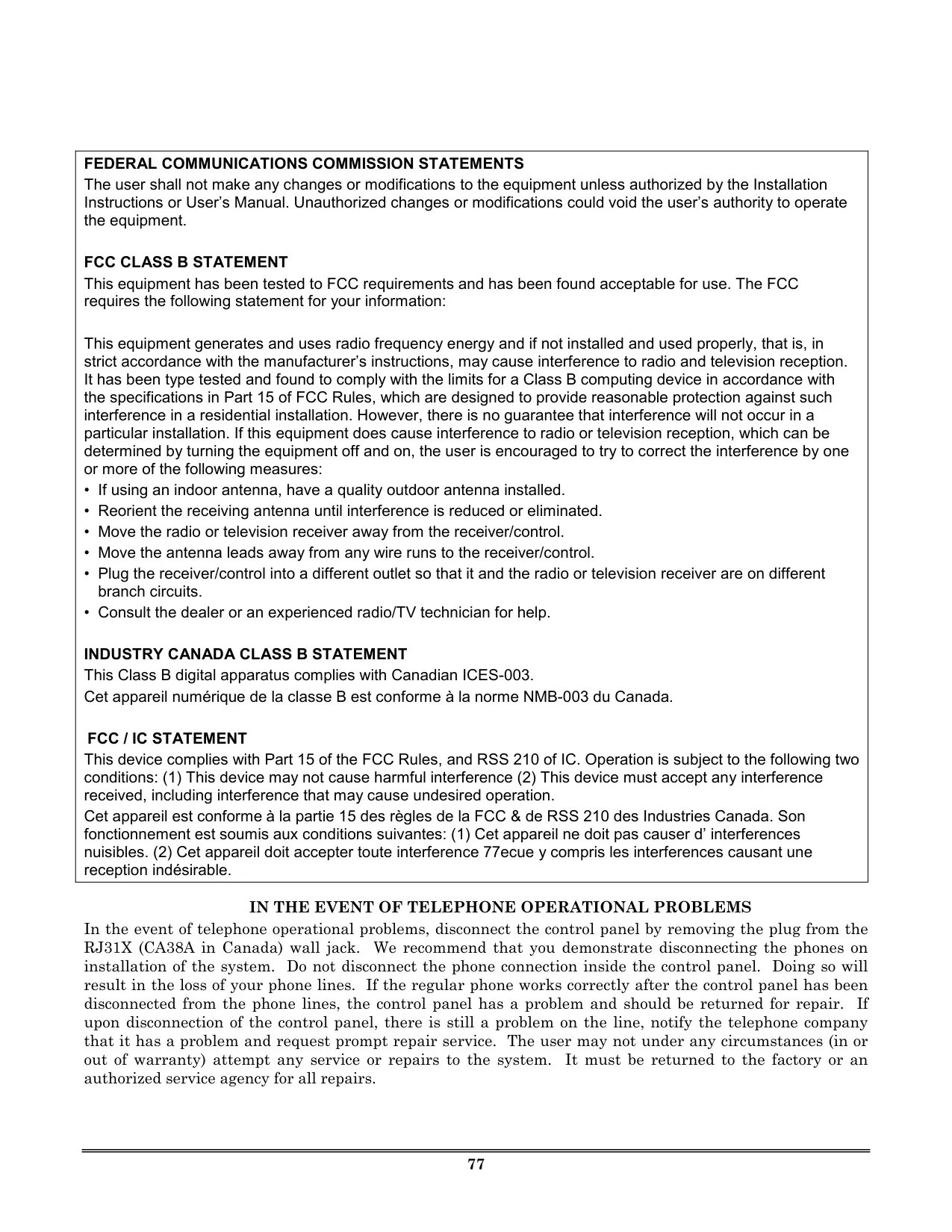
| Compliance | FCC Part 15 Class B, Industry Canada ICES-003 Class B, RSS 210 IC |
Honeywell Vista 250FBP Details
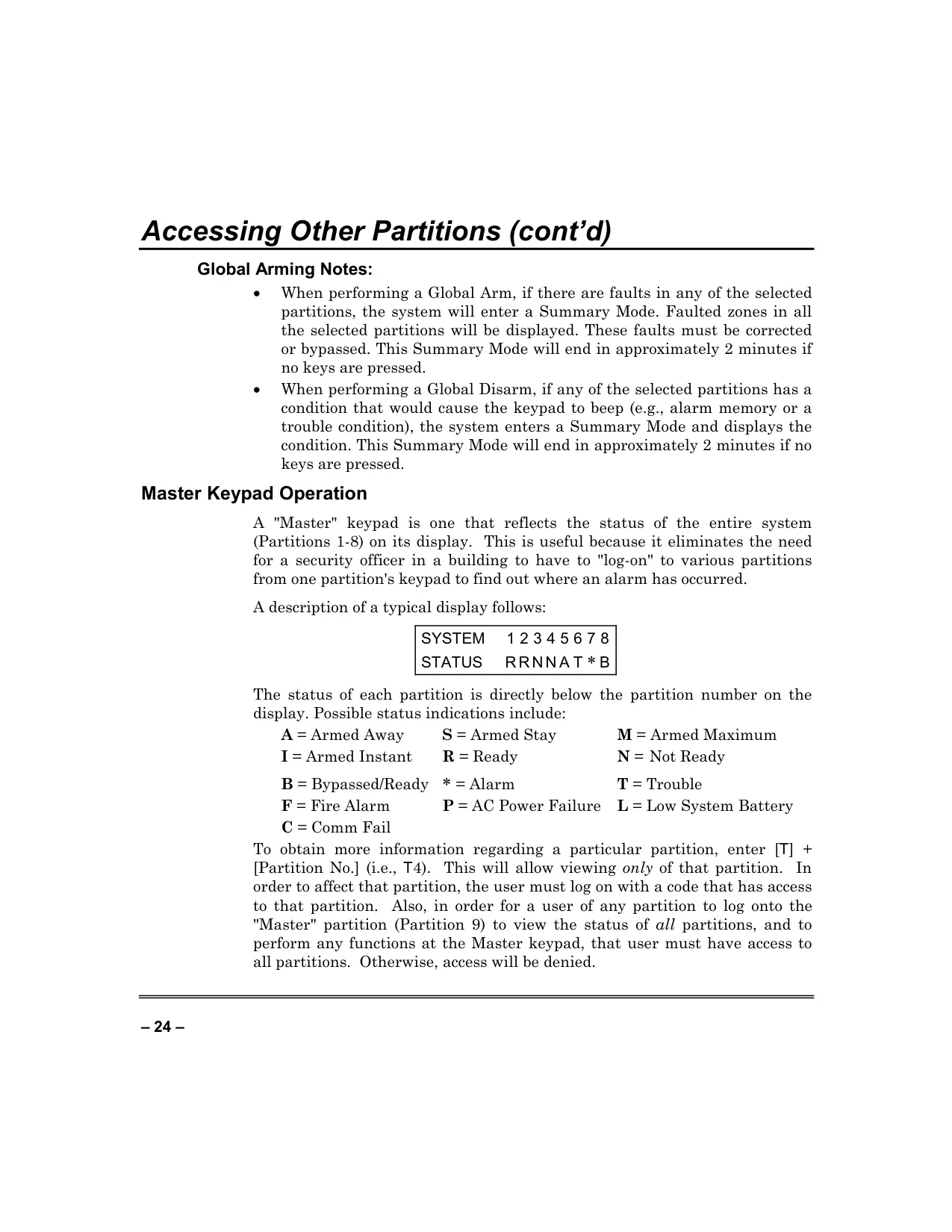
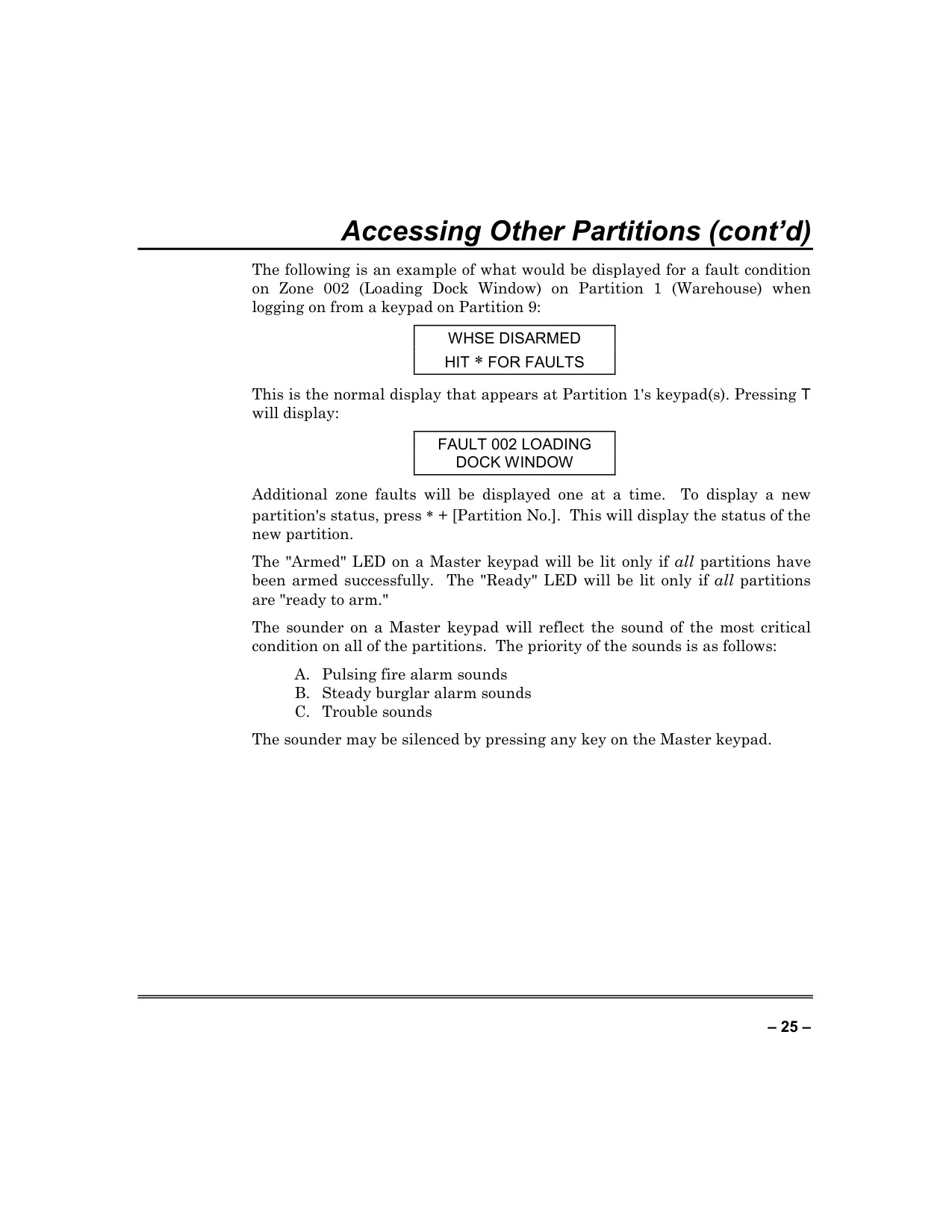
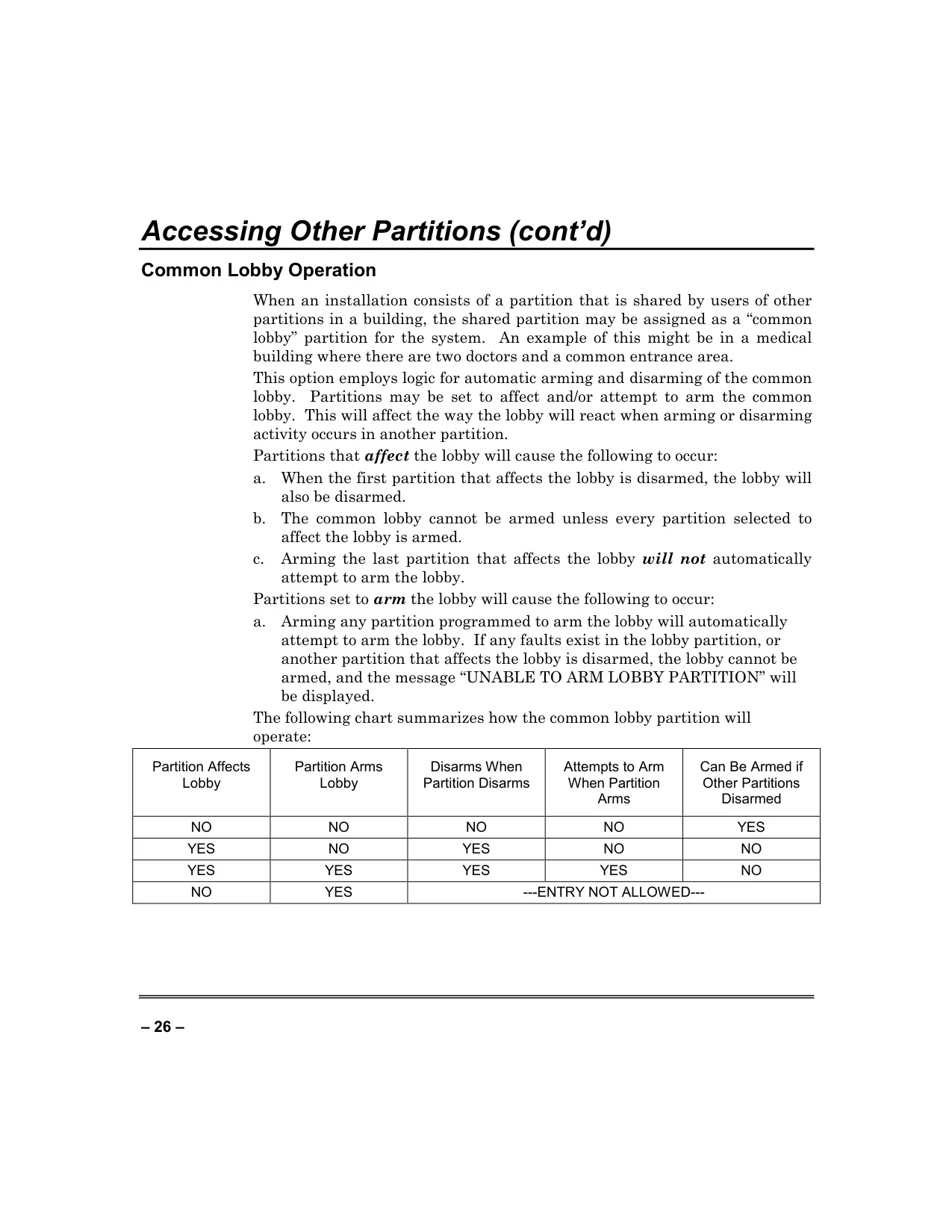
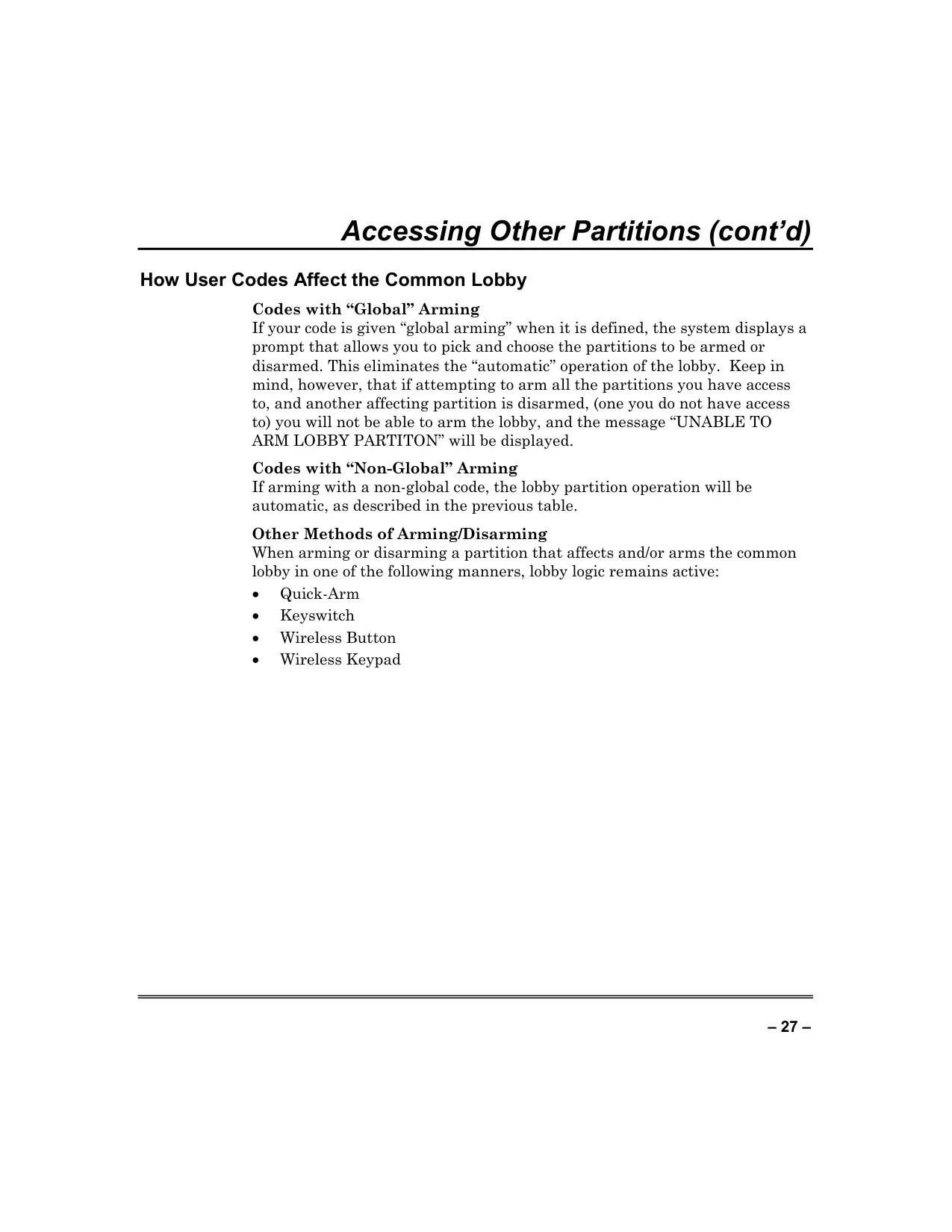
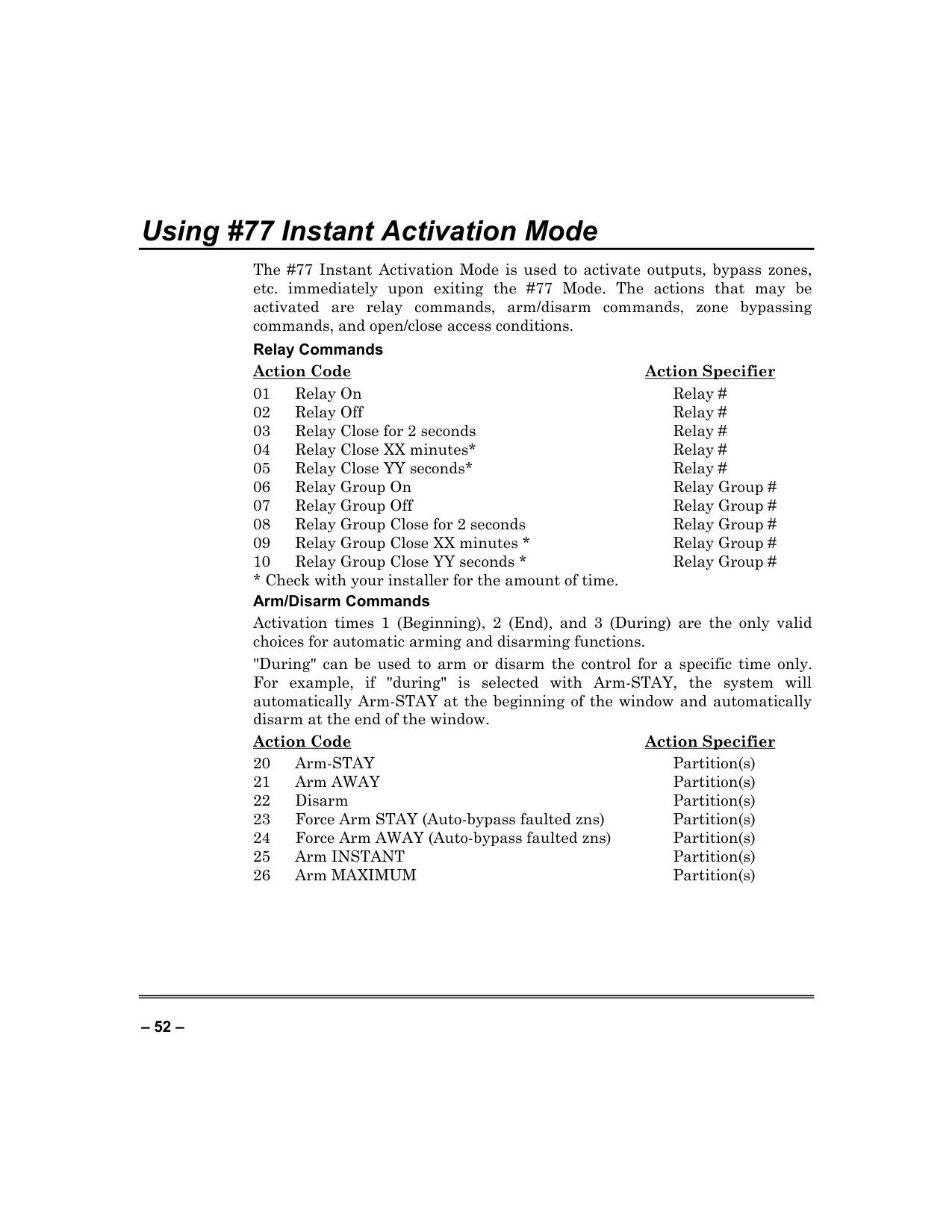
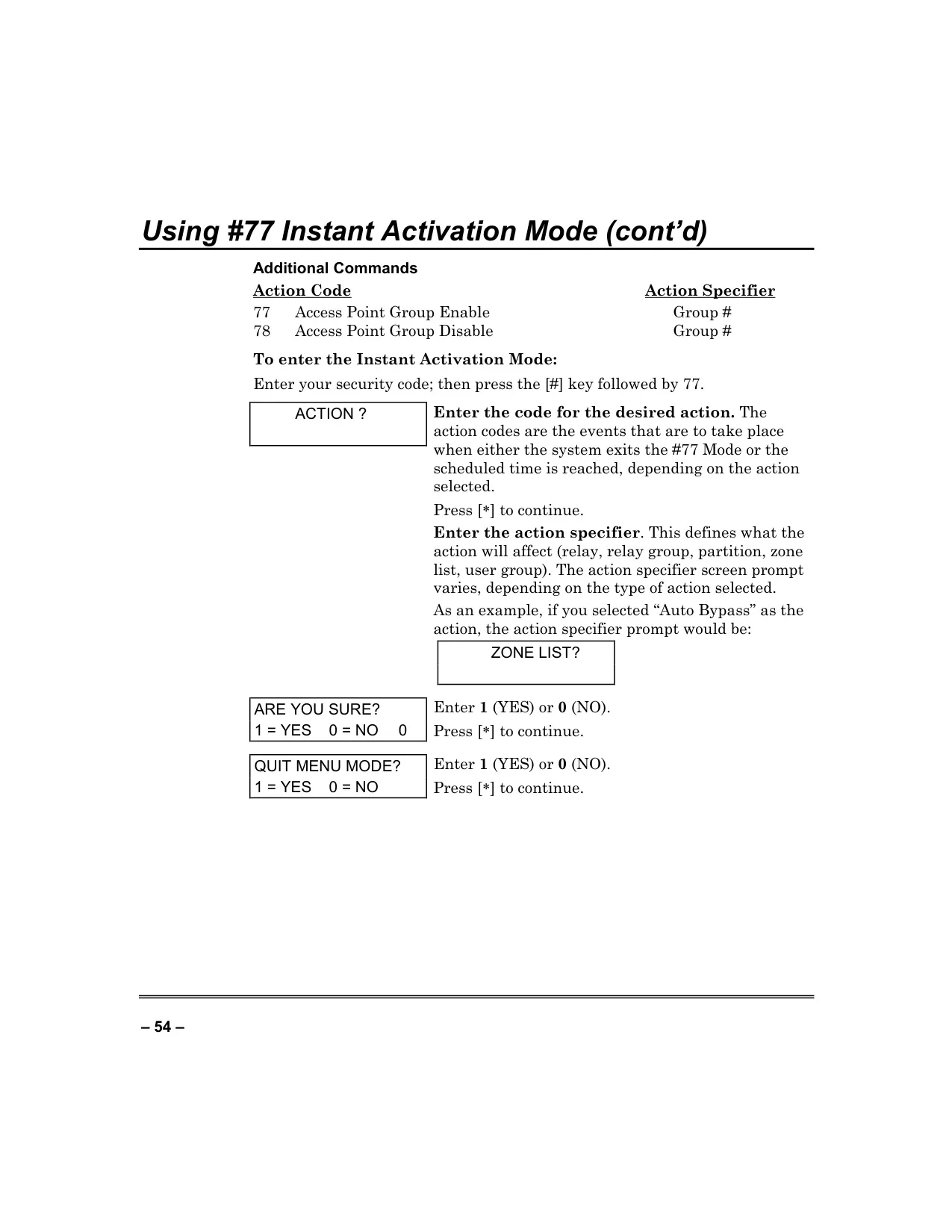
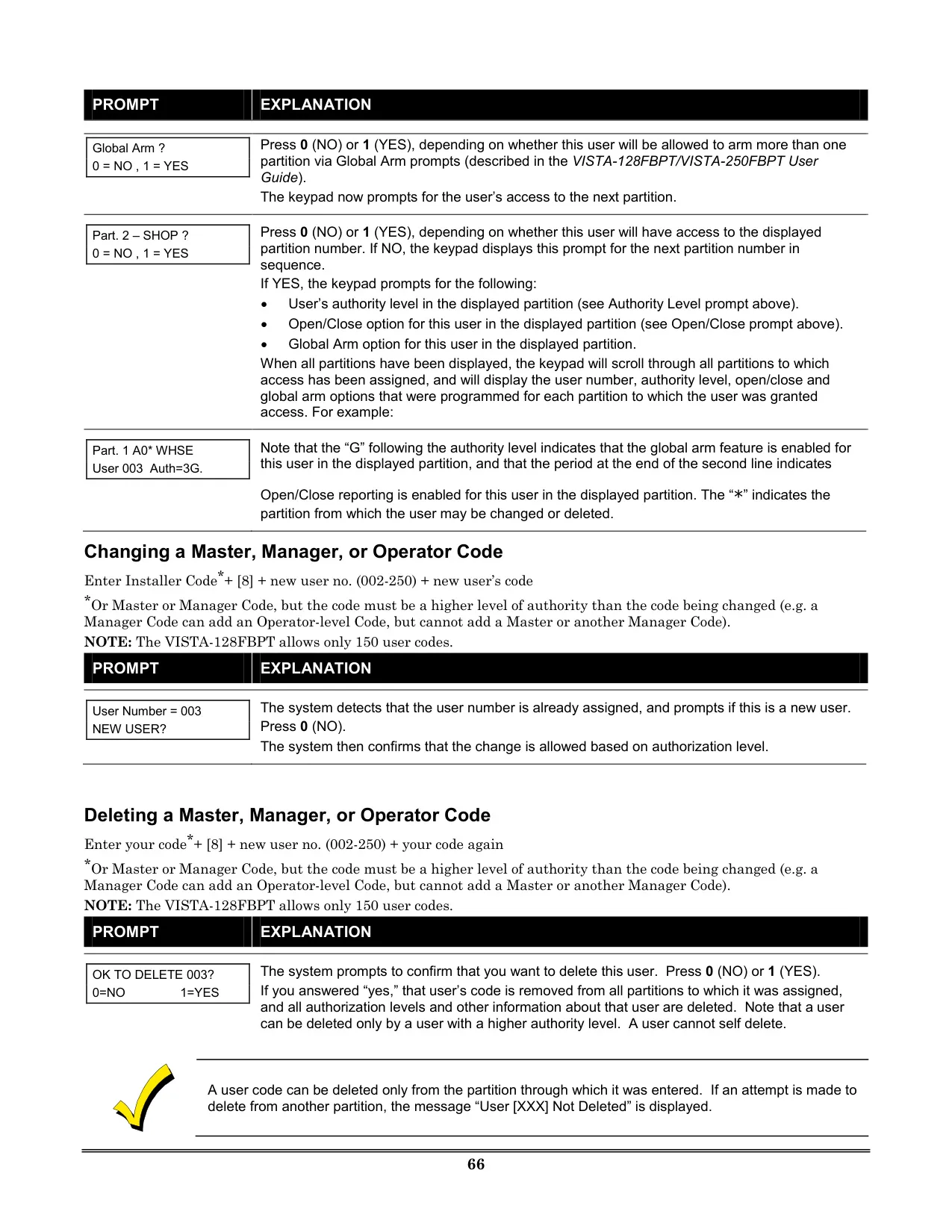
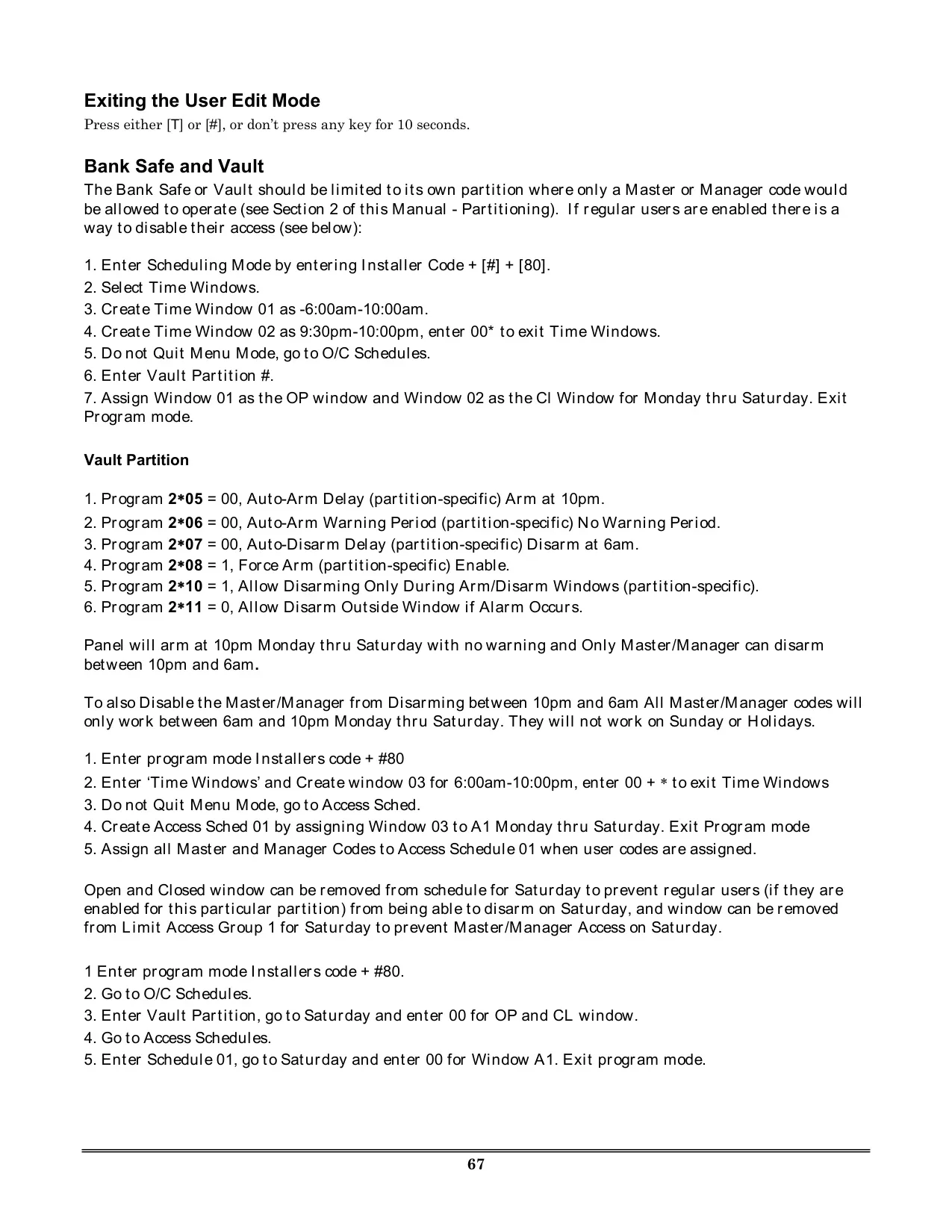
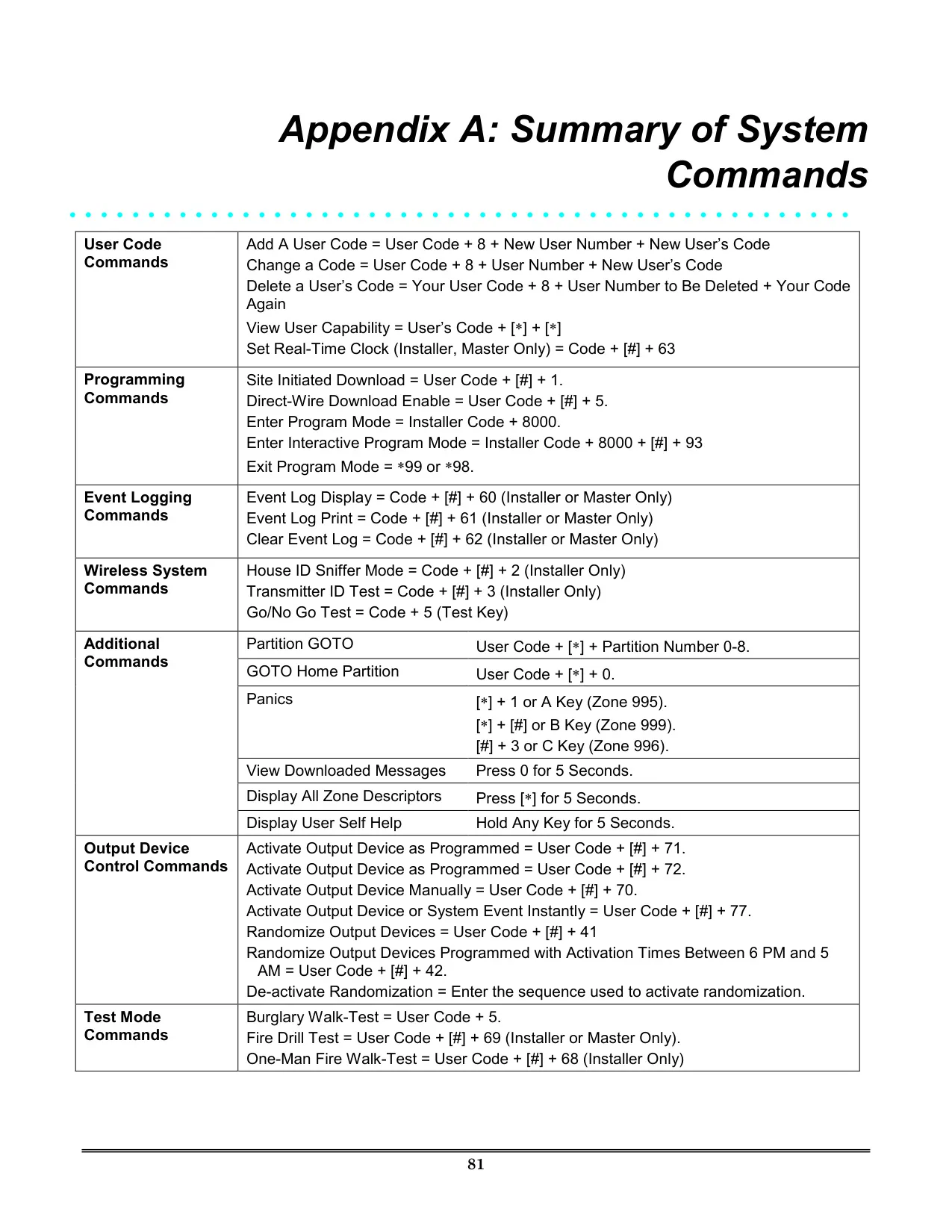
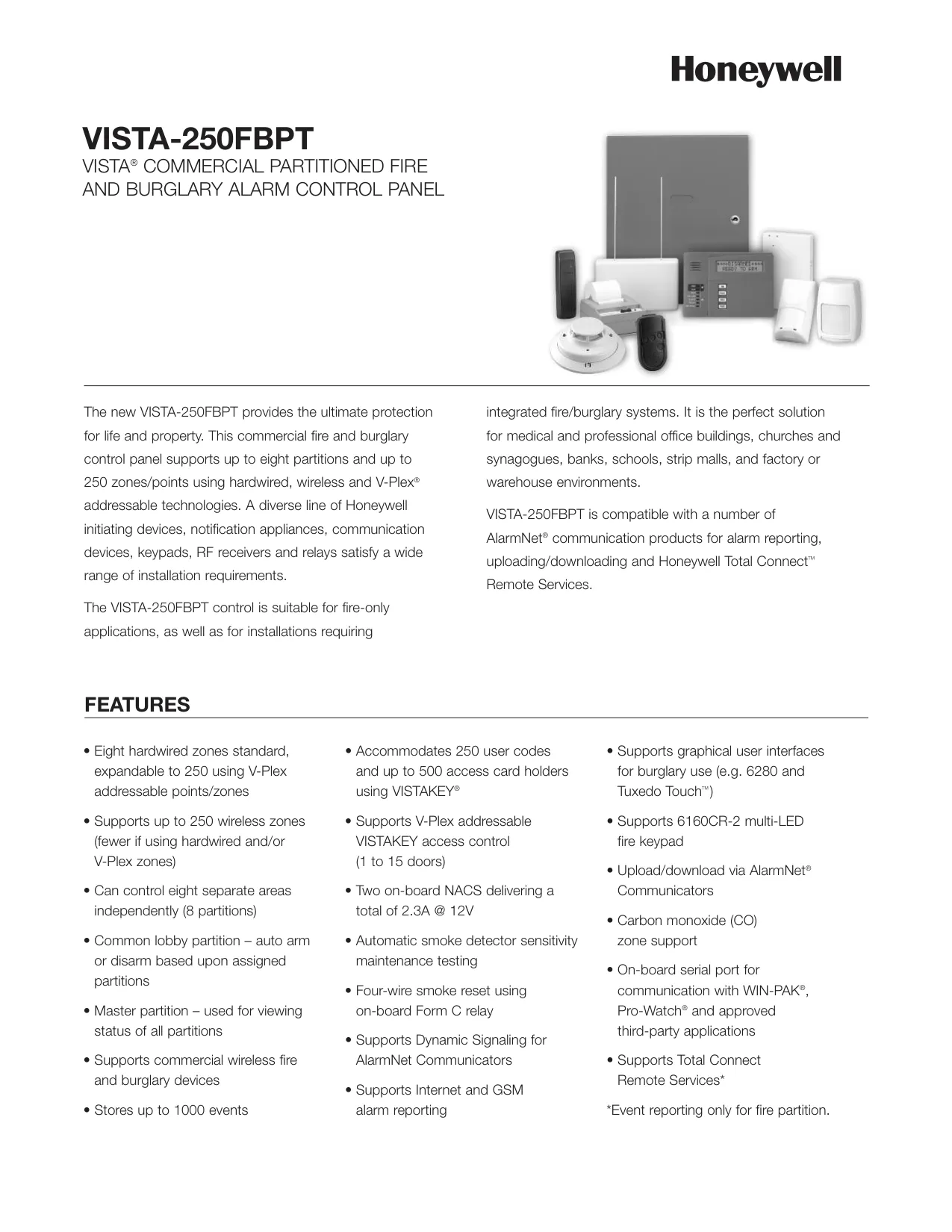
The Honeywell Vista 250FBP Security System is a sophisticated, partitioned security solution designed for commercial fire and burglary protection. Its core strength lies in its ability to divide a single physical alarm system among multiple users or departments, each with unique security requirements. Users can navigate between these partitions using the GOTO command, allowing for centralized control or localized management as needed. This flexibility ensures that specific areas can be armed or disarmed independently, catering to diverse operational needs within a facility.
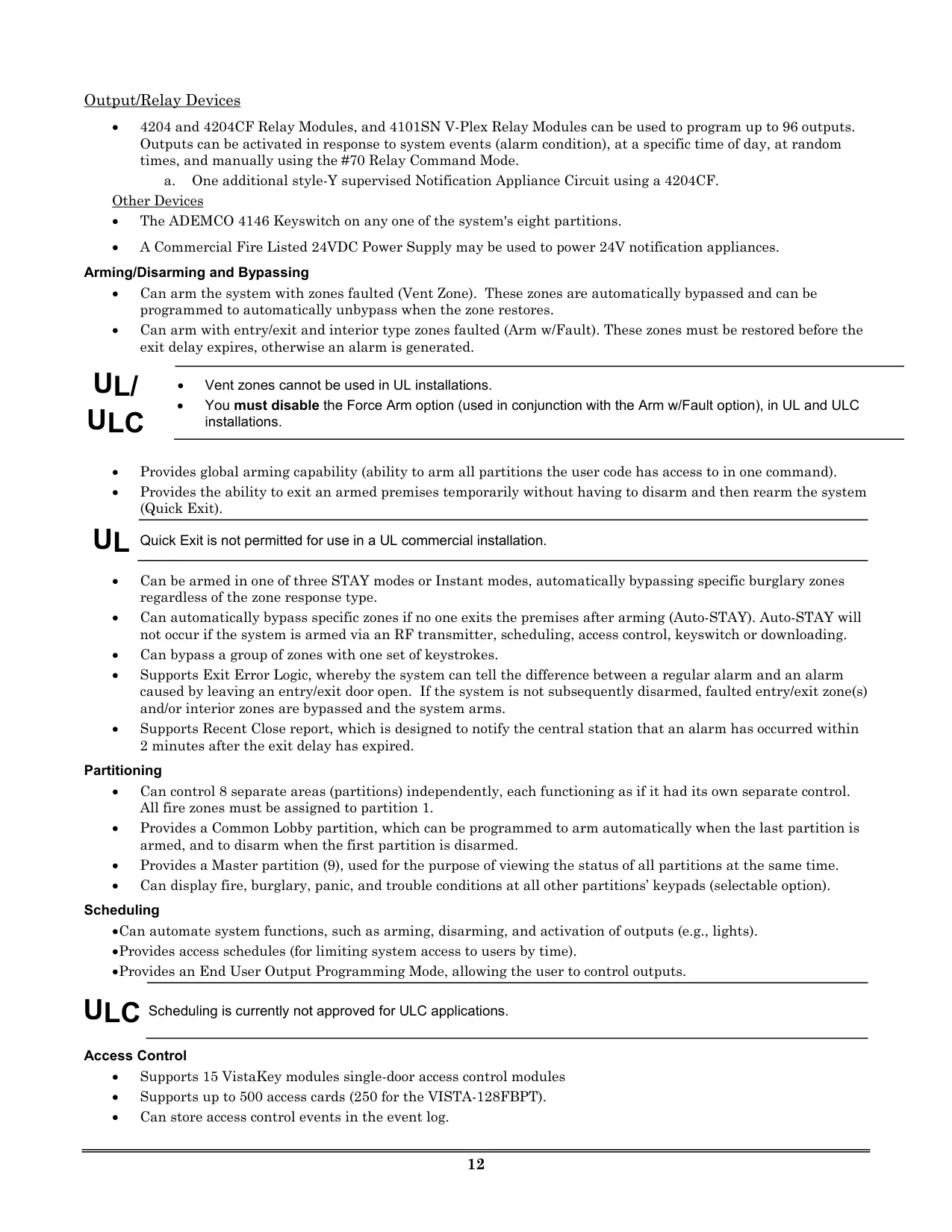
Beyond the standard specifications, the system offers versatile arming modes tailored for various situations. The AWAY mode provides full perimeter and interior protection when no one is on the premises, while STAY mode arms only the perimeter, allowing free movement indoors. For enhanced security, INSTANT and MAXIMUM modes eliminate entry delays, ensuring immediate alarms upon any intrusion. The system also supports three sub-modes for STAY and INSTANT, offering granular control over which interior zones are automatically bypassed during arming.
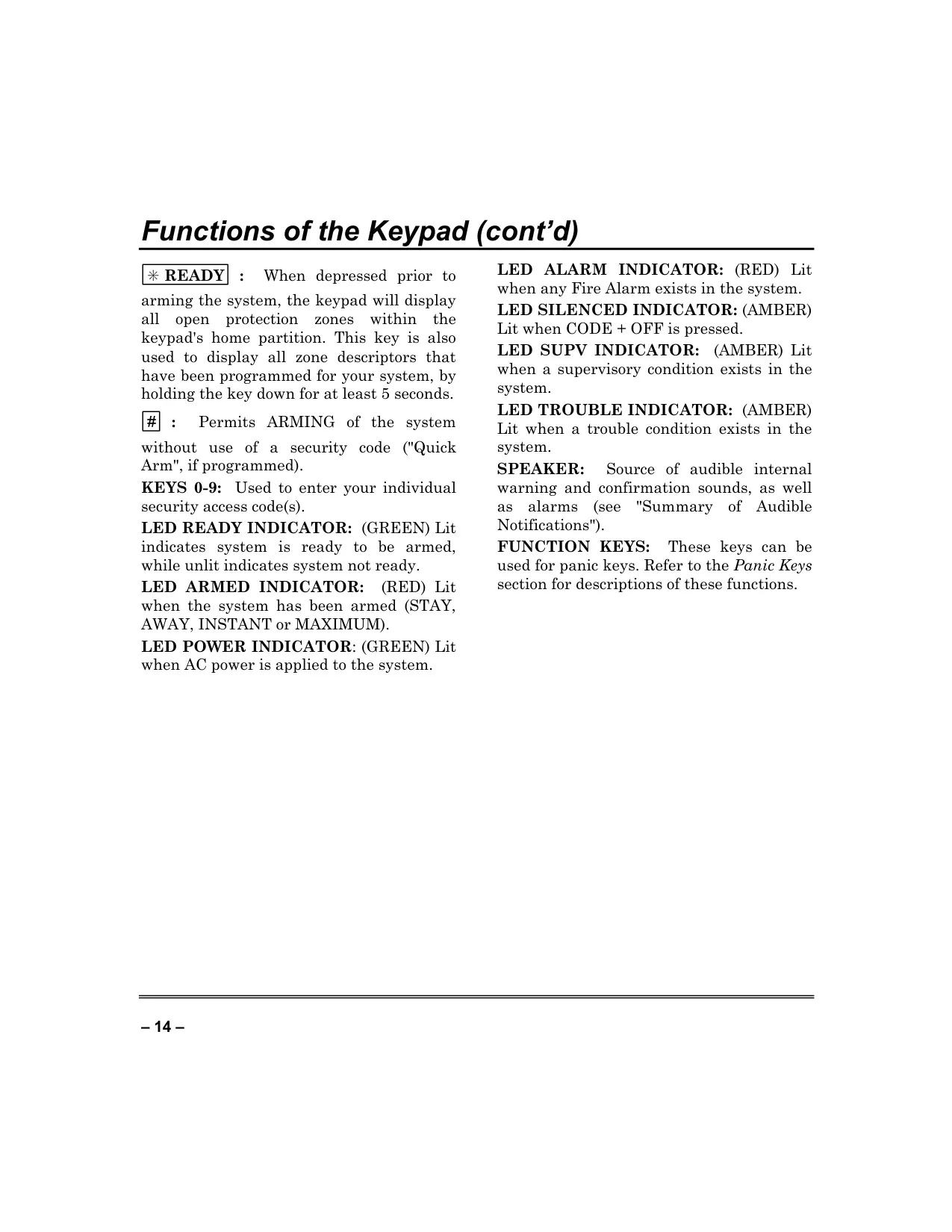
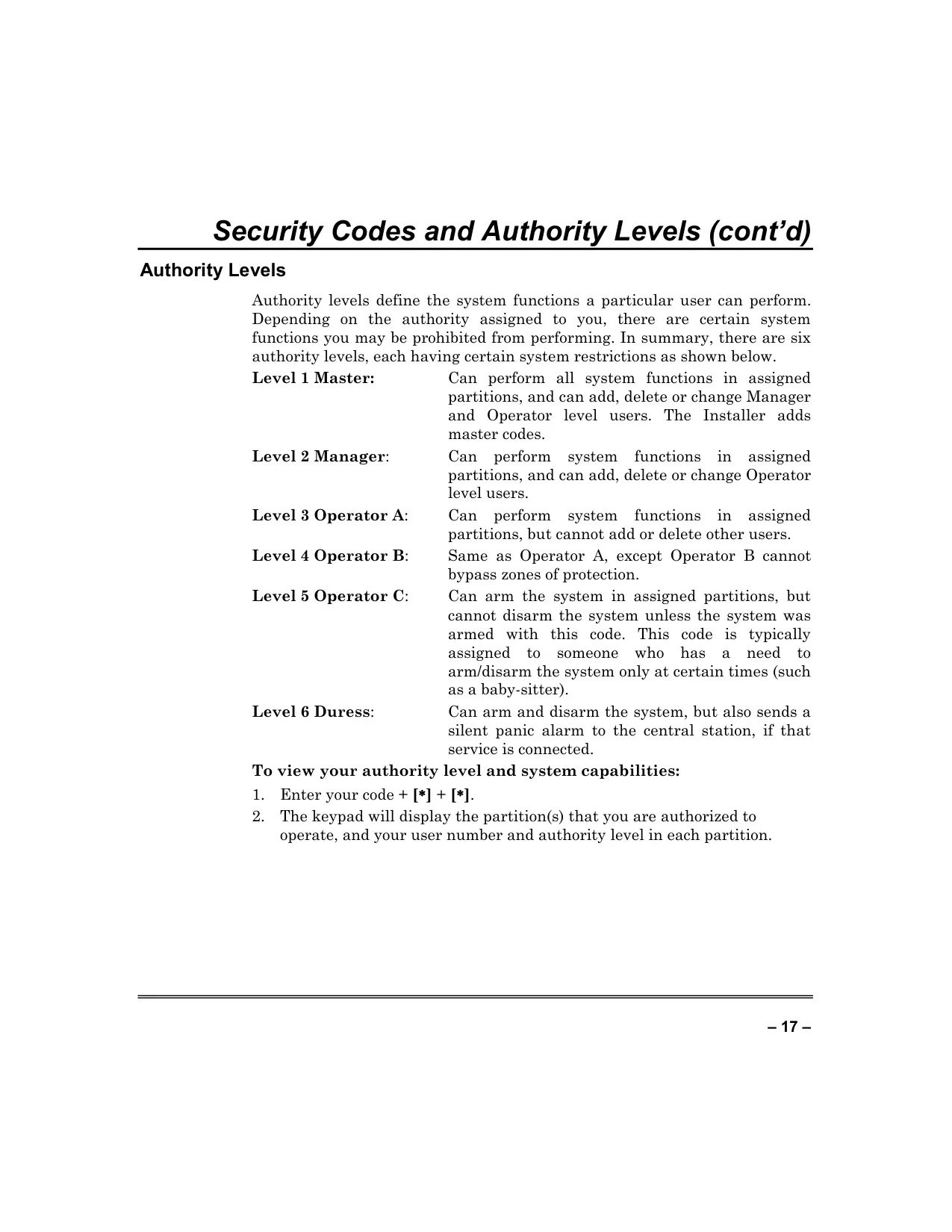
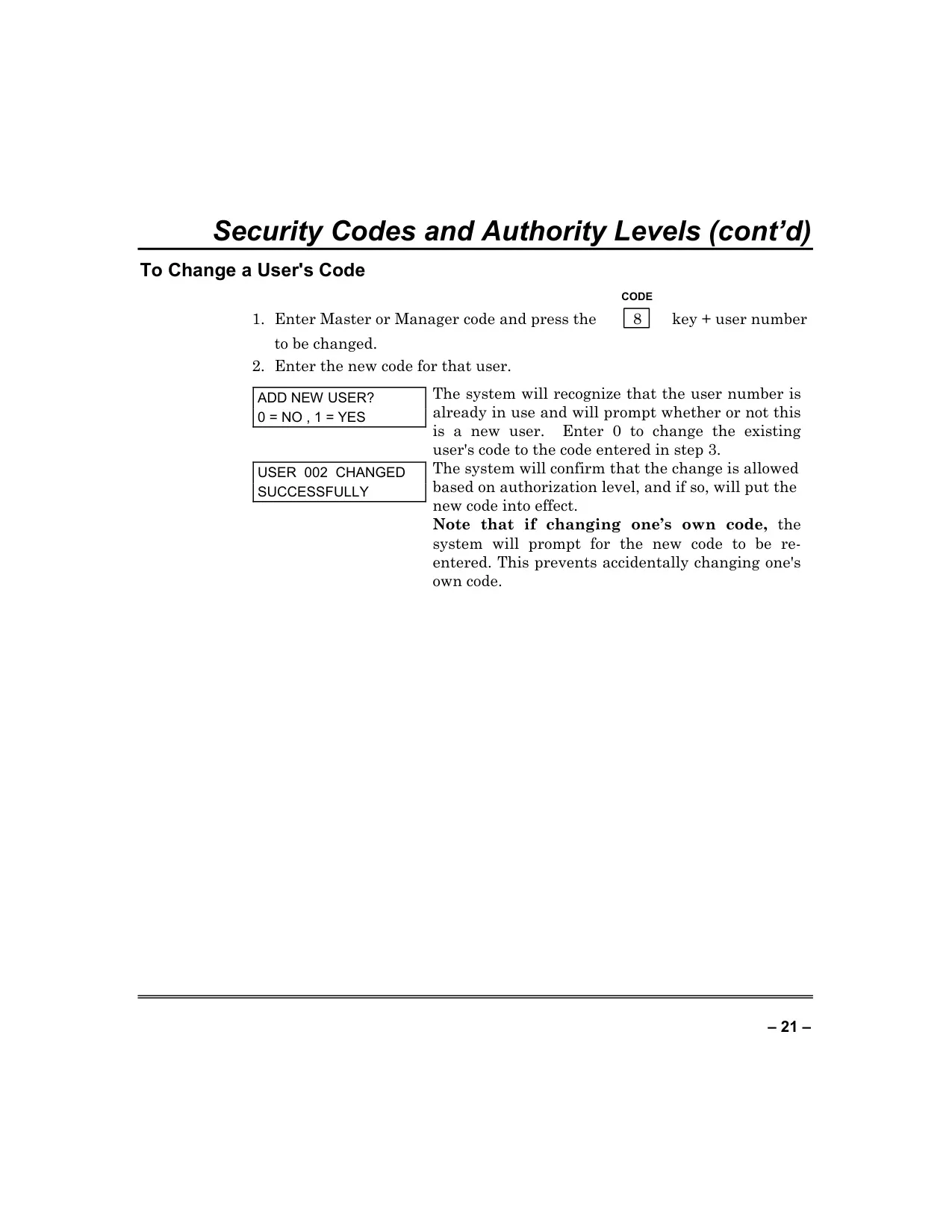
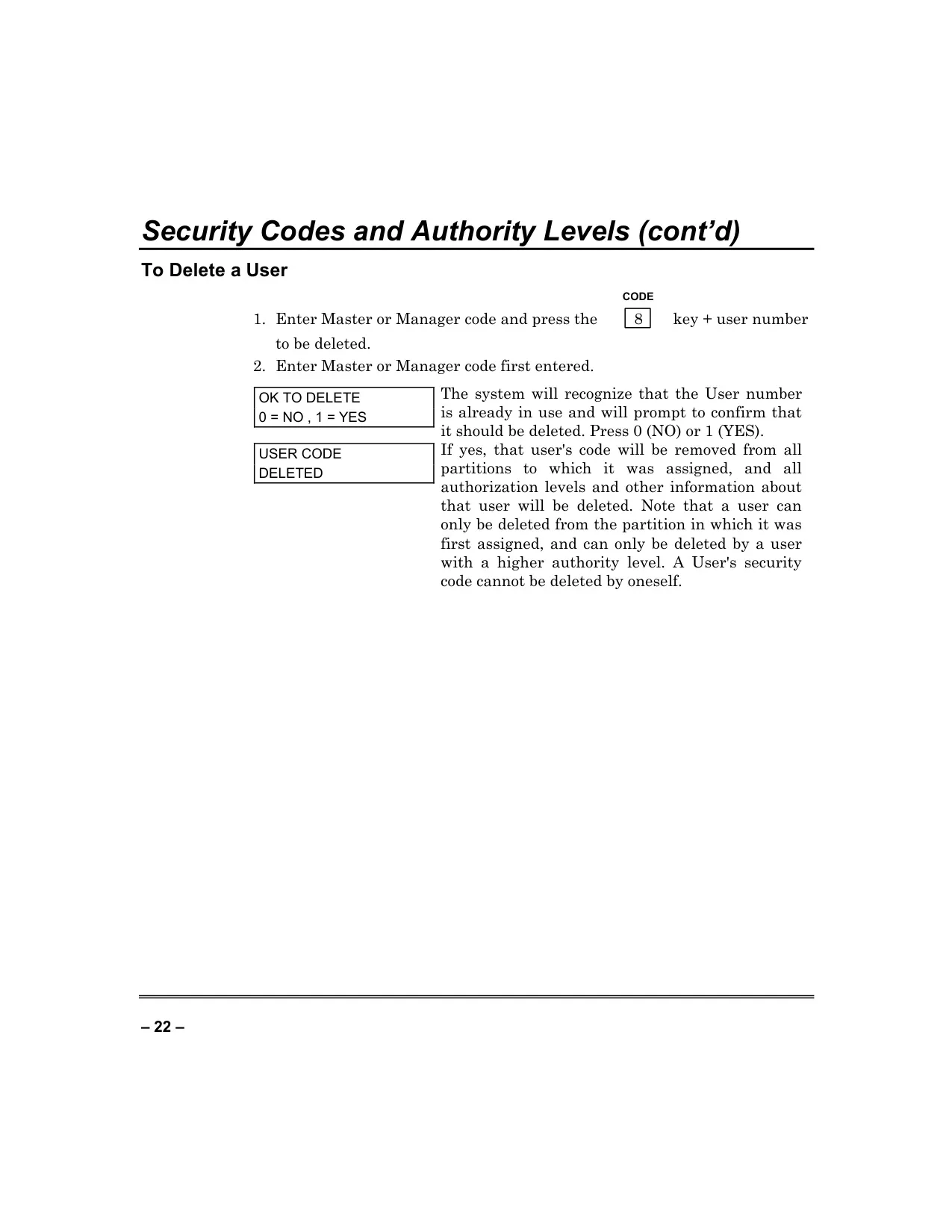
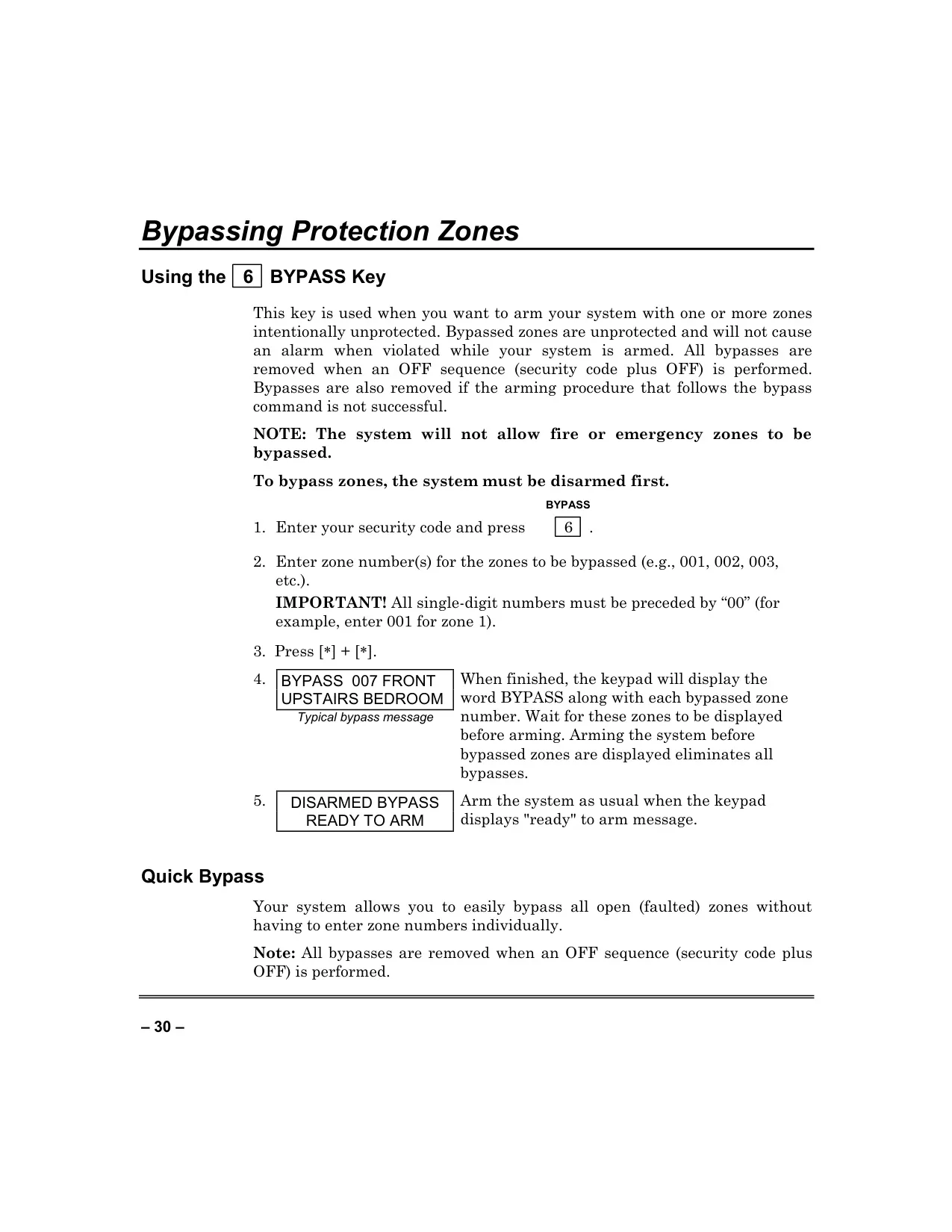
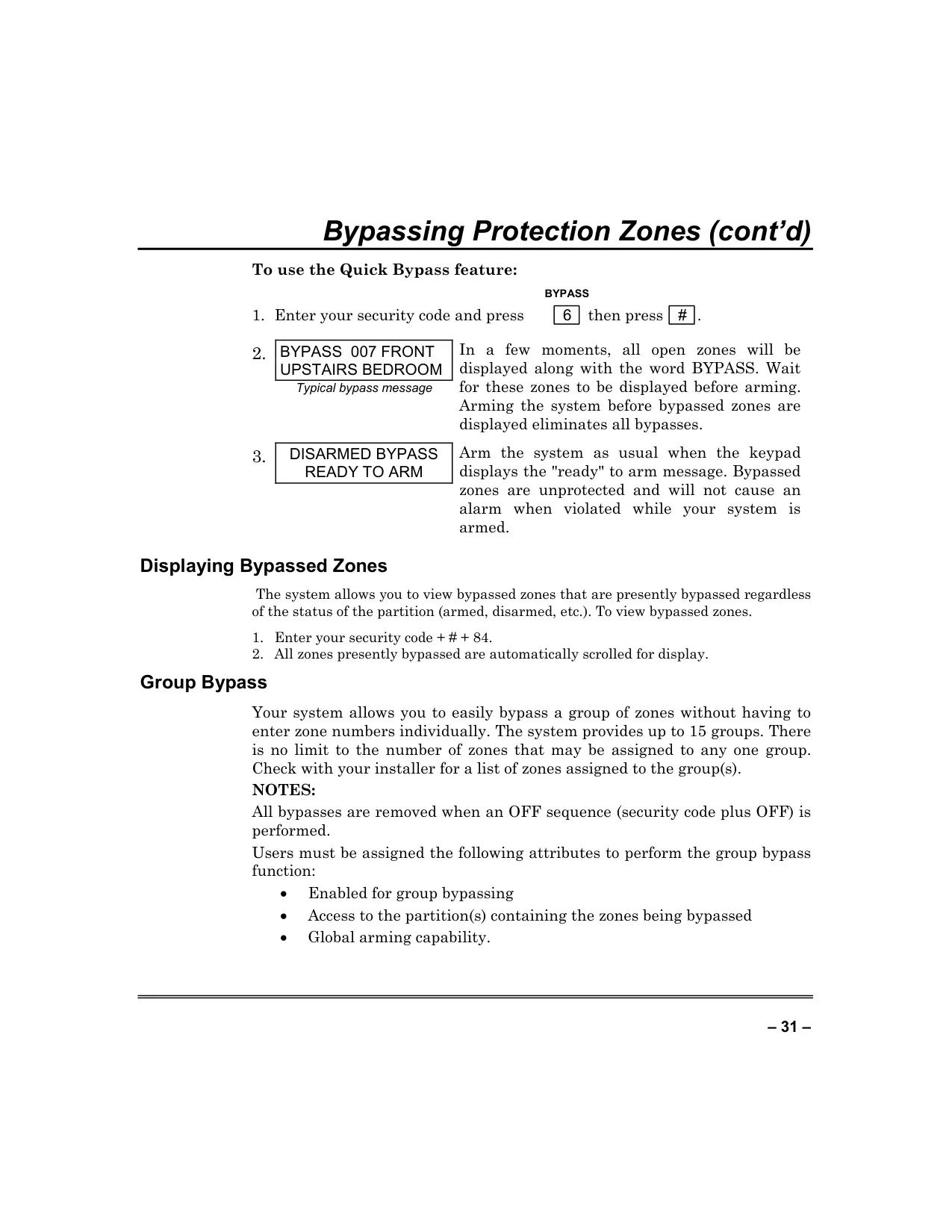
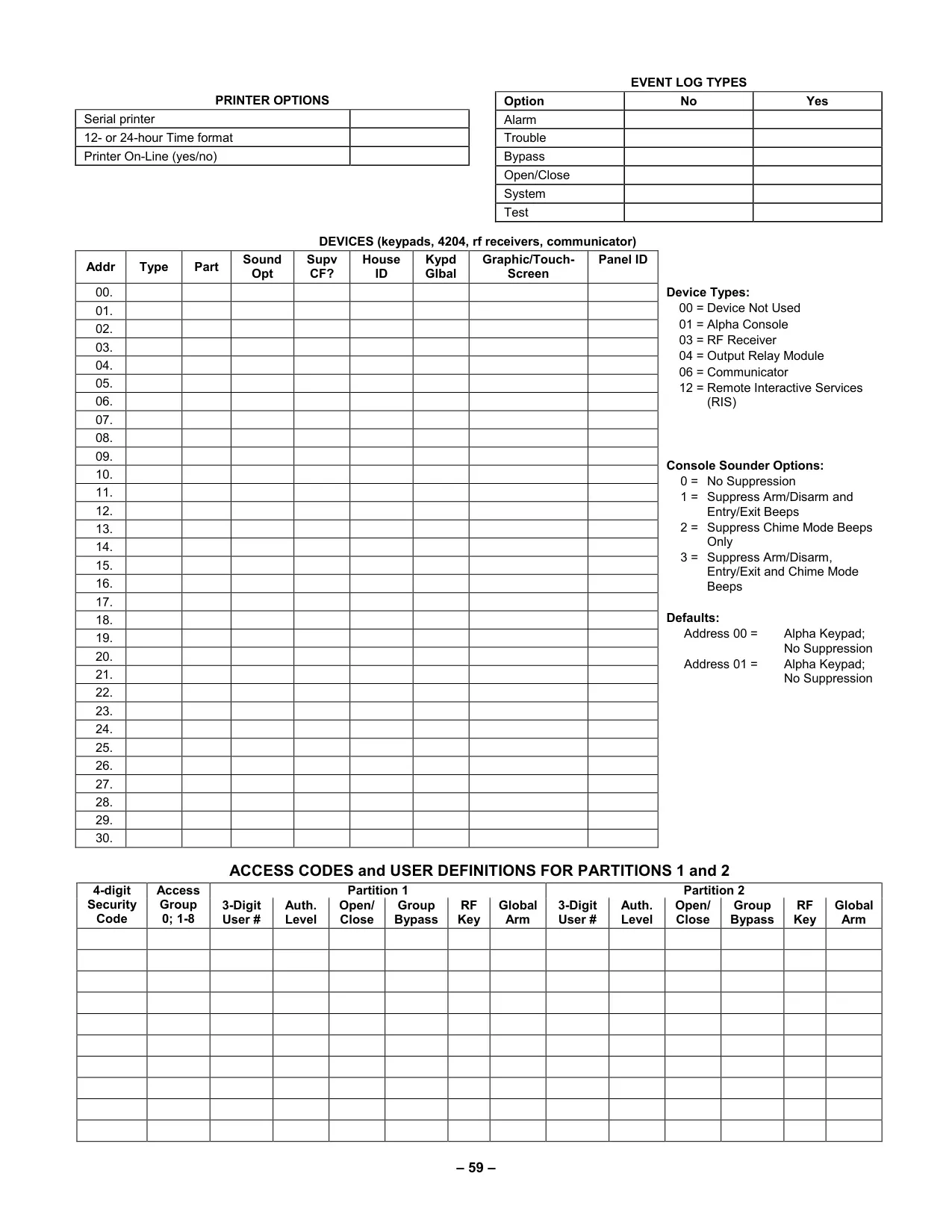
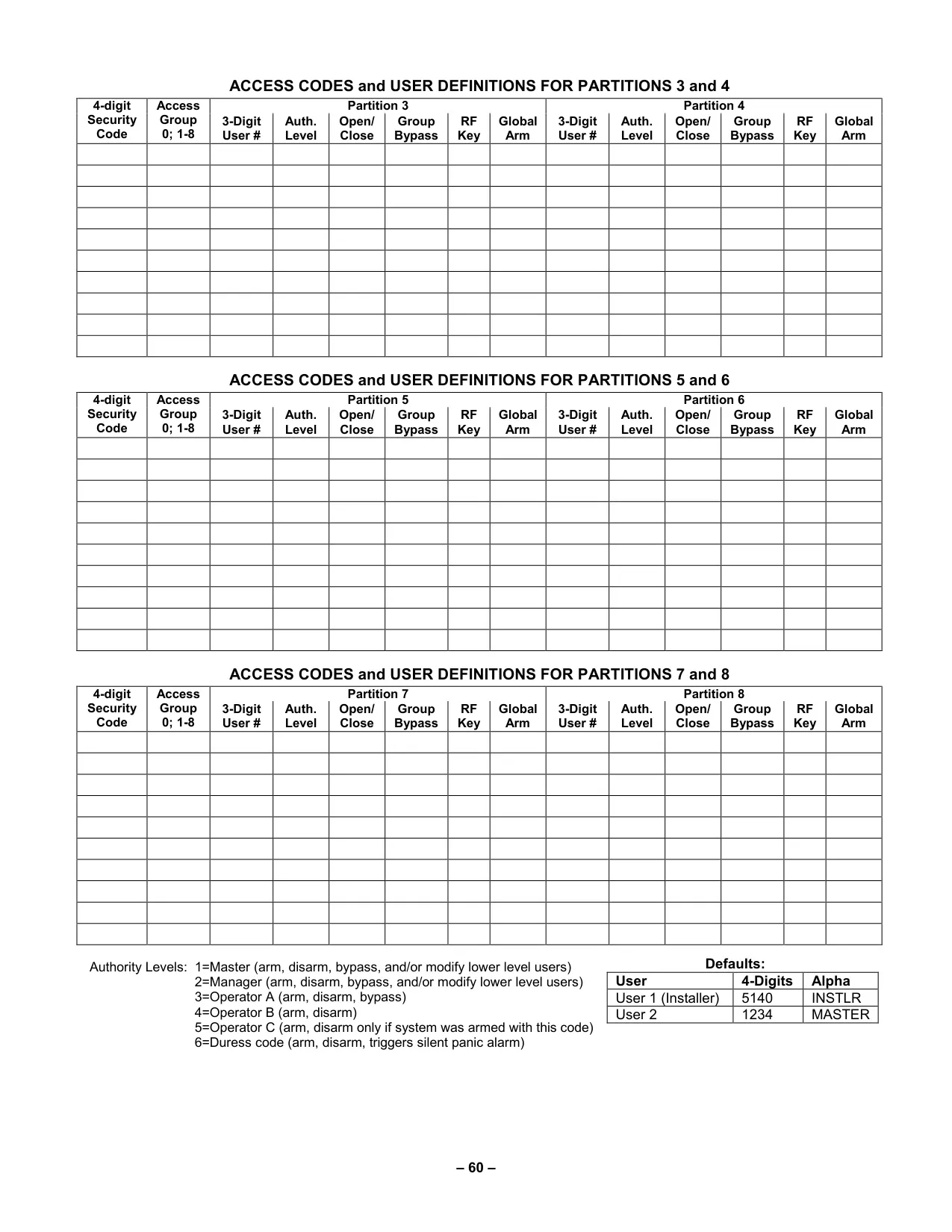
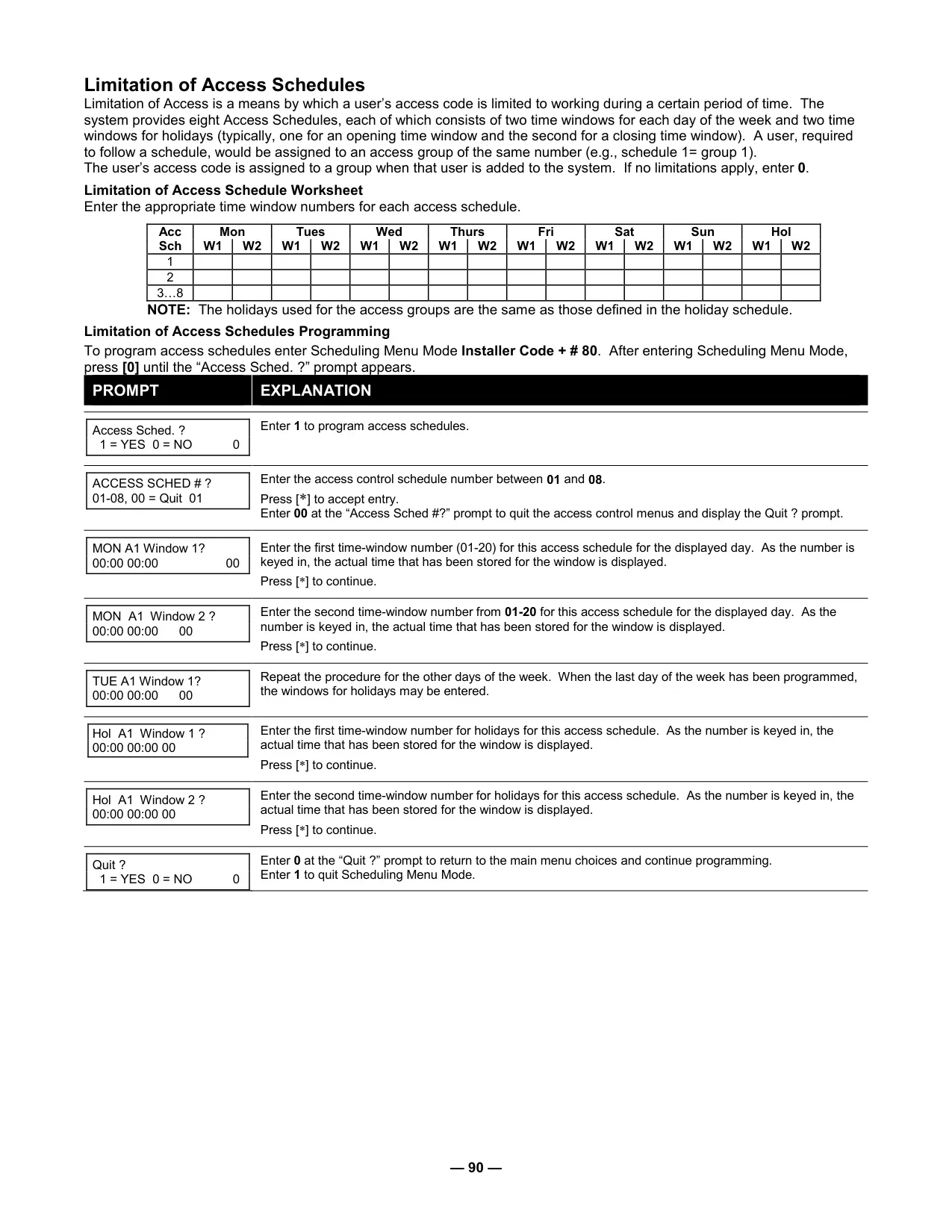
User management is highly structured, featuring six distinct authority levels: Master, Manager, Operator A, Operator B, Operator C, and Duress. These levels dictate what system functions a user can perform, from adding and deleting other users to bypassing protection zones. The Duress Code is a critical safety feature, allowing a user to disarm the system under threat while silently notifying a central monitoring station. Additionally, "Quick Arming" simplifies the arming process by allowing the use of the '#' key instead of a full security code.
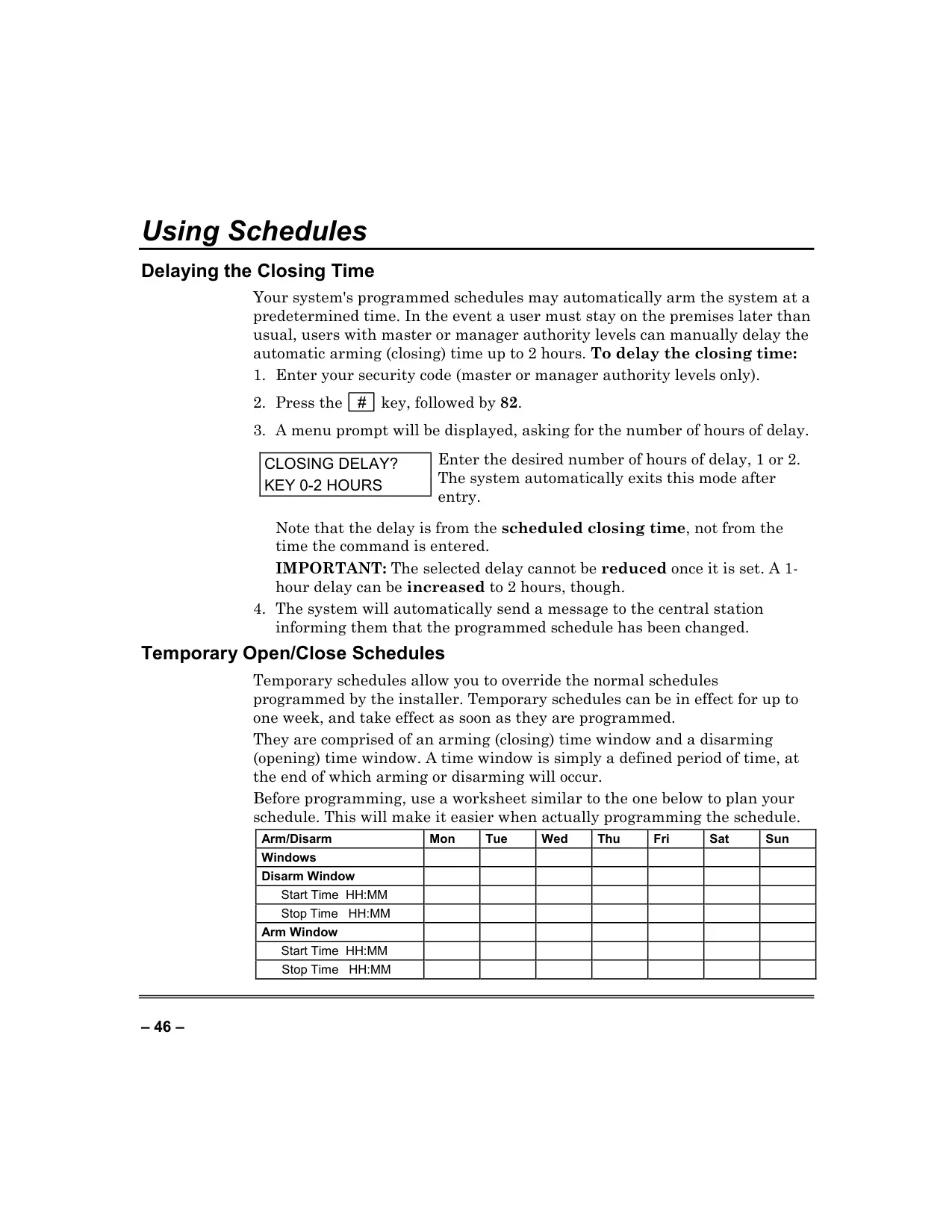
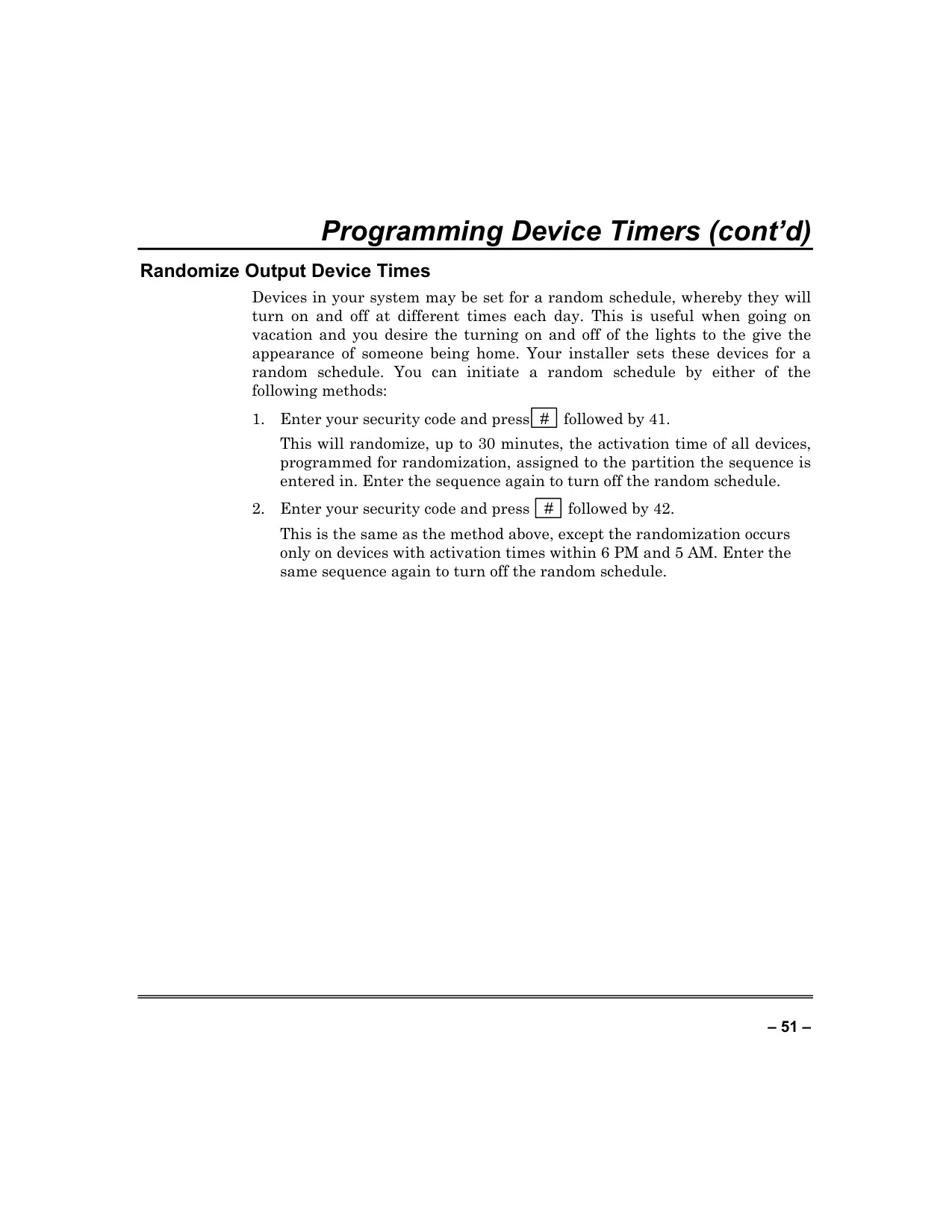
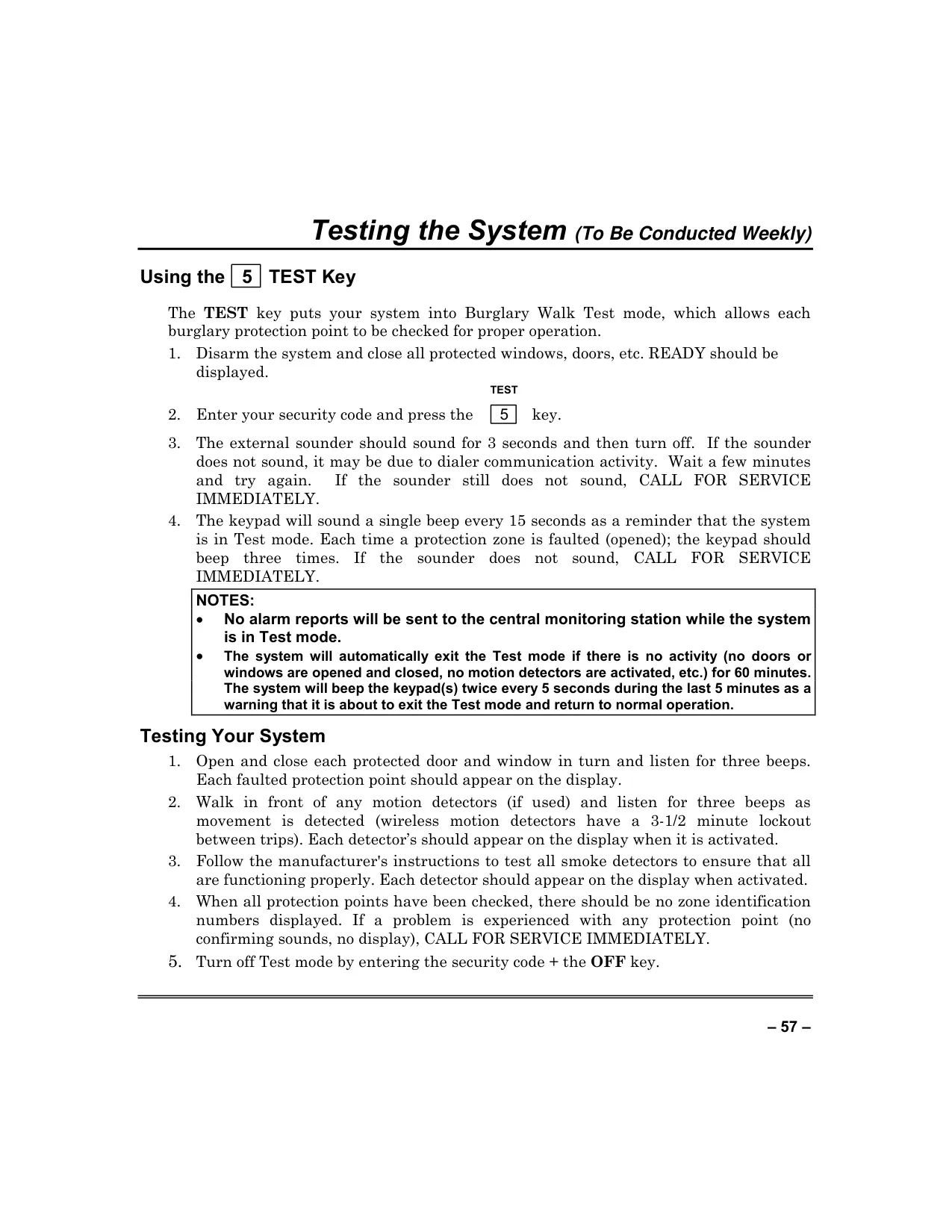
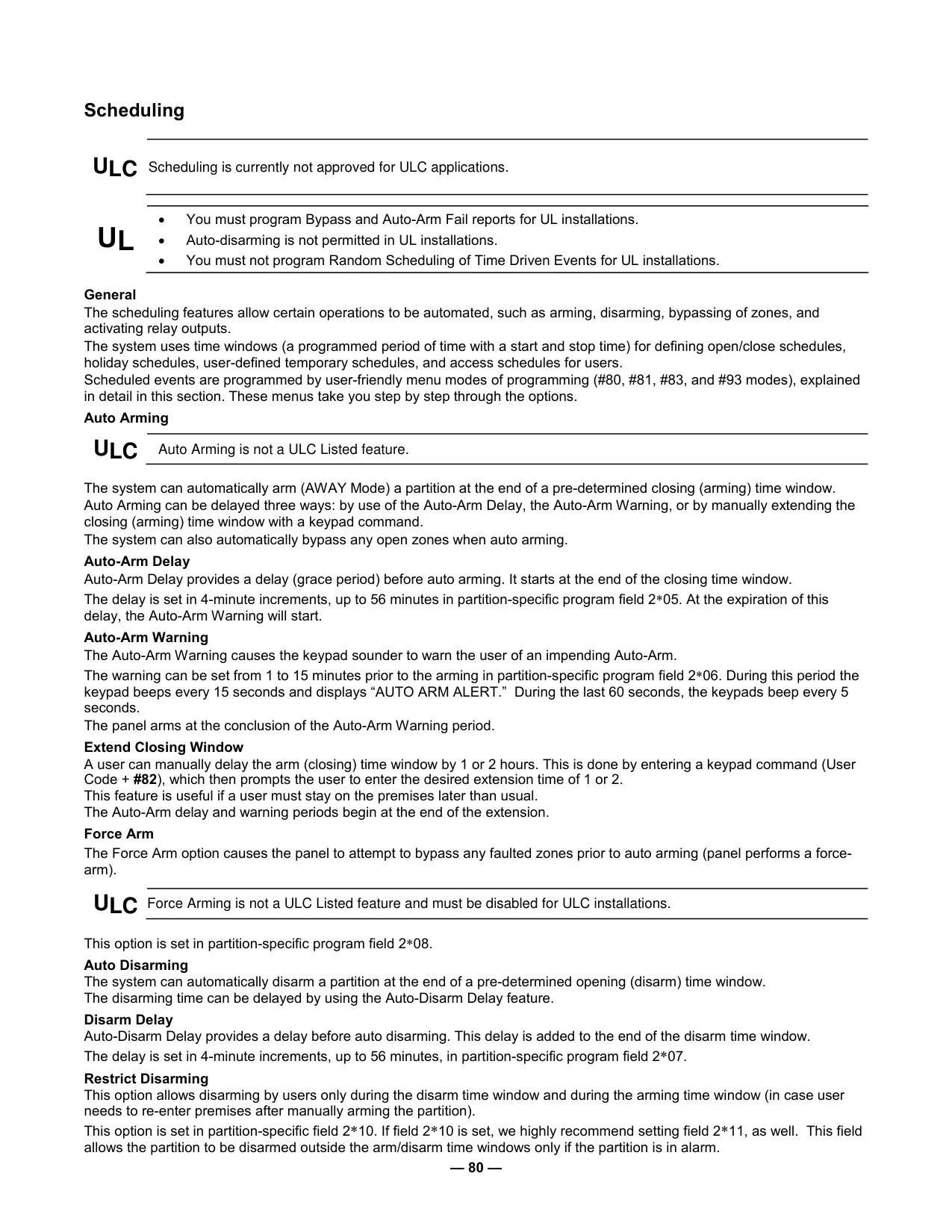
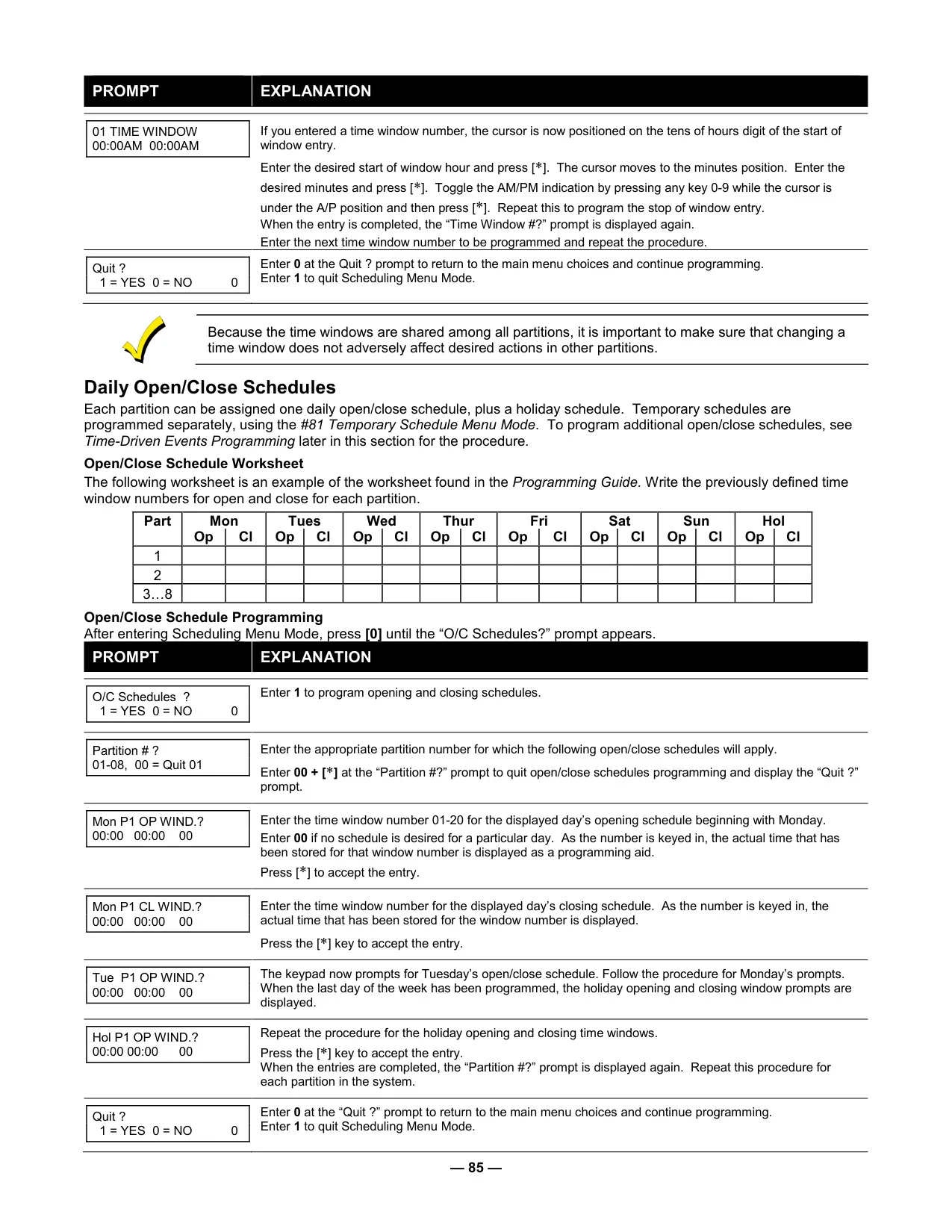
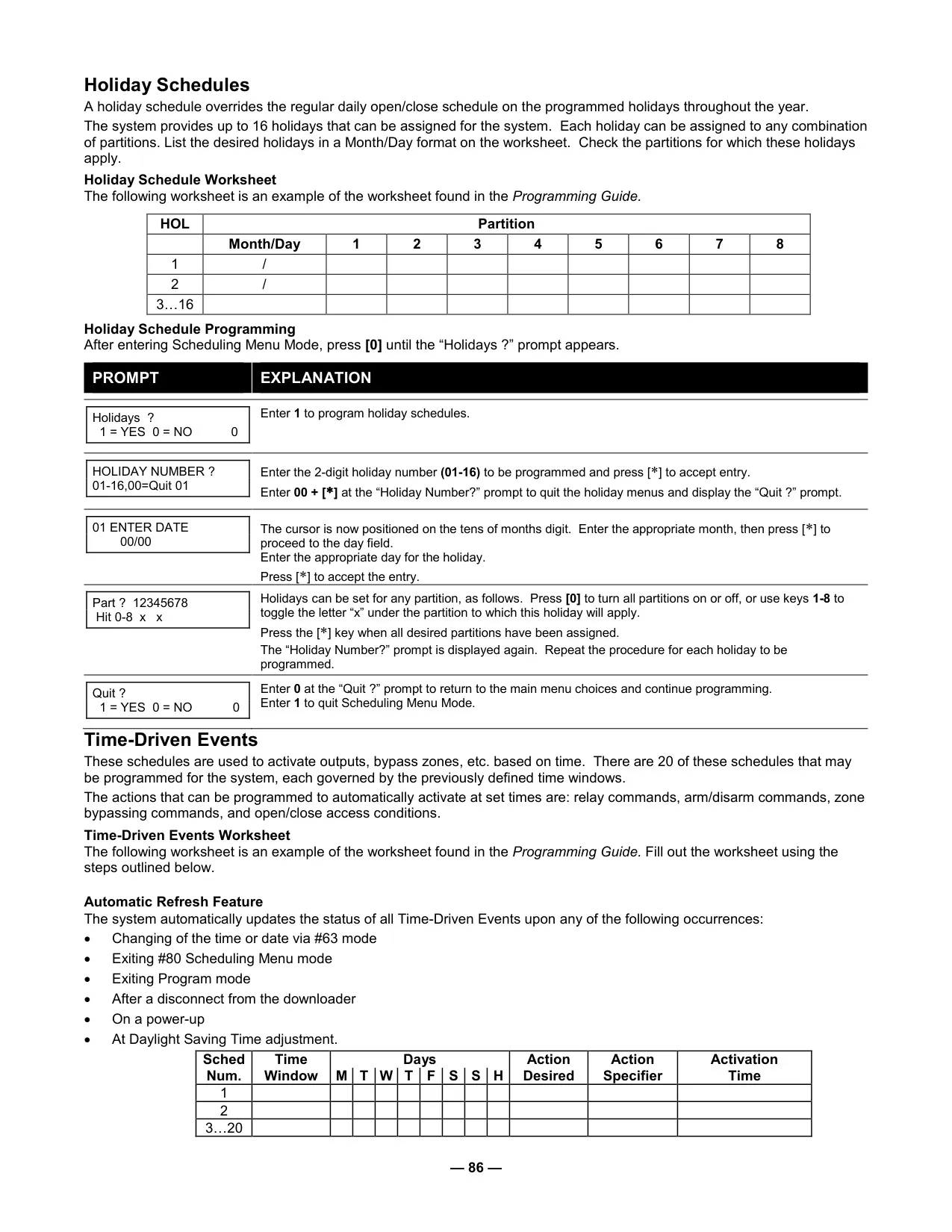
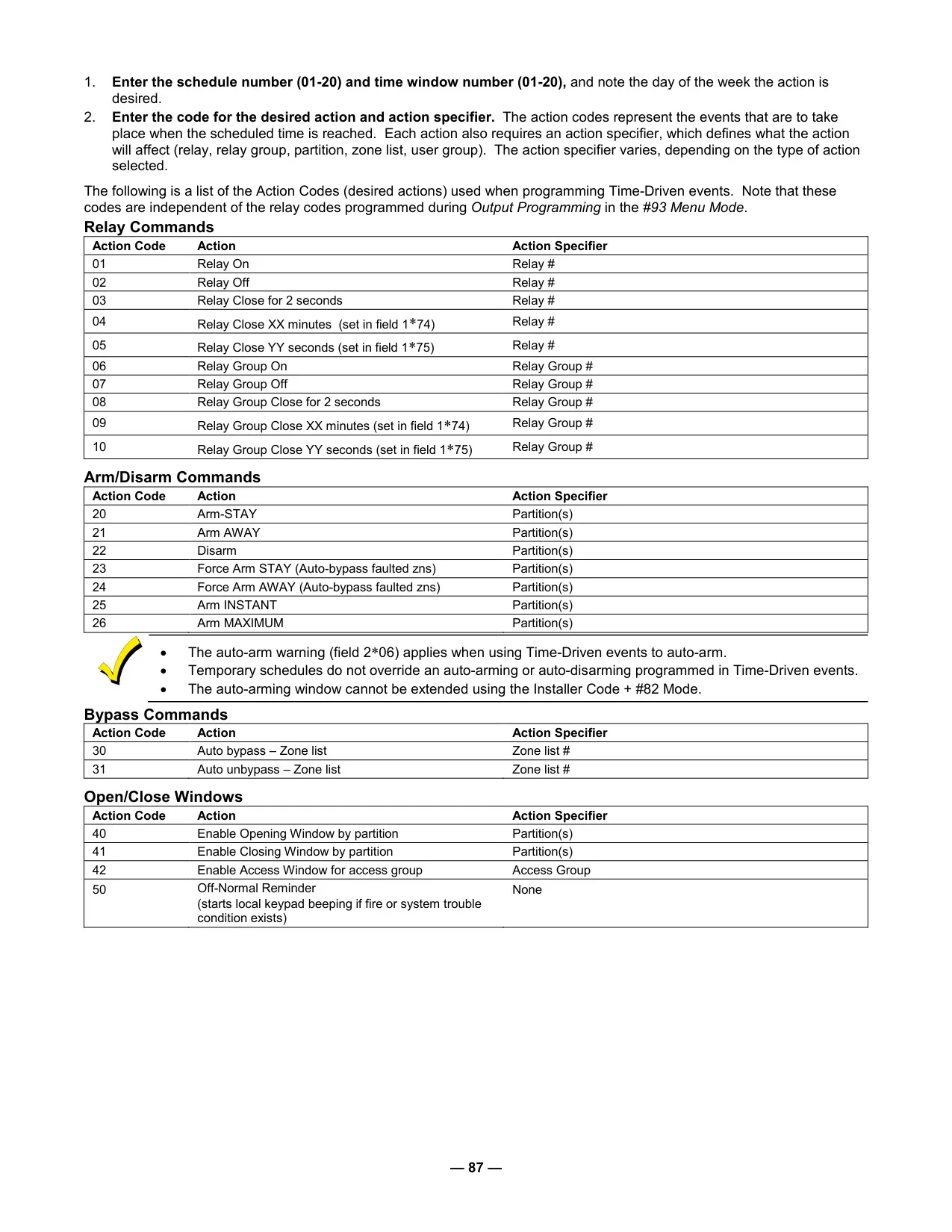
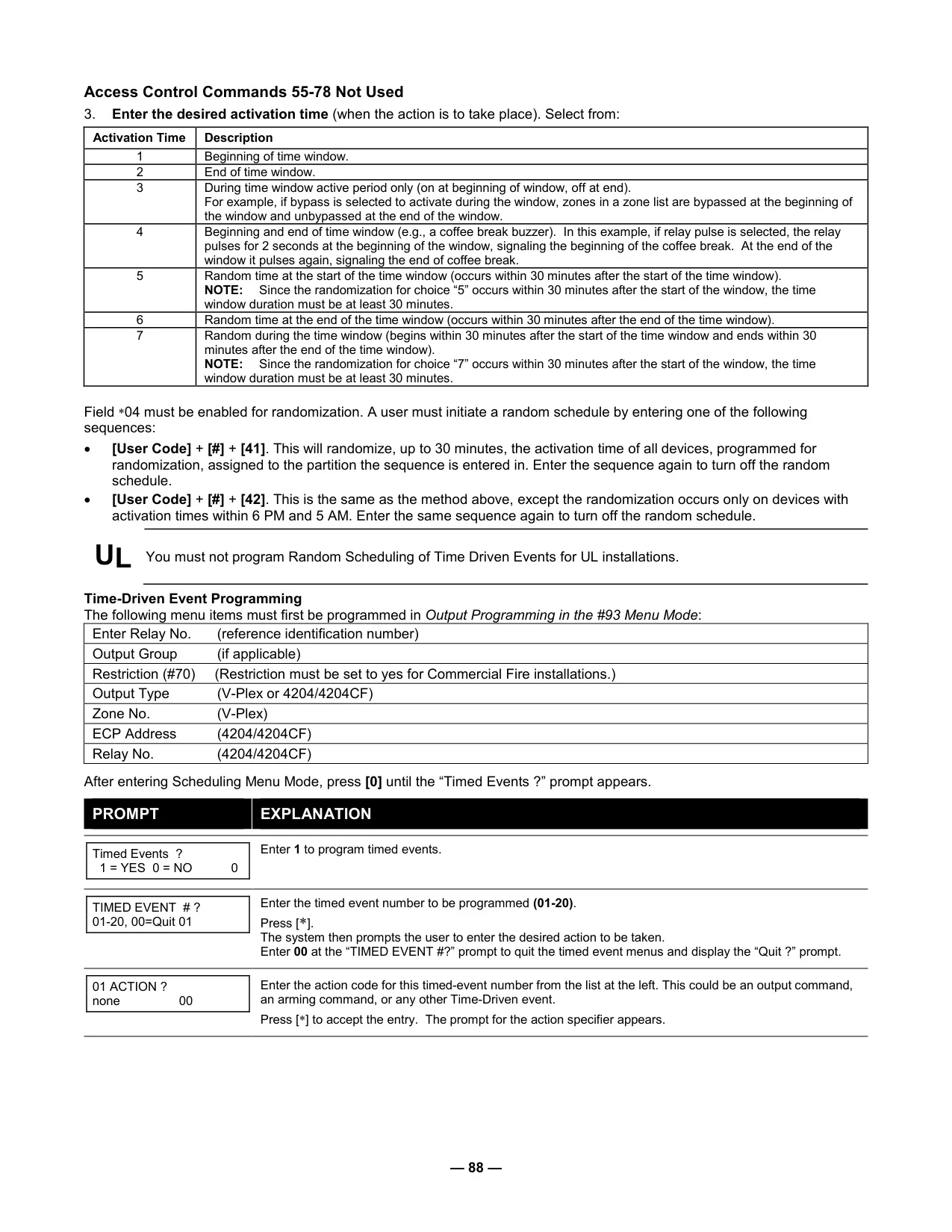
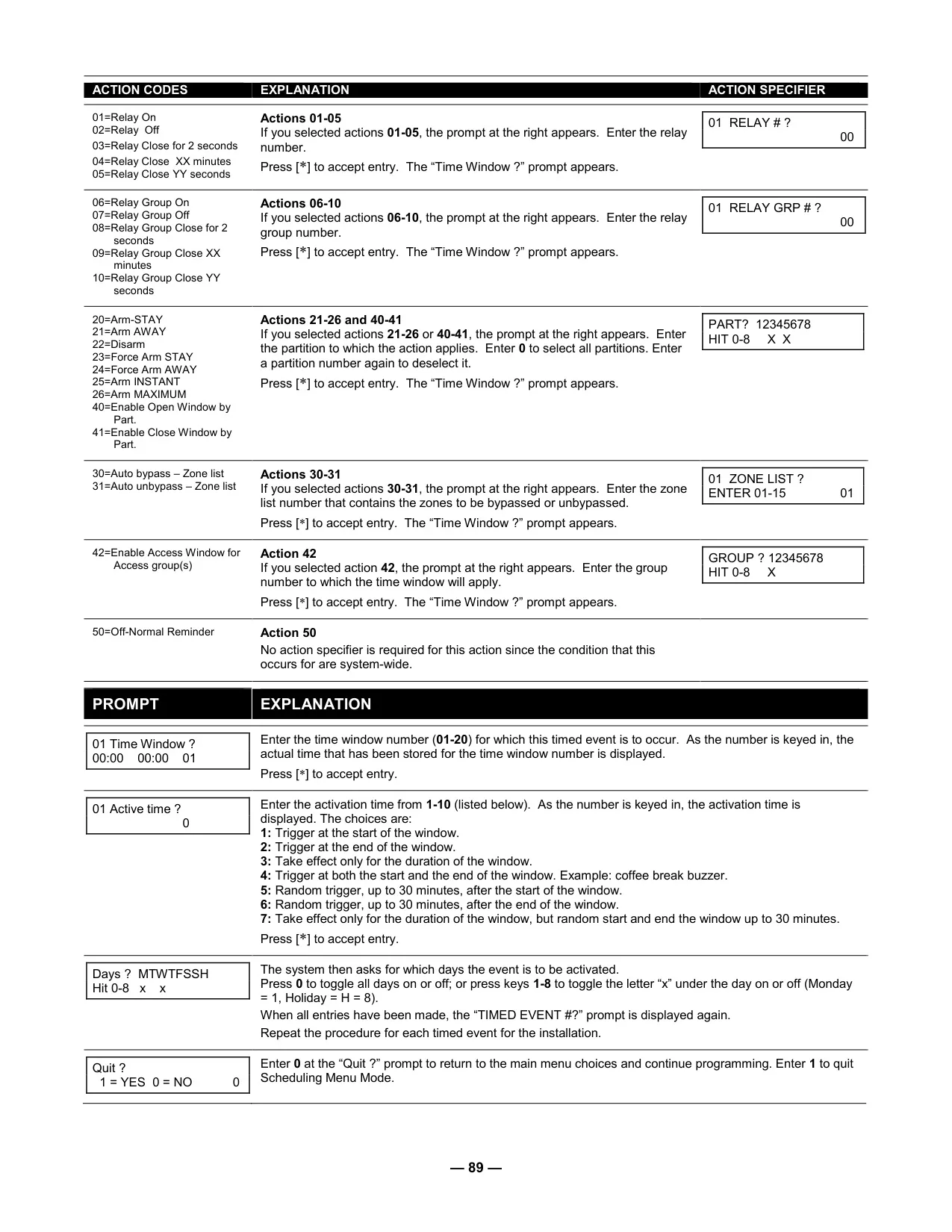
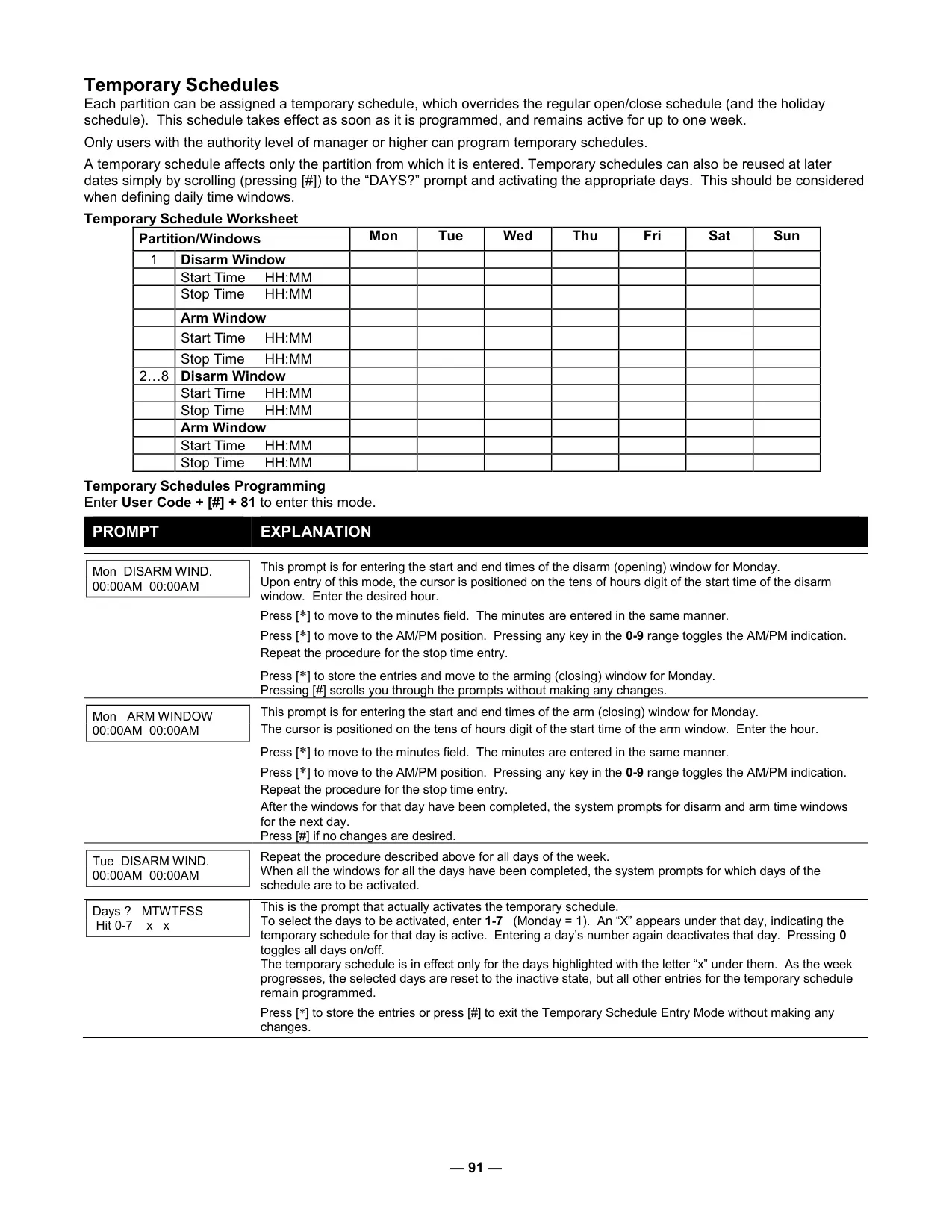
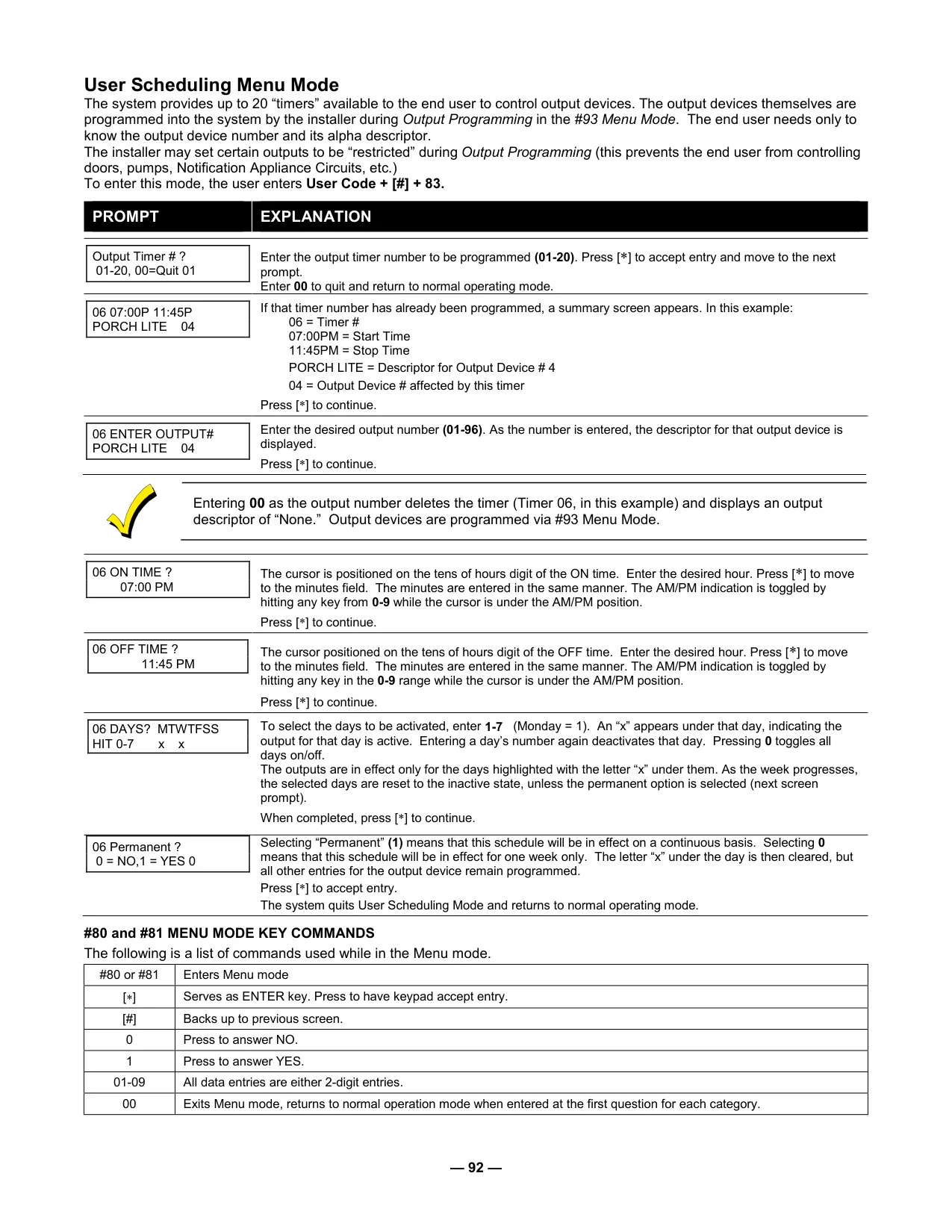
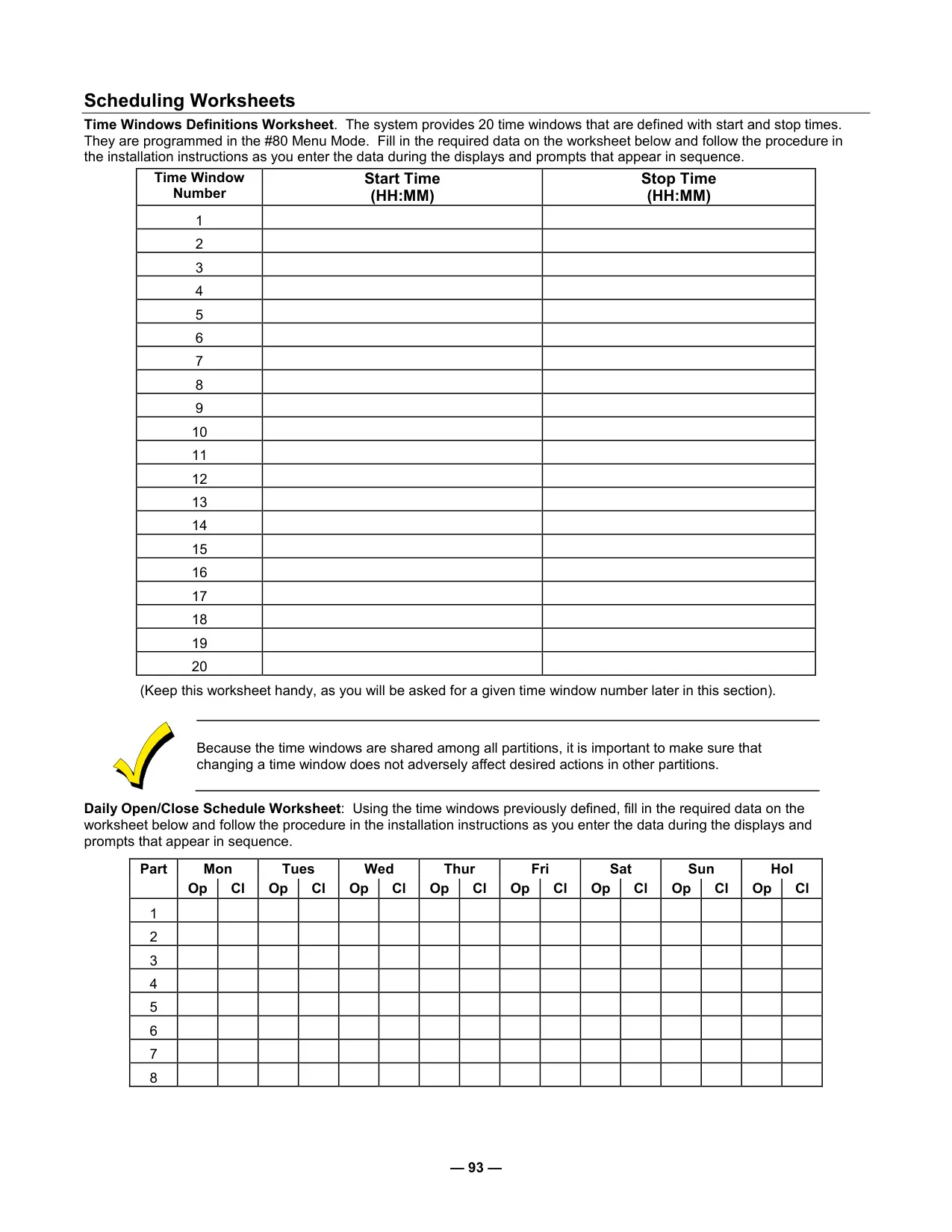
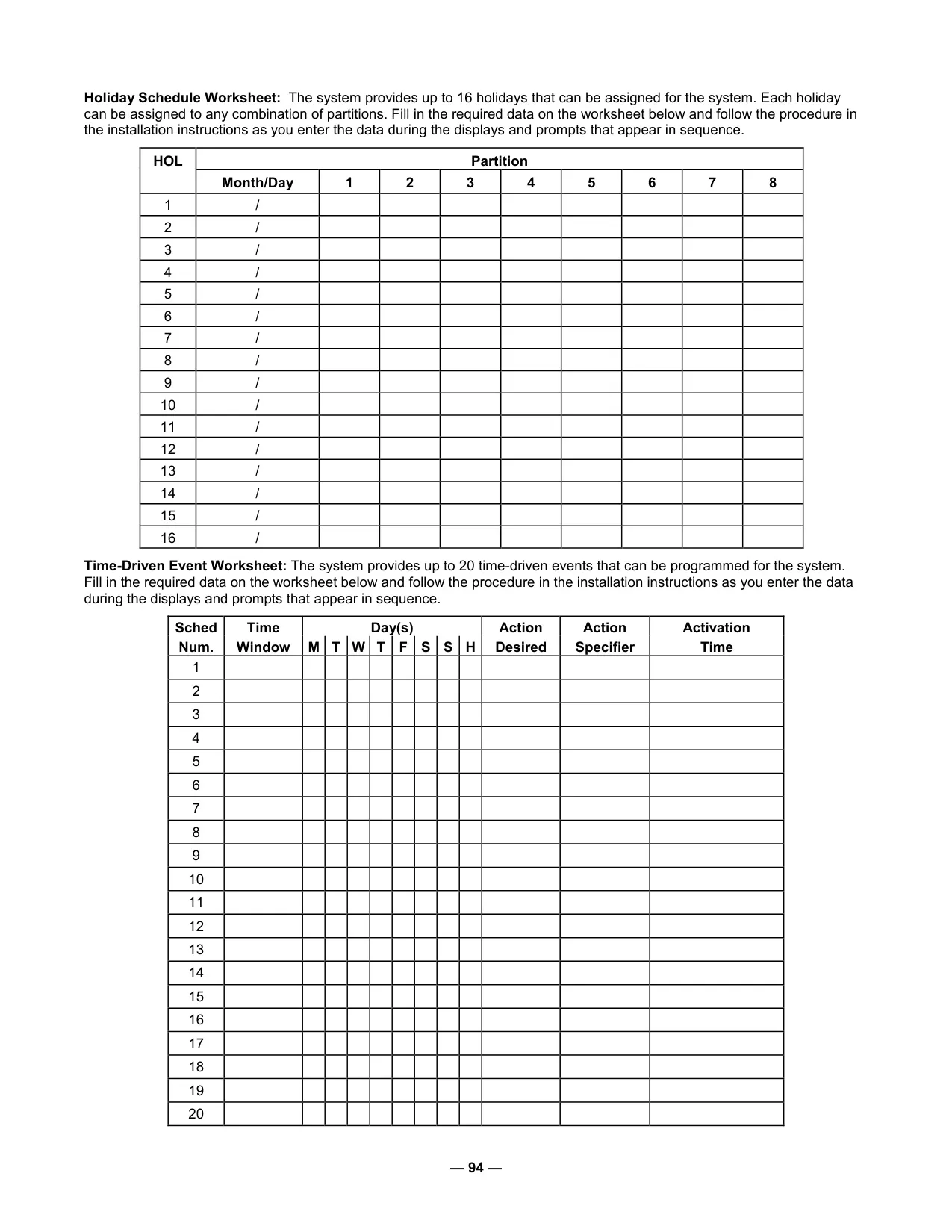
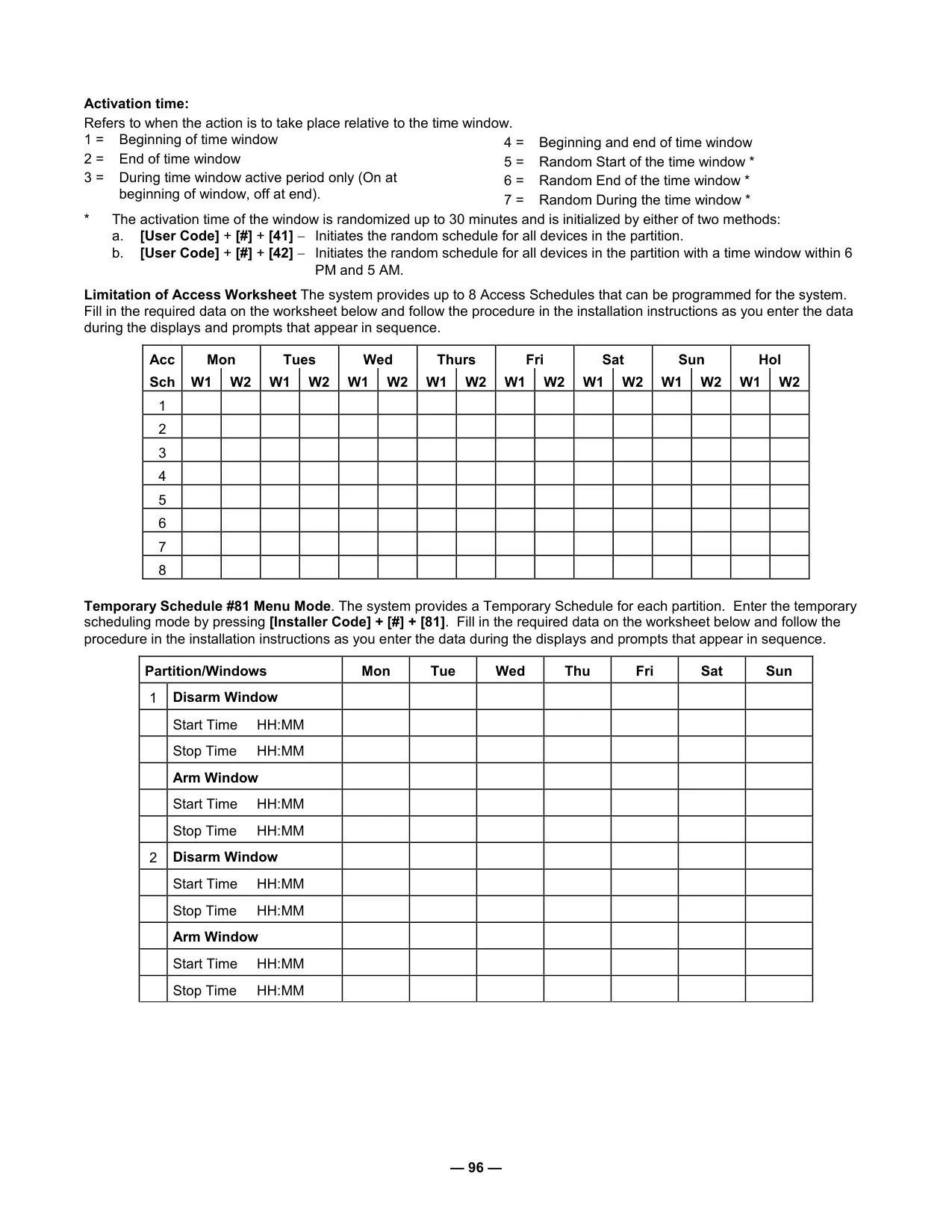
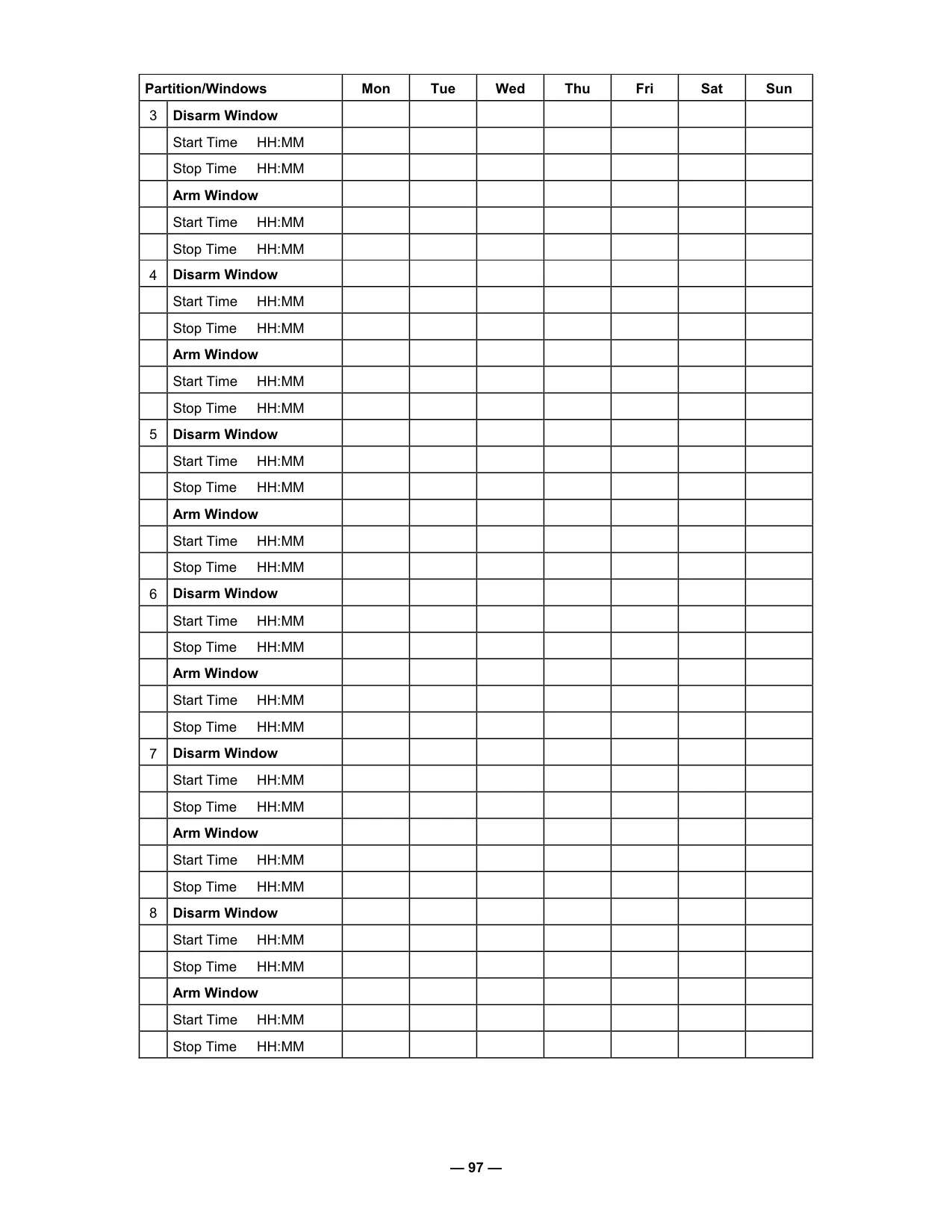
The Vista 250FBP excels in automation and convenience through its scheduling and device timer capabilities. Users can program temporary schedules to override normal arming/disarming times for up to a week, or delay a programmed closing time by up to two hours. The system further allows control over up to 96 external devices, such as lights or appliances, via 20 programmable timers. These timers can be set with specific ON/OFF times for selected days, or even randomized to create the illusion of occupancy, enhancing deterrence during extended absences.
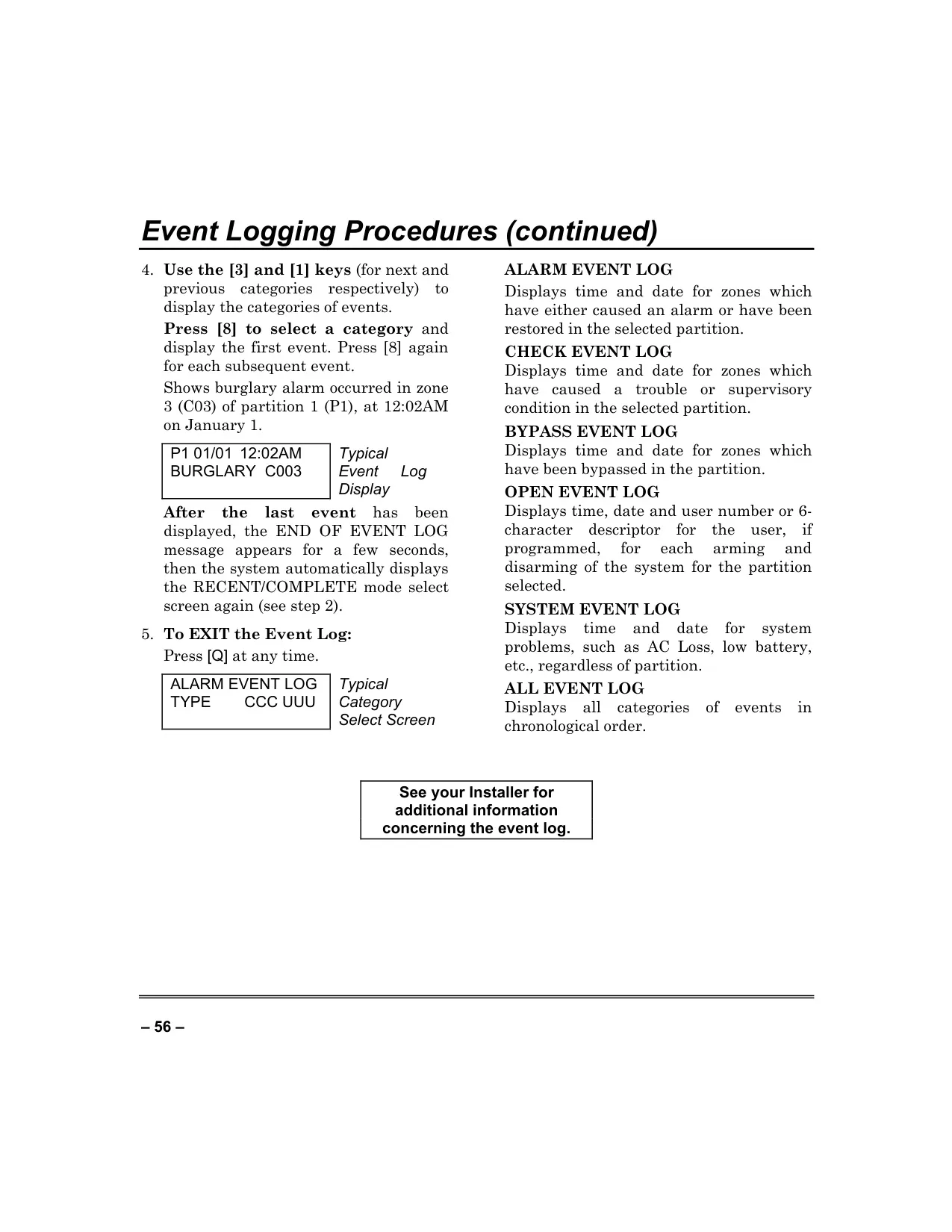
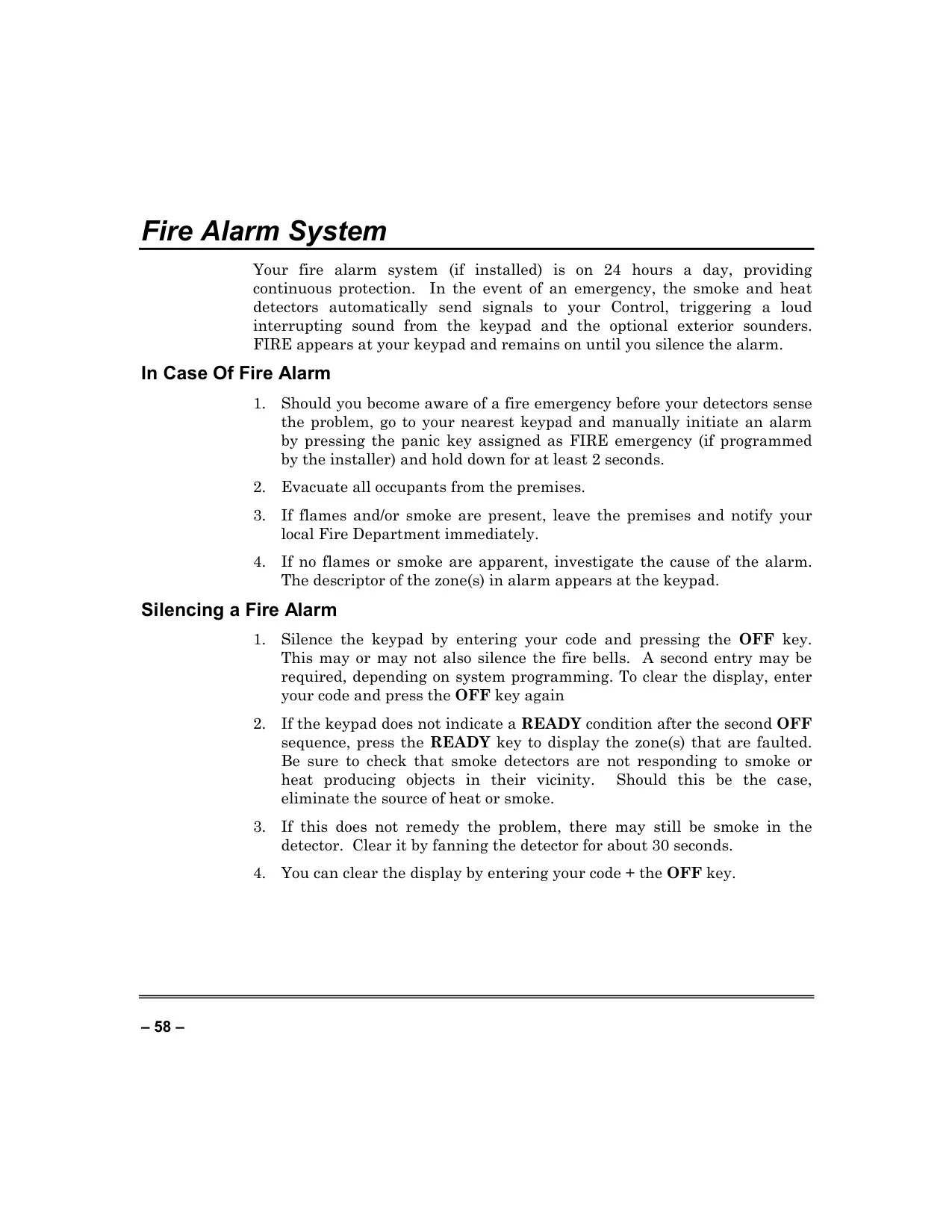
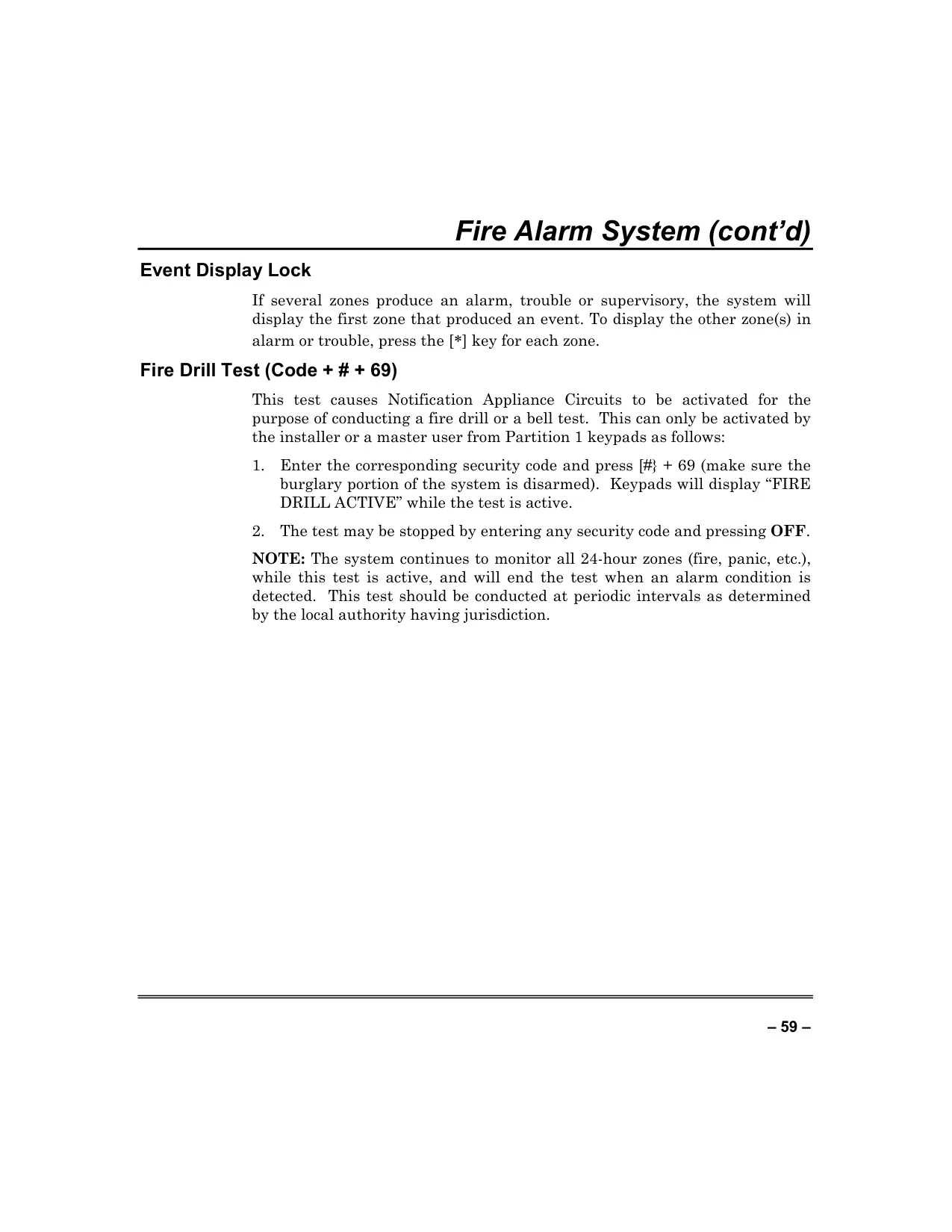
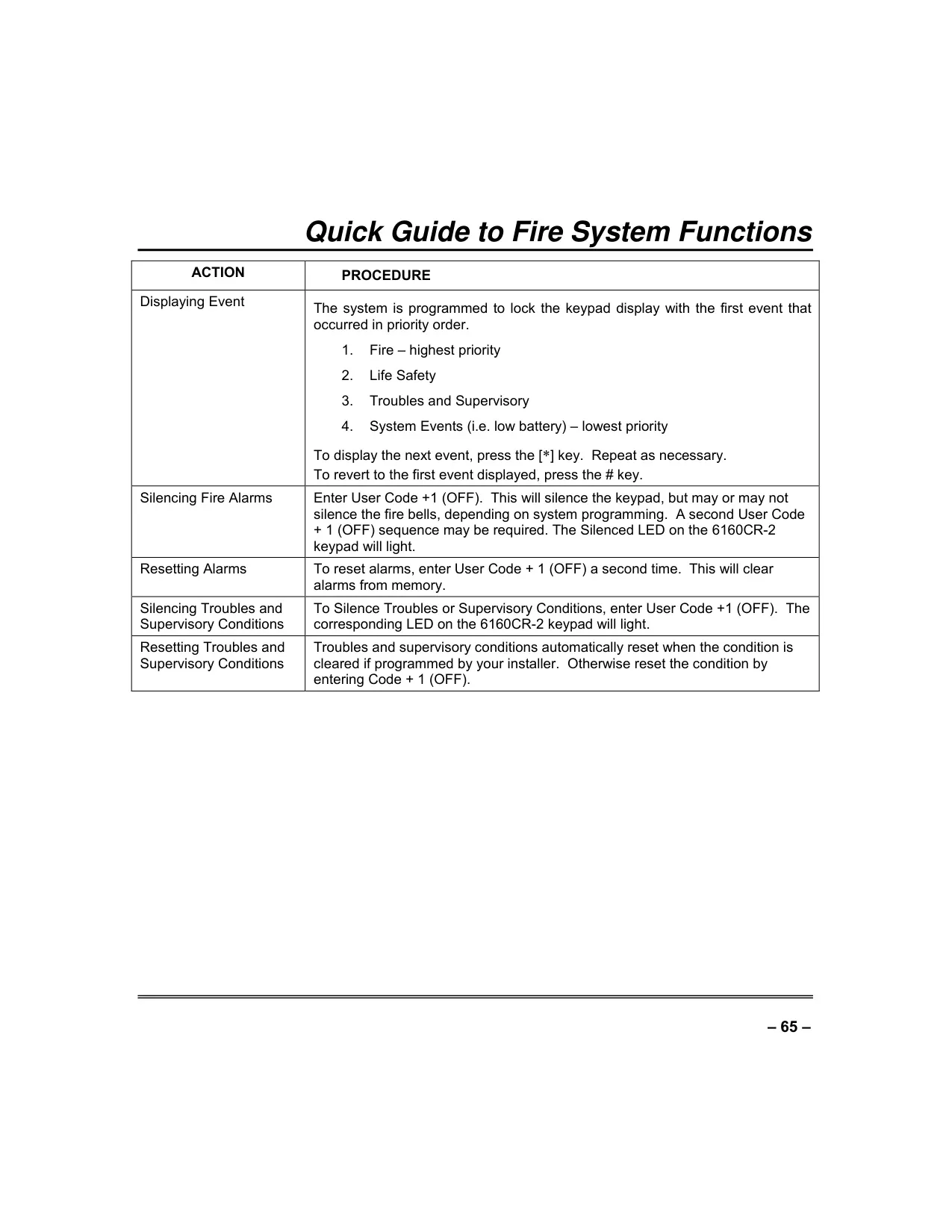
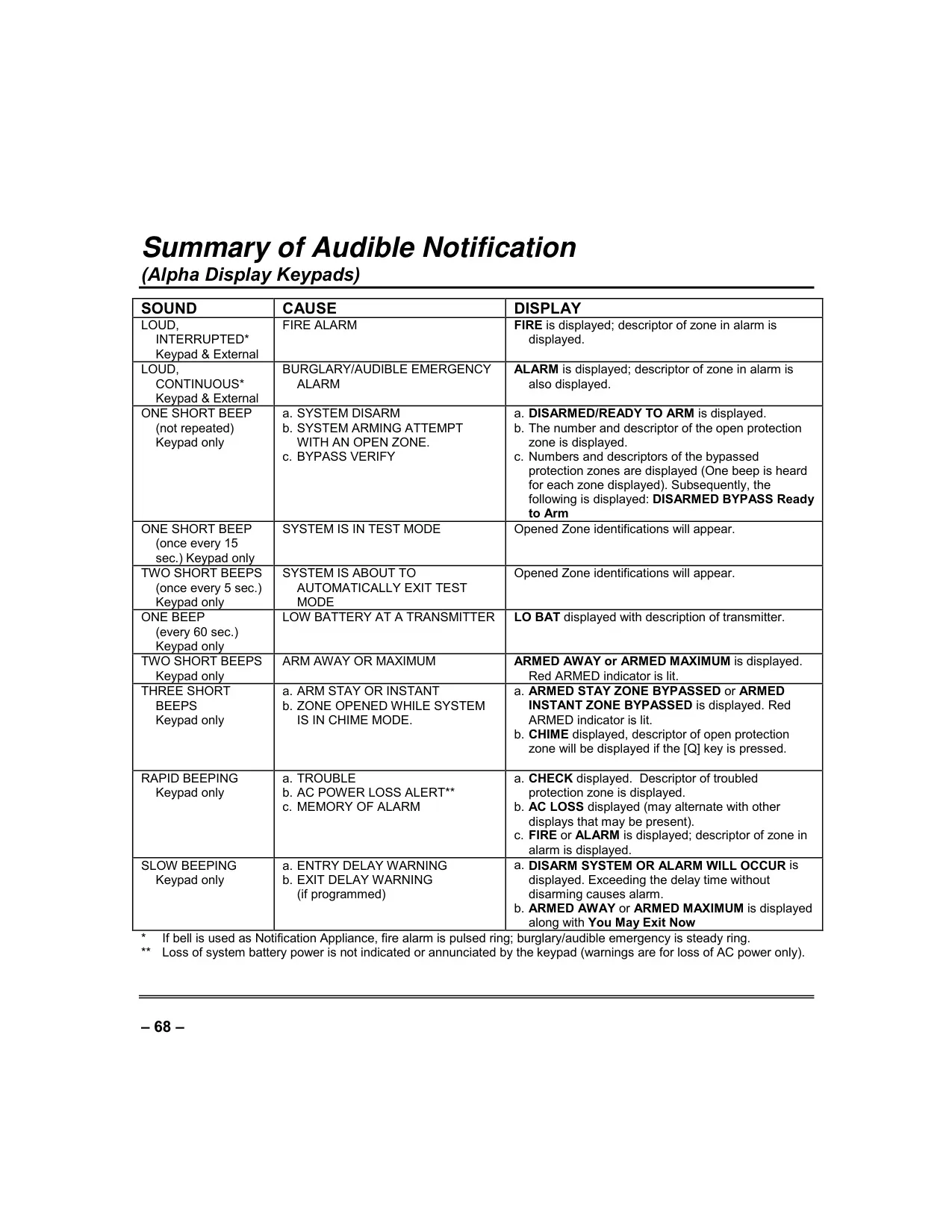
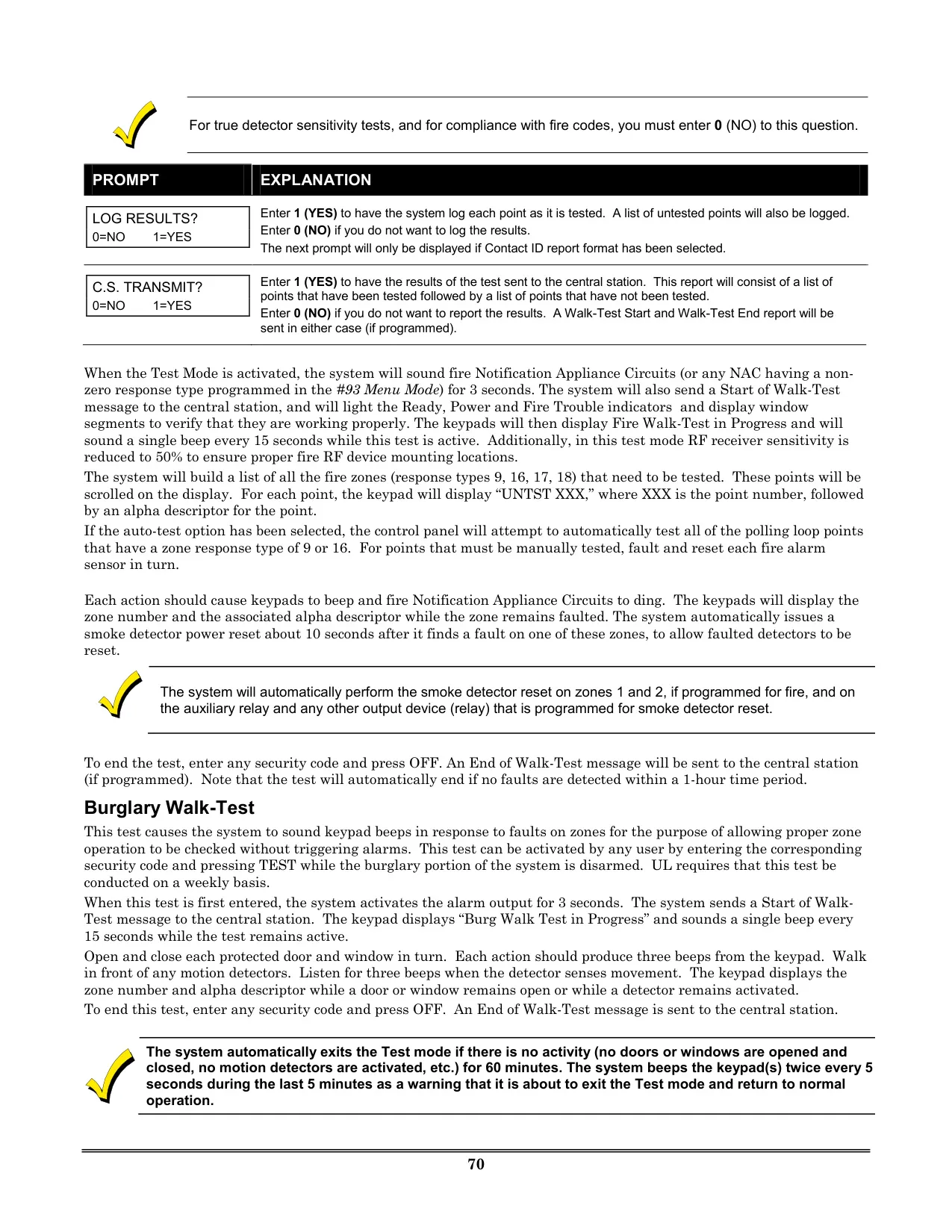
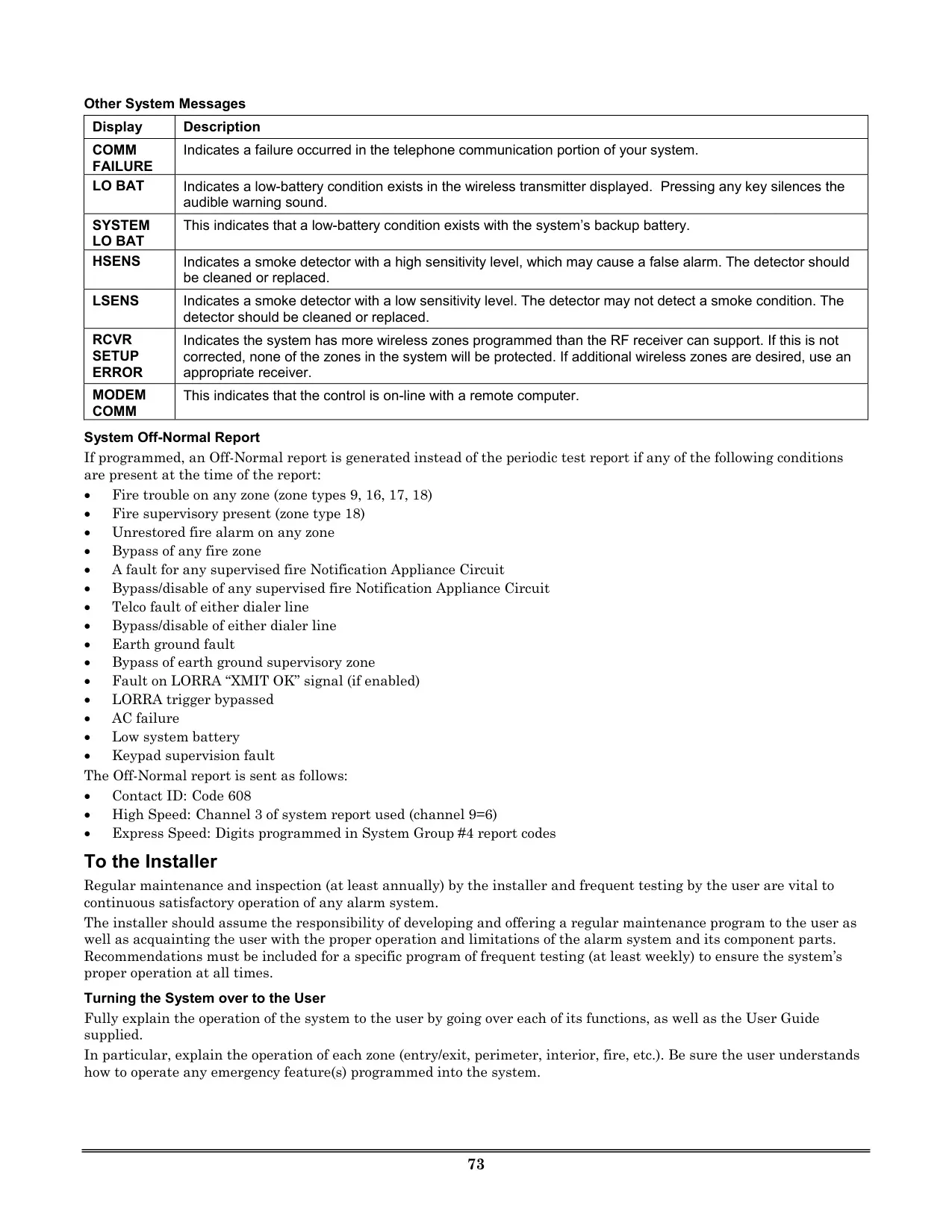
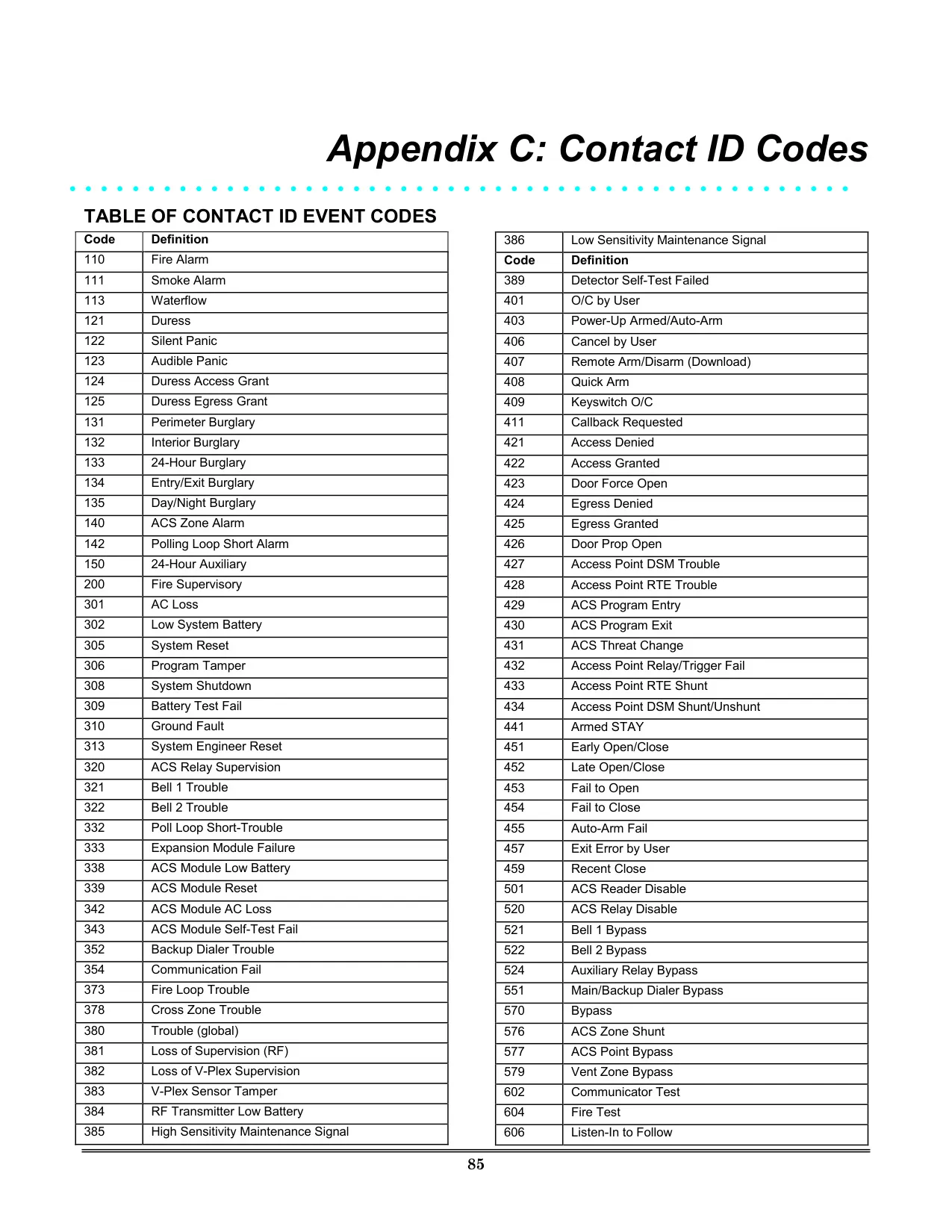
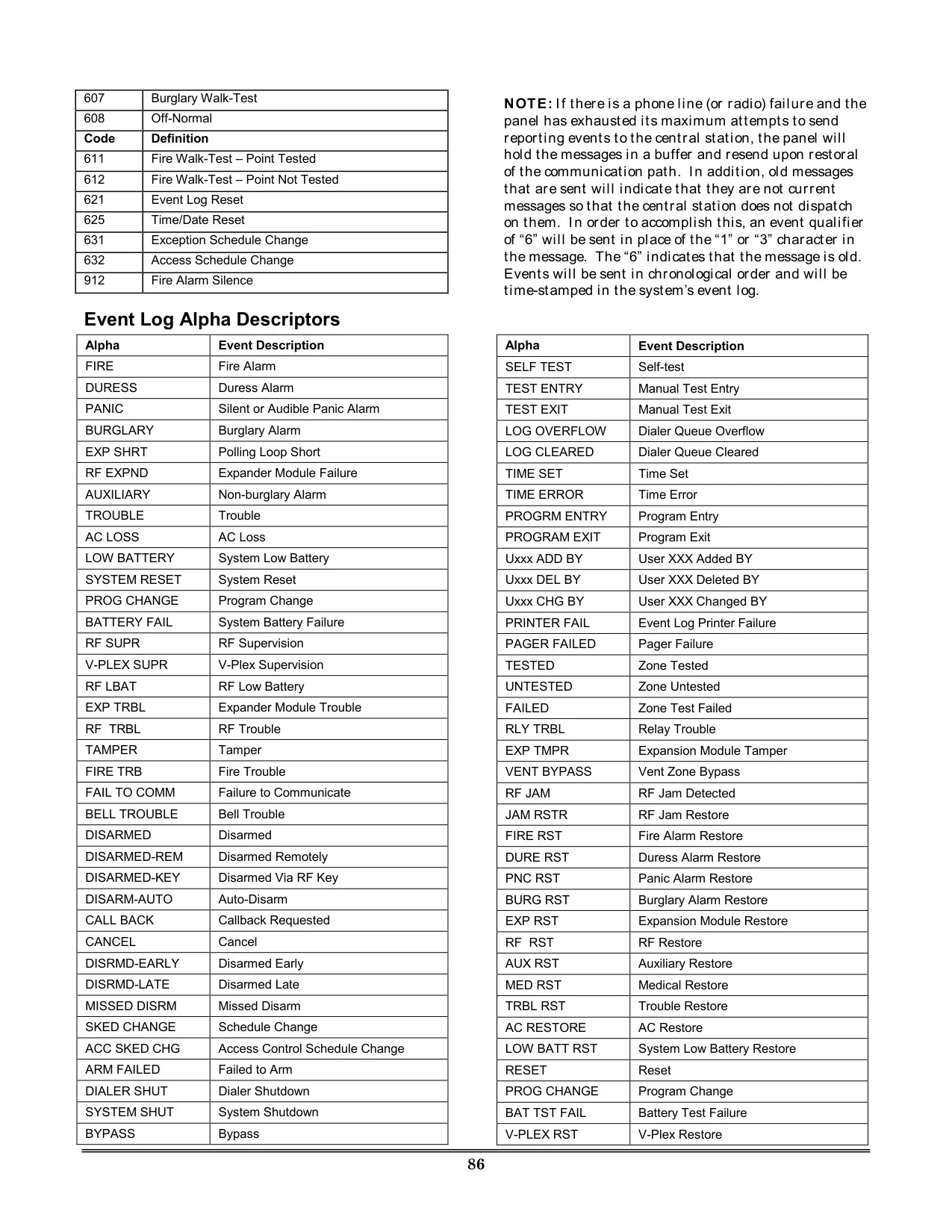
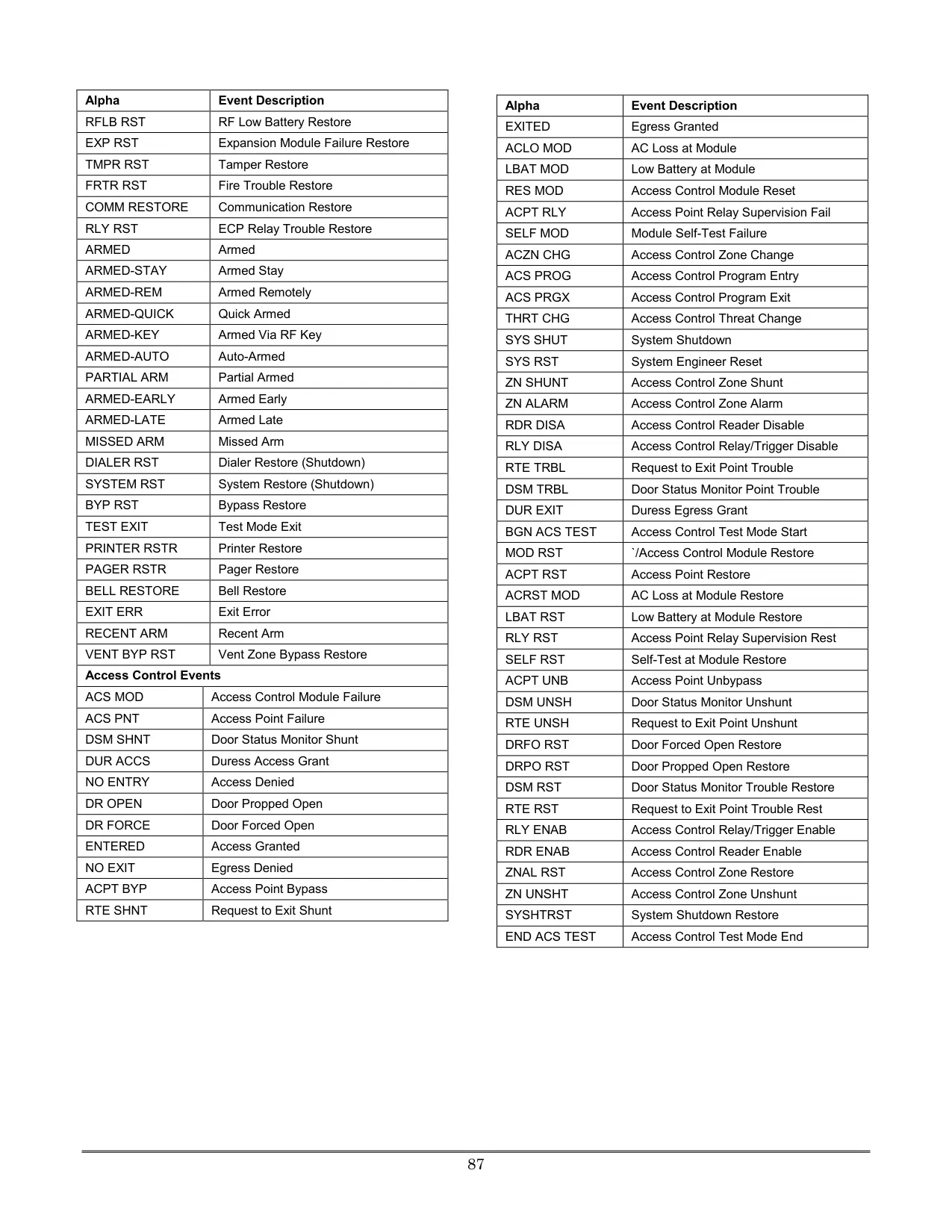
Fire and carbon monoxide protection are integrated seamlessly. The fire protection component remains active 24/7, providing continuous monitoring, while optional 5800CO detectors extend this to invisible, odorless carbon monoxide gas. In case of an alarm, the system provides clear notifications on the keypad and can transmit signals to a central station. Regular system maintenance, including weekly testing and addressing low battery warnings for both the system and individual wireless sensors, is crucial for ensuring reliable operation. The system's detailed Event Log stores up to 1000 chronological events, categorized for easy review of alarms, troubles, bypasses, and system activities.
Frequently Asked Questions (FAQs)
Can't find the answer you need? Here are some frequently asked questions about the Honeywell Vista 250FBP Security System, and we answer them below.