Honeywell RTH7600D Thermostat Instruction Manual
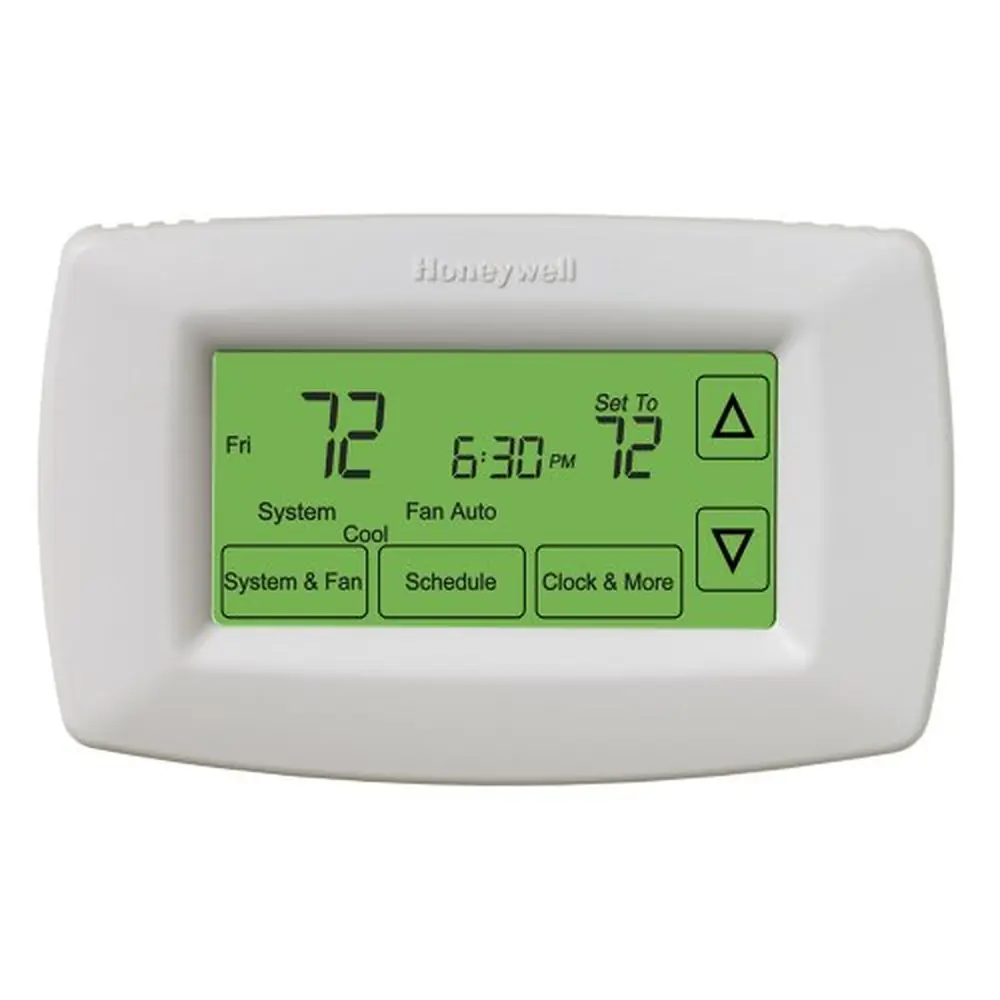
Honeywell RTH7600D Thermostat
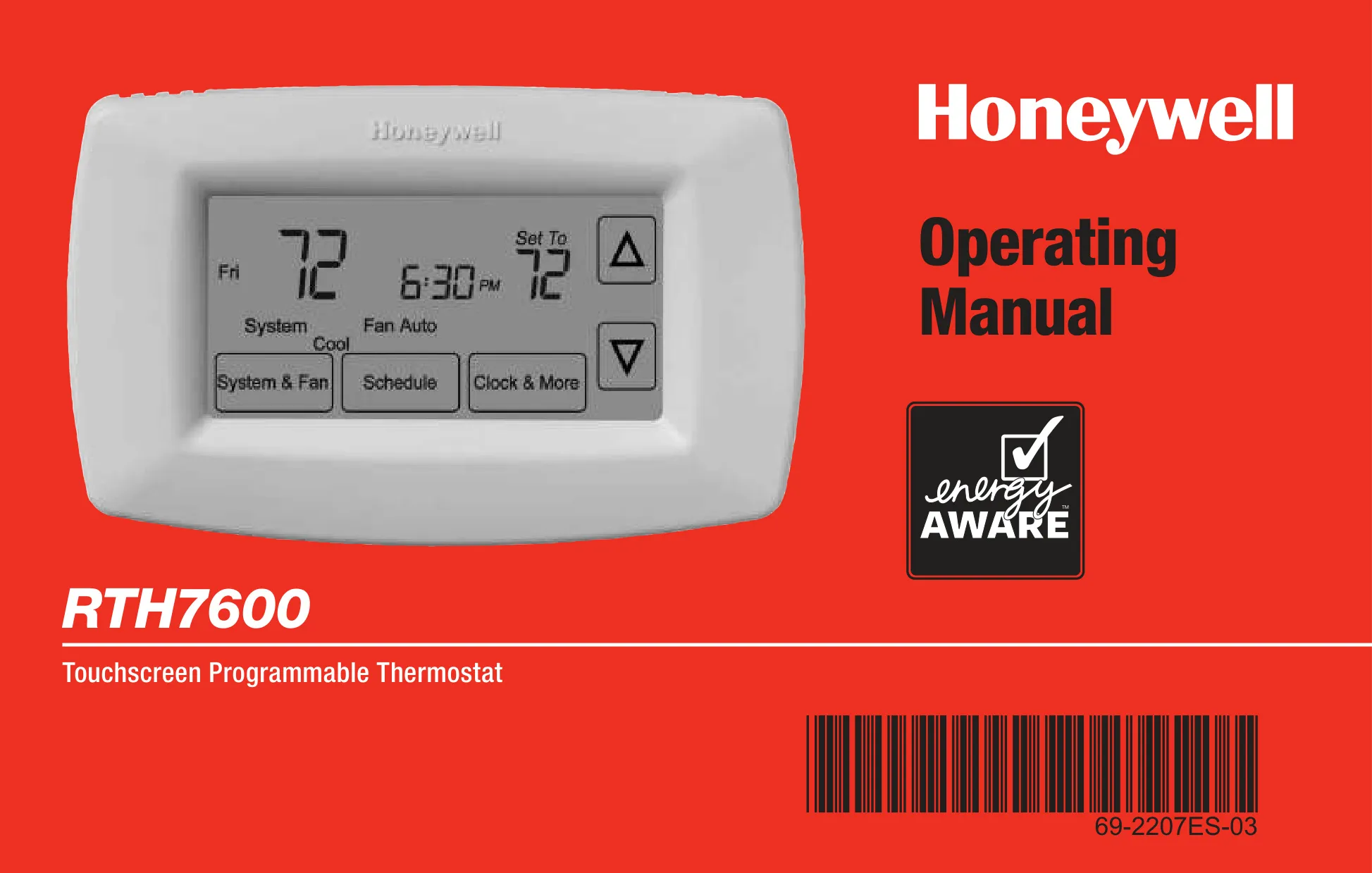
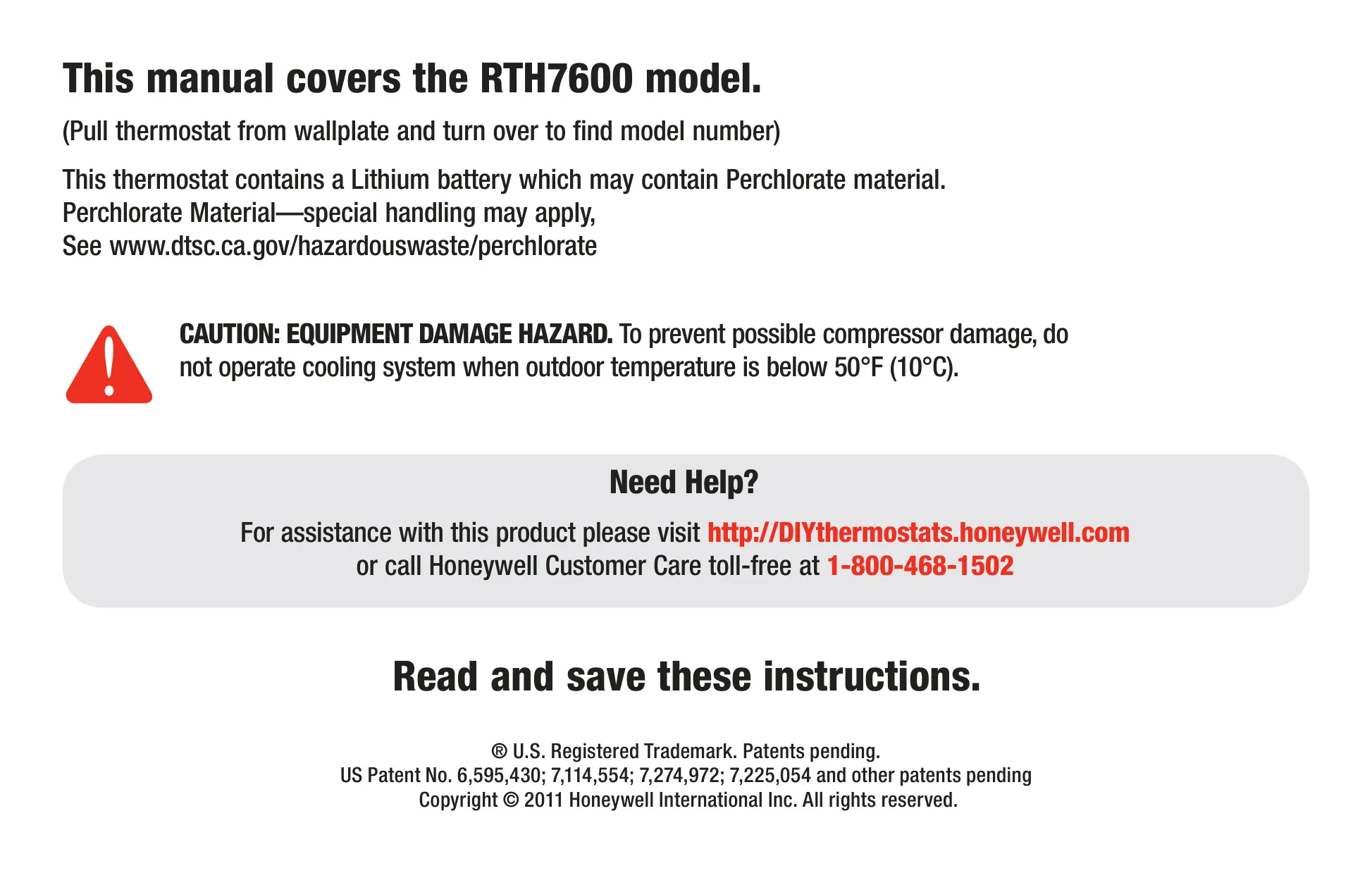
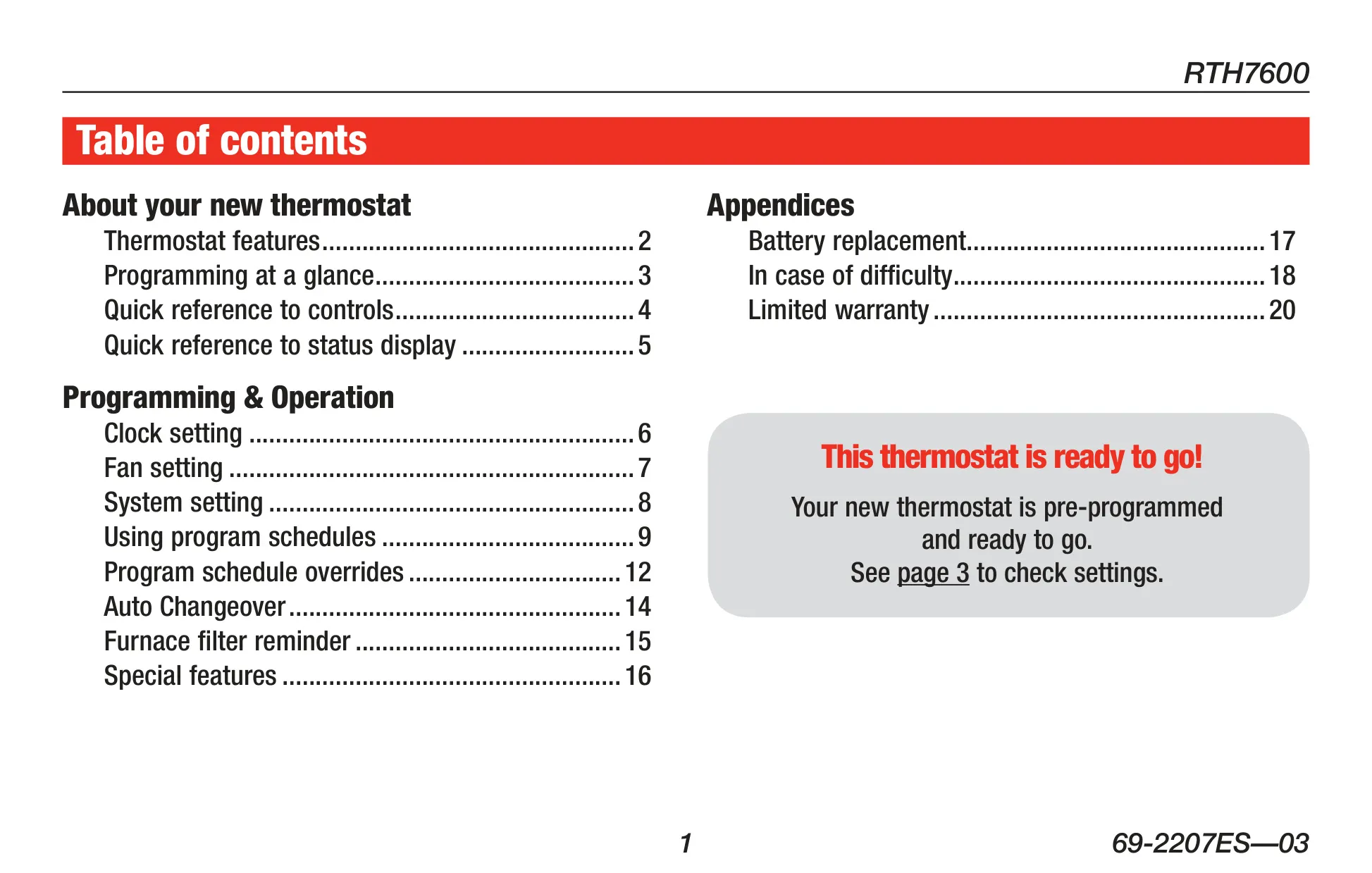




Honeywell RTH7600D Thermostat

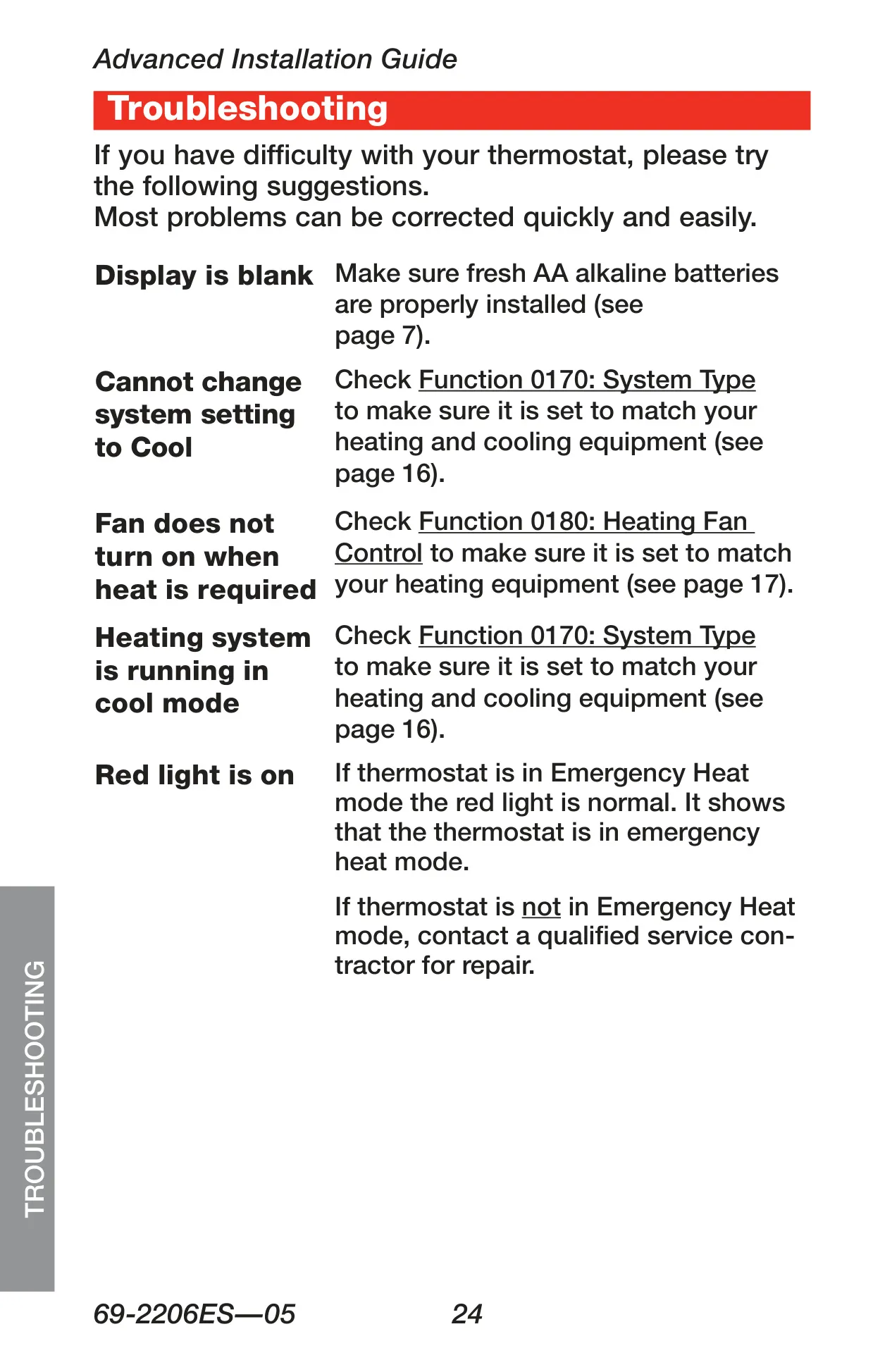
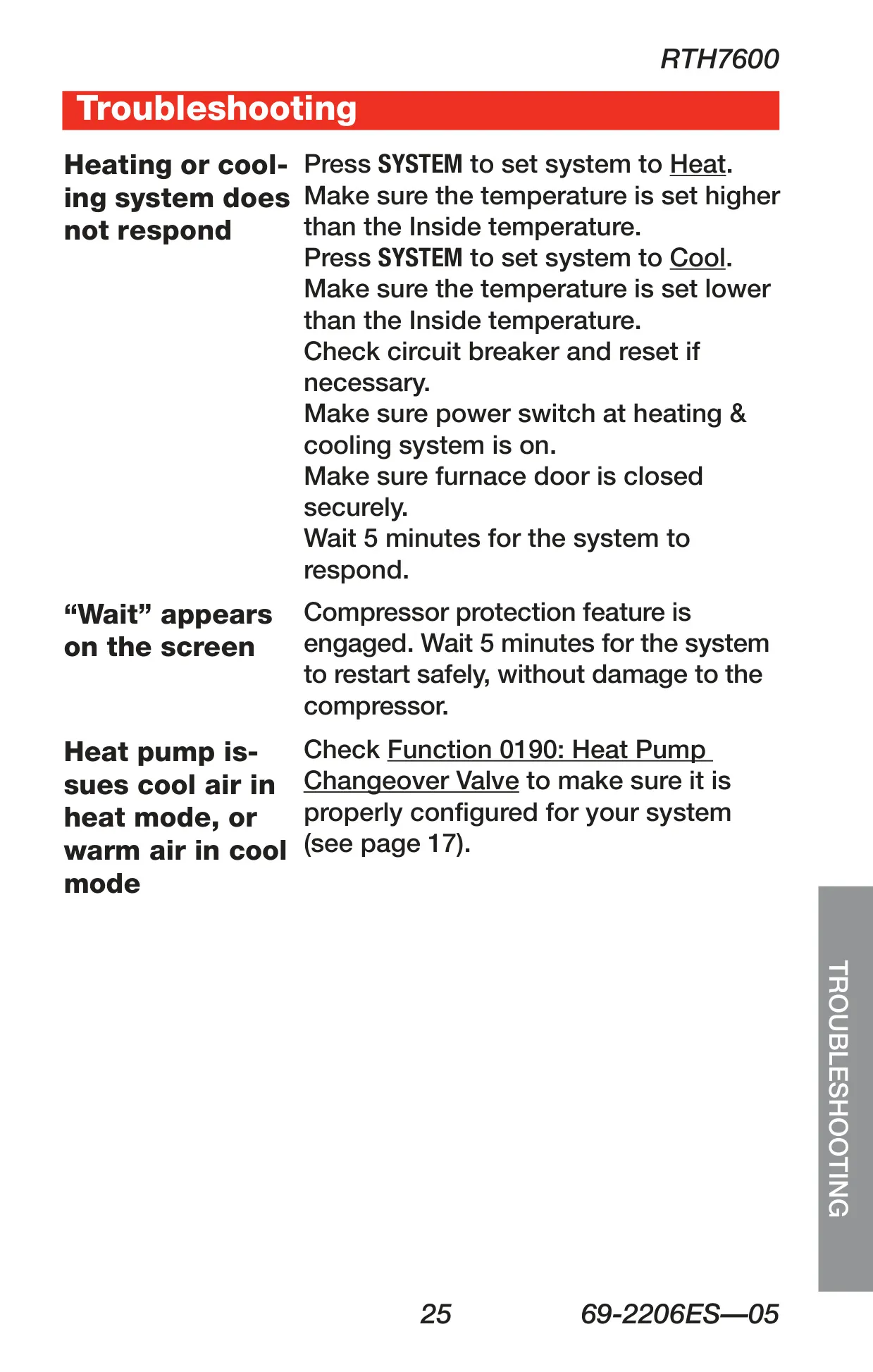

Honeywell RTH7600D Instructions
Here we offer the Honeywell RTH7600D Thermostat manual completely free and in English. We have cataloged this manual in the Thermostats section on Manualverse, and it has been rated by 1 users with an average rating of 5. If you have any specific questions about Honeywell RTH7600D Thermostat, we suggest checking the Frequently Asked Questions (FAQs) section of this manual.
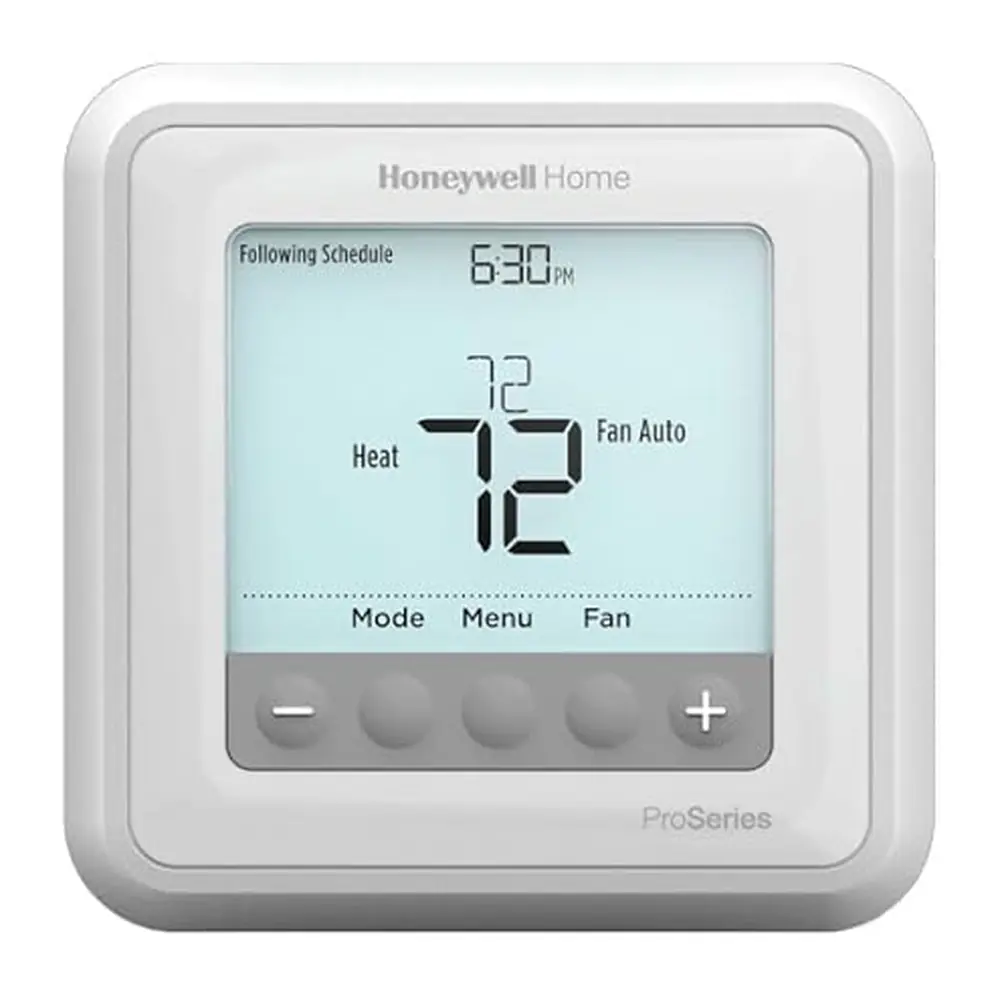
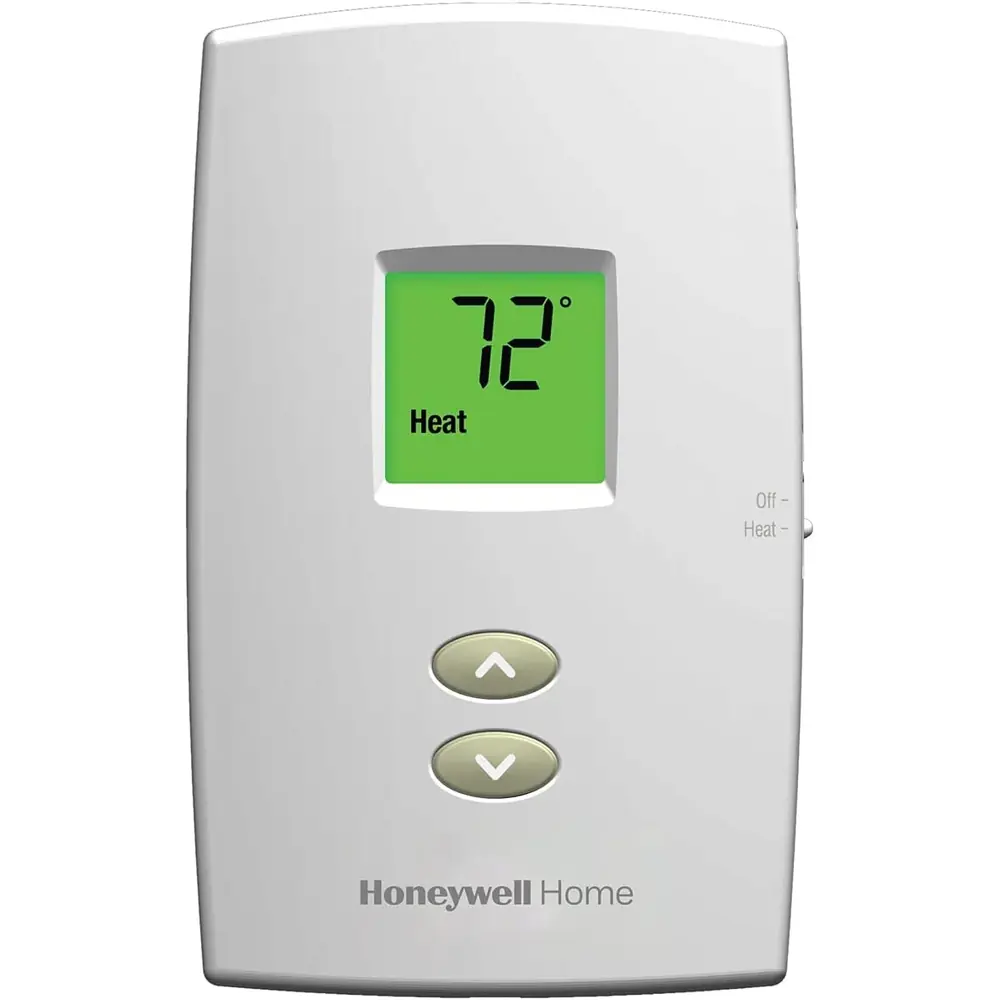
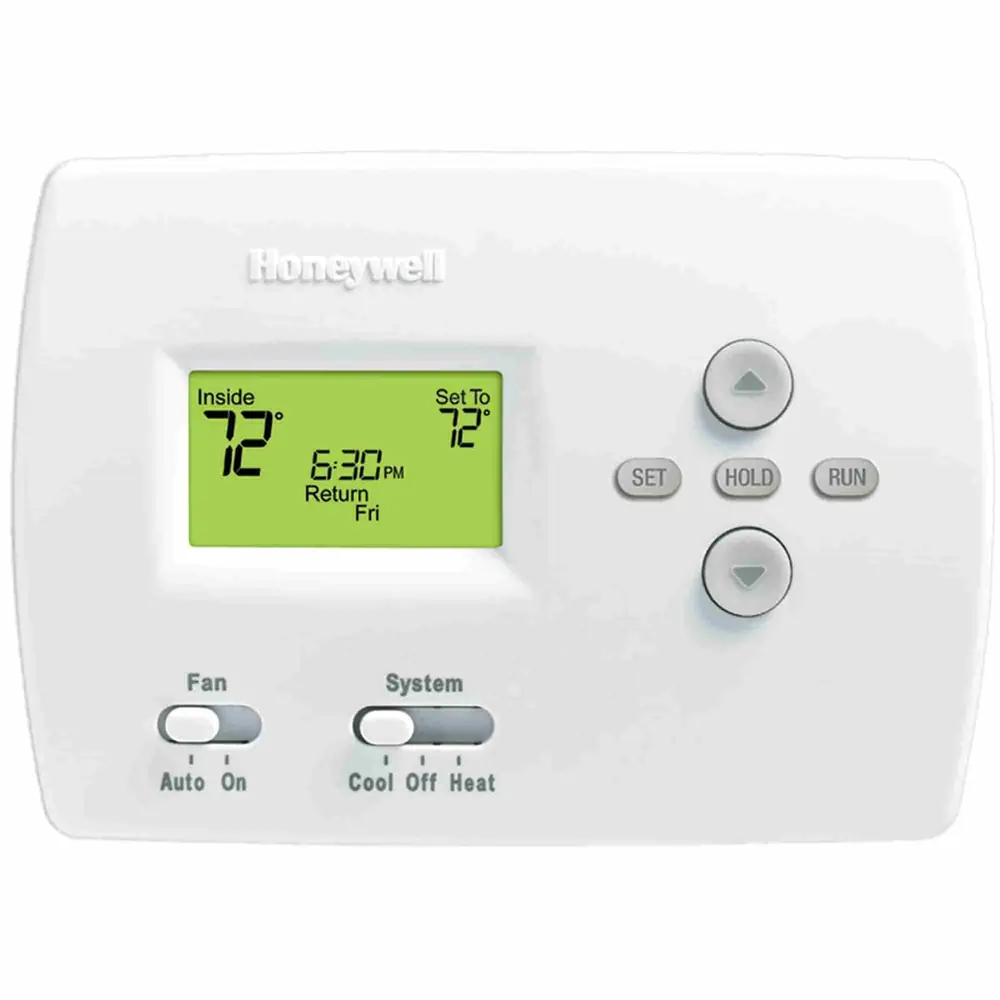
Product Images
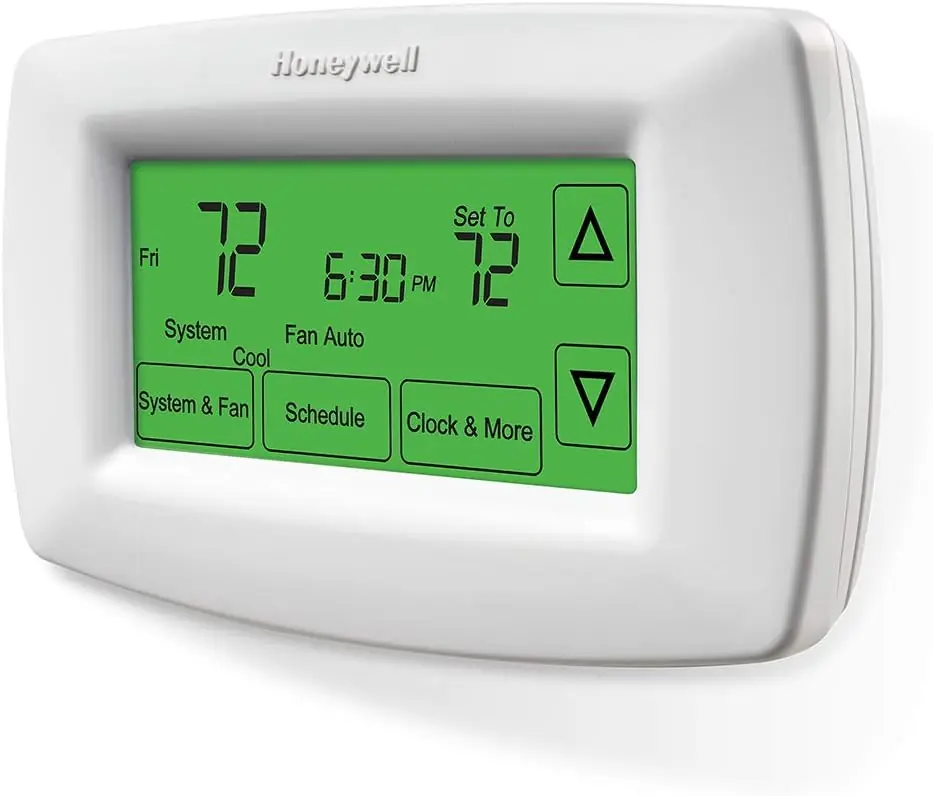
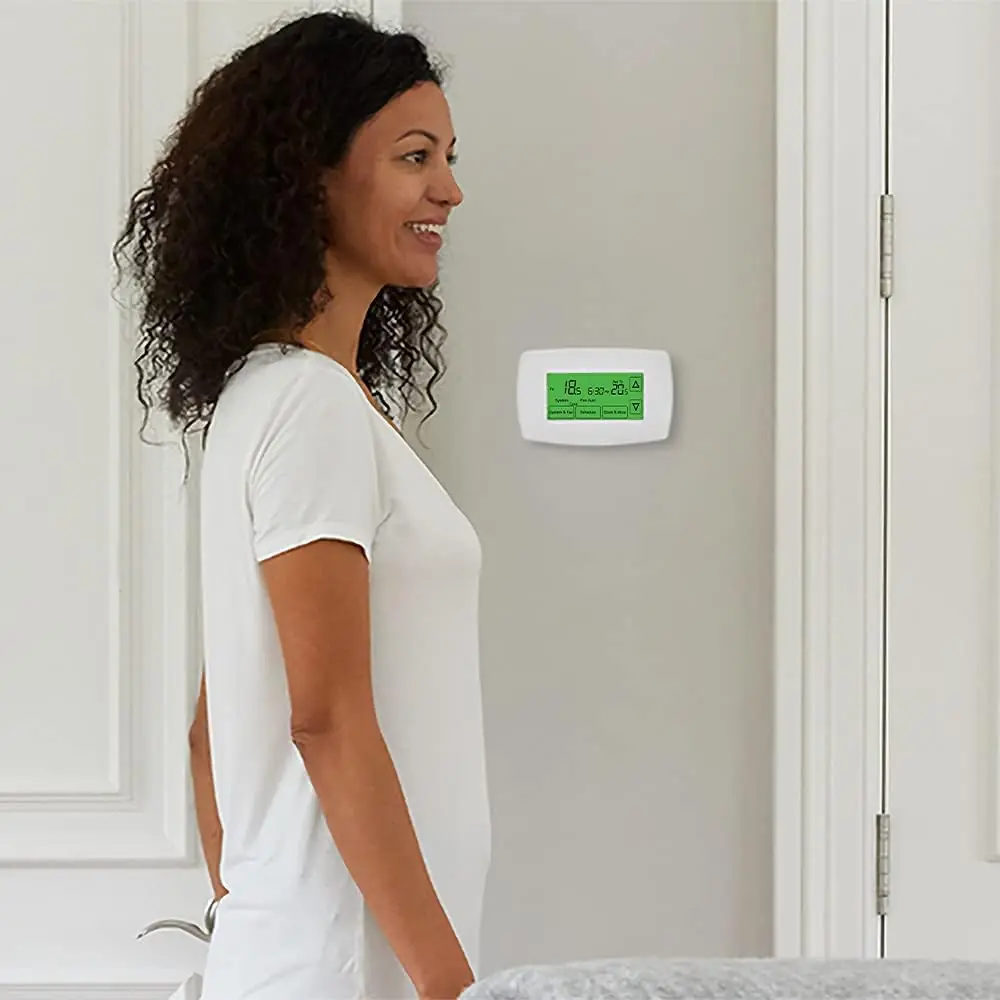
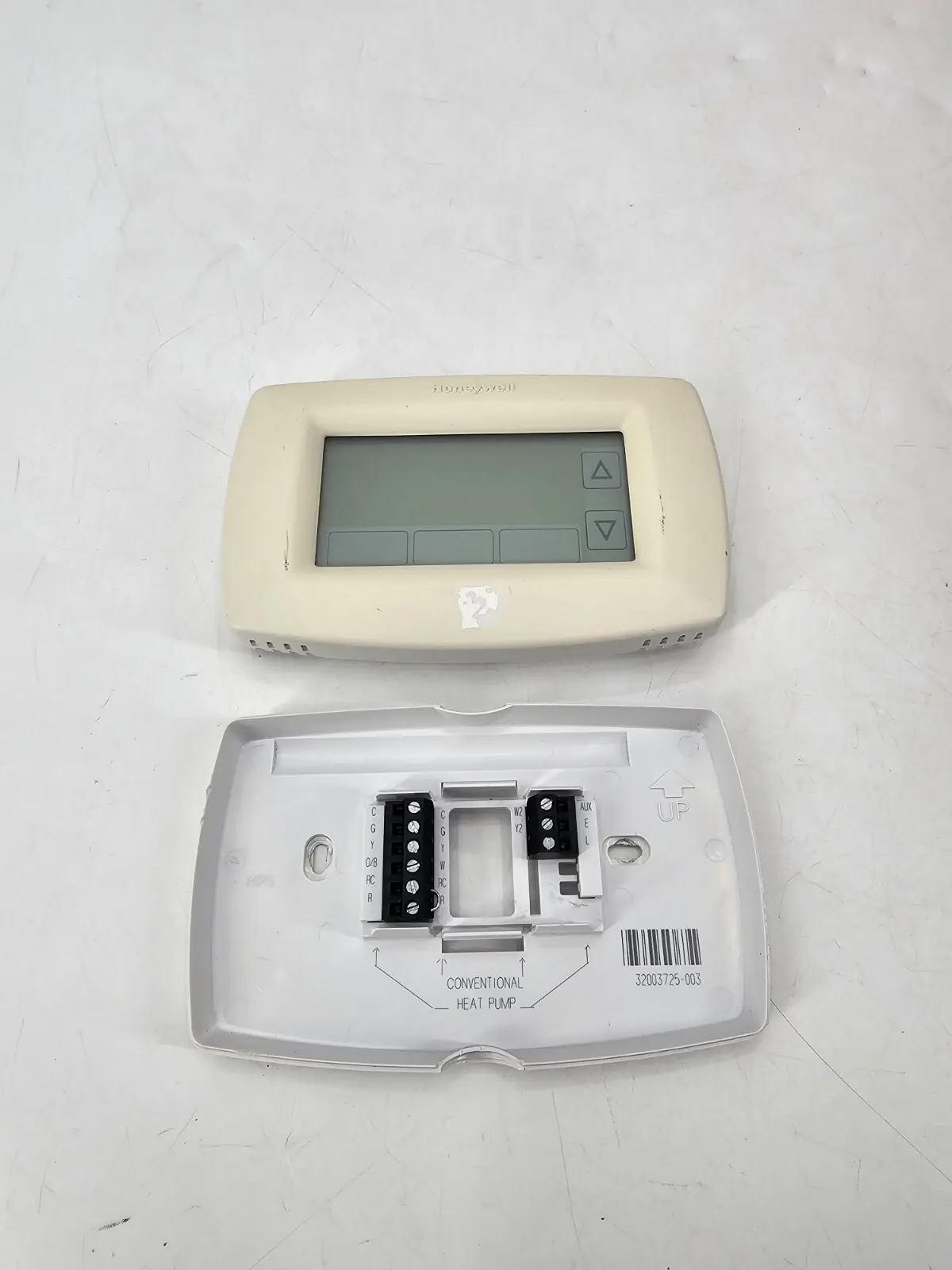
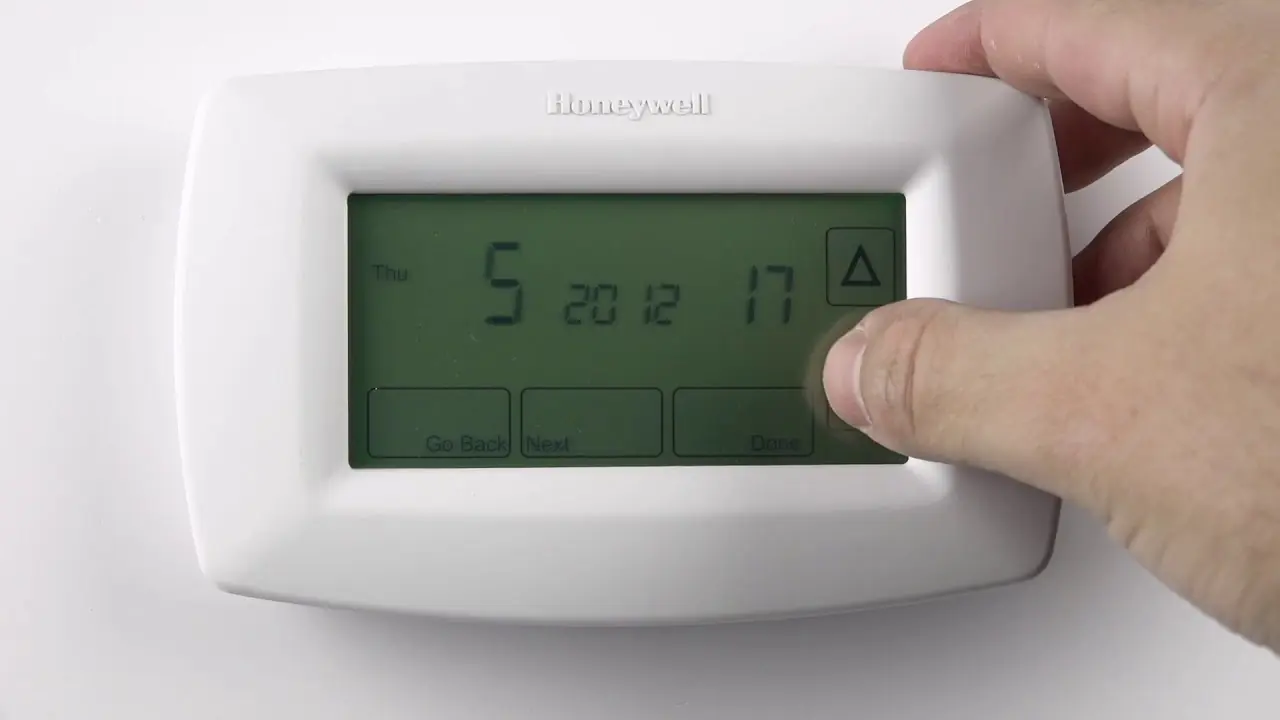
Honeywell RTH7600D Thermostat Specifications
| Feature | Specification |
|---|---|
| Model | Honeywell RTH7600D (RTH7600 Series) |
| Display Type | Large touchscreen with backlight |
| Temperature Precision | ±1°F (0.55°C) |
| Heating Range | 40°F to 90°F (4.5°C to 32°C) |
| Cooling Range | 50°F to 99°F (10°C to 37°C) |
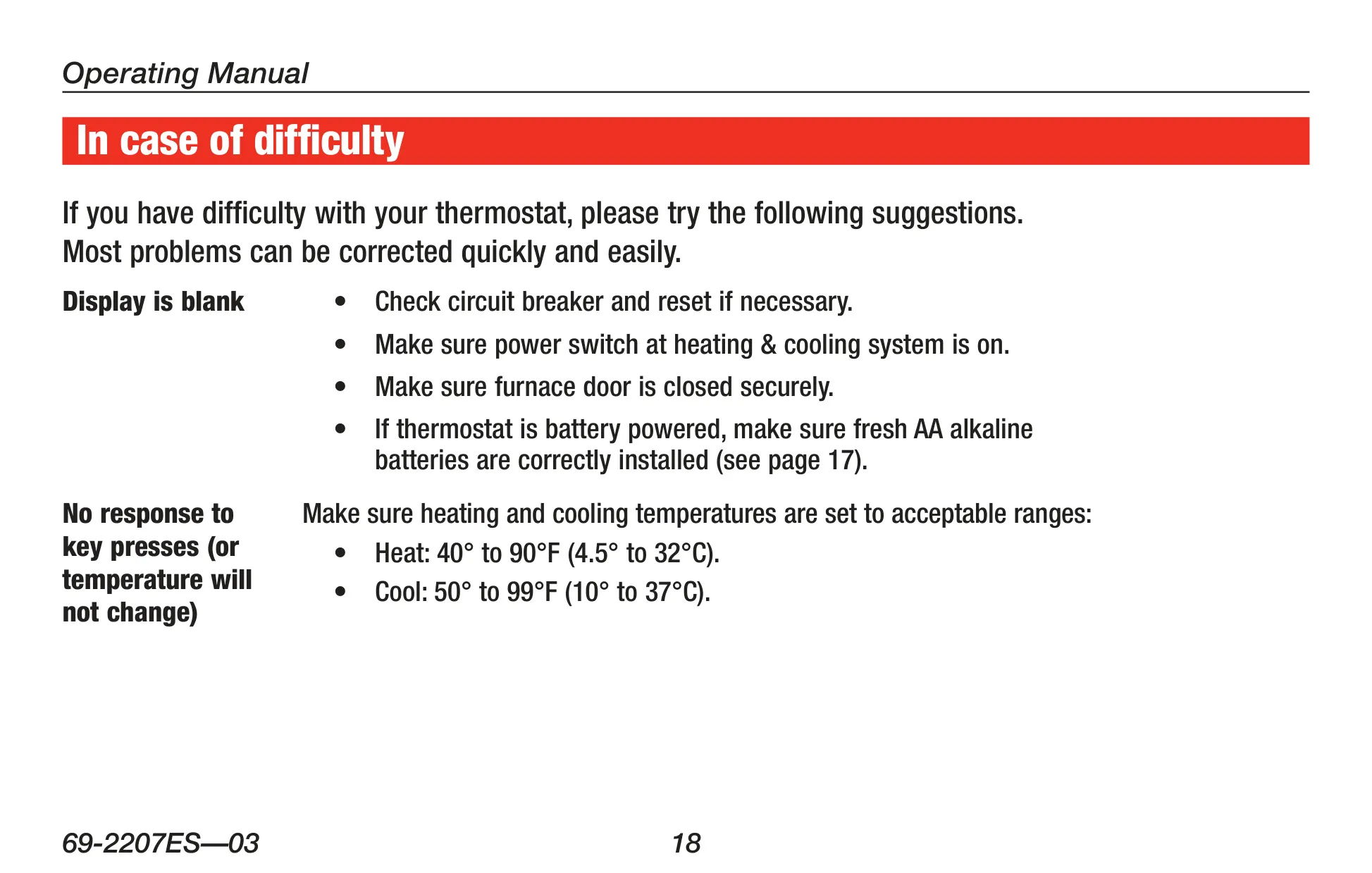
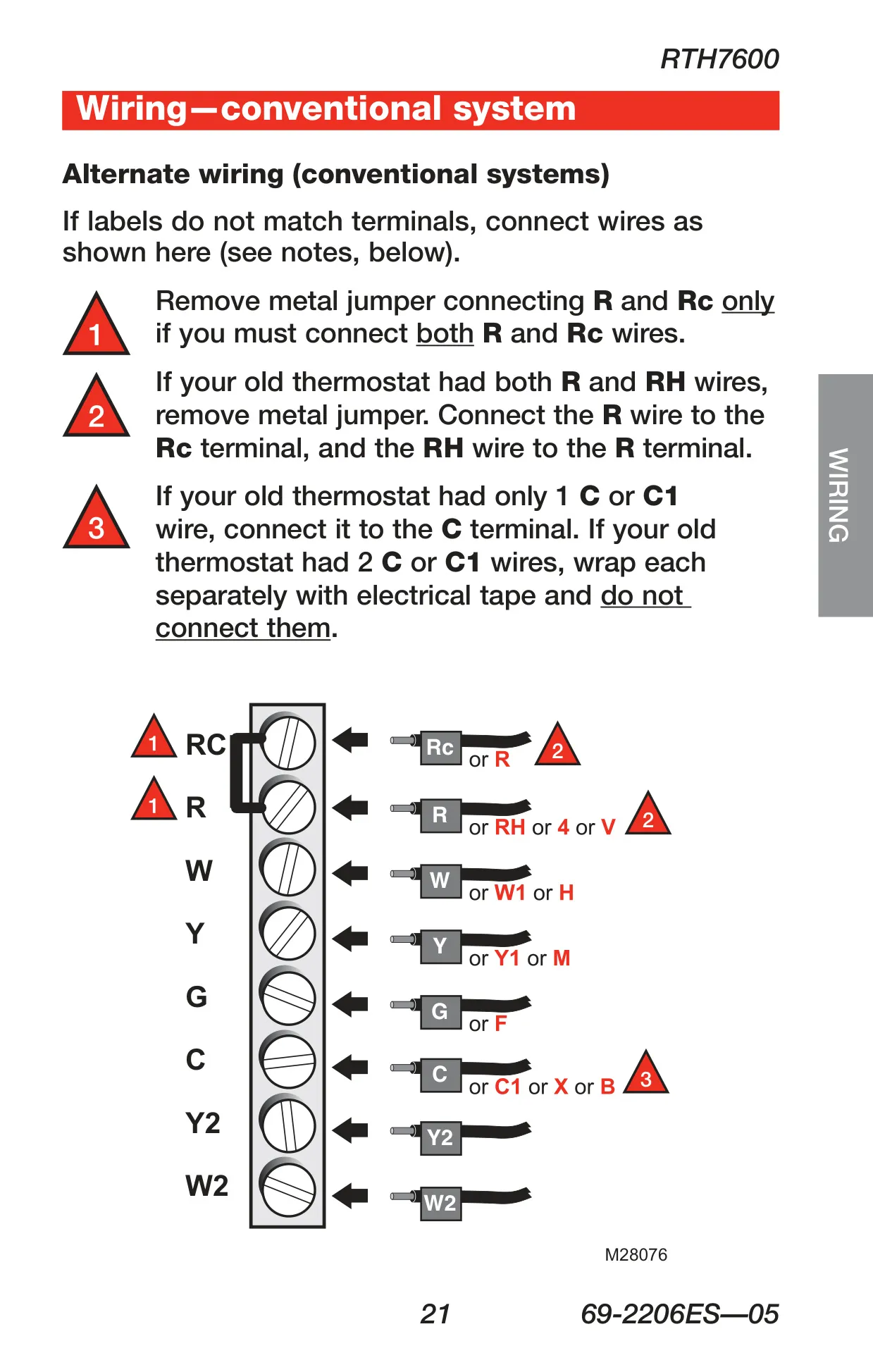
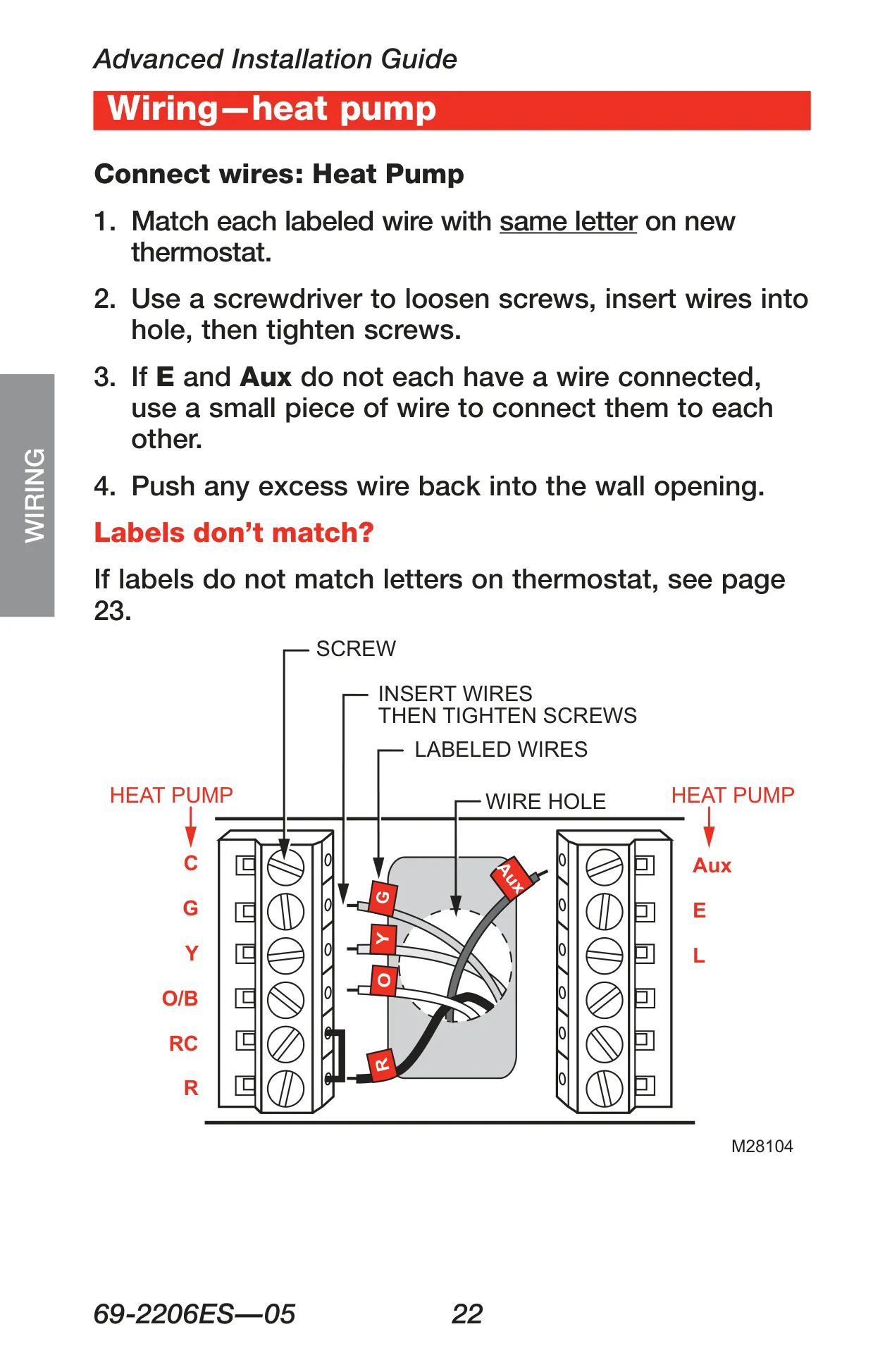
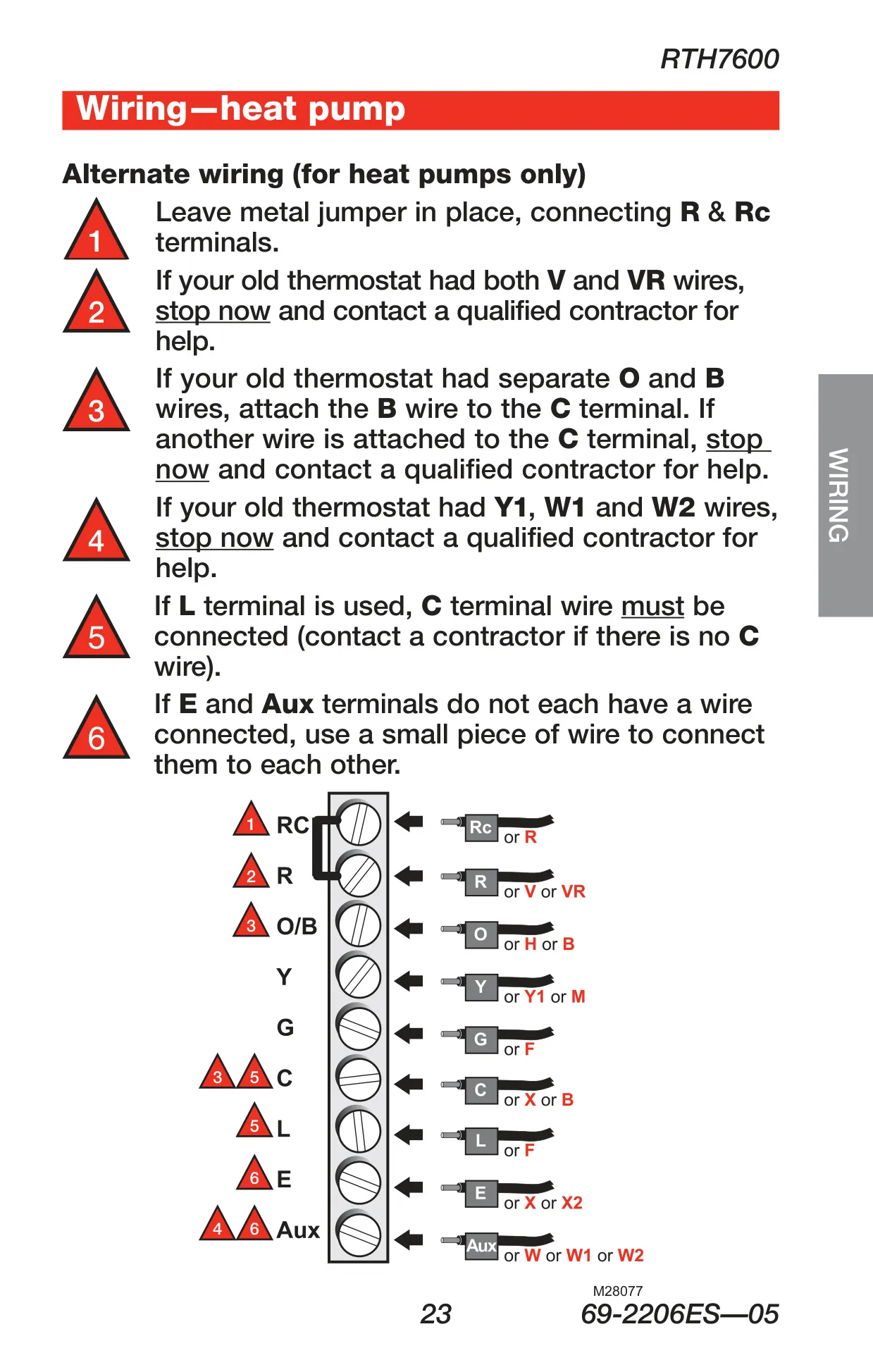
| System Compatibility | Conventional (gas, oil, electric), Heat Pump (with/without backup), Heat Only, Cool Only; Single or Multistage |
| Voltage Compatibility | 24 VAC or 750 mV systems (not compatible with 120/240 VAC) |
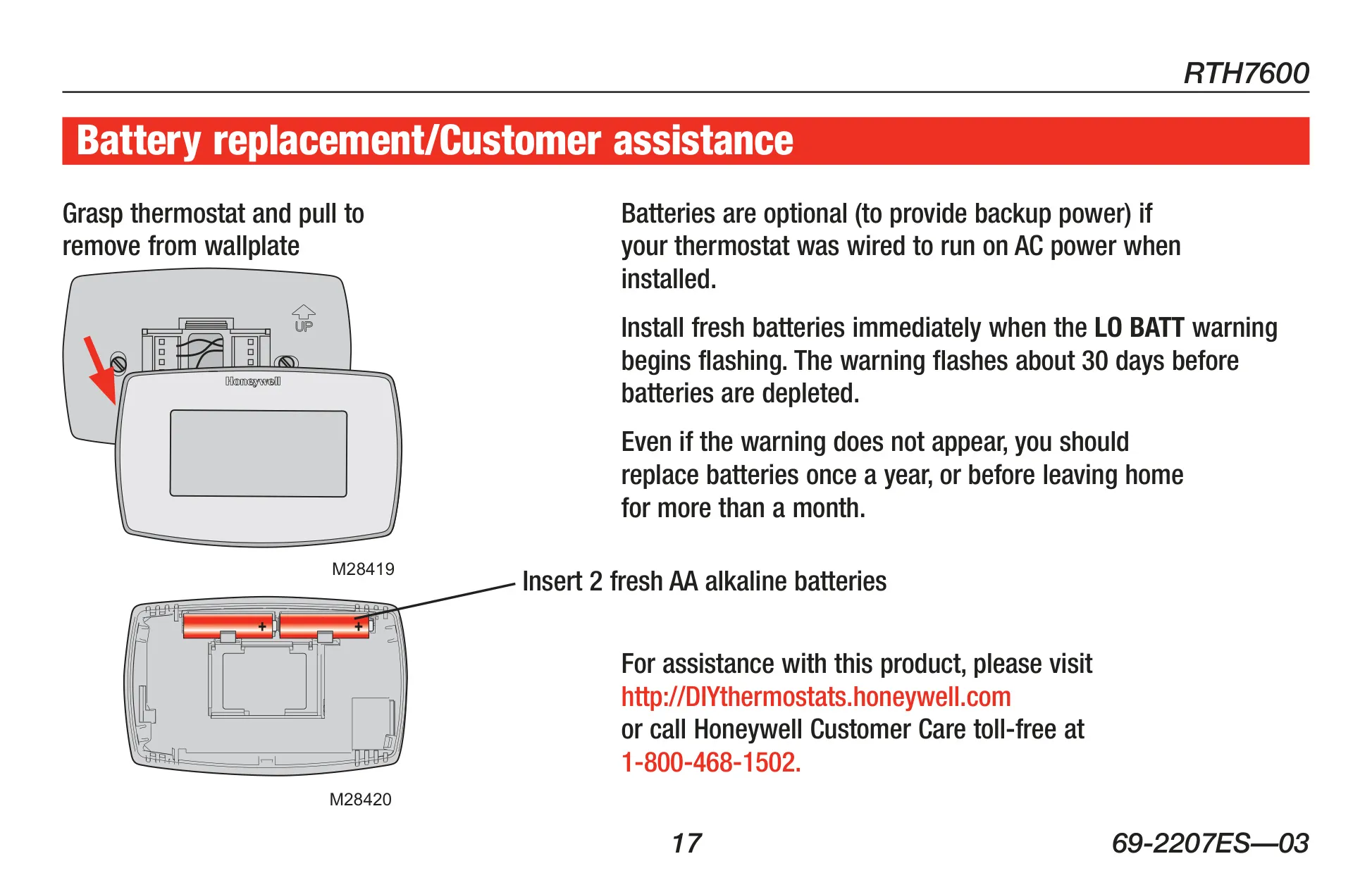
| Power Source | Hardwired (AC power) with 2 AA Alkaline batteries for backup (optional if wired, otherwise primary) |
| Battery Warning | "LO BATT" flashes approx. 30 days before depletion; recommended annual replacement |
| Compressor Protection | 5-minute delay (displays "Wait") |
| Auto Changeover Minimum | 3°F (1.7°C) separation between heat and cool settings |
| Cooling Outdoor Limit | Do not operate cooling below 50°F (10°C) |
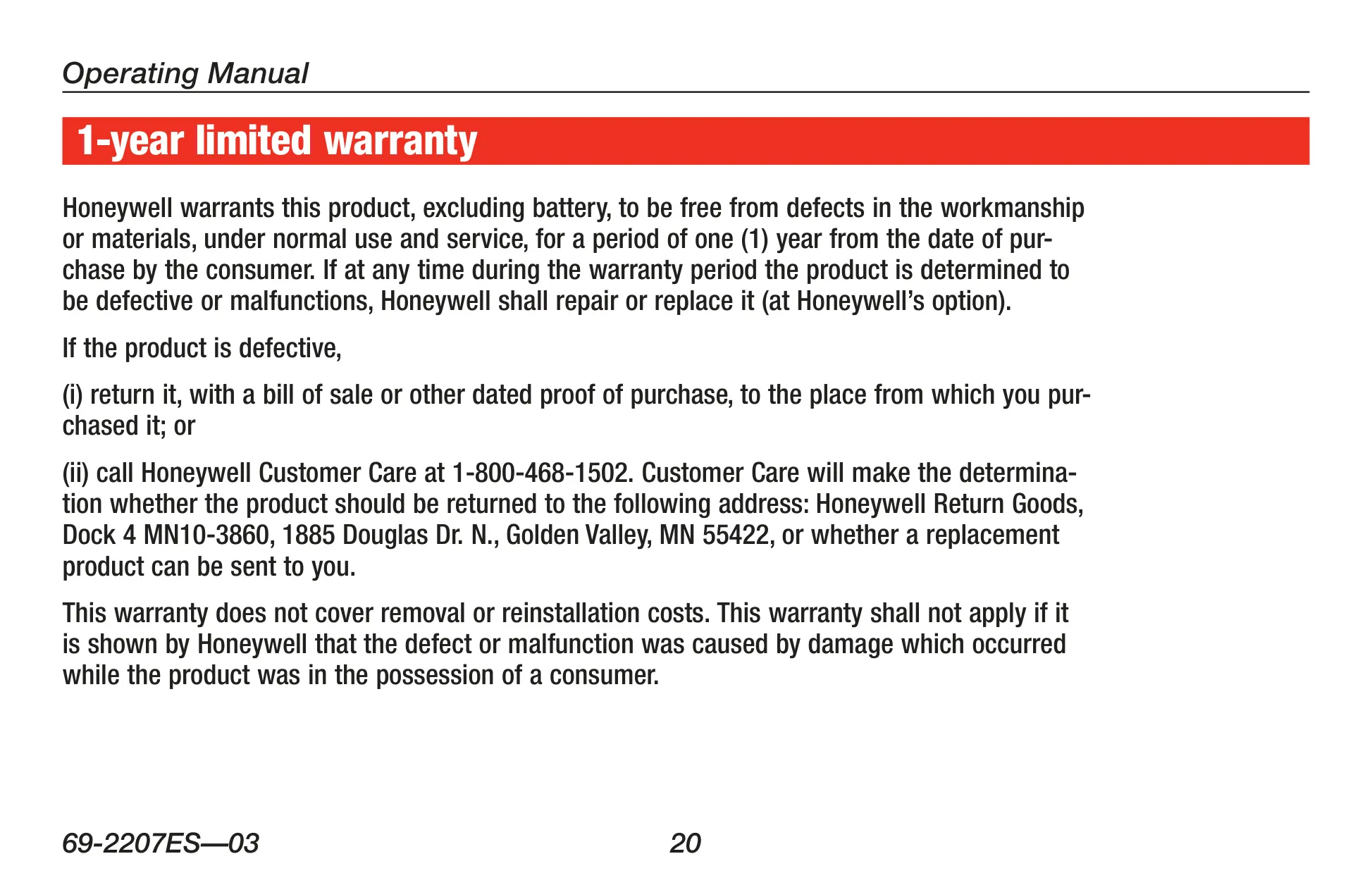
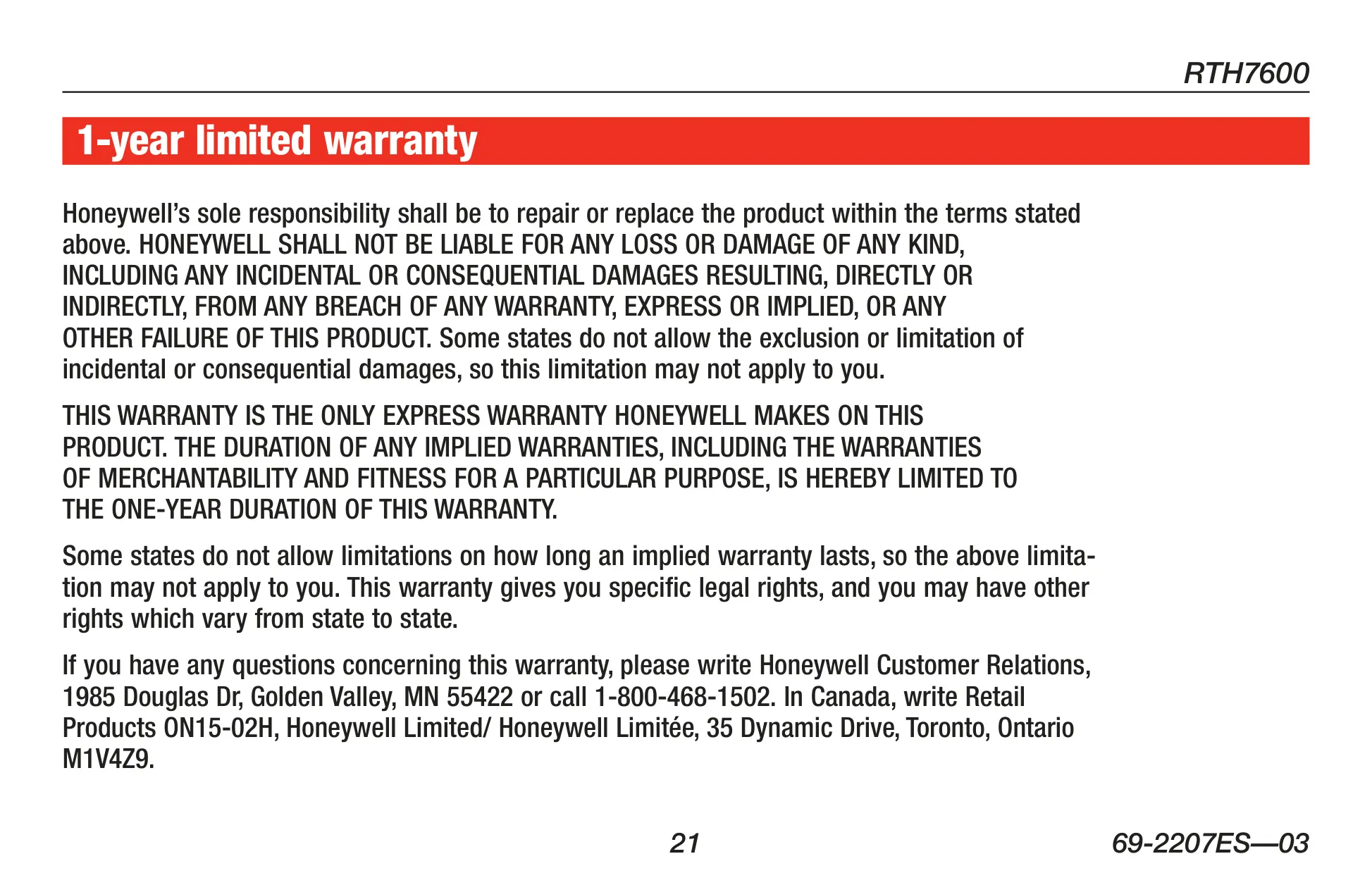
| Warranty | 1-year Limited Warranty |
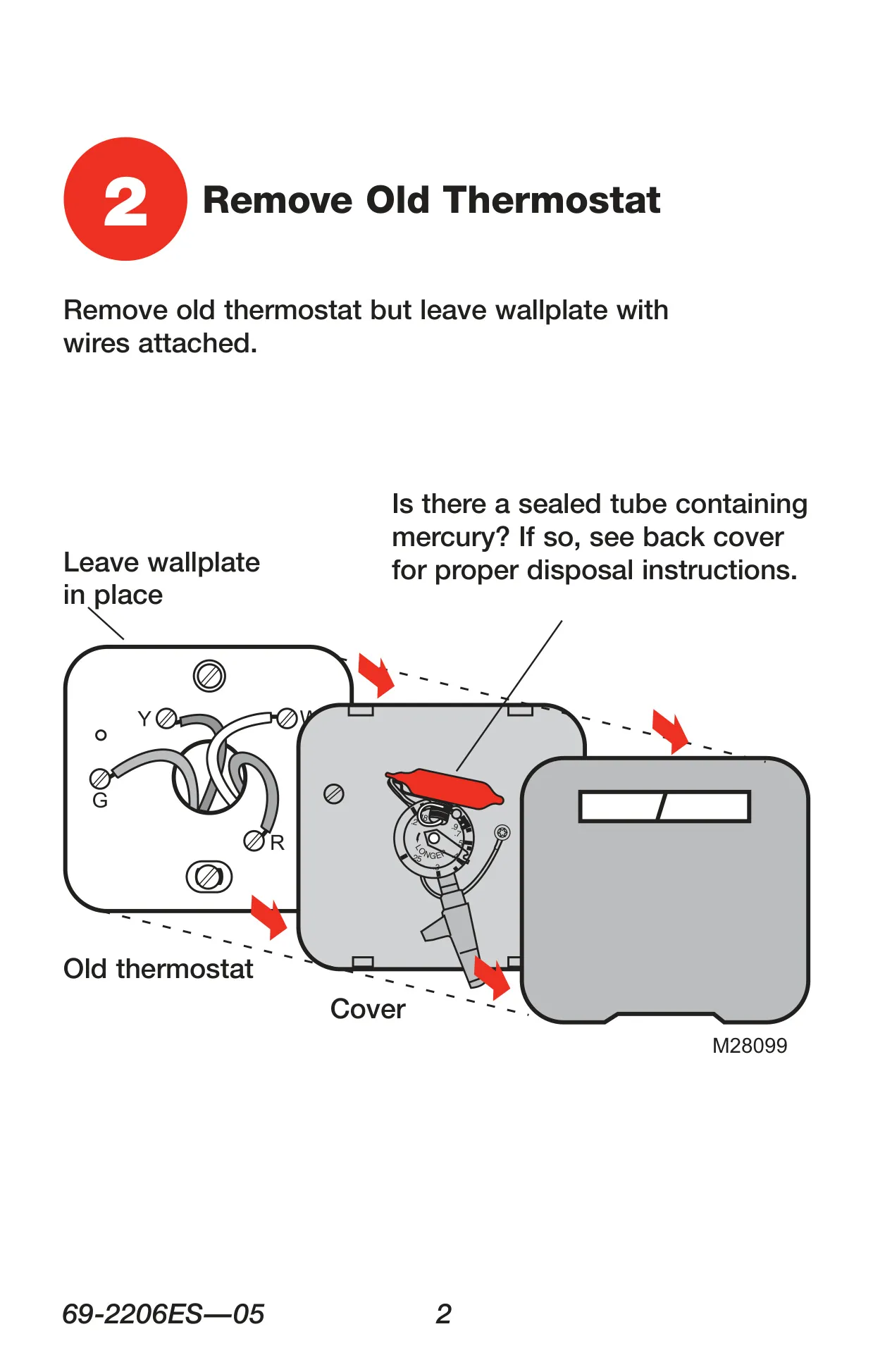
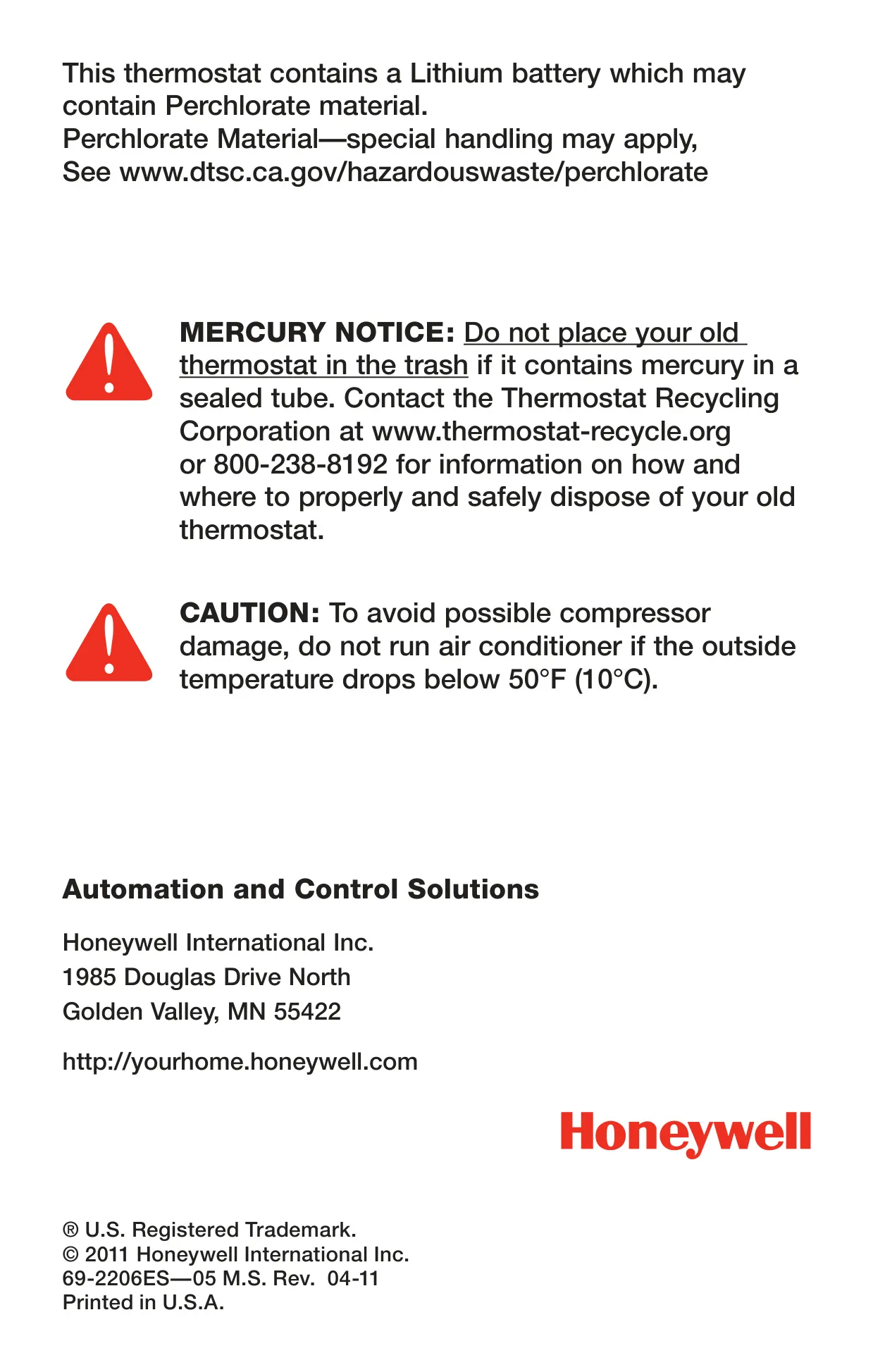
| Special Materials | Lithium battery (may contain Perchlorate); Old thermostat mercury disposal warning |
Honeywell RTH7600D Thermostat Details
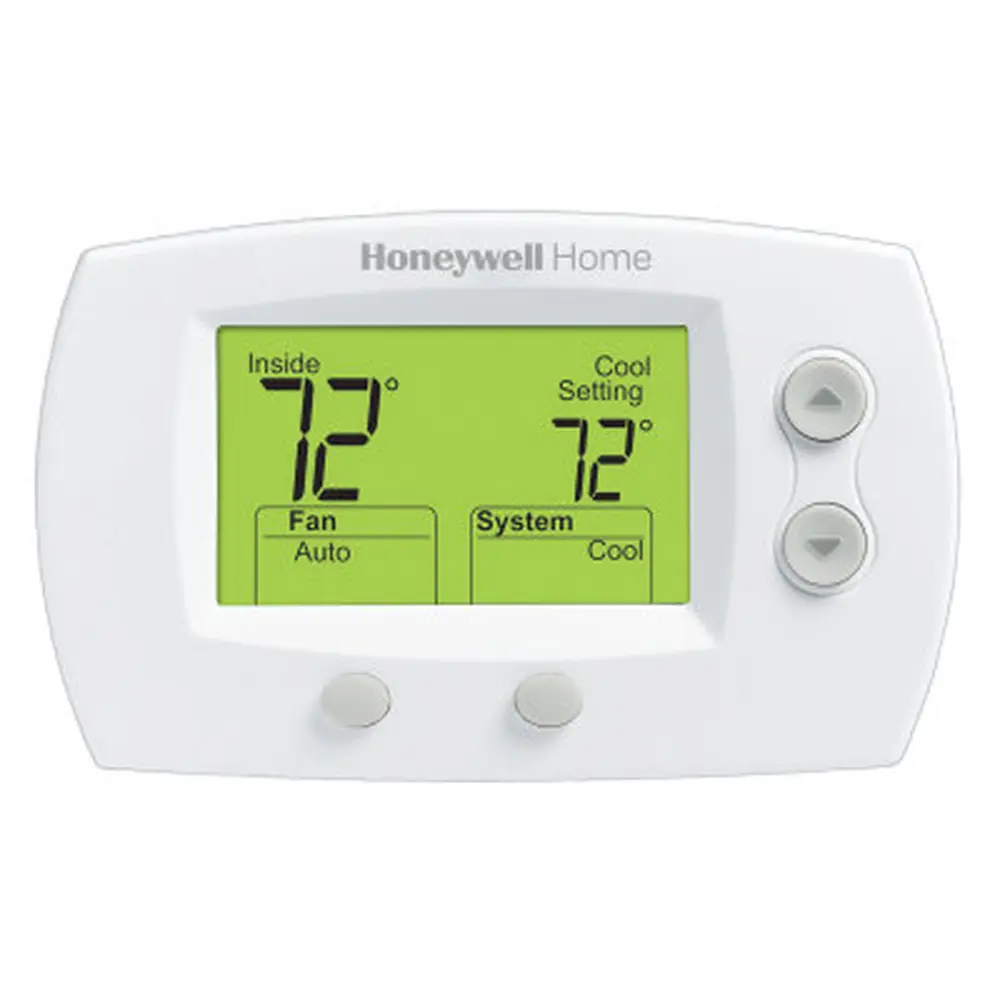
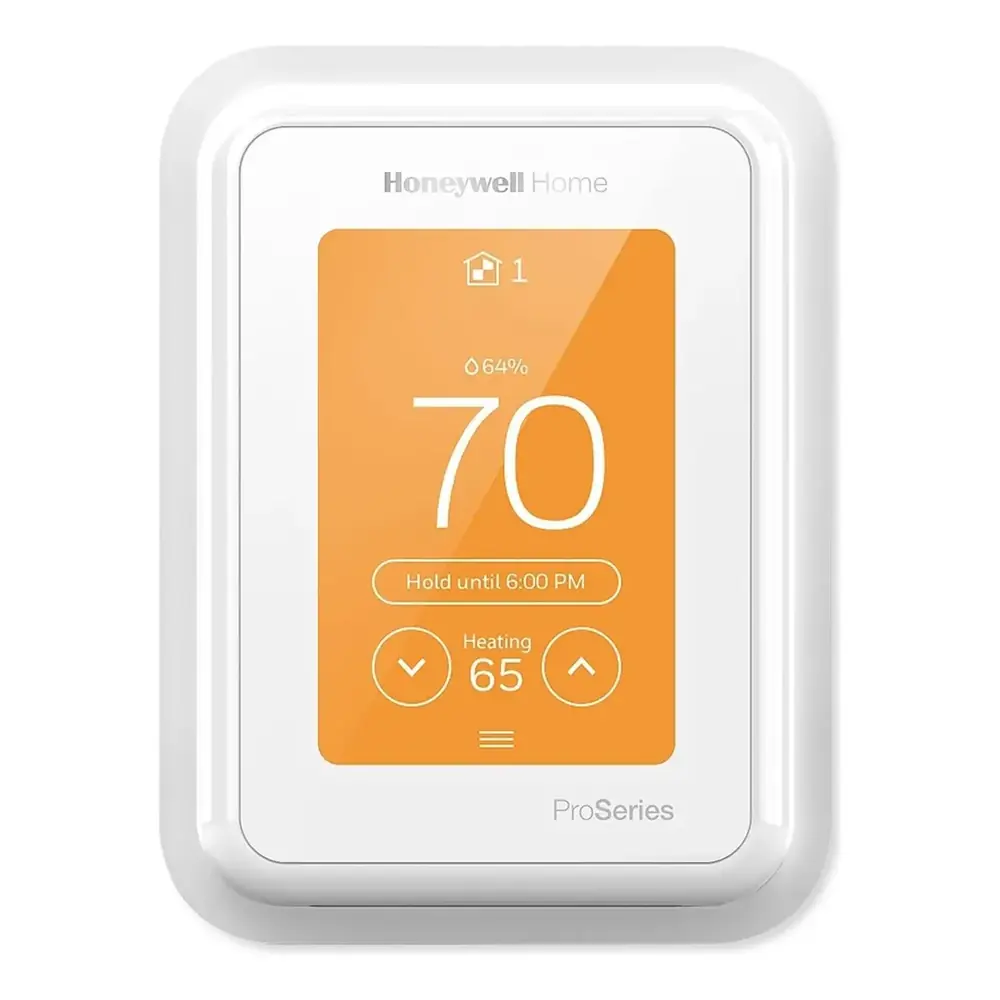
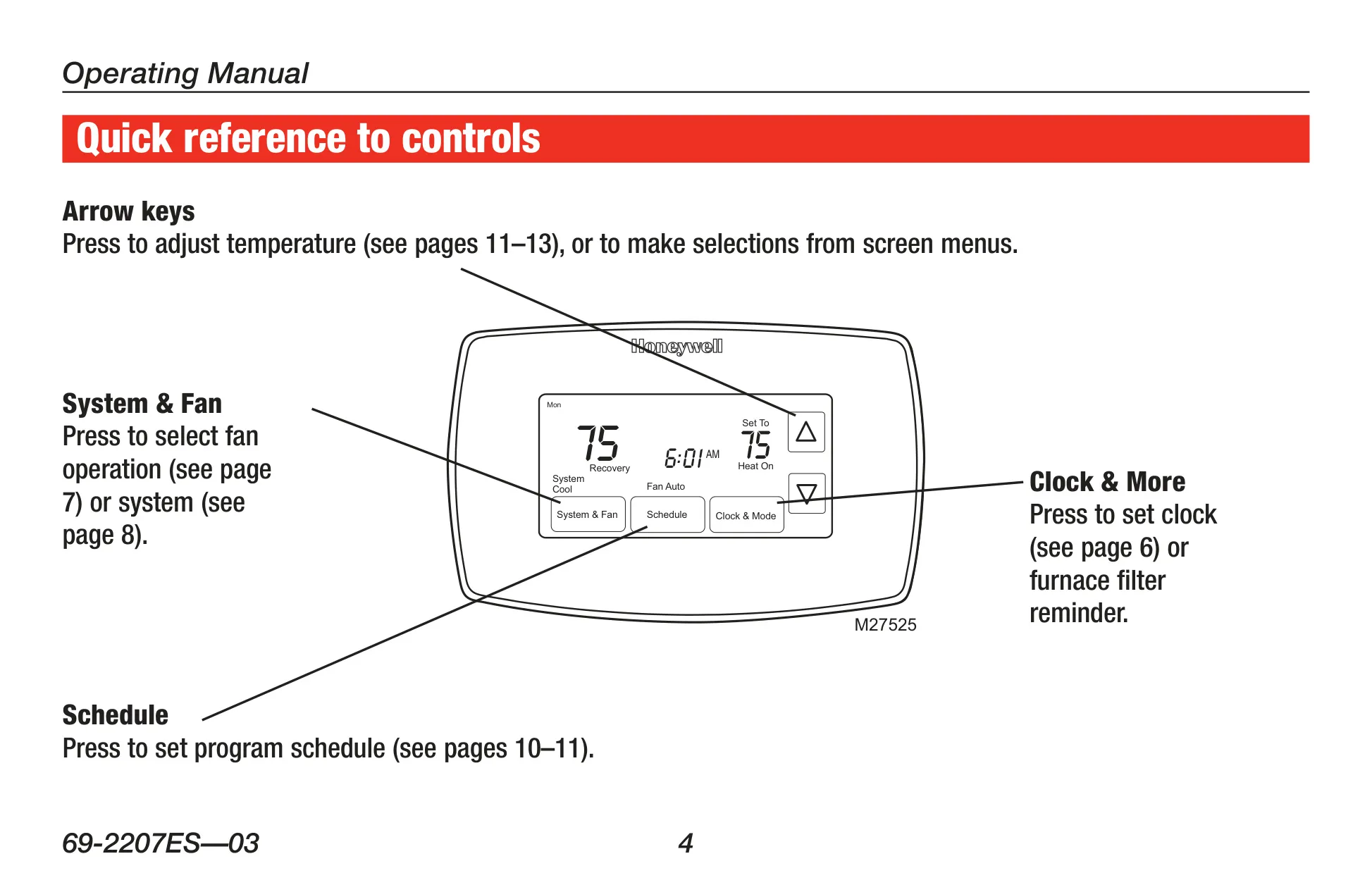
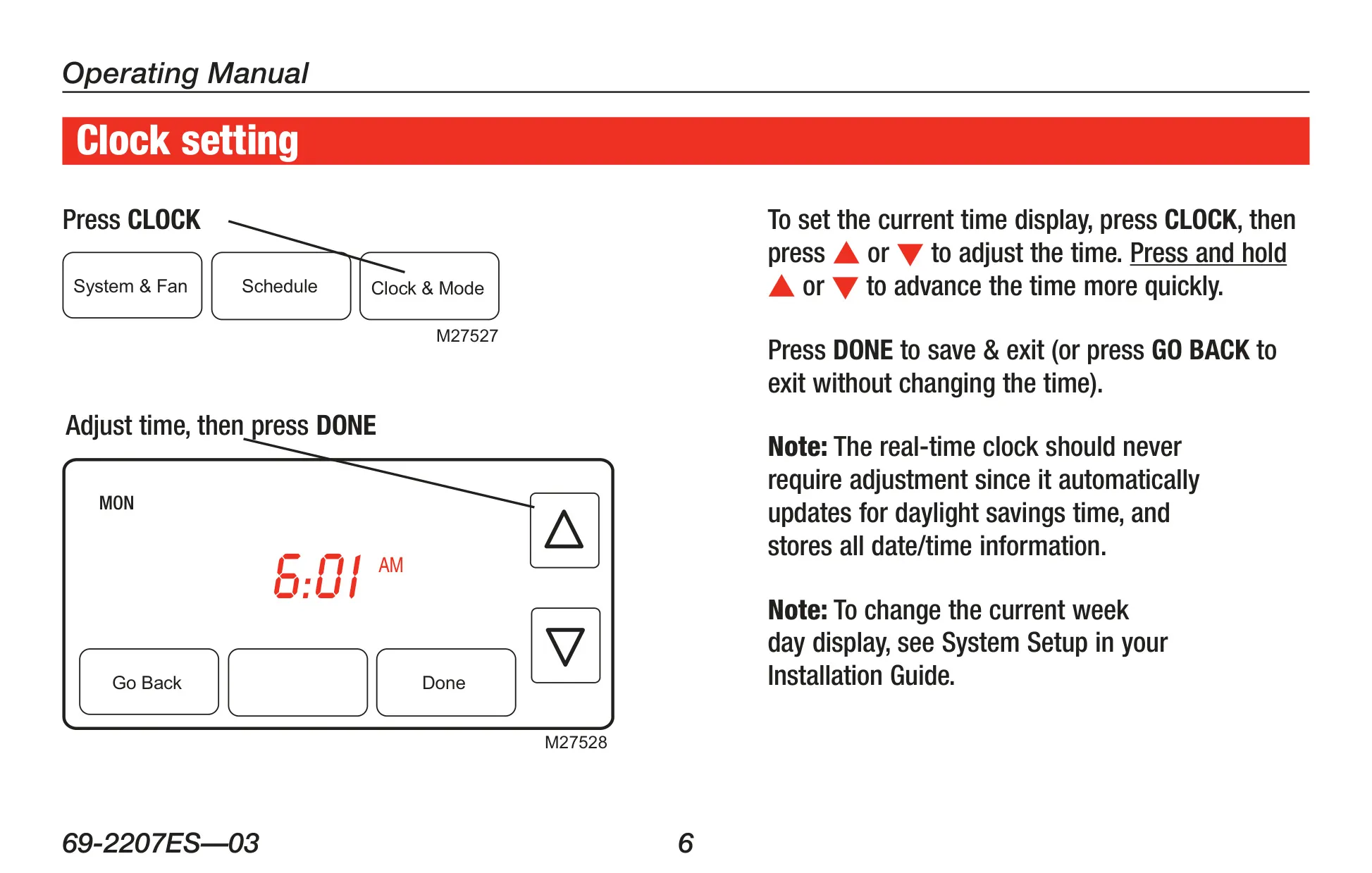
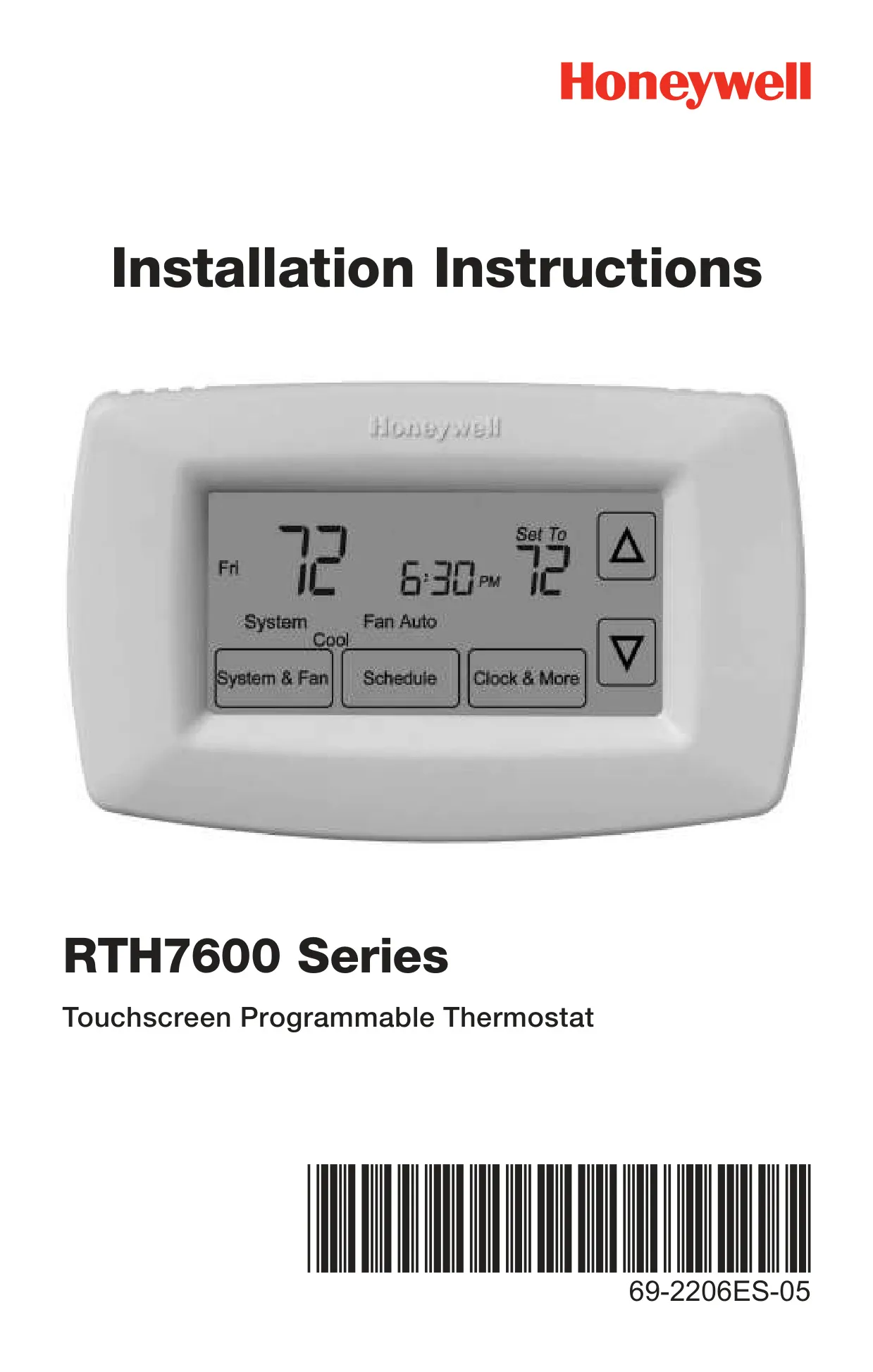
The Honeywell RTH7600D is a sophisticated yet user-friendly touchscreen programmable thermostat designed for optimal climate control. Its large, backlit display ensures effortless readability, even in low-light conditions. This model prioritizes convenience, arriving pre-programmed and ready for immediate use after a quick clock and day setup. It promises years of reliable service, making advanced temperature management accessible to all.
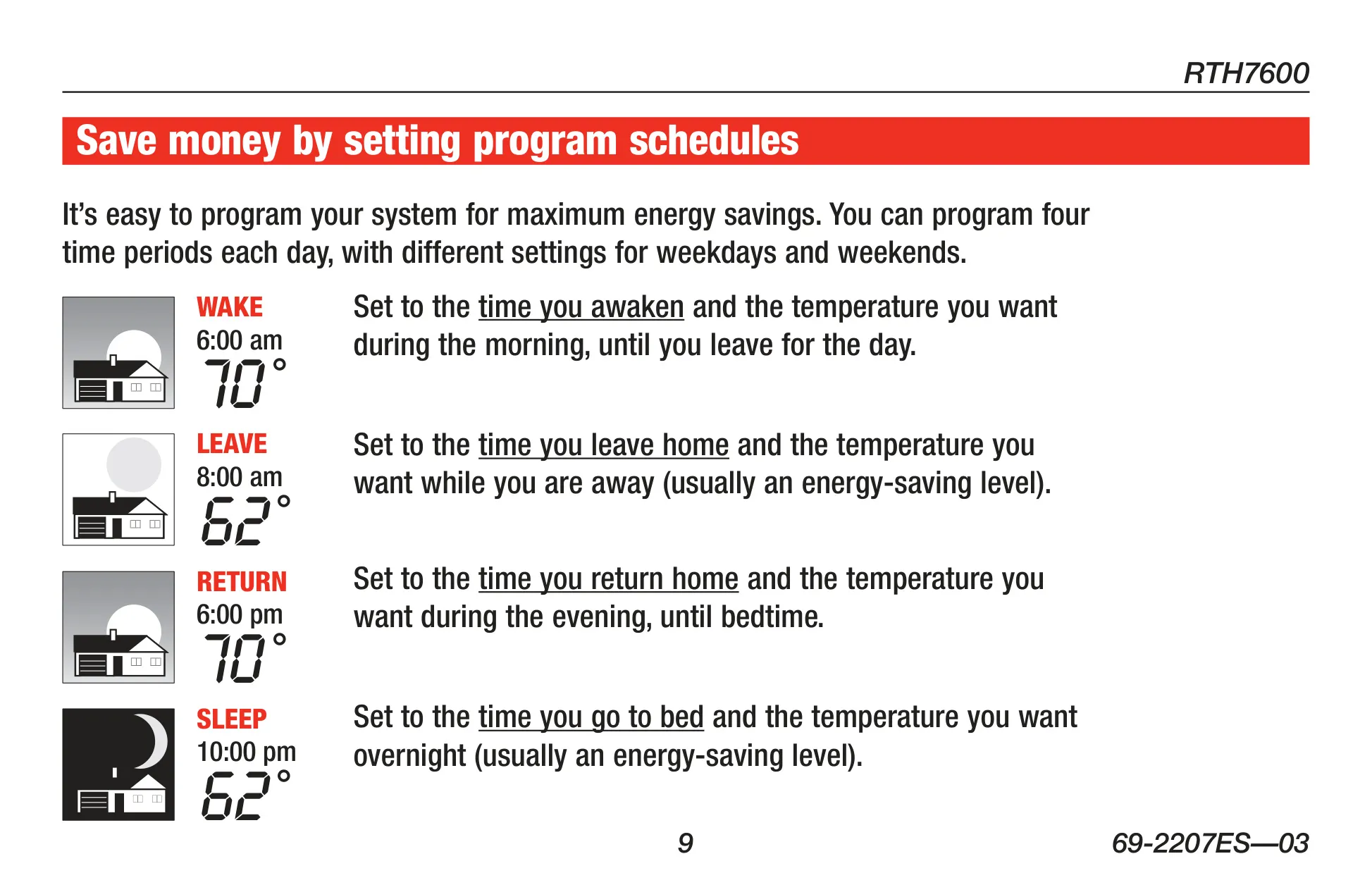
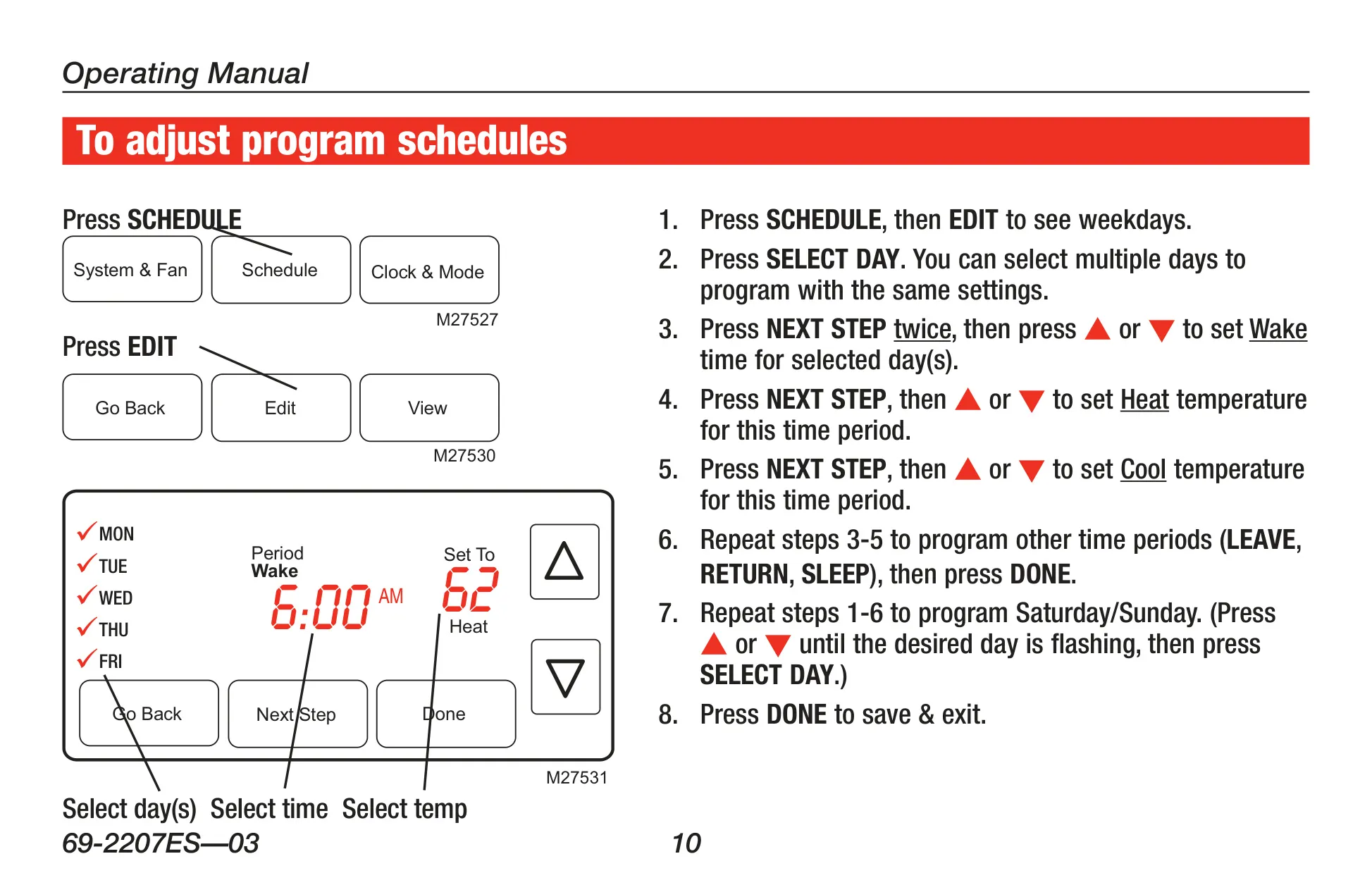
A key benefit of the RTH7600D is its comprehensive daily program schedules, crafted to maximize both comfort and energy savings. Users can configure four distinct time periods—_Wake, Leave, Return, and Sleep_—each day, with independent settings for weekdays and weekends. This allows for tailored climate control, ensuring the home is comfortable when occupied and energy-efficient when empty or during sleeping hours.
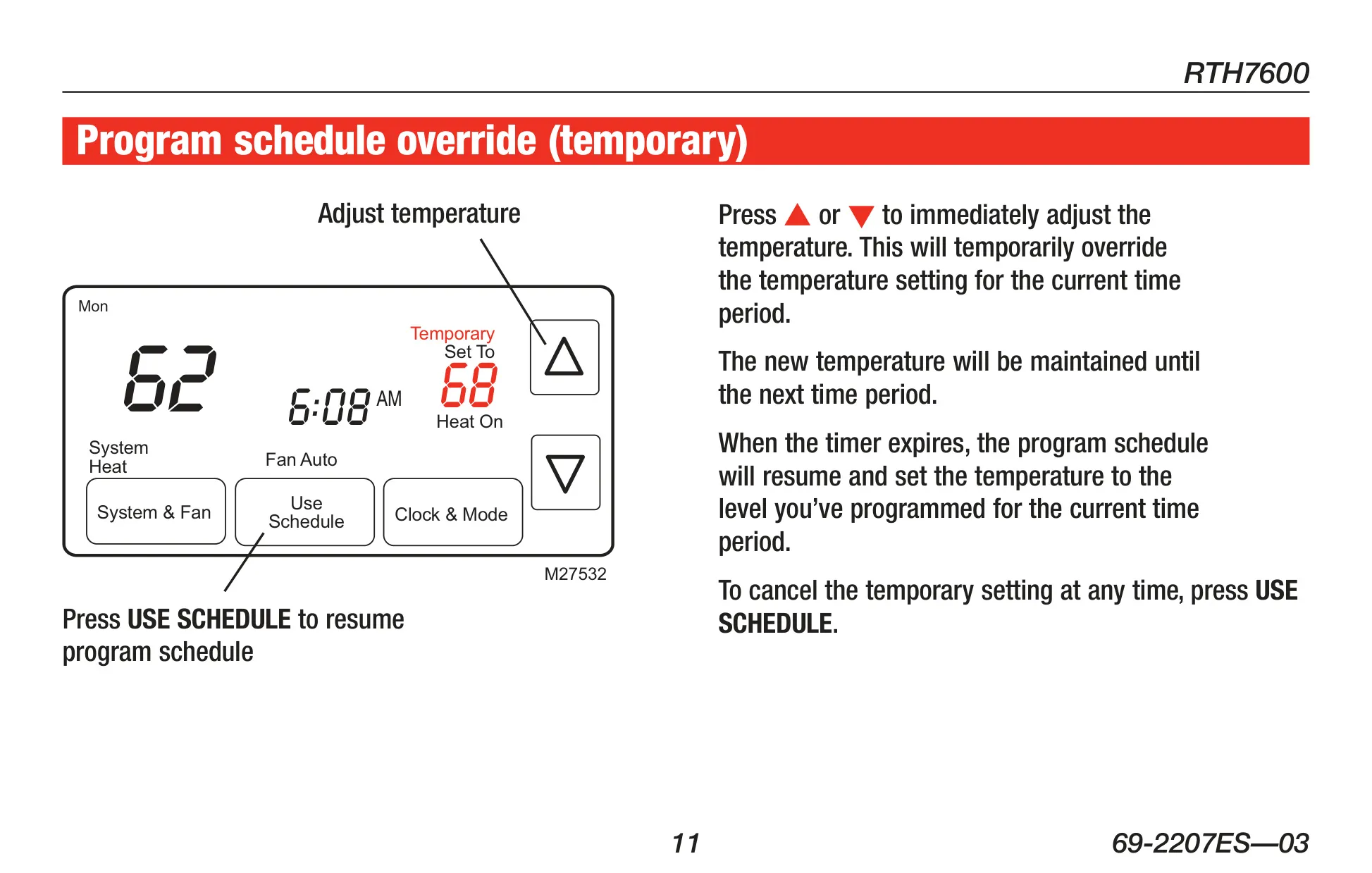
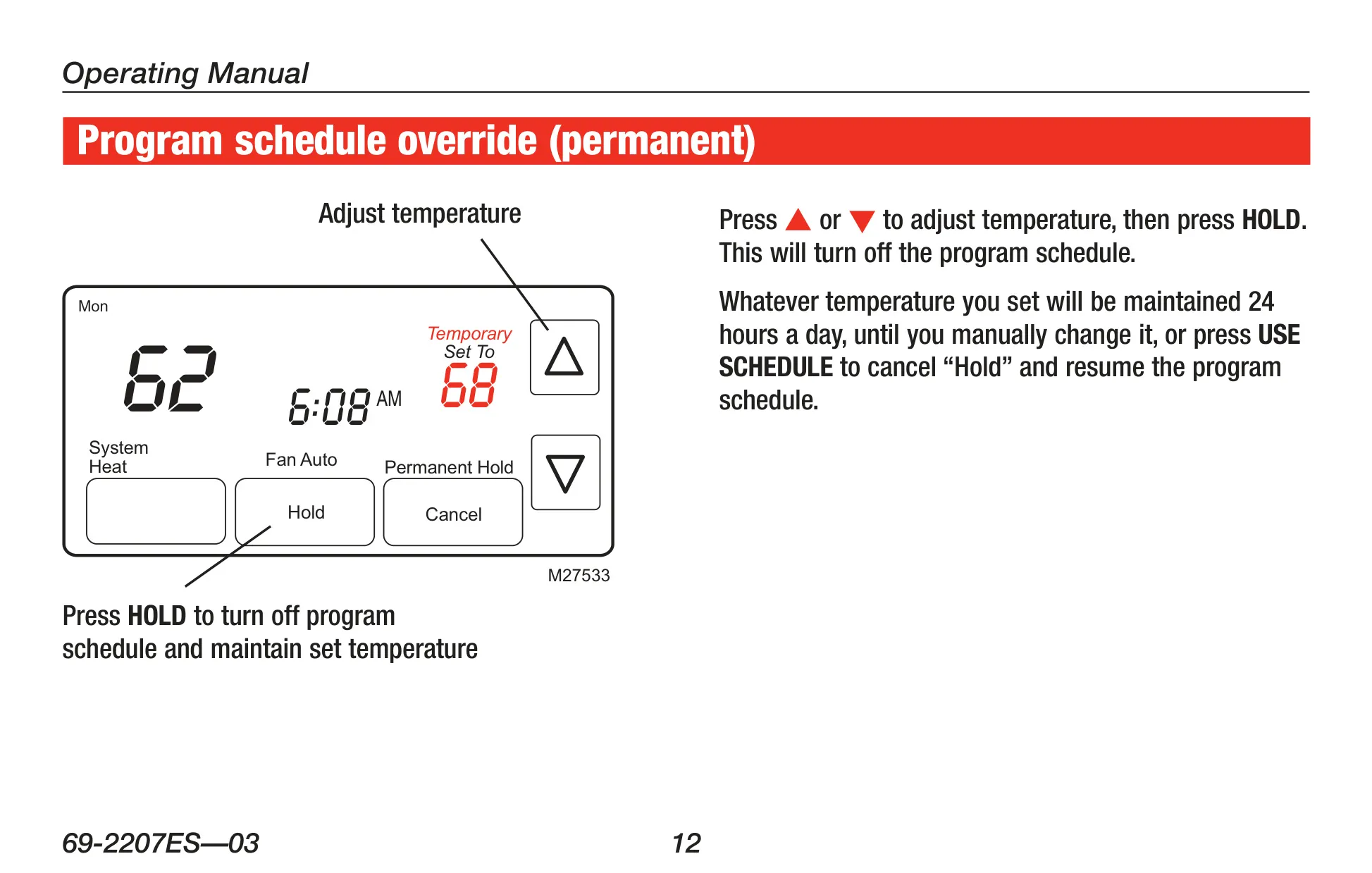
The thermostat offers remarkable flexibility in managing temperatures. Beyond the programmed schedules, a one-touch temperature control feature enables instant adjustments, temporarily overriding the current schedule. For extended changes, a "Hold" function provides a permanent override, maintaining a set temperature 24/7 until manually cancelled. This adaptability ensures comfort aligns with fluctuating daily needs.
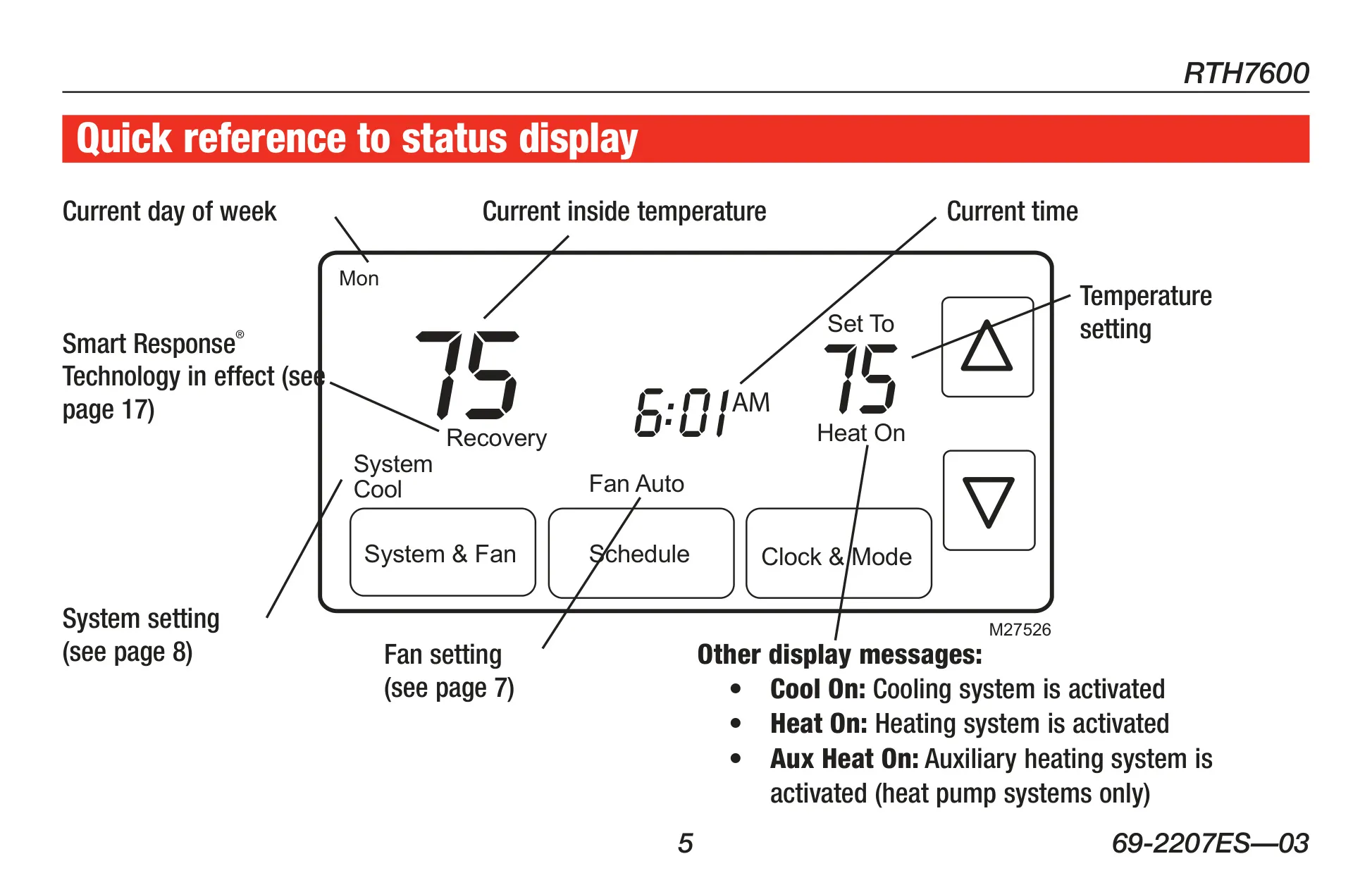
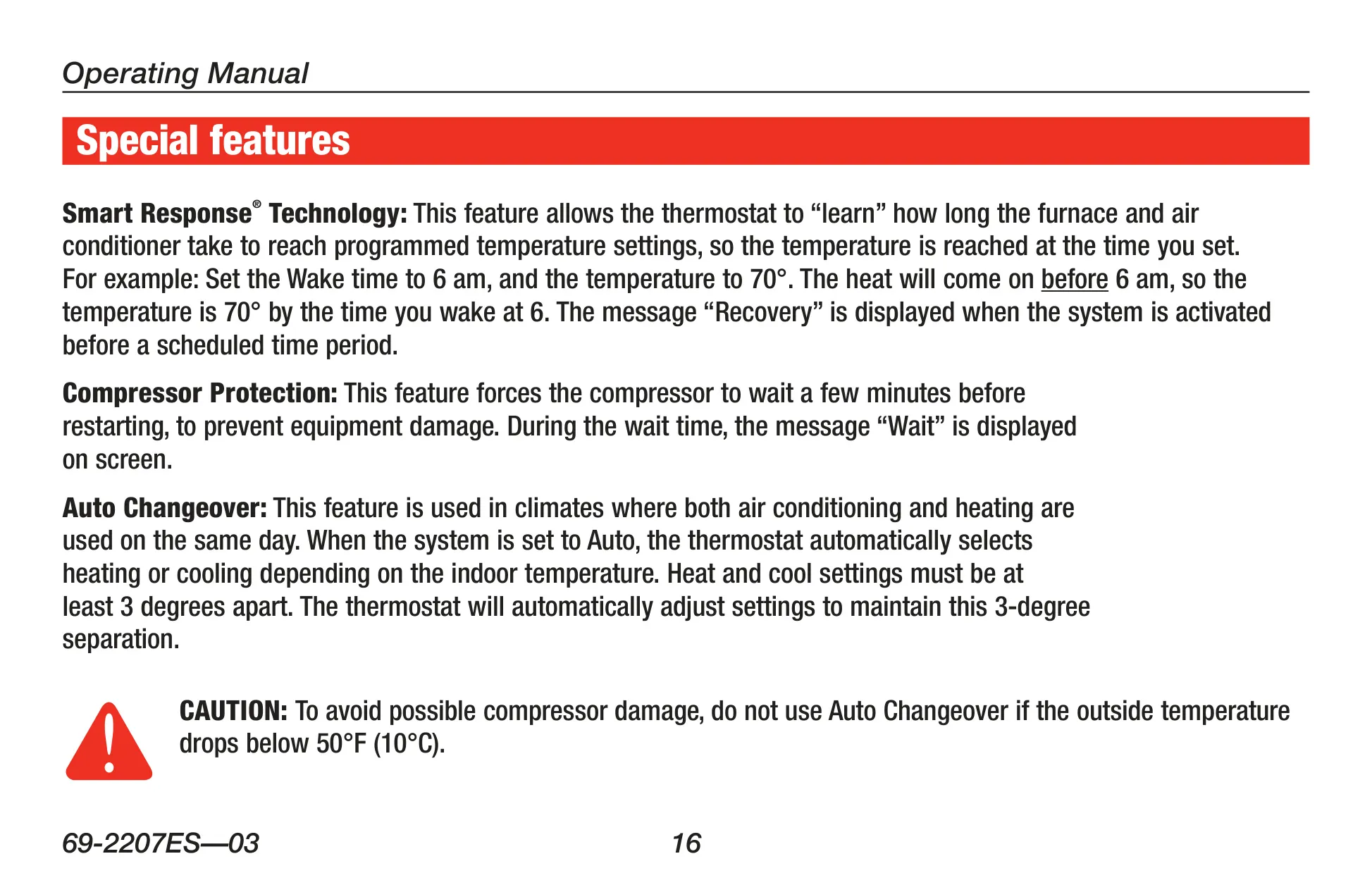
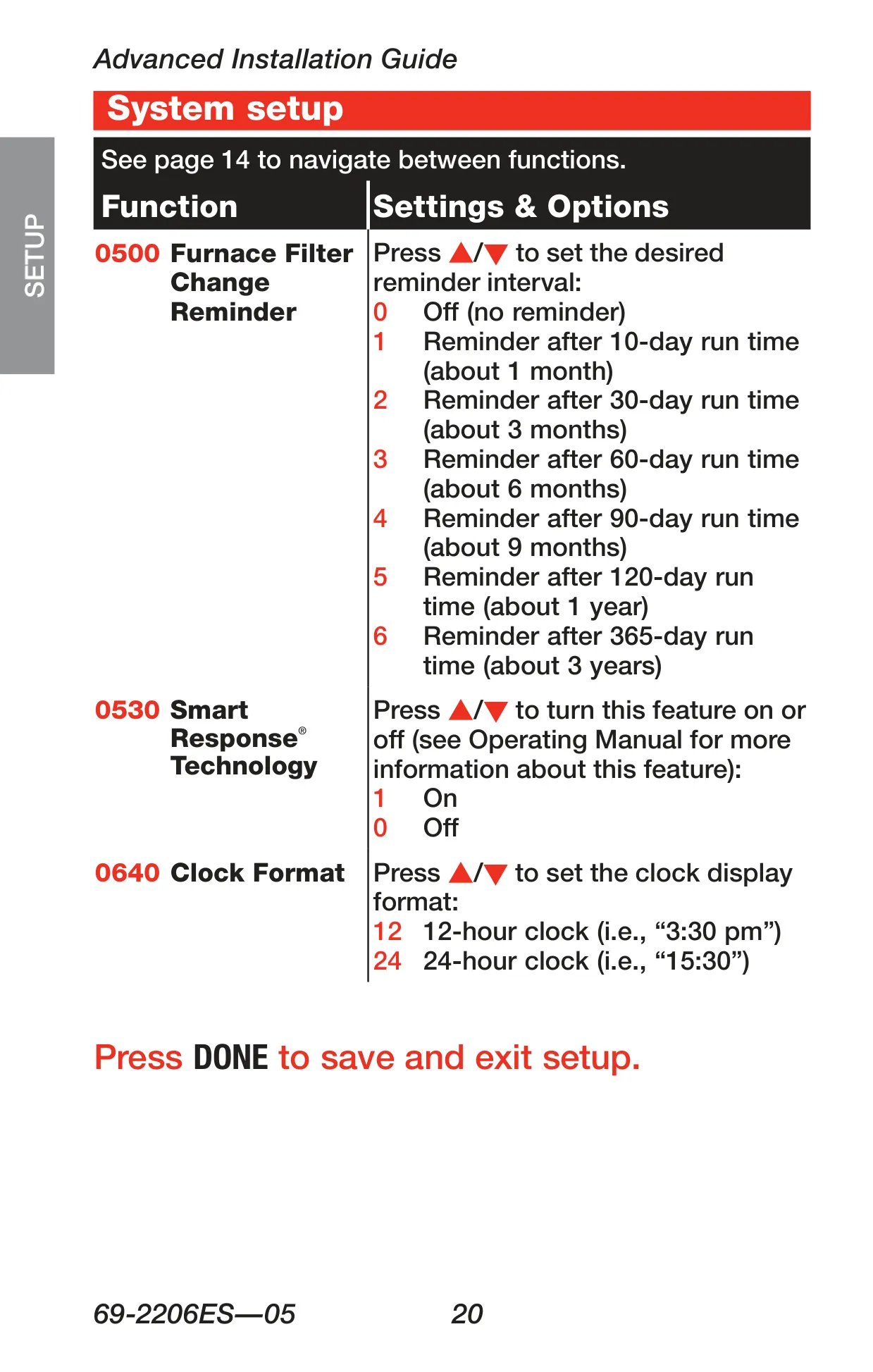
Enhancing its intelligent operation, the RTH7600D incorporates Smart Response® Technology. This innovative feature allows the thermostat to "learn" the optimal time required for your furnace or air conditioner to reach a programmed temperature setting. Consequently, the desired temperature is achieved precisely at the scheduled time, not after, with "Recovery" displayed during this pre-emptive activation period, ensuring comfort the moment it's needed.
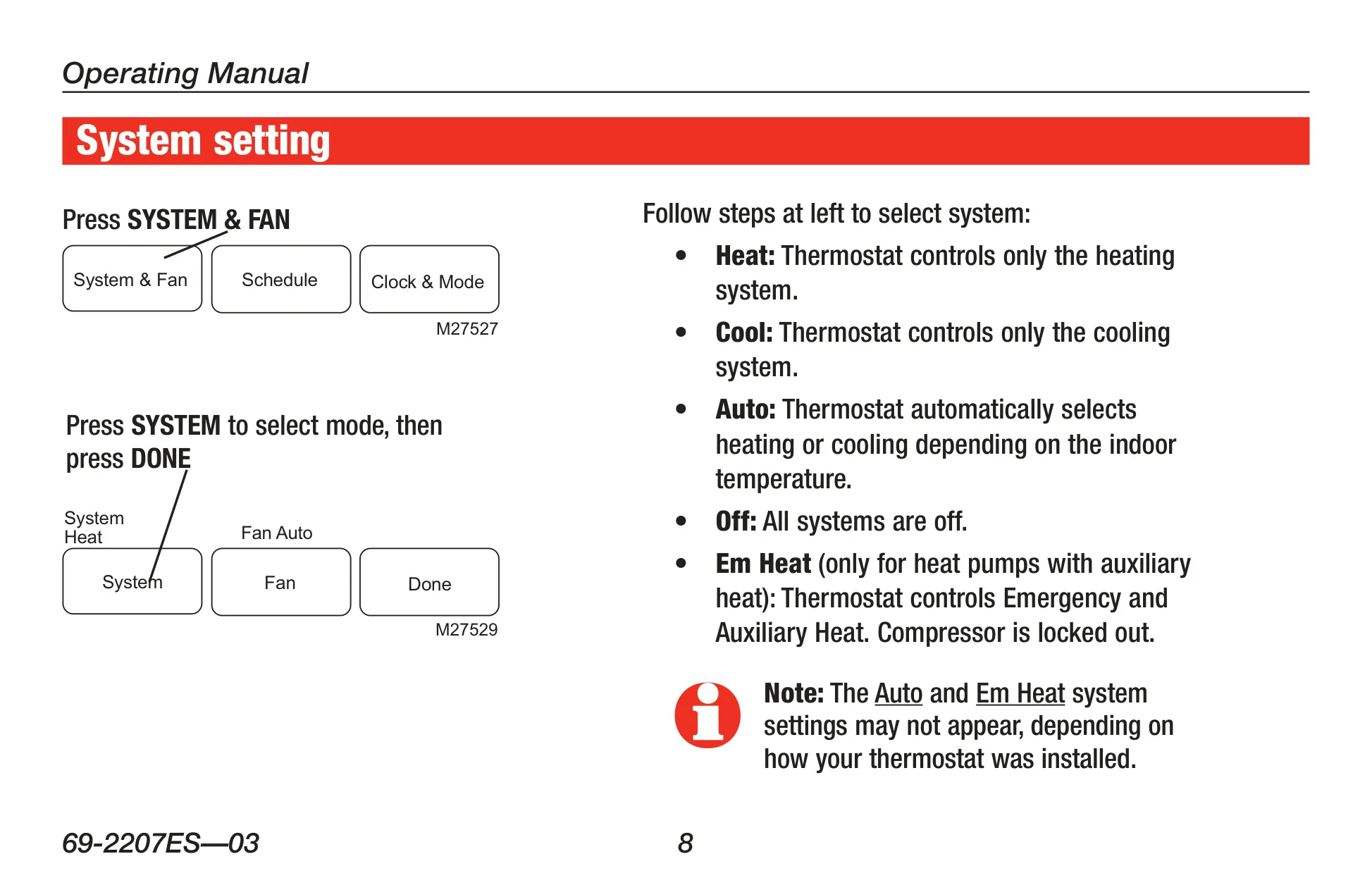
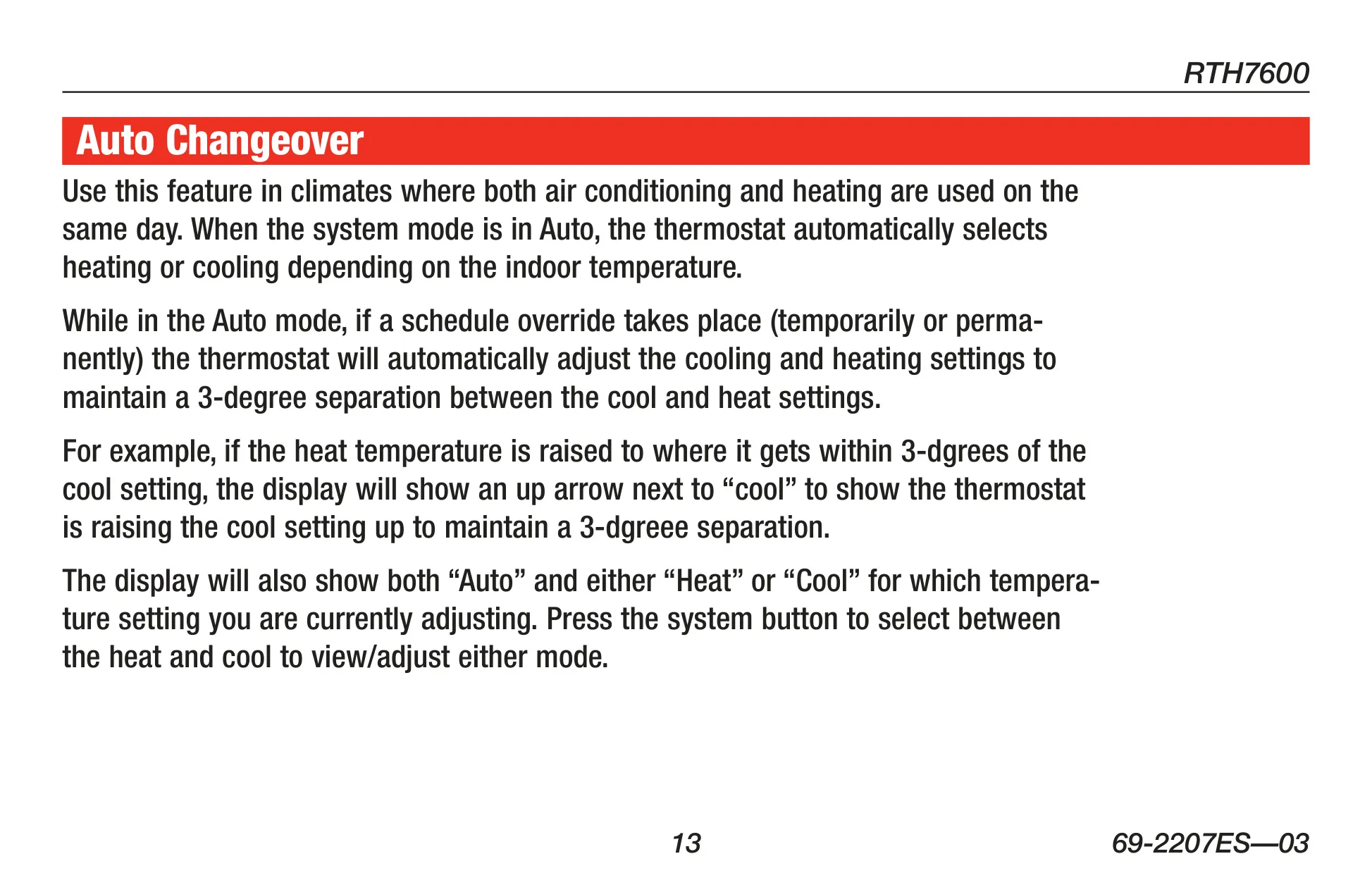
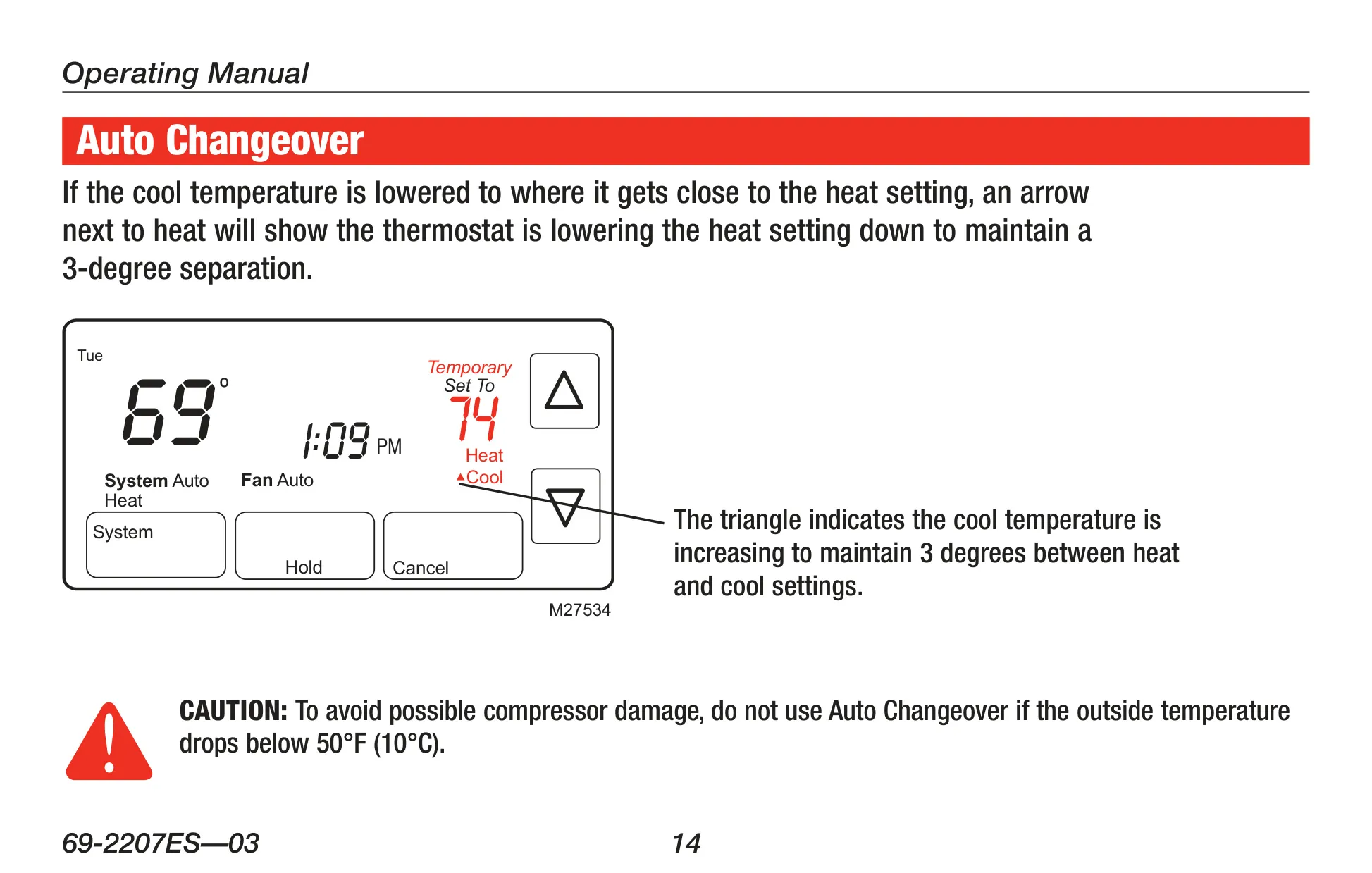
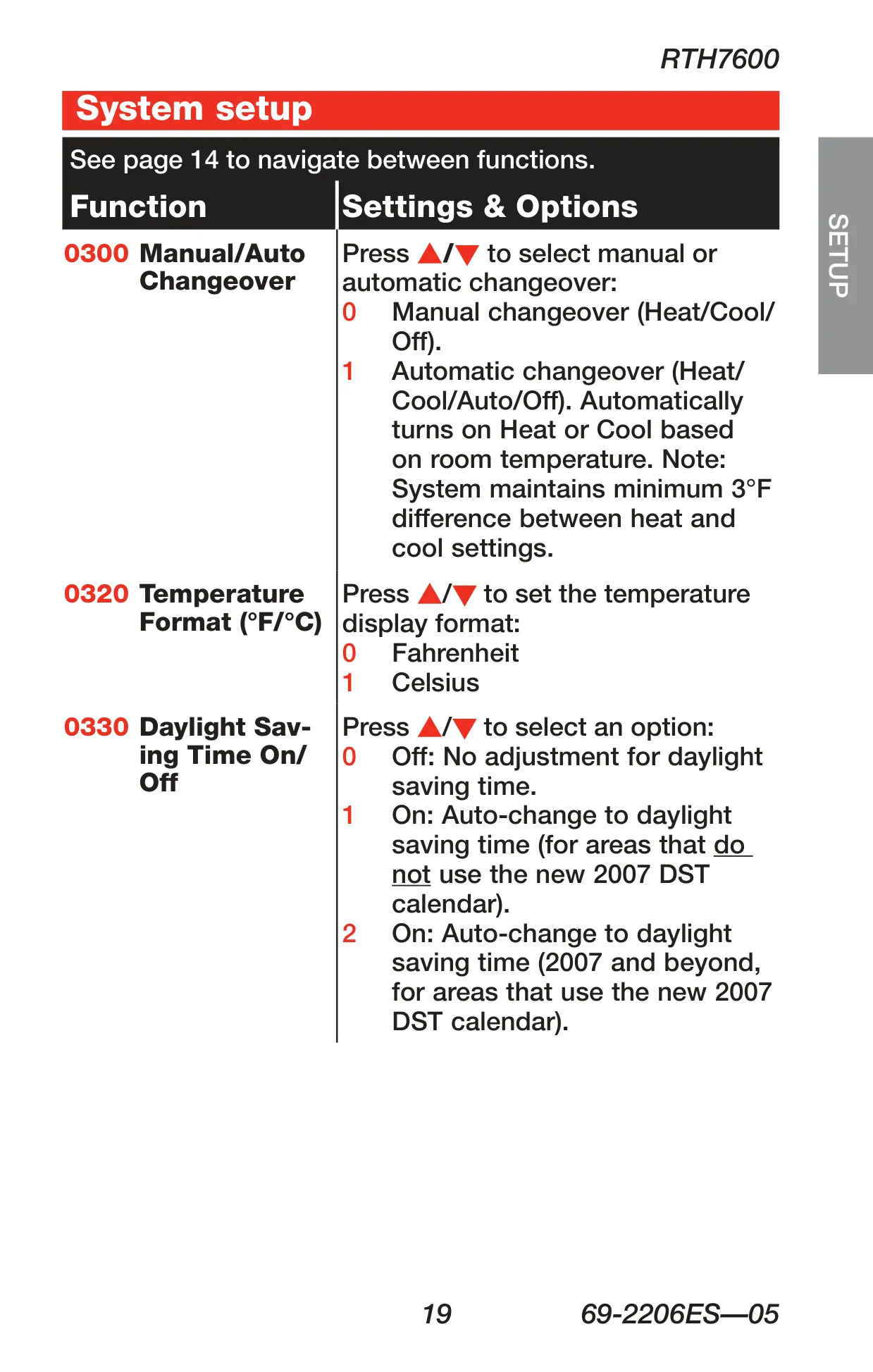
For regions experiencing varied temperatures throughout the day, the Auto Changeover feature is invaluable. When set to Auto, the thermostat intelligently switches between heating and cooling modes based on the indoor temperature. It maintains a crucial minimum 3-degree Fahrenheit separation between the heat and cool setpoints, automatically adjusting them to prevent simultaneous operation and optimize efficiency.
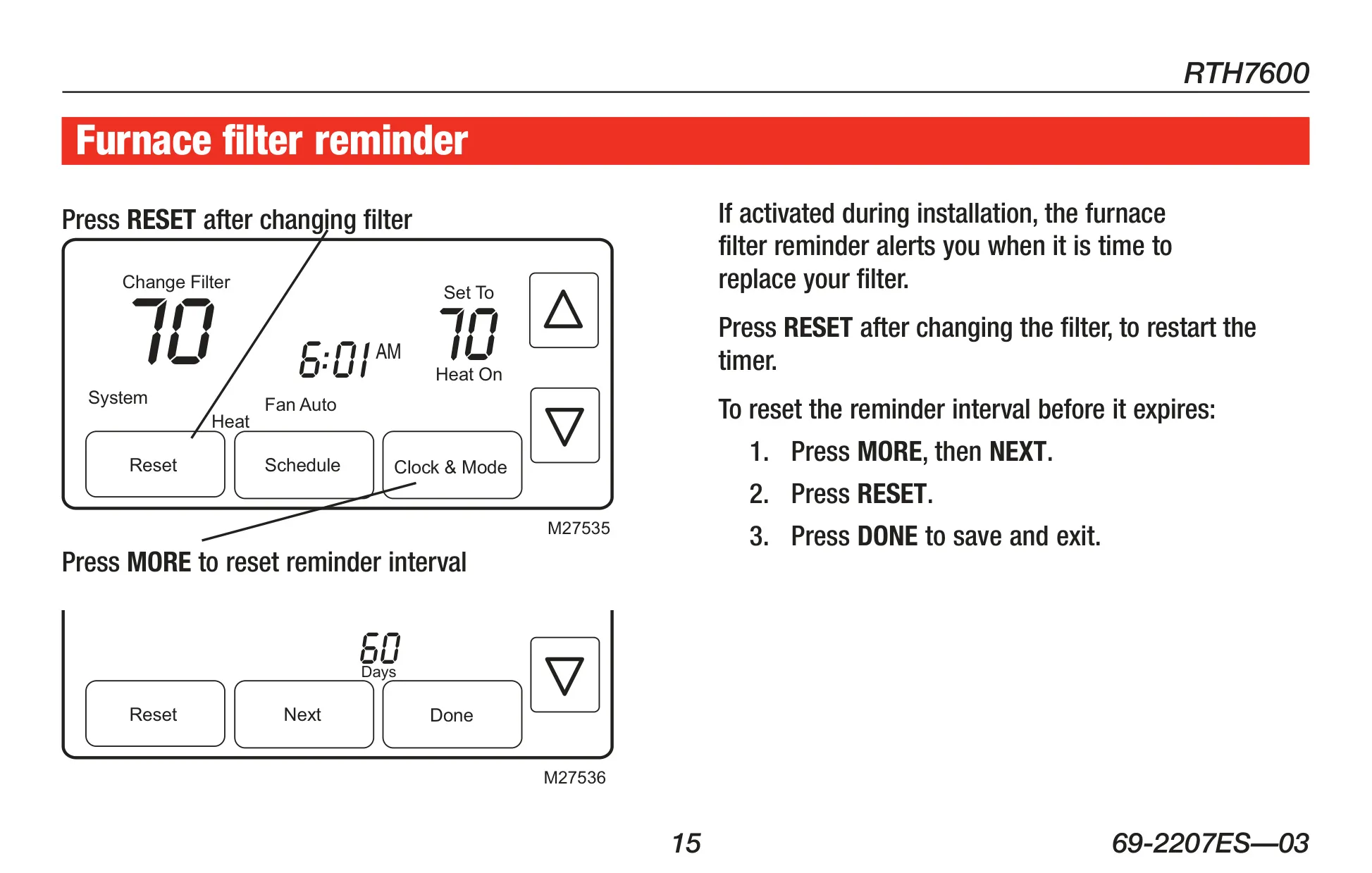
The RTH7600D also assists with home maintenance through its furnace filter reminder. Activated during installation, this alert signals when it's time to replace the filter, ensuring system efficiency and air quality. Additionally, Compressor Protection is built-in, forcing a several-minute wait before restarting the compressor, indicated by a "Wait" message, to prevent potential equipment damage and prolong its lifespan.
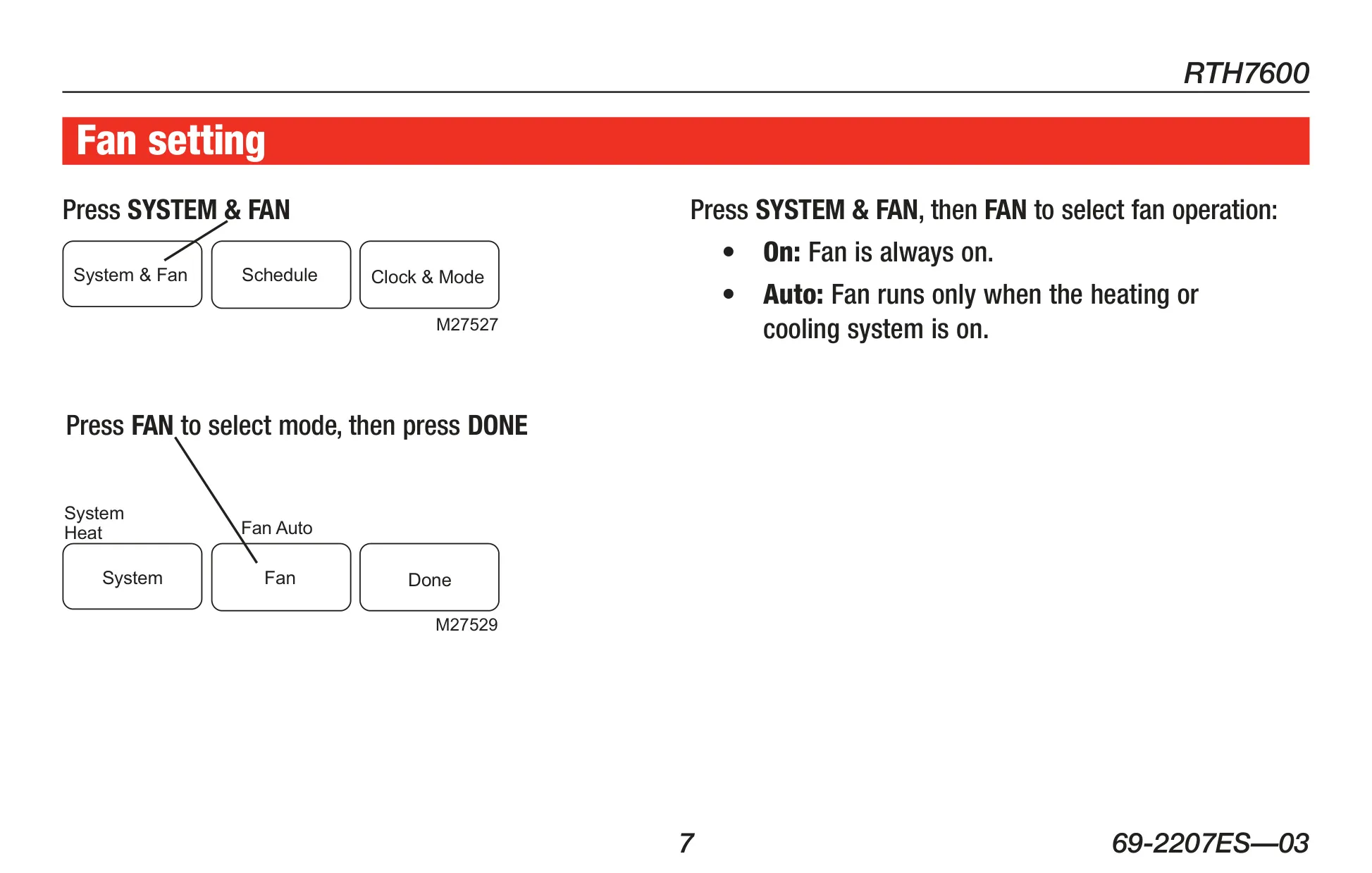
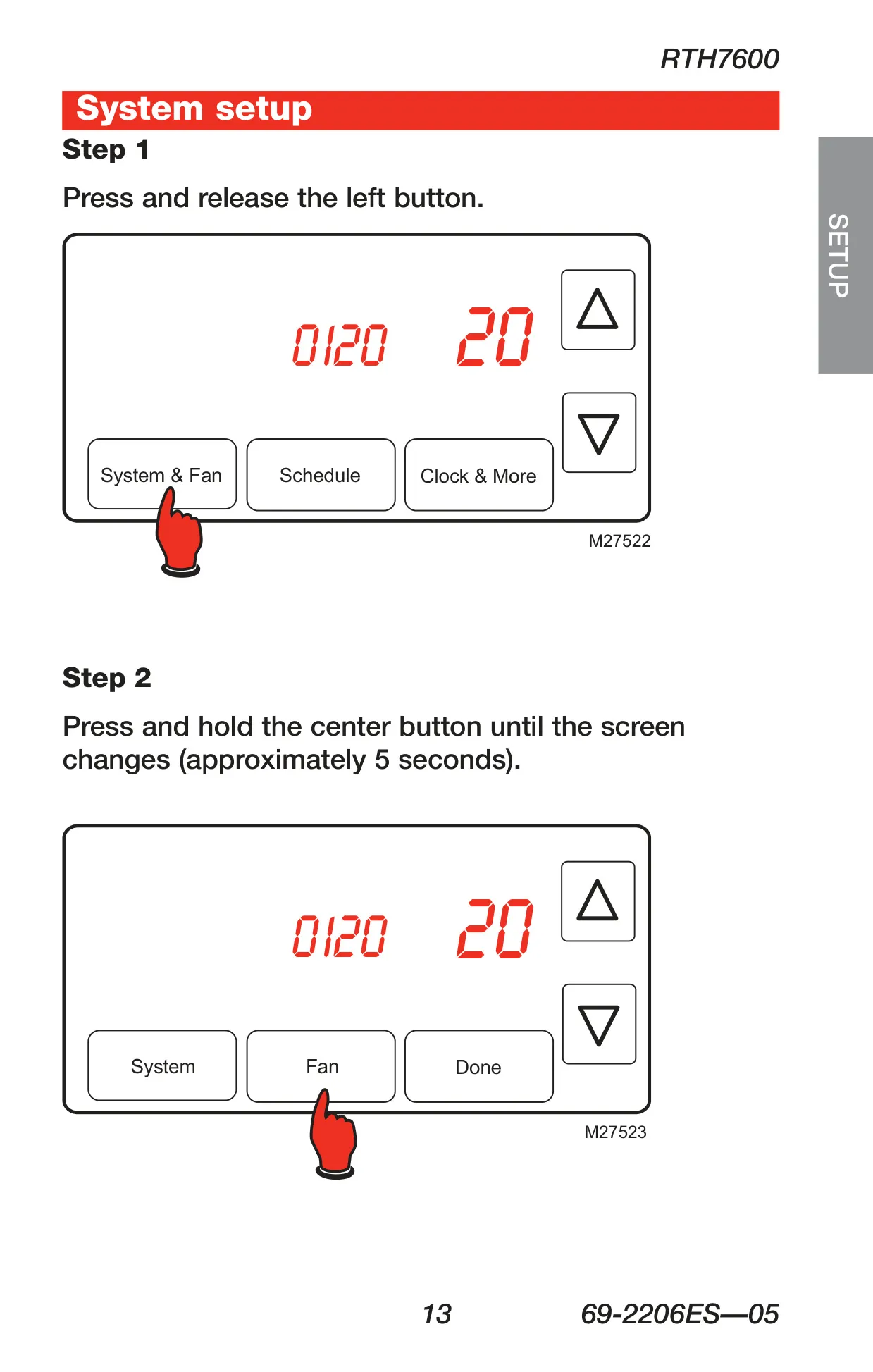
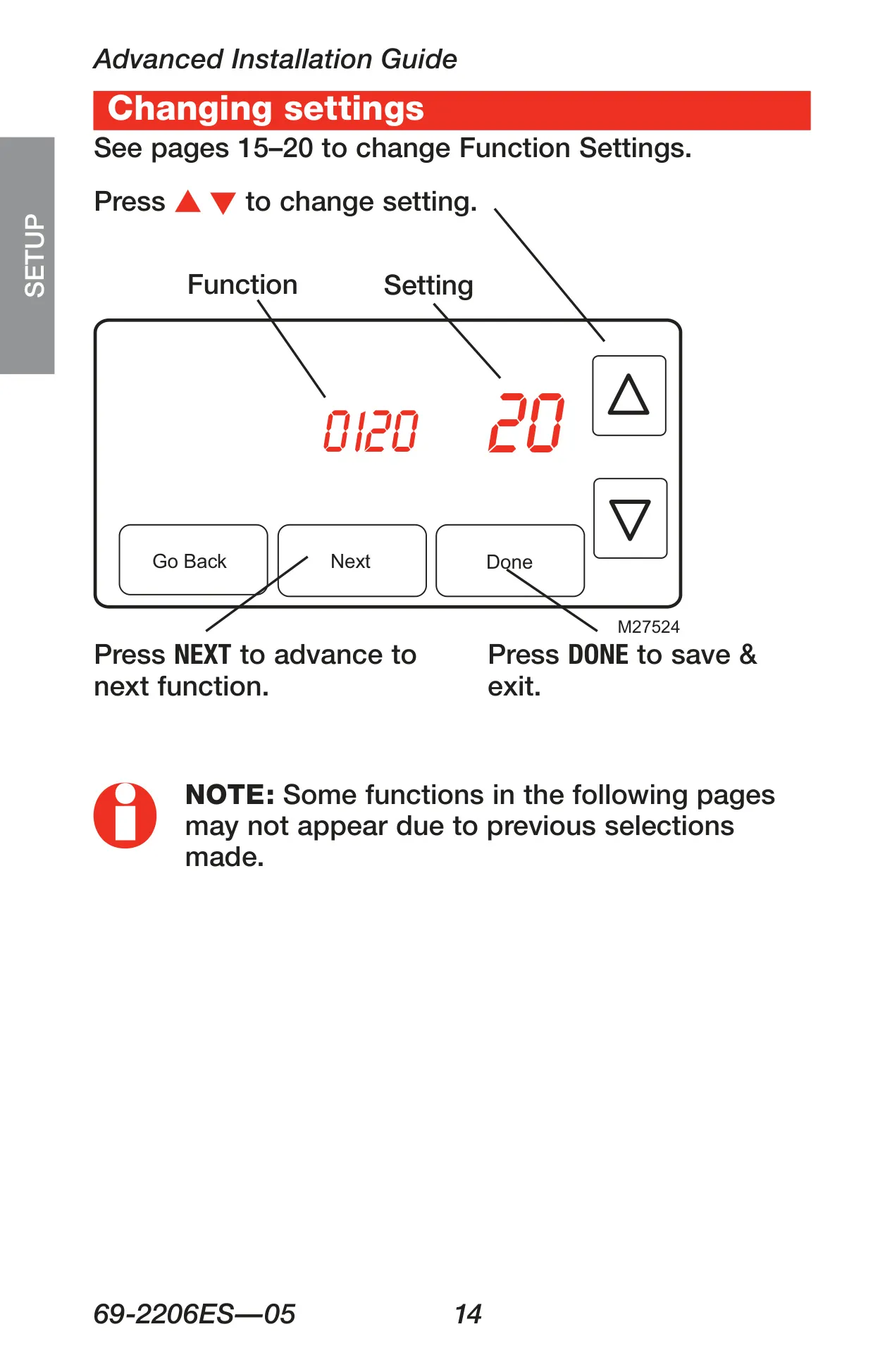
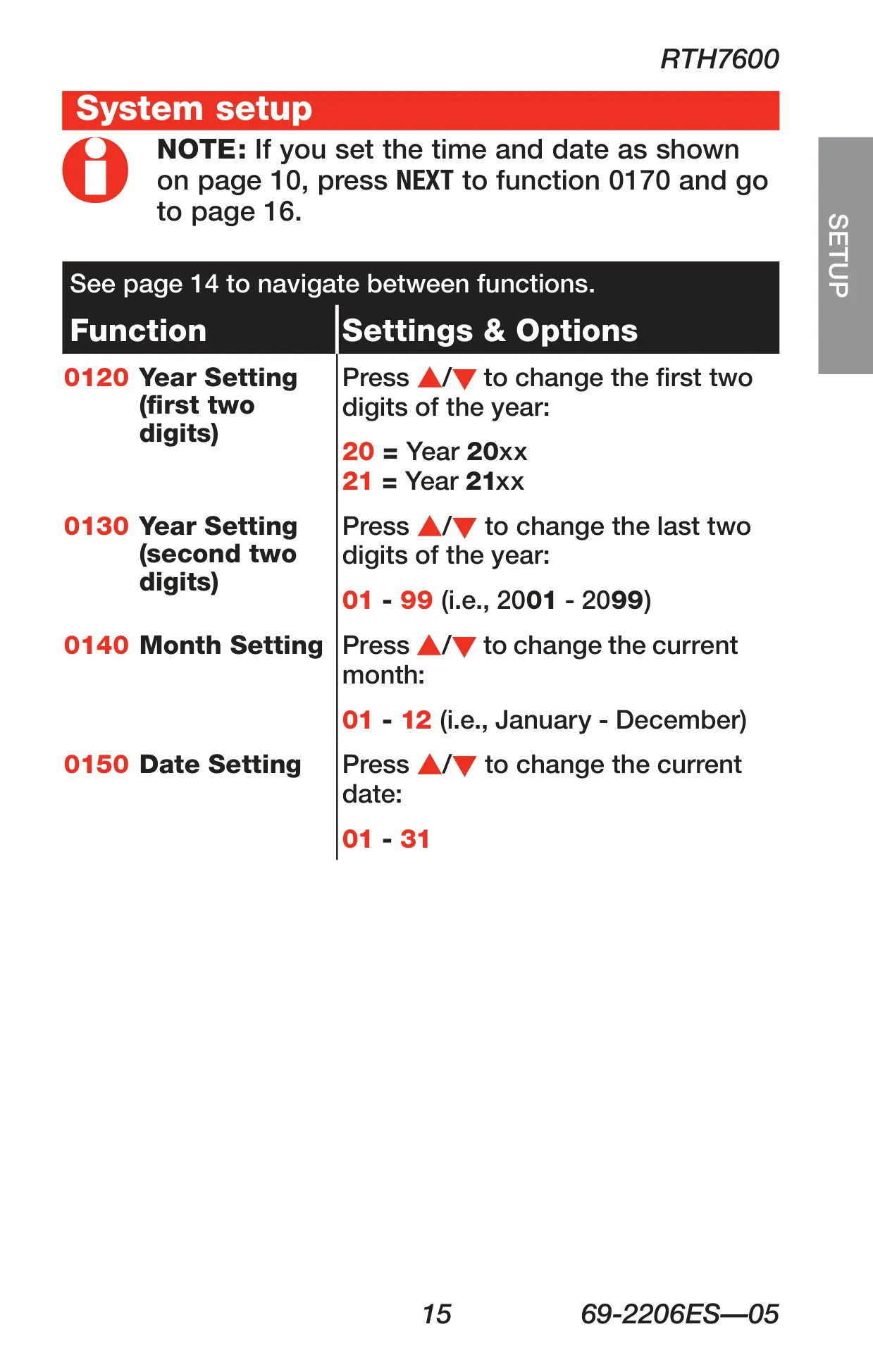
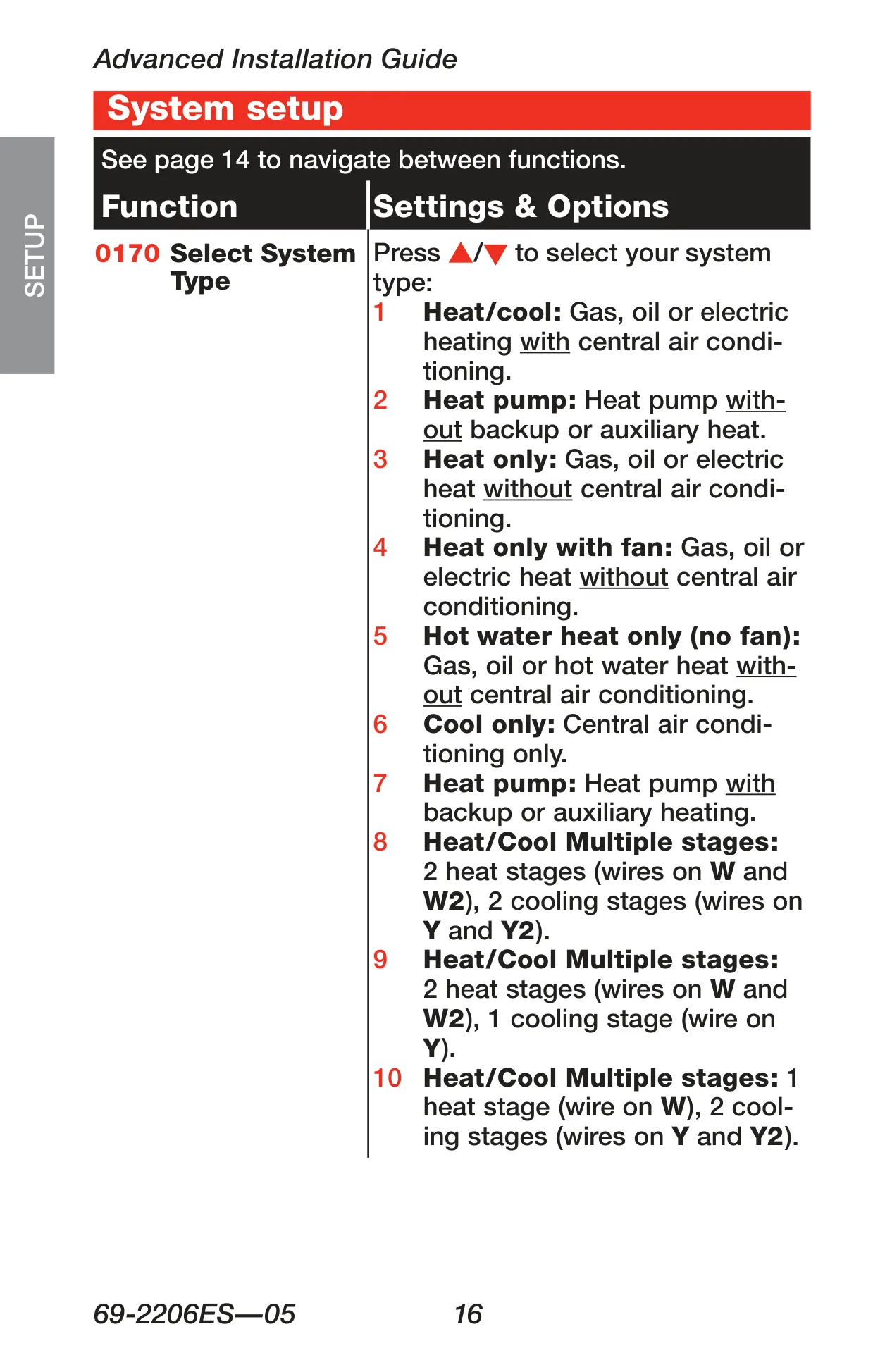
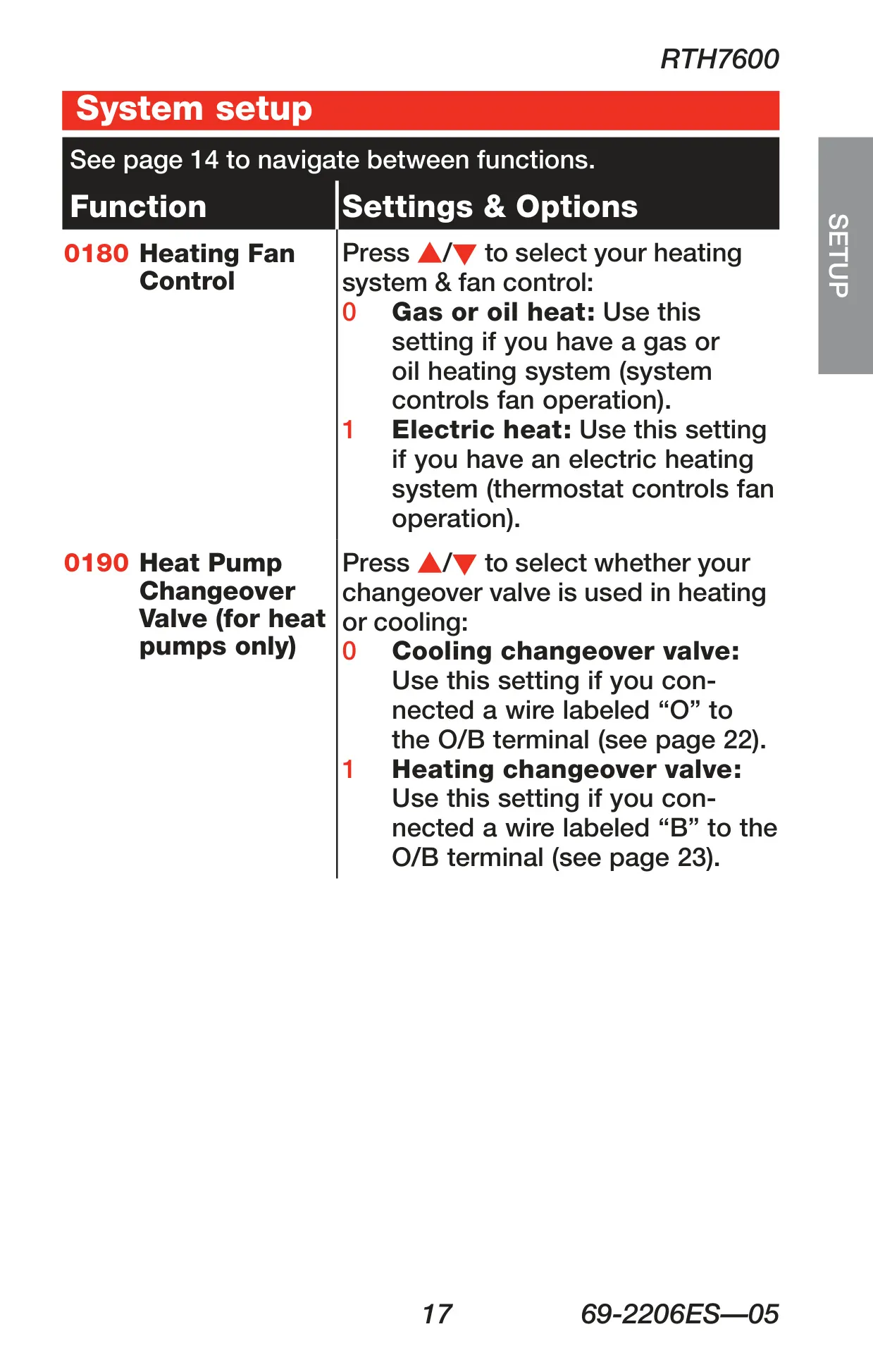
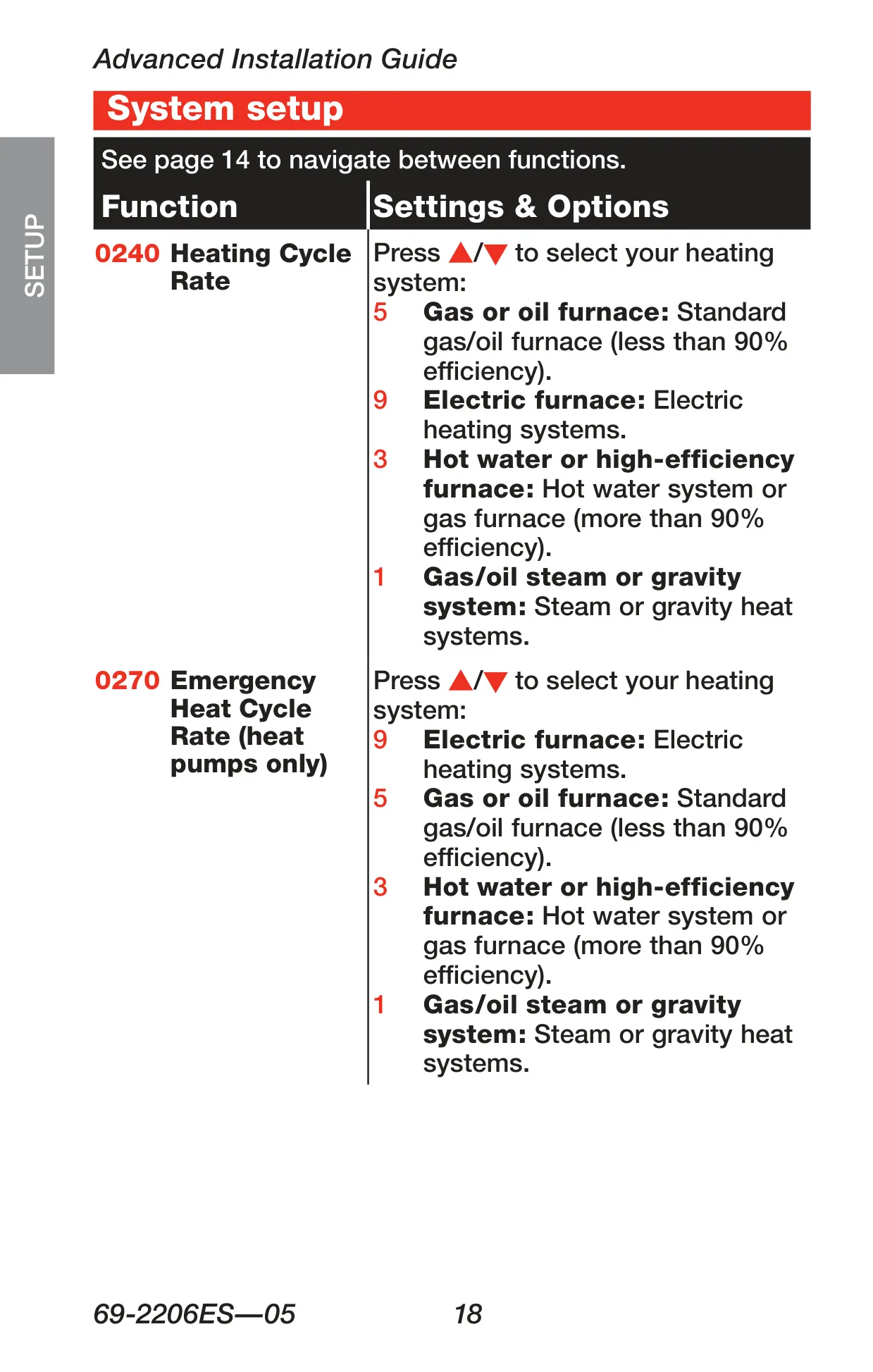
While the thermostat is largely plug-and-play, it offers extensive customization options during advanced installation. Users can configure critical settings such as system type (e.g., heat pump, multistage), heating fan control, temperature format (°F/°C), and daylight saving time adjustments. This ensures the RTH7600D perfectly matches diverse HVAC systems and personal preferences, from basic heat-only to complex multi-stage heat pumps.
Frequently Asked Questions (FAQs)
Can't find the answer you need? Here are some frequently asked questions about the Honeywell RTH7600D Thermostat, and we answer them below.