Honeywell RTH221B Thermostat Instruction Manual
Honeywell RTH221B Thermostat













Honeywell RTH221B Thermostat
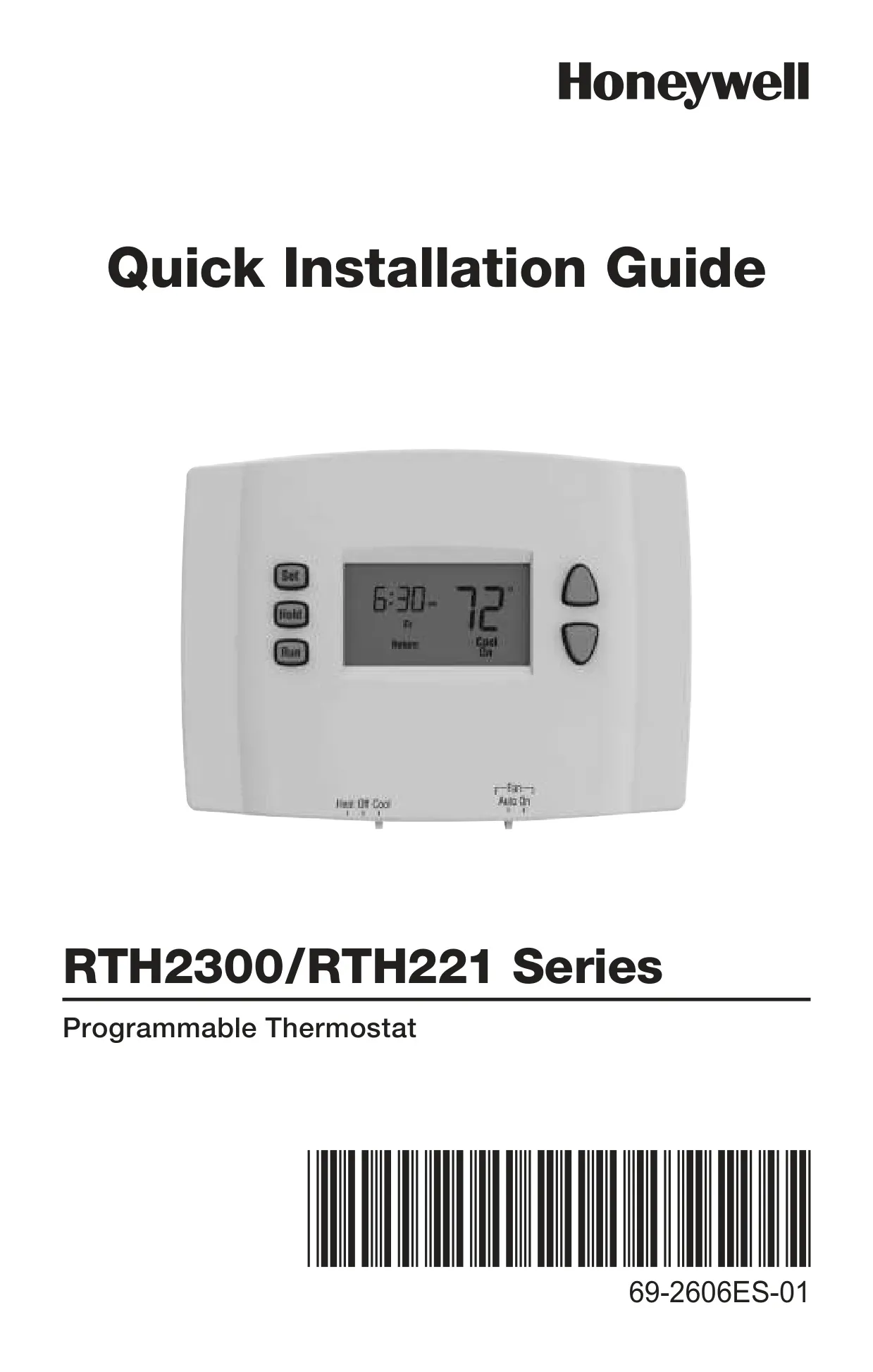
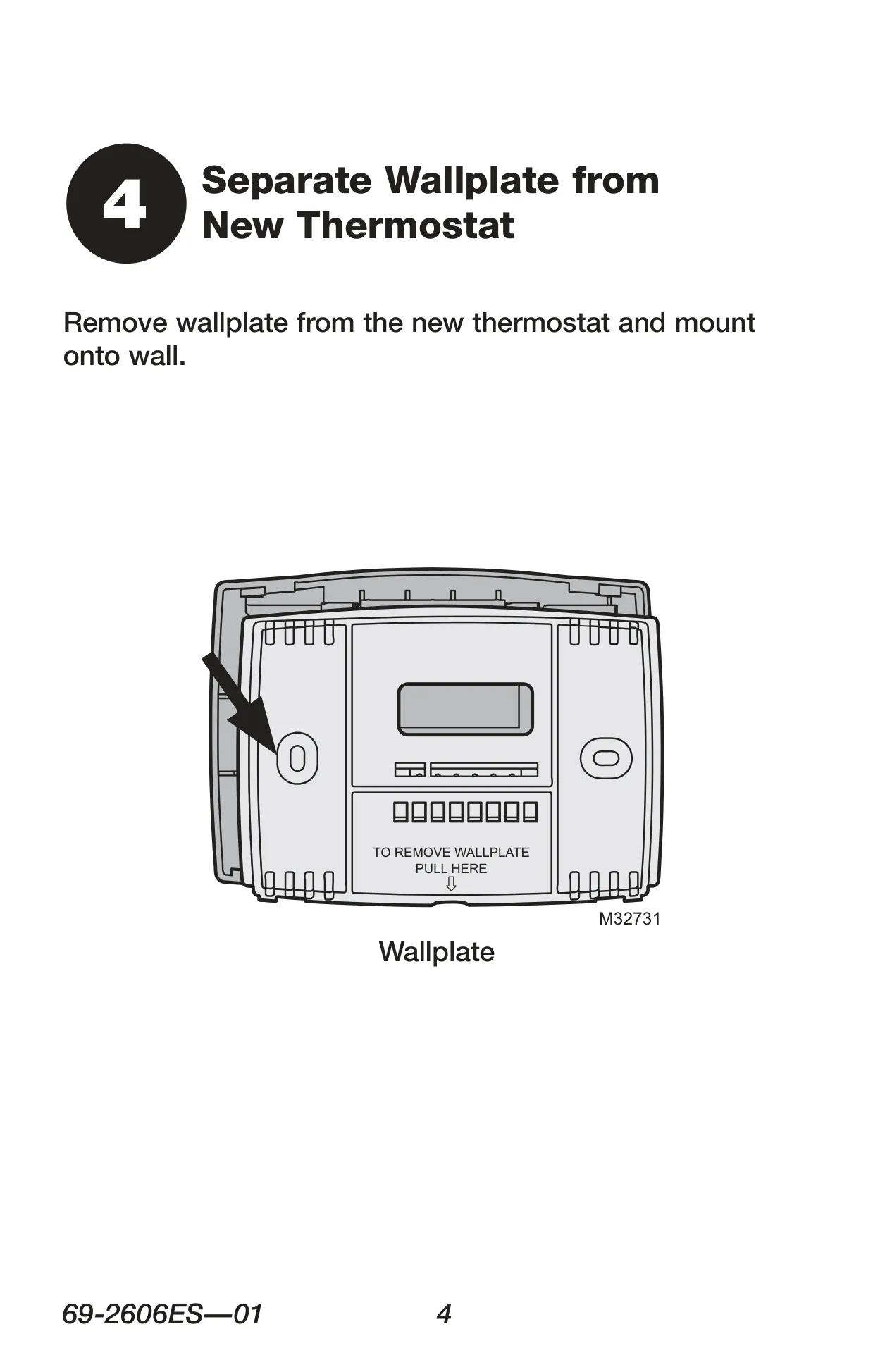
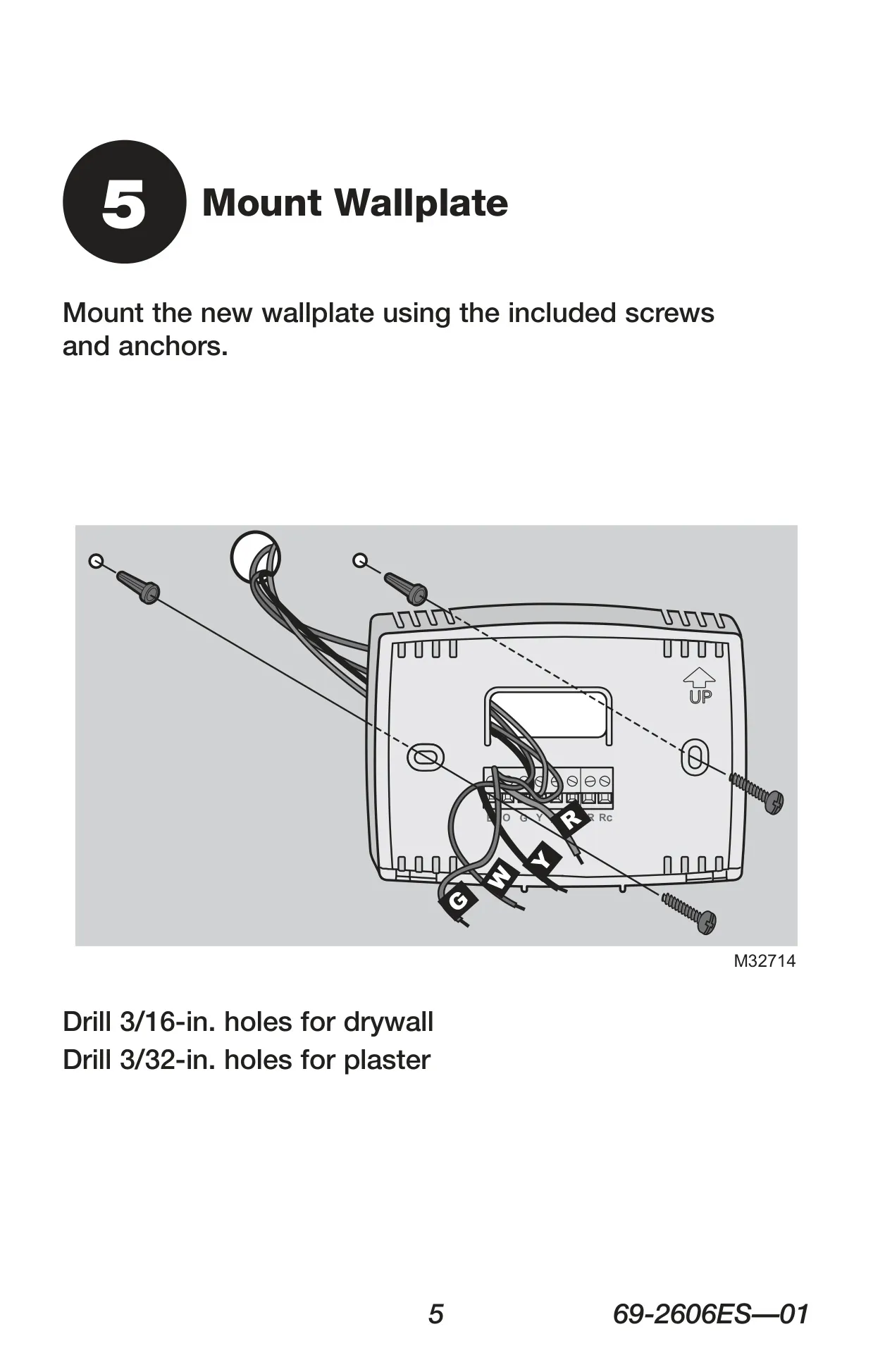
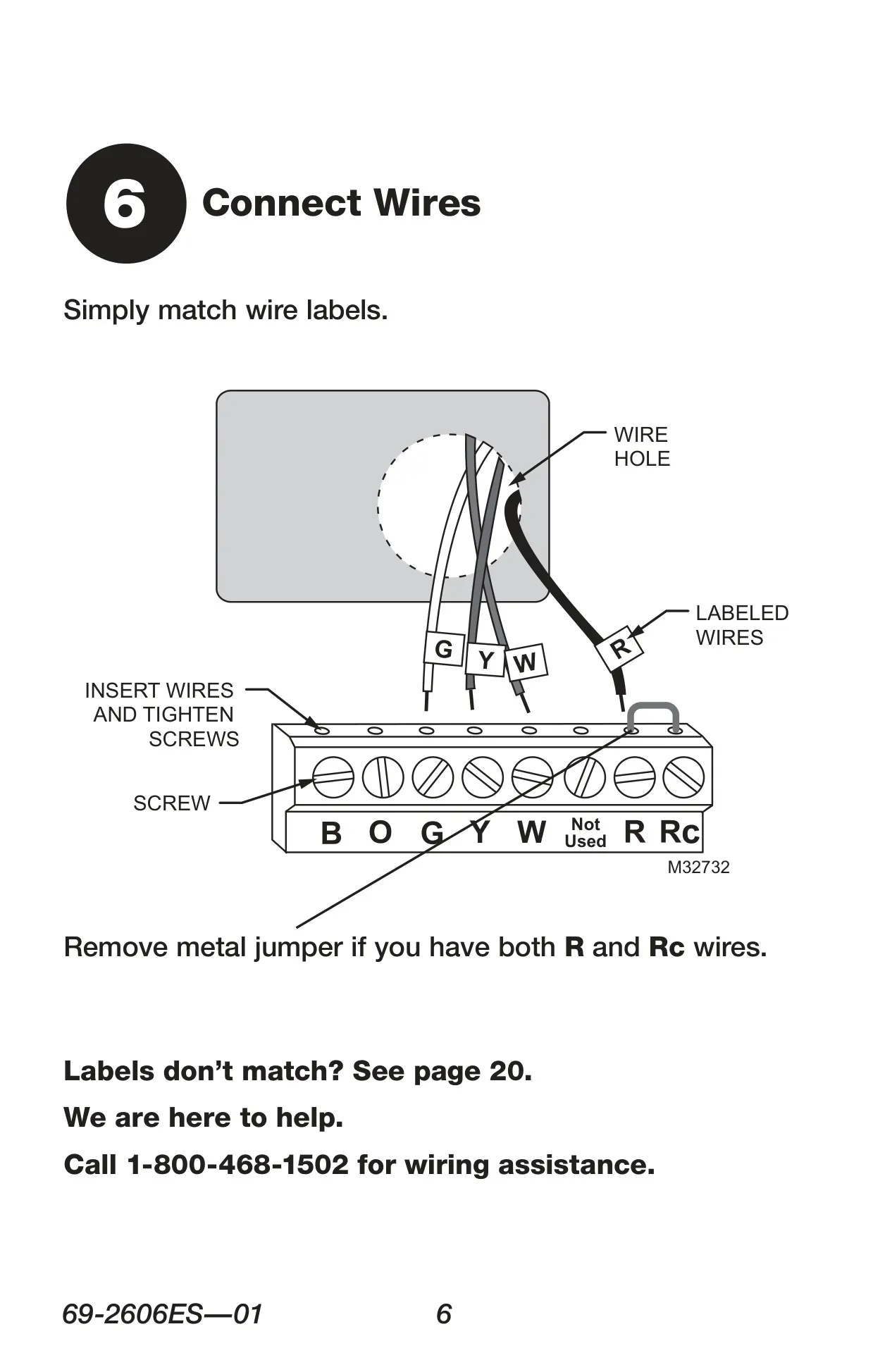
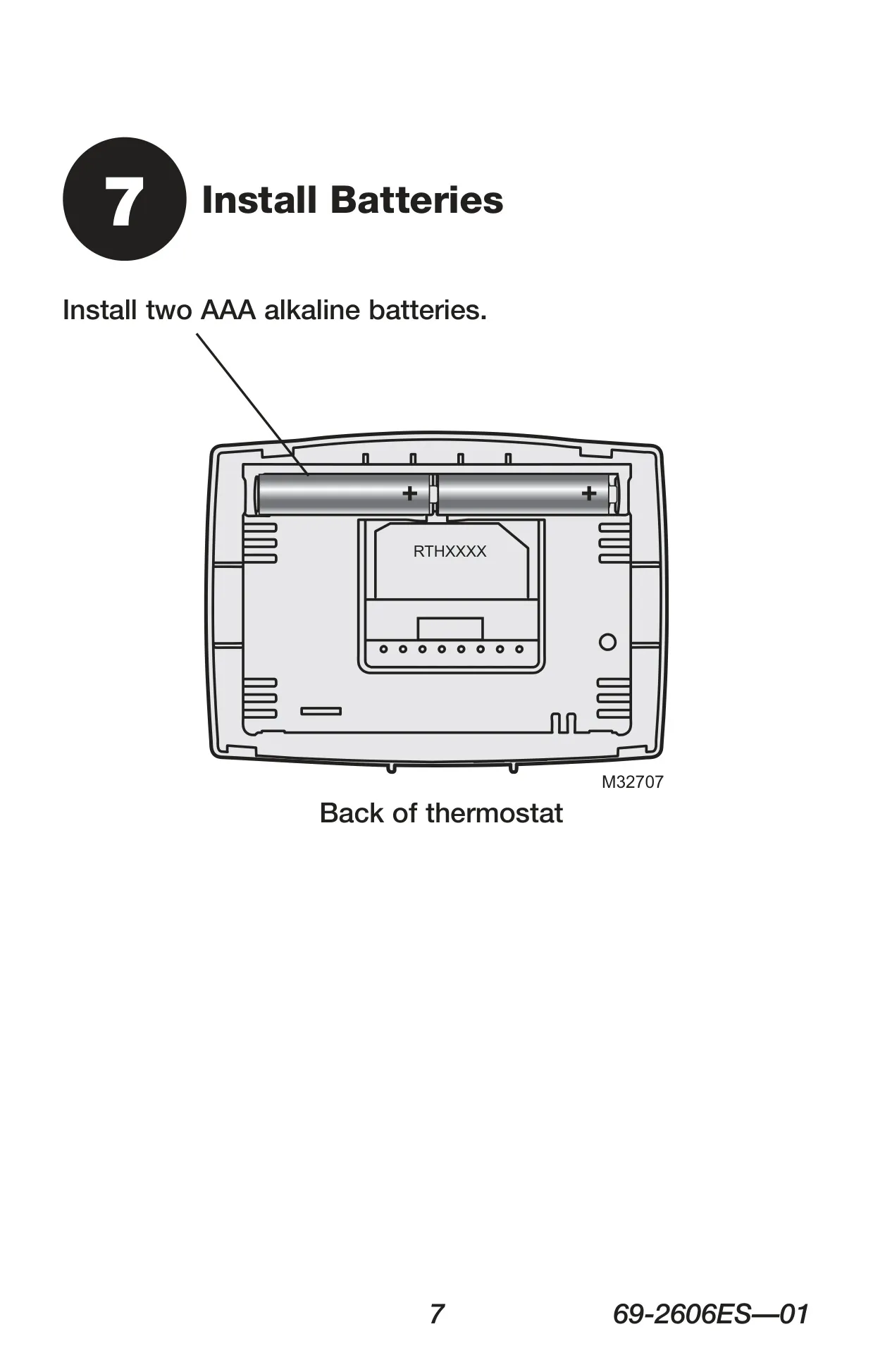
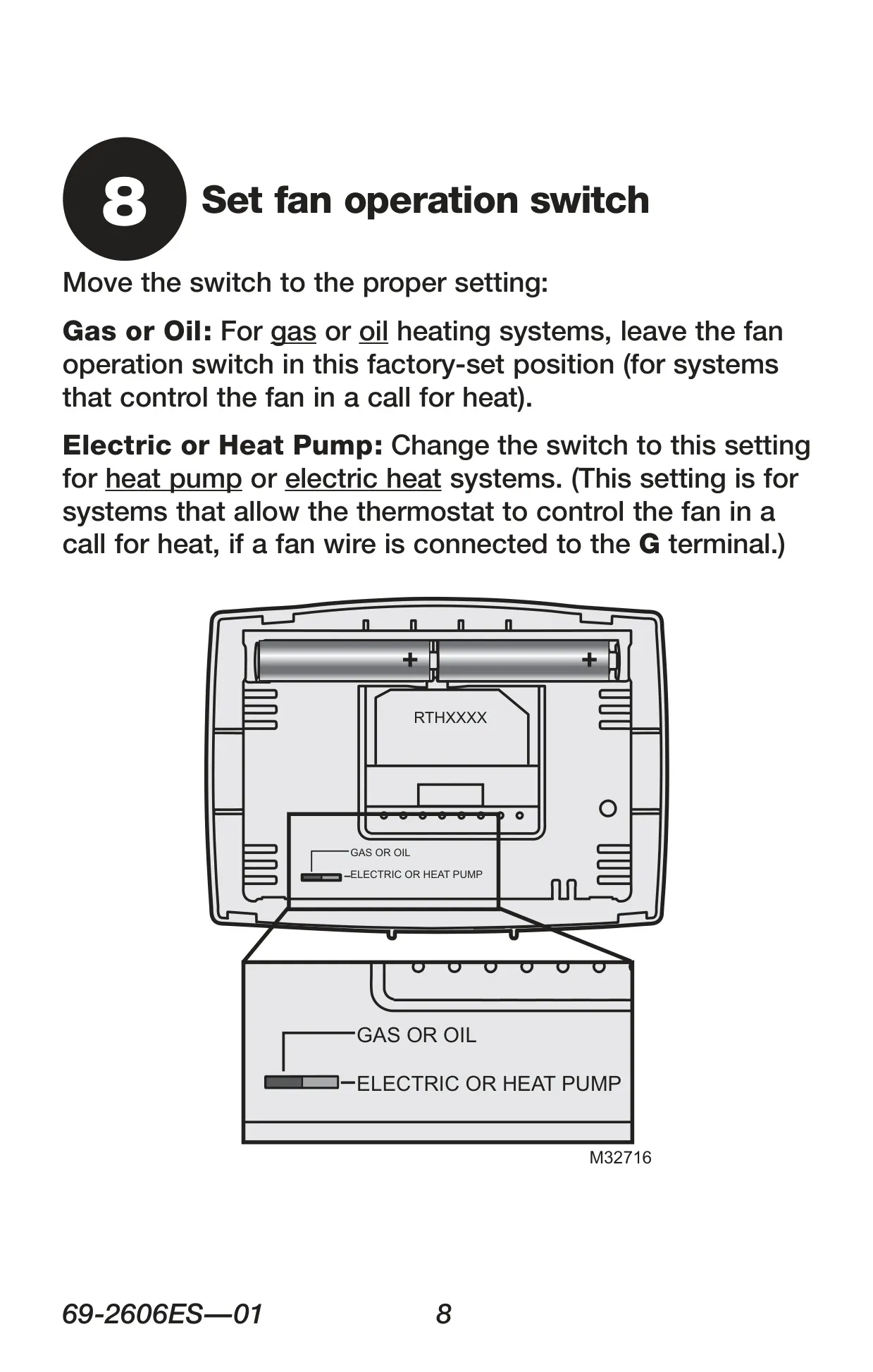
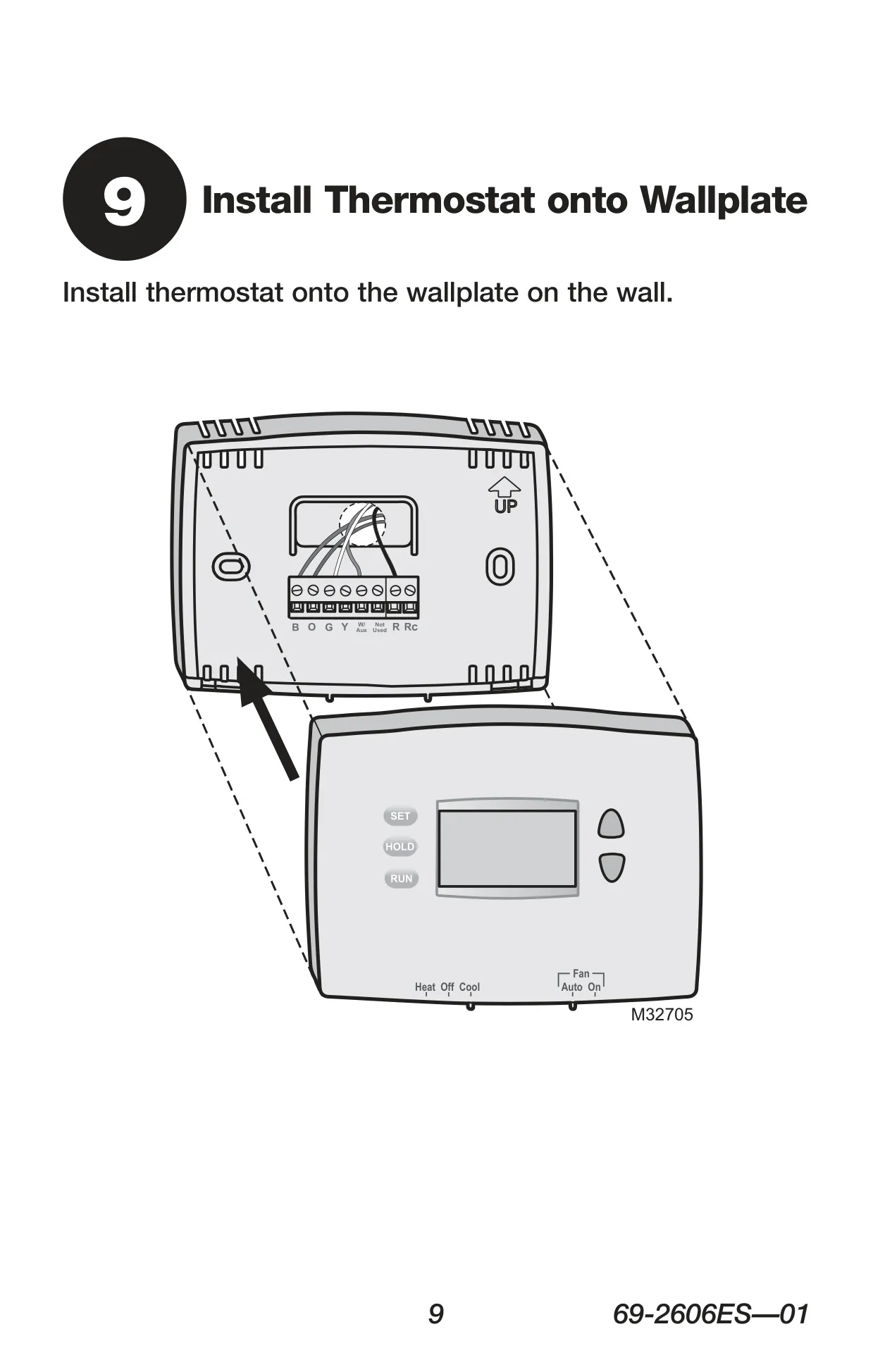
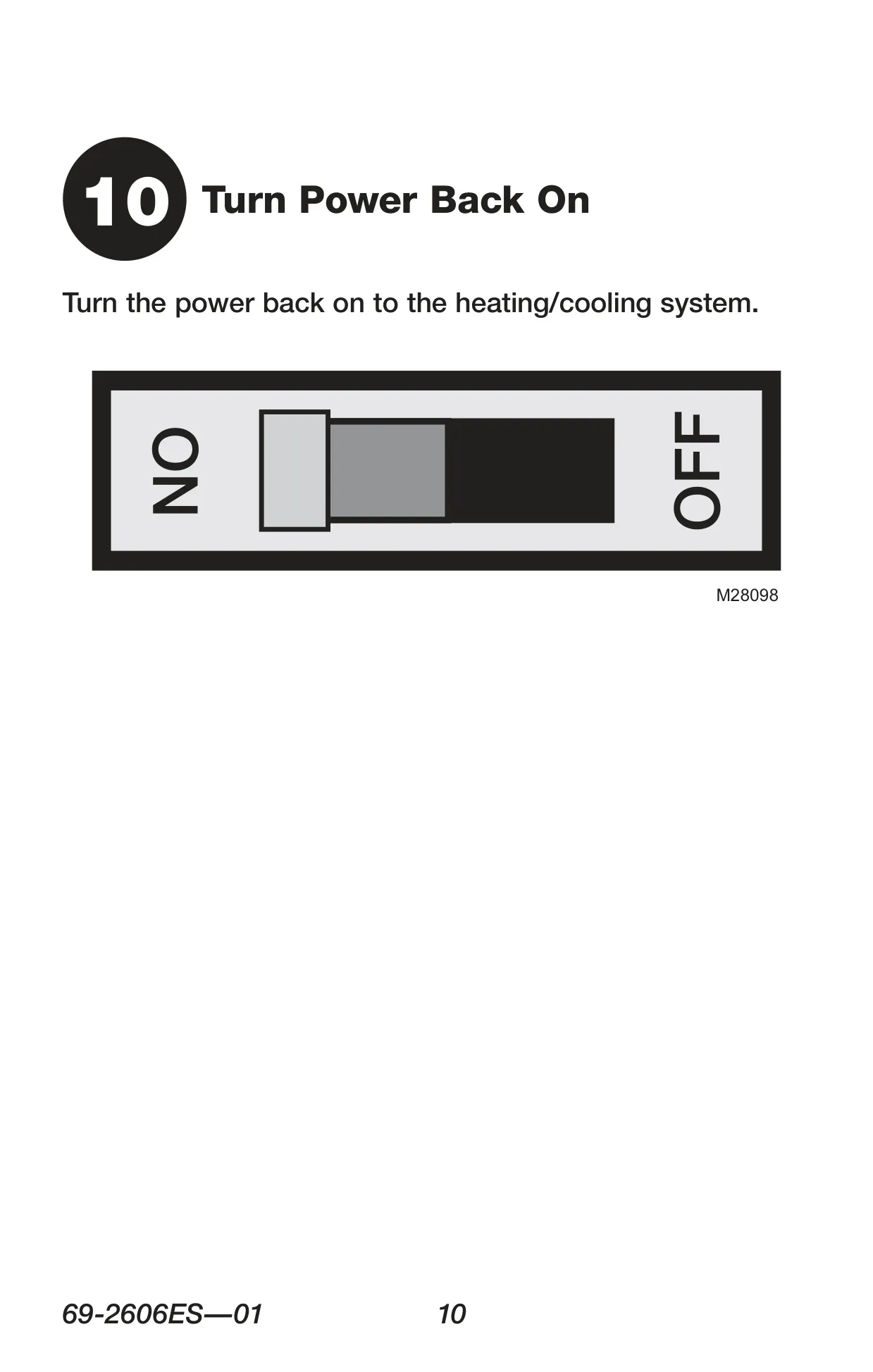
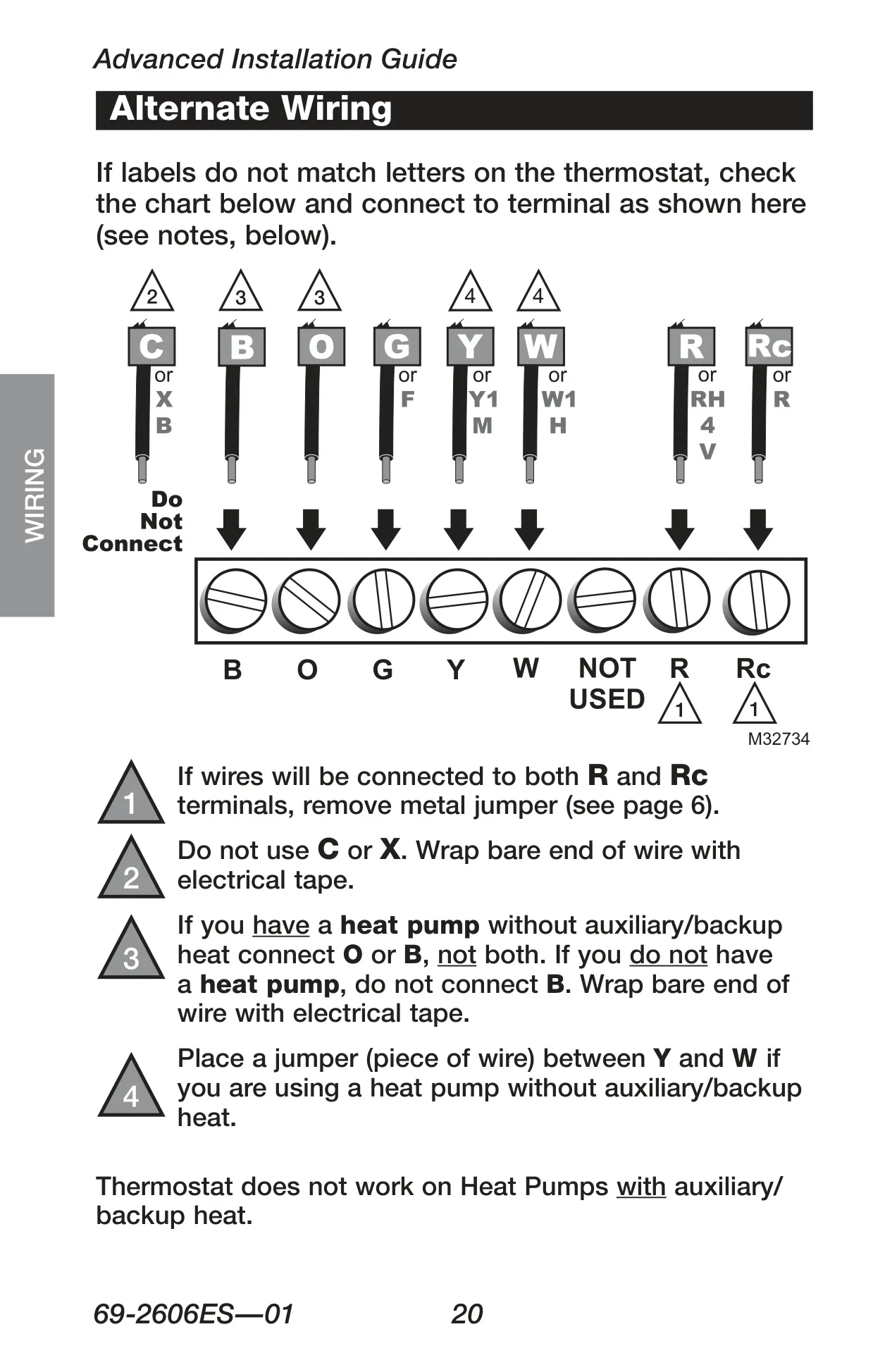
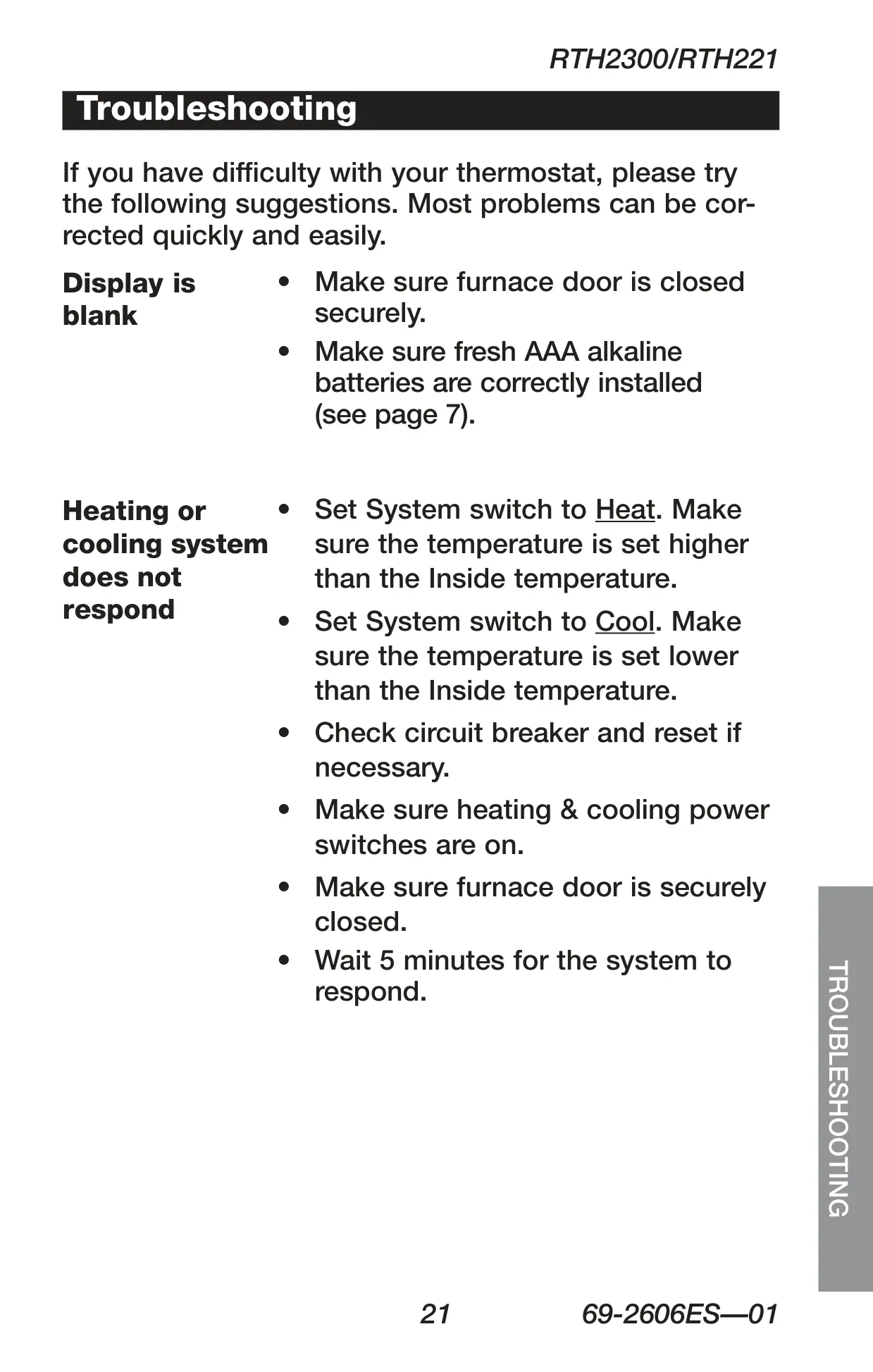
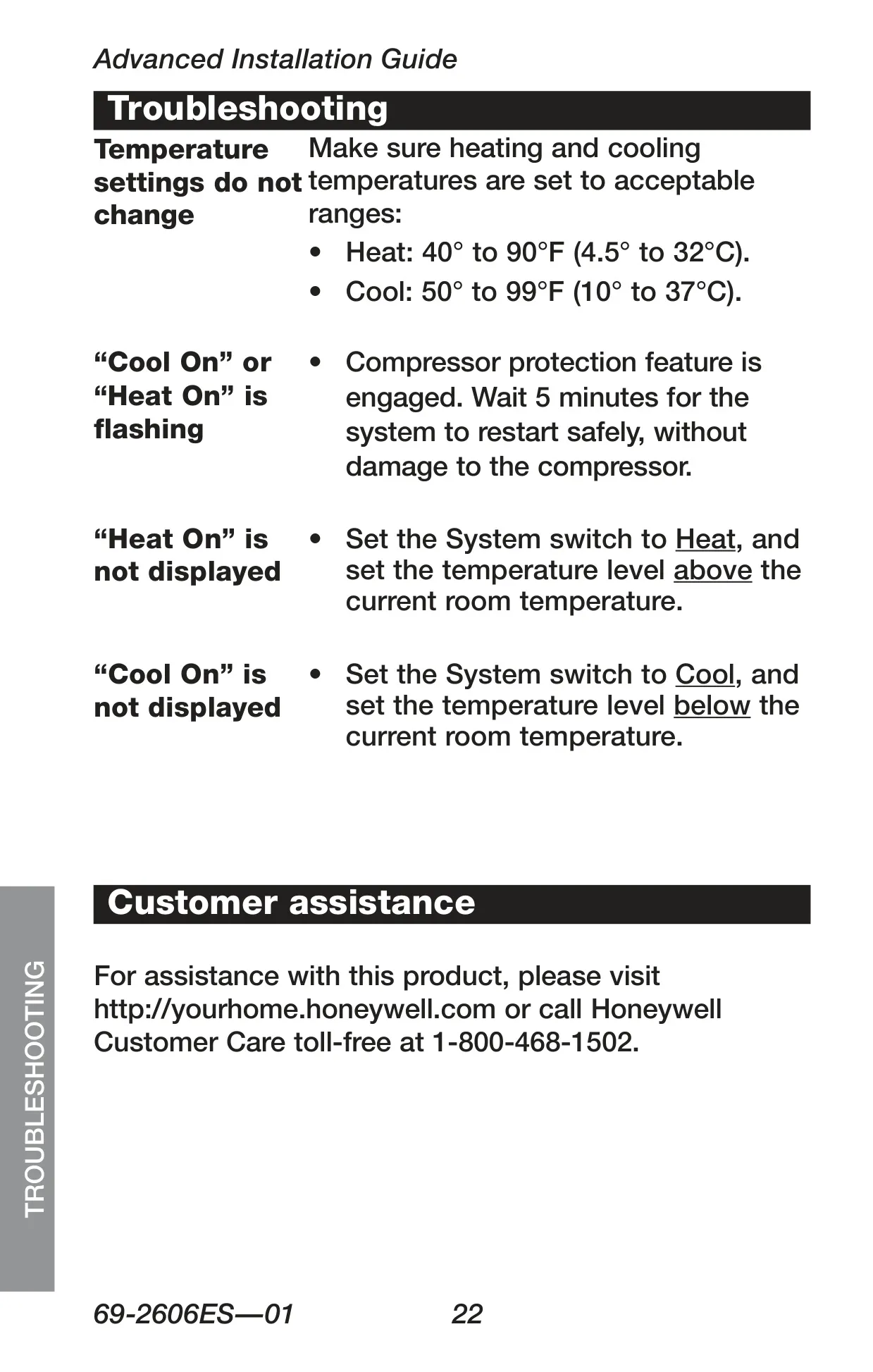
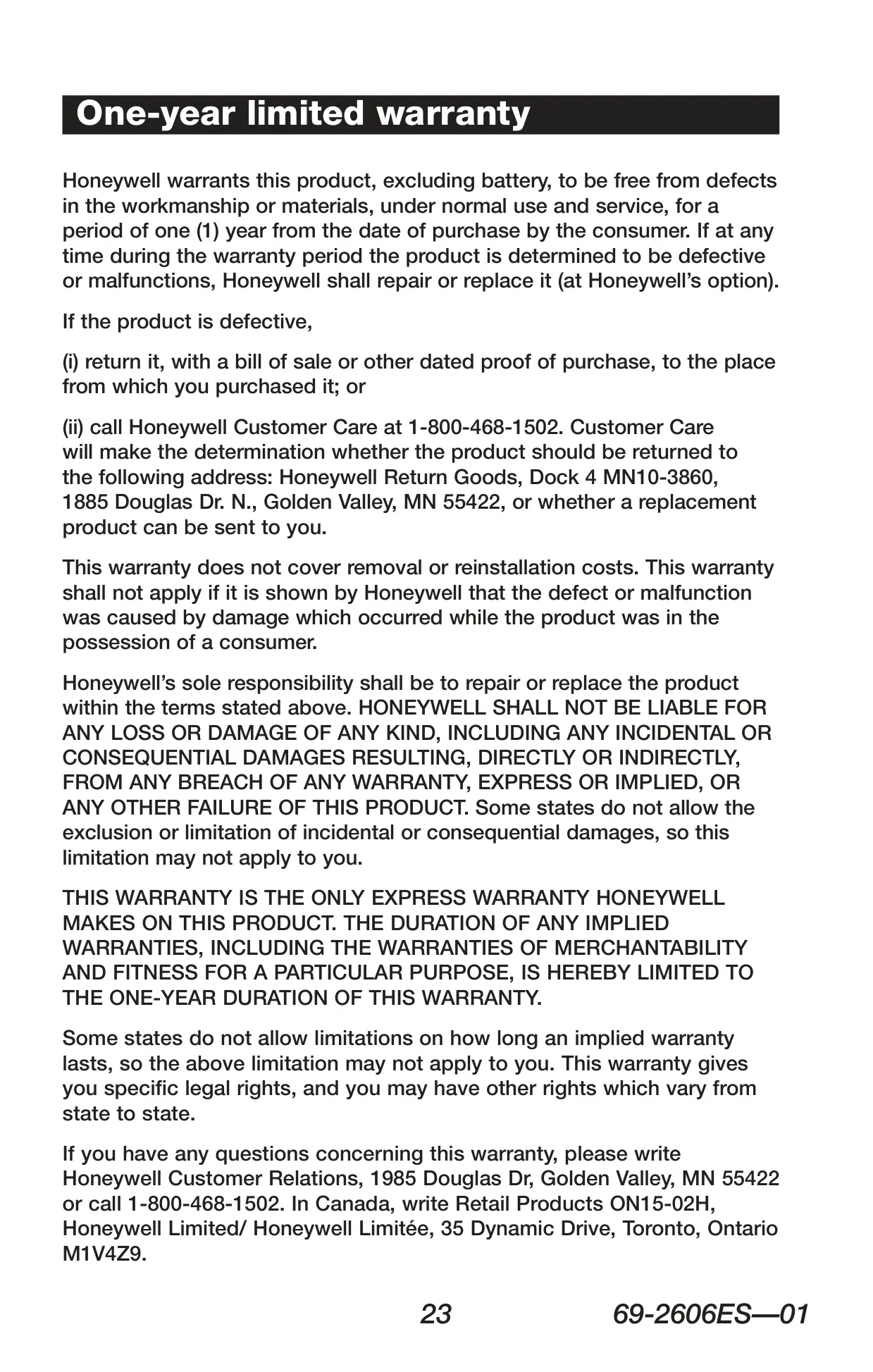
Honeywell RTH221B Instructions
Here we offer the Honeywell RTH221B Thermostat manual completely free and in English. We have cataloged this manual in the Thermostats section on Manualverse, and it has been rated by 1 users with an average rating of 5. If you have any specific questions about Honeywell RTH221B Thermostat, we suggest checking the Frequently Asked Questions (FAQs) section of this manual.
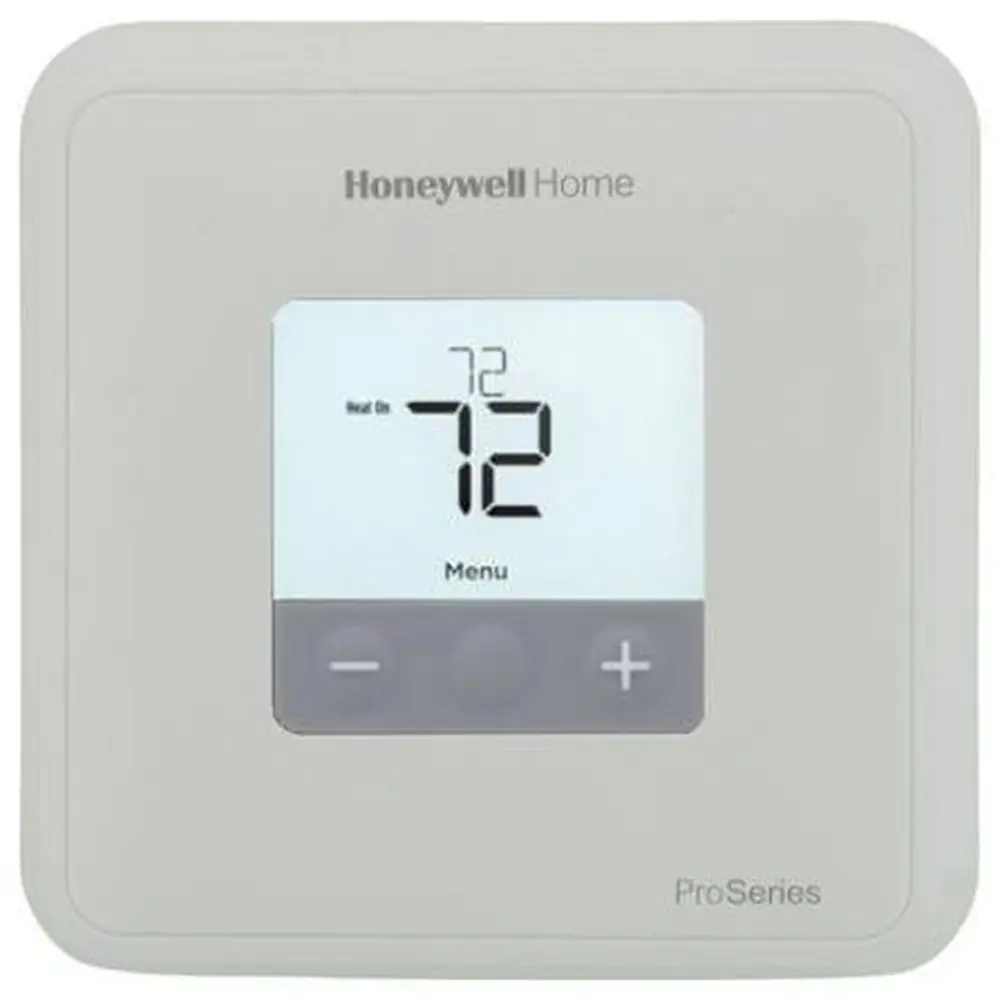
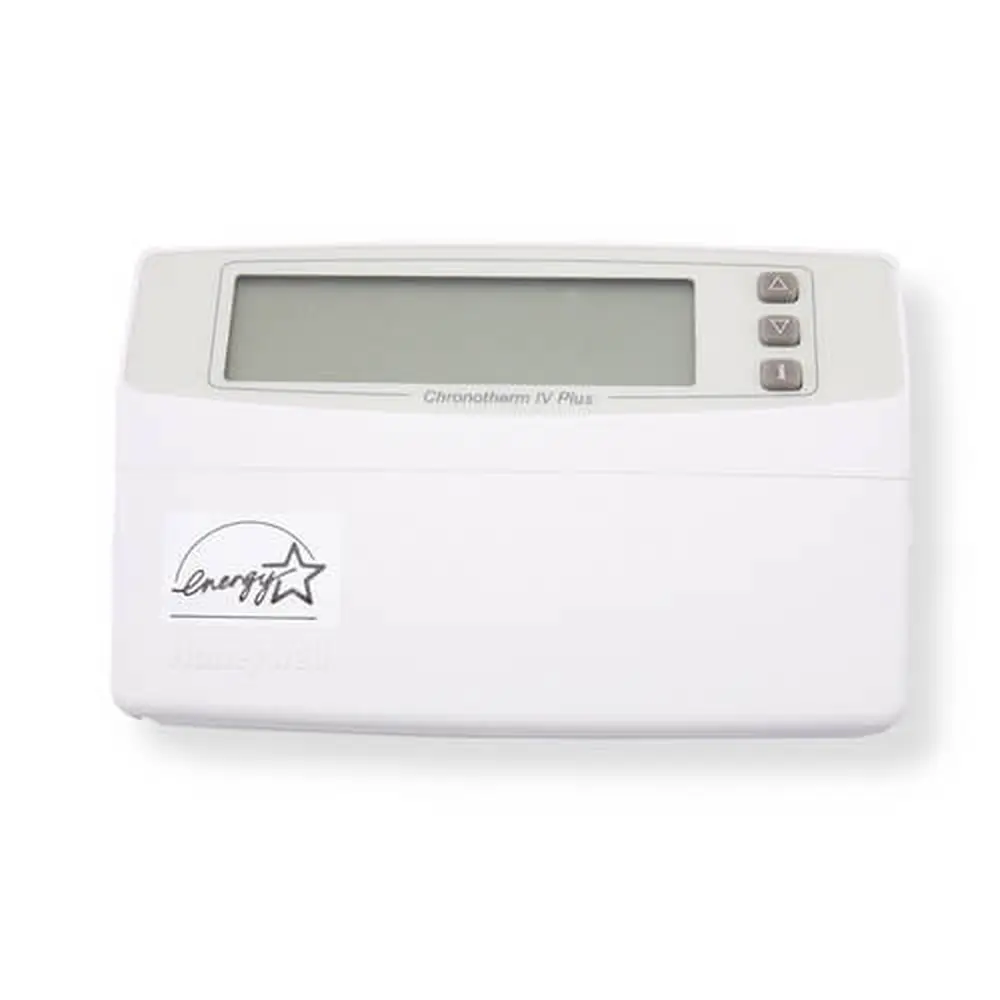
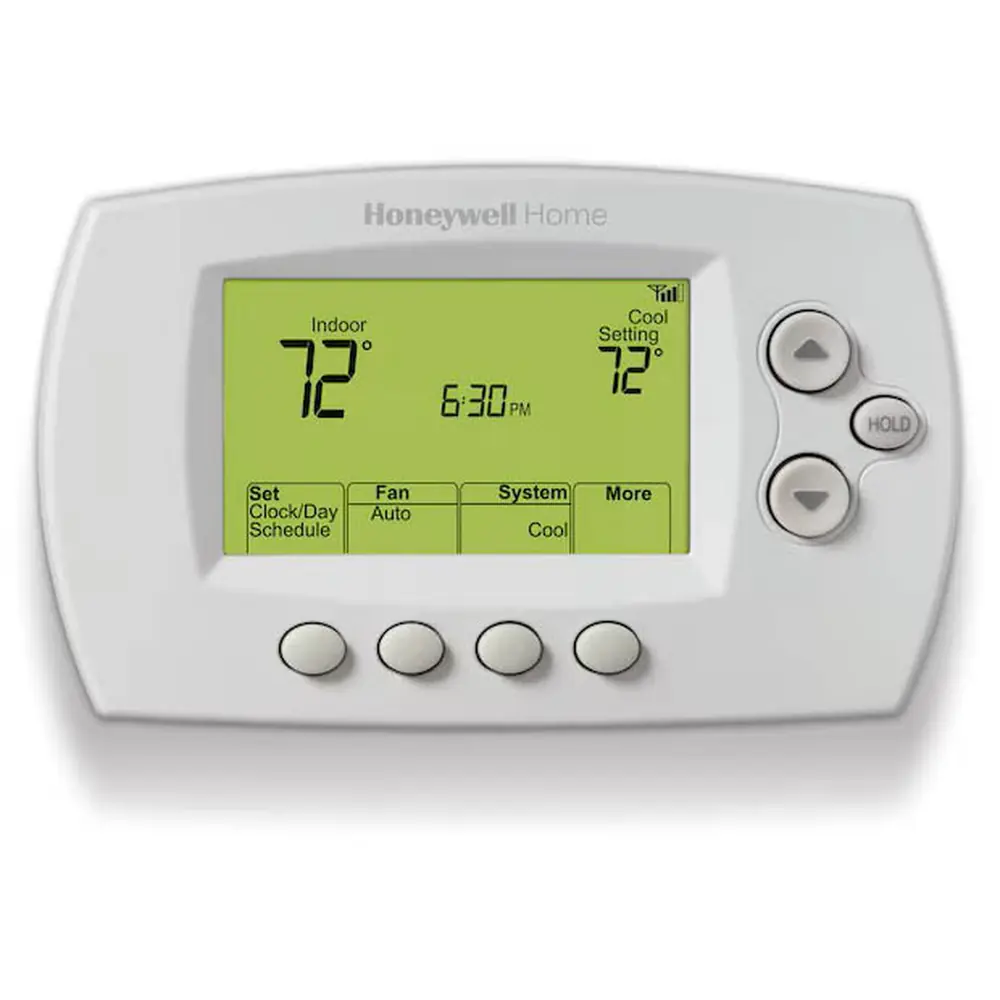
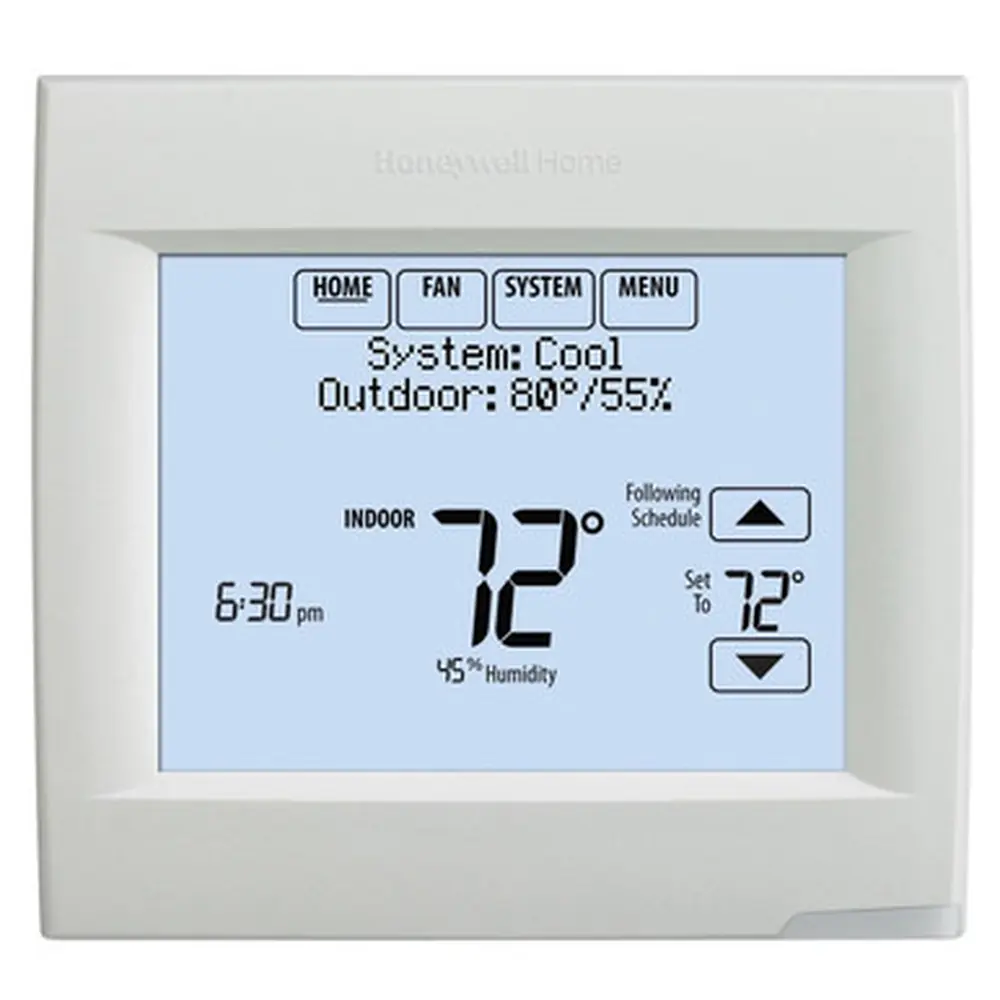
Product Images
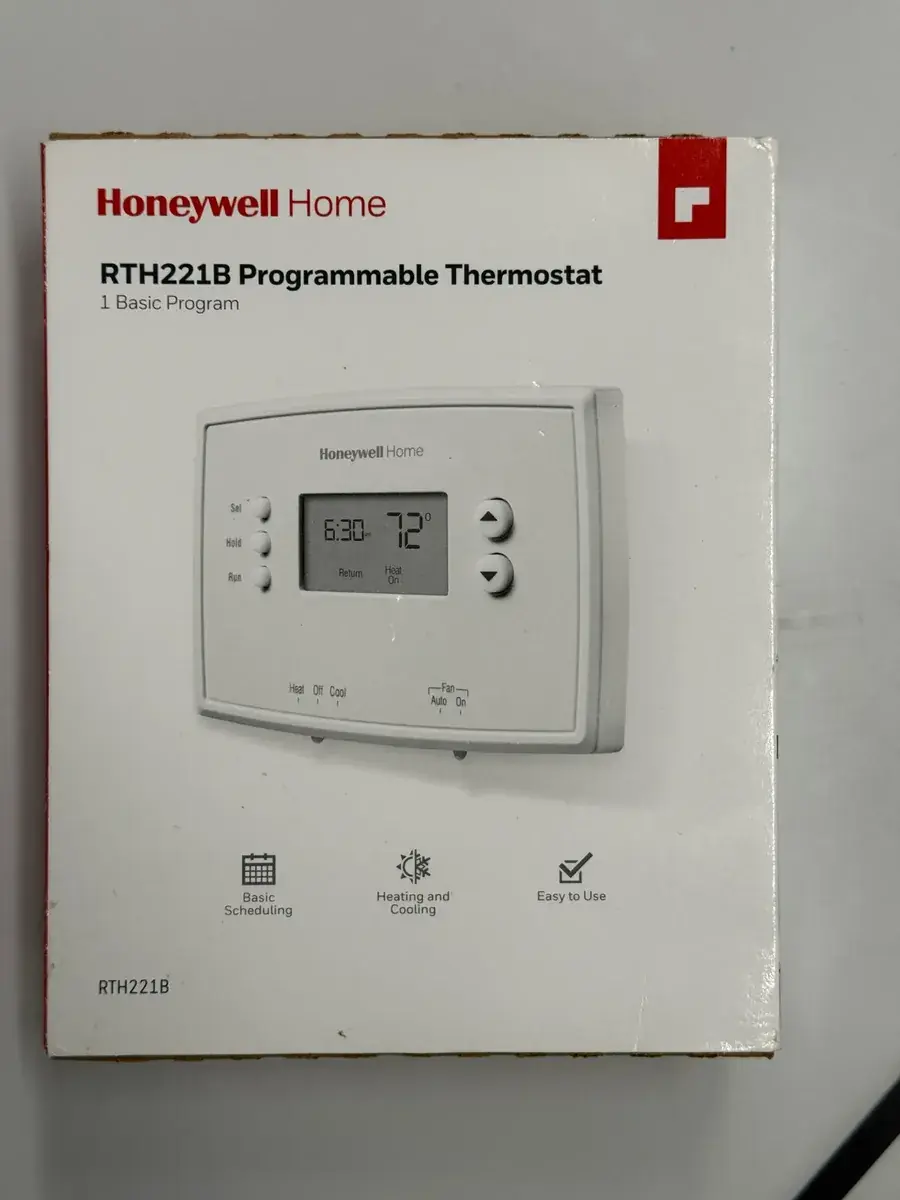

Honeywell RTH221B Thermostat Specifications
| Feature | Specification |
|---|---|
| Model | Honeywell RTH221B Programmable Thermostat |
| Compatibility | Conventional systems (Gas, oil, electric furnace, central A/C, hot water system with/without pump, millivolt system, central heating/cooling). Heat pump without auxiliary/backup heat. |
| Incompatibility | Heat pumps with auxiliary/backup heat, multi-stage conventional systems, 120/240 Volt systems. |
| Power Supply | 2 AAA alkaline batteries (24 volt or 750 mV systems) |
| Heating Temperature Range | 40°F to 90°F (4.5°C to 32°C) |
| Cooling Temperature Range | 50°F to 99°F (10°C to 37°C) |
| Programming | 4 time periods per day (Wake, Leave, Return, Sleep), same schedule for all 7 days (Mo-Su). |
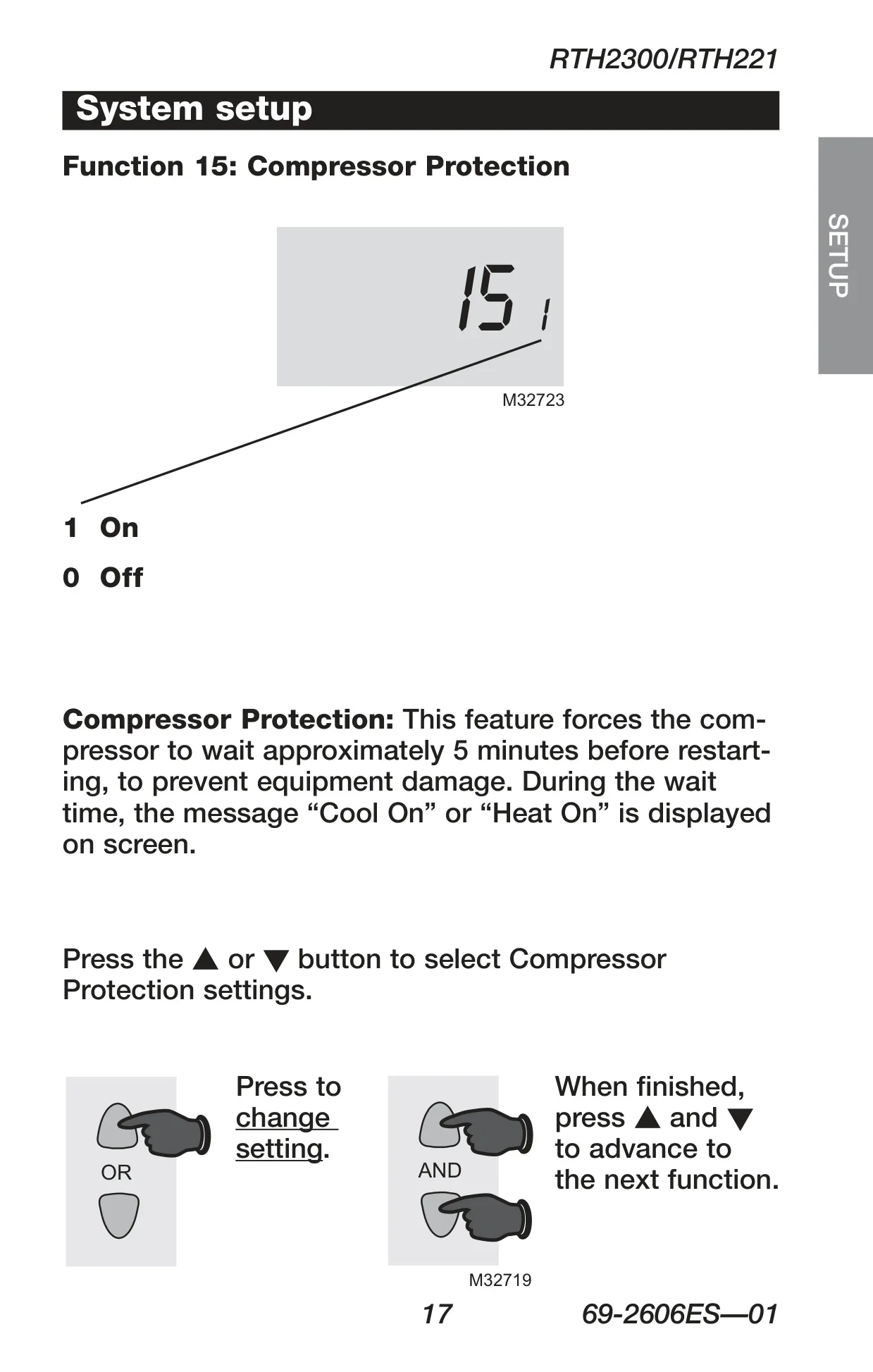
| Compressor Protection | Built-in 5-minute delay before restart. |
| Display | Standard LCD (non-backlit). Displays ambient and setpoint temperature. |
| Battery Warning | "Lo Batt" indicator flashes 60 days prior to battery depletion. |
| Warranty | 1-year limited warranty. |
Honeywell RTH221B Thermostat Details
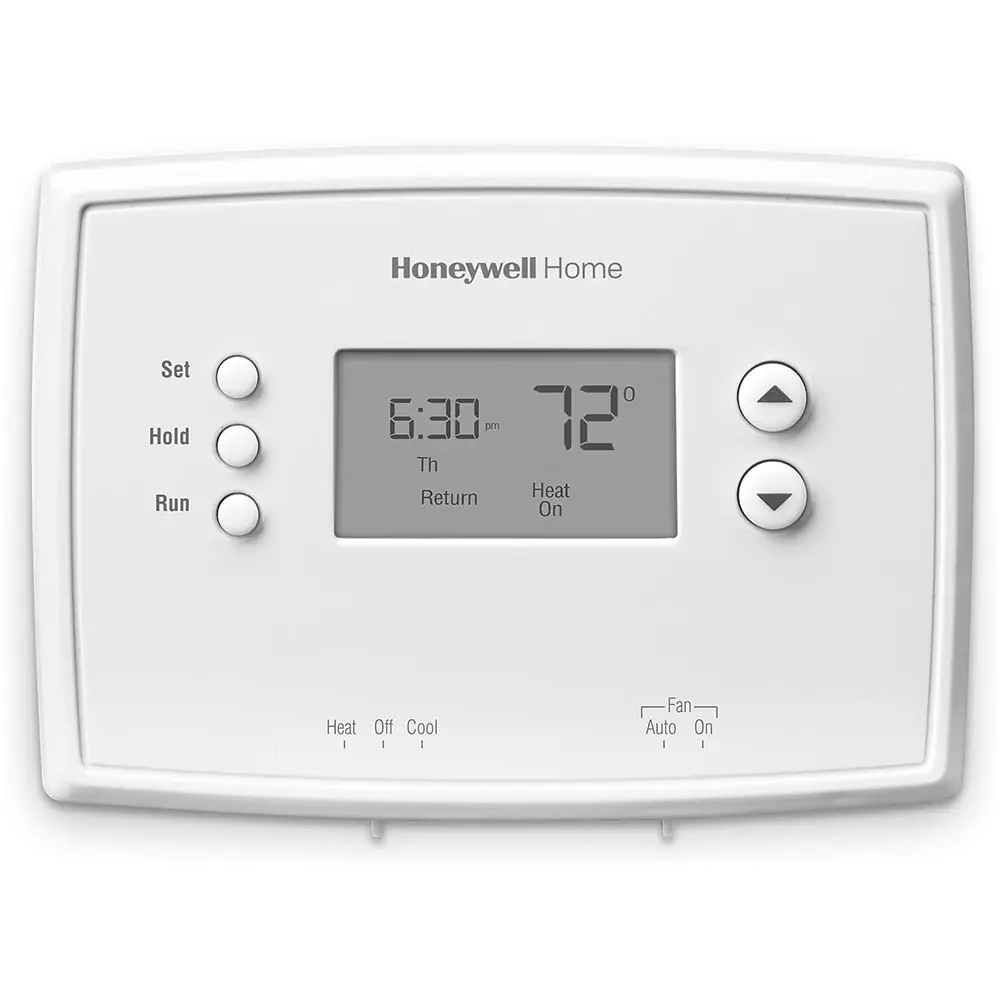
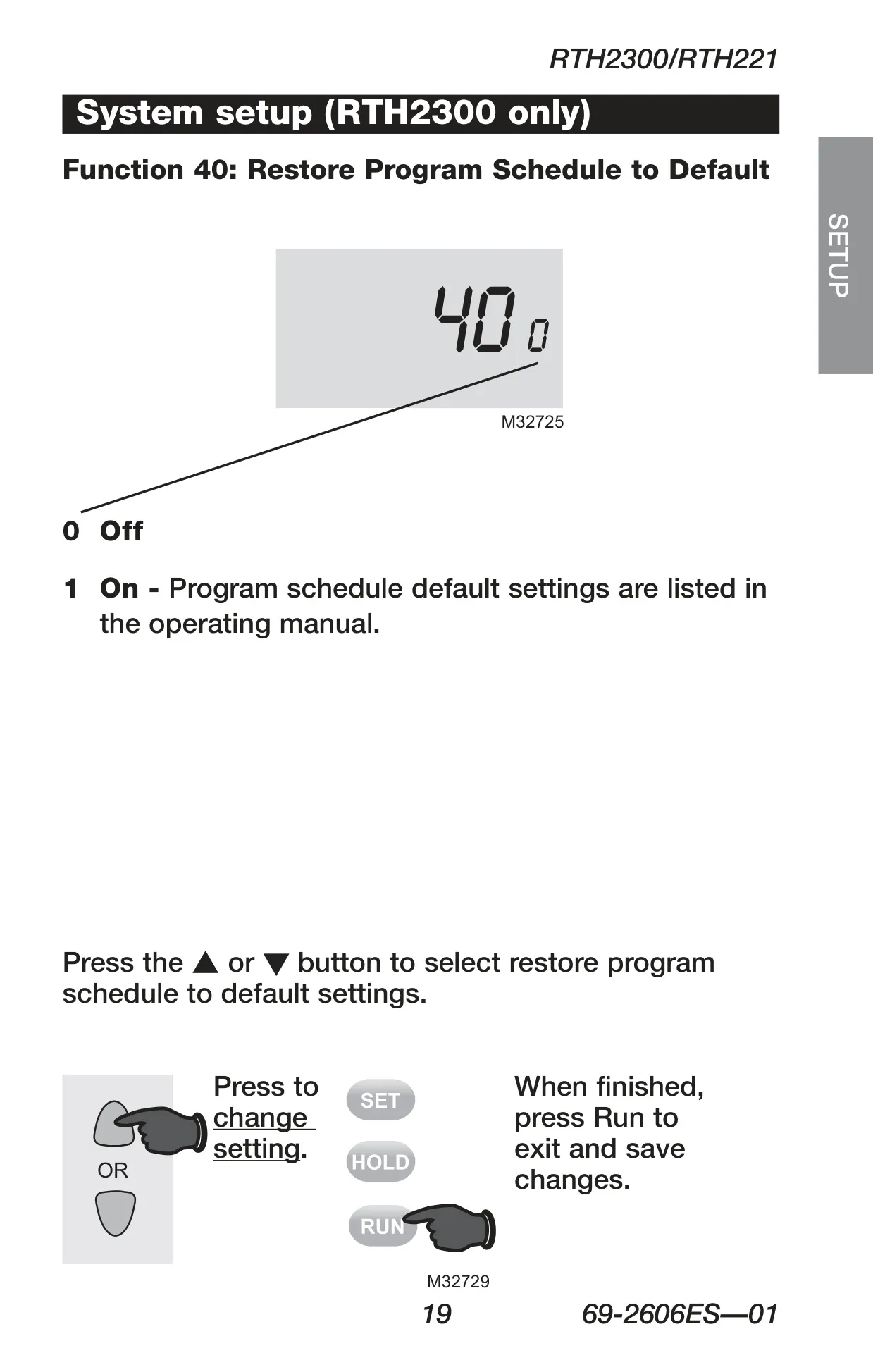
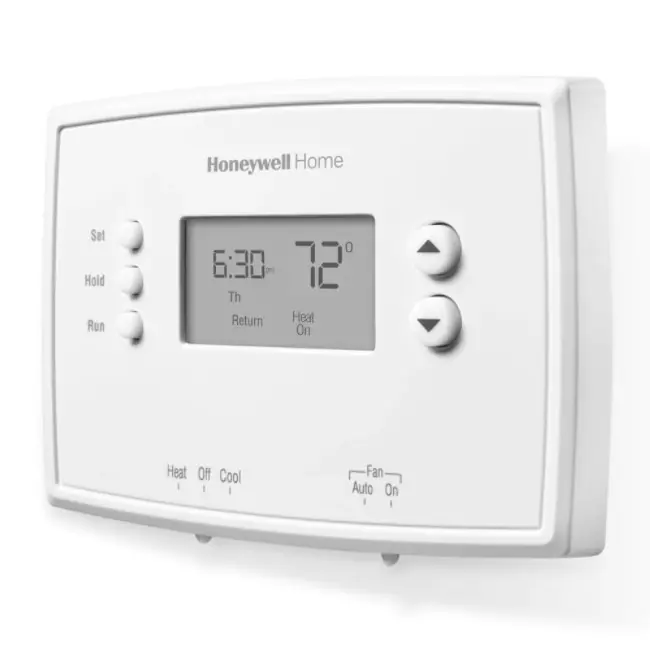
The Honeywell RTH221B thermostat offers a user-friendly experience with its straightforward push-button climate control, designed for reliability and ease of use. This model prioritizes energy savings, coming pre-programmed with settings that can significantly reduce heating and cooling expenses. Users need only set the current time and day to get started, as the default schedule is ready for immediate operation.
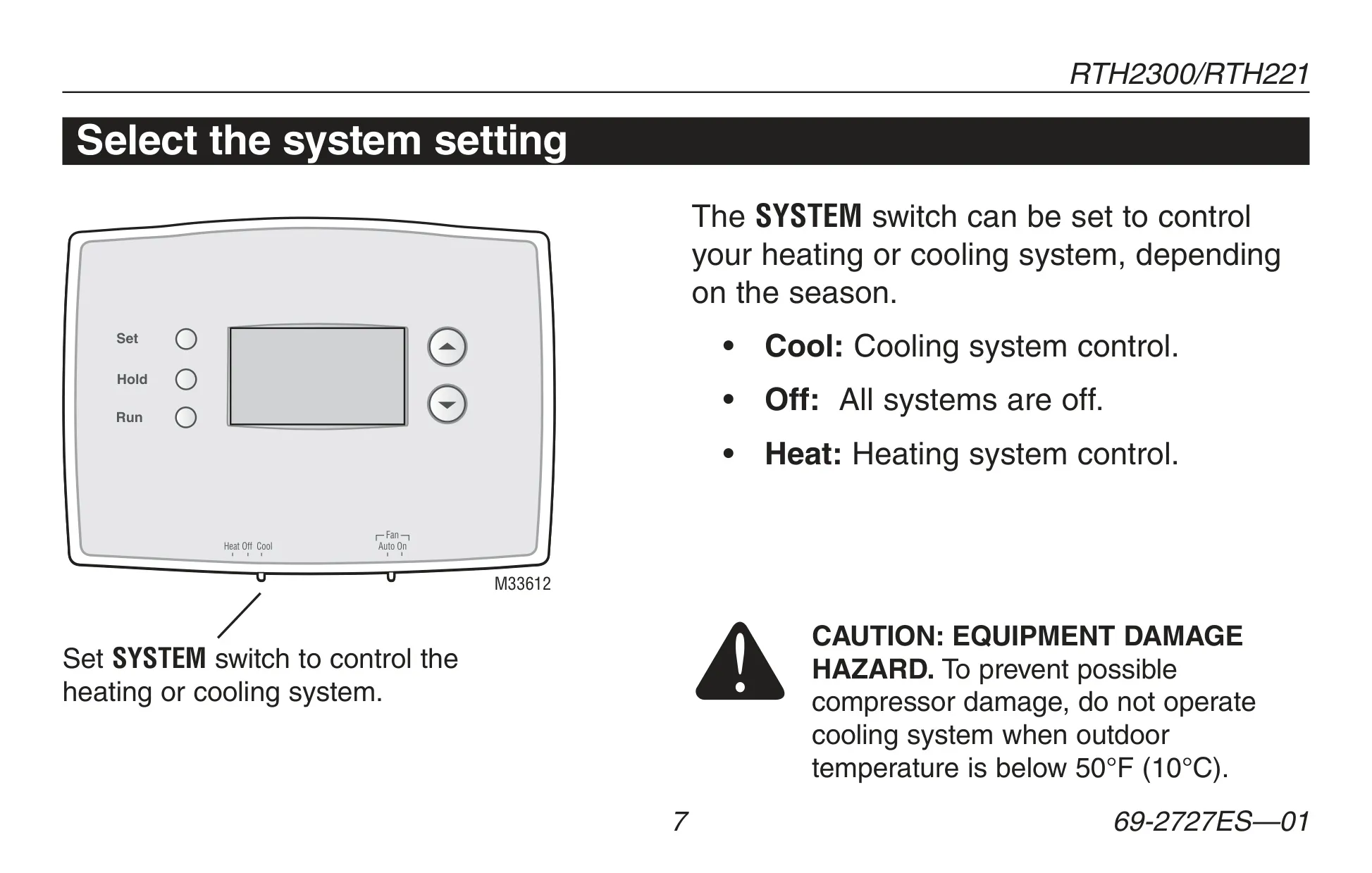
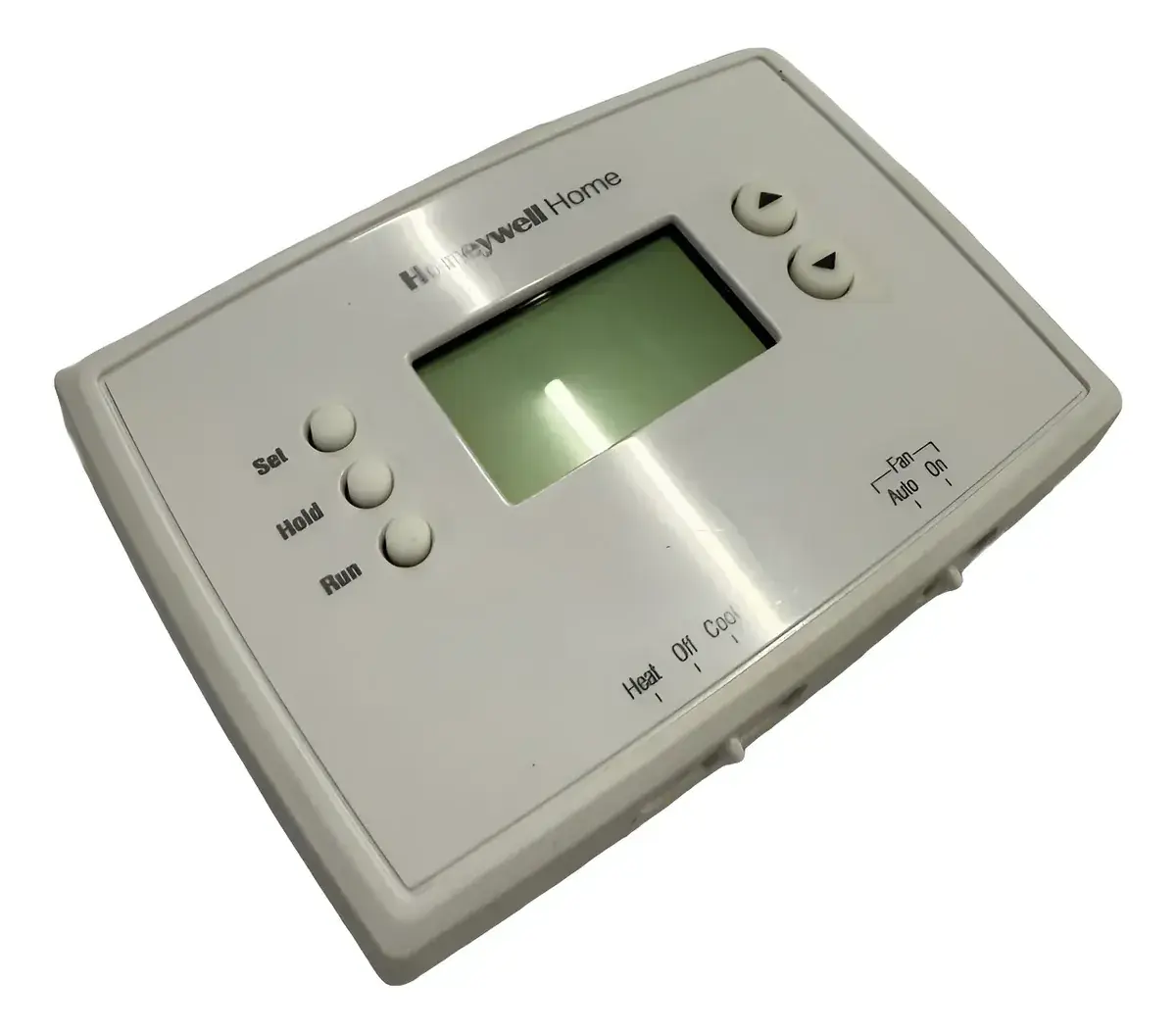
A key feature is its ability to constantly display the ambient (measured) room temperature, with one-touch access to view the setpoint temperature. The intuitive controls include dedicated system (Heat, Off, Cool) and fan (Auto, On) switches, allowing easy adjustment of your HVAC system's mode and fan operation. The "Auto" fan setting is the most common, ensuring the fan only runs when heating or cooling is active.
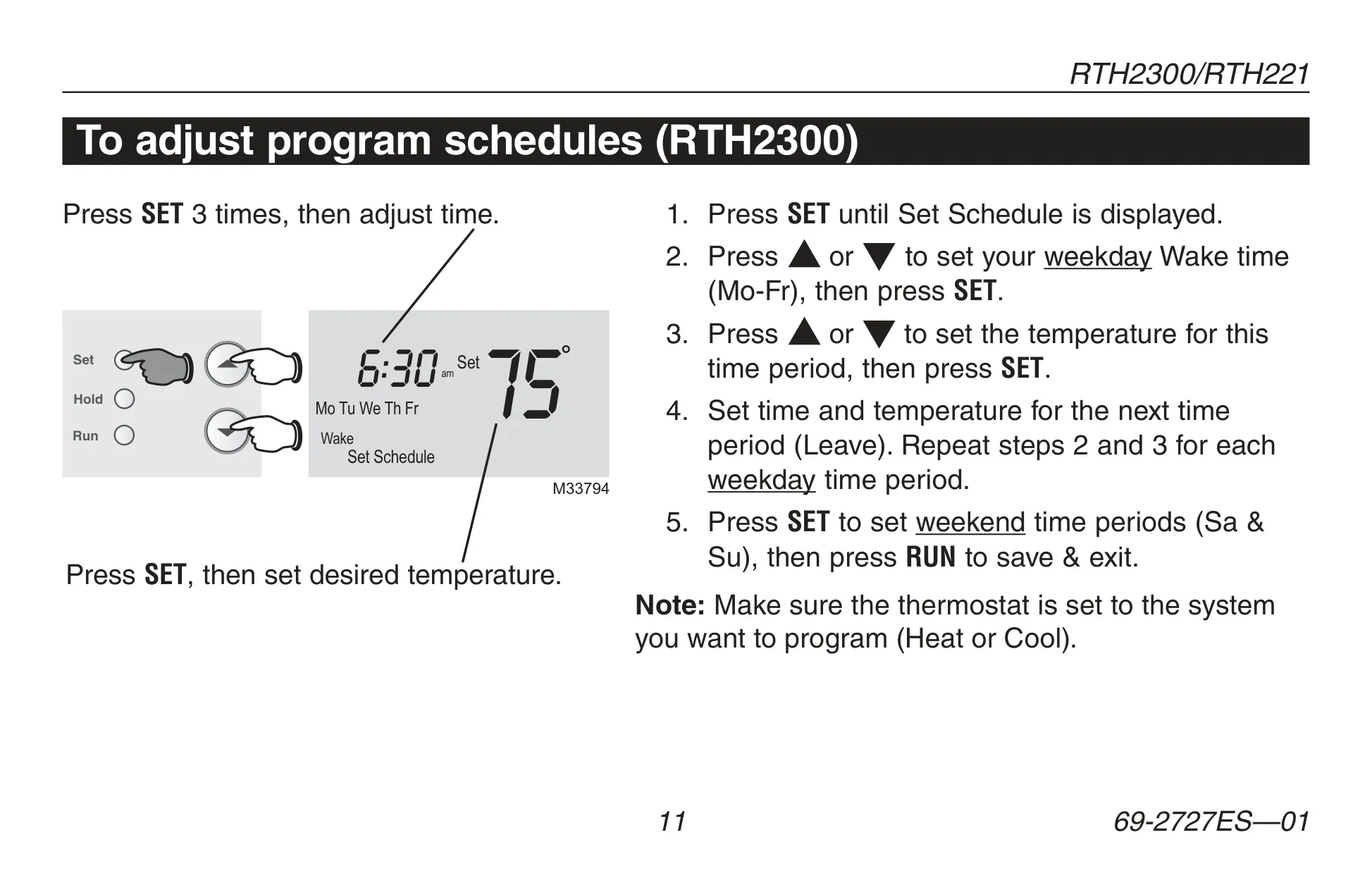
The RTH221B offers a 7-day programmable schedule, which means the same four daily time periods—Wake, Leave, Return, and Sleep—apply consistently across all days of the week. Each period can be customized with its own temperature setting, enabling users to create an energy-efficient climate plan tailored to their daily routine. This simple, unified schedule makes programming less complex compared to multi-day differentiated systems.
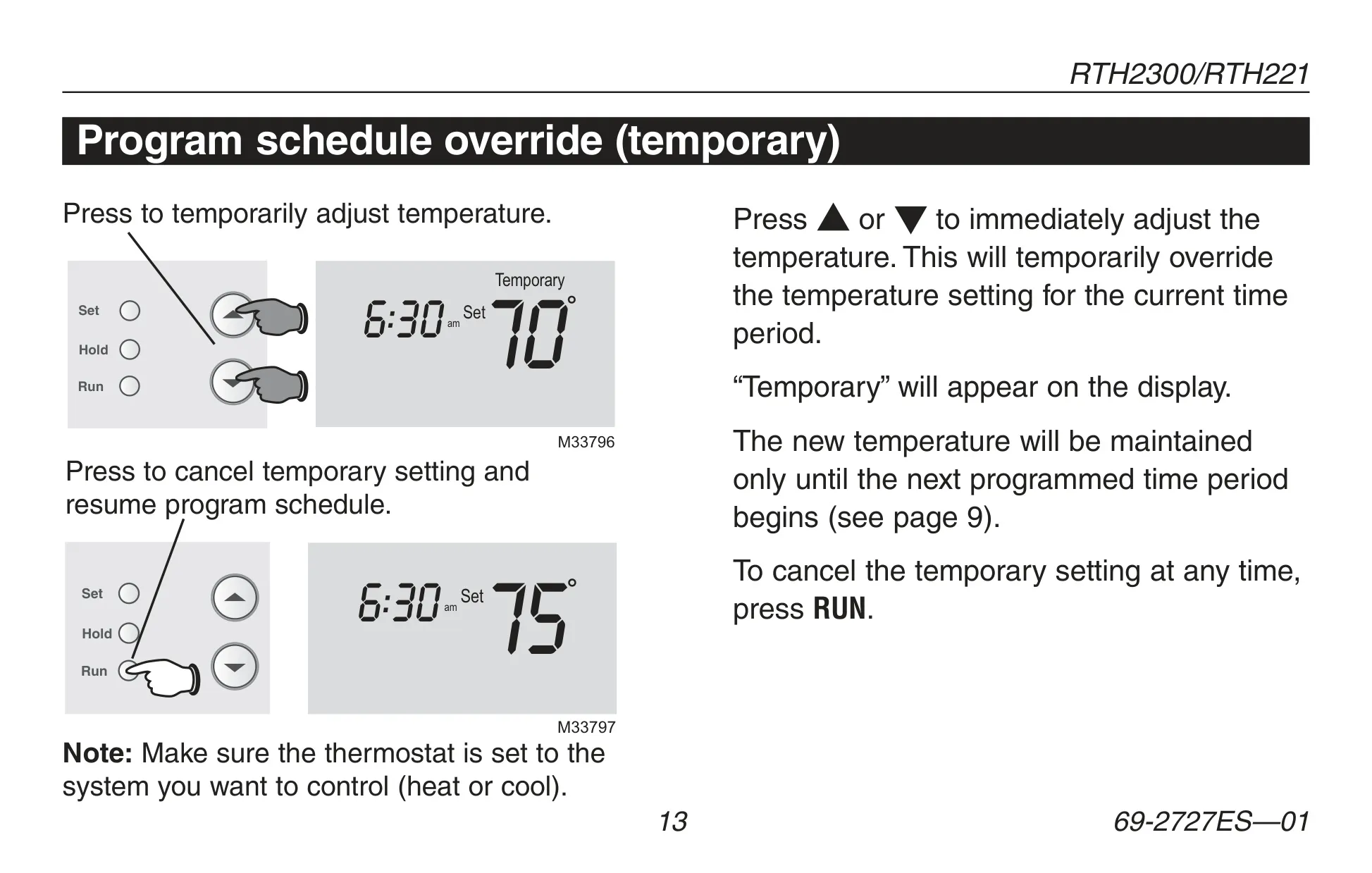
For moments when your routine deviates, the thermostat provides flexible override options. A *temporary override* allows you to adjust the temperature, which holds until the next programmed time period begins. For longer changes, the permanent override activates a "Hold" feature, maintaining a set temperature 24 hours a day until manually canceled or reset, effectively turning off the program schedule.
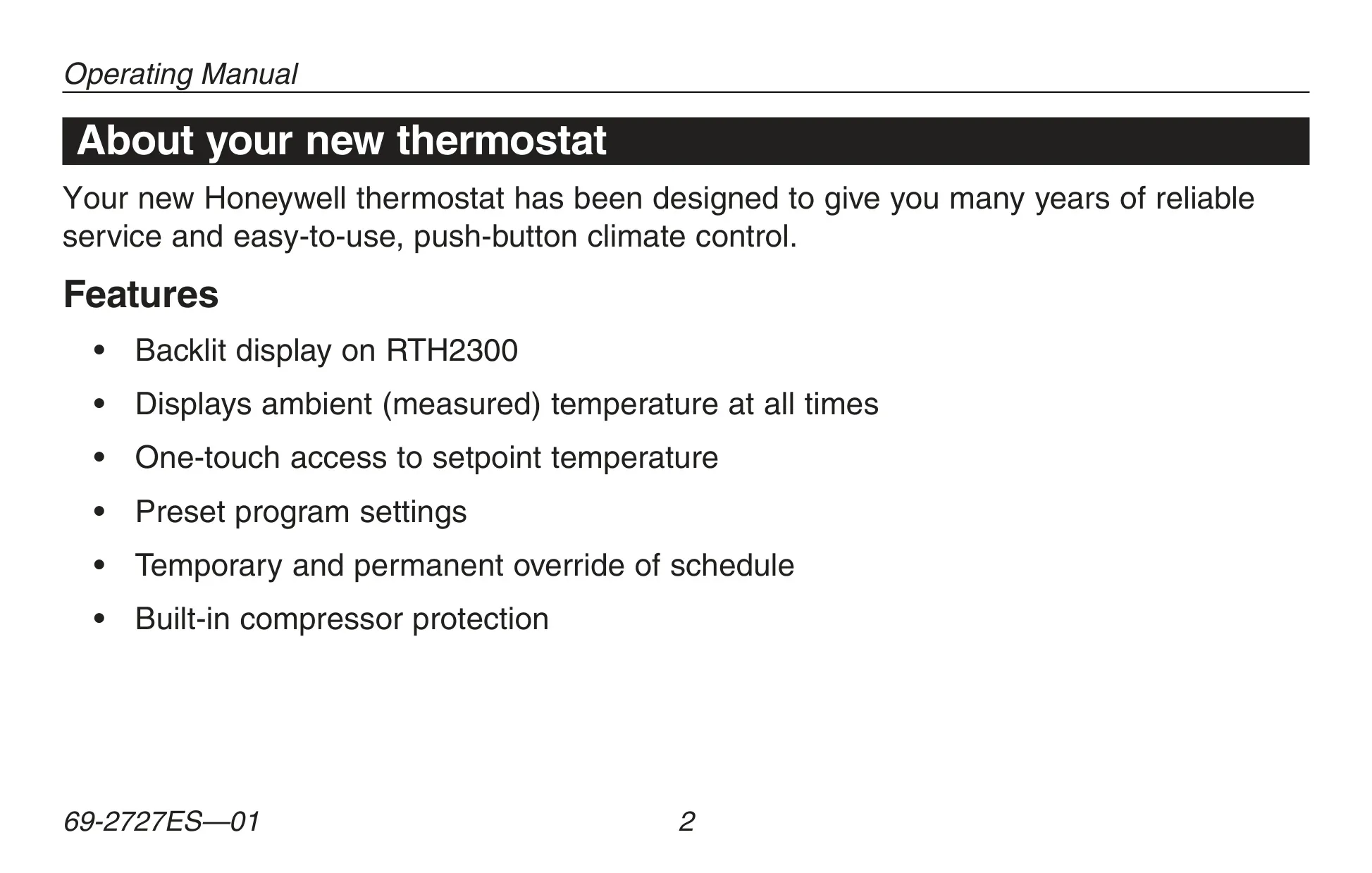
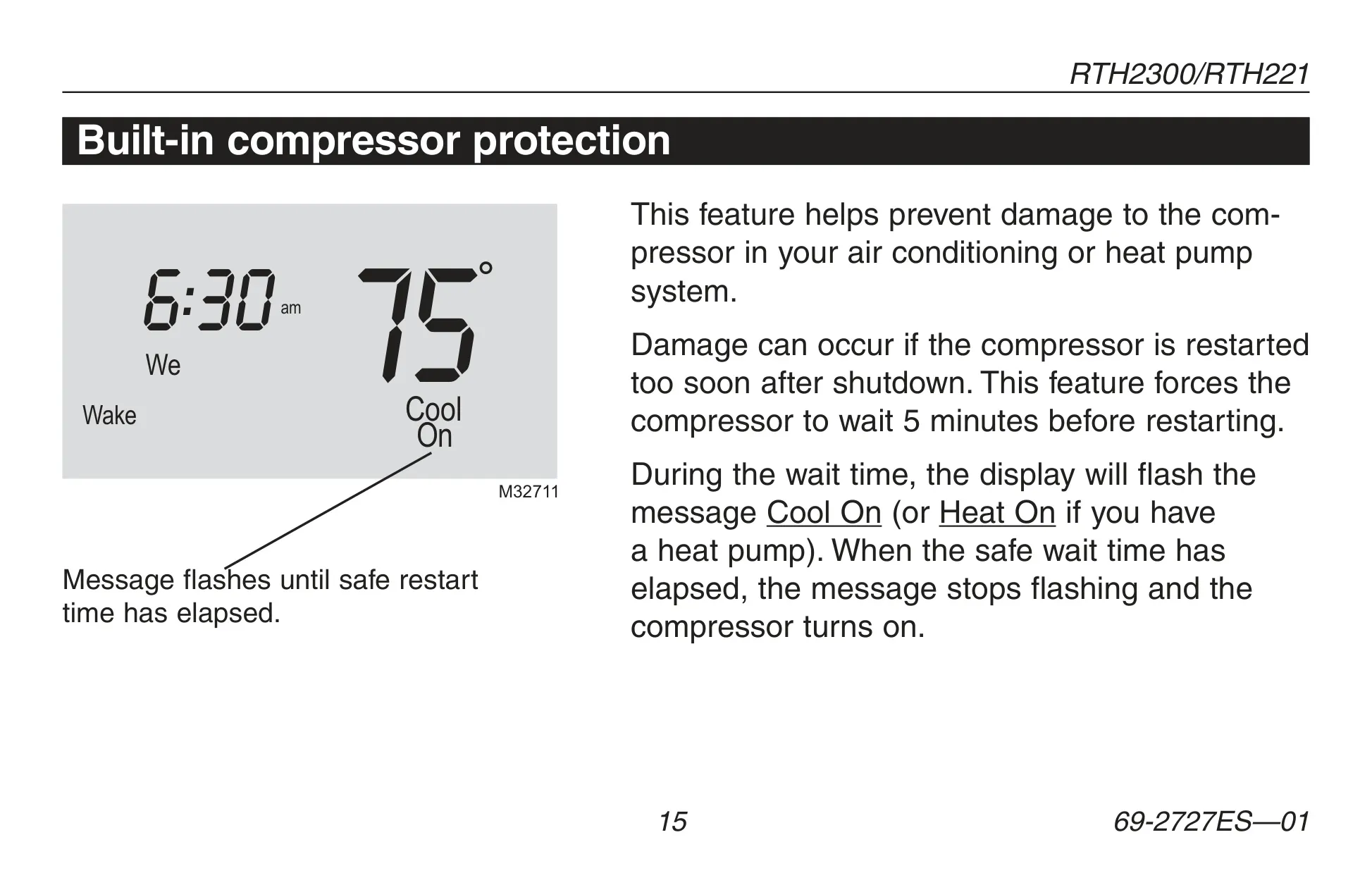
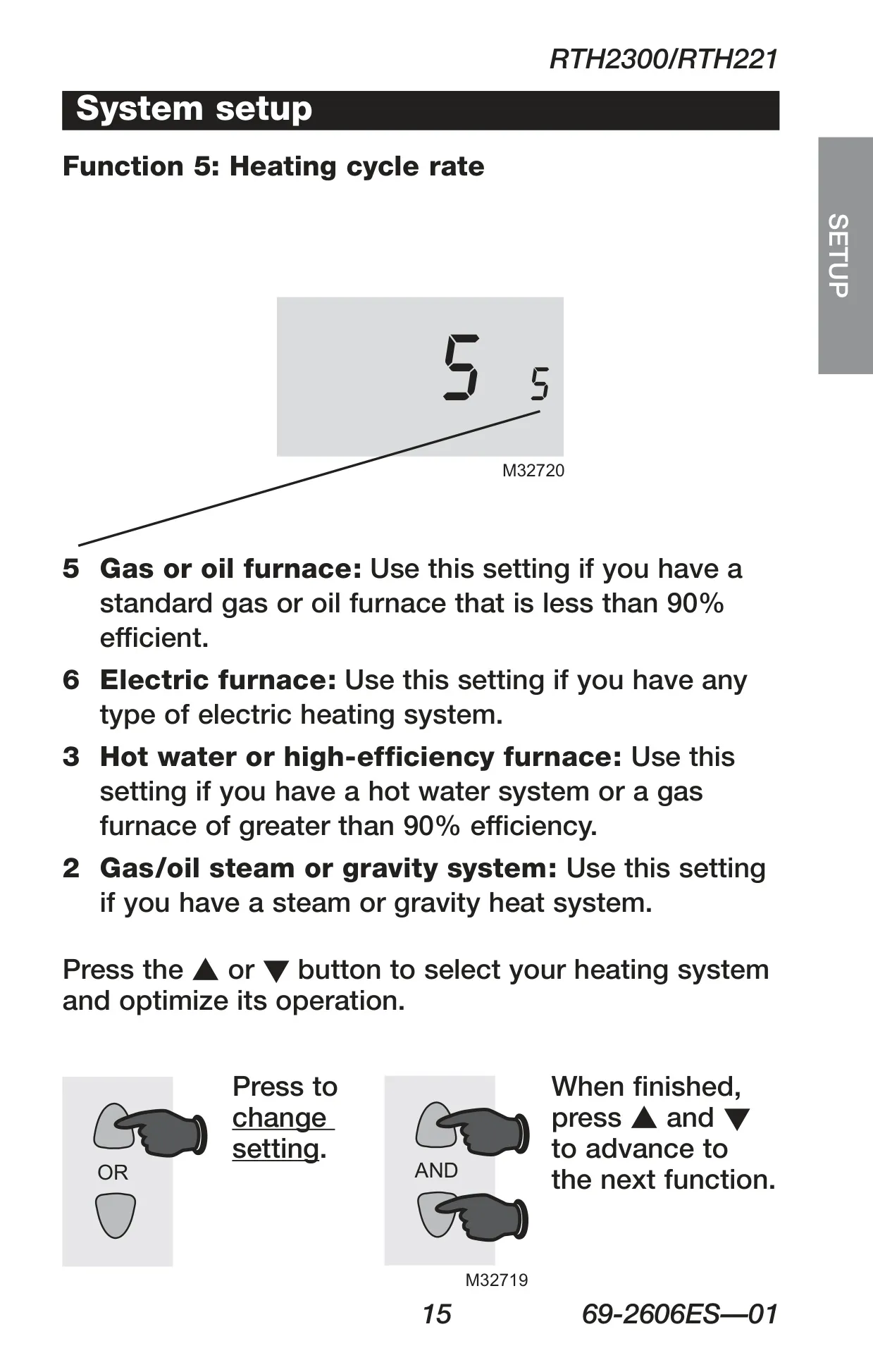
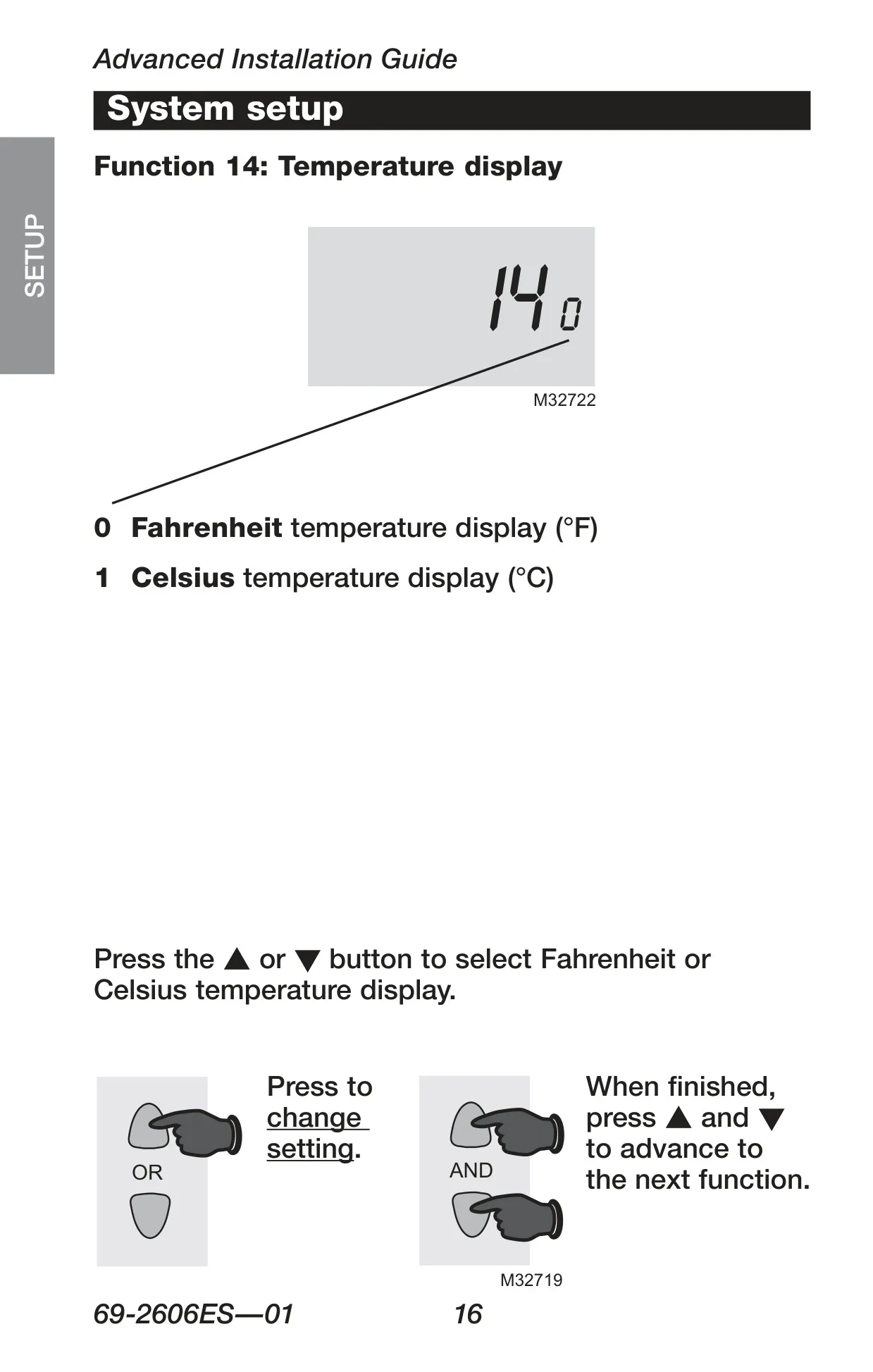
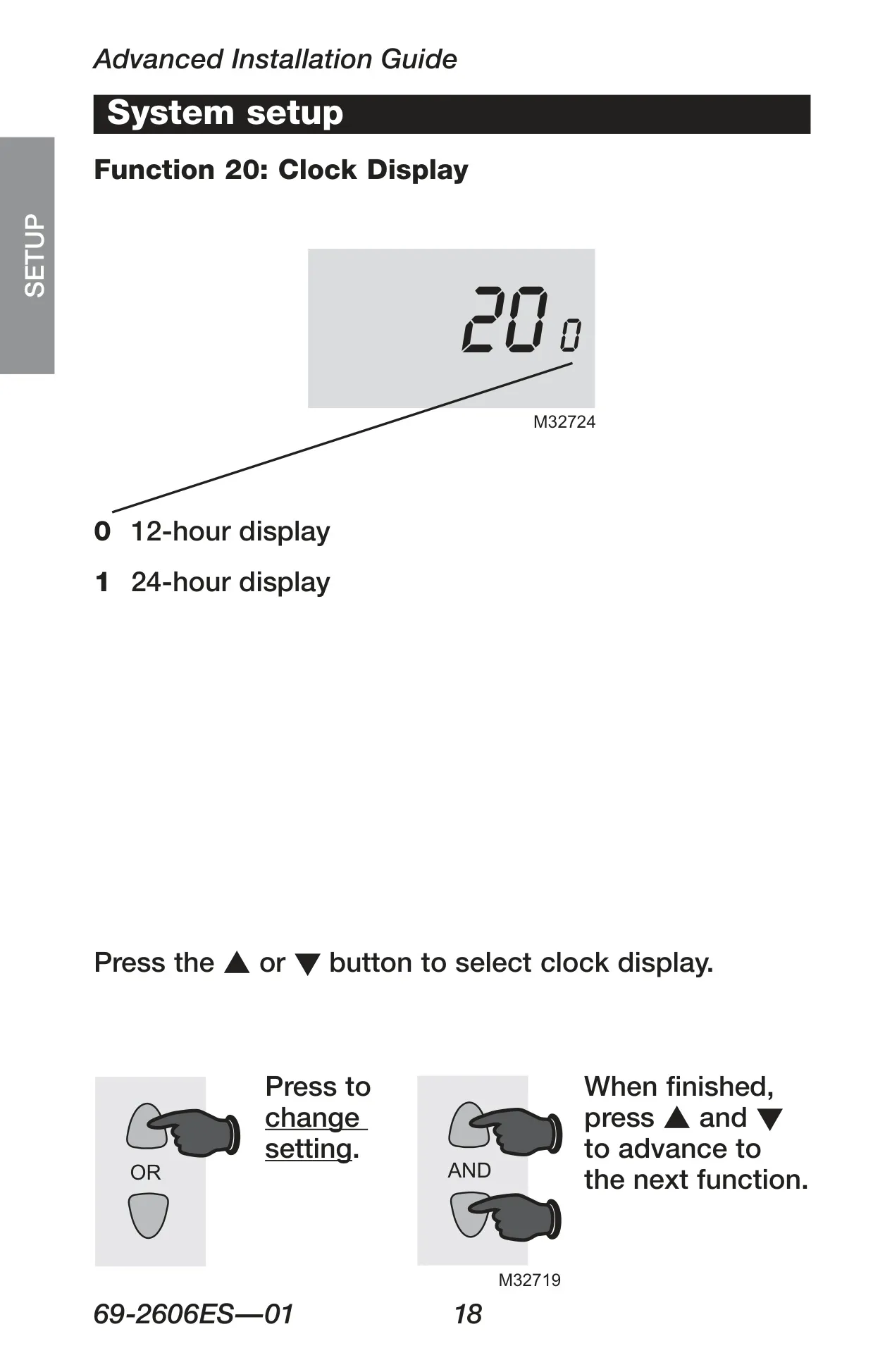
Additional functionalities include a built-in compressor protection feature, which safeguards your air conditioning or heat pump by enforcing a 5-minute delay before restarting. This prevents potential equipment damage. The thermostat also offers customizable advanced settings, such as selecting the heating cycle rate to optimize performance for different furnace types (gas, electric, hot water, steam), choosing between Fahrenheit or Celsius temperature display, and setting a 12-hour or 24-hour clock display.
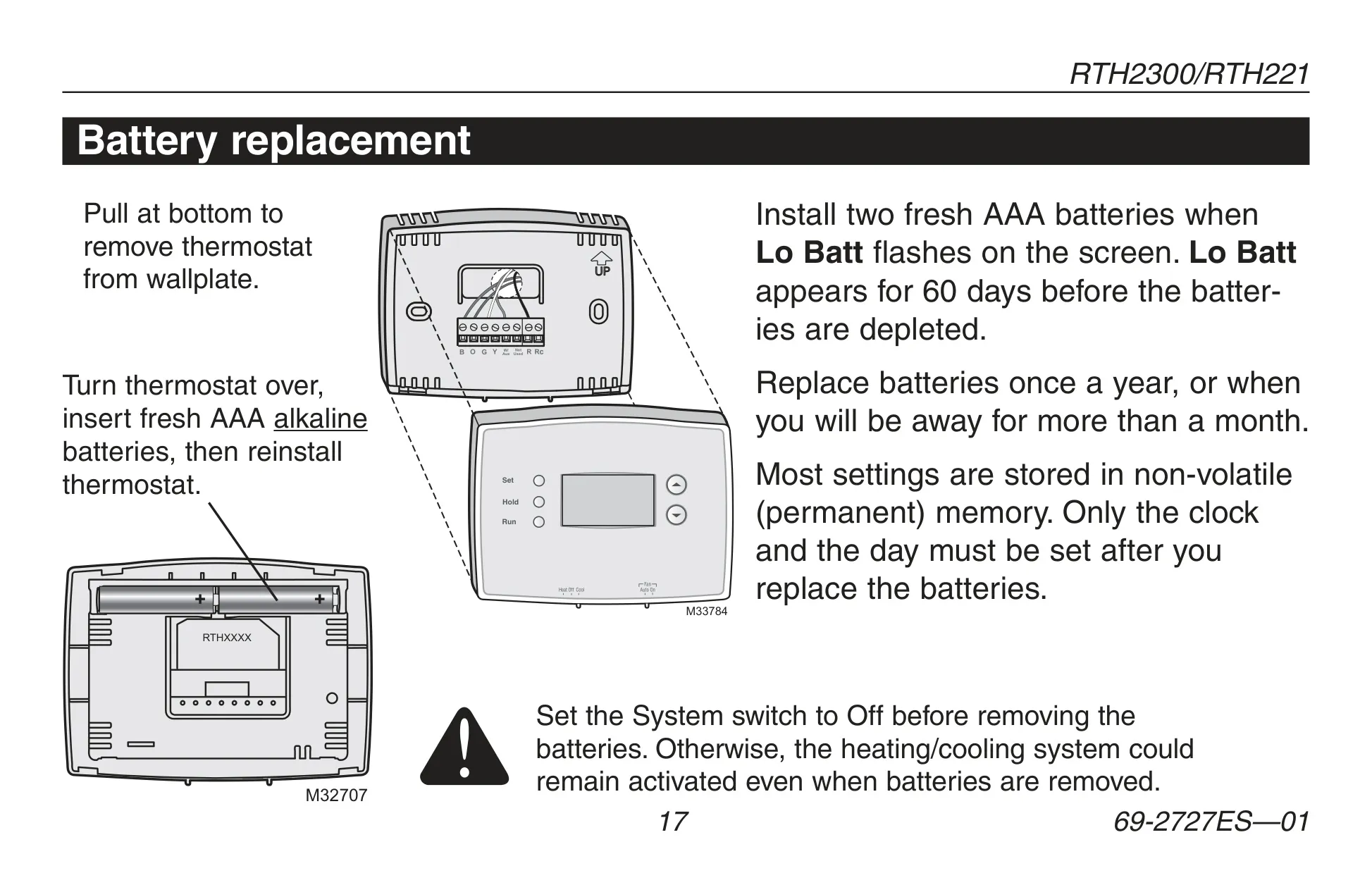
Battery replacement is simple, with a "Lo Batt" warning providing ample notice. Most settings are saved in non-volatile memory, so only the clock and day require resetting after new AAA batteries are installed. This robust set of features makes the RTH221B a practical choice for managing home comfort efficiently.
Frequently Asked Questions (FAQs)
Can't find the answer you need? Here are some frequently asked questions about the Honeywell RTH221B Thermostat, and we answer them below.