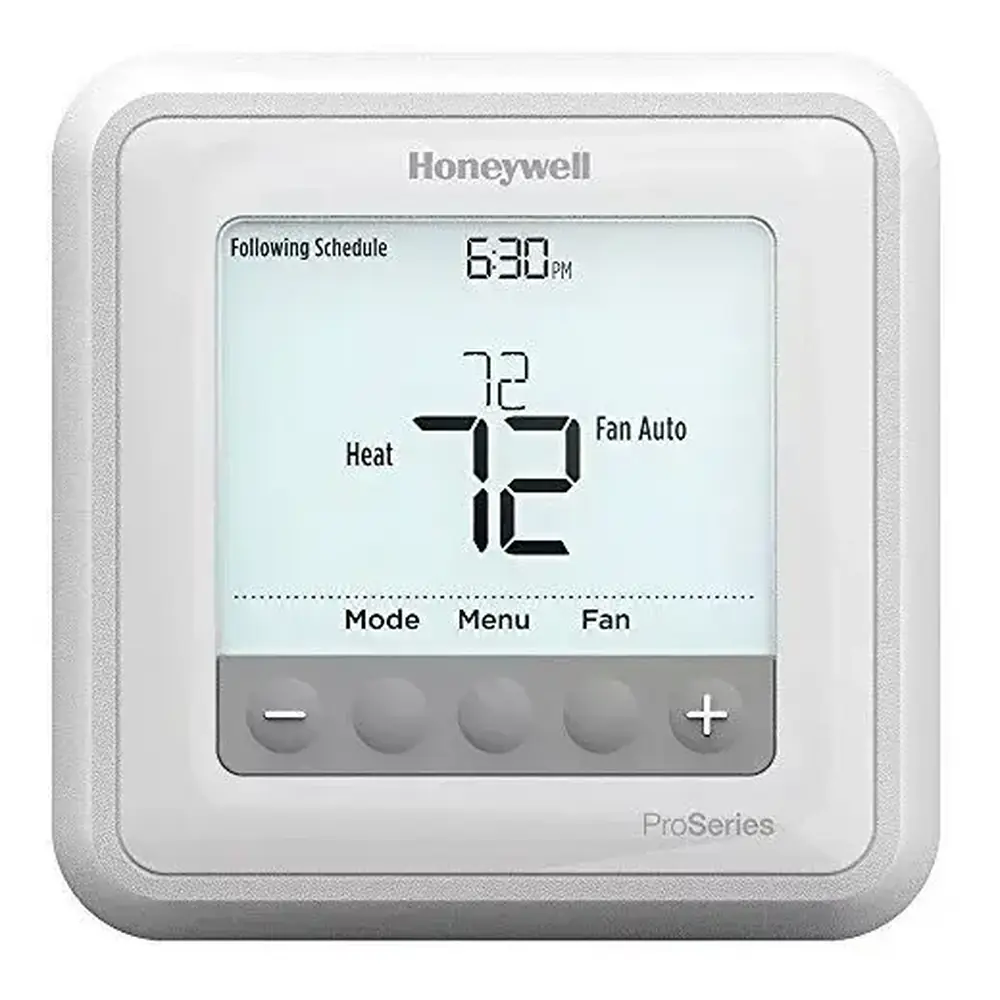
Honeywell RTH6580WF1001 Thermostat Instruction Manual
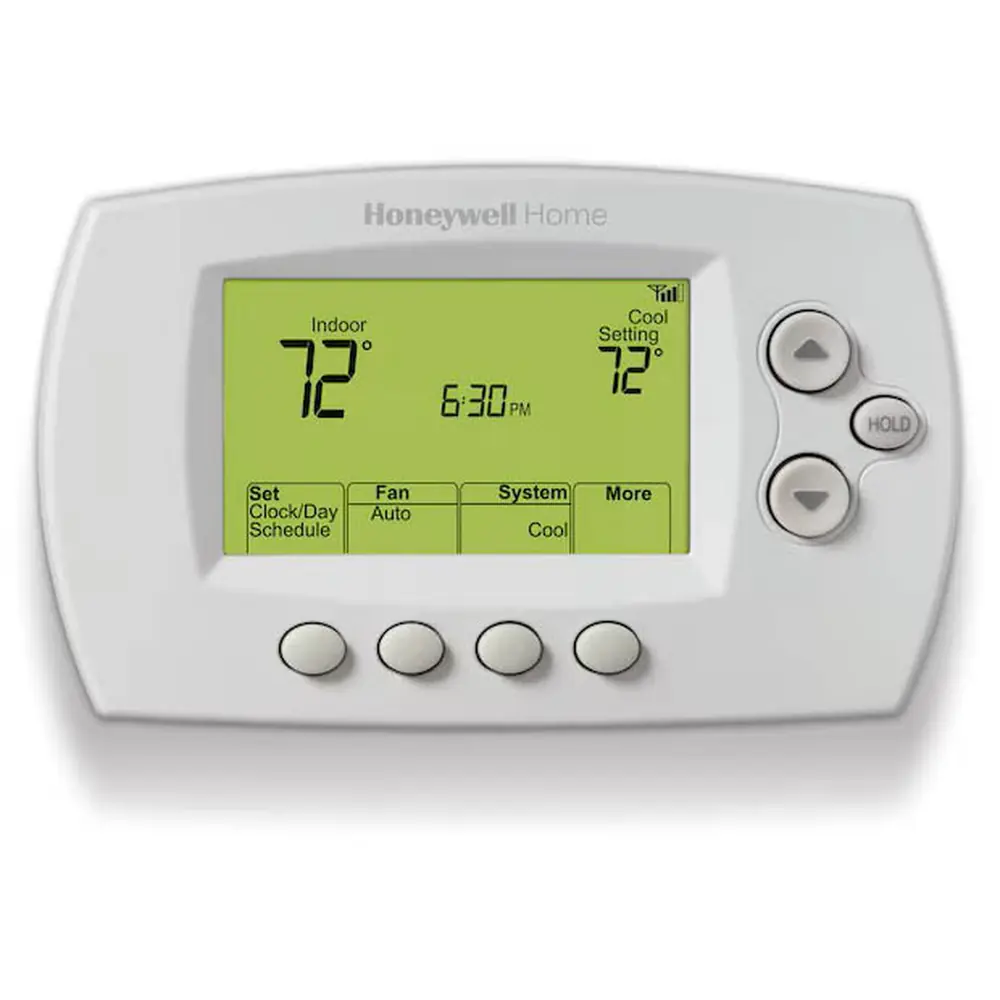
Honeywell RTH6580WF1001 Thermostat
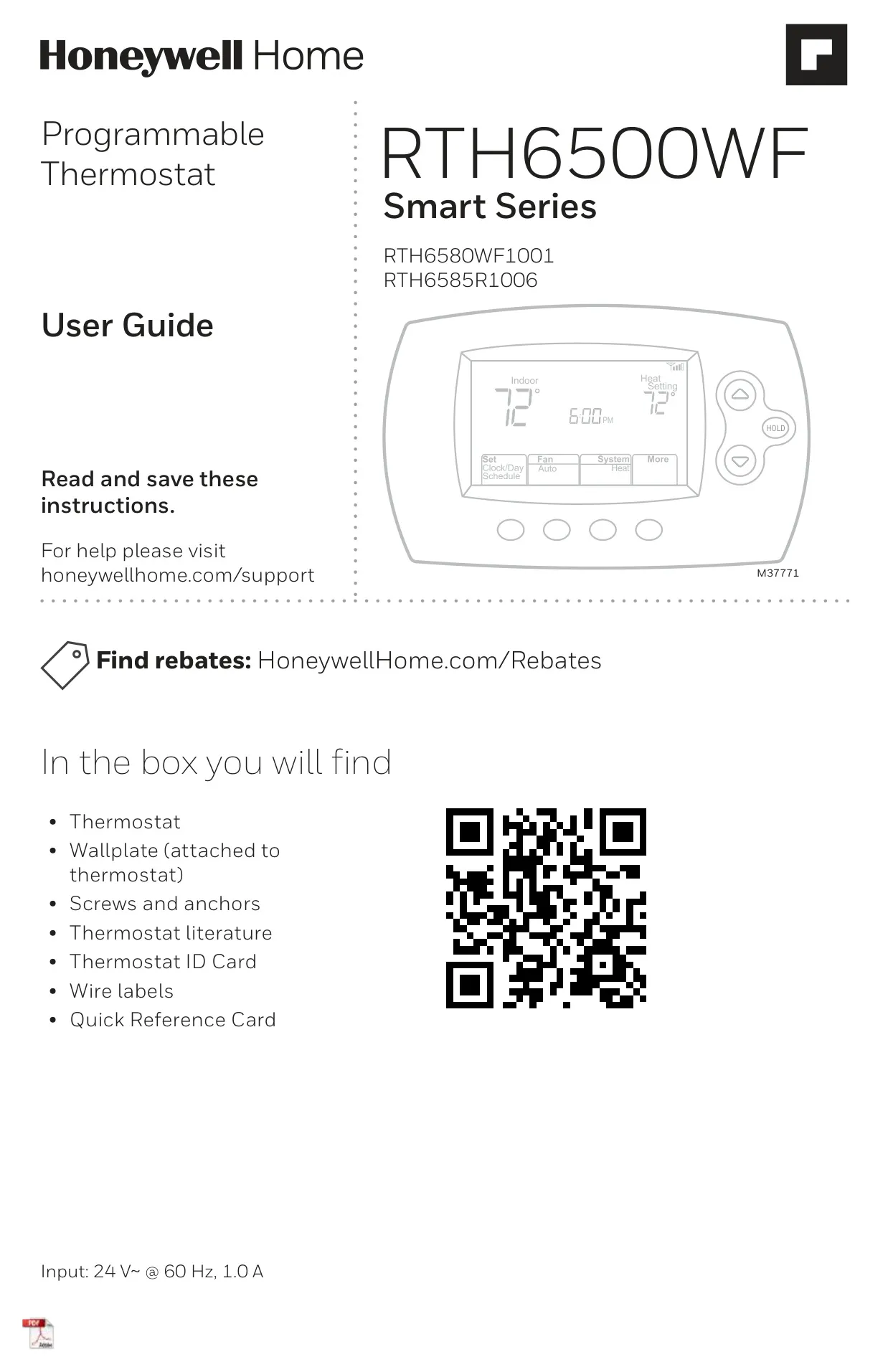
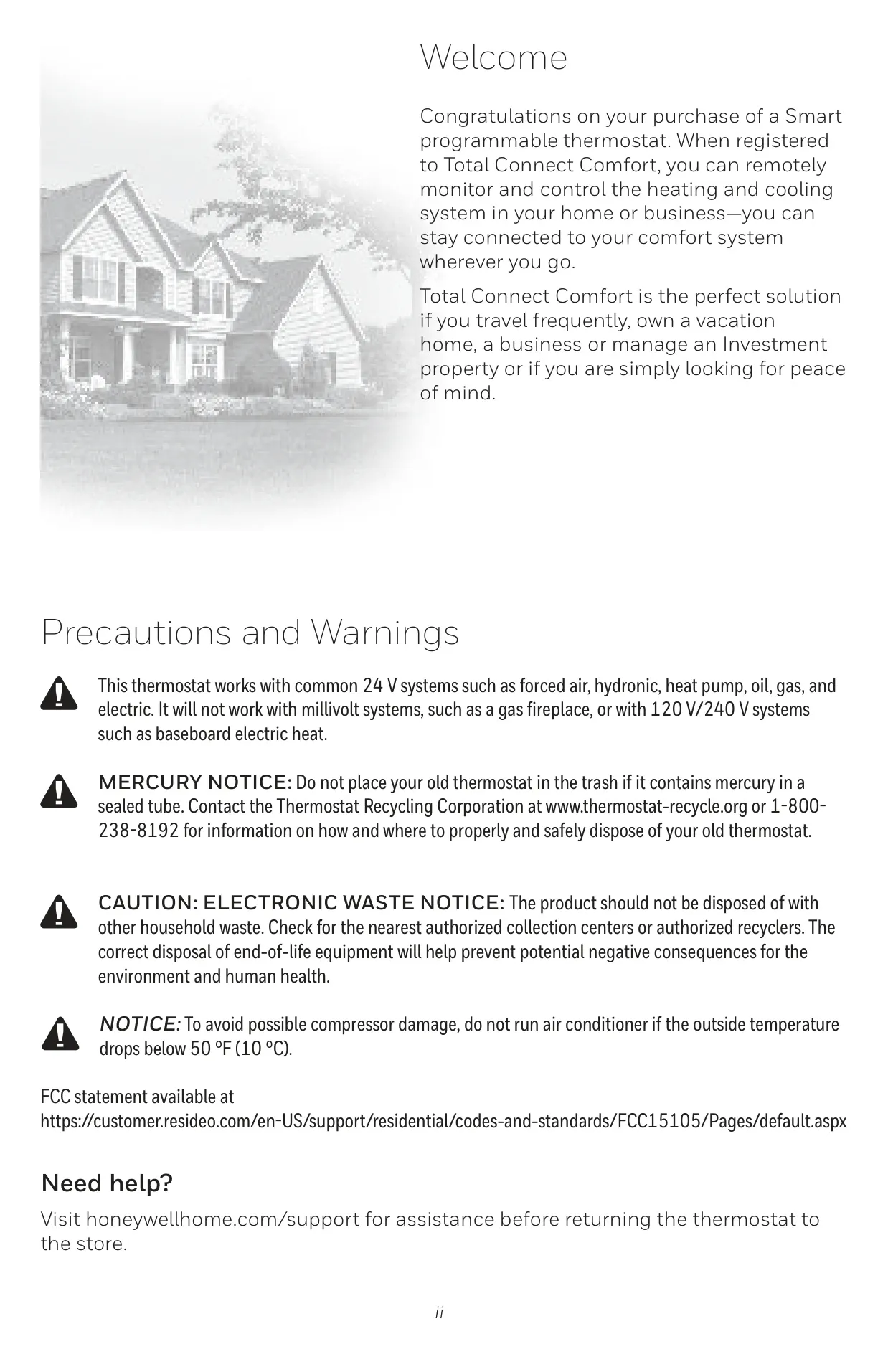
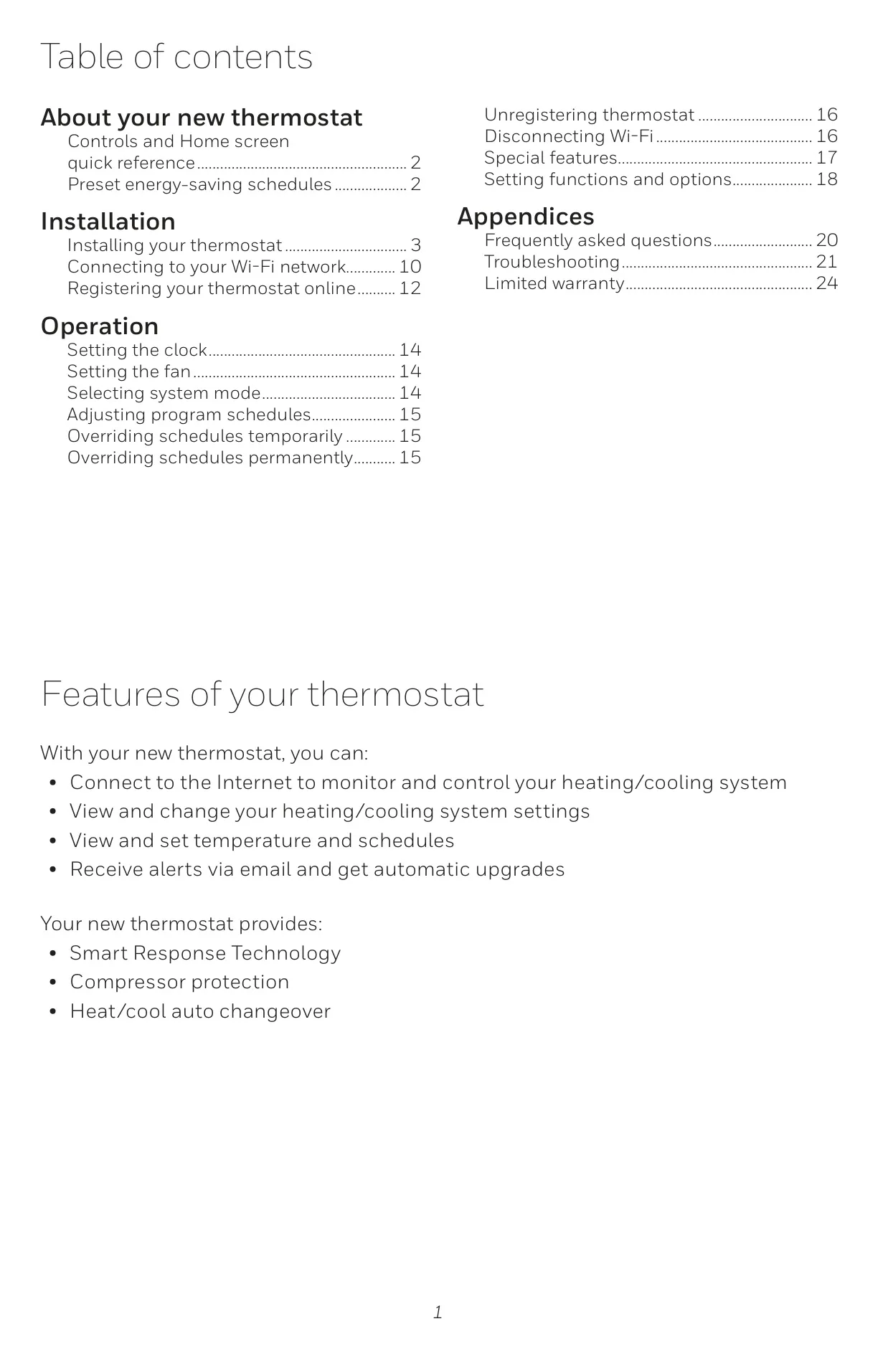
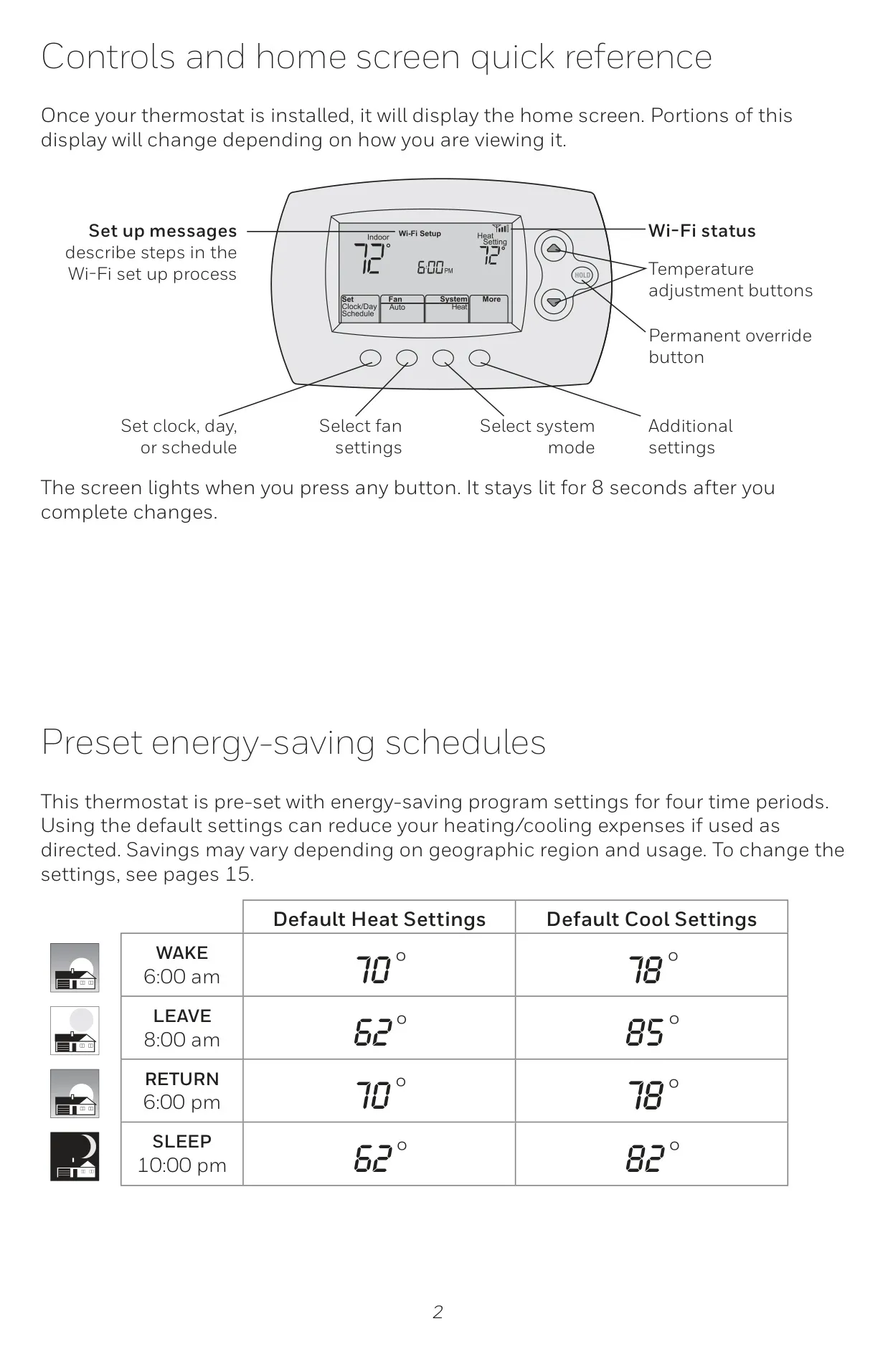
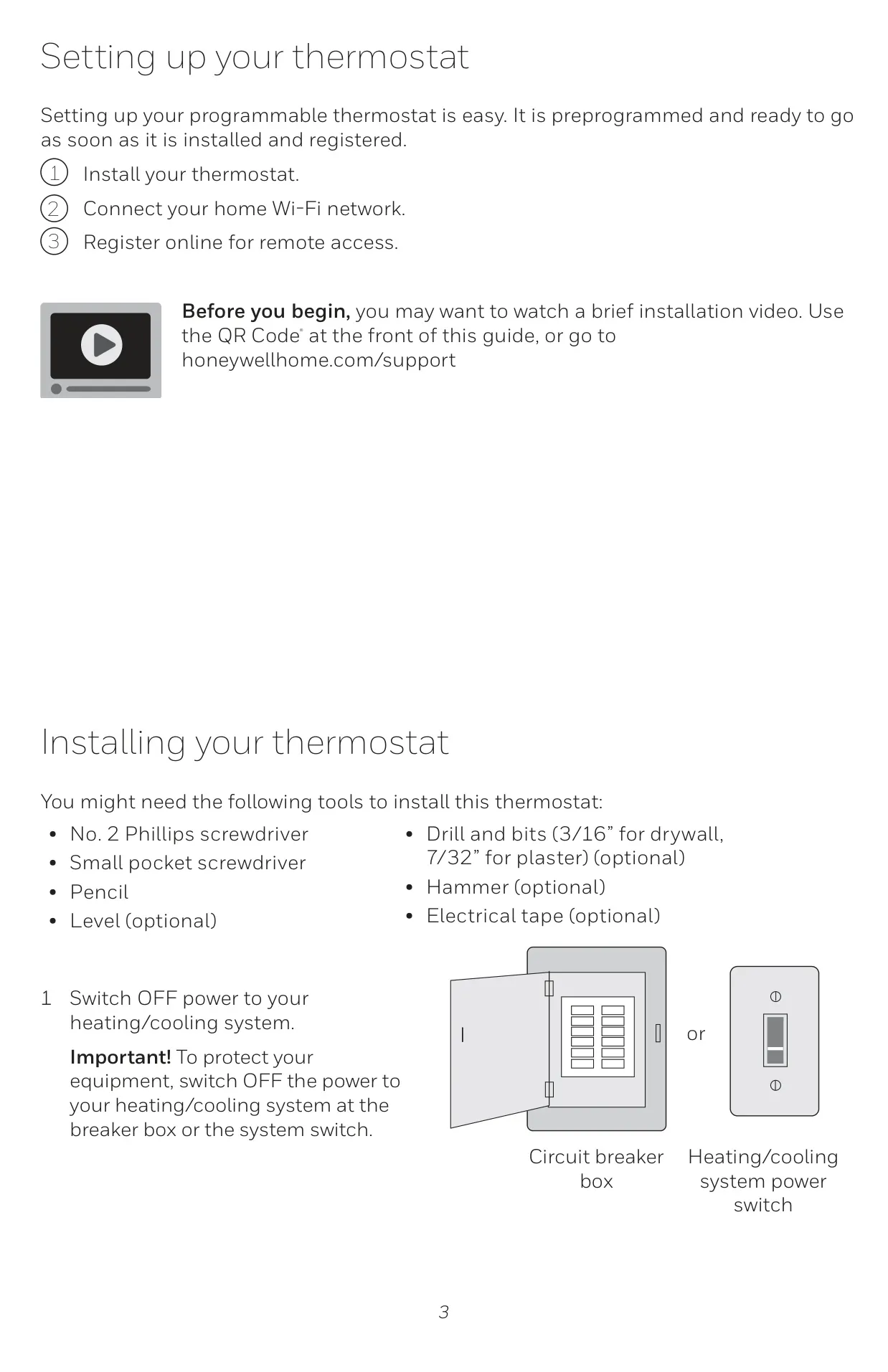

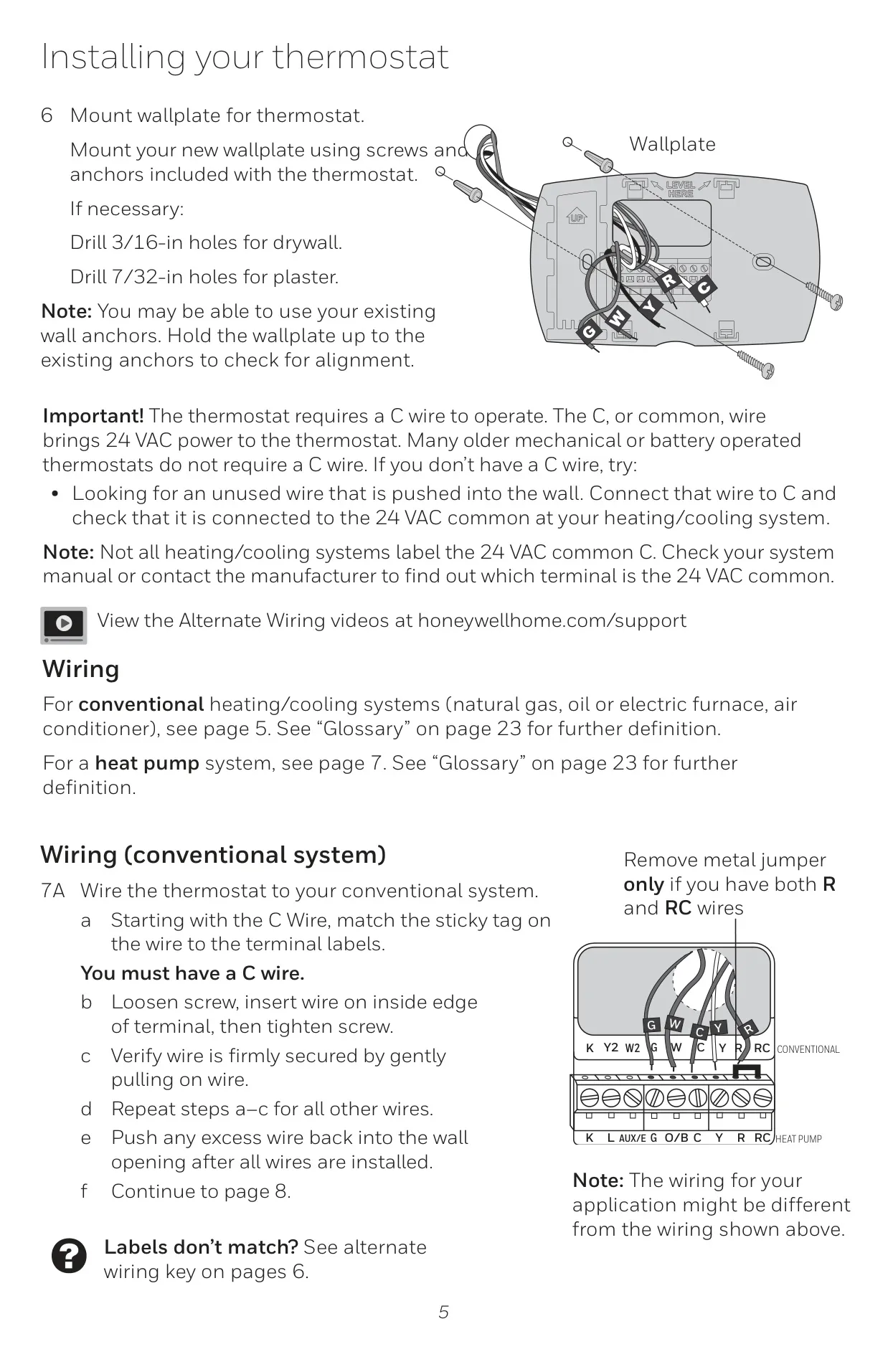



Honeywell RTH6580WF1001 Thermostat
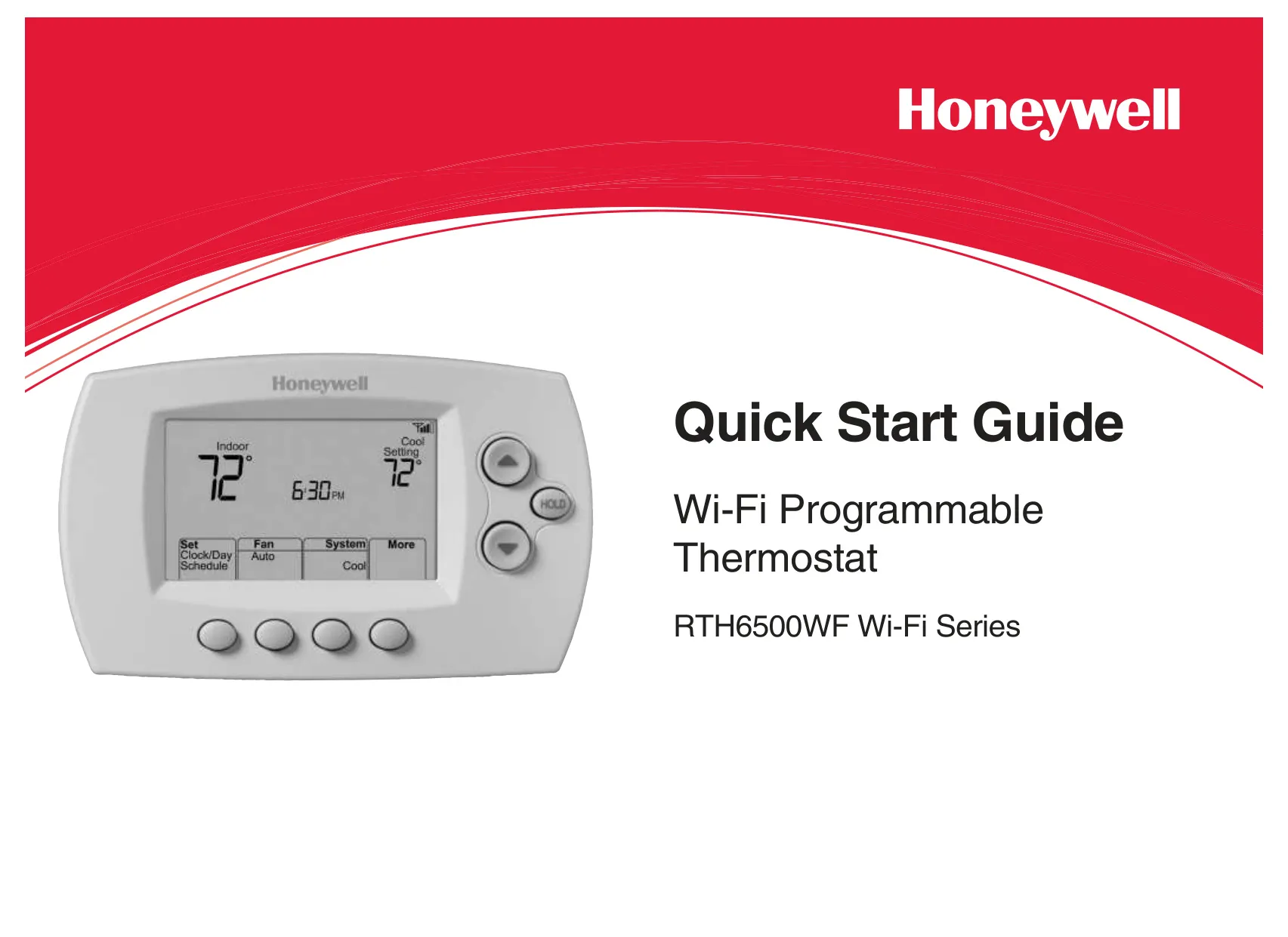
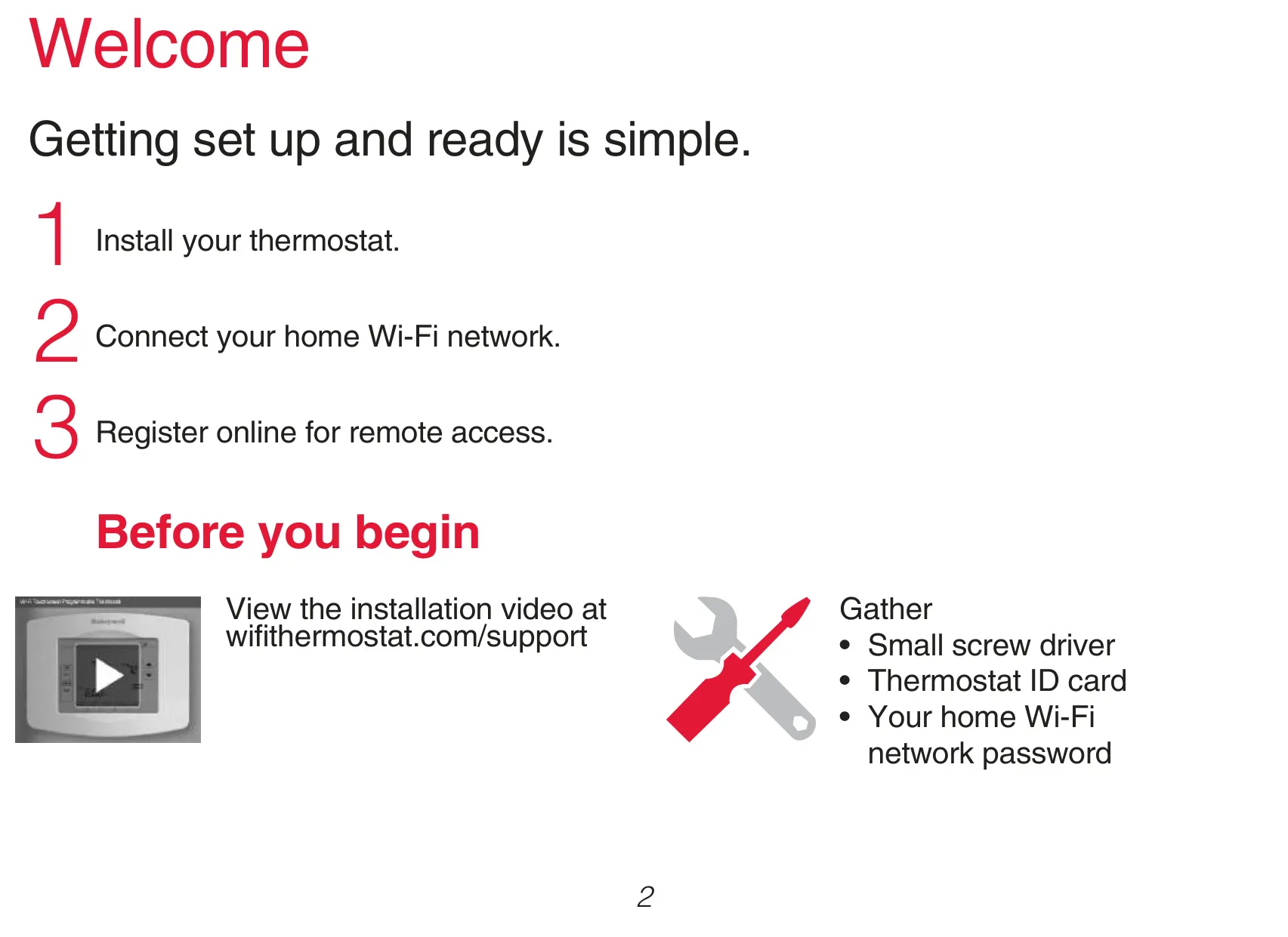
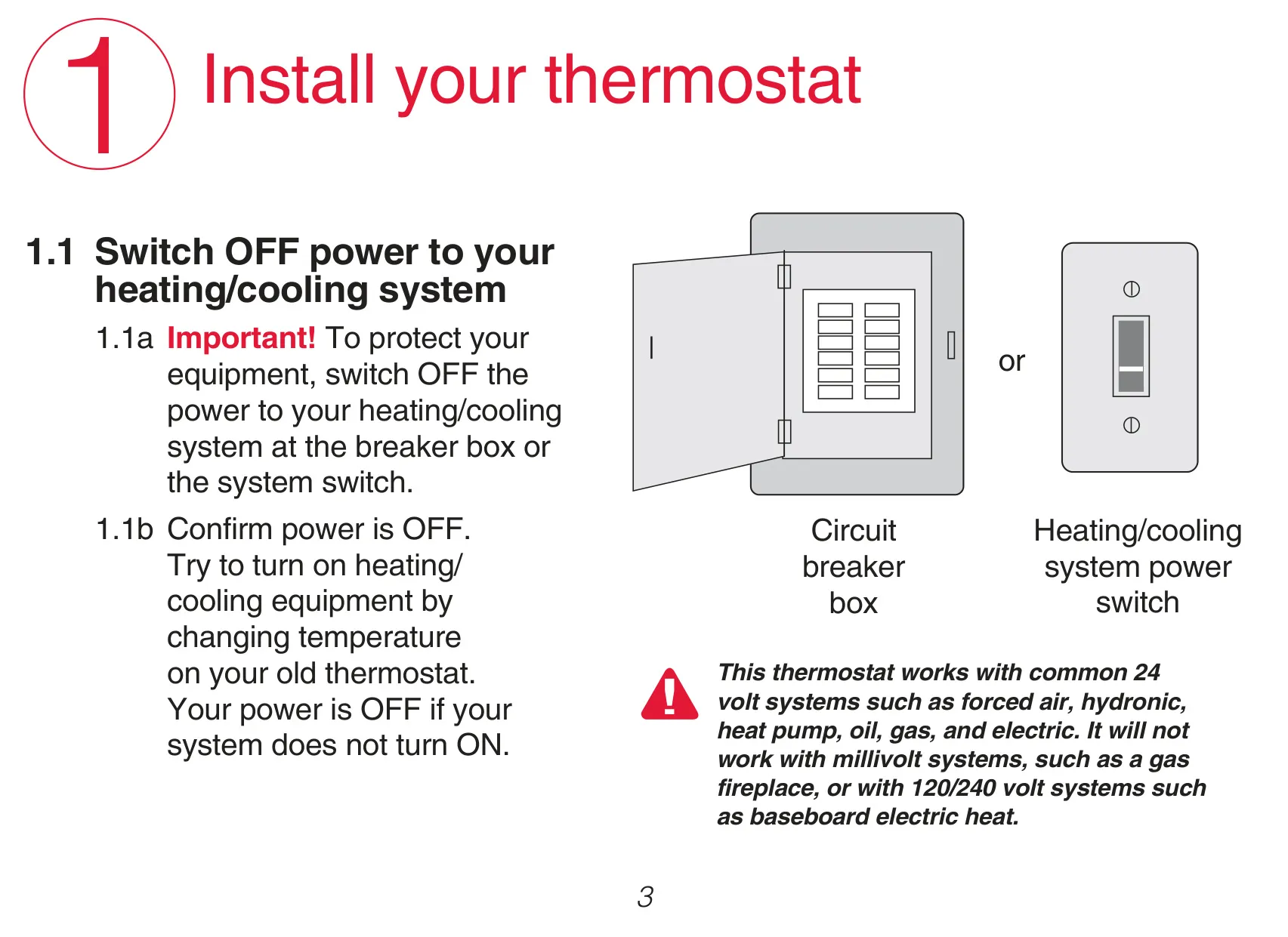
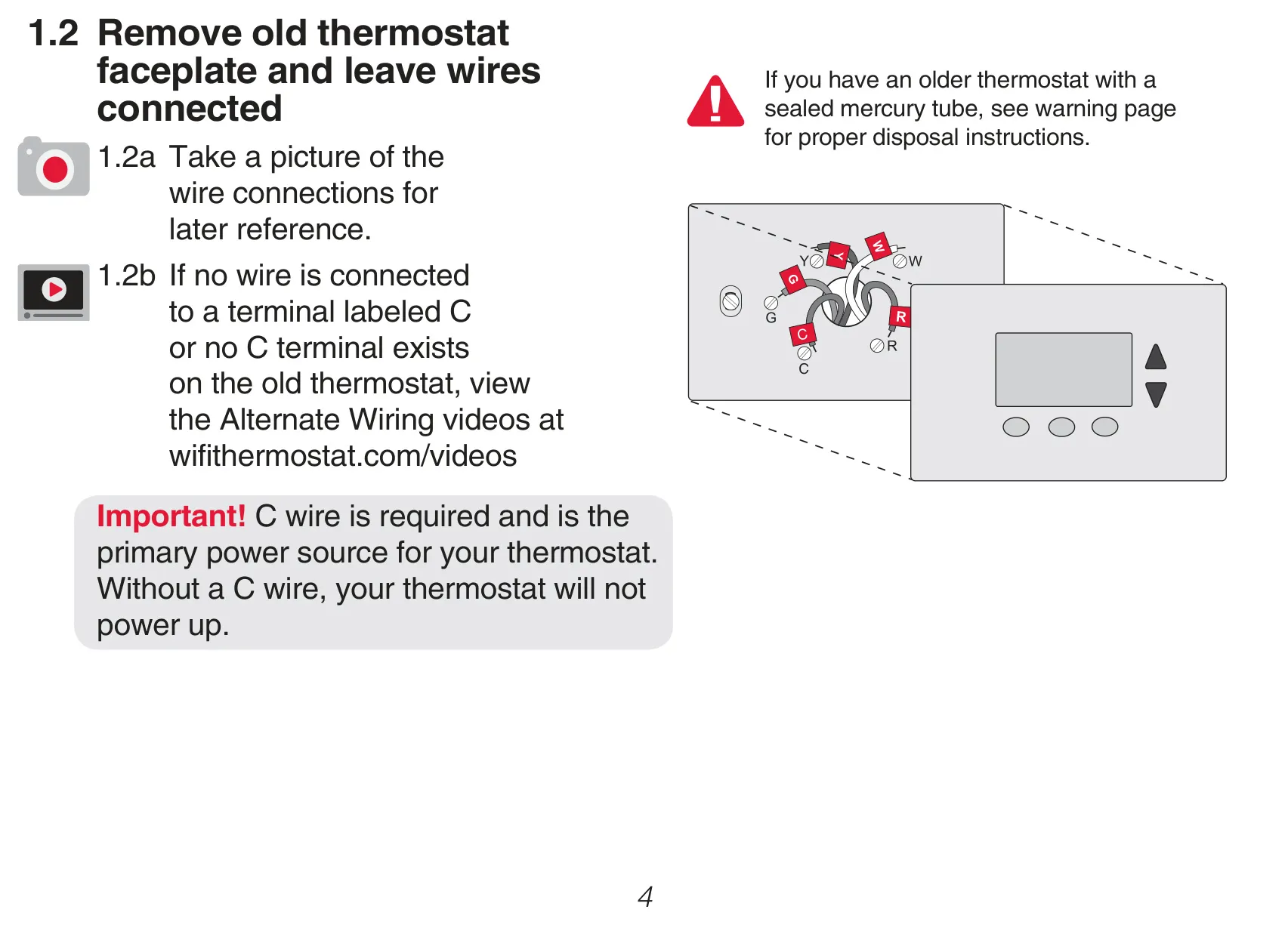
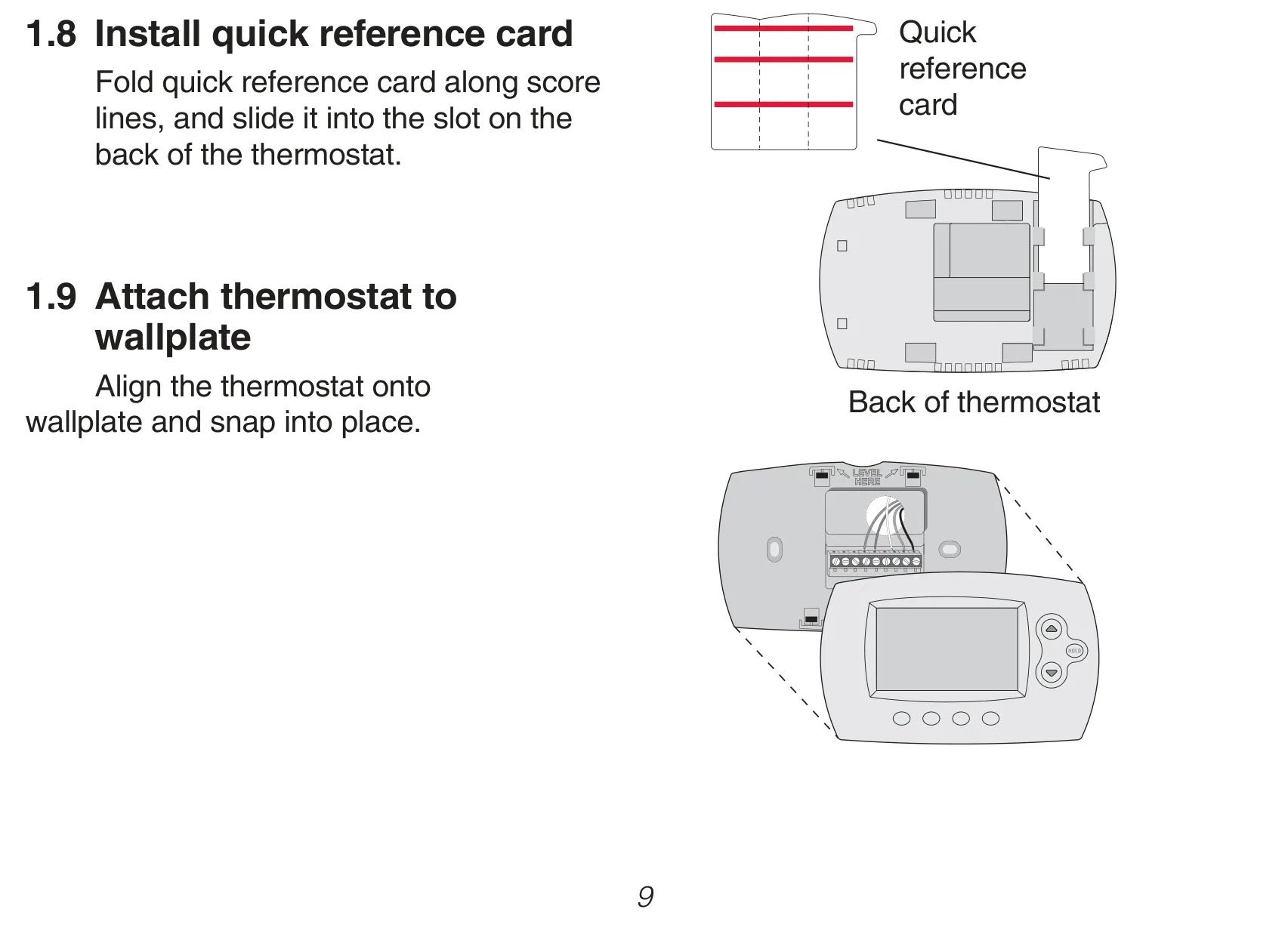
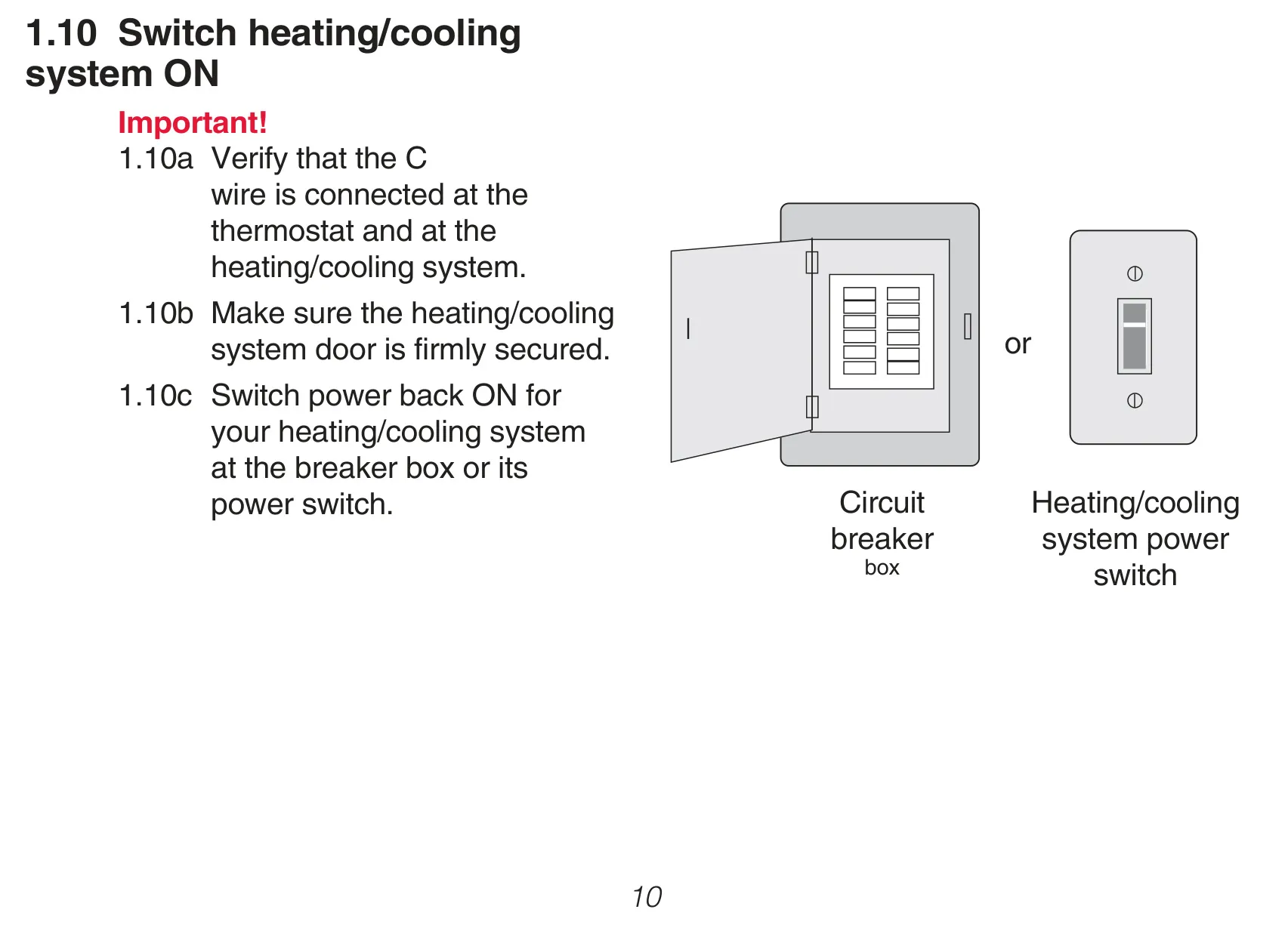
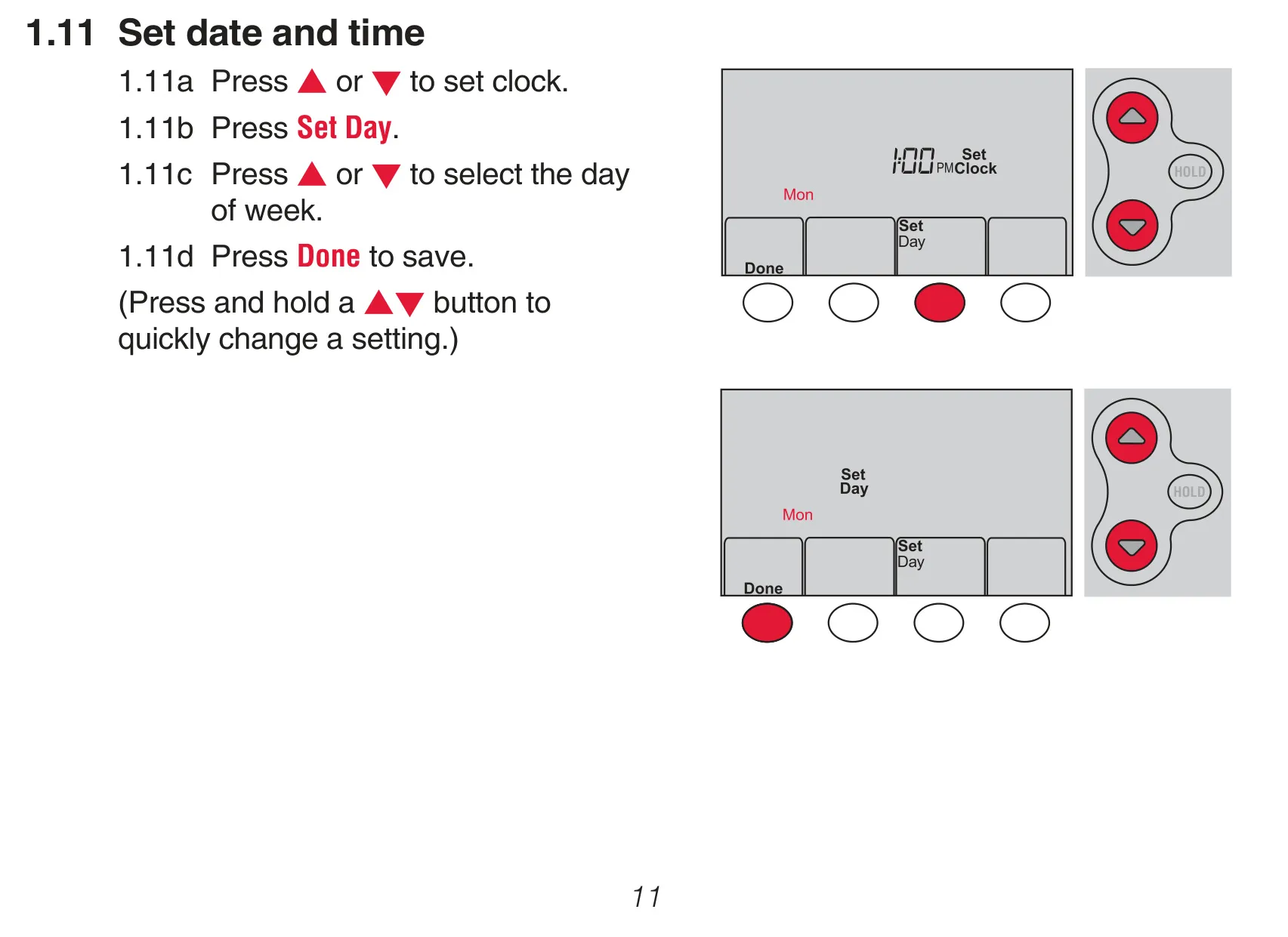
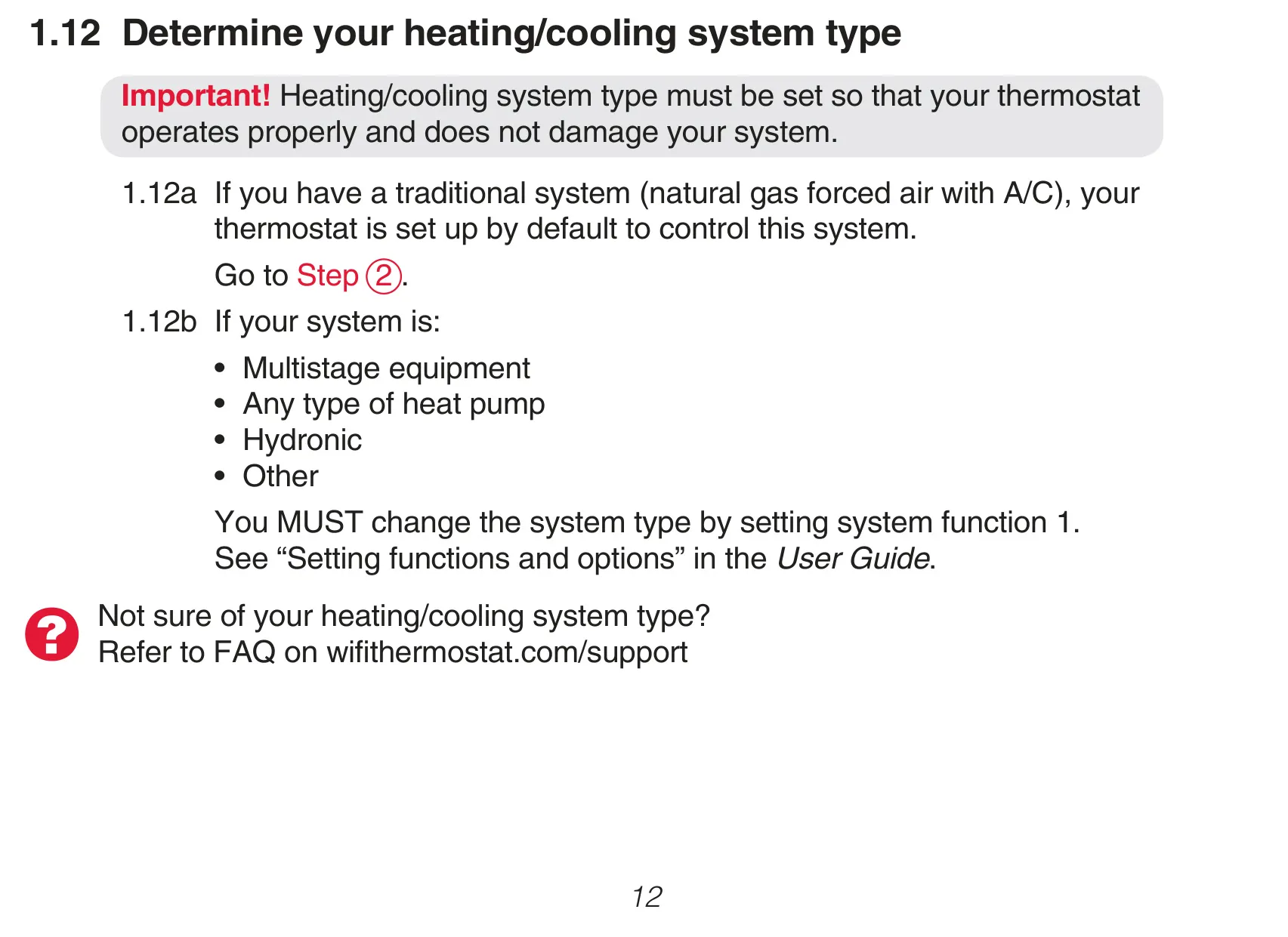
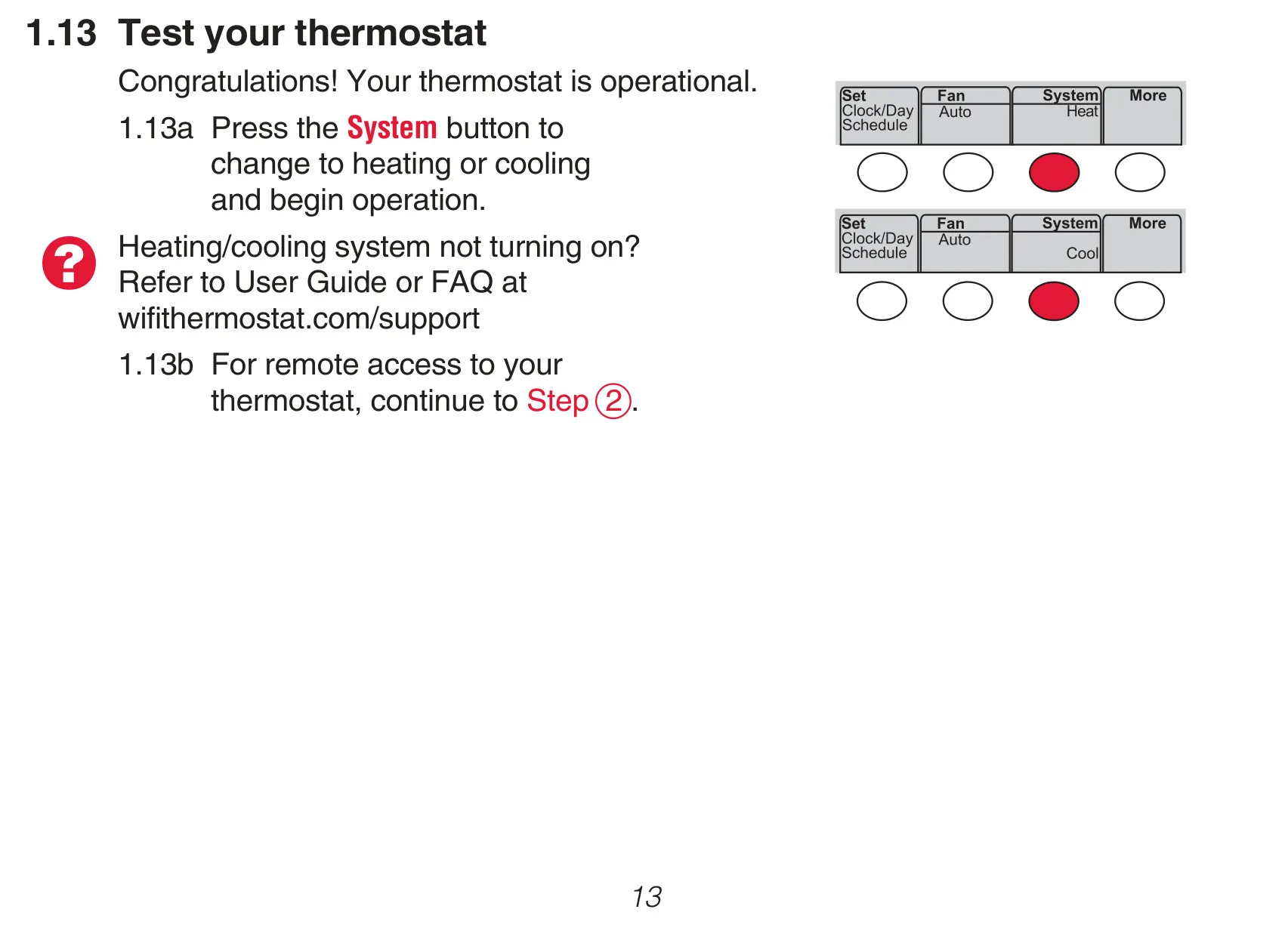
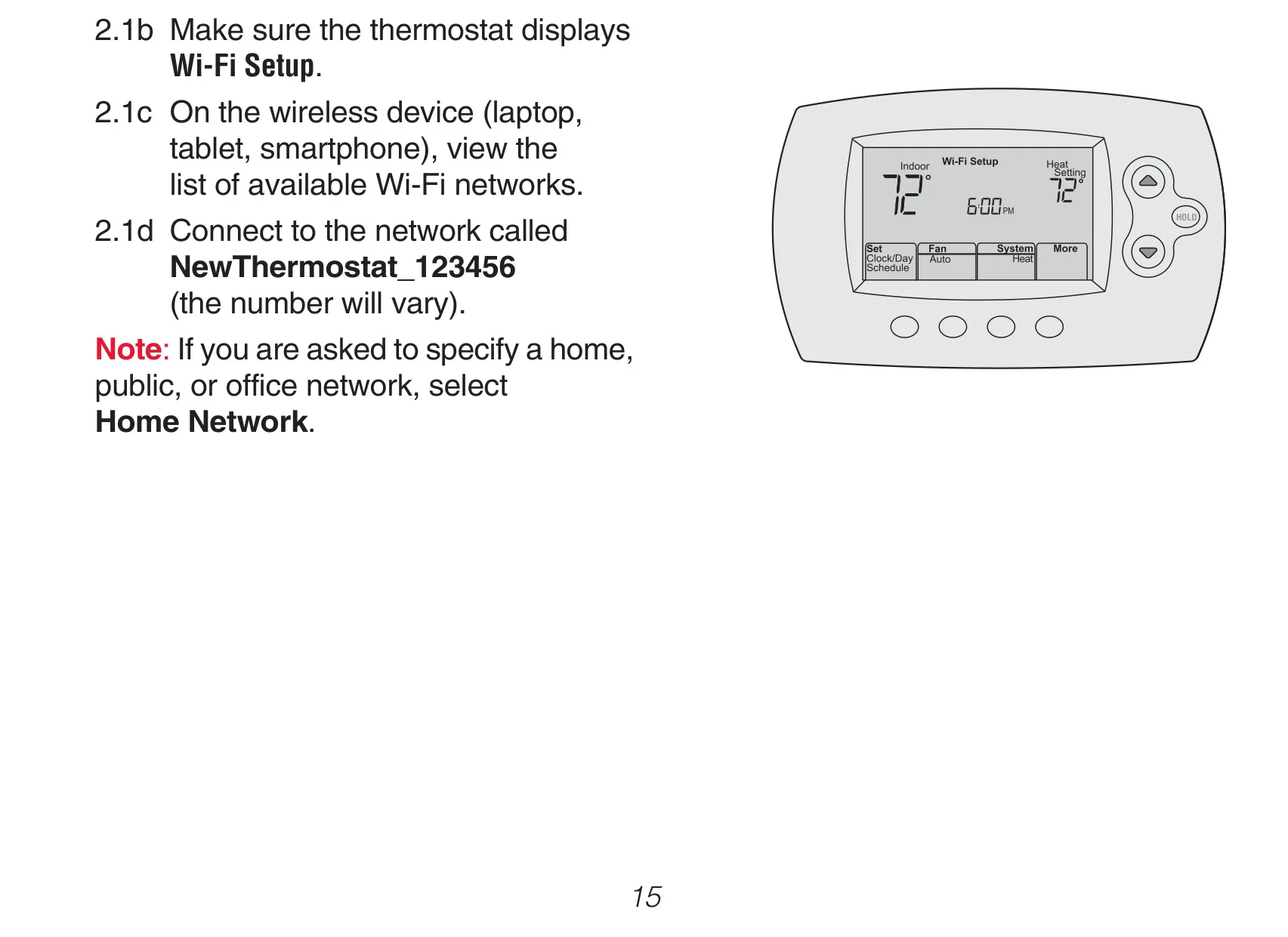
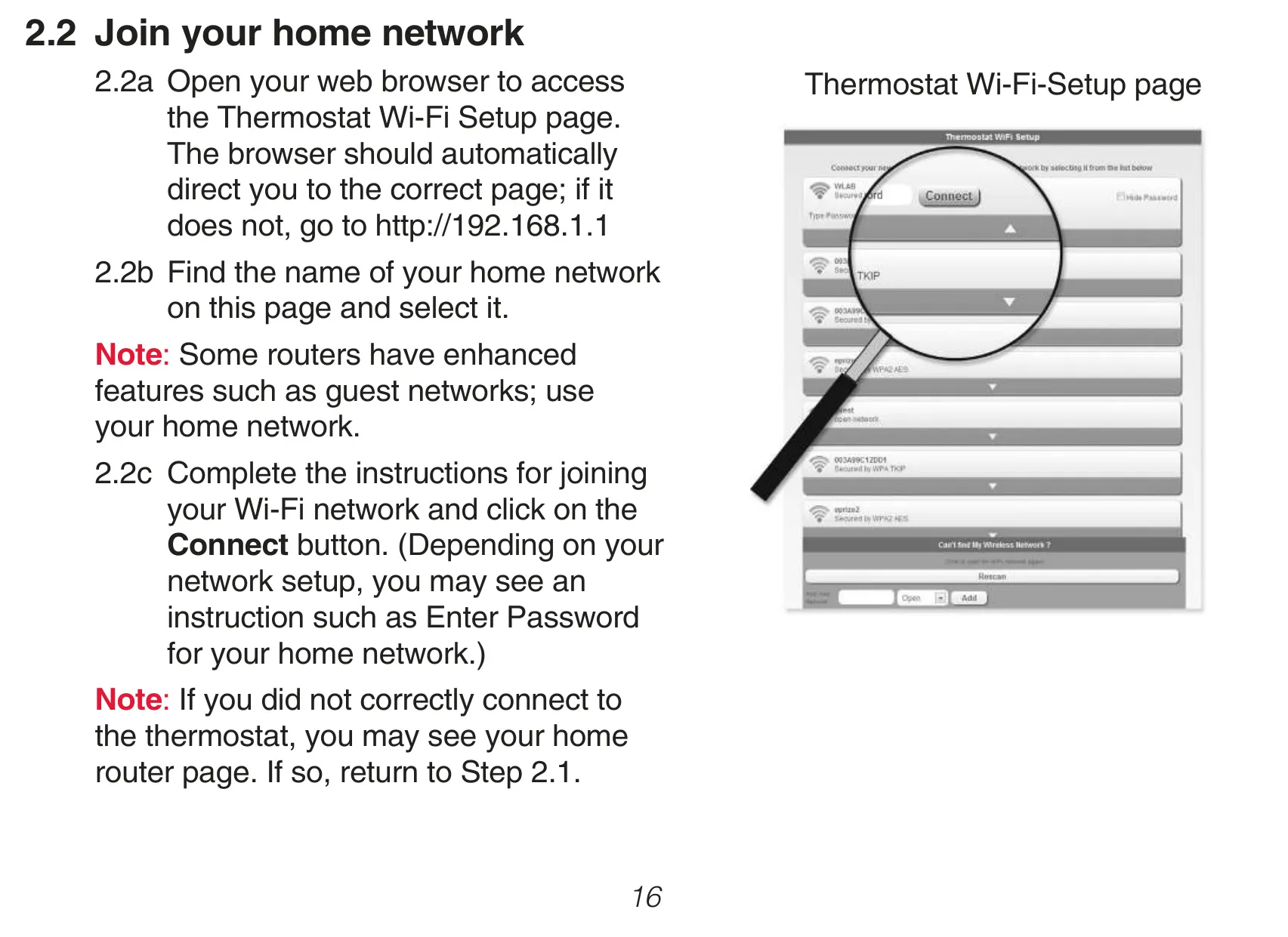

Honeywell RTH6580WF1001 Instructions
Here we offer the Honeywell RTH6580WF1001 Thermostat manual completely free and in English. We have cataloged this manual in the Thermostats section on Manualverse, and it has been rated by 1 users with an average rating of 5. If you have any specific questions about Honeywell RTH6580WF1001 Thermostat, we suggest checking the Frequently Asked Questions (FAQs) section of this manual.
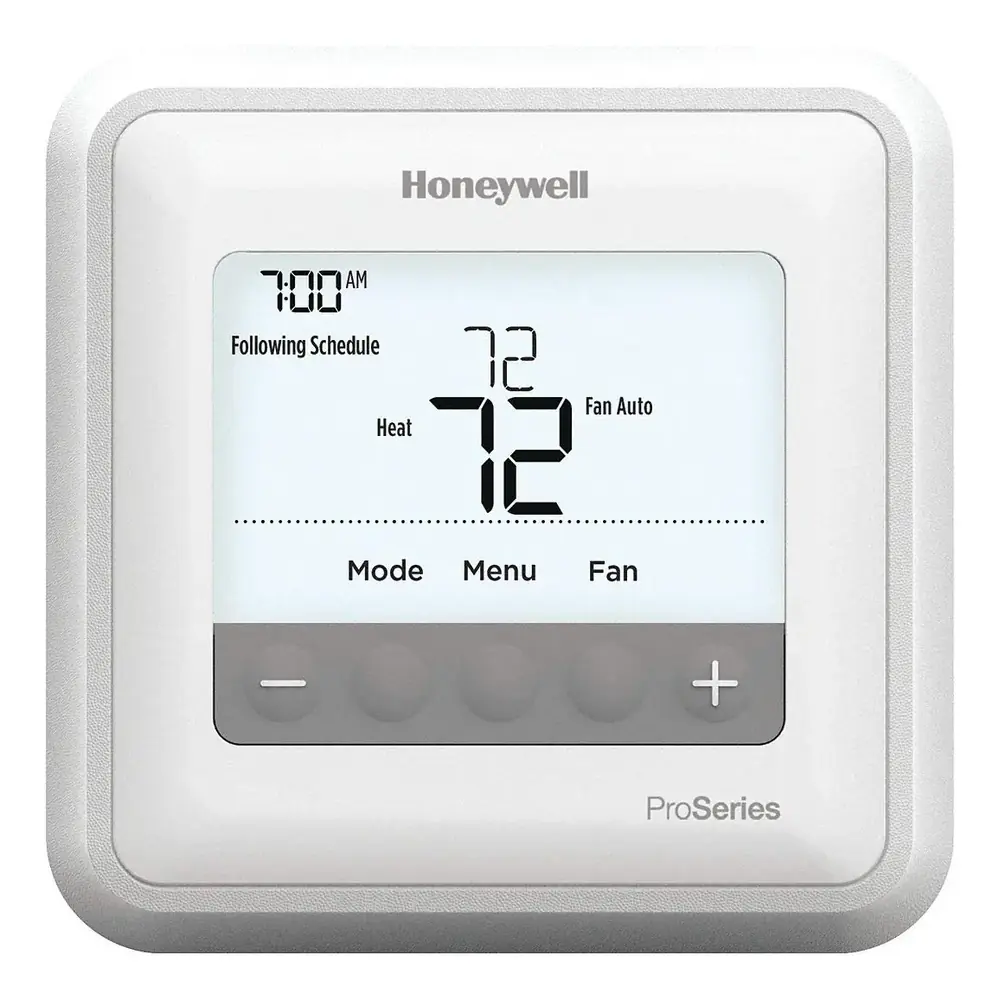
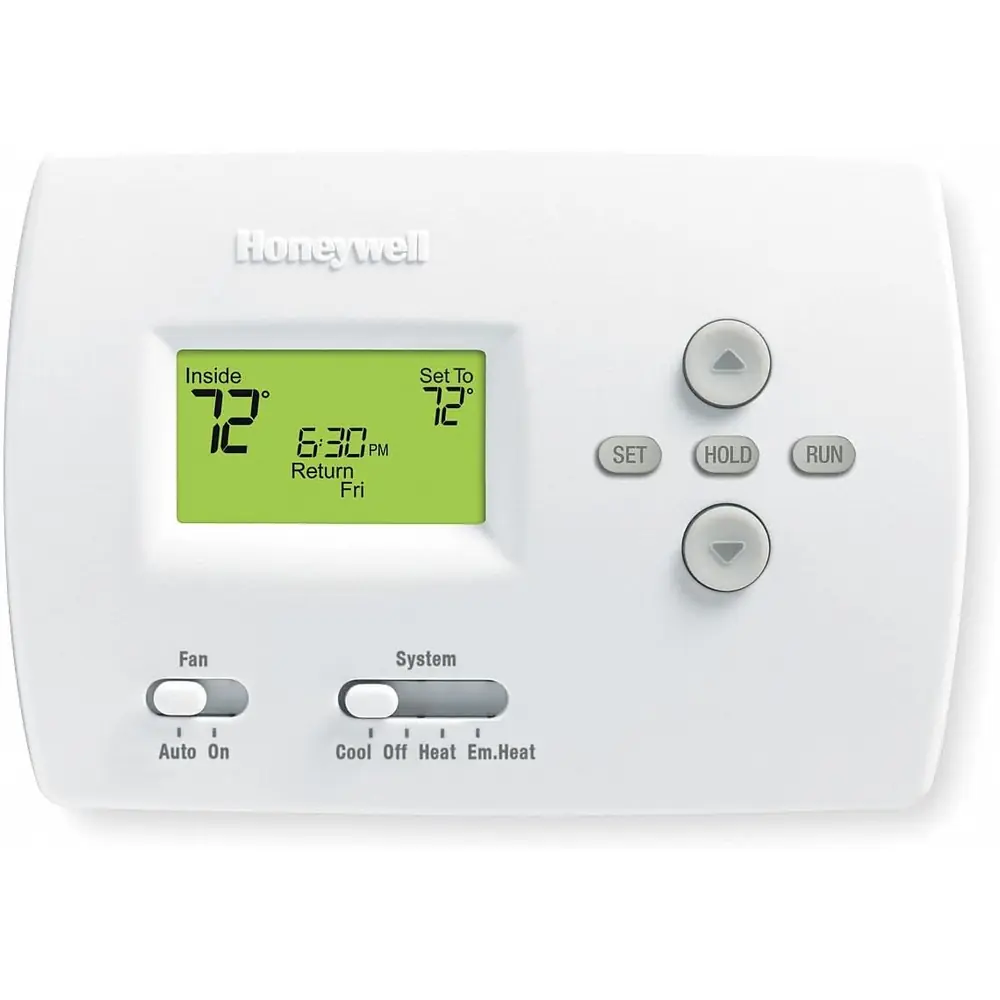
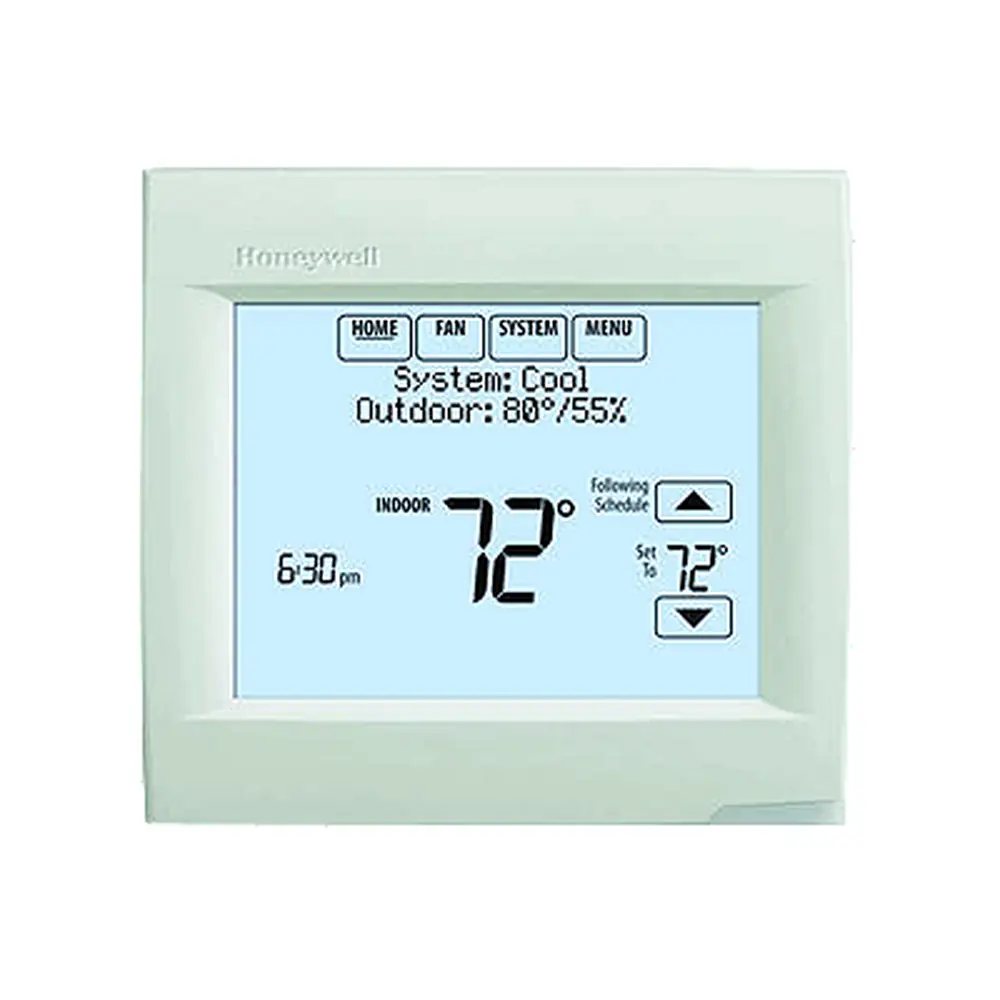
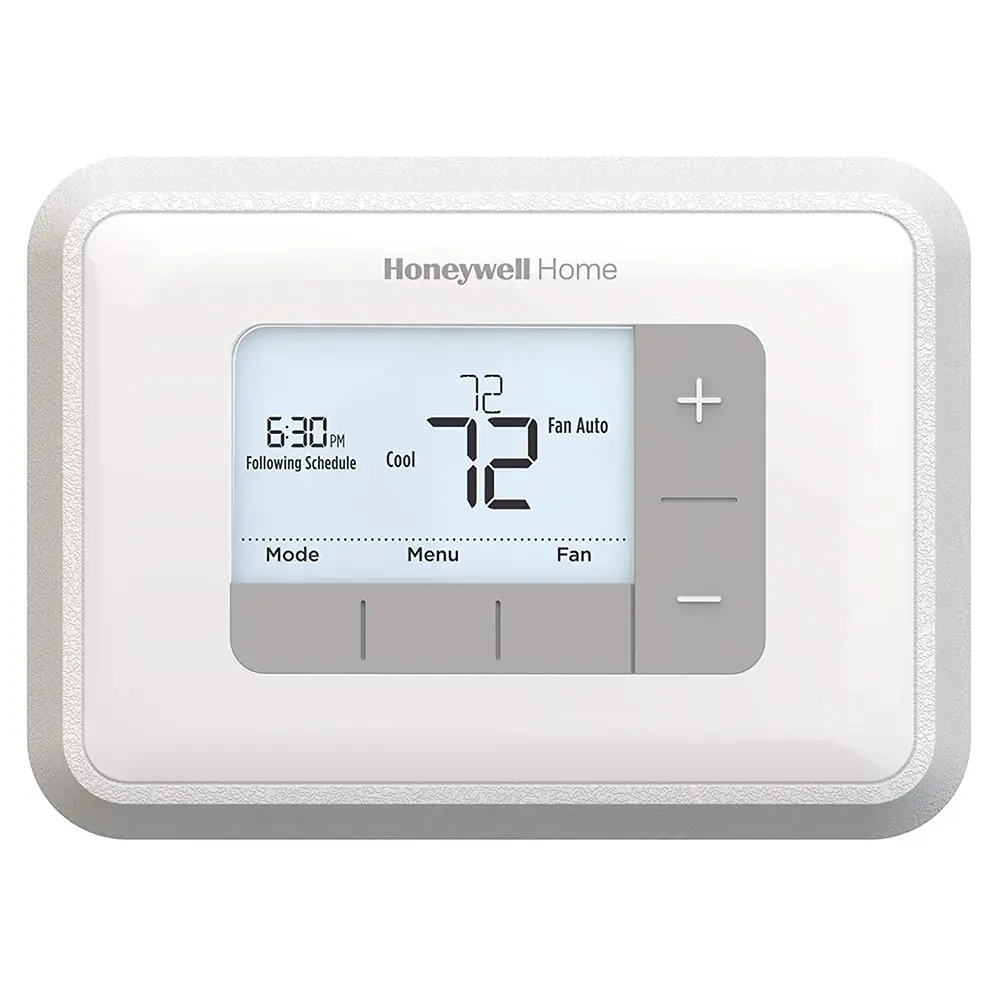
Product Images
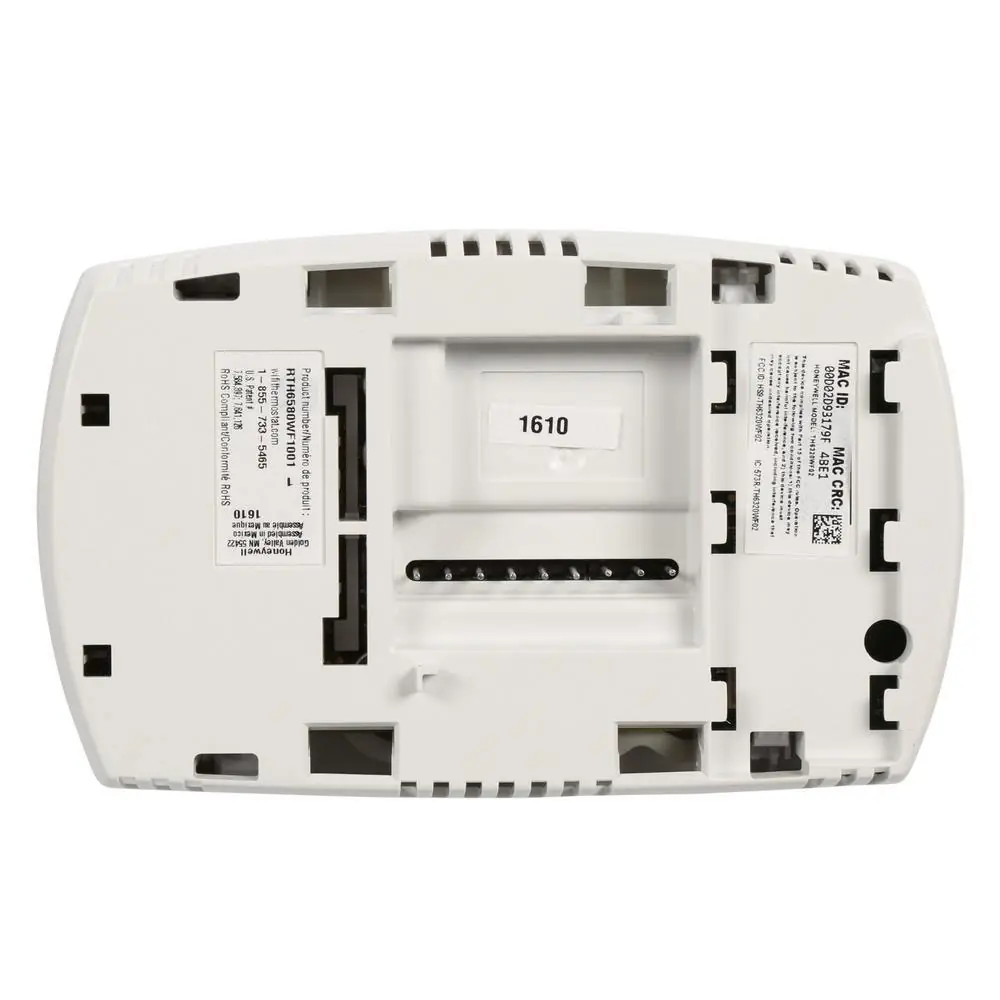
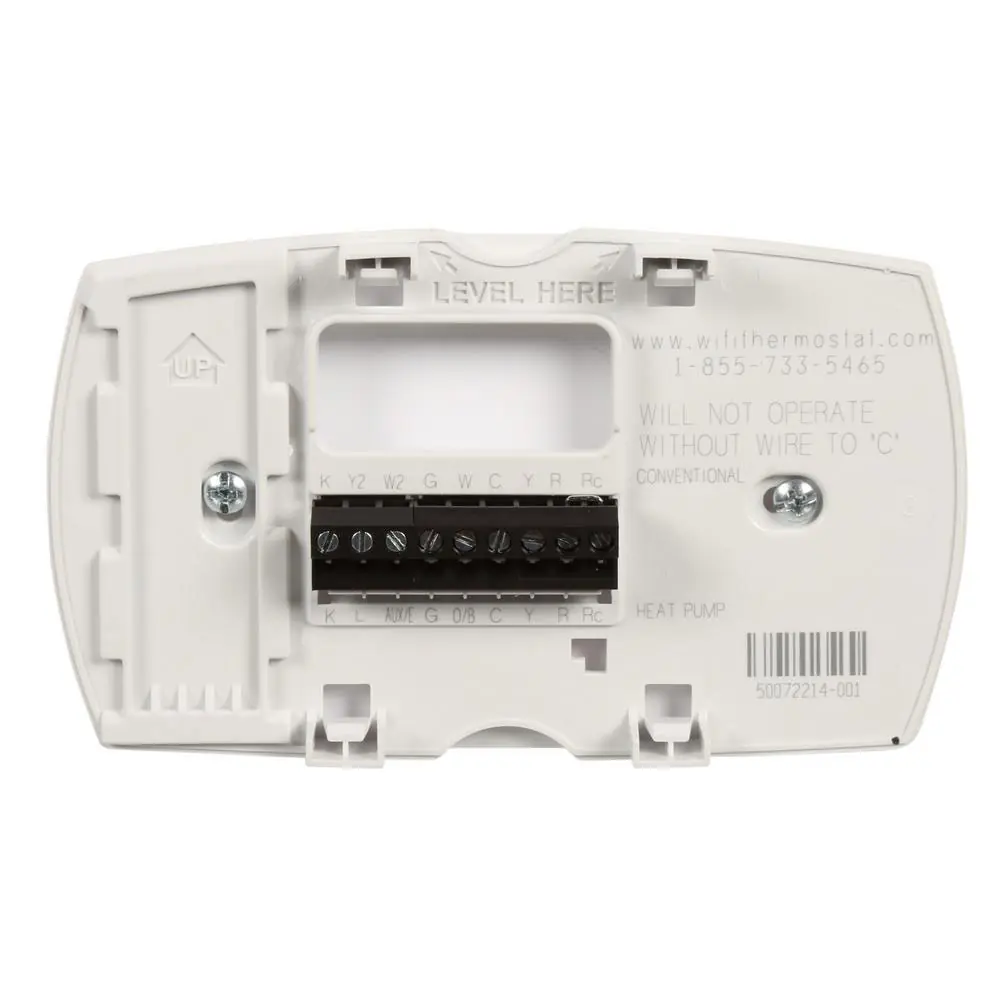
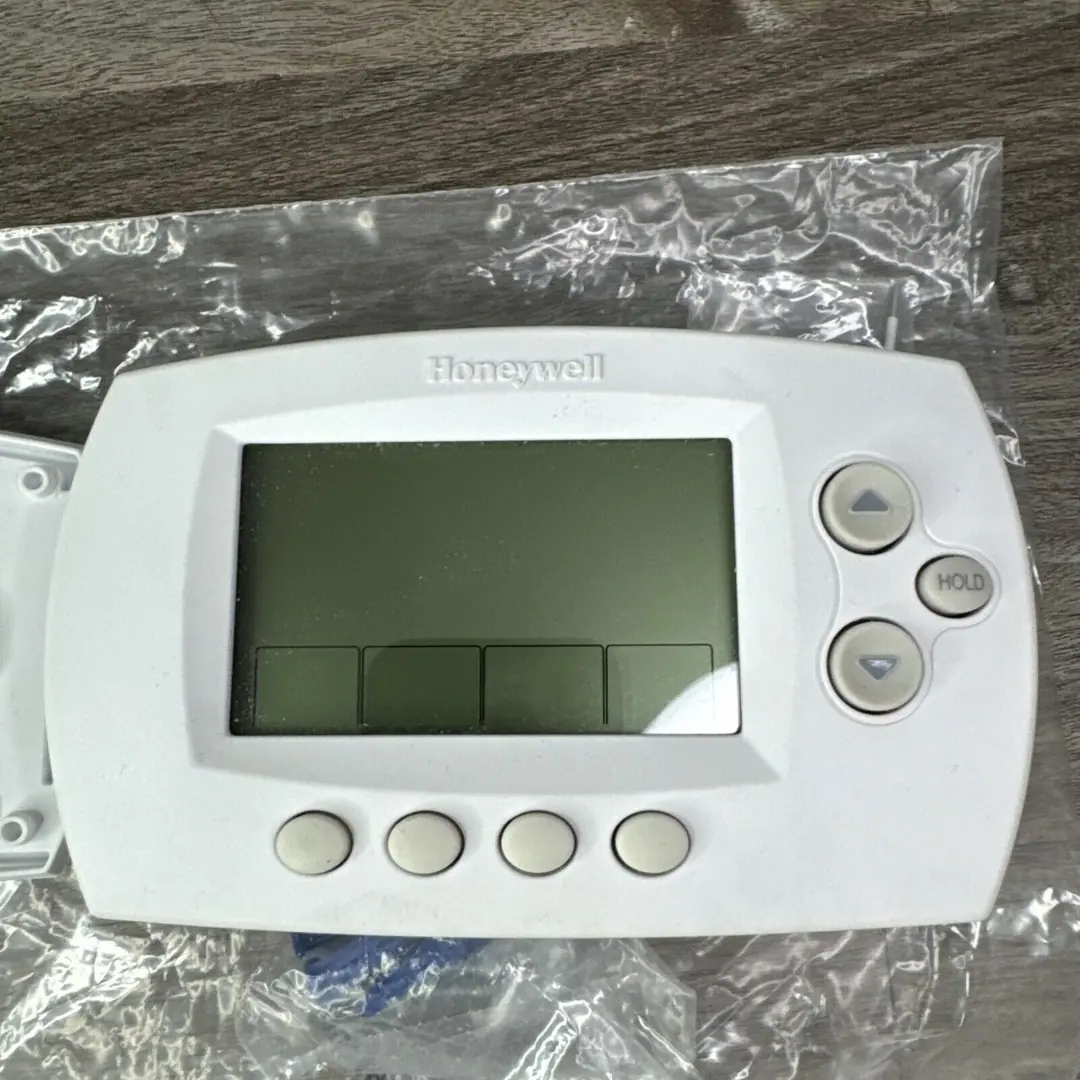
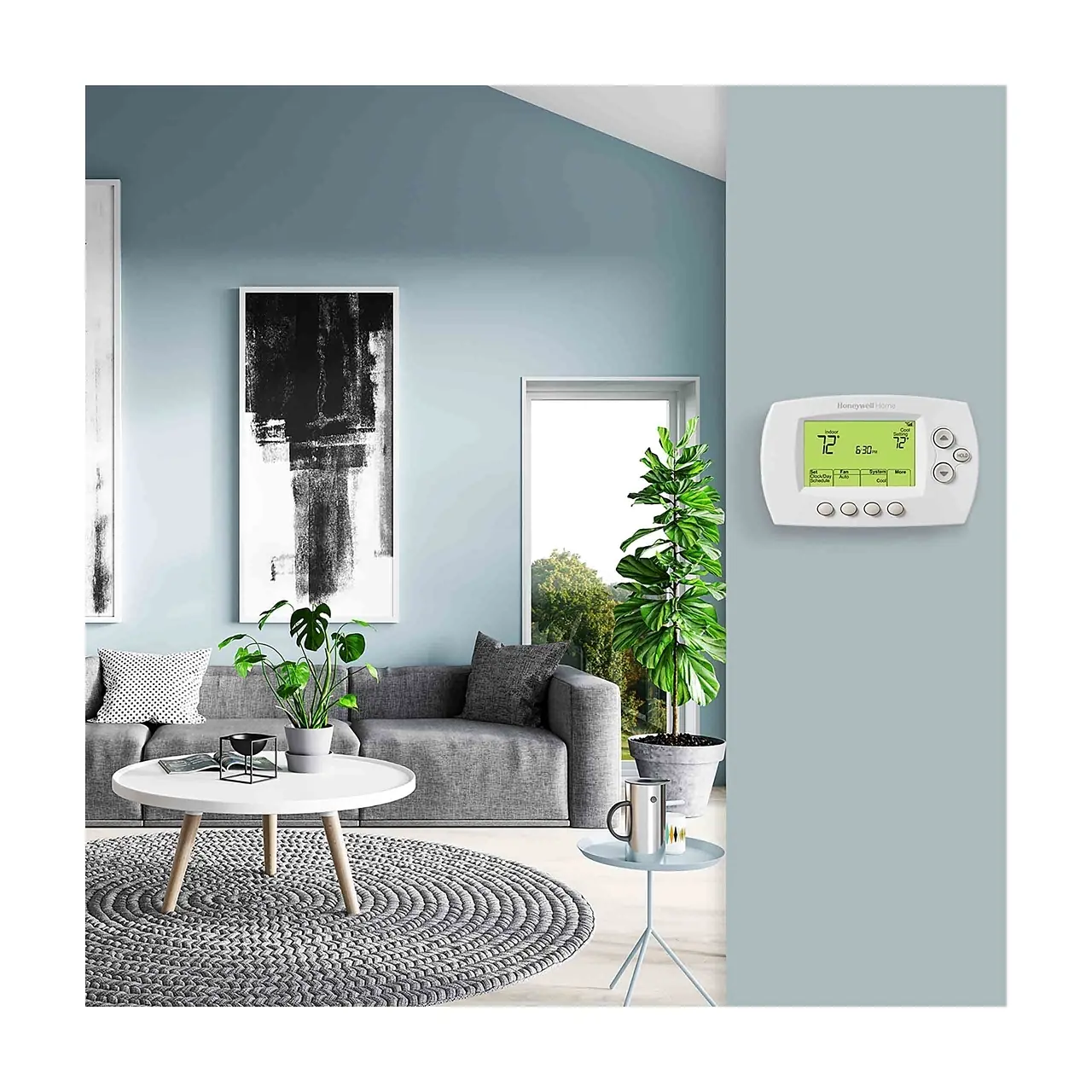
Honeywell RTH6580WF1001 Thermostat Specifications
| Specification | Detail |
|---|---|
| Model Number | RTH6580WF1001 |
| Power Input | 24 V~ @ 60 Hz, 1.0 A |
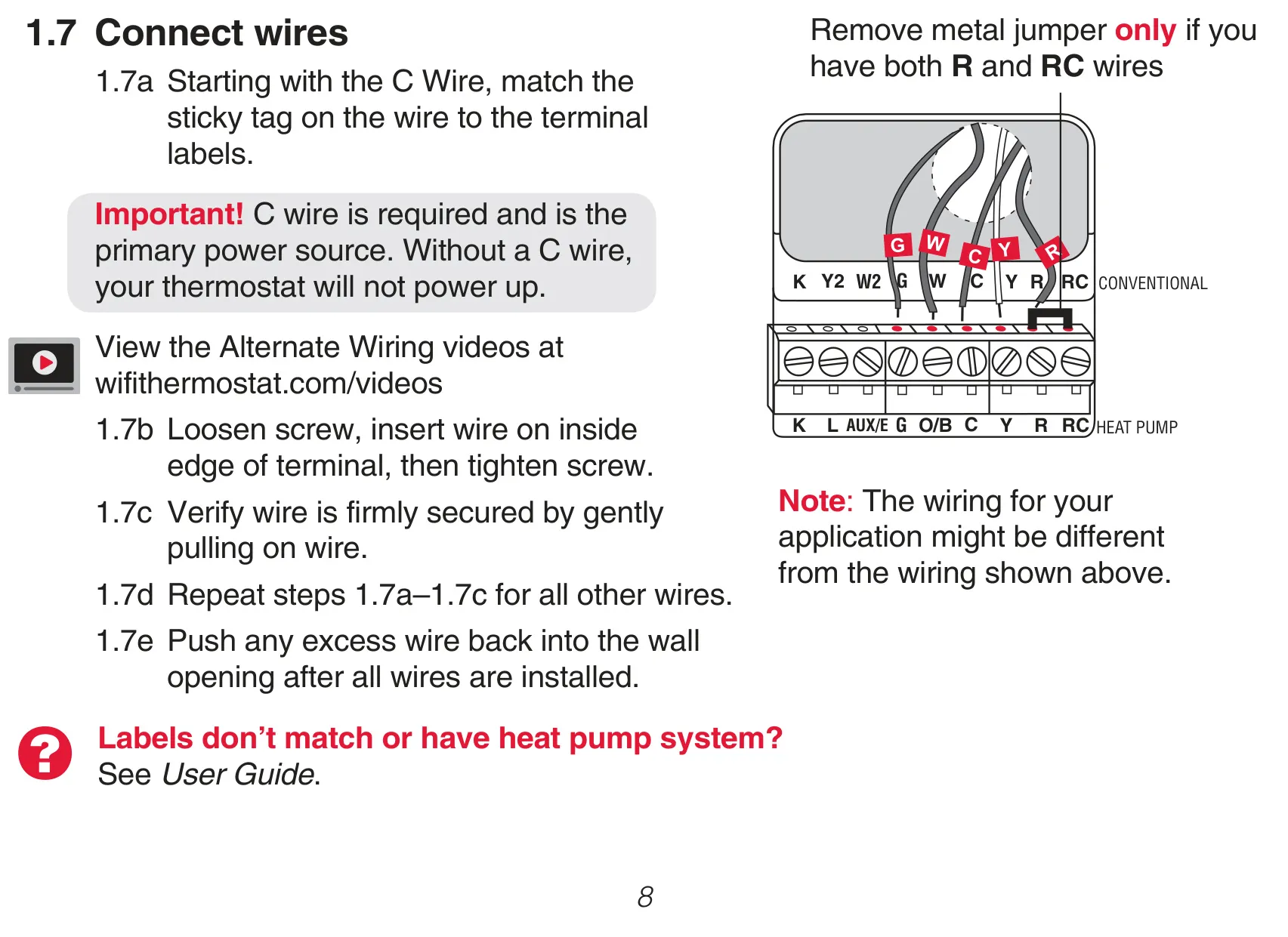
| Power Source Requirement | C wire (Common wire) is required for operation |
| System Compatibility | Common 24 V systems: Forced Air, Hydronic, Heat Pump, Oil, Gas, Electric |
| System Incompatibility | Millivolt systems (e.g., gas fireplace), 120 V/240 V systems (e.g., baseboard electric heat) |
| Programming | 7-day programmable with four time periods (Wake, Leave, Return, Sleep) |
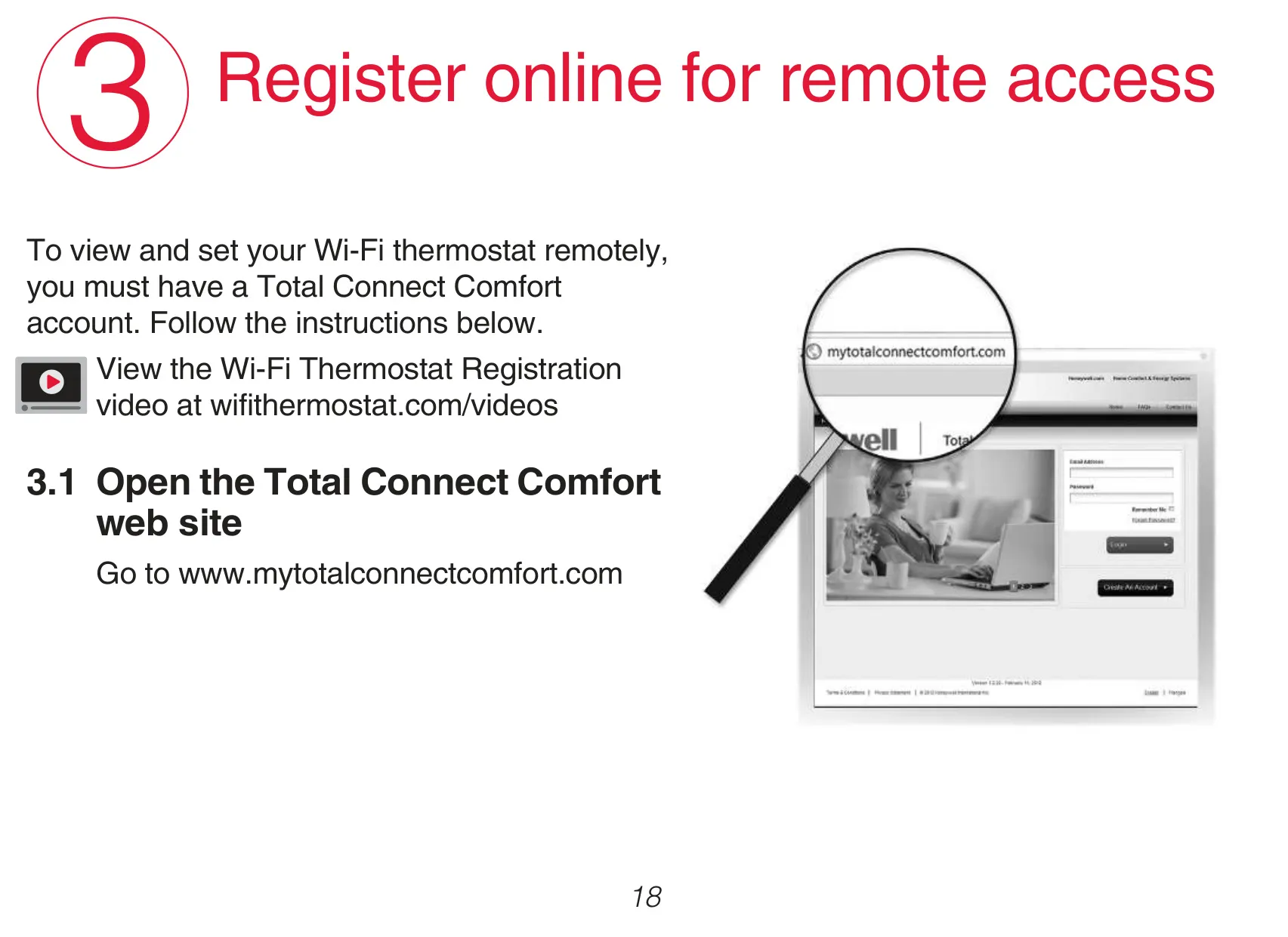
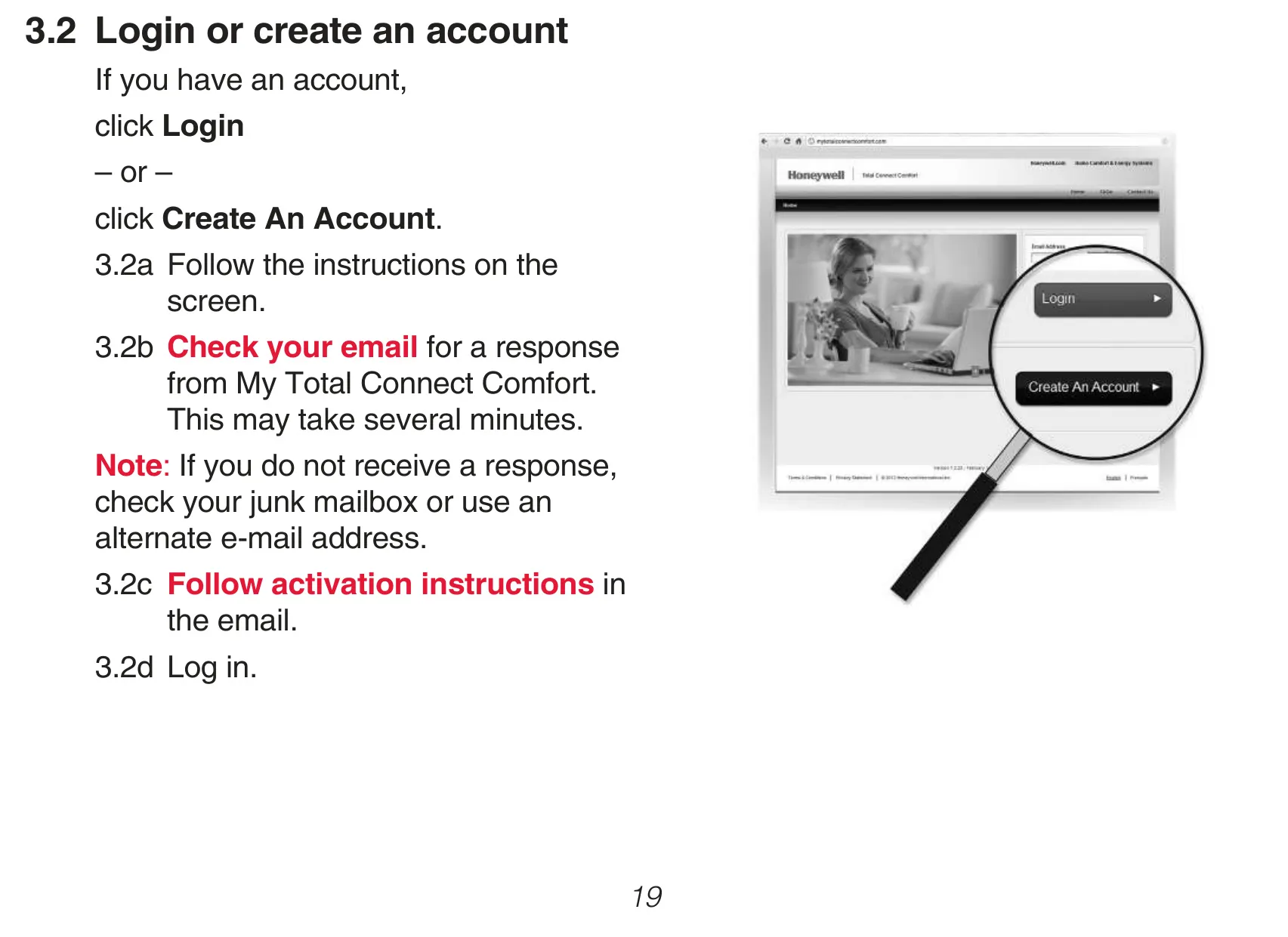
| Connectivity | Wi-Fi (for remote monitoring and control via Total Connect Comfort) |
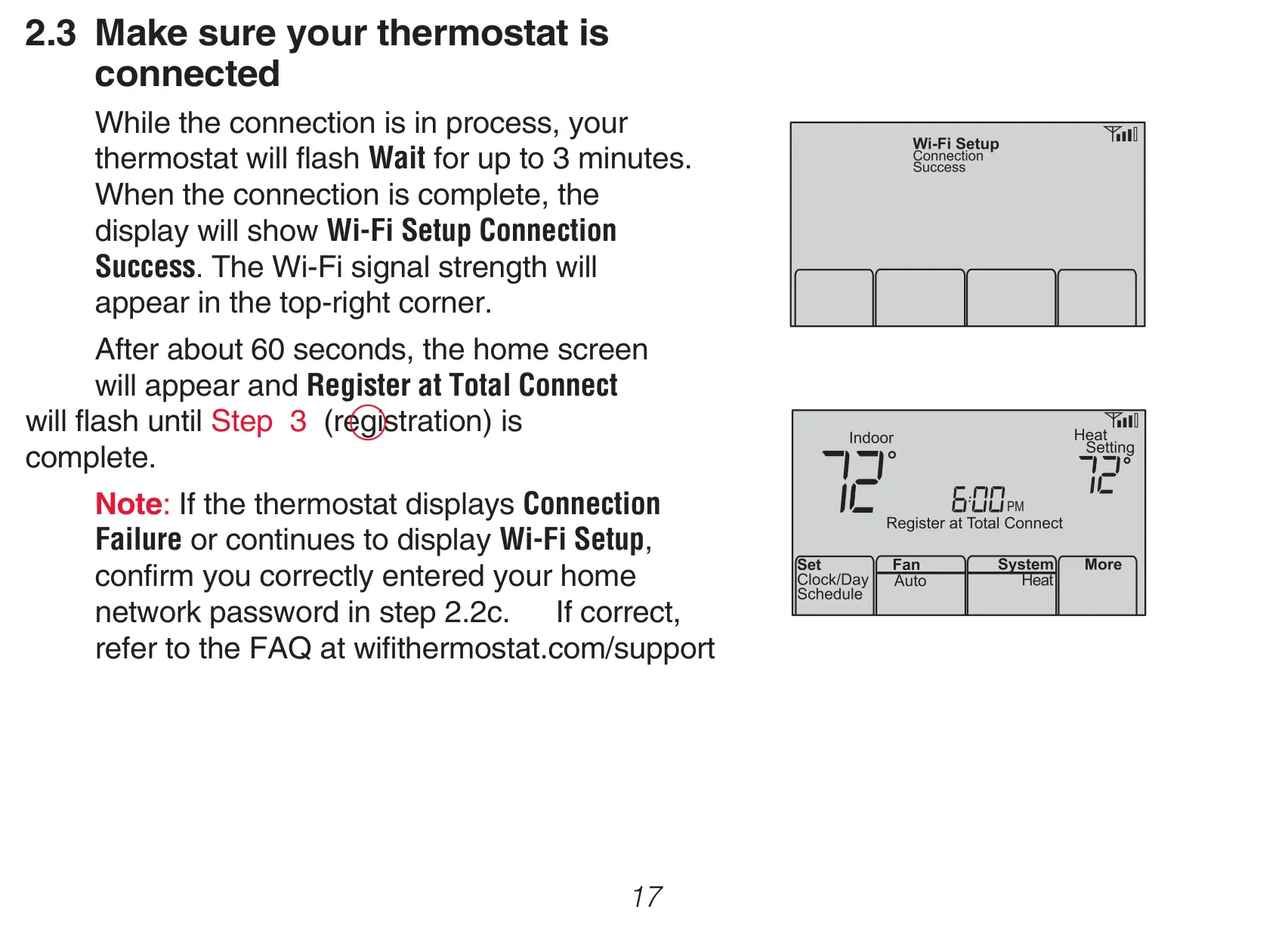
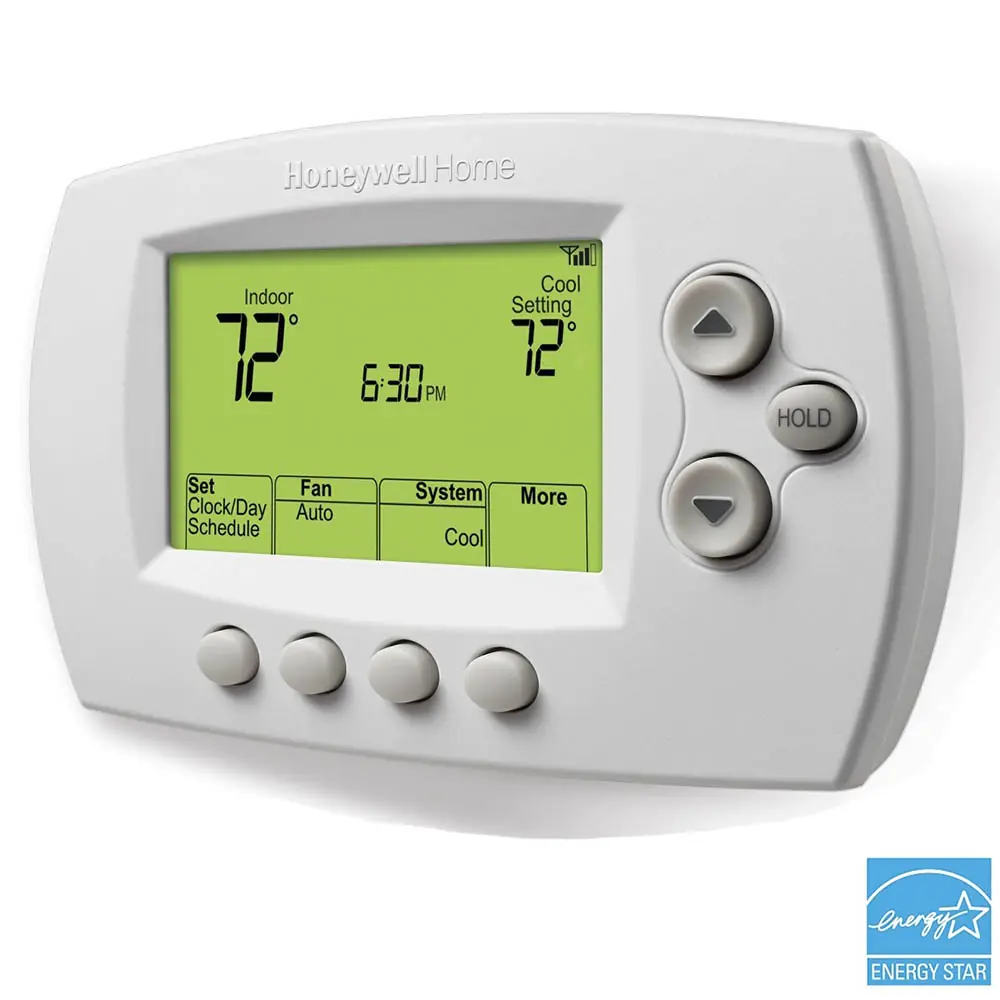
| Display | Backlit screen, displays temperature, Wi-Fi status, setup messages |
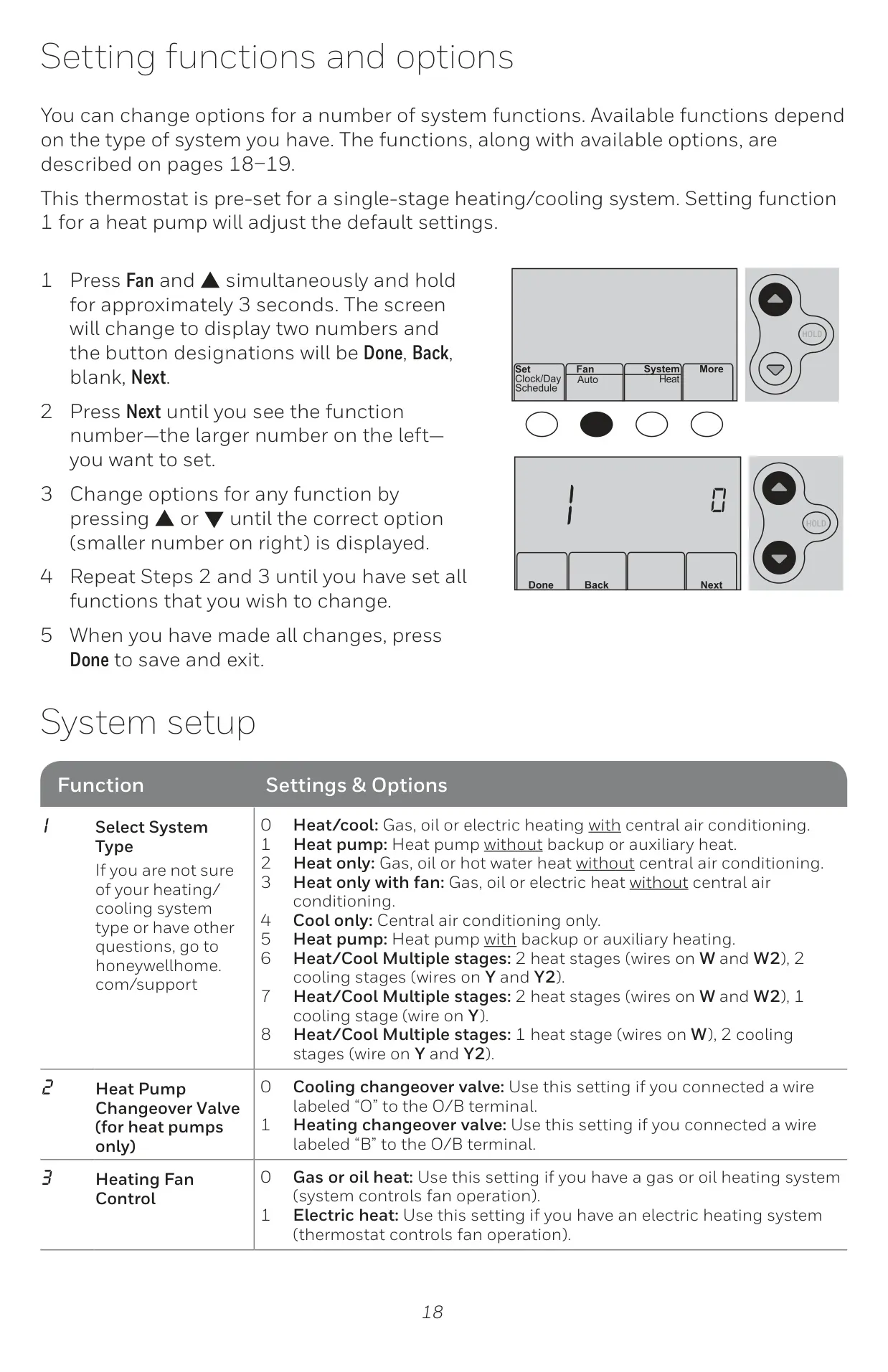
| Temperature Format | Fahrenheit (°F) or Celsius (°C) selectable |
Honeywell RTH6580WF1001 Details
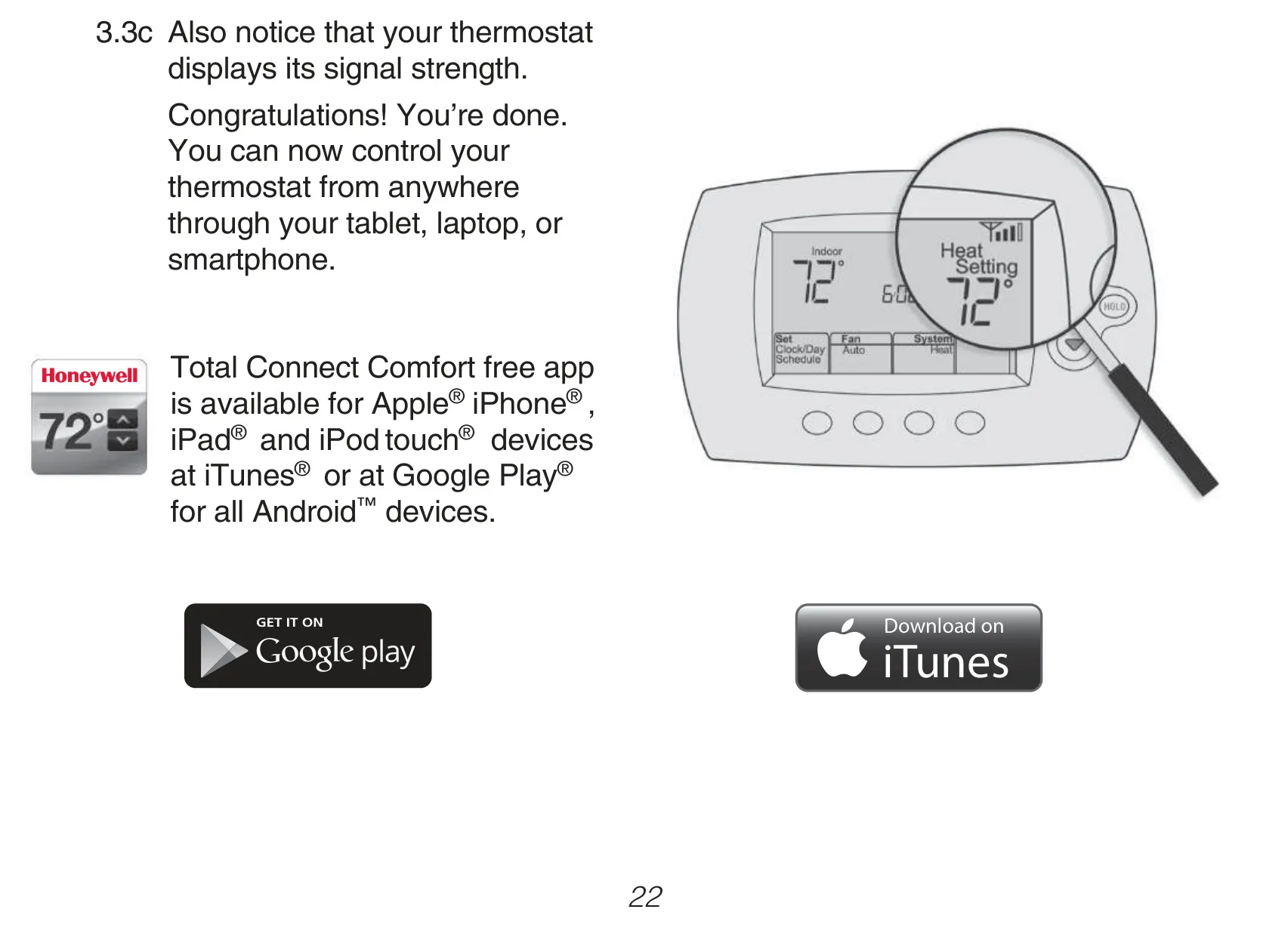
The Honeywell RTH6580WF1001 is a versatile smart programmable thermostat designed to integrate seamlessly into modern homes, offering both convenience and energy efficiency. Its primary appeal lies in its internet connectivity, allowing users to remotely monitor and control their heating and cooling systems from virtually anywhere. This capability is facilitated through the Total Connect Comfort platform, accessible via a web browser or dedicated apps for Apple iPhone, iPad, iPod touch, and Android devices. Users can adjust settings, view temperatures, and modify schedules on the go, ensuring optimal comfort upon arrival.
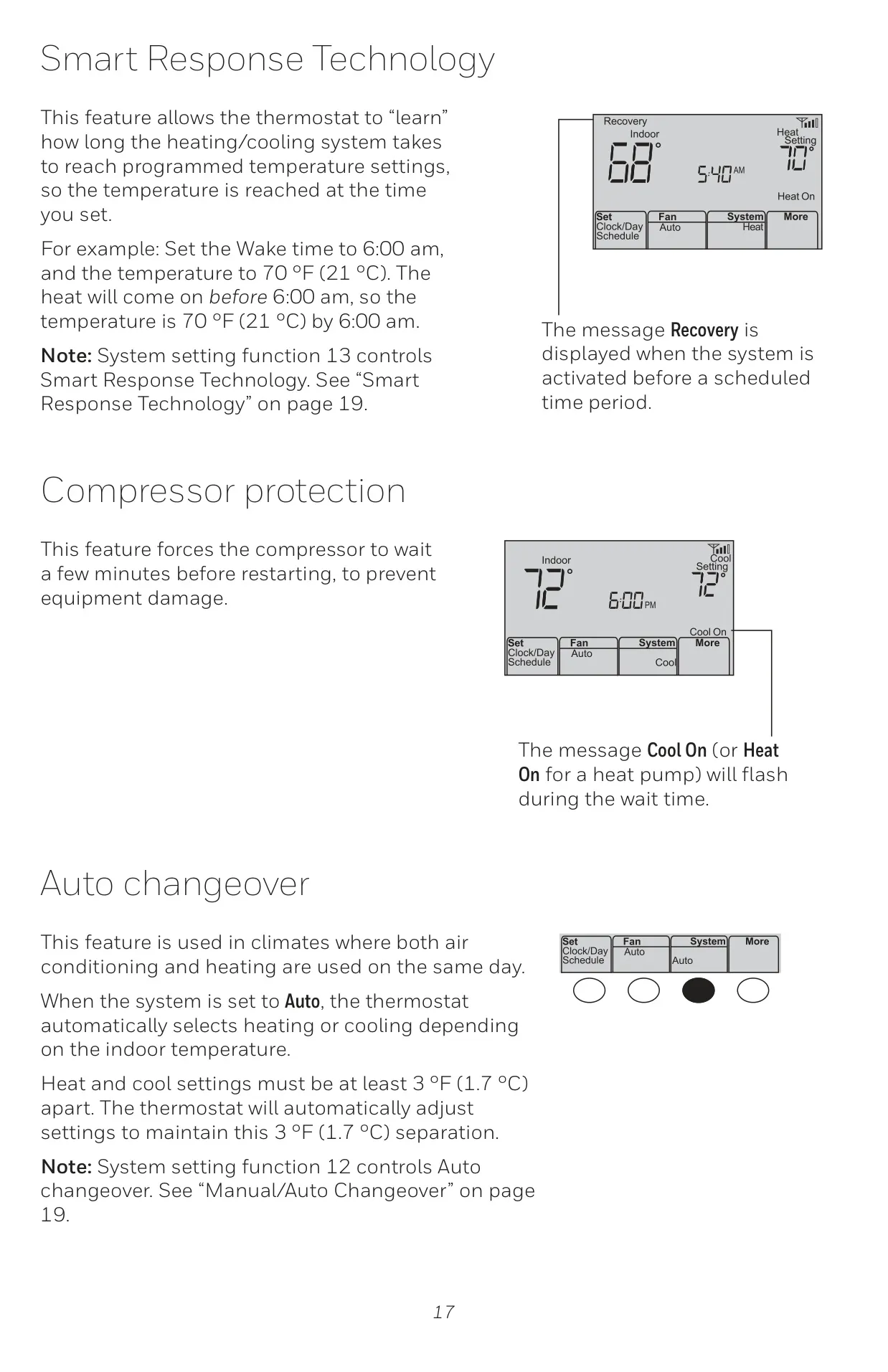
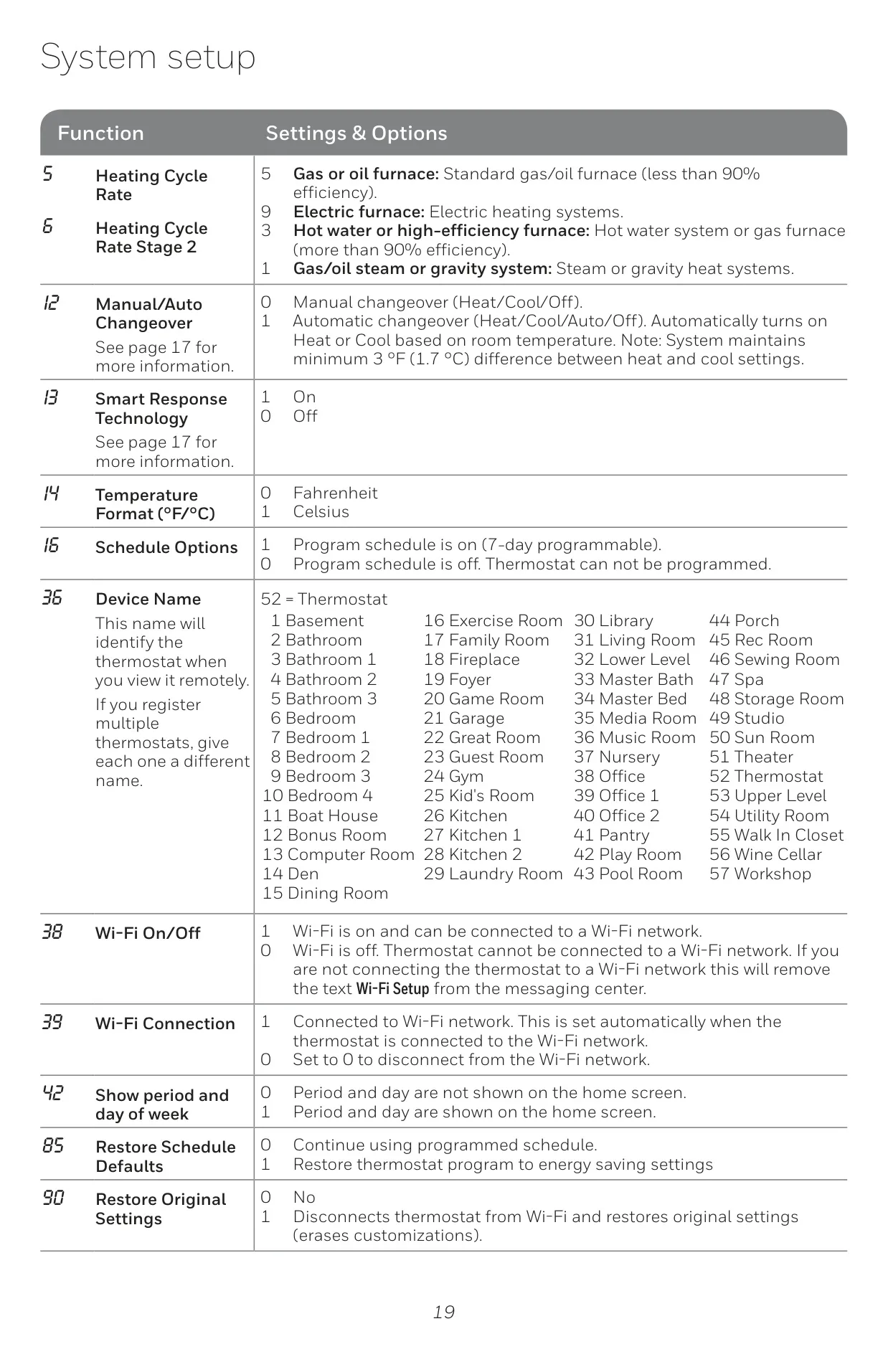
Beyond remote control, the thermostat incorporates several intelligent features aimed at enhancing comfort and protecting HVAC equipment. Smart Response Technology, for instance, learns the system's runtime characteristics to ensure that desired temperatures are reached precisely at scheduled times. This means if you set your 'Wake' time to 6:00 AM at 70°F, the thermostat will activate the heating system earlier to achieve that temperature by 6:00 AM, avoiding uncomfortable delays.
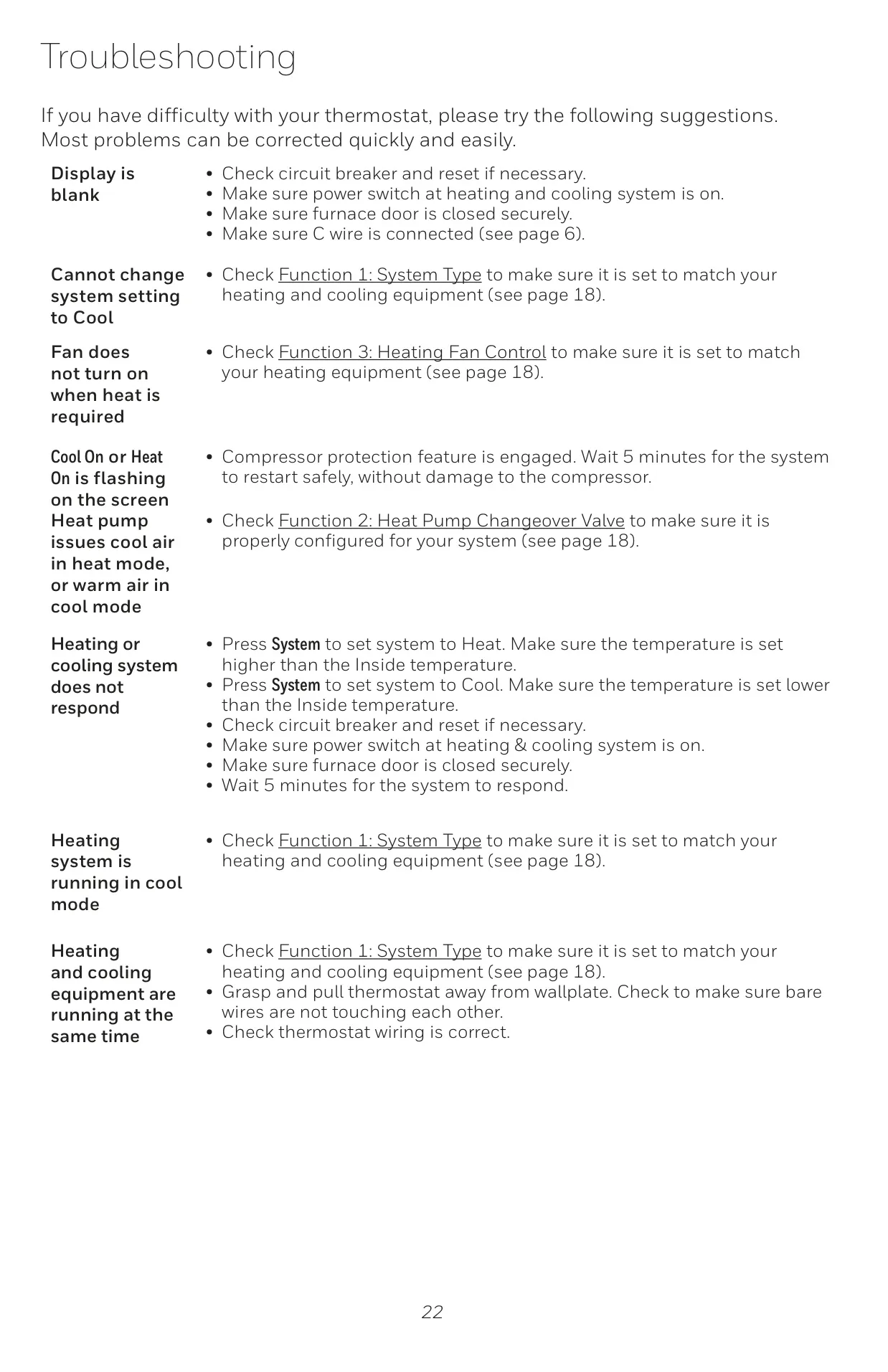
Another crucial protective feature is Compressor Protection. This mechanism enforces a brief delay, typically a few minutes, before restarting the compressor after a shutdown. This prevents potential damage to the equipment caused by short-cycling, extending the lifespan of your heating and cooling system. During this wait time, the display will flash "Cool On" or "Heat On" (for heat pumps), indicating that the protection is active.
For regions experiencing variable daily temperatures, the Heat/Cool Auto Changeover function is invaluable. When set to 'Auto' mode, the thermostat intelligently switches between heating and cooling based on the indoor temperature, maintaining a consistent environment without manual intervention. To ensure proper operation and prevent rapid cycling, this feature mandates a minimum 3°F (1.7°C) separation between the heat and cool set points, which the thermostat automatically adjusts if needed.
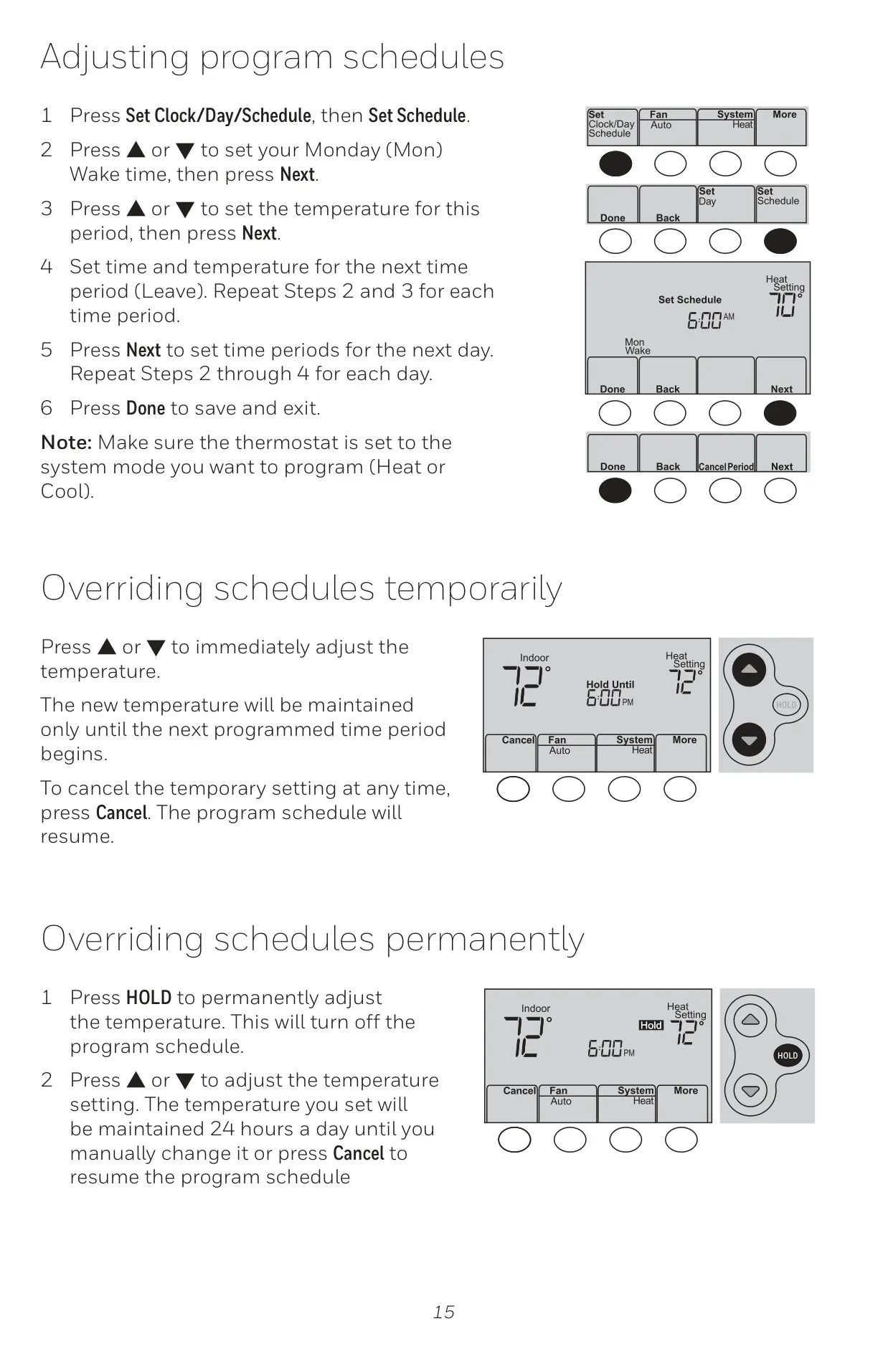
The RTH6580WF1001 offers extensive programming flexibility with its 7-day scheduling, divided into four adjustable periods: Wake, Leave, Return, and Sleep. While it comes with preset energy-saving schedules, users can easily customize these to match their lifestyle, potentially reducing energy consumption. For immediate adjustments, temporary overrides allow the temperature to be changed until the next scheduled period, while a permanent 'HOLD' option suspends the program entirely until manually cancelled.
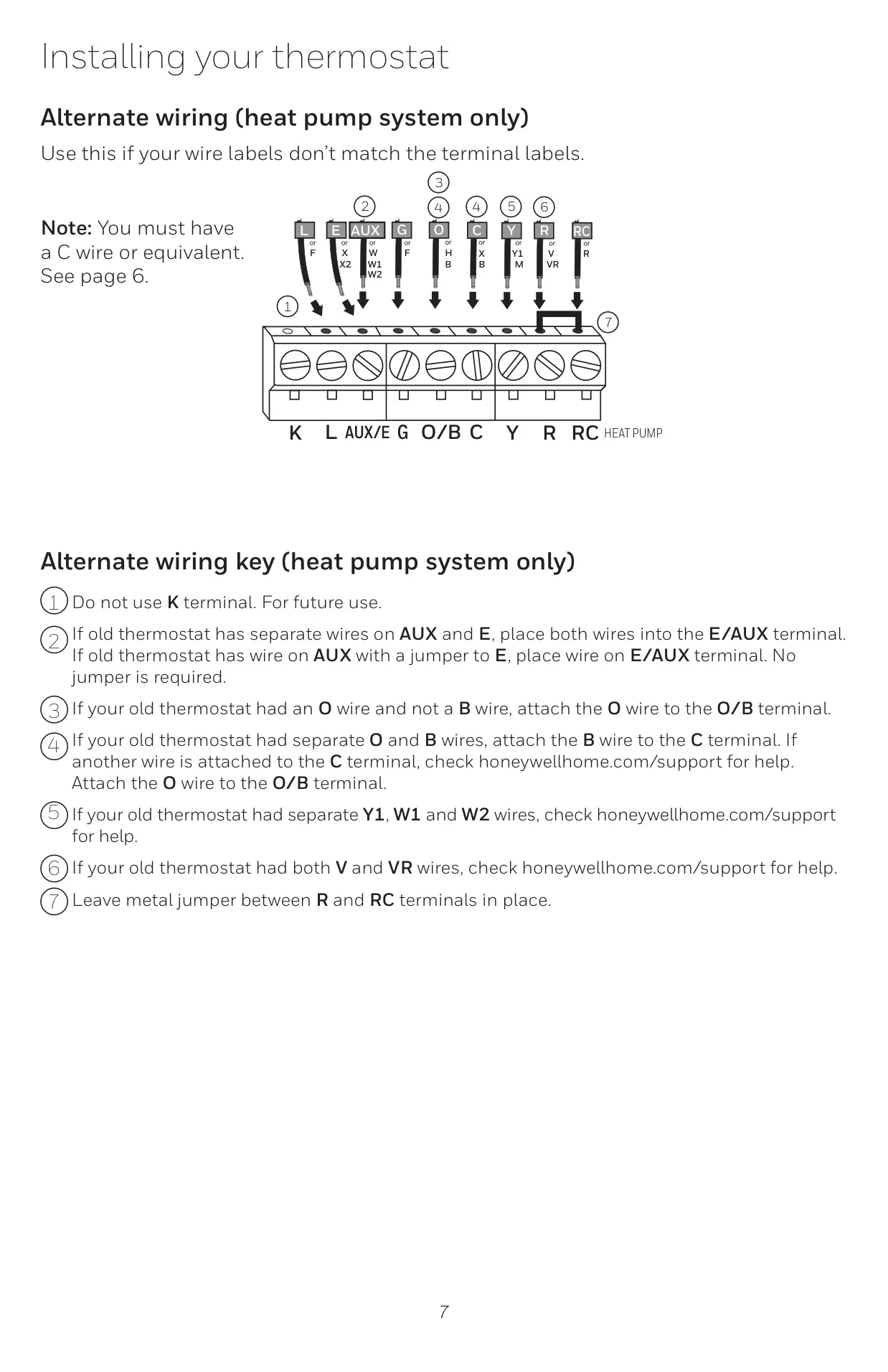
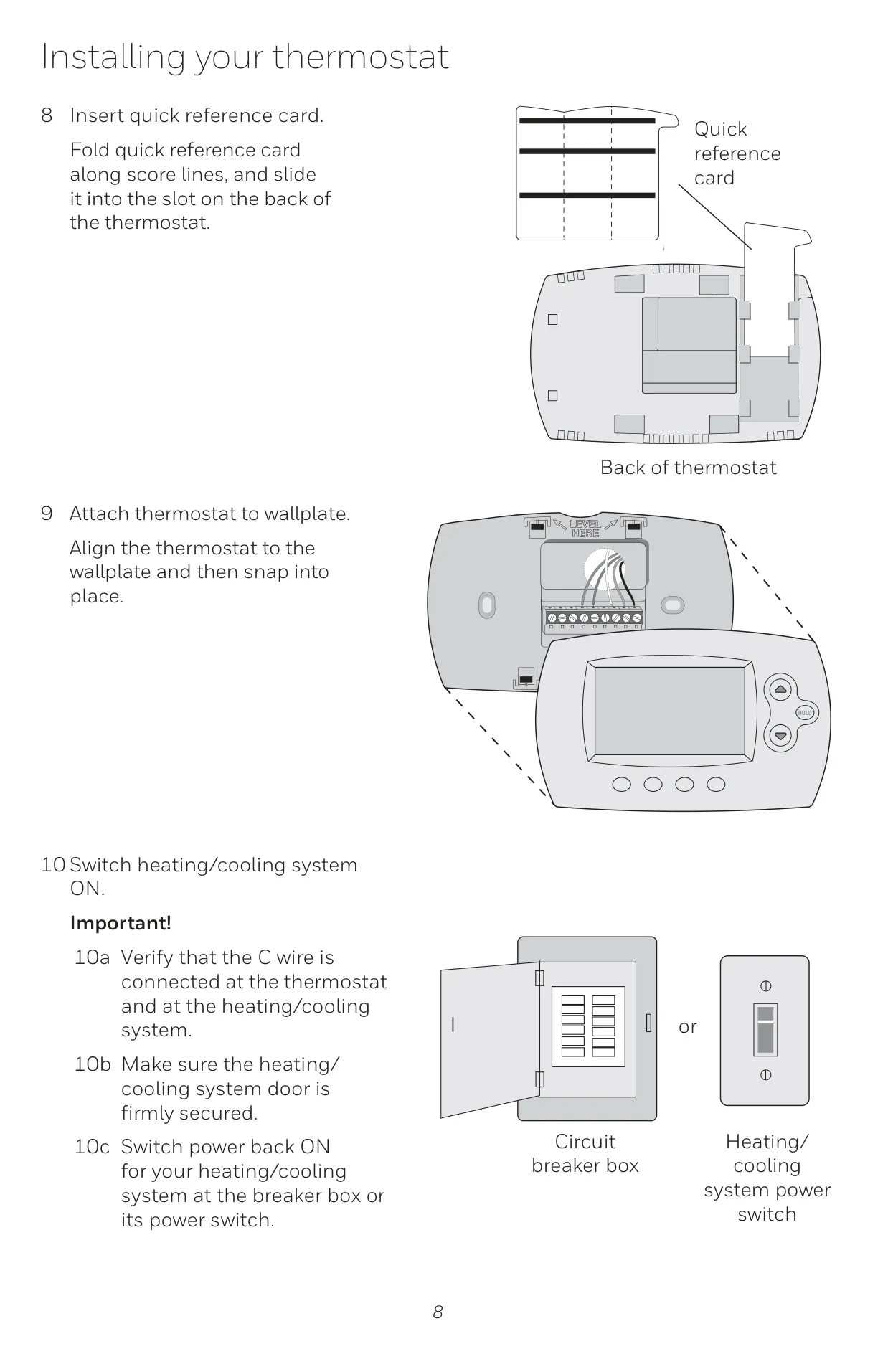
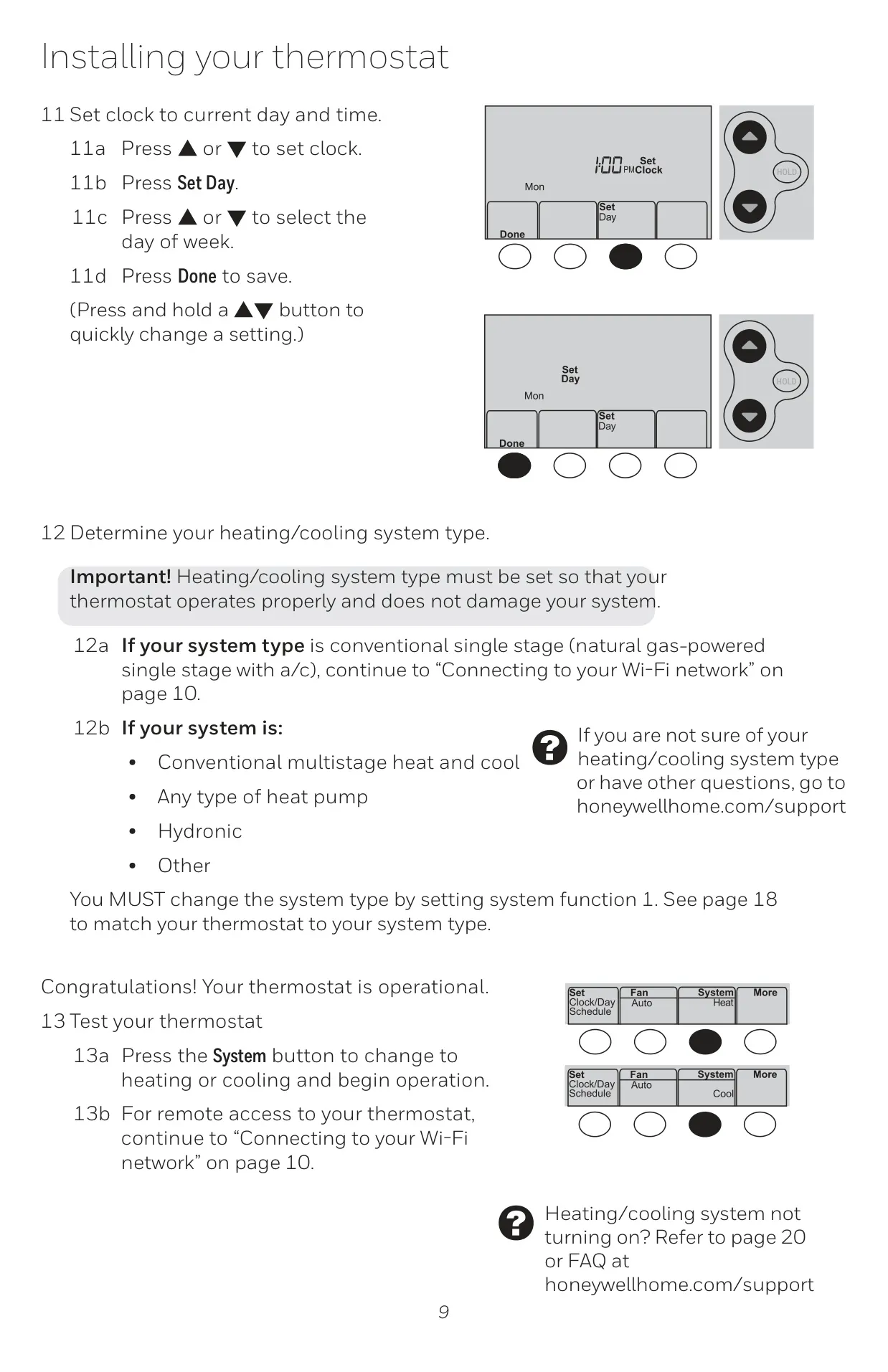
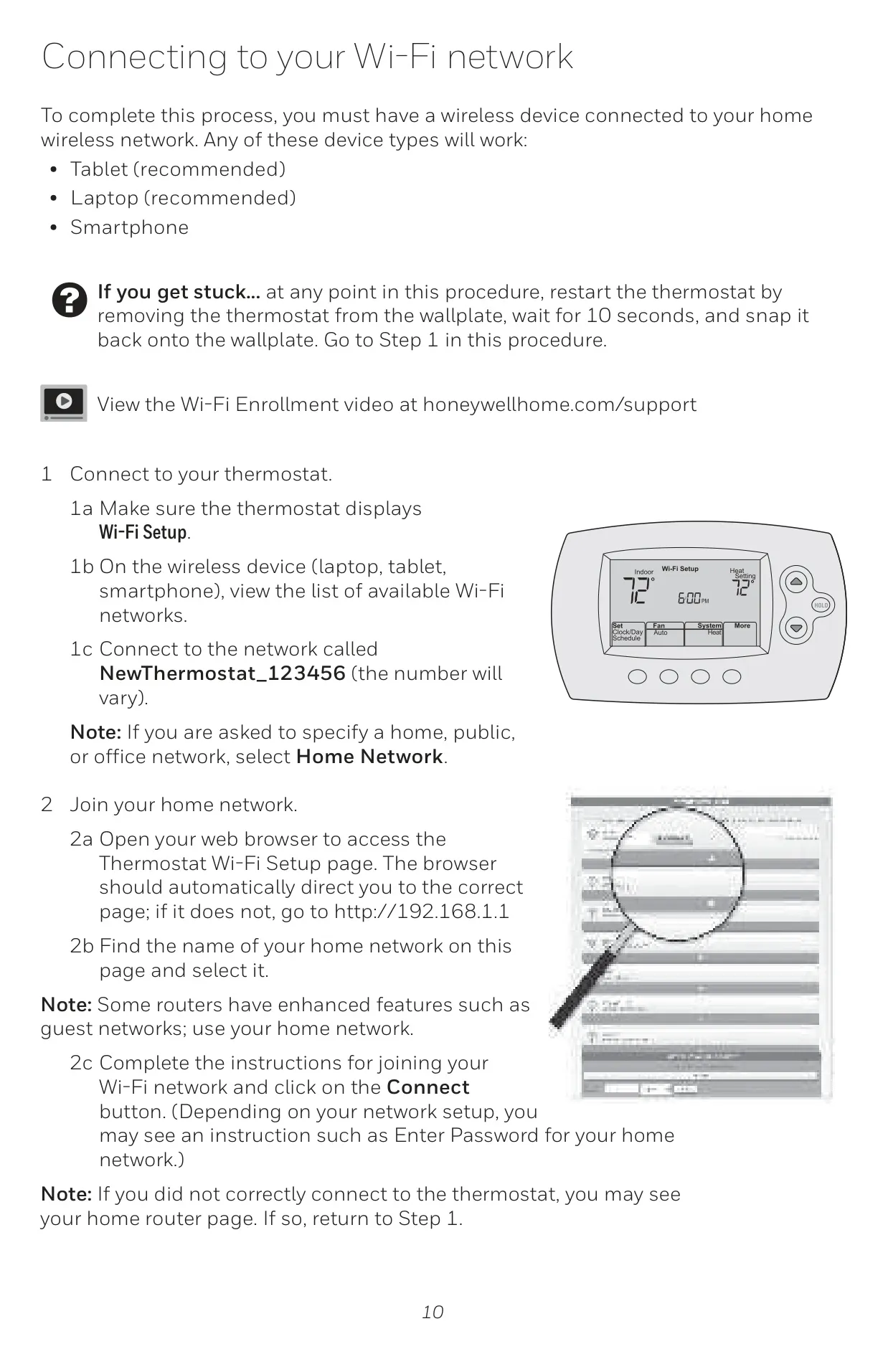
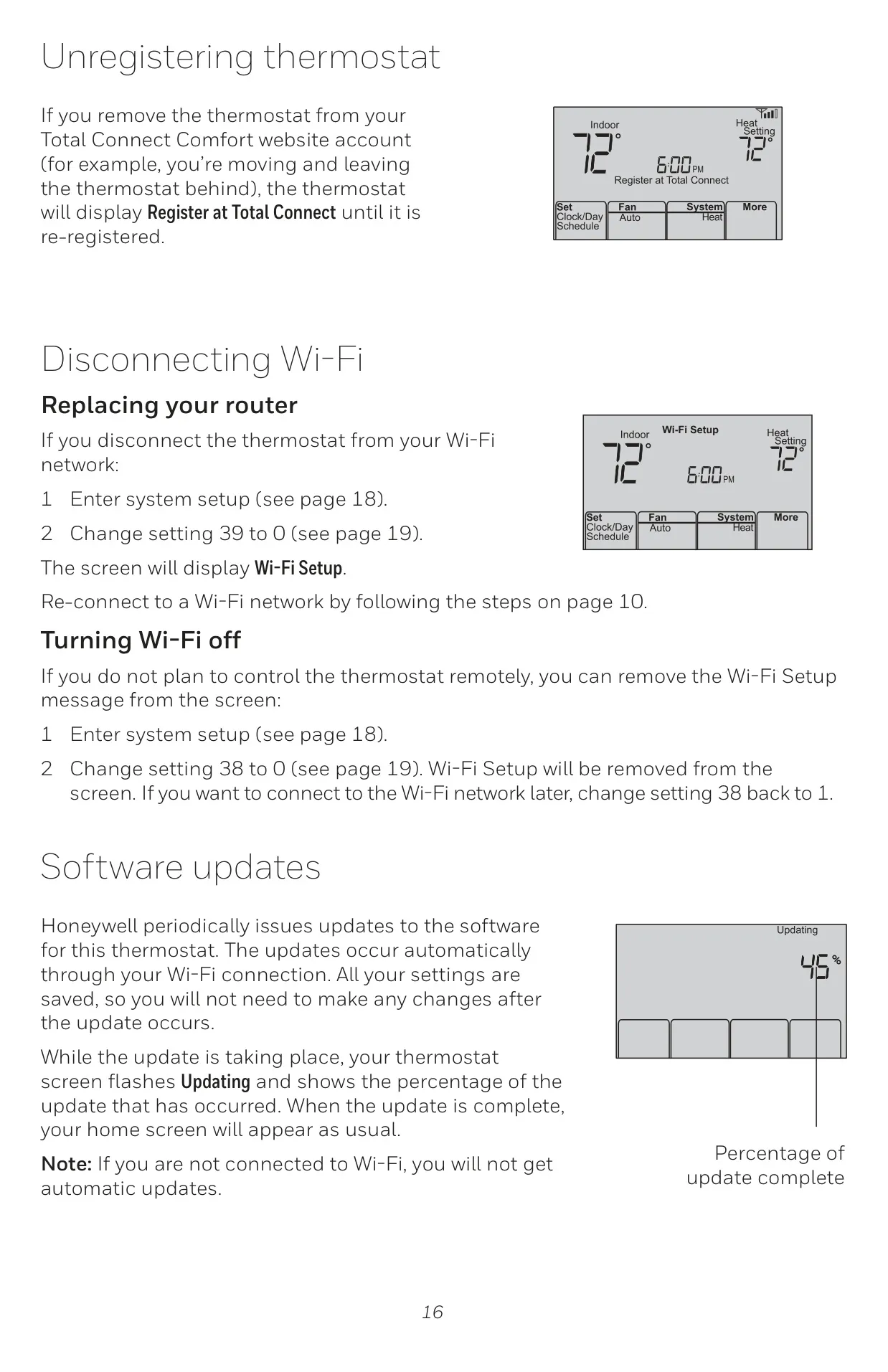
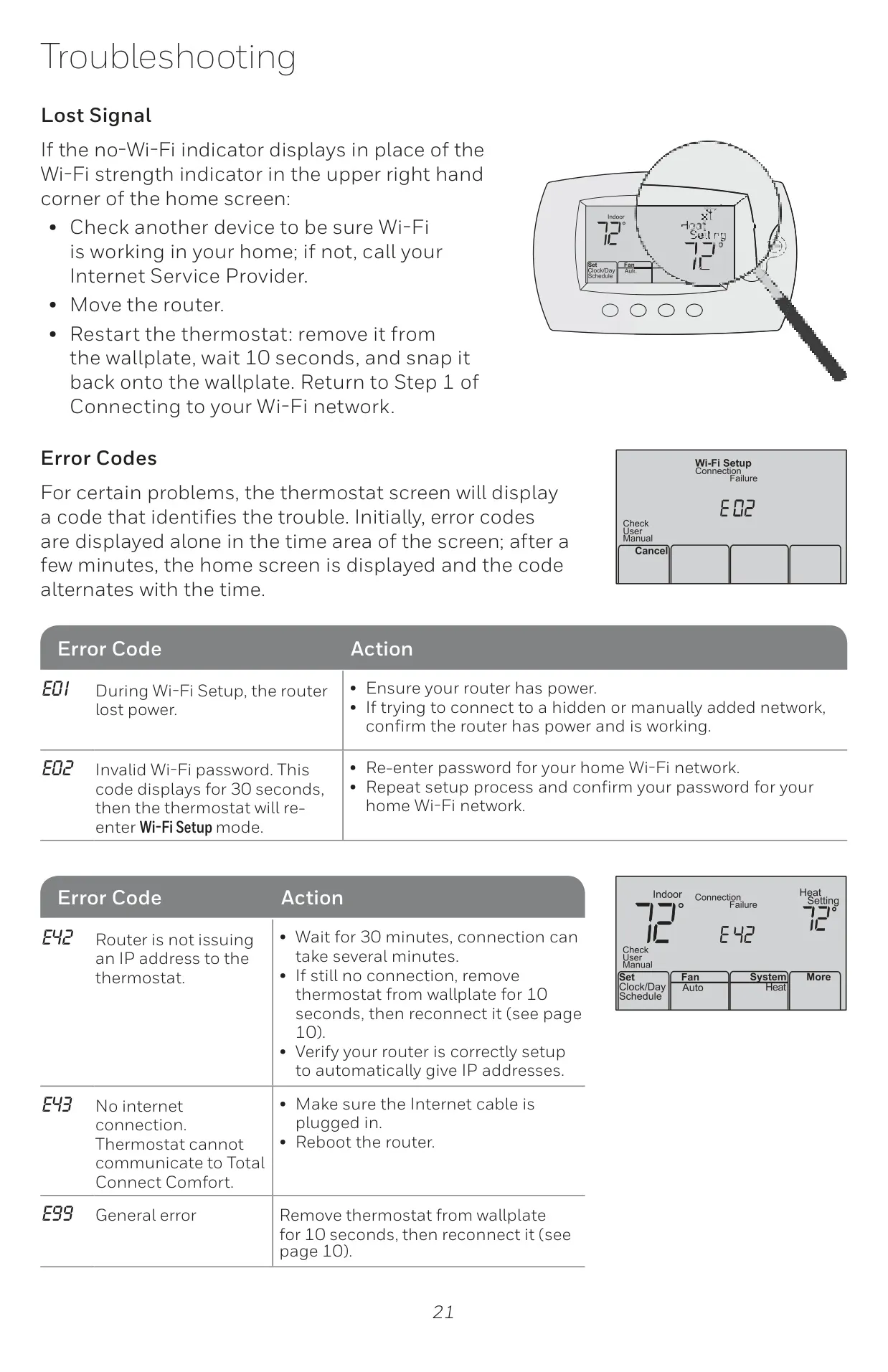
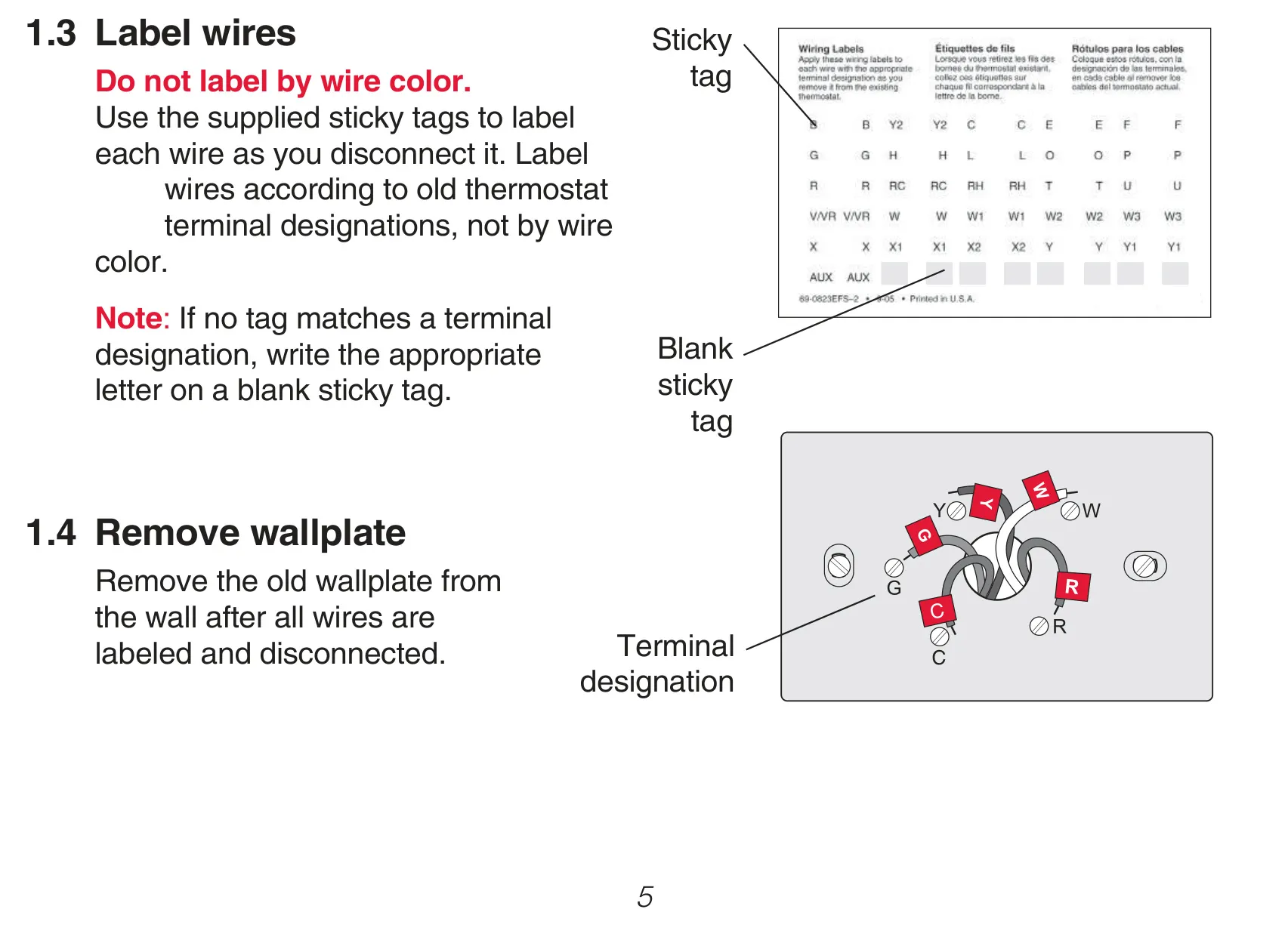
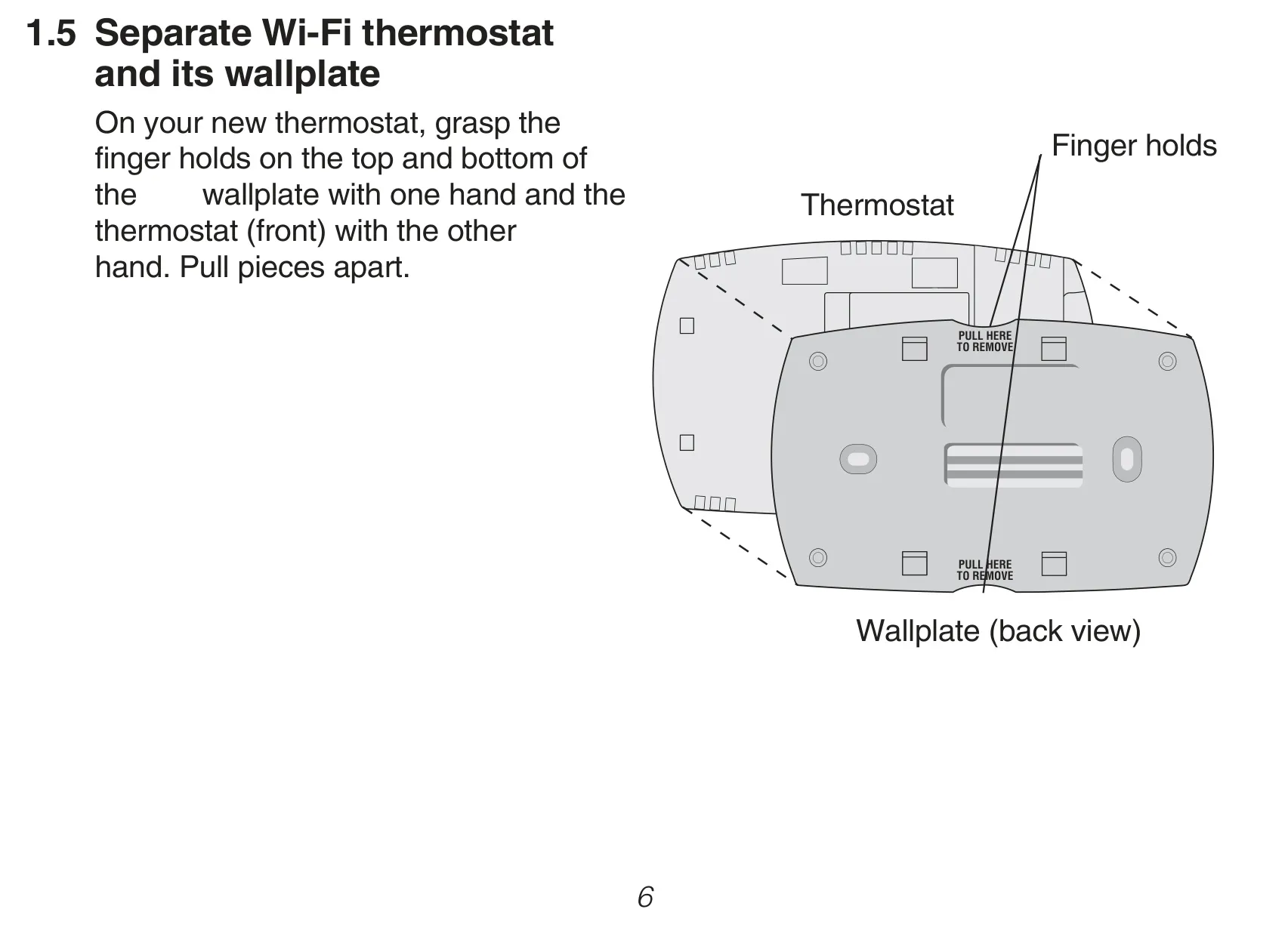
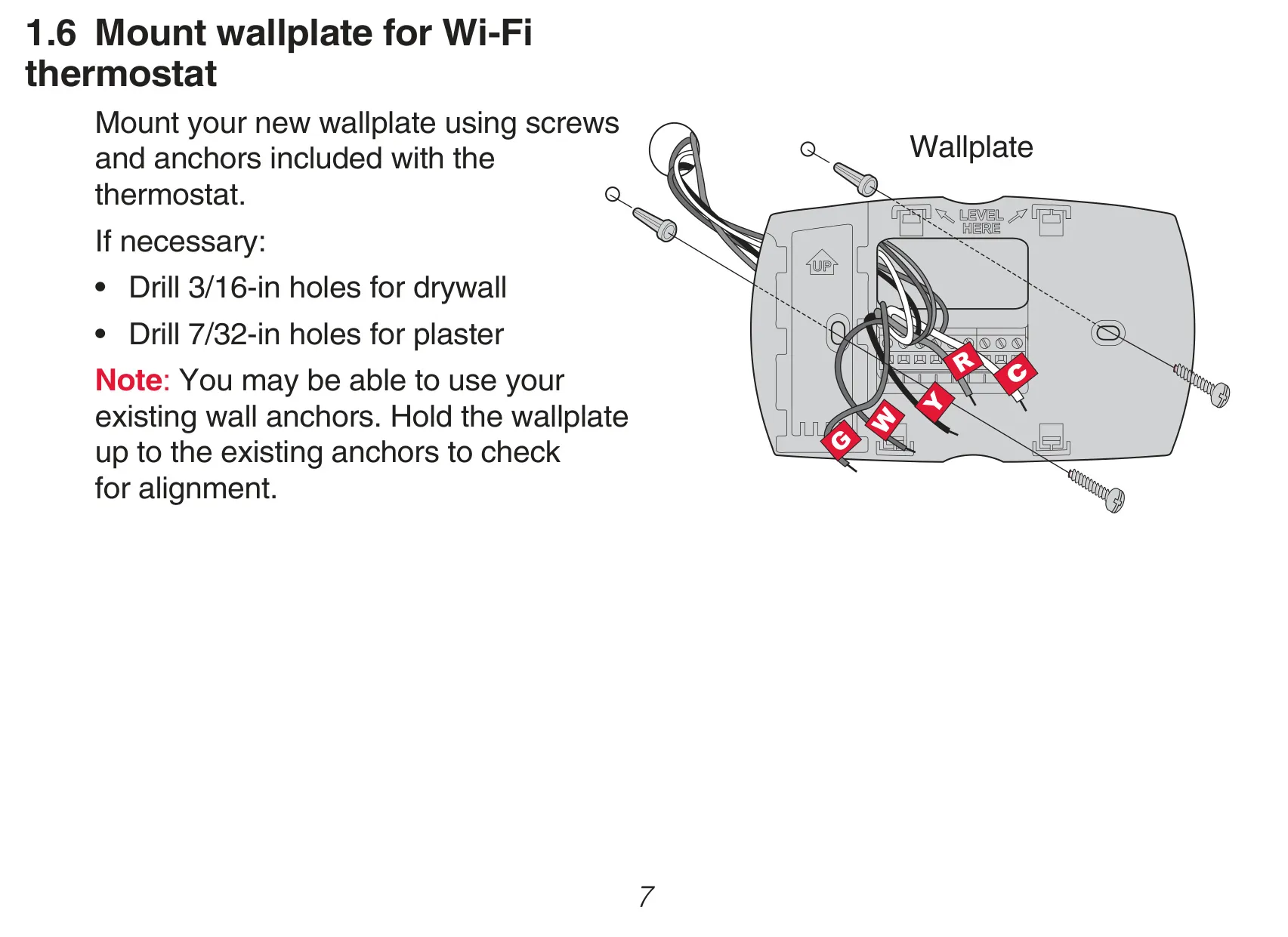
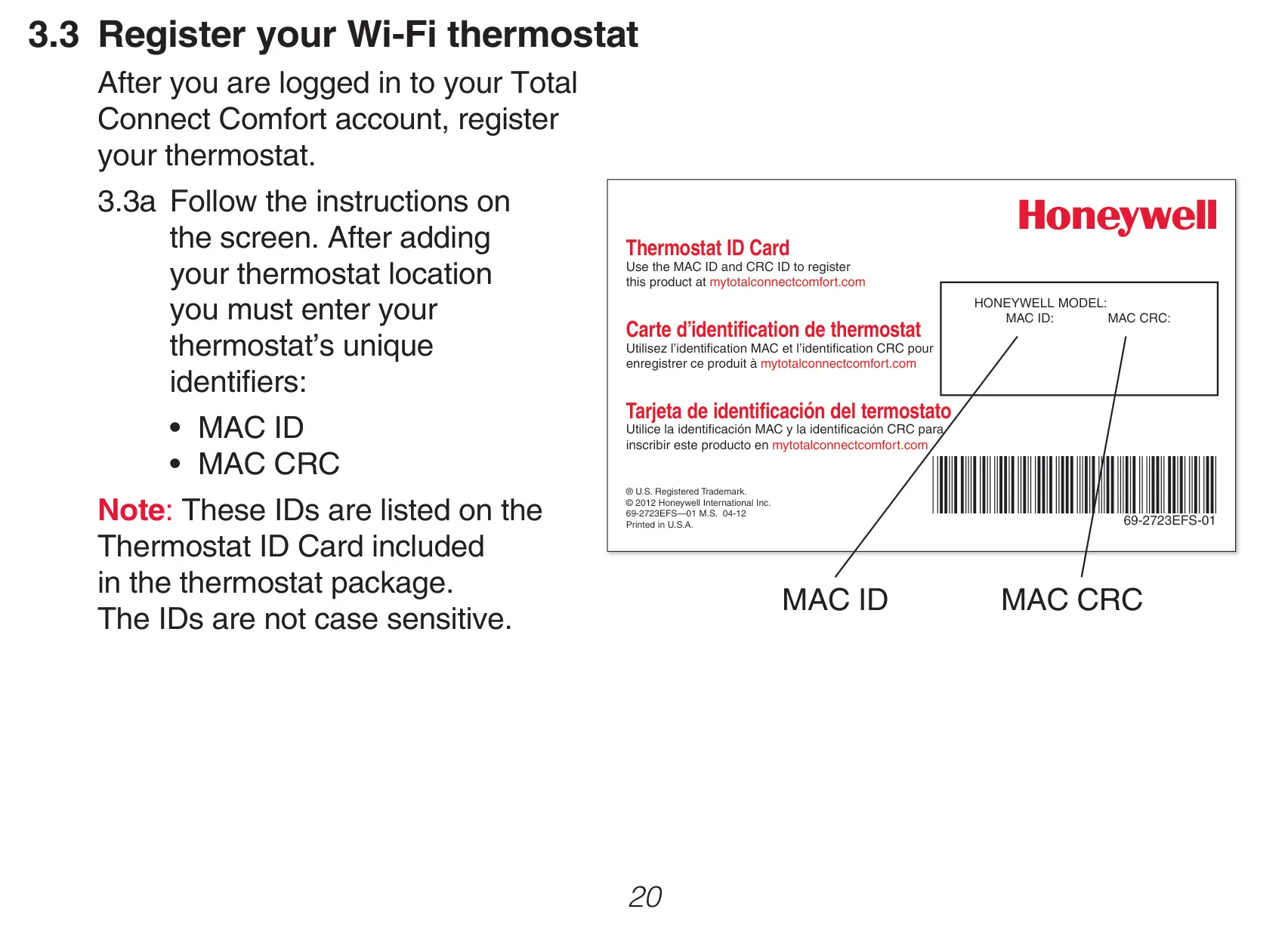
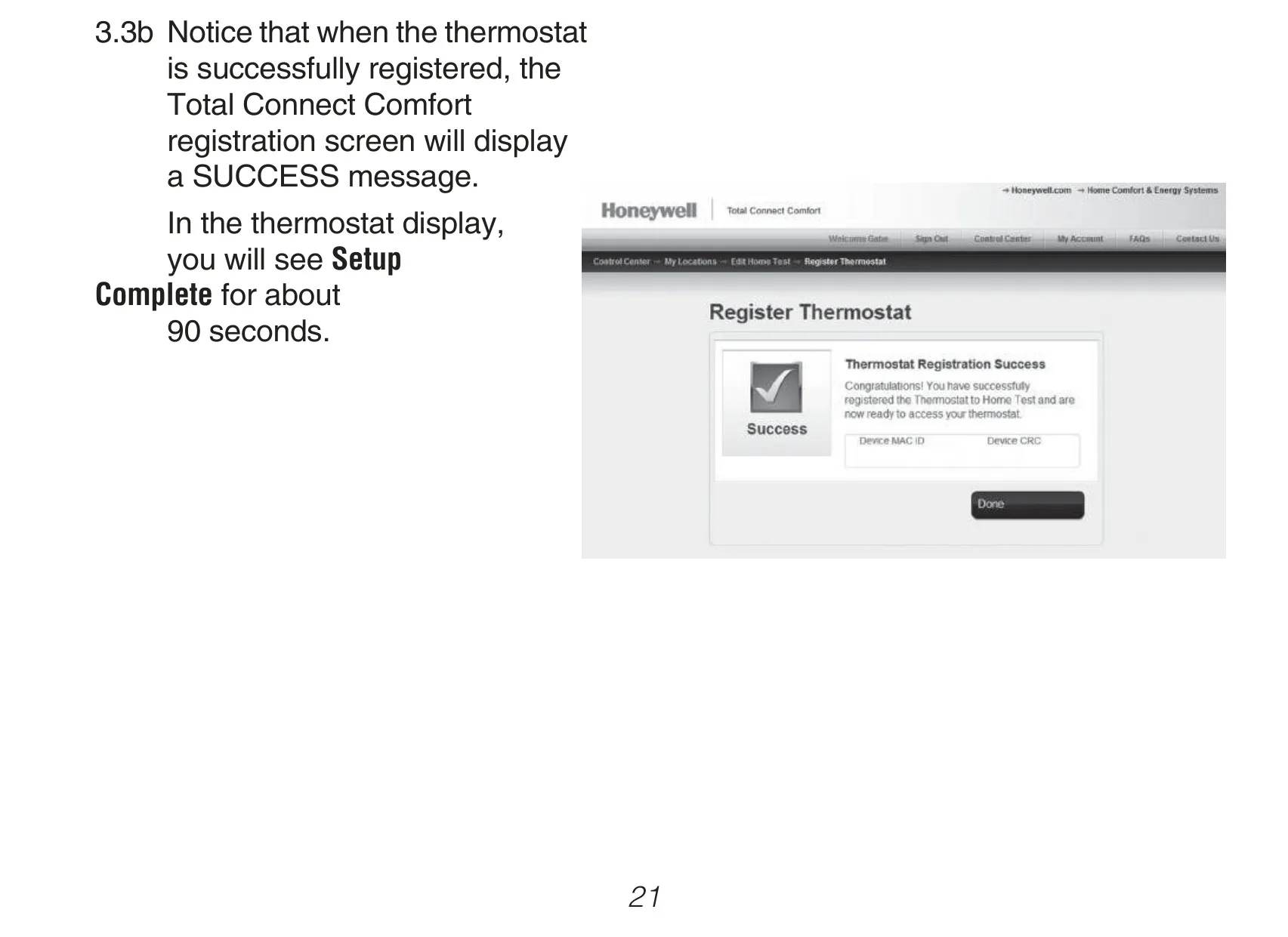
Installation is streamlined, requiring a 'C' (Common) wire for continuous power—a critical requirement for its smart features. The process includes clear steps for wiring and connecting to a home Wi-Fi network, followed by online registration with unique MAC ID and MAC CRC codes. Furthermore, the thermostat receives automatic software updates via its Wi-Fi connection, ensuring it always operates with the latest enhancements and features without any user intervention. This ongoing support, combined with its robust feature set, makes the Honeywell RTH6580WF1001 a comprehensive solution for modern climate control.
Frequently Asked Questions (FAQs)
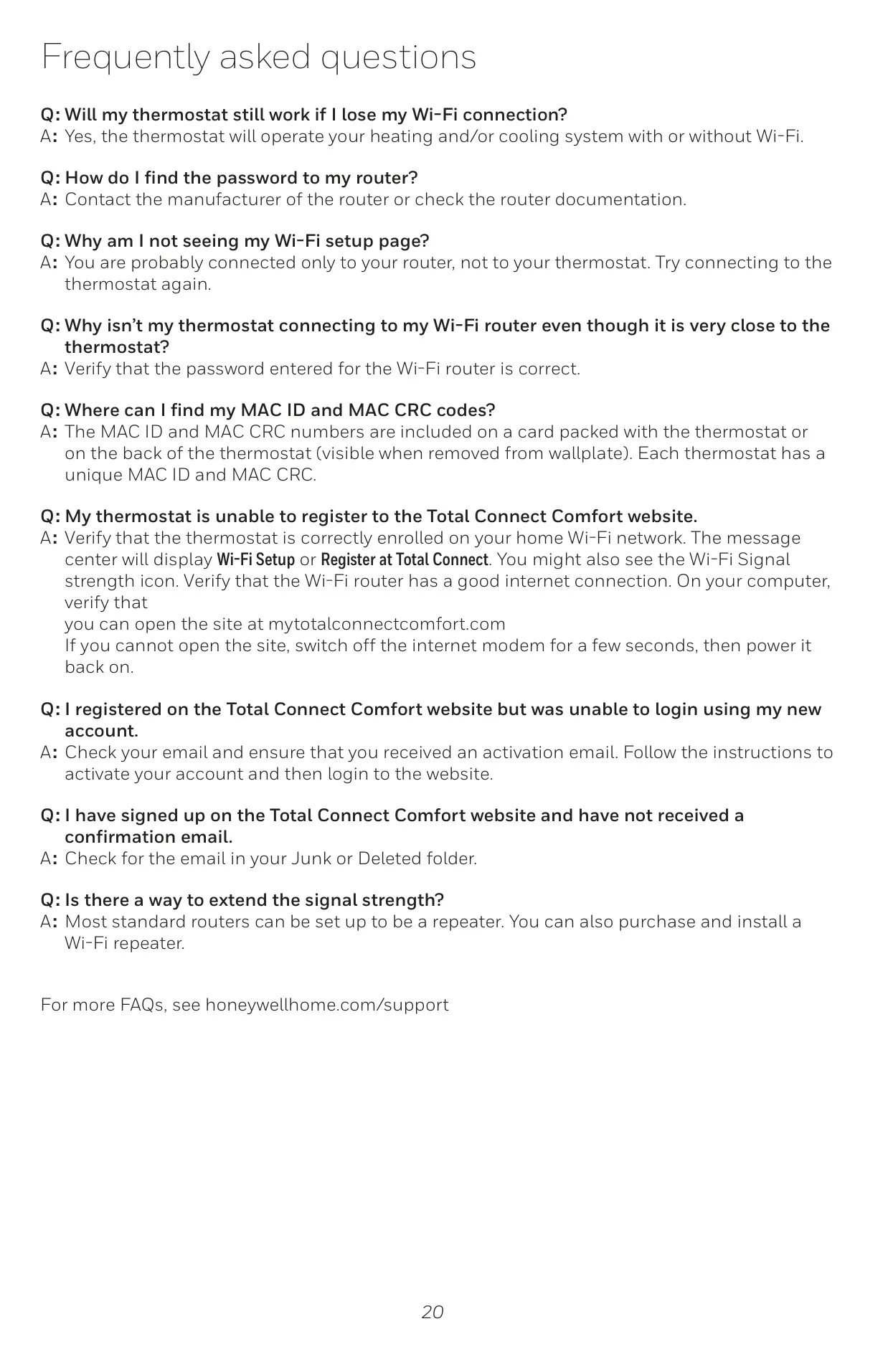
Can't find the answer you need? Here are some frequently asked questions about the Honeywell RTH6580WF1001 Thermostat, and we answer them below.