Moultrie M40 (MCG-13181) Digital Game Camera Instruction Manual

Moultrie M40 (MCG-13181) Digital Game Camera




Moultrie M40 (MCG-13181) Digital Game Camera

Moultrie M40 (MCG-13181) Instructions
Here we offer the Moultrie M40 (MCG-13181) Digital Game Camera manual completely free and in English. We have cataloged this manual in the Digital Game Cameras section on Manualverse, and it has been rated by 1 users with an average rating of 5. If you have any specific questions about Moultrie M40 (MCG-13181) Digital Game Camera, we suggest checking the Frequently Asked Questions (FAQs) section of this manual.
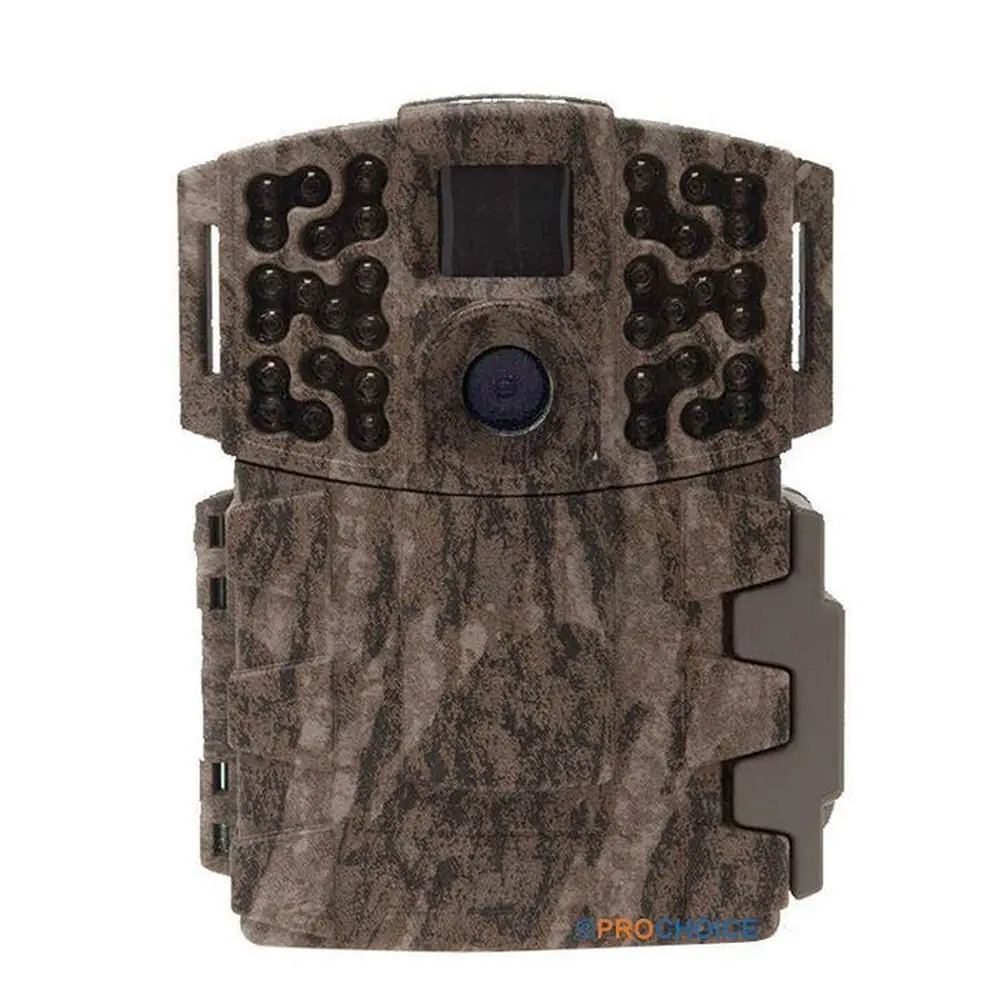
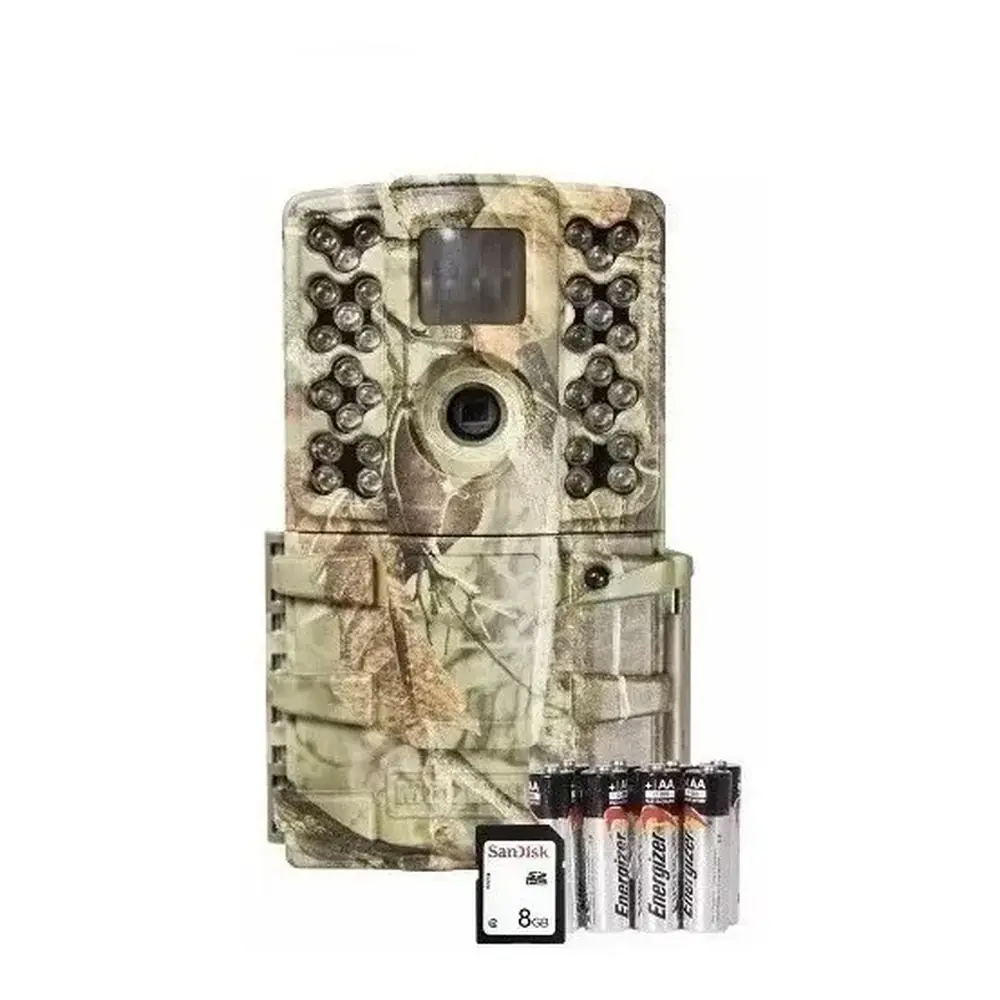
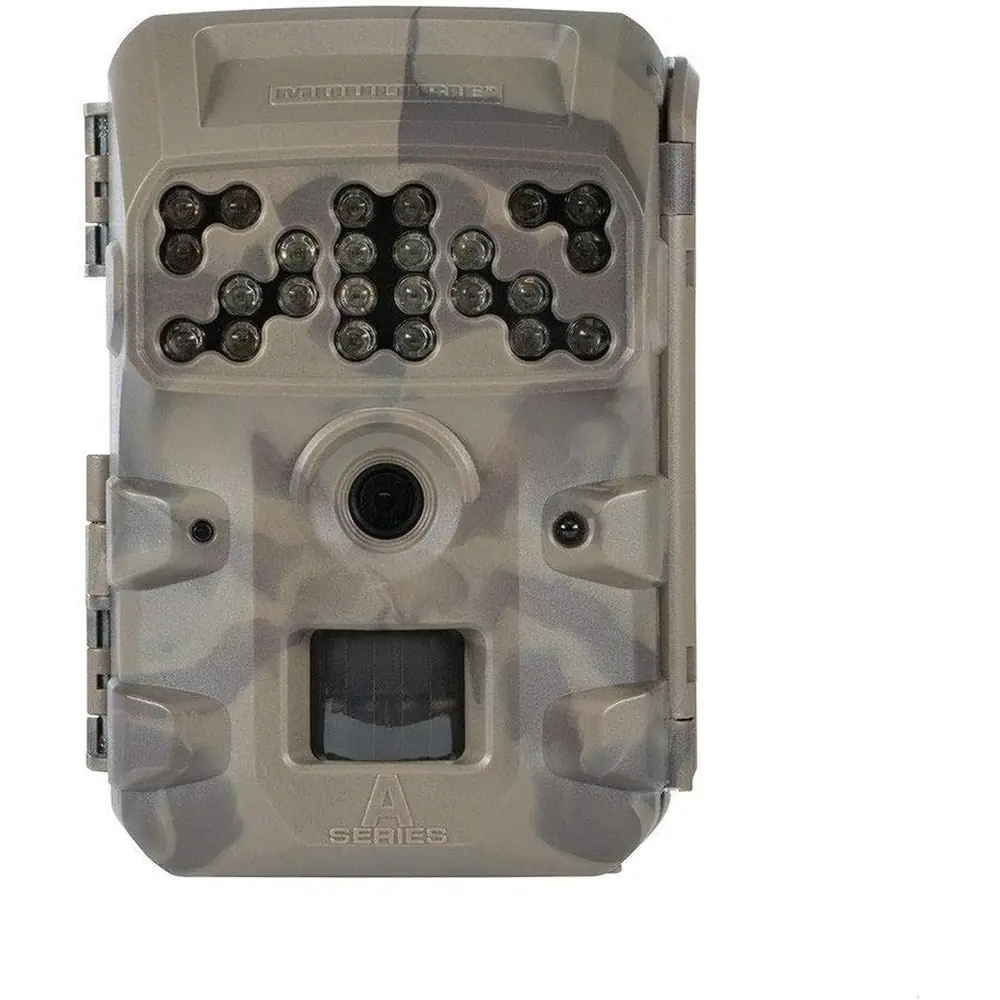
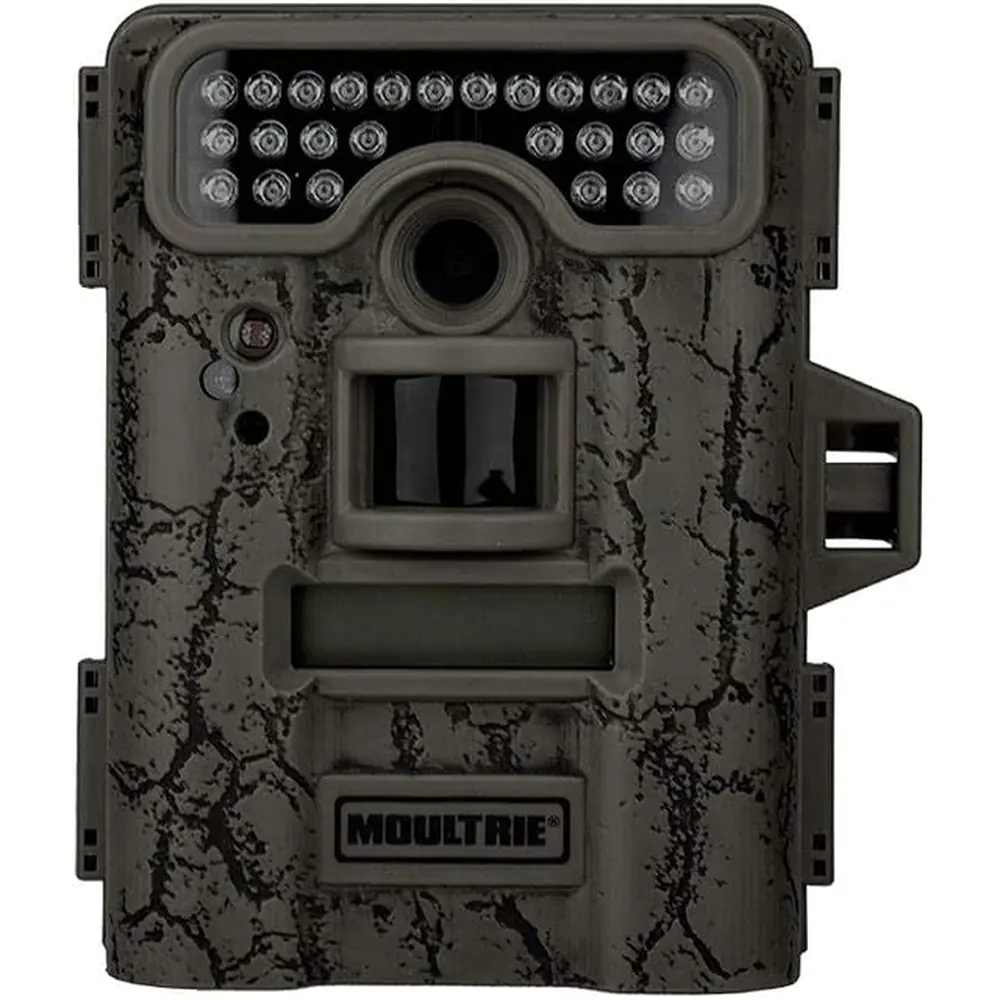
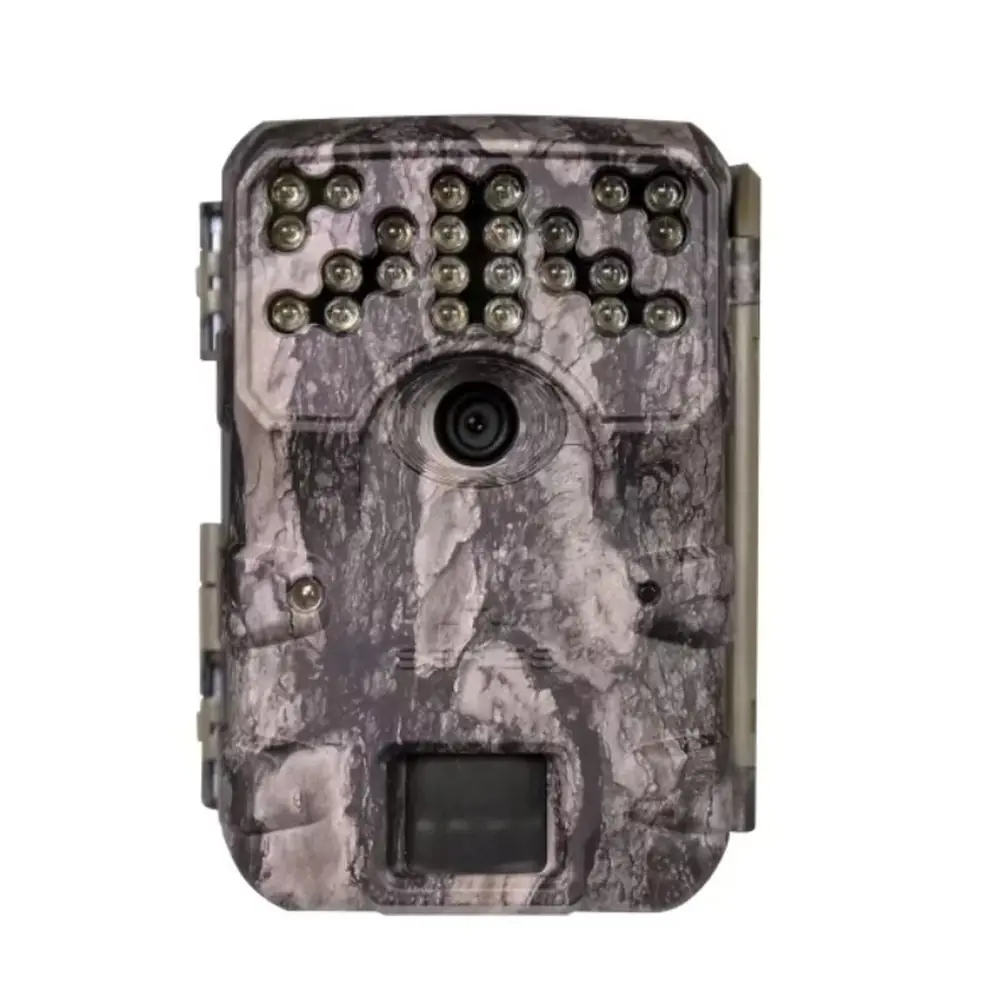
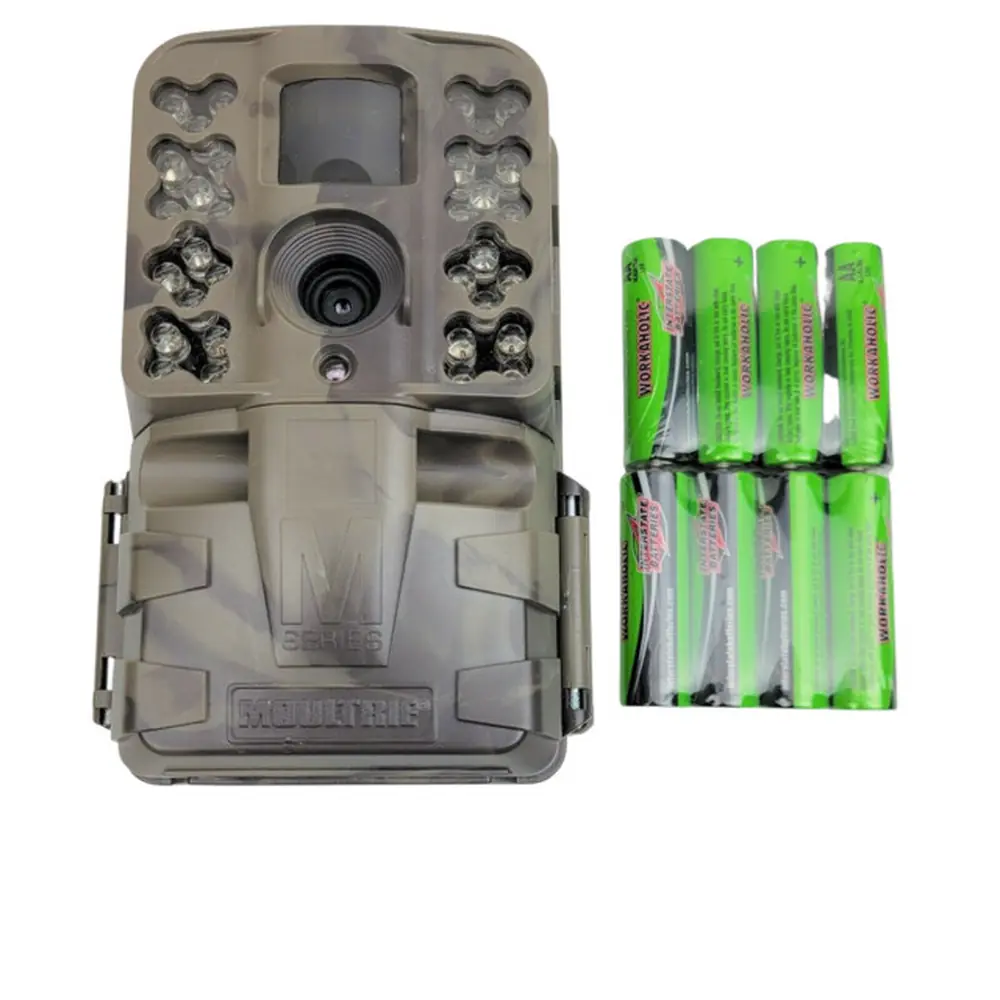
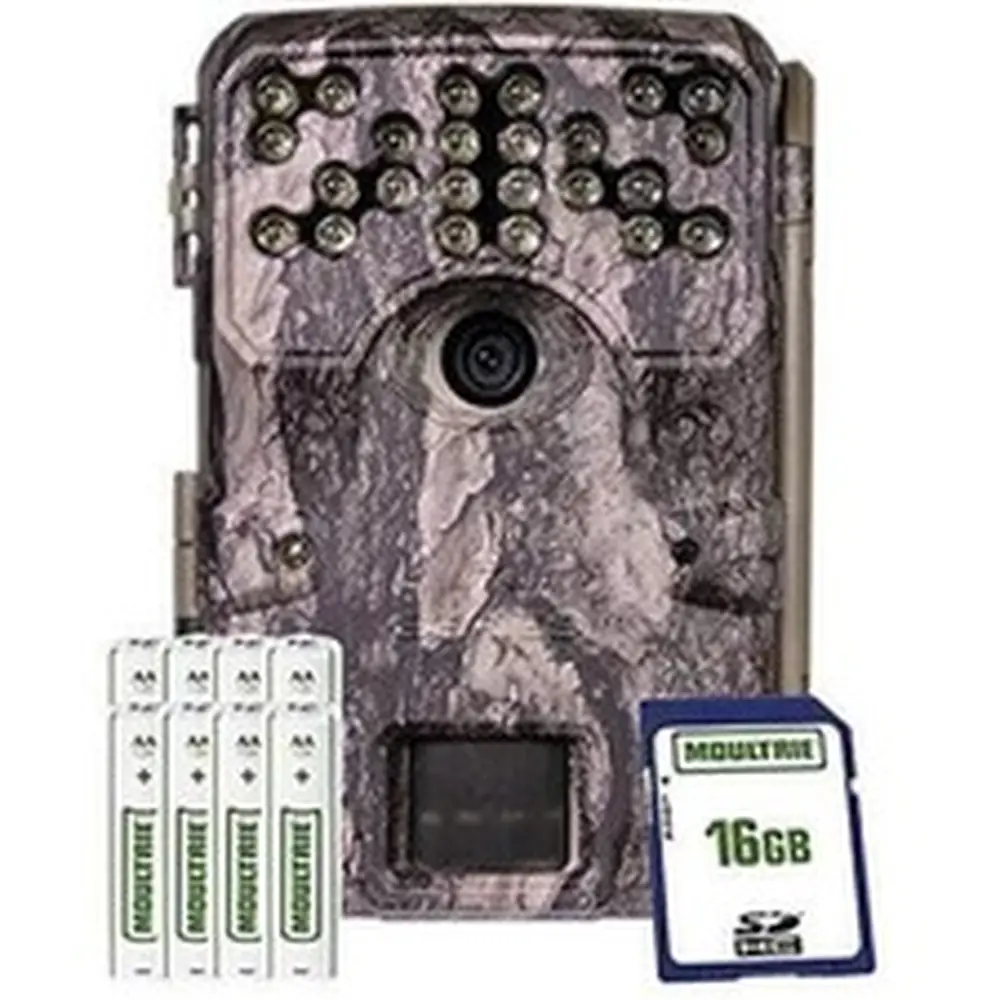
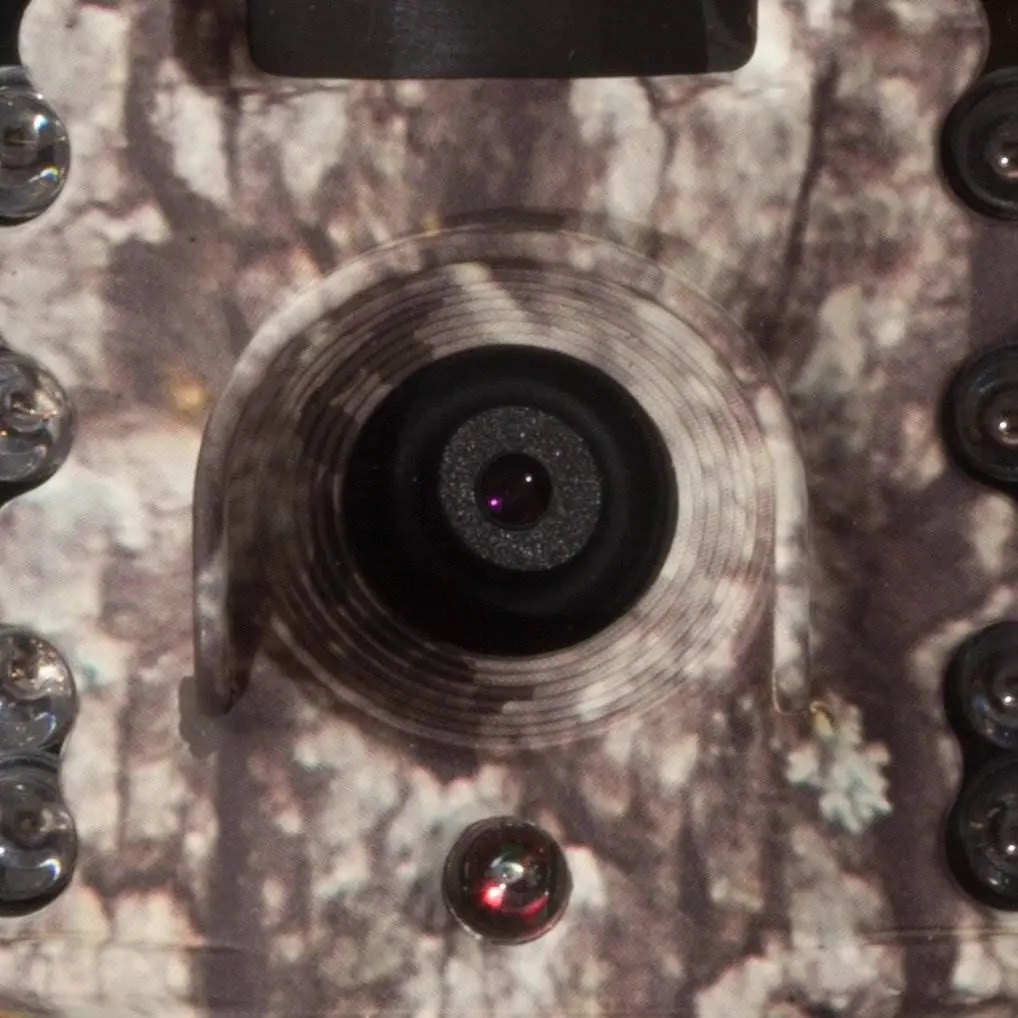
Product Images

Moultrie M40 (MCG-13181) Digital Game Camera Specifications
| Feature | Specification |
|---|---|
| Image Resolution | 16MP (Enhanced: 5376 x 3024) |
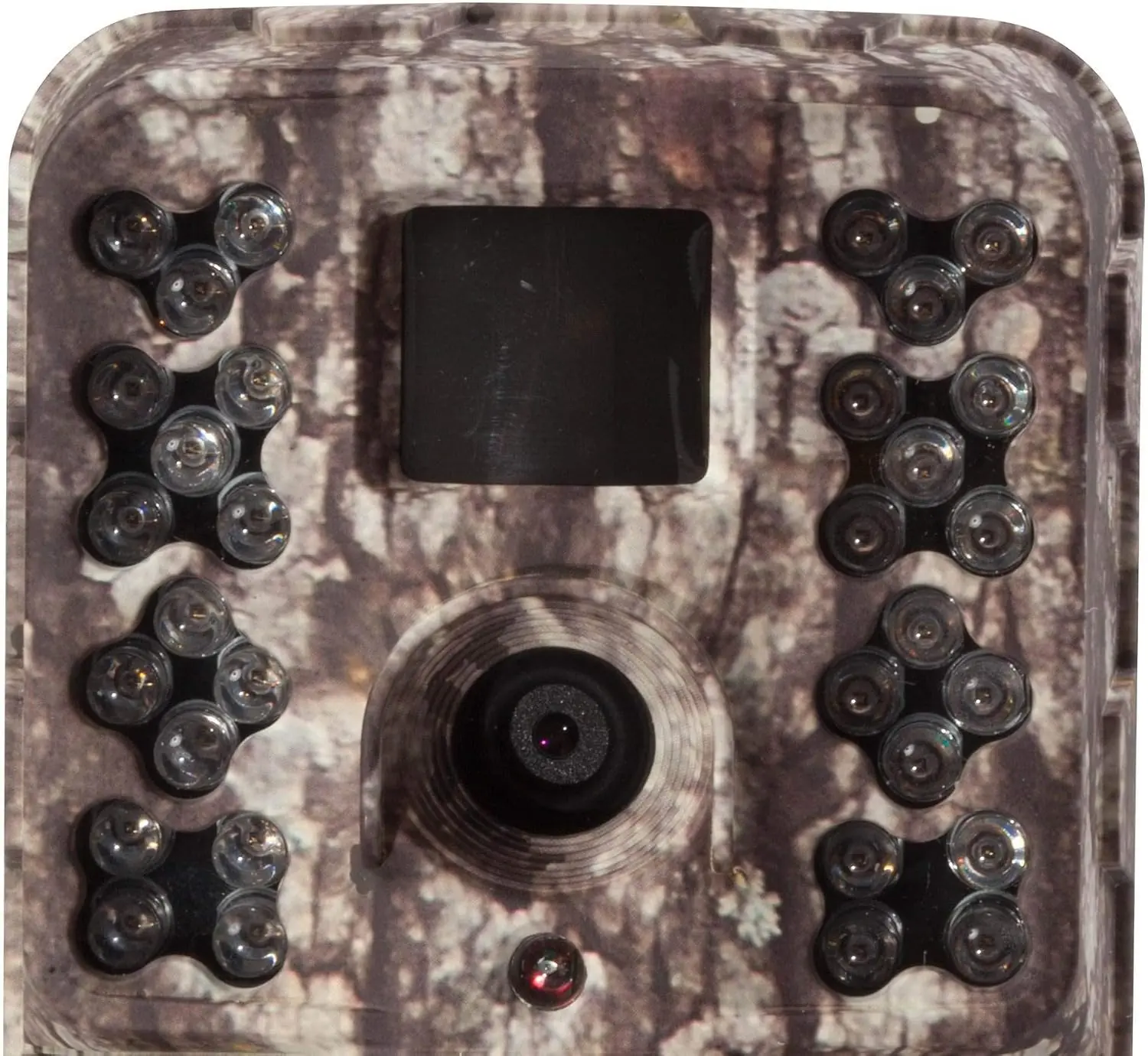
| Flash Type | 32-LED Invisible IR Flash |
| Flash Range | 80 feet |
| PIR Detection Range | 80 feet |
| Motion Trigger Speed | 0.3 seconds |
| Video Resolution | Full HD 1080p (1920 x 1080), HD (1280 x 720) |
| Storage Media | SD/SDHC Cards up to 32GB (Class 4 or higher recommended) |
| Power Source | 8 AA Alkaline or Lithium batteries, External Power Port (Moultrie accessories only) |
| Special Night Features | Motion Blur Reduction (Motion Freeze) |
| Capture Modes | Motion Detect, Time-Lapse, Motion + Time-Lapse |
| Warranty | 2-Year Limited Warranty (upon registration) |
| Cellular Compatibility | Moultrie Mobile® compatible (with Field Modem MV1, sold separately) |
Moultrie M40 (MCG-13181) Details
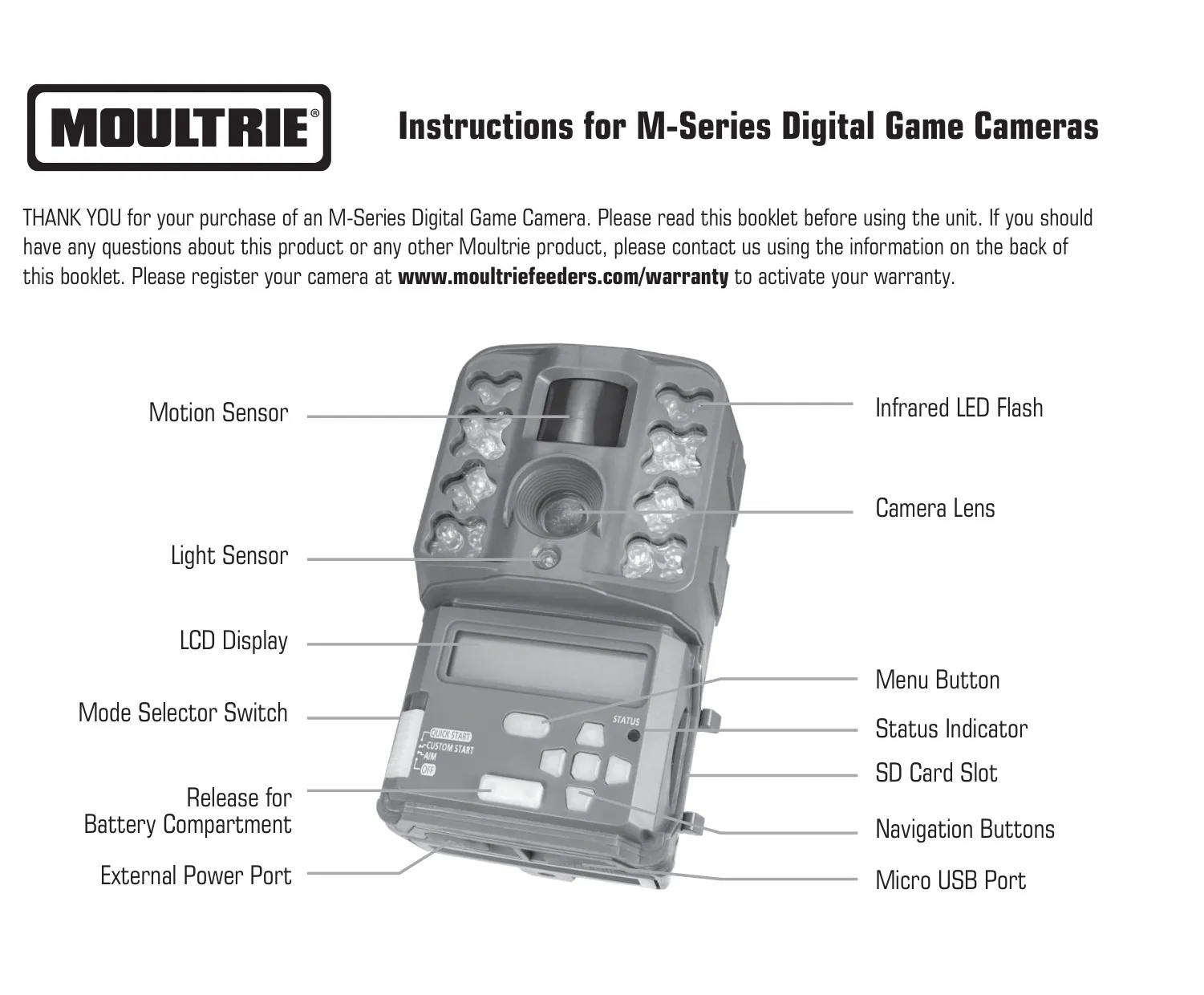
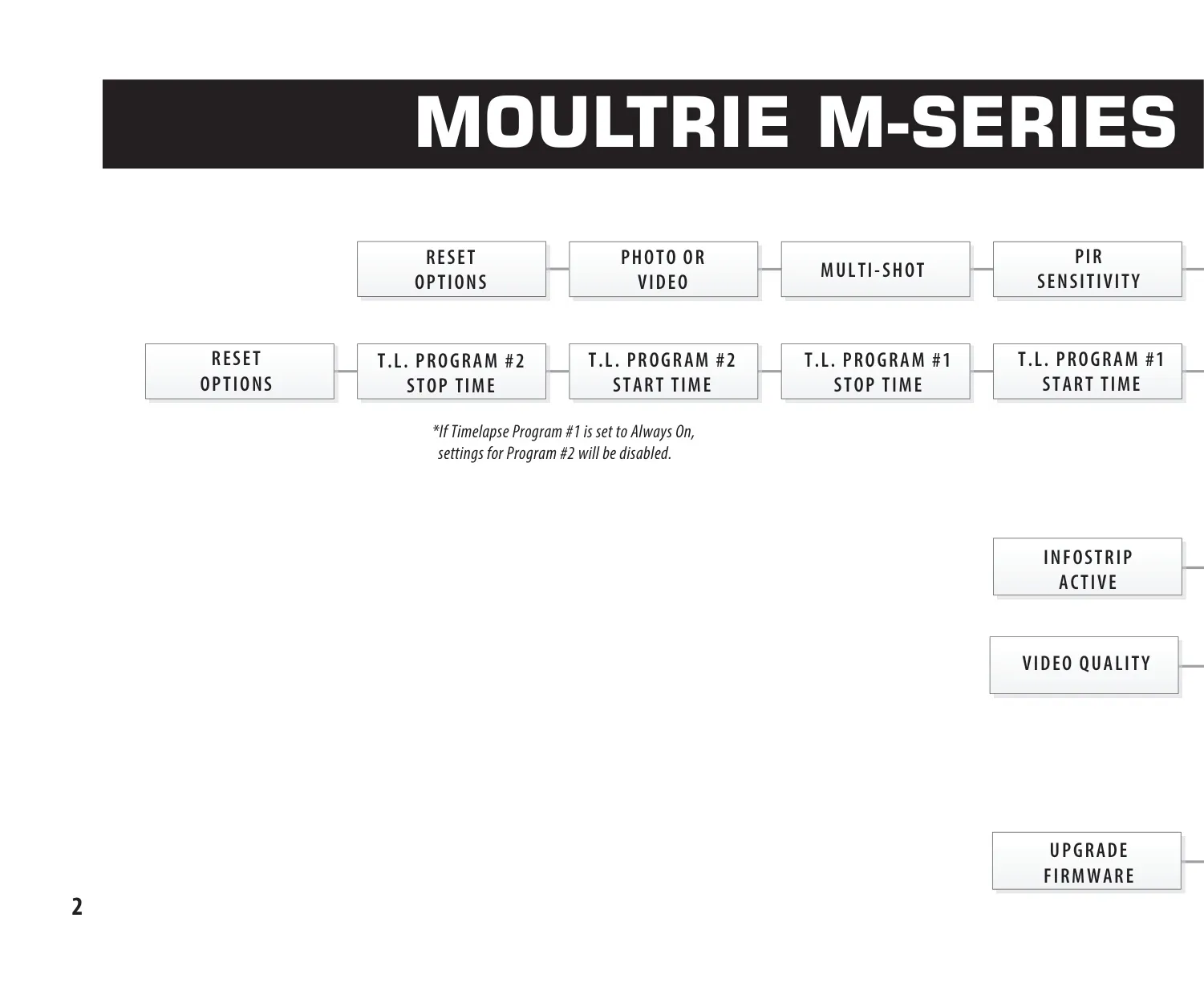
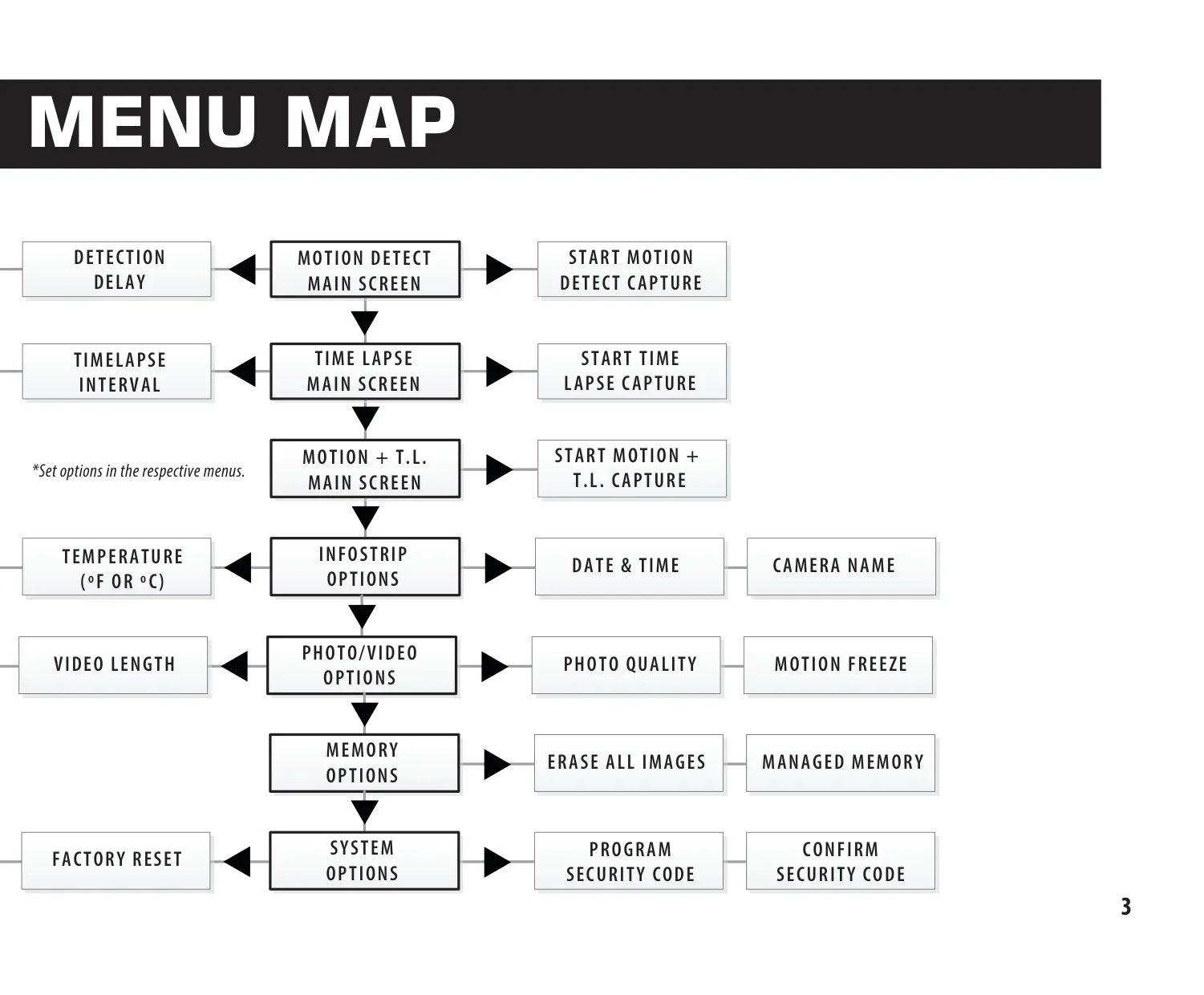
The Moultrie M40 features a user-friendly interface with an LCD display, Menu button, Mode Selector Switch, and navigation buttons. These controls facilitate setup and mode selection, including Aim for precise targeting, Custom Start for tailored configurations, and Quick Start for rapid deployment with predefined settings. Power is supplied by eight AA alkaline or lithium batteries, housed in an easily accessible battery compartment. An external power port is also available for Moultrie power accessories, ensuring continuous operation.
For image and video storage, the M40 supports SD cards up to 32GB (Class 4 or higher is essential), with a crucial erase images function that also formats the card for optimal camera performance. A micro USB port allows for direct data transfer to a computer, while specialized Moultrie Image Review software is available for PC users to manage their captures efficiently. The camera also includes two robust Python™ Cable Loops for enhanced security when mounted.
The M40 offers versatile capture capabilities, including Motion Detect for triggers based on movement or heat, Time Lapse for interval-based photography, and a combined Motion + Time Lapse mode. Each mode is highly customizable. Motion Detect allows adjustments to Detection Delay, ensuring optimal spacing between captures, and PIR Sensitivity, which can be set to High for expansive areas like fields or Low for close-range monitoring in dense, wooded cover, mitigating false triggers effectively.
Photo capture is further enhanced with various Multi-Shot options: a single photo, 3 Burst for rapid sequences (up to 4MP resolution), or 3 Triggered which requires individual triggers for each of the three shots, reducing empty frames if the subject moves. The innovative Motion Freeze feature significantly boosts clarity in night photos by adjusting exposure to minimize blur, impacting flash range and image brightness based on its activation.
Video recording supports Full HD 1080p and HD 720p resolutions, with adjustable lengths from 5 to 90 seconds, though night videos are capped at 30 seconds for optimal performance. An Infostrip can be activated to imprint crucial data like camera name, date, time, and temperature (in Fahrenheit or Celsius) directly onto images and videos, providing vital context for each capture without needing external tools.
To prevent storage issues, the camera offers Managed Memory options, allowing users to choose between overwriting the oldest files or ceasing capture when the SD card is full. Security is addressed with a 5-digit Security Code feature, protecting camera settings from unauthorized access. The system also includes options for Factory Reset and Firmware Upgrade, ensuring the camera remains up-to-date and easily reconfigurable for optimal field use.
Frequently Asked Questions (FAQs)
Can't find the answer you need? Here are some frequently asked questions about the Moultrie M40 (MCG-13181) Digital Game Camera, and we answer them below.