Nikon F100 Analog SLR Camera Instruction Manual
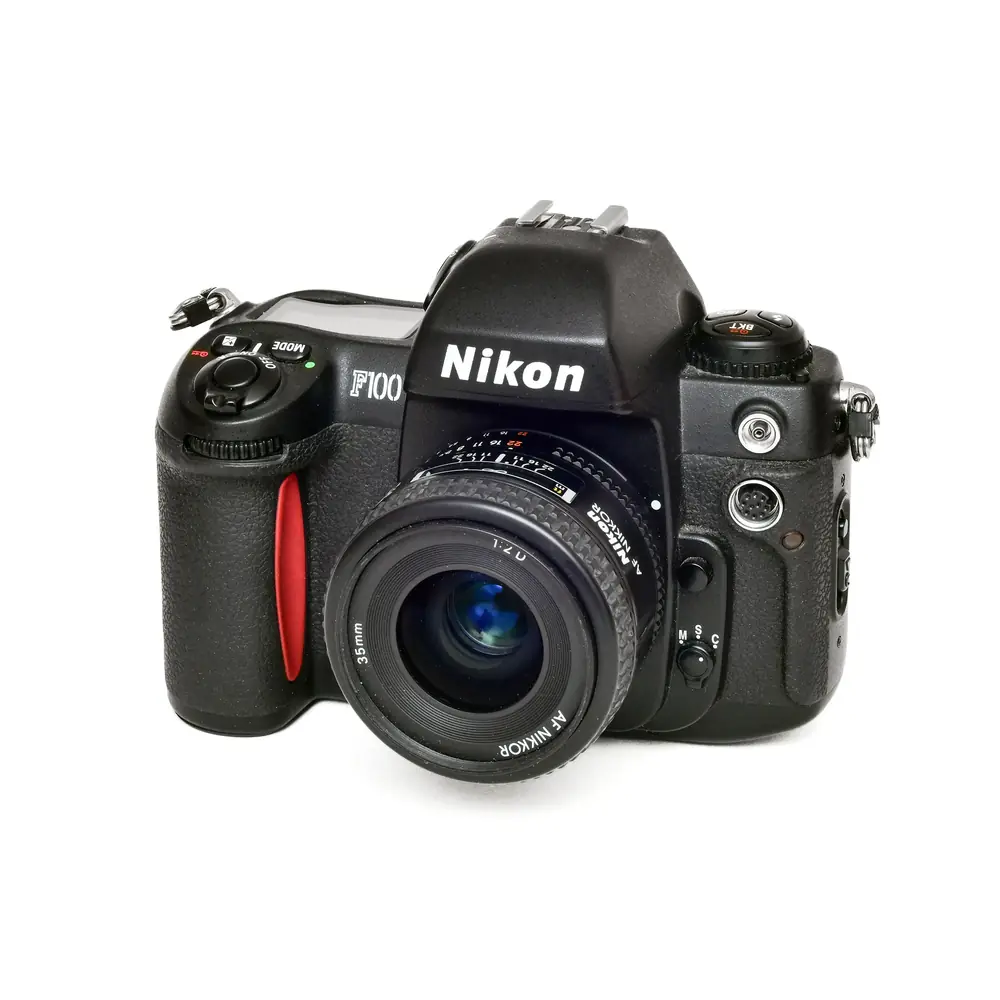
Nikon F100 Analog SLR Camera


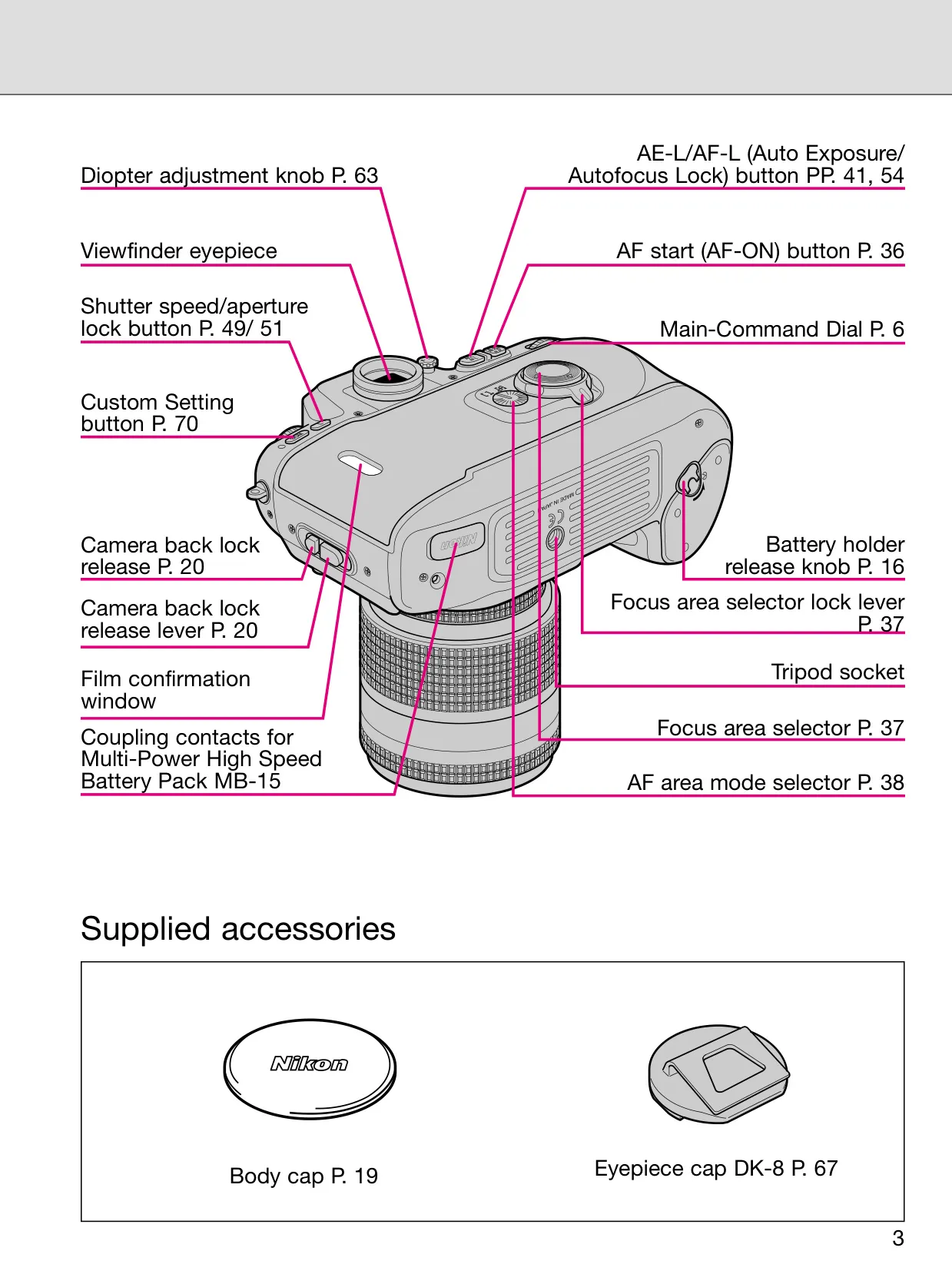


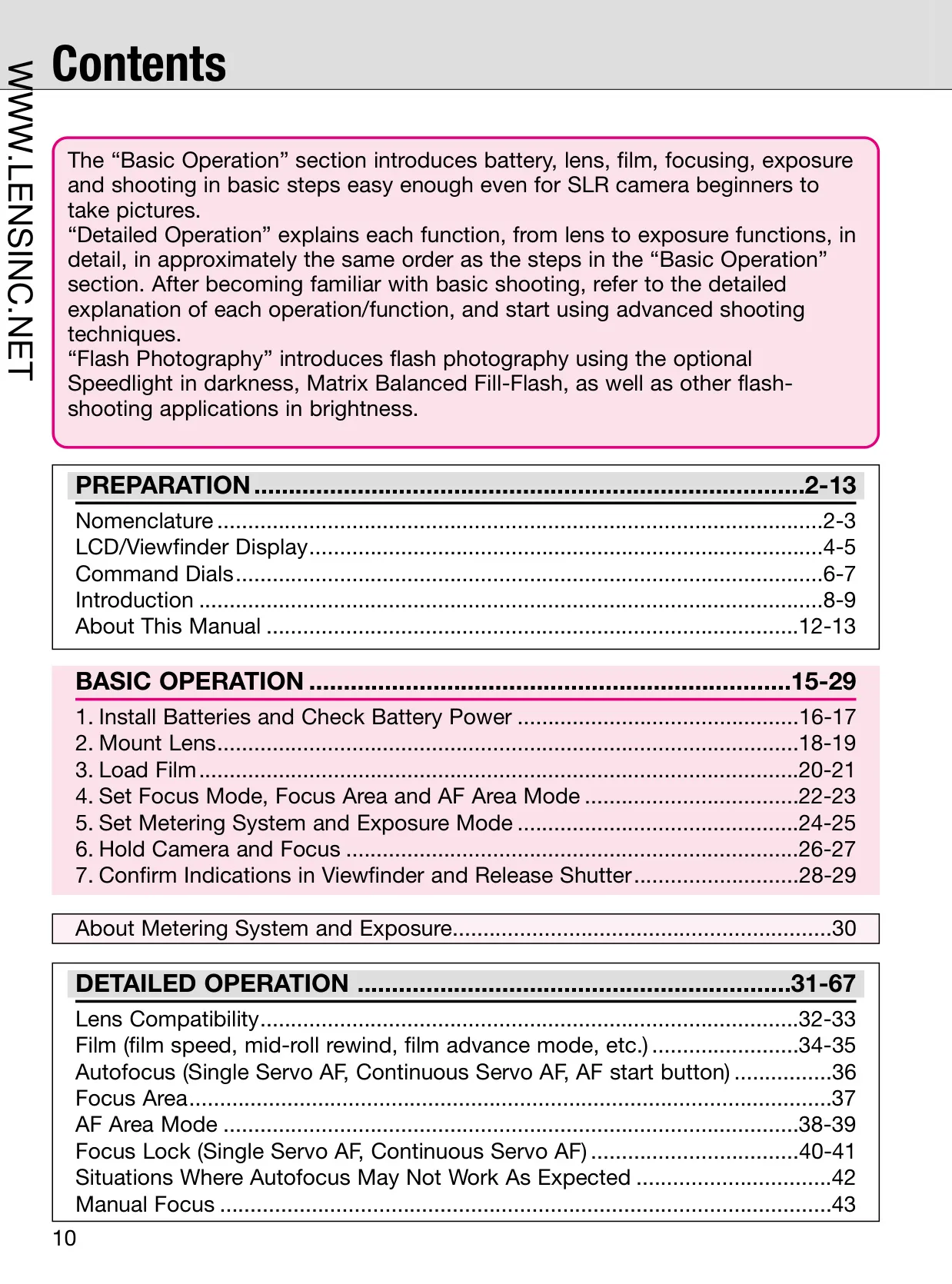
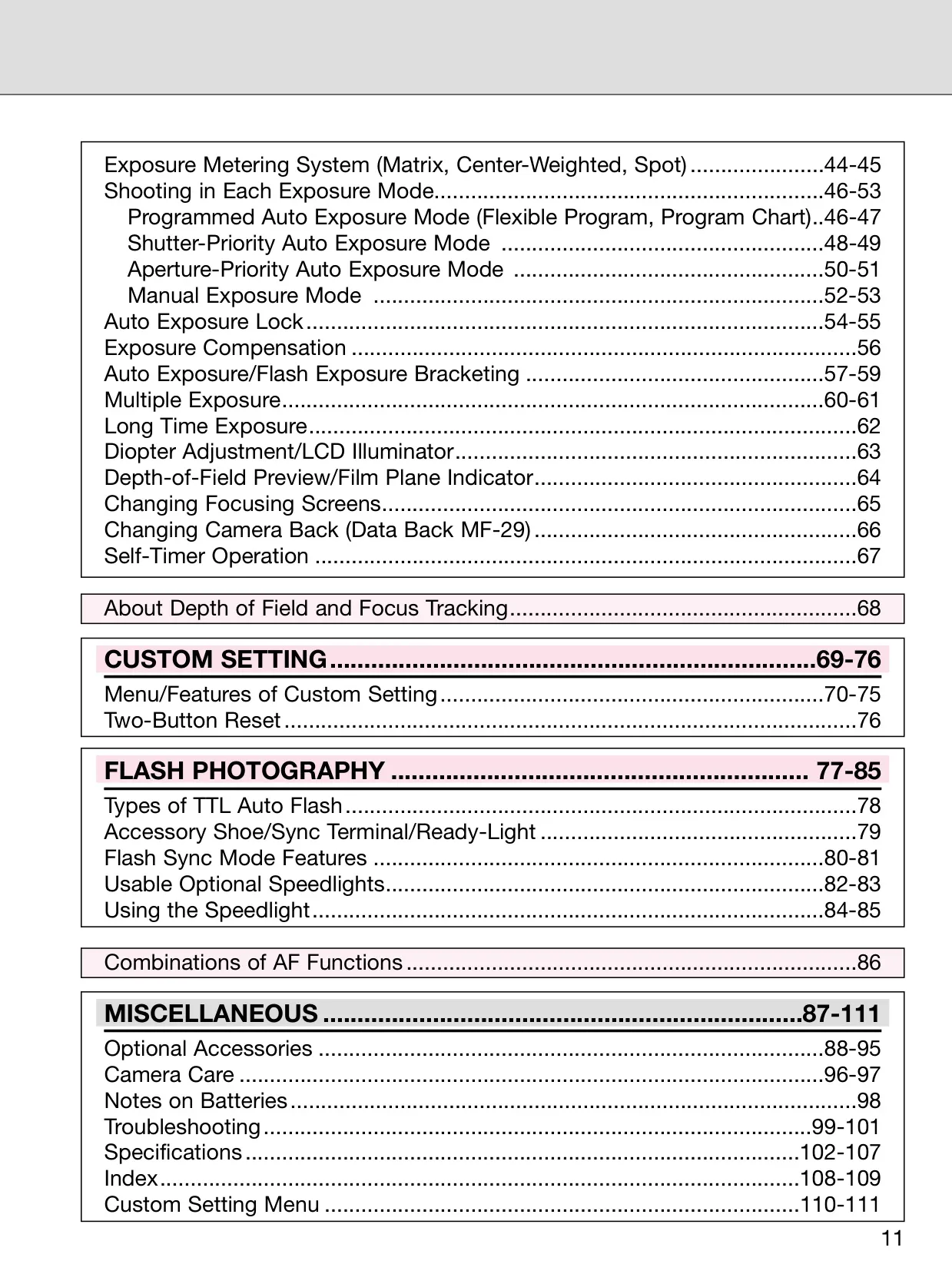


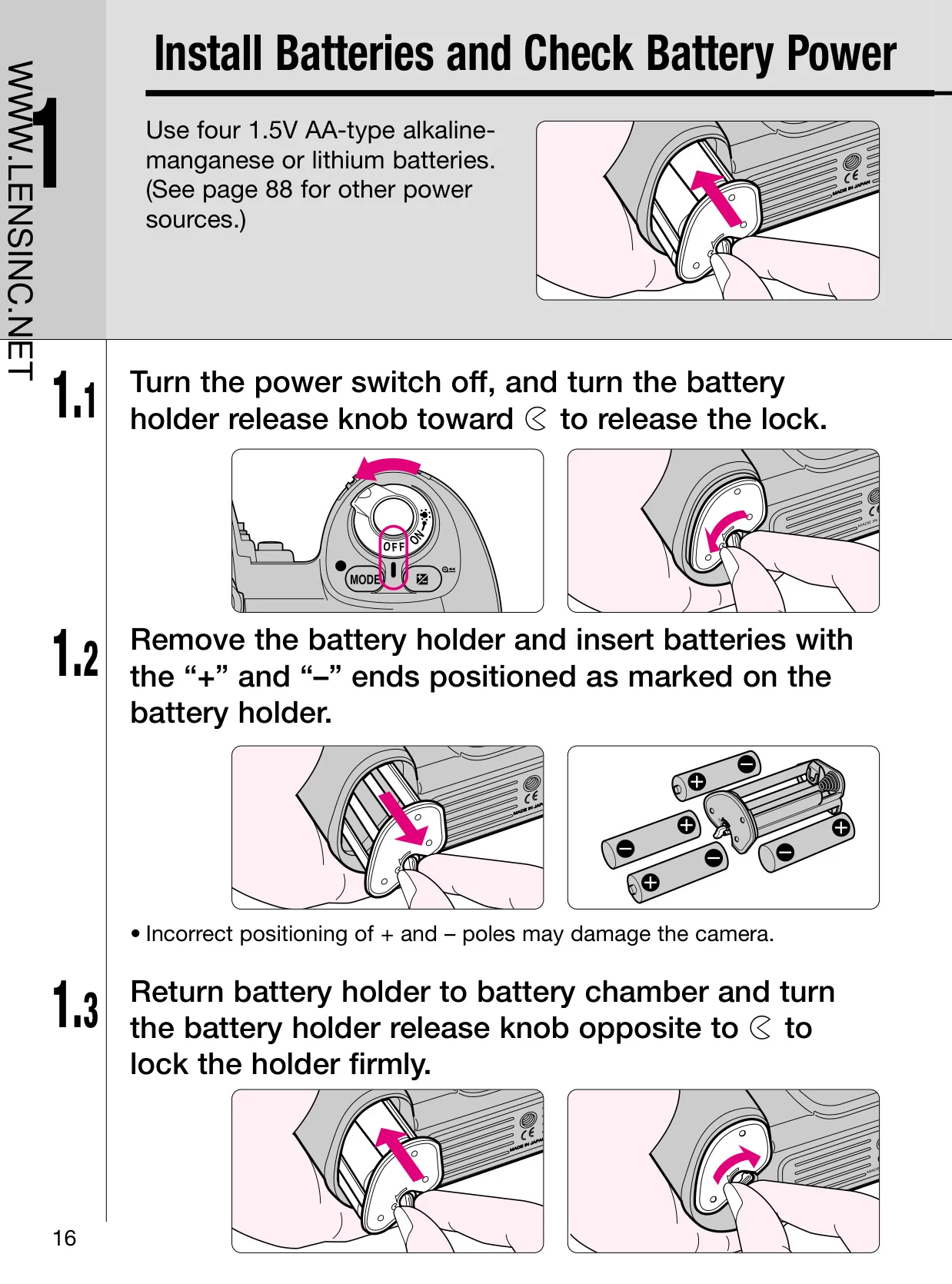

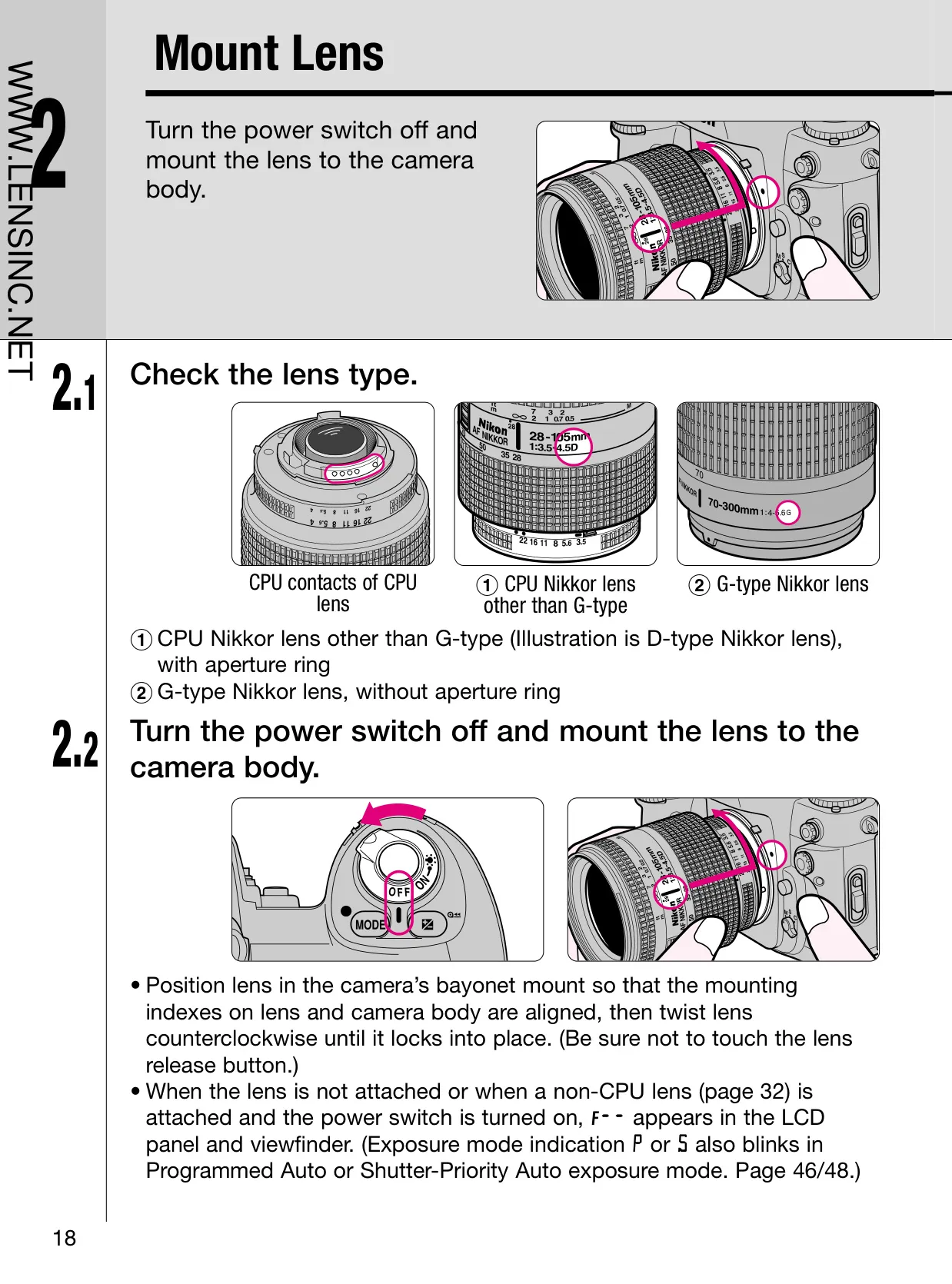

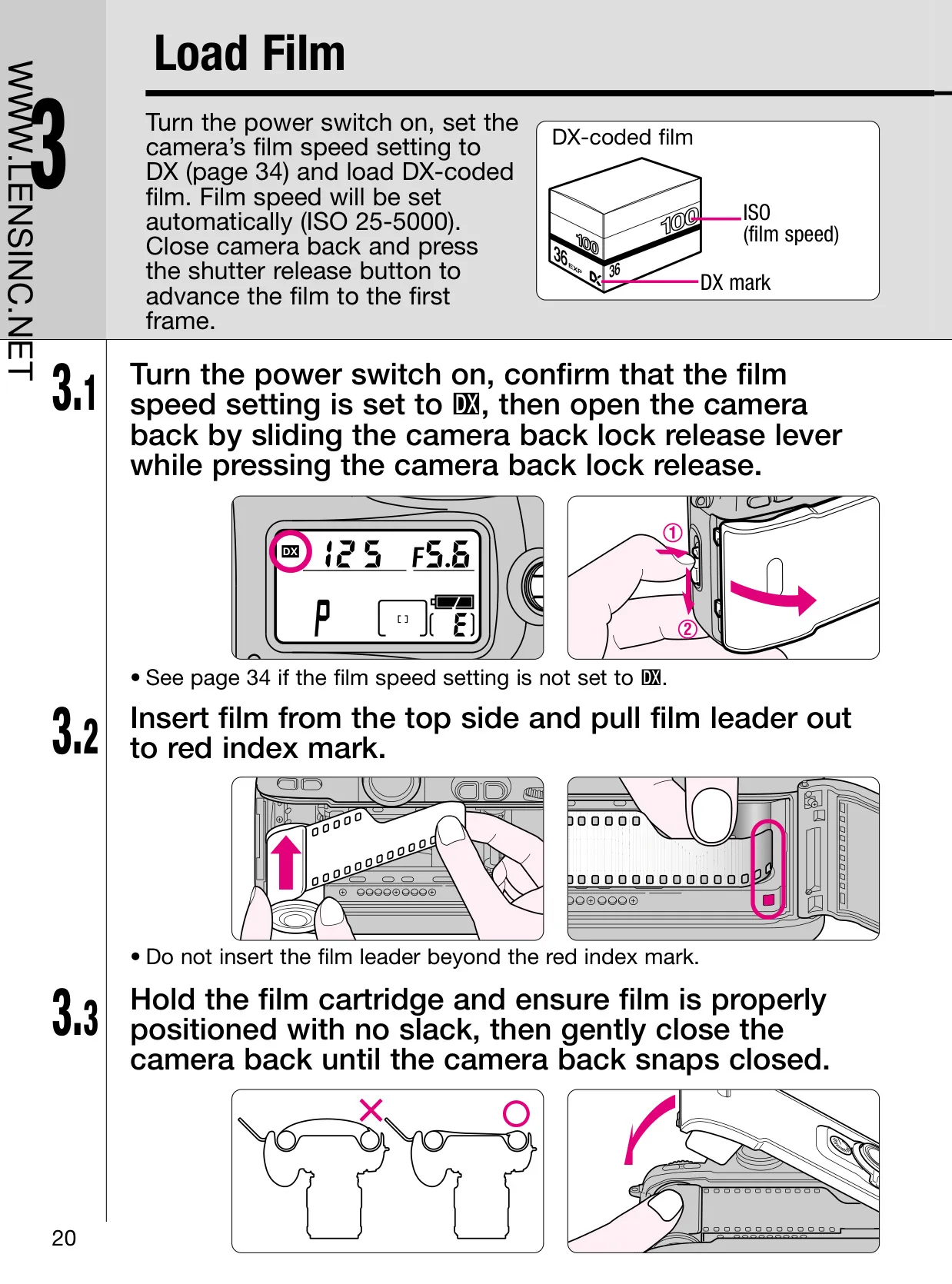


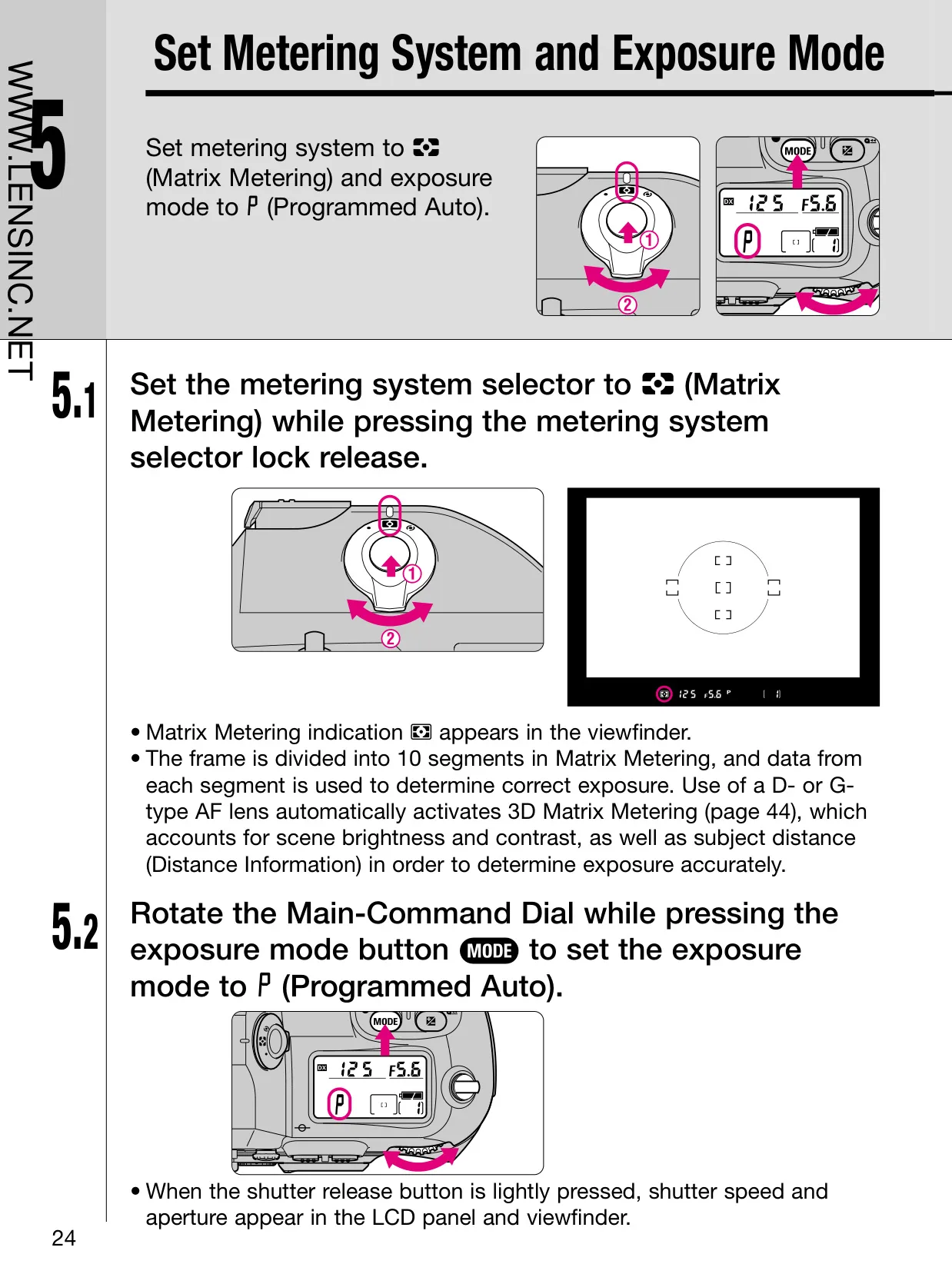


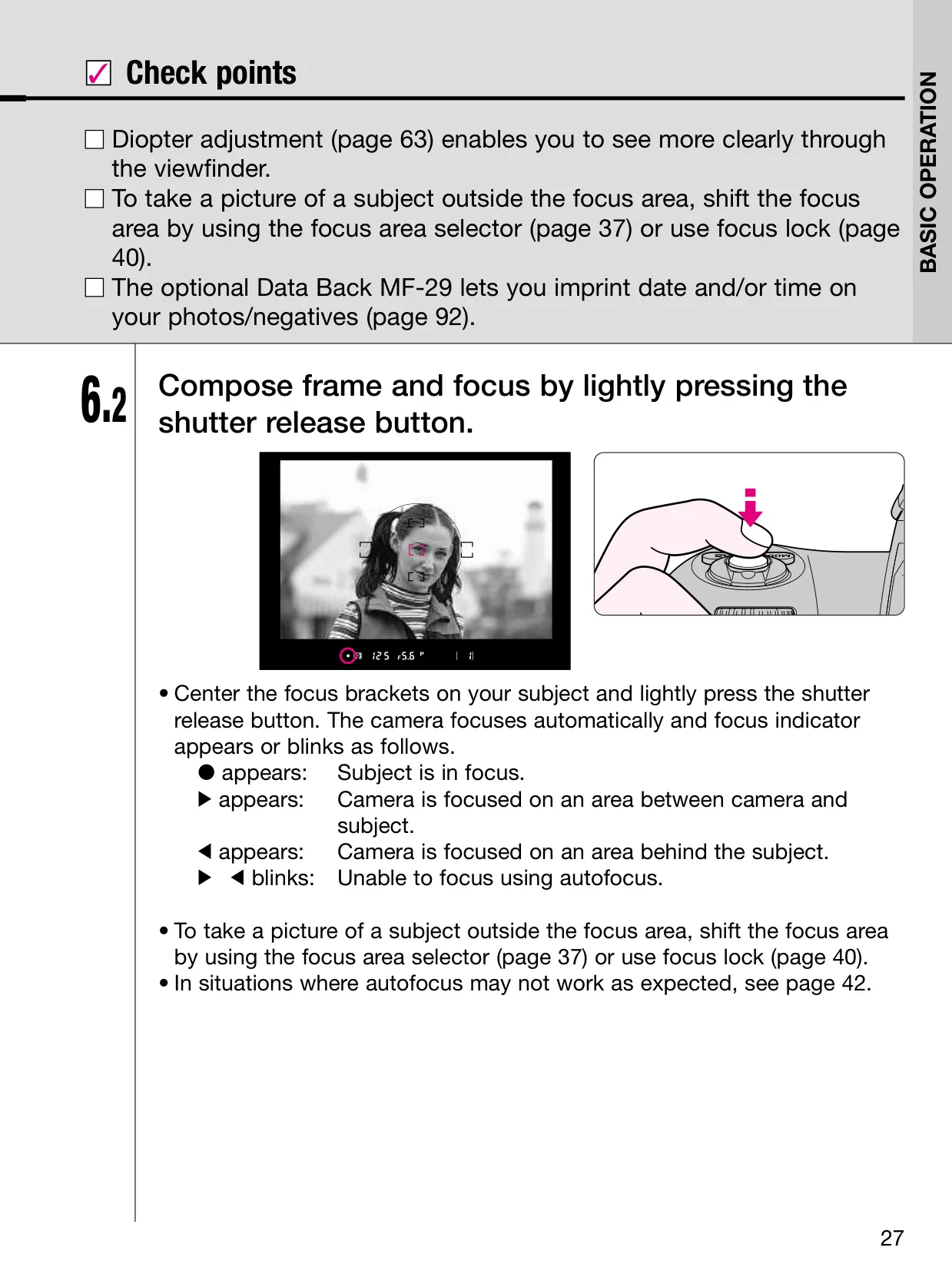
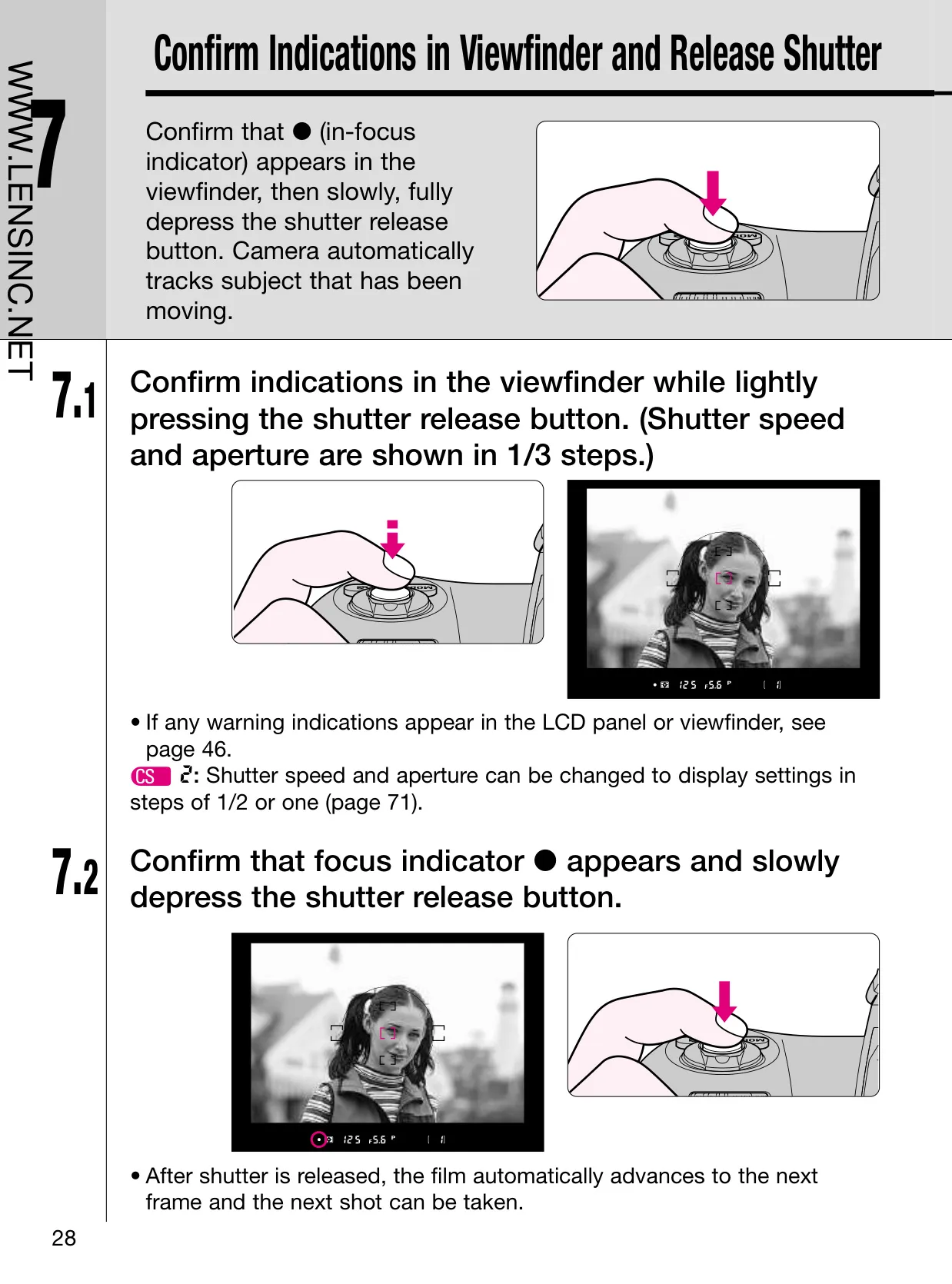








































Nikon F100 Analog SLR Camera Instructions
Here we offer the Nikon F100 Analog SLR Camera manual completely free and in English. We have cataloged this manual in the SLR Cameras section on Manualverse, and it has been rated by 1 users with an average rating of 5. If you have any specific questions about Nikon F100 Analog SLR Camera, we suggest checking the Frequently Asked Questions (FAQs) section of this manual.
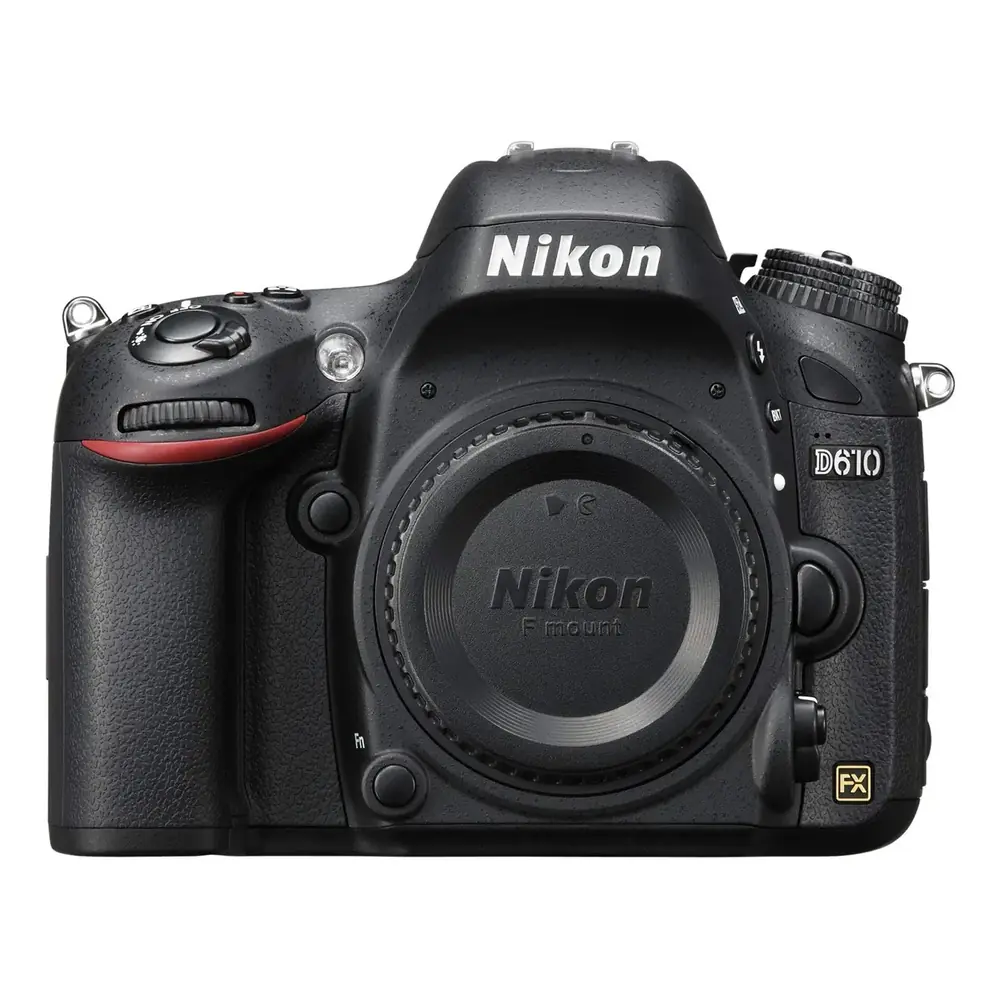
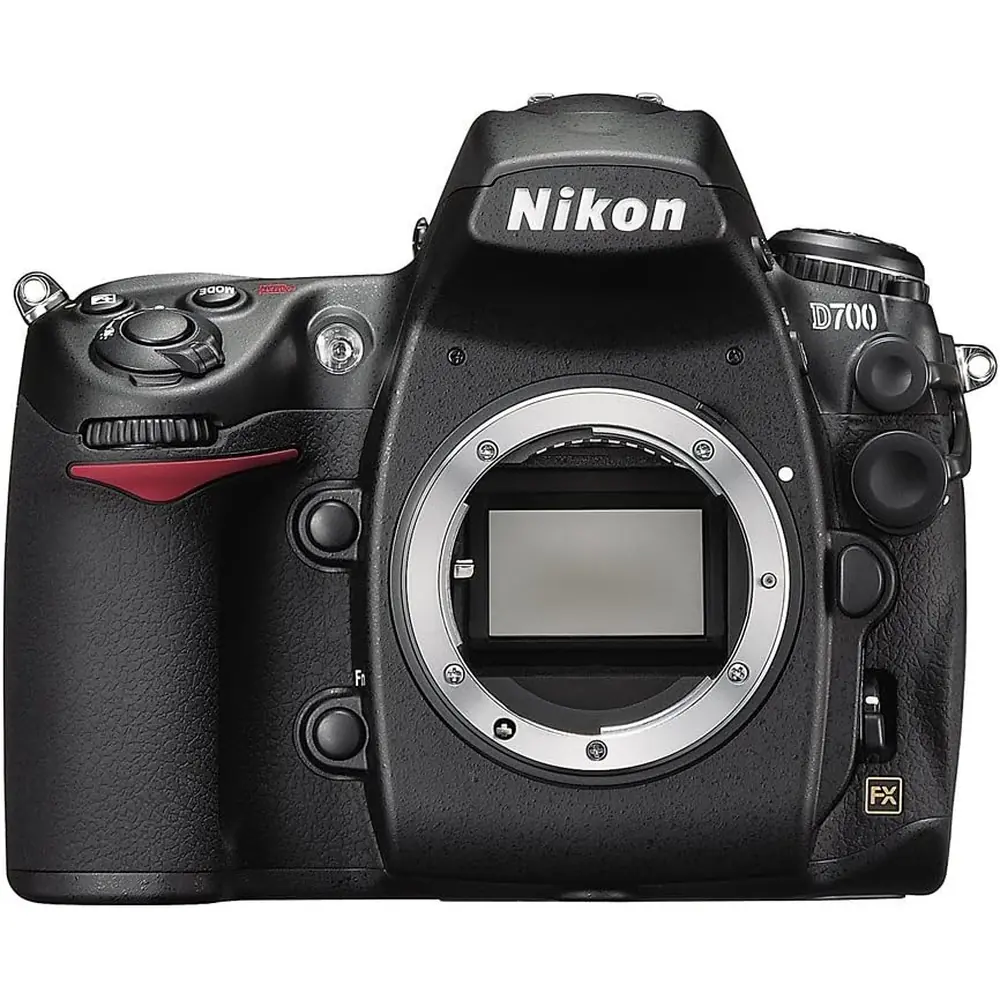
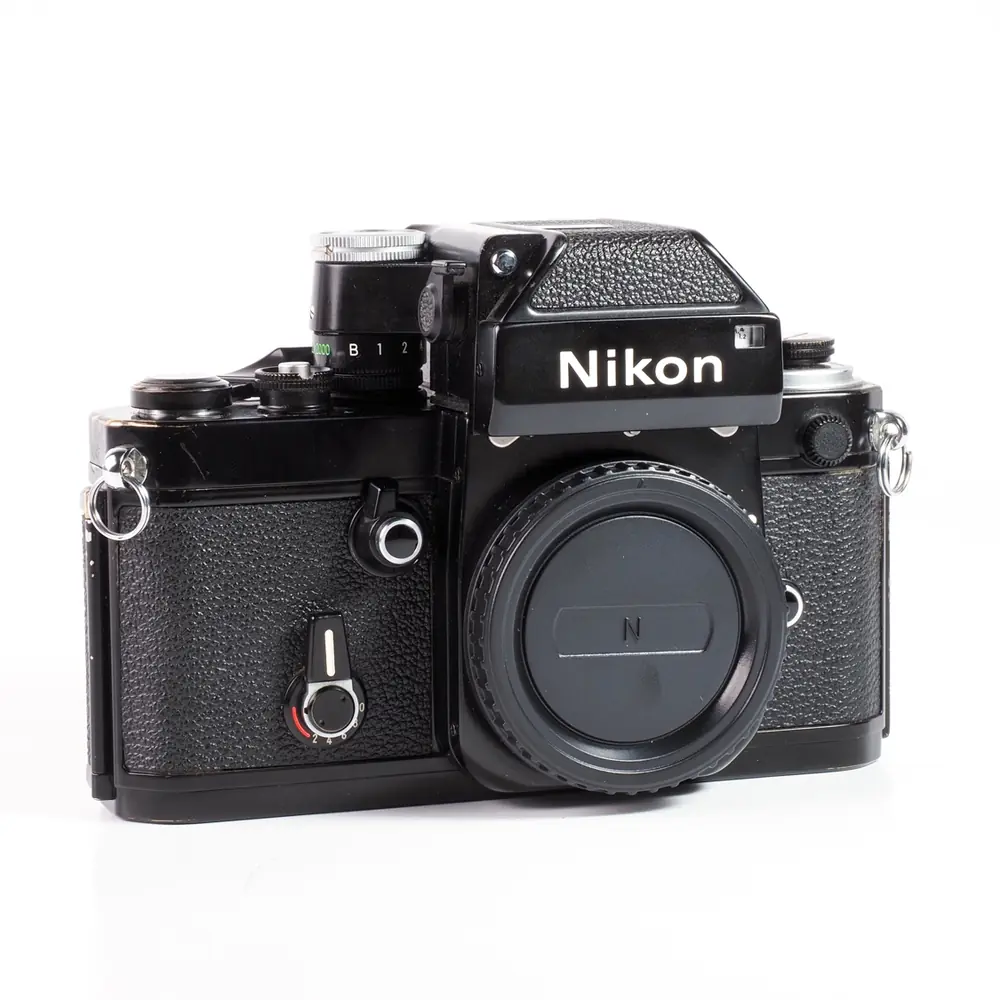
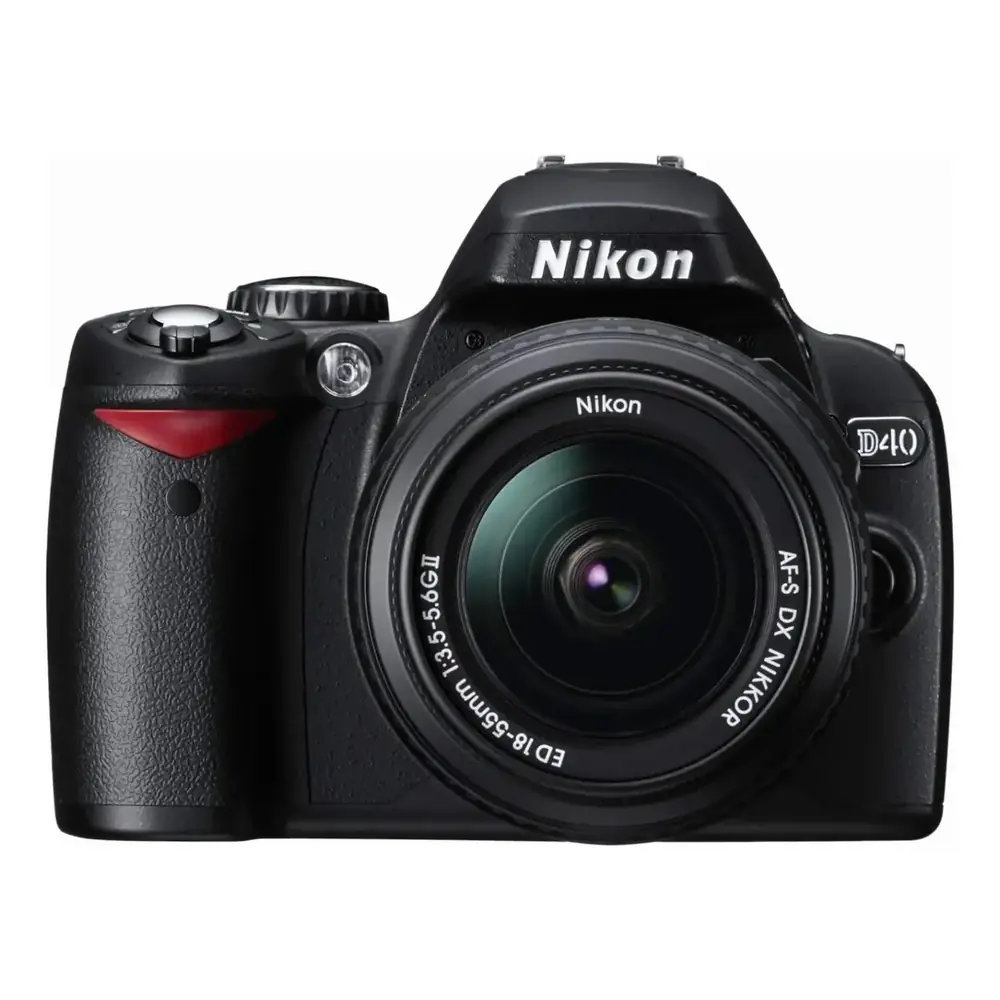
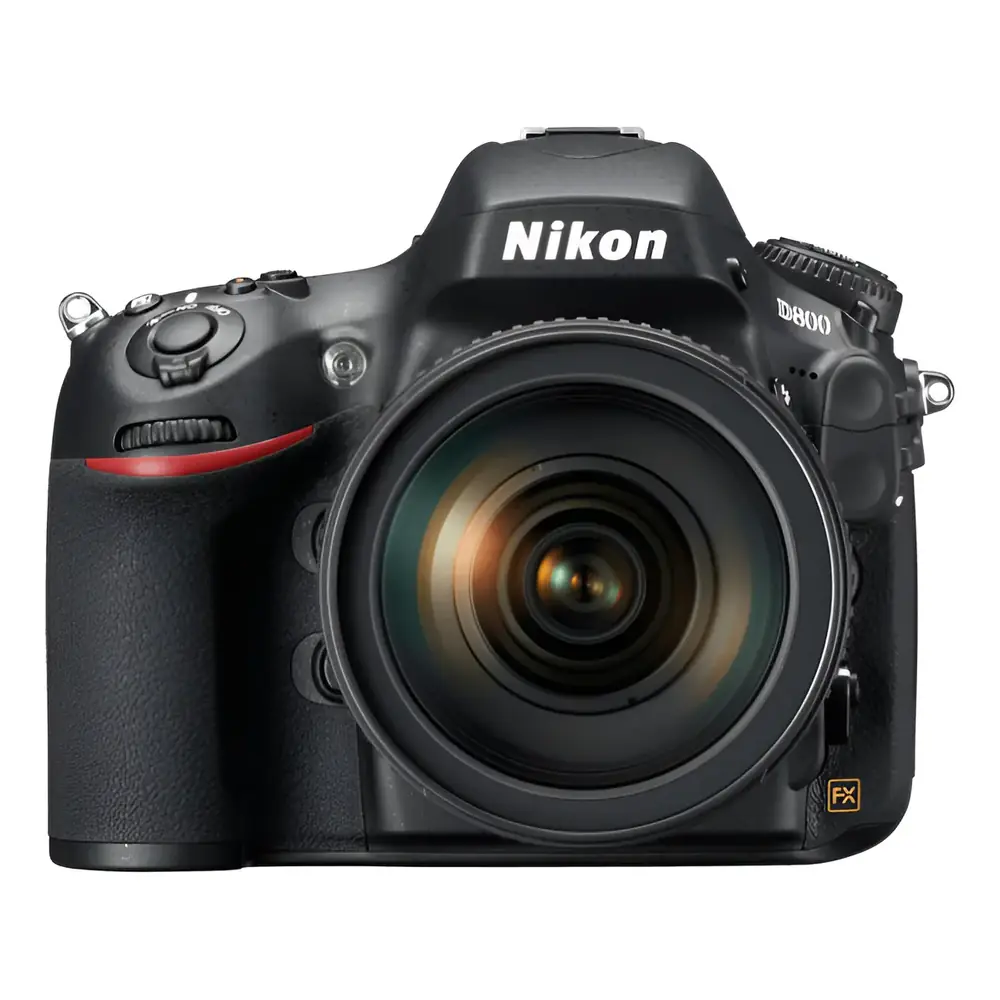
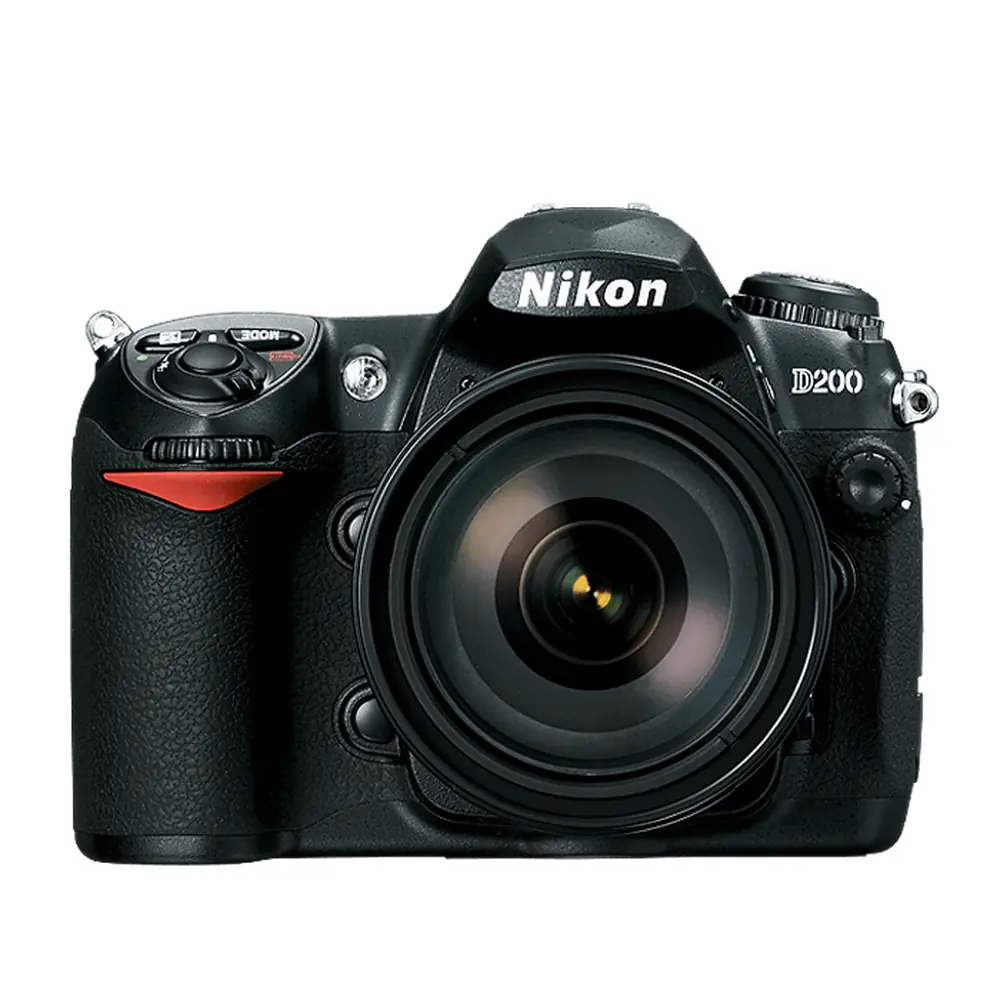
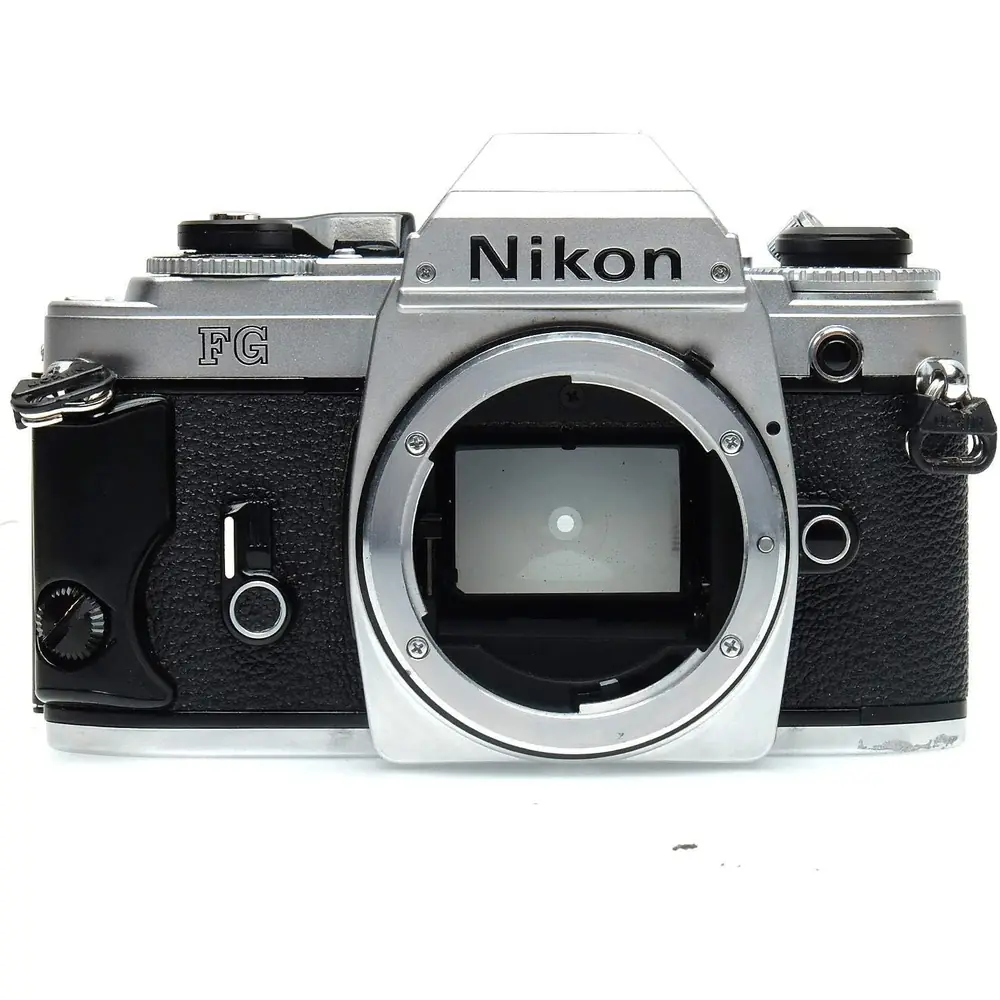
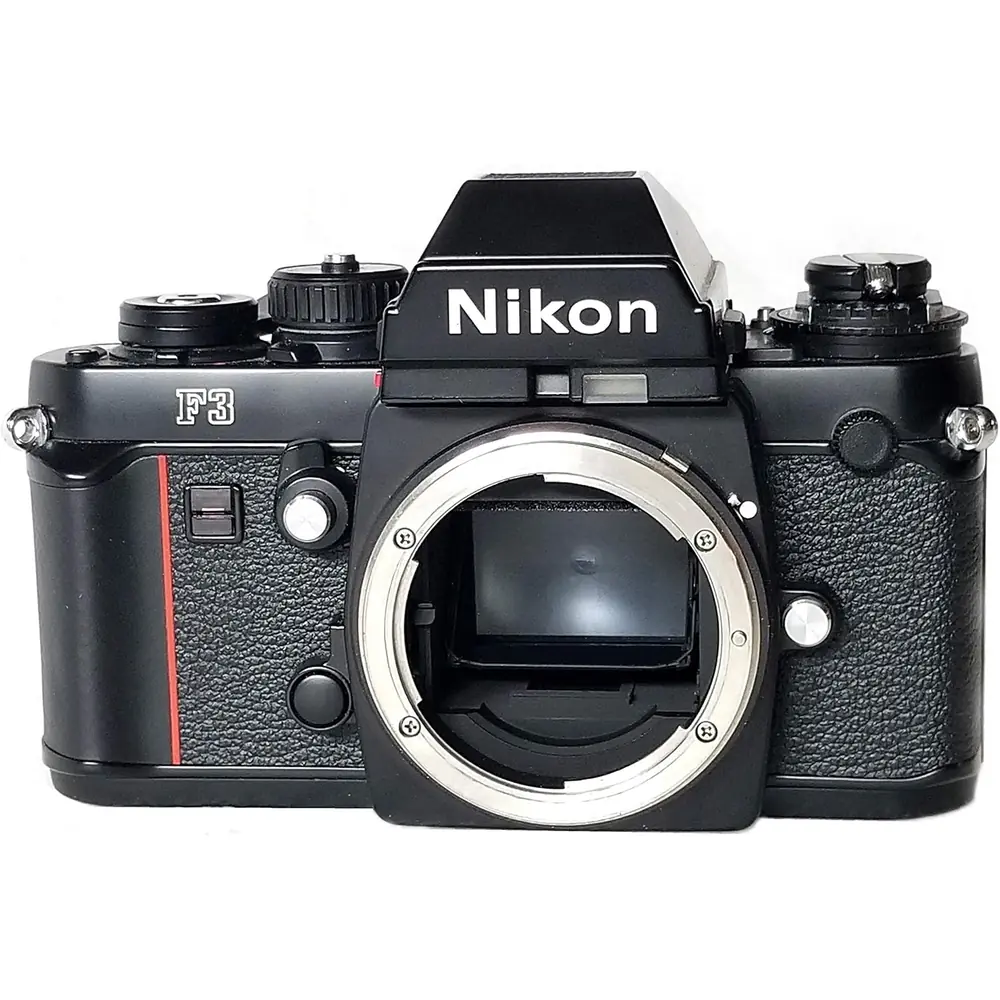
Product Images
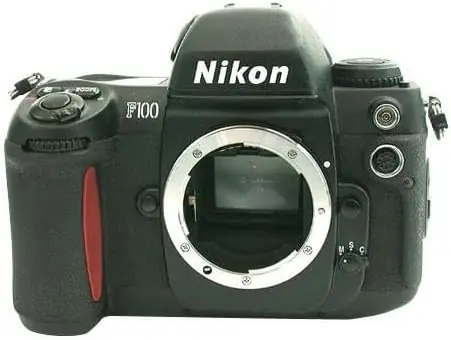
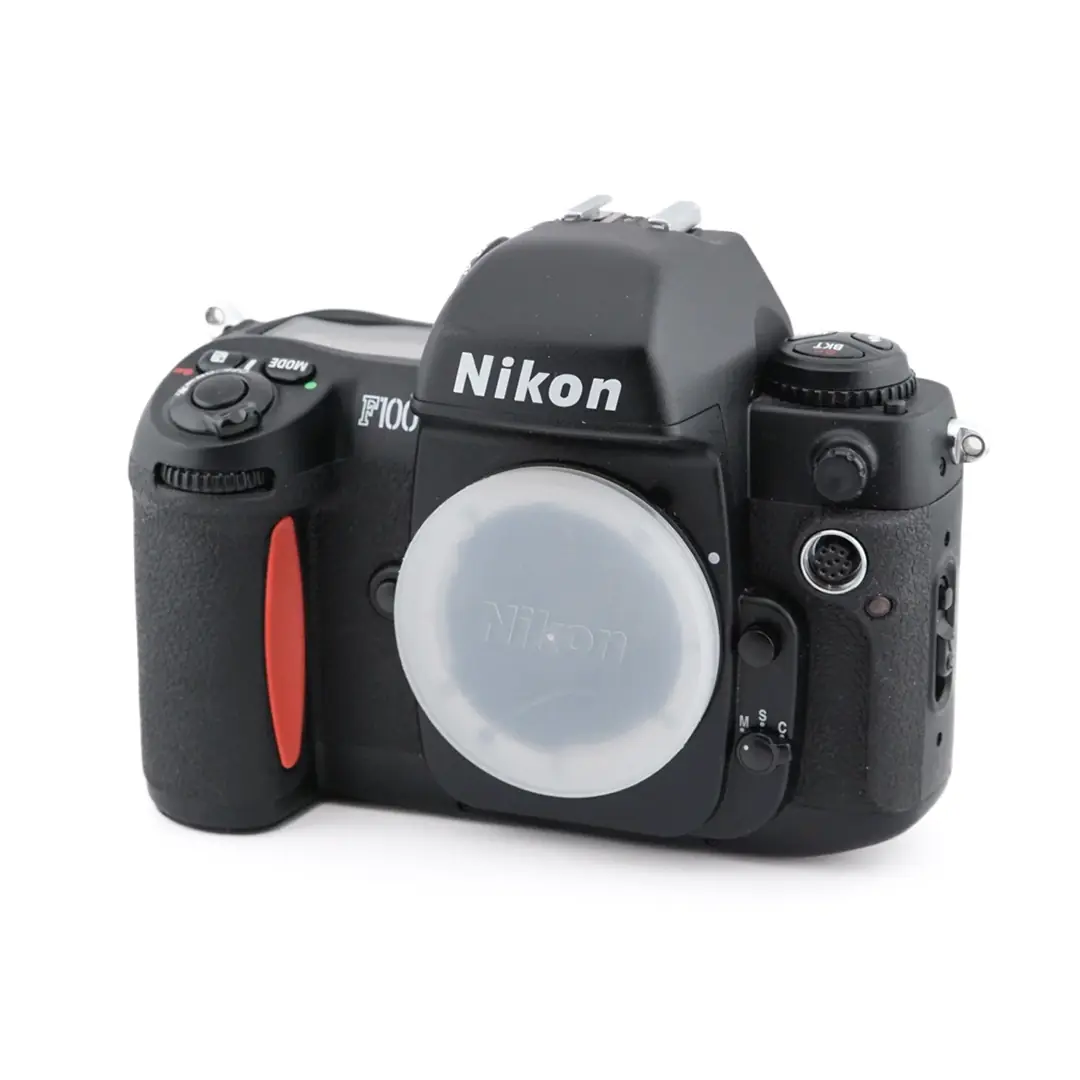
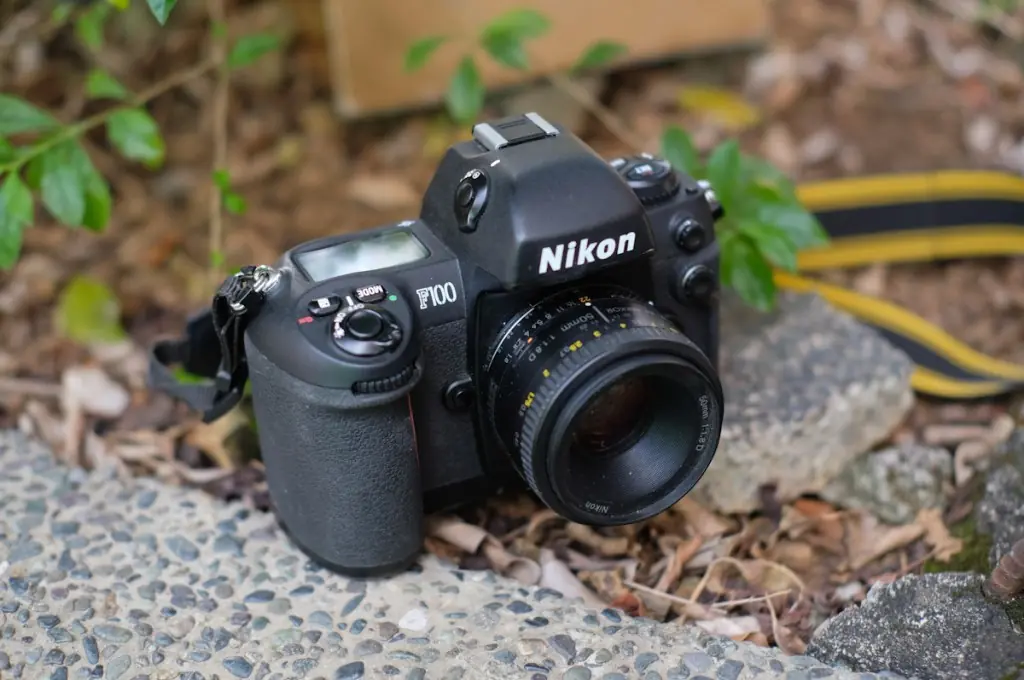
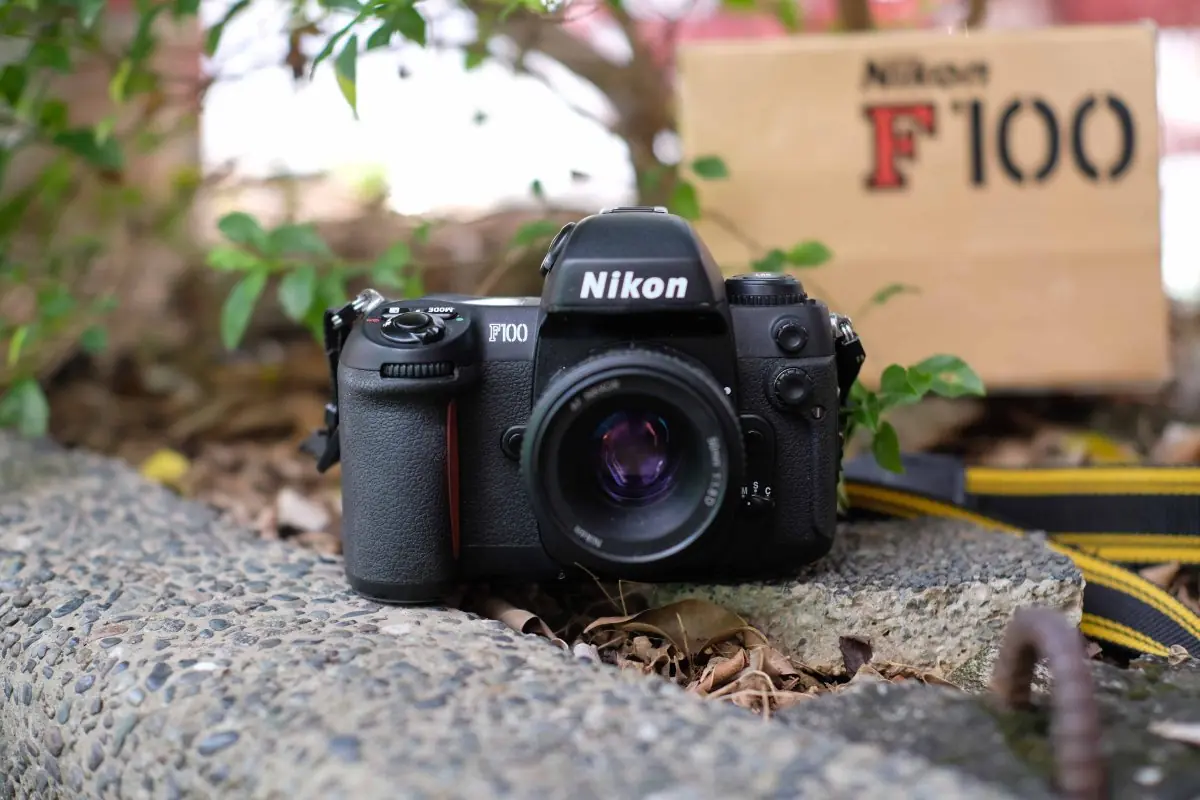
Nikon F100 Analog SLR Camera Specifications
| Feature | Specification |
|---|---|
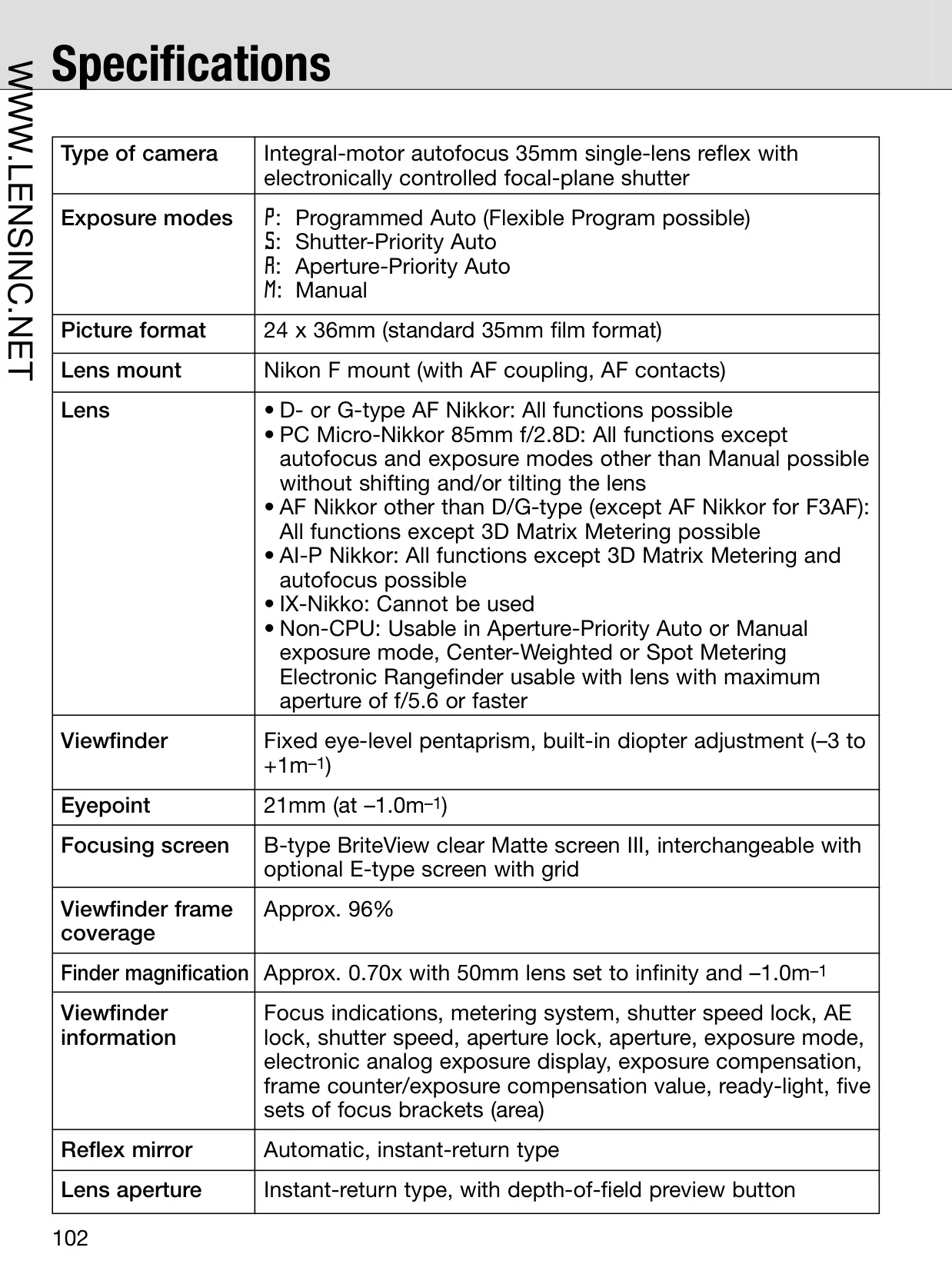
| Camera Type | Integral-motor autofocus 35mm single-lens reflex with electronically controlled focal-plane shutter |
| Picture Format | 24 x 36mm (standard 35mm film format) |
| Lens Mount | Nikon F mount (with AF coupling, AF contacts) |
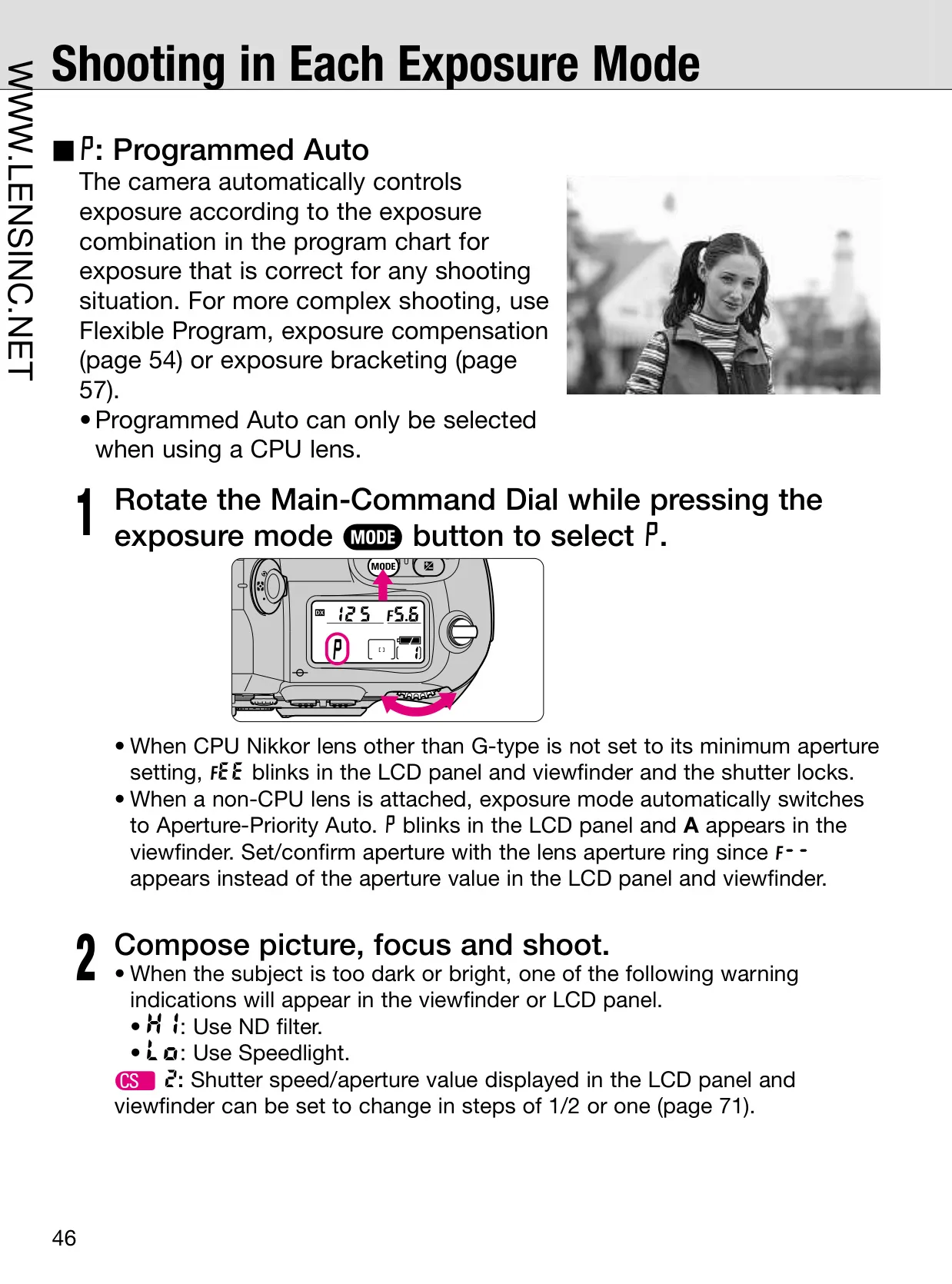
| Exposure Modes | Programmed Auto (P), Shutter-Priority Auto (S), Aperture-Priority Auto (A), Manual (M) |
| Viewfinder | Fixed eye-level pentaprism, built-in diopter adjustment (–3 to +1m–1) |
| Viewfinder Coverage | Approx. 96% |
| Autofocus System | TTL phase detection, Nikon Multi-CAM1300 autofocus module |
| AF Detection Range | EV –1 to EV 19 (ISO 100, at normal temperature) |
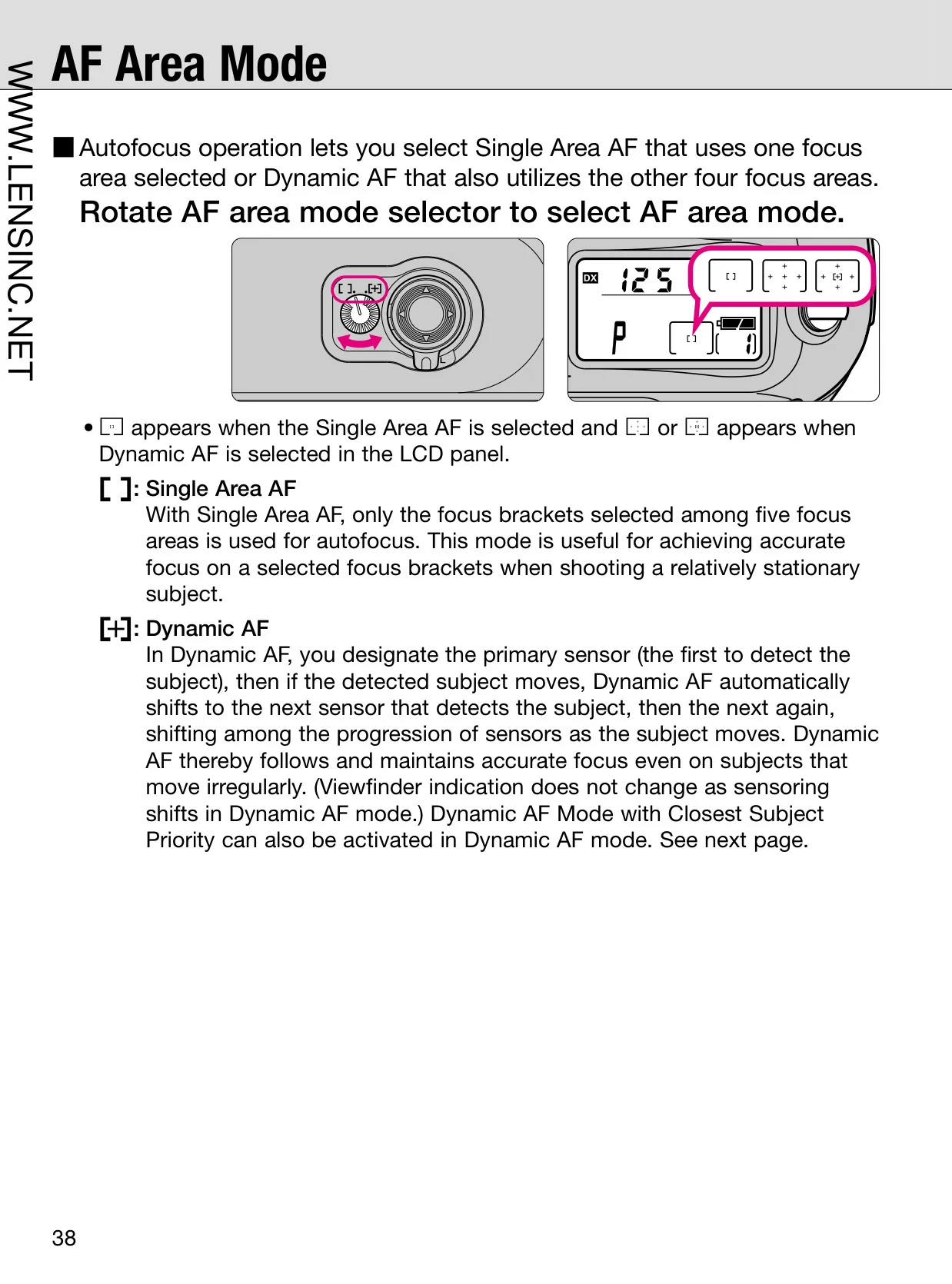
| Focus Areas | One of five focus areas can be selected |
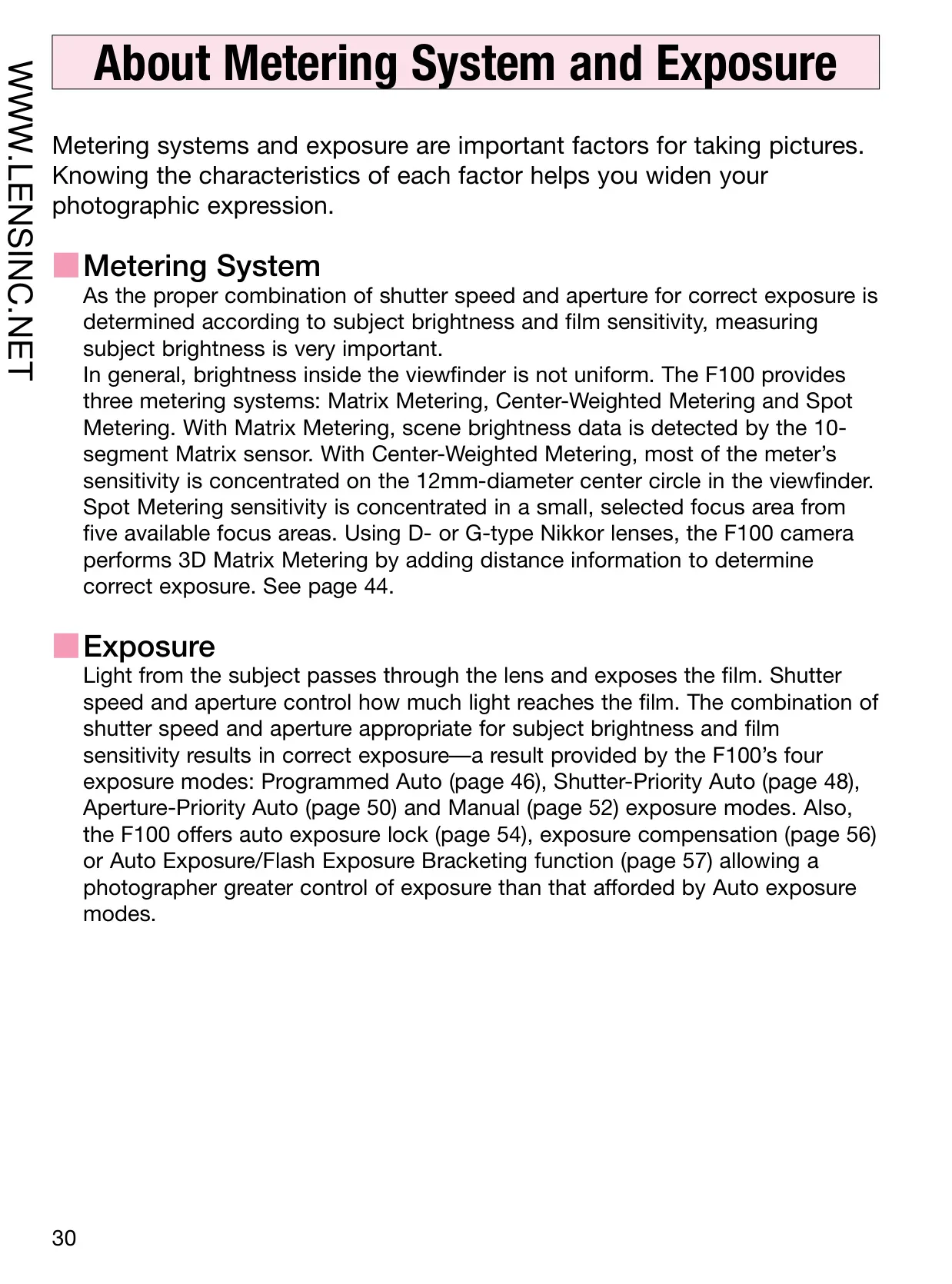
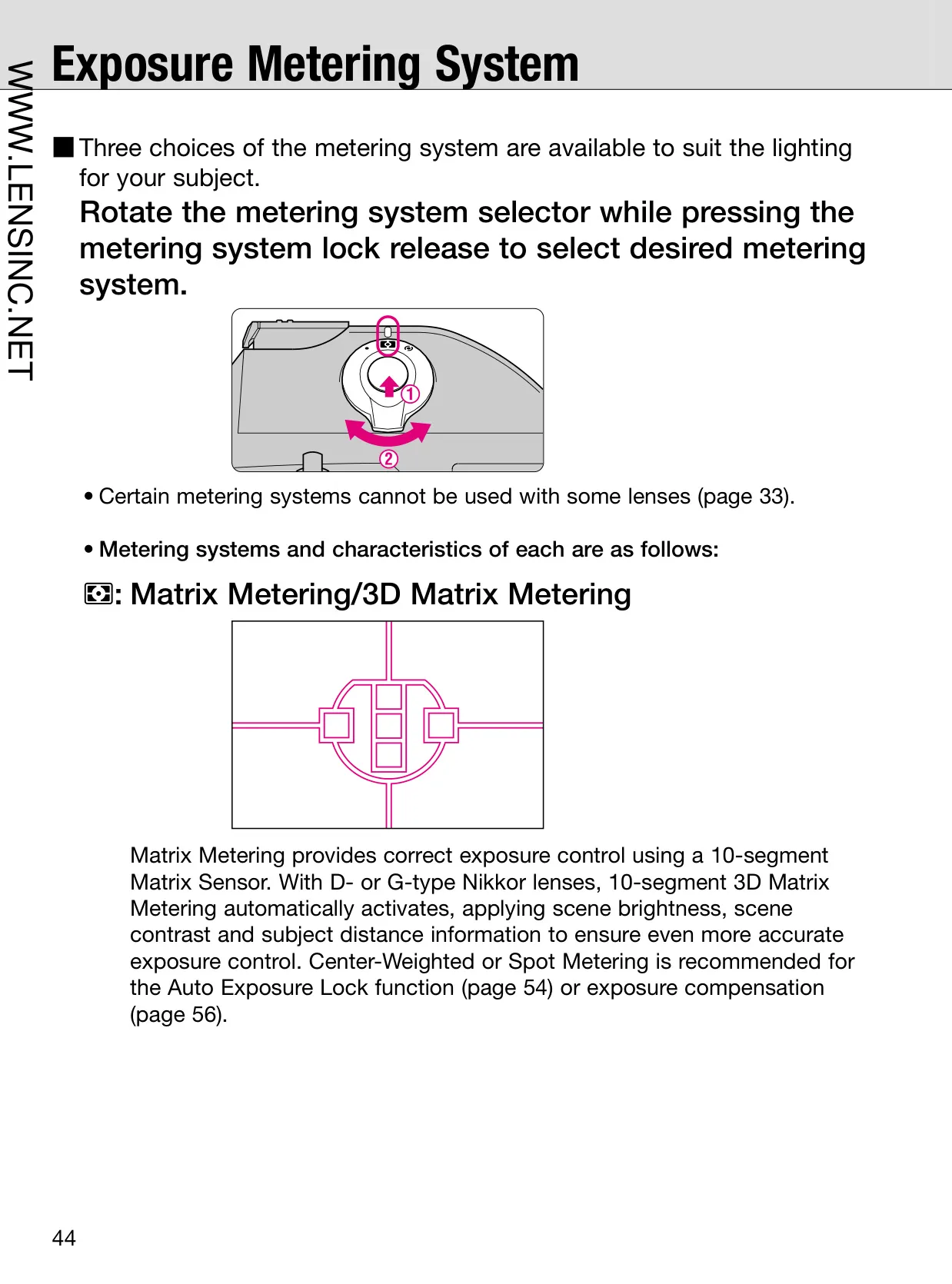
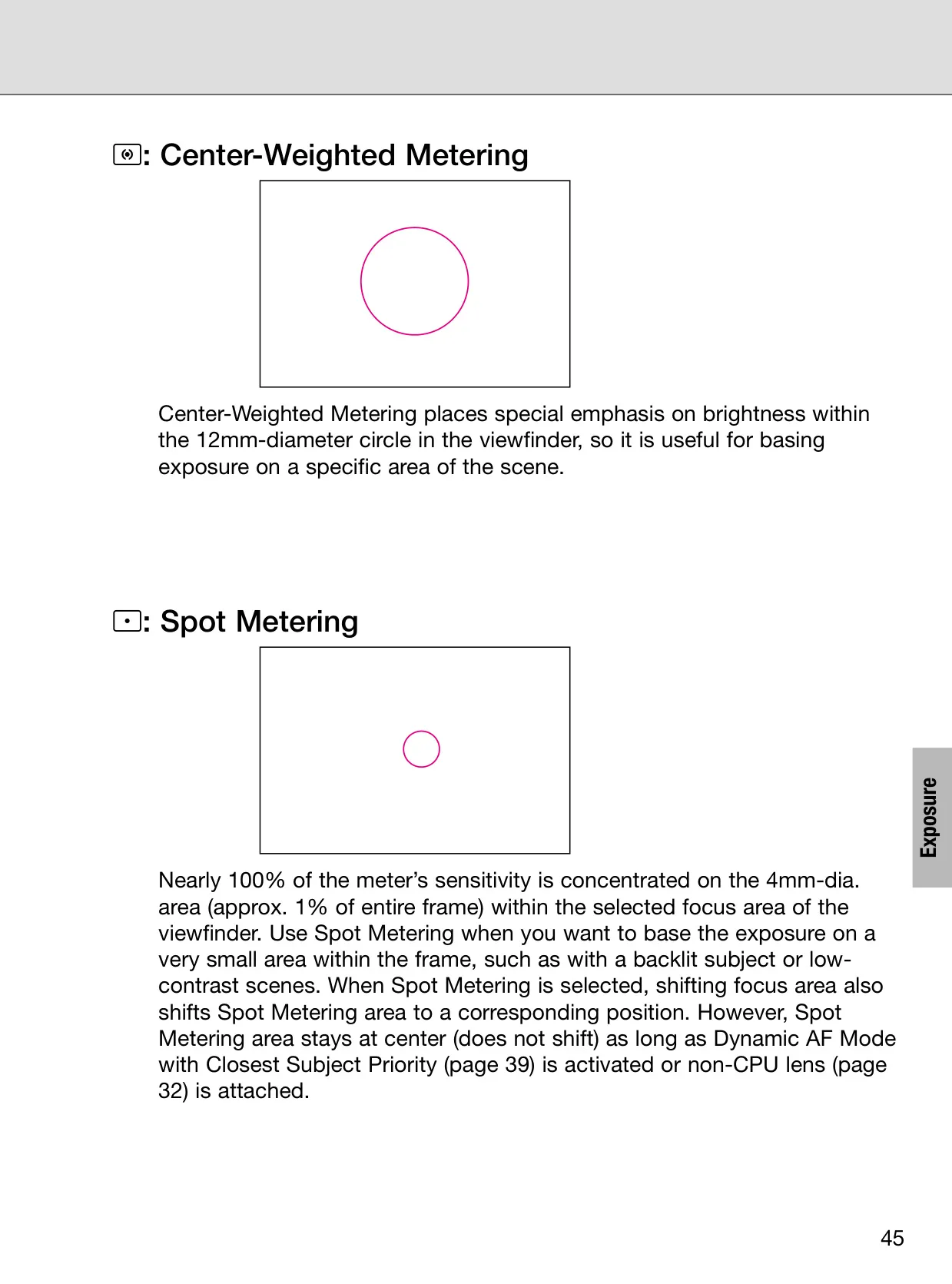
| Metering System | TTL full-aperture: 3D Matrix Metering, Center-Weighted, Spot Metering |
| Metering Range (ISO 100, 50mm f/1.4) | 3D Matrix: EV 0-21; Center-Weighted: EV 0-21; Spot: EV 3-21 |
| Film Speed Range | DX: ISO 25-5000; Manual: ISO 6-6400 (in 1/3 steps) |
| Shutter Speeds | 30 to 1/8000 sec. (in 1/3 steps, plus Bulb in Manual mode) |
| Flash Sync Speed | Up to 1/250 sec. |
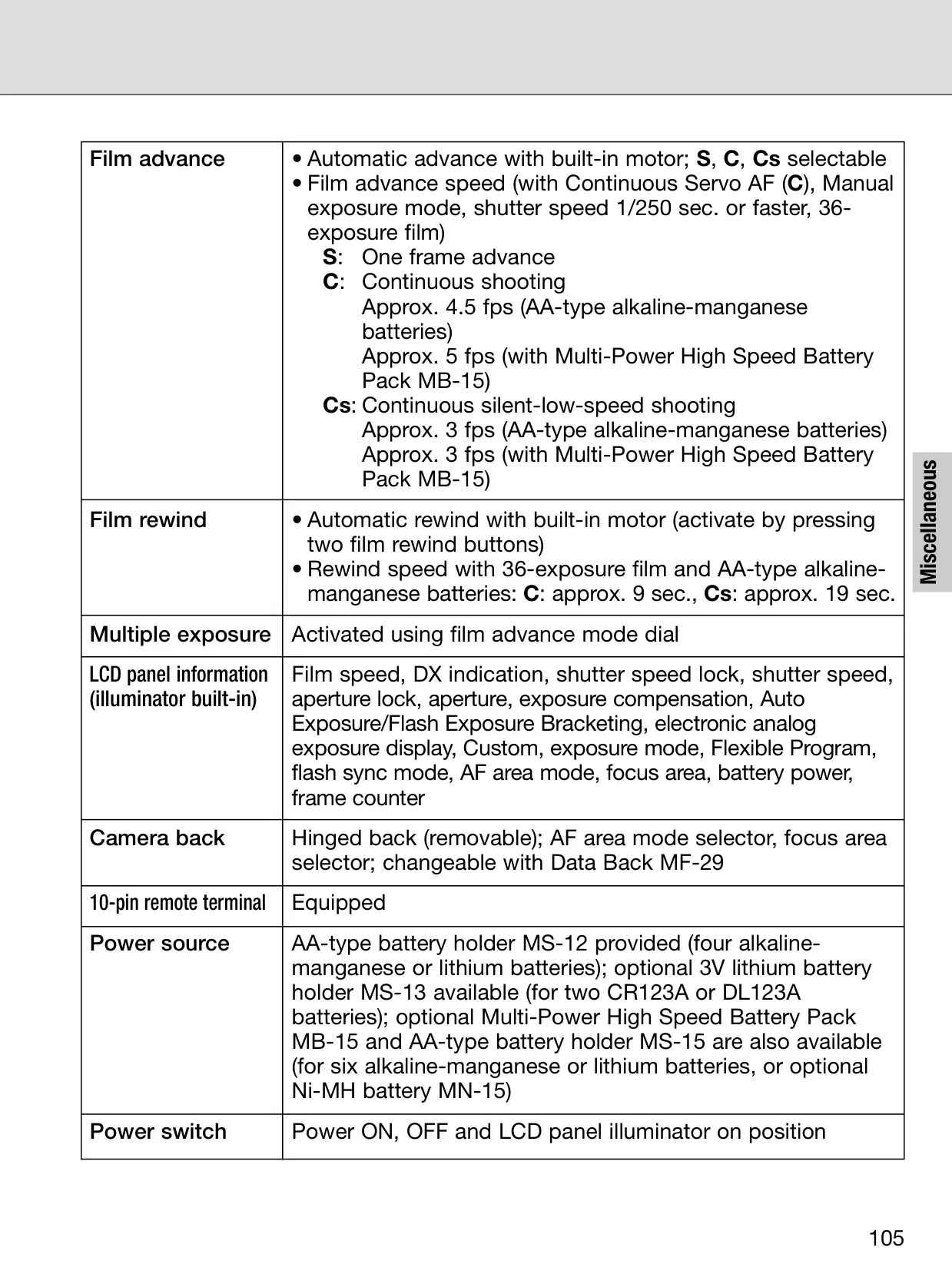
| Film Advance Speed (C mode, w/ MB-15) | Approx. 5 fps (continuous shooting) |
| Film Rewind Speed (36-exp, w/ alkaline-manganese) | Approx. 9 sec. (C mode), Approx. 19 sec. (Cs mode) |
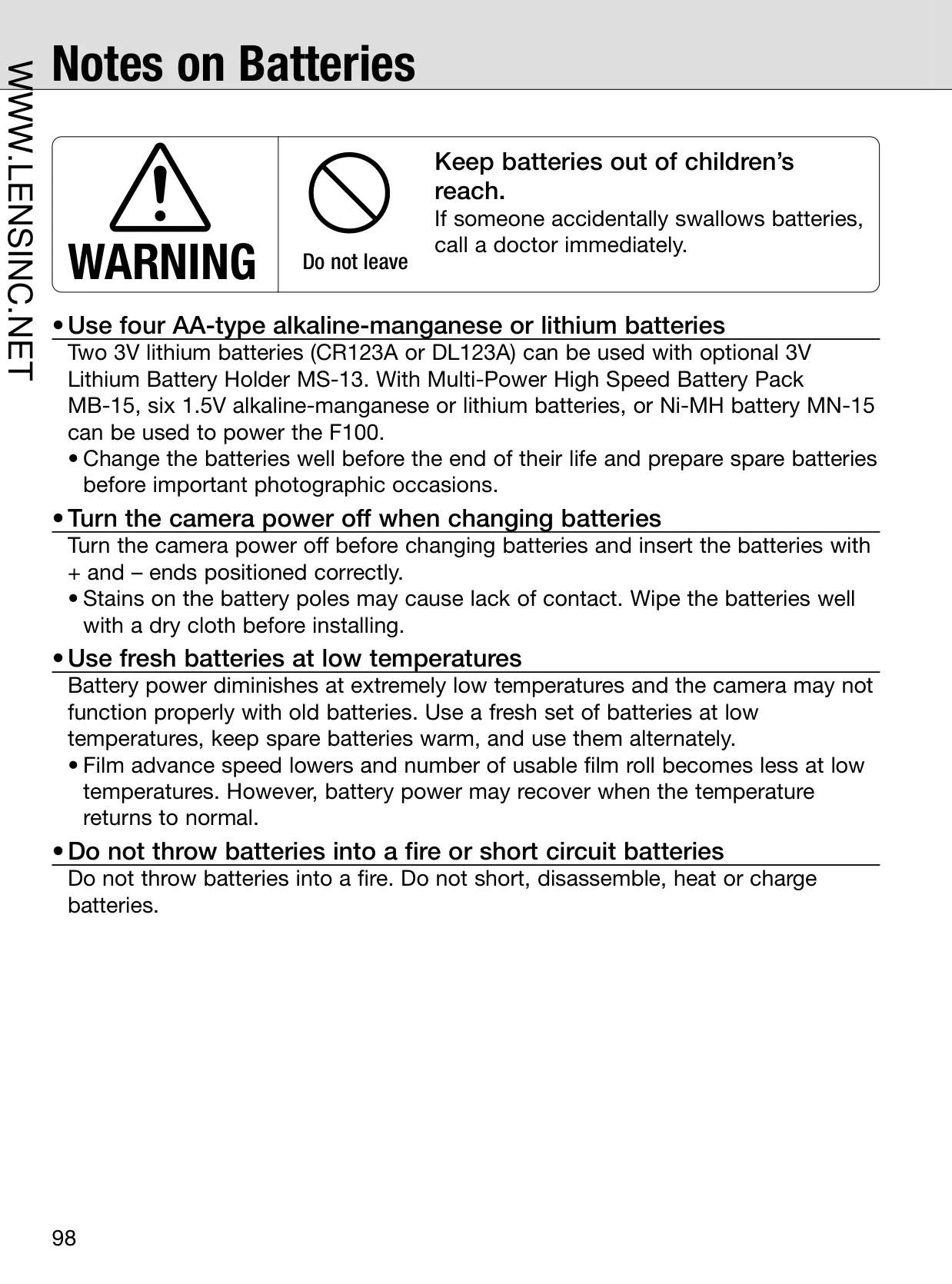
| Power Source | AA-type battery holder MS-12 (four alkaline-manganese or lithium batteries) or optional Multi-Power High Speed Battery Pack MB-15 (six AA batteries or Ni-MH MN-15) |
| Dimensions (W x H x D) | Approx. 155 x 113 x 66mm (6.1 x 4.5 x 2.6 in.) |
| Weight (without batteries) | Approx. 785g (27.7 oz.) |
Nikon F100 Analog SLR Camera Details
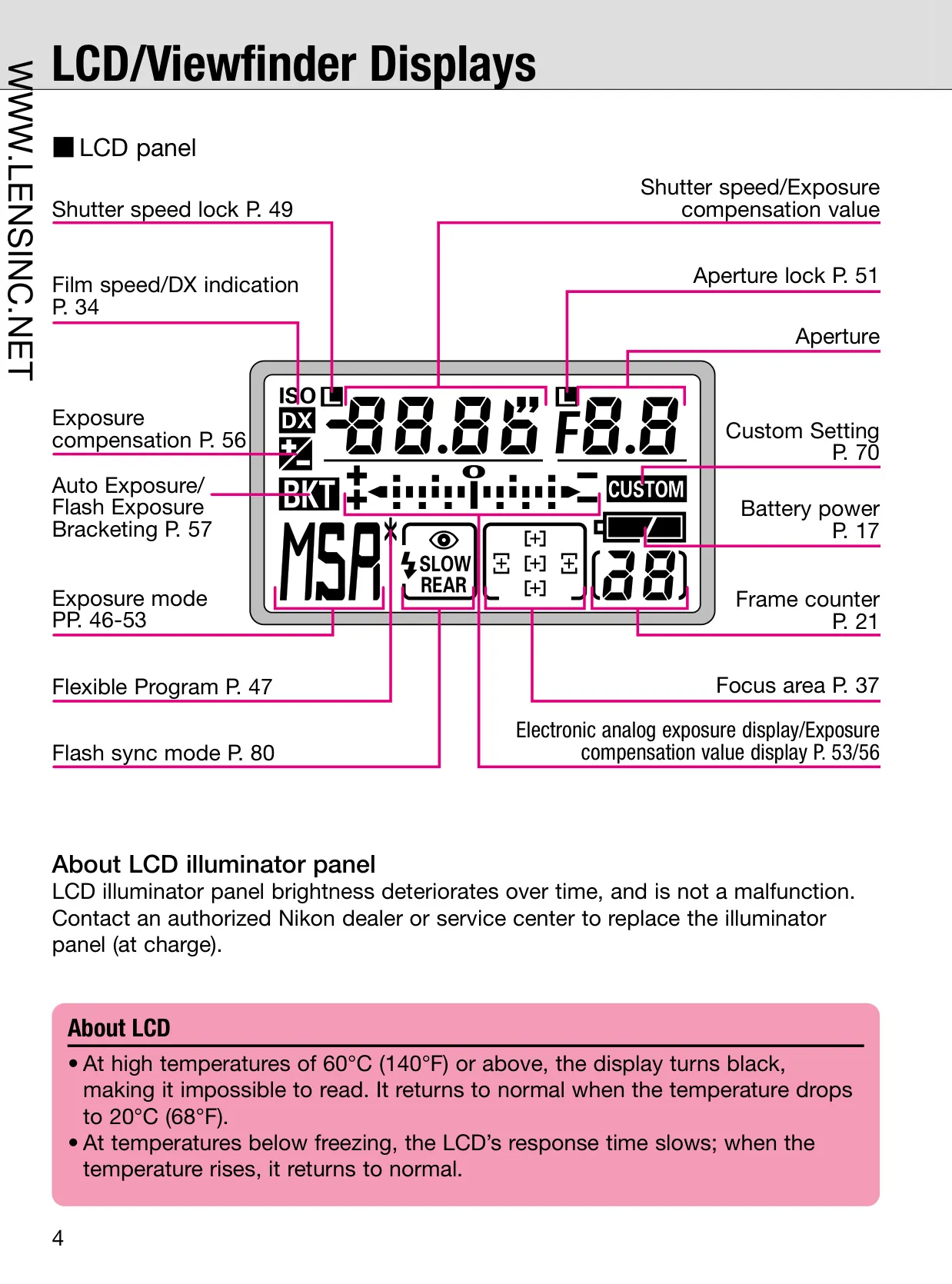
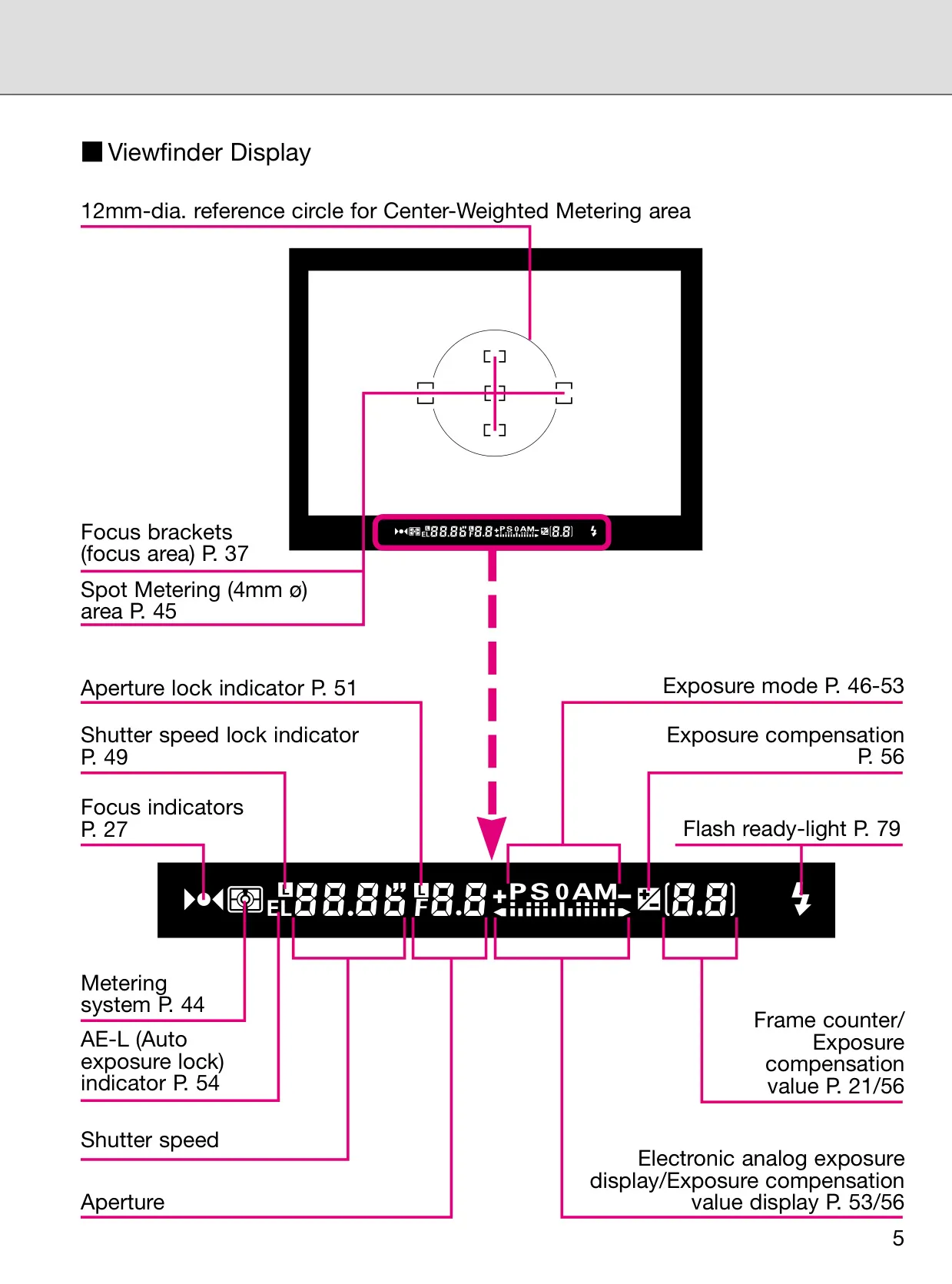
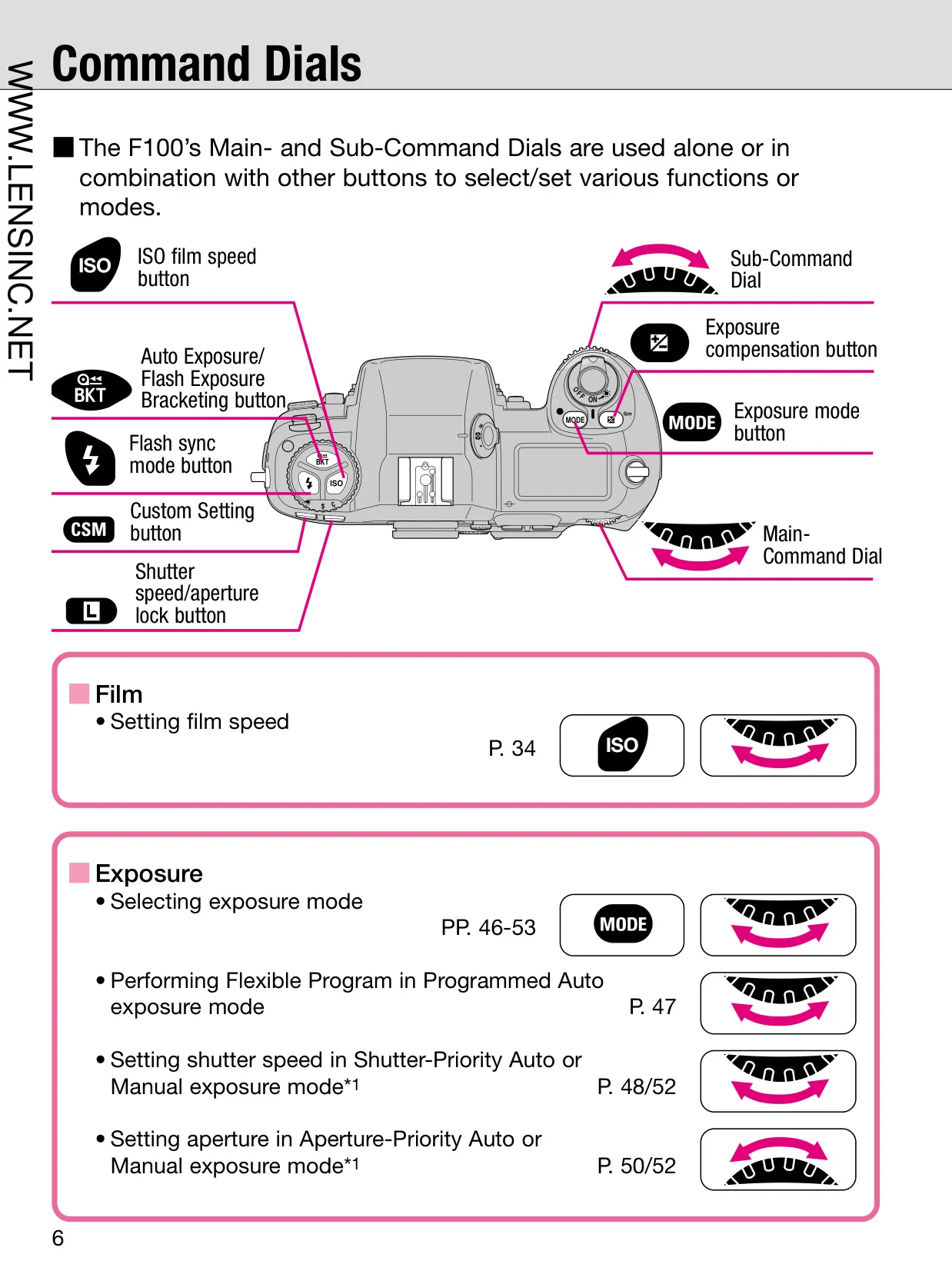
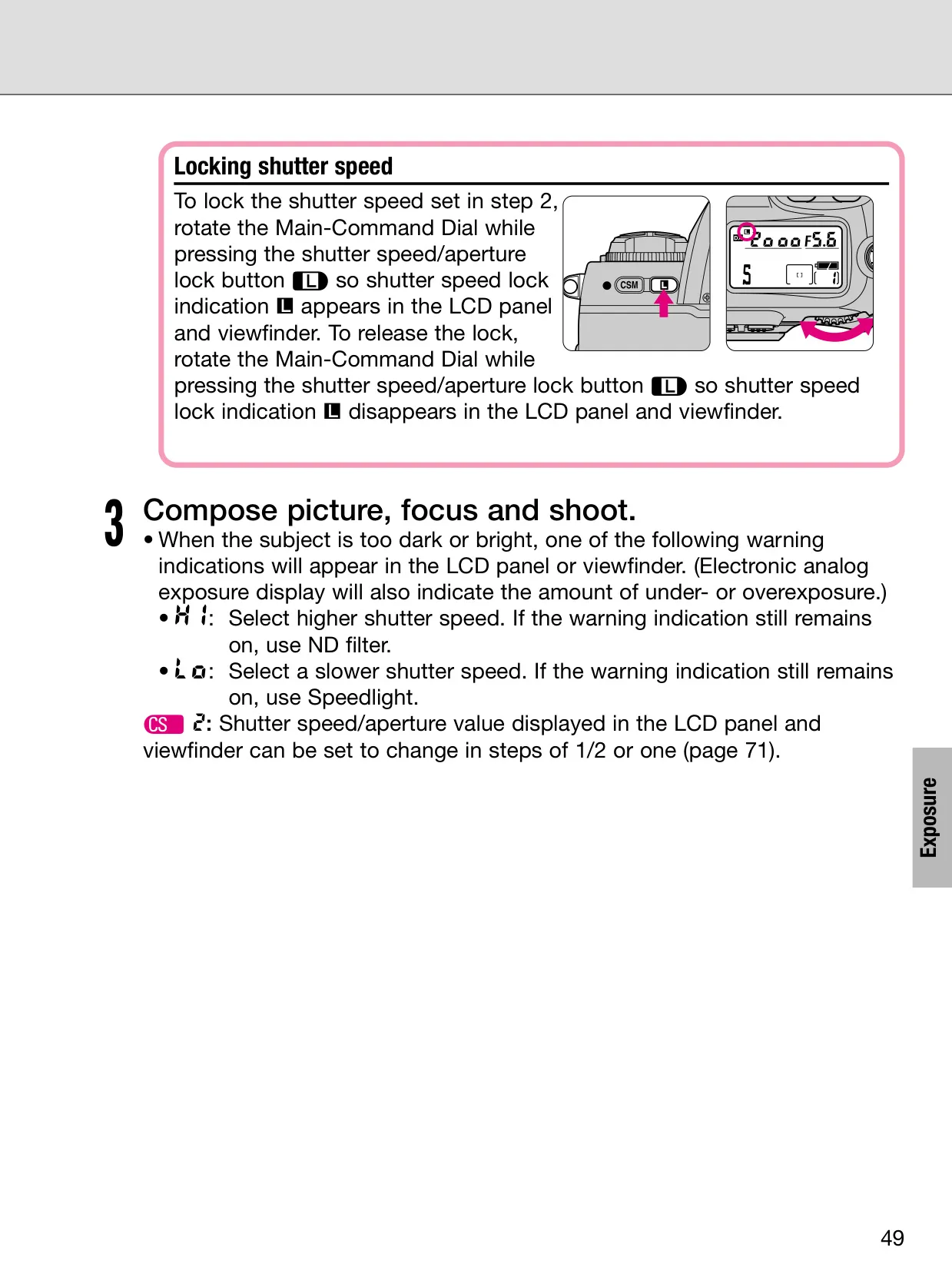
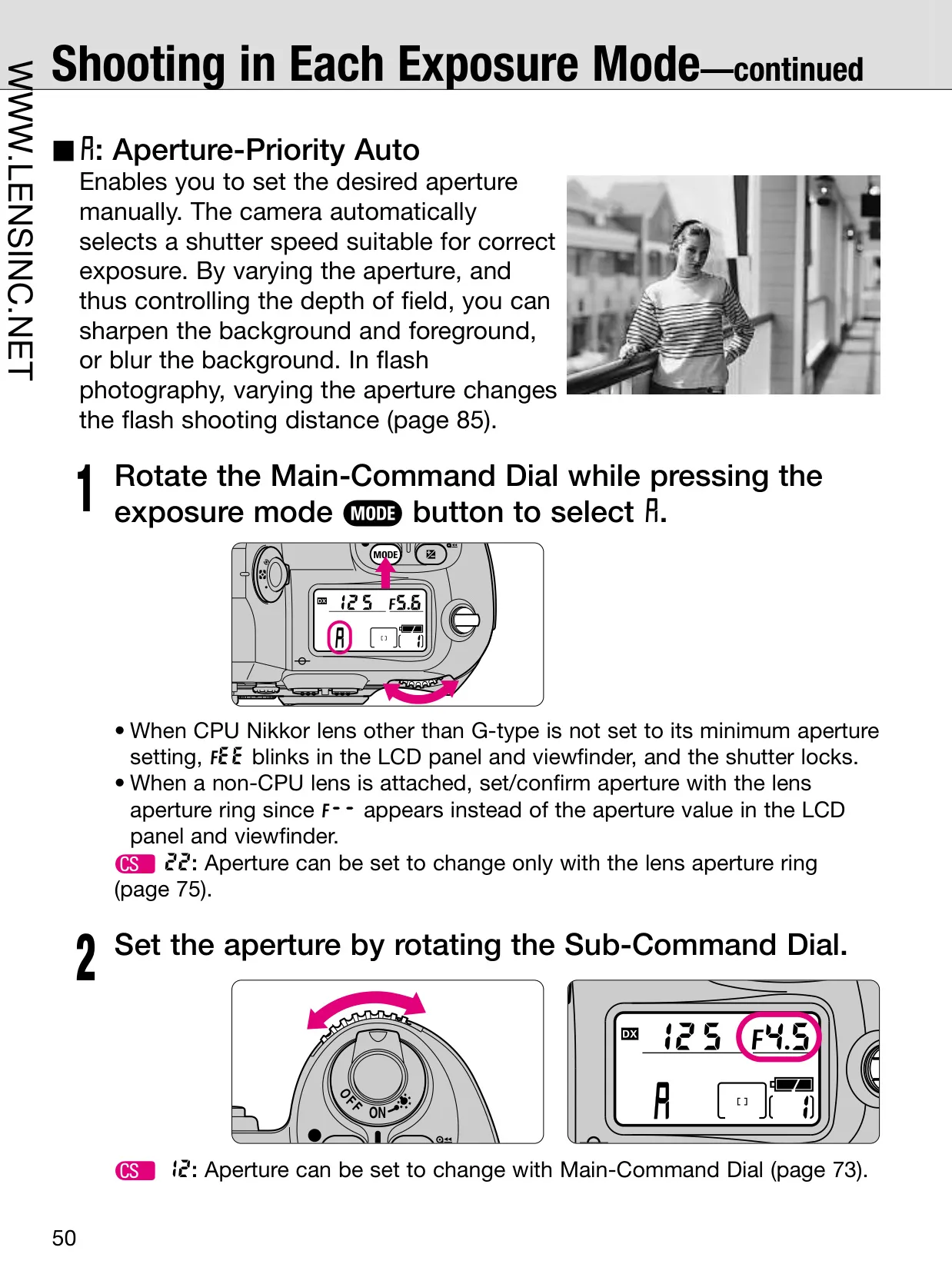
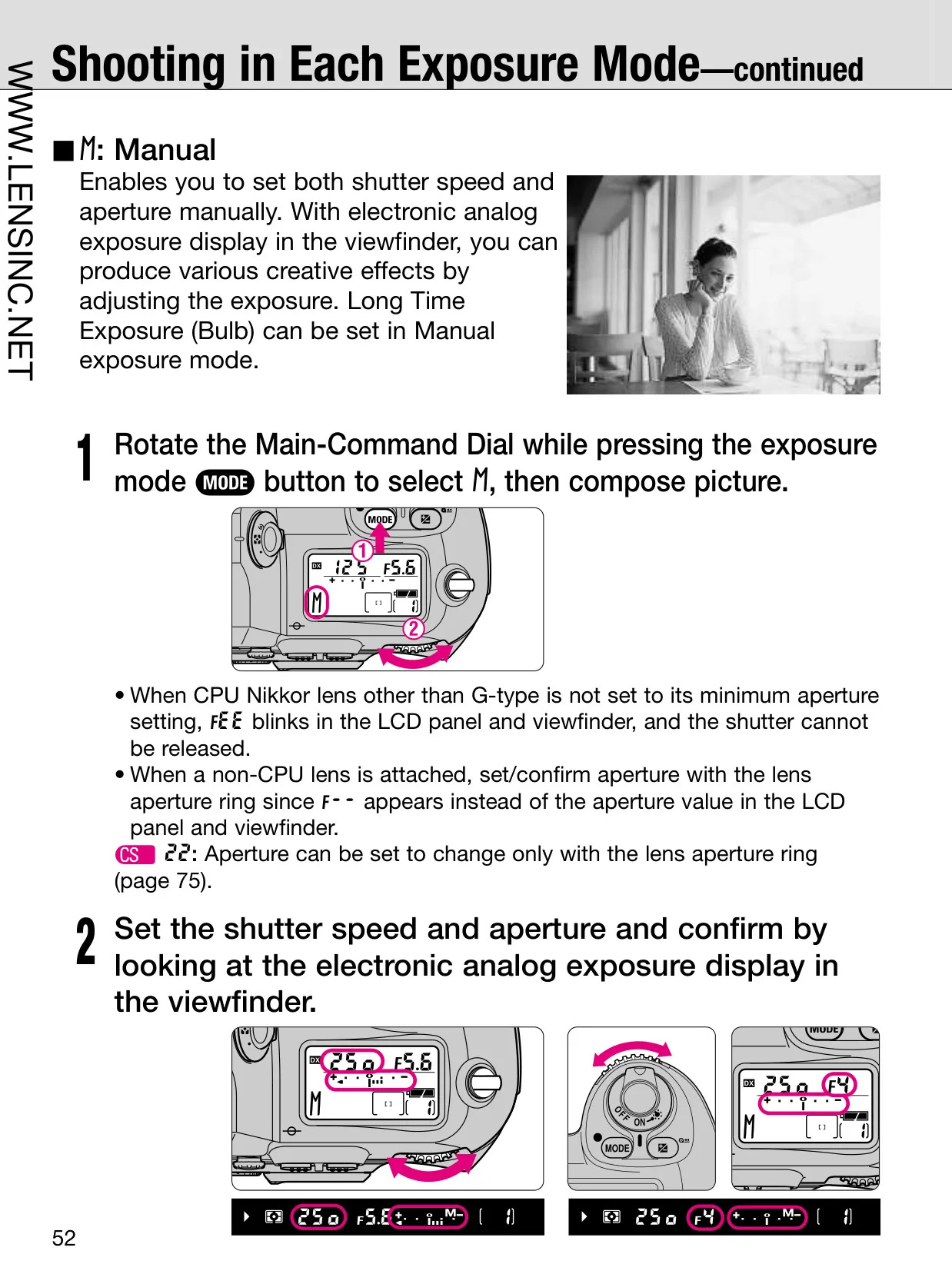
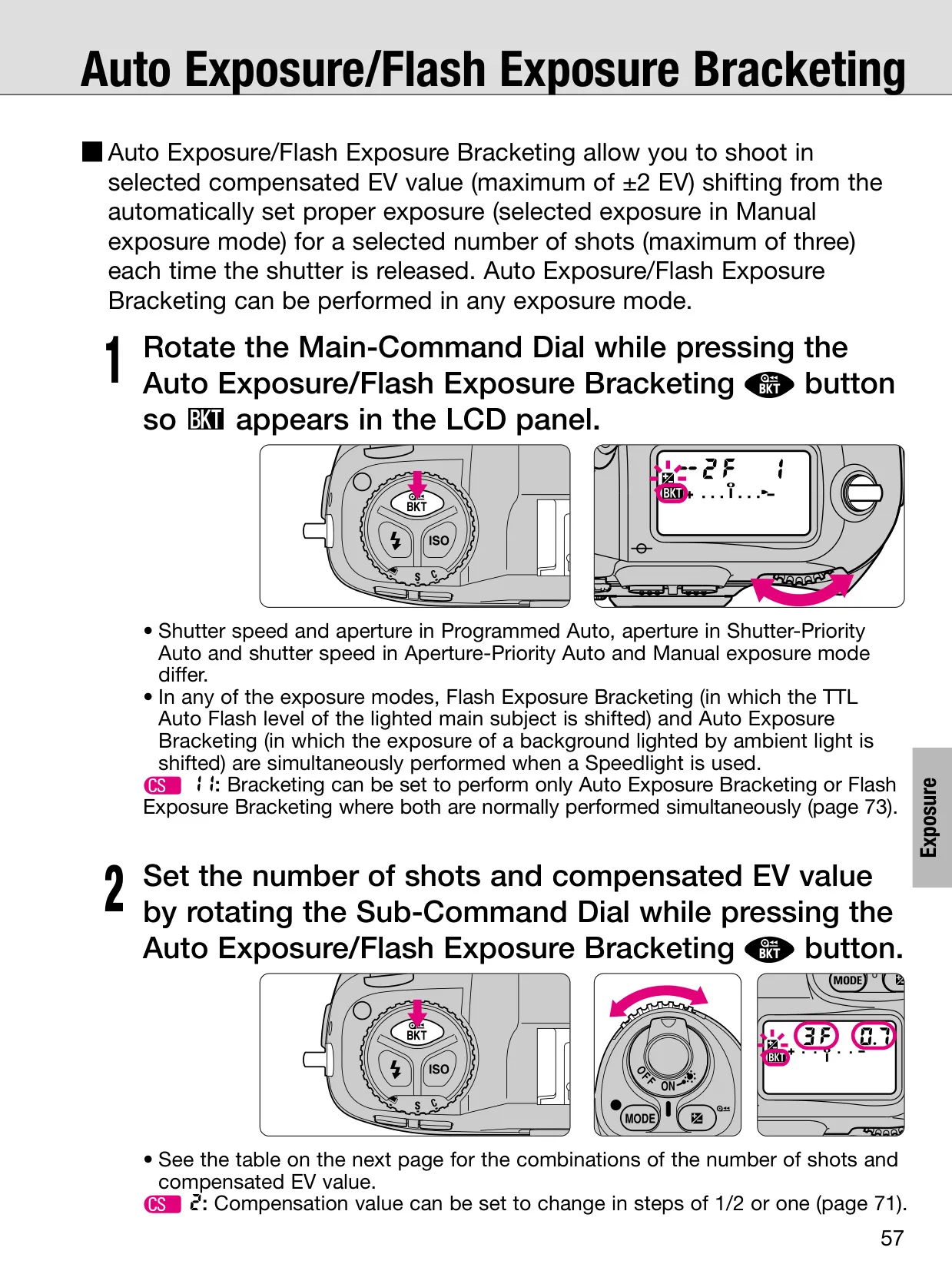
The Nikon F100 DSLR Camera offers a sophisticated array of features designed to enhance photographic control and flexibility, many of which extend beyond its core specifications. At its heart, the F100 integrates two Command Dials (Main- and Sub-Command Dials) for intuitive control over various settings, including exposure modes, shutter speed, and aperture. These dials, often used in conjunction with other buttons, allow for rapid adjustments without needing to navigate complex menus, providing a fluid shooting experience.
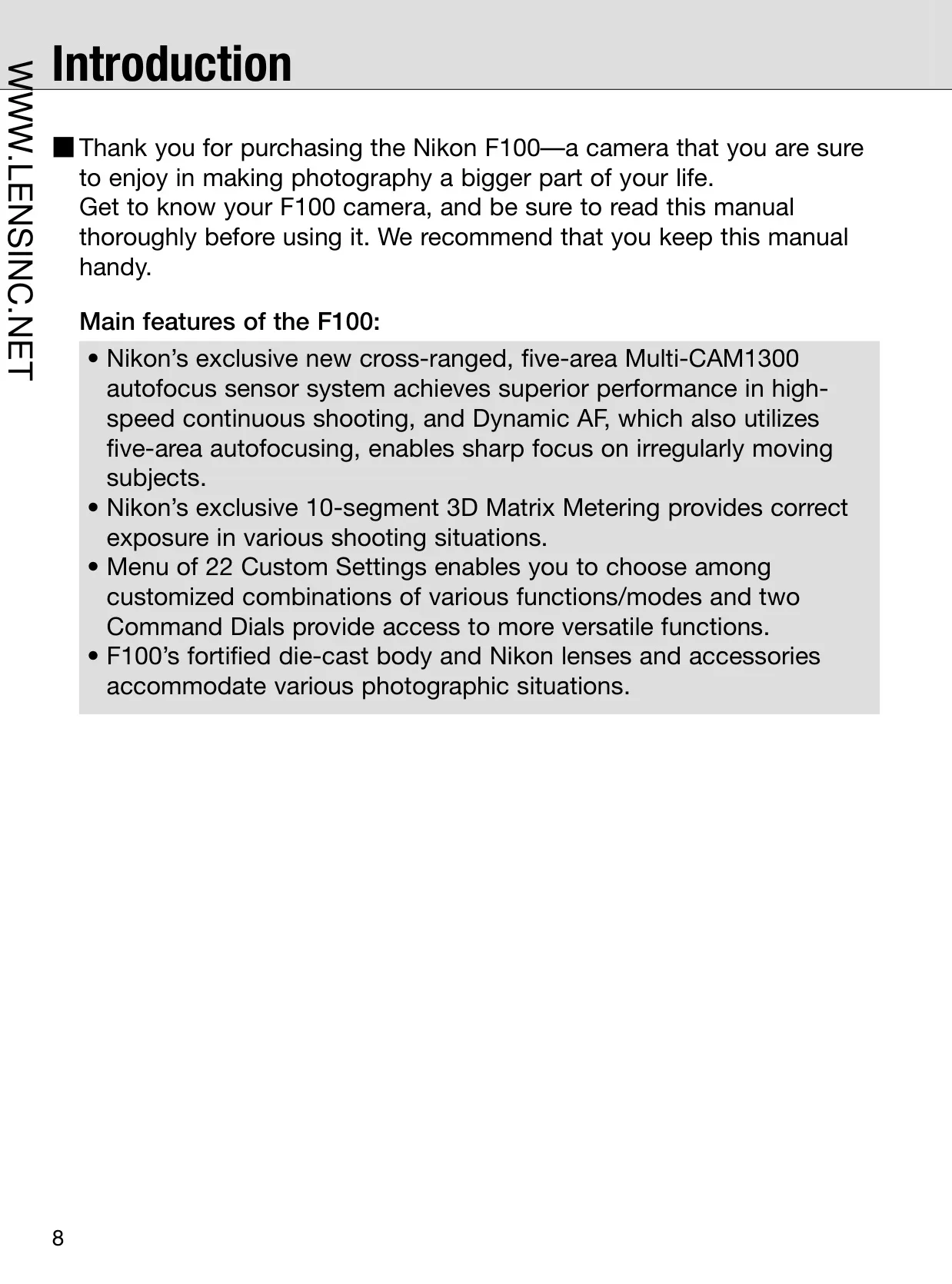
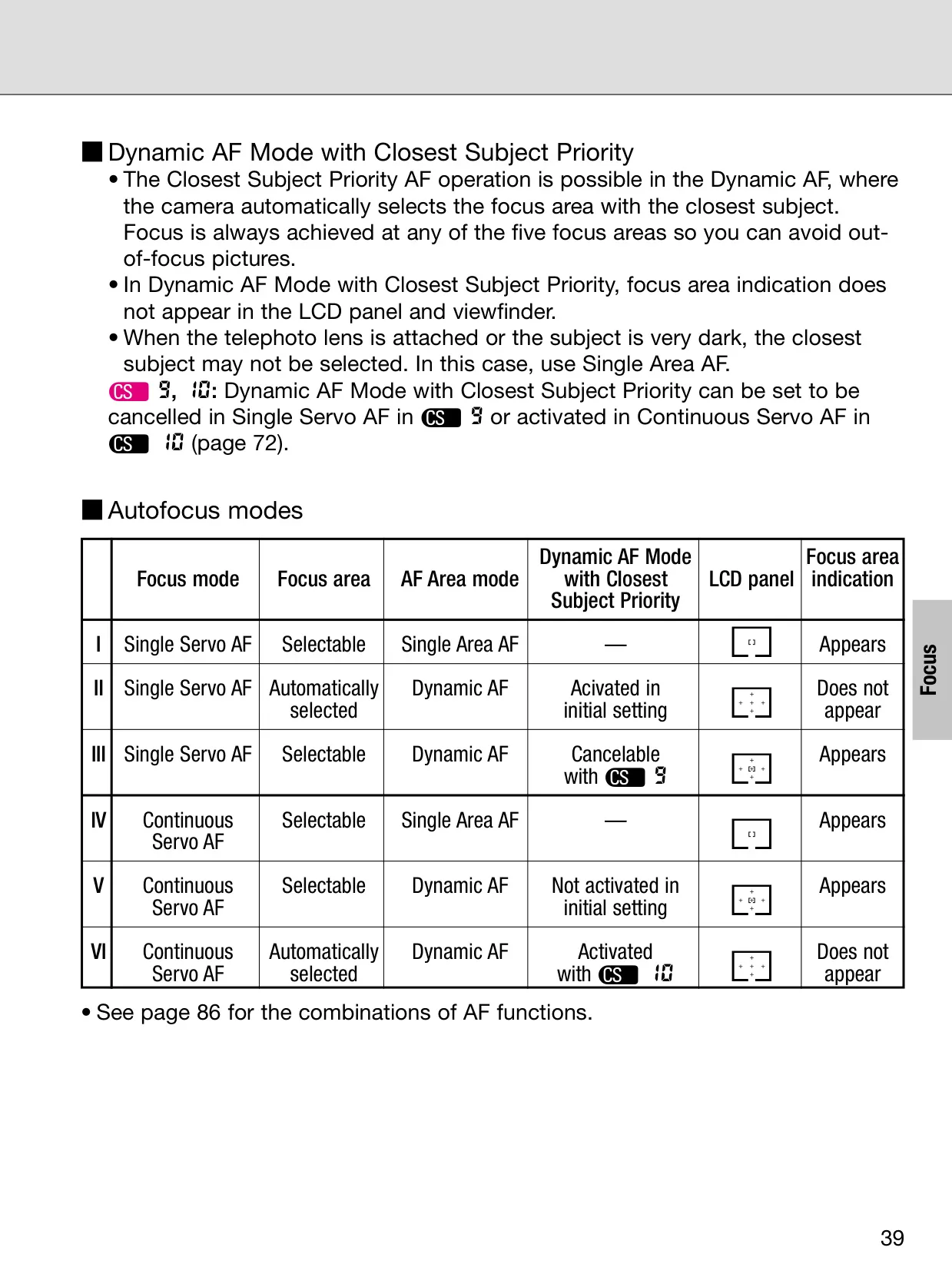
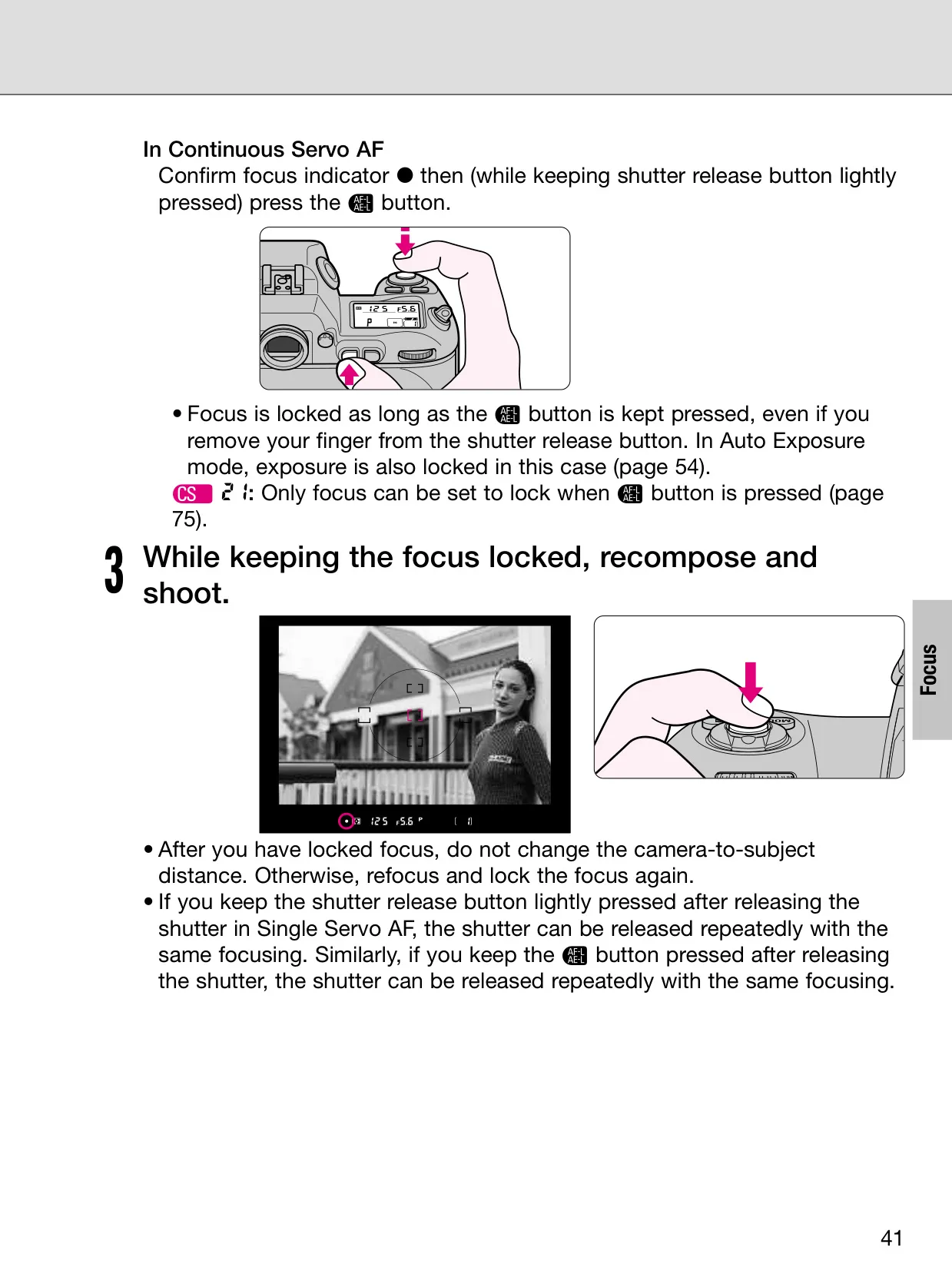
A key differentiator is its advanced autofocus system. While the specifications highlight the Multi-CAM1300 sensor, the manual details specialized modes like Dynamic AF, which uses multiple sensors to track irregularly moving subjects, ensuring sharp focus even as the subject shifts within the frame. This capability is crucial for sports and wildlife photography, significantly improving the chances of capturing elusive moments with precision.
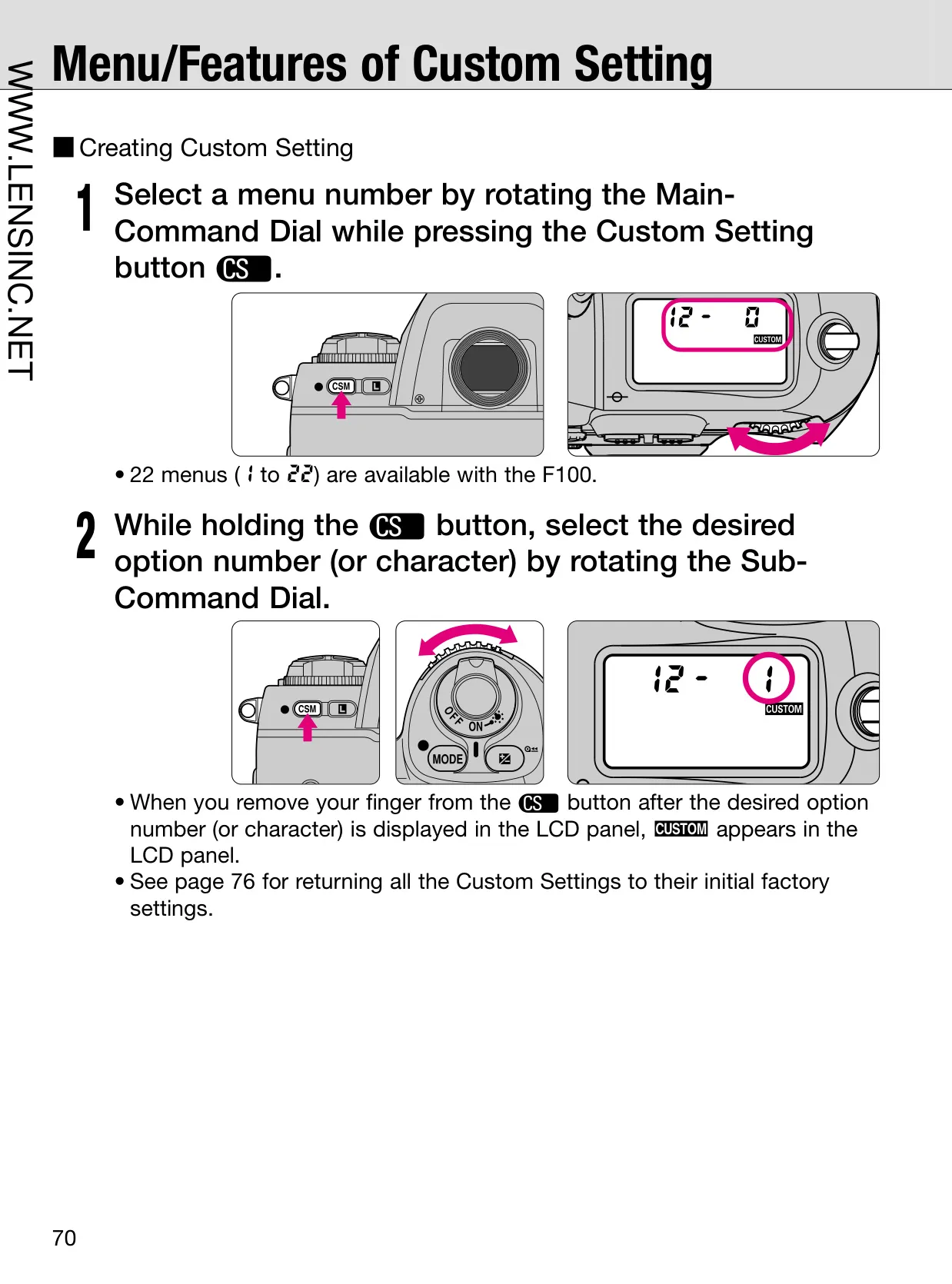
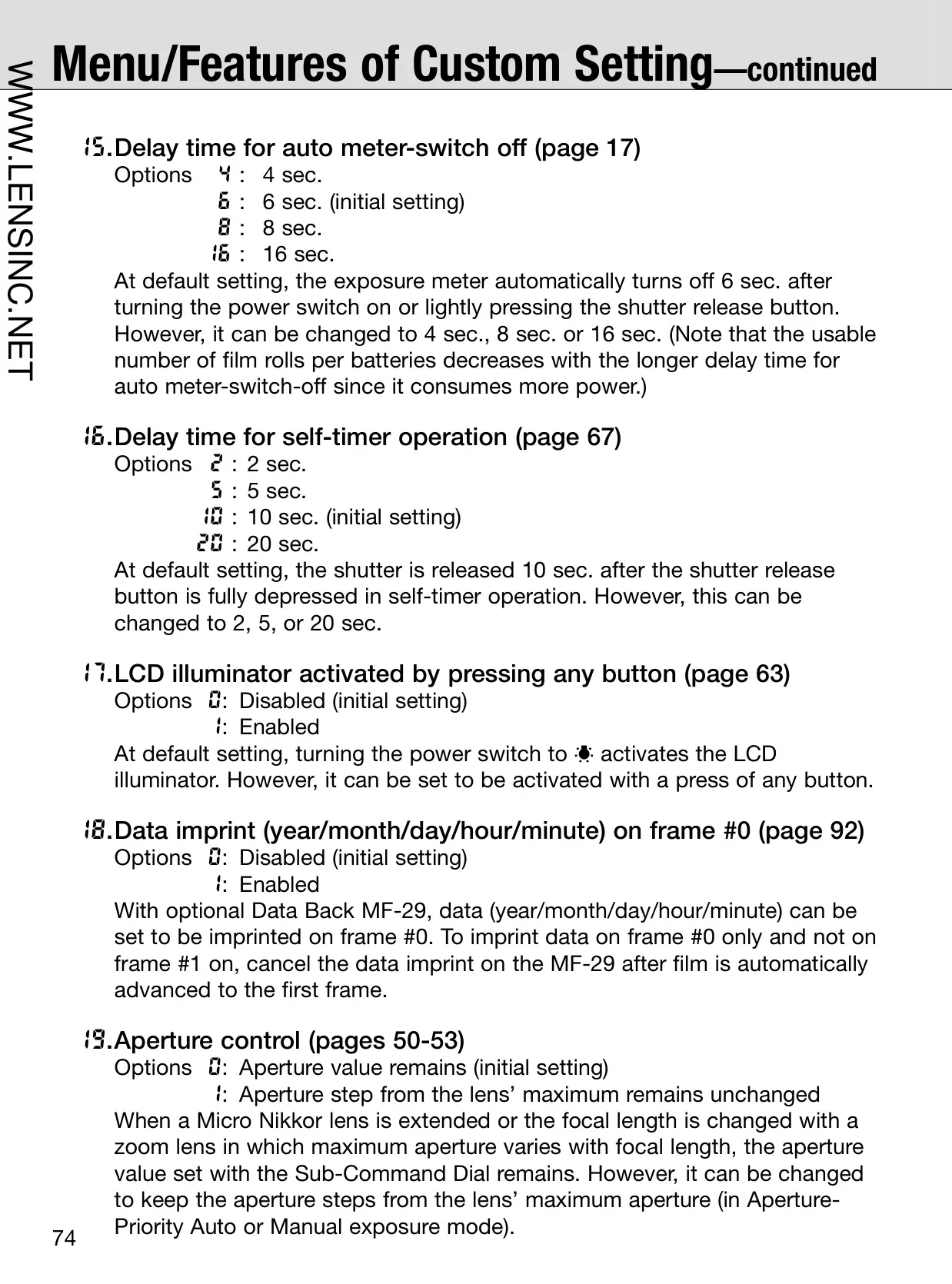
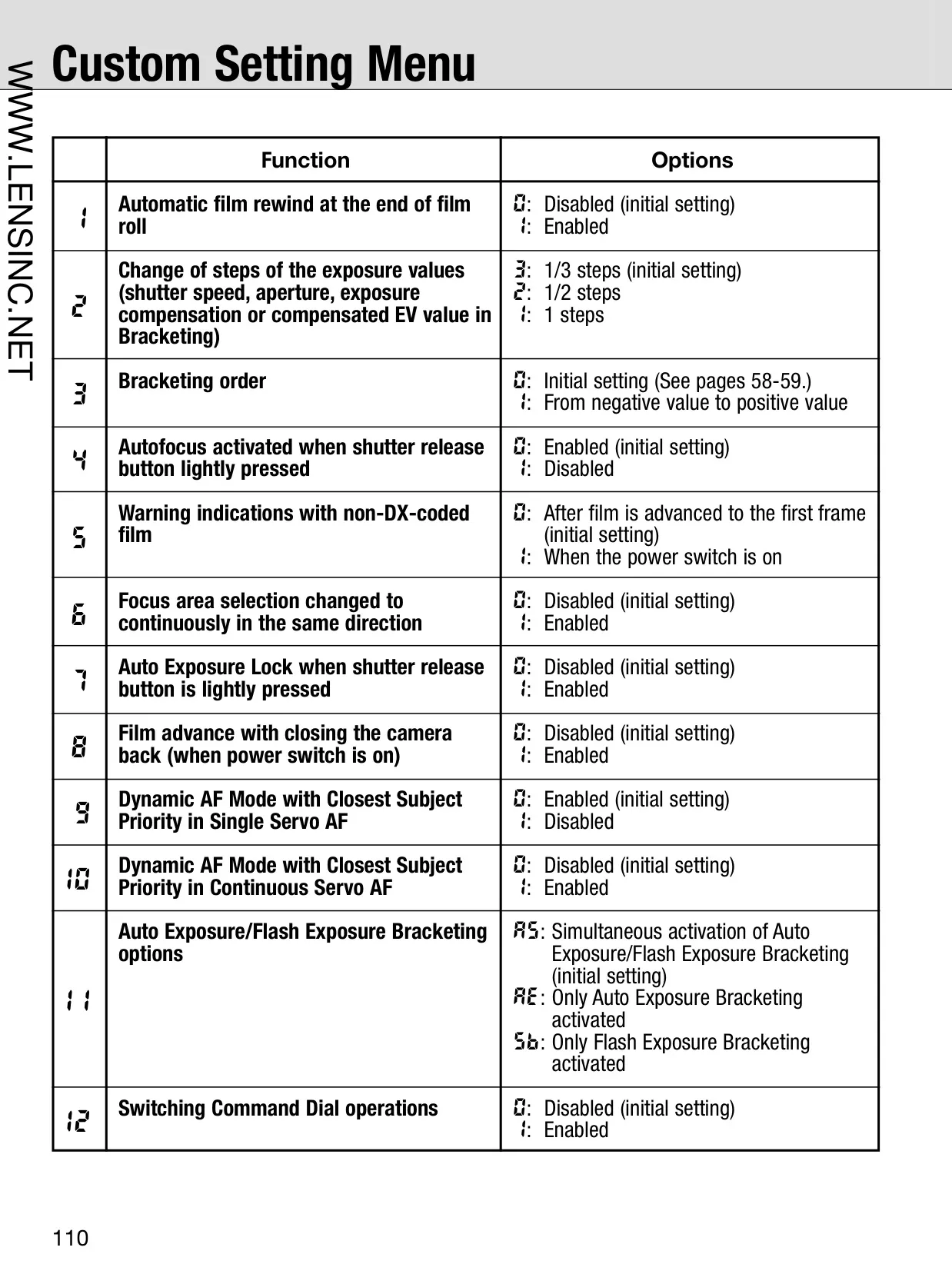
The F100 also features an extensive Custom Setting menu, offering 22 different options to personalize camera operations. These settings allow photographers to tailor various functions, from the duration of the self-timer and the auto meter-switch off delay to the behavior of the AE-L/AF-L button, making the camera adapt to individual shooting styles and preferences.
For exposure control, beyond the basic modes, the F100 includes Flexible Program in Programmed Auto mode, which allows photographers to adjust shutter speed and aperture combinations while maintaining optimal exposure. This offers creative control akin to Shutter-Priority or Aperture-Priority modes, indicated by an asterisk on the LCD panel, and can be easily reset.
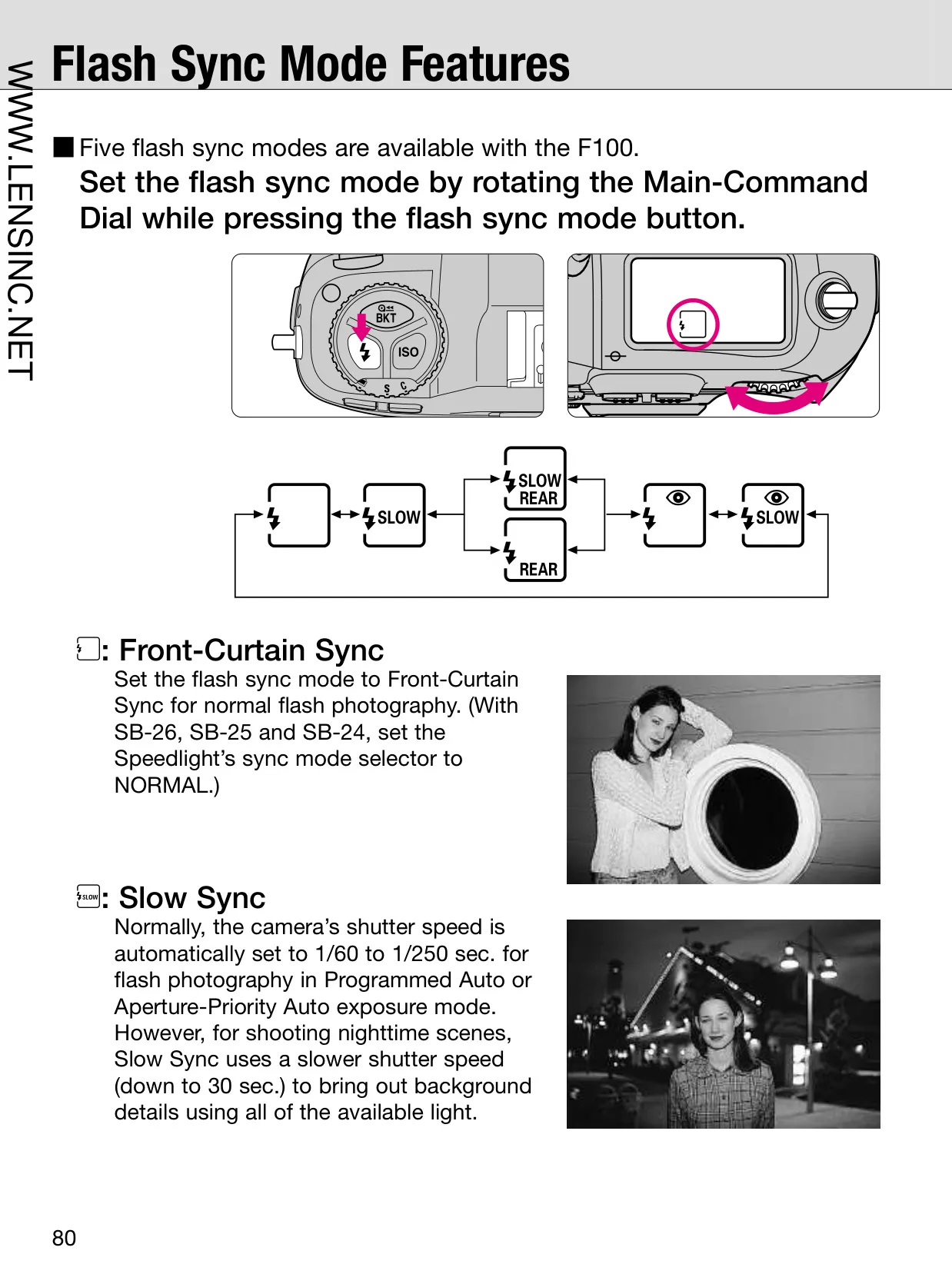
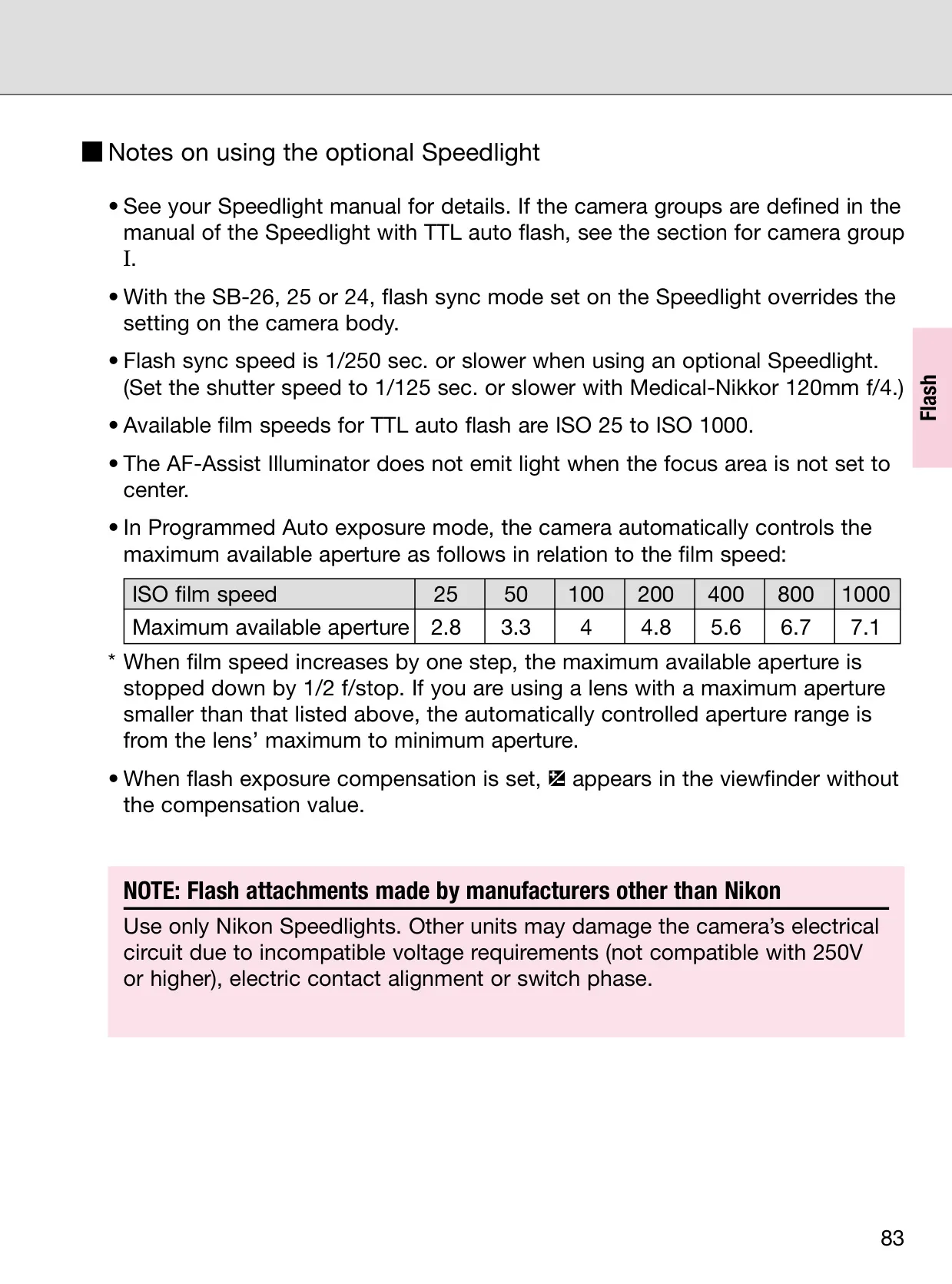
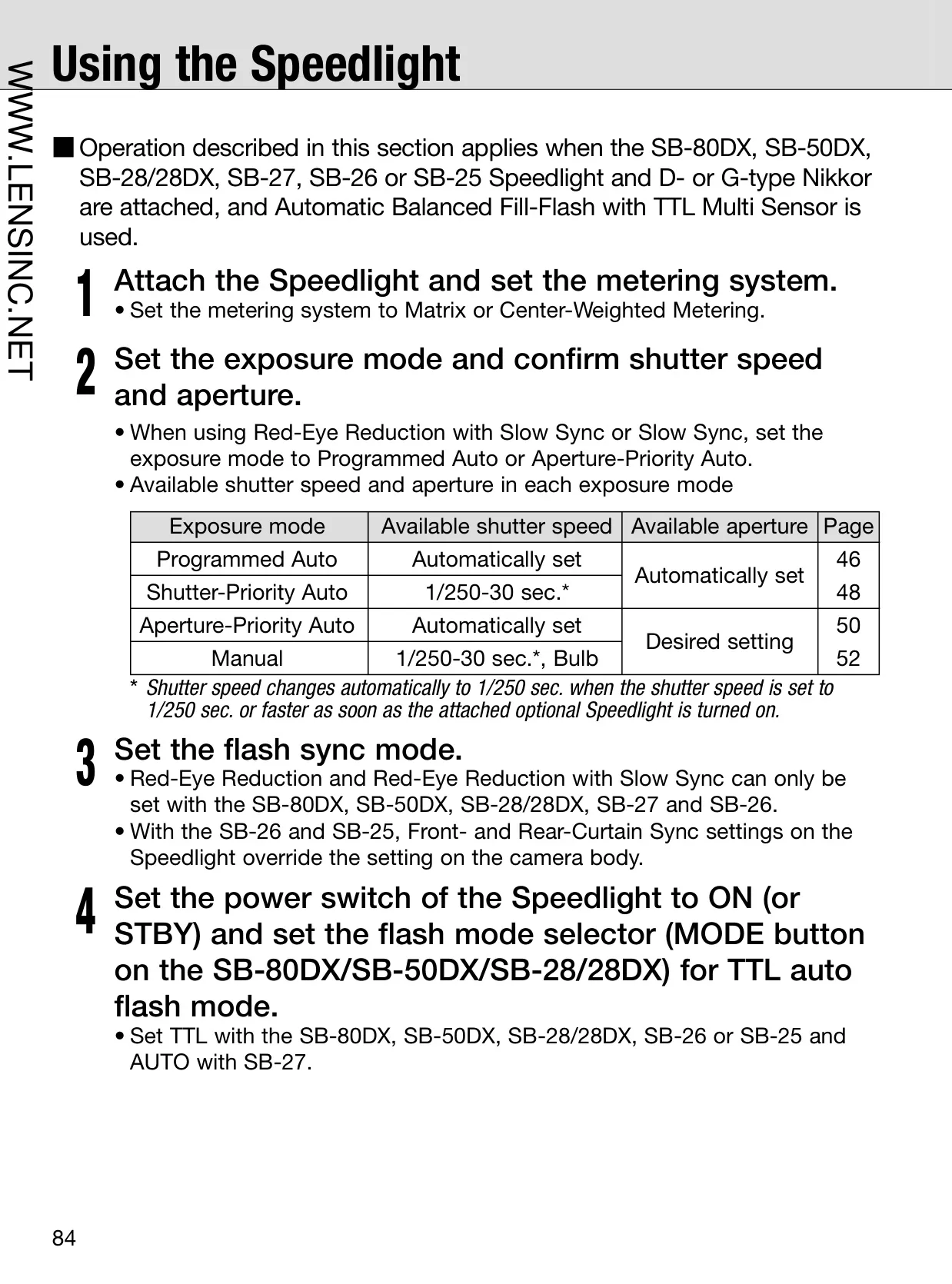
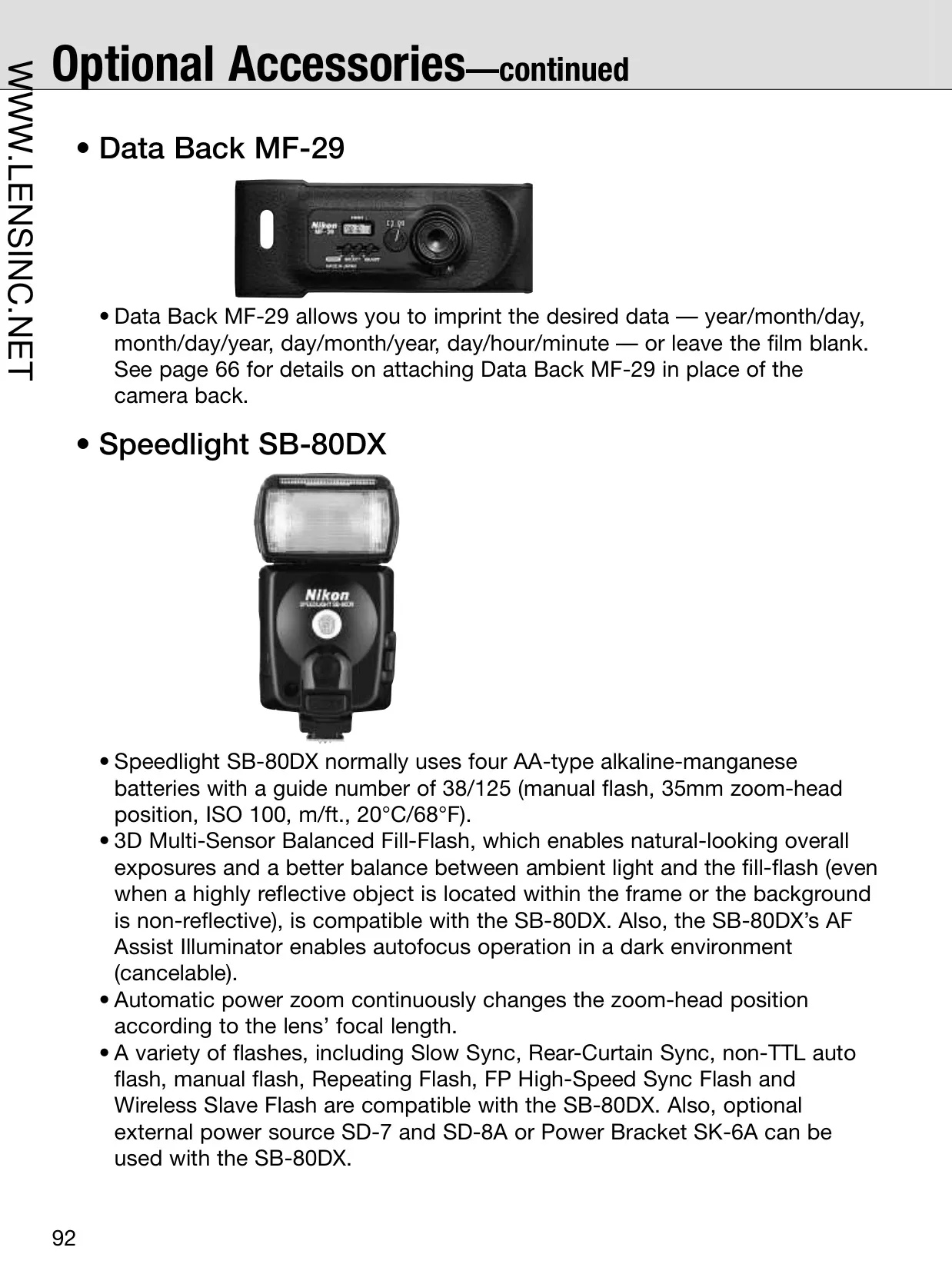
The camera's flash photography capabilities are equally impressive, supporting various TTL Auto Flash modes. With D- or G-type Nikkor lenses and compatible Speedlights, it performs 3D Multi-Sensor Balanced Fill-Flash, which accounts for subject distance and ambient light to create naturally balanced flash exposures, minimizing harsh shadows and overexposed subjects.
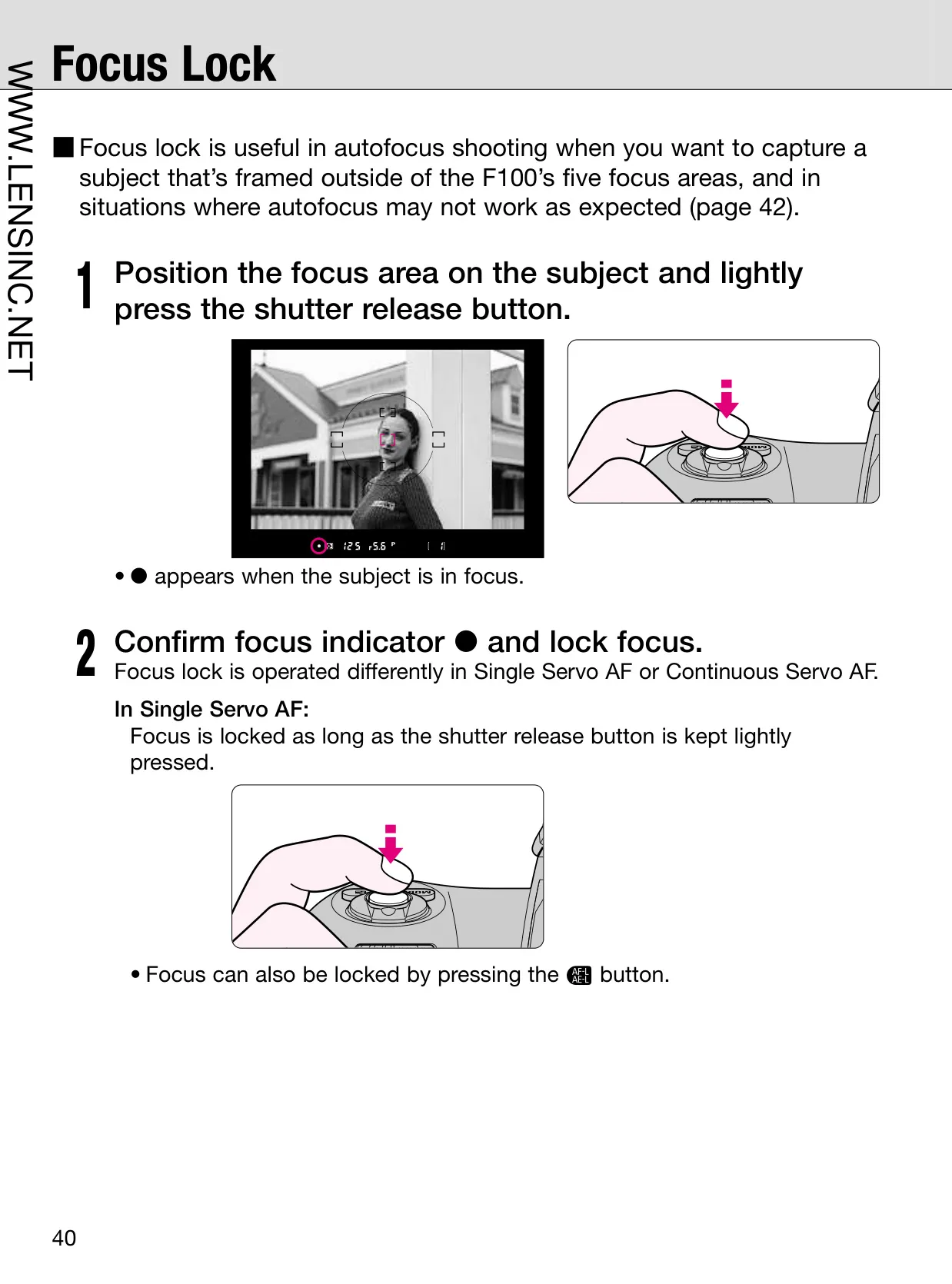
Unique operational insights are also provided, such as the film plane indicator for precise close-up photography measurements, and the depth-of-field preview button for visually assessing focus areas. The manual also outlines specific scenarios where autofocus might struggle, advising manual focus or focus lock techniques for challenging subjects like very dark or low-contrast scenes, or patterned subjects.
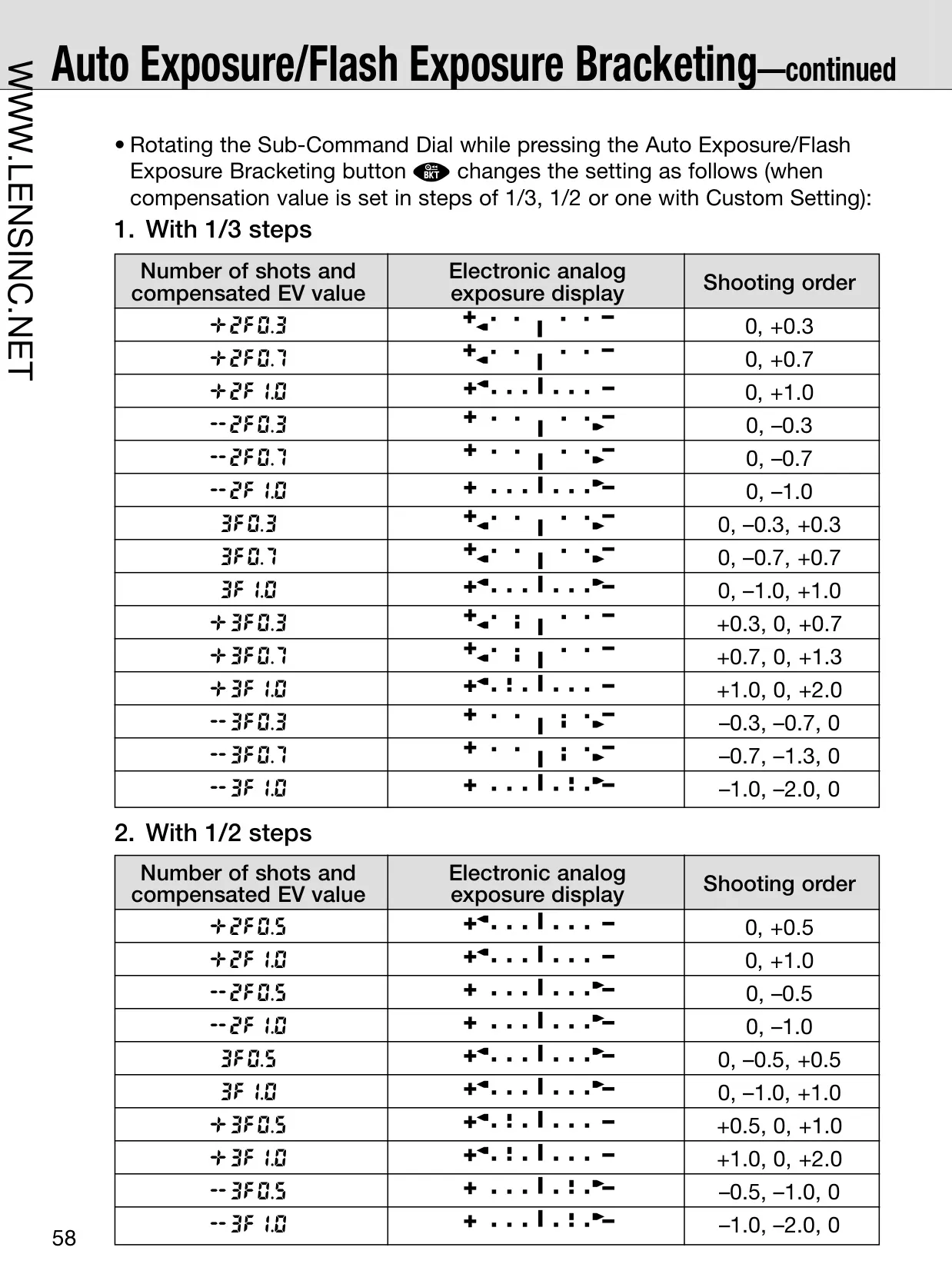
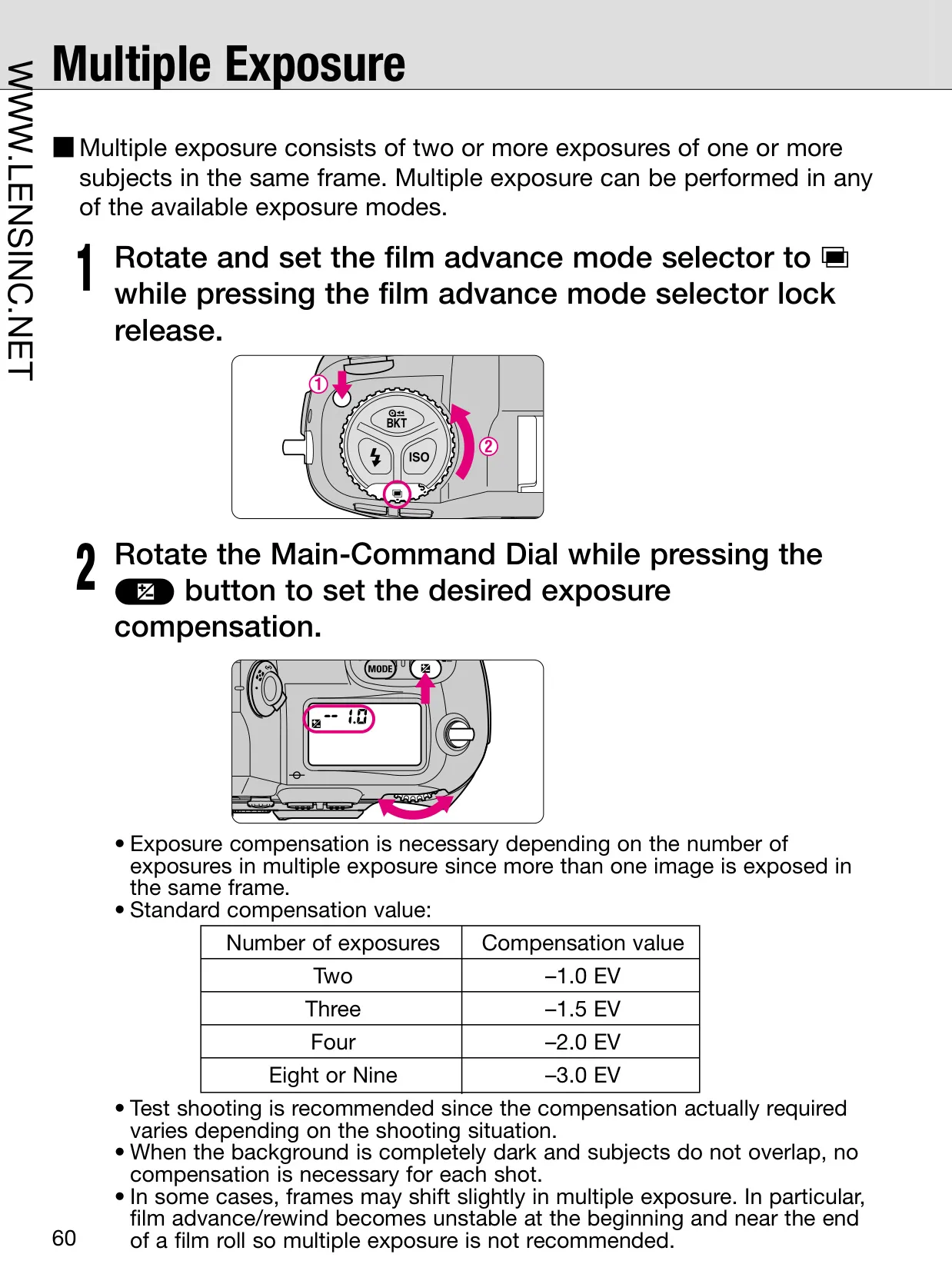
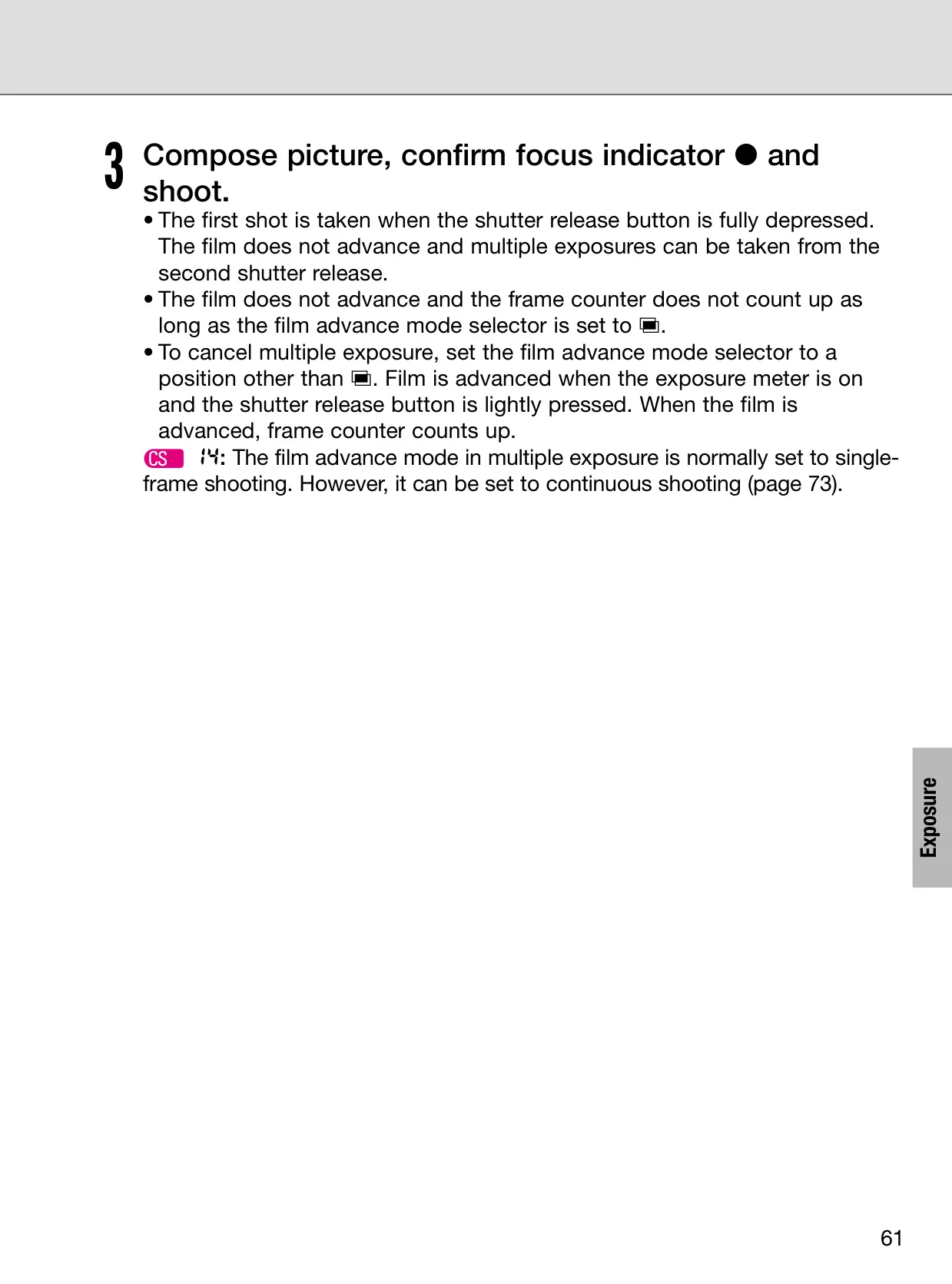
Additionally, the F100 boasts Multiple Exposure functionality, allowing photographers to combine several images into a single frame, a creative technique often requiring exposure compensation. The camera also supports Long Time Exposure (Bulb) for extended exposures beyond 30 seconds, ideal for astrophotography or night scenes, recommending tripod use for stability.
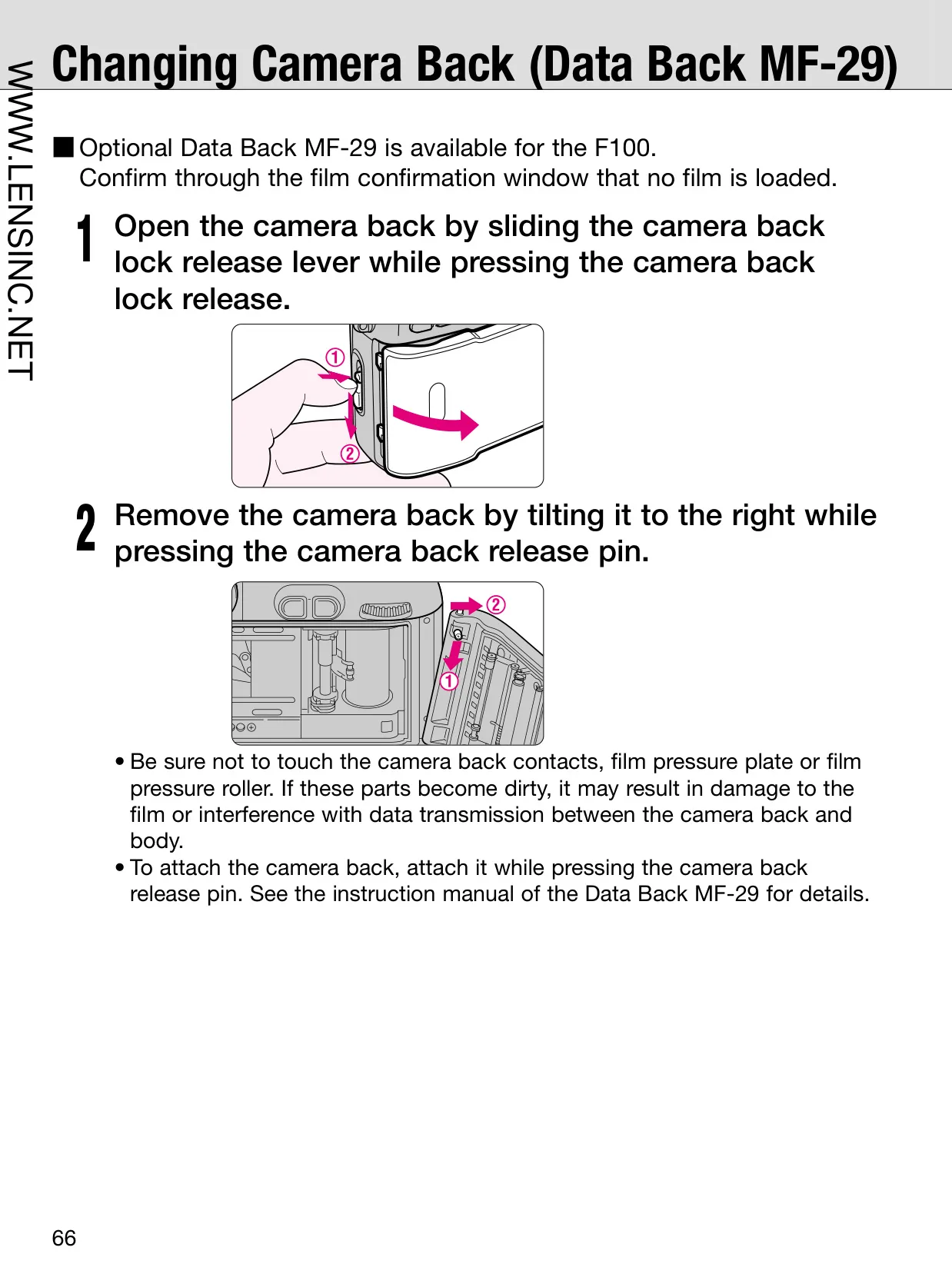
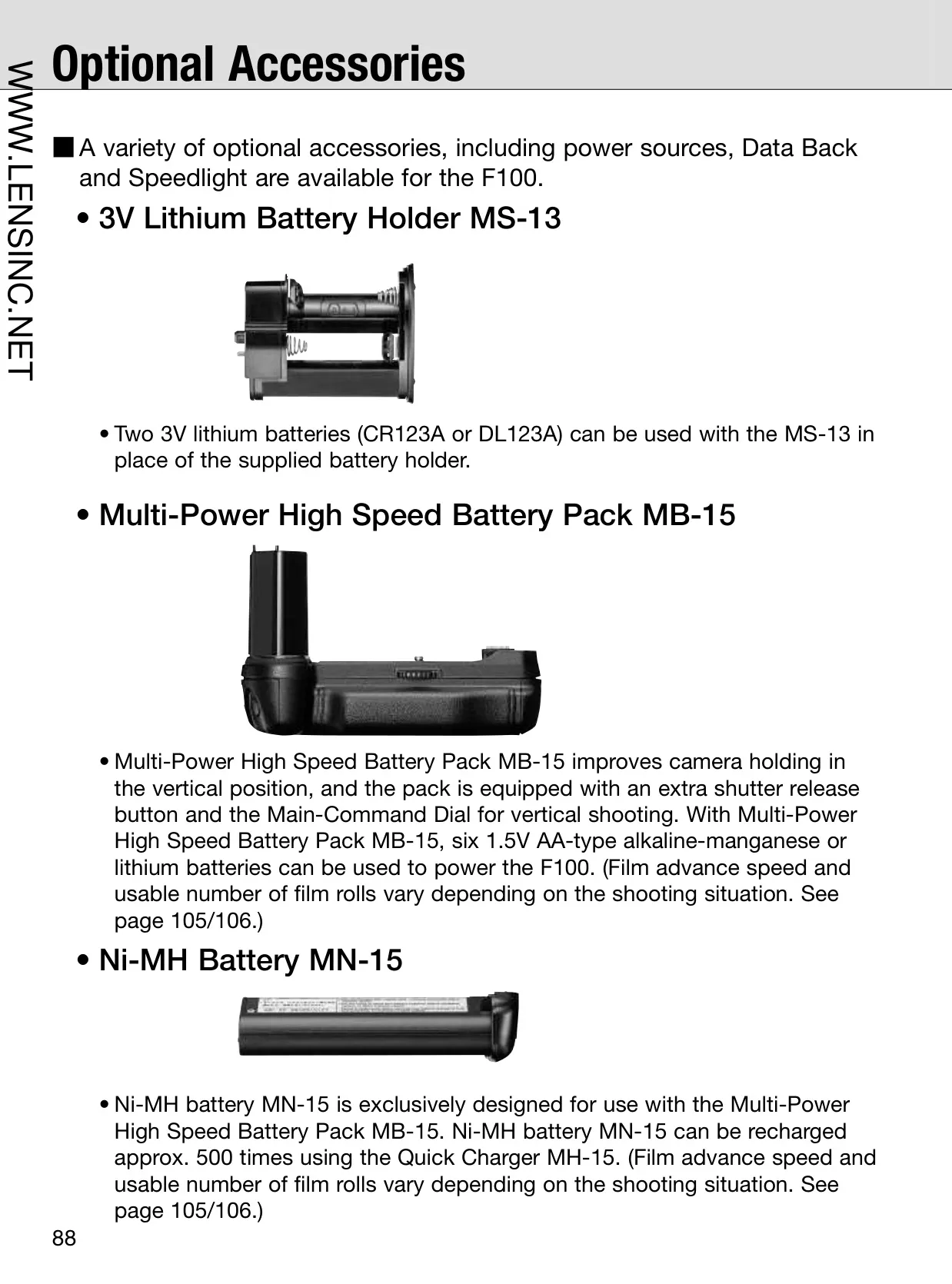
Power management is flexible, with options ranging from standard AA batteries in the supplied holder to a Multi-Power High Speed Battery Pack MB-15 for extended shooting and improved vertical ergonomics. This pack even includes an additional shutter release button and Main-Command Dial for comfortable portrait-oriented shots, catering to professional workflow demands.
Frequently Asked Questions (FAQs)
Can't find the answer you need? Here are some frequently asked questions about the Nikon F100 Analog SLR Camera, and we answer them below.