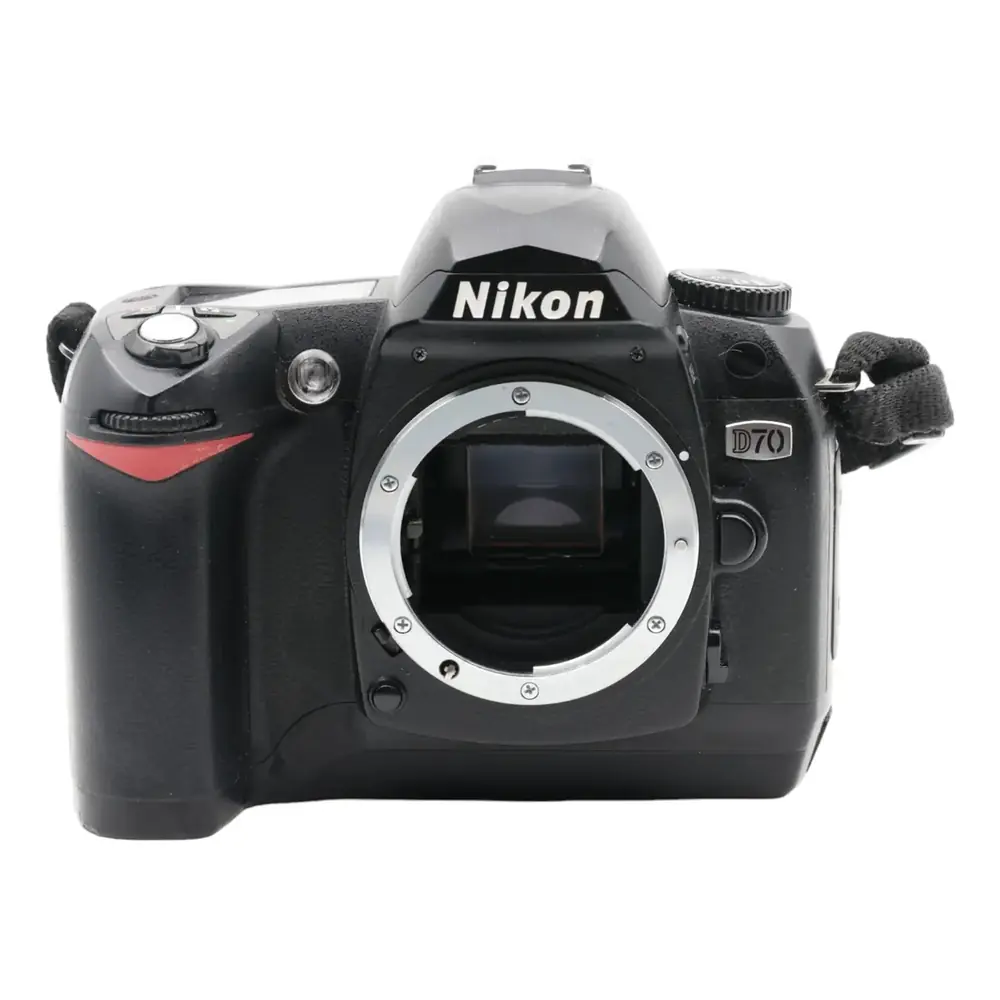
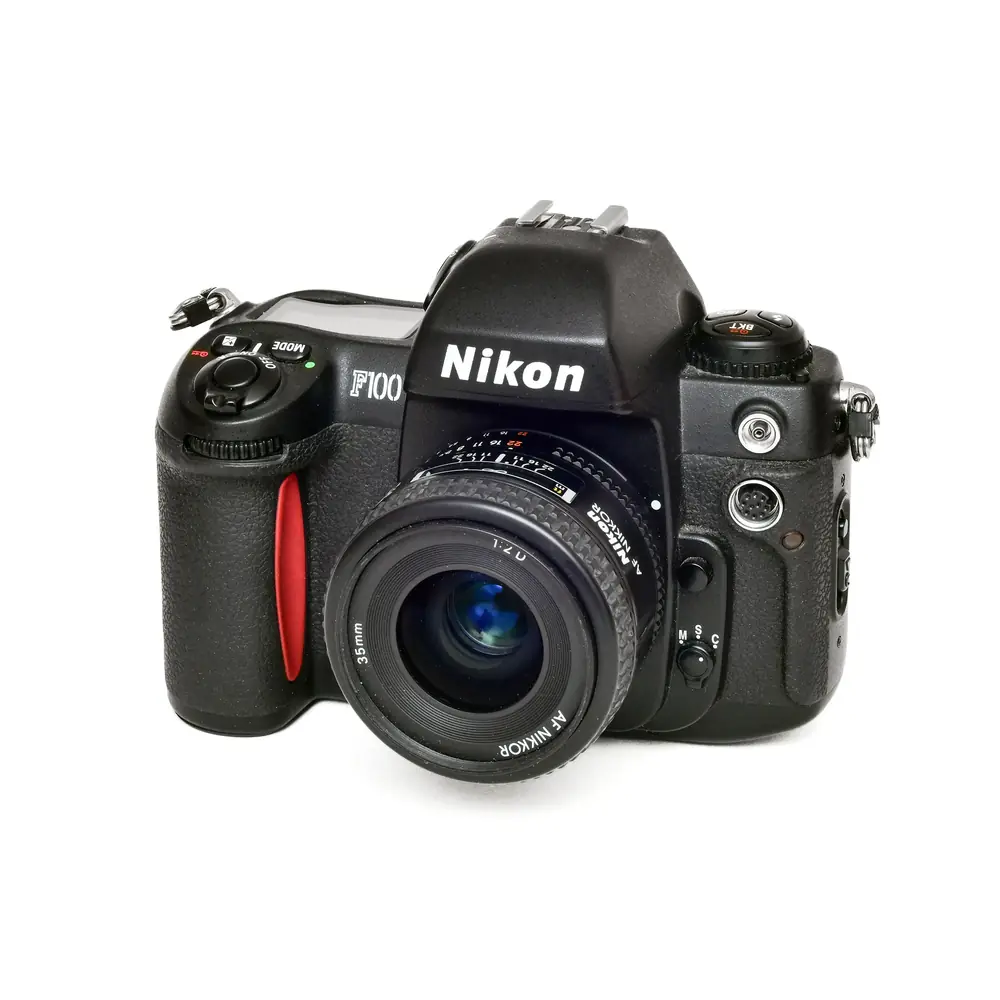
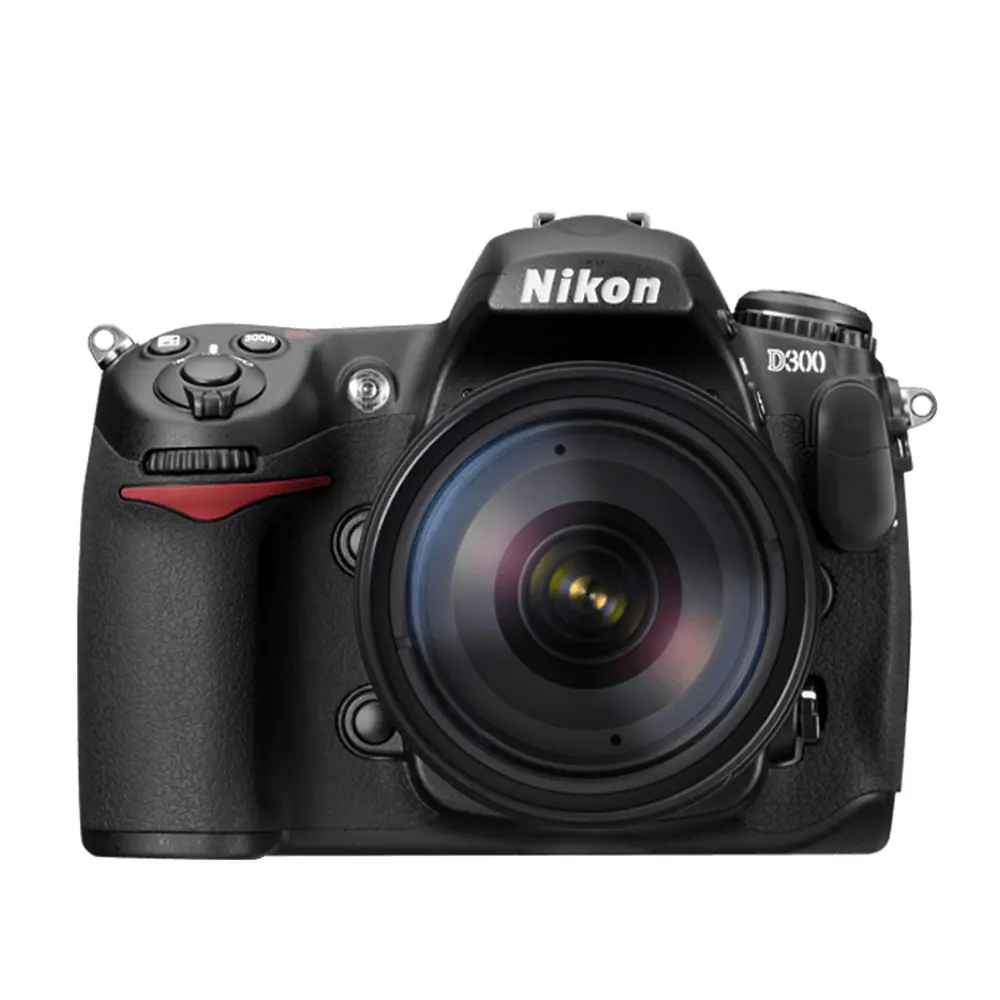
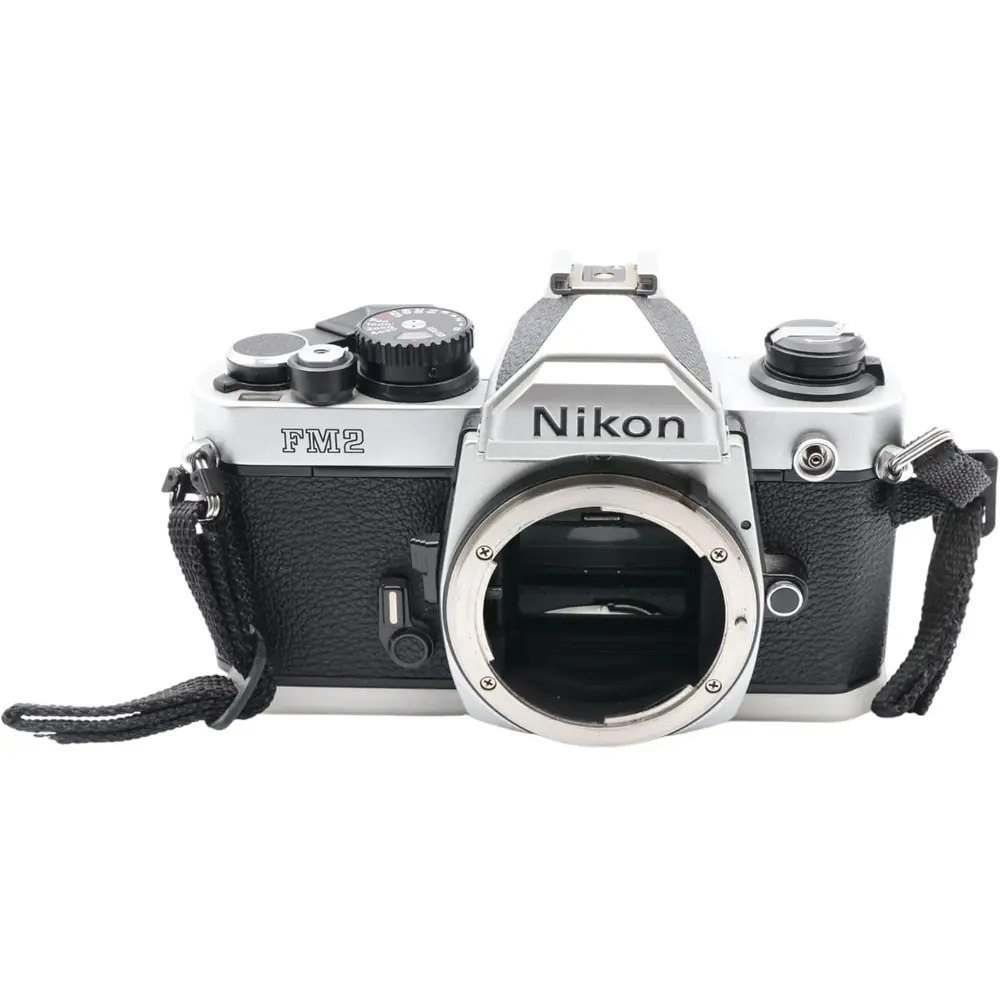
Nikon Coolpix P510 DSLR Camera Instruction Manual
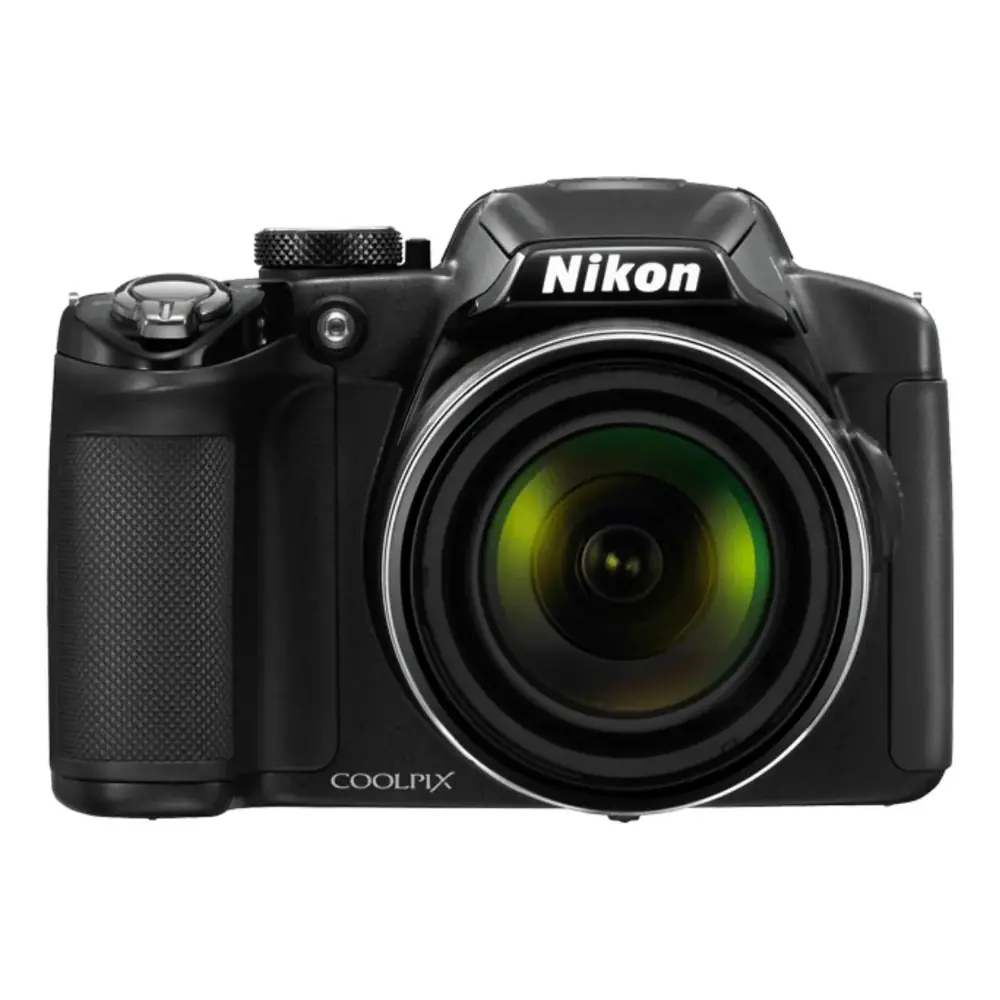
Nikon Coolpix P510 DSLR Camera
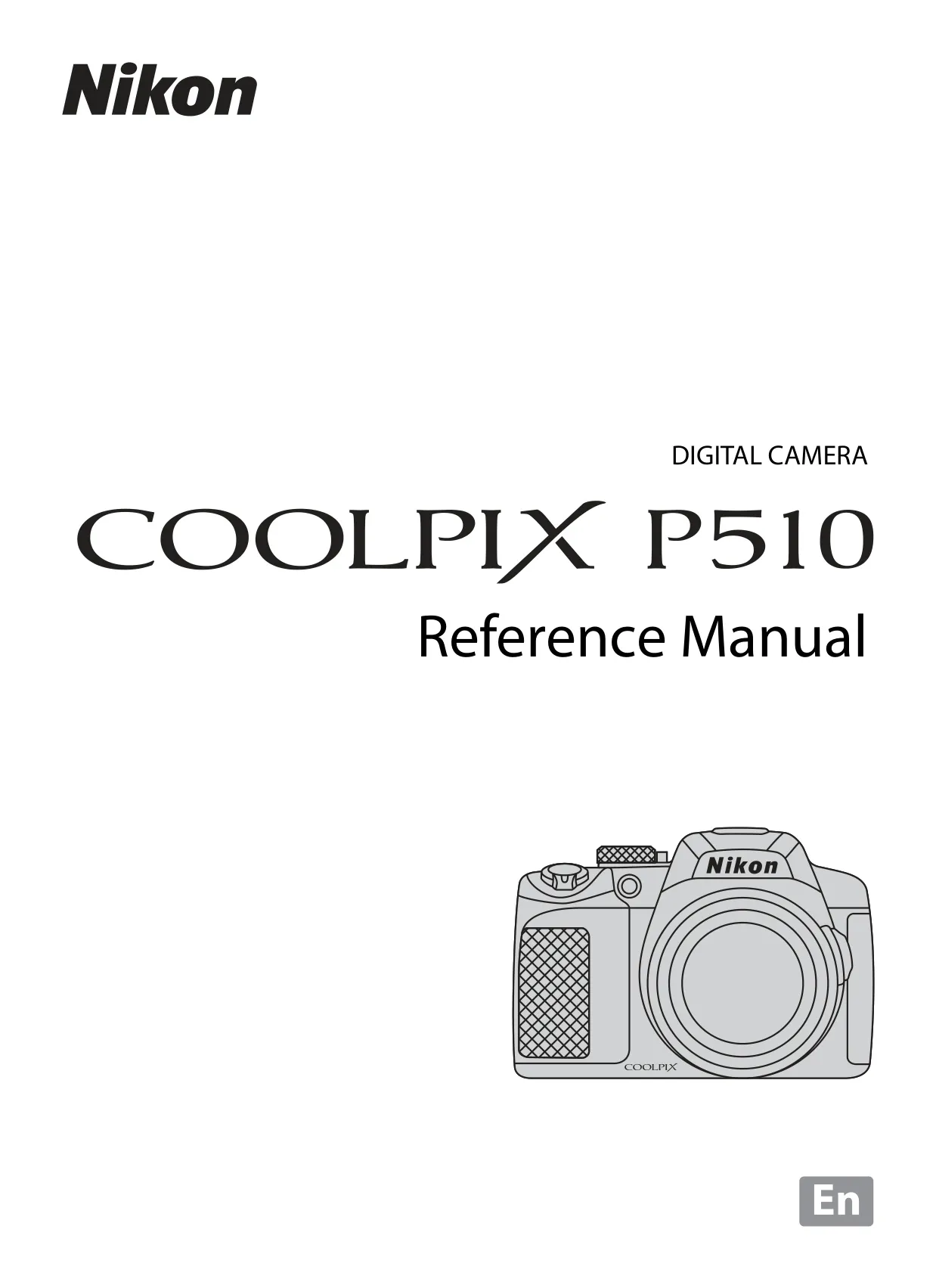





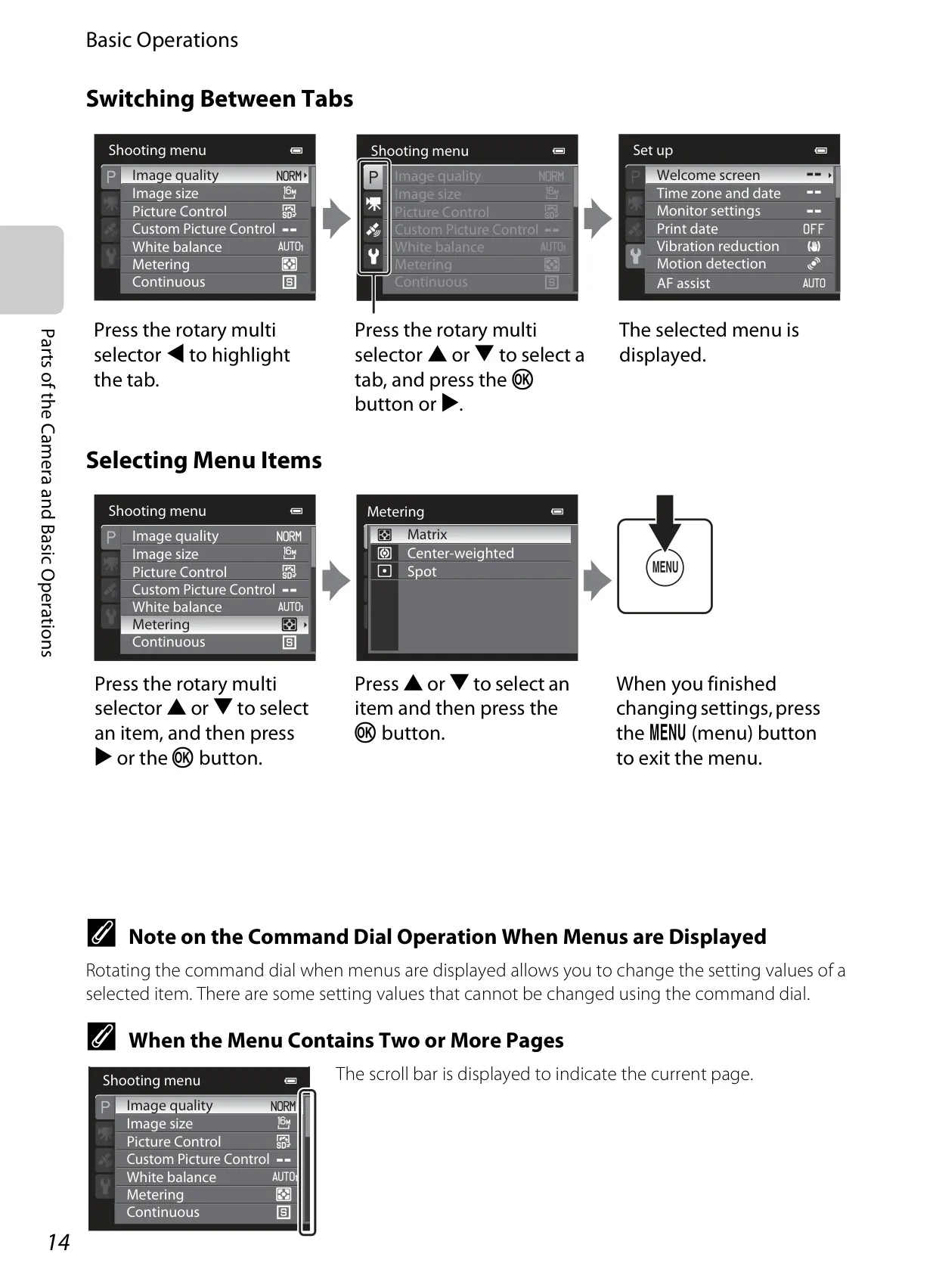
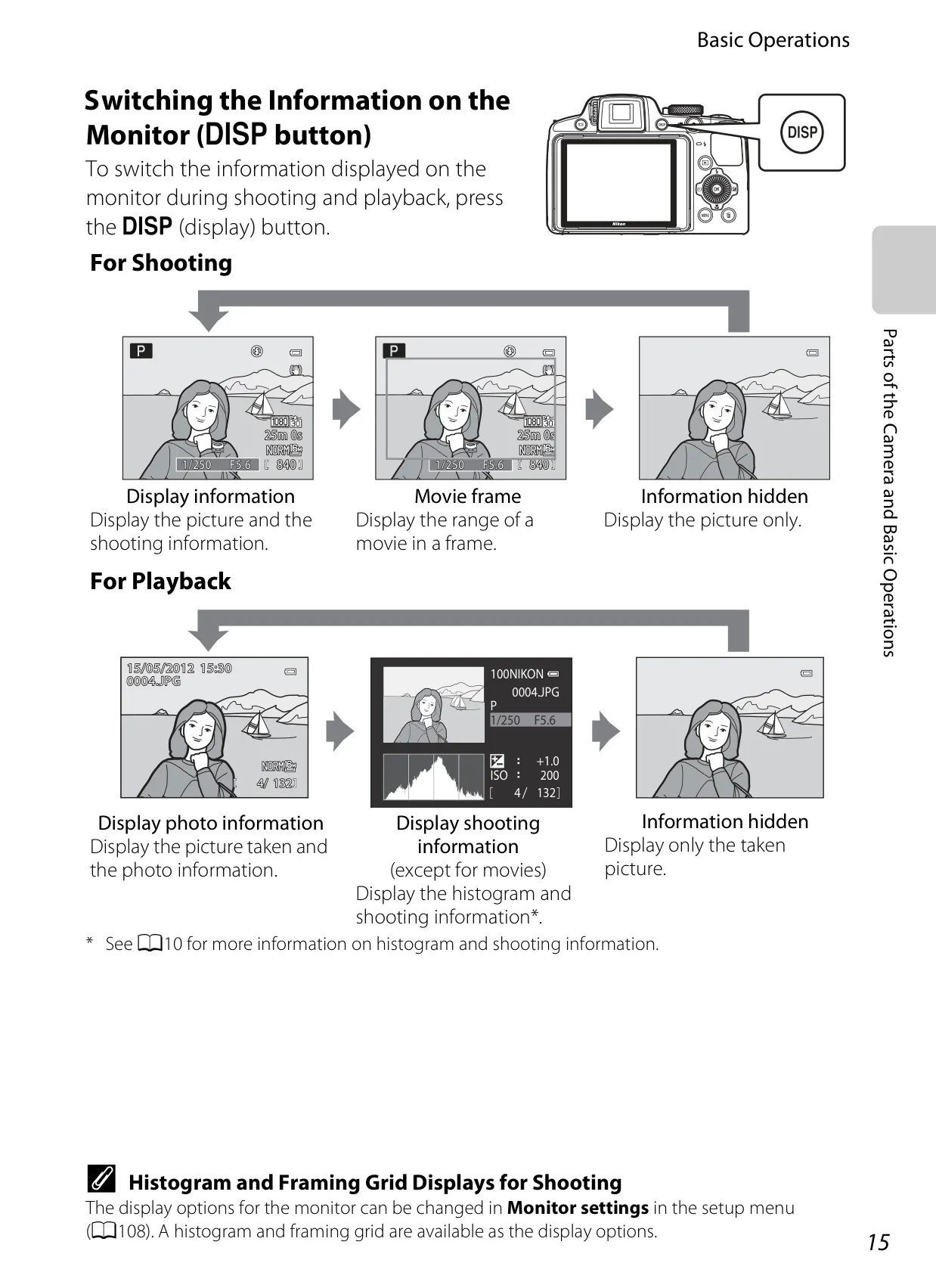

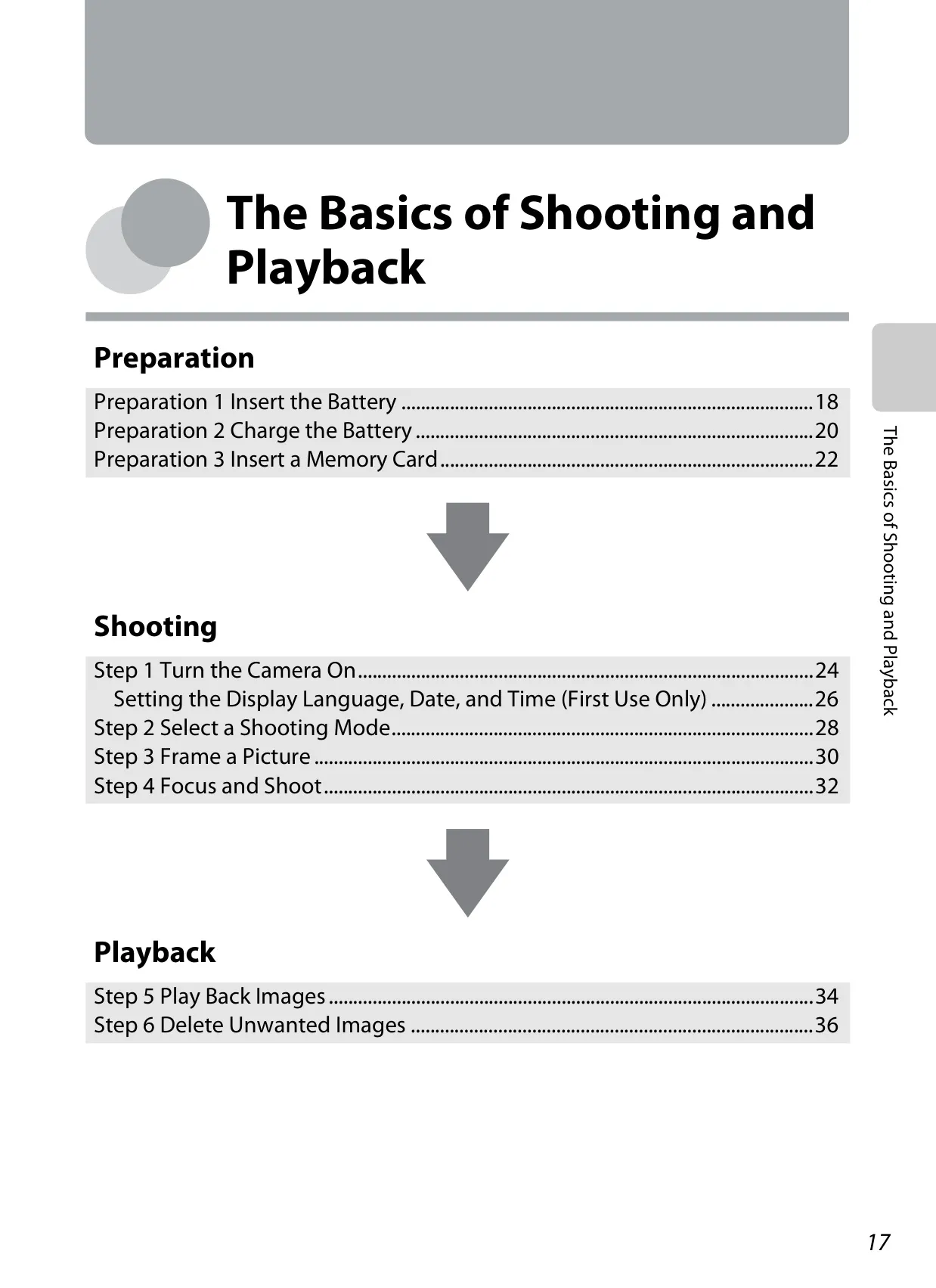


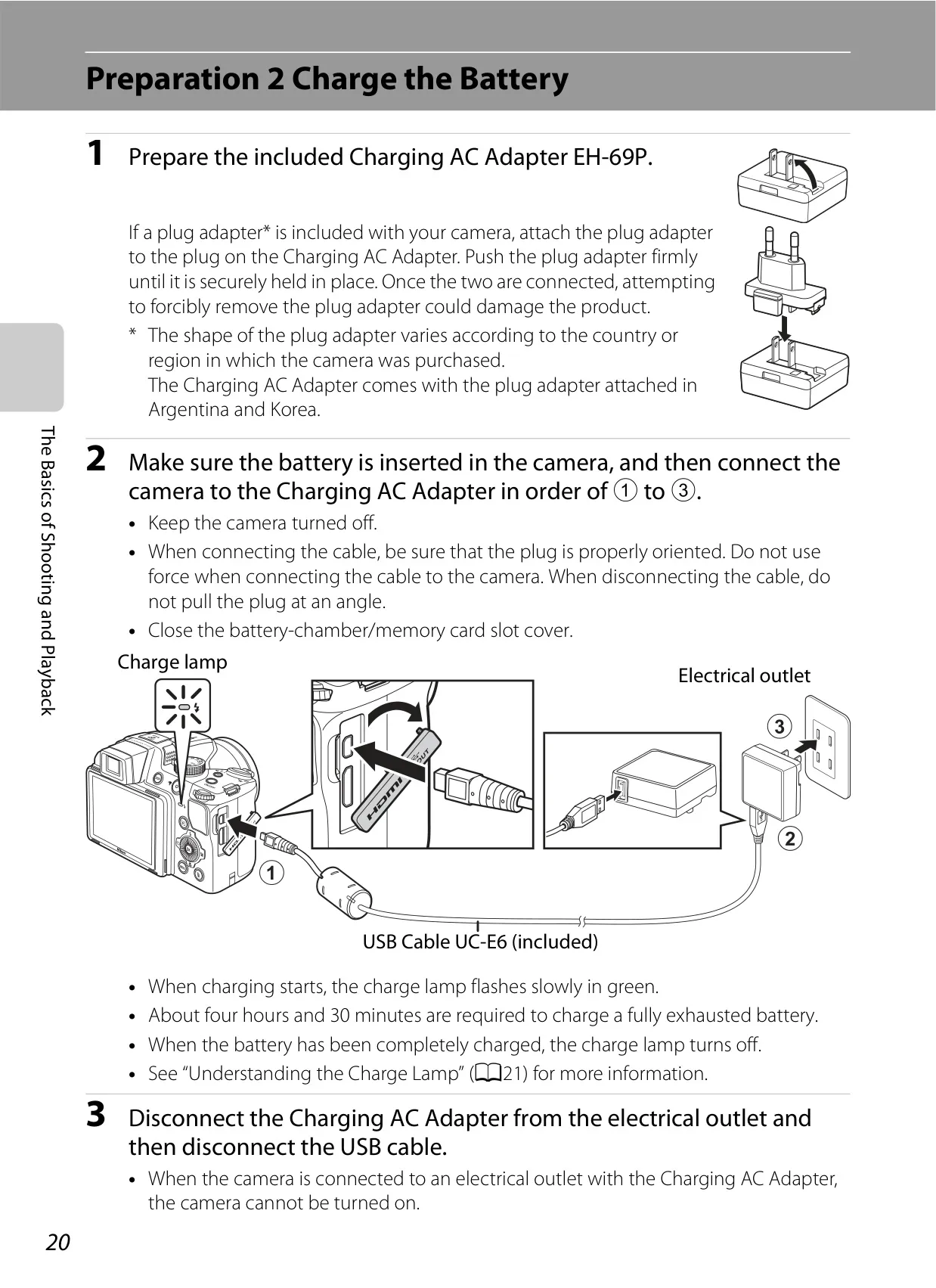




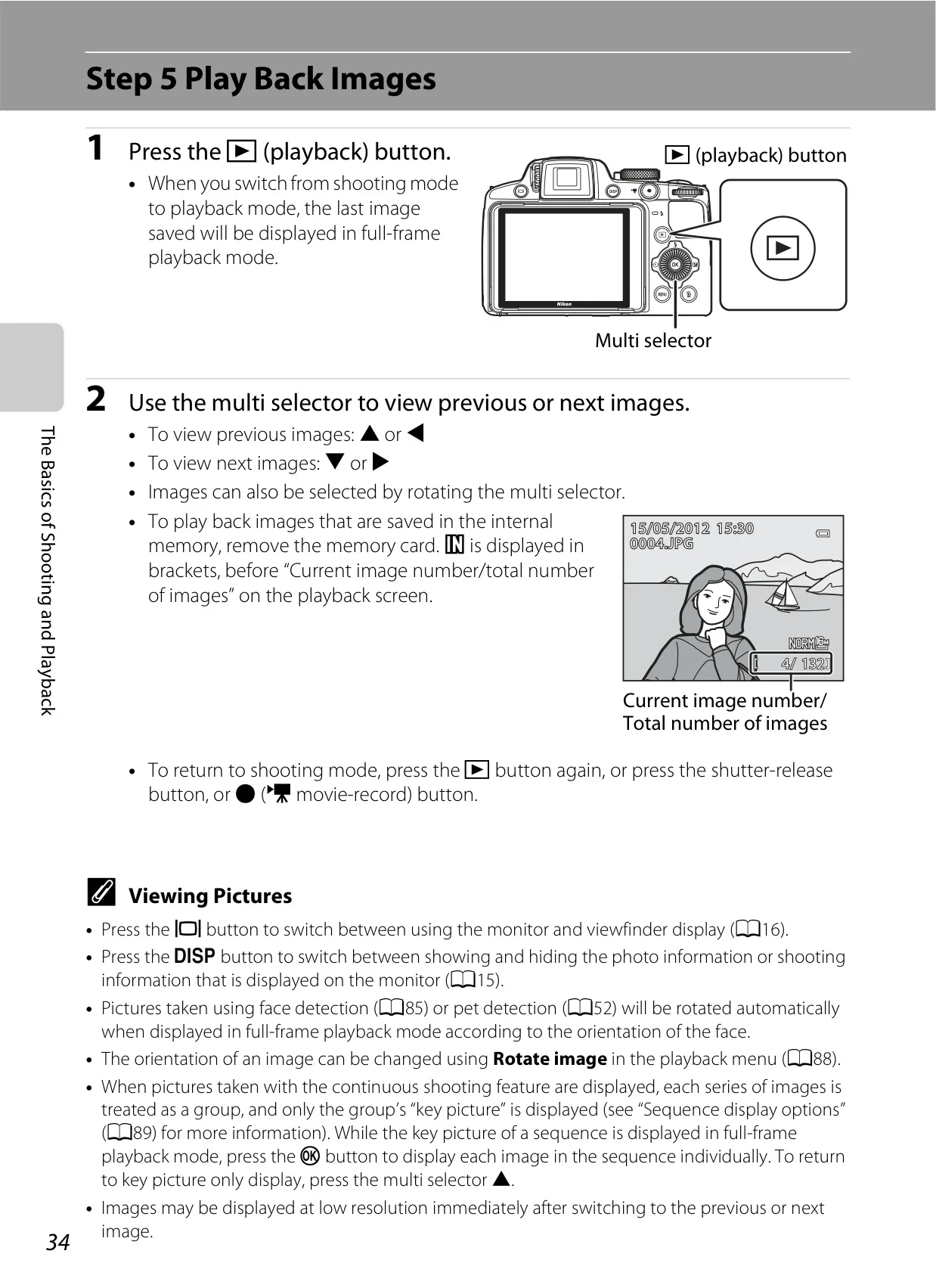
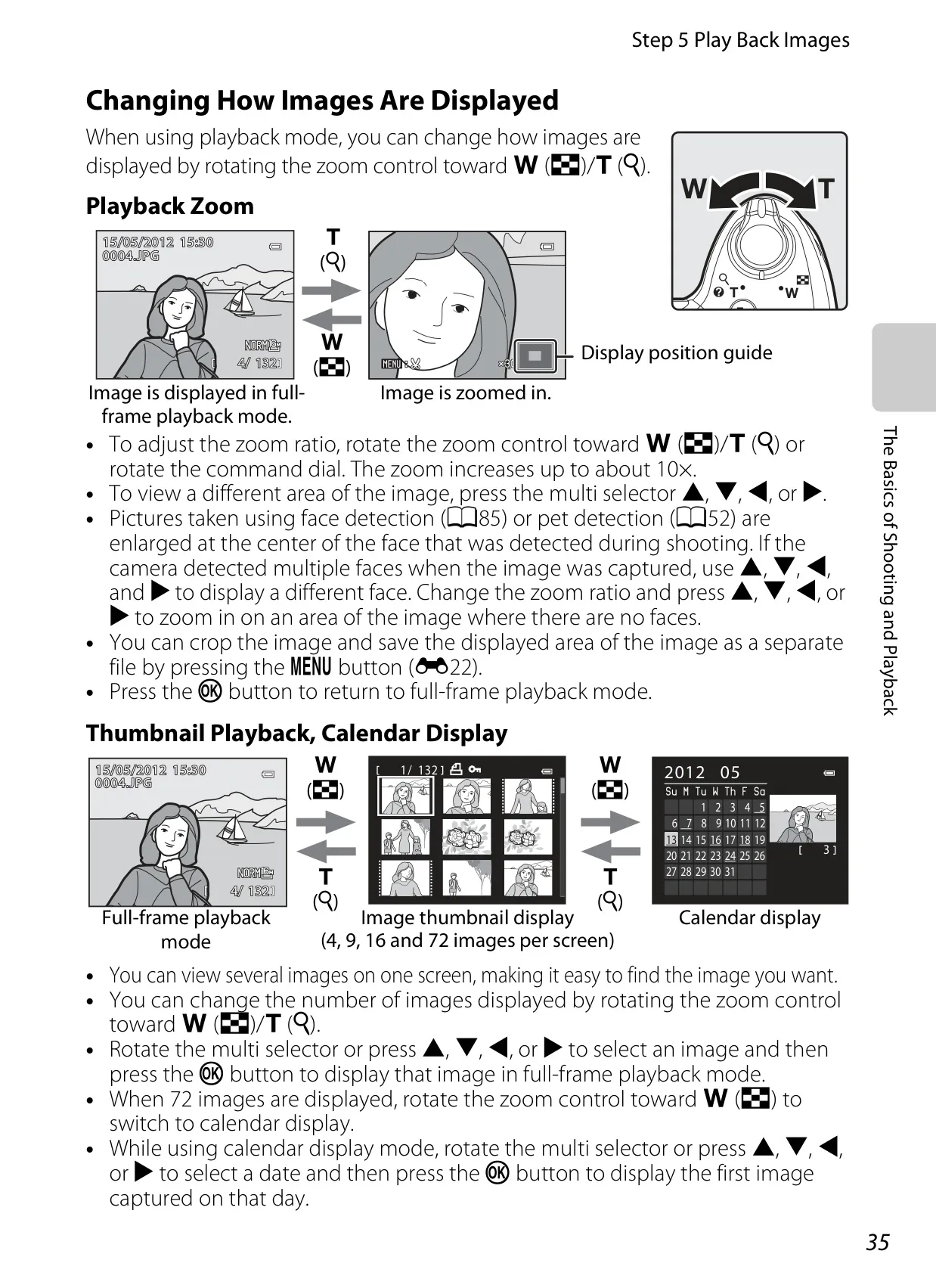
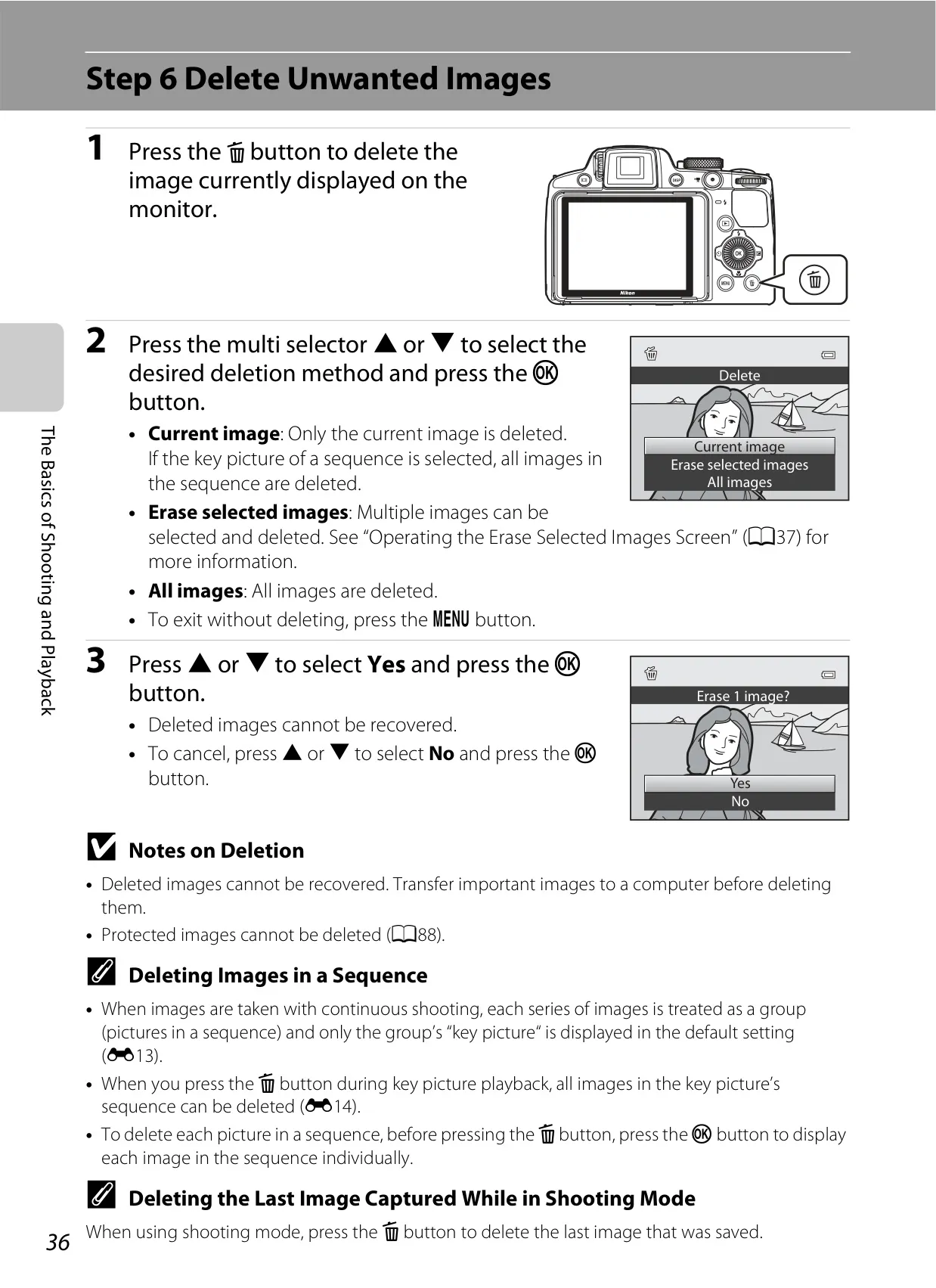


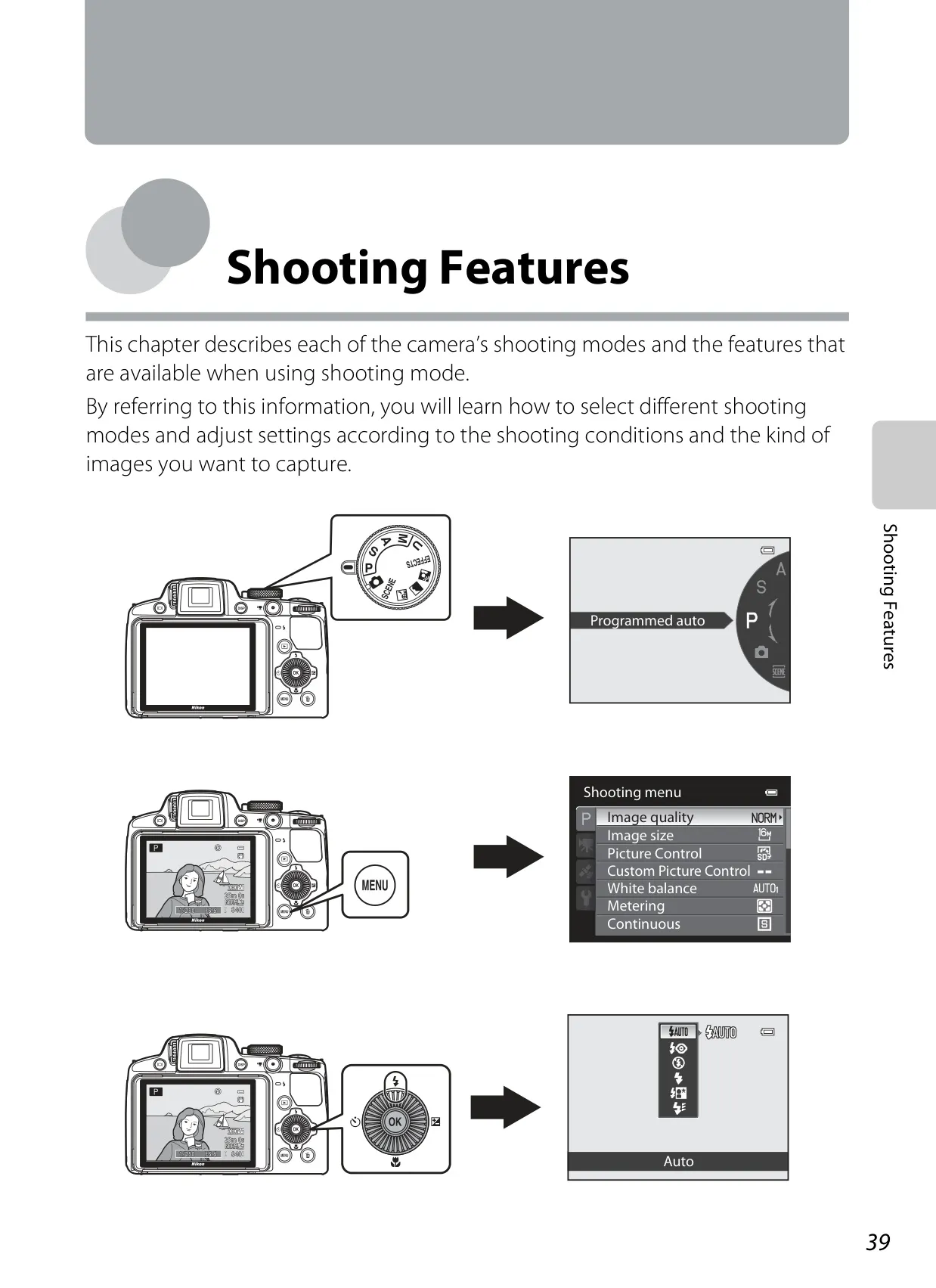
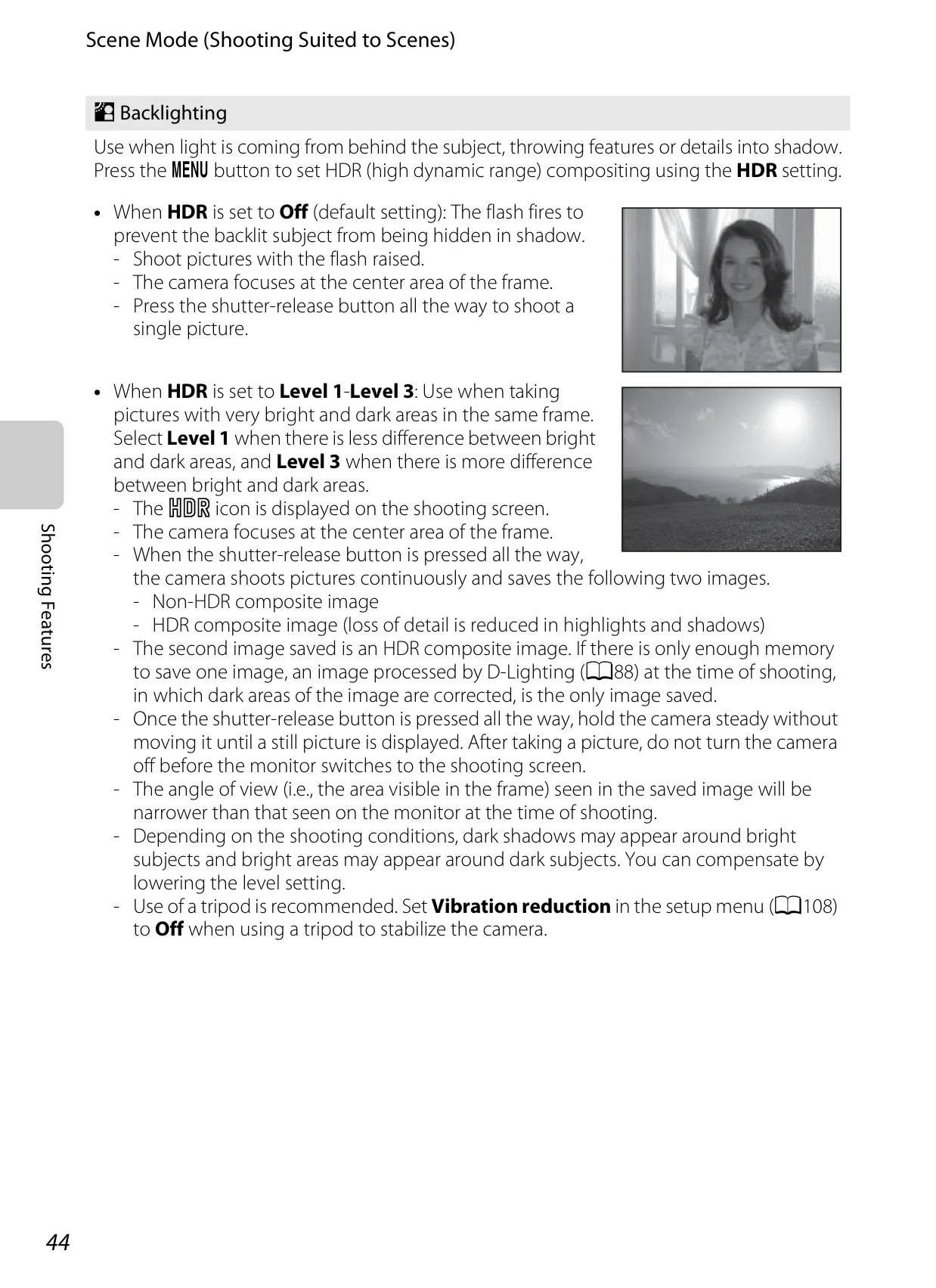
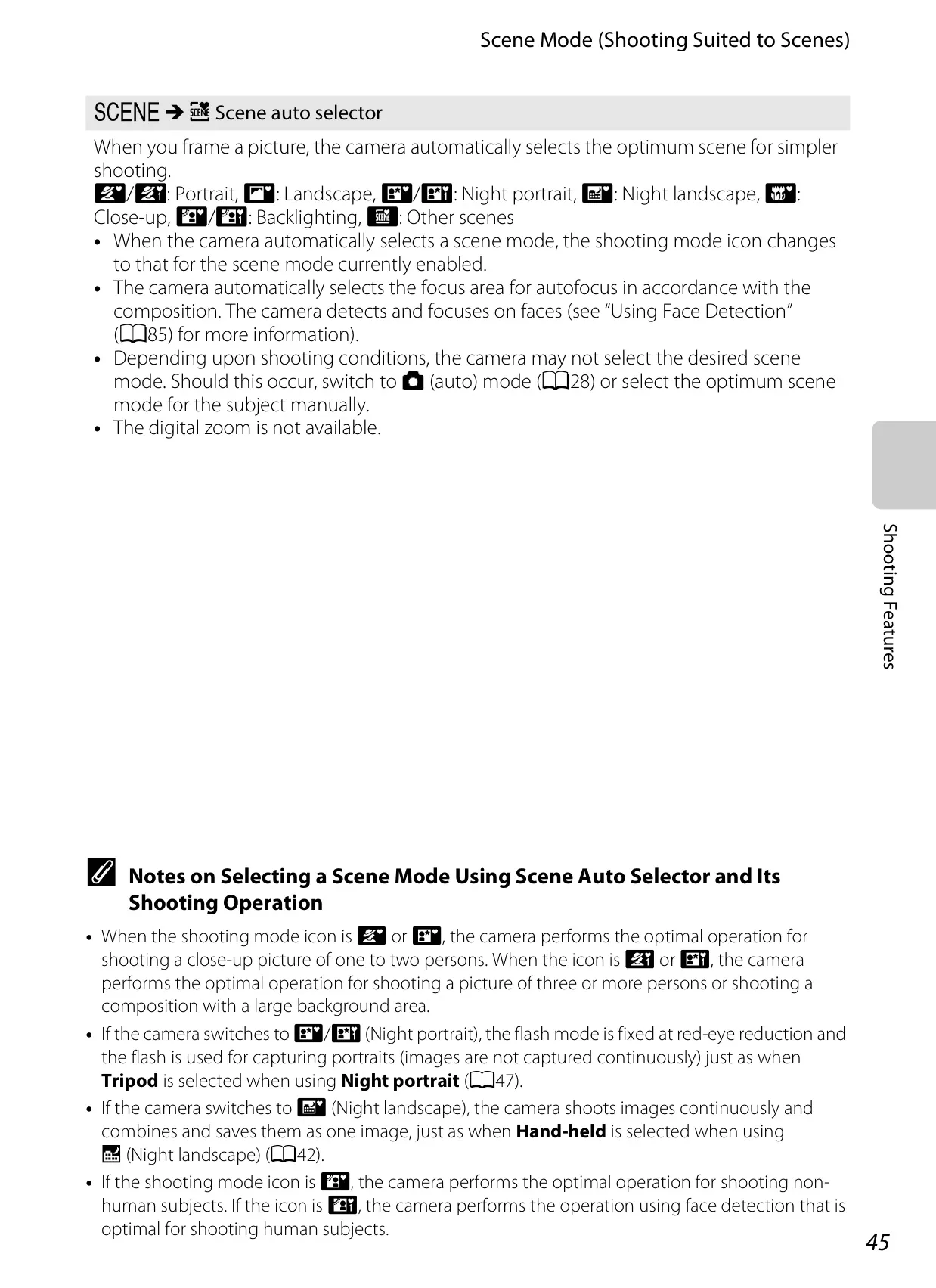
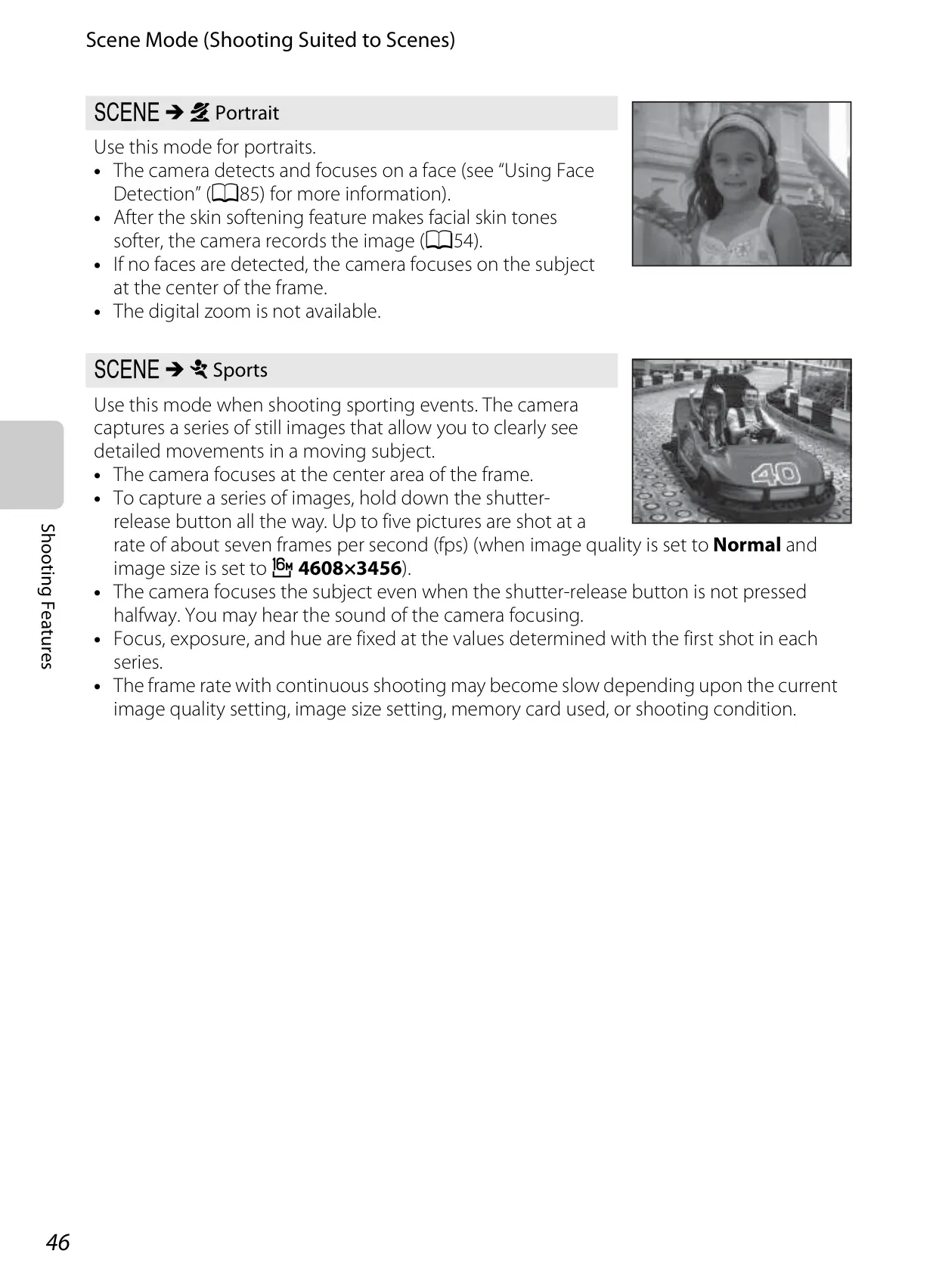
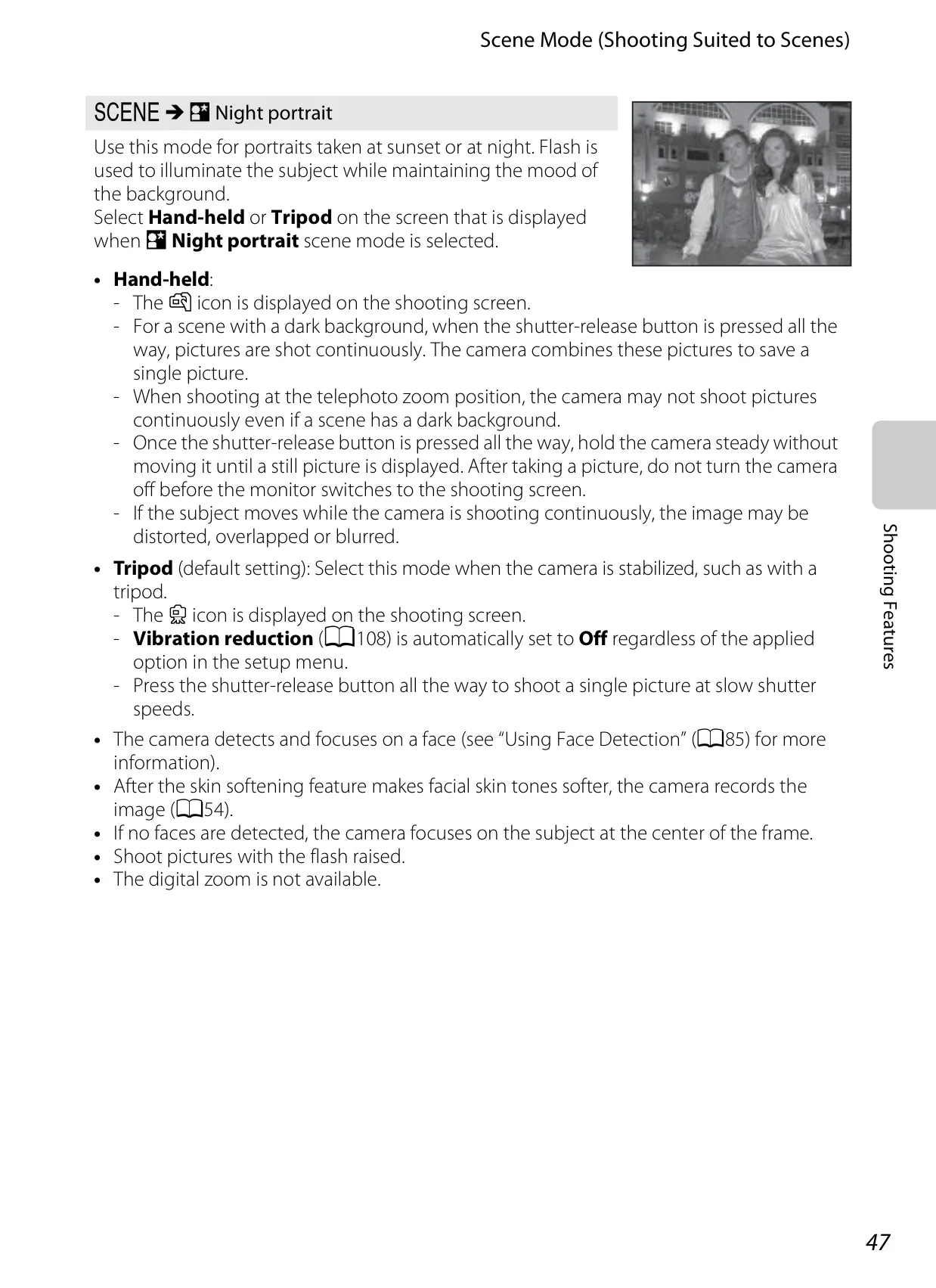




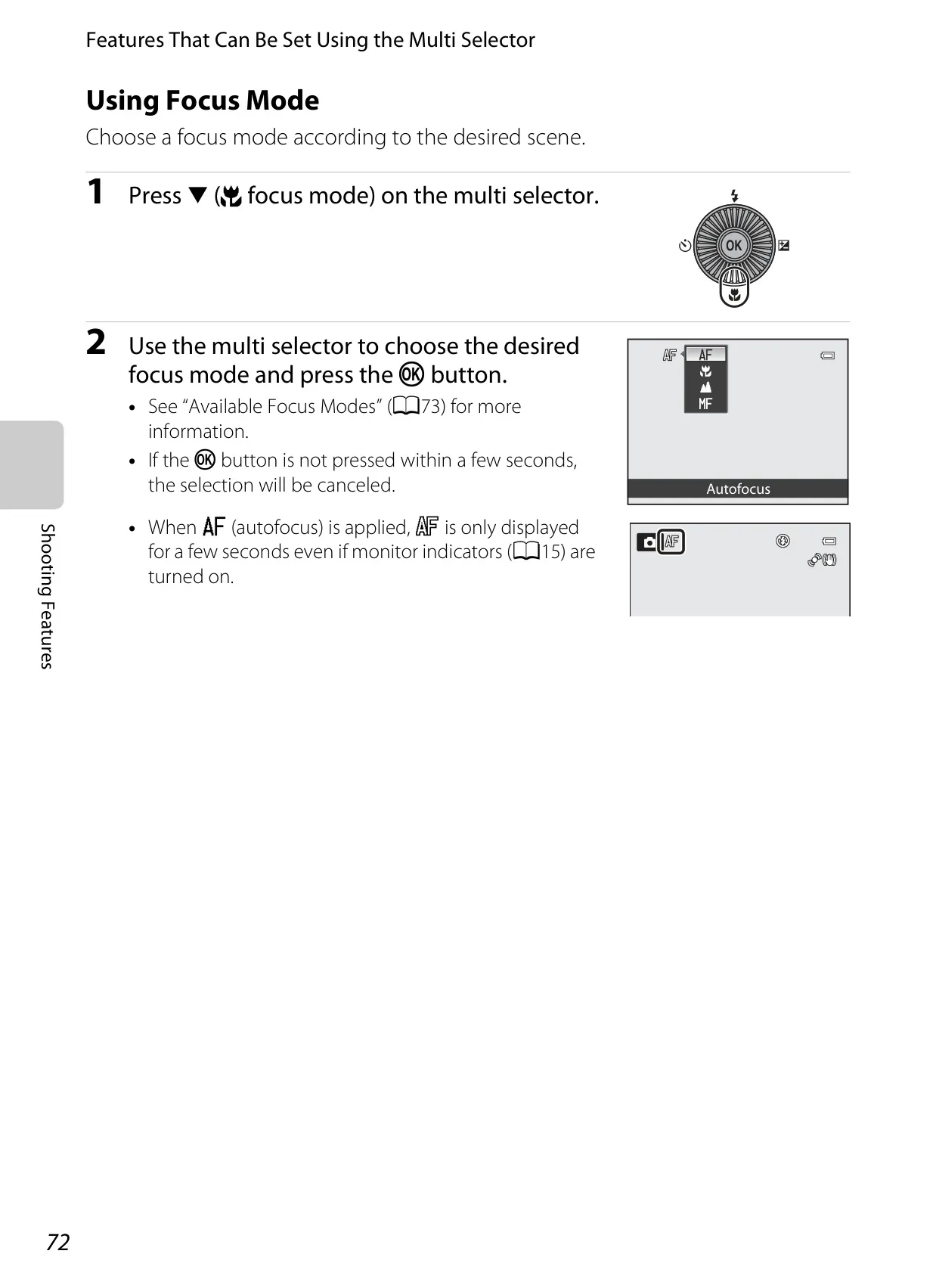
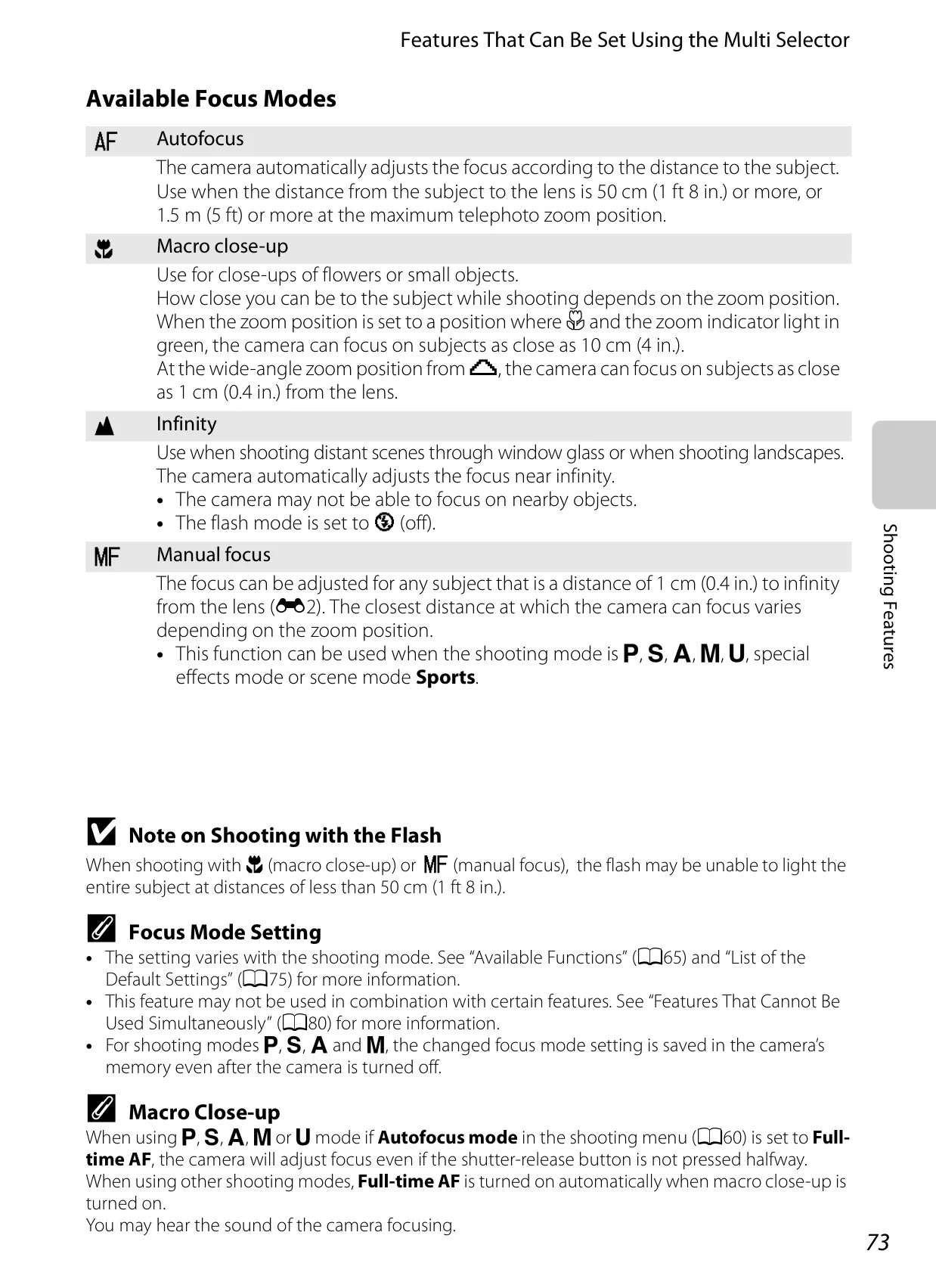
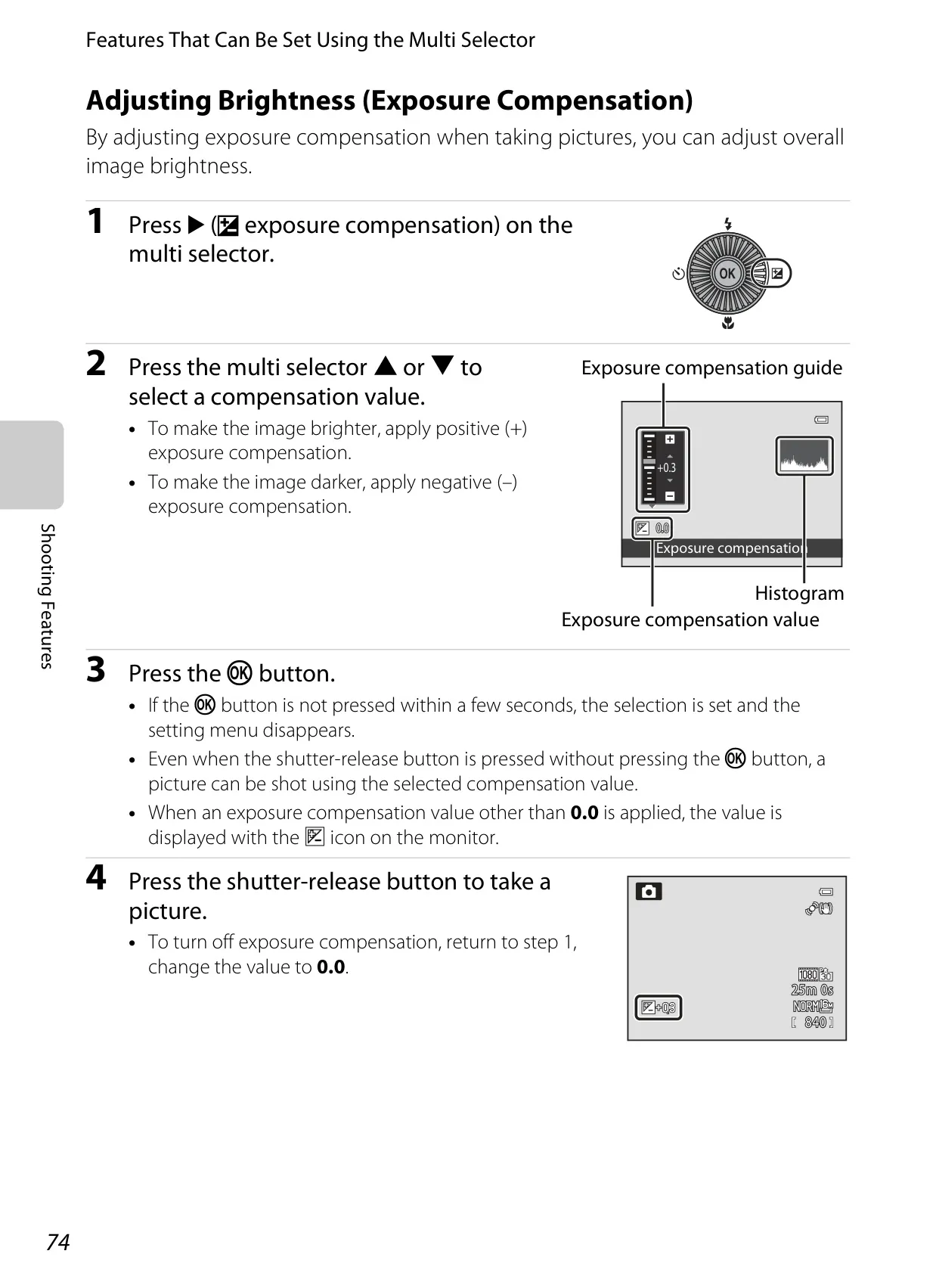

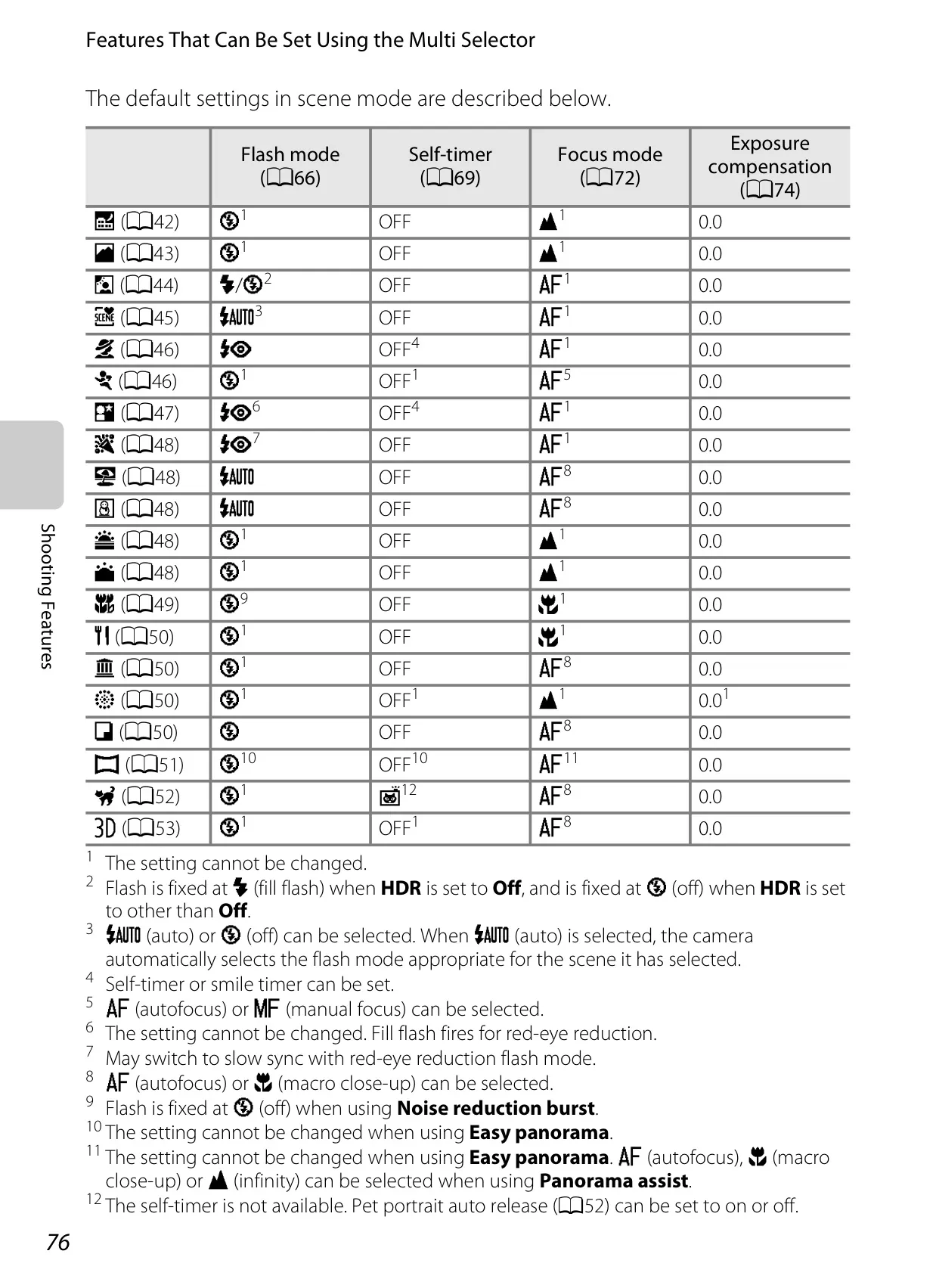



















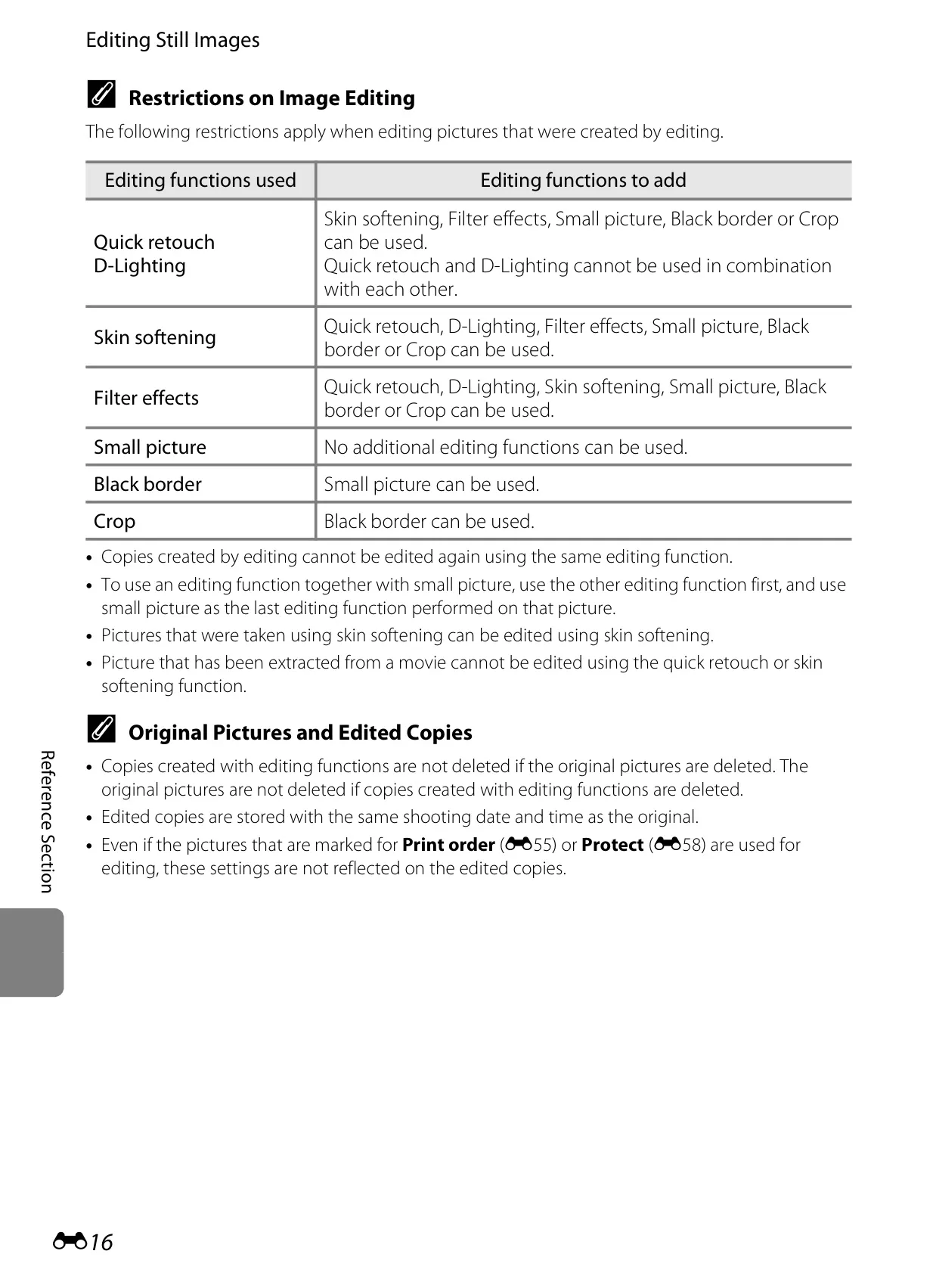
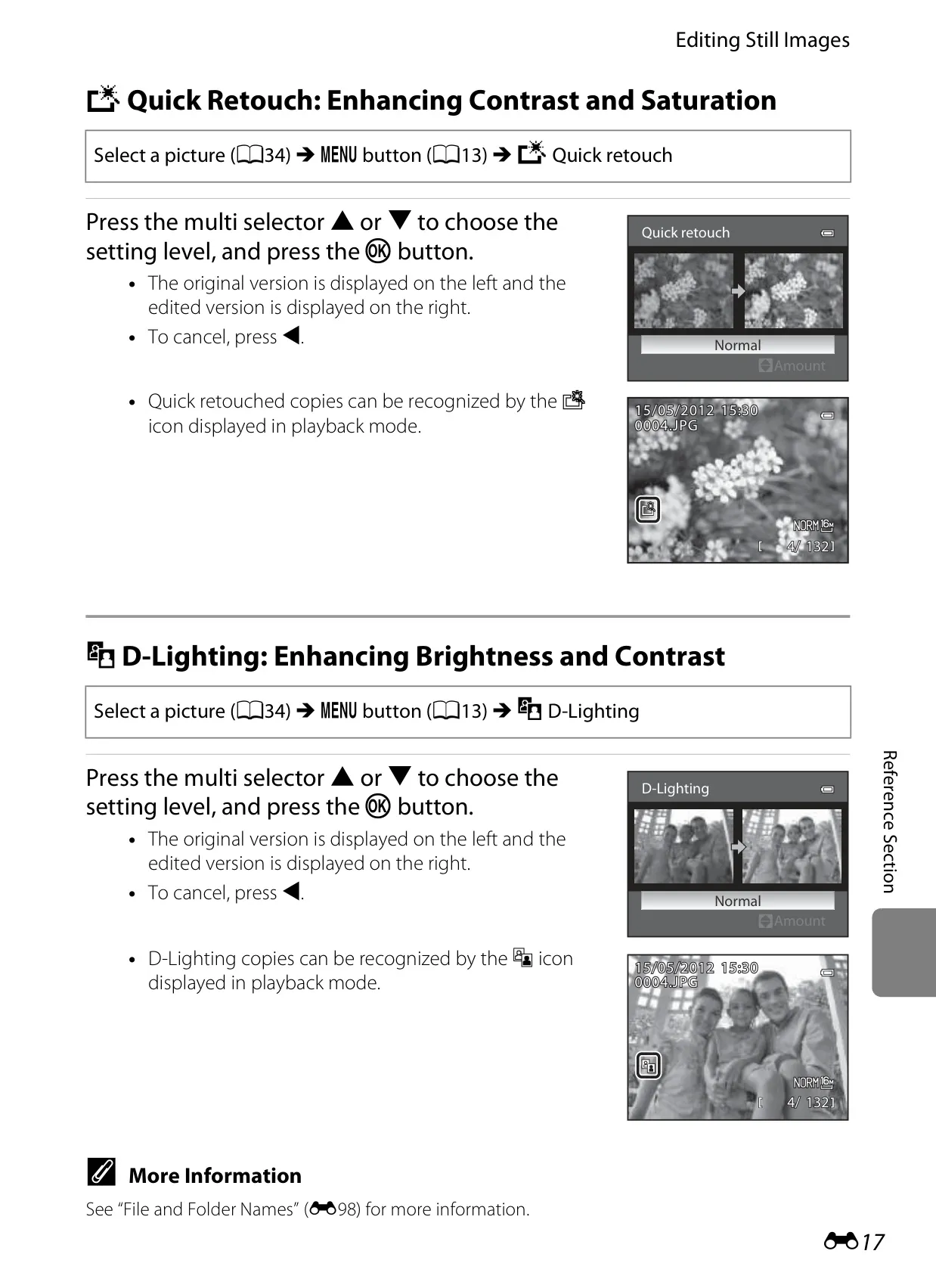

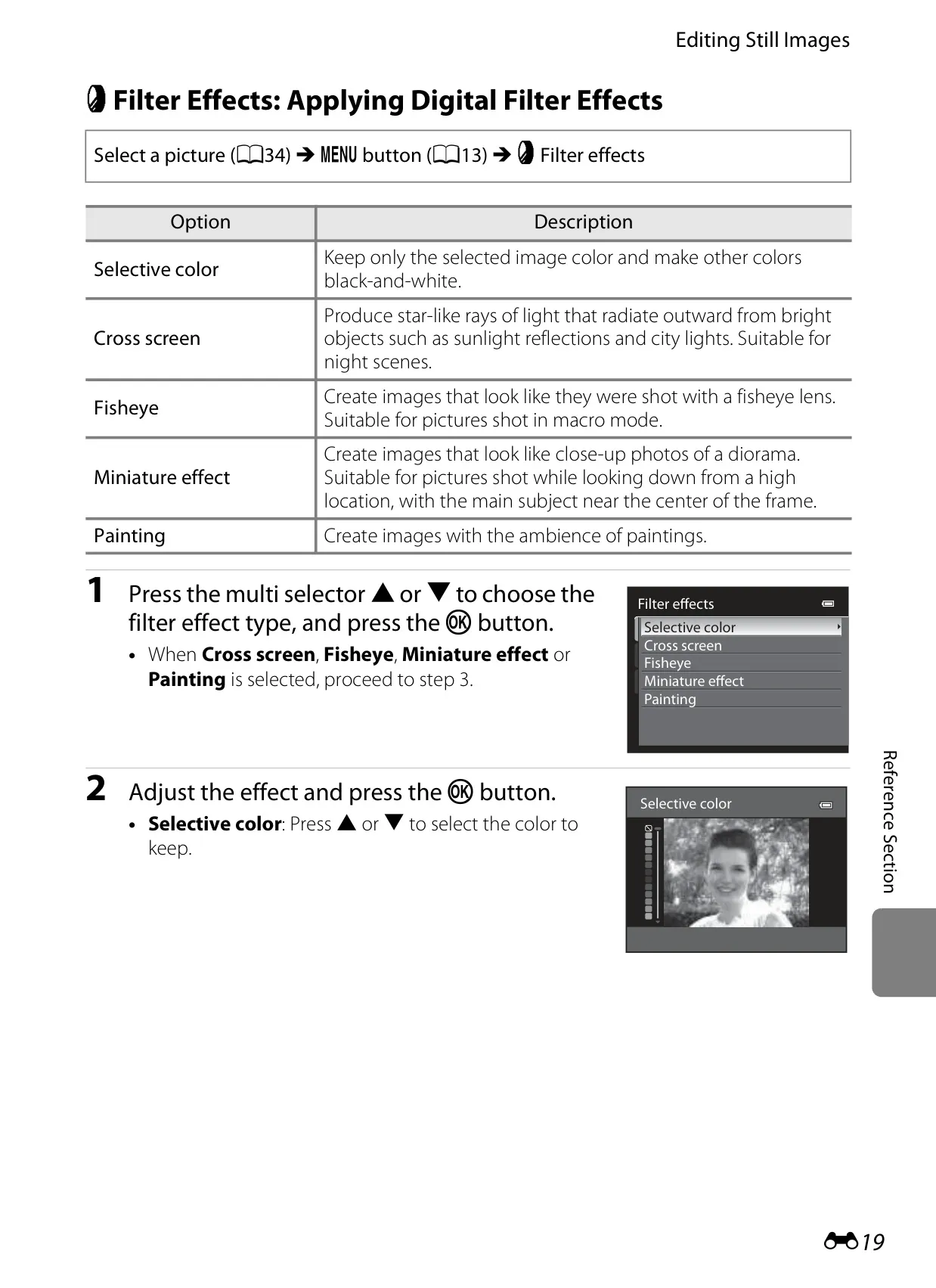
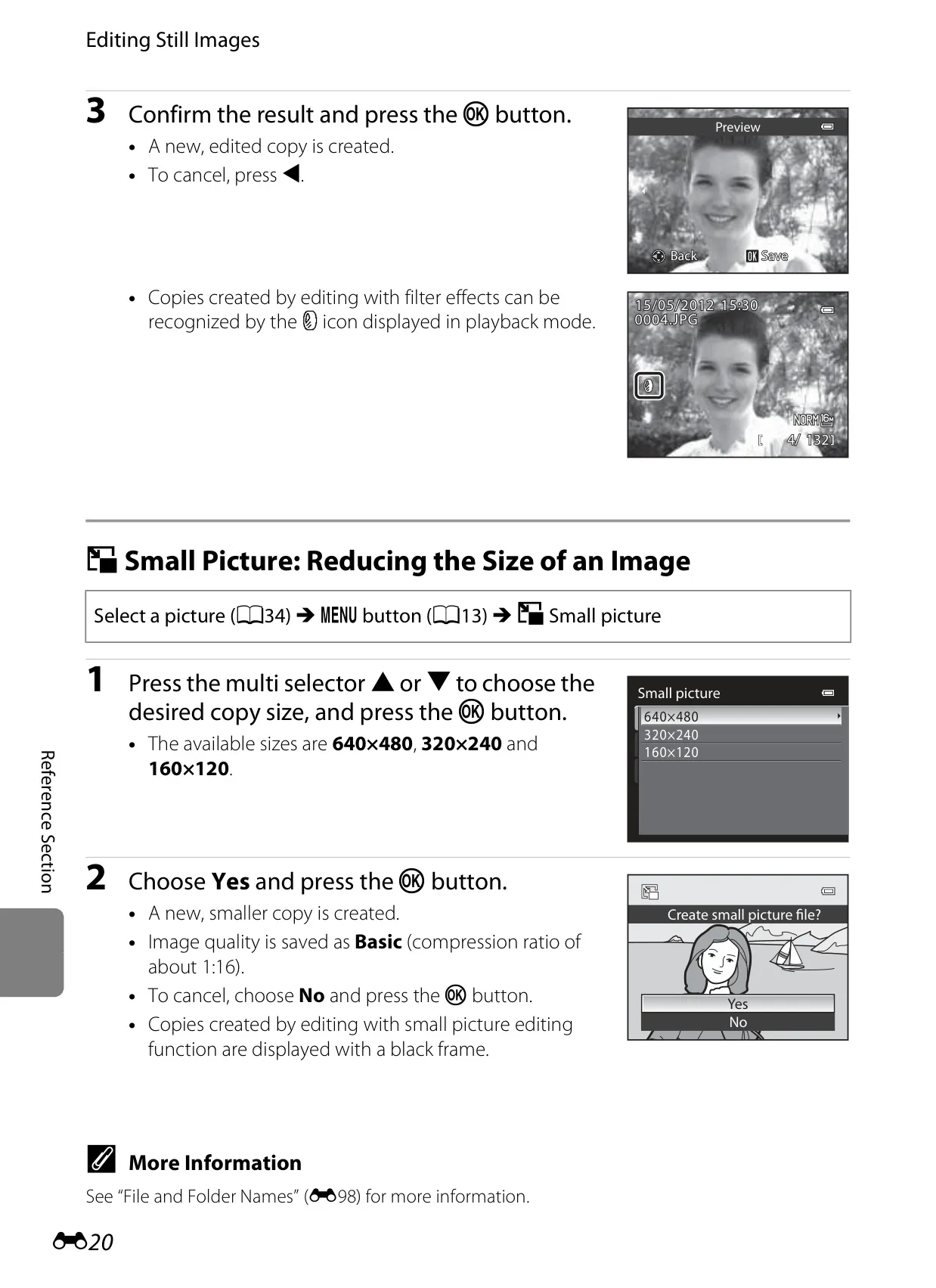
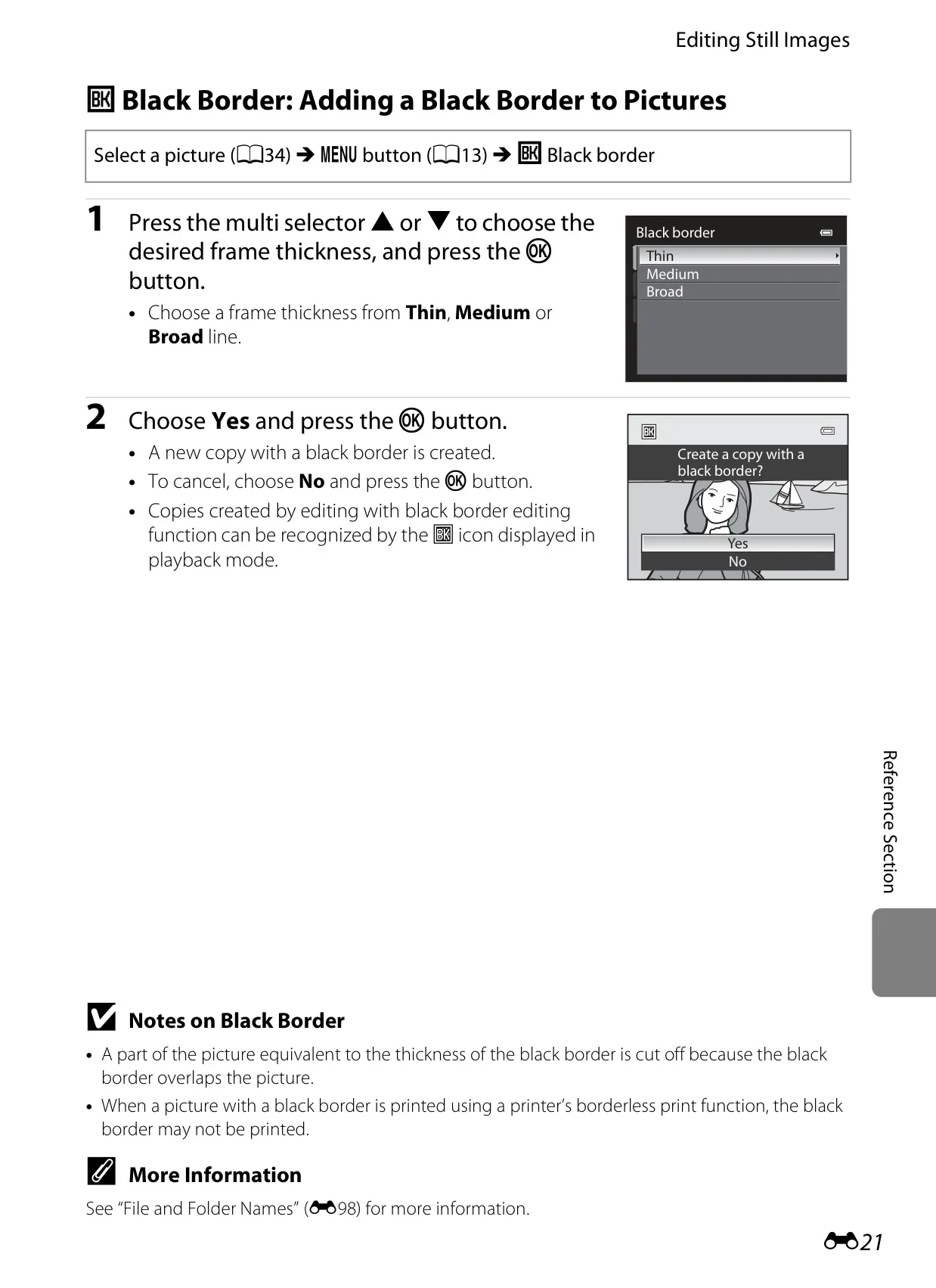
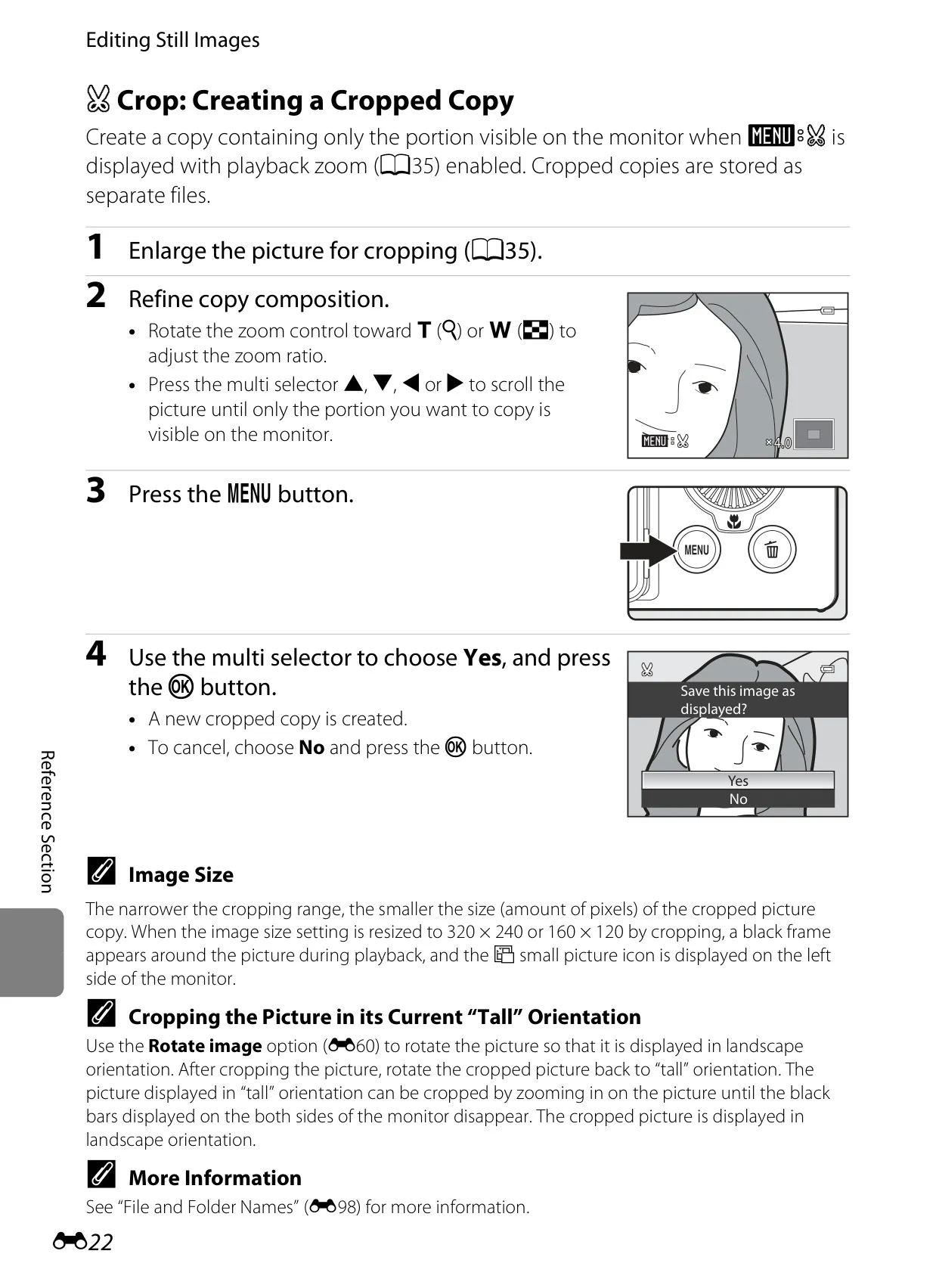

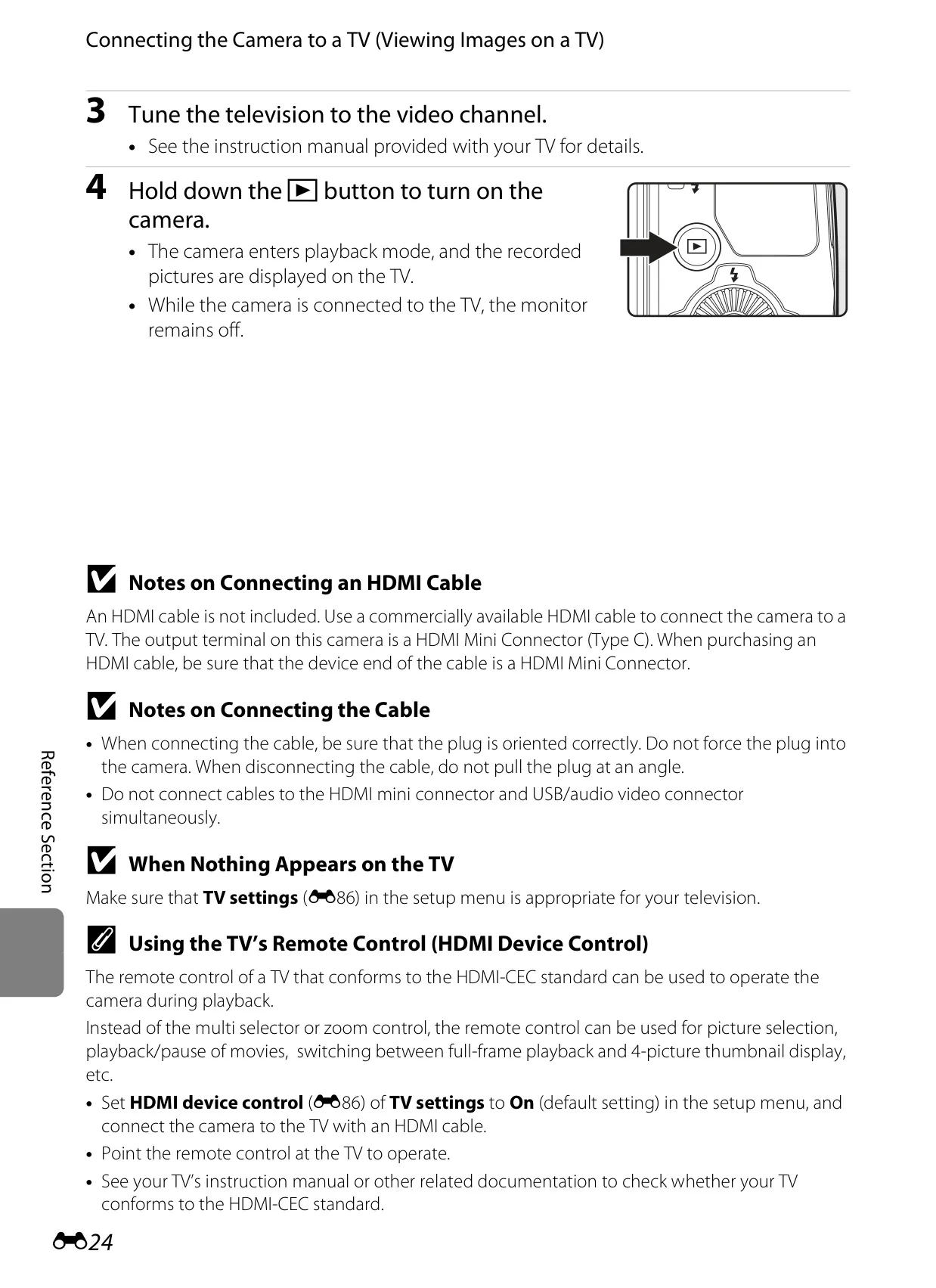
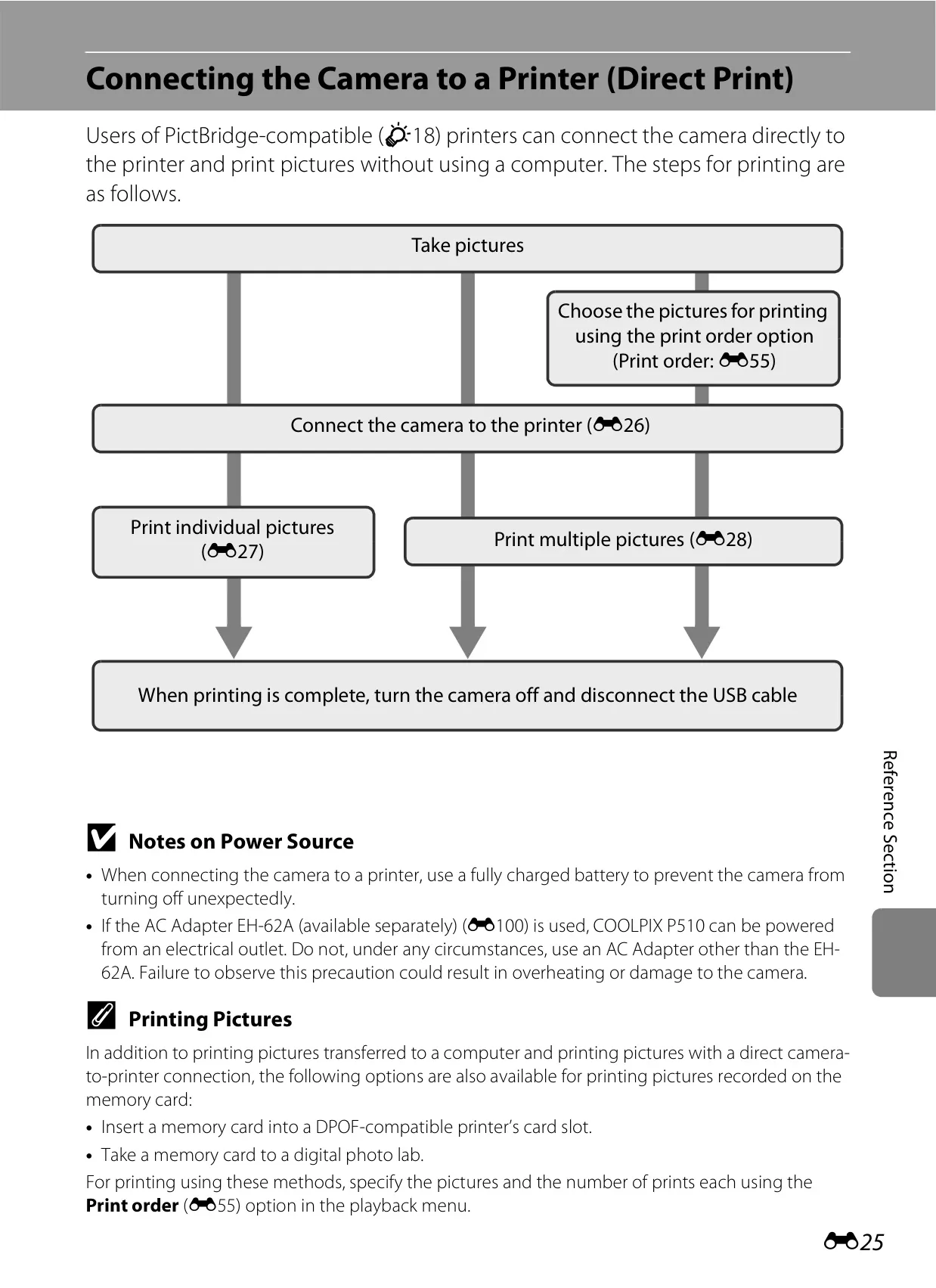




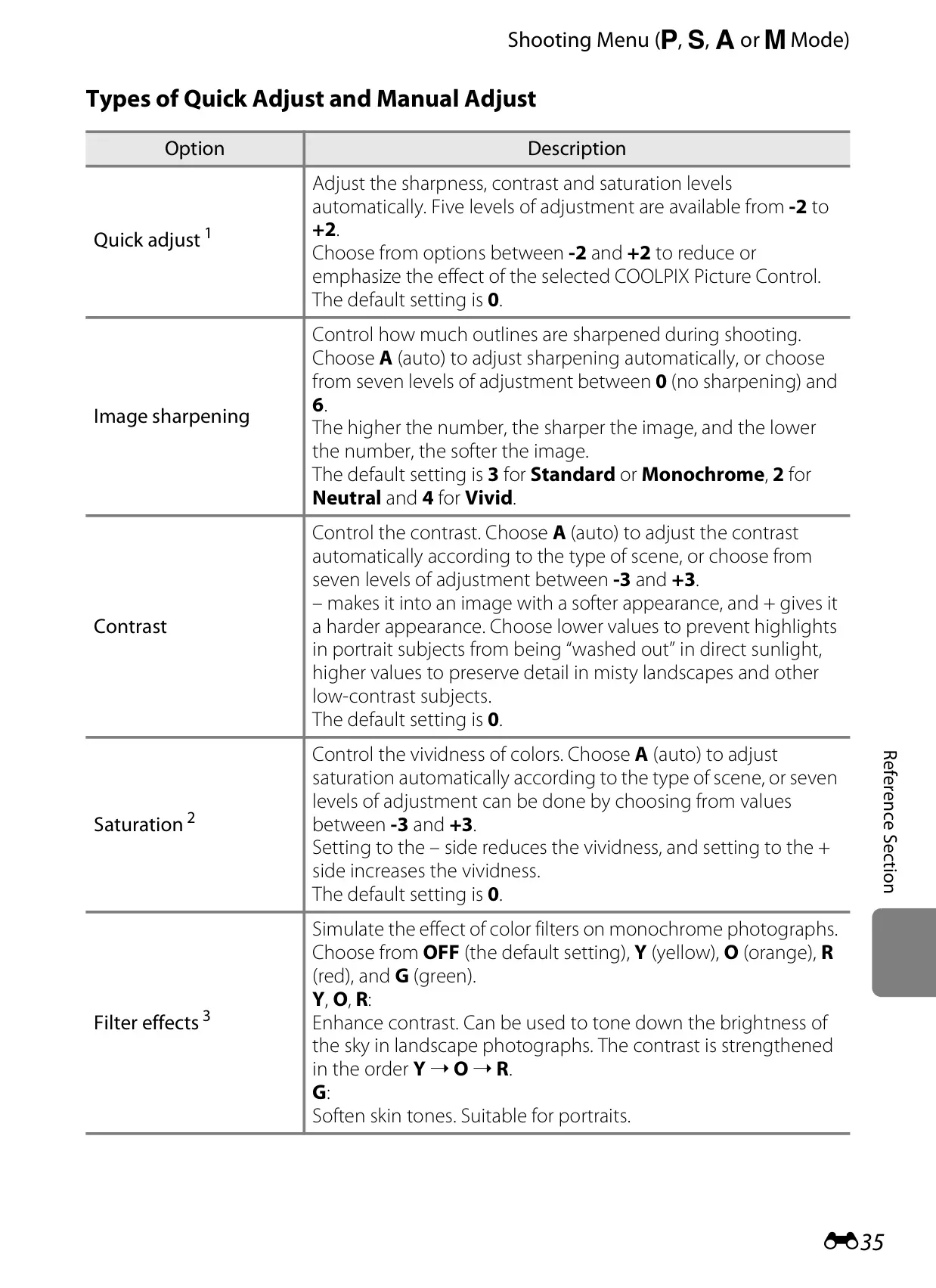
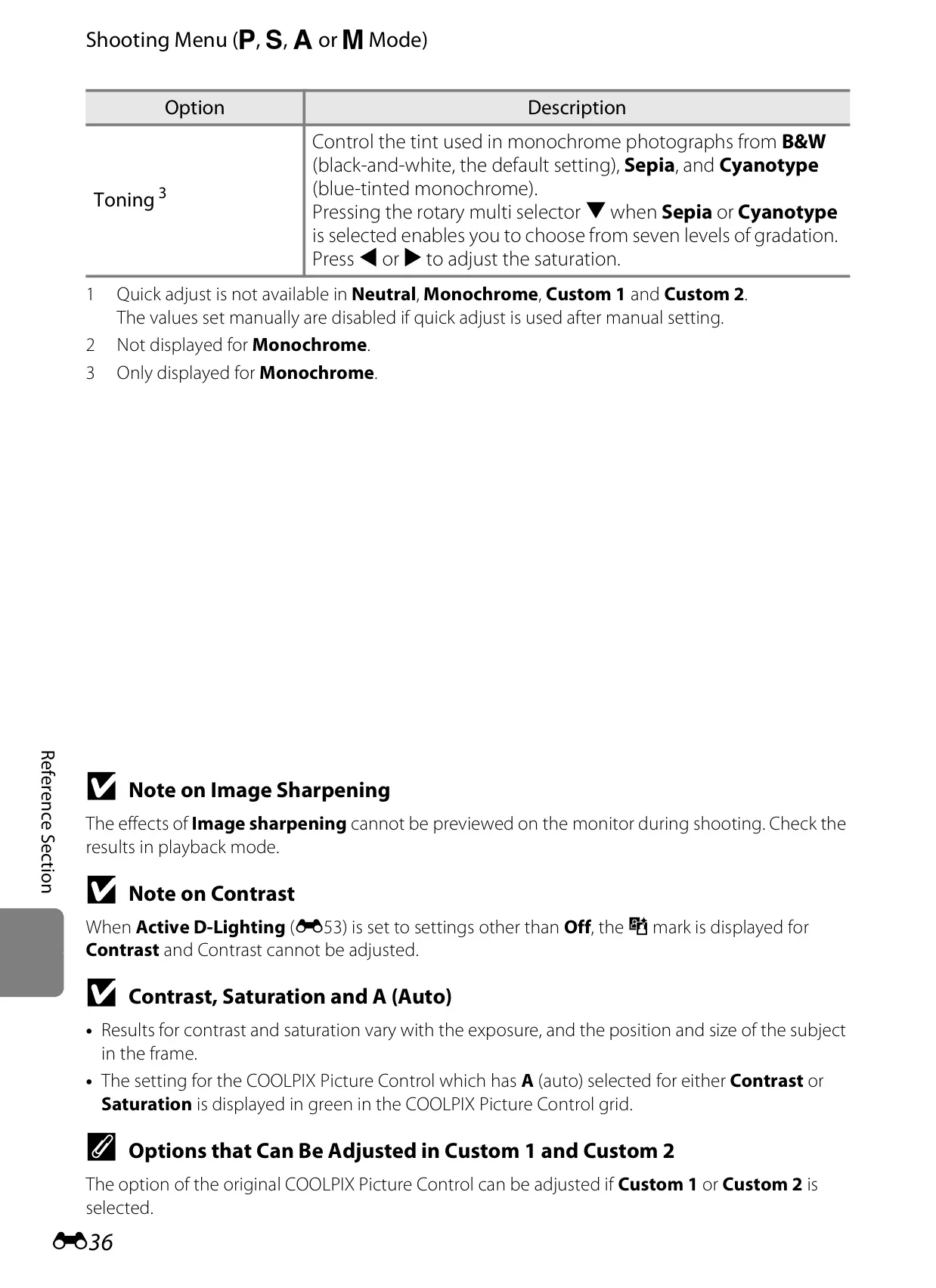
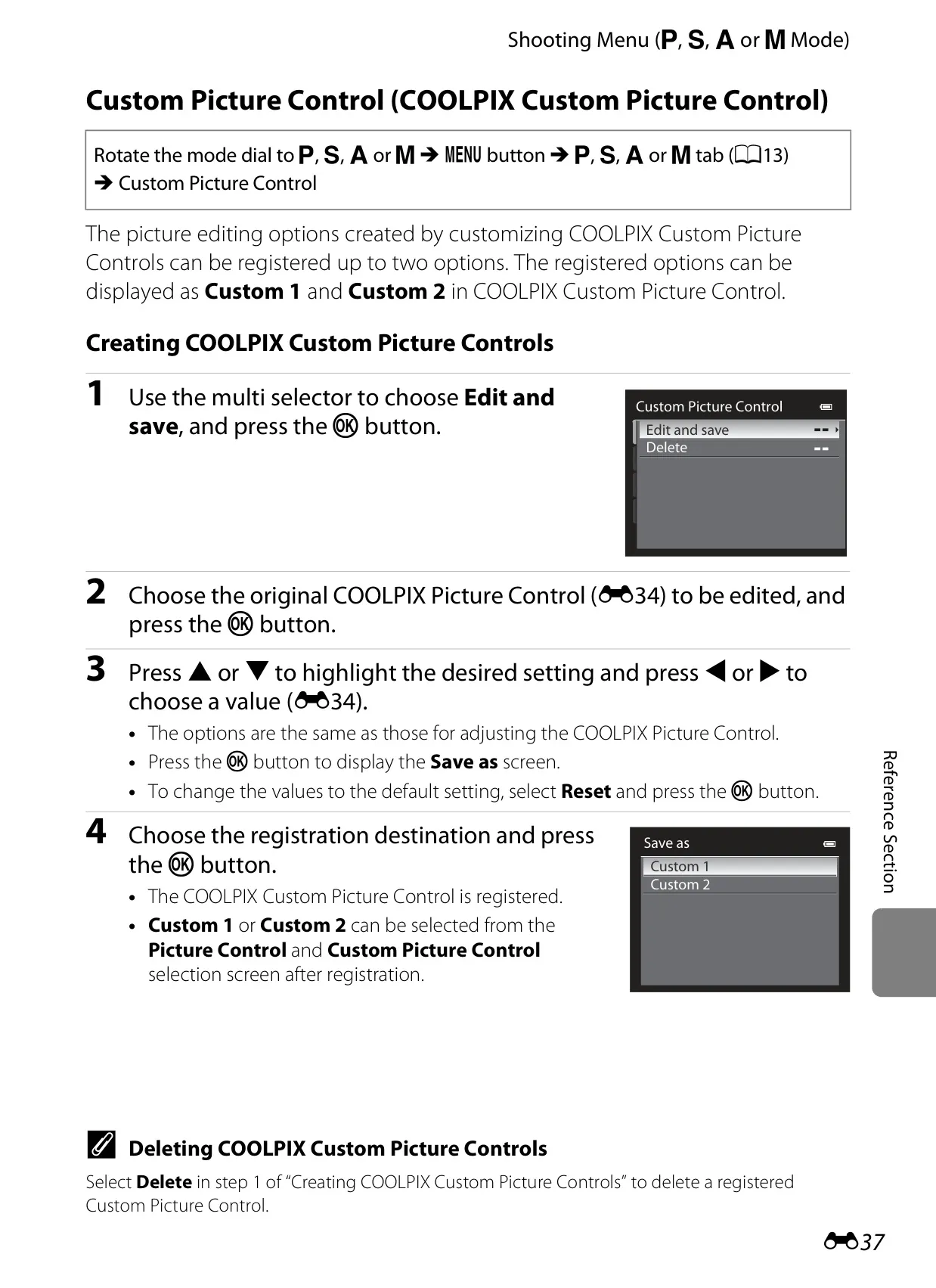
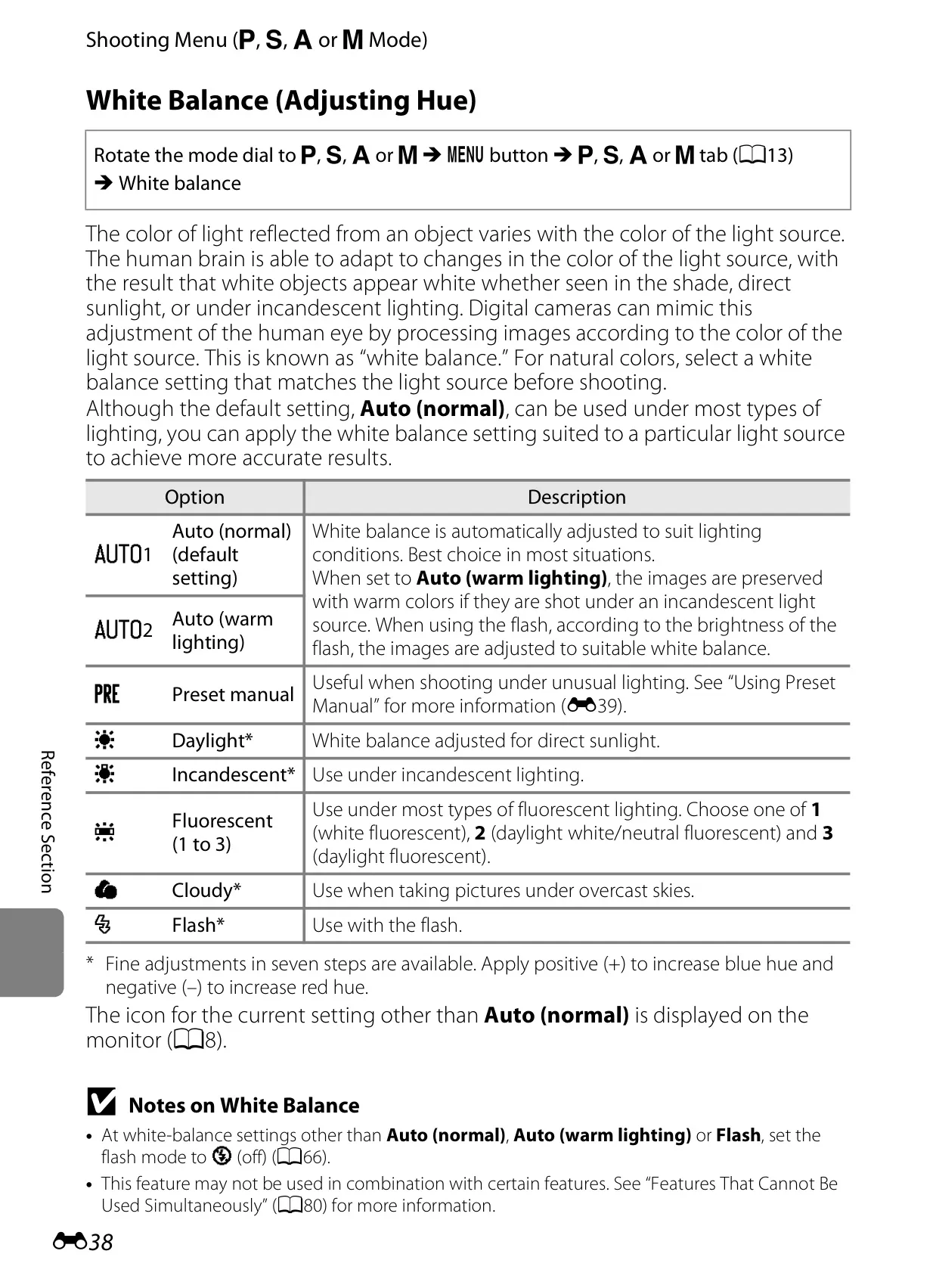
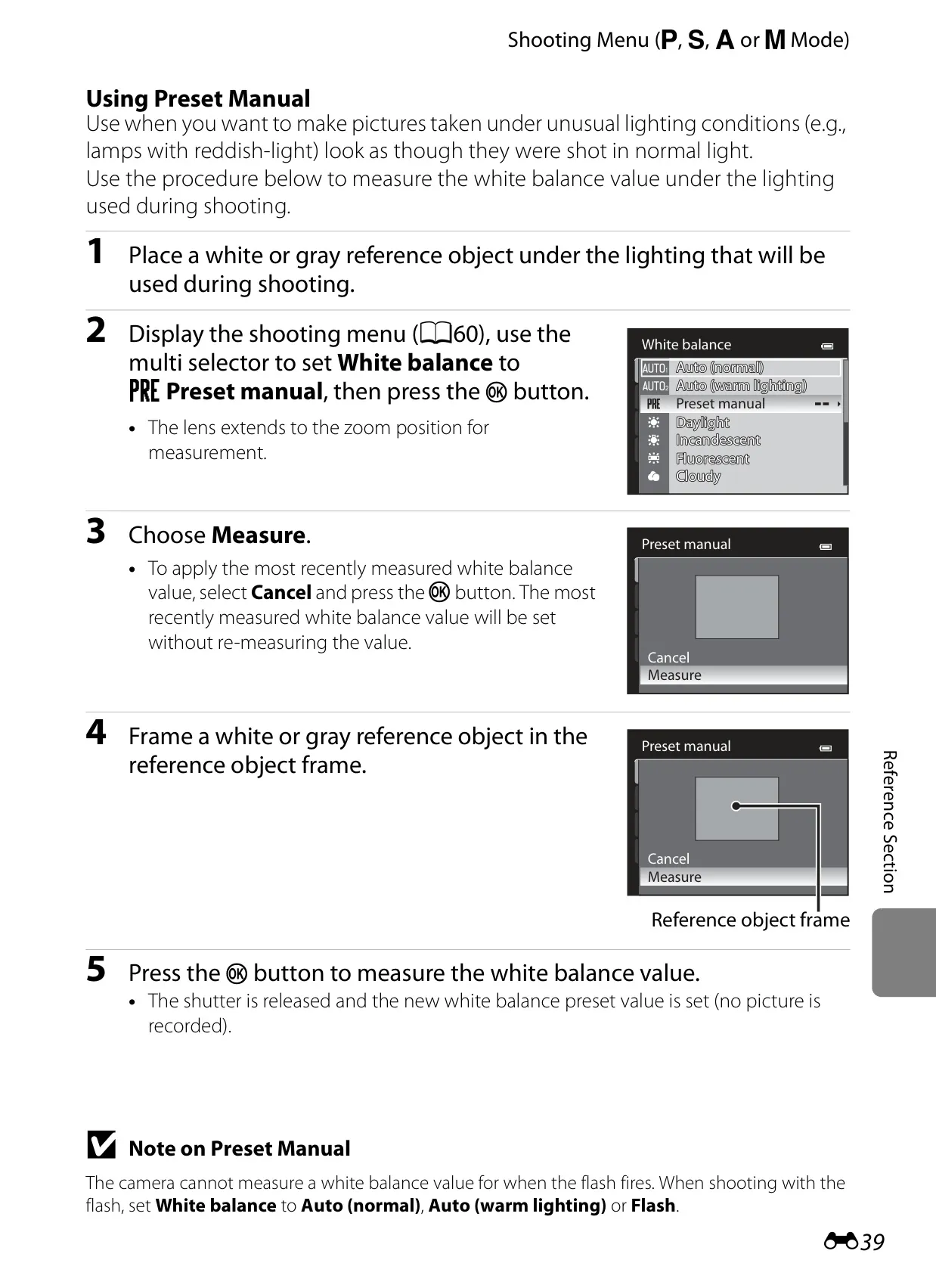

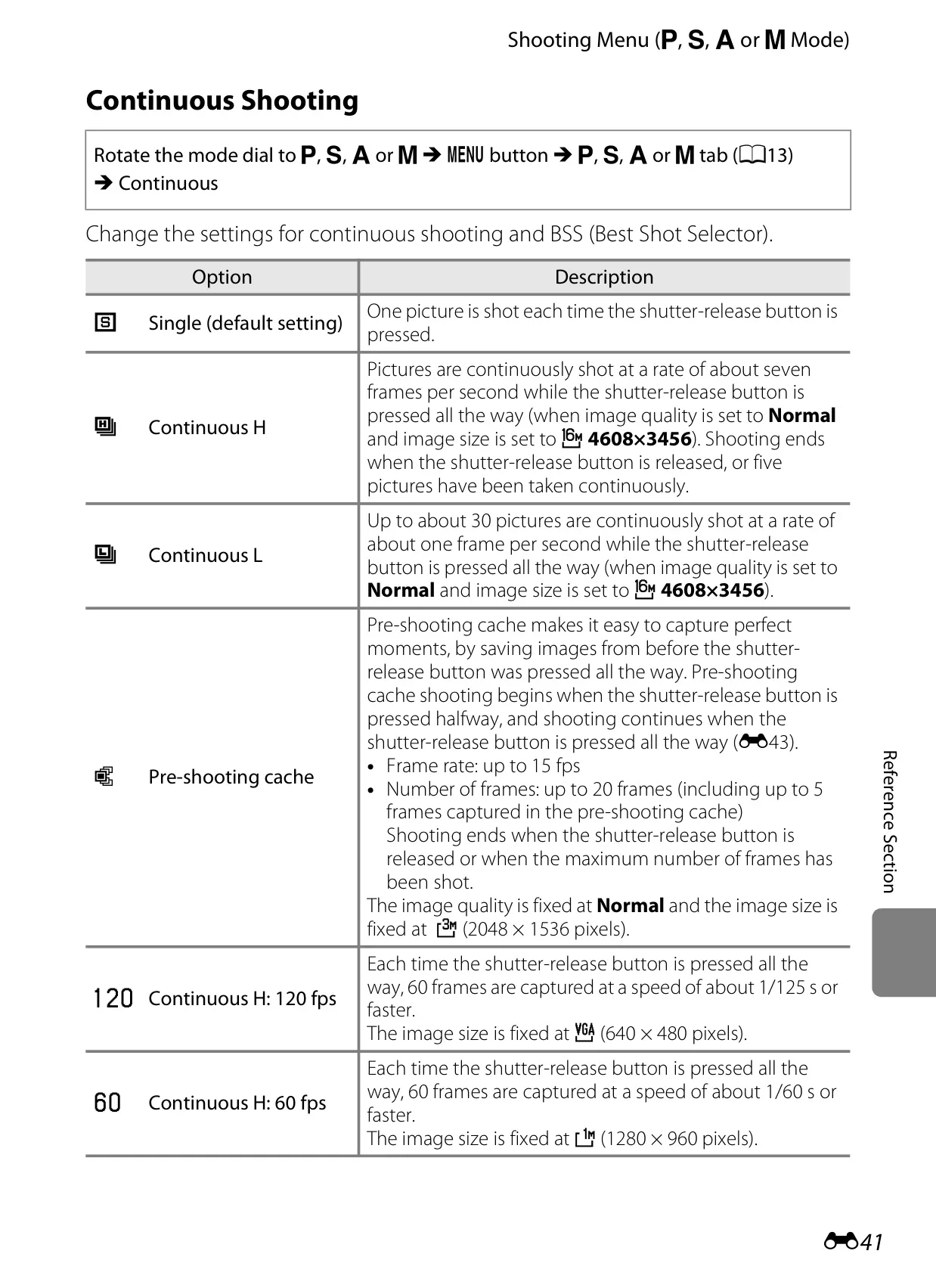

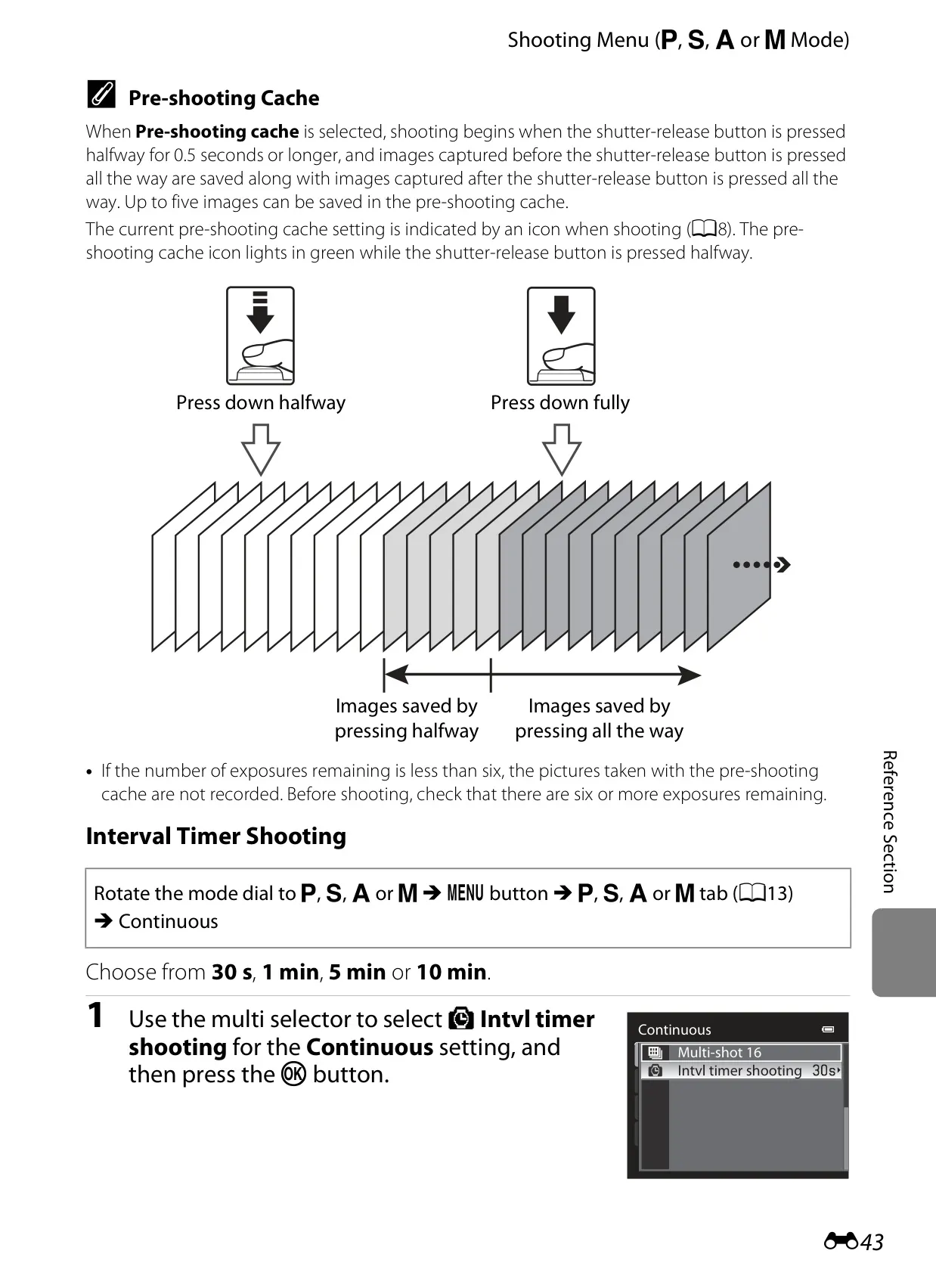
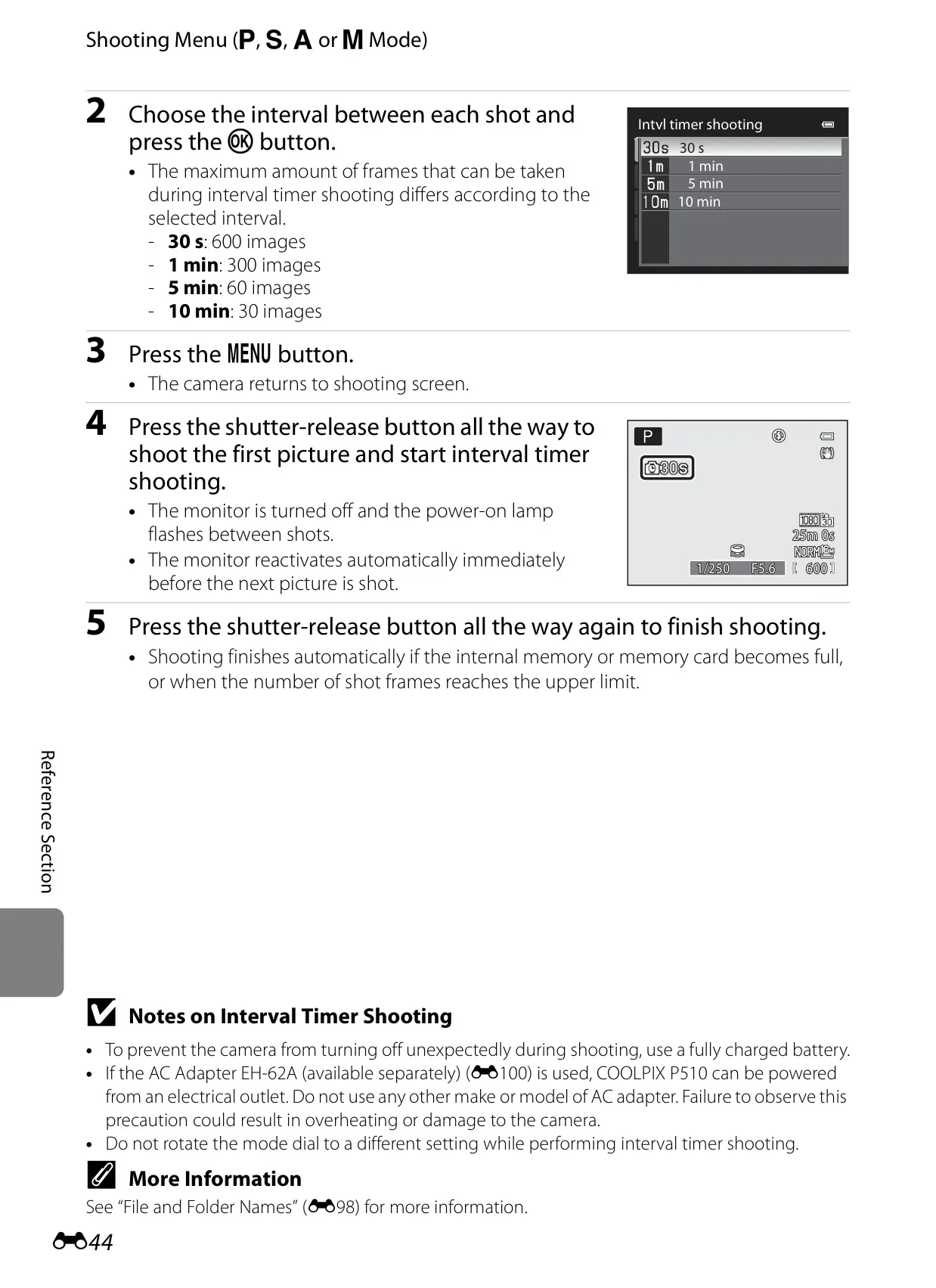






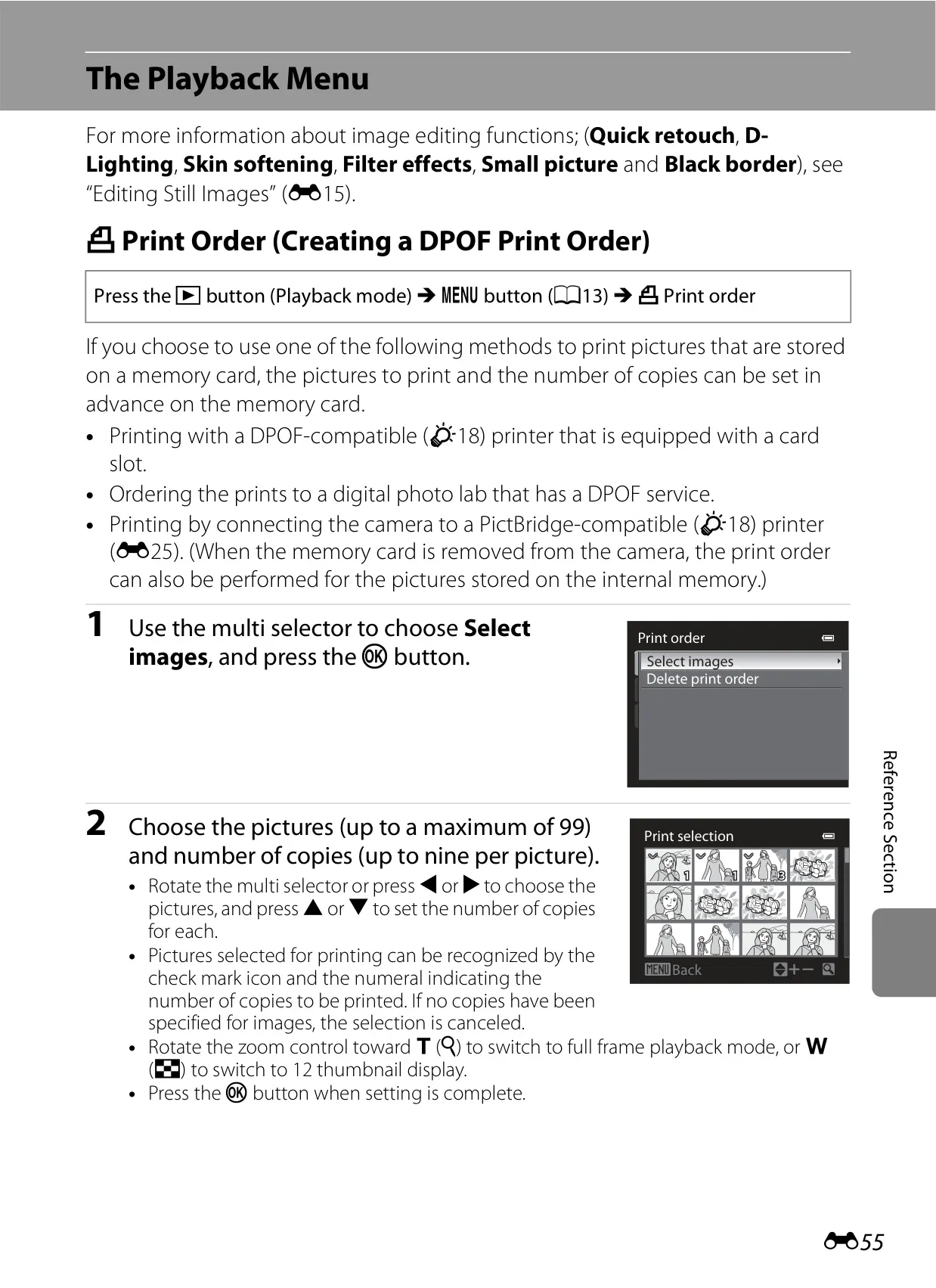
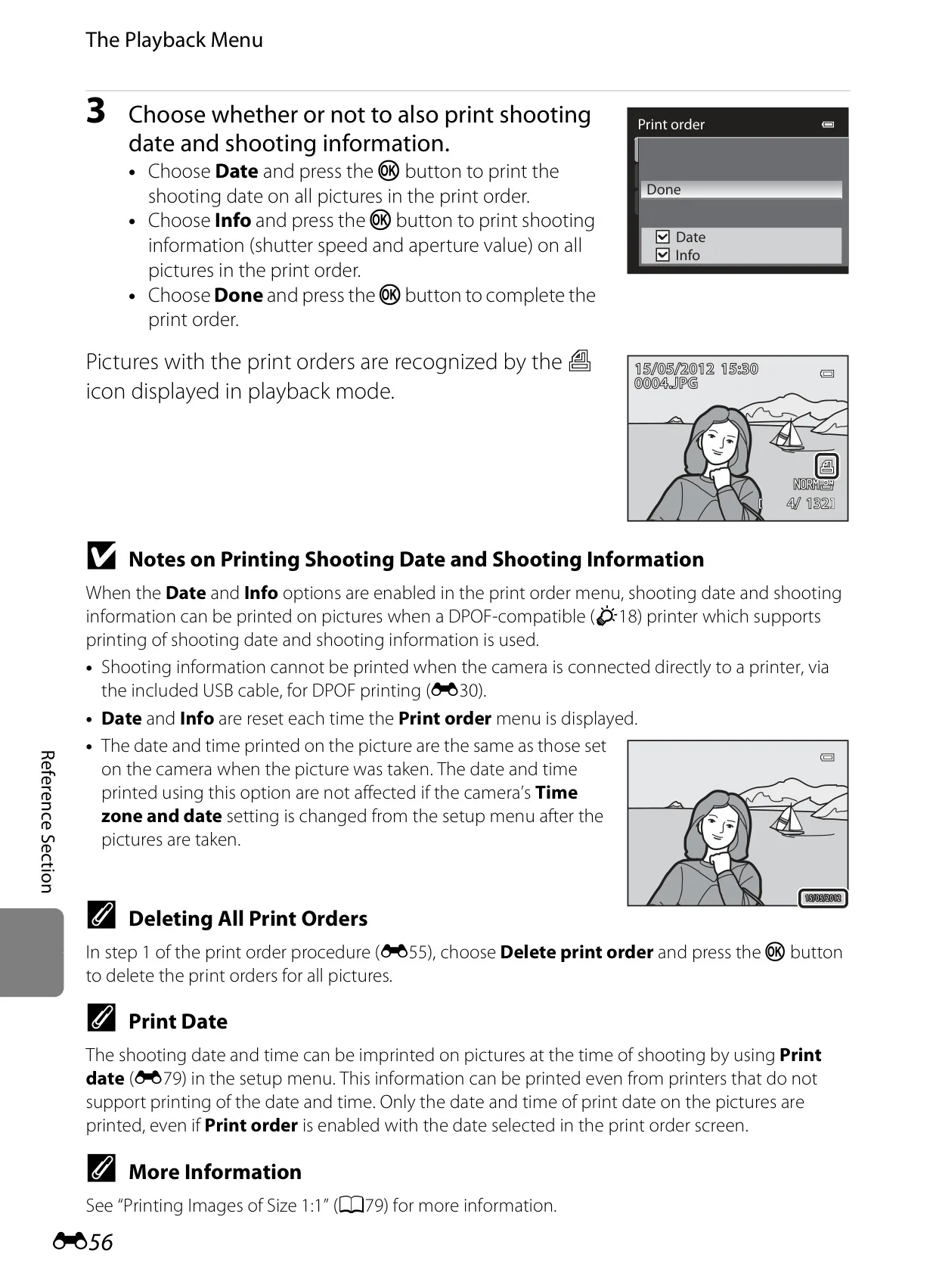
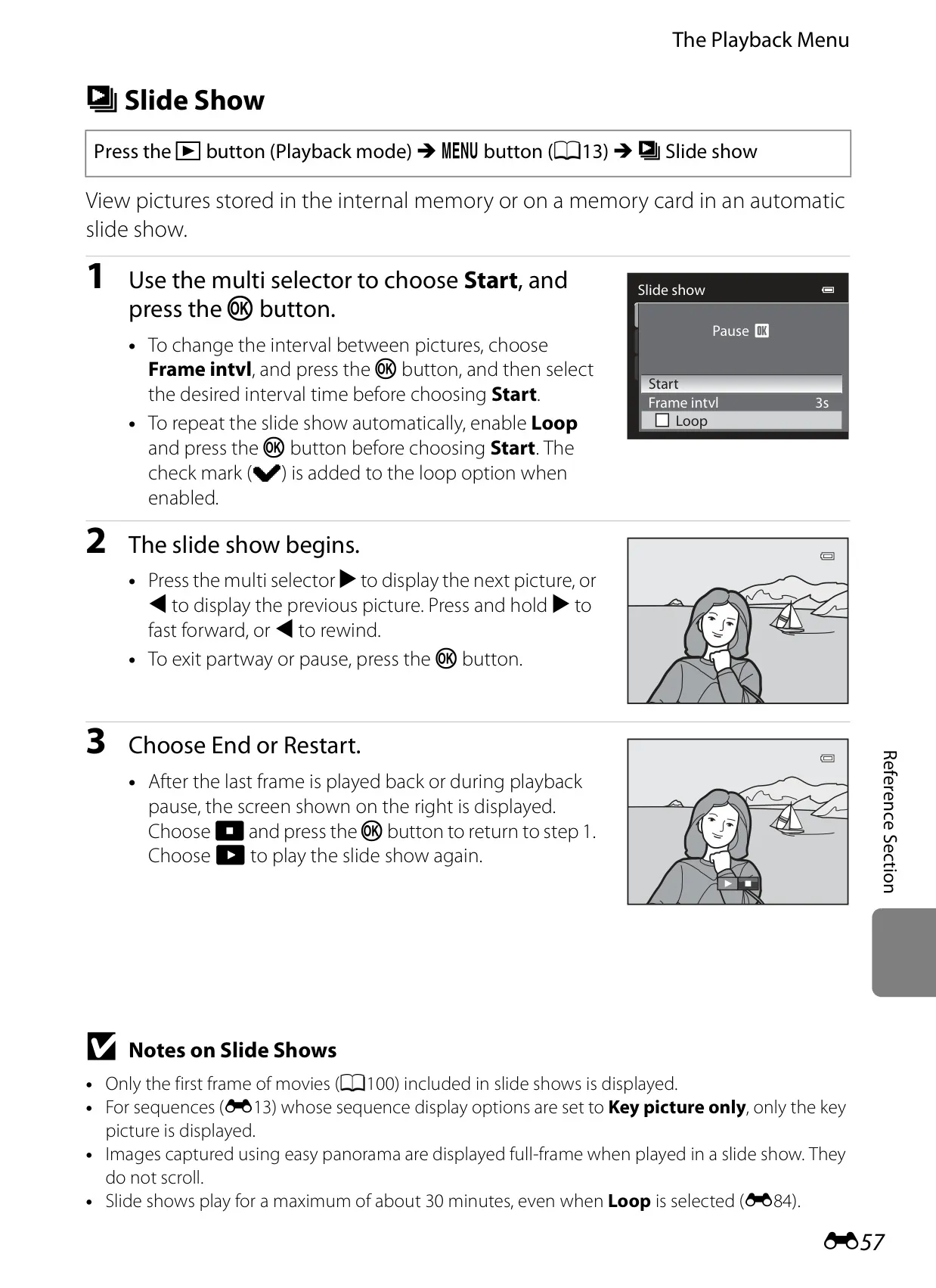

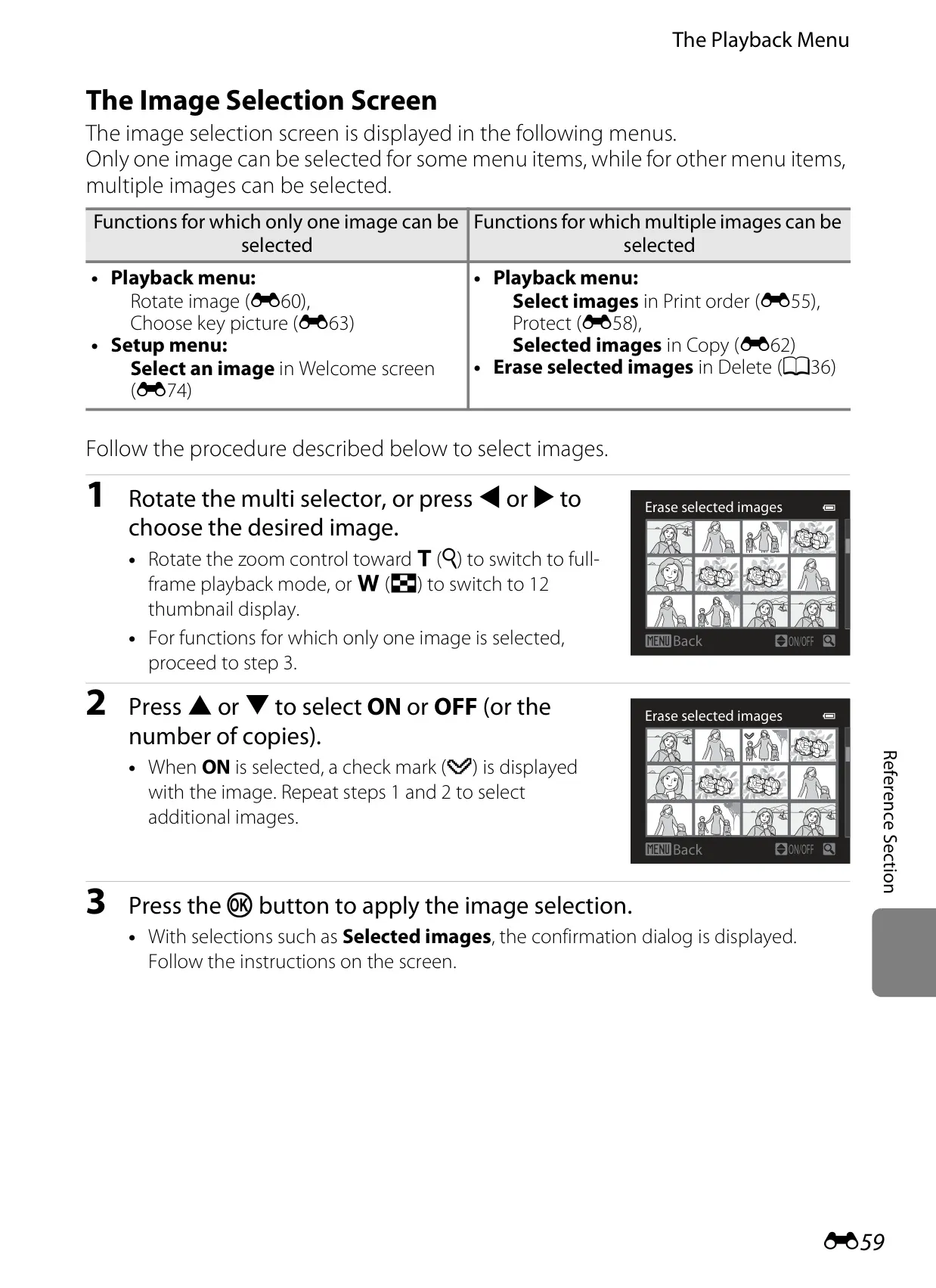

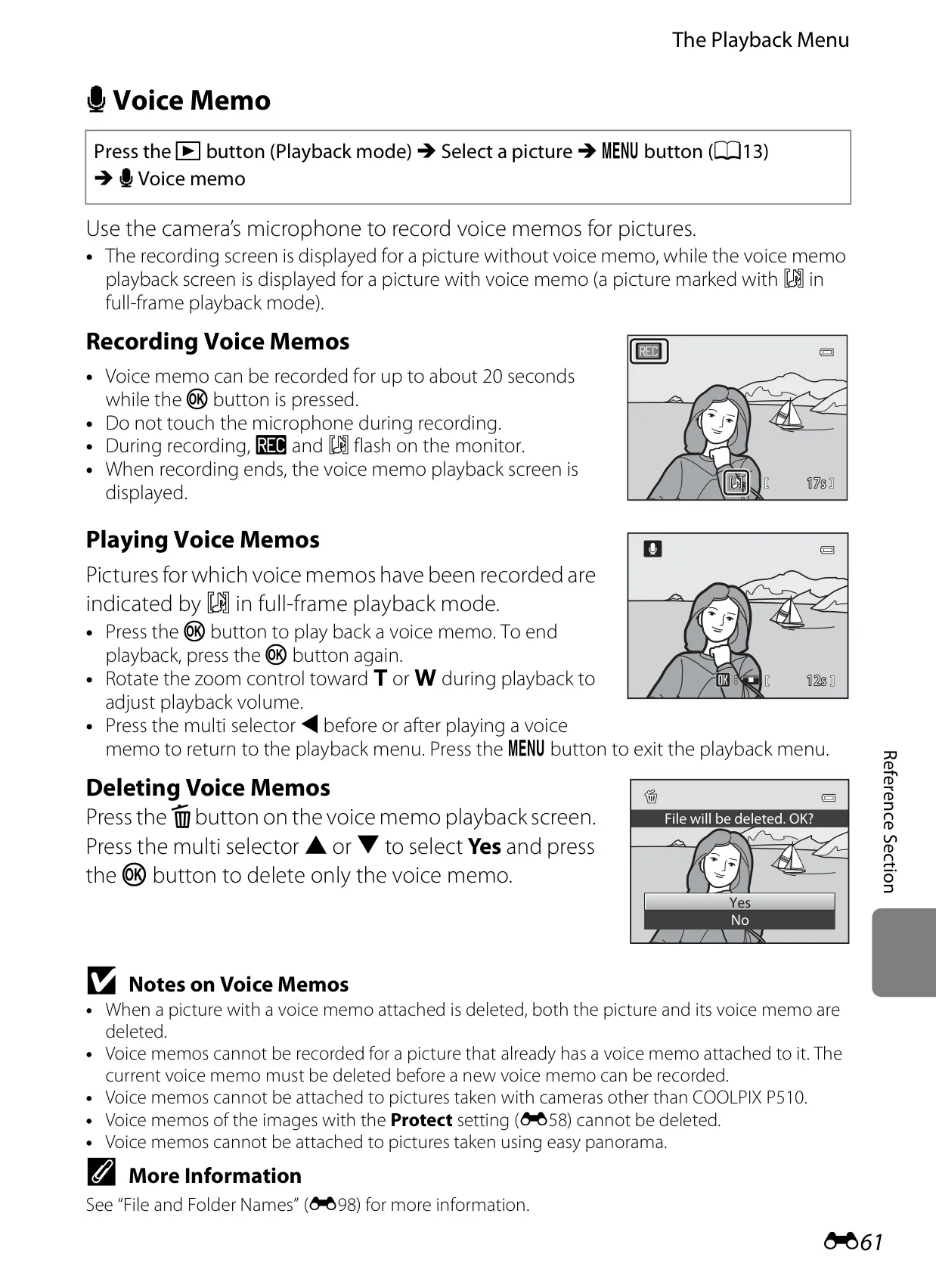
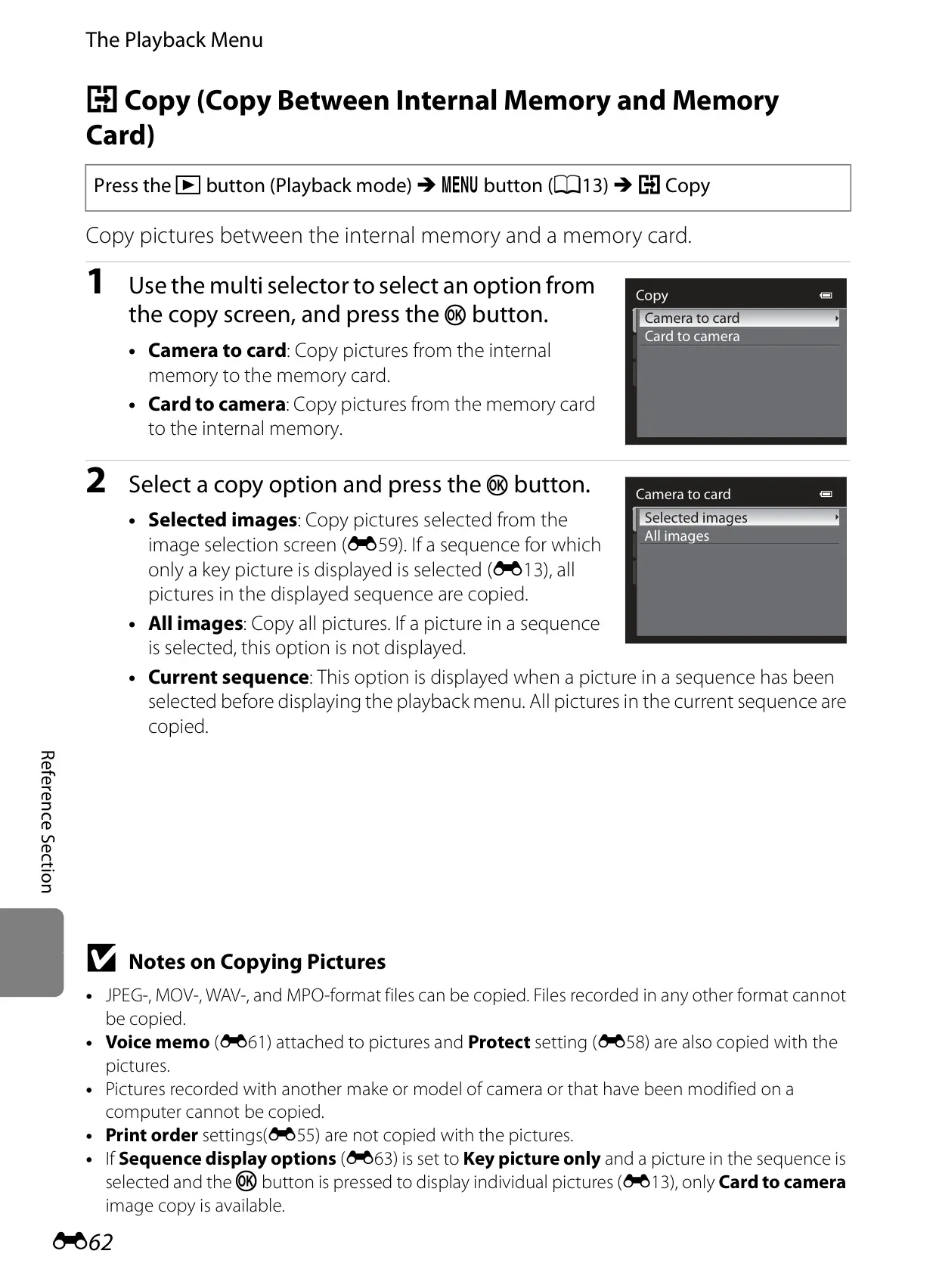
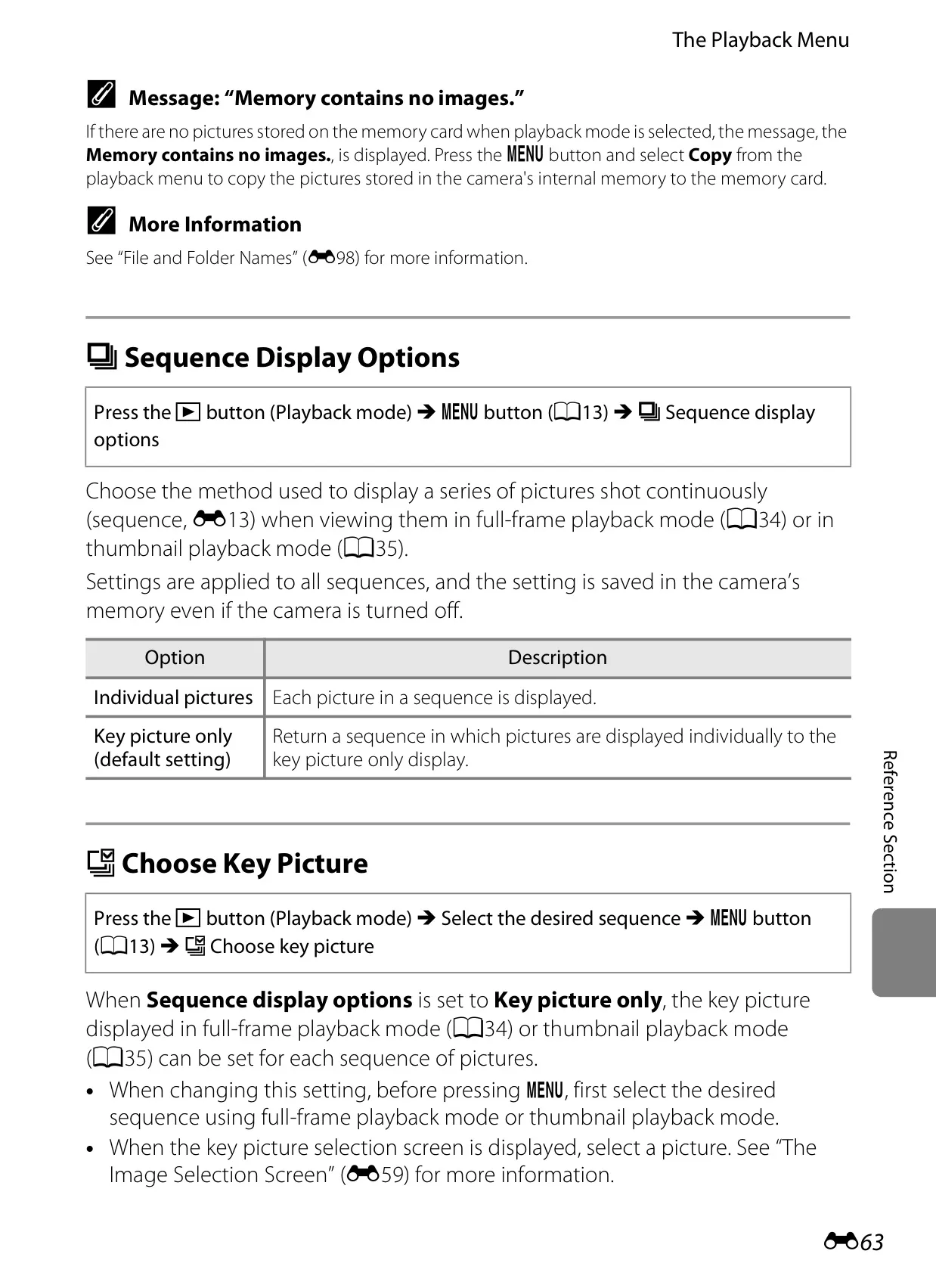

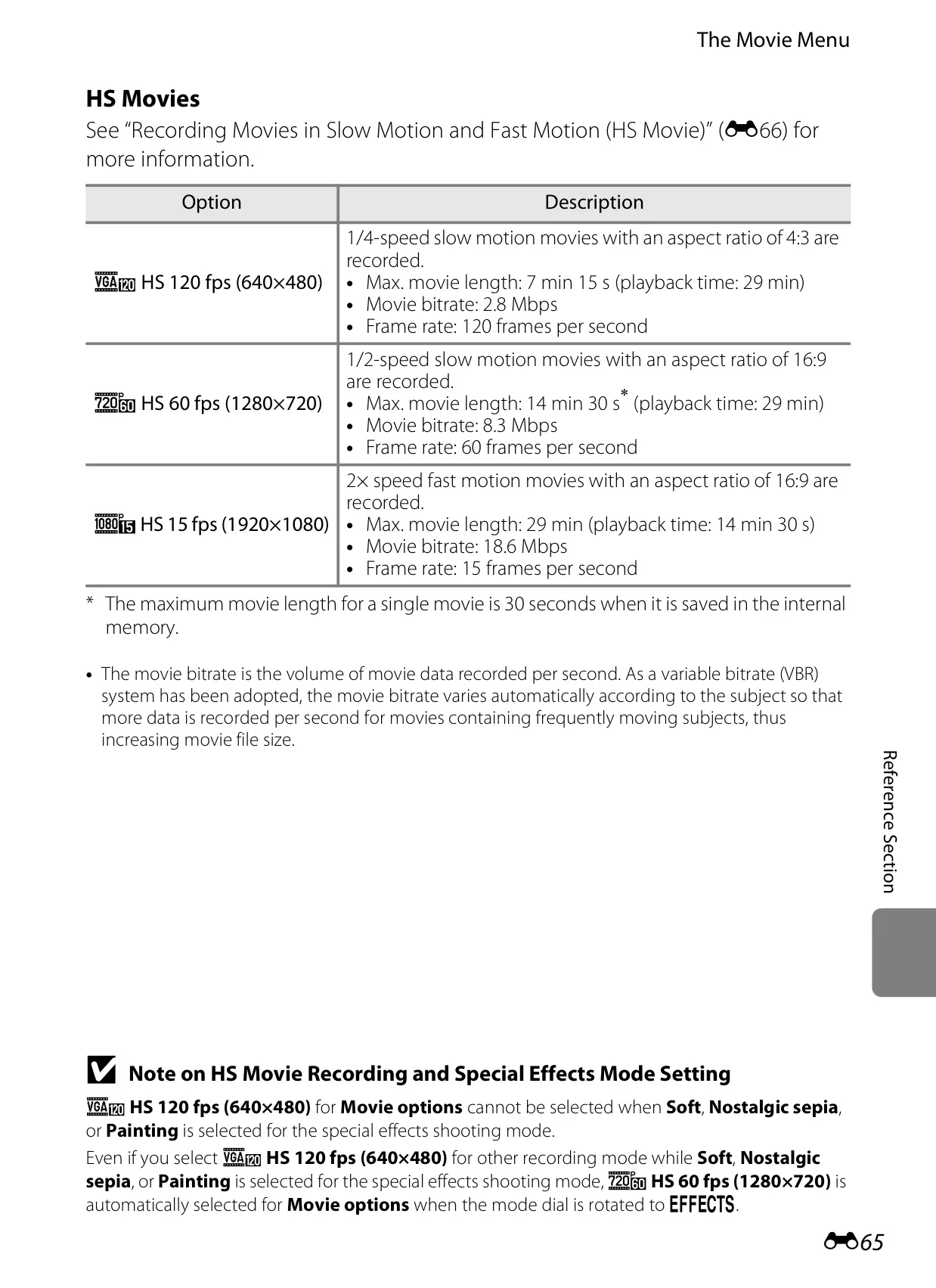








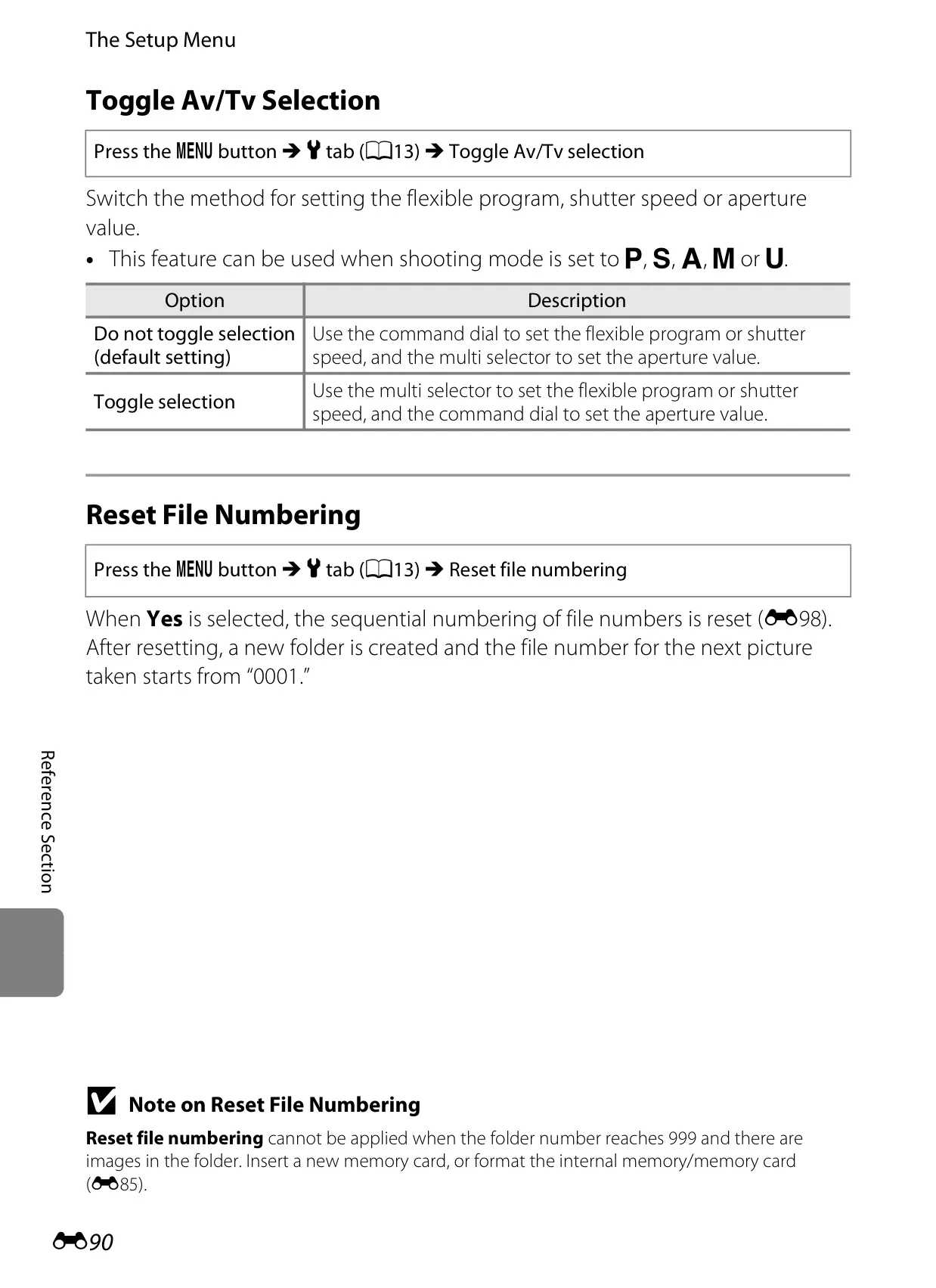


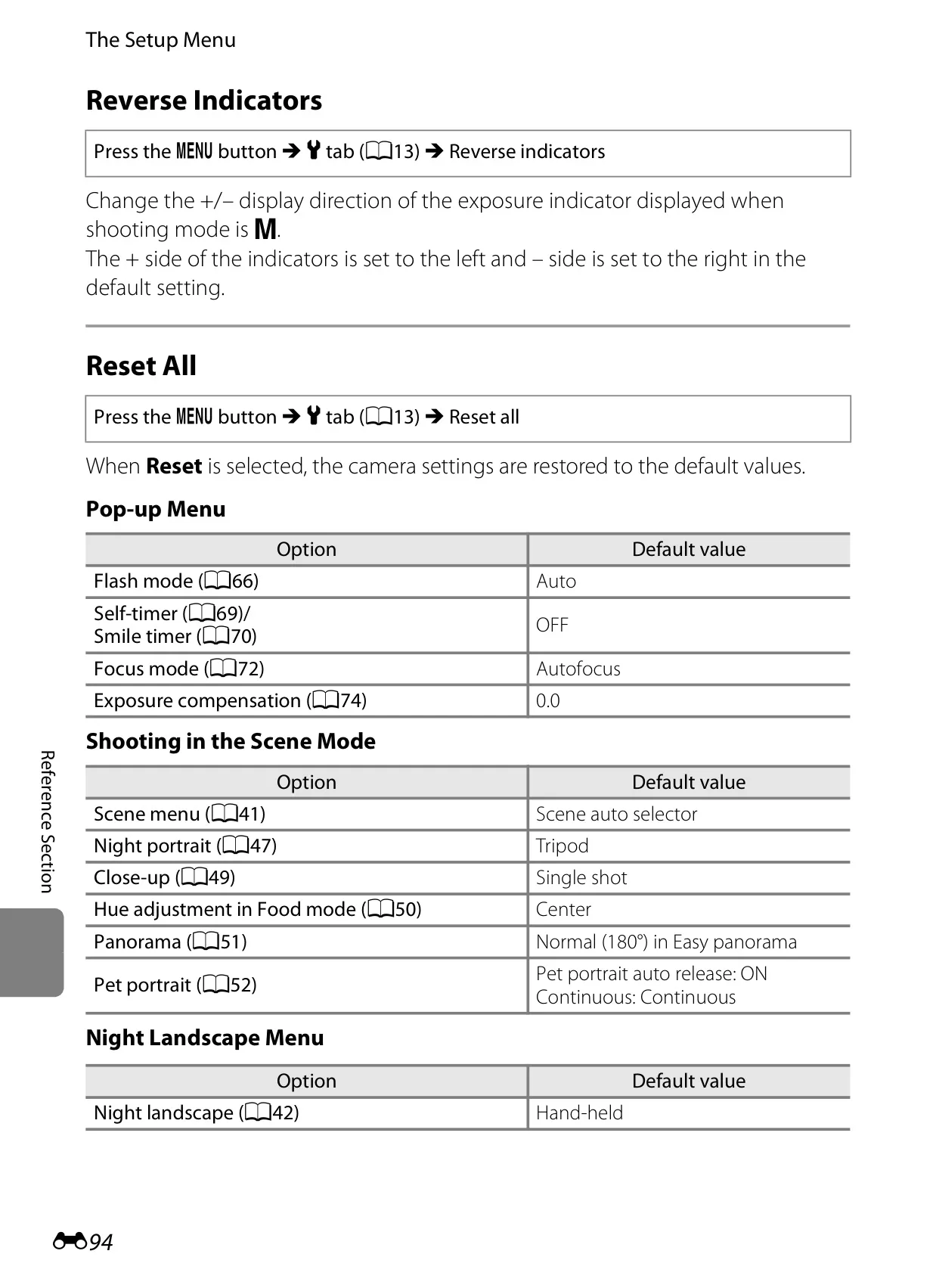


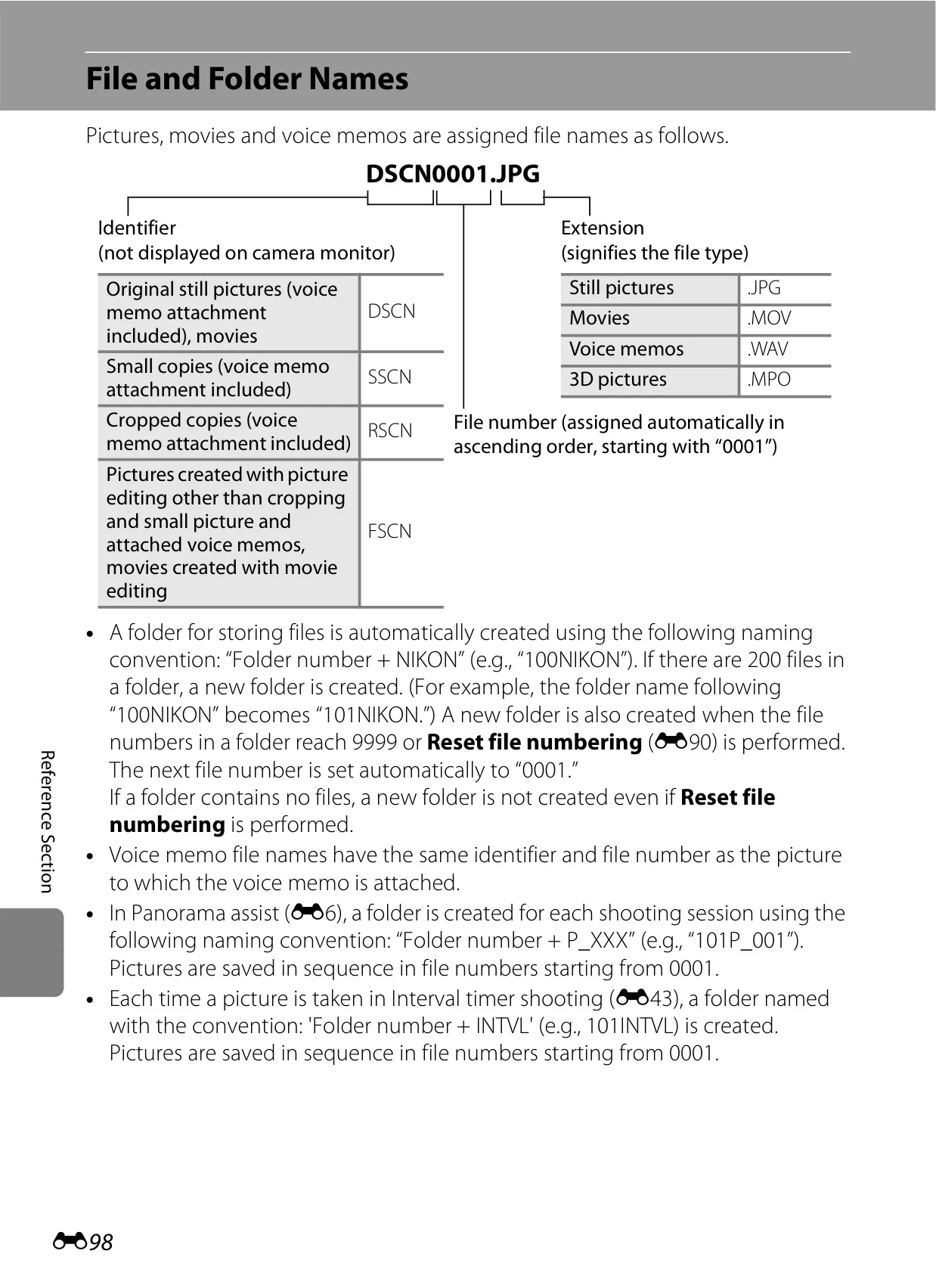

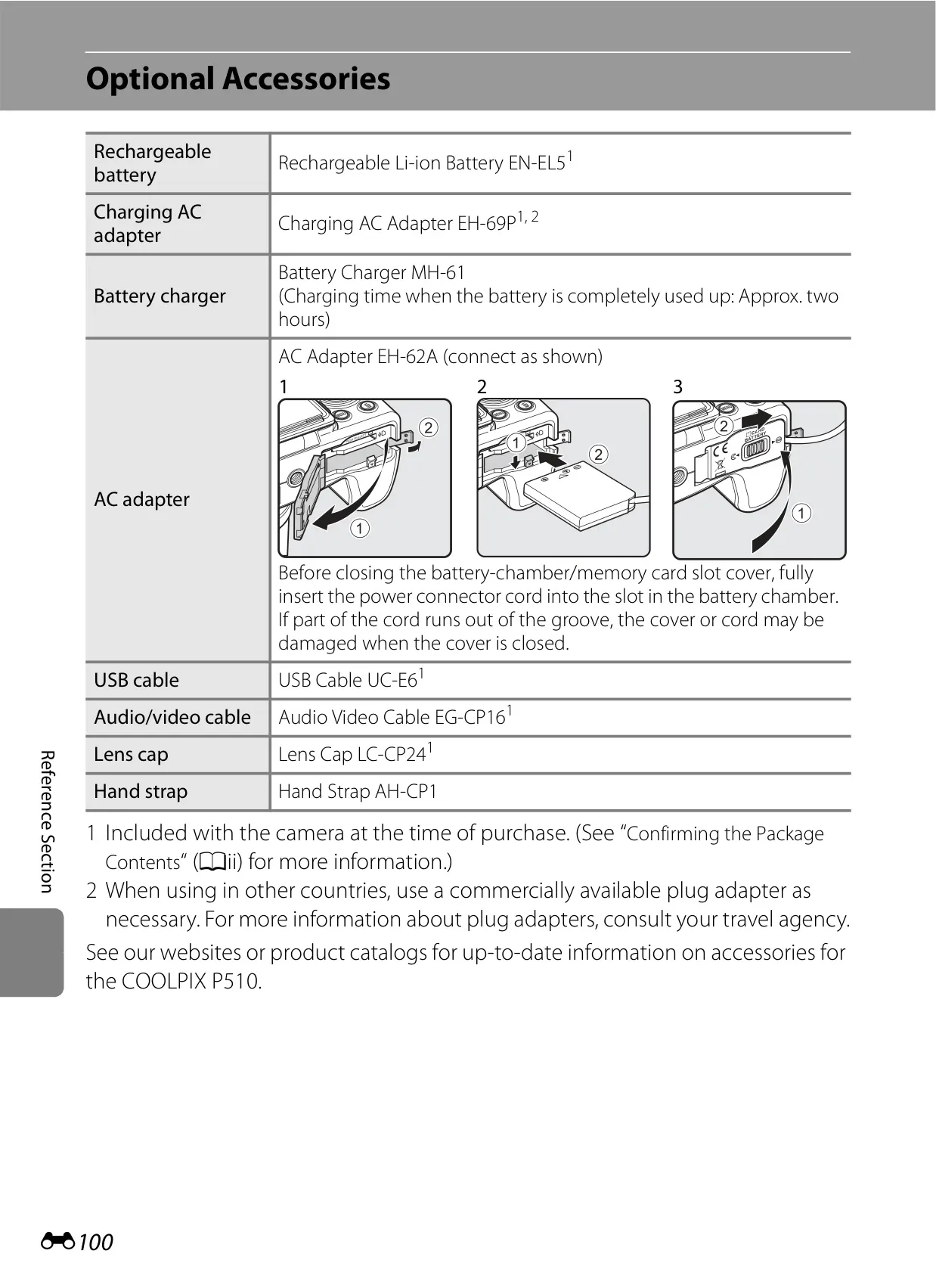
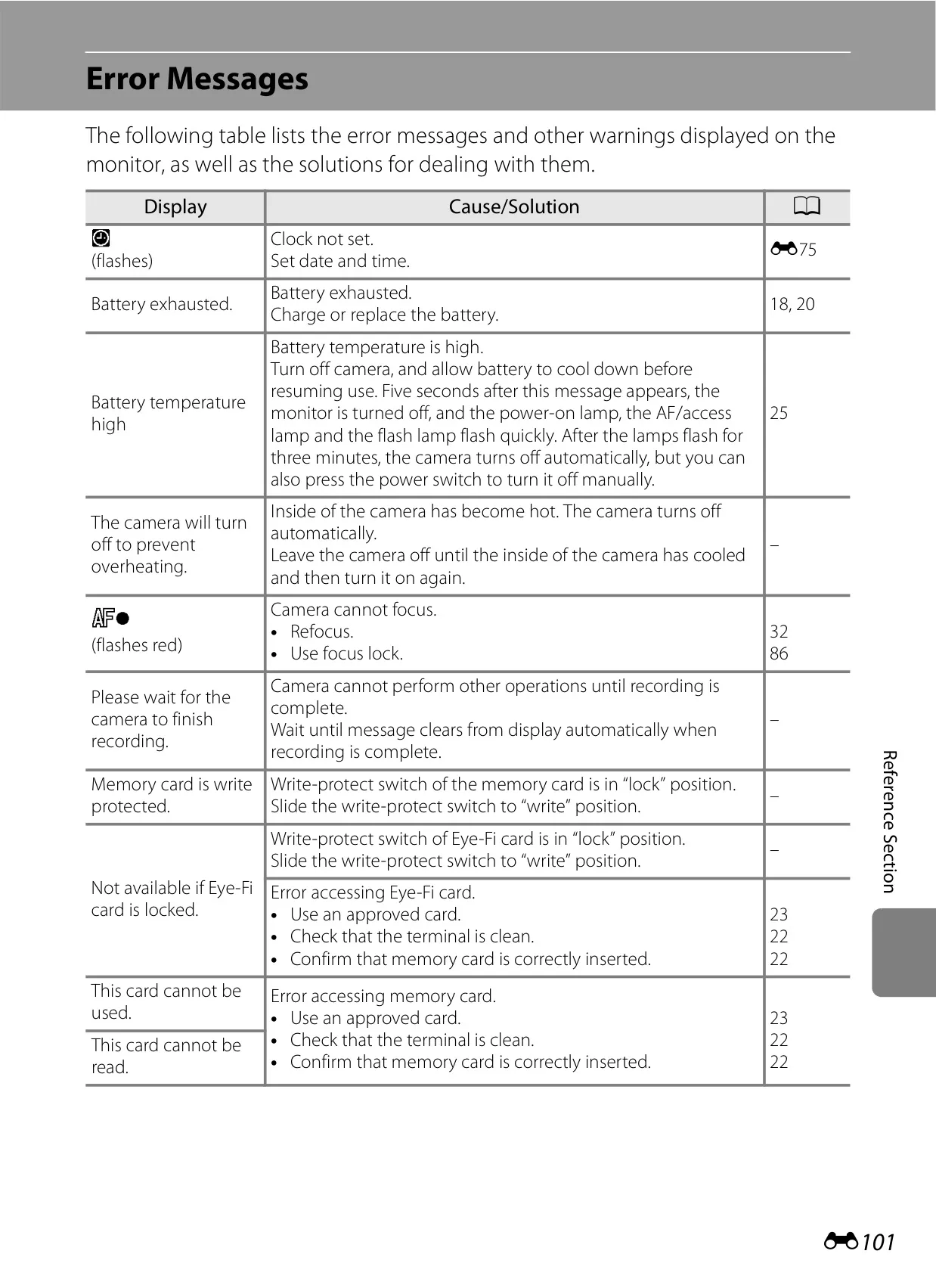
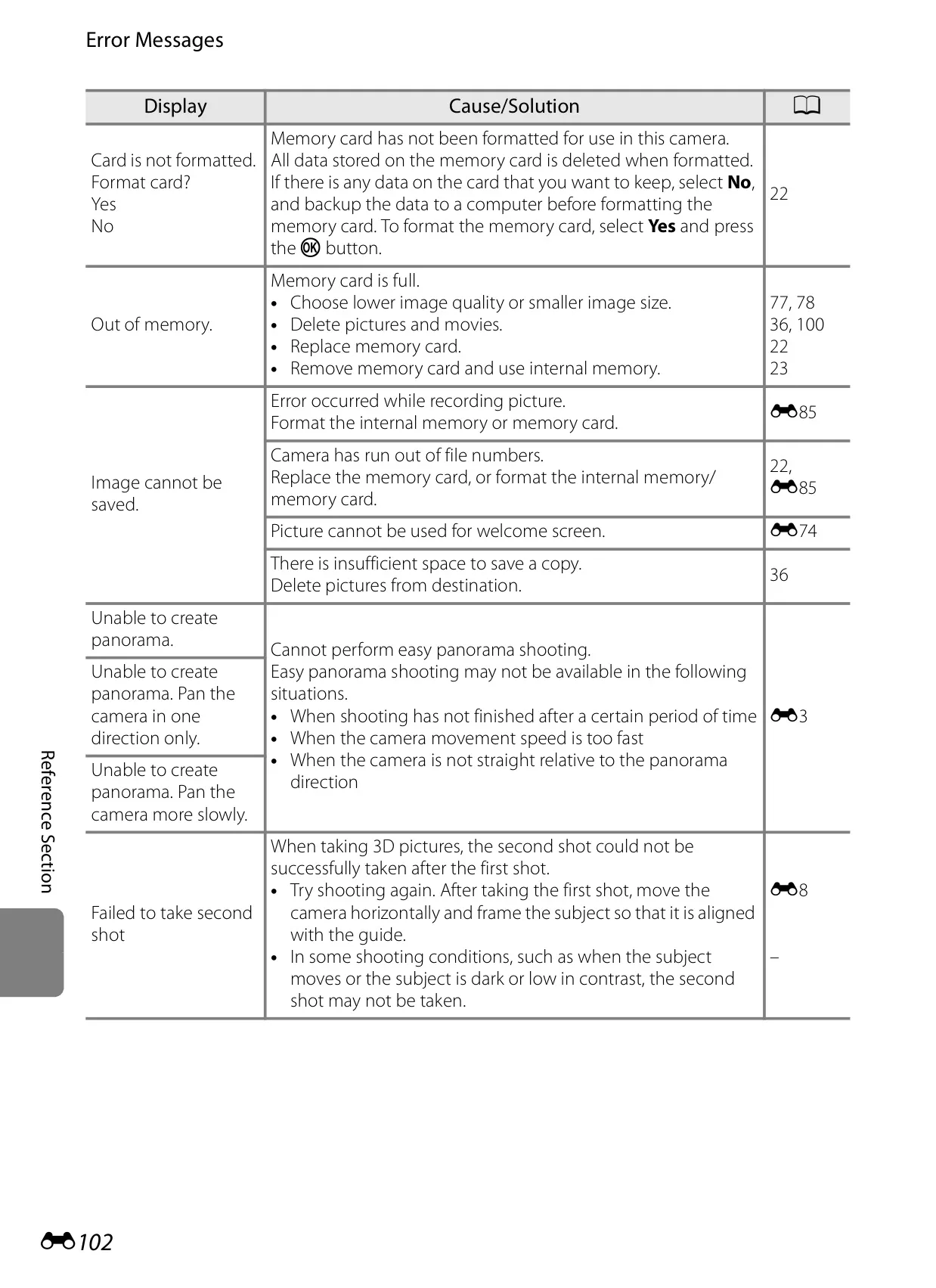


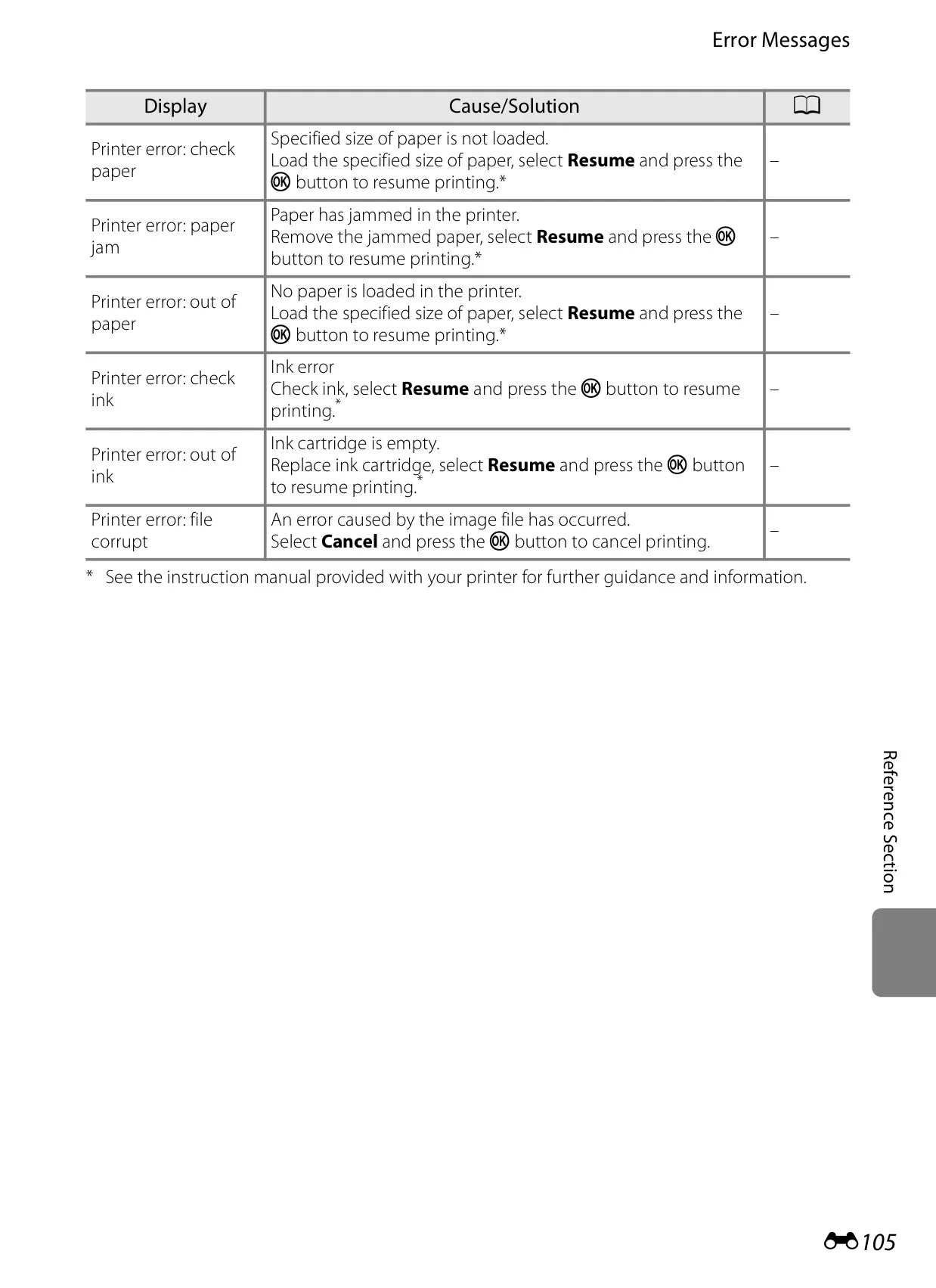


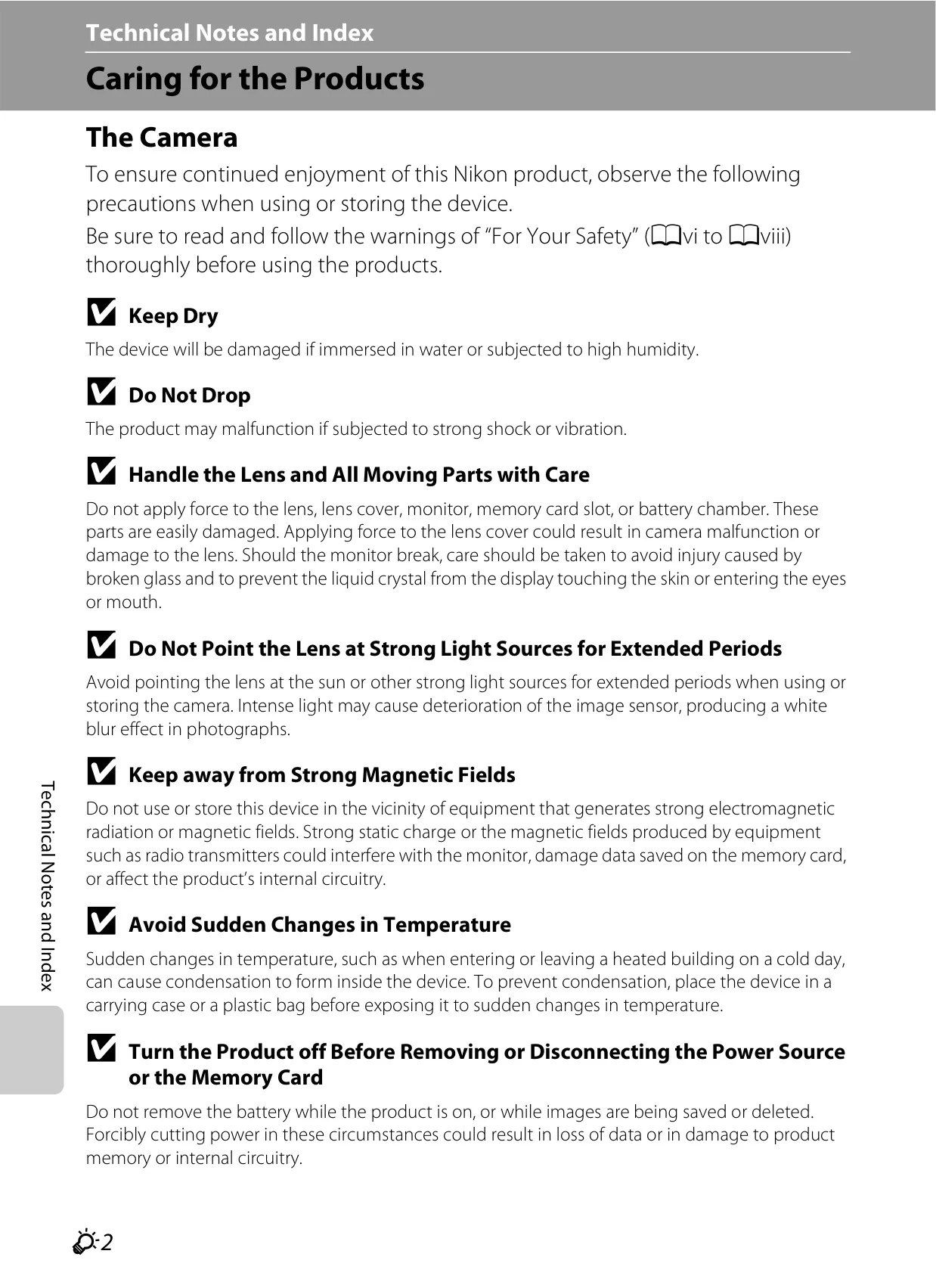





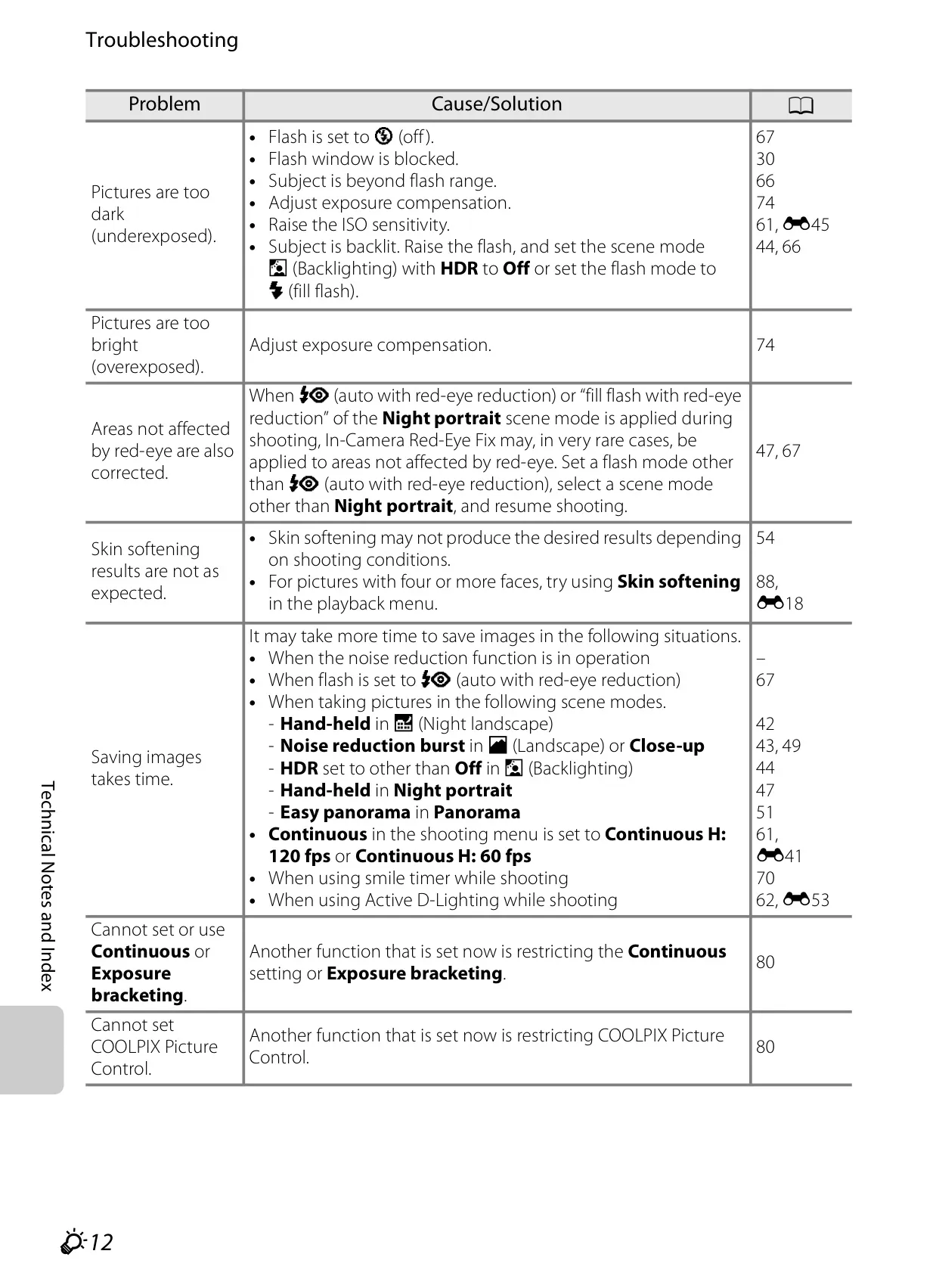
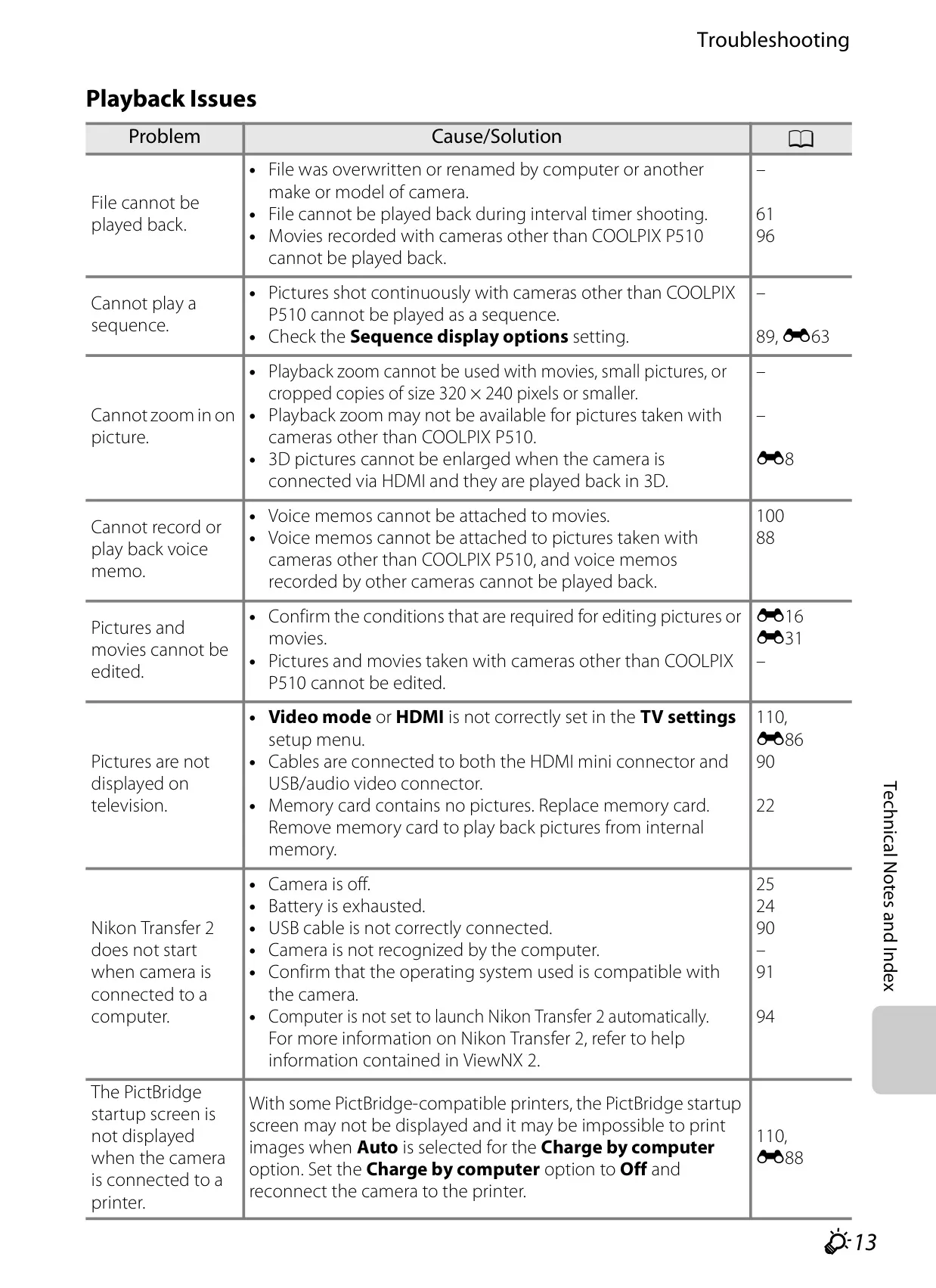









Nikon Coolpix P510 Instructions
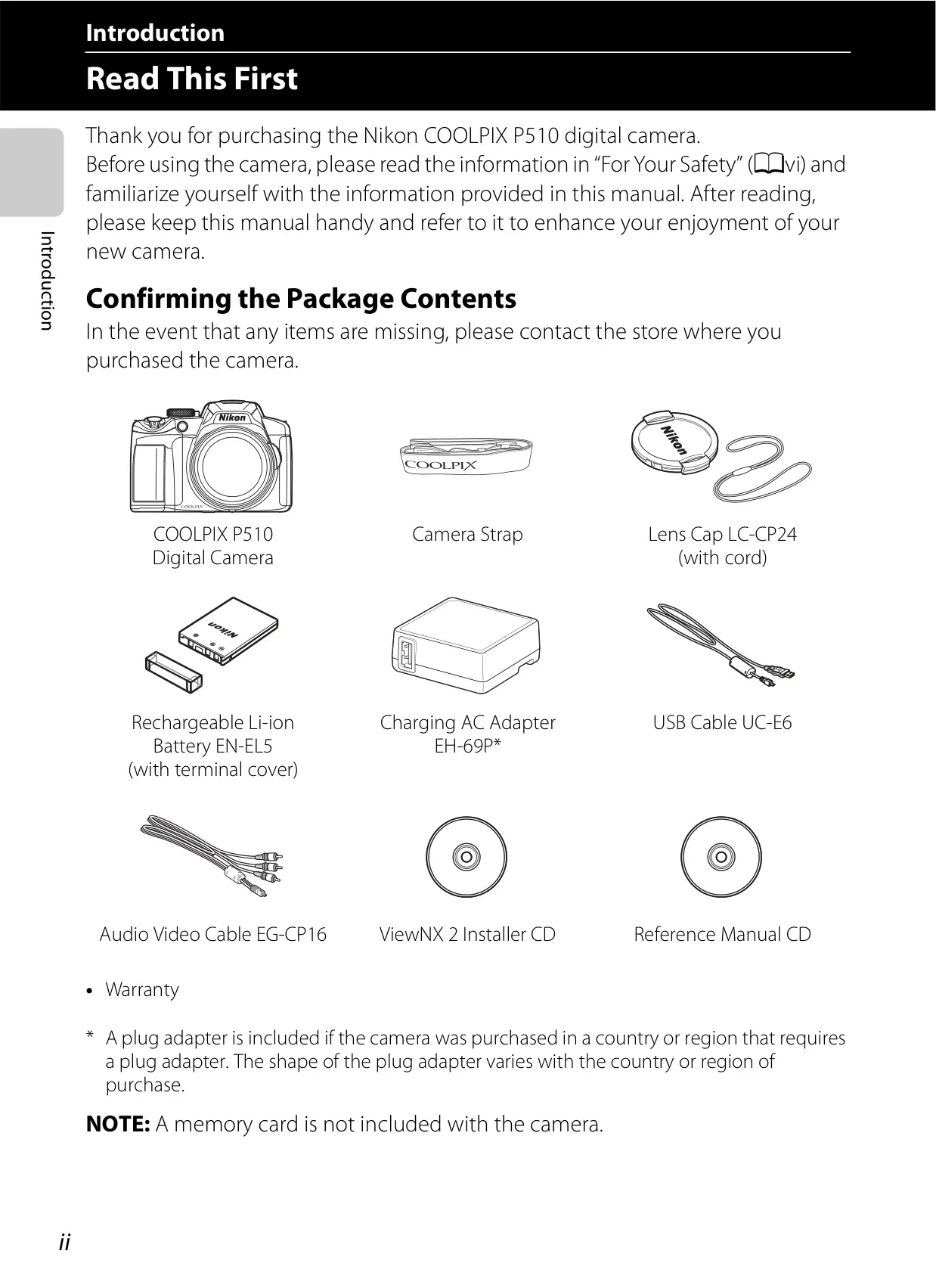
Here we offer the Nikon Coolpix P510 DSLR Camera manual completely free and in English. We have cataloged this manual in the SLR Cameras section on Manualverse, and it has been rated by 1 users with an average rating of 5. If you have any specific questions about Nikon Coolpix P510 DSLR Camera, we suggest checking the Frequently Asked Questions (FAQs) section of this manual.
Product Images
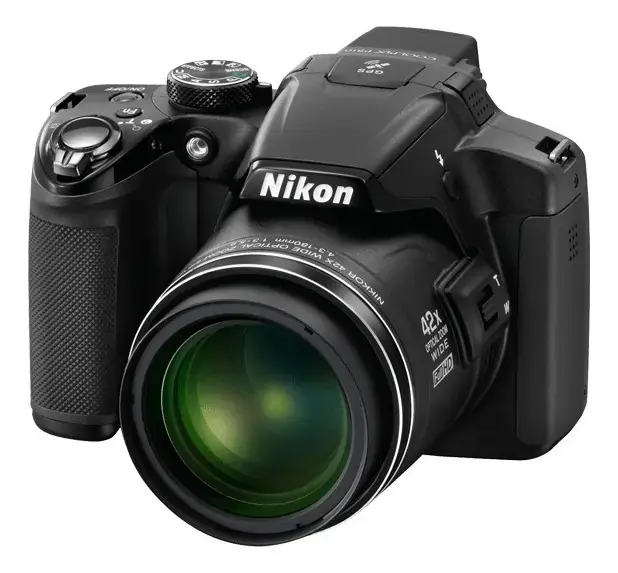
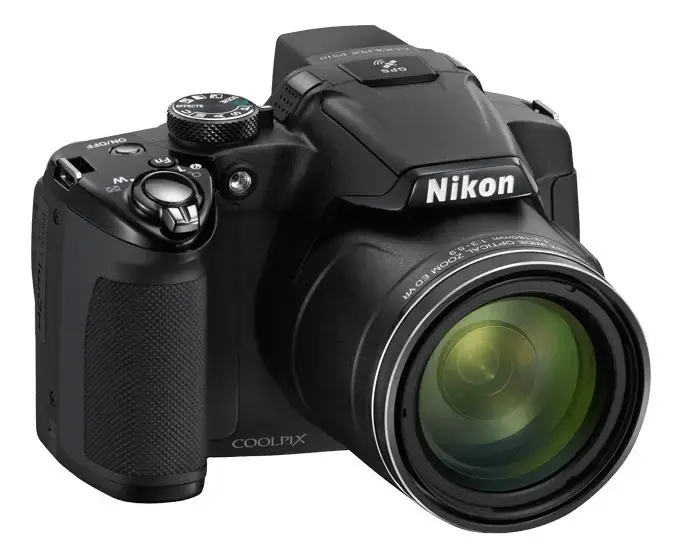
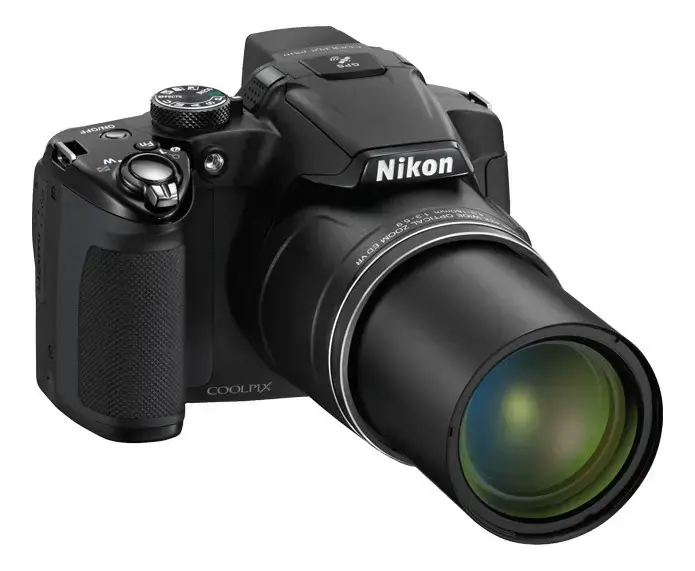
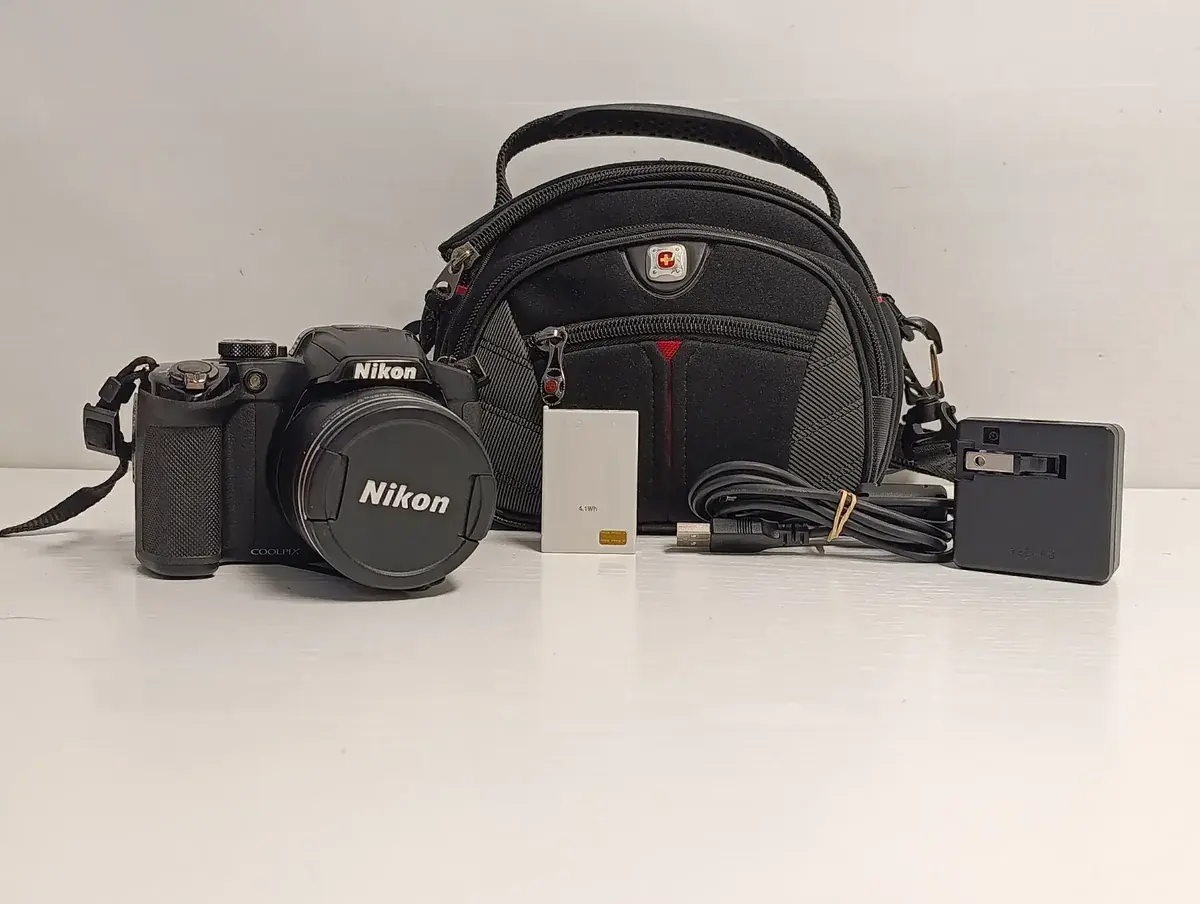
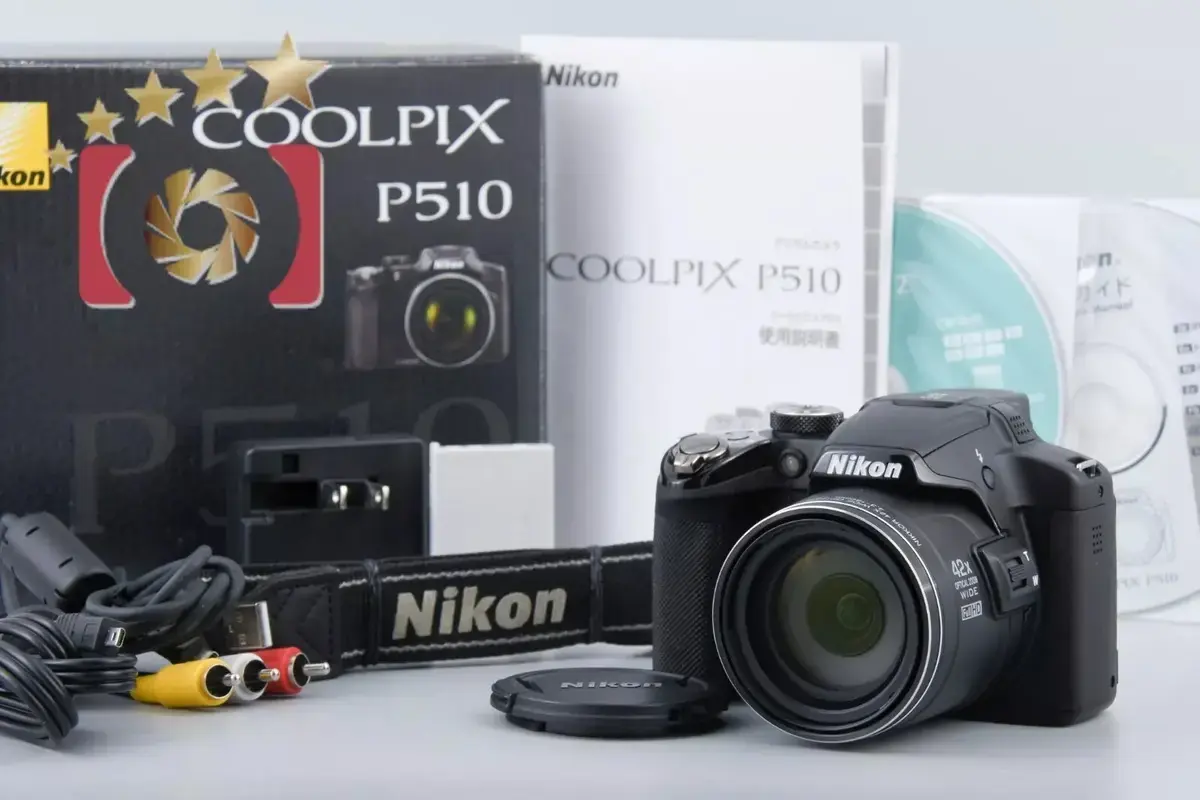
Nikon Coolpix P510 DSLR Camera Specifications
| Category | Specification |
|---|---|
| Camera Type | Compact digital camera |
| Effective Pixels | 16.1 million |
| Image Sensor | 1/2.3-in. type CMOS; approx. 16.79 million total pixels |
| Lens | 42× optical zoom, NIKKOR lens |
| Focal Length | 4.3-180mm (angle of view equivalent to 24-1000 mm lens in 35mm [135] format) |
| f-number | f/3-5.9 |
| Lens Construction | 14 elements in 10 groups (4 ED lens elements) |
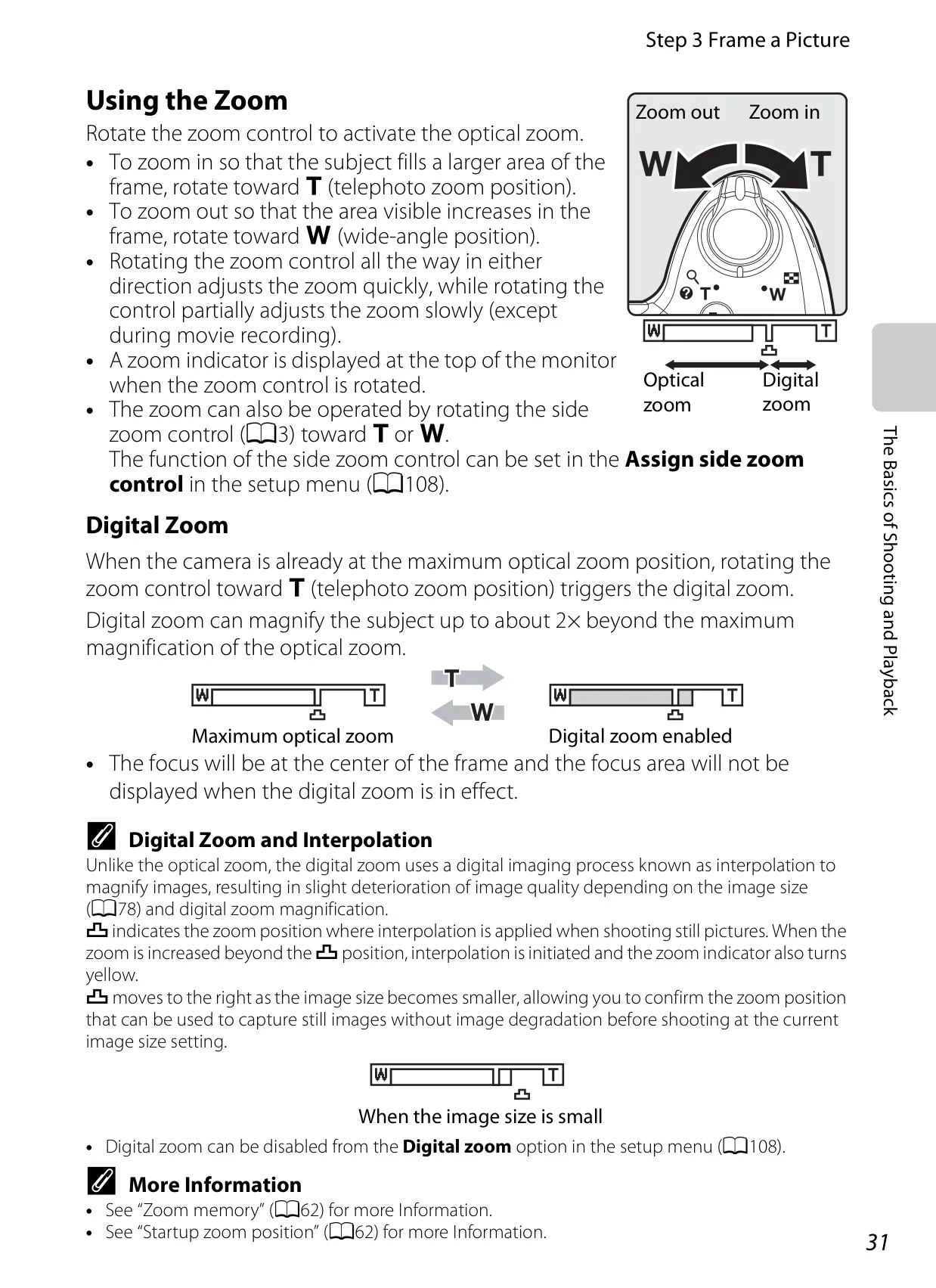
| Digital Zoom | Up to 2× (angle of view equivalent to approx. 2000 mm lens in 35mm format) |
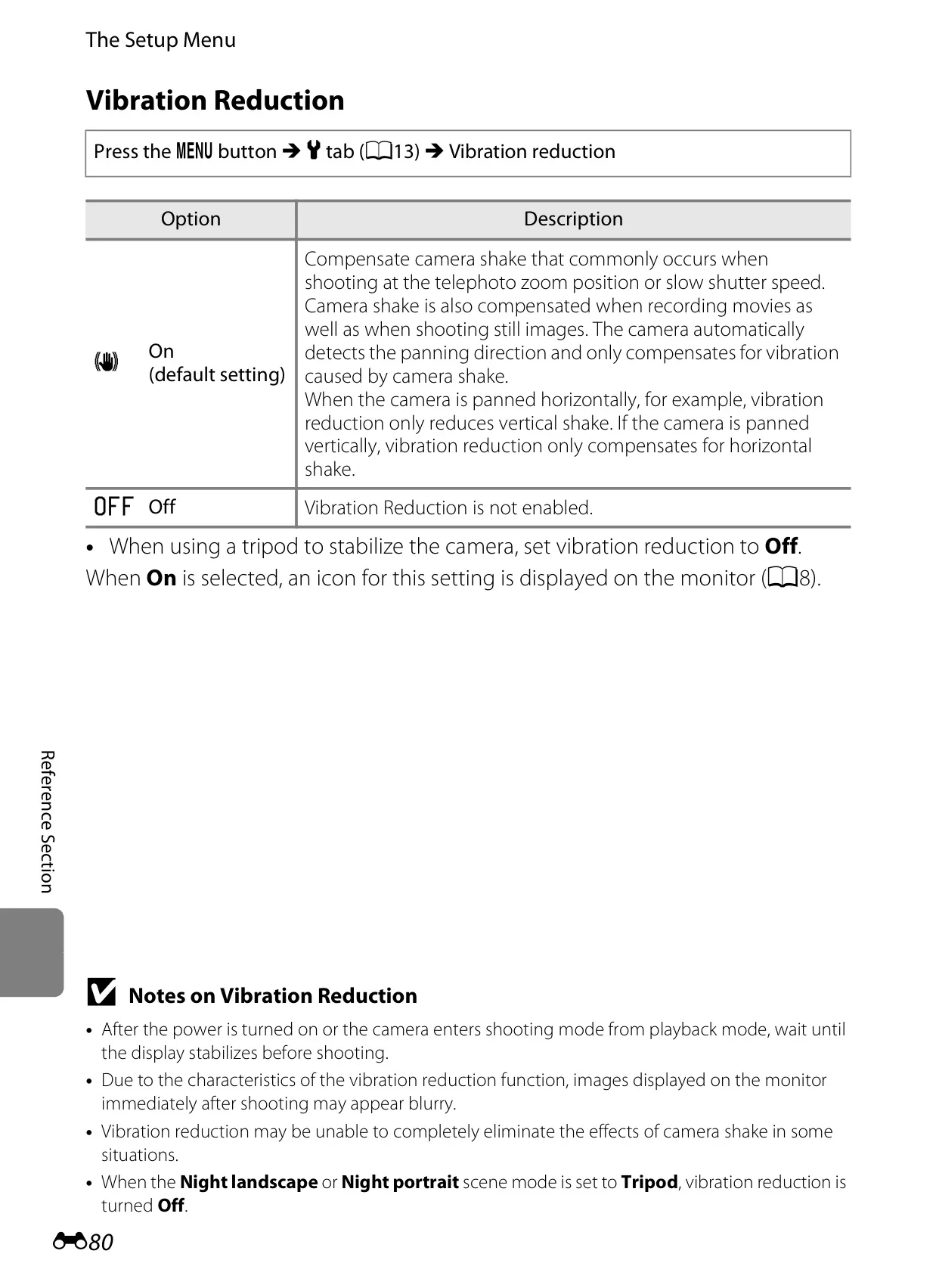
| Vibration Reduction | Lens shift |
| Autofocus (AF) | Contrast-detect AF |
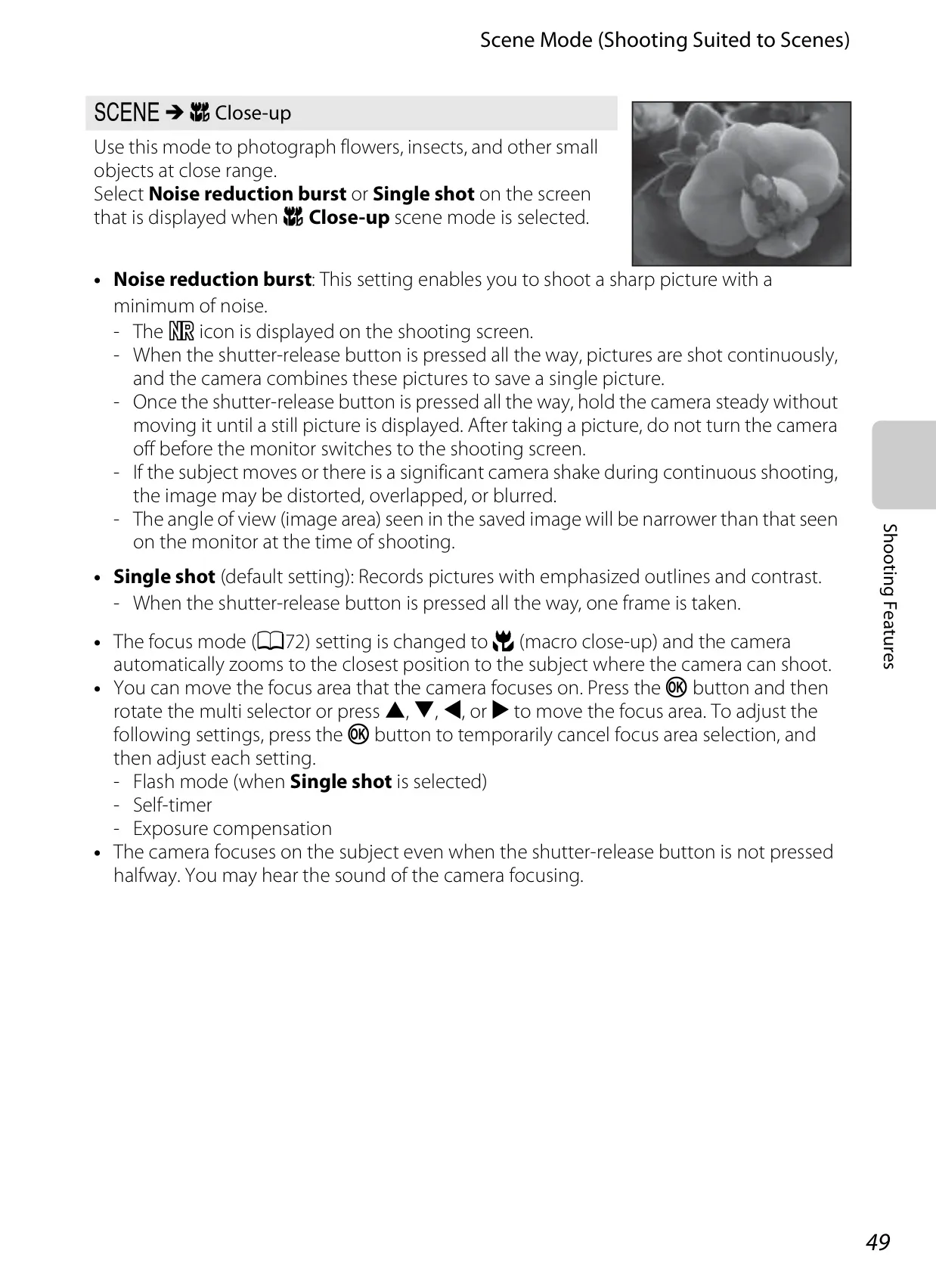
| Focus Range (from lens) | [W]: Approx. 50 cm (1 ft 8 in.) to ∞, [T]: Approx. 1.5 m (5 ft) to ∞; Macro close-up mode: Approx. 1 cm (0.4 in.) (at wide-angle zoom position) to ∞ |
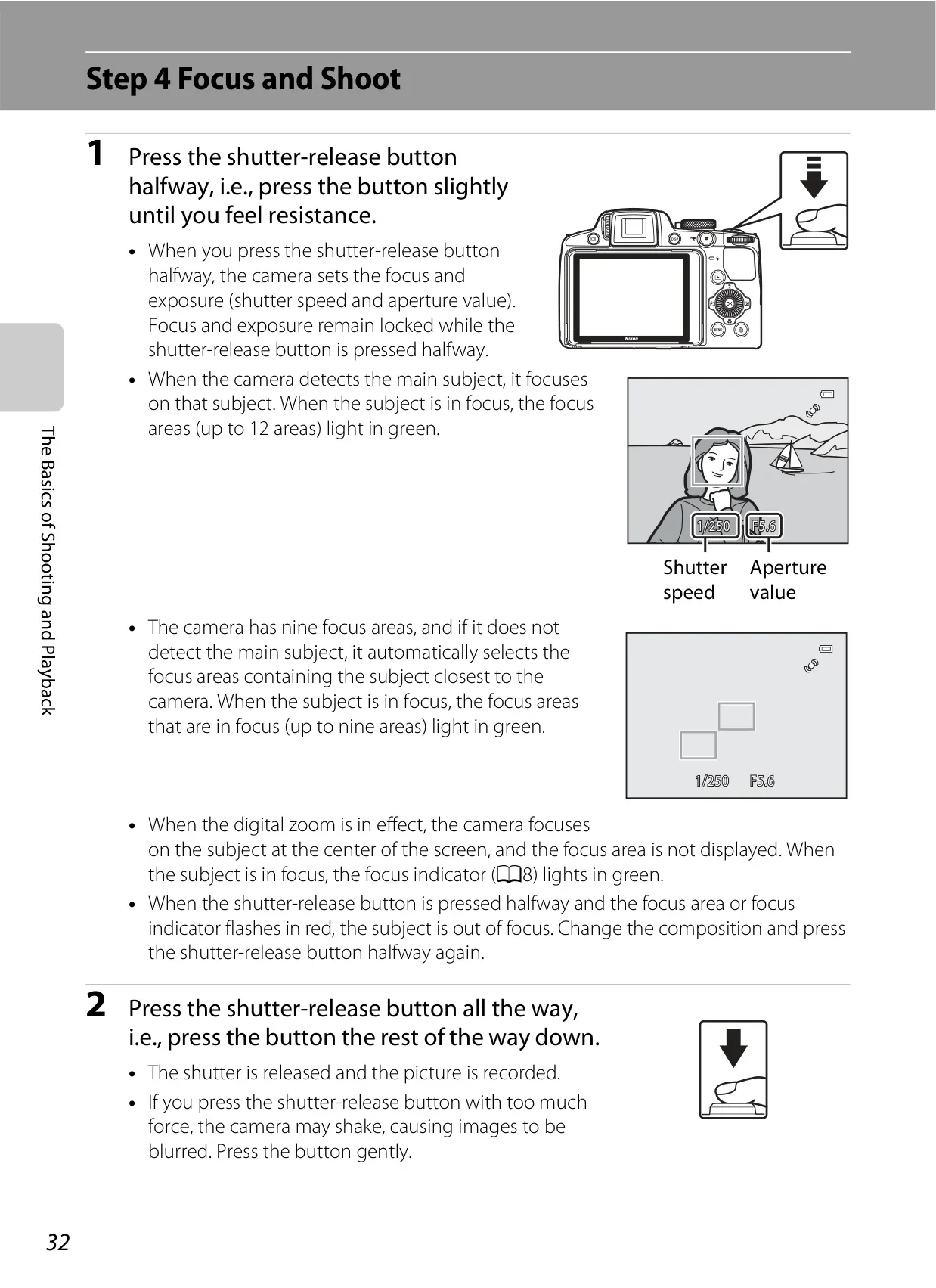
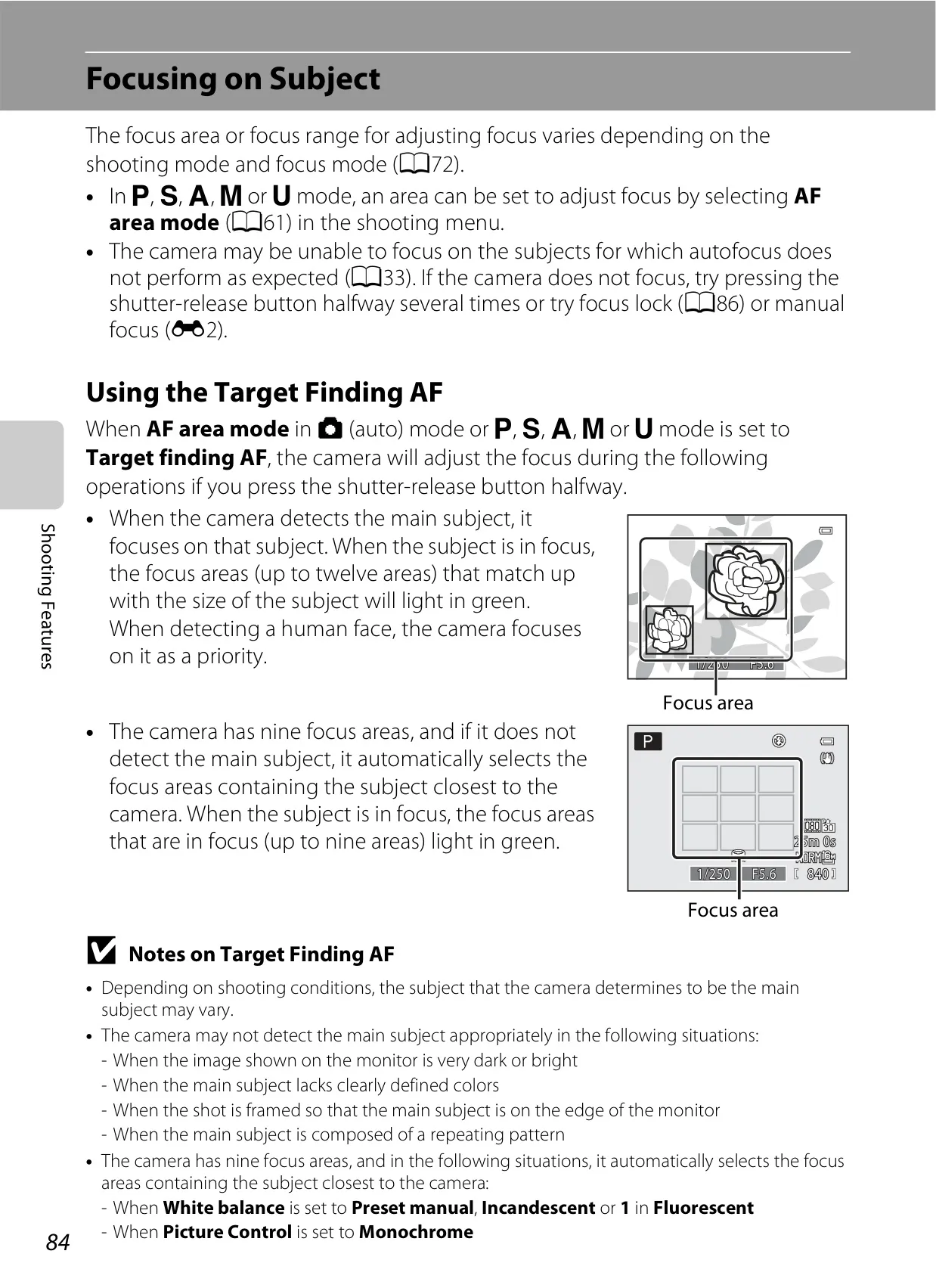
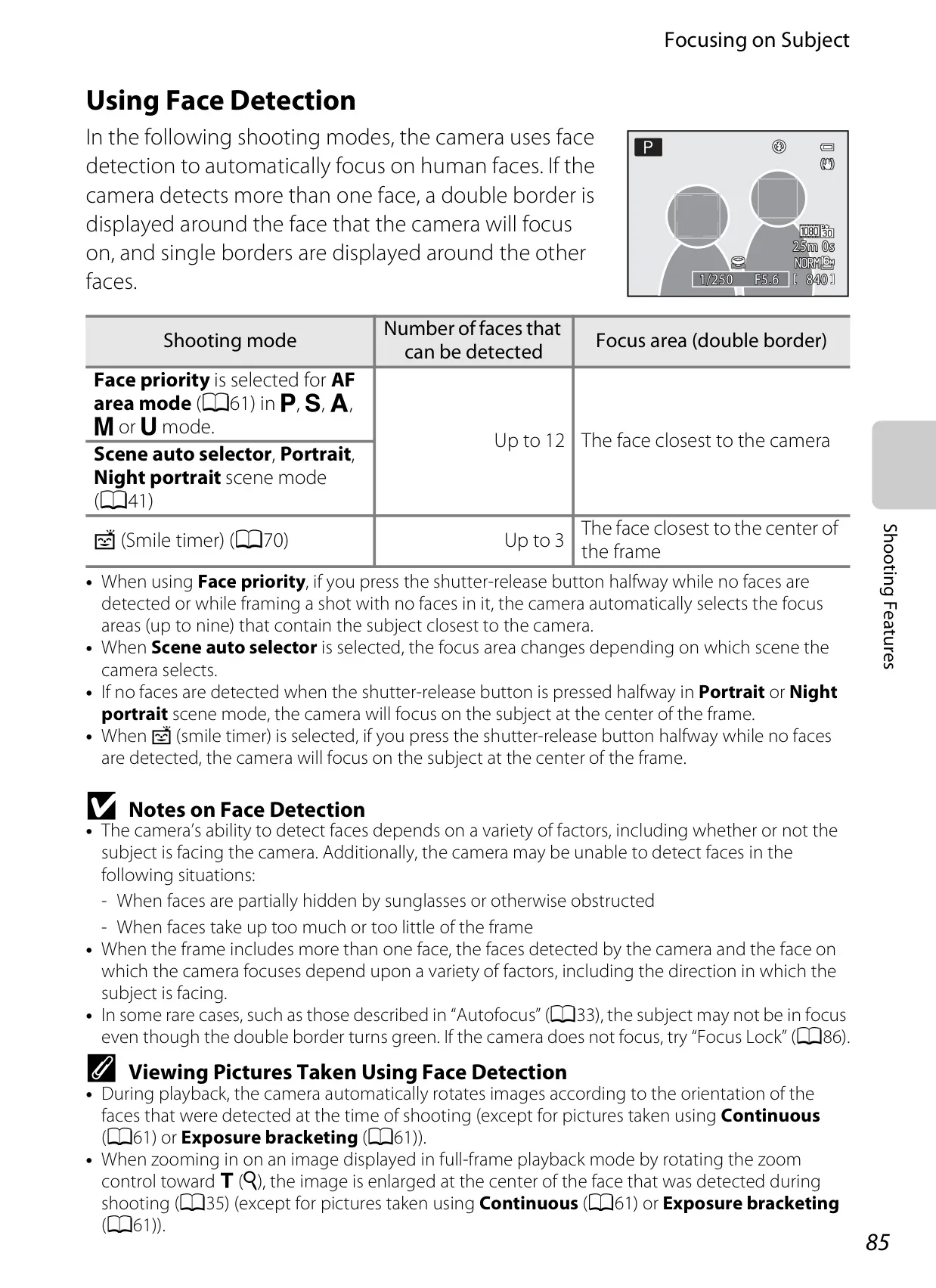
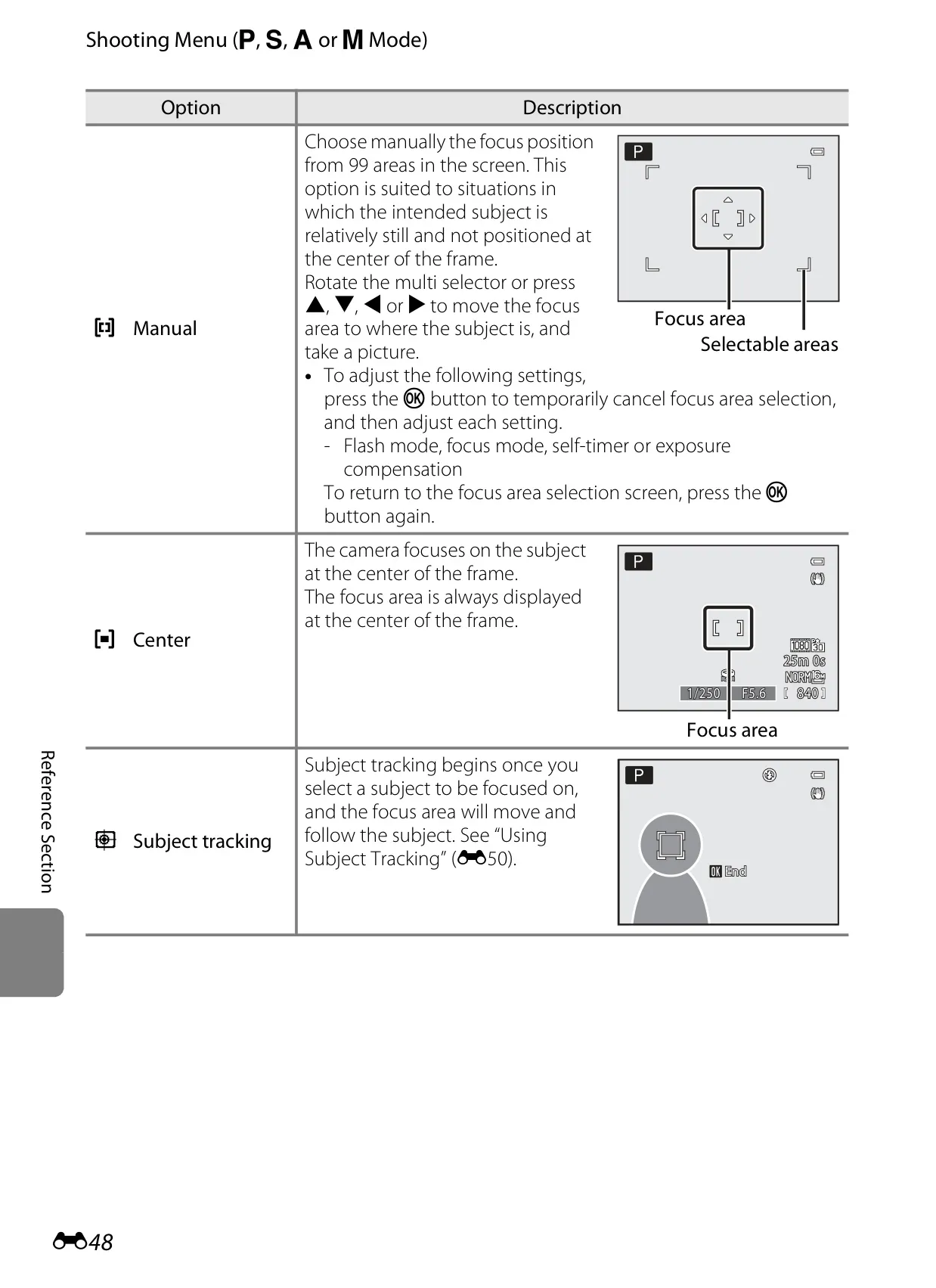
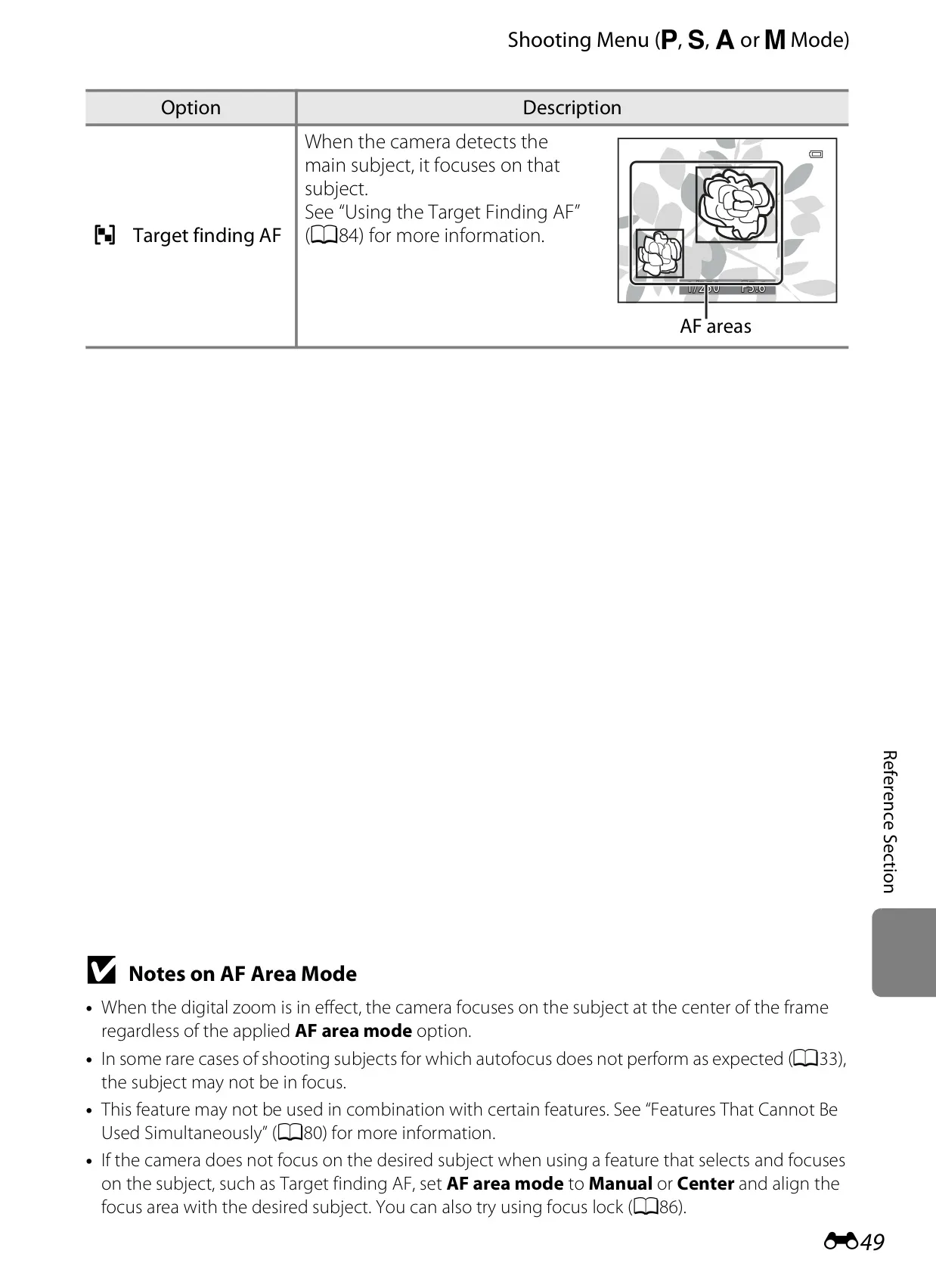
| Focus-Area Selection | Face priority, auto (9-area), center, manual (99 areas), subject tracking, target finding AF |
| Viewfinder | Electronic, 0.5-cm (0.2-in.) approx. 201k-dot equivalent LCD with diopter adjustment (–4 to +4 m-1) |
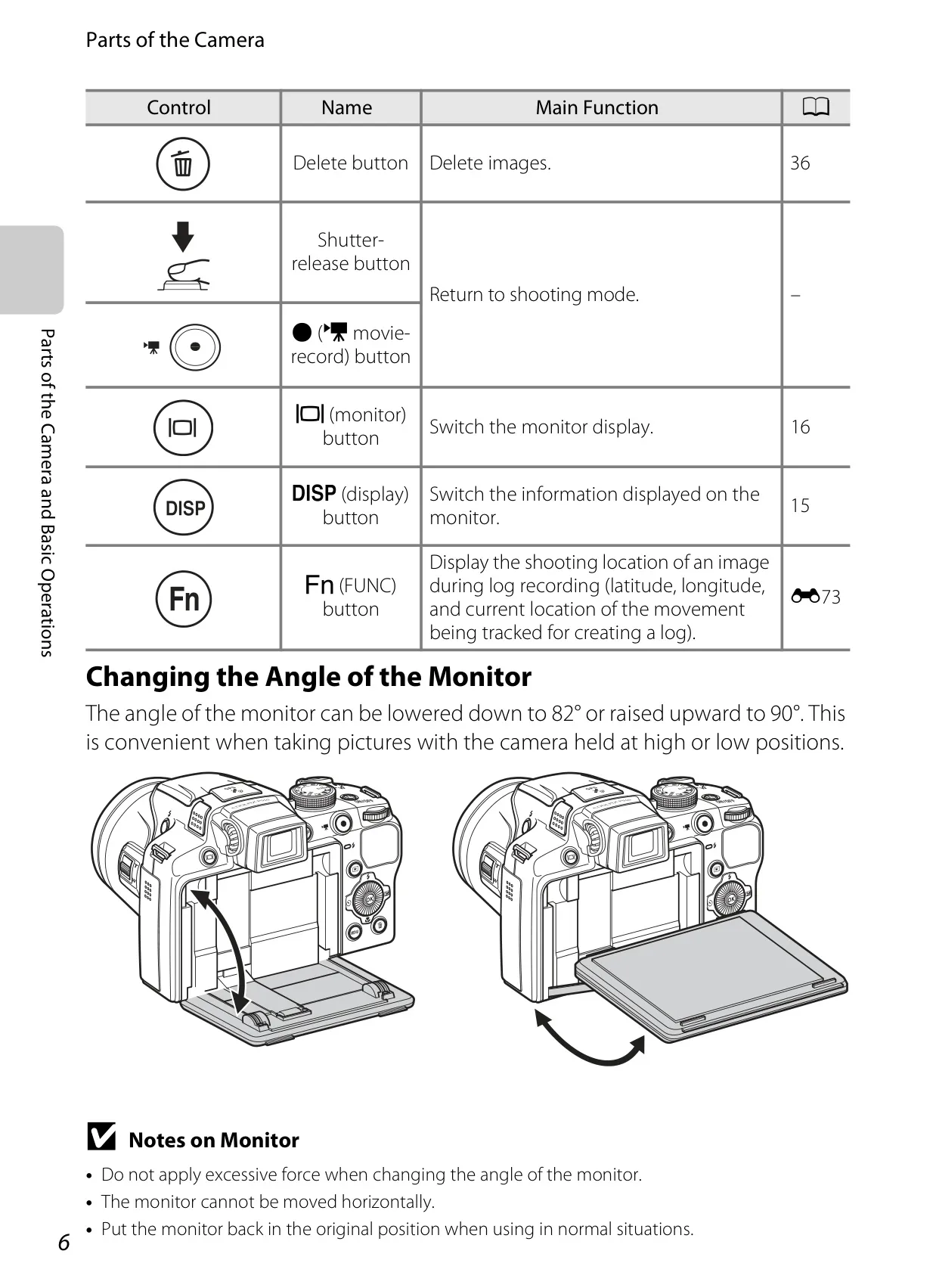
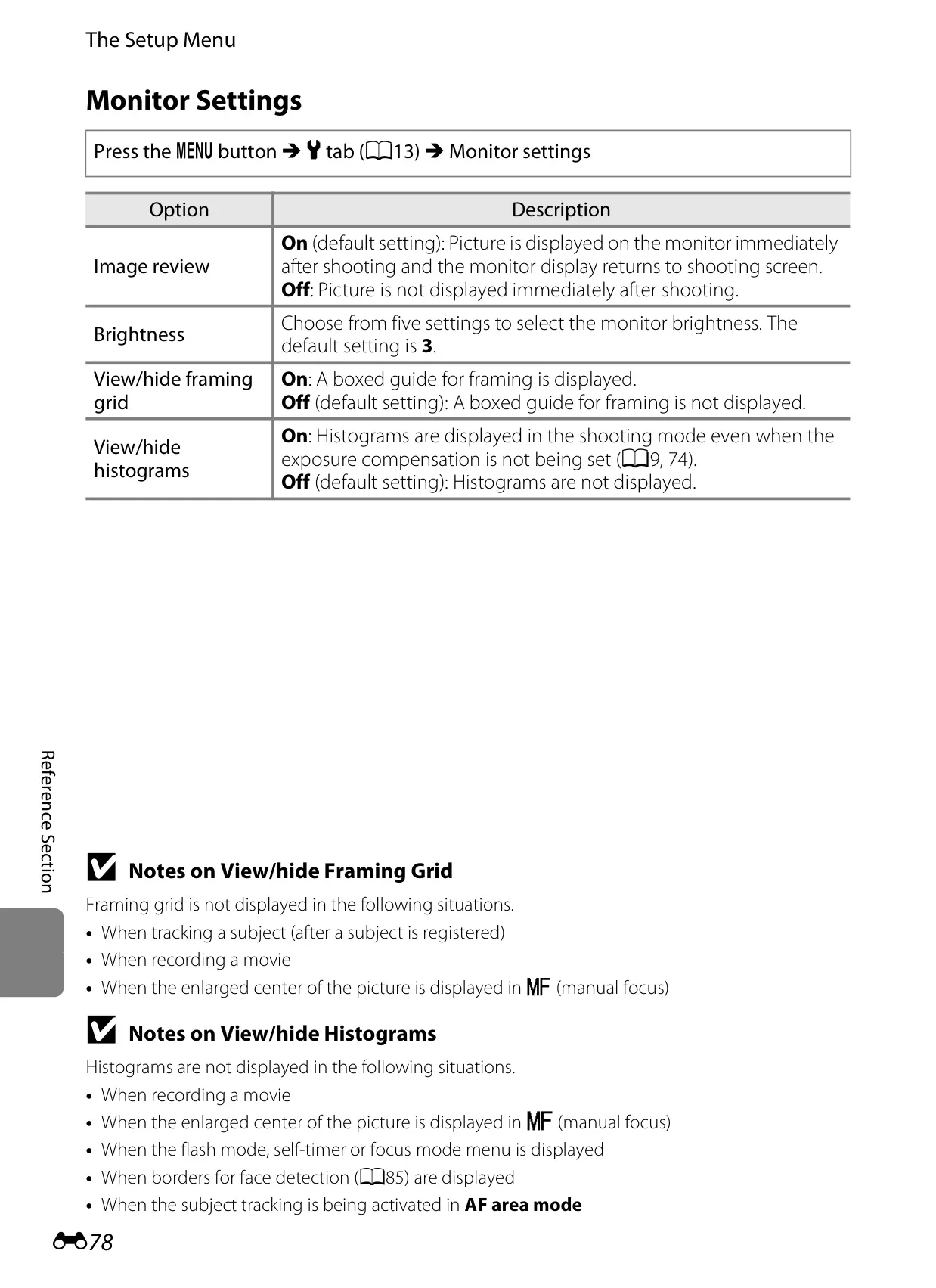
| Monitor | 7.5-cm (3-in.), approx. 921k-dot, wide viewing angle TFT LCD with anti-reflection coating and 5-level brightness adjustment, tiltable approx. 82° downward, approx. 90° upward |
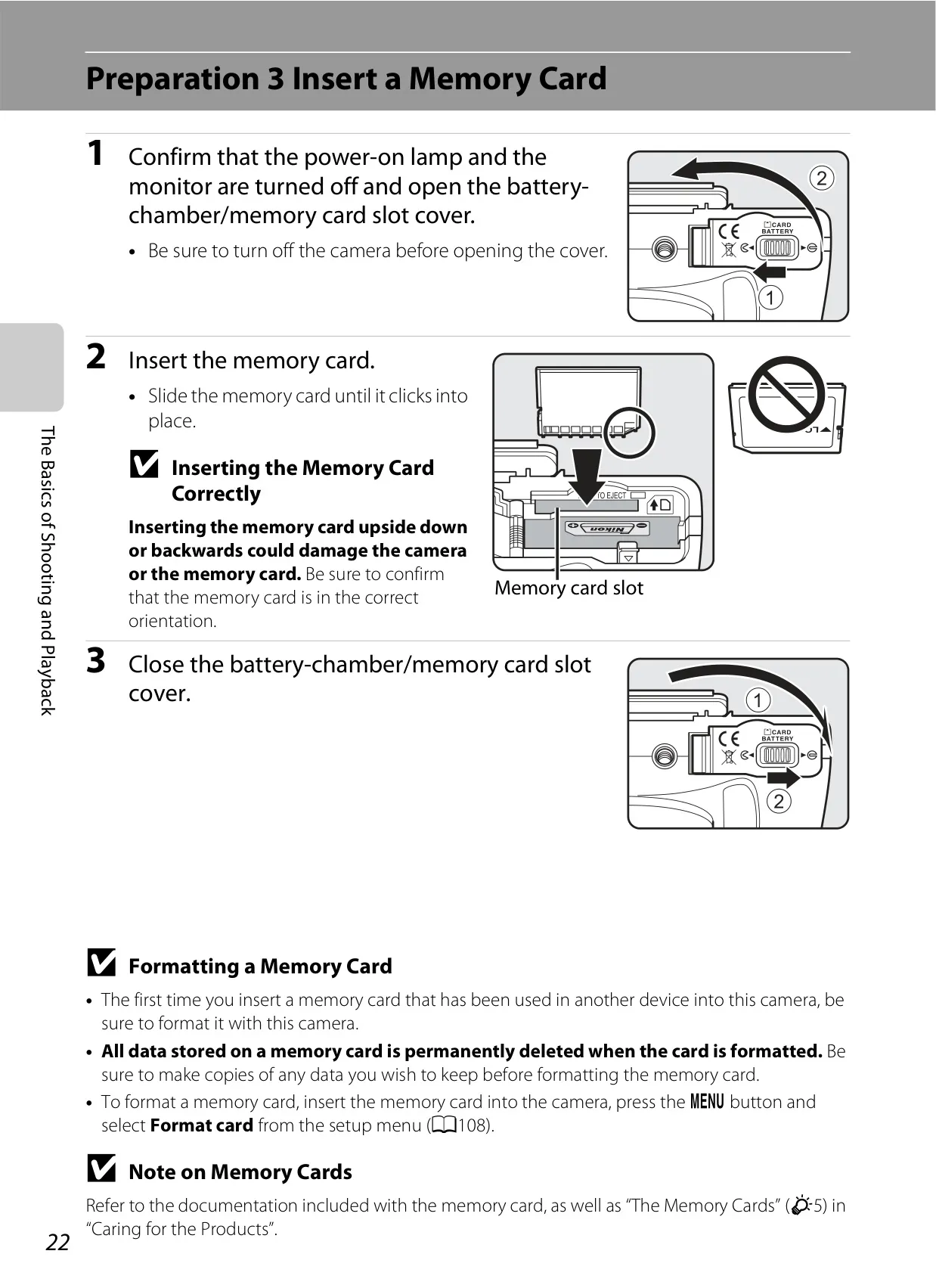
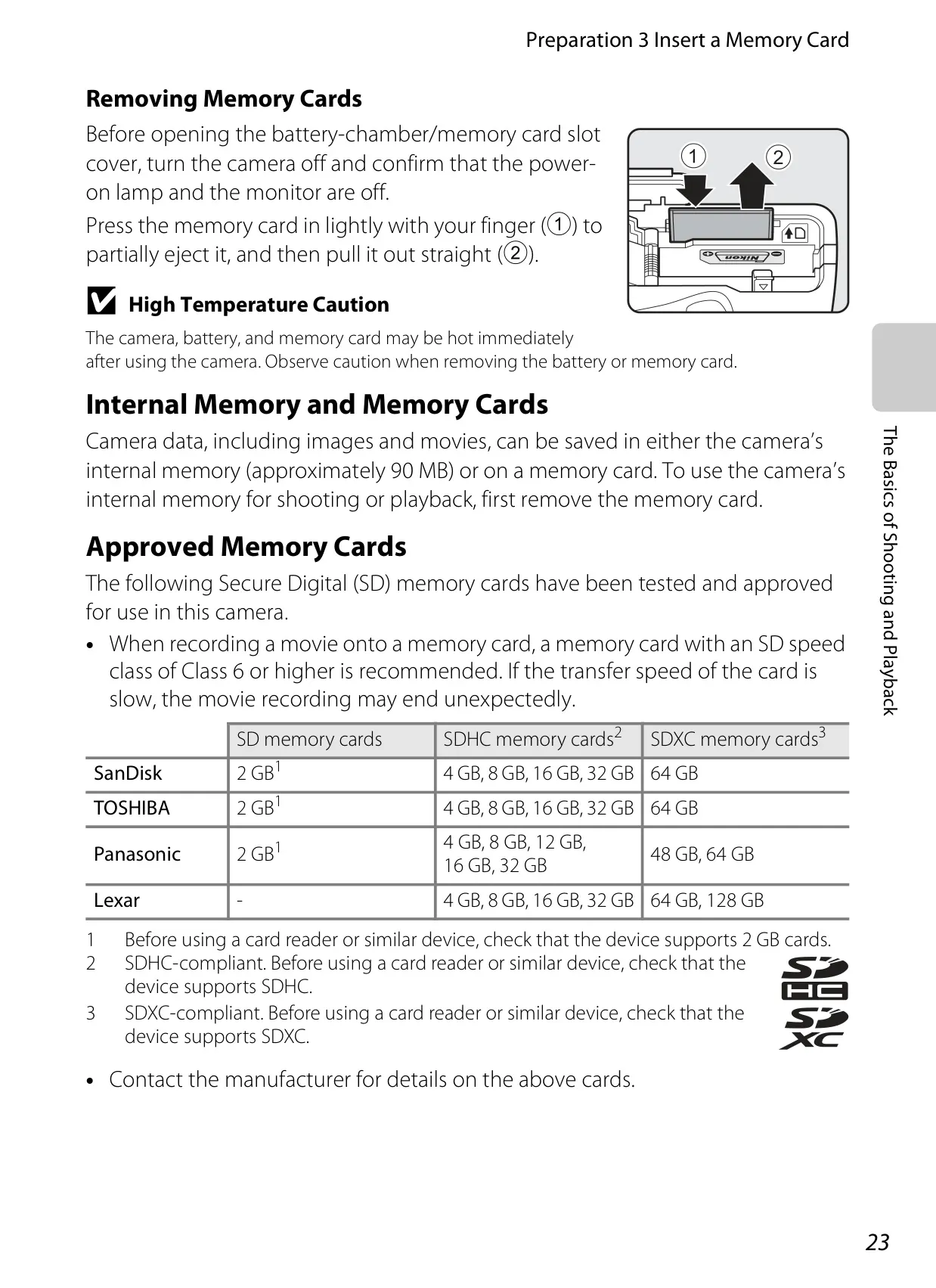
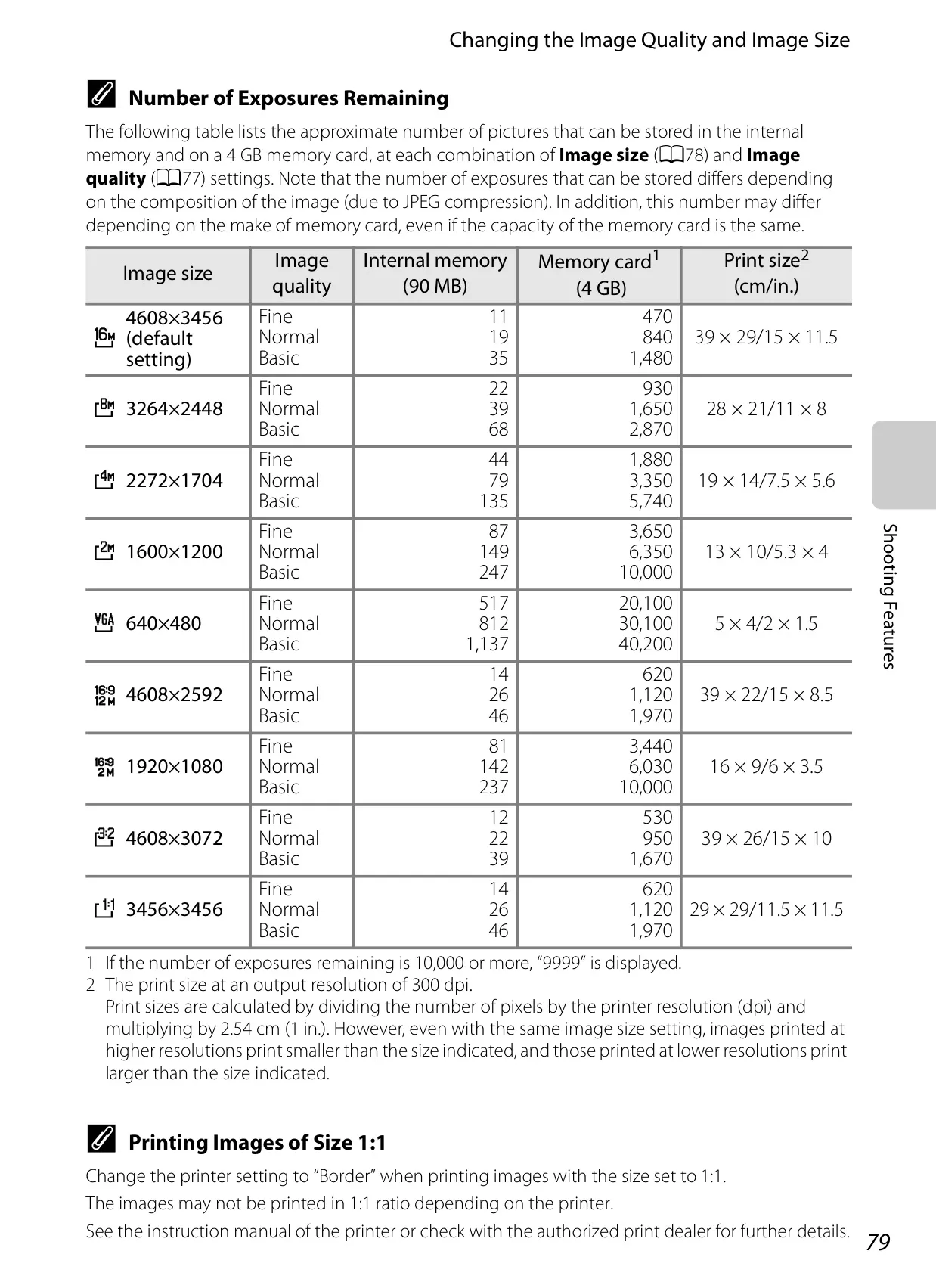
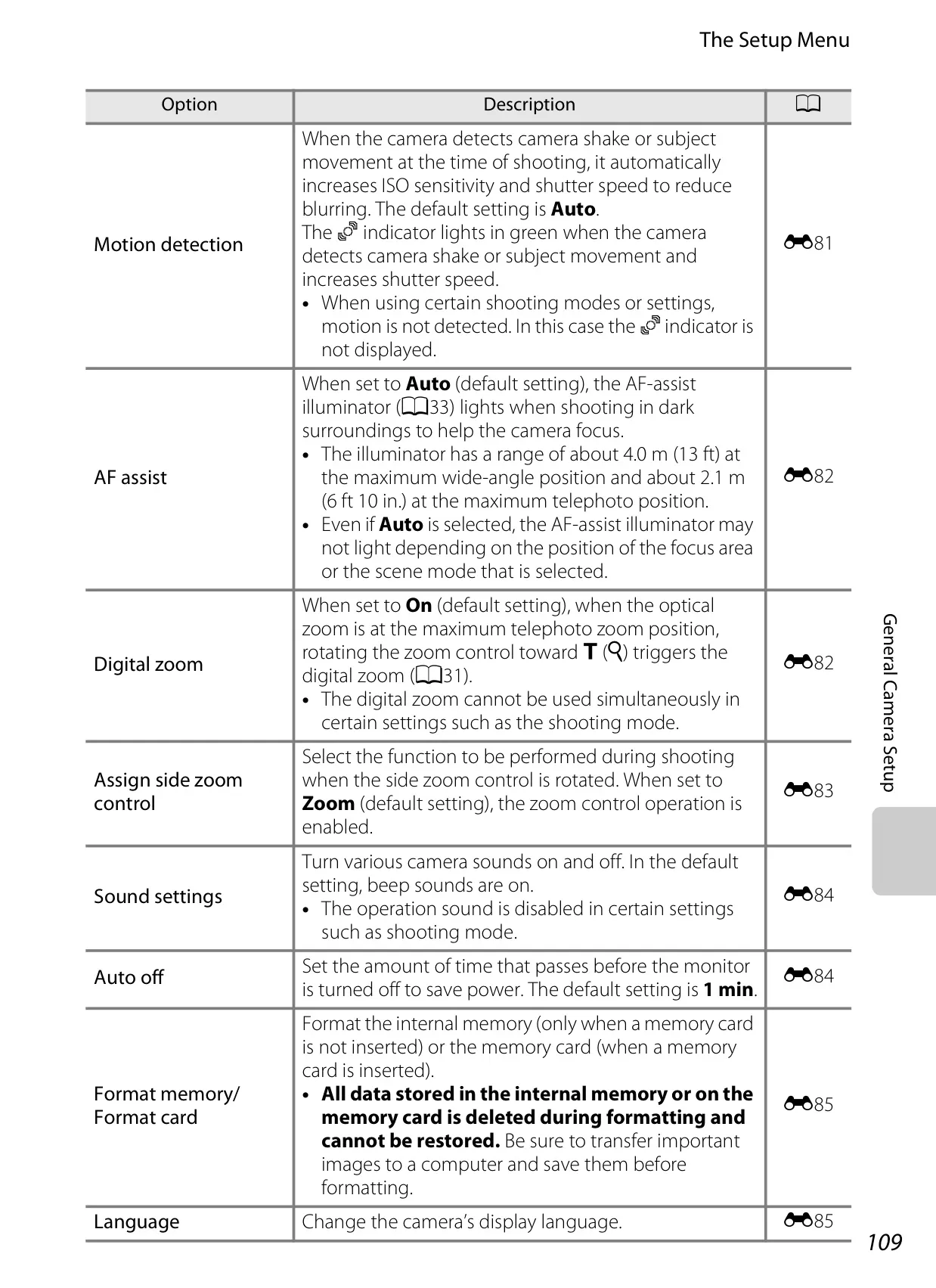
| Storage Media | Internal memory (approx. 90 MB), SD/SDHC/SDXC memory card |
| File System | DCF, Exif 2.3, DPOF, MPF compliant |
| File Formats | Still: JPEG; 3D: MPO; Sound: WAV; Movies: MOV (Video: H.264/MPEG-4 AVC, Audio: AAC stereo) |
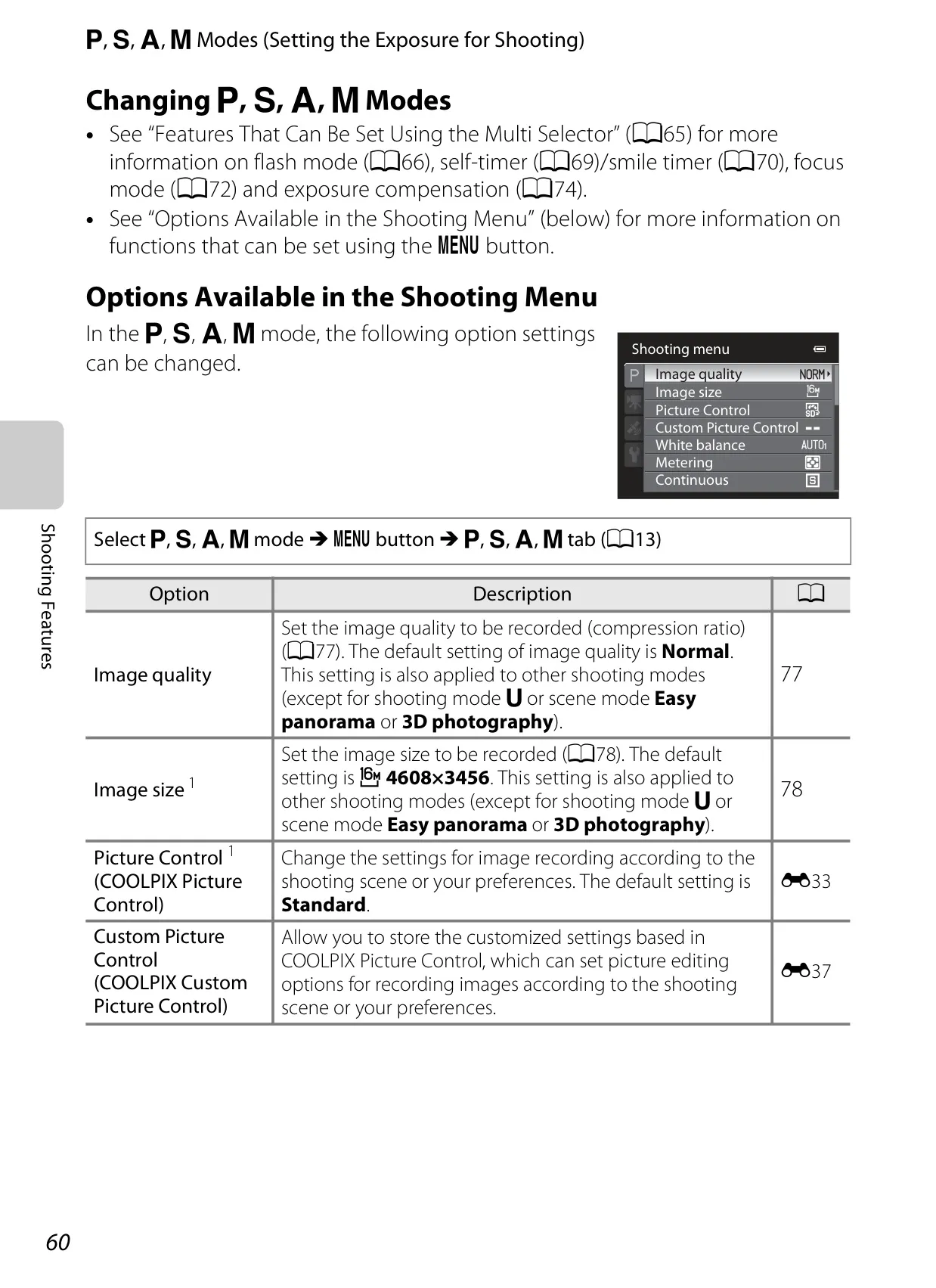
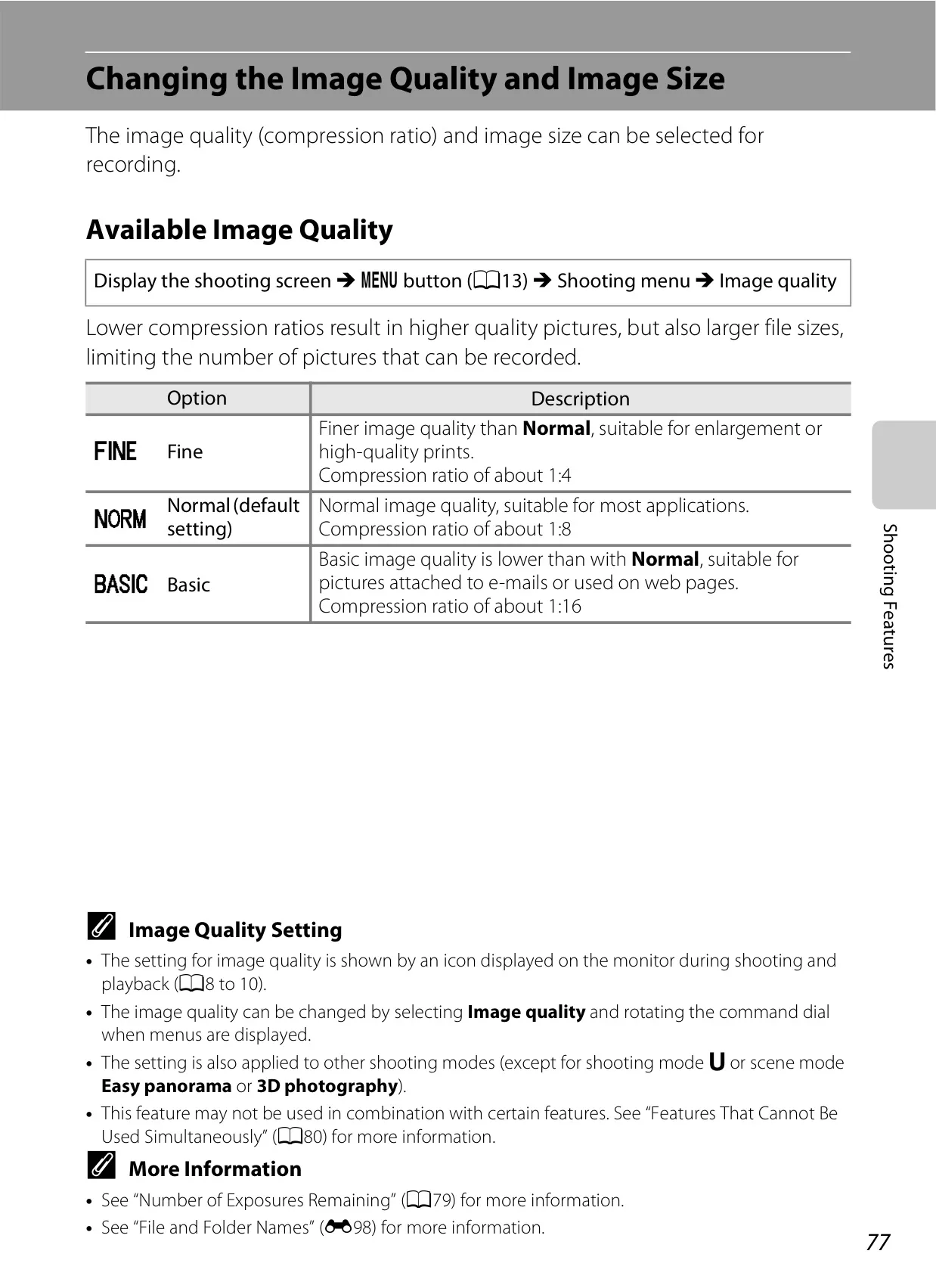
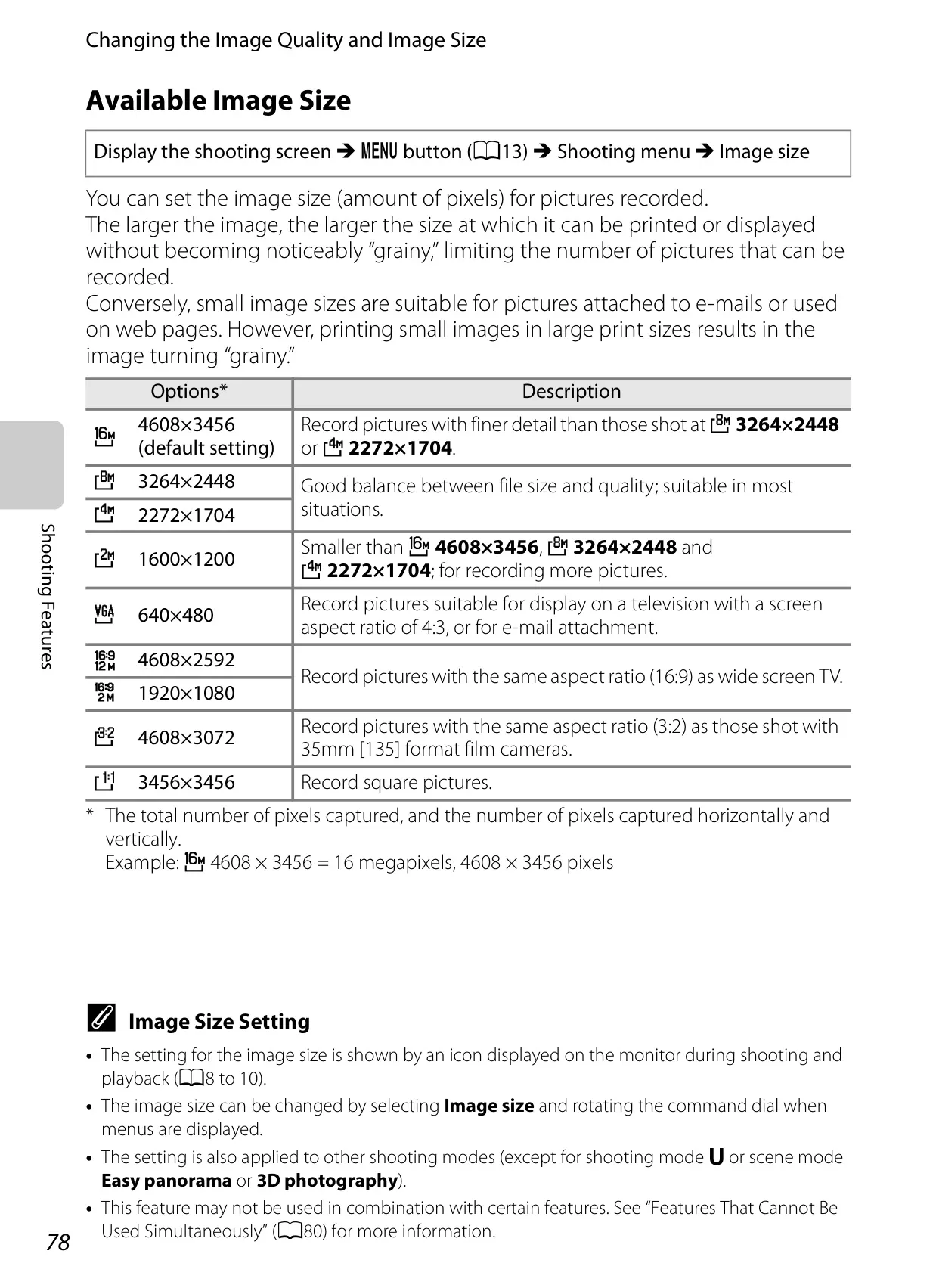
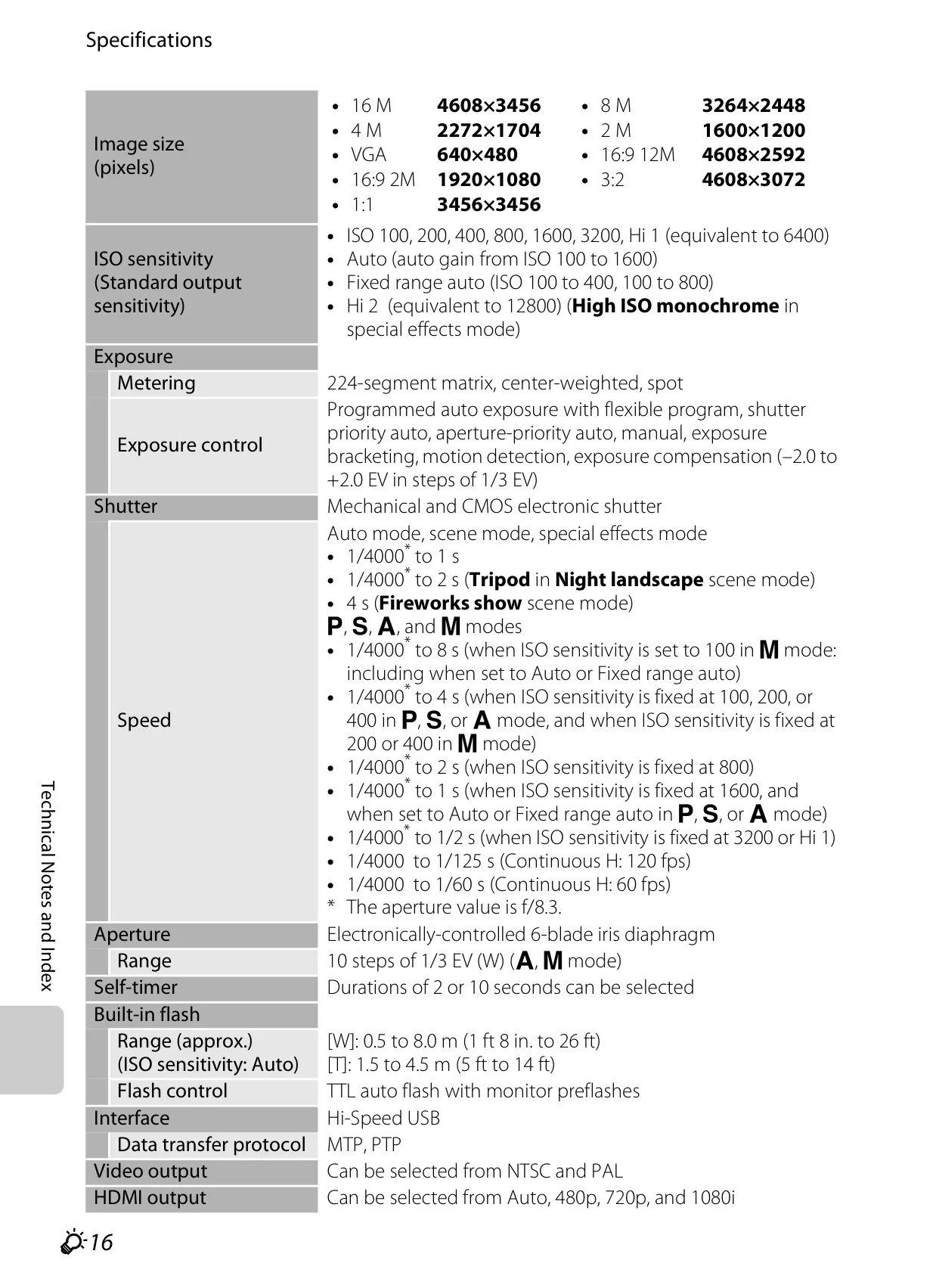
| Image Size (pixels) | 16 M (4608×3456), 8 M (3264×2448), 4 M (2272×1704), 2 M (1600×1200), VGA (640×480), 16:9 12M (4608×2592), 16:9 2M (1920×1080), 3:2 (4608×3072), 1:1 (3456×3456) |
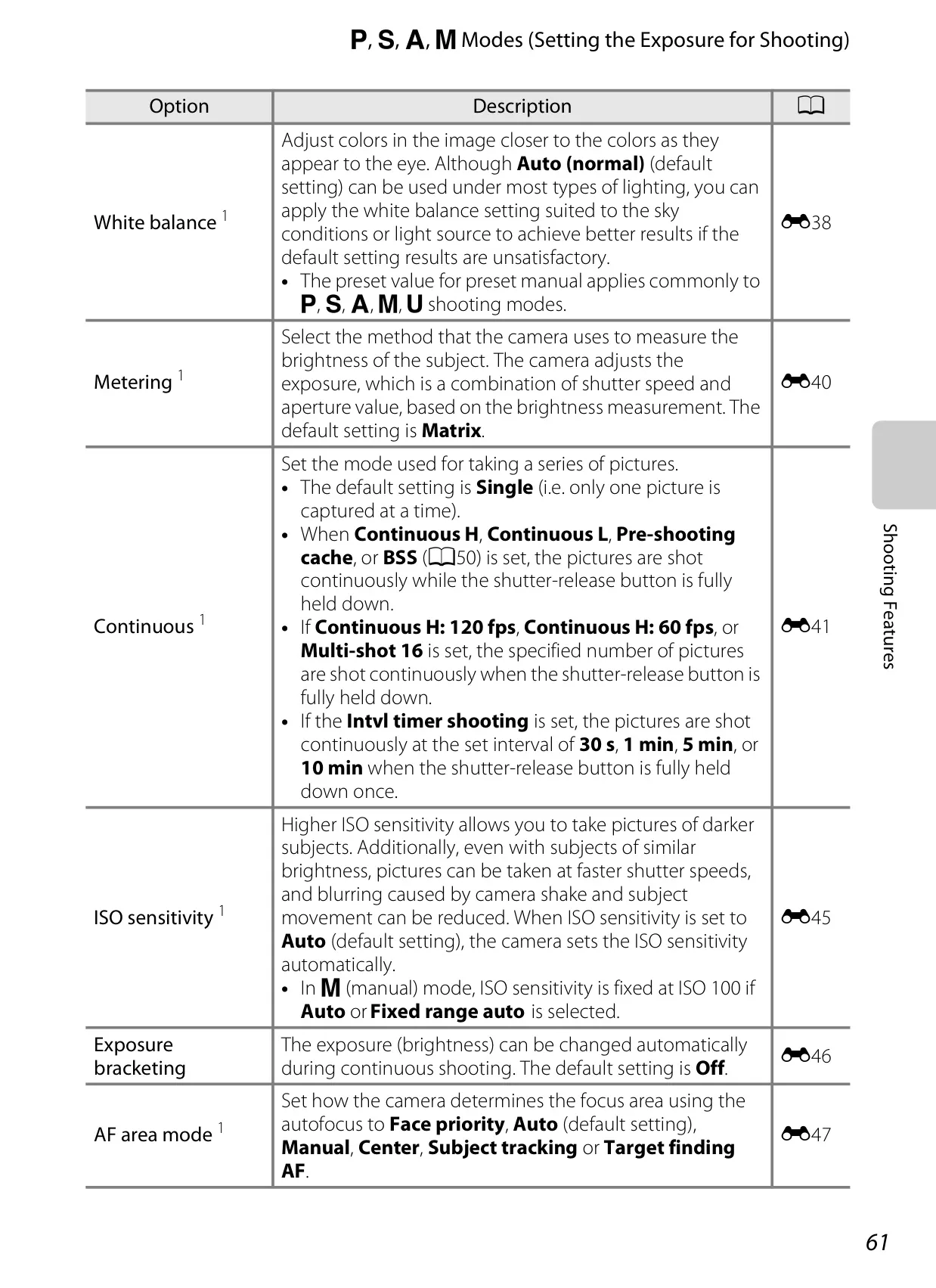
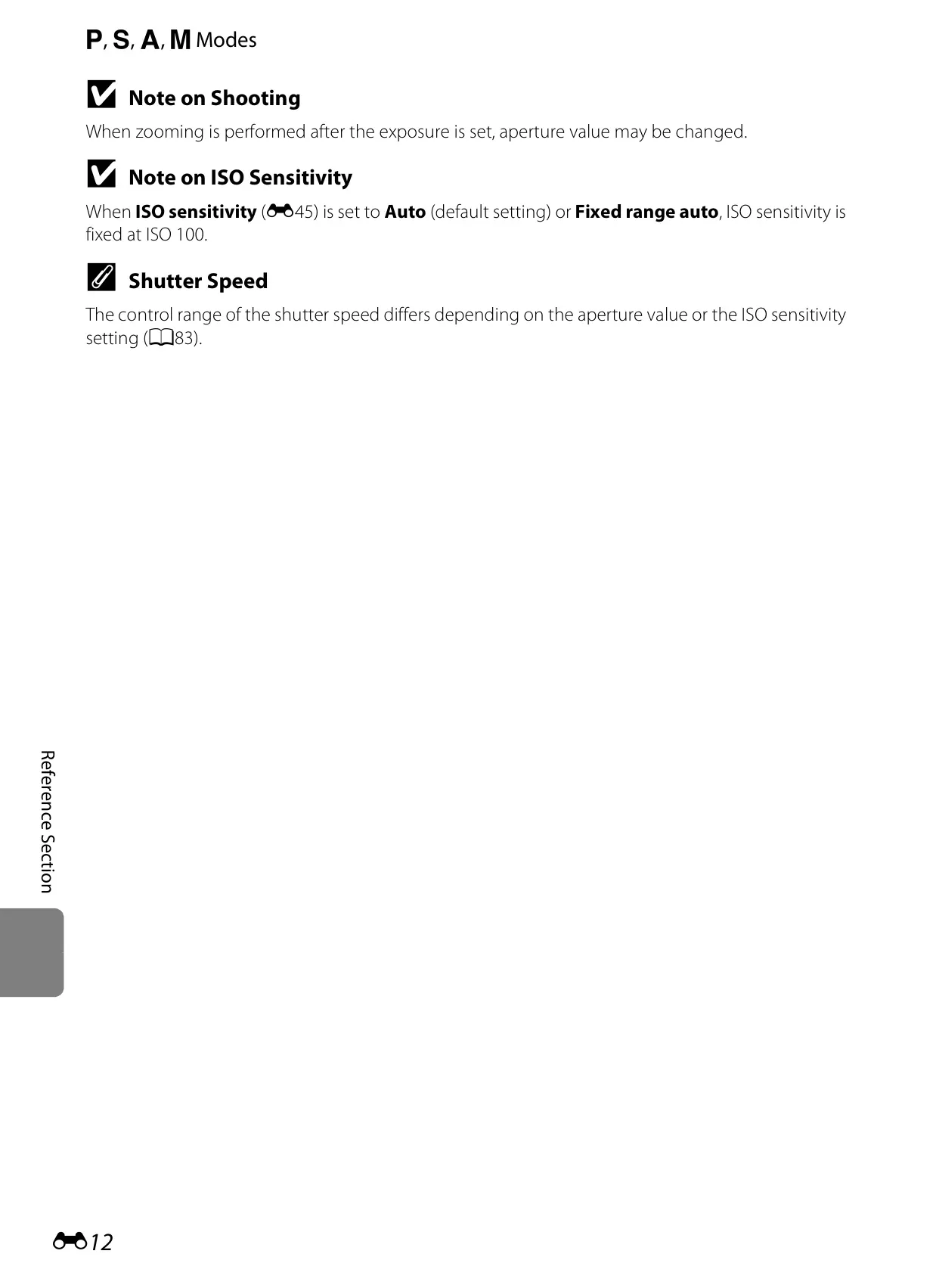
| ISO Sensitivity | ISO 100-3200 (manual), Hi 1 (6400), Hi 2 (12800 in High ISO monochrome); Auto (100-1600); Fixed range auto (100-400, 100-800) |
| Exposure Metering | 224-segment matrix, center-weighted, spot |
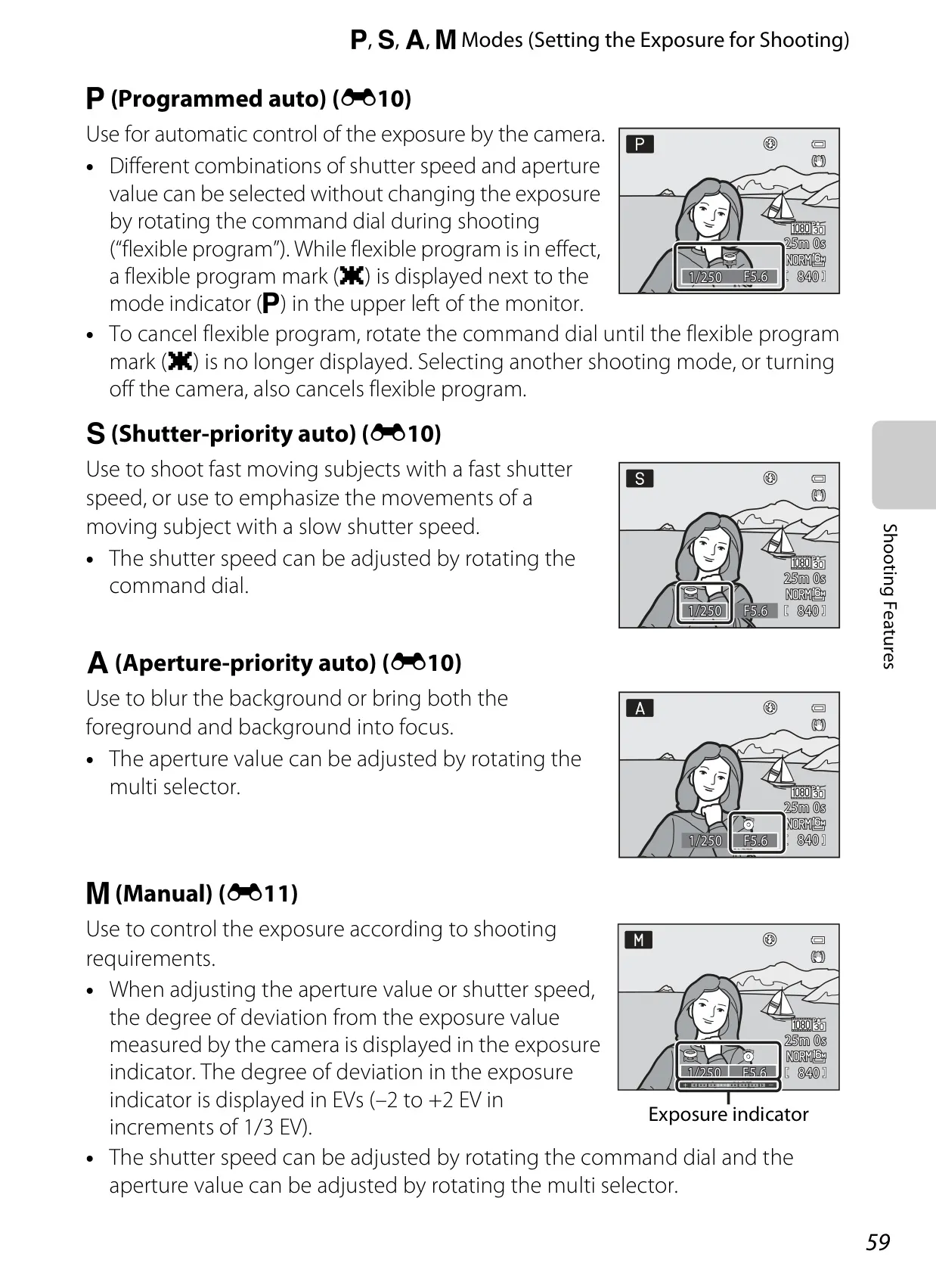
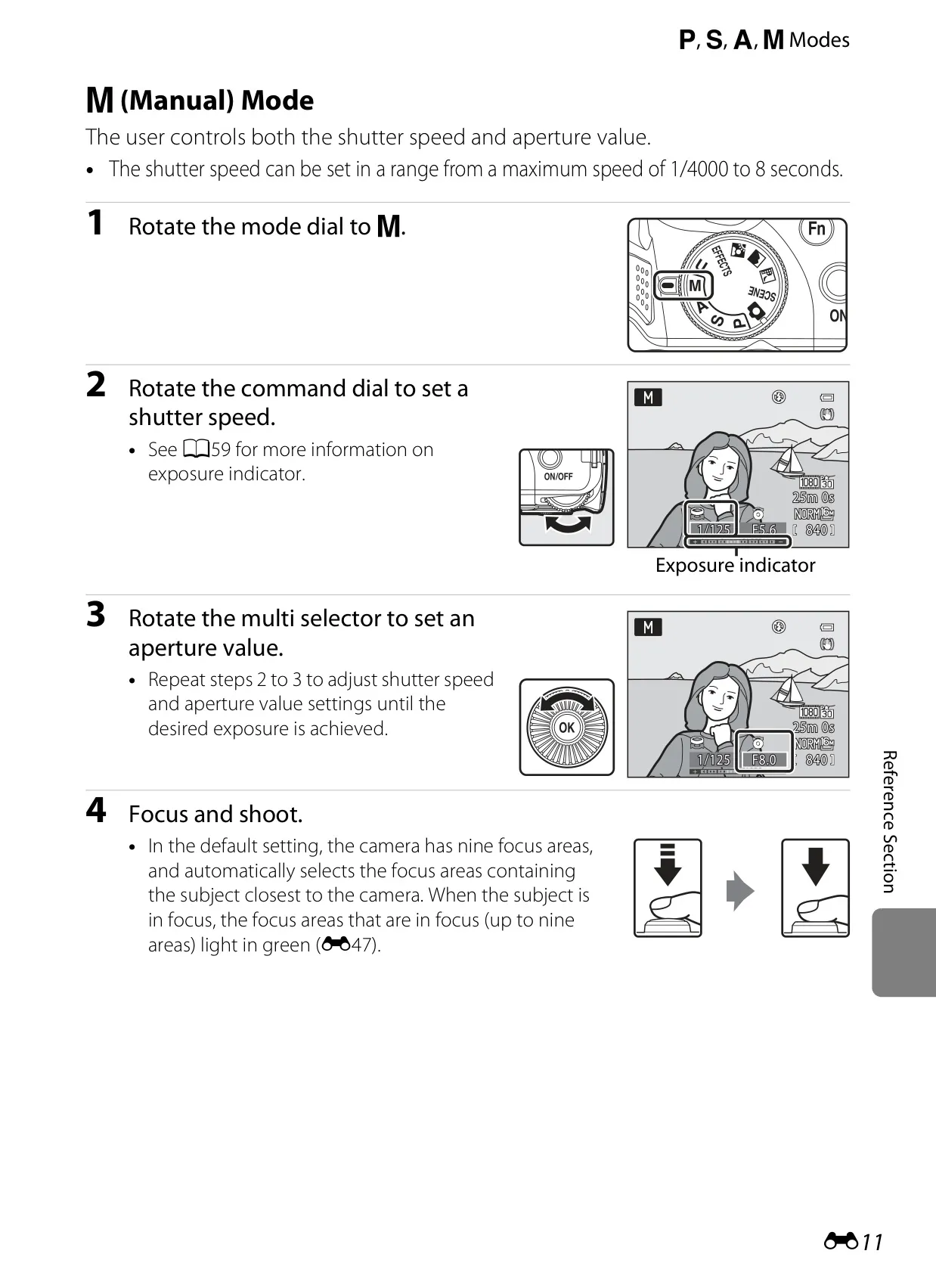
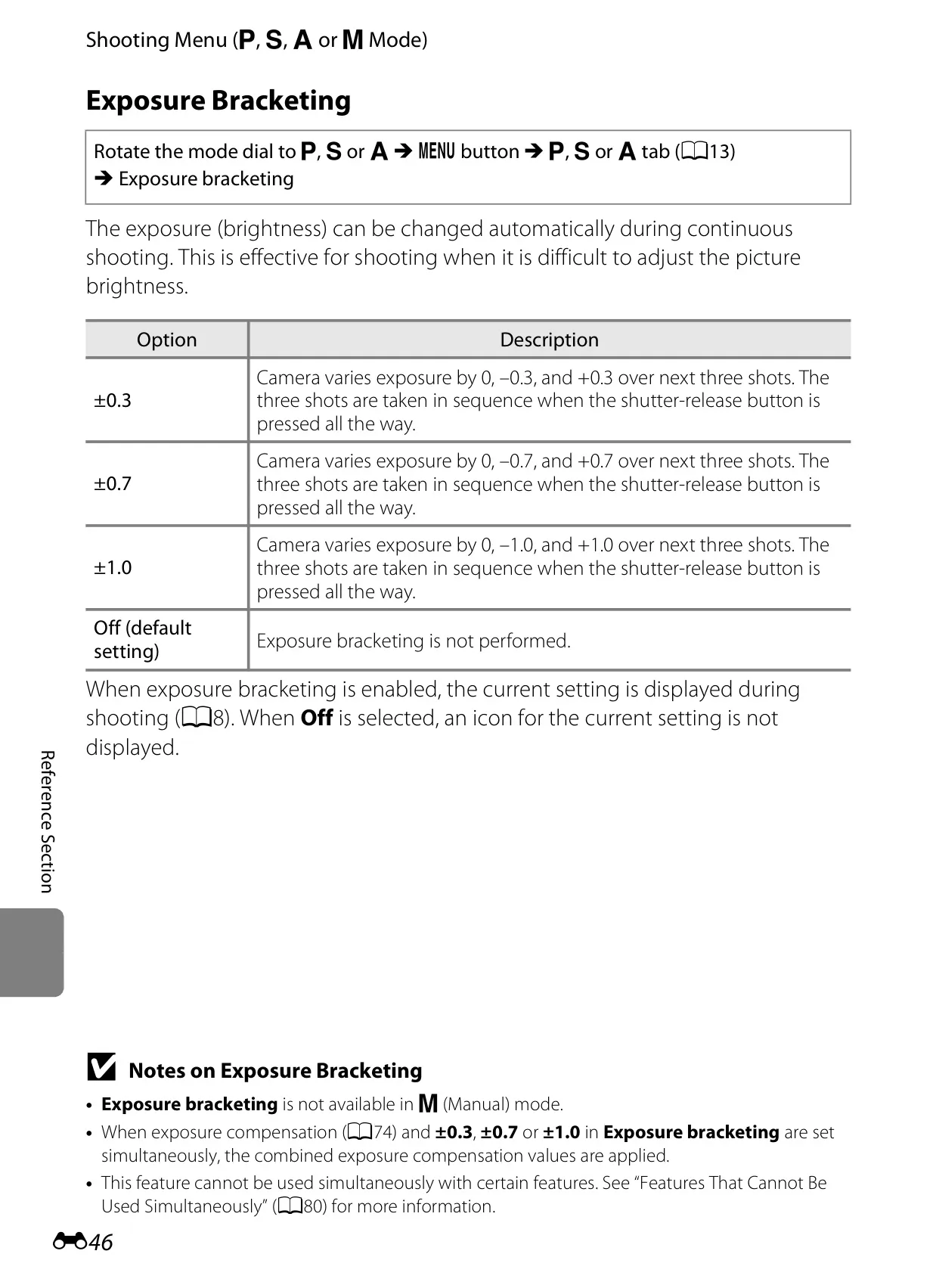
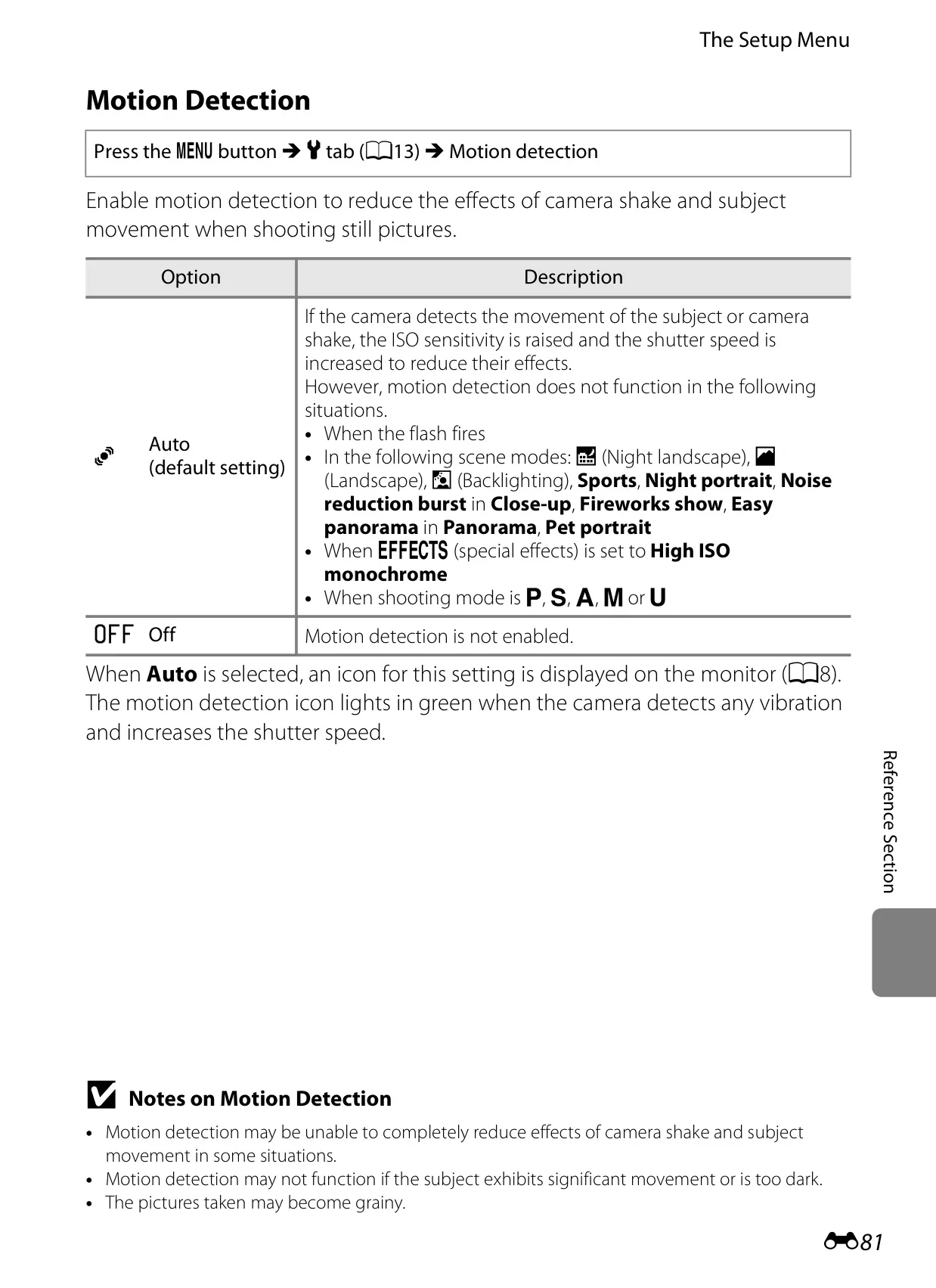
| Exposure Control | Programmed auto, shutter priority auto, aperture priority auto, manual, exposure bracketing, motion detection, exposure compensation (–2.0 to +2.0 EV in 1/3 EV steps) |
| Shutter Type | Mechanical and CMOS electronic shutter |
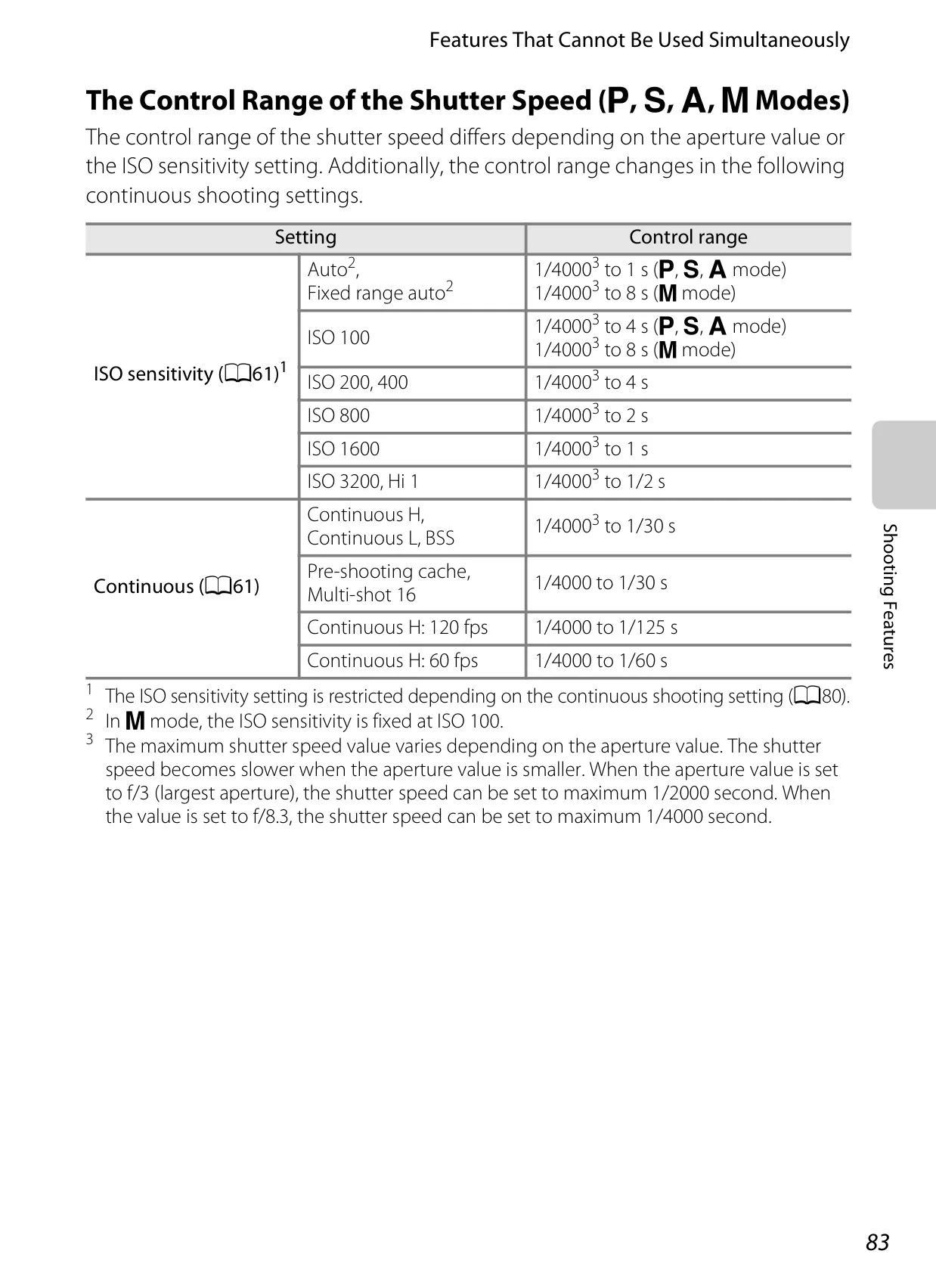
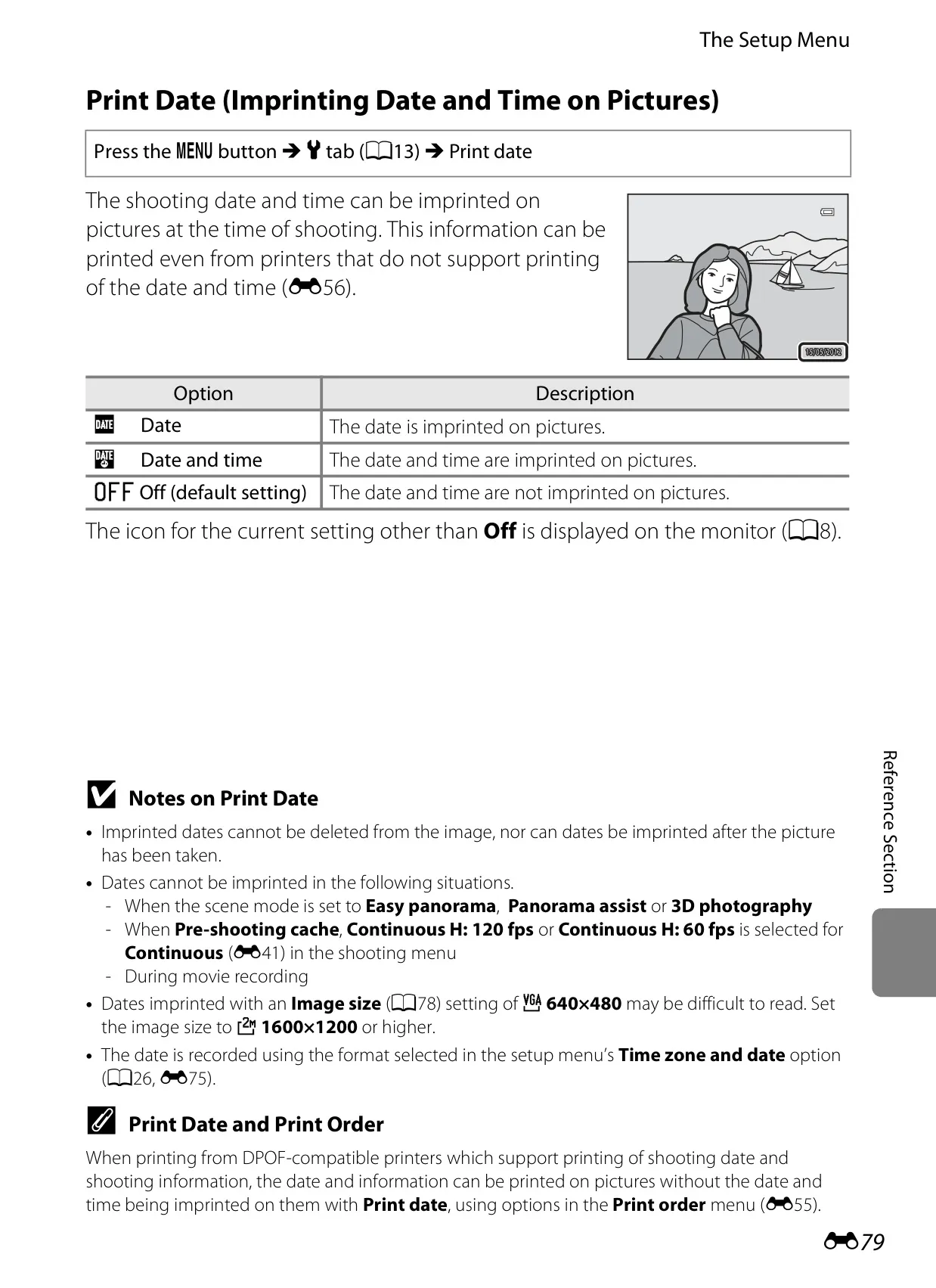
| Shutter Speed | 1/4000 to 8 s (mode dependent, e.g., 4 s in Fireworks show, 1/4000 to 1/2 s for high ISO) |
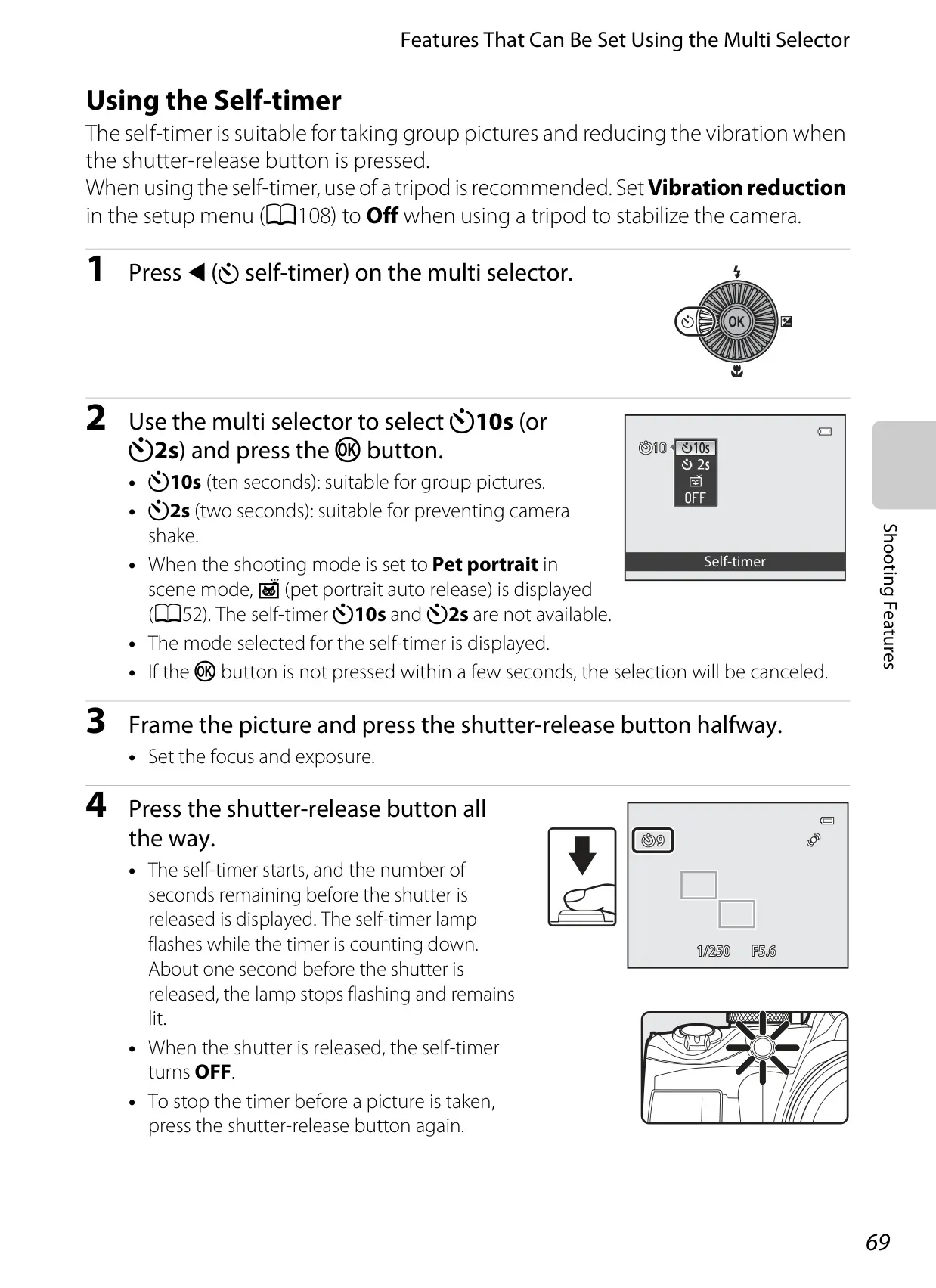
| Self-timer | 2 or 10 seconds |
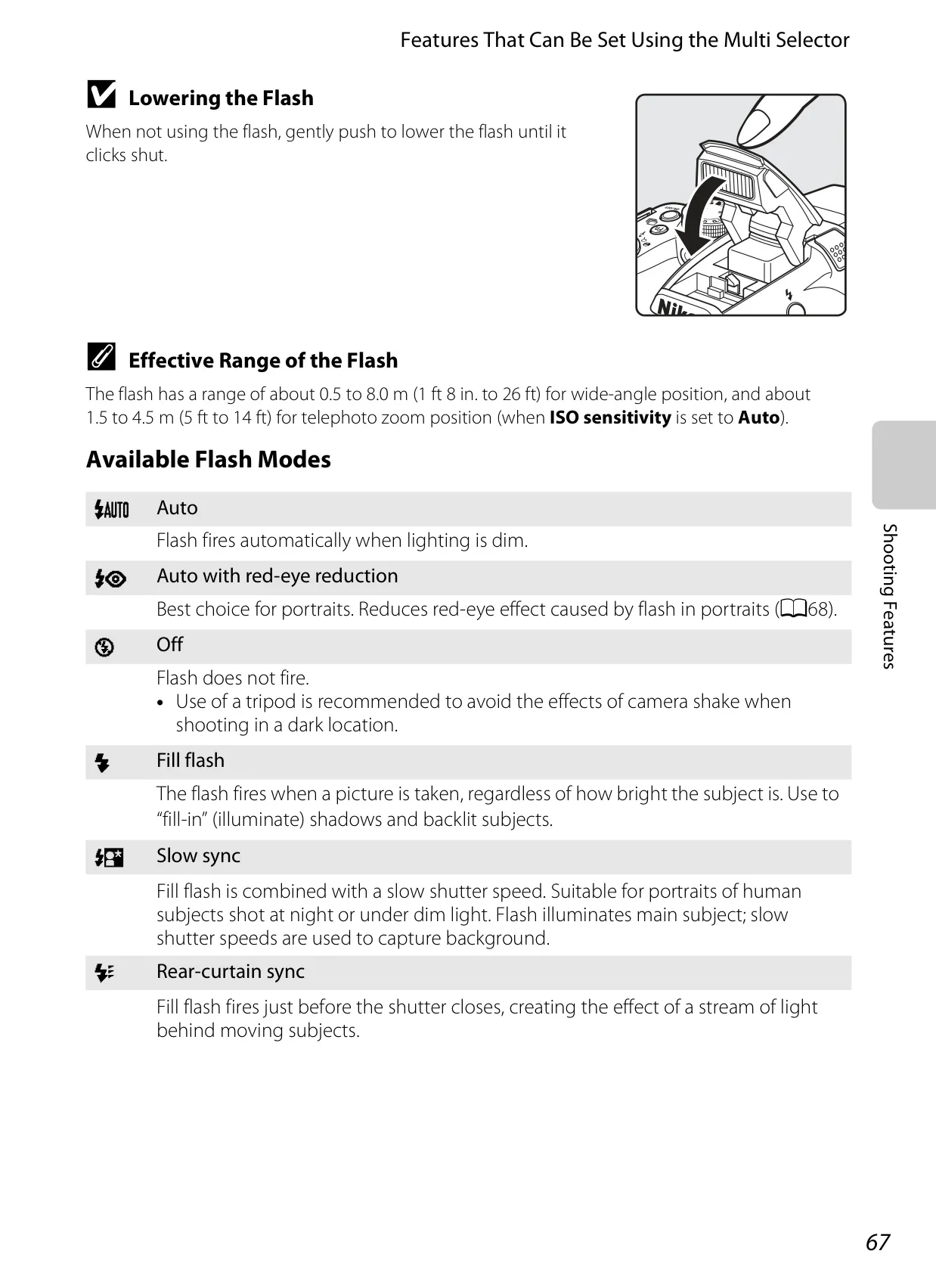
| Built-in Flash Range (approx.) | [W]: 0.5 to 8.0 m (1 ft 8 in. to 26 ft); [T]: 1.5 to 4.5 m (5 ft to 14 ft) (ISO sensitivity: Auto) |
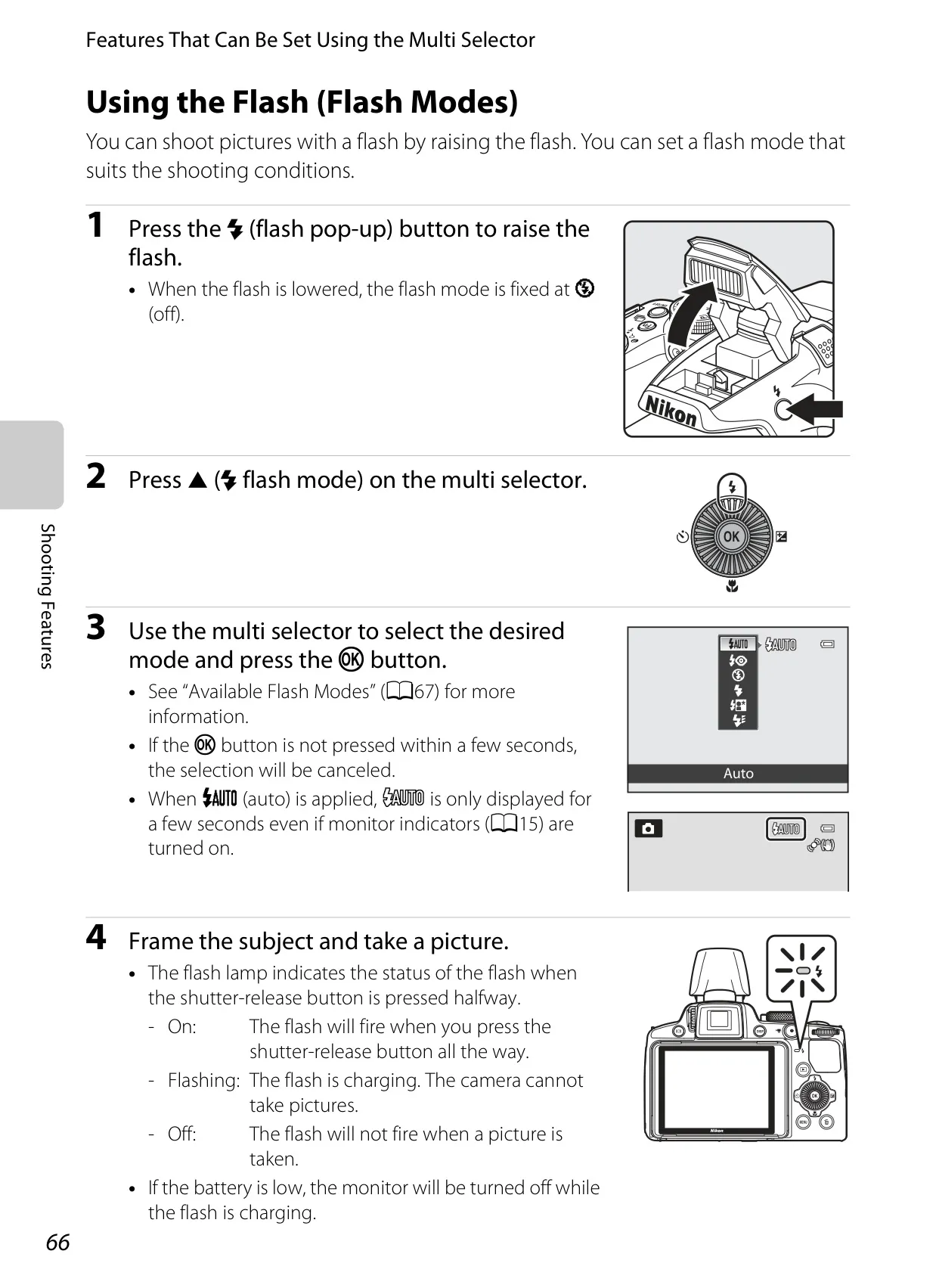
| Flash Control | TTL auto flash with monitor preflashes |
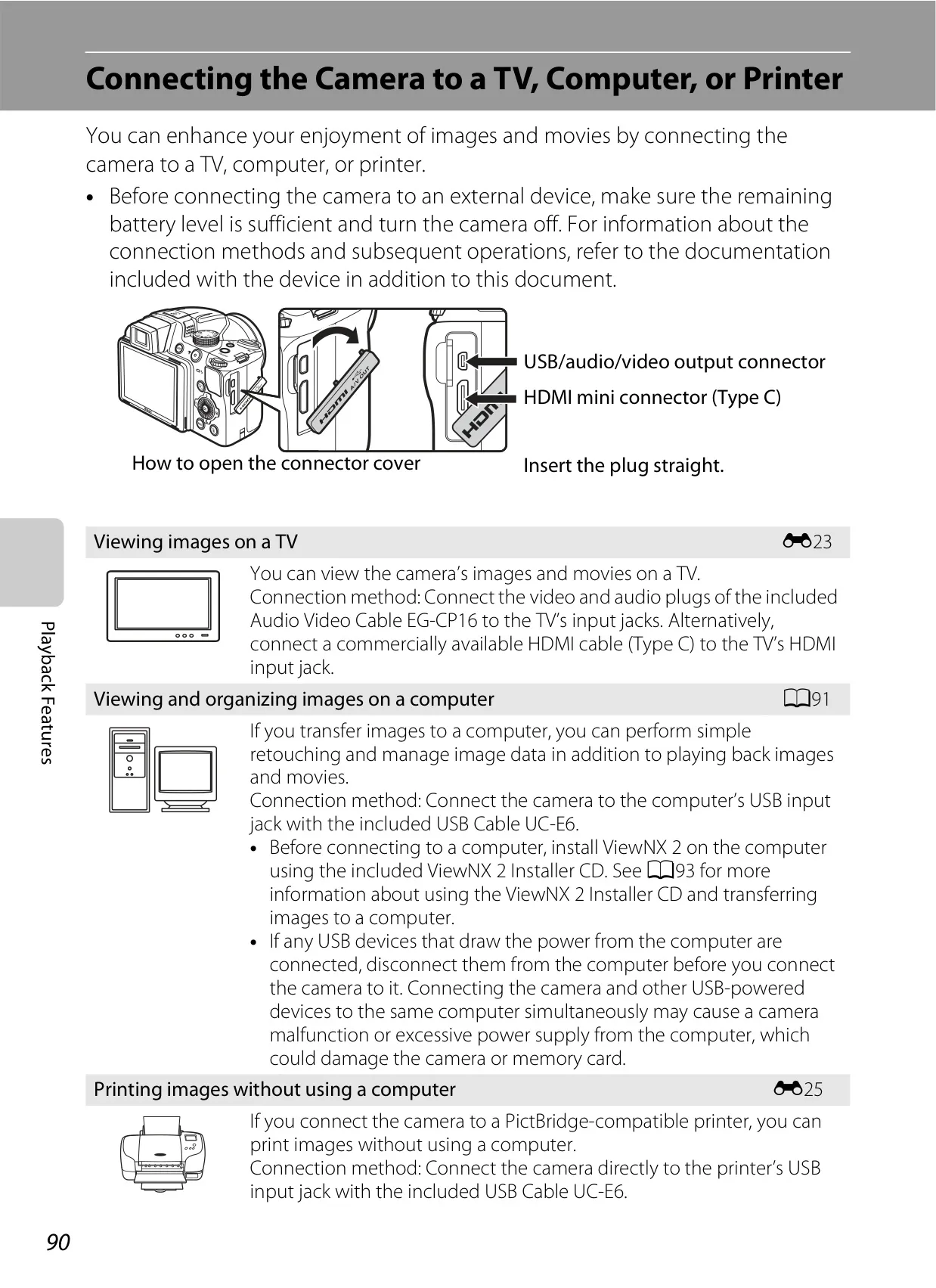
| Interface | Hi-Speed USB; Audio/video output; HDMI Mini Connector (Type C) |
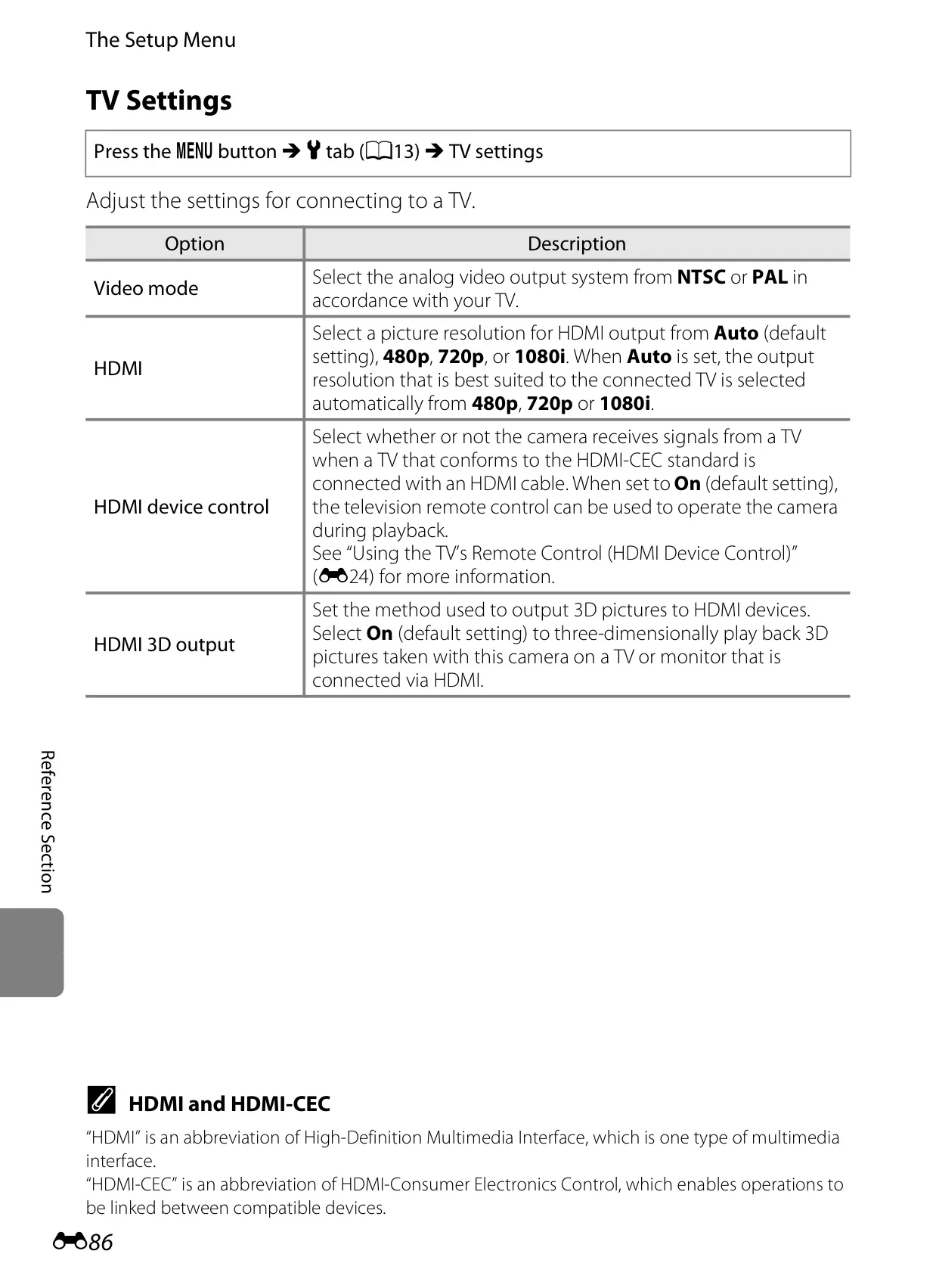
| Video Output | NTSC and PAL selectable |
| HDMI Output | Auto, 480p, 720p, 1080i selectable |
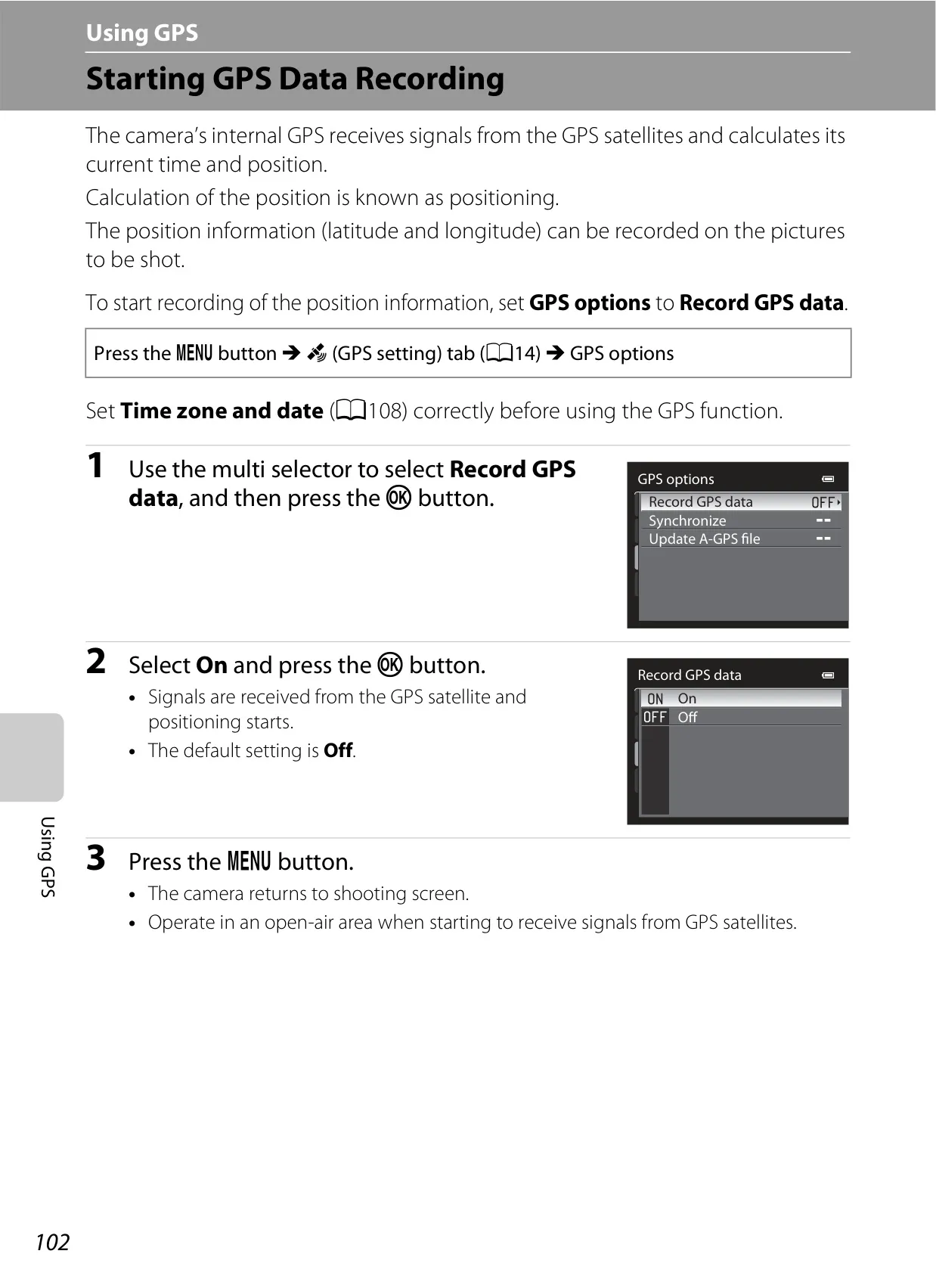
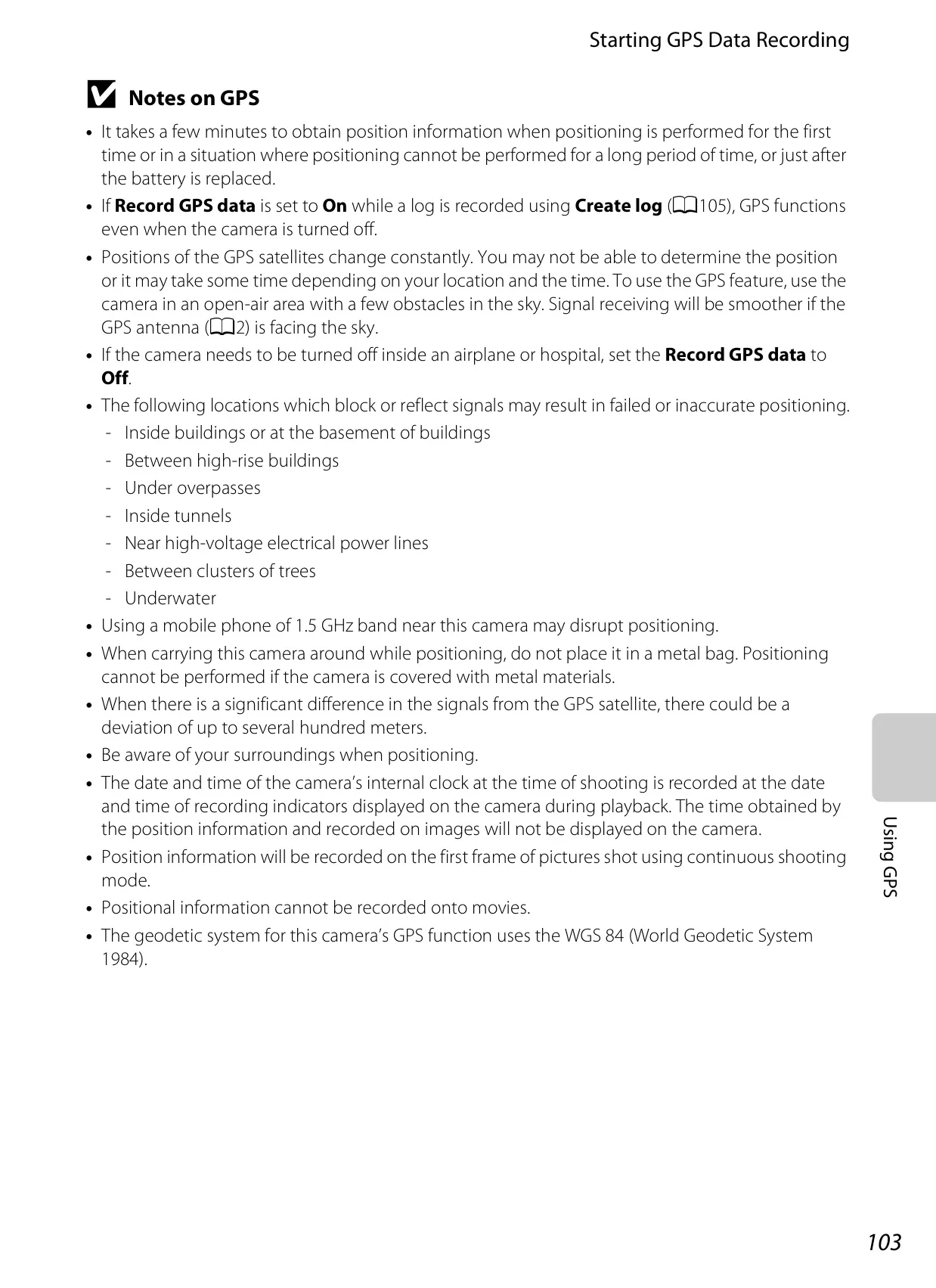
| GPS | Receiver frequency 1575.42 MHz (C/A code), geodetic system WGS 84 |
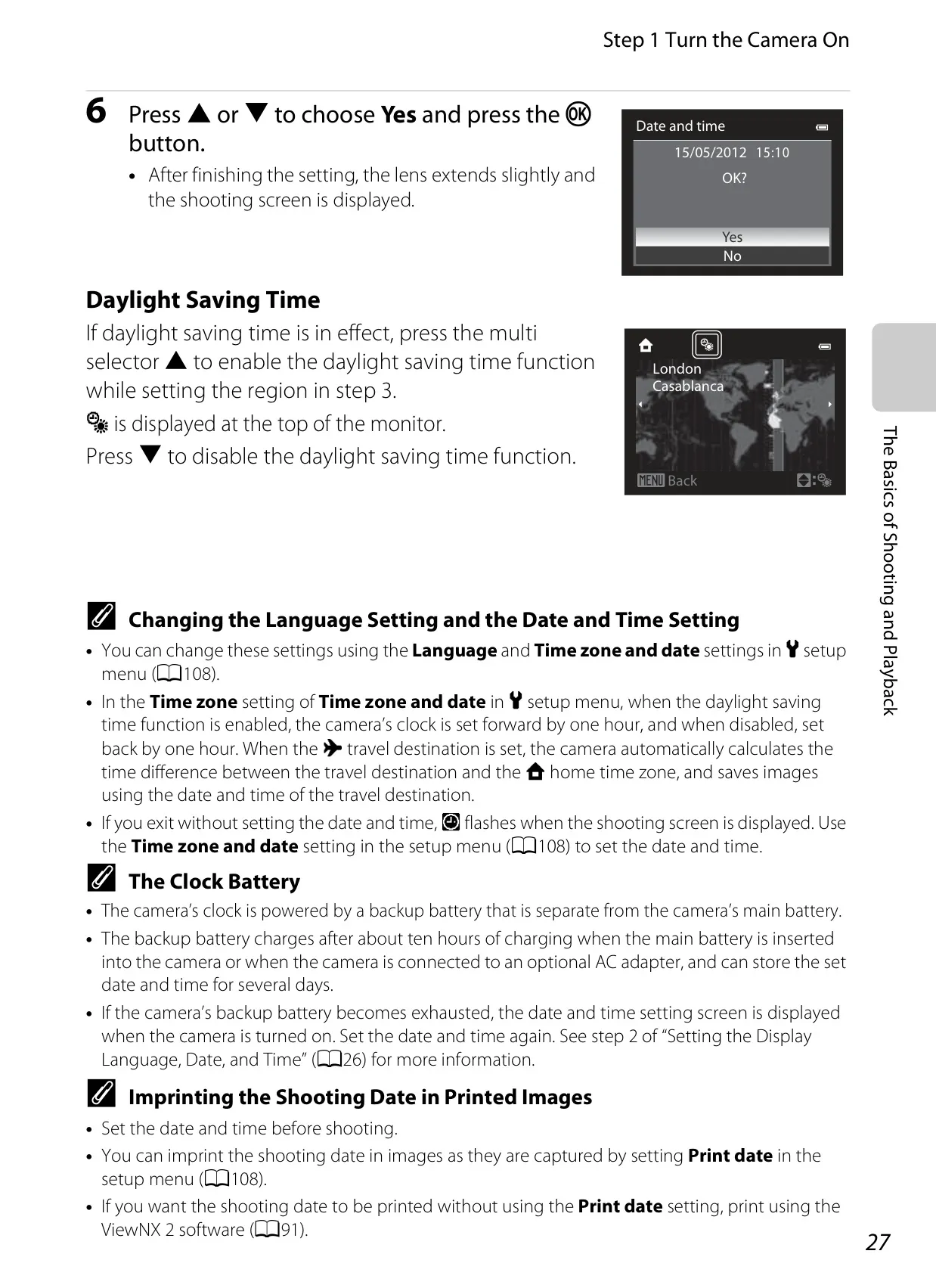
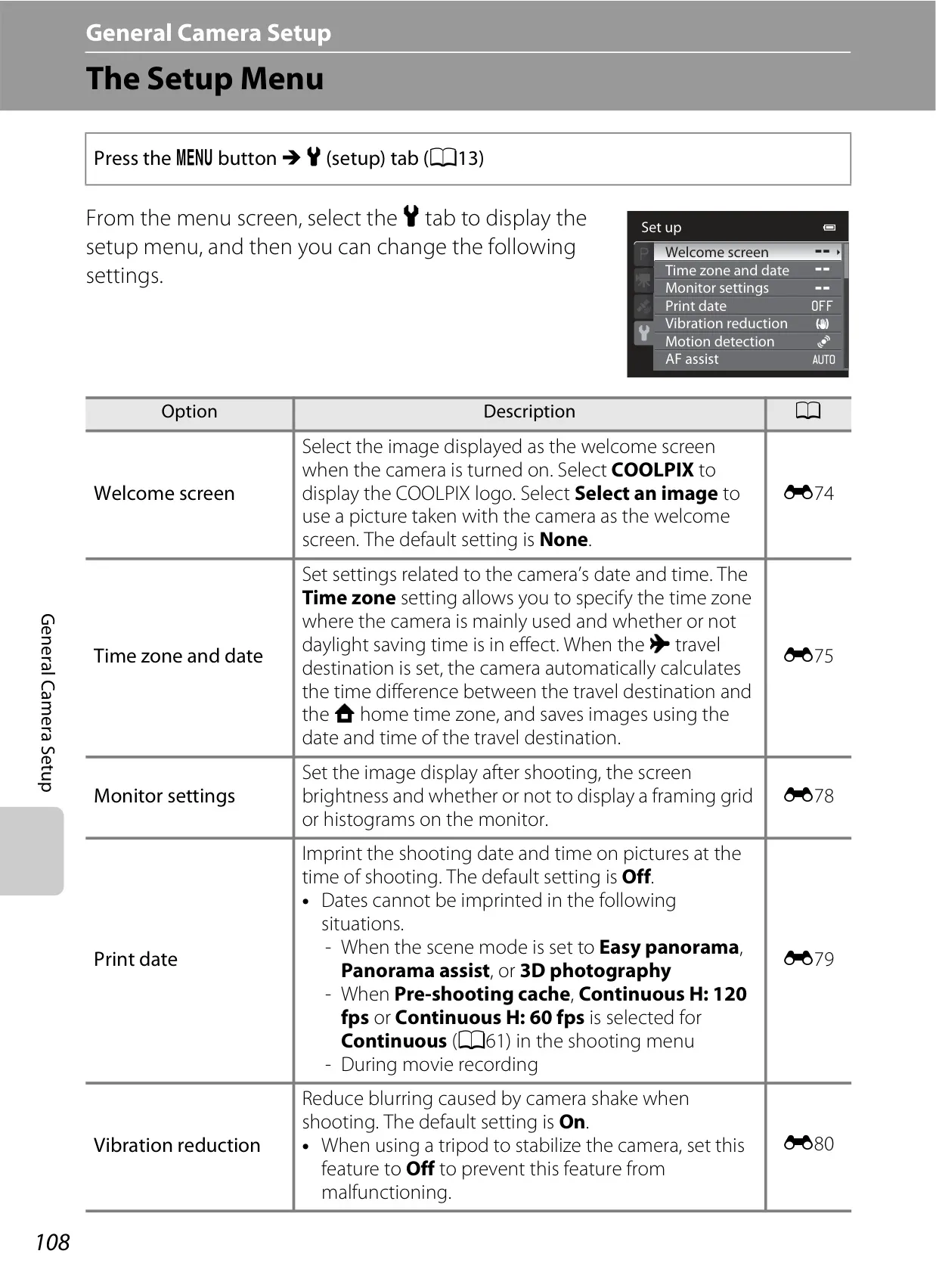
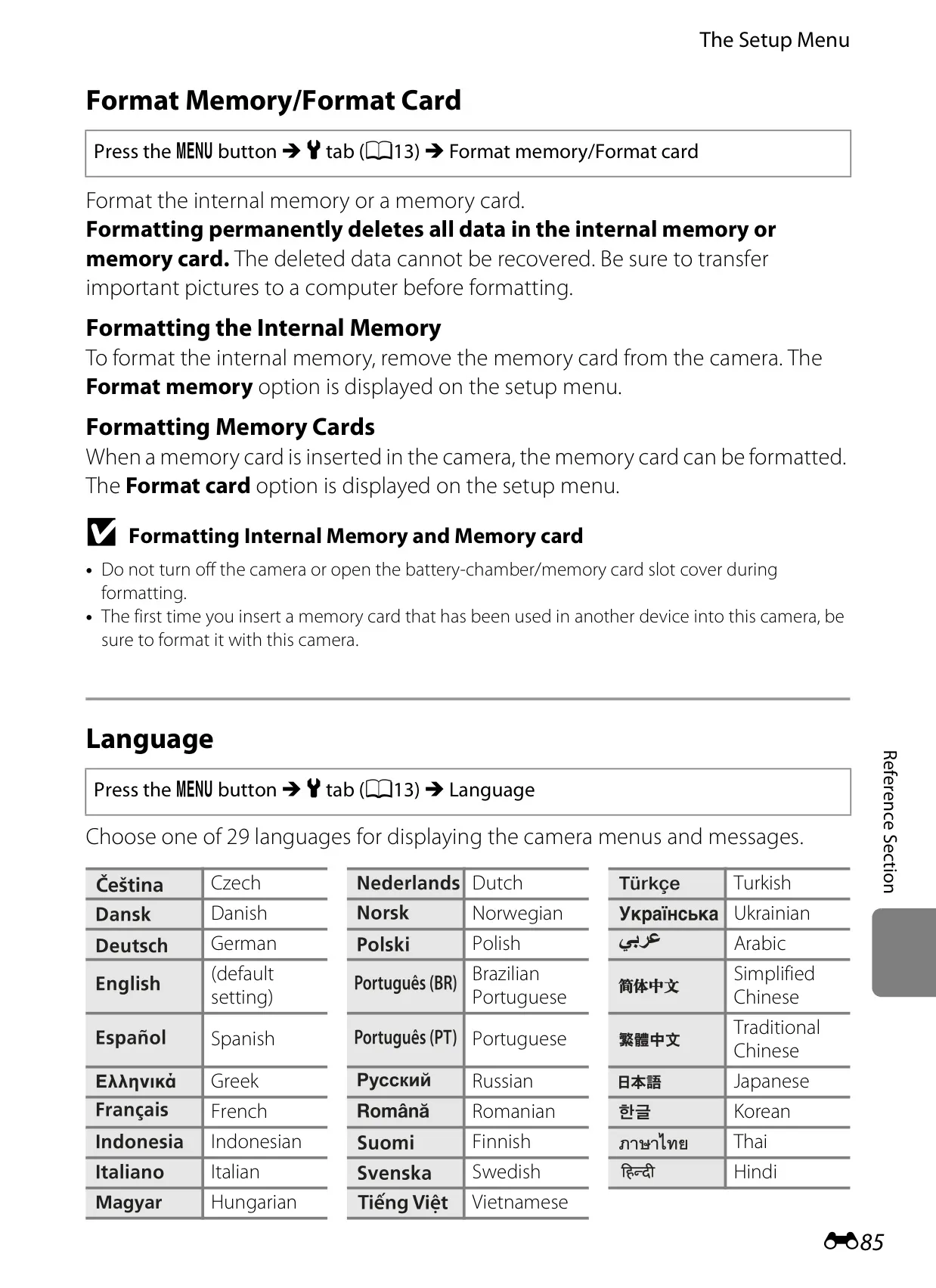
| Supported Languages | 29 languages (including English, French, German, Spanish, Japanese, etc.) |
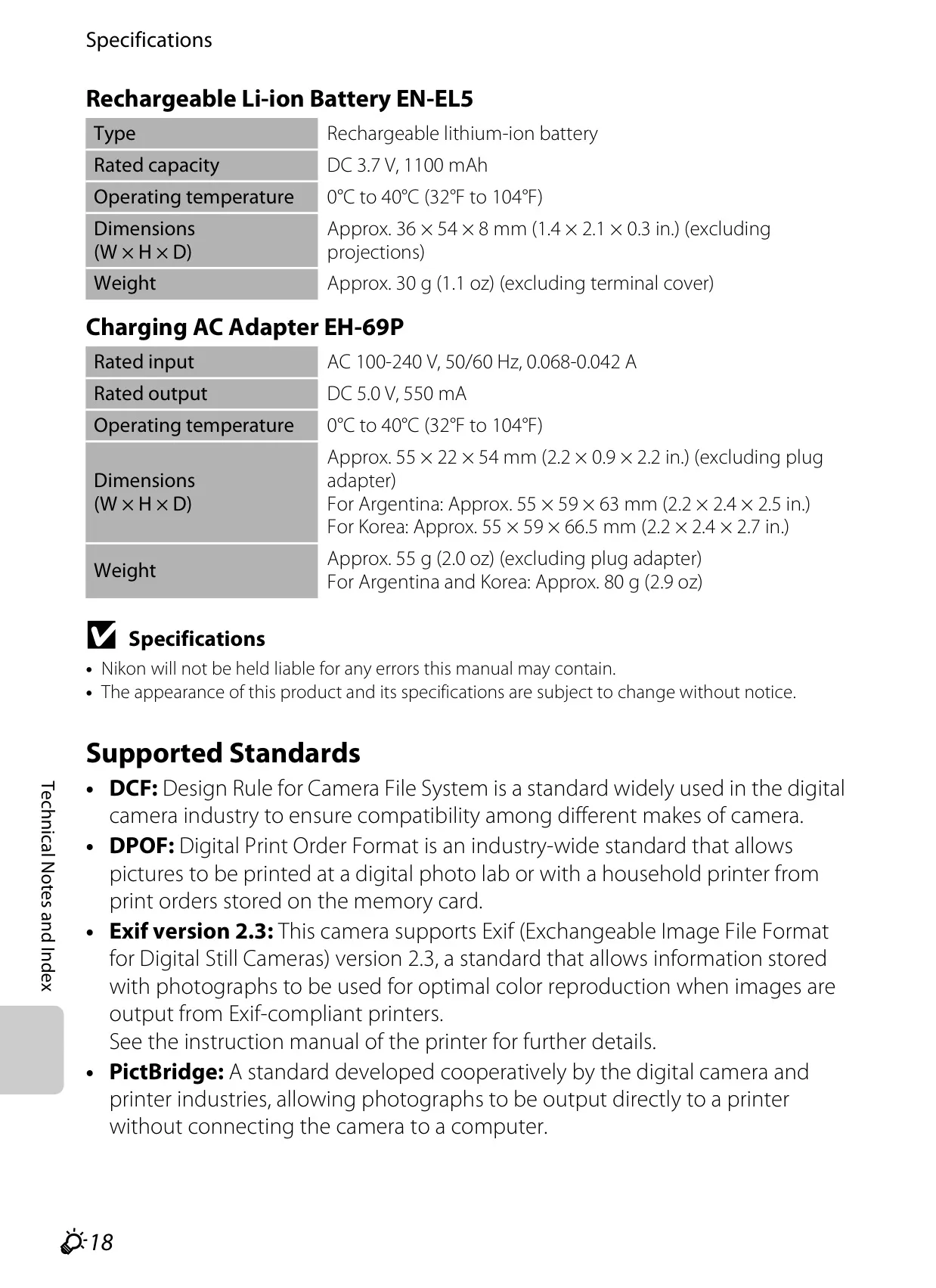
| Power Sources | Rechargeable Li-ion Battery EN-EL5 (included); AC Adapter EH-62A (optional) |
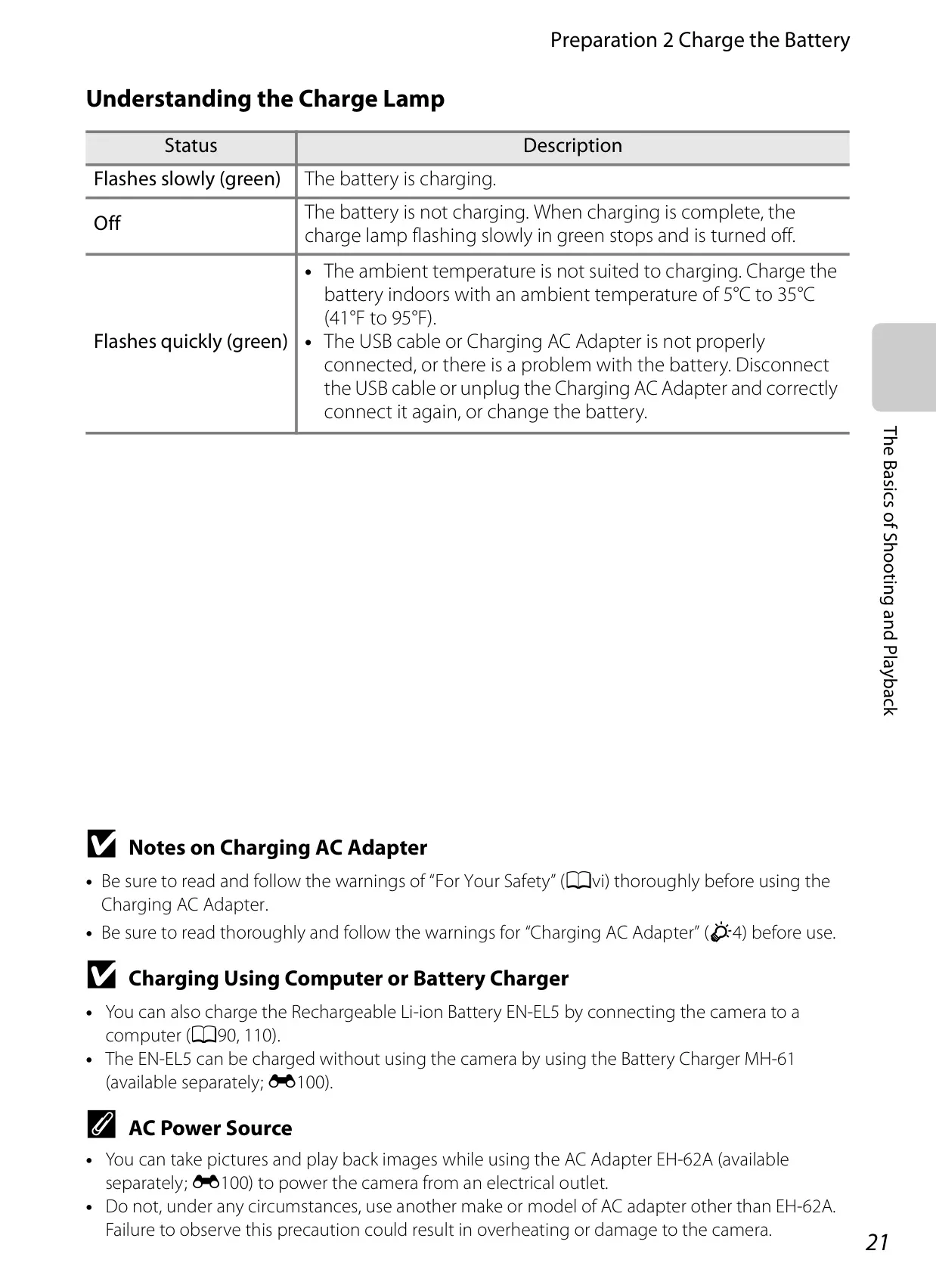
| Charging Time | Approx. 4 hours 30 minutes (with EH-69P, fully exhausted) |
| Battery Life (EN-EL5) | Still: Approx. 240 shots (CIPA); Movies: Approx. 1 h 10 min (HD 1080p P) |
| Dimensions (W×H×D) | Approx. 119.8 × 82.9 × 102.2 mm (4.8 × 3.3 × 4.1 in.) (excluding projections) |
| Weight | Approx. 555 g (1 lb 3.6 oz) (including battery and SD memory card) |
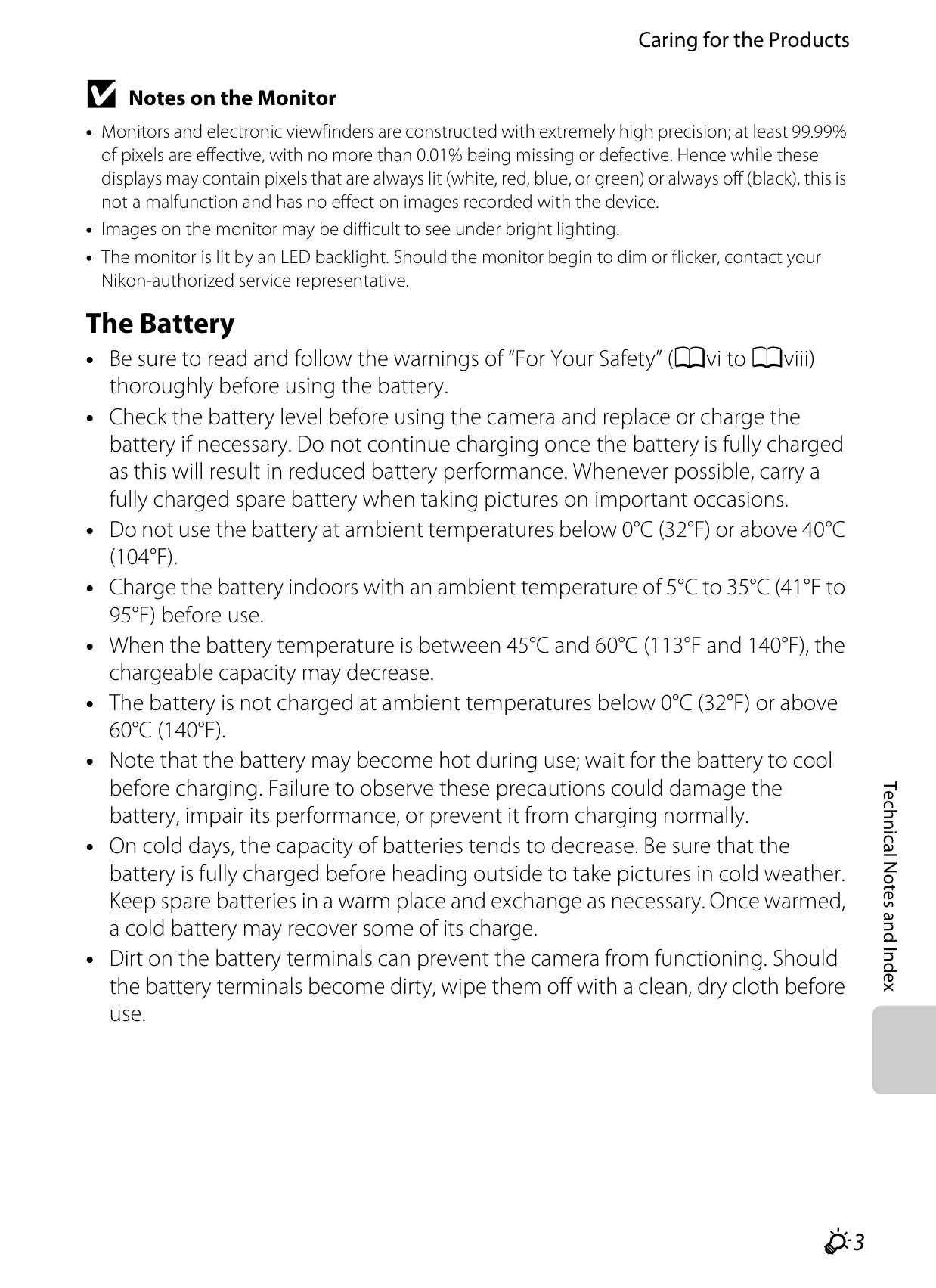
| Operating Environment | Temperature: 0°C to 40°C (32°F to 104°F); Humidity: 85% and below (no condensation) |
| EN-EL5 Battery Specs | DC 3.7 V, 1100 mAh, Approx. 36 × 54 × 8 mm (1.4 × 2.1 × 0.3 in.), Approx. 30 g (1.1 oz) |
| EH-69P Charger Specs | Input: AC 100-240 V, 50/60 Hz; Output: DC 5.0 V, 550 mA; Approx. 55 g (2.0 oz) |
Nikon Coolpix P510 DSLR Camera Details
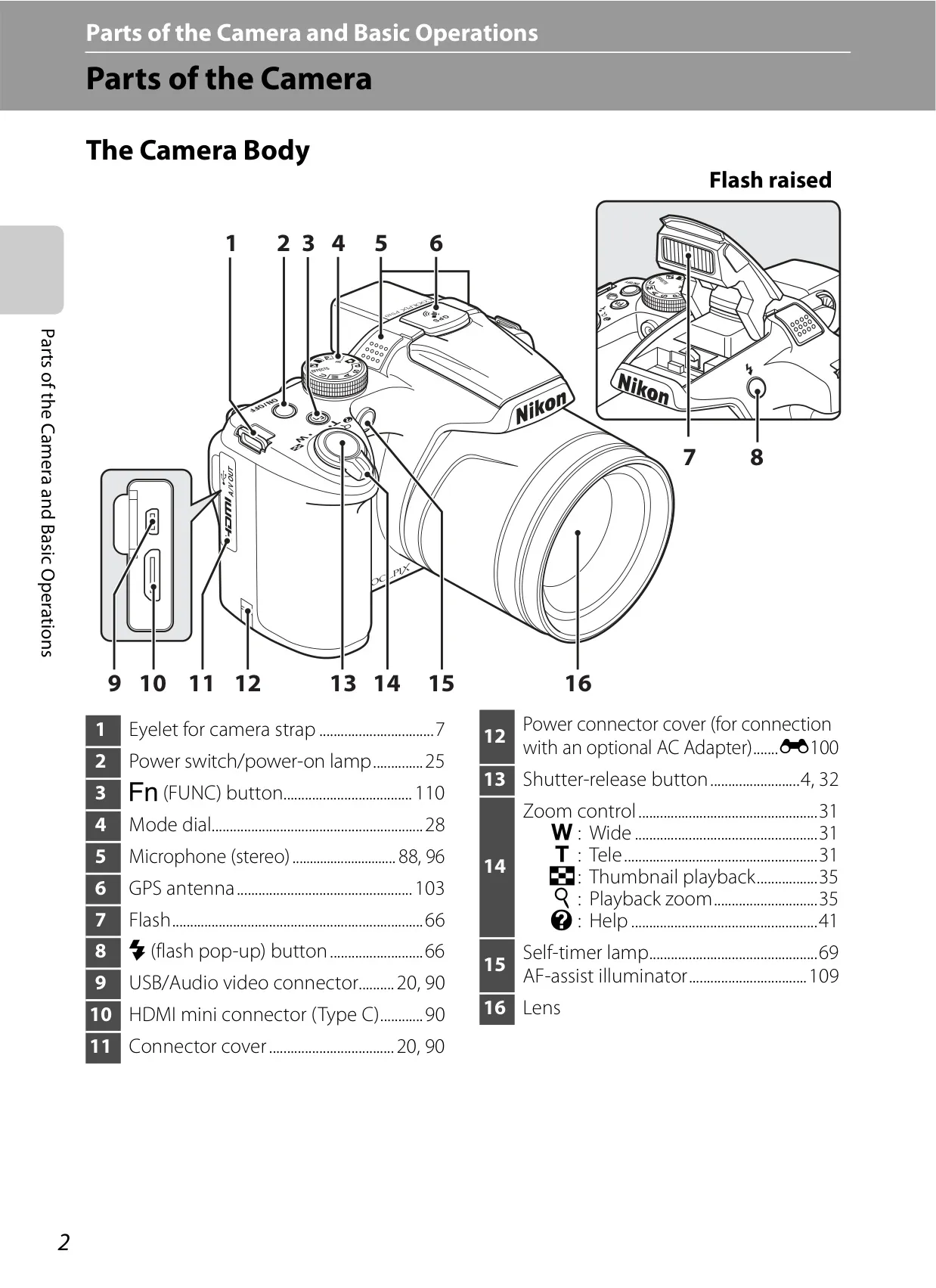
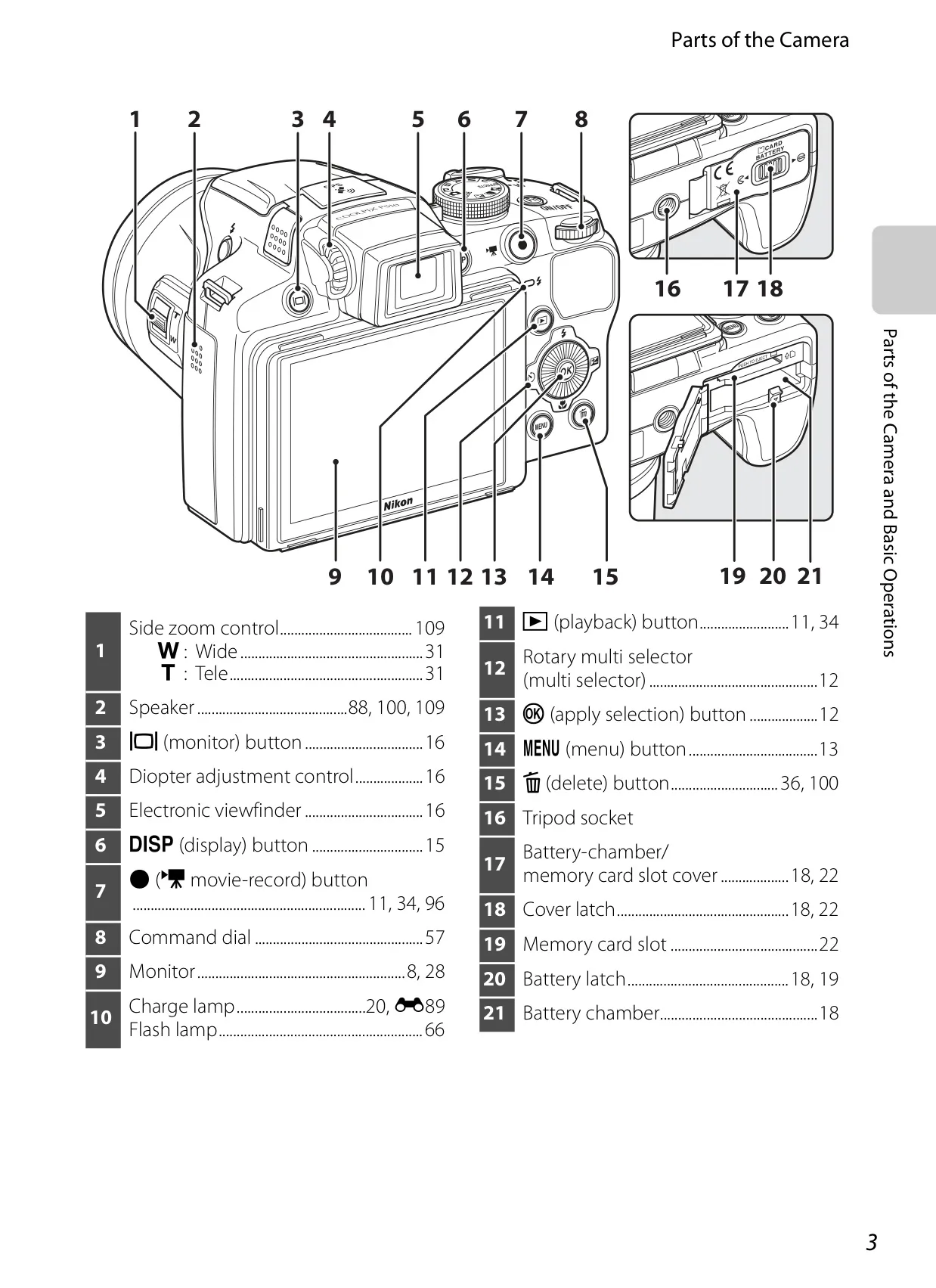
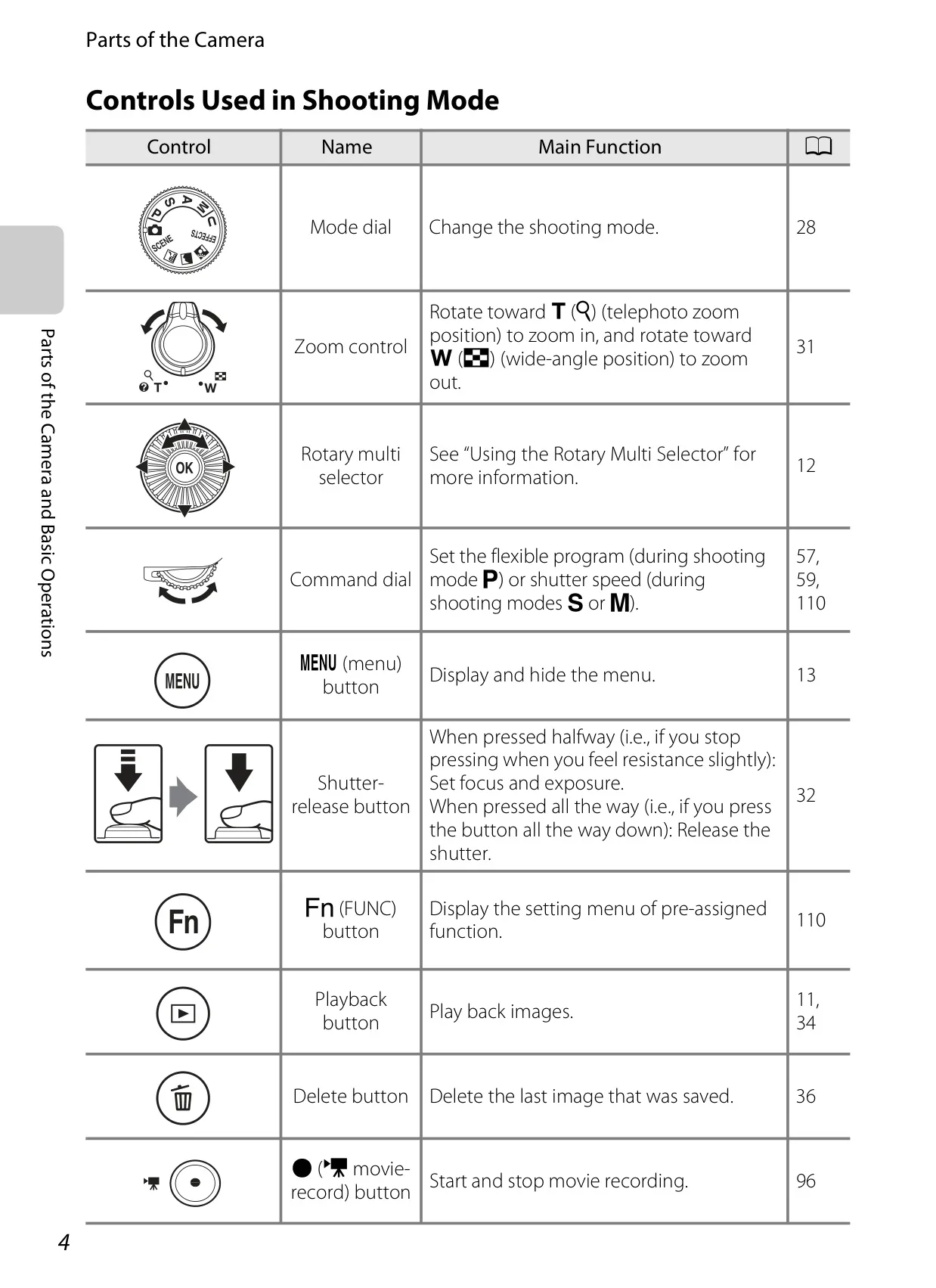
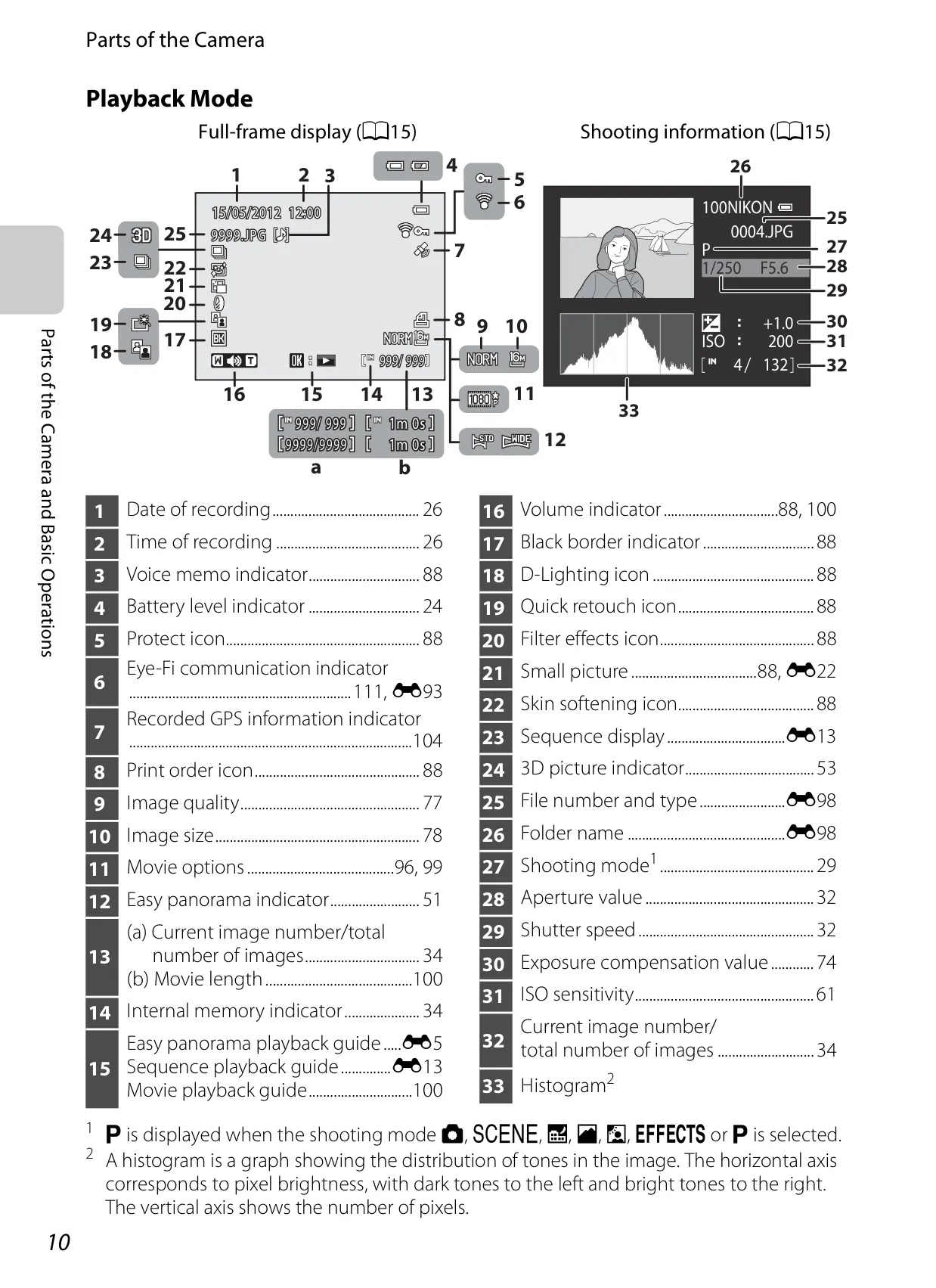
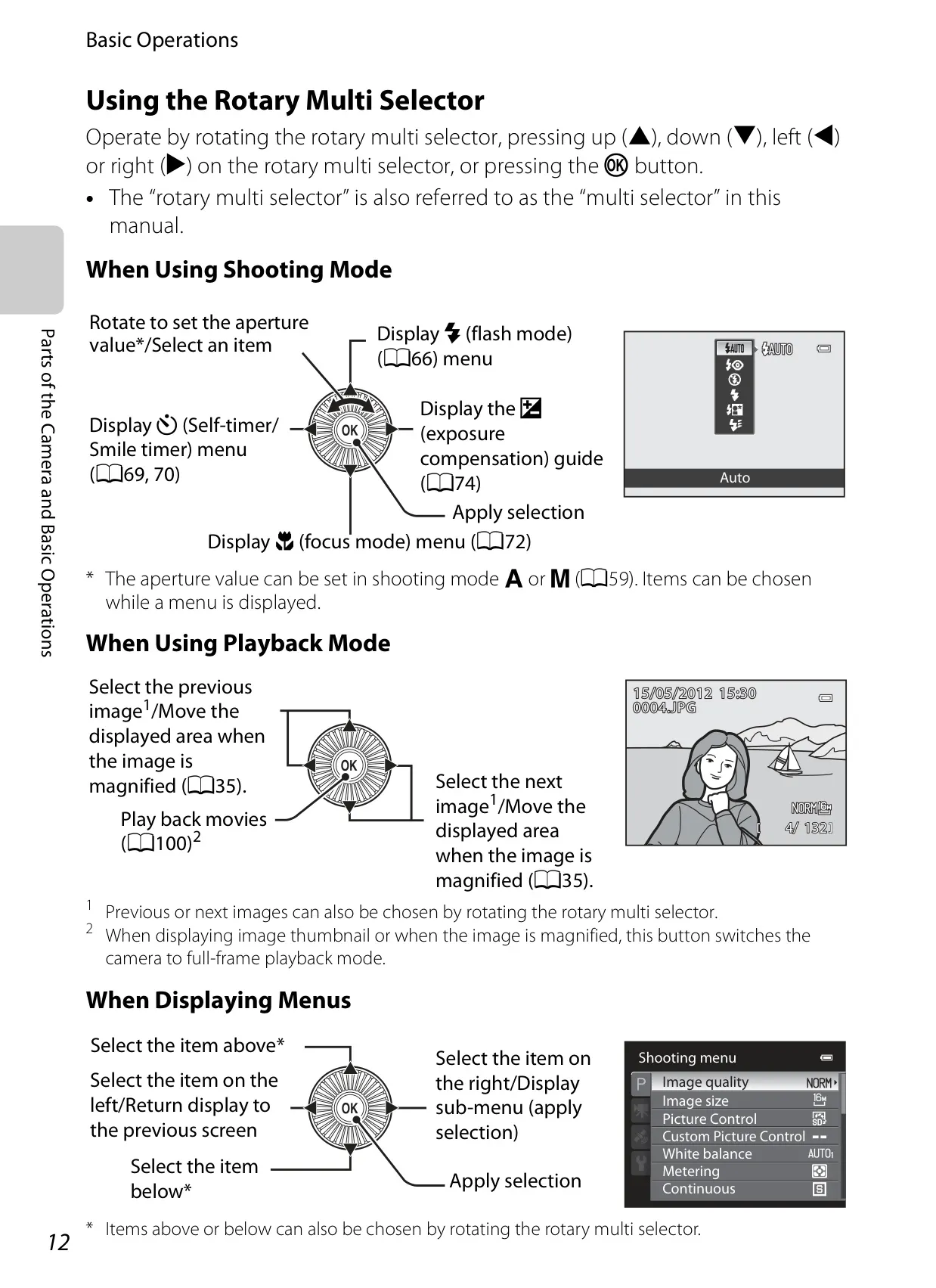
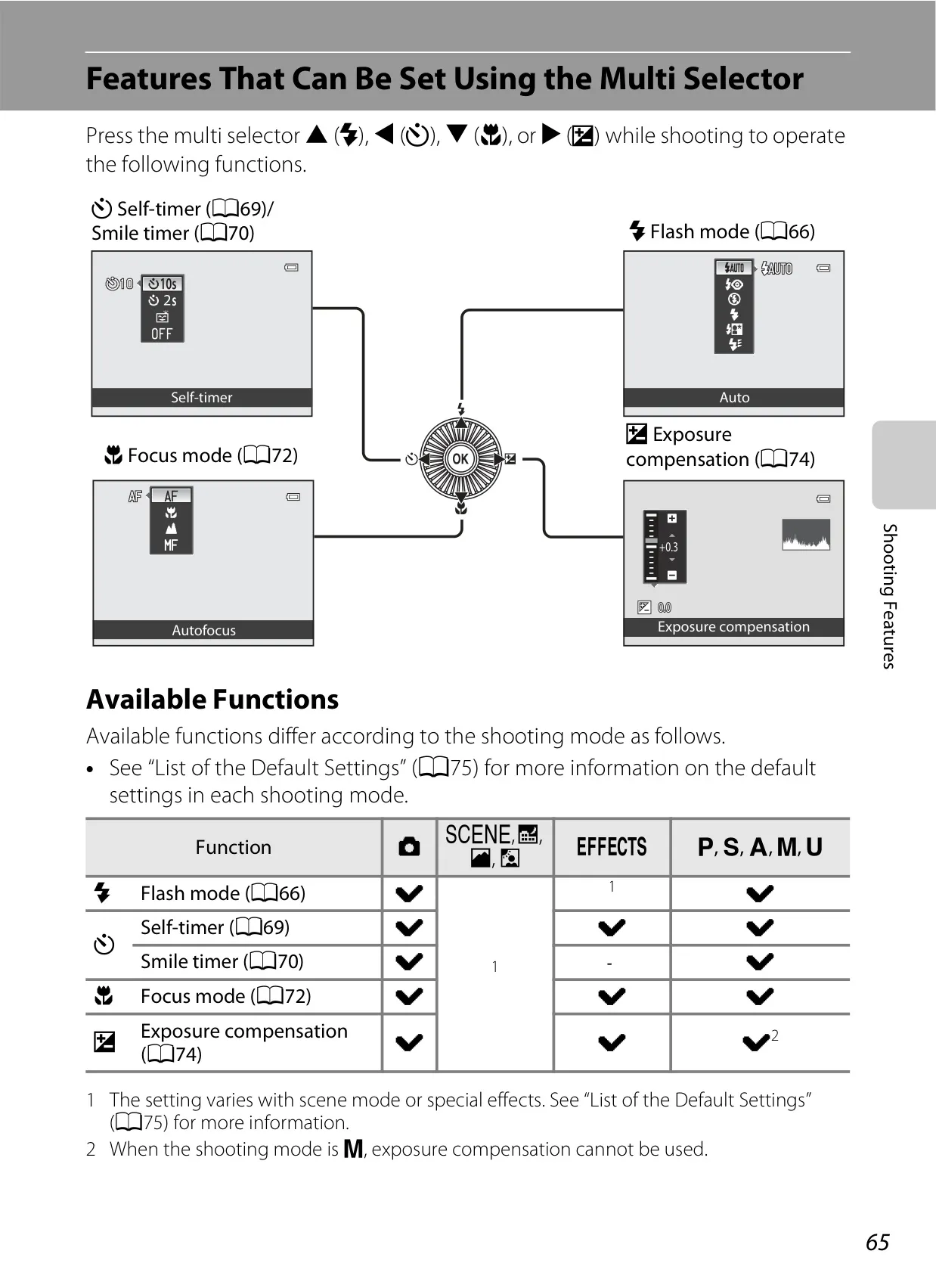
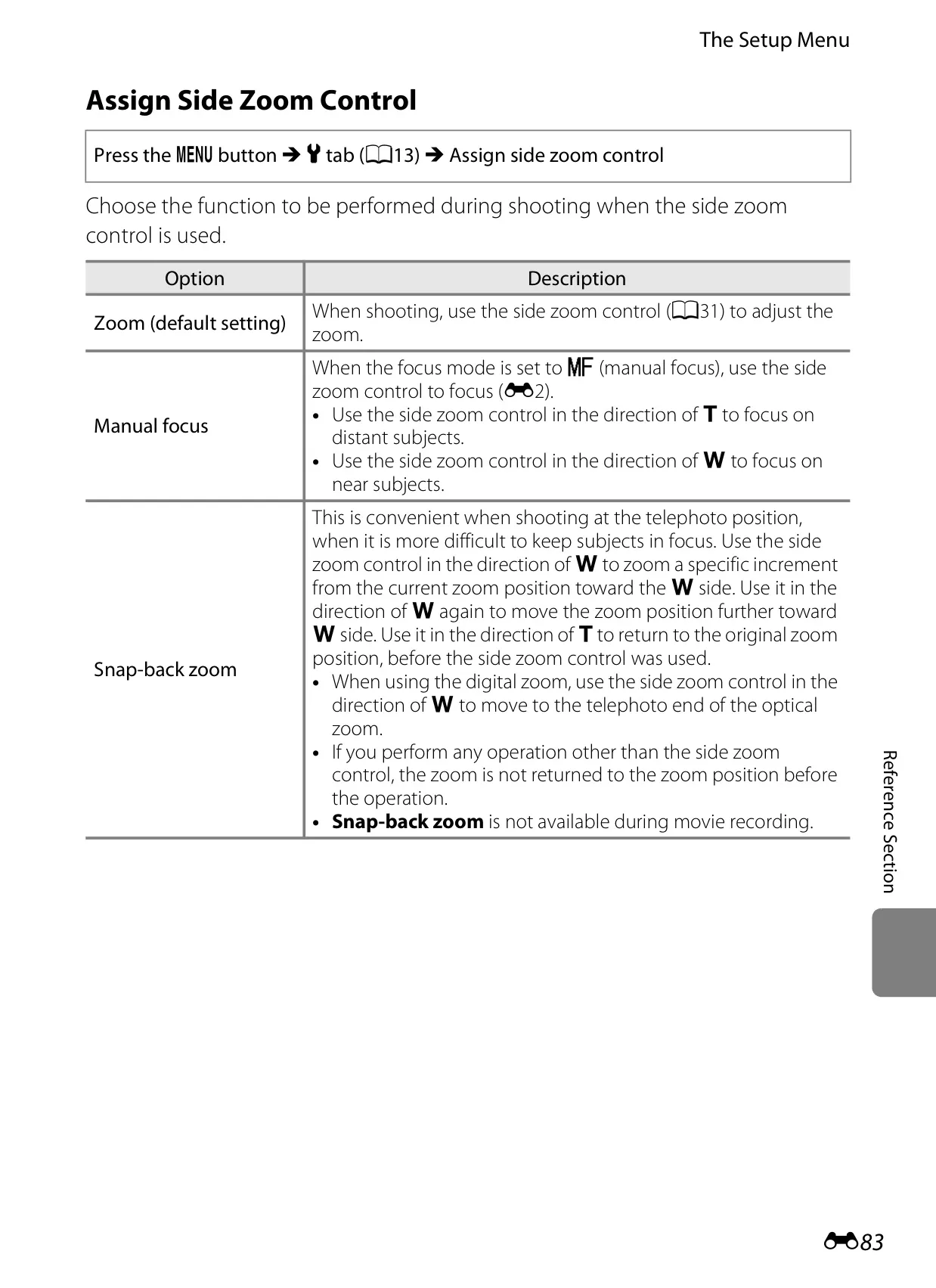
The Nikon Coolpix P510 is crafted for versatile photography, featuring a flexible 7.5-cm (3-in.) 921k-dot TFT LCD monitor. This anti-reflection screen tilts 82° downward and 90° upward, empowering photographers to compose shots from unique high or low angles. Ergonomically designed, it includes a customizable FUNC button for quick access to settings and a side zoom control for intuitive adjustments or manual focus. An electronic viewfinder with diopter adjustment provides a clear alternative for bright conditions, complemented by display options like framing grids and histograms.
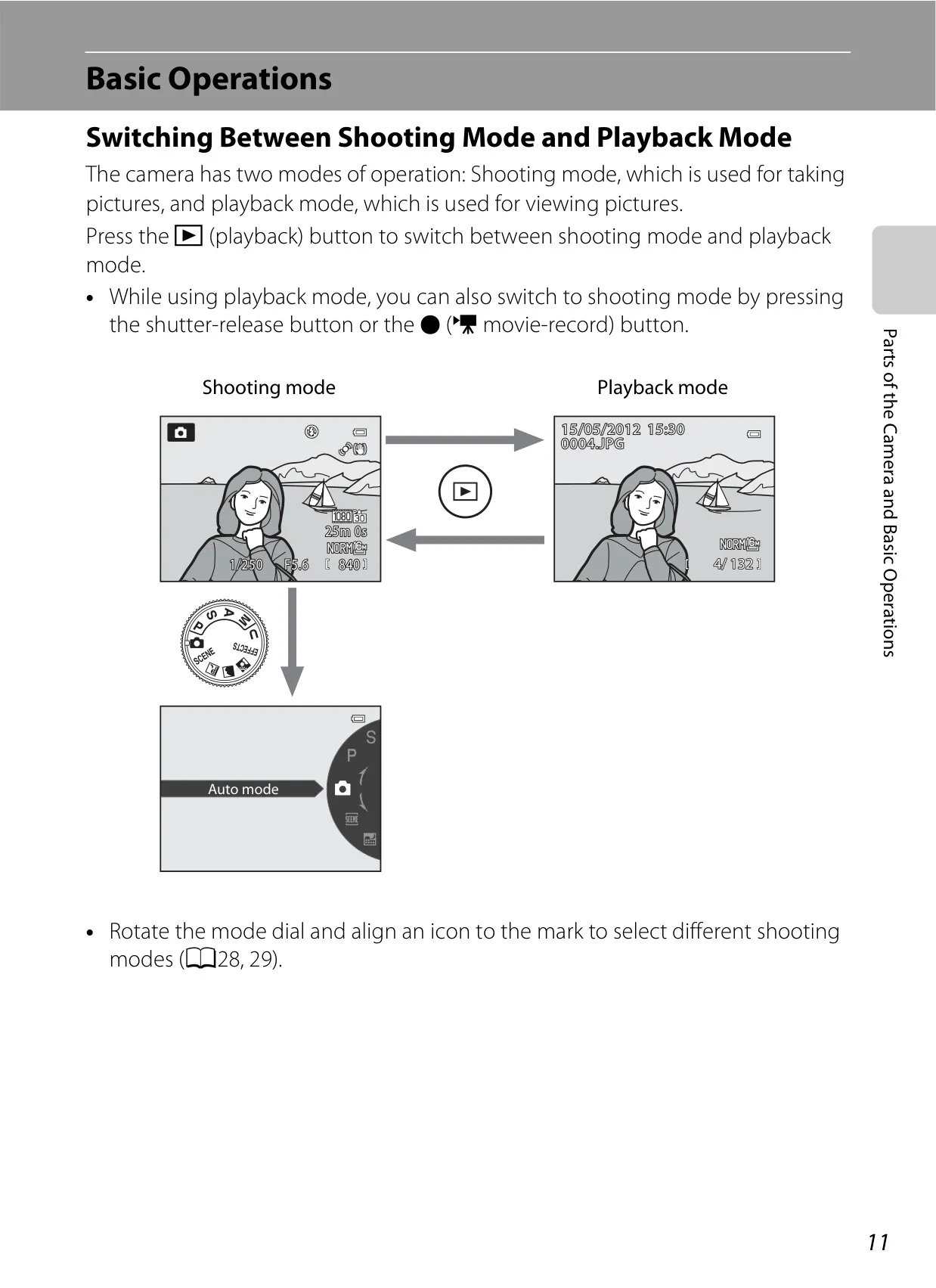
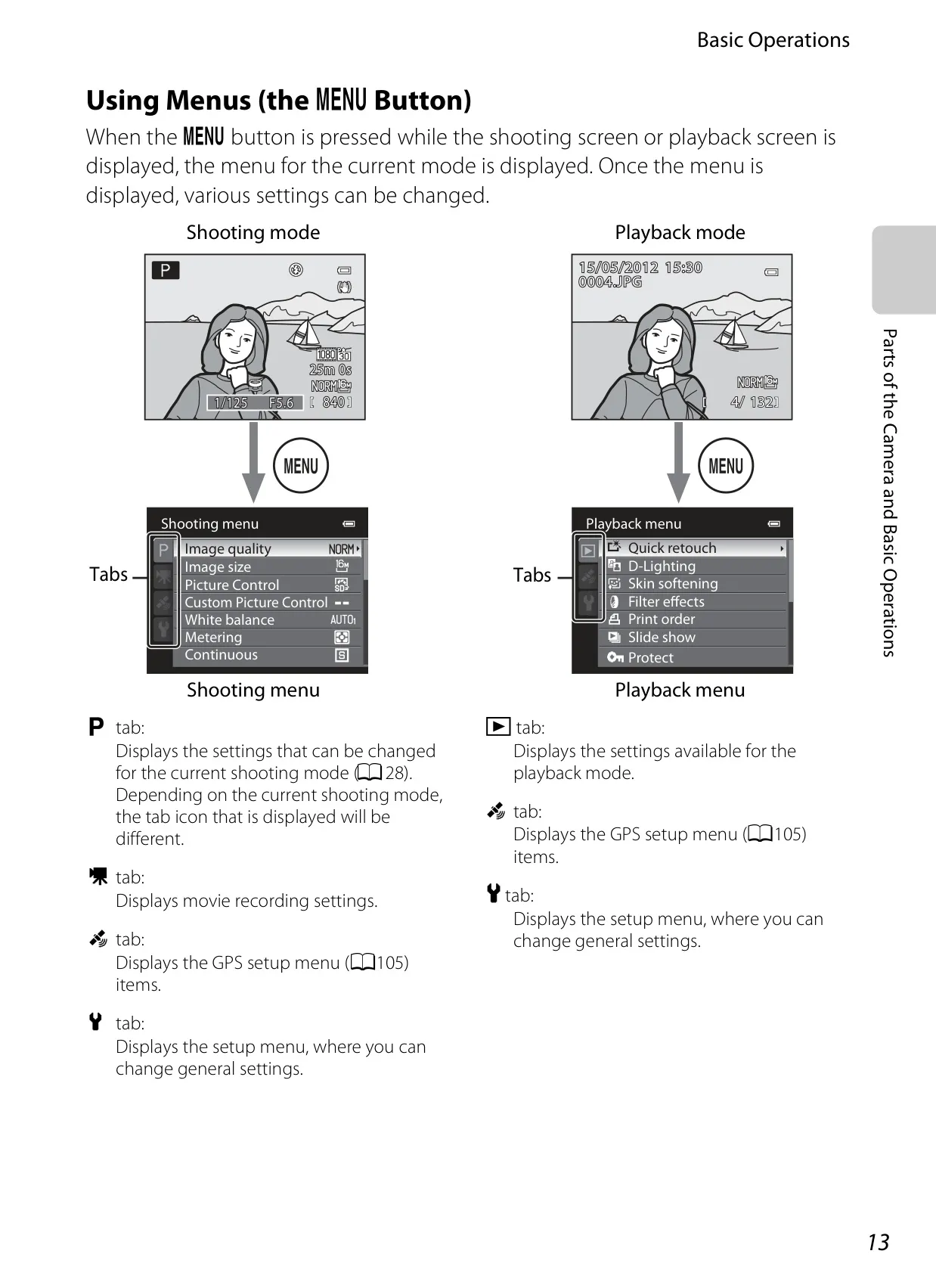
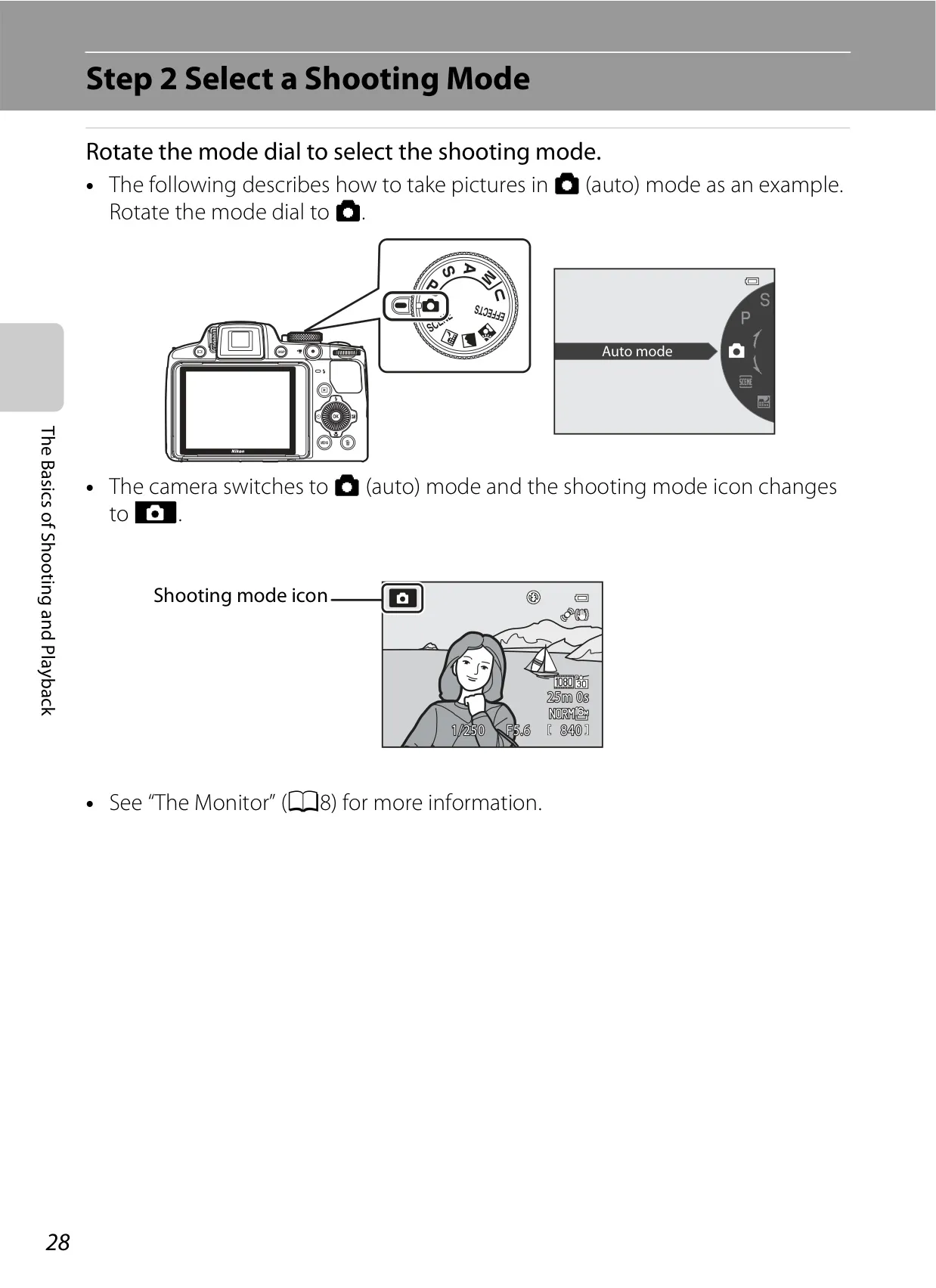
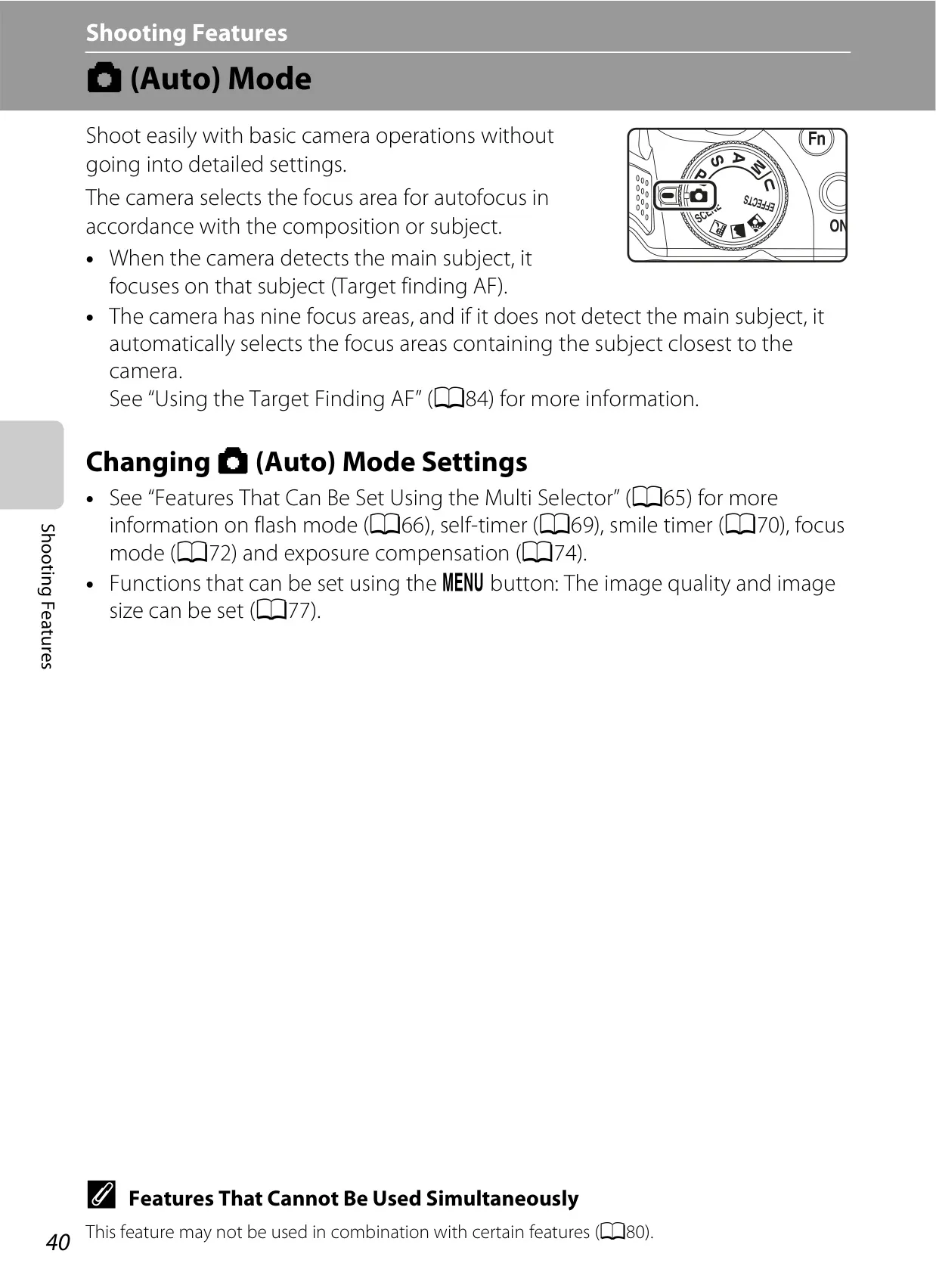
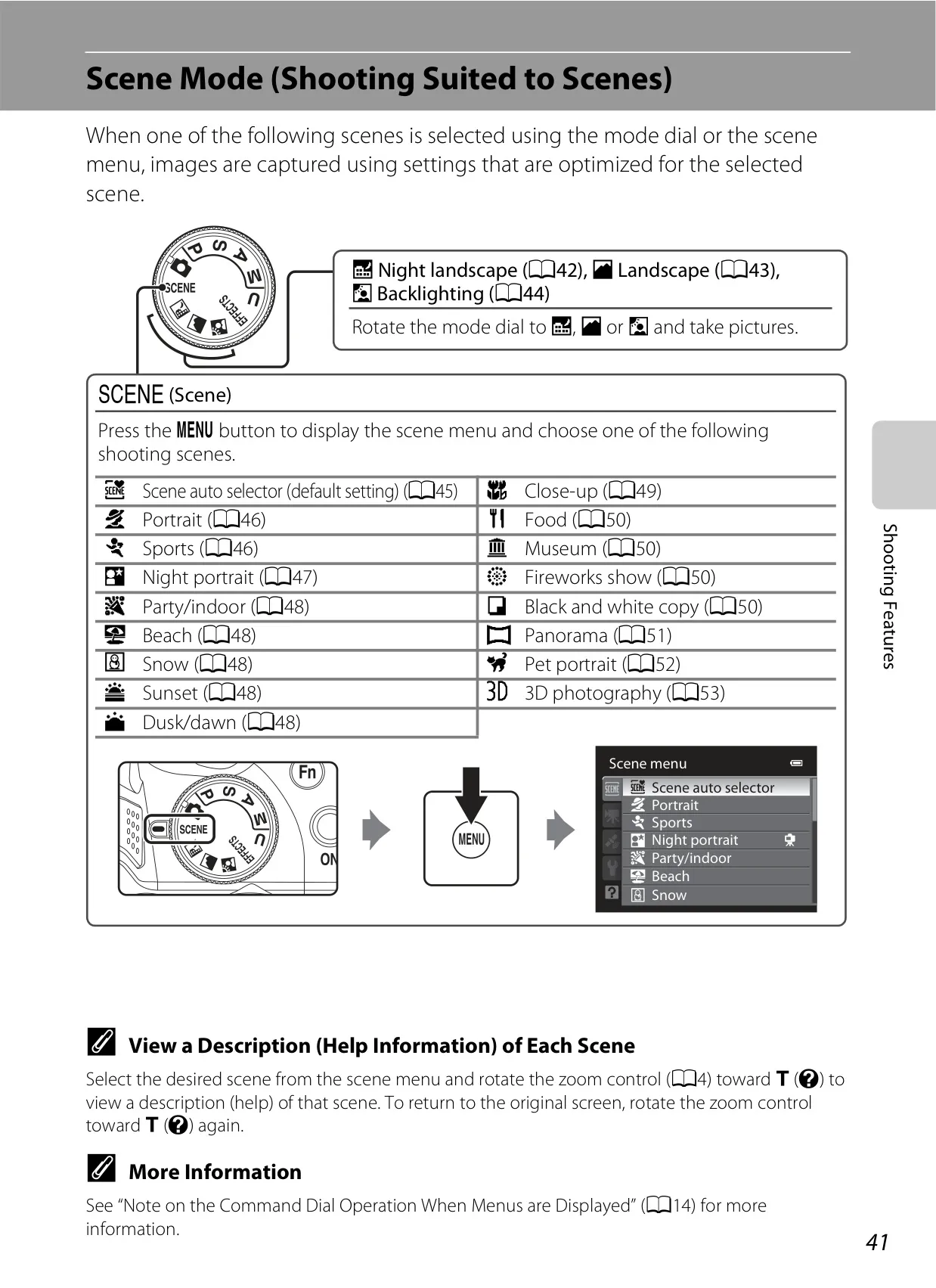
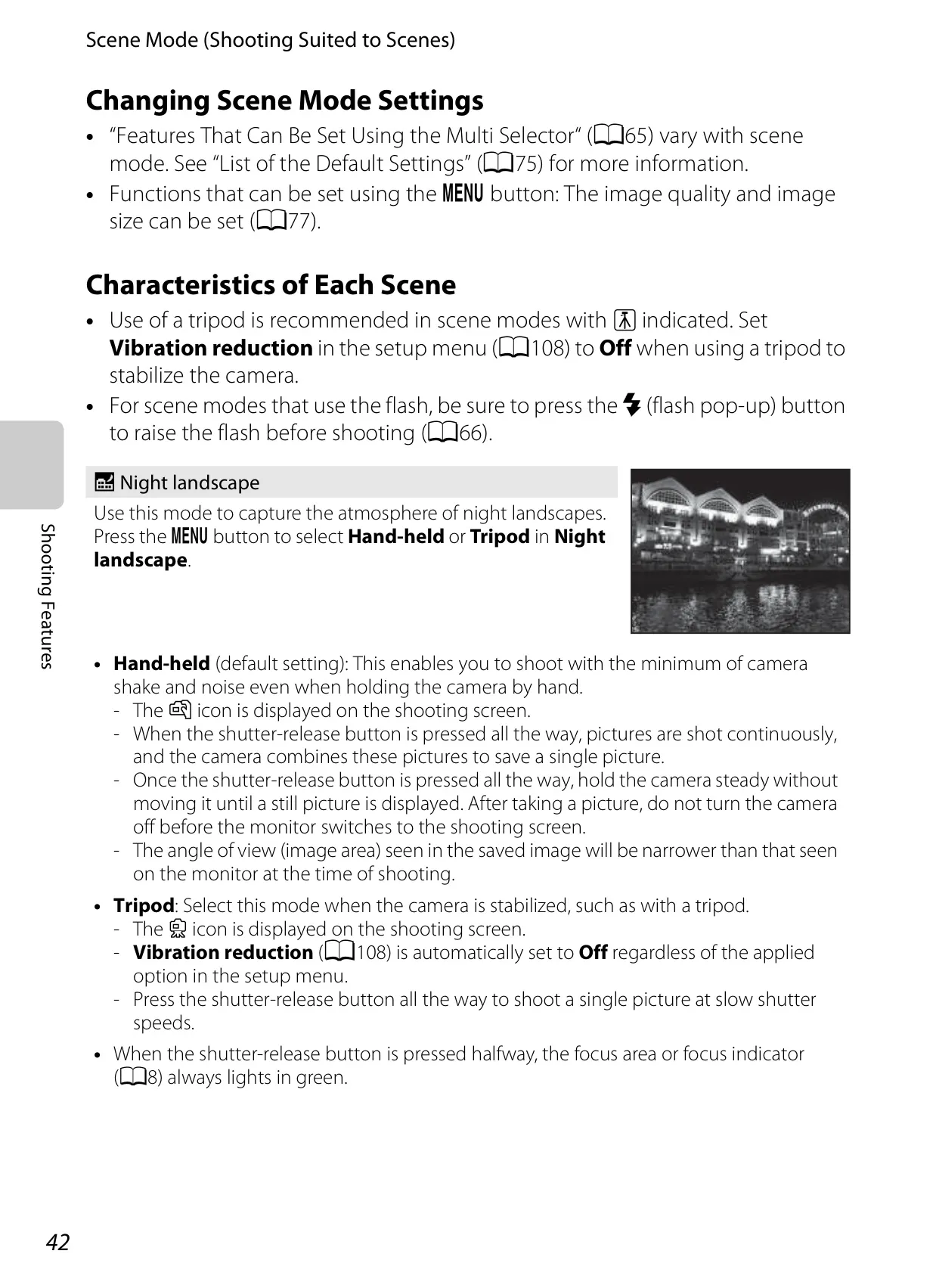
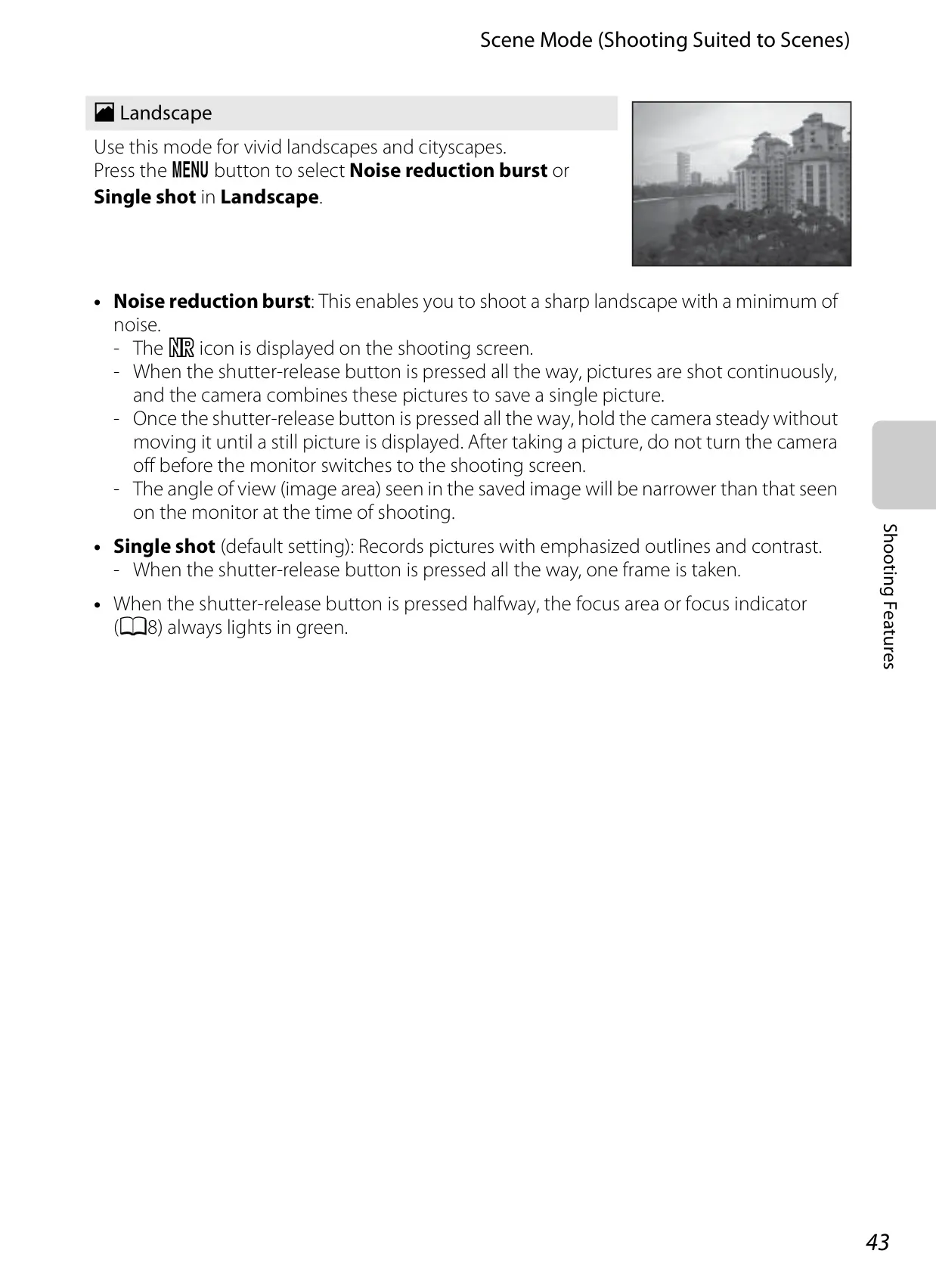
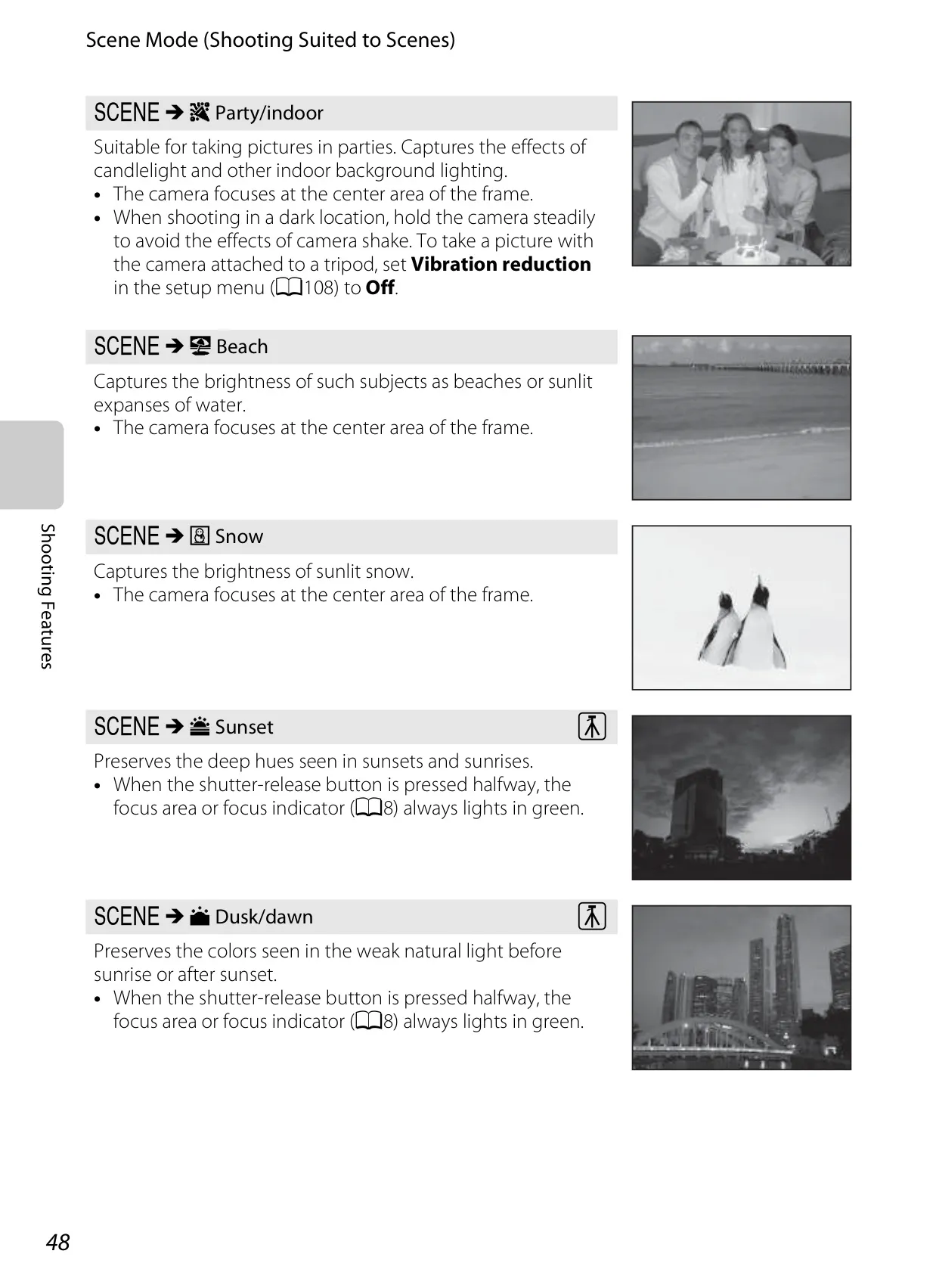
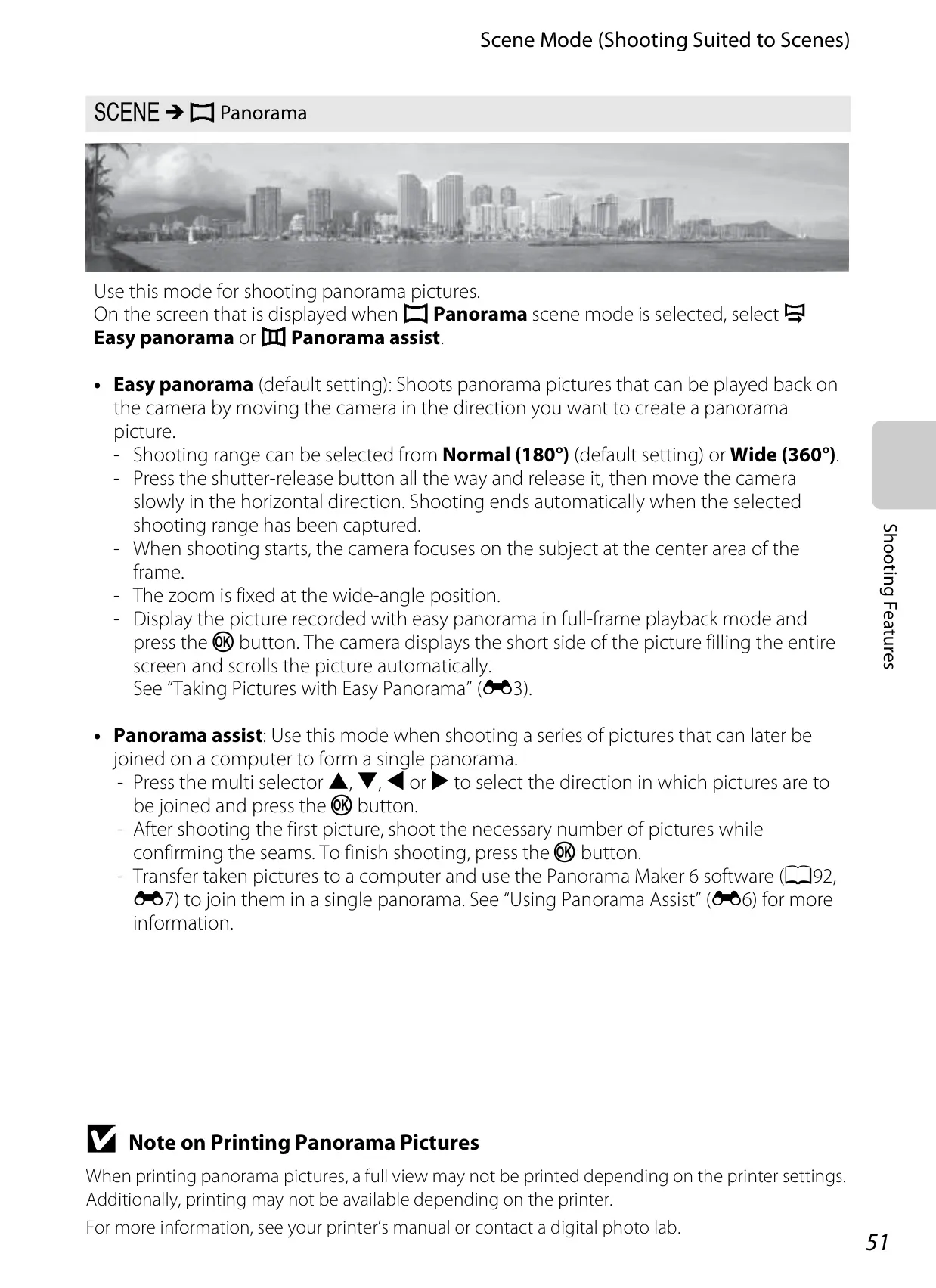
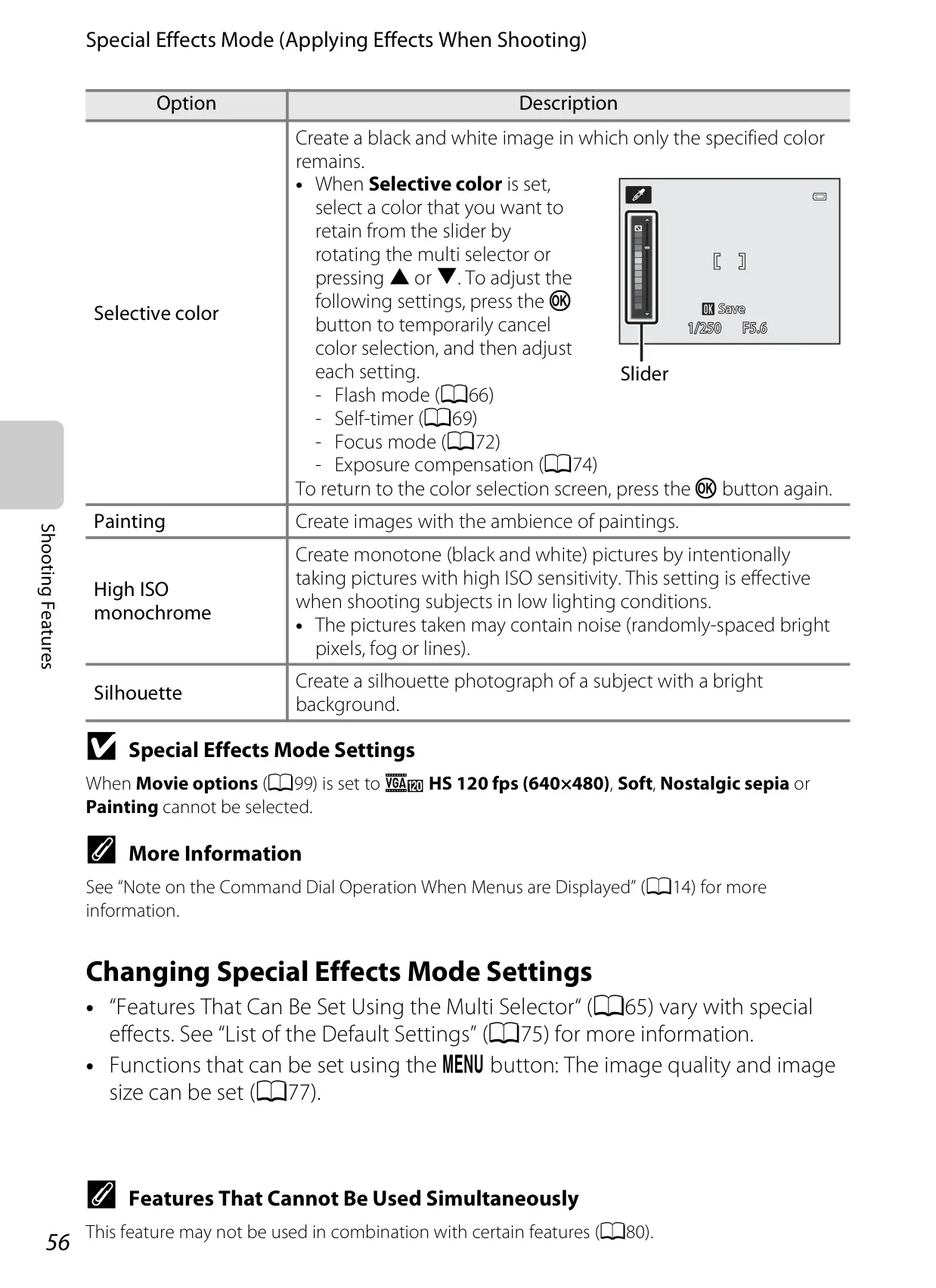
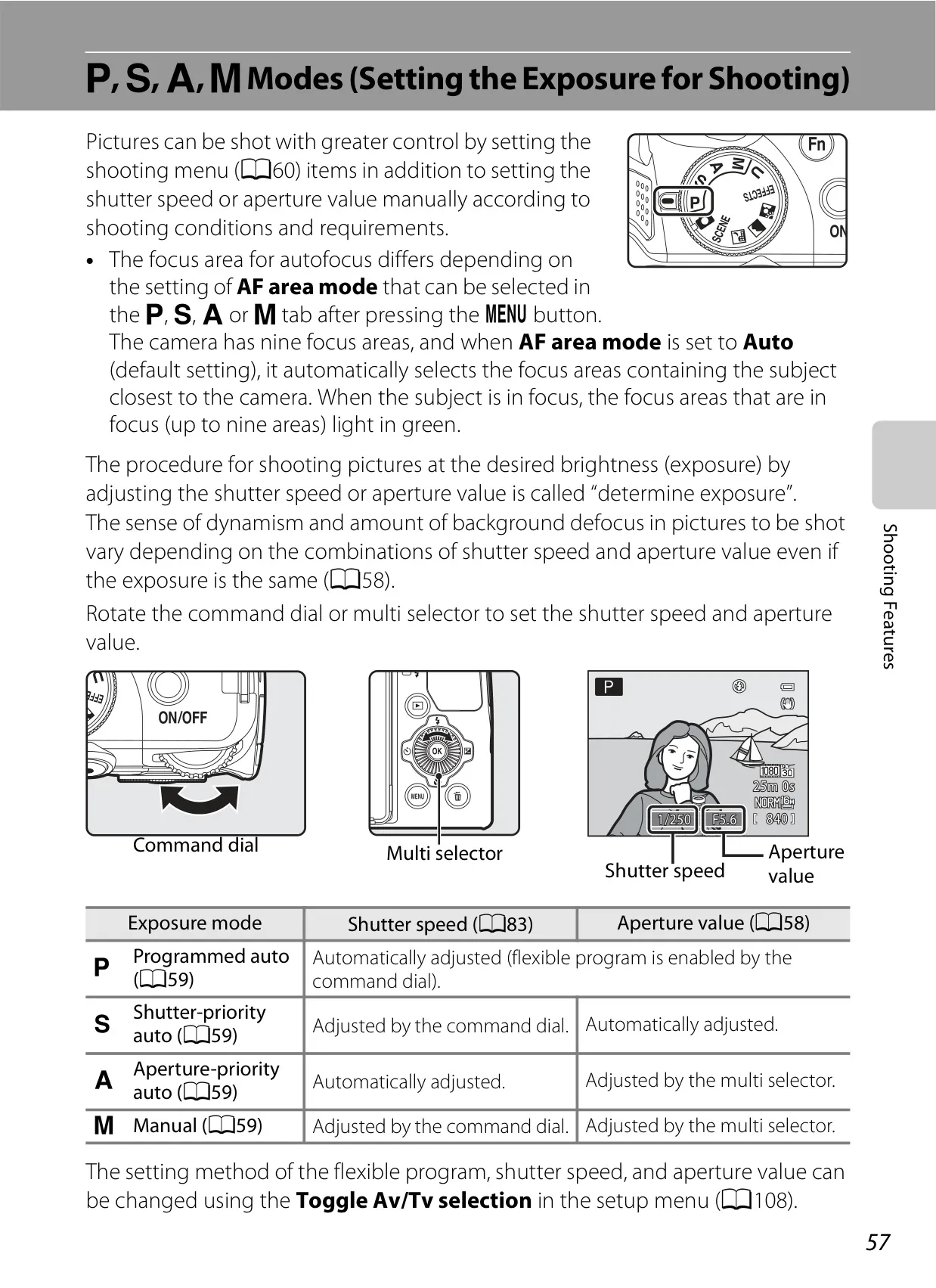
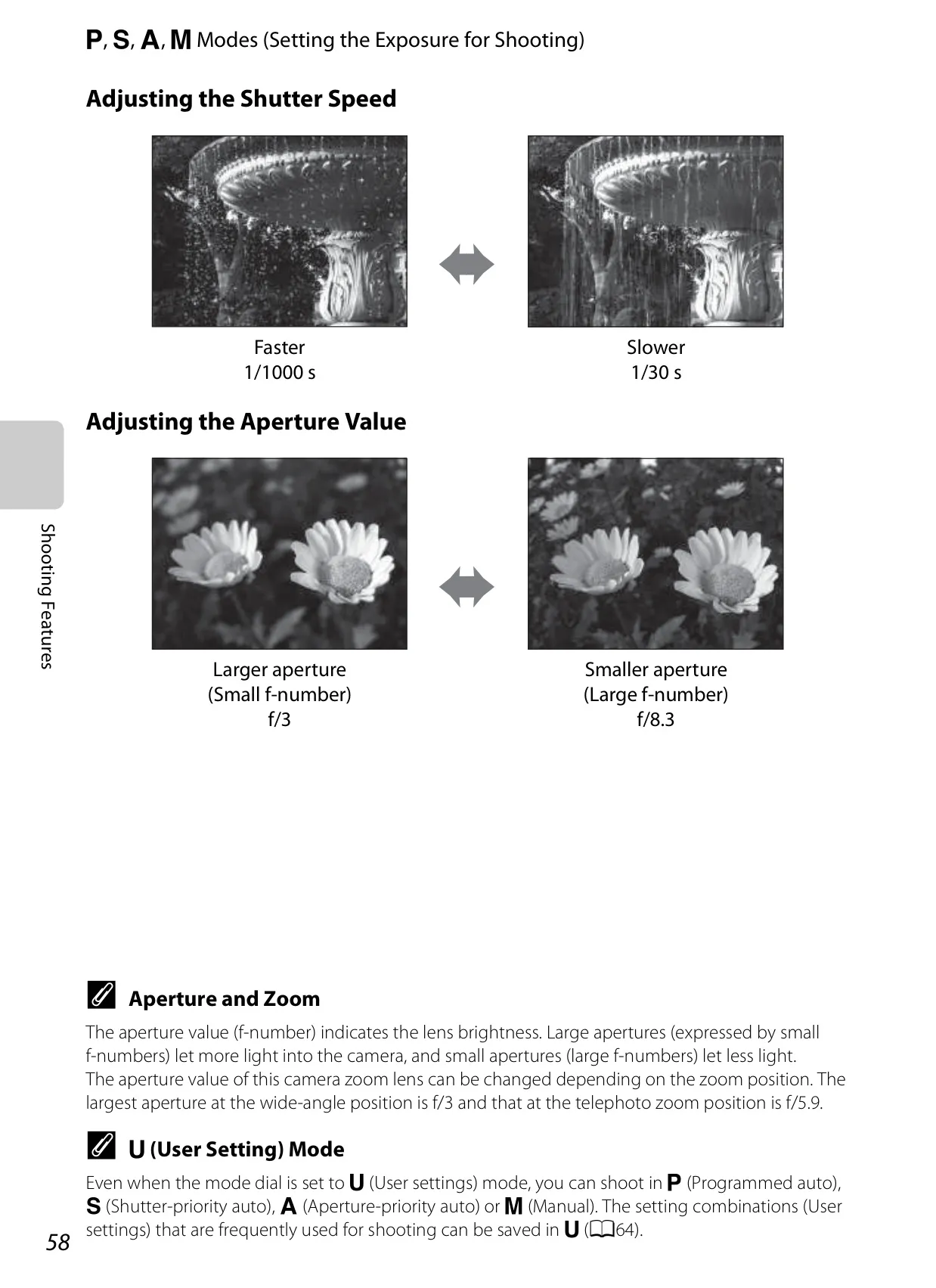
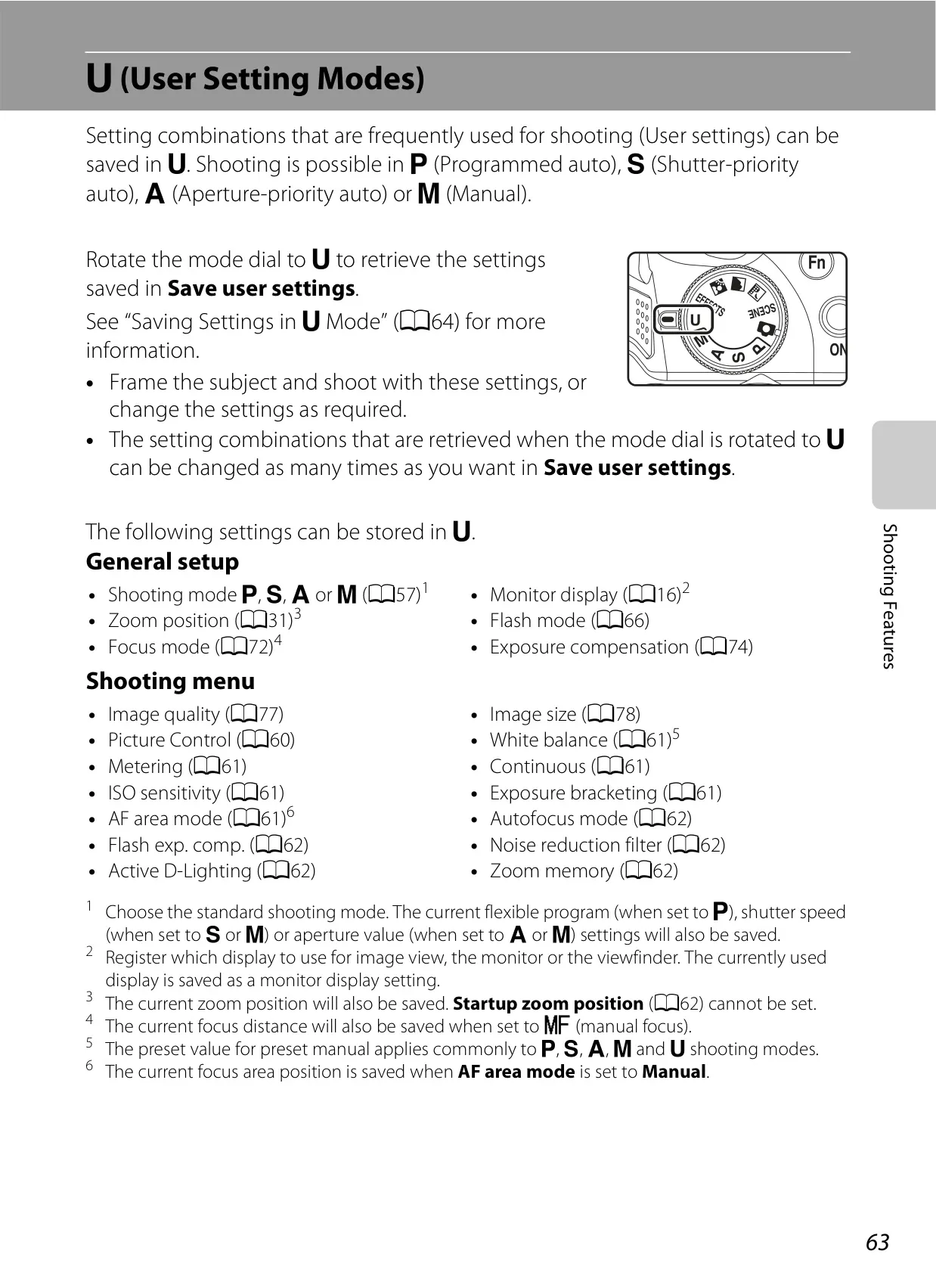
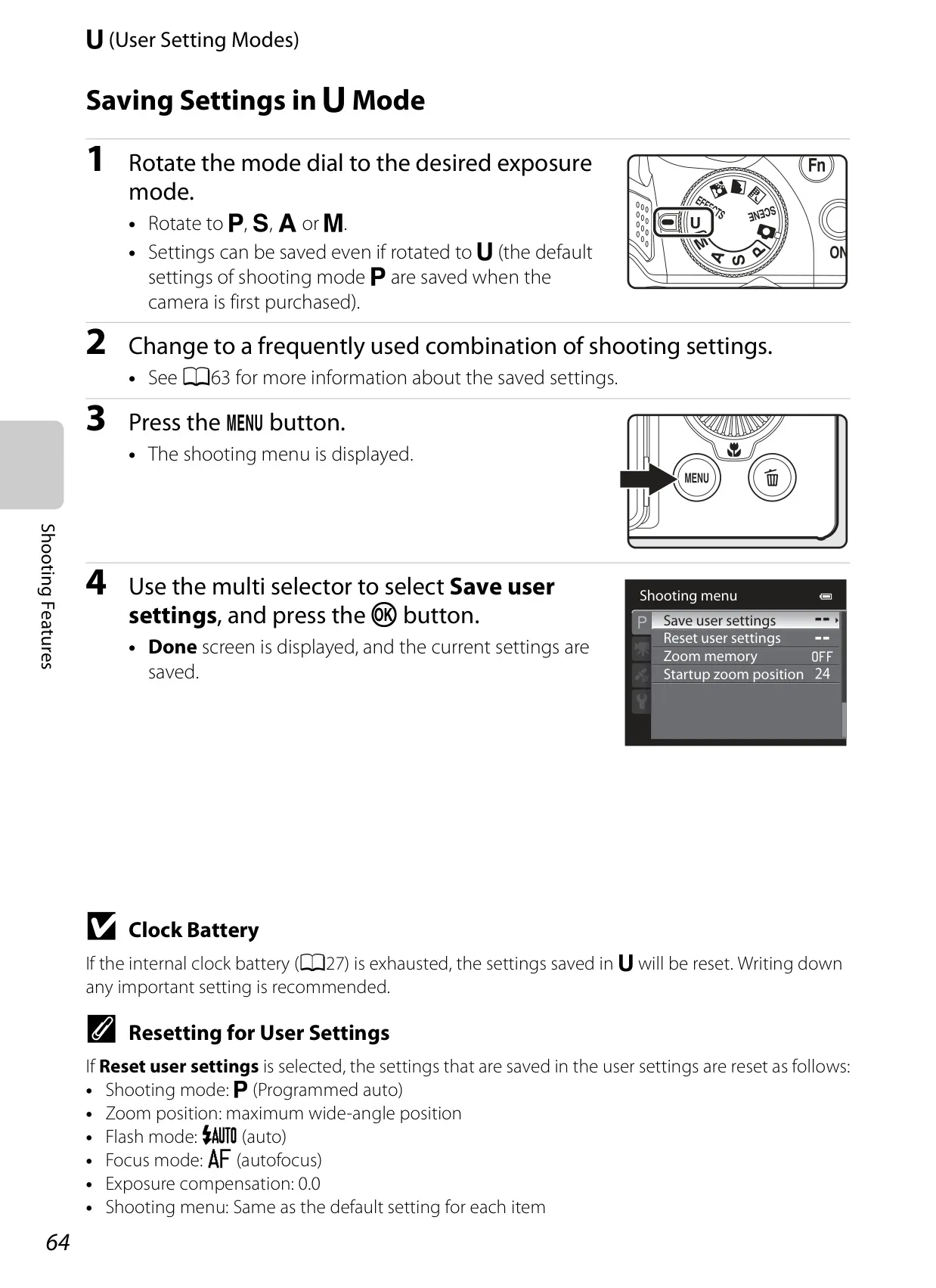
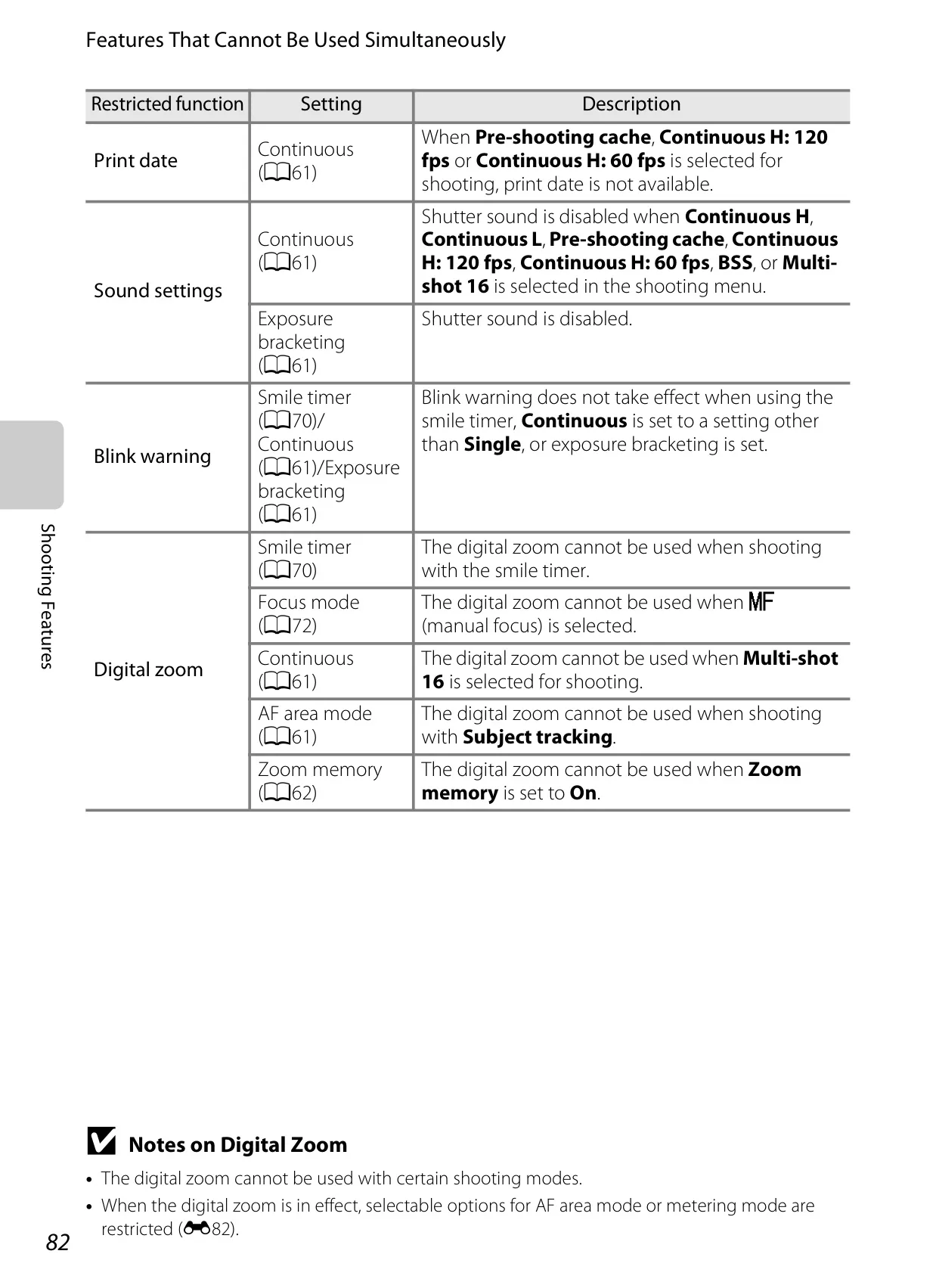
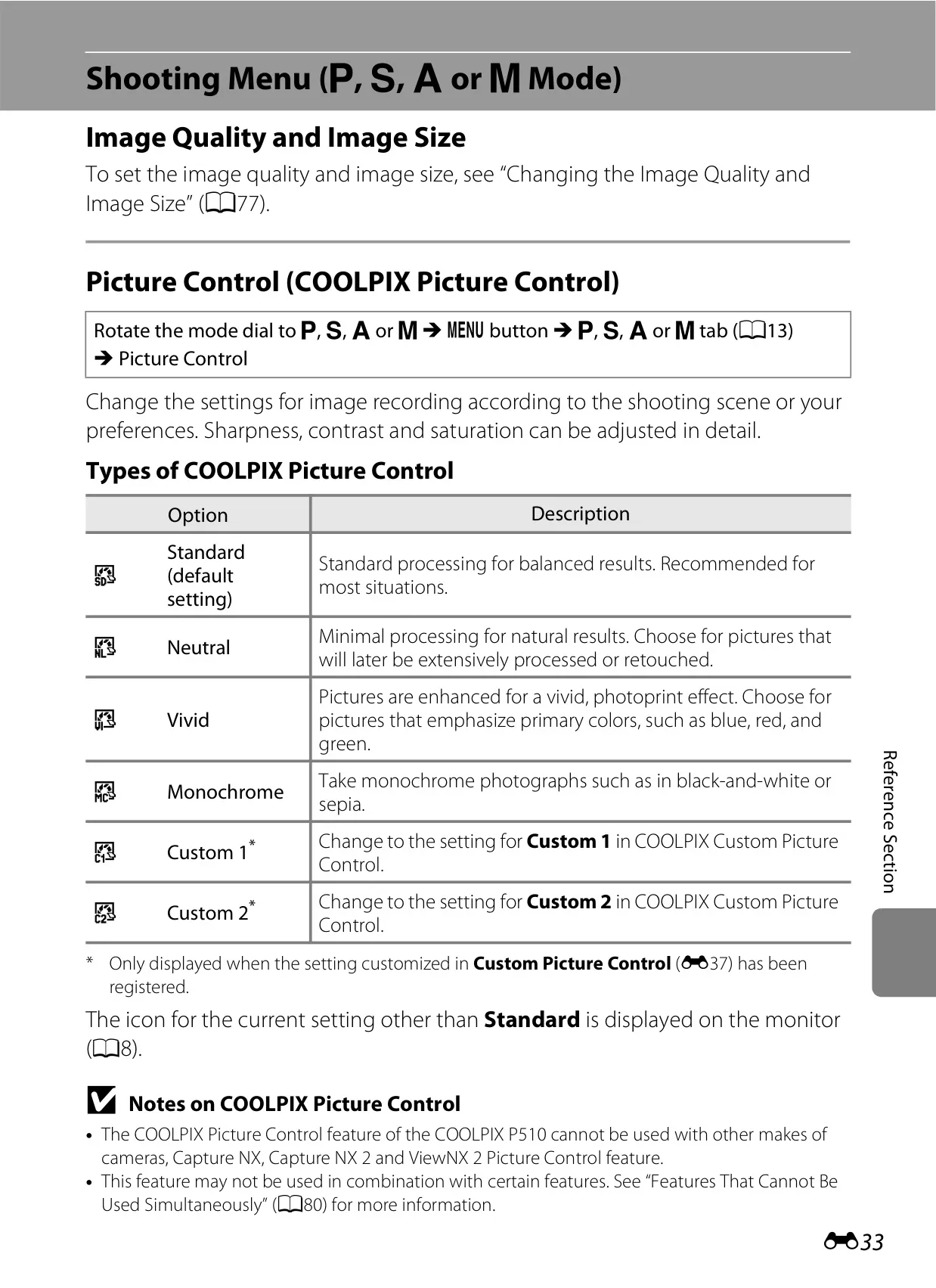
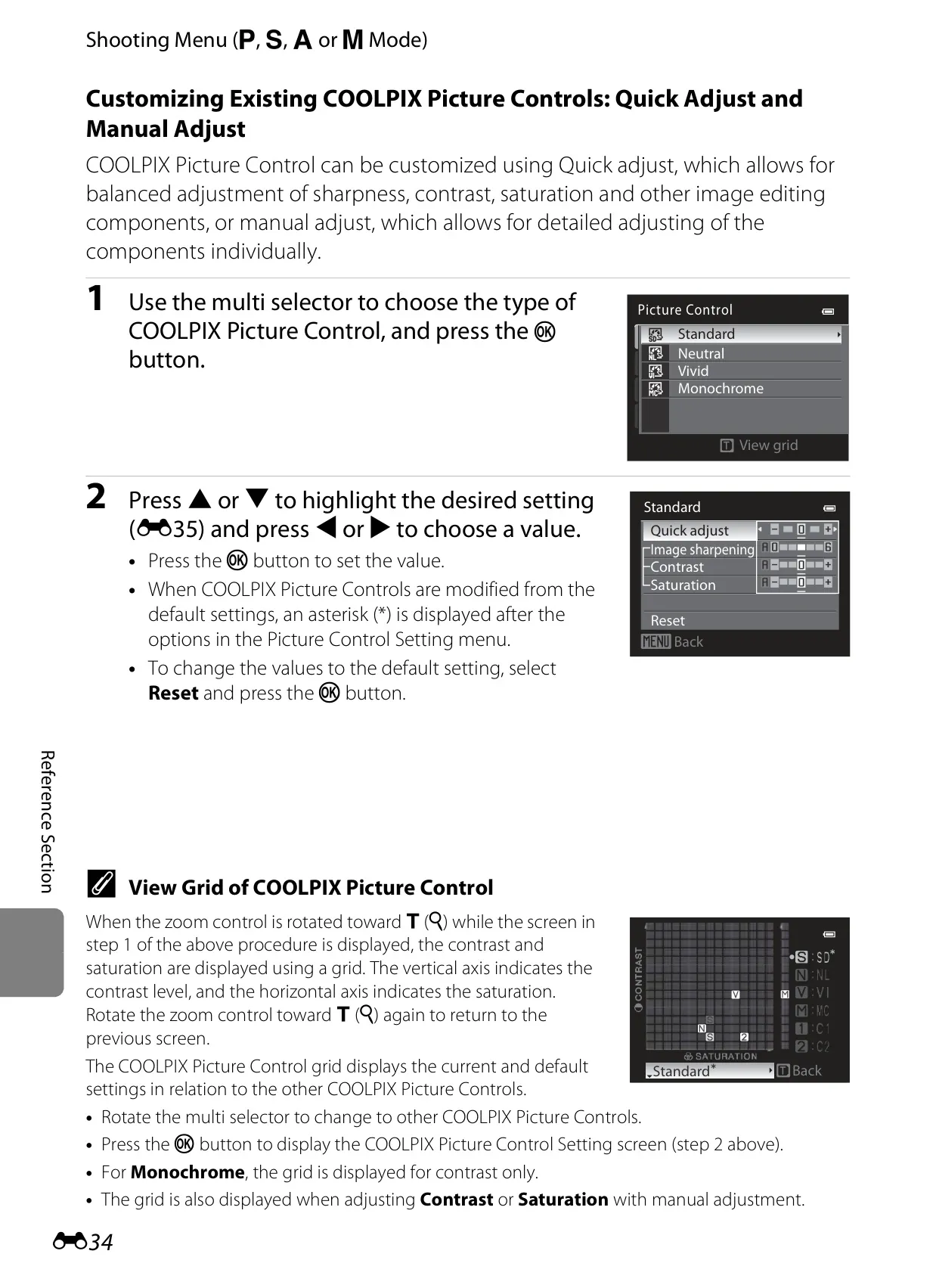
A comprehensive suite of shooting modes caters to all skill levels. Beyond A, P, S, A, M modes, Scene modes such as Portrait, Night Portrait, and Pet Portrait (with auto-shutter for detected animal faces) simplify complex situations. Special Effects modes, including Selective Color or Painting, enable creative in-camera filtering, producing immediate artistic results without external post-processing.
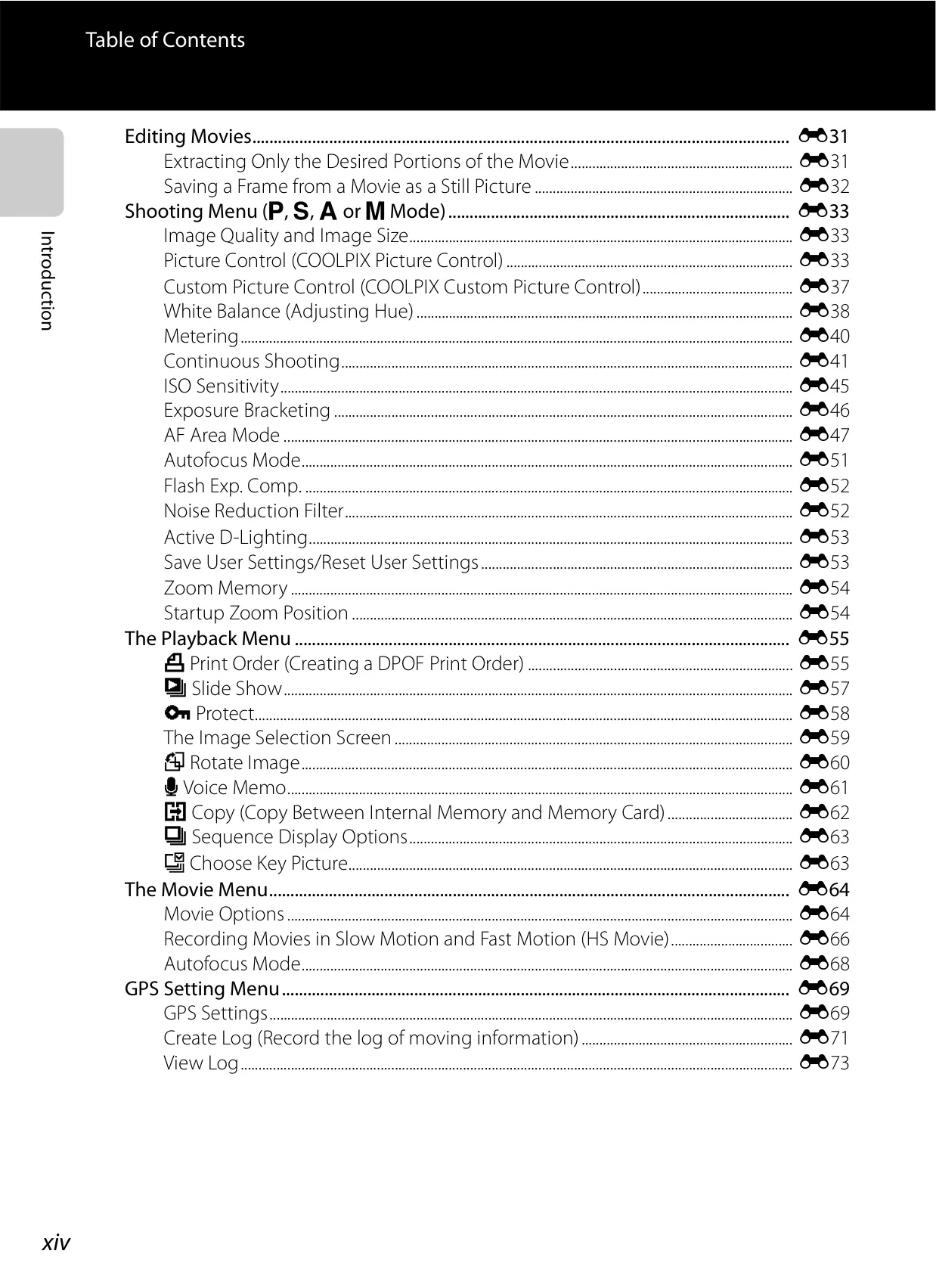
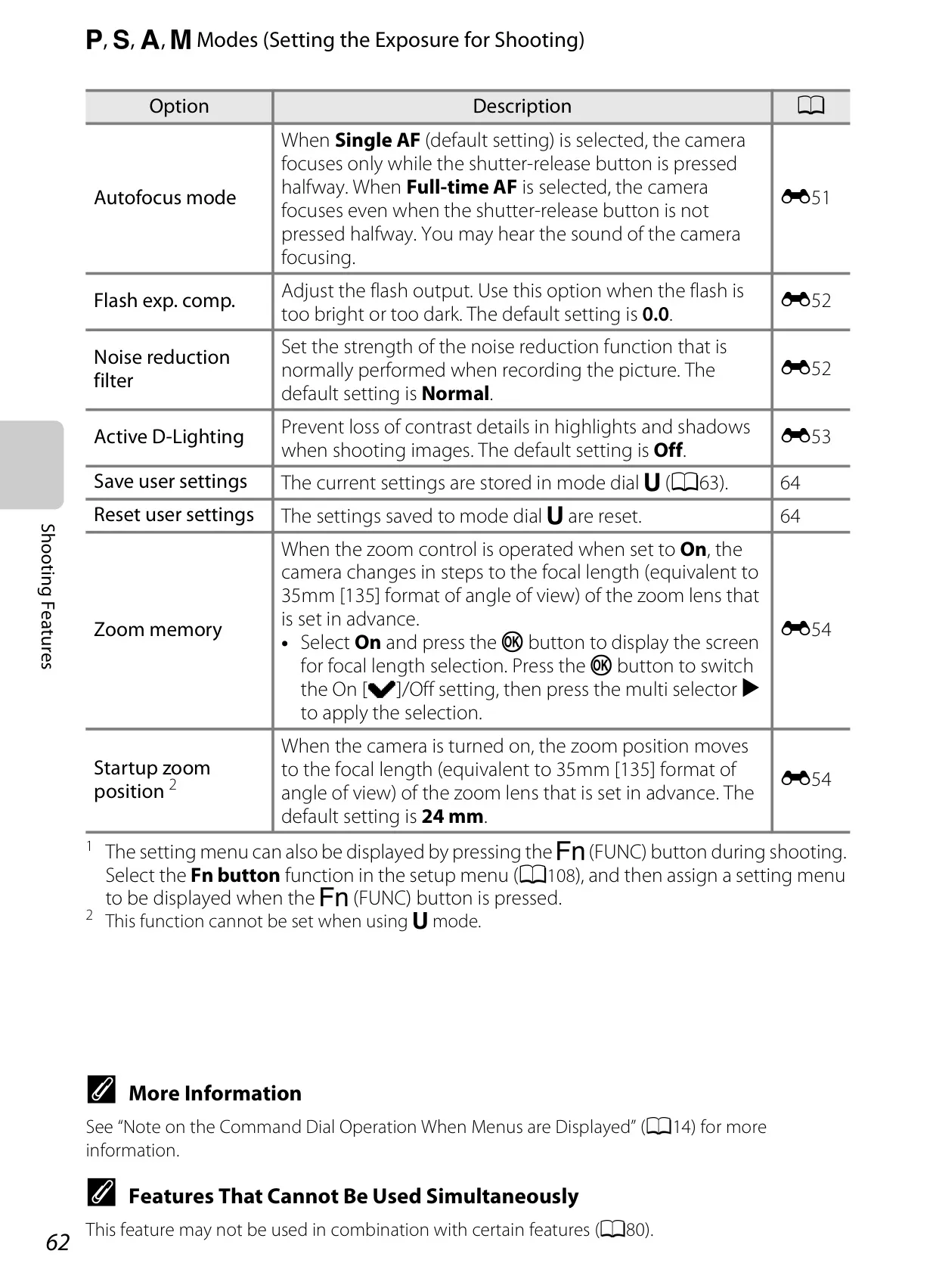
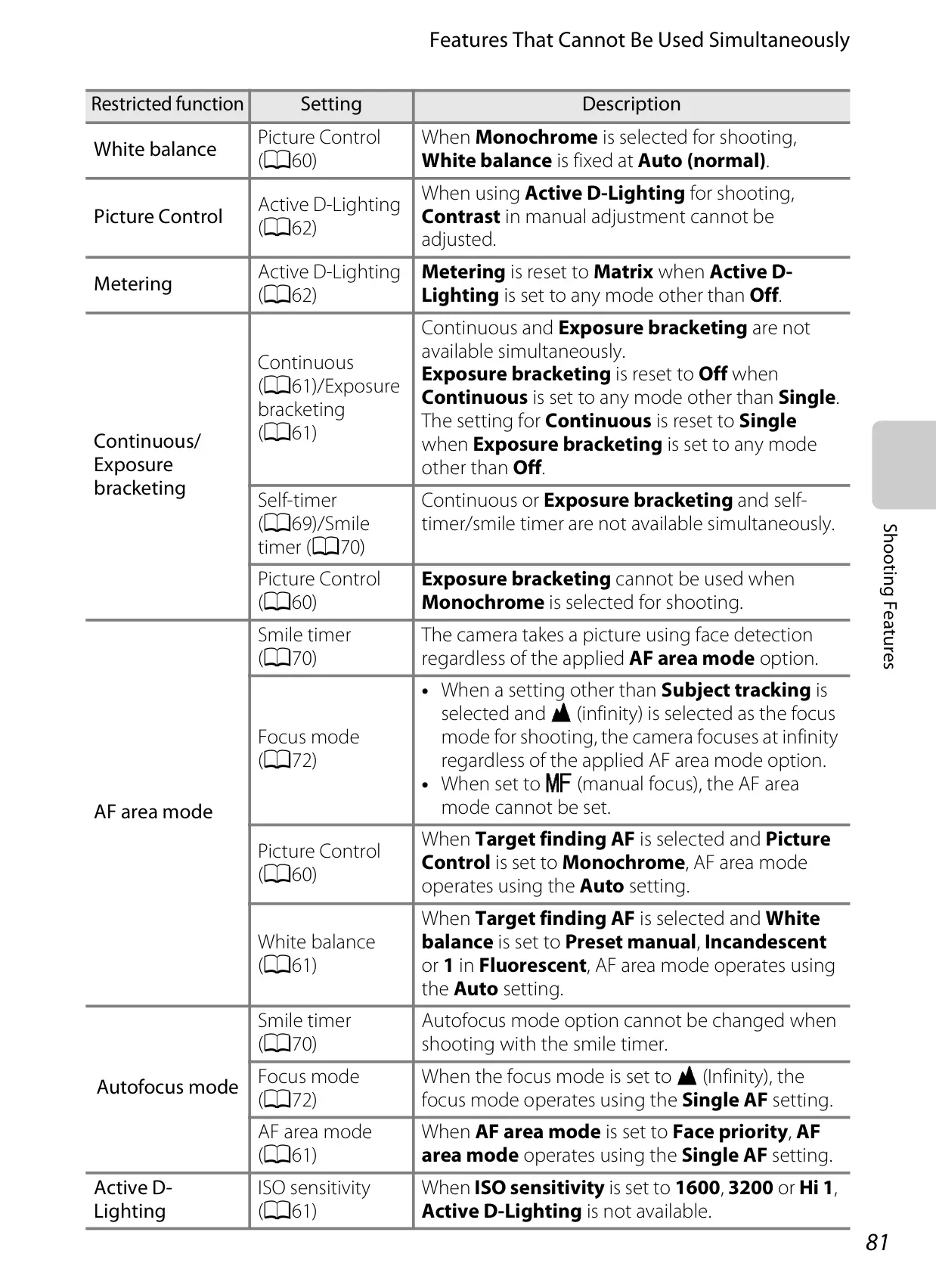
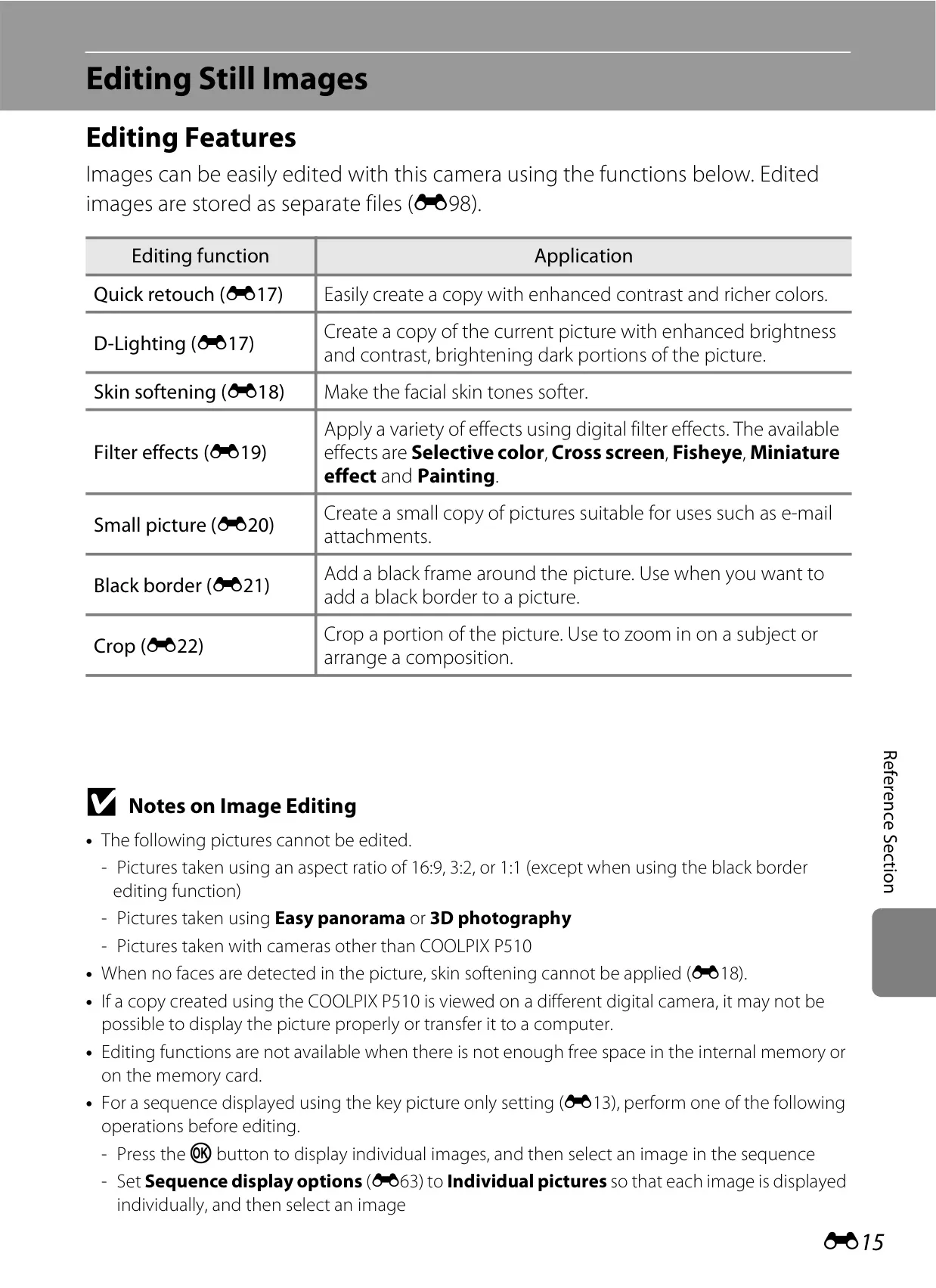
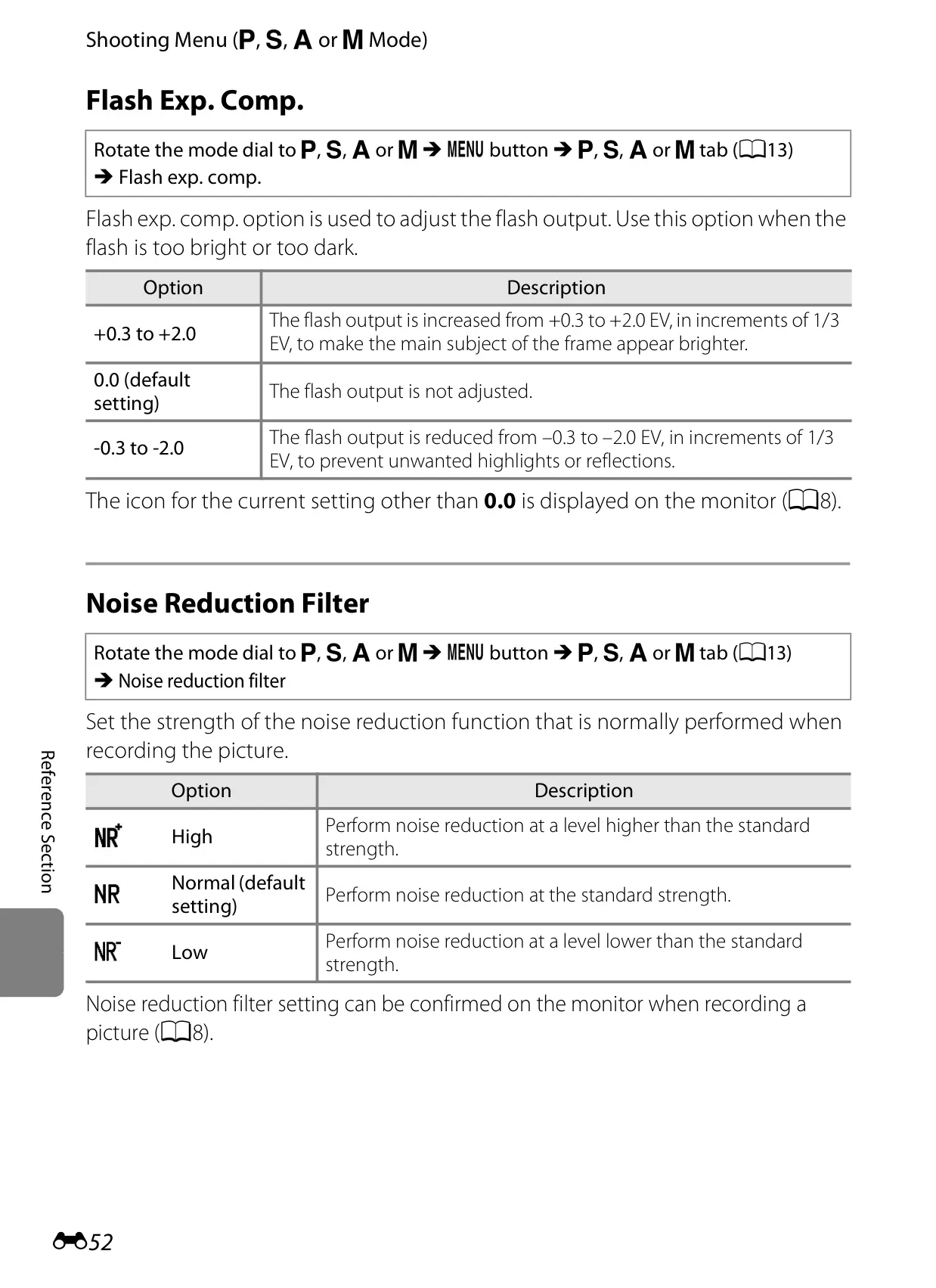
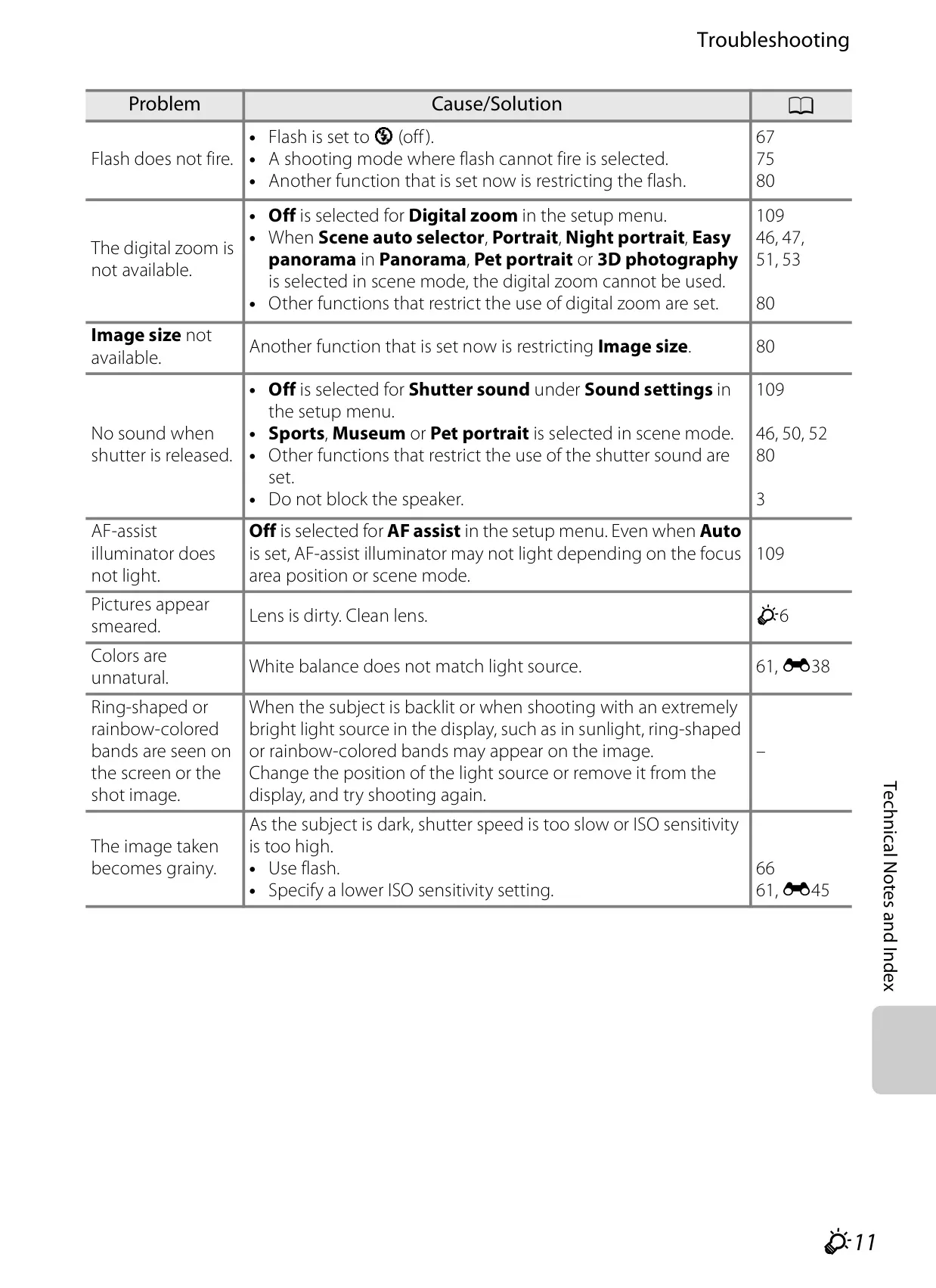
The P510 boasts advanced autofocus systems. Target Finding AF intelligently identifies the main subject, including faces, for precise focus. Subject Tracking ensures moving elements remain sharp, while Active D-Lighting optimizes contrast in challenging lighting. Other intelligent features include a Noise Reduction Filter and a Blink Warning for portraits. These collectively enhance image quality and user convenience.
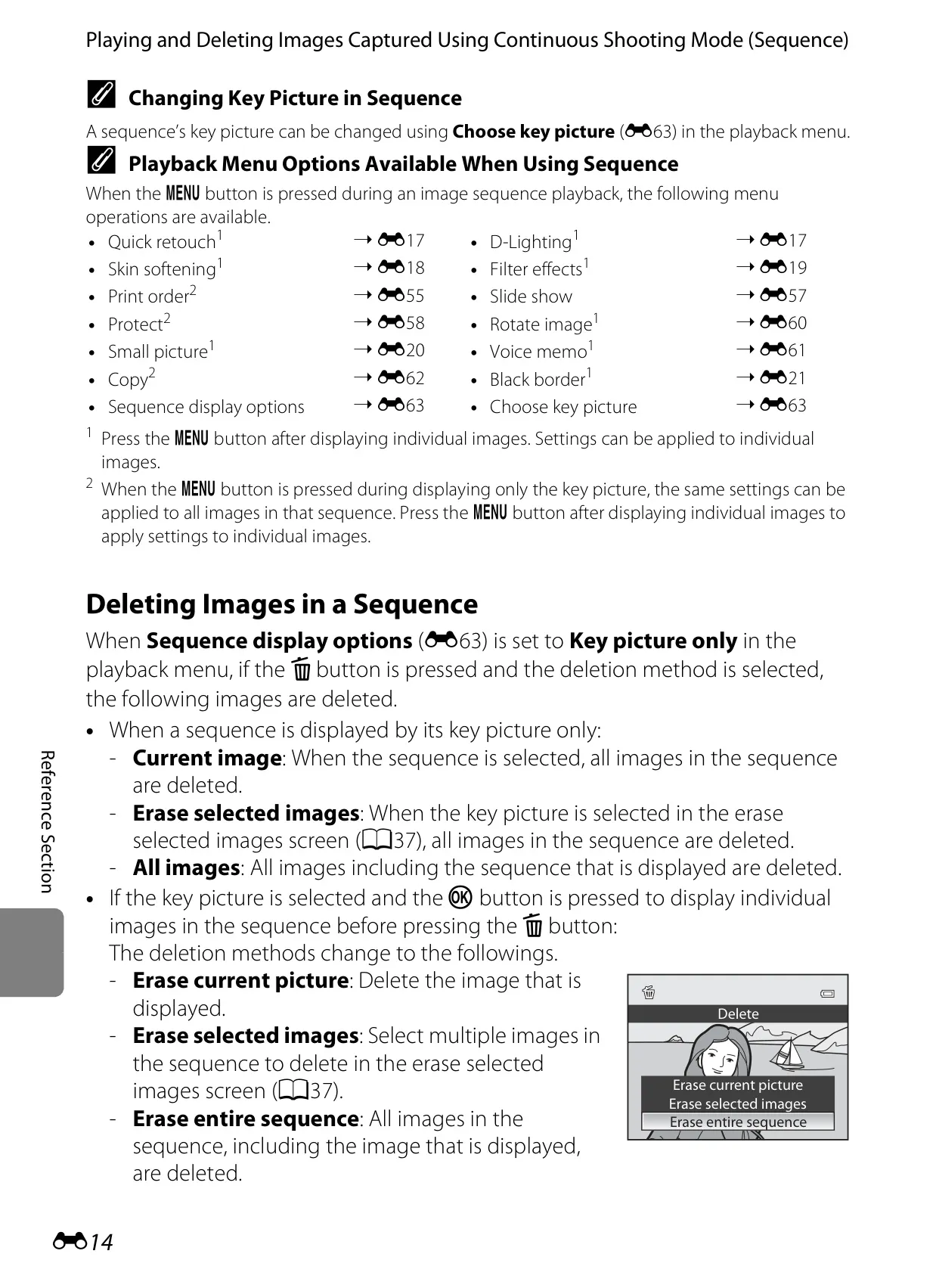
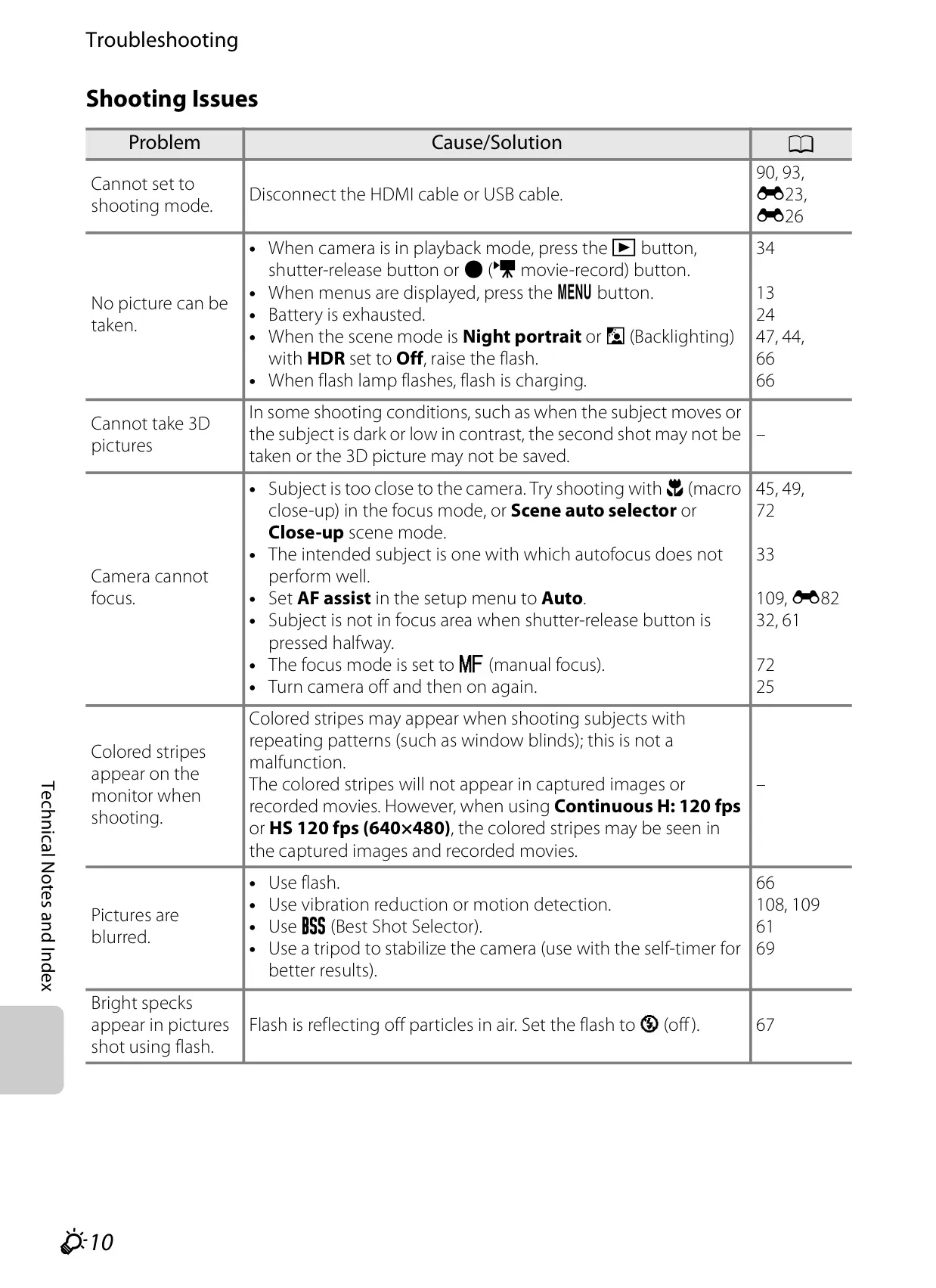
For capturing fast action, the camera provides versatile Continuous Shooting modes. Pre-shooting Cache innovatively records images even before the shutter is fully pressed, securing critical instants. High-speed burst options, including Continuous H: 120 fps and 60 fps, enable rapid-fire photography. The Best Shot Selector (BSS) intelligently picks the sharpest image from a series, while Multi-shot 16 composites multiple frames into a single stylized image. An Interval Timer also enables automated time-lapse sequences.
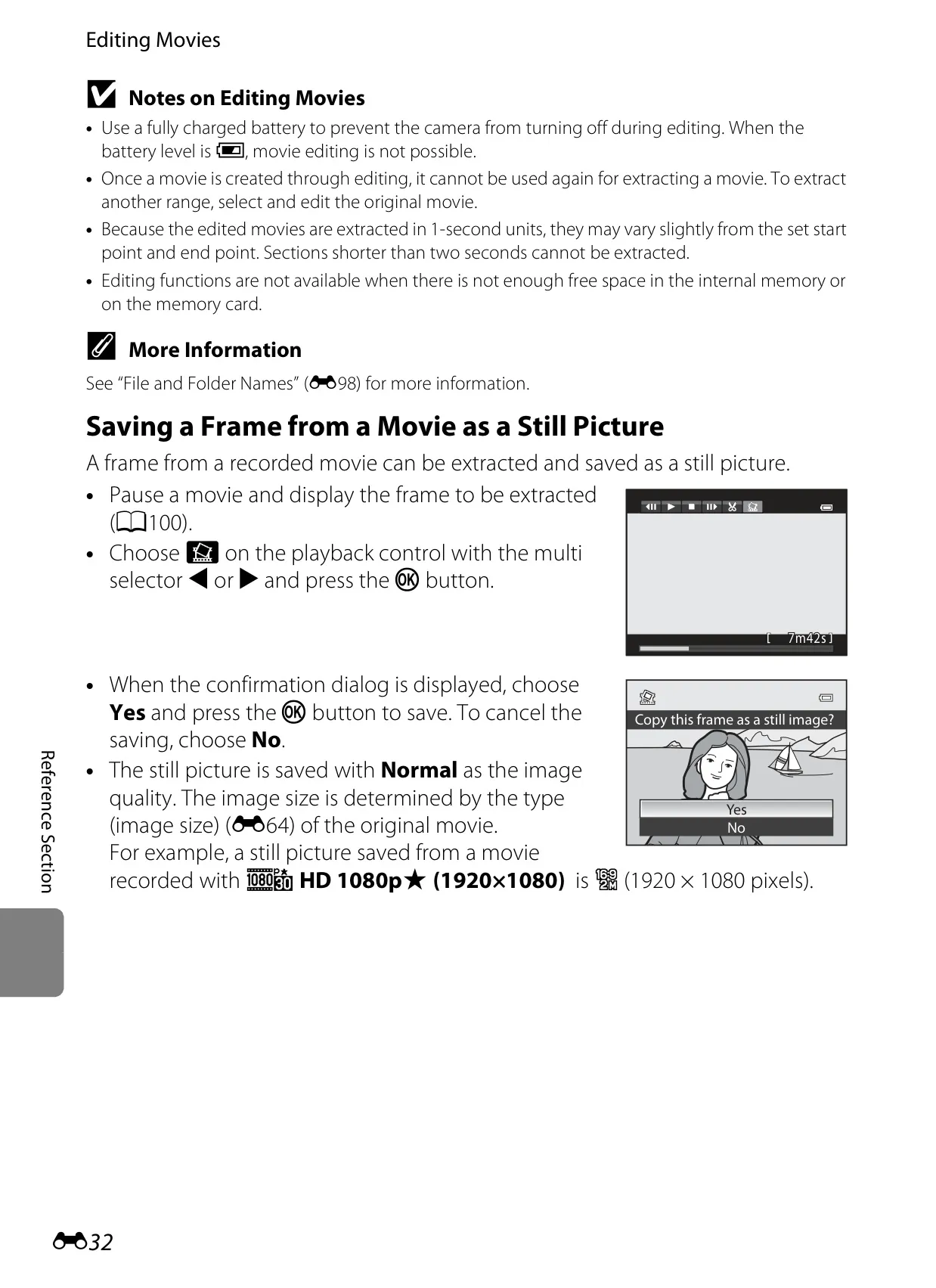
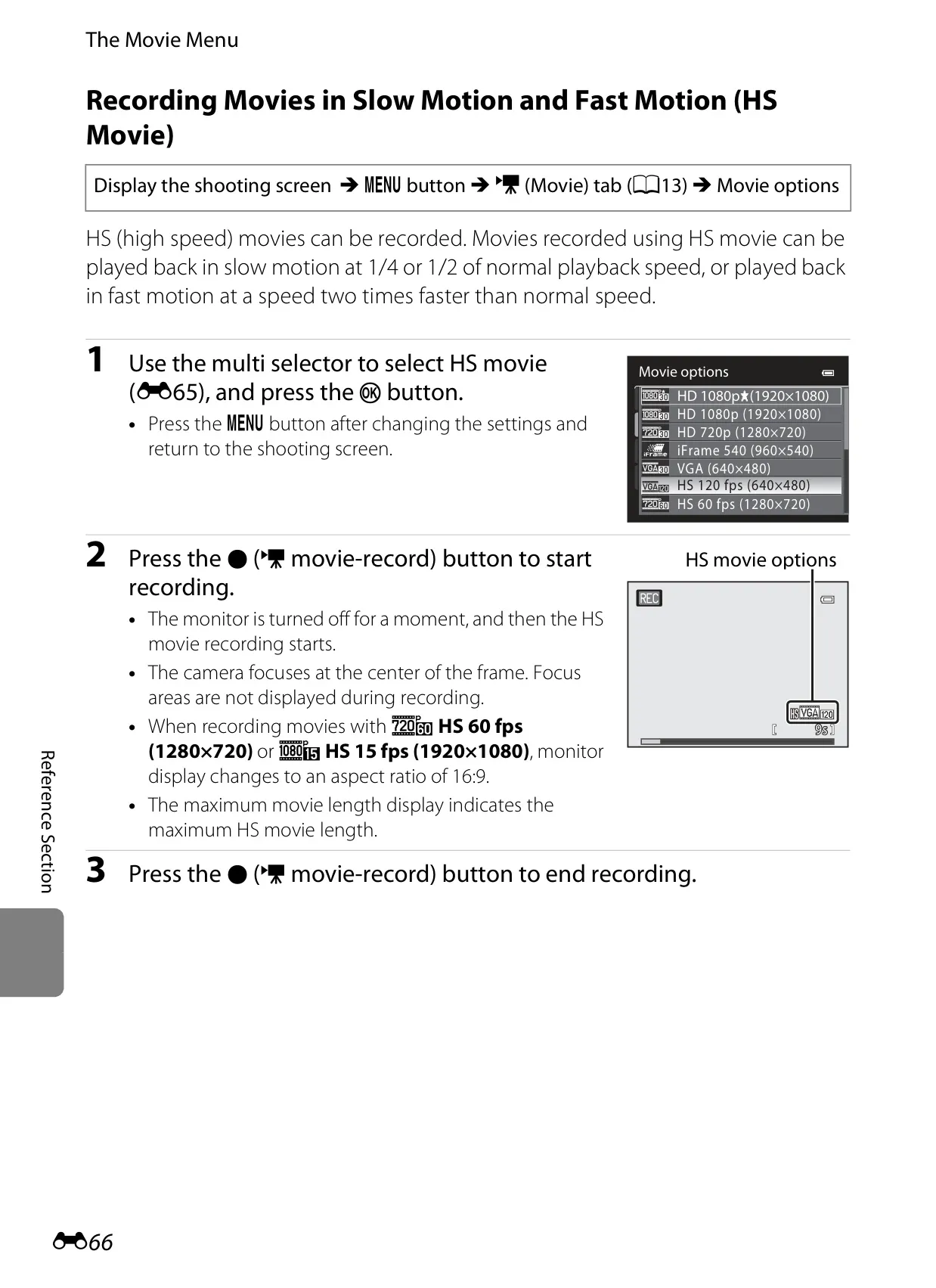
Movie recording is simplified with a dedicated button, supporting crisp Full HD (1080p) video. A standout is the HS (High Speed) Movie mode, which records footage for captivating slow-motion (at 1/4 or 1/2 speed) or accelerated fast-motion (at 2x speed) playback, adding cinematic possibilities. The Autofocus Mode for movies offers flexibility, enabling either continuous focusing on moving subjects or a locked focus from the start of recording.
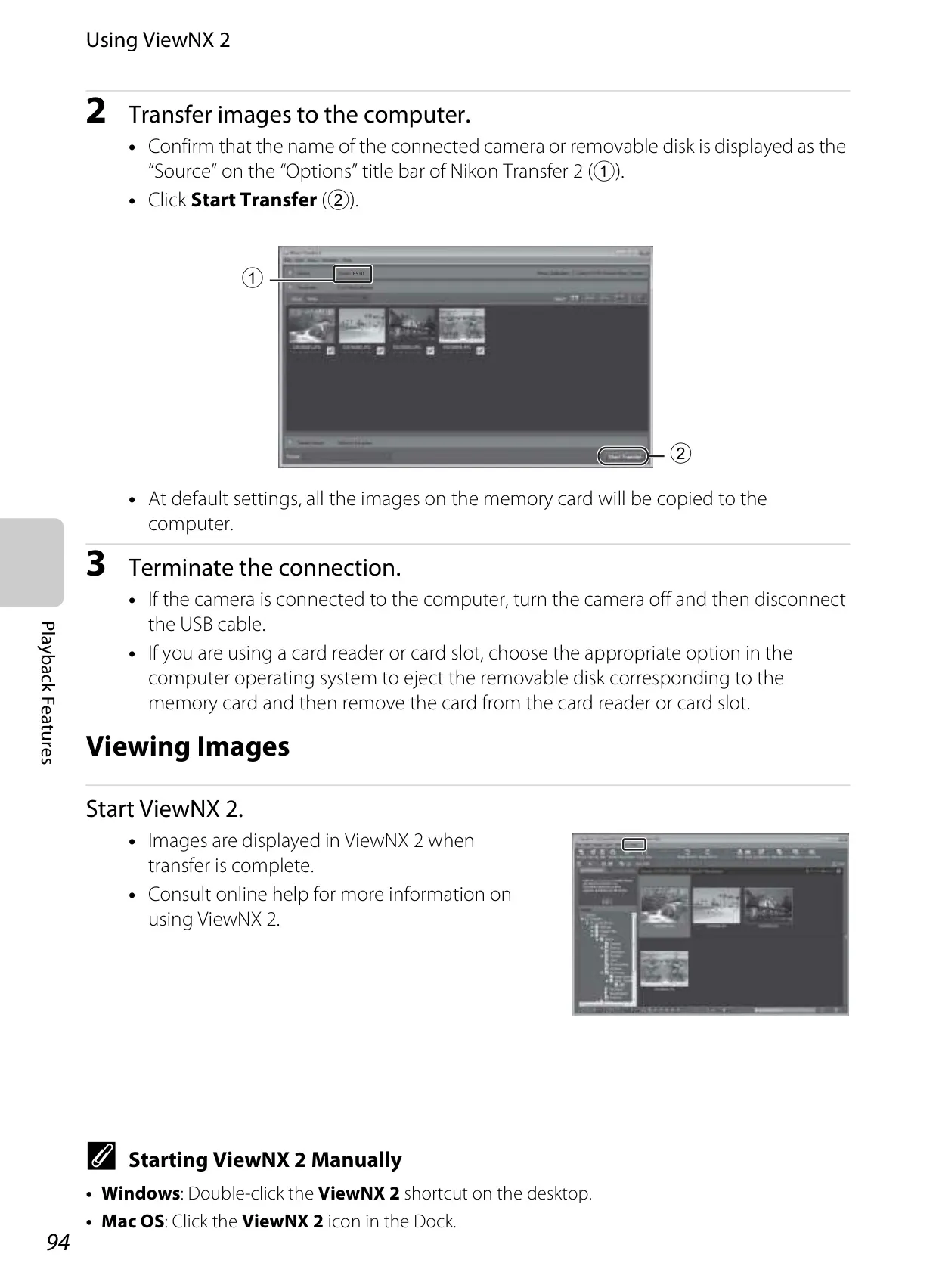
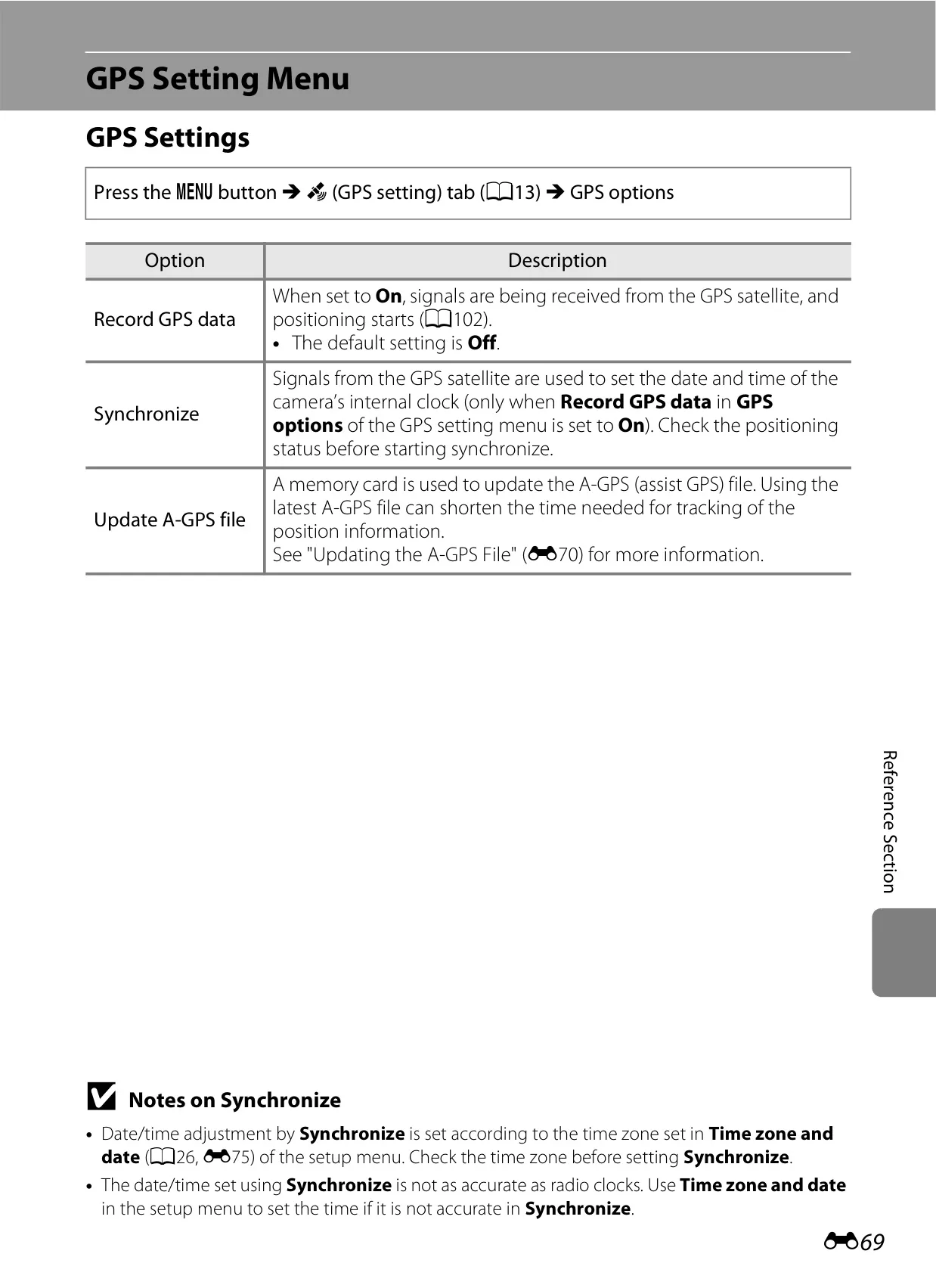
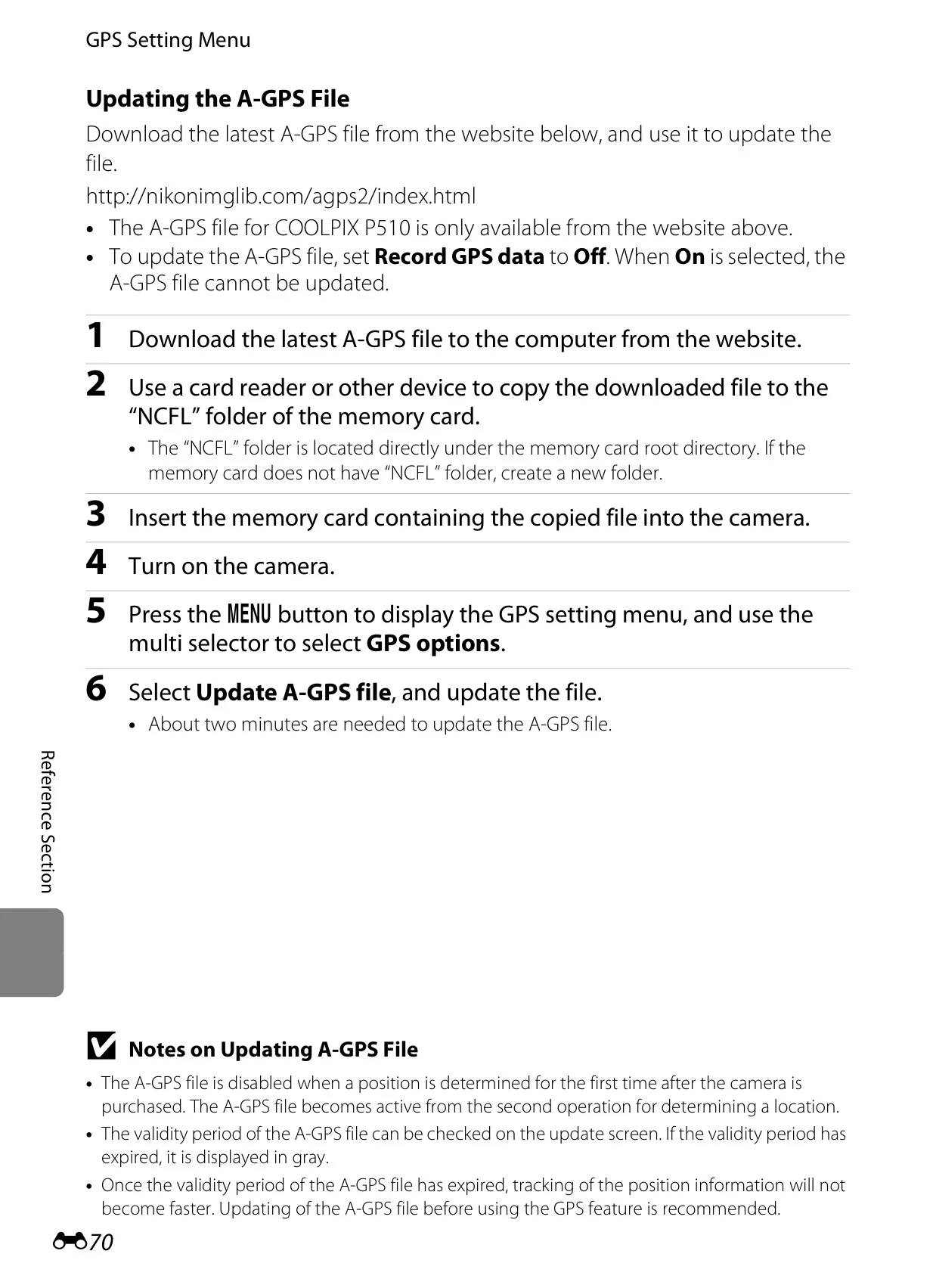
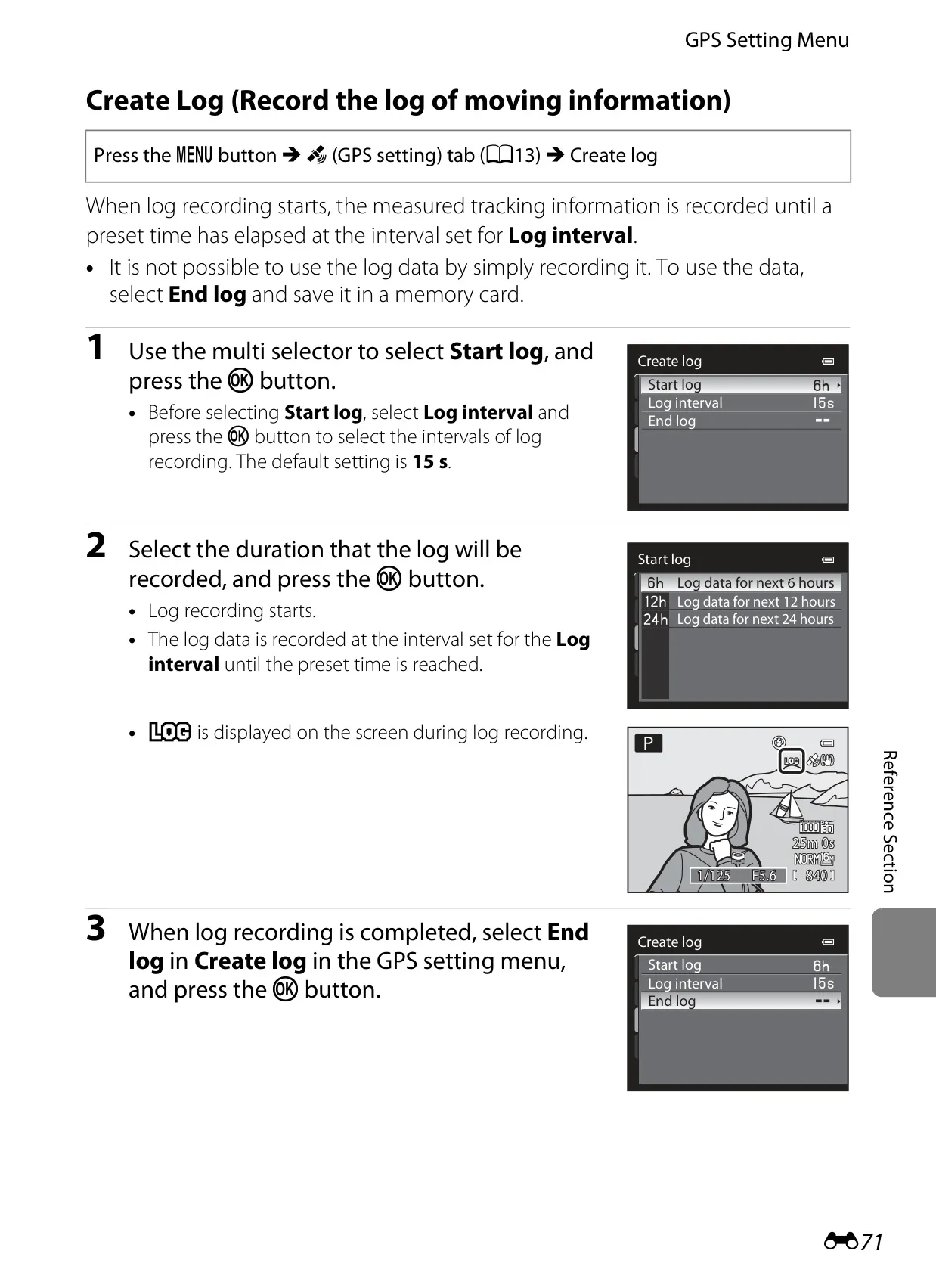
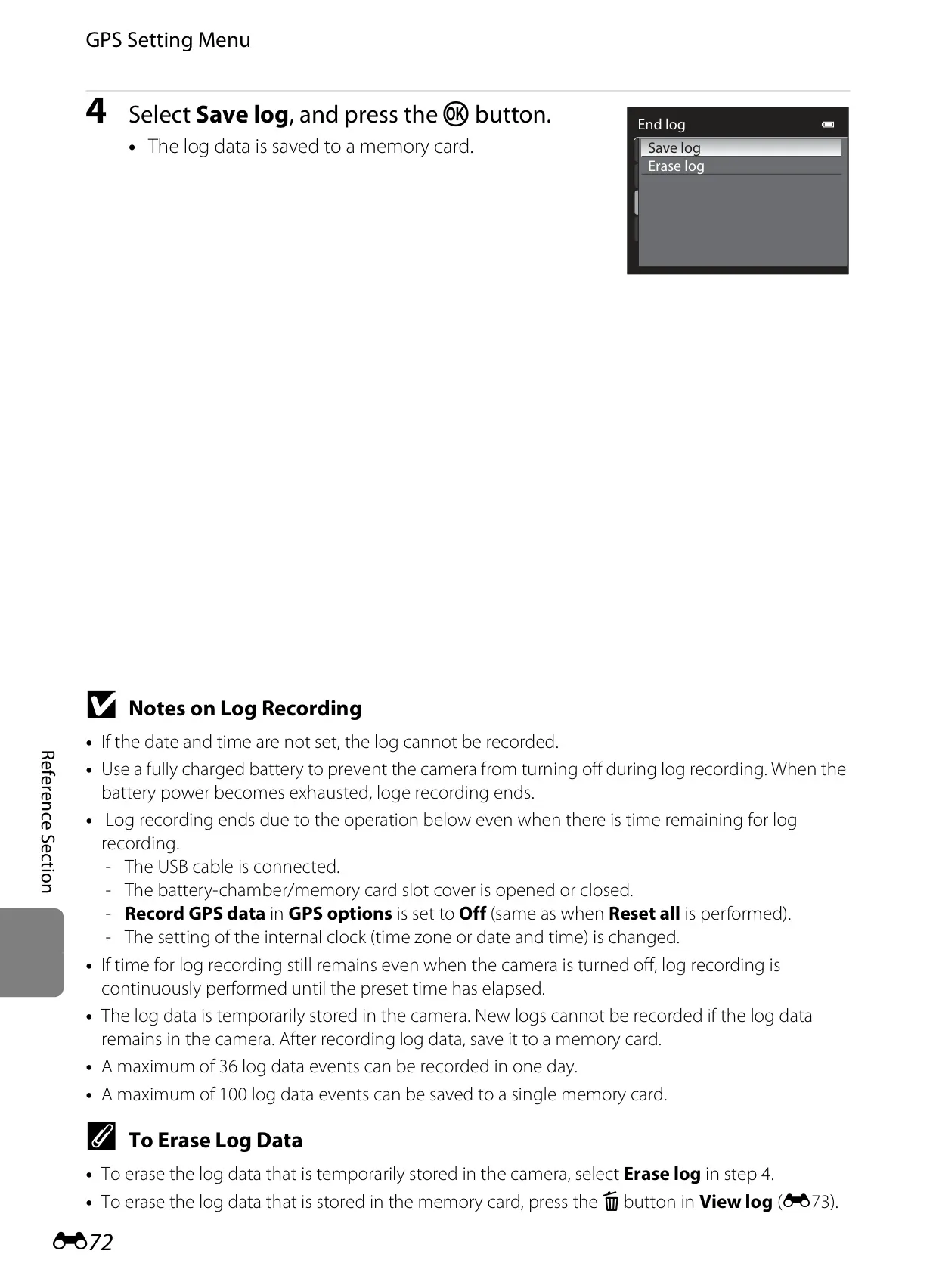
Integrated GPS functionality enriches the photographic experience by embedding precise location information (latitude and longitude) directly into still images, providing valuable context. Users can also utilize the Create Log feature to record movement data over time, creating a detailed journey log visualized on a map using Nikon's ViewNX 2 software.
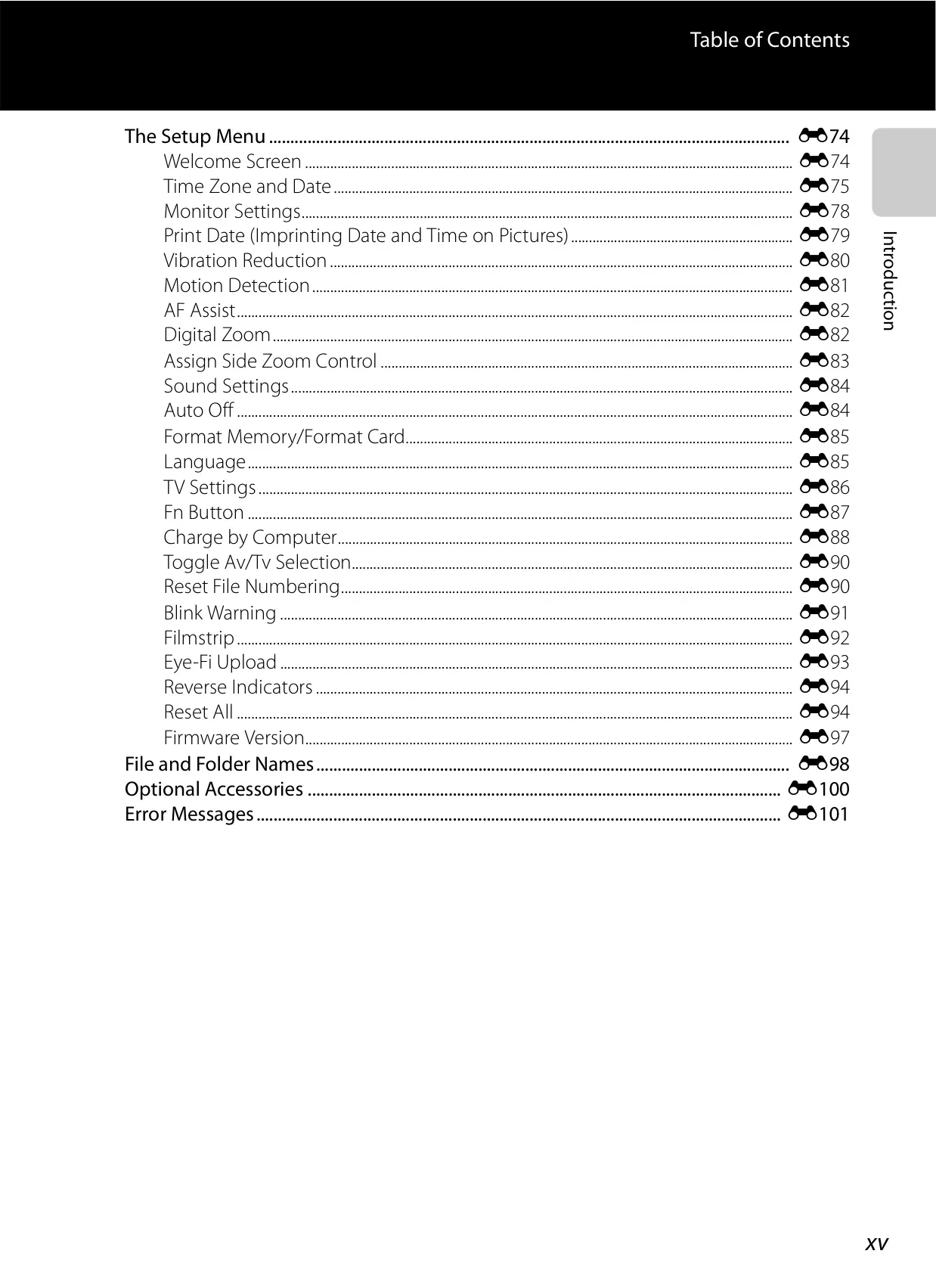
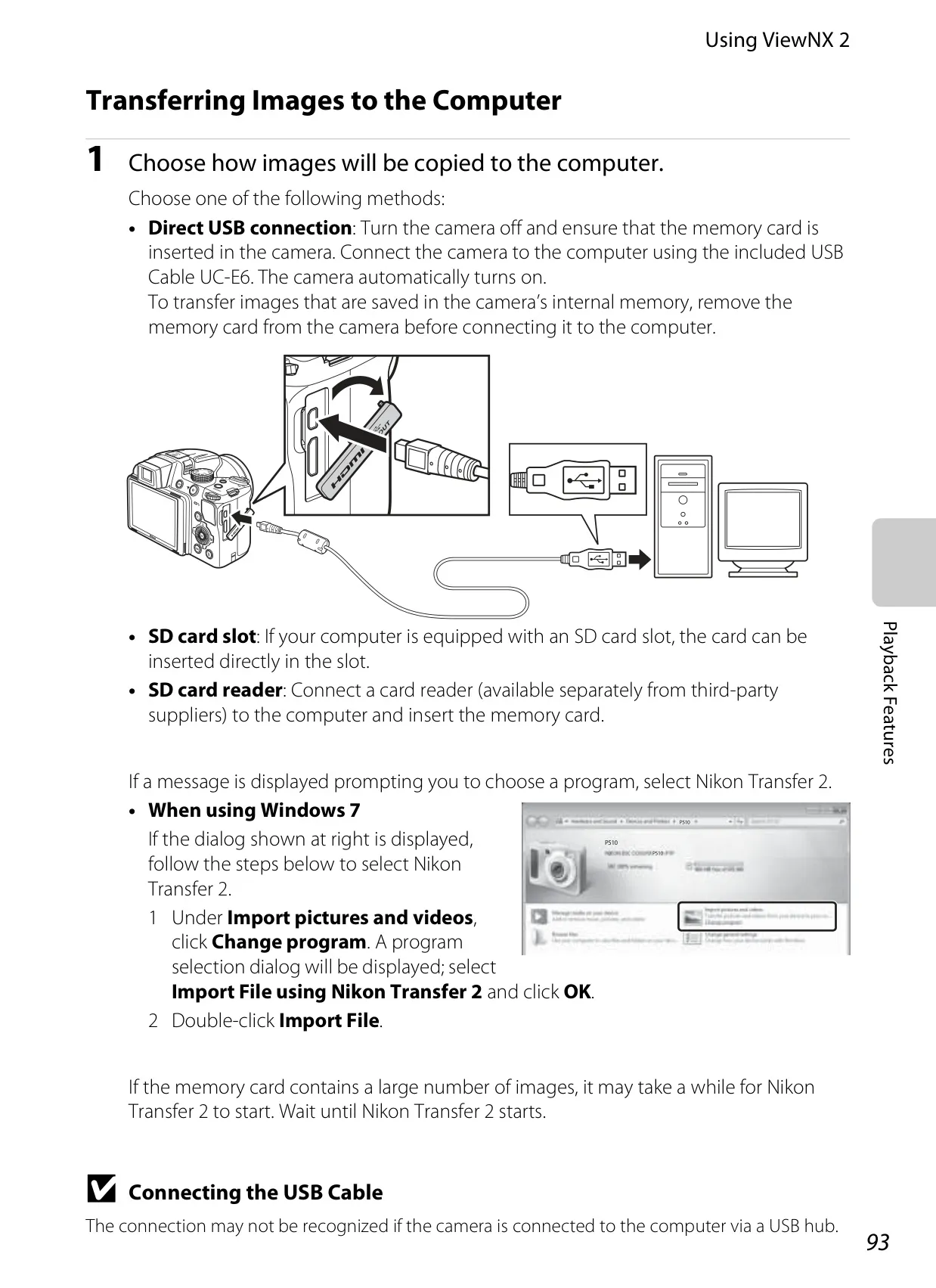
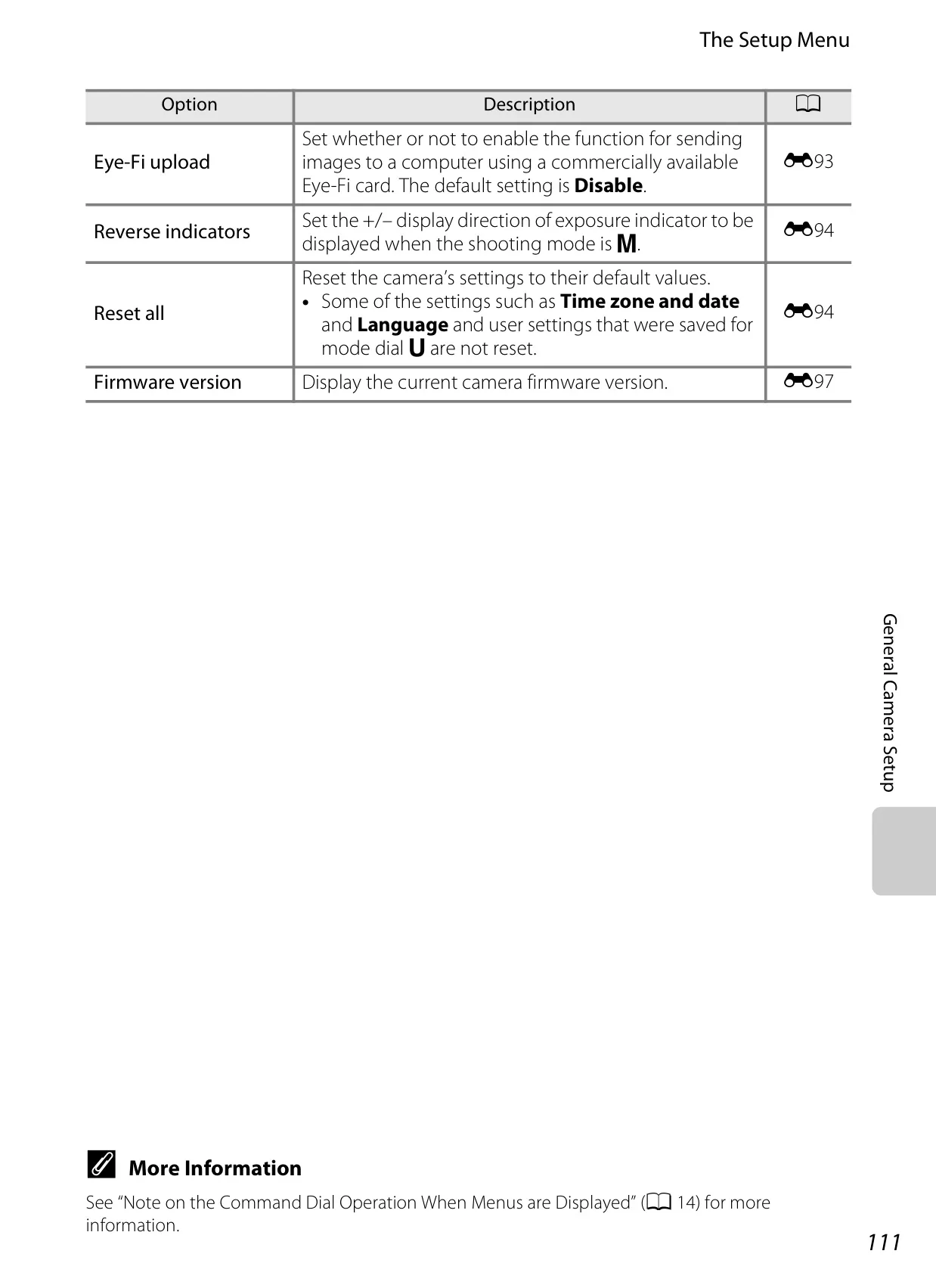
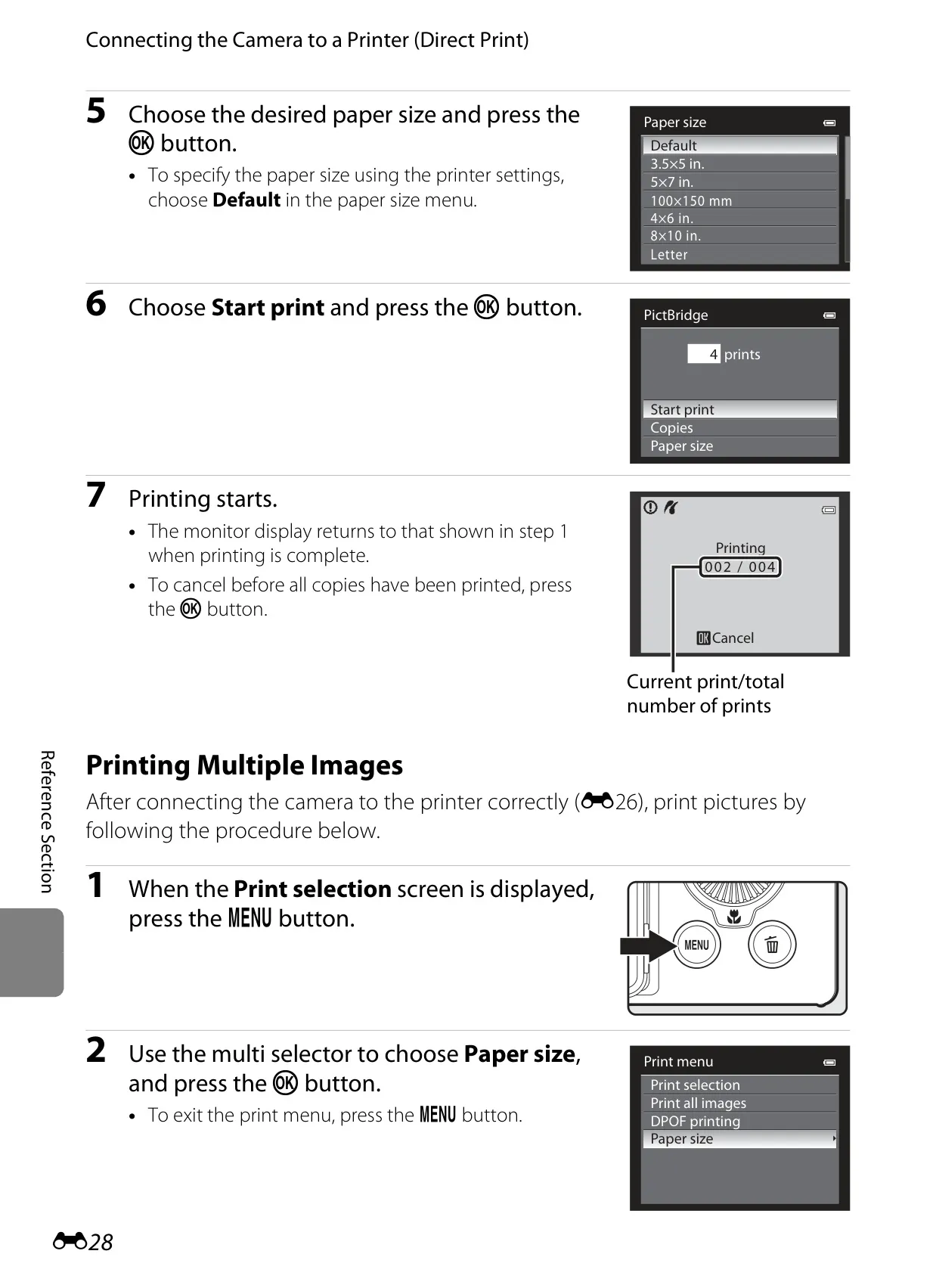
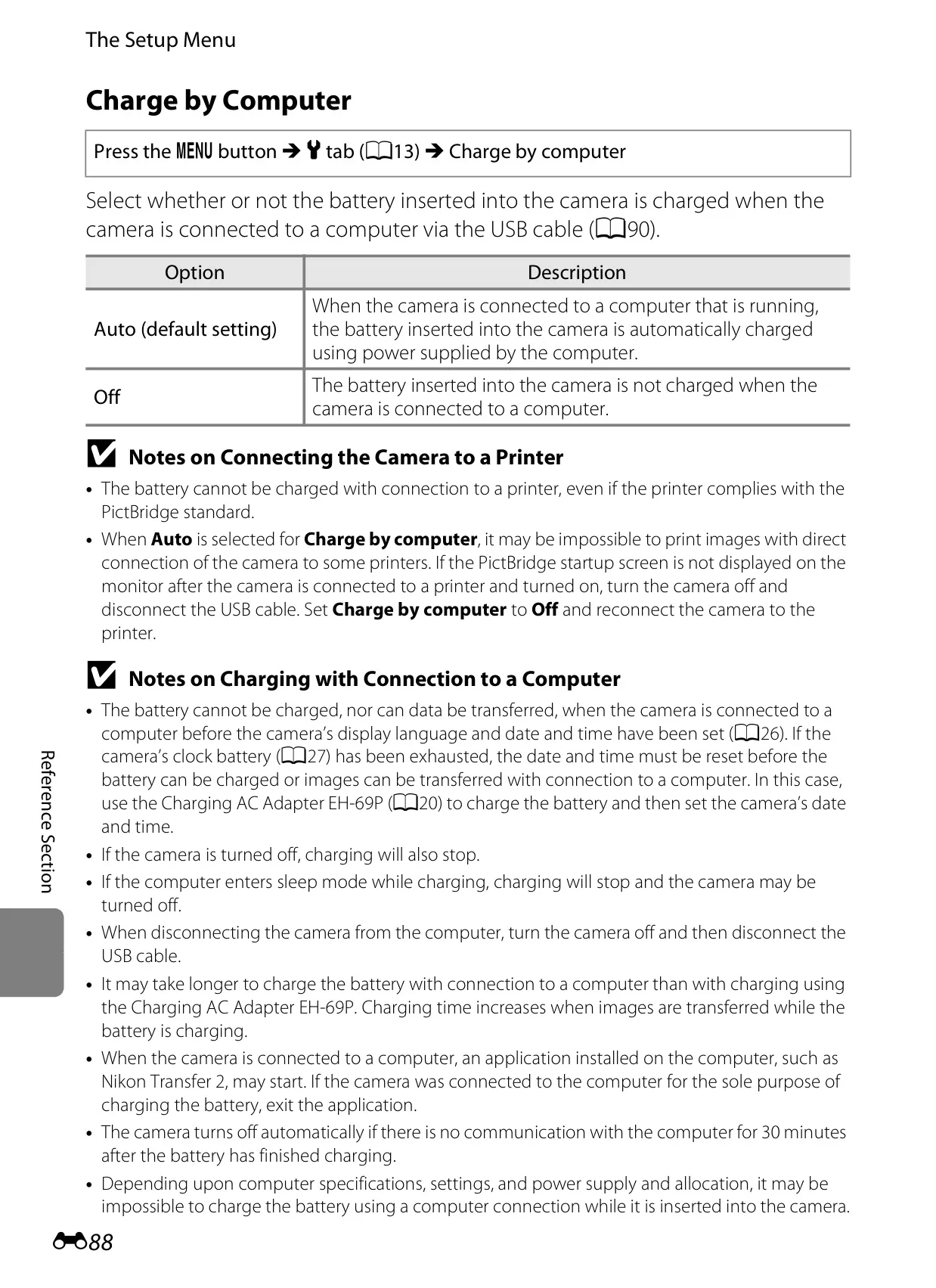
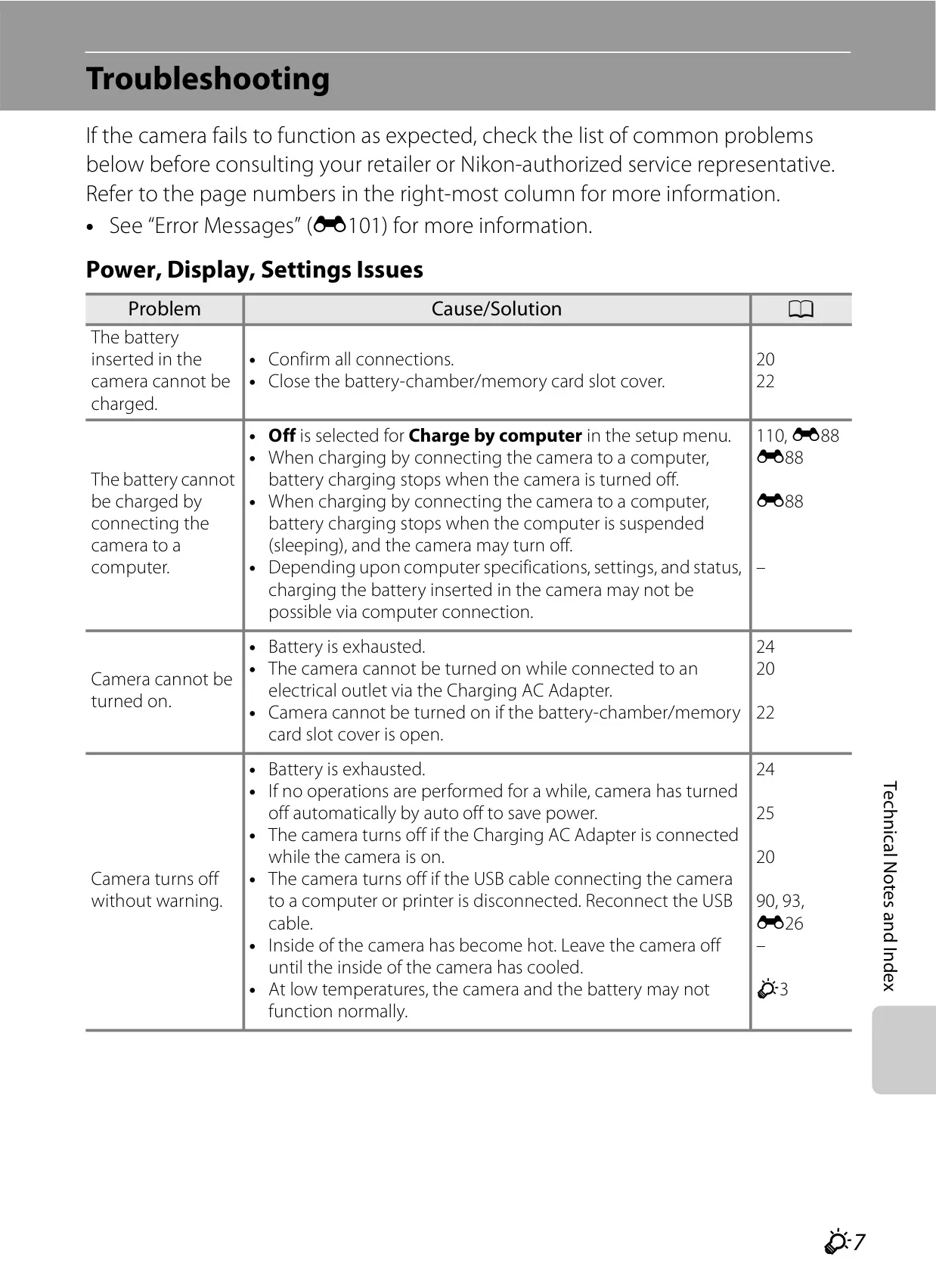
Connectivity is robust, supporting Hi-Speed USB and HDMI Mini (Type C) for easy connection to computers, TVs, and PictBridge-compatible printers. The Charge by Computer setting offers convenient battery recharging via USB. Furthermore, the camera supports Eye-Fi Upload for seamless wireless image transfers to preselected online destinations, and features HDMI Device Control, allowing camera playback functions to be operated using a compatible television's remote control.
Frequently Asked Questions (FAQs)
Can't find the answer you need? Here are some frequently asked questions about the Nikon Coolpix P510 DSLR Camera, and we answer them below.