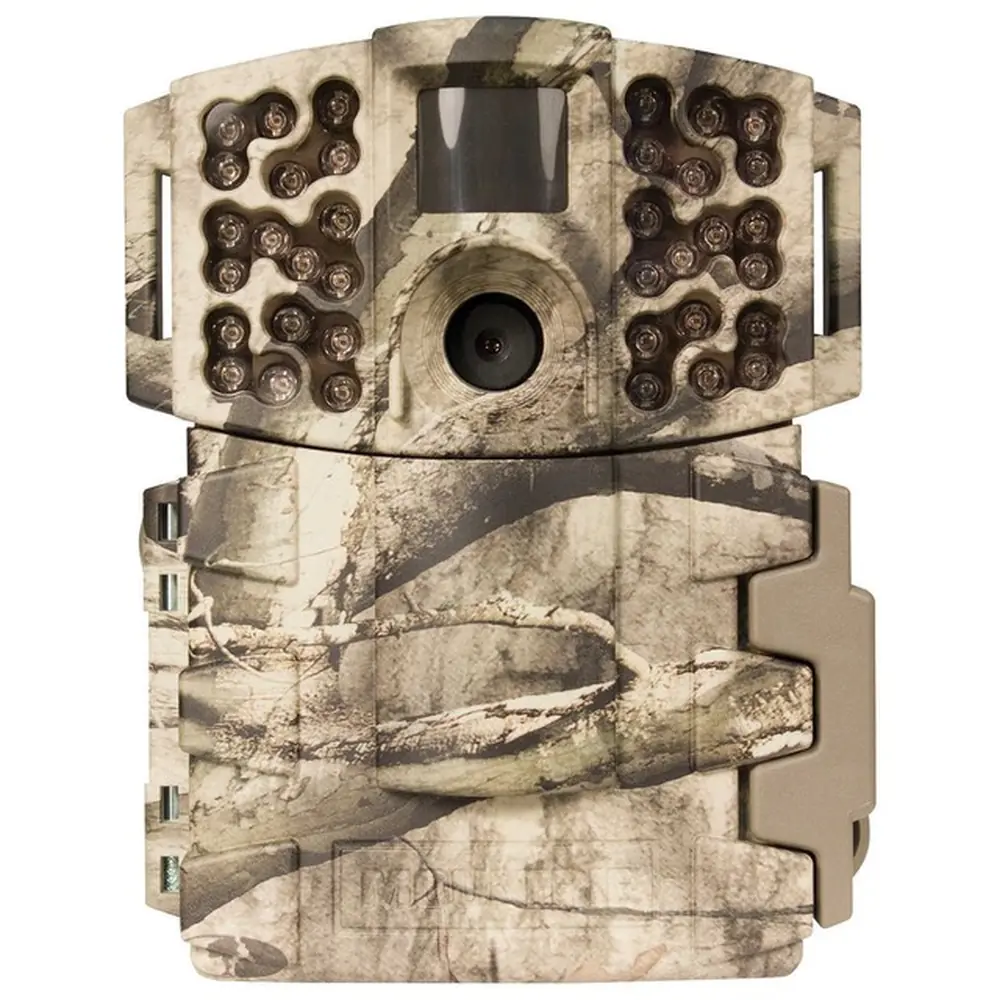
Moultrie BC-900i Kit (MCG-14007) Instruction Manual
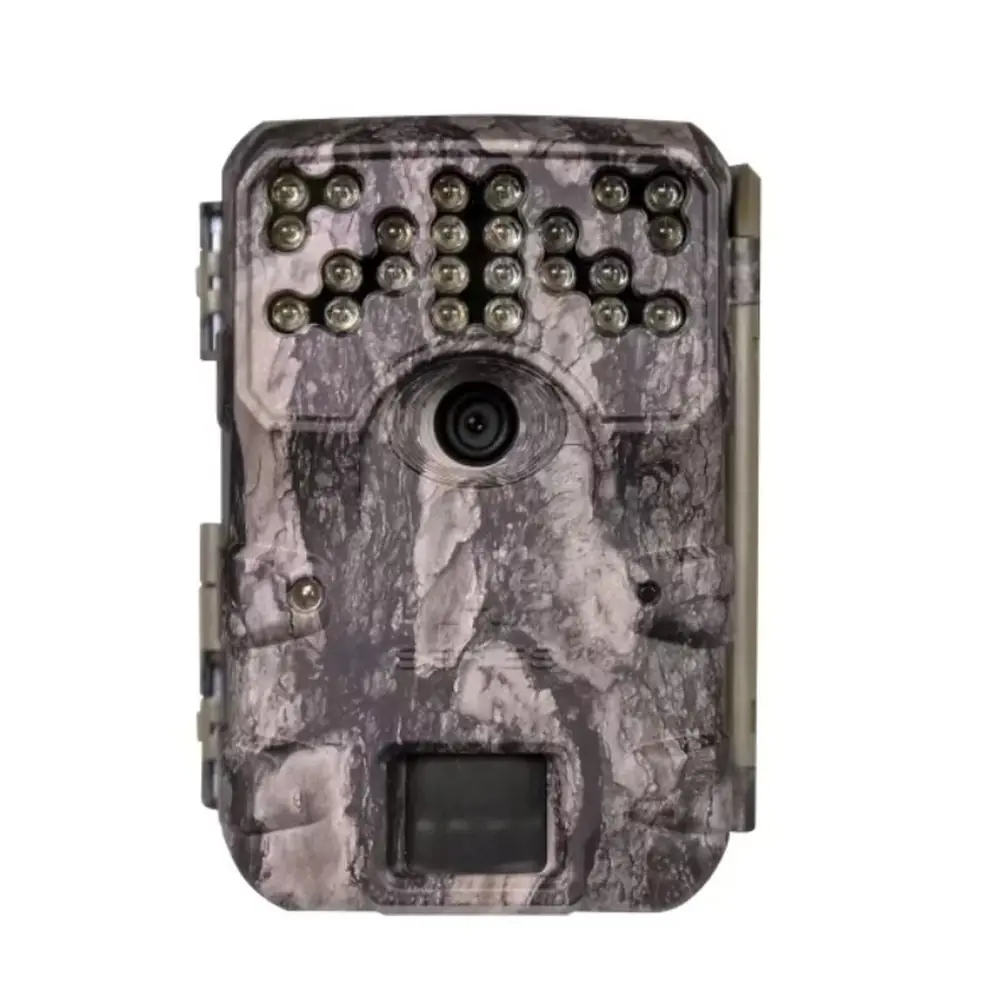
Moultrie BC-900i Kit (MCG-14007)






Moultrie BC-900i Kit (MCG-14007)

Moultrie BC-900i Kit Instructions
Here we offer the Moultrie BC-900i Kit (MCG-14007) manual completely free and in English. We have cataloged this manual in the Digital Game Cameras section on Manualverse, and it has been rated by 1 users with an average rating of 5. If you have any specific questions about Moultrie BC-900i Kit (MCG-14007), we suggest checking the Frequently Asked Questions (FAQs) section of this manual.
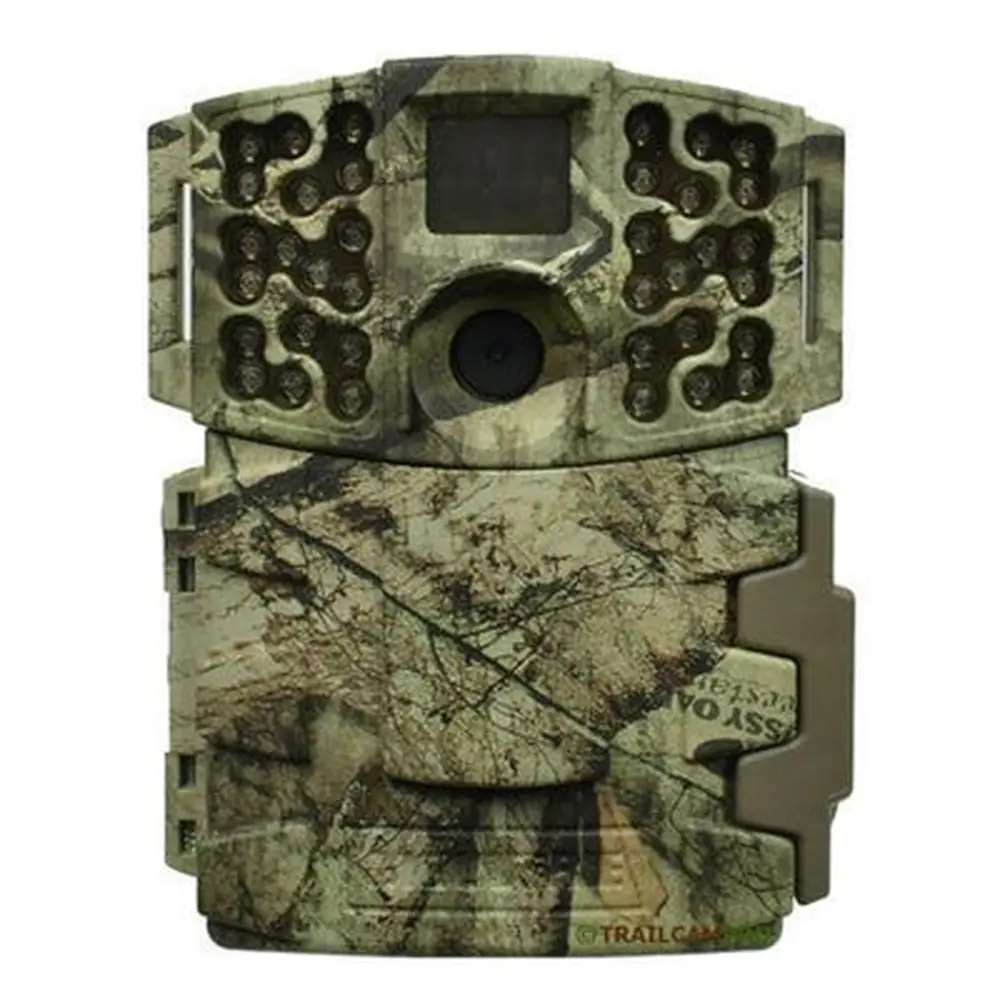
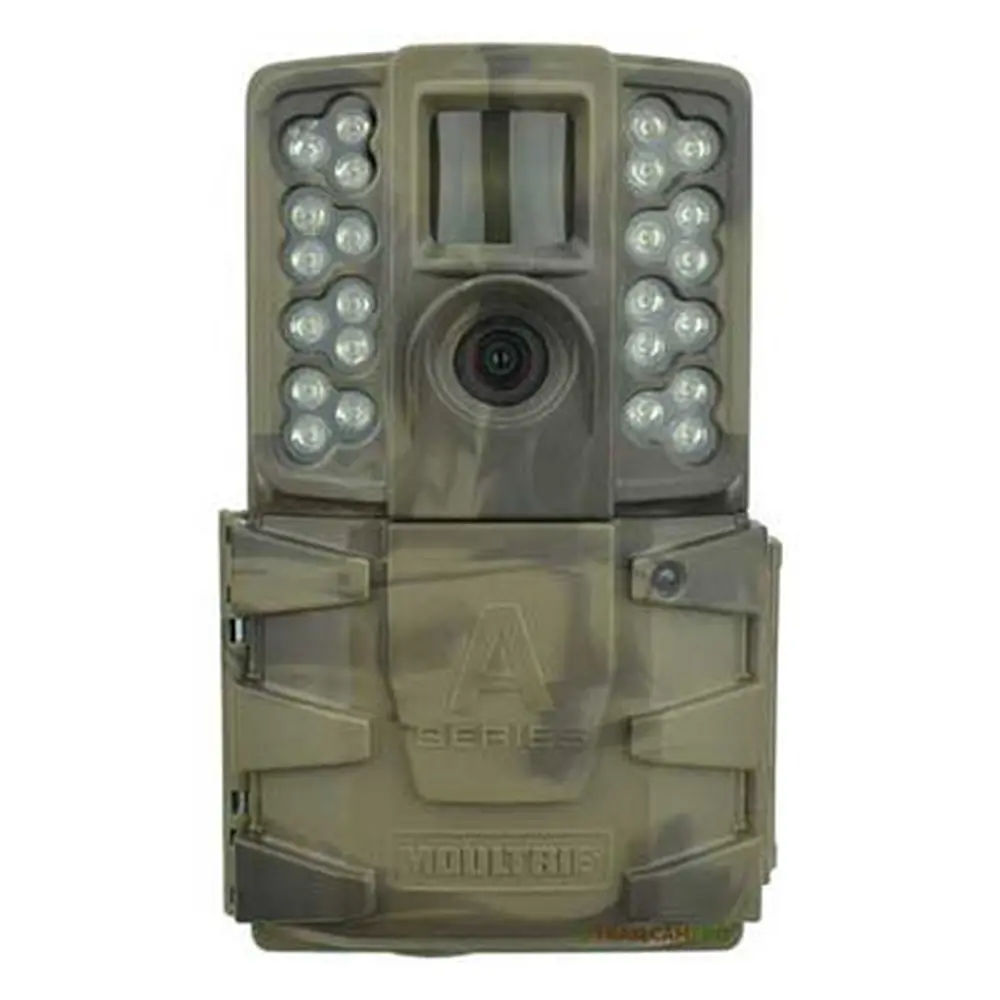
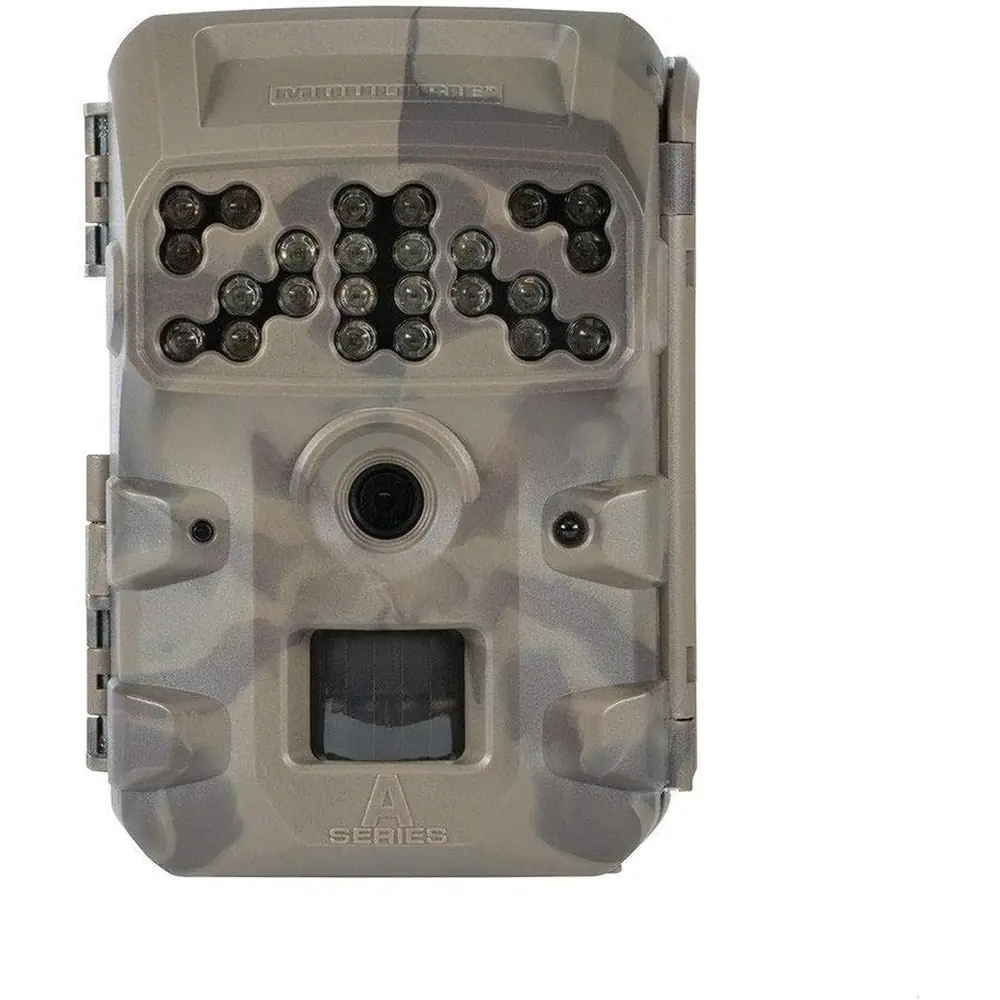
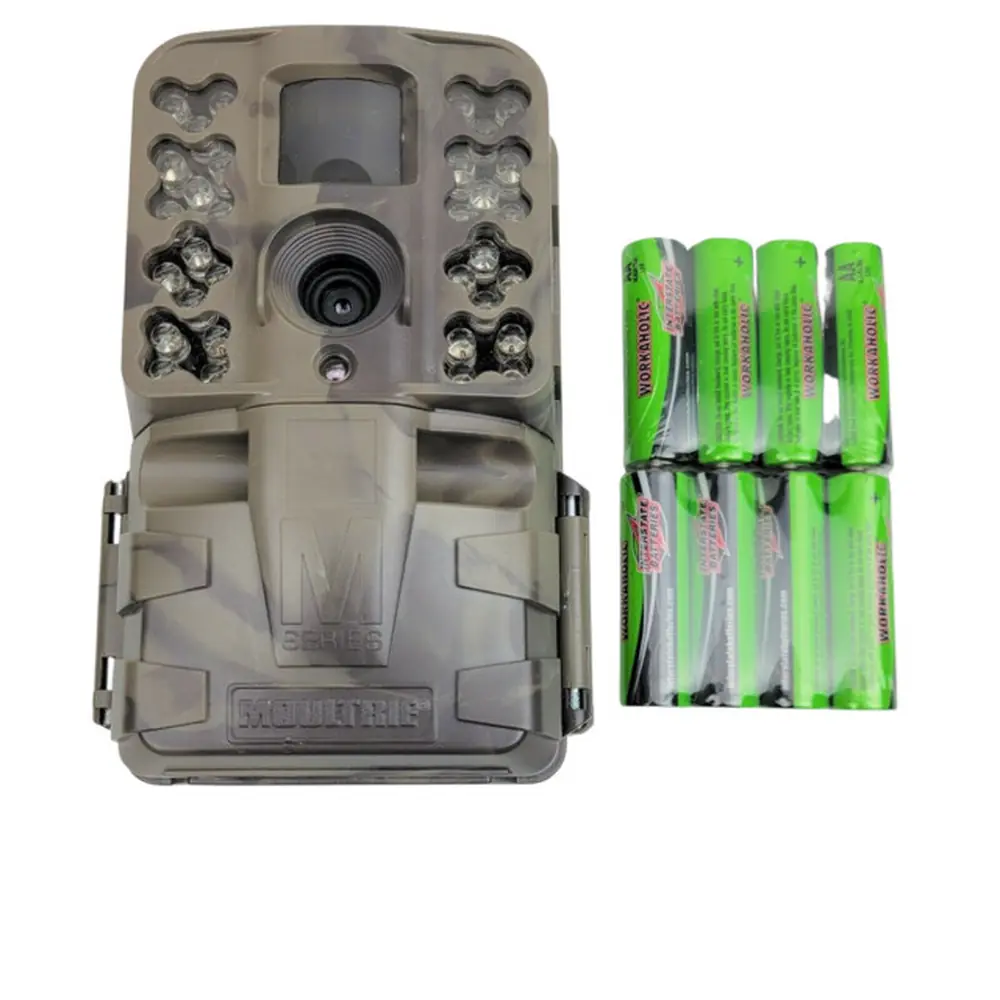
Product Images



Moultrie MCG-14007 Specifications
| Feature | Specification |
|---|---|
| Resolution | 30 MP |
| Trigger Speed | 0.4 seconds |
| Video Resolution | HD 720p |
| Flash Type | Invisible Flash |
| Flash Range | 60 feet |
| Detection Range | 60 feet |
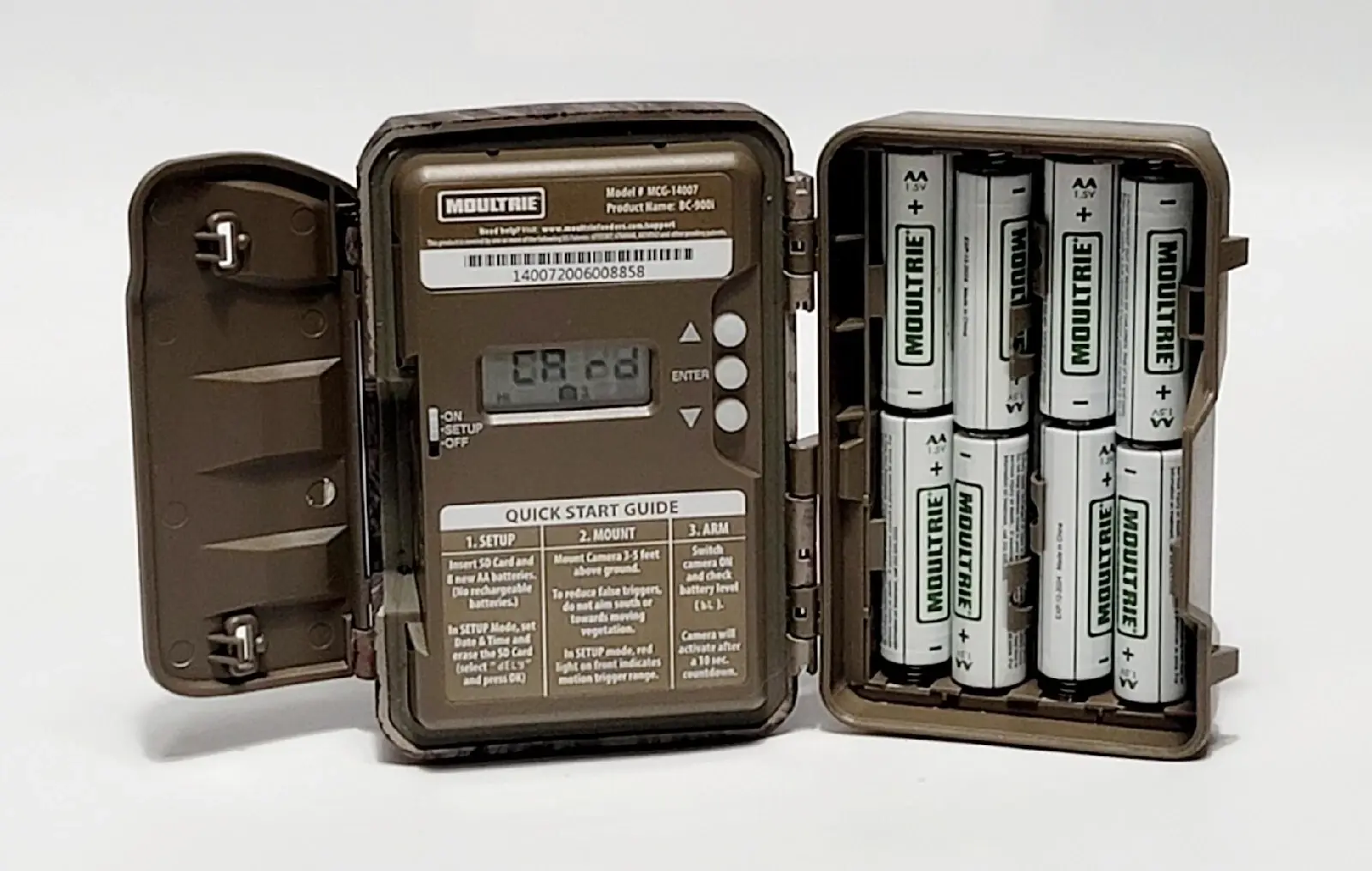
| Battery Type | 8 AA (Alkaline or Lithium recommended) |
| Estimated Battery Life | Approximately 19,000 shots |
| SD Card Support | SDHC Class 10 up to 32 GB |
| Multi-Shot Capability | Yes |
| External Power Support | 12V |
| Included Components | Batteries, SD Card, Mounting Strap |
Moultrie BC-900i Kit (MCG-14007) Details
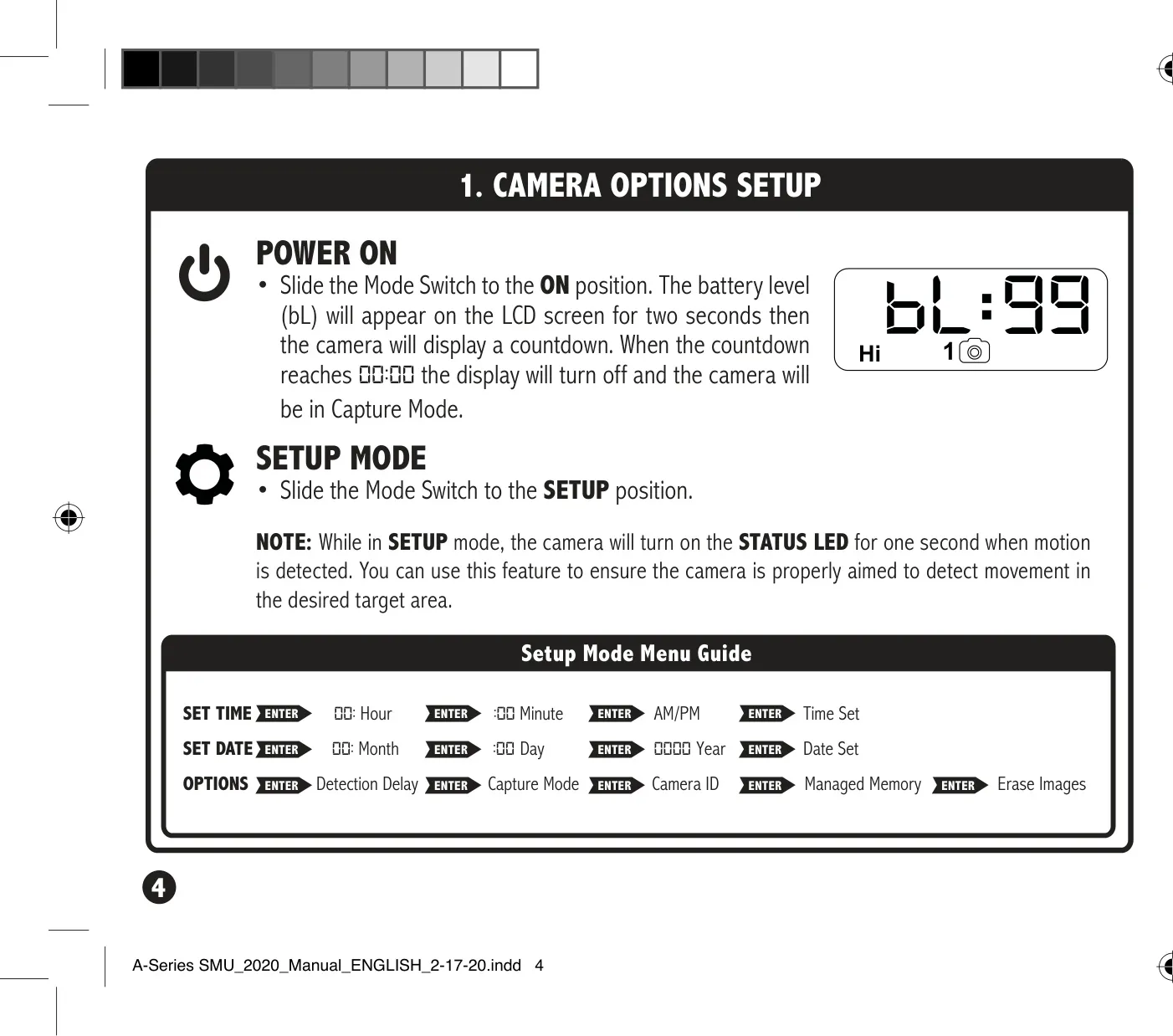
The Moultrie BC-900i Kit (MCG-14007) offers a straightforward approach to game camera setup and operation, ensuring users can quickly deploy the device in the field. Initial setup involves simply inserting eight AA batteries and an SD card. The camera guides you through basic configuration using its intuitive navigation buttons and LCD display. This ease of use allows for rapid deployment, minimizing preparation time before the camera begins monitoring its surroundings effectively.
Operating in "SETUP" mode, the BC-900i Kit facilitates precise aiming. A temporary STATUS LED illuminates for one second upon motion detection, providing immediate visual feedback to confirm the camera's target area. This feature is invaluable for optimizing placement and ensuring the camera captures the desired activity without recording unnecessary movement. Additionally, users can navigate a comprehensive menu to customize various settings, enhancing the camera's versatility.
Key configurable options include setting the time and date, which is crucial for accurate timestamping of captured media. The detection delay feature allows users to specify intervals between successive captures after motion is detected, with options ranging from 0 seconds to 5 minutes. This prevents the SD card from filling up too quickly with redundant images. Users can also assign a unique camera ID (1-9) to their device, which will be stamped on all images, aiding in organization when multiple cameras are deployed.
For efficient data management, the BC-900i Kit includes a "Managed Memory" function. When set to "ON," this feature ensures that the oldest files are automatically overwritten by new images once the SD card reaches its full capacity, allowing for continuous operation. If set to "OFF," the camera will cease saving new images when the card is full. The device also offers a direct option to erase all images on the SD card by selecting "dELY" in the menu.
Proper camera placement is emphasized, with recommendations to mount the unit approximately three feet from the ground, facing north or south to prevent sun overexposure. Clearing brush from the front of the lens helps avoid false triggers. The manual also provides crucial battery information, advising against mixing old and new batteries or different types (alkaline, lithium, rechargeable) and recommending removal when the camera is not in use. Moultrie offers a limited warranty, extendable upon product registration, and outlines compatibility with Moultrie Mobile cellular services via a separate modem.
Frequently Asked Questions (FAQs)
Can't find the answer you need? Here are some frequently asked questions about the Moultrie BC-900i Kit (MCG-14007) Digital Game Camera, and we answer them below.