Moultrie A-900 (MCG-14001) Instruction Manual

Moultrie A-900 (MCG-14001)







Moultrie A-900 (MCG-14001)
Moultrie A-900 (MCG-14001) Instructions
Here we offer the Moultrie A-900 (MCG-14001) manual completely free and in English. We have cataloged this manual in the Digital Game Cameras section on Manualverse, and it has been rated by 1 users with an average rating of 5. If you have any specific questions about Moultrie A-900 (MCG-14001), we suggest checking the Frequently Asked Questions (FAQs) section of this manual.
Product Images

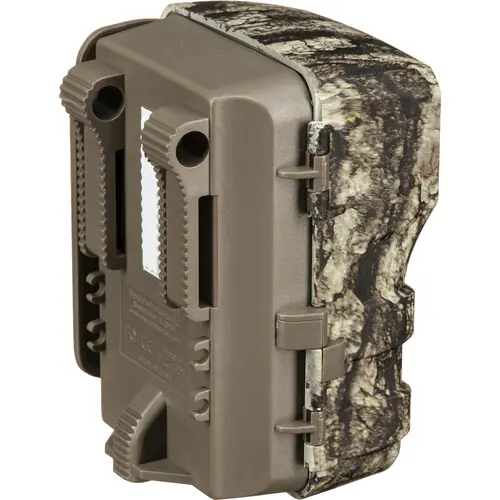


Moultrie A-900 (MCG-14001) Specifications
| Feature | Specification |
|---|---|
| Product Model | Moultrie A-900 |
| Model Identifier | MCG-14001 |
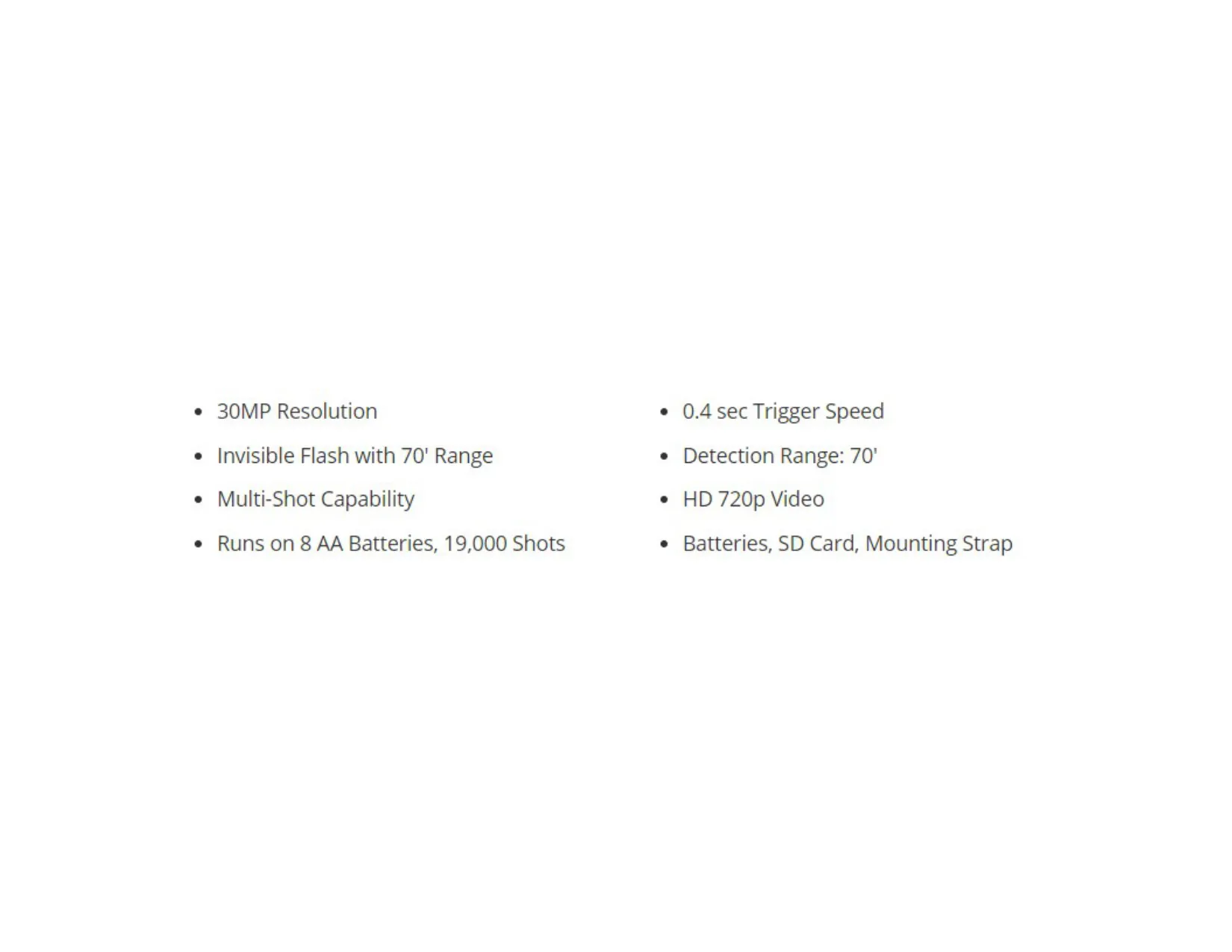
| Resolution | 30MP |
| Trigger Speed | 0.4 seconds |
| Detection Range | 70 feet |
| Video Resolution | HD 720p |
| Flash Type | Invisible Flash |
| Flash Range | 70 feet |
| Shot Capability | Multi-Shot |
| Power Source | 8 AA Batteries |
| Approximate Shots per Battery Set | 19,000 shots |
| Included Accessories | Batteries, SD Card, Mounting Strap |
| Standard Warranty | 1 year (extendable to 2 years with registration) |
Moultrie A-900 (MCG-14001) Details
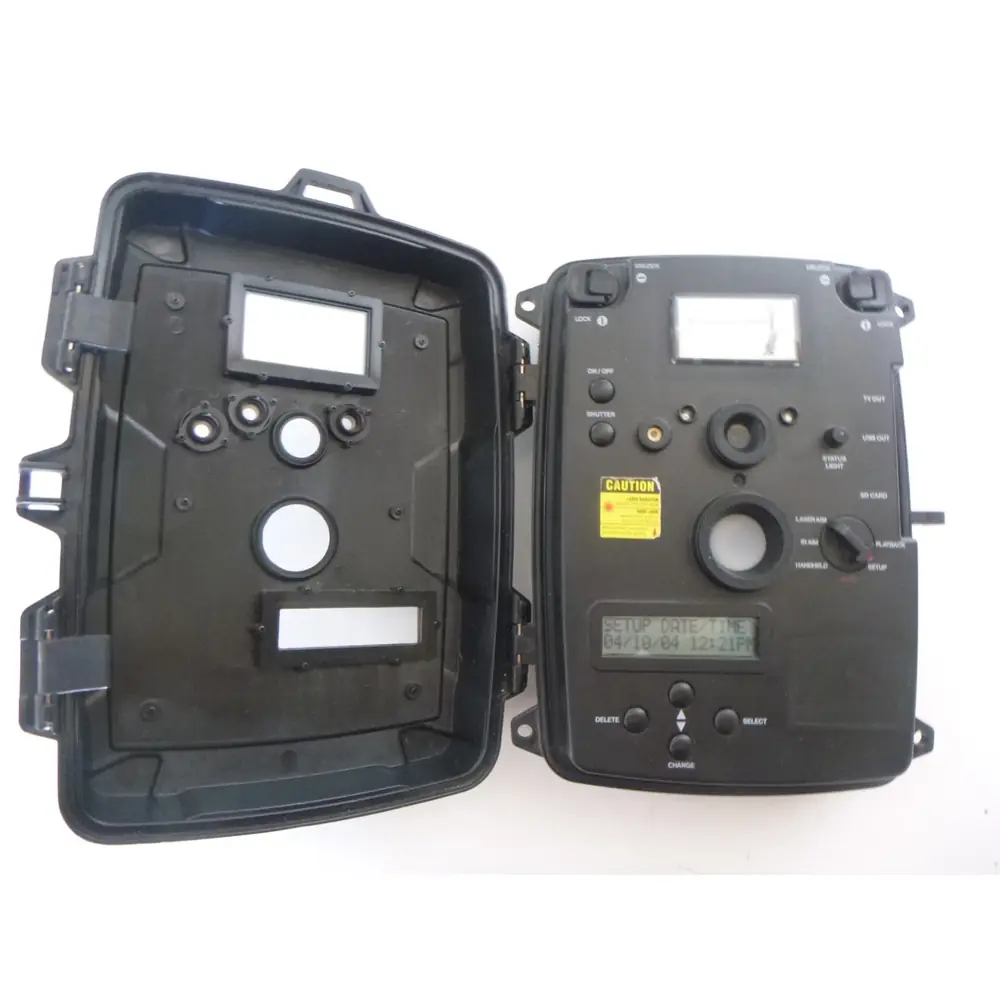
The Moultrie A-900 (MCG-14001) game camera offers a user-friendly experience right out of the box, designed for effortless deployment in the field. Its interface includes convenient navigation buttons and a clear LCD display for easy setup and monitoring. Essential ports like the Micro USB and an external power port are also readily accessible, simplifying connectivity and power options.
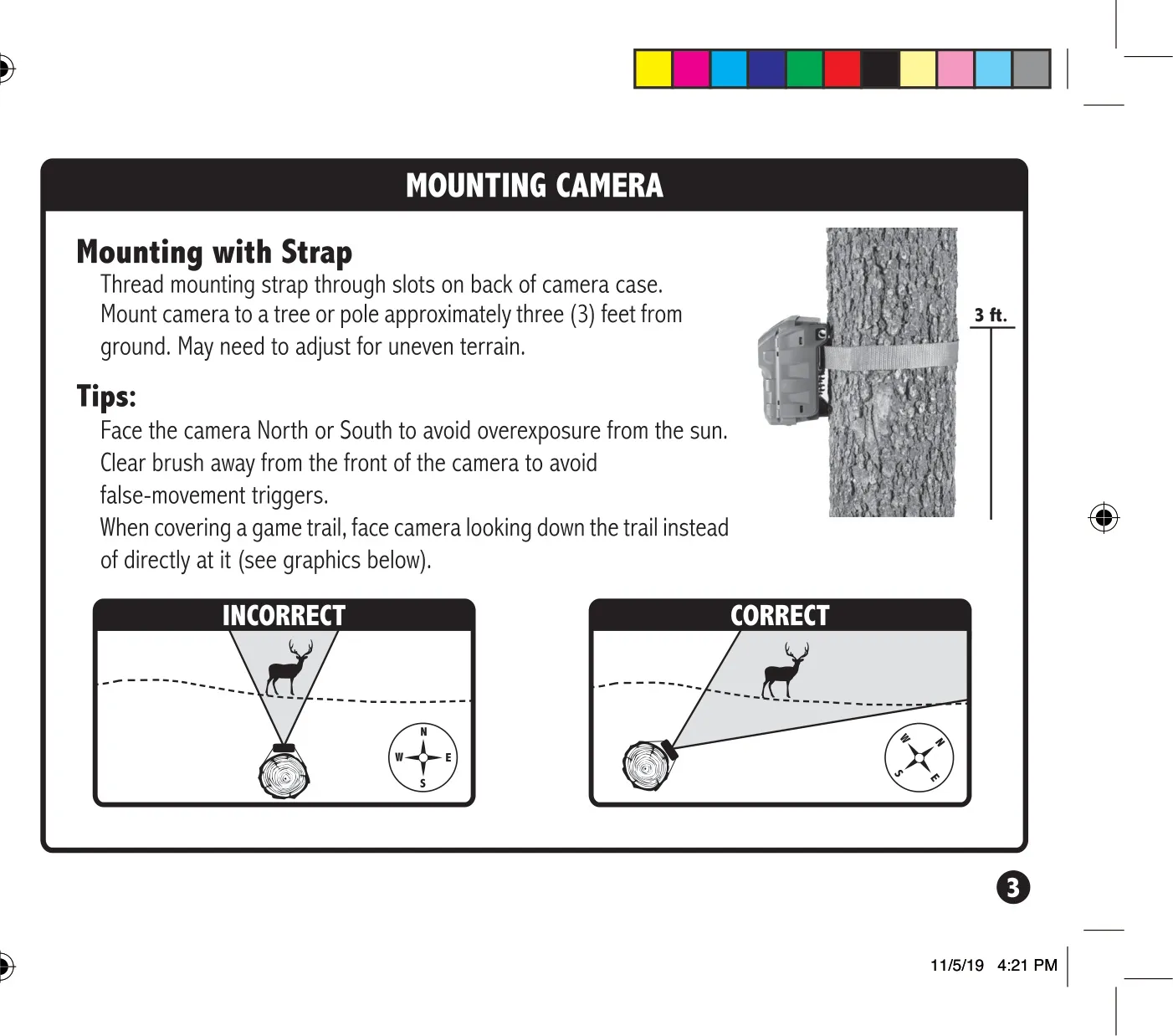
Mounting the A-900 is straightforward, utilizing the included strap through slots on the back of its case. Optimal placement involves securing the camera to a tree or pole approximately three feet from the ground, though adjustments may be necessary for uneven terrain. For best results, position the camera facing North or South to prevent image overexposure caused by direct sunlight, ensuring clearer photos throughout the day.
To avoid false triggers and capture only relevant activity, it is advisable to clear any brush or foliage from in front of the camera's detection area. When monitoring a game trail, position the camera to look down the trail rather than directly across it. This strategic placement helps in capturing animals for a longer duration as they move along the path, providing more comprehensive footage.
Users can customize their camera setup by assigning a unique Camera ID, ranging from 1 to 9, using the up/down navigation buttons. This ID will be displayed on captured images, making it easier to identify footage from specific cameras in a multi-camera setup. The camera also offers a simple process to erase images or reformat the SD card by selecting "dELY" and pressing ENTER.
A notable feature is Managed Memory, which can be set to "ON" or "OFF". When "ON," the camera automatically overwrites the oldest files with new images once the SD card reaches full capacity, ensuring continuous operation. If "OFF" is selected, the camera will cease saving images once the SD card is full, preventing any older files from being deleted inadvertently.
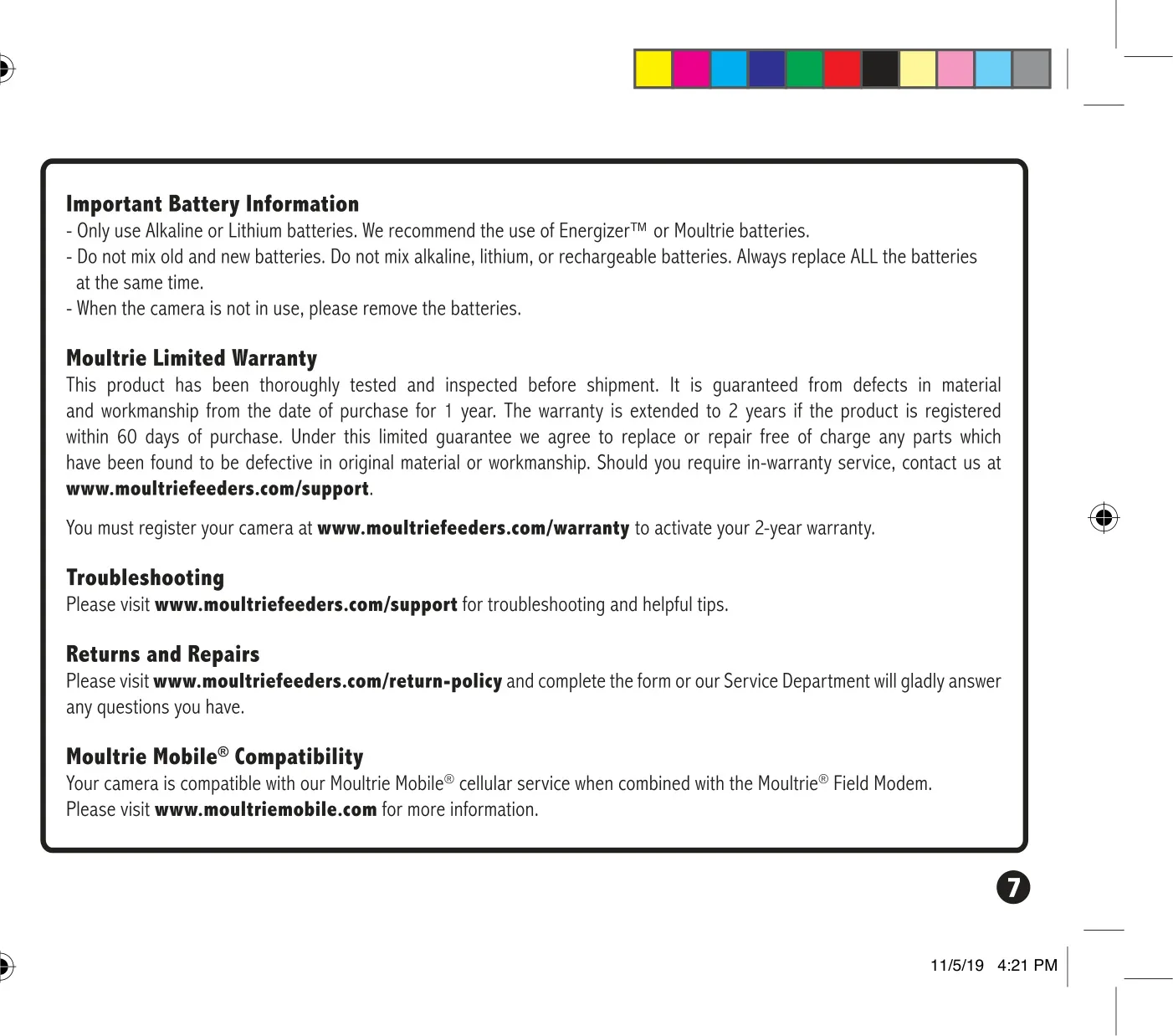
For power, the Moultrie A-900 requires 8 AA batteries, with recommendations for Alkaline or Lithium types, specifically Energizer™ or Moultrie brands. It is crucial never to mix old and new batteries, nor different battery types like alkaline, lithium, or rechargeable ones. Always replace all batteries simultaneously, and remember to remove them if the camera will be stored for an extended period.
The camera comes with a 1-year limited warranty, which can be extended to 2 years by registering the product online within 60 days of purchase. Additionally, the A-900 is compatible with Moultrie Mobile® cellular service when paired with the Moultrie® Field Modem, offering an avenue for remote monitoring and data access for users seeking advanced functionality.
Frequently Asked Questions (FAQs)
Can't find the answer you need? Here are some frequently asked questions about the Moultrie A-900 (MCG-14001), and we answer them below.