Moultrie A-40 Pro (MCG-13273) Instruction Manual
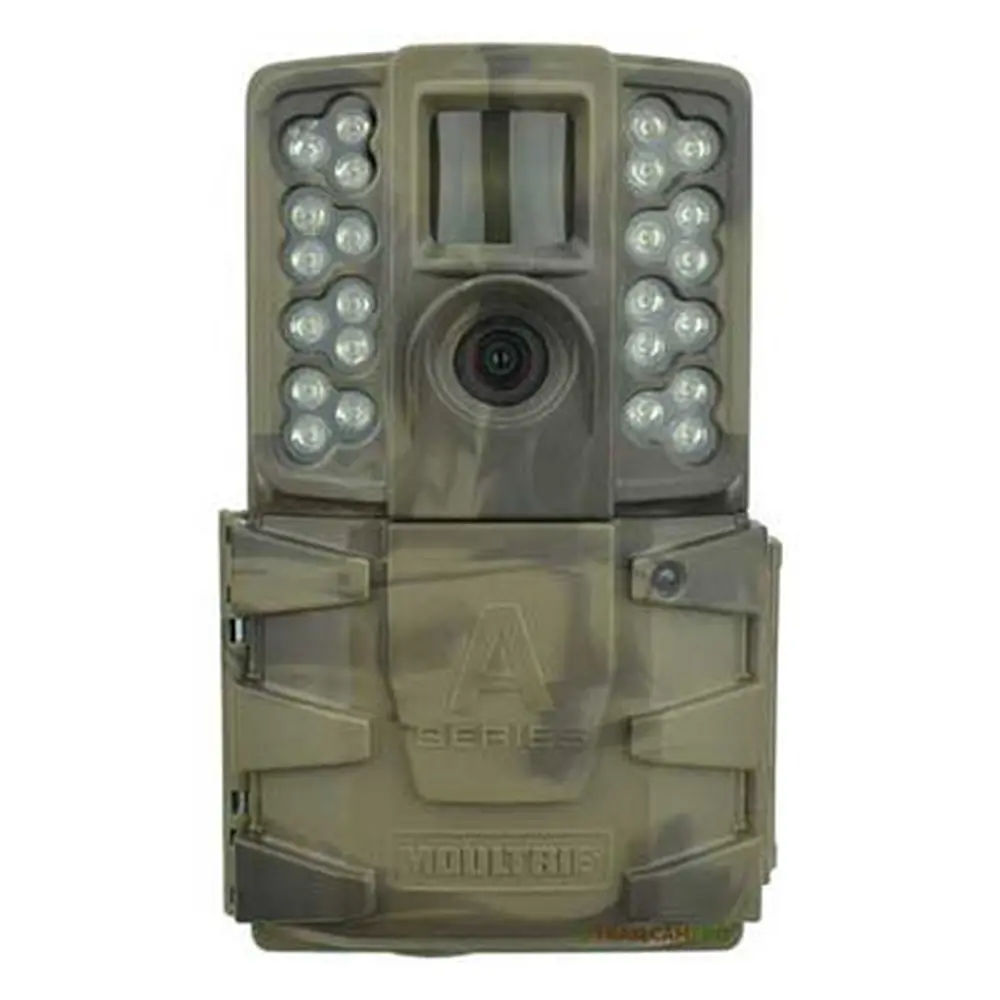
Moultrie A-40 Pro (MCG-13273)







Moultrie A-40 Pro (MCG-13273)

Moultrie A-40 Pro Instructions
Here we offer the Moultrie A-40 Pro (MCG-13273) manual completely free and in English. We have cataloged this manual in the Digital Game Cameras section on Manualverse, and it has been rated by 1 users with an average rating of 5. If you have any specific questions about Moultrie A-40 Pro (MCG-13273), we suggest checking the Frequently Asked Questions (FAQs) section of this manual.
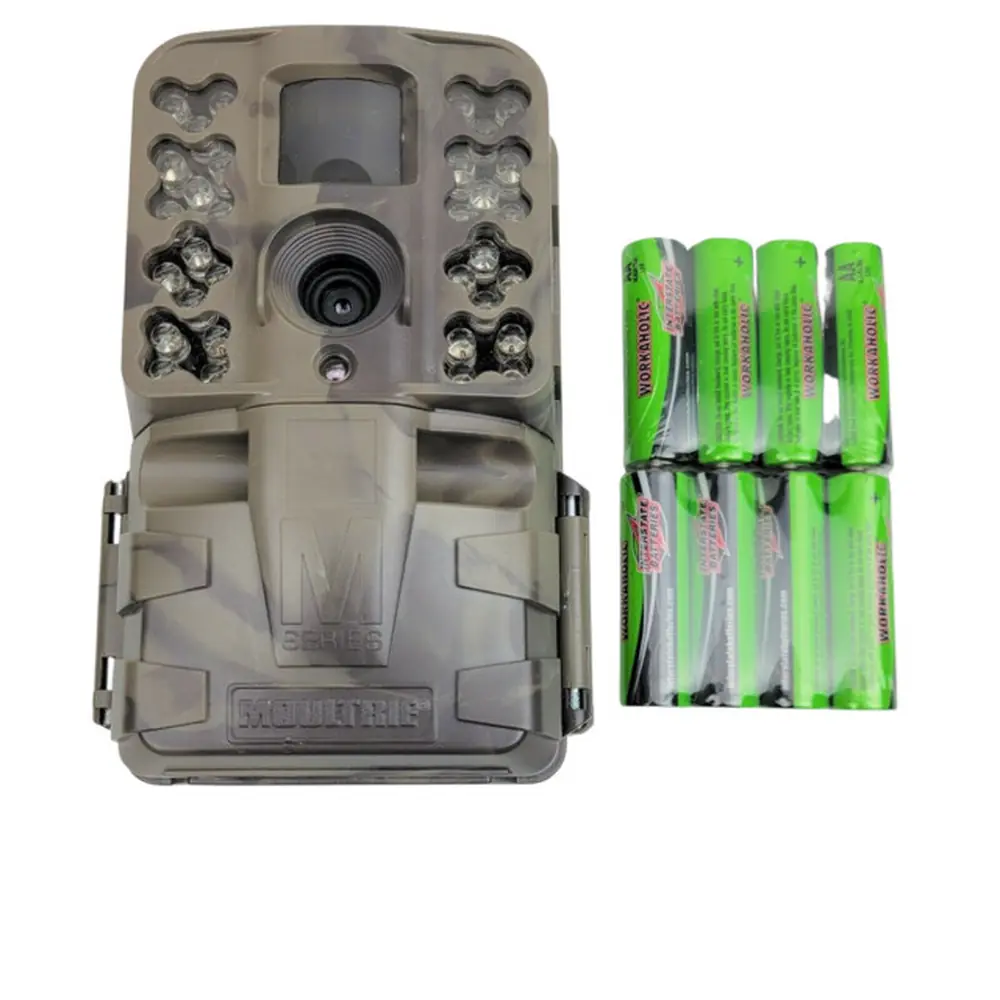
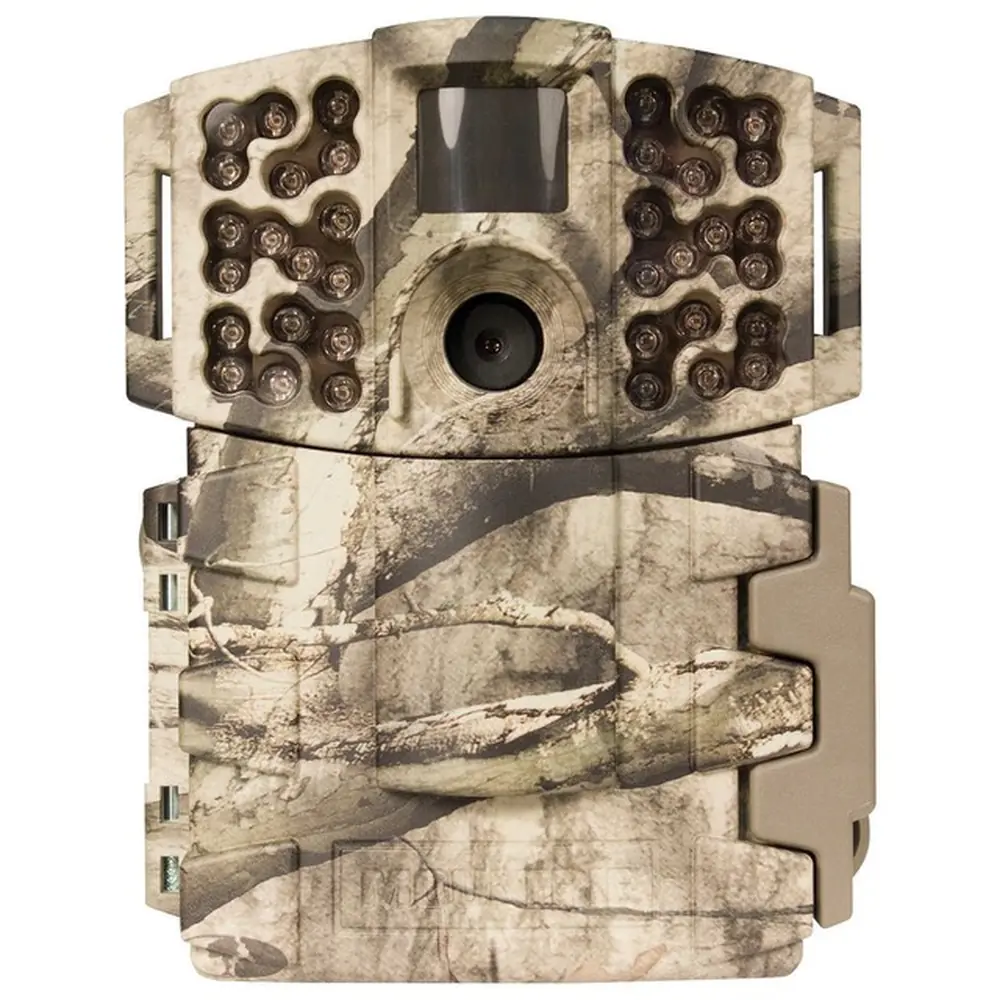
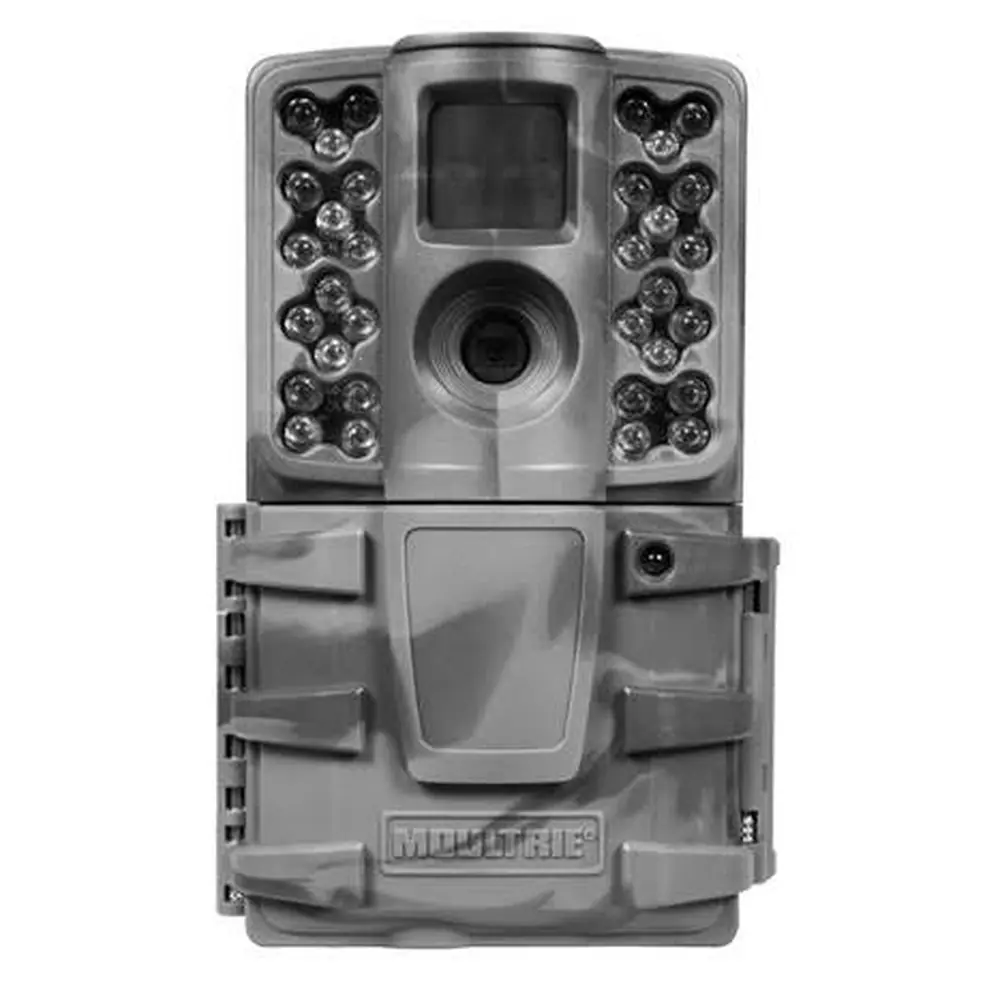
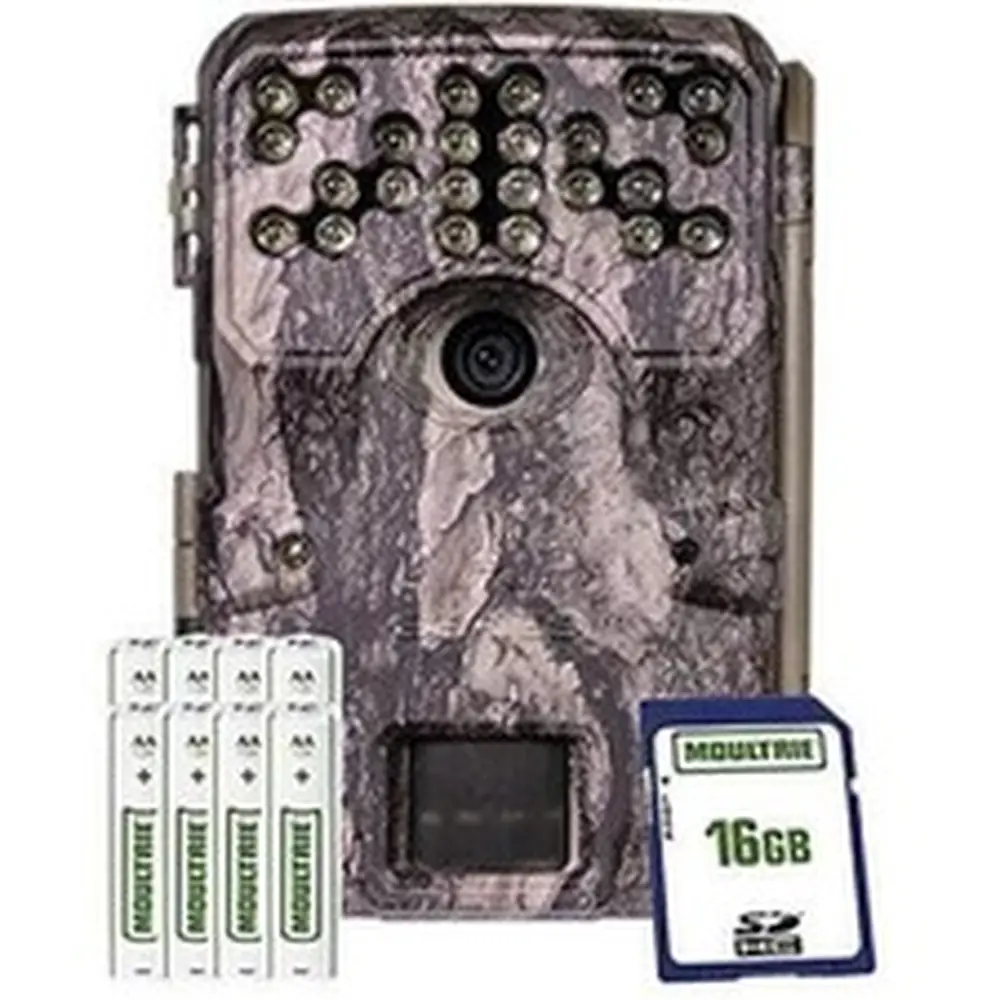
Product Images


Moultrie A-40 Pro (MCG-13273) Digital Game Camera Specifications
| Feature | Specification |
|---|---|
| Model Number | MCG-13273 |
| Photo Resolution | 14MP |
| Flash Type | Low-Glow Infrared LED |
| Flash Range | 70 feet |
| Video Resolution | 720p with sound |
| Trigger Speed | 0.7 seconds |
| Detection Range | 70 feet |
| Storage | SD/SDHC Cards up to 32GB |
| Power Source | 8 AA Alkaline or Lithium batteries / External Power |
| Warranty | 2 years (upon registration) |
Moultrie A-40 Pro (MCG-13273) Details
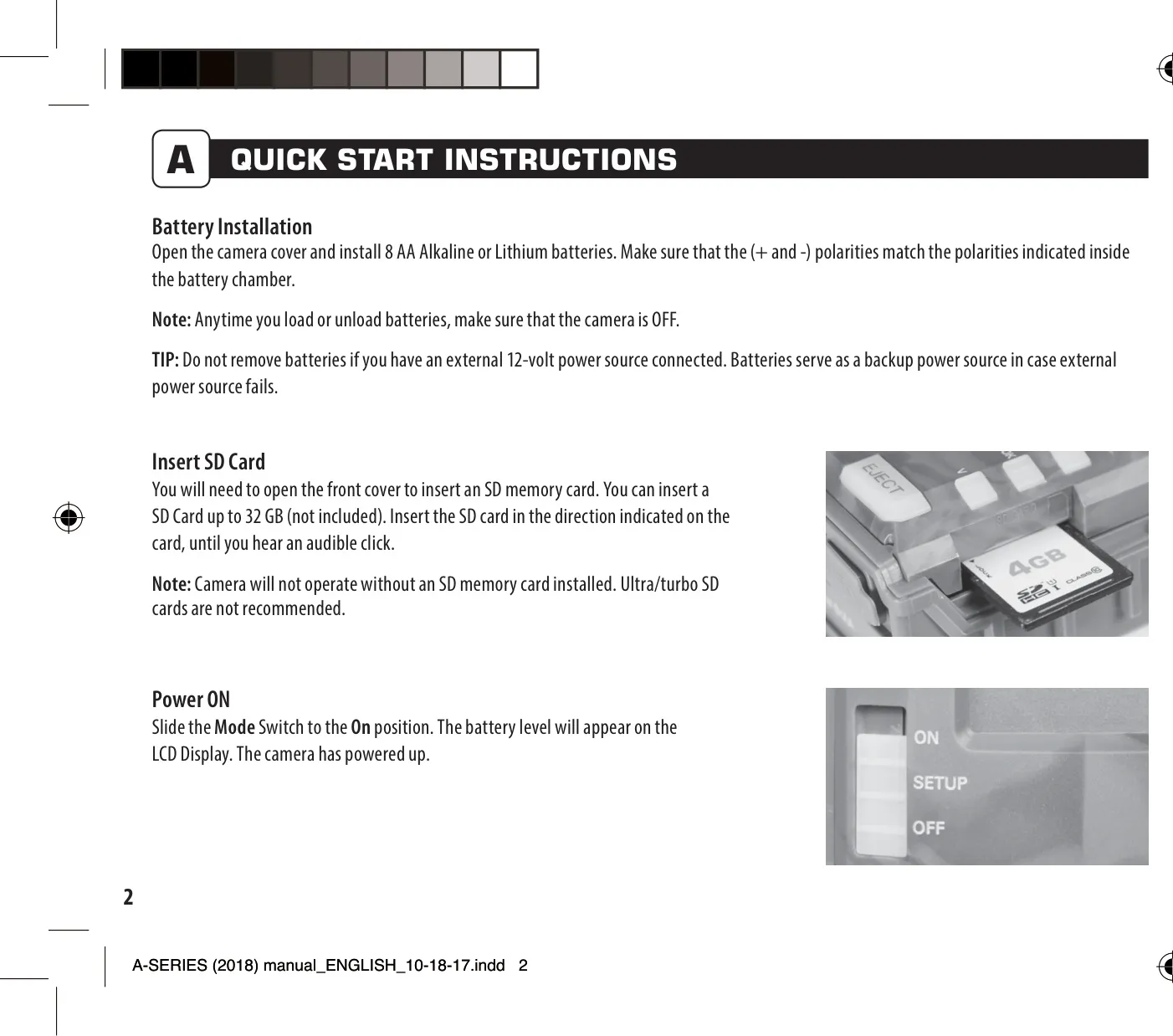
The Moultrie A-40 Pro (MCG-13273) game camera is designed for ease of use and reliable outdoor surveillance. Before operation, users should ensure the camera is powered off when installing 8 AA Alkaline or Lithium batteries, matching the correct polarities. A note of caution: Ultra/turbo SD cards are not recommended for optimal performance, and an SD card up to 32GB is required for the camera to function.
Mounting the A-40 Pro is straightforward with the included strap. It's recommended to place the camera approximately 3 feet high on a tree or pole. For best results, aim the camera down a trail at a slight downward angle. To avoid overexposure from direct sunlight, position the camera facing north or south. Keeping the area in front of the camera clear of brush helps prevent false triggers caused by wind.
Upon powering on, the camera displays the battery level and initiates a countdown before entering "OK Capture Mode." For detailed configuration, users slide the mode switch to the SETUP position. In this mode, the LCD displays the current time, and the camera's motion sensor illuminates the STATUS LED when movement is detected, aiding in precise aiming and coverage verification.
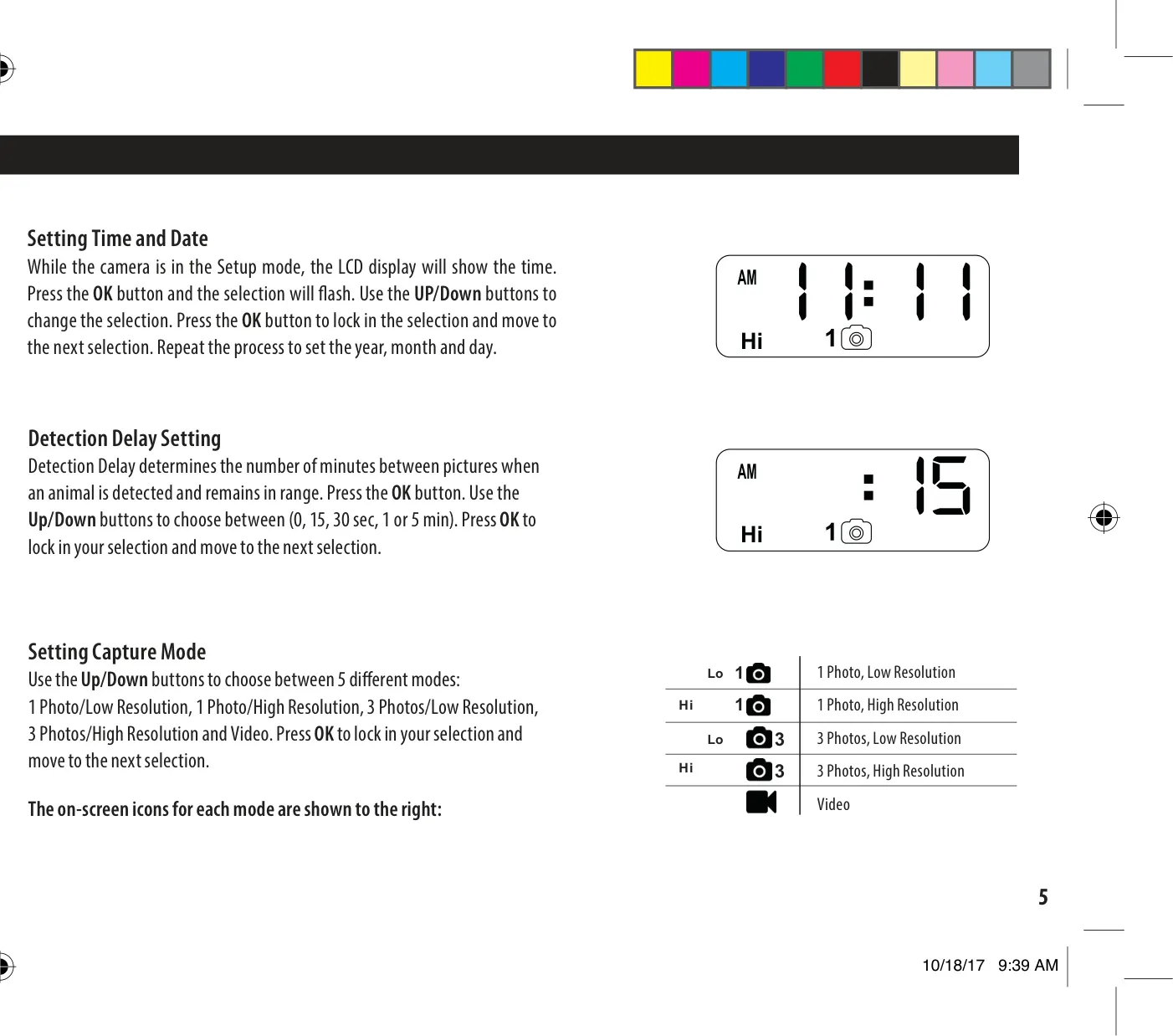
Within the setup menu, users can customize various settings using the UP/Down buttons and confirming with the OK button. This includes setting the accurate time and date, which is crucial for logging observations. The "Detection Delay" can be adjusted from 0 seconds to 5 minutes, determining the interval between consecutive pictures when an animal remains within detection range, allowing for tailored monitoring strategies.
The A-40 Pro offers five distinct capture modes: 1 Photo/Low Resolution, 1 Photo/High Resolution, 3 Photos/Low Resolution, 3 Photos/High Resolution, and Video. This flexibility allows users to select the optimal balance between image quality, quantity, and storage usage. Additionally, a Camera ID (1-9) can be set to help identify footage from multiple cameras, and there's an option to reset the picture count, which also conveniently formats the SD card and erases all stored images.
For longevity, users should only employ Alkaline or Lithium batteries, with Energizer being a recommended brand. It's vital to replace all batteries simultaneously, avoiding mixing old and new cells. When the camera is not in active use, removing the batteries is a good practice to prevent leakage. The A-40 Pro also boasts compatibility with Moultrie Mobile® cellular service when paired with the Field Modem MV1, expanding its remote monitoring capabilities.
Frequently Asked Questions (FAQs)
Can't find the answer you need? Here are some frequently asked questions about the Moultrie A-40 Pro (MCG-13273), and we answer them below.