Moultrie A-300 (MCG-13336) Instruction Manual

Moultrie A-300 (MCG-13336)






Moultrie A-300 (MCG-13336)
Moultrie A-300 (MCG-13336) Instructions
Here we offer the Moultrie A-300 (MCG-13336) manual completely free and in English. We have cataloged this manual in the Digital Game Cameras section on Manualverse, and it has been rated by 1 users with an average rating of 5. If you have any specific questions about Moultrie A-300 (MCG-13336), we suggest checking the Frequently Asked Questions (FAQs) section of this manual.
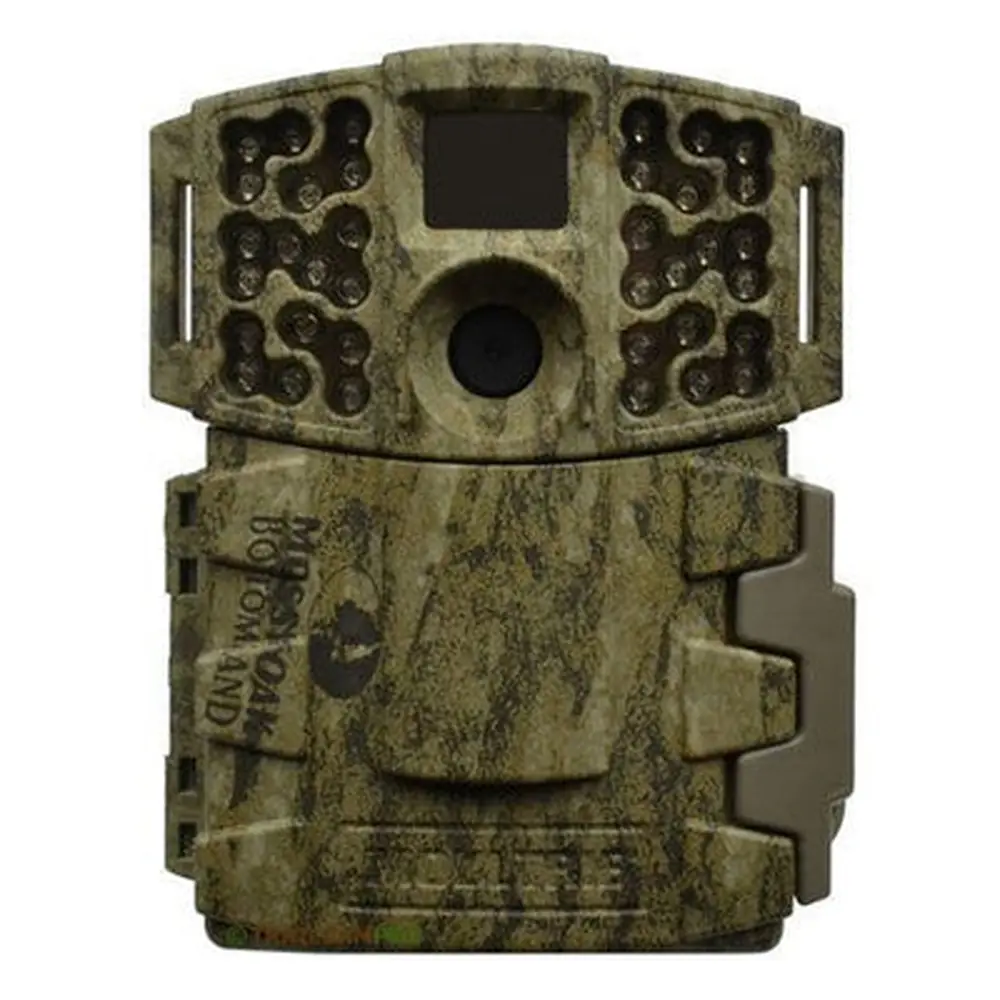
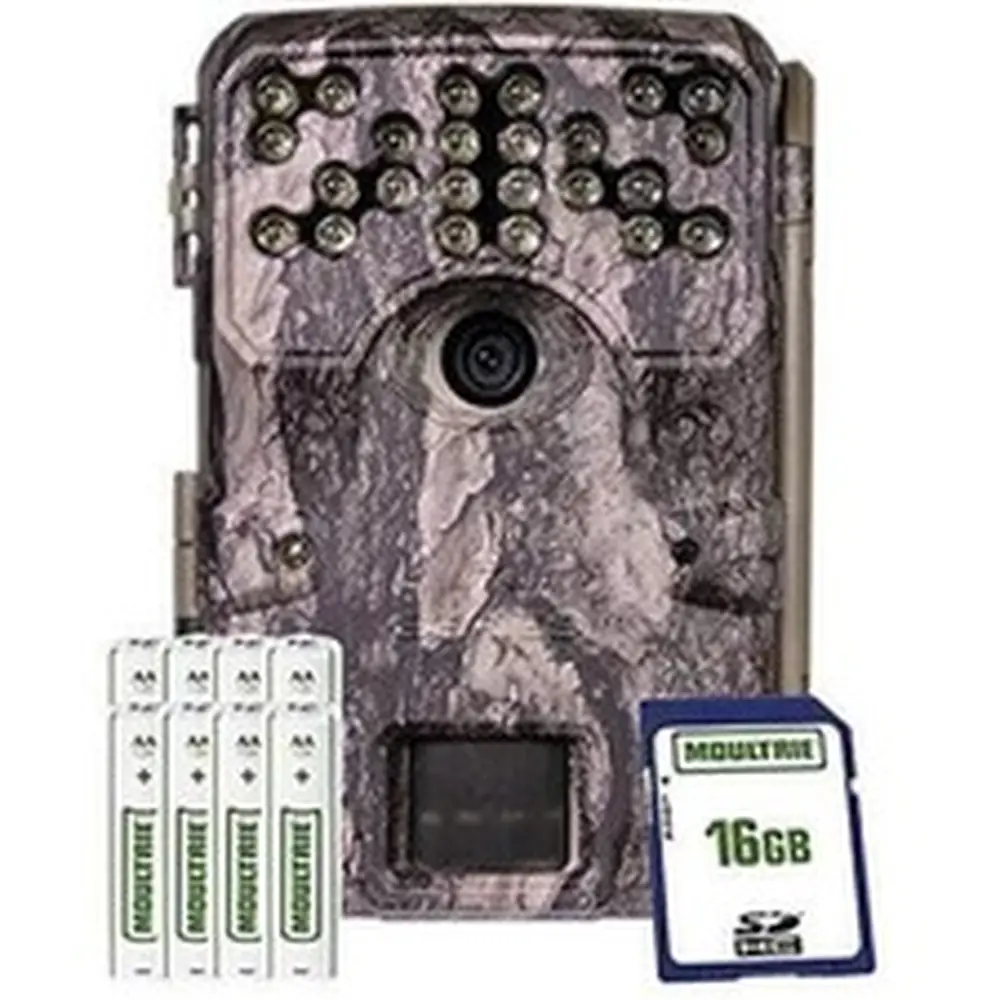
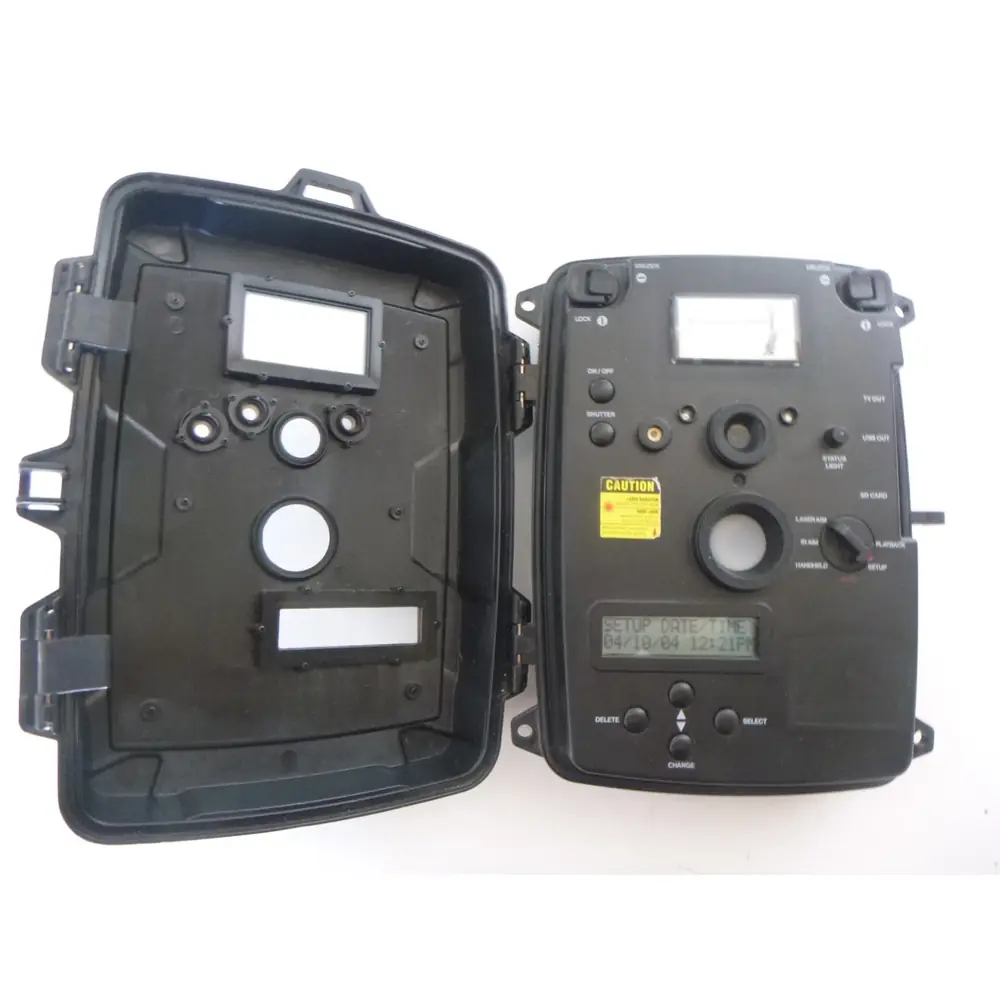
Product Images


Moultrie A-300 (MCG-13336) Digital Game Camera Specifications
| Feature | Specification |
|---|---|
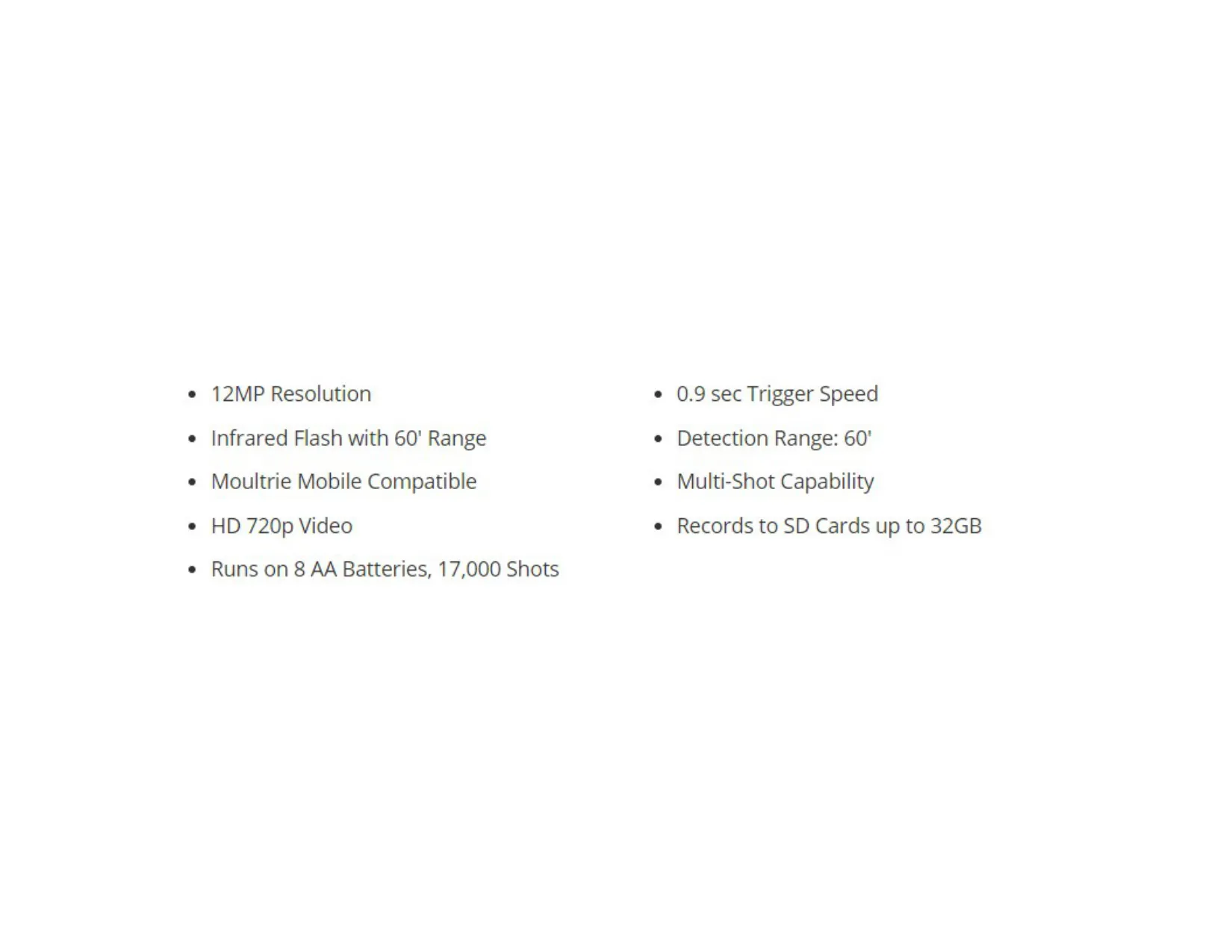
| Resolution | 12MP |
| Trigger Speed | 0.9 seconds |
| Infrared Flash Range | 60 feet |
| Detection Range | 60 feet |
| Video Recording | HD 720p |
| Storage Media | SDHC Class 10 SD cards, up to 32GB |
| Power Source | 8 AA batteries |
| Estimated Battery Life | 17,000 shots |
| External Power Compatibility | 12V port |
| Moultrie Mobile Compatibility | Yes (with Moultrie Field Modem) |
| Multi-Shot Capability | Yes |
| Warranty | 2 years |
Moultrie A-300 (MCG-13336) Details
The Moultrie A-300 (MCG-13336) game camera is designed for straightforward operation and reliable performance in the field. Its user-friendly interface begins with clear navigation buttons, an LCD display, and a distinct mode selector slider. Getting started is simple, requiring only the installation of eight AA batteries into the designated compartment, paying close attention to polarity, and inserting an SD card into its slot until an audible click confirms proper placement. The camera relies on SDHC Class 10 SD cards up to a 32 GB capacity for optimal functioning, highlighting the importance of using compatible storage.
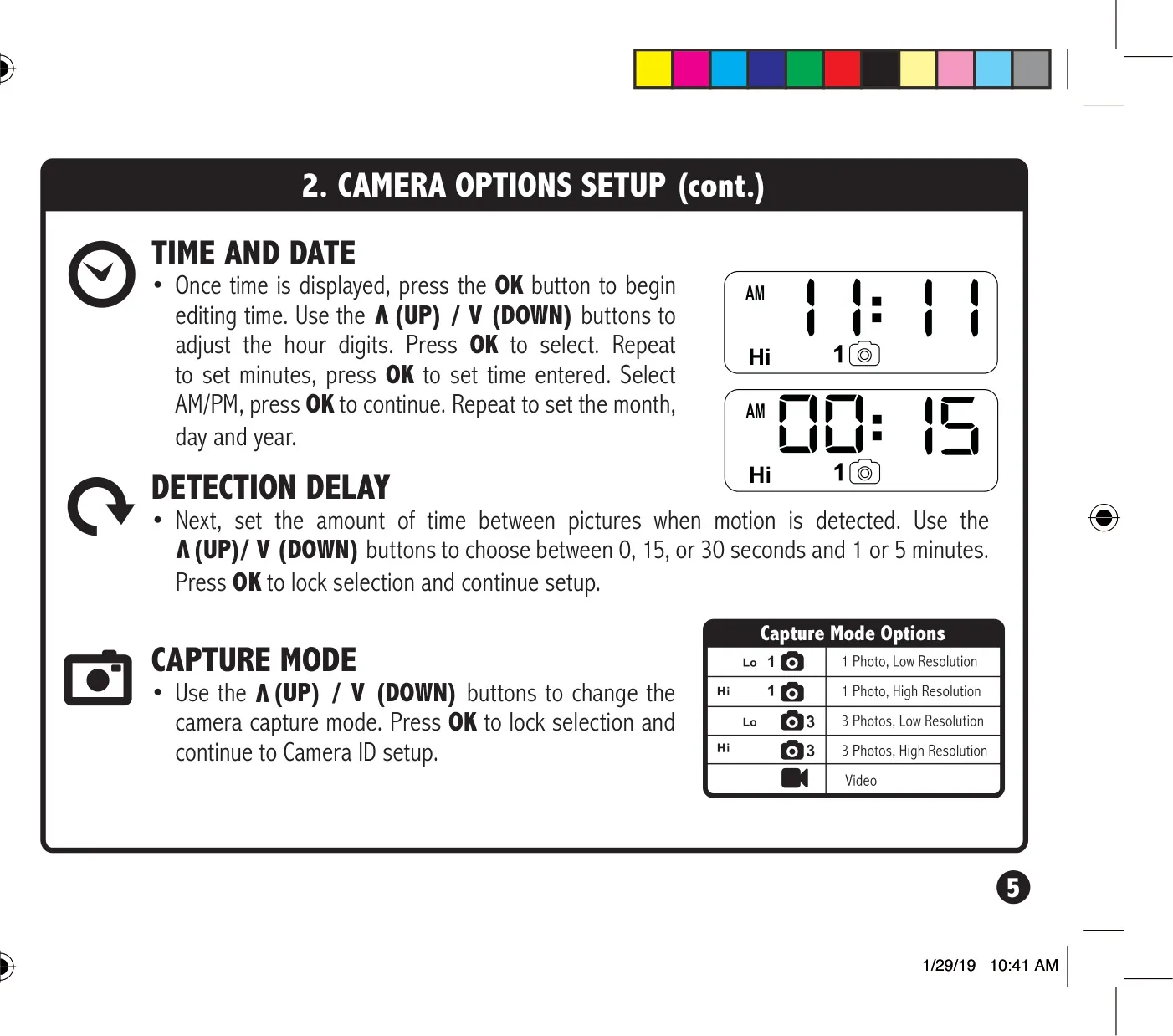
Initial setup involves sliding the mode switch to the SETUP position. From here, users can easily configure the crucial time and date settings using the UP/DOWN buttons to adjust digits and the OK button to confirm each selection. Once these basic parameters are established, the camera is ready for deployment. Transitioning the mode switch to ON activates the camera, displaying the current battery level before entering capture mode, indicating its readiness to monitor activity.
Beyond initial time and date configuration, the SETUP mode provides access to several customizable options that enhance the camera's utility. Users can set the Detection Delay, choosing intervals of 0, 15, or 30 seconds, or 1 or 5 minutes, to manage the frequency of captures after motion is detected. This mode also allows for the selection of various Capture Mode options, offering flexibility in how images or videos are recorded. Additionally, a Camera ID can be assigned, a useful feature for identifying which specific camera captured images in multi-camera setups.
Proper mounting is crucial for effective game monitoring, and the Moultrie A-300 provides clear guidance. The camera is designed to be secured using a mounting strap threaded through slots on its back case, typically attached to a tree or pole. A recommended height of approximately three feet from the ground is suggested, though adjustments for uneven terrain may be necessary. Strategic positioning involves facing the camera North or South to mitigate overexposure from direct sunlight and clearing brush from its front to prevent false triggers, ensuring clearer and more relevant captures.
For optimizing detection on game trails, the manual advises facing the camera to look down the trail rather than directly at it, increasing the likelihood of capturing wildlife as they move along. The SETUP mode also includes a helpful feature where the STATUS LED illuminates for one second upon motion detection, allowing users to accurately aim the camera and ensure it covers the desired target area effectively. These mounting and aiming tips are essential for maximizing the camera's performance and accuracy in diverse outdoor environments.
Power management is robust, with support for 8 AA Alkaline or Lithium batteries. Users are cautioned against mixing old and new batteries, or different battery types, recommending replacement of all batteries simultaneously. The camera features a low battery warning, displaying "bL:L0" on the LCD when the charge drops to 15% or below, before automatically shutting down. For extended use, the A-300 is compatible with an external 12V power source, with the installed AA batteries serving as a convenient backup in case of power loss.
The Moultrie A-300 also includes practical functions such as the ability to erase all images stored on the SD card by navigating to the "Erase Images" option in SETUP mode and confirming "dELY." Moultrie emphasizes warranty registration at www.moultriefeeders.com/warranty to activate the 2-year limited warranty. For advanced users, the camera is compatible with Moultrie Mobile cellular service when paired with a Moultrie Field Modem, offering remote monitoring capabilities for enhanced convenience.
Frequently Asked Questions (FAQs)
Can't find the answer you need? Here are some frequently asked questions about the Moultrie A-300 (MCG-13336) Digital Game Camera, and we answer them below.