Moultrie M-990i Gen 2 (MCG-12694) Instruction Manual
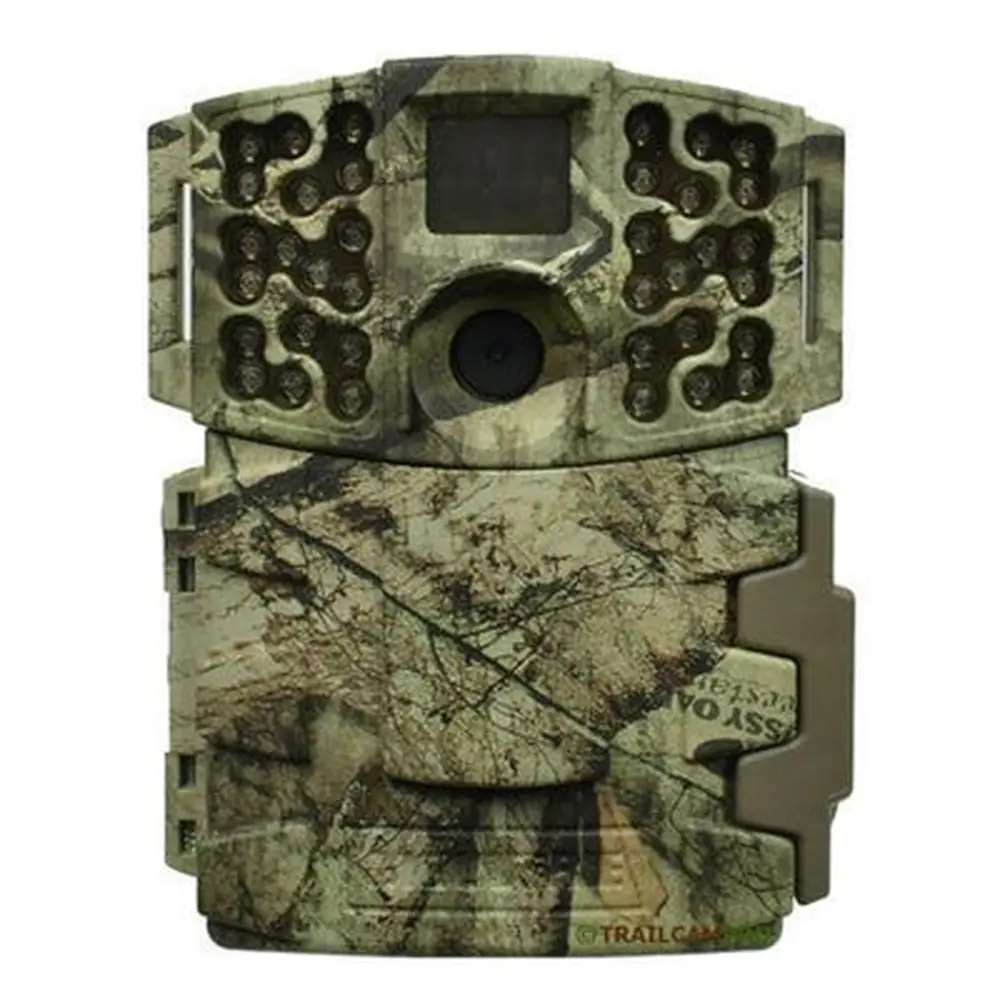
Moultrie M-990i Gen 2 (MCG-12694)

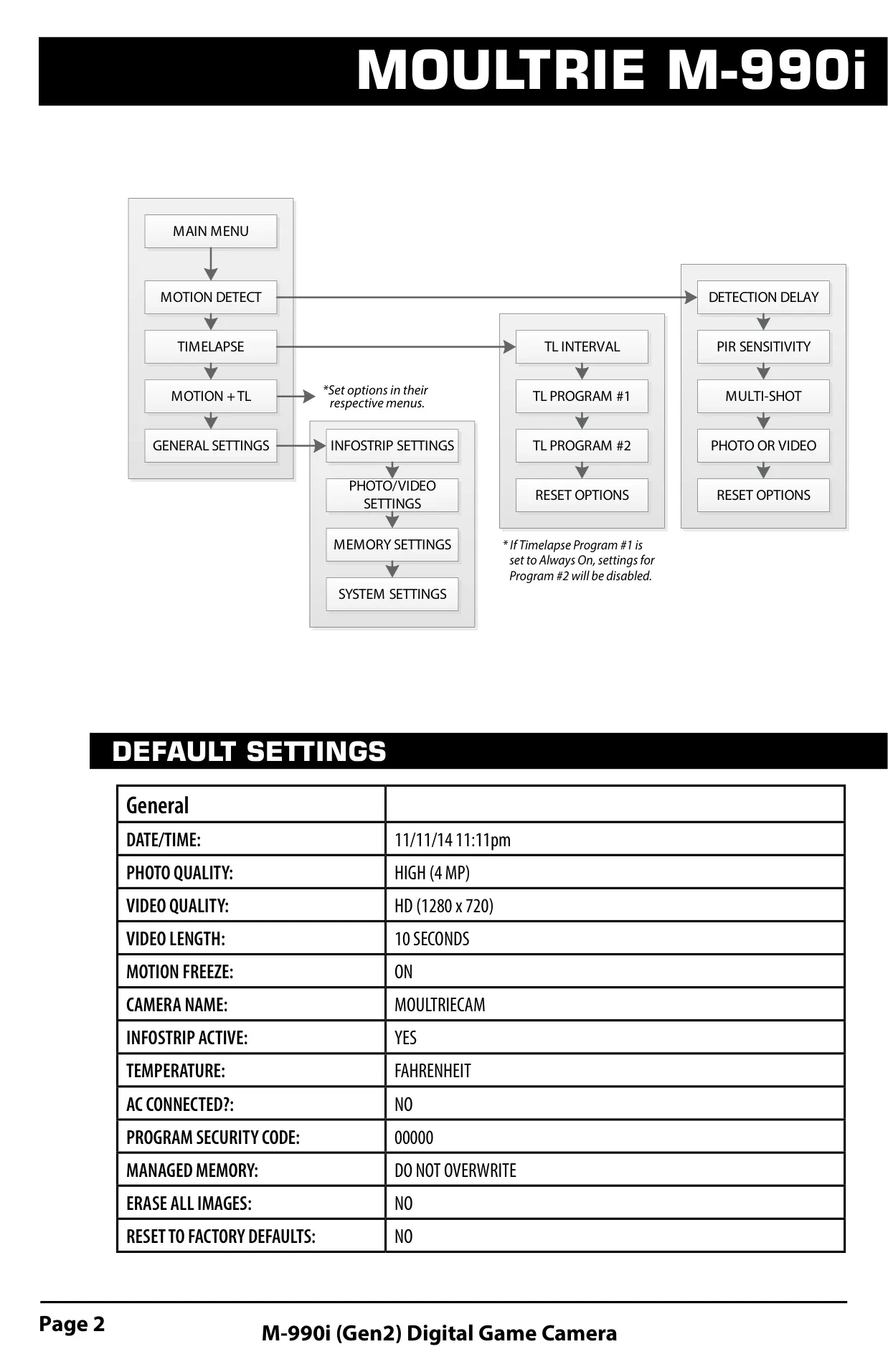


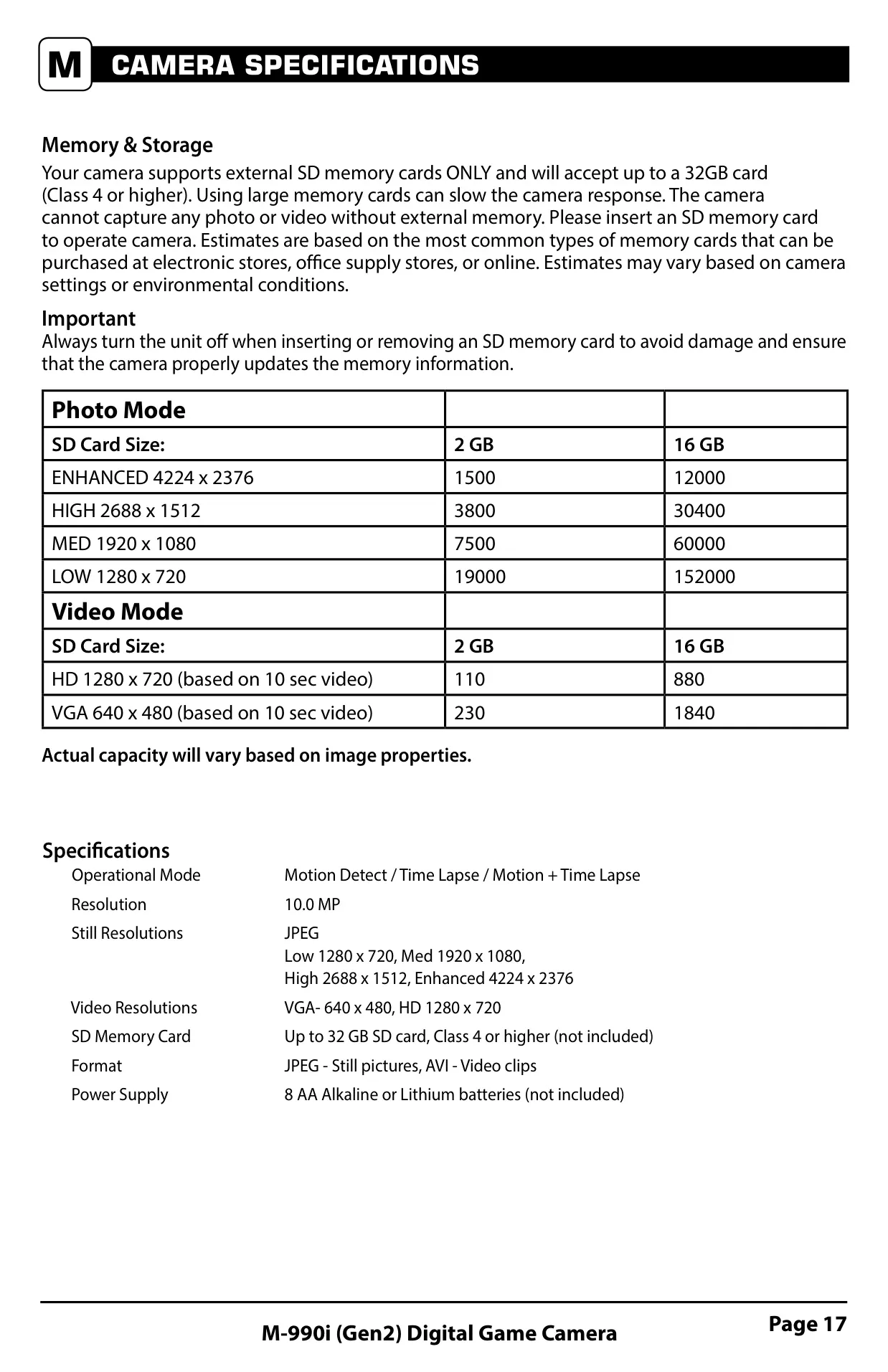





Moultrie M-990i Gen 2 Instructions
Here we offer the Moultrie M-990i Gen 2 (MCG-12694) manual completely free and in English. We have cataloged this manual in the Digital Game Cameras section on Manualverse, and it has been rated by 1 users with an average rating of 5. If you have any specific questions about Moultrie M-990i Gen 2 (MCG-12694), we suggest checking the Frequently Asked Questions (FAQs) section of this manual.
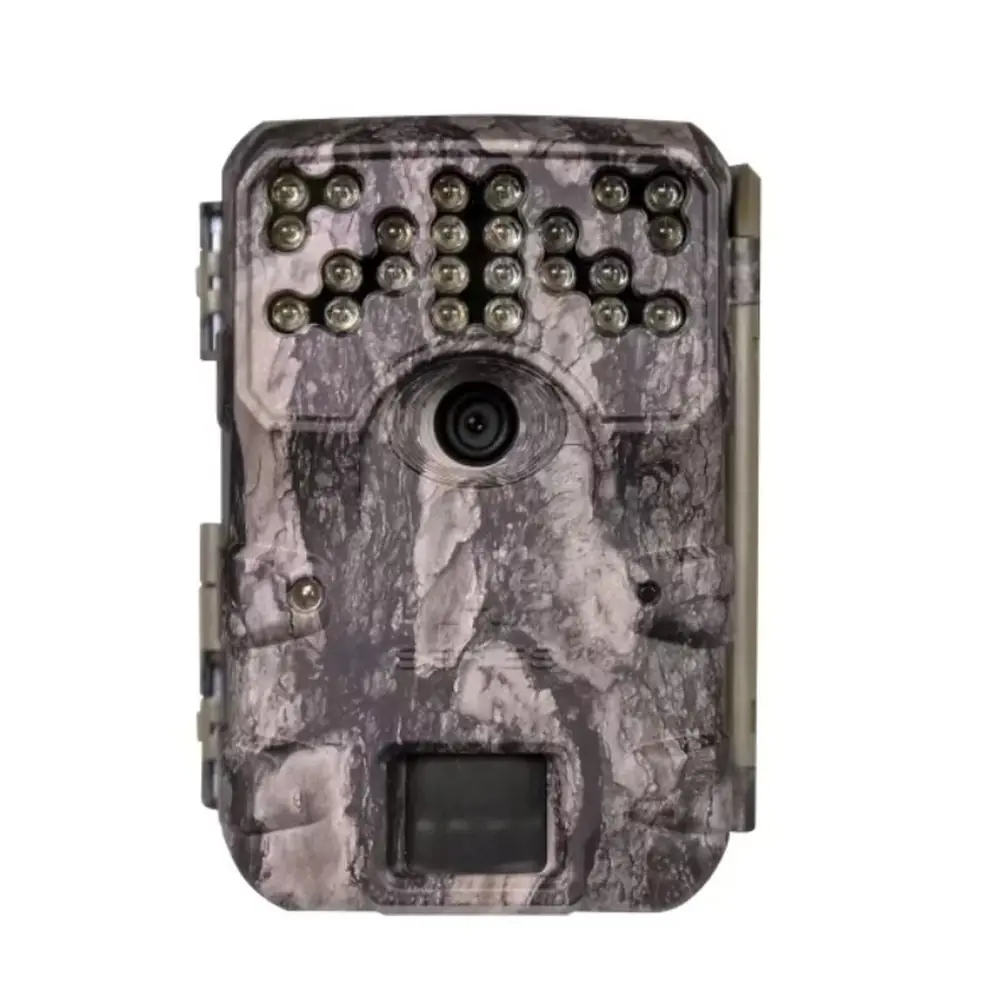
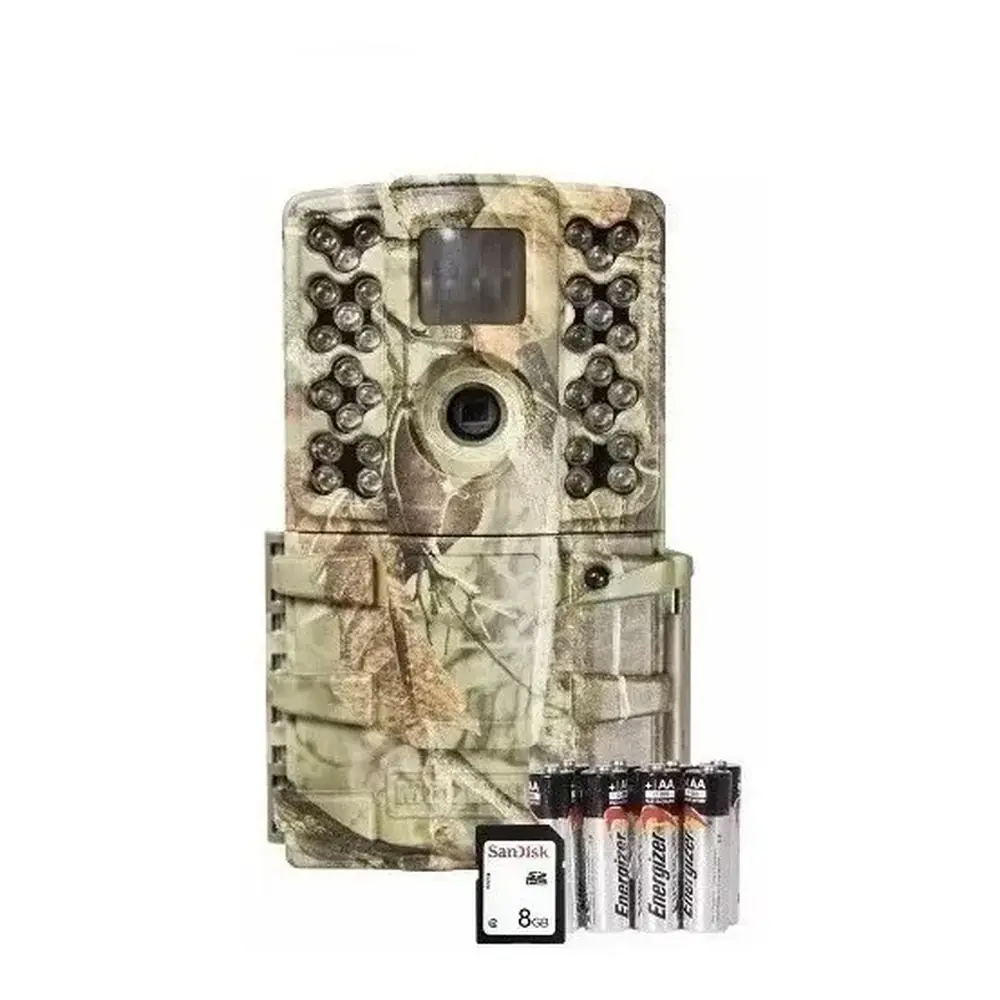
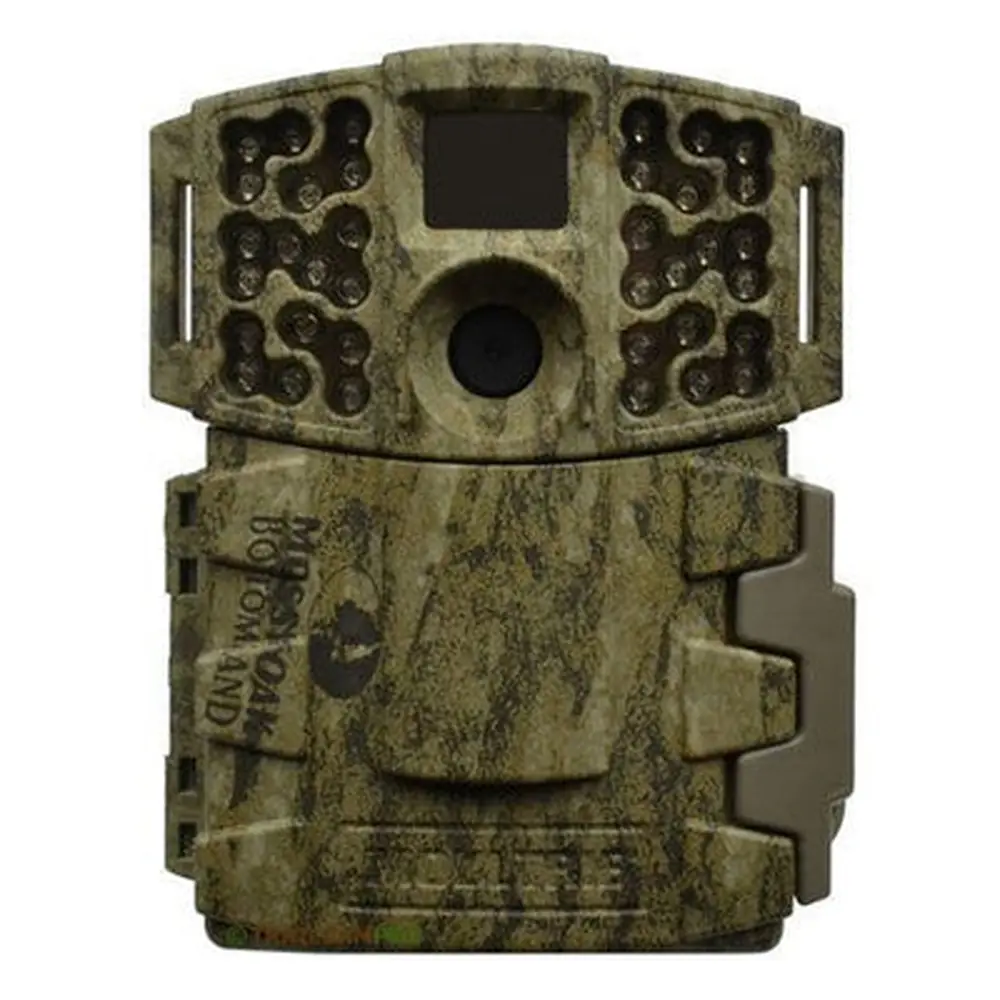
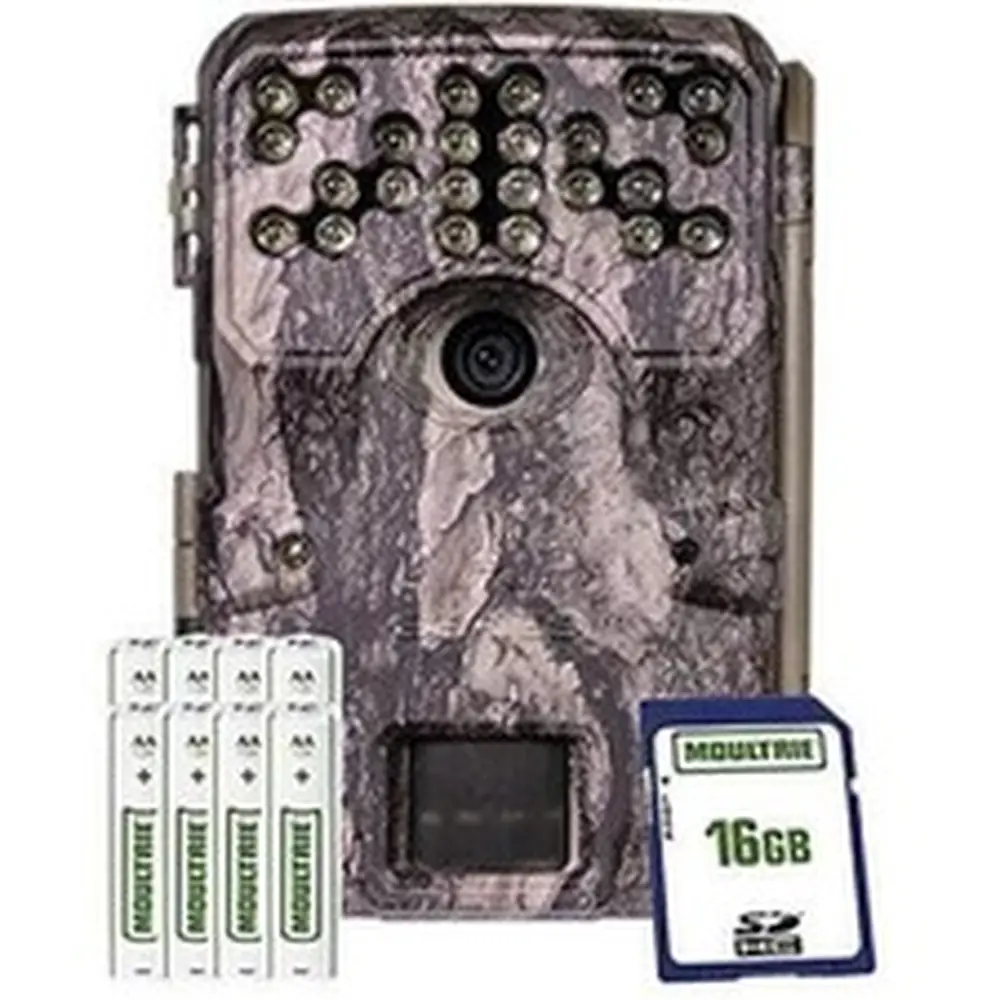
Product Images



Moultrie M-990i Gen 2 (MCG-12694) Digital Game Camera Specifications
| Feature | Specification / Default Setting |
|---|---|
| Hardware Specifications | |
| Operational Modes | Motion Detect / Time Lapse / Motion + Time Lapse |
| Still Image Resolution | 10.0 MP (Enhanced) |
| Still Image Formats | JPEG (Low 1280x720, Med 1920x1080, High 2688x1512, Enhanced 4224x2376) |
| Video Resolutions | HD 1280x720, VGA 640x480 |
| Video Format | AVI |
| SD Memory Card Support | Up to 32 GB, Class 4 or higher (not included) |
| Power Supply | 8 AA Alkaline or Lithium batteries (not included) |
| Default Operational Settings | |
| Date/Time | 11/11/14 11:11pm |
| Photo Quality | HIGH (4 MP) |
| Video Quality | HD (1280 x 720) |
| Video Length | 10 SECONDS |
| Motion Freeze | ON |
| Camera Name | MOULTRIECAM |
| Infostrip Active | YES |
| Temperature Units | FAHRENHEIT |
| AC Connected | NO |
| Security Code | 00000 |
| Managed Memory | DO NOT OVERWRITE |
| Detection Delay | 10 SECONDS |
| PIR Sensitivity | HIGH |
| Multi-Shot | 1 (OFF) |
| Photo or Video Mode | PHOTO |
| Time Lapse Interval | 10 SECONDS |
| Time Lapse Programs/Day | 2 PROGRAMS |
| T.L. Program #1 Start Time | 6 AM |
| T.L. Program #1 Stop Time | 9 AM |
| T.L. Program #2 Start Time | 4 PM |
| T.L. Program #2 Stop Time | 7 PM |
Moultrie M-990i Gen 2 (MCG-12694) Details
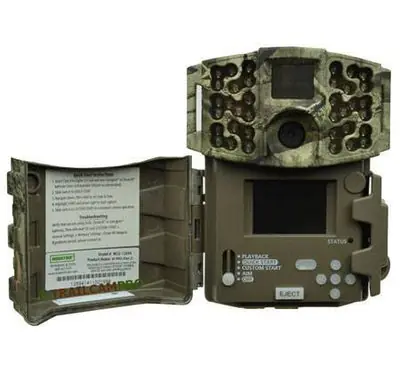
The Moultrie M-990i Gen 2 digital game camera offers a versatile user experience, starting with its intuitive control interface featuring an LCD display, navigation buttons, and a mode switch. This switch allows users to toggle between OFF, QUICK START, CUSTOM START, AIM, and PLAYBACK modes, streamlining setup and operation directly from the unit. The AIM mode is particularly useful for precise camera placement, as the red LED status indicator illuminates when motion is detected in the target area.
For rapid deployment, the Quick Start option provides a simplified setup, allowing users to quickly change only the Date and Time. Other settings like Detection Delay (defaulting to 30 seconds), Multi-Shot (3-Triggered), and Photo or Video mode (Photo) are pre-configured. This mode is ideal for users who prioritize speed over customizability, enabling the camera to function with optimized general settings right out of the box.
The camera supports multiple capture modes to suit various scouting needs. In Motion Detect Mode, the camera captures images or videos when its PIR motion sensor is triggered. Time Lapse Mode allows for observation of activity over a full day by recording still images at programmed intervals, with two distinct programs configurable per day. The camera can also operate in a combined Motion Detect + Time Lapse Mode, where it captures time-lapse images but will override to motion detection if activity is sensed.
One notable feature is Motion Freeze, designed to enhance clarity in night photos. When active, it adjusts exposure time to reduce blur from movement, though this may slightly reduce the flash range. Disabling Motion Freeze allows for maximum flash range and brightness, potentially at the cost of increased motion blur. This setting offers a critical trade-off for optimizing night-time image quality based on specific environmental conditions.
The camera provides flexible multi-shot options beyond a single photo. Users can choose between "3 BURST," which captures three photos rapidly within one second (limited to 4MP resolution), or "3 TRIGGERED," which takes up to three photos sequentially with a one-second delay between each, requiring individual triggers for each shot. The Infostrip Settings allow for customization, including imprinting the camera name, date, time, and temperature (Fahrenheit or Celsius) directly onto images, which is invaluable for data organization.
Advanced memory management features include the ability to erase all images and format the SD card directly within the camera. The Managed Memory option offers control over storage capacity: users can choose to "OVERWRITE OLDEST" files when the SD card is full, or "DO NOT OVERWRITE," which stops image capture once capacity is reached. For security, a 5-digit Security Code can be set to protect camera settings, with a confirmation step to prevent accidental changes.
Connectivity options enhance usability, with a USB port for transferring photos and videos to a computer (compatible with Windows XP/Vista/7 or Mac OS X 10.1 and higher) and an external power port for Moultrie accessories like the PowerPanel, AC Adapter, or Battery Box. When using external AC power, the camera can be set to AC Connected mode, keeping it fully on for improved performance, though this increases power consumption. The M-990i Gen 2 also supports firmware upgrades, though this operation is recommended only when prompted by a technician.
Frequently Asked Questions (FAQs)
Can't find the answer you need? Here are some frequently asked questions about the Moultrie M-990i Gen 2 (MCG-12694), and we answer them below.