Moultrie W-30i (MCG-13238) Instruction Manual
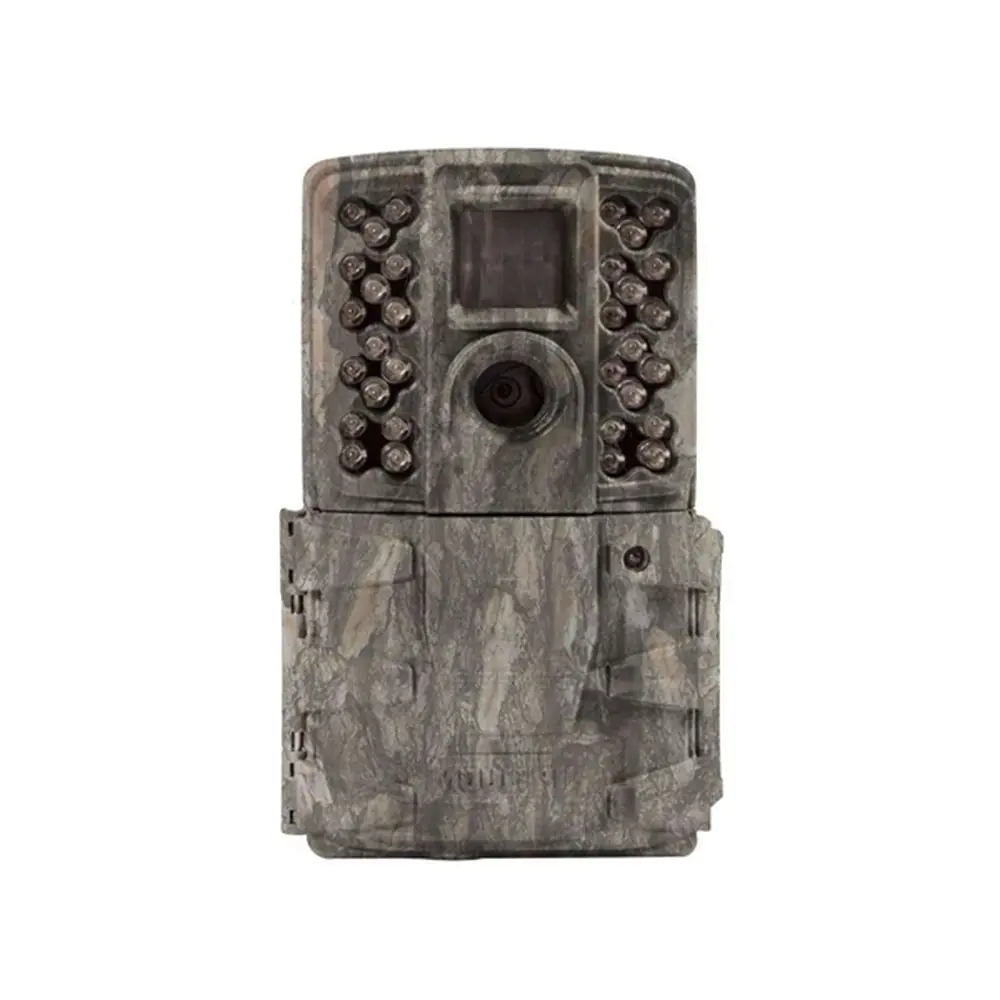
Moultrie W-30i (MCG-13238)






Moultrie W-30i (MCG-13238)

Moultrie W-30i (MCG-13238) Instructions
Here we offer the Moultrie W-30i (MCG-13238) manual completely free and in English. We have cataloged this manual in the Digital Game Cameras section on Manualverse, and it has been rated by 1 users with an average rating of 5. If you have any specific questions about Moultrie W-30i (MCG-13238), we suggest checking the Frequently Asked Questions (FAQs) section of this manual.
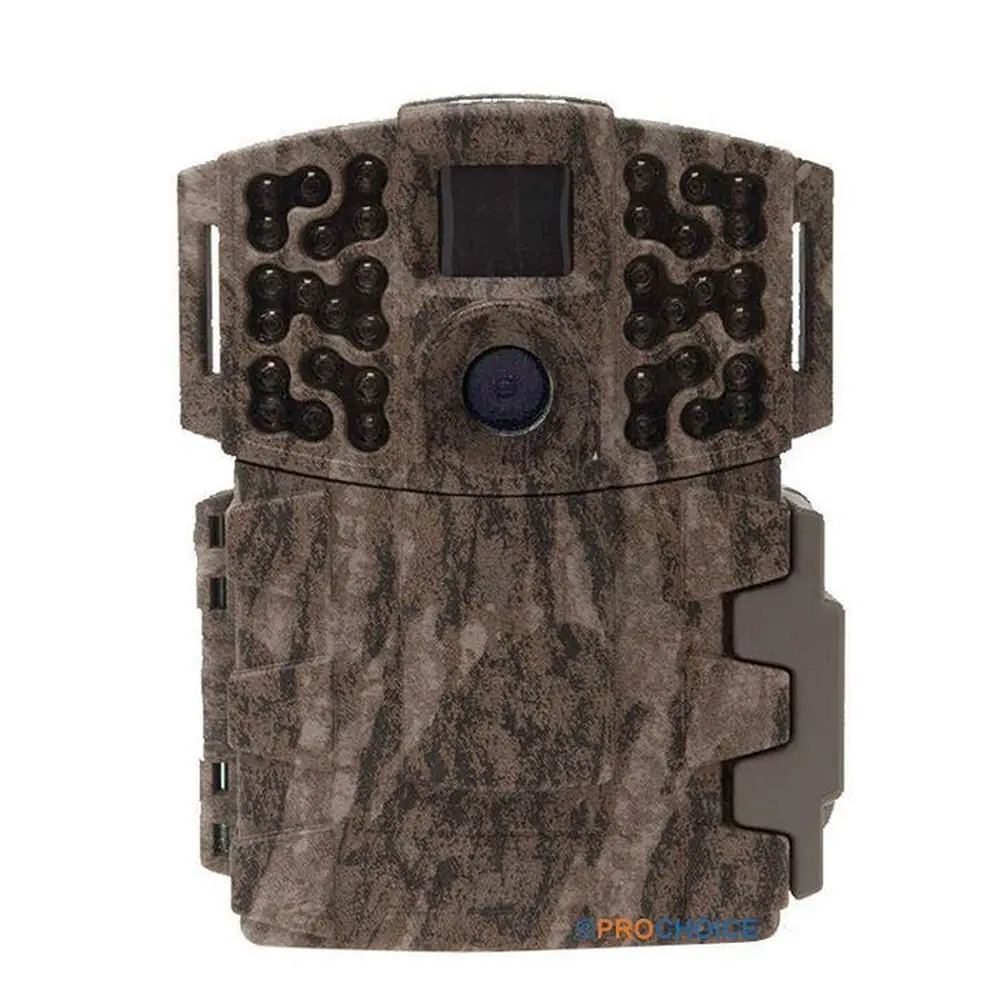
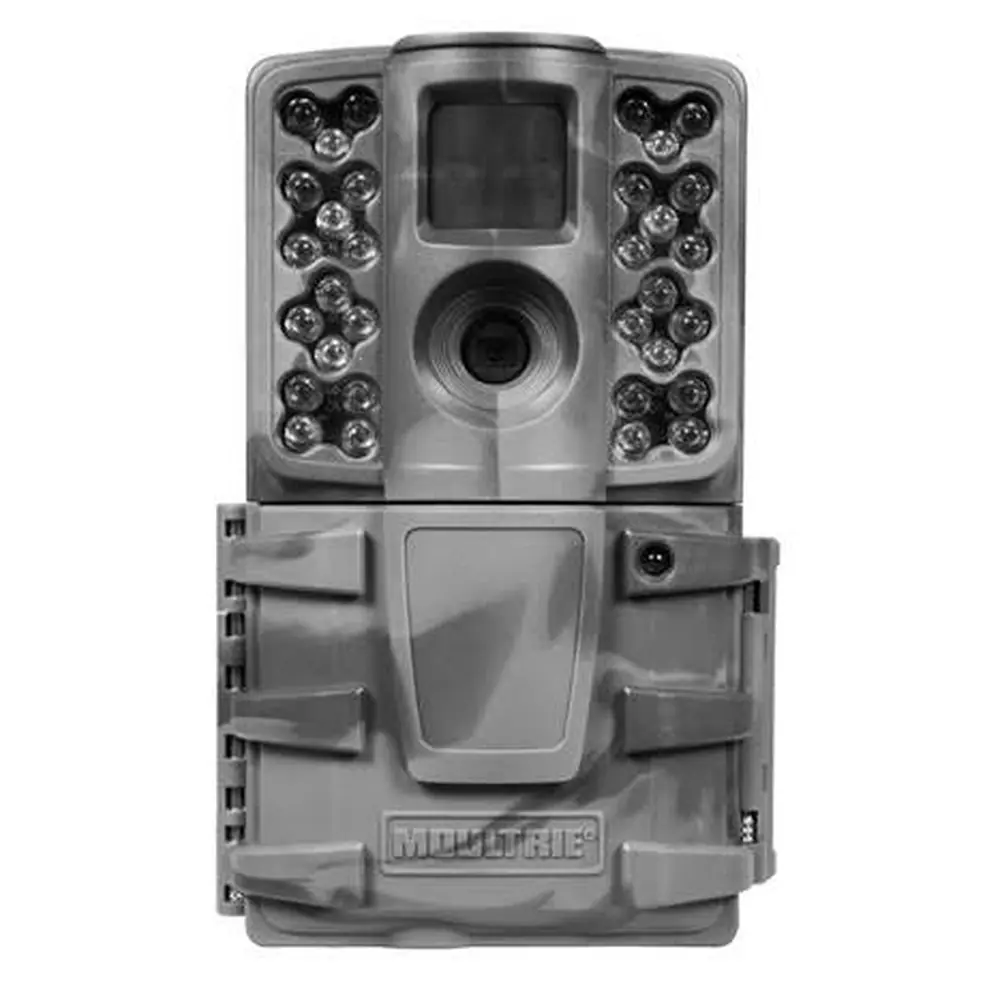
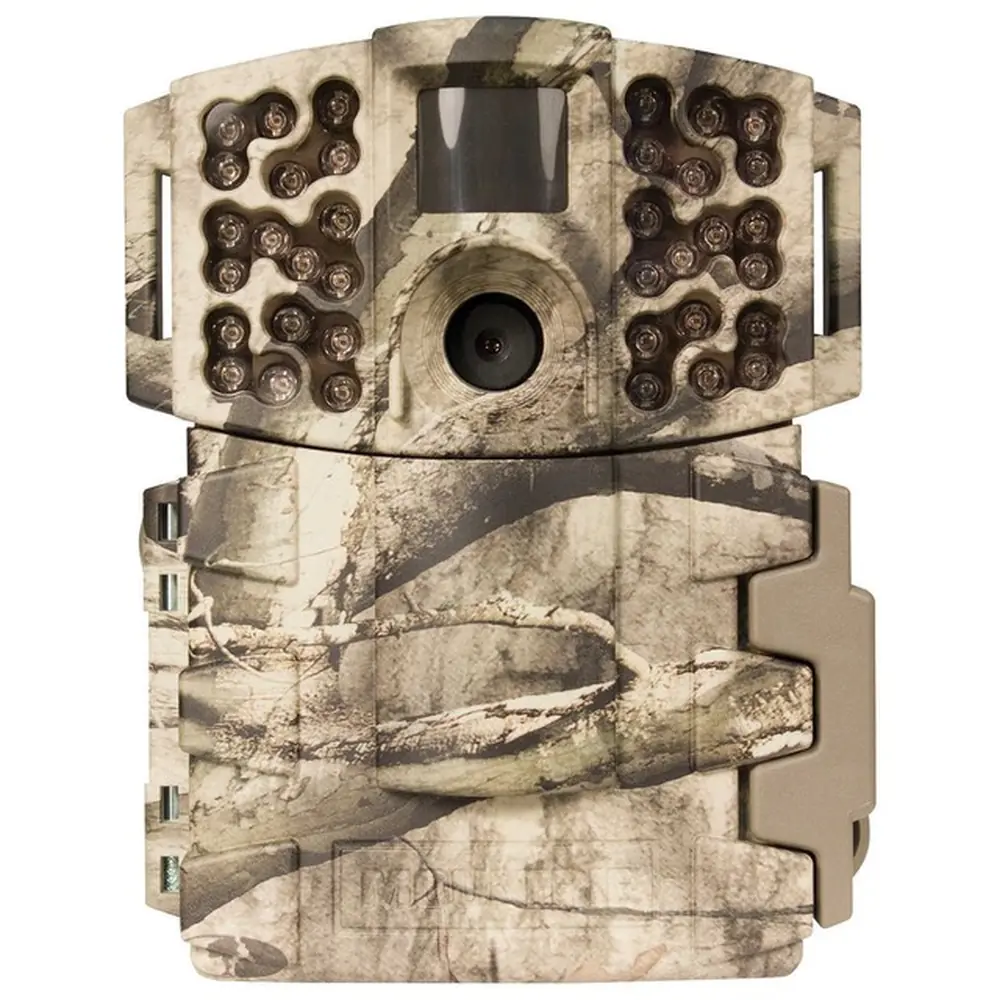
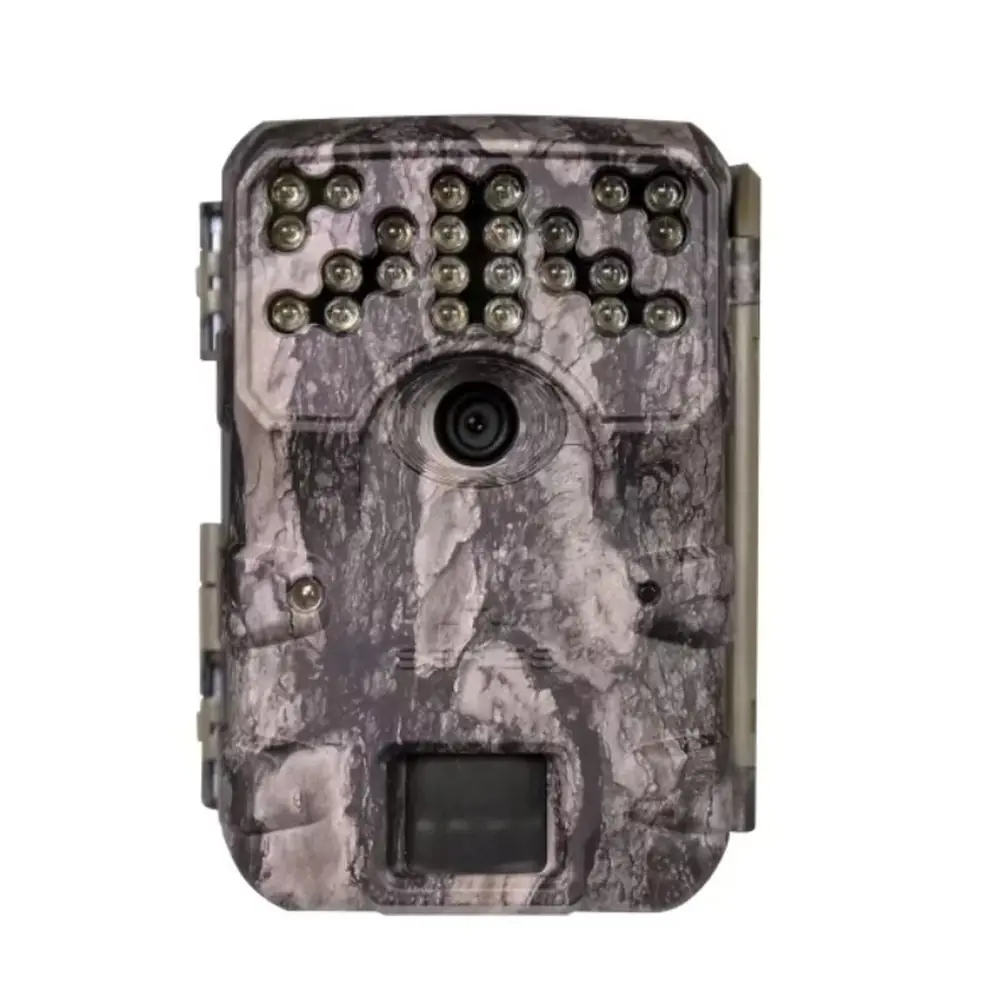
Product Images


Moultrie W-30i (MCG-13238) Digital Game Camera Specifications
| Feature | Specification |
|---|---|
| Model | W-30i (MCG-13238) |
| Still Resolution (Maximum) | 14.0 MP (4320 x 3240 JPEG) |
| Still Resolution (Low) | 1600 x 1200 JPEG |
| Video Resolution | 640 x 480 AVI (VGA) |
| Memory Card Support | Up to 32 GB SD card (external only) |
| Power Supply | 8 AA Lithium or Alkaline batteries (not included) |
| Flash Type | 940nm Infrared |
| Operational Modes | Game Detect, Video |
| Warranty | 2-Year Limited Warranty (requires registration) |
Moultrie W-30i (MCG-13238) Details
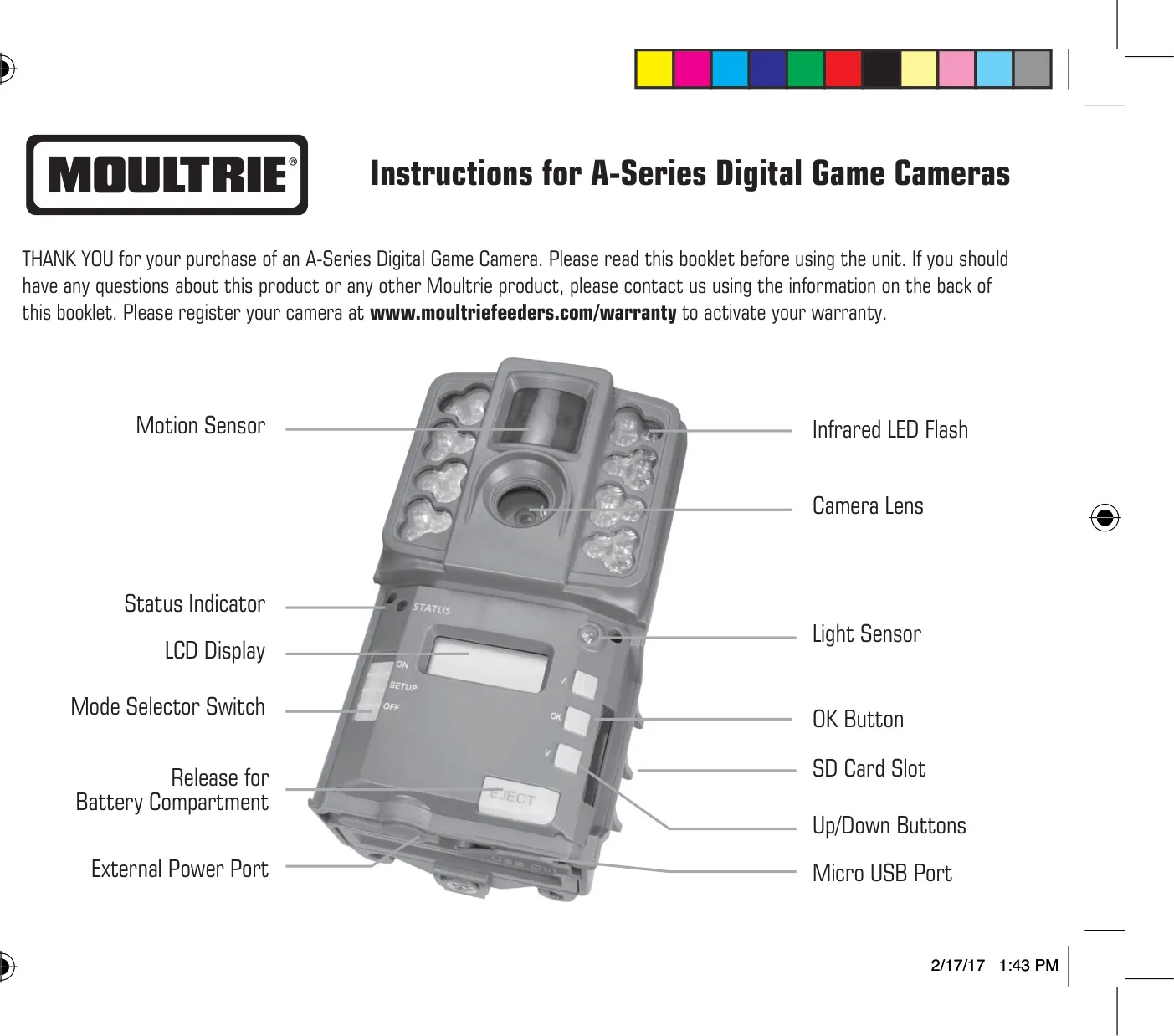
The Moultrie W-30i features an intuitive design for ease of use. Key external components include a motion sensor, infrared LED flash, and camera lens. Users interact with the device via an LCD display, a mode selector switch, and dedicated OK and Up/Down buttons for navigation. The camera also includes an SD card slot, a release for the battery compartment, an external power port, and a micro USB port. Initial setup involves installing eight AA alkaline or lithium batteries, always with the camera OFF, and inserting an SD card up to 32 GB (Ultra/turbo SD cards are not recommended).
Upon sliding the mode switch to "Setup," the camera powers on, briefly displaying the battery level. Switching to "ON" initiates a countdown to "00," after which the display turns off and the camera enters its capture mode, ready to detect activity. A low battery warning appears if power drops below 15%. In Setup mode, the motion sensor briefly illuminates a status LED when triggered, a useful feature for precisely aiming the camera to cover the desired area. This ensures optimal detection coverage for game animals.
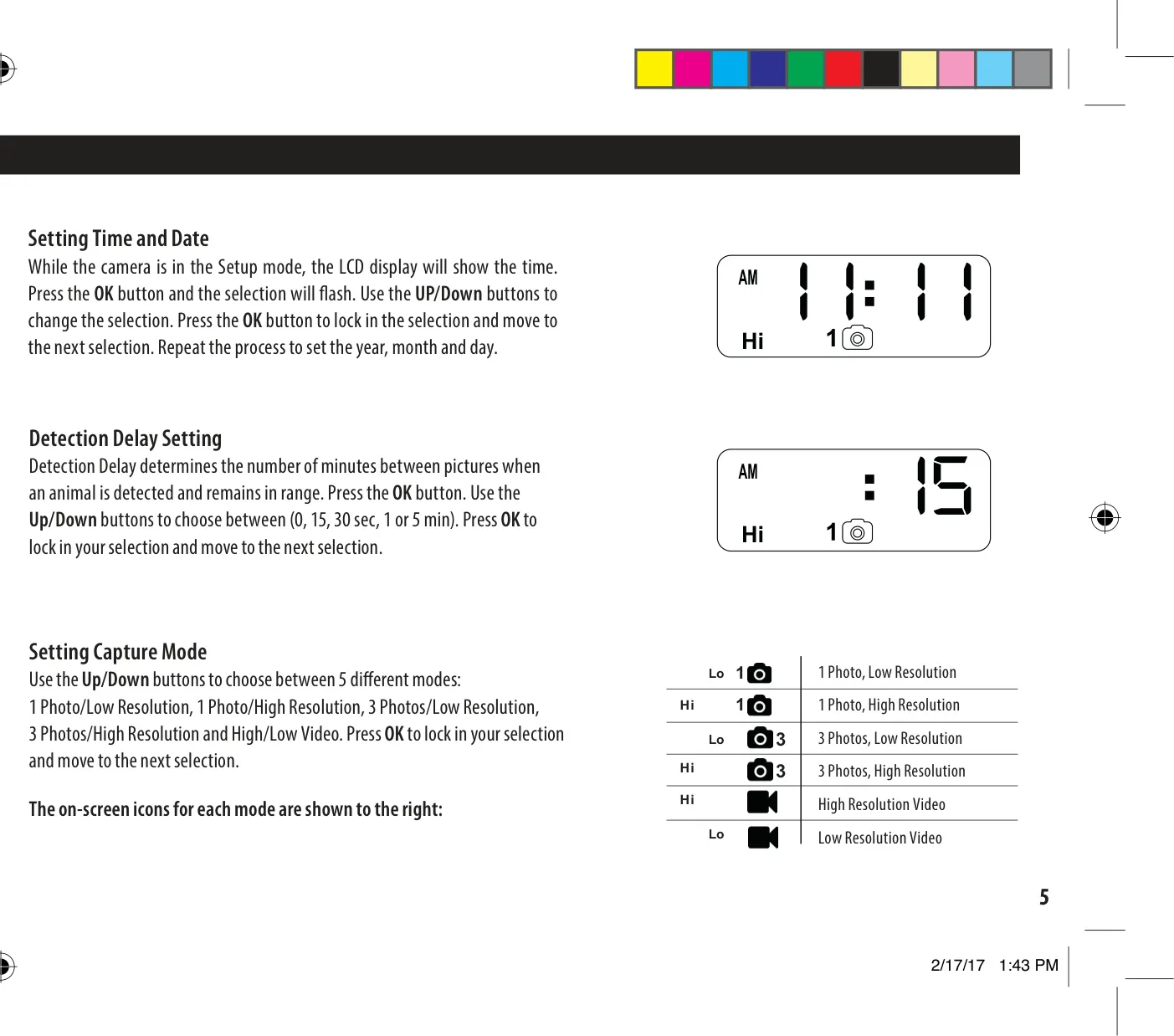
The W-30i offers granular control over crucial settings. Users can easily set the precise time, year, month, and day through the LCD display and navigation buttons. A vital feature is the Detection Delay, which dictates the waiting period between successive captures when an animal remains within range. Options include 0 seconds, 15 seconds, 30 seconds, 1 minute, or 5 minutes, allowing for tailored monitoring based on specific needs. This helps conserve memory and battery life while still capturing activity.
Beyond simple photo and video resolutions, the camera provides diverse capture modes. Users can select between "1 Photo/Low Resolution," "1 Photo/High Resolution," "3 Photos/Low Resolution" (burst mode), "3 Photos/High Resolution" (burst mode), "High Resolution Video," and "Low Resolution Video." These options are clearly indicated by on-screen icons. To manage multiple cameras, a Camera ID feature allows assignment of a number (1-9), which is then marked on the photo info strip for easy identification in the field.
The camera facilitates efficient memory management. Users can reset the picture count, which also erases all images on the SD card and formats it for optimal performance within the camera. It's crucial to use only alkaline or lithium batteries, preferably Energizer, and never mix old and new cells. For optimal mounting, place the camera approximately 3 feet high, facing north or south to prevent overexposure from the sun, and clear any brush from the front to avoid false triggers caused by wind movement.
Frequently Asked Questions (FAQs)
Can't find the answer you need? Here are some frequently asked questions about the Moultrie W-30i (MCG-13238) Digital Game Camera, and we answer them below.