Innova 5610 OBD2 Scanner Instruction Manual
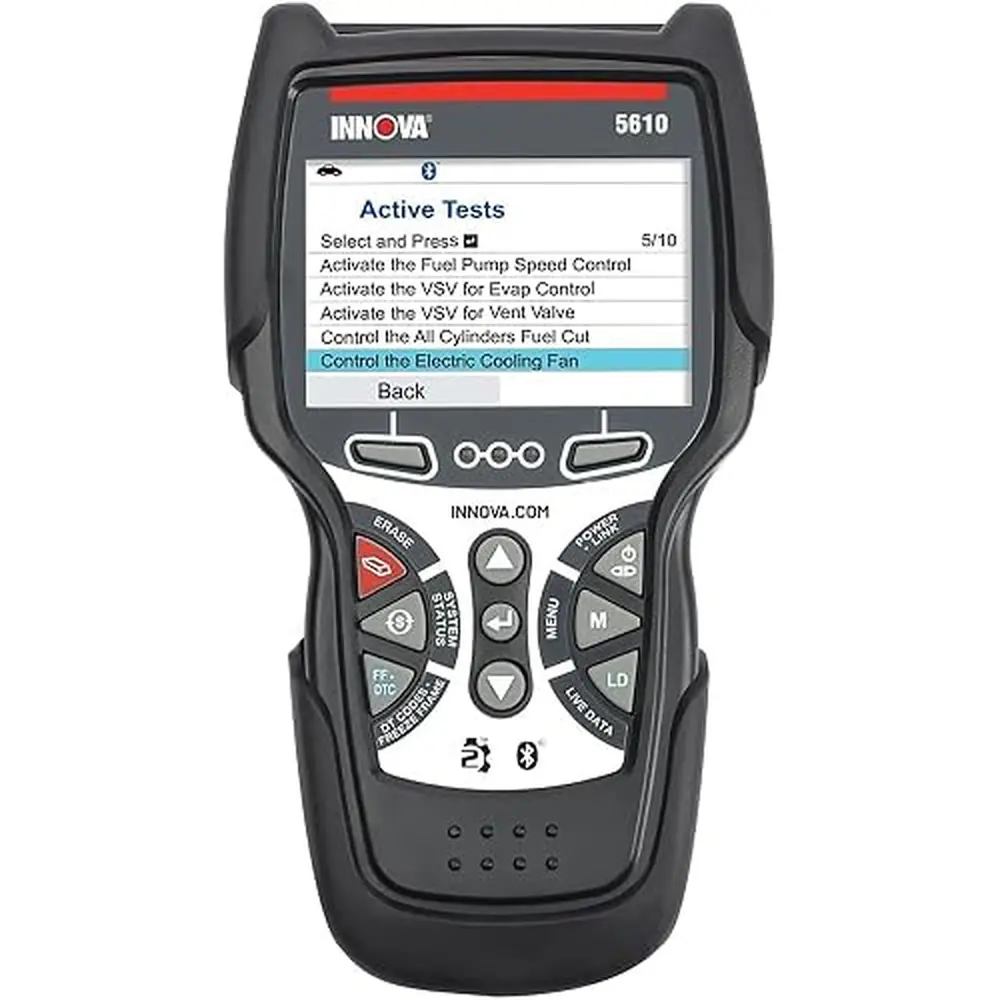
Innova 5610 OBD2 Scanner
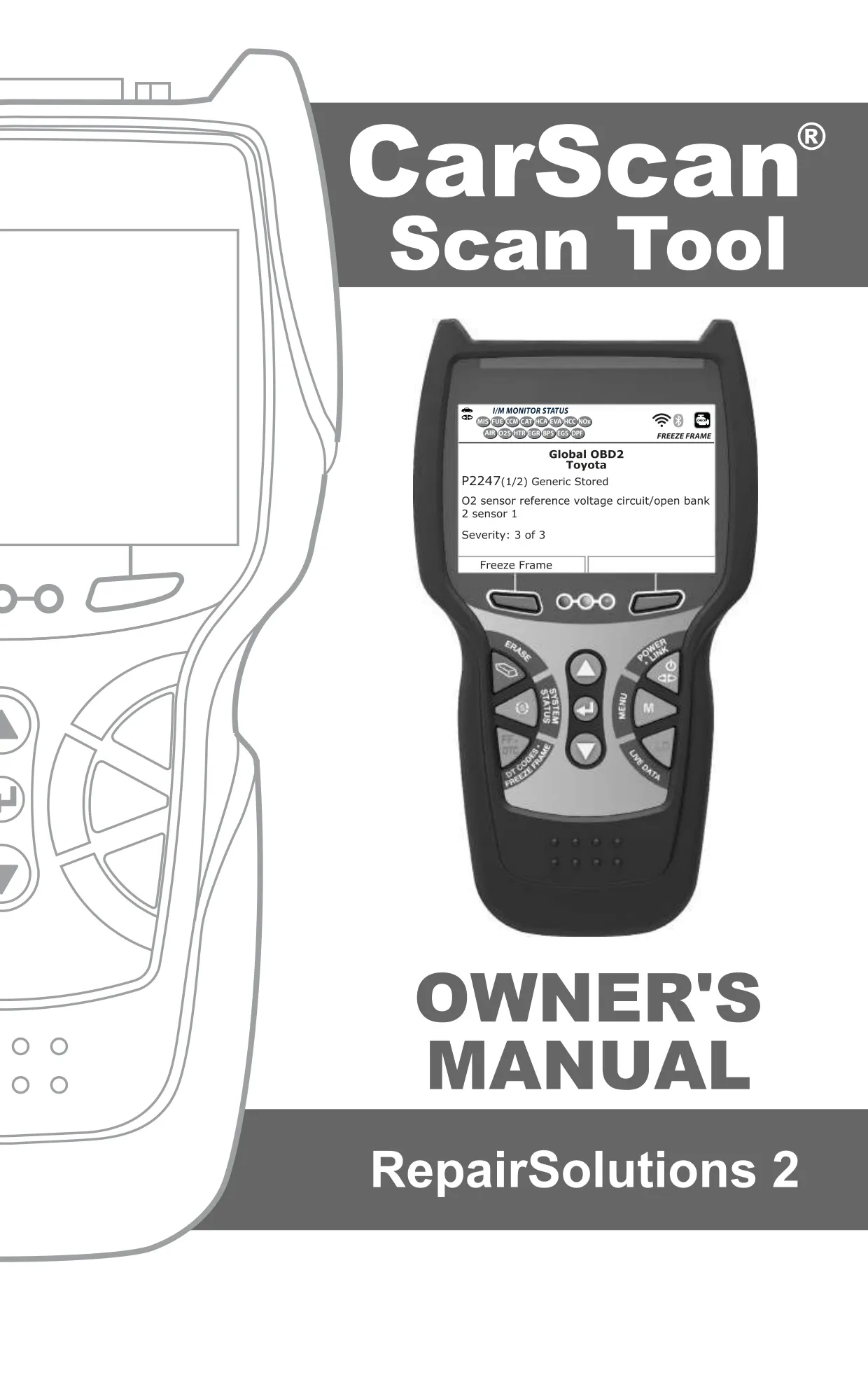
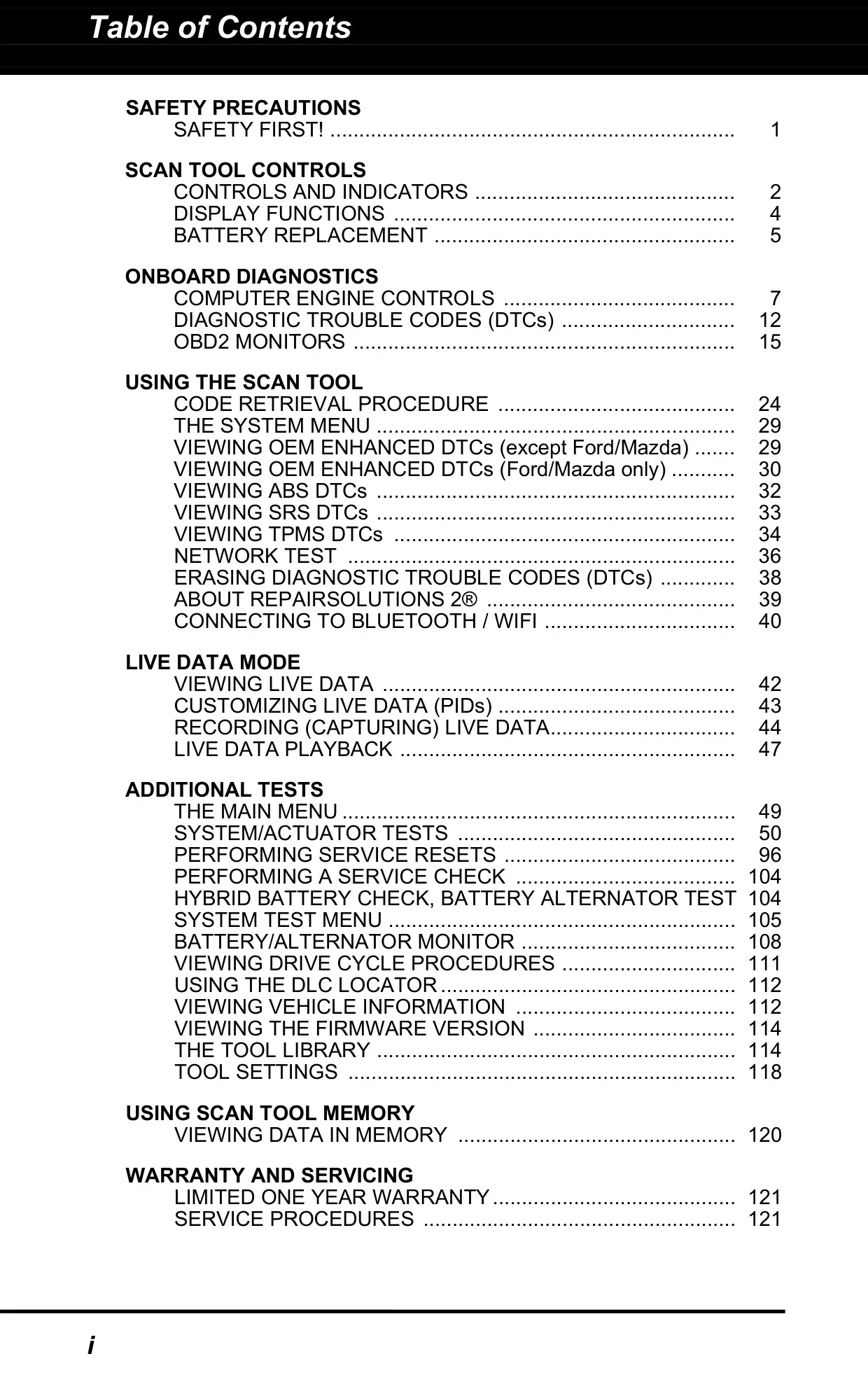
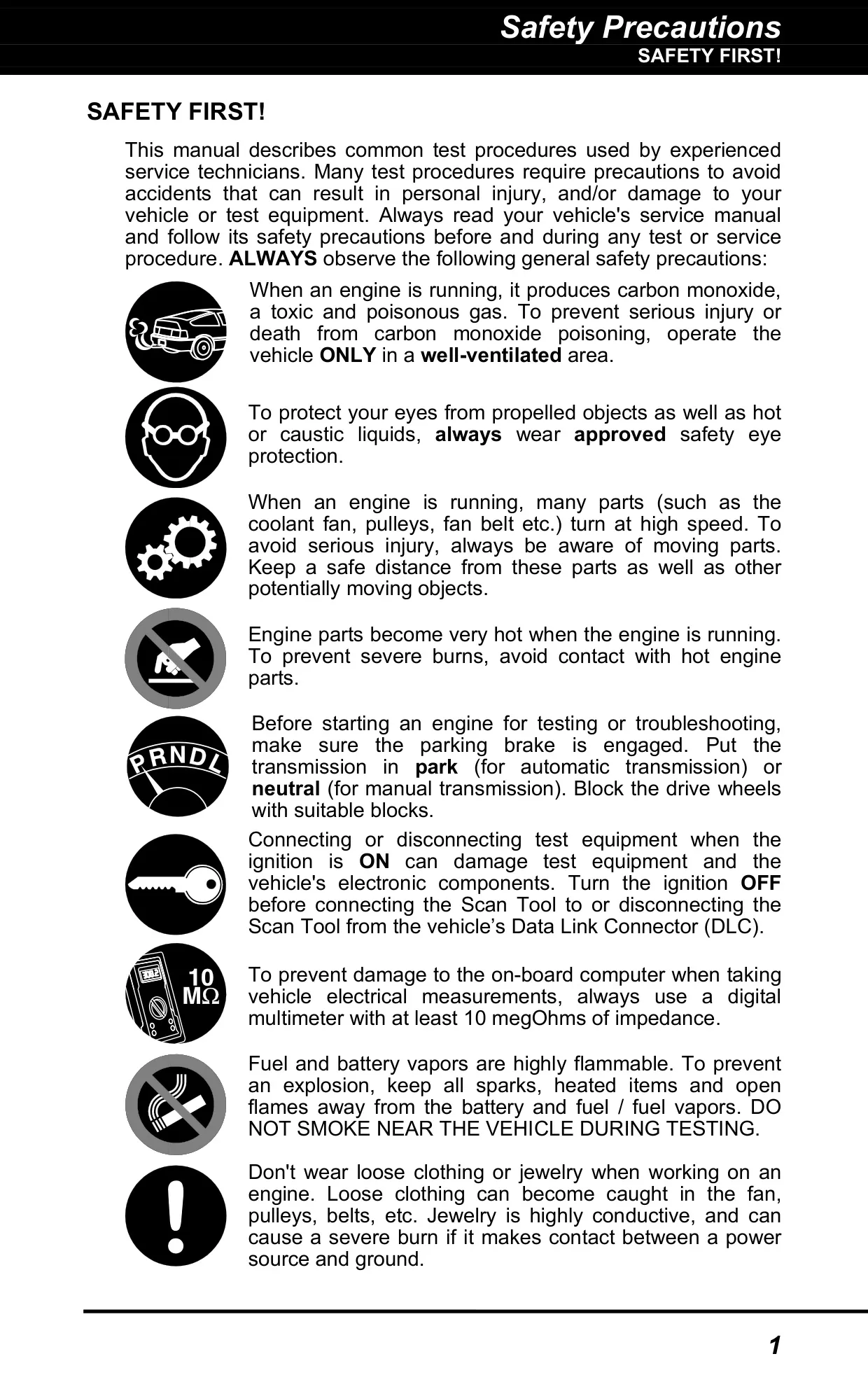


































Innova 5610 OBD2 Scanner Instructions
Here we offer the Innova 5610 OBD2 Scanner manual completely free and in English. We have cataloged this manual in the OBD2 Scanners section on Manualverse, and it has been rated by 1 users with an average rating of 5. If you have any specific questions about Innova 5610 OBD2 Scanner, we suggest checking the Frequently Asked Questions (FAQs) section of this manual.
Product Images
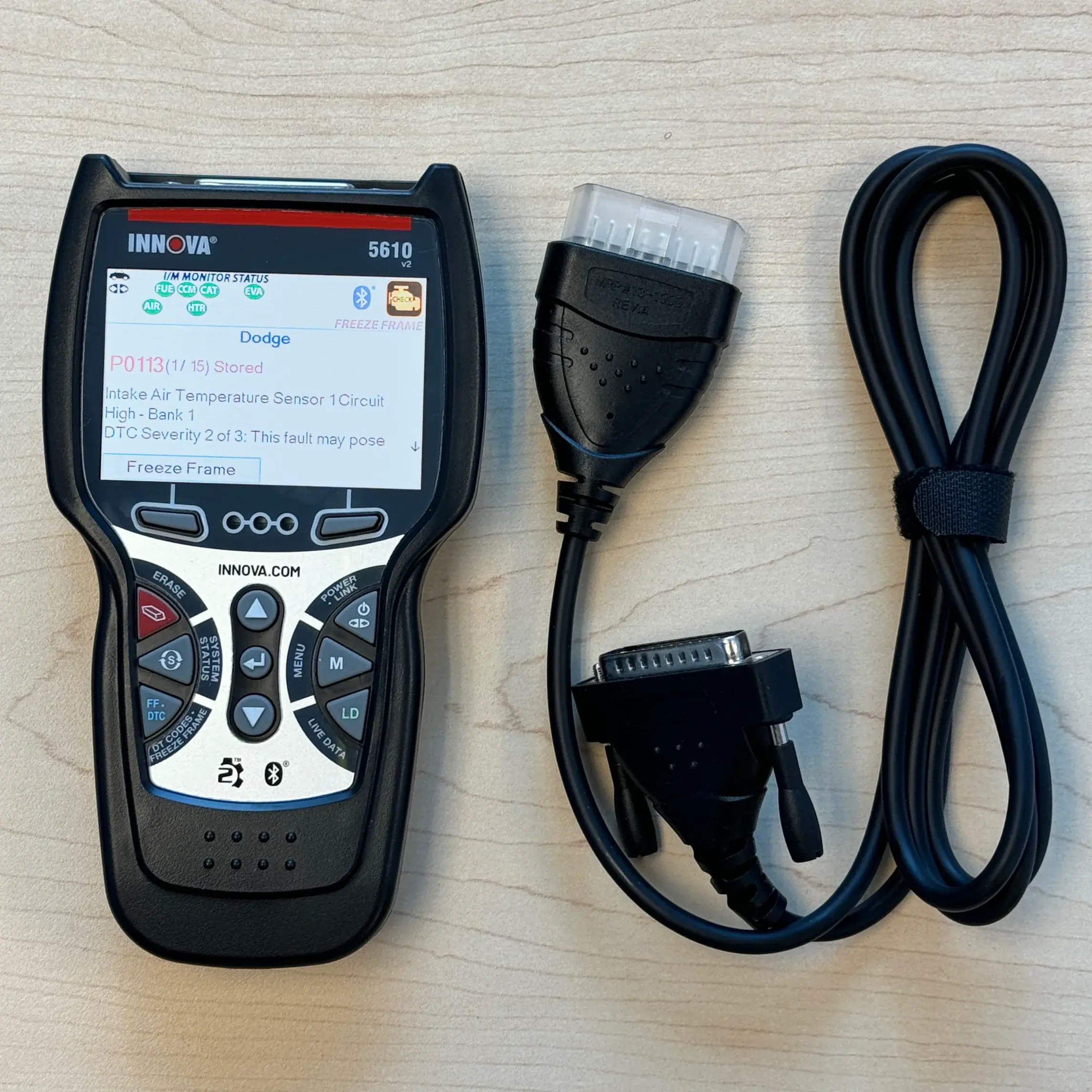
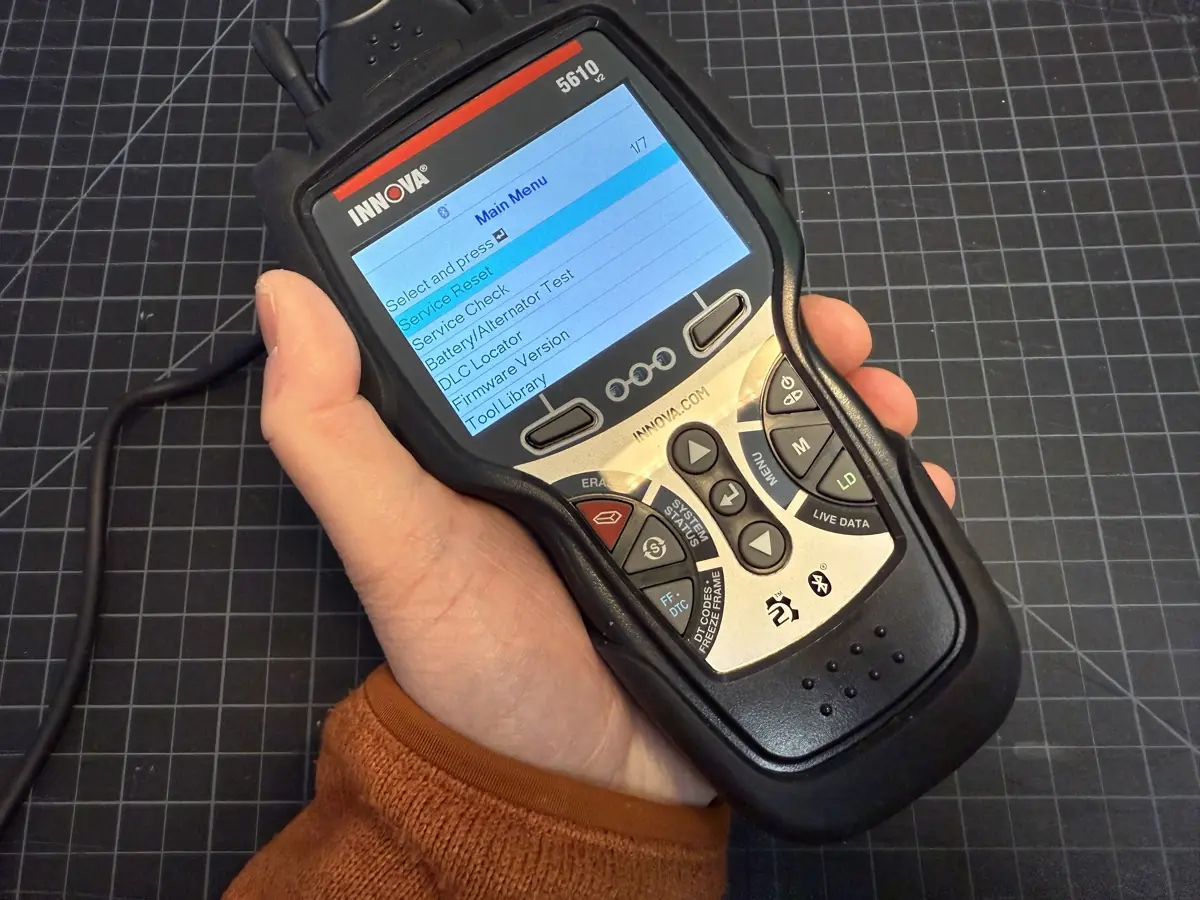
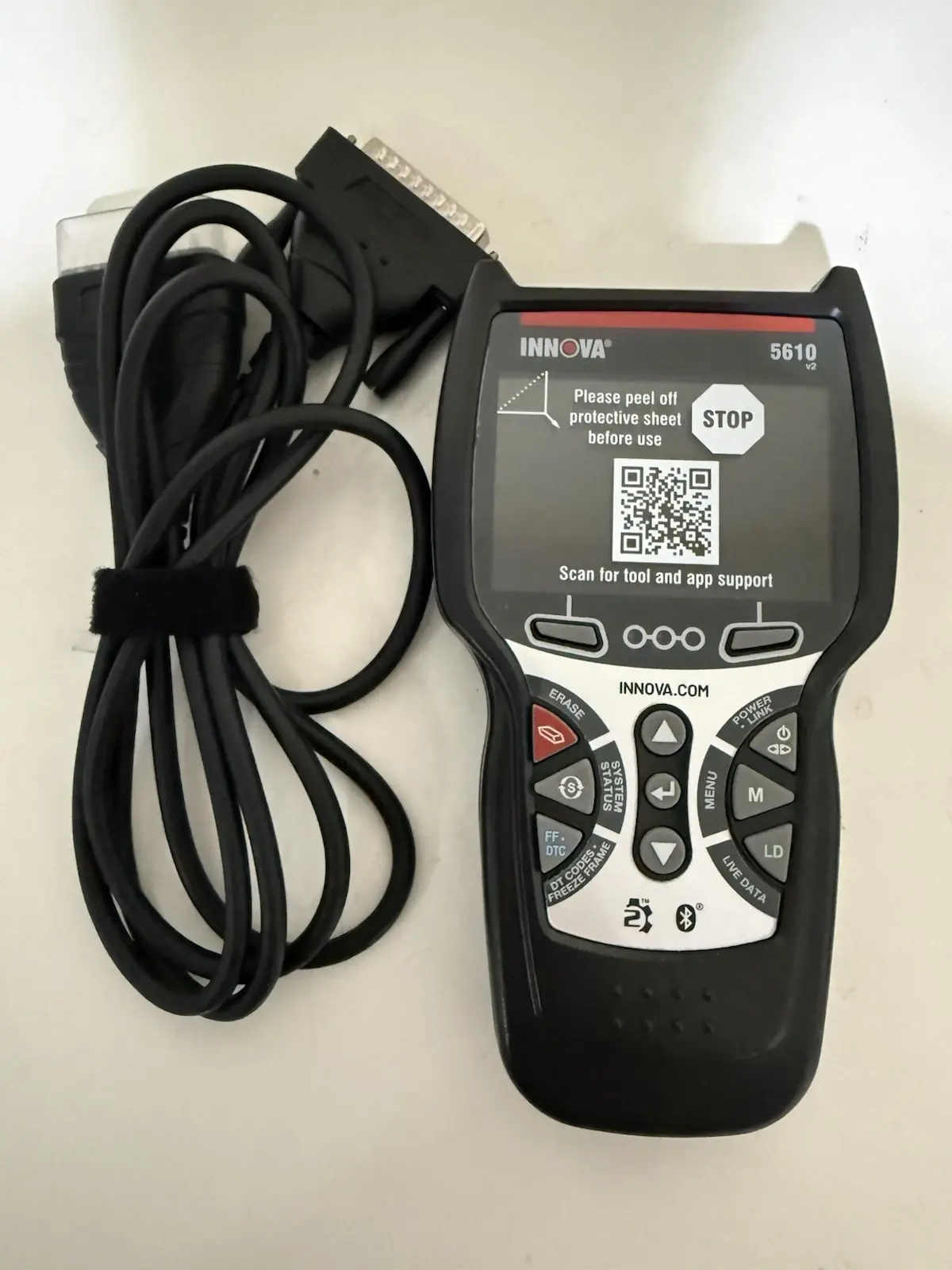
Innova 5610 OBD2 Scanner Specifications
| Feature | Specification |
|---|---|
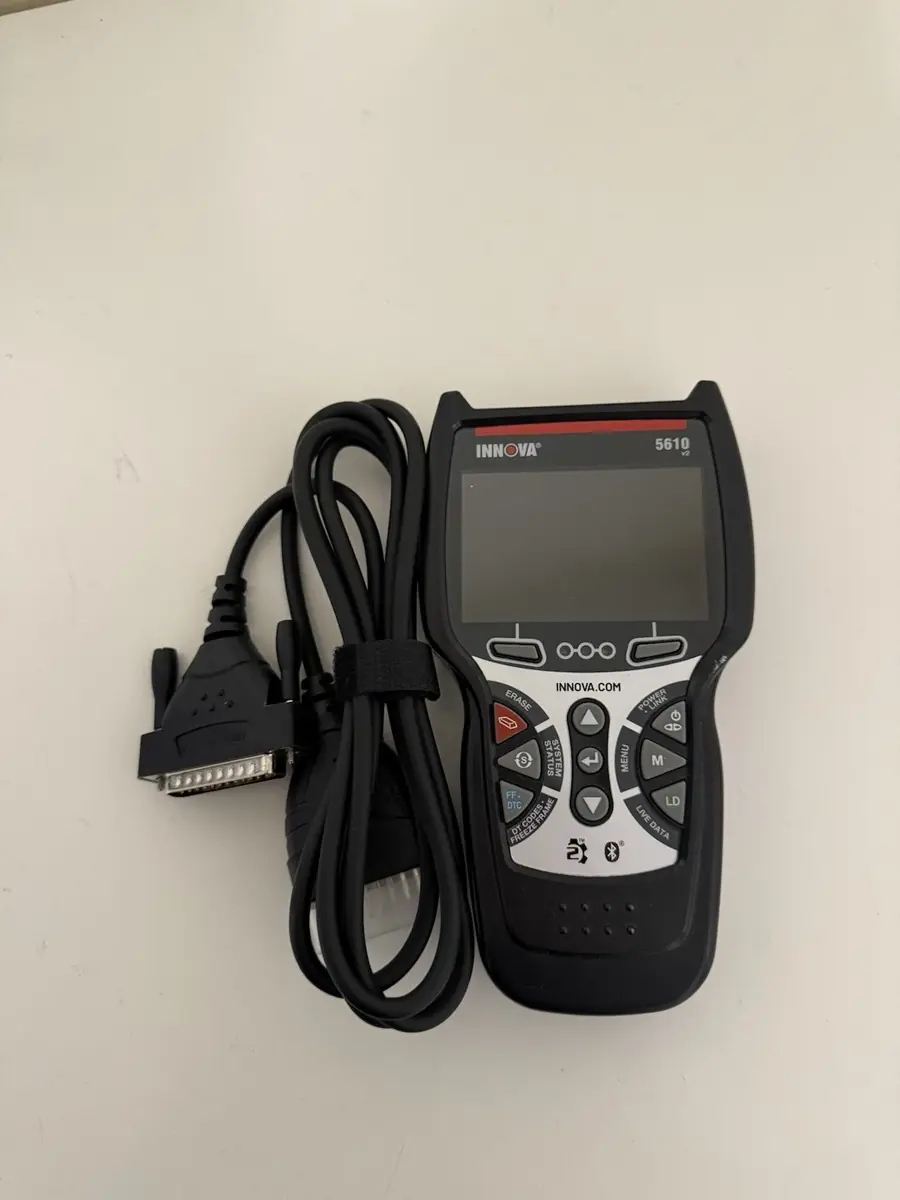
| Model | Innova 5610 CarScan Scan Tool |
| Manufacturer | Innova Electronics Corp., 17352 Von Karman Ave., Irvine, CA 92614 |
| Display | Color LCD |
| Vehicle Connector | 16-pin OBD2 Data Link Connector (DLC), keyed cable |
| Supported Protocols | ISO 9141, Keyword 2000, J1850 PWM, J1850 VPW, CAN |
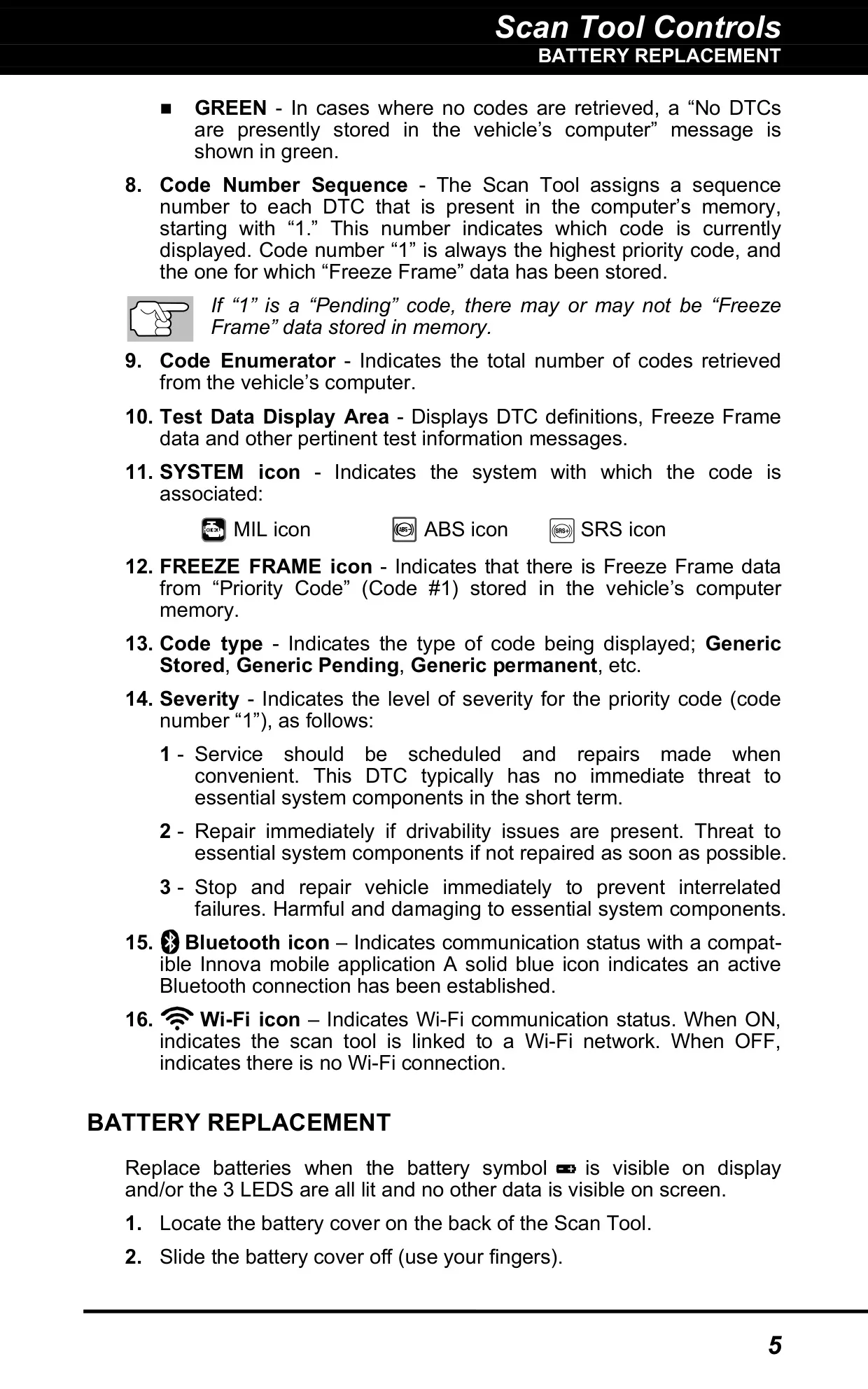
| Internal Power | 3 x AA batteries (alkaline recommended) |
| External Power | Vehicle DLC (turns on automatically when connected) |
| Power On/Off | Press and hold POWER/LINK for 3 seconds |
| Auto Shut-Off | About 3 minutes after being disconnected from the vehicle |
| Code Retrieval Time | About 10 to 60 seconds |
| DTC Storage Capacity | Up to 32 codes |
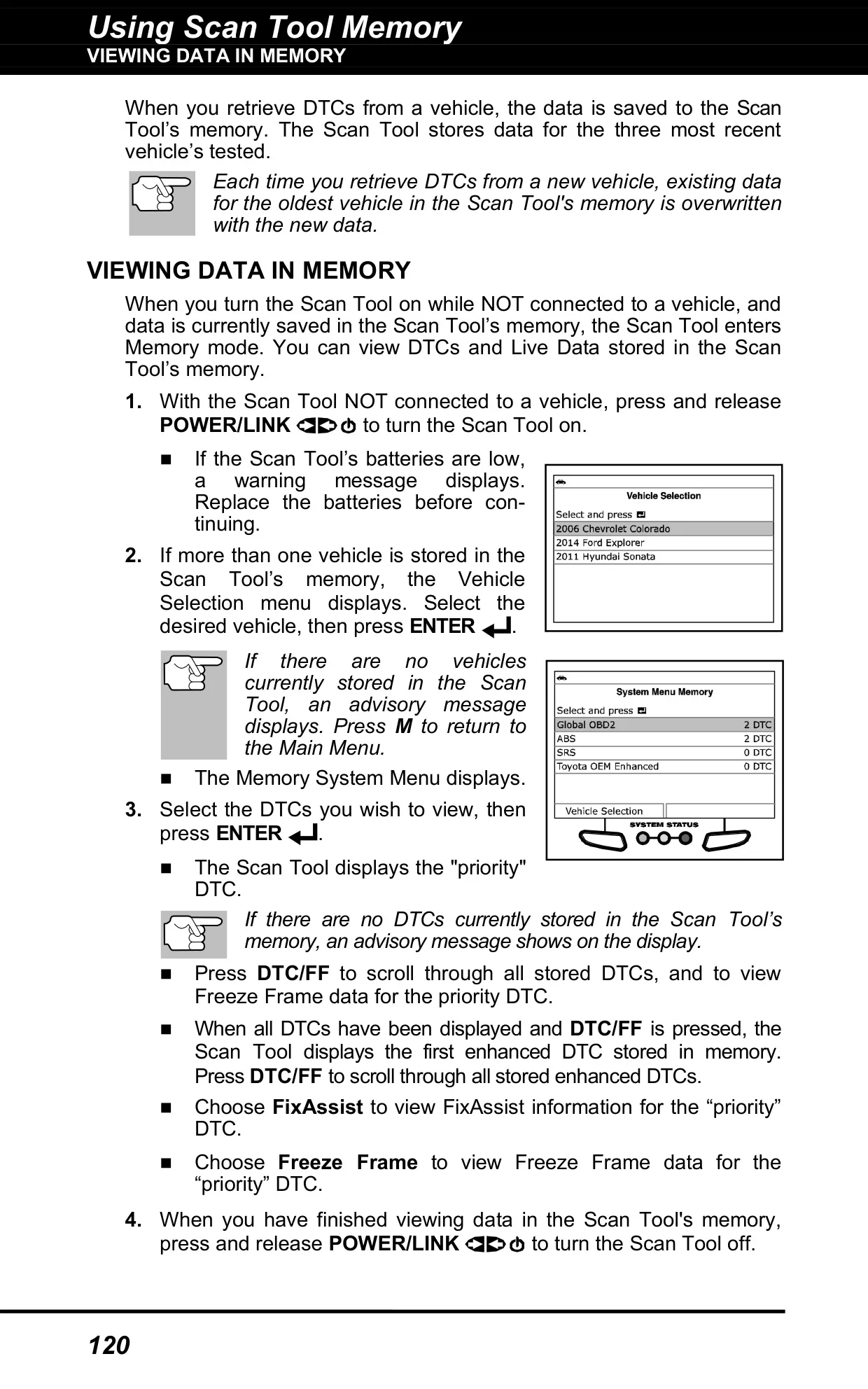
| Vehicle Memory | Data from the 3 most recently tested vehicles |
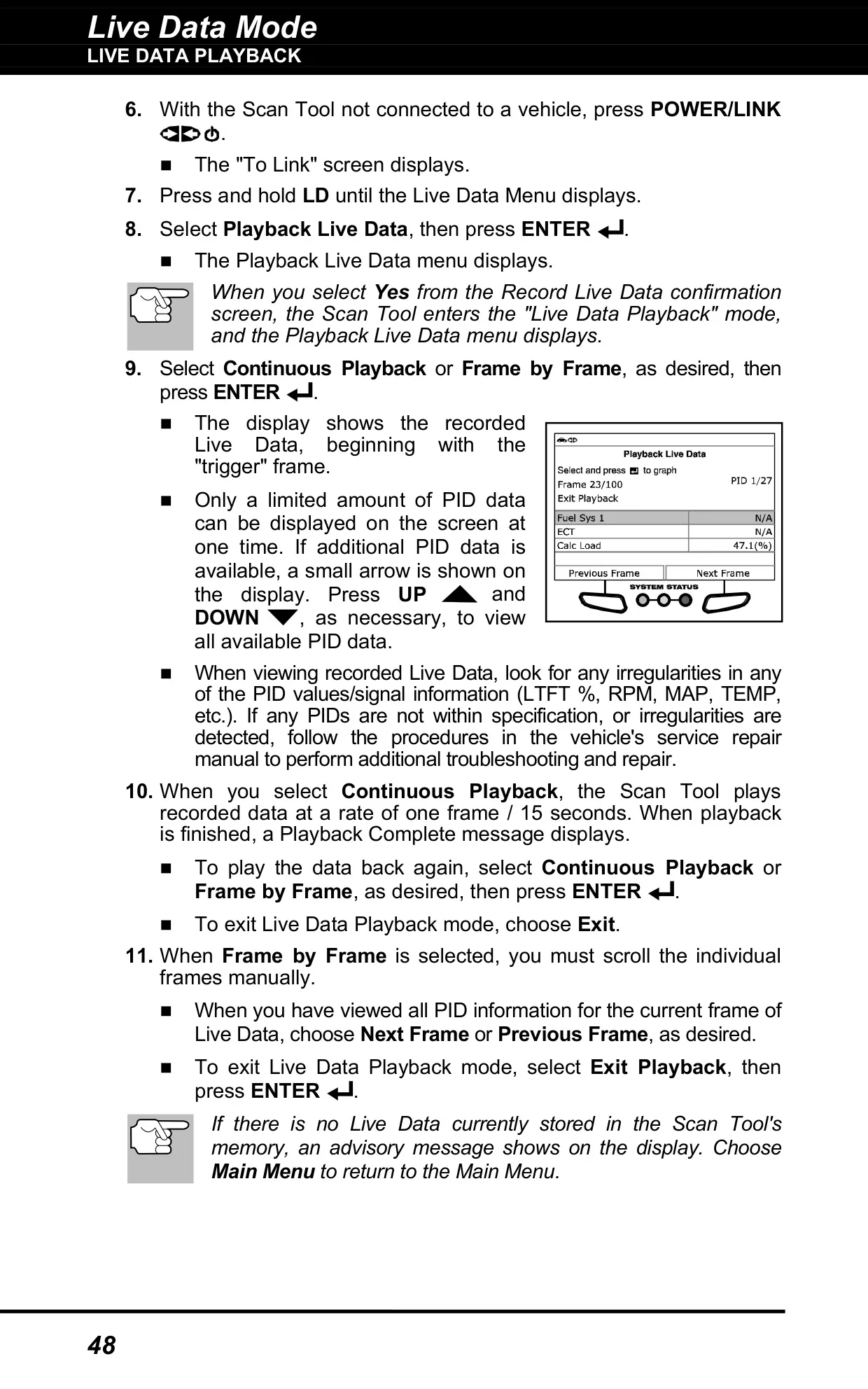
| Live Data Recording | About 100 frames (DTC trigger or manual trigger) |
| Continuous Playback Rate | 1 frame every 15 seconds |
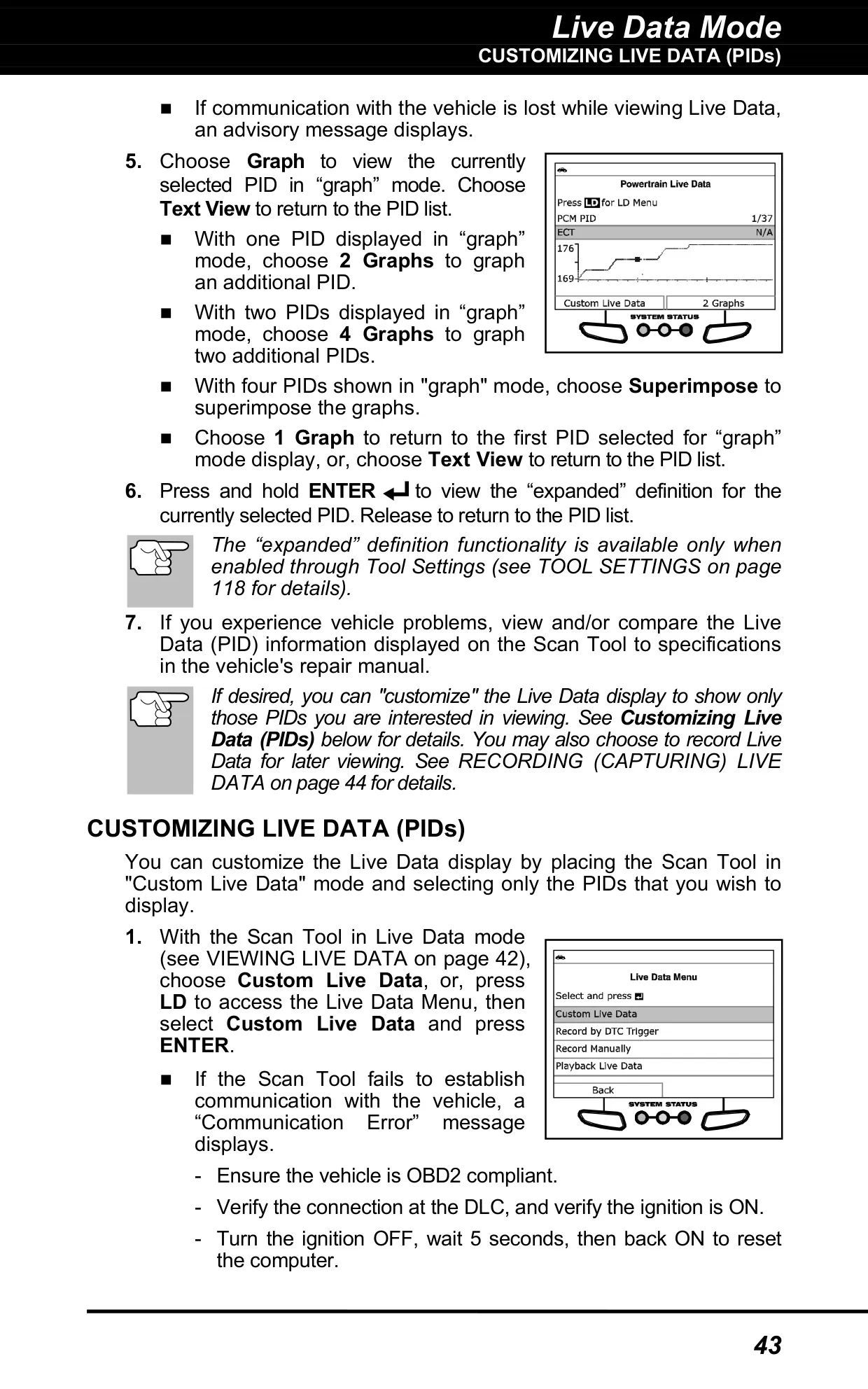
| Live Data Graphing | 1, 2 or 4 graphs, plus superimpose mode |
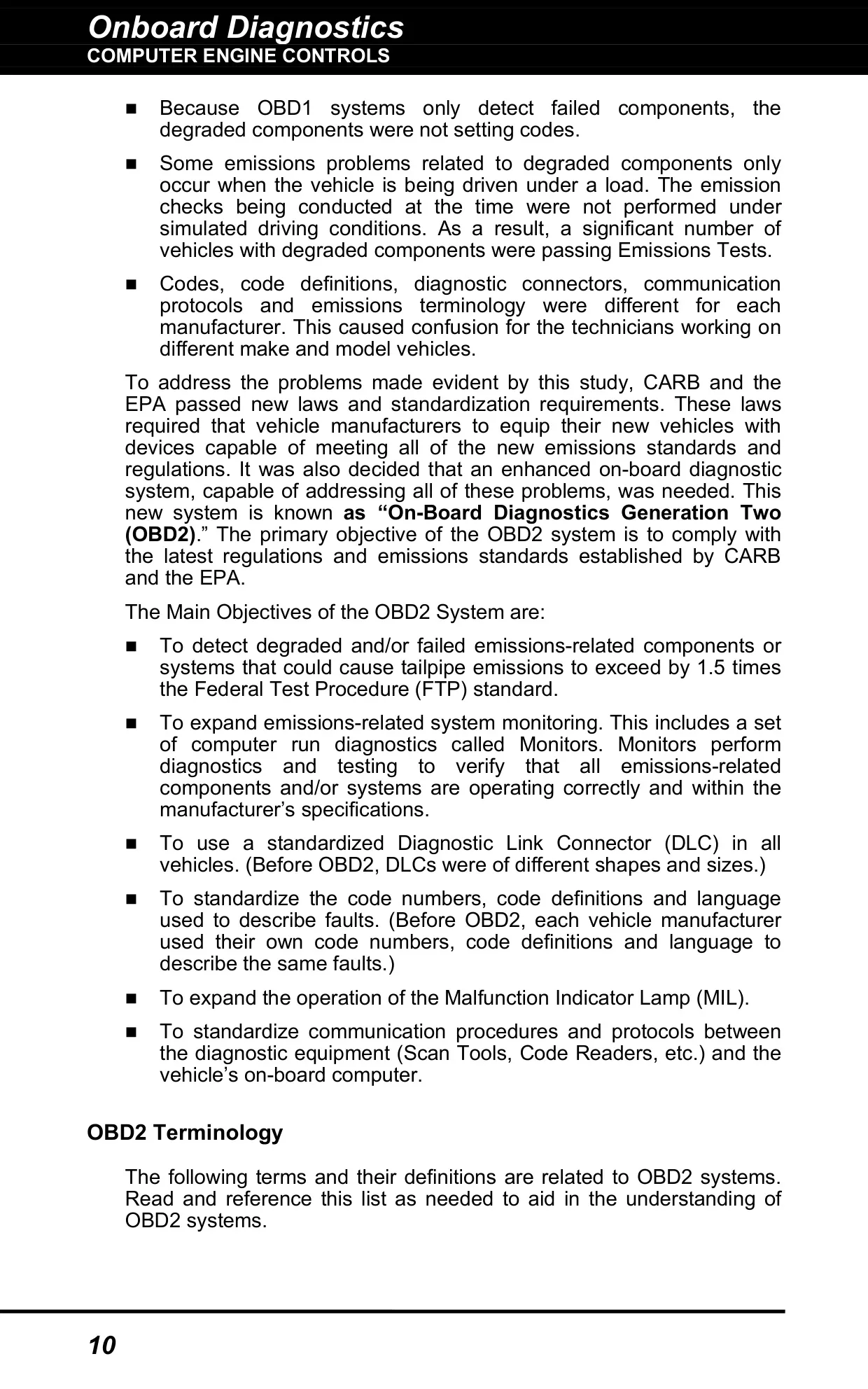
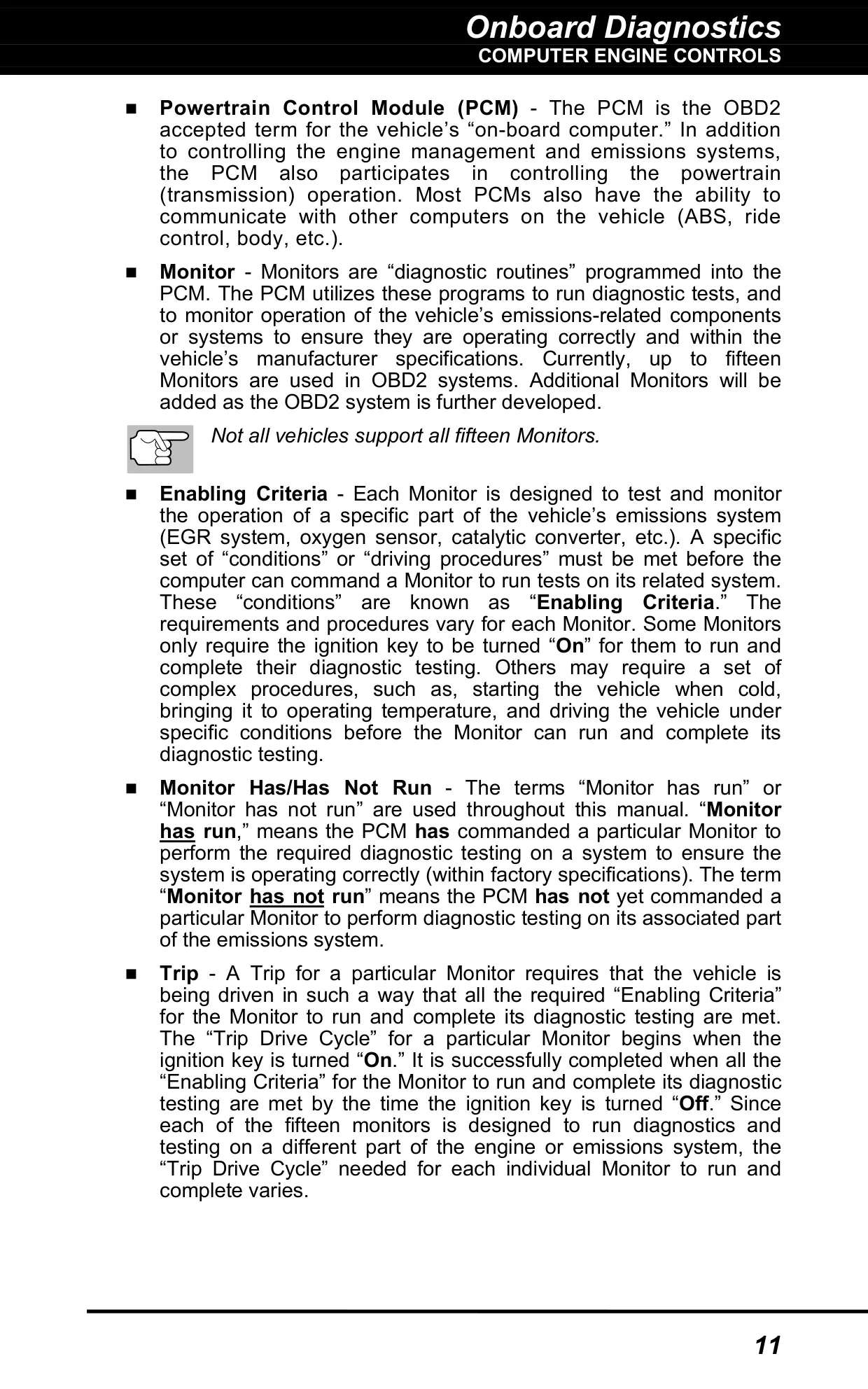
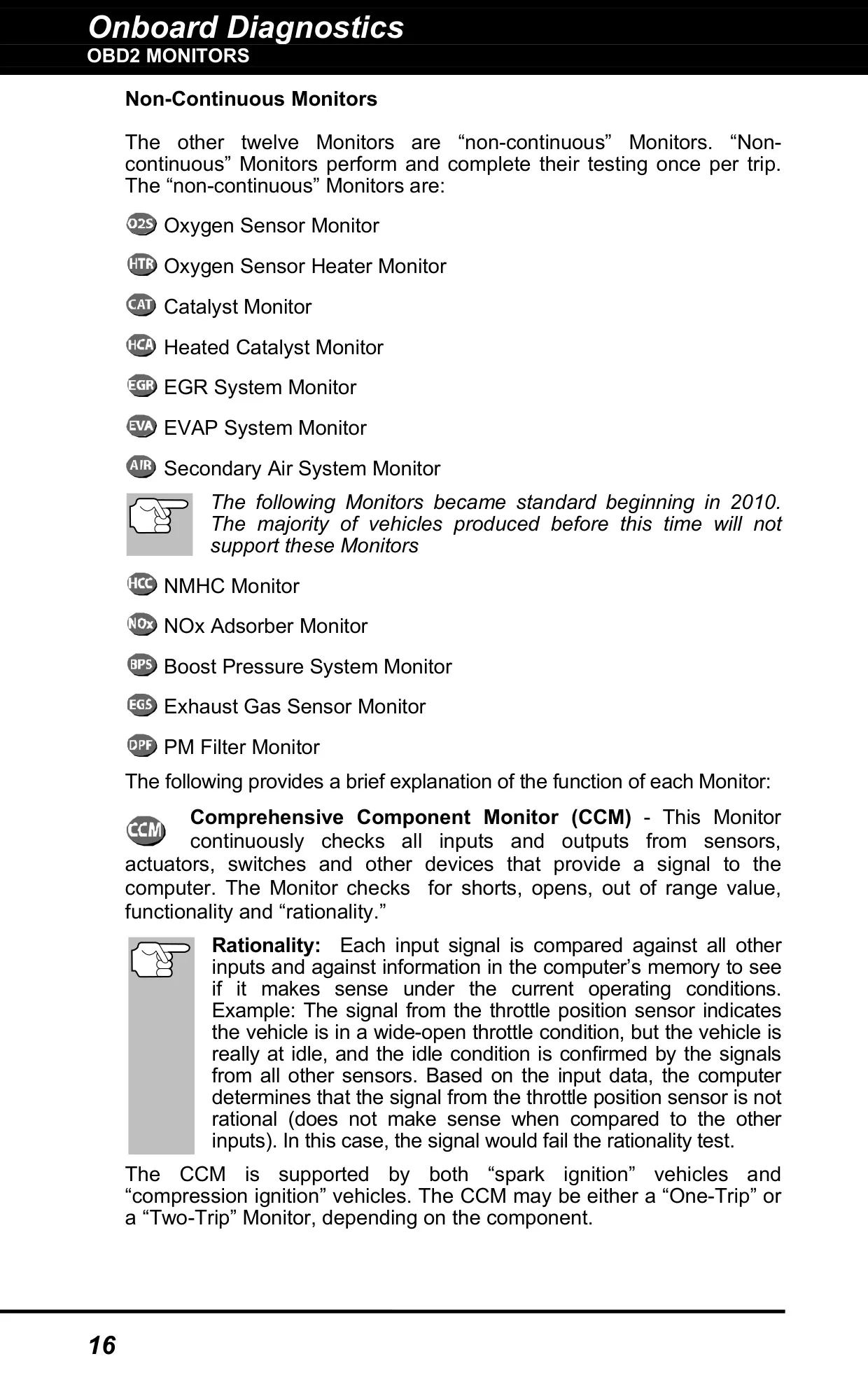
| OBD2 Monitors Supported | Up to 15 (3 continuous, 12 non-continuous) |
| System Status LEDs | Green, Yellow, Red |
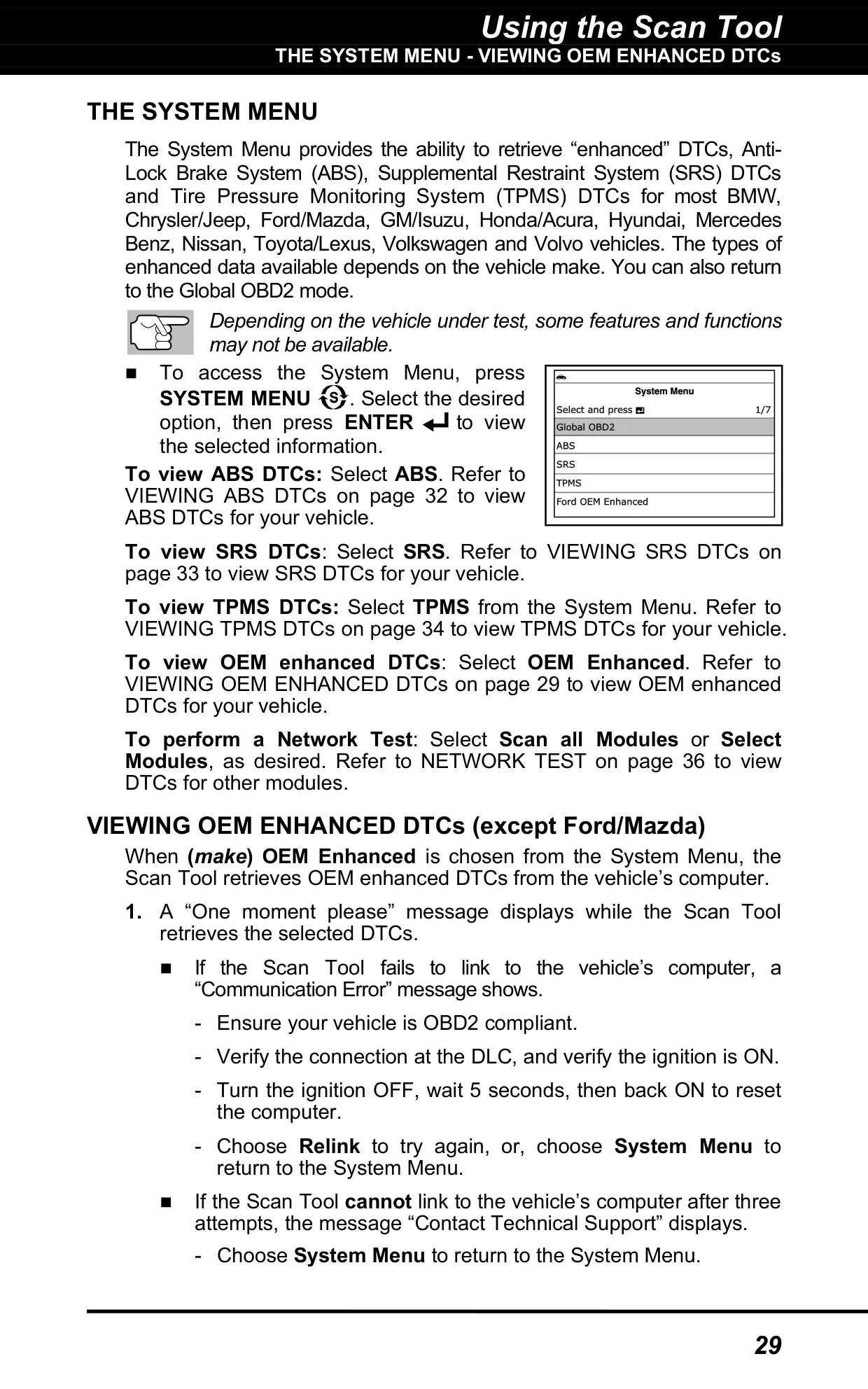
| Enhanced Systems | OEM Enhanced, ABS, SRS and TPMS DTCs, plus Network Test (Scan All Modules / Select Modules) |
| Enhanced Makes Covered | BMW, Chrysler/Jeep, Ford/Mazda, GM/Isuzu, Honda/Acura, Hyundai, Mercedes Benz, Nissan, Toyota/Lexus, Volkswagen, Volvo |
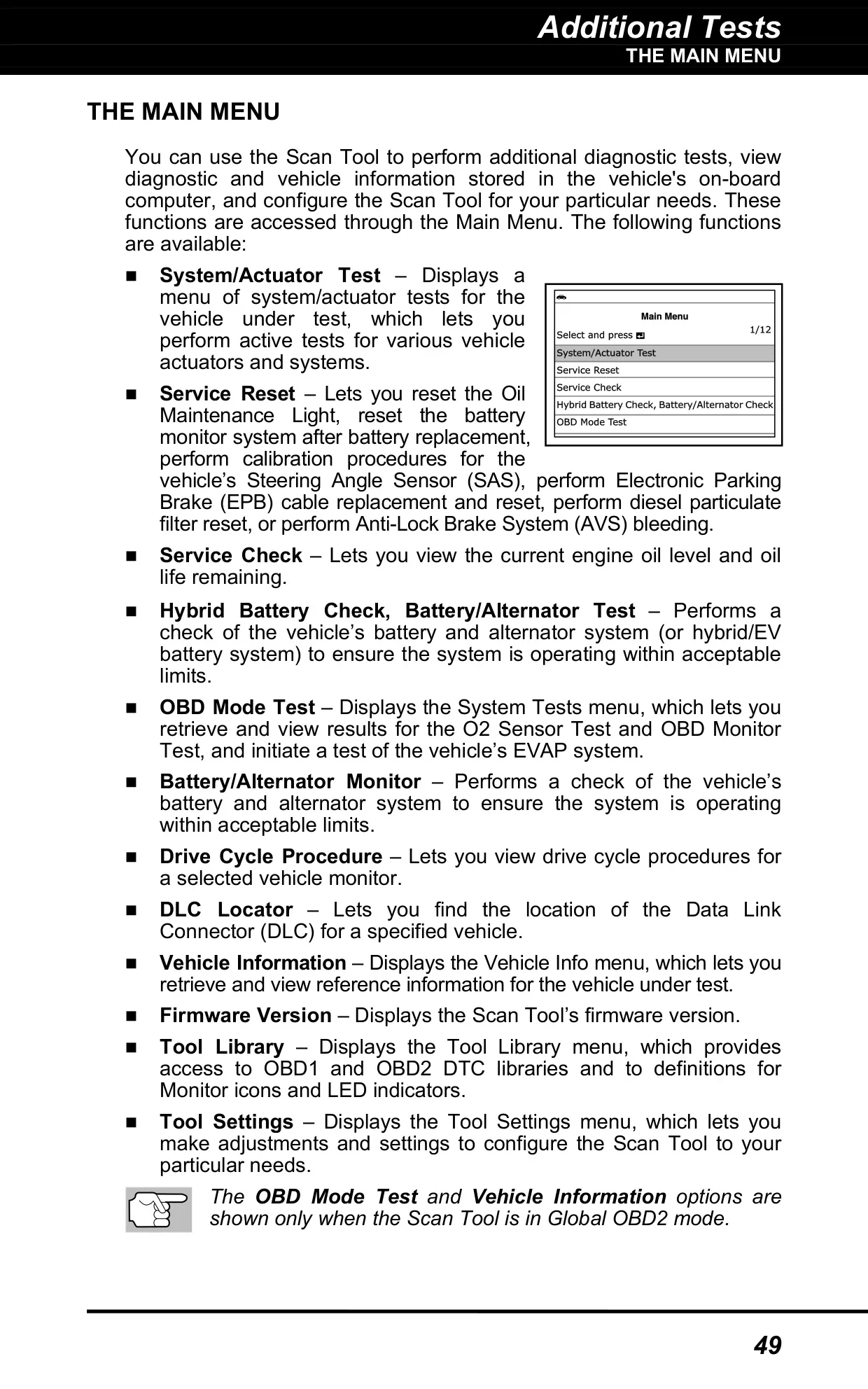
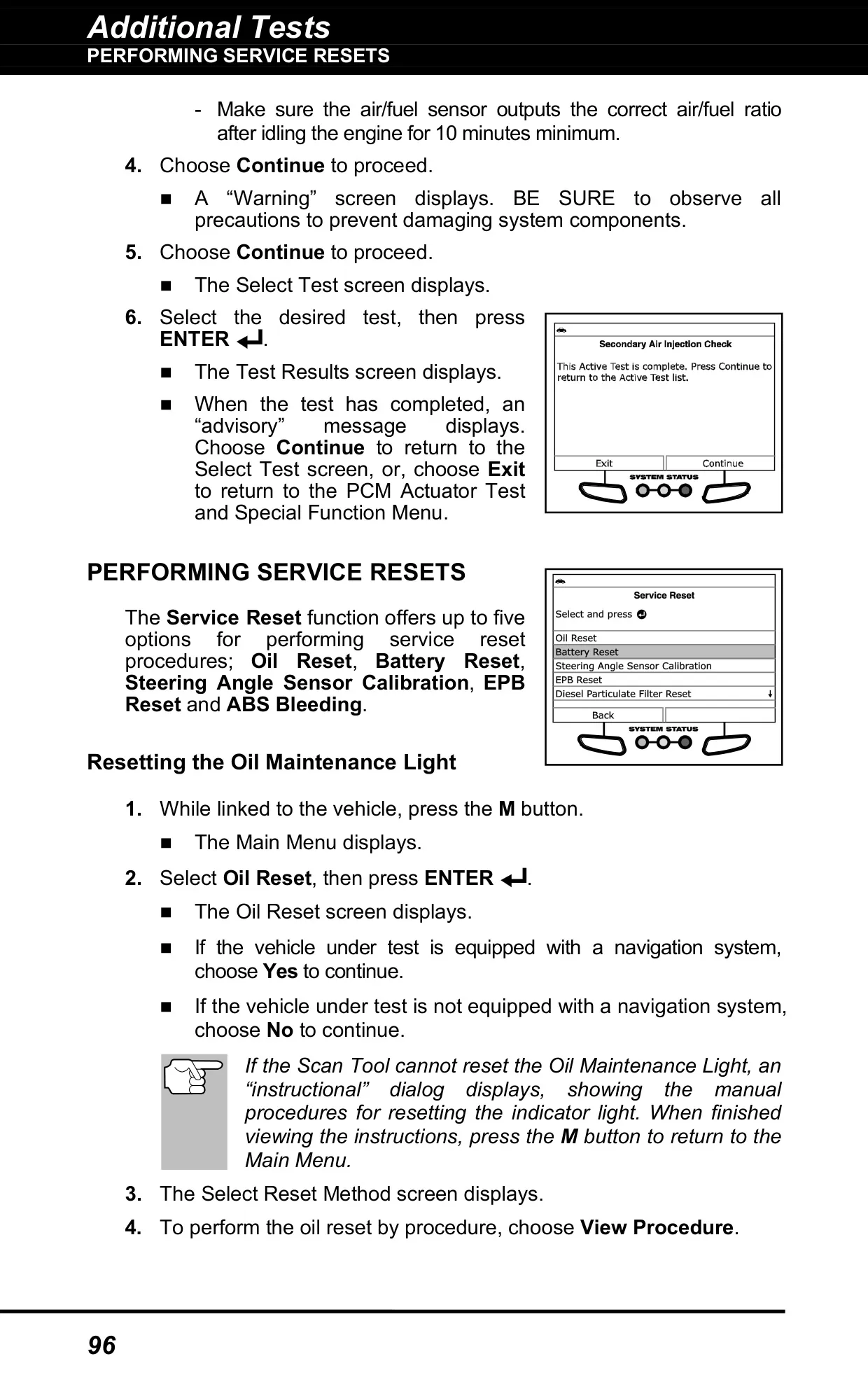
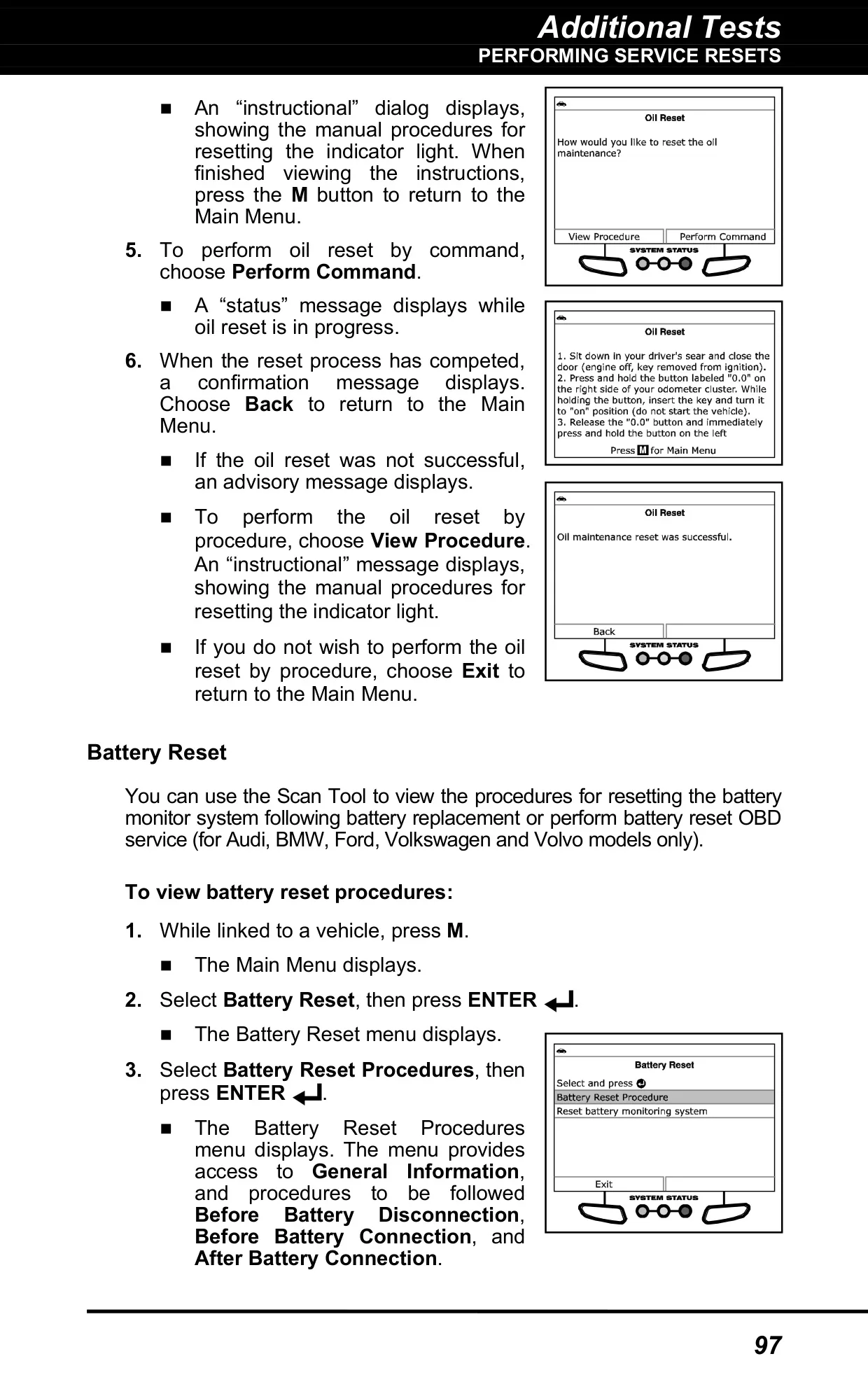
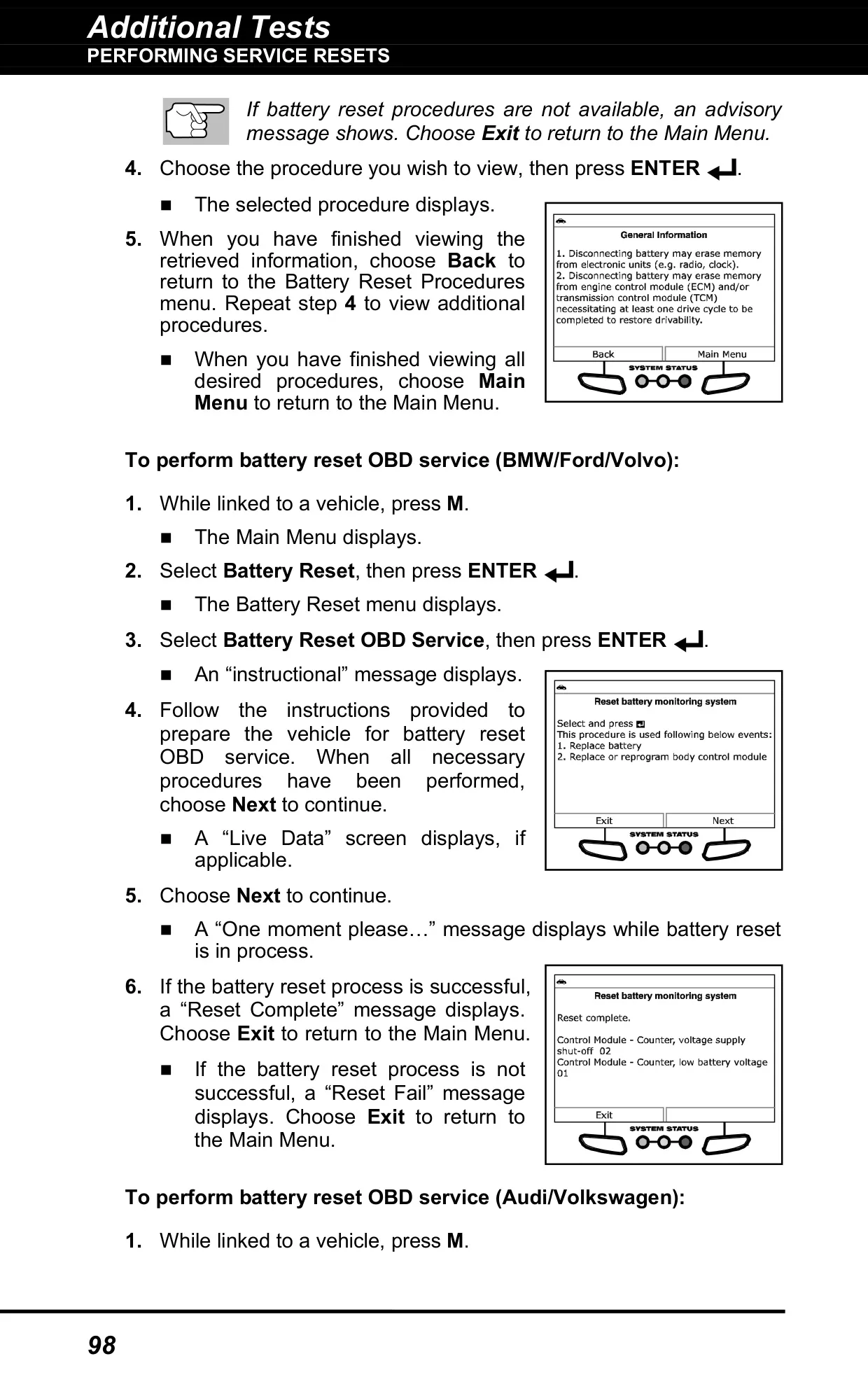
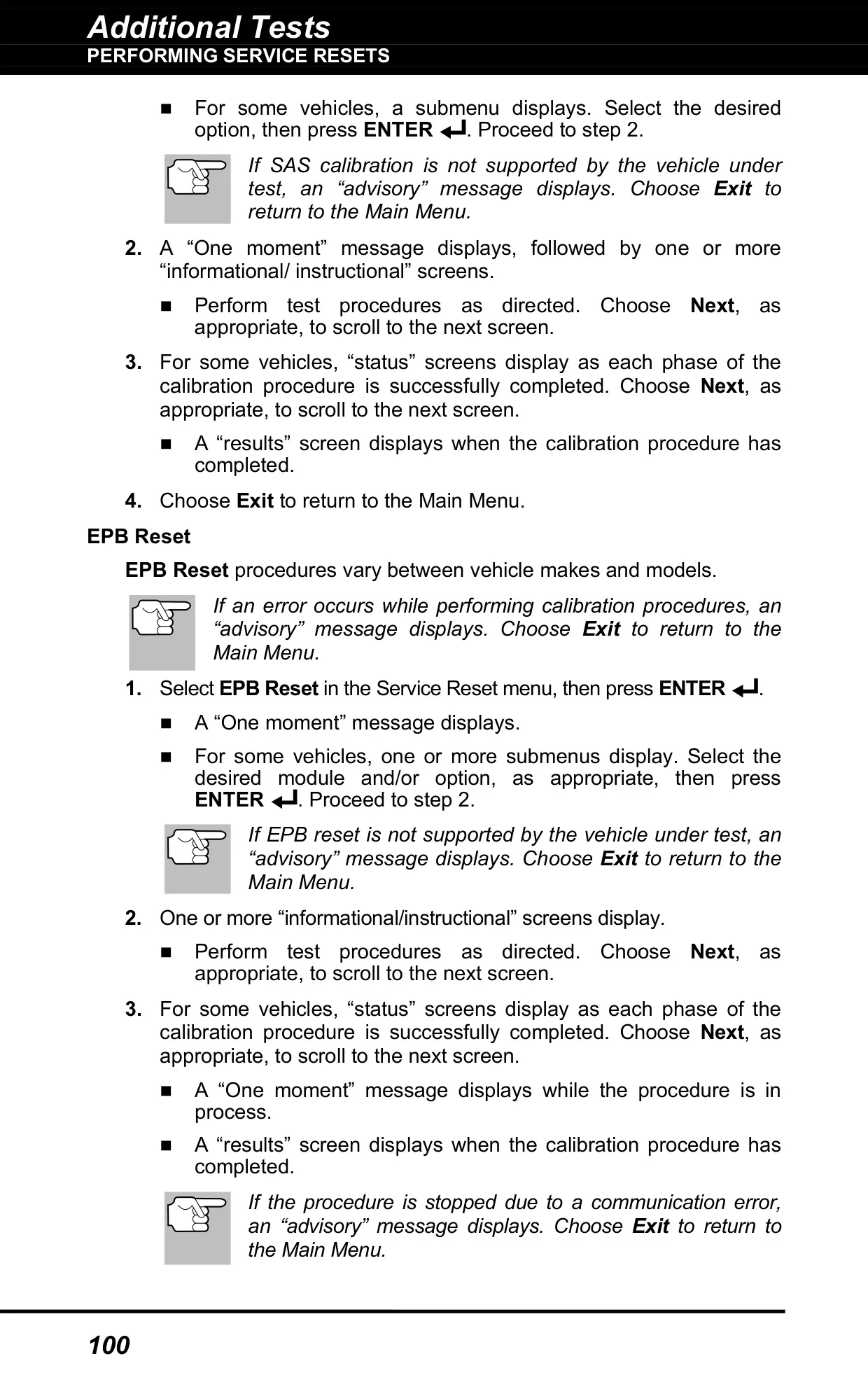
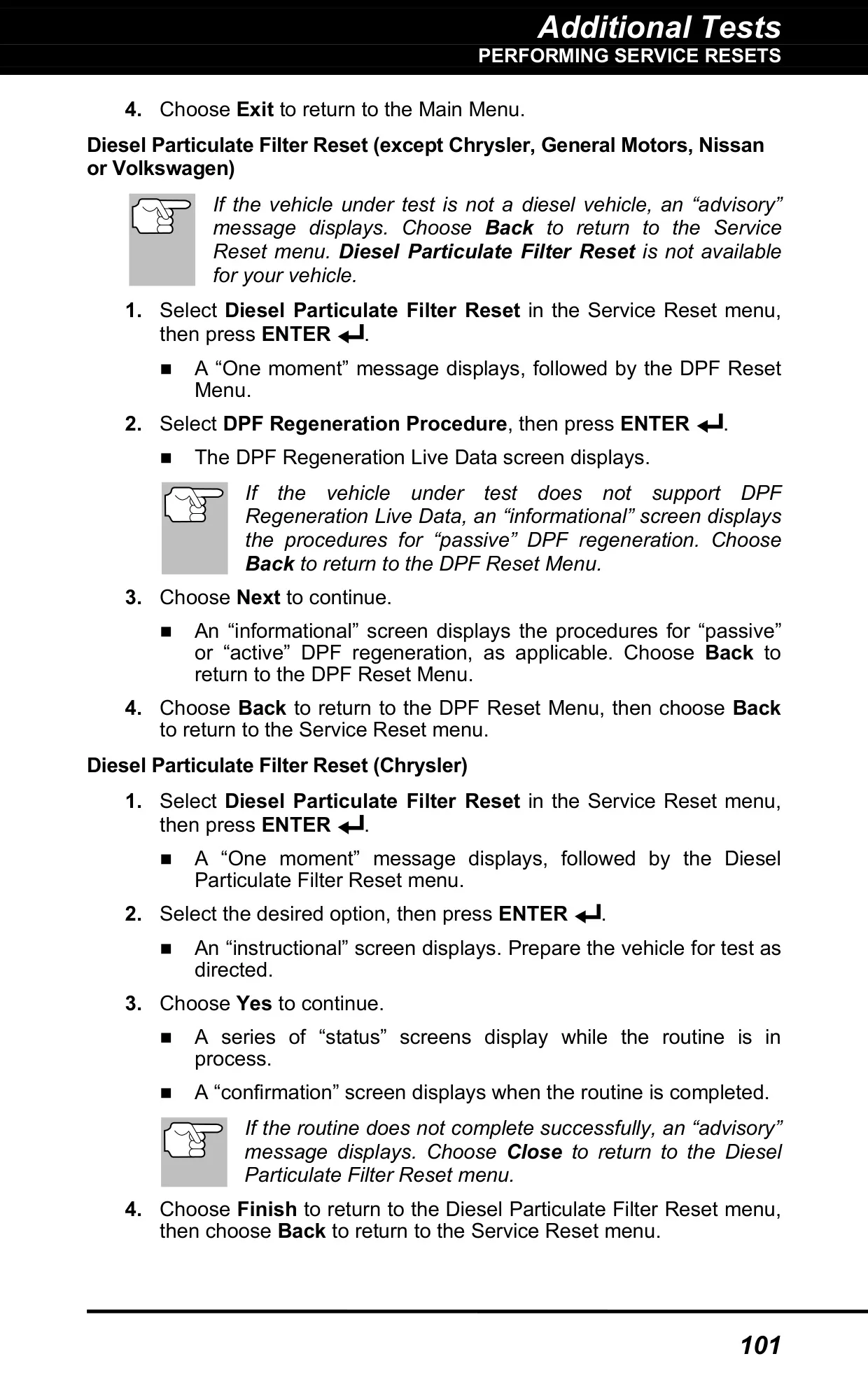
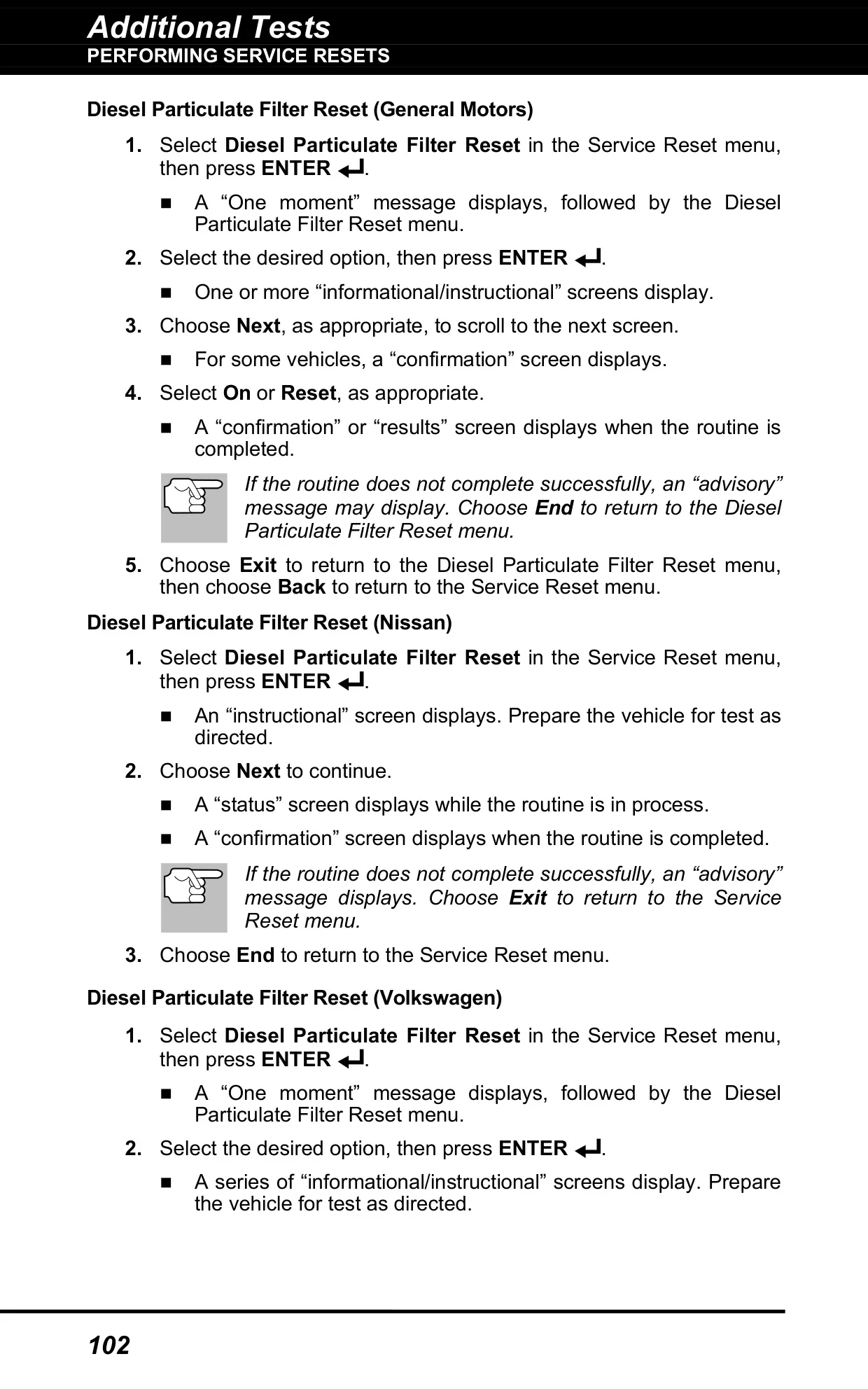
| Service Resets | Oil Reset, Battery Reset, Steering Angle Sensor Calibration, EPB Reset, Diesel Particulate Filter Reset, ABS Bleeding |
| Wireless Connectivity | Bluetooth and Wi-Fi (2.4 GHz networks only) |
| Companion App | RepairSolutions 2 (iOS and Android) |
| Display Languages | English, French, Spanish |
| Units of Measurement | Standard (USA) or Metric |
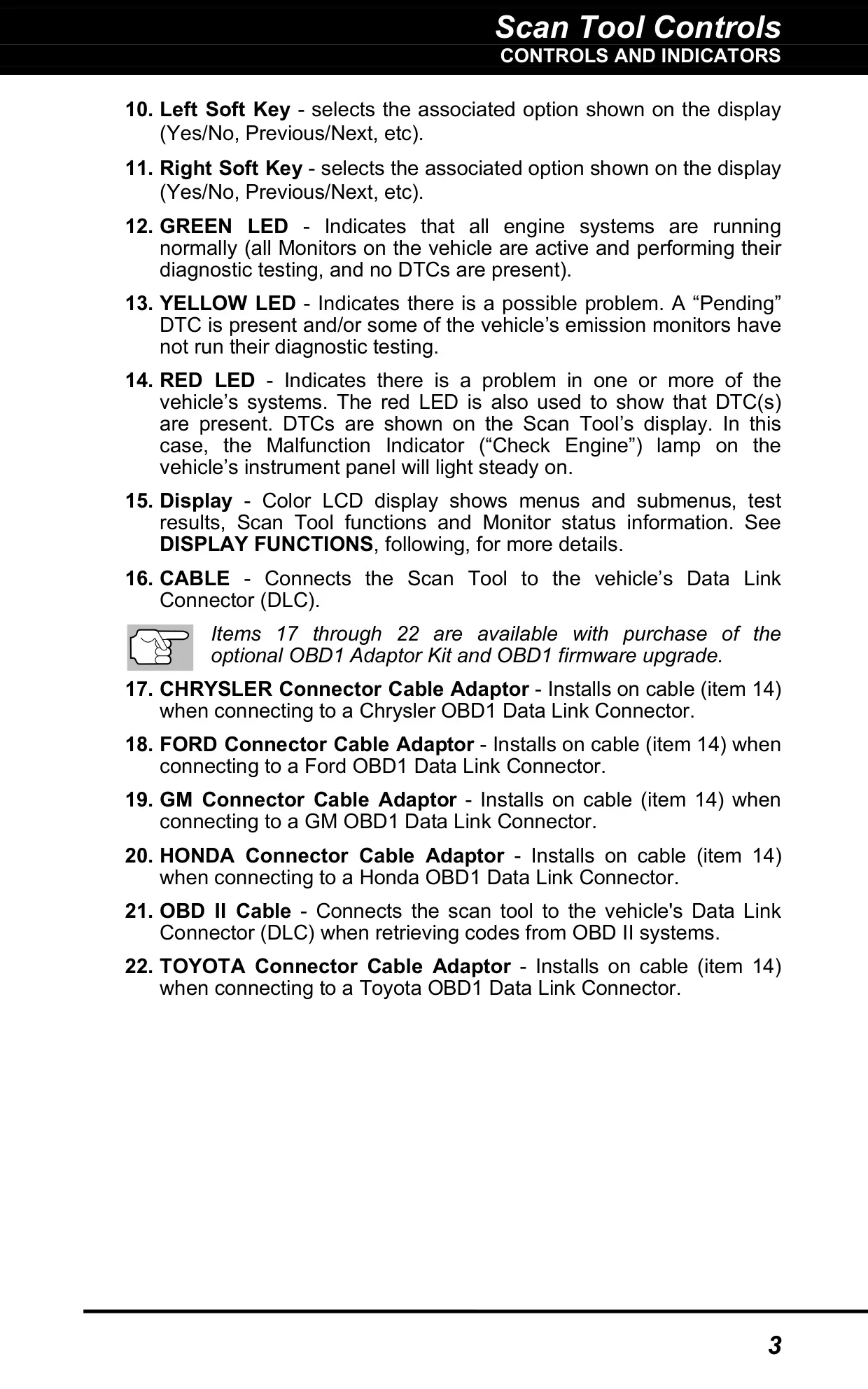
| OBD1 Support | Optional OBD1 Adaptor Kit and firmware upgrade (Chrysler, Ford, GM, Honda, Toyota adaptors) |
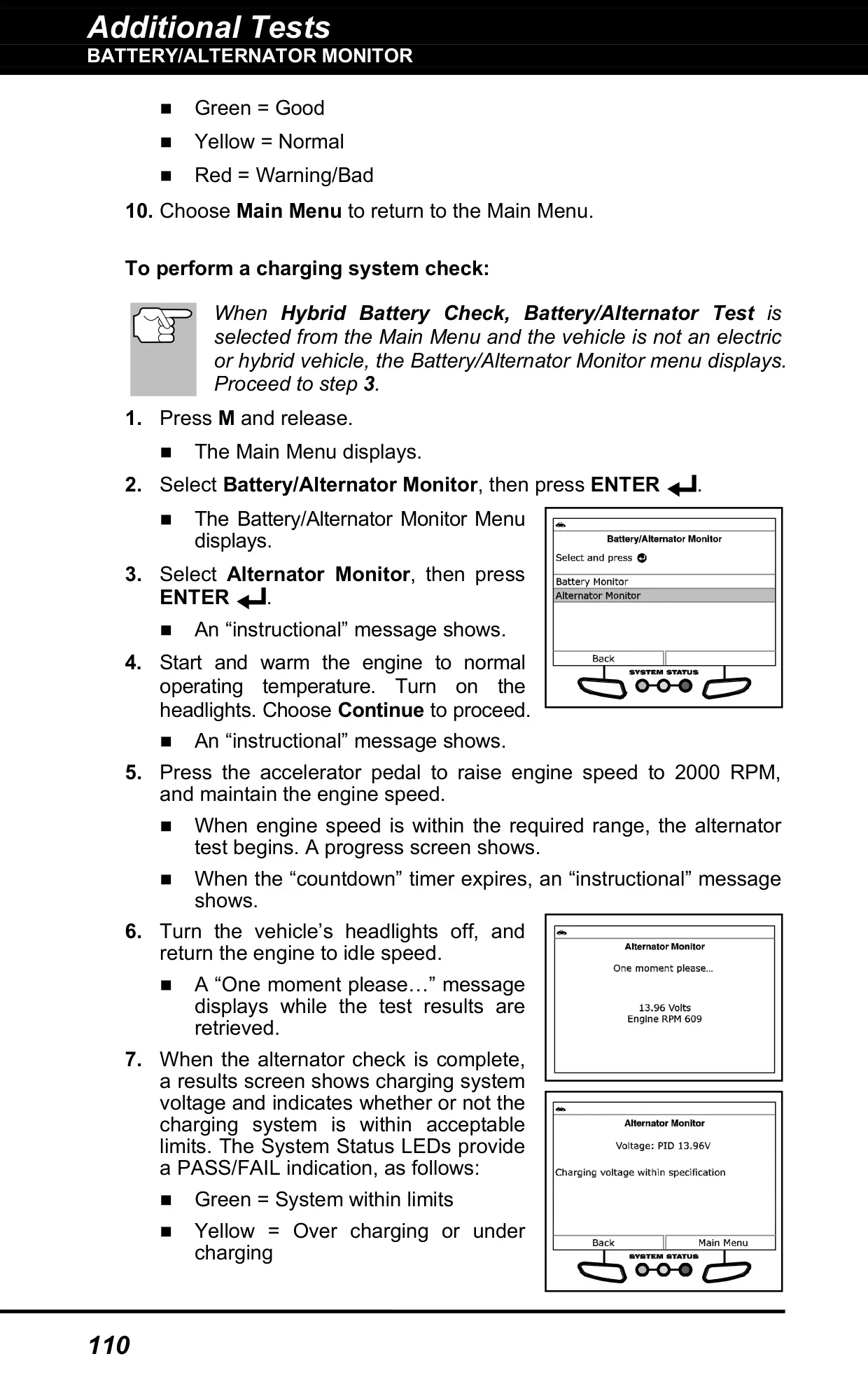
| Battery Test Threshold | 12.1 V minimum battery voltage |
| Alternator Test Engine Speed | 2000 RPM |
| Warranty | Limited one year |
| Technical Support | USA and Canada: (800) 544-4124; all others: (714) 241-6802 (6:00 AM to 6:00 PM PST, Monday through Saturday) |
Innova 5610 OBD2 Scanner Details
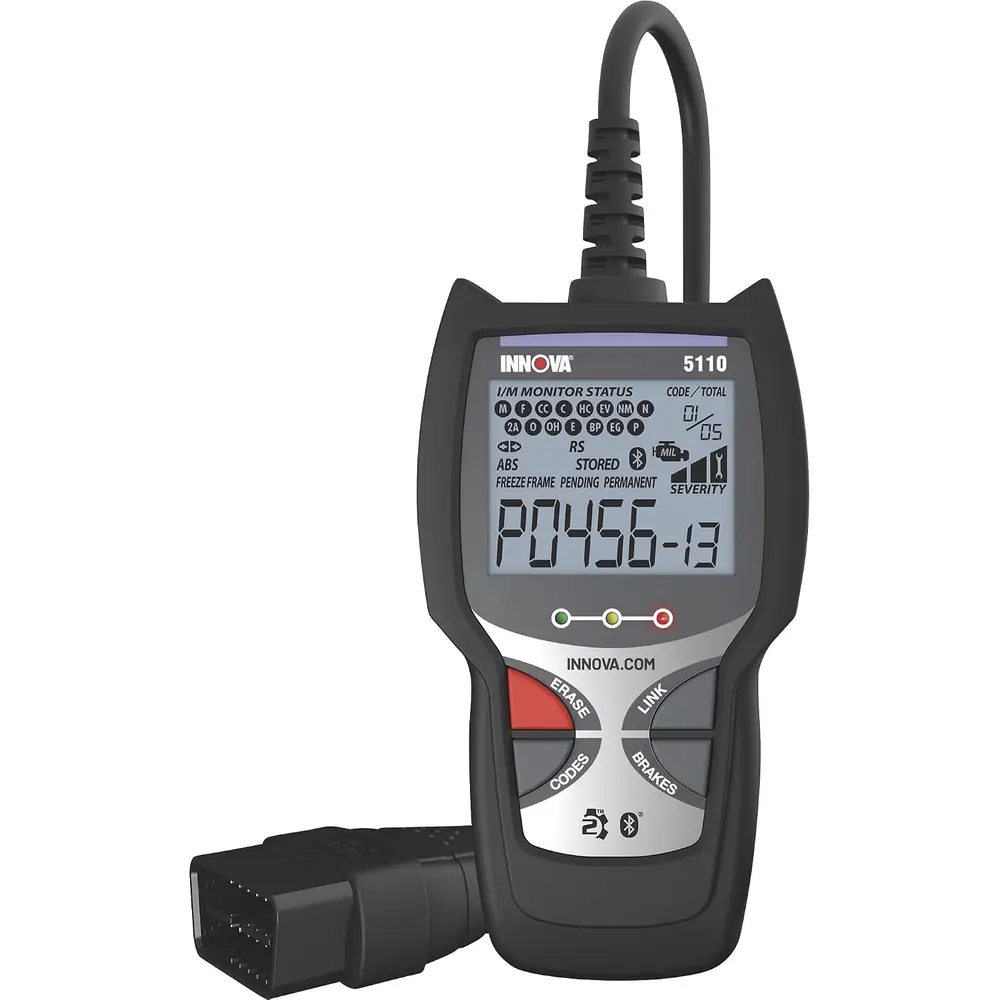
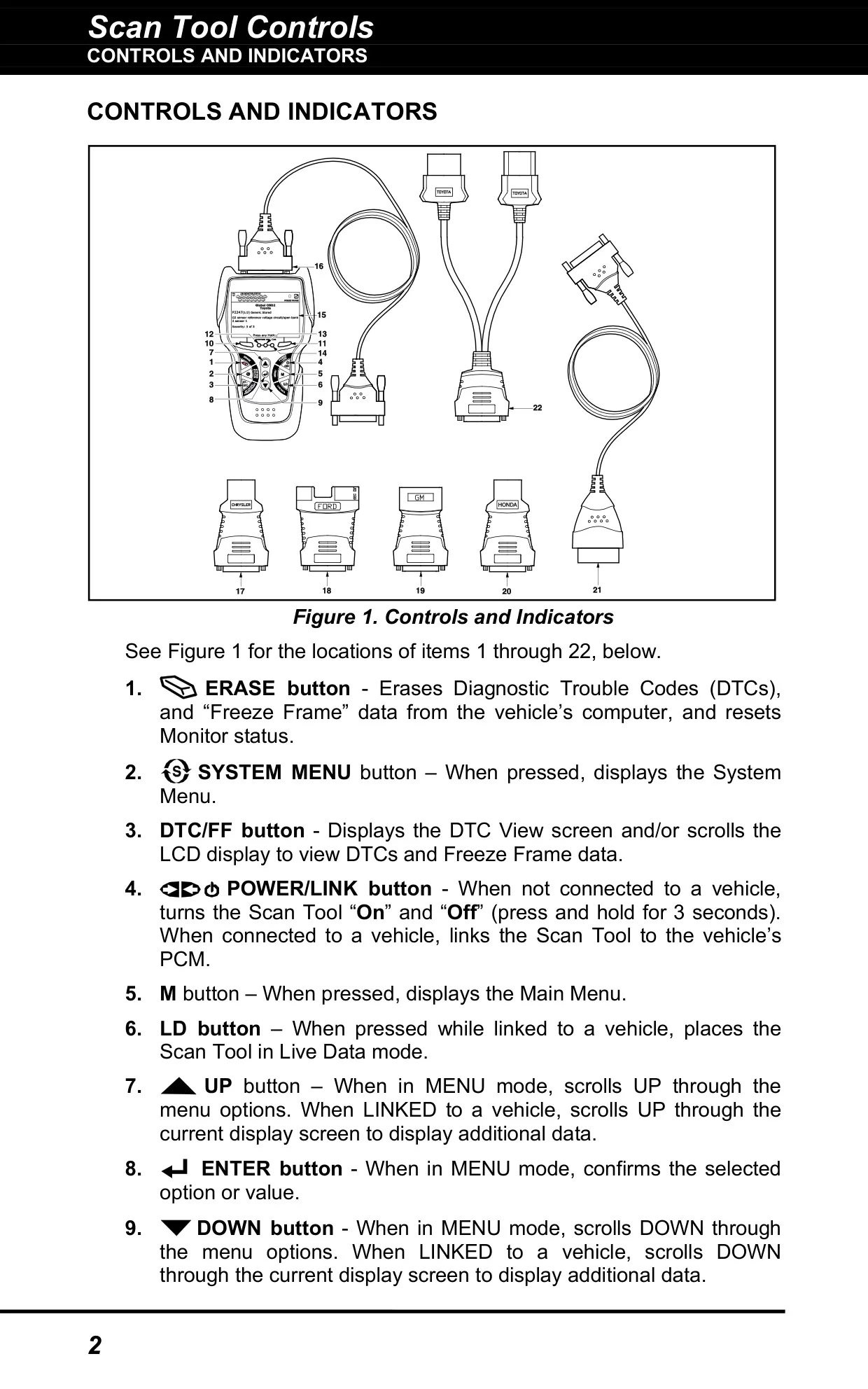
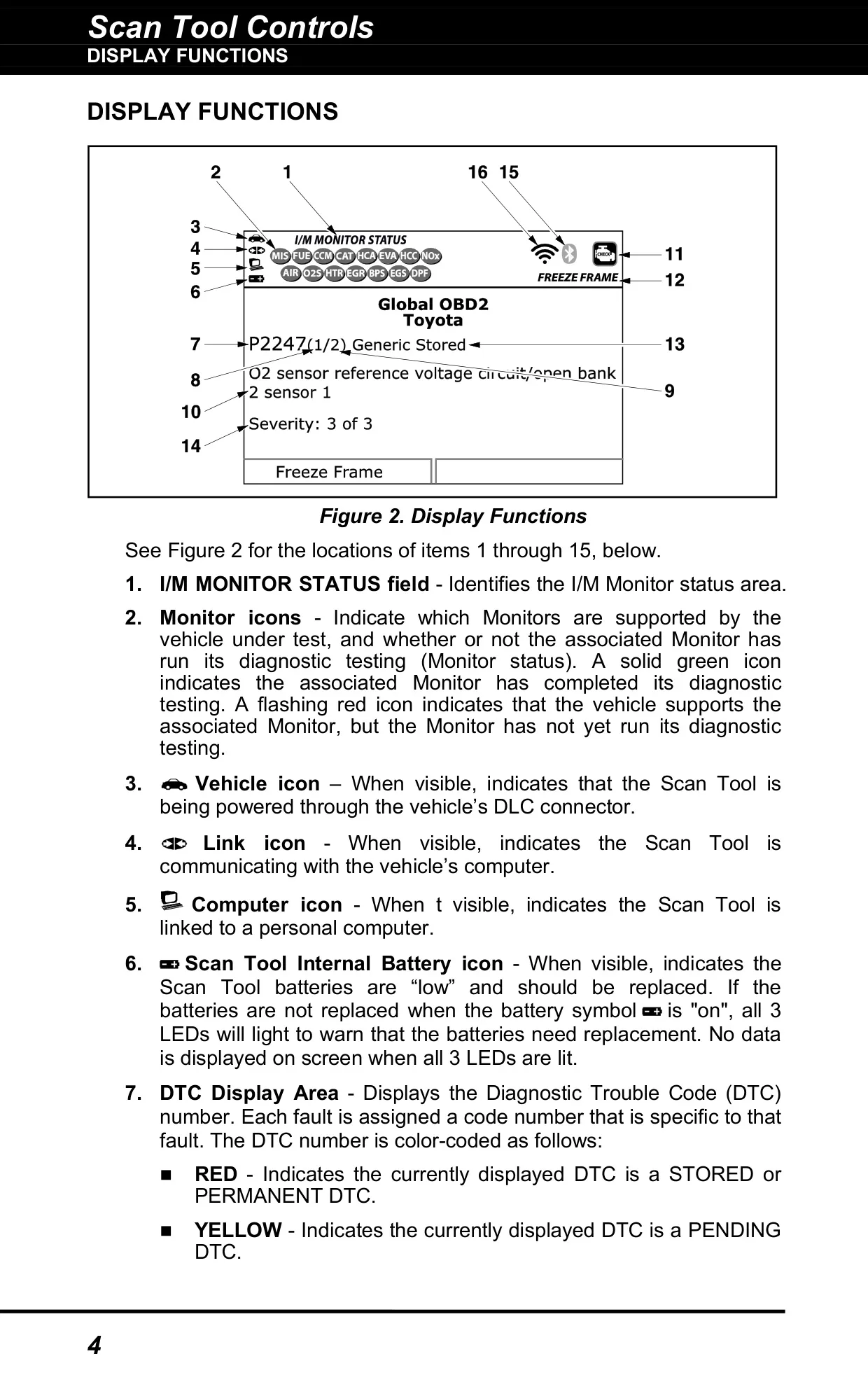
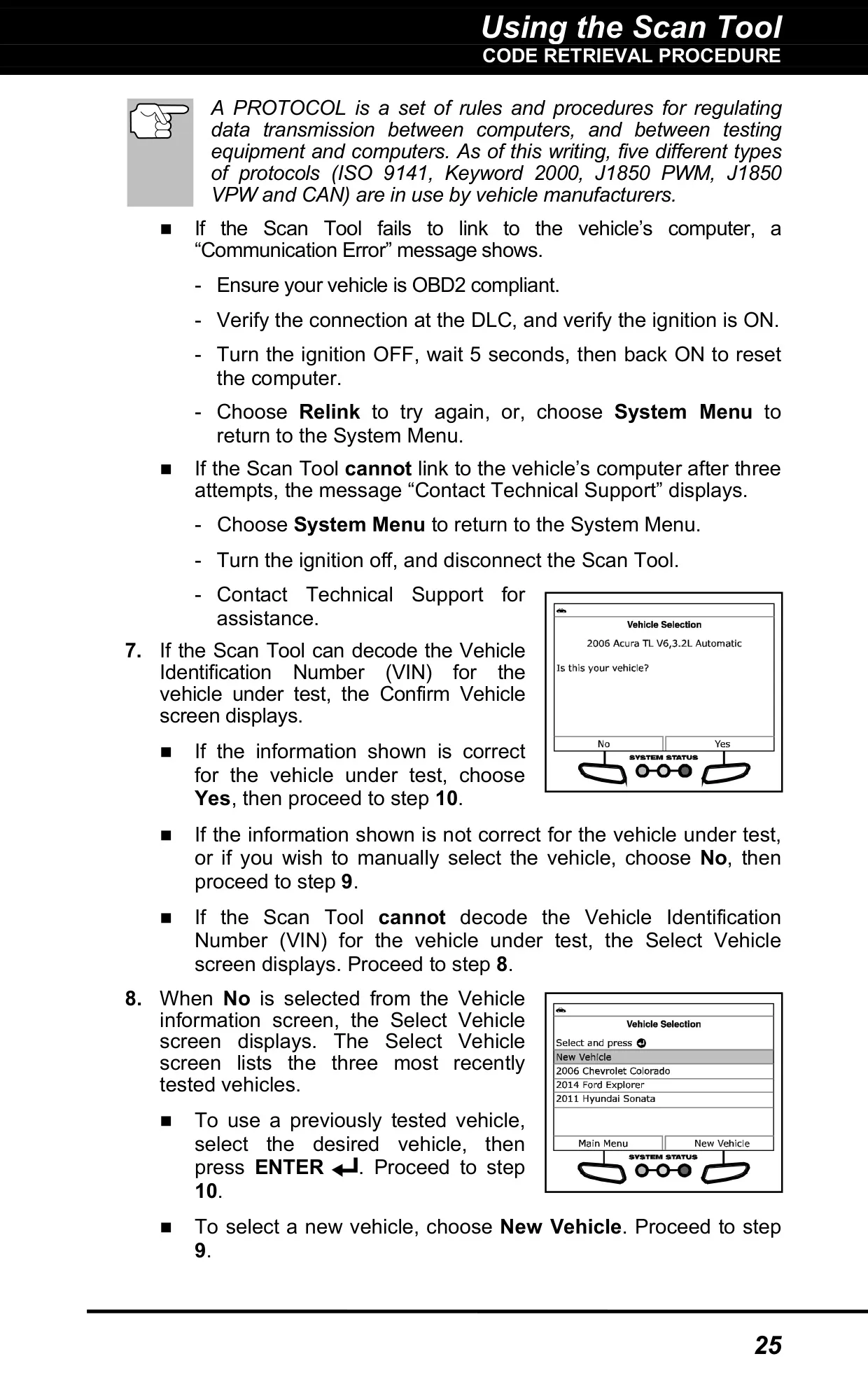
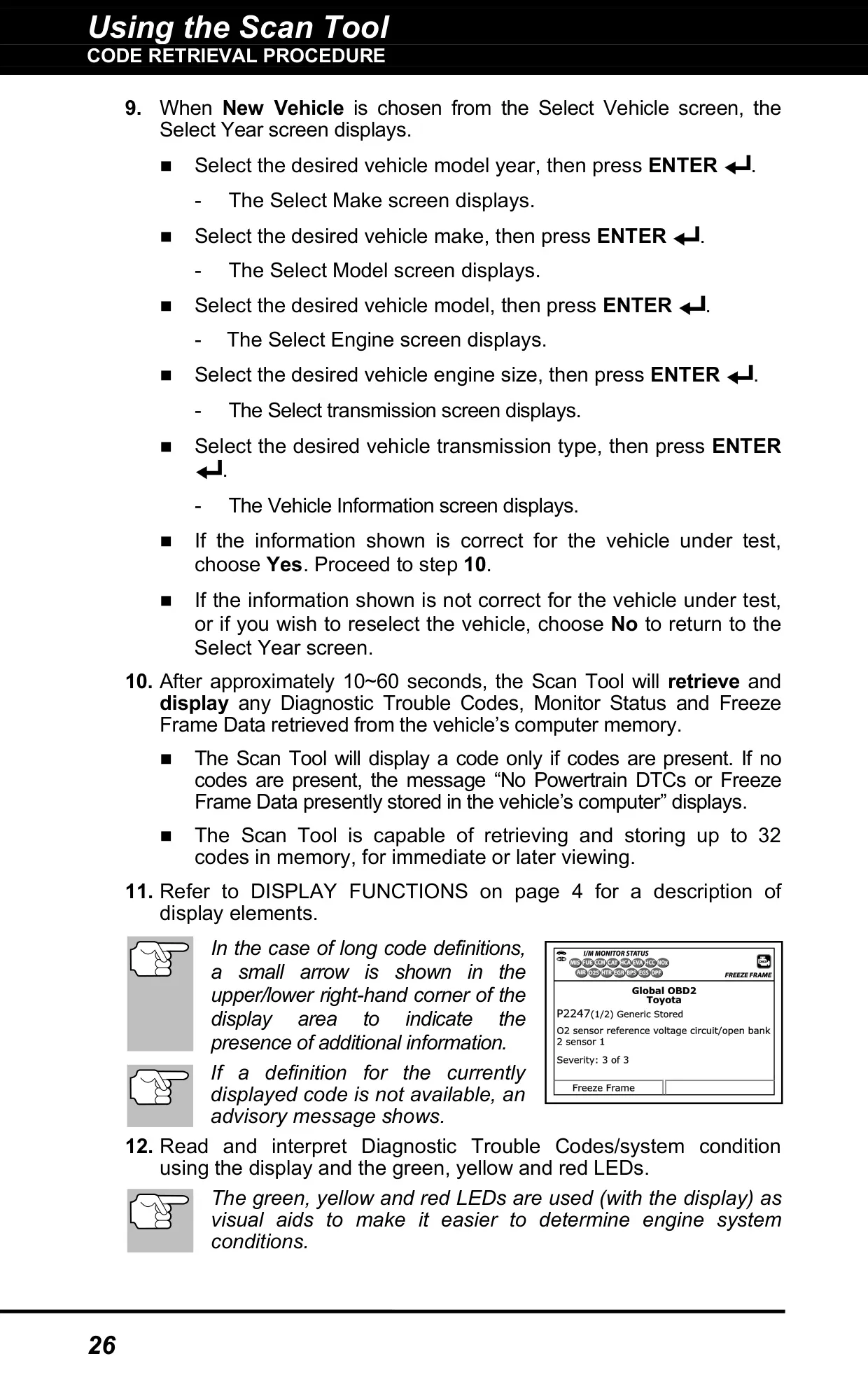
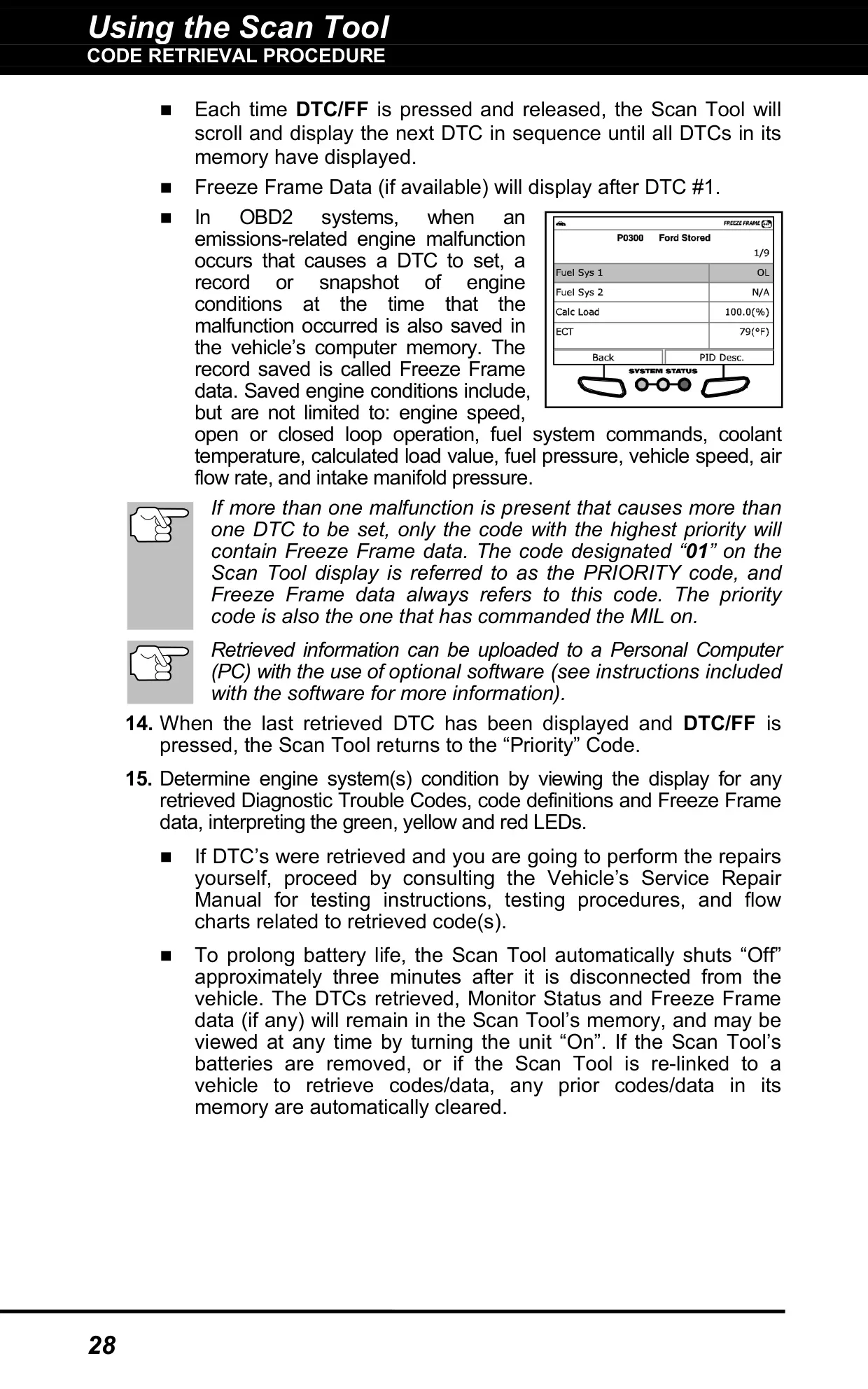
The Innova 5610 presents diagnostic results in a structured layout. Each trouble code is color-coded: red means a stored or permanent DTC, yellow means a pending DTC, and a green message confirms that no codes are stored. Code number "1" is always the priority code. It is the one tied to Freeze Frame data and the one that turned on the MIL. A three-level severity rating tells you whether to schedule service, repair soon or stop the vehicle immediately.
Display icons show the tool's status at a glance. They indicate whether the tool is powered through the DLC, linked to the vehicle, connected to a PC, or running low on batteries. Monitor icons show readiness: a solid green icon means the monitor has completed its testing, and a flashing red icon means it has not run yet. Separate icons show the MIL, ABS or SRS system source, stored Freeze Frame data, and the Bluetooth and Wi-Fi connection status.
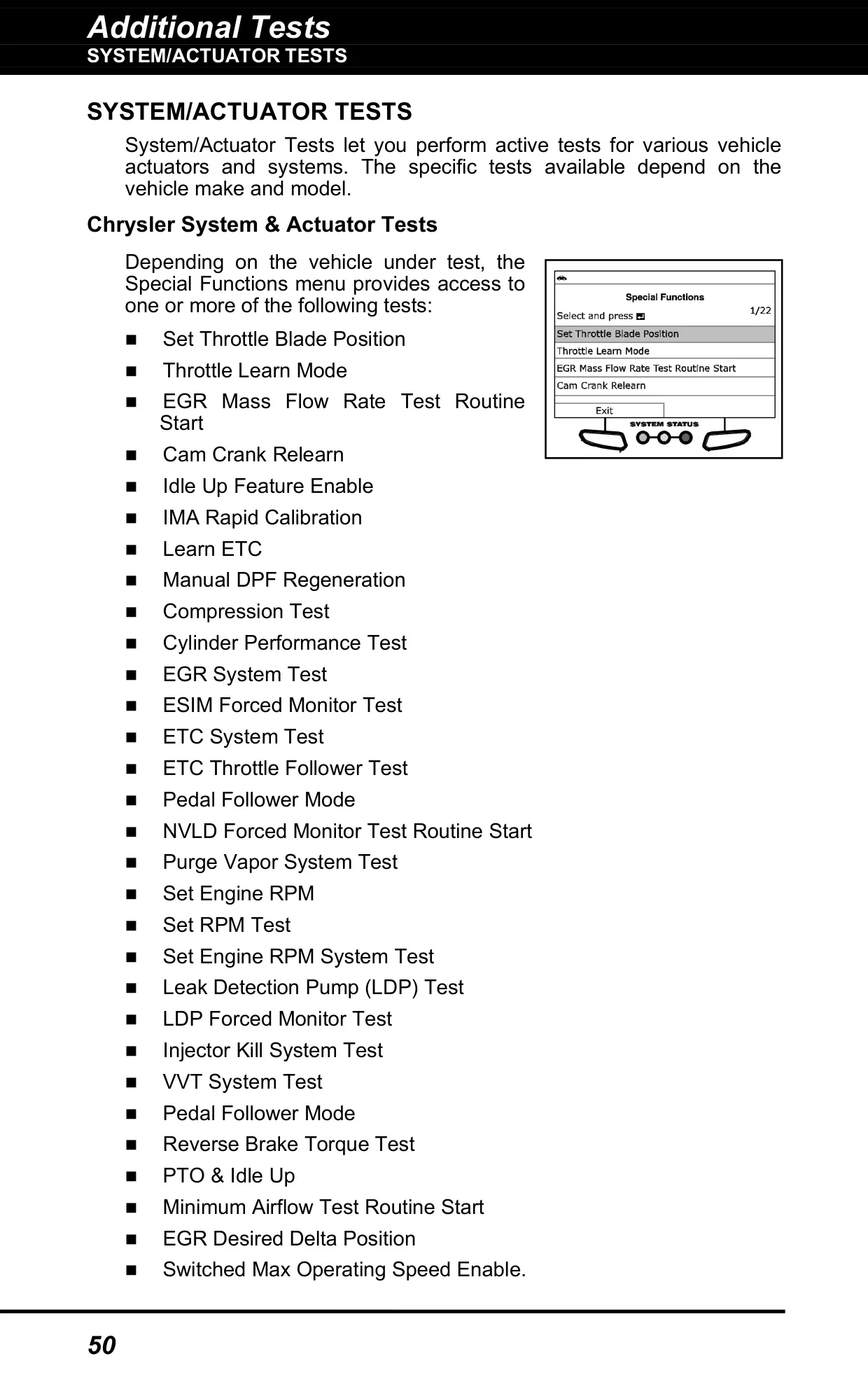
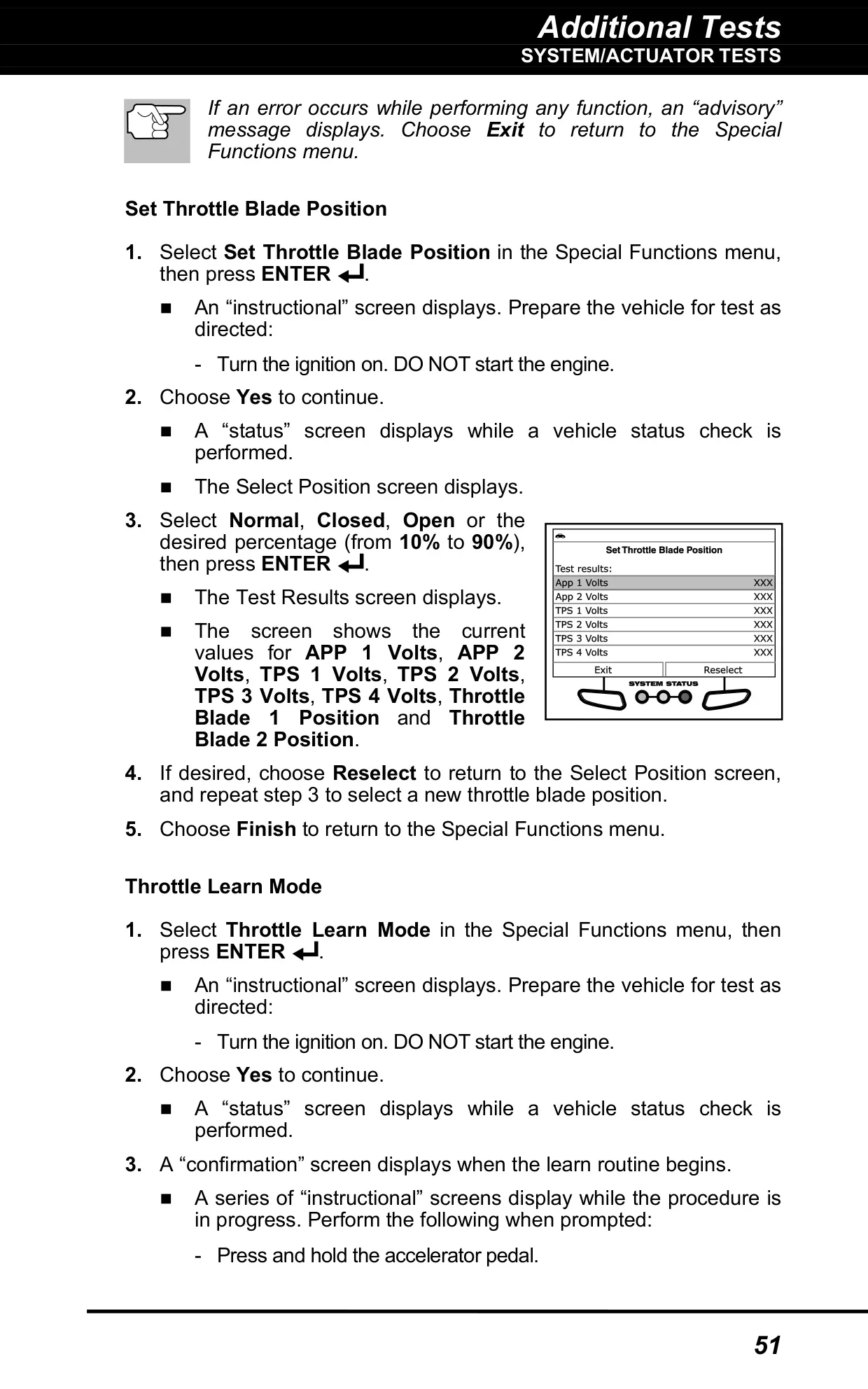
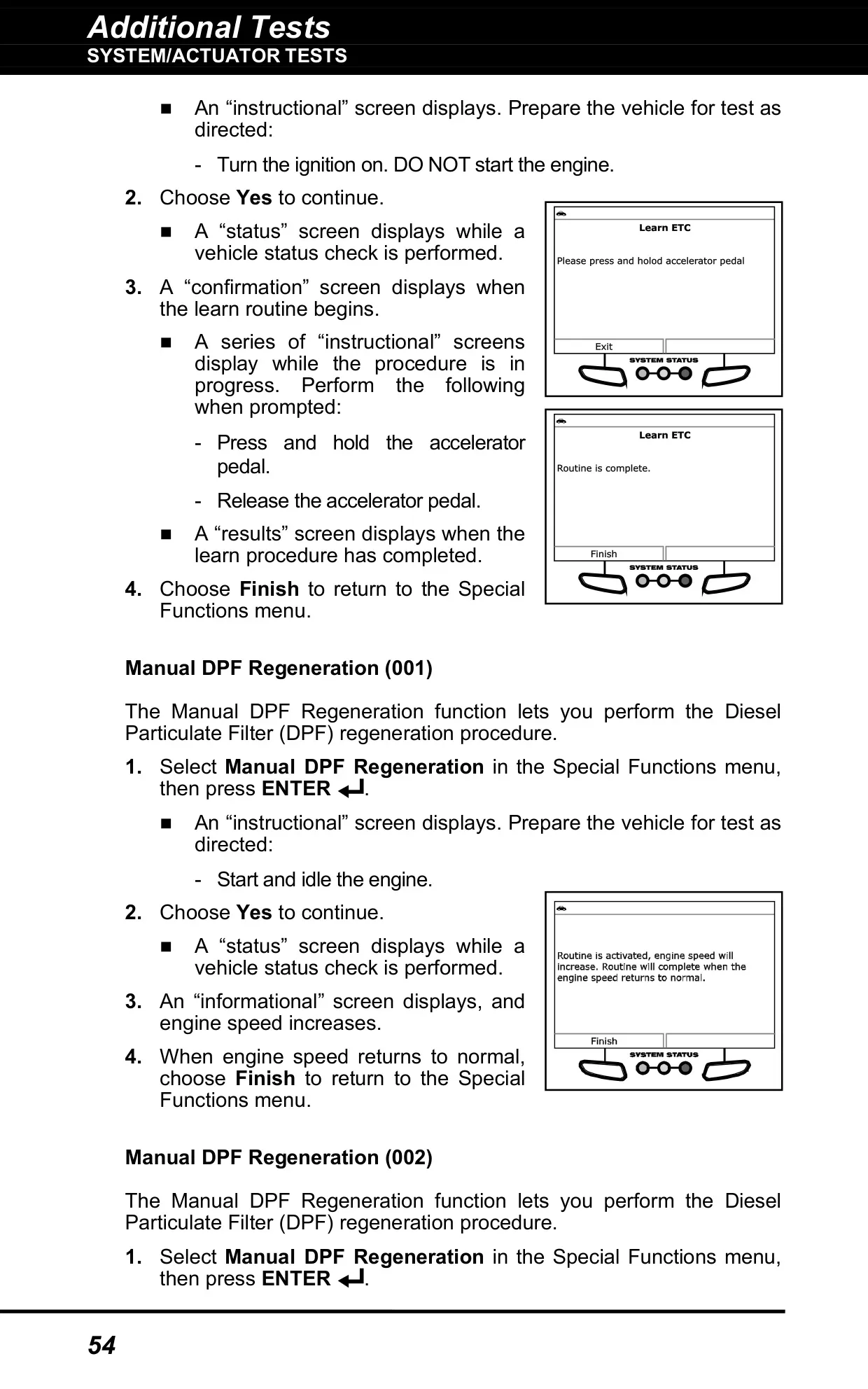
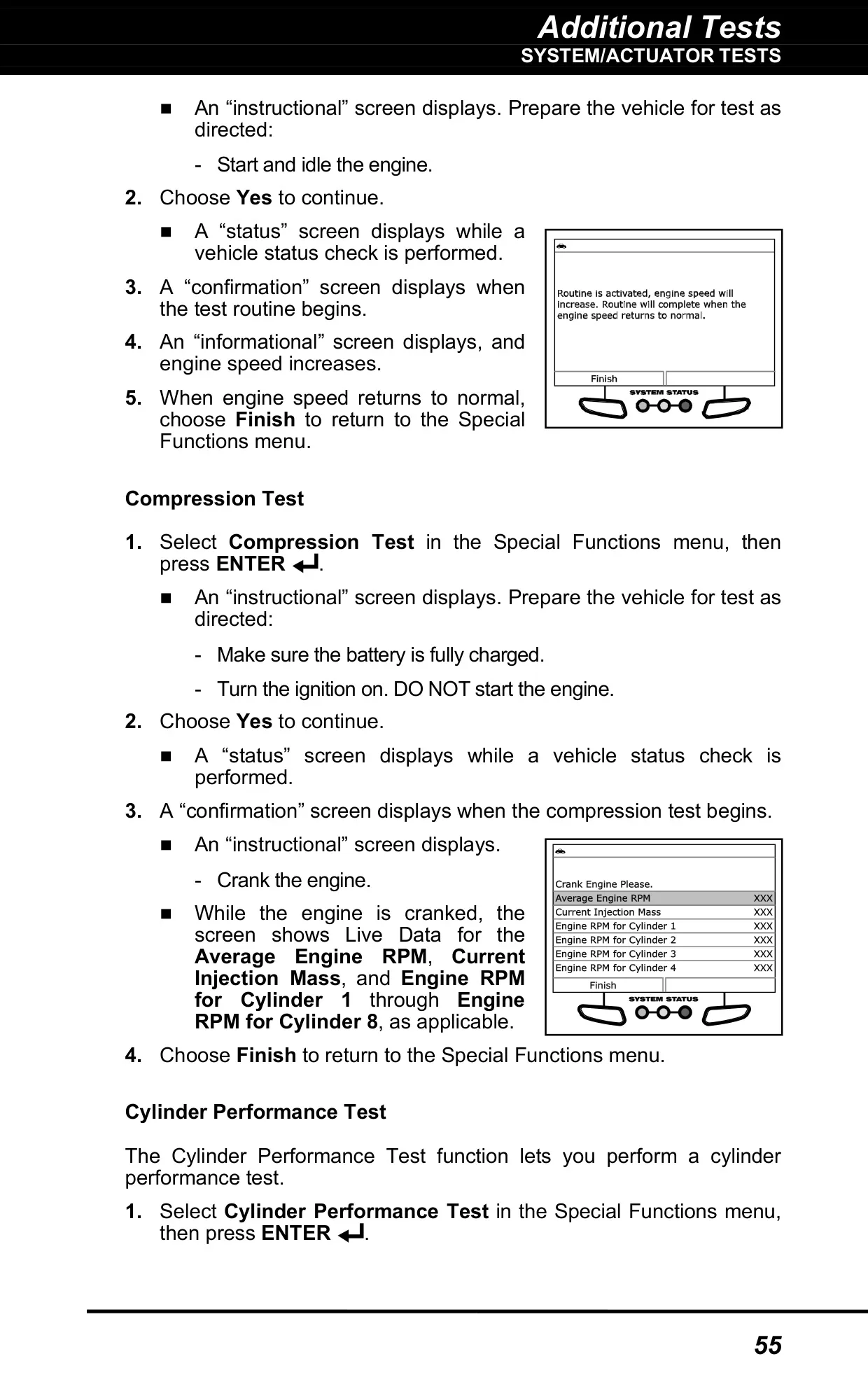
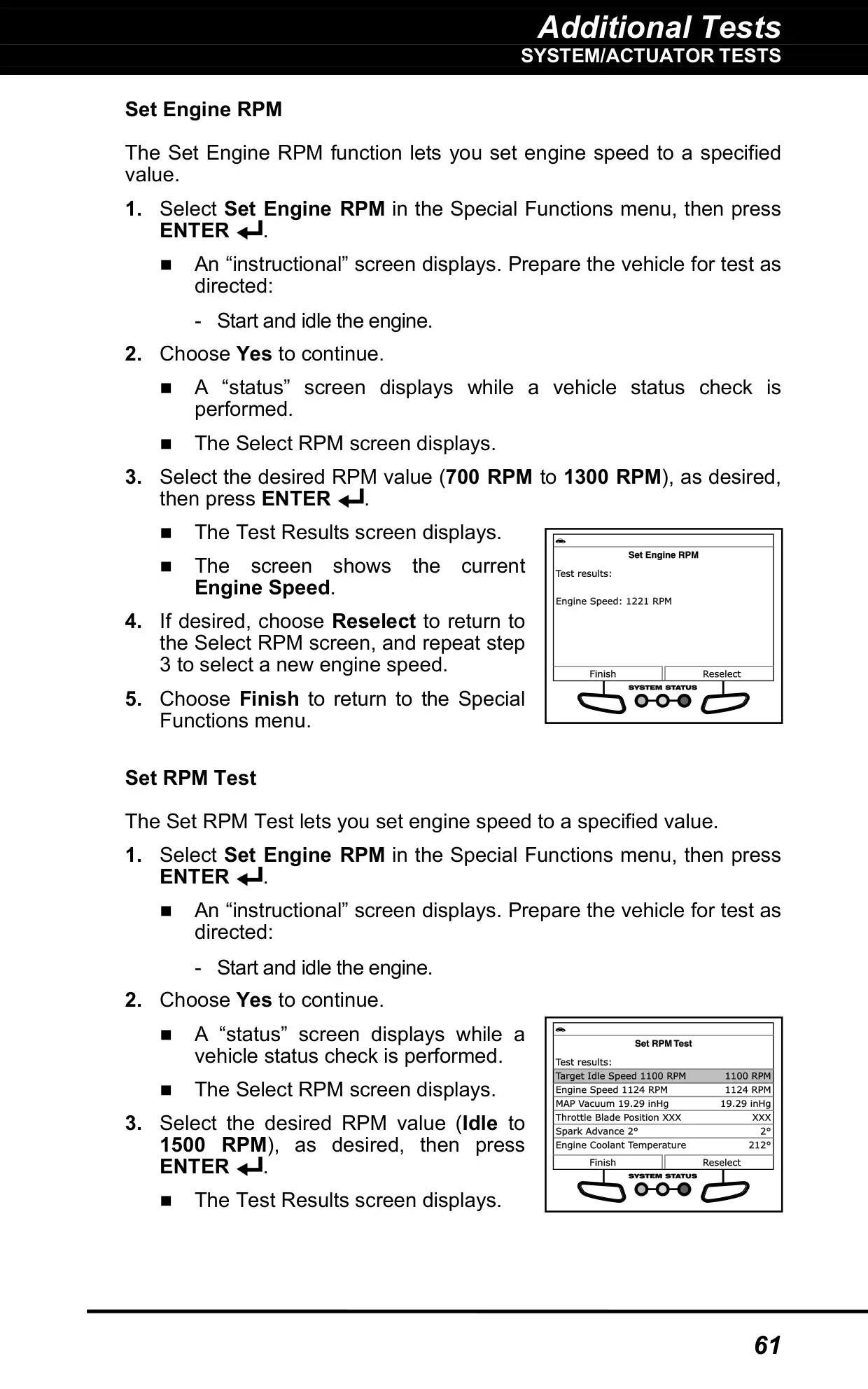
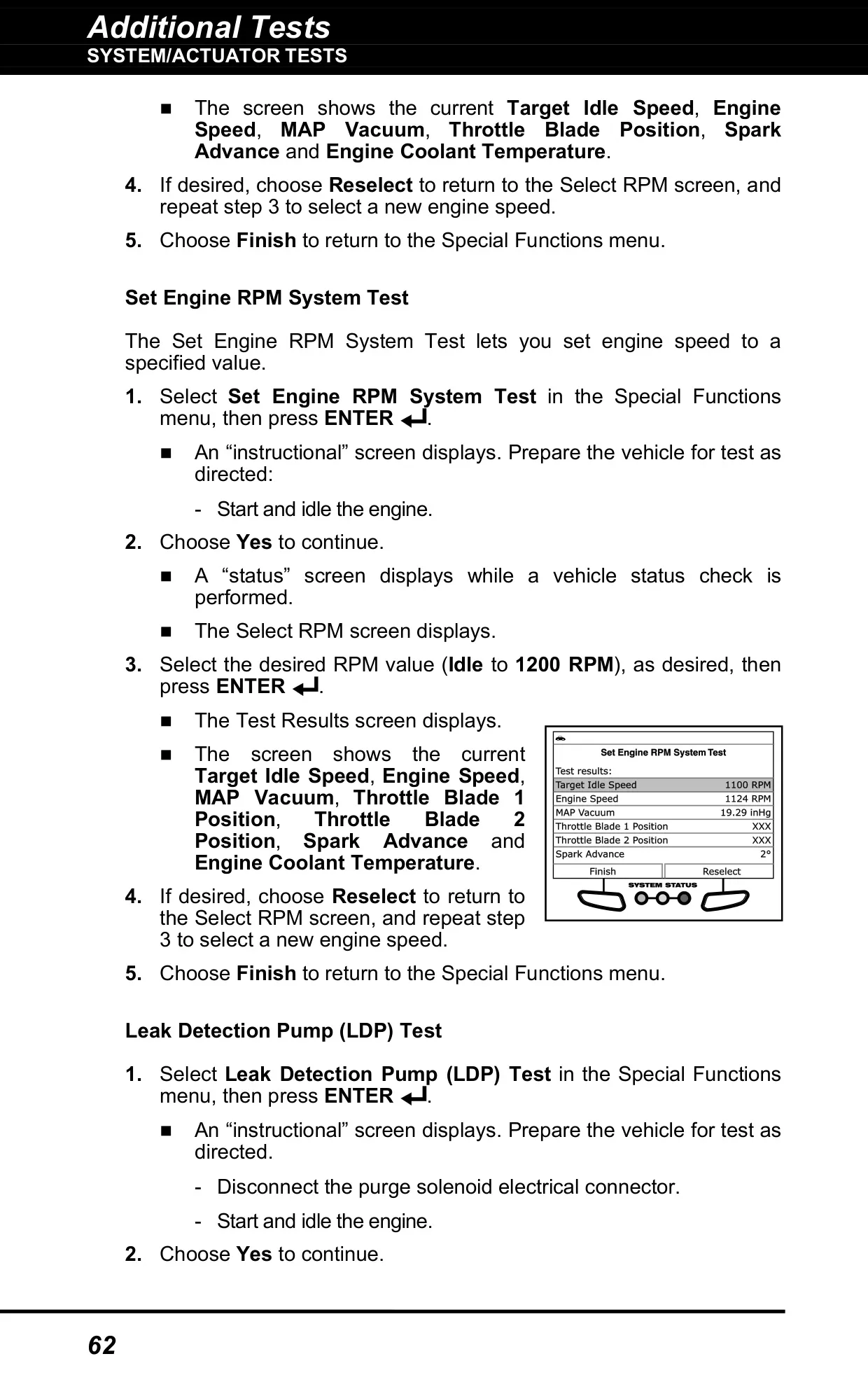
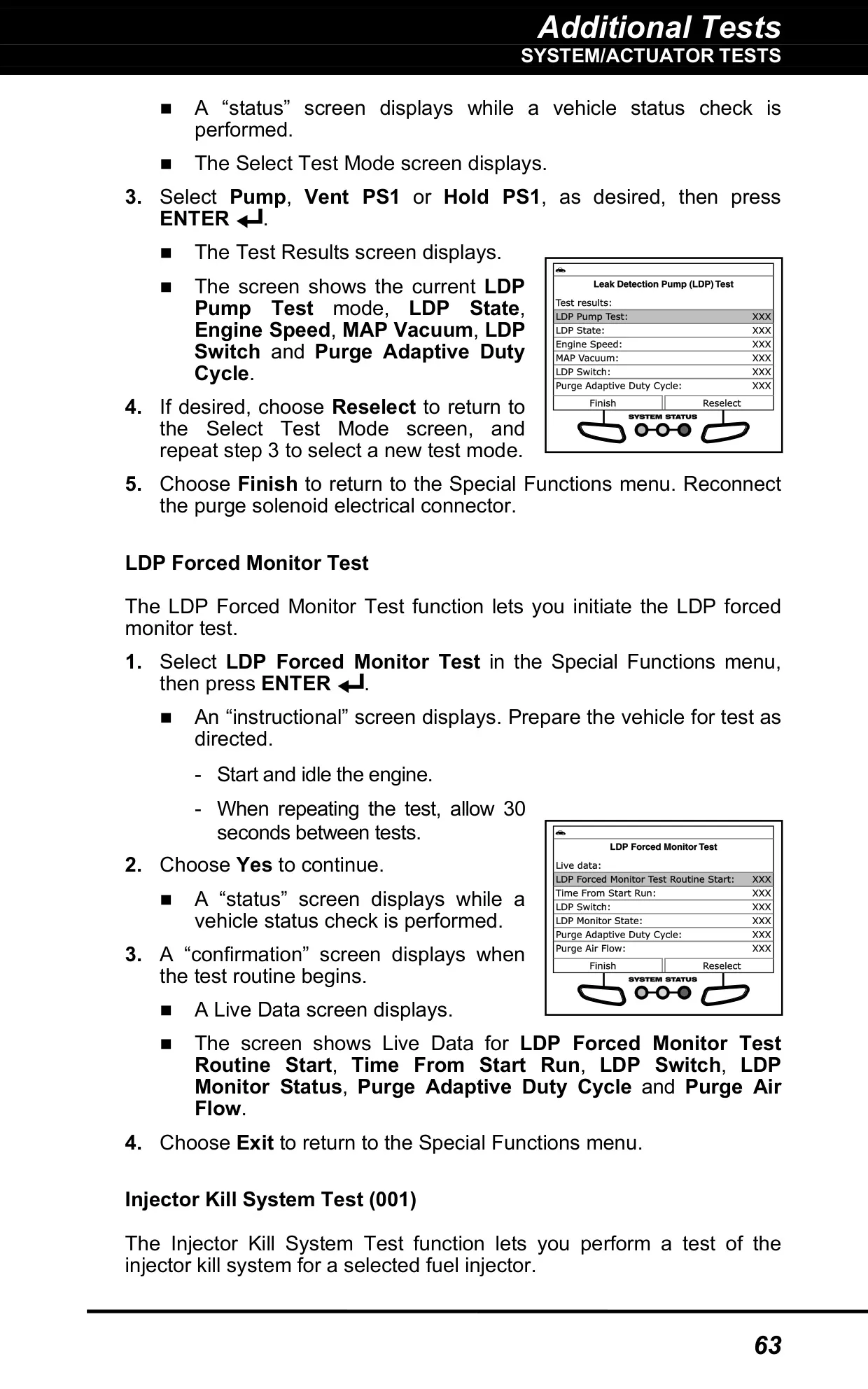
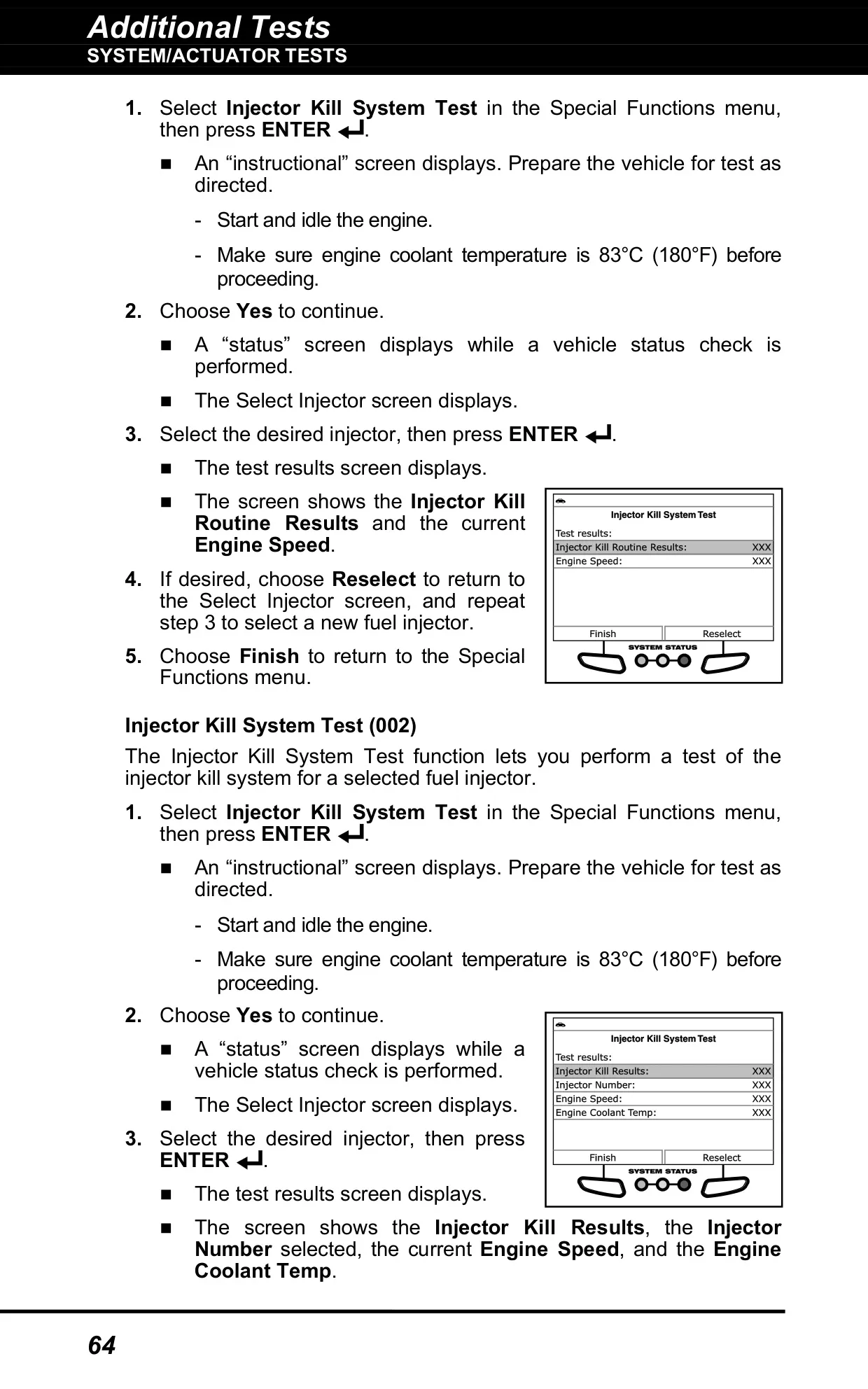
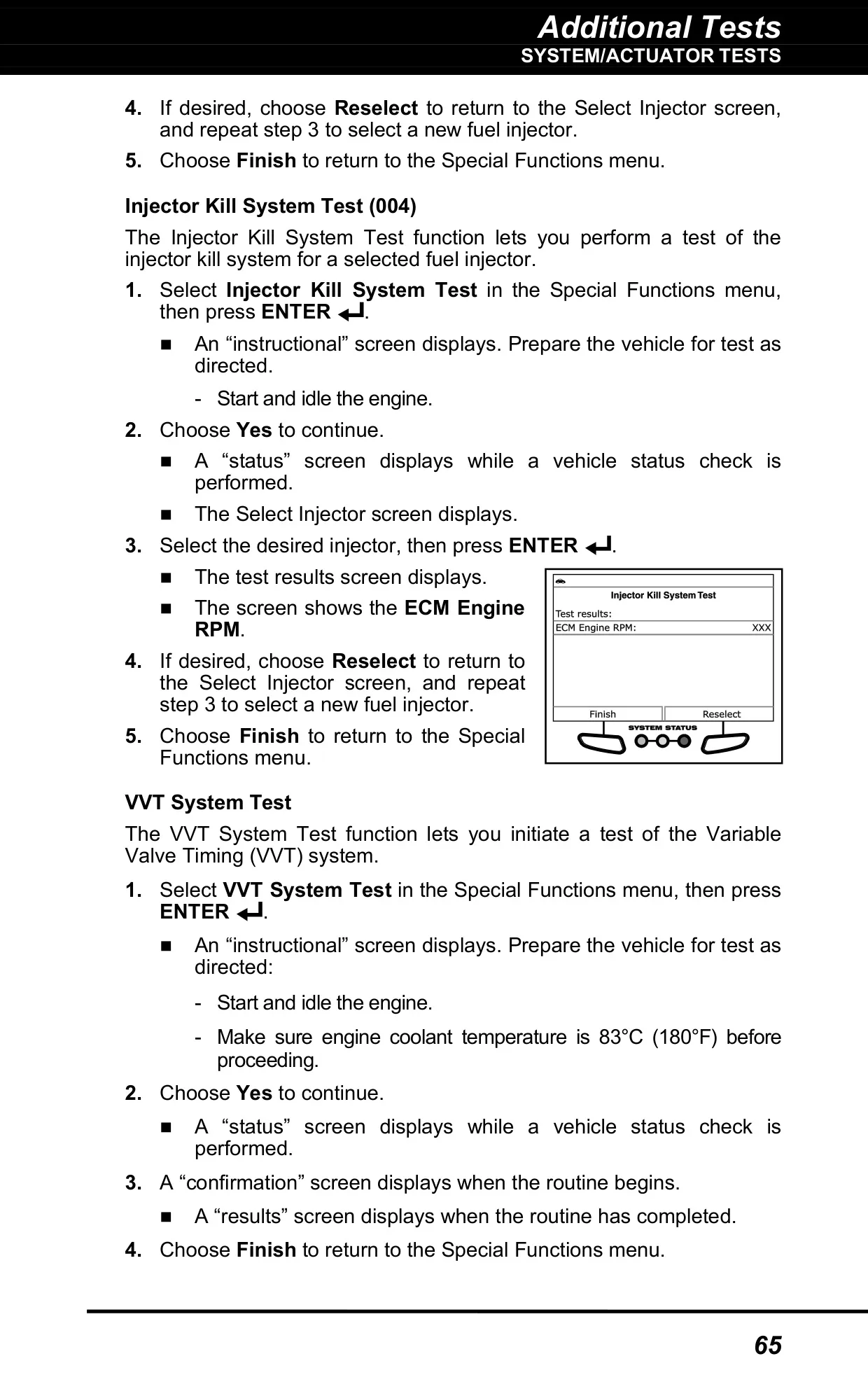
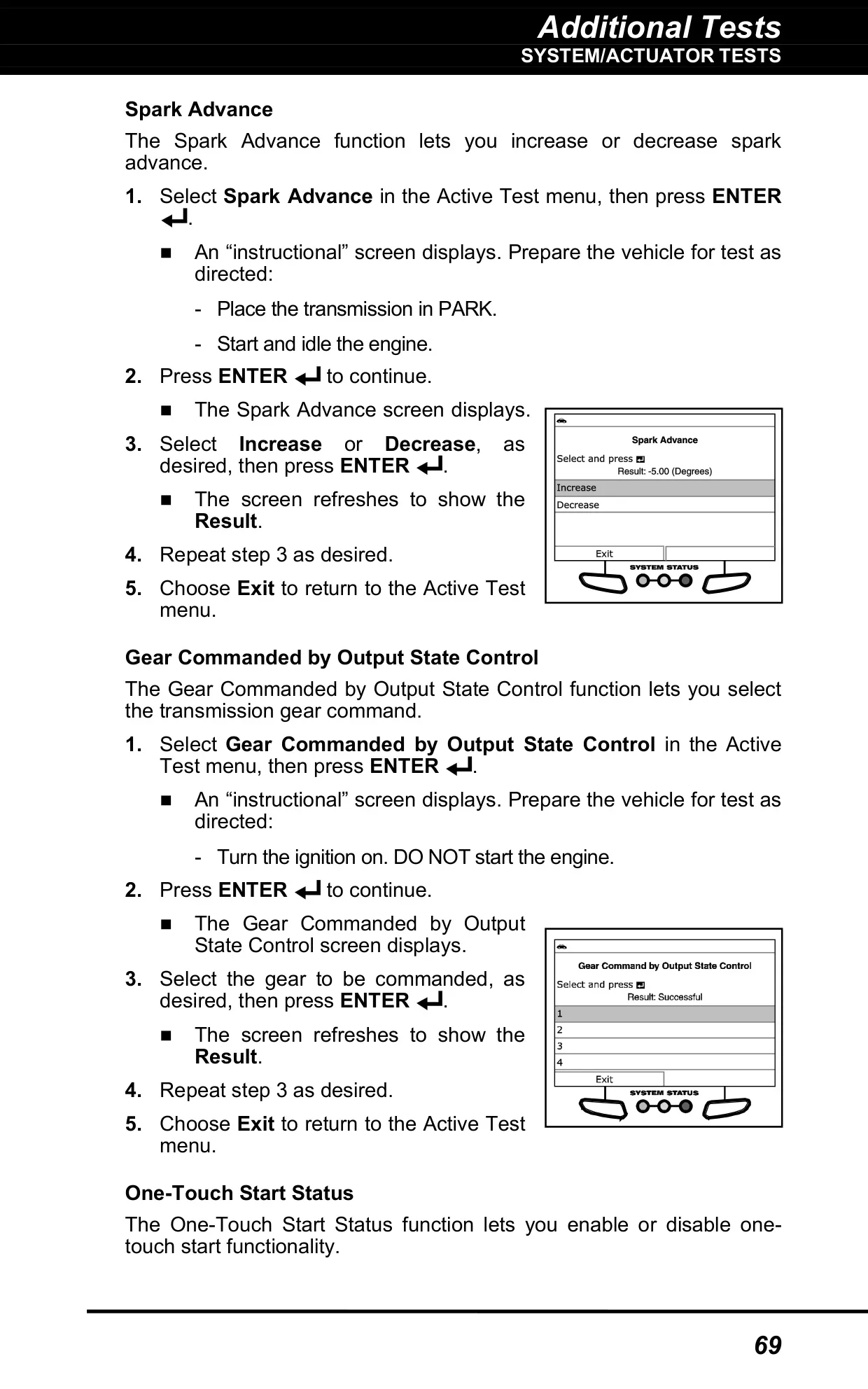
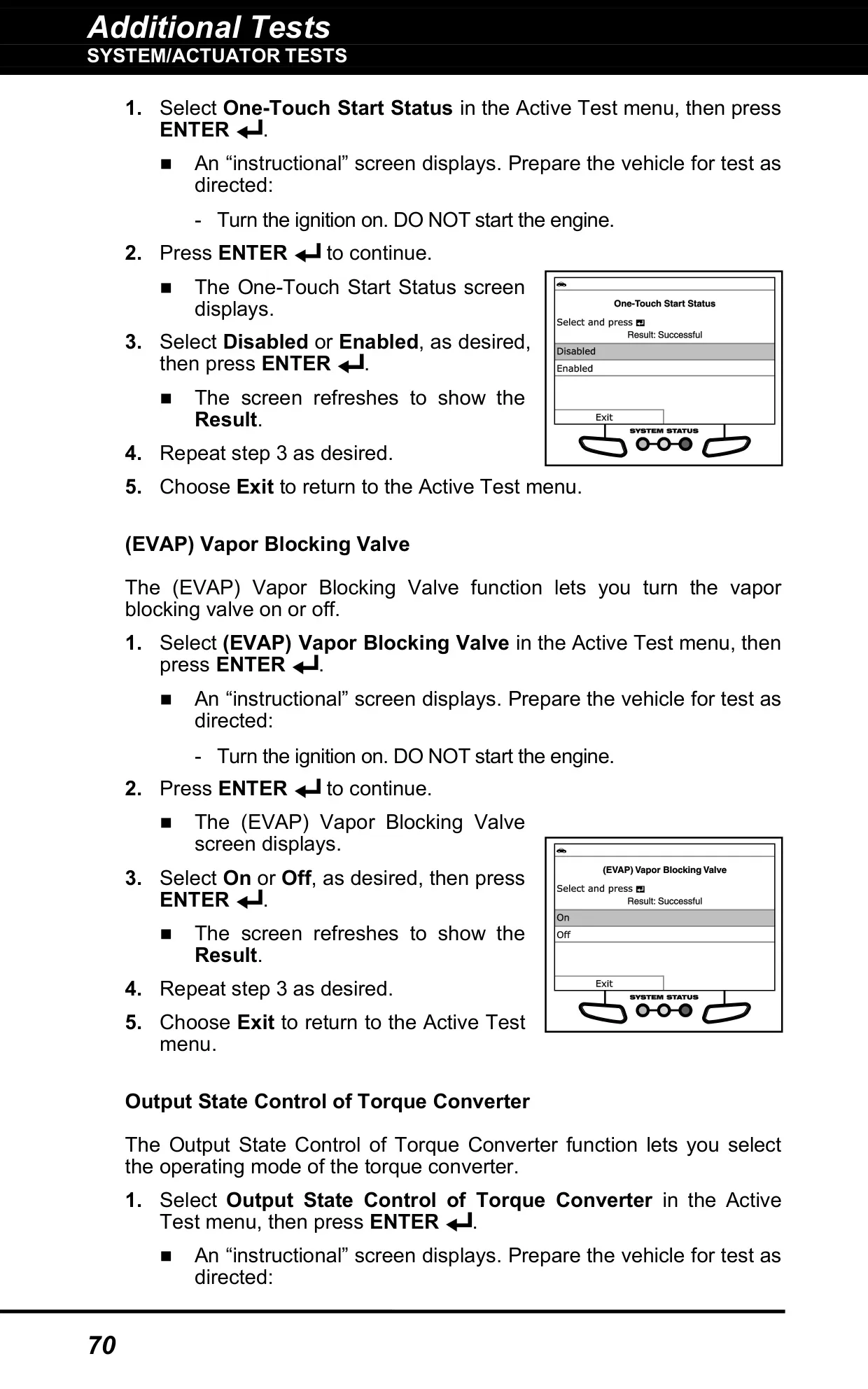
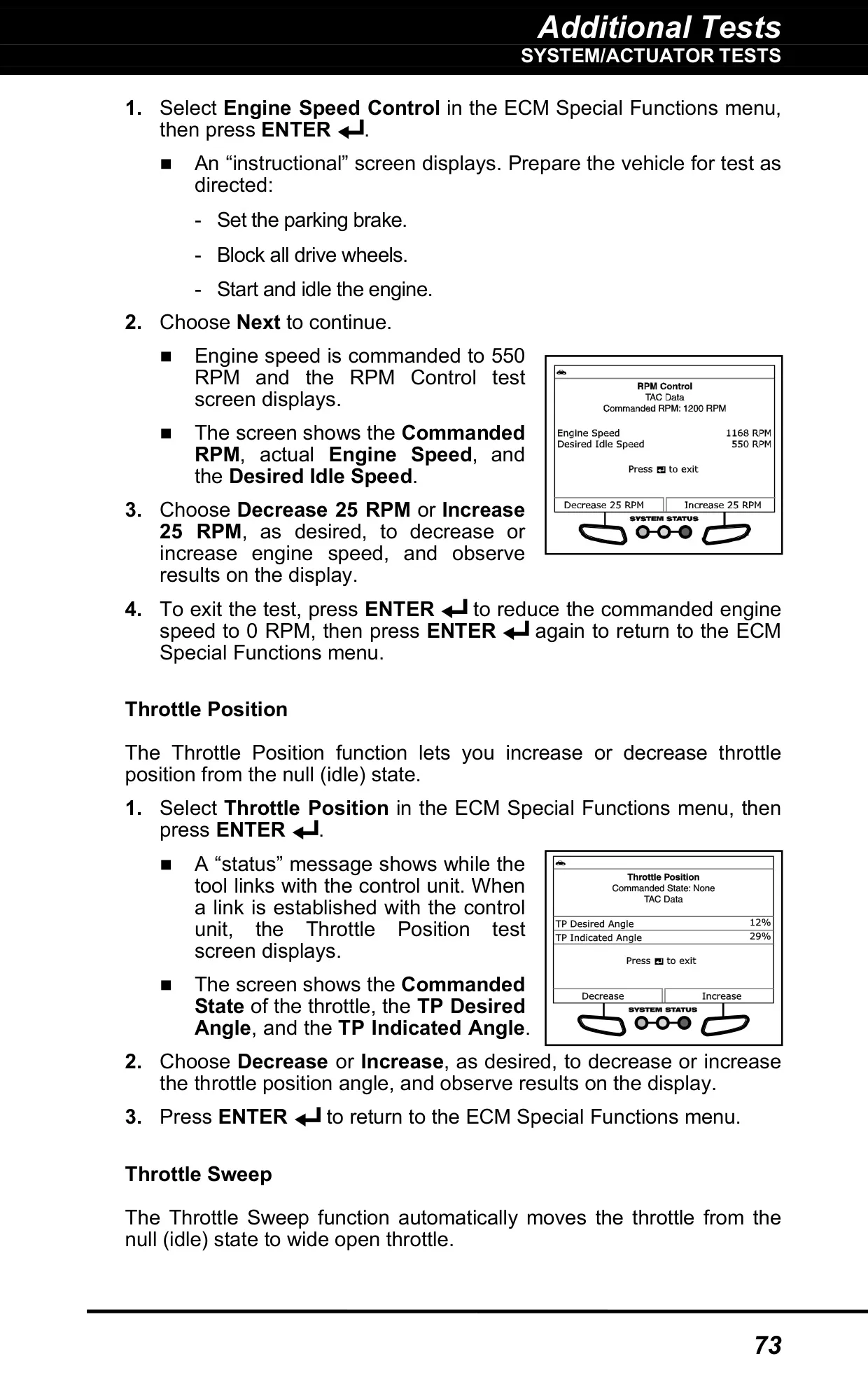
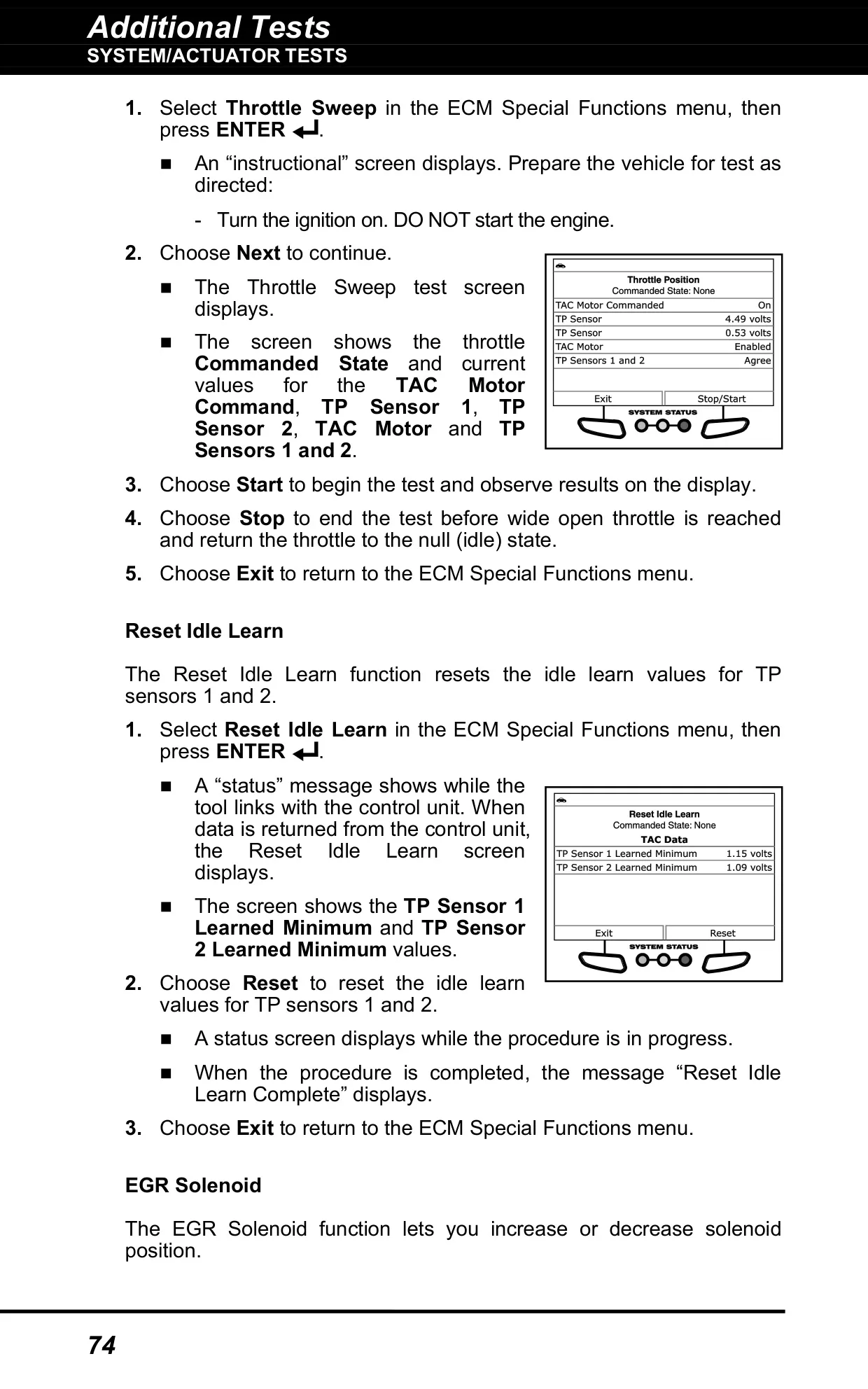
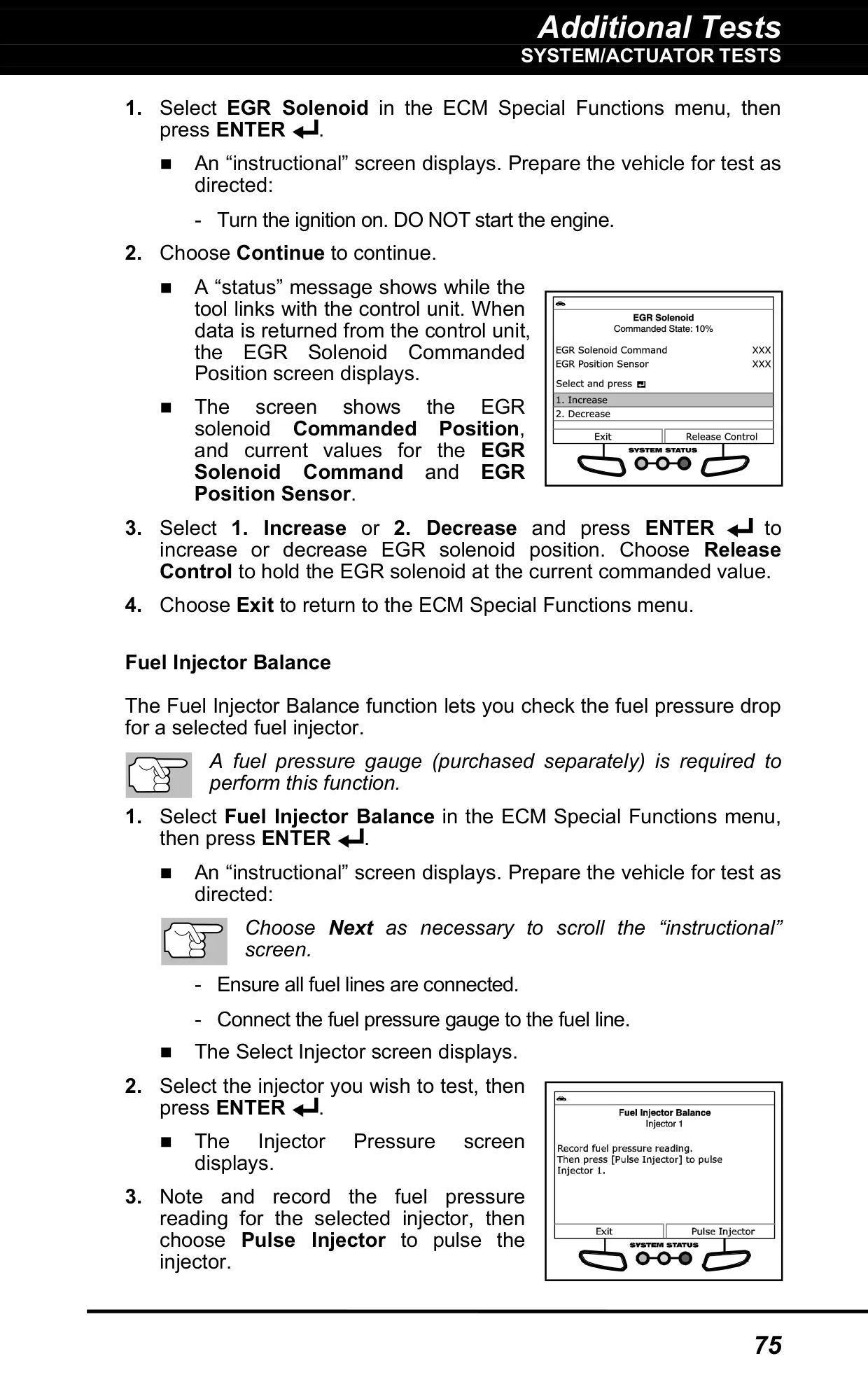
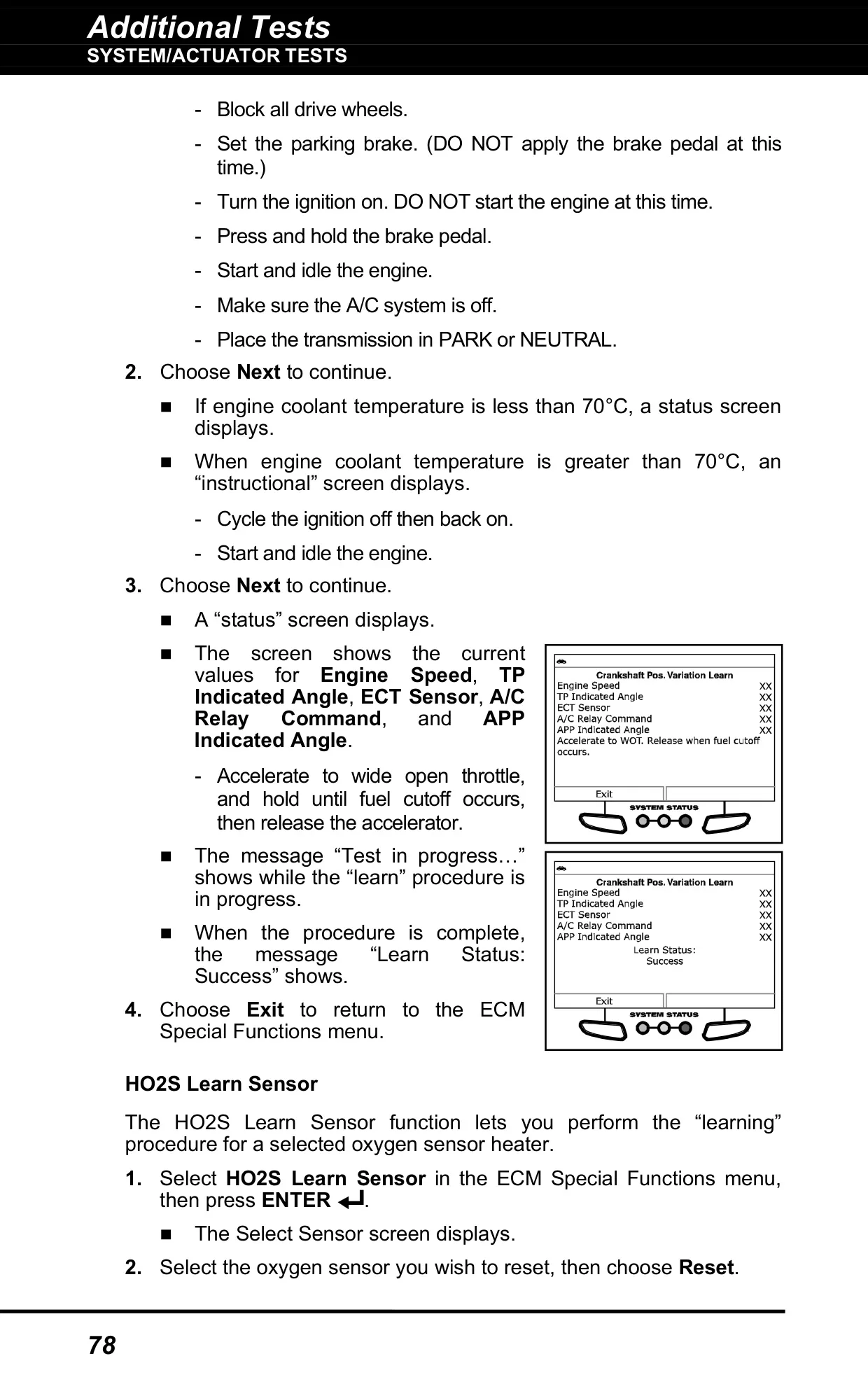
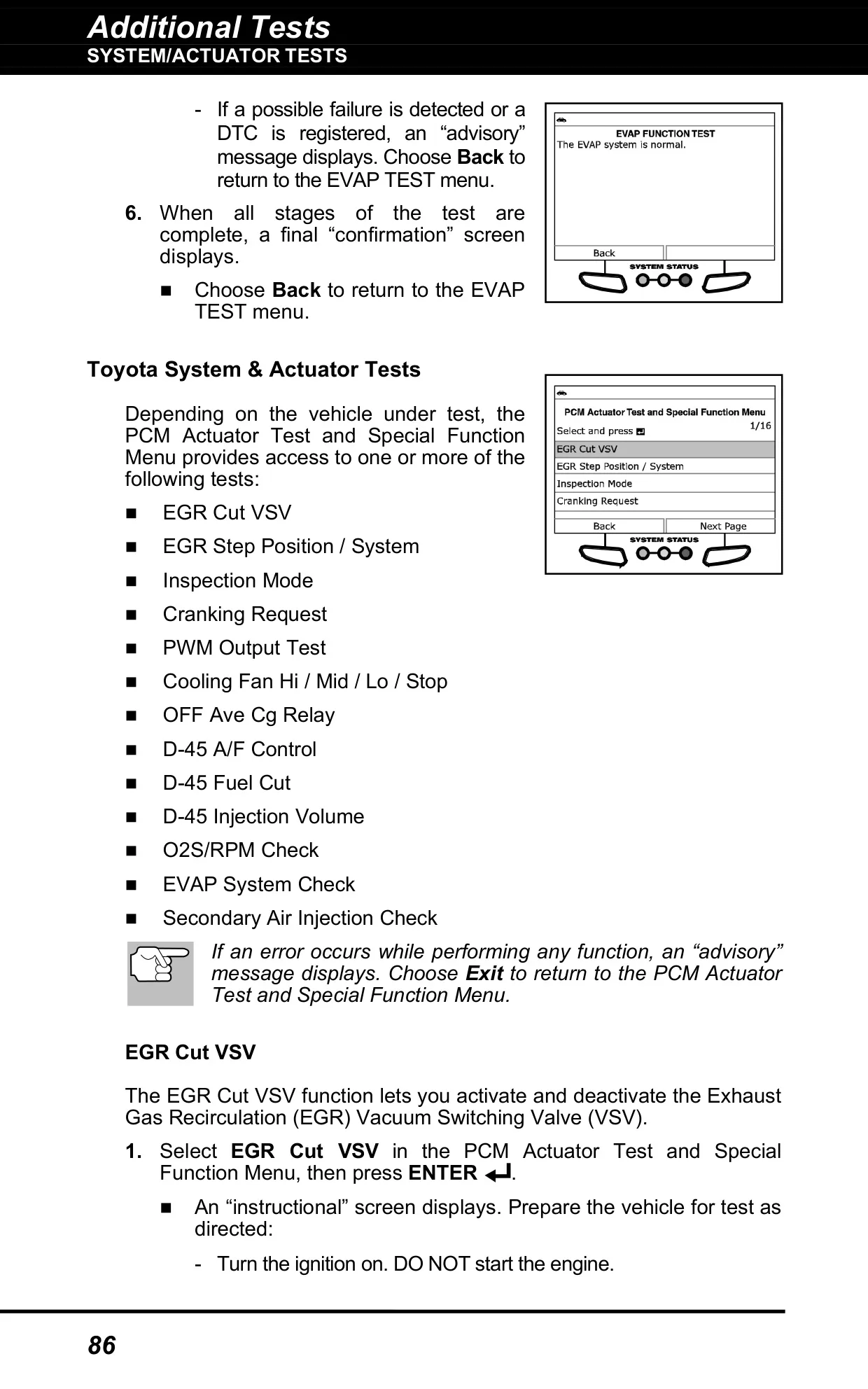
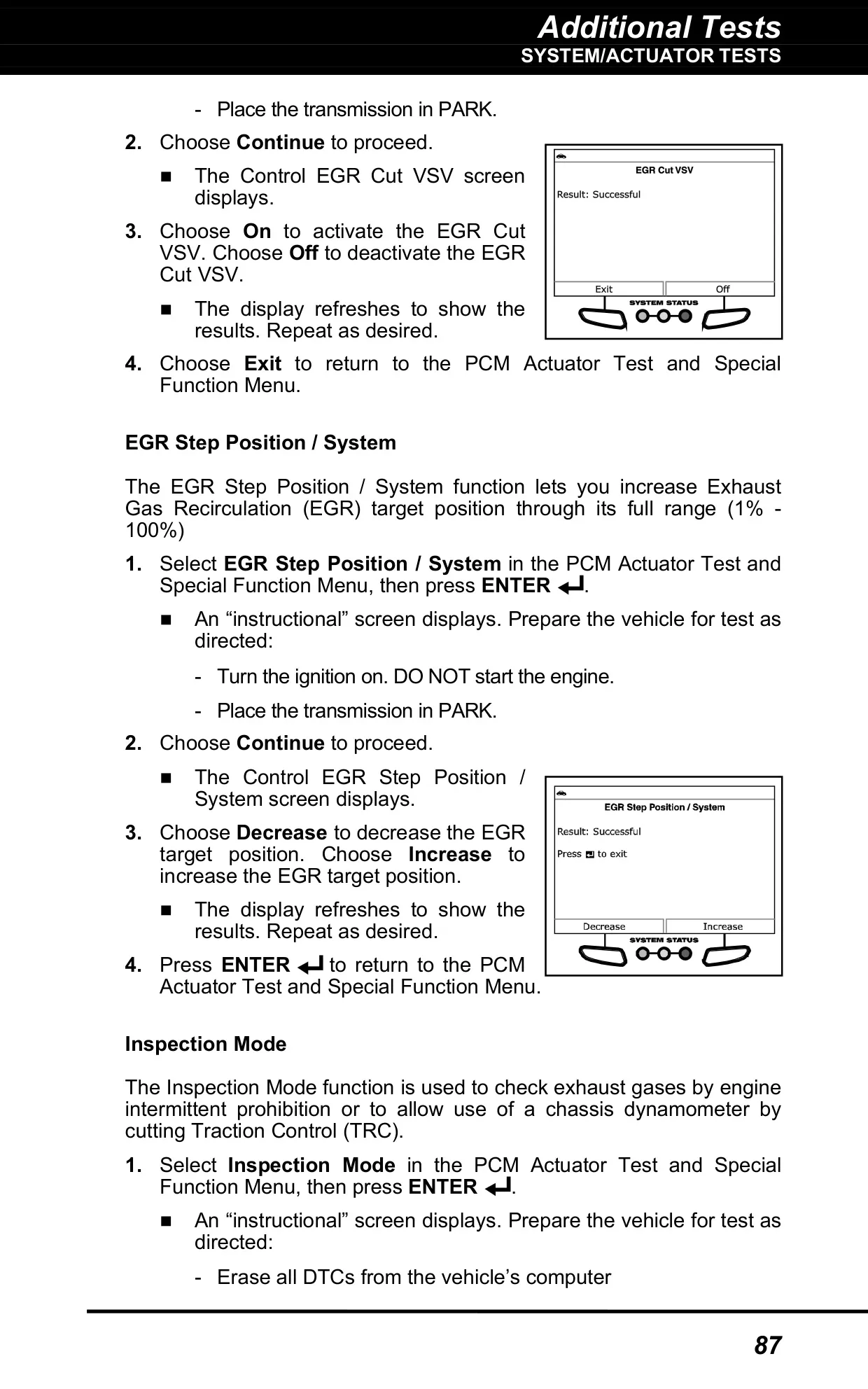
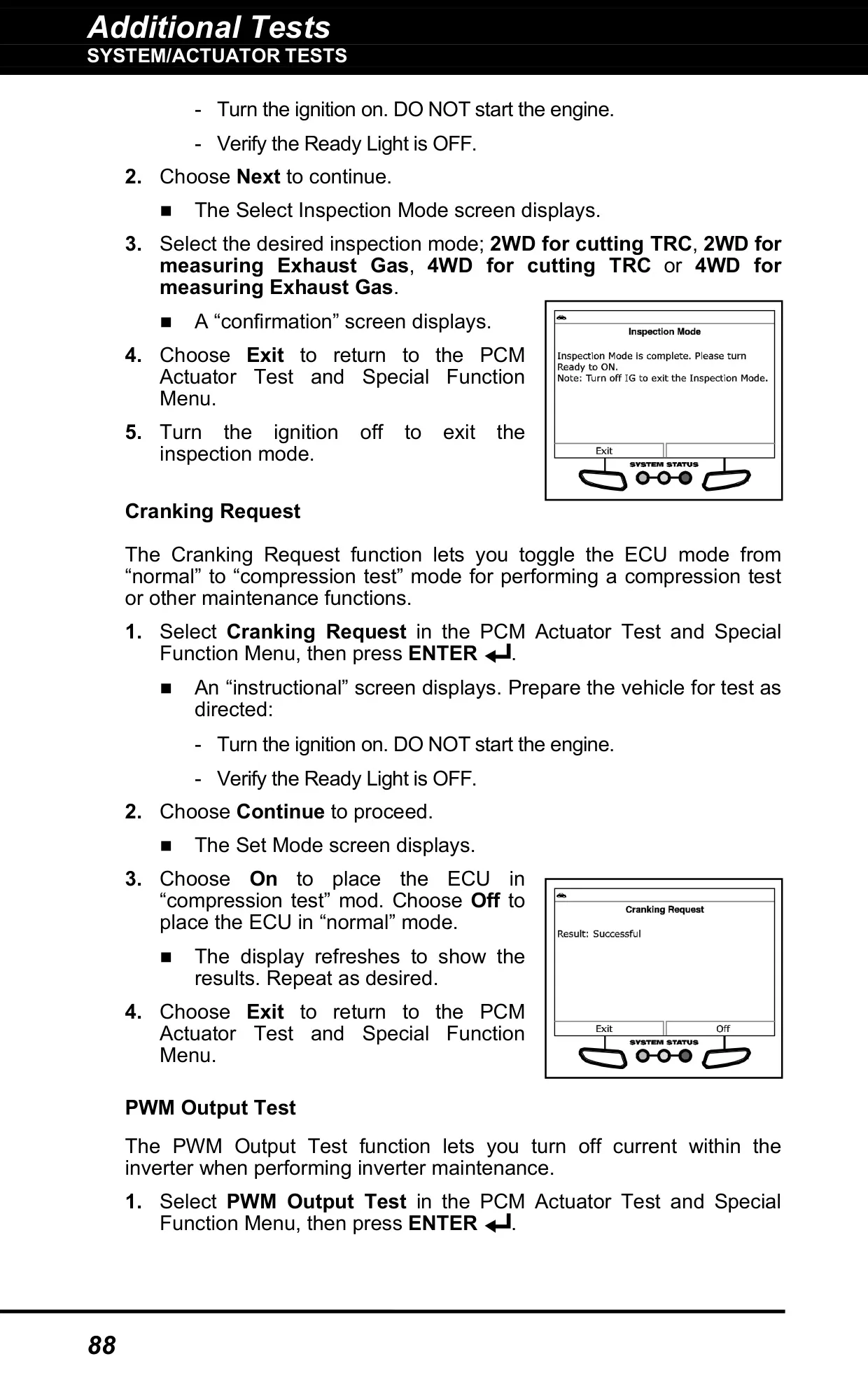
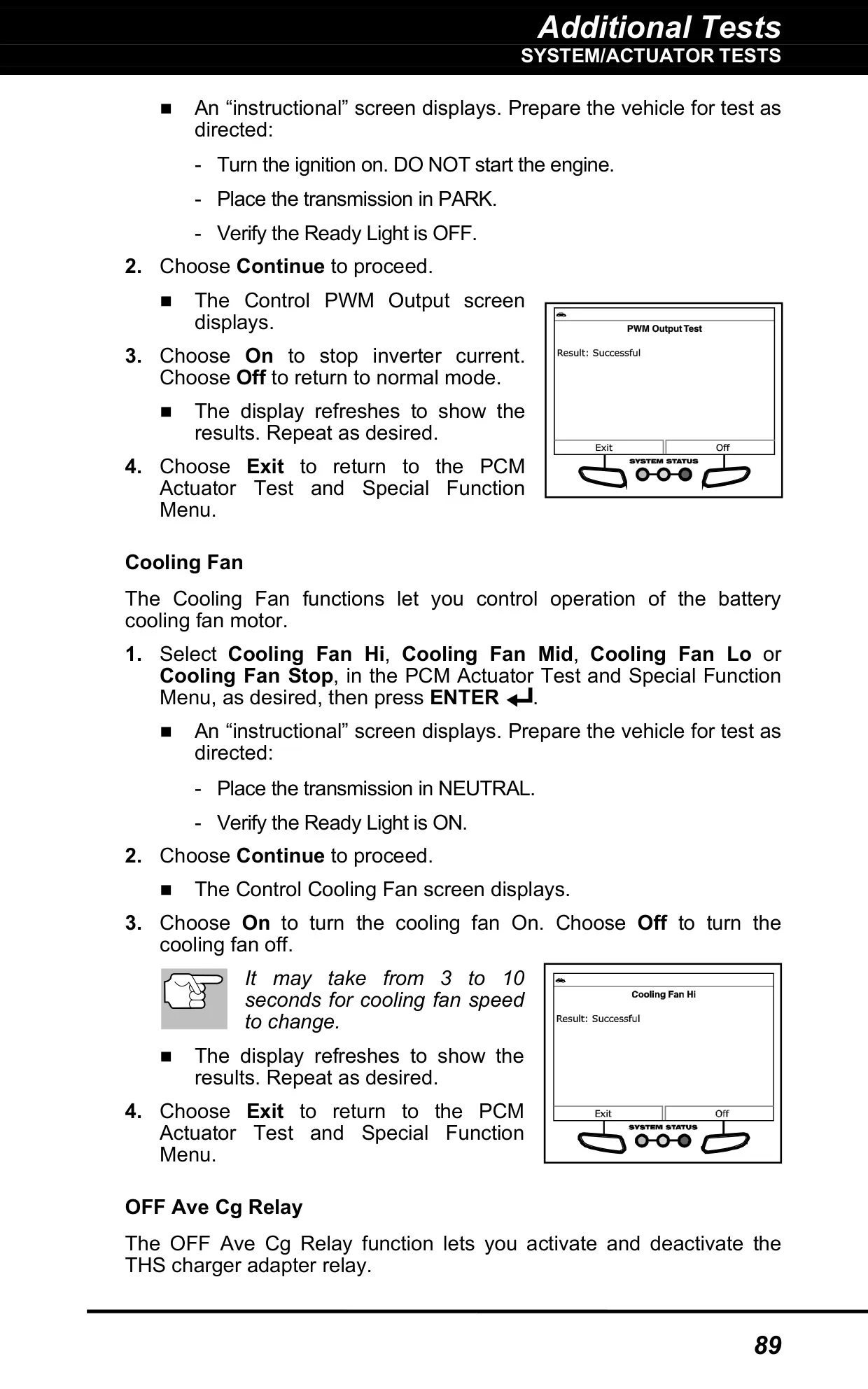
The System/Actuator Tests let the tool send commands to vehicle components. On Chrysler vehicles you can set throttle blade position, run a cam/crank relearn or compression test, force EVAP leak monitors, and kill individual injectors. Ford tests include spark advance, gear command and fuel pump control. On GM vehicles you can control engine speed in 25 RPM steps and run throttle sweeps, cylinder power balance and crankshaft variation learn procedures.
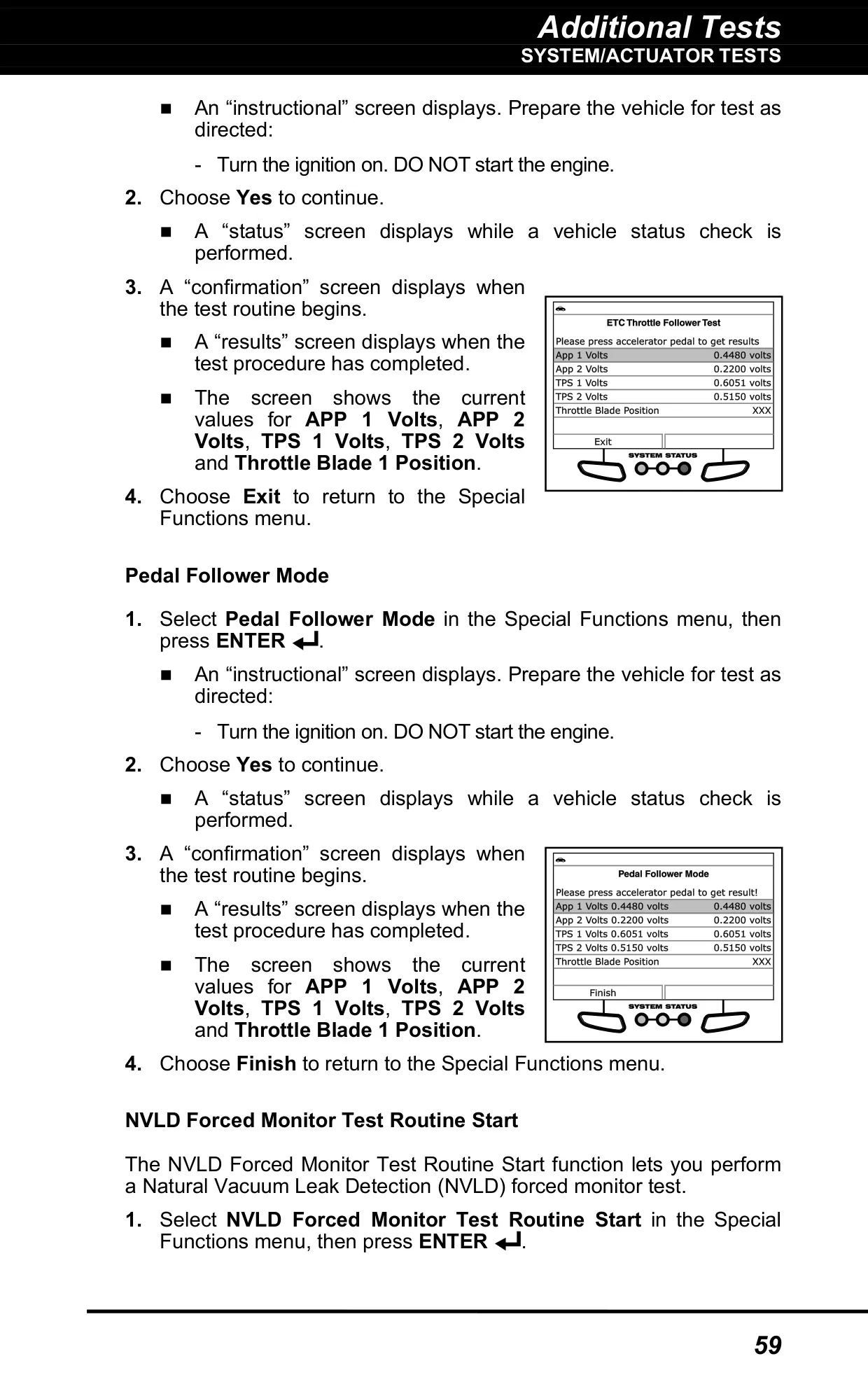
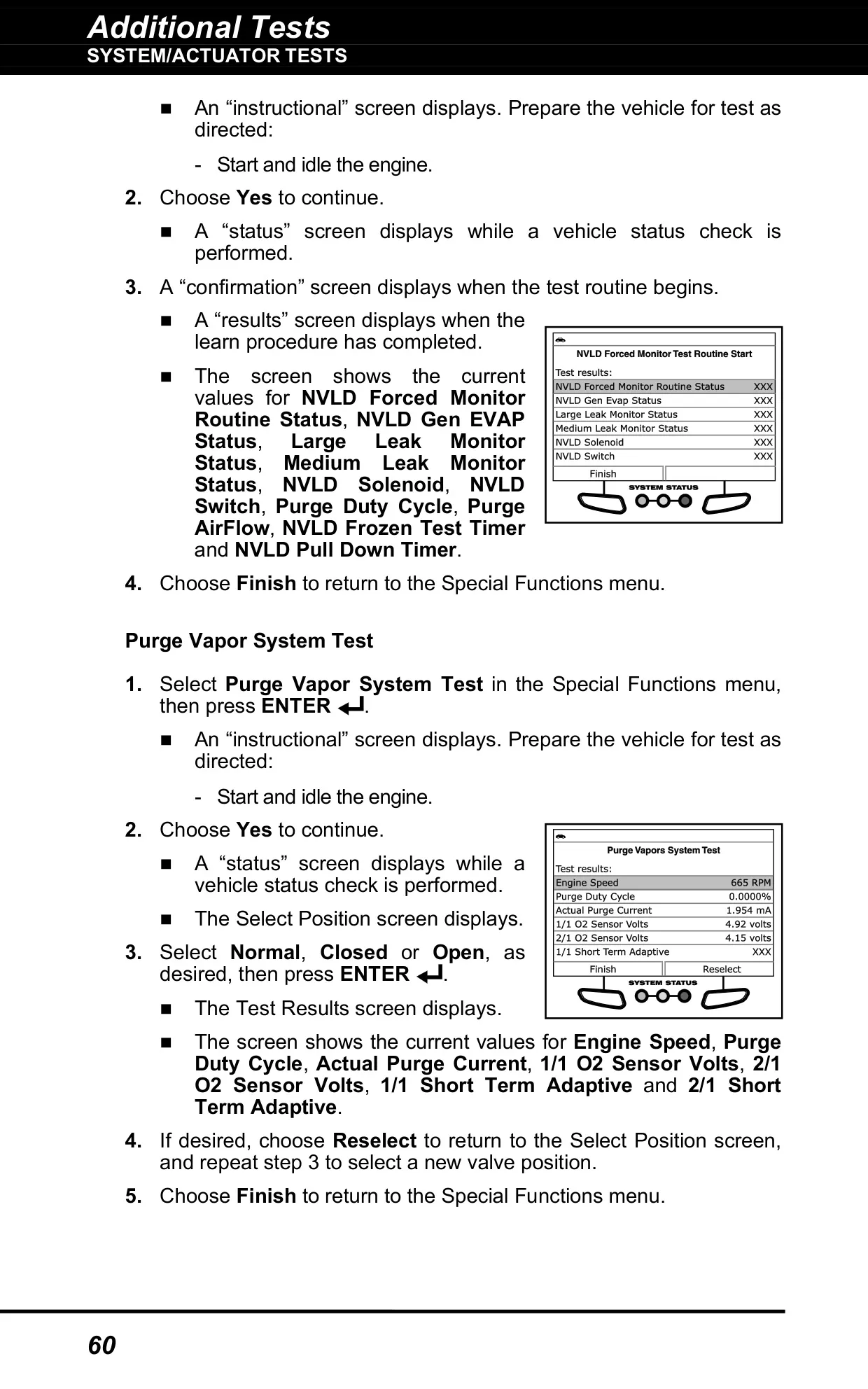
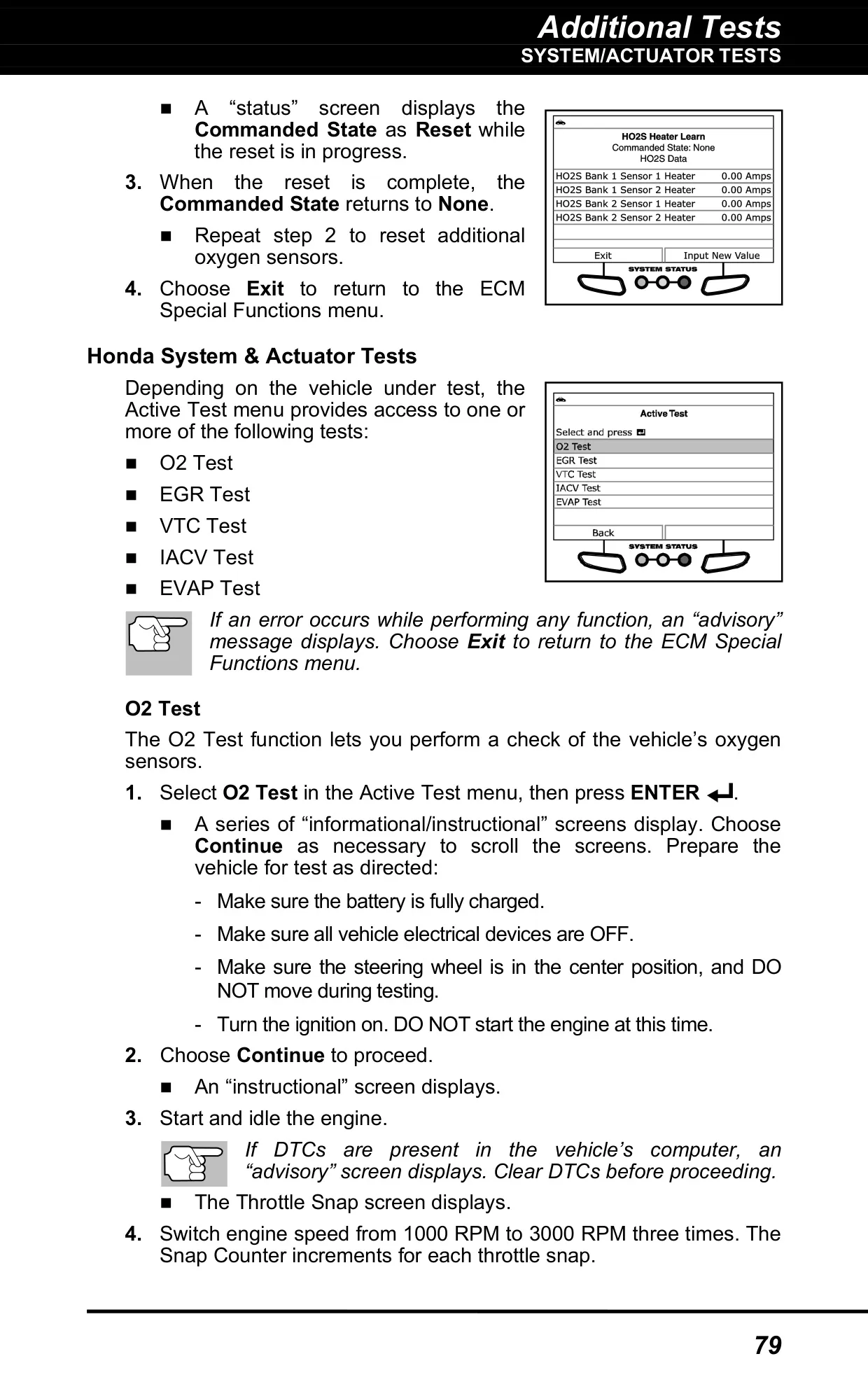
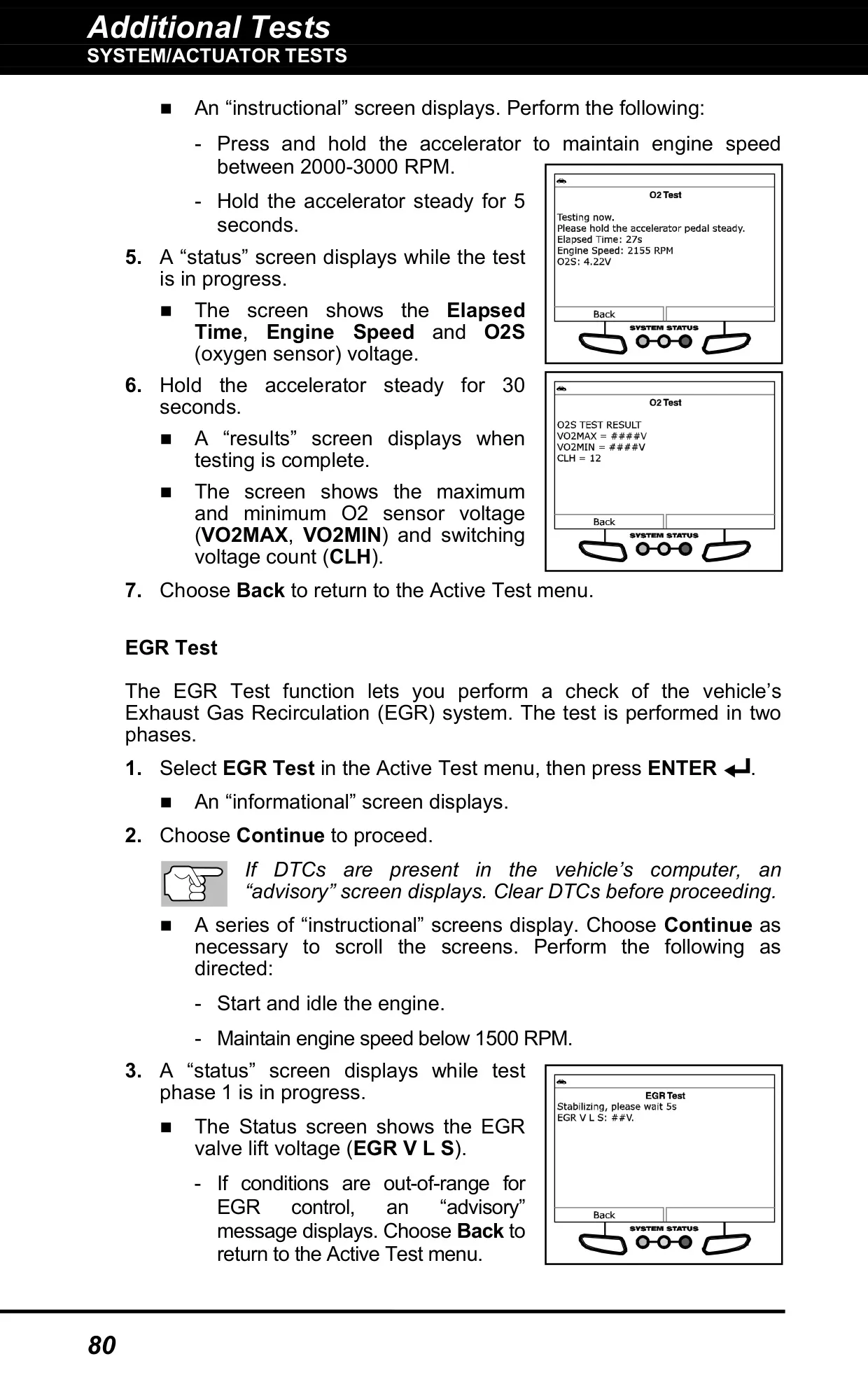
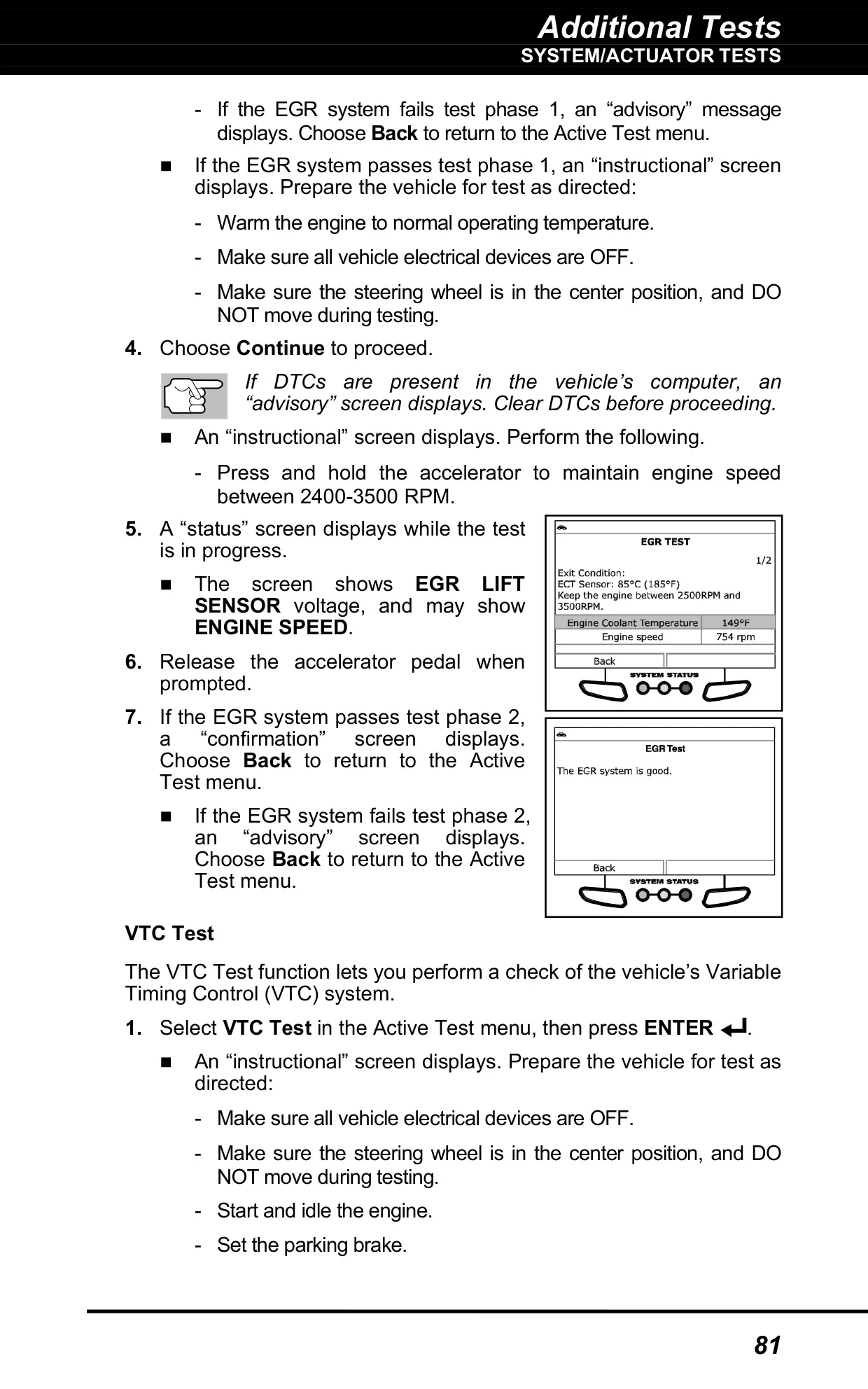
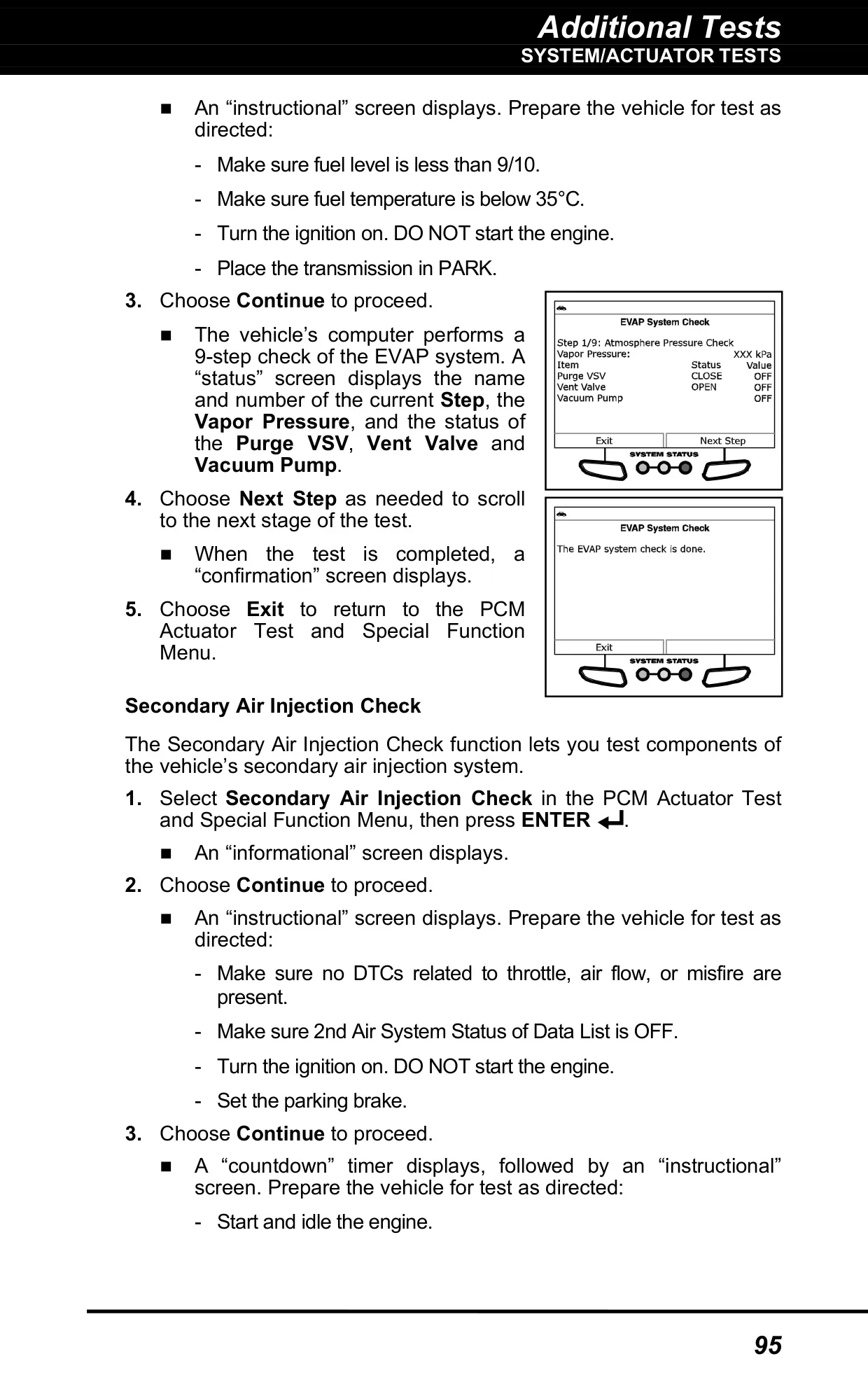
Honda owners get O2, EGR, VTC, IACV and EVAP solenoid tests. Toyota and hybrid owners get functions such as Inspection Mode for dynamometer use, Cranking Request, PWM inverter shutoff, battery cooling fan control, D-4S injection control and multi-step EVAP system checks. The tool shows live parameters during each routine, such as APP and TPS voltages, MAP vacuum and purge duty cycle.
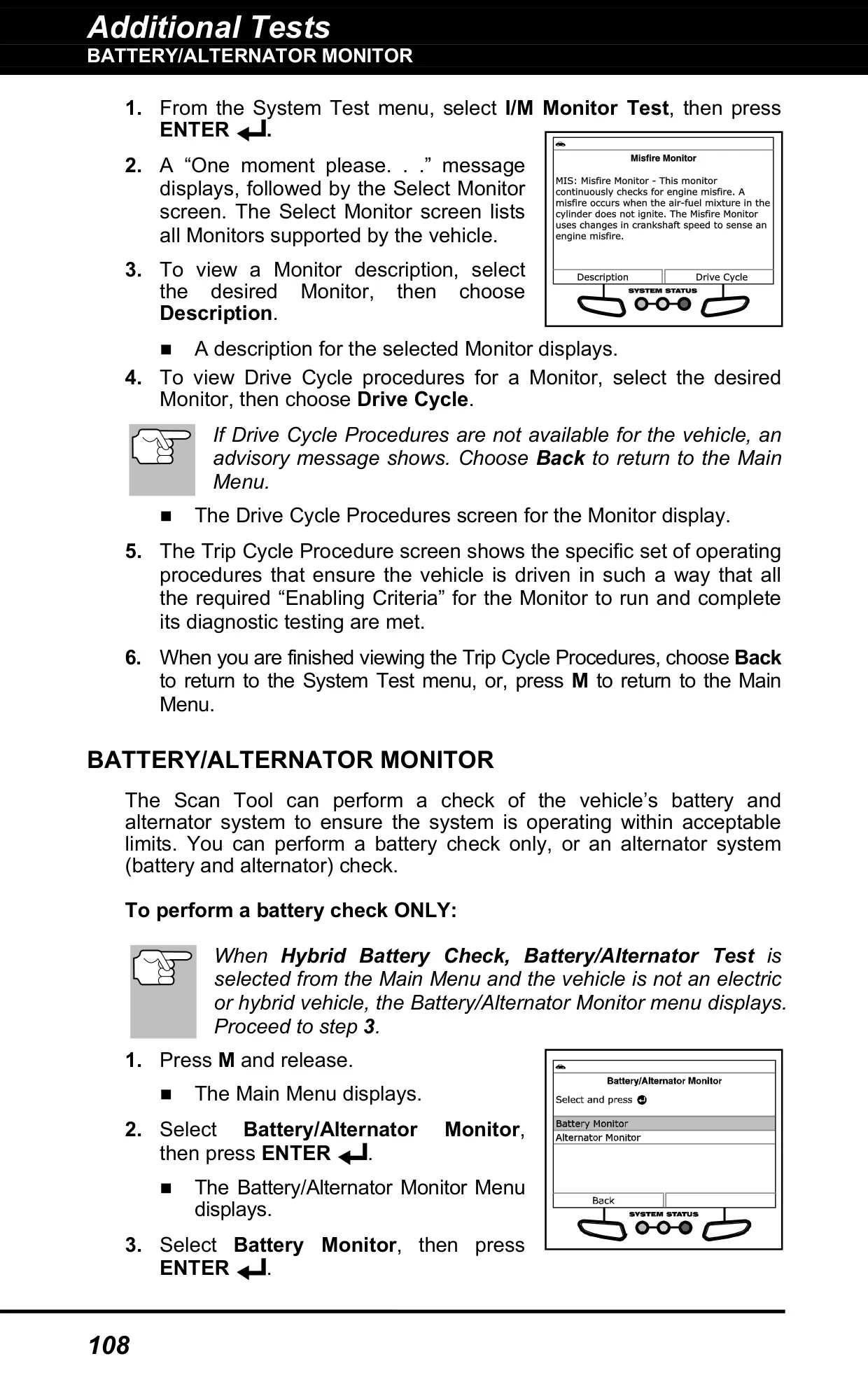
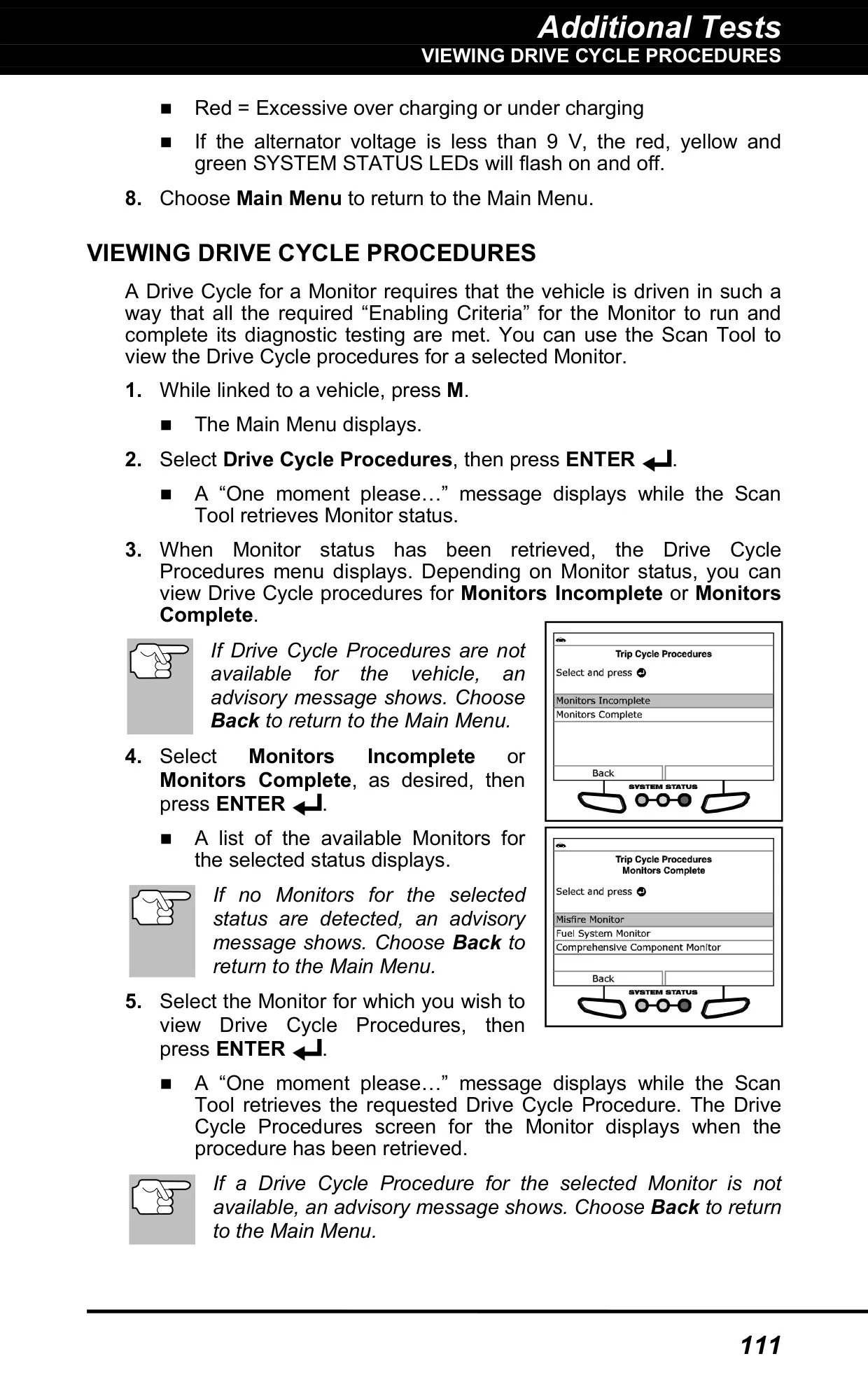
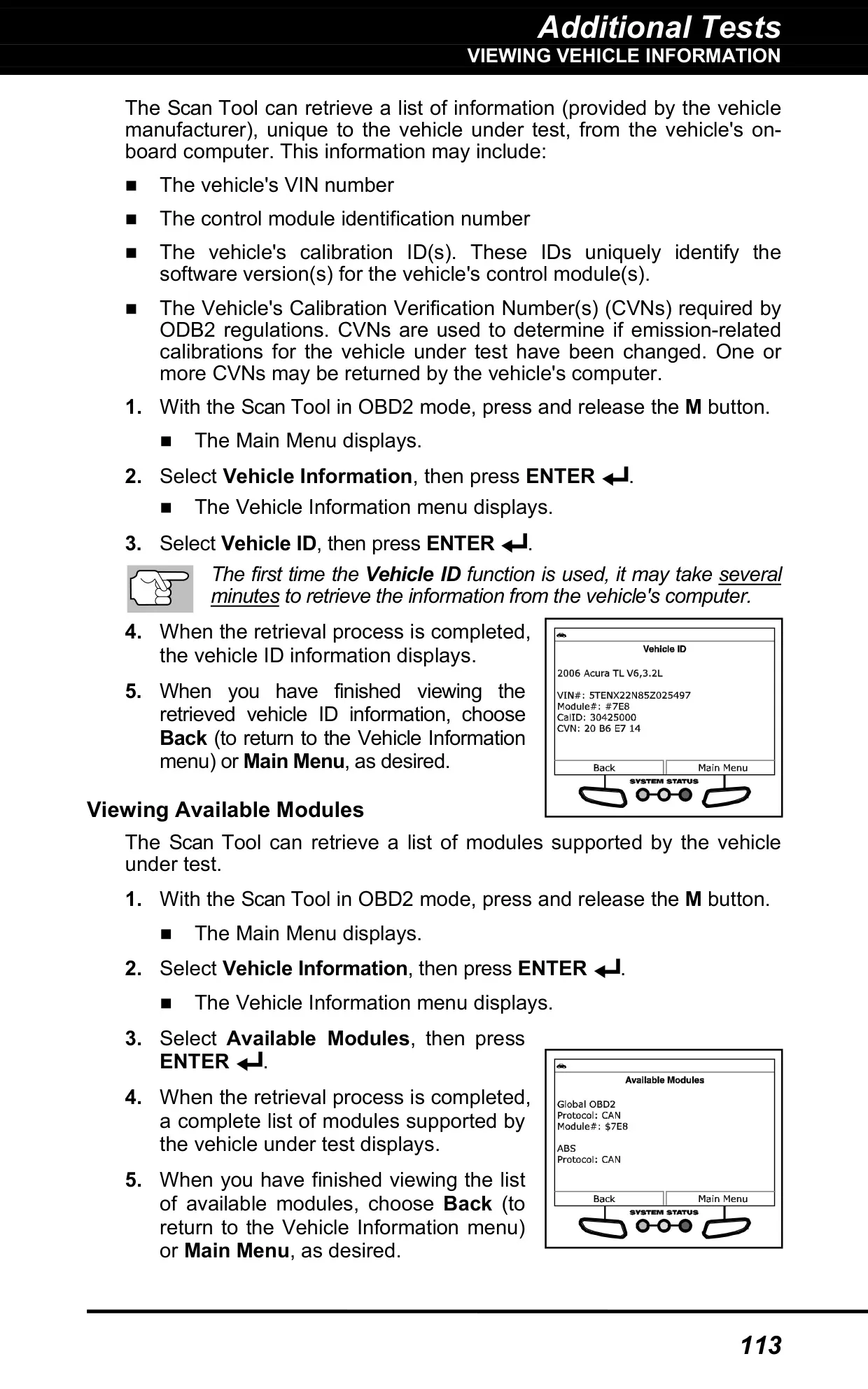
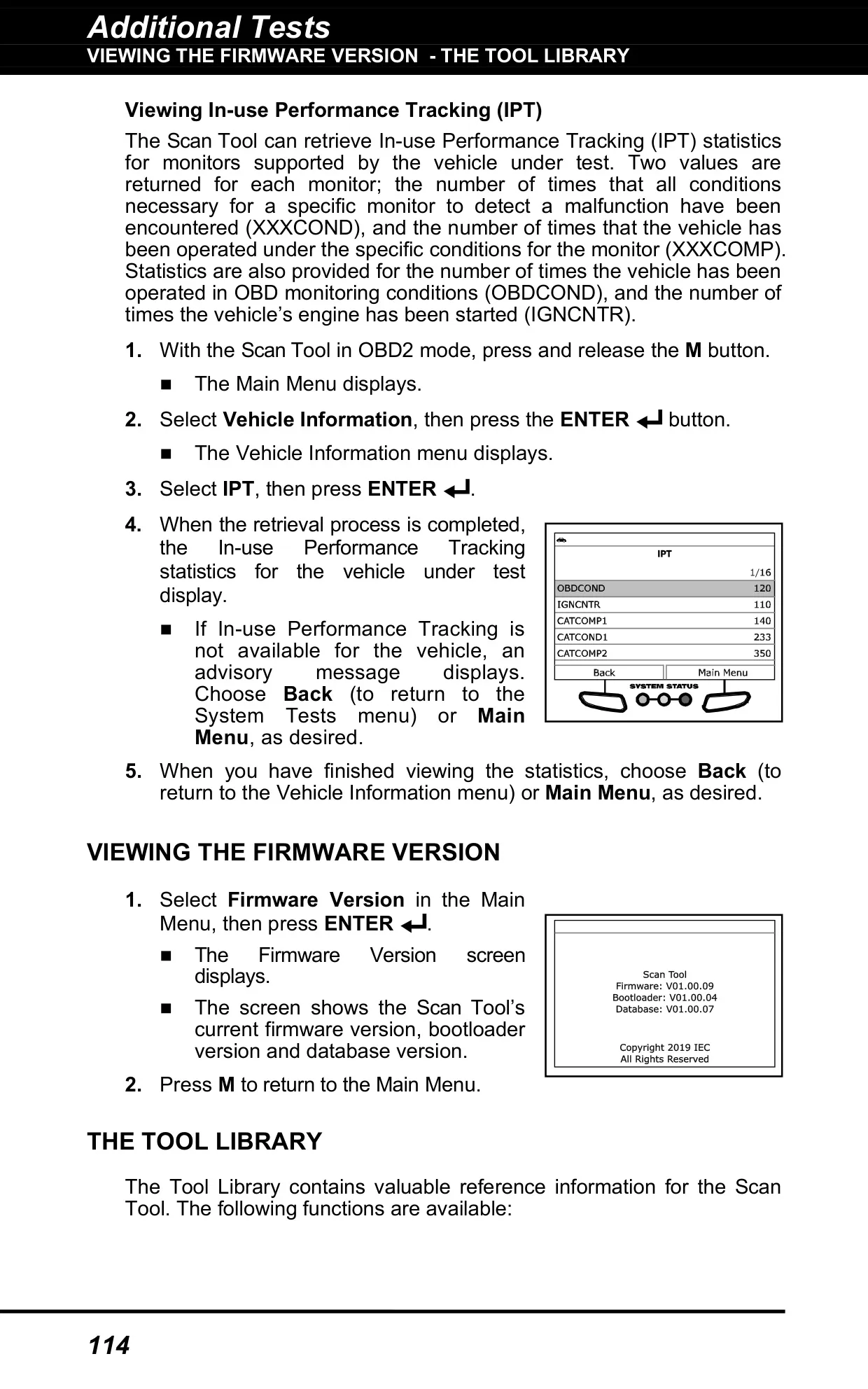
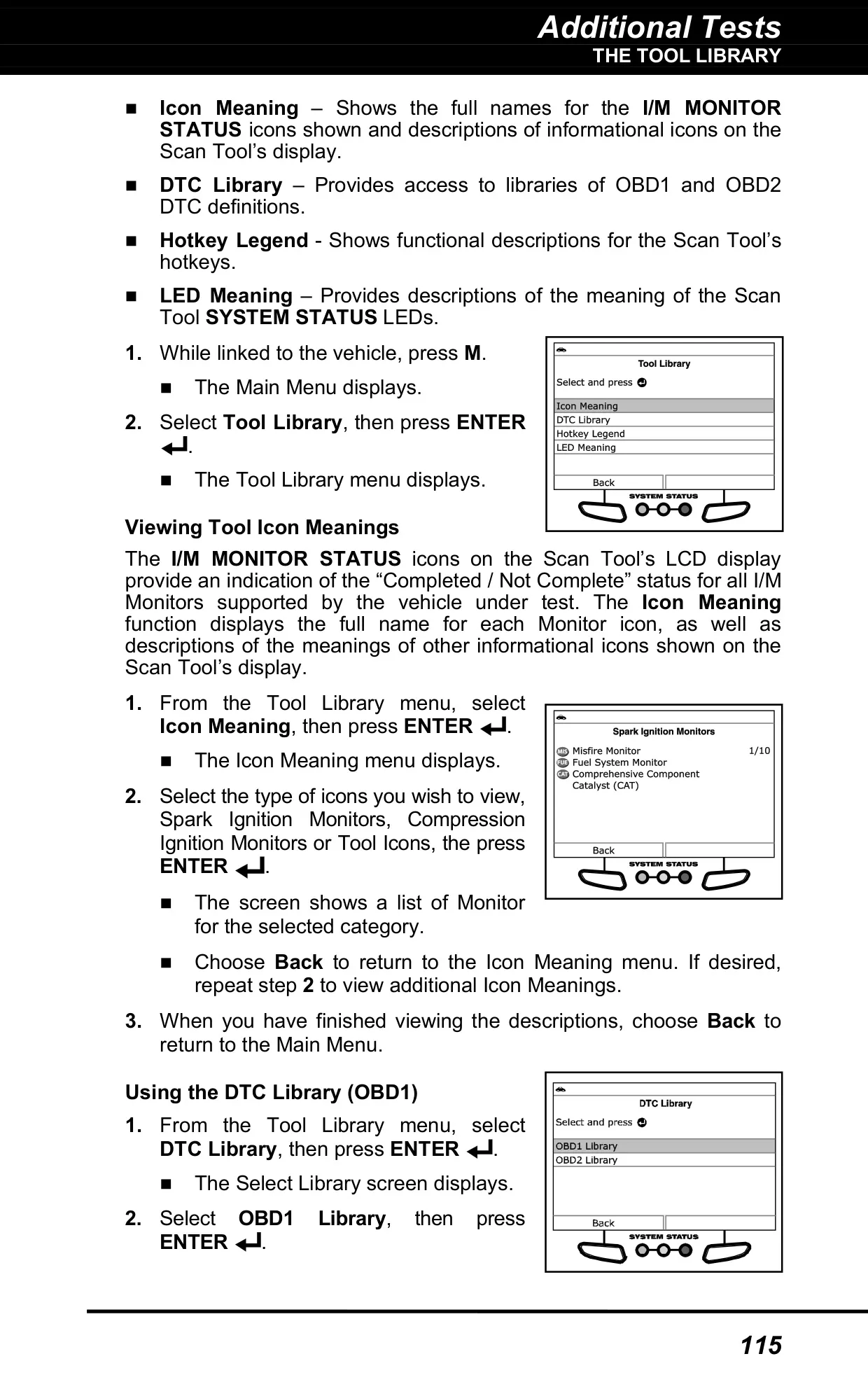
Several reference tools help with day-to-day diagnosis. Drive Cycle Procedures explain how to complete incomplete monitors before an emissions inspection. The DLC Locator shows where the diagnostic connector is and includes a picture. Vehicle Information retrieves the VIN, calibration IDs, CVNs, available modules and In-use Performance Tracking statistics. The Tool Library contains OBD1 and OBD2 code definitions, icon meanings, LED meanings and a hotkey legend.
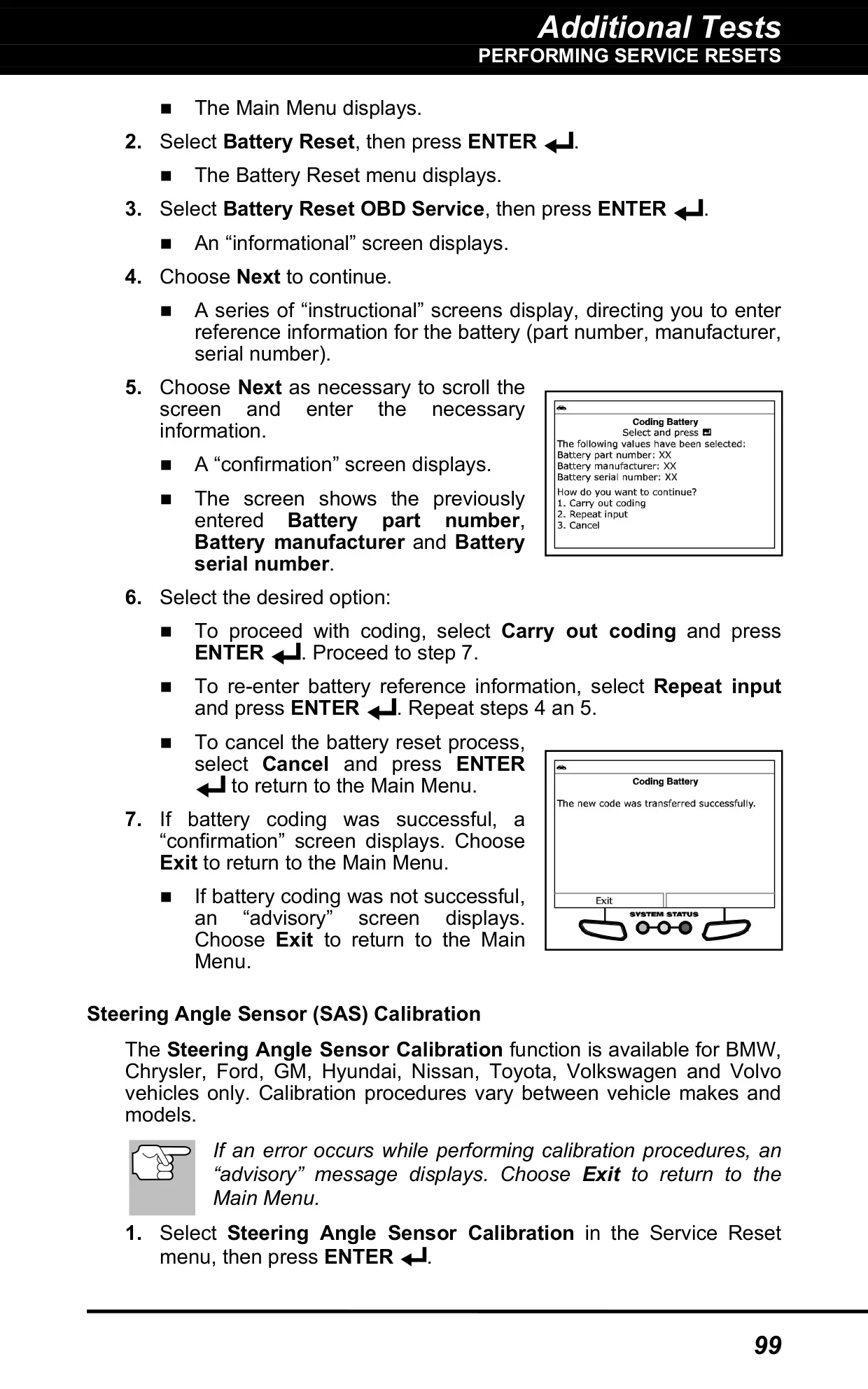
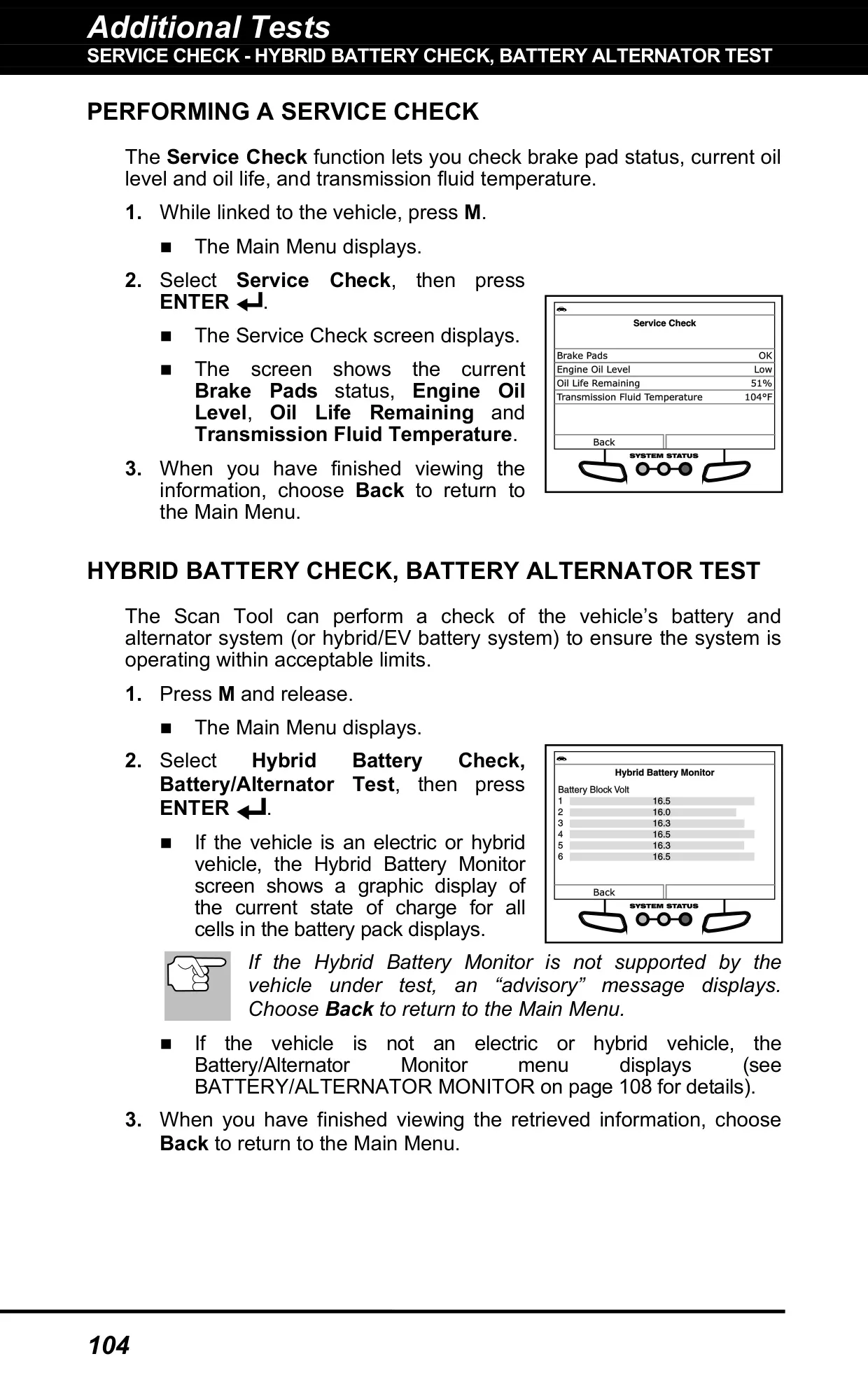
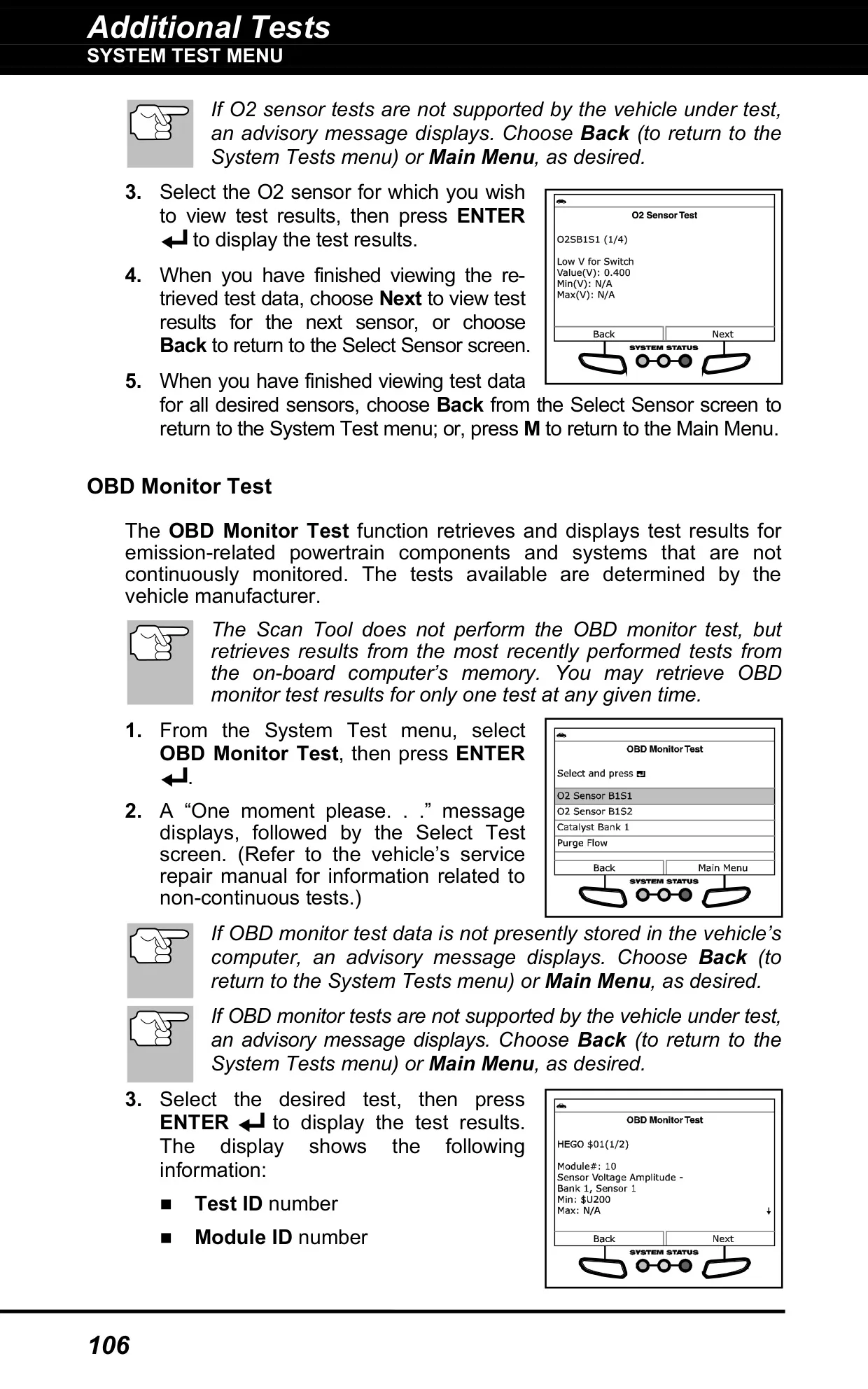
The Service Check screen shows brake pad status, engine oil level, oil life remaining and transmission fluid temperature. For electric and hybrid vehicles, the Hybrid Battery Check shows the state of charge for each cell in the pack. The OBD Mode Tests menu retrieves O2 sensor and non-continuous monitor results, marks values as Low, High or OK, and can ask the vehicle to start an EVAP leak test.
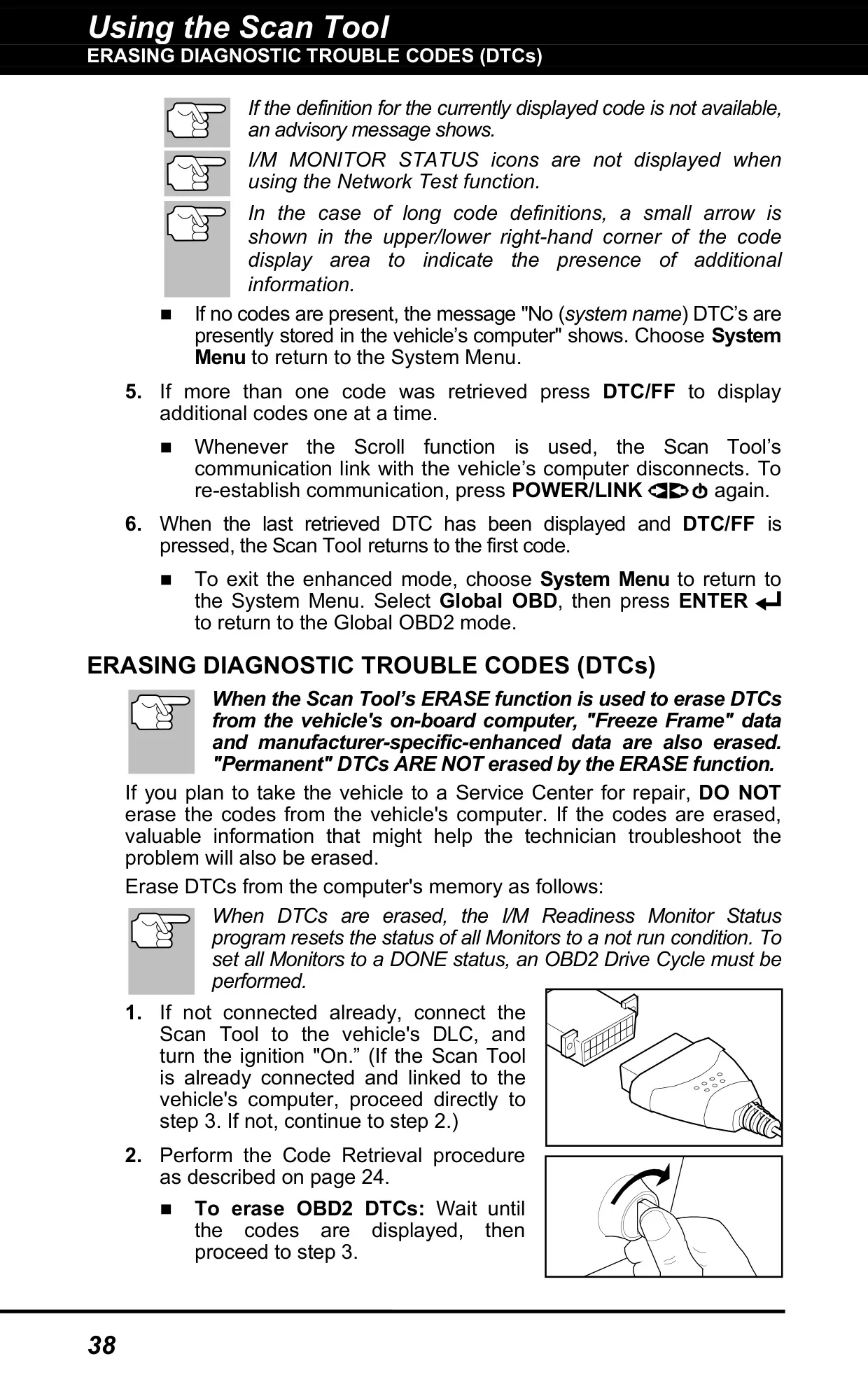
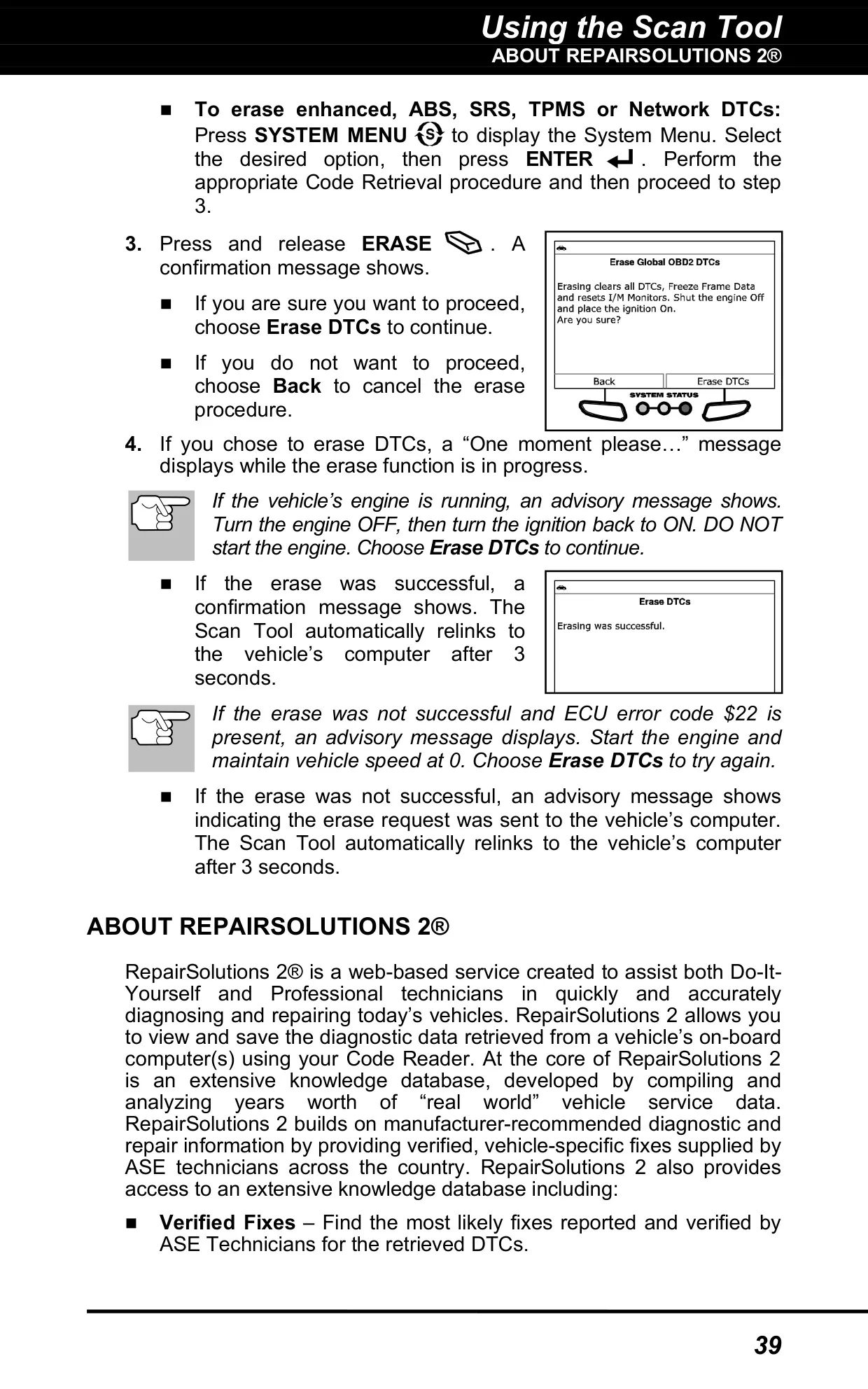
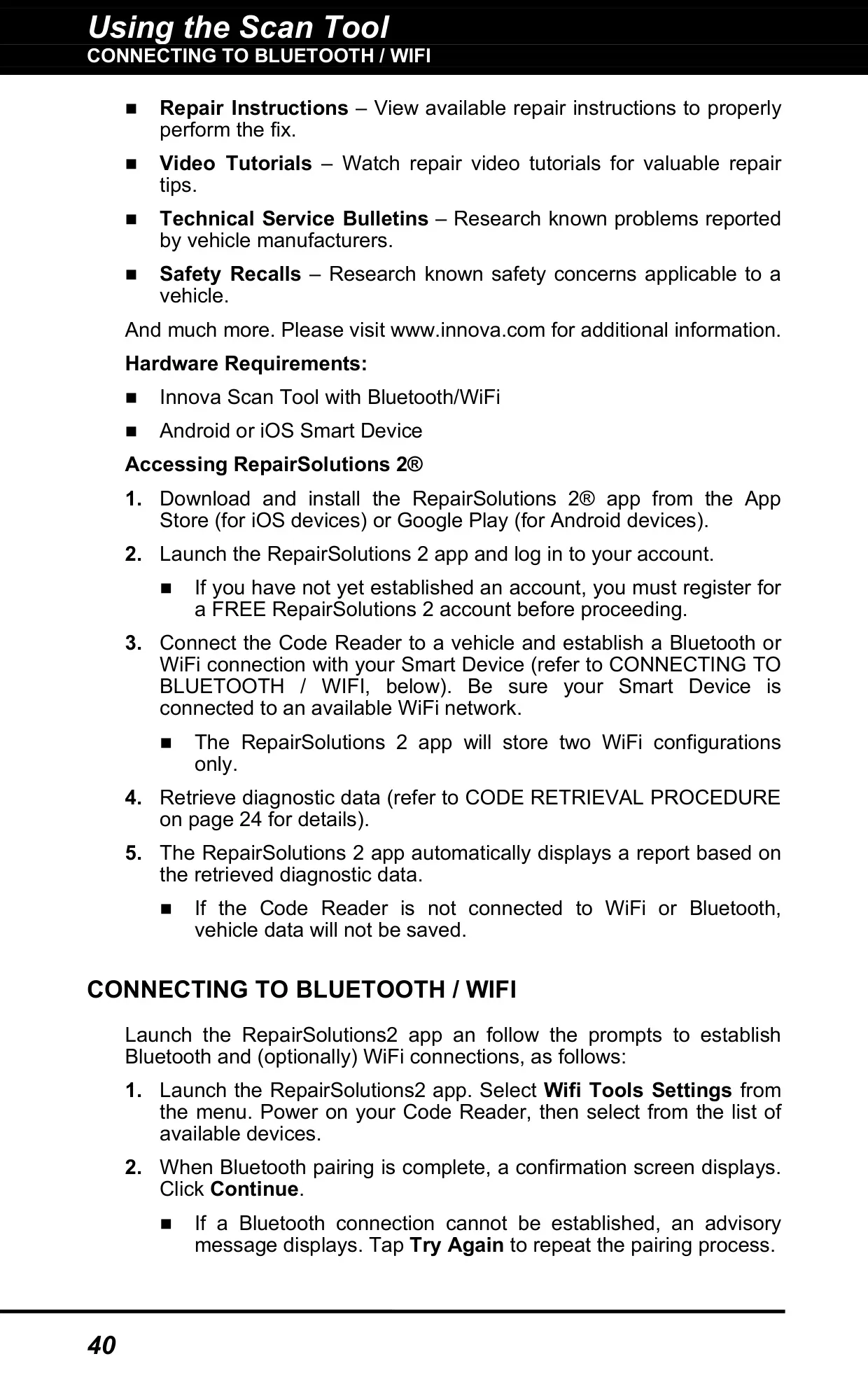
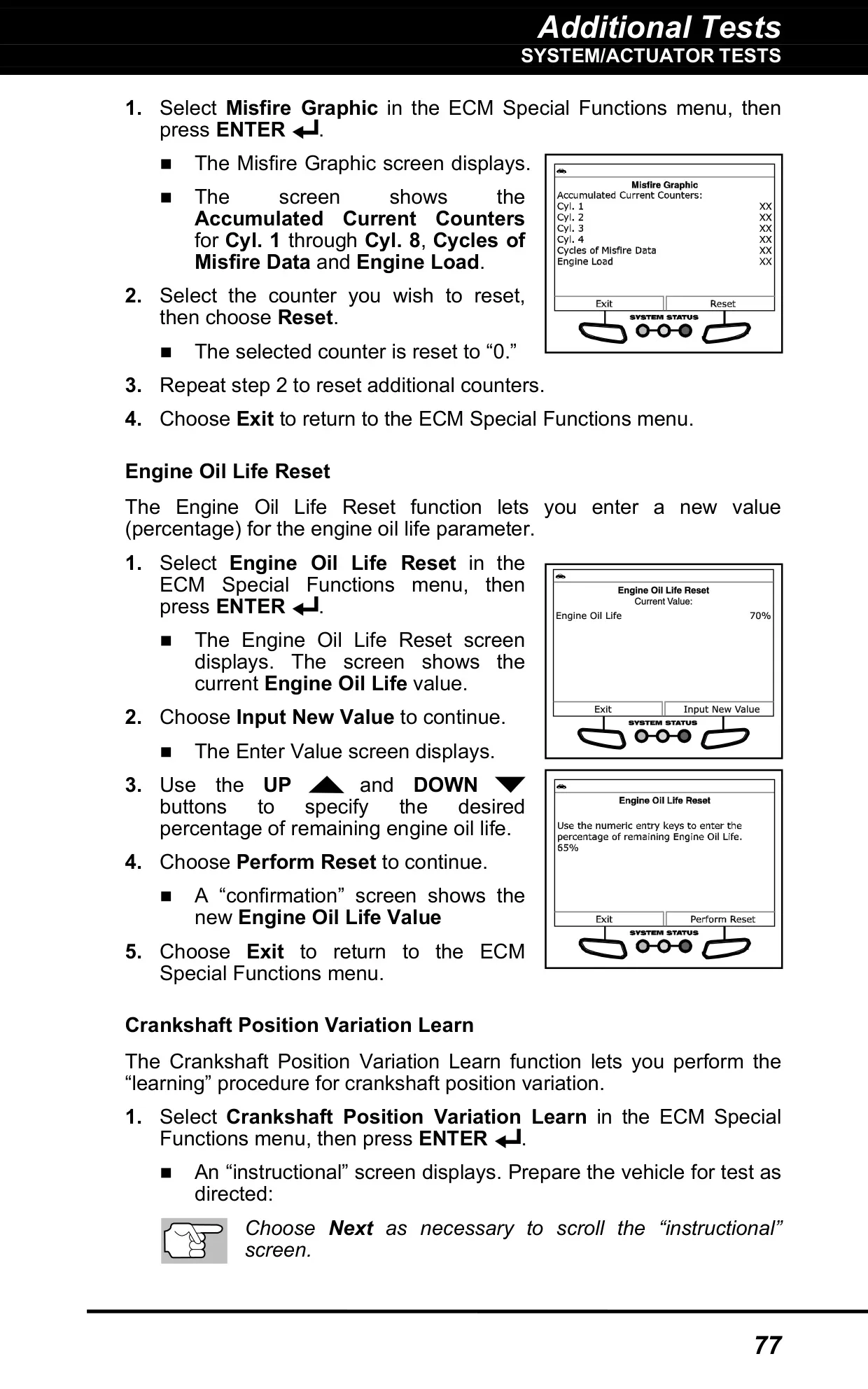
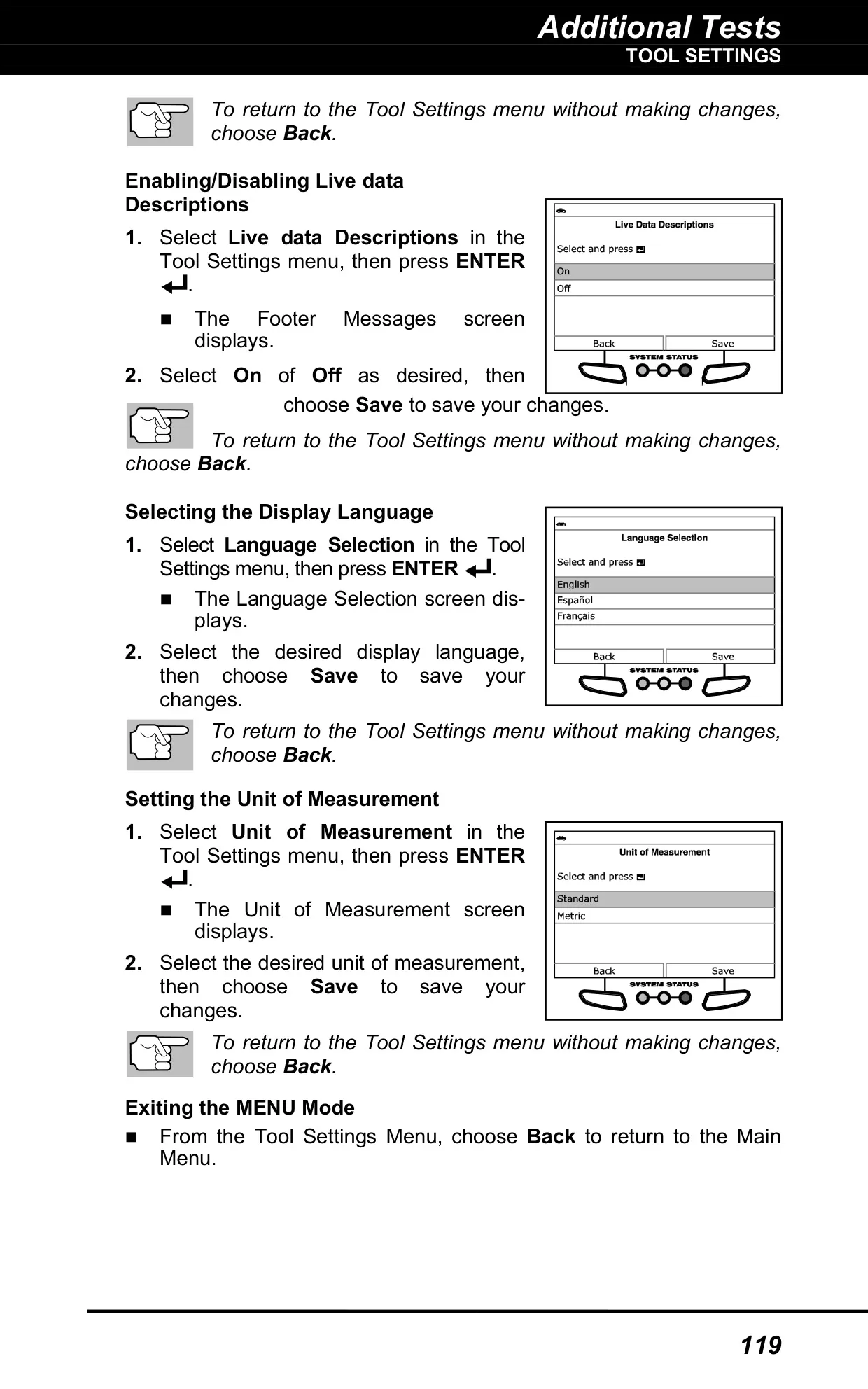
The erase function also clears Freeze Frame and enhanced data, but it cannot remove permanent DTCs. After an erase, all monitors are reset to "not run." Through the RepairSolutions 2 app you can access verified fixes, repair instructions, video tutorials, technical service bulletins and safety recalls. In Tool Settings you can adjust screen brightness, turn the audible key tone on or off, and enable expanded Live Data descriptions.
Frequently Asked Questions (FAQs)
Can't find the answer you need? Here are some frequently asked questions about the Innova 5610 OBD2 Scanner, and we answer them below.