Innova 5210 OBD2 Scanner Instruction Manual

Innova 5210 OBD2 Scanner
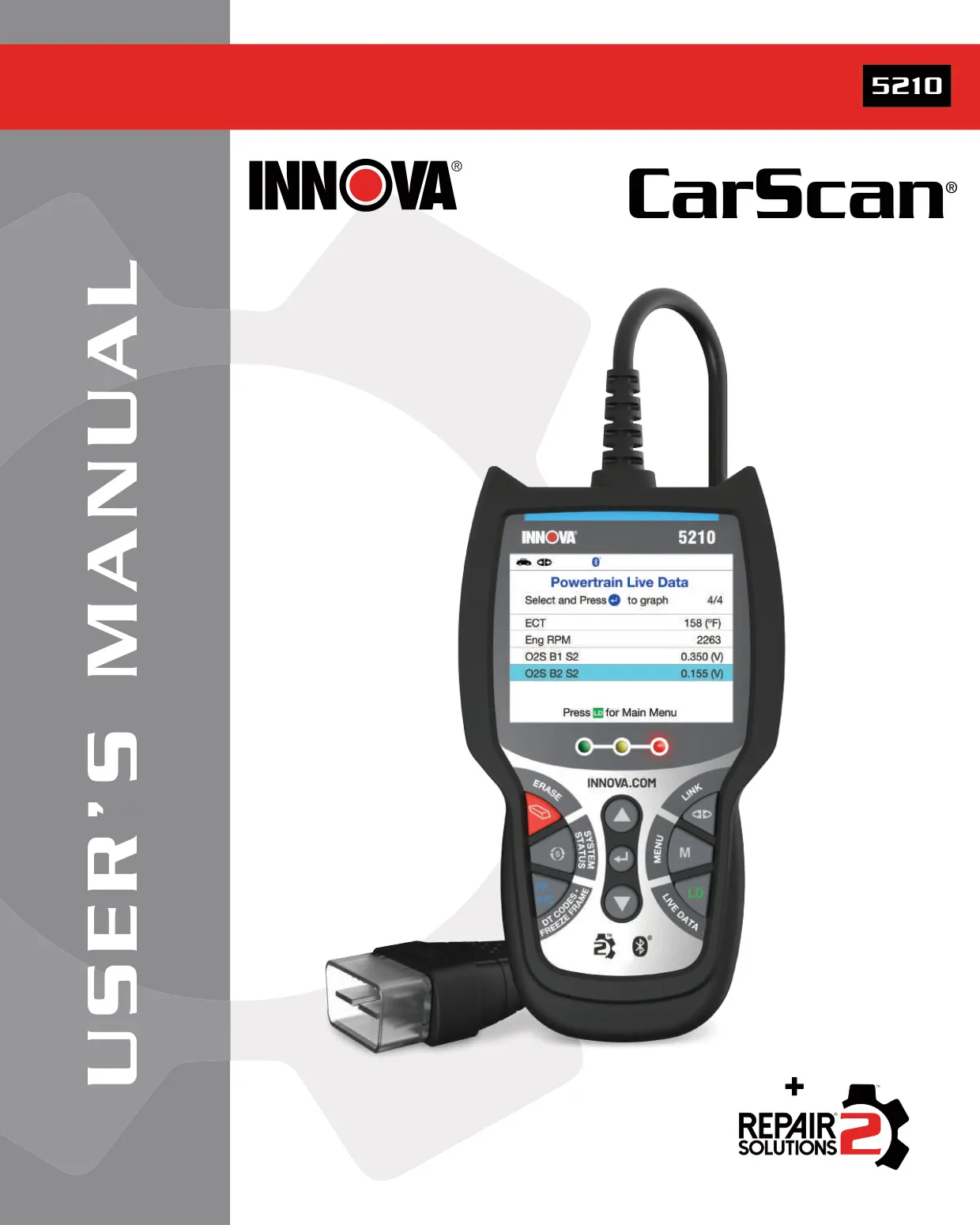
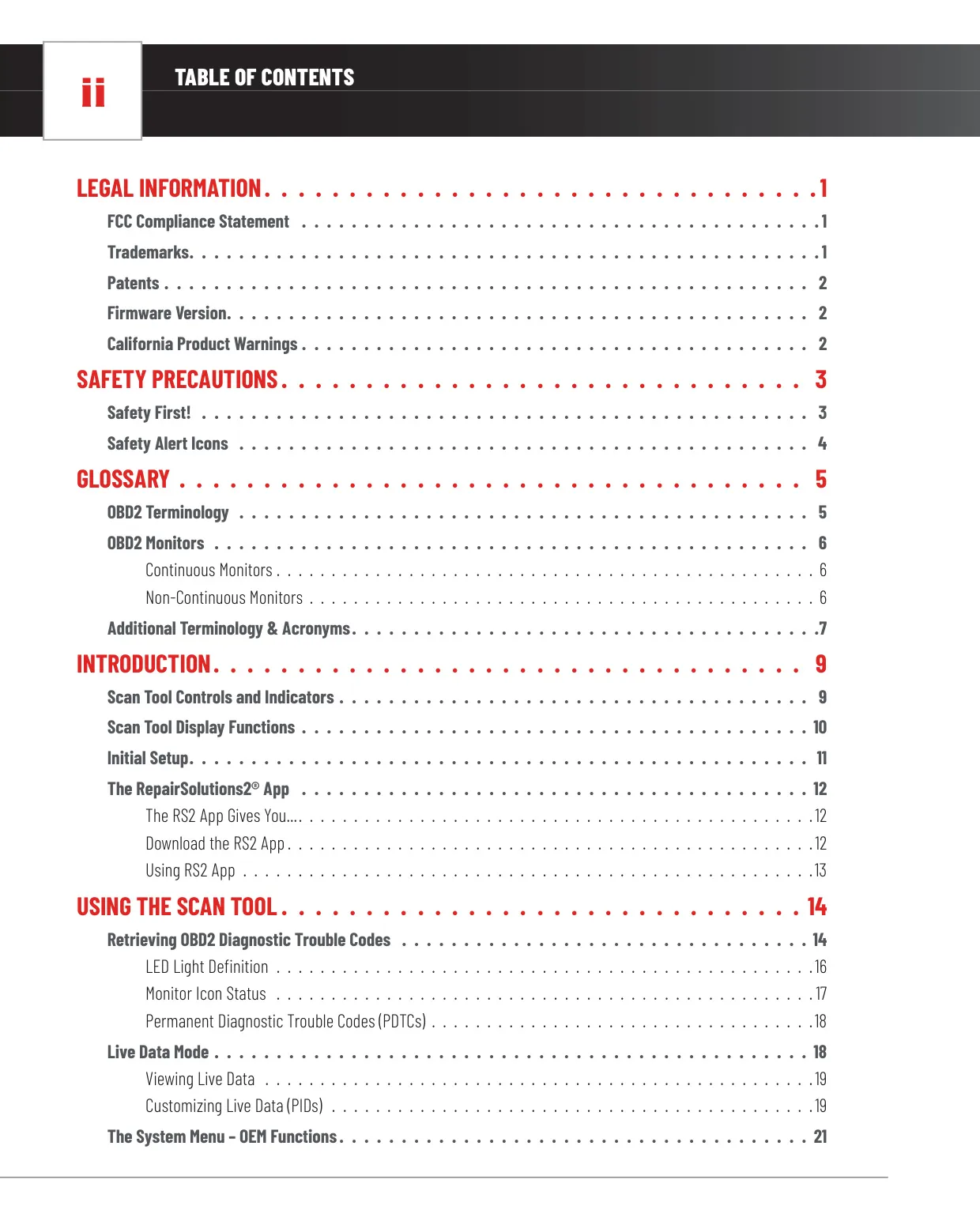
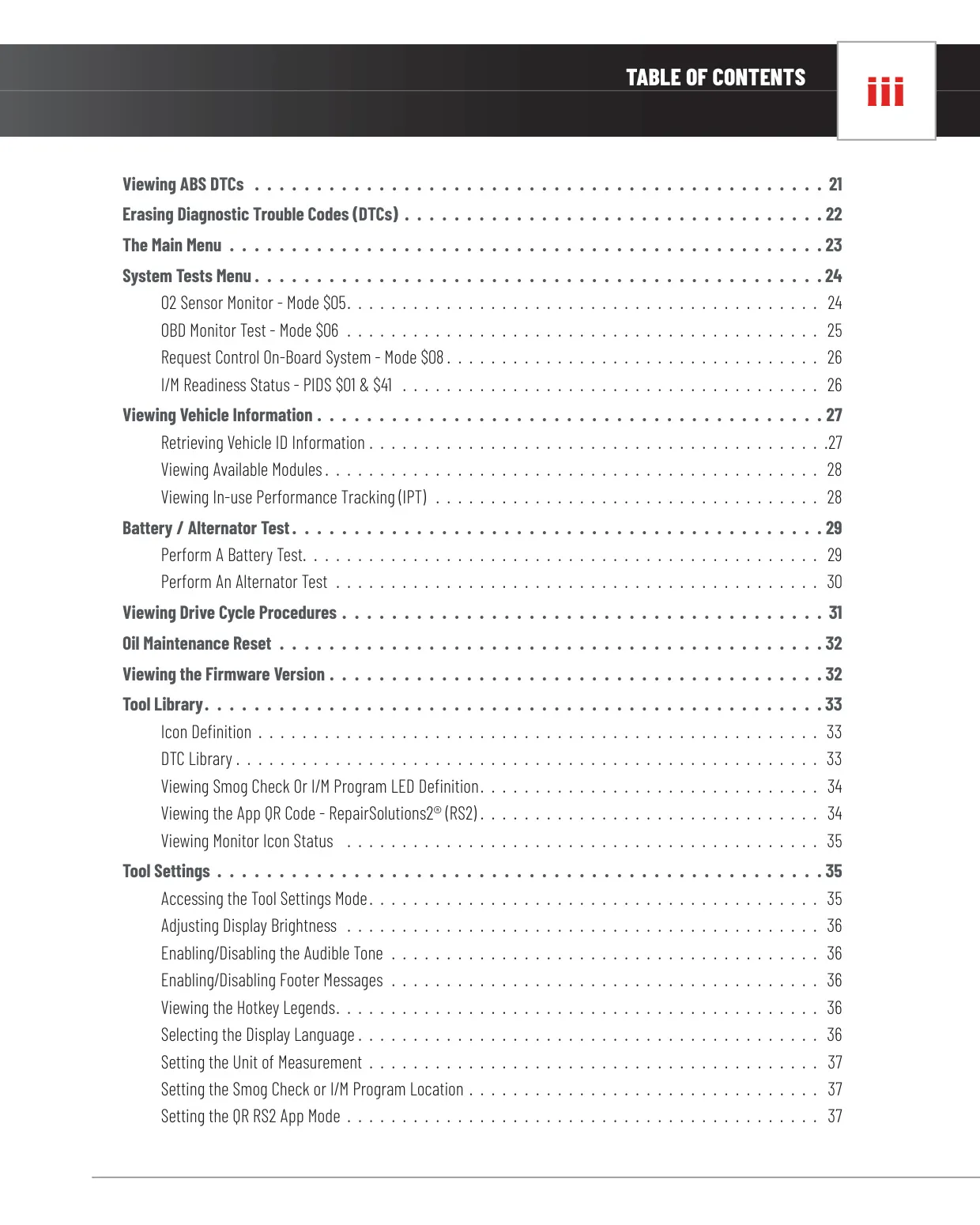
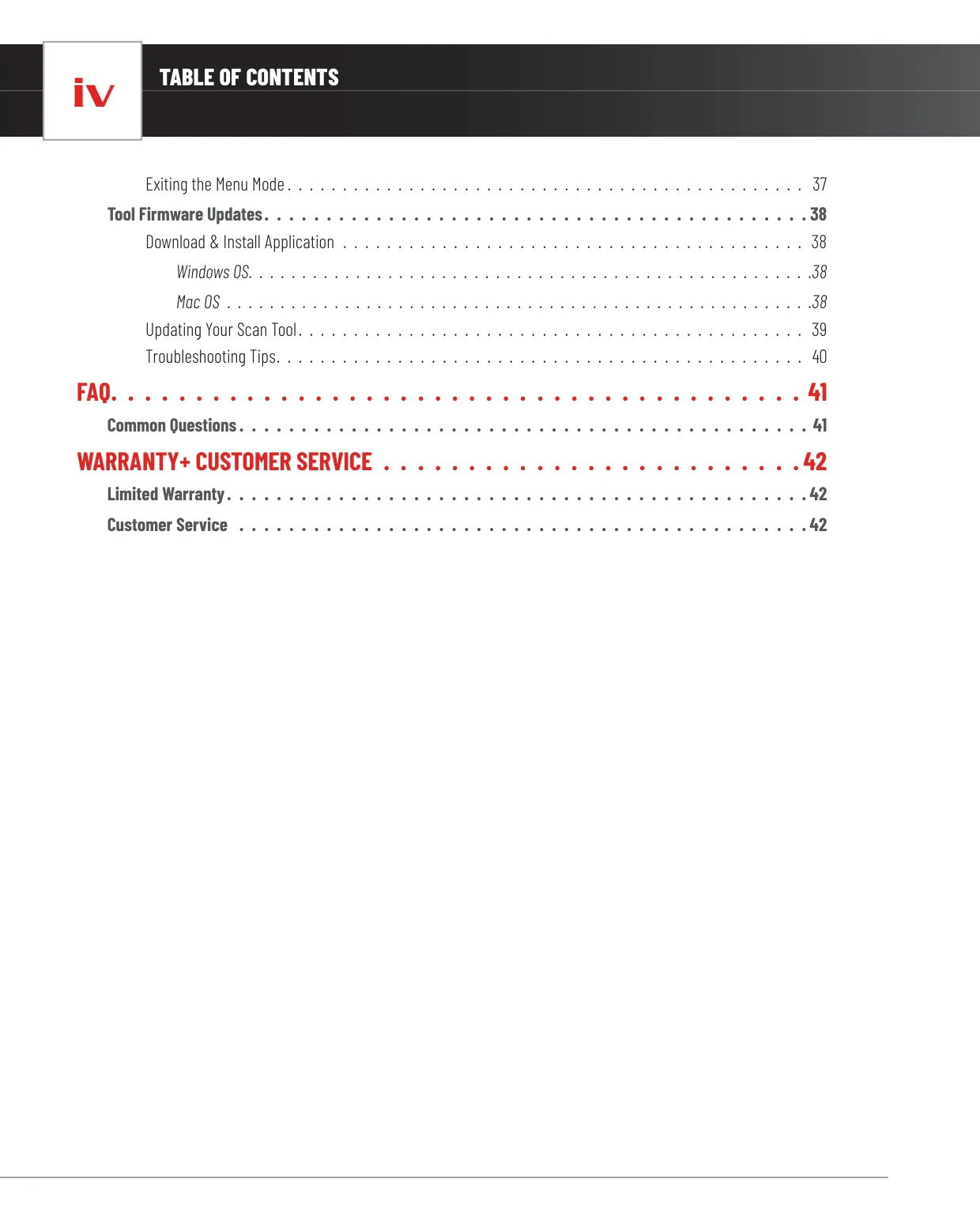

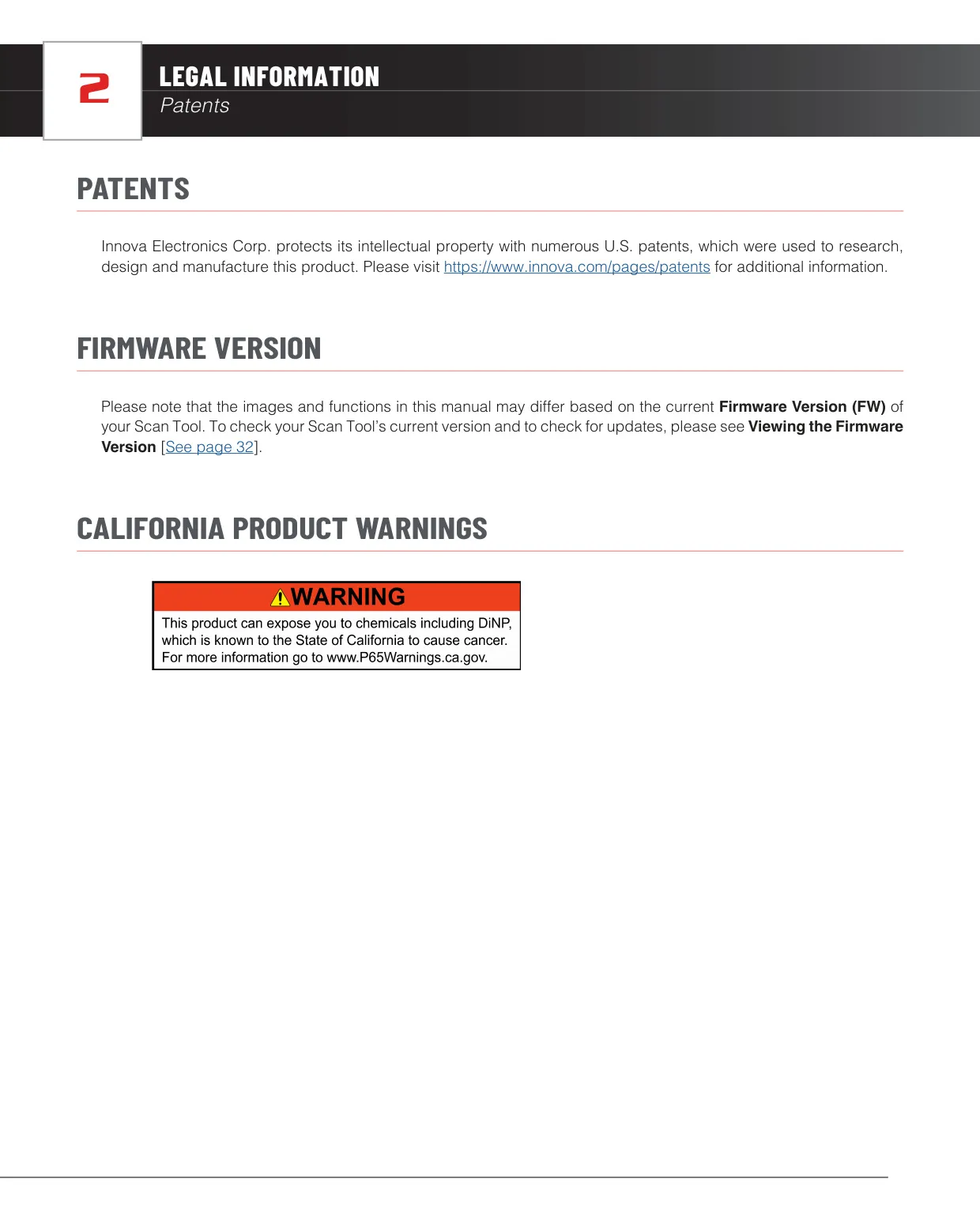




Innova 5210 OBD2 Scanner Instructions
Here we offer the Innova 5210 OBD2 Scanner manual completely free and in English. We have cataloged this manual in the OBD2 Scanners section on Manualverse, and it has been rated by 1 users with an average rating of 5. If you have any specific questions about Innova 5210 OBD2 Scanner, we suggest checking the Frequently Asked Questions (FAQs) section of this manual.
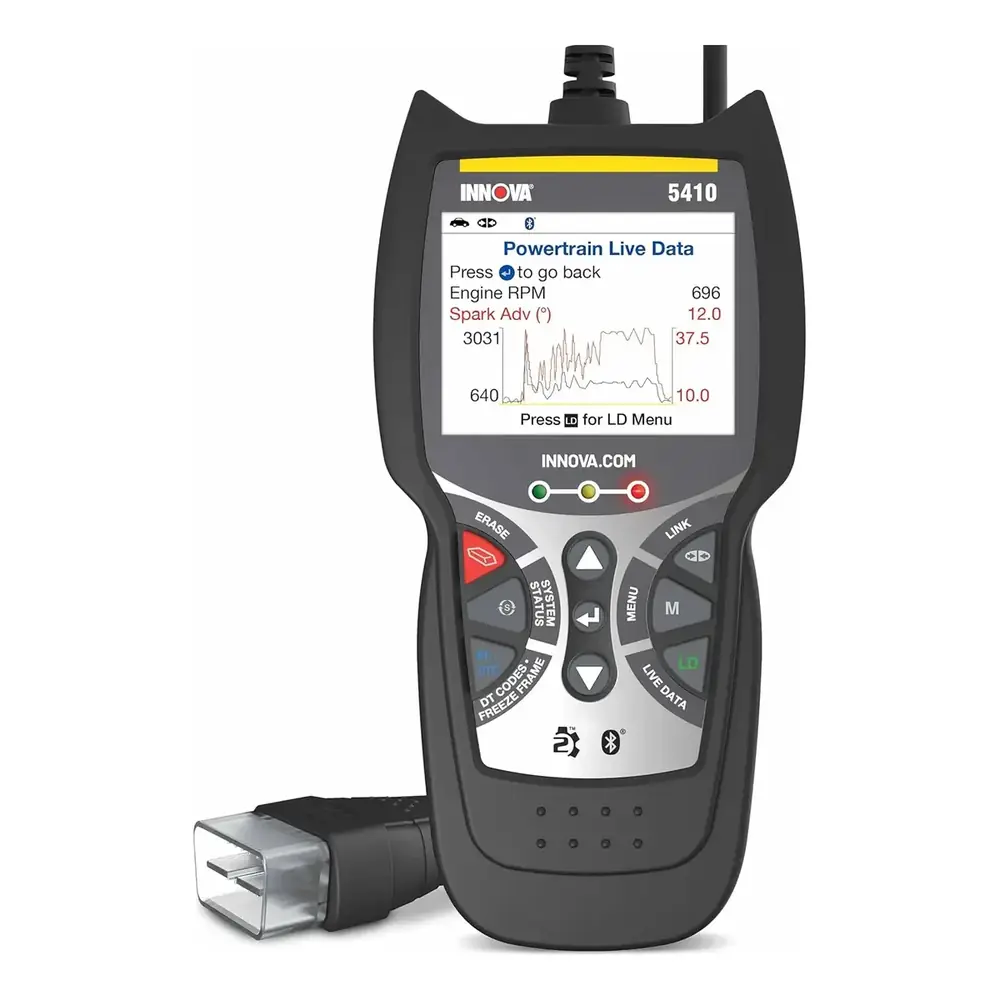
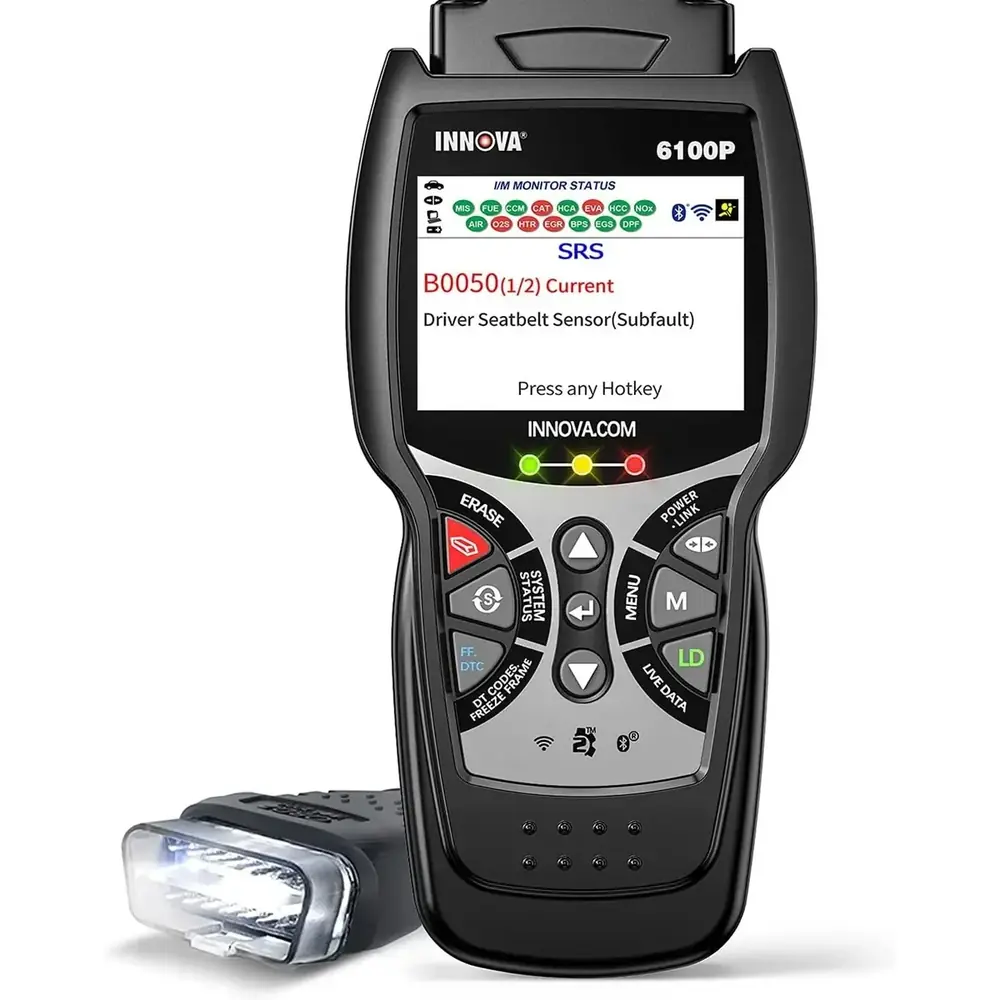
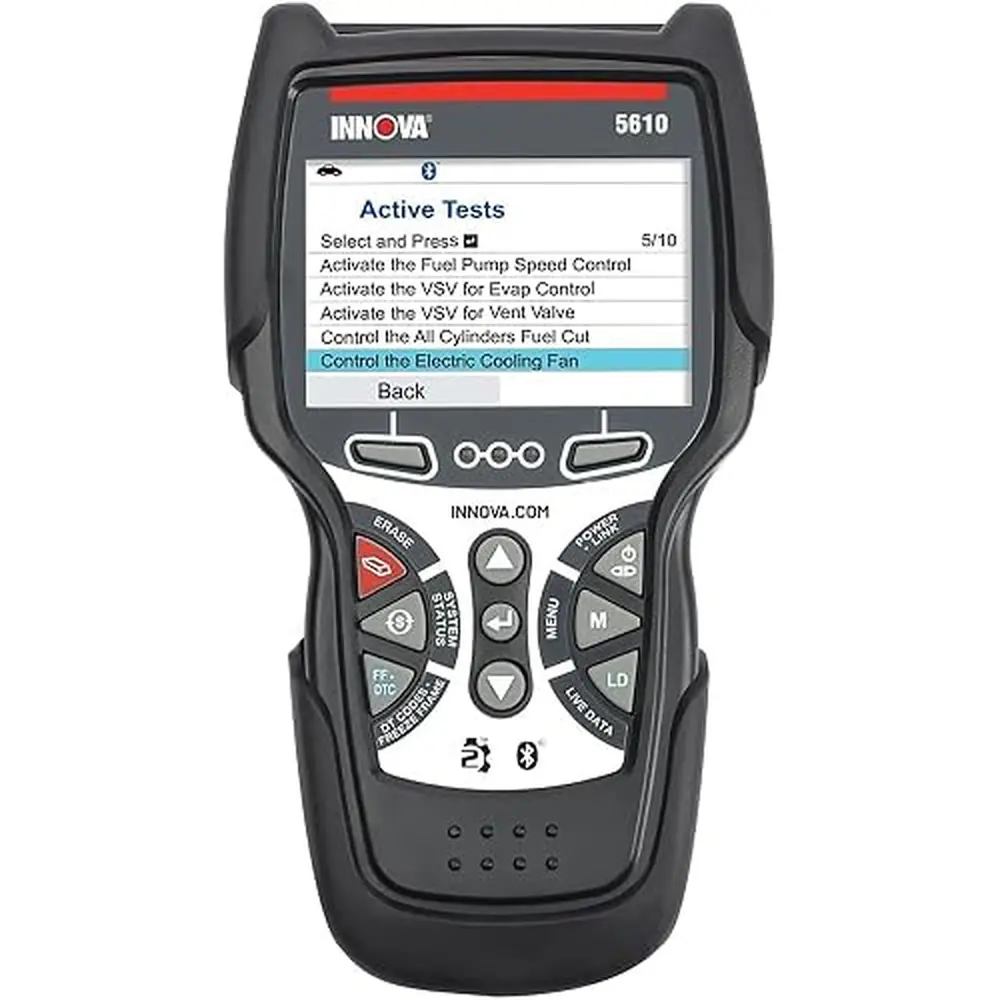
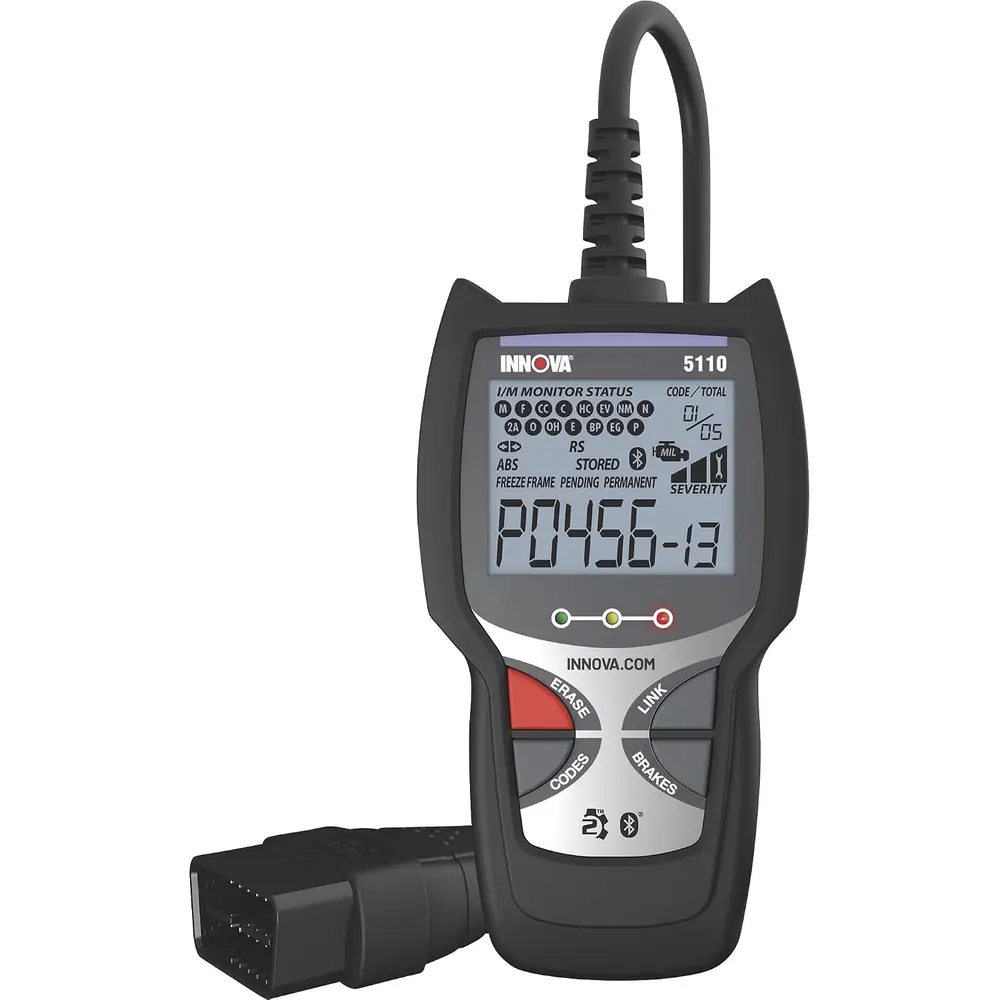
Product Images
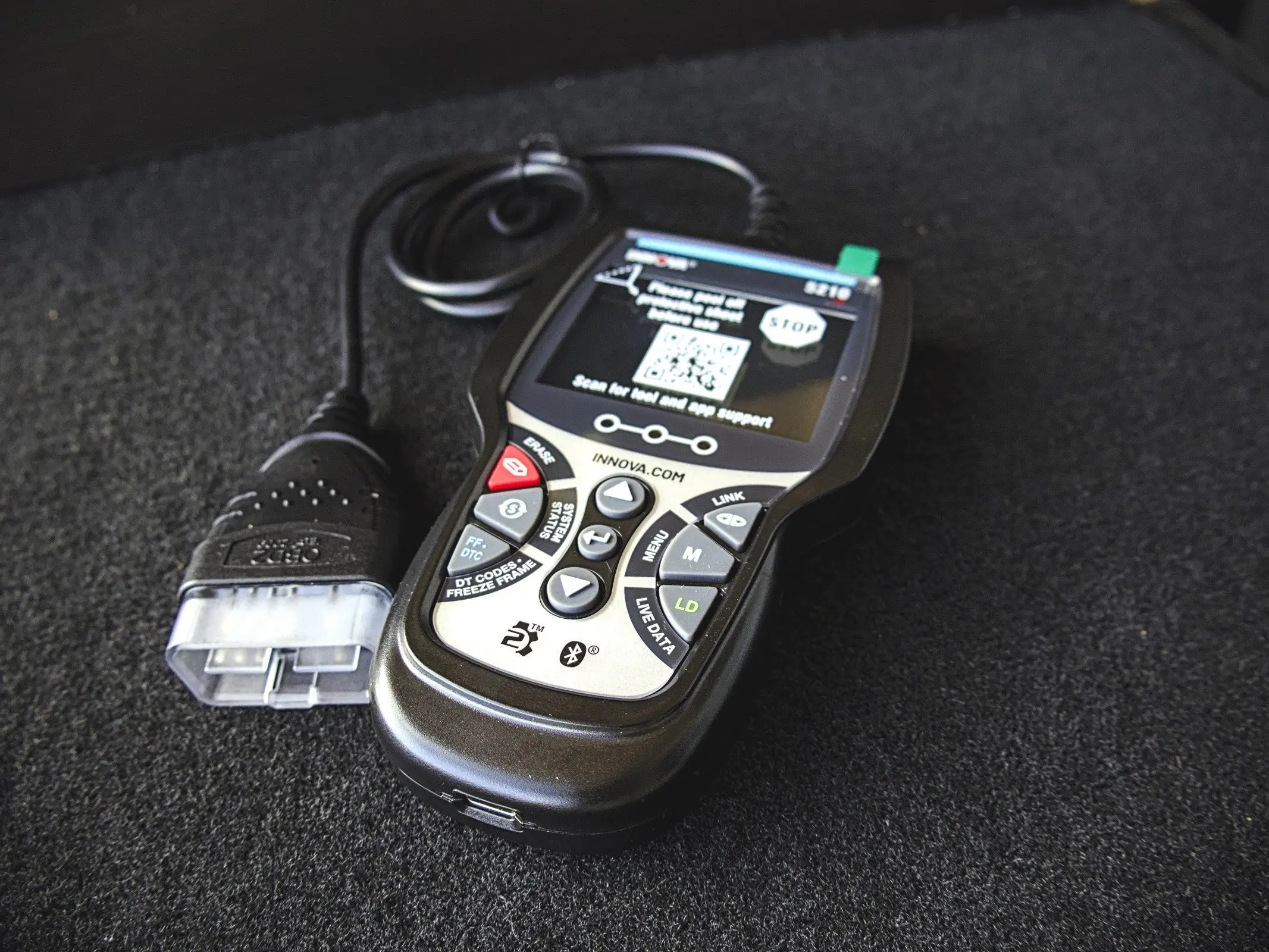
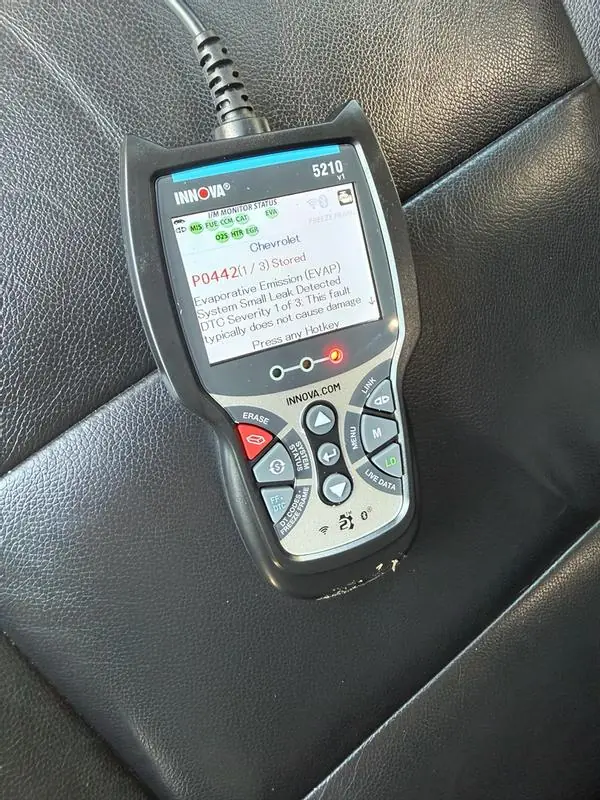
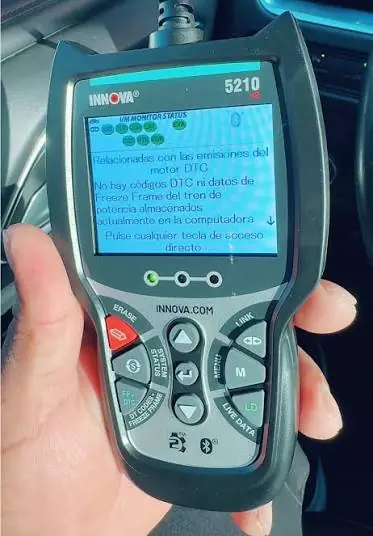
Innova 5210 OBD2 Scanner Specifications
| Feature | Specification |
|---|---|
| Brand | INNOVA (Innova Electronics Corp.) |
| Model | 5210 CarScan |
| Display | Color LCD |
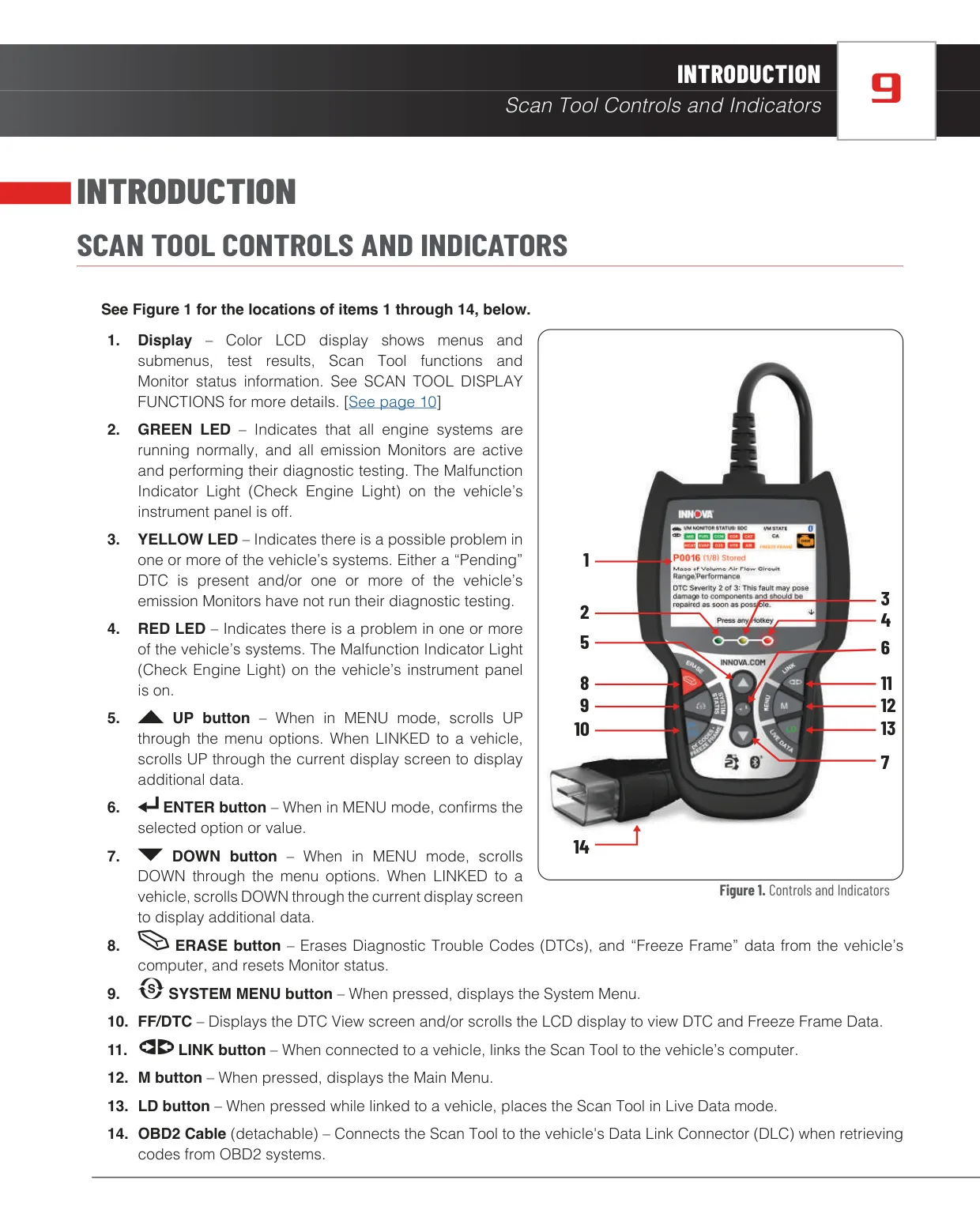
| Status Indicators | Green, Yellow and Red System Status LEDs |
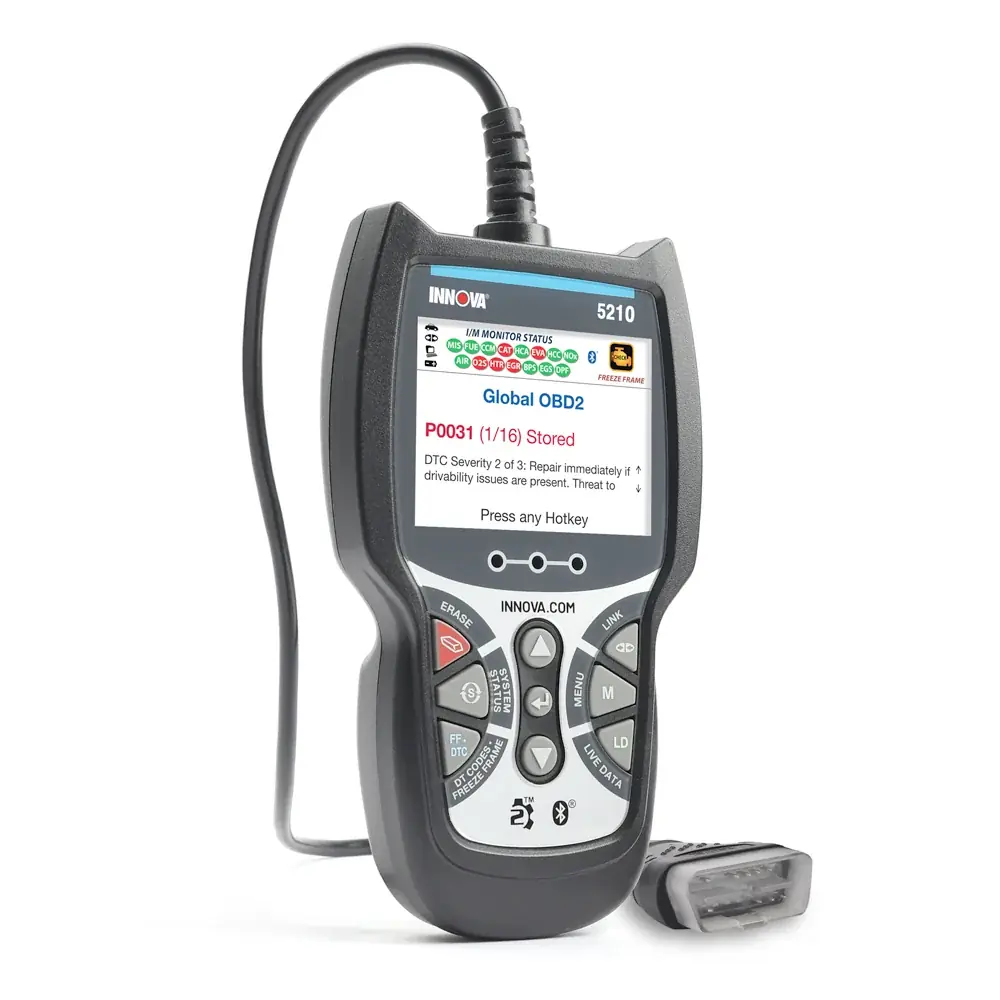
| Control Buttons | UP, DOWN, ENTER, ERASE, SYSTEM MENU, FF/DTC, LINK, M (Main Menu), LD (Live Data) |
| Vehicle Connection | Detachable OBD2 cable to 16-pin Data Link Connector (DLC) |
| Power Source | Powered through the vehicle's DLC (turns on automatically) |
| Supported Protocols | ISO 9141, Keyword 2000, J1850 PWM, J1850 VPW, CAN |
| OBD2 Modes | Full 10 OBD2 Modes |
| Supported Monitors | Up to 15 OBD2 Monitors (3 continuous, 12 non-continuous) |
| DTC Types Displayed | Stored, Pending, Permanent |
| DTC Library Categories | P (Powertrain), U (Network), B (Body), C (Chassis) |
| Fault Severity Levels | 3 levels |
| OEM System Coverage | ABS DTCs (read and erase) |
| Live Data Graphing | Up to 2 PIDs at once, with overlay option |
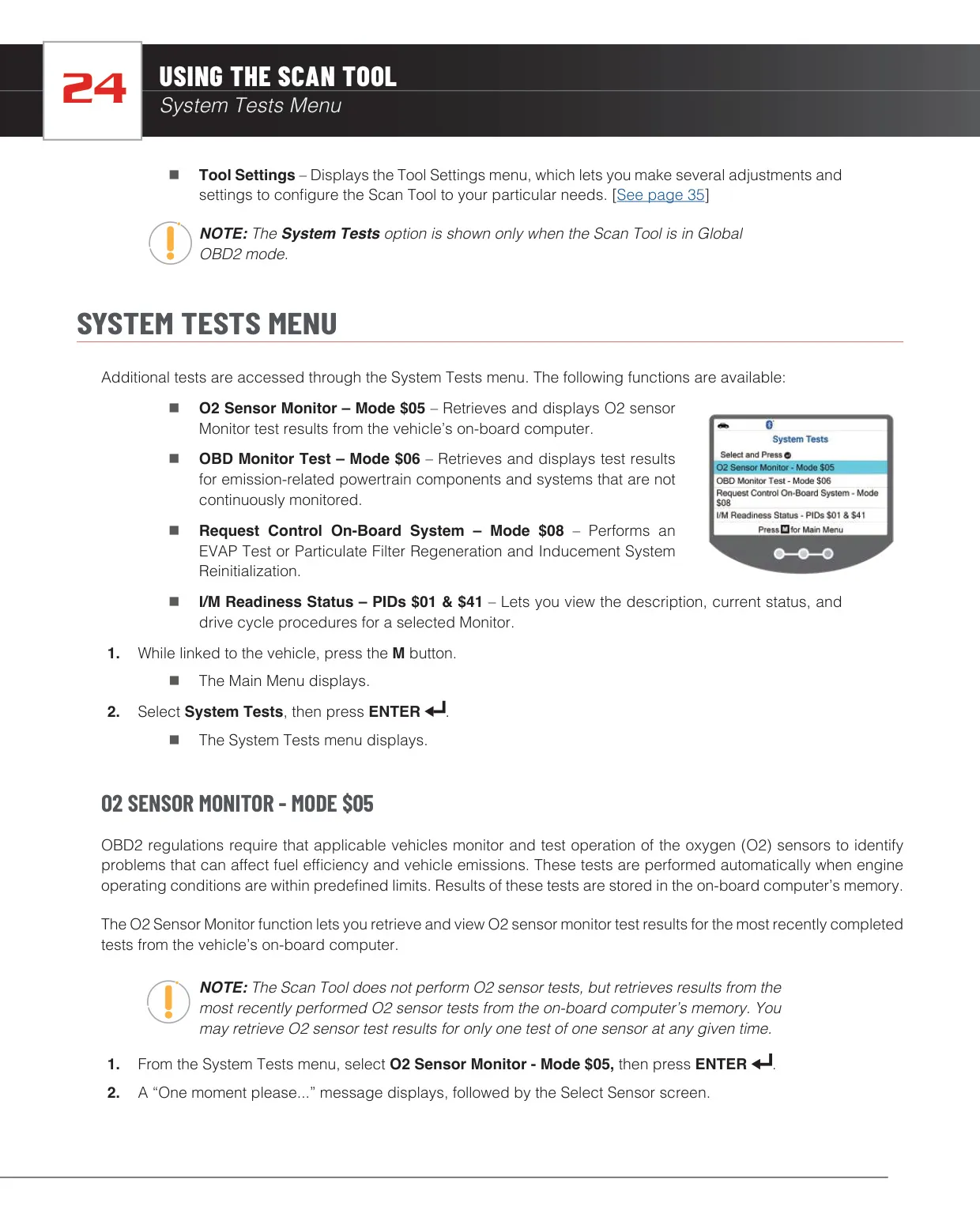
| System Tests | Mode $05, Mode $06, Mode $08, I/M Readiness PIDs $01 & $41 |
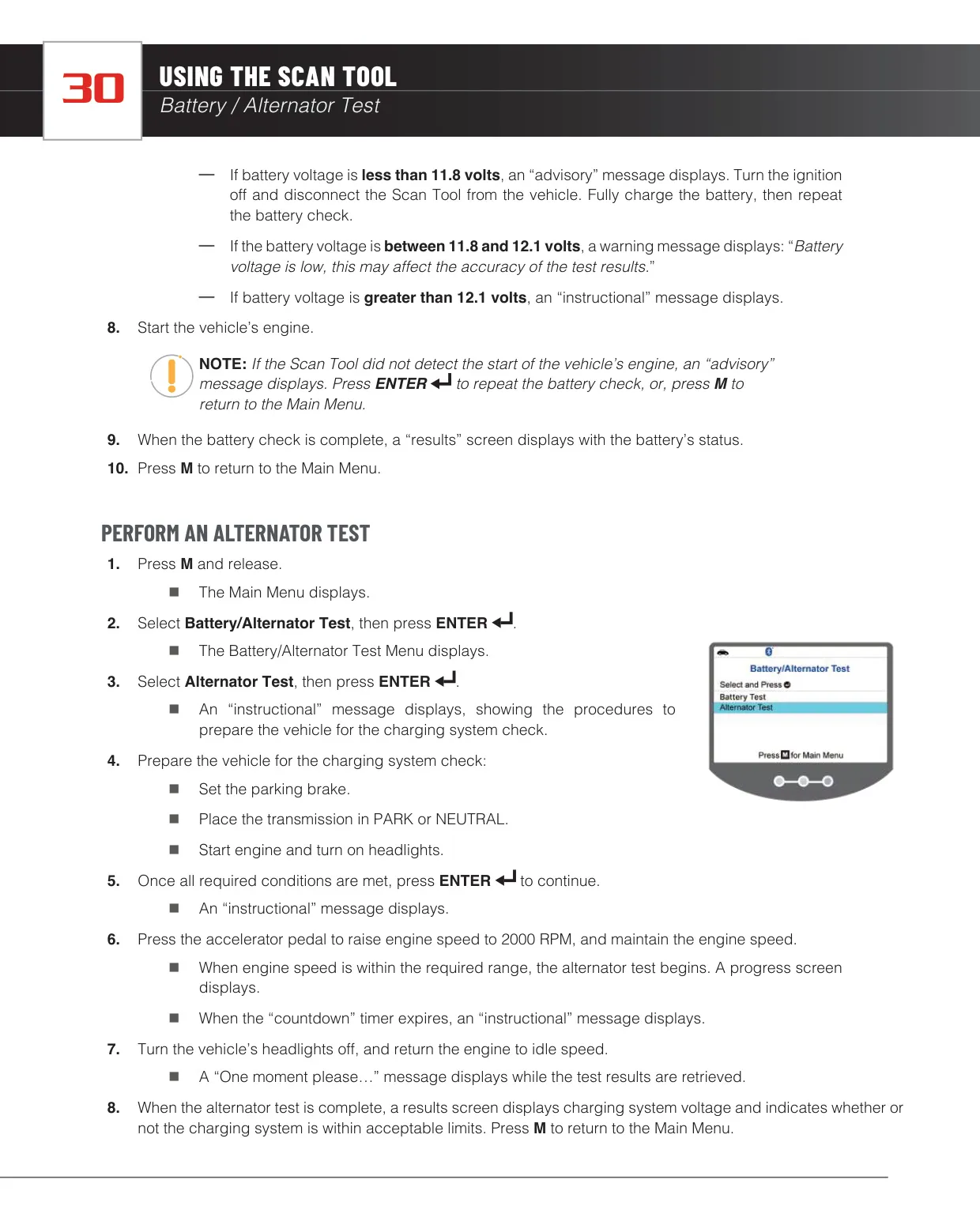
| Battery Test Thresholds | Below 11.8 V (charge required), 11.8–12.1 V (low warning), above 12.1 V (test proceeds) |
| Alternator Test Engine Speed | 2000 RPM |
| Service Reset | Oil Maintenance Reset |
| Wireless Connectivity | Bluetooth (RepairSolutions2 app pairing) |
| Mobile App Compatibility | Android and iOS (RepairSolutions2) |
| Display Languages | English, Spanish, French |
| Units of Measurement | U.S. Standard or Metric |
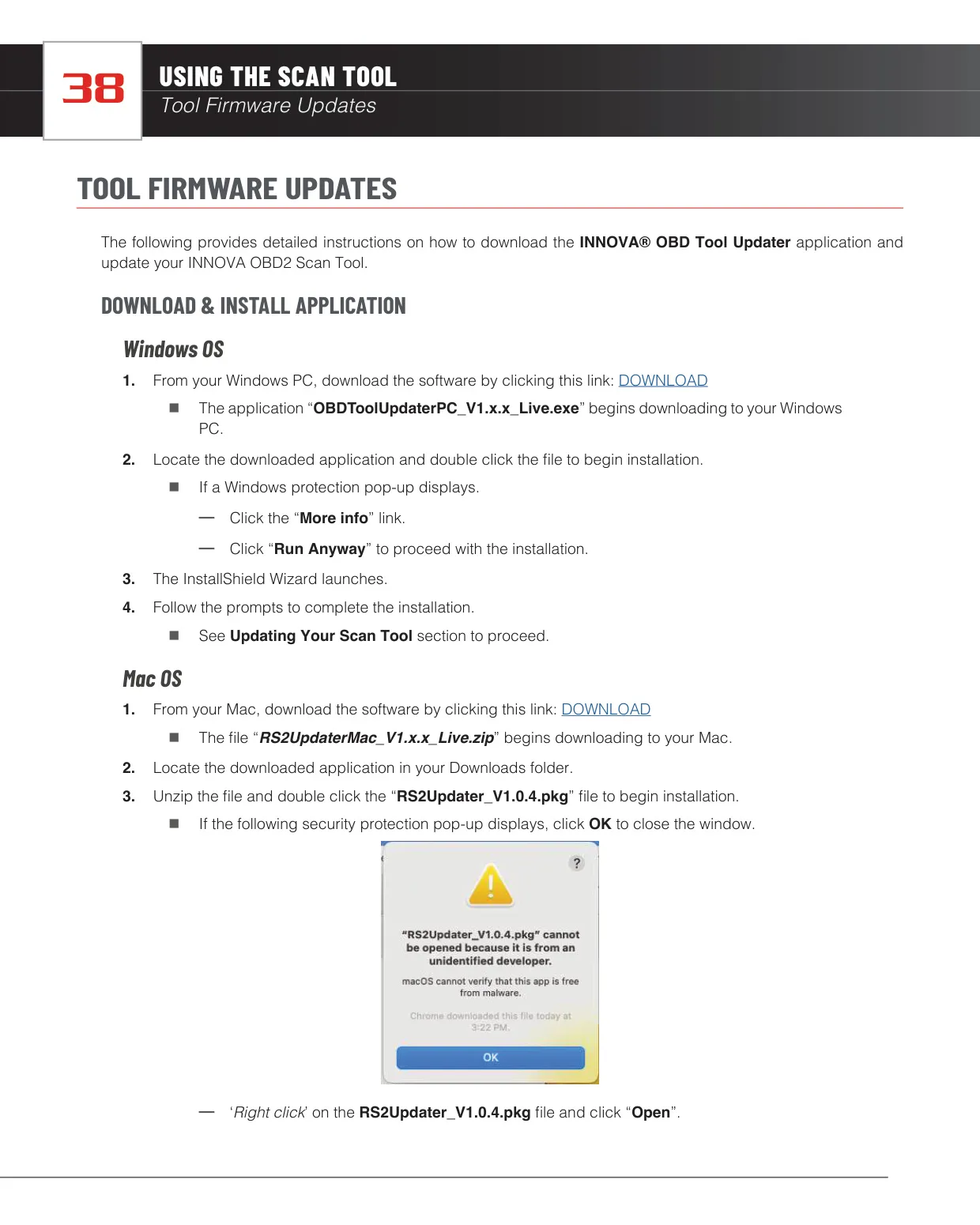
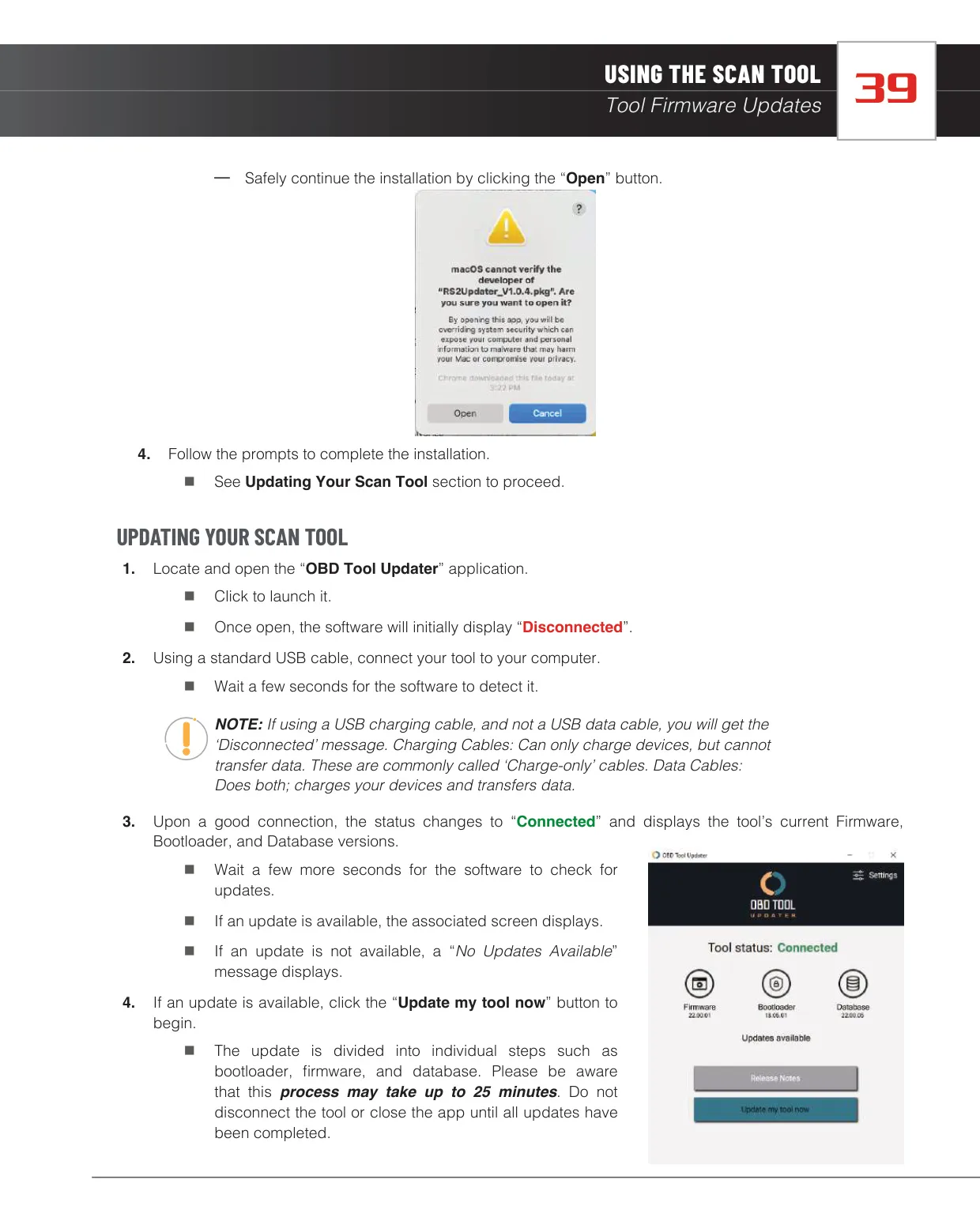
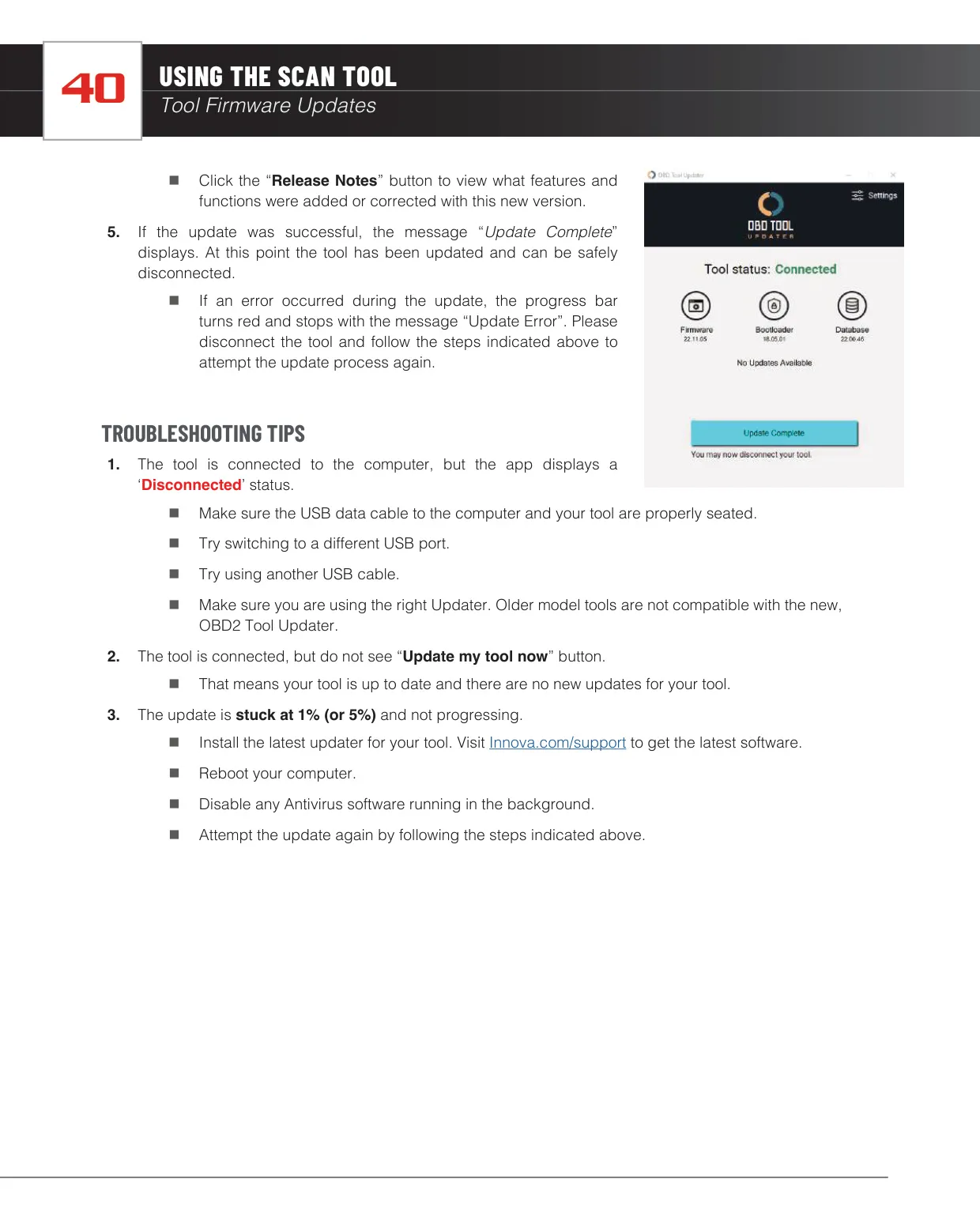
| Firmware Update Method | USB data cable via OBD Tool Updater (Windows / Mac OS) |
| Maximum Update Time | Up to 25 minutes |
| Vehicle Coverage | Vehicles sold in the U.S. and Canada (Check Engine Light only for other markets) |
| FCC Classification | Class B digital device, Part 15 |
| Warranty | 1-year limited warranty |
| Customer Service | (800) 544-4124 USA & Canada, Monday–Friday, 6:00 AM–6:00 PM PT |
Innova 5210 OBD2 Scanner Details
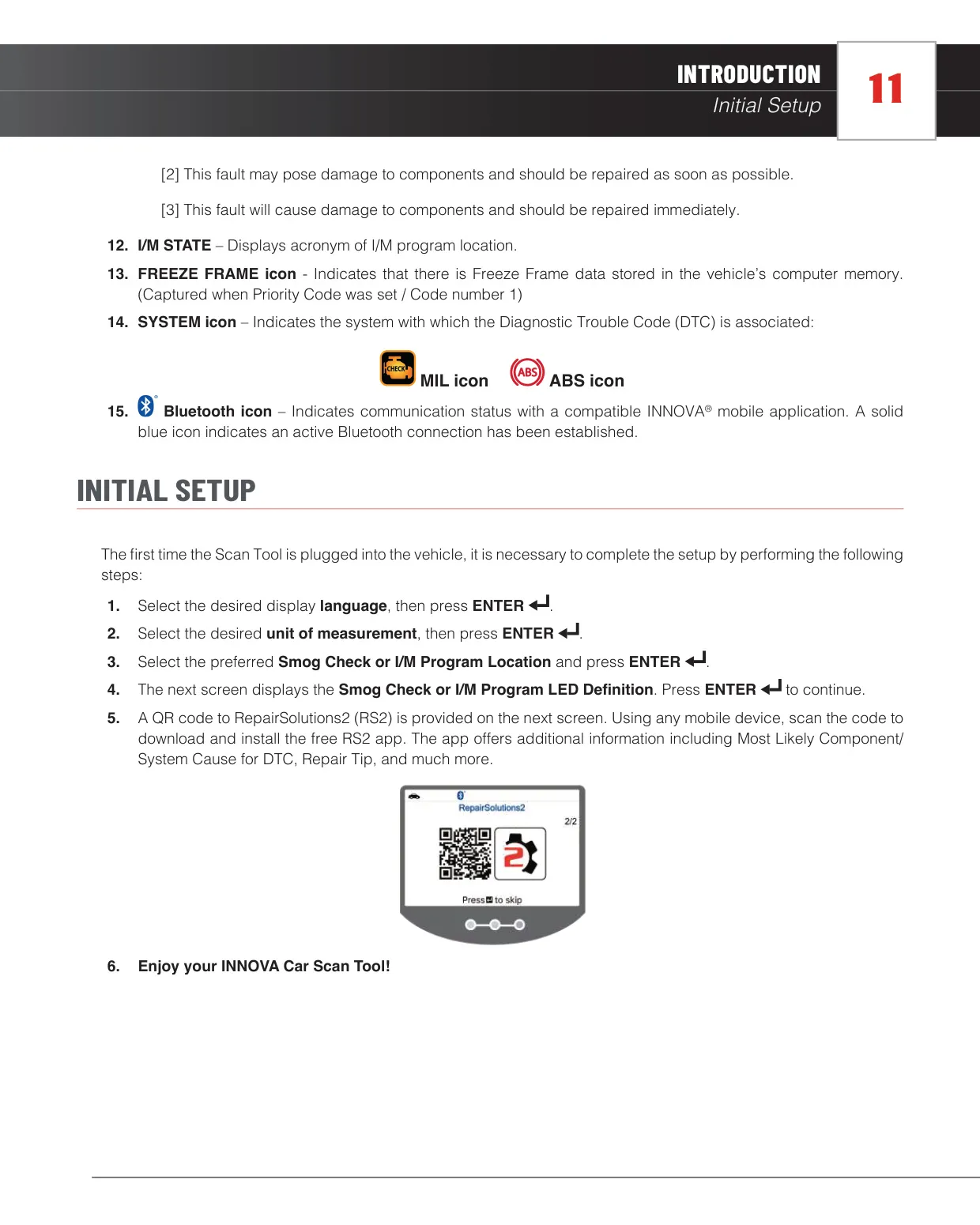
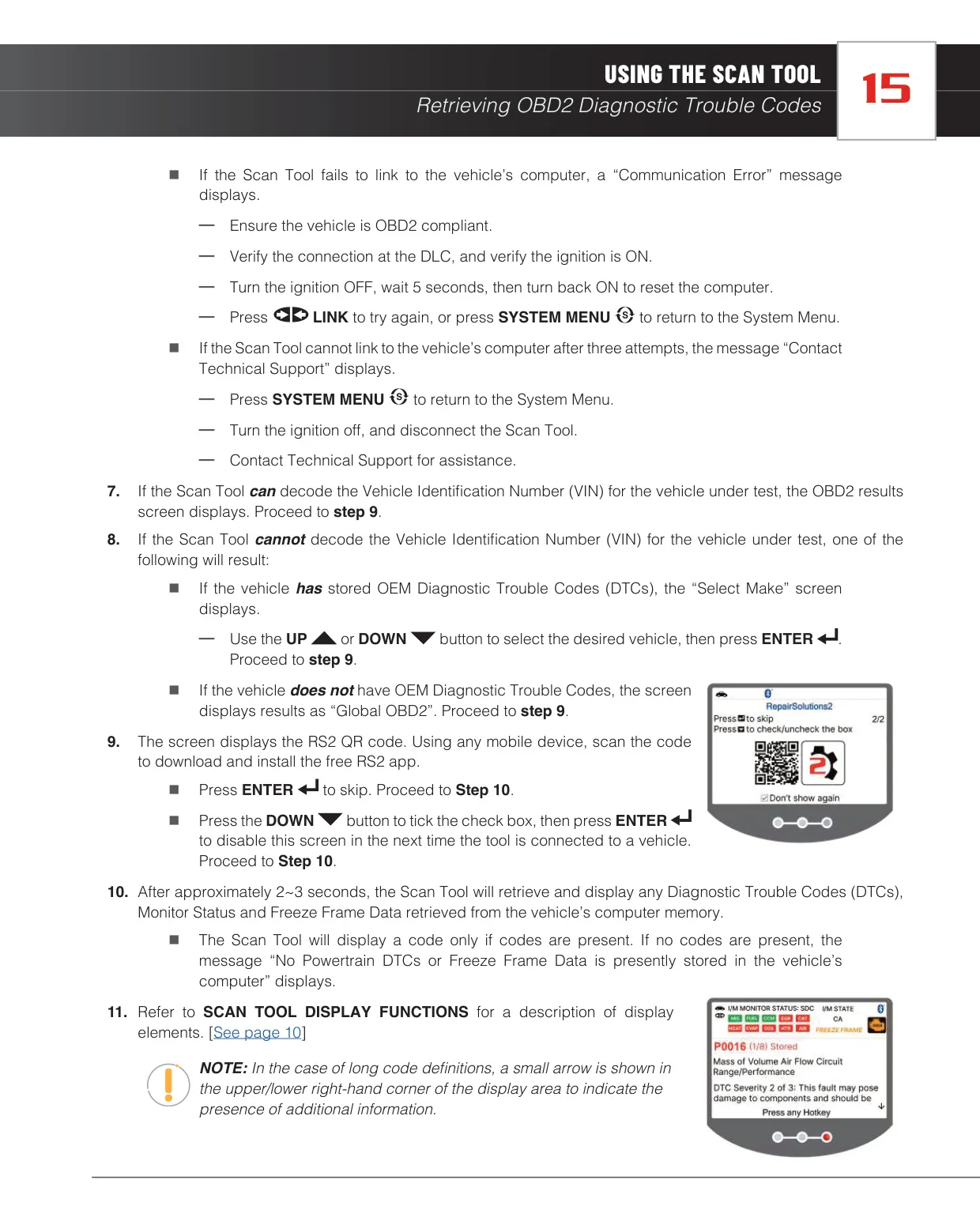
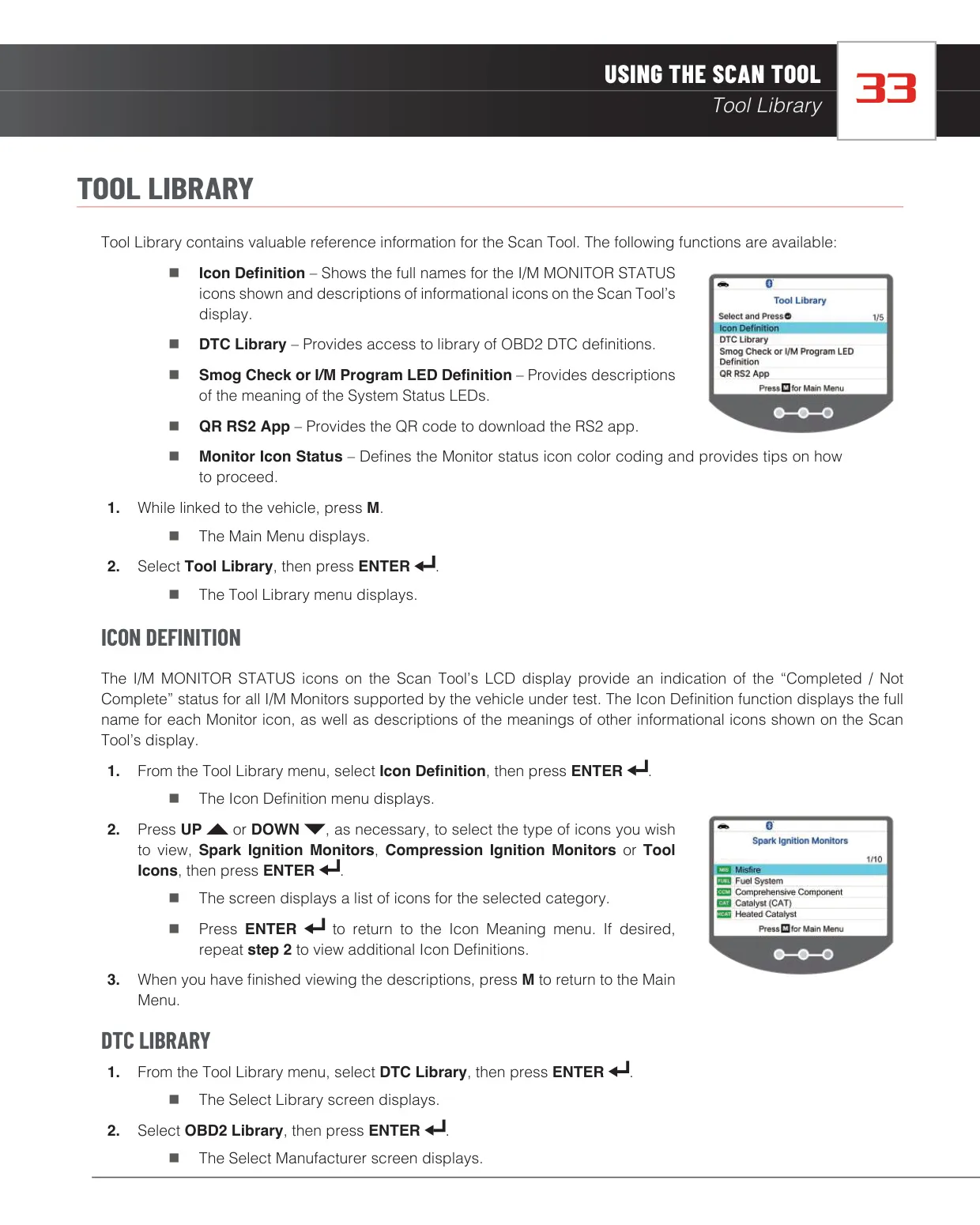
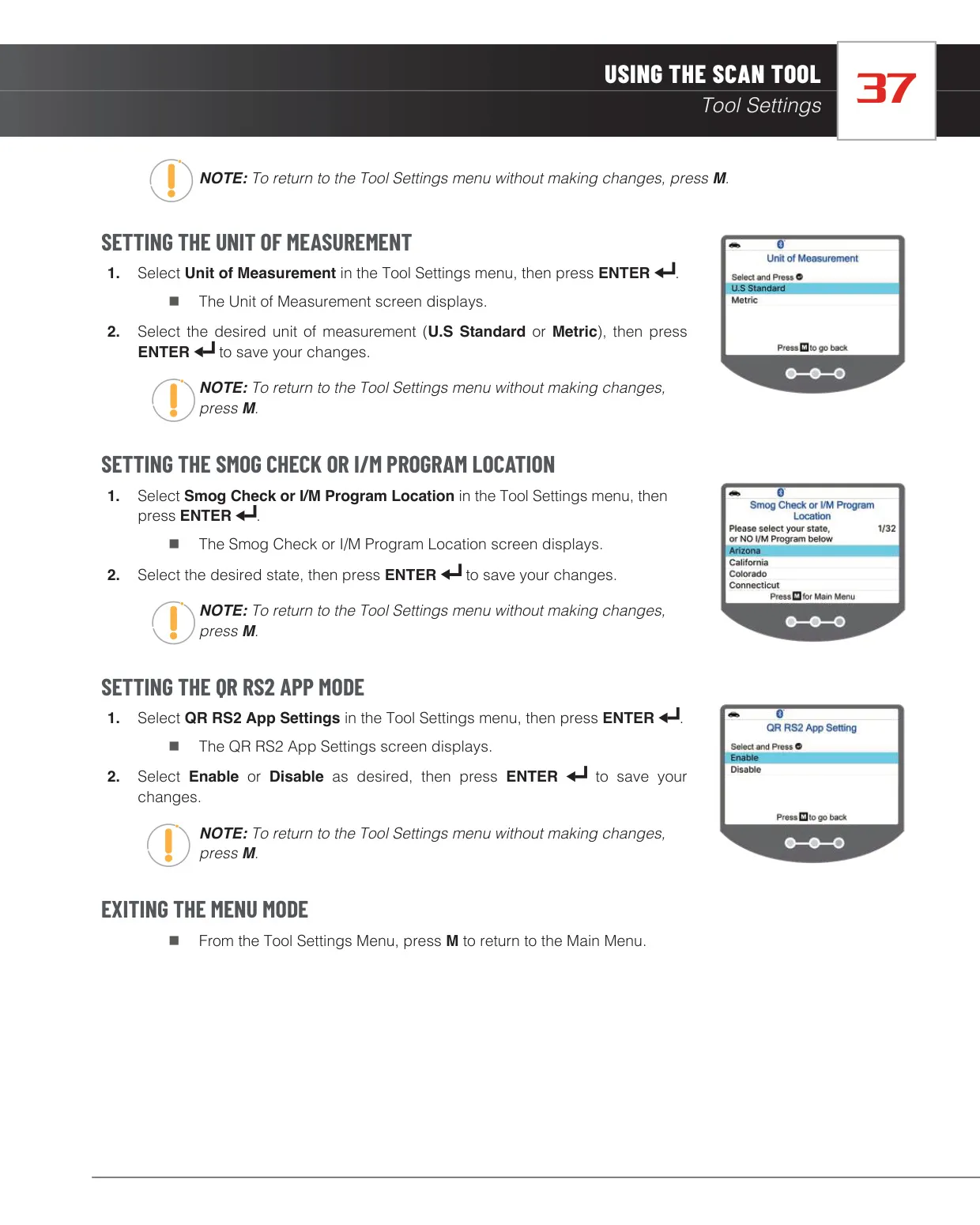
The Innova 5210 CarScan is a handheld OBD2 diagnostic tool for DIY users and technicians who want quick access to engine, emissions and ABS information. The first time you plug it in, a short setup asks you to choose the display language, the unit of measurement and your Smog Check or I/M Program location. It then shows the LED definitions and a QR code for downloading the free RepairSolutions2 app.
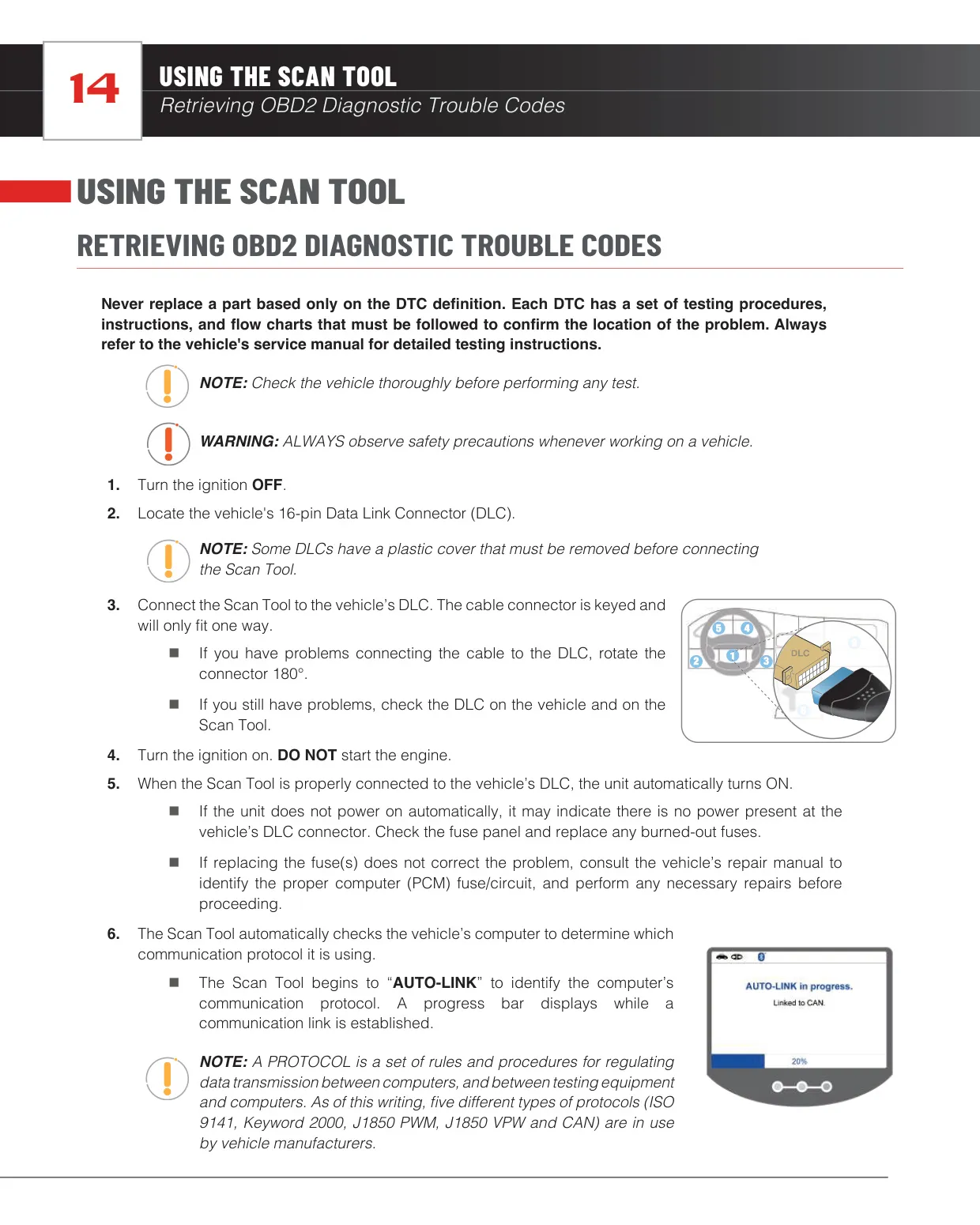
After you turn the ignition on, the tool runs an AUTO-LINK routine that detects the vehicle's communication protocol. If it can decode the VIN, results appear right away. If it cannot, it asks you to select the make when OEM codes are stored. If the link fails, the tool shows a Communication Error message with clear steps, including cycling the ignition off for 5 seconds. After three failed attempts, it tells you to contact Technical Support.
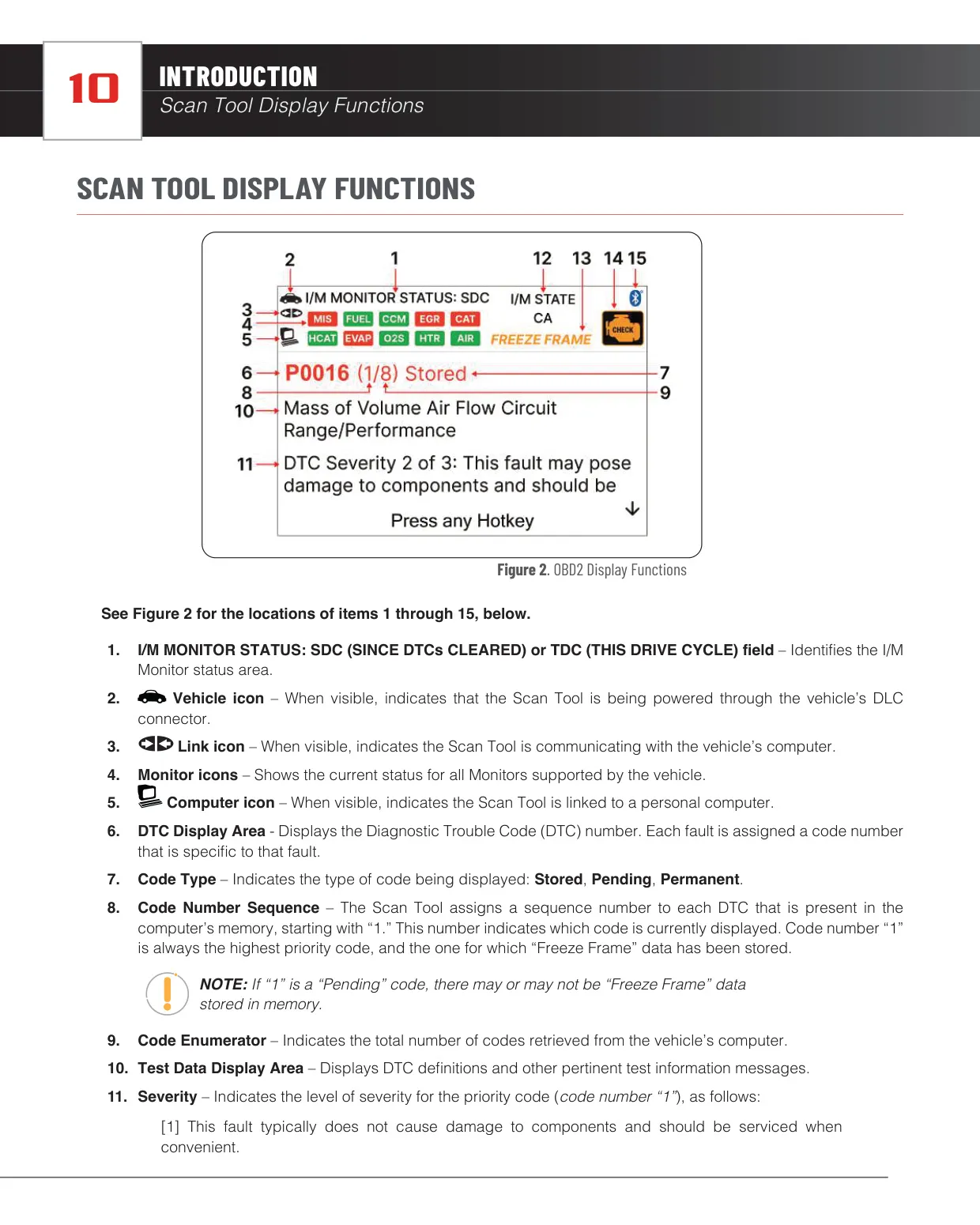
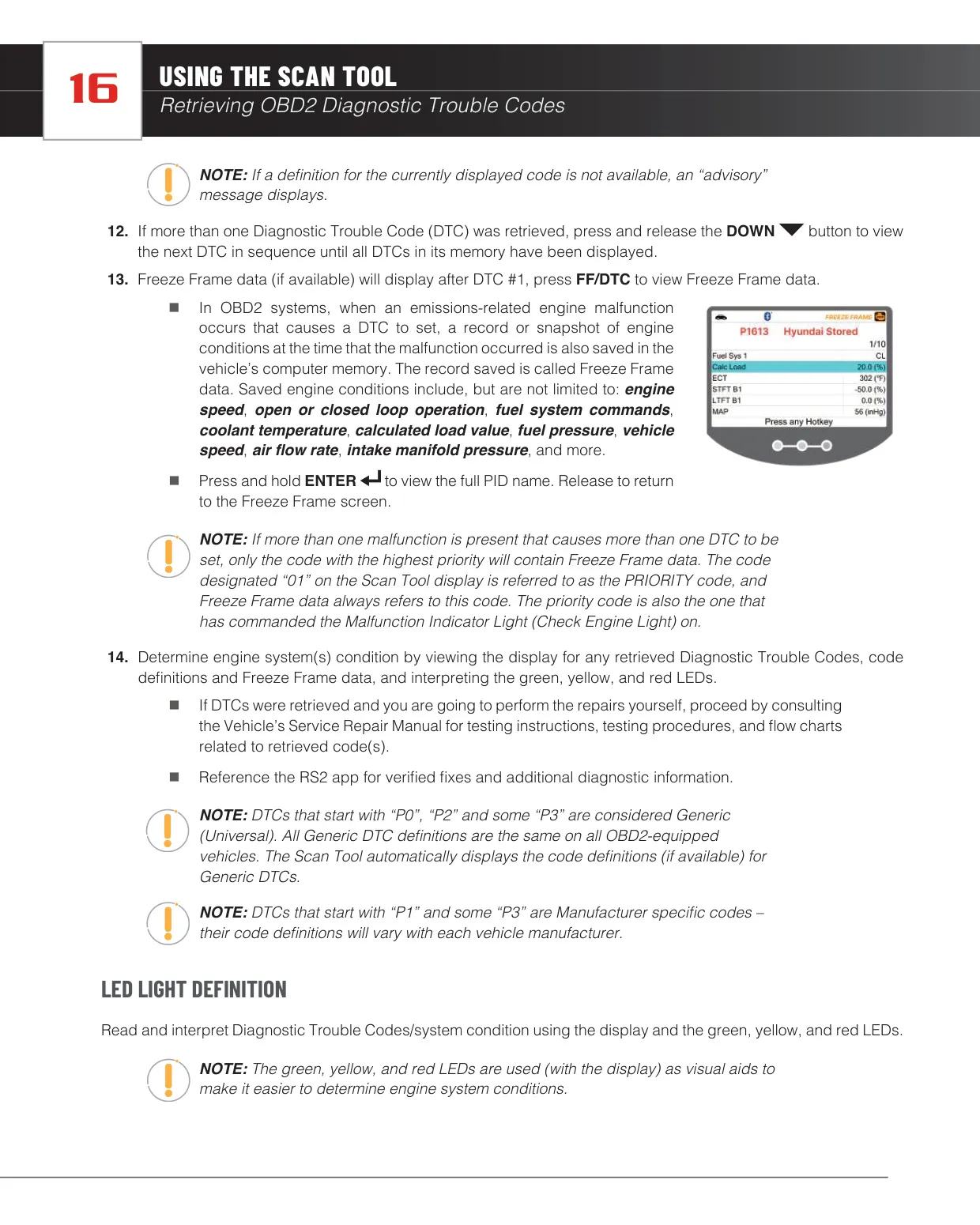
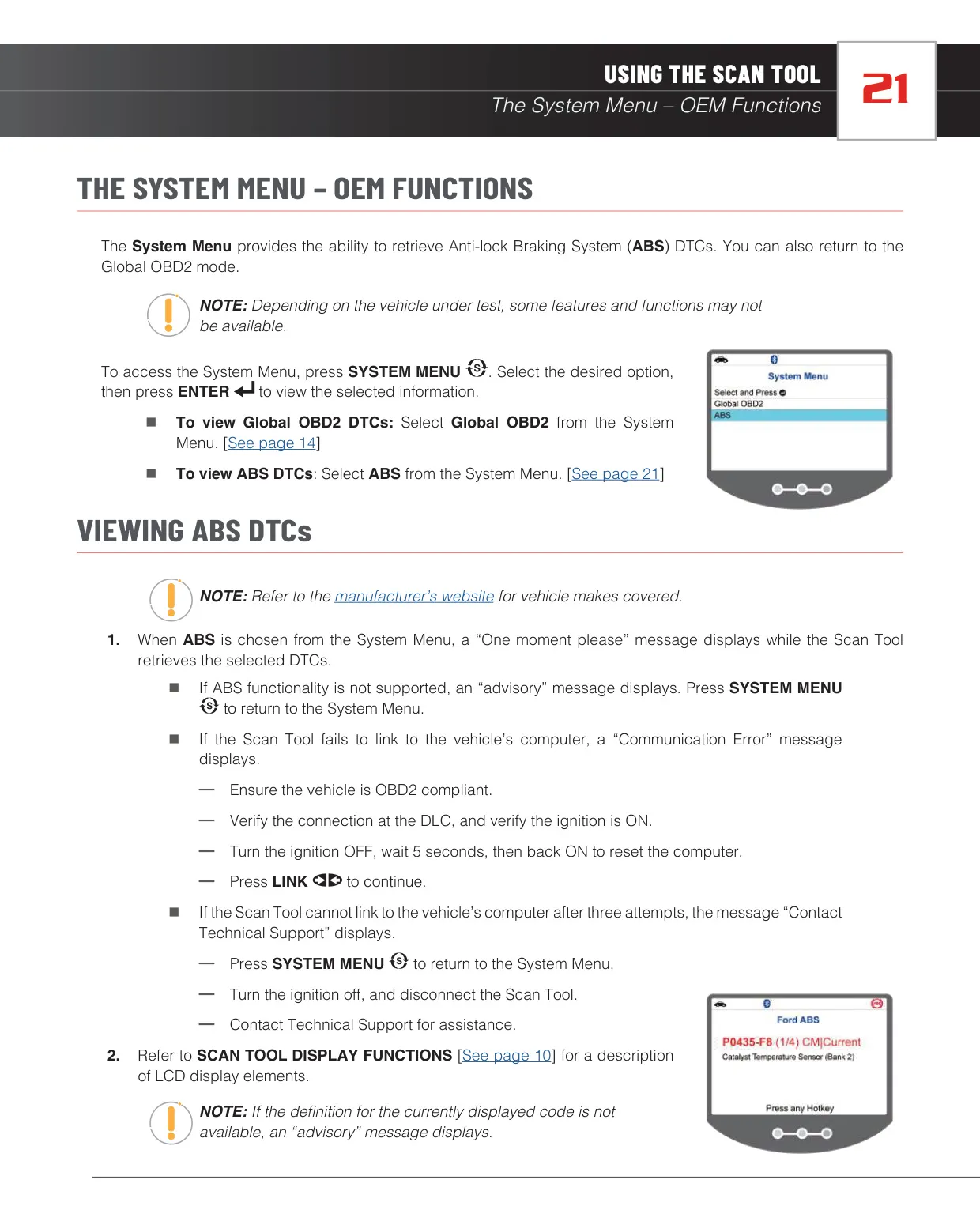
The screen puts a lot of information in one place. It shows the code number sequence, the total code count, the code type and a system icon that tells you whether the fault comes from the MIL or ABS. A Freeze Frame icon indicates a stored snapshot of engine conditions such as RPM, coolant temperature, fuel pressure, vehicle speed and air flow. Freeze Frame data always belongs to the priority code, number 1, which is the code that turned on the Check Engine Light.
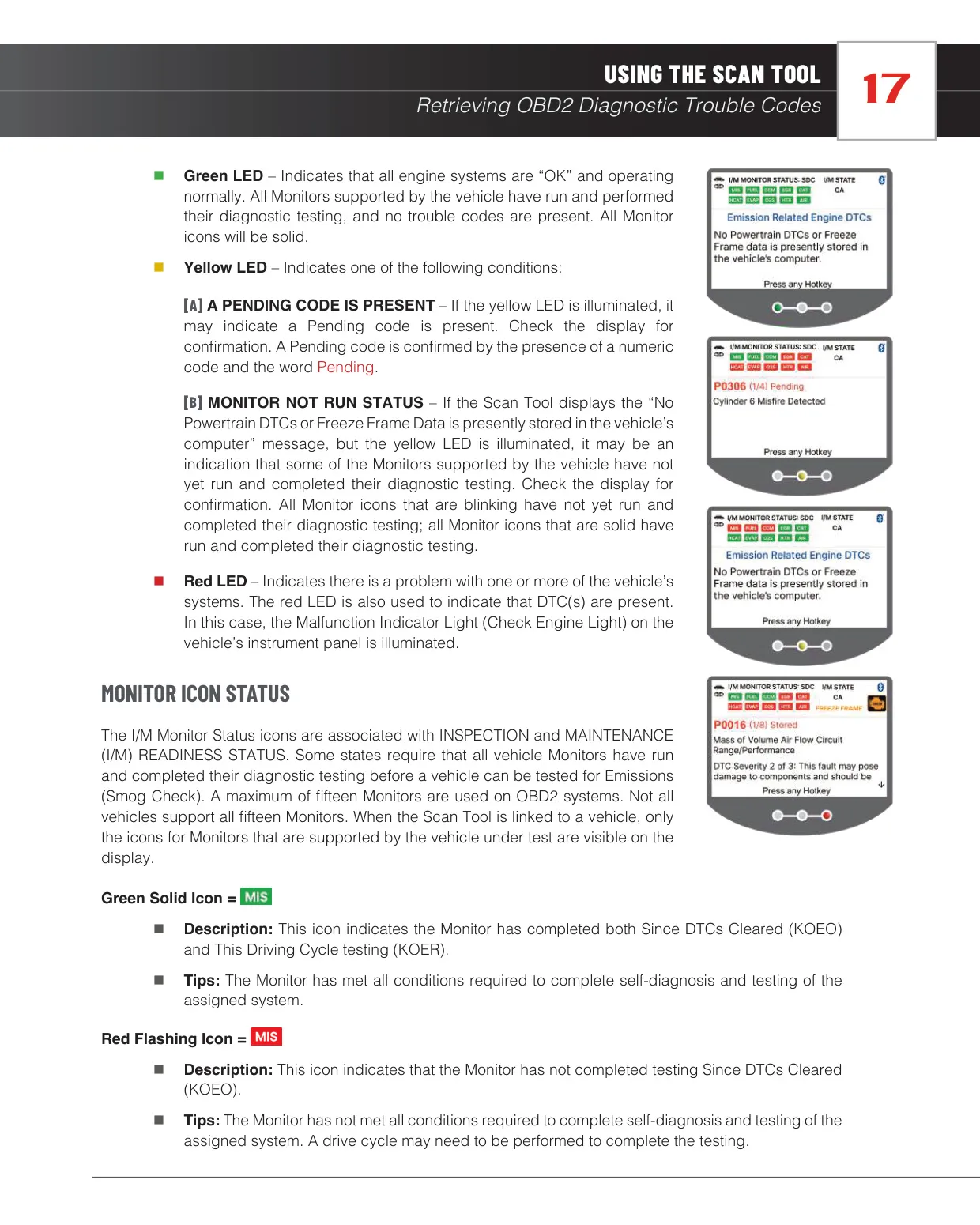
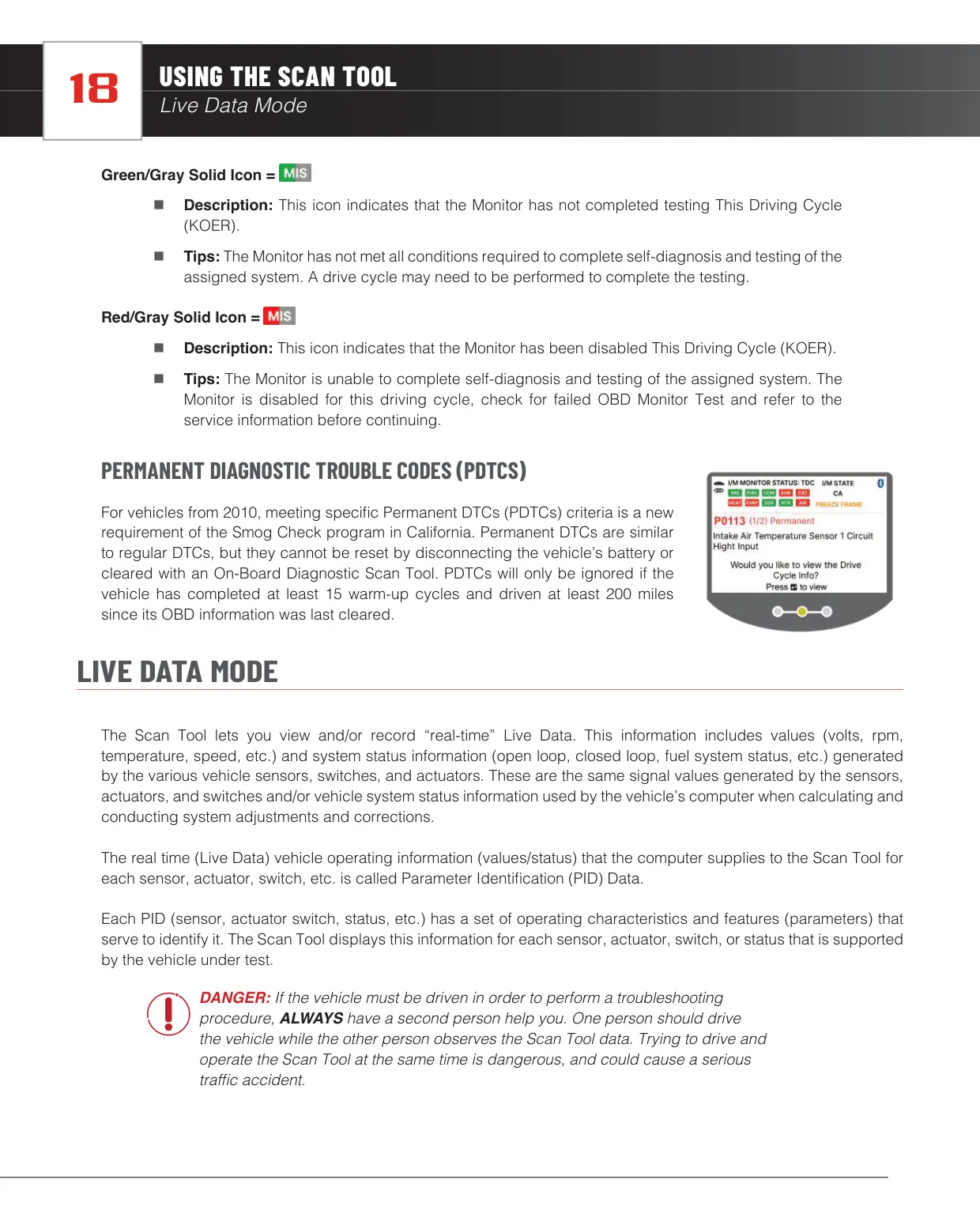
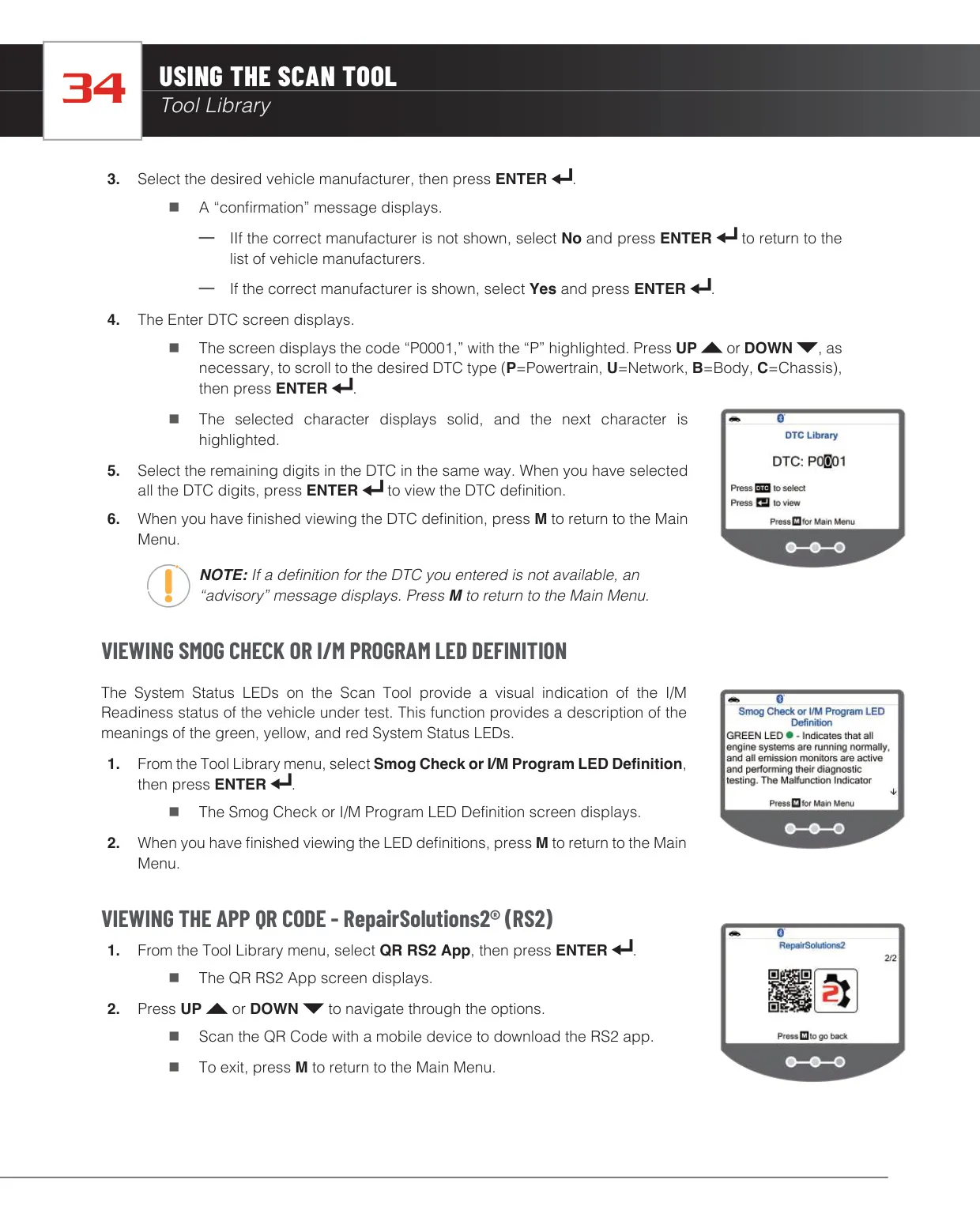
Monitor icons use color coding. A solid green icon means the monitor has completed testing. A flashing red icon means it has not completed testing since codes were cleared. Green/gray and red/gray icons show incomplete or disabled status for the current drive cycle. Together with the three LEDs, these icons help you judge whether the vehicle is ready for an emissions inspection. The tool also covers Permanent DTCs, which the California Smog Check program uses for vehicles from 2010 onward.
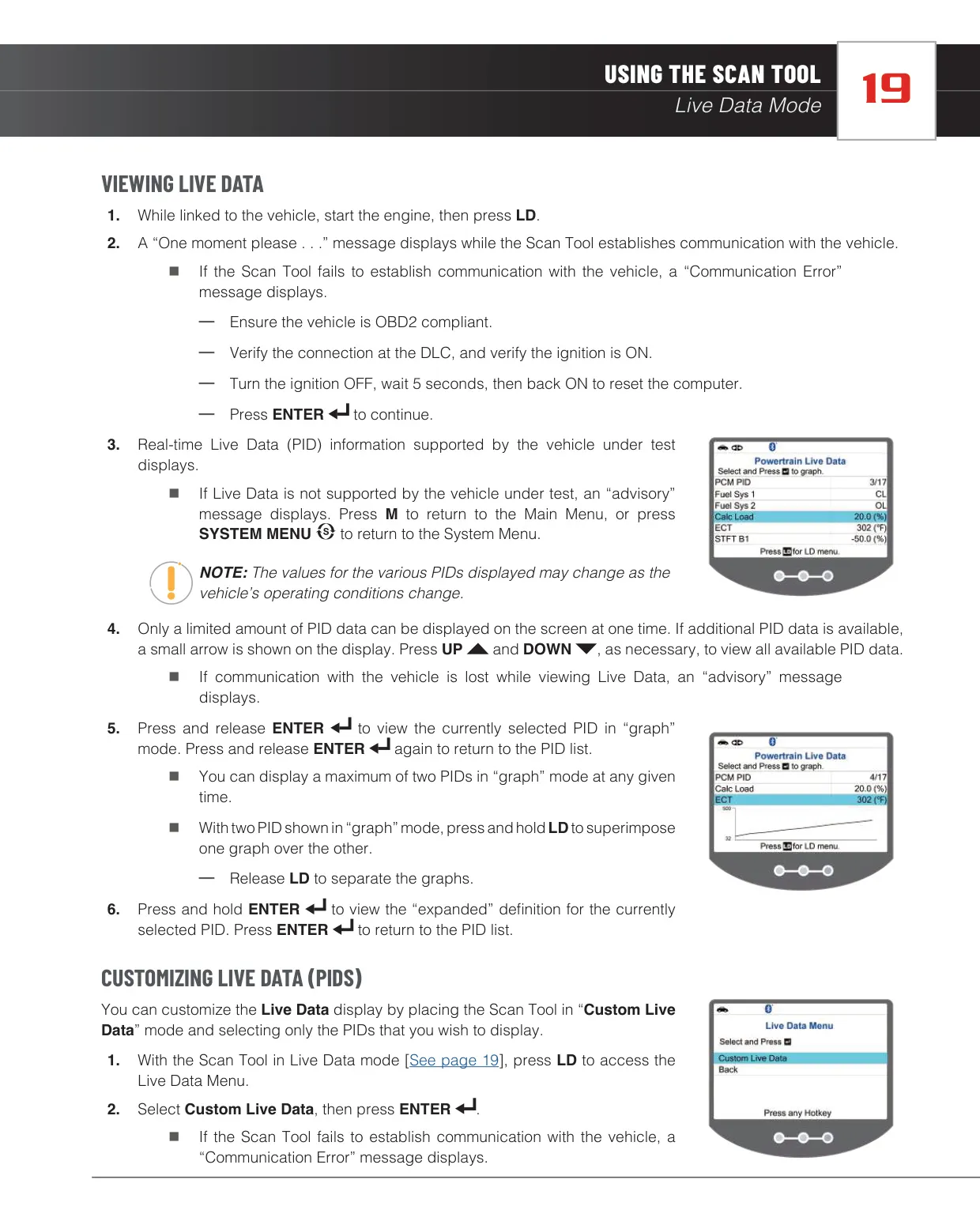
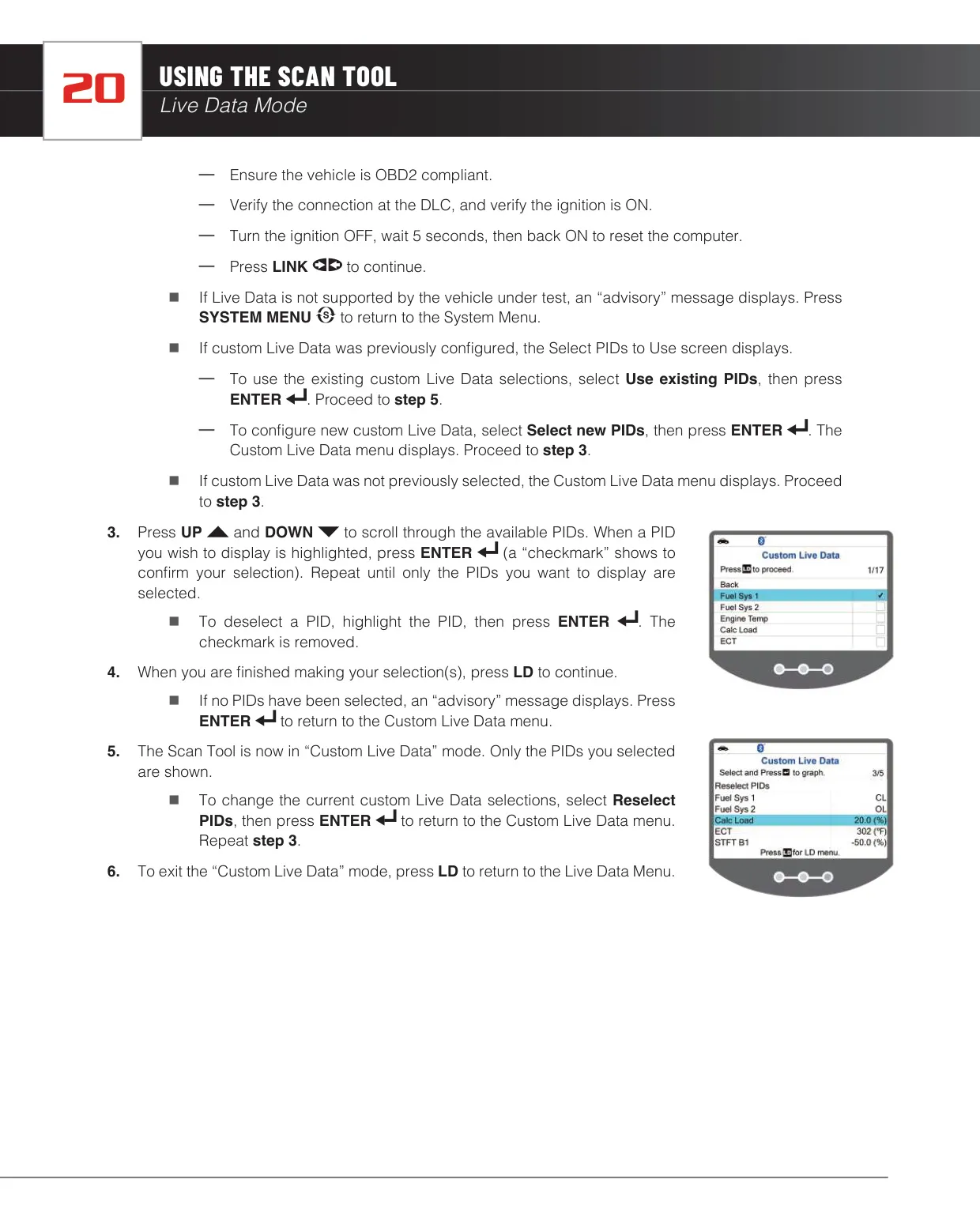
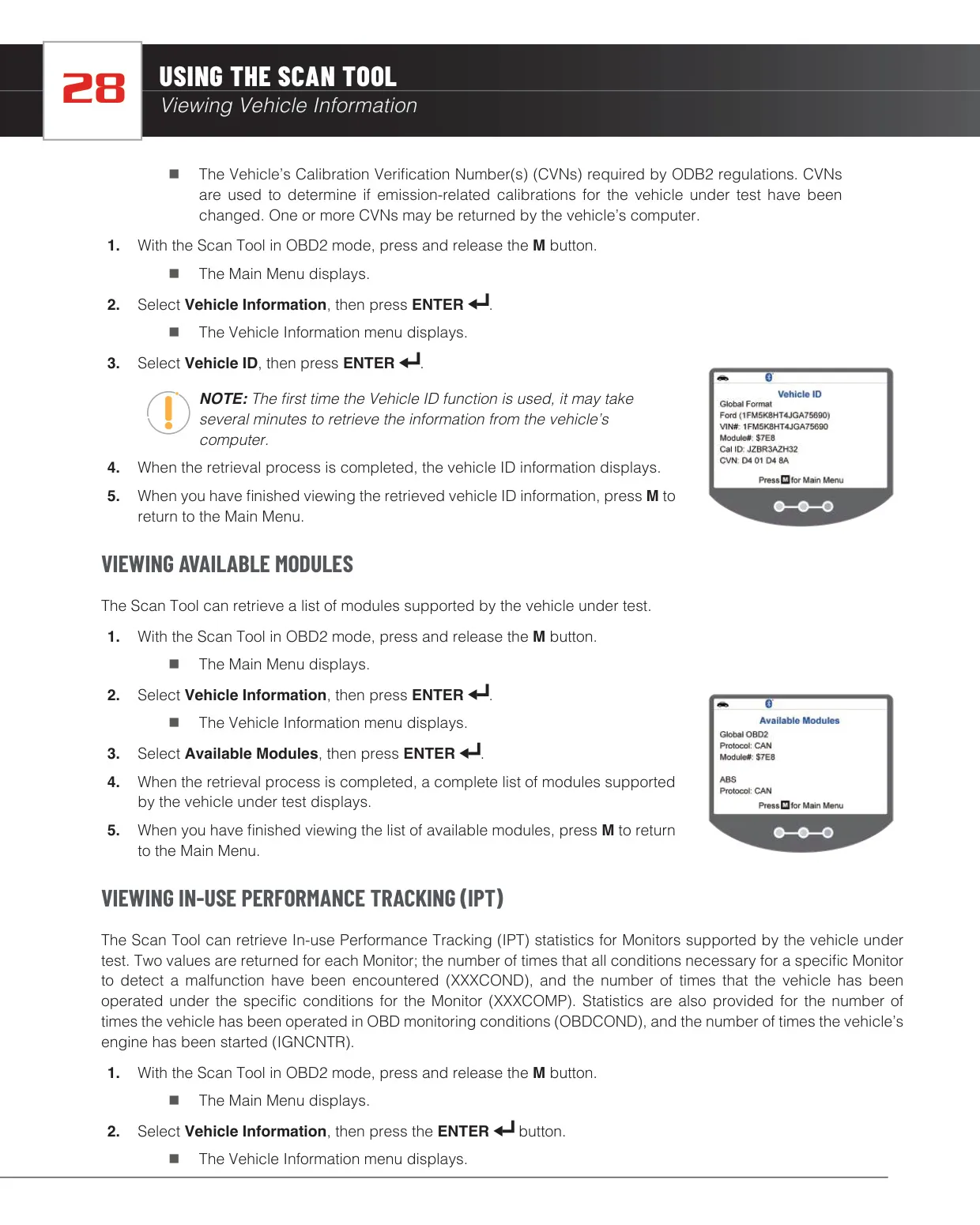
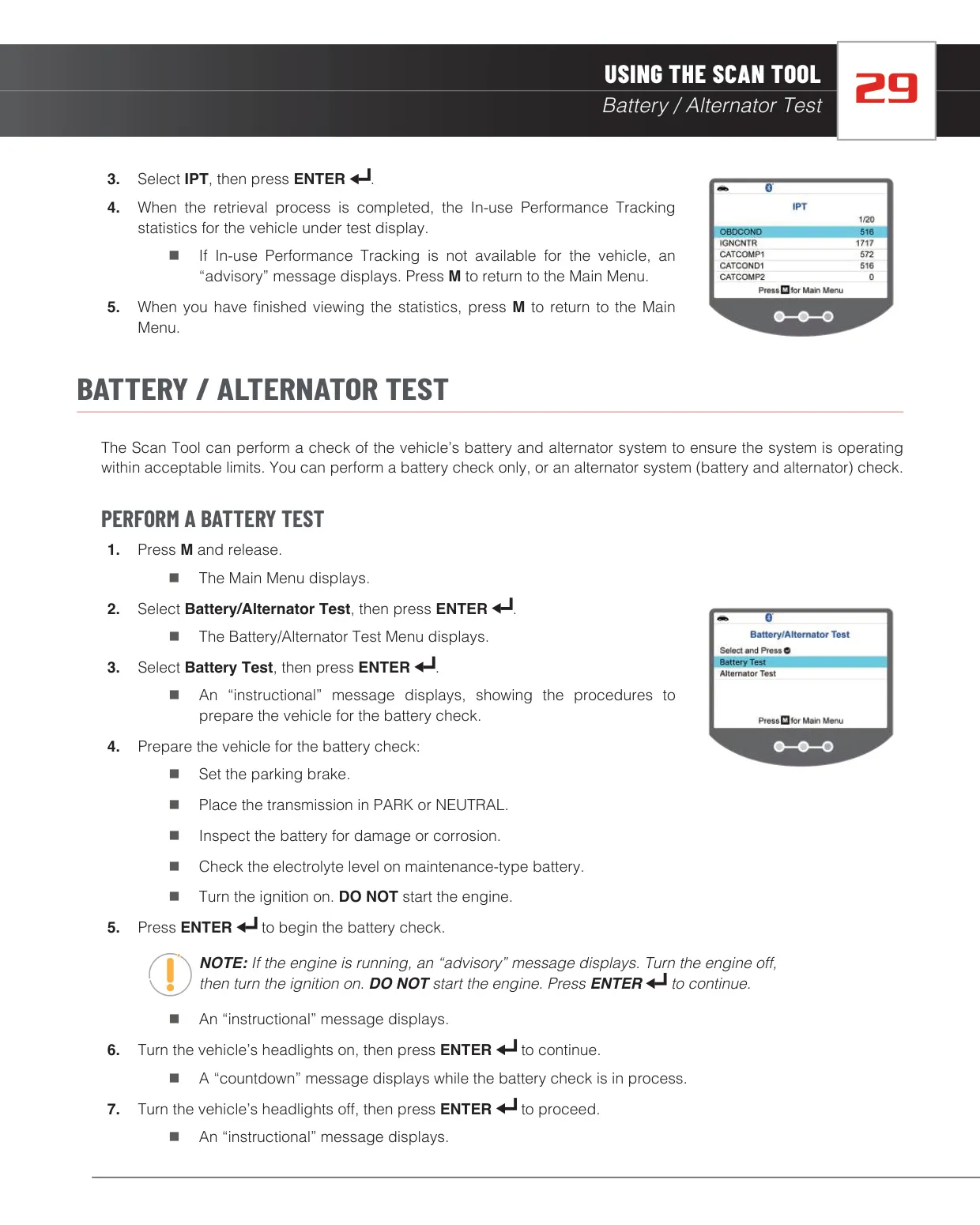
In Custom Live Data mode, you check the PIDs you want and the tool shows only those. If you press and hold ENTER, it shows the full name of the selected PID. The Vehicle Information menu reads the VIN, calibration IDs and Calibration Verification Numbers (CVNs), and lists the available modules. It also shows In-Use Performance Tracking statistics such as OBDCOND and IGNCNTR.
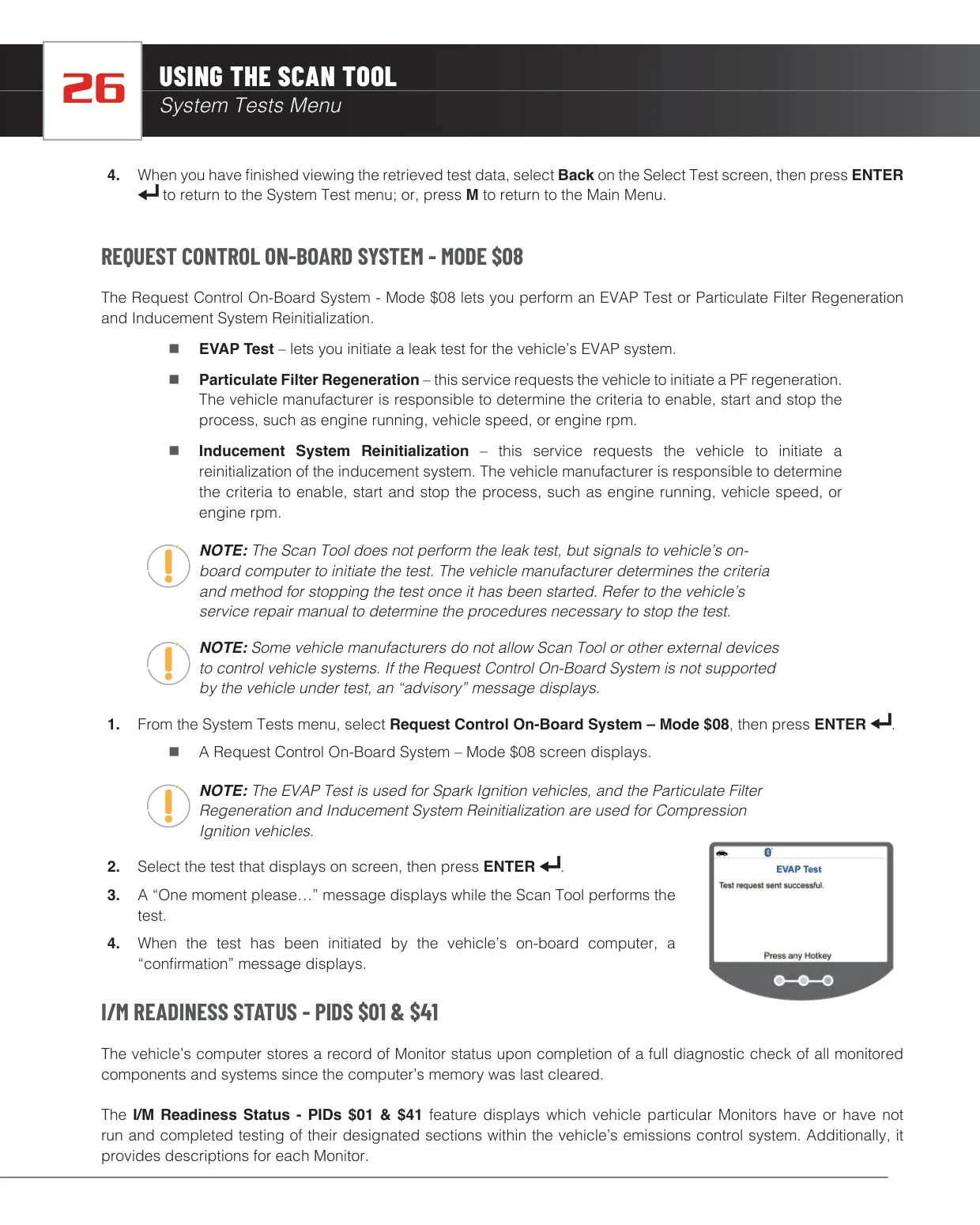
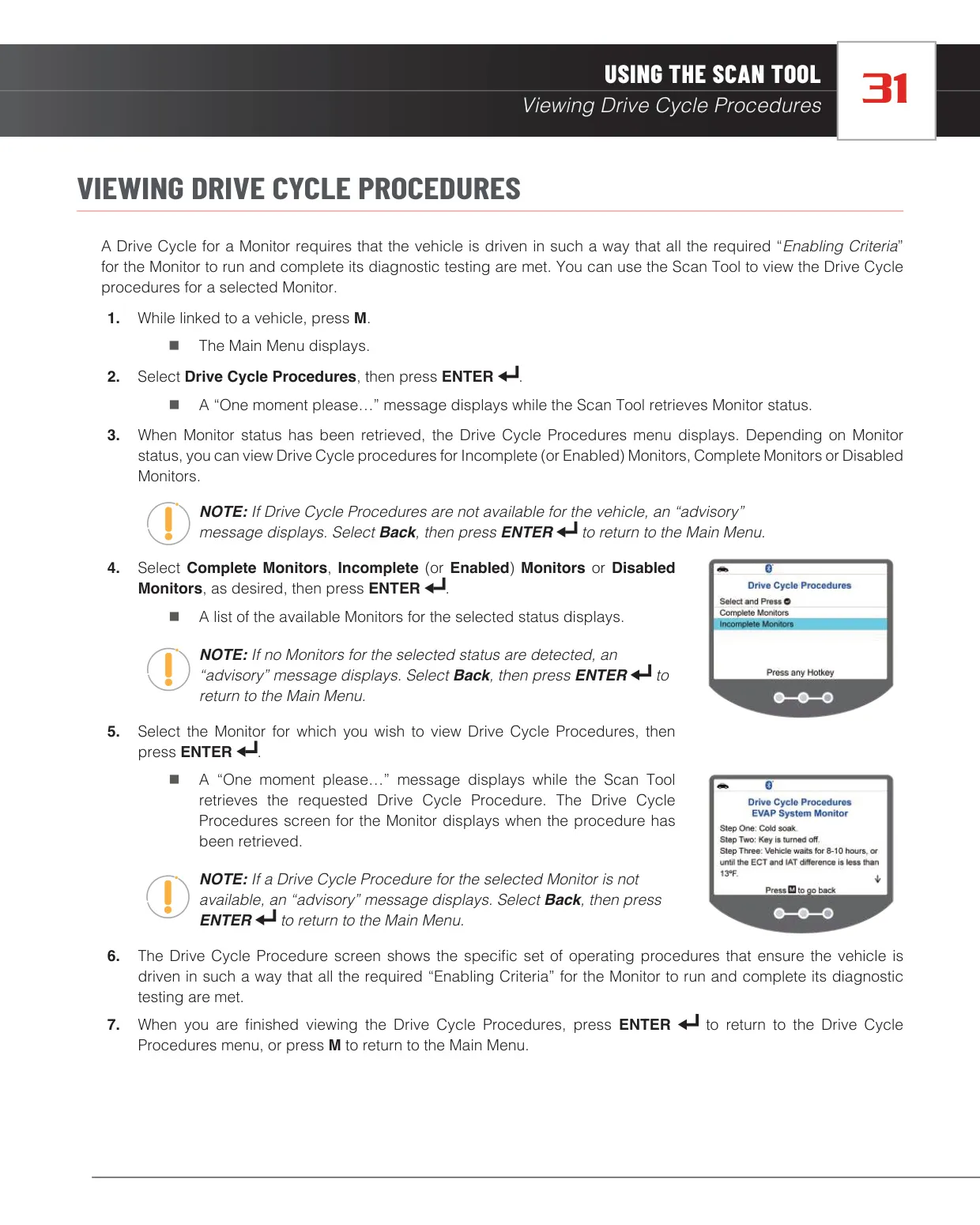
Mode $08 lets you ask the vehicle's computer to start an EVAP leak test on spark-ignition vehicles. On compression-ignition (diesel) vehicles, it can request a particulate filter regeneration or an inducement system reinitialization. In Mode $06, the tool compares each test value against its minimum and maximum limits and reports the status as Low, High or OK. You can view Drive Cycle procedures by monitor status: complete, incomplete or disabled.
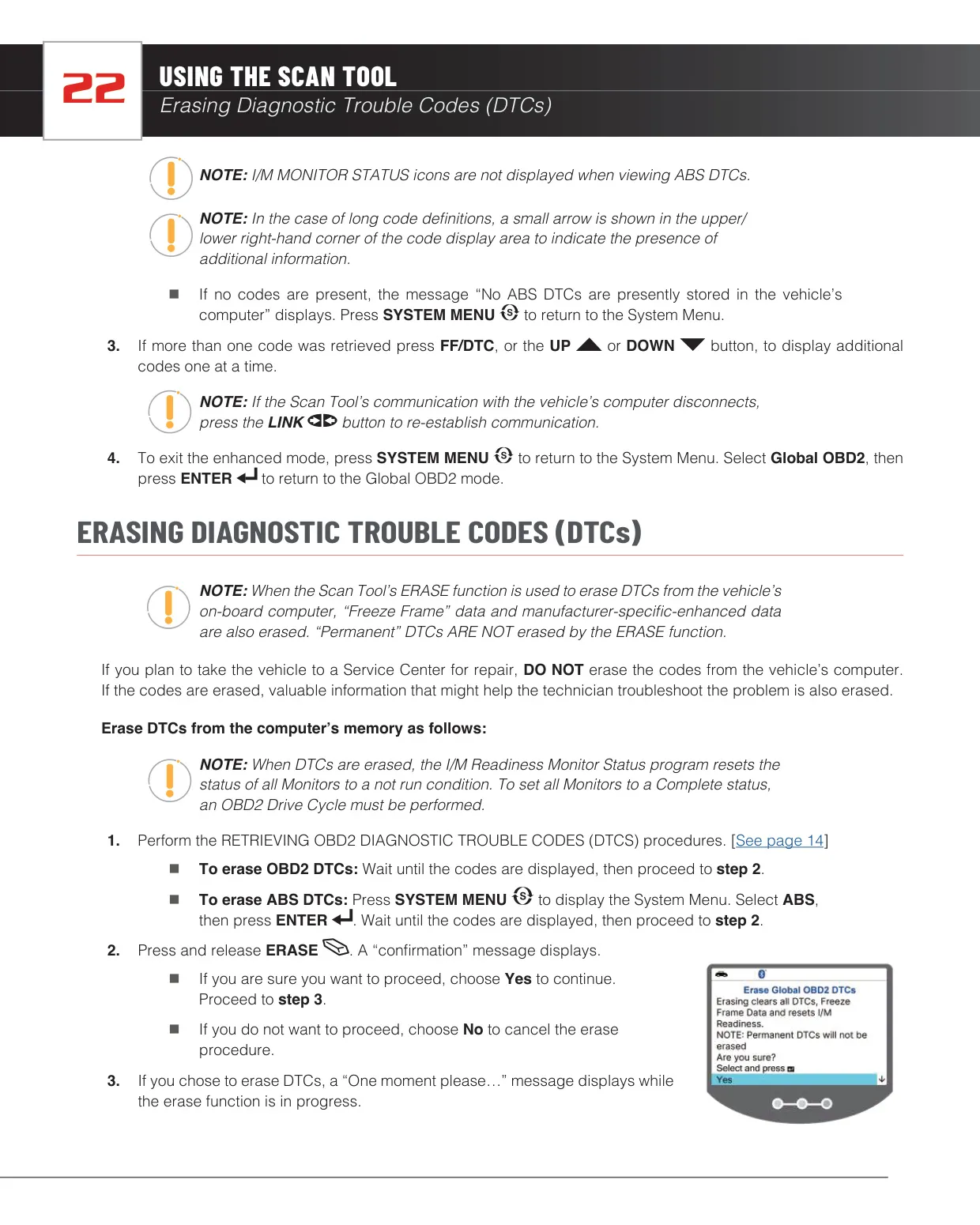
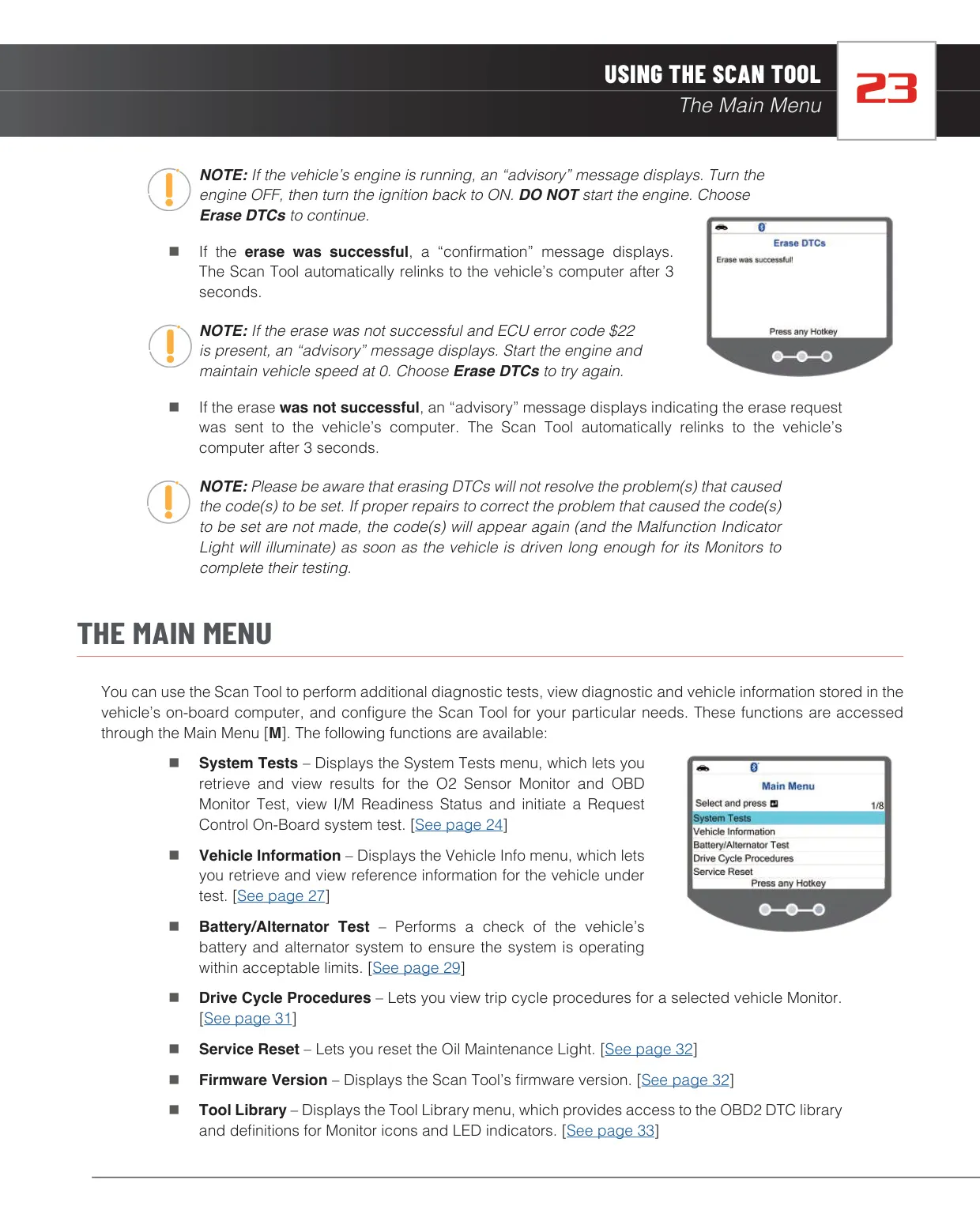
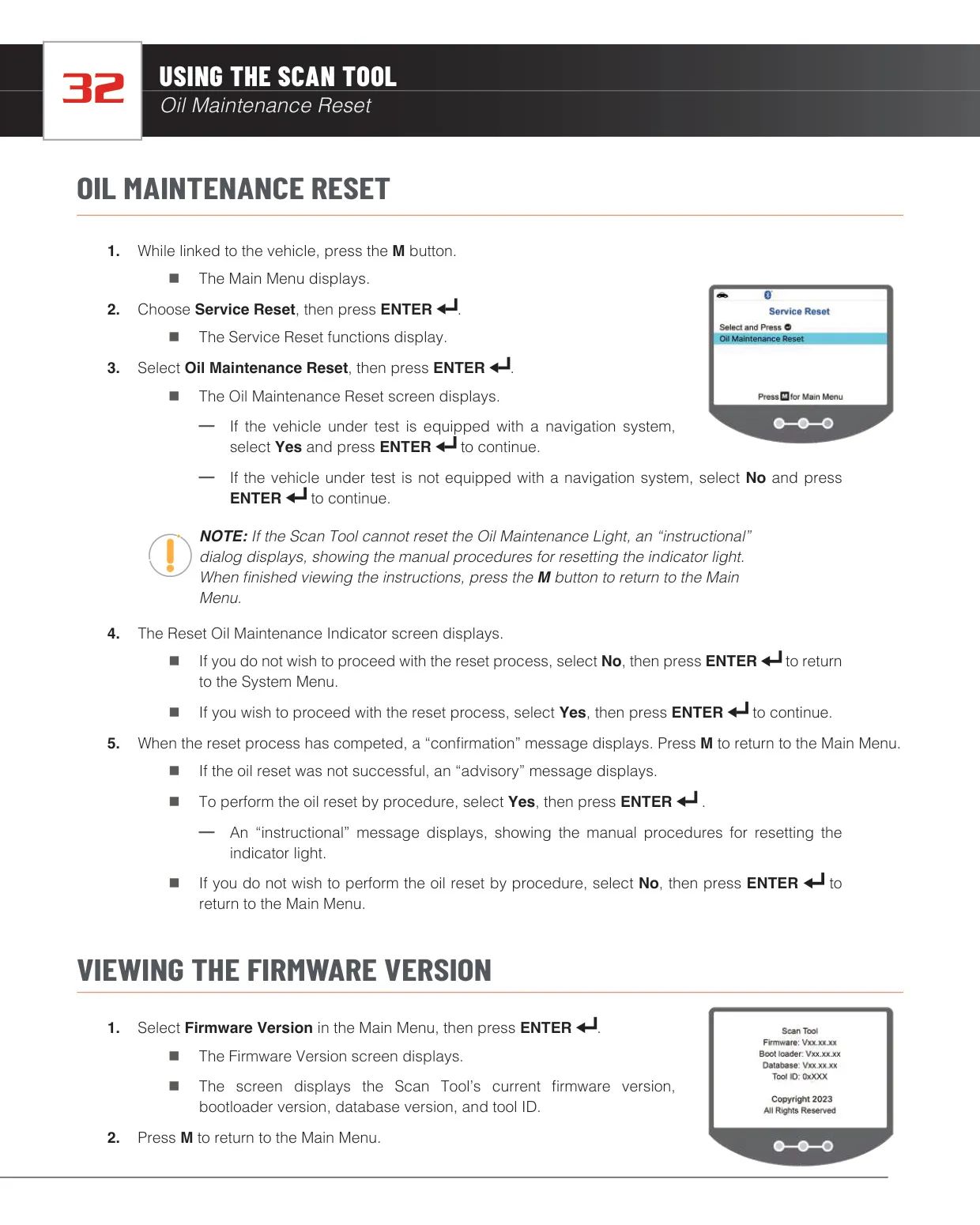
The Oil Maintenance Reset asks whether the vehicle has a navigation system. If the automatic reset doesn't work, the tool shows the manual reset procedure on screen. The ERASE function asks you to confirm before clearing codes and relinks automatically after 3 seconds. If the vehicle returns error code $22, the tool explains a workaround: start the engine and keep the vehicle speed at 0.
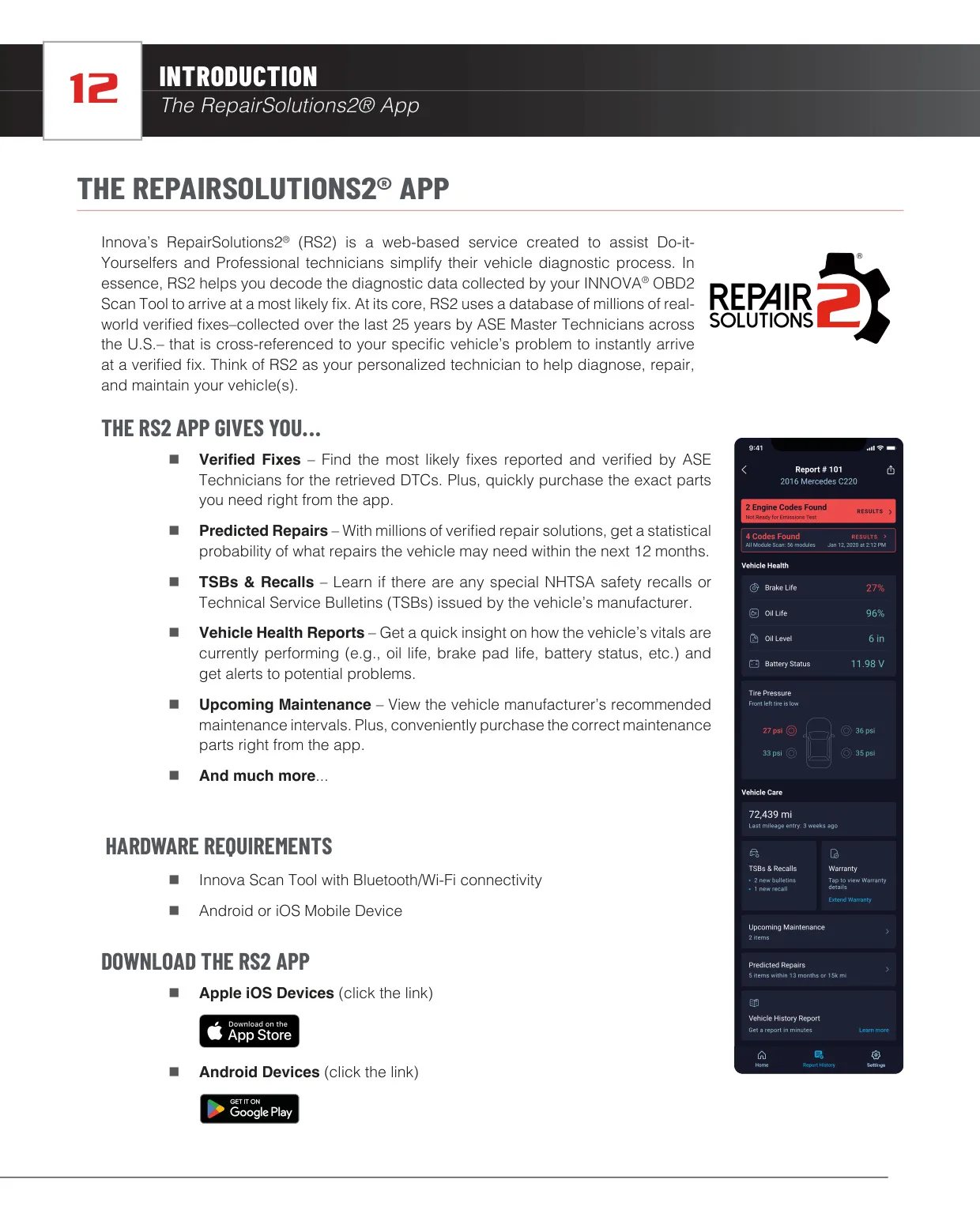
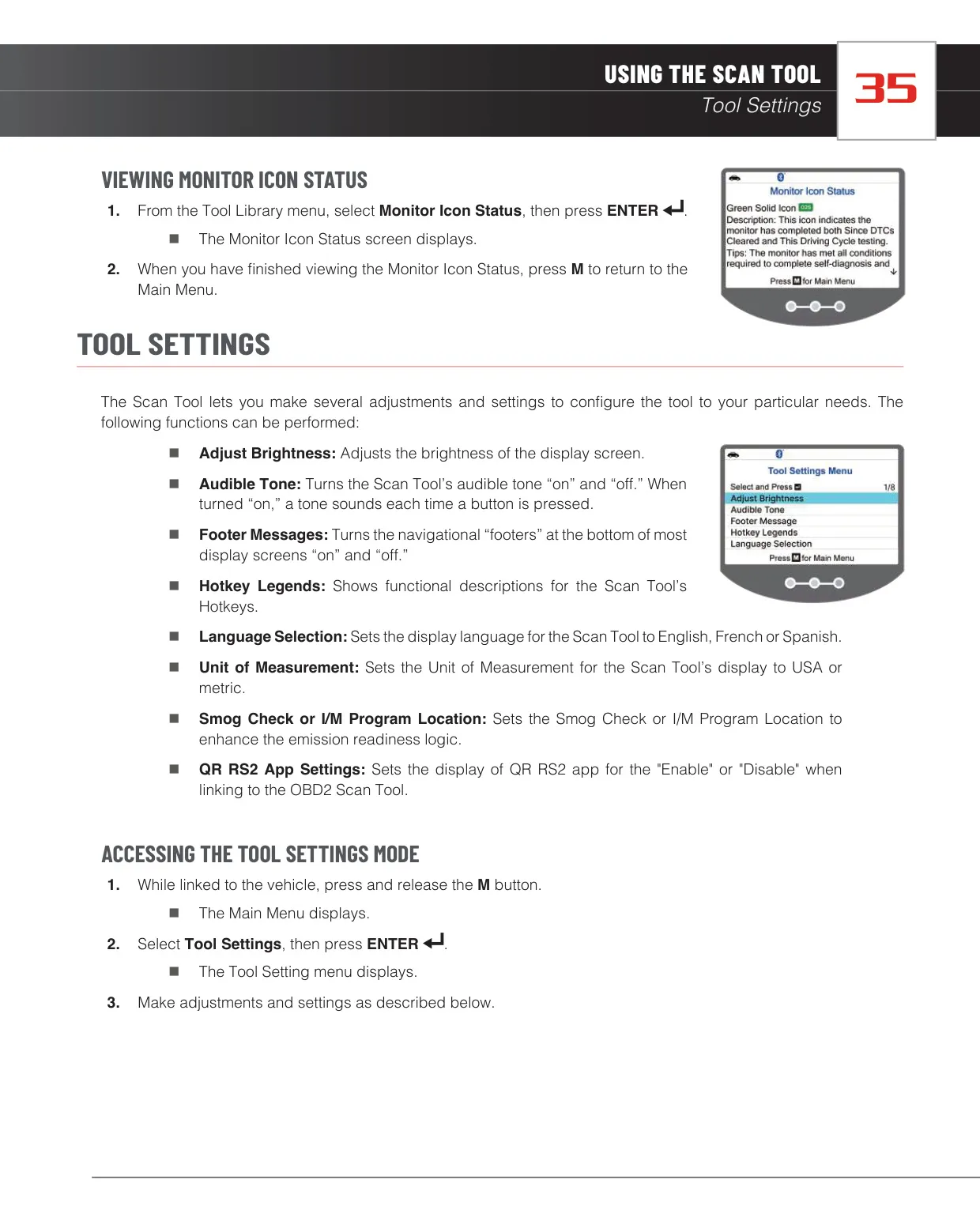
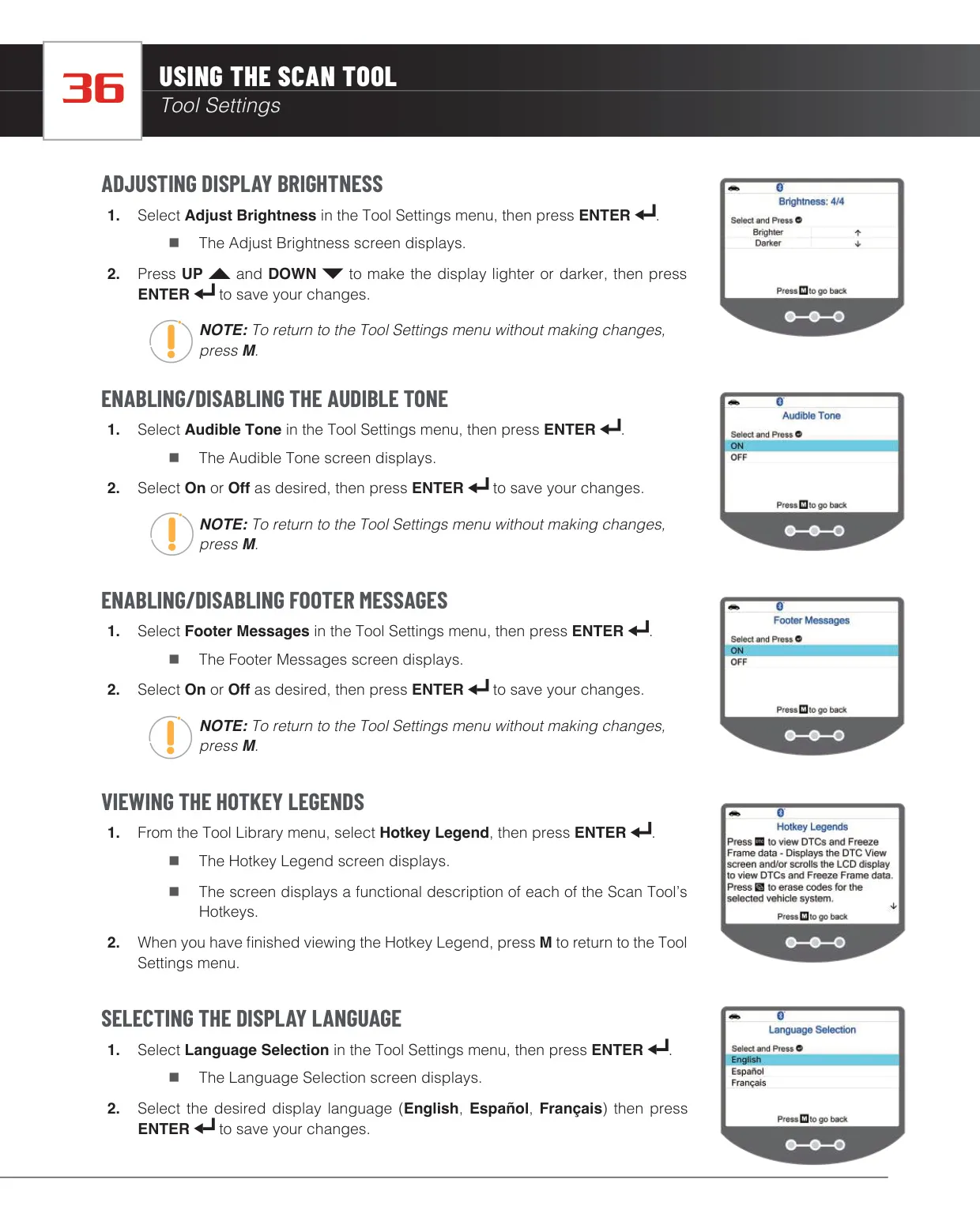
In Tool Settings you can adjust brightness, turn the key tone on or off, show or hide footer messages and view the hotkey legends. When paired, the RepairSolutions2 app offers verified fixes, predicted repairs, TSBs and recalls, and vehicle health reports.
Frequently Asked Questions (FAQs)
Can't find the answer you need? Here are some frequently asked questions about the Innova 5210 OBD2 Scanner, and we answer them below.