Innova 6100p OBD2 Scanner Instruction Manual
Innova 6100p OBD2 Scanner



























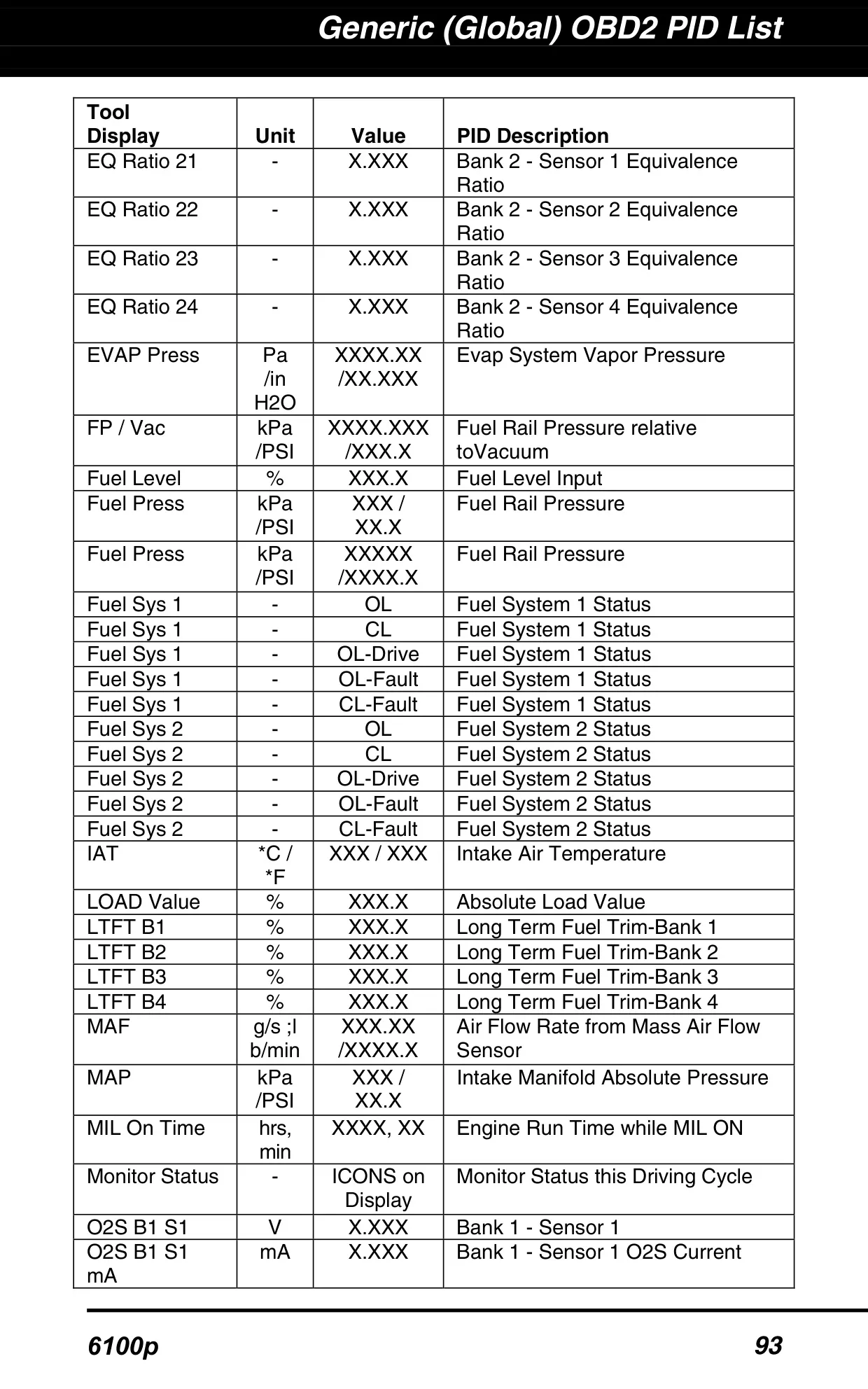
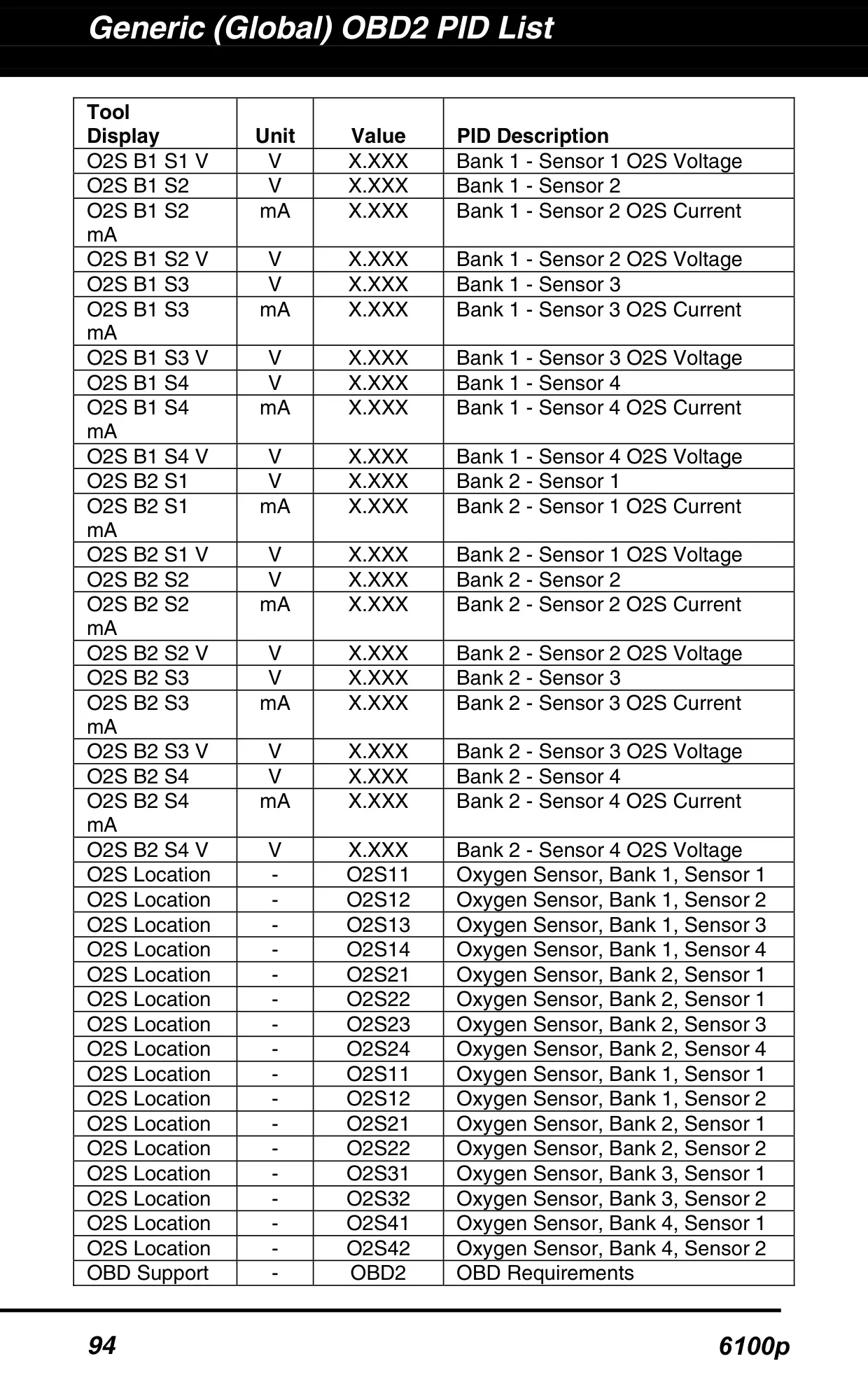
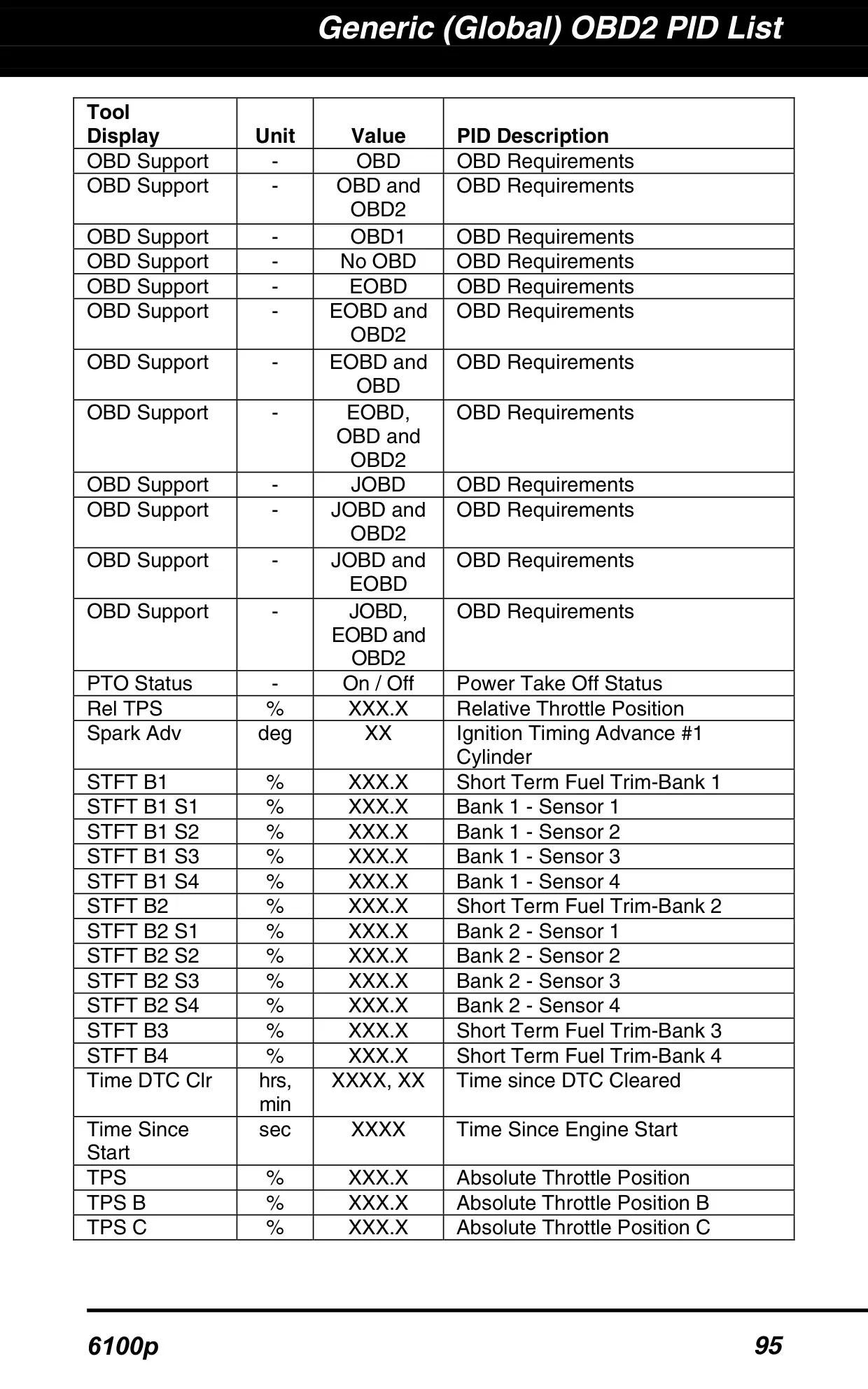
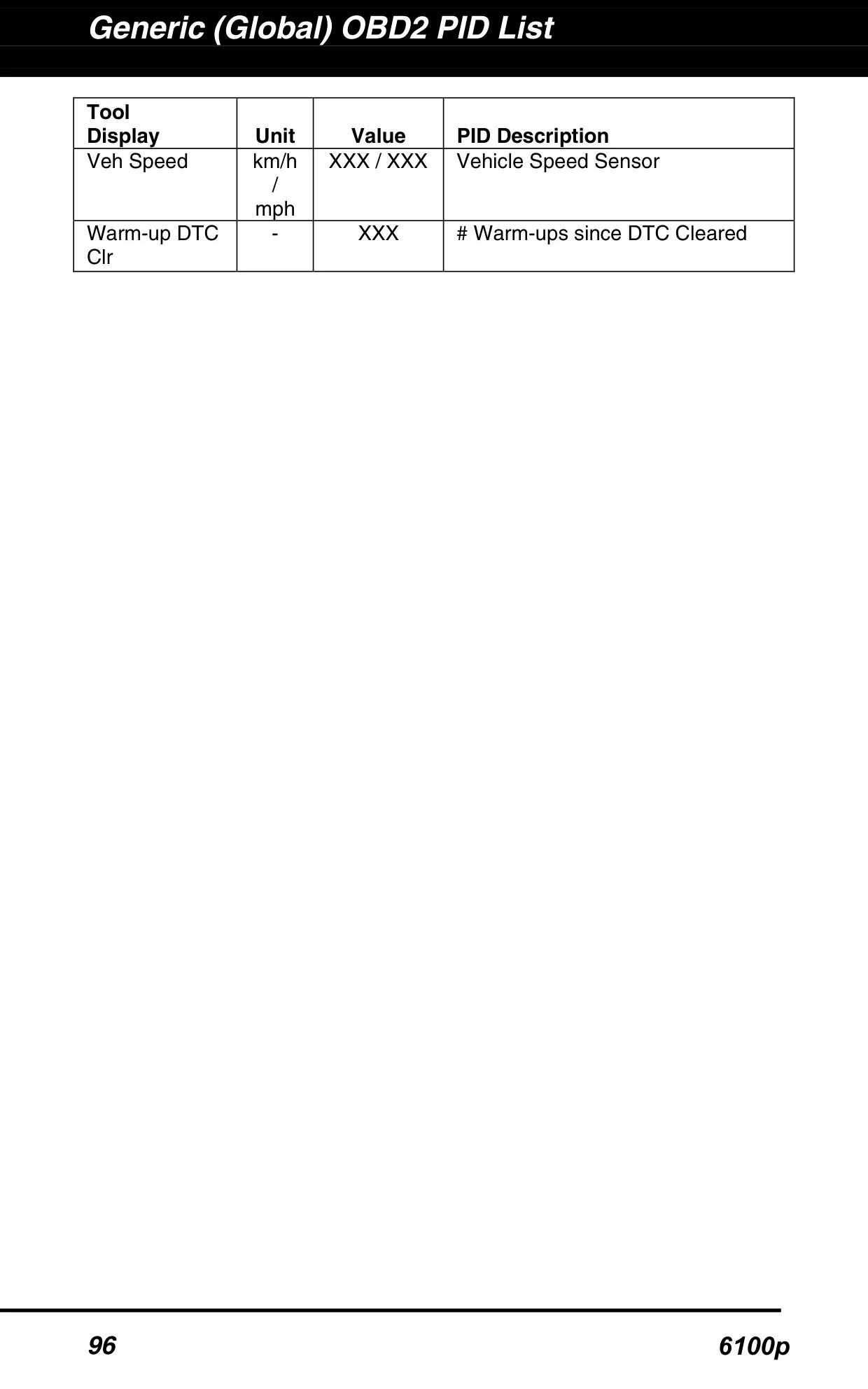





Innova 6100p OBD2 Scanner Instructions
Here we offer the Innova 6100p OBD2 Scanner manual completely free and in English. We have cataloged this manual in the OBD2 Scanners section on Manualverse, and it has been rated by 1 users with an average rating of 5. If you have any specific questions about Innova 6100p OBD2 Scanner, we suggest checking the Frequently Asked Questions (FAQs) section of this manual.
Product Images
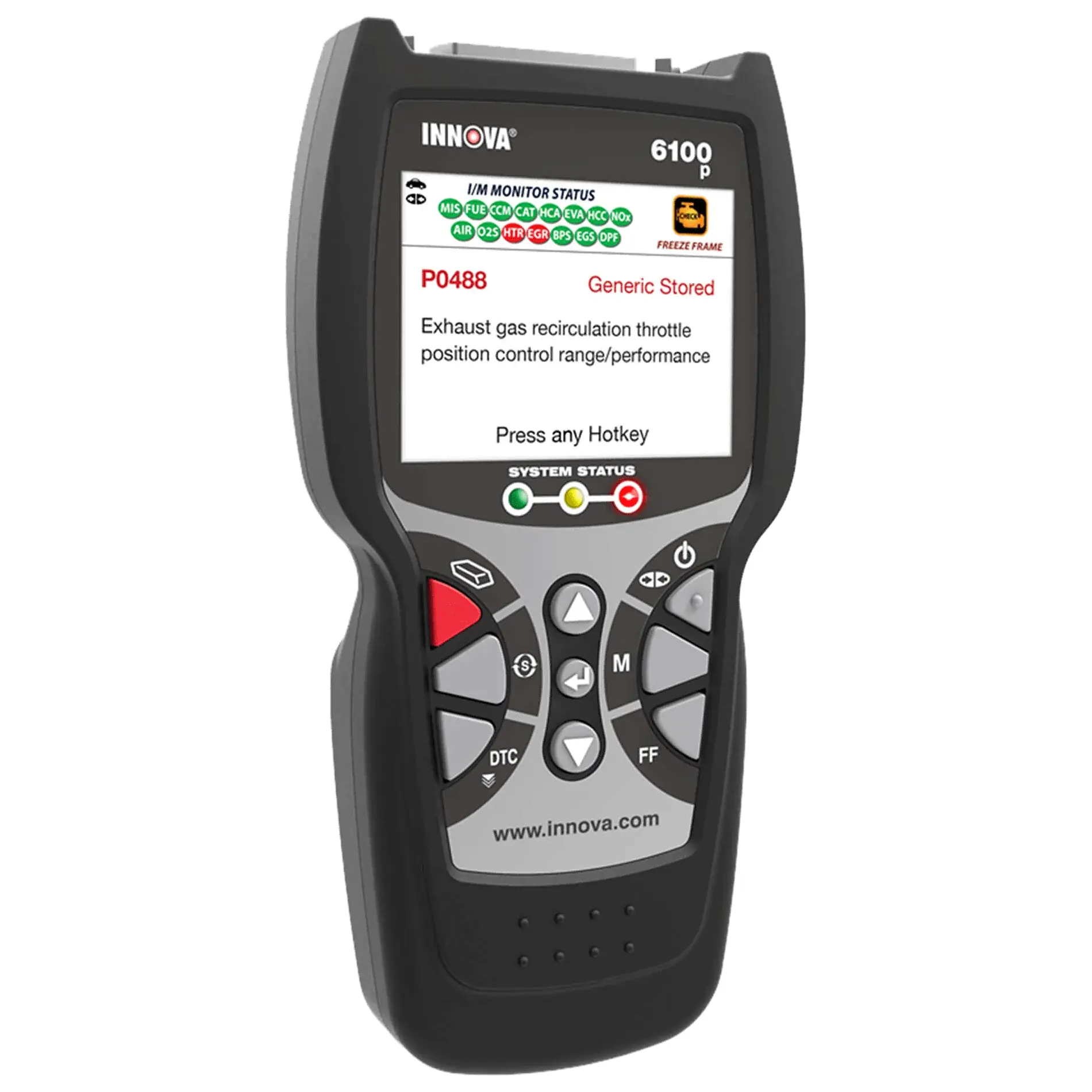
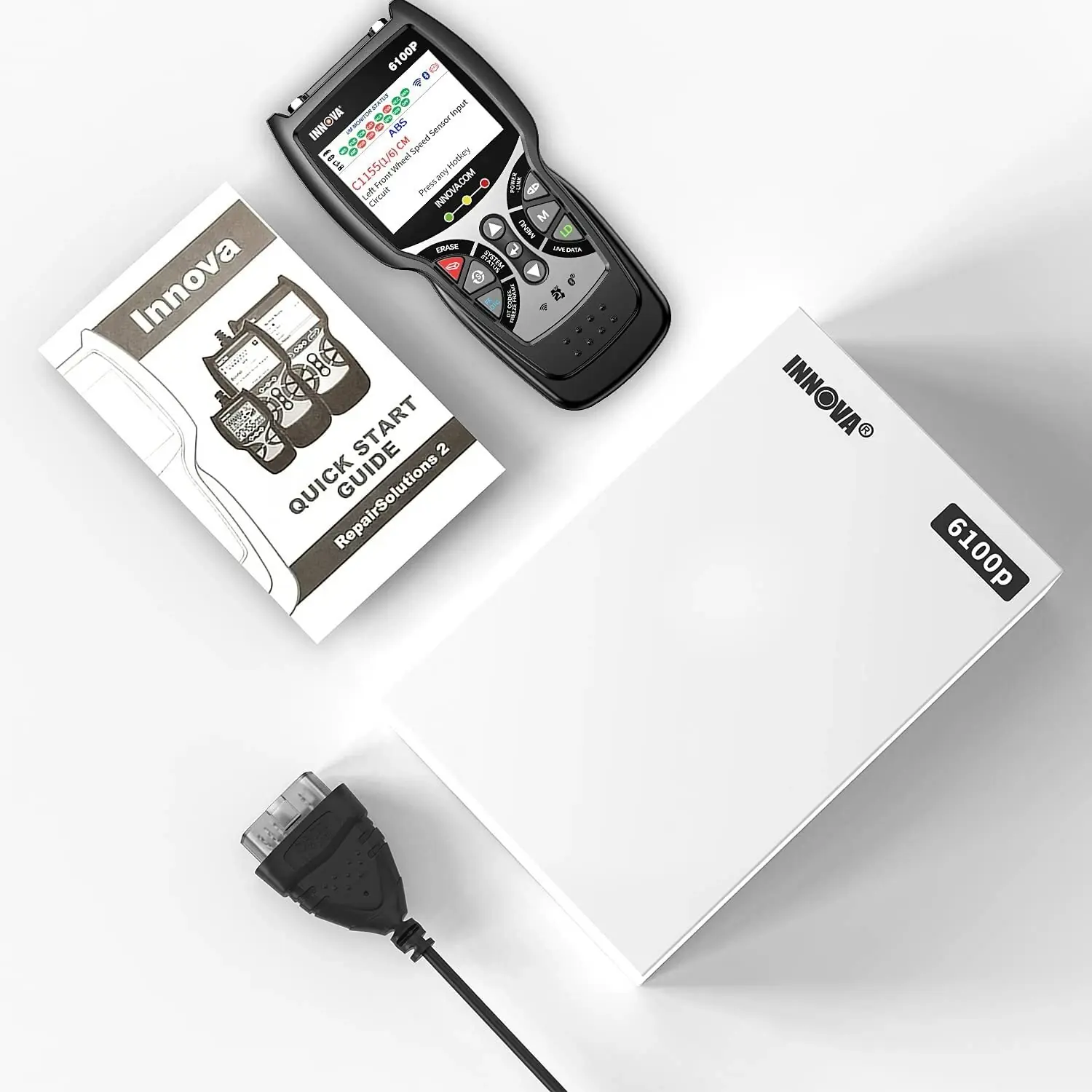
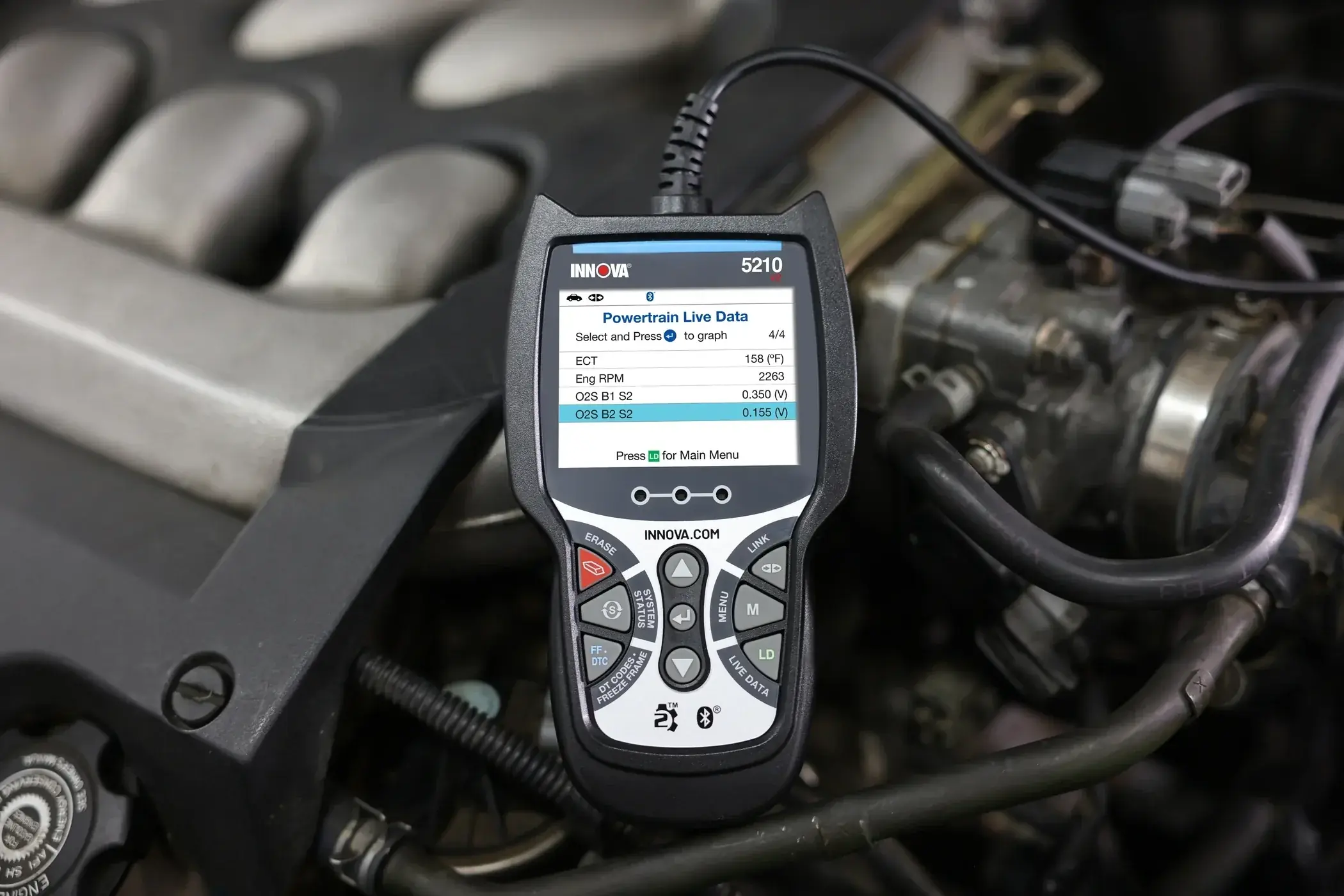
Innova 6100p OBD2 Scanner Specifications
| Feature | Specification |
|---|---|
| Model | Innova 6100p OBD2 Diagnostic Tool |
| Manufacturer | Innova Electronics Corp., 17352 Von Karman Ave., Irvine, CA 92614 |
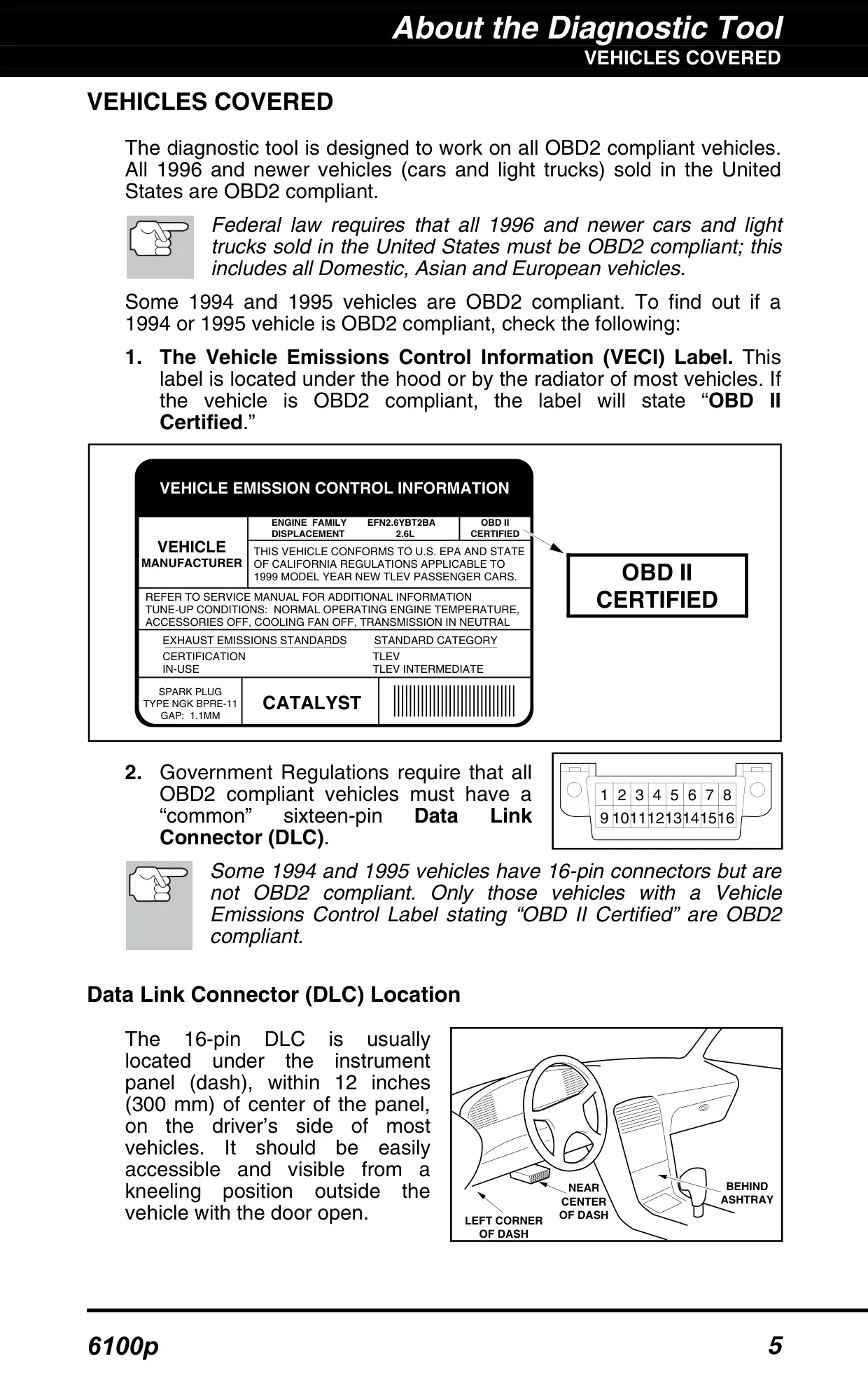
| Vehicle Coverage | All 1996 and newer OBD2 compliant cars, light trucks and SUVs sold in the United States (Domestic, Asian and European); some 1994–1995 vehicles labeled "OBD II Certified" |
| Vehicle Connector | Standard 16-pin Data Link Connector (DLC), keyed cable connector |
| Supported Protocols | ISO 9141, Keyword 2000, J1850 PWM, J1850 VPW, CAN (automatic detection) |
| Display | Color LCD display with adjustable brightness (levels 1–5) |
| System Status Indicators | Green, Yellow and Red LEDs |
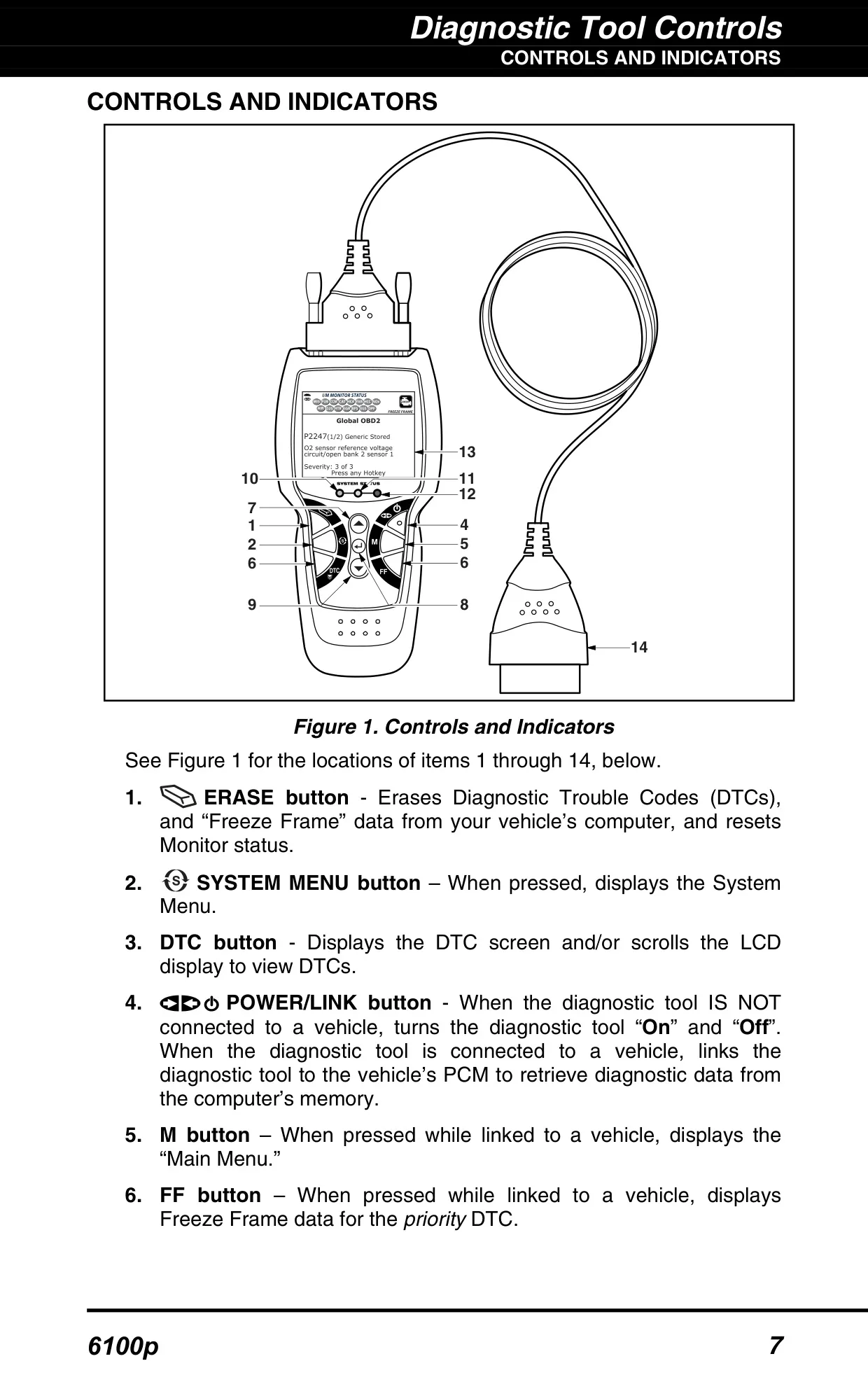
| Control Buttons | ERASE, SYSTEM MENU, DTC, POWER/LINK, M (Main Menu), FF (Freeze Frame), UP, ENTER, DOWN |
| Internal Power | Three AA-size batteries (Alkaline recommended) |
| Vehicle Power | Powered through the vehicle's DLC; turns on automatically when connected |
| Auto Power-Off | Approximately 3 minutes after disconnection from the vehicle |
| DTC Storage Capacity | Up to 32 codes |
| Code Retrieval Time | Approximately 10–60 seconds |
| Recently Tested Vehicles List | Last 3 vehicles |
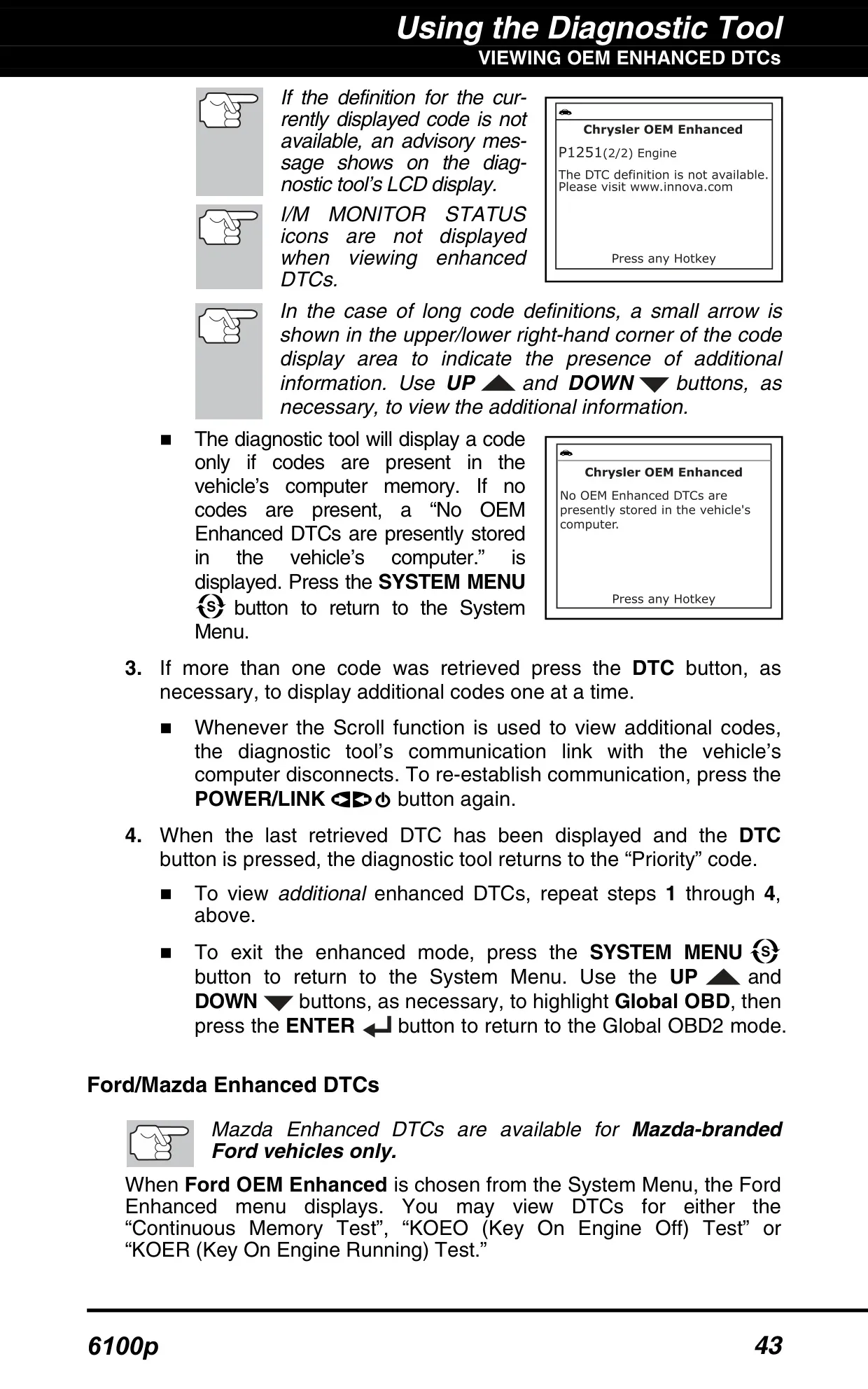
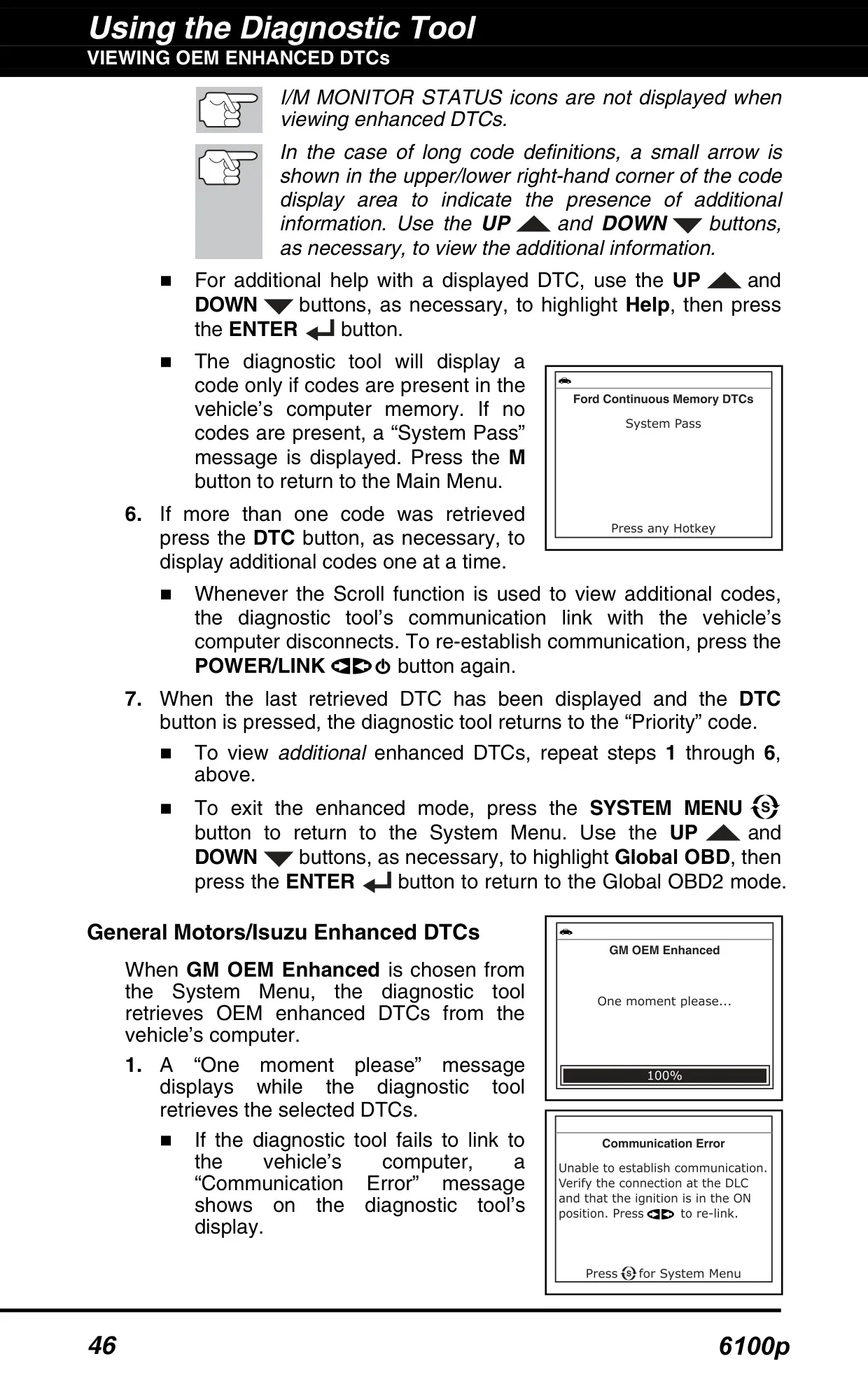
| OEM Enhanced DTCs | Chrysler/Jeep, Ford/Mazda, GM/Isuzu, Honda/Acura, Toyota/Lexus |
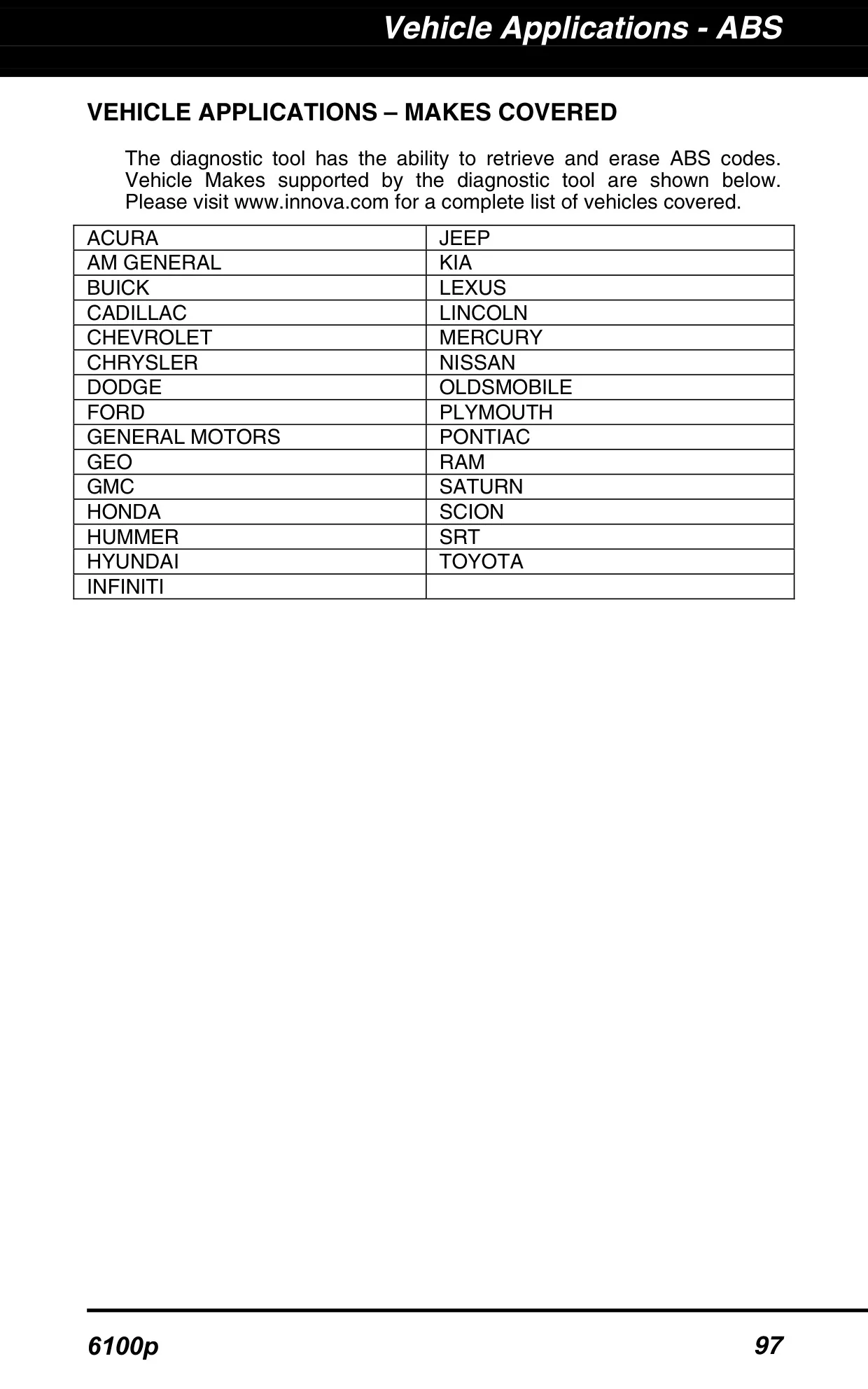
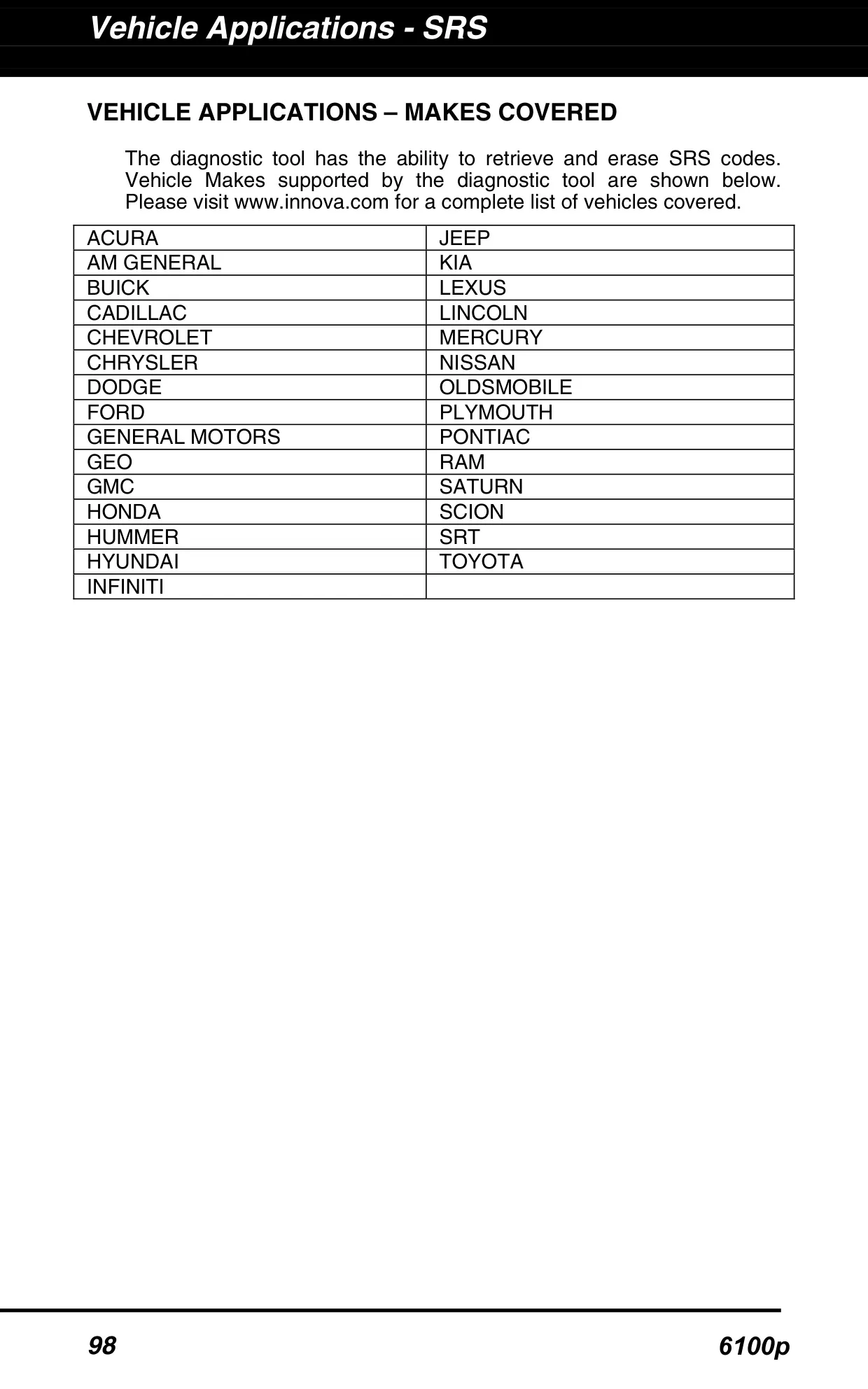
| ABS and SRS DTCs | Retrieve and erase (29 makes listed in the manual) |
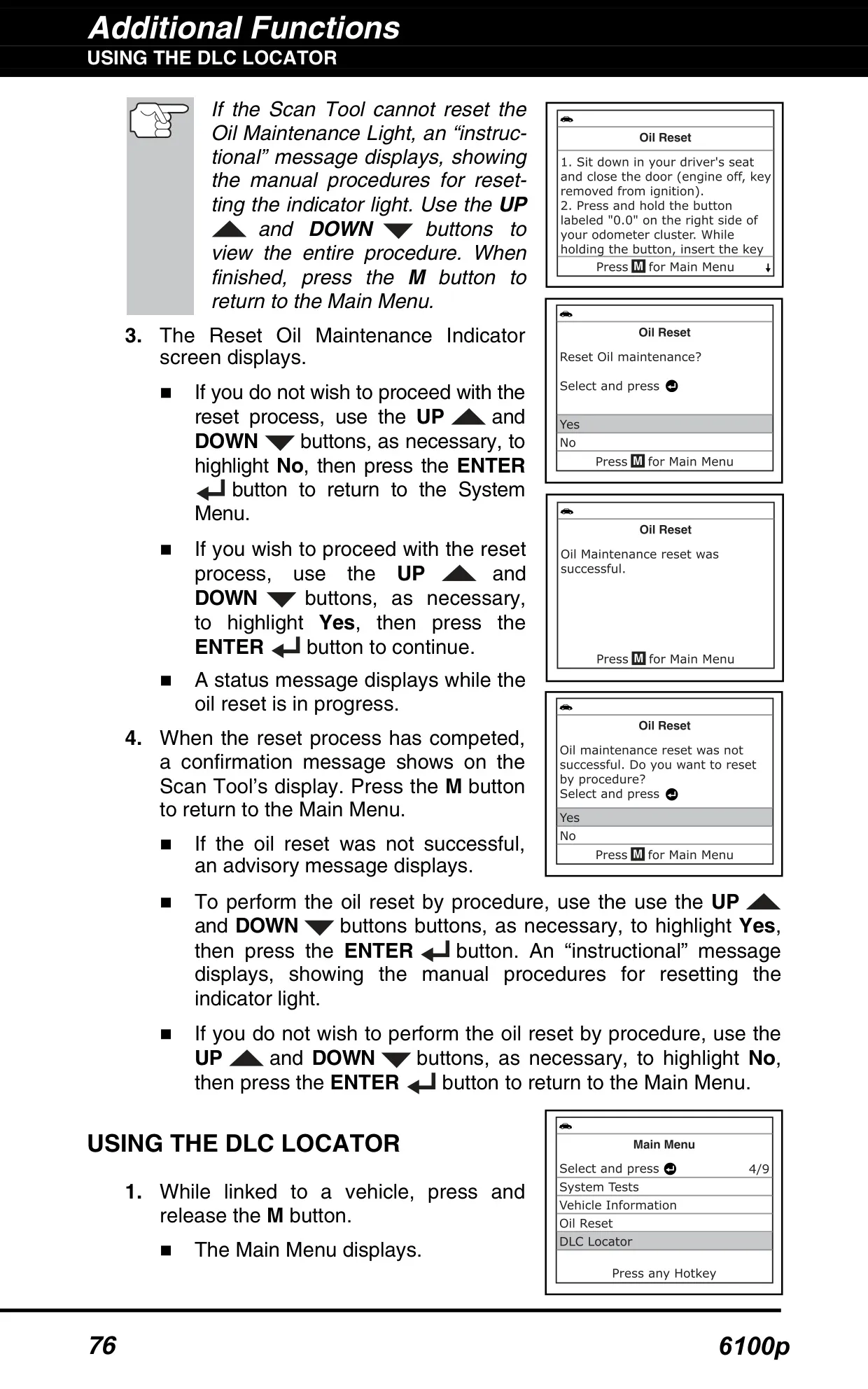
| Oil Maintenance Light Reset | Supported (39 makes listed in the manual) |
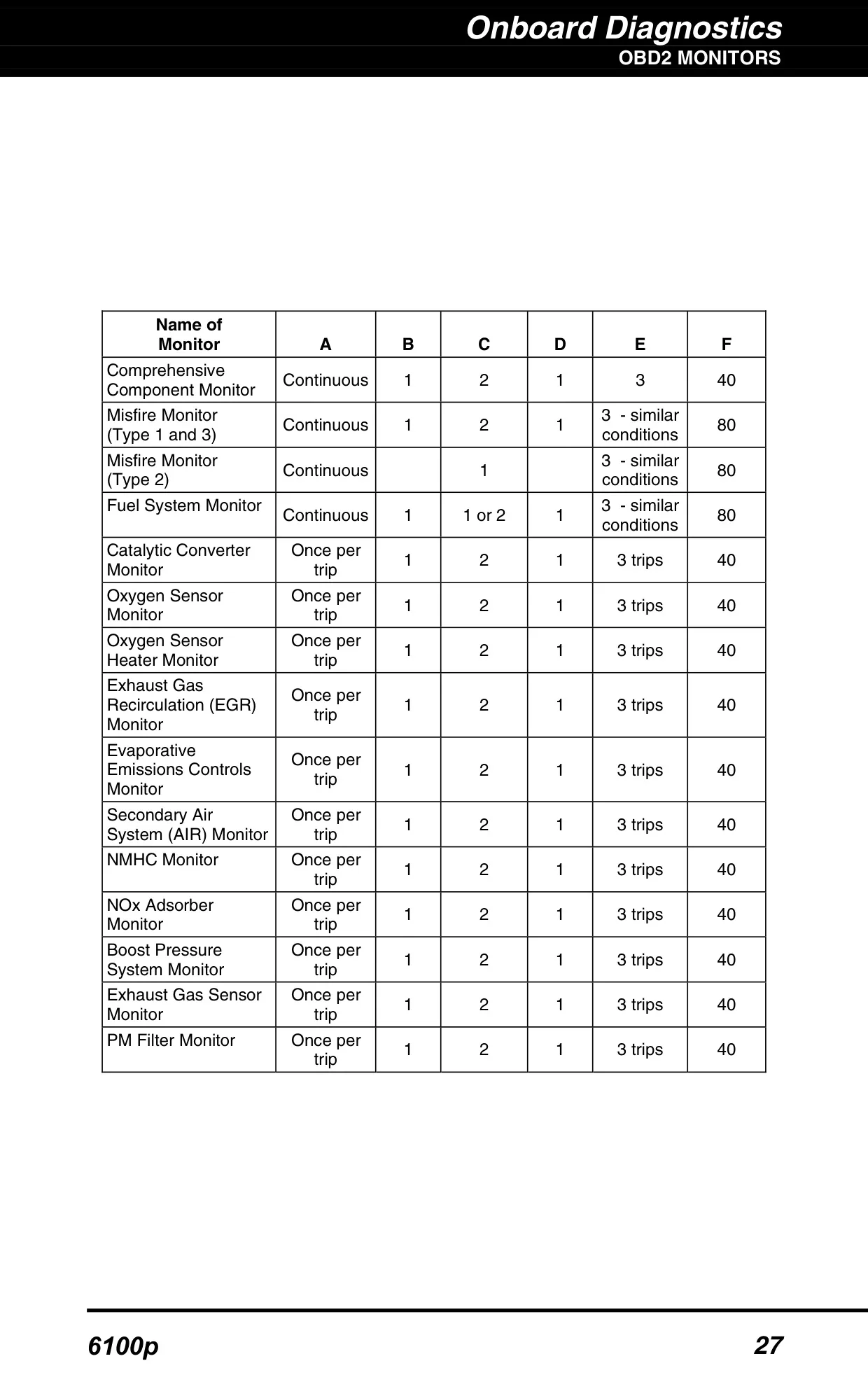
| I/M Readiness Monitors | Up to 15 OBD2 Monitors |
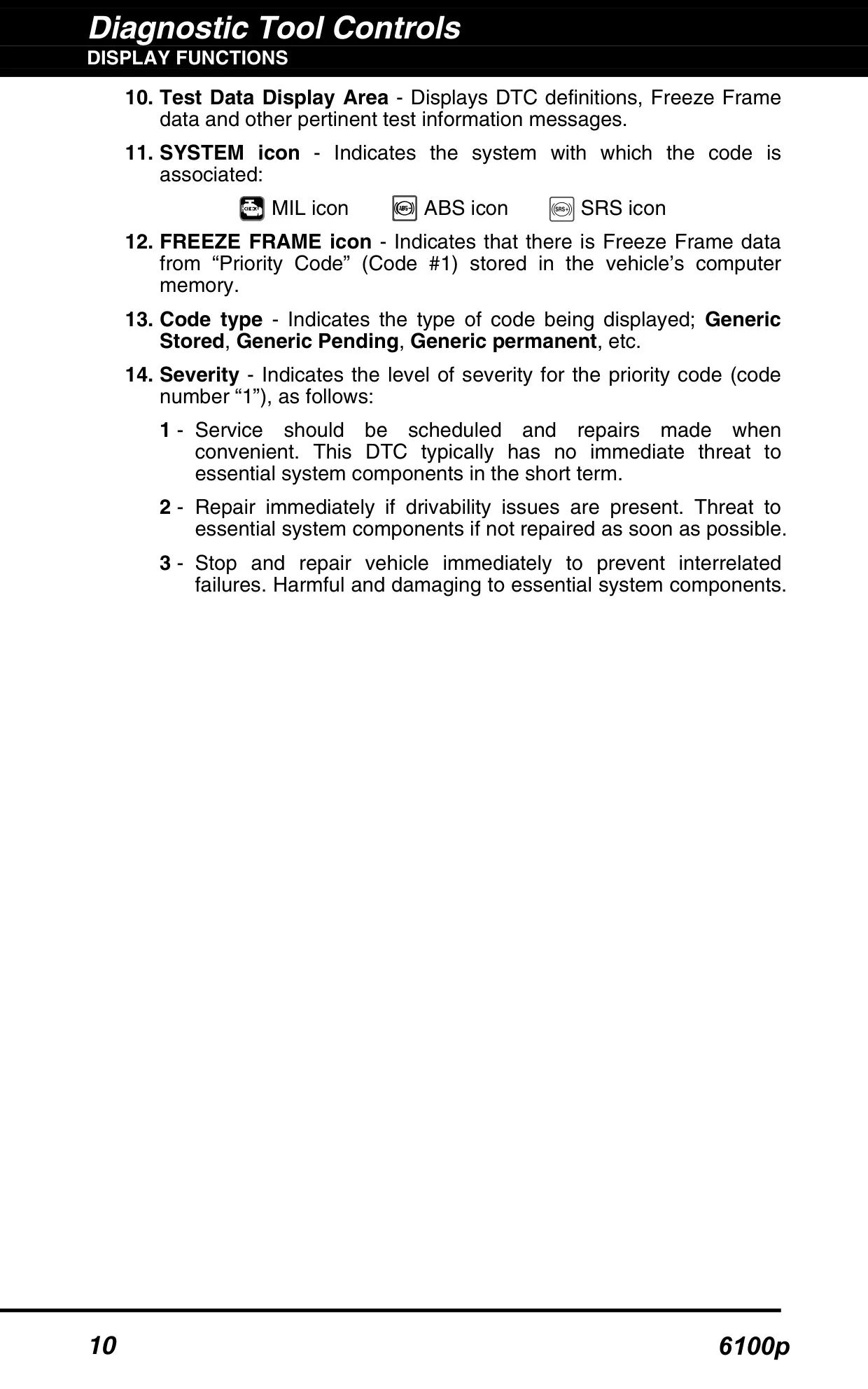
| Code Severity Levels | 3 levels (1 to 3) |
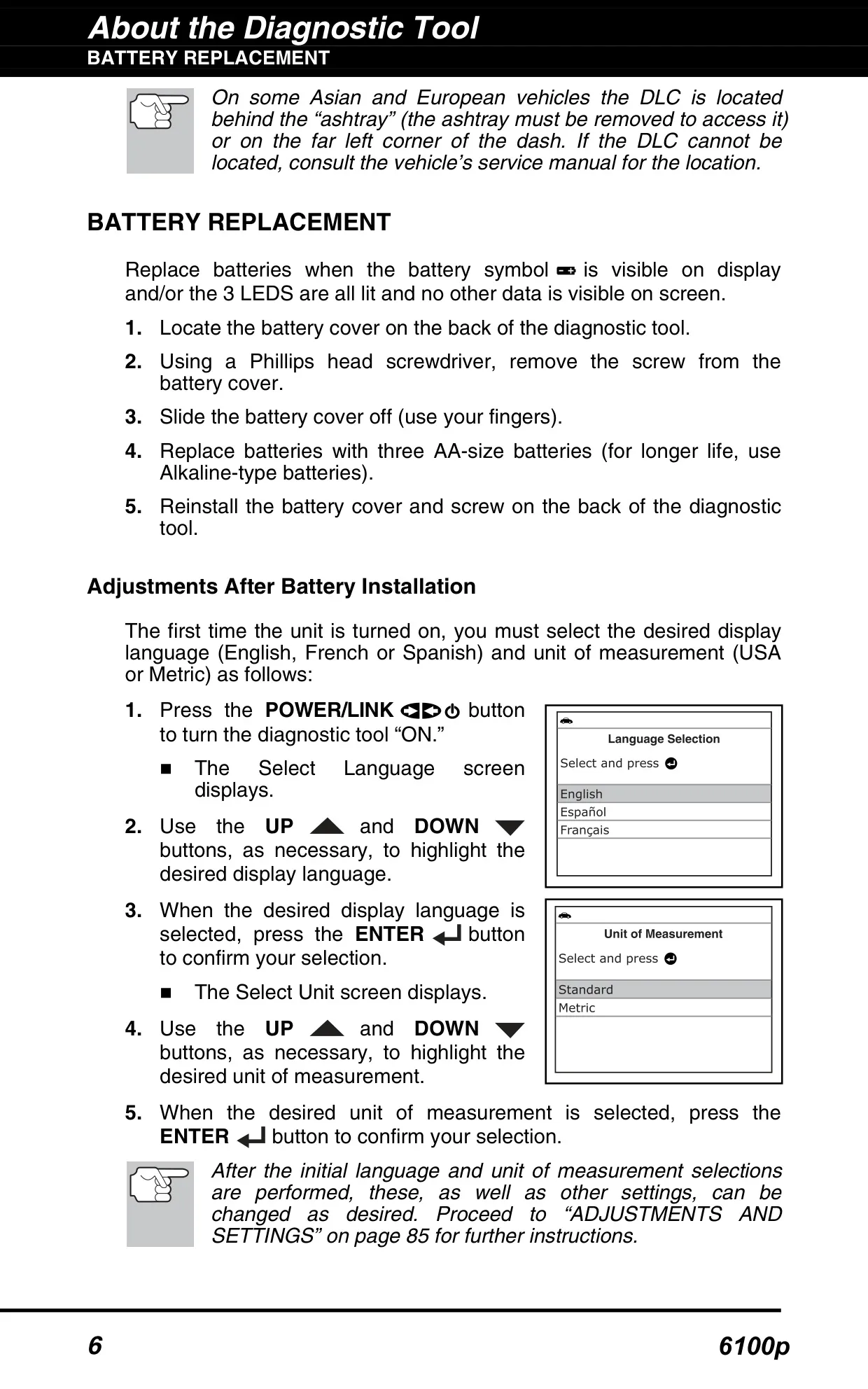
| Display Languages | English, French, Spanish |
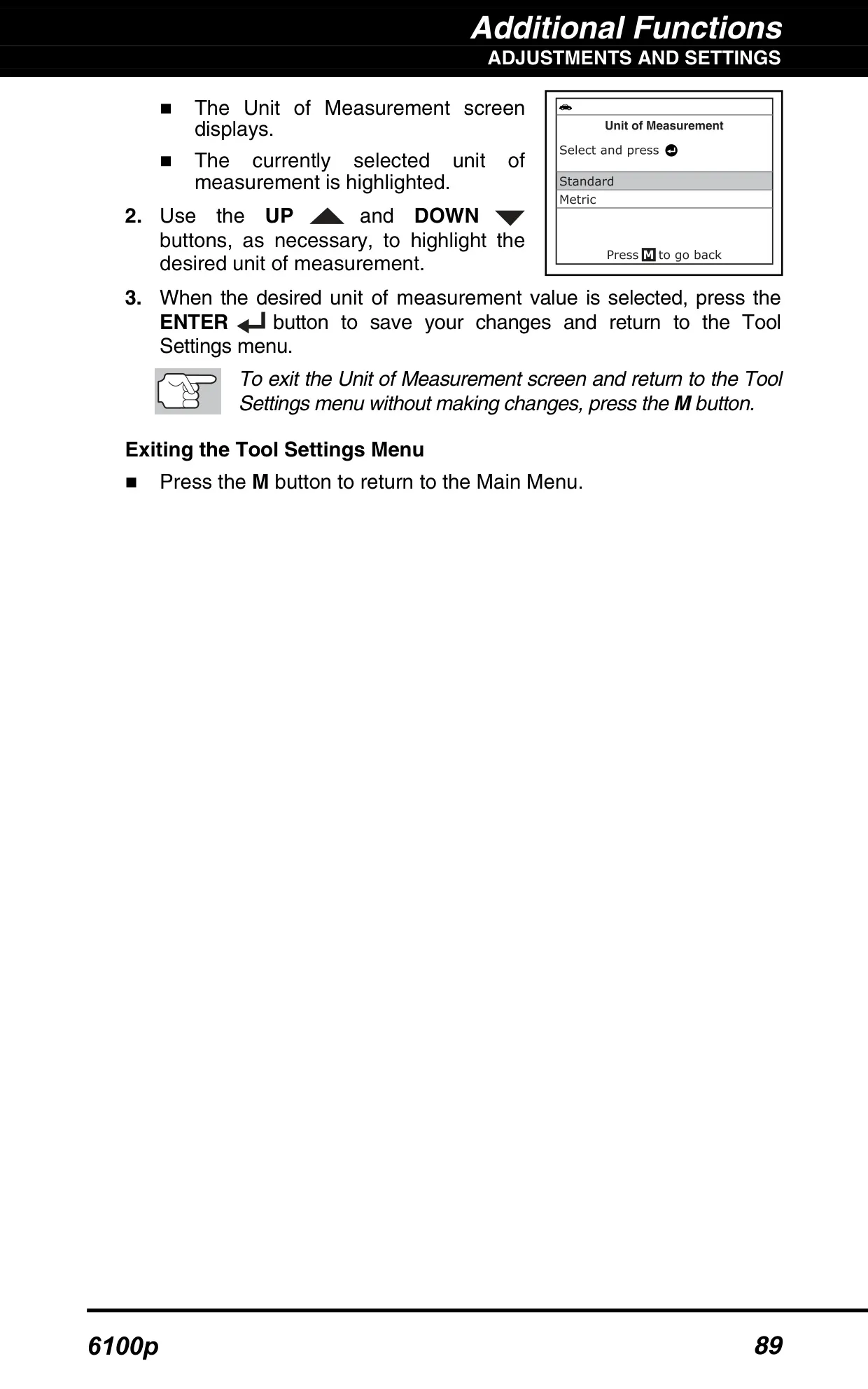
| Units of Measurement | USA or Metric |
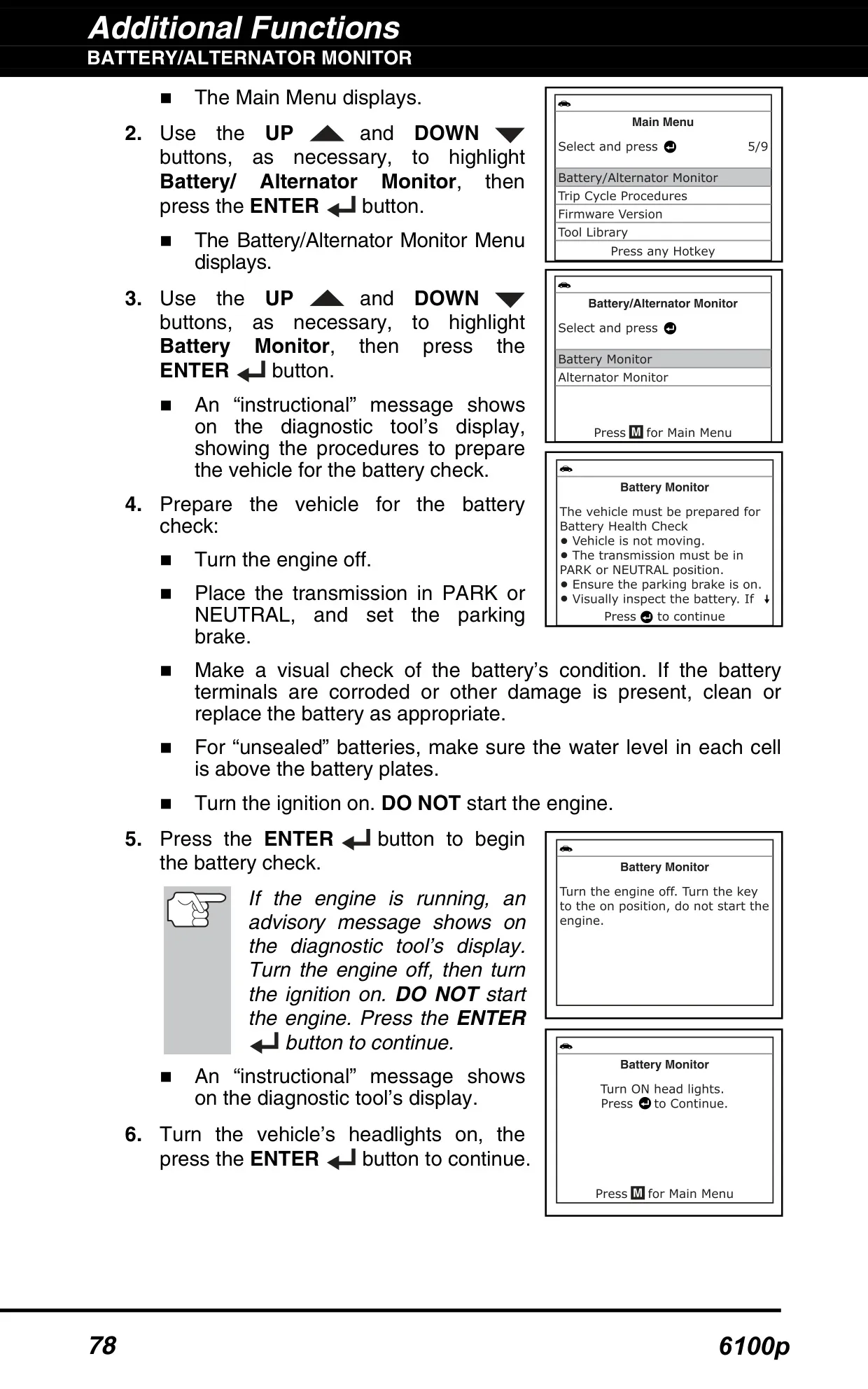
| Battery Check Threshold | 12.1 V |
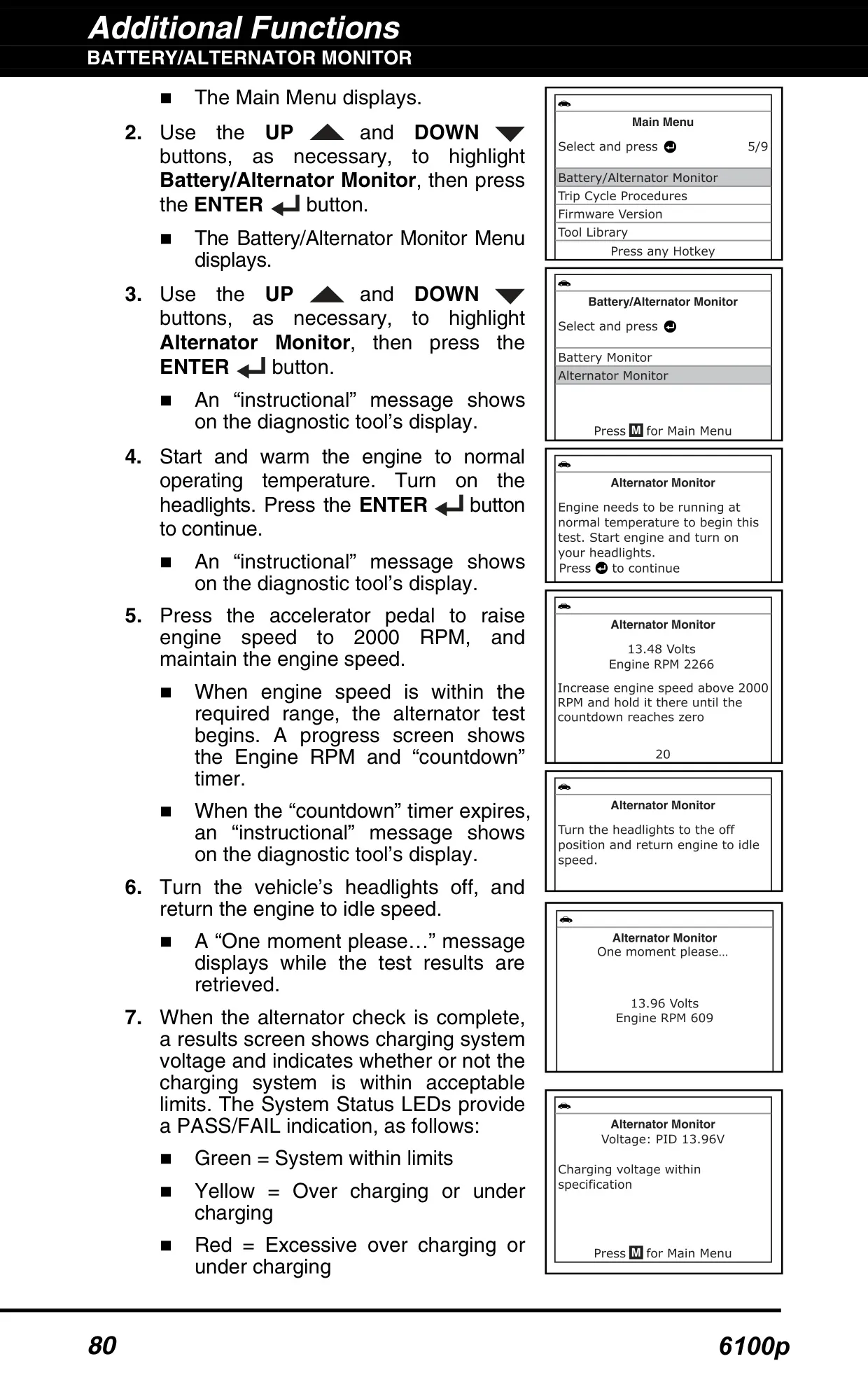
| Alternator Test Engine Speed | 2000 RPM |
| Alternator Low Voltage Alert | All 3 LEDs flash below 9 V |
| PC Connection | Mini USB cable (PC-Link software) |
| Windows Compatibility | Windows XP, Vista (32/64-bit), 7 (32/64-bit), 8, 8.1, 10 |
| Windows Minimum Hardware | 50 MB free disk space, 128 MB RAM, Pentium processor or better, one USB port (USB 2.0 preferred) |
| Mac Compatibility | Mac OS 10.4.4 and newer |
| Mac Minimum Hardware | 100 MB free disk space, 256 MB RAM, PowerPC G3/G4/G5 or Intel processor at 700 MHz or greater, one USB port |
| Supported Browsers | Windows: Internet Explorer 5.5, Netscape 7.0, Firefox 2.0 or newer; Mac: Safari 3.0, Netscape 7.2, Firefox 3.0 or newer |
| Warranty | Limited one (1) year from date of original purchase |
| Repair Turnaround | 3–4 weeks |
| Technical Support | USA and Canada: (800) 544-4124; All others: (714) 241-6802 (6:00 AM–6:00 PM PST, Monday–Saturday) |
| Manual Reference | Instruction MRP #93-1029, Copyright 2016 IEC |
Innova 6100p OBD2 Scanner Details
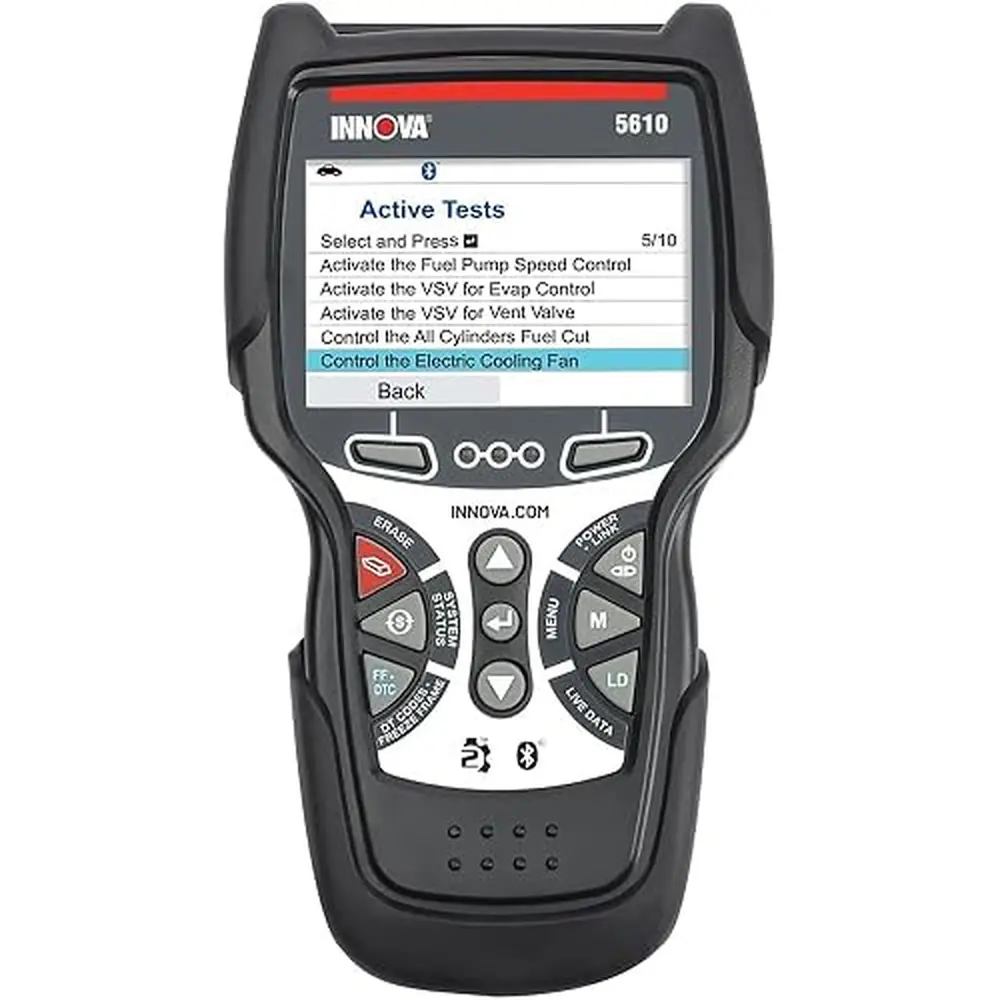
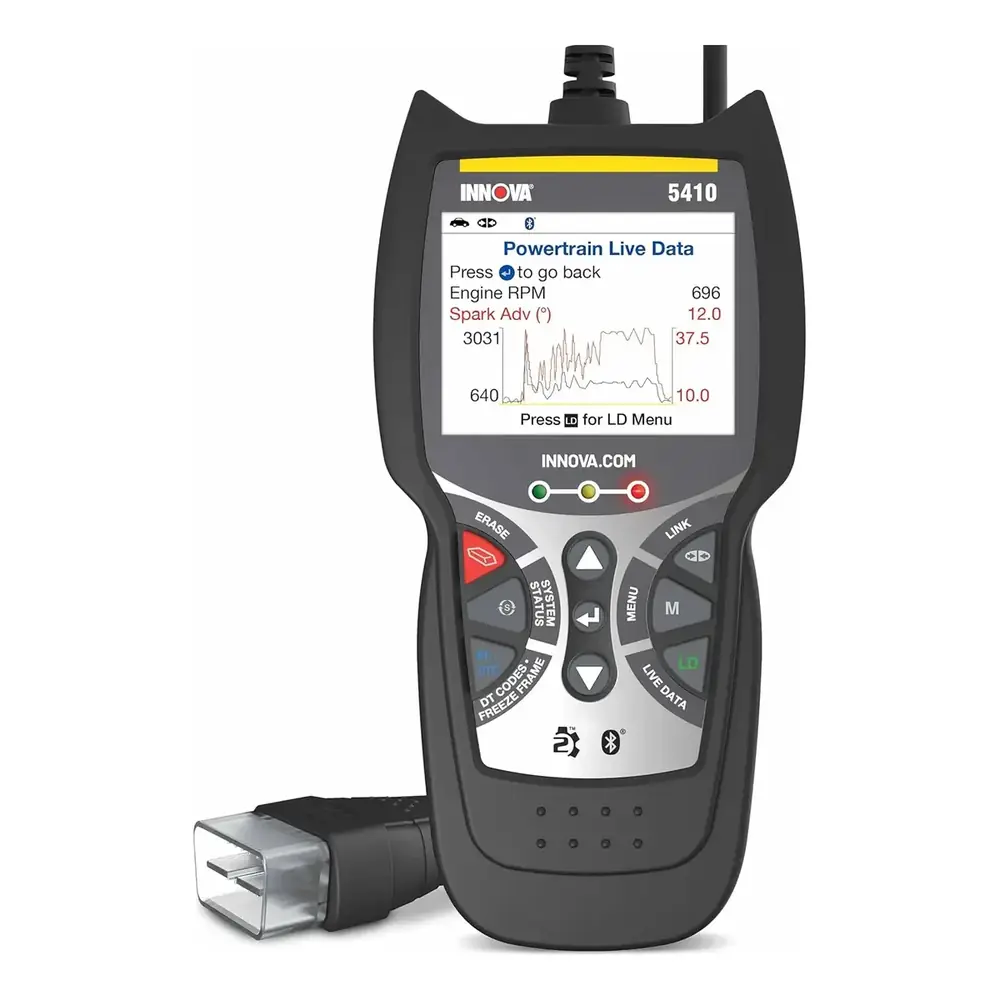
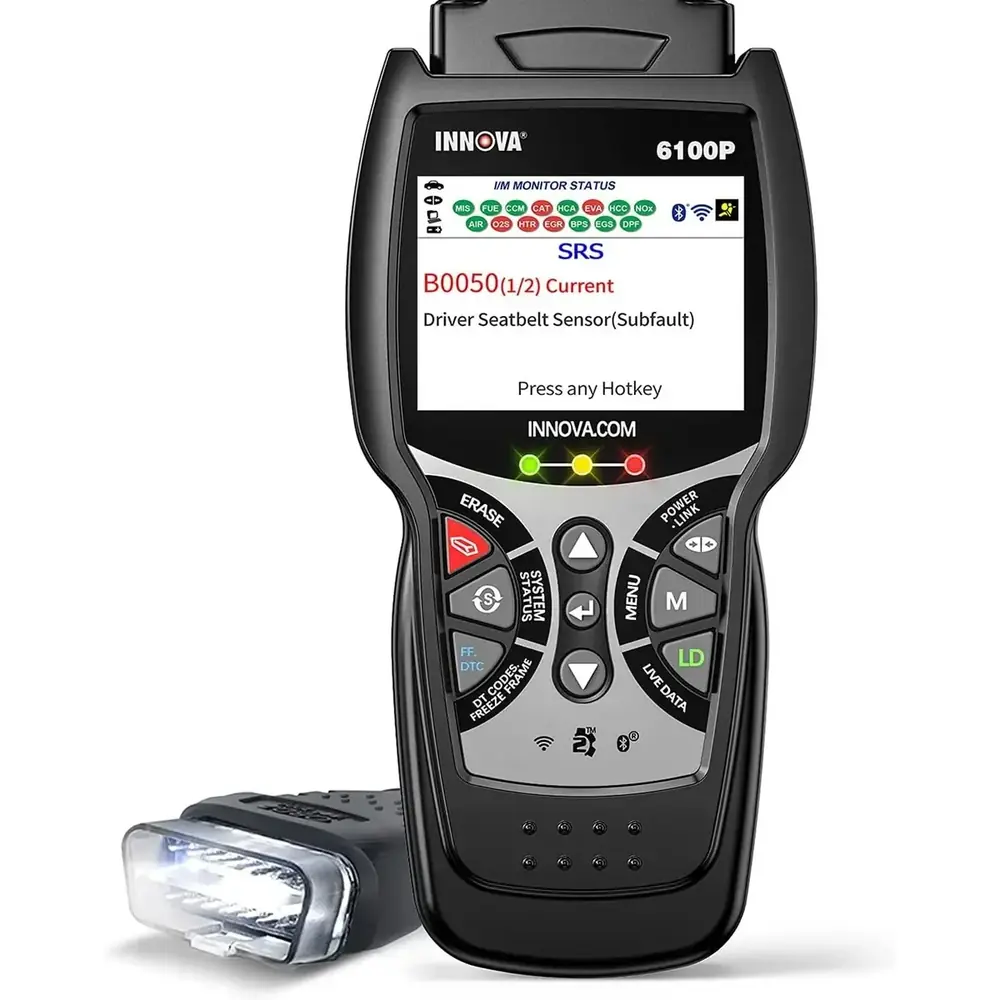
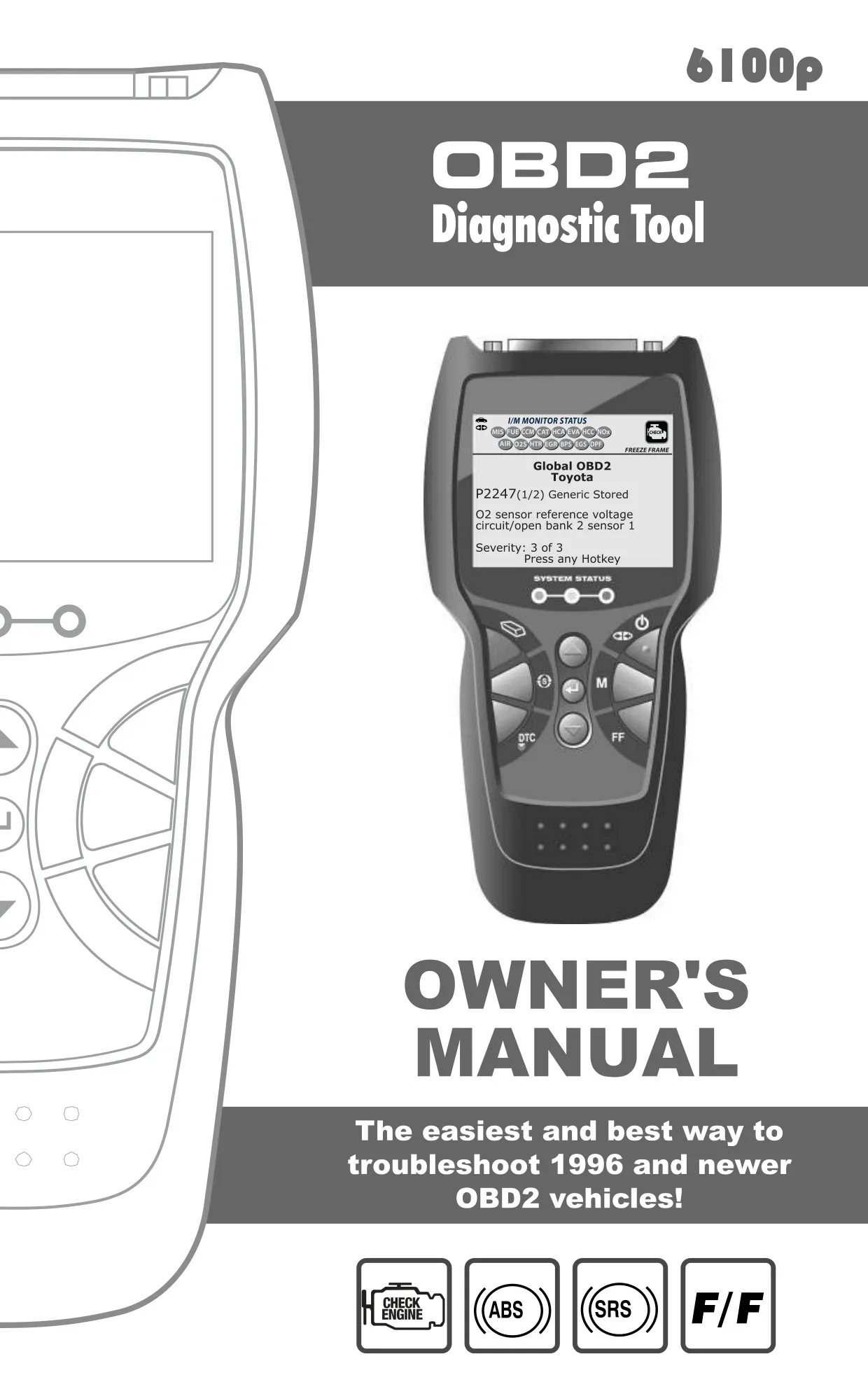
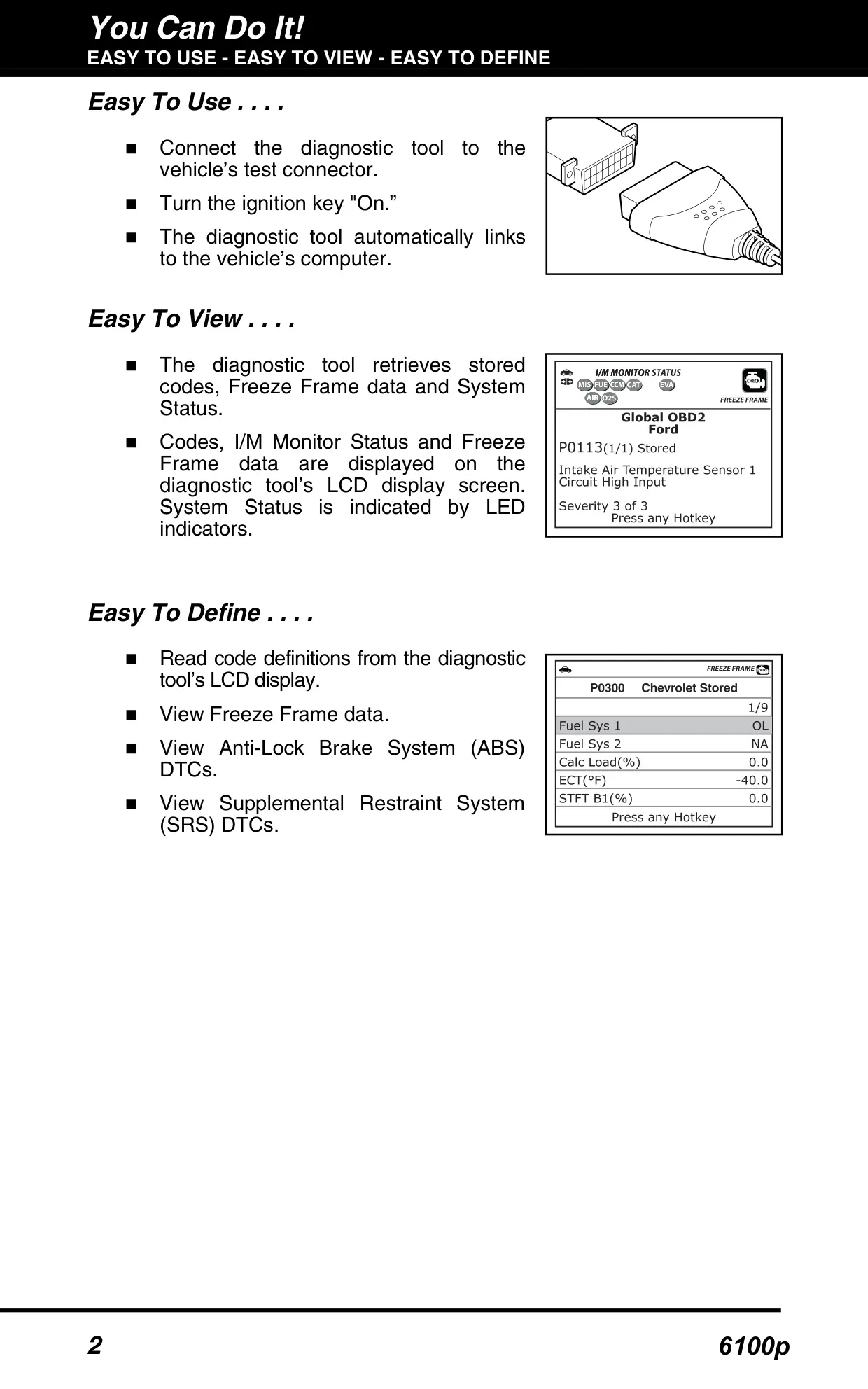
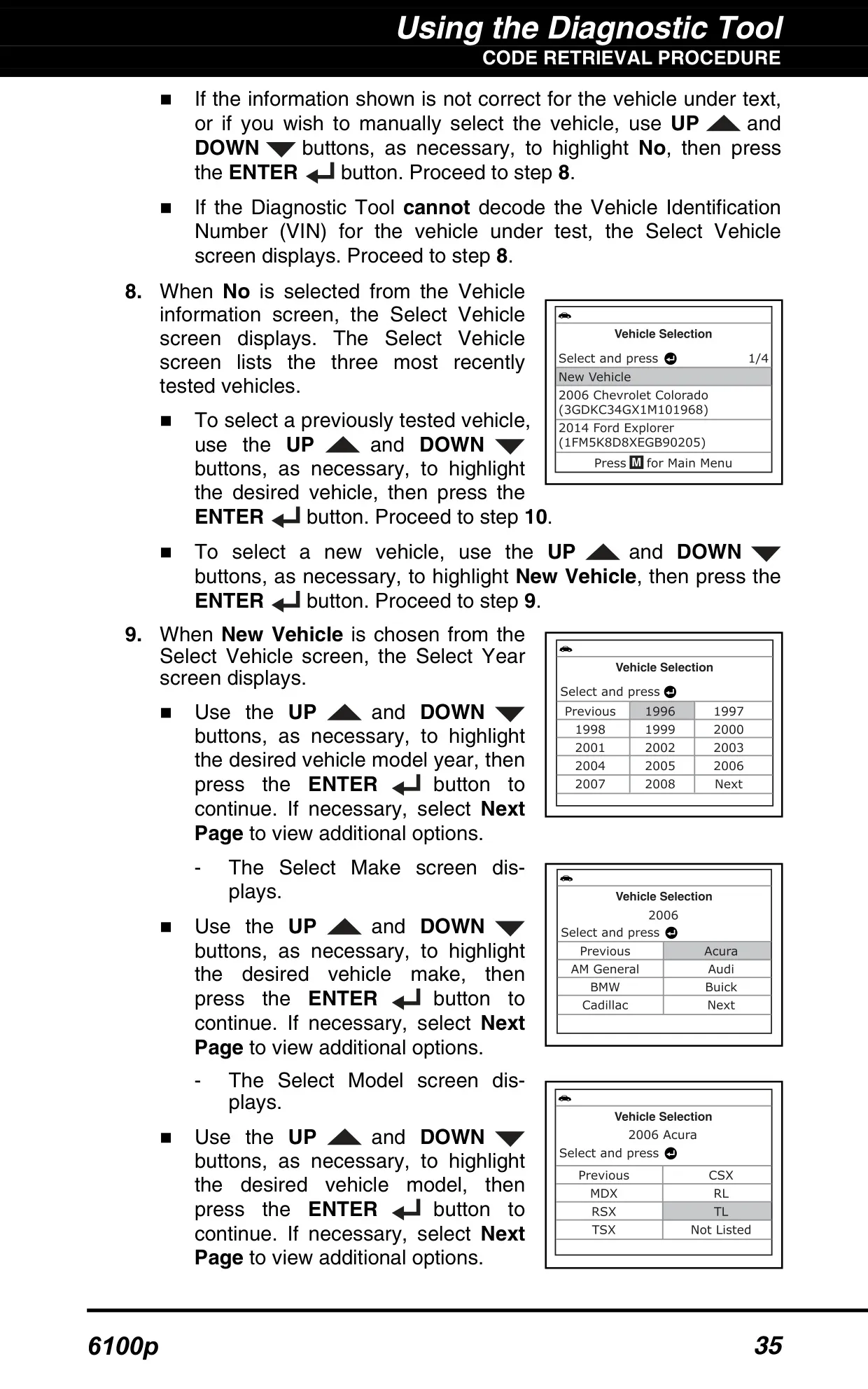
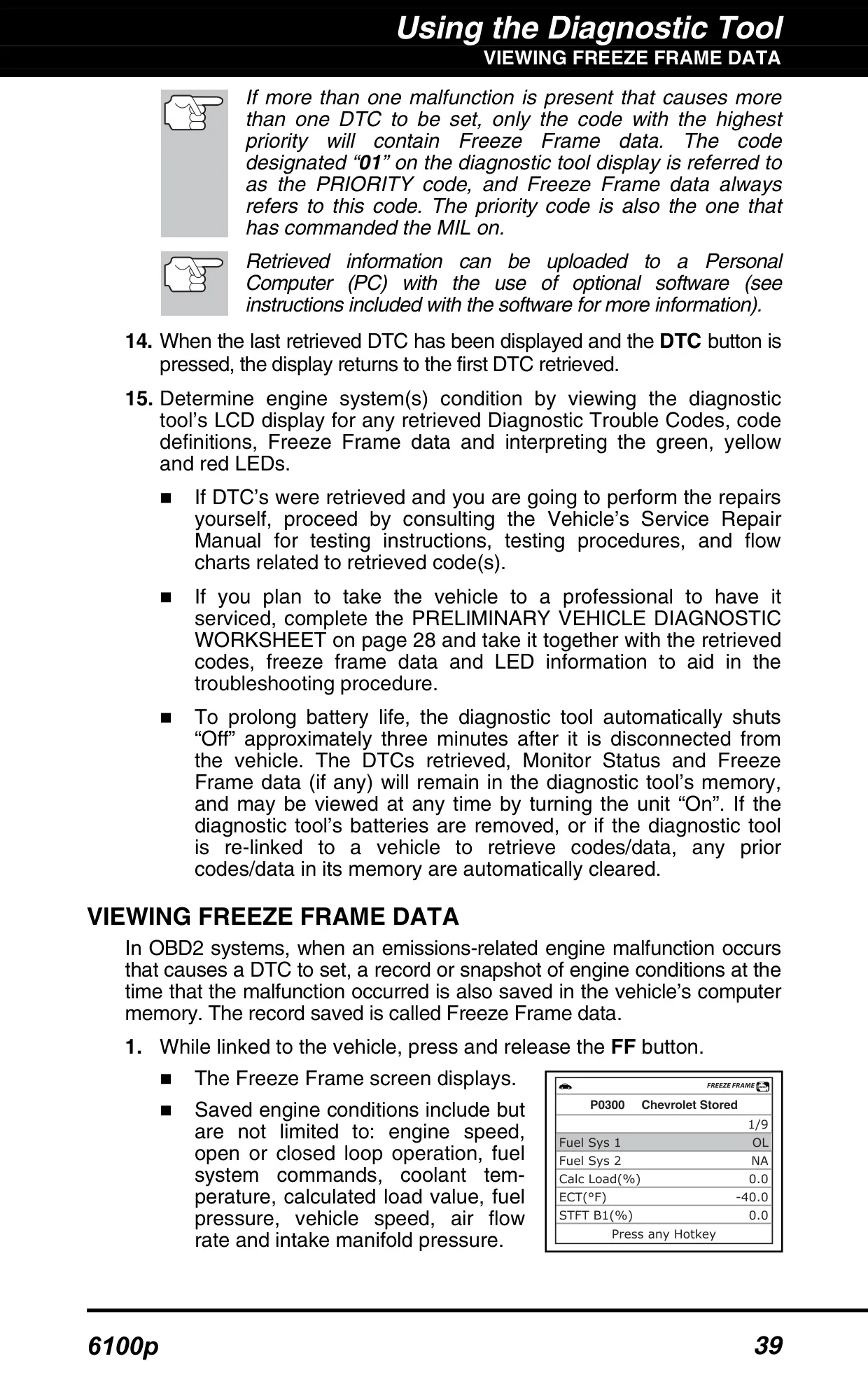
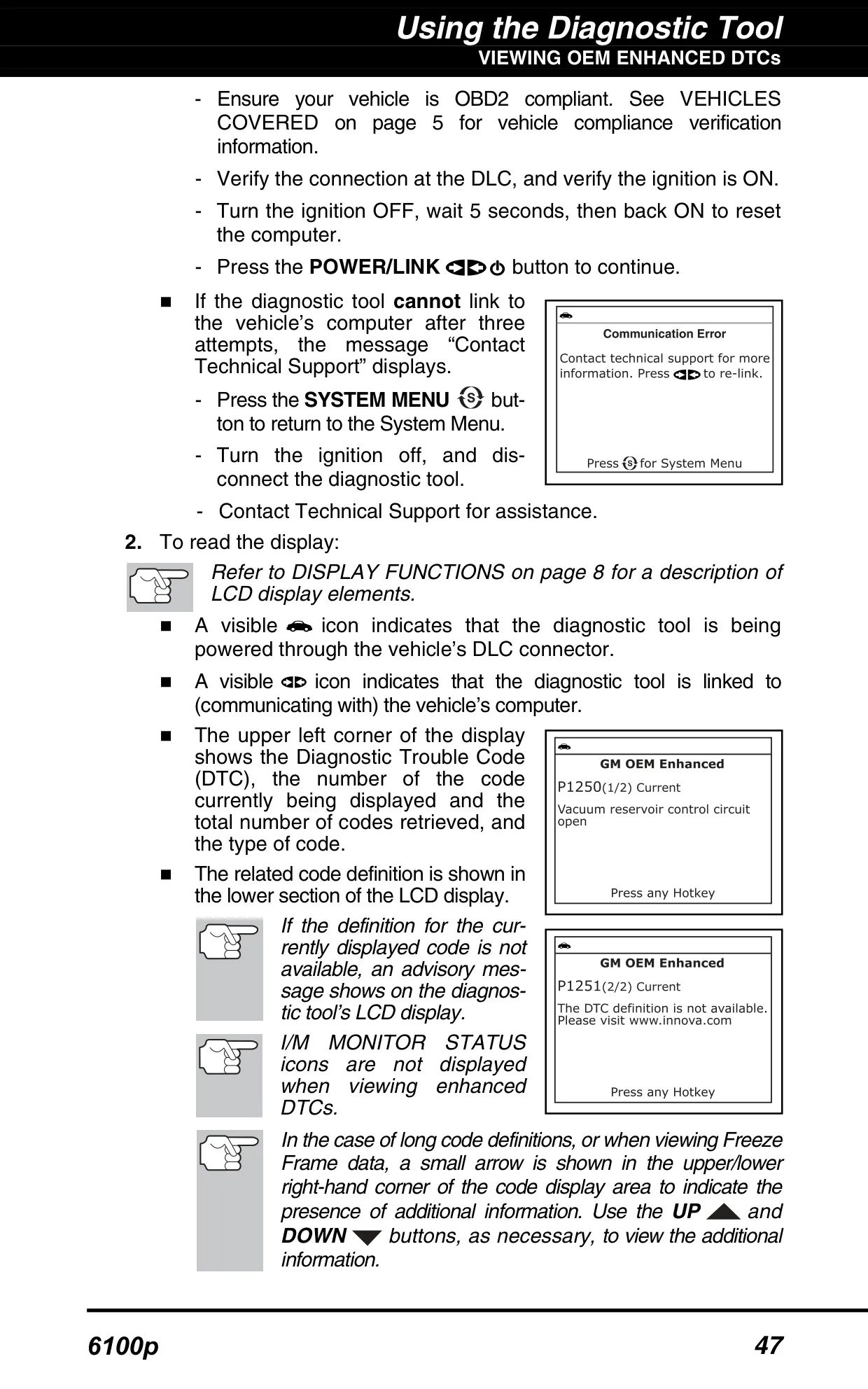
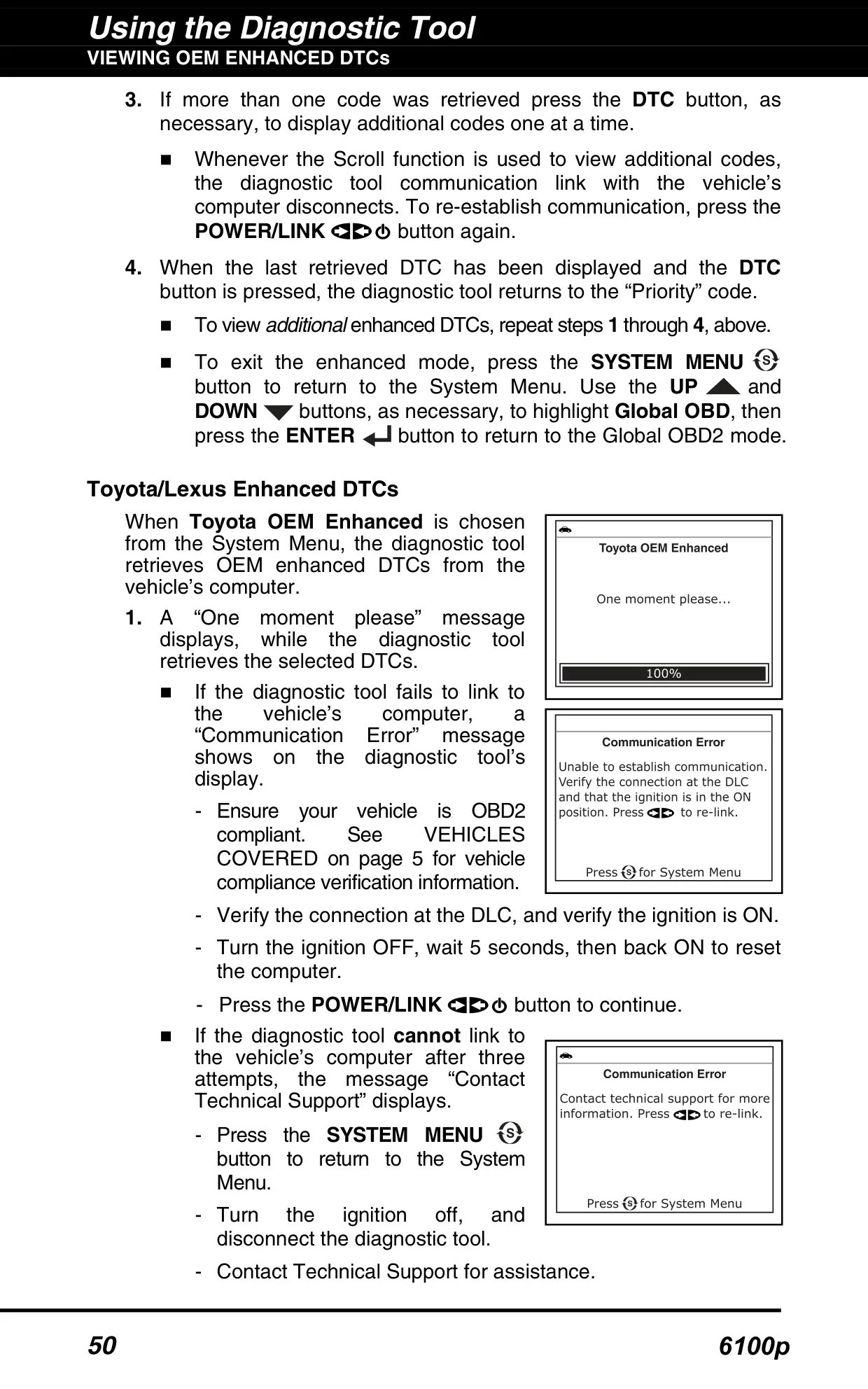
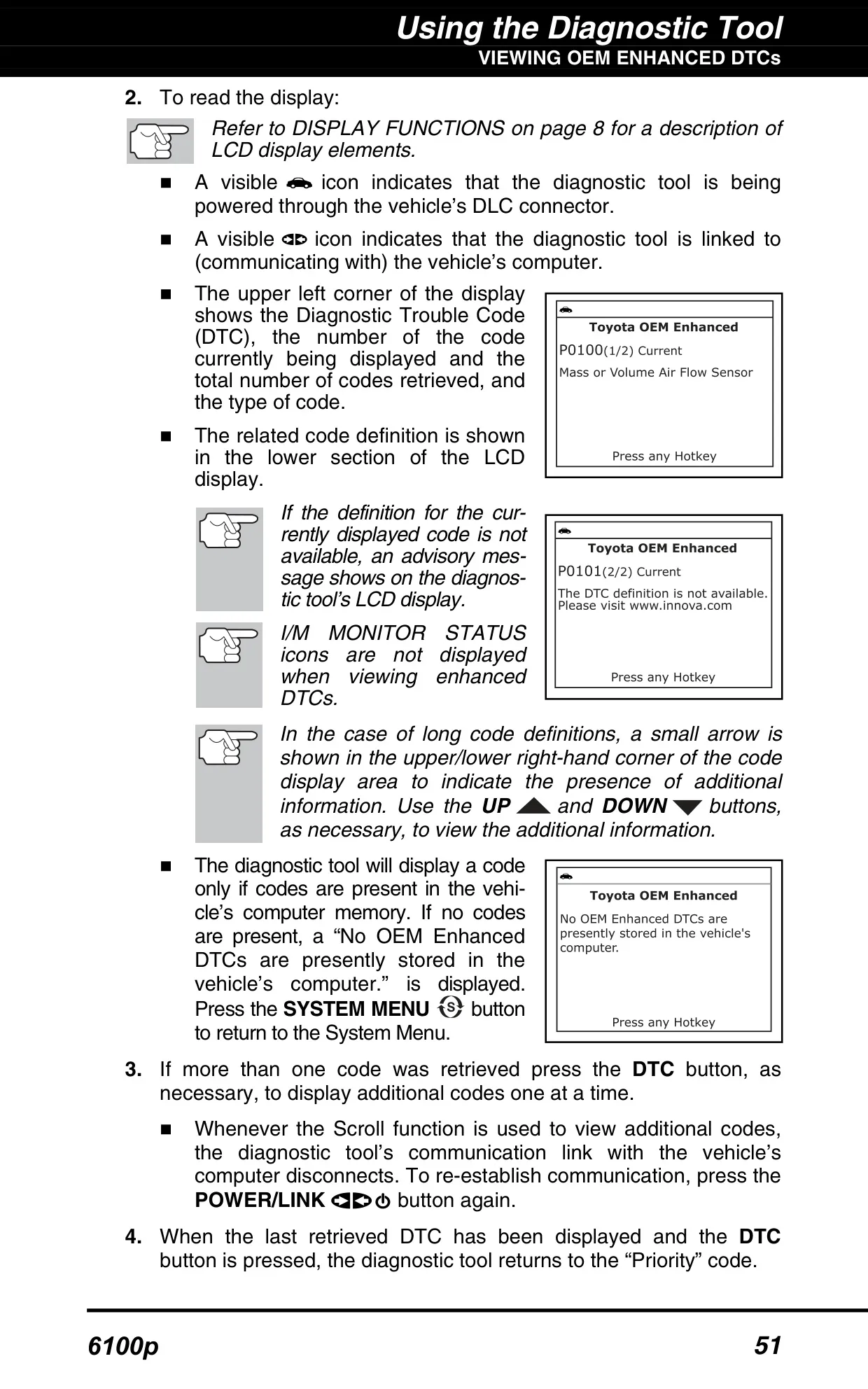
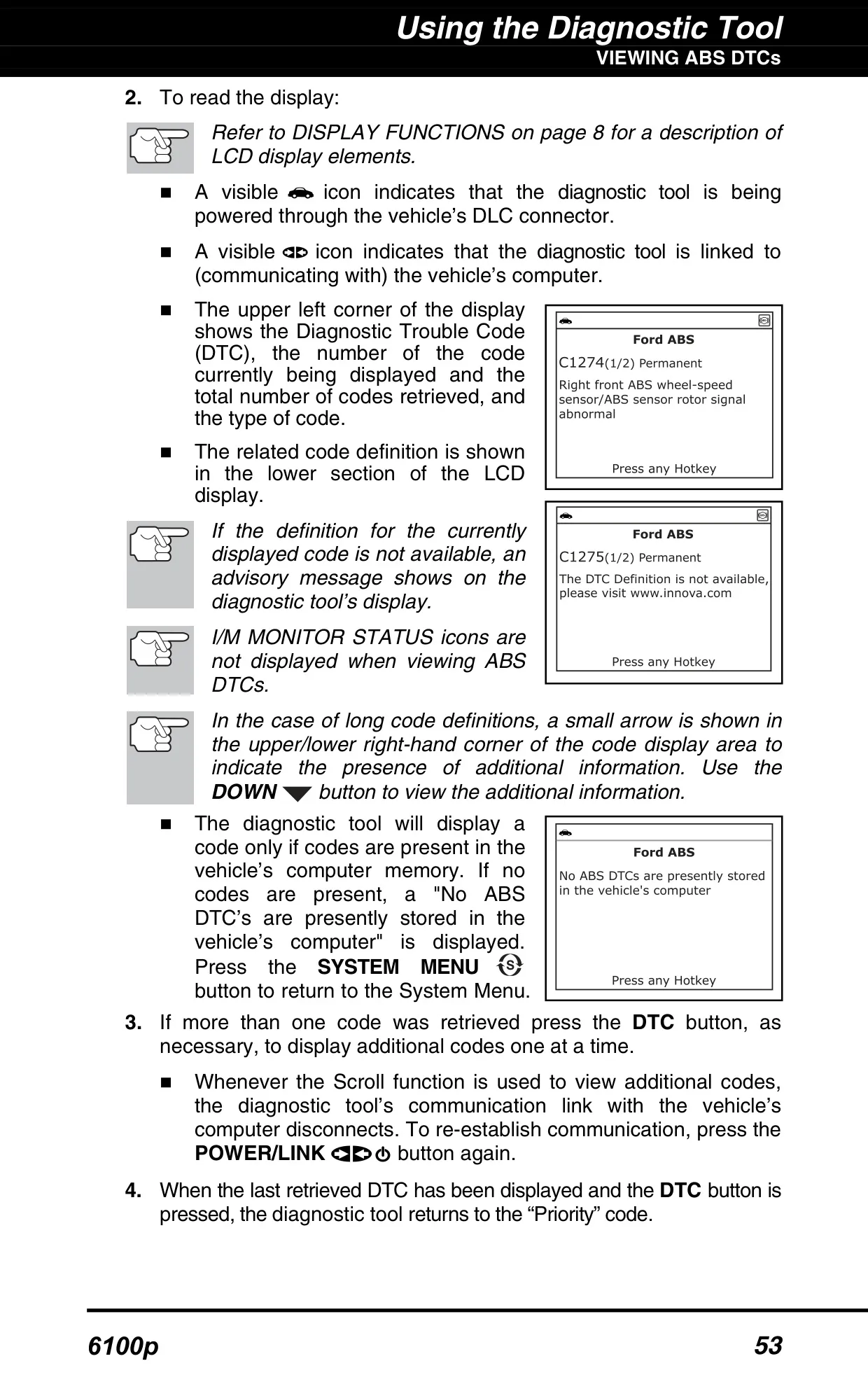
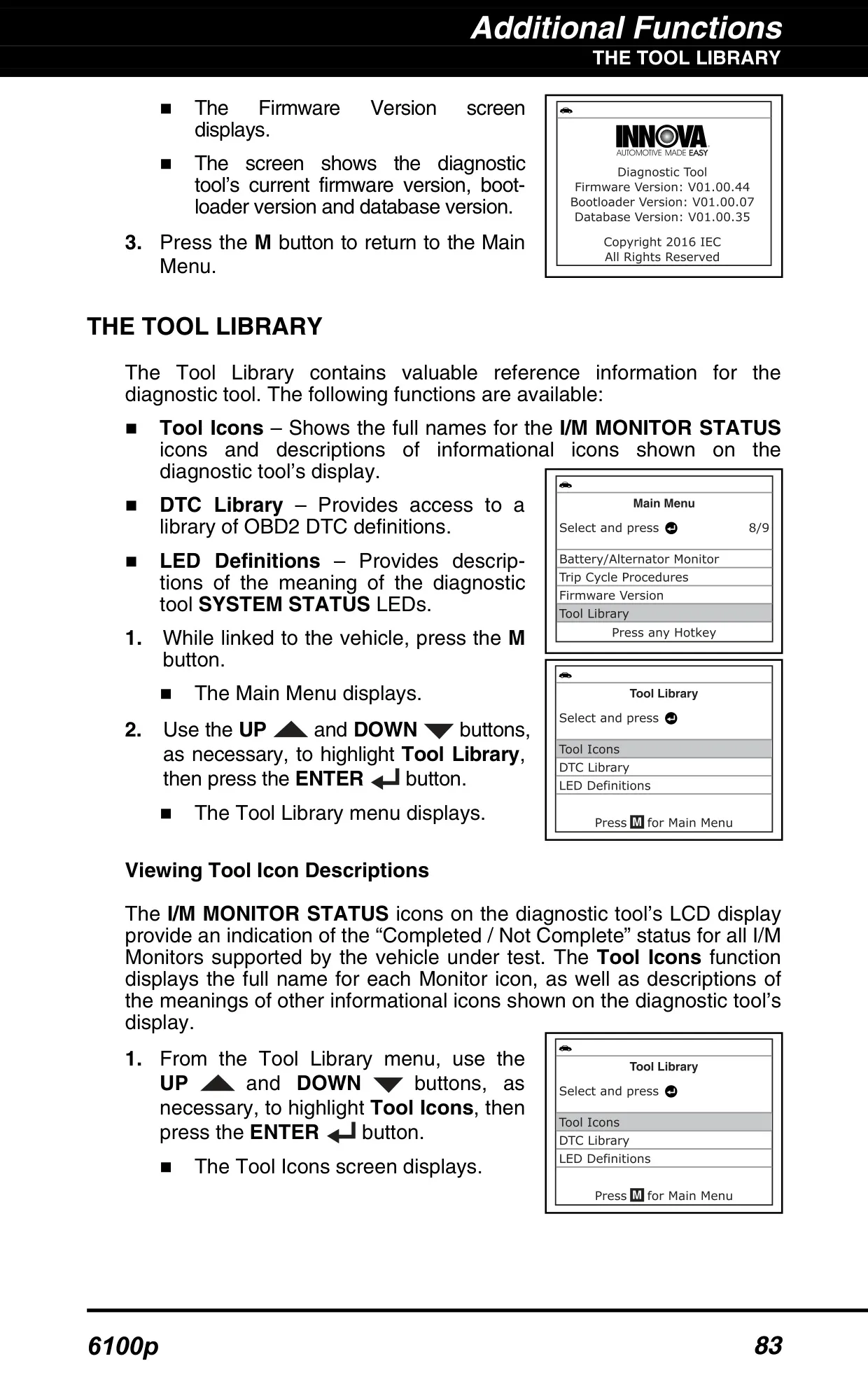
The Innova 6100p is a handheld diagnostic tool for vehicles that use the standard OBD2 system. After you connect the cable and turn the ignition on, it finds the vehicle's protocol and links to the computer on its own. If the tool can decode the VIN, it shows the vehicle information for you to confirm. If not, you pick the year, make, model, engine and transmission from menus. Freeze Frame data is kept for the priority code, marked "01". It records conditions such as engine speed, coolant temperature, fuel pressure, vehicle speed and intake manifold pressure.
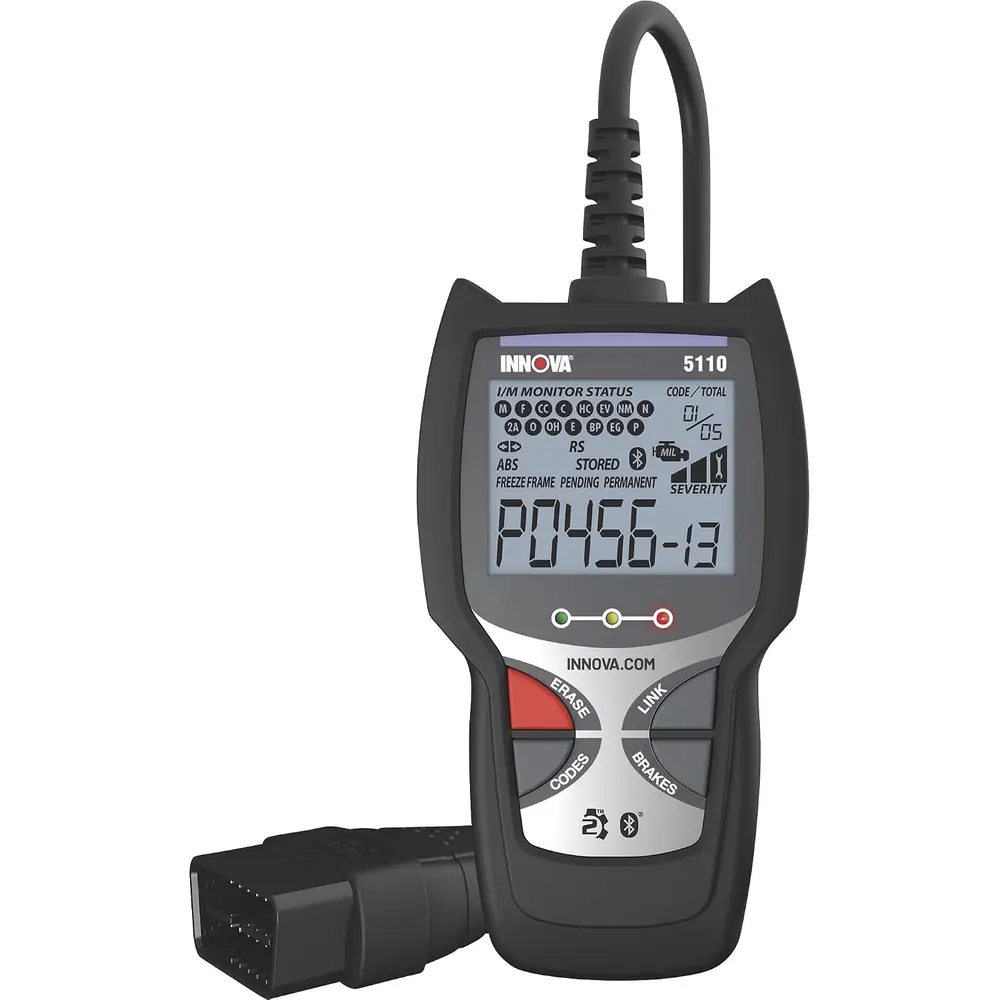
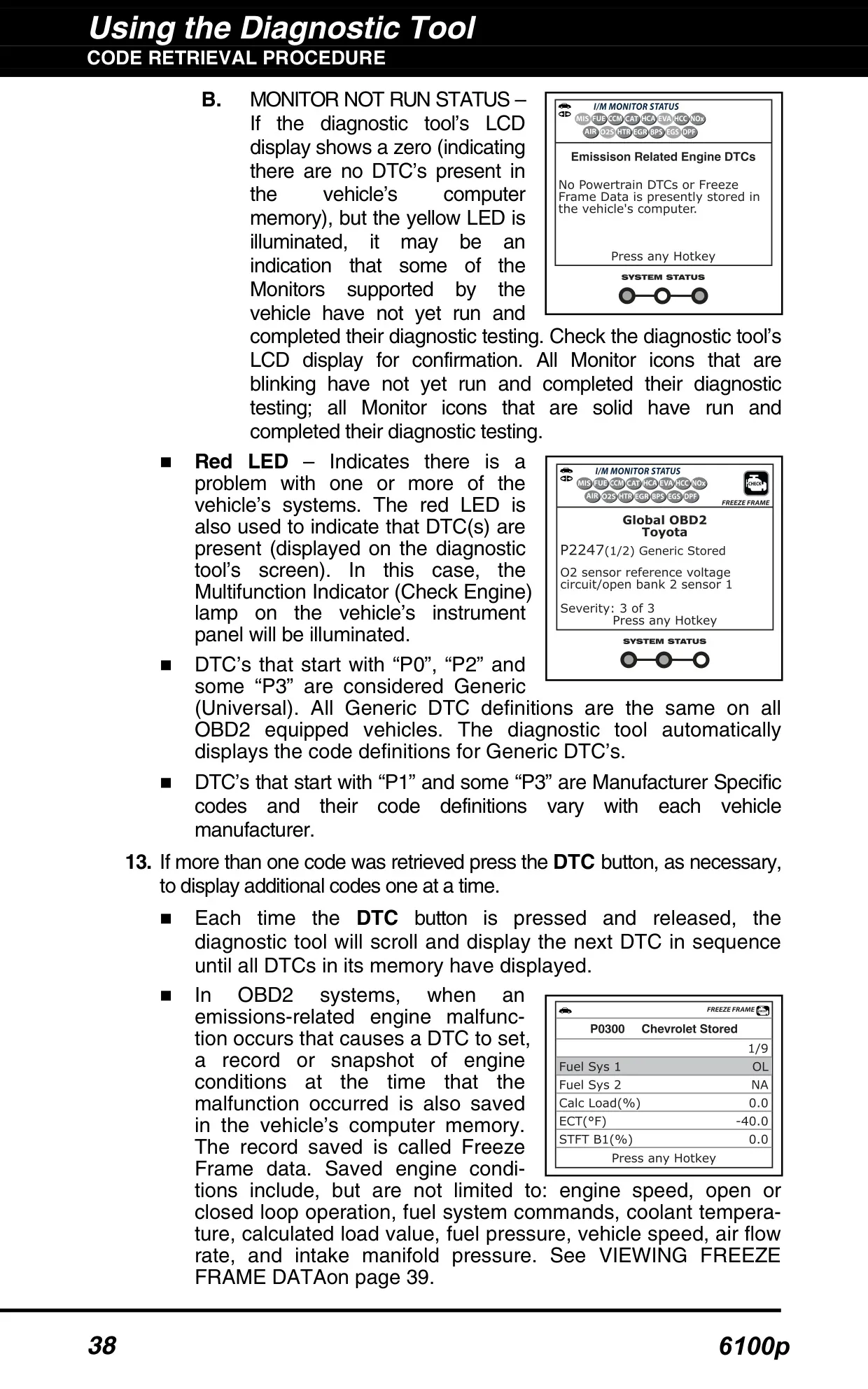
The display is made to be read quickly. Each DTC number is color-coded: red means a permanent code, yellow means a pending code, and green confirms that no codes are stored. Other fields show the code type (Generic Stored, Pending or Permanent), which system the code belongs to (MIL, ABS or SRS), and the code's sequence number. Monitor icons are solid green when a Monitor has run and flash red when it has not. Small arrows tell you when a long definition continues and you need to scroll.
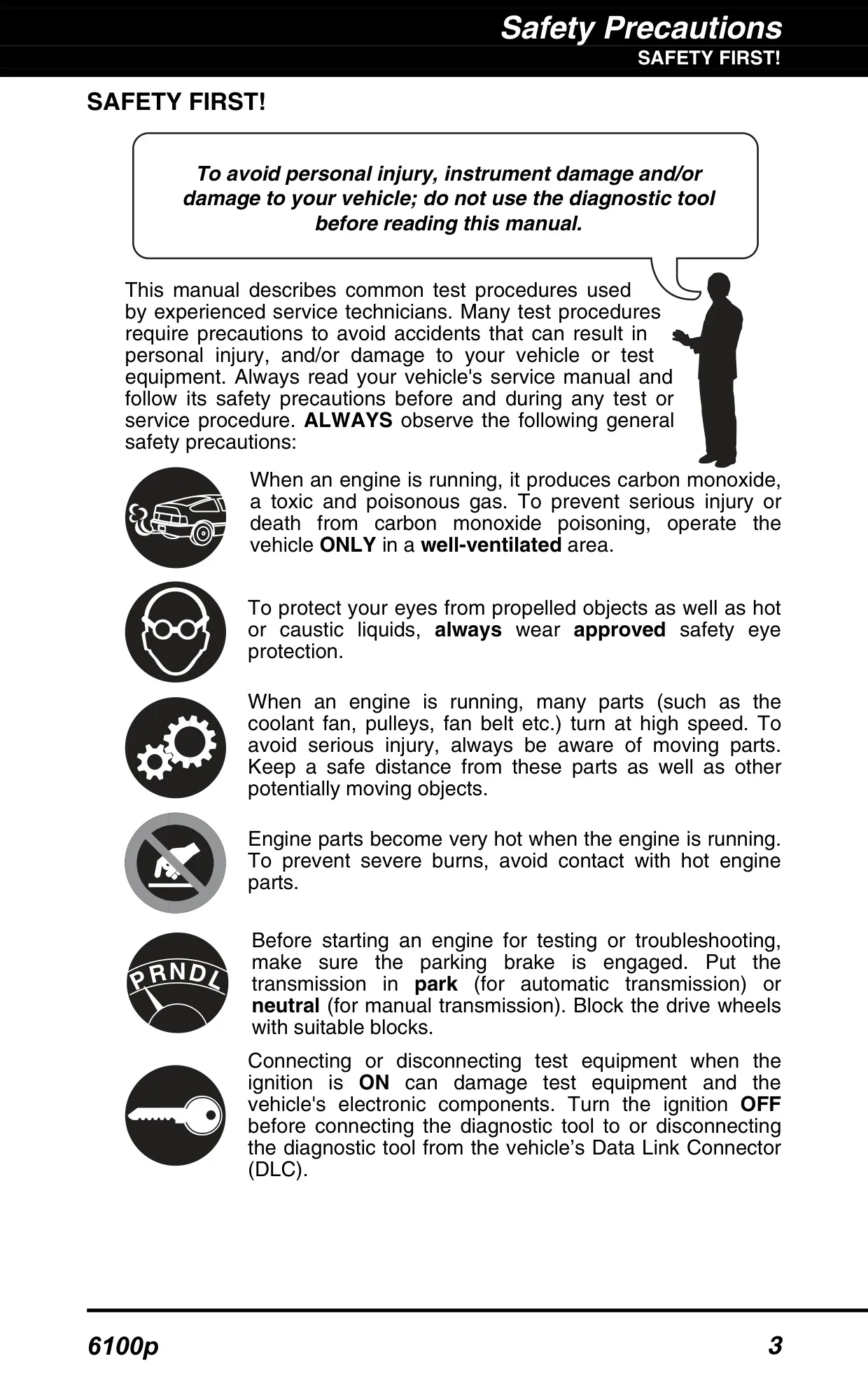
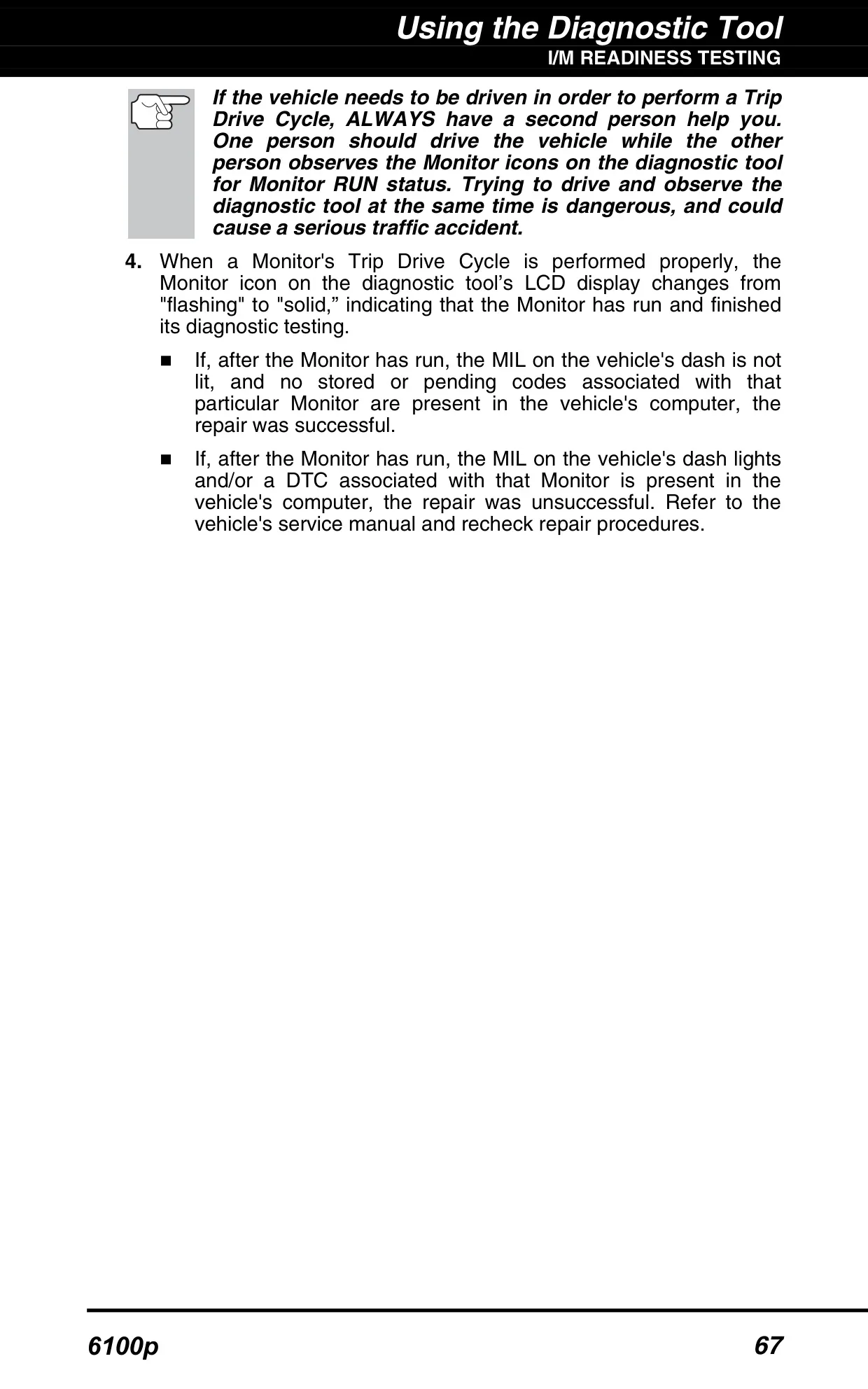
The I/M Readiness Quick Check uses the three LEDs to show whether the vehicle is likely ready for a smog check. Green means all Monitors have run and there are no codes. Yellow means there is a pending code or some Monitors haven't run yet. Red means codes are stored. When the red and yellow LEDs flash together, a permanent code is present. Only the vehicle's own computer can clear a permanent code, after the related Monitor passes. The ERASE function cannot remove it.
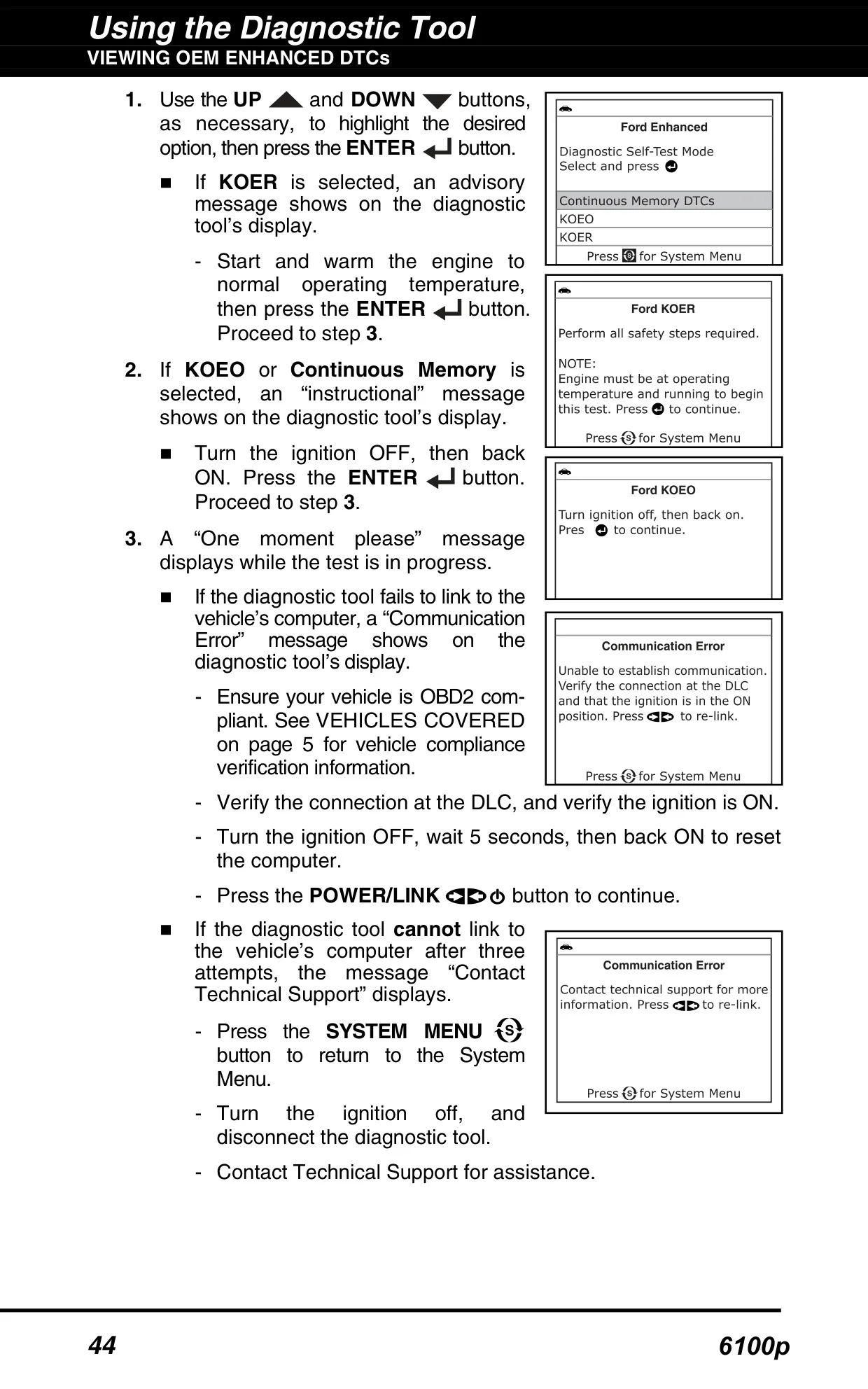
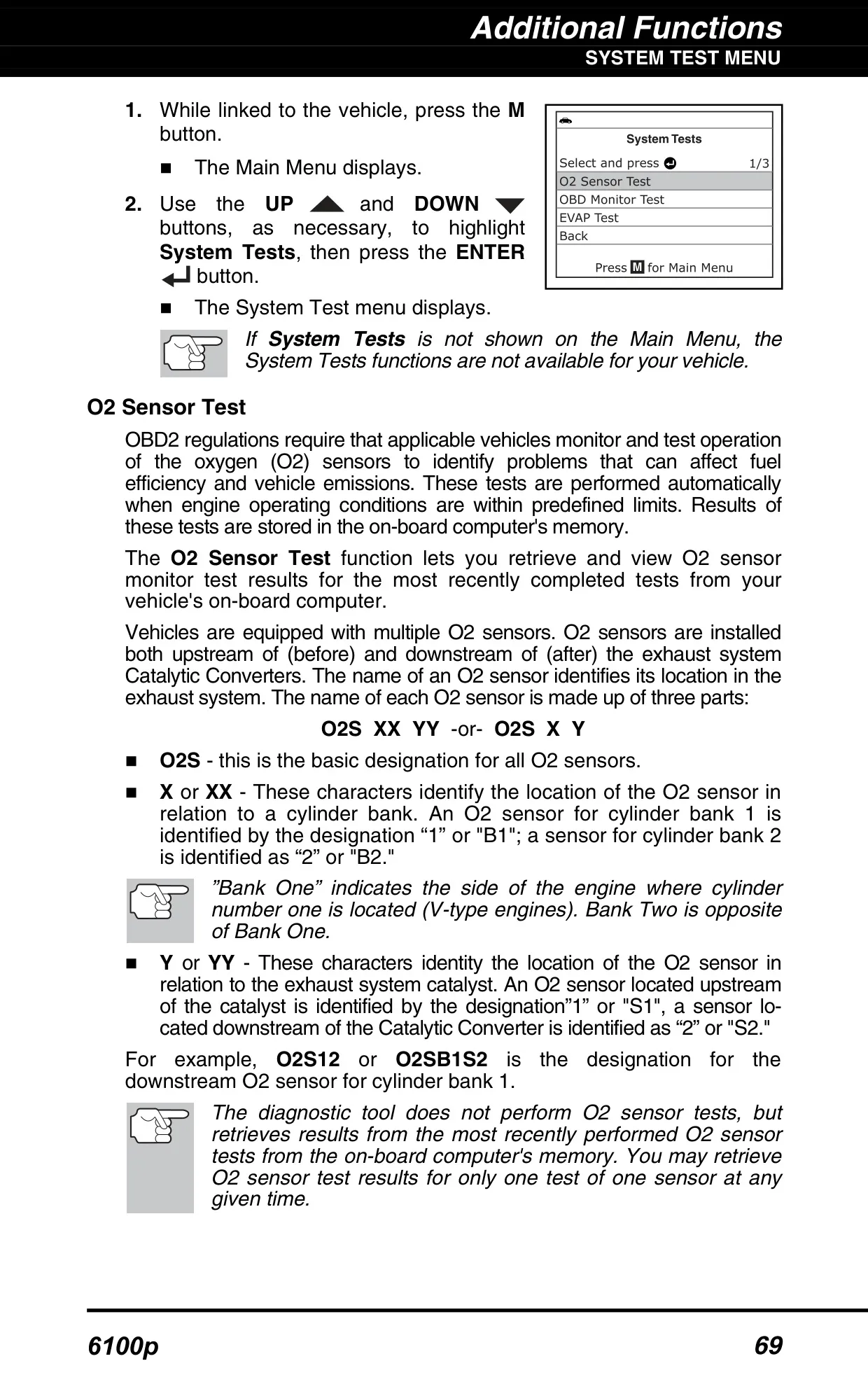
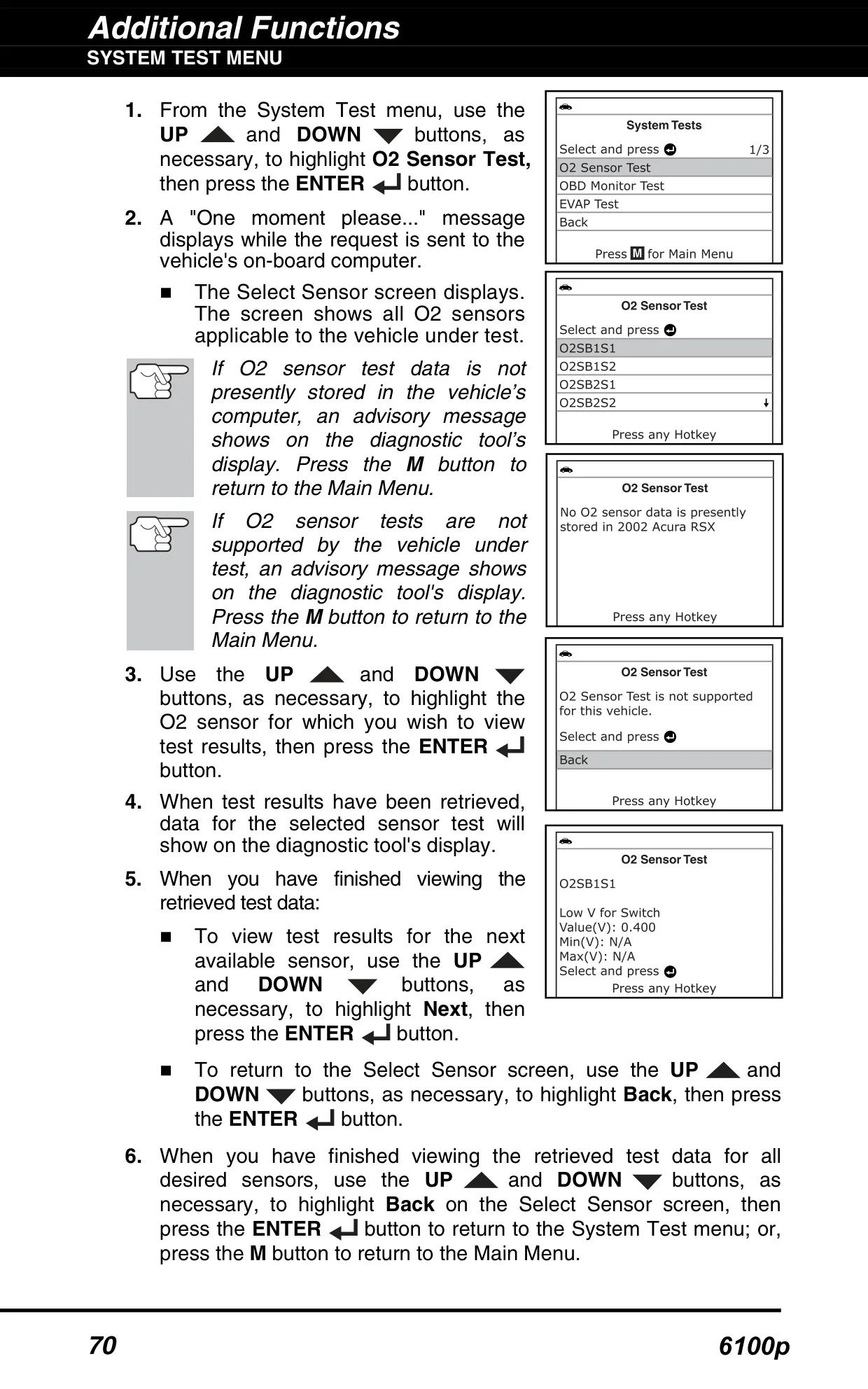
The System Tests menu reads the most recent O2 sensor results and non-continuous OBD Monitor results. Each result shows Test ID, Module ID, Component ID, a Min or Max limit, and a Low, High or OK status. The menu can also ask the vehicle's computer to start an EVAP leak test. On Ford vehicles, the enhanced mode includes Continuous Memory, KOEO (Key On Engine Off) and KOER (Key On Engine Running) tests. KOER tells you to turn the steering wheel, press the brake and cycle the overdrive switch.
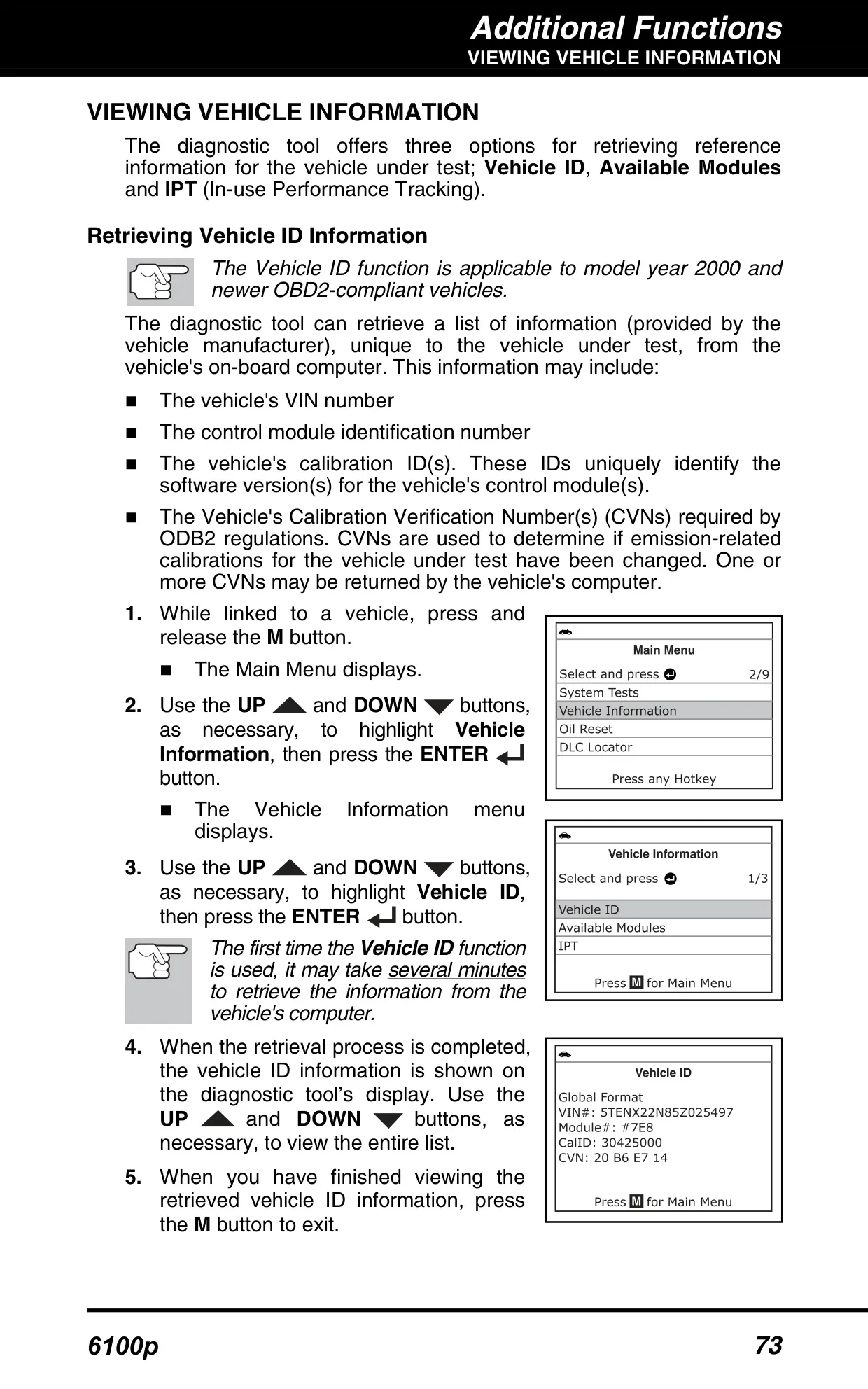
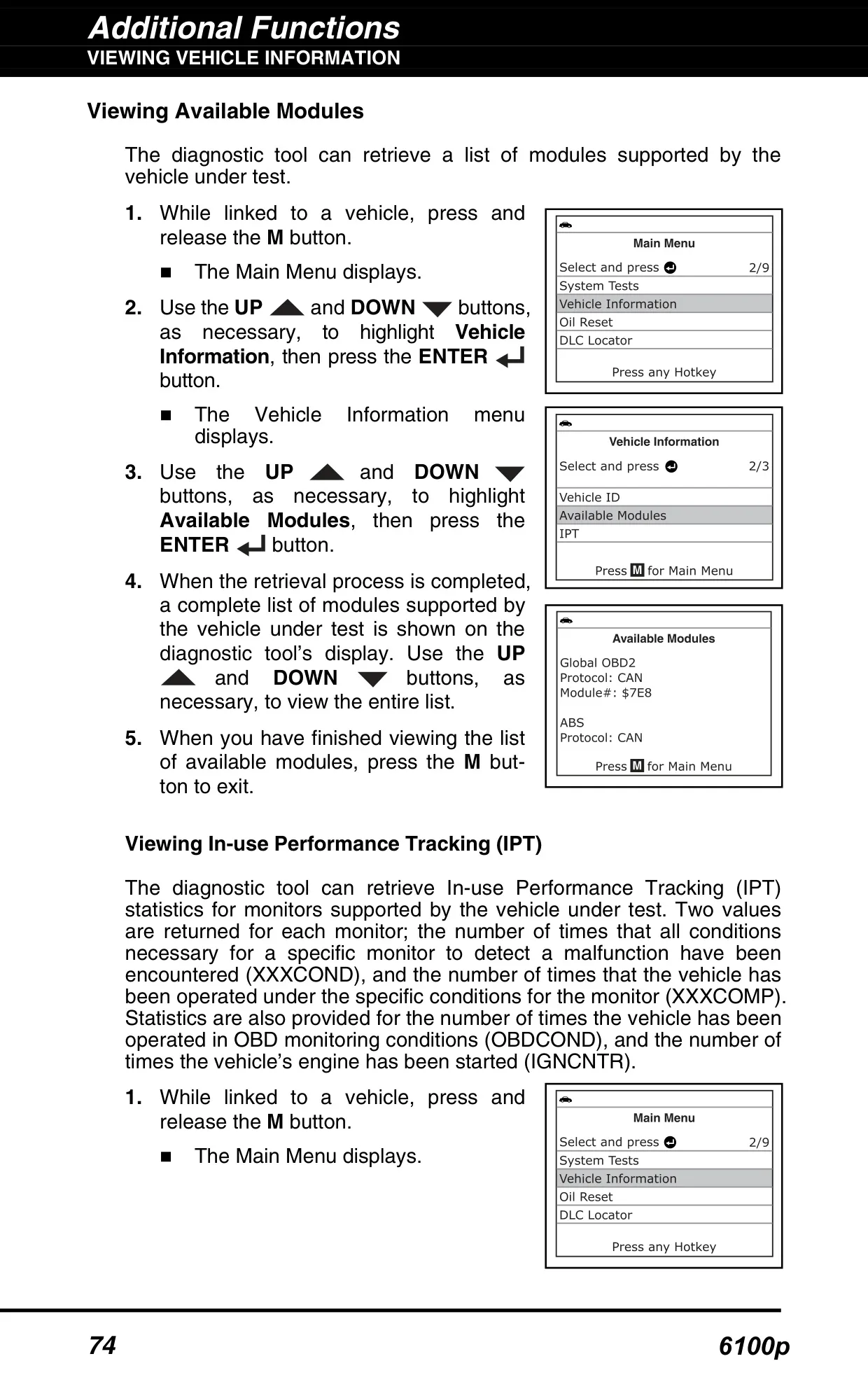
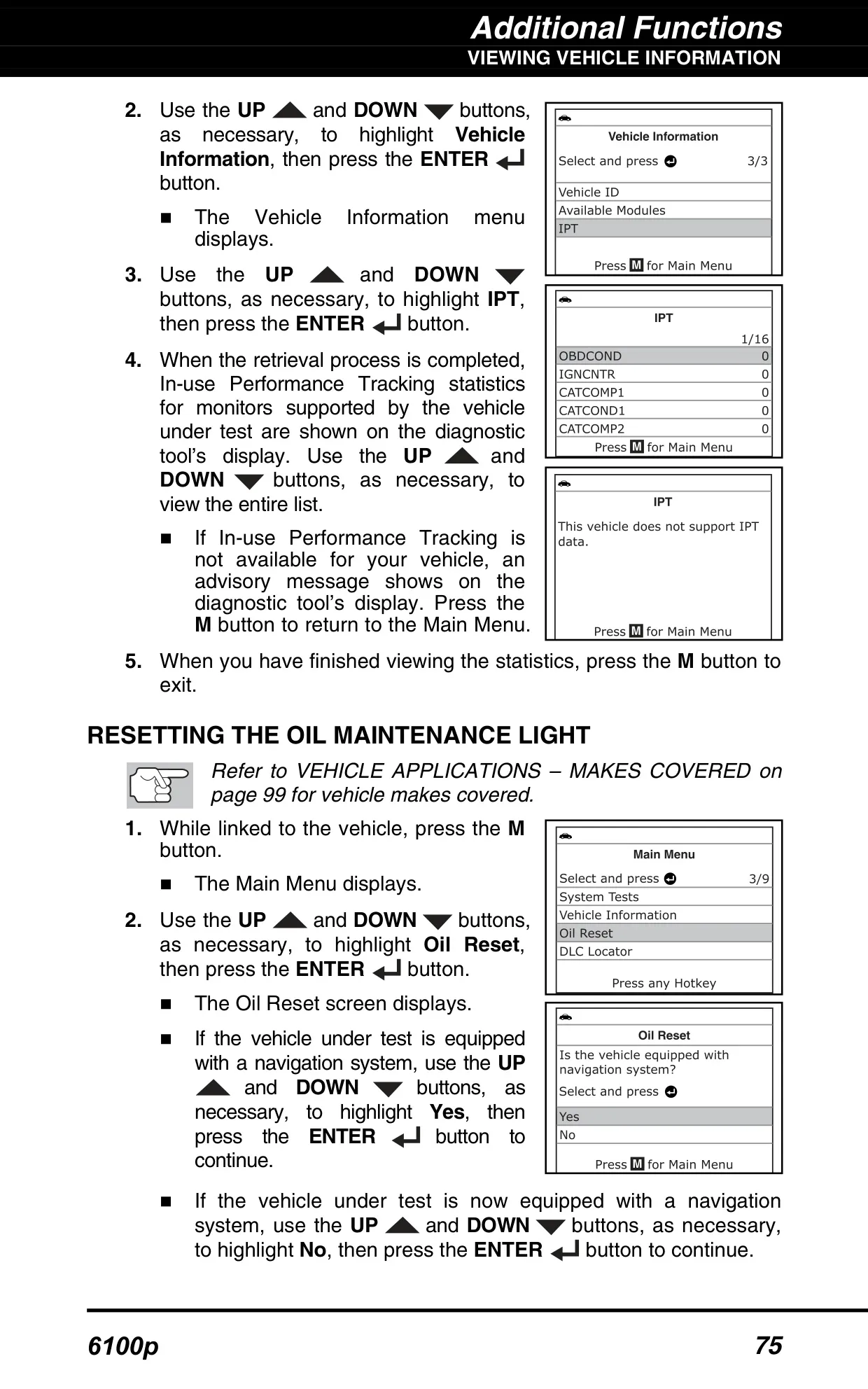
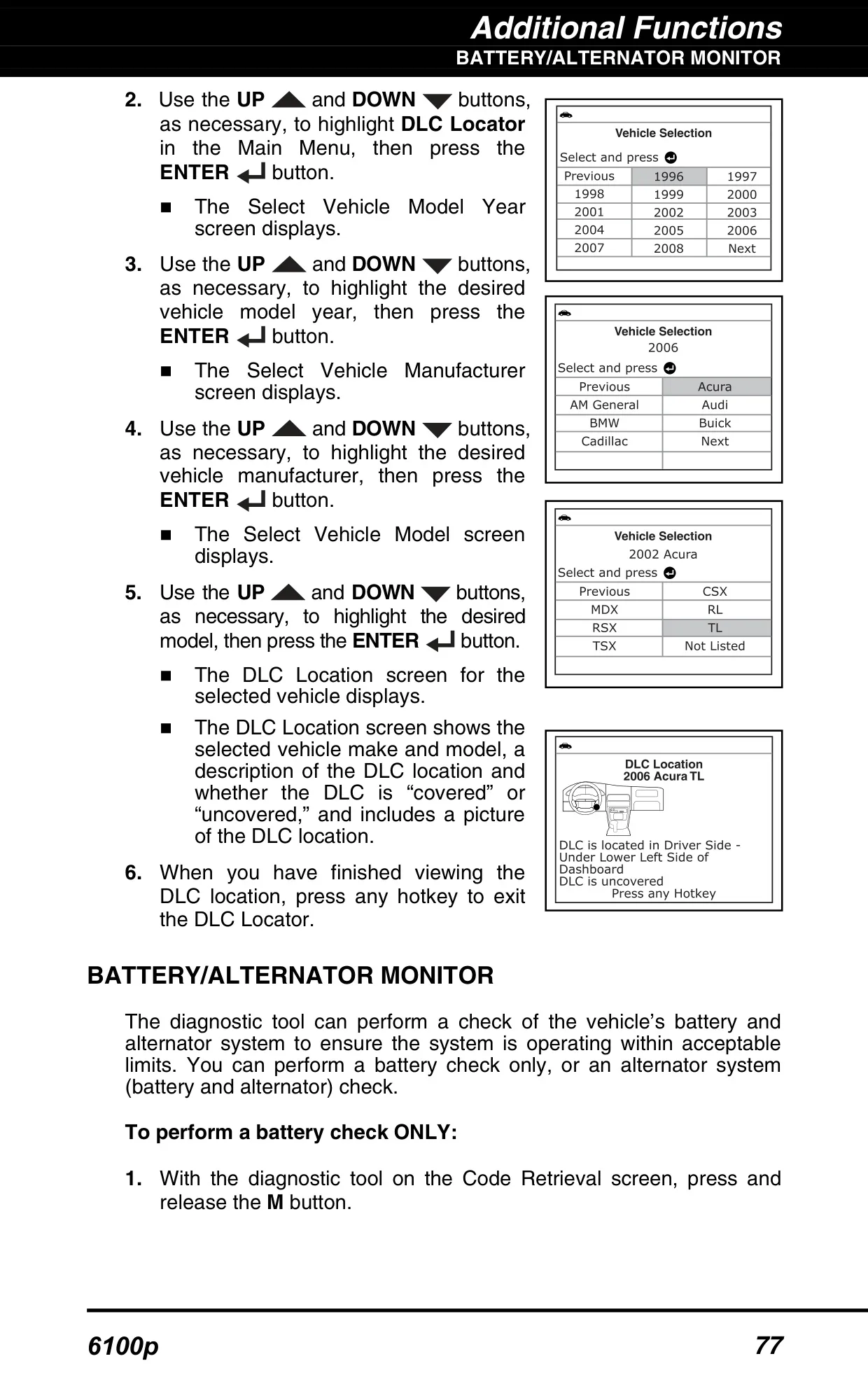
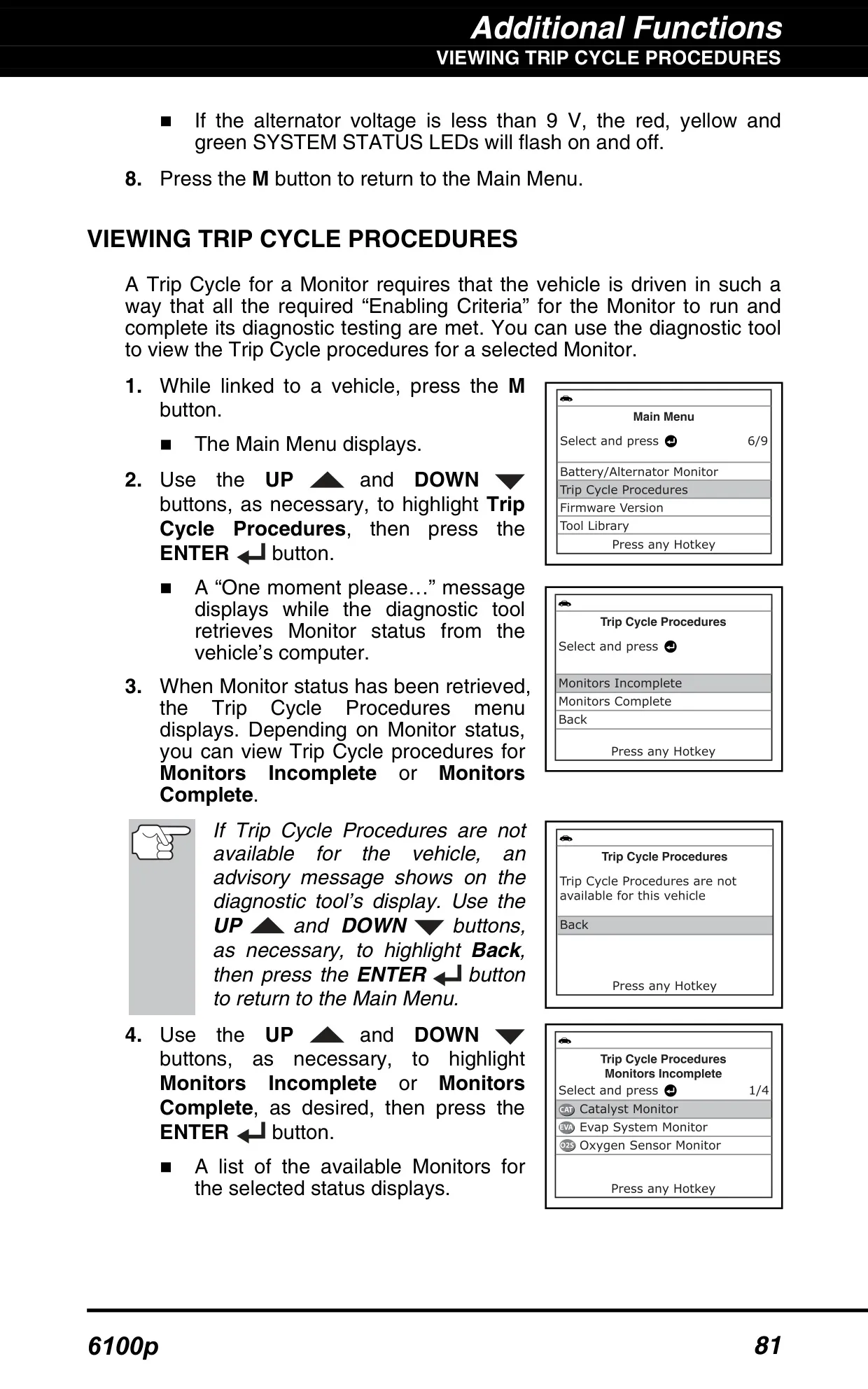
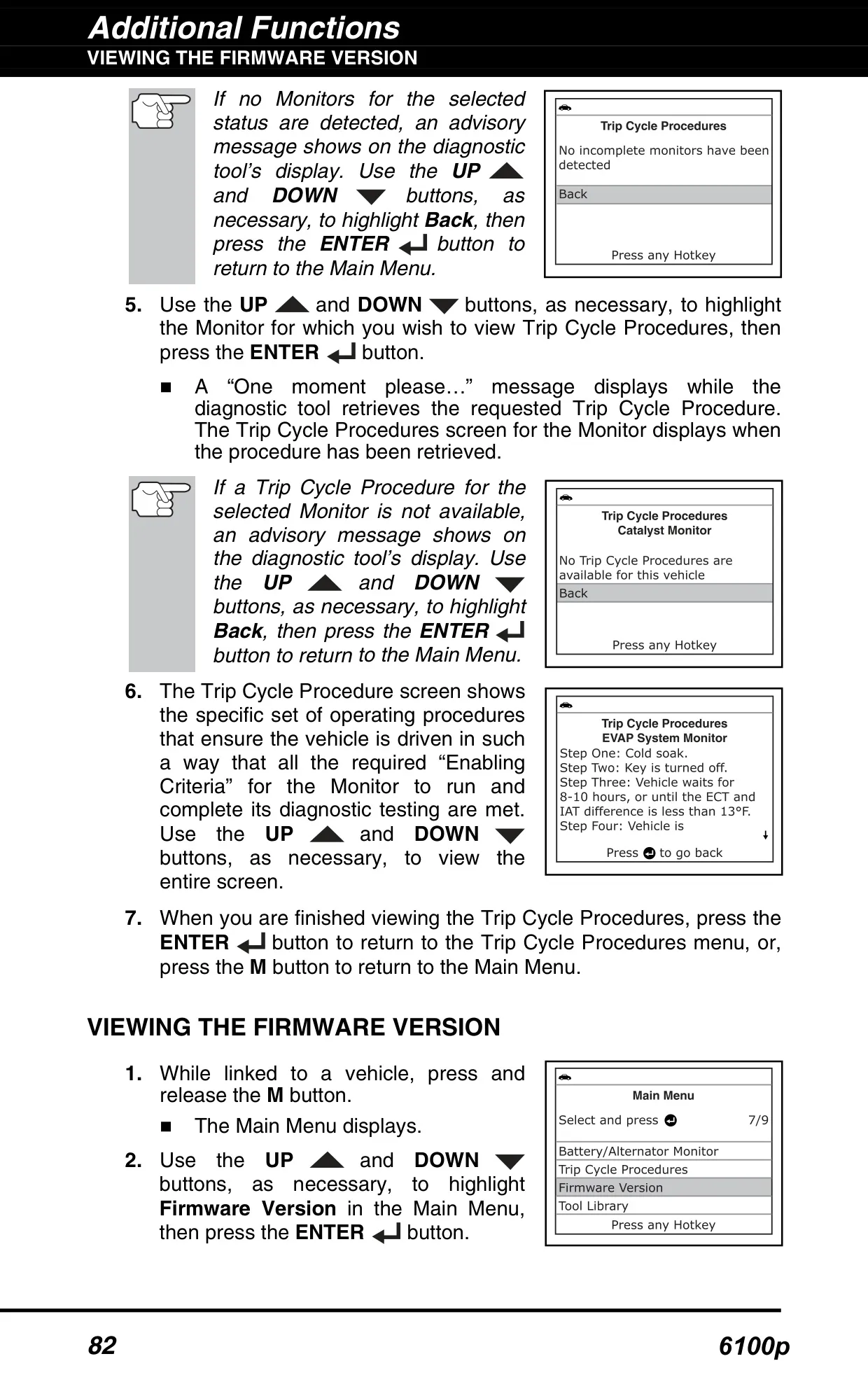
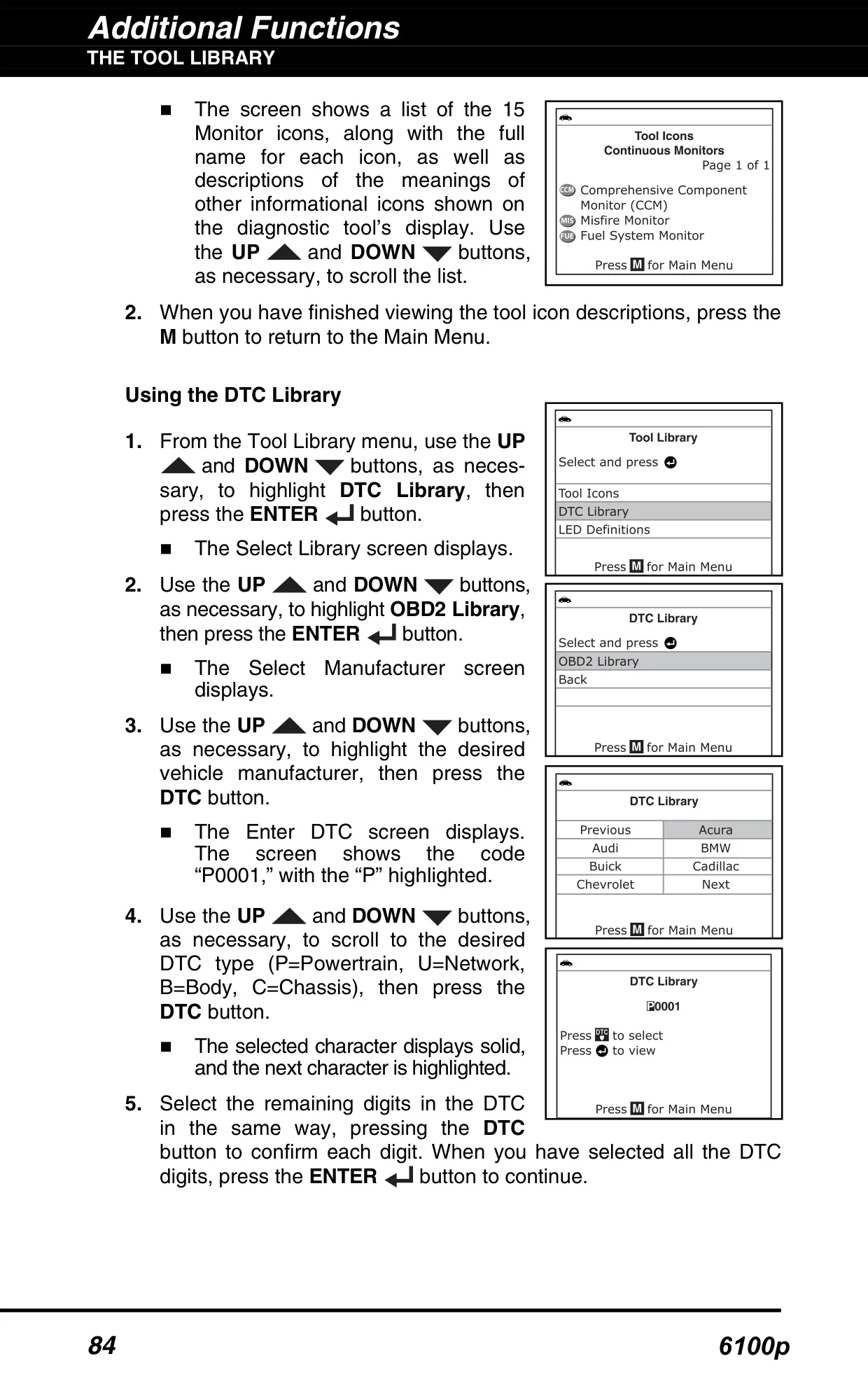
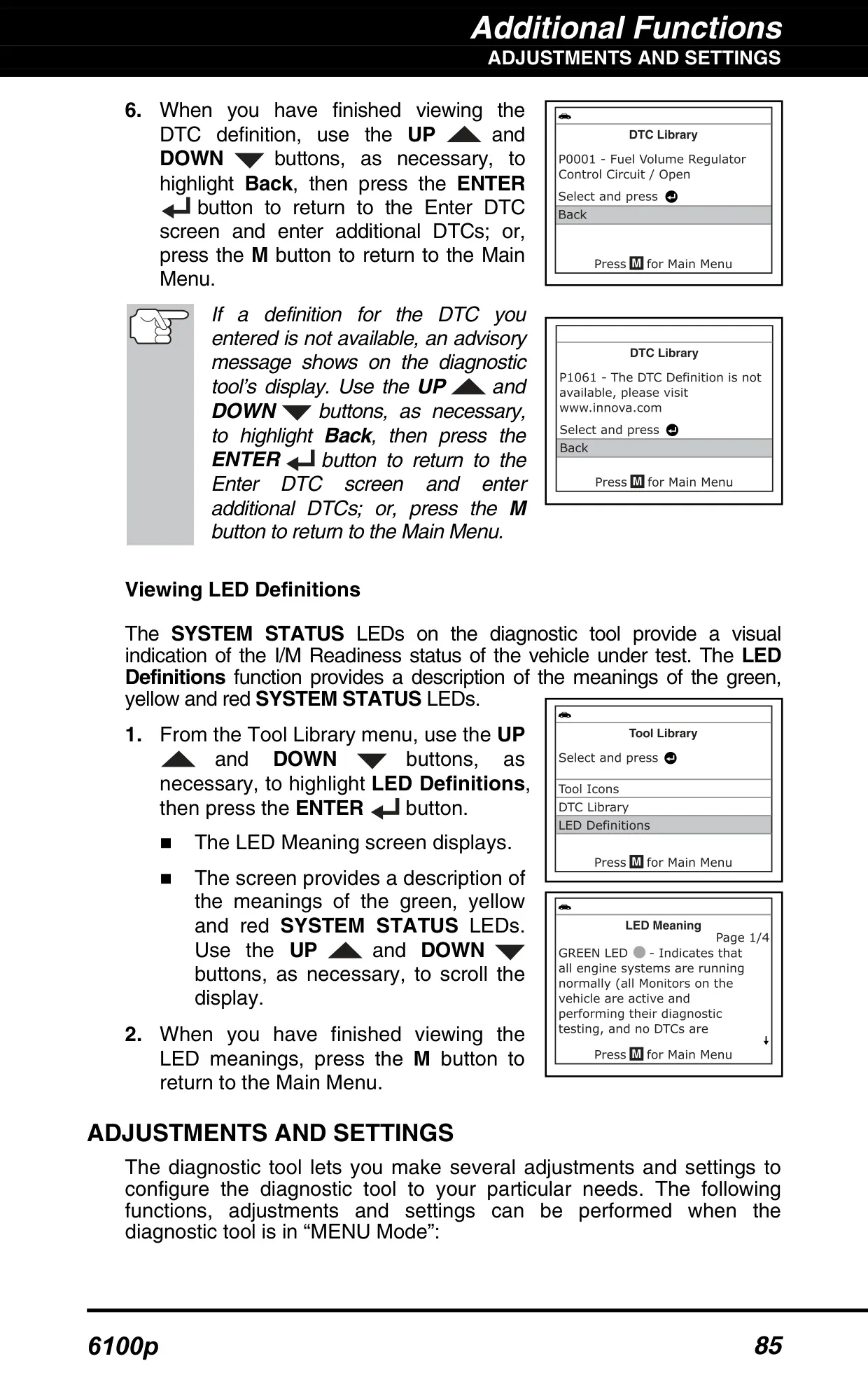
Under Vehicle Information you can view the VIN, control module IDs, calibration IDs and Calibration Verification Numbers on 2000 and newer vehicles. It also lists available modules and In-use Performance Tracking (IPT) statistics. The built-in DLC Locator shows where the connector is, with a picture, and whether it is covered. Trip Cycle Procedures explain how to drive so that incomplete Monitors can run. The Tool Library includes a DTC definition lookup, full names for the Monitor icons and a guide to what each LED means.
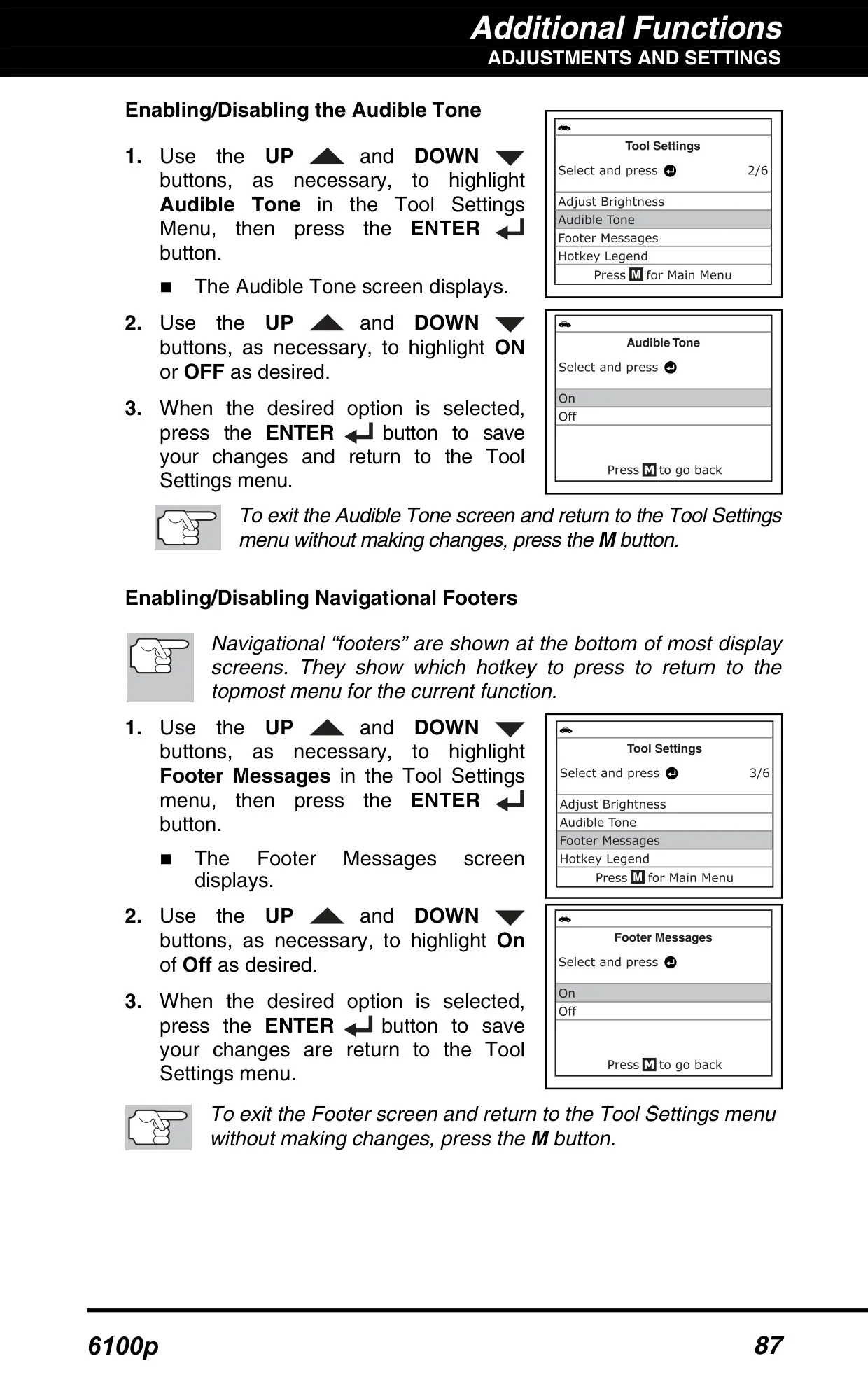
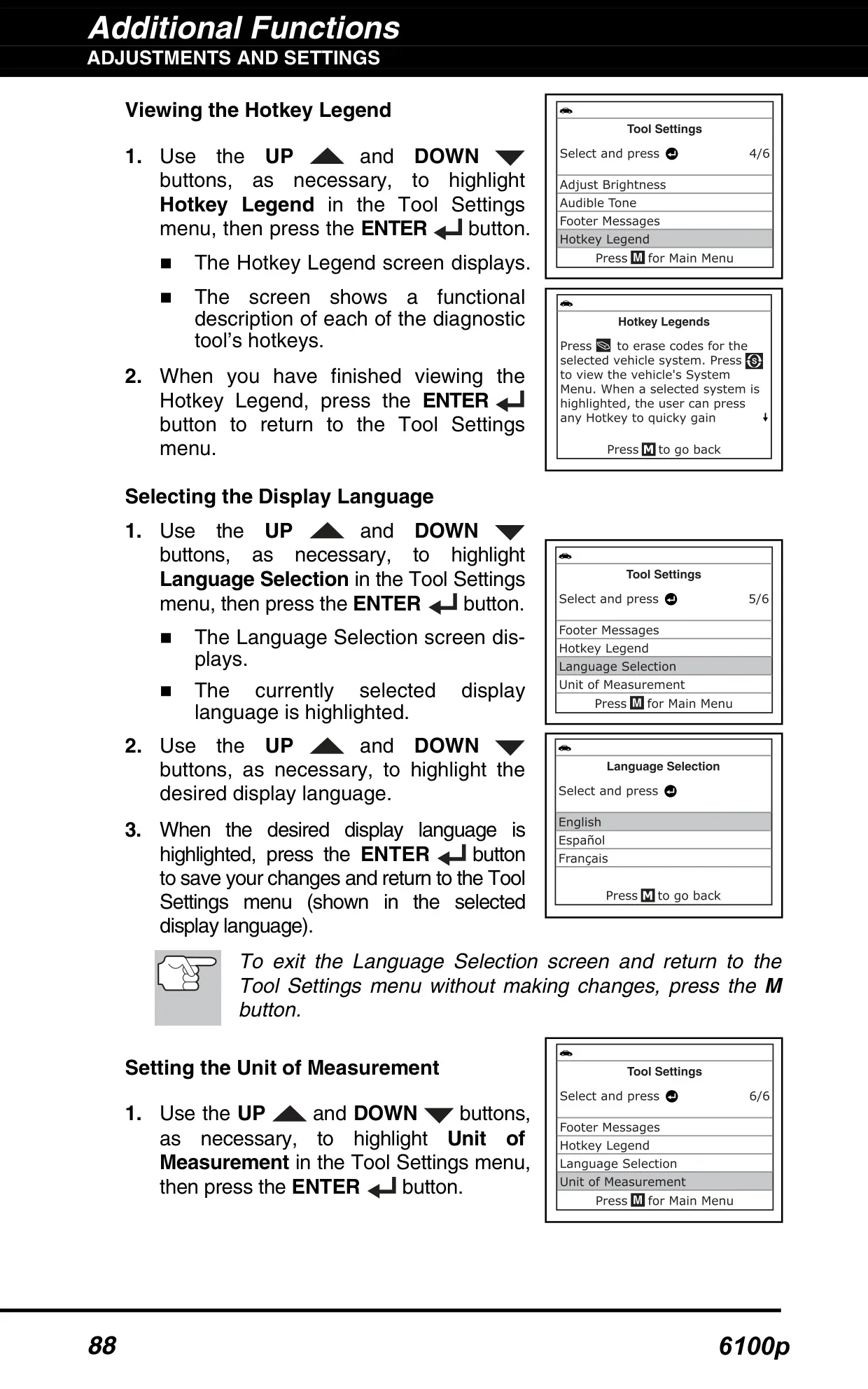
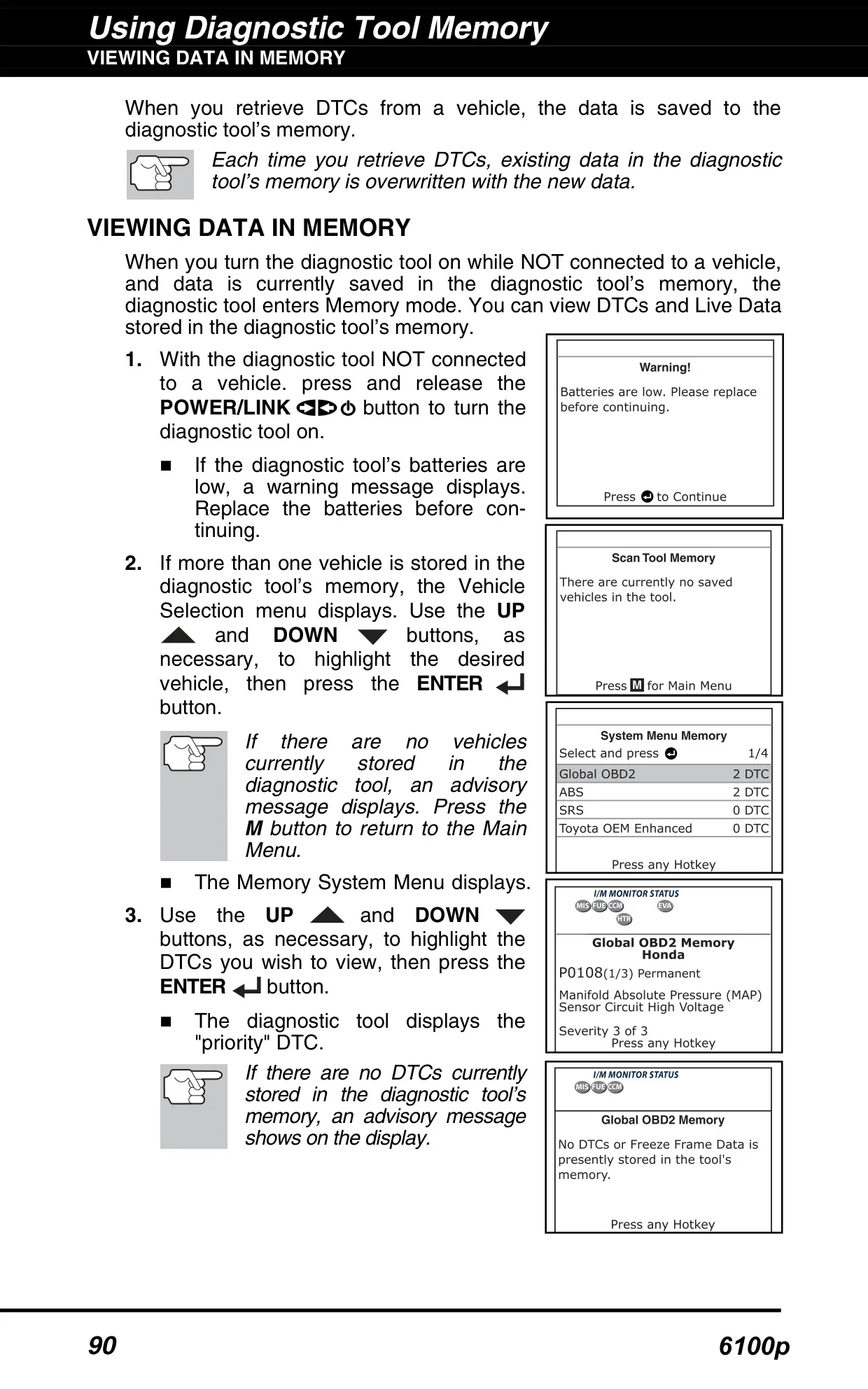
Other settings let you turn the button tone on or off, show or hide the navigation footers, and view a hotkey legend. In Memory mode, you can review stored DTCs and Freeze Frame data without connecting to a vehicle. You can also upload results to RepairSolutions®, an online service. The free account gives verified fixes, diagnostic reports, TSBs and recalls, maintenance schedules and predicted repairs, with extra content available through a premium subscription.
Frequently Asked Questions (FAQs)
Can't find the answer you need? Here are some frequently asked questions about the Innova 6100p OBD2 Scanner, and we answer them below.