Innova 5310 OBD2 Scanner Instruction Manual

Innova 5310 OBD2 Scanner
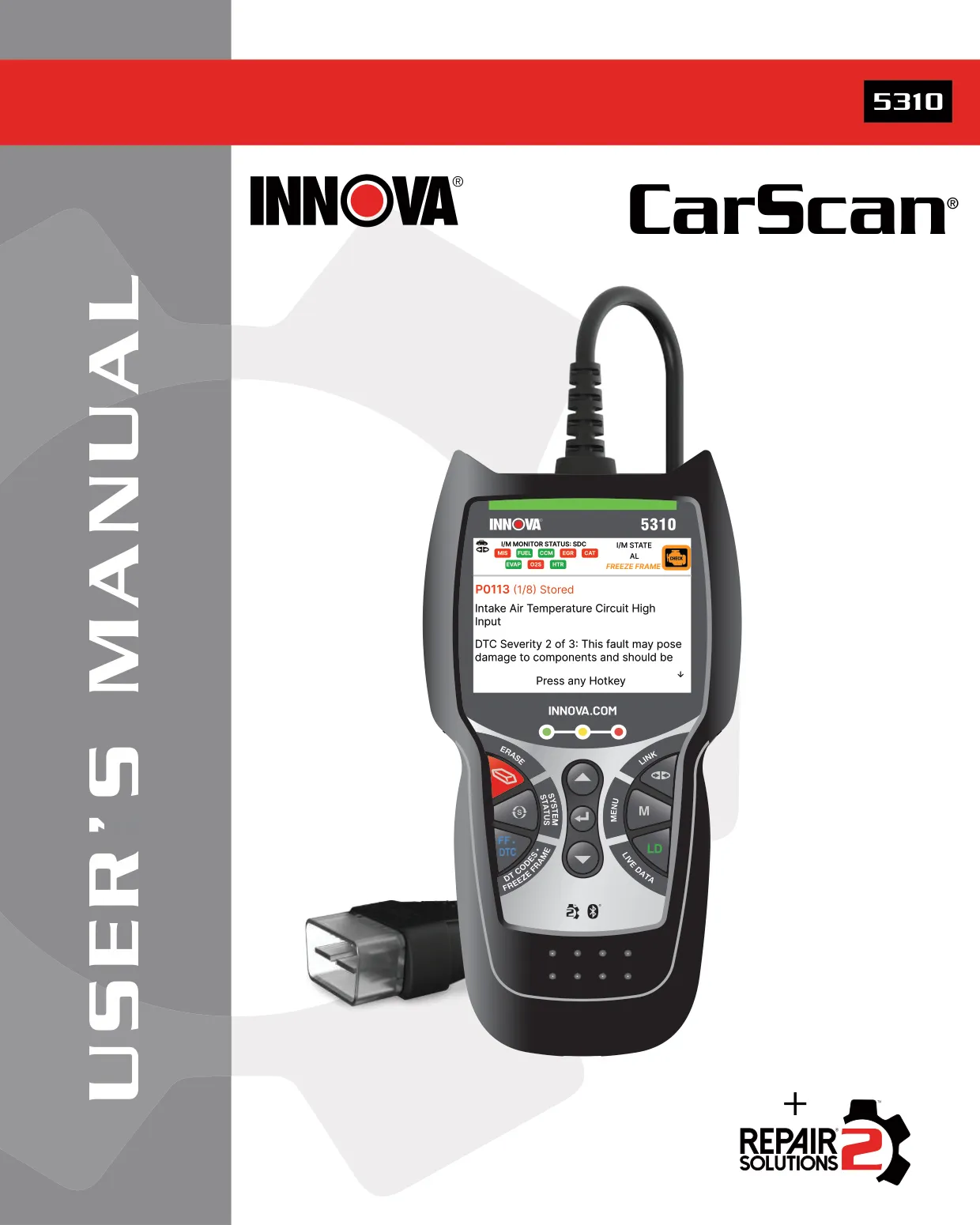

























Innova 5310 OBD2 Scanner Instructions
Here we offer the Innova 5310 OBD2 Scanner manual completely free and in English. We have cataloged this manual in the OBD2 Scanners section on Manualverse, and it has been rated by 1 users with an average rating of 5. If you have any specific questions about Innova 5310 OBD2 Scanner, we suggest checking the Frequently Asked Questions (FAQs) section of this manual.
Product Images
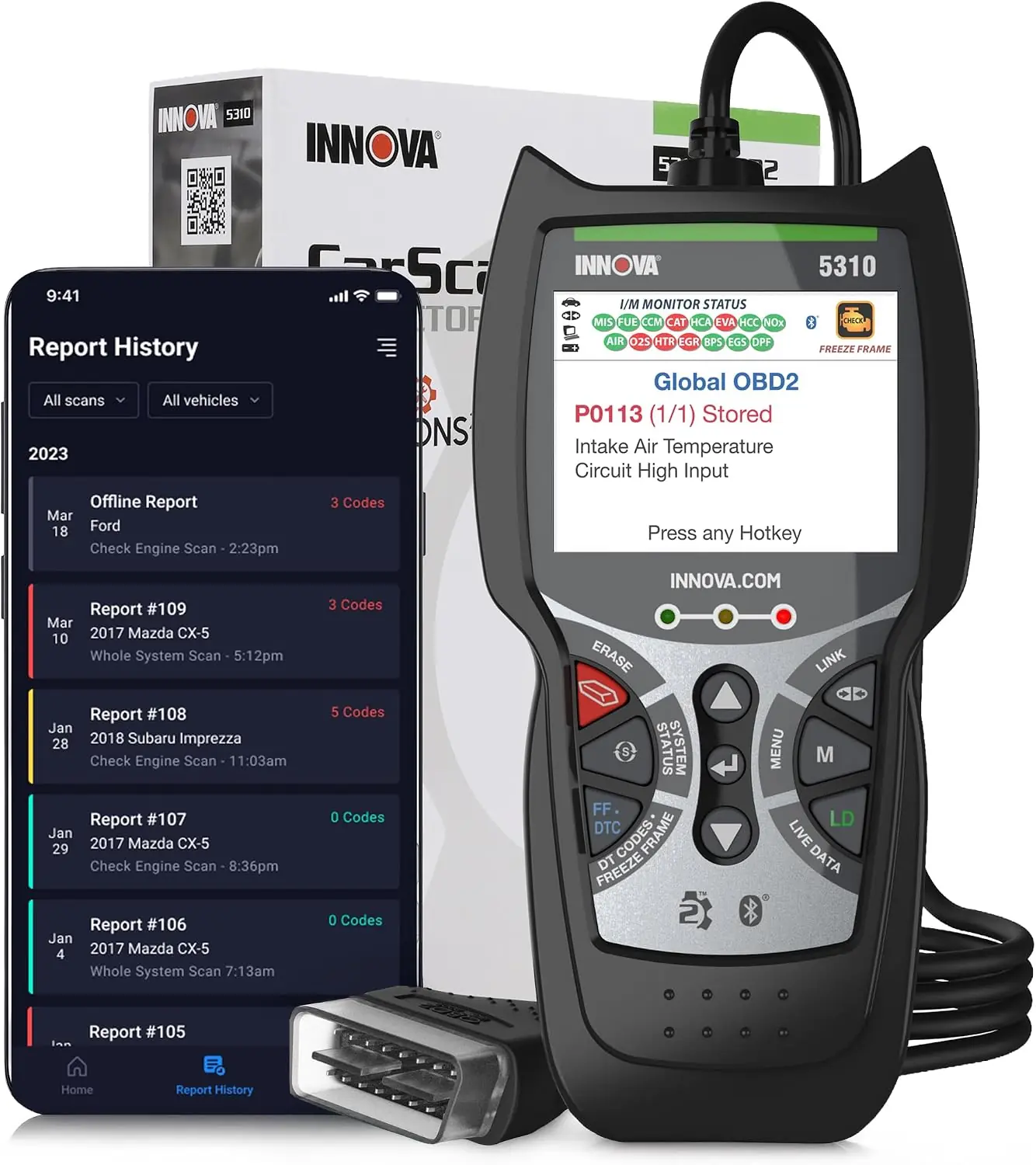
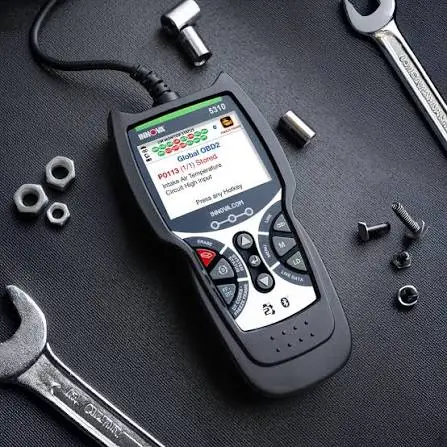
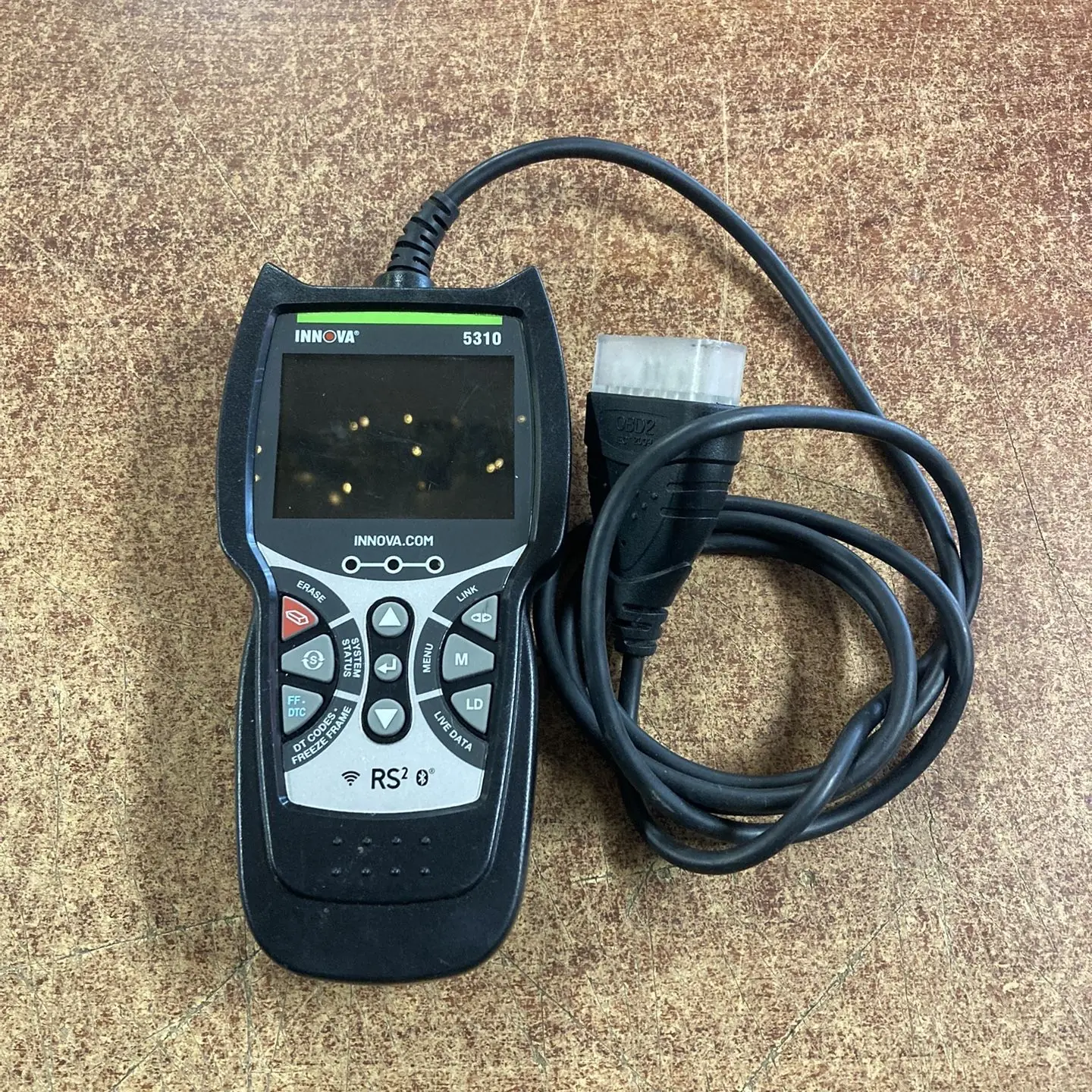
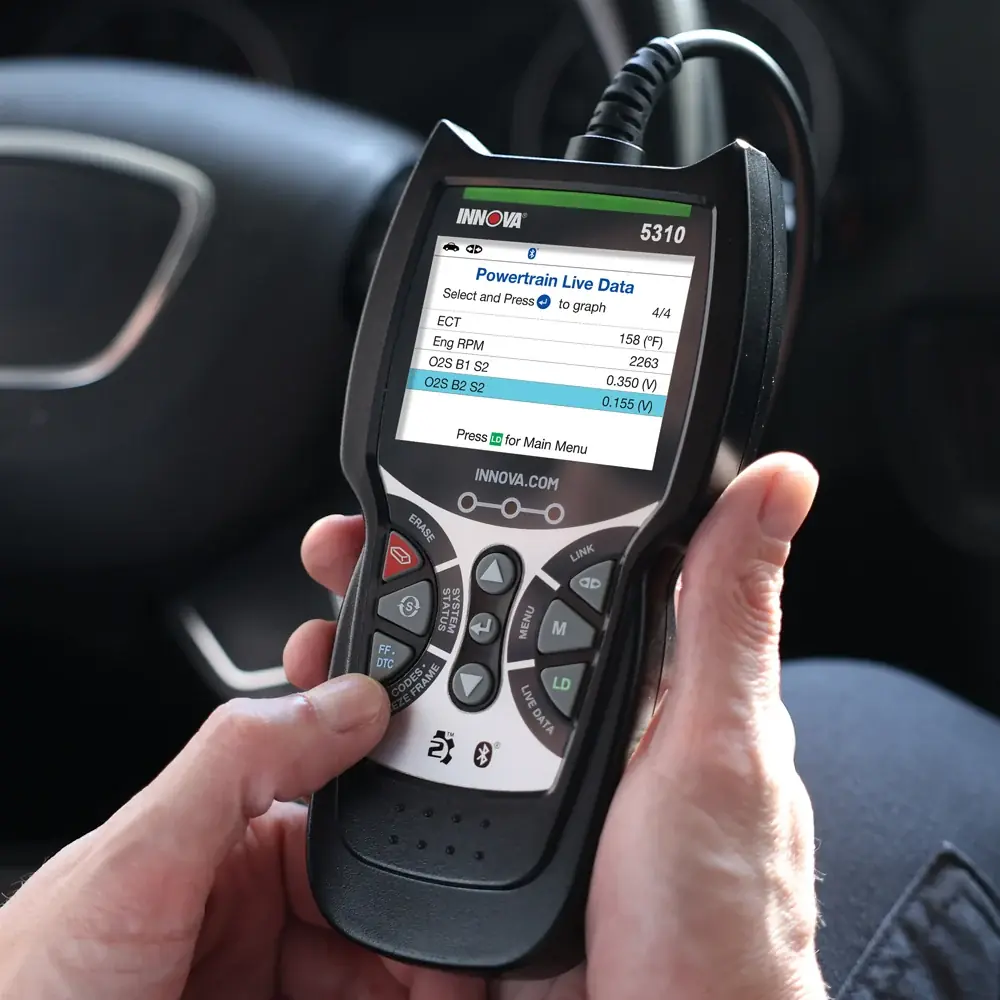
Innova 5310 OBD2 Scanner Specifications
| Feature | Specification |
|---|---|
| Product Type | INNOVA CarScan OBD2 Diagnostic Scan Tool |
| Display | Color LCD display |
| Status Indicators | 3 System Status LEDs (Green, Yellow, Red) |
| Control Buttons | UP, ENTER, DOWN, ERASE, SYSTEM MENU, FF/DTC, LINK, M (Main Menu), LD (Live Data) |
| Vehicle Connection | Built-in OBD2 cable with a keyed connector for the vehicle's 16-pin Data Link Connector (DLC) |
| Power Source | Powered through the vehicle's DLC; turns on automatically when connected |
| Supported Communication Protocols | ISO 9141, Keyword 2000, J1850 PWM, J1850 VPW, CAN |
| OBD2 Modes | Full 10 OBD2 Modes |
| Supported Monitors | Up to 15 OBD2 Monitors (3 continuous, 12 non-continuous) |
| Code Types Displayed | Stored, Pending, Permanent |
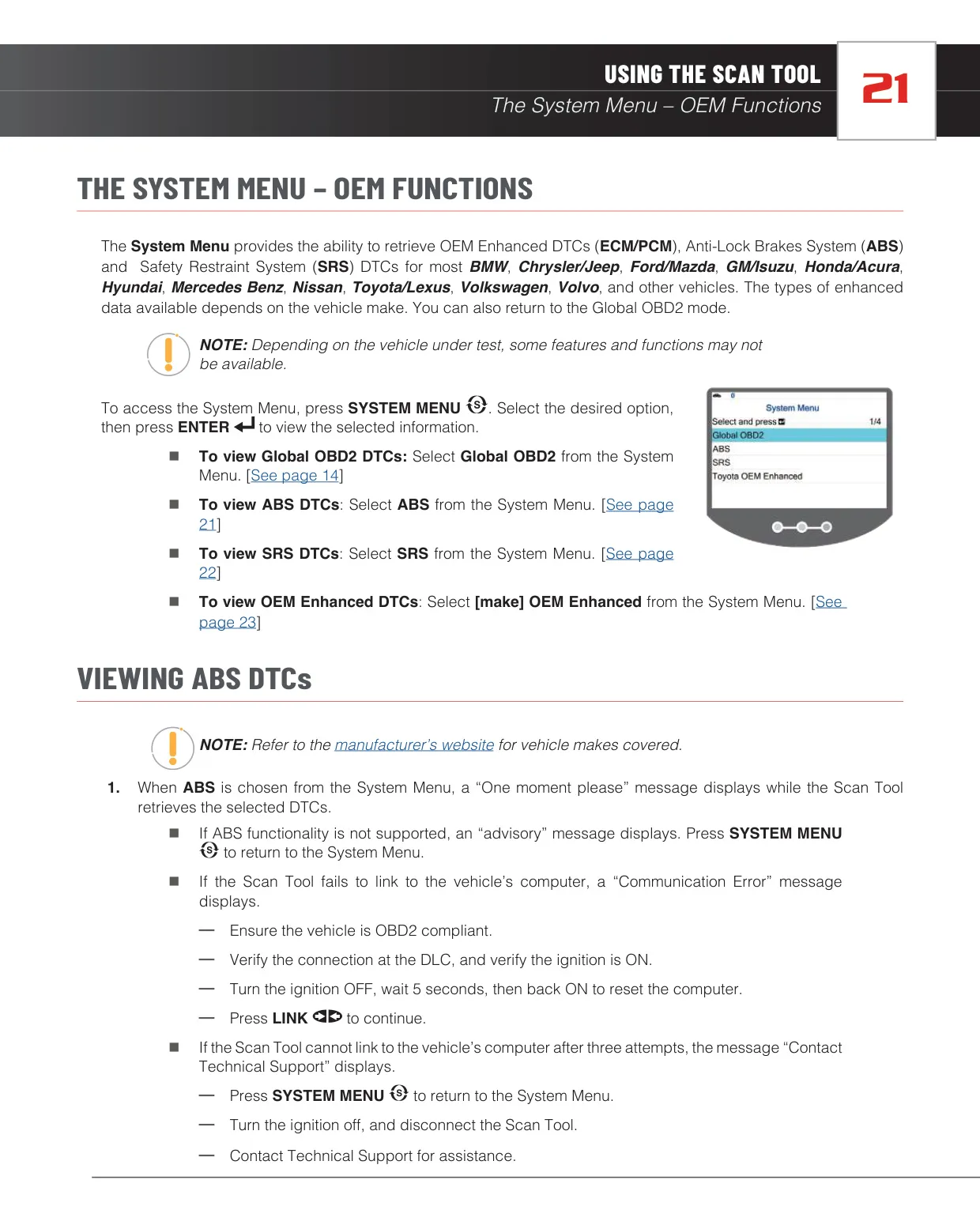
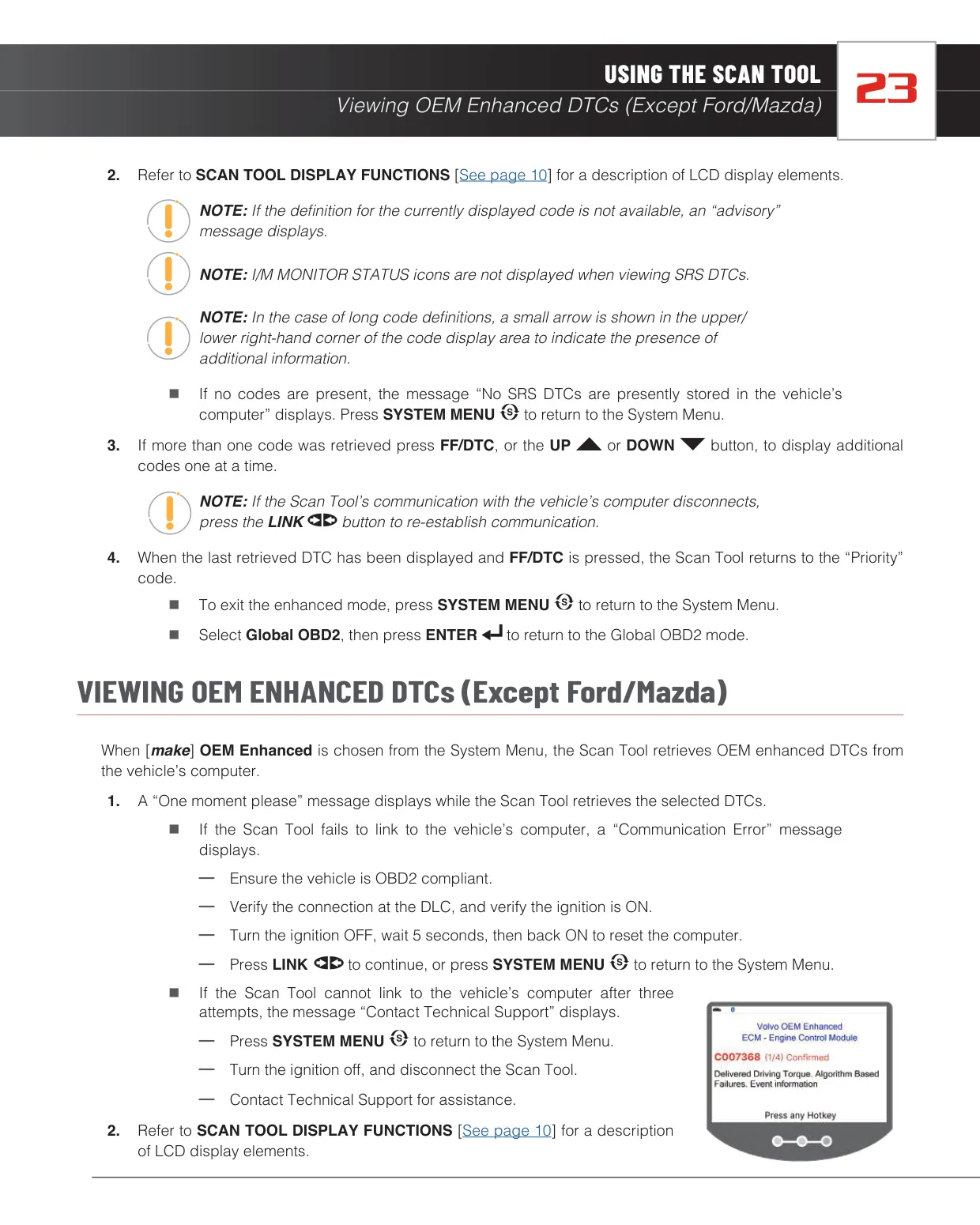
| OEM Systems | OEM Enhanced (ECM/PCM), ABS, SRS |
| OEM Enhanced Coverage | Most BMW, Chrysler/Jeep, Ford/Mazda, GM/Isuzu, Honda/Acura, Hyundai, Mercedes Benz, Nissan, Toyota/Lexus, Volkswagen, Volvo and other vehicles |
| Regional Vehicle Coverage | Full diagnostics for vehicles sold in the U.S. and Canada; Check Engine Light function only for other markets |
| Live Data Graphing | Maximum of 2 PIDs in graph mode at one time, with an overlay option |
| DTC Retrieval Time | Approximately 2 to 3 seconds after linking |
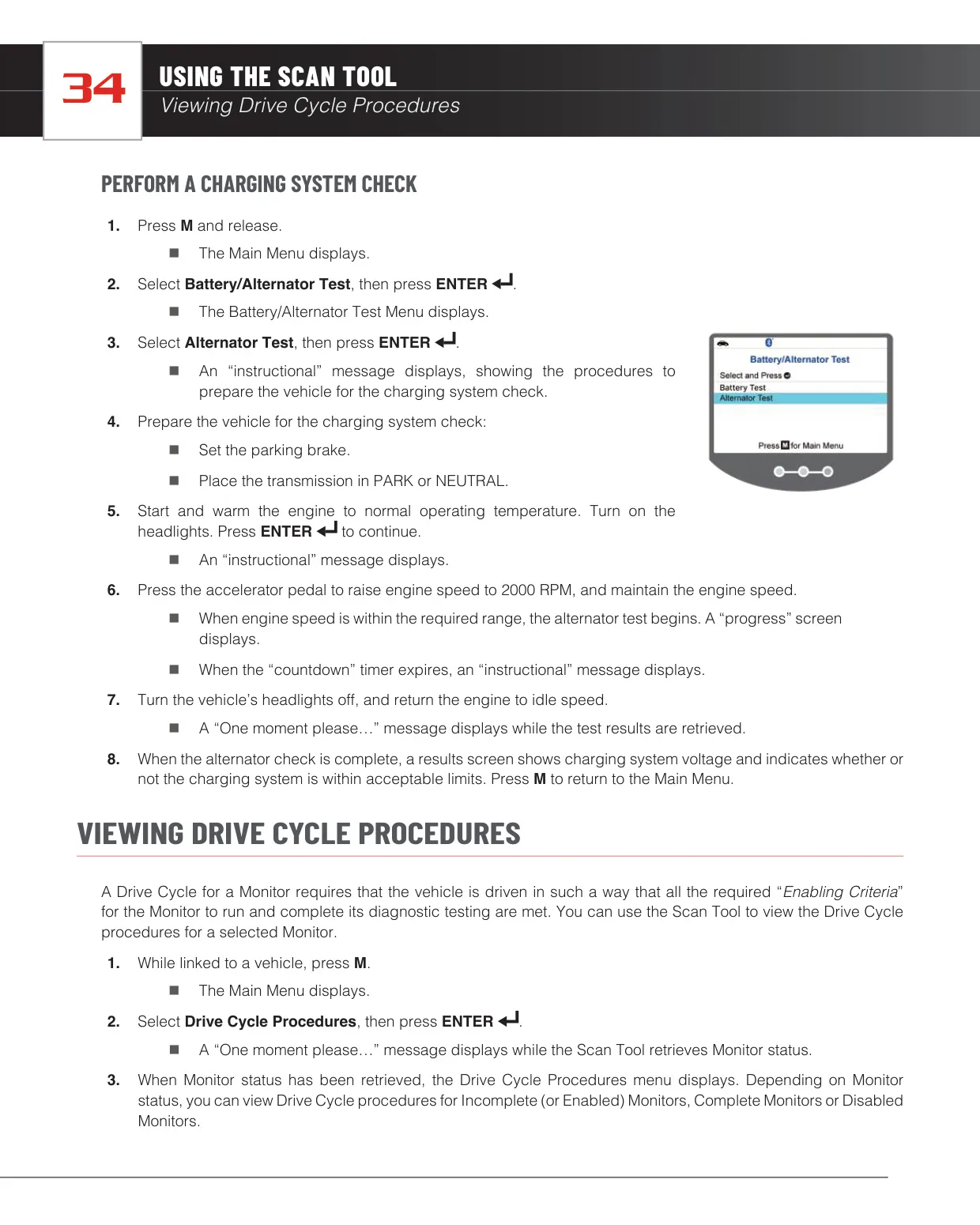
| Battery Test Thresholds | Below 11.8 V: charge required; 11.8 to 12.1 V: low-voltage warning; above 12.1 V: test proceeds |
| Alternator Test Engine Speed | 2000 RPM |
| Wireless Connectivity | Bluetooth (for the RepairSolutions2 app) |
| Companion App | RepairSolutions2 (RS2) for Android and iOS |
| RS2 Wi-Fi Configurations | Up to 2 stored |
| PC Connection | USB data cable (for firmware updates) |
| Update Software | INNOVA OBD Tool Updater for Windows OS and Mac OS |
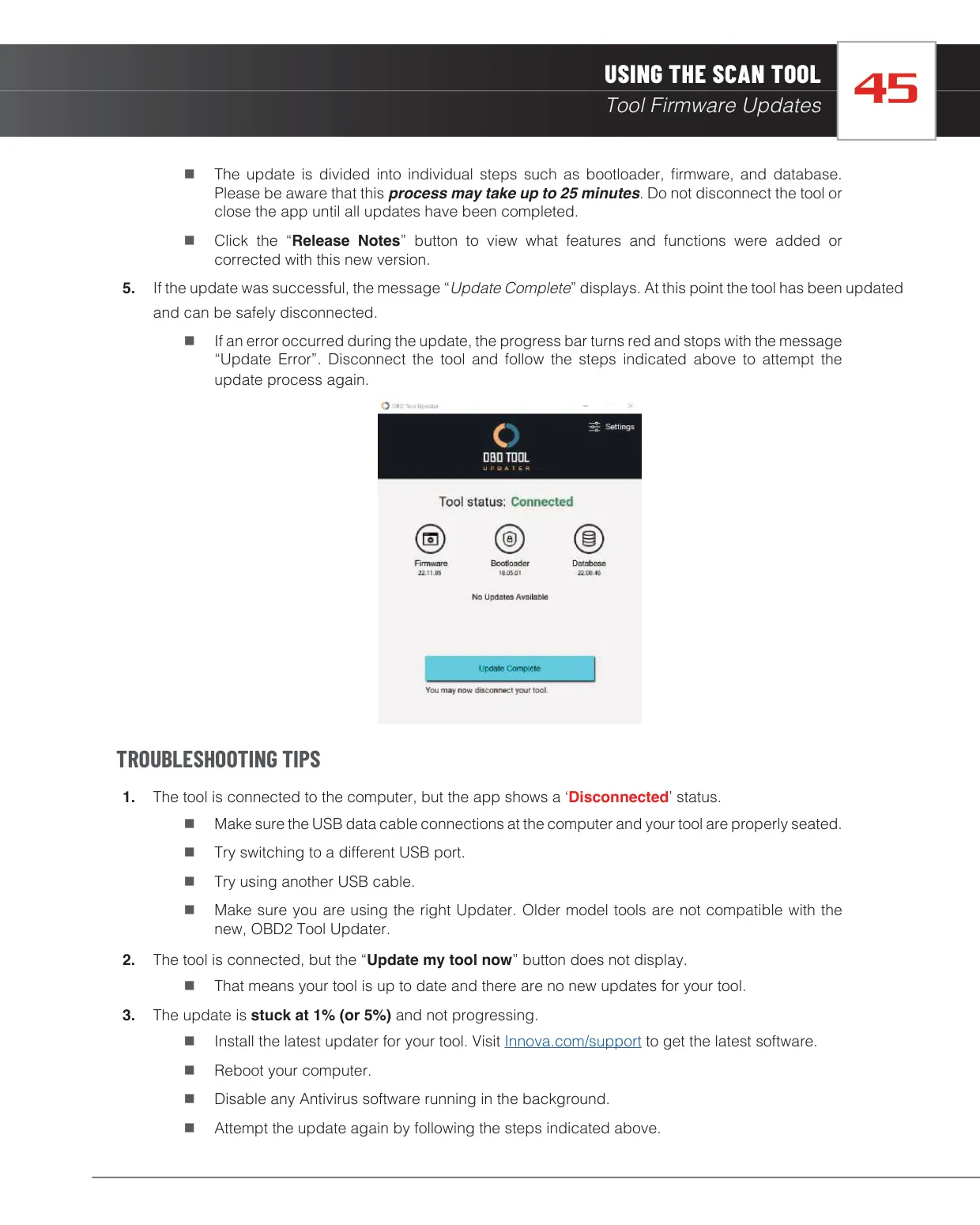
| Update Duration | Up to 25 minutes (bootloader, firmware, database) |
| Display Languages | English, Spanish (Español), French (Français) |
| Units of Measurement | U.S. Standard or Metric |
| Vehicle ID Function | Model year 2000 and newer OBD2-compliant vehicles |
| FCC Compliance | Class B digital device, Part 15 of FCC Rules |
| Warranty | 1-year limited warranty from the date of original purchase |
| Service/Repair Time | 3 to 4 weeks |
| Customer Service (USA and Canada) | (800) 544-4124, Monday to Friday, 6:00 AM to 6:00 PM Pacific Time |
| Customer Service (All Others) | (714) 241-6802 |
| Manufacturer | Innova Electronics Corp., 17352 Von Karman Ave., Irvine, CA 92614 |
| Manual Reference | MRP# 97-2276 |
Innova 5310 OBD2 Scanner Details
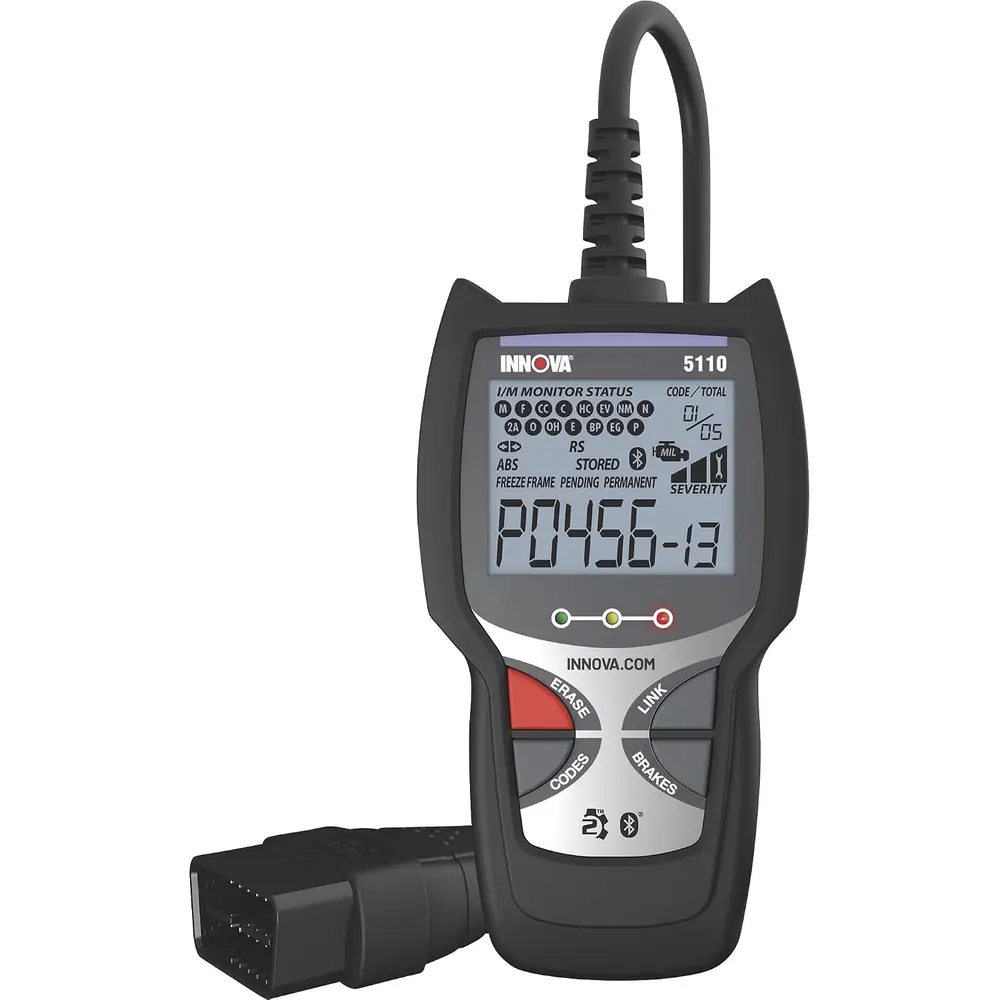
The Innova 5310 is designed to make Check Engine Light diagnostics quicker to read and act on. Each retrieved trouble code is shown with its definition, a sequence number and a severity rating from 1 to 3. Level 1 faults can be serviced when convenient. Level 2 faults may damage components and should be repaired soon. Level 3 faults will cause damage and need immediate attention. The priority code, marked "1", is the one that turned on the Malfunction Indicator Light and the one for which Freeze Frame data is stored.
Freeze Frame data captures engine conditions at the moment a fault occurred. This includes engine speed, coolant temperature, calculated load, fuel pressure, vehicle speed, air flow rate and intake manifold pressure. On the display, I/M Monitor icons show emissions readiness in either Since DTCs Cleared or This Drive Cycle view. A solid green icon means the monitor is complete. A flashing red icon means it has not finished testing. Gray combinations show monitors that are incomplete or disabled during the current drive cycle.
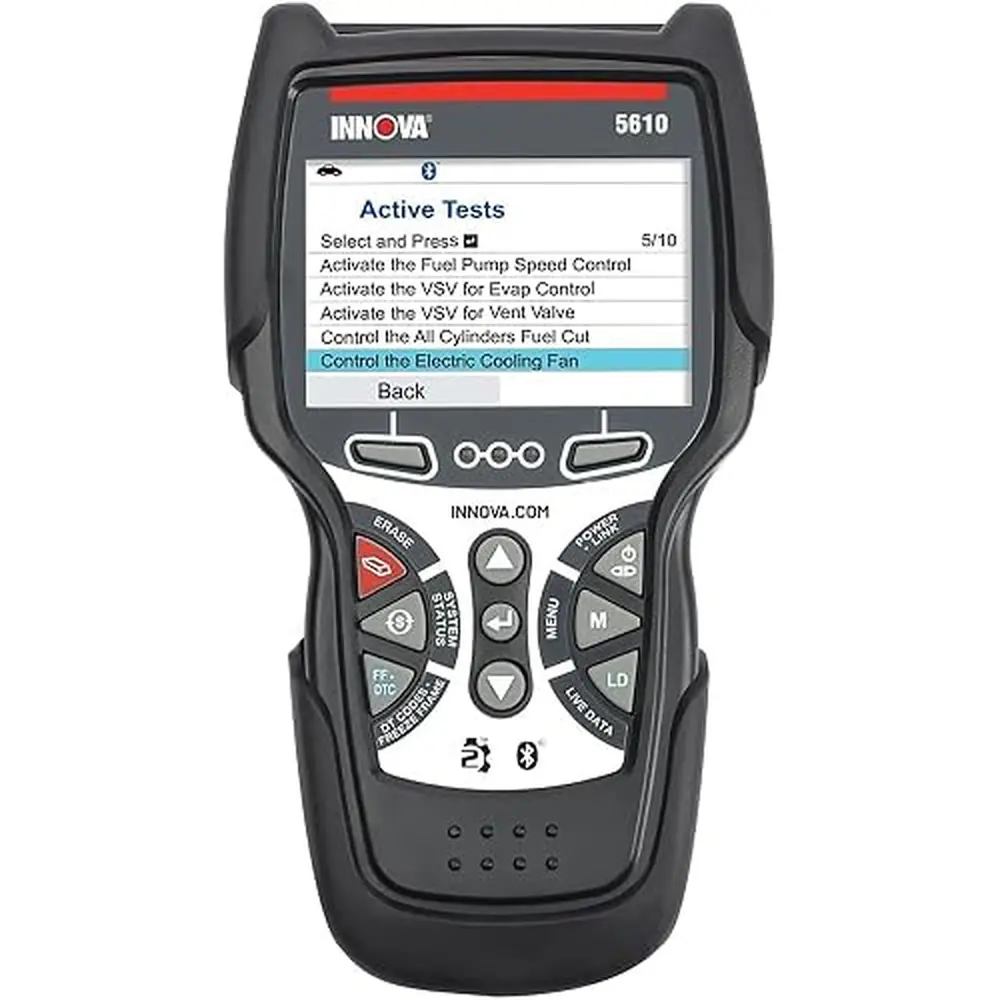
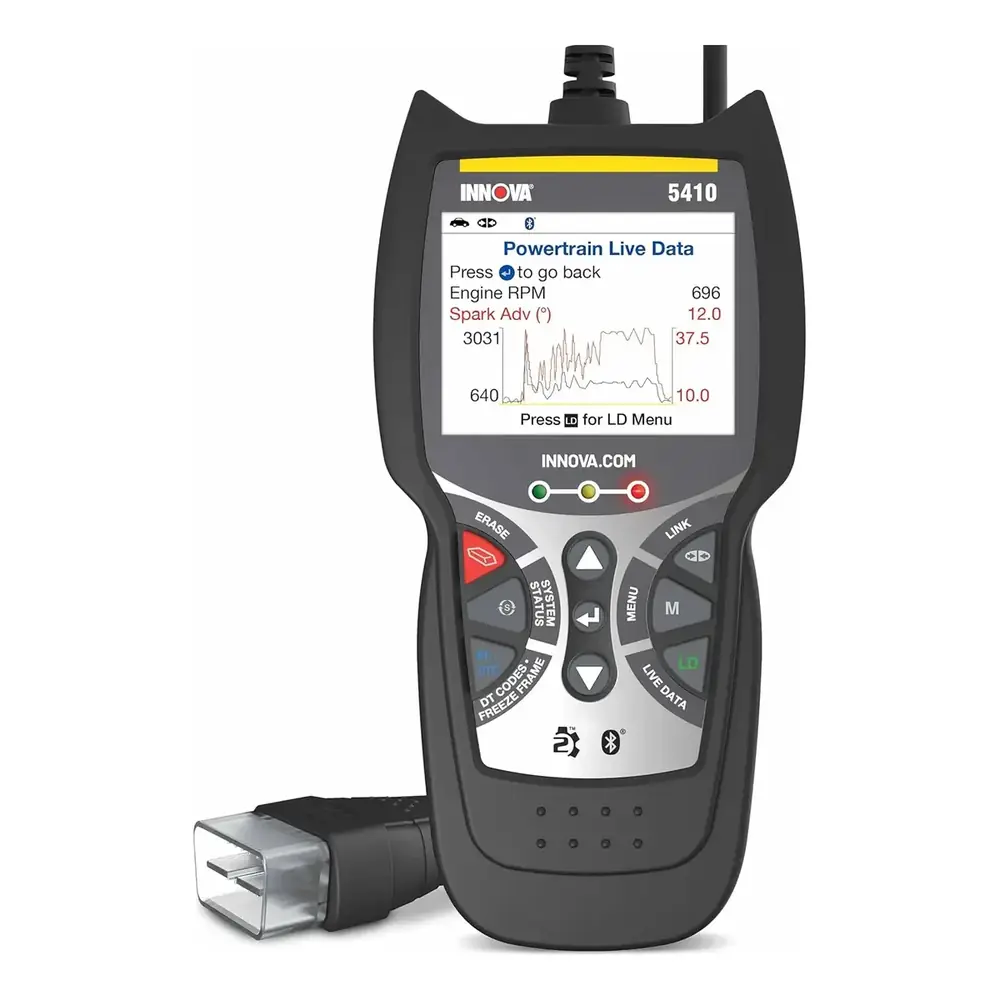
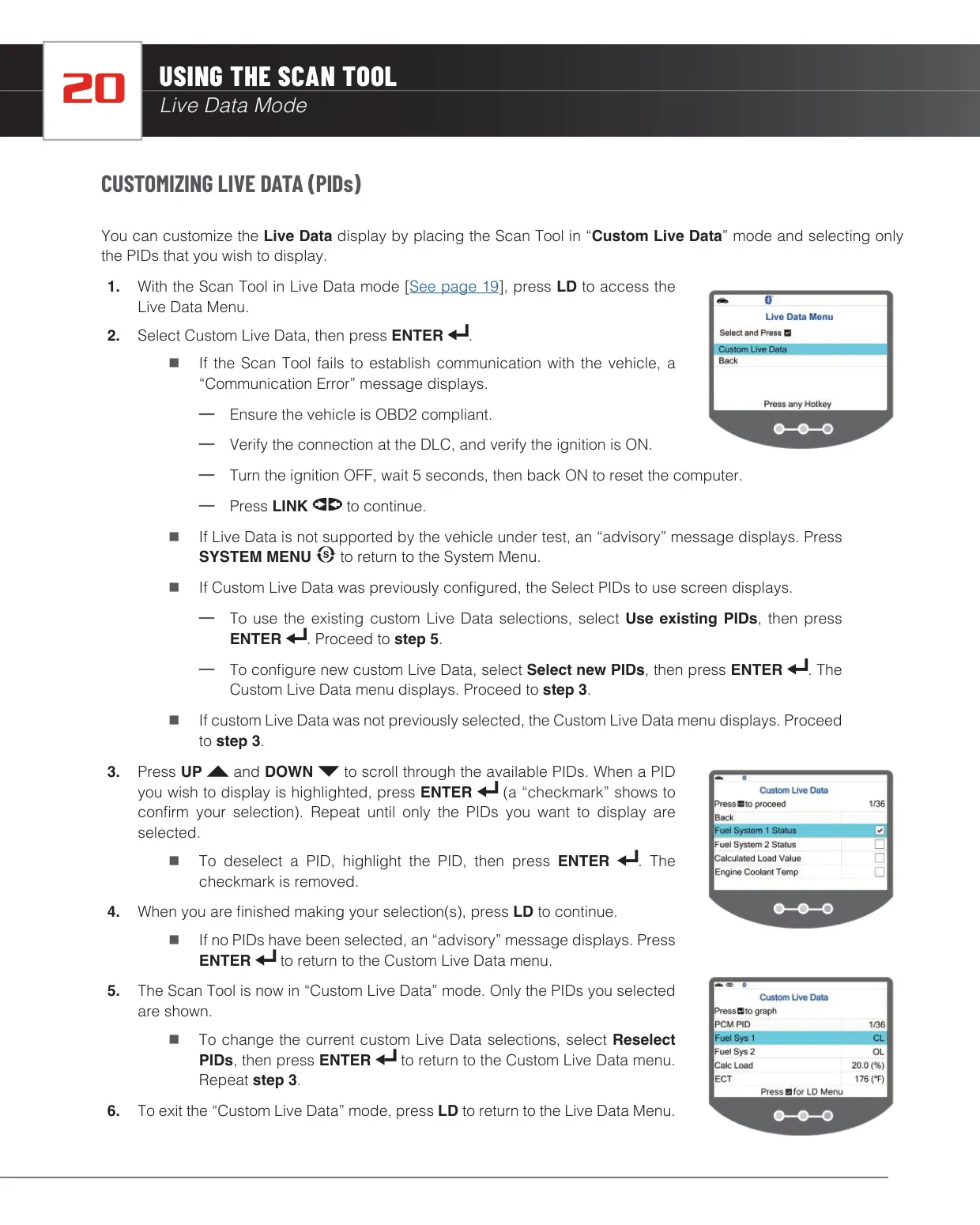
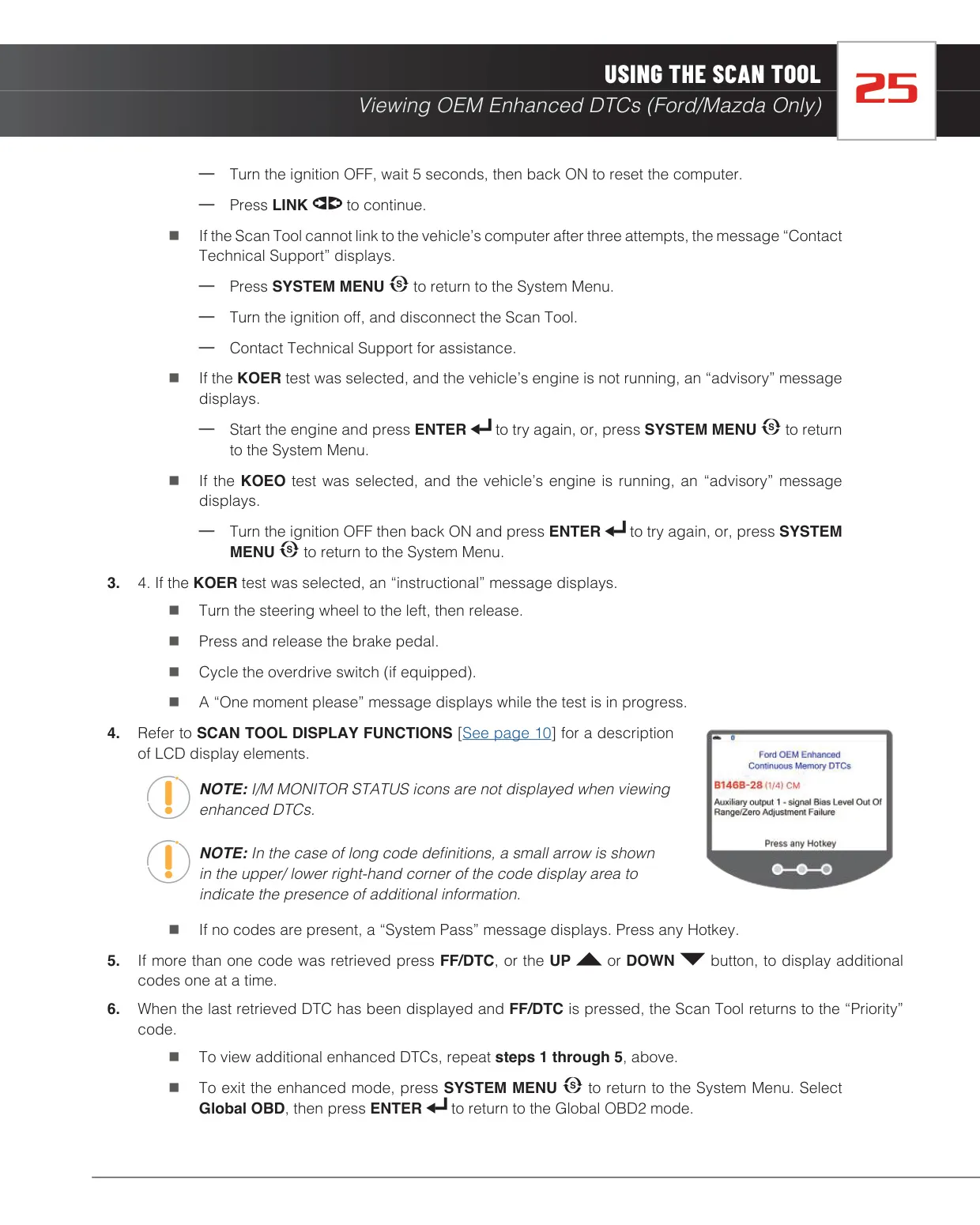
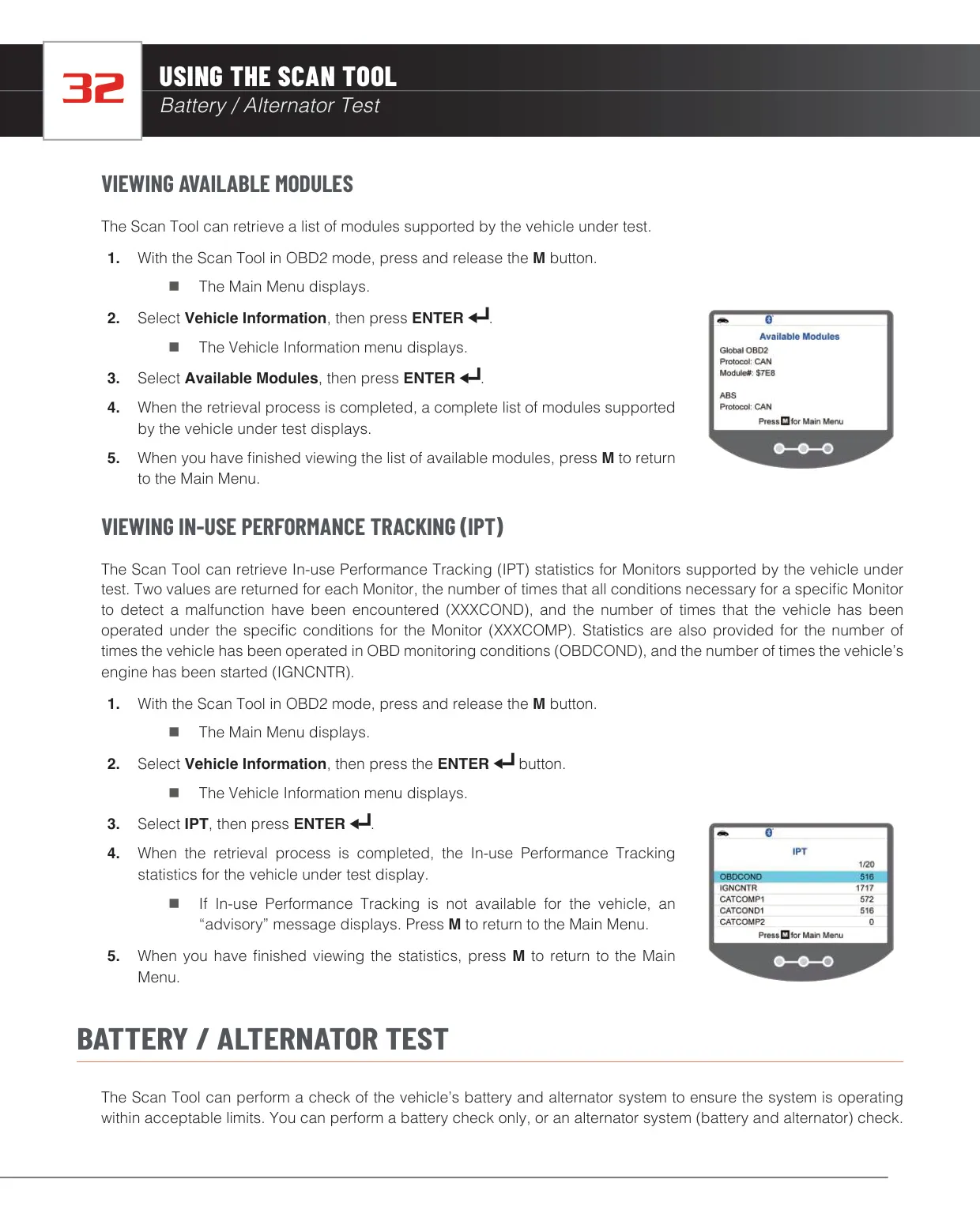
Live Data mode streams real-time PID values such as voltage, rpm, temperature and fuel system status. The Custom Live Data feature lets you select only the parameters you need, and it remembers your previous selection. Holding ENTER shows an expanded definition of any PID. On Ford and Mazda vehicles, the tool can also read Continuous Memory DTCs and run KOEO and KOER self-tests. During the KOER test, on-screen prompts ask you to turn the steering wheel, press the brake pedal and cycle the overdrive switch.
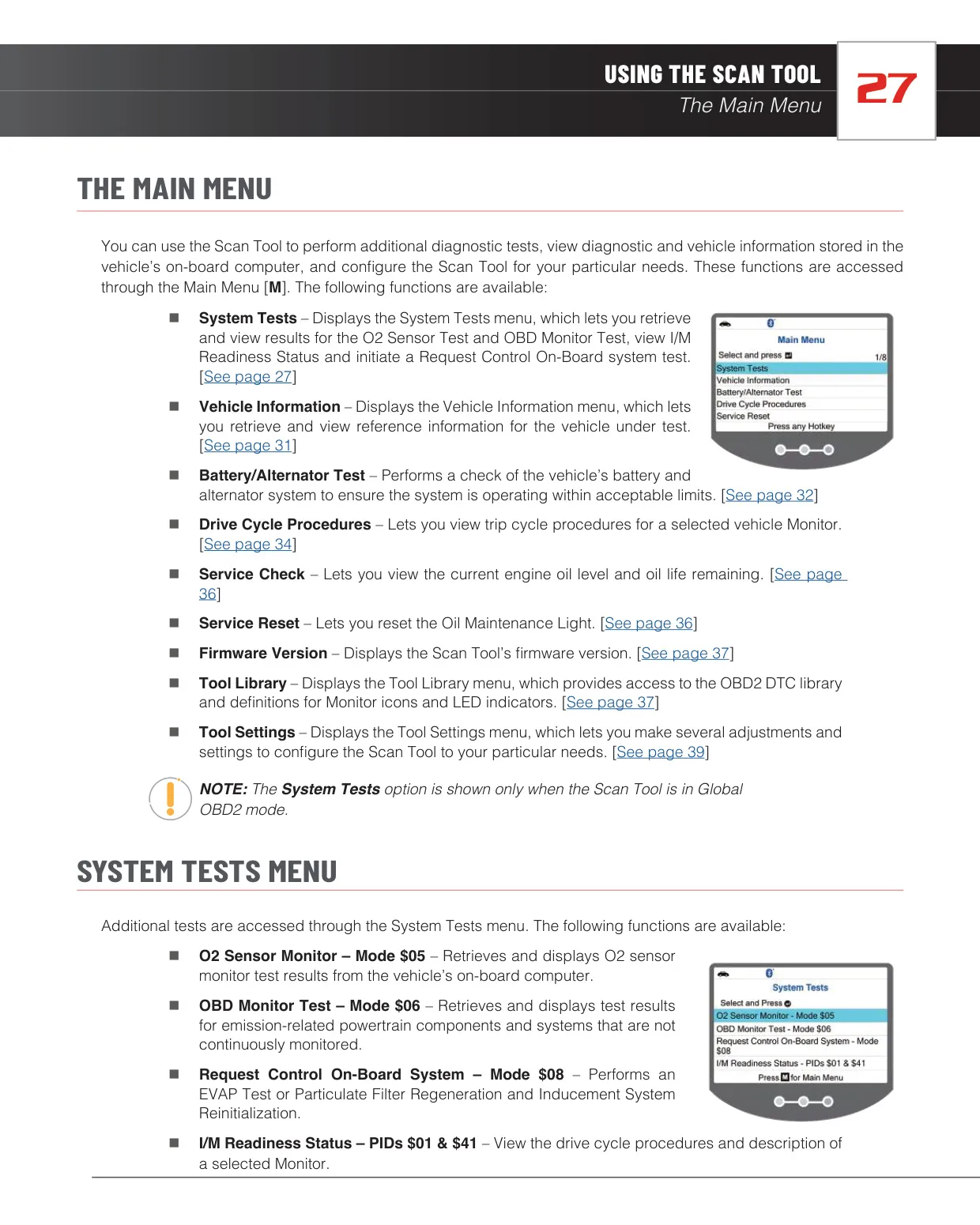
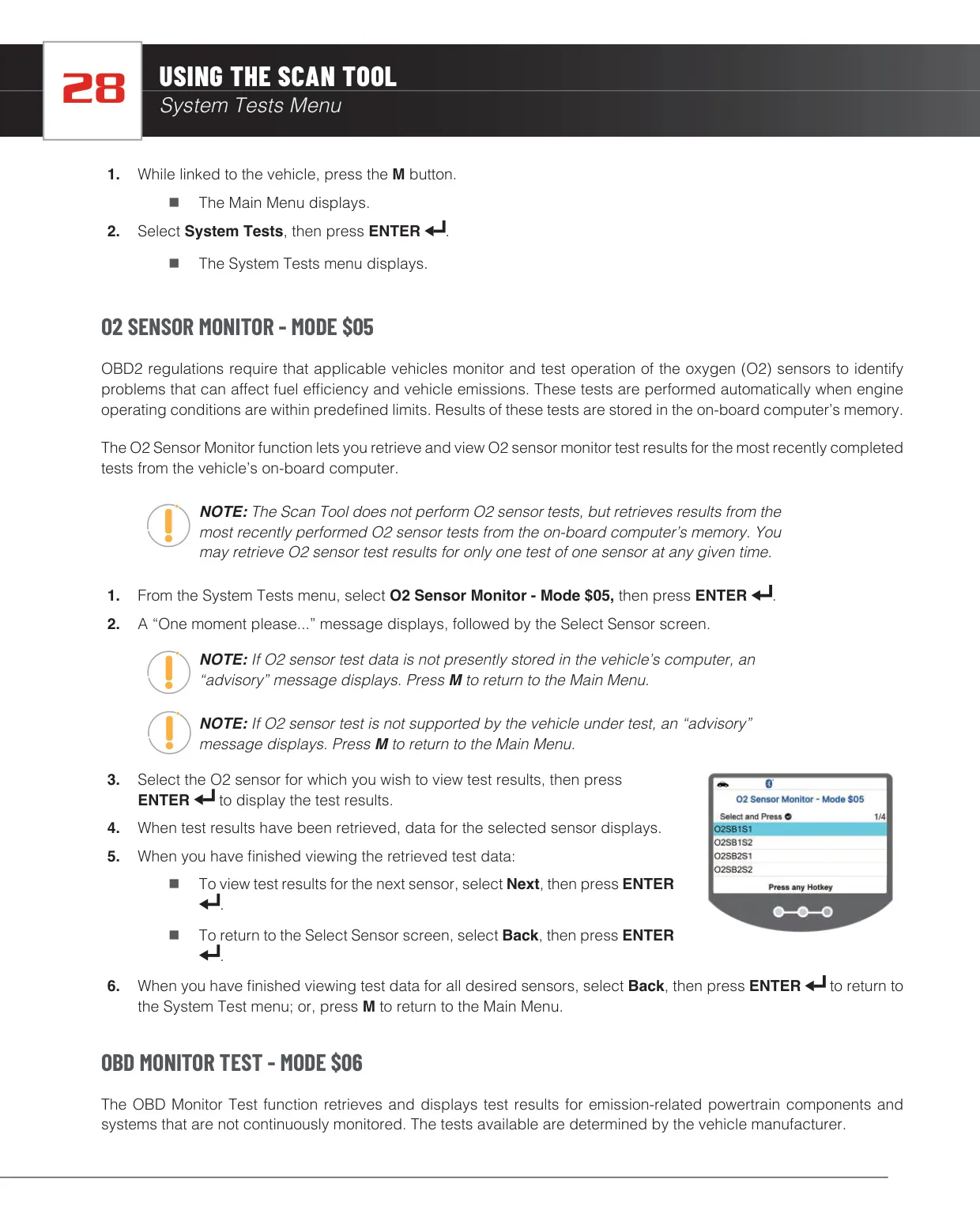
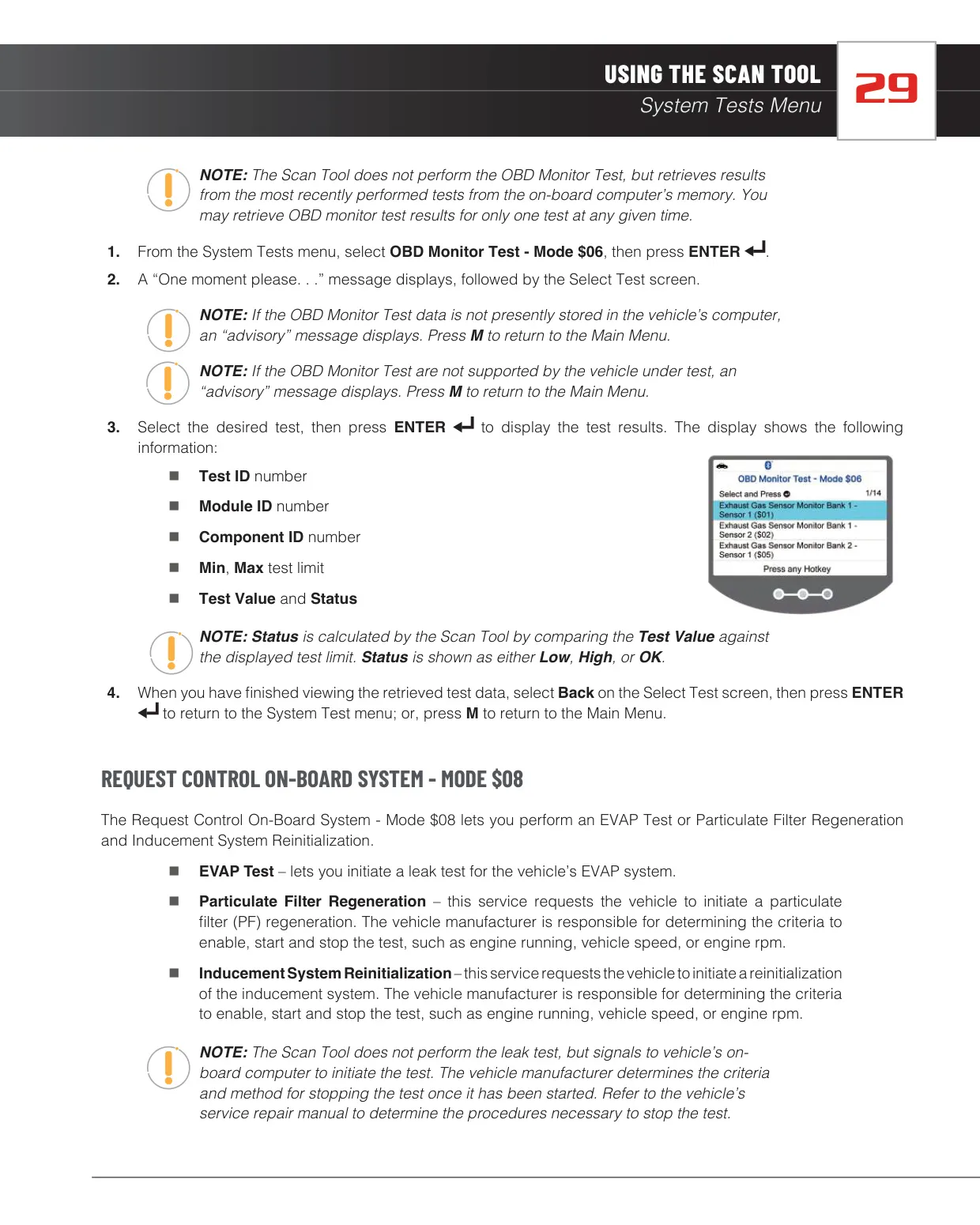
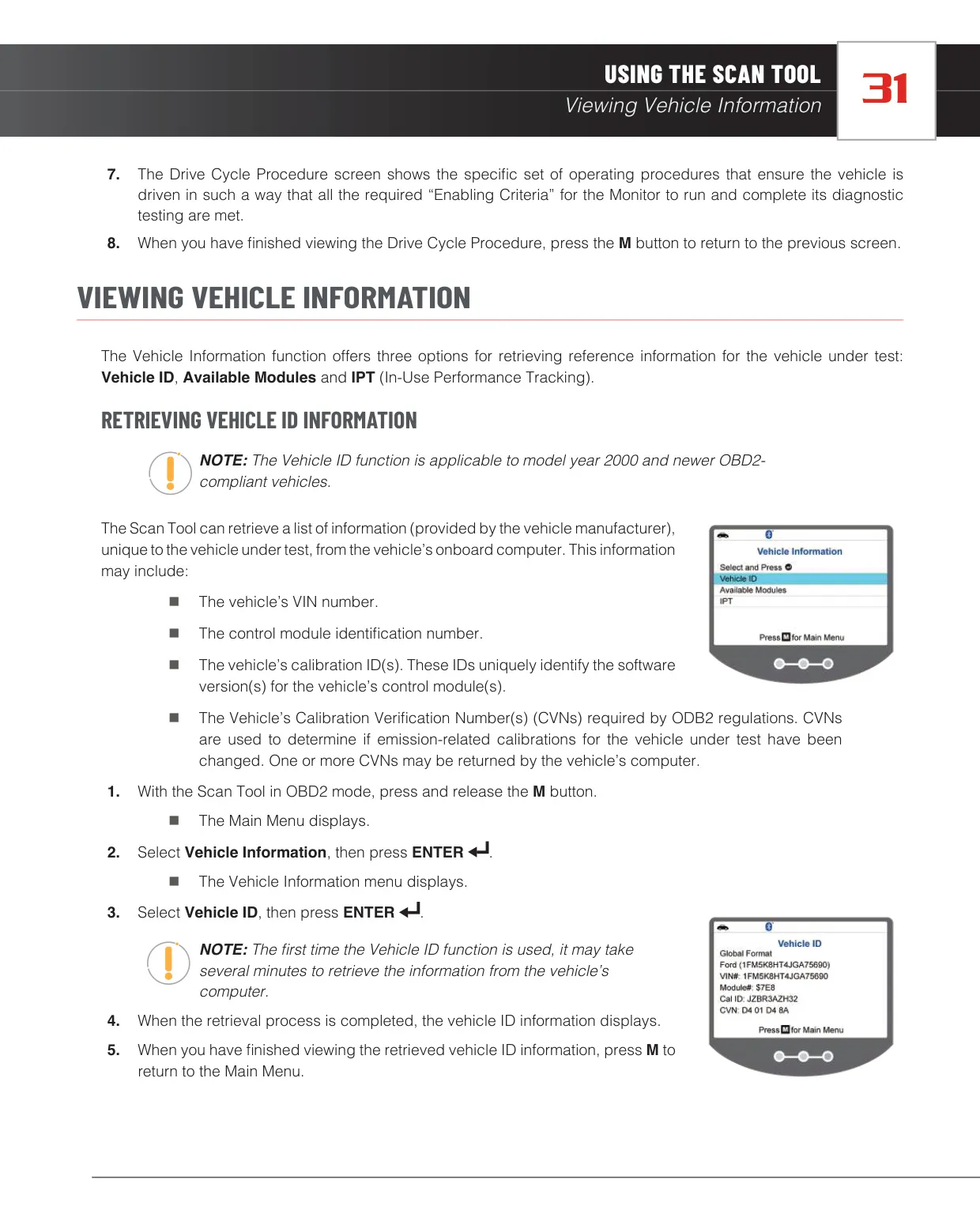
The System Tests menu gives access to deeper emissions data. Mode $05 retrieves oxygen sensor test results. Mode $06 shows non-continuous monitor tests with Test ID, Module ID, Component ID, minimum and maximum limits, and a Low, High or OK status. Mode $08 can request an EVAP leak test on gasoline vehicles, or a particulate filter regeneration and inducement system reinitialization on diesel vehicles. The Vehicle Information menu retrieves the VIN, calibration IDs, CVNs, available modules and In-use Performance Tracking statistics.
Maintenance tools include an Oil Maintenance Reset. If the automatic reset is not supported, the tool shows the manual reset procedure instead. The Service Check function displays the engine oil level and remaining oil life. A built-in DLC Locator identifies the connector position by model year, manufacturer and model, with a picture and a note on whether the port is covered. Drive Cycle Procedures explain how to complete incomplete monitors before a smog inspection.
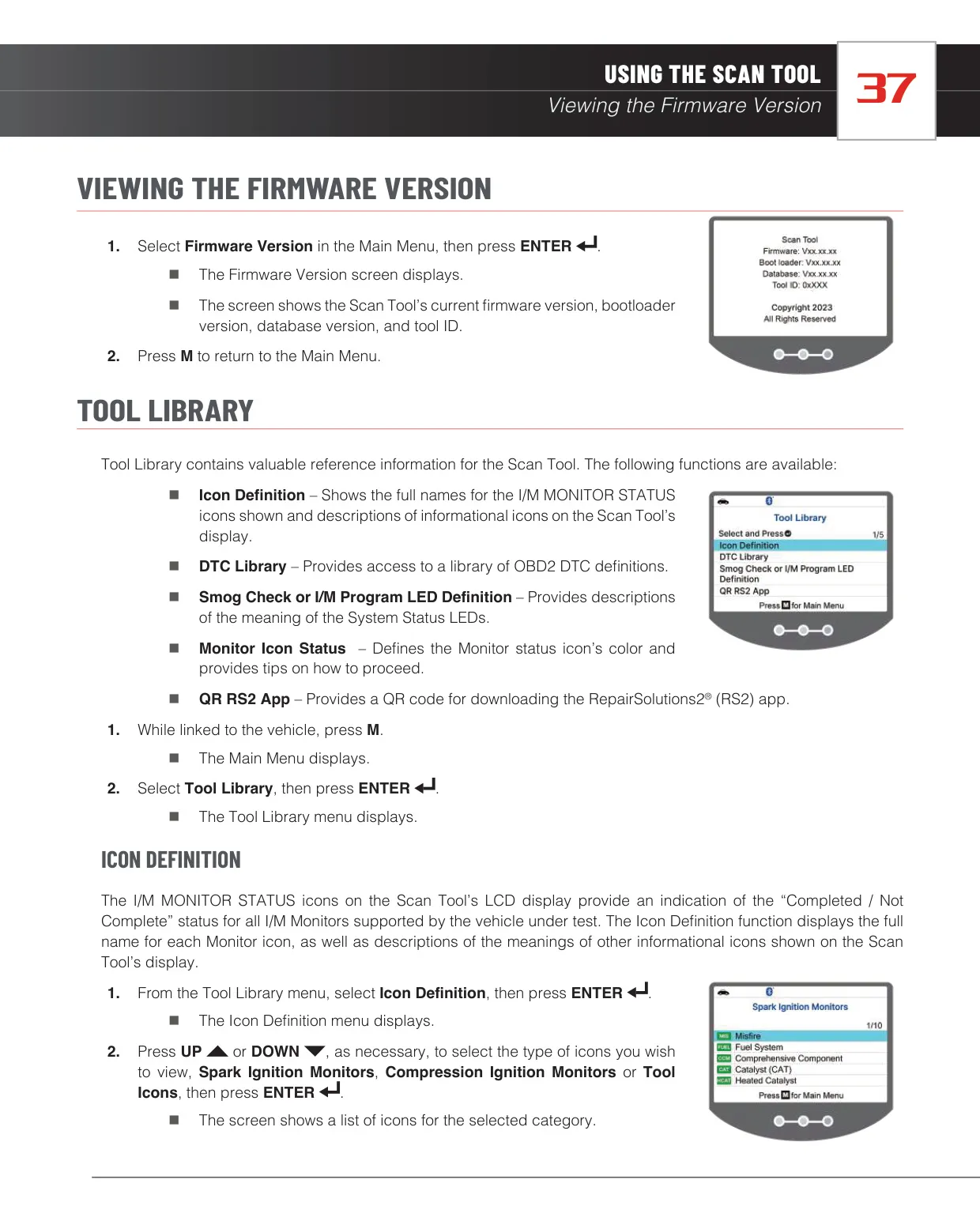
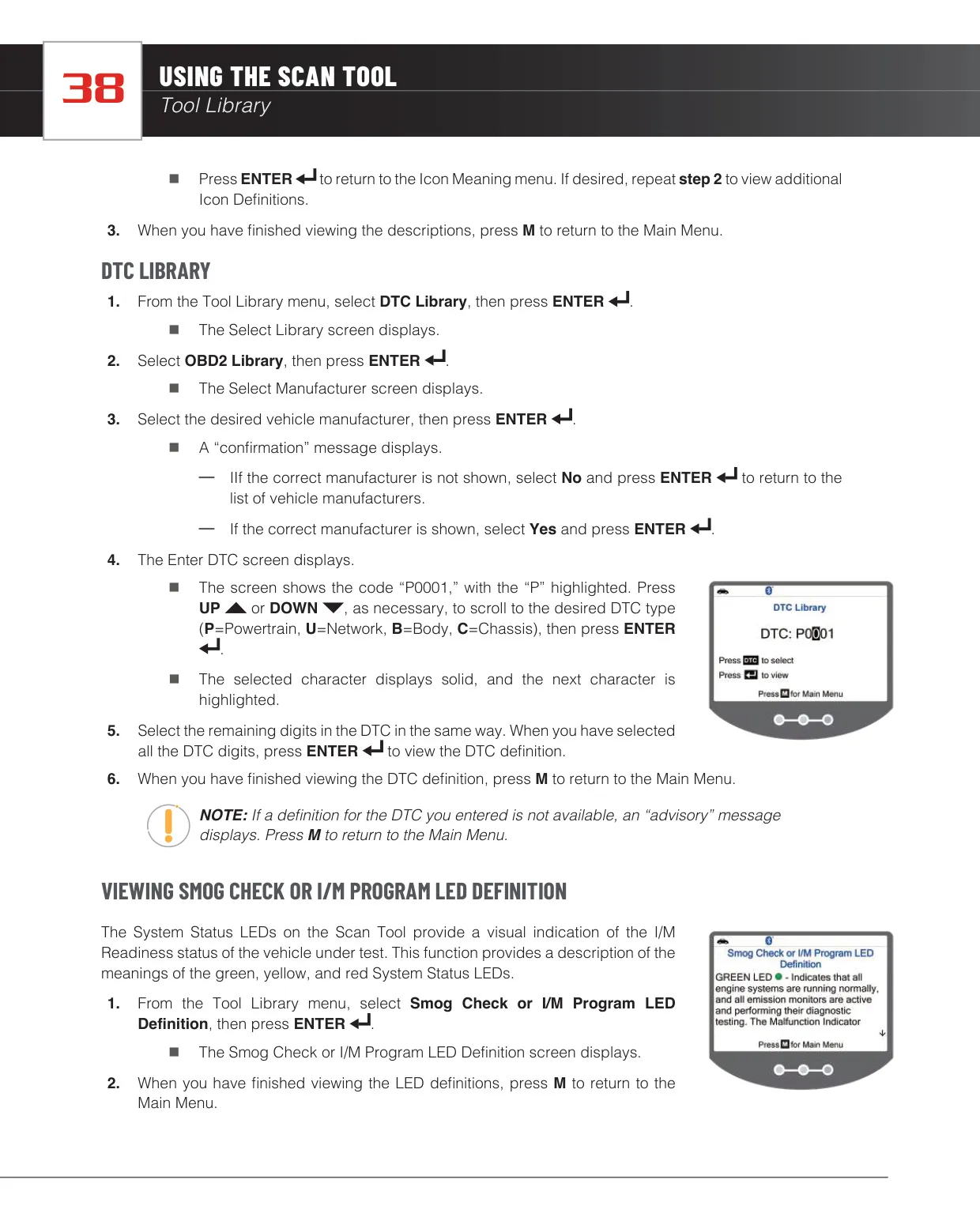
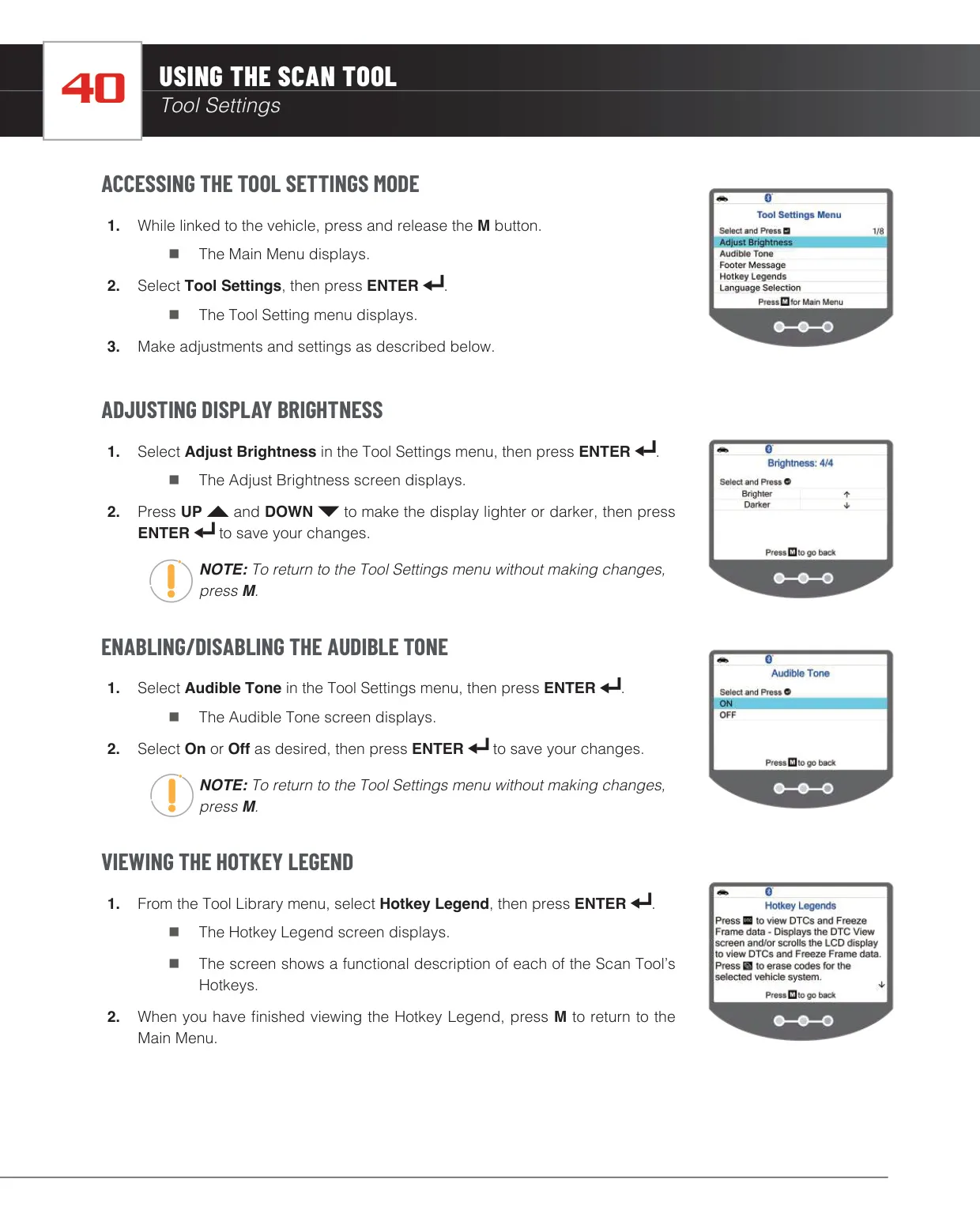
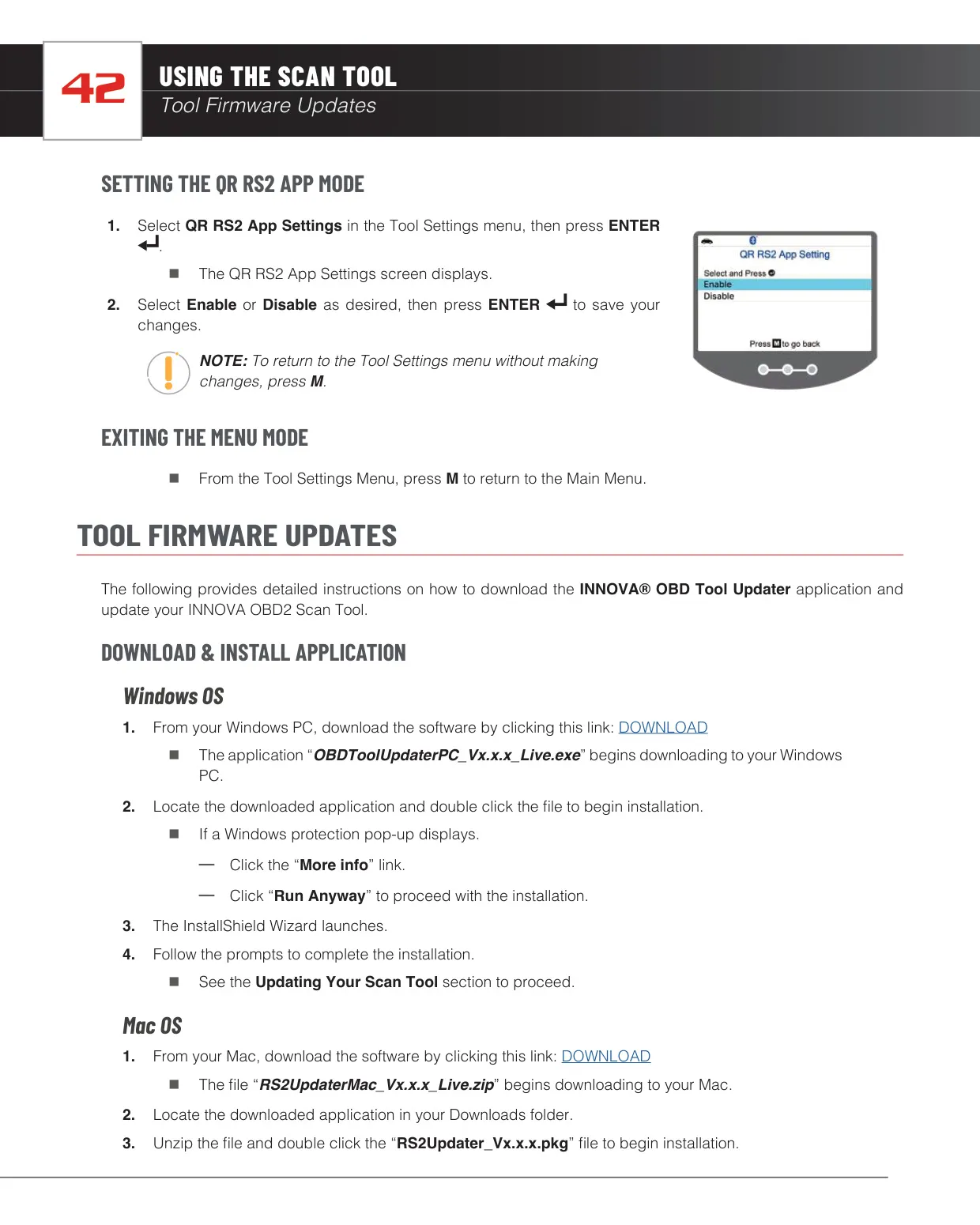
The Tool Library includes icon definitions, a searchable OBD2 DTC library covering Powertrain, Network, Body and Chassis codes, LED meanings and monitor status tips. In the settings, you can adjust display brightness, turn the key tone and on-screen footers on or off, view the hotkey legend, choose your U.S. state for smog-check logic and enable the RS2 QR screen. When paired, the RepairSolutions2 app adds verified fixes, predicted repairs, TSBs and recalls, vehicle health reports and upcoming maintenance.
Frequently Asked Questions (FAQs)
Can't find the answer you need? Here are some frequently asked questions about the Innova 5310 OBD2 Scanner, and we answer them below.