Innova 5110 OBD2 Scanner Instruction Manual
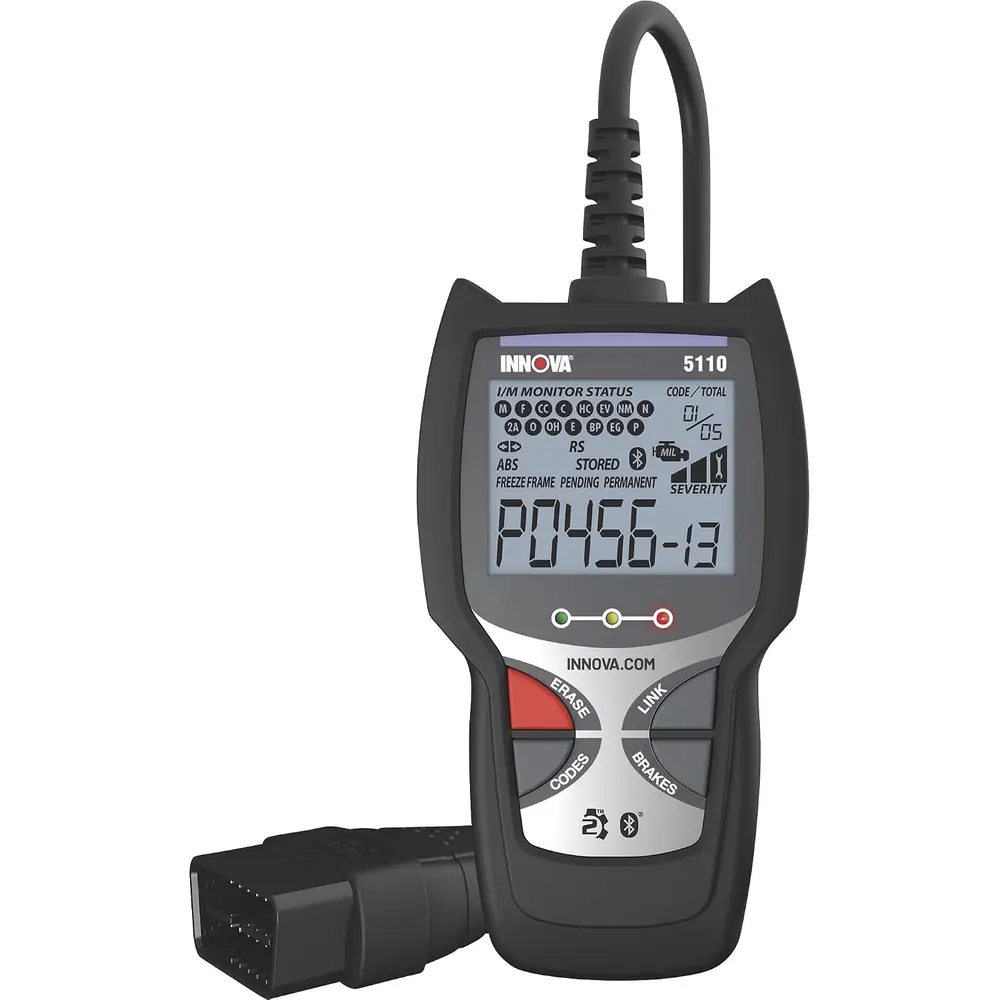
Innova 5110 OBD2 Scanner
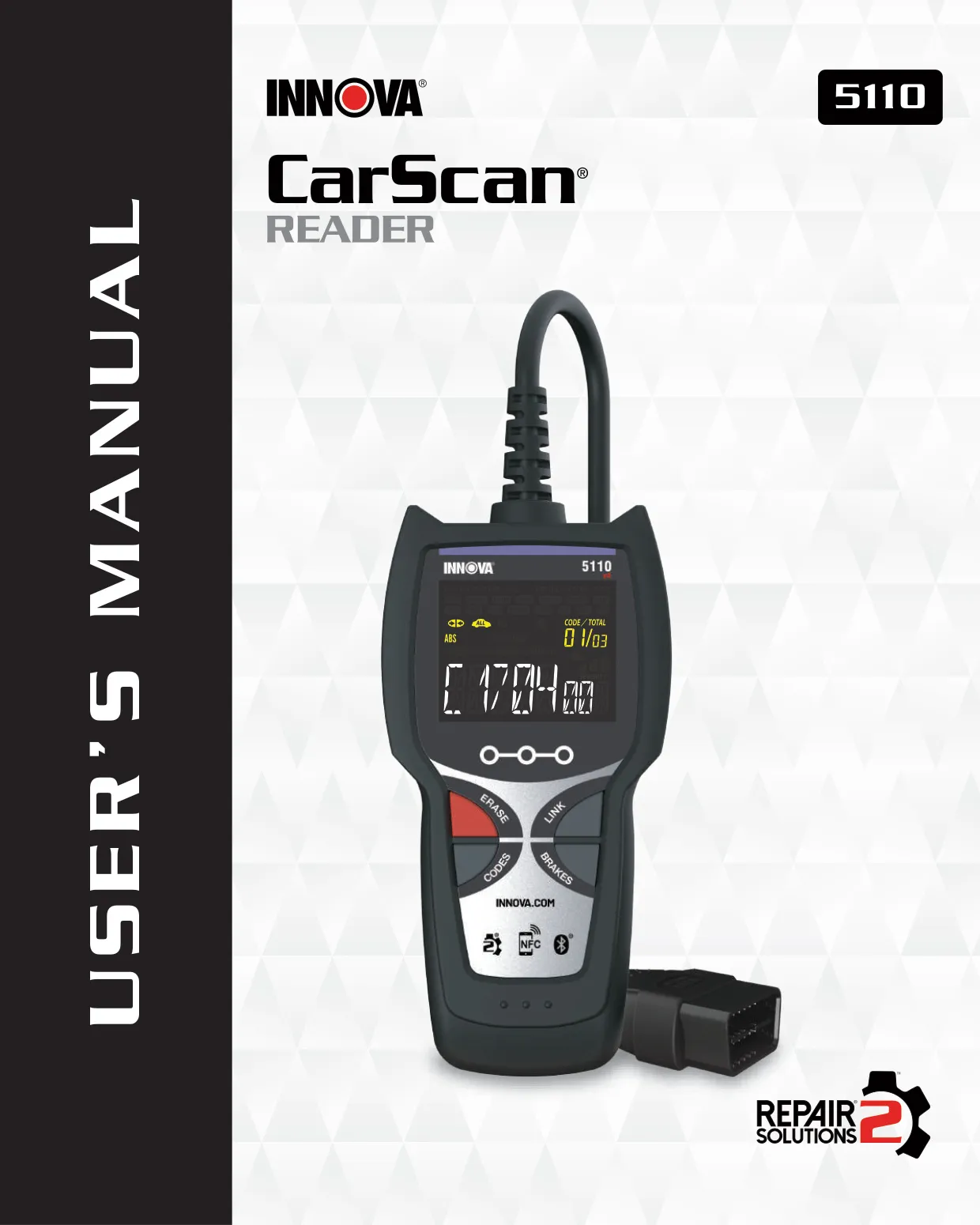




Innova 5110 OBD2 Scanner Instructions
Here we offer the Innova 5110 OBD2 Scanner manual completely free and in English. We have cataloged this manual in the OBD2 Scanners section on Manualverse, and it has been rated by 1 users with an average rating of 5. If you have any specific questions about Innova 5110 OBD2 Scanner, we suggest checking the Frequently Asked Questions (FAQs) section of this manual.
Product Images
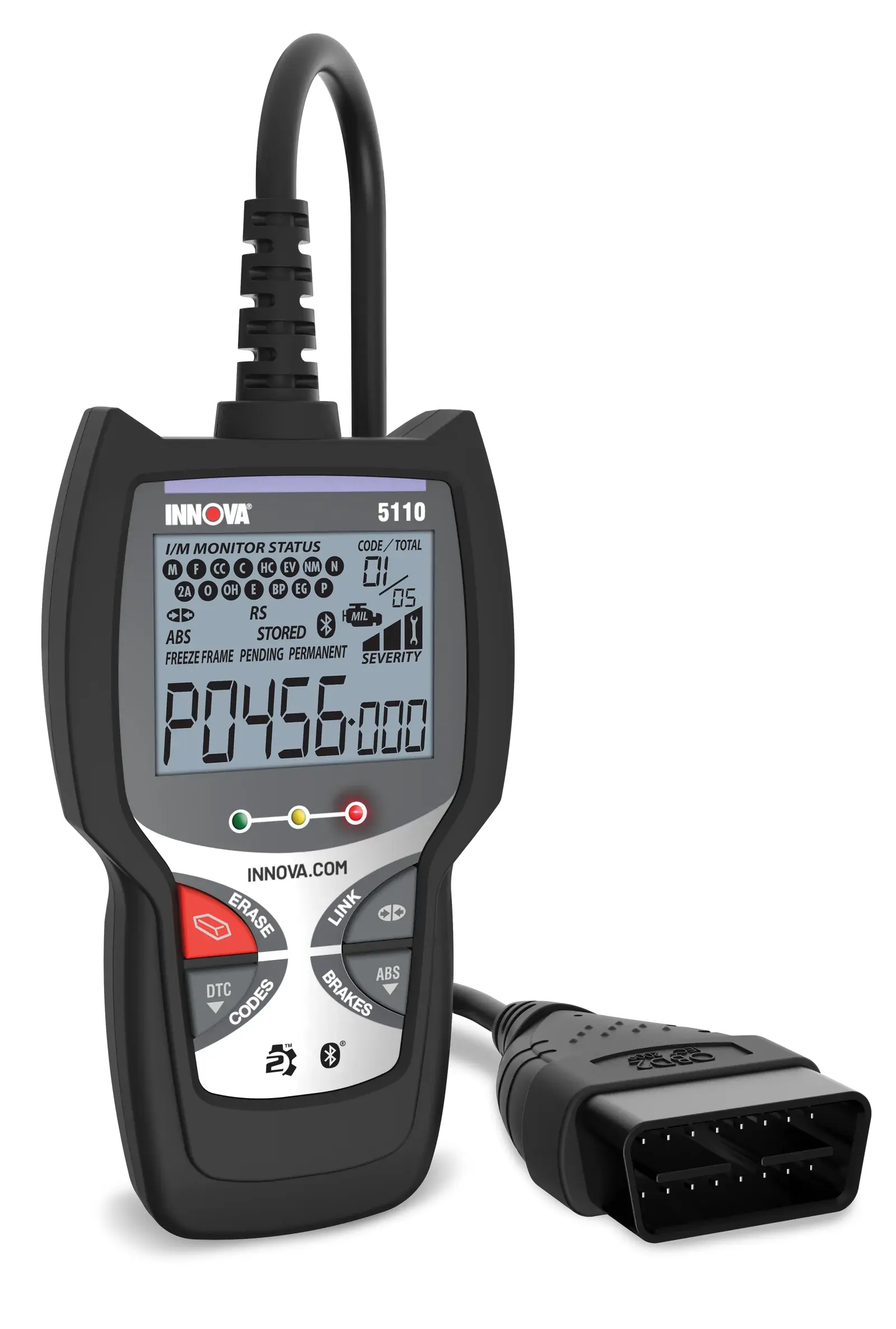
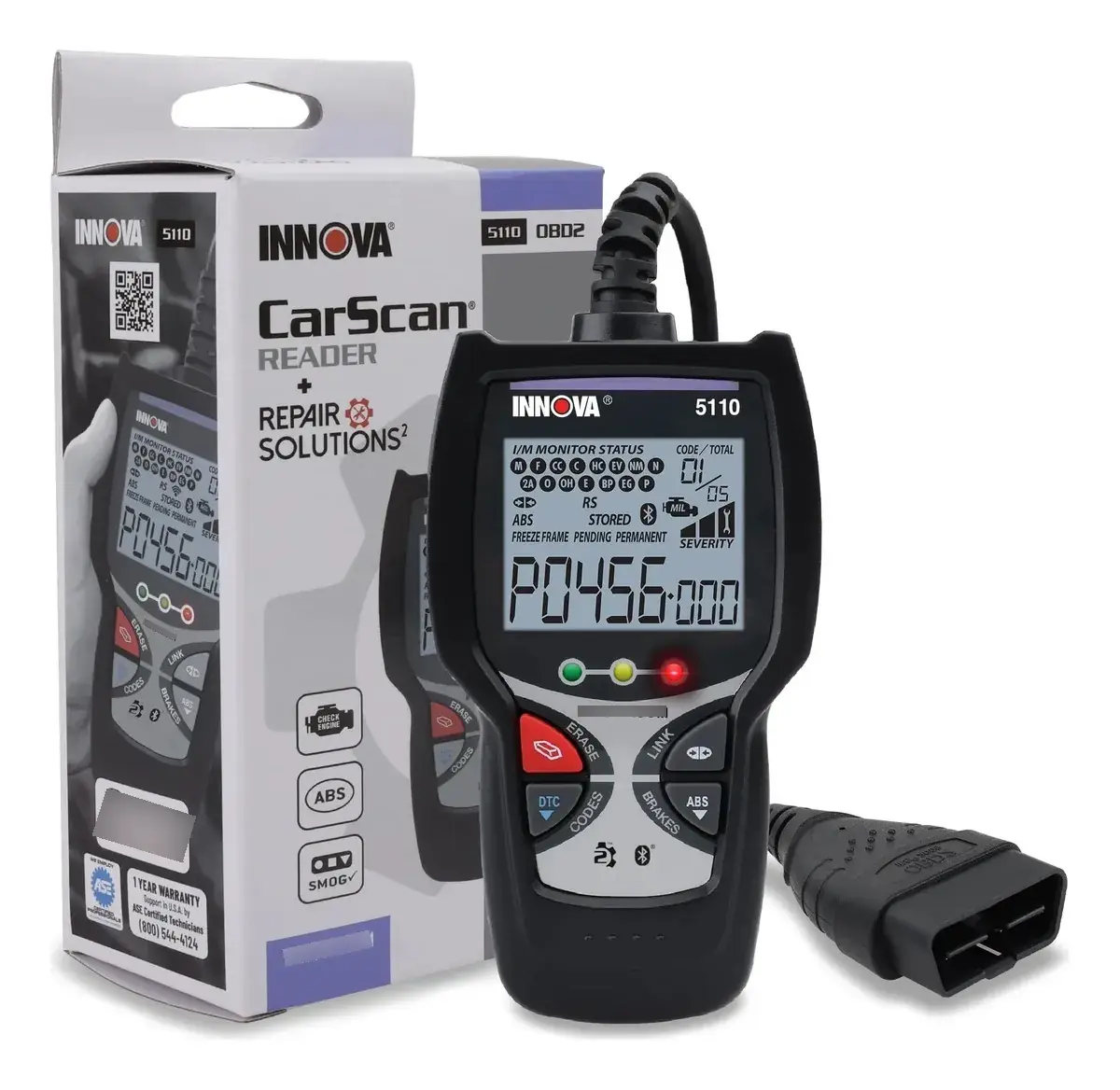
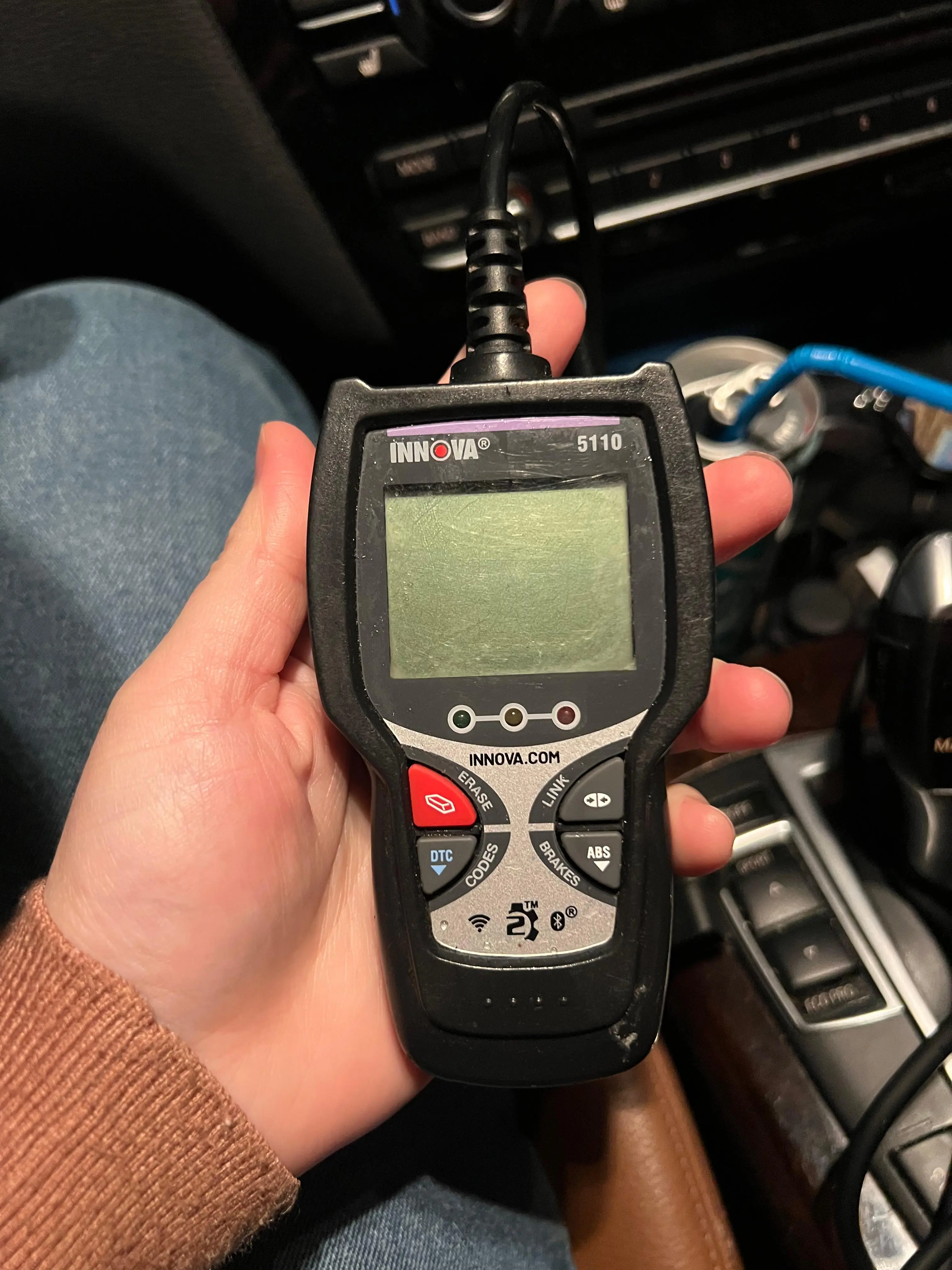
Innova 5110 OBD2 Scanner Specifications
| Feature | Specification |
|---|---|
| Model | INNOVA 5110 CarScan Reader |
| Manufacturer | Innova Electronics Corp., 17352 Von Karman Ave., Irvine, CA 92614 |
| Manual Reference | MRP# 97-2195 (Copyright © 2025 IEC) |
| Vehicle Connection | Attached OBD2 cable to the vehicle's 16-pin Data Link Connector (DLC), keyed connector |
| Power Source | Powered by the vehicle through the DLC |
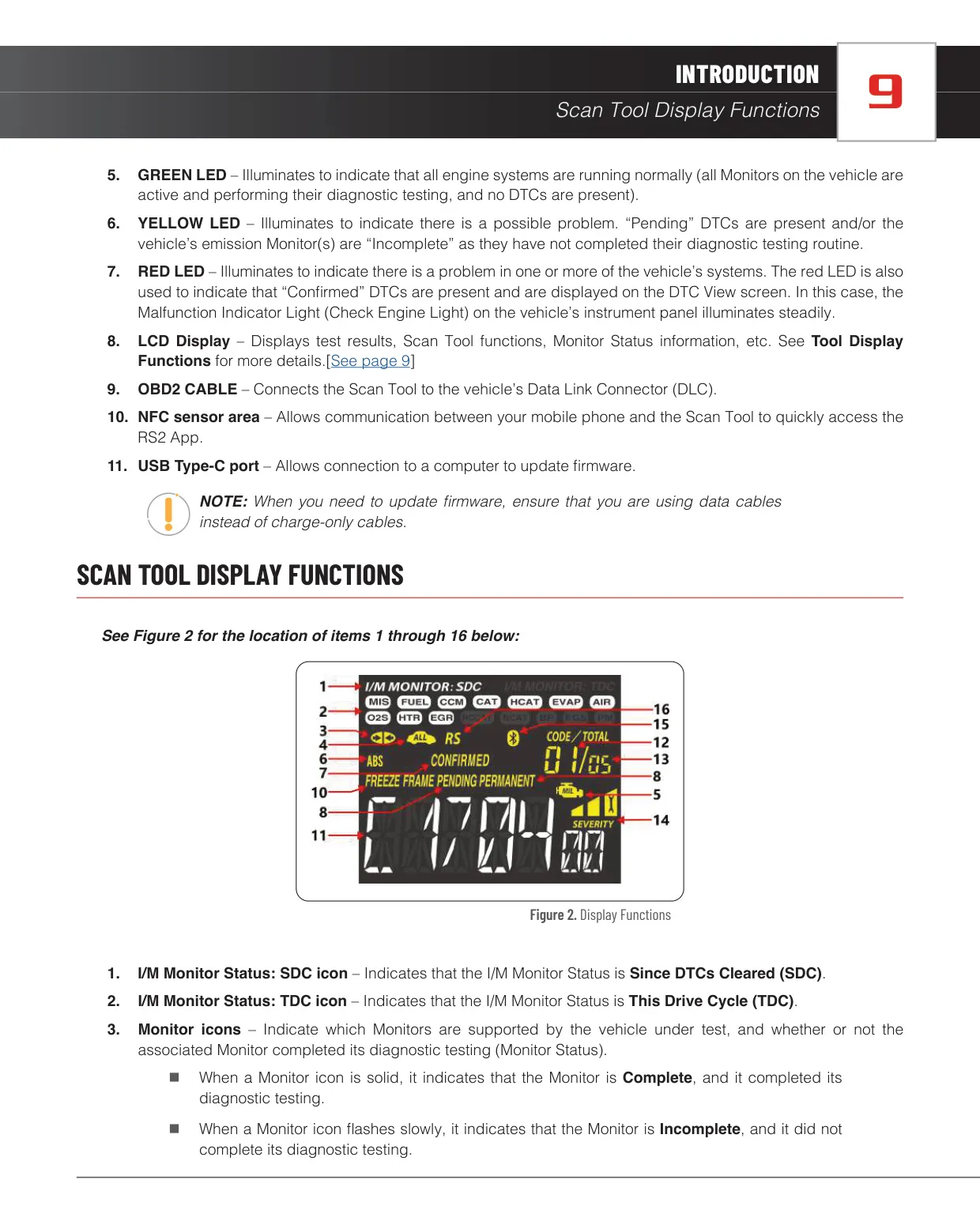
| Display | LCD with Monitor, DTC, status and severity icons |
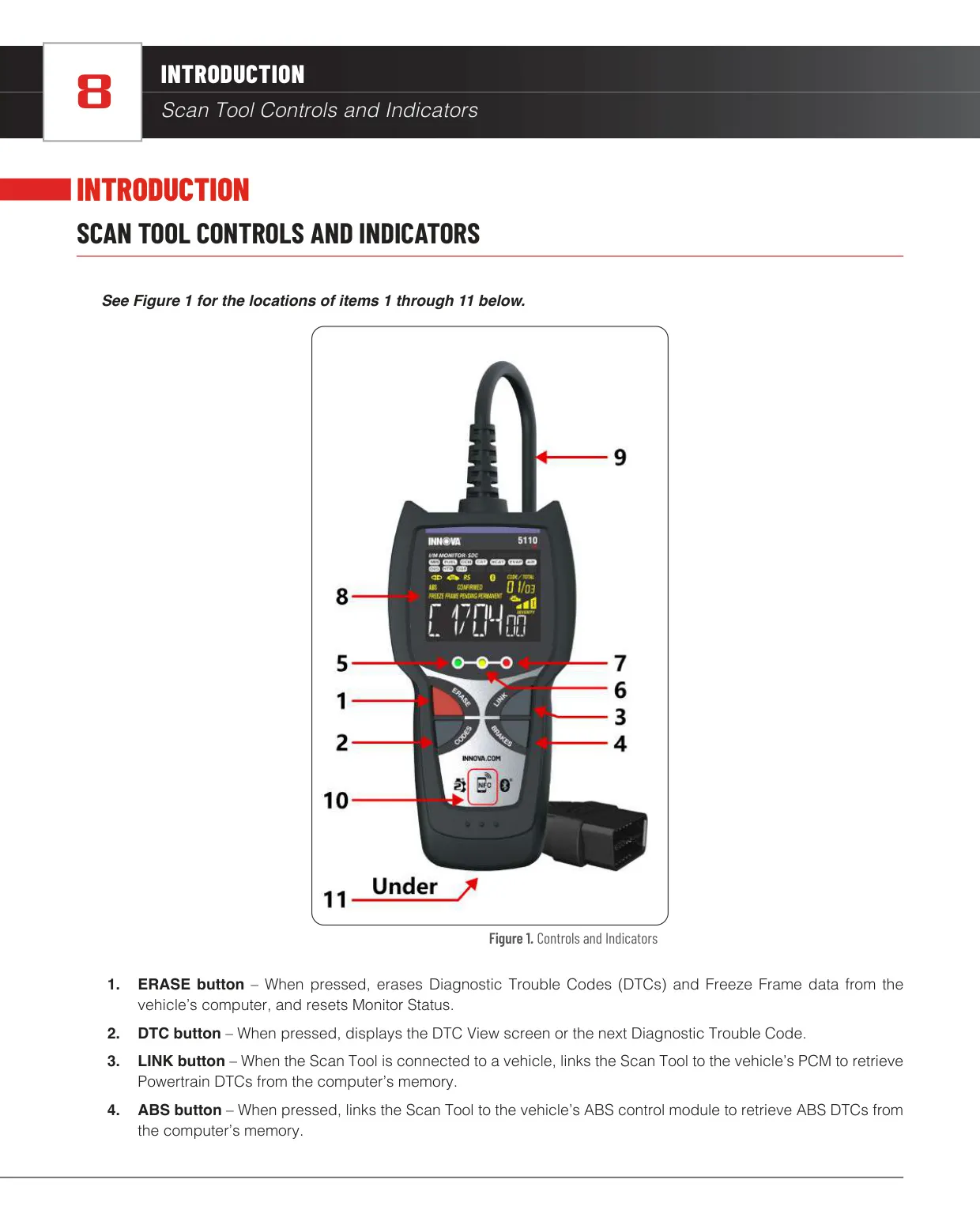
| Control Buttons | 4 (ERASE, DTC, LINK, ABS) |
| LED Indicators | 3 (Green, Yellow, Red) |
| Wireless Connectivity | Bluetooth and NFC sensor area |
| Wired Port | USB Type-C (for firmware updates, requires a data cable) |
| OBD2 Monitors Supported | Up to 15 (3 continuous, 12 non-continuous) |
| I/M Monitor Status Modes | SDC (Since DTCs Cleared) and TDC (This Drive Cycle) |
| DTC Types Displayed | Confirmed, Pending, Permanent |
| Freeze Frame Indicator | Yes |
| Code Severity Levels | 3 (Severity 1, 2, 3) |
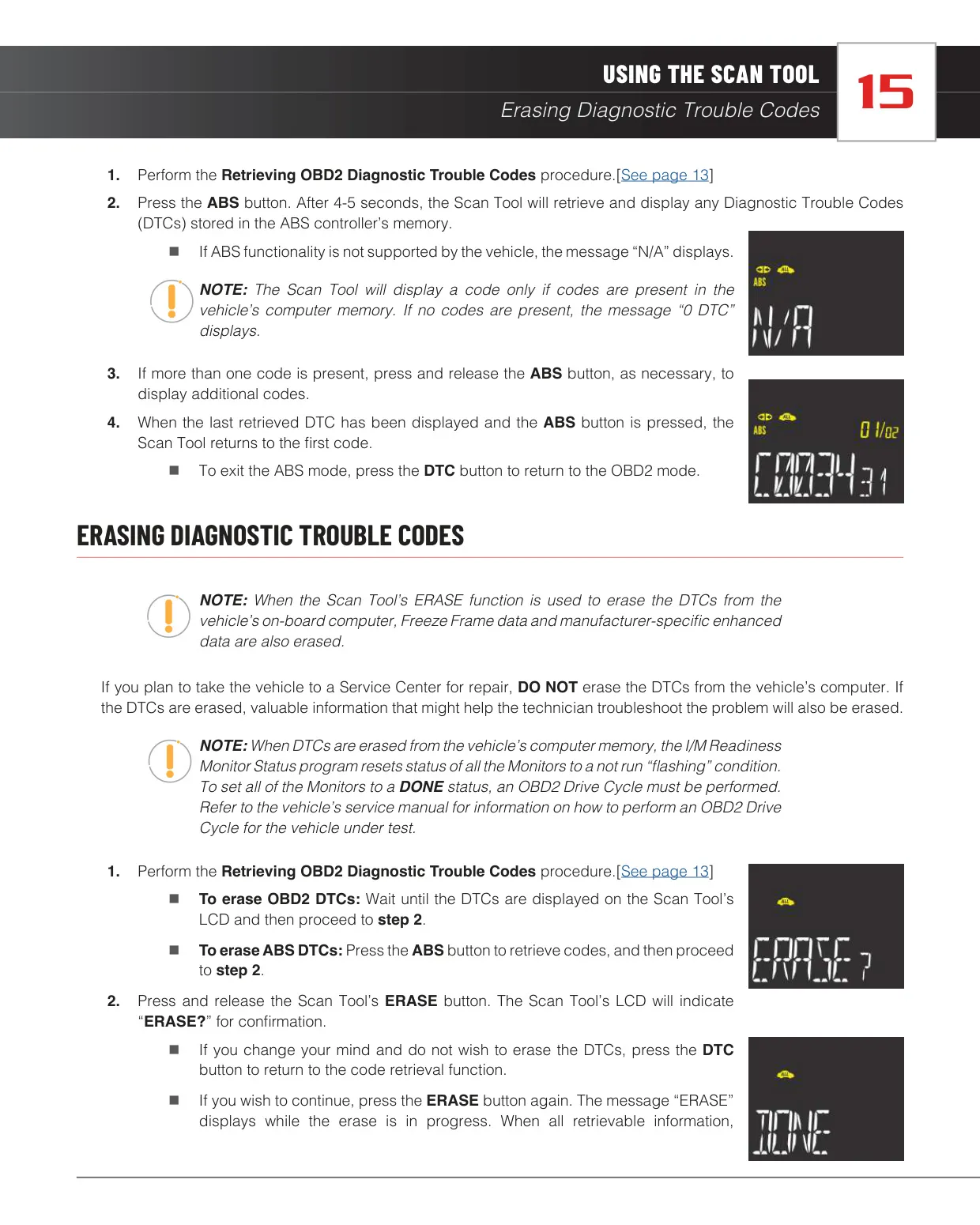
| ABS Code Retrieval | Yes, about 4 to 5 seconds after pressing the ABS button |
| ABS Brand Coverage | Audi, BMW, Chrysler, Ford, GM, Honda, Hyundai, Kia, Mazda, Mitsubishi, Nissan, Subaru, Toyota, Volkswagen, Volvo (identified by VIN) |
| Regional Vehicle Coverage | Full diagnostics for vehicles sold in the U.S. and Canada; MIL function only for other markets |
| Companion App | RepairSolutions2 (RS2) for Android and iOS |
| Firmware Updater Platforms | Windows OS and Mac OS |
| Update Duration | Up to 5 minutes (bootloader, firmware and database) |
| Regulatory Compliance | FCC Part 15, Class B digital device; IC RF exposure limits |
| Warranty | 1 year limited, original purchaser, non-transferable |
| Warranty Service Time | 3 to 4 weeks |
| Customer Service (USA and Canada) | (800) 544-4124, Monday to Friday, 6:00 AM to 6:00 PM Pacific Time |
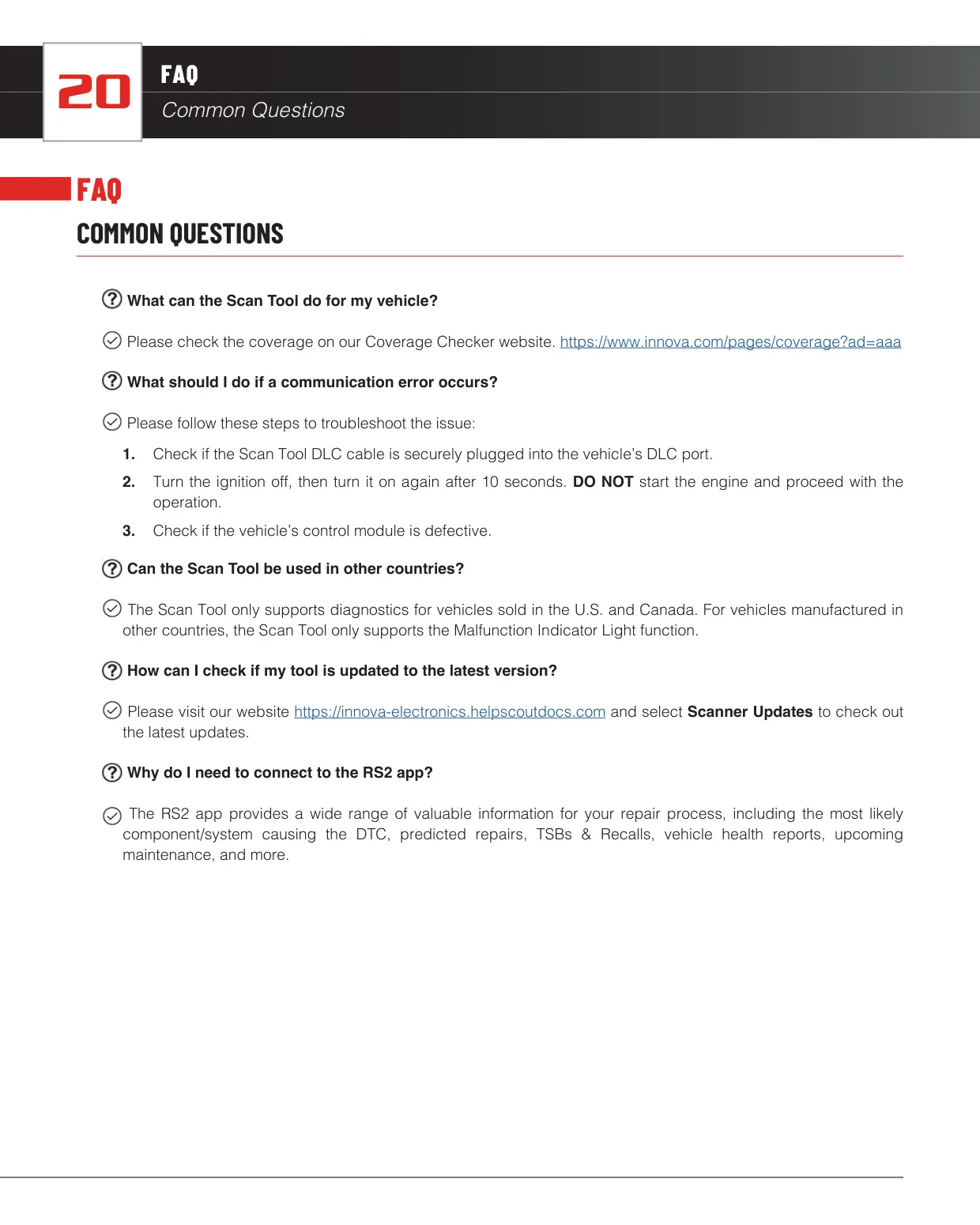
| Customer Service (Other Regions) | (714) 241-6802, customercare@innova.com |
Innova 5110 OBD2 Scanner Details
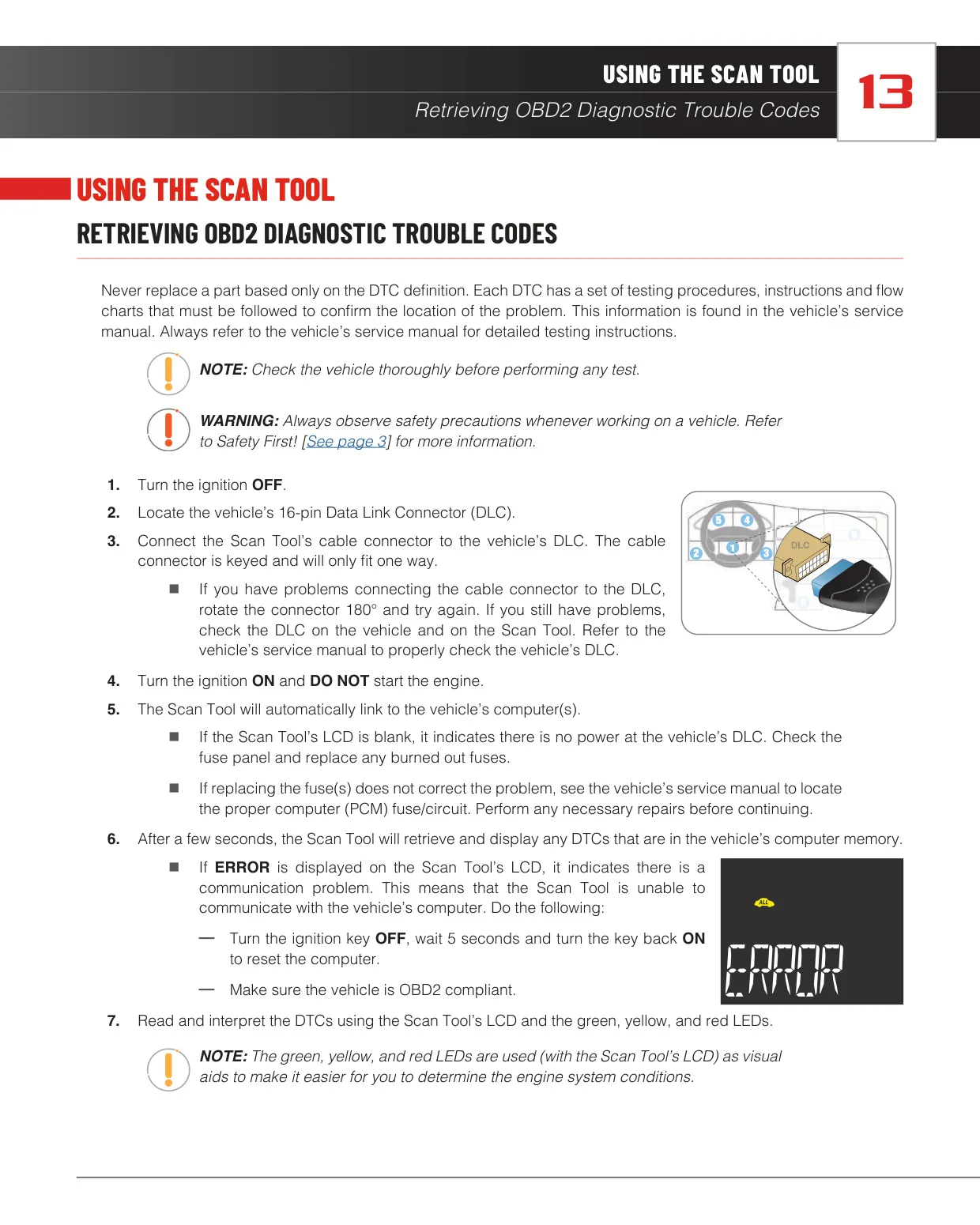
The Innova 5110 CarScan Reader is a simple code reader for do-it-yourselfers who want quick answers without menus. When you connect it to the DLC with the ignition ON and the engine off, it links to the vehicle's computer on its own and shows stored codes after a few seconds. If the LCD stays blank, there is no power at the DLC, so check the fuse panel. An ERROR message means a communication fault. Turn the ignition off, wait 5 seconds and turn it back on.
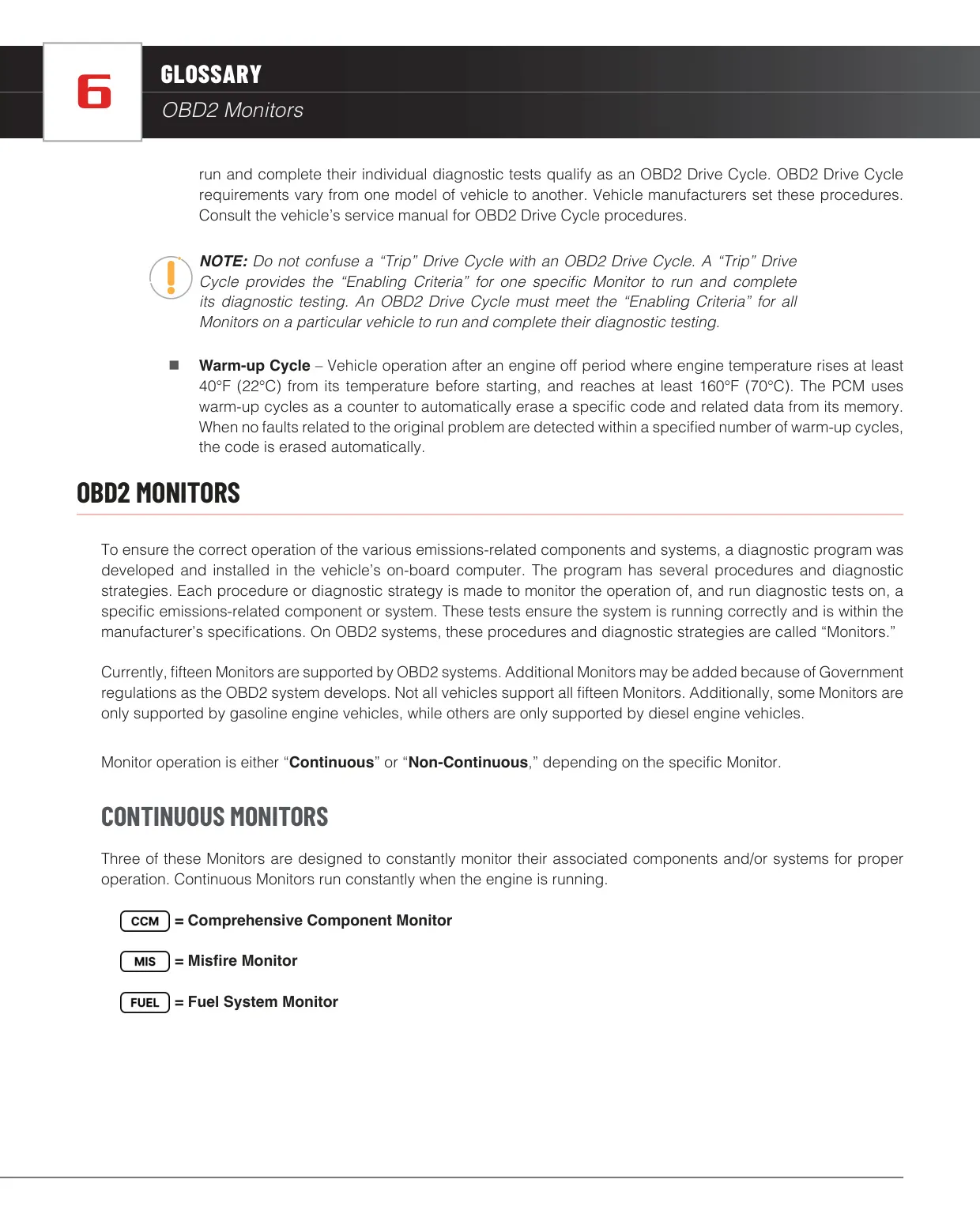
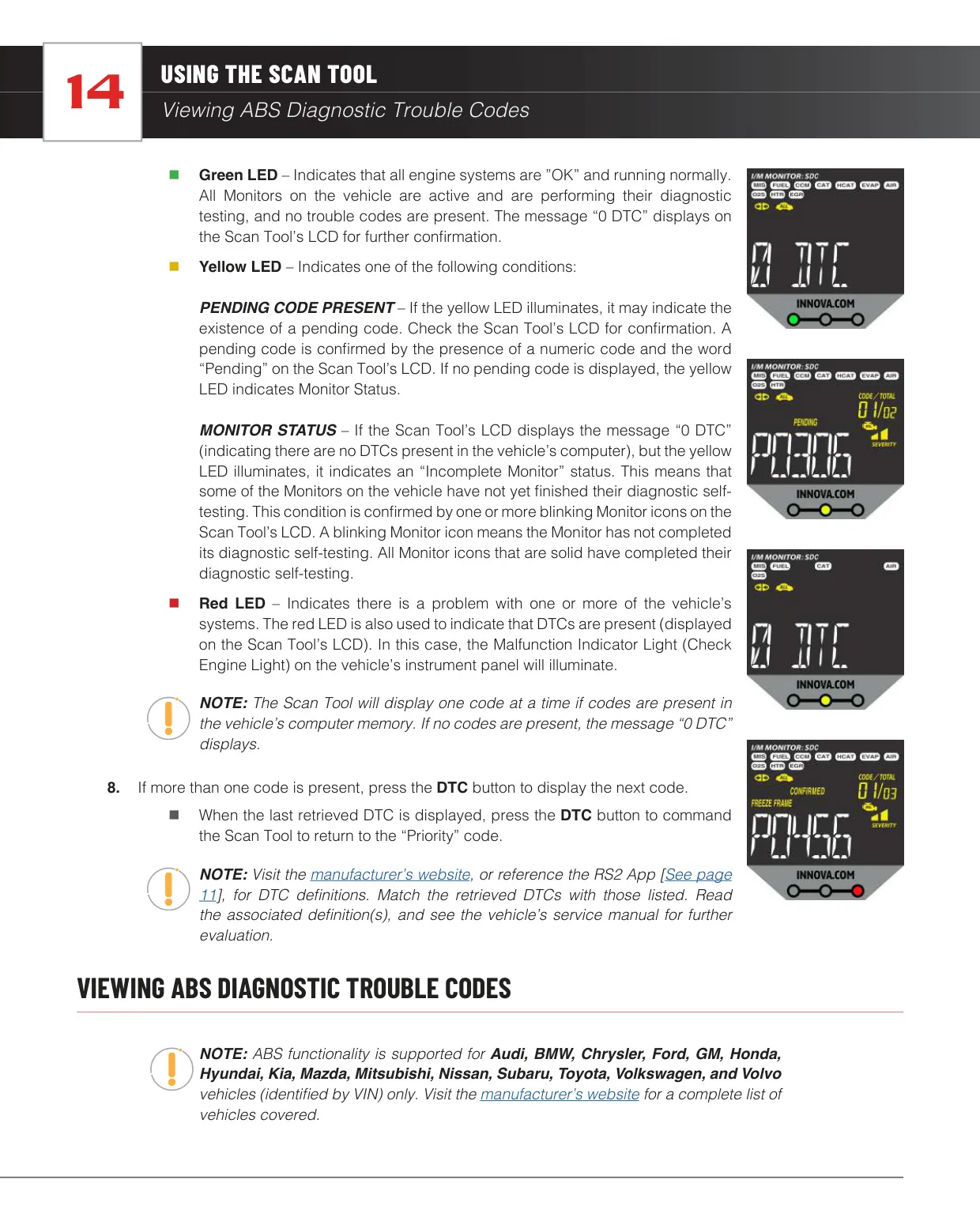
The three LEDs give a quick health check. Green means all systems are normal and "0 DTC" is shown. Yellow means a pending code is present or some Monitors are still incomplete, which is confirmed by blinking Monitor icons. Red means confirmed codes are present and the Check Engine Light is on steadily. Monitor icons show status too. A solid icon means Complete, a slow flash means Incomplete, a fast flash means Disabled for this drive cycle, and an unlit icon means the Monitor is not supported.
The scanner numbers each code in sequence, starting with "01". This is the priority code, and it's the one for which Freeze Frame data has been stored. Press the DTC button to move to the next code. After the last code, the tool goes back to the priority code. The severity indicator rates the priority code. Level 1 can be serviced when convenient, level 2 should be repaired as soon as possible, and level 3 needs repair right away because it will damage components.
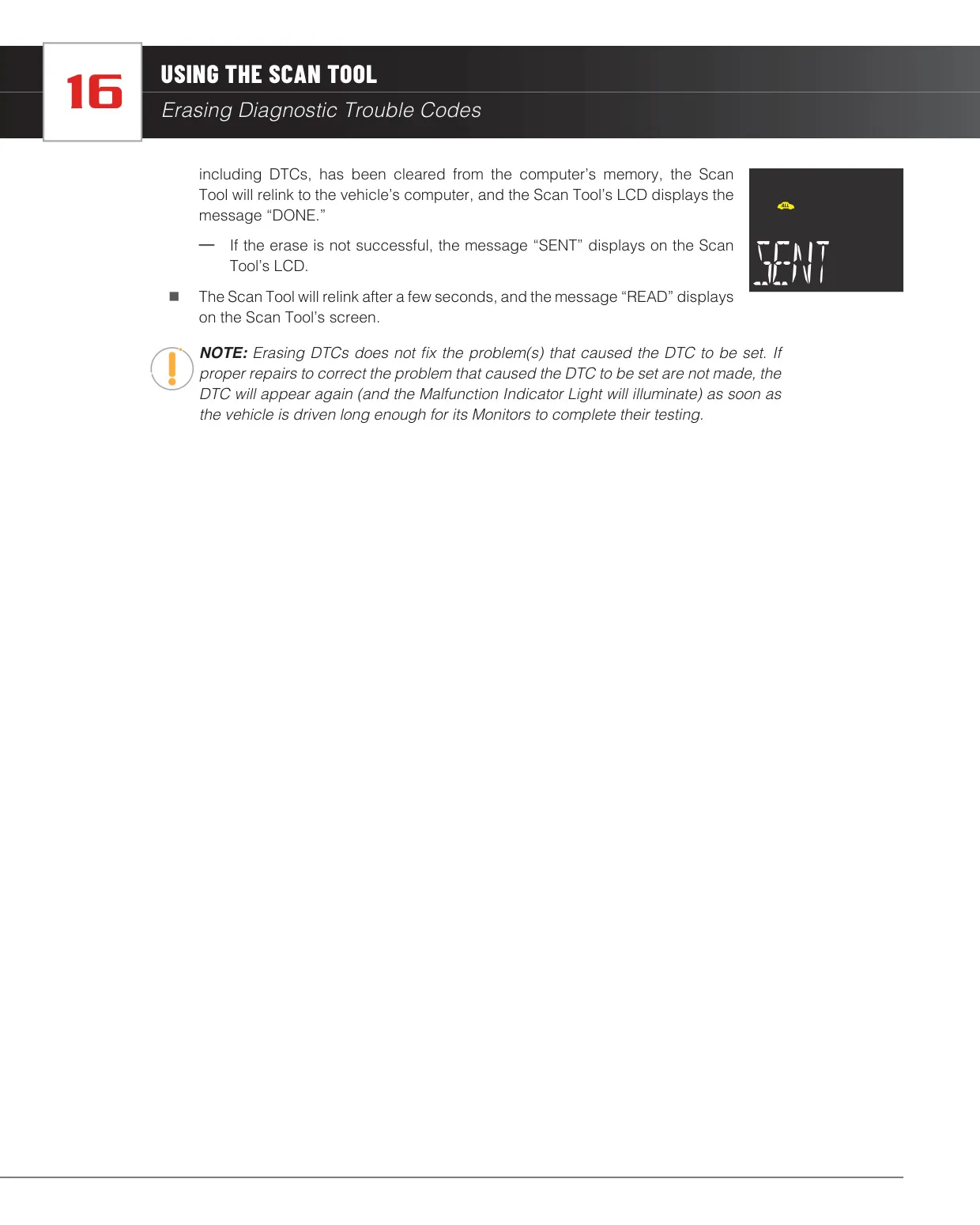
The manual guards the erase function with a confirmation step. Pressing ERASE shows "ERASE?". Pressing it again clears codes, Freeze Frame data and manufacturer-specific enhanced data, and pressing DTC cancels. A successful erase shows "DONE" and an unsuccessful one shows "SENT". Innova advises against erasing codes before a shop visit because the technician needs that information. Erasing also resets all Monitors to incomplete, so an OBD2 Drive Cycle is needed before an emissions inspection.
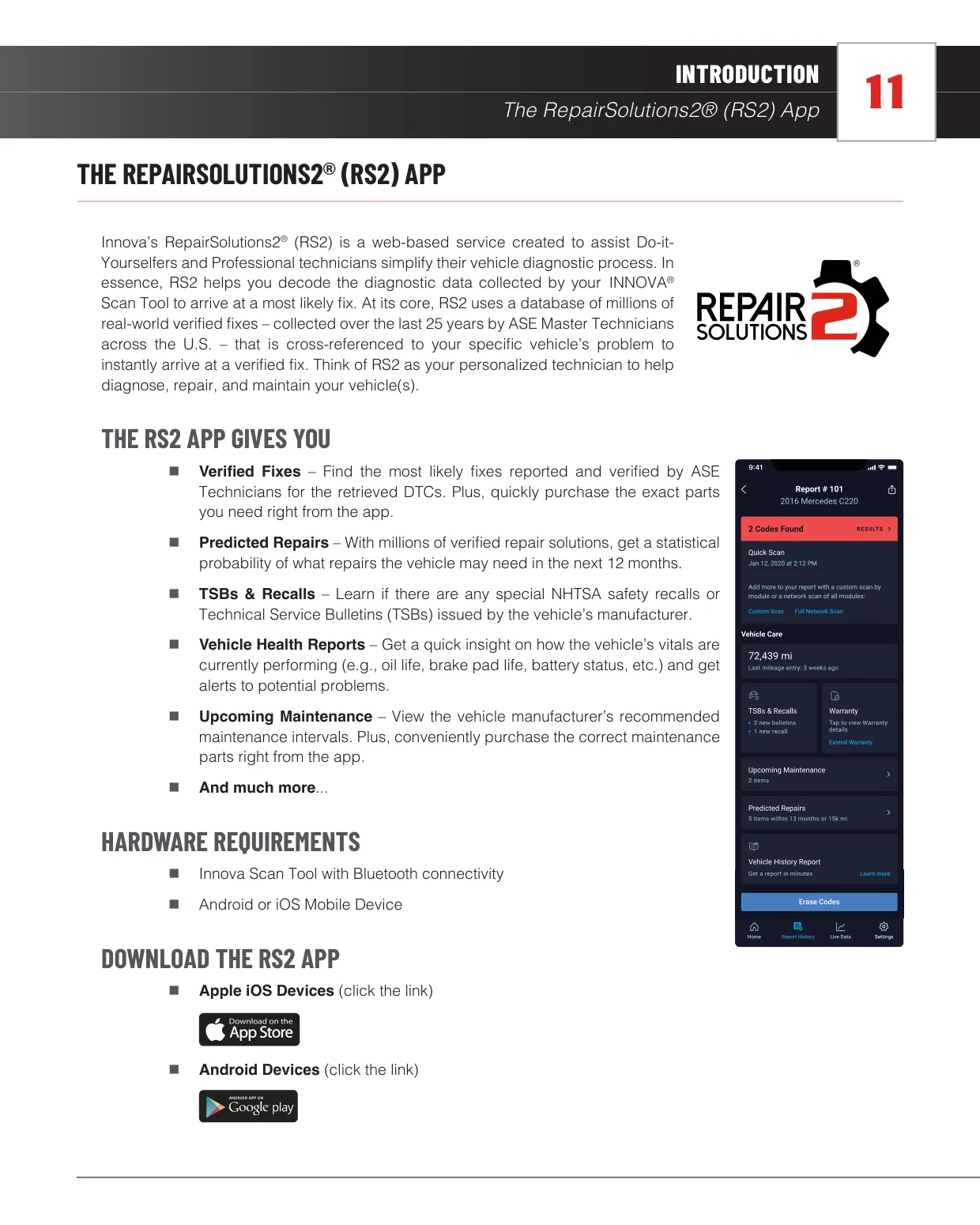
The RepairSolutions2 app adds a database of millions of verified fixes, collected over 25 years by ASE Master Technicians. It offers likely fixes with parts purchasing, predicted repairs for the next 12 months, NHTSA recalls and TSBs, vehicle health reports and upcoming maintenance. You can pair it by selecting the tool in the app or by holding an NFC-enabled phone near the tool's NFC antenna. After pairing, the RS icon flashes while data is sent to the app. The tool must stay connected to the DLC during this process.
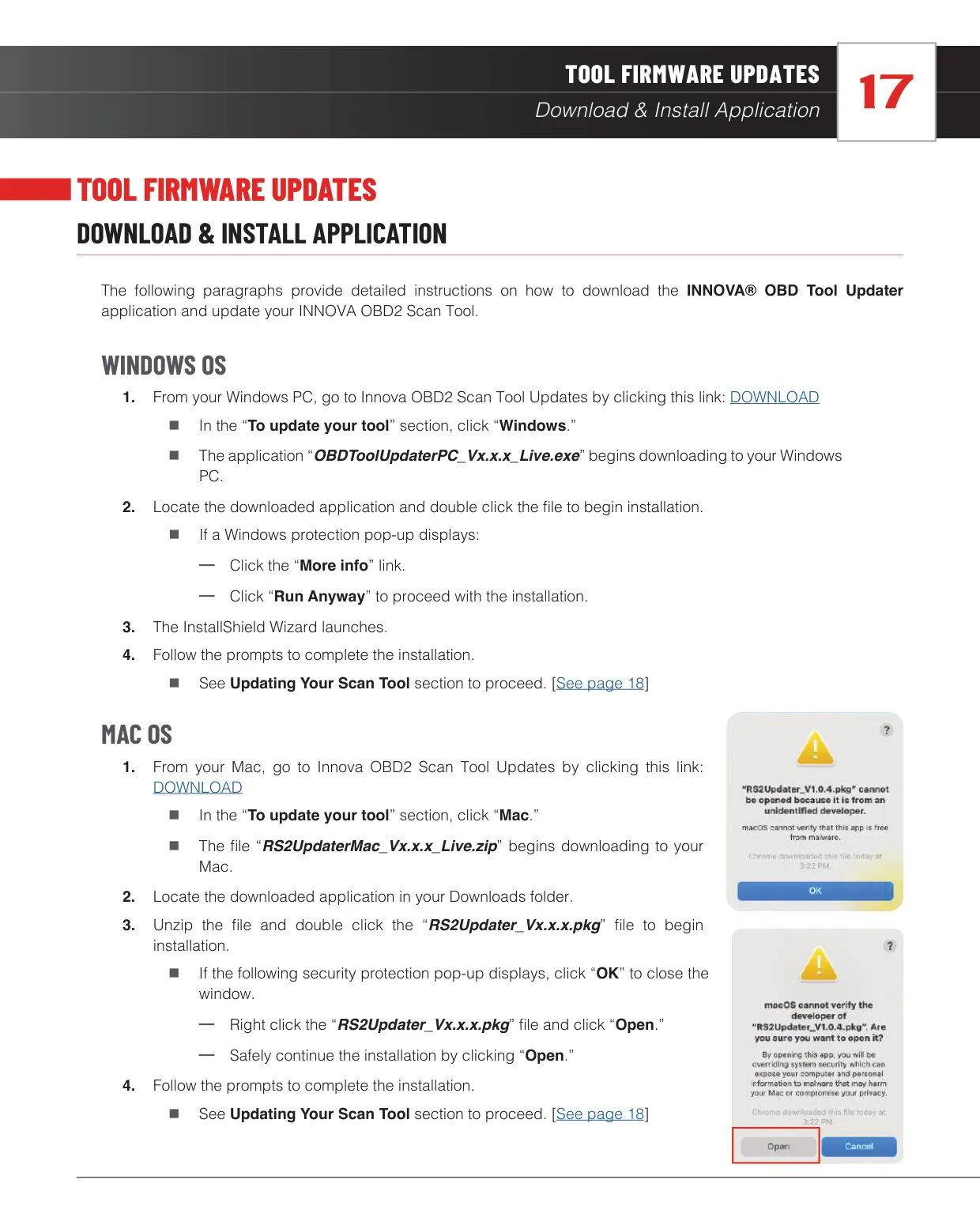
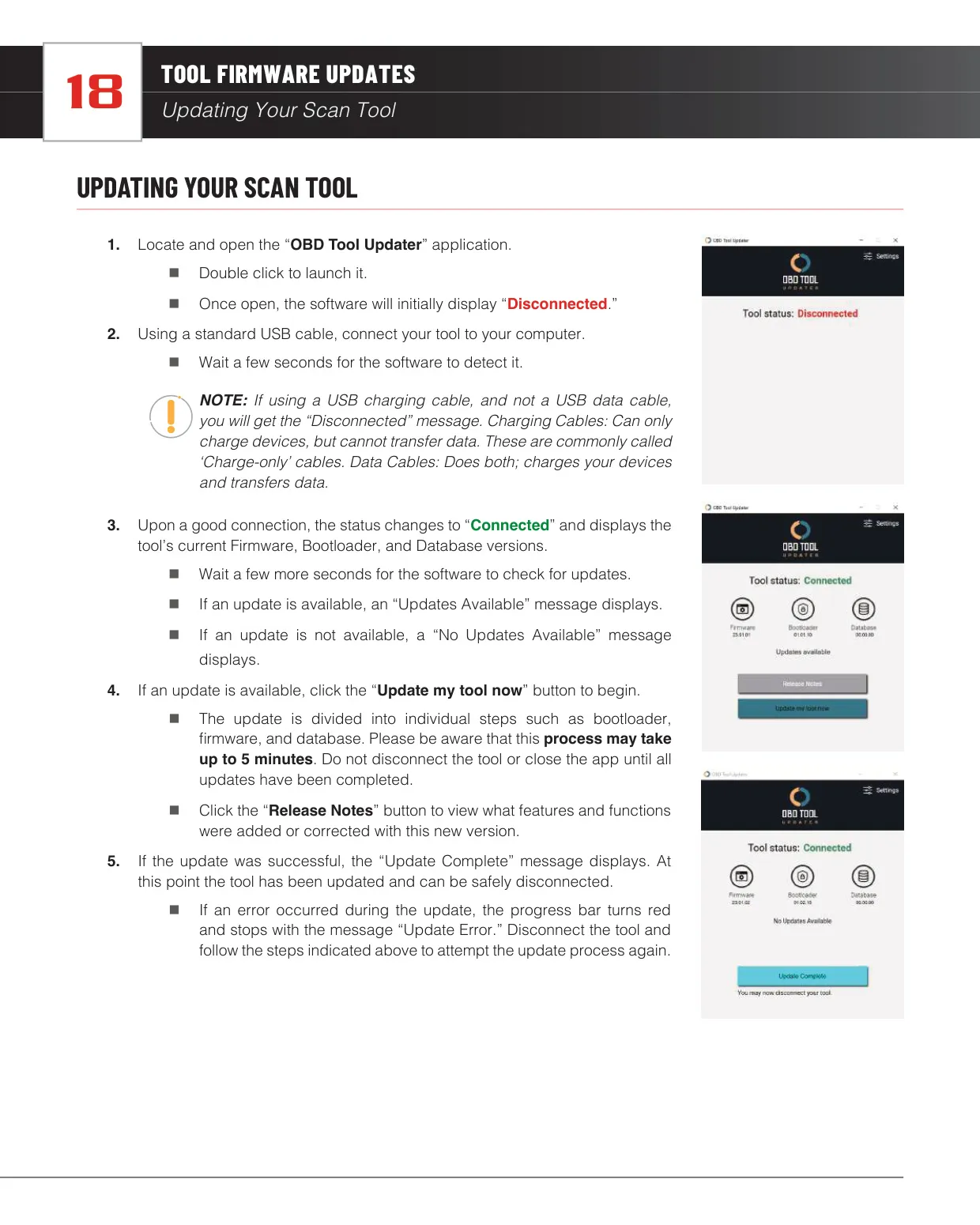
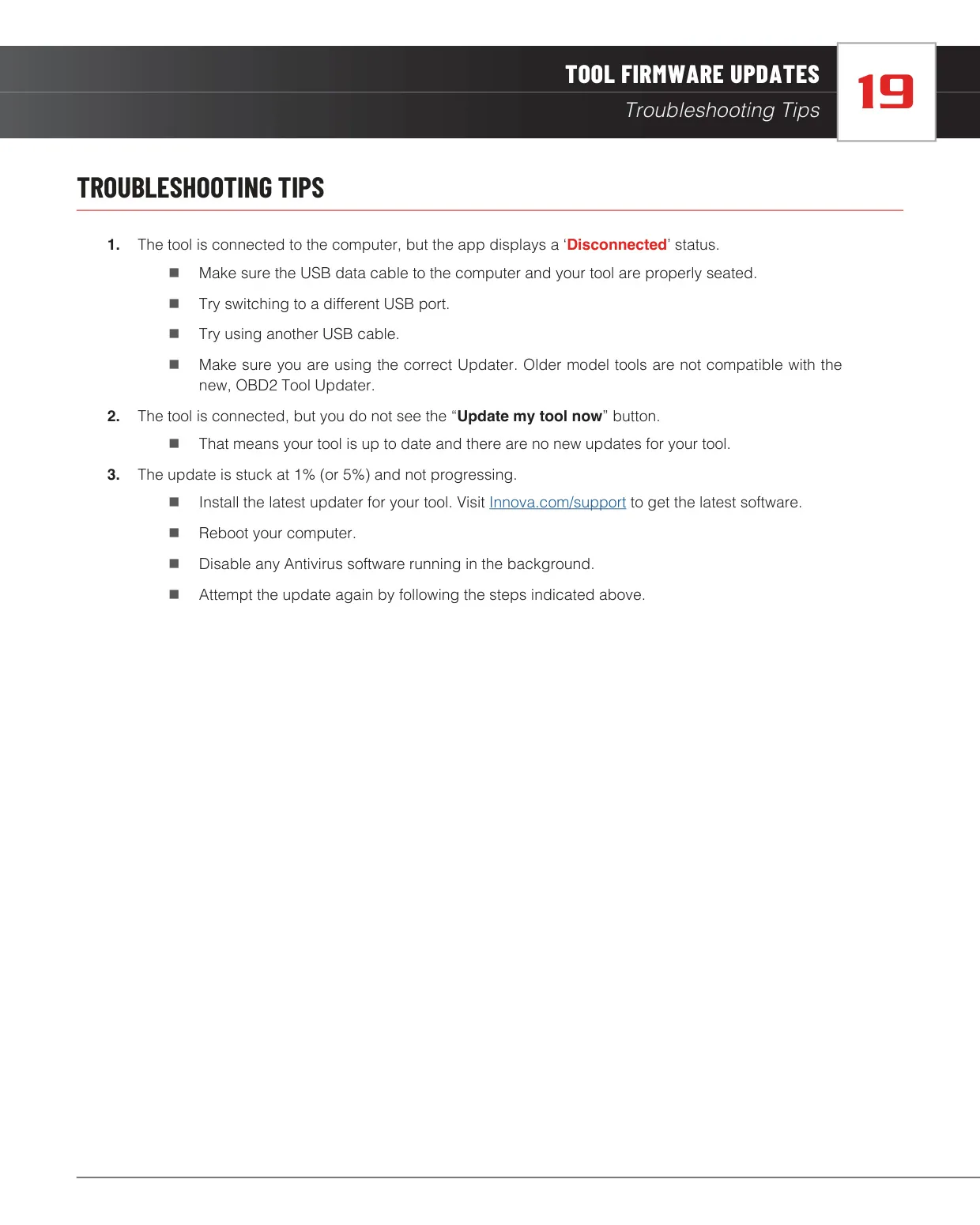
Firmware updates use the Innova OBD Tool Updater on Windows or the RS2 Updater package on Mac. After you connect a USB data cable, the software shows "Connected" along with the current firmware, bootloader and database versions. If "Disconnected" stays on screen, the cable is probably charge-only, so try another cable or port. If the update stalls at 1% or 5%, install the latest updater, reboot the computer, turn off any antivirus software and try again. A failed update turns the progress bar red.
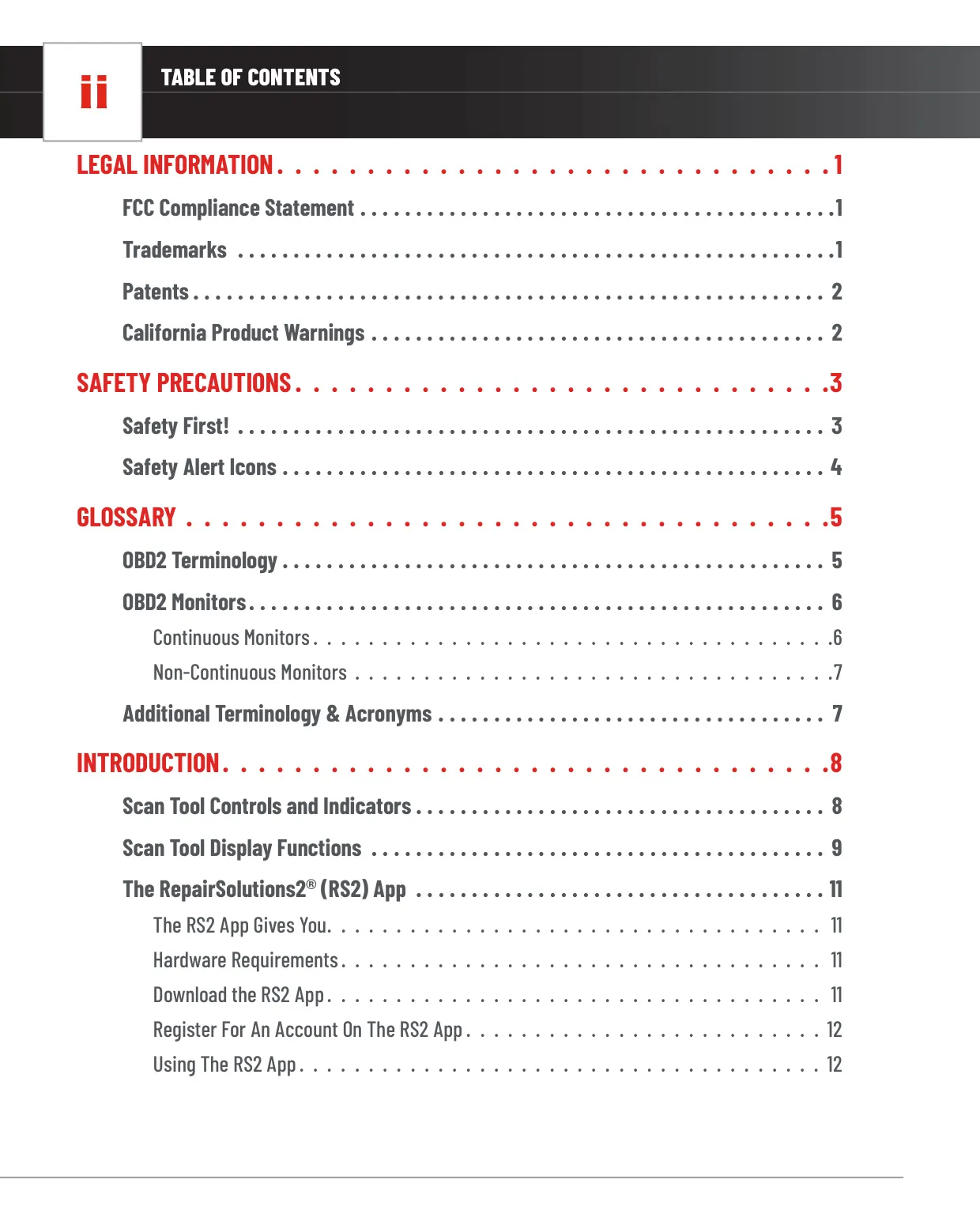
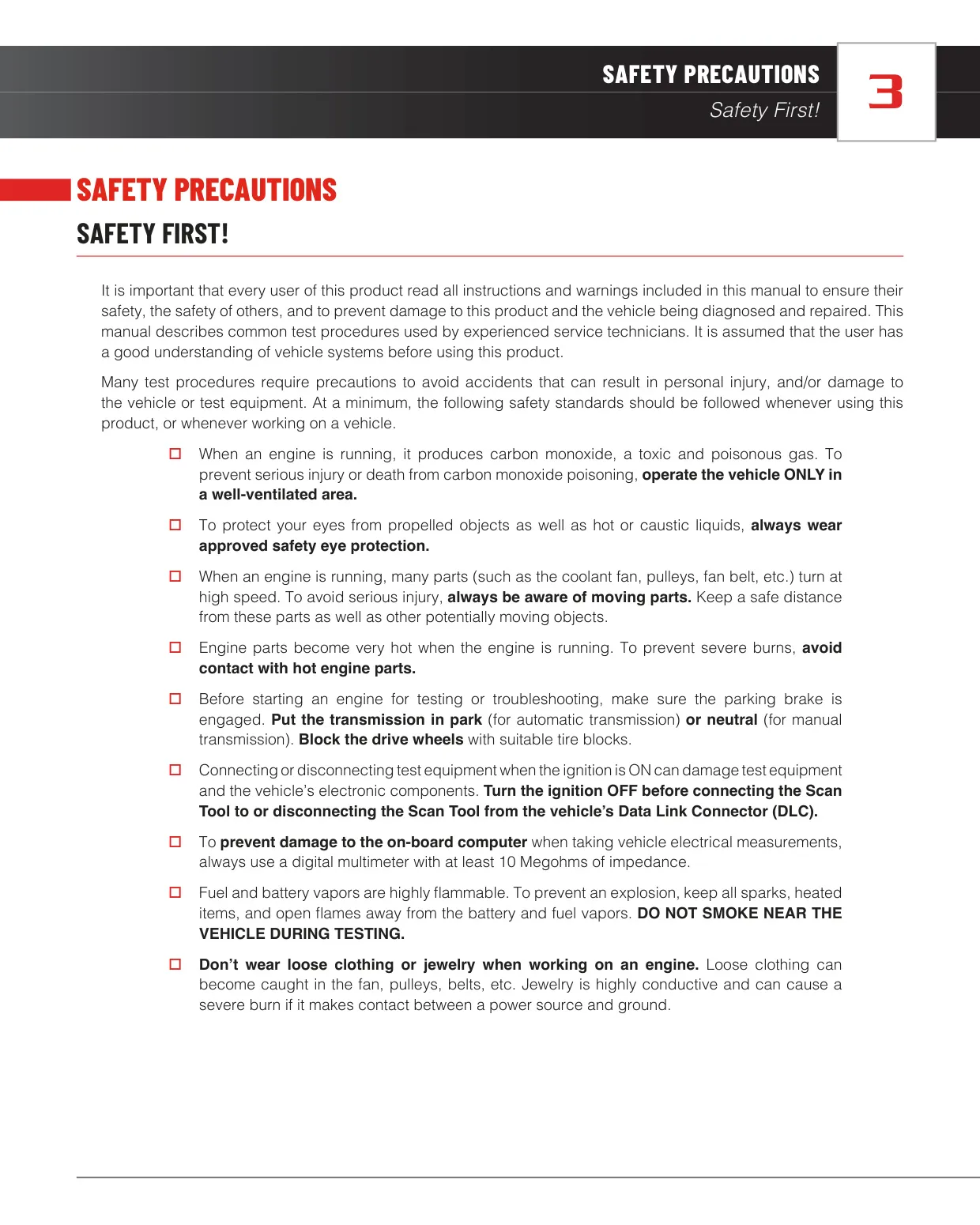
The manual also includes a safety section and a glossary. It says to always turn the ignition off before connecting or disconnecting the tool. Other precautions include working in a well-ventilated area, wearing eye protection and using a multimeter with at least 10 megohms of impedance. The glossary explains OBD2 terms, including enabling criteria, trips, drive cycles and warm-up cycles. A warm-up cycle is when engine temperature rises at least 40°F (22°C) and reaches 160°F (70°C).
Frequently Asked Questions (FAQs)
Can't find the answer you need? Here are some frequently asked questions about the Innova 5110 OBD2 Scanner, and we answer them below.