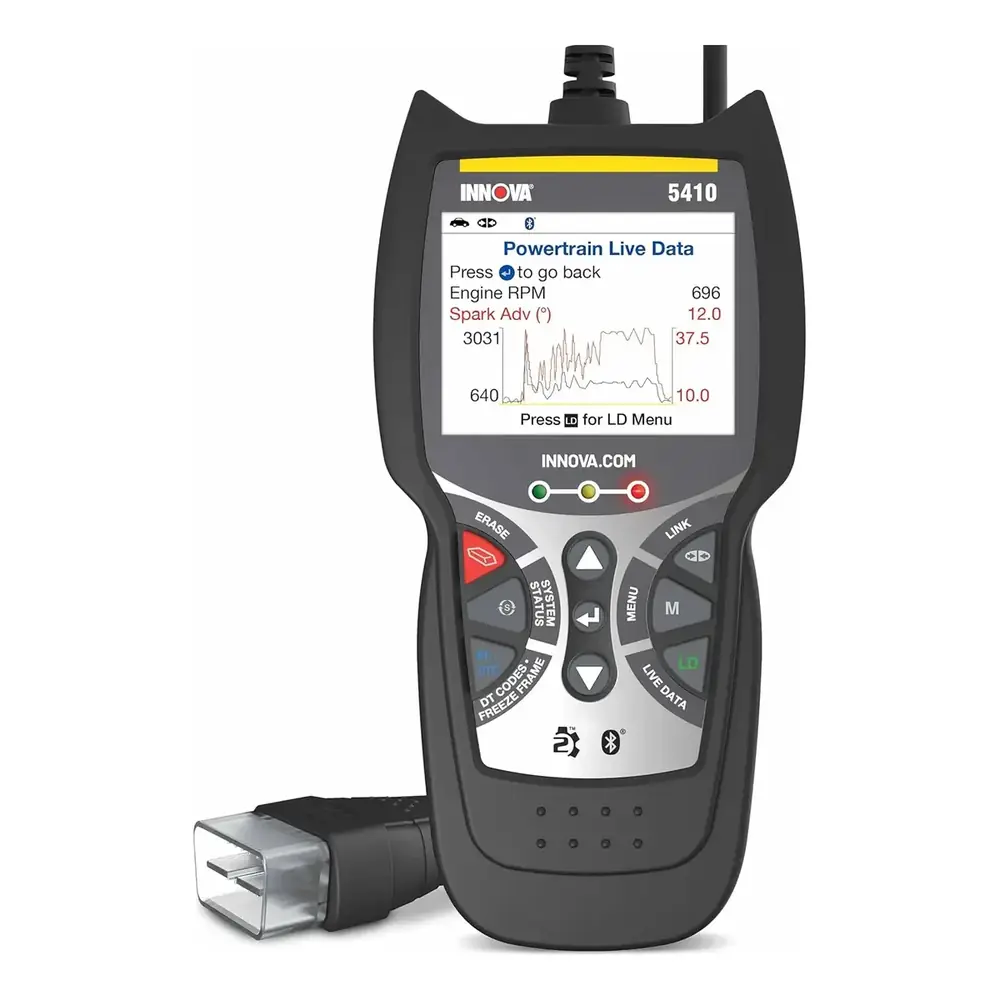
Innova 5510 OBD2 Scanner Instruction Manual

Innova 5510 OBD2 Scanner
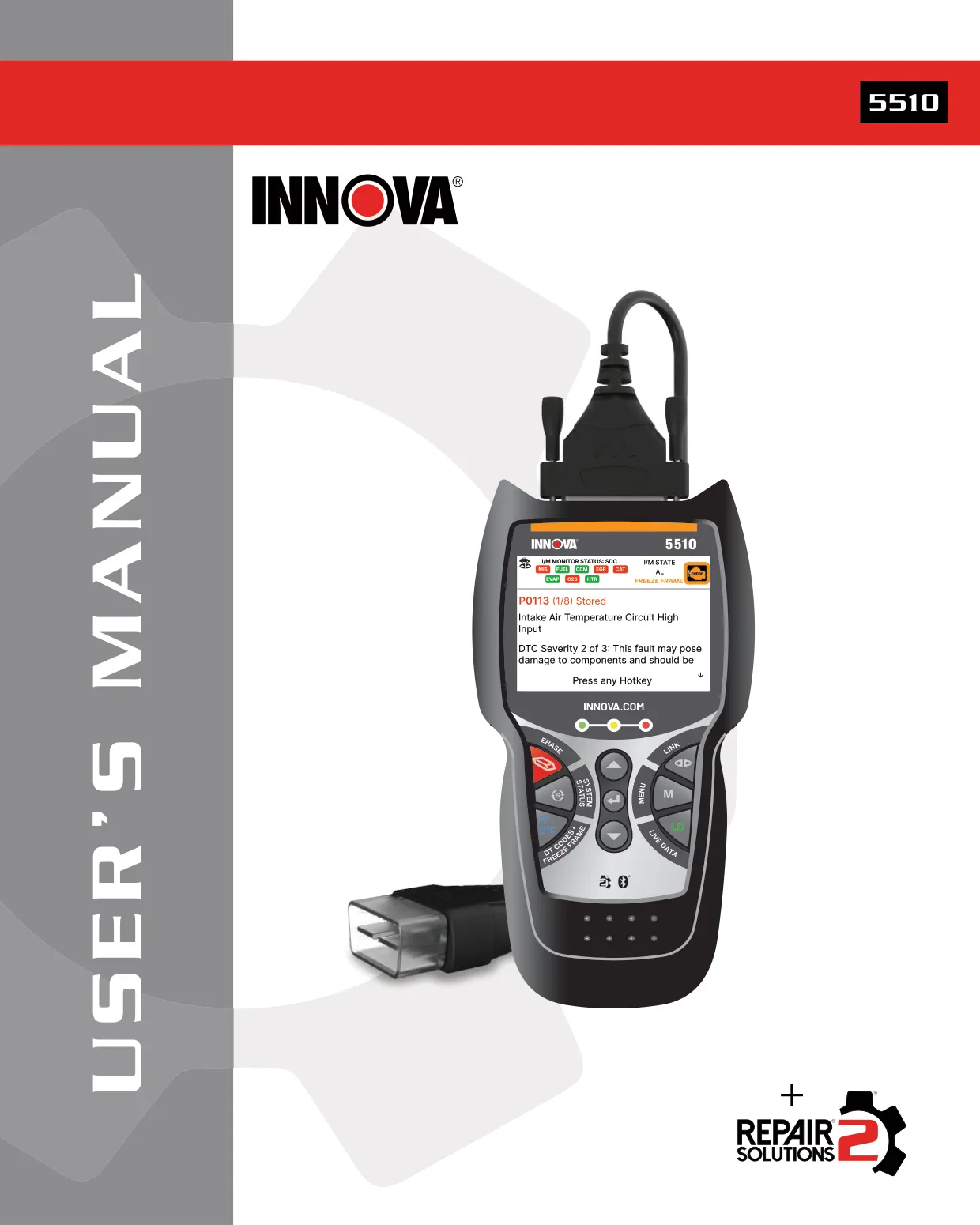







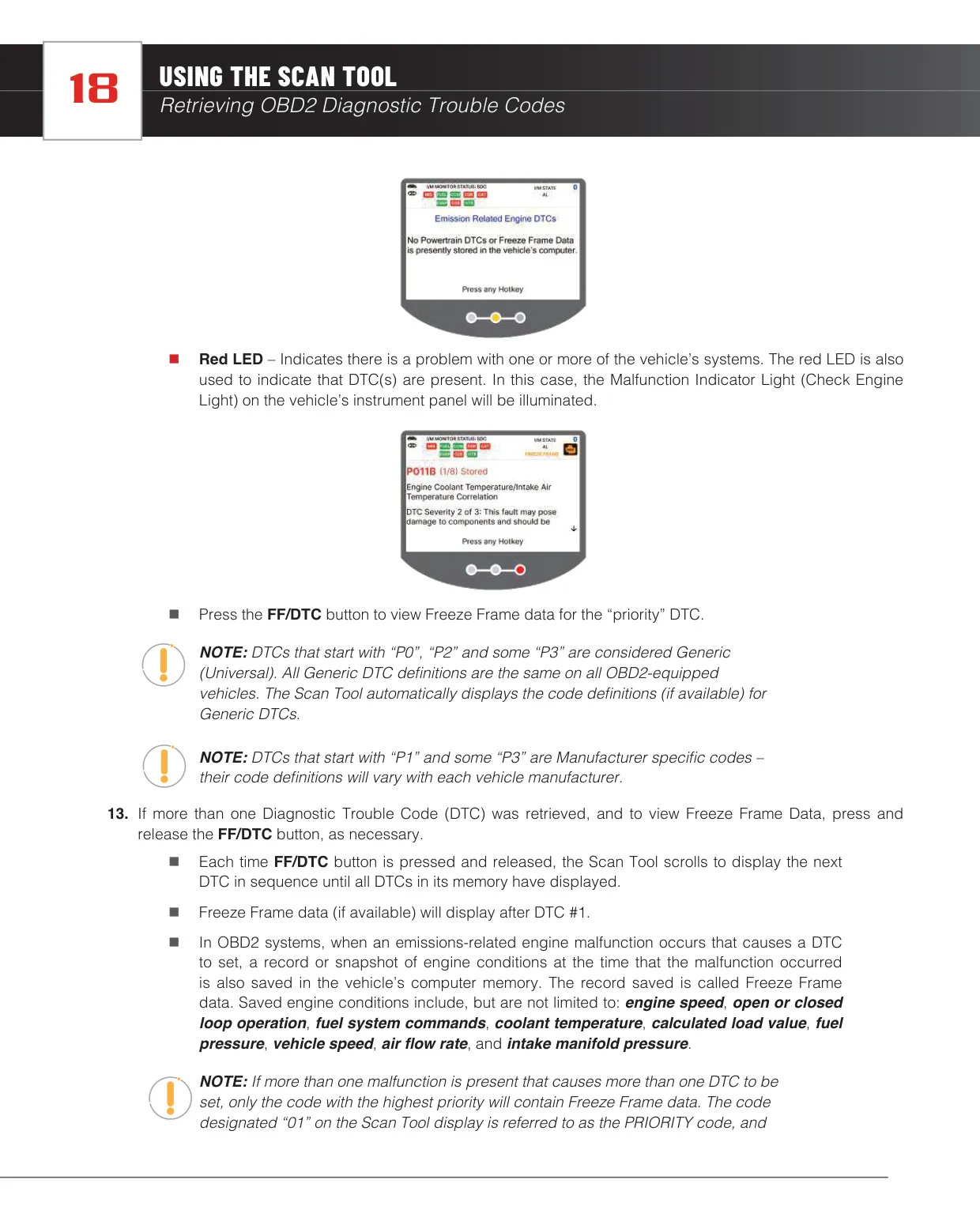
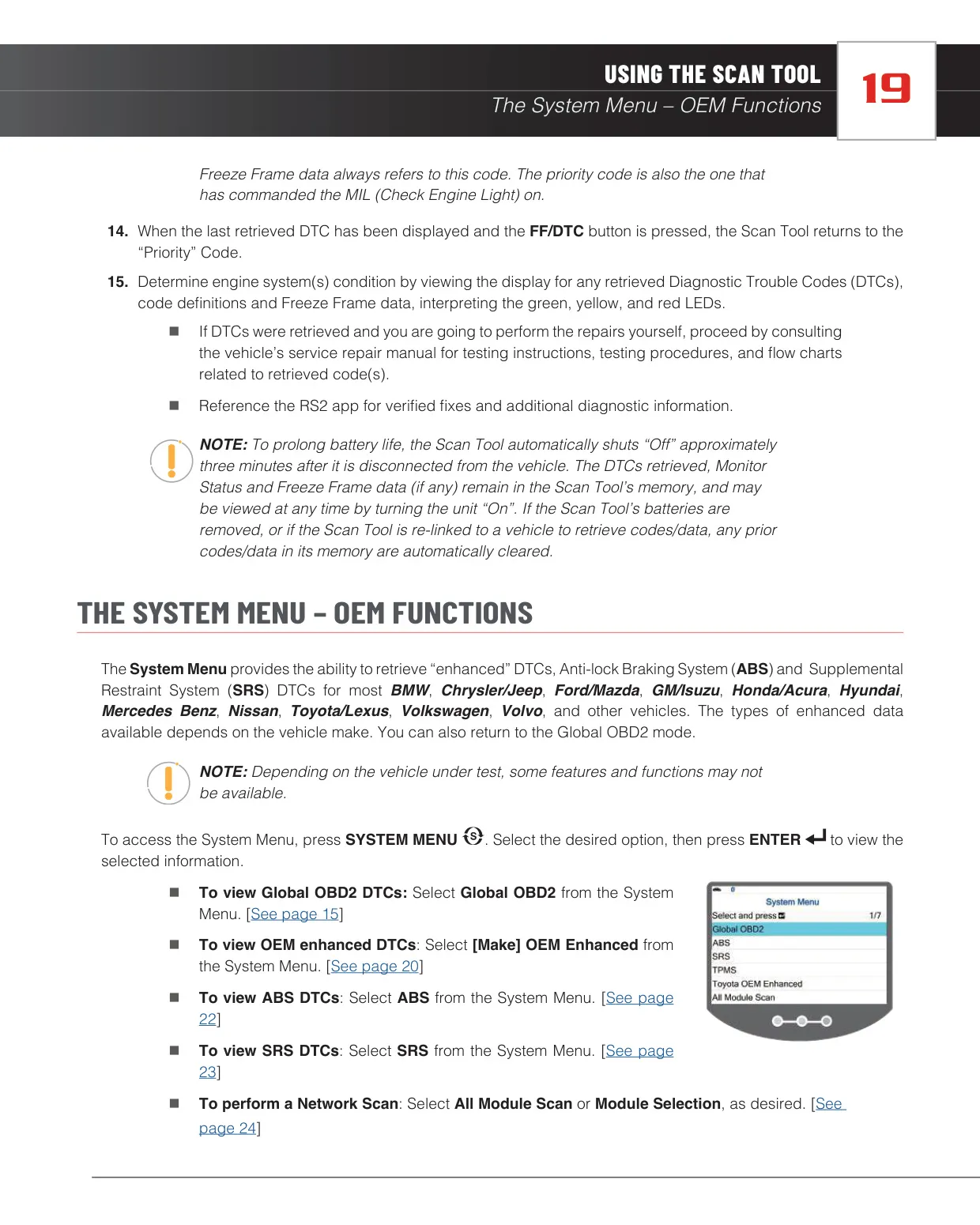
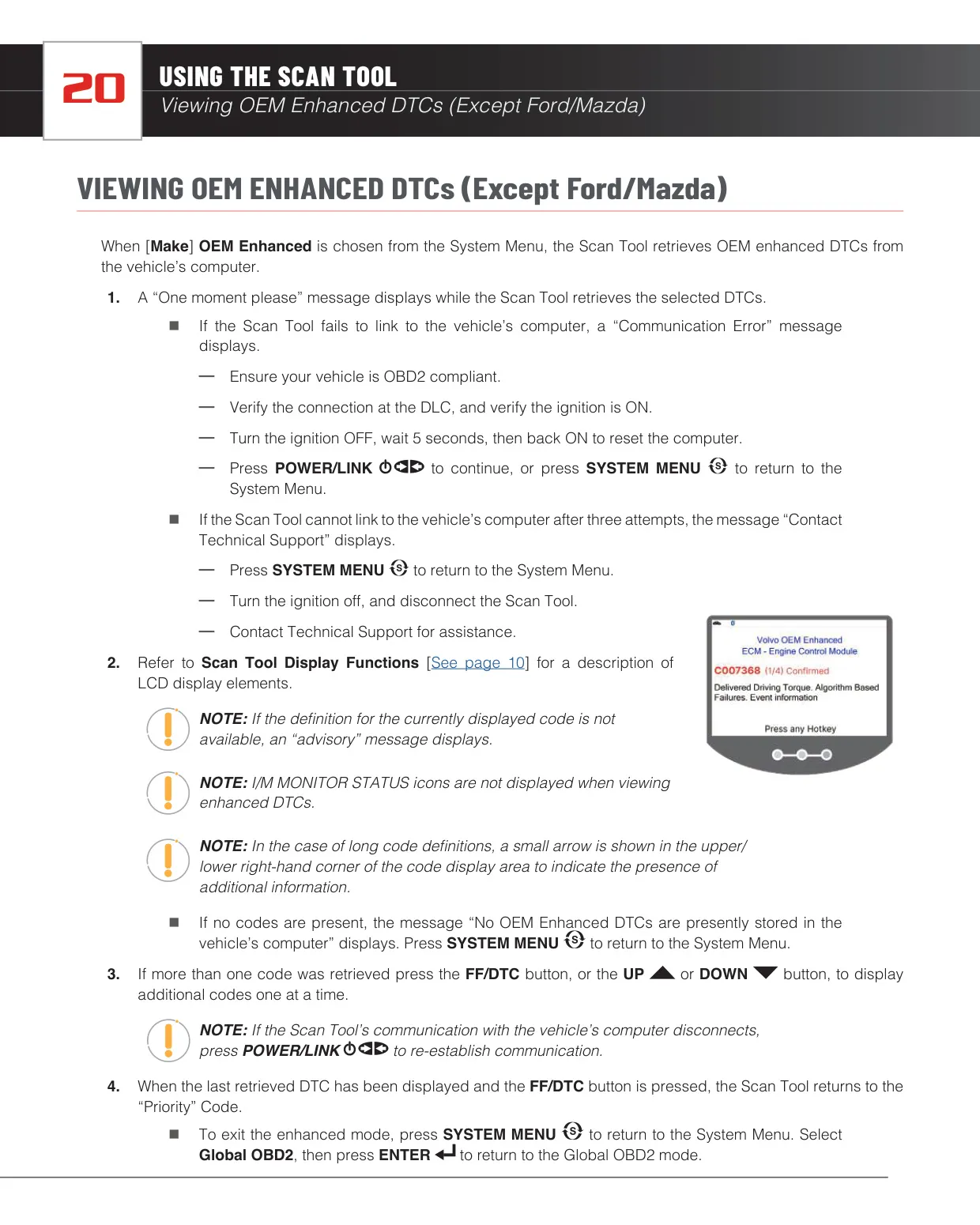
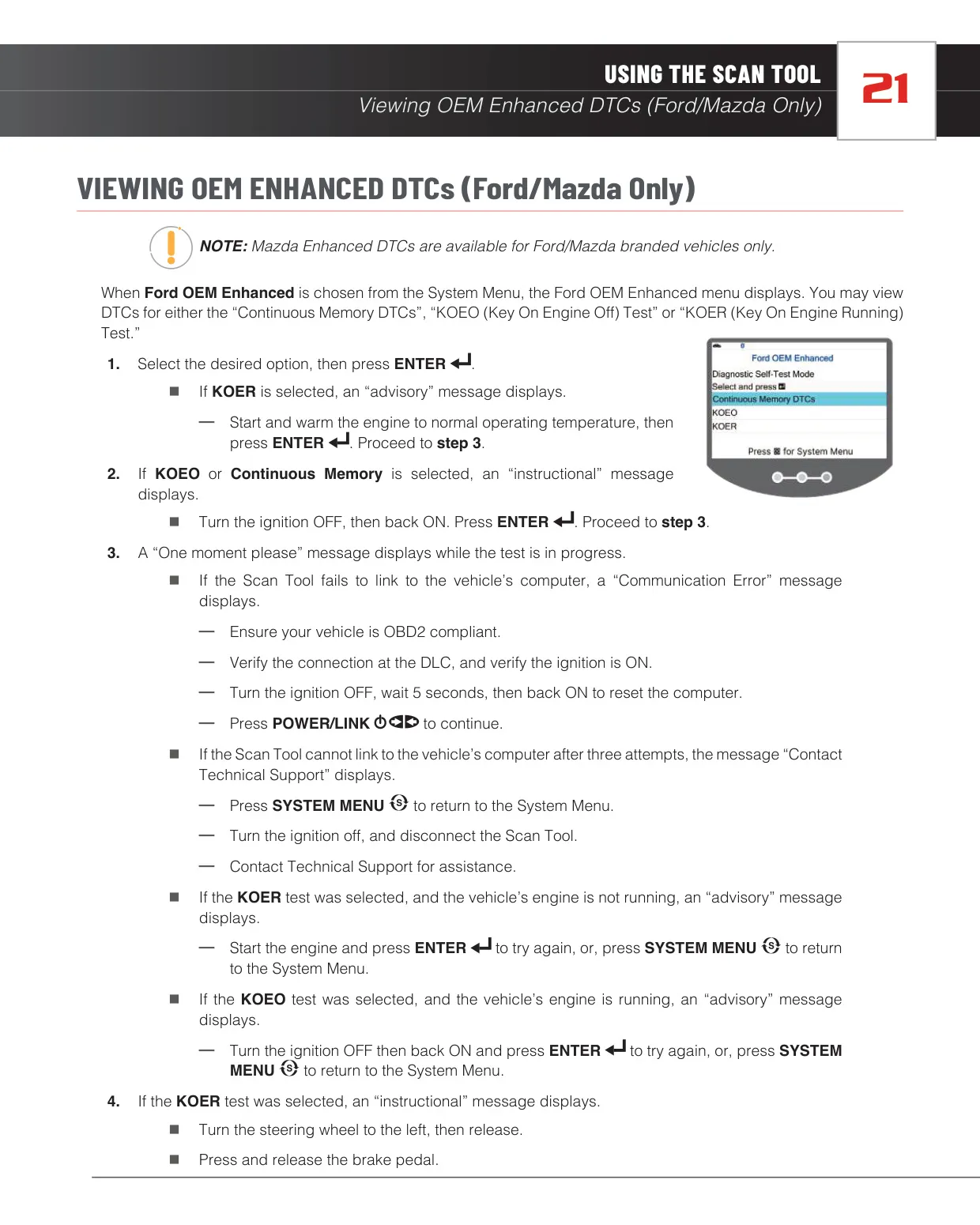






















Innova 5510 OBD2 Scanner Instructions
Here we offer the Innova 5510 OBD2 Scanner manual completely free and in English. We have cataloged this manual in the OBD2 Scanners section on Manualverse, and it has been rated by 1 users with an average rating of 5. If you have any specific questions about Innova 5510 OBD2 Scanner, we suggest checking the Frequently Asked Questions (FAQs) section of this manual.
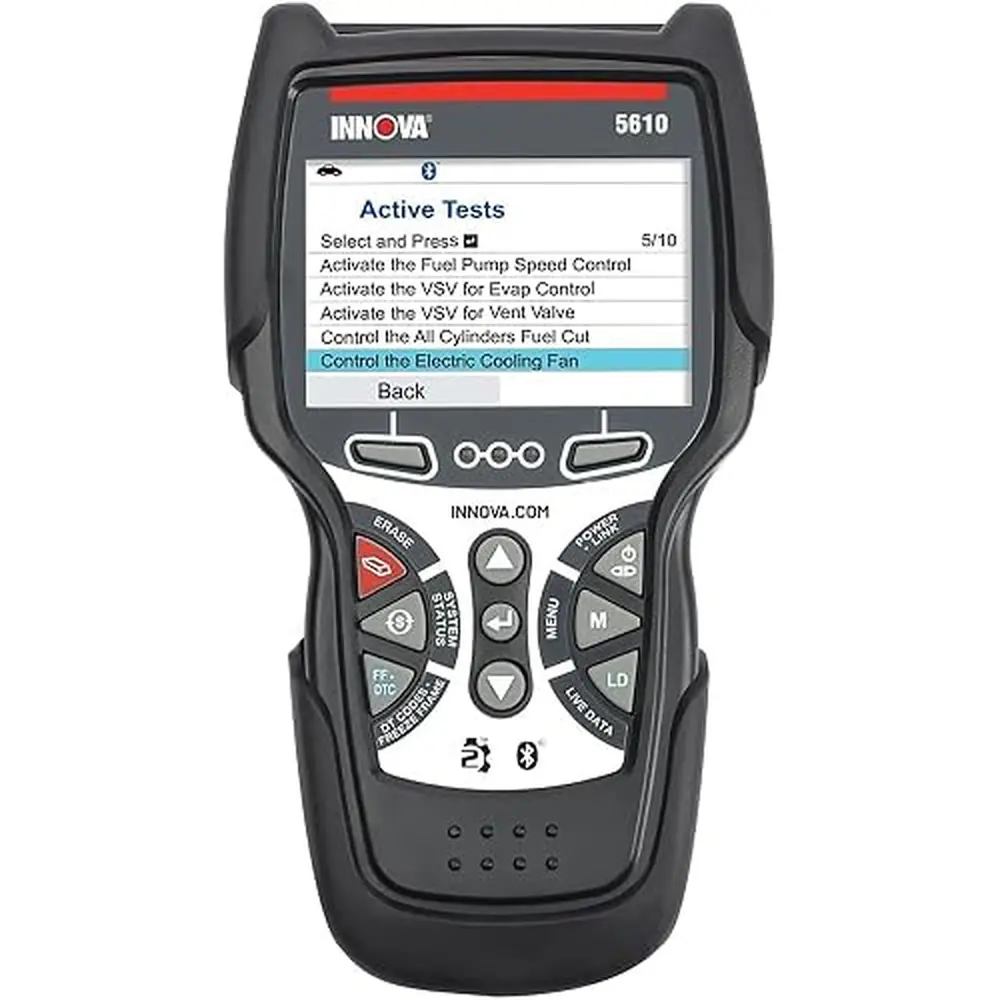
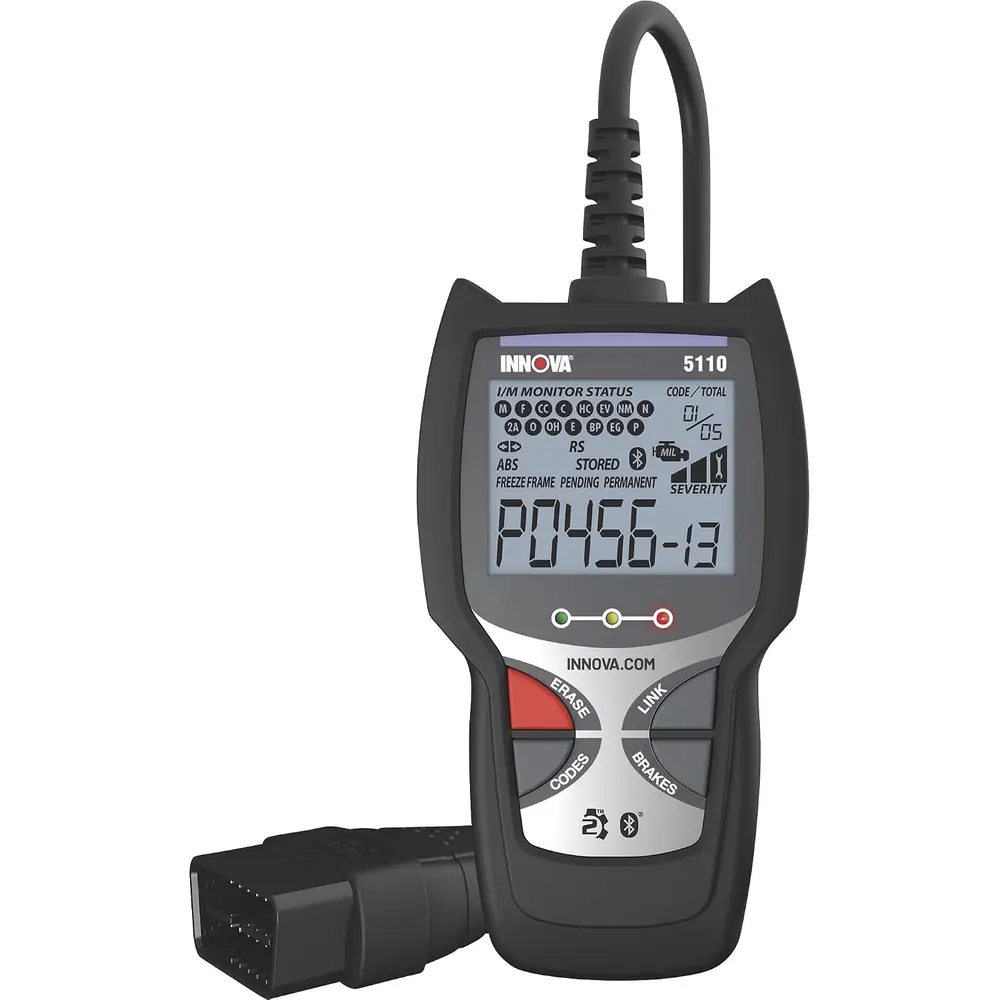
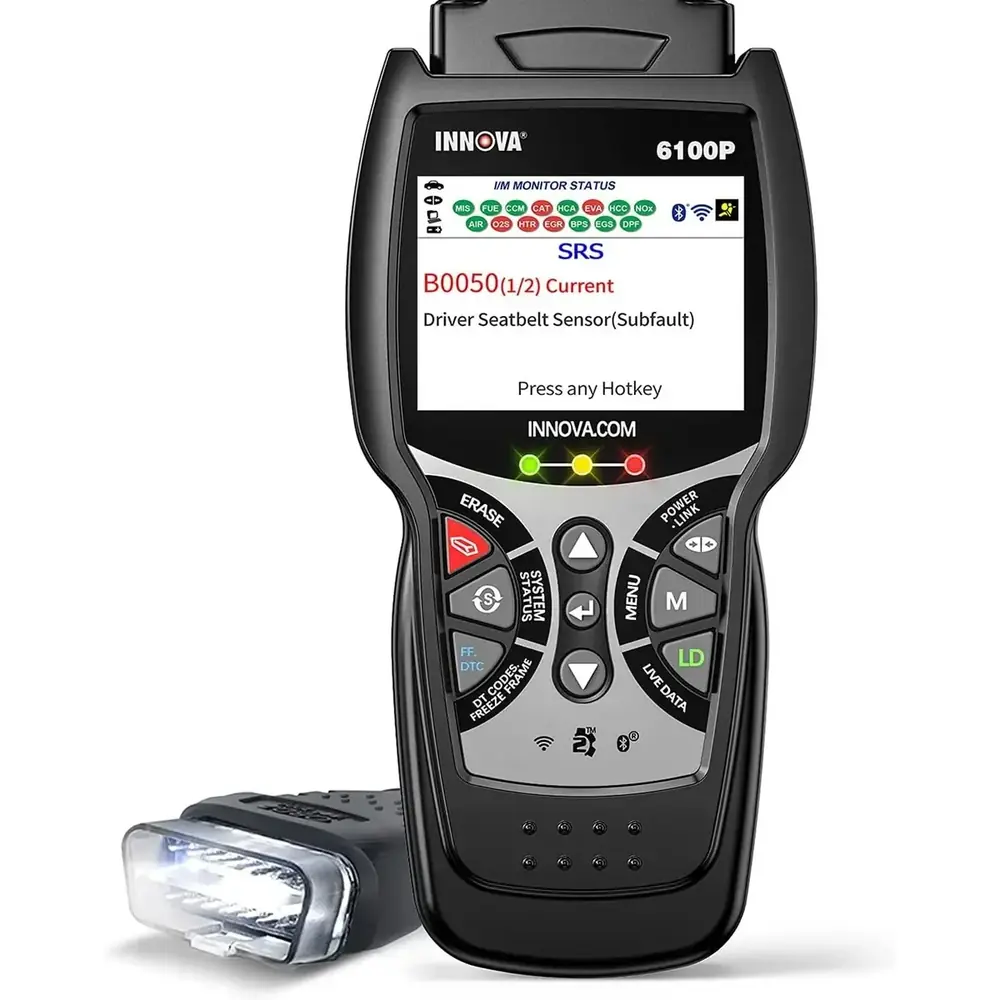
Product Images
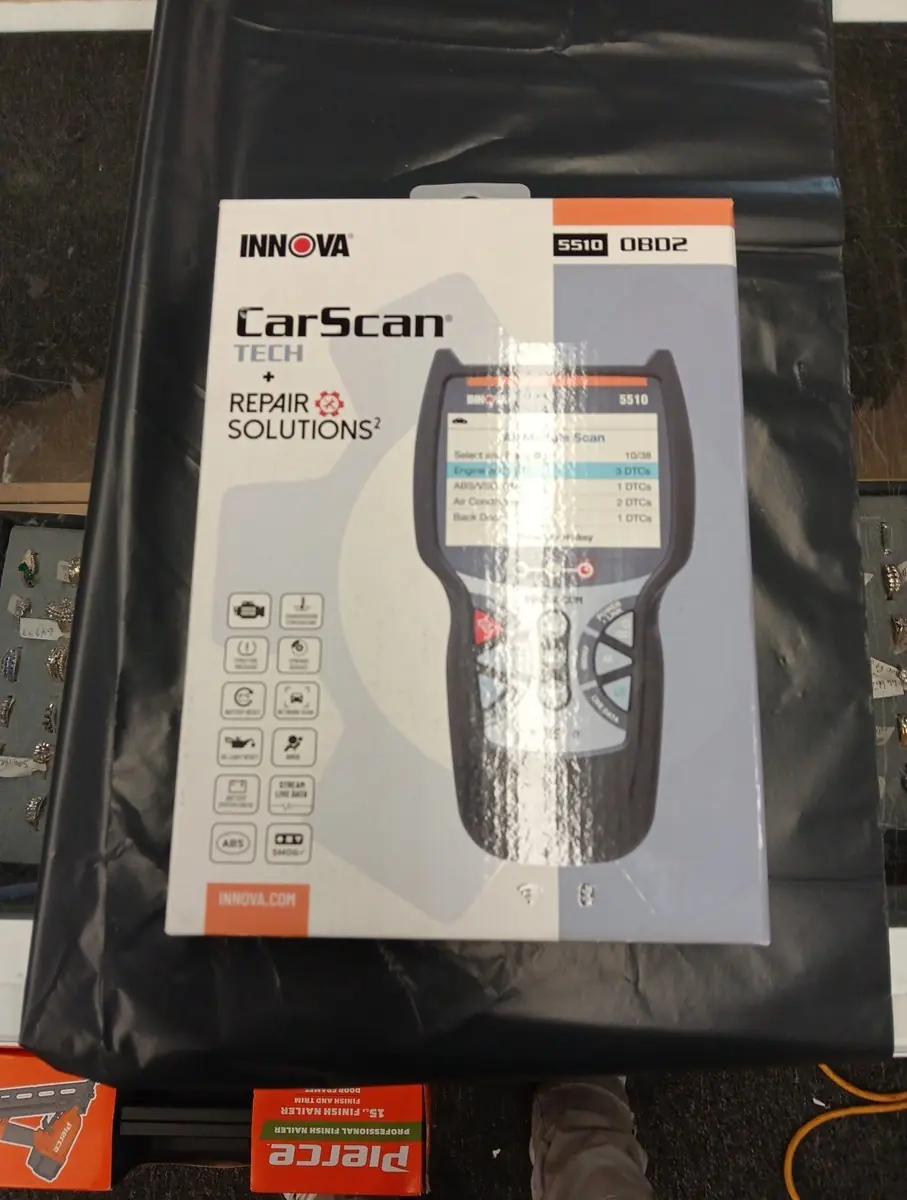
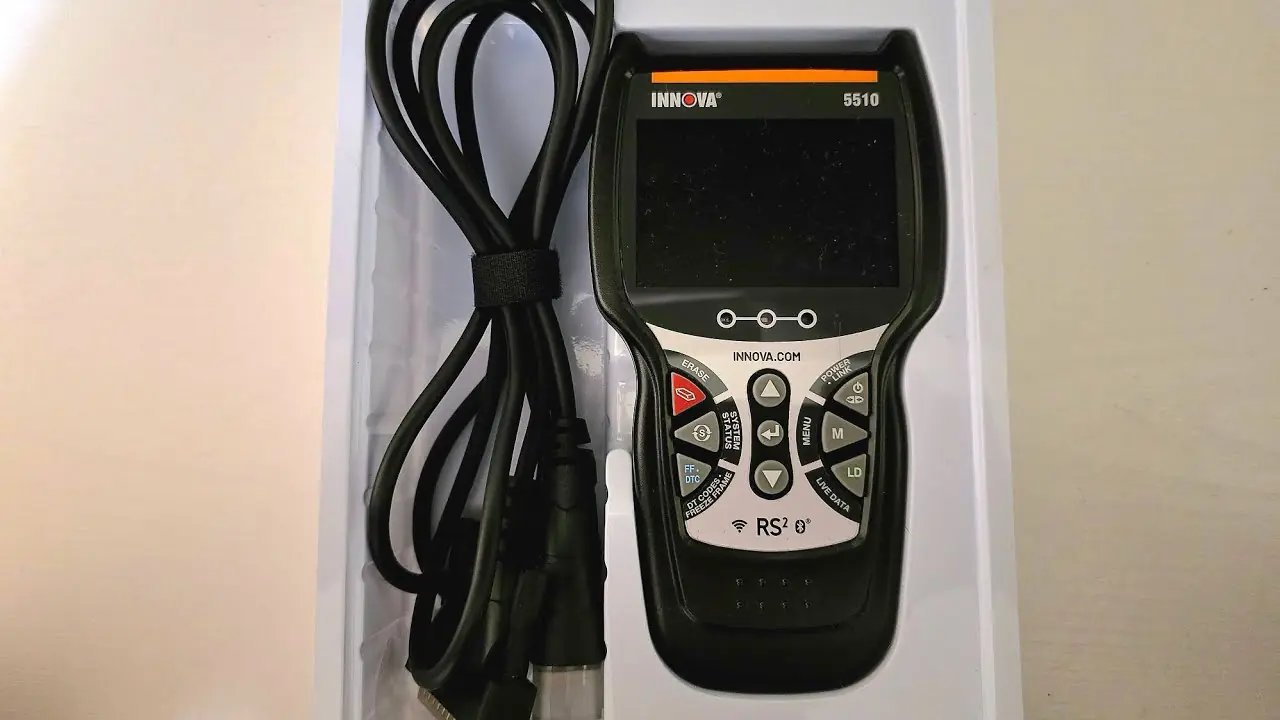
Innova 5510 OBD2 Scanner Specifications
| Feature | Specification |
|---|---|
| Manufacturer | Innova Electronics Corp., 17352 Von Karman Ave., Irvine, CA 92614 |
| Manual Reference | MRP# 97-2298 (Copyright 2024) |
| Display | Color LCD |
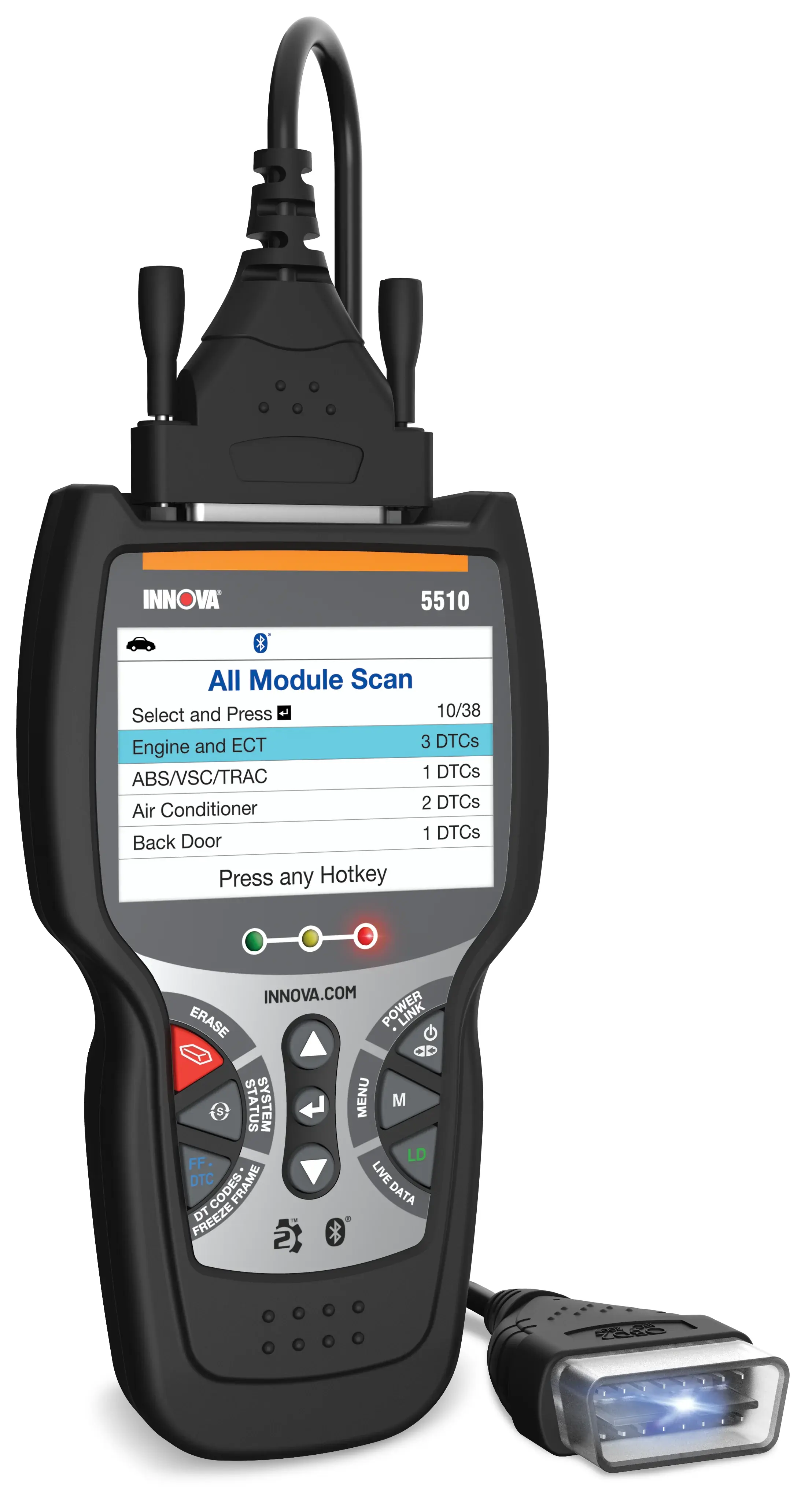
| Status Indicators | 3 LEDs: Green (OK), Yellow (possible problem), Red (fault present) |
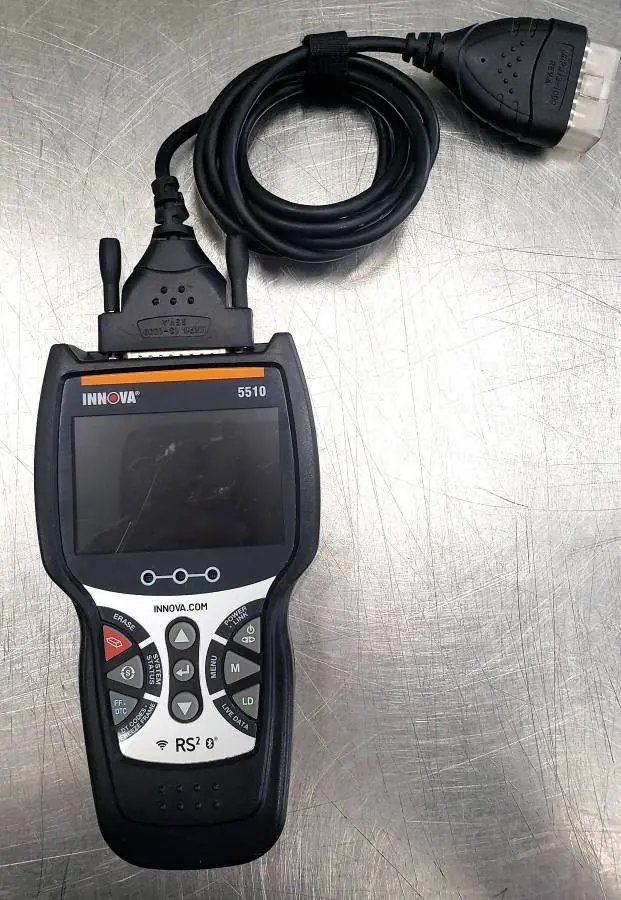
| Control Buttons | UP, DOWN, ENTER, ERASE, SYSTEM MENU, FF/DTC, POWER/LINK, M (Main Menu), LD (Live Data) |
| Vehicle Connection | Detachable OBD2 cable to 16-pin Data Link Connector (DLC) |
| Internal Power | 3 x AA batteries (Alkaline recommended) |
| External Power | Powered through the vehicle DLC when connected |
| Auto Power-Off | Approx. 3 minutes after disconnection from the vehicle |
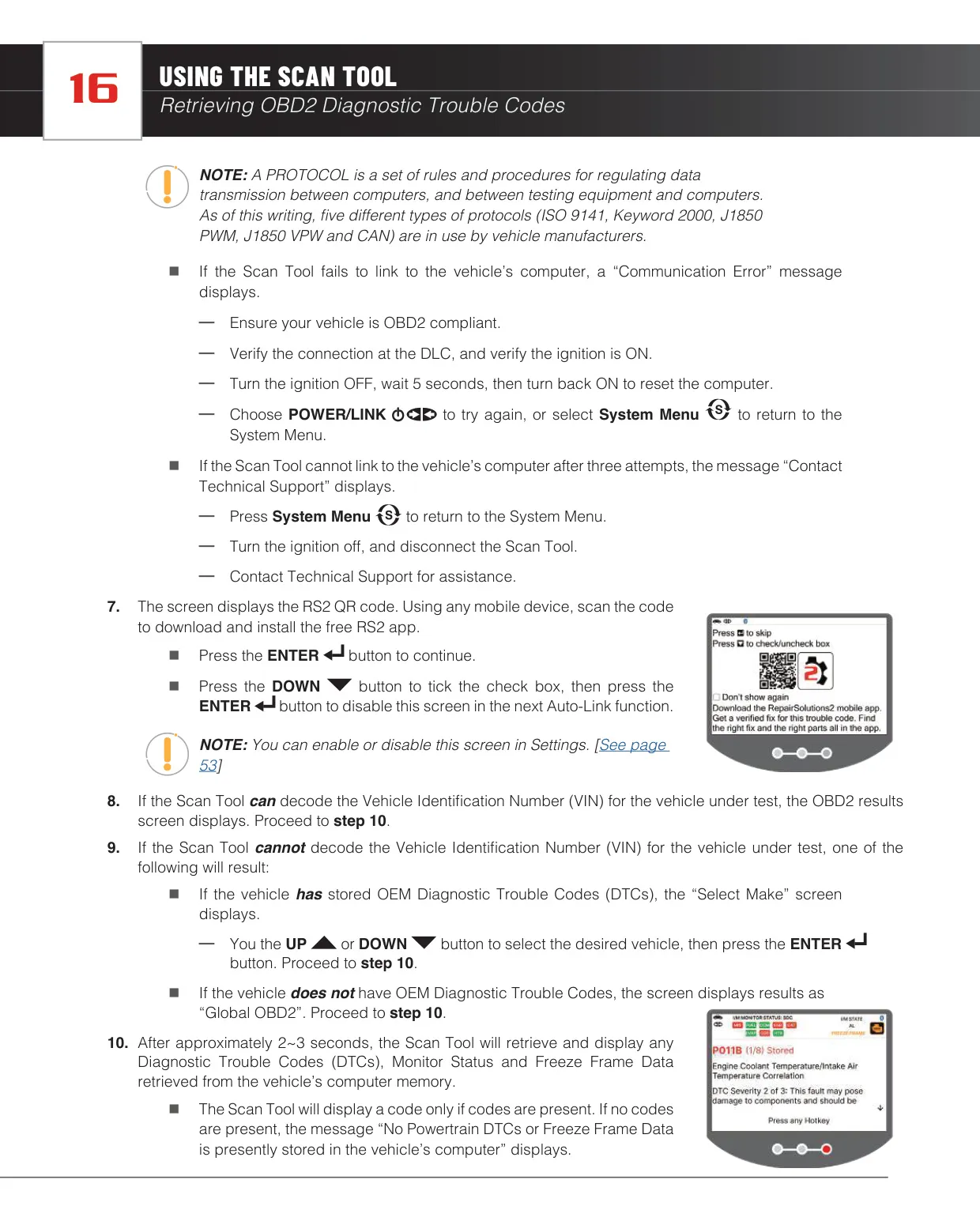
| Supported OBD2 Protocols | ISO 9141, Keyword 2000, J1850 PWM, J1850 VPW, CAN |
| OBD2 Service Modes | Full 10 modes of OBD2 |
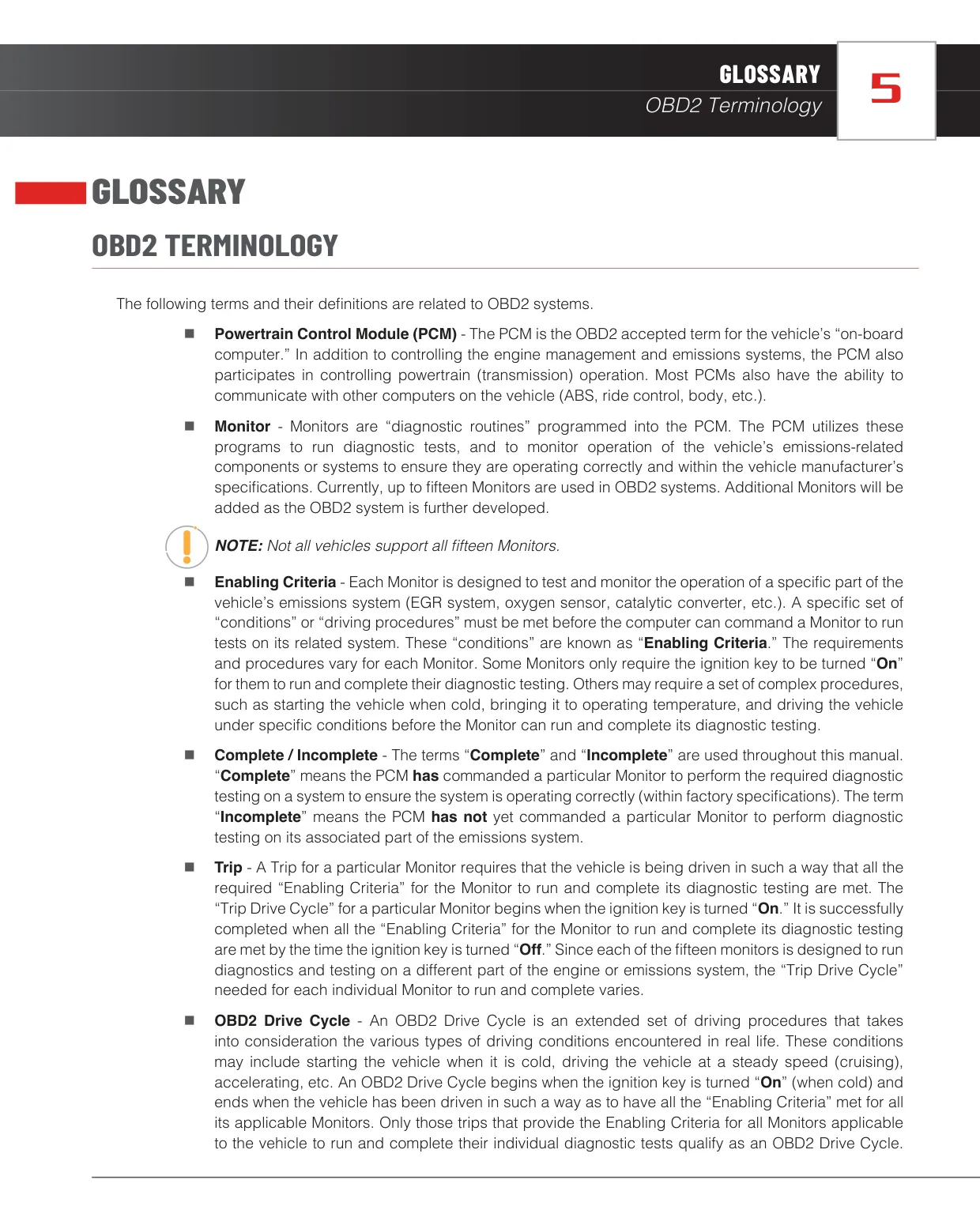
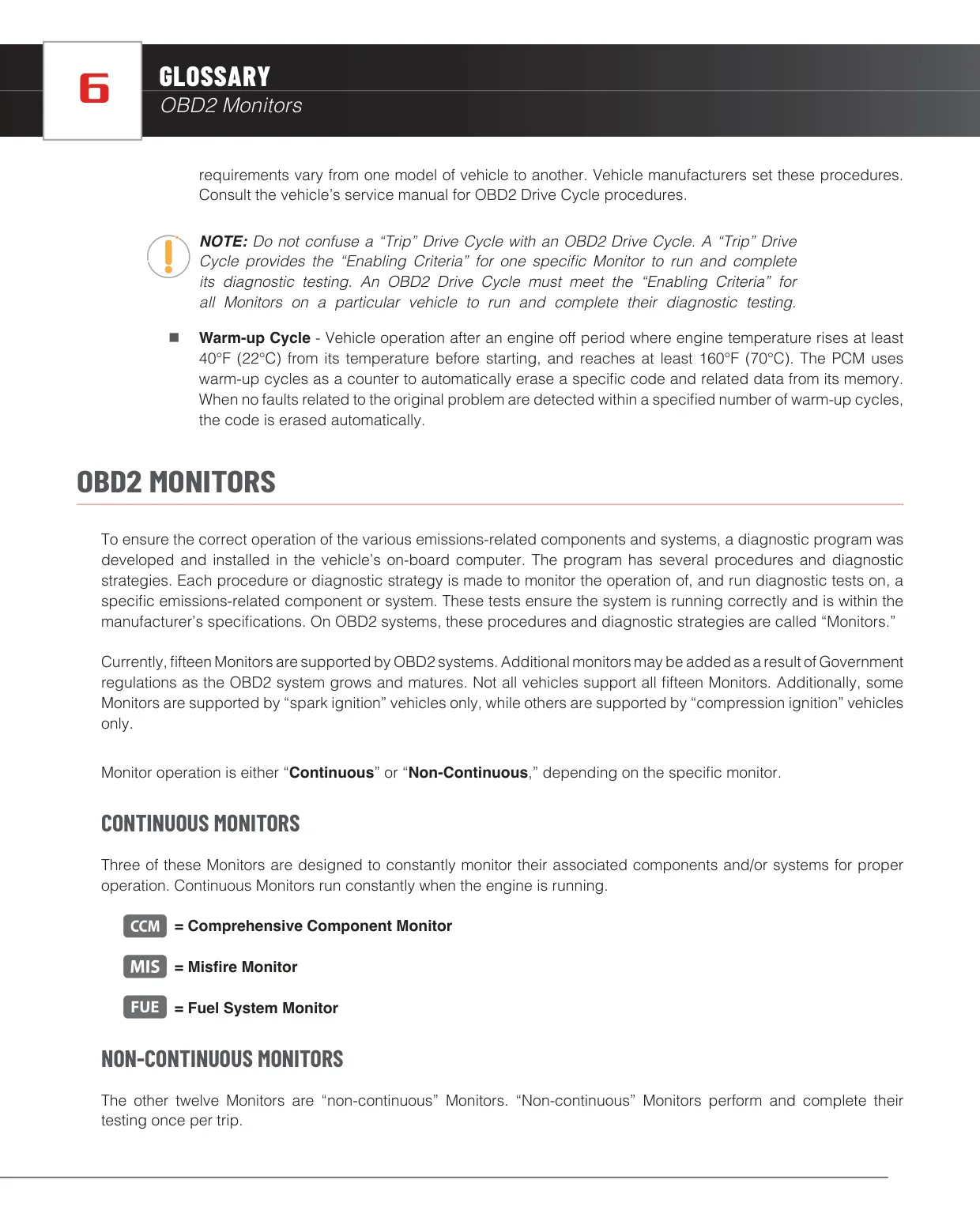
| Supported I/M Monitors | Up to 15 Monitors (3 continuous, 12 non-continuous) |
| DTC Types Displayed | Stored, Pending, Permanent |
| DTC Severity Scale | 3 levels (1 = service when convenient, 2 = repair as soon as possible, 3 = repair immediately) |
| Wireless Connectivity | Bluetooth (for RepairSolutions2 mobile app) |
| FCC ID | 2AC7Z-ESPWR00M32D |
| FCC Classification | Class B digital device, Part 15 |
| Display Languages | English, French, Spanish |
| Units of Measurement | U.S. Standard or Metric |
| Live Data Recording Capacity | Approx. 100 frames per selected PID |
| Live Data Graphing | Maximum 2 PIDs simultaneously, with superimpose function |
| Continuous Playback Rate | 1 frame every 2 seconds |
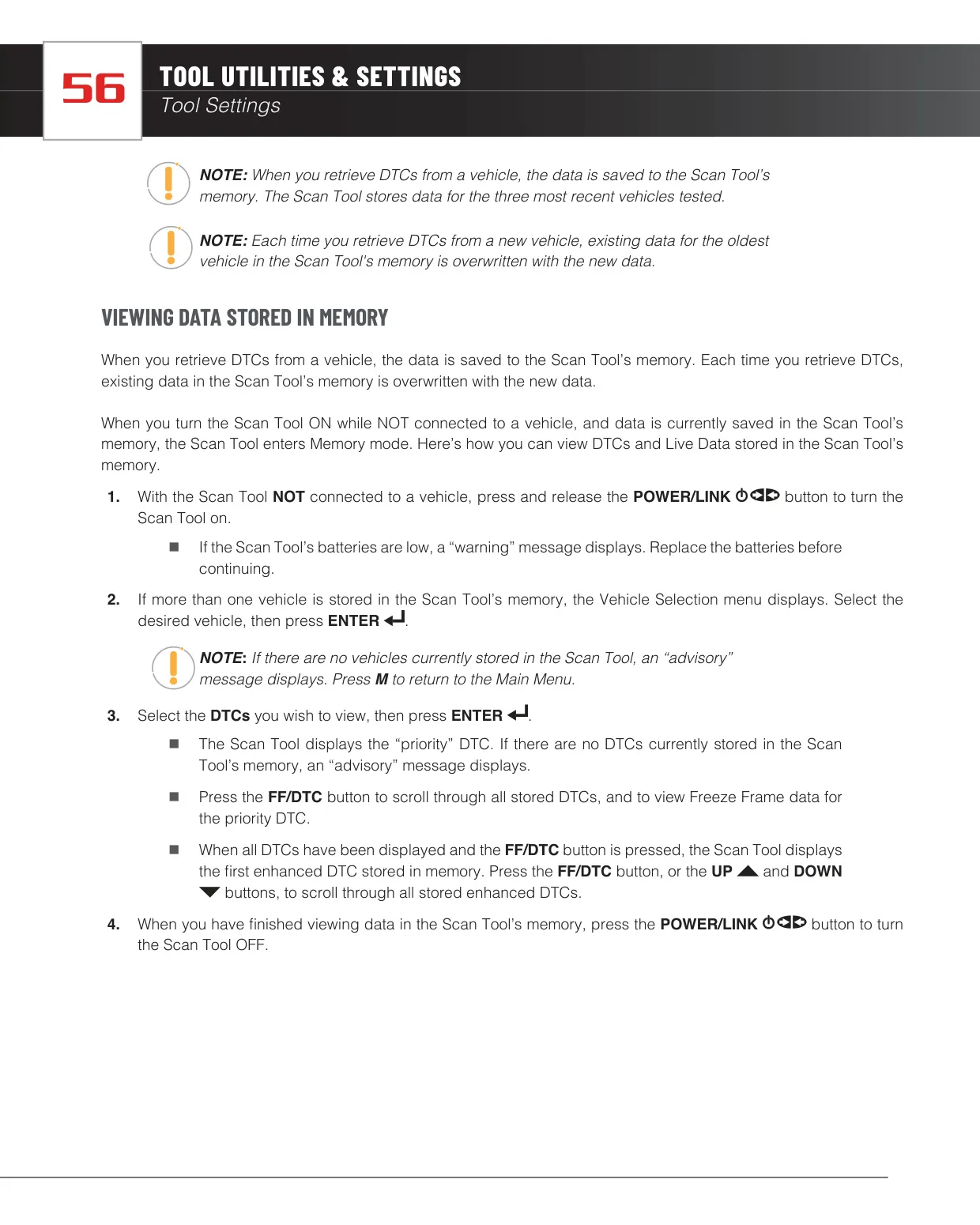
| Vehicle Memory | Data for the 3 most recent vehicles tested |
| OBD1 Coverage (Optional) | 1981 to 1995: Chrysler/Jeep, Ford, GM, Honda, Toyota (with connector cable adaptors) |
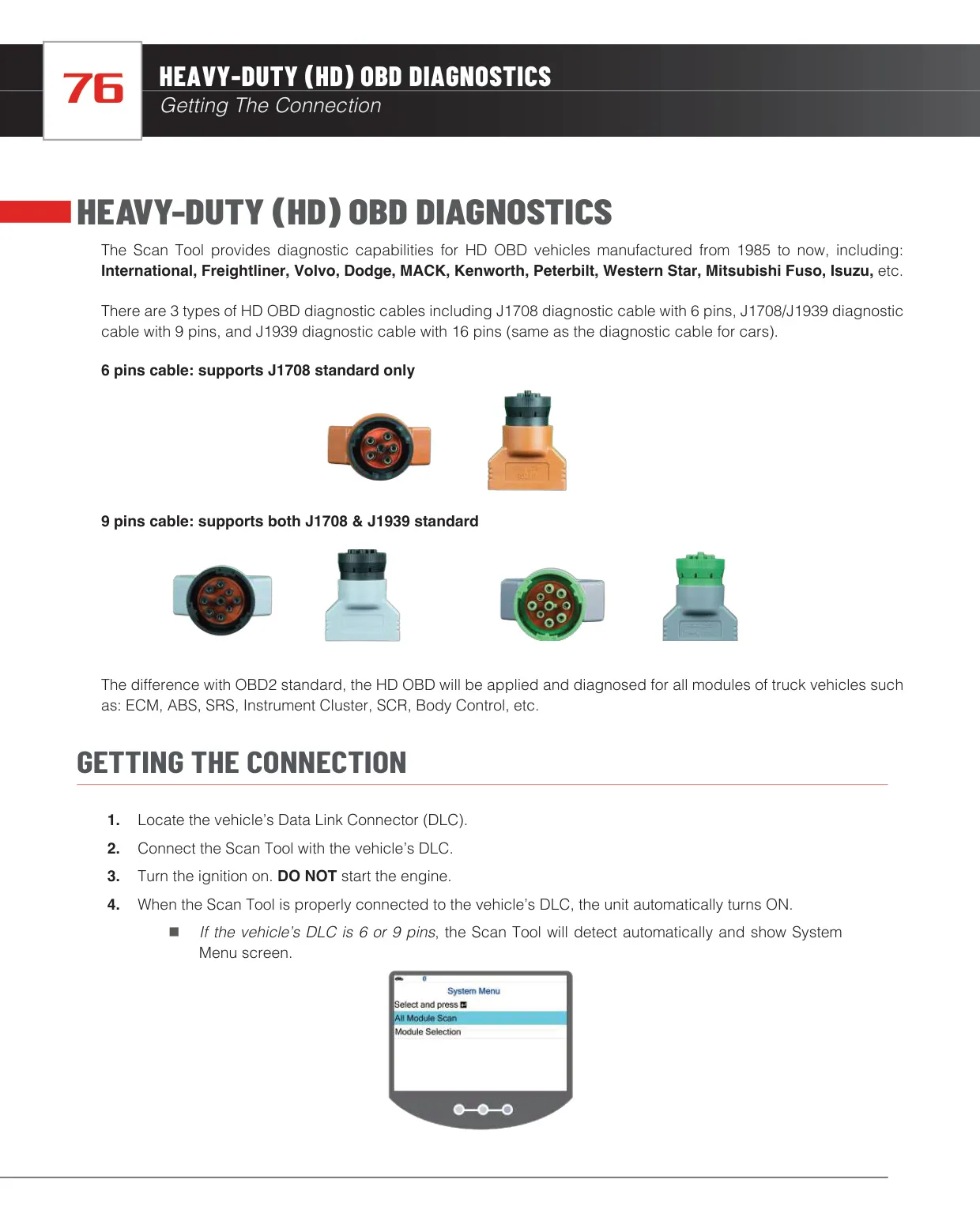
| Heavy-Duty Coverage (Optional) | 1985 to present: International, Freightliner, Volvo, Dodge, MACK, Kenworth, Peterbilt, Western Star, Mitsubishi Fuso, Isuzu |
| Heavy-Duty Cable Types | 6-pin J1708, 9-pin J1708/J1939, 16-pin J1939 |
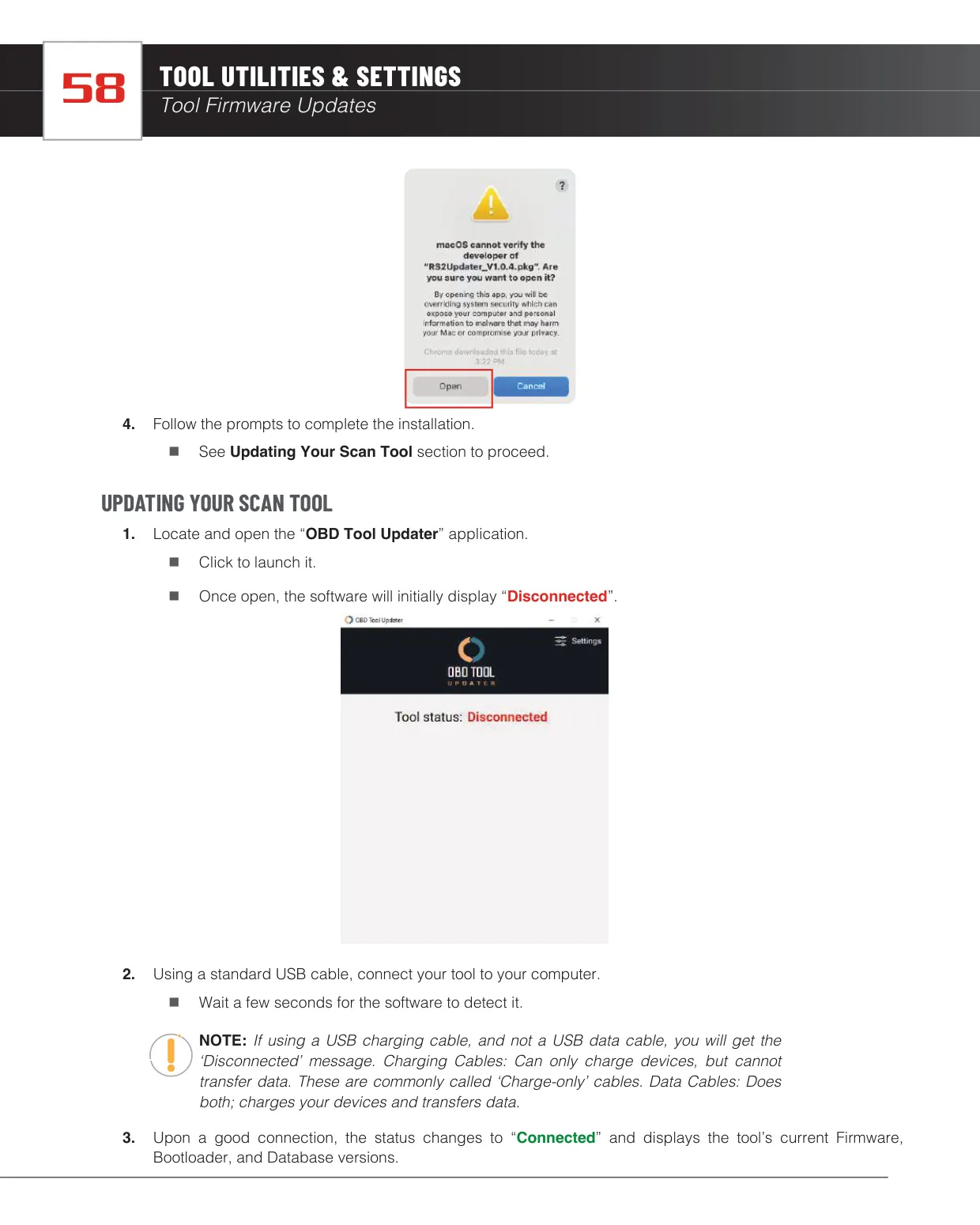
| Firmware Update Interface | USB data cable with OBD Tool Updater (Windows OS and Mac OS) |
| Maximum Update Time | Up to 25 minutes |
| Warranty | 1 year limited, from date of original purchase (non-transferable) |
| Customer Service (USA & Canada) | (800) 544-4124, Monday to Friday, 6:00 AM to 6:00 PM PST |
| Customer Service (Other Regions) | (714) 241-6802, customercare@innova.com |
Innova 5510 OBD2 Scanner Details
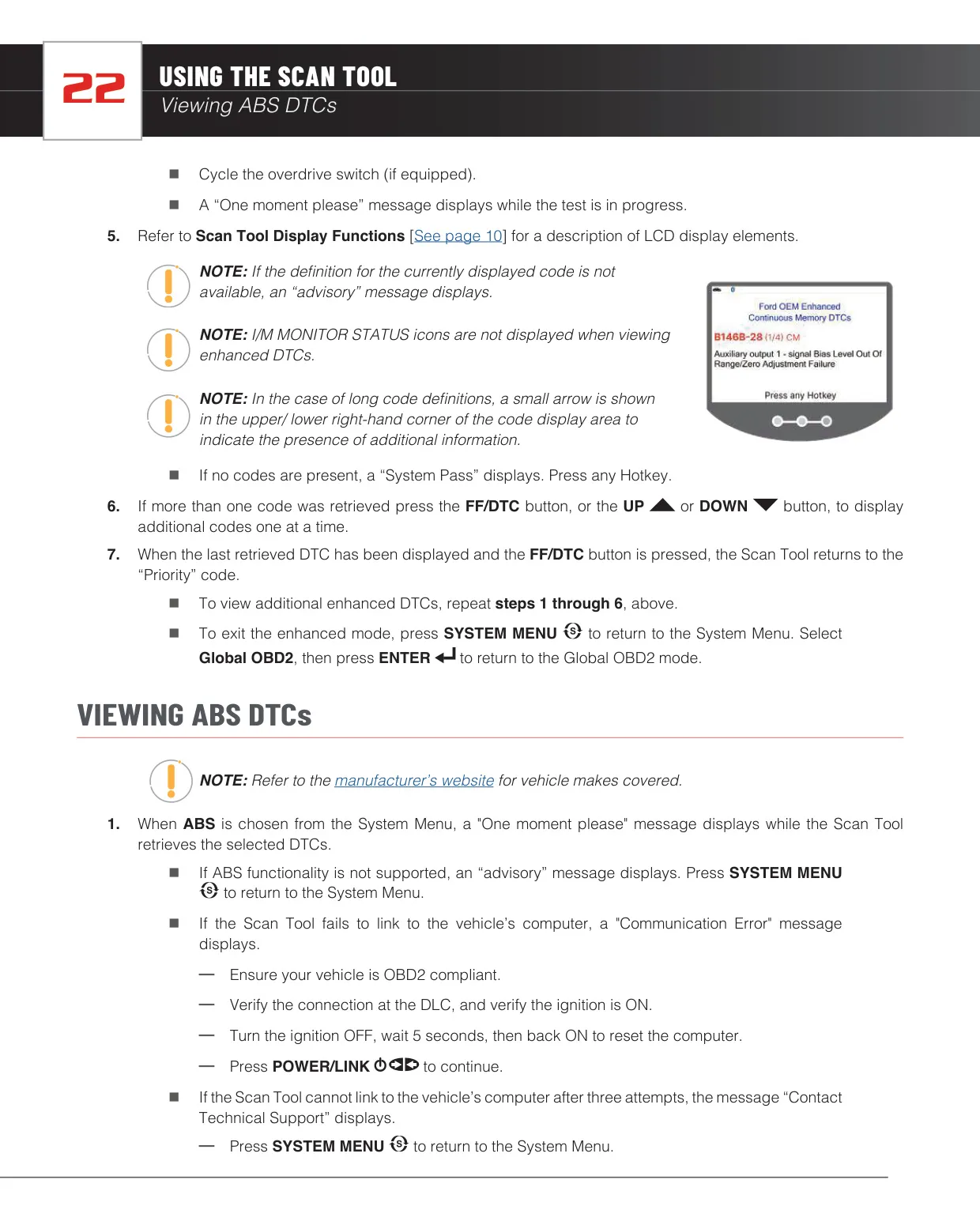
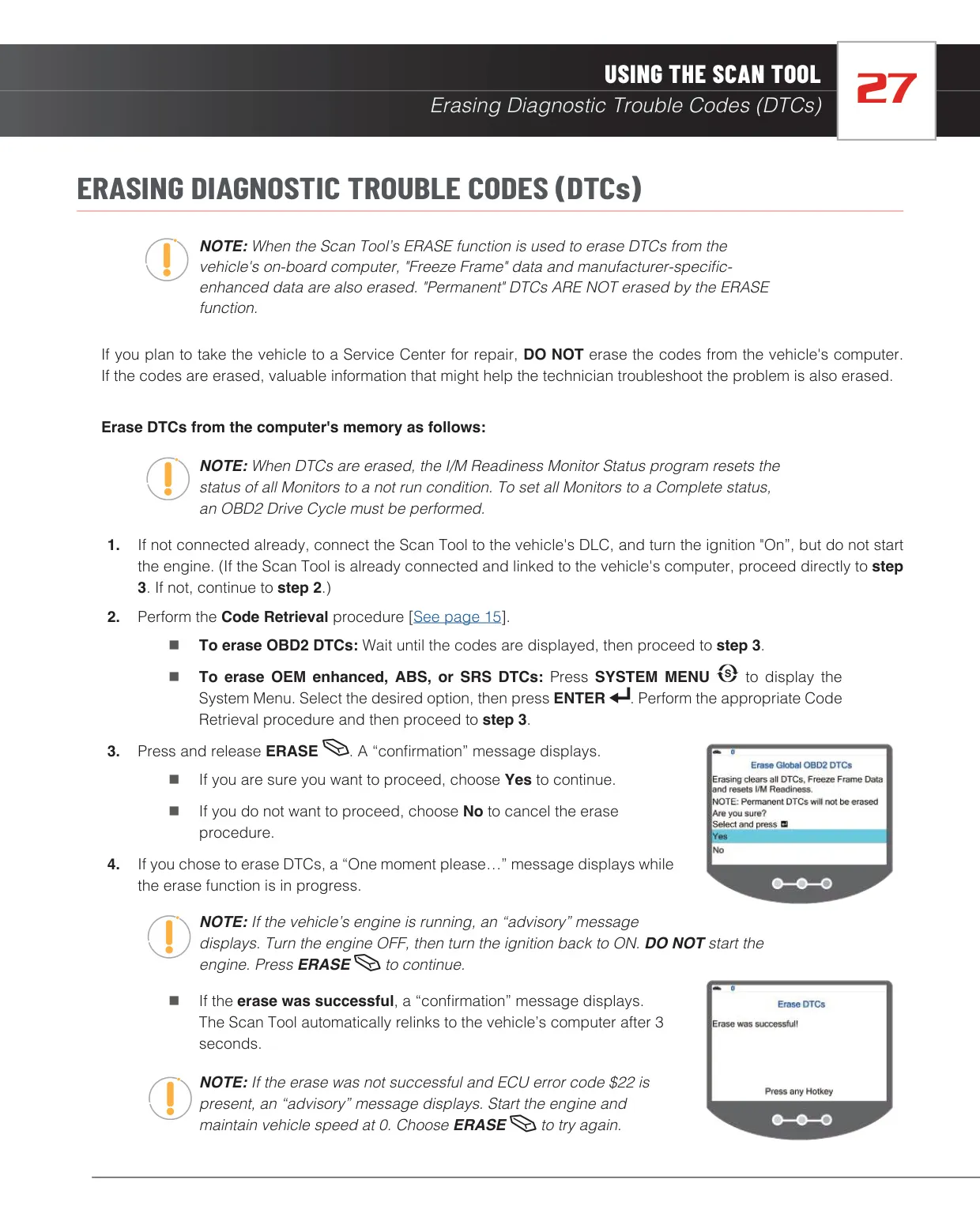
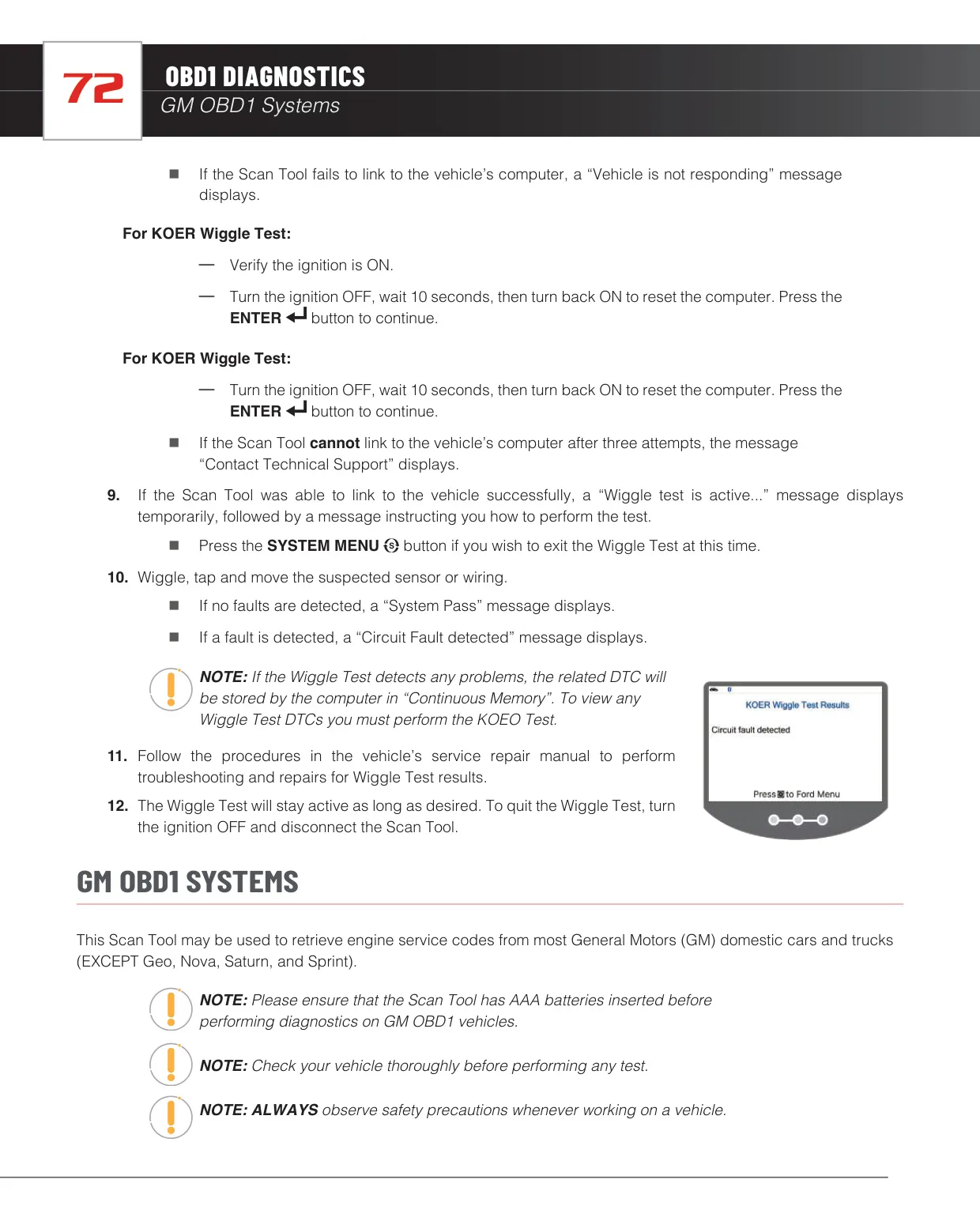
The Innova 5510 reads more than generic powertrain codes. From the System Menu it can pull OEM enhanced, ABS and SRS codes from most BMW, Chrysler/Jeep, Ford/Mazda, GM/Isuzu, Honda/Acura, Hyundai, Mercedes-Benz, Nissan, Toyota/Lexus, Volkswagen and Volvo vehicles. The Network Scan can check every module at once or just one module picked from groups such as Drive, Chassis and Body. On Ford/Mazda it can read Continuous Memory codes and run the KOEO and KOER tests.
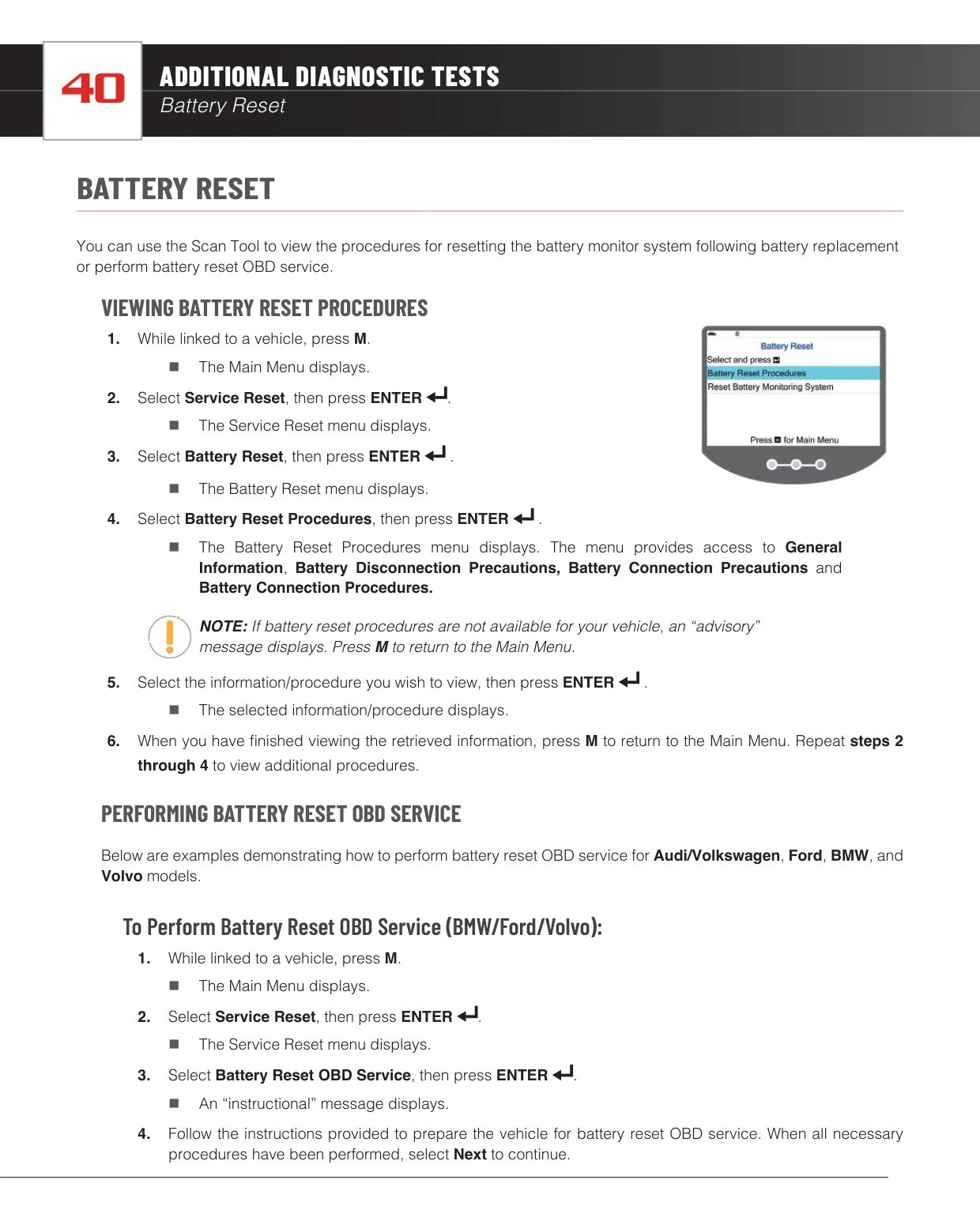
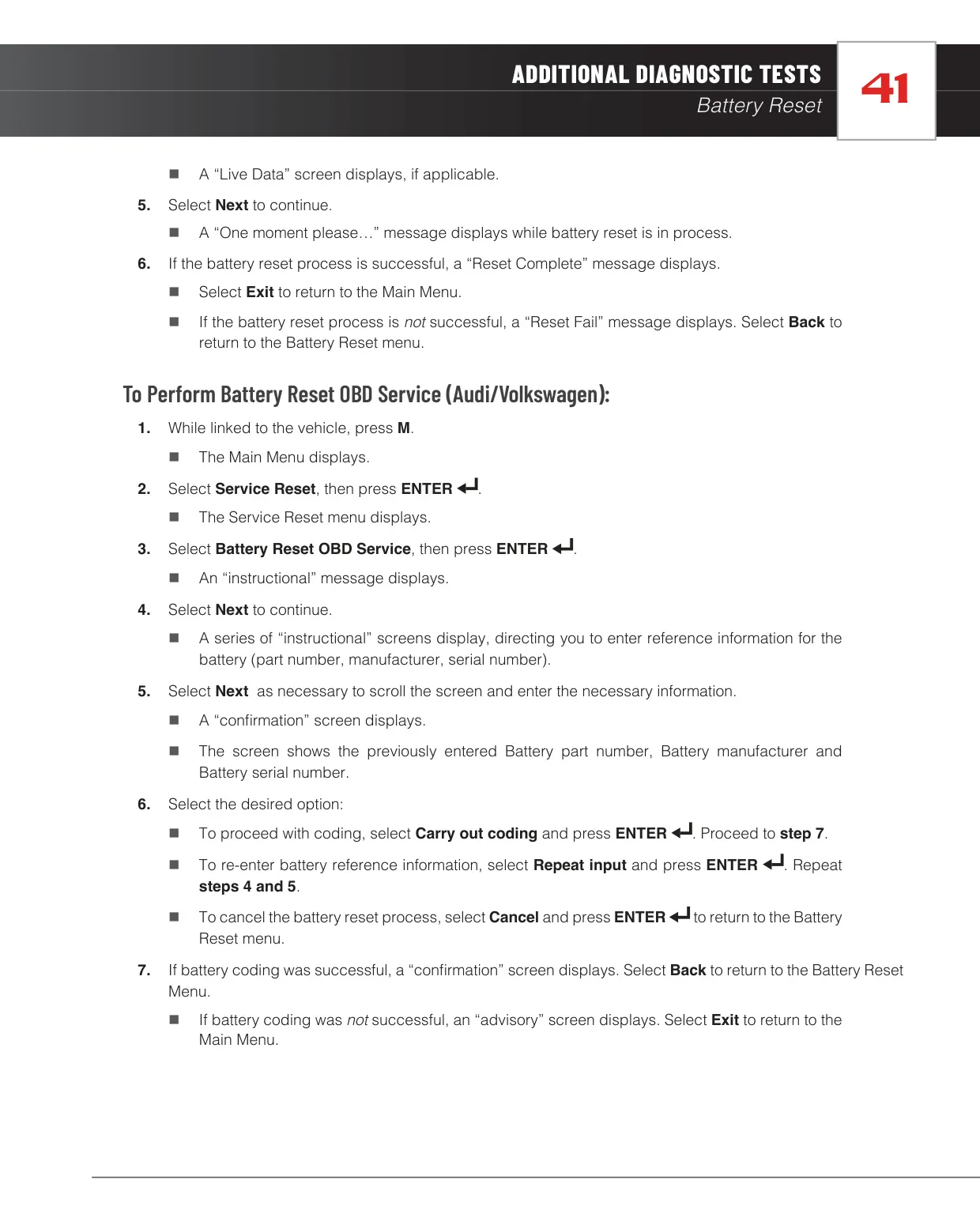
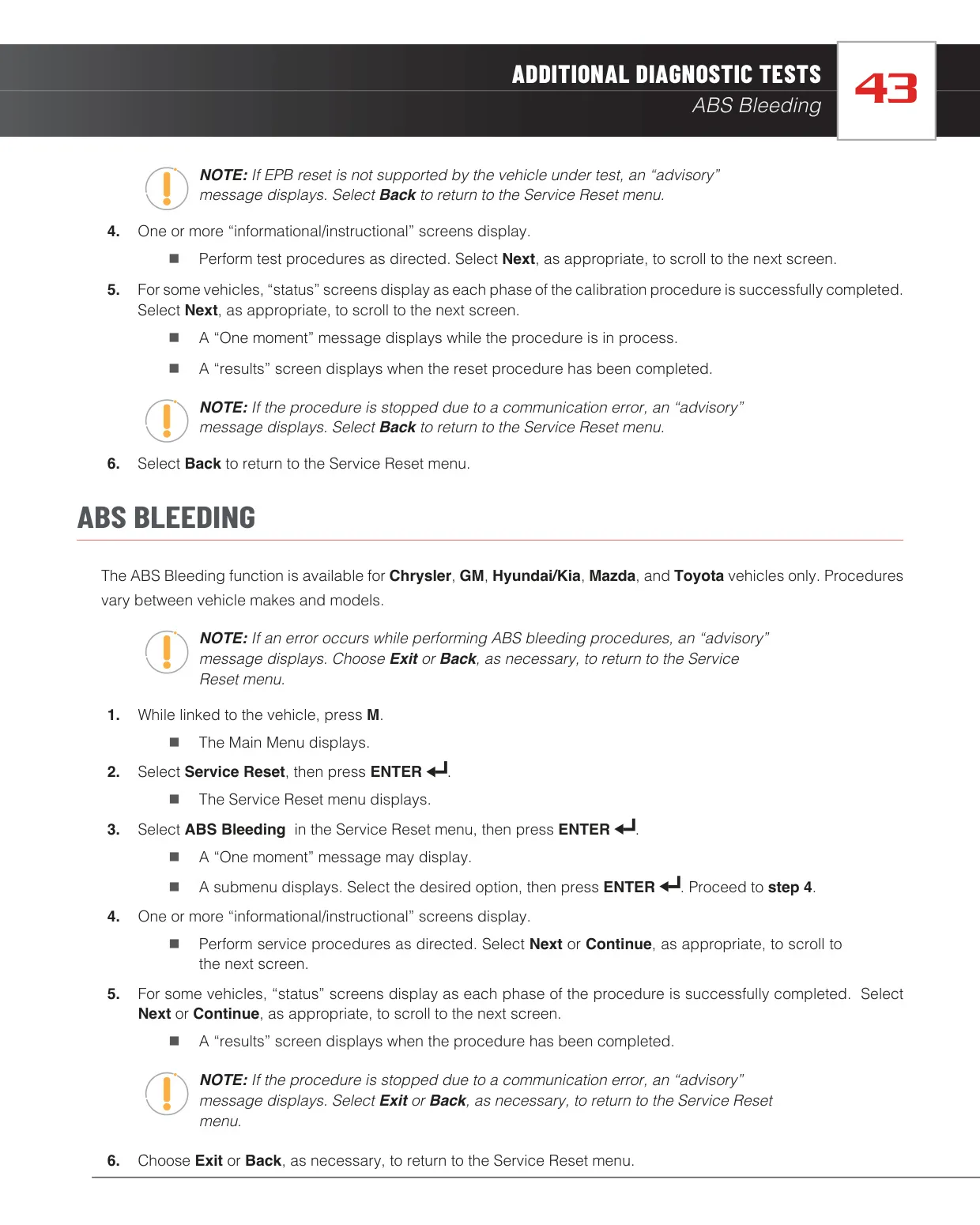
The Service Reset menu covers routine maintenance jobs. Oil Maintenance Reset clears the oil light, or shows the manual steps if the tool can't reset it on that vehicle. Battery Reset OBD Service is shown for BMW, Ford and Volvo. On Audi and Volkswagen, it asks you to enter the new battery's part number, manufacturer and serial number before coding it. Steering Angle Sensor Calibration works on nine brands. ABS Bleeding works on Chrysler, GM, Hyundai/Kia, Mazda and Toyota. It also includes an EPB Reset for electronic parking brakes.
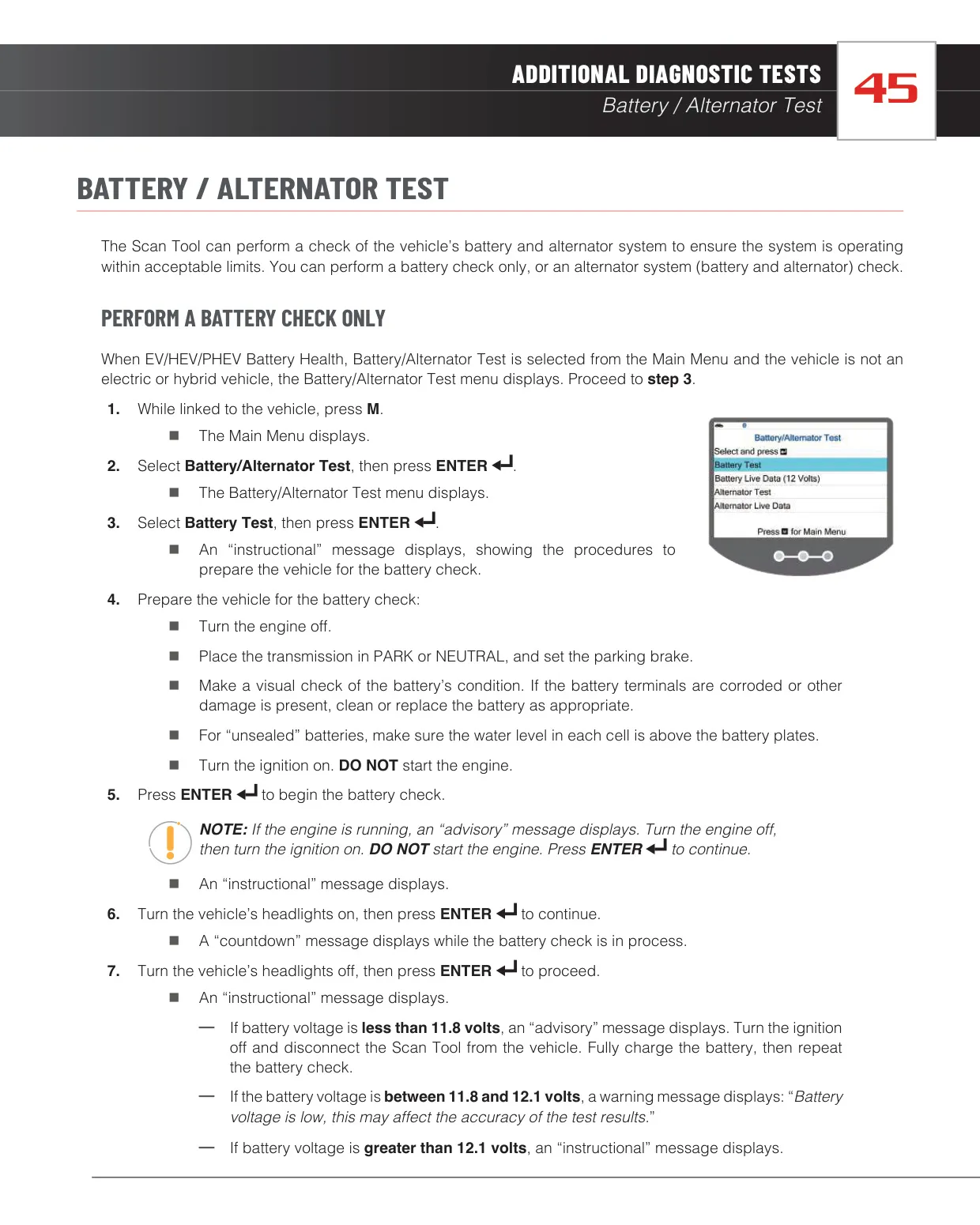
The Battery/Alternator Test uses fixed voltage limits. Below 11.8 volts, you need to fully charge the battery before testing. Between 11.8 and 12.1 volts, the tool warns that results may be less accurate. The charging system test is run at 2000 RPM with the headlights on. On hybrid and electric vehicles, it shows the state of charge for every cell in the battery pack. The Service Check screen shows engine oil level, oil life, brake pad life and transmission fluid temperature.
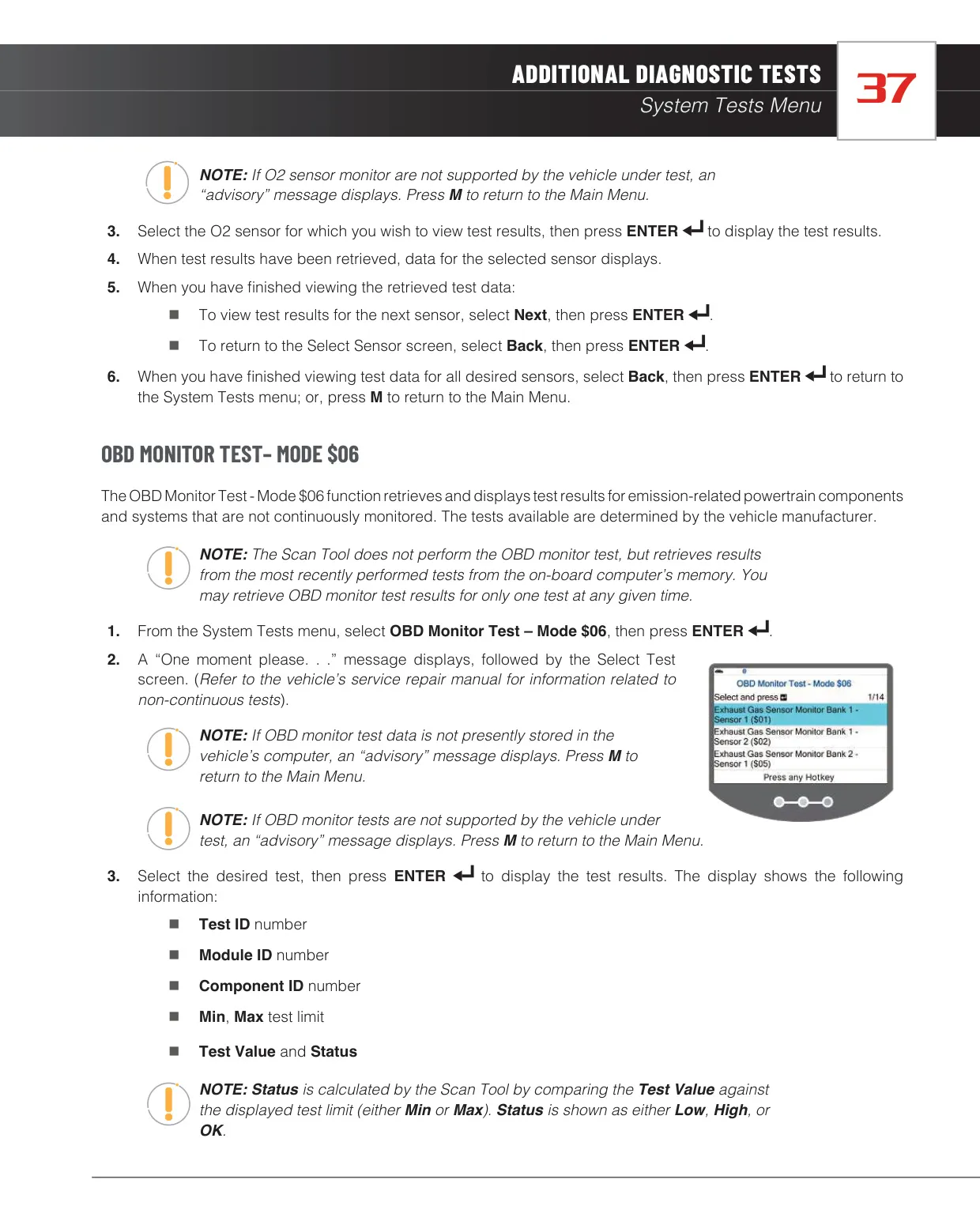
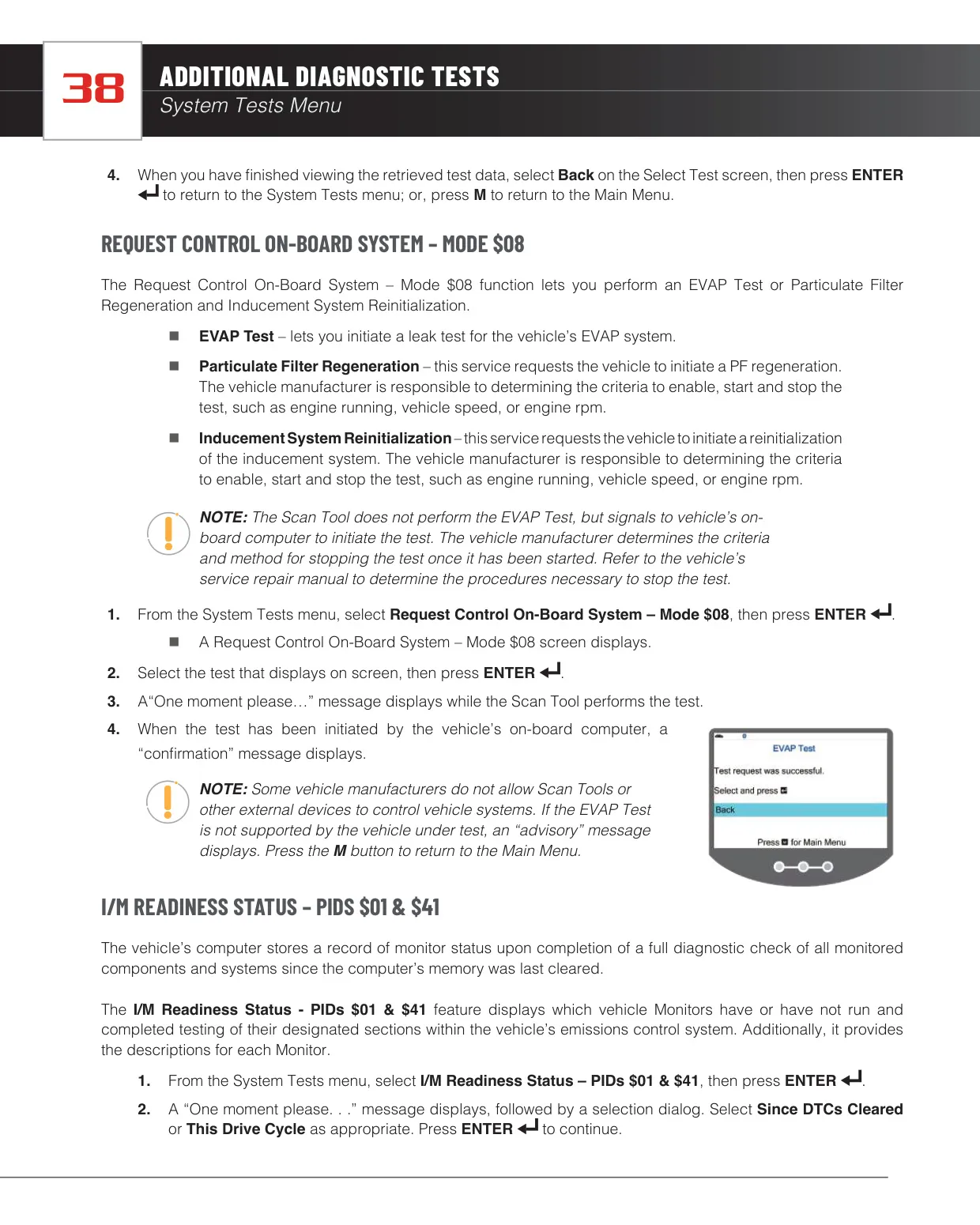
The System Tests menu gives access to O2 Sensor Monitor results (Mode $05), OBD Monitor Test results (Mode $06) and Request Control On-Board System (Mode $08). Mode $06 results show the Test ID, Module ID, Component ID, Min/Max limits and the test value, marked Low, High or OK. Mode $08 can start an EVAP leak test, a particulate filter regeneration or an inducement system reinitialization. You can view I/M Readiness either Since DTCs Cleared or for This Drive Cycle.
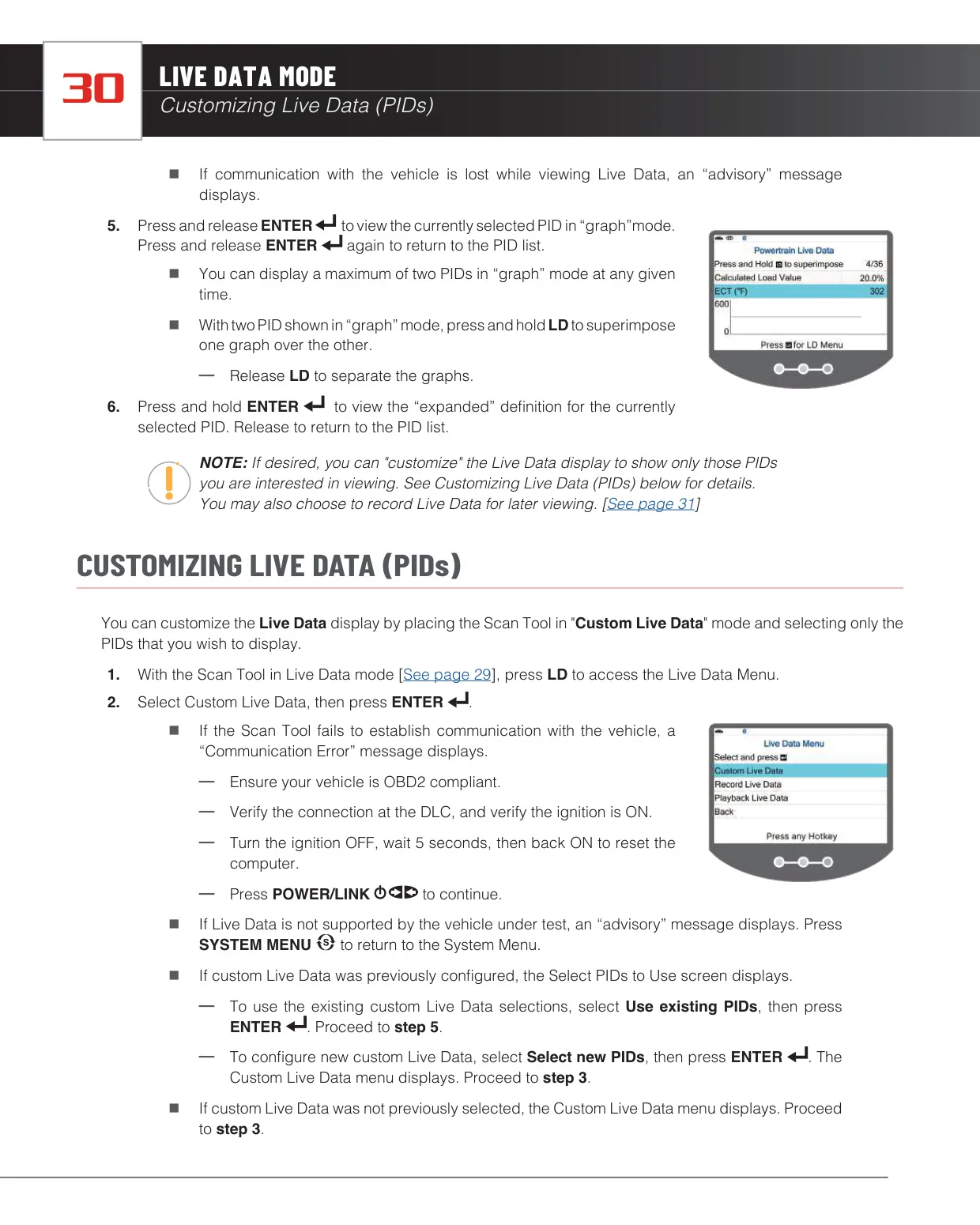
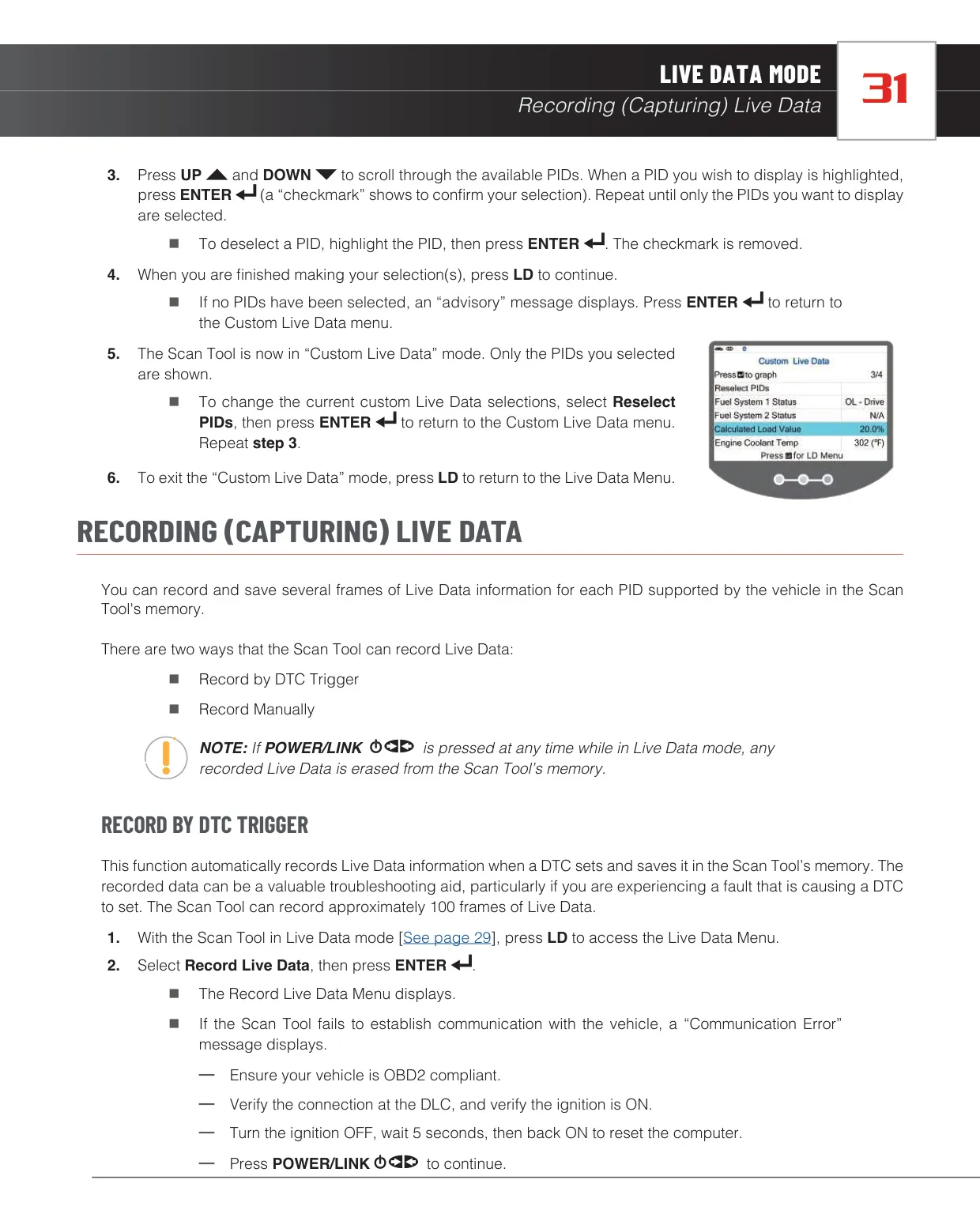
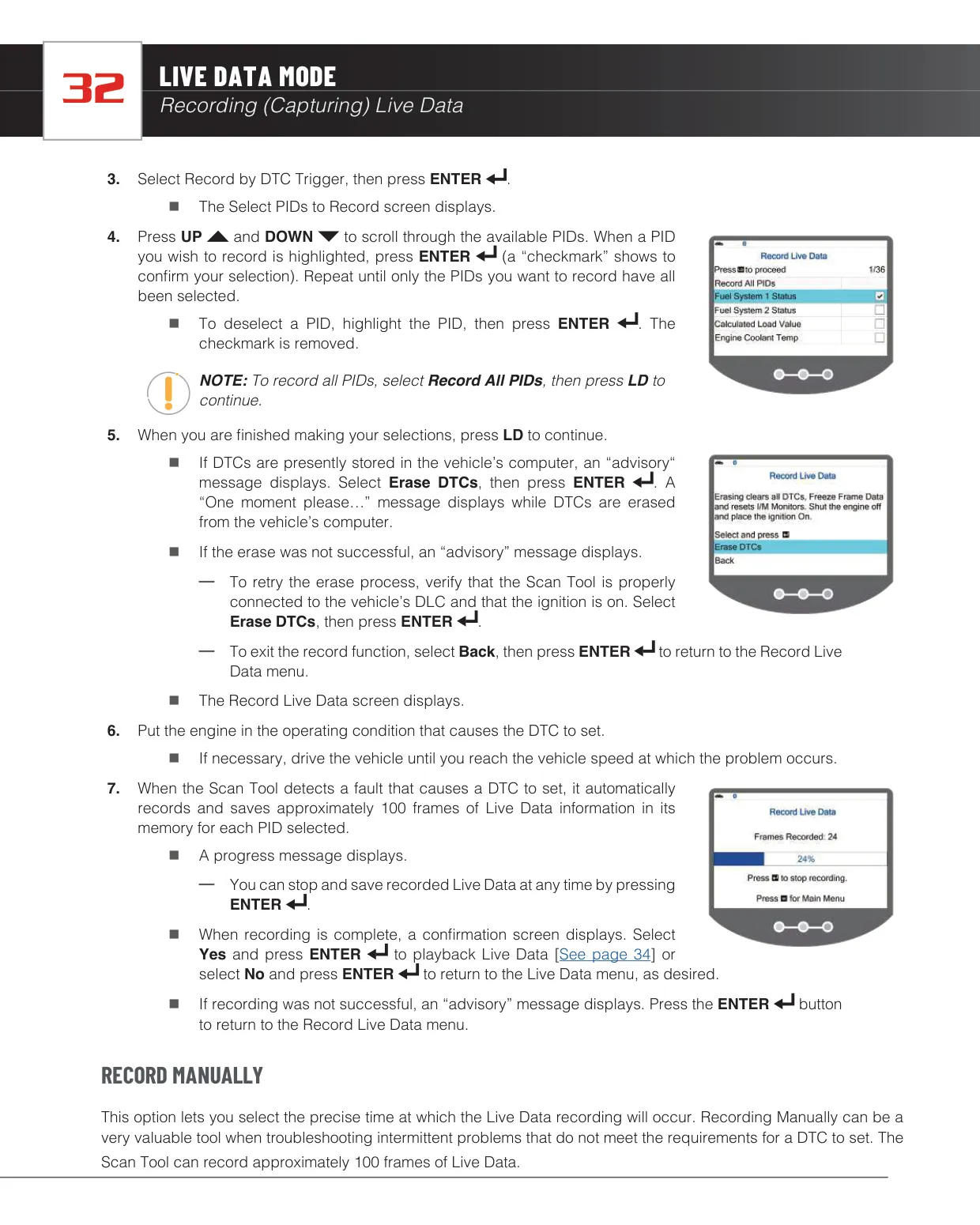
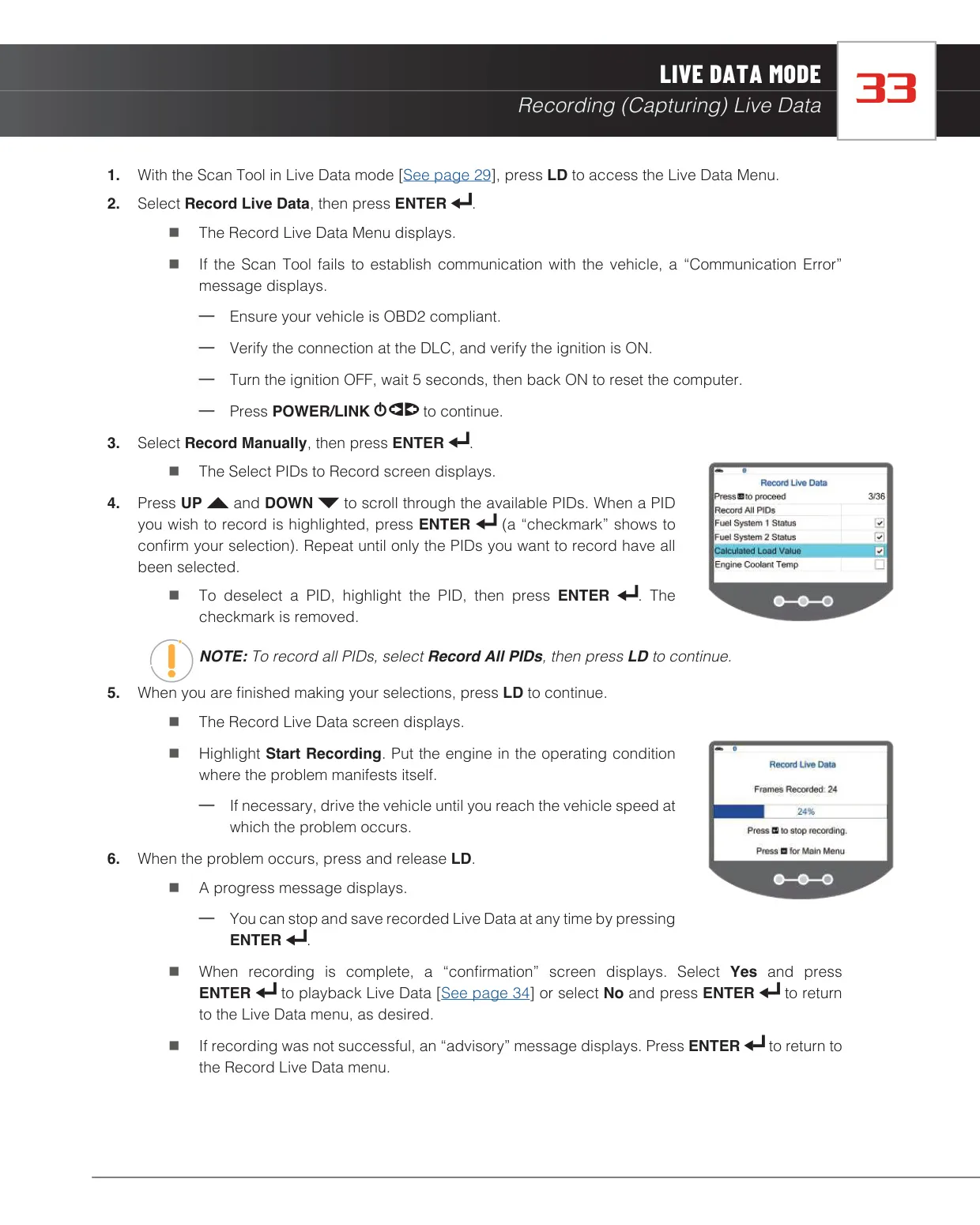
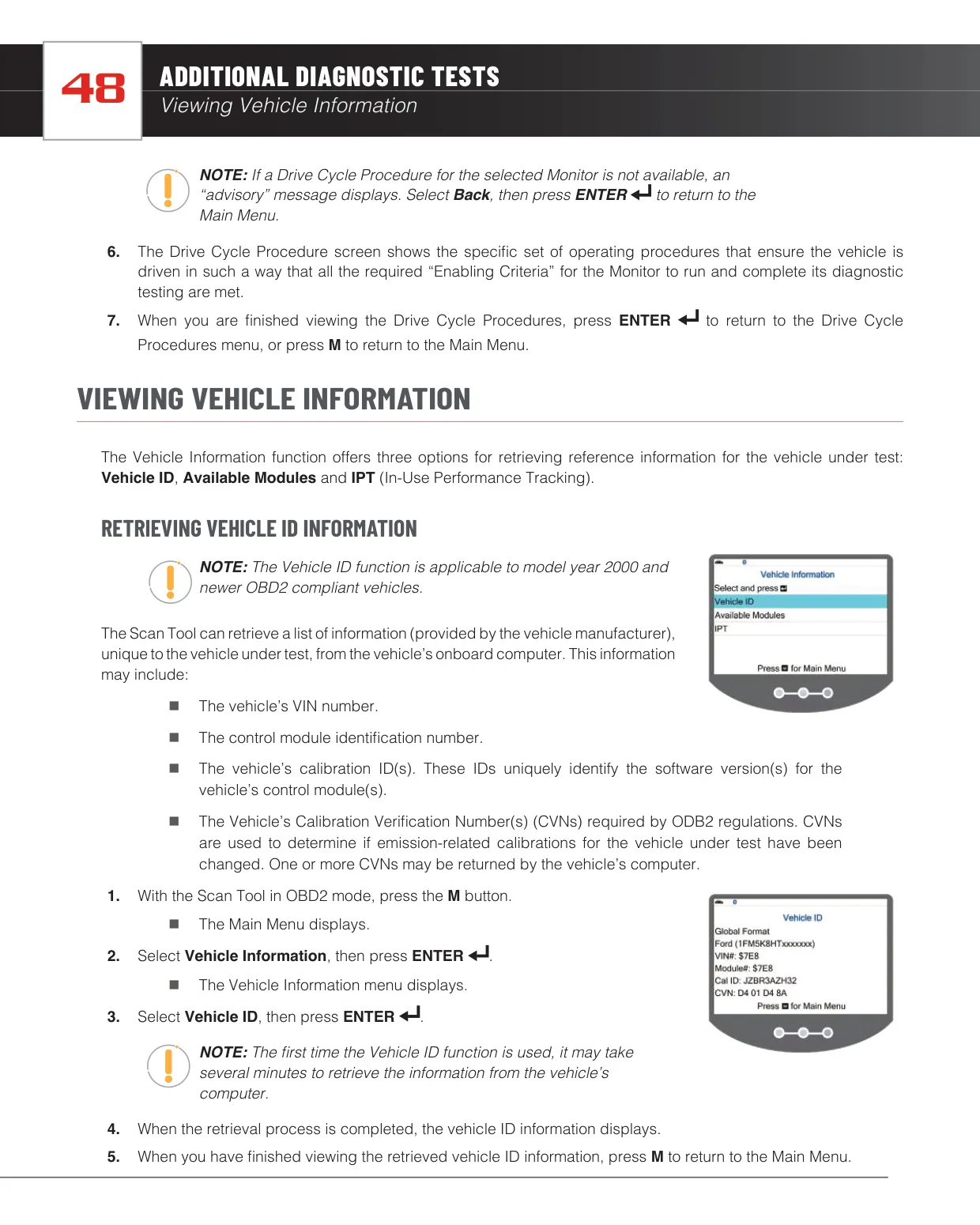
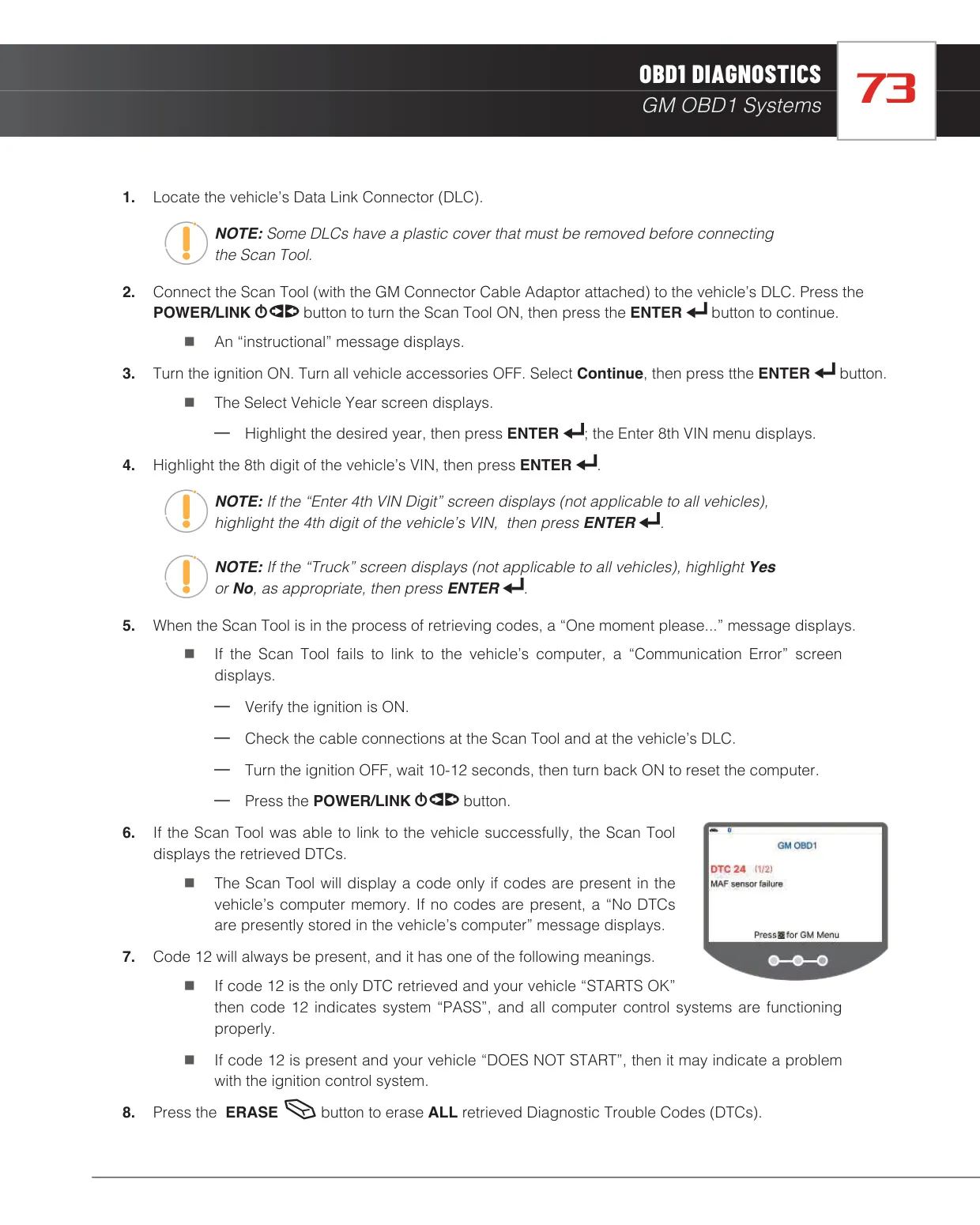
In Live Data mode, you can build a custom list of PIDs and record data in two ways. Record by DTC Trigger starts saving automatically when a code sets. Record Manually is better for intermittent faults that don't set a code. Playback runs continuously or frame by frame. Under Vehicle Information, the tool shows the VIN, calibration IDs, Calibration Verification Numbers, the list of available modules and In-use Performance Tracking counters such as OBDCOND and IGNCNTR.
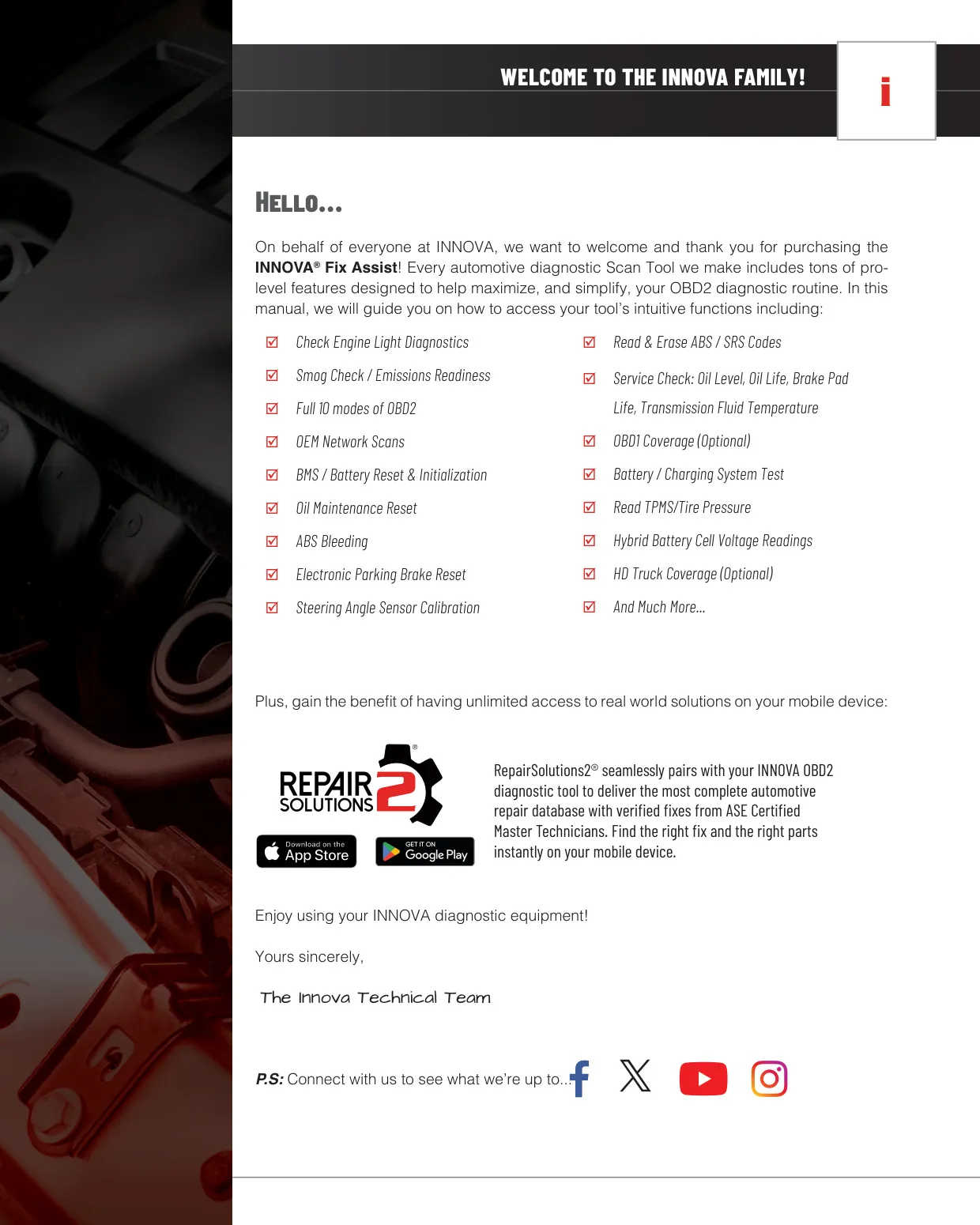
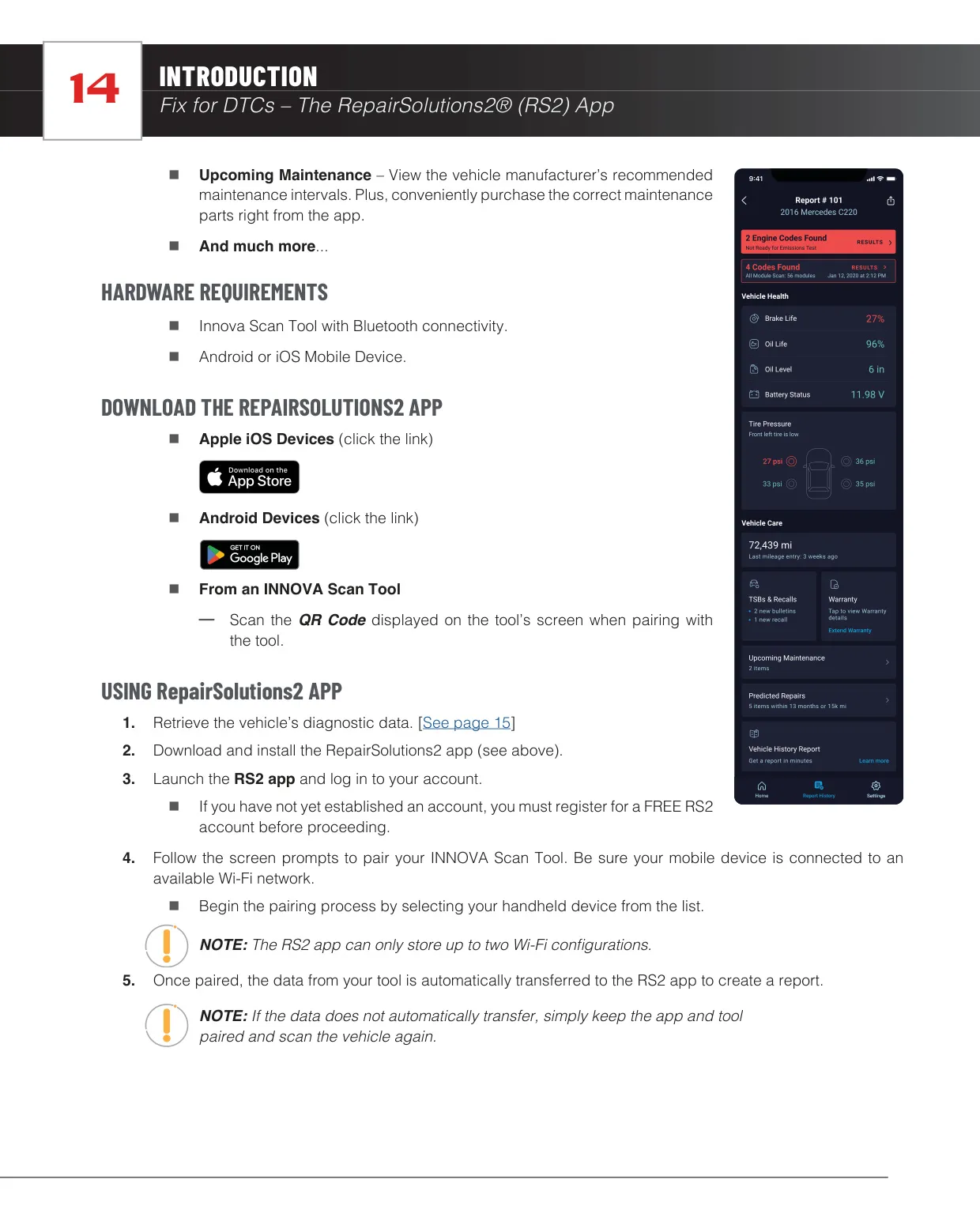
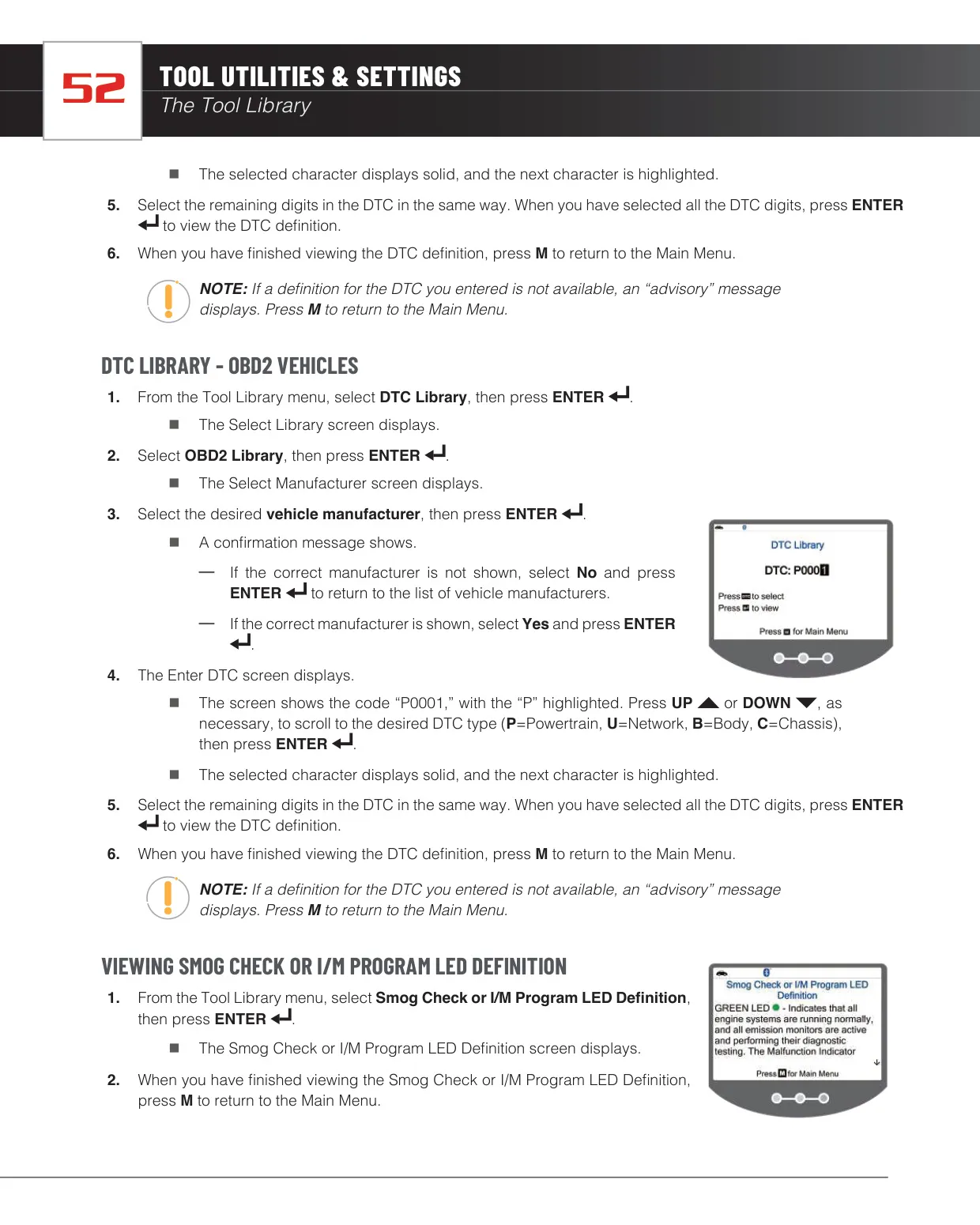
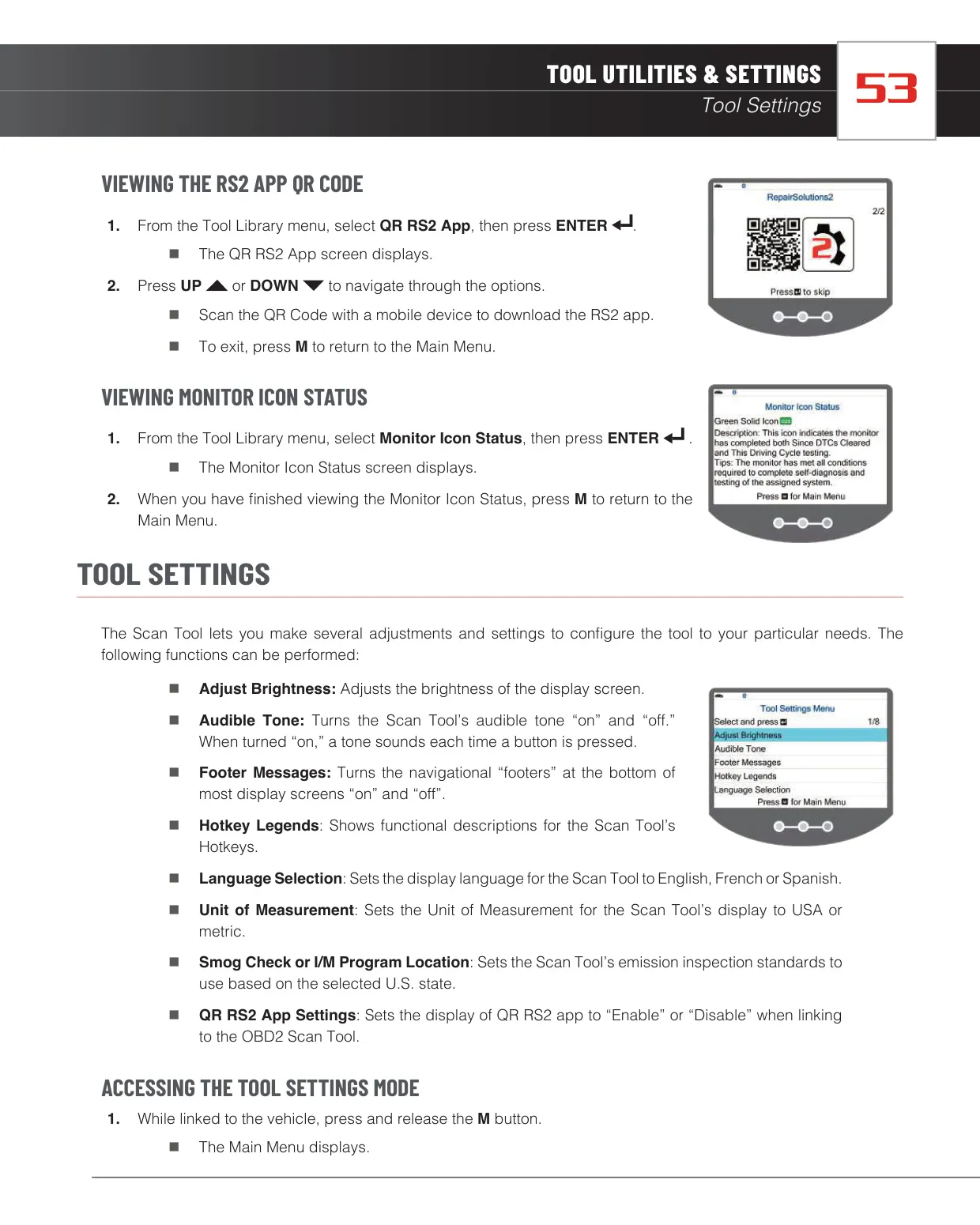
The free RepairSolutions2 app pairs with the scanner over Bluetooth. It offers verified fixes from ASE Master Technicians, predicted repairs for the next 12 months, TSBs and recalls, vehicle health reports and maintenance schedules. The Tool Library includes OBD1 and OBD2 code definitions, monitor icon definitions and a QR code to download the app. The DLC Locator shows a picture and description of where the data connector is on a specific year, make and model.
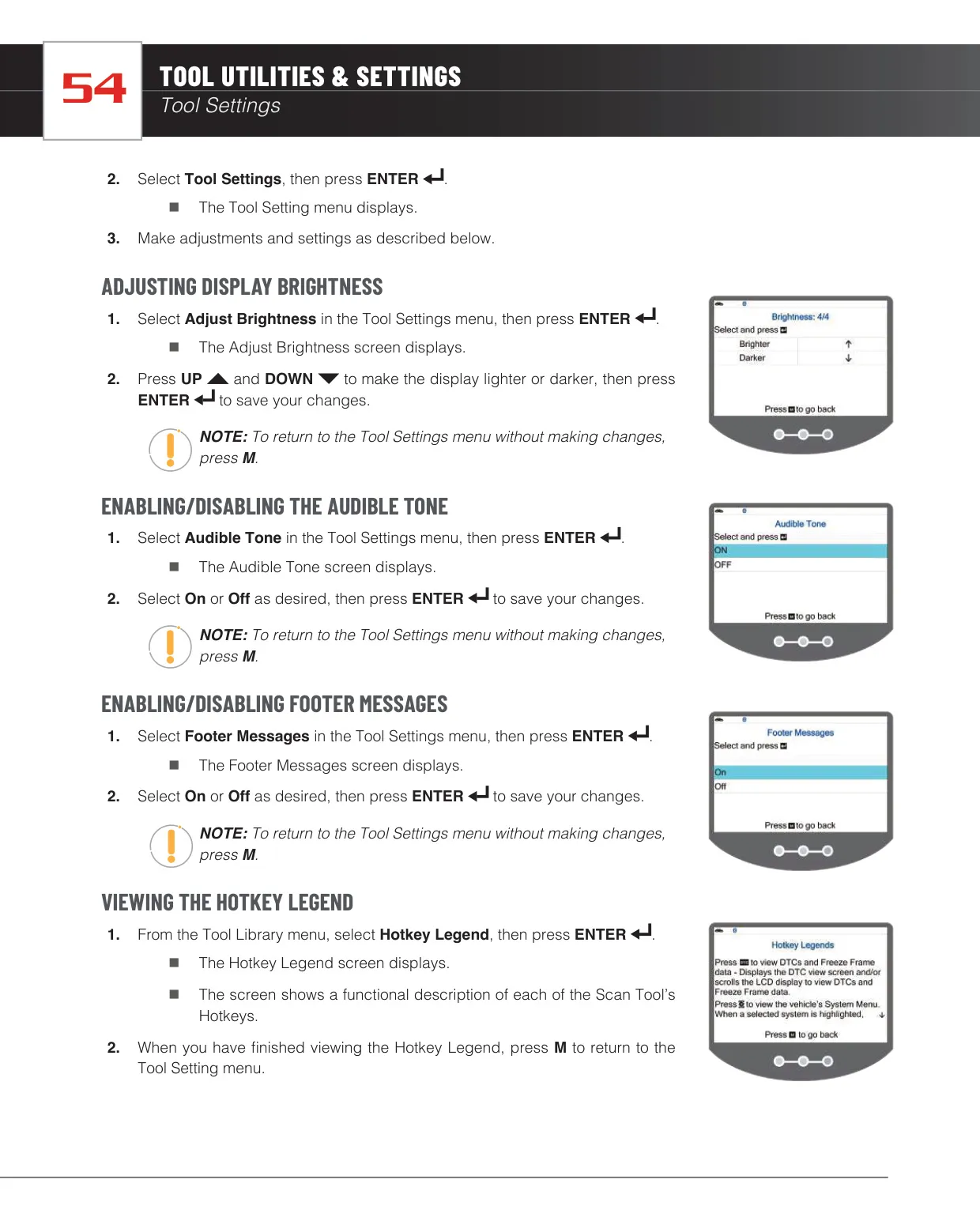
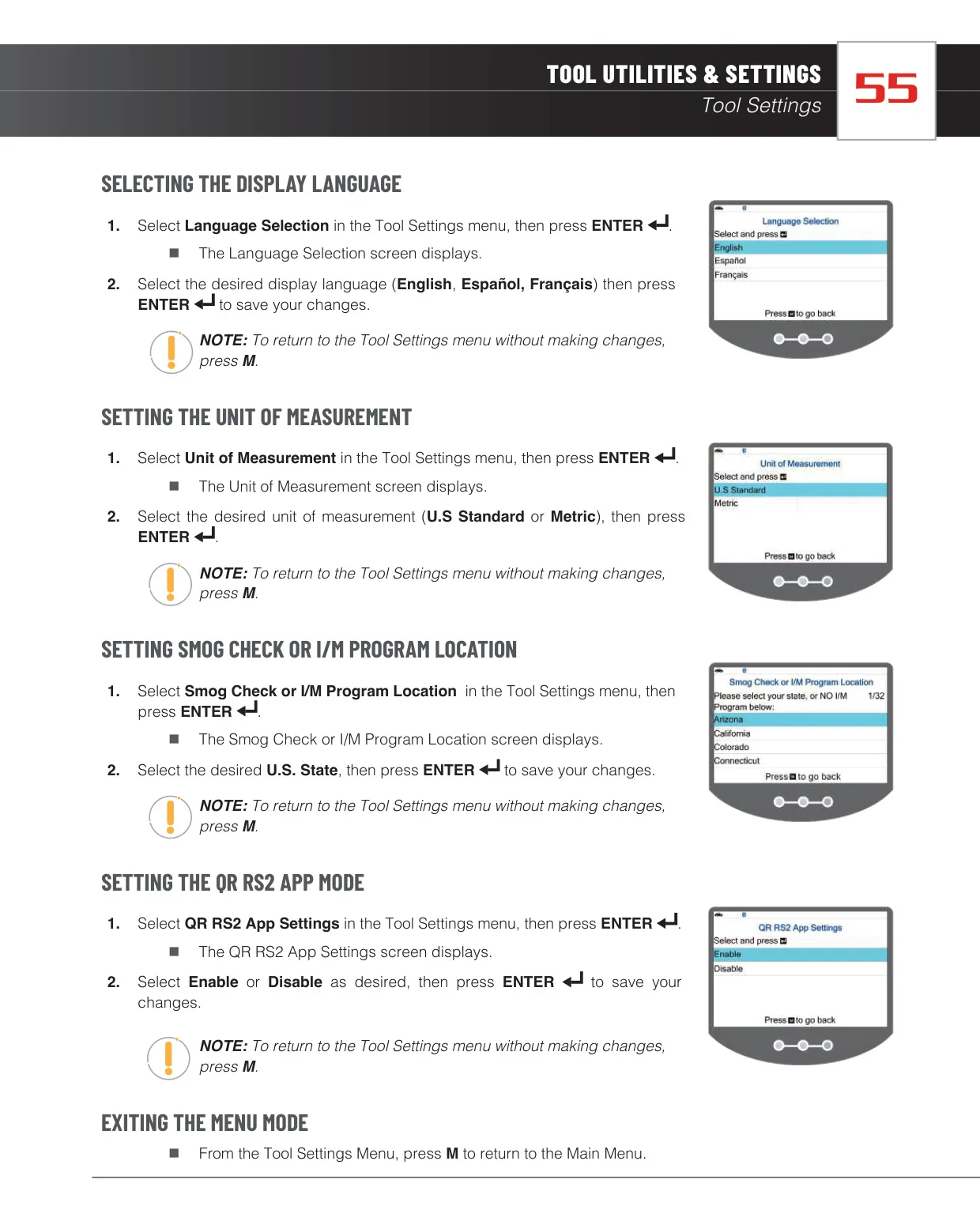
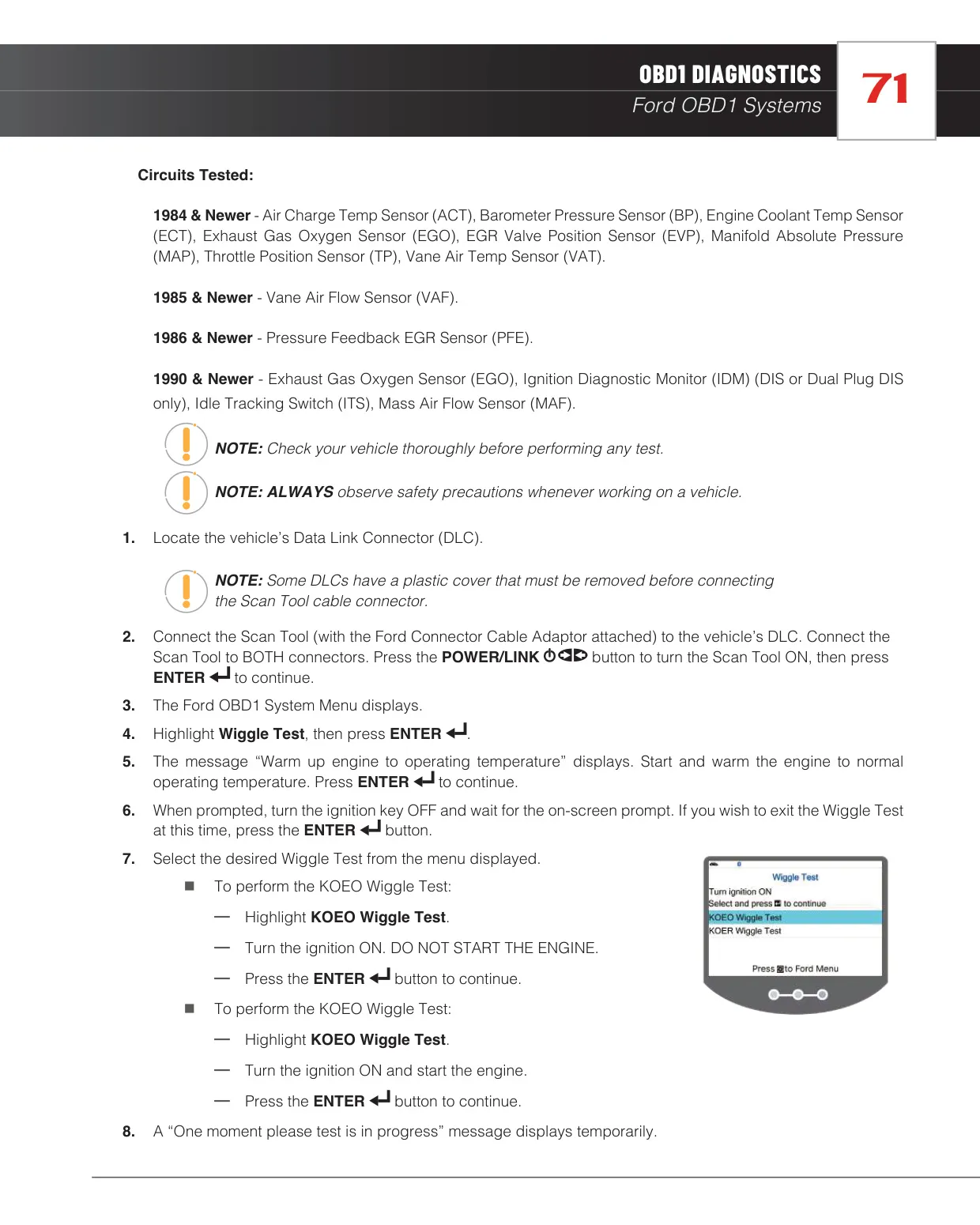
The OBD1 functions are useful for older Ford vehicles. You can check base timing (20° ±3° advance) with a timing light, run a Cylinder Balance Test on SEFI engines, and switch relays and solenoids on and off with the Output State Check. The Wiggle Test helps find intermittent faults in sensor circuits. The tool also has settings for brightness, button sounds, footer messages and your state's I/M inspection program.
Frequently Asked Questions (FAQs)
Can't find the answer you need? Here are some frequently asked questions about the Innova 5510 OBD2 Scanner, and we answer them below.