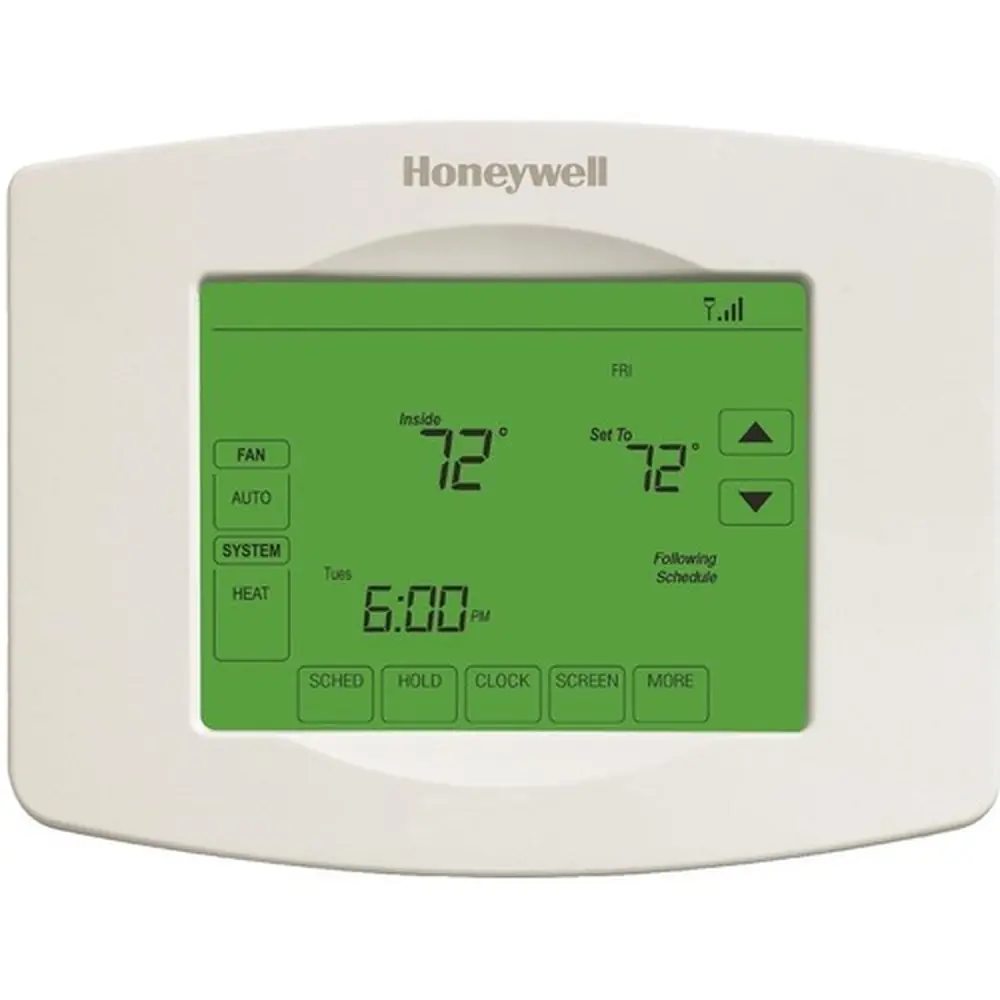
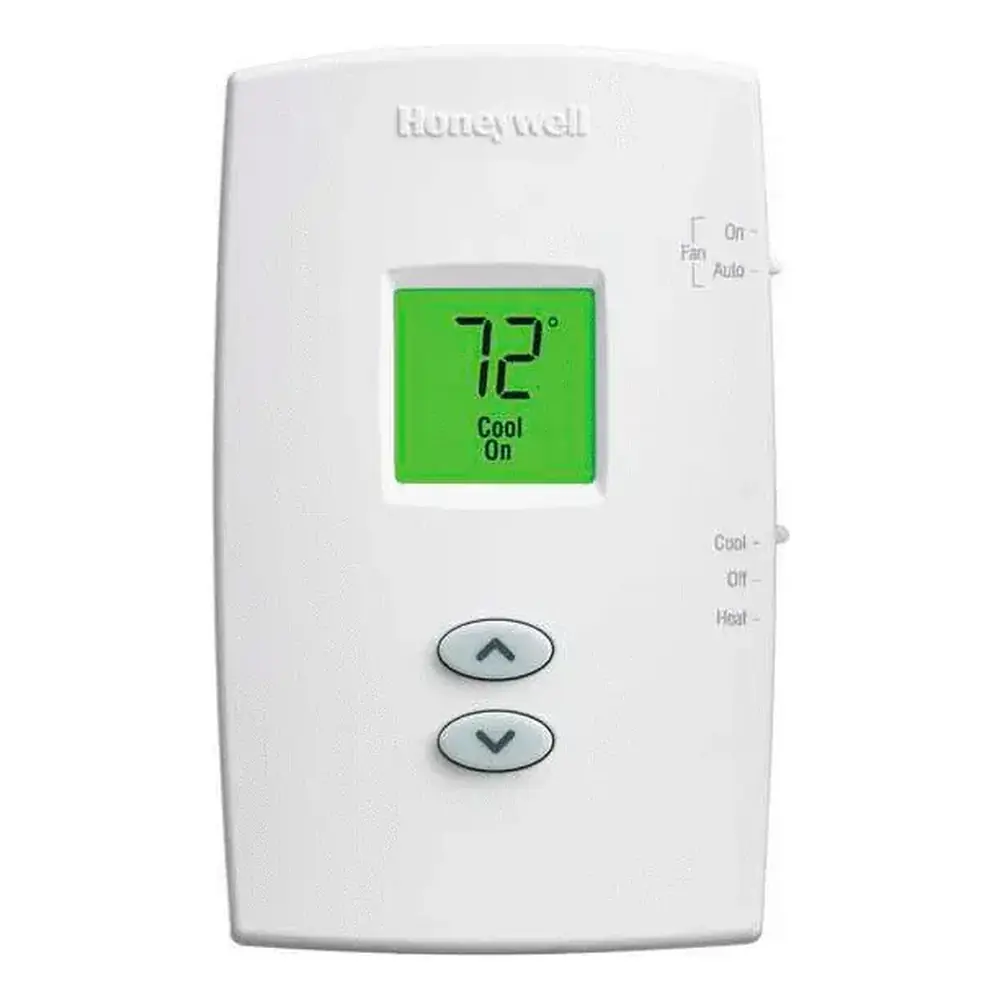
Honeywell TH6320R1004 Thermostat Instruction Manual
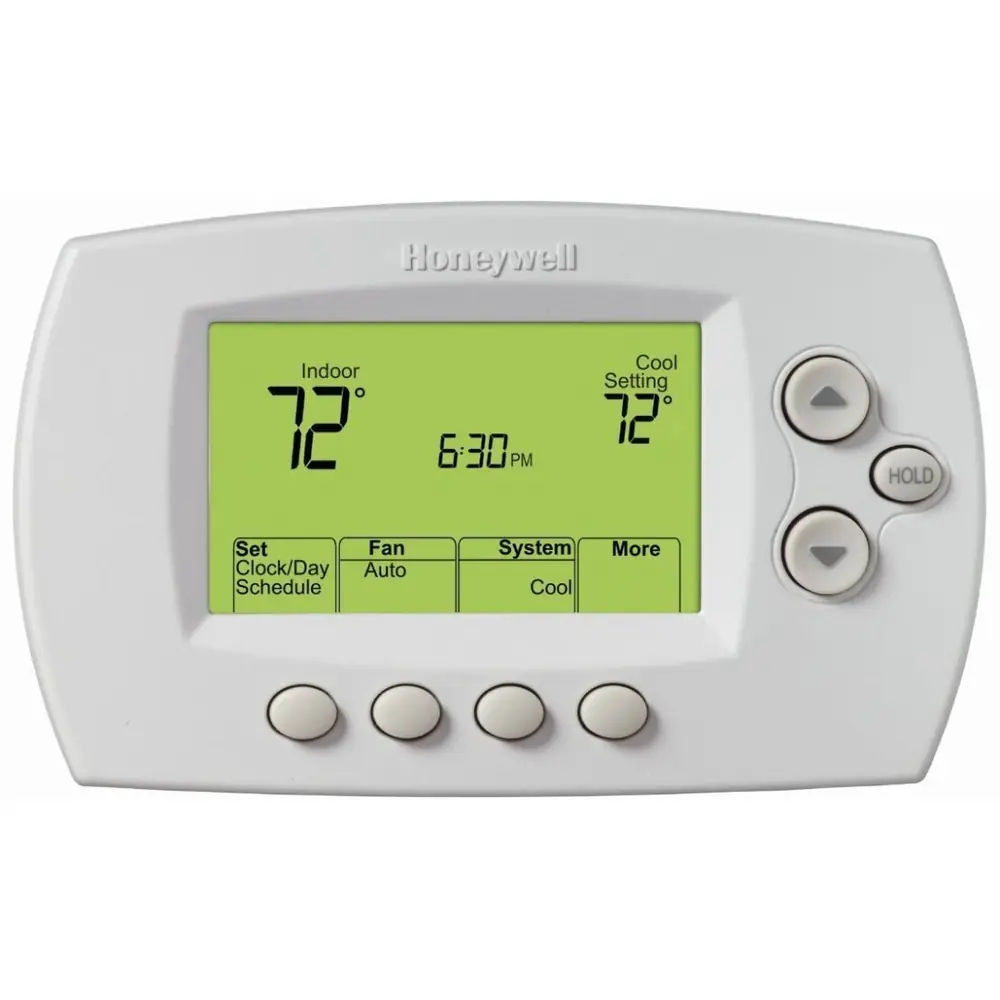
Honeywell TH6320R1004 Thermostat




Honeywell TH6320R1004 Instructions
Here we offer the Honeywell TH6320R1004 Thermostat manual completely free and in English. We have cataloged this manual in the Thermostats section on Manualverse, and it has been rated by 1 users with an average rating of 5. If you have any specific questions about Honeywell TH6320R1004 Thermostat, we suggest checking the Frequently Asked Questions (FAQs) section of this manual.
Product Images
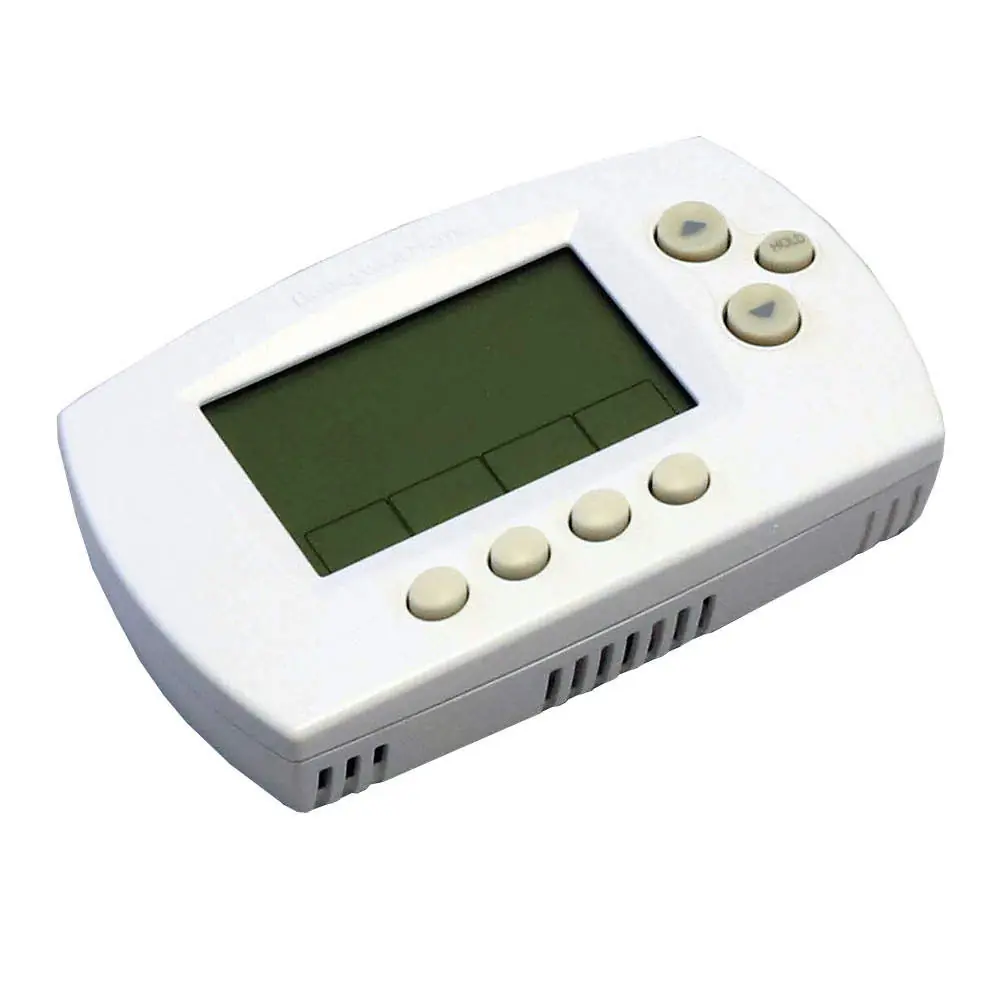
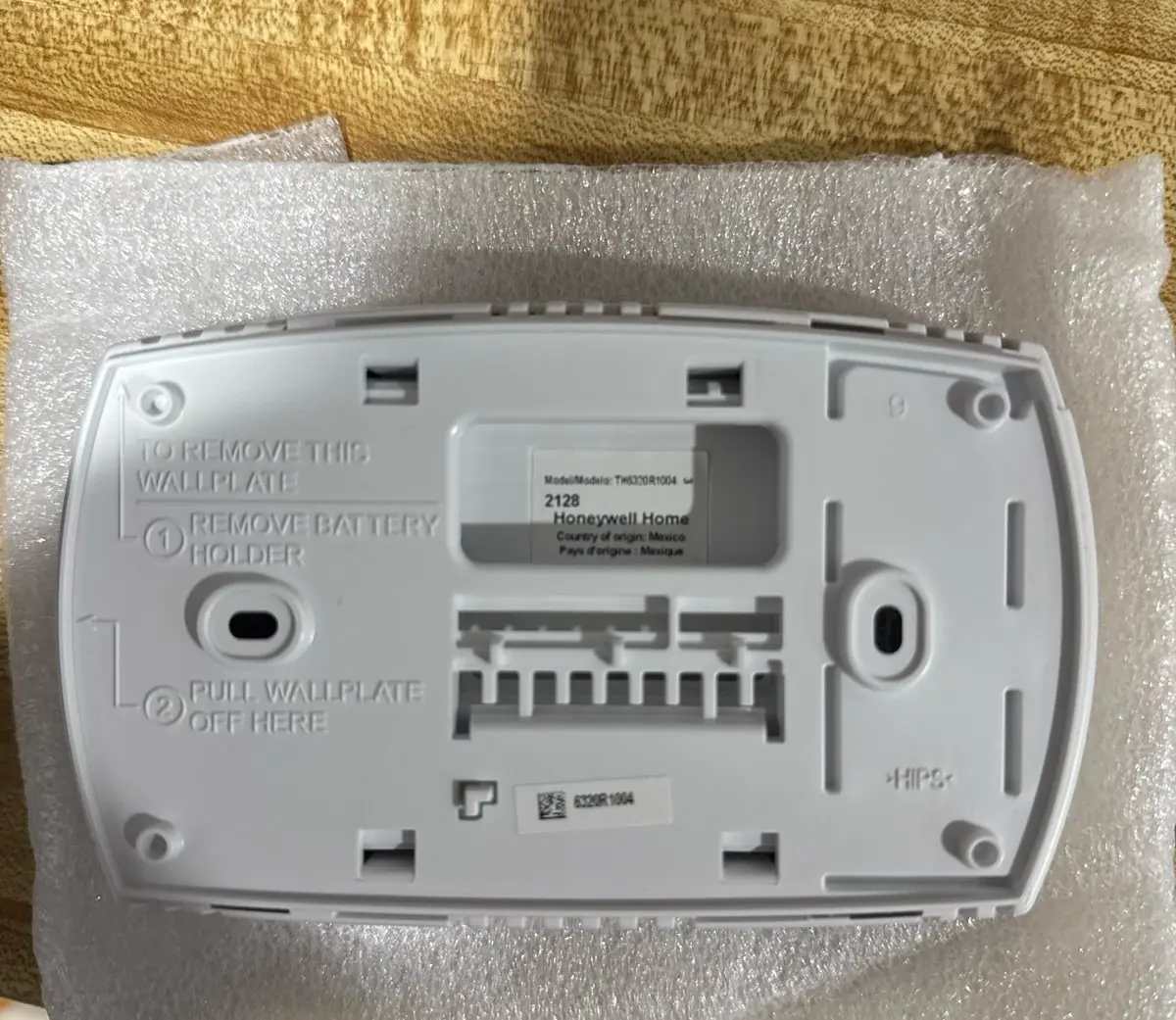
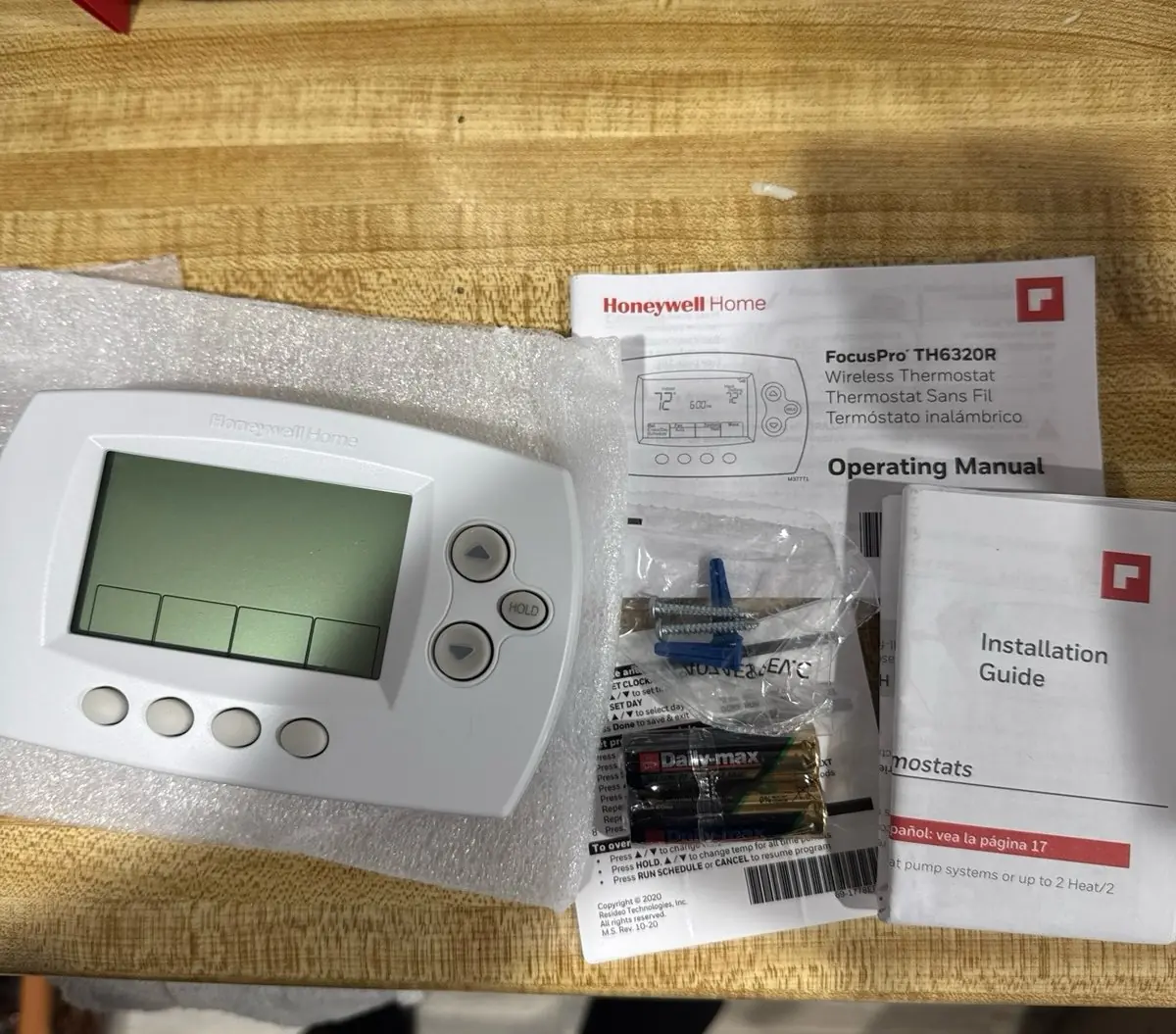
Honeywell TH6320R1004 Thermostat Specifications
| Feature | Specification |
|---|---|
| Model | Honeywell FocusPro TH6320R Wireless Thermostat (TH6320R1004) |
| System Compatibility | Heat, Cool, Off, Auto, Em Heat (for heat pumps with auxiliary heat) |
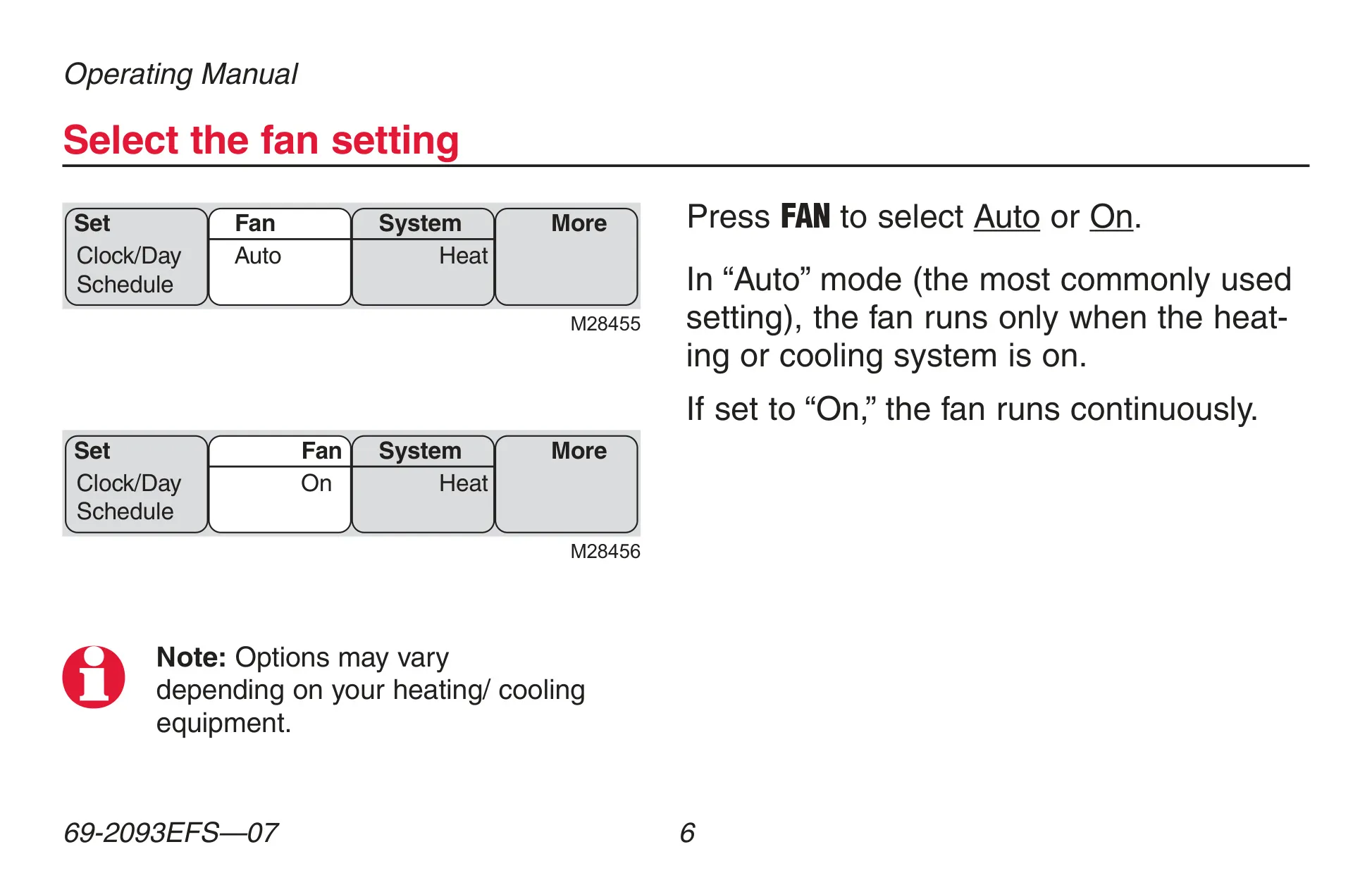
| Fan Settings | Auto, On |
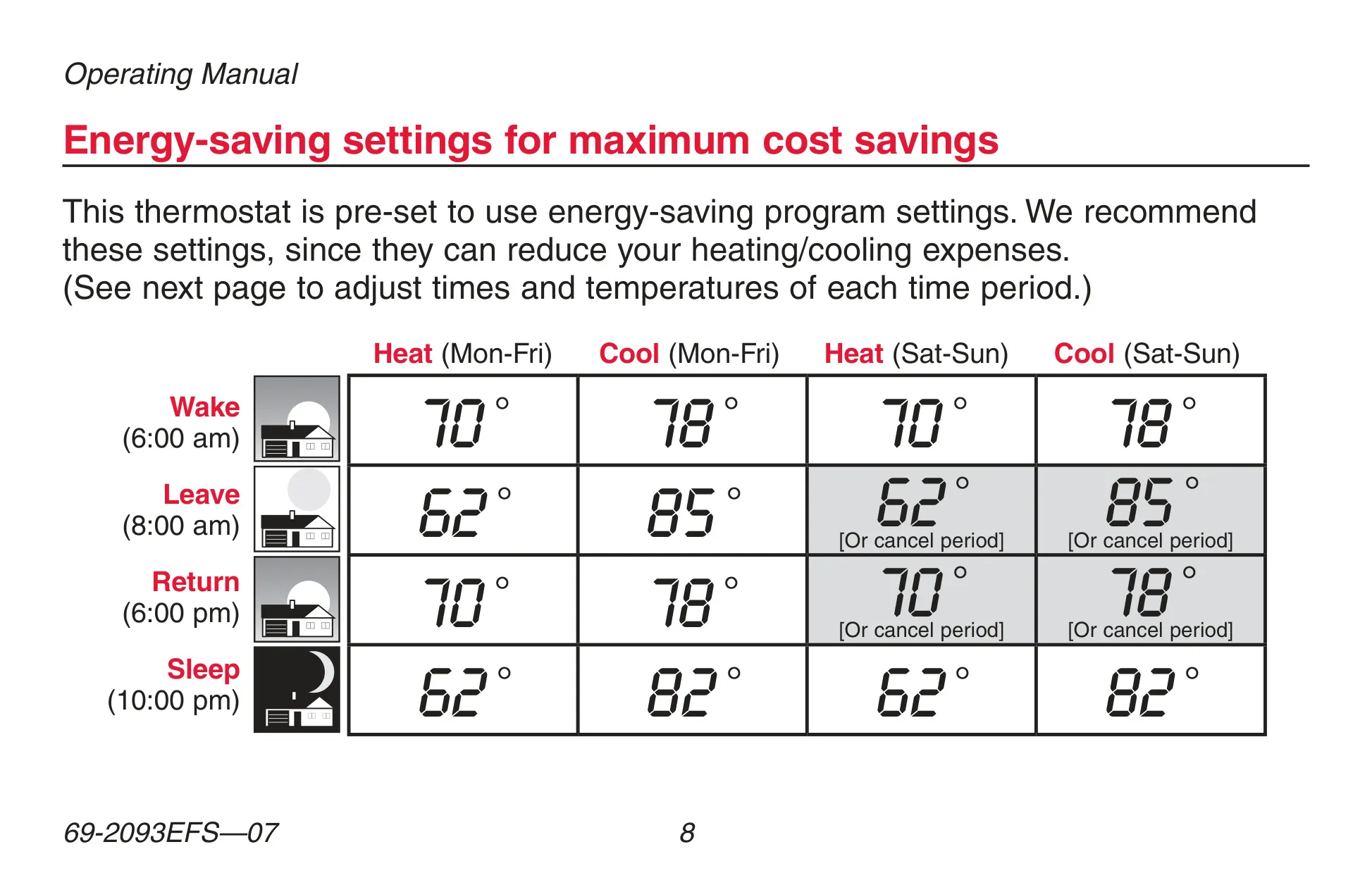
| Programmability | 7-day programmable, 4 periods per day (Wake, Leave, Return, Sleep) |
| Power Source (Thermostat) | 2x AA Alkaline Batteries |
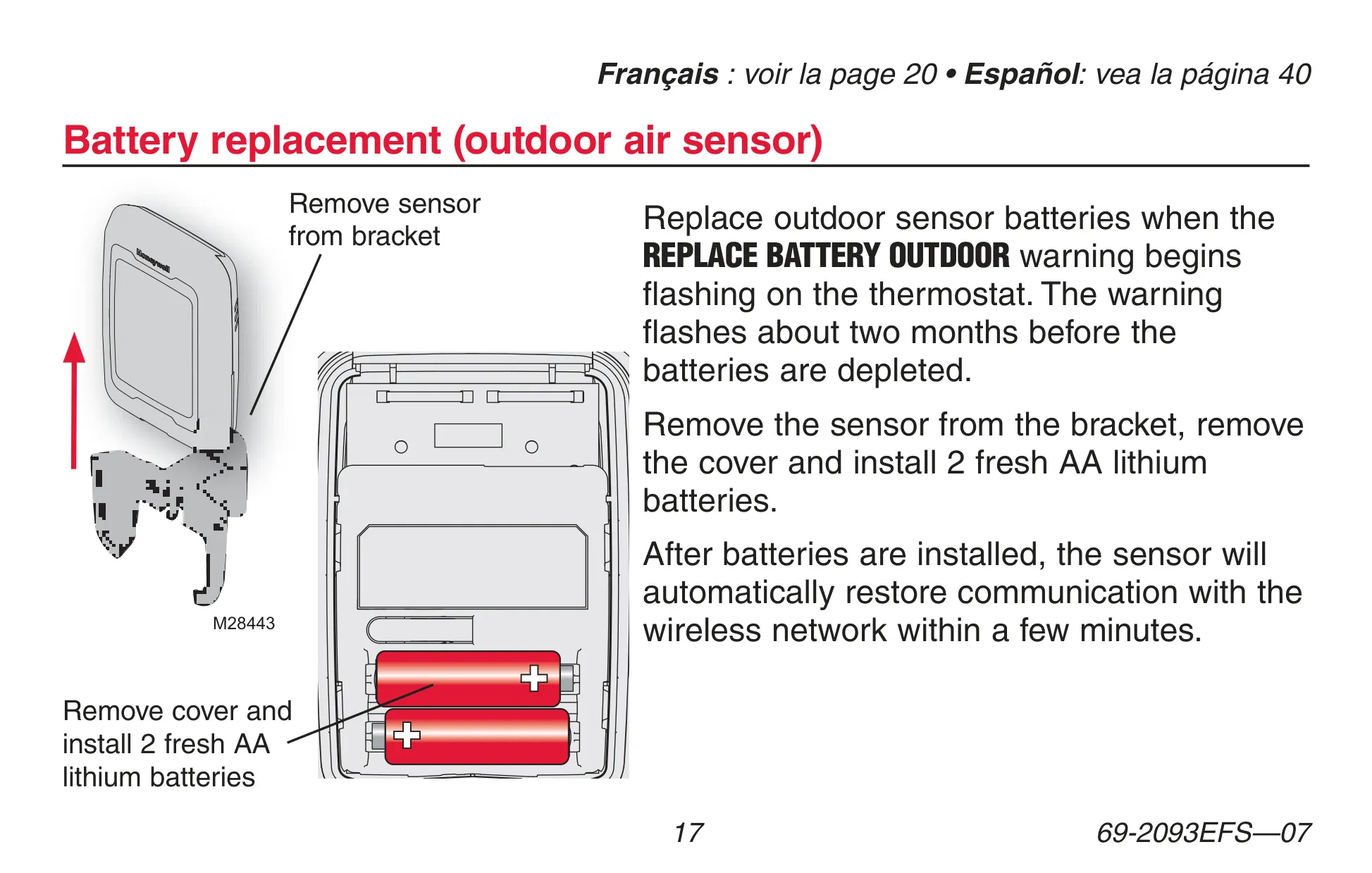
| Power Source (Outdoor Sensor, Optional) | 2x AA Lithium Batteries |
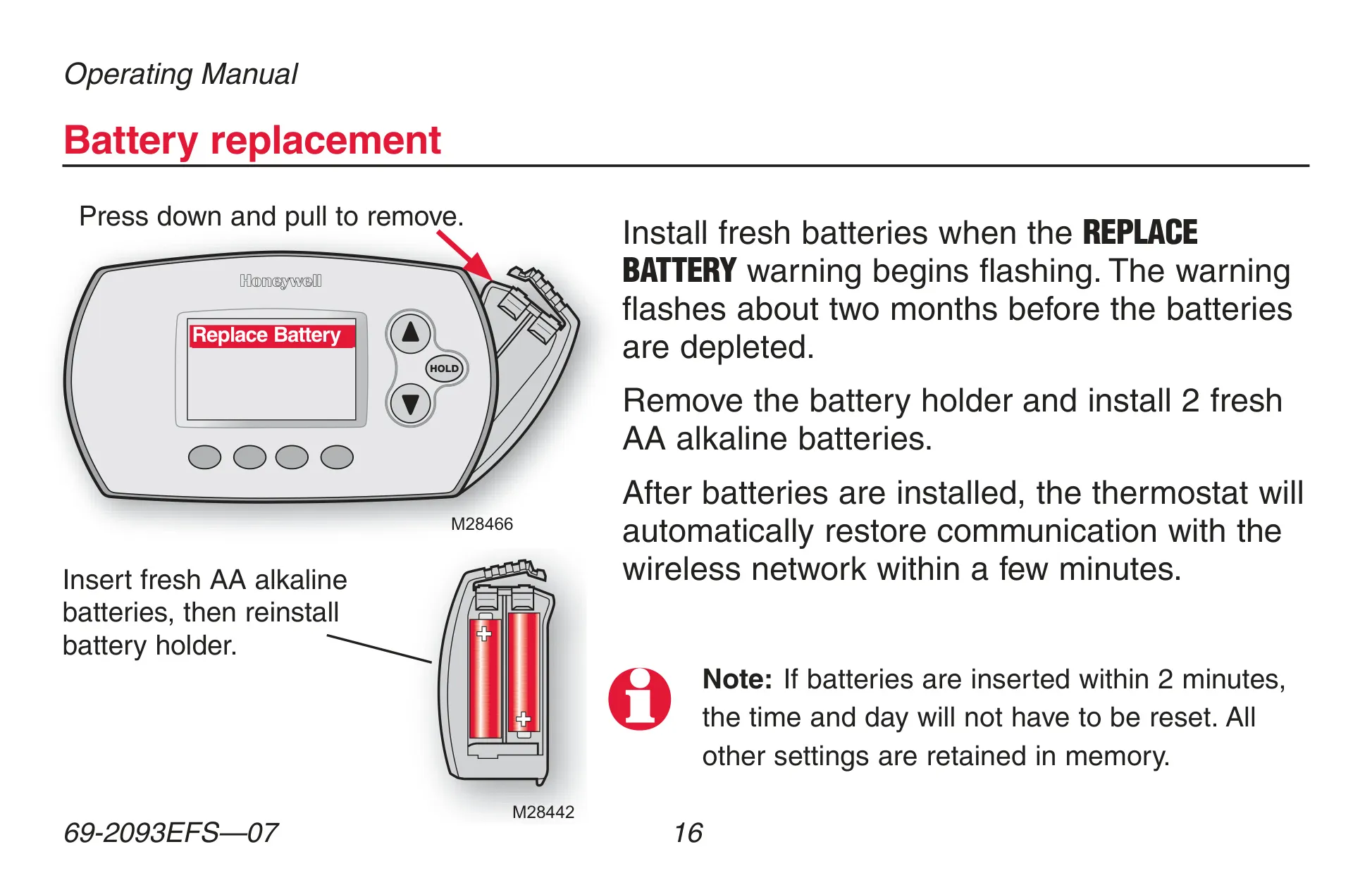
| Low Battery Warning | Flashes approx. 2 months before depletion |
| Cooling System Outdoor Temp. Limit | Do not operate below 50 °F (10 °C) |
| Compressor Protection | Built-in delay to prevent damage from rapid cycling |
| Adaptive Intelligent Recovery | Yes, learns optimal system start times |
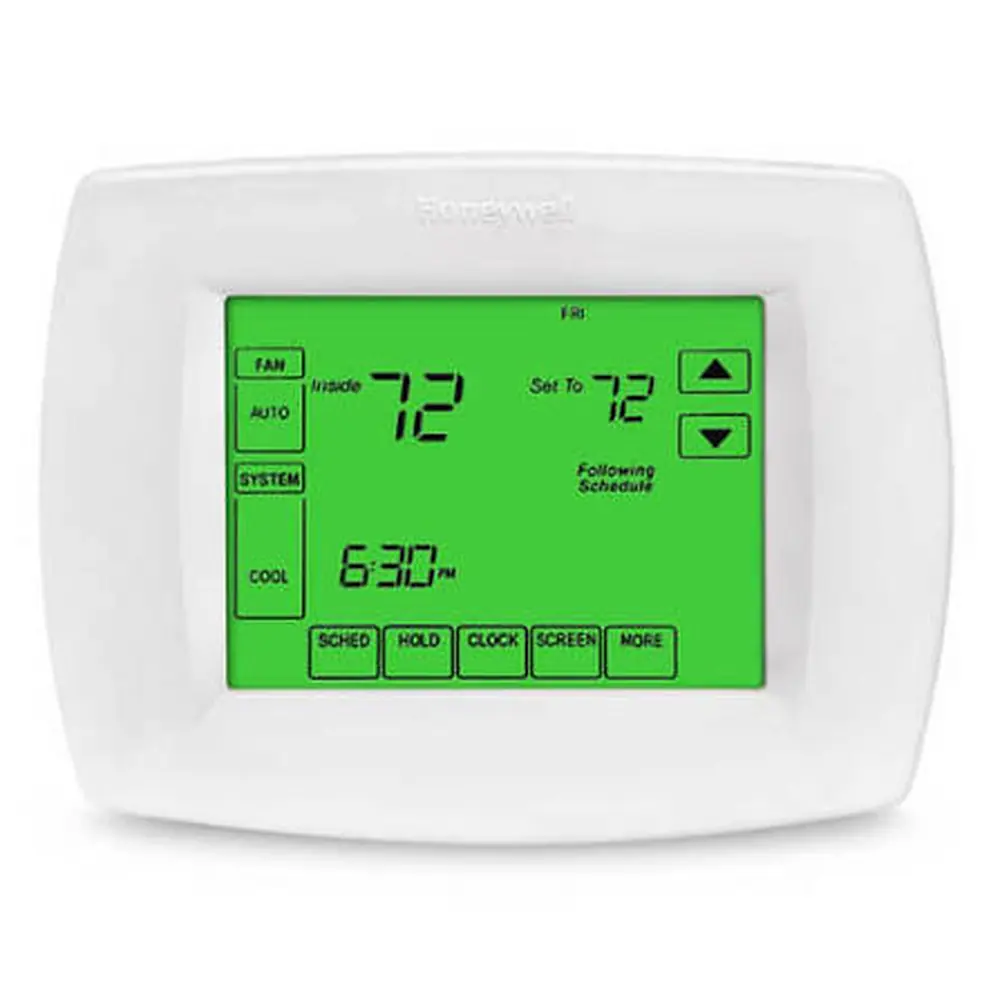
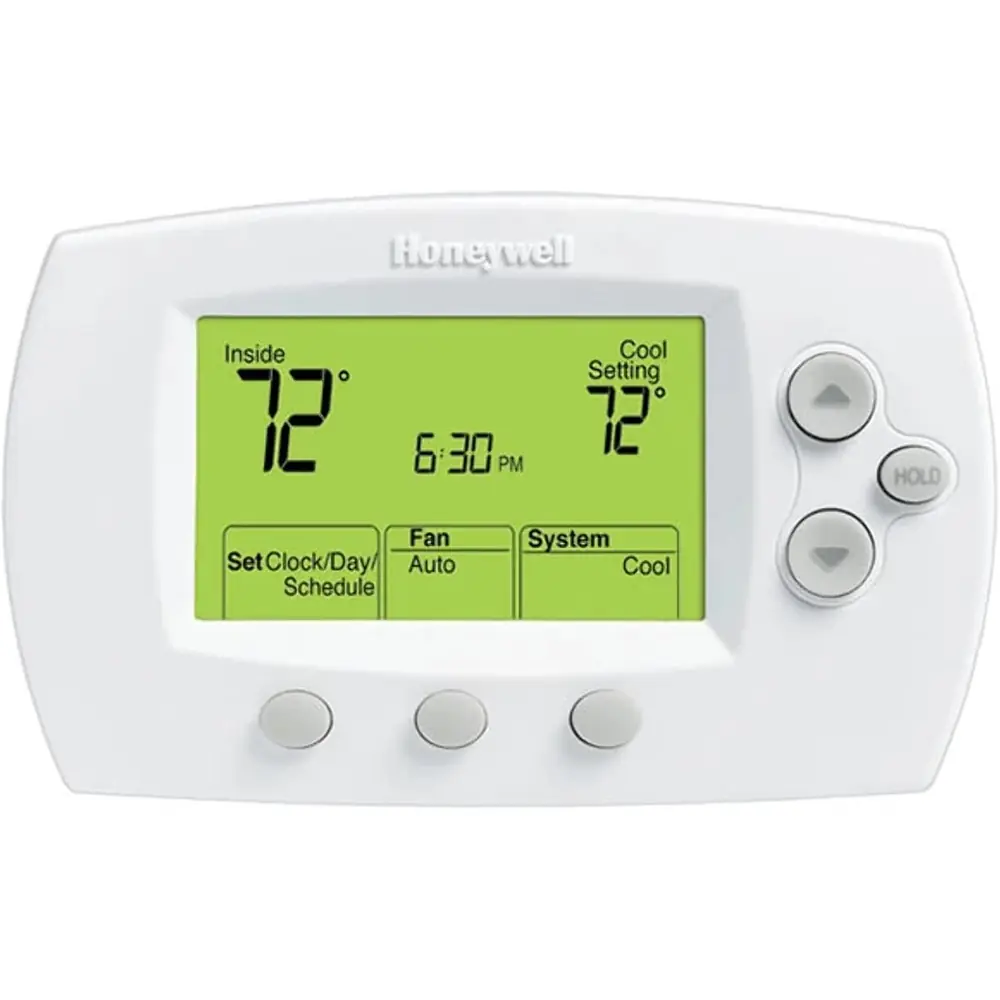
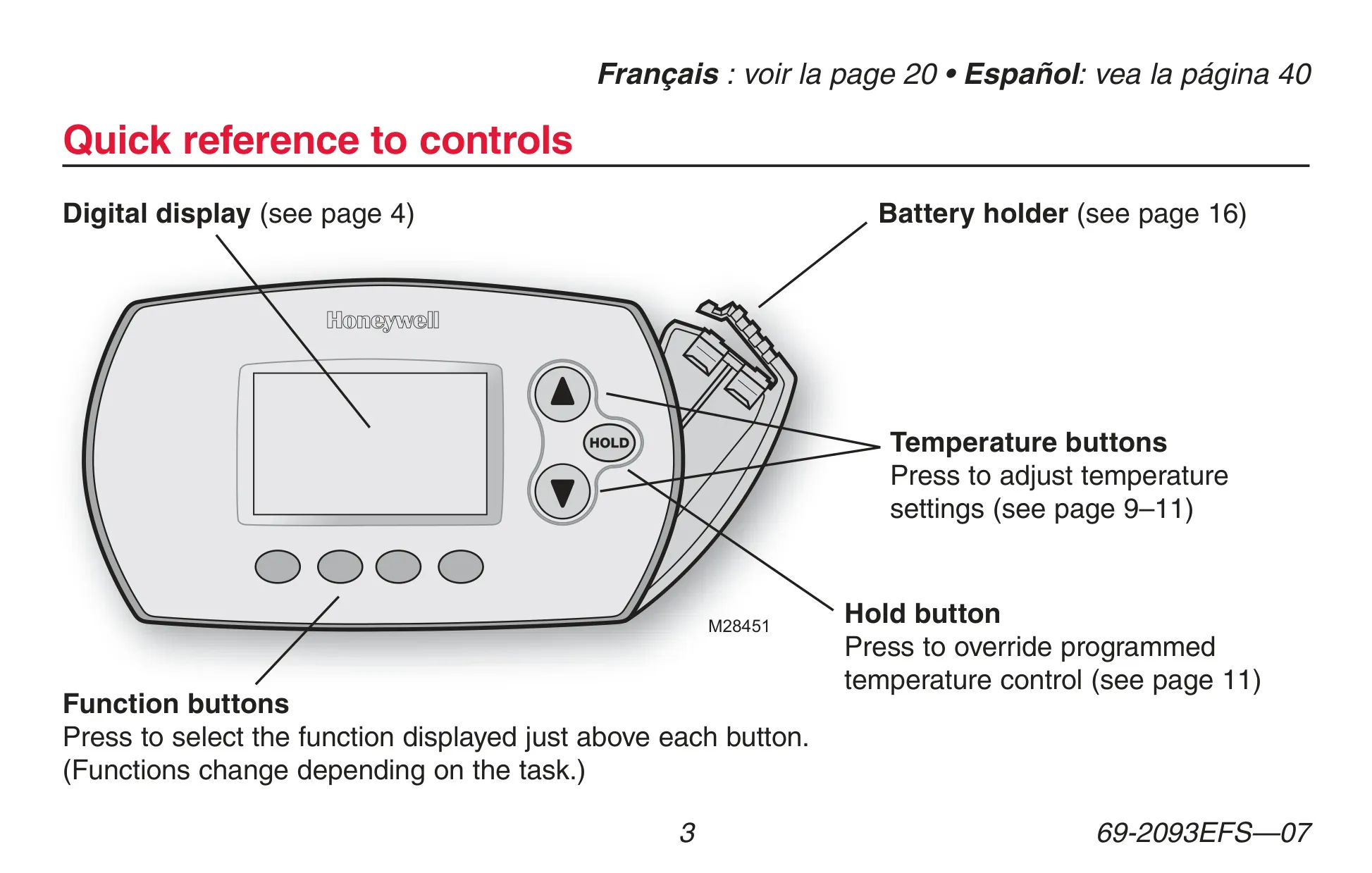
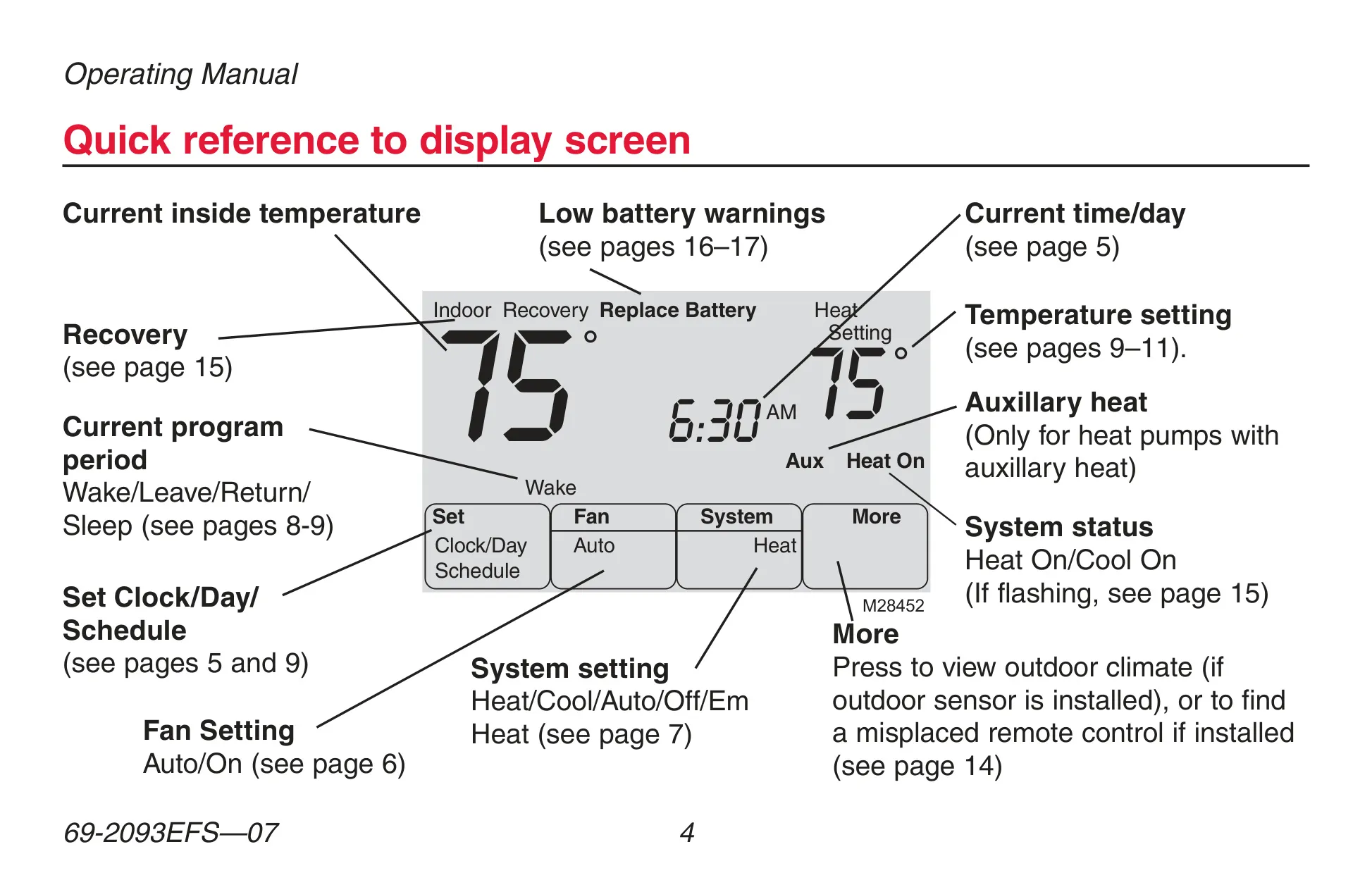
| Display | Digital LCD with current indoor temperature, set temperature, time/day, system status, program period, low battery warnings |
| Wireless Communication | Yes (wireless network) |
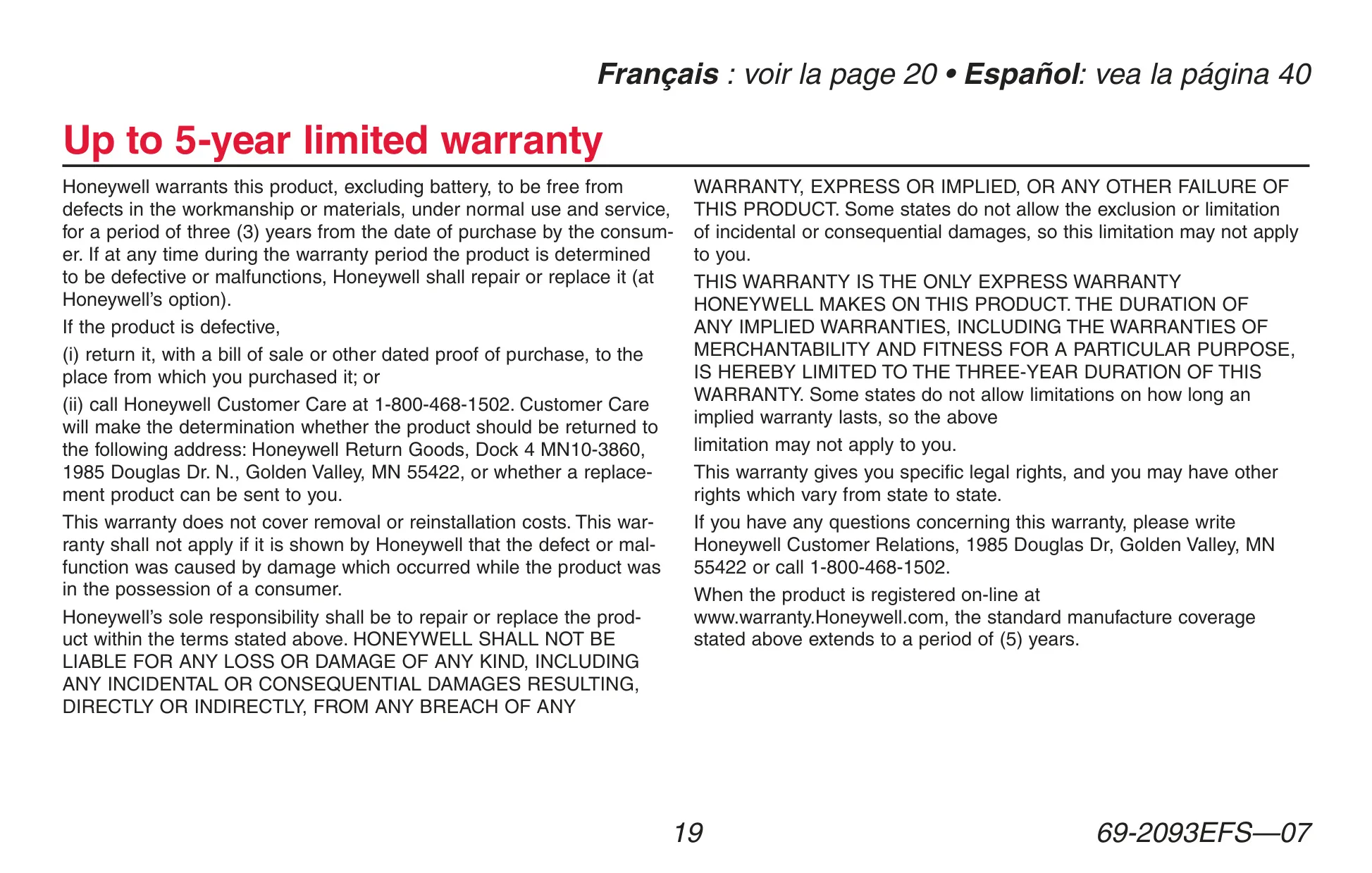
| Warranty | 3-year limited (standard), 5-year limited (with online registration) |
| Support | 1-800-468-1502, http://yourhome.honeywell.com |
Honeywell TH6320R1004 Details
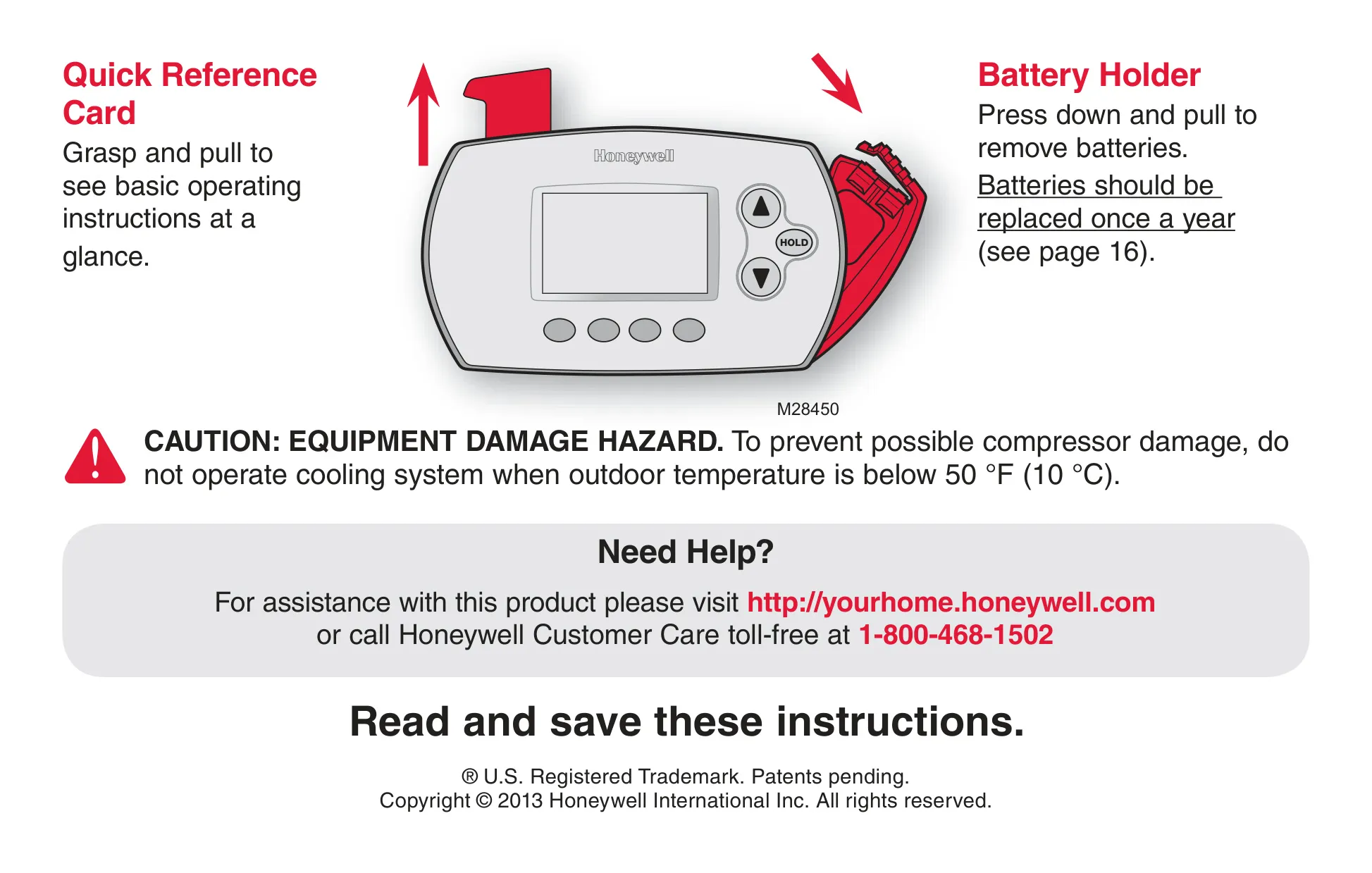
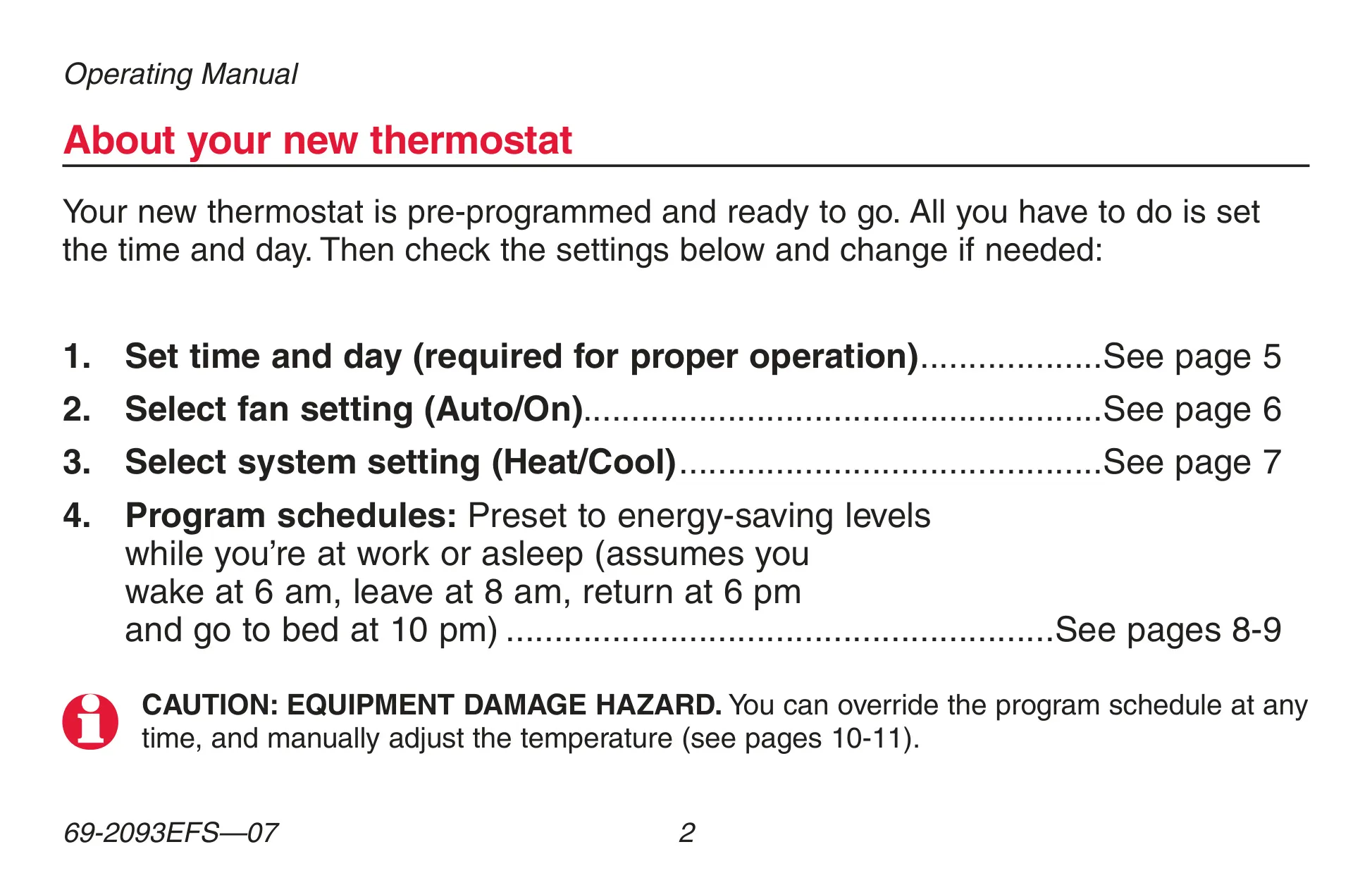
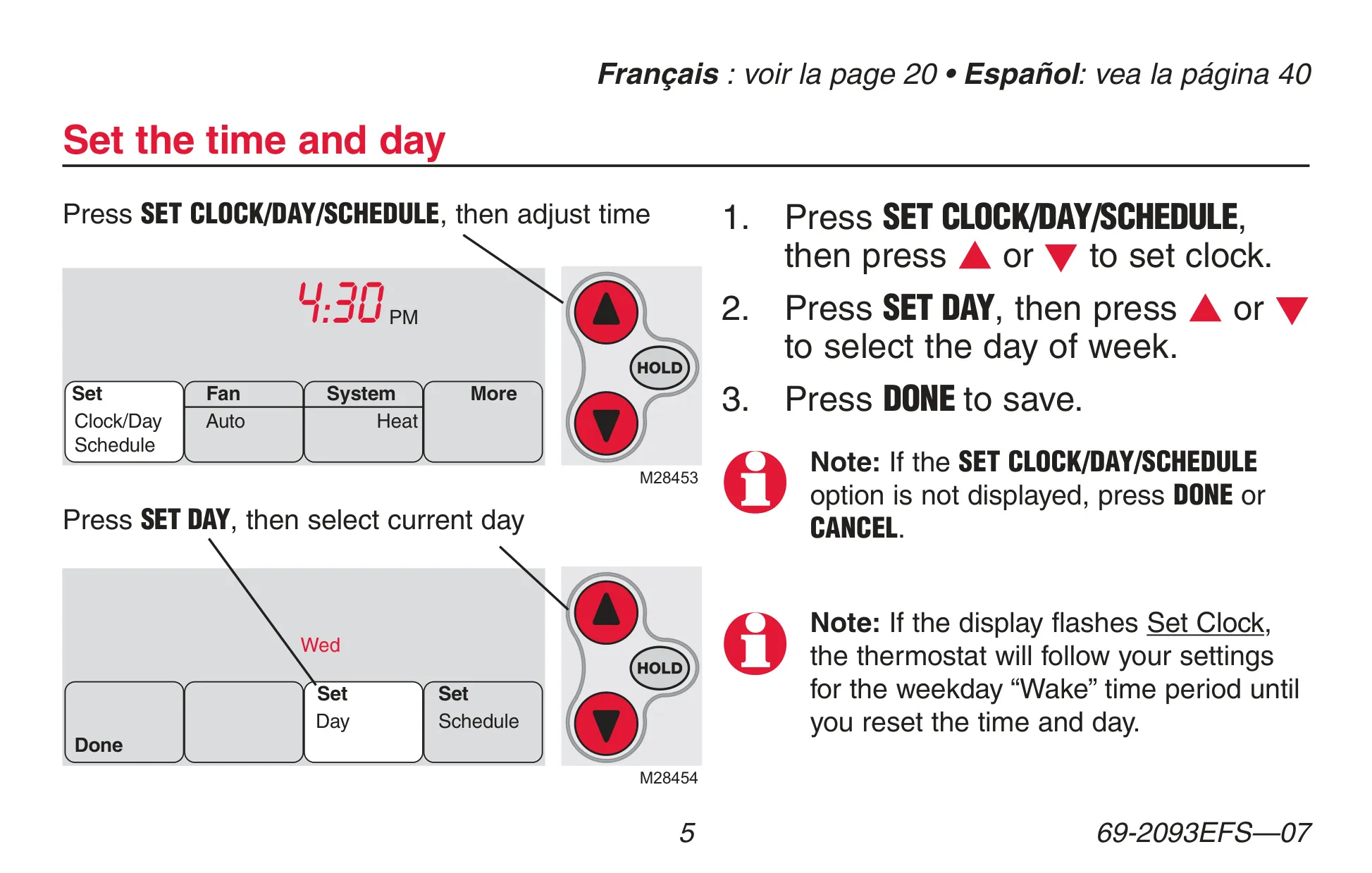
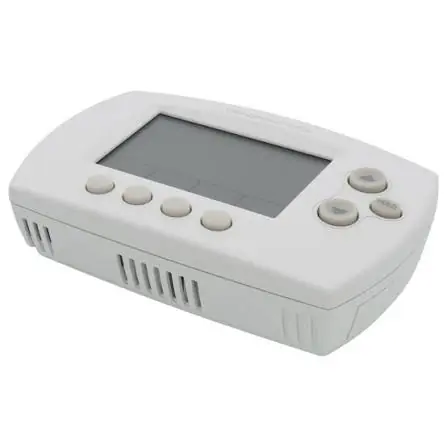
The Honeywell TH6320R1004 FocusPro Wireless Thermostat is designed for user convenience and energy efficiency, offering a blend of intuitive controls and advanced features. While pre-programmed with energy-saving settings, its initial setup is straightforward: users simply need to set the current time and day. Its digital display provides a clear overview of the indoor temperature, current time, and active program period.
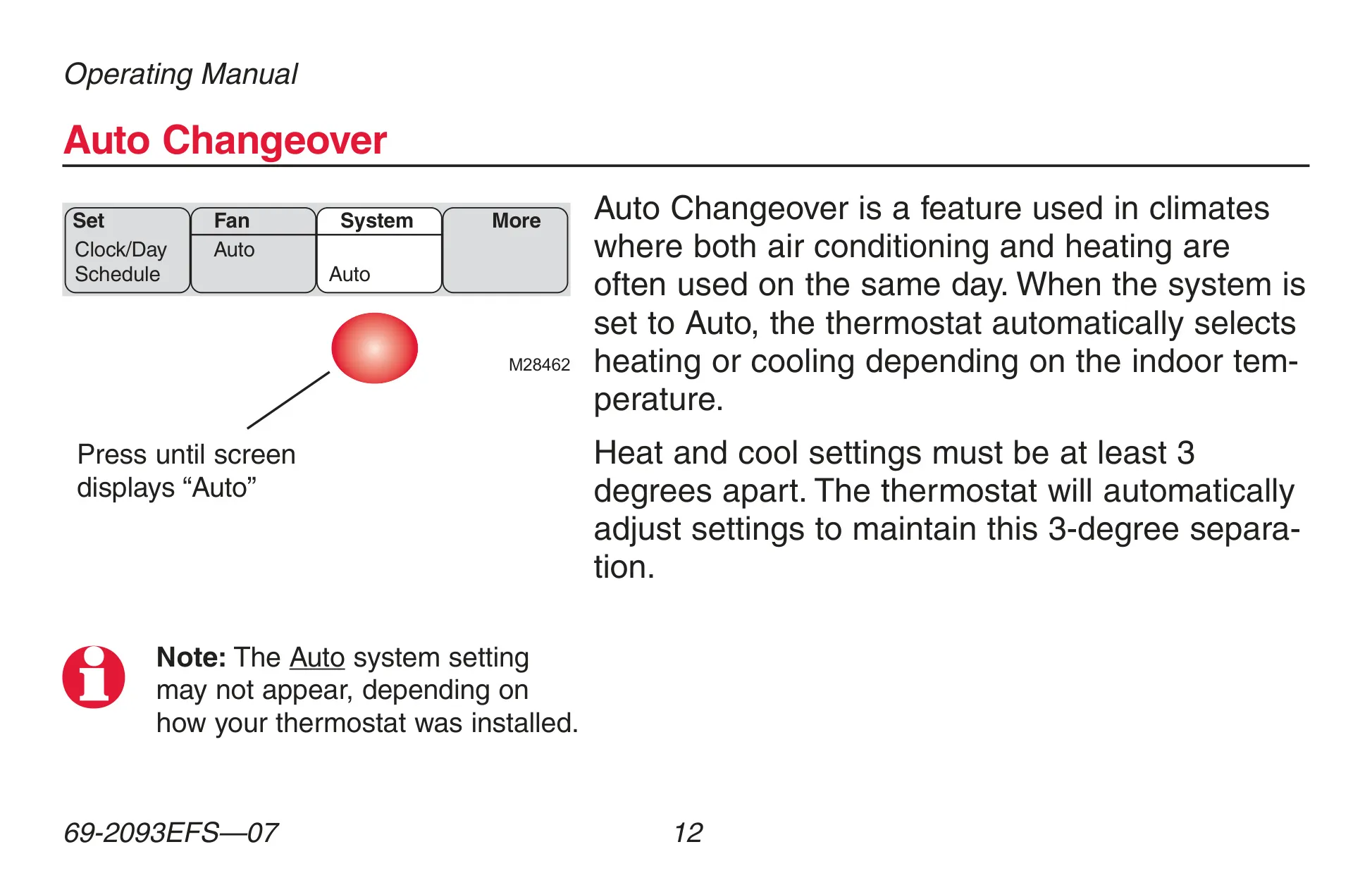
Beyond basic operation, the thermostat offers flexible control over your home's climate. The fan can be set to "Auto," running only when heating or cooling is active, or "On" for continuous airflow. System settings include Heat, Cool, Off, and an "Auto" mode which intelligently switches between heating and cooling based on indoor temperature.
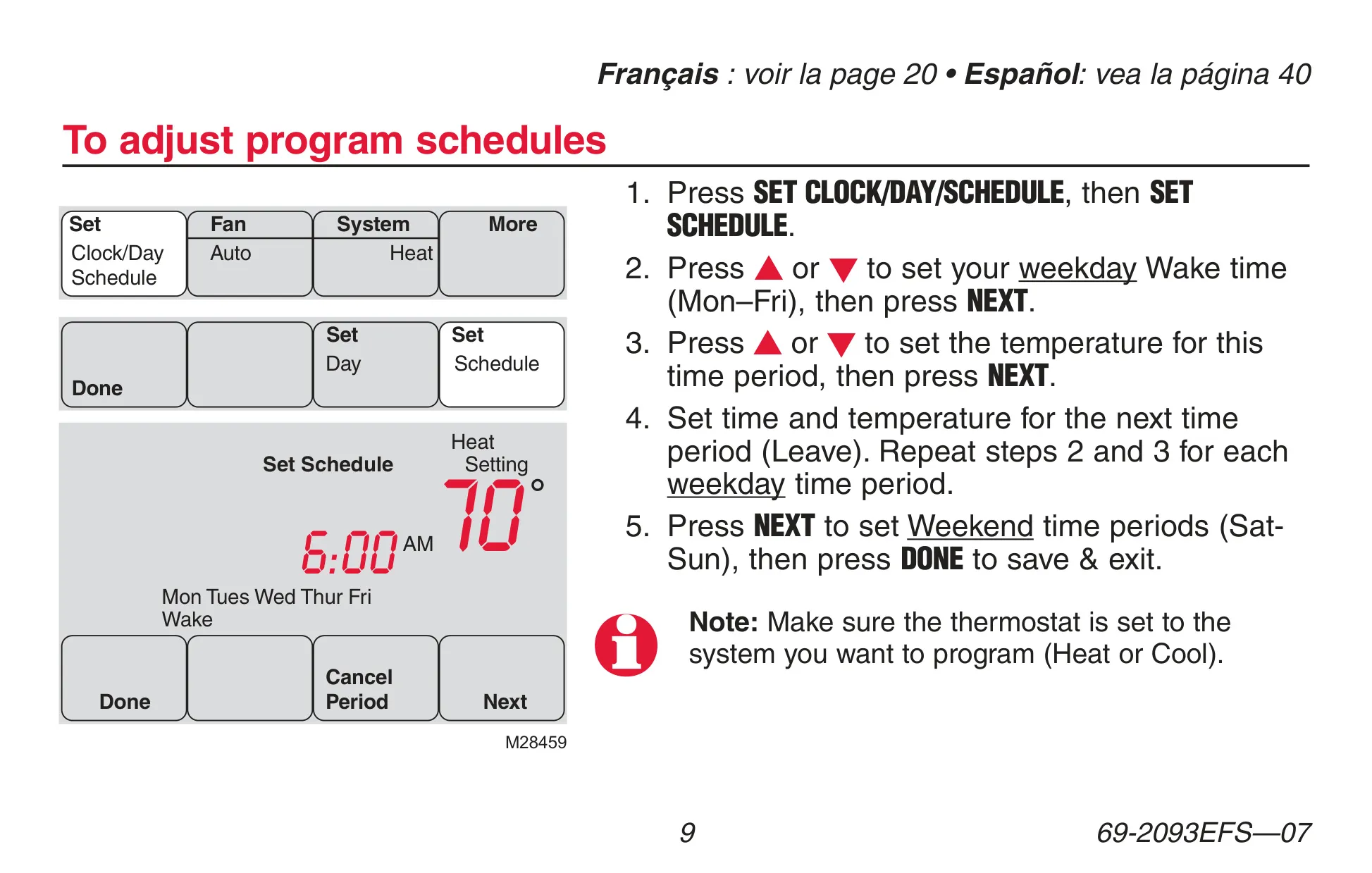
The TH6320R1004 excels in its programmable capabilities, allowing for distinct "Wake," "Leave," "Return," and "Sleep" periods across a 7-day schedule. This empowers users to customize temperature settings to align with their daily routines, optimizing comfort and energy consumption. Users can easily adjust these presets to suit individual preferences, ensuring maximum cost savings.
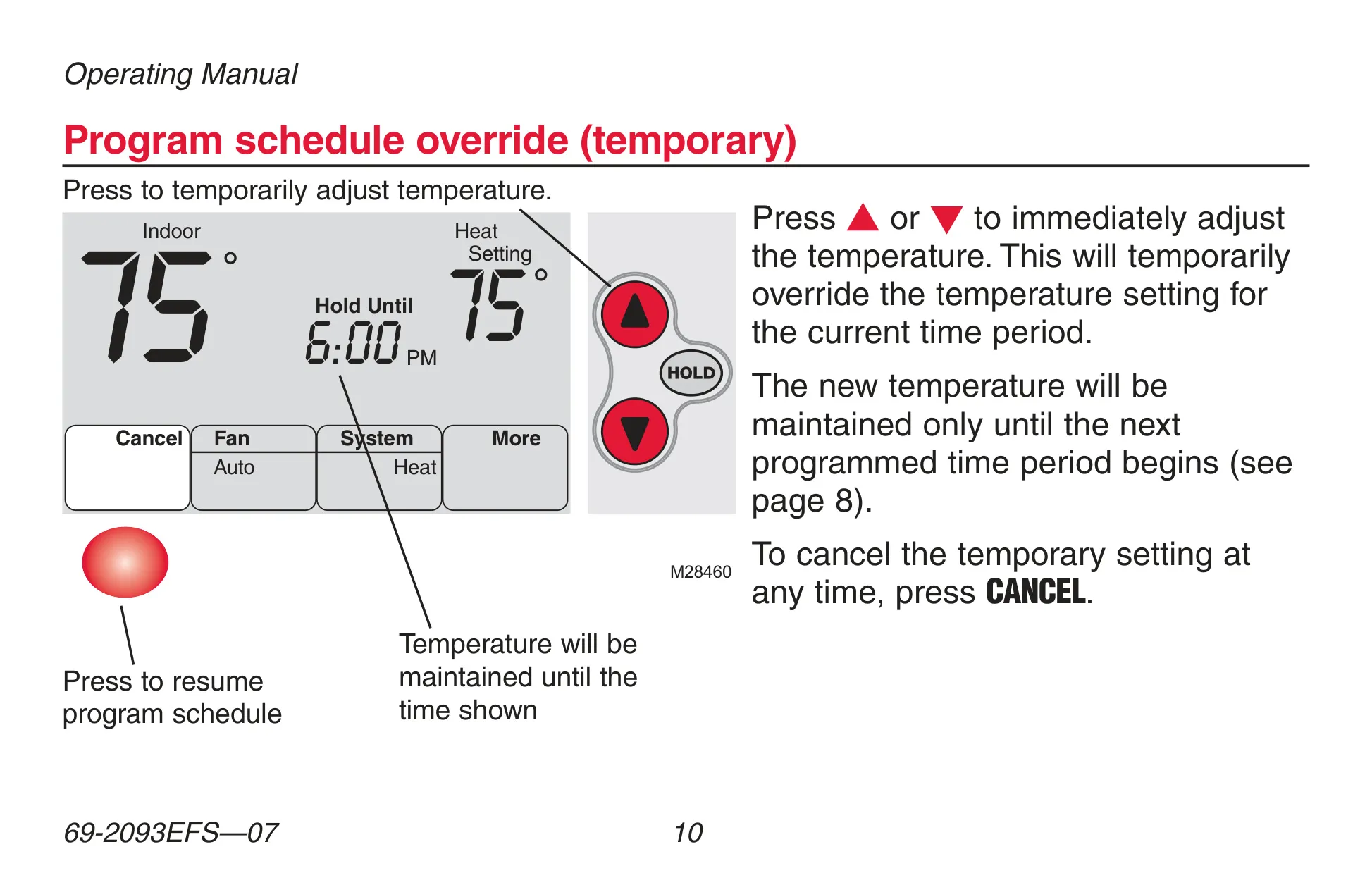
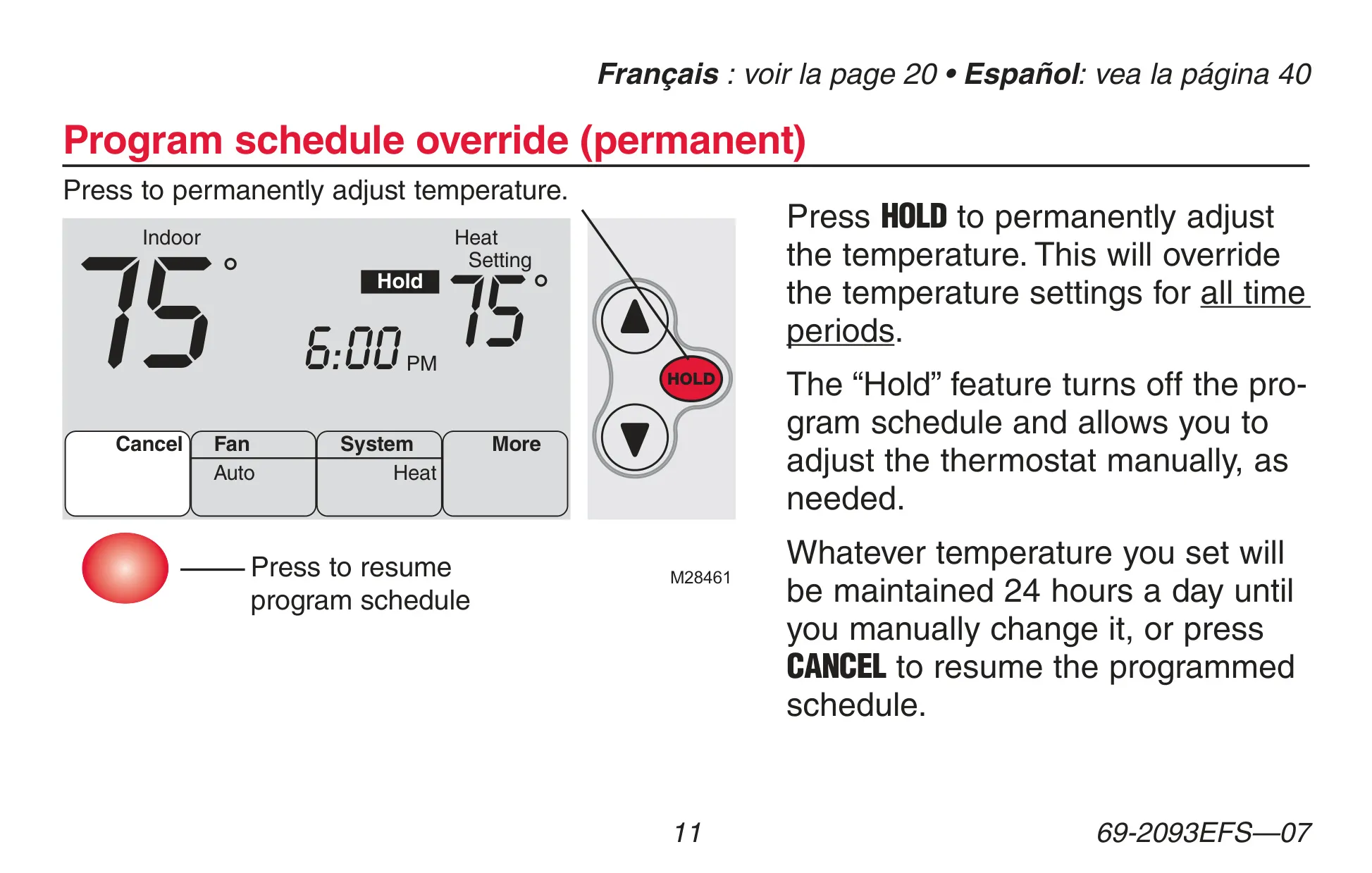
For immediate adjustments, the thermostat features both temporary and permanent override options. A temporary override holds a new temperature until the next scheduled period begins, ideal for short-term changes. The "Hold" function provides a permanent override, maintaining a set temperature 24/7 until manually cancelled, offering complete manual control when needed.
This model integrates smart features like Adaptive Intelligent Recovery, which learns your system's performance to ensure programmed temperatures are reached precisely at the scheduled time, eliminating guesswork. It also includes Built-in Compressor Protection, a crucial safety feature that prevents potential damage to your HVAC compressor by enforcing a brief delay before restarting after shutdown.
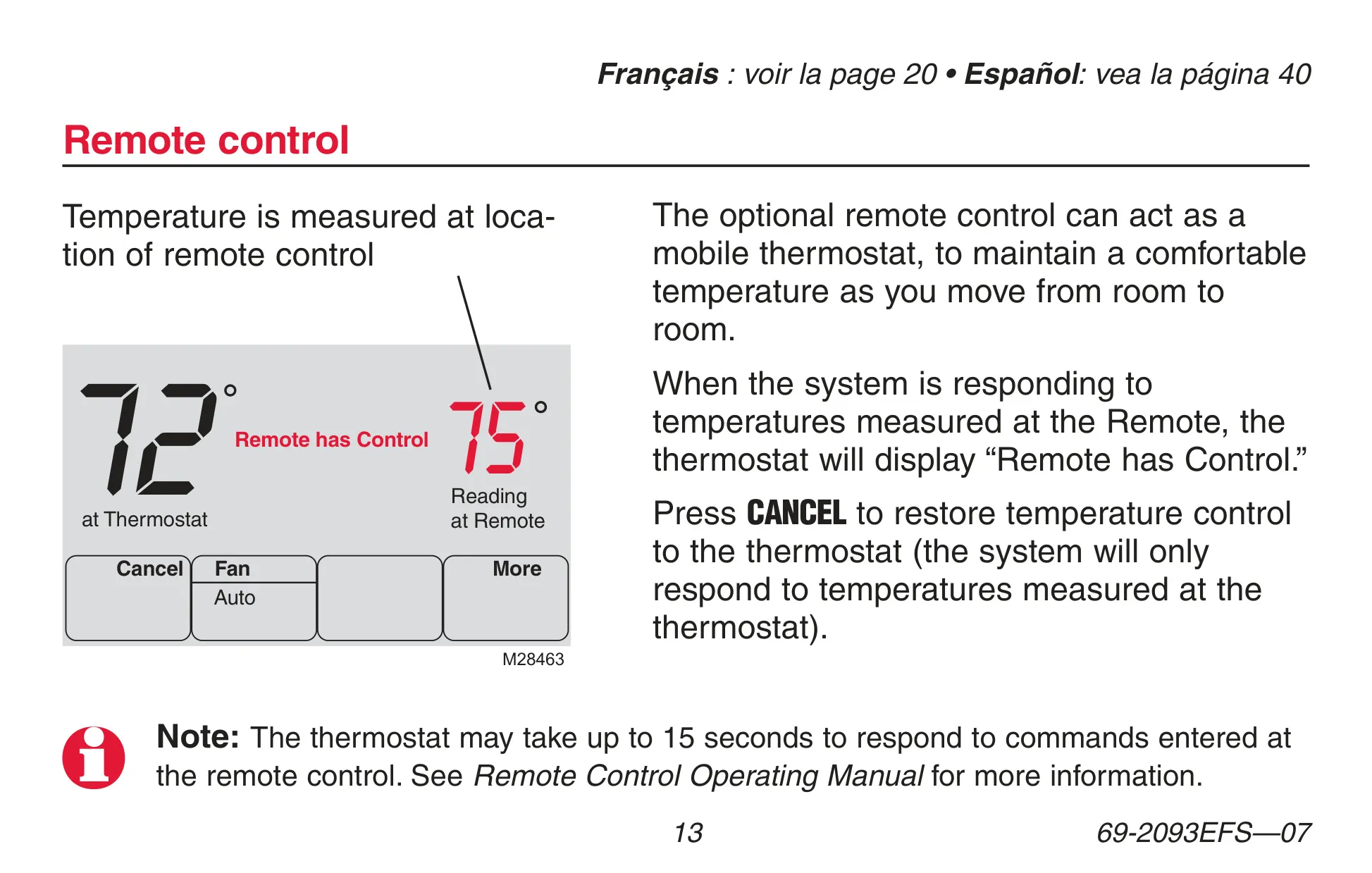
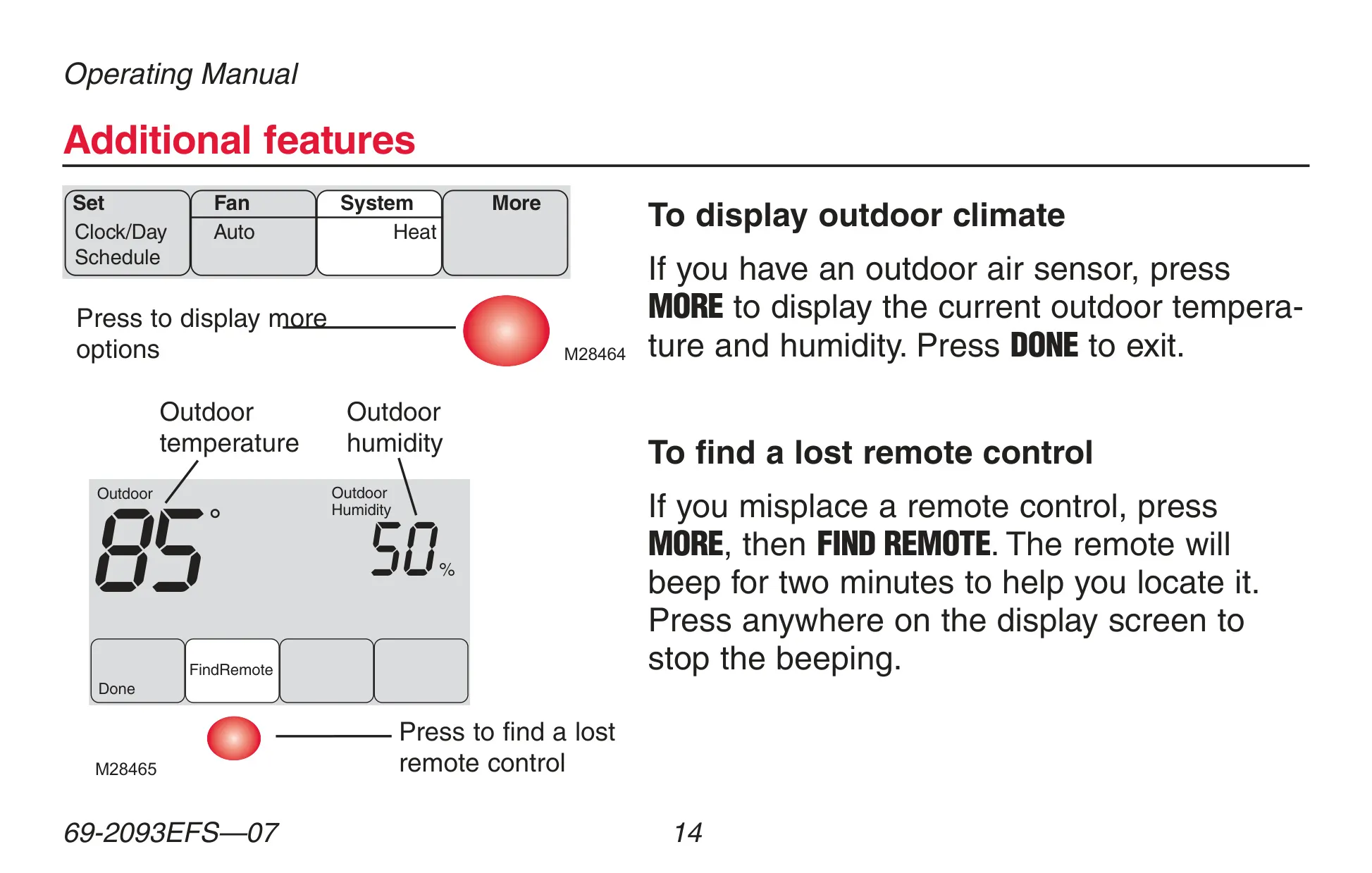
For enhanced functionality, the TH6320R1004 supports optional accessories such as an outdoor air sensor to display external climate data and a remote control. The remote can act as a mobile thermostat, measuring temperature from its location and providing flexibility. A convenient "Find Remote" feature ensures misplaced remotes can be easily located by making them beep.
Maintenance is simplified with clear "Replace Battery" warnings for both the main thermostat (AA alkaline) and the optional outdoor sensor (AA lithium). These warnings flash approximately two months before batteries are depleted, allowing ample time for replacement and ensuring uninterrupted operation. This attention to detail reflects Honeywell's commitment to user-friendly design and reliable performance.
Frequently Asked Questions (FAQs)
Can't find the answer you need? Here are some frequently asked questions about the Honeywell TH6320R1004 Thermostat, and we answer them below.