Honeywell TH1110DV1009 Pro 1000 Instruction Manual
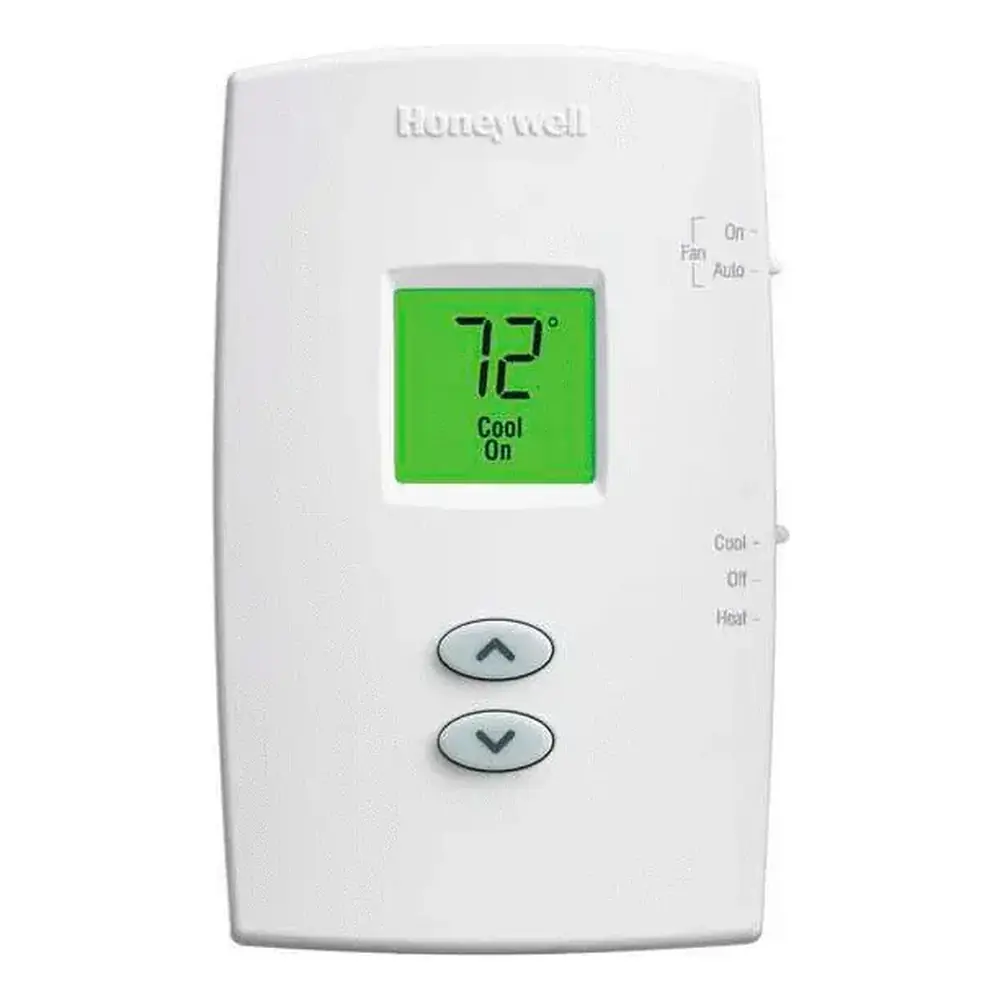
Honeywell TH1110DV1009 Pro 1000

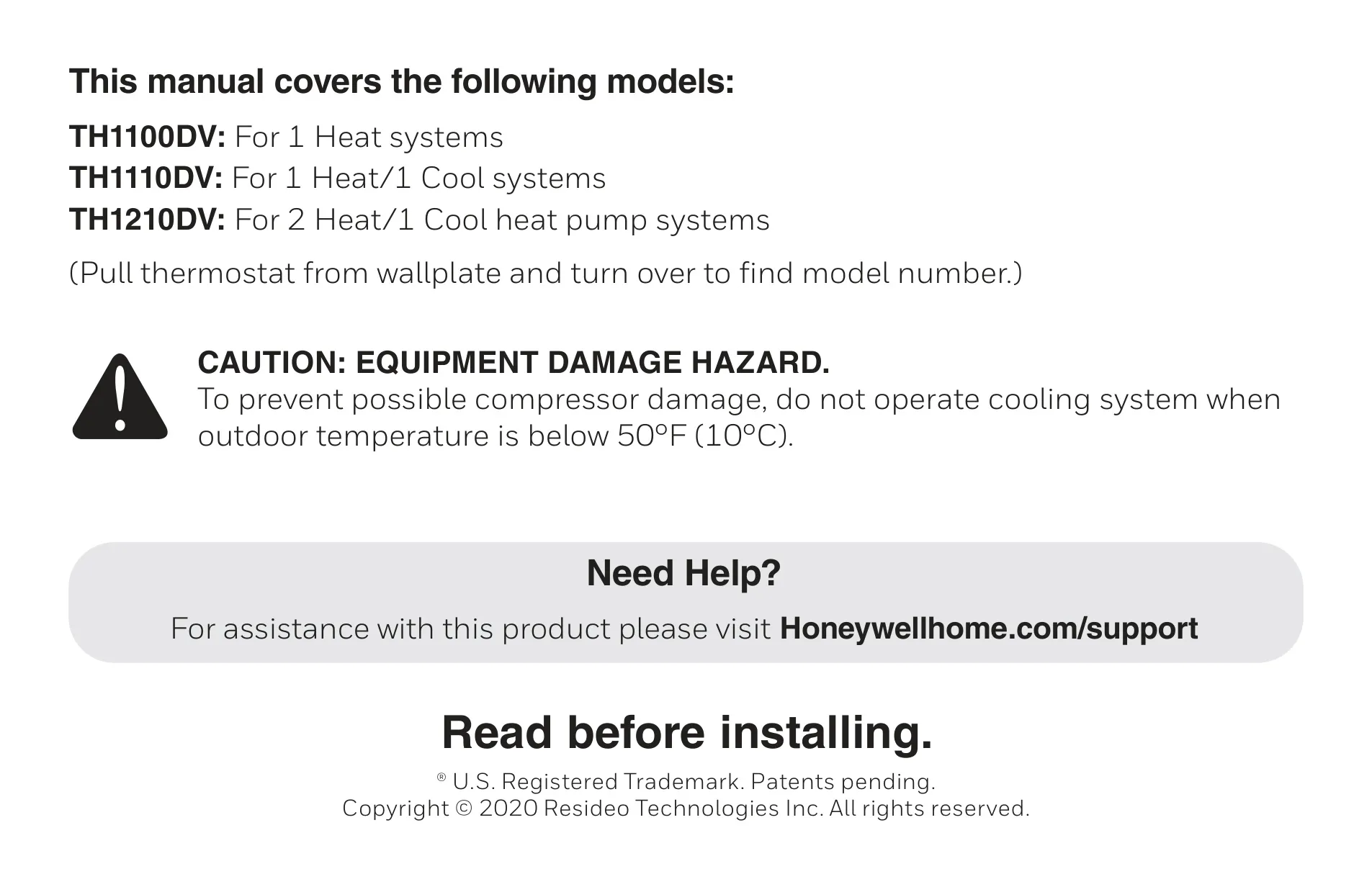
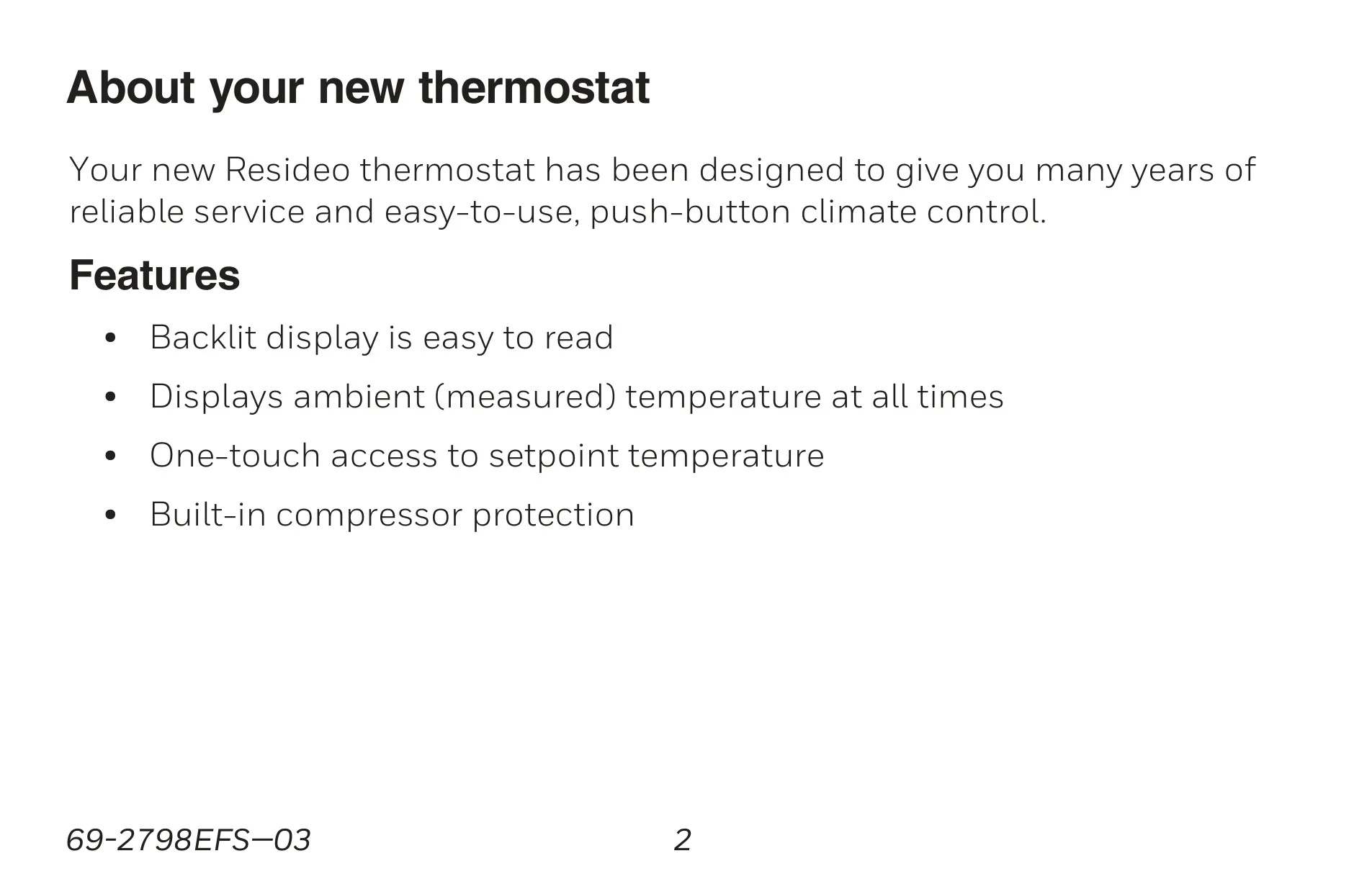






Honeywell TH1110DV1009 Pro 1000

Honeywell TH1110DV1009 Instructions
Here we offer the Honeywell TH1110DV1009 Pro 1000 manual completely free and in English. We have cataloged this manual in the Thermostats section on Manualverse, and it has been rated by 1 users with an average rating of 5. If you have any specific questions about Honeywell TH1110DV1009 Pro 1000, we suggest checking the Frequently Asked Questions (FAQs) section of this manual.
Product Images
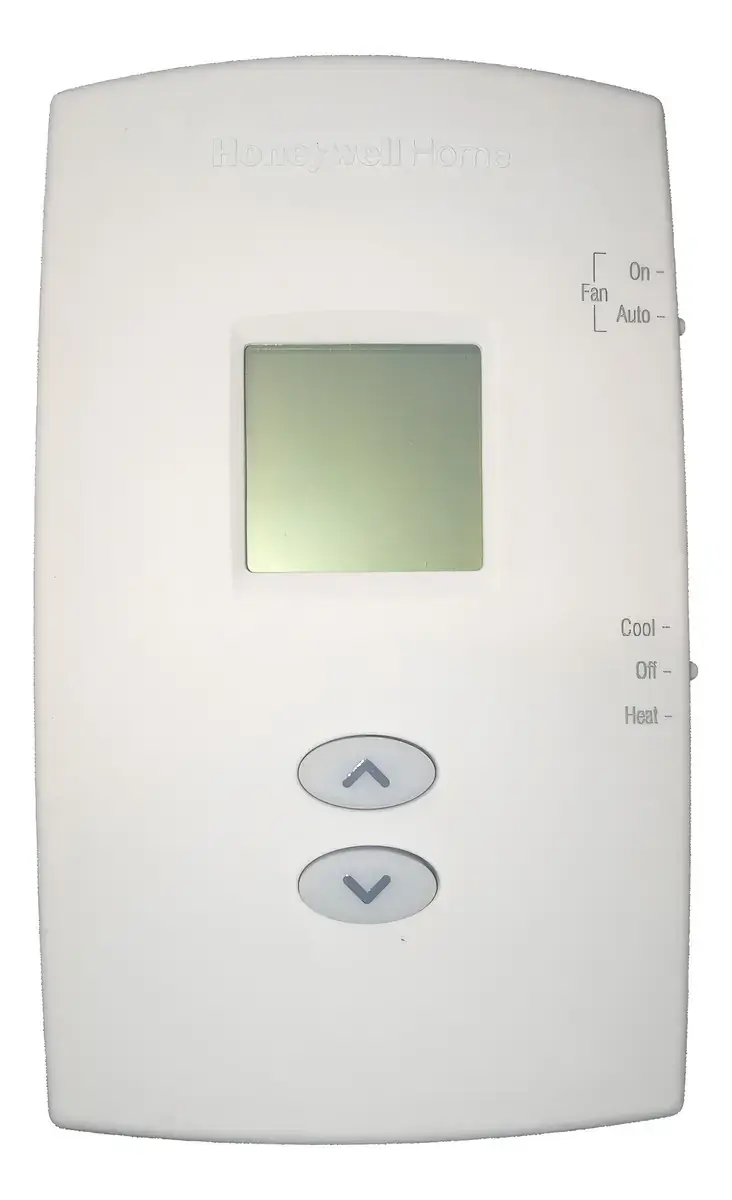

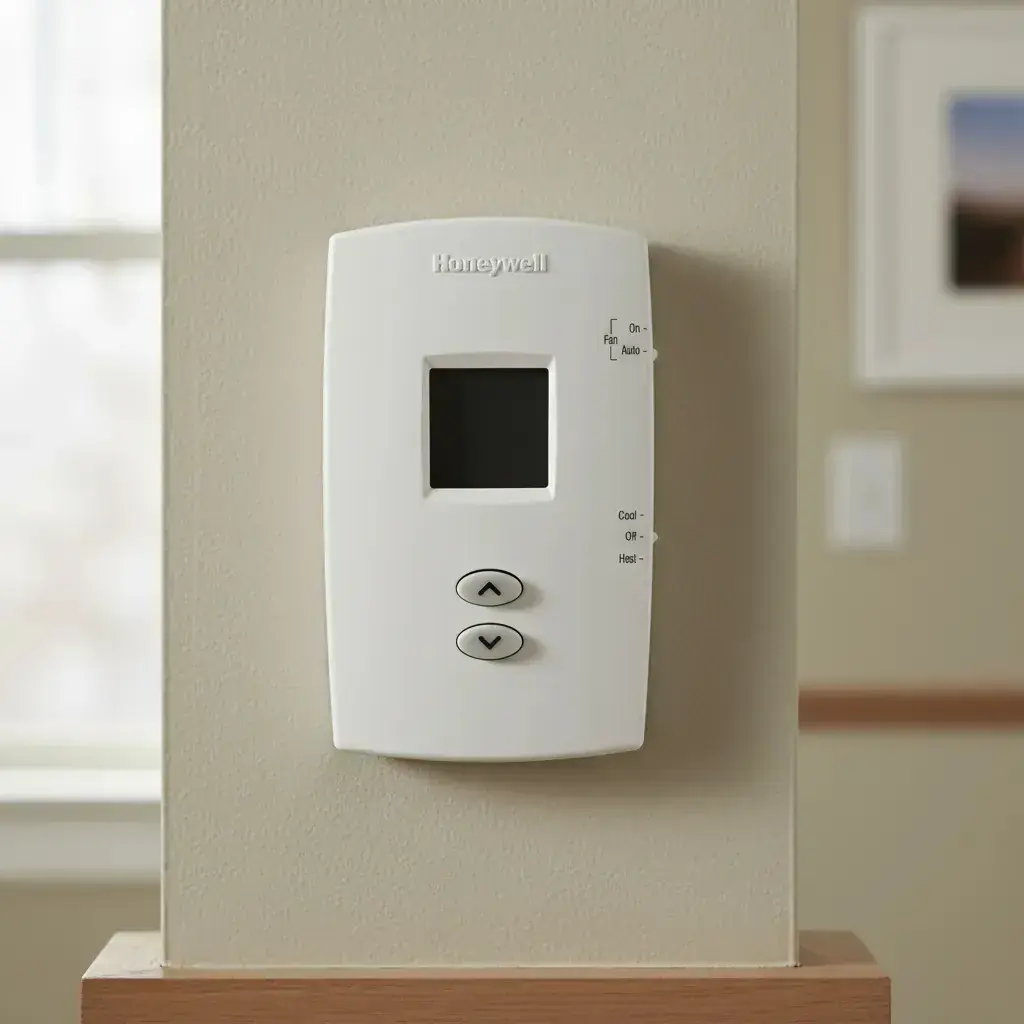
Honeywell TH1110DV1009 Pro 1000 Thermostat Specifications
| Feature | Specification |
|---|---|
| Model | TH1110DV1009 Pro 1000 |
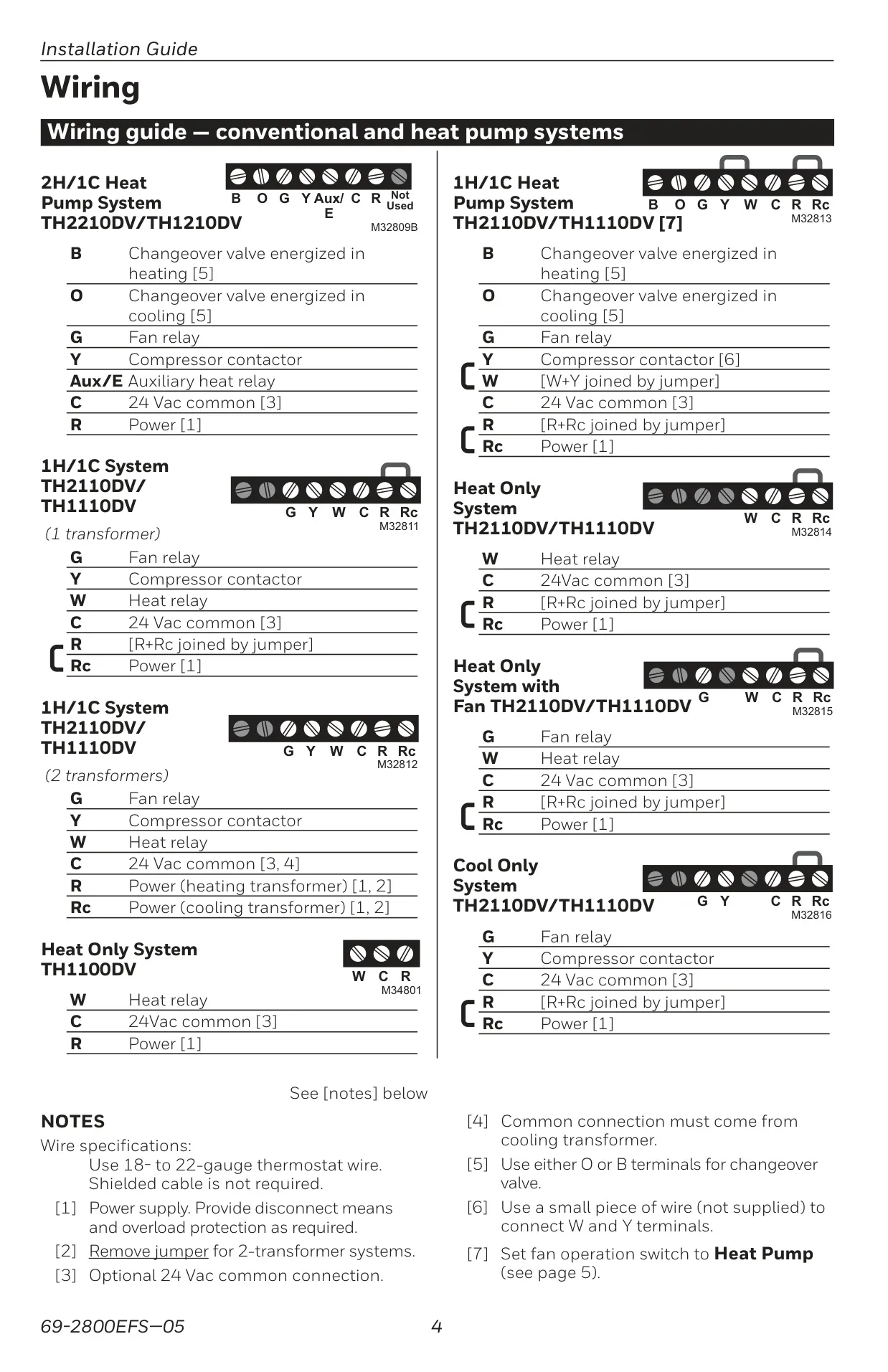
| System Type | 1 Heat / 1 Cool Conventional Systems |
| Thermostat Type | Non-Programmable |
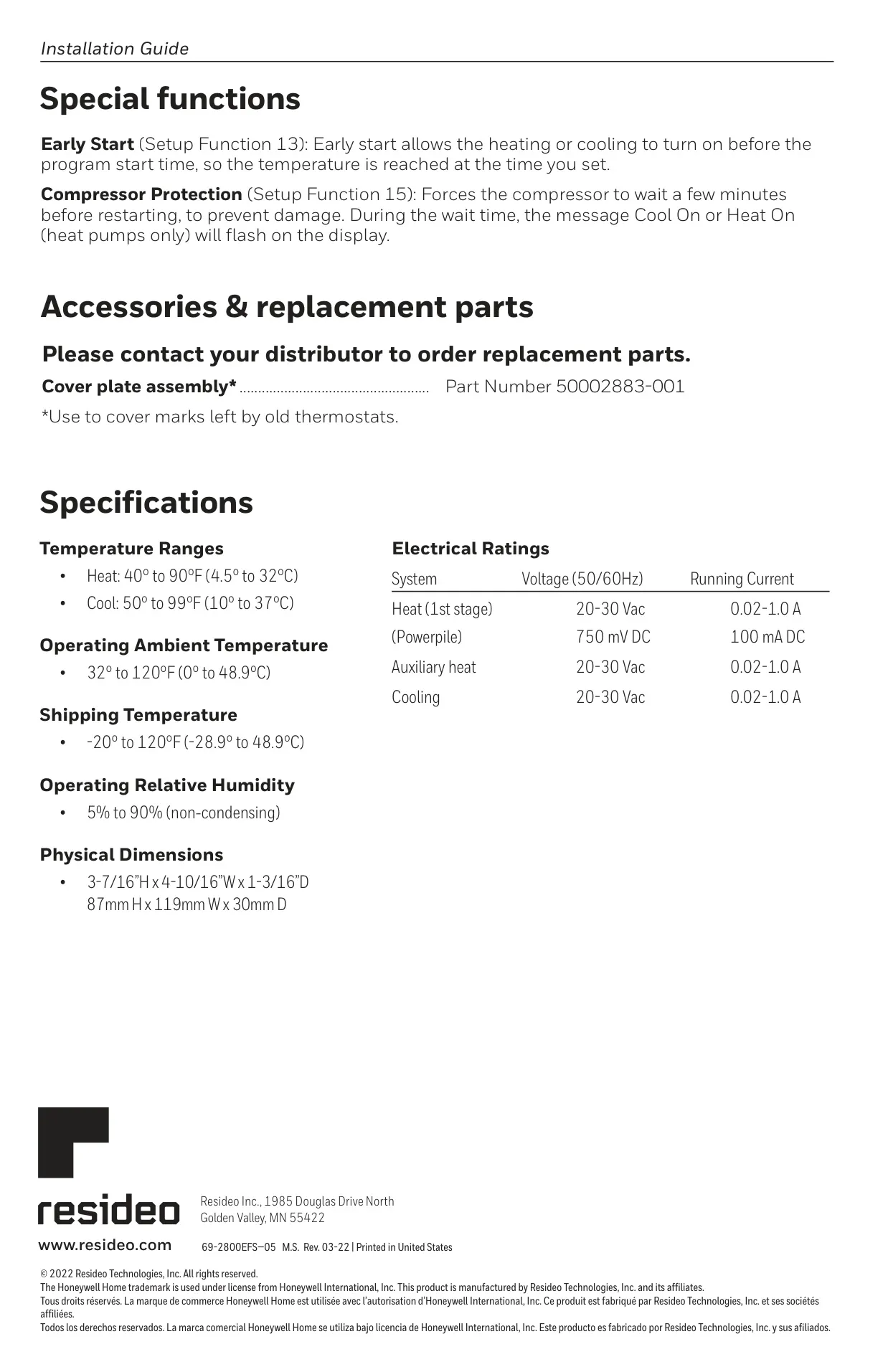
| Heating Temperature Range | 40°F to 90°F (4.5°C to 32°C) |
| Cooling Temperature Range | 50°F to 99°F (10°C to 37°C) |
| Operating Ambient Temperature | 32°F to 120°F (0°C to 48.9°C) |
| Shipping Temperature | -20°F to 120°F (-28.9°C to 48.9°C) |
| Operating Relative Humidity | 5% to 90% (non-condensing) |
| Physical Dimensions (H x W x D) | 3-7/16” x 4-10/16” x 1-3/16” (87mm x 119mm x 30mm) |
| Electrical Ratings (Voltage) | 20-30 Vac (50/60Hz) |
| Electrical Ratings (Running Current) | 0.02-1.0 A (Heat 1st stage, Cooling) |
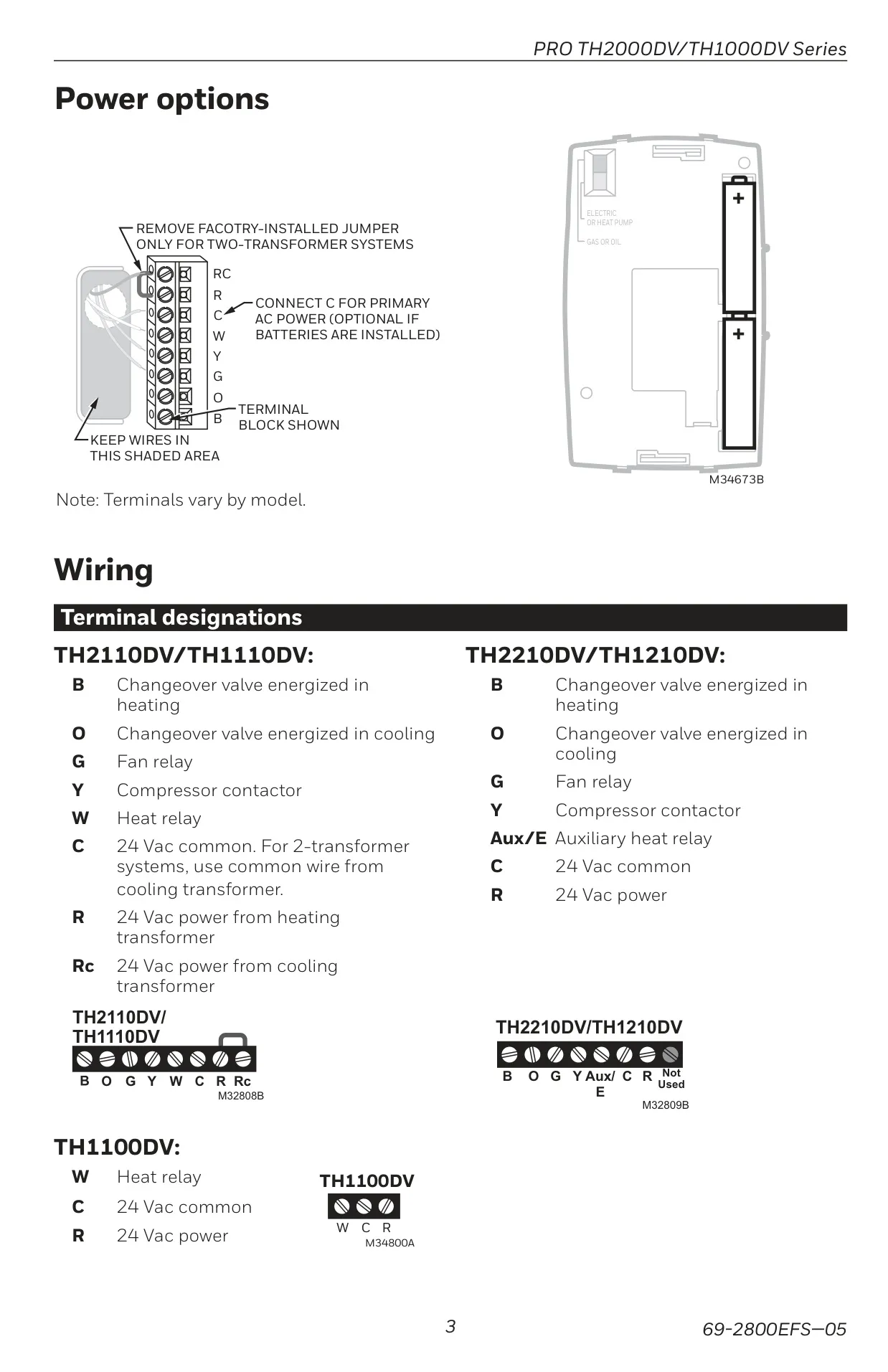
| Power Source | 2 AAA Alkaline Batteries (Primary) 24 Vac Common (Optional) |
Honeywell TH1110DV1009 Pro 1000 Details
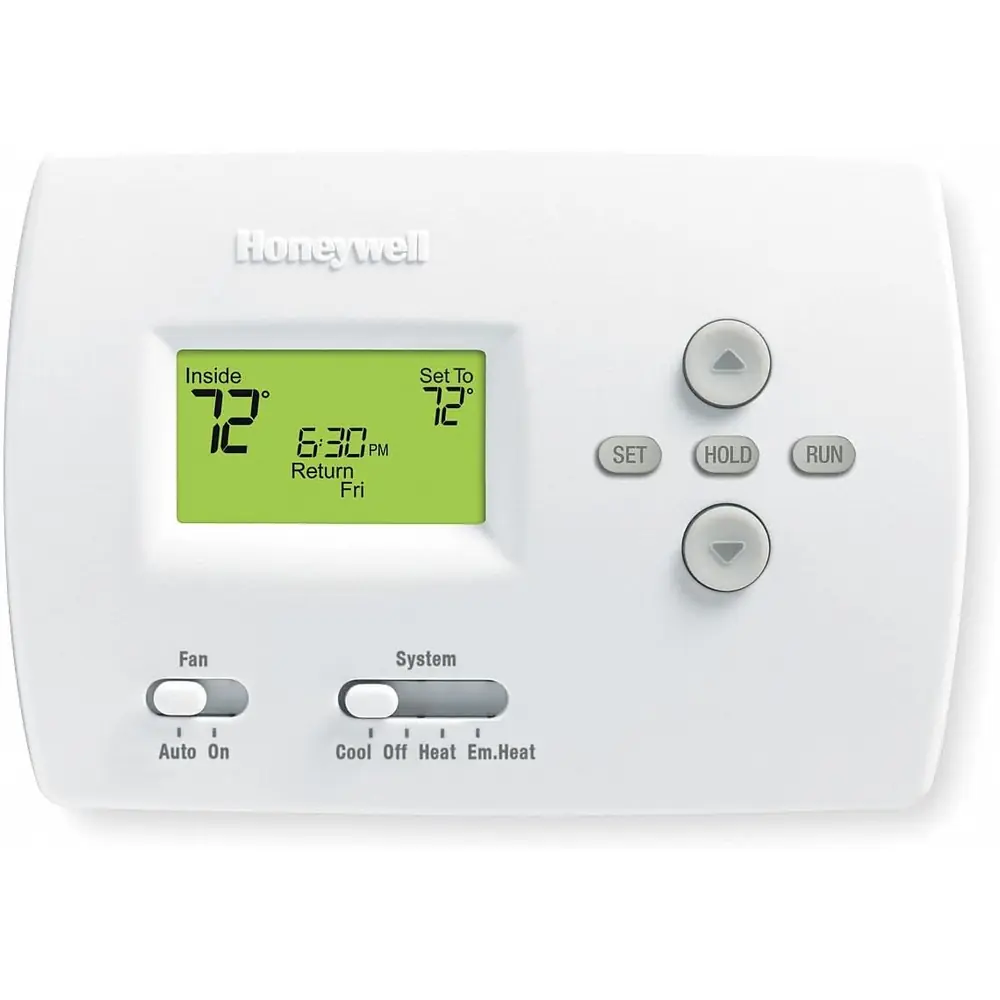
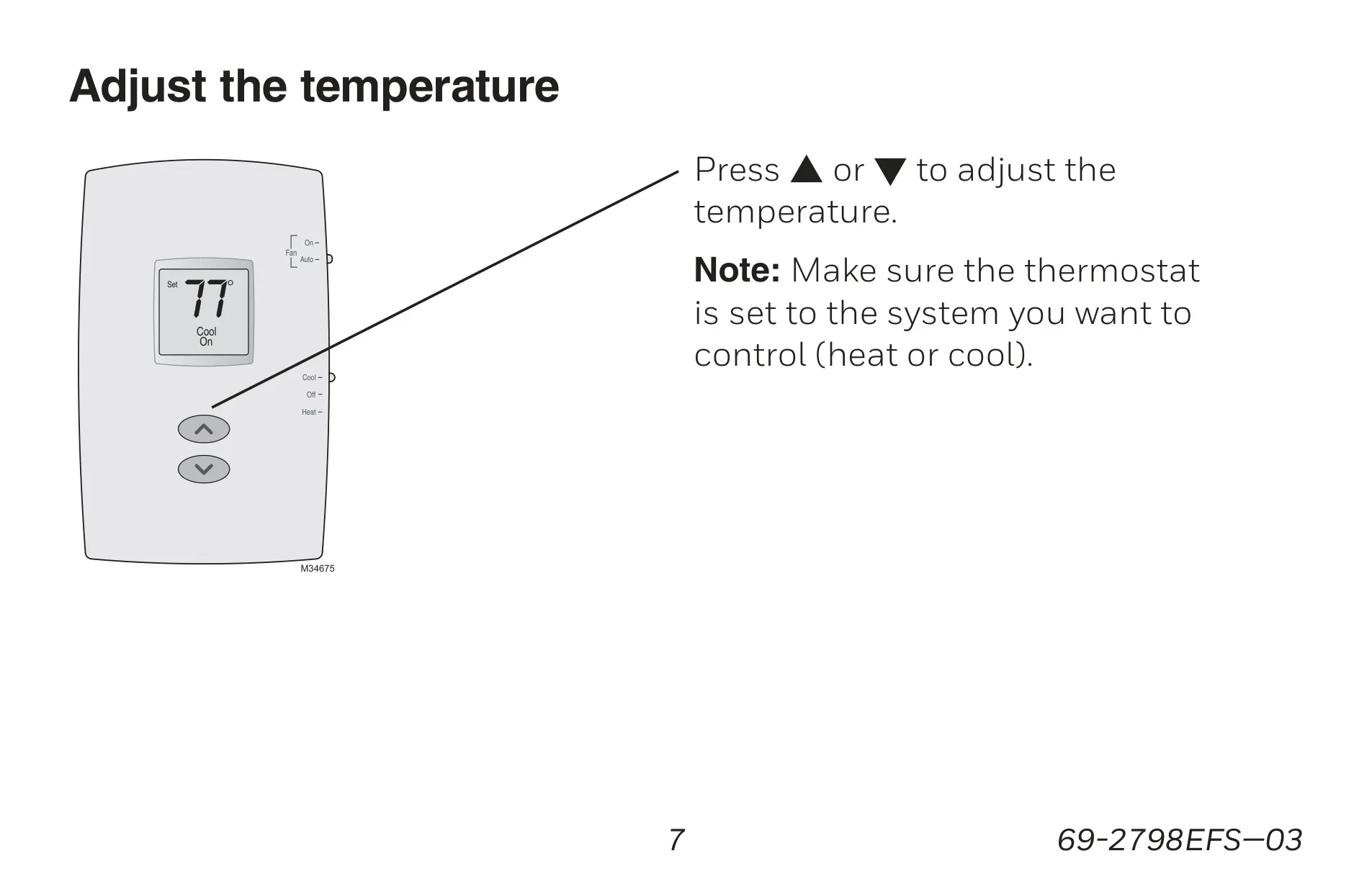
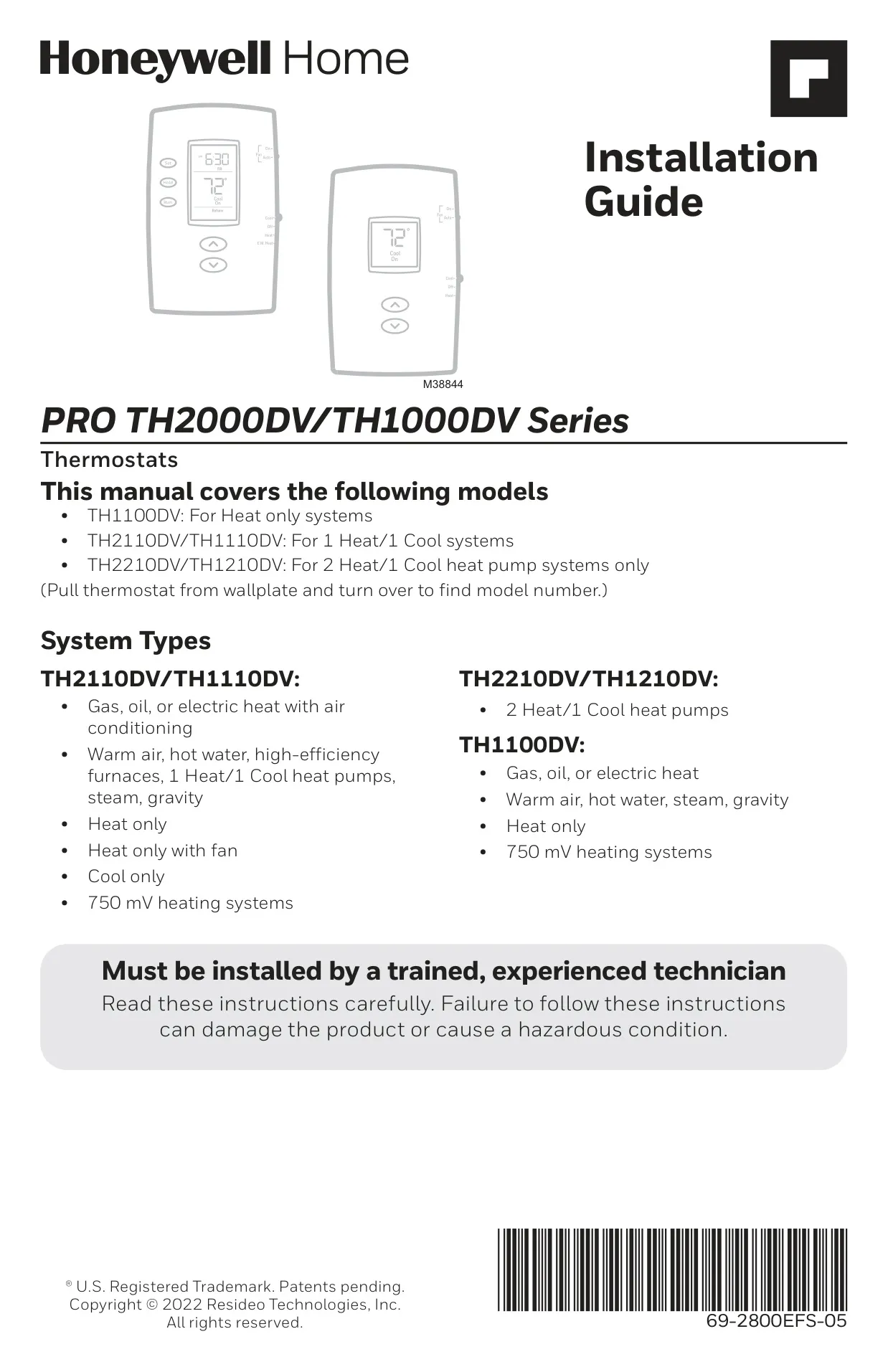
The Honeywell TH1110DV1009 Pro 1000 thermostat is engineered for straightforward, reliable climate control in 1 Heat / 1 Cool conventional systems. Its non-programmable design means users can effortlessly set and maintain their desired temperature without complex scheduling. This focus on simplicity ensures that adjusting your home's environment is always quick and intuitive, making it an excellent choice for those who prefer direct control over automated routines.
A key feature is its clear, backlit display, which ensures the ambient (measured) temperature is always visible and easy to read, even in low-light conditions. When you need to check or adjust your preferred climate, a single touch provides instant access to the setpoint temperature. This user-friendly interface removes guesswork, allowing for precise adjustments with minimal effort.
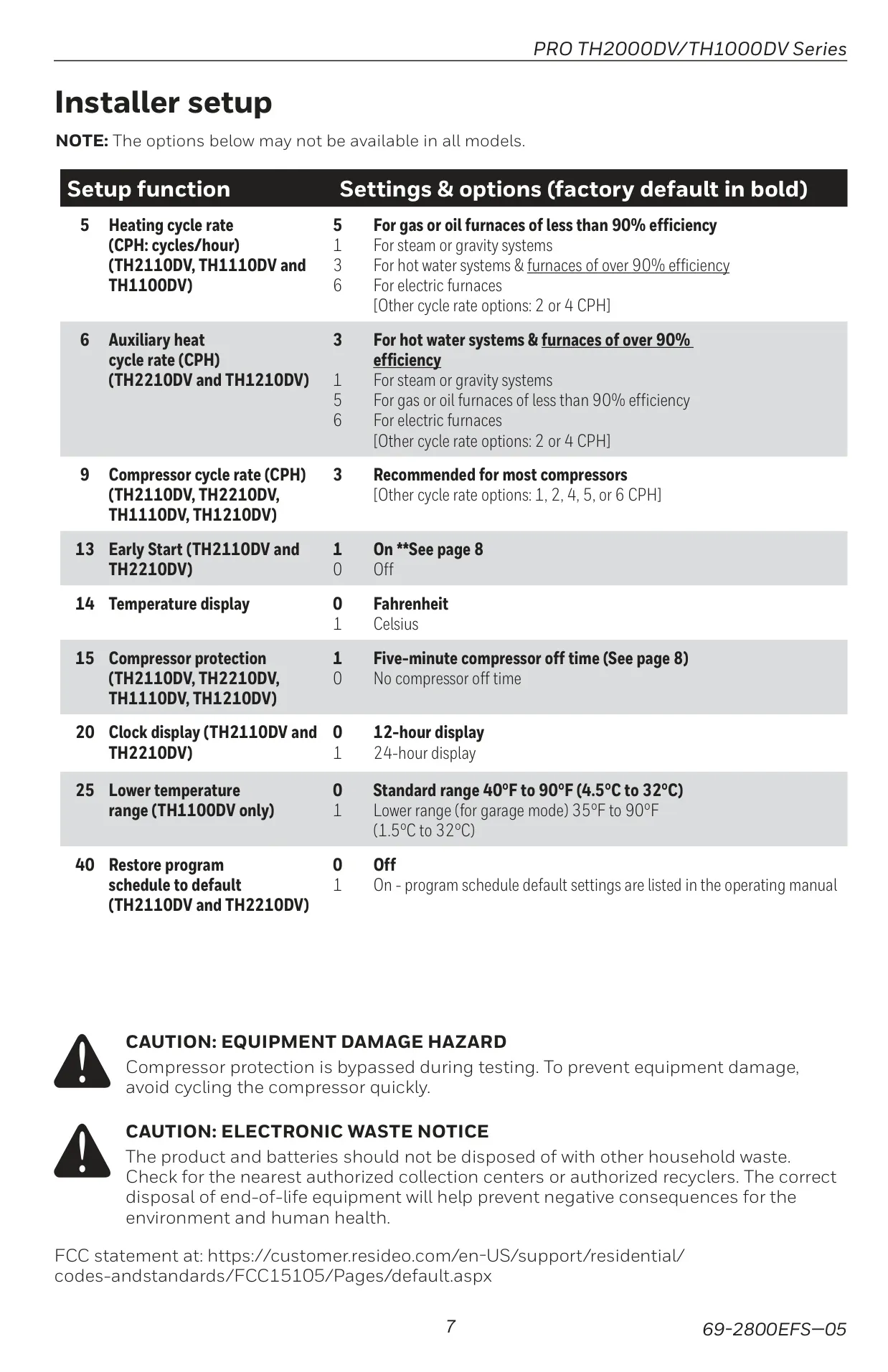
For system longevity, the thermostat includes a vital built-in compressor protection feature. This safeguard prevents potential damage by enforcing a 5-minute delay before restarting the compressor after a shutdown. During this protective waiting period, the display conveniently flashes "Cool On" or "Heat On," keeping you informed and ensuring your HVAC equipment operates safely.
Controlling your comfort is made simple with dedicated system and fan switches. The system switch offers essential modes: Cool for air conditioning, Heat for furnace operation, and Off to deactivate all systems. The fan switch provides flexibility, allowing you to choose "Auto" mode, where the fan runs only when heating or cooling is active, or "On" mode for continuous air circulation, enhancing ventilation as needed.
Battery management is hassle-free with the TH1110DV1009. The thermostat provides a clear "Lo Batt" warning on the screen, signaling approximately 60 days before the two AAA alkaline batteries are fully depleted. Even during battery changes or extended periods without power, your personal settings remain securely stored thanks to the thermostat's non-volatile memory, eliminating the need for re-configuration.
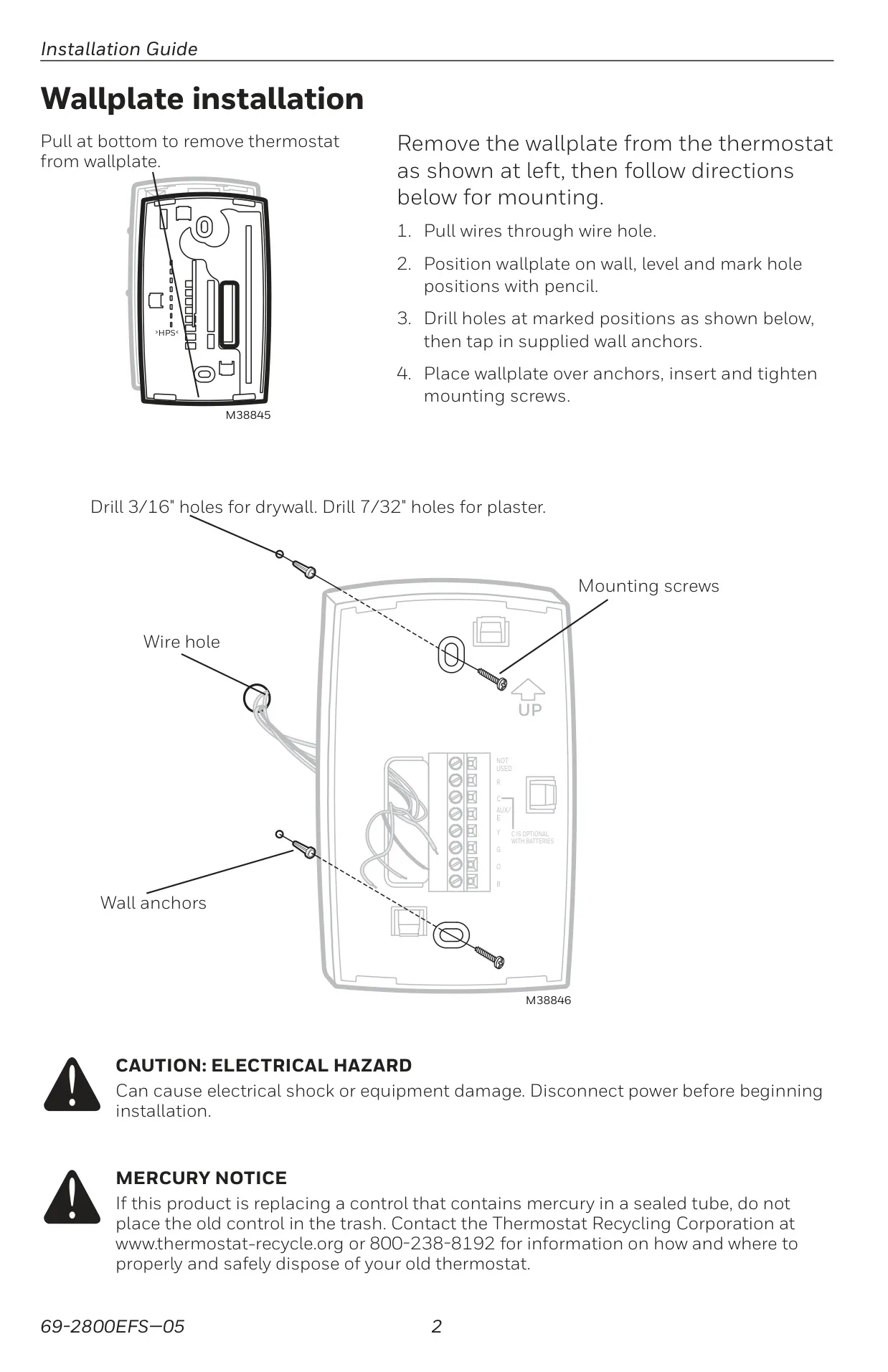
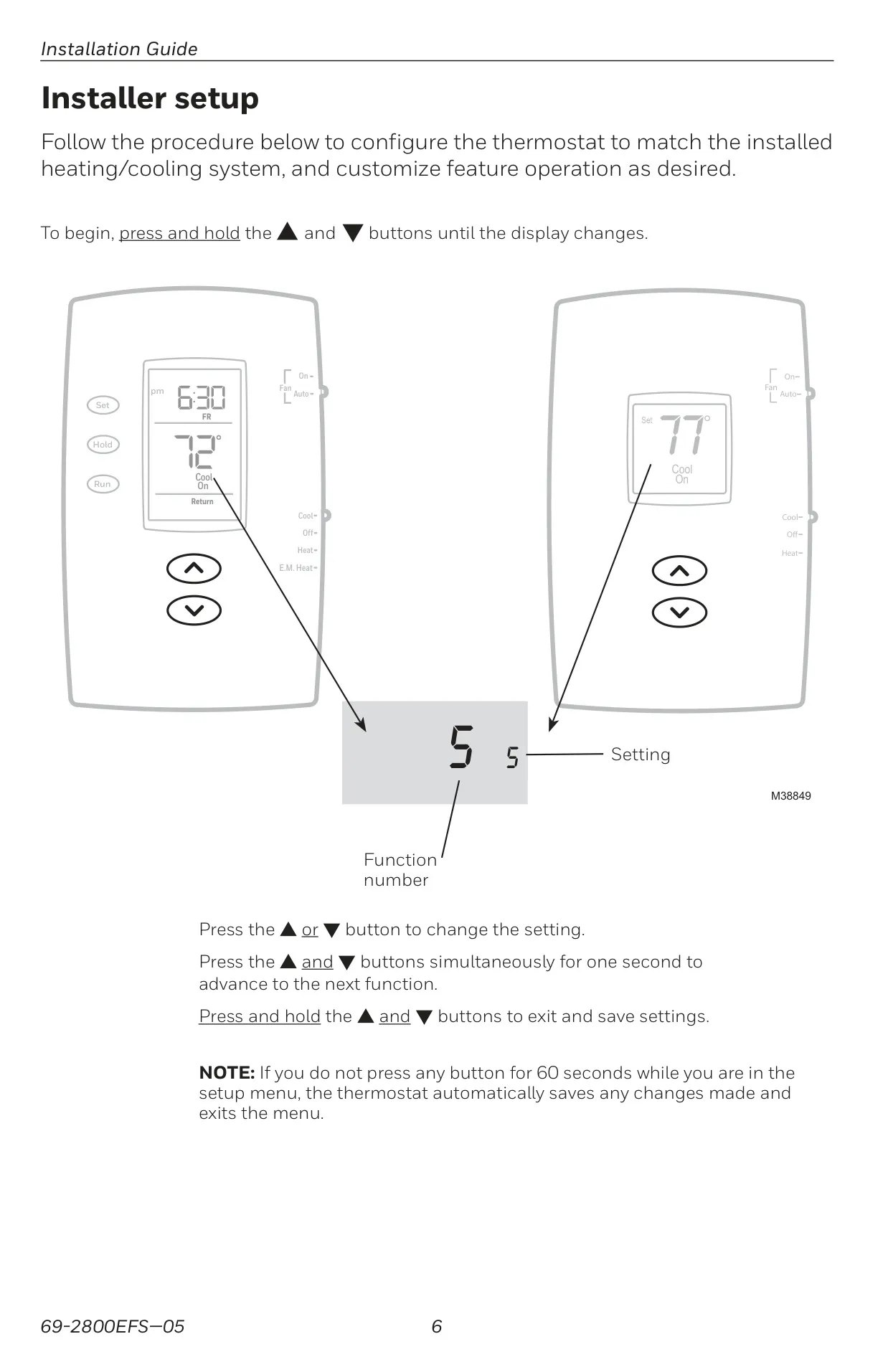
Installation flexibility is also a consideration; while it primarily operates on batteries, there is an optional 24 Vac common connection for those who prefer a wired power supply. Additionally, installers can fine-tune the thermostat's performance through a dedicated setup menu, adjusting parameters like heating and compressor cycle rates to match specific HVAC system requirements and optimize efficiency. The display temperature can also be easily switched between Fahrenheit and Celsius.
Frequently Asked Questions (FAQs)
Can't find the answer you need? Here are some frequently asked questions about the Honeywell TH1110DV1009 Pro 1000, and we answer them below.