Honeywell TH6220D1002 FocusPRO TH6000 Instruction Manual
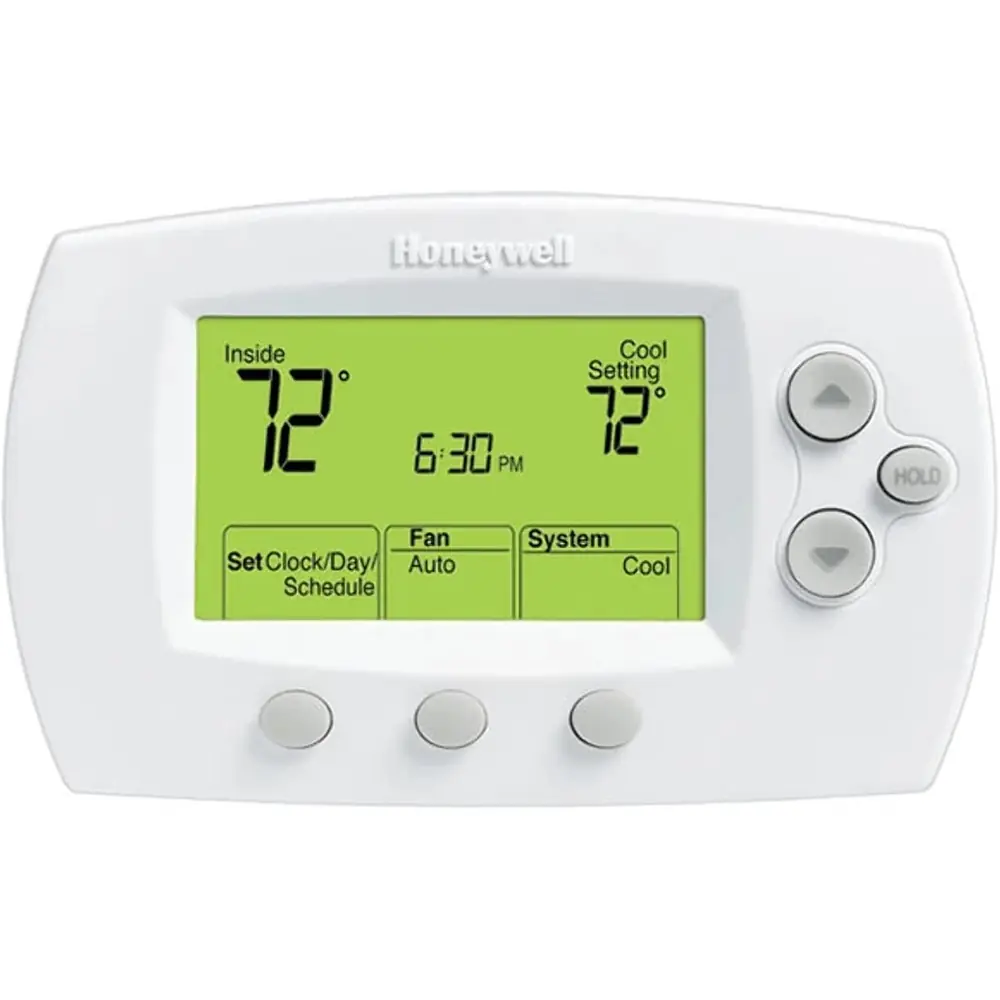
Honeywell TH6220D1002 FocusPRO TH6000
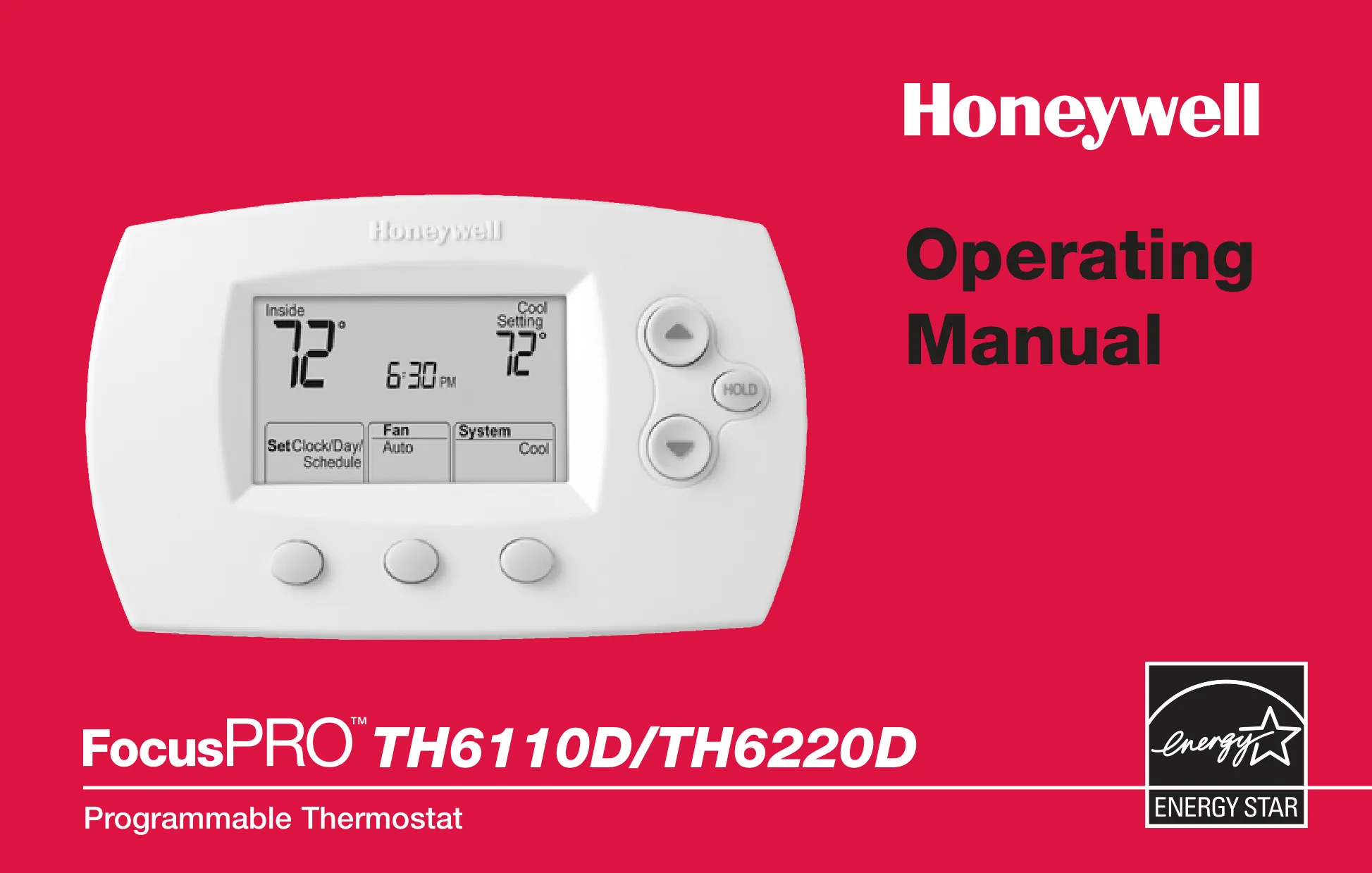

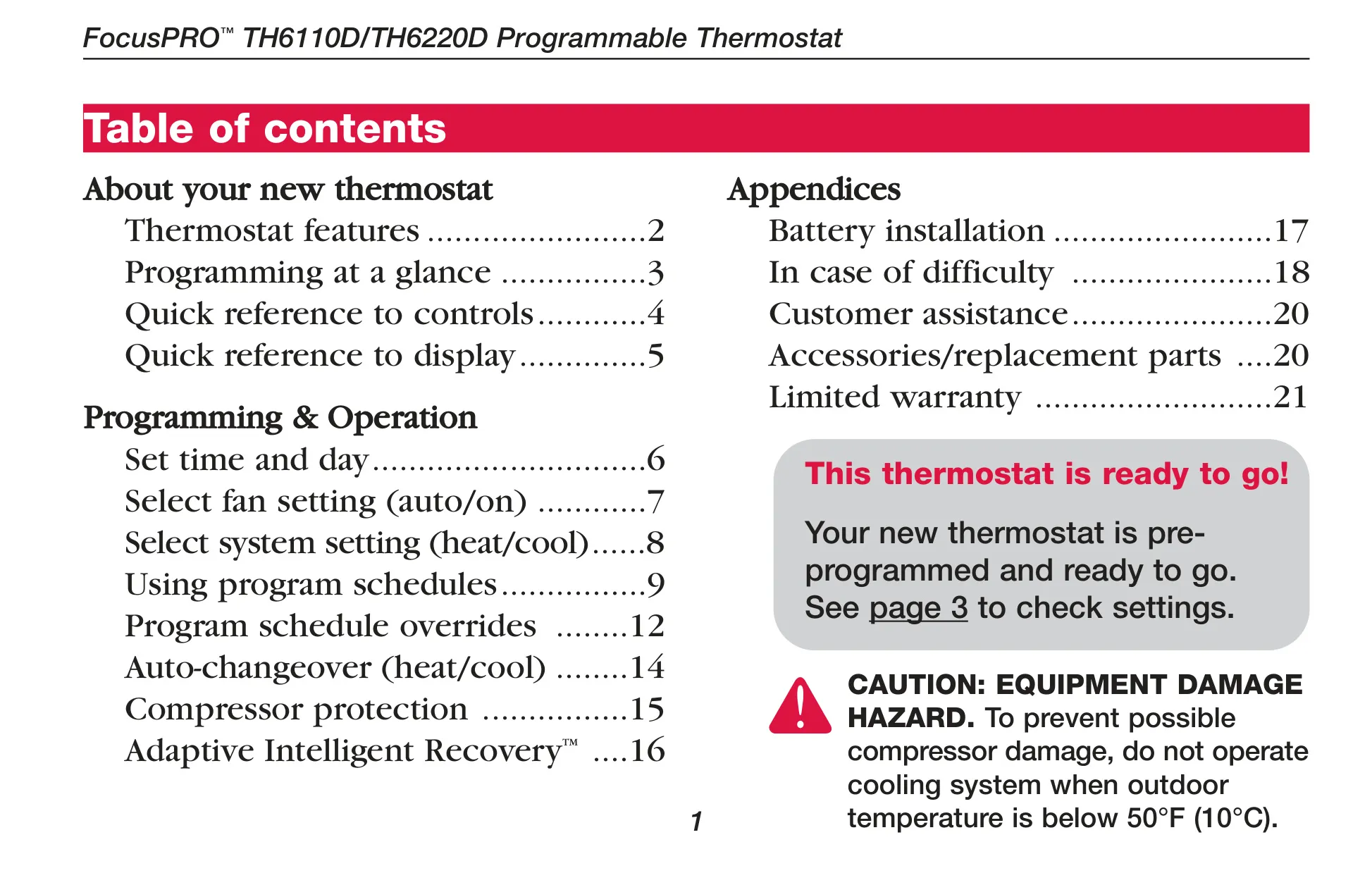


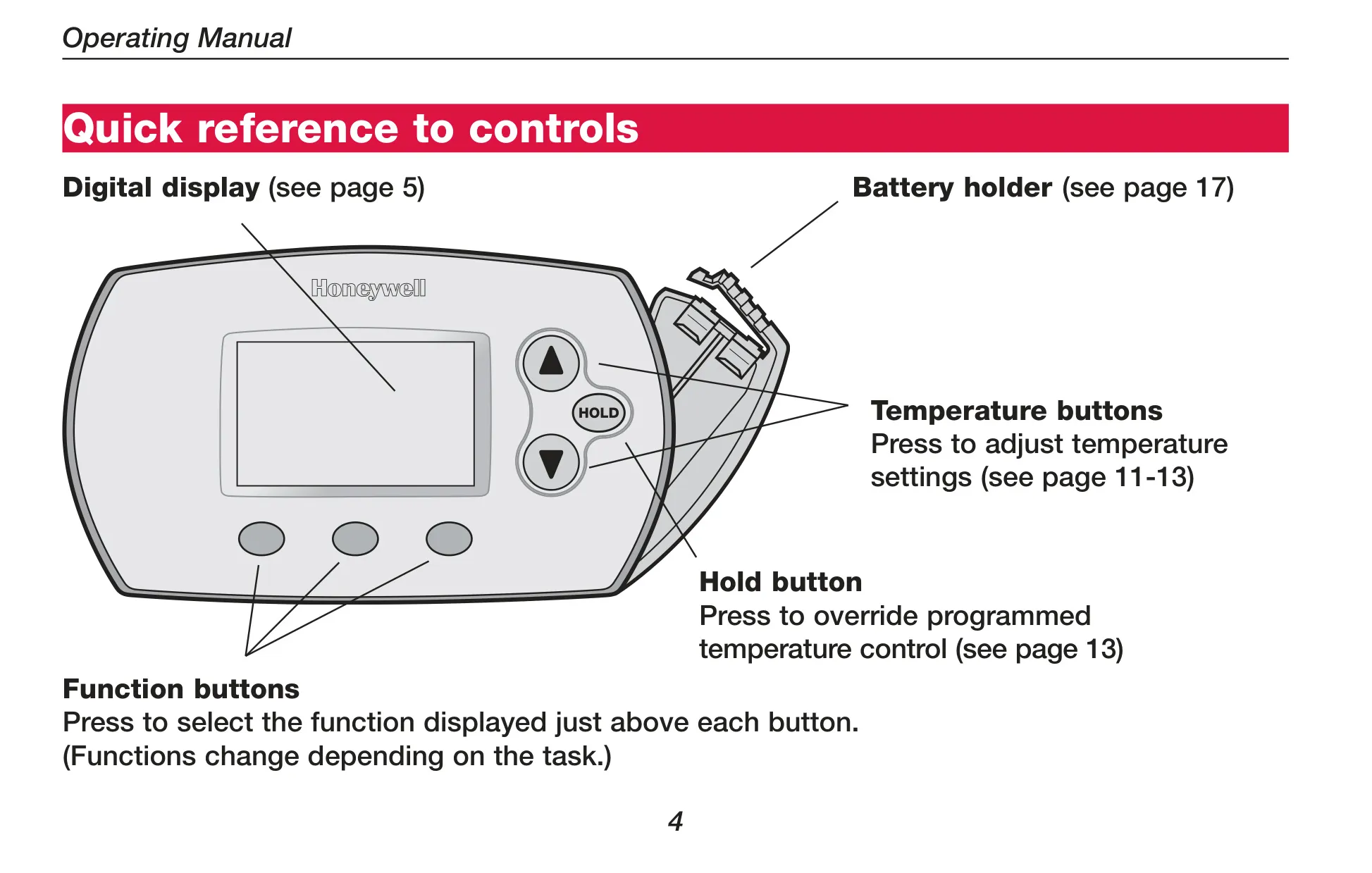
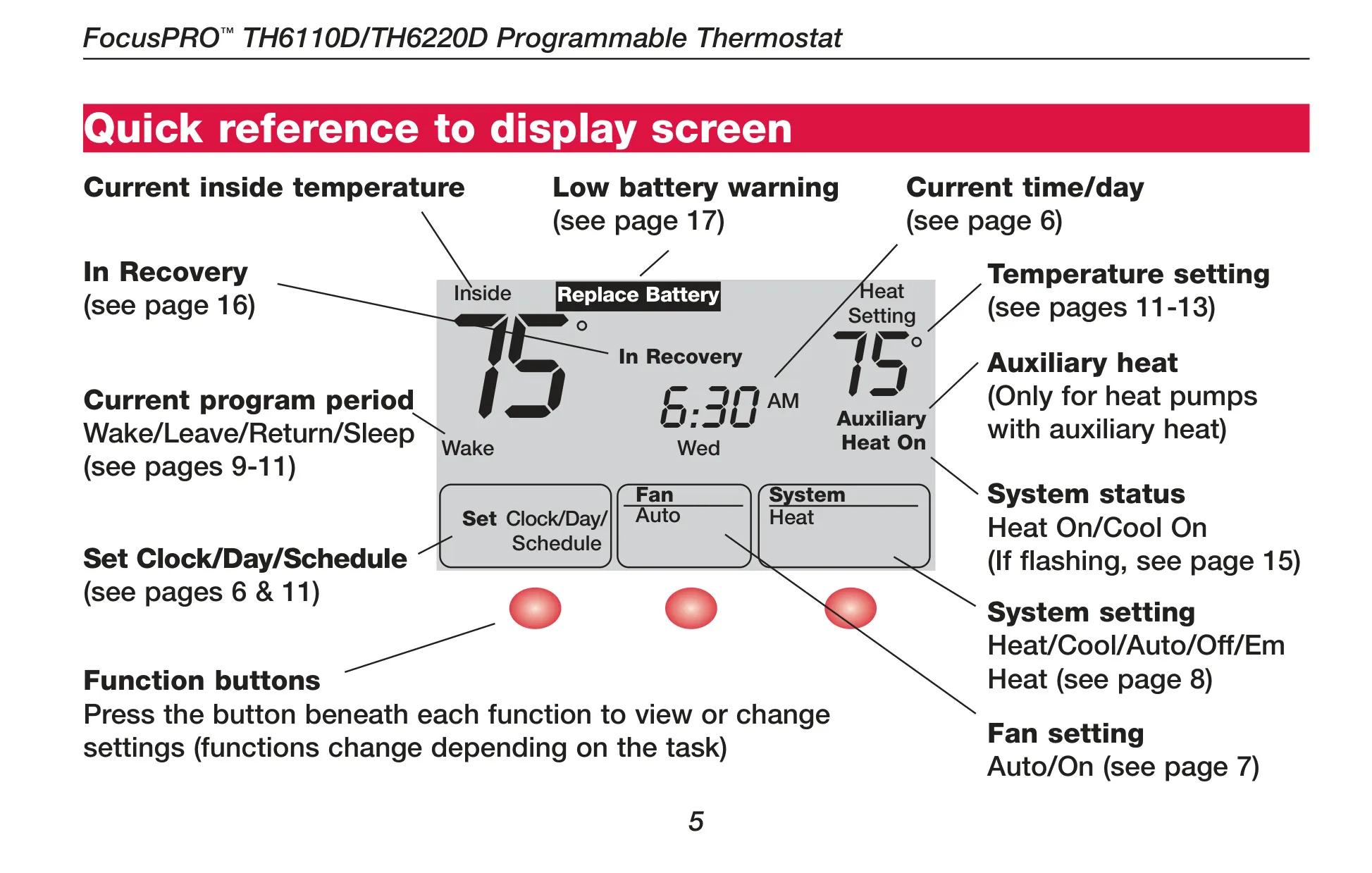
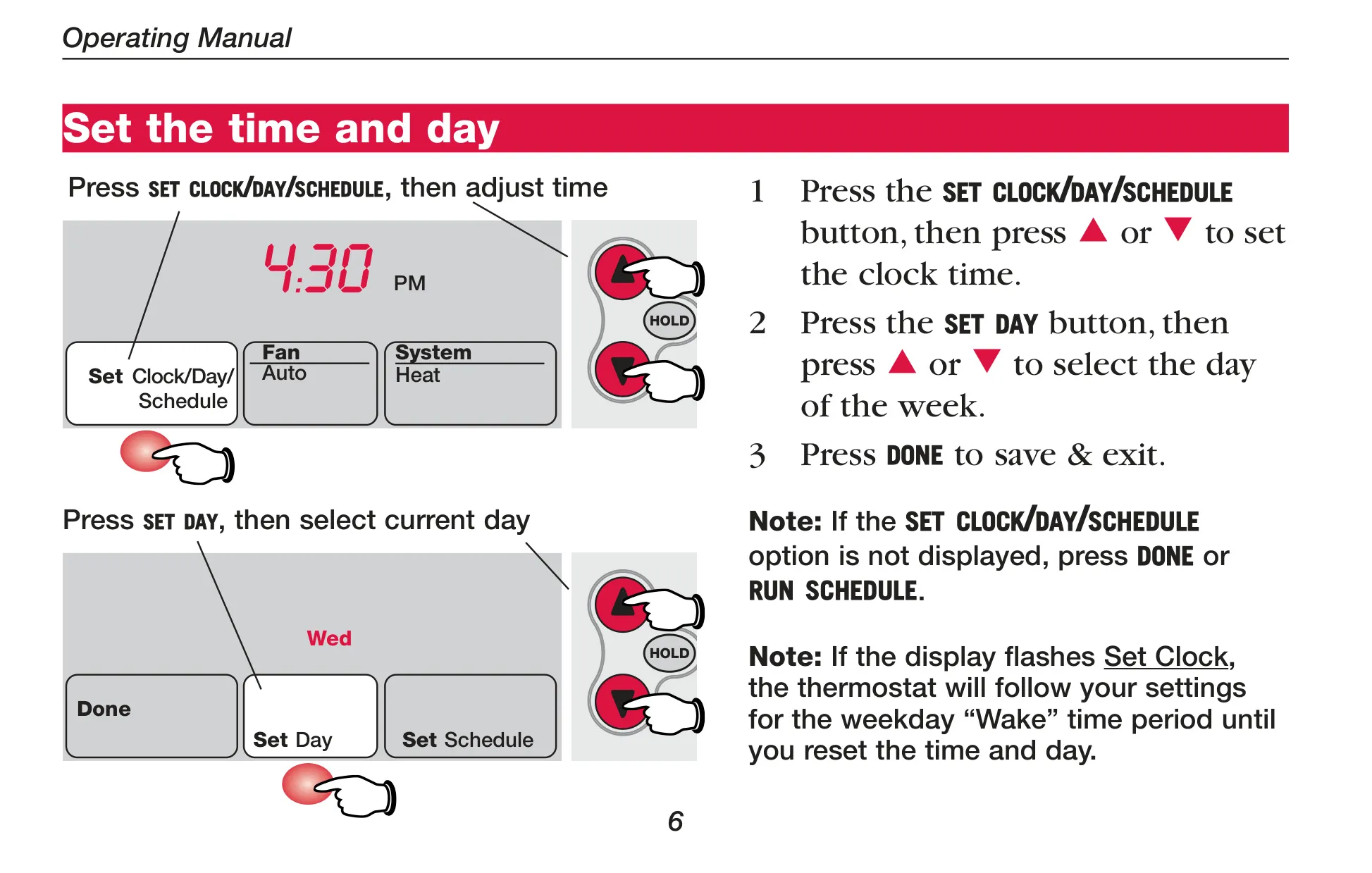
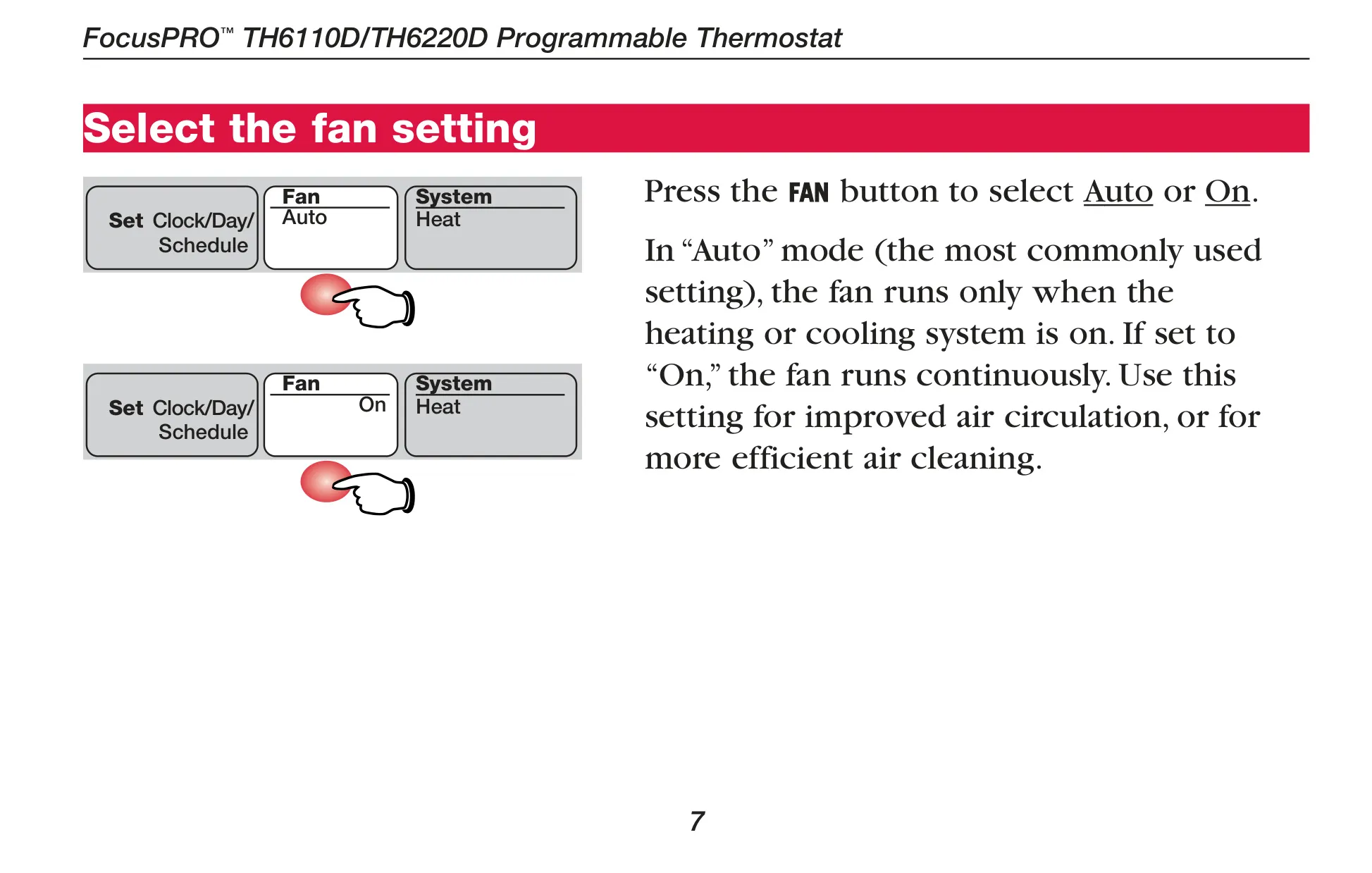
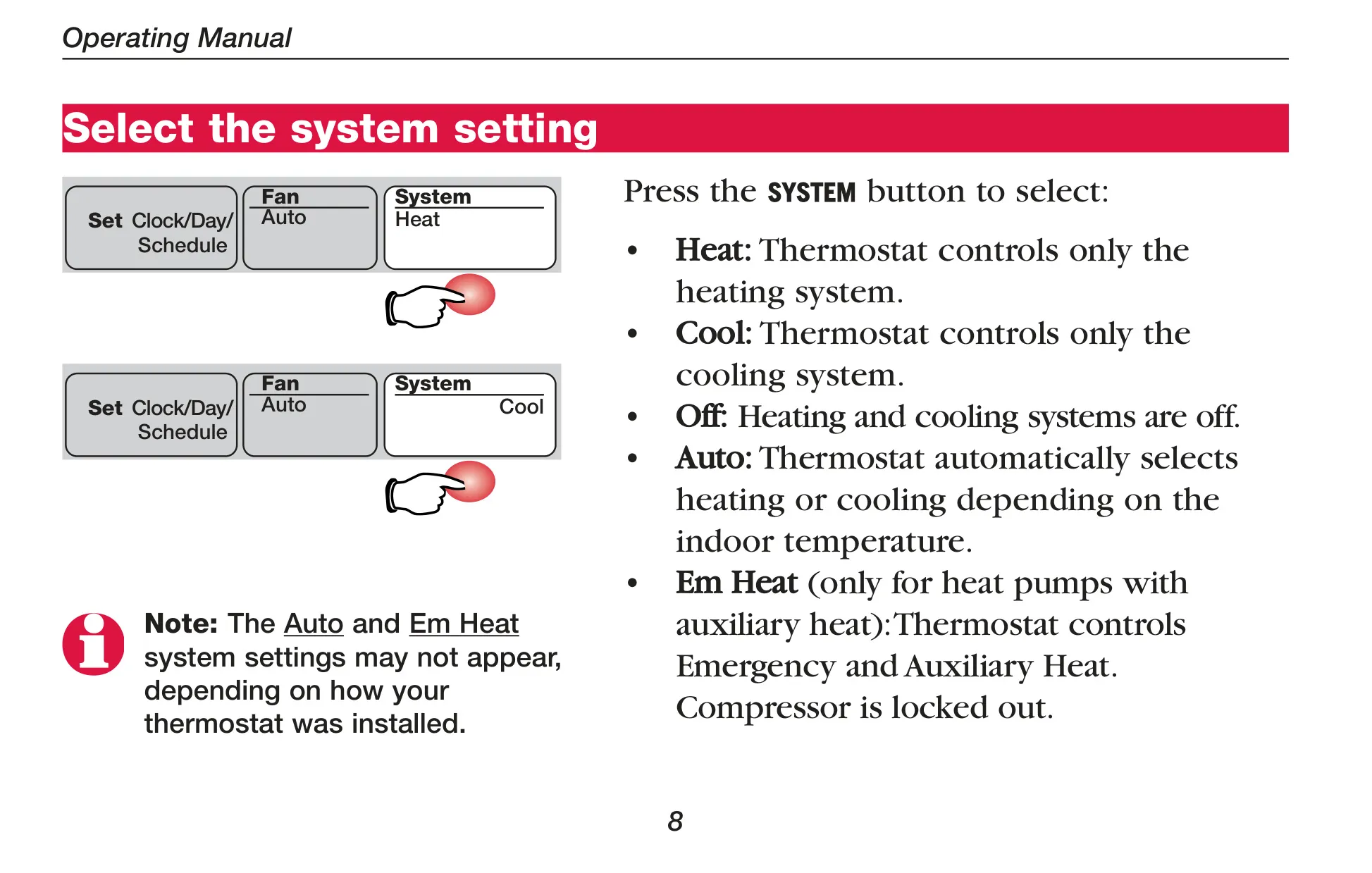
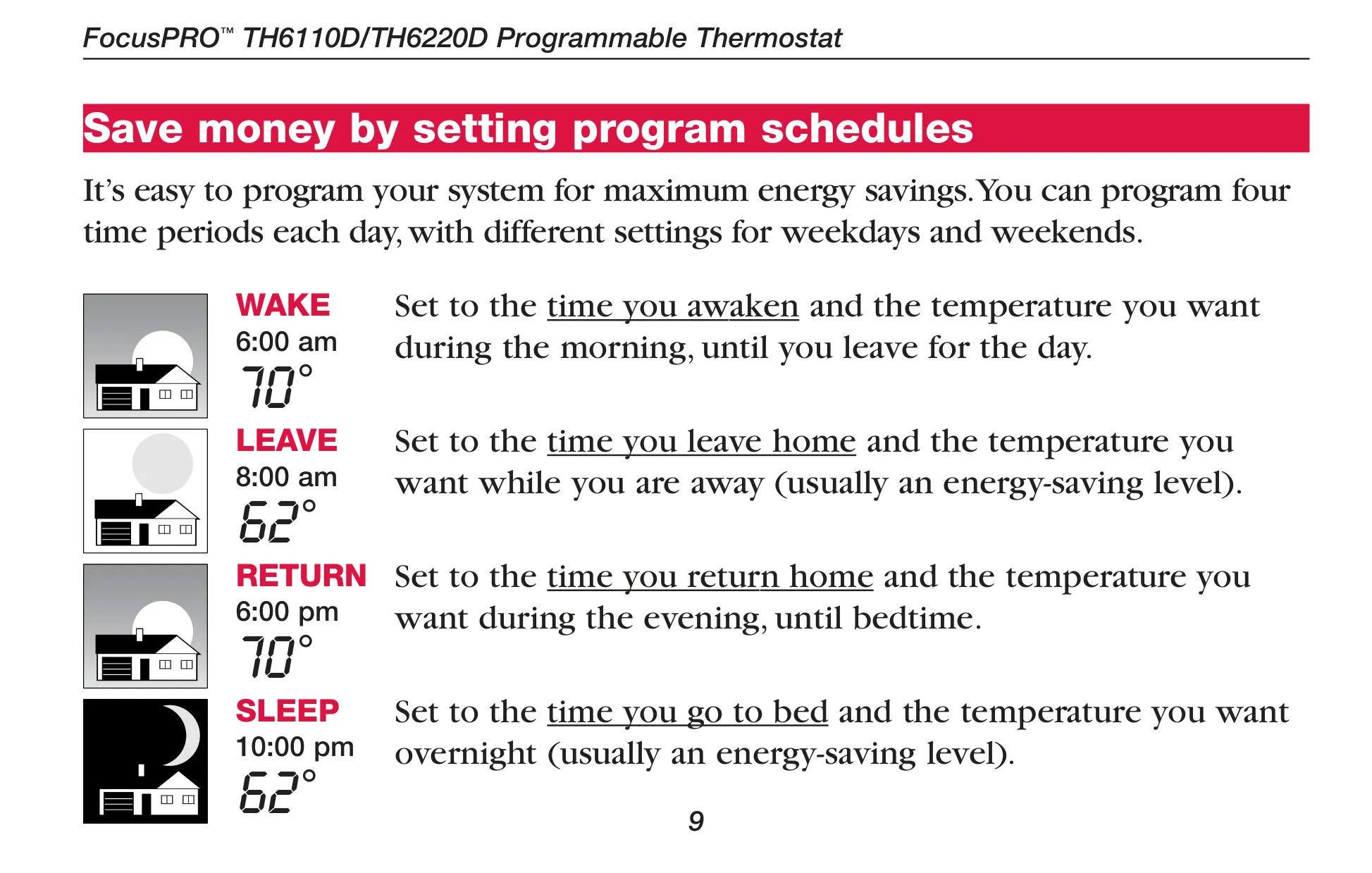







Honeywell TH6220D1002 FocusPRO TH6000
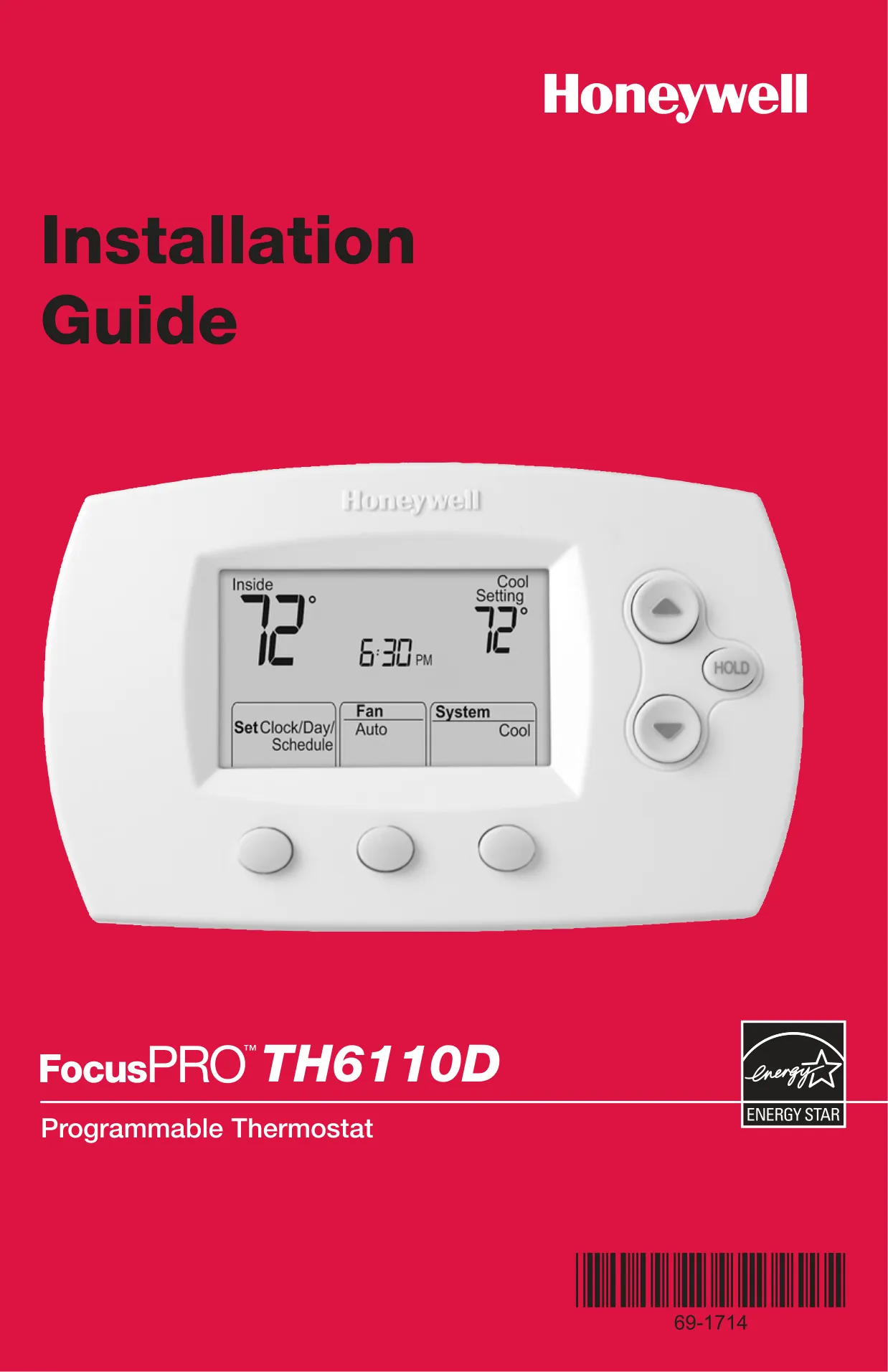
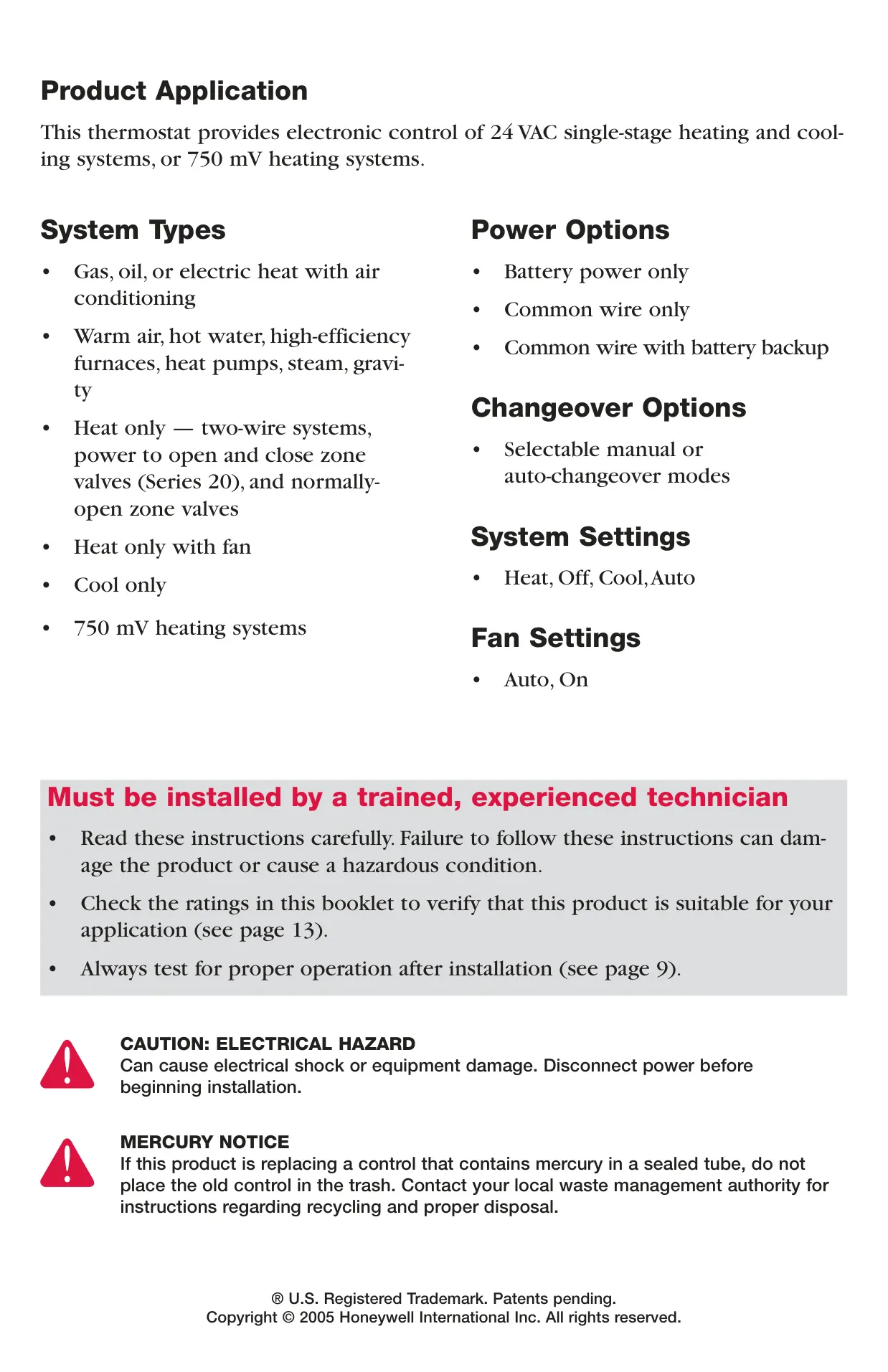
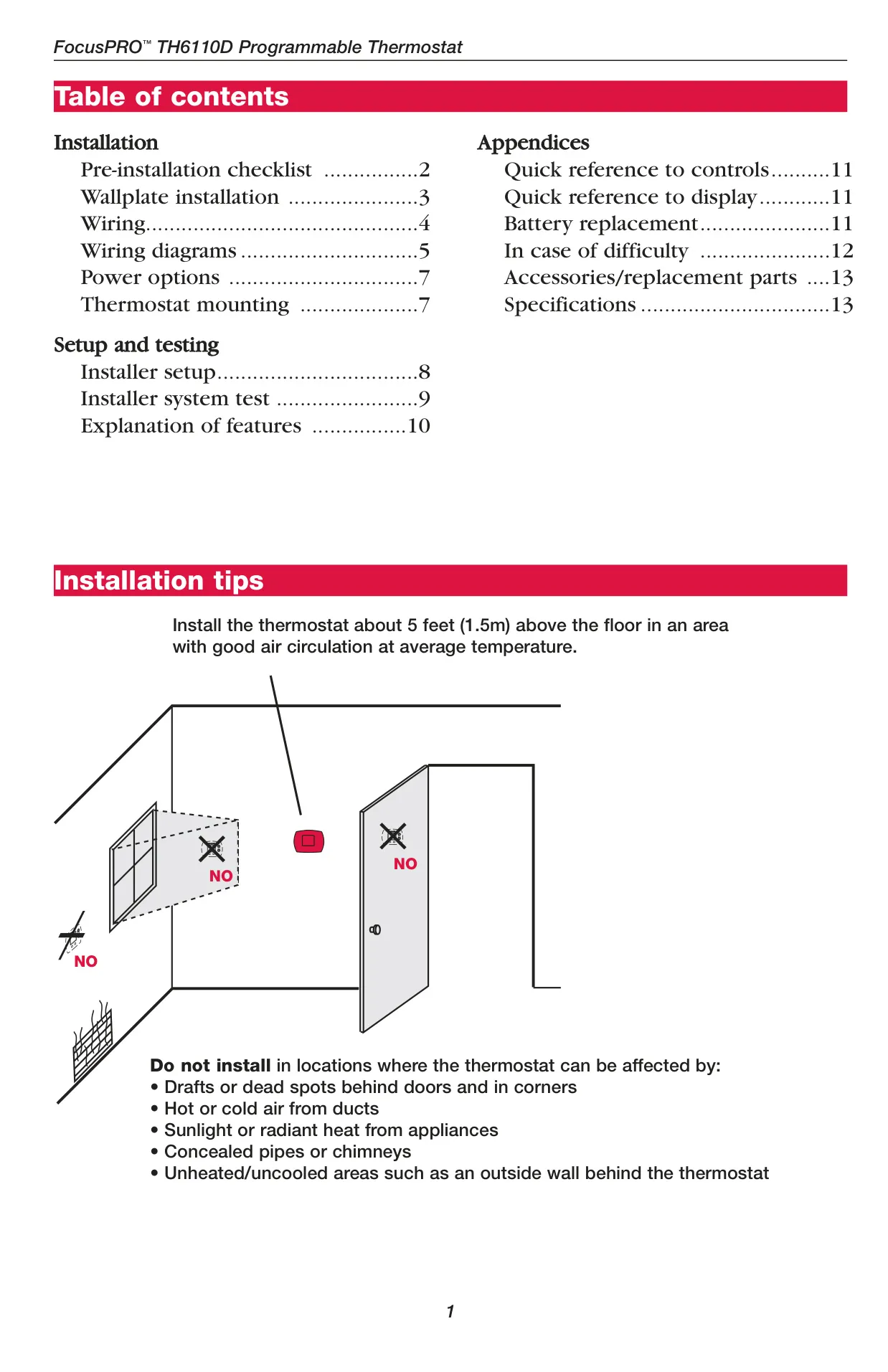
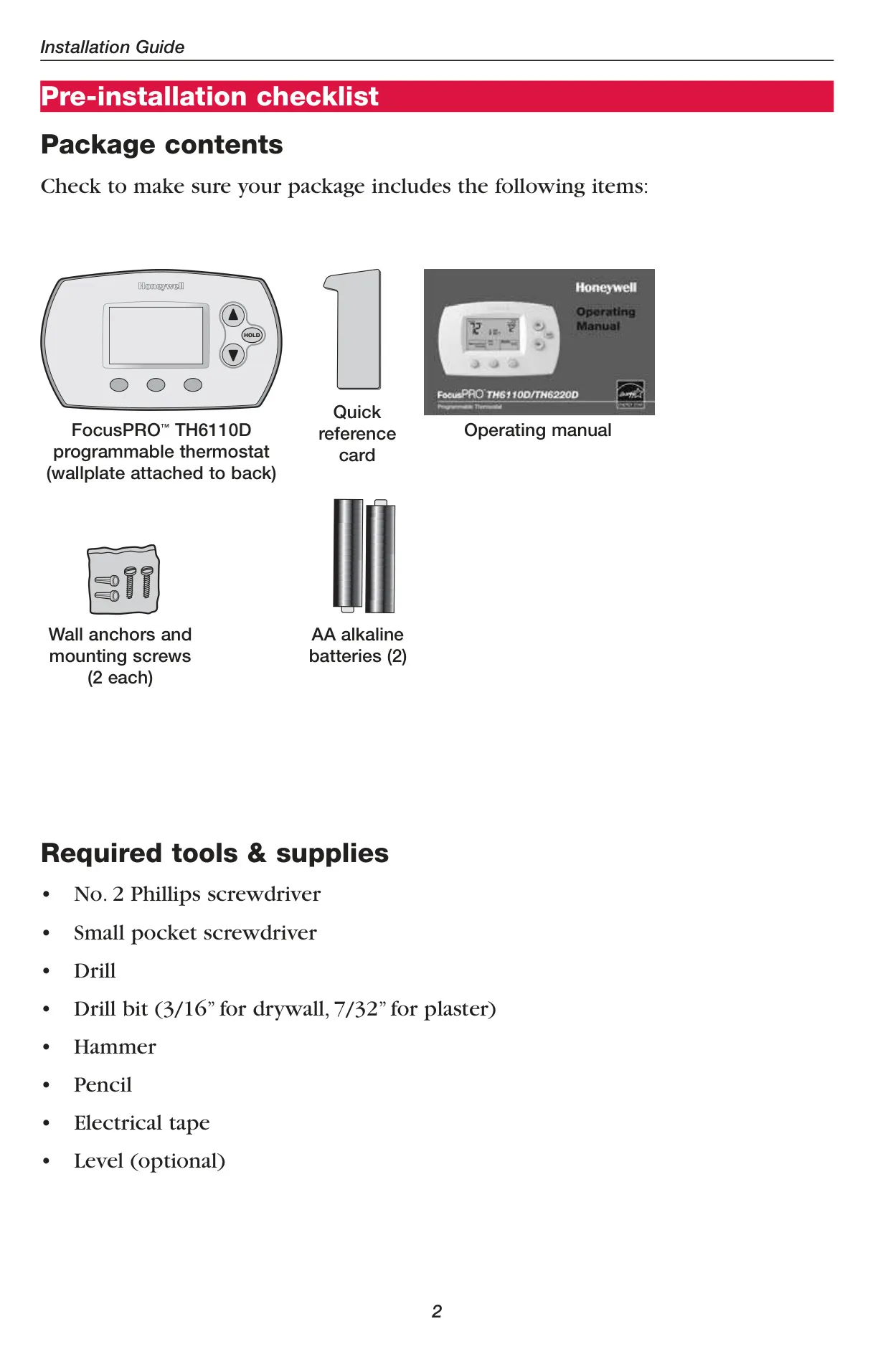
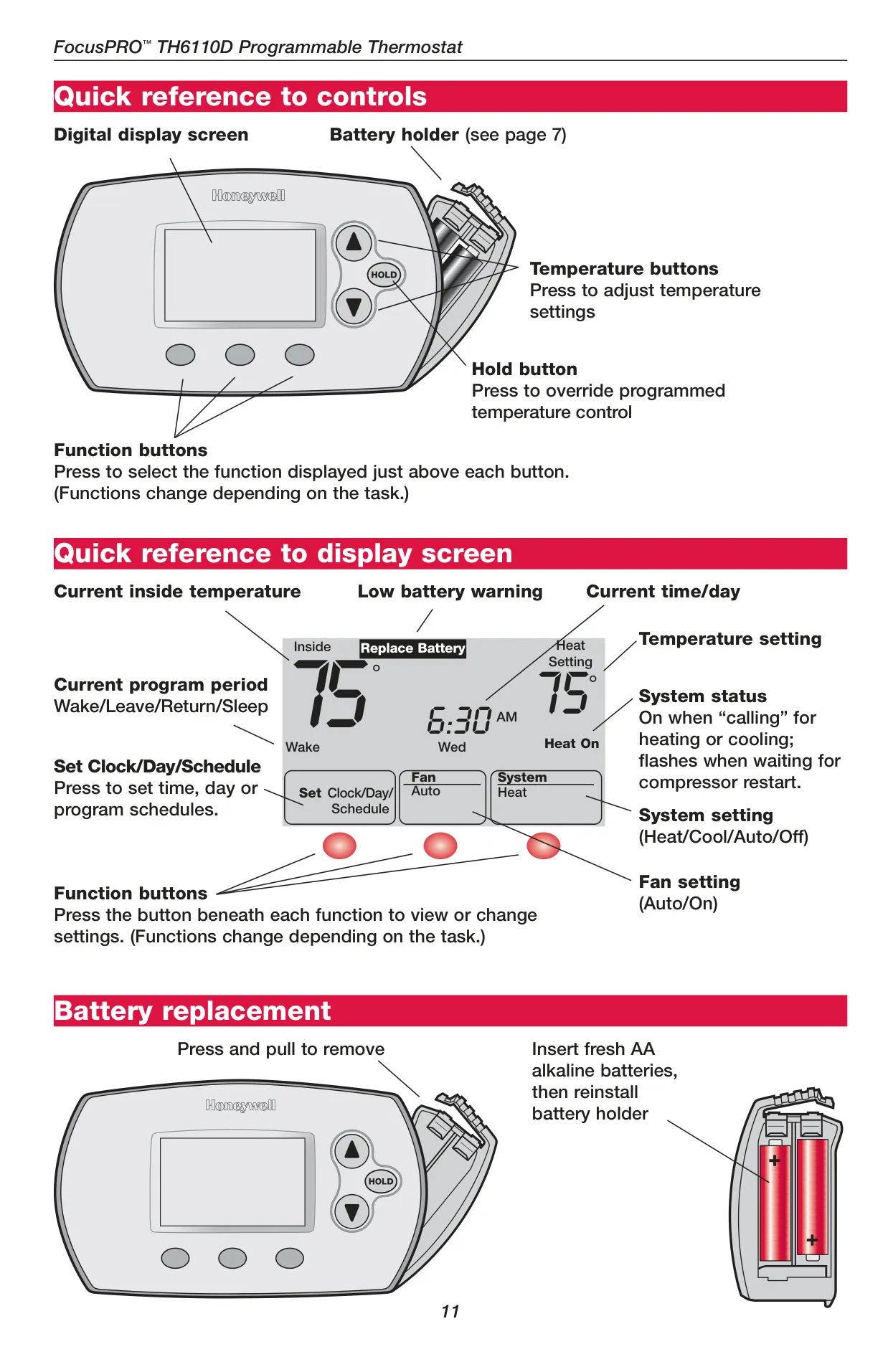
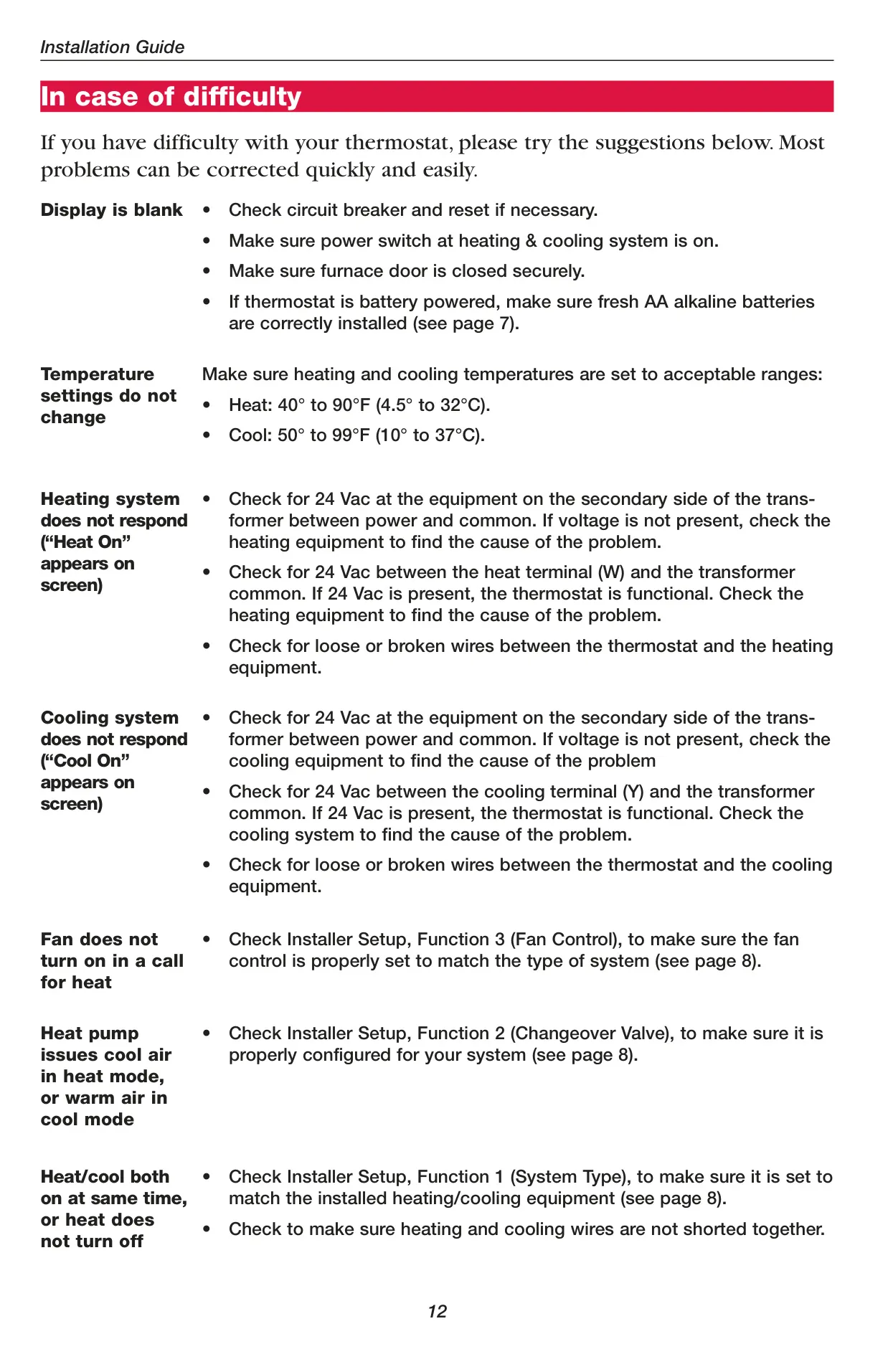
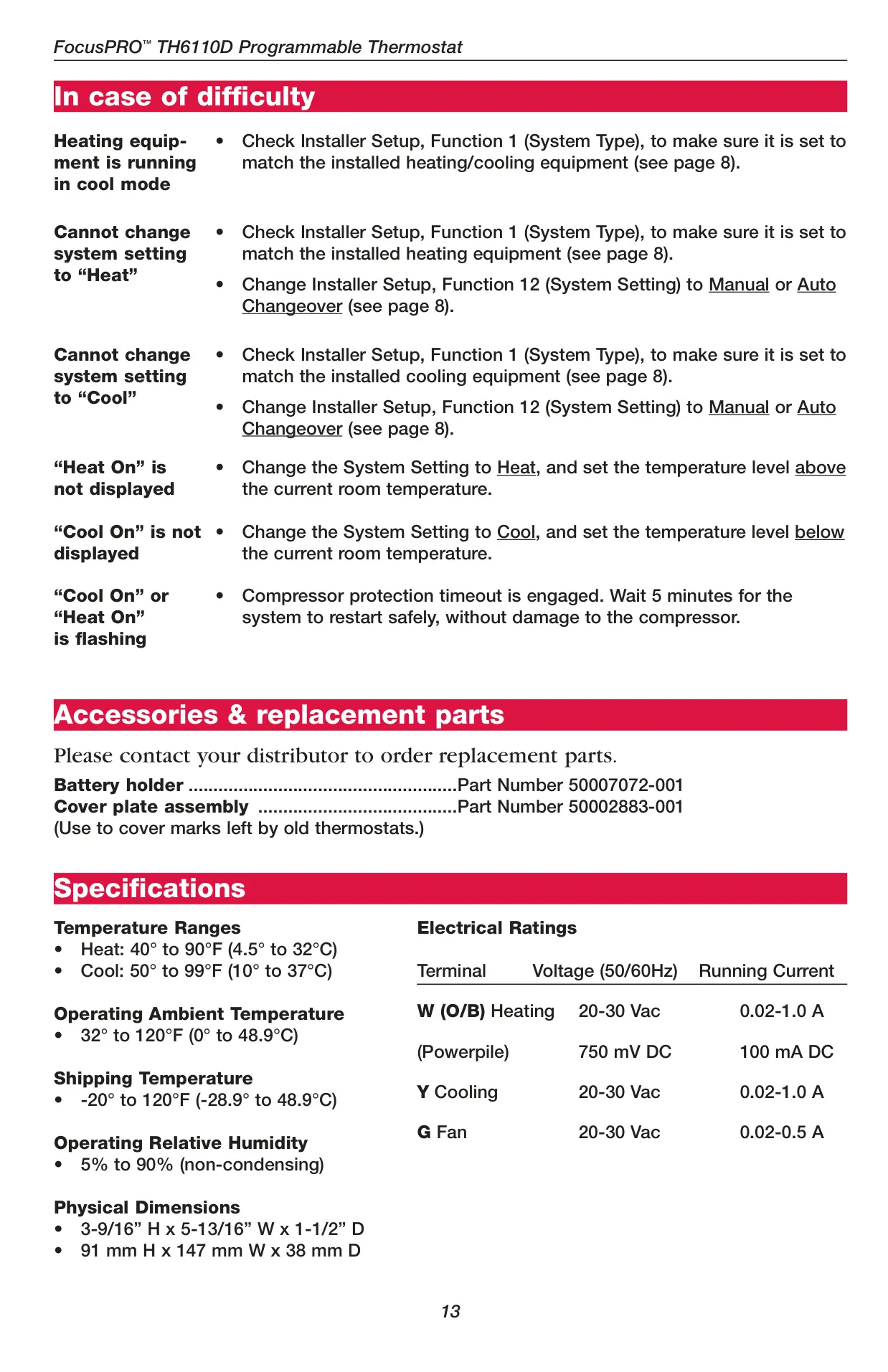

Honeywell TH6220D1002 Instructions
Here we offer the Honeywell TH6220D1002 FocusPRO TH6000 manual completely free and in English. We have cataloged this manual in the Thermostats section on Manualverse, and it has been rated by 1 users with an average rating of 5. If you have any specific questions about Honeywell TH6220D1002 FocusPRO TH6000, we suggest checking the Frequently Asked Questions (FAQs) section of this manual.
Product Images
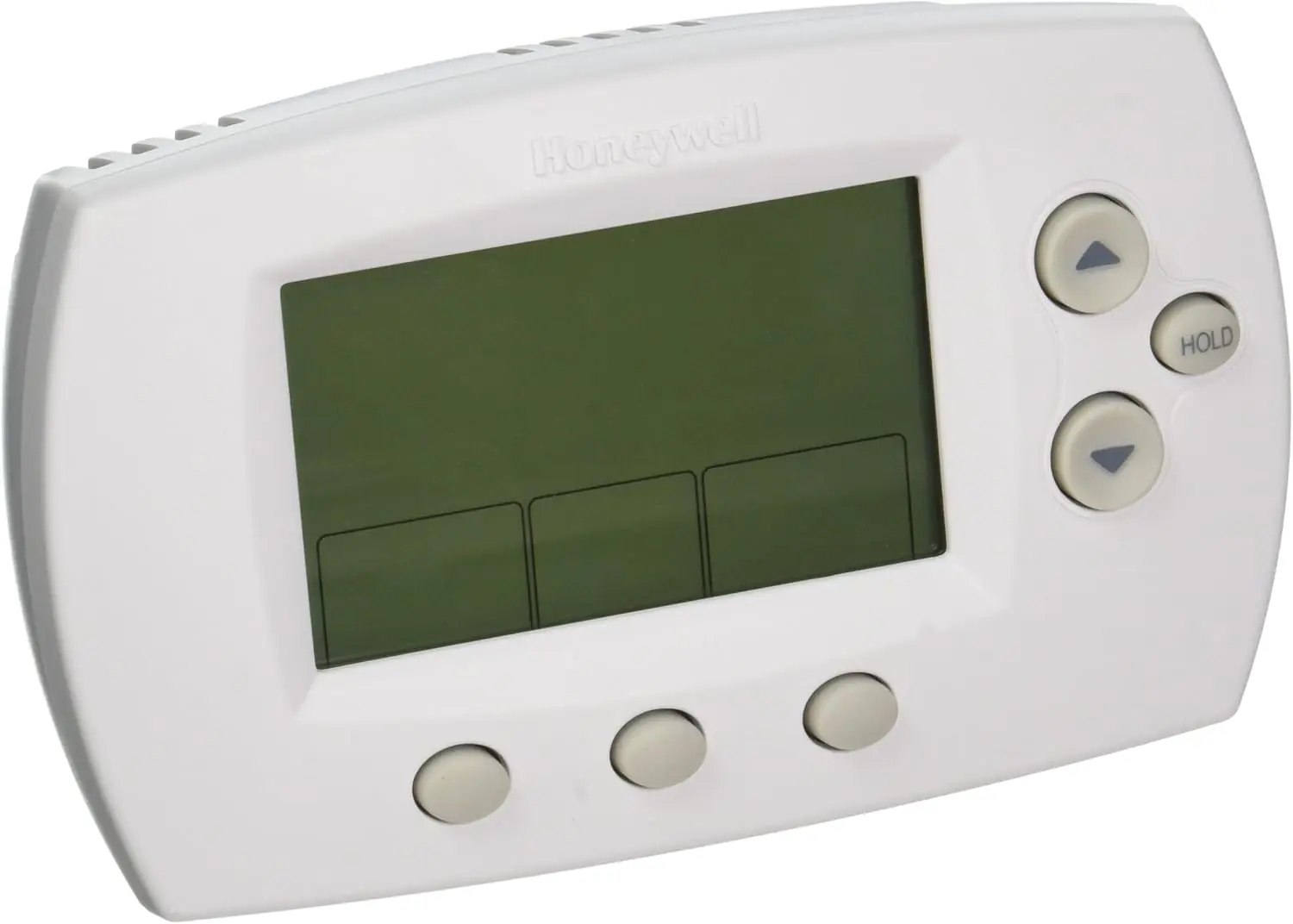
Honeywell TH6220D1002 FocusPRO TH6000 Thermostat Specifications
| Category | Specification |
|---|---|
| Model | TH6220D1002 FocusPRO TH6000 |
| Product Application | Electronic control of 24 VAC single-stage heating and cooling systems, or 750 mV heating systems. |
| Temperature Range (Heat) | 40° to 90°F (4.5° to 32°C) |
| Temperature Range (Cool) | 50° to 99°F (10° to 37°C) |
| Operating Ambient Temperature | 32° to 120°F (0° to 48.9°C) |
| Shipping Temperature | -20° to 120°F (-28.9° to 48.9°C) |
| Operating Relative Humidity | 5% to 90% (non-condensing) |
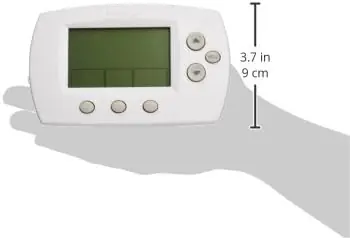
| Physical Dimensions (H x W x D) | 3-9/16” x 5-13/16” x 1-1/2” (91 mm x 147 mm x 38 mm) |
| Electrical Rating (W (O/B) Heating) | 20-30 Vac (0.02-1.0 A) or 750 mV DC (100 mA DC for Powerpile) |
| Electrical Rating (Y Cooling) | 20-30 Vac (0.02-1.0 A) |
| Electrical Rating (G Fan) | 20-30 Vac (0.02-0.5 A) |
| Power Options | Battery power only, Common wire only, Common wire with battery backup |
| Battery Type | 2x AA alkaline batteries (optional for AC powered, required for backup) |
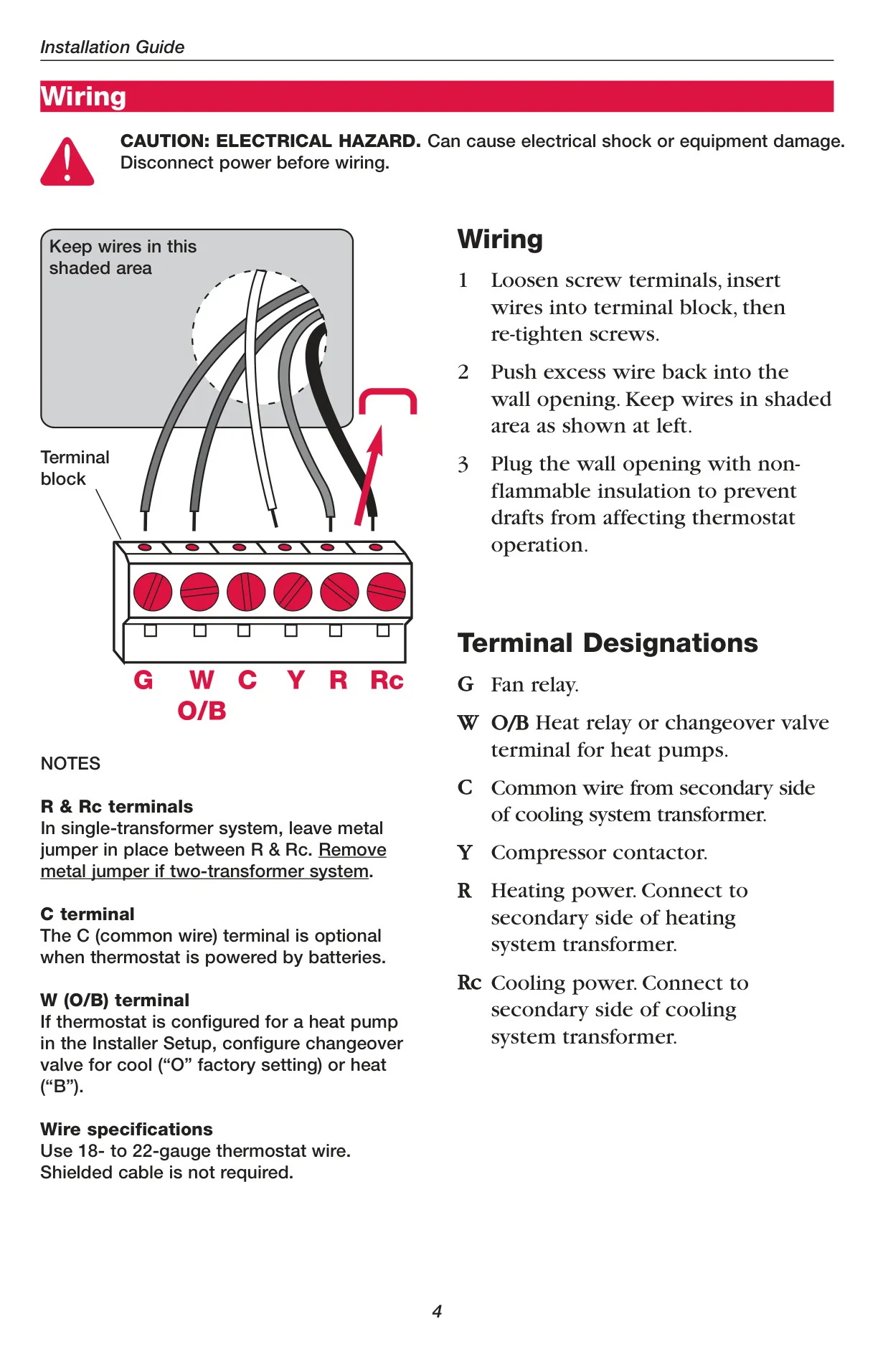
| Wire Specification | 18- to 22-gauge thermostat wire |
| Warranty | Limited 5-year warranty (excluding battery) |
Honeywell TH6220D1002 Details
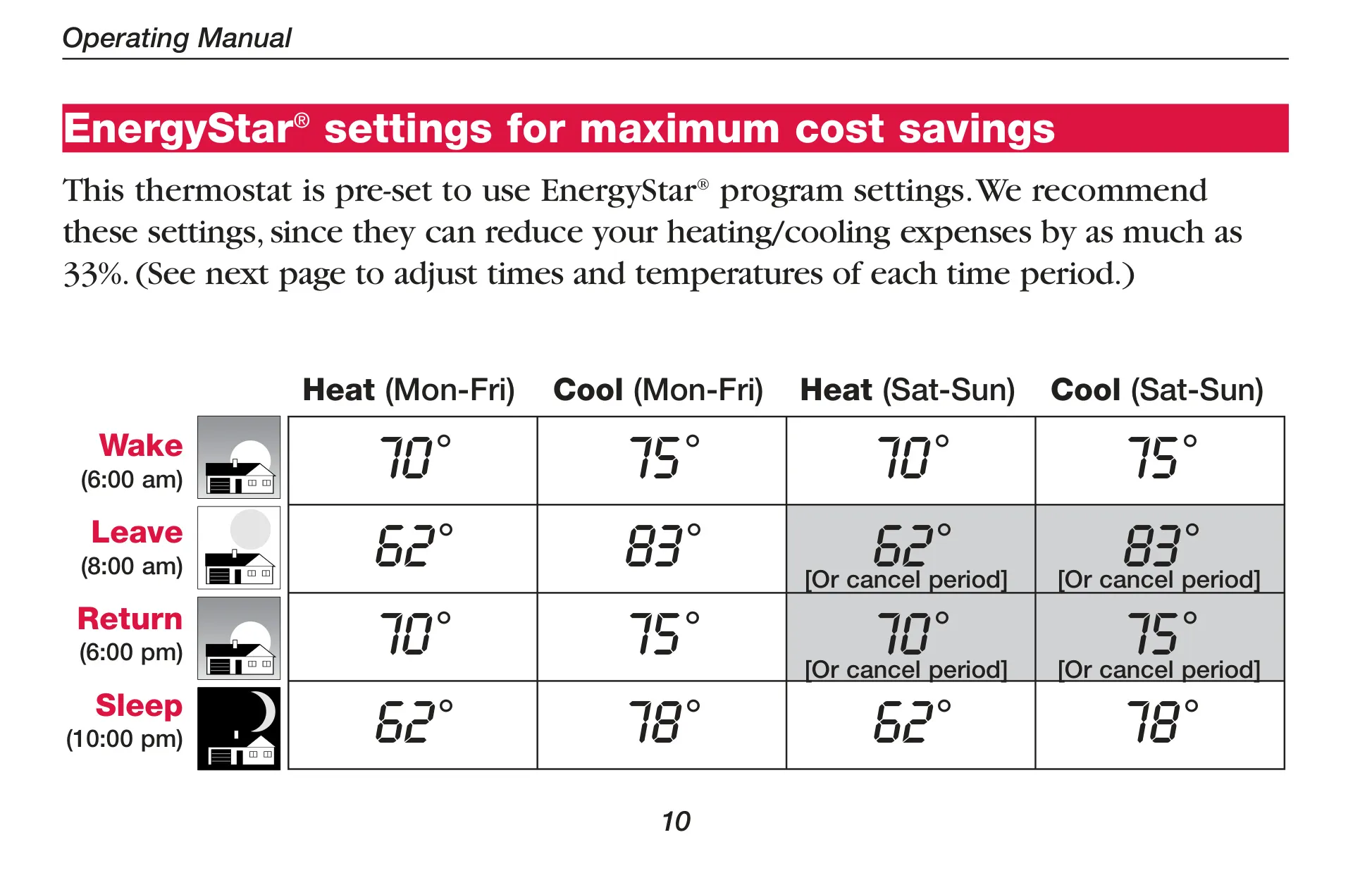
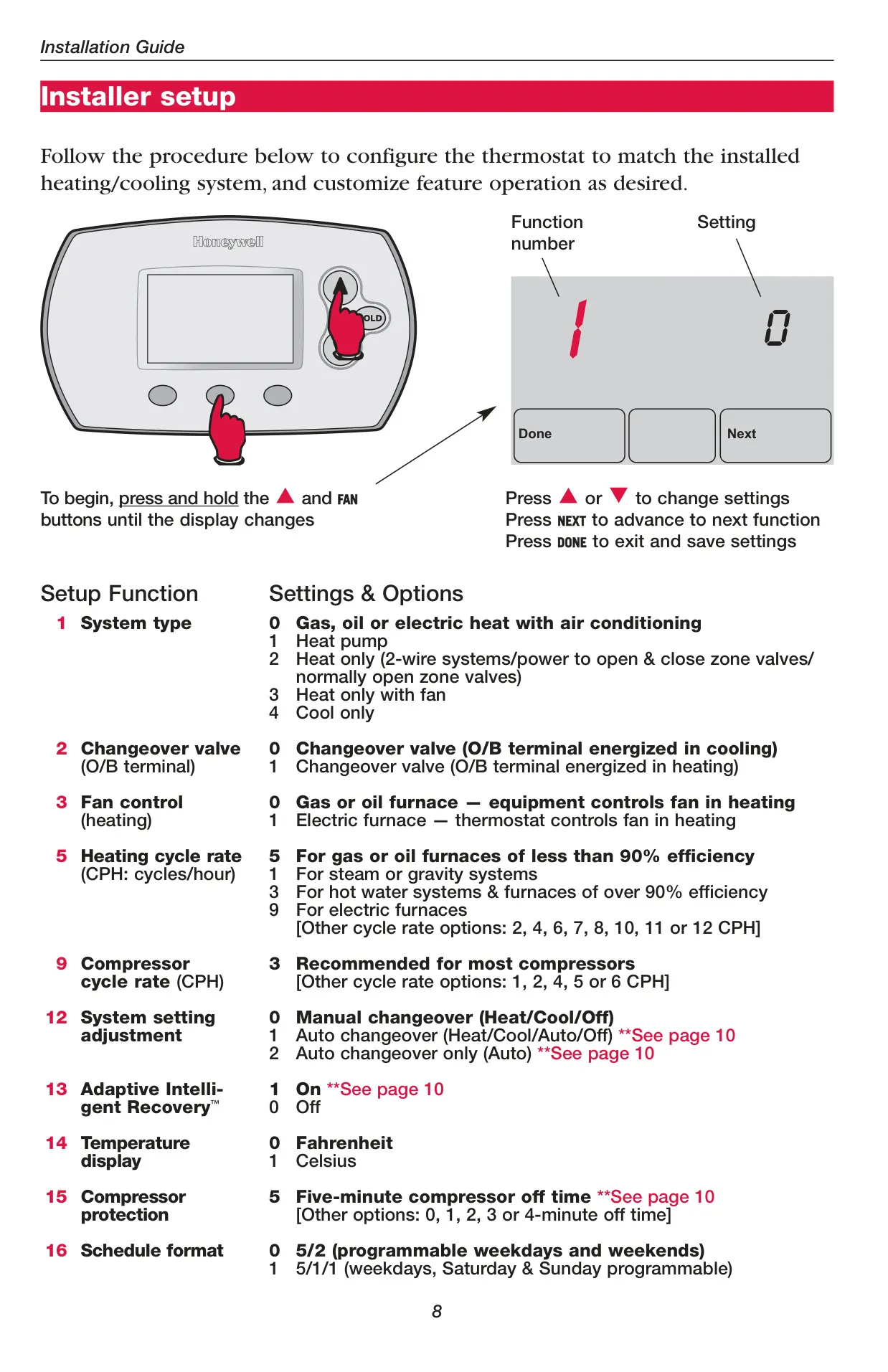
The Honeywell TH6220D1002 FocusPRO TH6000 is a highly versatile and user-friendly programmable thermostat designed for optimal home comfort and energy efficiency. It comes pre-programmed with energy-saving schedules, assuming a typical daily routine (wake, leave, return, sleep), but these can be easily customized to fit any lifestyle. This out-of-the-box readiness simplifies initial setup, requiring only the time and day to be set for proper operation.
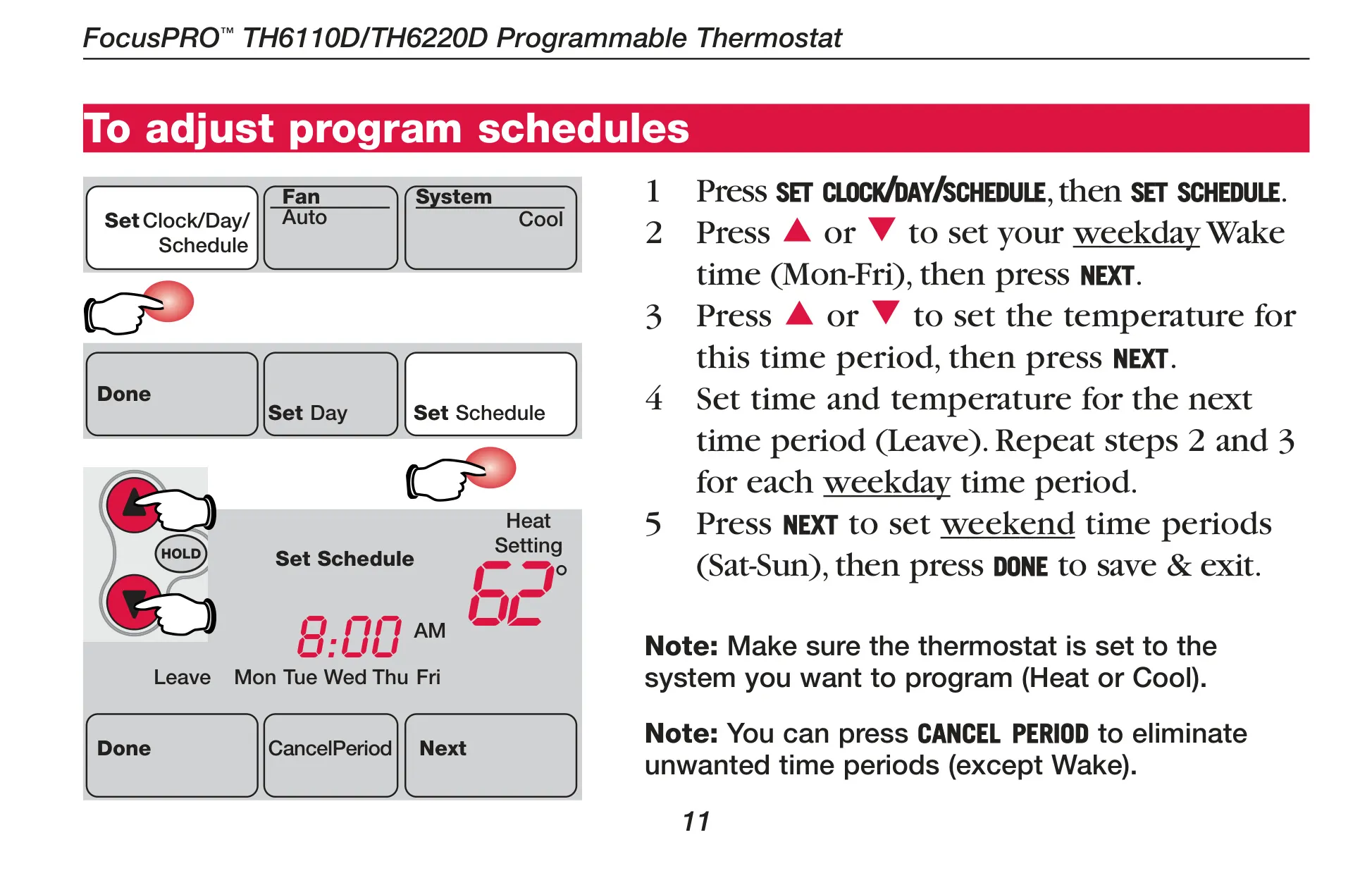
One of its standout features is the flexible programming. Users can program four distinct time periods each day: Wake, Leave, Return, and Sleep. These periods allow for different temperature settings for weekdays versus weekends, providing personalized control over your heating and cooling while maximizing energy savings when you're away or asleep. The intuitive interface makes adjusting these schedules straightforward.
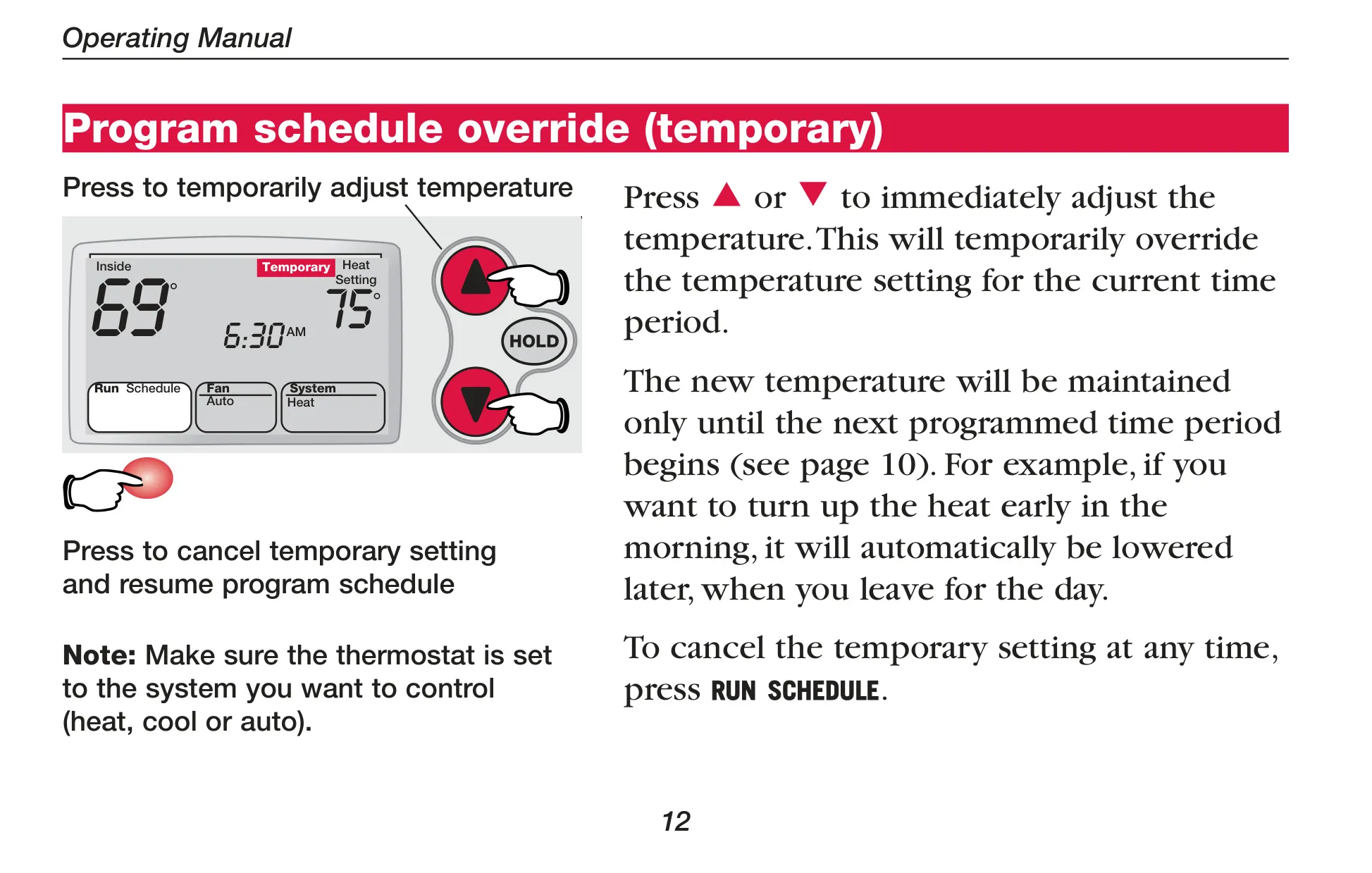
For immediate adjustments, the thermostat offers both temporary and permanent program schedule overrides. A temporary adjustment will hold the new temperature until the next programmed period begins, perfect for an unexpected change in your day. For longer-term changes, the "Hold" feature allows you to maintain a specific temperature 24 hours a day until you manually change it or resume the programmed schedule.
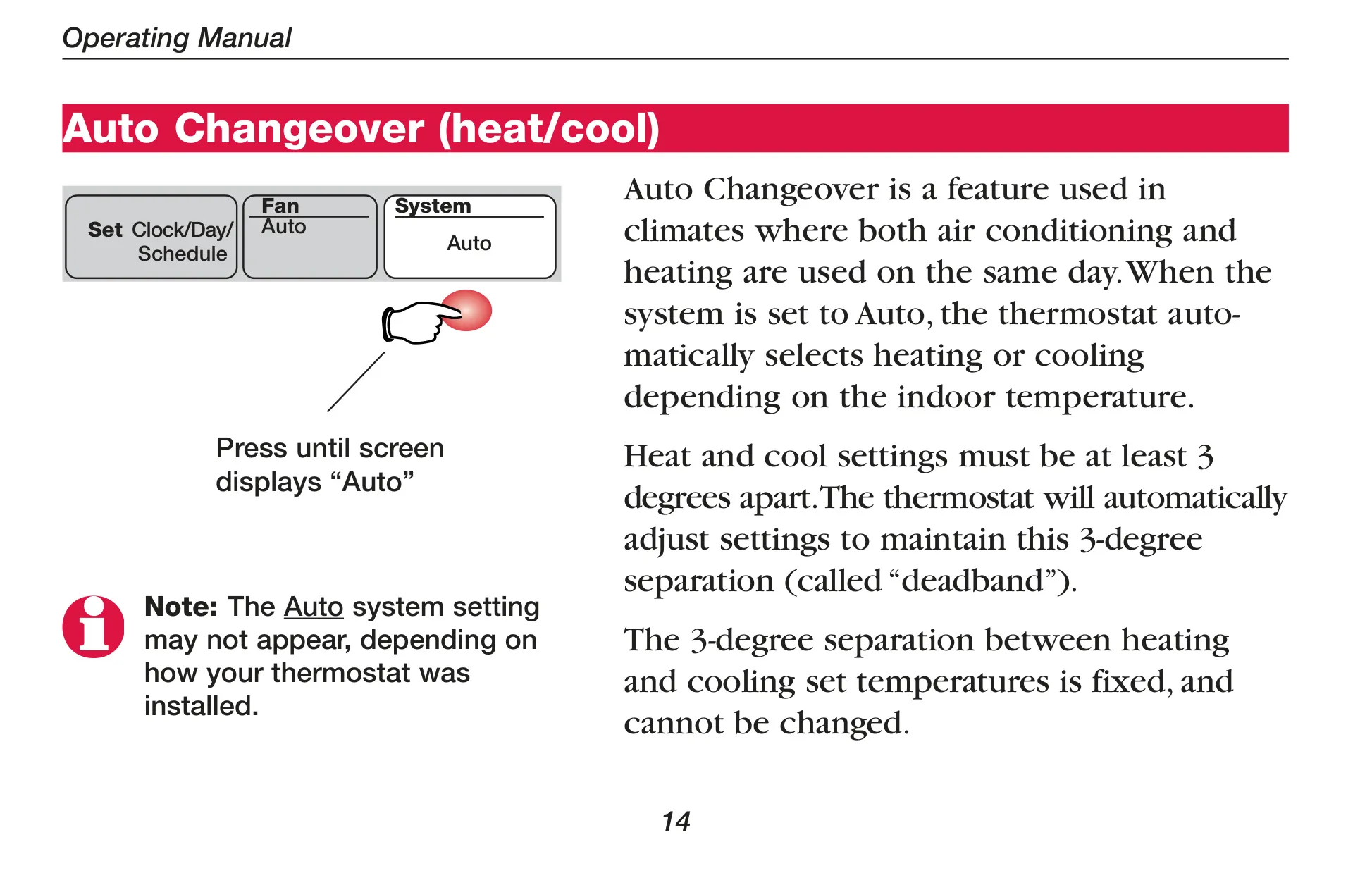
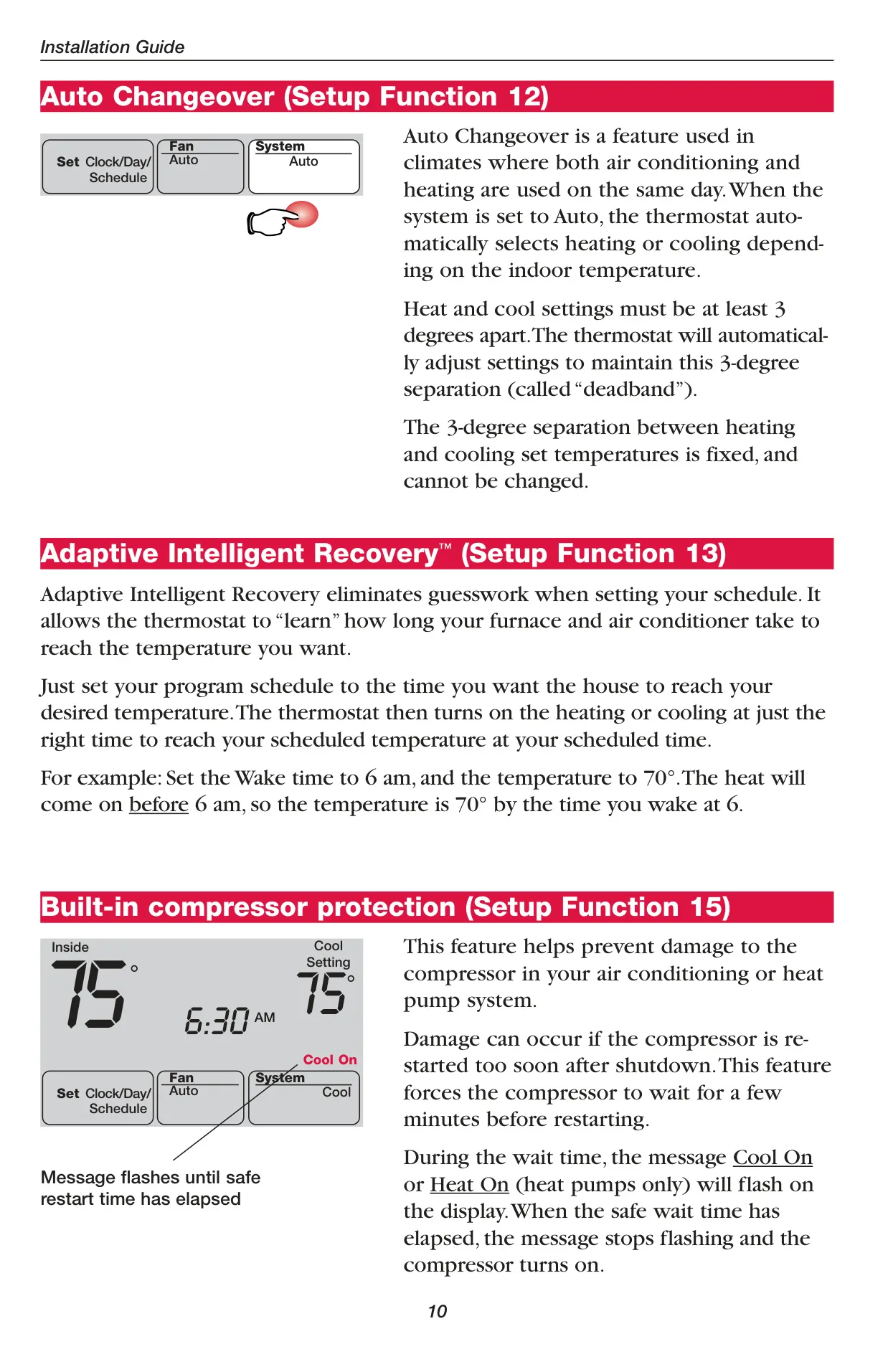
The TH6220D1002 includes multiple system settings for comprehensive climate control: Heat, Cool, Off, and Auto. For heat pump systems, an Emergency Heat (Em Heat) option is also available. The "Auto" changeover feature is particularly useful in climates with fluctuating temperatures, as the thermostat automatically switches between heating and cooling to maintain your desired indoor climate, ensuring a consistent comfort level.
Fan operation can be set to "Auto" or "On." In "Auto" mode, the fan runs only when the heating or cooling system is active, which is the most common and energy-efficient setting. Selecting "On" ensures continuous fan operation, which can be beneficial for improved air circulation throughout your home or for enhanced air cleaning when used with a filtration system.
An innovative feature, Adaptive Intelligent Recovery™, eliminates guesswork from scheduling. Simply set the time you want to reach your desired temperature, and the thermostat "learns" how long it takes your HVAC system to achieve that temperature. It then activates the heating or cooling at the precise moment to ensure your home is comfortable exactly when you want it to be, enhancing convenience and efficiency.
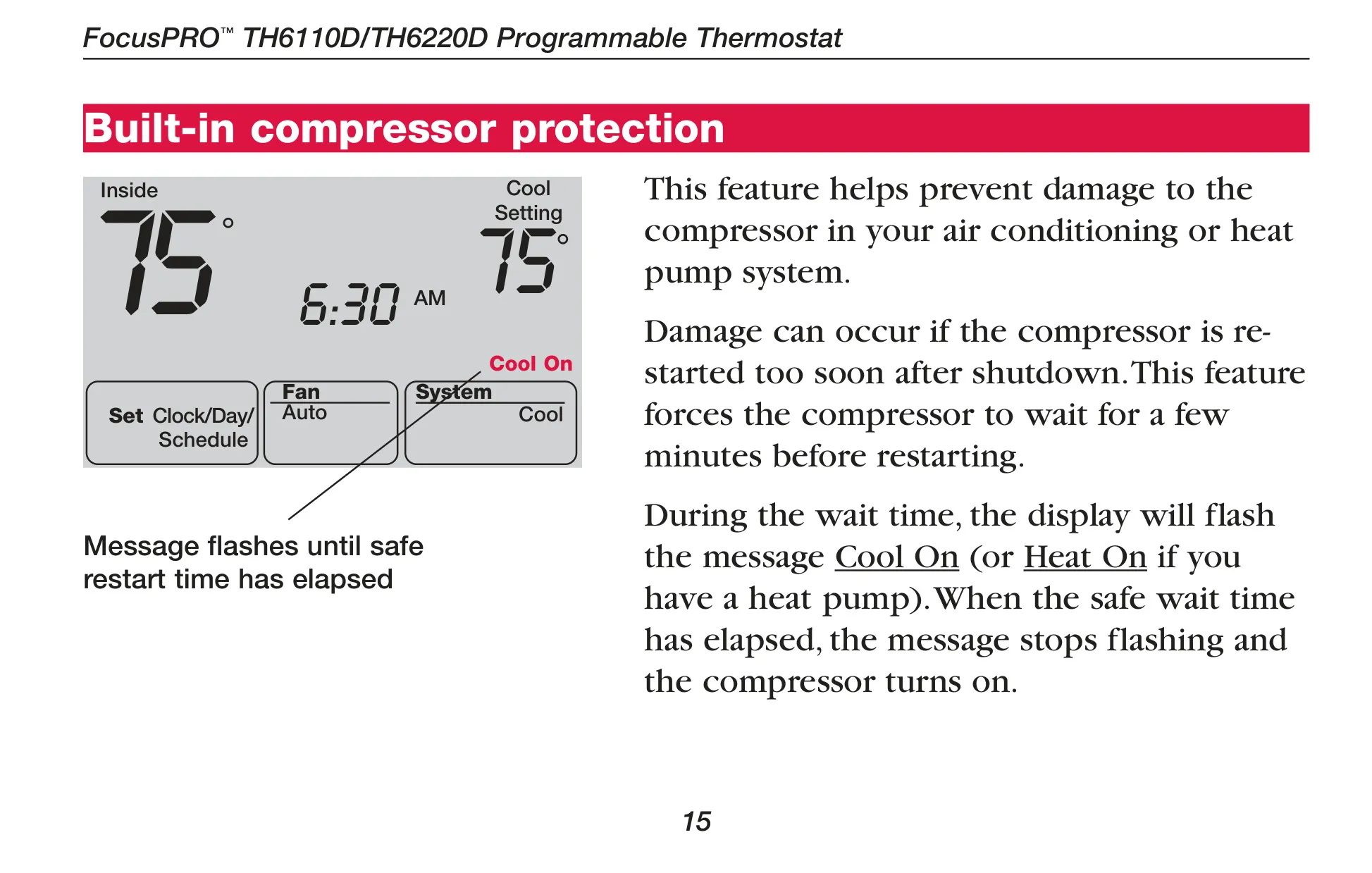
The thermostat also incorporates a crucial built-in compressor protection feature. This mechanism prevents potential damage to your air conditioning or heat pump compressor by enforcing a brief waiting period before restarting after a shutdown. During this wait time, the display will flash "Cool On" or "Heat On," indicating that the system is safely preparing to resume operation, safeguarding your equipment's longevity.
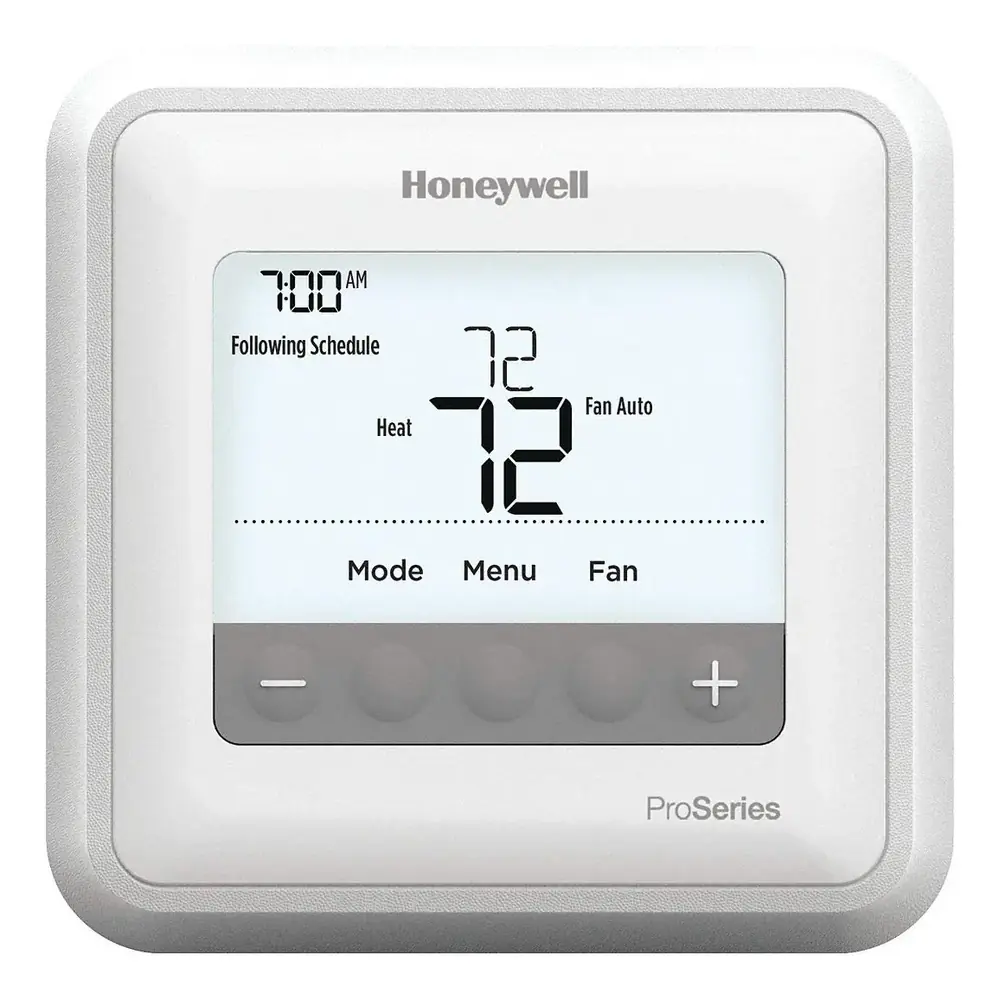
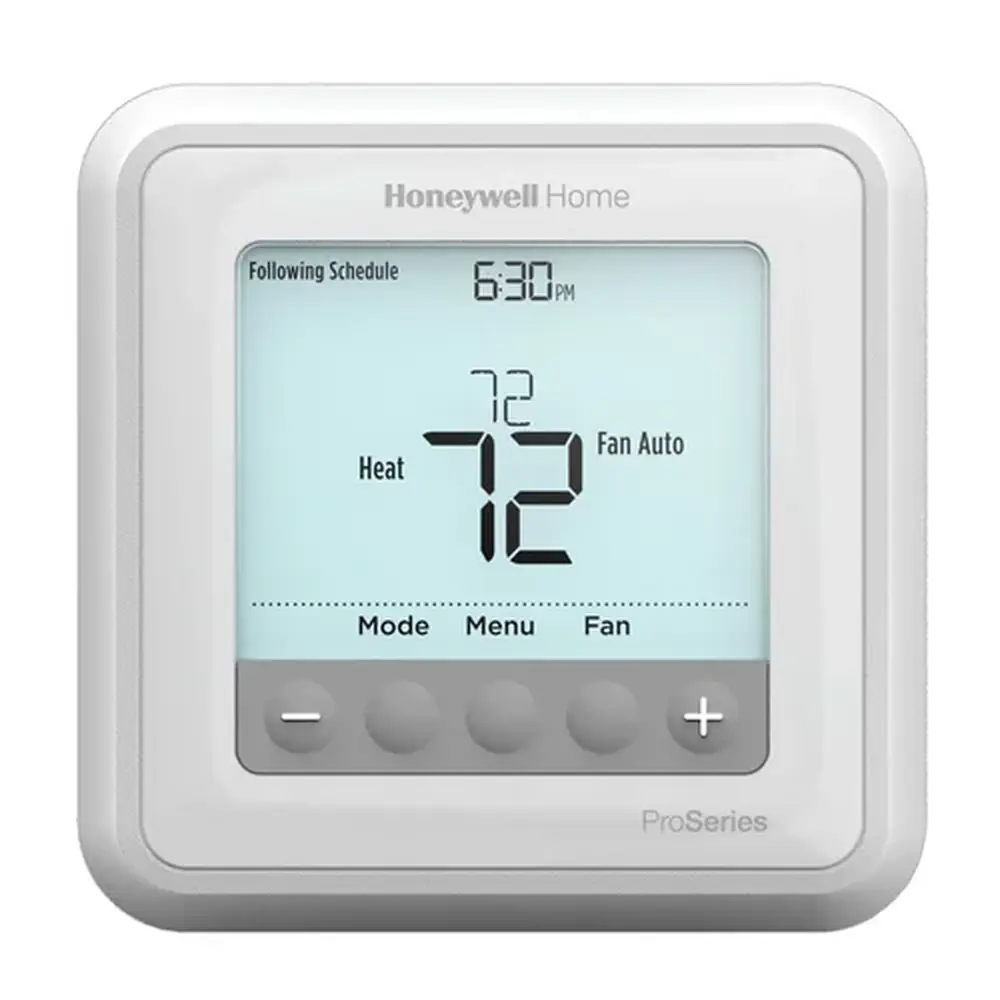
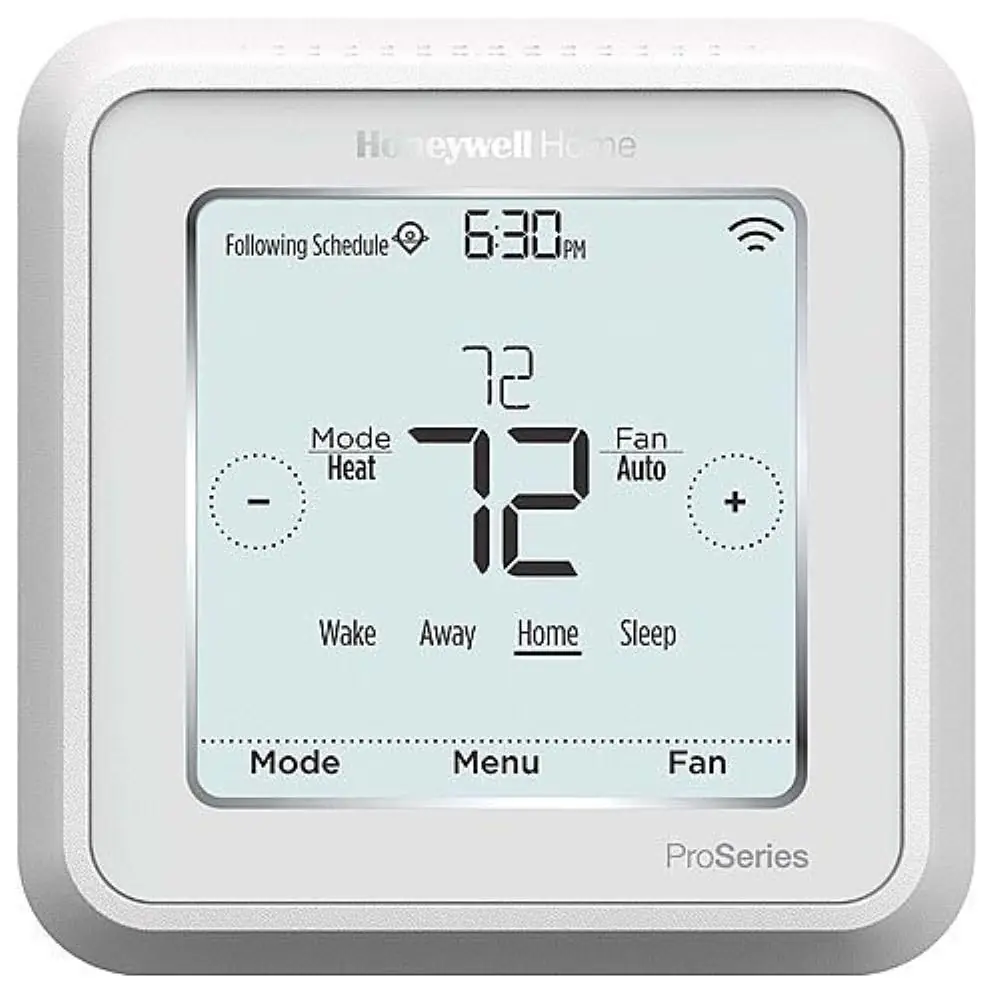
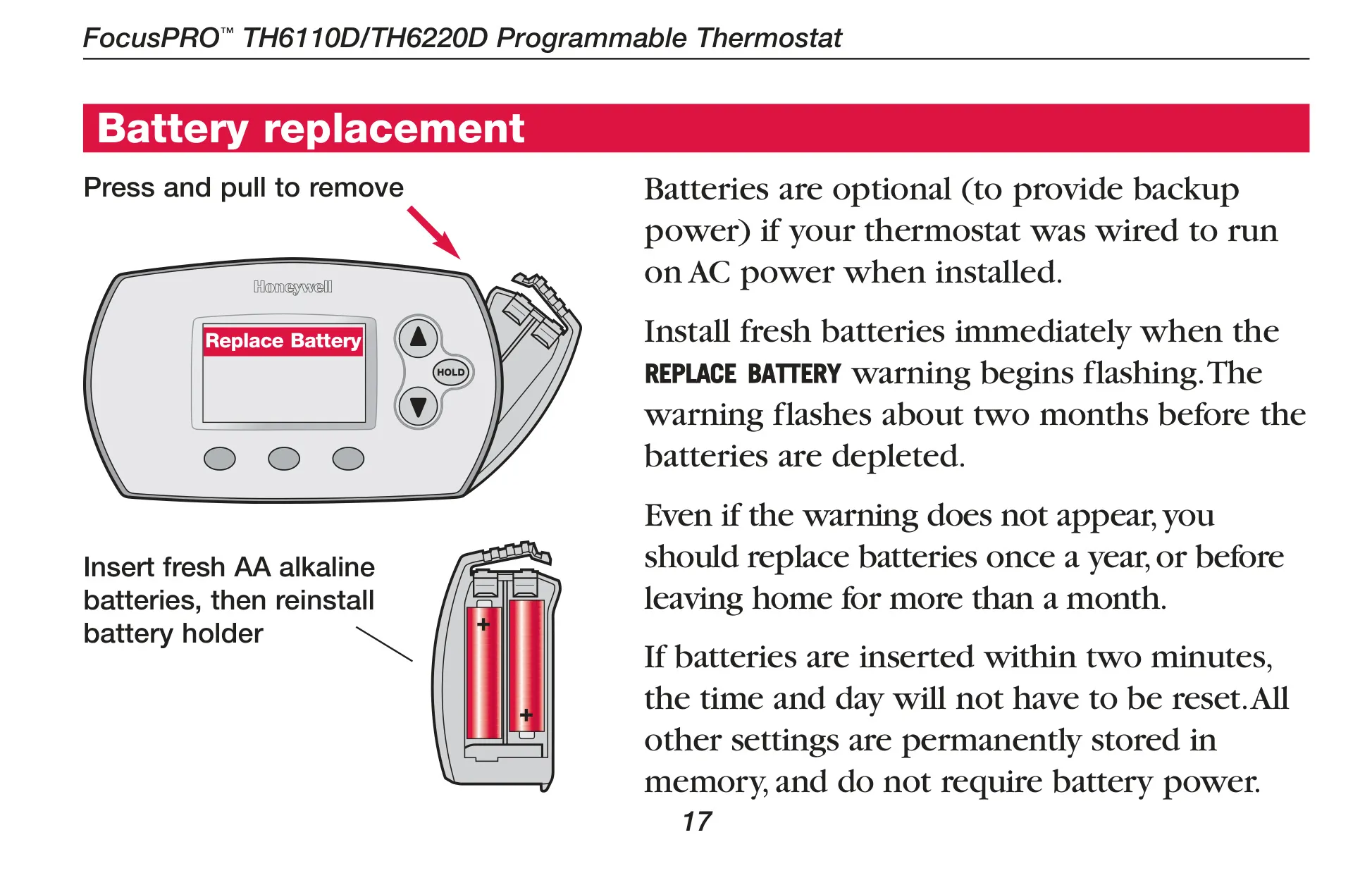
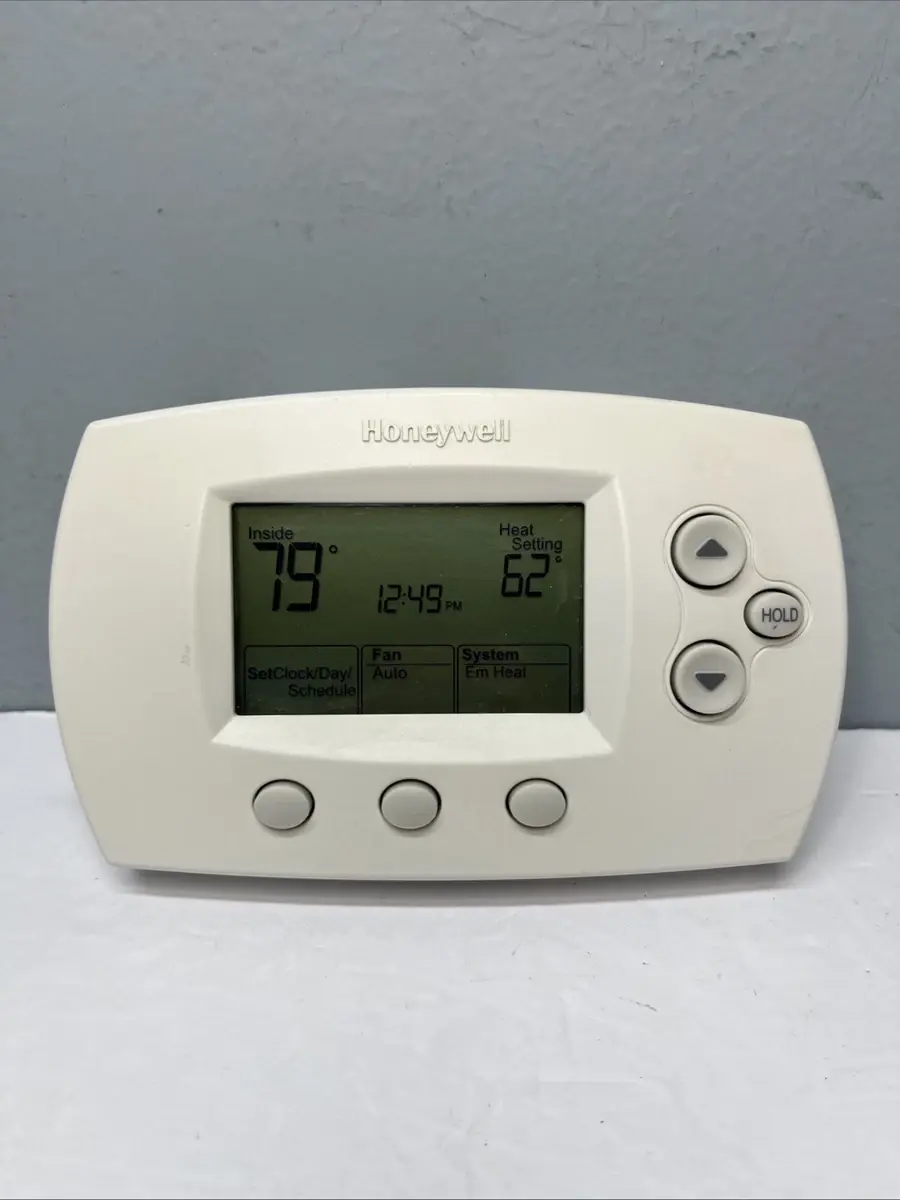
The clear digital display provides a quick reference to essential information, including the current inside temperature, the time and day, the active program period (Wake, Leave, Return, Sleep), and the current temperature setting. It also shows the system status (e.g., Heat On, Cool On) and fan/system settings. A low battery warning is displayed when batteries need replacement, ensuring uninterrupted operation.
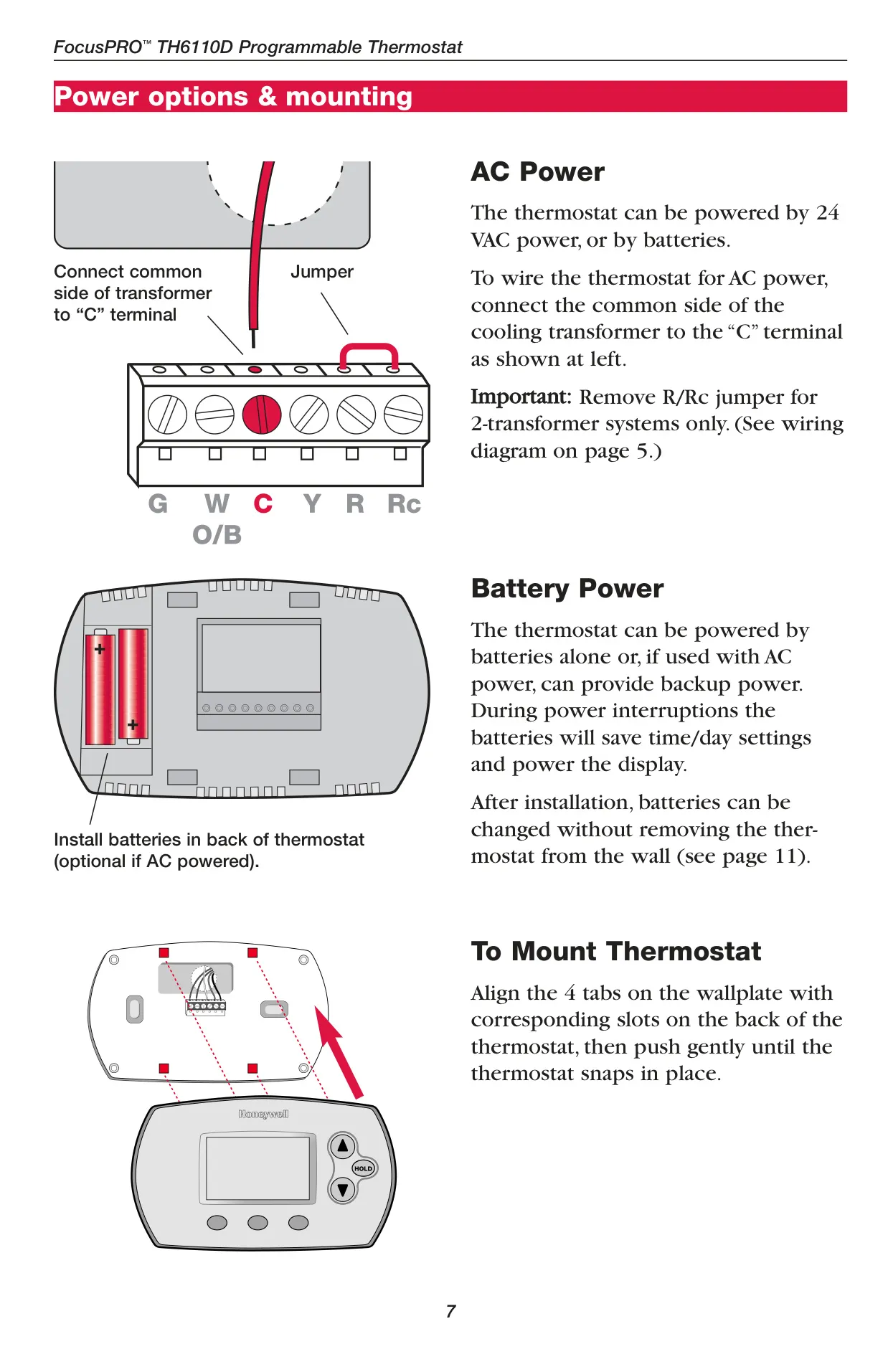
Powering options for the TH6220D1002 include battery-only operation, common wire only (24 VAC), or a common wire with battery backup. The batteries (two AA alkaline) provide crucial backup power, preserving time and day settings during power interruptions and allowing for convenient battery changes without removing the thermostat from the wall. This dual power capability offers reliability and peace of mind.
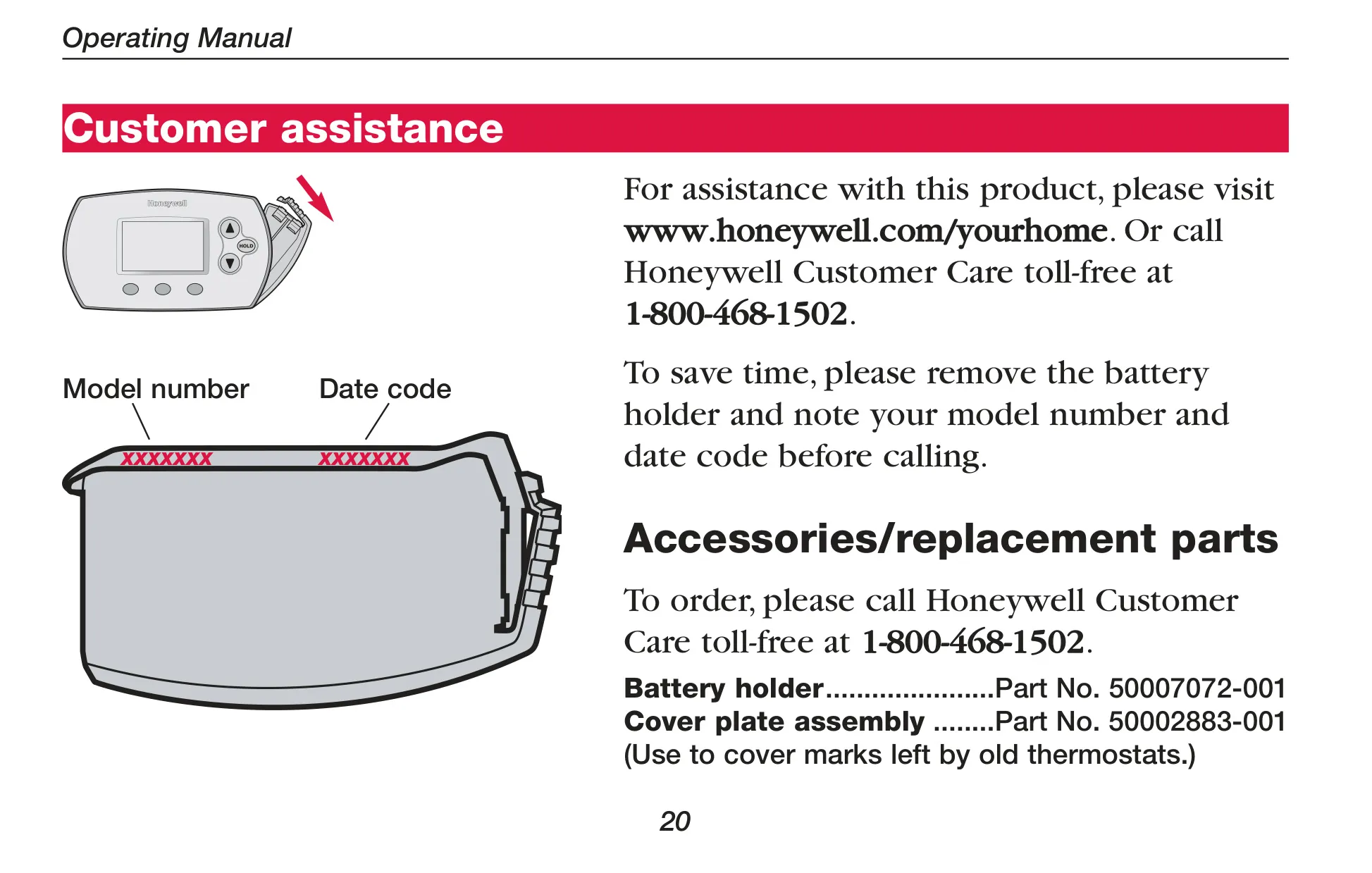
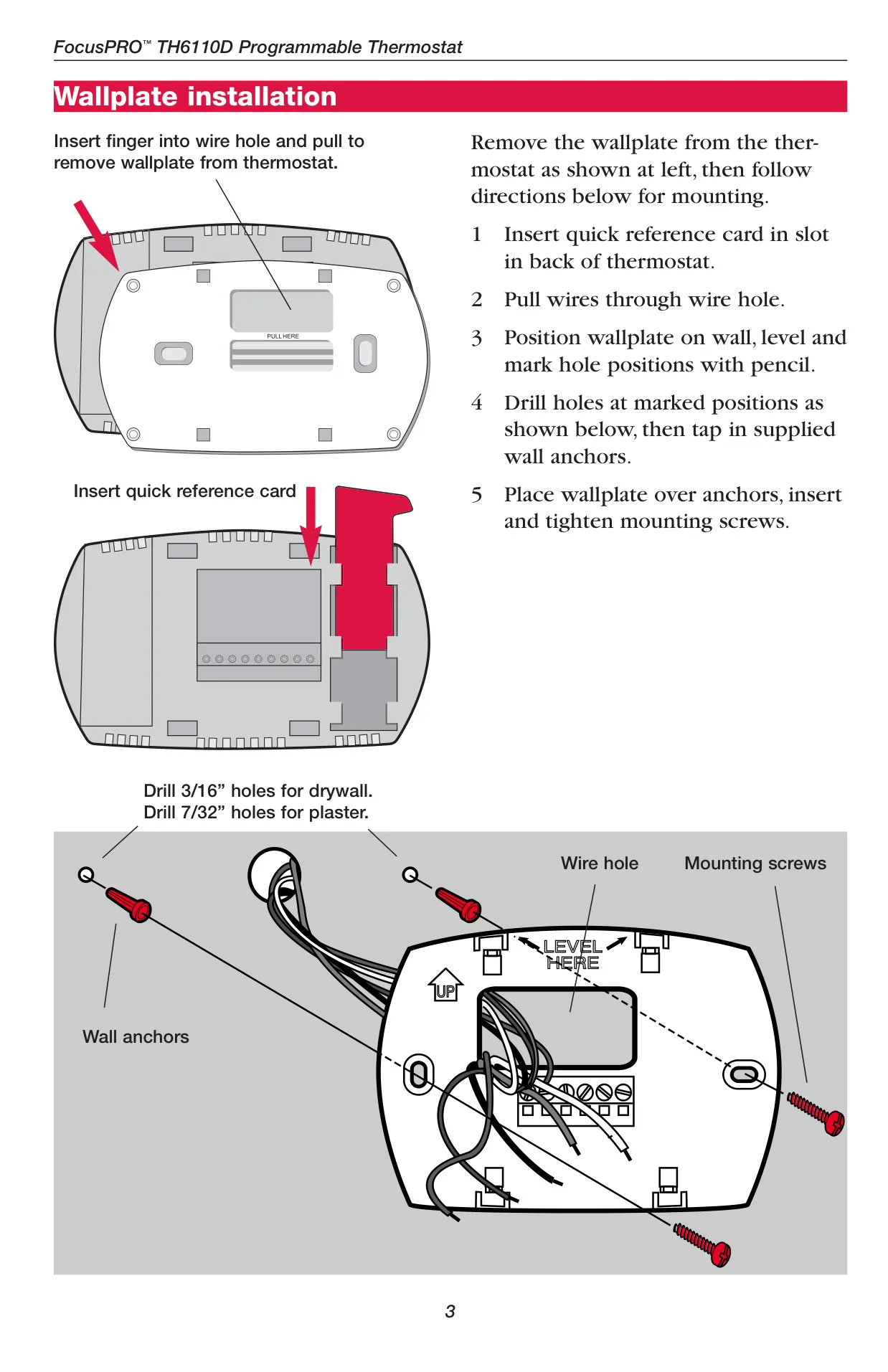
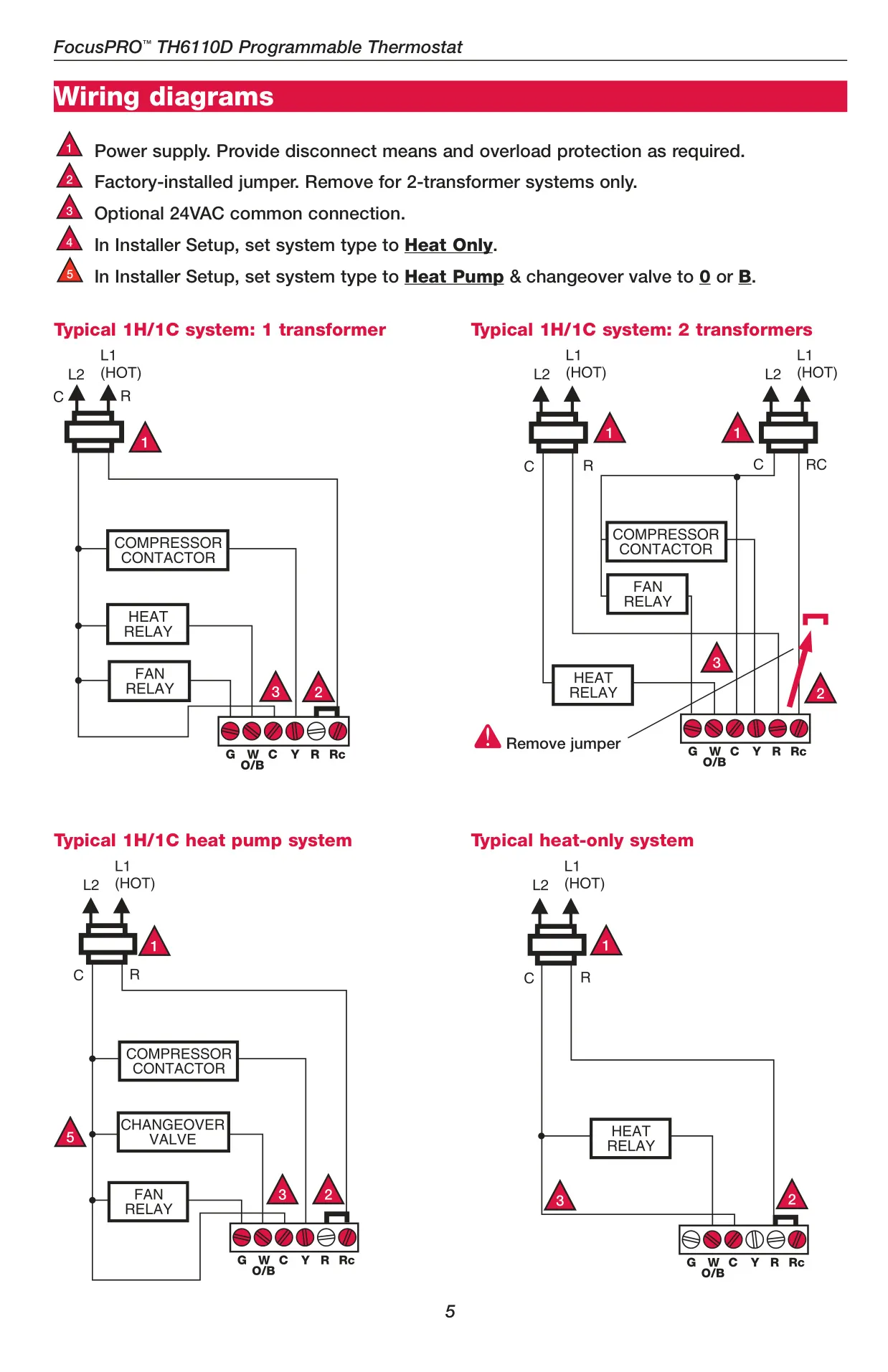
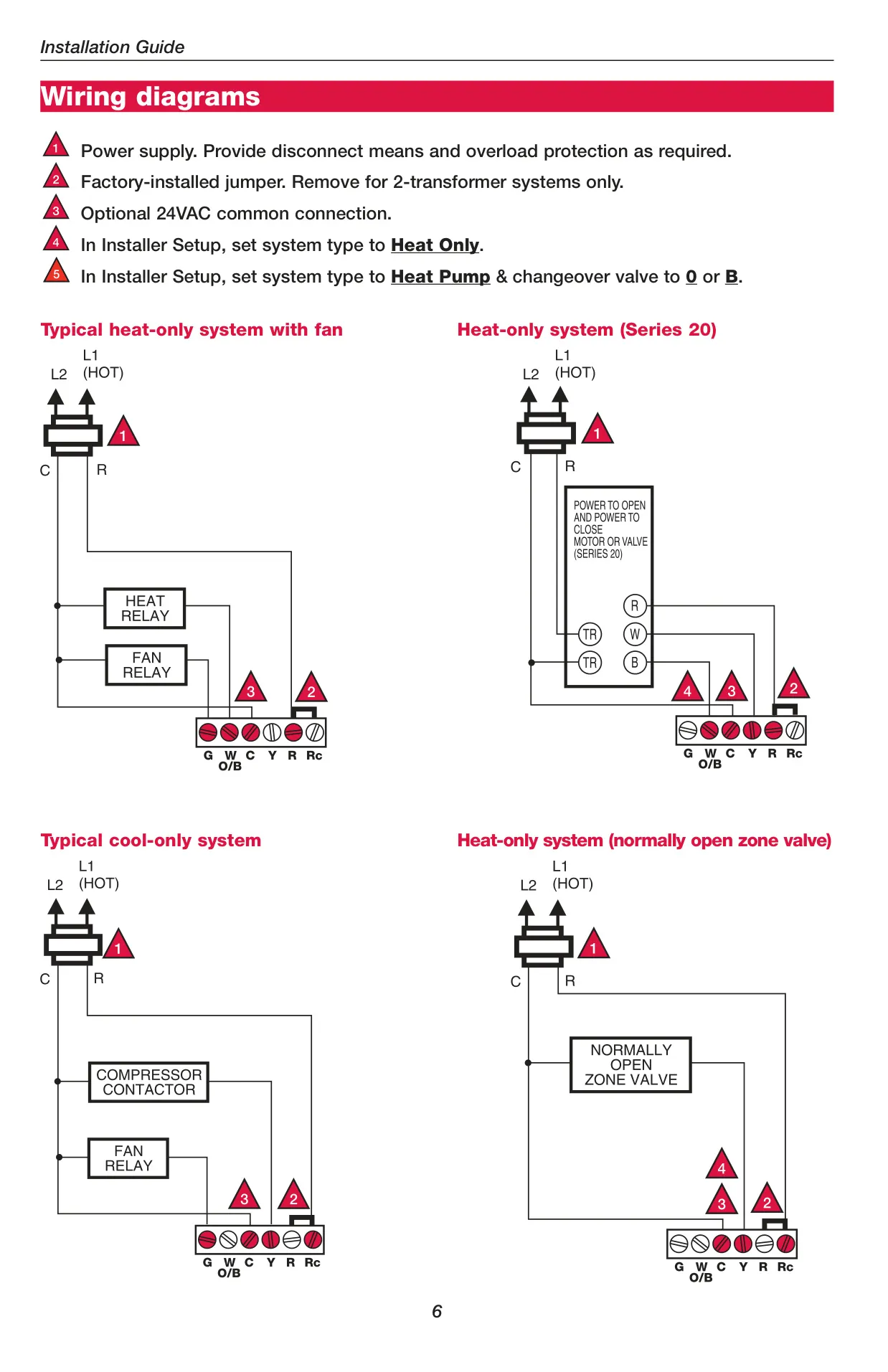
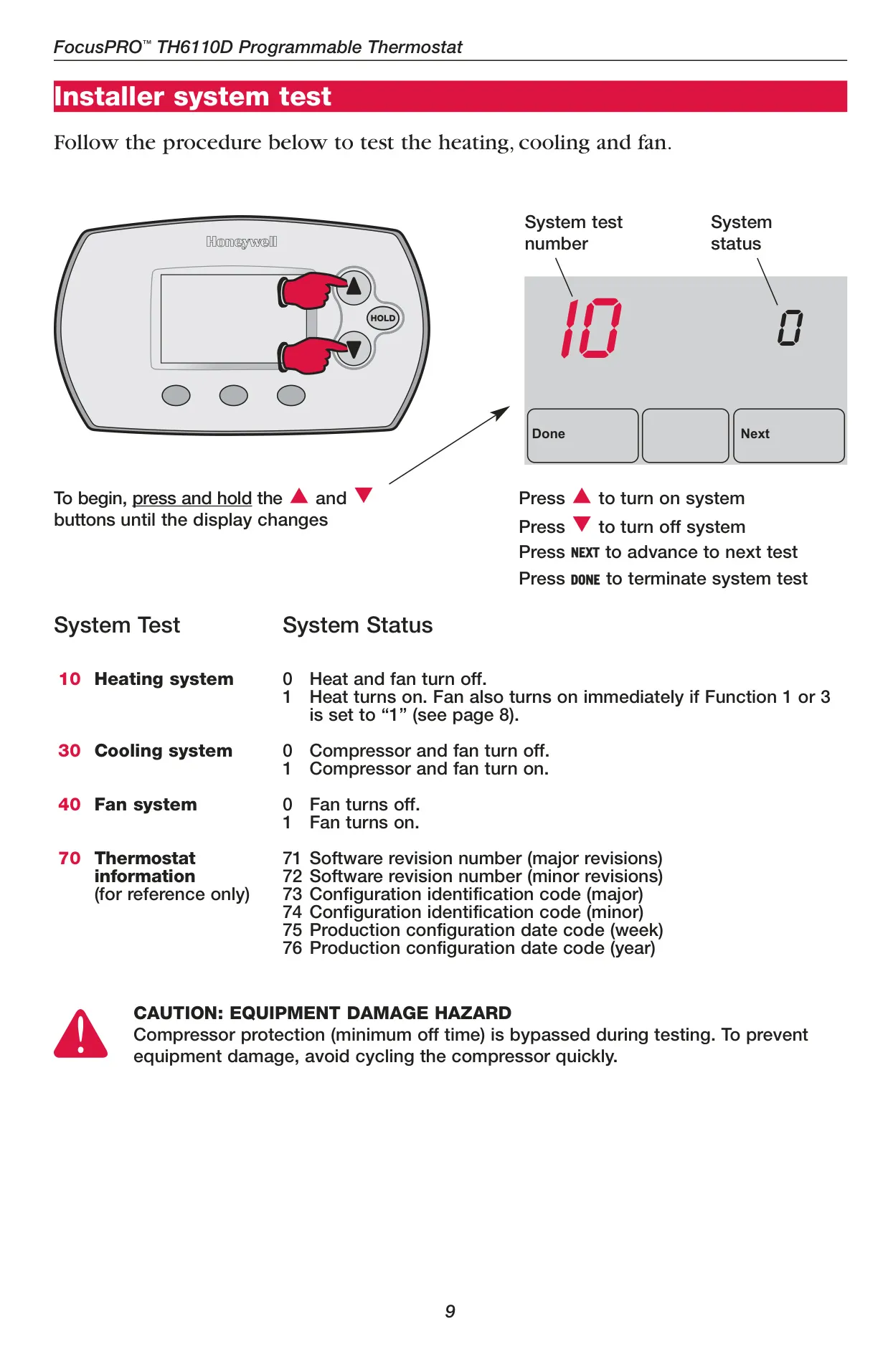
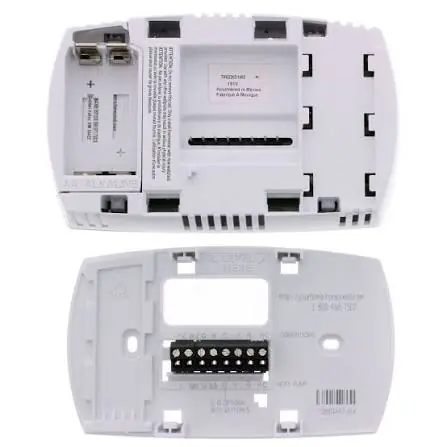
Installation is designed to be straightforward for trained technicians, with clear wiring diagrams and terminal designations provided. The thermostat is mounted to a wallplate, which can be easily separated for wiring and then snapped back into place. Optional accessories like a cover plate assembly are available to conceal any marks left by previous thermostats, ensuring a clean aesthetic.
Frequently Asked Questions (FAQs)
Can't find the answer you need? Here are some frequently asked questions about the Honeywell TH6220D1002 FocusPRO TH6000, and we answer them below.