Honeywell RTH230B Thermostat Instruction Manual
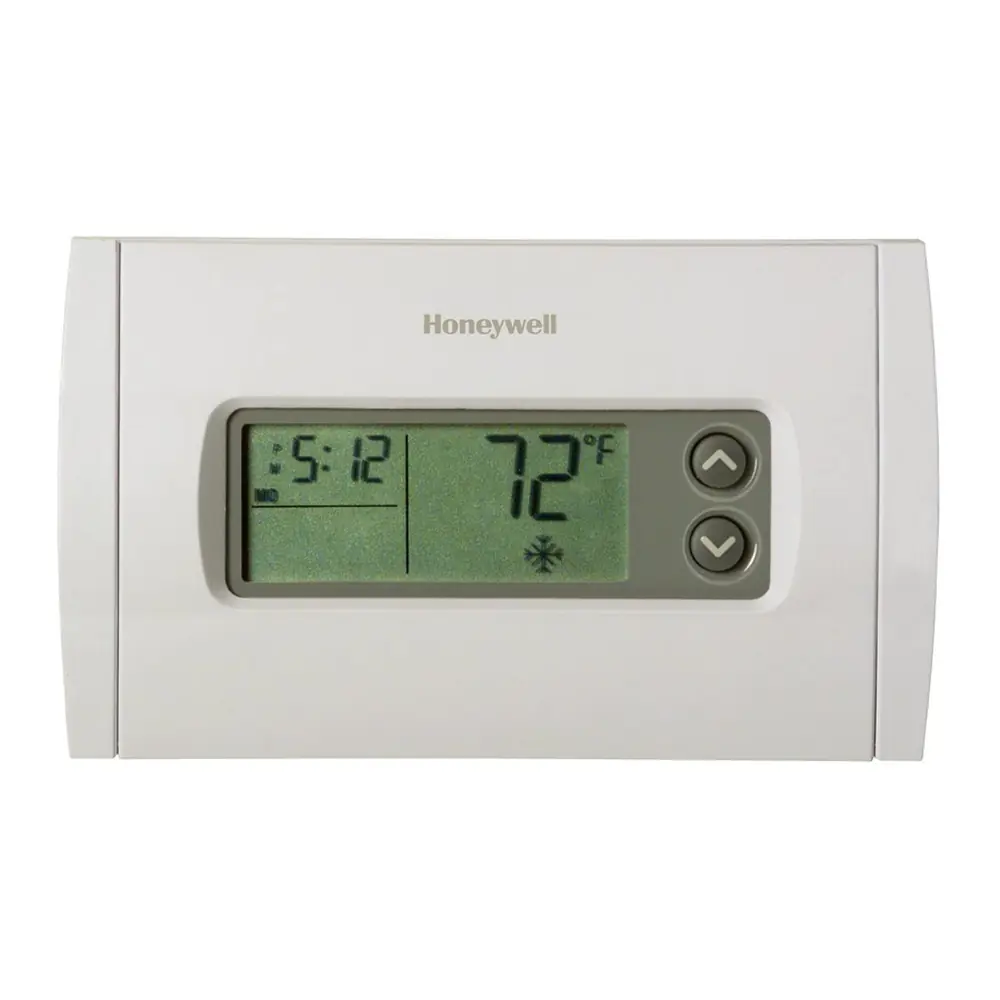
Honeywell RTH230B Thermostat
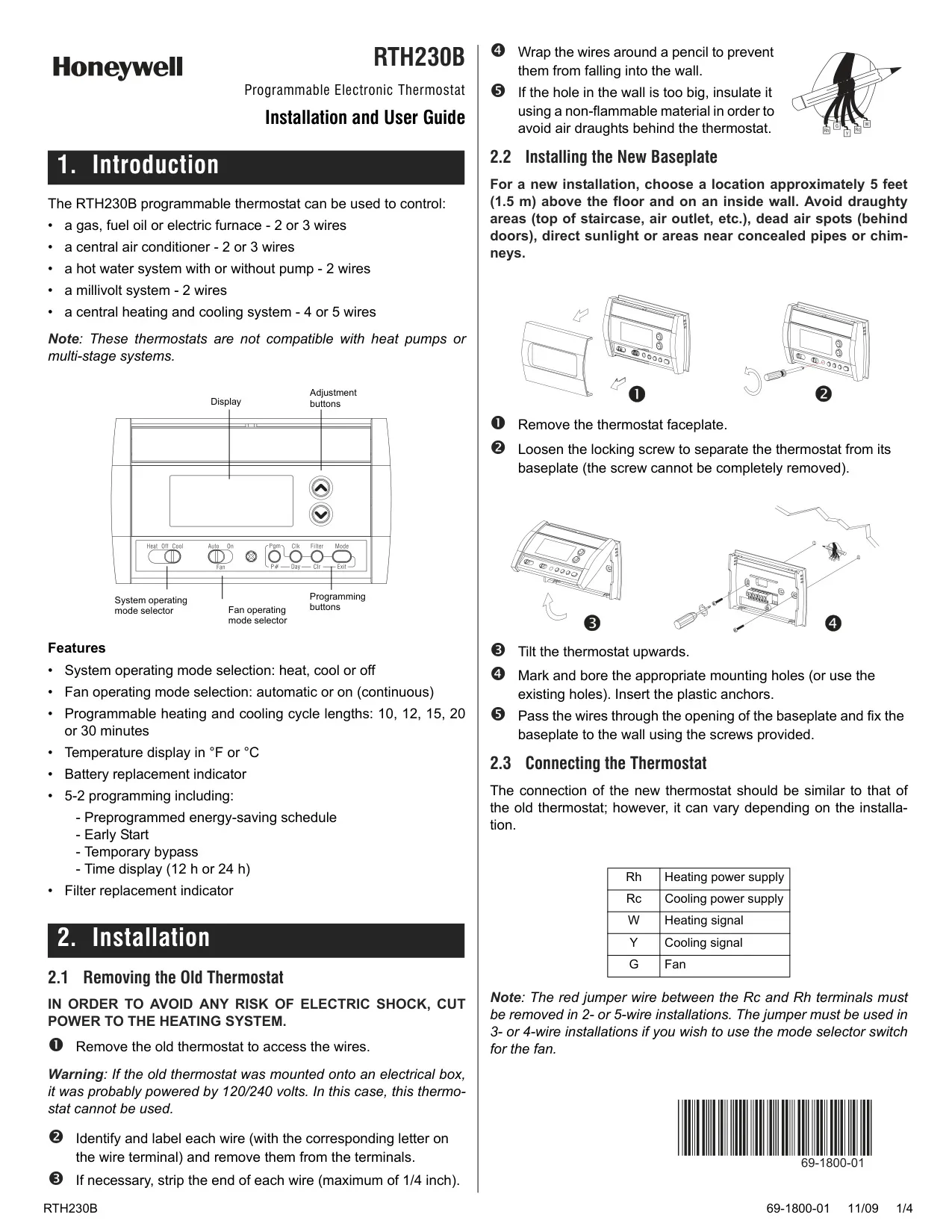
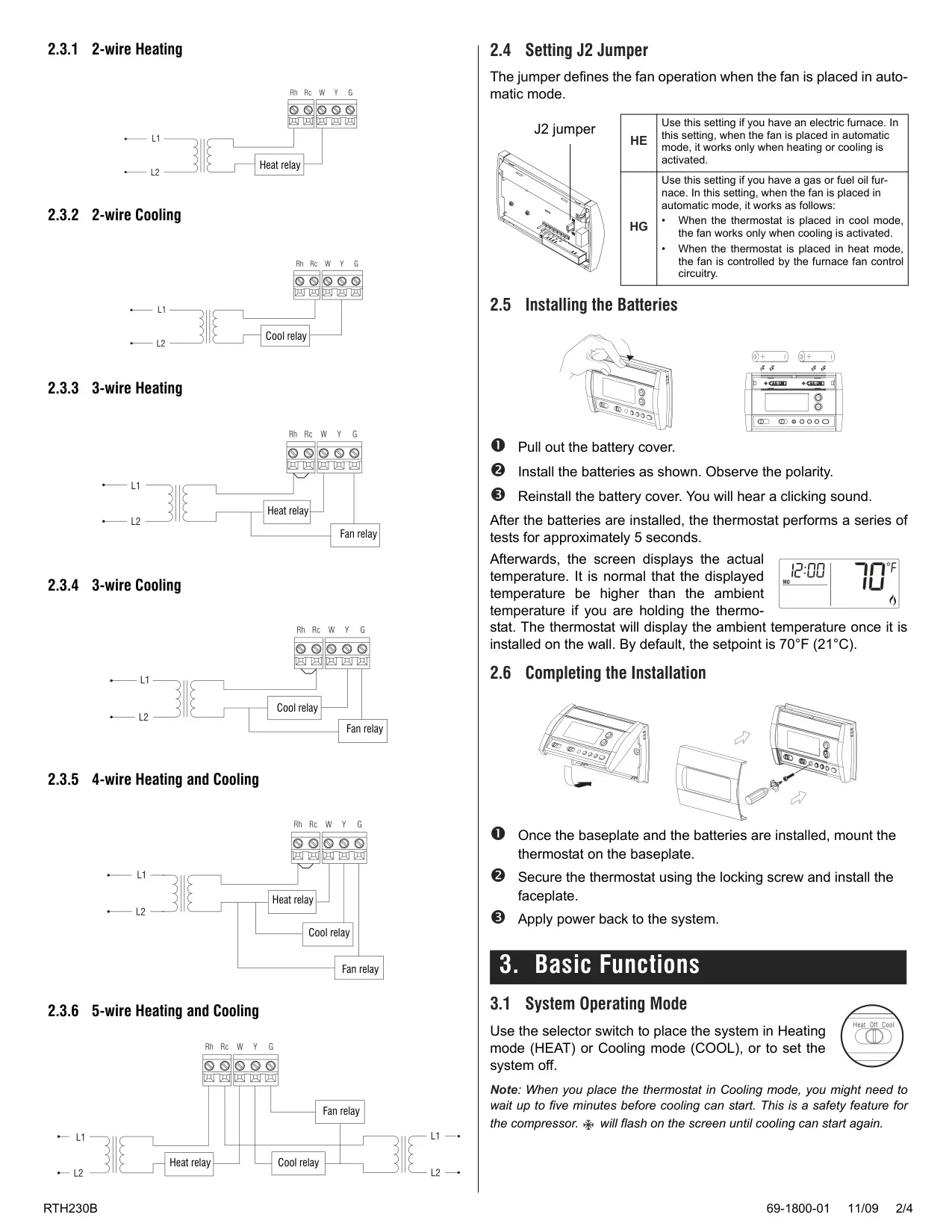
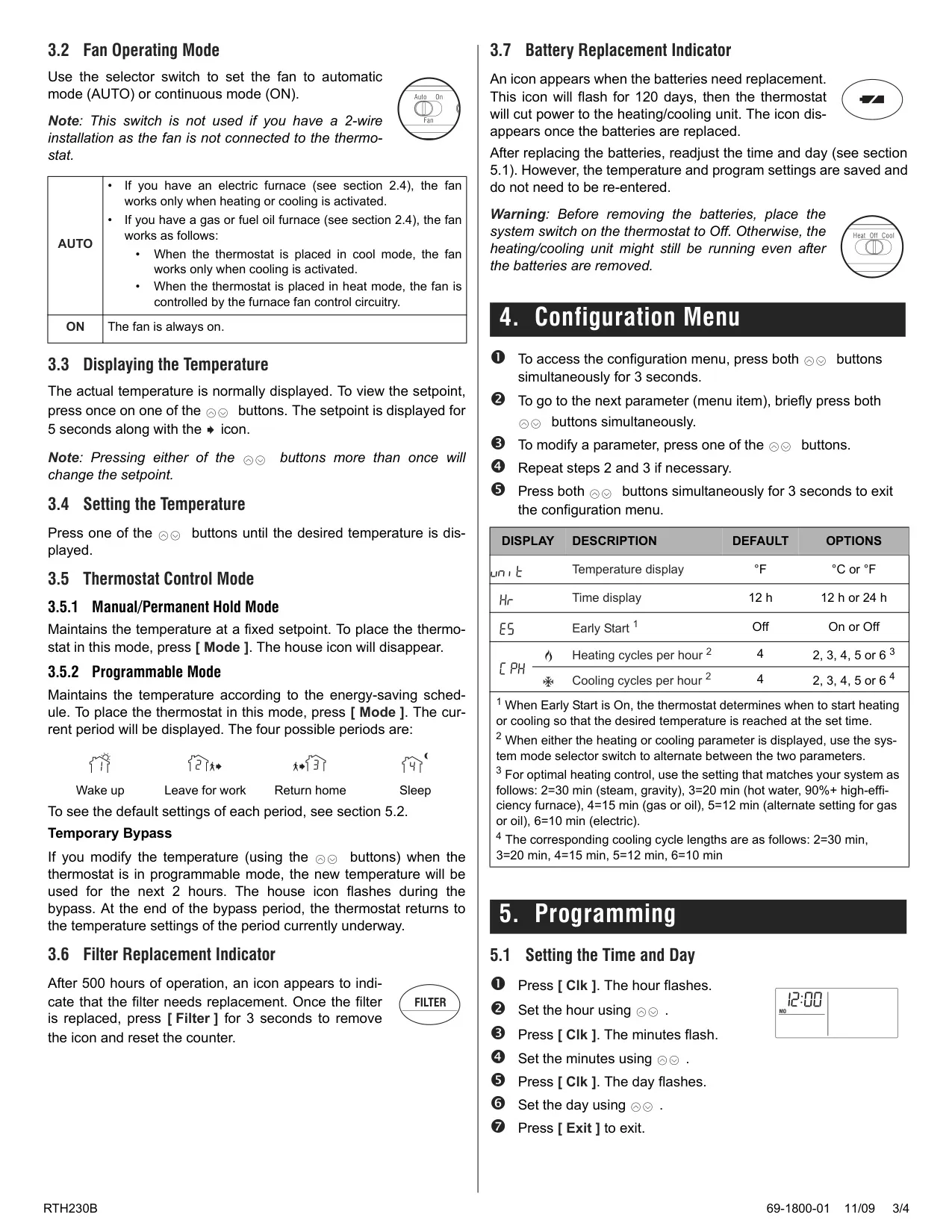
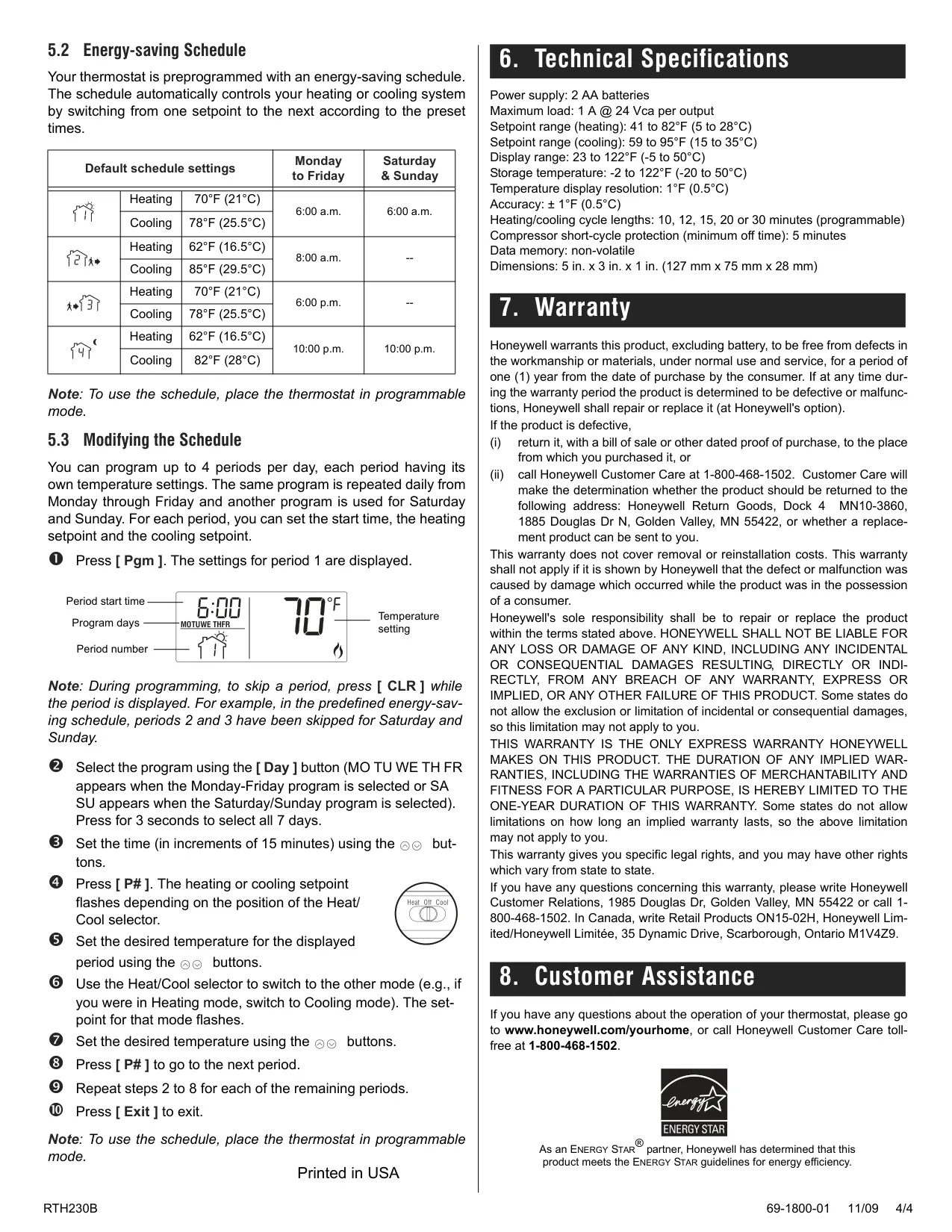


Honeywell RTH230B Instructions
Here we offer the Honeywell RTH230B Thermostat manual completely free and in English. We have cataloged this manual in the Thermostats section on Manualverse, and it has been rated by 1 users with an average rating of 5. If you have any specific questions about Honeywell RTH230B Thermostat, we suggest checking the Frequently Asked Questions (FAQs) section of this manual.
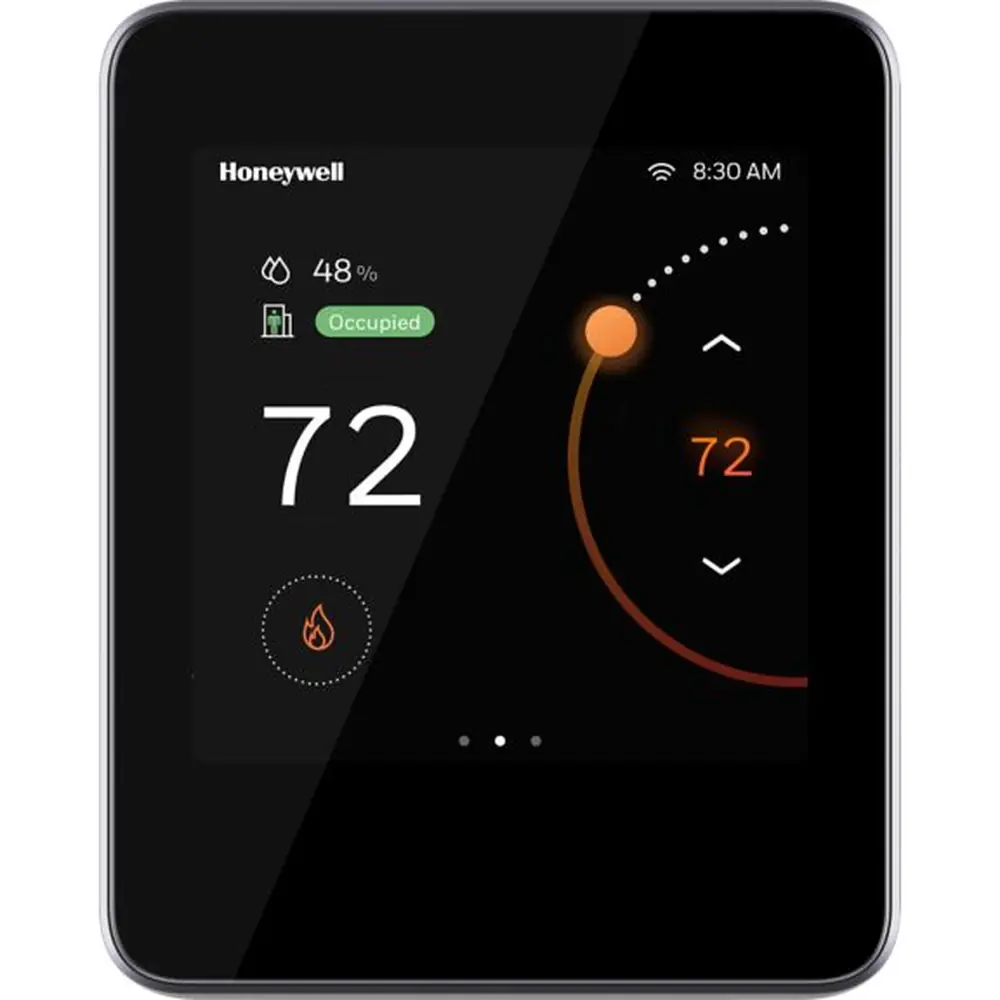
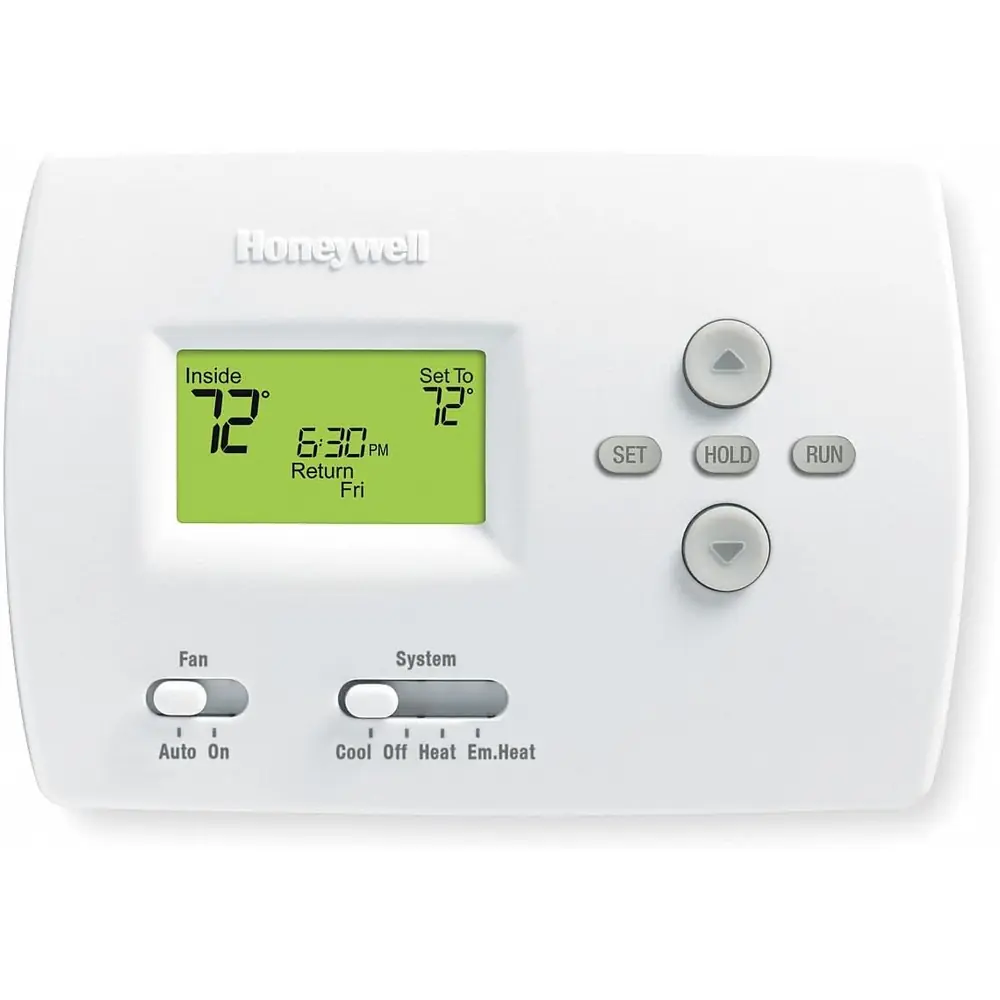
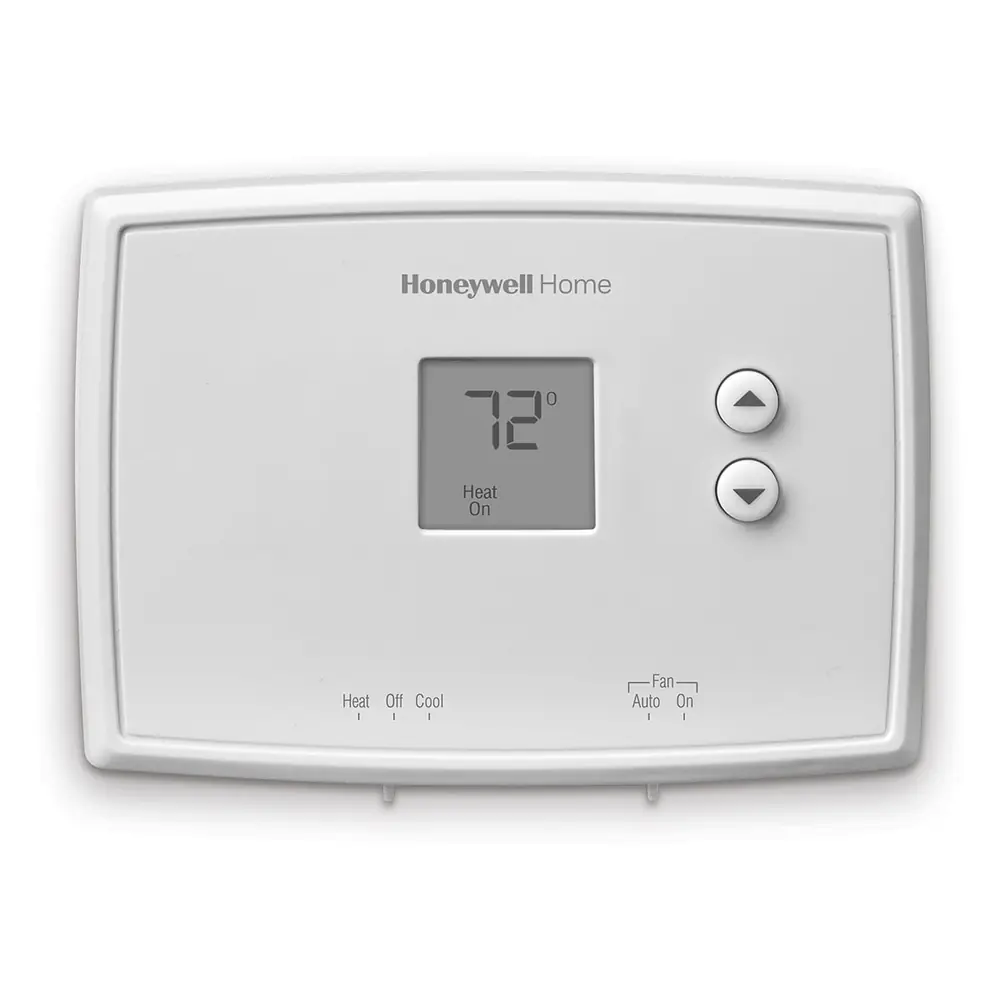
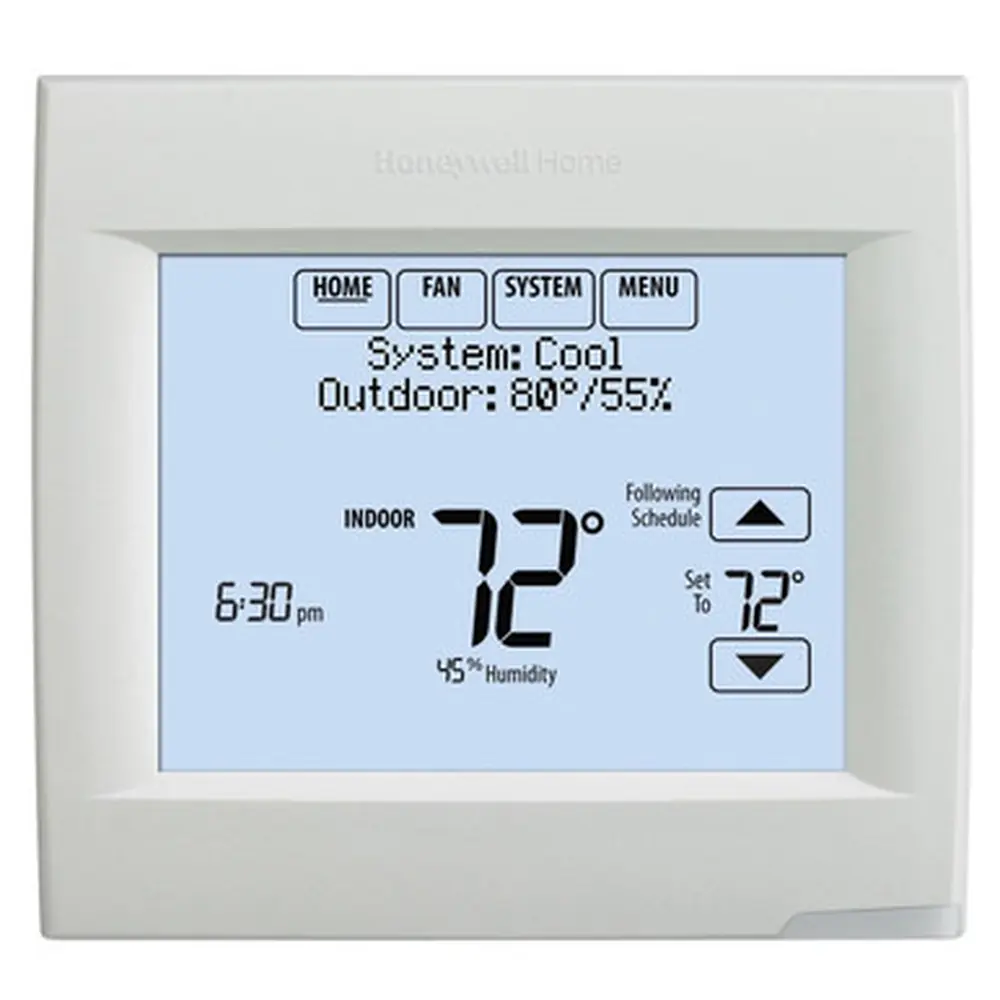
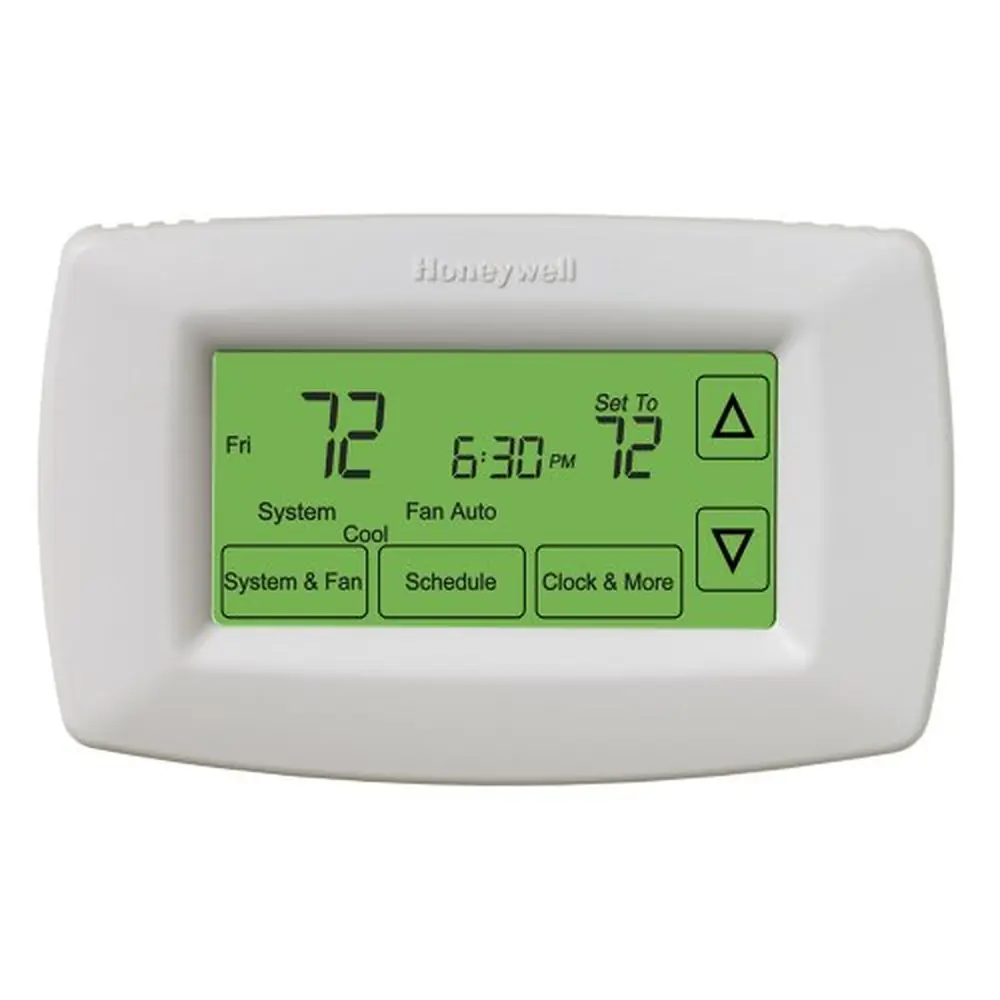
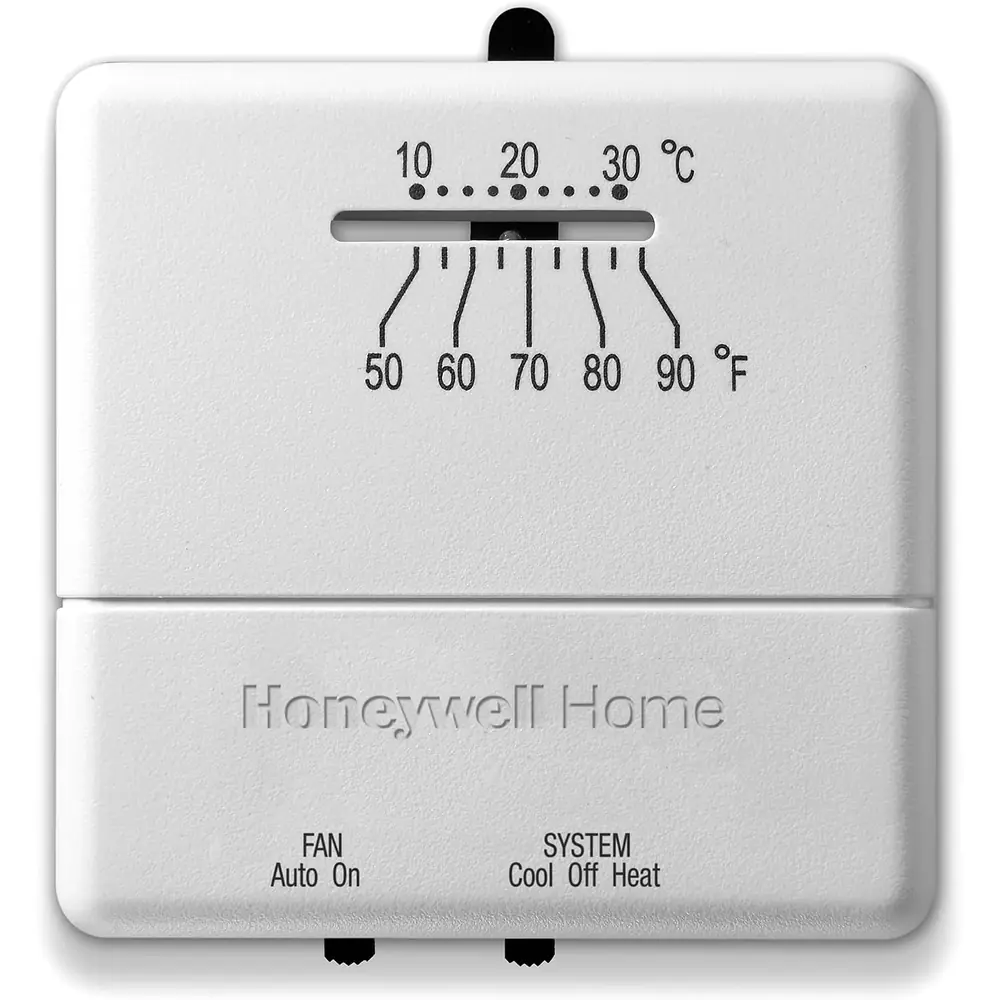
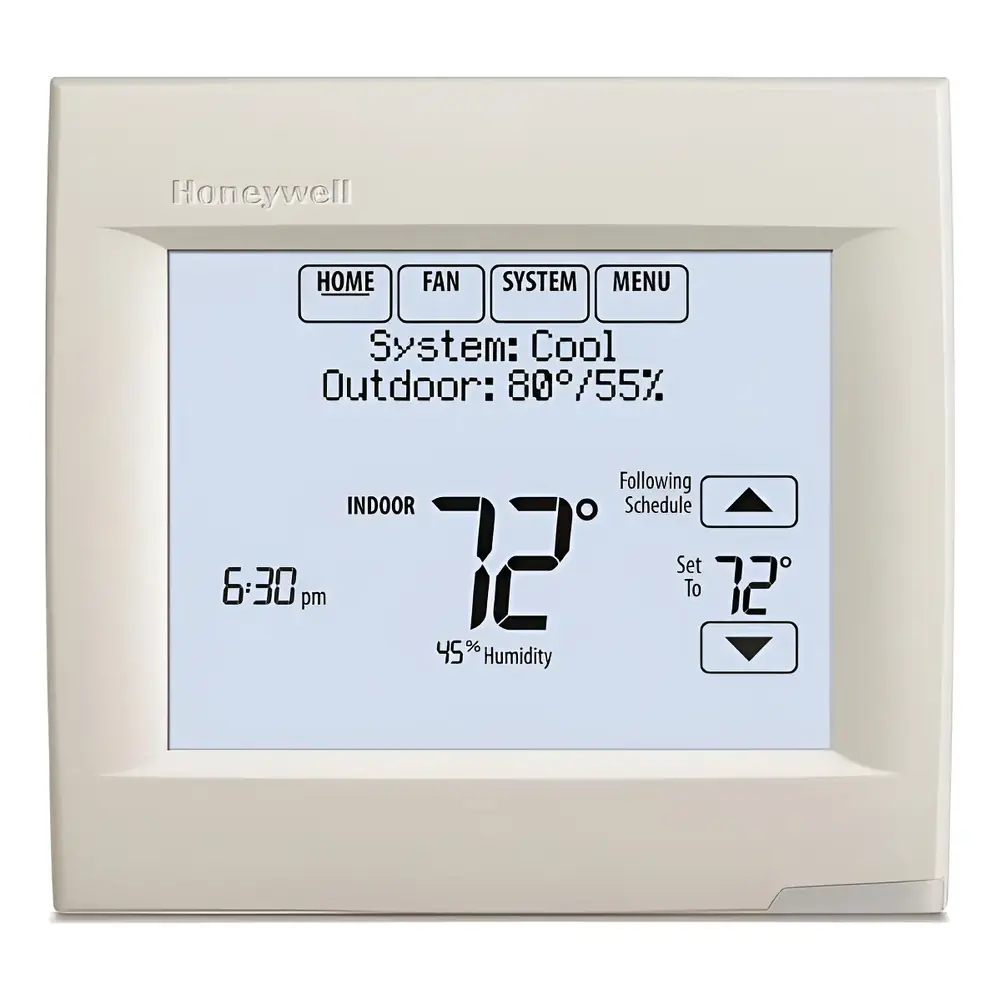
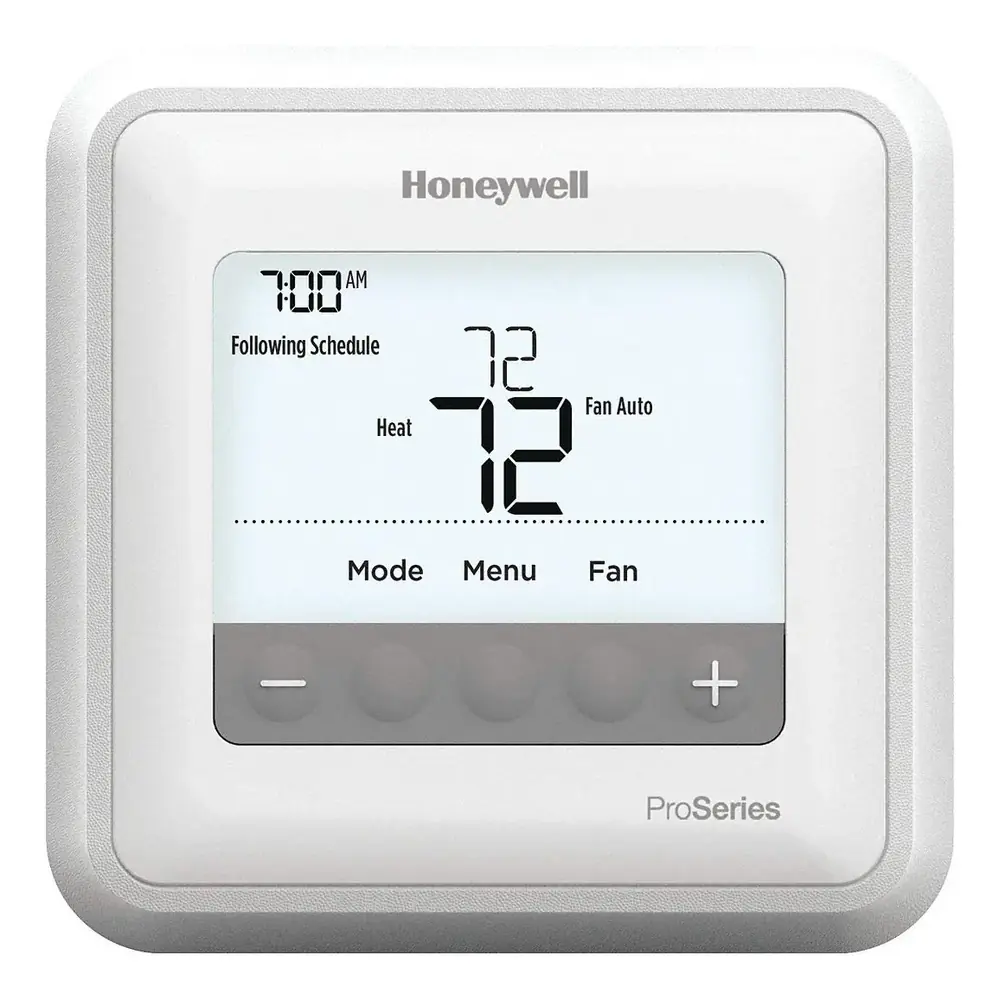
Product Images
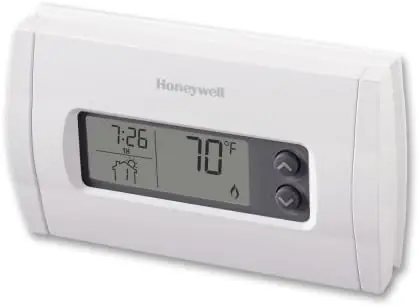
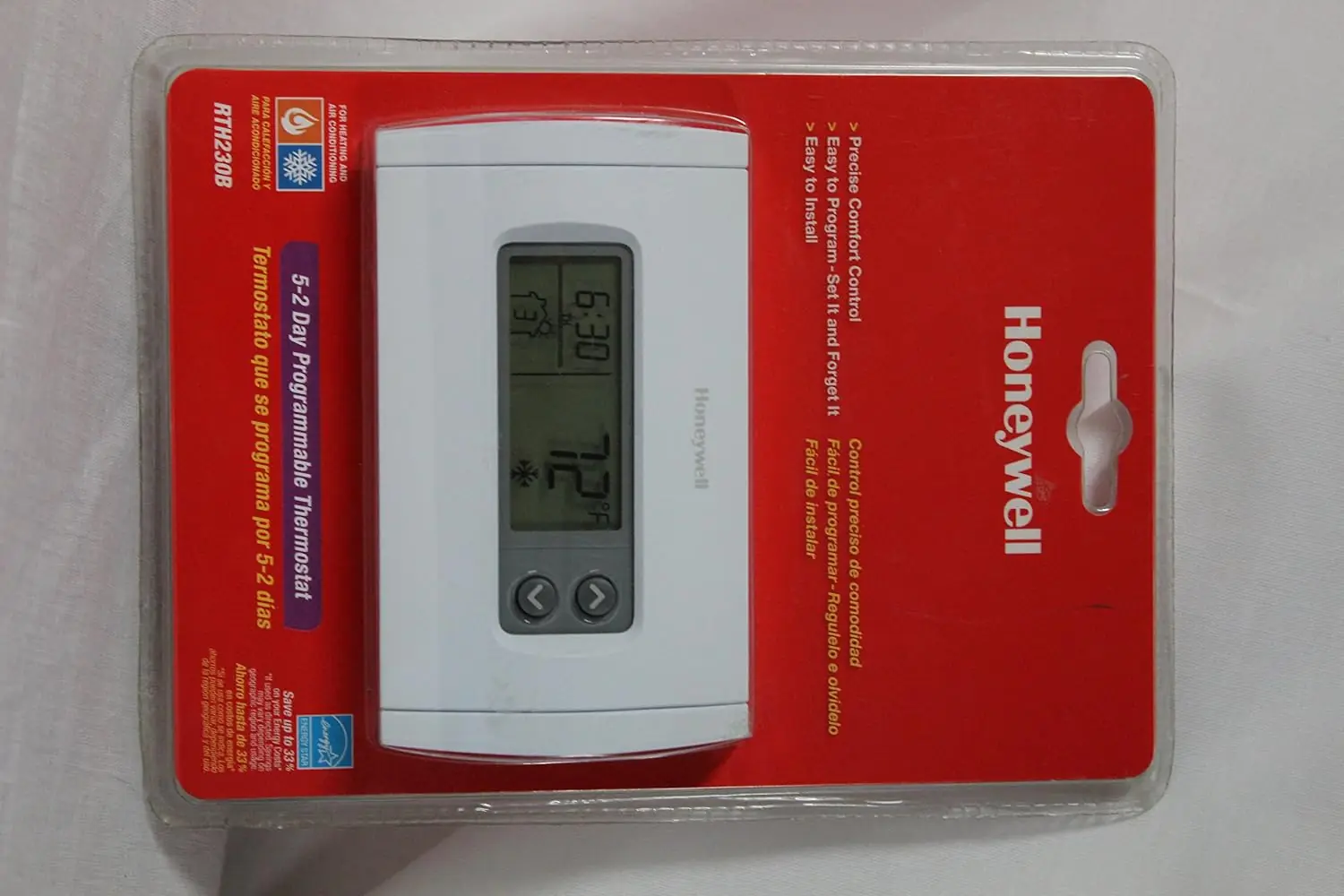
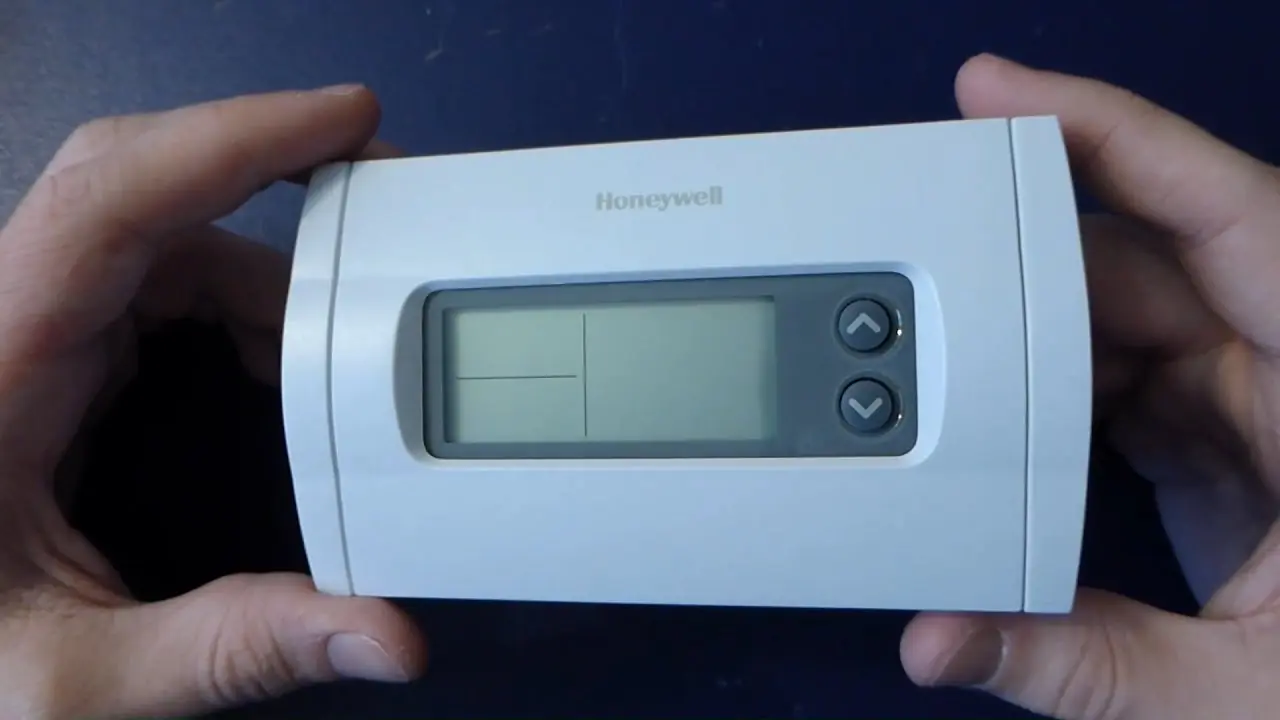
Honeywell RTH230B Thermostat Specifications
| Feature | Specification |
|---|---|
| Power Supply | 2 AA batteries |
| Maximum Load | 1 A @ 24 Vca per output |
| Setpoint Range (Heating) | 41 to 82°F (5 to 28°C) |
| Setpoint Range (Cooling) | 59 to 95°F (15 to 35°C) |
| Display Range | 23 to 122°F (-5 to 50°C) |
| Storage Temperature | -2 to 122°F (-20 to 50°C) |
| Temperature Display Resolution | 1°F (0.5°C) |
| Accuracy | ± 1°F (0.5°C) |
| Heating/Cooling Cycle Lengths | 10, 12, 15, 20 or 30 minutes (programmable) |
| Compressor Short-Cycle Protection | 5 minutes (minimum off time) |
| Data Memory | Non-volatile |
| Dimensions | 5 in. x 3 in. x 1 in. (127 mm x 75 mm x 28 mm) |
Honeywell RTH230B Thermostat Details
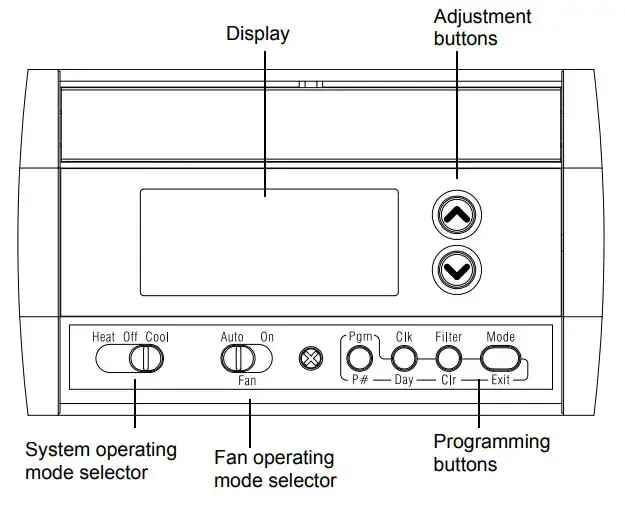
The Honeywell RTH230B thermostat offers robust control over various heating and cooling systems. Users can seamlessly switch between heating (HEAT), cooling (COOL), or turn the system off using the prominent selector switch. A versatile feature is the fan operating mode selection, which provides either automatic (AUTO) operation, where the fan runs only when heating or cooling is active, or continuous (ON) mode for constant airflow. This adaptability makes it suitable for diverse household climate control needs, ensuring both comfort and energy efficiency.
This thermostat incorporates a practical 5-2 programming capability, allowing distinct schedules for weekdays and weekends. It includes a preprogrammed energy-saving schedule that features four distinct periods: Wake up, Leave for work, Return home, and Sleep. Each of these periods can be customized with specific temperature settings for both heating and cooling. The Early Start function is a sophisticated addition, intelligently determining when to initiate heating or cooling to reach the desired temperature precisely at the scheduled time.
Beyond its programming capabilities, the RTH230B is designed for user convenience. It features practical indicators such as a battery replacement alert, which flashes for 120 days before the thermostat eventually cuts power to the HVAC unit, prompting timely maintenance. A filter replacement indicator conveniently appears after 500 hours of operation, reminding users to change their filters for optimal system performance. The time can be displayed in either 12-hour or 24-hour format, and temperatures can be viewed in both Fahrenheit (°F) or Celsius (°C), accommodating various preferences.
The thermostat offers two primary control modes: Manual/Permanent Hold and Programmable Mode. In Manual mode, the set temperature remains fixed indefinitely. When in Programmable Mode, a temporary bypass feature allows users to adjust the temperature for a two-hour period. After this duration, the thermostat automatically reverts to the scheduled temperature settings, preventing unintended long-term overrides and ensuring adherence to the energy-saving program. This flexibility allows for immediate comfort adjustments without disrupting the overall schedule.
The RTH230B is broadly compatible with a variety of common HVAC systems, including gas, fuel oil, or electric furnaces, central air conditioners, hot water systems, and millivolt systems. It can accommodate 2, 3, 4, or 5-wire configurations. However, it is important to note that this thermostat is explicitly not compatible with heat pumps or multi-stage systems. Correct installation involves a J2 jumper setting: 'HE' for electric furnaces (fan works only with heating/cooling), and 'HG' for gas/fuel oil furnaces (fan is furnace-controlled during heating).
Frequently Asked Questions (FAQs)
Can't find the answer you need? Here are some frequently asked questions about the Honeywell RTH230B Thermostat, and we answer them below.