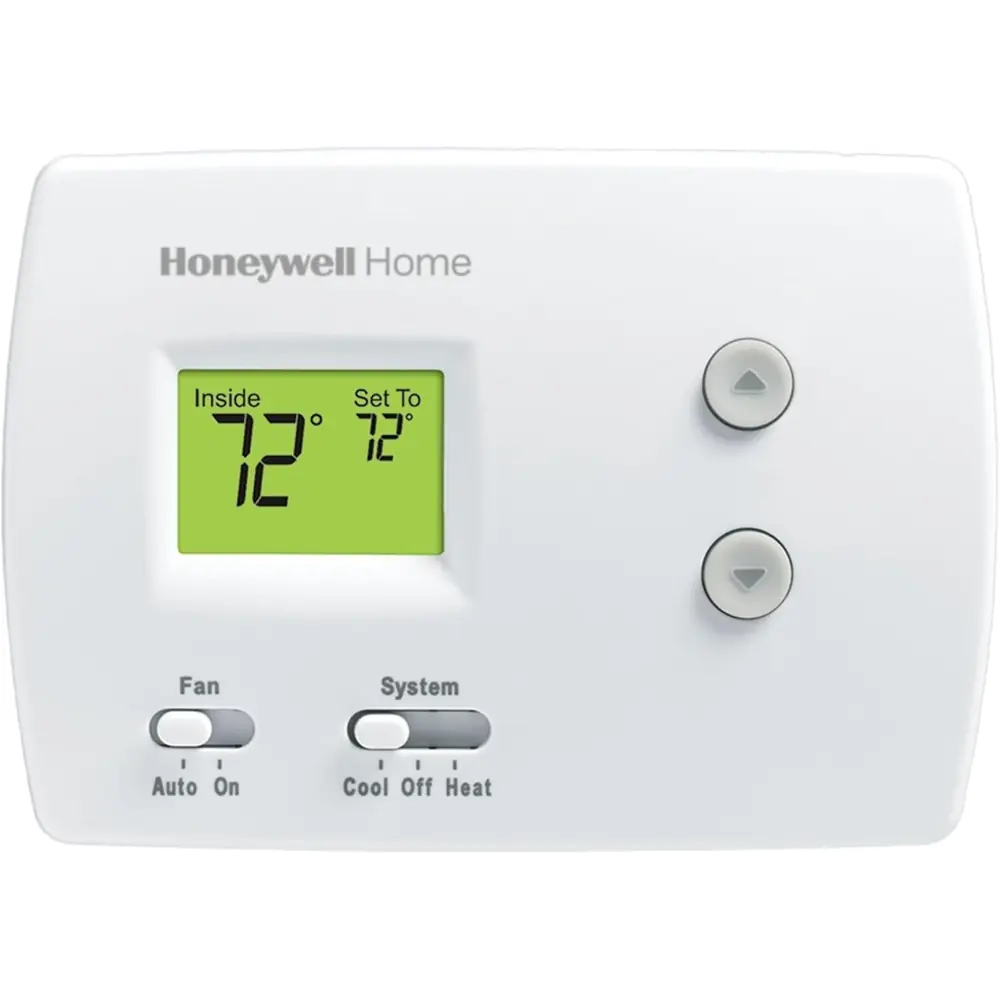
Honeywell TH4110U2005 T4 Pro Instruction Manual
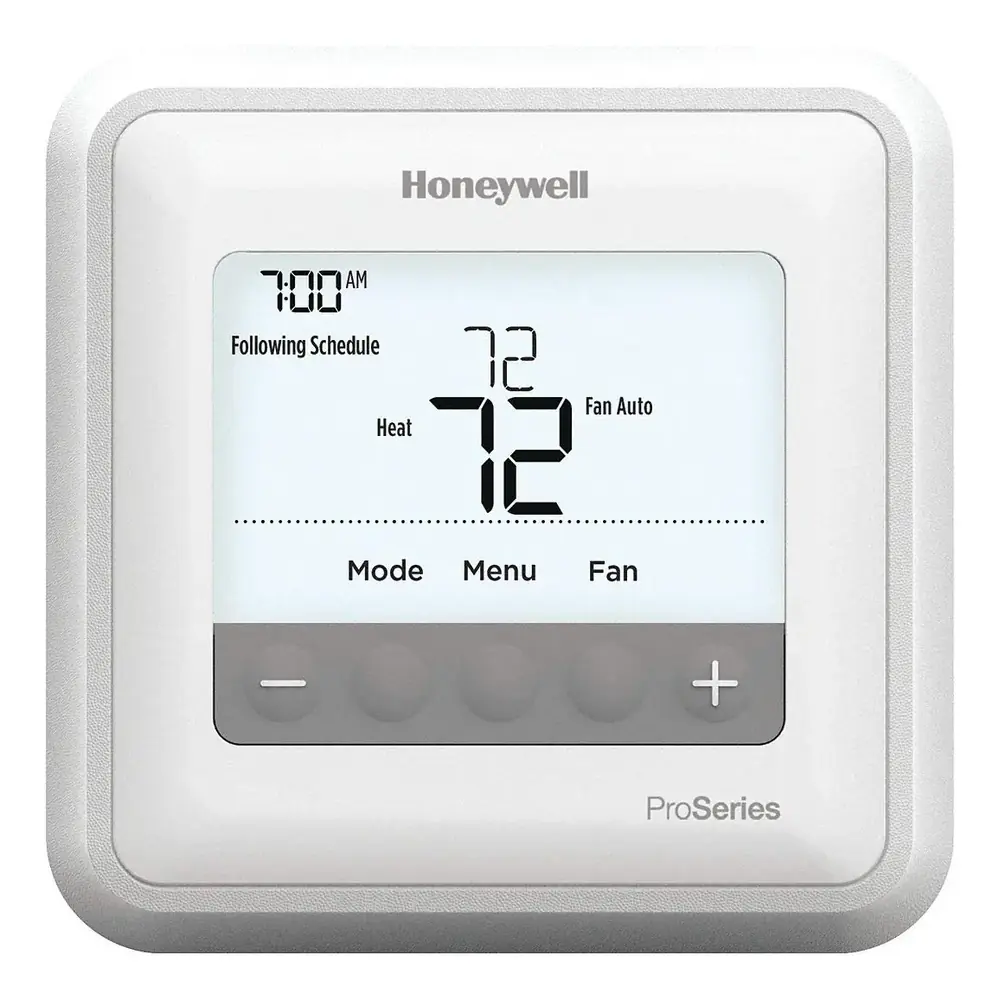
Honeywell TH4110U2005 T4 Pro
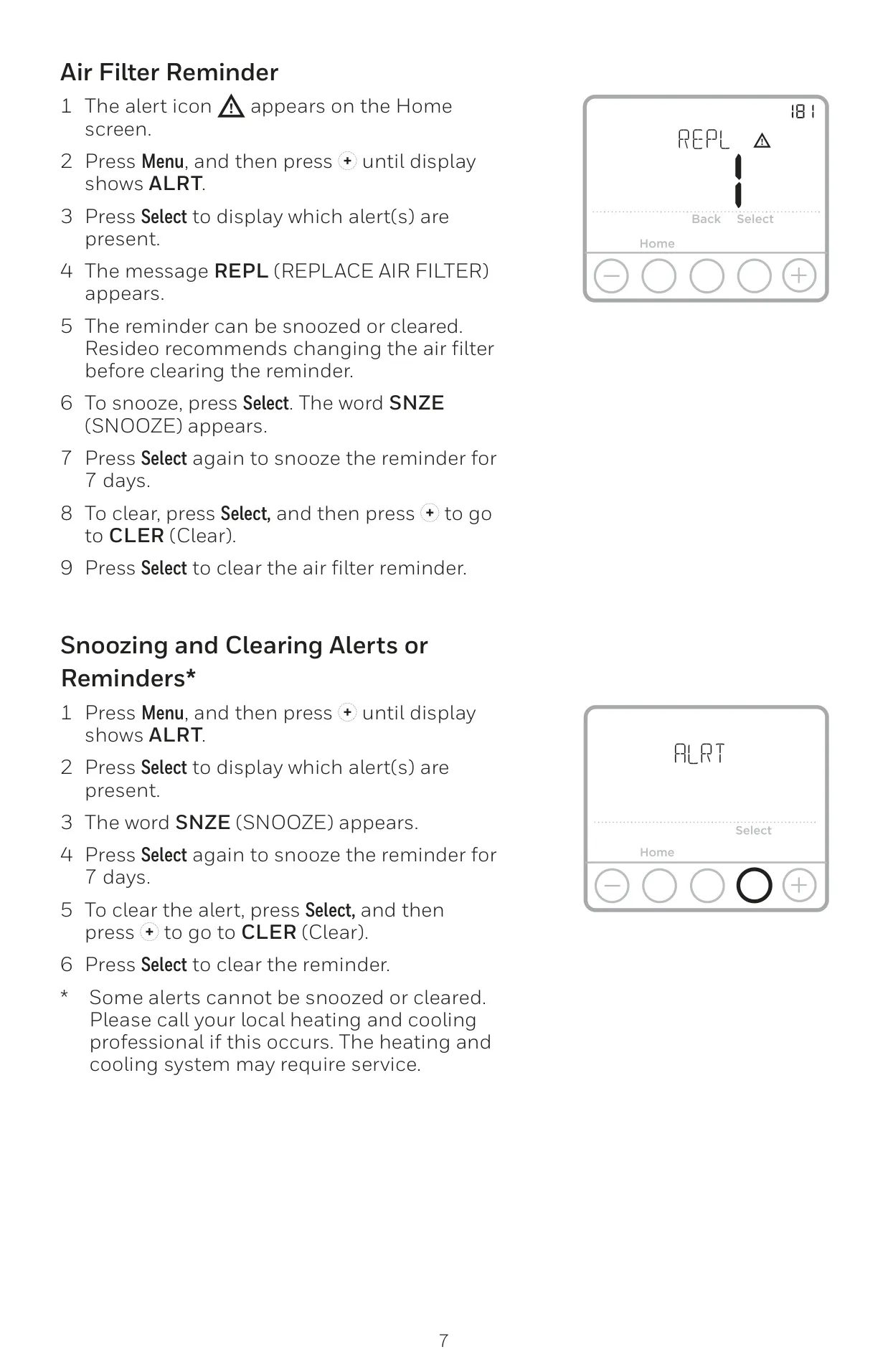
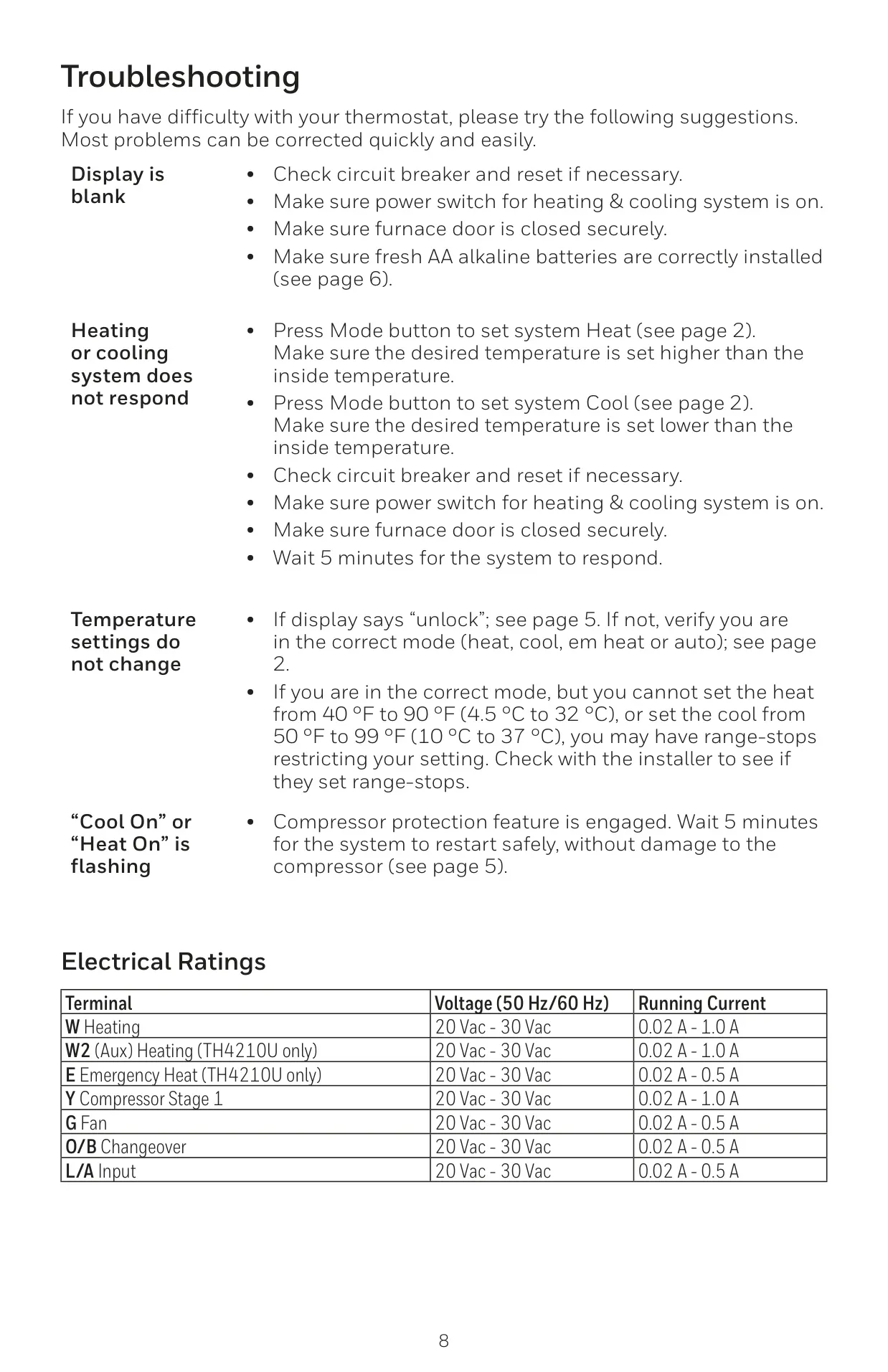

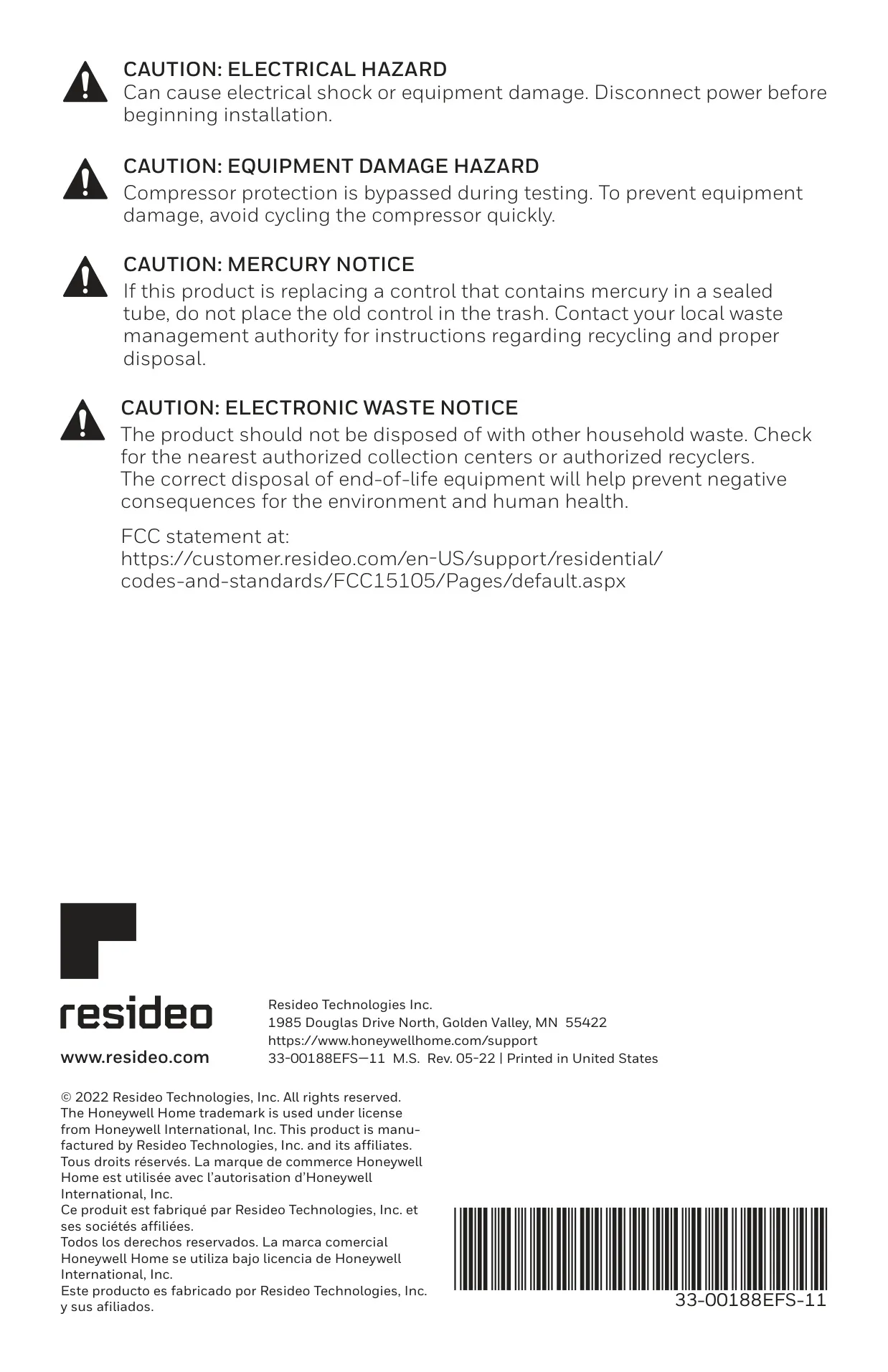


Honeywell TH4110U2005 T4 Pro

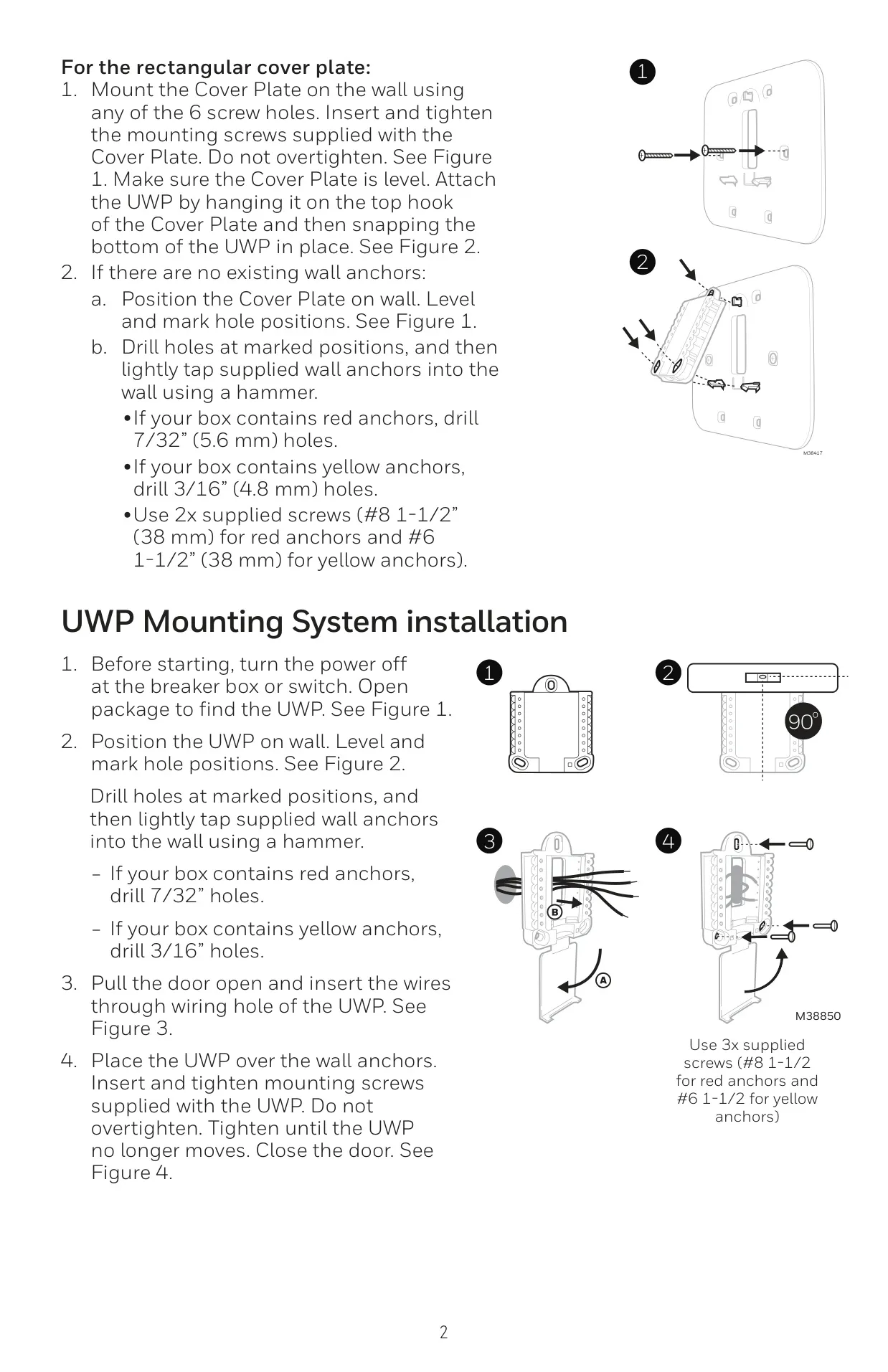

Honeywell TH4110U2005 Instructions
Here we offer the Honeywell TH4110U2005 T4 Pro manual completely free and in English. We have cataloged this manual in the Thermostats section on Manualverse, and it has been rated by 1 users with an average rating of 5. If you have any specific questions about Honeywell TH4110U2005 T4 Pro, we suggest checking the Frequently Asked Questions (FAQs) section of this manual.
Product Images


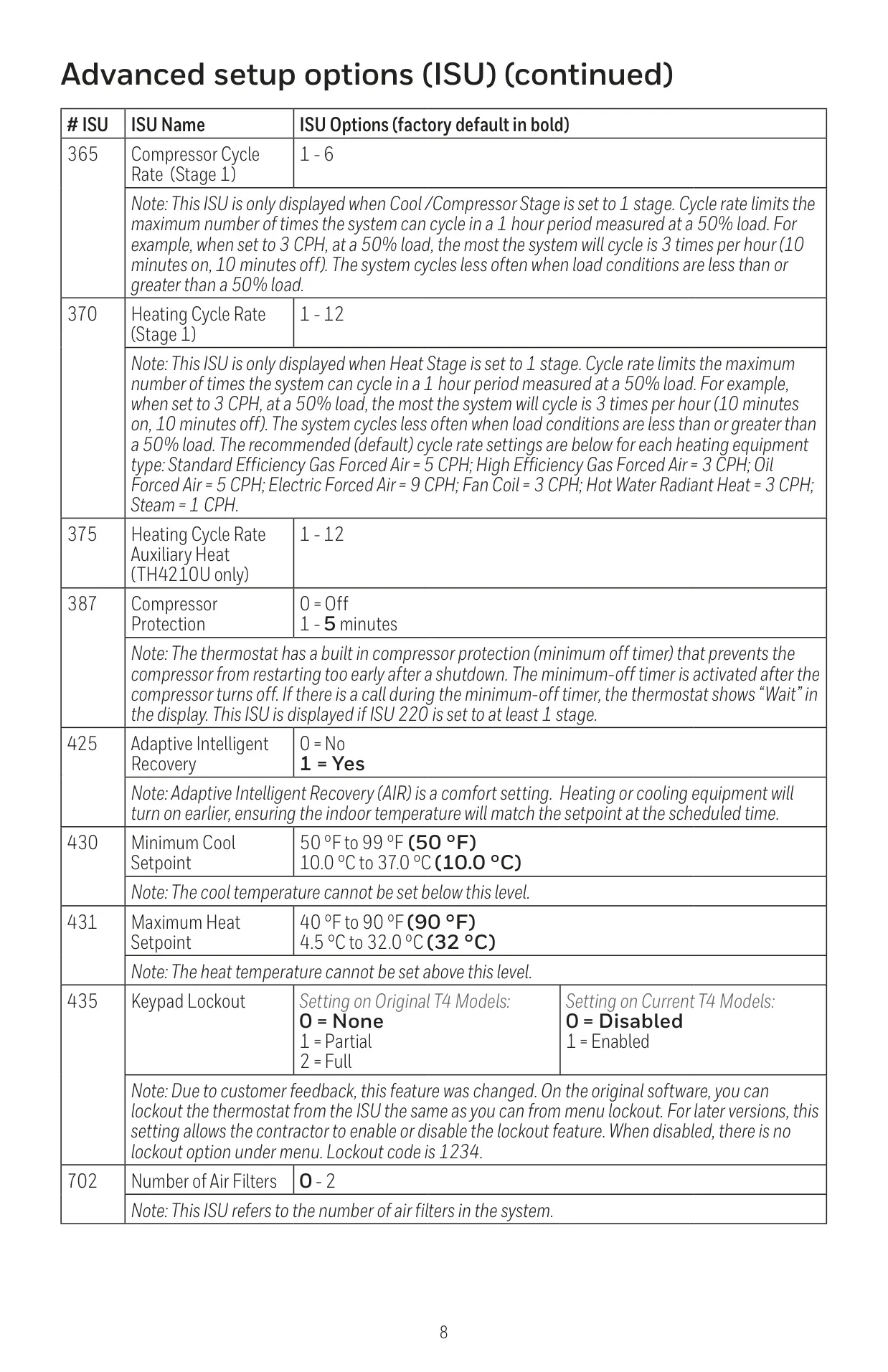
Honeywell TH4110U2005 T4 Pro Thermostat Specifications
| Feature | Specification |
|---|---|
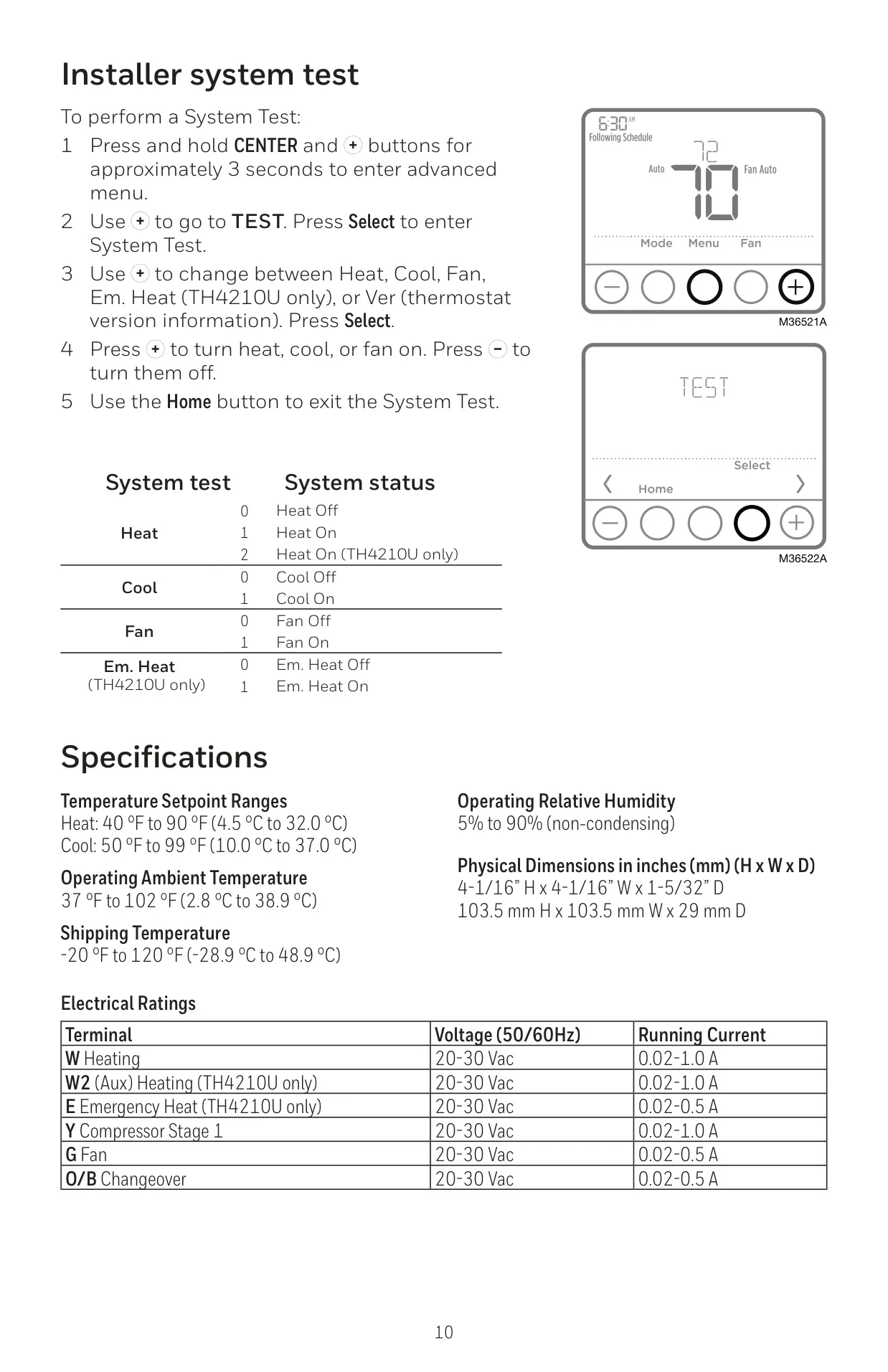
| Temperature Setpoint Range (Heat) | 40 °F to 90 °F (4.5 °C to 32.0 °C) |
| Temperature Setpoint Range (Cool) | 50 °F to 99 °F (10.0 °C to 37.0 °C) |
| Operating Ambient Temperature | 37 °F to 102 °F (2.8 °C to 38.9 °C) |
| Operating Relative Humidity | 5% to 90% (non-condensing) |
| Physical Dimensions (H x W x D) | 4-1/16” H x 4-1/16” W x 1-5/32” D (103.5 mm H x 103.5 mm W x 29 mm D) |
| Shipping Temperature | -20 °F to 120 °F (-28.9 °C to 48.9 °C) |
| Electrical Rating (W - Heating) | 20-30 Vac, 0.02-1.0 A Running Current |
| Electrical Rating (Y - Compressor Stage 1) | 20-30 Vac, 0.02-1.0 A Running Current |
| Electrical Rating (G - Fan) | 20-30 Vac, 0.02-0.5 A Running Current |
| Electrical Rating (O/B - Changeover) | 20-30 Vac, 0.02-0.5 A Running Current |
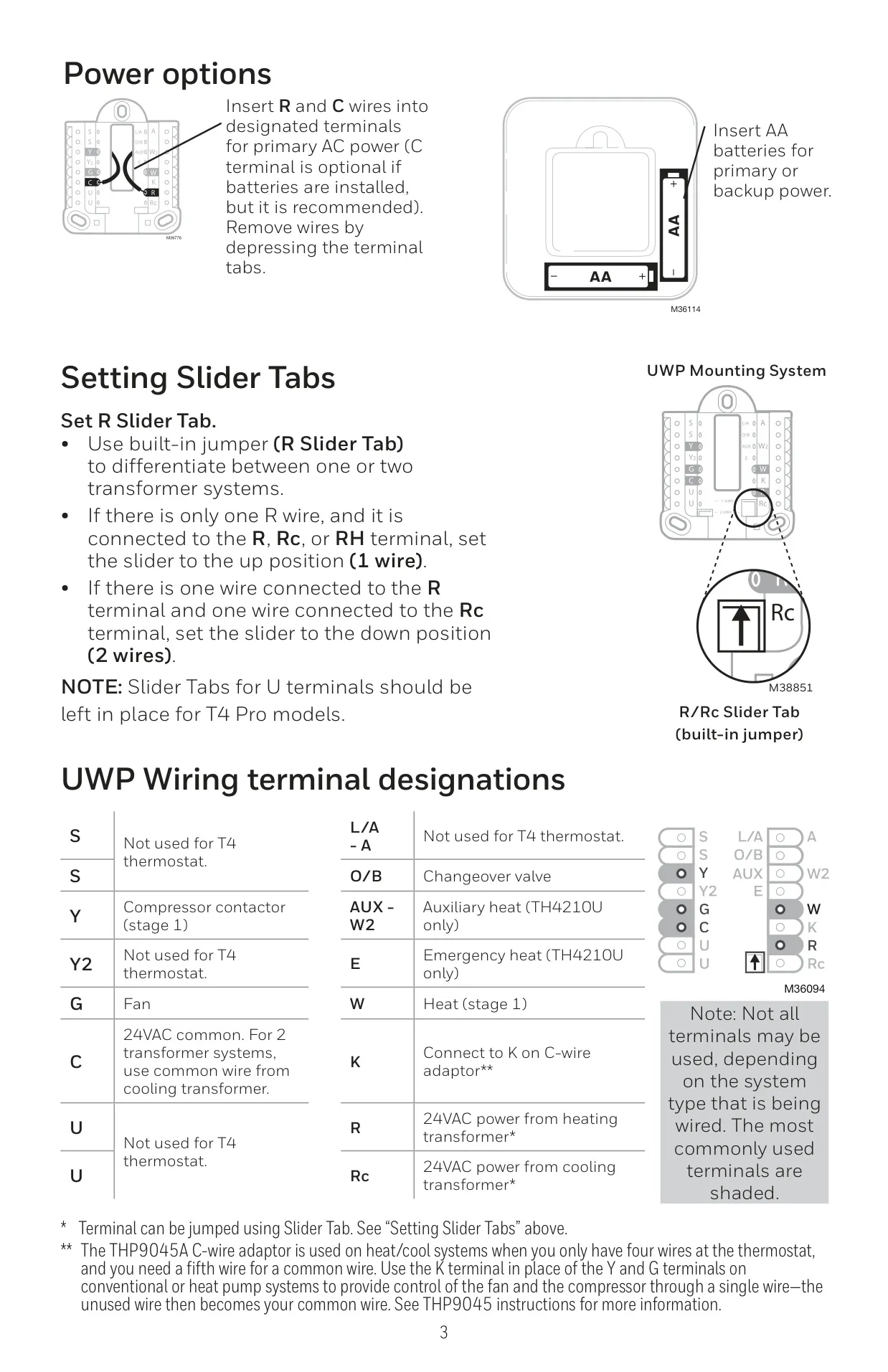
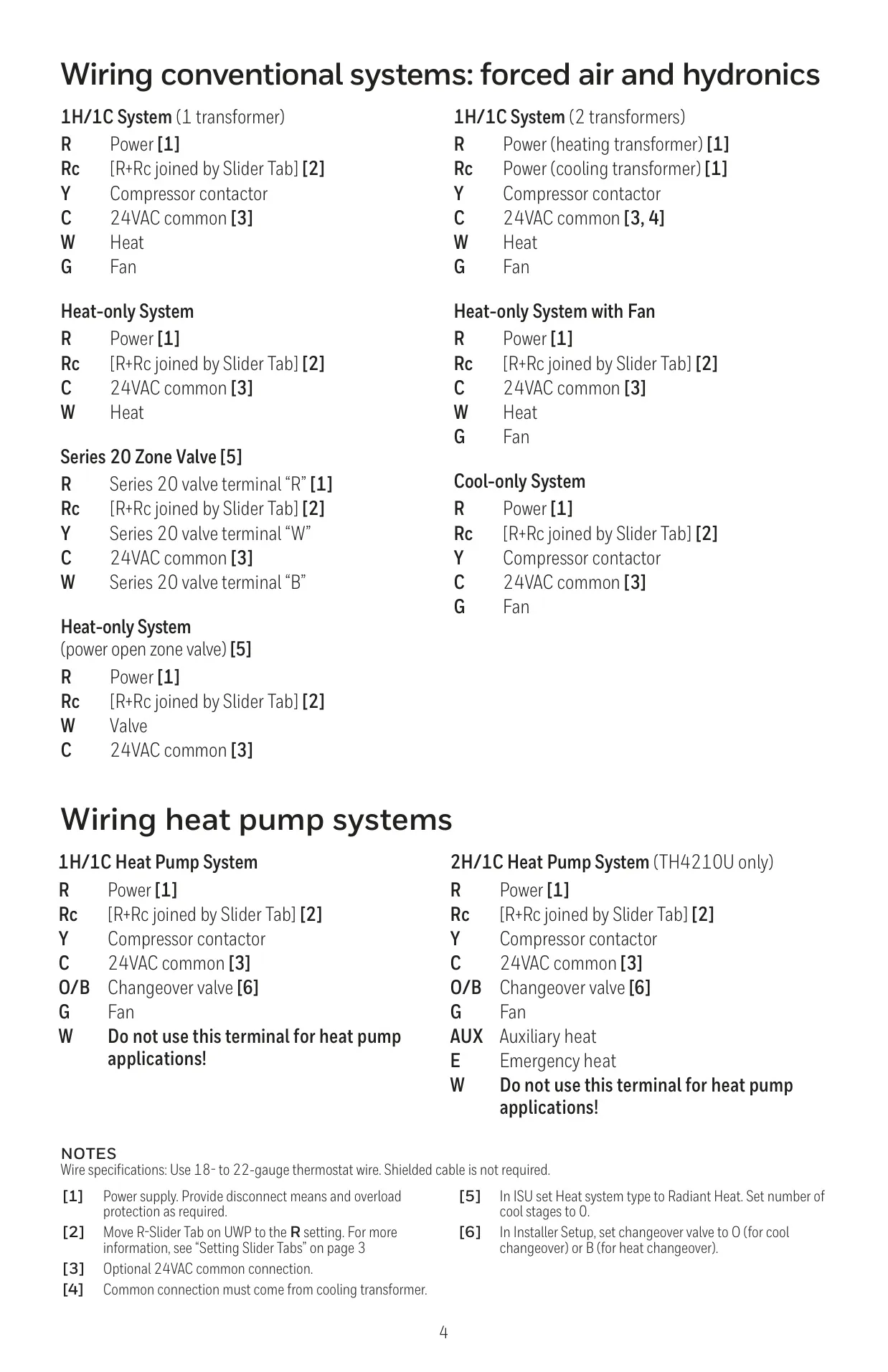
| Power Options | 2 AA alkaline batteries (optional for backup, required if no C-wire) or 24 VAC via C-wire |
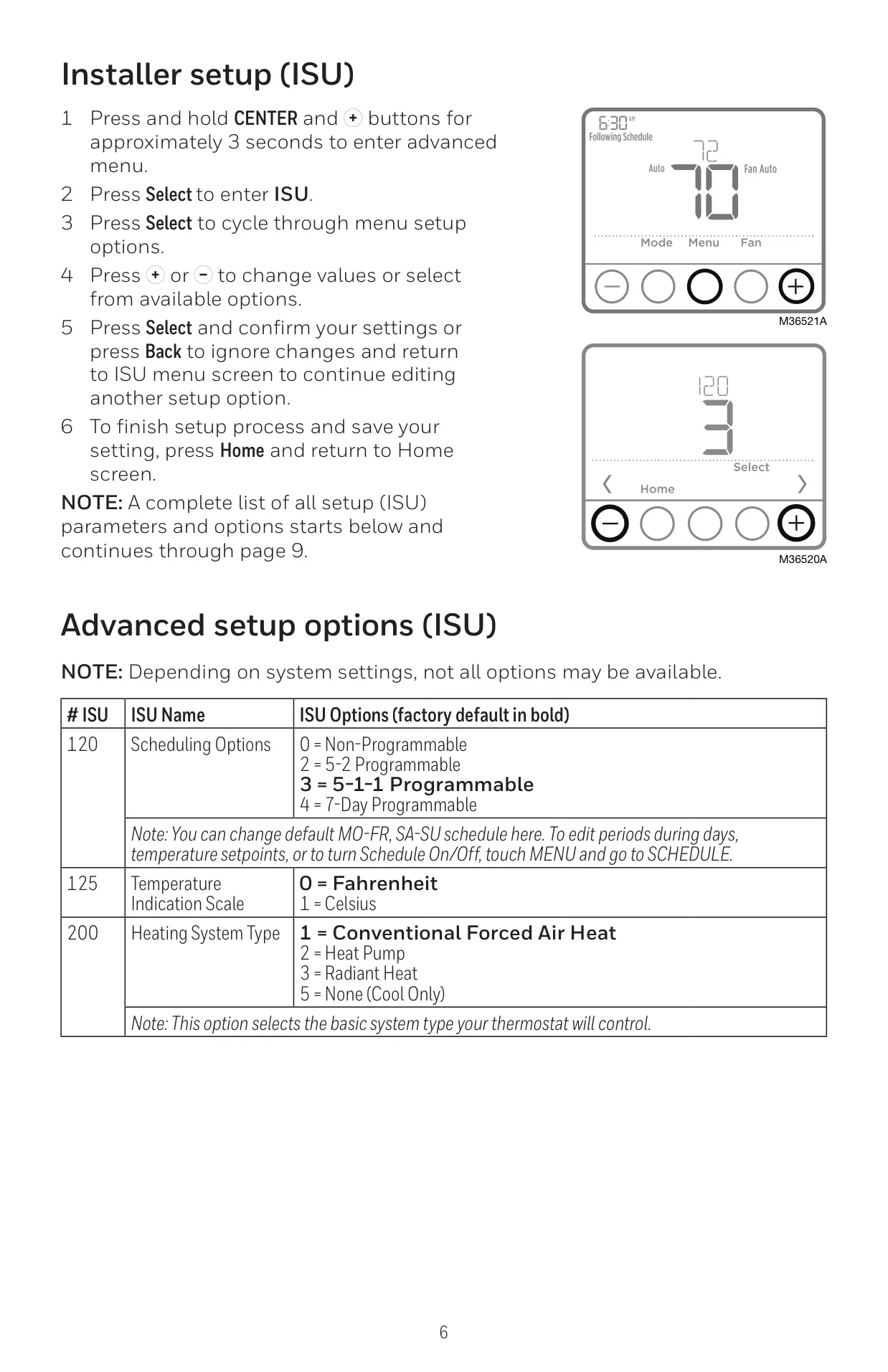
| Programmability | 5-2 or 5-1-1 Programmable (4 periods per day) |
Honeywell TH4110U2005 T4 Pro Details
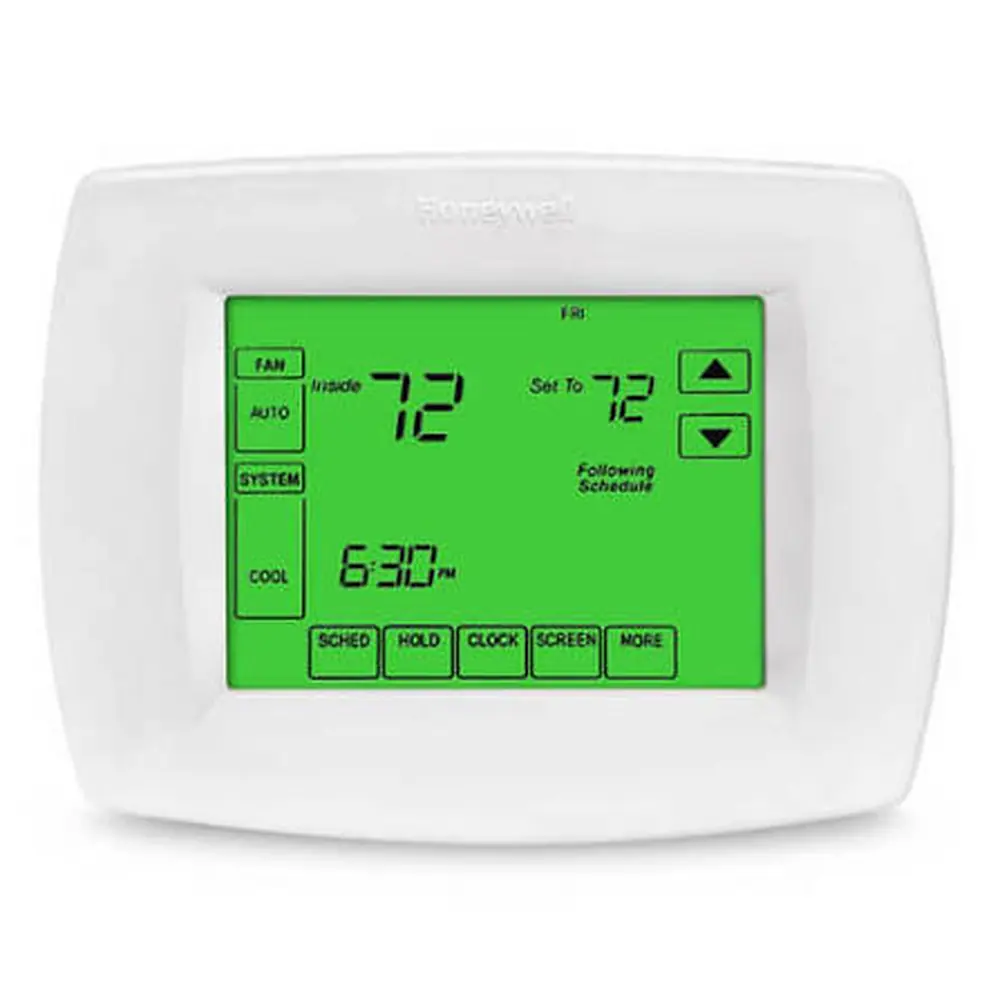
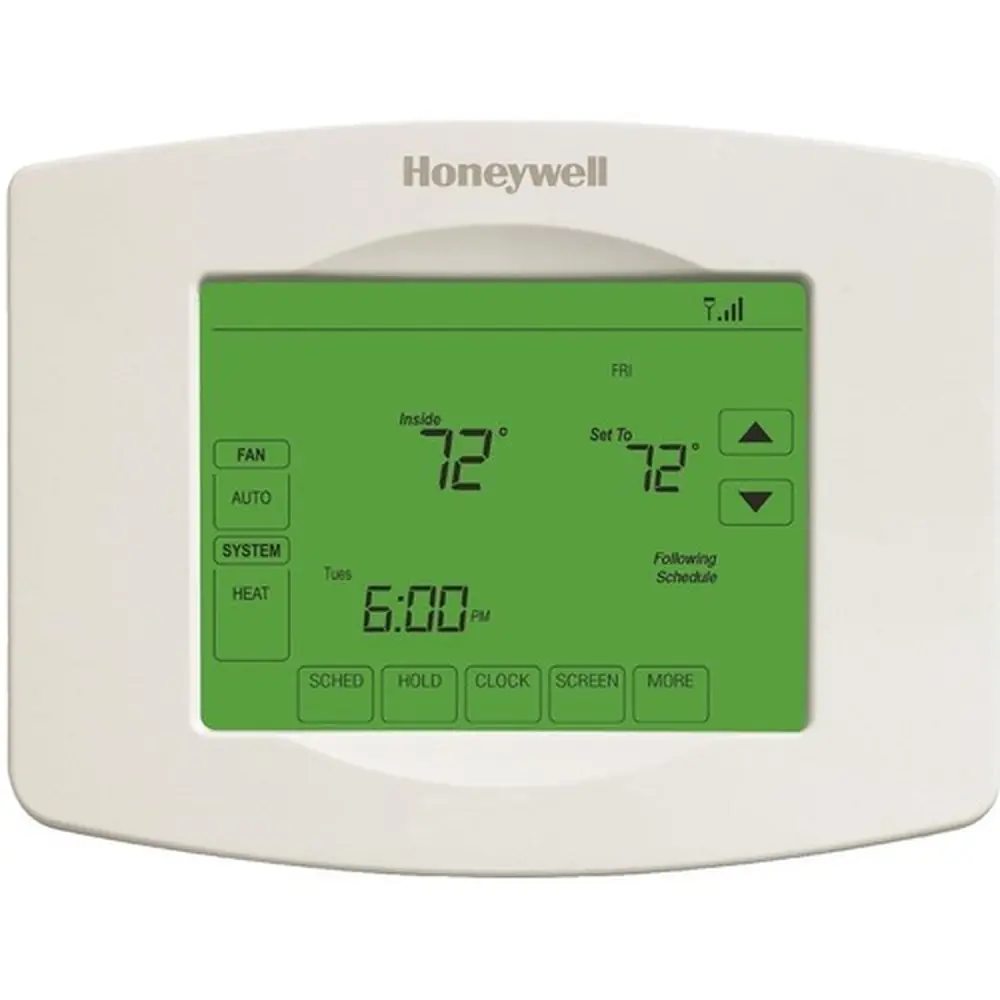
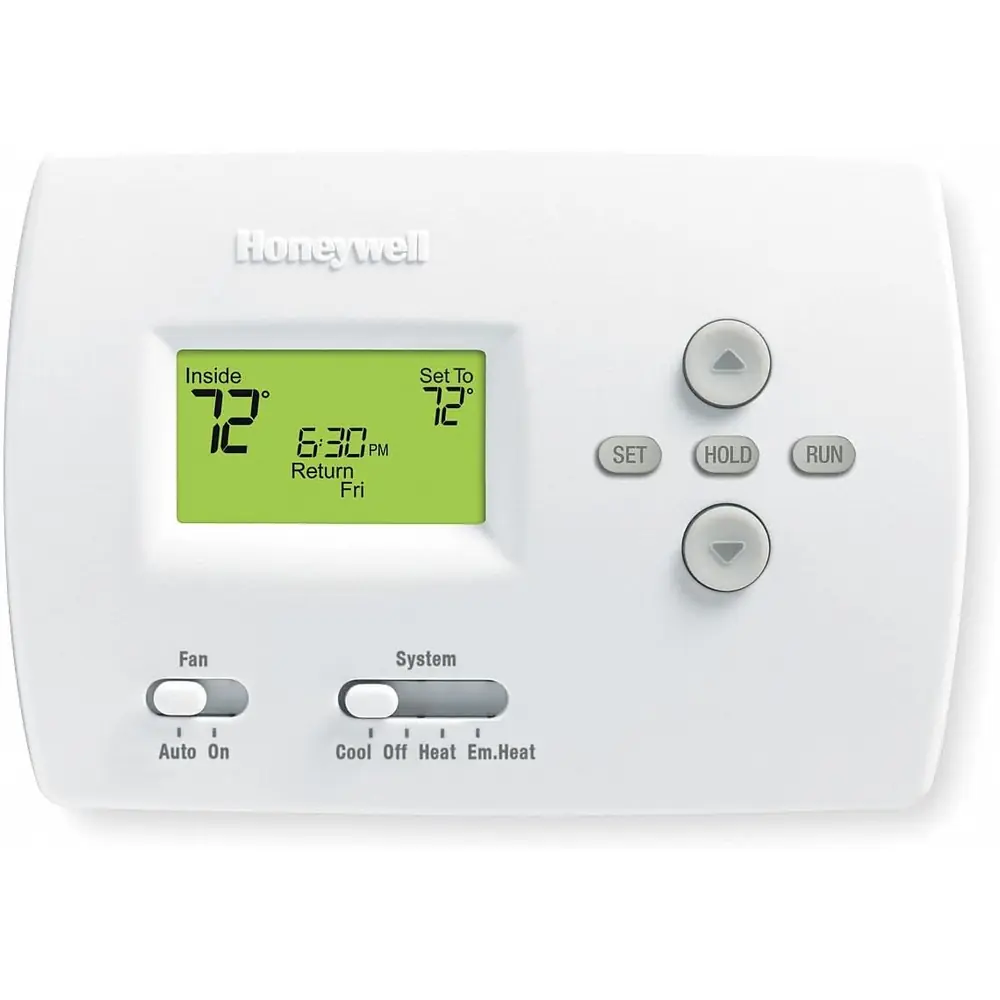
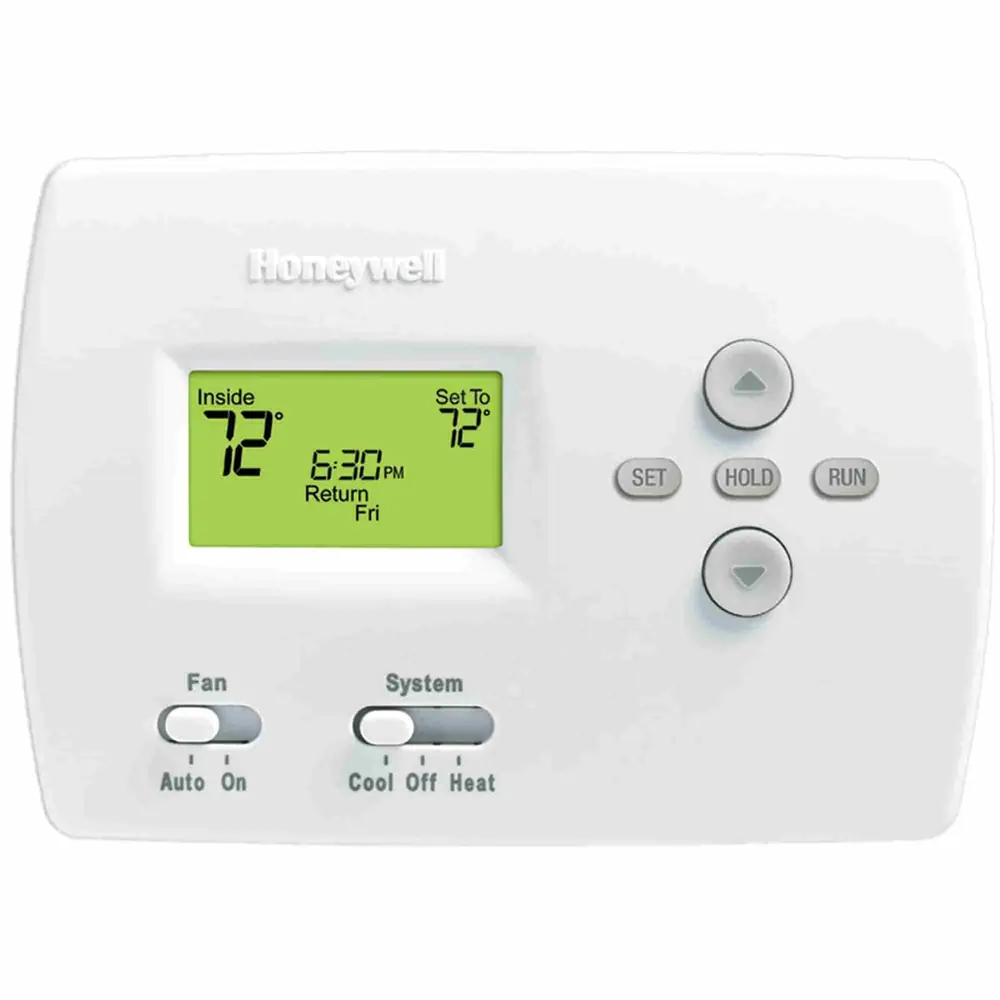
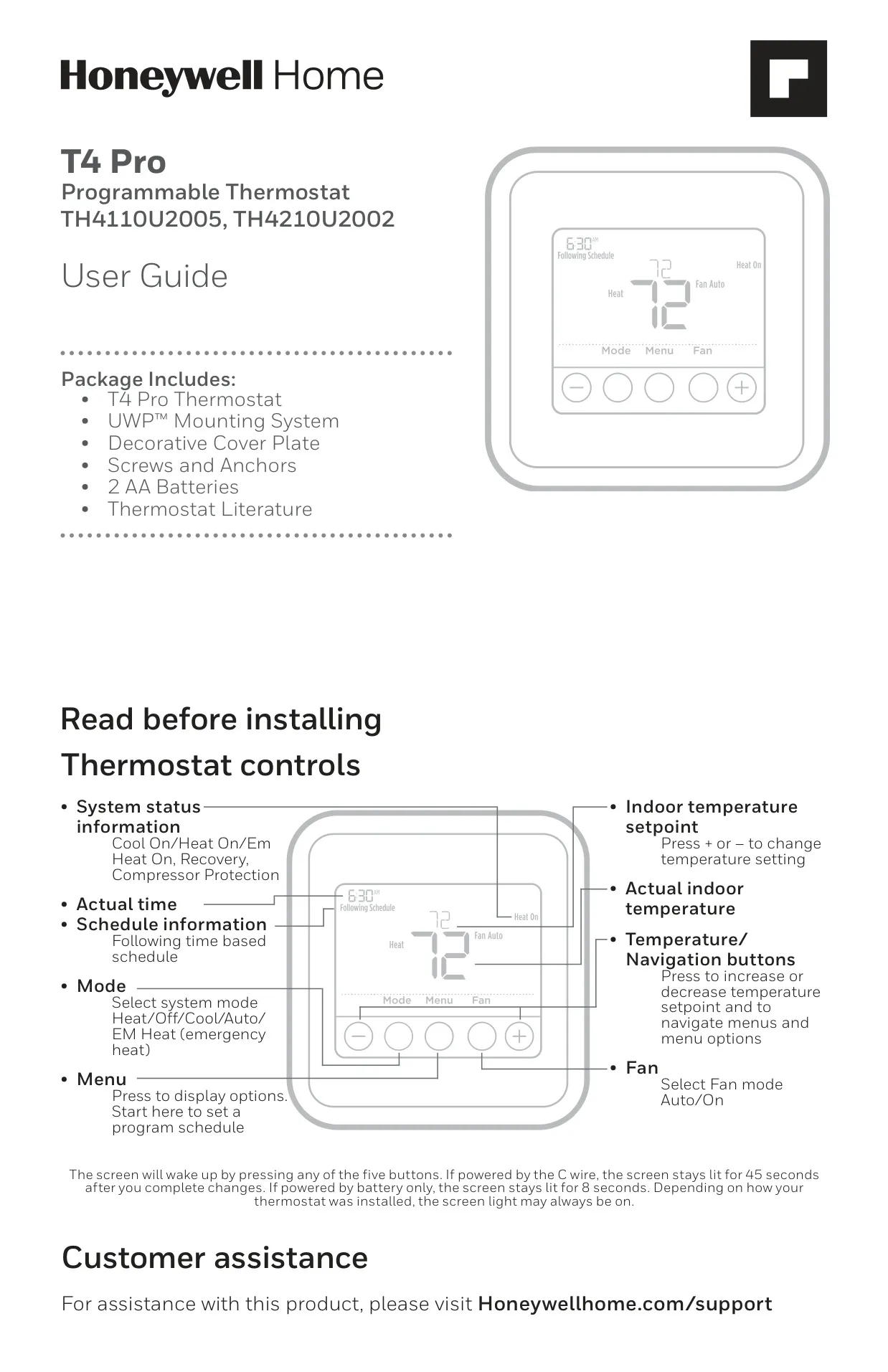
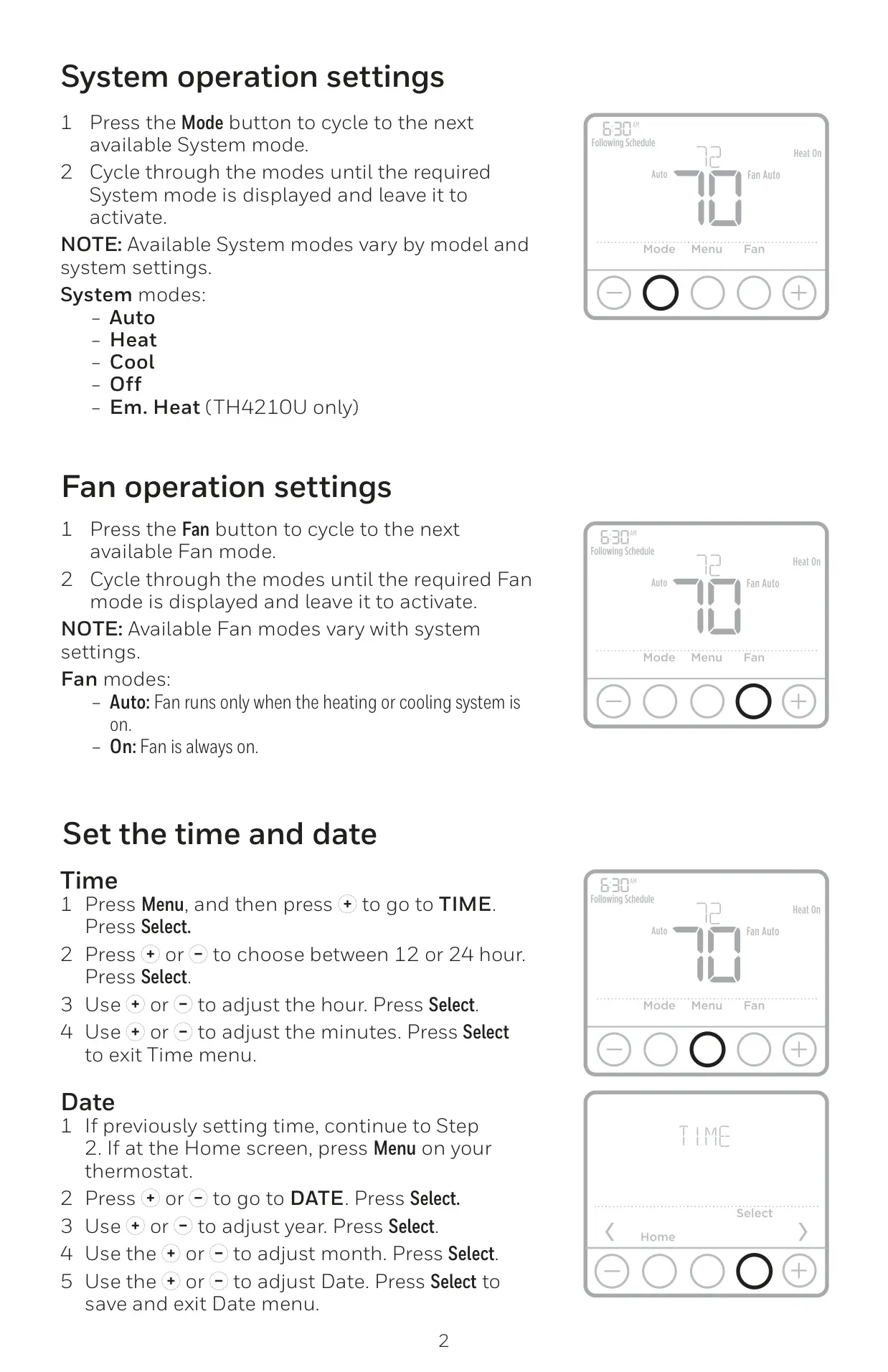
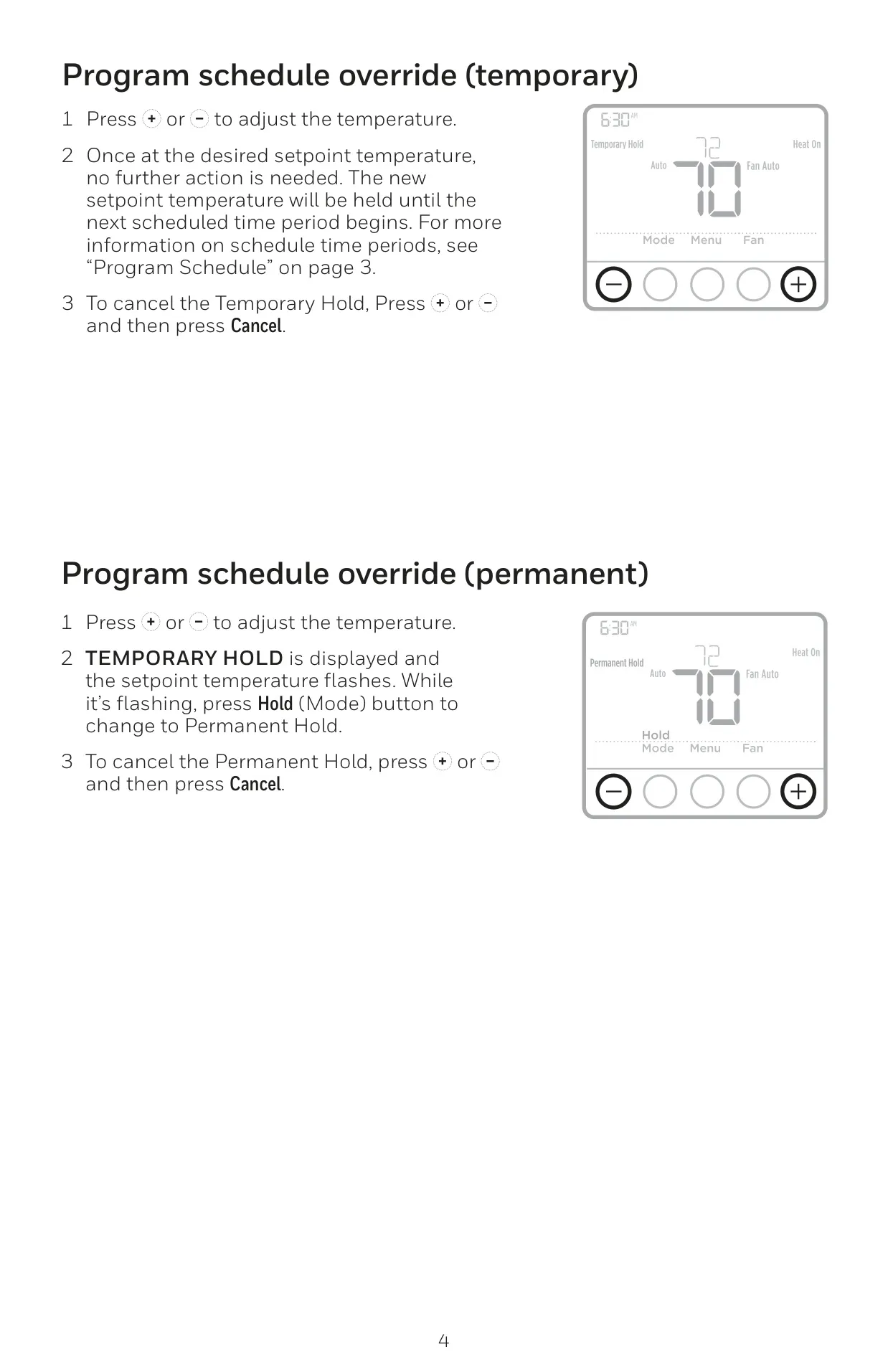
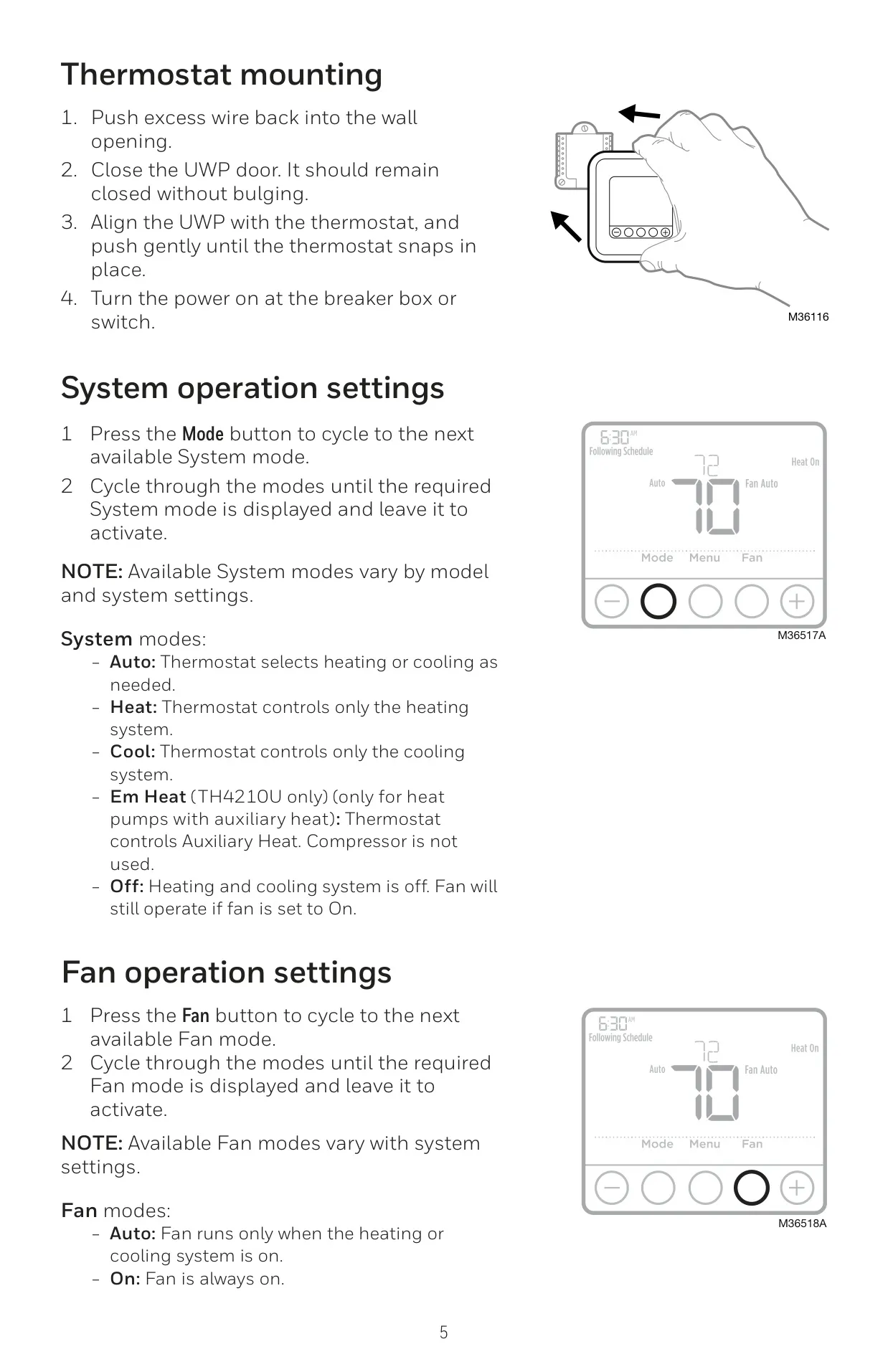
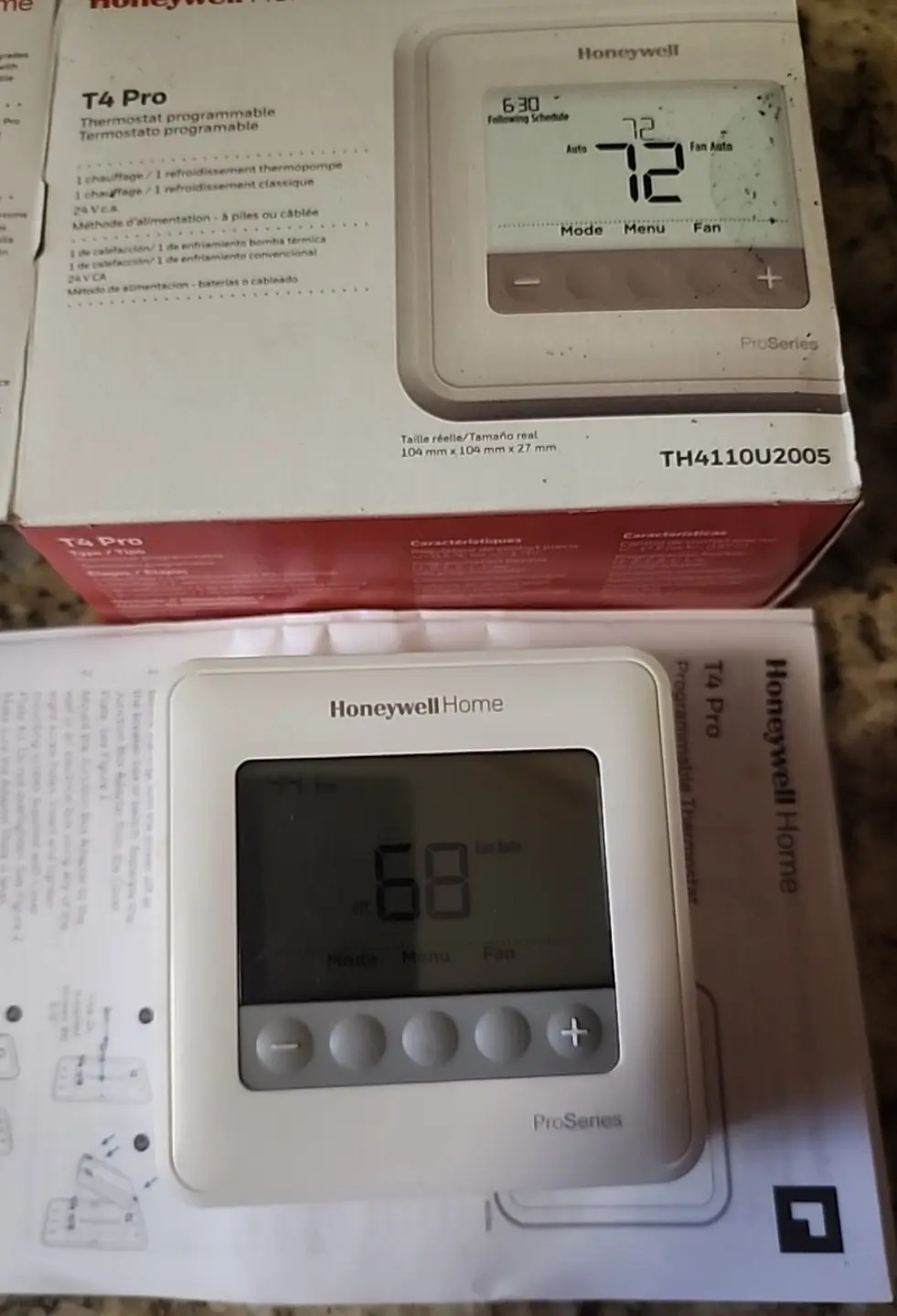
The Honeywell TH4110U2005 Thermostat, part of the T4 Pro series, offers a straightforward and efficient way to manage your home's climate. It features an intuitive user interface with dedicated buttons for Mode and Fan, alongside clear temperature adjustment controls (+/-). The crisp digital display provides essential information such as the actual time, current indoor temperature, comprehensive system status (e.g., Cool On, Heat On, Recovery, Compressor Protection), and active schedule details. Pressing any of the five buttons instantly wakes the screen, which conveniently stays lit for 45 seconds when powered by a C-wire, or 8 seconds on battery power alone, enhancing visibility during all interactions.
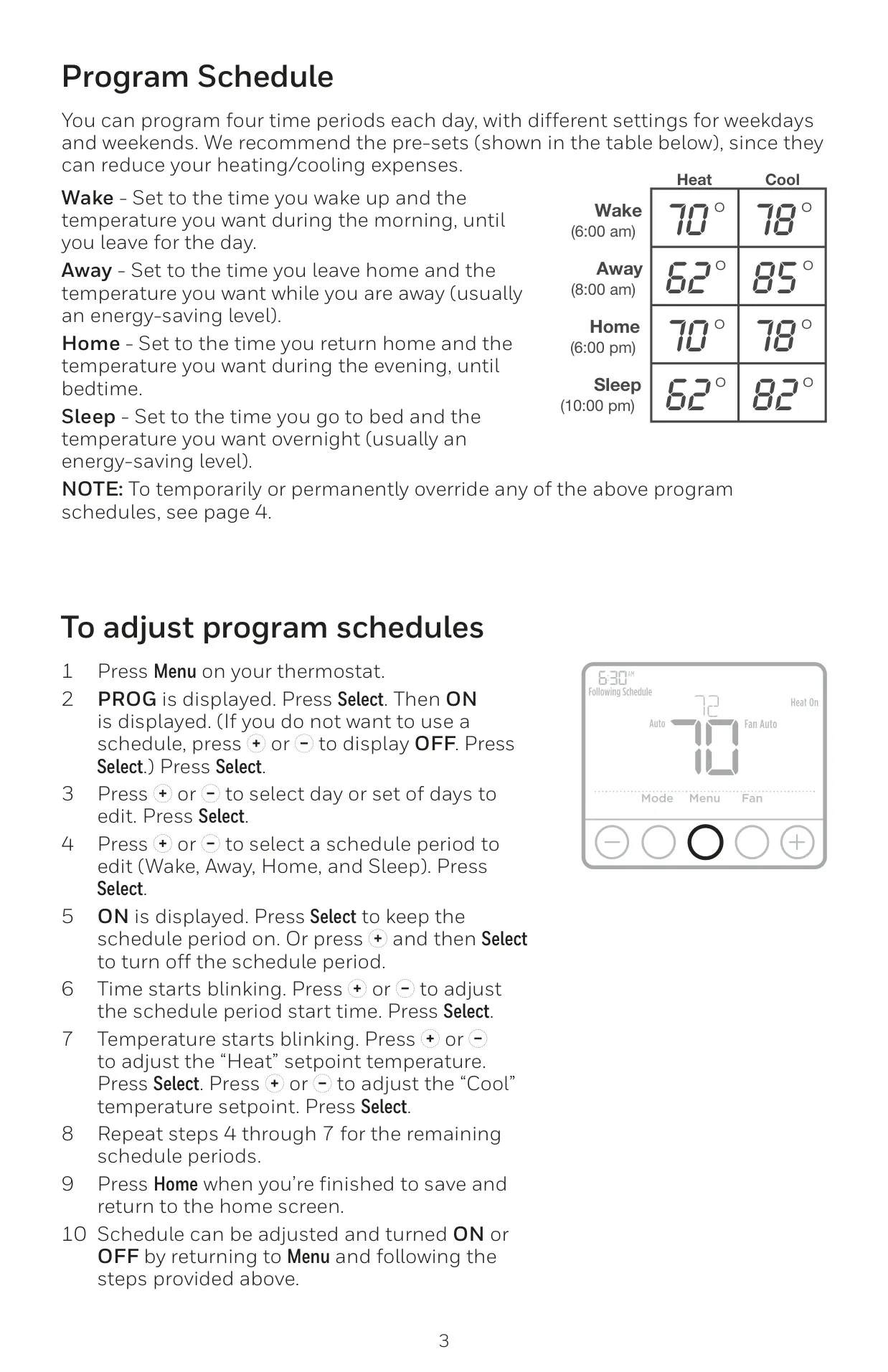
A cornerstone feature of the TH4110U2005 is its robust programmability. Users can effortlessly set up to four distinct time periods daily—Wake, Away, Home, and Sleep—each with customizable temperature settings for both weekdays and weekends. This thermostat supports flexible 5-2 or 5-1-1 programmable schedules, allowing for highly personalized comfort and significant potential energy savings by precisely optimizing heating and cooling cycles. The inclusion of Adaptive Intelligent Recovery further refines efficiency by "learning" your system's performance characteristics, ensuring heating or cooling activates earlier to achieve the desired temperature precisely at your scheduled time.
The TH4110U2005 provides versatile control over your HVAC system through a selection of operation modes: Heat, Cool, Auto, and Off. The "Auto" mode is particularly convenient as it automatically switches between heating and cooling as necessary to maintain your preferred indoor temperature range, eliminating manual adjustments. For air circulation, fan operation can be configured to "Auto," where it runs only when the heating or cooling system is actively operating, or set to "On" for continuous airflow, providing constant ventilation regardless of heating or cooling demand. This flexibility empowers users to finely tune their comfort settings.
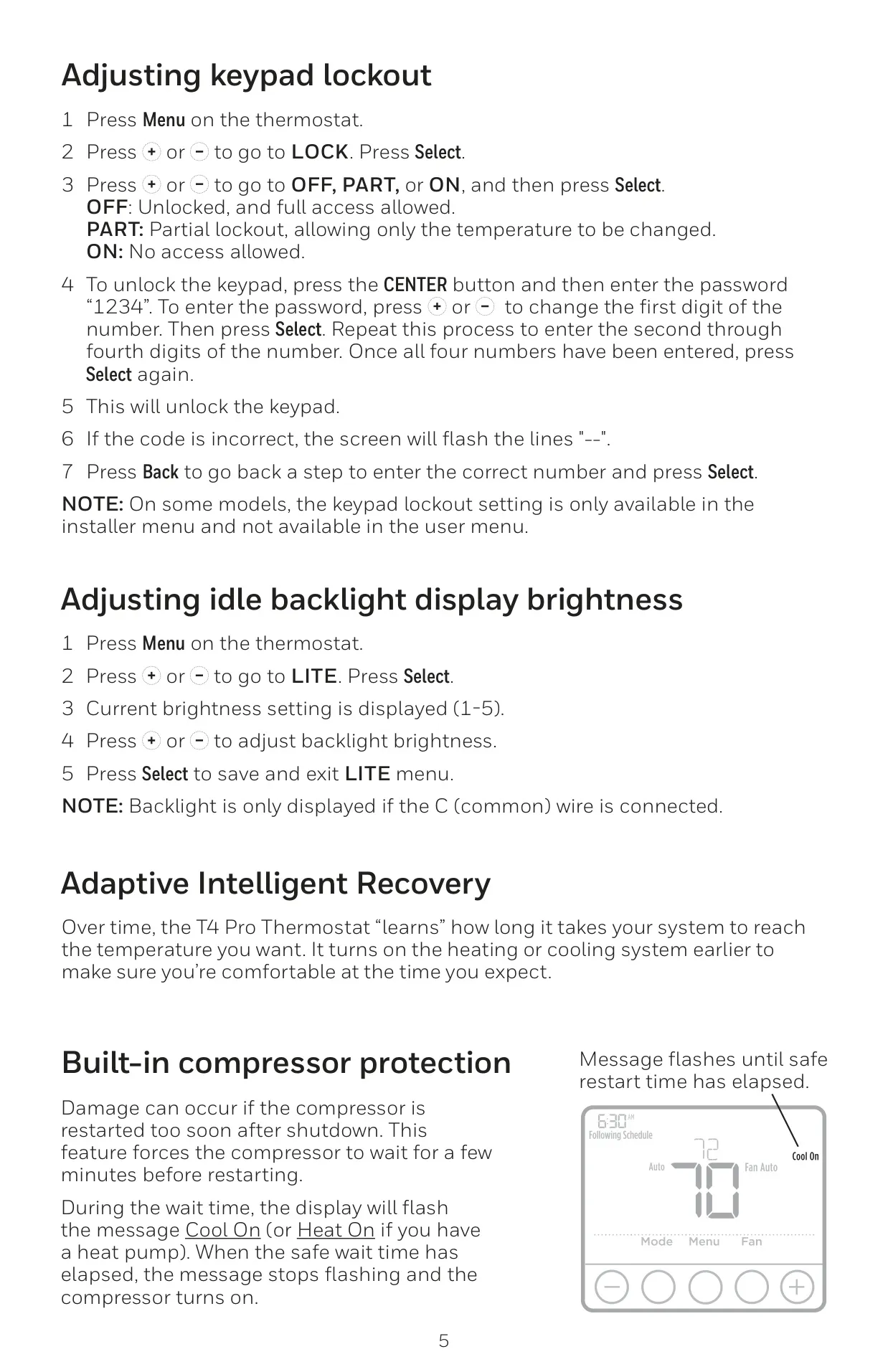
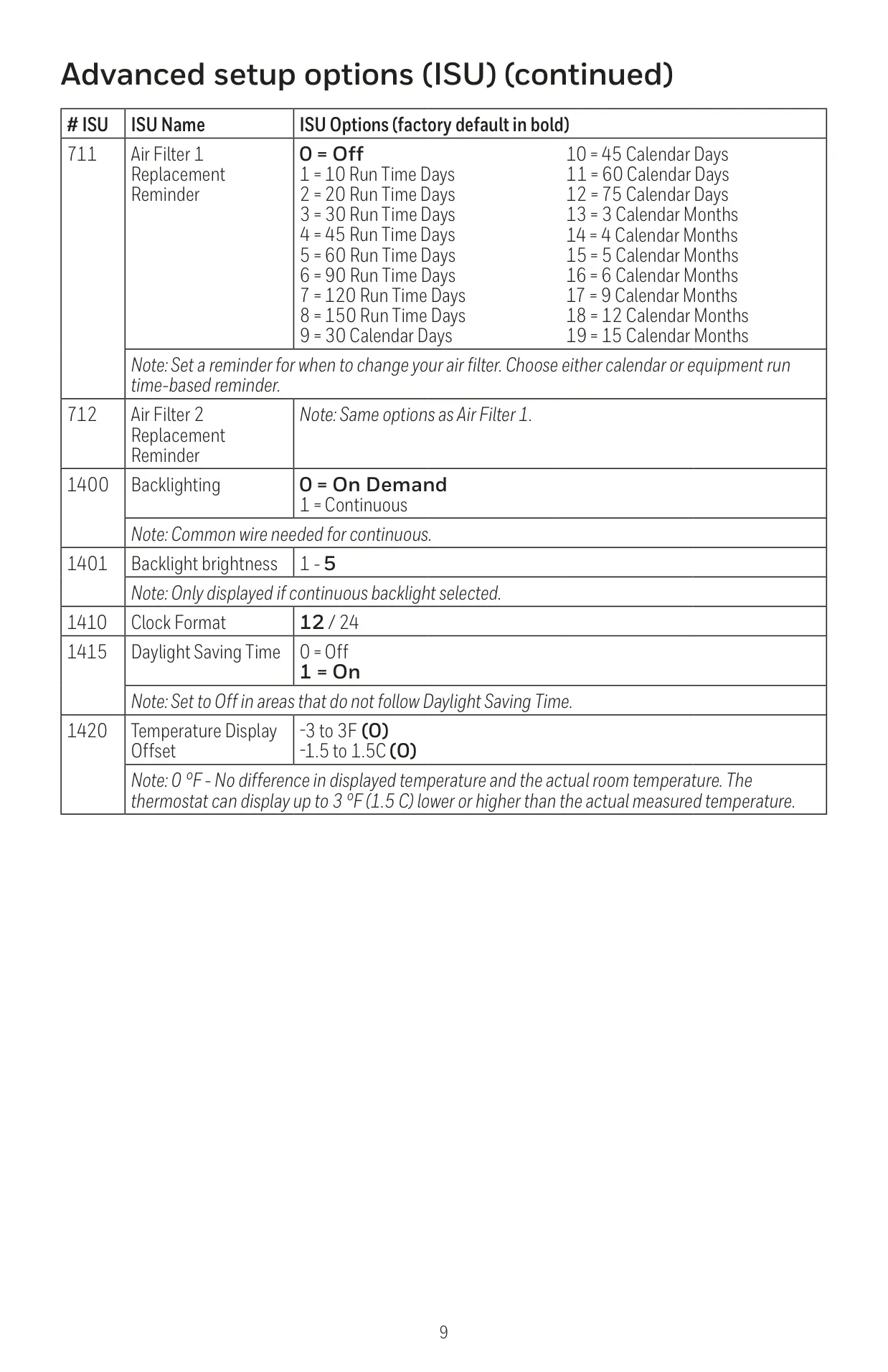
To safeguard your HVAC equipment, the TH4110U2005 integrates a crucial built-in compressor protection feature. This mechanism prevents potential damage by imposing a brief, essential delay before allowing the compressor to restart after a shutdown, thereby extending its operational lifespan. For situations requiring restricted access, a robust keypad lockout function is available. This can be configured for partial lockout, enabling only temperature adjustments, or full lockout, which completely prevents unauthorized changes to settings. Such features ensure both equipment longevity and user control.
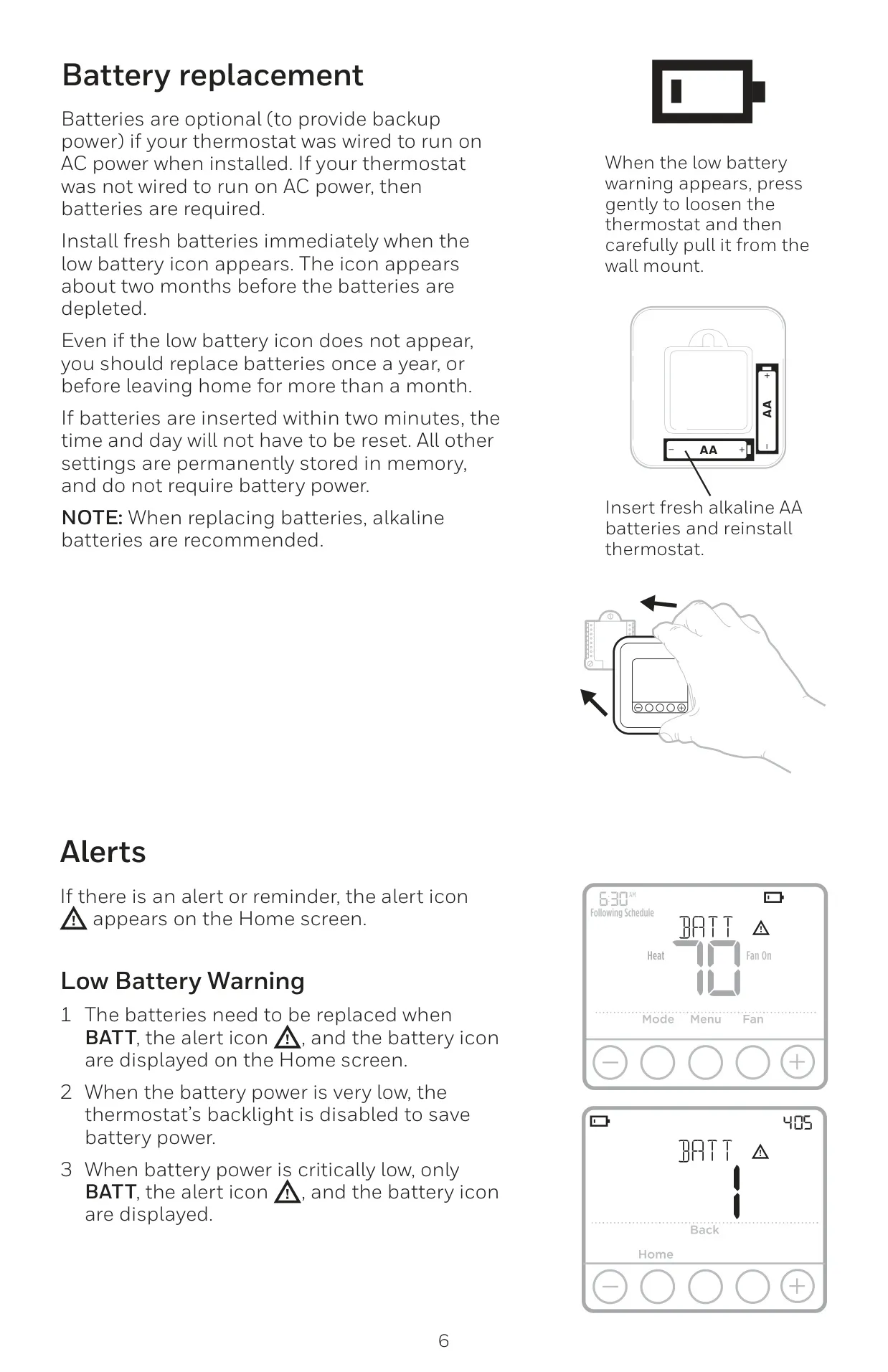
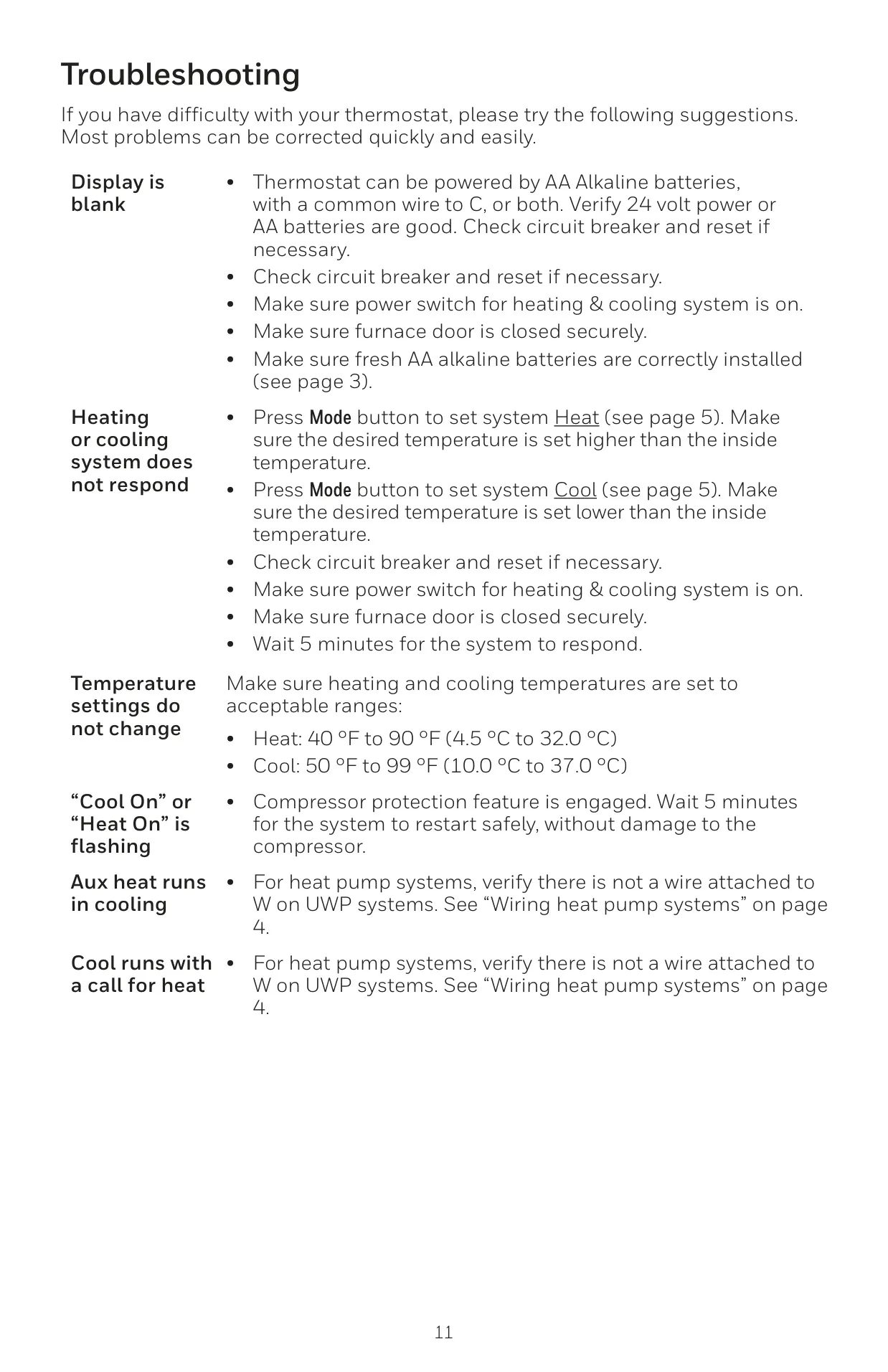
The thermostat simplifies essential upkeep with practical maintenance reminders. It provides a clear low battery warning, indicating approximately two months before depletion, and features an adjustable air filter replacement alert, which can be set based on run time or calendar days. These alerts ensure timely servicing for optimal system performance and indoor air quality. Power flexibility is another advantage, with the TH4110U2005 operating on AC power via a common (C) wire or two AA batteries. All settings are permanently stored, and time/day settings are retained if batteries are replaced within two minutes, minimizing re-configuration efforts.
Frequently Asked Questions (FAQs)
Can't find the answer you need? Here are some frequently asked questions about the Honeywell TH4110U2005 T4 Pro Thermostat, and we answer them below.