Honeywell RTH111B Thermostat Instruction Manual
Honeywell RTH111B Thermostat




Honeywell RTH111B Thermostat

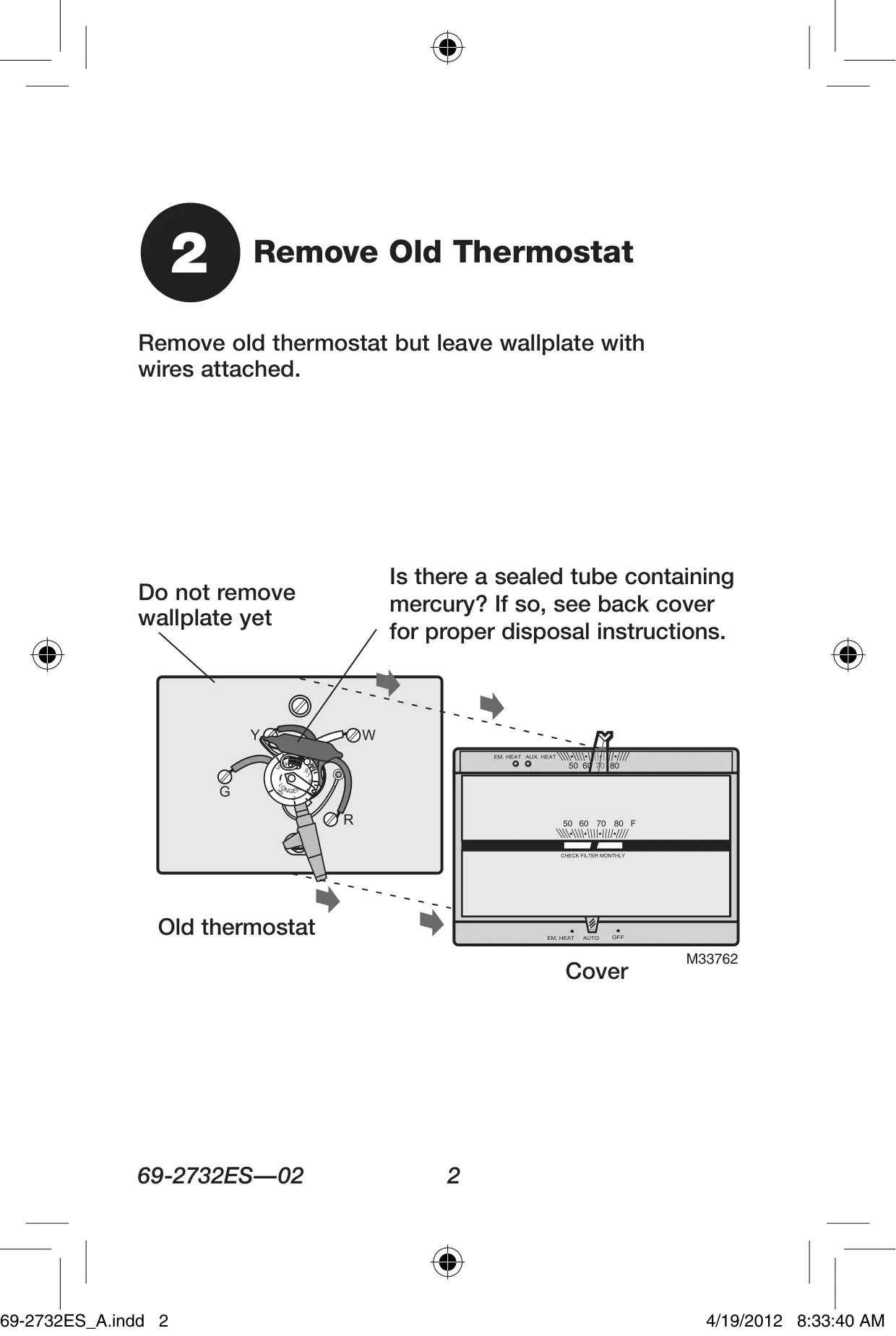
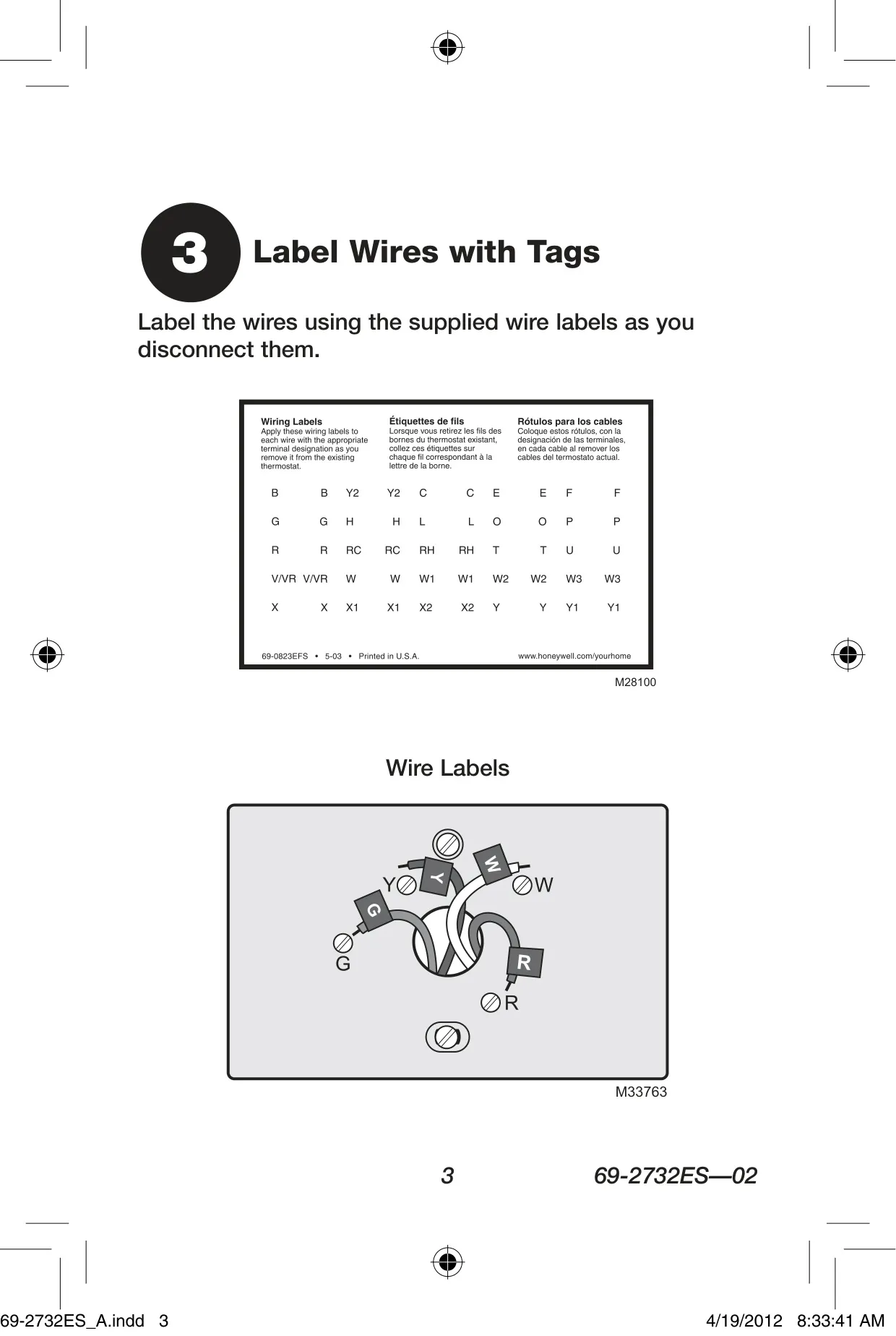

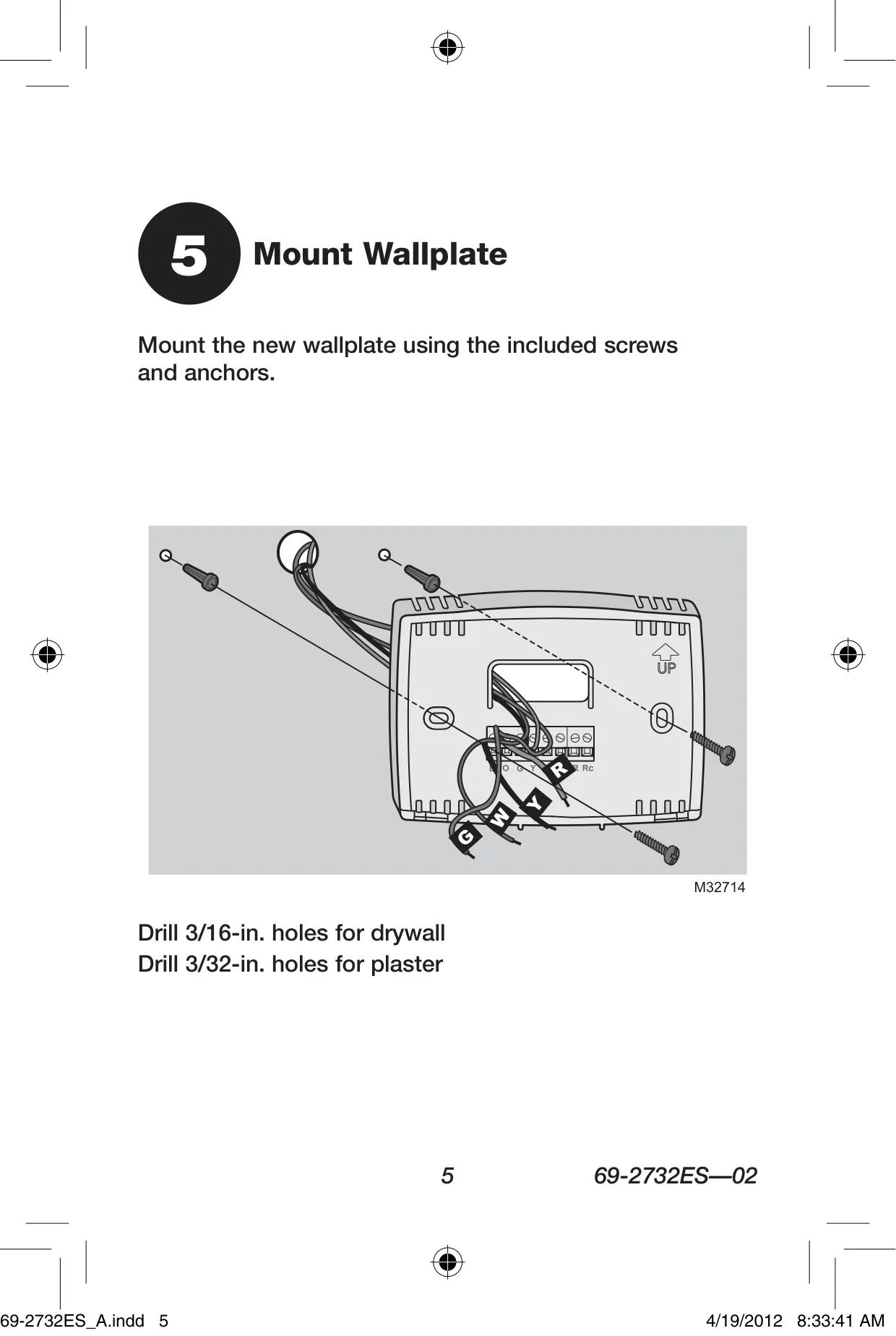

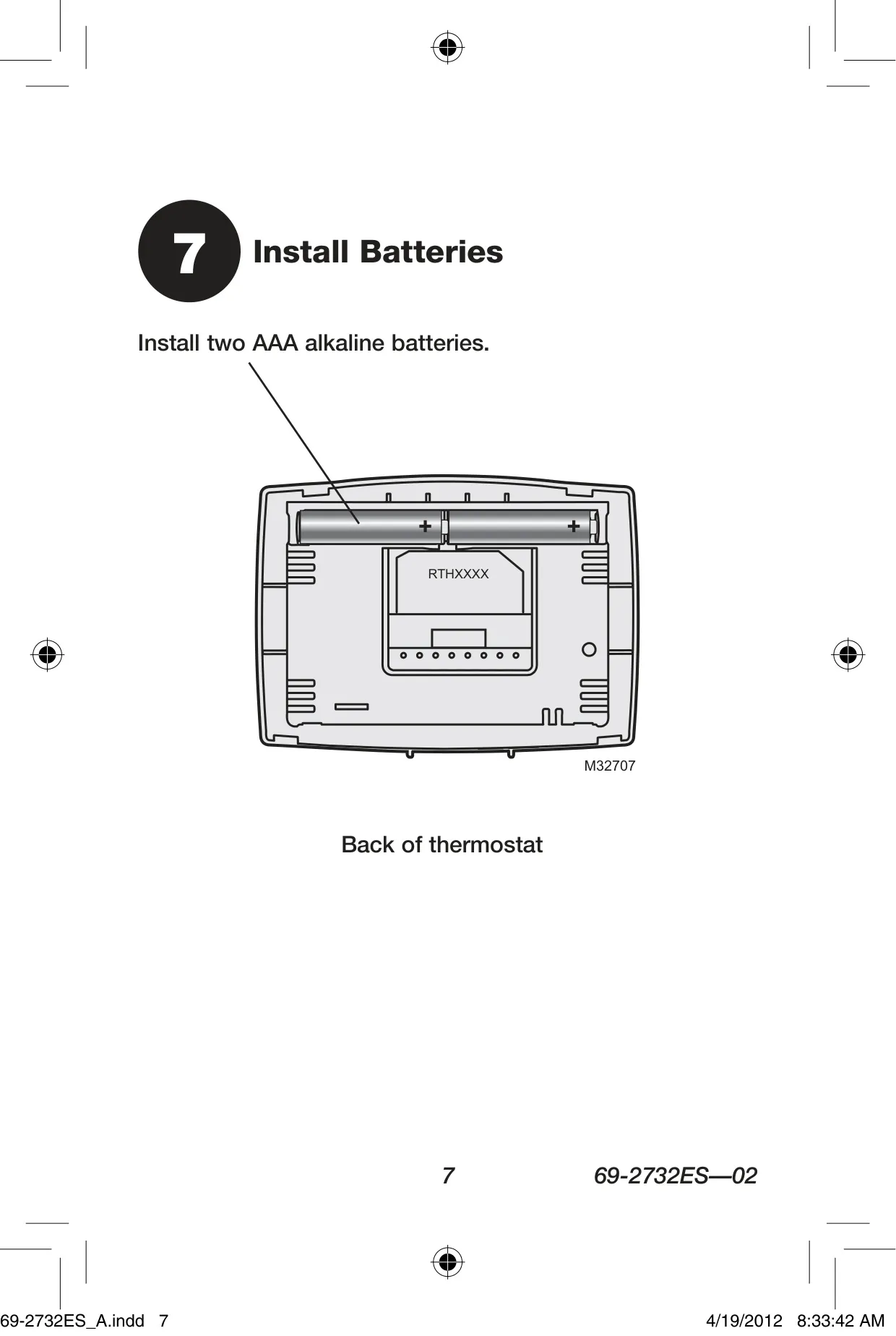



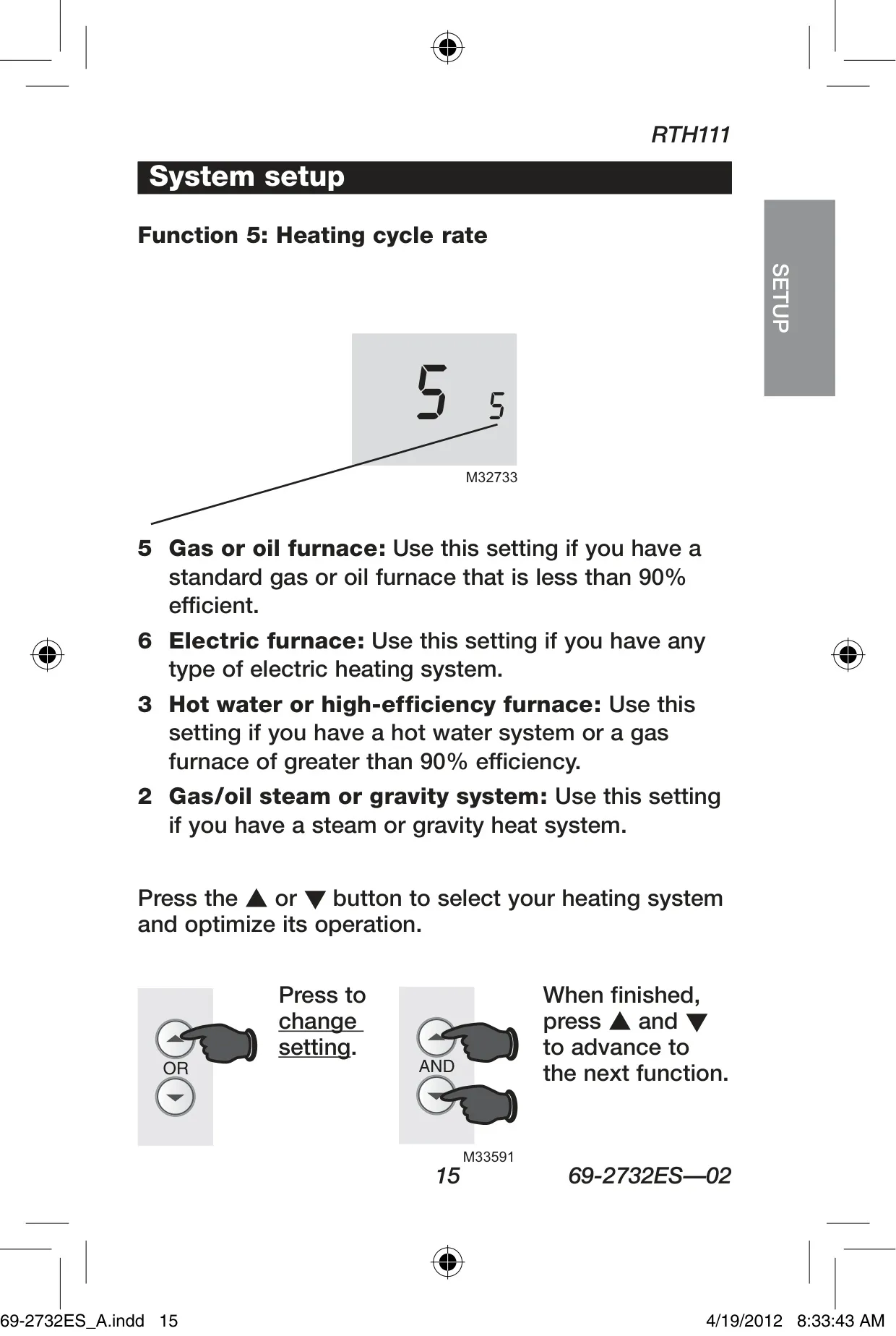


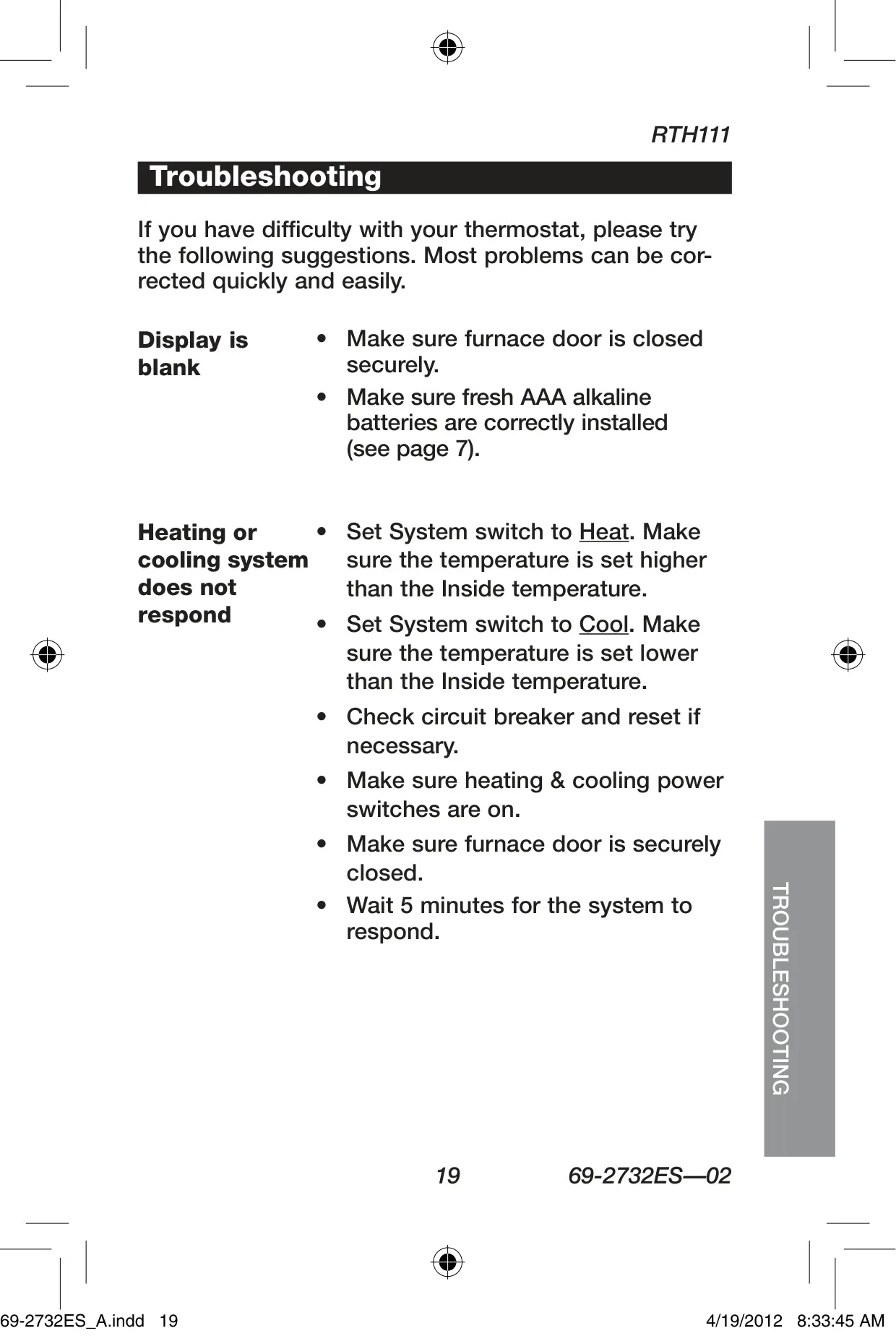


Honeywell RTH111B Instructions
Here we offer the Honeywell RTH111B Thermostat manual completely free and in English. We have cataloged this manual in the Thermostats section on Manualverse, and it has been rated by 1 users with an average rating of 5. If you have any specific questions about Honeywell RTH111B Thermostat, we suggest checking the Frequently Asked Questions (FAQs) section of this manual.
Product Images
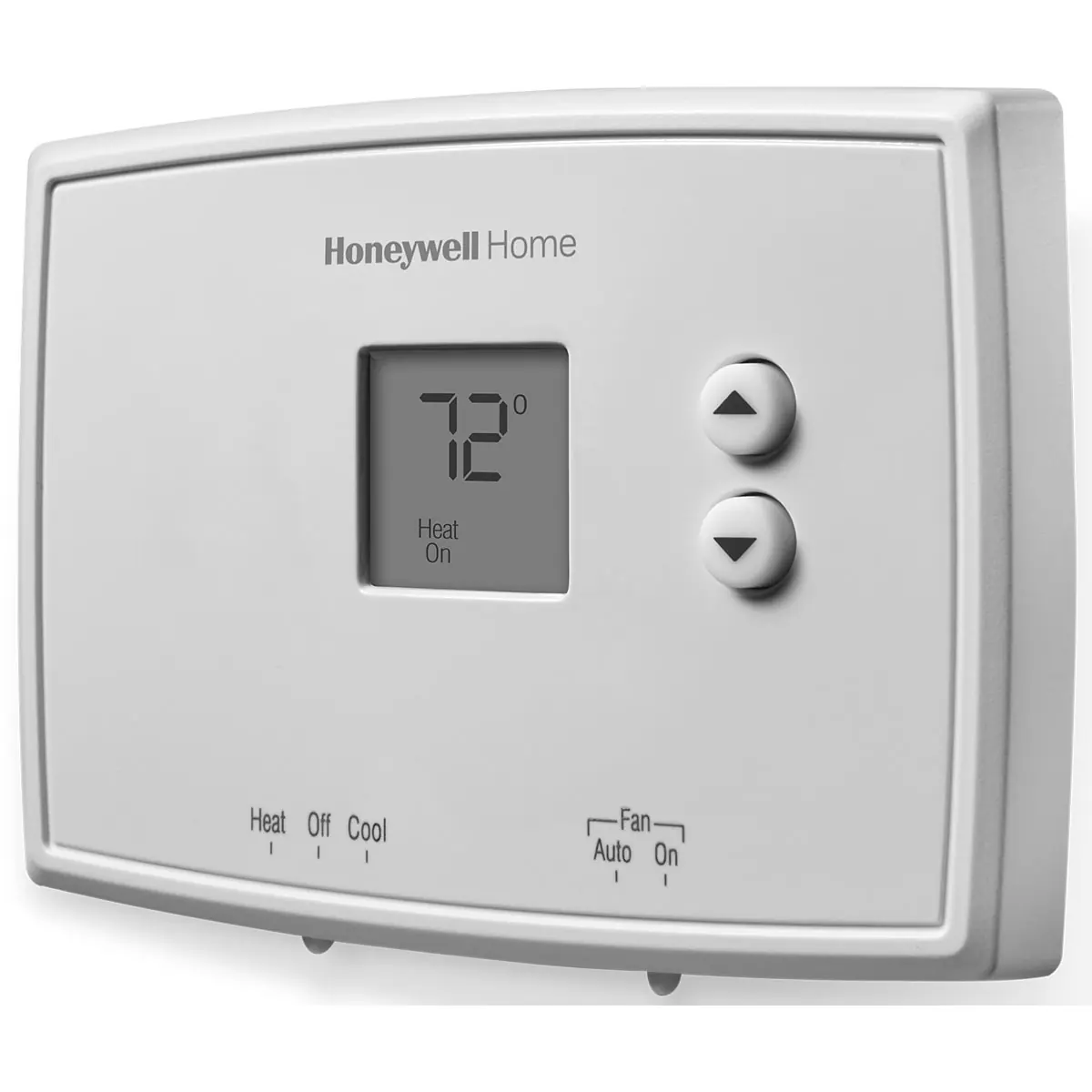
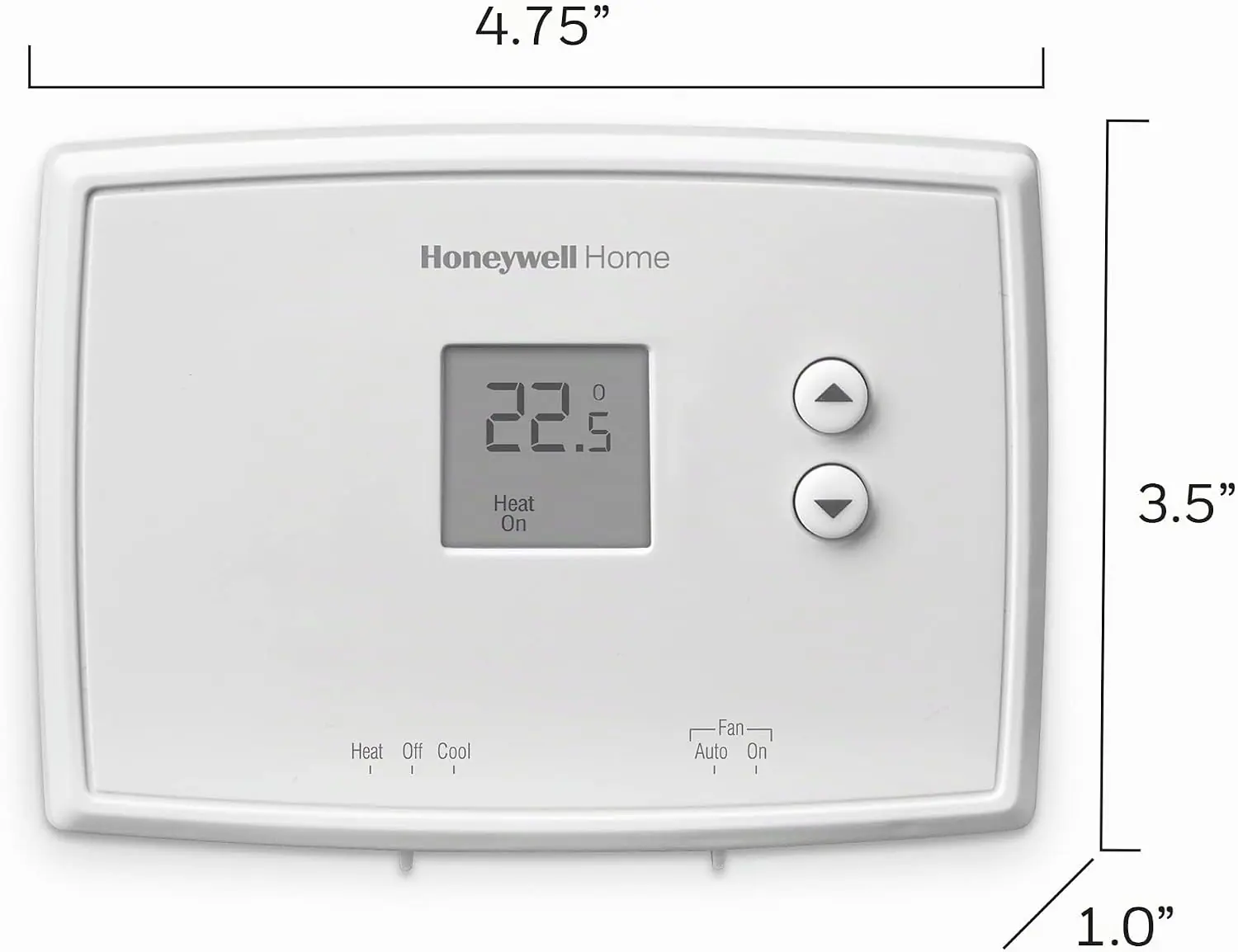
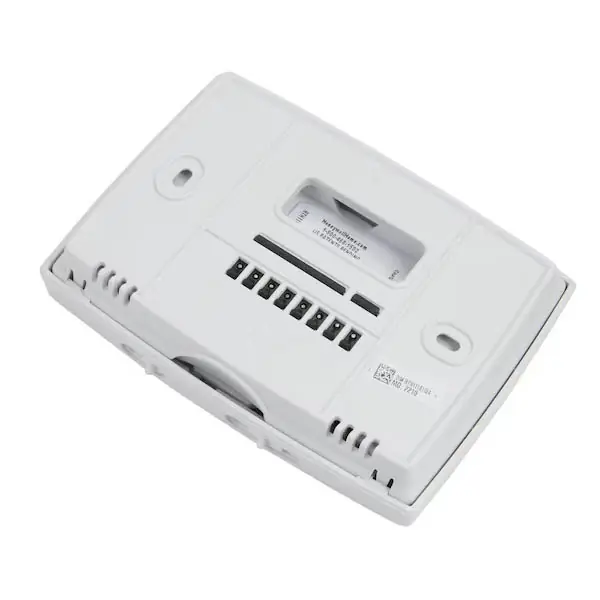
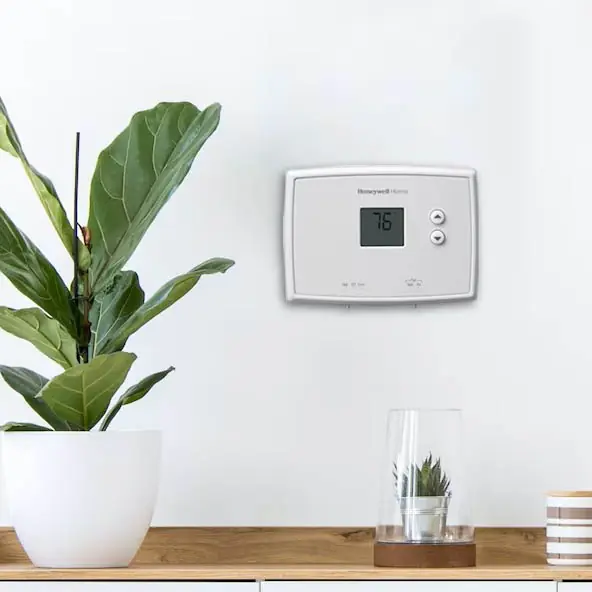
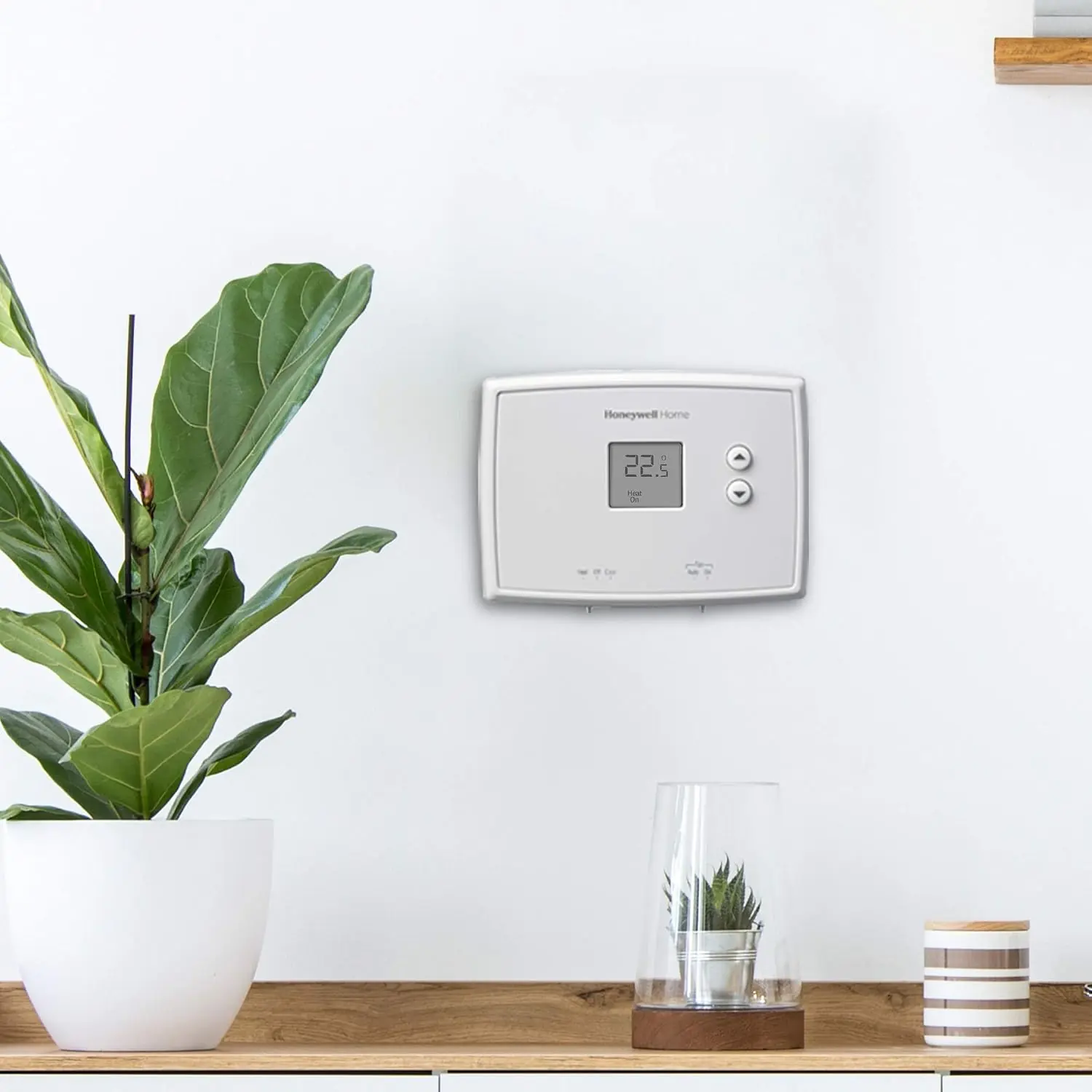
Honeywell RTH111B Thermostat Specifications
| Feature | Specification |
|---|---|
| Model | RTH111B1042 |
| Thermostat Type | Non-Programmable |
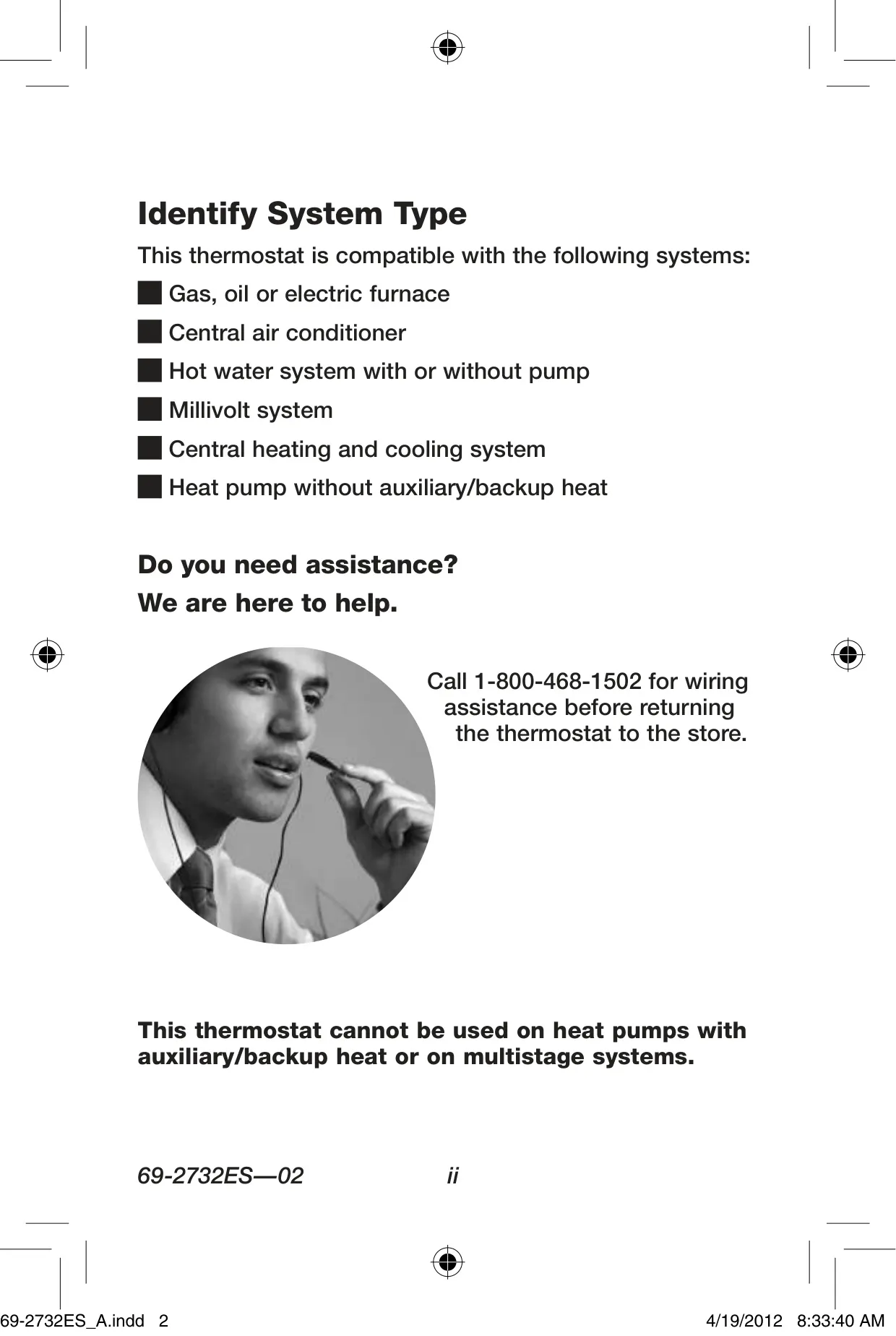
| System Compatibility | Gas, oil or electric furnace; Central air conditioner; Hot water system (with or without pump); Millivolt system; Central heating and cooling system; Heat pump without auxiliary/backup heat |
| System Incompatibility | Heat pumps with auxiliary/backup heat; Multi-stage systems; 120/240 Volt systems |
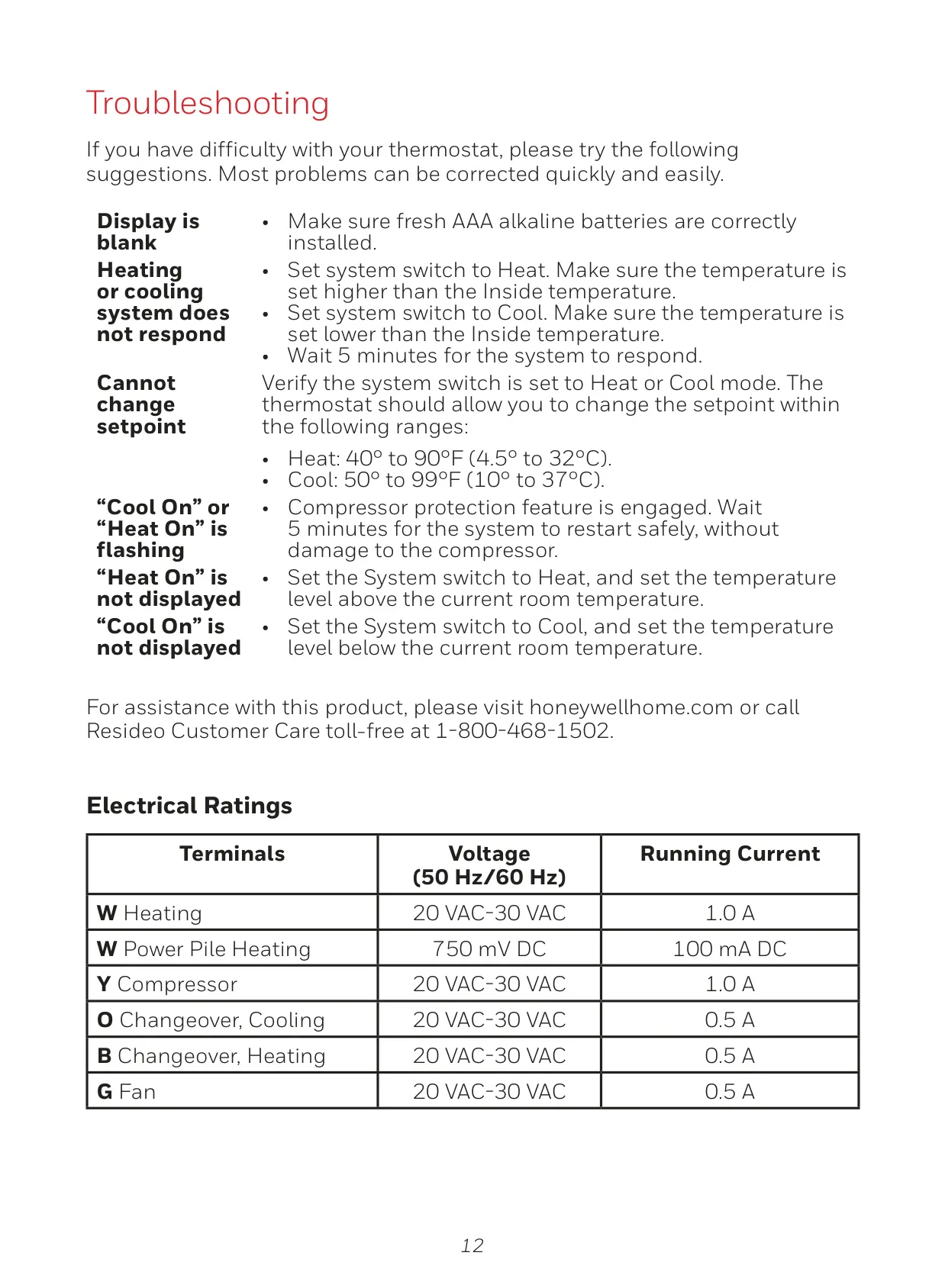
| Heating (W) Electrical Rating | 20 VAC-30 VAC, 1.0 A |
| Power Pile Heating (W) Electrical Rating | 750 mV DC, 100 mA DC |
| Compressor (Y) Electrical Rating | 20 VAC-30 VAC, 1.0 A |
| Changeover, Cooling (O) Electrical Rating | 20 VAC-30 VAC, 0.5 A |
| Changeover, Heating (B) Electrical Rating | 20 VAC-30 VAC, 0.5 A |
| Fan (G) Electrical Rating | 20 VAC-30 VAC, 0.5 A |
| Temperature Display Unit | Fahrenheit (°F) or Celsius (°C) |
| Heating Setpoint Range | 40° to 90°F (4.5° to 32°C) |
| Cooling Setpoint Range | 50° to 99°F (10° to 37°C) |
| Power Source | 2 AAA alkaline batteries |
| Compressor Protection | Approx. 5-minute wait before restarting |
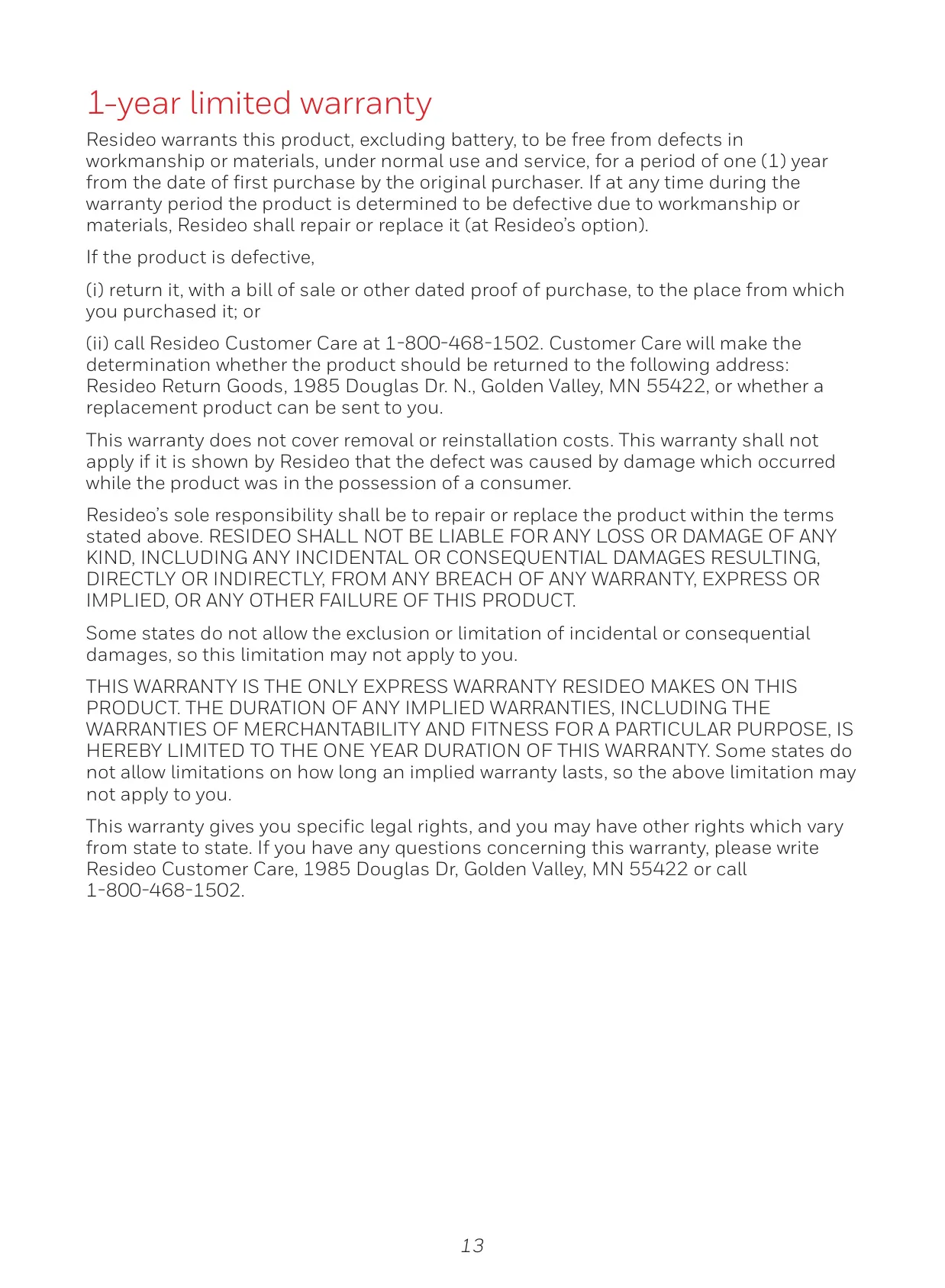
| Warranty | 1-year limited warranty by Resideo |
Honeywell RTH111B Thermostat Details
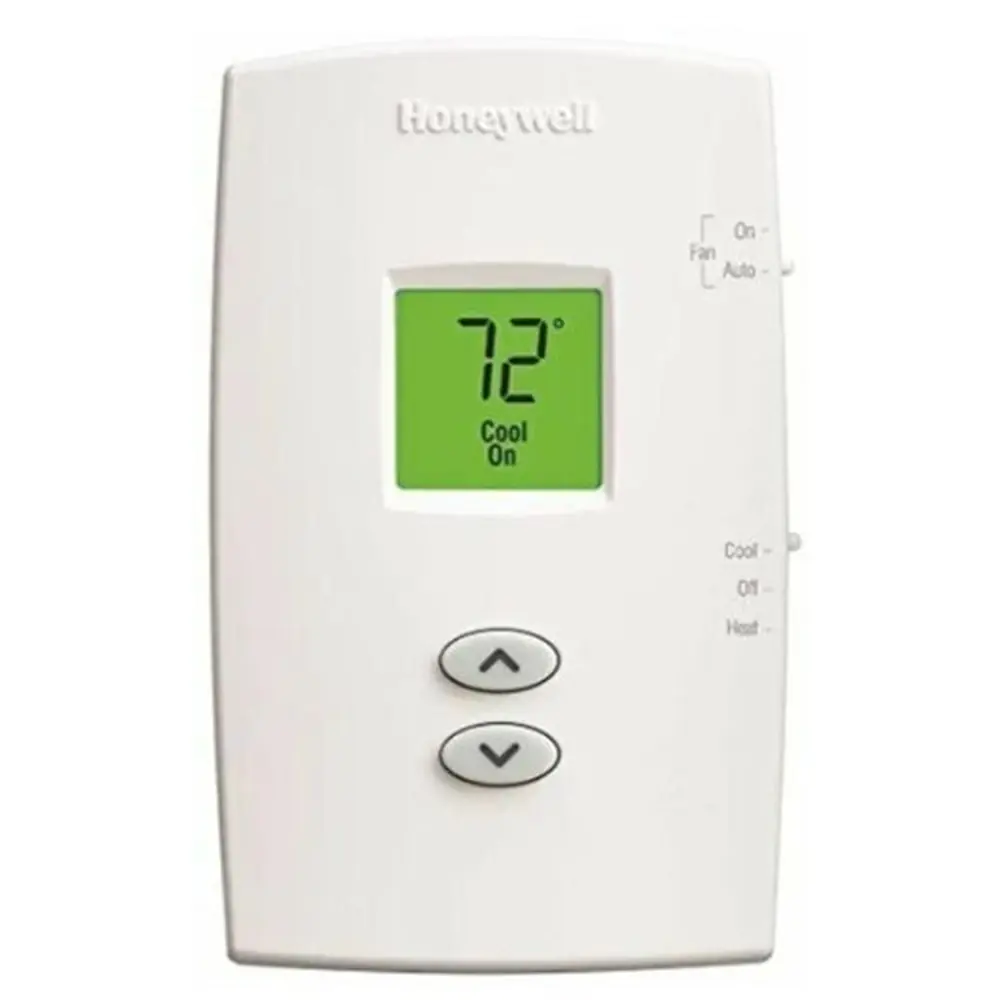
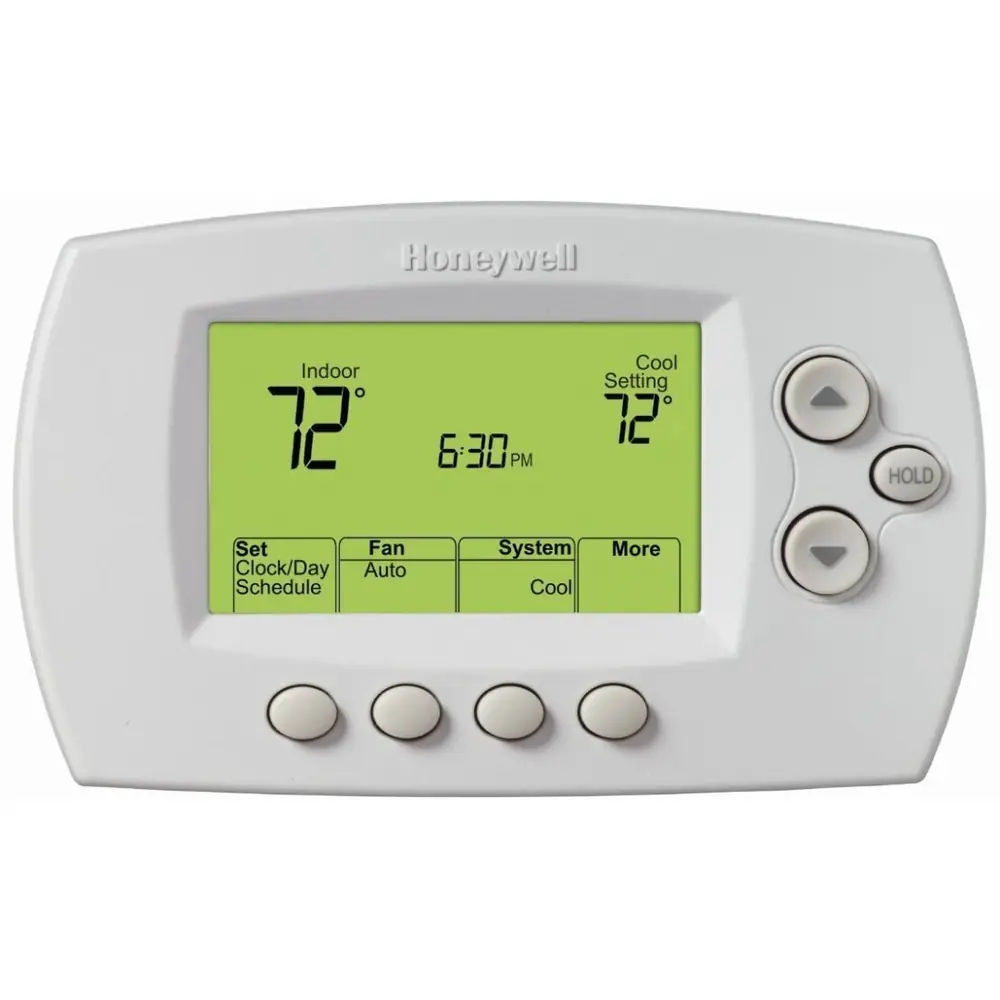
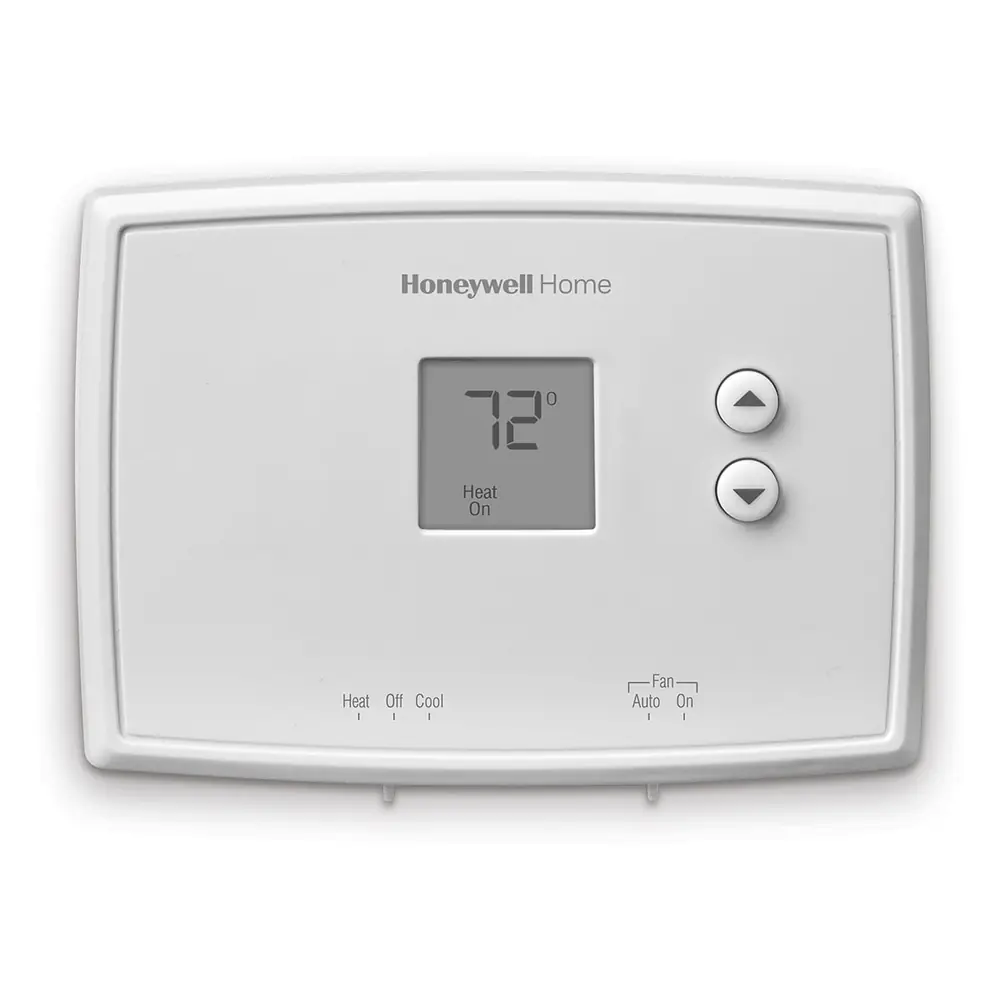
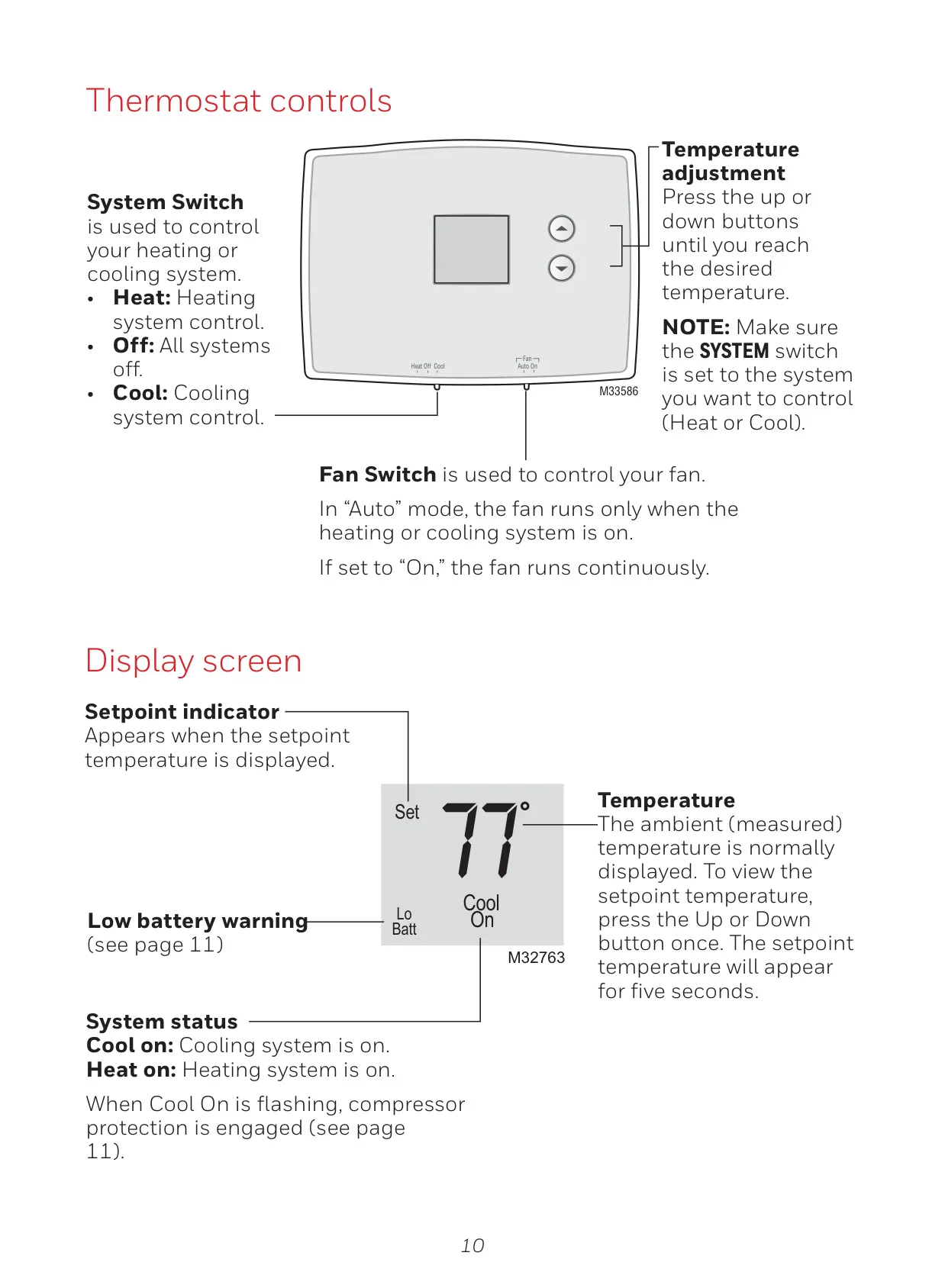
The Honeywell RTH111B thermostat stands out for its straightforward design, delivering reliable and easy-to-use climate control without the complexities of programming. This non-programmable model consistently displays the current ambient temperature, offering users an immediate and clear view of their indoor environment. Adjusting the desired setpoint is effortlessly achieved with a simple press of the Up or Down buttons, allowing for quick modifications to your home's heating or cooling needs. Its intuitive interface ensures that comfort is always just a touch away.
Direct control is at your fingertips with the distinct system and fan switches. The System Switch enables selection between Heat, Off, or Cool modes, granting precise command over your HVAC system's primary function. Complementing this, the Fan Switch provides two essential settings: "Auto" mode, which intelligently runs the fan only when active heating or cooling is required, and "On" mode, for continuous airflow. These manual controls are fundamental to the thermostat's philosophy, providing immediate and responsive environmental management.
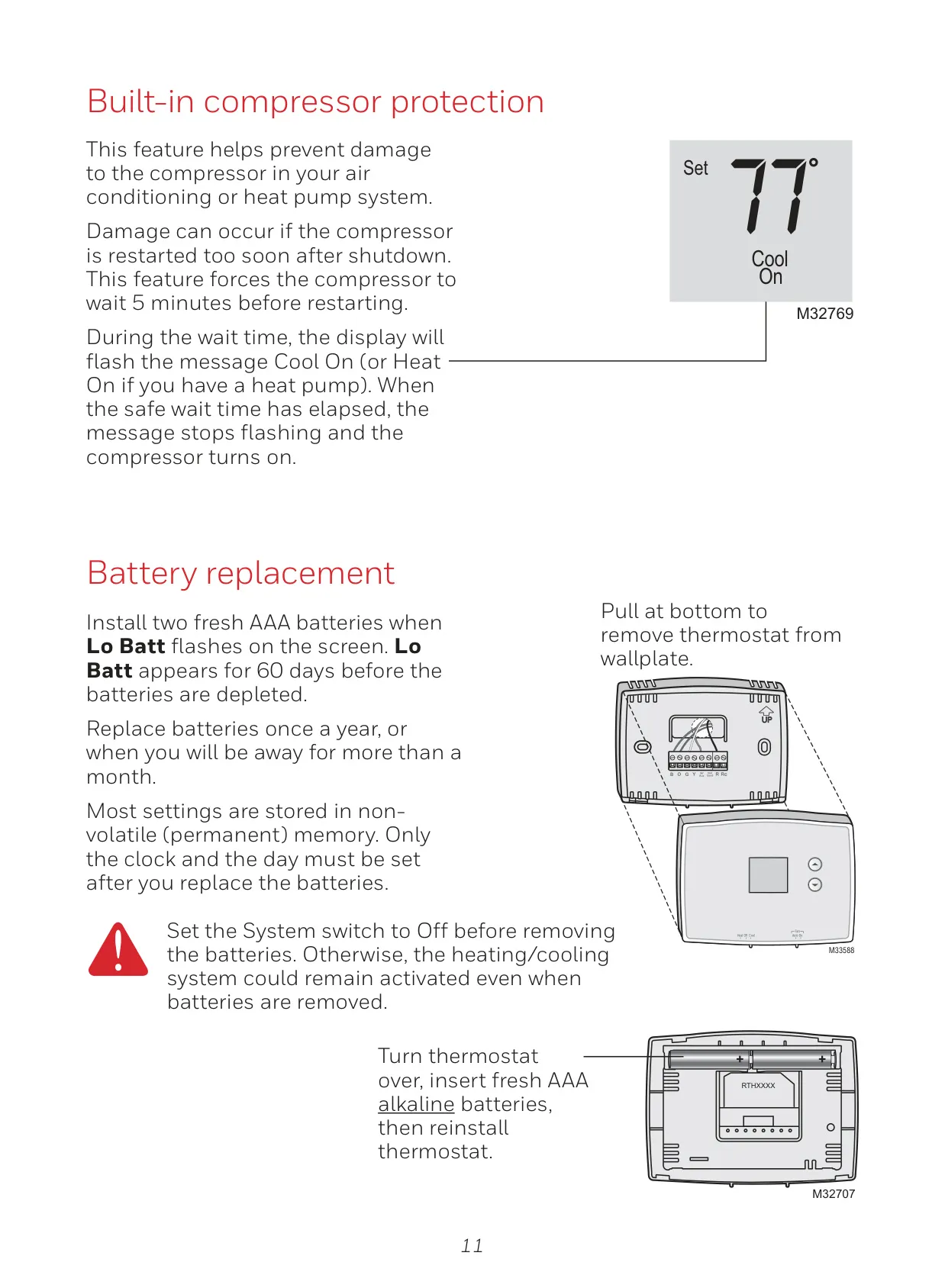
A critical integrated feature is the Compressor Protection, safeguarding your air conditioning or heat pump system from potential damage. This intelligent function introduces an approximate 5-minute delay before the compressor restarts, preventing harmful rapid cycling. During this protective wait time, the display will prominently flash "Cool On" or "Heat On," informing you that the system is operating safely. This ensures the longevity and efficiency of your valuable HVAC equipment, providing peace of mind.
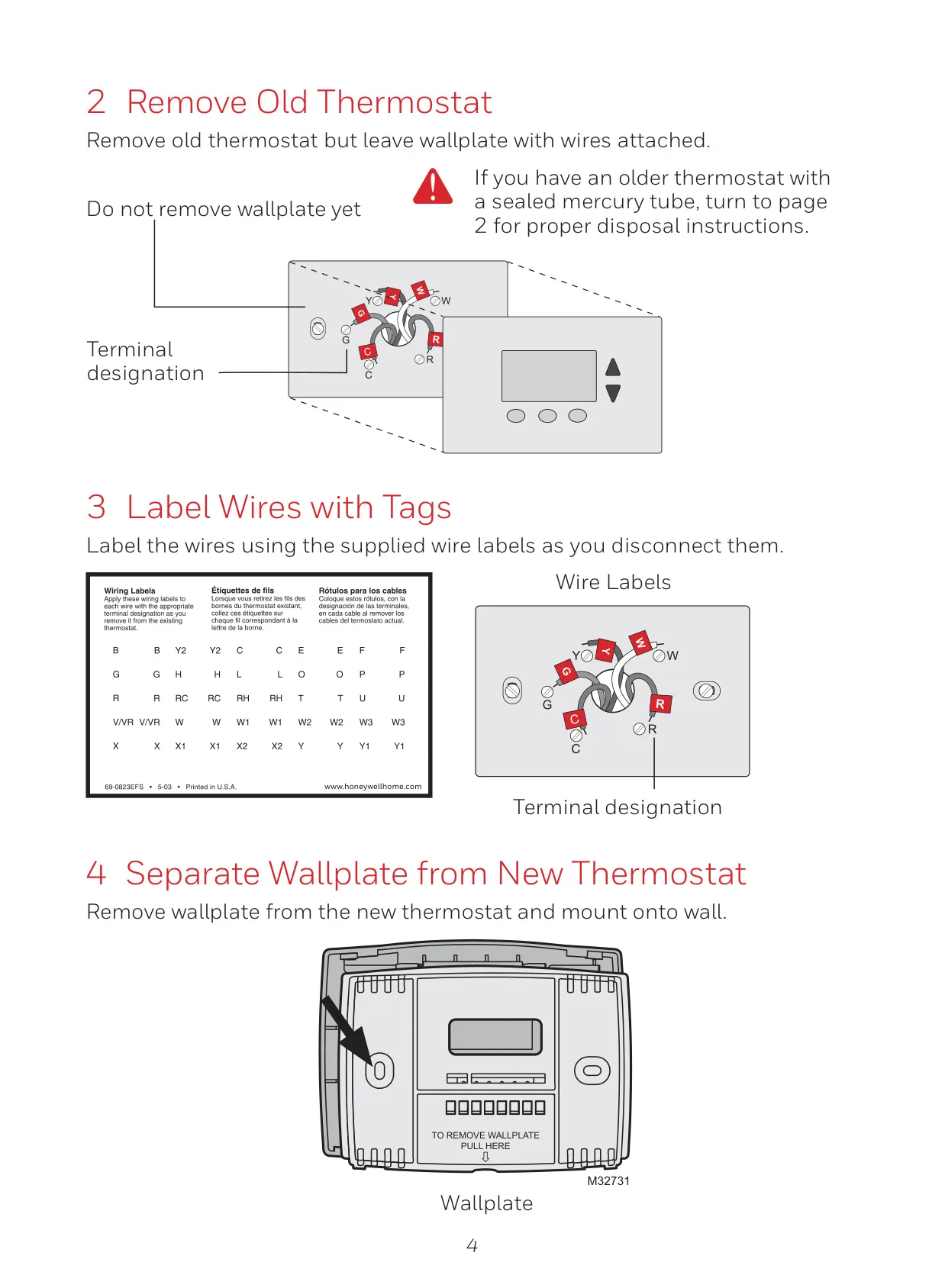
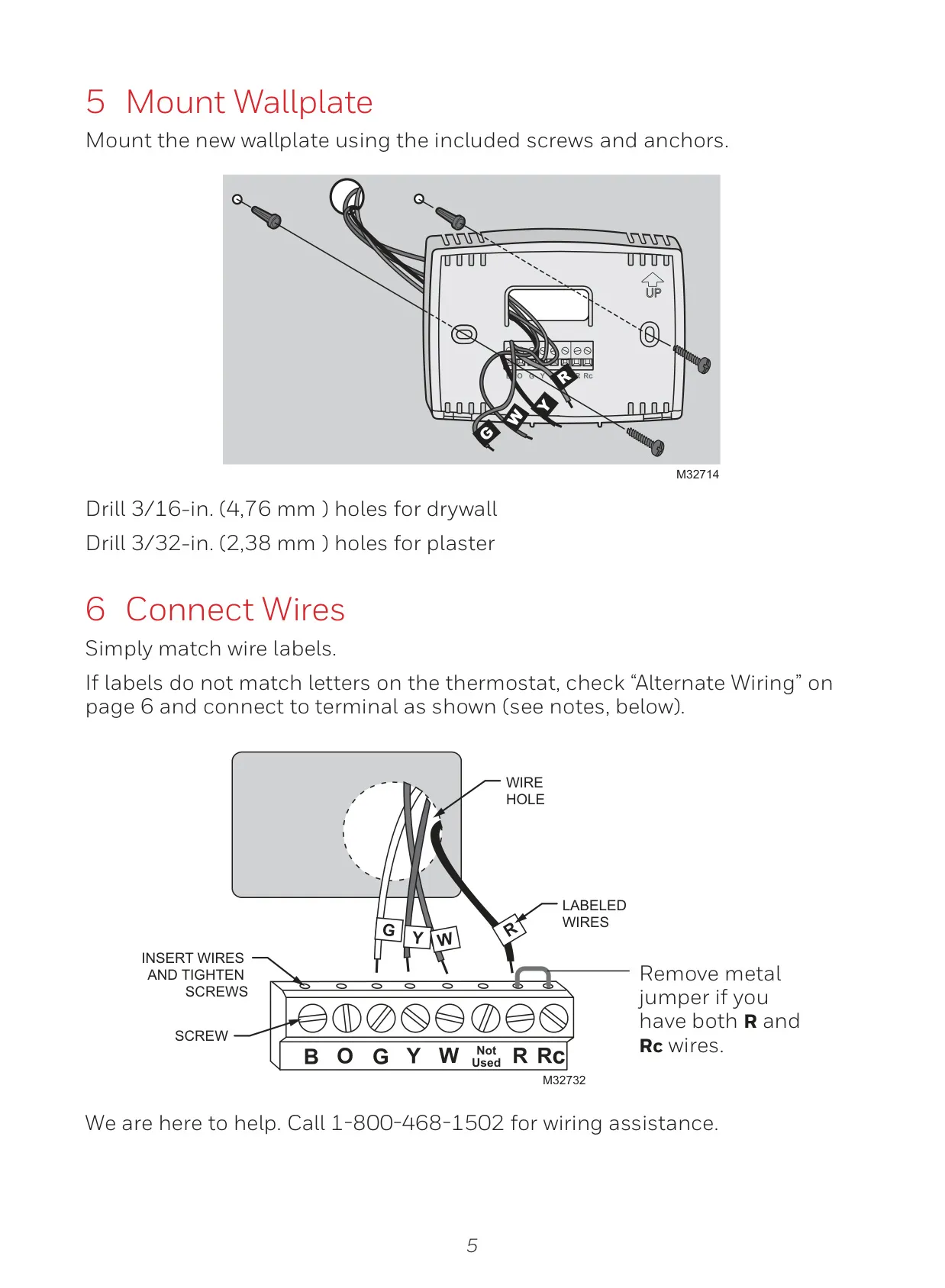
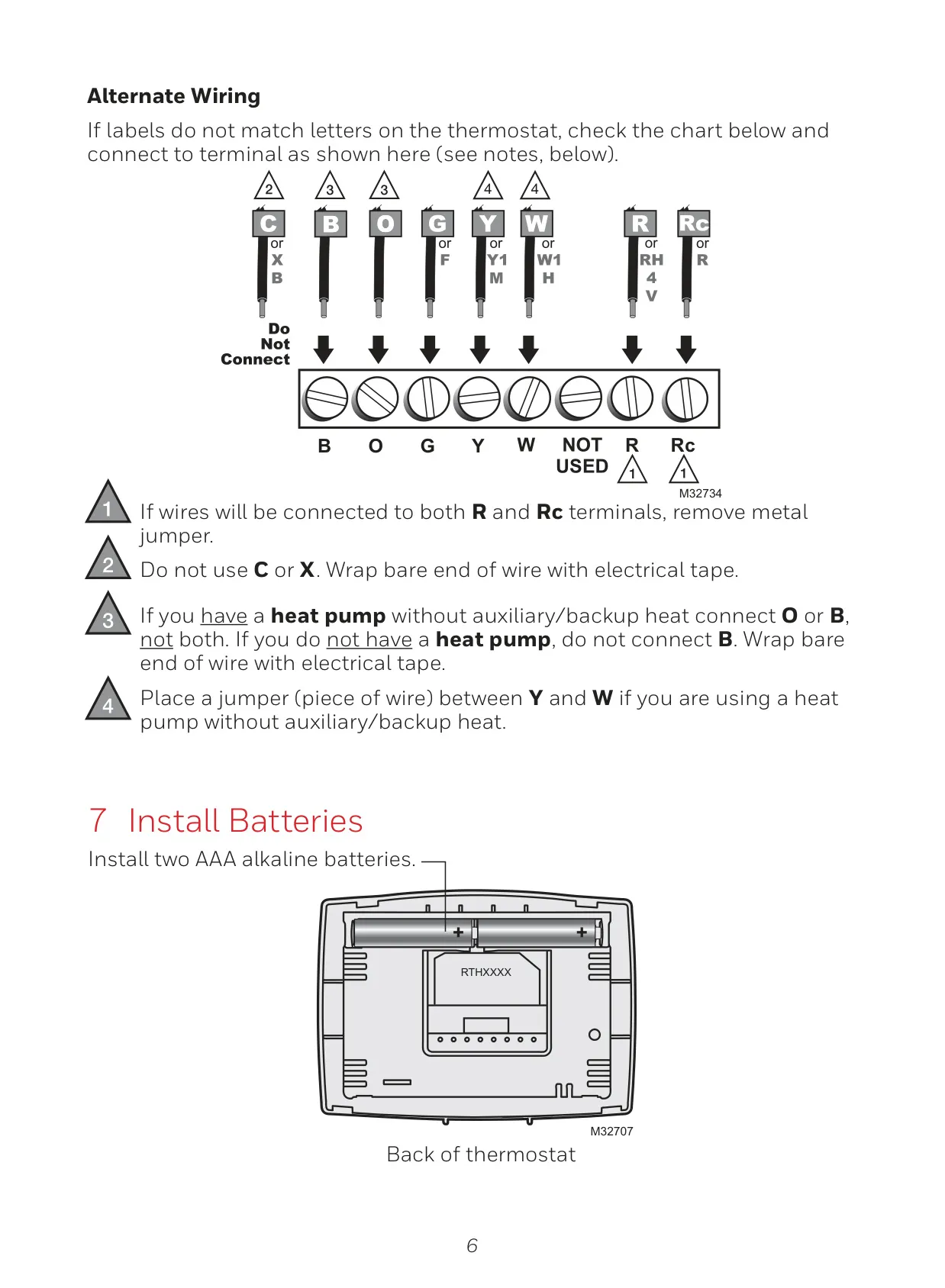
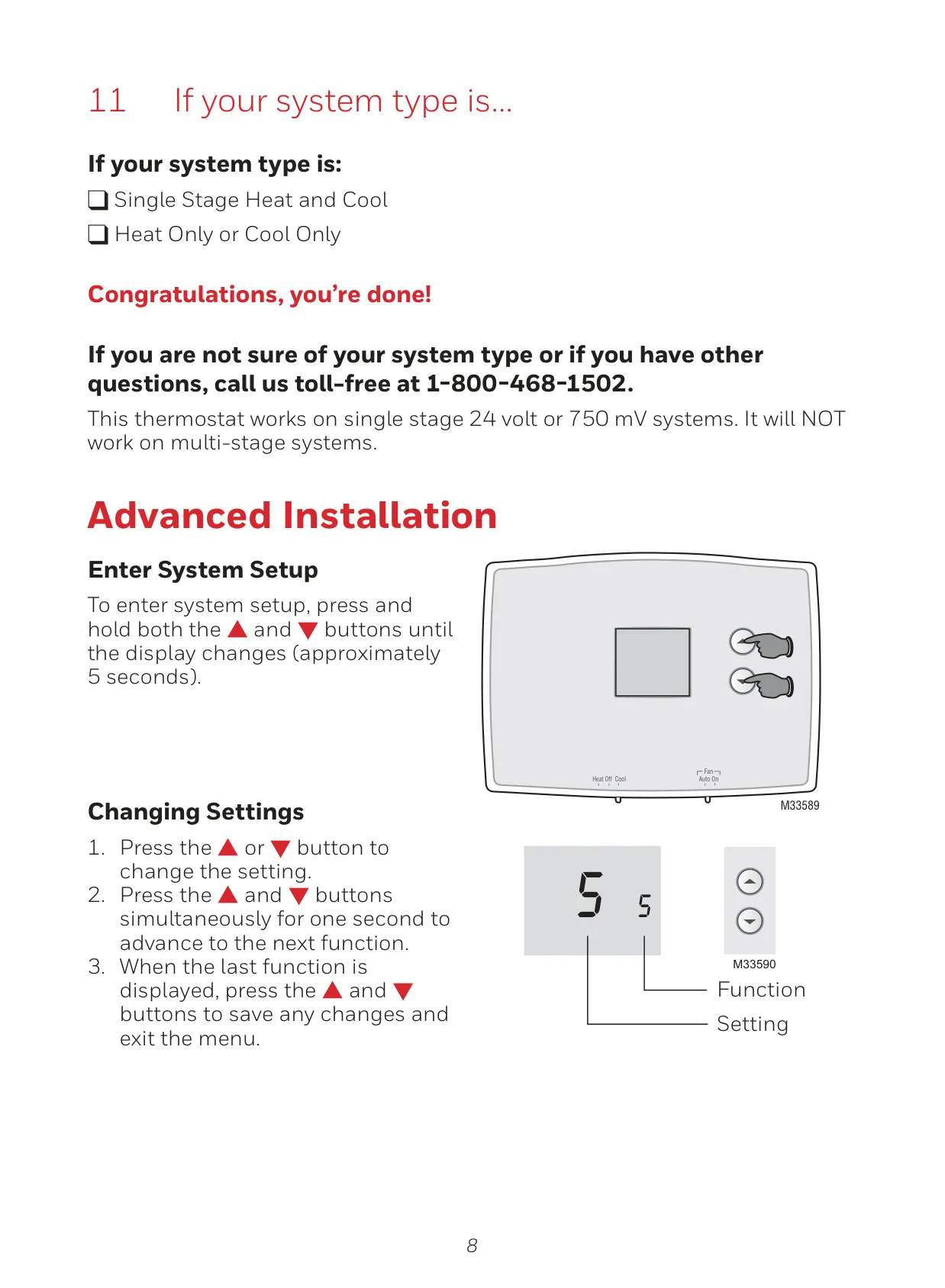
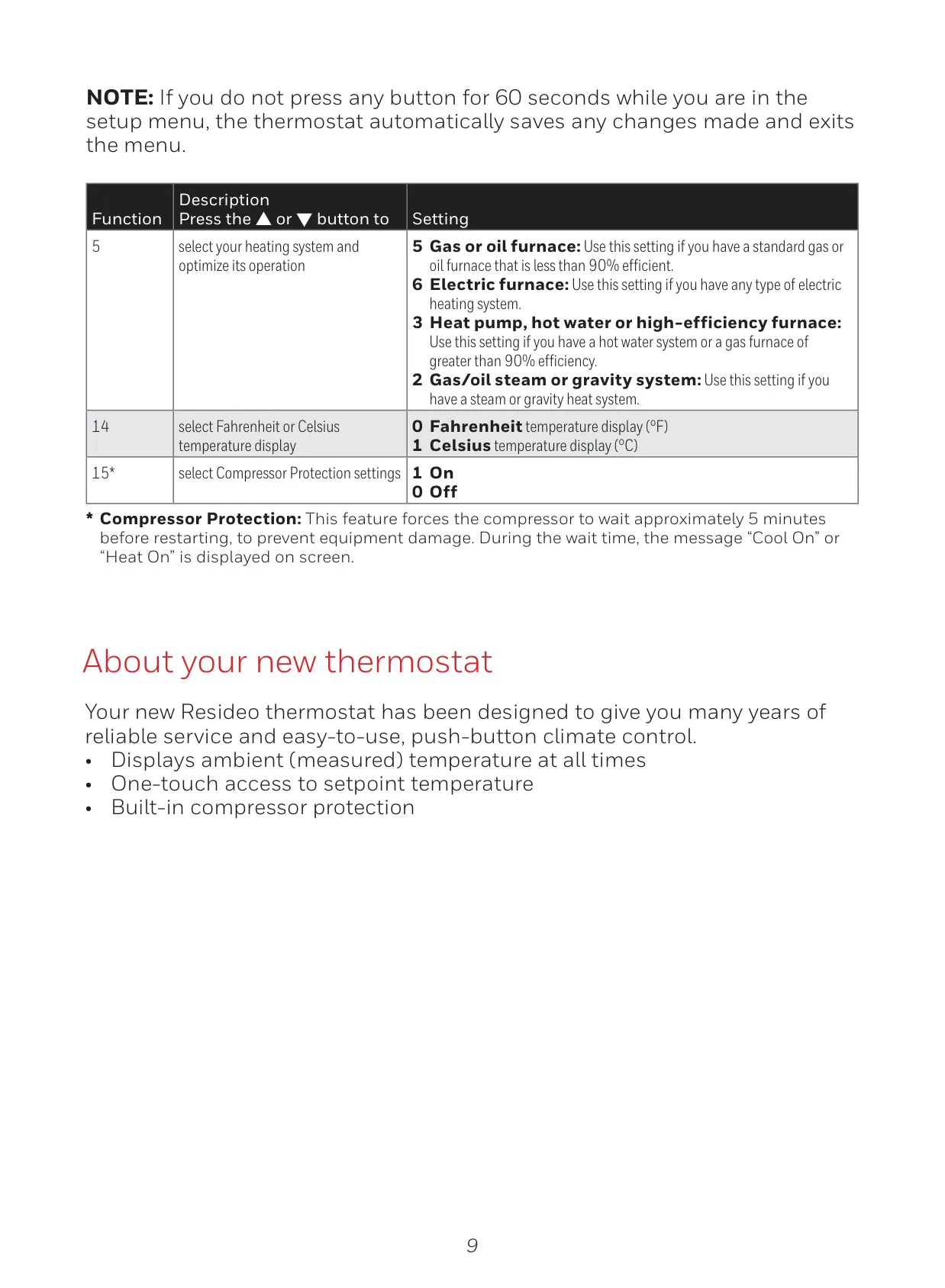
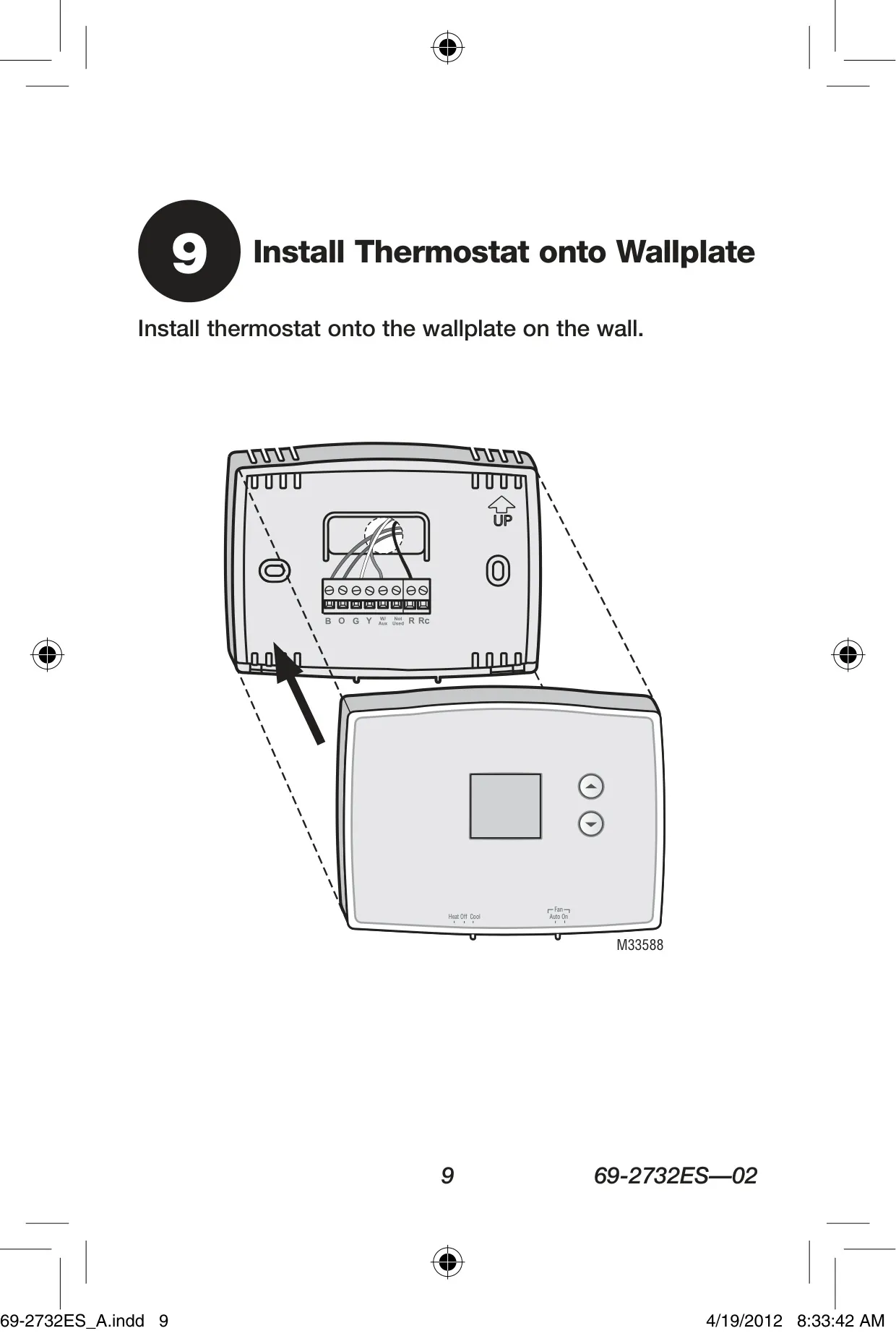
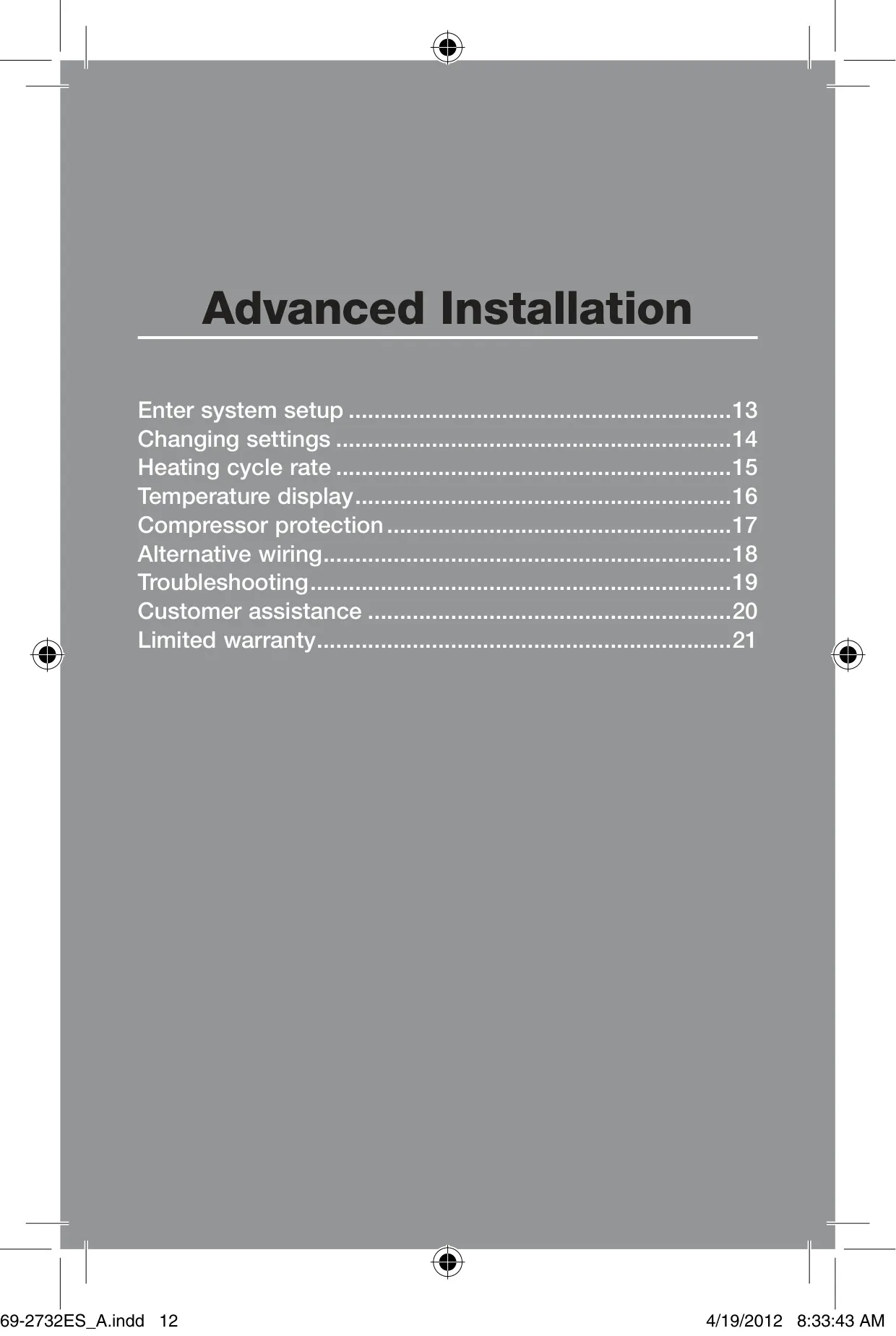
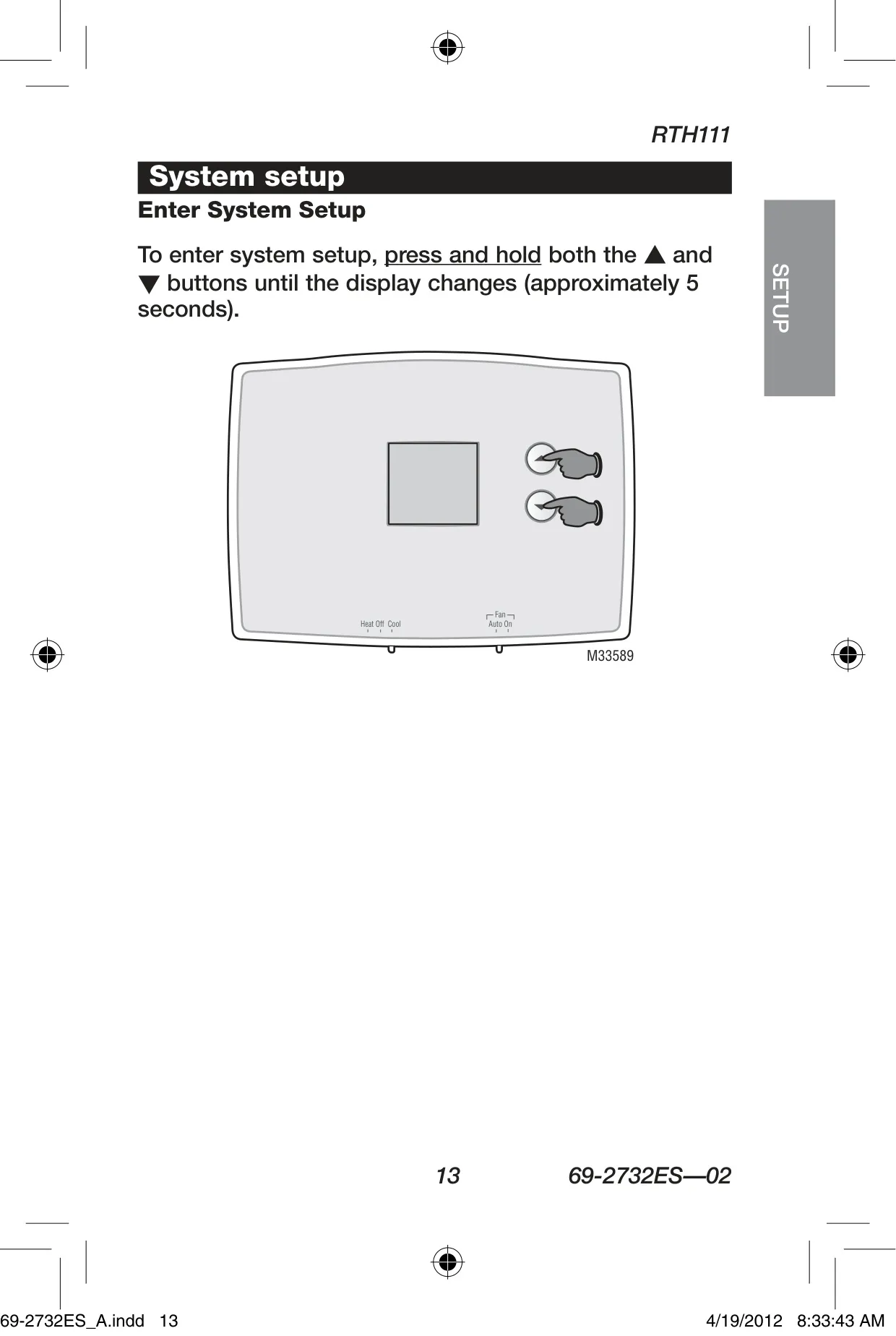
The installation process for the RTH111B is thoughtfully designed for convenience. It includes clear wire labeling tags, simplifying the connection of existing wires to the new wallplate. Beyond basic setup, the thermostat offers advanced configuration options accessible through a simple button press. Users can optimize the heating cycle rate to match their specific furnace type, whether it's gas, oil, electric, or a hot water system. This customization helps ensure efficient and tailored heating performance for various home setups.
Further enhancing user comfort and preference, the RTH111B allows you to select your preferred temperature display unit. You can easily switch between Fahrenheit (°F) and Celsius (°C) through the advanced setup menu, making it suitable for a wider range of users. This attention to detail in presentation, combined with the clear digital display, ensures that monitoring and controlling your home's temperature is always comfortable and understandable. The straightforward nature removes guesswork, focusing purely on immediate climate control.
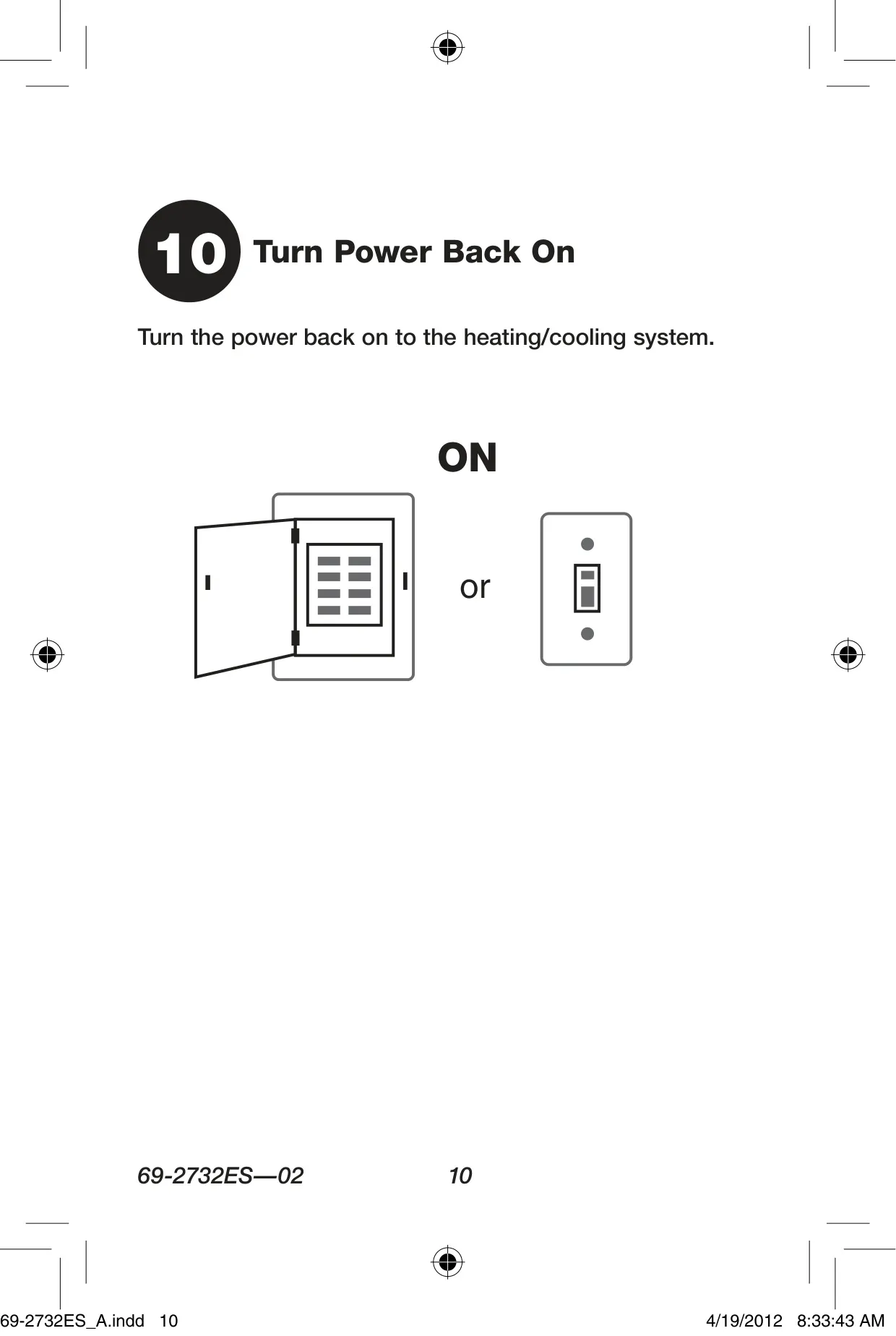
Managing the thermostat's power is hassle-free. It operates on two standard AAA alkaline batteries, and users are alerted well in advance when replacement is needed. A "Lo Batt" warning flashes on the screen for approximately 60 days before the batteries fully deplete, providing ample time for a change. Crucially, most operational settings are stored in nonvolatile (permanent) memory, ensuring they are retained even during battery changes. This feature, combined with a 1-year limited warranty, underscores the product's commitment to reliability and user convenience.
Frequently Asked Questions (FAQs)
Can't find the answer you need? Here are some frequently asked questions about the Honeywell RTH111B Thermostat, and we answer them below.